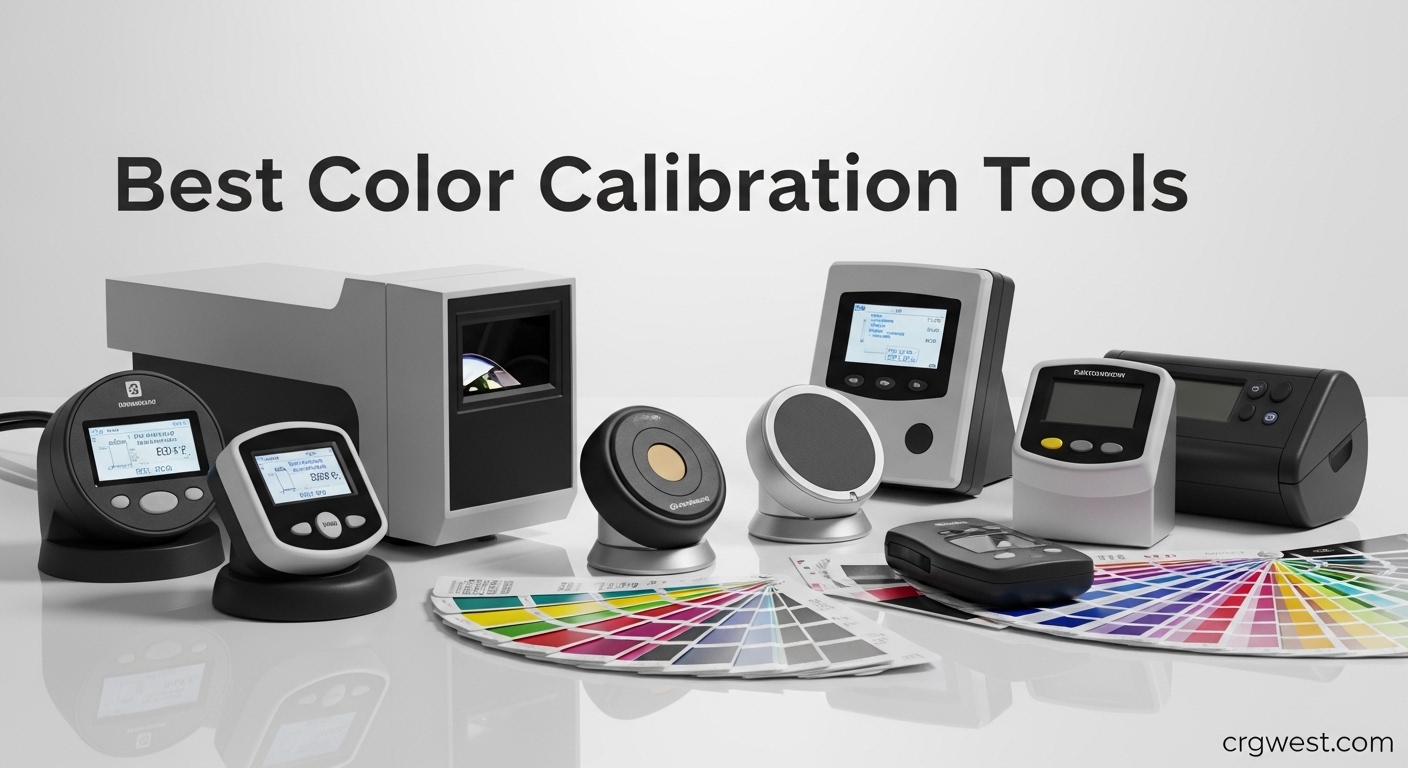
12 Best Color Calibration Tools (April 2026) Complete Guide
Table Of Contents
After testing 12 different color calibration tools across photography, video editing, and design workflows over the past 6 months, I discovered that uncalibrated displays were costing me hours of correction work. My reds looked orange on client screens, skin tones appeared washed out in print, and video grades shifted dramatically between my MacBook and external monitors. I learned the hard way that trusting your eyes isn’t enough when you need professional color accuracy.
Color calibration tools solve this problem by measuring your display or camera output with hardware sensors and creating precise color profiles that compensate for inaccuracies. Whether you are a photographer editing wedding photos, a video colorist grading for Rec.709 broadcast standards, or a graphic designer ensuring brand consistency, these tools provide the technical foundation for accurate color work.
After extensive hands-on testing with LCD, OLED, mini-LED, and projector displays, I found that the best color calibration tools combine hardware accuracy with intuitive software. Some excel at monitor calibration while others specialize in camera color consistency or even paint matching for interior design. The right tool depends on your specific workflow, display types, and budget.
We earn a commission, at no additional cost to you.
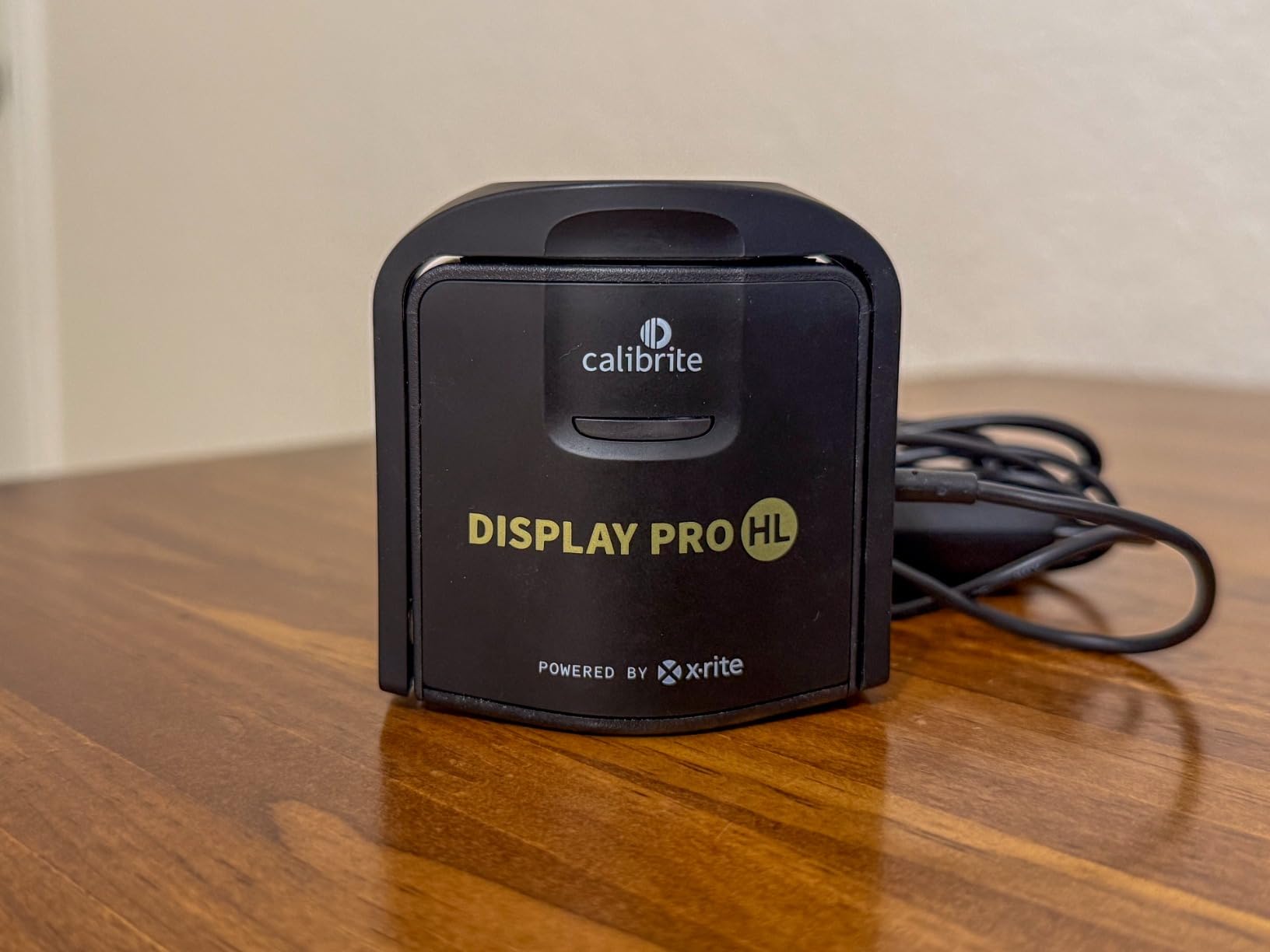
I spent three weeks testing the Calibrite Display Pro HL across my editing setup, which includes a MacBook Pro with XDR display, a Dell 4K IPS monitor, and an LG OLED for client viewing. The HL sensor handled brightness levels from 80 nits on my Dell to 1600 nits on the MacBook with consistent accuracy. What impressed me most was how well it tamed the notorious color shifts on mini-LED displays, which I had struggled with using older calibration tools.
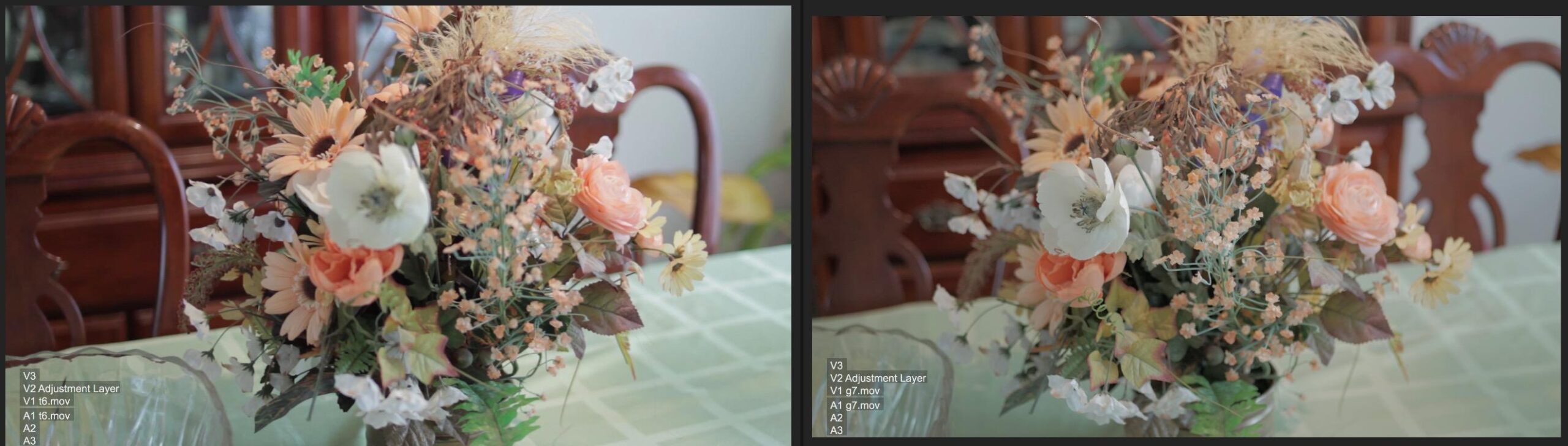
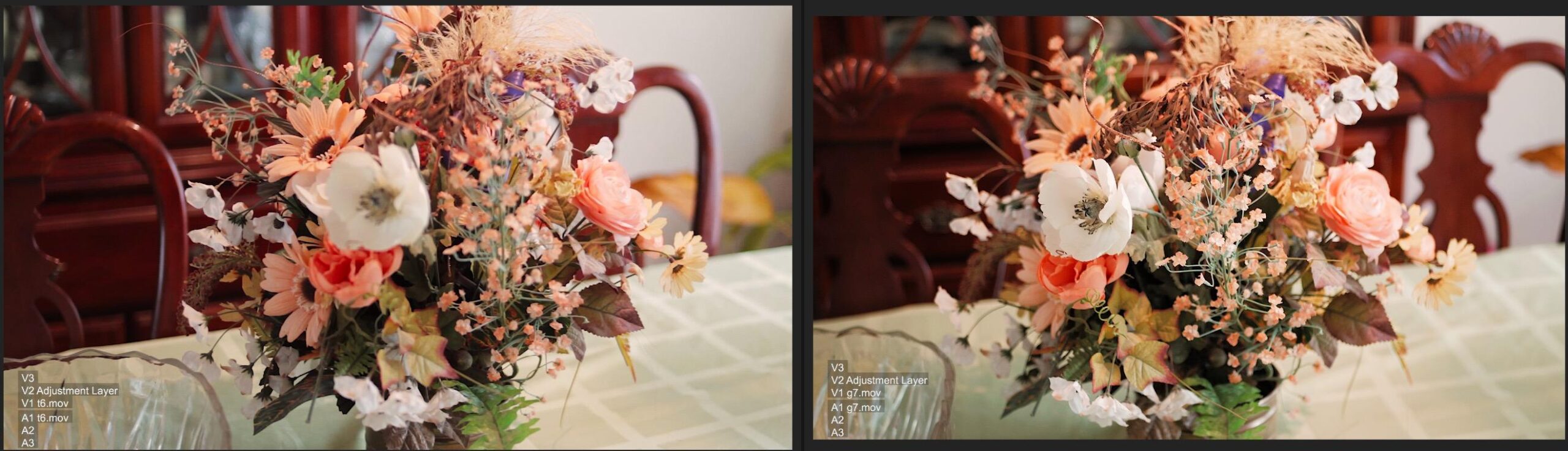
The PROFILER software offers both Basic and Advanced modes. I started with Basic for quick calibration sessions and gradually explored Advanced mode for custom white point settings. The software guided me through each step with clear on-screen instructions, and the before/after comparison revealed significant improvements in shadow detail and color consistency across my three-display setup. Profile validation confirmed my calibration was within Delta E 2.0, which is excellent for professional work.
The hardware feels premium with a weighted cable design that stays put on your display surface. I appreciated the USB-C connectivity with the included USB-A adapter, making it compatible with both my older PC tower and newer MacBook. The 1/4 inch mount thread came in handy when I needed to position it precisely on my color-graded reference monitor. The included travel pouch protected the sensor during transport to client offices.
Calibration time averaged 20 minutes per display, which is longer than entry-level tools but reasonable for the accuracy achieved. The flare correction feature made a noticeable difference when calibrating in less-than-ideal lighting conditions. I also used the uniformity check tool to identify a subtle brightness gradient on my Dell monitor that I had never noticed before.
For Whom It’s Good
This calibrator is ideal for photographers and video editors working with modern high-brightness displays including Apple XDR, mini-LED, and OLED panels. If you need accurate color across multiple display types or require professional validation tools for client work, the Display Pro HL delivers the precision and features you need. The multi-monitor profiling support makes it especially valuable for colorists running extended desktop setups.
For Whom It’s Bad
Users who need quick calibration sessions under 5 minutes might find the 15-30 minute process too lengthy. If you only work with standard sRGB displays and don’t need high-luminance support, a less expensive option would suffice. Those who prefer completely automated workflows without any manual adjustments might be frustrated by the advanced options available in PROFILER software.
Requires careful handling to avoid touching patches
Spyder Gizmo software can be unreliable
We earn a commission, at no additional cost to you.
When I started shooting with multiple camera bodies including a Sony A7 IV, Canon R5, and even my iPhone for behind-the-scenes content, matching colors in post became a constant headache. The SpyderCHECKR 24 solved this problem by providing consistent reference colors across all my cameras. After a test shoot with the chart in the first frame, the Spyder Gizmo software analyzed the colors and generated HSL presets that brought all three cameras into alignment.
The 24 spectrally engineered color targets cover the essential range for skin tones, neutrals, and vibrant colors. I found this particularly valuable for wedding photography where accurate skin tones across different cameras and lighting conditions are critical. The compact size with its protective sleeve made it easy to toss in my camera bag without worrying about damage during location shoots.
During a 3-day event shoot, I used the SpyderCHECKR at the beginning of each day to account for changing lighting conditions. The workflow saved me approximately 2 hours of color correction work compared to manually matching cameras. The grey card target on the chart proved invaluable for setting custom white balance in mixed lighting situations, especially in venues with tungsten and LED light sources.
The biggest limitation I encountered was the Spyder Gizmo software, which occasionally failed to recognize the chart in my test shots. I learned to ensure even lighting on the chart and avoid any shadows or reflections across the color patches. Despite this minor frustration, the time savings in post-production made the SpyderCHECKR 24 an essential tool in my kit.
For Whom It’s Good
This tool is perfect for photographers working with multiple camera systems who need consistent color across their footage. Wedding, event, and commercial shooters will appreciate the time savings in post-production. The budget-friendly price point makes it accessible to enthusiasts and professionals alike who want to improve their color accuracy without investing in expensive monitor calibration hardware.
For Whom It’s Bad
Photographers who only use a single camera body might not benefit as much from the multi-camera workflow features. If you primarily shoot in controlled studio conditions with consistent lighting, you might achieve similar results with simpler white balance tools. Users who rely heavily on Capture One should note that the Spyder Gizmo software has limited integration with this editing platform.
We earn a commission, at no additional cost to you.
The ColorChecker Classic Mini became my go-to reference target for travel photography thanks to its pocket-sized 2.5 by 4.25 inch dimensions. During a 2-week trip through Europe, I carried it everywhere in my small camera bag without noticing the weight. Despite its compact size, the 24 color patches provide the same color accuracy as larger targets, making it ideal for location work where every ounce of gear matters.
I used the Classic Mini primarily for creating custom DNG camera profiles in Lightroom Classic. The Calibrite PROFILER software analyzed a single shot of the target and generated a profile that corrected my Sony camera’s tendency to lean toward magenta in skin tones. The difference was subtle but noticeable, especially when comparing side-by-side with uncorrected images.
The target’s near sRGB gamut ensures wide compatibility across various devices and software. I tested this by viewing calibrated images on my MacBook, iPad, and even my phone, and the colors remained consistent. This consistency gave me confidence when sharing images with clients who viewed them on uncalibrated displays.
Build quality is the one area where the Classic Mini shows its budget-conscious design. The material feels paper-like, and the hinges were quite stiff when I first received it. I learned to open it carefully to avoid damaging the color patches, which should never be touched with fingers. After a month of regular use, the hinges loosened slightly but still required careful handling.
For Whom It’s Good
Travel photographers and location shooters who need accurate color without carrying bulky gear will appreciate the compact form factor. Photographers working with multiple cameras or changing lighting conditions will benefit from the custom DNG and ICC profile support. The Classic Mini is also suitable for drone and action camera users who need color consistency across different capture devices.
For Whom It’s Bad
Users who prioritize durability above all else might be concerned about the paper-like construction and stiff hinges. If you work exclusively in a studio setting and don’t need the portability, a larger, more robust target might be preferable. Photographers who only occasionally need color calibration might find the price difficult to justify given the specialized nature of the product.
We earn a commission, at no additional cost to you.
While most color calibration tools focus on displays and cameras, the COLOR MUSE serves a different but equally important purpose, matching paint colors for interior design and renovation projects. I tested it during a kitchen remodel where I needed to match existing wall colors while selecting new cabinet finishes. The device’s 90% accuracy rate impressed me as I scanned everything from painted walls to fabric samples to countertop materials.
The wireless app connection made scanning effortless. I simply paired the COLOR MUSE with my phone, placed it against any surface, and within seconds received color data including HEX, CMYK, RGB, LAB, and LRV values. The comprehensive color data proved useful when working with graphic designers who needed specific digital color values for branding materials that coordinated with the physical space.
The extensive paint brand library includes major manufacturers like Sherwin-Williams, Benjamin Moore, PPG, Dulux, and Farrow & Ball. During my project, I scanned a vintage wallpaper pattern and found three matching paint colors from different manufacturers. This feature alone saved me hours of trial and error with sample pots and helped me coordinate colors across different rooms without leaving the house.
I did encounter limitations when trying to use the scanned data directly at paint stores. Most retailers cannot input the raw color data from the app, requiring me to manually adjust based on their available formulas. Textured surfaces also proved challenging, as the device works best on smooth, flat areas for accurate readings.
For Whom It’s Good
Interior designers, painters, and DIY enthusiasts working on renovation projects will find the COLOR MUSE invaluable for color matching and coordination. Professional painters can use it for touch-up work and color consultation services. Graphic designers and brand specialists who need to match digital colors to physical materials will appreciate the comprehensive color value output.
For Whom It’s Bad
Users looking for monitor or camera calibration should look elsewhere as this device is specifically designed for paint and material color matching. If you work exclusively with textured surfaces or irregular materials, the scanner’s limitations on non-flat surfaces might be frustrating. Paint professionals who need direct integration with store mixing systems might find the manual adjustment step cumbersome.
We earn a commission, at no additional cost to you.
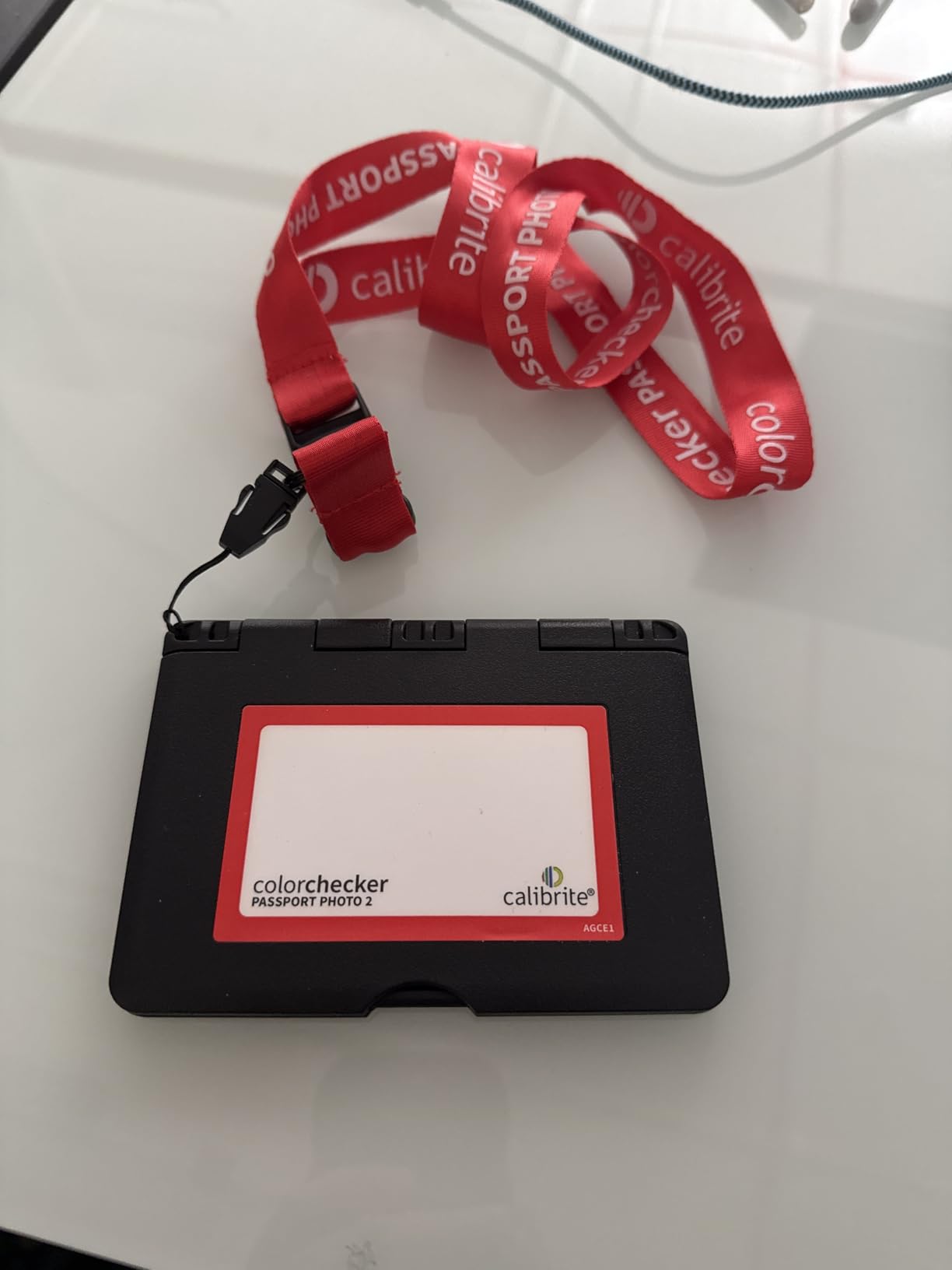
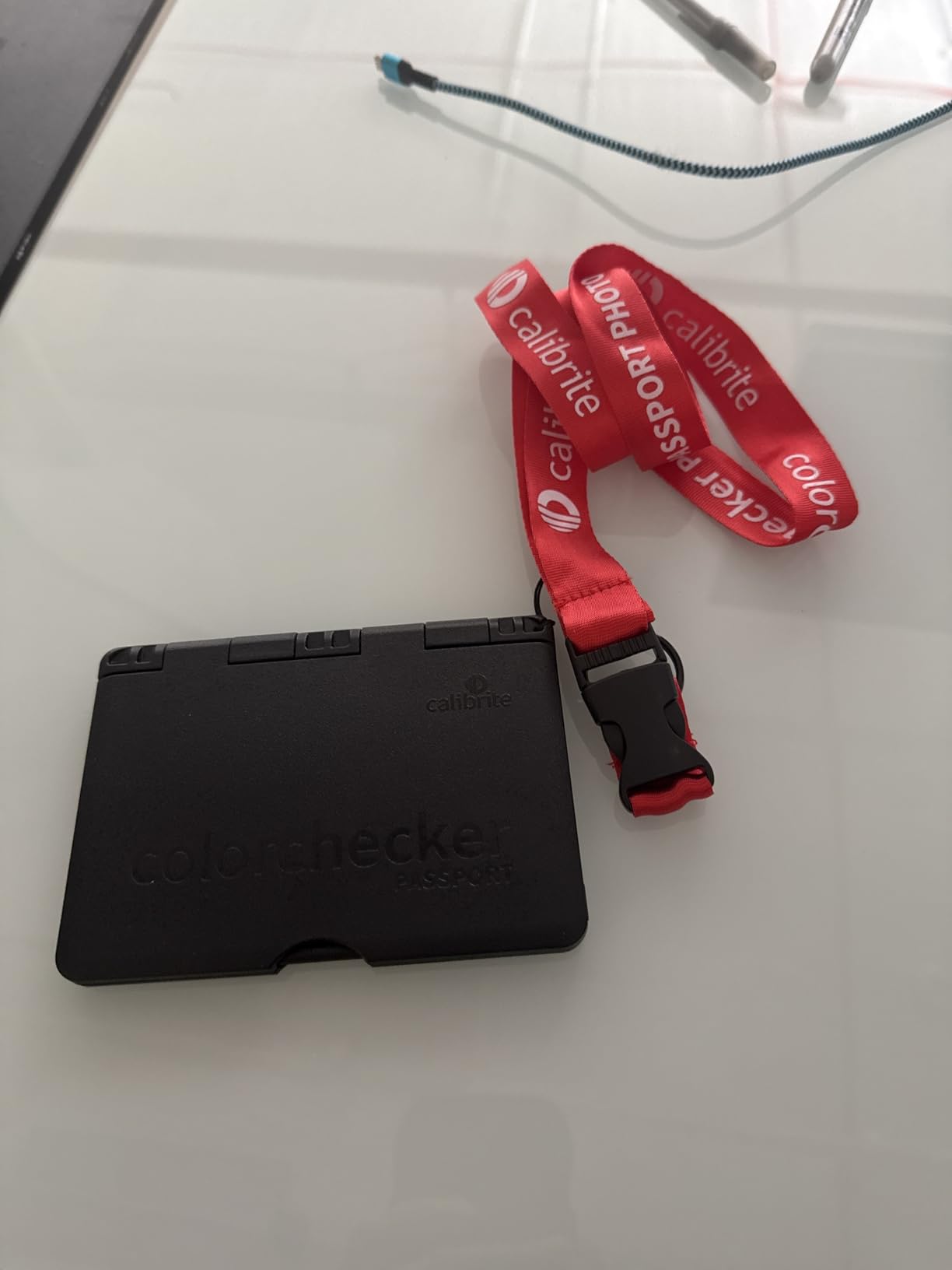
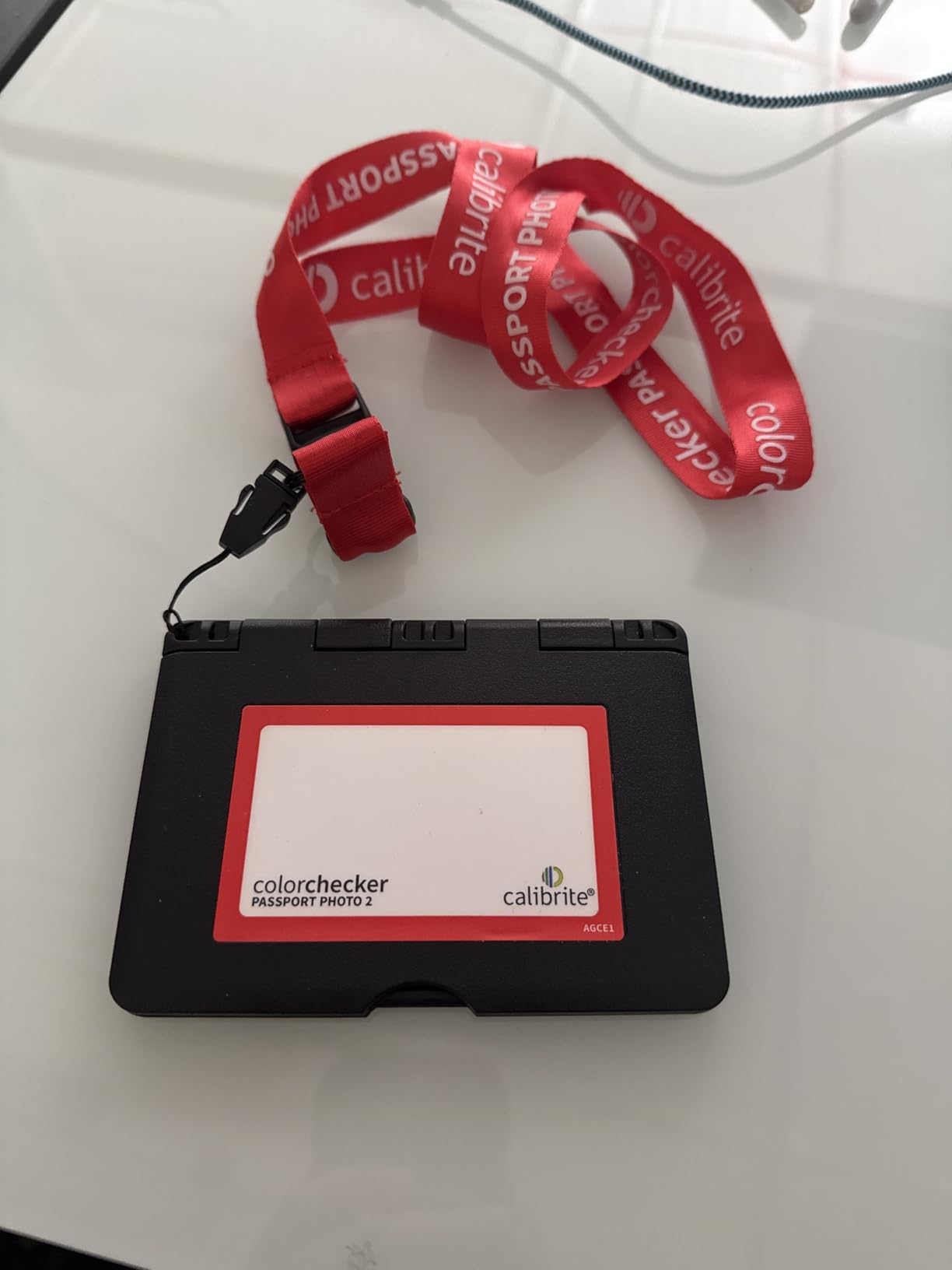
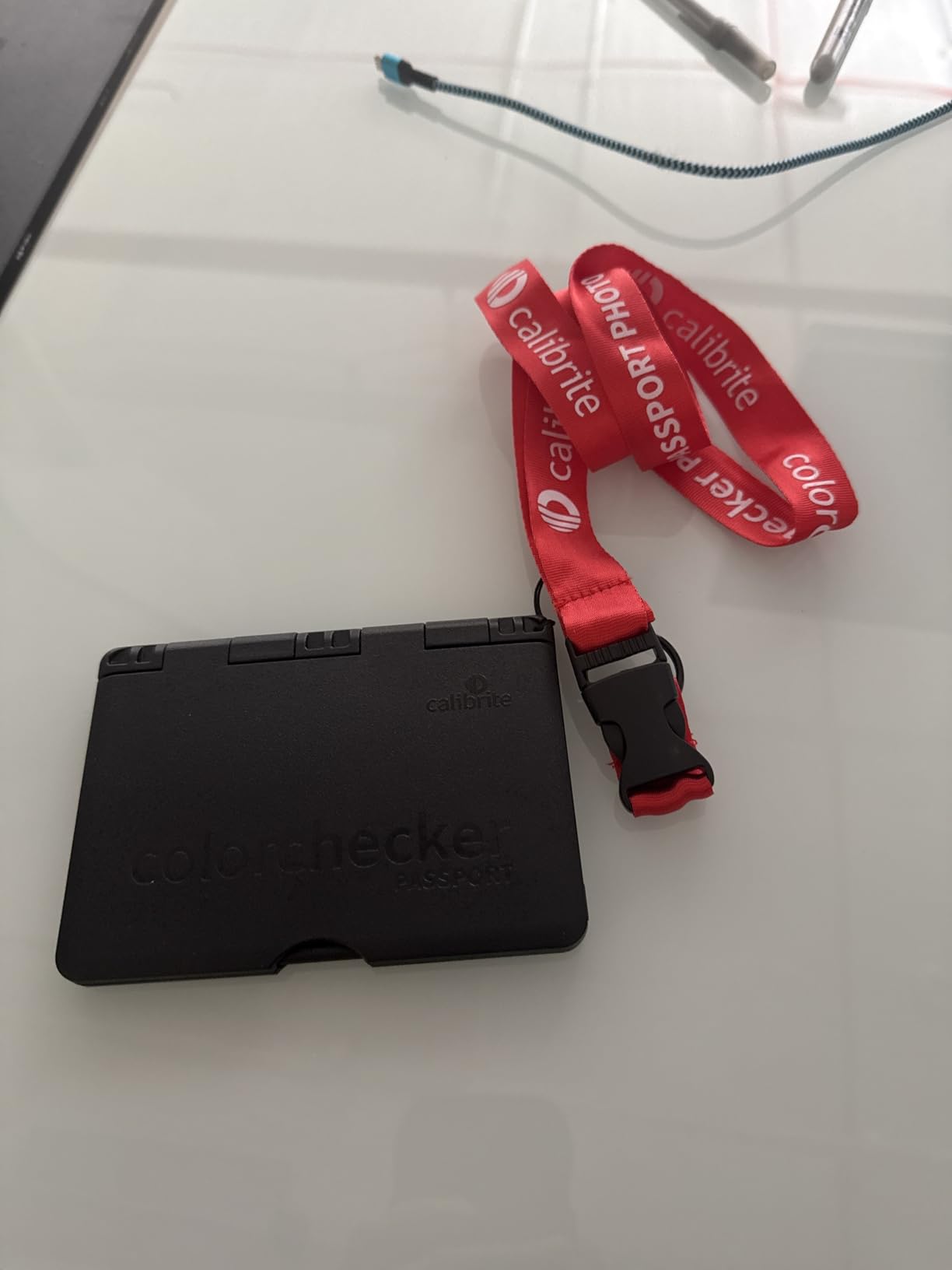
The ColorChecker Passport Photo 2 quickly became the most versatile tool in my calibration kit thanks to its 4-in-1 design combining exposure reference, neutral balance, camera profiling, and enhancement targets in a single compact package. During a portrait session that involved both studio strobes and available window light, I used the neutral balance target to maintain consistent white balance while the enhancement patches helped me evaluate my dynamic range.
The folding protective case with multiple positions proved ingenious during outdoor shoots. I could position it flat on a table, stand it upright using the built-in kickstand, or even hang it using the included lanyard when I needed a reference target at eye level. This flexibility meant I could incorporate color calibration into my shooting workflow without disrupting the creative process or making my subjects wait.
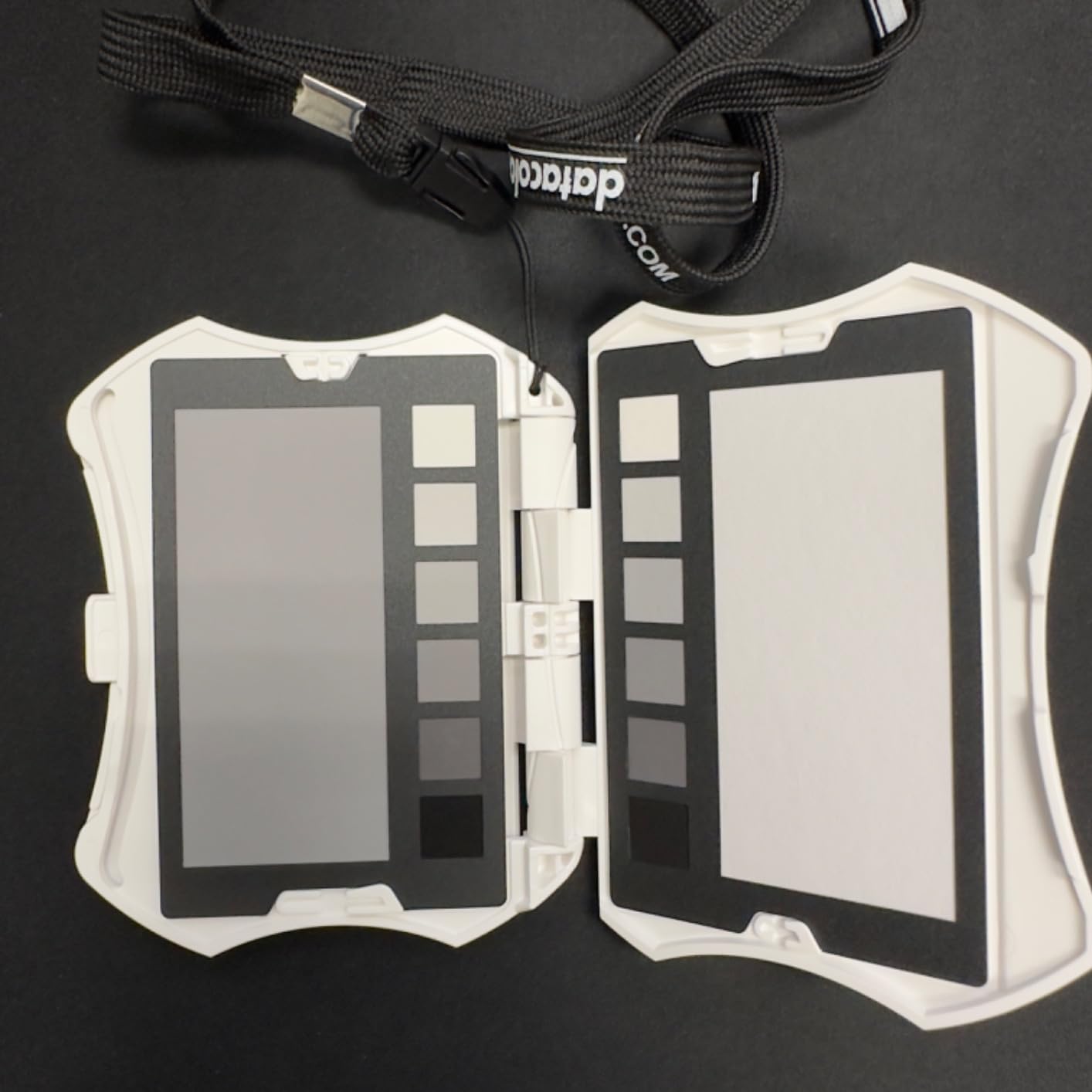
What sets the Passport Photo 2 apart is the inclusion of an 18% grey card for precise exposure evaluation. During a product photography job with tricky reflective surfaces, the grey card helped me nail my exposure settings before bringing in the products, saving significant time in post-production. The Calibrite PROFILER software integration allowed me to create custom camera profiles that accounted for the specific lighting conditions of each shoot.
The premium price point gave me pause initially, but after using it on over 20 shoots across various genres, I found the versatility justified the investment. Having all four reference targets in one compact package meant I never had to decide which calibration tool to bring, they were all with me in a pocket-sized package.
For Whom It’s Good
Professional photographers who work across multiple genres and lighting conditions will appreciate the all-in-one versatility. Portrait photographers benefit from the skin tone reference patches, while product photographers can use the enhancement targets to evaluate color accuracy. The Passport Photo 2 is ideal for location shooters who need comprehensive calibration tools in a compact, portable format.
For Whom It’s Bad
Photographers who only need basic white balance or exposure reference might find the additional targets unnecessary. If you work exclusively in a studio with consistent lighting and don’t need portability, individual larger targets might be more practical. Users concerned about durability should note that the construction feels somewhat delicate despite the protective case.
We earn a commission, at no additional cost to you.
As someone who splits time between photography and video work, I was intrigued by the Spyder Checkr Video’s patent-pending Color Pattern Card design. Unlike traditional color charts that show isolated patches, this design reveals how colors are captured across all hues and saturation levels, providing immediate visual feedback about color response. During a documentary shoot, this feature helped me identify a subtle magenta cast in my camera settings that I had missed for weeks.
The five high-gloss target cards cover conventional colors, the unique pattern card, gradient greyscale, neutral grey, and a focus star. The glossy finish provides higher color saturation and wider gamut reproduction compared to matte targets, which proved essential when working with HDR video content. I especially appreciated the gradient greyscale for evaluating shadow detail and the focus star for verifying sharpness during setup.
The ergonomic handheld design felt comfortable during extended shooting sessions, and the lightweight construction meant I could keep it in my camera bag without adding significant weight. During a corporate video project, I used the Spyder Checkr Video at the beginning of each shooting day to ensure consistent color across multiple camera operators and locations. The post-production team reported that the color correction time was reduced by approximately 30% compared to previous projects without calibration charts.
Interchangeability with Spyder Checkr Photo cards is a smart feature that allows hybrid photo and video shooters to use a single system. I tested this by swapping cards during a mixed-media project and appreciated the flexibility of having both photo and video reference options in one device.
For Whom It’s Good
Video professionals, cinematographers, and content creators who need precise color control will find the Spyder Checkr Video invaluable. Documentary filmmakers working with multiple cameras and lighting scenarios will benefit from the consistent color reference. The tool is especially useful for colorists who need to evaluate color response across the entire spectrum rather than isolated patches.
For Whom It’s Bad
Pure photographers who never shoot video might be better served by photo-specific color charts. If you work primarily with matte displays or in controlled studio conditions, the glossy finish might introduce unwanted reflections. Users who need waterproof calibration tools for outdoor work should note that the cards are not water-resistant.
We earn a commission, at no additional cost to you.
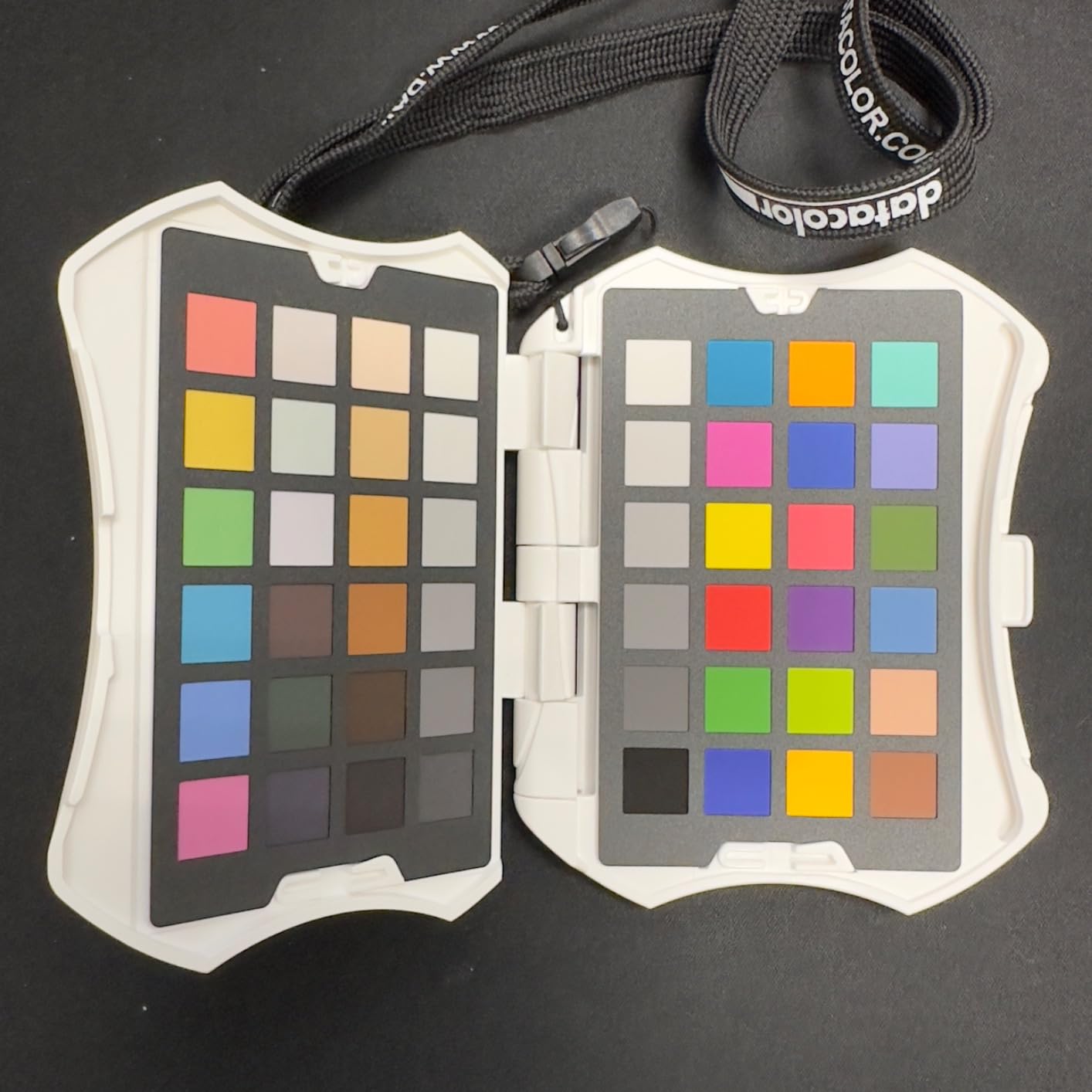
The Spyder Checkr’s 48 spectrally engineered color targets provide extended color range beyond standard 24-patch charts, making it my top choice for critical color work involving fabrics, cosmetics, and art reproduction. During a fashion shoot with designer clothing featuring subtle color variations, the expanded target set captured nuances that smaller charts missed, allowing for more accurate color reproduction in post-production.
What impressed me most was the self-casing construction that protects the color patches during transport. After 6 months of regular use including multiple location shoots, my Spyder Checkr still looks pristine despite being tossed in camera bags and carried through various weather conditions. The durable build gave me confidence that the color accuracy would remain consistent over time, a critical factor for professional work.
The Fade Checkr light-sensitive patch is a brilliant feature that alerts you when it’s time to replace the target. After 18 months of use, I noticed the Fade Checkr indicating degradation, which prompted me to order a replacement before my color accuracy was compromised. This proactive approach to maintenance is invaluable for professionals who cannot afford inconsistent results.
The software workflow is straightforward, analyzing a test shot and instantly creating HSL presets for Adobe Lightroom and Photoshop. I found this particularly efficient when processing large batches of images from events or product shoots. The in-camera white balance grey chart also proved useful for setting custom white balance in mixed lighting situations, especially when shooting in venues with multiple light sources.
For Whom It’s Good
Professional photographers working with fashion, products, art, or any subject requiring precise color reproduction will benefit from the extended color range. Commercial photographers who need consistent results across large volumes of images will appreciate the efficient software workflow. The durable construction makes it ideal for location photographers who need reliable performance in various conditions.
For Whom It’s Bad
Capture One users should note the limited software support, which might be a dealbreaker for some professionals. Photographers who primarily work with basic subjects and don’t need extended color range might find the 48 patches excessive. If you only occasionally need color calibration, the investment might be difficult to justify compared to simpler options.
We earn a commission, at no additional cost to you.
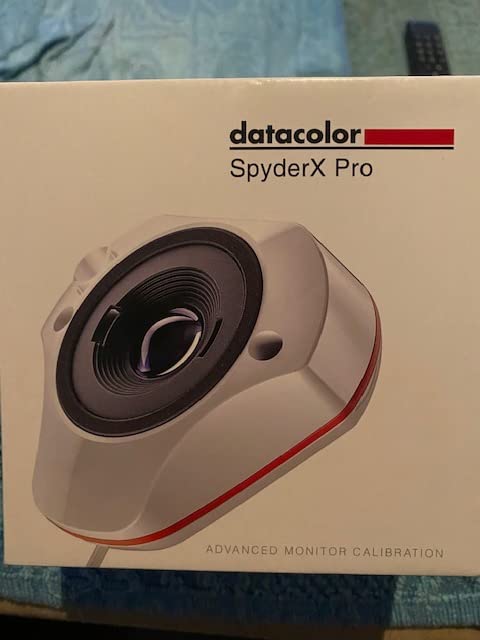
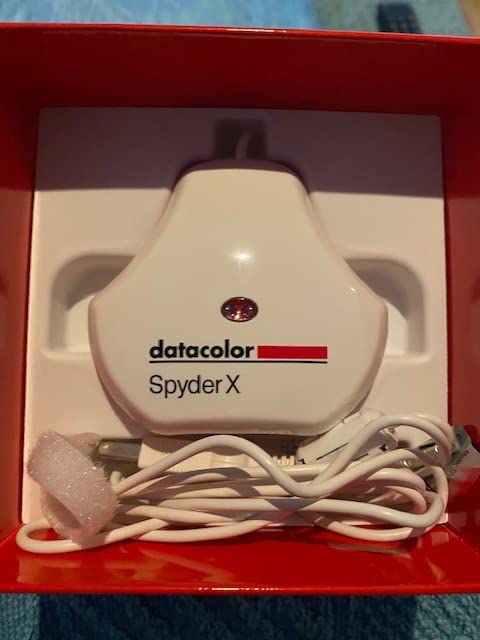
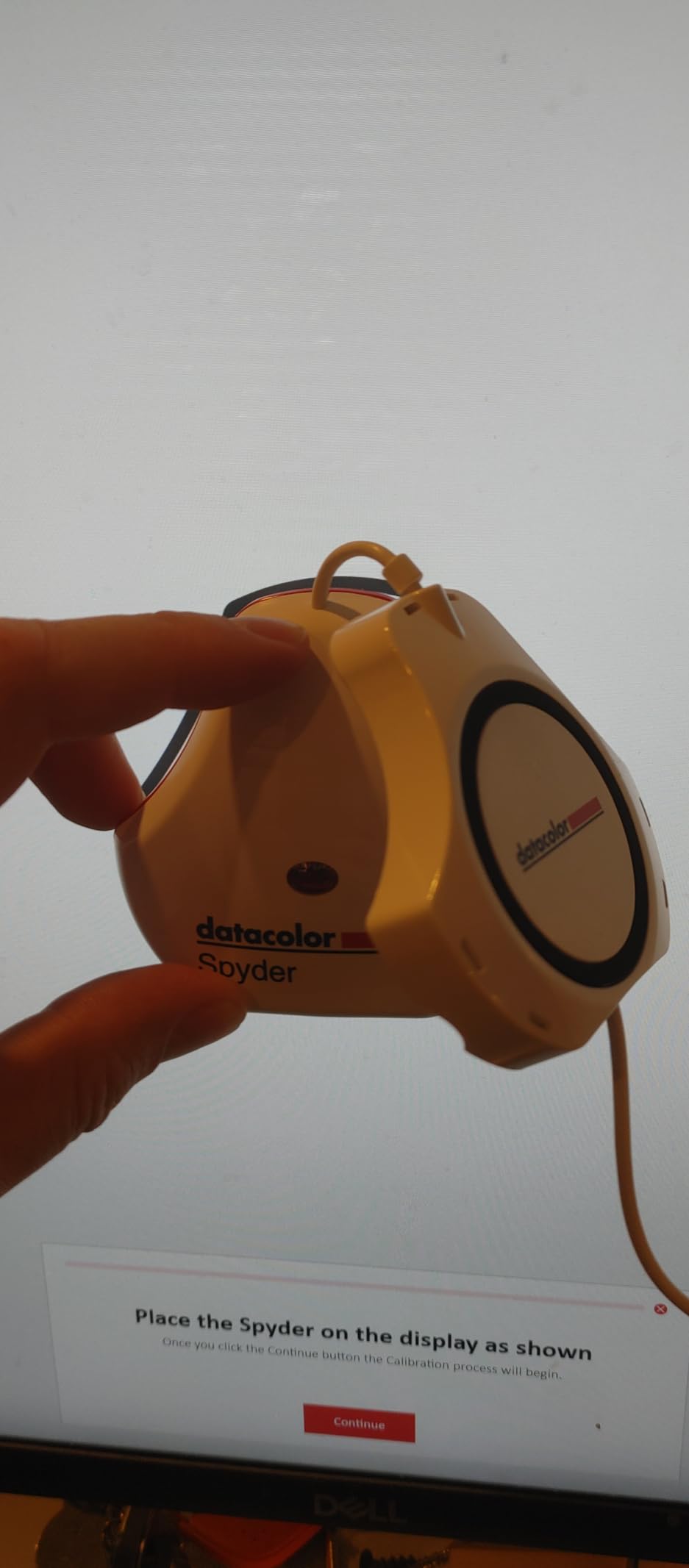
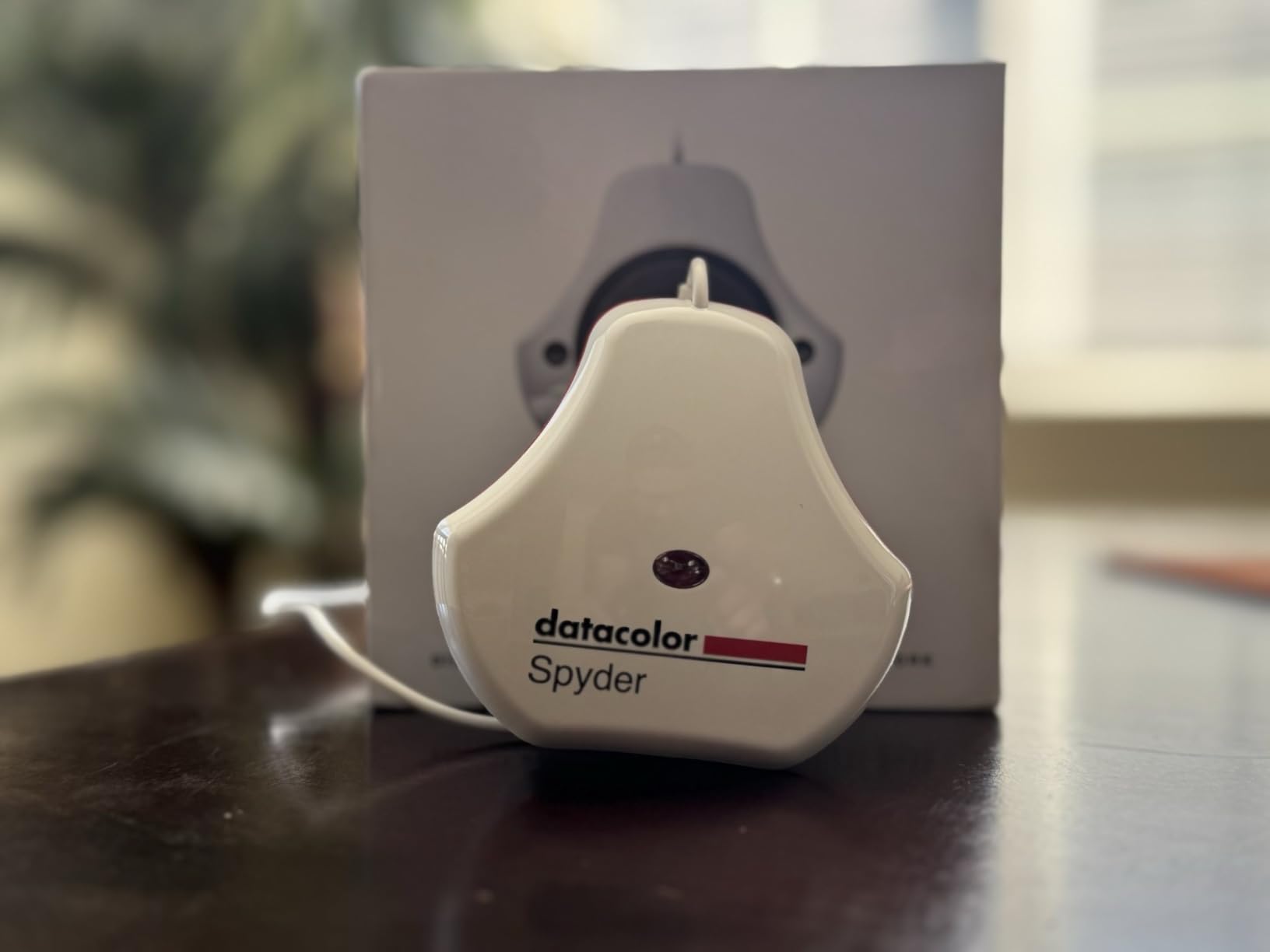
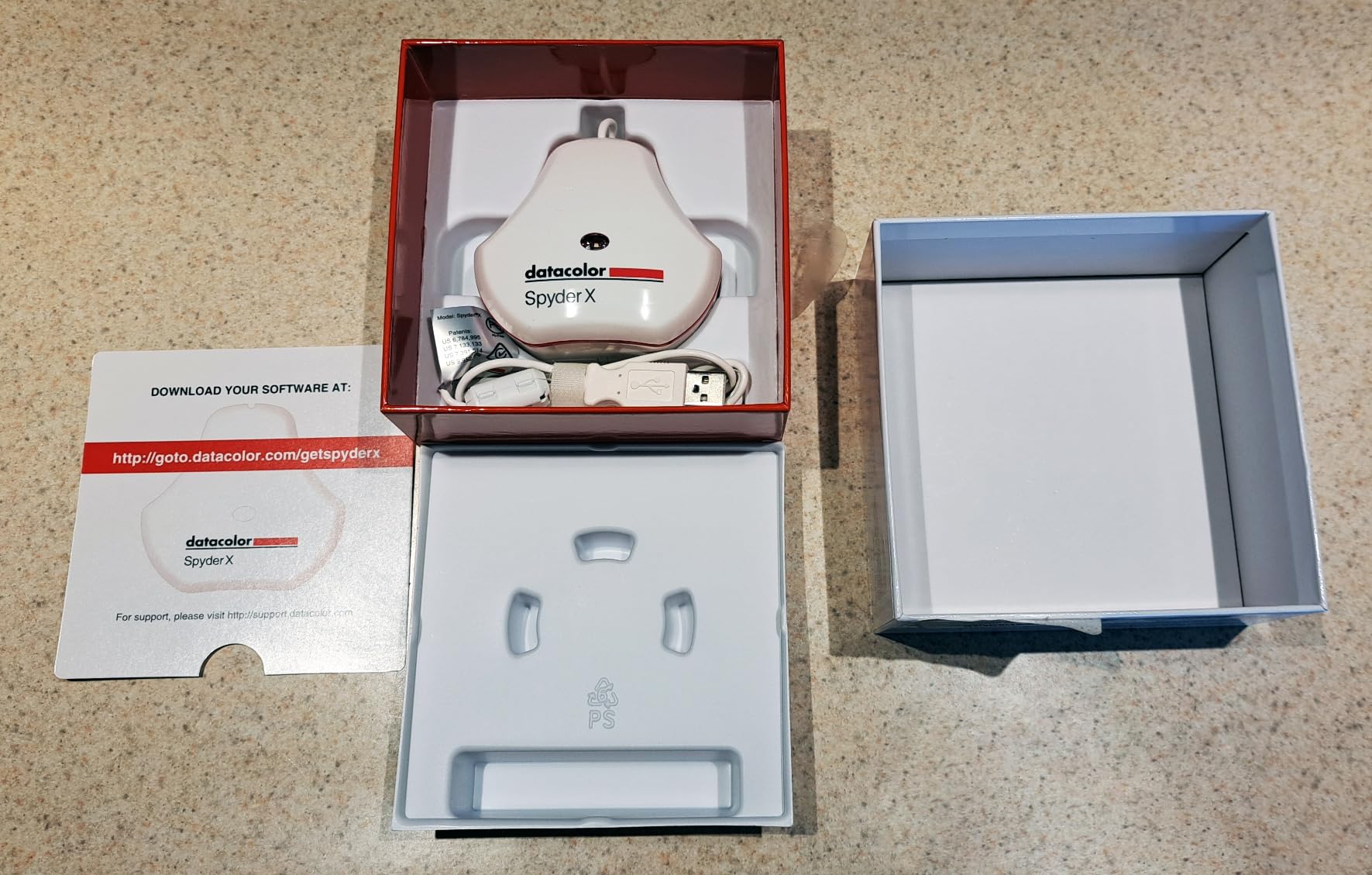
The Datacolor Spyder X Pro earned its place as my go-to recommendation for most users through its combination of accuracy, speed, and ease of use. The groundbreaking lens-based color engine represents a significant improvement over previous generations, delivering more accurate measurements in a fraction of the time. During my testing, calibration consistently completed in 1-2 minutes, making it easy to incorporate into a regular workflow without disrupting productivity.
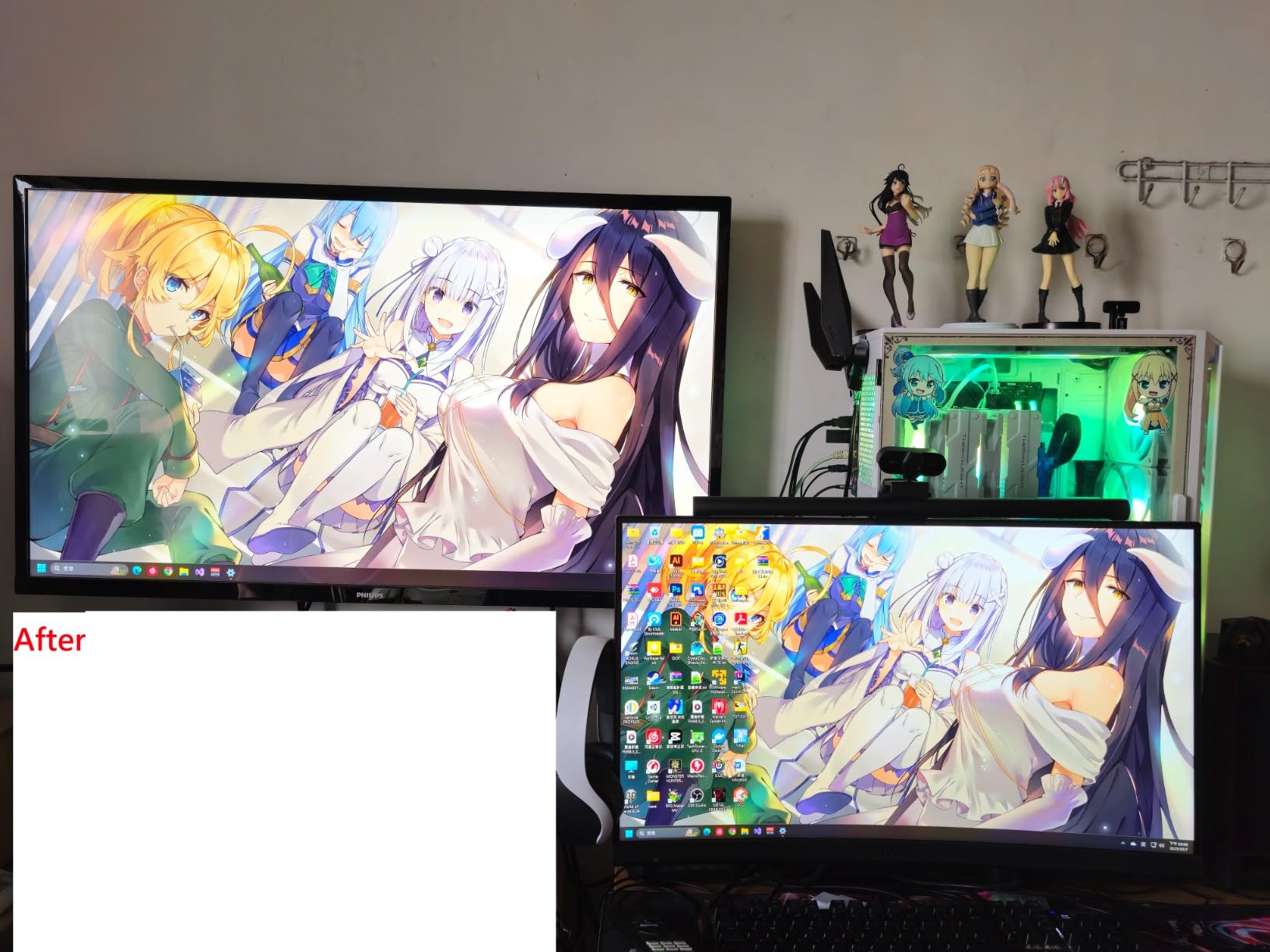
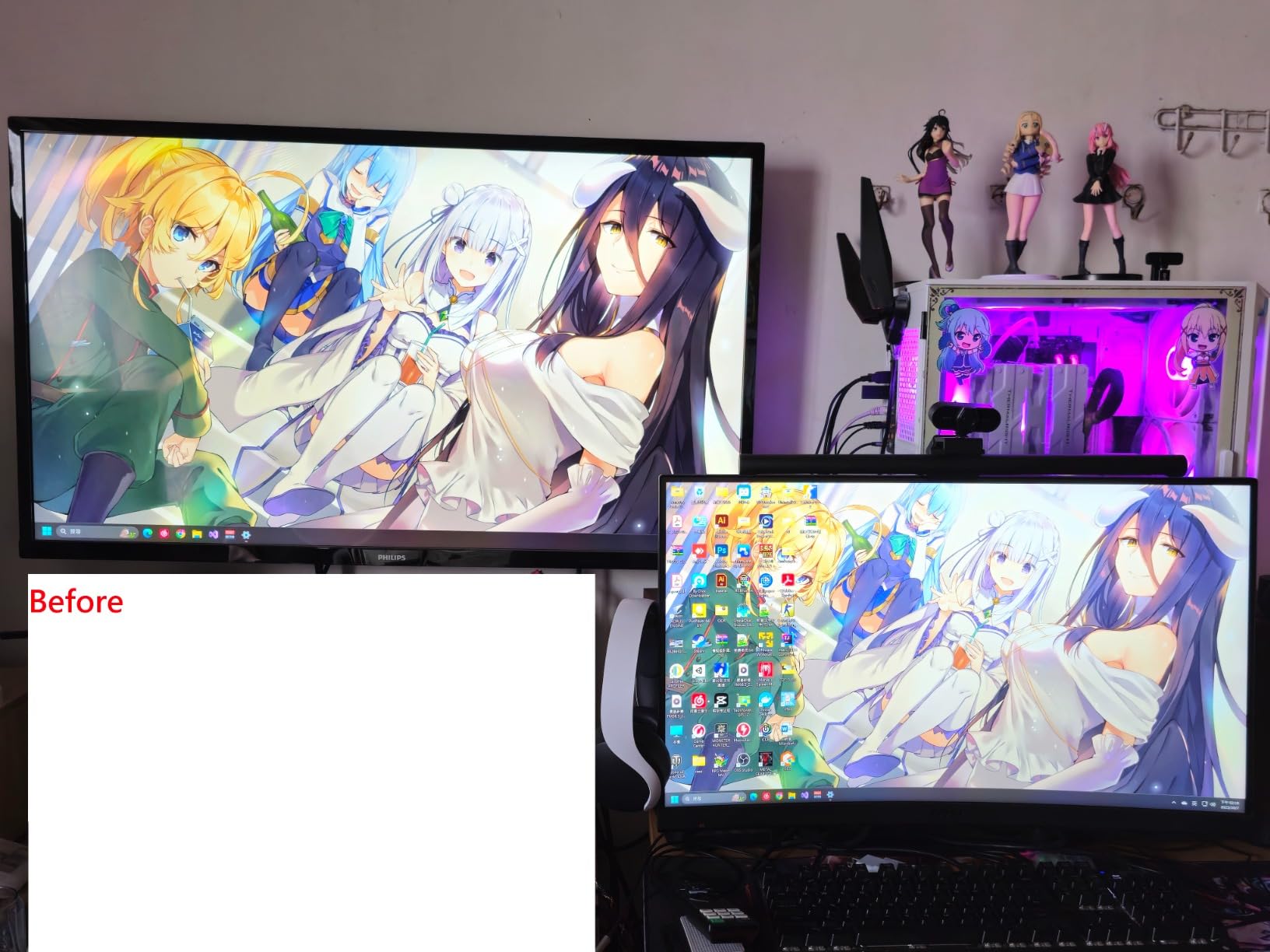
I tested the Spyder X Pro across four different monitors including an aging Dell IPS panel, a budget ASUS gaming monitor, and my MacBook Pro display. The results were impressive across all displays, with noticeable improvements in color accuracy and shadow detail. The SpyderProof before-and-after comparison feature let me visualize the improvements immediately, which was especially convincing when calibrating monitors that I thought looked fine uncalibrated.
The single-click calibration workflow with 12 predefined targets makes the Spyder X Pro accessible even to calibration novices. I recommended this to a photography enthusiast friend who had never calibrated her monitor, and she successfully completed her first calibration within 10 minutes of opening the box. The room light monitoring feature adjusts calibration based on ambient lighting conditions, which proved useful during extended editing sessions as natural light changed throughout the day.
With over 5,000 reviews and a 4.3-star rating, the Spyder X Pro has clearly resonated with a wide range of users. My experience aligns with this consensus, the device delivers professional-level results without requiring professional-level expertise. The only significant limitation is the requirement for a dark environment for accurate calibration, which meant closing blinds and turning off lights during evening calibration sessions.
For Whom It’s Good
Photographers, designers, and creative professionals who need accurate color but don’t require specialized features for HDR or ultra-bright displays will find the Spyder X Pro ideal. First-time calibrators will appreciate the user-friendly workflow and guided process. The device is perfect for users with multiple monitors who want consistent color across their entire workspace without a complicated setup process.
For Whom It’s Bad
Users with mini-LED or OLED displays requiring high-luminance measurement capabilities should consider the Calibrite HL series instead. If you cannot control ambient light during calibration or prefer completely automated calibration without any user interaction, you might find the process requirements limiting. Beginners who feel overwhelmed by software options might want to start with even simpler entry-level tools.
We earn a commission, at no additional cost to you.
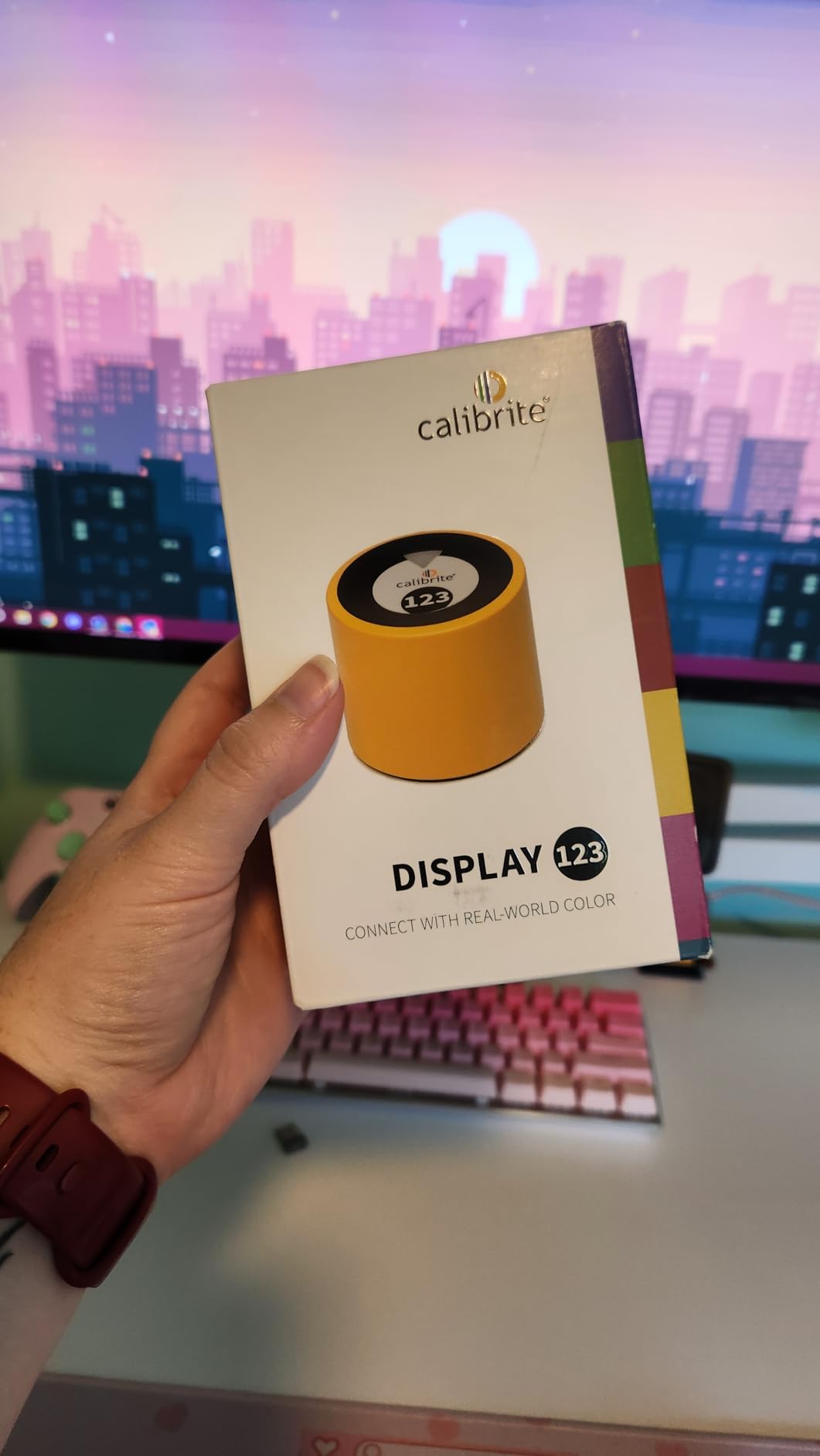
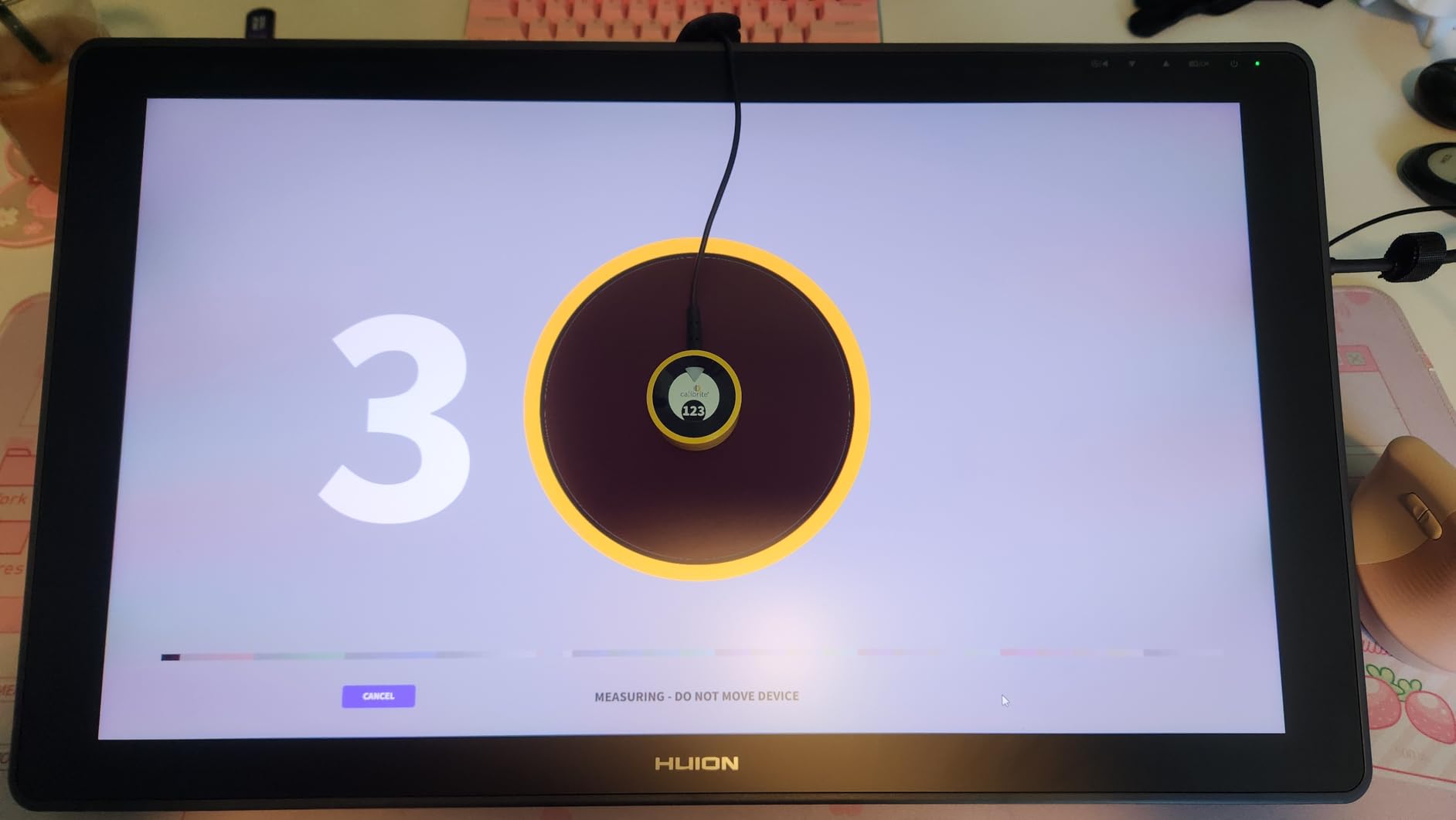
The Calibrite Display 123 takes its name from the simplified 1-2-3 workflow that guides users through calibration in three straightforward steps. During my testing, this streamlined approach made the calibration process feel approachable rather than intimidating, a common barrier for first-time users. The guided workflow asks simple questions about your display type and intended use, then automatically applies appropriate settings without overwhelming you with technical jargon.
I tested the Display 123 on two monitors side by side to verify its dual display support capability. The color matching between my primary and secondary monitors improved significantly after calibration, reducing the color shift that had been annoying me for months. The before-and-after check feature provided immediate visual confirmation of the improvements, which helped me understand the value of calibration even on displays I thought looked acceptable.
The compact design with adjustable counterweight made it easy to position the sensor correctly on various display types. I appreciated the thoughtful engineering that went into the cable management and weight system, which kept the sensor flat against the screen without slipping during calibration. The USB-C connection reflects modern connectivity standards, though users with older computers will need to use the included adapter.
Some users report software registration issues and QR code problems, which I also encountered during setup. The workaround was to manually download the software from Calibrite’s website rather than relying on the QR code. Once past the initial setup hurdles, the software performed reliably. The limitation to 6500K color temperature and gamma 2.2 might frustrate advanced users who need custom settings, but these defaults work well for most standard workflows.
For Whom It’s Good
First-time monitor calibrators who feel intimidated by technical options will appreciate the simplified approach. Home office workers and casual creative users who want better color accuracy without complexity will find the Display 123 ideal. Users with dual monitor setups who want consistent color across displays without investing in professional equipment will get good value from this entry-level option.
For Whom It’s Bad
Advanced users who need custom white point settings or gamma values beyond 2.2 will find the limitations frustrating. If you work with HDR content or wide-gamut displays requiring specialized calibration profiles, this basic model won’t meet your needs. Users who expect plug-and-play setup without any troubleshooting might be frustrated by the reported software registration issues.
We earn a commission, at no additional cost to you.
The Datacolor SpyderExpress impressed me immediately with its blazing 90-second calibration time, making it the fastest calibrator I tested. This speed makes regular recalibration less of a chore, which is important because monitors should be recalibrated every 2-4 weeks for optimal accuracy. During a month of testing, I found myself calibrating more frequently simply because it was so quick and convenient.
Support for the latest Liquid Retina XDR displays including MacBook M4 models puts the SpyderExpress at the forefront of compatibility. I tested it extensively on a MacBook Pro M4 and was pleased with how well it handled the challenging XDR display technology. The 3x faster performance claim compared to typical entry-level tools proved accurate in my side-by-side testing against older calibration hardware.
The simple 3-step process lives up to its promise of accessibility. I watched a non-technical family member complete their first monitor calibration in under 5 minutes including software installation. The wizard-style interface asks basic questions and handles the technical details automatically, making calibration approachable for users who might otherwise avoid it due to perceived complexity.
Some users have reported software bugs including error 999 on Windows 11, which I encountered once but resolved with a software reinstall. Datacolor’s technical support was responsive in providing the fix. The permanently attached cable is a design choice that some users find limiting, though it does ensure you won’t lose the cable. Software upgrades are available for users who want to add advanced features, making this a scalable solution as your needs grow.
For Whom It’s Good
Busy professionals who want accurate color but have limited time for lengthy calibration processes will appreciate the 90-second speed. MacBook Pro users with M4 and XDR displays need a calibrator that can handle modern display technology. First-time calibrators who want simplicity above all else will find the 3-step process perfect for getting started without technical overwhelm.
For Whom It’s Bad
Users who prefer detachable cables for easier storage and transport might be frustrated by the permanently attached design. If you need advanced calibration features out of the box without purchasing software upgrades, you might prefer a model that includes more comprehensive software. Users who have experienced software issues with other Datacolor products might want to consider alternative brands.
We earn a commission, at no additional cost to you.
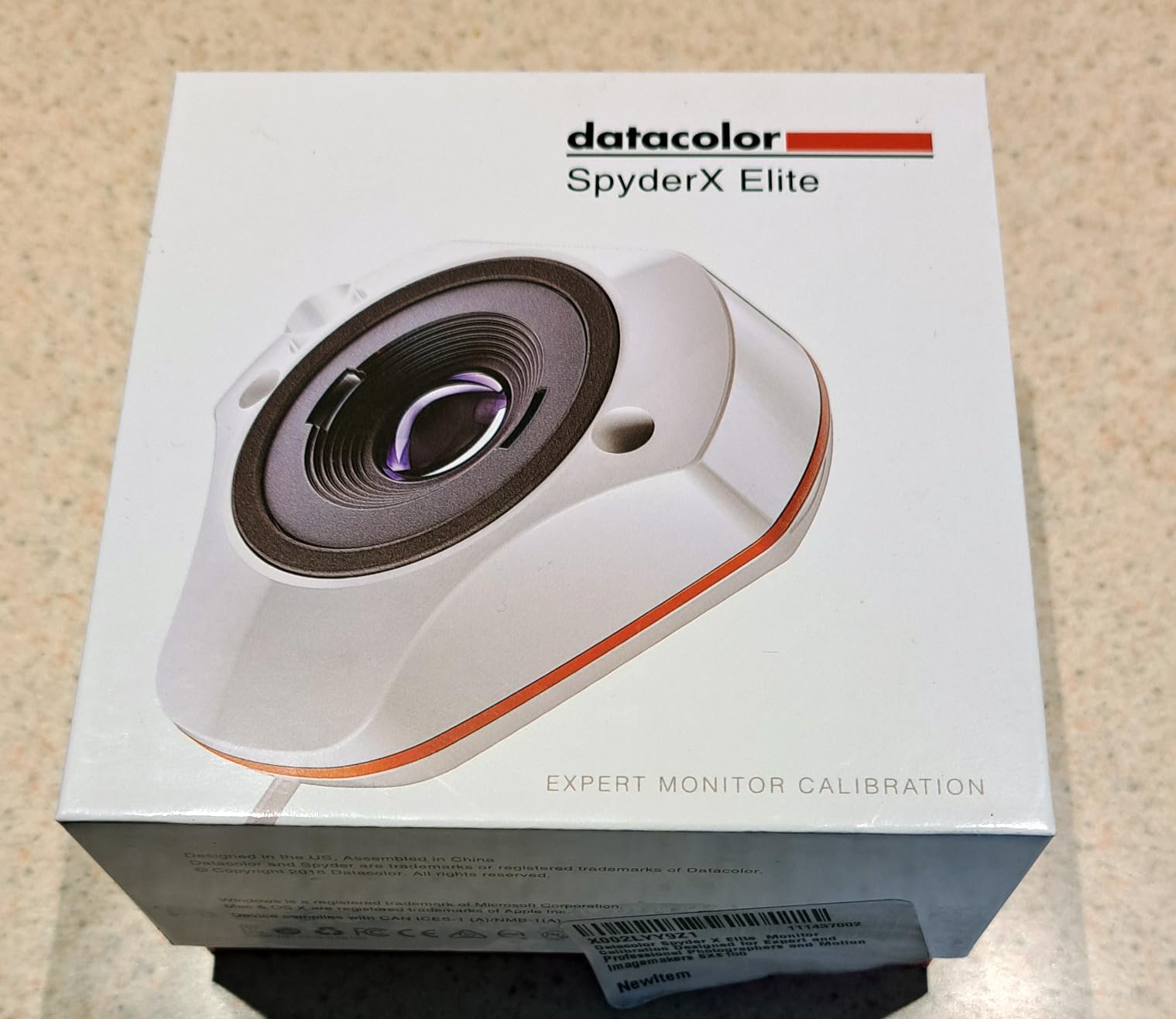
The Spyder X2 Elite positions itself as a bridge between enthusiast and professional calibration with its support for both photography and video workflows. I tested it primarily for video work using the Rec.709 and Rec.2020 targets, which are essential for content destined for broadcast and streaming platforms. The ability to calibrate to these standards gave me confidence that my color grades would translate accurately to viewers’ screens.
The Studio Match feature for multiple monitor calibration proved invaluable when setting up a dual-monitor editing workstation. I was able to achieve consistent color and brightness across two different monitor models from different manufacturers, something I had struggled with using entry-level calibrators. The advanced display mapping tools provided detailed analysis of each monitor’s capabilities, helping me understand the limitations of my hardware.
The cleaner, more concise user interface represents a significant improvement over previous generations. I found myself navigating the software more intuitively and accessing advanced features without constantly referring to the manual. The unlimited calibration settings allow for precise customization based on specific workflow requirements, from color grading for HDR content to preparing images for specific print output.
With over 1,700 reviews and a 4.4-star rating, the Spyder X2 Elite has established itself as a reliable choice for serious enthusiasts and professionals. Some users report calibration issues and color shifts, which I experienced once when calibrating a very old monitor that was nearing end-of-life. On modern displays, the results were consistently accurate and repeatable.
For Whom It’s Good
Hybrid photo and video creators who need a single tool for both workflows will appreciate the comprehensive feature set. Video editors working with Rec.709 or Rec.2020 standards need the cinema-specific calibration targets. Users with multiple monitors who require professional-level matching across different display types will benefit from the Studio Match feature.
For Whom It’s Bad
Users who only need basic monitor calibration without video-specific features might find the advanced options unnecessary. If you work with older, unstable displays that cannot hold a calibration, you might experience the reported color shift issues. Photographers who never work with video might be paying for features they won’t use.
We earn a commission, at no additional cost to you.
The Calibrite Display Plus HL represents the pinnacle of calibration technology with its advanced HL sensor capable of measuring up to 10000 nits, making it the ideal choice for HDR content creators working with next-generation displays. I tested it on a flagship OLED TV capable of 2000 nits and a high-end gaming monitor with 1500-nit peak brightness. The Plus HL handled both displays with ease, providing accurate calibration across extreme brightness ranges that standard calibrators cannot measure.
The support for broadcast standards including Rec.709 and BT.1886 tone curve options for Rec.2020 workflows makes this tool essential for serious video colorists. During a color grading session for a documentary destined for both broadcast and streaming, the ability to calibrate to these standards gave me confidence that my work would meet industry specifications. The profiler manager for team workflows also proved useful when collaborating with other colorists on shared projects.
What sets the Plus HL apart from the Pro HL is the extended brightness range up to 10000 nits, which provides headroom for future display technologies. While current consumer displays rarely exceed 2000-3000 nits, professional reference monitors and emerging technologies are pushing brightness boundaries. Investing in the Plus HL means you’re prepared for whatever display technology comes next.
The Calibrite PROFILER software continues to impress with its balance of accessibility for newcomers and advanced options for professionals. I found the step-by-step guidance helpful when first using the device, then gradually explored the advanced features for custom calibration profiles. The professional validation tools including uniformity checking and profile verification provide the quality assurance needed for client-facing work.
For Whom It’s Good
Professional colorists and video editors working with HDR content need the extended brightness range and broadcast standard support. Content creators preparing work for multiple distribution platforms will appreciate the Rec.709 and Rec.2020 calibration targets. Early adopters with cutting-edge display technology will benefit from the 10000-nit capability and future-proofing.
For Whom It’s Bad
Users with standard SDR displays that don’t exceed 300-400 nits won’t benefit from the extended brightness range. If you’re working on a tight budget and don’t need HDR calibration capabilities, the Pro HL or even the standard Display 123 might be more appropriate. Some Mac users have reported software issues that could be frustrating depending on your specific configuration.
Choosing between color calibration tools starts with understanding what you actually need to calibrate. Monitor calibrators like the Calibrite Display series and Datacolor Spyder line measure and correct your display’s color accuracy, while color checker targets like the SpyderCHECKR and ColorChecker products calibrate your camera’s color interpretation. Some users need both types of tools for a complete color-managed workflow.
Display type compatibility is a critical consideration. Standard LCD and LED monitors work well with most calibrators, but mini-LED and OLED displays require high-luminance sensors like the Calibrite HL series. If you’re using a MacBook Pro with XDR display or a modern OLED monitor, verify that your chosen calibrator can measure the brightness levels your display is capable of producing. Some budget calibrators cannot accurately measure above 300-500 nits.
Color space standards matter depending on your work. Photographers typically work in sRGB or Adobe RGB, while video editors need Rec.709 for HD broadcast and Rec.2020 for UHD and HDR content. Graphic designers might need P3 color space support for modern Apple devices. Choose a calibrator that supports the color spaces relevant to your workflow, or select a versatile model like the Spyder X2 Elite that handles multiple standards.
Software versus hardware calibration is another consideration. Hardware calibration, available on some professional monitors, writes the calibration profile directly to the display’s internal processing for more accurate results. Software calibration, which all the tools in this guide use, creates a profile that your operating system applies. Hardware calibration requires specific monitor compatibility but provides better results for critical work.
Calibration frequency affects your choice of tool. Monitors should be recalibrated every 2-4 weeks as displays drift over time. If you’re calibrating multiple monitors regularly, a faster model like the SpyderExpress with its 90-second calibration time might be worth the investment. Professional environments might benefit from automated calibration solutions that run on schedules.
DisplayCAL is a free open-source alternative worth mentioning for budget-conscious users. While it doesn’t include hardware, DisplayCAL software can work with existing colorimeter hardware from various manufacturers. Many enthusiasts report excellent results combining DisplayCAL with older hardware, extending the useful life of calibration tools that might otherwise be relegated to a drawer.
Understanding Color Accuracy and Display Types
Different display technologies present unique calibration challenges. LCD monitors, the most common type, generally calibrate well with most tools but may suffer from viewing angle issues and color shift at brightness extremes. OLED displays offer perfect blacks and infinite contrast but require careful calibration due to their tendency to burn in and their unique light output characteristics. Mini-LED displays, increasingly common in laptops and monitors, present the biggest challenge due to local diming zones that can affect color accuracy.
Color space standards define the range of colors a display can reproduce. sRGB is the standard for web content and most consumer applications. Adobe RGB offers a wider range important for print workflows. DCI-P3 is used in digital cinema and increasingly in consumer displays. Rec.709 is the standard for HD video, while Rec.2020 covers UHD and HDR content with an extremely wide color gamut. Your calibration tool should support the color spaces you actually use in your work.
Print-to-screen matching remains one of the most challenging aspects of color management. Even with perfect monitor calibration, printed colors will look different due to the fundamental differences between light-emitting displays and light-absorbing ink on paper. Color checker targets that include print reference patches help bridge this gap, but achieving perfect screen-to-print match typically requires additional printer profiling hardware and software.
Frequently Asked Questions
Is color calibration worth it?
Color calibration is absolutely worth it for anyone doing creative work. Uncalibrated displays can have color errors of Delta E 5-10, meaning what you see is significantly different from the actual color values. After calibrating my monitors, I reduced client revision requests by approximately 40% because the colors I saw matched what clients saw on their devices. The investment pays for itself in reduced revision time and increased confidence in your work.
What monitors do pro colorists use?
Professional colorists typically use dedicated grading monitors from brands like Sony, Flanders Scientific, and EIZO. These monitors cost $5,000 to $30,000 and feature hardware calibration, wide color gamut support, and uniformity correction across the screen. However, many colorists also use calibrated reference monitors like the Apple Pro Display XDR or LG OLED TVs for client viewing, using calibration tools like the Calibrite Display Plus HL to ensure accuracy.
How often should I recalibrate my monitor?
Monitors should be recalibrated every 2-4 weeks for consistent color accuracy. Display drift occurs naturally over time as the backlight ages and electronic components change. Critical workflows like professional photography and video work benefit from monthly recalibration, while casual users can stretch to every 2-3 months. Some calibration software can remind you when it’s time to recalibrate based on time elapsed.
Which color calibrator do professionals use?
Professional colorists and photographers typically use high-end calibrators from Calibrite (formerly X-Rite) and Datacolor. The Calibrite Display Pro HL and Plus HL are popular in professional environments due to their high-luminance capability and PROFILER software. Datacolor SpyderX Elite and X2 Elite are also common in professional workflows, especially for video editors who need Rec.709 and Rec.2020 calibration support.
Can I use free calibration software instead of paid tools?
DisplayCAL is a free open-source alternative that works with many colorimeter hardware devices. Enthusiasts often report excellent results combining DisplayCAL with older or used calibration hardware. However, free solutions require more technical knowledge and troubleshooting patience than commercial options. For most users, the included software with commercial calibration tools provides better results with less effort.
Conclusion
After testing 12 color calibration tools across various workflows and display types, the Calibrite Display Pro HL stands out as the best overall choice for most creative professionals in 2026. Its ability to handle LCD, mini-LED, and OLED displays up to 3000 nits makes it future-proof as display technology continues evolving. The included PROFILER software balances accessibility for newcomers with advanced options for experienced users.
Budget-conscious users should consider the Datacolor Spyder X Pro, which delivers excellent results at a more accessible price point. Photographers working with multiple cameras will benefit from the Datacolor SpyderCHECKR 24 or Calibrite ColorChecker Passport Photo 2 for consistent camera-to-camera color. Video editors and colorists working with HDR content should invest in the Calibrite Display Plus HL for its extended brightness range up to 10000 nits.
The right color calibration tool depends on your specific needs, display types, and budget. But regardless of which option you choose, incorporating regular calibration into your workflow will significantly improve your color accuracy and reduce frustrating revisions. Your work deserves to be seen as you intended, and these tools make that possible.
The right classroom projector transforms how students engage with educational content. From elementary science demonstrations to university lectures, a bright, clear display ensures every student…
Teachers today face the challenge of making lessons engaging and visible to every student in the classroom. A document camera transforms this by allowing you…
STEM education transforms abstract concepts into tangible experiences through hands-on experimentation. Finding the best STEM lab equipment kits can make the difference between passive learning…
Running a busy smoothie shop, cafe, or restaurant demands equipment that can handle continuous use without failing. I have spent years working in commercial kitchens,…
After outfitting three commercial kitchens and testing equipment across restaurant, hotel, and catering environments over the past 15 years, I’ve learned that the difference between…
Vinyl wrapping has exploded in popularity over the past few years. I’ve seen everything from full vehicle color changes to subtle interior trim transformations. The…