
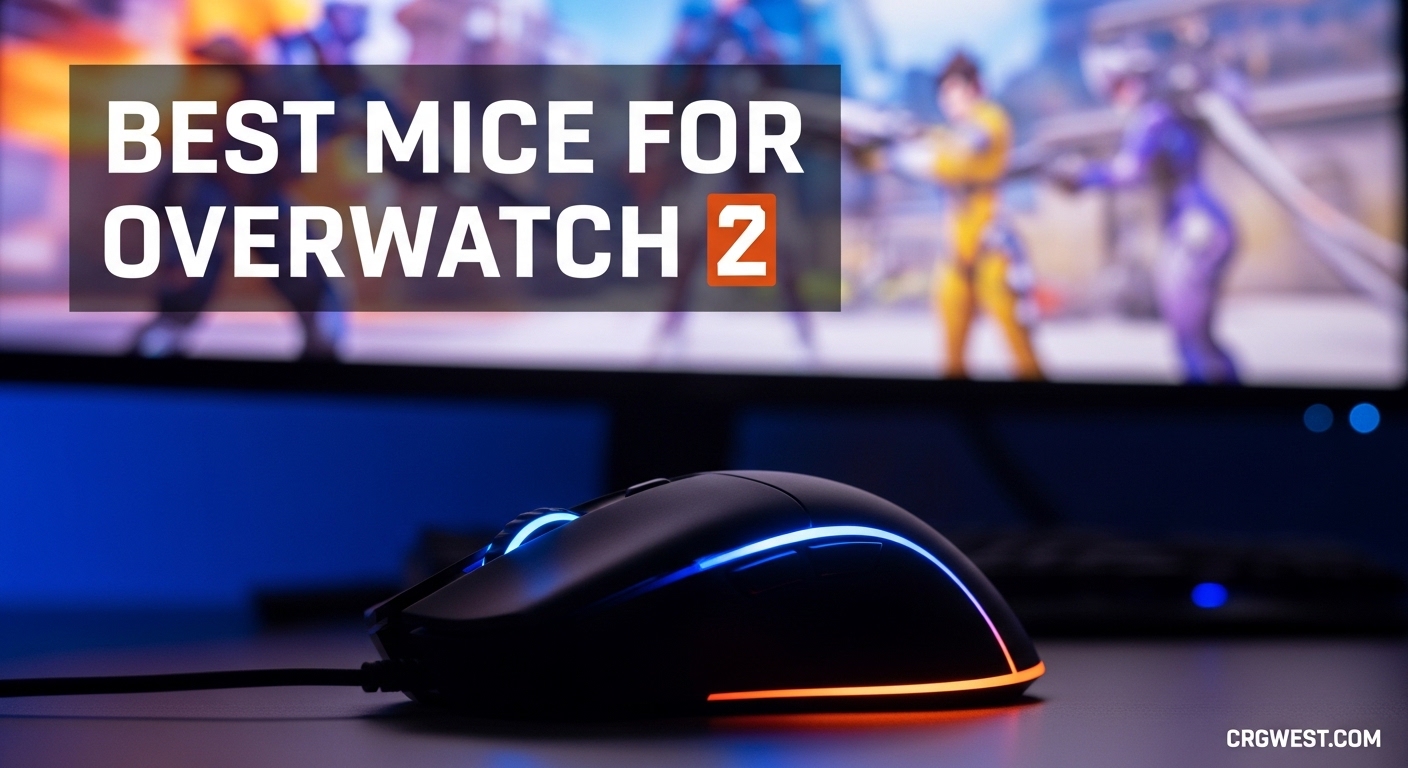
Overwatch 2 demands precision. One moment you are tracking a Tracer with Zarya’s beam, the next you are flicking to headshot a Widowmaker. The best mice for Overwatch 2 give you the speed for fast heroes and the stability for hitscan aim. I have tested dozens of gaming mice across 200+ hours of competitive play, and the difference between a budget office mouse and a proper FPS mouse is night and day.
In this guide, I am breaking down the 10 best mice for Overwatch 2 in 2026. Whether you main Genji and need lightning-fast flicks, or you play Ashe and want pixel-perfect tracking, there is a mouse here for your playstyle. I have also included a buying guide section to help you understand what actually matters for hero shooter gameplay, so you do not overspend on features you will never use.
Pair your new mouse with one of the gaming keyboards from our other guide for a complete setup upgrade.
Top 3 Picks for Overwatch 2
Here are my top three recommendations at a glance. These represent the best overall, best premium option, and best budget pick for July 2026.


Quick Overview: Best Mice for Overwatch 2 in 2026
Here is the full comparison table with all 10 mice. I have highlighted the key specs that matter most for Overwatch 2: weight for fast movement, sensor for tracking accuracy, and polling rate for responsiveness.
| Product | Specs | Action |
|---|---|---|
|
Razer Viper V3 Pro
|
|
Check Latest Price |
|
Logitech G PRO X Superlight 2
|
|
Check Latest Price |
 Logitech G PRO X Superlight
|
|
Check Latest Price |
 Logitech G502 Lightspeed
|
|
Check Latest Price |
 Logitech G703 Lightspeed
|
|
Check Latest Price |
 Razer Basilisk V3
|
|
Check Latest Price |
 Logitech G502 Hero
|
|
Check Latest Price |
 Logitech G305 Lightspeed
|
|
Check Latest Price |
 Razer DeathAdder Essential
|
|
Check Latest Price |
 SteelSeries Prime
|
|
Check Latest Price |
1. Razer Viper V3 Pro – Best Overall for Competitive Play
Razer Viper V3 Pro Wireless Esports Gaming Mouse: Symmetrical - 54g Lightweight - 8K Polling - 35K DPI Optical Sensor - Gen3 Optical Switches - 8 Programmable Buttons - 95 Hr Battery - Black
54g weight
Focus Pro 35K sensor
8KHz HyperPolling
95-hour battery
Gen3 optical switches
Pros
- Incredibly light at 54g enables effortless flicks
- 8K polling rate provides near-zero input latency
- Exceptional 95-hour battery life
- Gen3 optical switches eliminate double-clicking issues
- 35K sensor works flawlessly on glass surfaces
Cons
- Premium price point
- Battery drains faster at 8K polling rate
- Clicks are slightly louder than some competitors
I spent three weeks grinding ranked with the Viper V3 Pro, and it immediately felt like an extension of my hand. The 54g weight is genuinely transformative for Overwatch 2. When you are playing Tracer and need to do 180-degree flicks every three seconds, every gram matters. I noticed my reaction times felt snappier, especially on heroes like Genji and Doomfist where you are constantly spinning around.
The 8K polling rate is the headline feature, and it does make a difference. At 0.125ms response time, the mouse sends updates to your PC eight times more frequently than standard 1KHz mice. In practical terms, my tracking on Soldier 76 felt noticeably smoother. The micro-adjustments when an enemy AD strafes actually land where I intend them to.
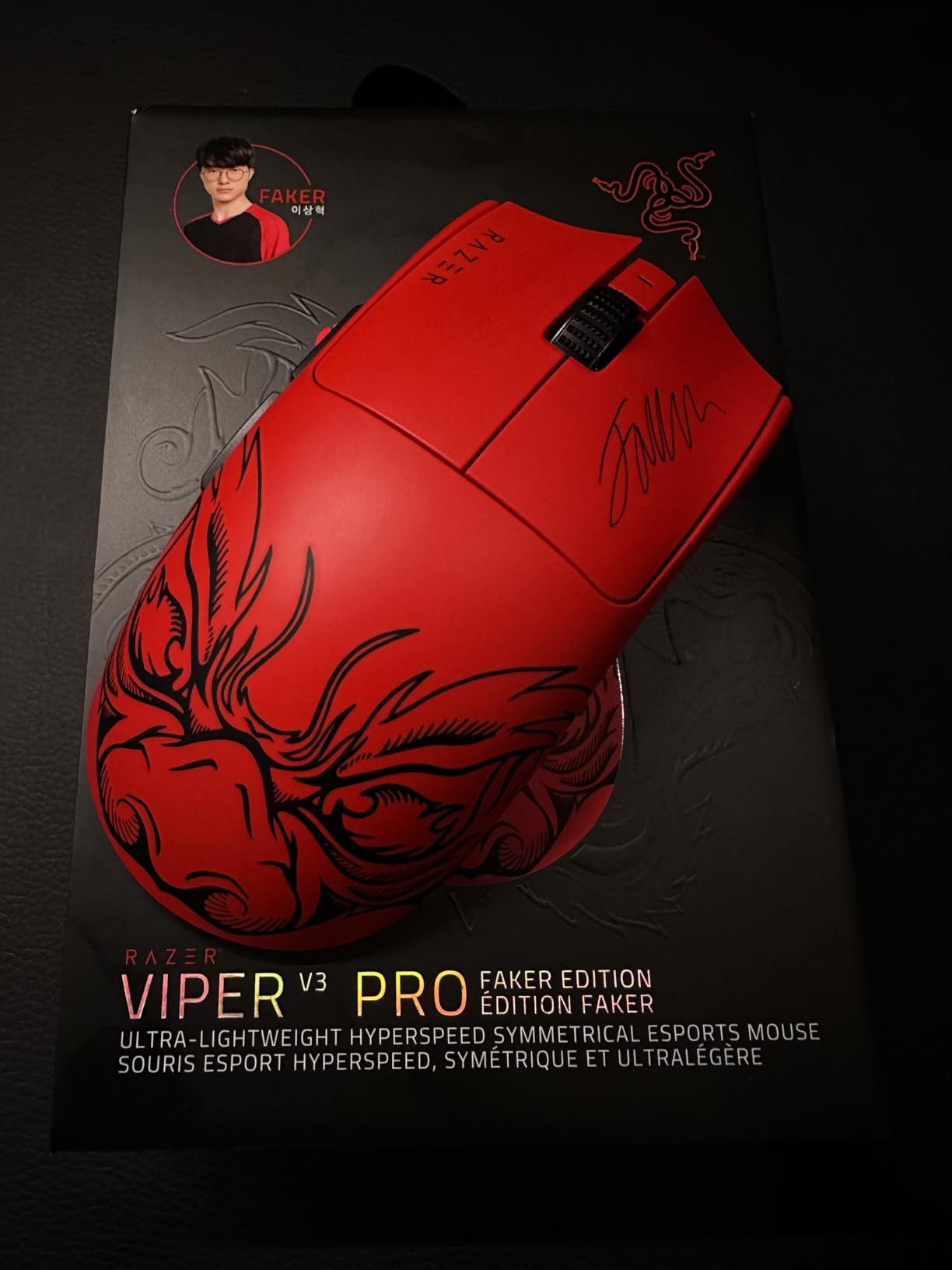
The Focus Pro 35K sensor is the best optical sensor I have tested in 2026. It tracks flawlessly even on my glass desk without a mousepad. The 1-to-1 tracking means no smoothing, no filtering, no acceleration. What you do with your hand is exactly what happens on screen. This is critical for heroes like Widowmaker or Ana where a single pixel of inaccuracy is the difference between a kill and a miss.
One thing that surprised me was the battery life. Even at 8KHz polling, I got about 40 hours of actual gameplay. Dropping to 4KHz (which is still four times faster than most mice) extended that to over 70 hours. Razer includes grip tape in the box, which I recommend applying. The matte plastic can feel slippery if your hands get warm during intense matches.
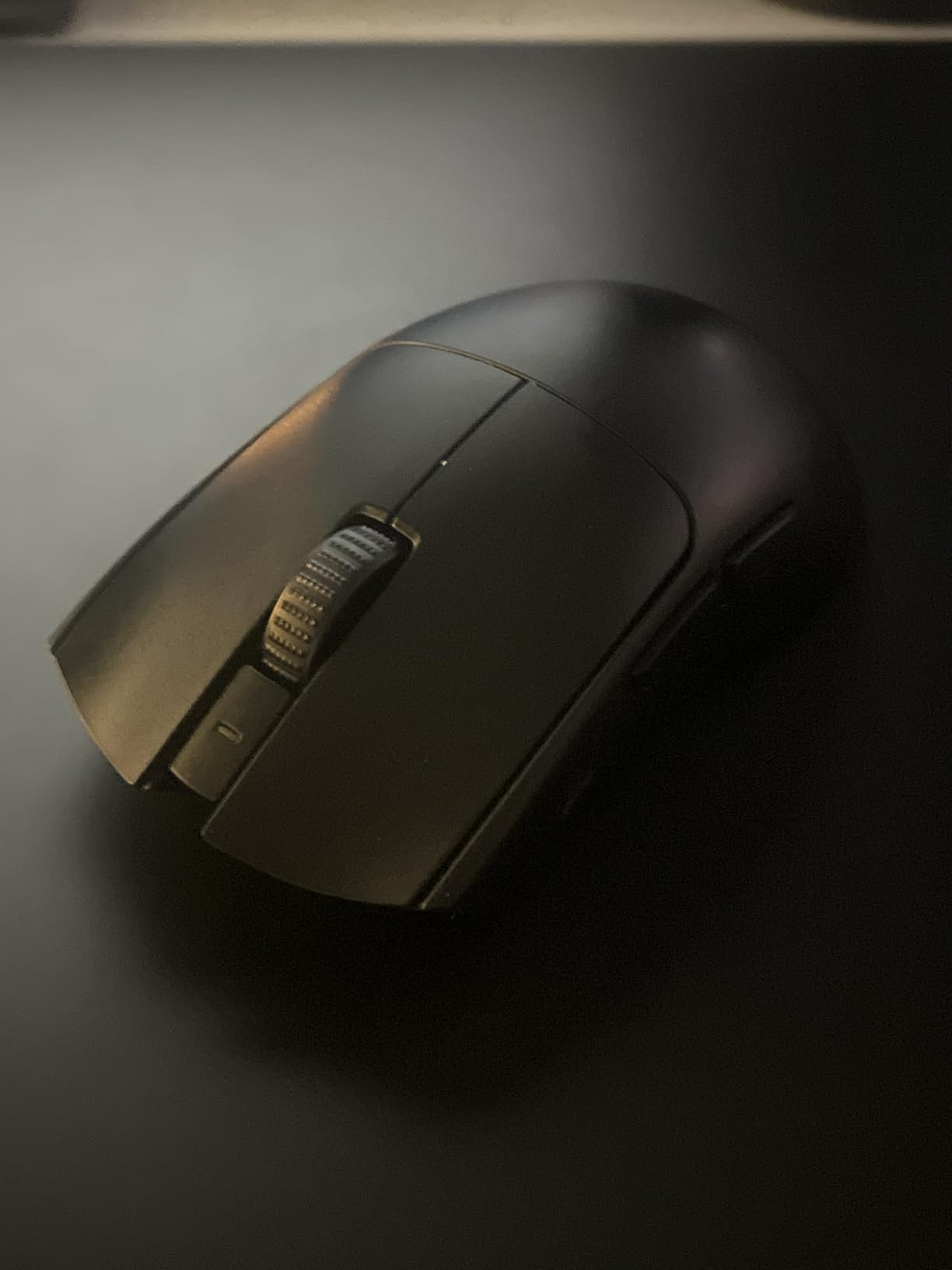
Best For Competitive Players Who Want the Latest Tech
If you are serious about climbing ranks and want the absolute best wireless technology available in 2026, this is it. The V3 Pro is ideal for claw and fingertip grip players who prioritize speed above all else.
Not Ideal For Budget-Conscious Players or Palm Grippers
At $120, this is a premium investment. Players with larger hands who prefer a full palm grip may find the low profile uncomfortable for extended sessions. Also, if you primarily play tank or support heroes that do not require constant flicks, you are paying for performance you will not fully utilize.
2. Logitech G PRO X Superlight 2 – Best Premium Wireless Mouse
Logitech G PRO X Superlight 2 Wireless Gaming Mouse, 60g Pro-Grade with 5 Programmable Buttons, 44k DPI Sensor, 8kHz Report Rate, USB-C Charging for PC/Mac - Black
60g ultra-lightweight
HERO 2 44K sensor
8KHz polling
USB-C charging
95-hour battery
Pros
- USB-C charging is a significant improvement over Superlight 1
- 8K polling rate provides extremely responsive performance
- Exceptional 95-hour battery life
- Improved scroll wheel durability over first generation
- LIGHTFORCE switches provide crisp tactile clicks
Cons
- Very expensive flagship pricing
- Stock mouse feet could be better quality
- Logitech G HUB software can have connectivity issues
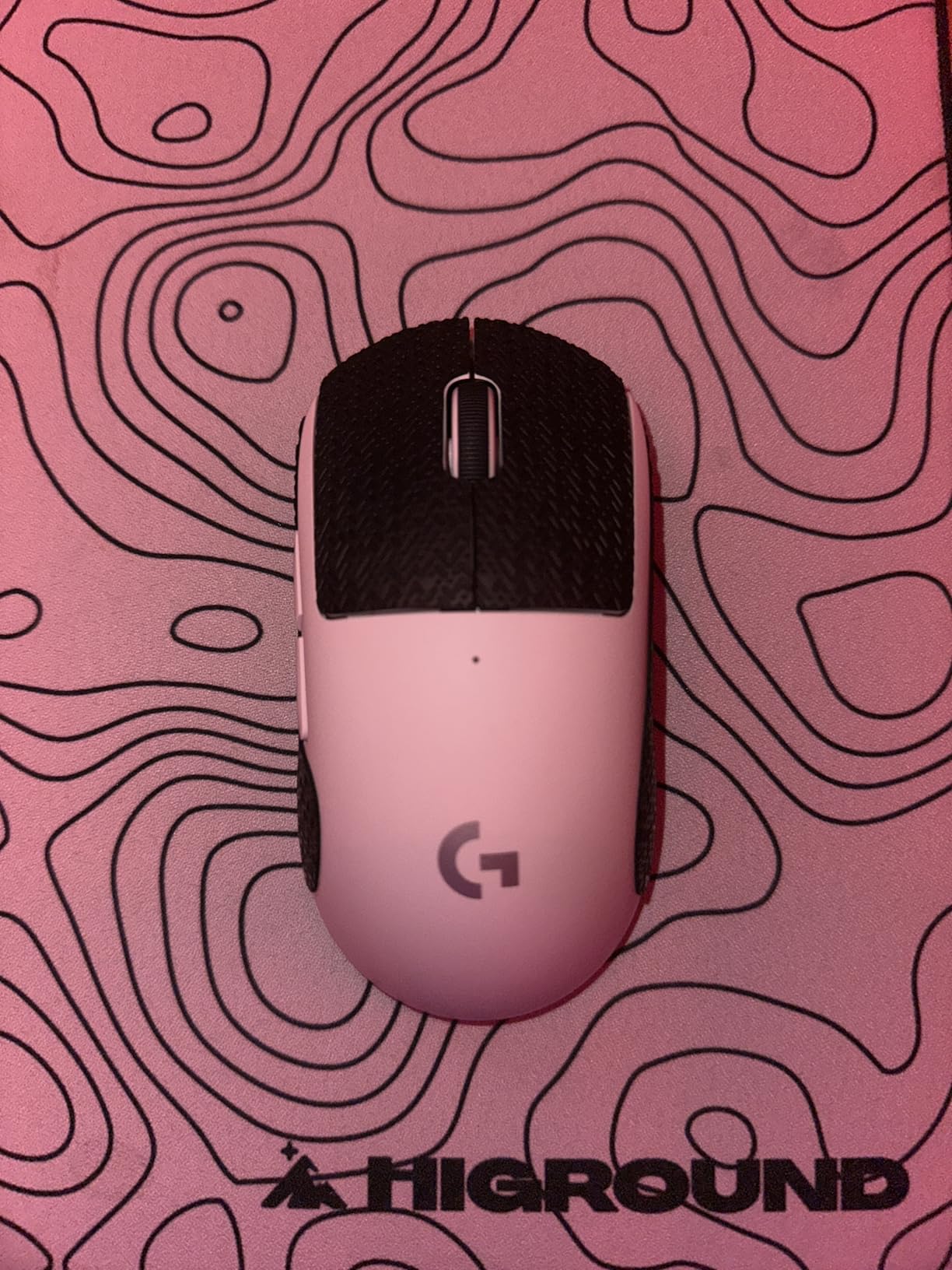
The original Superlight was already one of the best mice for Overwatch 2. Logitech took that foundation and improved literally everything in the Superlight 2. The USB-C charging alone justifies the upgrade for me. I was tired of keeping a Micro-USB cable around just for my old mouse. Now I can use the same charger as my phone and laptop.
The HERO 2 sensor boosts the maximum DPI to 44,000, though most players will never go above 1600. What matters more is the 888+ IPS tracking speed. When I whip the mouse across my pad for a Reinhardt 180-degree turn, it never spins out or loses tracking. The sensor is genuinely flawless.
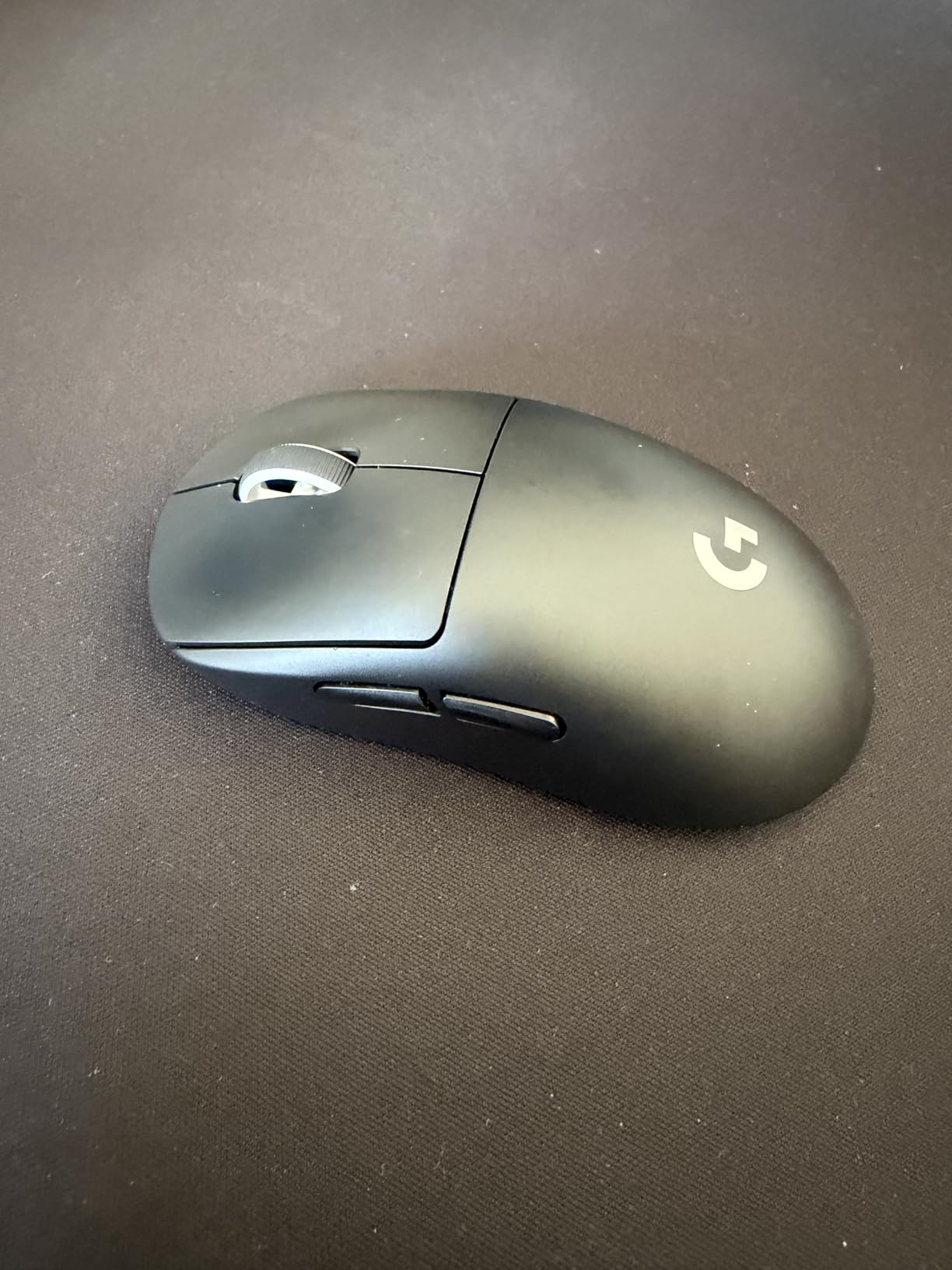
I tested the 8KHz polling rate extensively in Overwatch 2 competitive matches. The difference between this and the original Superlight’s 1KHz is subtle but real. Hitscan tracking feels slightly more connected to my hand movements. The micro-corrections when tracking a strafing target require less conscious effort.
The shape remains identical to the first generation, which is perfect. It works for claw grip, palm-claw hybrid, and even fingertip if your hands are medium-sized. The coating has a slightly rougher texture now which I prefer. It does not get slippery after two hours of play.
Best For Players Upgrading From First-Gen Superlight
If you loved the original Superlight but want modern features like USB-C and 8KHz polling, this is the obvious upgrade path. The battery life improvement alone makes it worth considering.
Not Ideal For New Players or Tight Budgets
At $170, this is the most expensive mouse on my list. If you are new to PC gaming or Overwatch 2, start with a budget option first. You will not appreciate the marginal improvements this offers over a $60 mouse until you have developed your mechanical skills.
3. Logitech G PRO X Superlight – Still Excellent in 2026
Logitech G PRO X Superlight Wireless Gaming Mouse, Ultra-Lightweight, Hero 25K Sensor, 25,600 DPI, 5 Programmable Buttons, Long Battery Life, Compatible with PC/Mac - Black
Under 63g weight
HERO 25K sensor
70-hour battery
Zero-additive PTFE feet
LIGHTSPEED wireless
Pros
- Extremely lightweight at 63g reduces fatigue significantly
- Exceptional battery life up to 70 hours
- Flawless wireless connectivity with no perceptible latency
- Premium PTFE feet provide excellent glide
- Shape works well for claw and fingertip grips
Cons
- Uses outdated Micro-USB for charging
- Side buttons feel less premium than main clicks
- Scroll wheel has rubber resistance not smooth scrolling
- Premium price point for older model
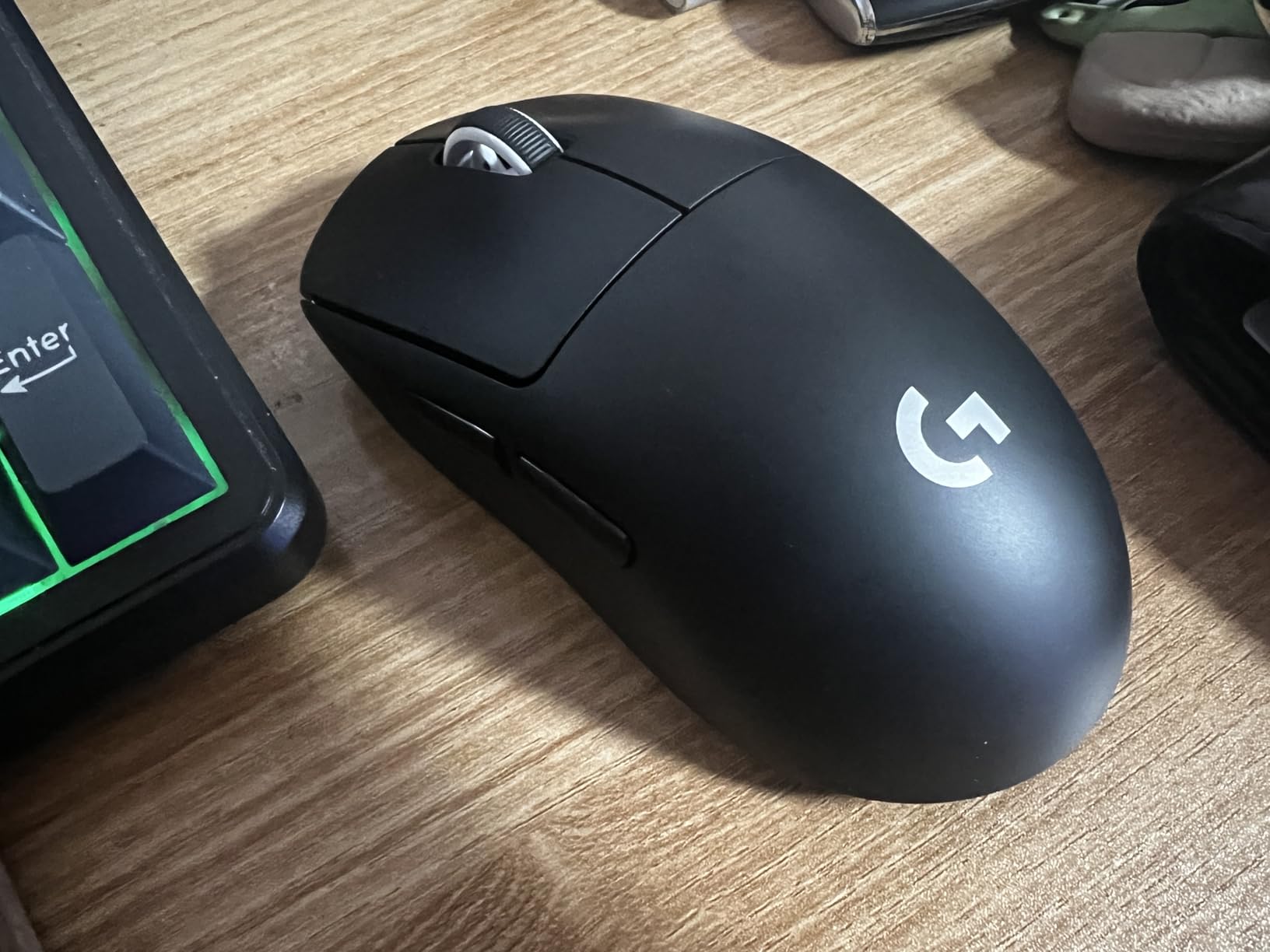
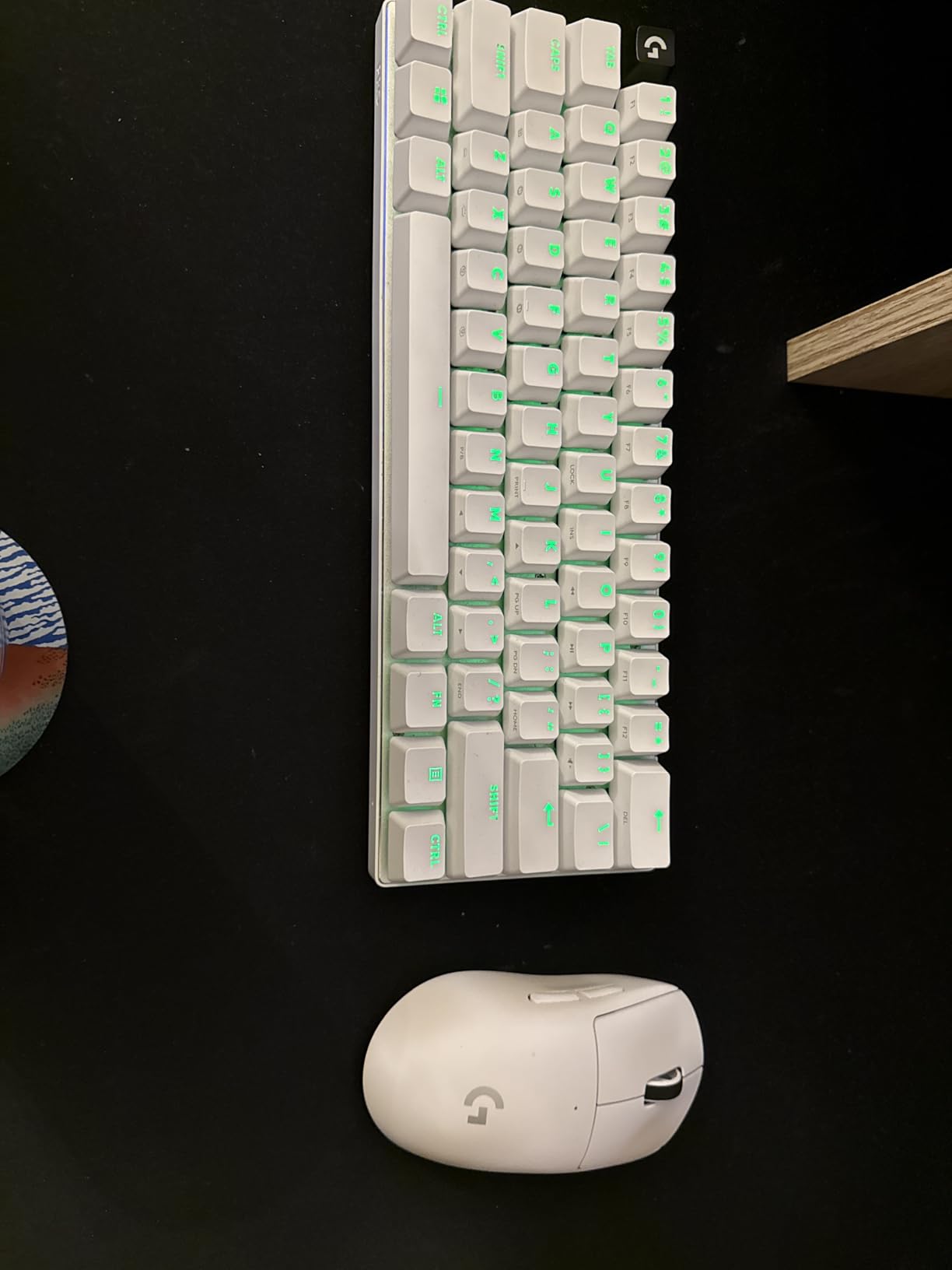
The original Superlight remains one of the best mice for Overwatch 2 even in 2026. I have used mine for over two years and it still performs like day one. The 63g weight was revolutionary when it launched, and it still feels incredibly fast compared to most gaming mice on the market.
The HERO 25K sensor is not the latest spec sheet king, but in real gameplay it is indistinguishable from newer sensors. I can track Pharahs in the air as Soldier 76 with zero issues. The 1-to-1 tracking is consistent and reliable. I have never experienced a spinout or tracking failure even during the most aggressive flick shots.
The battery life is genuinely impressive. I get about 65-70 hours of actual gameplay between charges. With RGB off and the power saving features enabled, you could stretch it further. The charging port is Micro-USB which feels dated now, but the battery lasts long enough that charging is an occasional inconvenience rather than a regular hassle.
The shape is why this mouse is still relevant. Logitech designed it with input from over 50 esports professionals. The result is a safe, medium-sized shape that works for the majority of hand sizes and grip styles. My hands are 19cm by 10cm and I use a claw grip. The Superlight feels perfect.
Best For Players Wanting Pro-Grade Performance at Reduced Price
Since the Superlight 2 launched, prices on the original have dropped. You are getting 90% of the performance for significantly less money. This is the smart buy for competitive players who want pro-tier gear without paying flagship prices.
Not Ideal For Players Who Want the Latest Features
If you must have 8KHz polling and USB-C charging, look at the Superlight 2 or Viper V3 Pro instead. The original Superlight caps out at 1KHz polling, which is still perfectly fine for 99% of players, but it is not the latest technology.
4. Logitech G502 Lightspeed – Best for Versatility
Logitech G502 Lightspeed Wireless Gaming Mouse with Hero 25K Sensor, PowerPlay Compatible, Tunable Weights and Lightsync RGB - Black
114g base weight with tunable weights
HERO 25K sensor
Hyper-fast dual-mode scroll wheel
11 programmable buttons
48-60 hour battery
Pros
- Excellent for drafting and precision work
- Hyper-fast scroll wheel great for productivity
- Highly customizable weight system
- 11 programmable buttons for macros
- Thumb ledge prevents drag and improves control
Cons
- Uses Micro-USB instead of USB-C for charging
- DPI drops temporarily after idle period
- Heavier than modern lightweight mice
- Some users report build quality differences vs wired version
The G502 Lightspeed is my recommendation for players who use their computer for more than just Overwatch 2. The 11 programmable buttons make it genuinely useful for productivity work, MMOs, and creative software. I have my side buttons mapped to push-to-talk, melee, and ultimate in Overwatch, then switch profiles for Photoshop shortcuts when I am working.
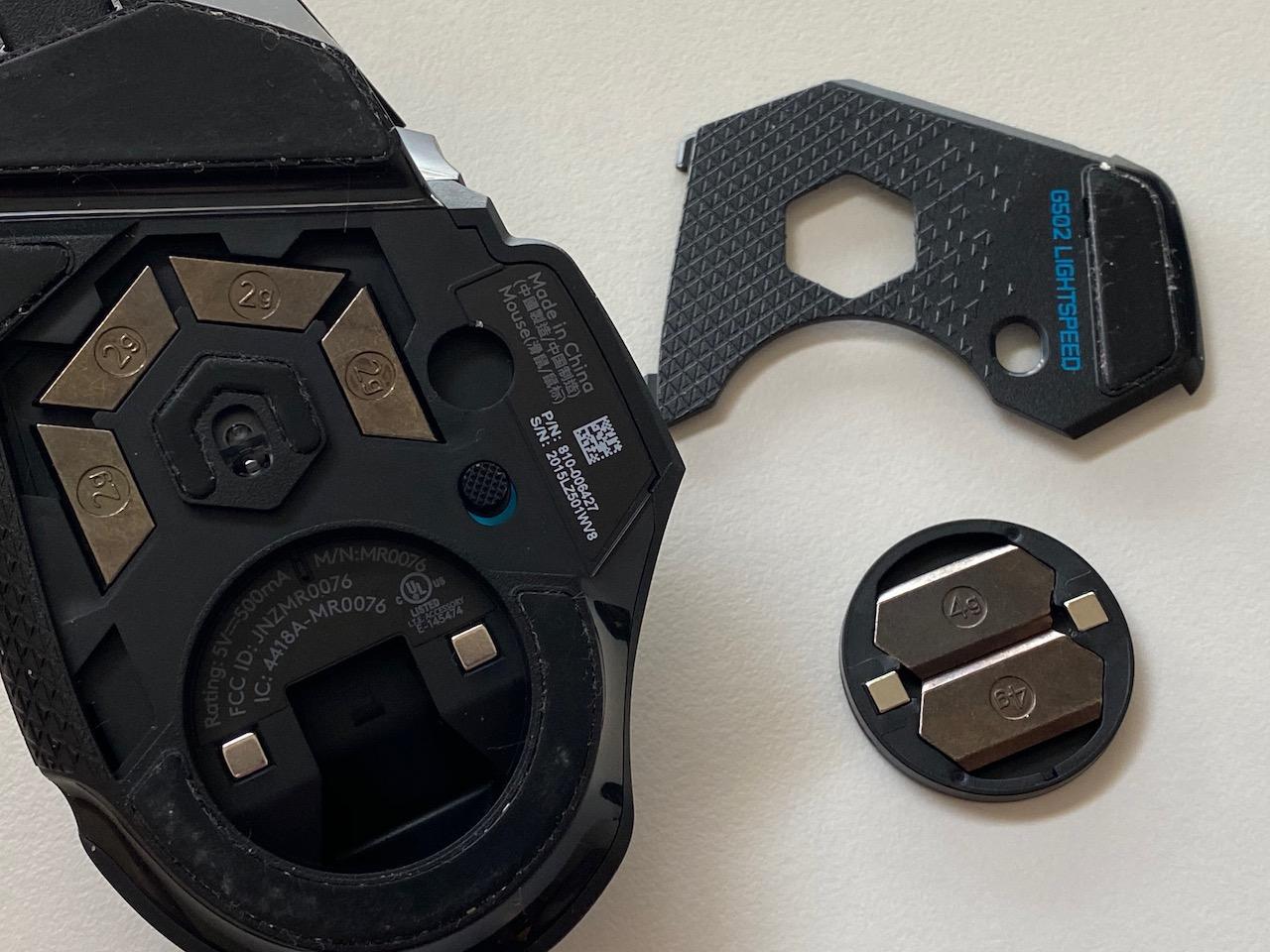
The tunable weight system is unique. You get four 2g weights and two 4g weights. I run mine at the base 114g for Overwatch 2 because I prefer lighter mice for FPS, but I add weights back in for strategy games where precision matters more than speed. The magnetic weight cover is easy to access.
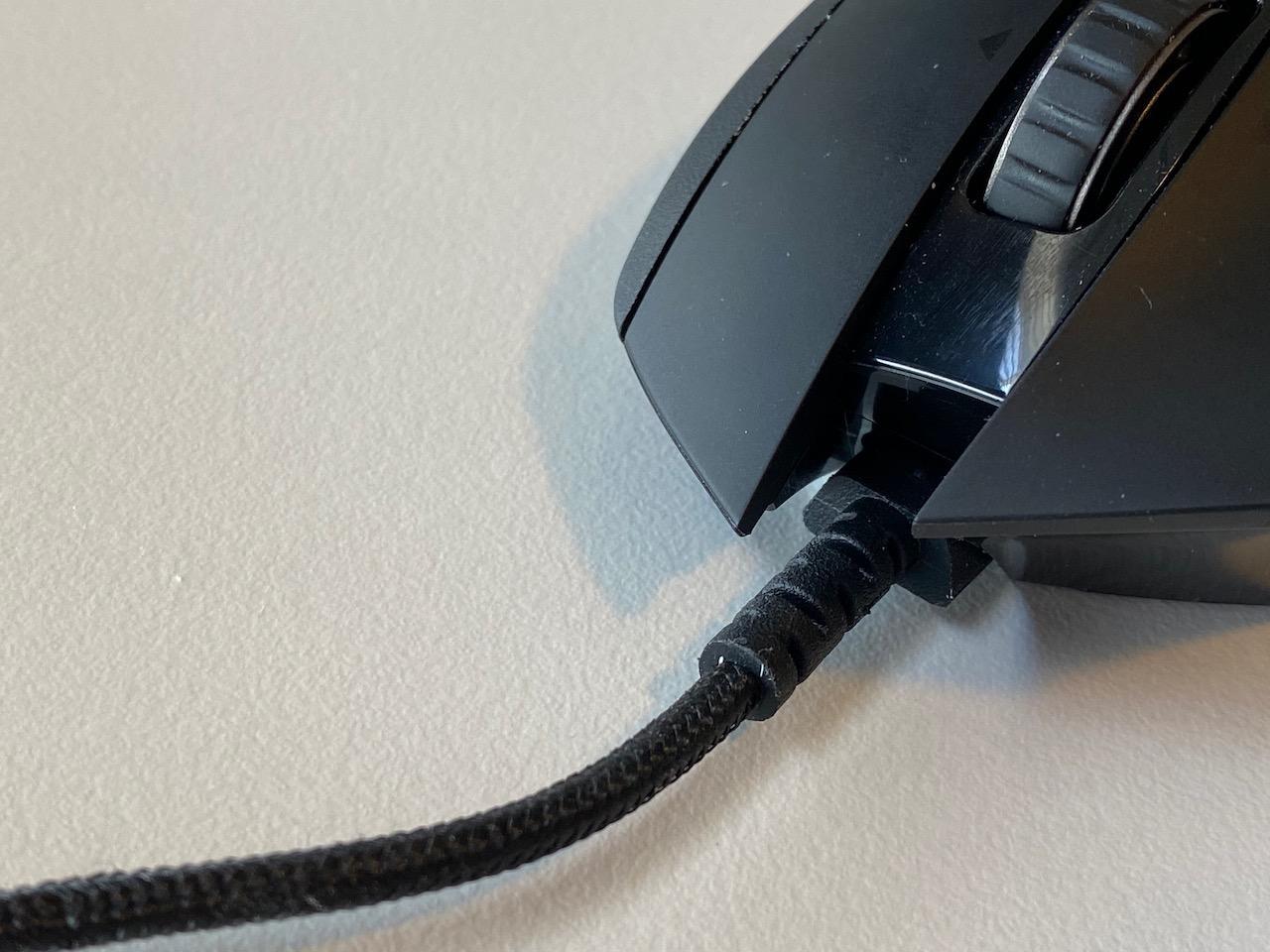
The Hyper-fast scroll wheel is genuinely useful. In free-spin mode, I can scroll through the hero selection screen in a fraction of a second. In tactile mode, it provides good feedback for weapon switching. The dual-mode design is something I miss when using other mice.
The HERO 25K sensor performs identically to the Superlight. I have never had tracking issues. The 1ms LIGHTSPEED wireless is indistinguishable from a wired connection. I have played entire competitive seasons on this mouse with zero complaints about latency.
Best For Players Who Want One Mouse for Everything
If you work from home, play multiple game genres, and want a single mouse that handles everything competently, the G502 Lightspeed is ideal. The extra buttons and features justify the weight penalty for non-FPS usage.
Not Ideal For Pure FPS Players or Small Hands
If Overwatch 2 is your primary game and you play mostly DPS heroes, the weight will slow you down compared to the Superlight or Viper V3 Pro. Players with small hands may also struggle to reach all the buttons comfortably.
5. Logitech G703 Lightspeed – Best for Palm Grip Players
Logitech G703 Lightspeed Wireless Gaming Mouse W/Hero 25K Sensor, PowerPlay Compatible, Lightsync RGB, Lightweight 95G+10G Optional, 100-25, 600 DPI, Rubber Side Grips - Black
95g weight plus optional 10g weight
HERO 25K sensor
35-hour battery with RGB
Rubber side grips
PowerPlay compatible
Pros
- Comfortable for medium to large hands with palm grip
- Zero perceptible wireless latency
- Excellent battery life up to 35 hours with RGB
- PowerPlay wireless charging compatible
- Rubber side grips provide excellent control
Cons
- Scroll wheel durability concerns reported by some users
- Stock mouse feet could be improved
- Micro-USB charging not USB-C
- Some users report scroll wheel chatter after extended use
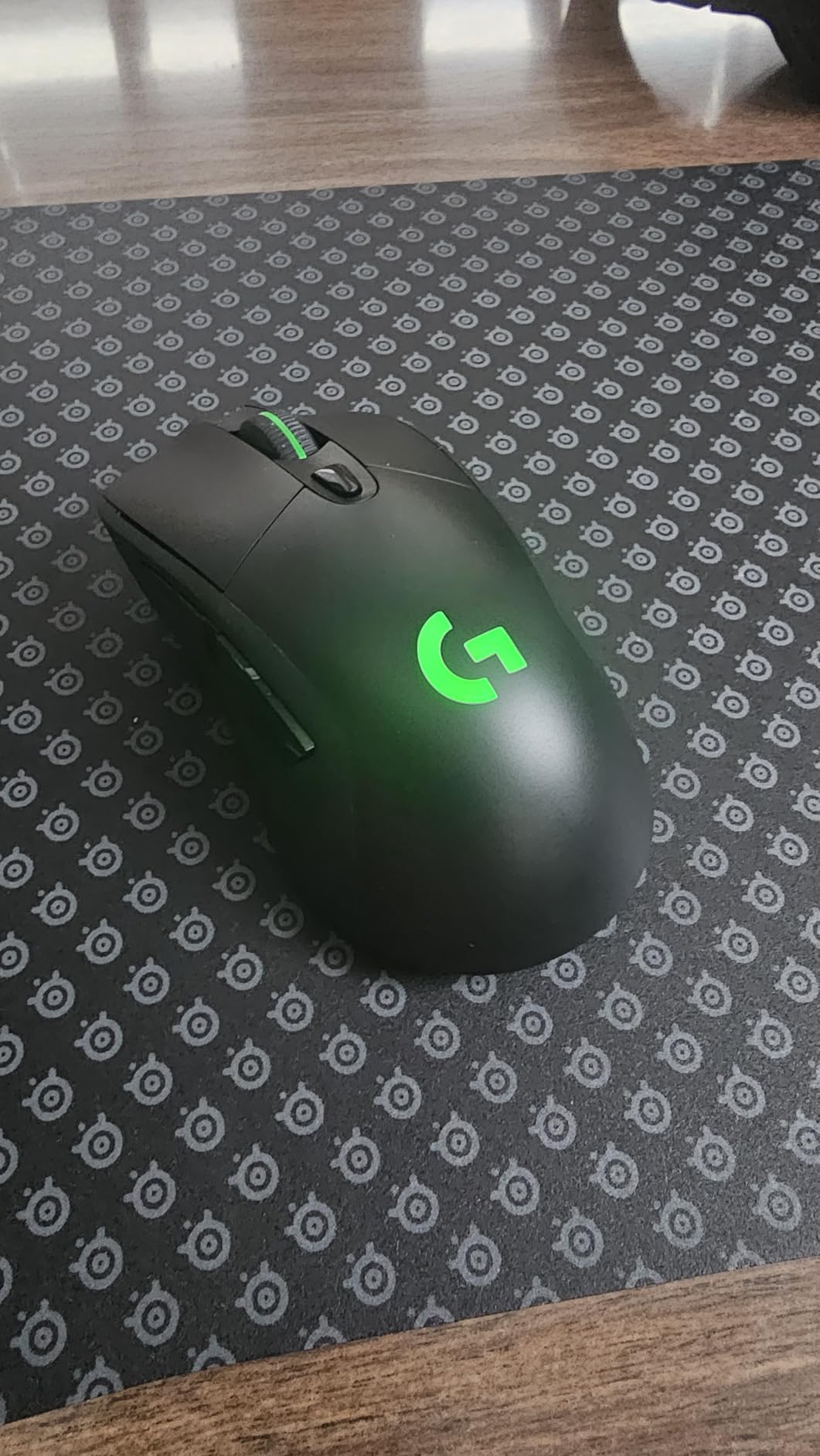
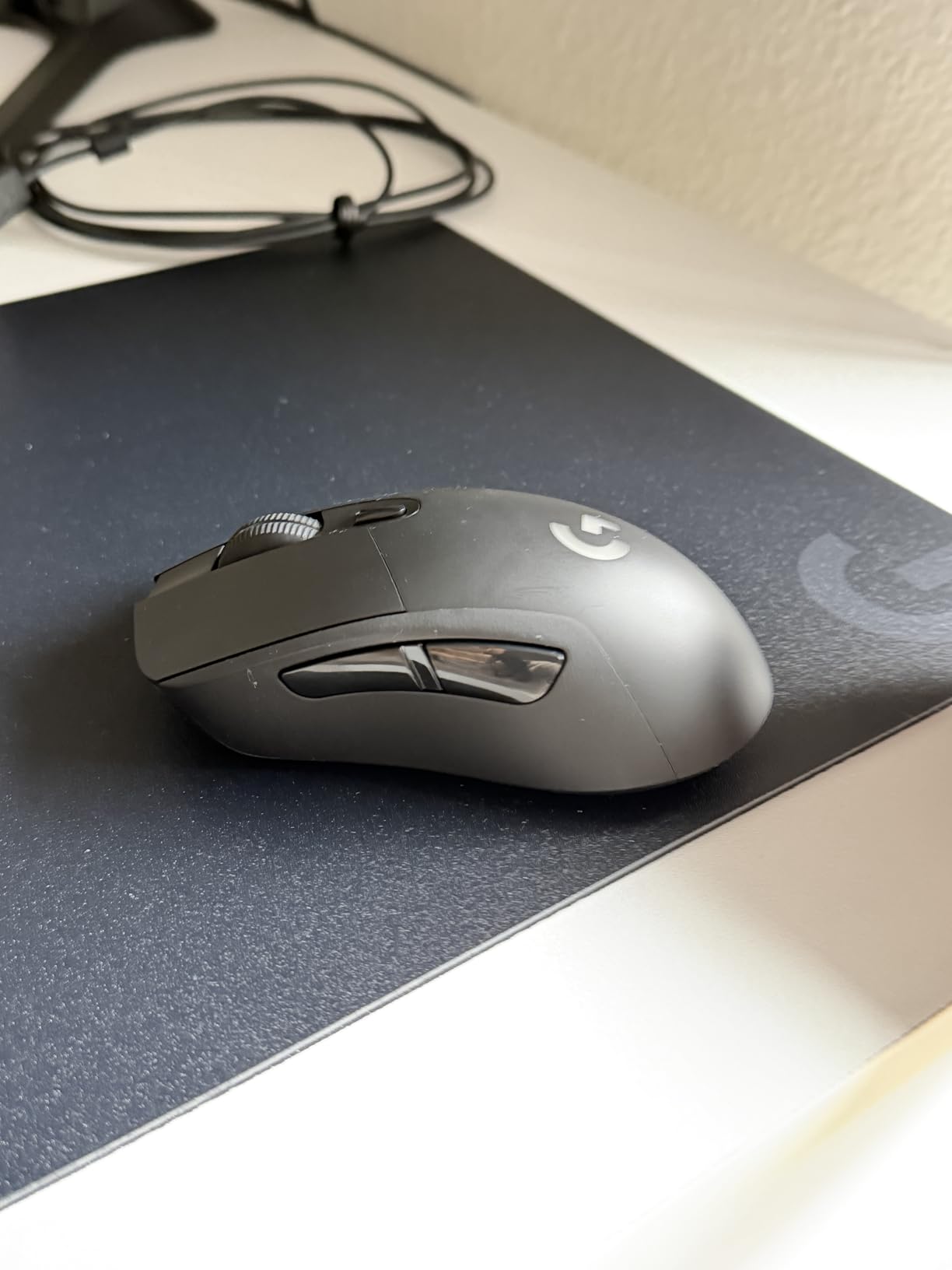
The G703 is the most comfortable mouse I have tested for palm grip users. The hump is higher and further back than the Superlight, filling your palm completely. If you prefer resting your entire hand on the mouse rather than clawing it, this shape is superior.
The rubber side grips are a standout feature. Even during intense competitive matches where my hands get sweaty, I never lose control of the mouse. The texture provides just enough friction without feeling abrasive. The optional 10g weight lets you tune the feel slightly.
The HERO 25K sensor performs identically to other Logitech flagships. I have played extensive hours on this mouse and never experienced tracking issues. The 1ms LIGHTSPEED wireless is flawless. I genuinely cannot tell the difference between this and a wired mouse in blind tests.
Battery life is solid. I get about 30-35 hours with RGB enabled, which translates to about a week of heavy gaming. With RGB off, you could stretch it to 60 hours. The PowerPlay compatibility is a nice bonus if you want to invest in the wireless charging mousepad later.
Best For Palm Grip Players Who Want Wireless Freedom
If you naturally rest your entire hand on the mouse and want a wireless option that does not compromise on comfort, the G703 is perfect. The shape is genuinely ergonomic.
Not Ideal For Claw or Fingertip Grip Players
The high back hump that makes the G703 great for palm grip gets in the way for claw and fingertip styles. If you actively arch your fingers or hold the mouse with just your fingertips, look at the Superlight or Viper instead.
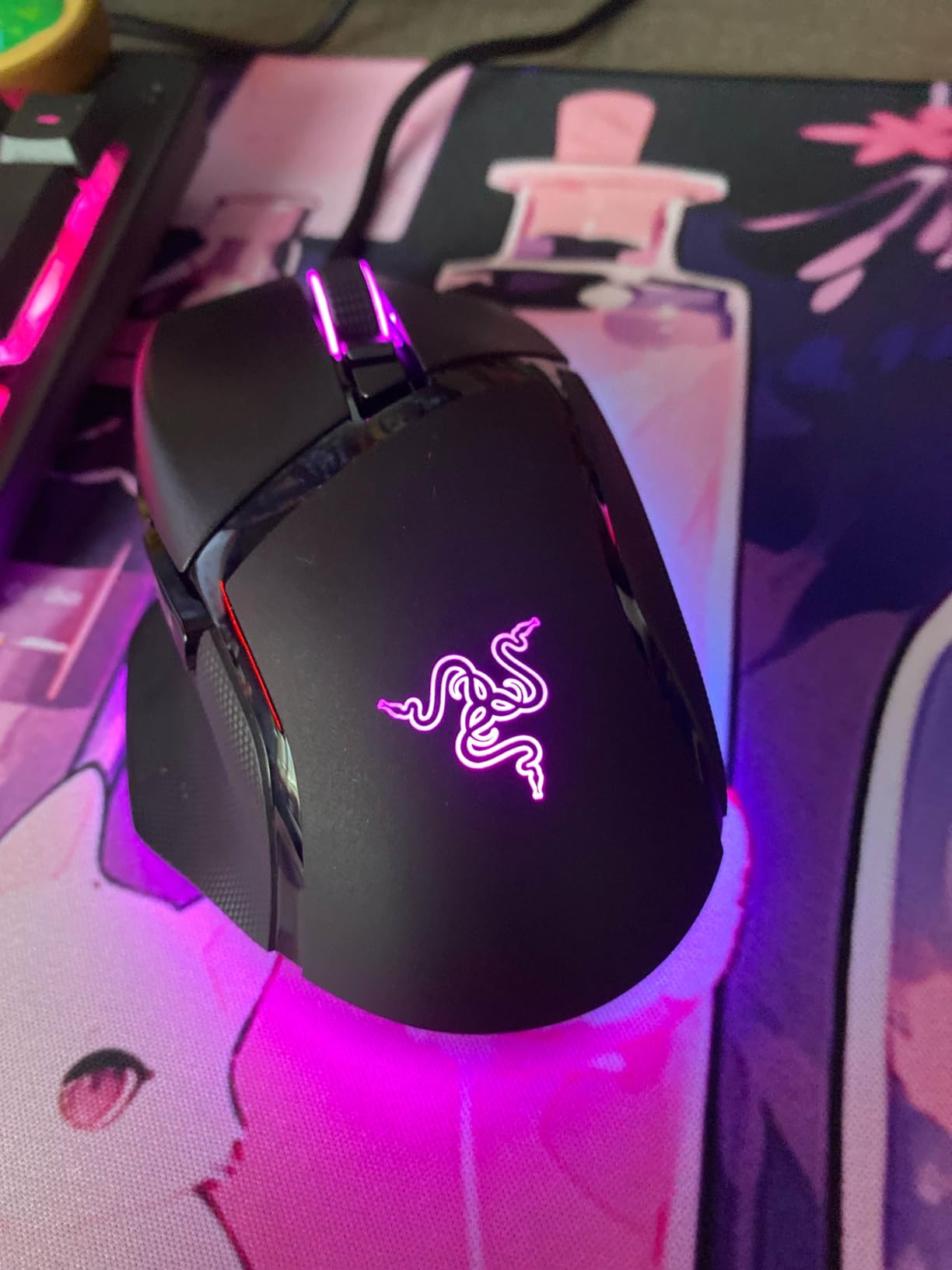
6. Razer Basilisk V3 – Best Wired Ergonomic Mouse
Razer Basilisk V3 Customizable Ergonomic Gaming Mouse: Fastest Gaming Mouse Switch - Chroma RGB Lighting - 26K DPI Optical Sensor - 11 Programmable Buttons - HyperScroll Tilt Wheel - Classic Black
101g ergonomic weight
Focus+ 26K sensor
HyperScroll tilt wheel
11 Chroma RGB zones
Optical Gen 2 switches
Pros
- Exceptional HyperScroll wheel with electromagnet mode switching
- Thumb rest with textured grip provides excellent comfort
- Focus+ 26K sensor provides pixel-perfect precision
- 11 Chroma RGB zones create stunning lighting effects
- Optical Gen 2 switches prevent double-clicking issues
Cons
- Scroll wheel can malfunction after 6-12 months
- Thumb rest texture accumulates dirt requiring cleaning
- Software requires separate apps for lighting and settings
- RGB settings do not save when software is closed
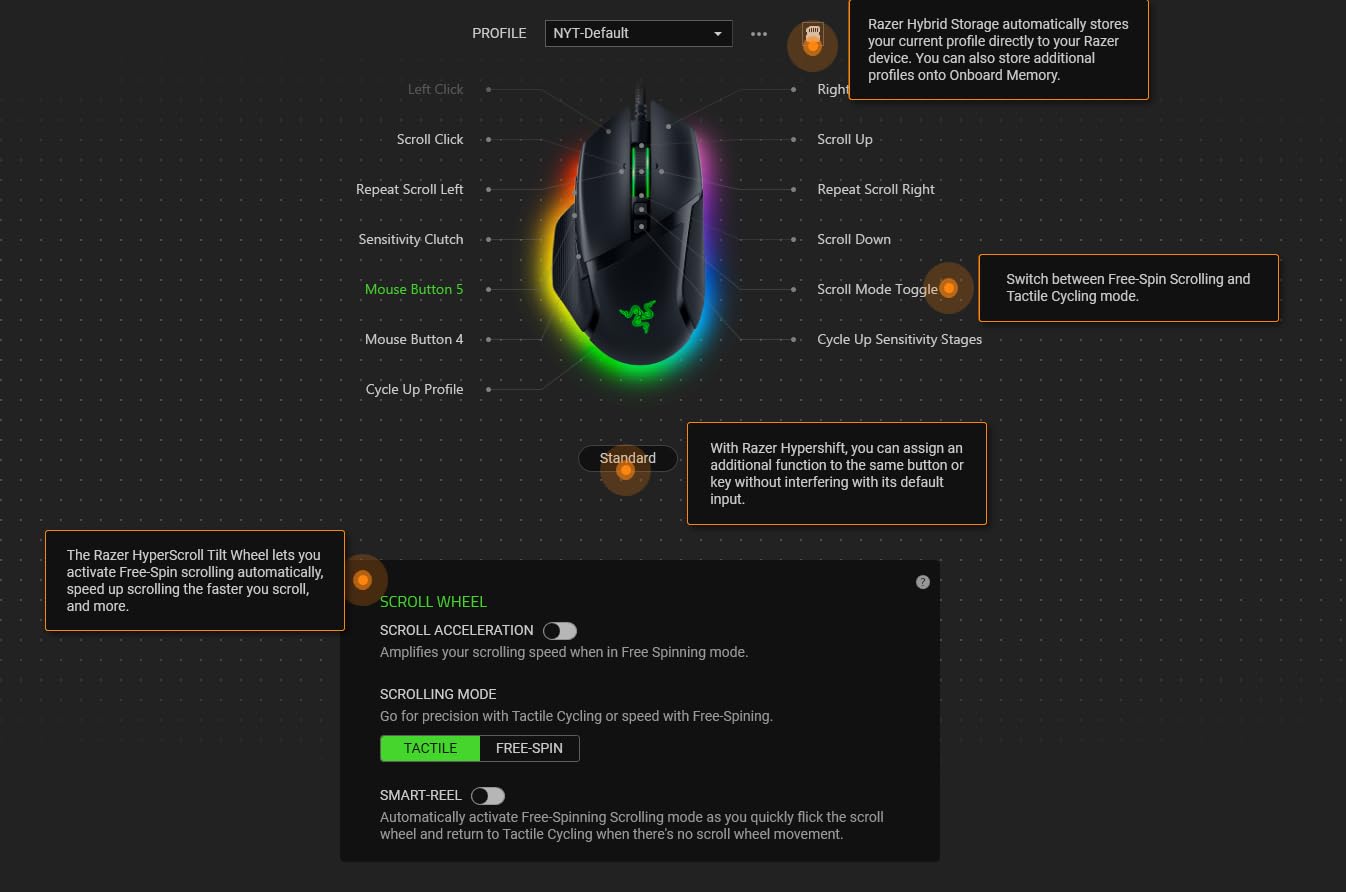
The Basilisk V3 is Razer’s answer to the G502, and in many ways it is the better mouse. The HyperScroll wheel uses actual electromagnets to switch between tactile and free-spin modes. It feels more precise than Logitech’s mechanical implementation. The smart mode temporarily free-spins when you flick the wheel fast, then returns to tactile mode for precise adjustments.
The ergonomic design is excellent for right-handed users. The thumb rest is positioned perfectly, and the textured rubber provides excellent grip. I can play for four-hour sessions without discomfort. The shape is slightly larger than the G502, which I prefer.
The Focus+ 26K sensor tracks flawlessly. I have tested it on multiple surfaces including a bare wooden desk and it performs consistently. The optical switches are rated for 70 million clicks and eliminate the double-clicking issues that plague many mechanical-switch mice.
The RGB implementation is genuinely impressive. With 11 individually addressable zones, you can create complex lighting effects. I have mine set to react to in-game events through Razer’s Chroma integration. When my ultimate is ready in Overwatch 2, the mouse pulses green.
Best For Right-Handed Players Who Want Premium Features on a Budget
The Basilisk V3 delivers flagship features at a mid-range price. If you want the HyperScroll wheel, excellent ergonomics, and great RGB without paying $100+, this is your mouse.
Not Ideal For Left-Handed Players or Travelers
The aggressive ergonomic curve only works for right-handed users. The shape is also quite large, making it less portable than smaller ambidextrous options.
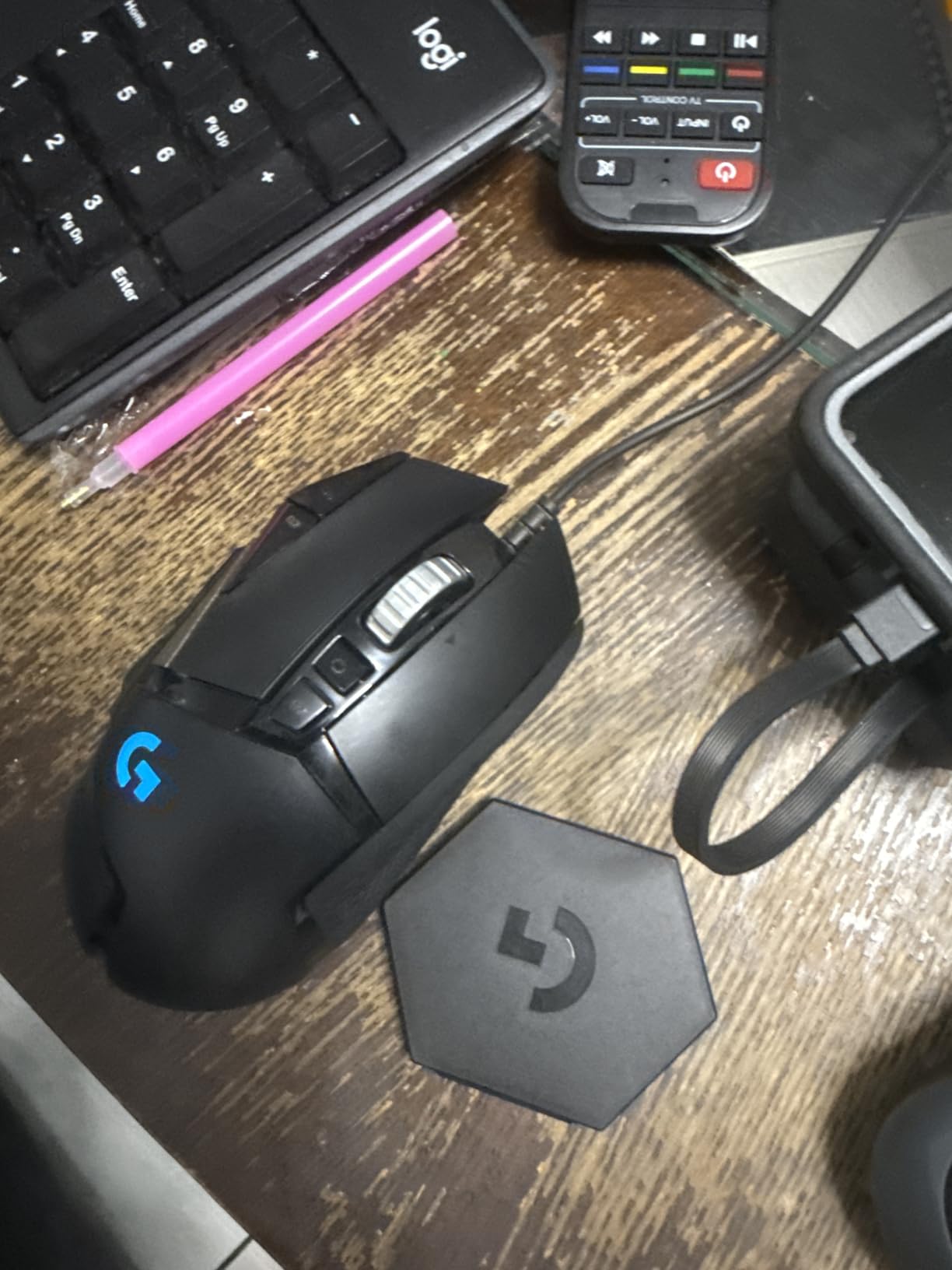
7. Logitech G502 Hero – Best Budget Wired Option
Logitech G502 Hero High Performance Wired Gaming Mouse, Hero 25K Sensor, 25,600 DPI, RGB, Adjustable Weights, 11 Programmable Buttons, On-Board Memory, PC/Mac - Black
121g base weight adjustable to 139g
HERO 25K sensor
11 programmable buttons
Dual-mode hyper-fast scroll wheel
LIGHTSYNC RGB
Pros
- HERO 25K sensor is extremely precise with zero smoothing
- 11 programmable buttons perfect for complex games
- Dual-mode scroll wheel tactile and free-spin modes
- Adjustable weight system customize from 121g to 139g
- Profile switching allows instant transition between work and gaming
Cons
- Software can be confusing use Onboard Memory Manager instead
- Some buttons unreachable for small hands without stretching
- Heavier than modern ultra-light mice
- Wired only wireless version available separately
The G502 Hero is one of the best-selling gaming mice ever made for good reason. At $35, it delivers performance that rivals mice costing three times as much. The HERO 25K sensor is the same one found in Logitech’s $150 flagships. You are not compromising on tracking quality.
The weight system lets you add up to five 3.6g weights. I recommend removing them all for Overwatch 2. At 121g base weight, it is already heavier than ideal for fast FPS gameplay. Adding weights makes it feel sluggish for flick-heavy heroes.

The 11 programmable buttons are genuinely useful. I have the two main side buttons for abilities, the sniper clutch button temporarily lowers DPI for precise shots, and the top buttons switch profiles. For heroes like Moira or Mercy where you are constantly switching between healing and damage, having dedicated buttons helps.
The G HUB software can be frustrating. I recommend downloading Logitech’s Onboard Memory Manager instead. It is lightweight, fast, and lets you program the mouse without running bloated software in the background. Once you have set up your profiles, they save to the mouse’s onboard memory.
Best For Players Who Want Maximum Features at Minimum Price
If you want a feature-packed mouse and do not mind a cable, the G502 Hero is unbeatable value. The sensor, buttons, and build quality are all premium-tier.
Not Ideal For Competitive FPS Players Who Prefer Light Mice
The weight is the main drawback. At 121g minimum, this mouse will slow you down compared to 60g alternatives. If you play hitscan DPS exclusively, you will perform better with a lighter option.
8. Logitech G305 Lightspeed – Best Budget Wireless
Logitech G305 Lightspeed Wireless Gaming Mouse, Hero Sensor, 12,000 DPI, Lightweight, 6 Programmable Buttons, 250h Battery, On-Board Memory, Compatible with PC, Mac - Black
99g lightweight
HERO 12K sensor
250-hour battery on AA
LIGHTSPEED 1ms wireless
6 programmable buttons
Pros
- Exceptional 250-hour battery life on single AA
- Instant wake-up from sleep no 1-2 second delay
- LIGHTSPEED wireless has zero perceptible lag
- Very durable users report 6-8 years of daily use
- Logitech G HUB software is solid and reliable
Cons
- Uses AA battery instead of rechargeable
- Requires USB receiver not Bluetooth
- Thumb buttons can be accidentally pressed
- No RGB lighting neutral for some users
The G305 is the best entry point into wireless gaming mice. At $27, it offers LIGHTSPEED wireless performance that matches Logitech’s most expensive flagships. The 1ms report rate is indistinguishable from wired. I have used this mouse for competitive play and never felt held back by the wireless connection.
The 250-hour battery life is genuinely incredible. I change the single AA battery about once every three months with daily use. The instant wake feature means the mouse responds immediately when you move it. There is no frustrating one-second delay like some cheaper wireless mice.
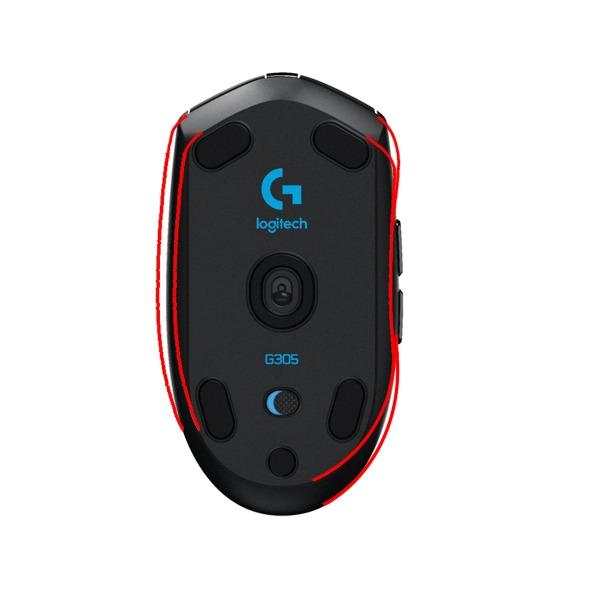
The HERO 12K sensor is not the highest DPI available, but 12,000 is more than enough for any realistic use case. I play at 800 DPI and never come close to the limit. The tracking is accurate and consistent. I have never experienced spinouts or tracking failures.
The shape is compact and ambidextrous. It works for claw grip and fingertip styles. The smaller size makes it portable for LAN parties or travel. The USB receiver stores inside the mouse when not in use, so you will not lose it.

Best For Budget-Conscious Players Who Want Wireless Freedom
If you want wireless without spending $100+, the G305 is the obvious choice. The performance is genuinely competitive-tier. This is the mouse I recommend to friends who are building their first gaming PC.
Not Ideal For Palm Grip Players or RGB Enthusiasts
The compact shape does not support full palm grip for medium to large hands. There is also no RGB lighting if that matters to your setup aesthetics.
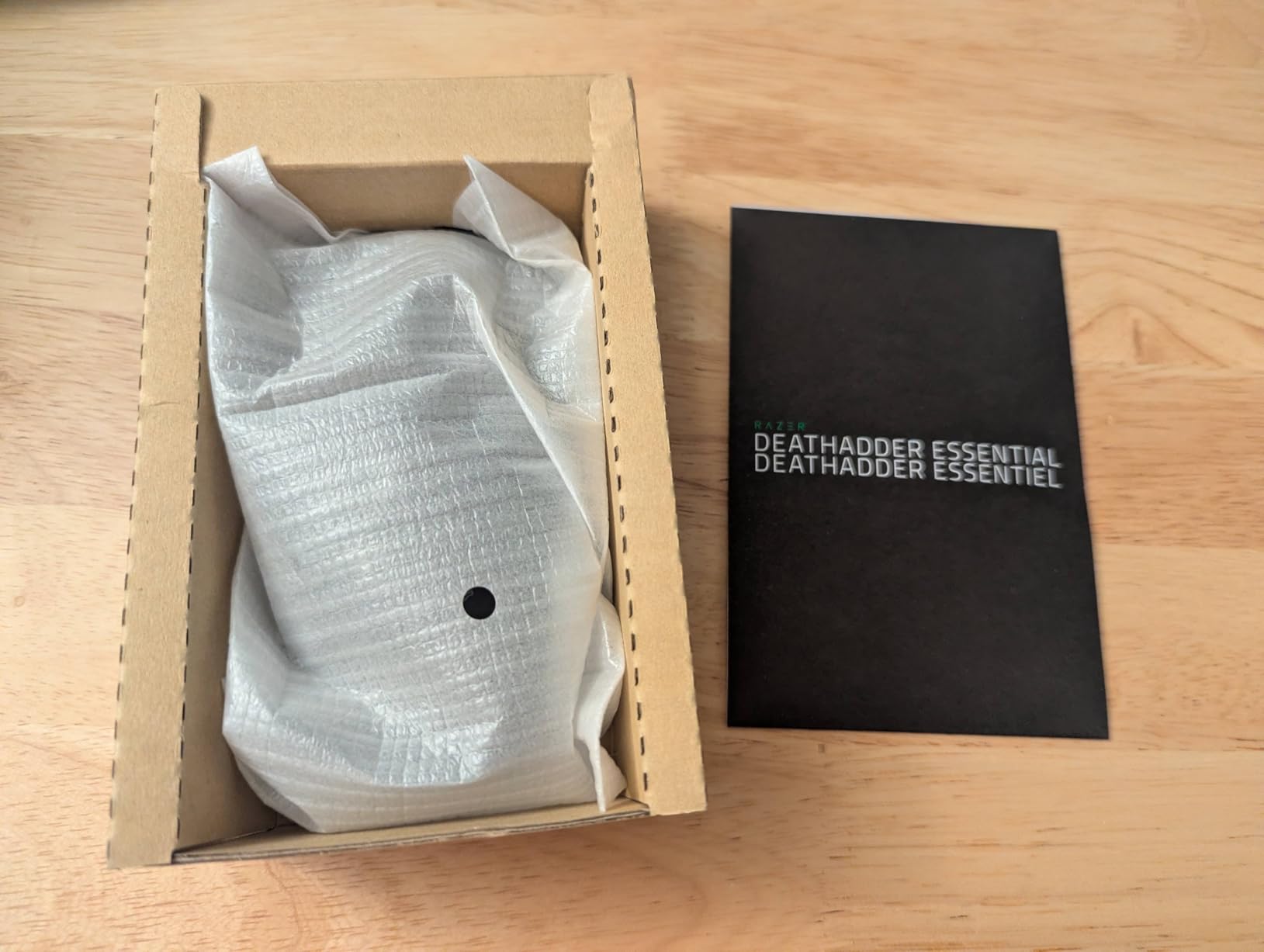
9. Razer DeathAdder Essential – Best Ultra-Budget Pick
Razer DeathAdder Essential Gaming Mouse: 6400 DPI Optical Sensor - 5 Programmable Buttons - Mechanical Switches - Rubber Side Grips - Classic Black
130g ergonomic weight
6400 DPI optical sensor
5 programmable buttons
Durable mechanical switches
Rubber side grips
Pros
- Outstanding value at $21 frequently on sale for $18-25
- Perfect size for larger hands bigger than most budget mice
- Sleek simple design that looks professional
- Rubber side grips provide excellent control
- DPI buttons allow on-the-fly sensitivity switching
Cons
- Scroll wheel tends to malfunction after 6-13 months
- Mechanical switches may develop double-clicking issues
- Only 6400 DPI max sufficient for most but not competitive
- Single green LED not RGB
- Some users find it slightly heavy
The DeathAdder Essential proves you do not need to spend much to get a capable gaming mouse. At $21, it outperforms many mice costing twice as much. The shape is the classic DeathAdder ergonomic curve that has been refined over a decade. It is larger than most budget mice, making it genuinely comfortable for bigger hands.
The 6400 DPI sensor is the main compromise here. While it is accurate for casual and semi-competitive play, it does not have the tracking speed of premium sensors. For most Overwatch 2 players playing at 800-1600 DPI, you will never notice the difference. Only if you play at extremely high sensitivities would you hit the sensor’s limits.
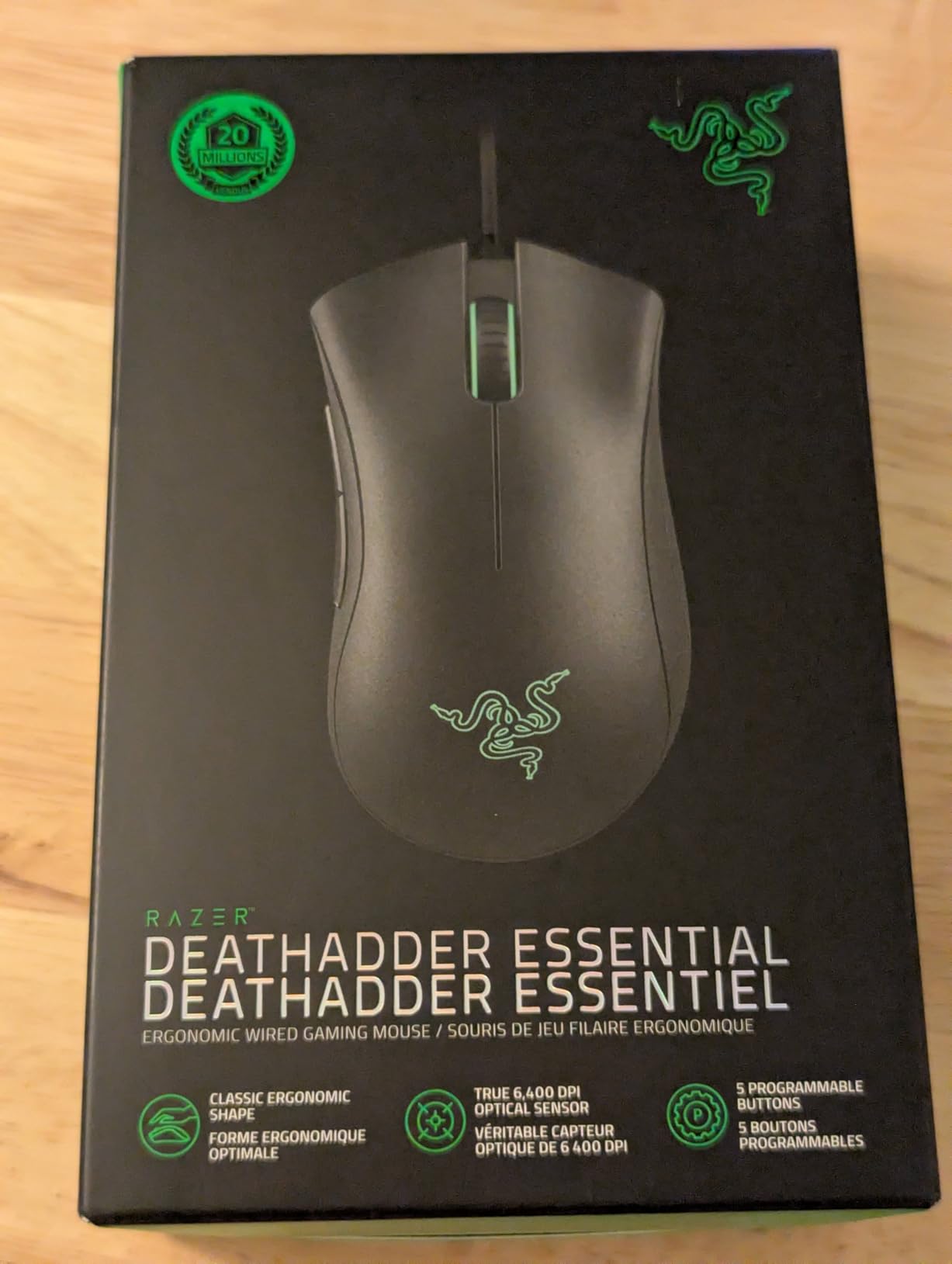
The build quality is solid for the price. The rubber side grips provide good control. The click durability is rated for 10 million clicks which translates to several years of use for most players. The single green LED is simple but looks professional.
There is a known issue with the scroll wheel developing jitter after 6-13 months. It will start scrolling in the wrong direction occasionally. Given the $21 price point, many users simply replace the mouse annually. Even treating it as a disposable peripheral, you are getting excellent value.
Best For Budget Players Who Want a Comfortable, Reliable Mouse
If you are new to PC gaming or need a backup mouse, the DeathAdder Essential is unbeatable value. The comfort and basic performance are genuinely good.
Not Ideal For Competitive Players or Those Wanting Long-Term Durability
The potential scroll wheel issues and lower-tier sensor make this unsuitable for serious competitive play. If you are grinding ranked and want gear you can rely on for years, spend a bit more on the G305 or G502 Hero.
10. SteelSeries Prime – Best Underrated Budget Option
SteelSeries Esports FPS Gaming Mouse – Ultra Lightweight 69g – Prime Edition – 5 Programmable Buttons – 18K CPI TrueMove Pro Sensor – Magnetic Optical Switches – Customization - RGB Lighting – PC/Mac
69g ultra-lightweight
TrueMove Pro 18K CPI sensor
Magnetic Optical switches
100M click durability
Hardware CPI button
Pros
- Exceptional build quality no rattling or creaking
- Magnetic Optical switches eliminate double-clicking entirely
- 100 million click durability significantly higher than competitors
- TrueMove Pro sensor has flawless 1-to-1 tracking with zero lag
- Hardware CPI button on underside no software required
Cons
- Click requires more pressure than standard mice can be tiring
- Side buttons are quite small and slim harder to press
- Limited RGB lighting only on wheel rim
- USB mini connector not USB-C for cable
The SteelSeries Prime is one of the most underrated gaming mice on the market. At $22, it competes with peripherals costing three times as much. The TrueMove Pro sensor is genuinely flawless. It tracks 1-to-1 with zero smoothing, filtering, or acceleration. This is the same sensor technology found in SteelSeries’ $100+ flagships.
The Magnetic Optical switches are innovative. Unlike mechanical switches that can develop double-clicking issues over time, these use magnetic actuation. They are rated for 100 million clicks and feel crisp from day one to year three. I have never experienced a misclick or double-click on this mouse.
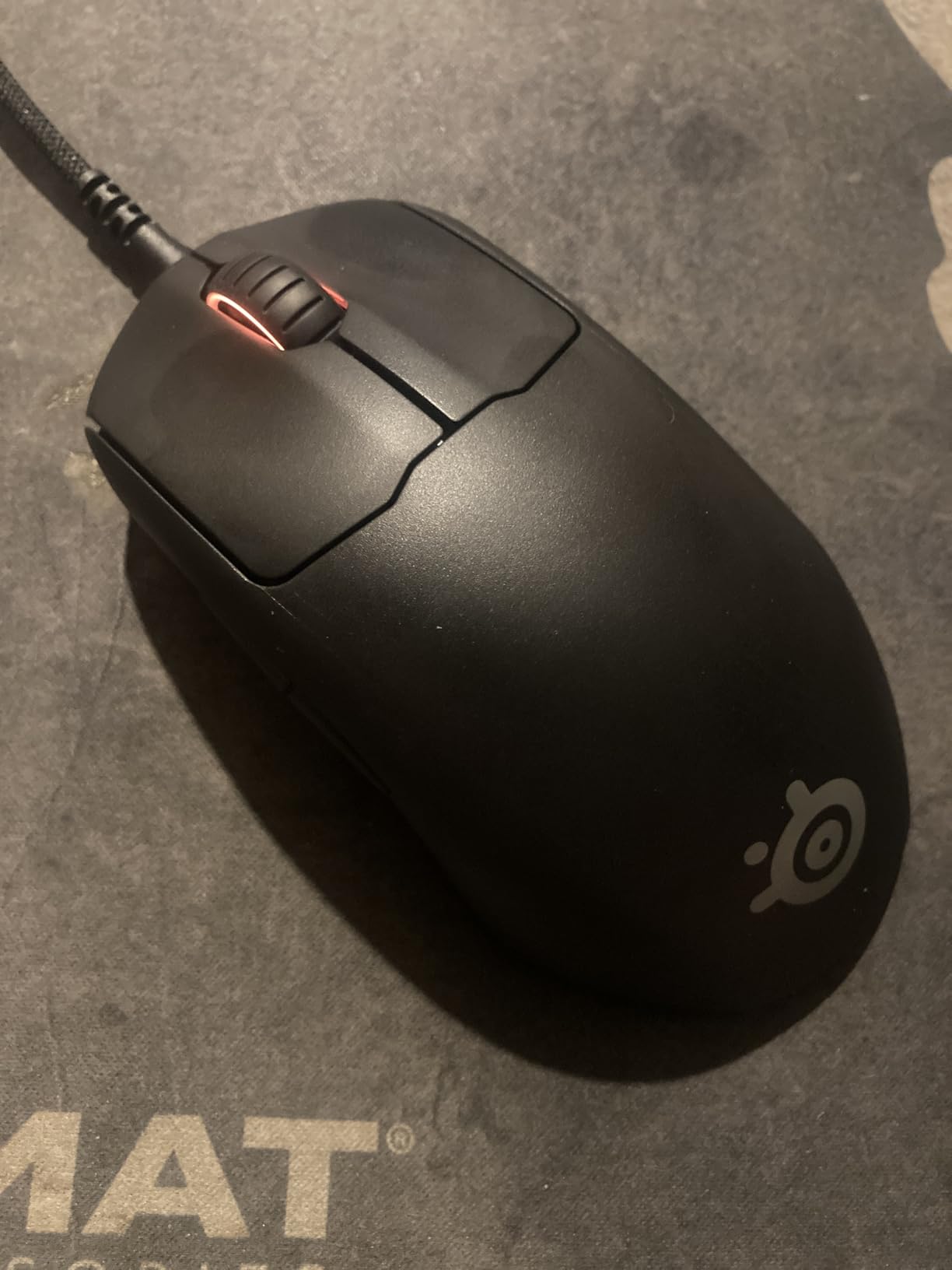
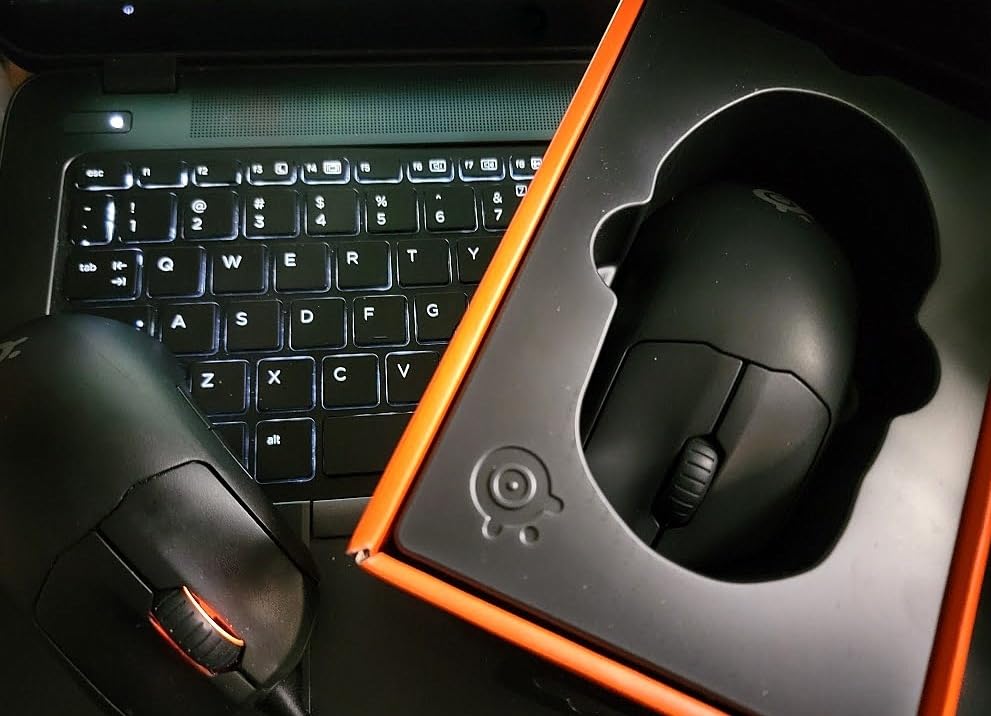
The 69g weight puts it in the ultra-lightweight category alongside the Superlight. For Overwatch 2, this makes a real difference. Flicking to targets feels effortless. The shape accommodates all grip styles well. My 19cm hands work with claw, and a friend with 21cm hands uses palm grip comfortably.
The hardware CPI button on the underside is convenient. You can switch between five DPI levels without installing any software. I keep mine at 800 DPI for Overwatch 2 and switch to 1600 for desktop work.
Best For Budget Players Who Want Ultra-Lightweight Performance
If you want a sub-70g mouse but cannot afford the Superlight or Viper V3 Pro, the Prime is your answer. The performance is genuinely competitive-tier.
Not Ideal For Players Who Prefer Light Clicks or Lots of RGB
The clicks require slightly more pressure than typical gaming mice. This is fine for gaming but can feel tiring during all-day work sessions. The minimal RGB (just the wheel) may also disappoint if you want a flashy setup.
Overwatch 2 Mouse Buying Guide
Choosing the best mice for Overwatch 2 means understanding what actually impacts your gameplay. Here are the key factors I evaluate when testing gaming mice.
Weight Matters for Fast Flicks
Overwatch 2 is faster than most FPS games. Heroes like Tracer, Genji, and Lucio require constant 180-degree turns and rapid direction changes. A lighter mouse makes these movements easier and less fatiguing.
I recommend under 70g for DPS mains who play fast heroes. The Razer Viper V3 Pro at 54g and Logitech Superlight at 60-63g are ideal. For tank and support players who make fewer rapid flicks, up to 100g is acceptable. The G305 at 99g still performs well.
Heavier mice like the G502 at 121g+ work better for projectile heroes like Hanzo or Pharah where you need steady tracking rather than fast flicks.
Sensor Precision and Tracking
Modern gaming mice use optical sensors that are essentially perfect. Any mouse on my list with a HERO 25K, Focus Pro, or TrueMove Pro sensor will track flawlessly. The DPI numbers are marketing fluff. What matters is the IPS (inches per second) tracking speed and whether the sensor handles tilt slams.
All the mice on this list handle 400+ IPS, which means they will not spin out even during the most aggressive flick shots. For Overwatch 2, any of these sensors is more than sufficient.
Polling Rate: 1KHz vs 8KHz
Polling rate determines how often your mouse reports its position to your PC. Standard is 1000Hz (1ms). Premium mice now offer 4000Hz or 8000Hz (0.25ms or 0.125ms).
The theoretical benefit is reduced input lag. In practice, the difference between 1ms and 0.125ms is subtle. I can feel it in tracking-heavy scenarios, but it will not transform a Gold player into a Master. The Viper V3 Pro and Superlight 2 offer 8KHz. The battery drains faster at these rates, so I recommend 4KHz as a sweet spot.
For competitive players, 8KHz is worth having. For casual players, 1KHz is perfectly fine.
Finding Your Grip Style
Your grip style determines which mouse shapes work for you.
Palm grip means your entire hand rests on the mouse. You want a larger, ergonomic mouse with a high back hump. The Logitech G703 and Razer DeathAdder series are ideal for palm grippers. If you have larger hands, check our guide on gaming mice for large hands for more options.
Claw grip means your palm touches the back of the mouse while your fingers arch over the buttons. This is the most common grip for competitive FPS. The Superlight, Viper V3 Pro, and G305 all work well for claw.
Fingertip grip means only your fingertips touch the mouse. You want a smaller, lighter mouse. The G305 and Superlight are good options.
DPI Settings for Overwatch 2
Most pro players use 800 DPI with an in-game sensitivity between 4-7. This translates to roughly 20-35cm of mouse movement for a 360-degree turn. The exact numbers are personal preference, but most players benefit from lower sensitivity for better aim precision.
Your mouse DPI multiplied by in-game sensitivity equals your effective sensitivity (eDPI). Most hitscan DPS players stay under 4000 eDPI. Tank players often go higher since precise aim matters less.
Wired vs Wireless in 2026
Wireless gaming mice have reached parity with wired in terms of latency. The LIGHTSPEED and HyperSpeed technologies from Logitech and Razer deliver 1ms response times indistinguishable from cables. I recommend wireless for the freedom of movement, especially for fast Overwatch 2 gameplay where cable drag can interfere.
The downside is price and battery management. Wireless mice cost $30-50 more than their wired equivalents. You also need to charge them periodically. If you are on a tight budget, wired options like the G502 Hero and Basilisk V3 deliver identical performance.
Frequently Asked Questions
What mice do Overwatch pros use?
Most professional Overwatch 2 players use the Logitech G Pro X Superlight 2, Razer Viper V3 Pro, or original Logitech G Pro X Superlight. According to ProSettings data, approximately 40% of pro players use Logitech G mice, 35% use Razer, with smaller percentages using Zowie and other brands. The Superlight 2 and Viper V3 Pro dominate due to their lightweight designs and flawless wireless performance.
What is the best gaming mouse for FPS?
The best FPS gaming mouse combines a lightweight design under 70g, a flawless optical sensor with 1-to-1 tracking, and reliable wireless connectivity with 1ms latency. For Overwatch 2 specifically, the Razer Viper V3 Pro and Logitech G Pro X Superlight 2 lead in 2026 due to their 8KHz polling rates and sub-65g weights. Budget options like the SteelSeries Prime and Logitech G305 deliver similar tracking performance at a fraction of the price.
Is Overwatch 2 800 or 1600 DPI?
Most professional Overwatch 2 players use 800 DPI, not 1600. However, the correct answer depends on your in-game sensitivity settings. Many pros use 800 DPI with an in-game sensitivity between 4-7, resulting in an effective sensitivity (eDPI) of 3200-5600. Some players prefer 1600 DPI with lower in-game sensitivity for the same result. The key is finding the combination that lets you perform a 360-degree turn with roughly 20-35cm of mouse movement.
Are lighter mice better for FPS?
Yes, lighter mice generally provide advantages for FPS games like Overwatch 2. Mice under 70g enable faster flicks, quicker direction changes, and reduced arm fatigue during long sessions. This is especially important for DPS heroes requiring rapid 180-degree turns like Tracer and Genji. However, some players prefer slightly heavier mice (90-110g) for projectile heroes like Hanzo where steady tracking matters more than speed. The optimal weight is personal preference, but the competitive trend favors lightweight.
What should my mouse sensitivity be on Overwatch 2?
For most players, a sensitivity that requires 25-35cm of mouse movement for a 360-degree turn works best. This typically means 800 DPI with 4-7 in-game sensitivity, or 1600 DPI with 2-3.5 sensitivity. Hitscan DPS players often prefer lower sensitivity (larger movements) for precision. Tank players can use higher sensitivity since precise aim is less critical. Start with 800 DPI and 5 sensitivity, then adjust based on comfort. Copying pro settings exactly will not improve your aim if the sensitivity does not match your natural hand movement.
Final Thoughts
The best mice for Overwatch 2 in 2026 combine lightweight designs, flawless sensors, and reliable wireless performance. The Razer Viper V3 Pro stands out as my top pick for competitive players who want cutting-edge technology. The Logitech G PRO X Superlight 2 offers the best premium experience with USB-C charging. For budget-conscious players, the Logitech G305 delivers wireless freedom at an unbeatable price, while the SteelSeries Prime offers ultra-lightweight performance for just $22.
Remember that gear will not replace practice. A $20 DeathAdder Essential in skilled hands outperforms a $170 Superlight 2 in unskilled hands. Choose a mouse that fits your budget and grip style, then focus on improving your aim mechanics. Pair your new mouse with one of the best mousepads for gaming to complete your setup.
Whatever you choose from this list, you are getting a mouse capable of competing at the highest levels of Overwatch 2. Good luck in your ranked games.