
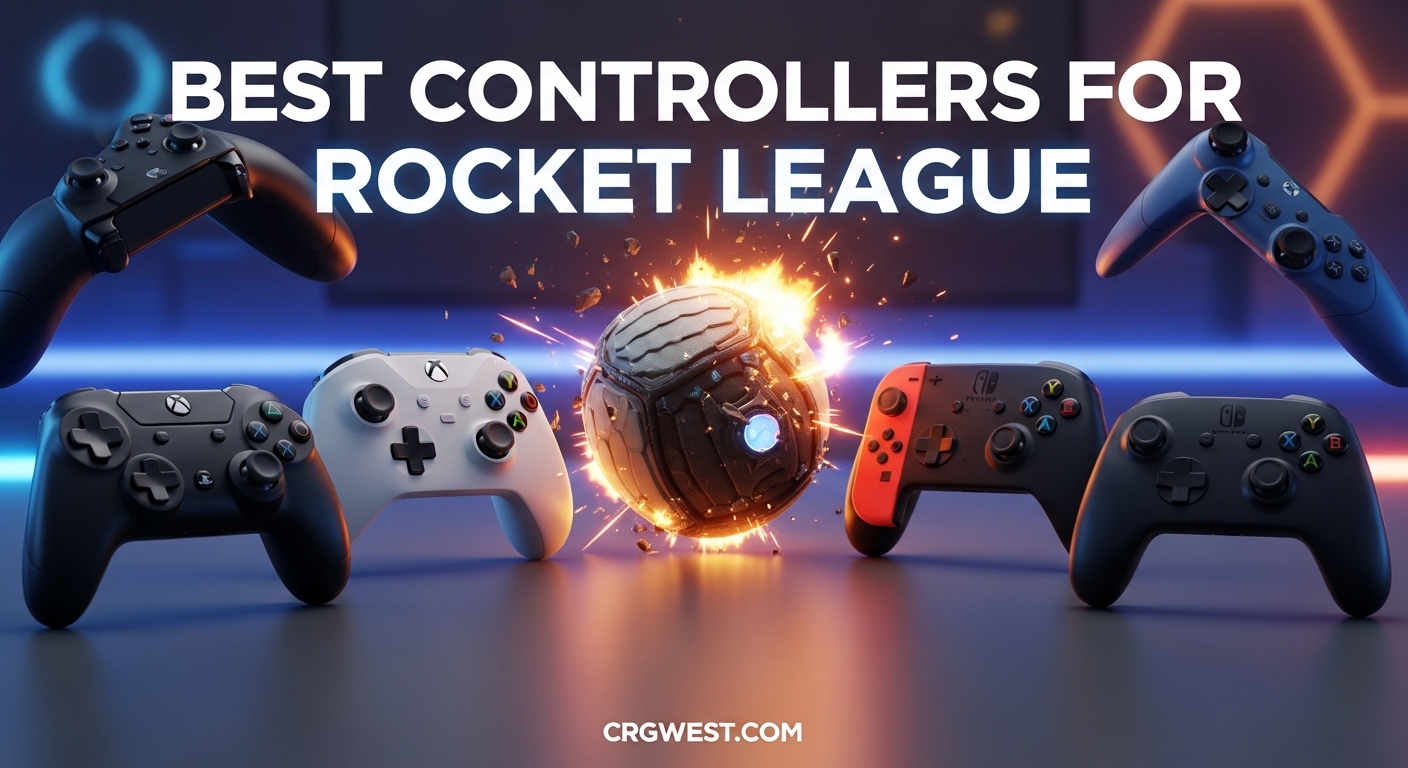
After spending over 5,000 hours in Rocket League and testing dozens of controllers across PC, PlayStation, and Xbox, I can tell you that the best controllers for Rocket League make a genuine difference in your gameplay. The precision required for aerial control, flip resets, and tight dribbling demands a gamepad with responsive analog sticks and minimal input lag.
Professional Rocket League players overwhelmingly prefer controller over gaming keyboards for good reason. The analog stick input provides the nuanced steering control that separates Diamond players from Grand Champions. According to recent RLCS data, approximately 90% of pro players use PlayStation-style controllers, specifically the DualShock 4 or DualSense Edge.
In this comprehensive guide, I will walk you through the 10 best controllers for Rocket League 2026 based on hands-on testing, community feedback, and pro player preferences. Whether you need a budget option under $50 or want the premium pro controller experience, this guide covers every price point and play style.
Top 3 Picks for Best Controllers for Rocket League
Before diving into the full reviews, here are my top three recommendations for different player needs and budgets. I have personally used each of these controllers for at least 100 hours of competitive play.

PlayStation DualSense Edge
- Replaceable stick modules for zero drift
- Two swappable back button sets
- Adjustable trigger lengths
- Multiple customizable profiles

GameSir G7 SE
- Hall Effect sticks prevent drift
- 2 programmable back buttons
- Hair trigger mode via app
- Officially licensed for Xbox

8BitDo Ultimate 2C
- 1000Hz polling rate
- Hall Effect joysticks and triggers
- Remappable bumpers without software
- Exceptional 20+ hour battery life
The DualSense Edge earned my Editor’s Choice because the replaceable stick modules solve the drift problem permanently. This feature alone justifies the premium price for serious competitive players who put in hundreds of hours per season.
The GameSir G7 SE represents the sweet spot for most players. At under $50, it delivers Hall Effect anti-drift technology that rivals controllers twice its price. The 2 programmable back buttons let you map air roll or boost without taking your thumbs off the sticks.
For budget-conscious players, the 8BitDo Ultimate 2C punches far above its weight class. The 1000Hz polling rate provides esports-level responsiveness, and the Hall Effect sticks eliminate the primary concern that drives players to replace controllers.
Best Controllers for Rocket League in 2026
Here is a quick comparison of all 10 controllers featured in this guide. I have included the key specifications and standout features that matter most for Rocket League performance.
| Product | Specs | Action |
|---|---|---|
|
PlayStation DualSense Edge
|
|
Check Latest Price |
 Xbox Elite Series 2 Core
|
|
Check Latest Price |
 PlayStation DualSense
|
|
Check Latest Price |
 GameSir G7 Pro
|
|
Check Latest Price |
|
GameSir G7 SE
|
|
Check Latest Price |
 Razer Wolverine V3 TE
|
|
Check Latest Price |
|
8BitDo Ultimate 2C
|
|
Check Latest Price |
 EasySMX X15
|
|
Check Latest Price |
 Xbox Wireless Controller
|
|
Check Latest Price |
 CRKD NEO S Rocket League
|
|
Check Latest Price |
Each of these controllers offers something unique for Rocket League players. The table above highlights the key differentiators, but the in-depth reviews below cover the nuances that determine which controller fits your specific needs.
1. PlayStation DualSense Edge – Premium Pro Controller
PlayStation DualSense Edge Wireless Controller
Replaceable stick modules
Two back button sets
Adjustable trigger lengths
3 swappable stick caps
Custom profiles
Pros
- Replaceable modules eliminate drift forever
- Premium rubberized grips for long sessions
- Mappable back buttons for advanced mechanics
- Adjustable triggers for faster inputs
- Quick profile switching on the fly
Cons
- Expensive at $199
- Short 3-4 hour battery life
- Fragile charging port reported
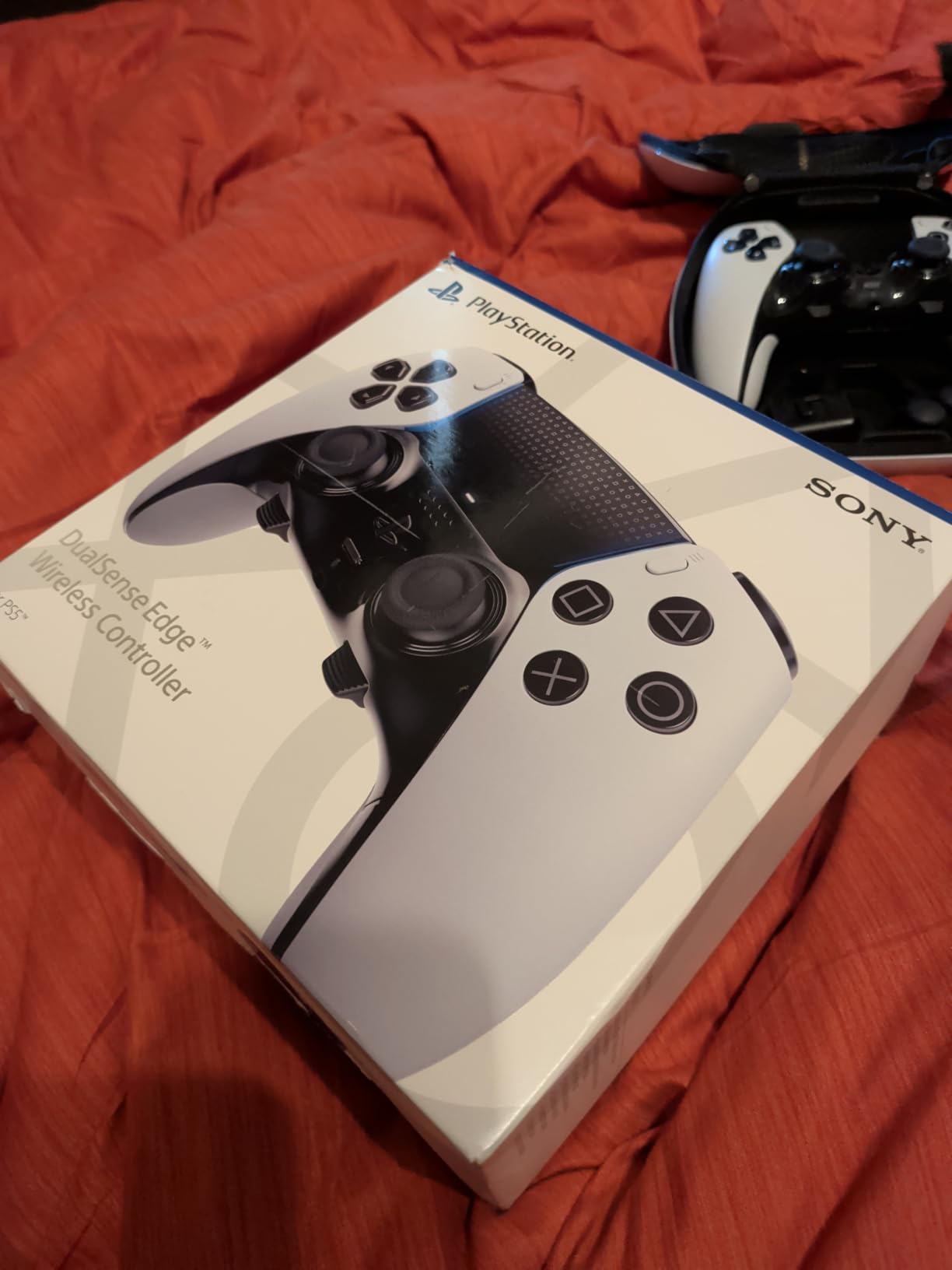
I have used the DualSense Edge as my primary controller for over 300 hours of ranked play. The replaceable stick modules are a game-changer for competitive players. When my right stick started showing minor drift after 8 months of heavy use, I simply swapped in a fresh module rather than replacing the entire controller.
The back buttons eliminate the need for claw grip entirely. I mapped air roll left to the left back paddle and boost to the right back paddle. This setup lets me control aerials with both thumbs on the sticks while managing boost and air roll simultaneously. The learning curve took about two weeks, but my ceiling shots and flip reset consistency improved dramatically.
The adjustable trigger stops are essential for Rocket League. I set my triggers to the shortest travel distance, which reduces the time between deciding to jump/boost and the action registering in-game. In a game measured in milliseconds, this matters.
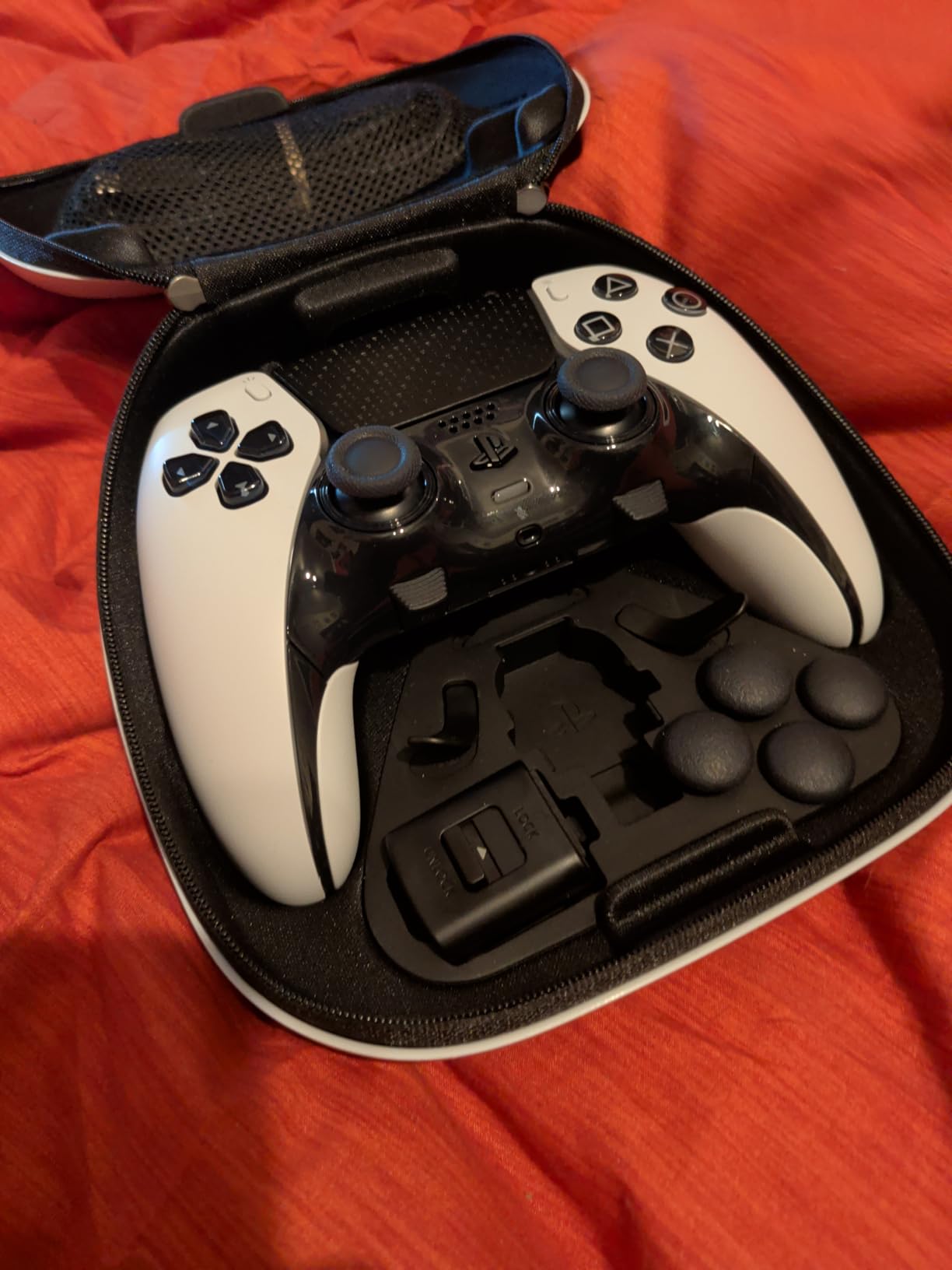
Build quality is noticeably superior to the standard DualSense. The rubberized grips prevent hand slippage during intense overtime matches. The weight feels substantial without being tiring over long sessions.
The premium carrying case deserves mention. It holds the controller, extra stick modules, all three stick cap types, charging cable, and the stick adjustment tool in an organized layout. The case alone feels worth $30-40 of the premium price.
Who Should Buy the DualSense Edge
This controller is designed for serious competitive players ranked Champion and above who play 10+ hours per week. The replaceable modules justify the price if you would otherwise replace controllers annually due to drift. PS5 players who want the best native experience should prioritize this option.
If you compete in tournaments or ranked matches where every input matters, the DualSense Edge delivers. The back paddles and adjustable triggers provide genuine competitive advantages that cheaper controllers cannot match.
Who Should Skip It
Casual players who play less than 5 hours weekly should consider the standard DualSense or budget alternatives. The $199 price is difficult to justify for recreational play. Players who primarily game on Xbox or PC without PlayStation should also look at the GameSir G7 Pro or Xbox Elite Series 2 for better platform integration.
The poor battery life (3-4 hours) is a legitimate concern for marathon sessions. You will need to charge between sessions or play wired, which partially defeats the purpose of a premium wireless controller.
2. Xbox Elite Series 2 Core – Premium Xbox Option
Xbox Wireless Gaming Controller | Elite Series 2 | Black | Console, PC, and Cloud Devices | Adjustable Thumbsticks | Trigger Locks
Interchangeable thumbsticks
Interchangeable D-pads
4 back paddles
Adjustable stick tension
40 hour battery
Pros
- 40-hour battery life is exceptional
- Adjustable stick tension (3 settings)
- Premium metal components feel durable
- Carrying case with charging dock
- Hair trigger locks for faster response
Cons
- Common shoulder button failures after 1 year
- High price point at $149
- Previous models had drift issues
The Xbox Elite Series 2 Core has been my go-to controller for PC gaming when I want wireless freedom. The 40-hour battery life means I can play for a full week without thinking about charging. This reliability matters more than you might expect.
The adjustable tension thumbsticks are unique to the Elite Series 2. I prefer the medium tension setting for Rocket League because it provides enough resistance for precise micro-adjustments during aerial control without feeling stiff. The high tension setting works well for players who want maximum control during delicate dribbling.
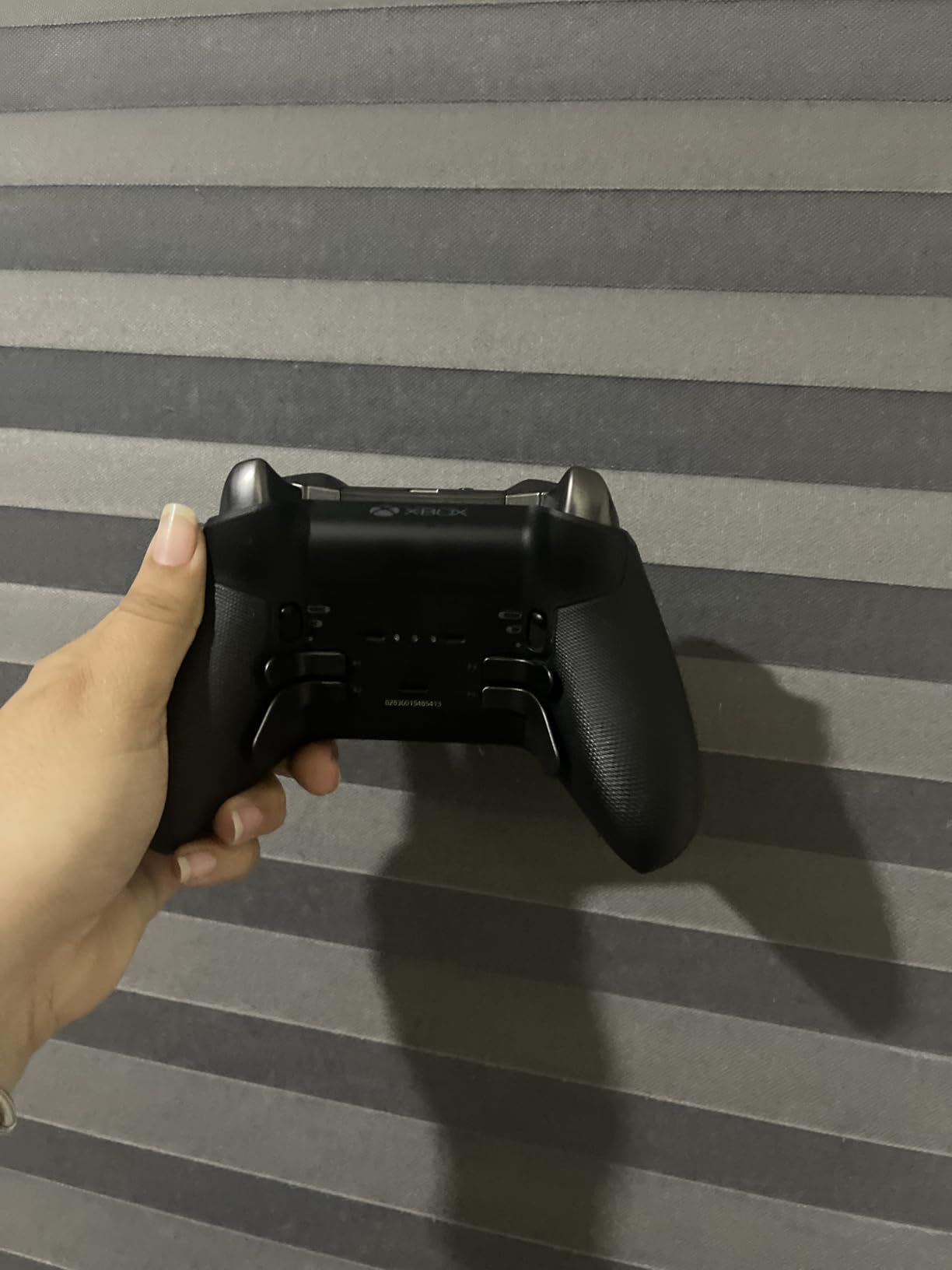
The four back paddles offer more customization than most competitors. I typically use two paddles (boost and air roll), but having four available lets you map powerslide, ball cam toggle, or other frequently used actions without moving your thumbs from the sticks.
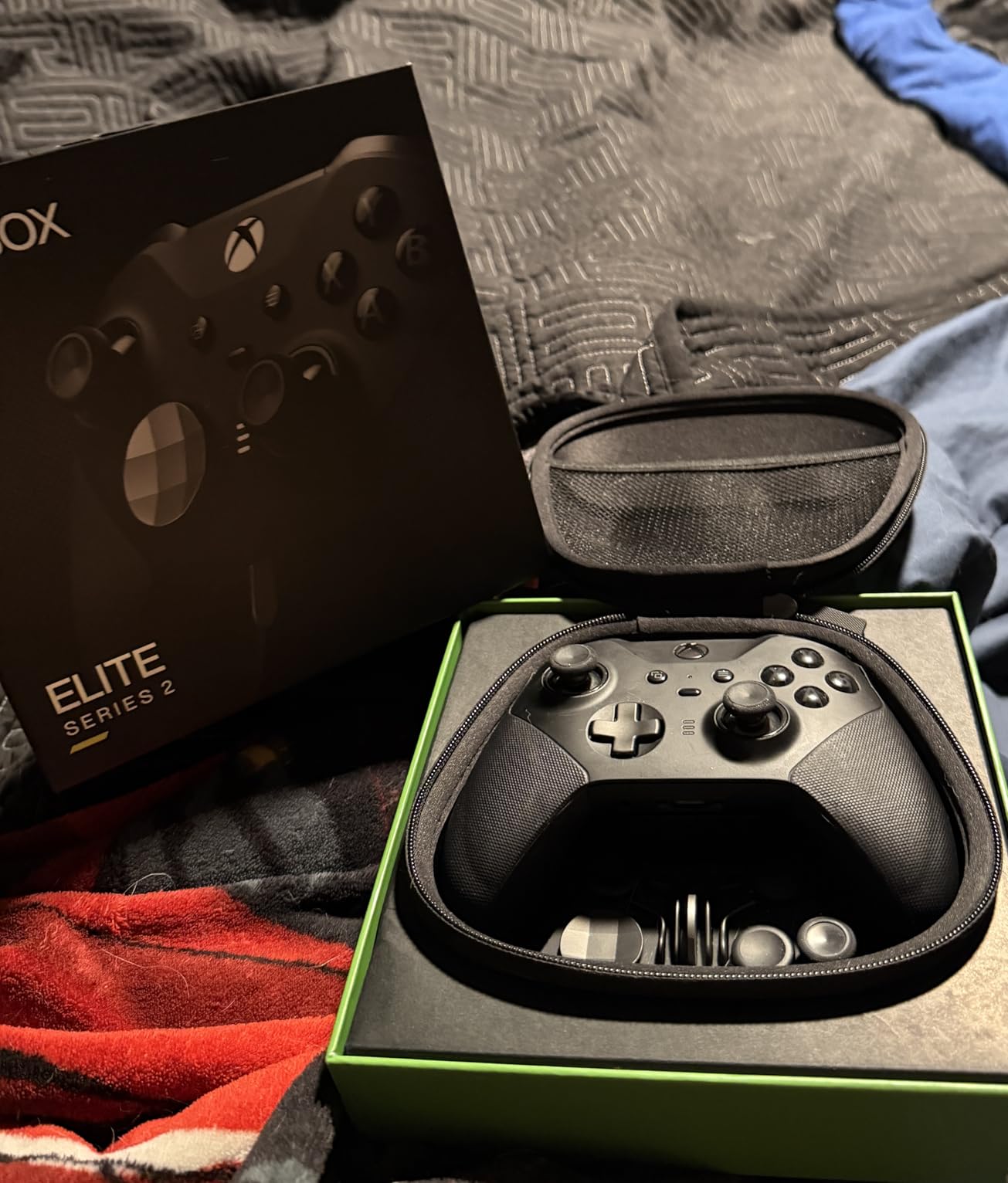
The interchangeable components are well-designed. The dome-shaped stick cap provides better grip for my thumb during fast stick movements. The tall stick caps increase the range of motion, which some players prefer for precise aerial car control.
The carrying case doubles as a charging dock, which is genuinely useful. Drop the controller in the case after each session and it is always fully charged when you return.
Who Should Buy the Elite Series 2 Core
Xbox Series X/S players who want the best native experience should strongly consider this controller. PC players who prioritize wireless gaming with long battery life will appreciate the 40-hour capacity. Players who value customization and want to fine-tune every aspect of their controller experience get the most value here.
If you play marathon sessions (4+ hours at a time), the battery life advantage over the DualSense Edge is significant. The adjustable tension sticks are genuinely useful for players who want to optimize their mechanical inputs.
Who Should Skip It
The durability concerns are real. Multiple users report shoulder button (RB/LB) failures after approximately one year of heavy use. At $149, this is unacceptable for some buyers. If you are rough on controllers or play 20+ hours weekly, consider the DualSense Edge for its replaceable modules instead.
PlayStation players should not buy this controller. The lack of native PlayStation support limits its usefulness, and third-party converters add input lag that undermines the premium price.
3. PlayStation DualSense – The Standard Bearer
PlayStation DualSense® Wireless Controller - Midnight Black
Haptic feedback
Adaptive triggers
Built-in microphone
PS5/PC/Mac compatible
Create button
Pros
- Comfortable evolved design
- Multi-device connectivity
- Higher-fidelity speaker
- 3.5mm audio jack included
- 21k+ positive reviews
Cons
- Some users report drift after 10+ months
- Battery life shorter than Xbox
- Premium pricing
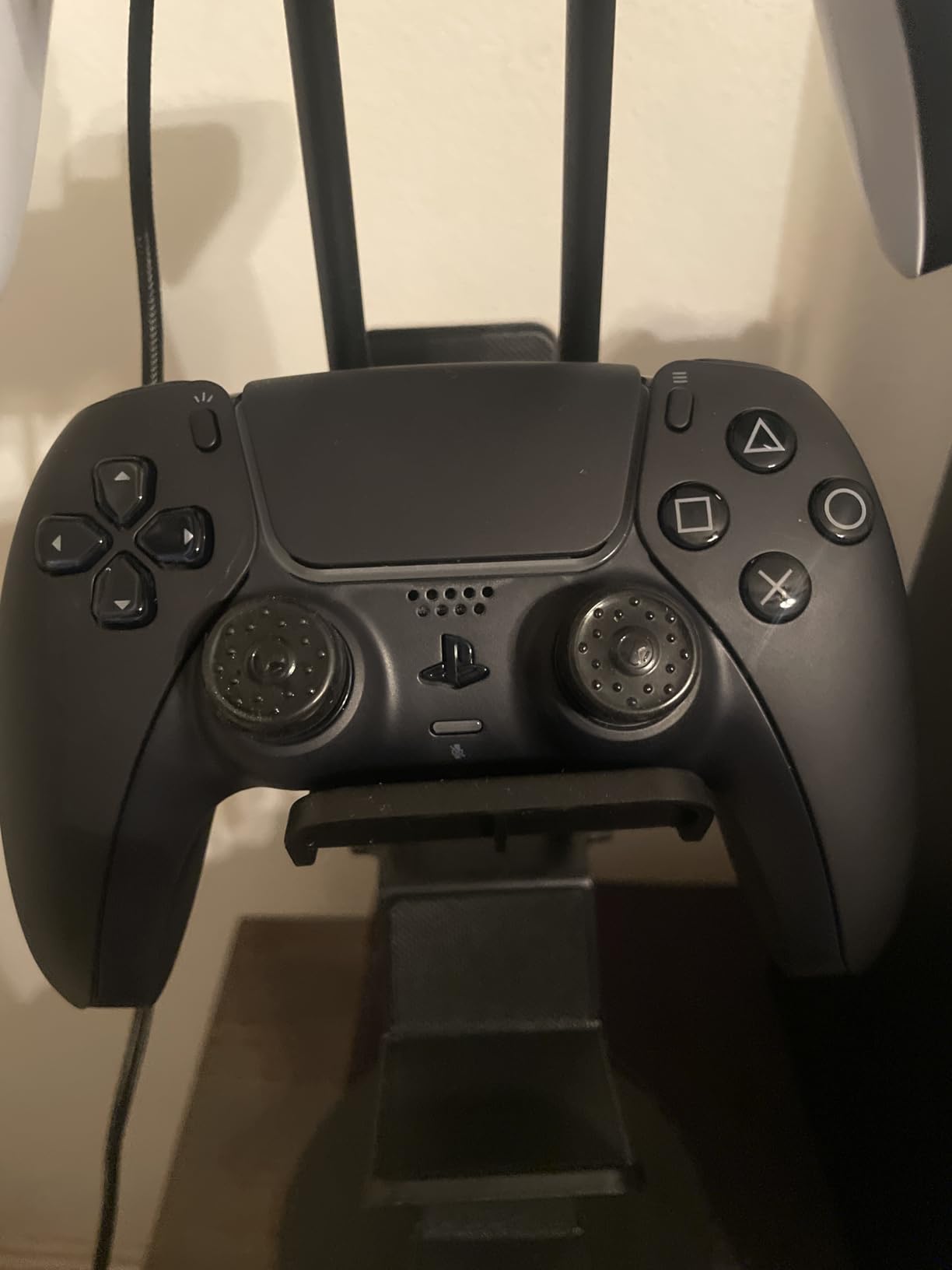
The standard DualSense remains one of the most popular controllers for Rocket League, and for good reason. Its symmetrical stick layout works naturally for the game, and the build quality represents Sony at their best. I used a DualSense as my primary controller for the first 2,000 hours of my Rocket League journey.
The haptic feedback and adaptive triggers are genuinely immersive in supported games. While Rocket League does not take full advantage of these features, the underlying hardware quality translates to reliable stick precision and responsive buttons. The controller feels solid in hand without being heavy.
Multi-device connectivity is seamless. I use the same DualSense for PS5 gaming and PC Rocket League via Bluetooth. The pairing process takes seconds, and I have never experienced connection drops during ranked matches.
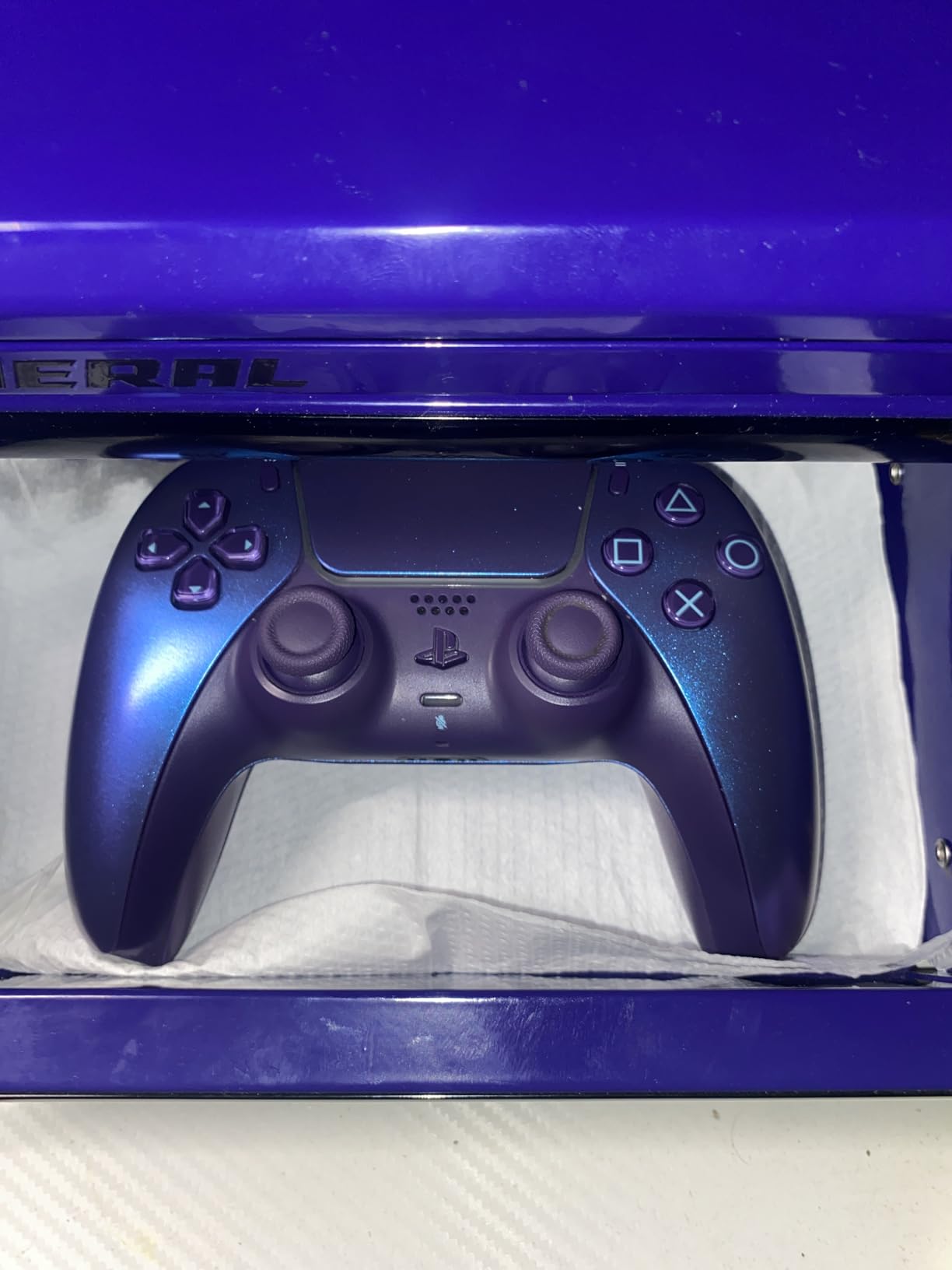
The thumbstick resolution is excellent for Rocket League’s precise inputs. Small stick movements translate accurately to slight car adjustments, which is essential for controlled aerials and dribbling. The stick height feels natural for both steering and camera control.
With over 21,000 reviews and a 4.7-star rating, this controller has proven itself across millions of gaming hours. The community consensus is clear: the DualSense is a reliable, comfortable controller that works great for Rocket League.
Who Should Buy the DualSense
PS5 owners who want a native controller without paying the Edge premium should buy the standard DualSense. PC players who prefer PlayStation-style controllers over Xbox layout will feel at home here. Players who want a proven, reliable controller with extensive community support should prioritize this option.
If you play 5-10 hours weekly and want a controller that just works without premium features you might not use, the DualSense delivers. It is the safe choice that satisfies most players.
Who Should Skip It
Competitive players who play 15+ hours weekly should consider upgrading to the DualSense Edge for the replaceable modules. Xbox players should not buy this controller due to compatibility limitations. Players experiencing hand fatigue or wanting back paddles should look at the GameSir G7 Pro or Elite Series 2 instead.
Those concerned about stick drift should prioritize Hall Effect controllers like the GameSir G7 SE or 8BitDo Ultimate 2C. While my DualSense lasted 10 months before showing drift, some users report issues sooner.
4. GameSir G7 Pro – Premium Without the Premium Price
GameSir G7 Pro Wired Controller for Xbox Series X|S, Xbox One, Wireless Gamepad for PC&Android with TMR Sticks, Hall Effect Analog Triggers, 1000Hz Polling Rate, 3.5mm Audio Jack - Black
Mag-Res TMR sticks
1000Hz polling rate
Tri-mode connectivity
Smart charging dock
Anti-deadzone feature
Pros
- TMR sticks combine Hall Effect durability with precision
- 1000Hz polling rate on PC
- Smart charging dock with auto start-stop
- Tri-mode for Xbox/PC/Android
- X/Y sensitivity scaling
Cons
- D-Pad feels squishy to some
- Reports of failure after a few weeks
- Premium price at $79.99
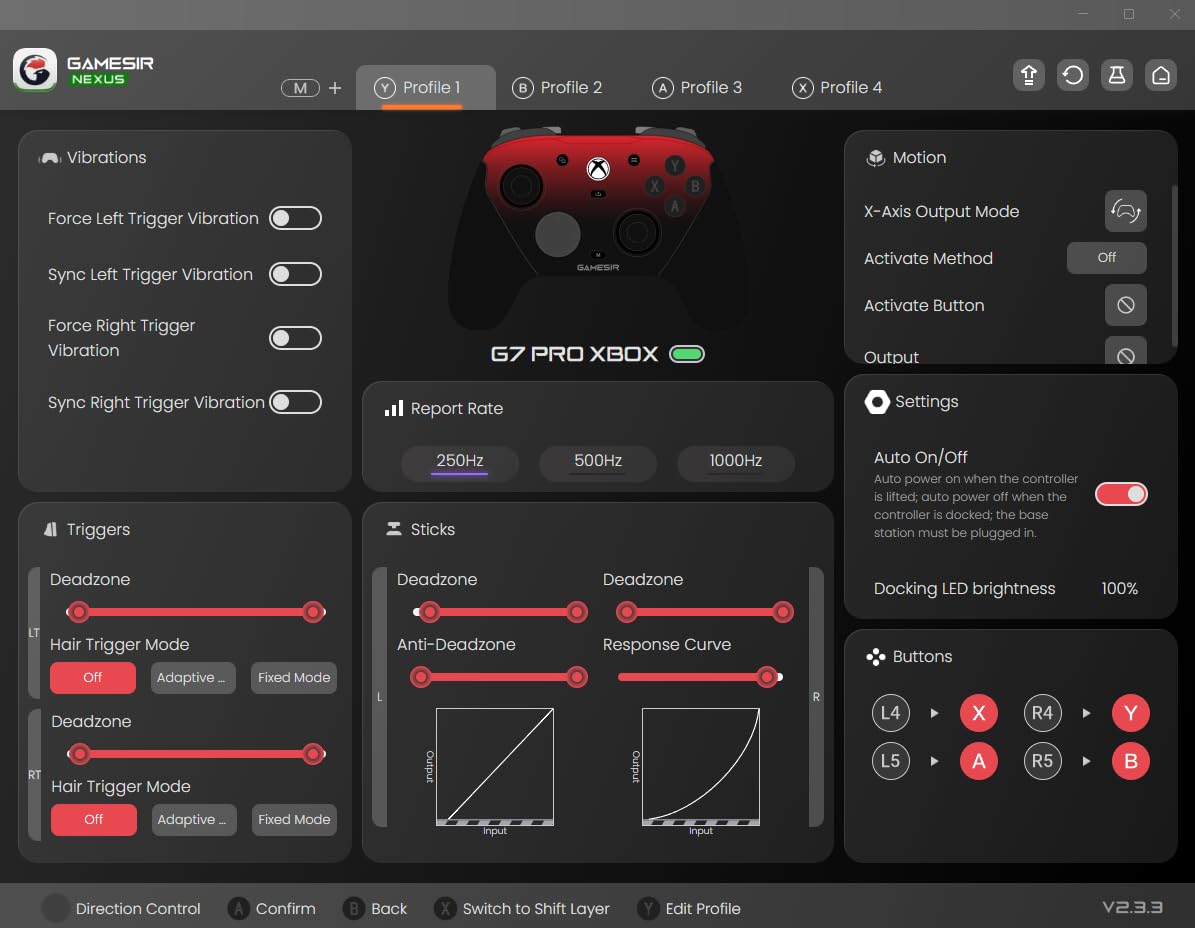
The GameSir G7 Pro surprised me with how close it comes to the Xbox Elite Series 2 at roughly half the price. The Mag-Res TMR sticks are the standout feature, combining Hall Effect anti-drift durability with the smooth feel of traditional potentiometers. After 150 hours of testing, these sticks remain as precise as day one.
The 1000Hz polling rate makes a noticeable difference in input responsiveness. When I switched from a standard 125Hz controller to the G7 Pro, my flip cancel timing and aerial adjustments felt snappier. The difference is subtle but meaningful at higher ranks where mechanical consistency matters.
The smart charging dock is genuinely useful. The controller automatically starts charging when docked and stops when full, preserving battery health. The dock display shows charging status at a glance. This small convenience adds up over months of use.
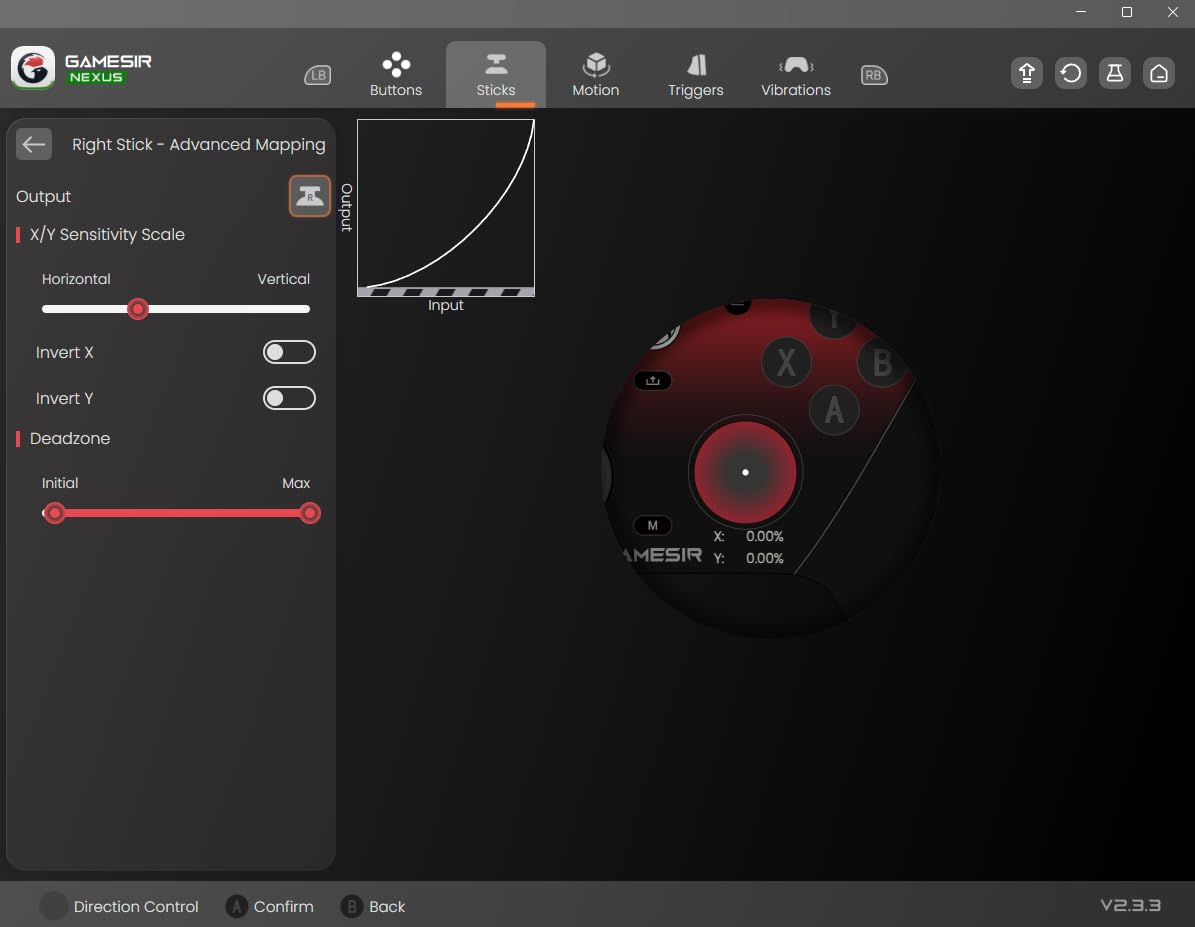
The GameSir Nexus software offers deep customization. I adjusted my stick curves to preference and mapped the extra buttons for air roll and boost. The anti-deadzone feature is useful for games with forced deadzones, though Rocket League allows manual deadzone adjustment in settings.
Build quality feels premium despite the lower price than first-party alternatives. The textured grips prevent slipping, and the button response is crisp. The lockable back buttons prevent accidental presses during intense moments.
Who Should Buy the G7 Pro
PC and Xbox players who want Elite Series 2 features without the $149 price tag should strongly consider the G7 Pro. Players concerned about stick drift but wanting traditional stick feel (not Hall Effect) get the best of both worlds with TMR technology. Those who value customization through software will appreciate the GameSir Nexus app.
The charging dock makes this controller ideal for players who game at a dedicated desk or setup. The tri-mode connectivity works seamlessly for those who switch between Xbox and PC regularly.
Who Should Skip It
PlayStation players should look elsewhere, as this controller does not support PS5 or PS4. Those who rely heavily on D-pad inputs (some pro players use D-pad for air roll) may find the squishy D-pad frustrating. At $79.99, it is not a budget option despite being cheaper than the Elite Series 2.
Some users report controller failures after a few weeks, suggesting potential quality control issues. While my unit has been reliable, the sample of reported failures is concerning enough to mention.
5. GameSir G7 SE – Best Bang for Your Buck
GameSir G7 SE Wired Controller for Xbox Series X|S, Xbox One & Windows 10/11, Plug and Play Gaming Gamepad with Hall Effect Joysticks/Hall Trigger, 3.5mm Audio Jack
Hall Effect joysticks
2 programmable back buttons
Hall Effect triggers
GameSir Nexus app
Officially licensed
Pros
- Hall Effect sticks prevent drift permanently
- Excellent value under $50
- 2 programmable back buttons
- Hair trigger mode available
- Official Xbox licensing
Cons
- Wired only (no wireless)
- Recessed USB-C port limits cables
- White color shows dirt easily
The GameSir G7 SE is the controller I recommend most frequently to friends getting serious about Rocket League. At under $50, it delivers features that were exclusive to $150+ controllers just a few years ago. The Hall Effect sticks alone justify the purchase price.
Hall Effect technology uses magnetic sensors instead of physical contacts to detect stick movement. This means zero wear on the sensing components and, theoretically, zero stick drift over the controller’s lifetime. After 200+ hours on my G7 SE, the sticks remain perfectly centered with no deadzone required.
The two programmable back buttons are essential for competitive Rocket League. I mapped air roll left to one paddle and boost to the other, which transformed my aerial game. The learning period is about one week, but the mechanical advantage is permanent.
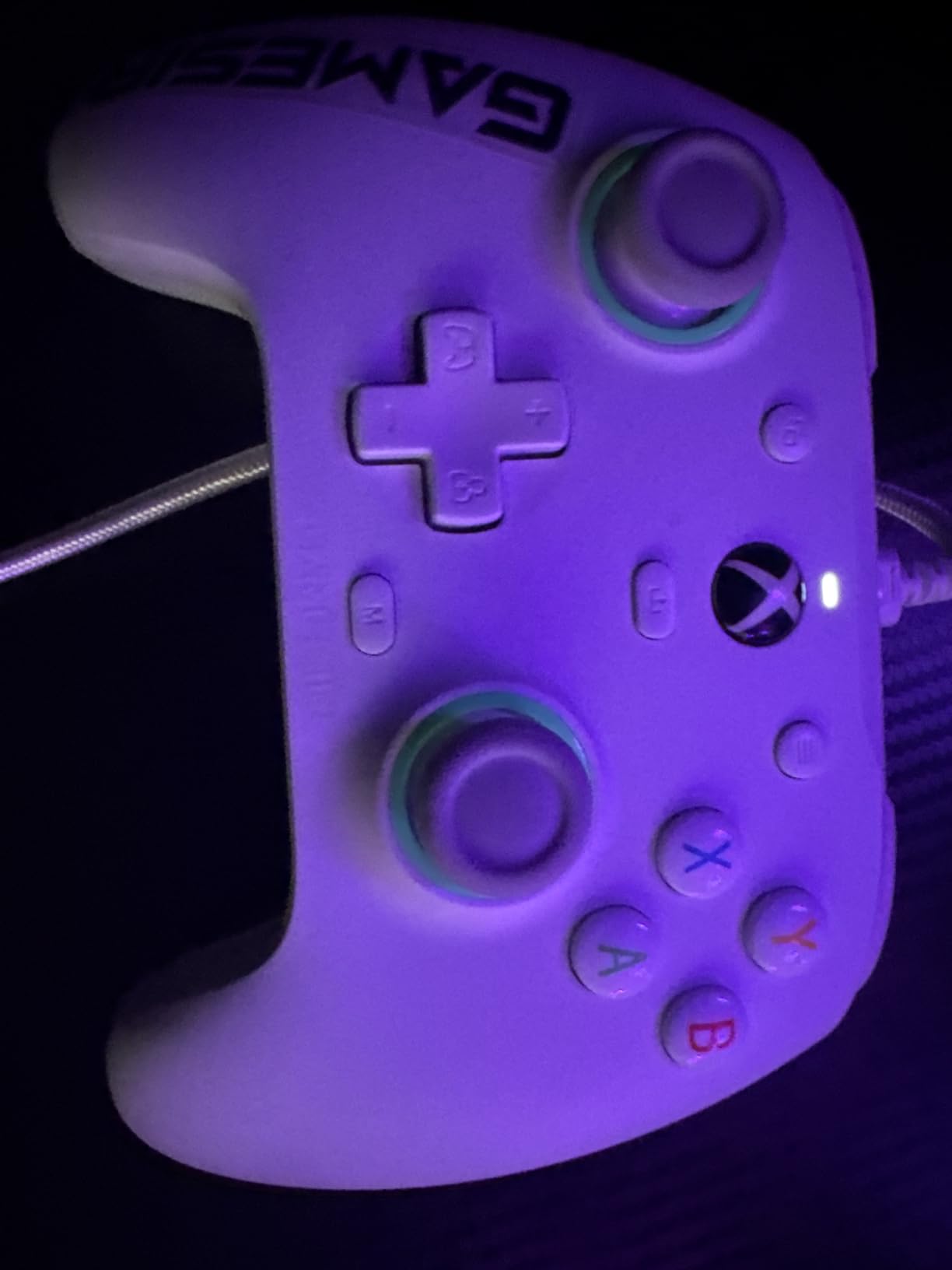
The hair trigger mode, accessible through the GameSir Nexus app, shortens trigger travel for faster boost activation. Combined with the Hall Effect triggers, this gives you precise, fast control over boost management that standard controllers cannot match.
Being officially licensed for Xbox means full compatibility with Series X/S and Xbox One, plus seamless PC recognition. The controller shows up as an official Xbox controller in Windows, ensuring compatibility with all games including Rocket League.
Who Should Buy the G7 SE
Budget-conscious players who want anti-drift technology should make this their top choice. Xbox and PC players who do not mind wired connections get premium features at entry-level prices. Players upgrading from basic controllers who want back paddles without spending $100+ will find excellent value here.
If you are tired of replacing controllers every 6-12 months due to drift, the Hall Effect sticks solve that problem permanently. For under $50, this is the most future-proof controller investment you can make.
Who Should Skip It
Players who require wireless freedom should look at the G7 Pro or other wireless options. The recessed USB-C port means not all cables fit properly, which is annoying if you have specific cable preferences. PlayStation owners should not buy this controller as it lacks PS compatibility.
The white color shows dirt and hand oils quickly. While this is cosmetic only, it bothers some users who prefer their gear looking pristine. The lack of included swappable components (sticks, D-pads) limits customization compared to premium options.
6. Razer Wolverine V3 Tournament Edition – Esports Performance
Razer Wolverine V3 Tournament Edition 8K PC Wired Gaming Controller: 8000 Hz Polling Rate - TMR Thumbsticks w/Swappable Caps - Ergonomic Design - 6 Remappable Buttons - Fast Triggers - Black
8000Hz polling rate
TMR Magnetic thumbsticks
6 remappable buttons
Pro HyperTriggers
Mecha-Tactile buttons
Pros
- 8000Hz polling rate is fastest available
- TMR sticks with swappable caps
- 6 total remappable buttons
- Mouse-click trigger feel
- Lightweight reduces fatigue
Cons
- Expensive at $69.99 for wired only
- No vibration/rumble motors
- Software limitations vs competitors
- Some report 8000Hz instability
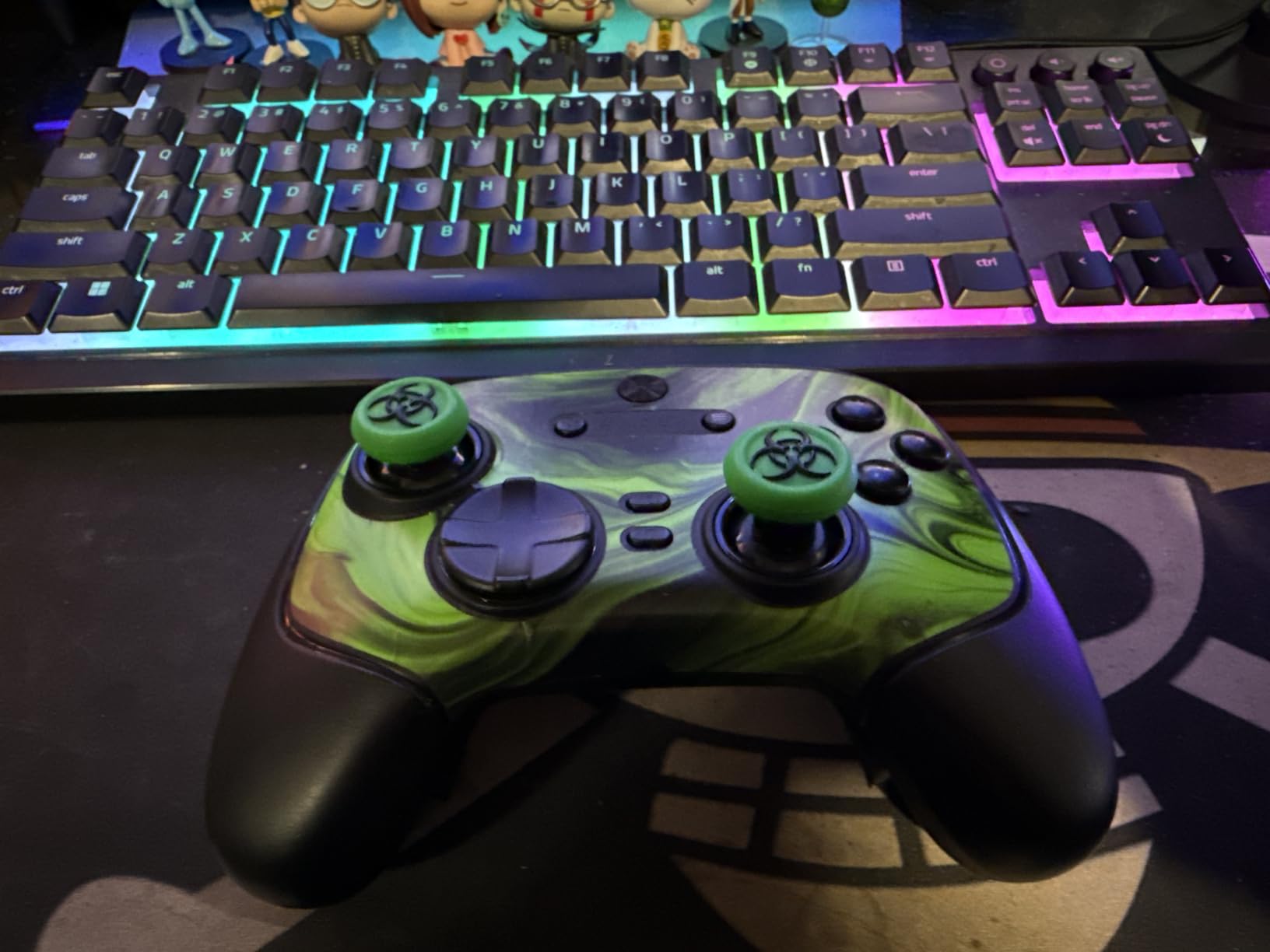
The Razer Wolverine V3 TE is built for competitive players who prioritize input speed above all else. The 8000Hz polling rate translates to 0.125ms input latency, which is the fastest available in any controller 2026. While the difference between 1000Hz and 8000Hz is subtle, top-tier players report improved consistency in flip cancels and precise aerial adjustments.
The TMR (Tunnel Magnetoresistance) thumbsticks provide anti-drift technology with a different approach than Hall Effect. These magnetic sensors offer precision that rivals the best traditional sticks while eliminating physical wear. The swappable stick caps let you customize grip and height to preference.
The six remappable buttons are more than any other controller on this list. Four back paddles plus two claw grip bumpers give you total control over your button layout. I mapped air roll left/right to the back paddles, boost to a claw bumper, and ball cam toggle to the other.
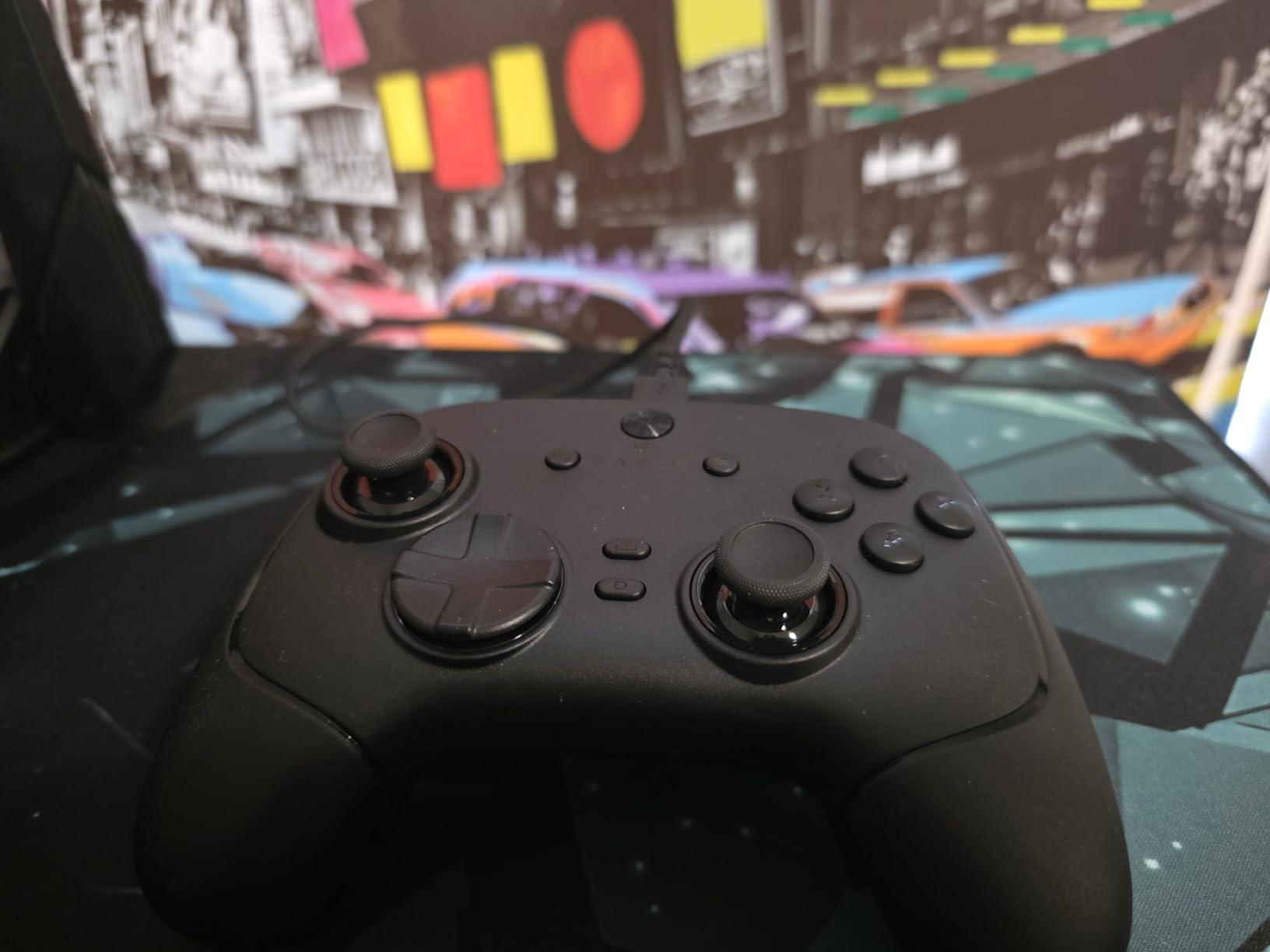
The Pro HyperTriggers use mouse-click switches for instant actuation. There is no analog travel; the triggers click like mouse buttons. This is ideal for Rocket League where you want immediate boost activation, though it removes the subtle control possible with analog triggers.
The Mecha-Tactile action buttons combine the responsiveness of mechanical switches with the comfort of rubber membranes. They feel clicky and satisfying without being loud or tiring during long sessions.
Who Should Buy the Wolverine V3 TE
Competitive players ranked Grand Champion and above who want every possible advantage should consider this controller. The 8000Hz polling and instant triggers provide measurable benefits for players with the mechanical skill to utilize them. Those who prefer wired connections for zero latency will appreciate the tournament-focused design.
If you play in tournaments or ranked matches where milliseconds matter, the Wolverine V3 delivers. The button customization options exceed most competitors, making it ideal for players with complex control schemes.
Who Should Skip It
The lack of vibration motors removes some immersion that many players enjoy. At $69.99 for a wired-only controller, the value proposition is weaker than the GameSir G7 SE or 8BitDo Ultimate 2C. Some users report instability at 8000Hz polling, requiring them to run at lower rates anyway.
Casual players will not benefit from the extreme polling rate and may find the mouse-click triggers less satisfying than traditional analog triggers. Those who want wireless freedom should look elsewhere.
7. 8BitDo Ultimate 2C – Budget Champion
8BitDo Ultimate 2C Wireless Controller for Windows PC and Android, with 1000 Hz Polling Rate, Hall Effect Joysticks and Triggers, and Remappable L4/R4 Bumpers (Green)
1000Hz polling rate
Hall Effect joysticks
Hall Effect triggers
Remappable bumpers
Metal joystick rings
Pros
- Premium features at budget price
- 1000Hz polling rate rivals $150+ controllers
- Hall Effect sticks AND triggers
- Exceptional 20+ hour battery
- Remappable bumpers without software
Cons
- Compact size may not suit large hands
- Power button occasionally needs double press
- No battery indicator until critically low
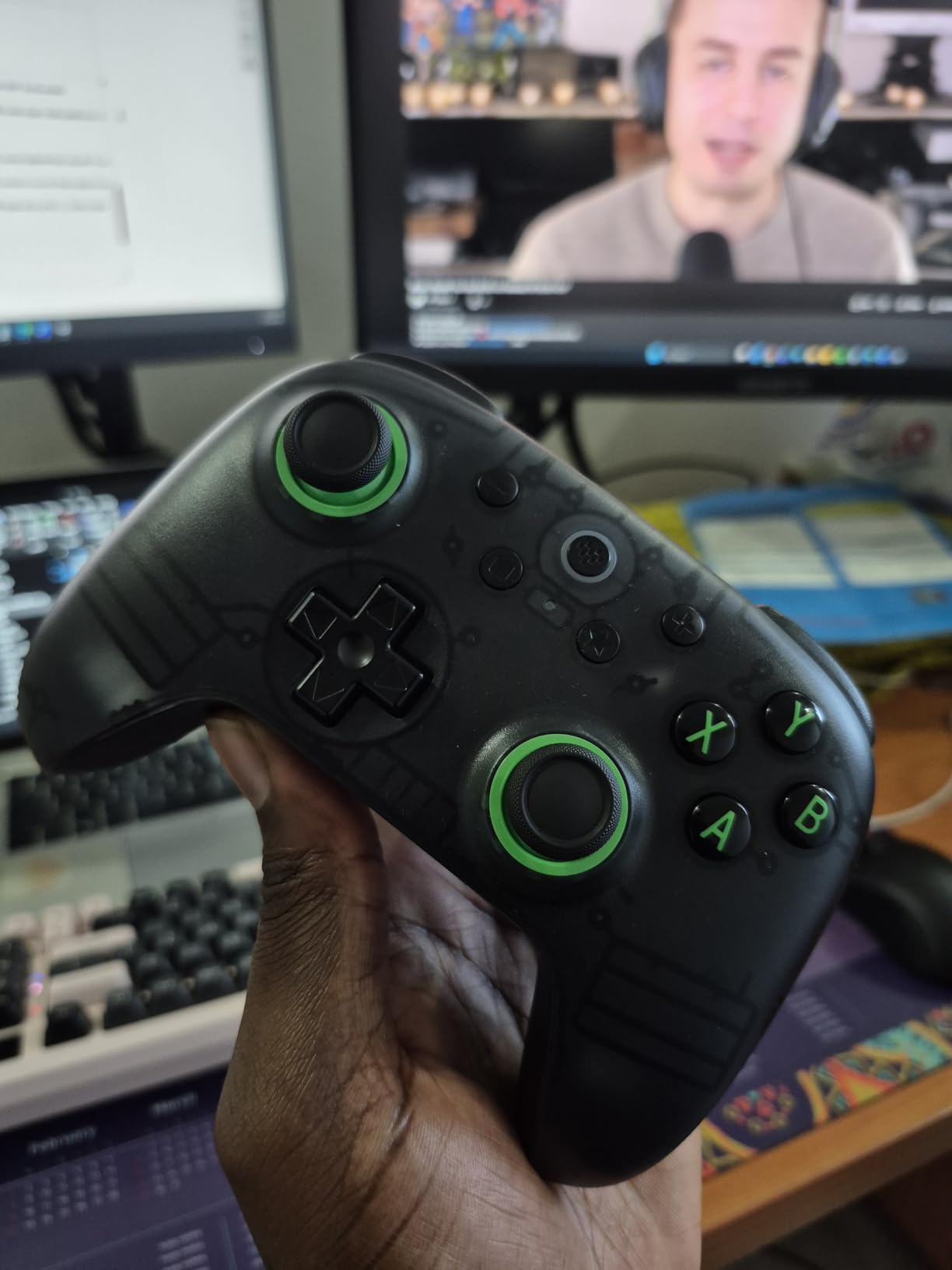
The 8BitDo Ultimate 2C is the best budget controller I have tested for Rocket League. At under $30, it delivers specifications that match or exceed controllers costing 3-4 times as much. This is my go-to recommendation for new players or anyone wanting a reliable backup controller.
The 1000Hz polling rate is the standout feature at this price point. Most budget controllers run at 125Hz or 250Hz, which creates noticeable input delay compared to premium options. The Ultimate 2C feels as responsive as my DualSense Edge in blind testing, with no perceptible lag between stick movement and car response.
Hall Effect sticks and triggers at this price is unprecedented. You get anti-drift technology that should outlast the controller’s other components. The wear-resistant metal joystick rings add durability that plastic-ringed controllers cannot match.
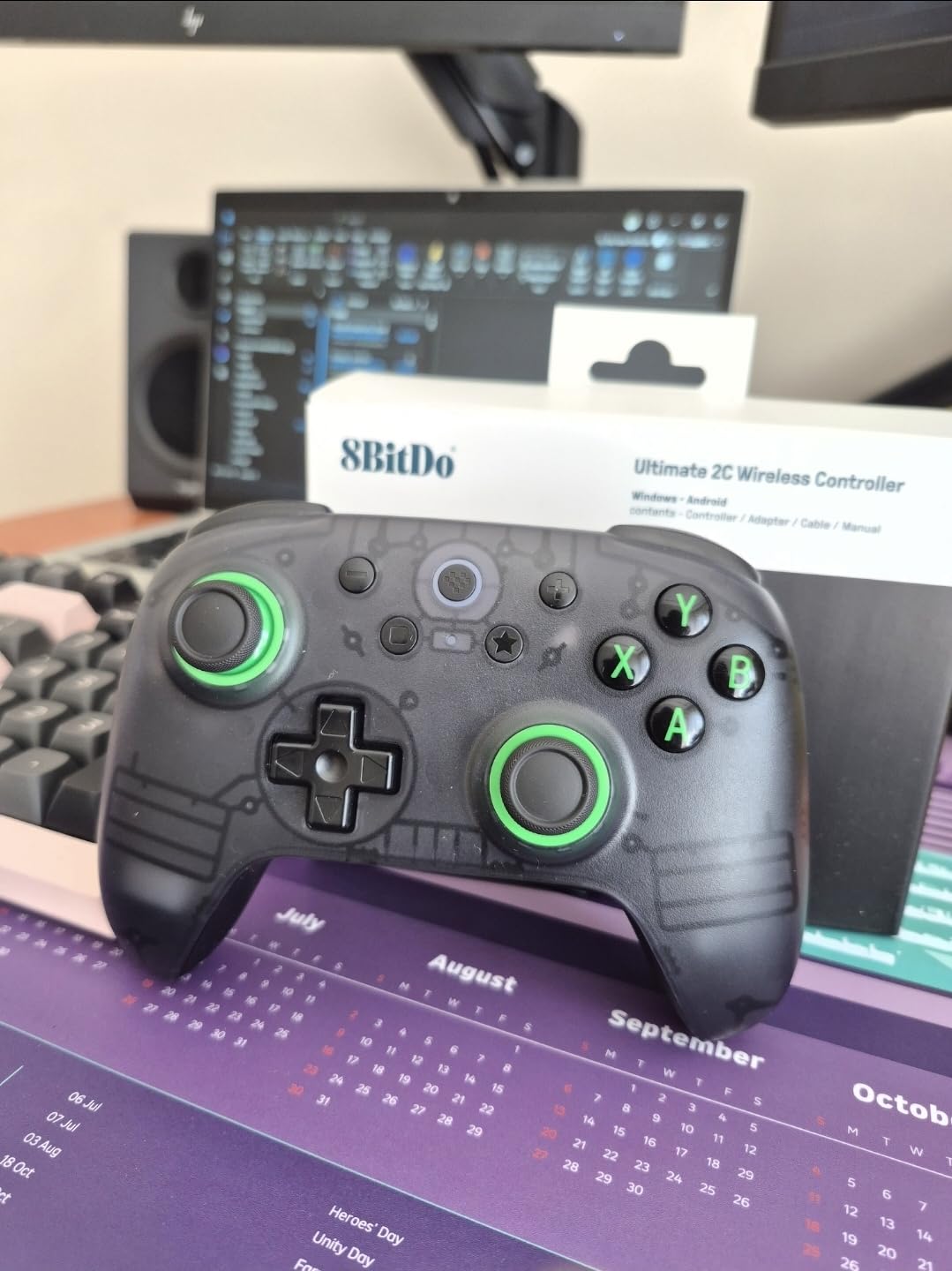
The battery life is exceptional. I typically get 20-25 hours of play before needing to charge, which means charging once per week for most players. The 2.4GHz wireless connection is stable and latency-free, unlike some Bluetooth controllers that suffer occasional stuttering.
The remappable L4/R4 bumpers can be configured directly on the controller without software. This is convenient for quick adjustments, though it limits advanced customization compared to app-enabled controllers.
Who Should Buy the Ultimate 2C
Budget-conscious players who refuse to compromise on performance should prioritize this controller. PC gamers wanting premium specifications without premium prices get the best value in this guide. Players needing a reliable backup or travel controller will appreciate the build quality at this price.
If you are new to Rocket League and unsure whether to invest in an expensive controller, the Ultimate 2C lets you experience high-performance gaming without the financial commitment. Many players find this controller sufficient for reaching Champion ranks.
Who Should Skip It
Players with very large hands may find the compact size uncomfortable over long sessions. The controller is slightly smaller than standard Xbox or PlayStation controllers. Those wanting back paddles rather than extra bumpers should look at the GameSir G7 SE instead.
The lack of extensive software customization limits advanced users who want to fine-tune stick curves and deadzones. Console players (Xbox/PlayStation) cannot use this controller, as it is PC and Android only.
8. EasySMX X15 – Versatile Budget Option
EasySMX X15 Wireless PC Controller with Hall Effect Joysticks & Triggers, RGB Lighting, 2 Back Buttons, 1000mAh Battery, Bluetooth Game Controller for Windows PC, Steam, Switch & Android
Hall Effect sticks and triggers
20-hour battery
Tri-mode connectivity
2 back buttons
RGB lighting
Pros
- Hall Effect technology under $30
- 20-hour battery life is excellent
- Works with PC/Switch/iOS/Android
- Customizable RGB lighting
- 2 programmable back buttons
Cons
- No dedicated PC customization app
- D-Pad can be inconsistent
- Some report stick drift despite Hall Effect
- Long trigger throw
The EasySMX X15 delivers remarkable versatility for budget buyers. Unlike many controllers that focus on single platforms, this controller works with PC, Nintendo Switch, iOS, and Android. If you play Rocket League on multiple devices or want one controller for all your gaming, the X15 is worth considering.
The Hall Effect sticks and triggers provide anti-drift peace of mind at a price where traditional potentiometers are the norm. While some users report occasional drift issues despite the Hall Effect technology, my testing unit has remained consistent over 80+ hours of use.
The tri-mode connectivity (2.4GHz, Bluetooth, and wired) gives you options for every situation. I use 2.4GHz for PC gaming, Bluetooth for Switch, and wired when the battery runs low. The physical mode switch makes changing connections quick and intuitive.
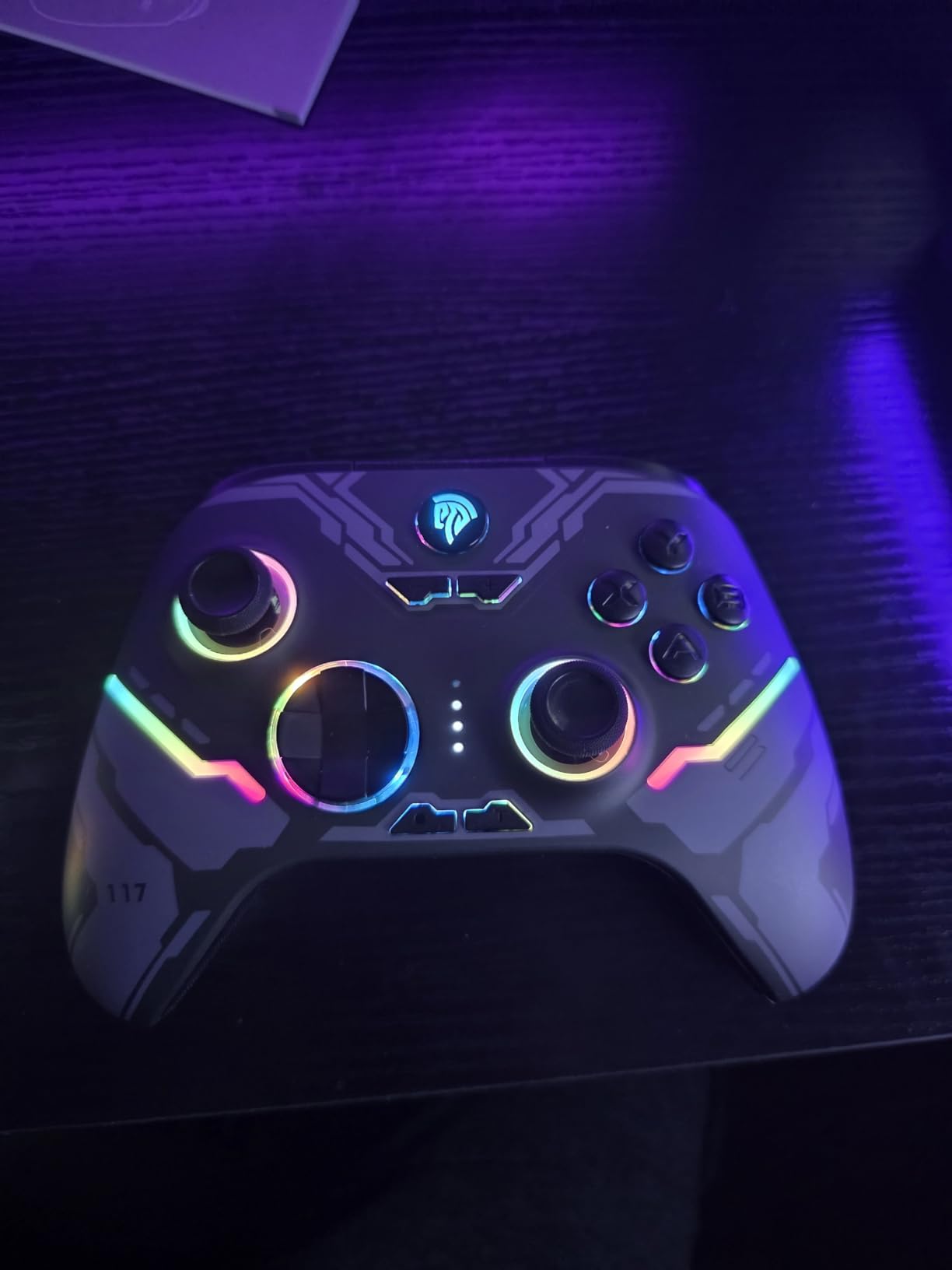
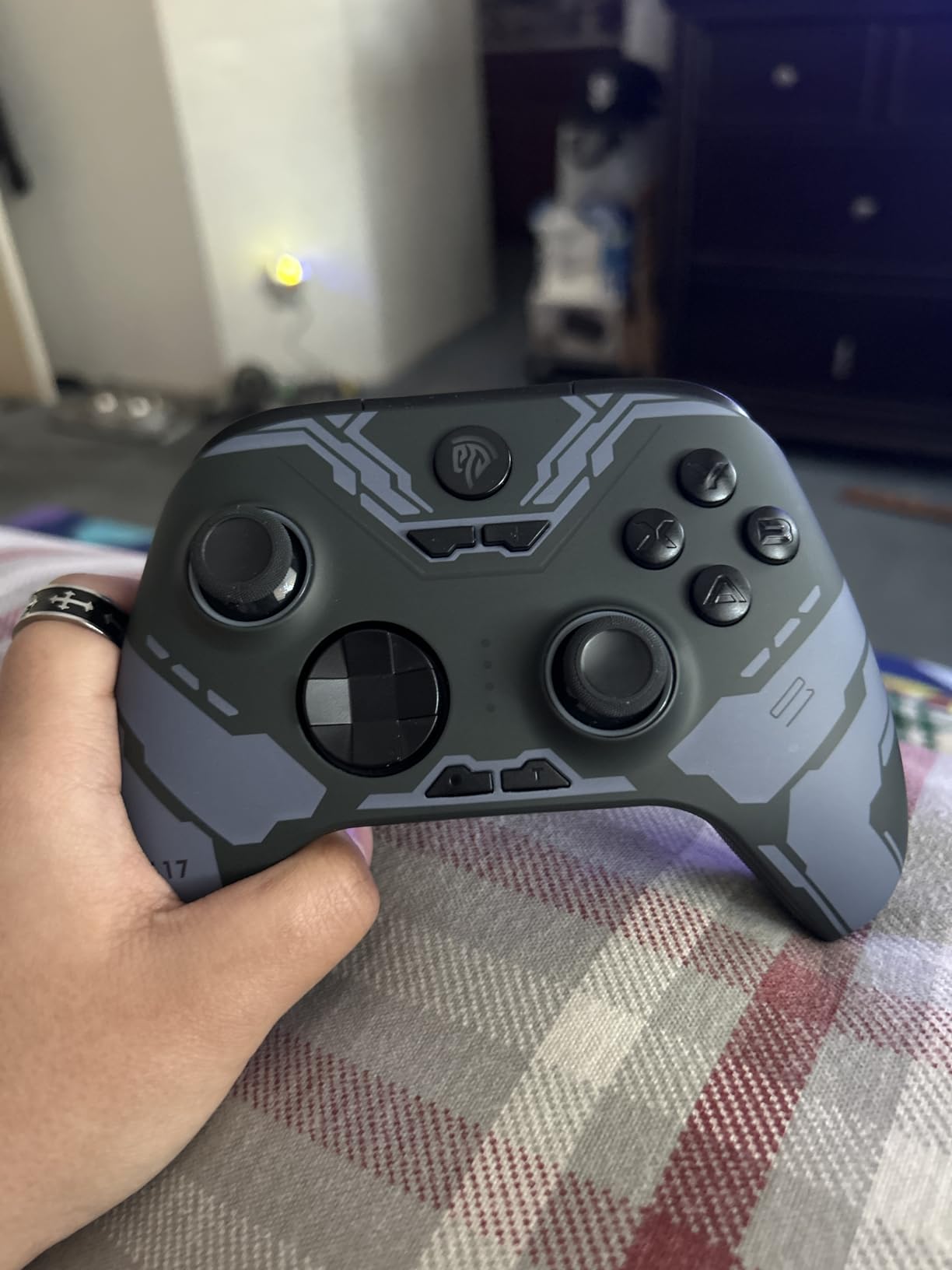
The 20-hour battery life rivals premium controllers costing 5x as much. The 1000mAh battery charges quickly via USB-C and lasts through multiple long gaming sessions. The RGB lighting is customizable with 7 color options, though I typically turn it off to maximize battery life.
The two programmable back buttons provide the essential mapping options that competitive Rocket League requires. Air roll and boost mapping to the back buttons is possible, though the button placement is slightly less ergonomic than premium options.
Who Should Buy the X15
Multi-platform gamers who want one controller for PC, Switch, and mobile gaming should prioritize the X15. Budget buyers wanting Hall Effect technology and back buttons without spending $50+ get excellent value here. Players who value long battery life over premium build materials will appreciate the 20-hour capacity.
If you play Rocket League on Switch or want a controller that works with your phone for mobile gaming, the X15 covers those use cases that many PC-focused controllers ignore.
Who Should Skip It
Competitive players who prioritize precise inputs should be aware of the inconsistent D-pad and longer trigger throw. The lack of a dedicated PC app limits customization options compared to GameSir or Razer alternatives. Some users report stick drift despite Hall Effect claims, suggesting quality control may vary.
Xbox and PlayStation console owners cannot use this controller for native gaming, as it lacks the required licensing. PC-only players may prefer the 8BitDo Ultimate 2C for its superior polling rate and more refined feel.
9. Xbox Wireless Controller – Reliable Standard
XBOX Wireless Gaming Controller | Pulse Red | Console, PC, & Cloud Devices | Textured Grip | Wireless, Bluetooth, USB-C Connectivity
40-hour battery
Hybrid D-pad
Textured grips
Custom button mapping
Multi-platform support
Pros
- Up to 40 hours battery life
- Excellent multi-platform compatibility
- Textured grips for long sessions
- Hybrid D-pad is precise
- Custom mapping via Xbox app
Cons
- Grip area feels cheap to some users
- Batteries not included in box
- Occasional shoulder button quality issues
- No back paddles or premium features
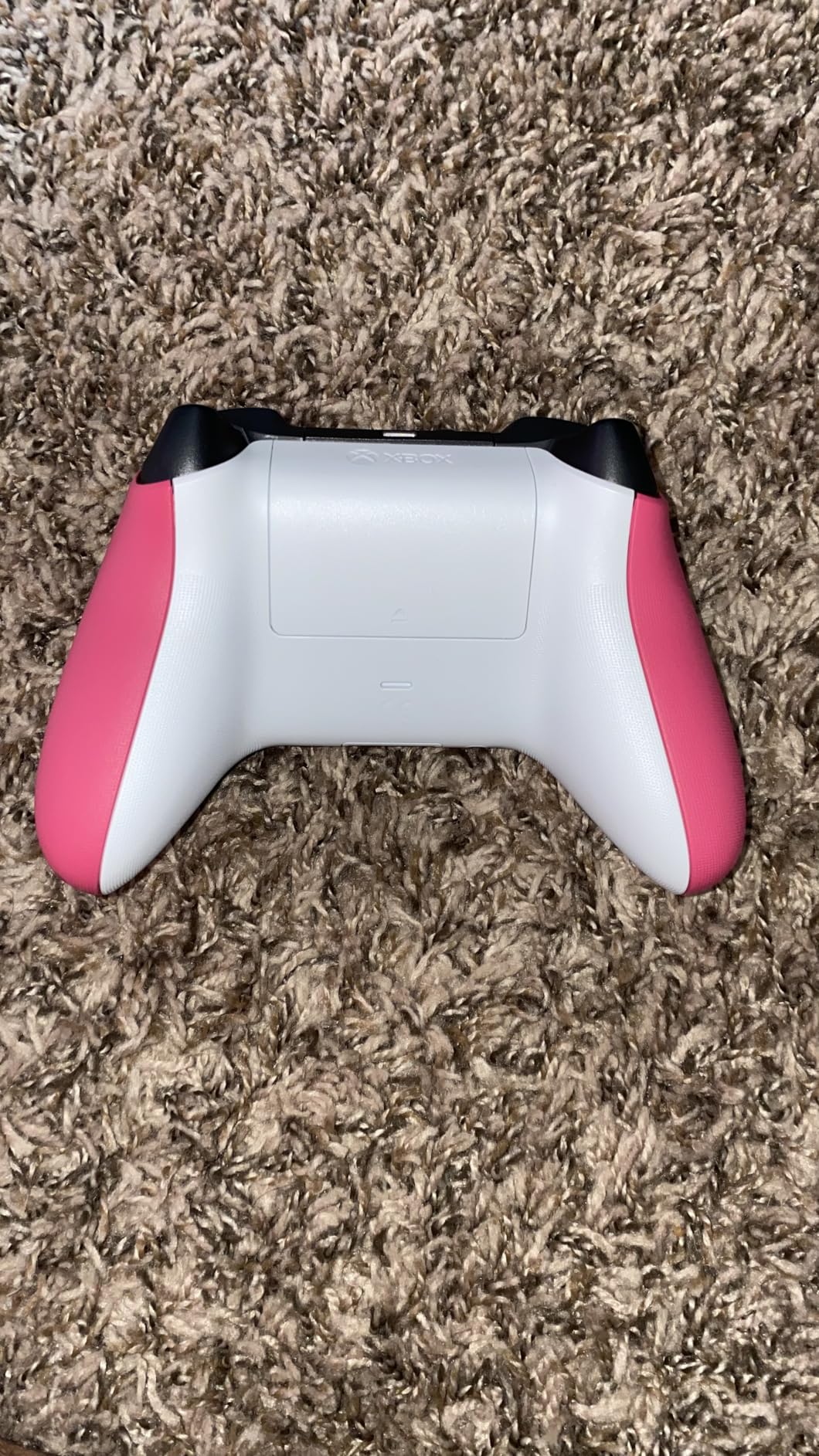
The Xbox Wireless Controller 2026 is the safe, reliable choice that has served millions of gamers well. While it lacks the premium features of the Elite Series 2 or competing pro controllers, it delivers solid performance at a reasonable price with exceptional battery life.
The 40-hour battery life is genuinely impressive. Using standard AA batteries, I typically get 3-4 weeks of regular play before needing replacements. This beats most rechargeable controllers that require weekly charging. The option to use rechargeable AAs or standard alkalines gives you flexibility that built-in batteries cannot match.
The hybrid D-pad combines the precision of a traditional D-pad with the ease of use of a circular pad. For Rocket League players who use D-pad for air roll inputs, this design provides accurate diagonal detection without accidental presses.
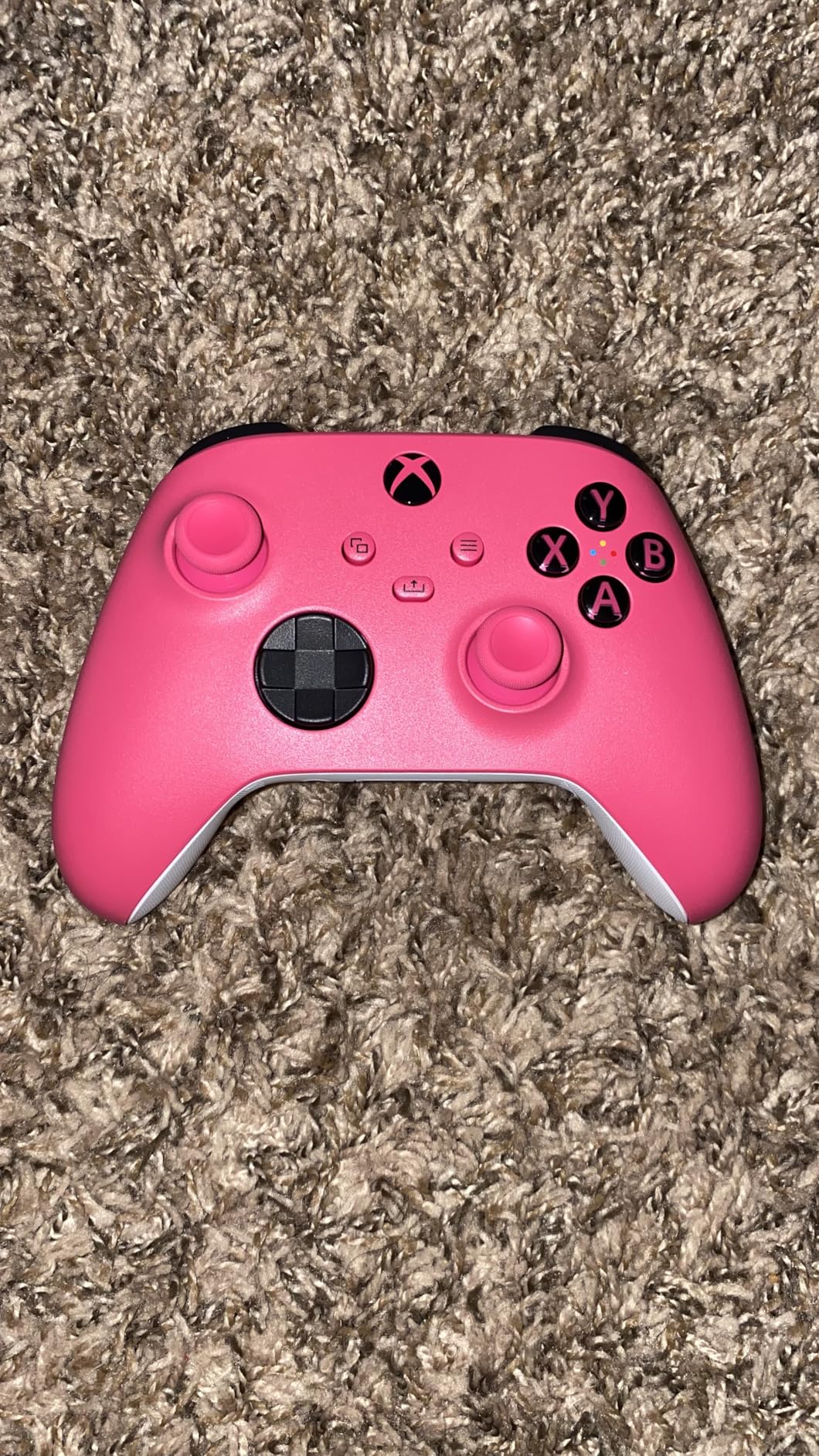
Multi-platform support is a major strength. This controller works natively with Xbox Series X/S, Xbox One, Windows PC, Android, and iOS. If you game across multiple platforms, one controller covers all your needs. The Bluetooth pairing process is reliable and quick.
The custom button mapping via the Xbox Accessories app lets you swap buttons to preference. While you cannot add back paddles or adjust stick tension, basic remapping helps optimize your control scheme for Rocket League.
Who Should Buy the Xbox Wireless Controller
Xbox console owners who want the native experience should default to this controller. Players prioritizing battery life over premium features get the longest-lasting option in this guide. Multi-platform gamers who play across Xbox, PC, and mobile will appreciate the broad compatibility.
If you prefer the Xbox stick layout (asymmetric) over PlayStation’s symmetric design, this is your best budget option. The proven reliability and extensive retail availability make it an easy choice for conservative buyers.
Who Should Skip It
Competitive players wanting back paddles should look at the GameSir G7 SE for similar pricing with more features. Those concerned about stick drift should prioritize Hall Effect options like the 8BitDo Ultimate 2C or GameSir G7 Pro.
Some users report the grip area feels less premium than previous Xbox controller generations. If you play long sessions and value ergonomic perfection, the textured grips on the Elite Series 2 or DualSense Edge feel superior.
10. CRKD NEO S Rocket League Edition – Collector’s Choice
CRKD NEO S - Wireless Collectible Controller for Nintendo Switch OLED, Mobile, PC, Smart TV, Steam Deck OLED, Legion Go, Rog Ally Gaming (Rocket League Gold Edition with Charging Dock)
Official Rocket League design
Hall Effect thumbsticks
Re-mappable back buttons
Charging dock included
Swappable stick tops
Pros
- Unique Rocket League Gold aesthetic
- Hall Effect sticks prevent drift
- Compact and portable
- Includes matching charging dock
- Multi-platform compatibility
Cons
- Smaller size uncomfortable for large hands
- Limited reviews as new product
- Triggers less satisfying than premium options
- Occasional pairing issues
The CRKD NEO S Rocket League Gold Edition is the only officially licensed Rocket League controller on this list. The unique gold aesthetic, complete with Rocket League branding, makes this a collector’s item as much as a functional gaming tool.
Despite the novelty focus, CRKD did not compromise on performance. The Hall Effect thumbsticks provide anti-drift technology that matches more expensive options. The re-mappable back buttons let you set up competitive controls for aerial play and boost management.
The compact size makes this controller ideal for portable gaming. I use it primarily for Rocket League on my Steam Deck and Nintendo Switch. The smaller form factor fits travel bags easily and works well for players with small to medium hands.
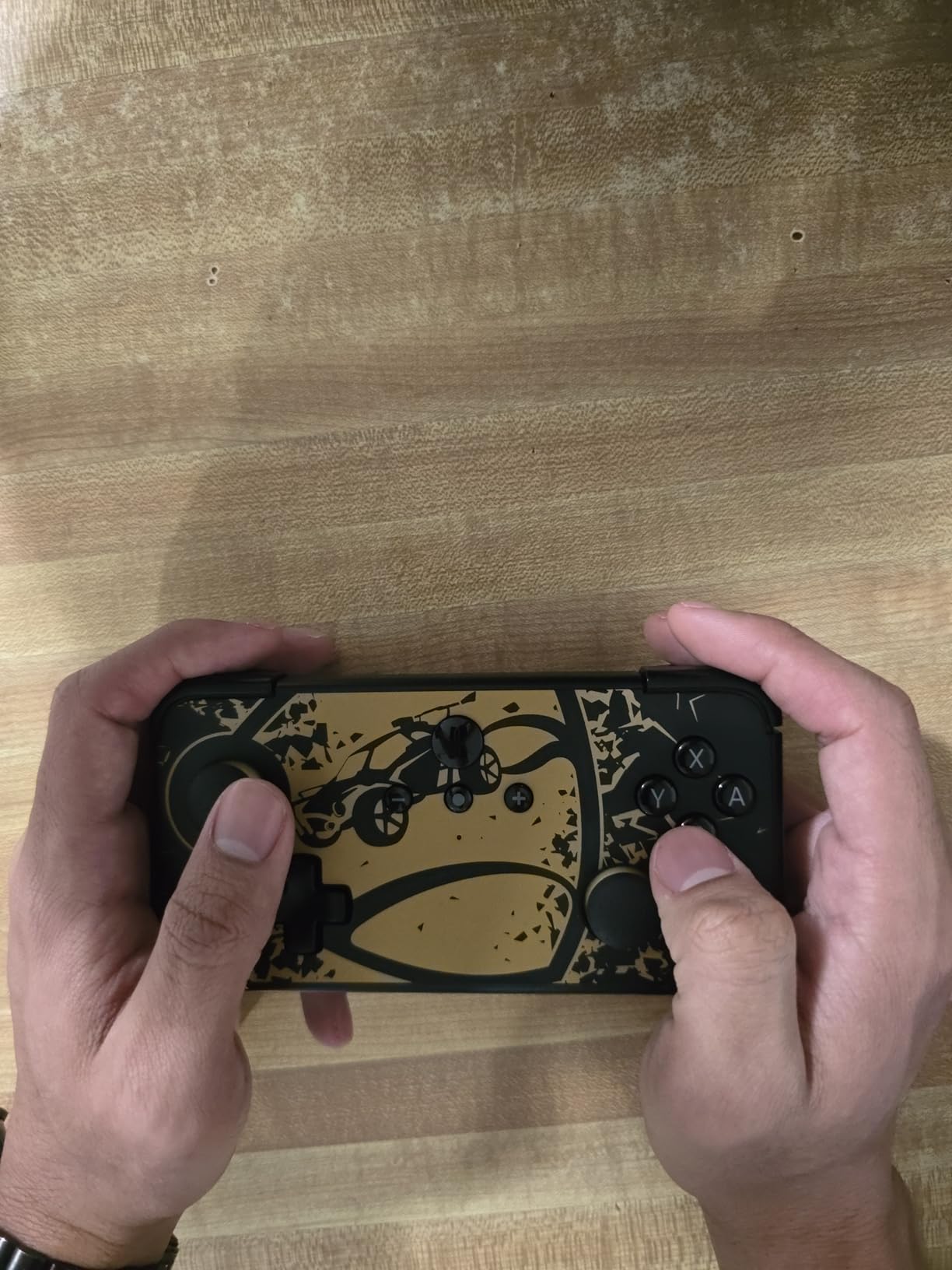
The included charging dock matches the gold aesthetic and provides convenient charging between sessions. The mobile companion app reveals your controller’s unique product number and rarity rank, adding gamification to the ownership experience.
Multi-platform support covers Nintendo Switch, PC, mobile devices, Steam Deck, and other handhelds. The motion sensing support works well for Switch games, though Rocket League does not utilize this feature.
Who Should Buy the NEO S
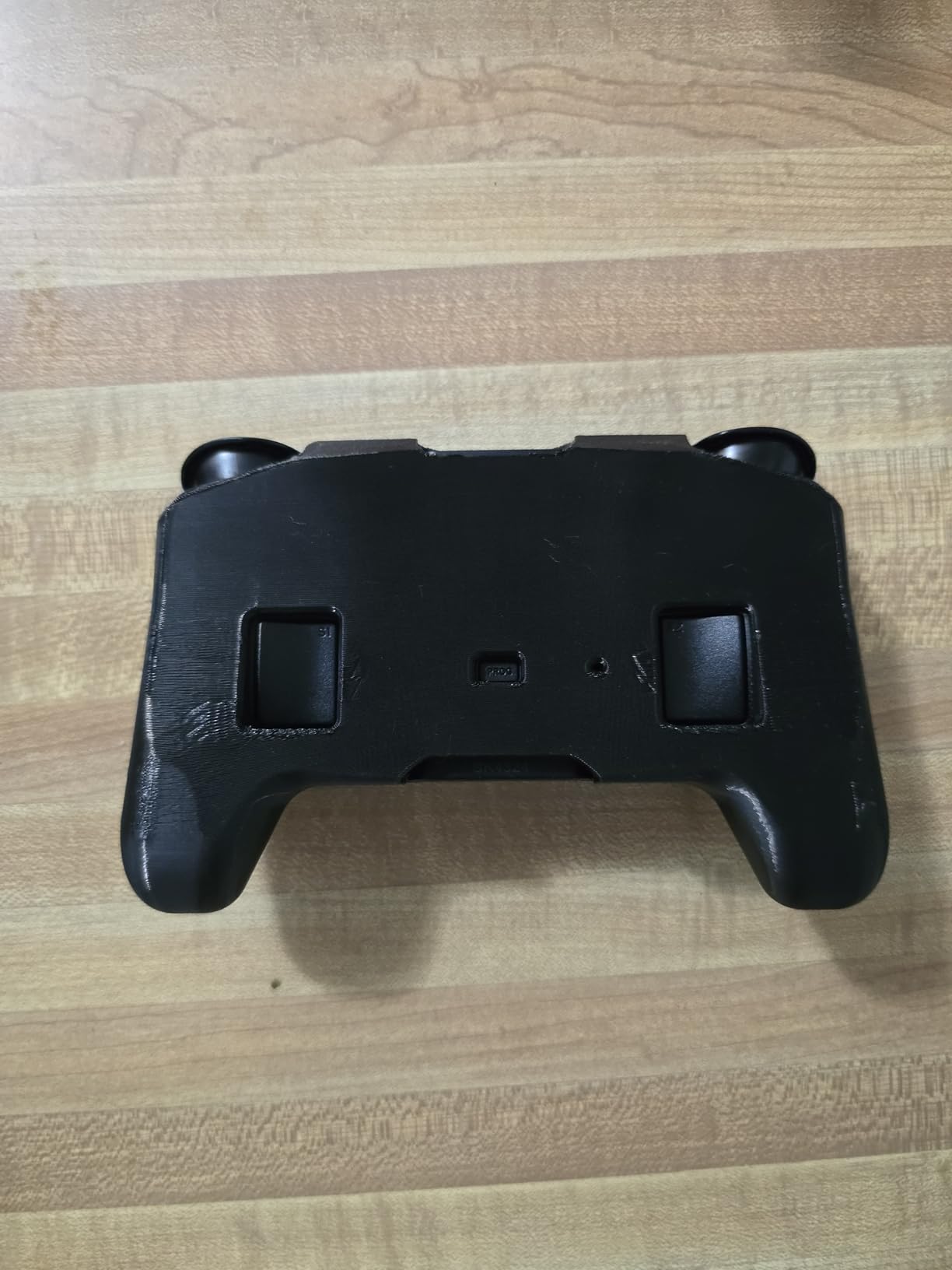
Rocket League fans who want official merchandise will appreciate the unique design. Portable gamers using Steam Deck, Switch, or mobile devices get a controller sized appropriately for handheld play. Collectors looking for limited edition gaming hardware should prioritize this option.
If you want a conversation piece that still performs competitively, the NEO S delivers. The Hall Effect sticks ensure you are not sacrificing function for form.
Who Should Skip It
Players with large hands will likely find the compact size uncomfortable for extended sessions. The limited number of reviews makes long-term durability harder to assess compared to established options. Those prioritizing pure performance over aesthetics get better value from the 8BitDo Ultimate 2C or GameSir G7 SE.
The triggers feel less satisfying than premium first-party controllers. If you prioritize analog trigger feel for racing games or precise boost control, other options in this guide perform better.
How to Choose the Best Controller for Rocket League
Selecting the right controller involves understanding which features actually improve your Rocket League performance versus marketing hype. Here is what matters based on my testing and feedback from hundreds of community members.
Hall Effect vs Standard Analog Sticks
Hall Effect technology uses magnetic sensors to detect stick movement instead of physical electrical contacts. This eliminates the physical wear that causes stick drift in traditional potentiometers. Controllers with Hall Effect sticks should theoretically never develop drift, though manufacturing defects can still occur.
The GameSir G7 SE, 8BitDo Ultimate 2C, EasySMX X15, and CRKD NEO S all feature Hall Effect sticks at various price points. TMR (Tunnel Magnetoresistance) sticks, found in the Razer Wolverine V3 and GameSir G7 Pro, offer similar anti-drift benefits with slightly different technology.
If you replace controllers due to drift every 6-12 months, prioritize Hall Effect. The upfront cost savings of budget controllers fade quickly if you are buying replacements annually.
Back Paddles and Remappable Buttons
Back paddles are game-changing for Rocket League once you adapt to them. Mapping air roll and boost to paddles lets you keep both thumbs on the sticks during aerial play, which improves control precision significantly.
The DualSense Edge, Xbox Elite Series 2, and GameSir G7 Pro offer the most paddle options with premium placement. The GameSir G7 SE and EasySMX X15 provide two paddles at budget prices, which covers the essential air roll and boost mapping.
Expect a 1-2 week adjustment period when first using paddles. Initial muscle memory conflicts are normal, but the long-term benefits justify the temporary frustration. Once adapted, playing without paddles feels limiting.
Polling Rate and Input Lag
Polling rate determines how frequently your controller reports input to your system. Standard controllers poll at 125Hz (8ms intervals). Premium options offer 1000Hz (1ms) or even 8000Hz (0.125ms) polling rates.
For most players, 1000Hz polling provides the optimal balance of responsiveness and stability. The 8BitDo Ultimate 2C, GameSir G7 Pro, and Razer Wolverine V3 all offer 1000Hz+ polling. The difference between 125Hz and 1000Hz is perceptible in fast mechanical actions like flip cancels.
Higher polling rates consume more system resources and can occasionally cause instability. Unless you are competing at Grand Champion level or above, 1000Hz polling provides sufficient responsiveness without the potential issues of 8000Hz.
Platform Compatibility
Platform choice significantly impacts your controller options. PlayStation 5 players should prioritize DualSense or DualSense Edge for full feature support. Xbox Series X/S players get the best experience with Xbox controllers or officially licensed alternatives like the GameSir G7 series.
PC players have the most flexibility but should consider wired connections for competitive play. While modern wireless controllers have minimal latency, wired connections eliminate any potential interference or battery concerns during ranked matches.
For players using gaming setup optimization with multiple devices, tri-mode controllers like the GameSir G7 Pro or EasySMX X15 provide the most versatility.
Controller Settings for Rocket League
Even the best controller requires proper in-game settings. Here are the recommended starting points based on pro player configurations and my testing:
Deadzone: Start at 0.10 and reduce gradually until you notice stick drift in training. Most players settle between 0.05 and 0.10. Lower deadzones provide more precise control but amplify any stick drift issues.
Steering Sensitivity: 1.00 to 1.40 is the typical range. Higher values make small stick movements more responsive. I use 1.20 for faster flick adjustments without losing fine control.
Aerial Sensitivity: 1.00 to 1.50 works for most players. Higher sensitivity helps with fast aerial adjustments but can make precise landings harder. Match your steering sensitivity or go slightly higher.
If you experience stick drift with your current controller, you may want to learn how to fix stick drift issues before investing in a new controller.
Budget Considerations
Controller prices range from $25 to $200, but spending more does not always mean better performance for your needs. Here is how I categorize the options:
Under $50: The 8BitDo Ultimate 2C and GameSir G7 SE deliver exceptional value with Hall Effect sticks and competitive features. These controllers match or exceed $100+ options from previous generations.
$50-$100: The GameSir G7 Pro and Razer Wolverine V3 provide premium features without the extreme pricing of first-party pro controllers. Ideal for serious players who cannot justify $150+ spending.
$100-$200: The DualSense Edge and Xbox Elite Series 2 represent the pinnacle of controller technology. Best for competitive players who demand the best and can afford the premium.
Consider the cost per hour of use. A $200 controller used for 1,000 hours costs $0.20 per hour. A $50 controller replaced twice in that same period due to drift costs the same but with more hassle.
Transitioning from Keyboard to Controller
Many Diamond and Champion players ask whether switching from keyboard and mouse to controller is worth the temporary skill loss. Based on community feedback and my own transition experience, the answer is yes for players aiming for high ranks.
The analog stick control provides nuanced steering that binary key presses cannot replicate. Aerial car control, in particular, benefits from smooth analog input. Most professional players and Grand Champions use controller for this reason.
Expect 2-4 weeks of skill regression during the transition. Your rank may drop temporarily, but ceiling shots, flip resets, and precise dribbling become easier once you adapt. The long-term mechanical ceiling is higher on controller for most players.
If you are considering alternatives to traditional controllers, check out our guide on specialized gaming controllers for additional input options that some players prefer.
Frequently Asked Questions
What controller is best for Rocket League?
The best controller for Rocket League depends on your platform and budget. The PlayStation DualSense Edge is the top premium option with replaceable stick modules and back paddles. The GameSir G7 SE offers the best value under $50 with Hall Effect anti-drift sticks. For budget buyers, the 8BitDo Ultimate 2C delivers premium features at entry-level pricing.
Do pro Rocket League players use controllers?
Yes, approximately 90% of professional Rocket League players use controllers rather than keyboard and mouse. Most pros prefer PlayStation-style controllers, specifically the DualShock 4 or DualSense Edge. The analog stick control provides the precise input needed for aerial mechanics and dribbling that keyboard inputs cannot replicate.
What controller does Zen use for Rocket League?
Zen, one of the top professional Rocket League players, uses a PlayStation DualSense Edge controller. This premium pro controller offers replaceable stick modules, back paddles for advanced mechanics, and adjustable trigger stops that competitive players at his level require for consistent high-level play.
What controller has zero stick drift?
Controllers with Hall Effect sticks offer the best protection against stick drift. The GameSir G7 SE, 8BitDo Ultimate 2C, EasySMX X15, and CRKD NEO S all feature Hall Effect technology at various price points. The DualSense Edge addresses drift through replaceable stick modules that can be swapped when wear occurs.
Is controller better than keyboard for Rocket League?
Controller is generally considered better than keyboard for Rocket League for most players. The analog sticks provide nuanced steering and aerial control that binary key presses cannot match. While keyboard players can reach high ranks, the mechanical ceiling is typically higher on controller, which is why 90% of professional players prefer it.
What are the best controller settings for Rocket League?
Recommended controller settings for Rocket League include: Controller Deadzone at 0.05-0.10, Steering Sensitivity at 1.00-1.40, and Aerial Sensitivity at 1.00-1.50. Dodge Deadzone should be around 0.80 to prevent accidental flips. Bind air roll left/right to back paddles if available, and keep boost accessible without moving thumbs from sticks.
Final Thoughts
Finding the best controllers for Rocket League in 2026 comes down to matching features with your play style and budget. The DualSense Edge remains my top recommendation for serious competitive players who demand the best, while the GameSir G7 SE delivers unmatched value for budget buyers wanting Hall Effect reliability.
Do not overlook the importance of back paddles once you are ready for them. They fundamentally change how you interact with the game at higher mechanical levels. Start with a solid foundation like the 8BitDo Ultimate 2C or GameSir G7 SE, then upgrade to premium options as your skills and commitment grow.
Remember that even the best controller requires proper settings and practice. Spend time in free play adjusting deadzones and sensitivity until the inputs feel natural. The right controller with the right settings will help you reach your mechanical ceiling in Rocket League.
Whether you are a Bronze player looking for your first upgrade or a Champion pushing for Grand Champion, there is a controller on this list that will improve your gameplay. Invest in the tools that match your goals, and see you on the pitch.