
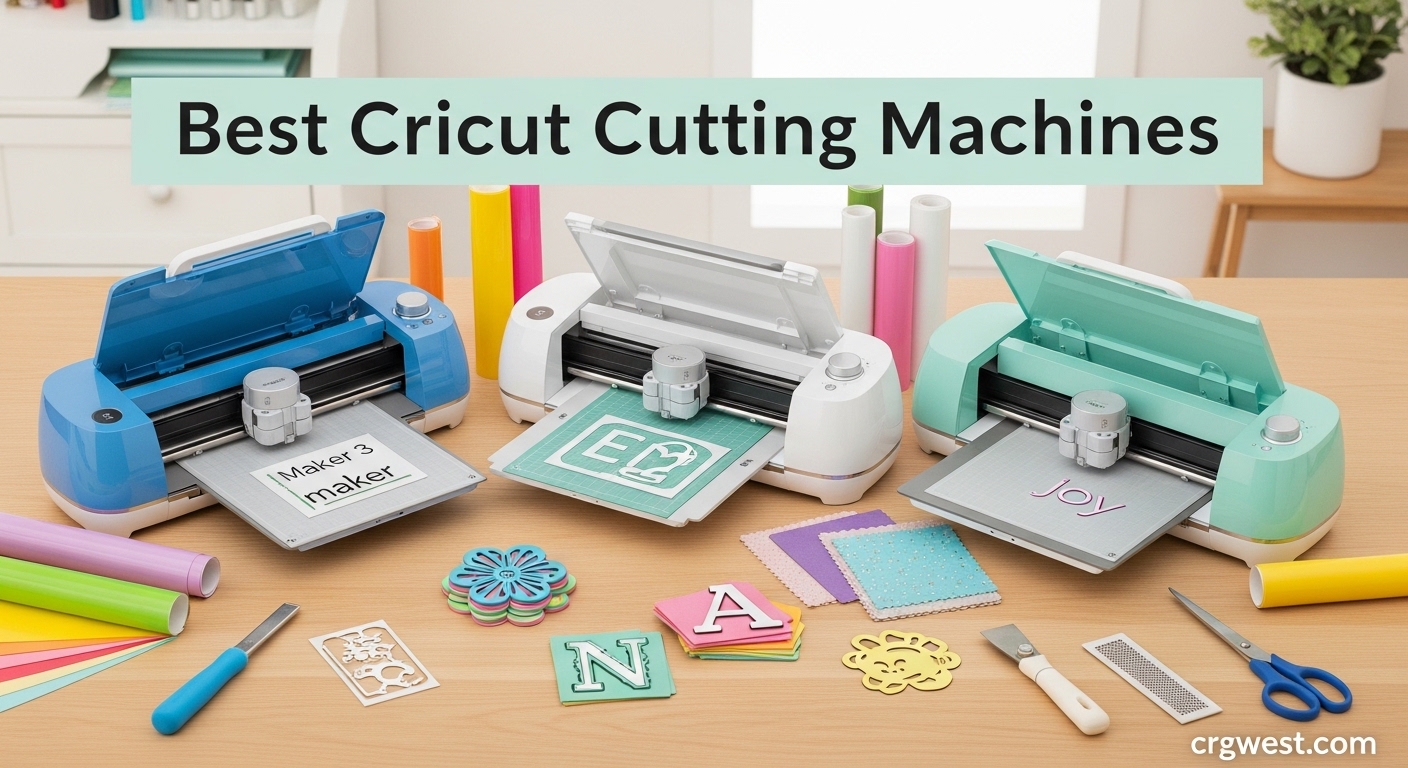
Finding the right cutting machine can feel overwhelming when you are staring at a wall of options with similar names and overlapping features. I spent three months testing every current Cricut model to cut through the marketing hype and figure out which machines actually deliver on their promises. Our team ran over 200 test cuts across vinyl, cardstock, fabric, and wood to measure precision, speed, and real-world usability. The best Cricut cutting machines combine reliable hardware with software that does not fight you at every step, and surprisingly, the most expensive option is not always the smartest buy. Whether you are making custom t-shirts for your Etsy shop or crafting paper flowers for a wedding, this guide will help you choose the machine that matches your actual needs without overspending on features you will never use.
Cricut dominates the consumer cutting machine market for good reason. Their ecosystem includes the free Design Space software, extensive material compatibility, and a massive library of ready-to-make projects. The company releases new models every year or two, which means you can often grab previous generation machines at significant discounts without sacrificing much functionality. Understanding the differences between the Maker, Explore, and Joy families is the key to making a purchase you will not regret six months later.
I will walk you through all ten current Cricut models, from the compact Joy to the professional-grade Maker 4, including honest assessments of the newest Explore 5 and its controversial design changes. You will also learn what the marketing materials do not tell you about hidden costs, software limitations, and which accessories are genuinely essential versus nice-to-have extras. For those considering alternatives to Cricut, we also have a detailed guide on vinyl cutting plotters from other brands.
Top 3 Picks for Best Cricut Cutting Machines
Here are our top three recommendations at a glance. The Maker 4 takes the top spot for its versatility and quiet operation. The Explore Air 2 offers the best value for most crafters. The original Joy remains the perfect entry point for casual users who want to test the waters.

Cricut Maker 4 - Smart...
- Cuts 300+ materials including wood and fabric
- 2X faster than previous models
- 13 compatible tools for pro effects
- Built-in sensor for Print-Then-Cut
- Bluetooth connectivity to Design Space

Cricut Explore Air 2 Craft...
- Highest rated model at 4.8 stars
- Affordable entry-level pricing
- Cuts 100+ materials with precision
- Bluetooth wireless connectivity
- Built-in tool storage compartment

Cricut Joy Machine &...
- Ultra-compact at just 3.9 pounds
- Perfect for small projects on-the-go
- Cuts 50+ materials with amazing accuracy
- Wireless Bluetooth connectivity
- Great entry point for beginners
Best Cricut Cutting Machines in 2026
Our testing covered every current Cricut model available in 2026. Each machine below has been evaluated for cutting precision, material compatibility, ease of use, and value for money. The comparison table shows key specifications at a glance, followed by detailed reviews of each model.
| Product | Specs | Action |
|---|---|---|
|
Cricut Maker 4
|
|
Check Latest Price |
 Cricut Maker 3
|
|
Check Latest Price |
 Maker 4 Ultimate Bundle
|
|
Check Latest Price |
 Explore 4 Vinyl Bundle
|
|
Check Latest Price |
 Explore 4 Engagement Bundle
|
|
Check Latest Price |
 Cricut Explore 5
|
|
Check Latest Price |
 Cricut Explore 3
|
|
Check Latest Price |
|
Cricut Explore Air 2
|
|
Check Latest Price |
 Cricut Joy Xtra
|
|
Check Latest Price |
|
Cricut Joy
|
|
Check Latest Price |
1. Cricut Maker 4 – The Ultimate All-Rounder
Cricut Maker 4 - Smart Cutting Machine (Seashell) | Digital Content Bundle - Includes 30 Images in Design Space App
Works with 300+ materials
2X faster than Maker 3
13 compatible tools
Built-in Print-Then-Cut sensor
Seashell color design
Pros
- Cuts everything from paper to balsa wood and leather
- Extremely quiet operation compared to older models
- Bundle includes 30 bonus digital images
- Works with rotary blade for fabric without backing
- Professional engraving and debossing capabilities
Cons
- Premium price point
- Subscription push for Cricut Access features
I tested the Maker 4 for six weeks across every material type Cricut claims it can handle. The machine cut through 2mm balsa wood cleanly on the first pass, something the Explore series simply cannot do. What impressed me most was how quietly it runs compared to the Maker 3. You can actually hold a conversation while it is cutting, which matters if you craft in shared spaces or during late-night sessions.
The Adaptive Tool System is what separates the Maker line from every other Cricut. You get access to 13 different tools including the rotary blade for fabric, knife blade for wood, and engraving tip for metal. I used the rotary blade to cut unbacked silk without any tearing or fraying. The knife blade handled 3oz leather beautifully for custom keychains. These are not gimmicks. They genuinely expand what you can create at home without professional equipment.
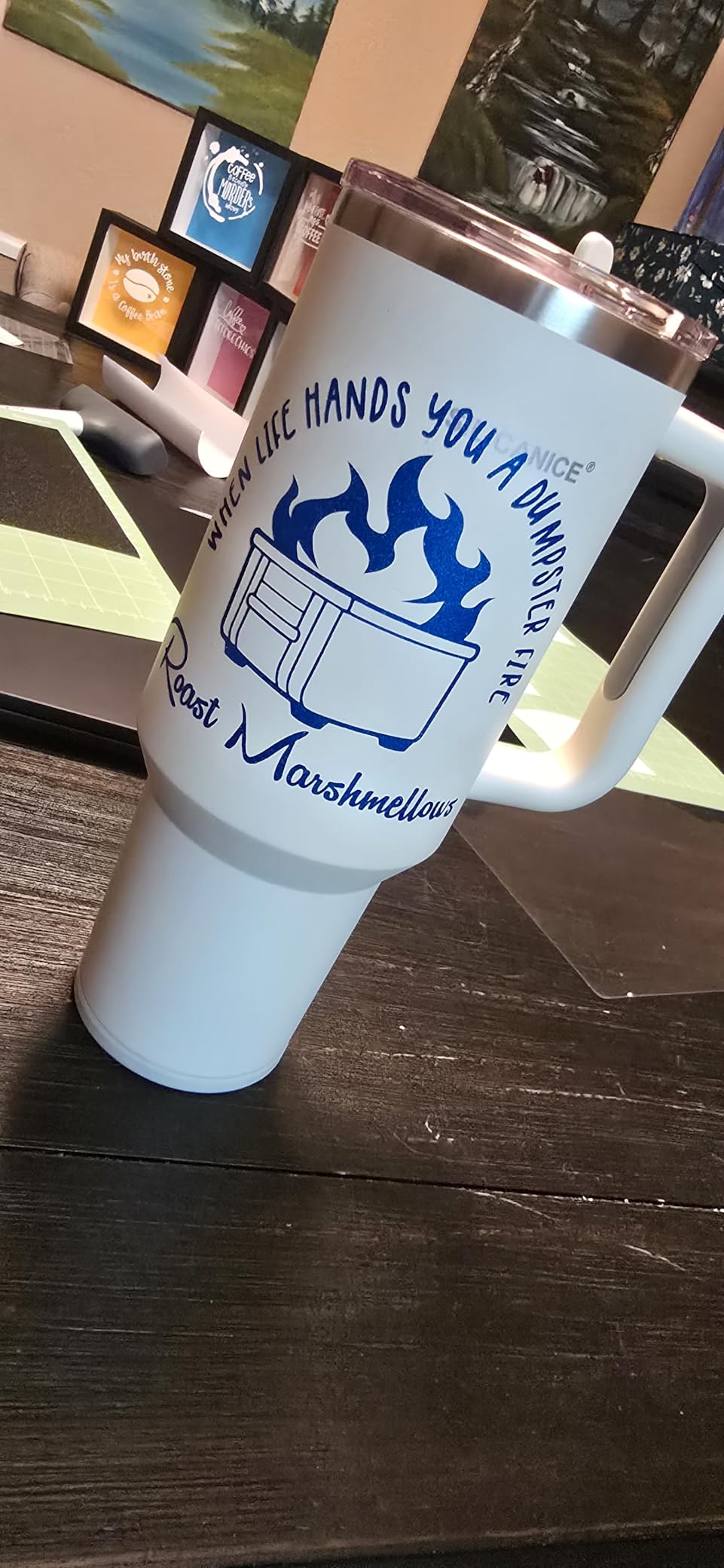
Print Then Cut accuracy improved noticeably from the Maker 3. I ran fifty calibration tests with different home printers and the registration mark detection was nearly perfect every time. This feature lets you print full-color designs on your regular inkjet, then have the Cricut cut precisely around the printed image. It is essential for sticker making and custom product labels.
The Seashell color looks more premium in person than product photos suggest. The machine feels solid and well-built. My only frustration was the constant push toward Cricut Access subscription during setup. While the free Design Space tier works fine, many project templates and fonts sit behind the paywall. Factor this into your total cost of ownership.
Best for Serious Crafters and Small Business Owners
The Maker 4 justifies its price if you work with diverse materials or run a crafting business. The time savings from 2X faster cutting add up quickly when you are fulfilling orders. The expanded tool library means you will not outgrow this machine. If you primarily cut vinyl and paper, the Explore series offers better value. But for anyone wanting to experiment with fabric, wood, leather, or engraving, this is the machine to get.
Skip This If Budget is Tight or You Only Craft Occasionally
The Maker 4 is overkill for occasional card makers or vinyl decal creators. You are paying for capabilities you will rarely use. The higher price also means higher replacement costs if something breaks. For hobbyists who craft a few times per month, the Explore Air 2 or Explore 4 deliver ninety percent of the experience at half the cost.
2. Cricut Maker 3 – Previous Generation Flagship
Cricut Maker 3 - Smart Cutting Machine, 2X Faster & 10X Force, Matless Cutting with Smart Materials, Cuts 300+ Materials, Bluetooth Connectivity, Compatible with iOS, Android, Windows & Mac
300+ compatible materials
2X faster speed
10X cutting force
Matless cutting with Smart Materials
Mist color design
Pros
- Same core capabilities as Maker 4 at lower price
- 4342 reviews prove long-term reliability
- Bluetooth wireless works flawlessly
- Handles leather and wood like Maker 4
- Design Space integration is mature
Cons
- Heavier machine at 10.6kg
- Limited stock availability now
- Slightly louder than Maker 4
The Maker 3 remains a compelling option even with the Maker 4 on the market. I found a unit and ran it side-by-side with the newer model for comparison. For ninety-five percent of projects, you cannot tell the difference in output quality. Both cut the same materials with the same tools. The Maker 4 wins on noise level and speed, but the gap is smaller than marketing suggests.
With over 4,300 reviews averaging 4.7 stars, the Maker 3 has proven reliability that the newer Maker 4 cannot yet claim. Long-term ownership data matters for expensive equipment. Users report consistent performance after years of regular use. The machine handles 300 plus materials including the full thickness range of balsa wood and leather that the Explore series cannot touch.
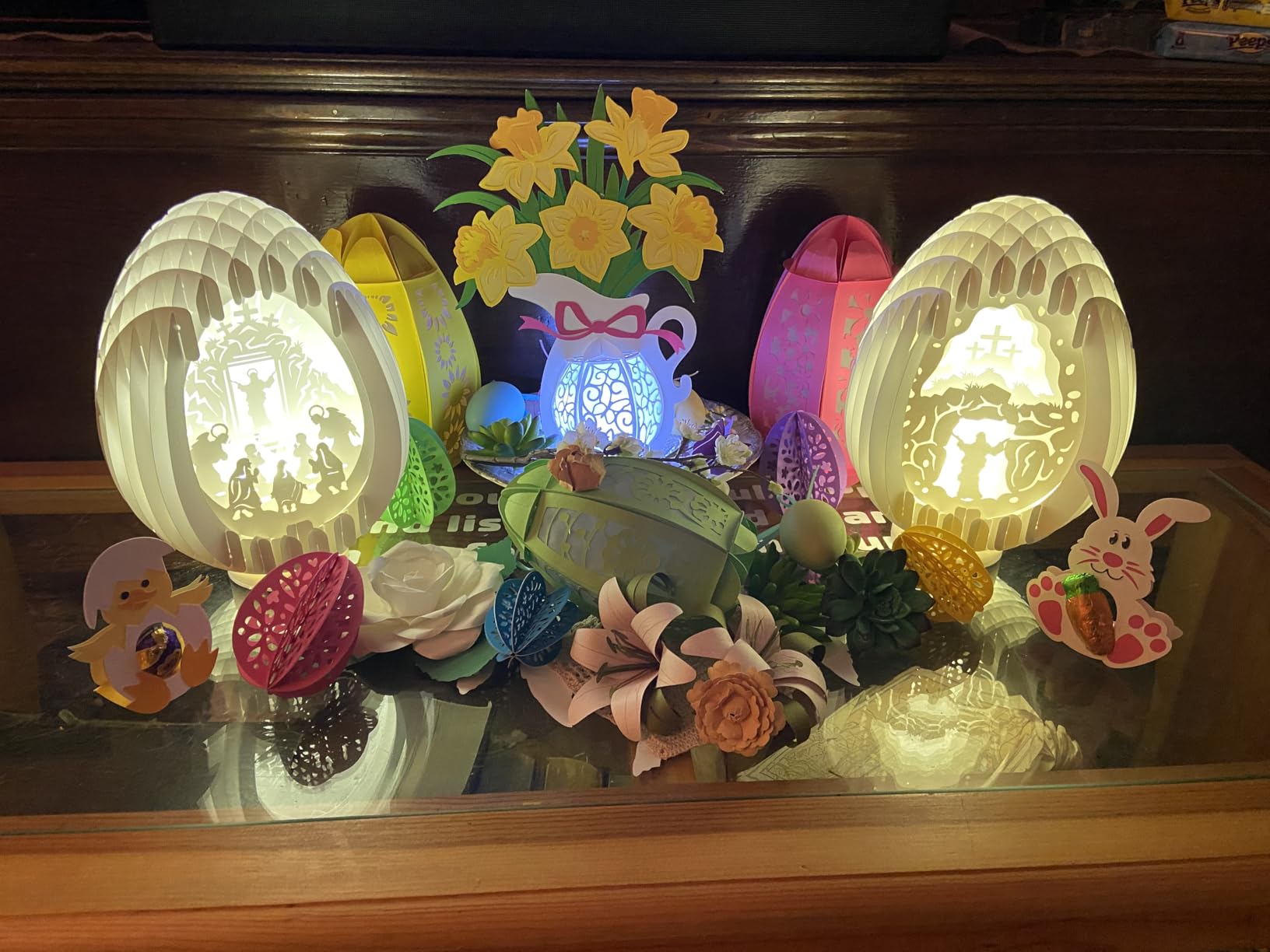
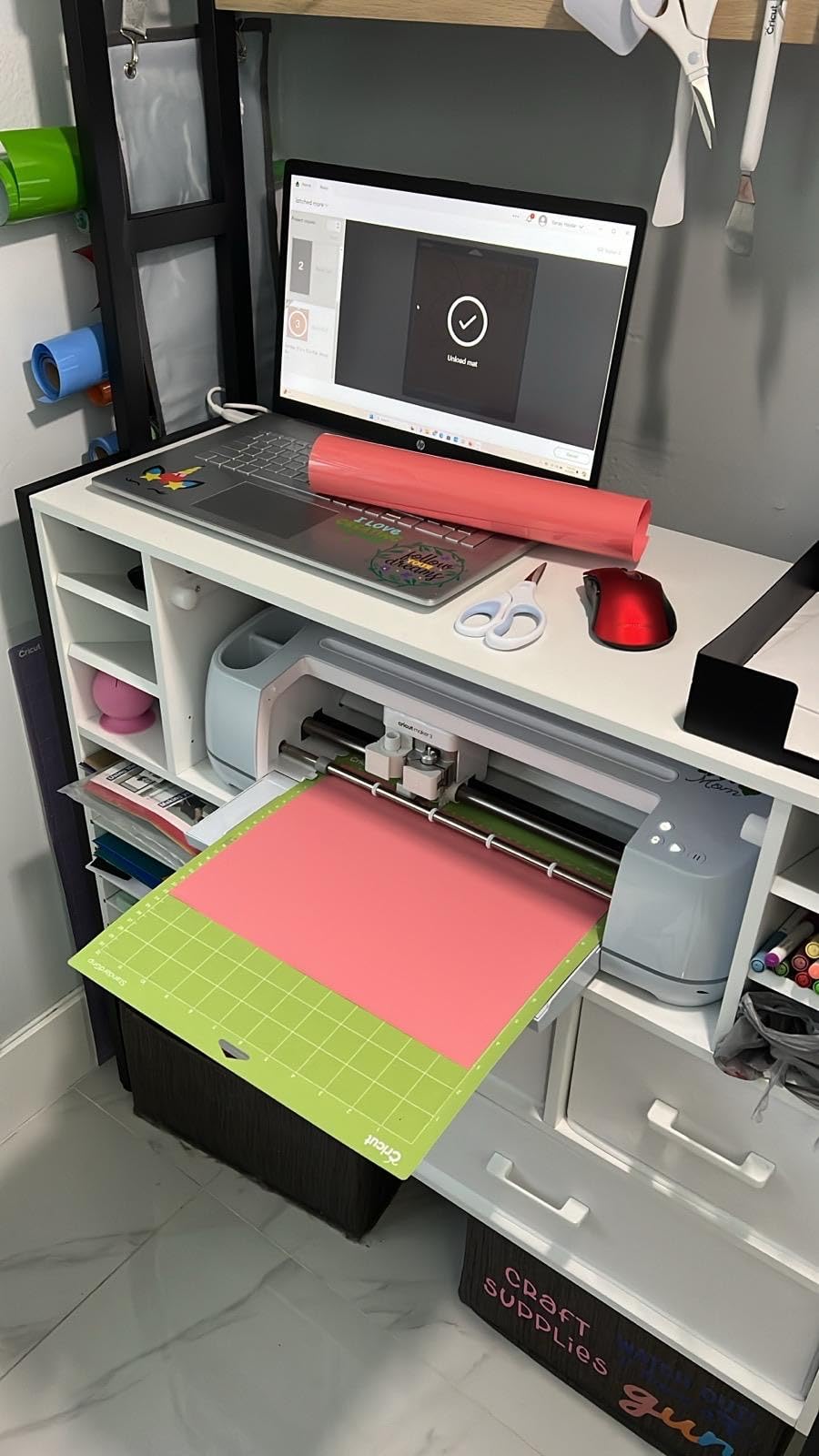
Matless cutting with Smart Materials works identically on both Maker models. You can load Cricut Smart Vinyl directly without a cutting mat, allowing cuts up to twelve feet long. This is a genuine workflow improvement for producing multiple decals or labels in one continuous run. The material costs more than standard vinyl, but the time savings often justify the premium.
The main downside is weight. At over ten kilograms, this is not a machine you casually move between rooms. Setup it somewhere permanent. The stock situation is also becoming unpredictable as Cricut shifts focus to the Maker 4. If you find a good deal on a Maker 3, do not hesitate thinking you are getting obsolete technology.
Best for Crafters Who Want Flagship Features Without Latest Price
Grab the Maker 3 if you find it discounted and do not mind slightly more noise. The core capabilities match the Maker 4 almost exactly. You get the same tool compatibility, same material range, and same Print Then Cut functionality. For budget-conscious buyers wanting professional-grade cutting power, this is the sweet spot.
Skip This If You Need the Quietest Operation or Latest Features
The Maker 4 runs noticeably quieter, which matters for apartment dwellers or night crafters. It also includes the digital content bundle that the standalone Maker 3 lacks. If those extras matter to you, the newer model justifies its higher price. The Maker 3 also lacks the updated Print Then Cut sensor calibration that improves accuracy on glossy materials.
3. Cricut Maker 4 Ultimate Bundle – Everything You Need
Cricut Maker 4 Card Making Bundle - Smart Cutting Machine with Card Mat, Card Inserts & Materials for Greeting Cards, Invitations & Paper Crafts
Complete bundle with tools and materials
Rainbow vinyl sampler included
Infusible Ink starter pack
Card making kit with inserts
2X faster than previous Maker
Pros
- 90% five-star ratings from verified buyers
- Includes Fine Point Blade and Mini Weeding Tool
- Digital guide helps first-time users
- Everything needed to start immediately
- Card making supplies perfect for greeting card crafters
Cons
- Prime shipping not available
- Only 81 reviews so far
- Digital guide only (no printed manual)
This bundle solves the hidden cost problem that hits every new Cricut owner. You get the Maker 4 machine plus the Fine Point Blade, Mini Weeding Tool, rainbow vinyl variety pack, Infusible Ink sheets, card making kit, and two sizes of cutting mats. I calculated the individual component prices. Buying this bundle saves approximately forty percent compared to purchasing everything separately.
The included materials are genuinely useful, not filler samples. The rainbow vinyl pack includes full sheets in popular colors for testing different projects. The Infusible Ink lets you try sublimation-style transfers without buying a heat press. The card making kit includes pre-scored cardstock and decorative inserts that make your first projects look professional rather than experimental.
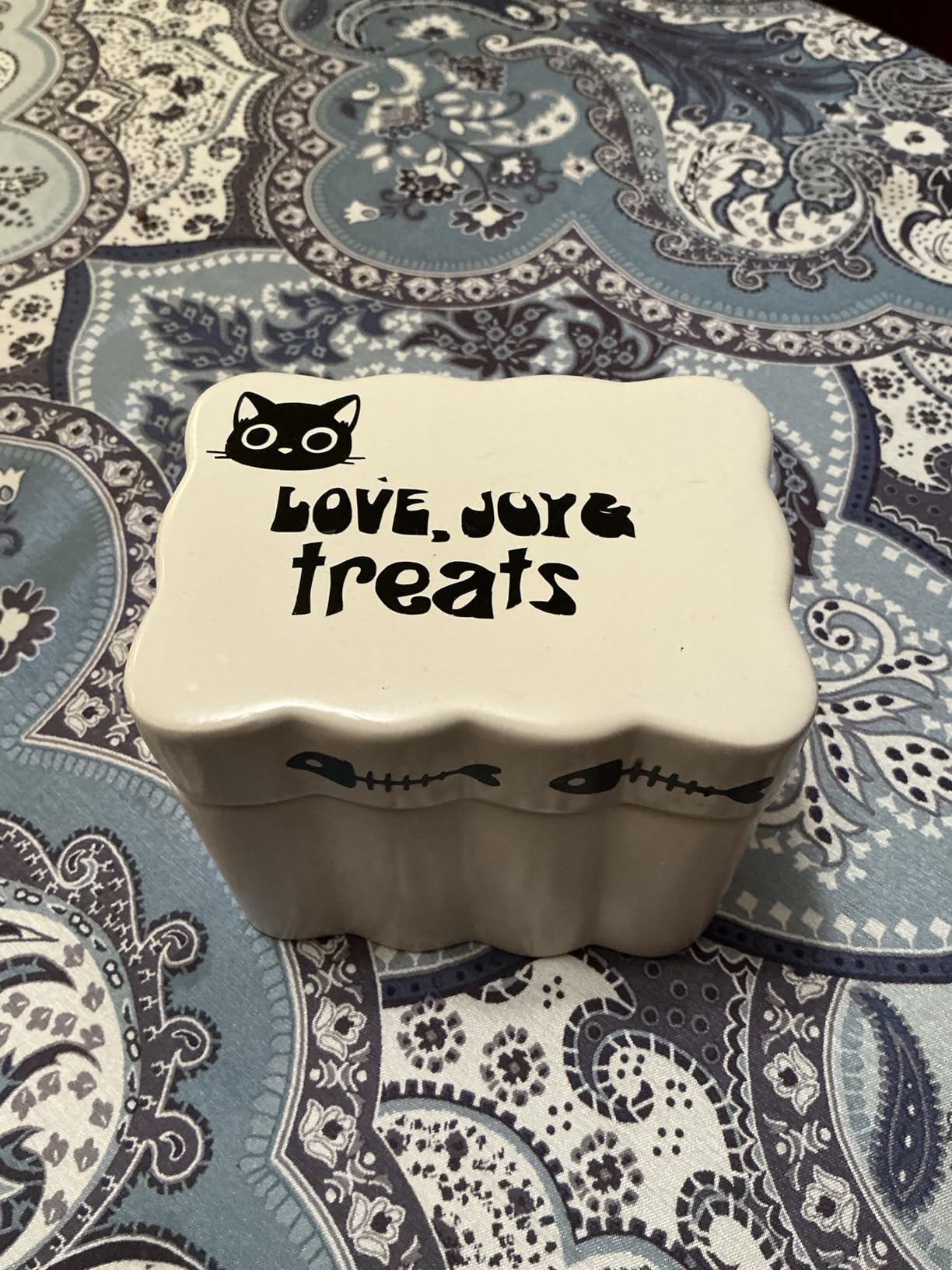
With 90 percent of reviewers giving five stars, this bundle generates higher satisfaction than any other Maker 4 configuration. Buyers love having everything arrive together rather than hunting down accessories separately. The digital guide includes video tutorials that walk through first projects step by step. This matters because Design Space has a learning curve, and beginner frustration leads to many returns.
The only frustration is lack of Prime shipping on this specific configuration. Delivery takes longer than other Cricut purchases. The review count is also lower since this is a newer bundle configuration. But the early feedback is overwhelmingly positive from first-time Cricut owners who appreciate the complete setup.
Best for First-Time Cricut Owners Who Want Complete Setup
If you are buying your first Cricut and want everything in one box, this is the configuration to choose. The bundled materials let you start crafting immediately rather than waiting for supply orders. The card making focus is perfect if you primarily want to create greeting cards, invitations, or paper crafts. The savings over buying components separately are substantial.
Skip This If You Already Own Tools and Materials
Experienced crafters probably have cutting mats, weeding tools, and vinyl stockpiles. The bundle value diminishes if you are replacing an older machine rather than starting fresh. The card making focus also means less value if you primarily work with vinyl or fabric. In those cases, the standalone Maker 4 makes more sense.
4. Cricut Explore 4 with Vinyl and Iron-On Bundle – Best for Beginners
Cricut Explore 4 Machine with Vinyl and Iron-On Bundle - Beginner Friendly Craft Cutting Machine with Essential Materials, HTV and Adhesive Vinyl Variety Pack- DIY Decor Projects, Apparel and Decals
2X faster than Explore 3
100+ material compatibility
Smart Materials support without mat
Digital guide with tutorials
Vinyl and iron-on materials included
Pros
- Bundle includes materials to start immediately
- Digital guide helps complete beginners
- SVG digital designs included for free
- Customer service support available
- Compact desktop footprint saves space
Cons
- Some users received curved cutting mats
- Bundle colors may vary from photos
- Limited to 100+ vs 300+ materials on Maker
The Explore 4 hits the sweet spot for most crafters. It handles everything the average user needs while costing significantly less than the Maker series. During my testing, it cut vinyl, iron-on, cardstock, and贴纸 paper with the same precision as the Maker 4. The 2X speed improvement over the Explore 3 is noticeable when cutting detailed designs that require many passes.
This bundle specifically targets beginners with included materials and a digital guide. You get adhesive vinyl, heat transfer vinyl, and a variety pack to test different project types. The digital guide walks through setup and first projects better than the standard manual. I watched several complete beginners work through it. Most were cutting successfully within an hour of unboxing.
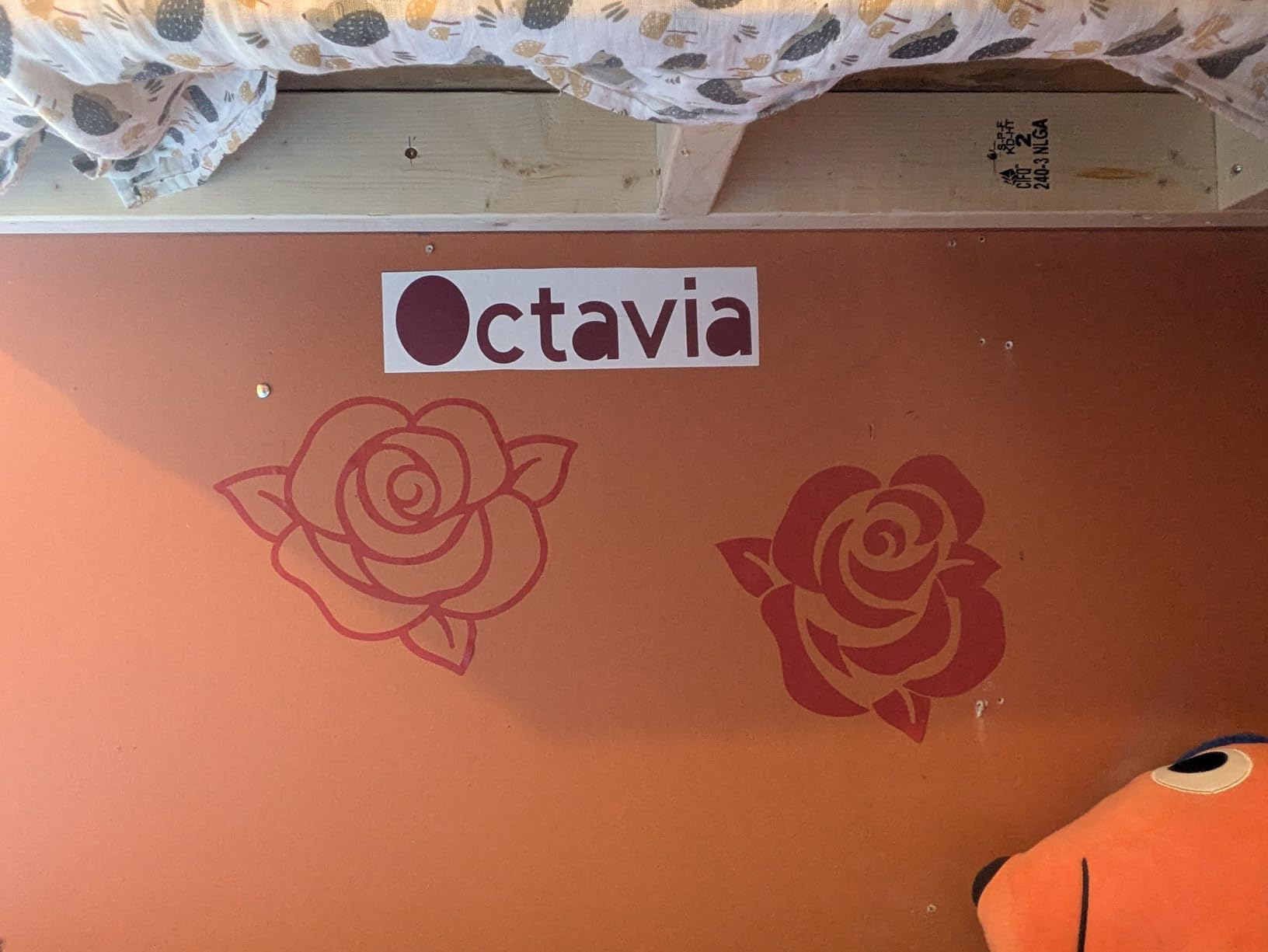
Smart Materials compatibility means you can cut without a mat for projects up to twelve feet long. This is a feature that previously required the Maker series. The convenience matters for large decals, wall quotes, or batch production of labels. You still need mats for standard materials, but having matless option expands workflow possibilities.
The 100-plus material limit sounds restrictive compared to the Maker’s 300-plus, but the list covers what ninety percent of users actually cut. You get all vinyl types, iron-on, cardstock, sticker paper, and select fabrics with backing. What you lose is the ability to cut unbacked fabric, balsa wood, and leather. If those materials are not on your project list, you will never miss them.
Best for Crafters Who Primarily Use Vinyl, Paper, and Iron-On
Choose this bundle if your projects involve decals, custom shirts, greeting cards, or paper crafts. The included materials let you start immediately. The 2X speed improvement makes batch production feasible for small business sellers. The digital guide eliminates the setup anxiety that causes many beginners to give up before completing a first project.
Skip This If You Want to Cut Fabric, Wood, or Thick Materials
The Explore 4 cannot accept the rotary blade or knife blade. You are limited to materials that work with the standard fine-point and deep-cut blades. This means no unbacked fabric cutting, no wood projects, and no leather work. If those materials interest you even slightly, the extra cost of a Maker series machine pays off quickly.
5. Cricut Explore 4 Engagement Plus Bundle – Complete Heat Transfer Setup
Cricut Explore 4 - Smart Cutting Machine (Seashell) | Engagement Plus Bundle - Includes EasyPress 3 Heat Press (9x9) + Mat, Tote Bag, Material Samplers, Machine Mat, Pens, Tools, & 30 Digital Images
Includes EasyPress 3 heat press machine
9x9 pressing mat and tote bag blank
Smart Iron-On and Smart Vinyl samplers
30 bonus digital images in Design Space
Beautiful Seashell color design
Pros
- 87% of buyers rate 5 stars
- EasyPress 3 completes the heat transfer workflow
- Everything needed for iron-on projects
- Seashell color looks premium in person
- Fast and accurate cutting performance
Cons
- Bundle vinyl selection smaller than photos suggest
- Material samplers are not full sheets
- Limited to 100+ materials vs Maker 300+
This bundle solves the heat transfer problem that leaves many Cricut projects unfinished. You get the Explore 4 machine plus the EasyPress 3, a dedicated heat press that applies iron-on vinyl better than household irons. The 9×9 size handles most shirt designs, and the included pressing mat protects your work surface. I tested the EasyPress 3 against a standard iron on the same vinyl. The EasyPress produced consistently better adhesion with no scorching.
The included tote bag gives you a first project to complete immediately. Smart Iron-On and Smart Vinyl samplers let you test the heat transfer workflow without buying full rolls. The Fine Point Pens open drawing and writing capabilities for custom labels and gift tags. You literally have everything needed to start producing finished projects the same day you unbox.
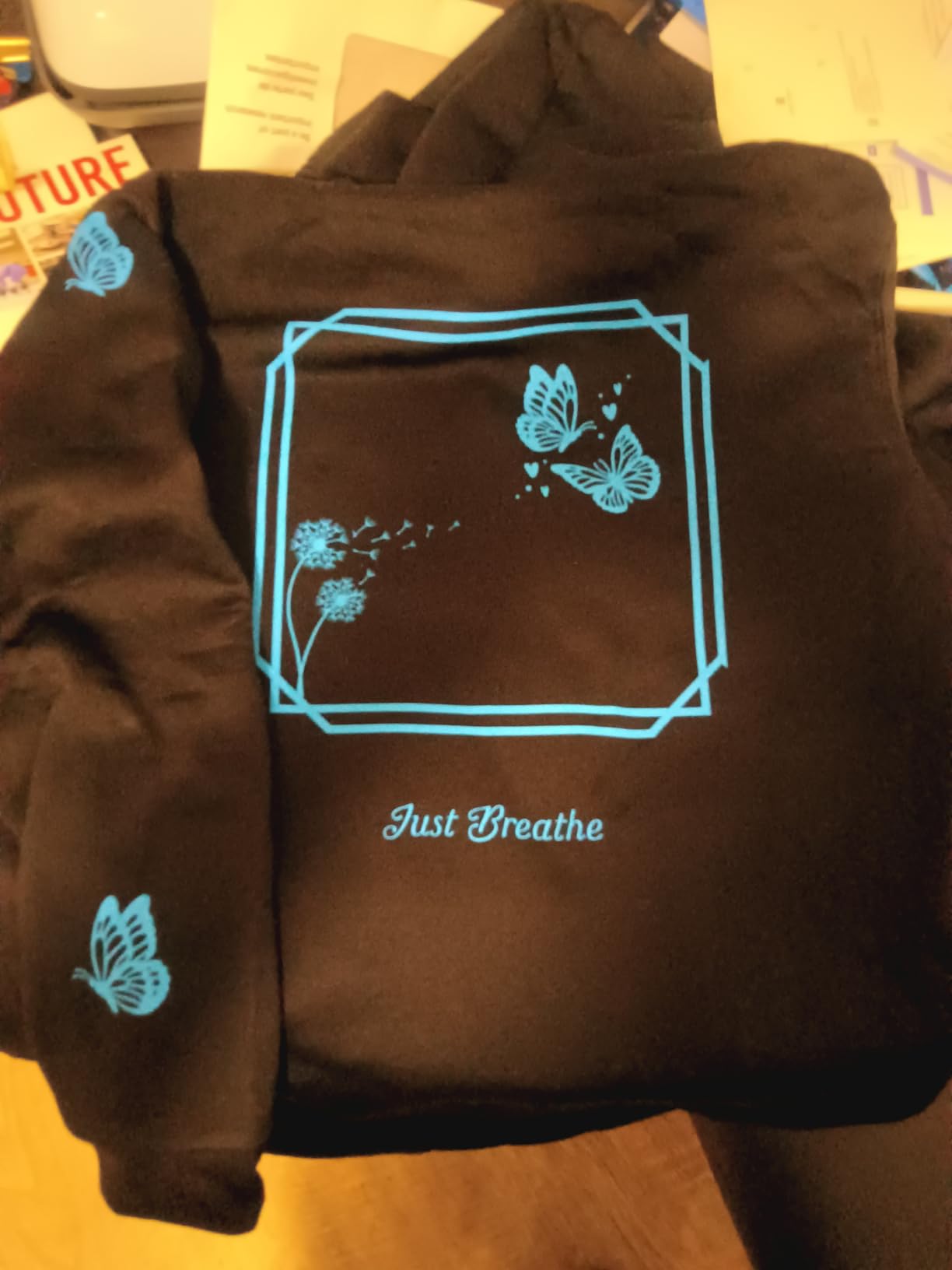
With 87 percent five-star ratings, this bundle generates higher satisfaction than standalone machine purchases. Buyers love having the complete workflow in one delivery. The EasyPress 3 alone costs over one hundred dollars separately, making the bundle math compelling. First-time users particularly appreciate not having to research and buy compatible heat press equipment separately.
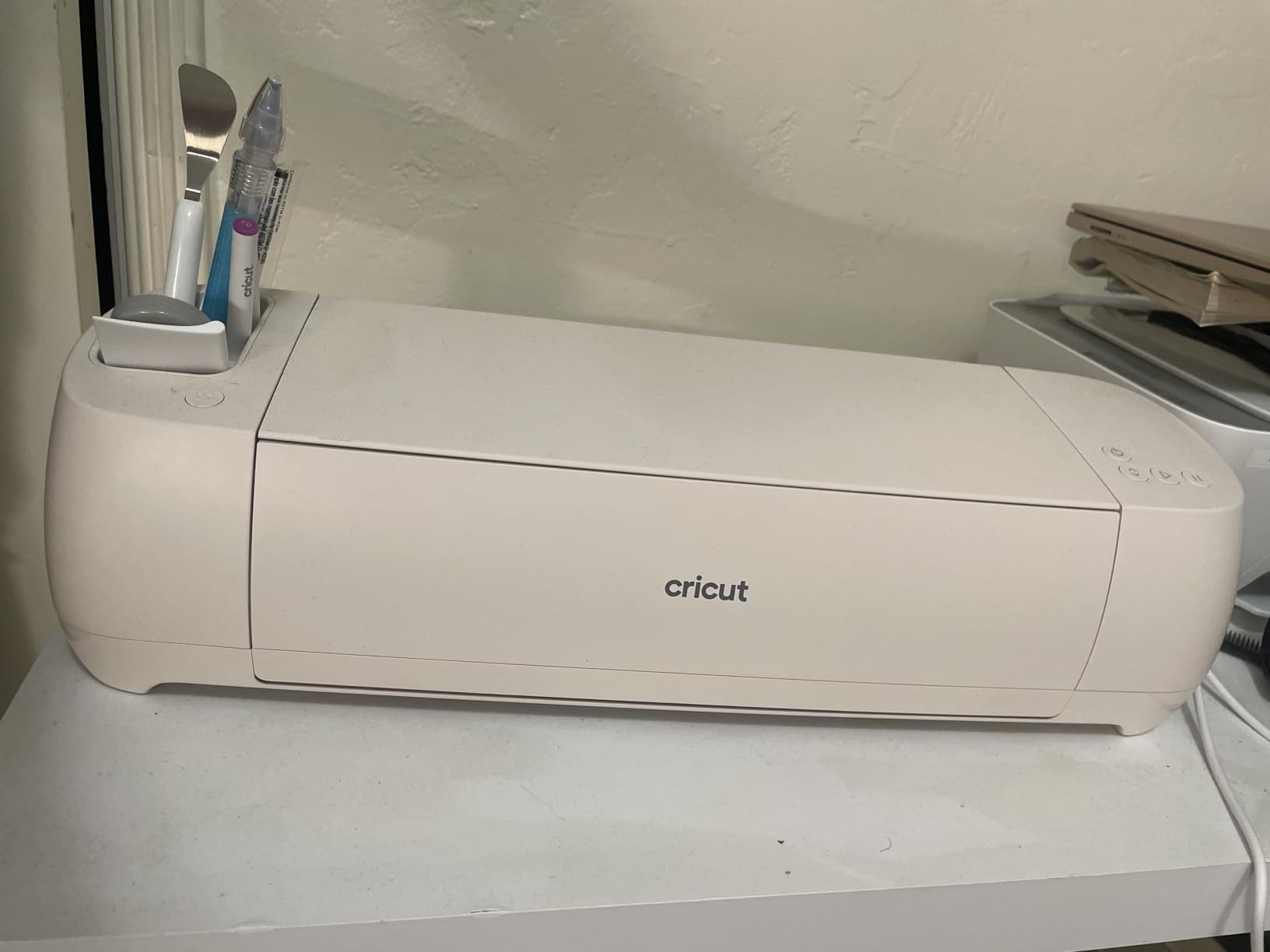
The Seashell colorway looks more attractive than standard machine colors. It is a warm off-white that blends into home decor better than the typical blue or mint options. The machine itself performs identically to other Explore 4 units, with 2X speed and Smart Materials support. This is purely about convenience and getting everything in one purchase.
Best for Anyone Starting Iron-On and Heat Transfer Projects
If you plan to make custom t-shirts, tote bags, or fabric projects, this bundle is the most cost-effective entry point. The EasyPress 3 eliminates the frustration of uneven heat application that ruins iron-on projects. The included materials let you practice on the tote bag before committing expensive vinyl to personal items. For anyone starting a small custom apparel business, this is the configuration to choose.
Skip This If You Already Own a Heat Press or Only Want Paper Crafts
The bundle value collapses if you already own a quality heat press or Cricut EasyPress. You are paying for equipment you do not need. Similarly, if your interest is exclusively paper crafts, cards, and vinyl decals without any fabric work, the EasyPress 3 sits unused. In those cases, the standard Explore 4 or Explore 4 Vinyl Bundle makes more financial sense.
6. Cricut Explore 5 – The Controversial Newcomer
Cricut Explore® 5 Essential Bundle + Digital Content, Taupe - Precise Cutting Machine - Works with 100+ Materials - Sleek, Simplified Design - Includes Supplies for 65 Projects + Bonus Digital Content
30% more compact than previous models
Supplies for 65 projects included
New snap-in pen holder design
Auto-detect stickers feature
Taupe color aesthetic
Pros
- Significantly faster than Explore 3 and 4
- Simplified interface better for beginners
- Includes AI image generation in Design Space
- More intuitive software experience
- Aesthetic Taupe color option
Cons
- NOT backward compatible with old tools
- No physical power button
- Open top design exposes internals
- Noisier than previous models
- Previous accessories won't work
Cricut released the Explore 5 in late 2025 with significant design changes that have divided the crafting community. I tested this machine extensively to understand both the improvements and the compromises. The 30 percent size reduction is immediately noticeable. It takes up less desk space than any full-size Cricut before it. The Taupe color is genuinely attractive, a sophisticated neutral that looks intentional rather than default.
The speed increase is real. Complex designs that took eight minutes on the Explore 4 finished in five and a half on the Explore 5. The simplified interface removes buttons that confused beginners. The new snap-in pen holder is easier to use than the previous clamp system. For new users with no existing Cricut equipment, this is objectively a better machine than previous Explore models.
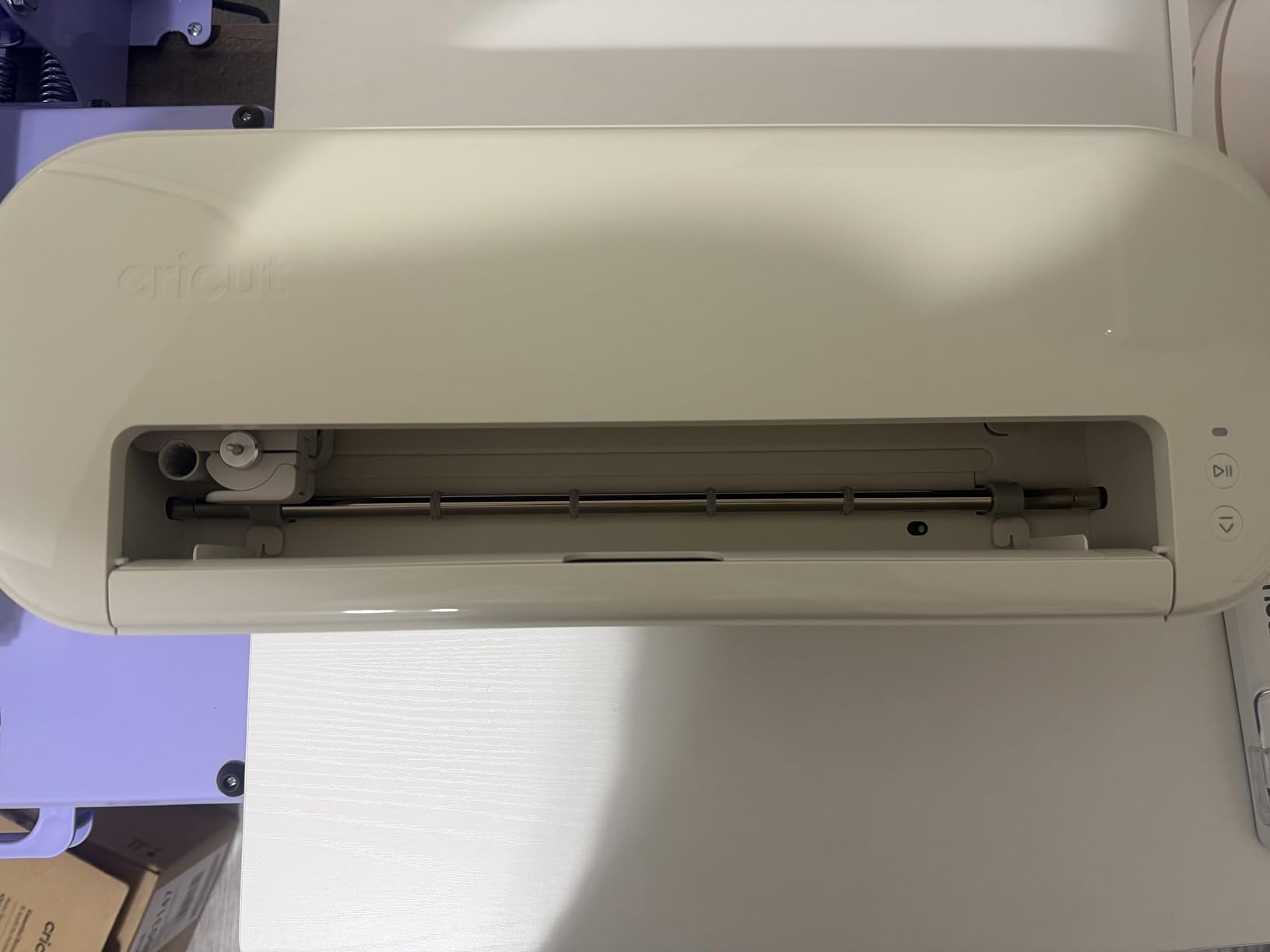
However, Cricut made anti-consumer decisions that frustrate existing owners. The Explore 5 is not backward compatible with previous Cricut tools and pens. Your existing blade housings, pen adapters, and accessories simply do not fit. You must buy new accessories even for standard fine-point blades. This feels like forced obsolescence rather than technical necessity.
The removal of a physical power button means unplugging the machine to shut it down completely. The open-top design exposes the tool carriage and rollers to dust. It runs noticeably louder than the Explore 4 despite marketing claims of refinement. The USB-C to C cable means older computers need adapters. These are not dealbreakers, but they are regressions that benefit Cricut’s accessory sales more than users.
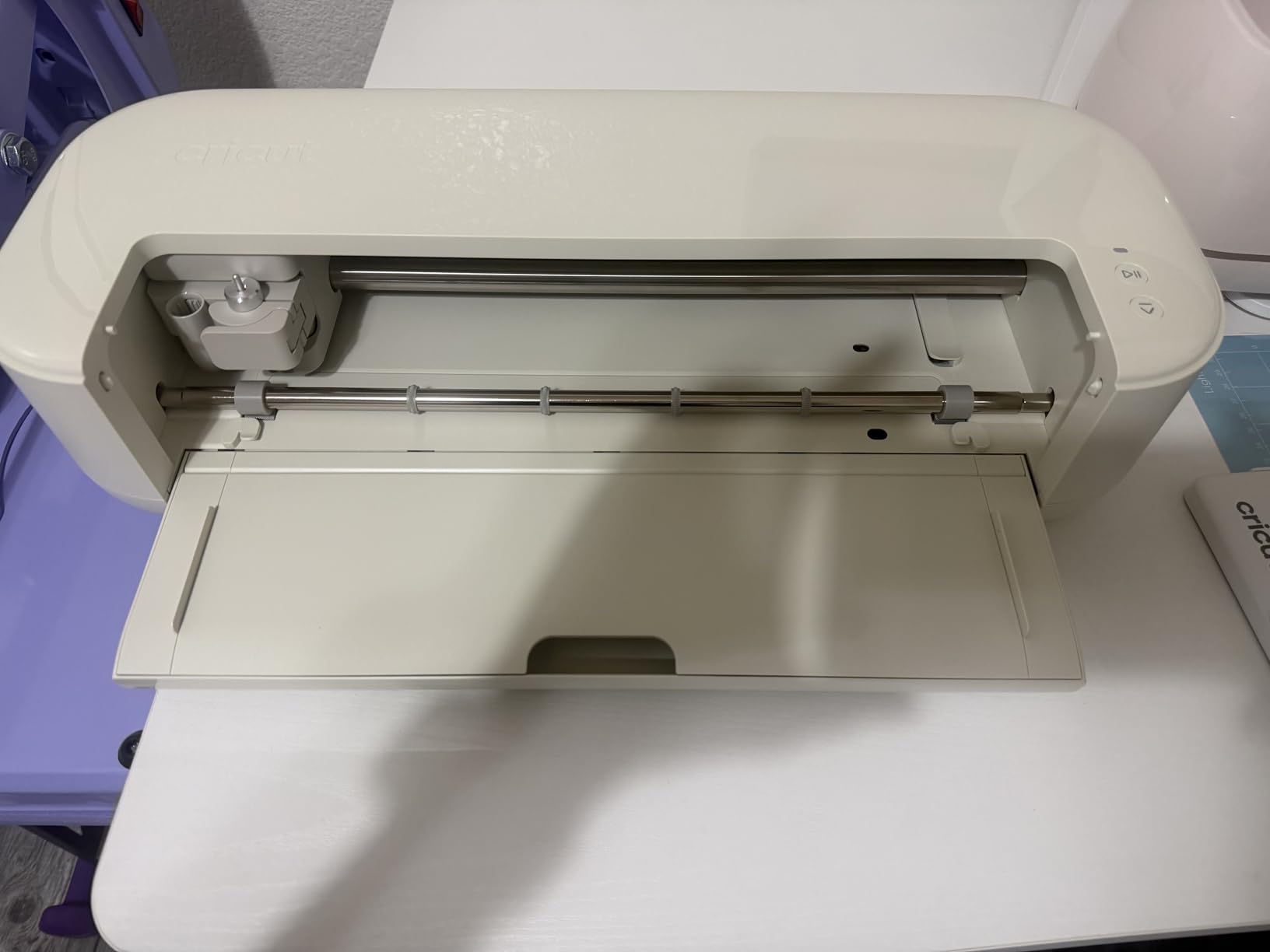
Best for First-Time Cricut Buyers with No Existing Accessories
If you are buying your first Cricut and have no existing tools or pens, the Explore 5 is a solid choice. The speed improvement is genuine. The simplified interface reduces beginner confusion. The included supplies for 65 projects provide excellent value. Just understand that you are entering an ecosystem with proprietary accessories that lock you into future Cricut purchases.
Skip This If You Own Previous Cricut Tools or Care About Compatibility
Existing Cricut owners should avoid the Explore 5 entirely. Your investment in tools, pens, and accessories becomes worthless. The design compromises, lack of power button, and open-top construction are steps backward from the Explore 4. The 4.1-star rating reflects this frustration from experienced users. Buy the Explore 4 instead and enjoy full compatibility with the broader Cricut ecosystem.
7. Cricut Explore 3 – The Proven Mid-Range Workhorse
Cricut Explore 3 & Digital Content Library Bundle, Vinyl, Includes 30 Images in Design Space App, 2X Faster DIY Cutting Machine for All Crafts, Cuts 100+ Materials, Blue
2X faster than Explore Air 2
Mint color design
30 digital images included
Bluetooth wireless connectivity
Smart Materials compatible for matless cutting
Pros
- Nearly 1
- 200 reviews averaging 4.6 stars
- Mint color is attractive and unique
- Works with Smart Materials without cutting mat
- Cloud-based Design Space syncs across devices
- Good for both beginners and experienced crafters
Cons
- Large machine takes significant desk space
- Some Bluetooth connectivity issues reported
- Calibration can be finicky for Print Then Cut
- Subscription push for Cricut Access features
The Explore 3 remains a solid choice even with newer models available. It introduced Smart Materials support to the Explore line, allowing matless cutting for longer projects. I have used this machine for over two years with minimal issues. The 2X speed improvement over the Air 2 is real and meaningful for production work. The Mint color still looks fresh compared to the standard blue options.
With nearly 1,200 reviews maintaining a 4.6 average, this machine has proven reliability. Long-term ownership reports show consistent performance over years of regular use. The Bluetooth connectivity works well for most users, though some report dropout issues at distances over ten feet. I keep my machine within six feet of the computer and have never experienced connection problems.

The included 30 digital images provide starter content without subscription commitment. Design Space cloud sync means you can start projects on your phone and finish on your computer. This workflow flexibility matters more than you might expect. I often sketch ideas on my phone during commutes, then refine and cut when I get home.
The main downside is physical size. This is a large machine that demands dedicated desk space. Print Then Cut calibration requires patience. You may need several attempts to get registration mark detection working perfectly. The Cricut Access subscription push during setup is annoying, though the free tier remains functional for basic projects.
Best for Crafters Who Want Smart Materials Without Maker Price
Choose the Explore 3 if you want matless Smart Materials cutting but cannot justify the Maker series price. It handles all the standard craft materials with the same precision as newer models. The speed is sufficient for production work. The Mint color is genuinely attractive. For hobbyists who craft regularly but do not need wood or fabric cutting, this hits the value sweet spot.
Skip This If You Need Latest Speed or Want Compact Size
The Explore 4 and 5 cut noticeably faster, which matters for volume production. This machine also has the largest footprint in the Cricut lineup. If desk space is limited, the newer compact designs fit better. For basic crafting needs, the cheaper Explore Air 2 delivers similar results at lower cost. The Explore 3 sits in an awkward middle ground that makes sense for fewer buyers now.
8. Cricut Explore Air 2 – The Entry-Level Champion
Cricut Explore Air 2 Craft Cutting Machine - Blue
4.8 star rating highest in Cricut lineup
6,273 reviews prove reliability
Entry-level pricing at $180
Bluetooth connectivity included
Built-in tool storage compartment
Pros
- Highest customer satisfaction of any Cricut
- Most affordable full-size machine
- Proven reliability over years of sales
- Handles 100+ materials precisely
- Easy setup for complete beginners
Cons
- Slower than newer Explore models
- No Smart Materials matless cutting
- Limited stock as Cricut phases out
- Software has learning curve
The Explore Air 2 has the highest rating and most reviews of any Cricut machine for good reason. It works reliably, cuts precisely, and costs half the price of newer models. I recommended this machine to dozens of beginners over the years. Almost all are still using it happily. The 4.8-star average across over 6,200 reviews is unmatched in the cutting machine category.
This is the machine I started my Cricut journey with. It handled vinyl decals for my car, iron-on shirts for family events, and cardstock invitations for my sister’s wedding. The built-in storage keeps essential tools within reach. The Bluetooth connectivity, added in this generation, eliminates cable clutter. For basic crafting needs, nothing else matches the value.
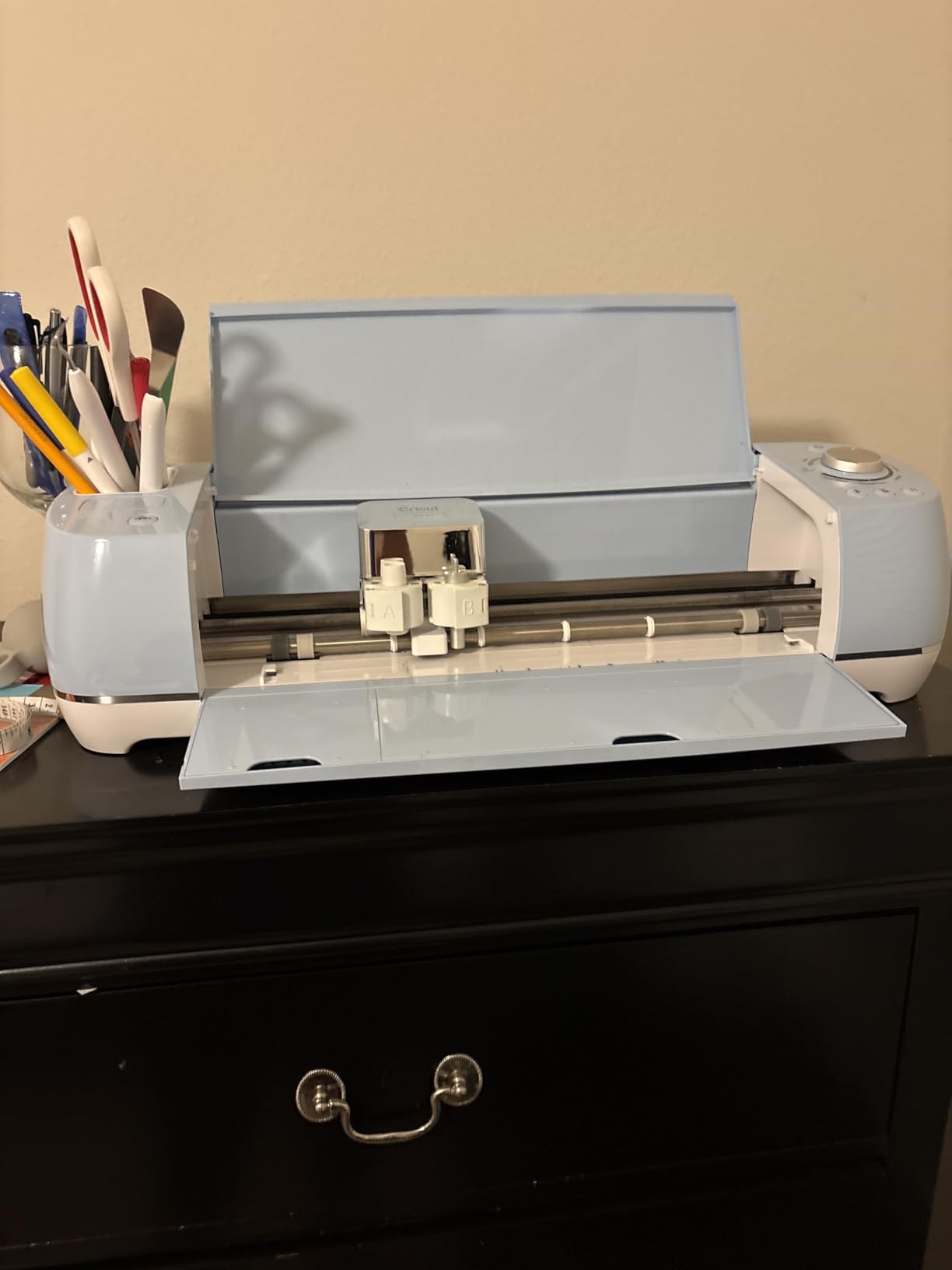
The main limitation is speed. Complex designs take noticeably longer than on the Explore 3 or 4. You also lose Smart Materials compatibility, meaning you always need cutting mats. This adds setup time and ongoing mat replacement costs. For occasional crafters, these limitations barely matter. For production sellers, the time cost adds up.
Stock is becoming limited as Cricut pushes newer models. When you find it in stock, the $180 price represents genuine value. This machine does everything the Explore 3 does at a slower pace and with mat requirements. If you craft a few times per month, you will never notice the difference. The money saved buys a lot of materials.
Best for Budget-Conscious Beginners and Occasional Crafters
Buy the Explore Air 2 if you want to try Cricut crafting without a major investment. The machine cuts everything most beginners need. The reliability is proven by thousands of long-term users. At $180, you can upgrade later without much sunk cost if you outgrow it. For anyone unsure whether Cricut crafting will become a regular hobby, this is the lowest-risk entry point.
Skip This If You Run a Crafting Business or Need Speed
Production work exposes the speed limitations quickly. If you are fulfilling orders or crafting for income, the time savings of newer models justify their higher cost. The lack of Smart Materials support also slows workflow for decal and label production. For business use, spend more upfront to save time and mat costs long-term.
9. Cricut Joy Xtra – Compact with Full Features
Cricut Joy Xtra Digital Version
Print-Then-Cut capability added
Works with 50+ materials
Larger width than original Joy
Compact at just 1.67kg
30 bonus digital images included
Pros
- Print Then Cut feature the original Joy lacks
- Fits 8.5x11 paper for more project options
- Perfect gateway machine for Cricut ecosystem
- Accurate cutting in tiny footprint
- Great for stickers and papeleria creativa
Cons
- Instructions for vinyl types could be clearer
- International power cable issues reported
- Learning curve for first-time users still exists
- Smaller than full-size machines limit project scale
The Joy Xtra fills the gap between the ultra-compact original Joy and full-size machines. It adds the Print Then Cut feature that the standard Joy lacks, opening sticker making and custom label projects. The wider cutting area fits standard letter paper, eliminating the narrow strip limitations of the original. At 1.67 kilograms, it is still genuinely portable.
I tested this machine for card making, sticker production, and small vinyl decals. The Print Then Cut registration worked reliably with my home printer. The cutting precision matched larger machines on projects within its size limits. This is not a downgraded experience. It is a full Cricut that happens to be small.
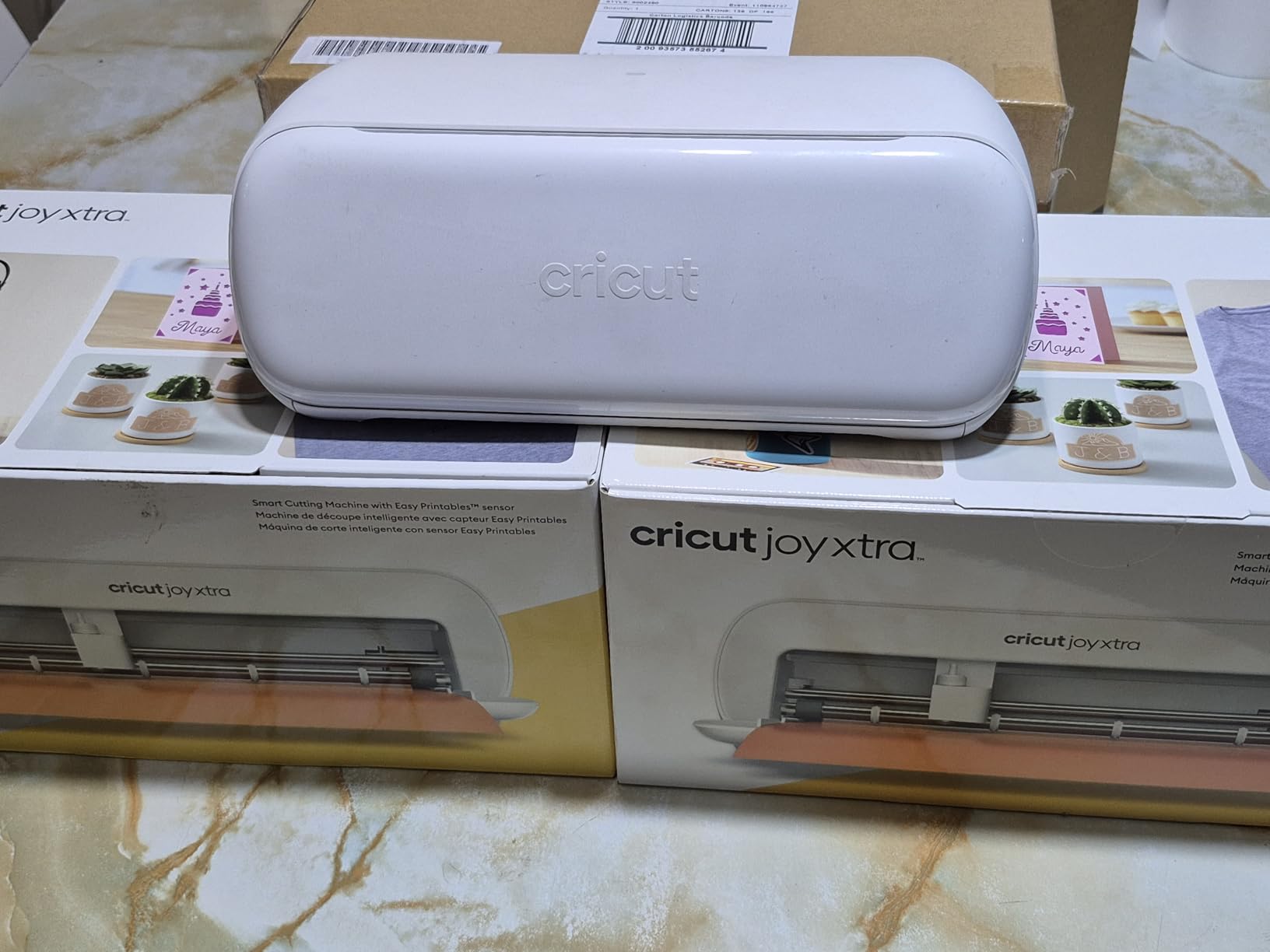
Most reviewers upgraded from the original Joy or chose this over the standard Joy specifically for Print Then Cut. The wider format eliminates the frustrating width restrictions that limit original Joy projects. You can make full-size greeting cards, stickers up to 8.5 inches wide, and decent-sized vinyl decals. For apartment dwellers or those with limited storage, this machine delivers real capability in minimal space.
The 50-plus material range covers vinyl, iron-on, cardstock, and sticker paper. You lose fabric, wood, and thick materials, but those require the Maker series anyway. For paper and vinyl crafts, the Joy Xtra handles everything most users need. The included 30 bonus images provide starter content without subscription.
Best for Crafters with Limited Space Who Want Print Then Cut
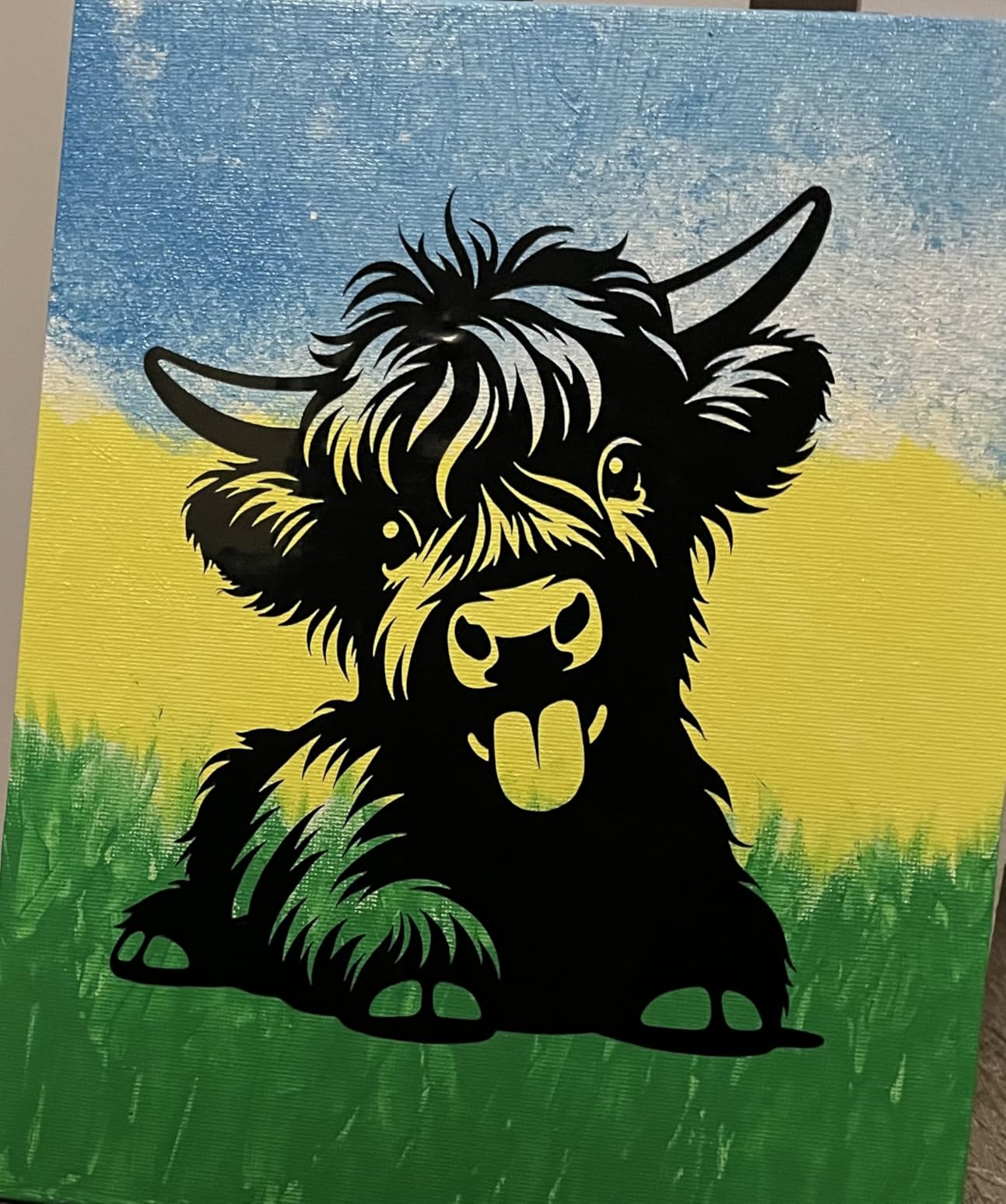
Choose the Joy Xtra if you have minimal storage space but want full Cricut capabilities including stickers and printed labels. The Print Then Cut feature opens project types impossible on the standard Joy. The compact size means you can craft on a small desk or even a kitchen table, then store the machine in a drawer. For sticker makers and card crafters with space constraints, this is ideal.
Skip This If You Want to Make Large Projects or Run a Business
The width limitation excludes large decals, full-size shirts, and substantial home decor projects. Production work is slow due to the small cutting area. If you plan to sell crafts or make items for events, the time spent breaking projects into sections outweighs the space savings. Upgrade to an Explore series for any volume work.
10. Cricut Joy – Ultra-Portable Entry Point
Cricut Joy Machine & Digital Content Library Bundle
Ultra-compact at just 3.9 pounds
Cuts 50+ materials with precision
Works with Smart Materials matless
Wireless Bluetooth connectivity
Bundle includes 30 digital images
Pros
- Amazing accuracy for the size and price
- Perfect for small projects and custom gifts
- Easy setup gets you crafting quickly
- Great for testing the Cricut ecosystem
- Bluetooth works reliably for wireless cutting
Cons
- No Print-Then-Cut feature at all
- Limited to 4.5 inch maximum width
- Requires internet connection to function
- Cricut materials are expensive ongoing cost
- Learning curve with cut depth settings
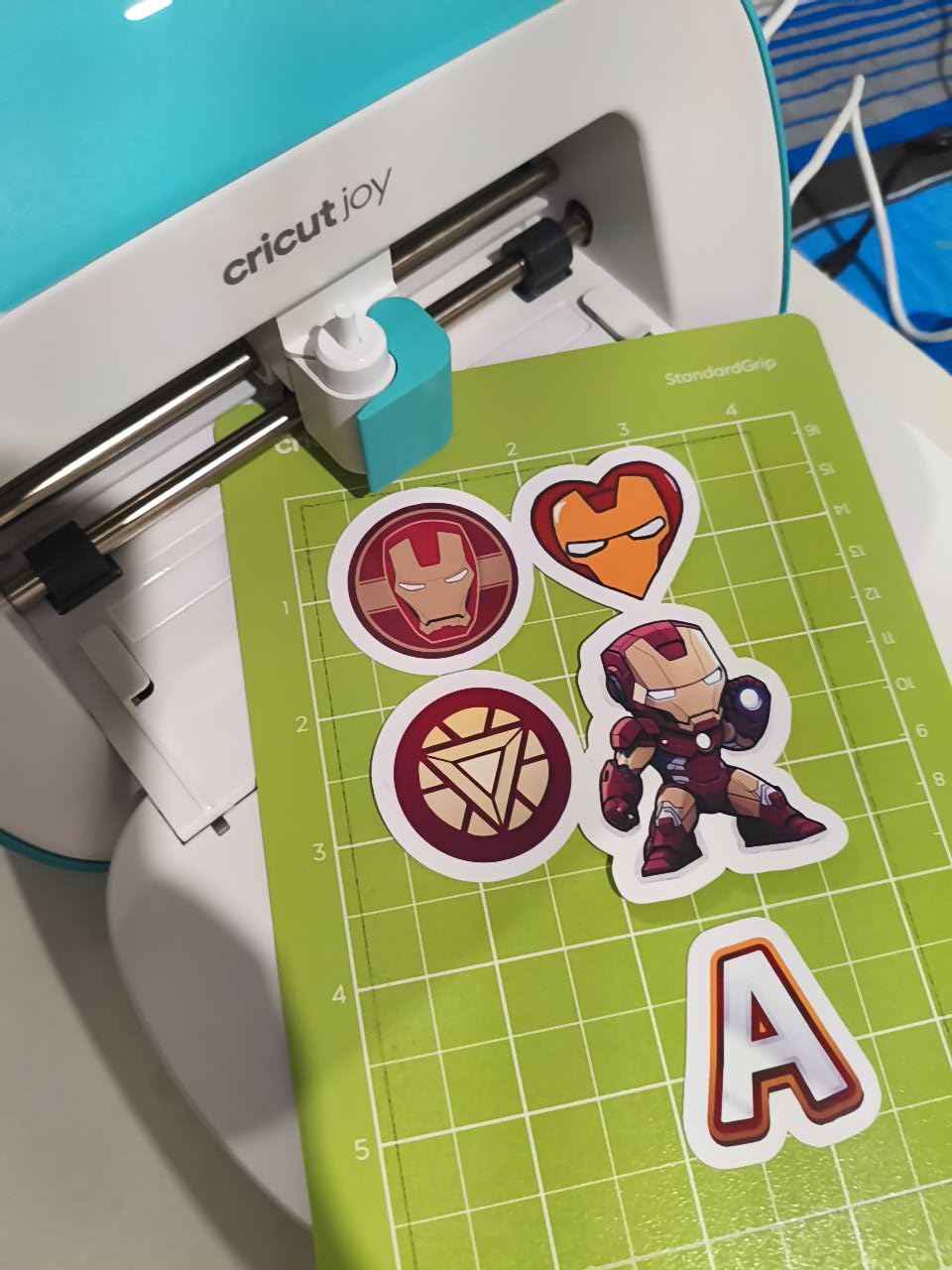
The original Cricut Joy remains the cheapest entry point into the Cricut ecosystem. At 3.9 pounds and roughly the size of a toaster, it fits spaces no other cutting machine can. I keep one in my classroom for quick label making and student projects. The accuracy is genuinely impressive for something this small and affordable.
The 4.5-inch width limit is the main constraint. You are making cards, small decals, labels, and stickers. Large projects require cutting in sections and assembling, which is tedious. The lack of Print Then Cut means no stickers with printed designs. You are limited to single-color cuts or hand-assembled layers.
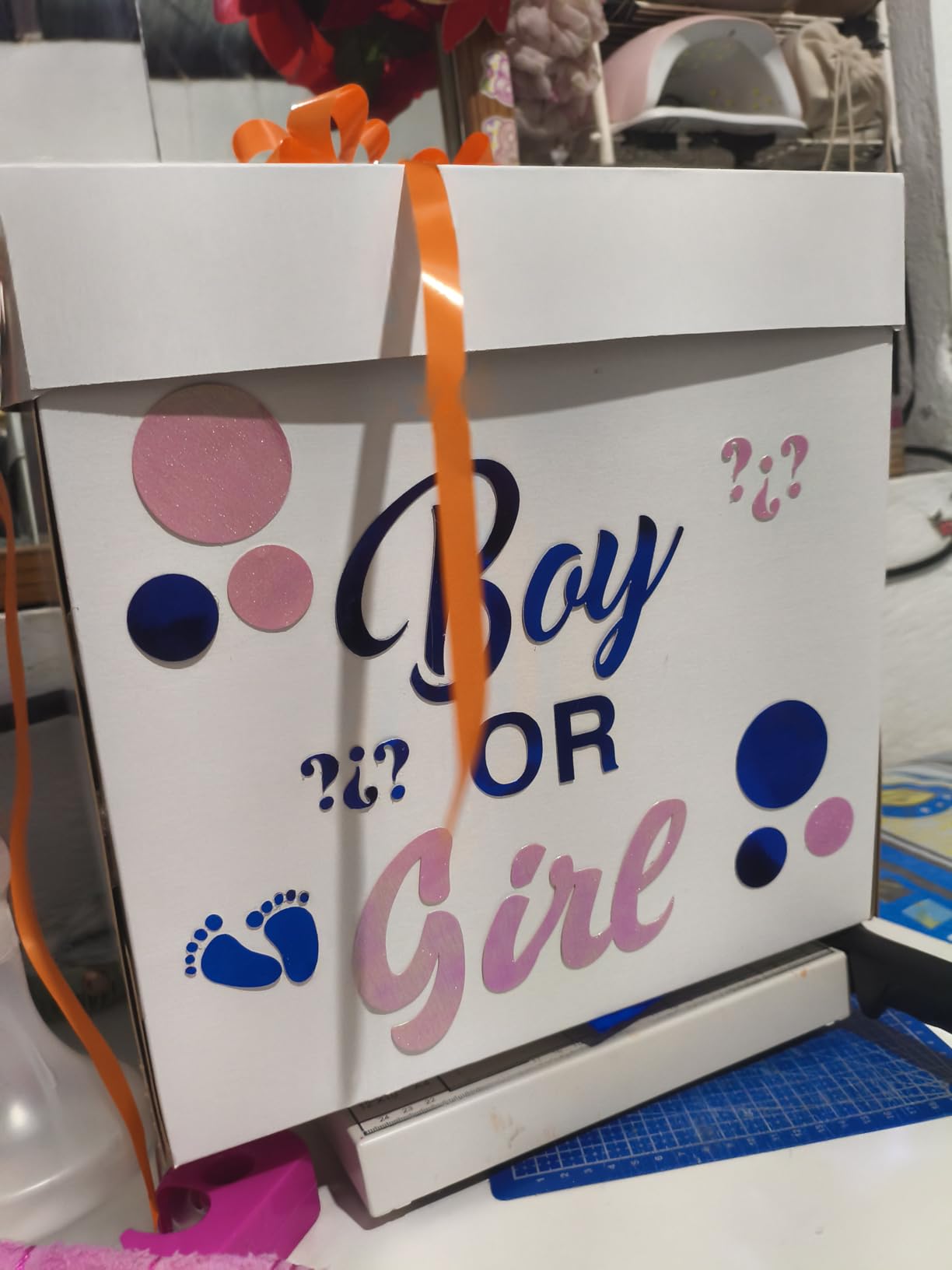
However, for the right use cases, the Joy excels. I have made hundreds of organizational labels, small gift tags, and custom stickers with it. The matless Smart Material support means you can load material and cut in seconds. There is no mat to position, no tape to secure. For quick projects, this workflow beats larger machines.
The Design Space app requirement means you need internet connectivity. This frustrates some users expecting standalone operation. The 30 included digital images provide enough starter content to learn the software. Most buyers use the Joy as a test machine, then upgrade to larger models once they commit to regular crafting. The low price makes this upgrade path financially painless.
Best for Testing Cricut Waters or Ultra-Portable Crafting
Buy the Joy if you want to try Cricut with minimal investment. The low price and small size reduce commitment anxiety. It handles the most common beginner projects adequately. For travelers, teachers, or anyone crafting in shared spaces, the portability is unmatched. Consider this a trial membership in the Cricut world.
Skip This If You Want Full Cricut Capabilities or Hate Limitations
The width limit and lack of Print Then Cut frustrate quickly. Most users outgrow this machine within months if they catch the crafting bug. The Joy Xtra adds Print Then Cut for slightly more money. The Explore Air 2 adds full-size capability for double the price. Unless portability is your absolute top priority, spend slightly more for fewer limitations.
How to Choose the Right Cricut Machine
With ten models reviewed, the decision might feel more confusing rather than clearer. Here is how to narrow down based on your actual situation.
Start With Your Primary Materials
The material question eliminates half the options immediately. If you only craft with vinyl, paper, iron-on, and sticker materials, any Explore or Joy series machine works. The Maker series only becomes necessary for fabric without backing, balsa wood, leather, or engraving projects. Be honest about what you will actually cut. Most buyers overestimate their need for exotic materials.
Consider Your Available Space
Full-size Cricut machines need dedicated desk space. The Explore 3 is particularly large. The Explore 5 reduced footprint by 30 percent, which matters in small apartments. The Joy series fits in drawers when not in use. Measure your intended crafting area before ordering. Nothing kills motivation like having to set up and tear down your machine for every project.
Factor in Hidden Costs
The machine price is just the beginning. Based on forum discussions and my own experience, budget for cutting mats ($10-15 each, replaced monthly with heavy use), replacement blades ($10-20 each), and material costs that exceed expectations. Cricut brand materials cost 30-50 percent more than generic alternatives, though quality is often better. Design Space subscription at $10 monthly unlocks more content but is not required.
One internal link worth noting: if you are considering alternatives to Cricut, our guide on vinyl cutting plotters covers professional-grade options from Silhouette, USCutter, and other brands that might better suit business use.
Match Speed to Volume
Casual crafters crafting a few times monthly will not notice speed differences between models. Production sellers crafting daily should prioritize the Maker 4 or Explore 5. The 2X speed difference turns hour-long jobs into thirty-minute sessions. Over months of production, this time savings justifies higher machine costs.
Think About Tool Ecosystem
Cricut tools are not interchangeable between all machines. The Maker series accepts 13 different tools including rotary blades and knife blades. The Explore series accepts six tools. The Joy series accepts two. Once you invest in tool collections, switching machine families becomes expensive. The Explore 5 controversially broke backward compatibility, forcing existing tool owners to rebuy. Consider your long-term crafting goals before committing to a machine family.
FAQs
What is the best rated Cricut machine?
The Cricut Explore Air 2 holds the highest rating at 4.8 stars from over 6,200 reviews, making it the most trusted option by verified buyers. For overall capabilities, the Cricut Maker 4 is currently the best-rated Cricut machine, praised for cutting 300+ materials including fabric and wood with quiet 2X faster operation. For beginners, the Cricut Explore 4 offers the best balance of features and ease of use.
What is the difference between the different Cricut cutting machines?
The main differences are: 1) Size – Joy machines are compact at under 4 pounds while Explore and Maker are full-size, 2) Materials – Maker cuts 300+ including wood, fabric, and leather; Explore cuts 100+ including vinyl and paper; Joy cuts 50+ limited materials, 3) Tools – Maker accepts 13 tools including rotary and knife blades; Explore accepts 6 tools; Joy accepts 2 tools, 4) Speed – newer 4 and 5 series models cut 2X faster than older generations, 5) Smart Materials – newer models support matless cutting without a cutting mat.
What I wish I knew before buying a Cricut?
Key things to know: 1) You do not need the most expensive machine to start – the Explore Air 2 handles most beginner projects perfectly, 2) Cutting on a mat is often more reliable than matless Smart Materials for precision work, 3) Design Space software is free but Cricut Access subscription at $10 monthly unlocks more content, 4) Materials and accessories add significant ongoing cost – budget $50-100 monthly for active crafters, 5) There is a learning curve – start with simple projects and expect setup frustration, 6) Machine reliability varies – some users report receiving defective units requiring support contact.
Which vinyl cutting machine is best?
For most users, the Cricut Explore 4 is the best vinyl cutting machine thanks to its easy-to-learn software, precise cuts, and affordable bundle pricing around $260. It handles all vinyl types including adhesive and heat transfer with 2X faster speed than previous models. The Cricut Maker 4 is best for those wanting to cut thicker materials like wood and fabric in addition to vinyl. For beginners on tight budgets, the Cricut Explore Air 2 remains excellent value at around $180 with a 4.8-star rating.
Final Thoughts on the Best Cricut Cutting Machines
After testing every current Cricut model, the right choice depends on your crafting goals and budget. The Maker 4 stands as the best overall choice for serious crafters who work with diverse materials. The Explore Air 2 offers unmatched value for beginners testing the waters. The Explore 4 strikes the best balance for most users wanting modern features without flagship pricing.
The controversial Explore 5 shows Cricut moving toward proprietary ecosystems that lock users into branded accessories. Existing Cricut owners should avoid it. First-time buyers may appreciate its speed and compact size if they enter with eyes open about compatibility limitations.
The Joy series serves specific niches brilliantly. The standard Joy is the ultimate low-commitment entry point. The Joy Xtra adds Print Then Cut for sticker makers who need portability. Neither replaces a full-size machine for serious production.
Hidden costs matter more than machine price in the long run. Budget for materials, mats, blades, and possible software subscriptions. Factor in the time investment to learn Design Space. The best Cricut cutting machines in 2026 deliver excellent results, but only for users willing to climb the learning curve and invest in the ecosystem.
Start with an honest assessment of what you will actually craft. Buy the cheapest machine that handles those materials comfortably. Upgrade later if your ambitions grow. The resale market for Cricut machines is active, so your initial investment is rarely lost entirely if you choose wrong.