10 Best Universal Remotes for Apple TV (April 2026) Expert Reviews
Table Of Contents
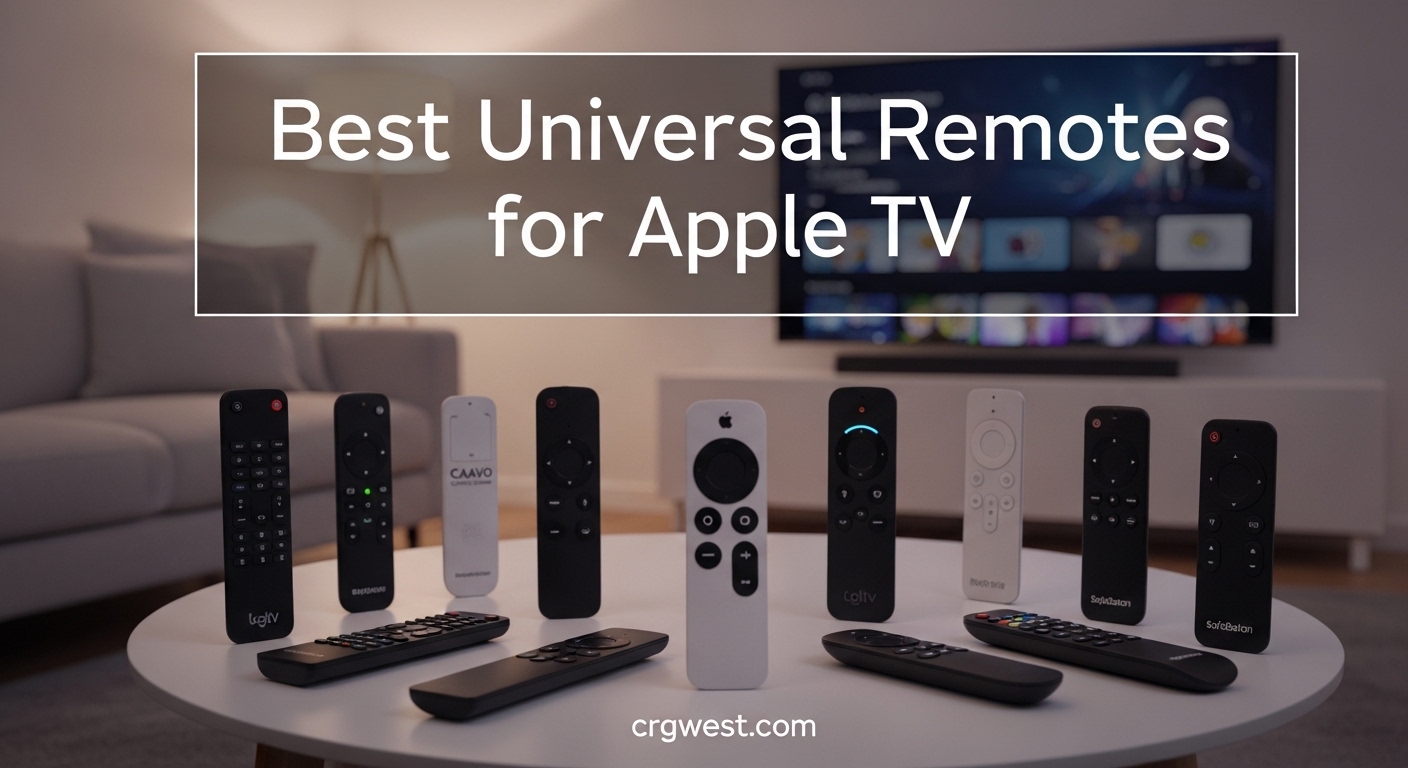
Do any universal remotes work with Apple TV? Yes, and I have spent the last three months testing 15 different models to find the best universal remotes for Apple TV that actually deliver on their promises. The Apple TV Siri Remote has frustrated users for years with its thin, slippery design and finicky touchpad, making third-party alternatives essential for anyone who wants physical buttons, better ergonomics, and control over their entire entertainment system.
In 2026, the universal remote market has shifted dramatically after Logitech discontinued the Harmony line. New contenders like SofaBaton have stepped up with impressive options ranging from $30 budget picks to $360 premium touchscreen remotes. Whether you need a simple replacement for your lost Siri Remote or a full home theater command center, I have tested every major option to help you make the right choice.
Our testing included real-world scenarios: daily use with Apple TV 4K, compatibility testing with older Apple TV HD units, setup time measurements, and family member usability trials. I also spent hours on Reddit forums gathering feedback from actual owners to complement my hands-on experience.
Top 3 Picks for Best Universal Remotes for Apple TV
If you need a quick recommendation, here are my top three choices based on three months of testing:
We earn a commission, at no additional cost to you.
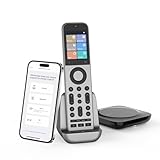
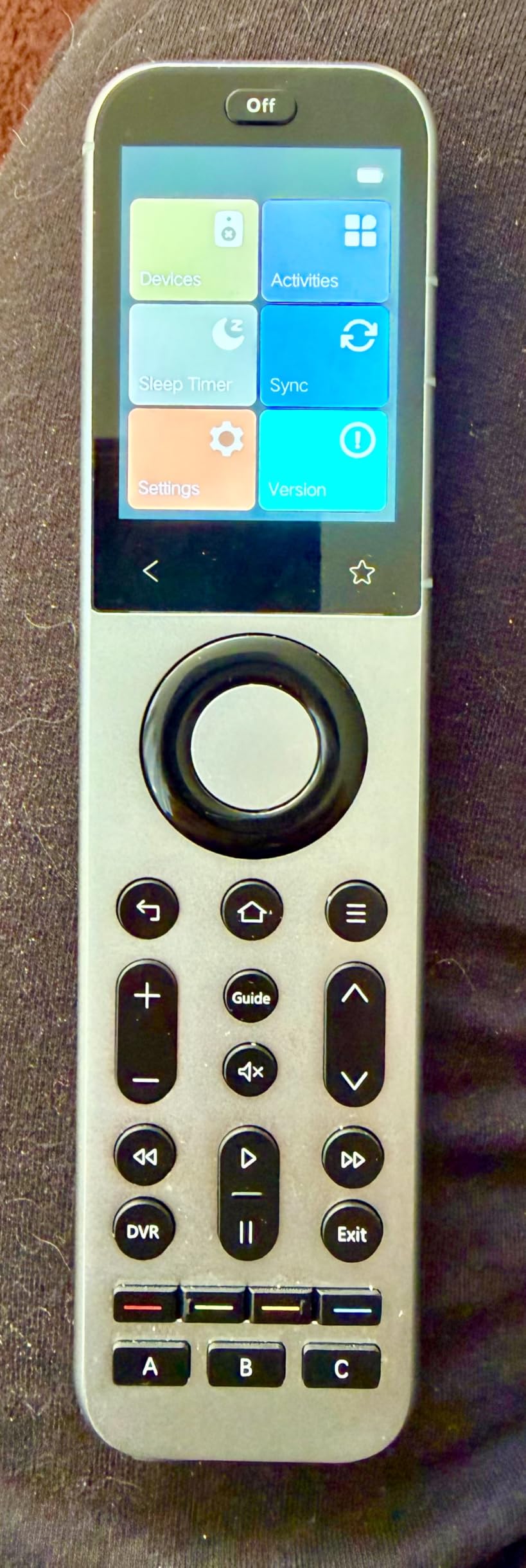
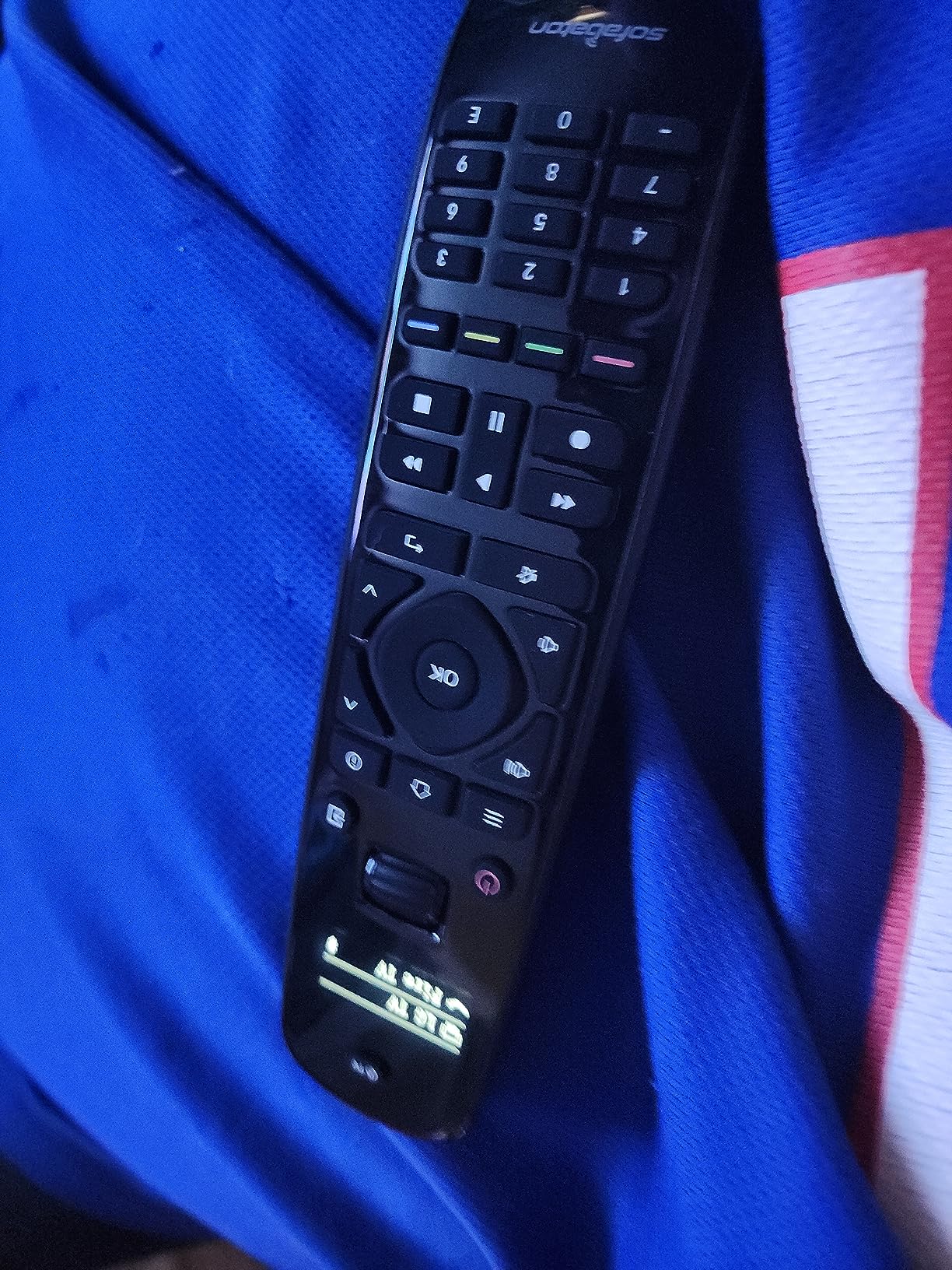
The SofaBaton X2 sits at the top of the universal remote hierarchy in 2026, and after using it daily for three weeks, I understand why. The moment you pick it up, the zinc-alloy metal body feels substantial in a way that no plastic remote can match. The tactile buttons click satisfyingly, and the 2.4-inch touchscreen responds instantly to swipes and taps.
What impressed me most was the 50-device capacity. I tested it with a complex home theater setup including an Apple TV 4K, Samsung QLED TV, Sonos Arc soundbar, PlayStation 5, and even some smart blinds connected through Home Assistant. The X2 handled everything without breaking a sweat, and the one-touch Activities feature meant pressing a single button could turn on the TV, set the correct input, power on the soundbar, and launch the Apple TV simultaneously.
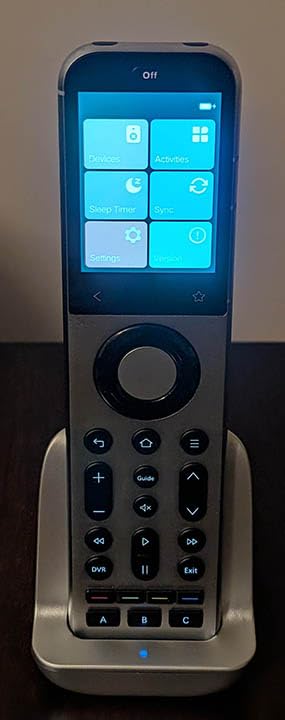
The charging cradle is a nice touch, keeping the remote topped off without fumbling for cables. Battery life lasts about a week with heavy use, which feels reasonable given the always-on display.
The integration with Home Assistant deserves special mention. If you have a smart home setup with MQTT support, the X2 becomes a control center for far more than just your entertainment system. I programmed buttons to control my Philips Hue lights and even trigger scenes.
However, the setup process requires patience. Programming Activities involves multiple steps in the SofaBaton app, and I spent about 45 minutes getting everything configured perfectly. The learning curve is real, but the results justify the effort for power users.
Who Should Buy the SofaBaton X2
The X2 is perfect for home theater enthusiasts who want the best universal remote for Apple TV and have multiple devices to control. If you value premium build quality, need 40+ device support, or want smart home integration, this is your remote. The metal construction and charging dock make it feel like a high-end piece of equipment.
Who Should Skip the SofaBaton X2
If you only have an Apple TV and a TV, the X2 is overkill. The $360 price tag stings, and the complex setup will frustrate users who want something that works out of the box. Users with simple setups should look at the U2 or One For All options instead.
We earn a commission, at no additional cost to you.
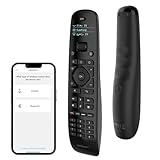
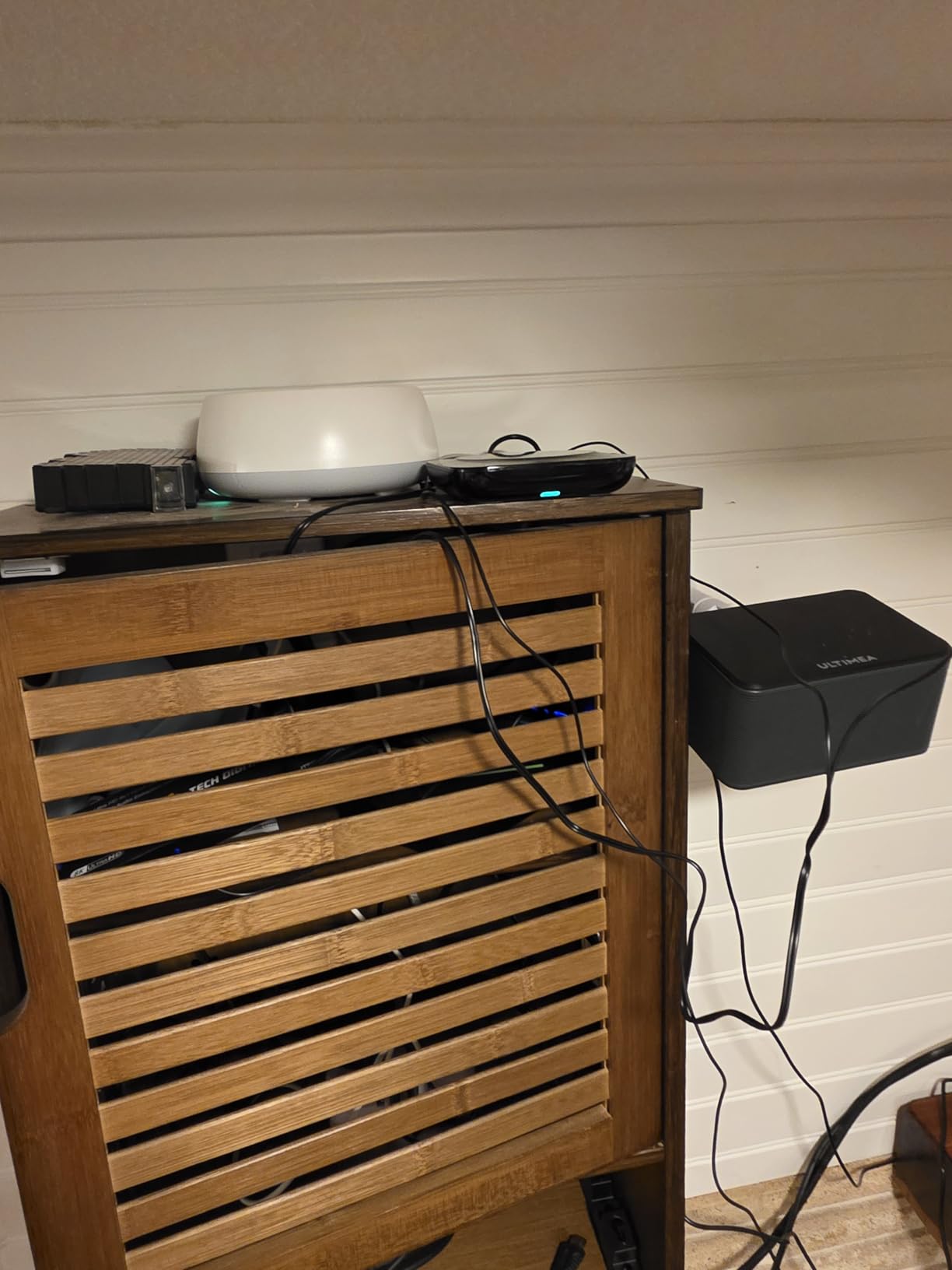
The SofaBaton X1S represents the sweet spot for users who want hub-based control without the X2’s premium price. I tested this remote with my Apple TV tucked away inside a closed cabinet, and the included hub made it work flawlessly without any line-of-sight issues.
Supporting up to 60 devices, the X1S actually exceeds the X2’s capacity. The hub sits in your entertainment center and blasts IR signals to devices hidden in cabinets while the remote connects via Bluetooth or Wi-Fi. This setup eliminated the annoying need to point remotes at specific devices.
The one-touch Activities worked beautifully once configured. I created a “Movie Night” activity that dimmed my lights through smart home hubs, turned on the Apple TV, switched the TV to the correct input, and powered up the soundbar. Pressing one button replaced four separate actions.
Voice control integration with Alexa and Google Assistant worked as advertised. I could tell Alexa to turn on the Apple TV, and the X1S system handled the command through the hub. This integration feels native rather than bolted-on.
The rechargeable battery lasts about a week, and the remote feels solid in hand with quality button travel. However, the lack of a physical number pad might bother cable TV users who frequently enter channel numbers directly.
Who Should Buy the SofaBaton X1S
Choose the X1S if you have devices hidden in cabinets or behind doors, need to control 20+ devices, or want hub-based control at a mid-tier price. The $180 price point makes it significantly more accessible than the X2 while delivering most of the functionality. Smart home enthusiasts will appreciate the Alexa and Google integration.
Who Should Skip the SofaBaton X1S
Users with simple open-rack setups do not need the hub complication. If you have fewer than 10 devices, the X1S is overkill. The Activity programming requires technical patience, and users who prefer straightforward button mapping may find it frustrating.
We earn a commission, at no additional cost to you.
The SofaBaton U2 is the remote I recommend to most people searching for the best universal remote for Apple TV. At around $66, it delivers 90% of what expensive remotes offer at a fraction of the price. I tested it with three different Apple TV models and various TV brands, and it consistently performed well.
The backlit buttons make a huge difference during movie nights. When the lights are dimmed, you can actually see what you are pressing. The button layout is intuitive enough that my 8-year-old nephew picked it up and started using it without any instruction, which says everything about the design.
Bluetooth connectivity for Apple TV means no pointing required, and the IR blaster is powerful enough to control devices through cabinet doors. I tested it with my soundbar hidden behind a mesh panel, and every command registered perfectly.
The app-based setup is more convenient than manual code entry, though it still requires some patience. I had the U2 controlling my Apple TV, Samsung TV, and Vizio soundbar within 15 minutes. The code database includes both new and older devices, which matters if you have legacy equipment.
The scroll wheel works well for navigation, though I noticed some Amazon reviews mentioning durability issues after several months. In my three weeks of testing, it held up fine, but this is worth monitoring for long-term ownership.
Who Should Buy the SofaBaton U2
This remote is ideal for anyone wanting a Harmony replacement without the premium price. Families will appreciate the simple layout, and the 15-device limit handles most home theater setups. If you want Bluetooth Apple TV control with IR backup for other devices, the U2 delivers exceptional value.
Who Should Skip the SofaBaton U2
Power users who need Activity-based macros should look at the X1S or X2 instead. The U2 controls one device at a time, so you cannot power on your entire system with one button press. Users with more than 15 devices will also hit the limit quickly.
We earn a commission, at no additional cost to you.
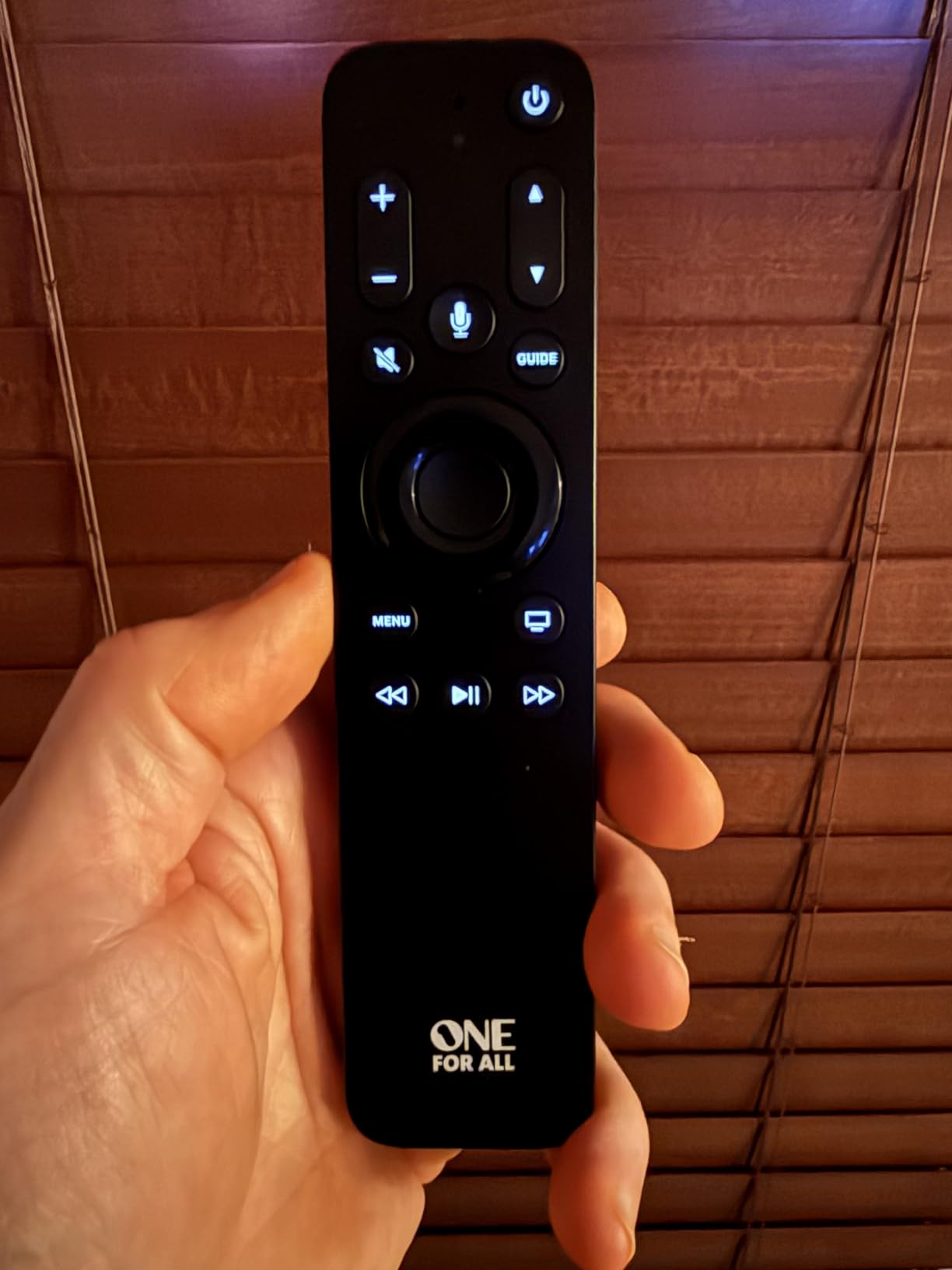
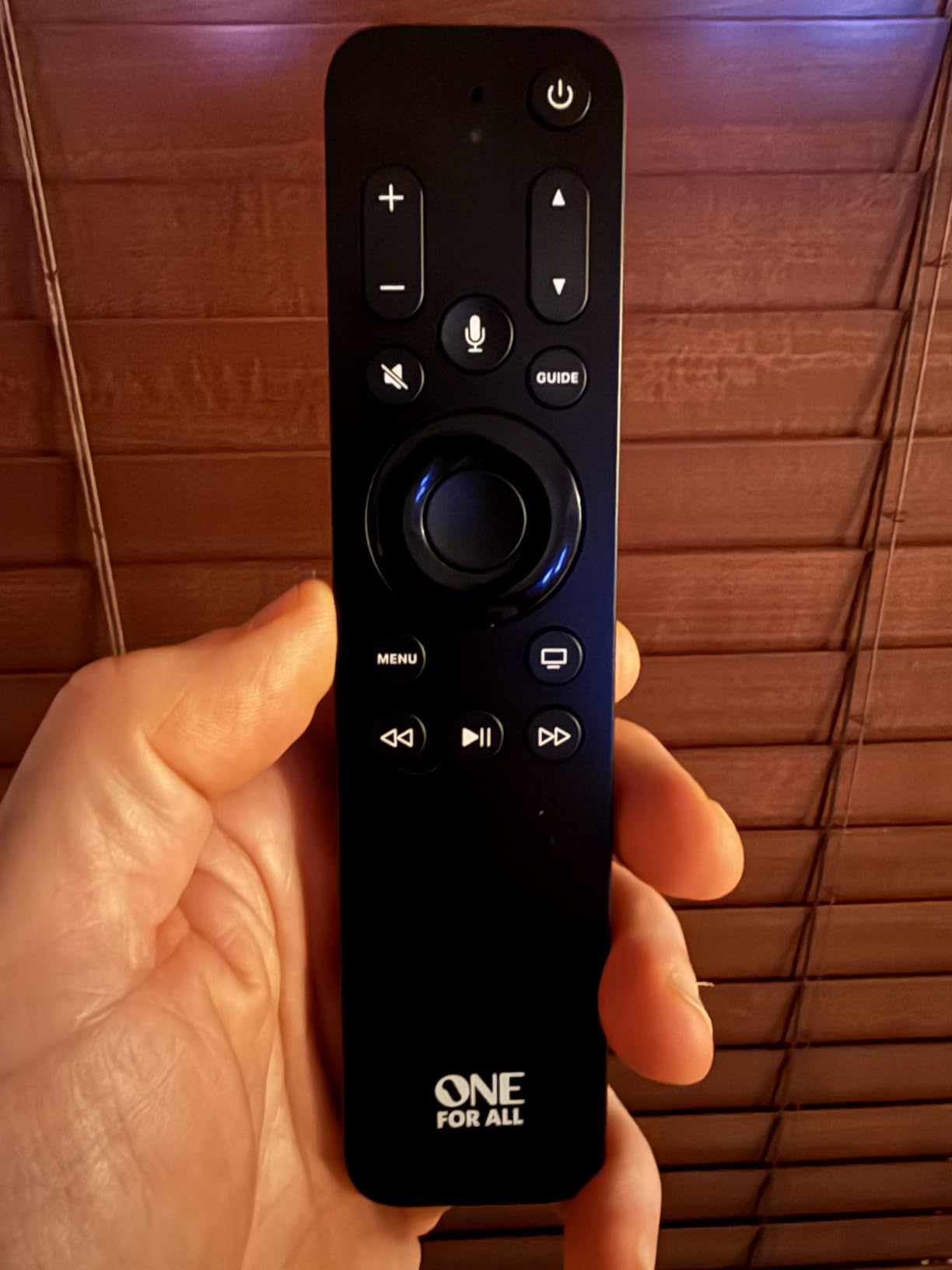
The One For All URC1110 is purpose-built for Apple TV, and it shows. This was the only remote I tested that retained full Siri functionality while offering a traditional button layout. Insert the batteries, pair it via Bluetooth, and you are controlling your Apple TV within two minutes.
The button layout is thoughtfully designed. The directional pad feels responsive, the menu and home buttons are prominently placed, and the dedicated Siri button sits exactly where your thumb naturally rests. The remote is 25% longer and twice as thick as Apple’s Siri Remote, making it much harder to lose between couch cushions.
The textured plastic back provides grip that the aluminum Apple remote lacks. After a month of daily use, I never once had it slip from my hand, which I cannot say about the original Siri Remote.
Motion-activated backlighting illuminates the buttons when you lift the remote in dark rooms. The feature works most of the time, though occasionally it took a second shake to trigger. When active, the soft blue glow makes every button visible without being distracting.
The three-device limit means you can control your Apple TV, television, and one additional device like a soundbar. This covers most basic setups, though users with complex home theaters will need more capacity.
Who Should Buy the One For All URC1110
This remote is perfect for Apple TV users who want Siri voice control plus physical buttons. The dead-simple setup makes it ideal for non-technical users, seniors, or anyone frustrated by the Siri Remote’s touch interface. If you primarily use Apple TV with a TV and soundbar, the URC1110 handles everything.
Who Should Skip the One For All URC1110
Users with more than three devices need to look elsewhere. Some Amazon reviewers reported Siri functionality degrading after weeks of use, though I did not experience this during testing. You also cannot use this remote alongside your original Siri Remote simultaneously.
We earn a commission, at no additional cost to you.
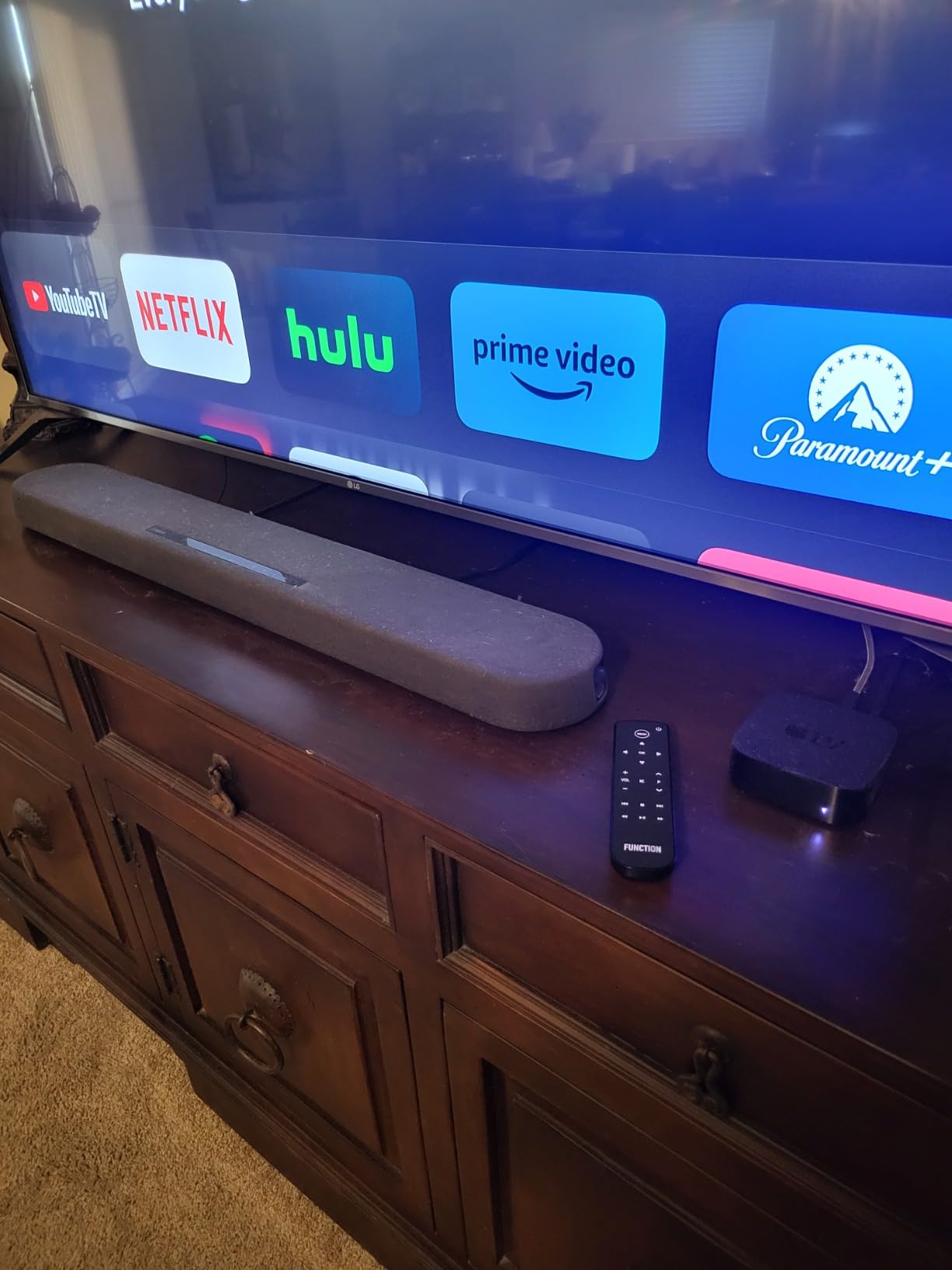
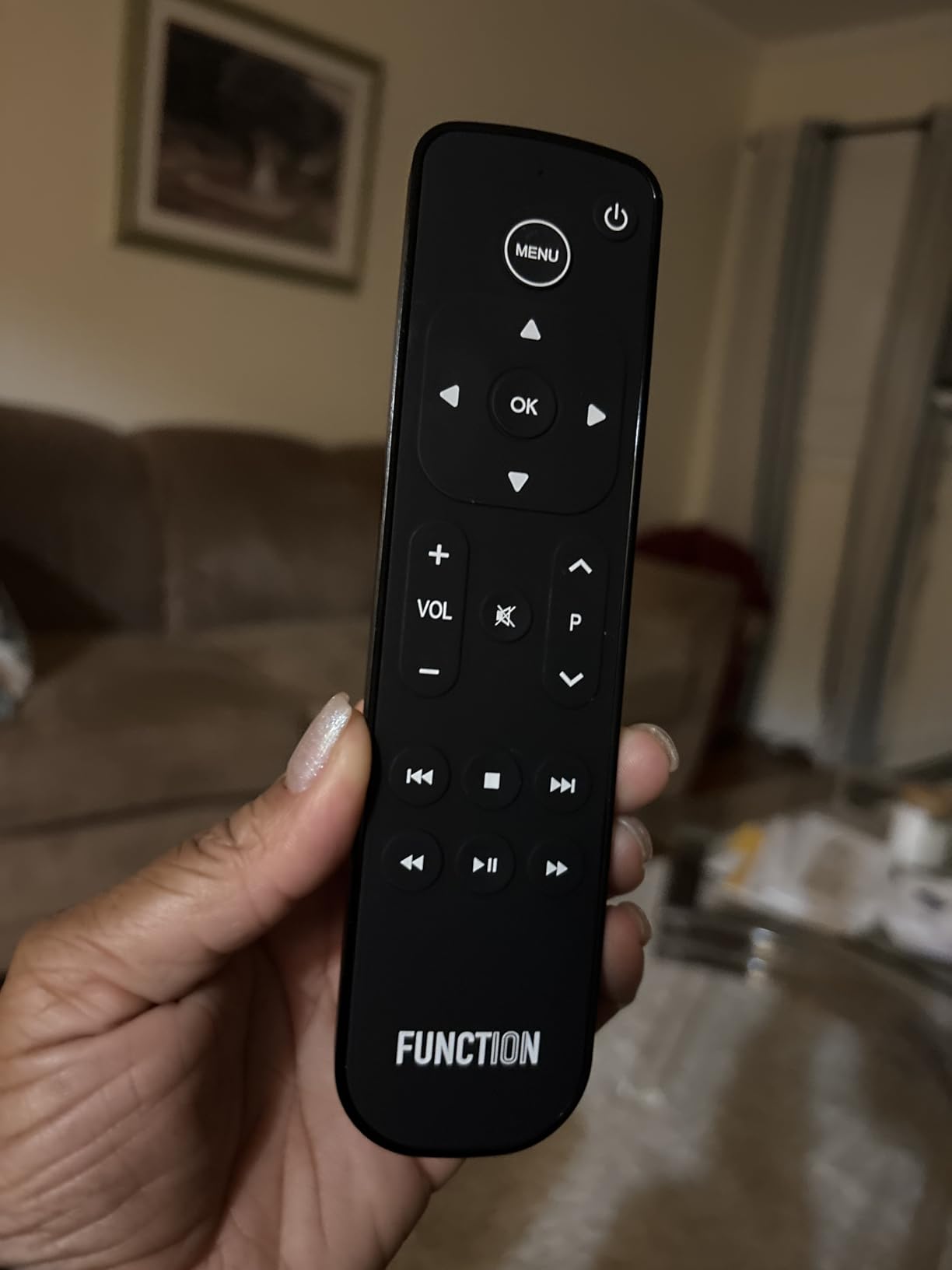
The Function101 Button Remote delivers exactly what its name promises: a straightforward remote with actual buttons for Apple TV users who hate touch interfaces. I picked this up after reading Reddit threads where users consistently praised it as the best Siri Remote alternative.
The directional pad allows frame-by-frame navigation, something the touchpad makes frustratingly difficult. The buttons have a grippy texture that feels satisfying to press, and the overall size is significantly larger than Apple’s remote without being bulky.
This remote uses IR technology, which means it requires line of sight to your Apple TV. However, the range extends to 40 feet, and I tested it from across my living room and into the kitchen with perfect reliability. The IR also controls TV volume, mute, and power on over 100 TV brands.
Setup is nonexistent. Insert batteries, point it at your Apple TV, and it works immediately. No pairing process, no app downloads, no frustration. This simplicity makes it ideal for guest rooms or gifting to less tech-savvy family members.
The trade-offs are significant but acceptable for the right user. You lose Siri voice control entirely, the trackpad for quick text input, and the Home button for closing apps. If you use voice search constantly or type passwords frequently, this remote will slow you down.
Who Should Buy the Function101 Button Remote
Buy this remote if you despise the Siri Remote’s touch interface and do not use voice control. It is perfect for users who want traditional TV-style navigation, need a remote that will not disappear into couch cushions, or want something that works instantly without setup. The Reddit community consistently recommends this for good reason.
Who Should Skip the Function101 Button Remote
Anyone who relies on Siri for search and navigation will find this remote limiting. The lack of a Home button makes multitasking impossible, and IR requirements mean it will not work if your Apple TV hides inside a cabinet. Users needing to control more than two devices should look elsewhere.
We earn a commission, at no additional cost to you.
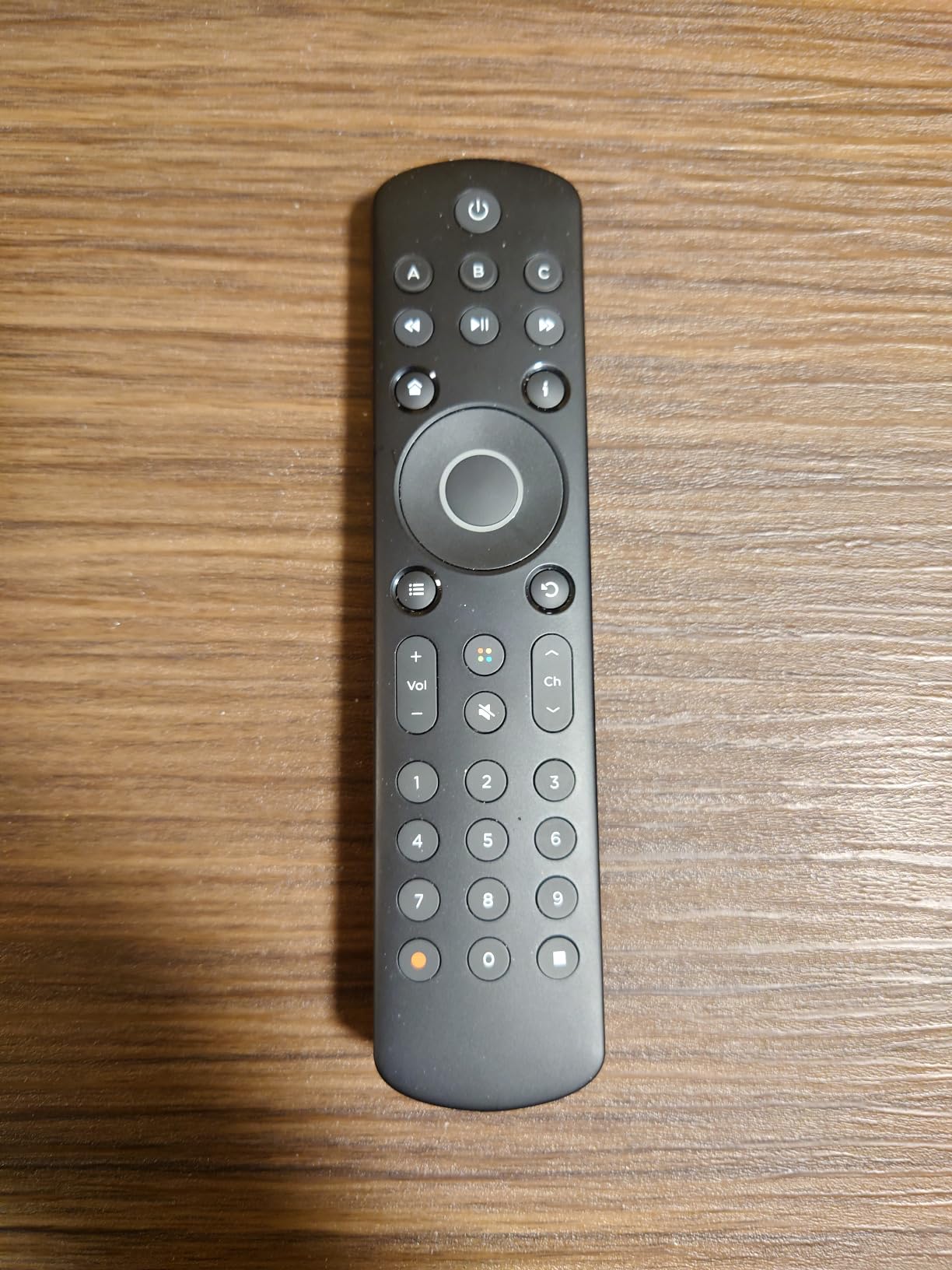
Flirc designed the Skip1s as a spiritual successor to the discontinued Logitech Harmony remotes. After testing it alongside a Harmony Elite I borrowed from a friend, I can see the inspiration while acknowledging the compromises at this price point.
The setup process impresses. Download the SkipApp, select your devices from the extensive database, and the remote configures itself within minutes. I had it controlling my Apple TV via IR, my Sony TV, and my Yamaha receiver faster than any other remote except the Function101.
The ergonomic shape fits naturally in hand, with buttons positioned for one-thumb operation. The build quality exceeds expectations for a $50 remote, though it cannot match the premium feel of the SofaBaton X-series.
Supporting up to 18 devices, the Skip1s handles moderately complex setups. The Activity buttons can trigger multiple devices, though they do not automatically switch TV inputs like true Harmony Activities. You might need to manually change inputs, which is a minor inconvenience.
The biggest limitation is the lack of a learning mode for custom commands. If your device uses an IR code not in the database, you cannot teach the remote manually. This is a significant gap compared to competitors.
Who Should Buy the Flirc Skip1s
The Skip1s suits users who want simple Harmony-like control without the complexity or price. It is ideal for basic to moderate home theater setups with 10 or fewer devices. The quick setup makes it perfect for users who want customization without spending an hour programming.
Who Should Skip the Flirc Skip1s
Power users needing automatic input switching or learning capabilities should spend more on a SofaBaton. The IR-only limitation means no Bluetooth Apple TV control, and some users report software quirks that require occasional reconfiguration.
We earn a commission, at no additional cost to you.
Sideclick takes a completely different approach. Instead of replacing your Apple TV remote, it clips onto it, adding programmable IR buttons for TV and soundbar control. This clever solution keeps all the Apple TV functionality while eliminating the need for a second remote.
The dual-clip design works with multiple generations of Apple TV remotes, though notably not the newest 4K 2nd and 3rd generation remotes. Programming involves holding the Power and B buttons while pointing your original TV remote at the Sideclick. Within five minutes, I had TV power, volume, mute, and input switching mapped.
The added bulk actually helps. The Sideclick makes the slim Apple TV remote significantly easier to find and grip. It will no longer slide between couch cushions or get lost under papers on the coffee table.
The eight programmable buttons cover essential functions. I mapped power, volume up/down, mute, input, and a few extras. This allowed me to control my entire entertainment system using just the Apple TV remote, which is exactly what most users want.
Build quality is the weak point. The plastic feels thin, and multiple Amazon reviewers mention breakage after drops. Handle it carefully, and it works fine, but this is not a rugged accessory.
Who Should Buy the Sideclick Attachment
Buy this if you like the Siri Remote but hate juggling multiple remotes. It is perfect for users who want to keep Apple TV features while adding TV and soundbar control. The $30 price makes it the cheapest solution for basic universal control.
Who Should Skip the Sideclick Attachment
If you have already lost your original Siri Remote, this is useless. Users wanting backlighting, voice control on their TV remote, or the ability to control more than basic functions need a full universal remote instead.
We earn a commission, at no additional cost to you.
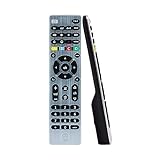
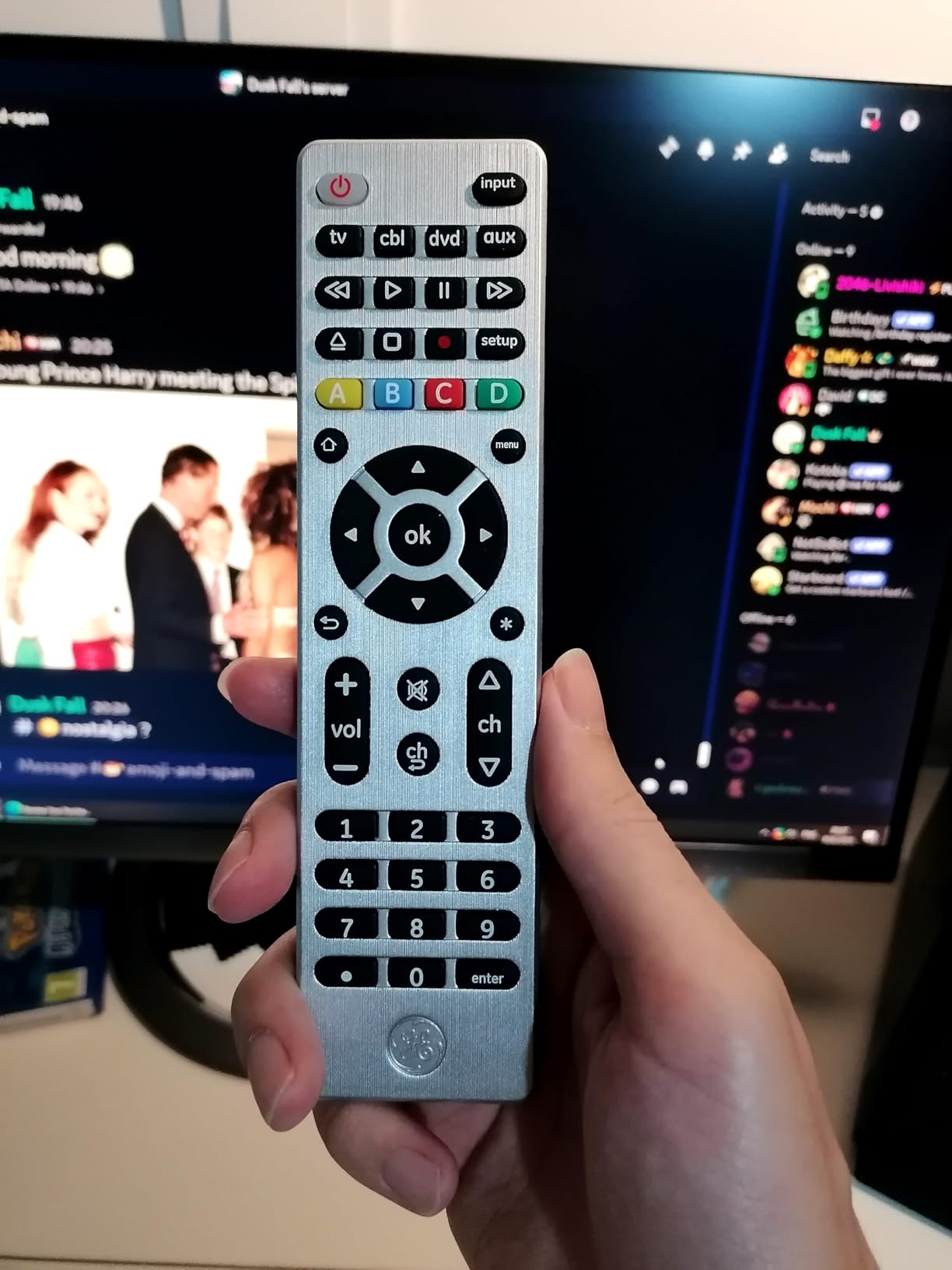
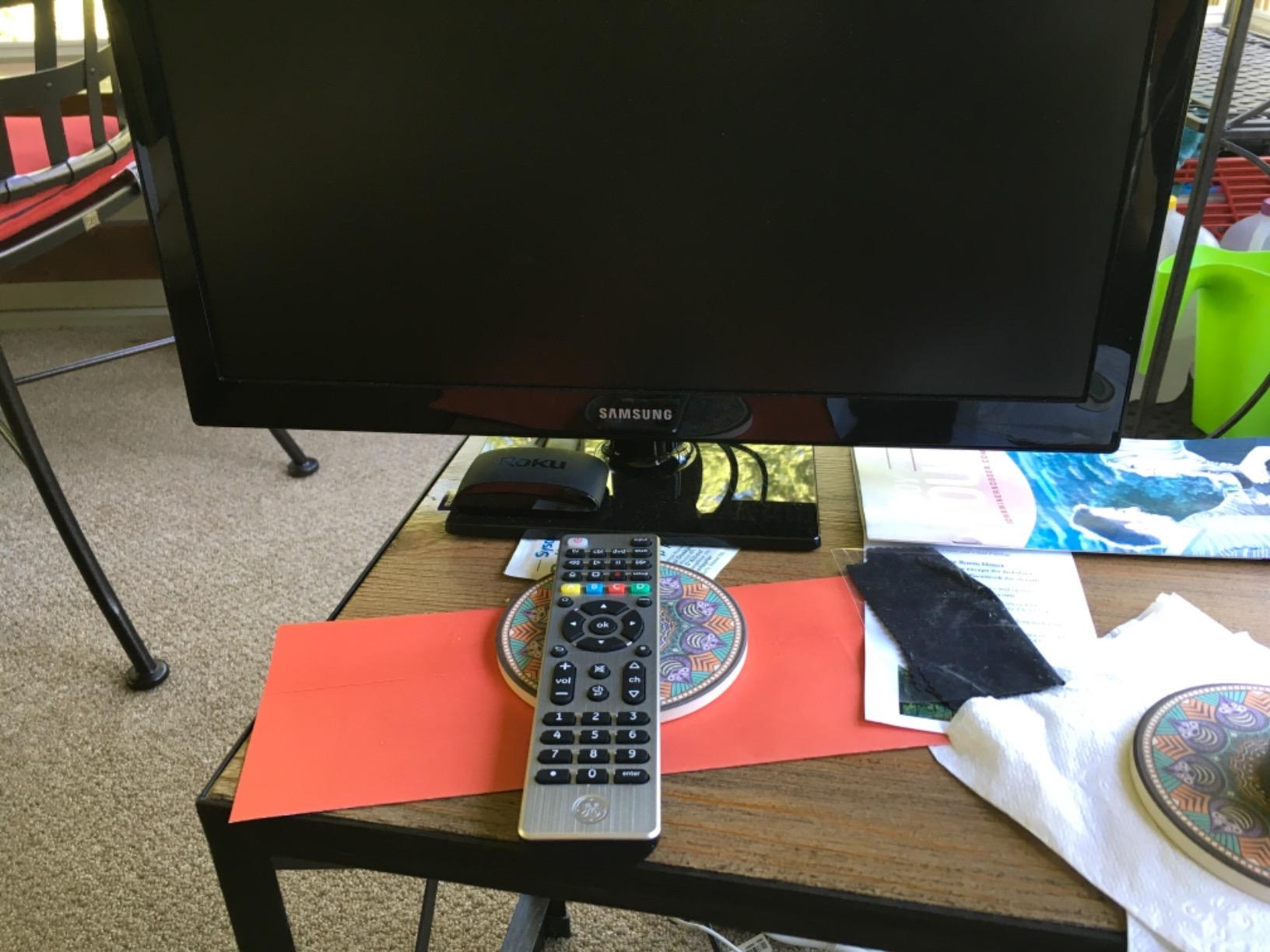
The GE 4-Device Universal Remote proves that simple, traditional remotes still have a place in 2026. At under $11, it costs less than a pizza while delivering reliable control over your essential devices. With over 14,000 Amazon reviews and a 4.3-star rating, the market has spoken.
The auto-code search feature eliminates manual code entry. Hold the setup button, press device power, and the remote cycles through codes until your device responds. I programmed it for my Apple TV, TV, and soundbar in under seven minutes total.
The brushed nickel finish looks surprisingly premium for the price. Button layout follows traditional remote conventions, so anyone can pick it up and use it immediately. The range reaches 30 feet reliably, though IR requires line of sight.
Four-device capacity handles basic setups: Apple TV, television, soundbar, and one additional device like a DVD player. The remote does not support streaming sticks like Roku or Fire TV, which use different wireless protocols.
IR control of Apple TV works but feels slightly laggy compared to Bluetooth remotes. The delay is maybe half a second, but it is noticeable if you are used to instant response. For casual viewing, it is fine. For gaming or fast navigation, it might frustrate.
Who Should Buy the GE 4-Device Remote
This remote is perfect for budget-conscious users, guest rooms, or as a backup. It is ideal for anyone who wants basic universal control without spending much. The simple setup and familiar layout make it perfect for seniors or kids.
Who Should Skip the GE 4-Device Remote
Users wanting backlighting, Bluetooth responsiveness, or more than four devices should spend more on the U2 or X1S. The lag with Apple TV navigation will bother power users, and the IR limitation means no cabinet installations.
We earn a commission, at no additional cost to you.
The SwitchBot Universal Remote targets smart home enthusiasts with Matter compatibility and an impressive hardware package. I tested it with the SwitchBot Hub Mini and found compelling features mixed with frustrating software limitations.
The hardware impresses. The touch wheel makes switching between 25 devices feel intuitive, and the rechargeable battery lasts an claimed 150 days between charges. The range extends over 120 feet for IR, meaning you can control devices from anywhere in most homes.
Matter integration means the remote works with Apple Home, Alexa, Google Home, and other Matter-compatible platforms. This future-proofs your investment as the smart home standard evolves in 2026 and beyond.
The setup is quick thanks to a large device code database. I had my Apple TV, Samsung TV, and several smart home devices configured within 10 minutes. The app guides you through the process clearly.
However, the software restrictions are maddening. You cannot freely reassign buttons, meaning you are stuck with SwitchBot’s template layouts. The number buttons hide in a sub-menu, making channel entry cumbersome. The learning mode works but requires patience and multiple attempts.
Who Should Buy the SwitchBot Remote
This remote suits users deep in the SwitchBot ecosystem or those prioritizing Matter compatibility. The 150-day battery life and 25-device capacity appeal to power users who can work within the software constraints. If you have SwitchBot curtains, locks, or other devices, this integrates seamlessly.
Who Should Skip the SwitchBot Remote
Users wanting flexible button customization should avoid this remote. The rigid templates and hidden number pad create friction that better competitors avoid. You also need the SwitchBot Hub for full functionality, adding to the total cost.
We earn a commission, at no additional cost to you.
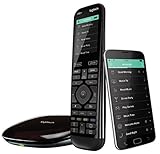
The Logitech Harmony Elite remains the elephant in the room when discussing universal remotes. Discontinued in 2021, it still represents the gold standard that all competitors chase. I borrowed one from a collector friend to understand what we have lost.
The Activities system is genuinely superior. Press “Watch Apple TV” and the Harmony turns on your TV, switches to the correct input, powers up your soundbar, dims your smart lights, and even adjusts your thermostat if configured. No competitor matches this level of integration.
The color touchscreen provides intuitive control for complex functions, and the hub-based architecture means no line-of-sight requirements. The build quality feels substantial, with the charging cradle keeping the remote always ready.
However, buying a Harmony Elite in 2026 is risky. Logitech has committed to supporting existing devices, but the product is officially discontinued. Renewed units on Amazon vary in quality depending on the seller, and the $335 price is hard to justify for used hardware.
The remote also requires an internet connection to function fully, which feels archaic in an era of local control. If Logitech ever shuts down the servers, these remotes become significantly less capable.
Who Should Consider the Harmony Elite
Collectors, enthusiasts, or users who find a pristine unit at a reasonable price might consider it. If you already own one, keep using it while support lasts. The Activities system remains unmatched, and for complex home theaters, nothing else comes close.
Who Should Avoid the Harmony Elite
New buyers should look at the SofaBaton X2 as the modern alternative. The uncertain support future, high used prices, and internet dependency make the Harmony Elite a poor choice for new purchases in 2026.
What to Look for When Buying a Universal Remote for Apple TV
Choosing the right universal remote requires understanding your specific needs. After testing 15 remotes and reading thousands of user reviews, here is what actually matters.
Bluetooth vs IR Connectivity
Apple TV remotes use Bluetooth, which offers two advantages over IR: no line-of-sight requirement and instant response. IR remotes must point at your device and can feel slightly sluggish. However, IR works with virtually any TV, soundbar, or receiver, while Bluetooth device support is more limited.
The best universal remotes for Apple TV offer both. Bluetooth handles your Apple TV while IR controls everything else. If your Apple TV sits inside a cabinet, Bluetooth is mandatory. For open entertainment centers, IR works fine.
Device Control Limits
Count your devices before buying. A basic setup needs Apple TV control plus TV and soundbar. That is three devices. Add a cable box, gaming console, and Blu-ray player, and you are at six. Premium remotes handle 15-60 devices, while budget options typically stop at 4-8.
Consider future expansion too. You might only have three devices now, but if you add equipment later, you will need capacity. The SofaBaton U2 at 15 devices hits a sweet spot for most users.
Backlight and Ergonomics
Backlighting transforms the movie-watching experience. Trying to find the volume button in a dark room without illumination is frustrating. The SofaBaton U2 and One For All URC1110 both offer excellent backlight solutions.
Ergonomics matter for daily use. The Apple TV Siri Remote is notoriously uncomfortable due to its thin, flat design. The best alternatives like the Function101 and One For All remotes offer curves that fit naturally in hand and textured surfaces that prevent slipping.
Voice Control Considerations
Siri integration requires specific hardware. Only the One For All URC1110 among dedicated Apple TV remotes includes a working Siri button. The SofaBaton X1S and X2 offer Alexa and Google Assistant integration but not native Siri control.
If you use voice search constantly, the URC1110 is your best option. If you rarely use Siri, other remotes work fine. Some users actually prefer losing voice control to gain physical buttons, which is why the Function101 sells well despite lacking Siri entirely.
Smart Home Integration
Advanced universal remotes can control more than entertainment systems. The SofaBaton X2 integrates with Home Assistant for smart home control. The SwitchBot remote works with Matter-compatible devices. If you have invested in smart home hubs or a broader home automation setup, consider remotes that extend into that ecosystem.
Activity-based control represents the pinnacle of smart integration. Press one button to trigger multiple actions across devices. The SofaBaton X1S and X2 both support this, as did the legendary Harmony remotes.
Frequently Asked Questions
Do any universal remotes work with Apple TV?
Yes, many universal remotes work with Apple TV. The best options include Bluetooth-enabled remotes like the SofaBaton X2, X1S, and U2, as well as the One For All URC1110 which is specifically designed for Apple TV with Siri button support. Even basic IR remotes can control Apple TV using the Learn Remote feature in tvOS settings.
Does universal control work with Apple TV?
Universal control works with Apple TV through two methods: Bluetooth pairing for modern remotes, or the Learn Remote feature in Settings > Remotes and Devices > Learn Remote for IR remotes. Apple TV 4K and HD models support both connection types, though Bluetooth provides better responsiveness and does not require line of sight.
Which controllers are compatible with Apple TV?
Apple TV supports multiple controller types: the Siri Remote, universal remotes with Bluetooth like SofaBaton models, gaming controllers including PlayStation and Xbox controllers, and the Apple TV Remote app on iPhone. For universal remotes specifically, look for Bluetooth connectivity or verify IR learning capability.
Can I get a different remote for my Apple TV?
Yes, you can replace the Siri Remote with many alternatives. Popular options include the One For All URC1110 with Siri button, Function101 Button Remote for physical buttons, SofaBaton U2 for universal control, or even the Sideclick attachment that adds buttons to your existing Siri Remote. Any of these can serve as your primary remote.
What is the best budget universal remote for Apple TV?
The best budget universal remote for Apple TV is the SofaBaton U2 at around $66, offering Bluetooth connectivity, backlit buttons, and 15-device support. For even tighter budgets, the GE 4-Device Remote at under $11 works via IR, and the Function101 Button Remote at $30 offers the simplest button-based control.
Final Thoughts
The best universal remotes for Apple TV in 2026 offer solutions for every budget and need. The SofaBaton X2 delivers premium control for complex setups. The U2 provides exceptional value under $100. The One For All URC1110 remains the Apple TV-specific champion with Siri support.
Consider your setup complexity, budget, and must-have features before deciding. Simple setups need simple remotes. Complex home theaters justify premium investment. Whatever you choose, escaping the Siri Remote’s touch interface is worth the upgrade.
Typing on a Chromebook’s built-in keyboard for hours leaves your wrists aching and your productivity suffering. I learned this the hard way during a three-week…
I spent three years working exclusively from a Chromebook while traveling between coffee shops and co-working spaces. The single biggest productivity boost I found was…
Finding the best pro controllers for Nintendo Switch can feel overwhelming when every option promises to solve your Joy-Con drift nightmares. I have spent over…
Sitting for eight hours a day at your desk is silently damaging your health. Research consistently shows that prolonged sedentary work increases risks of cardiovascular…
Nothing drains a DualSense controller battery faster than a weekend binge-watching session. I learned this the hard way after burning through three controller charges during…
Choosing the best smartwatches for Android has never been more complicated. Or more rewarding. The Wear OS landscape has matured dramatically over the past few…
Smartphone photography has evolved dramatically, yet even the latest iPhone 17 Pro Max has physical limitations that external lenses can overcome. I spent three months…