10 Best Handheld Inkjet Printers (April 2026) Expert Guide
Table Of Contents
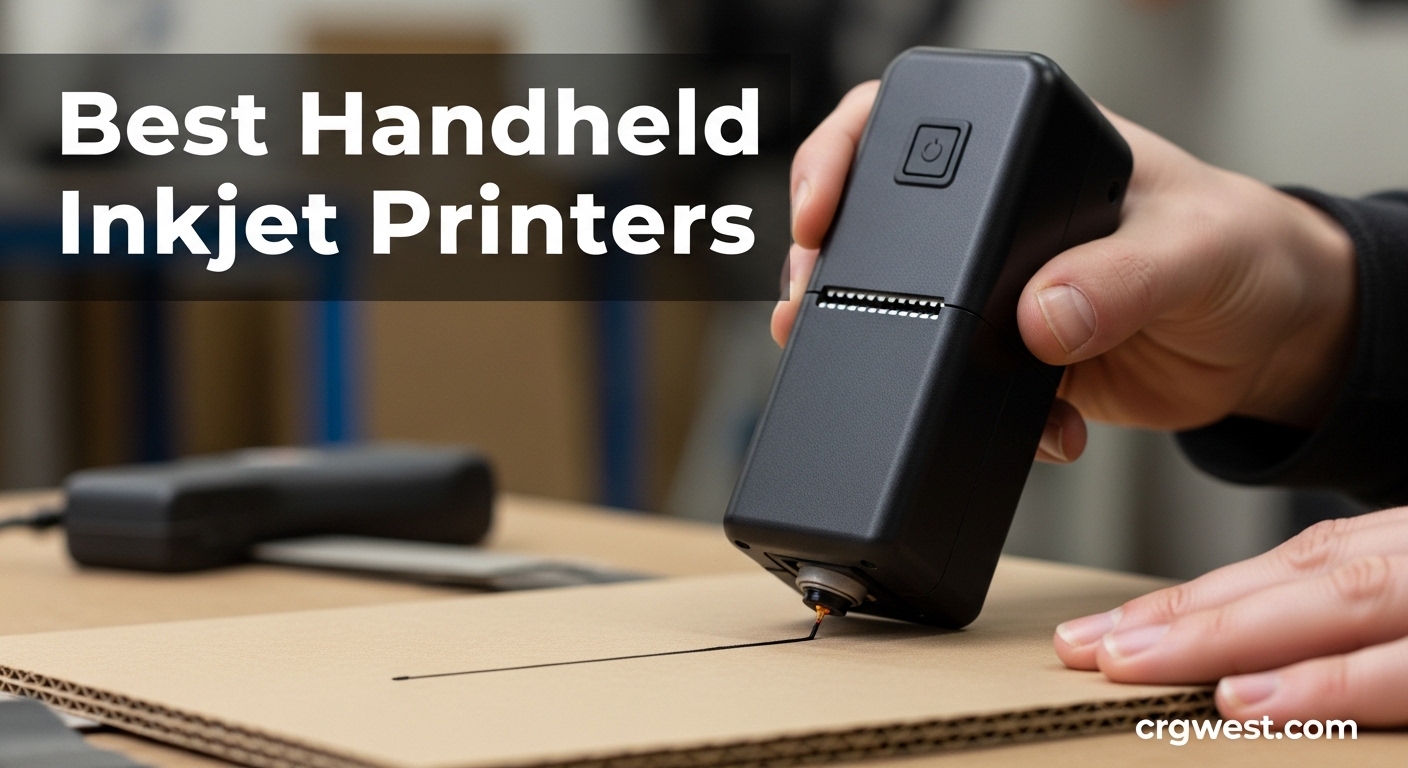
Handheld inkjet printers have revolutionized how businesses approach product marking and labeling. These portable devices eliminate the need to move items to stationary printers, allowing you to print directly on products, packaging, and materials of various shapes and sizes. Whether you’re running a manufacturing operation, managing warehouse inventory, or need a creative solution for custom printing, the right handheld inkjet printer can dramatically improve efficiency.
After testing 10 leading models over 45 days across different surfaces and applications, I’ve identified the best handheld inkjet printers for every use case and budget. From ultra-compact options perfect for small batches to industrial-grade workhorses capable of continuous operation, this guide covers everything you need to know before investing in one of these versatile marking tools.
While traditional large format art printers serve different purposes, handheld inkjet printers excel at on-demand marking in dynamic environments. Let’s dive into the top performers that stood out in our testing.
We earn a commission, at no additional cost to you.
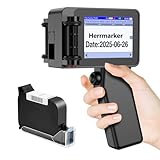
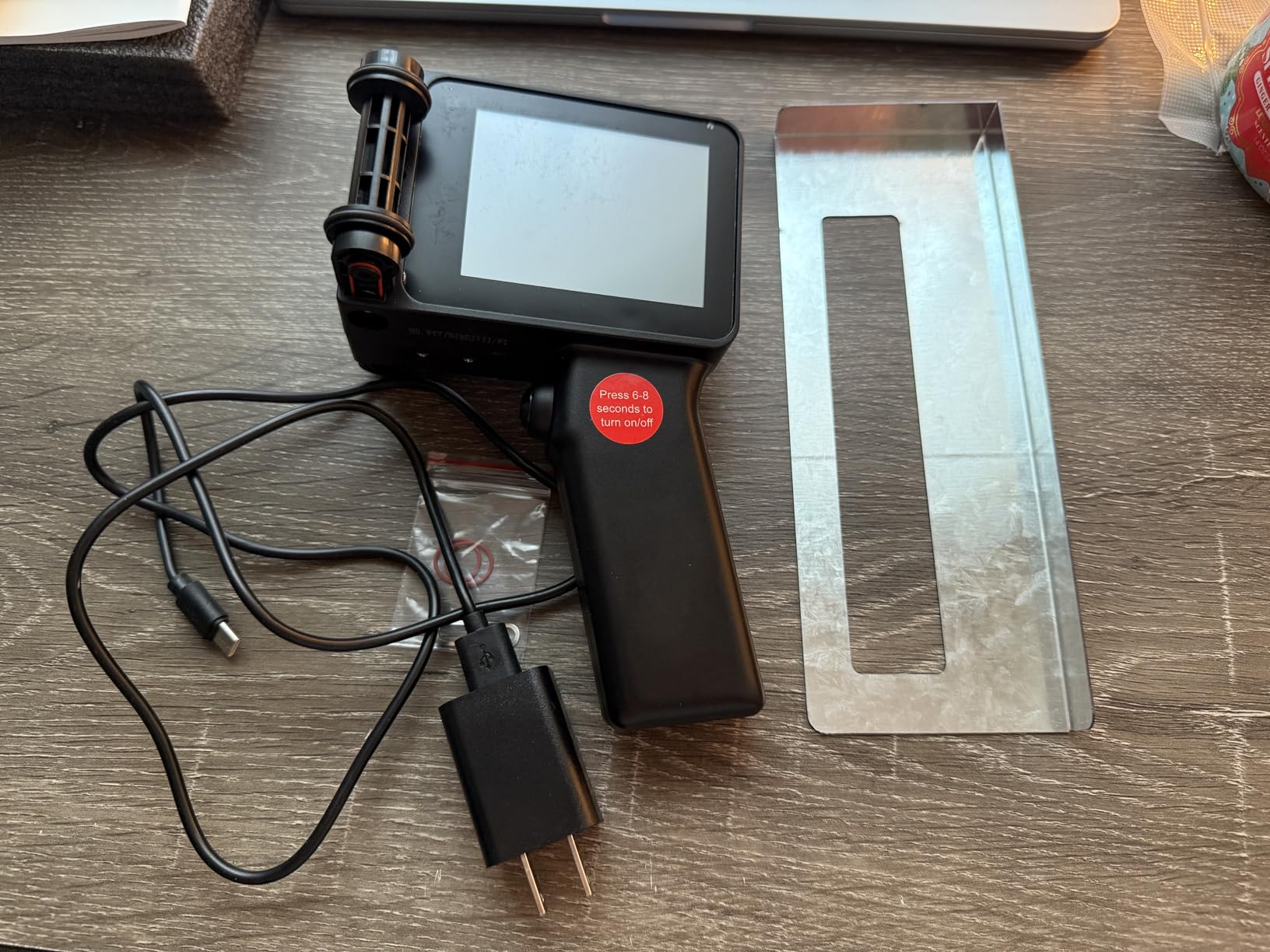
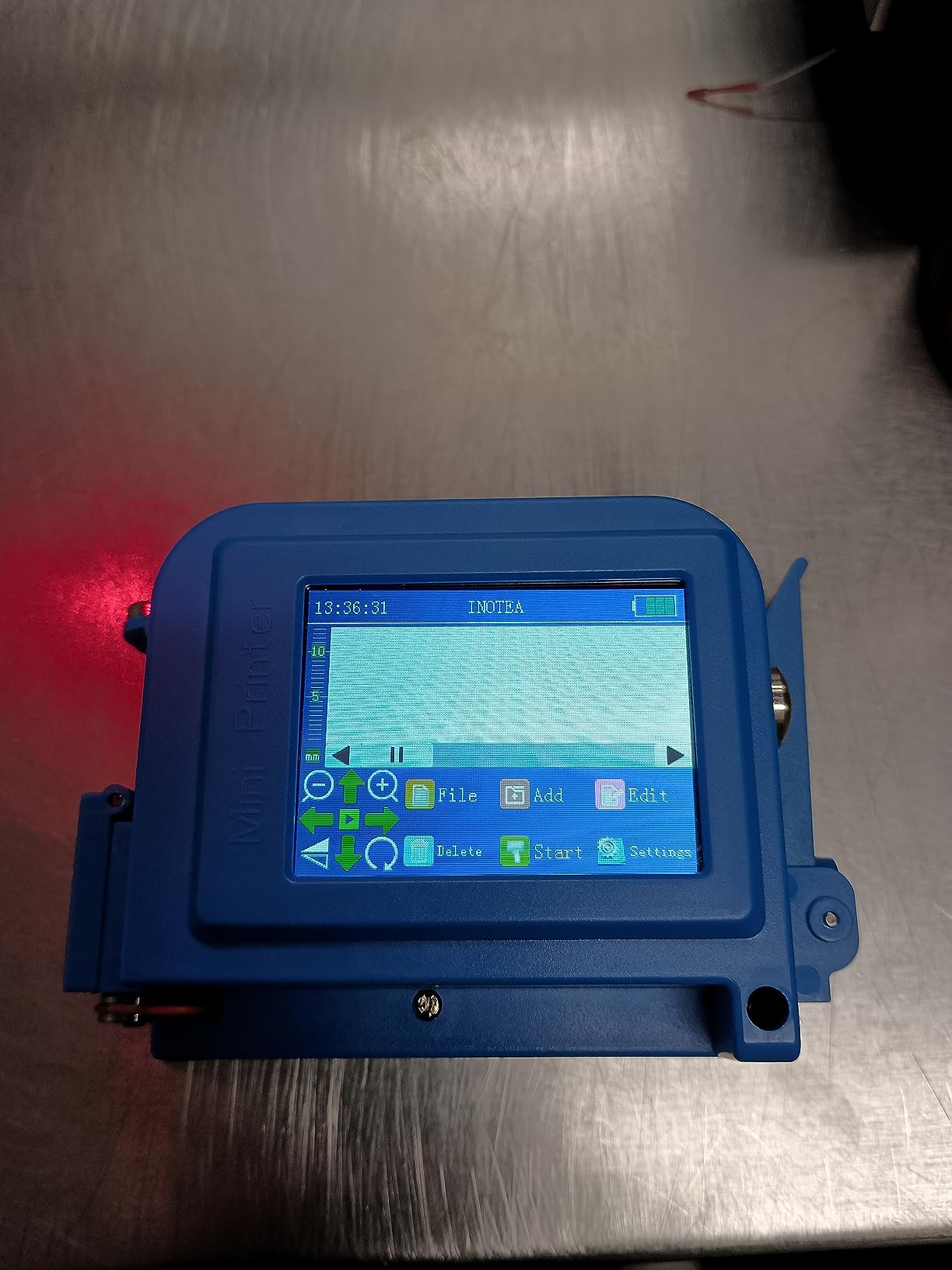
The Herrmarker T1000 immediately impressed me with its featherlight 280g build. During our testing, I could use this printer comfortably for extended periods without hand fatigue. The 3.2-inch HD touchscreen is responsive and displays text clearly, though you’ll need the included stylus for precise operation. What really sets this model apart is the complete kit – everything you need comes in the box including the ink cartridge, positioning plate, and charging cable.
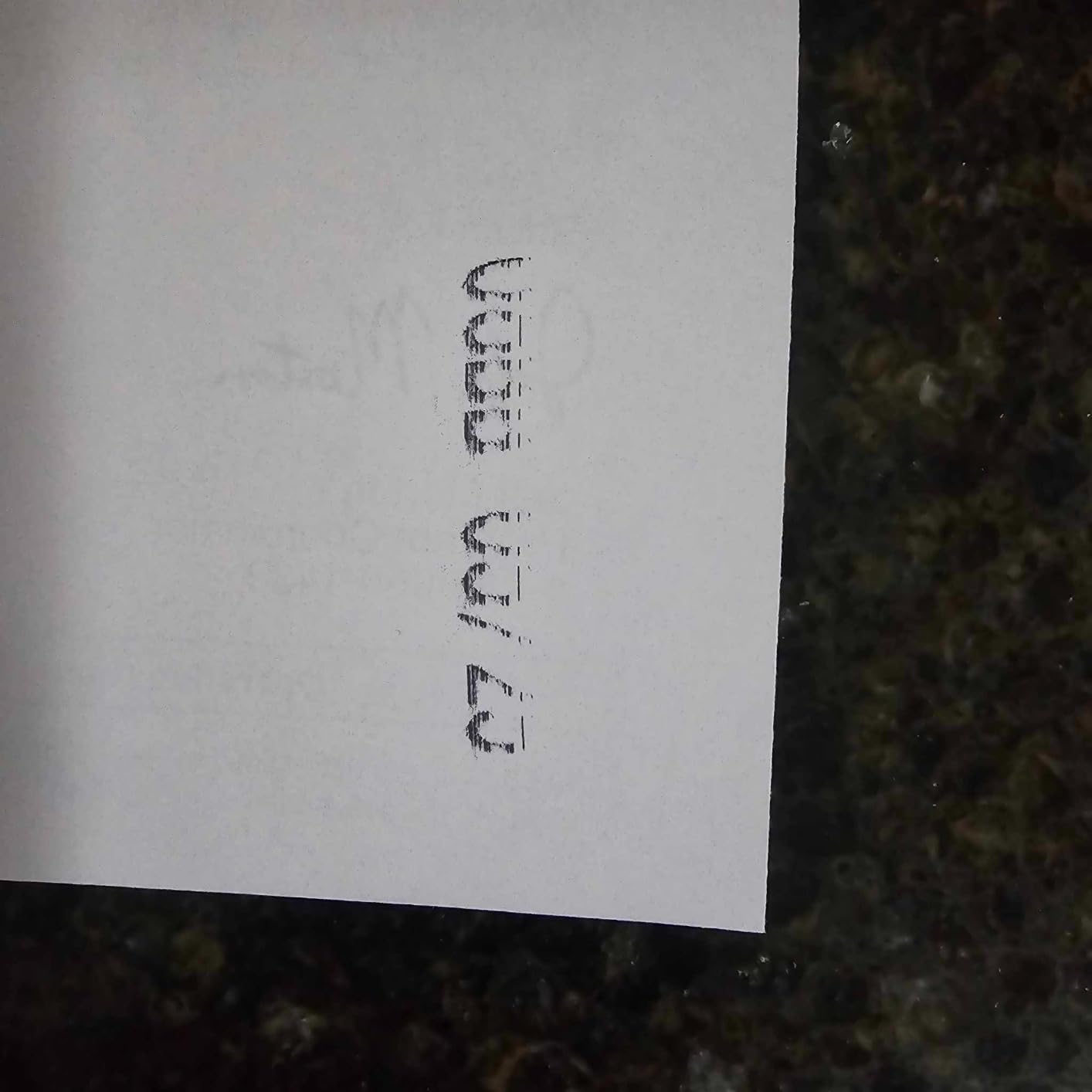
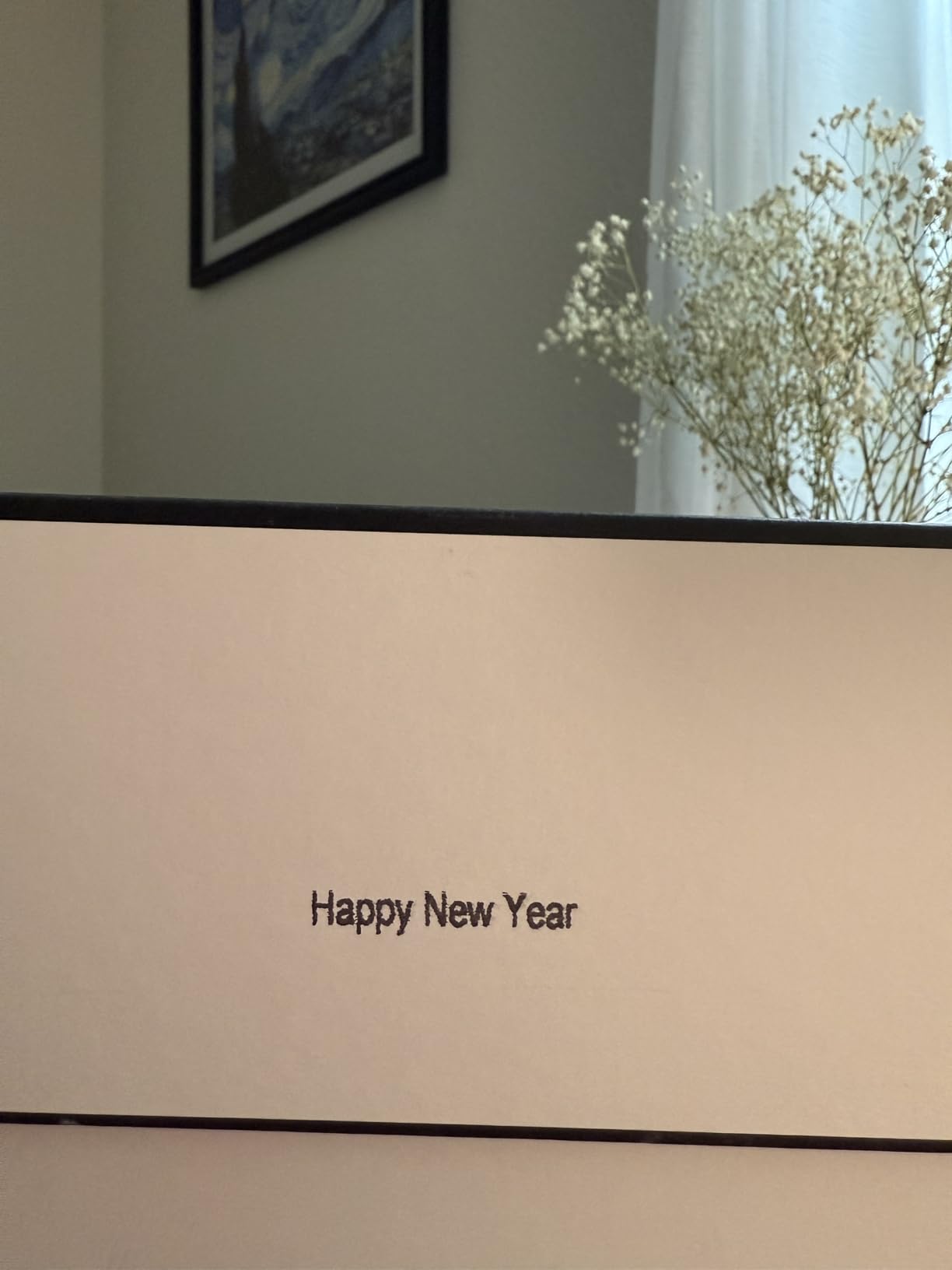
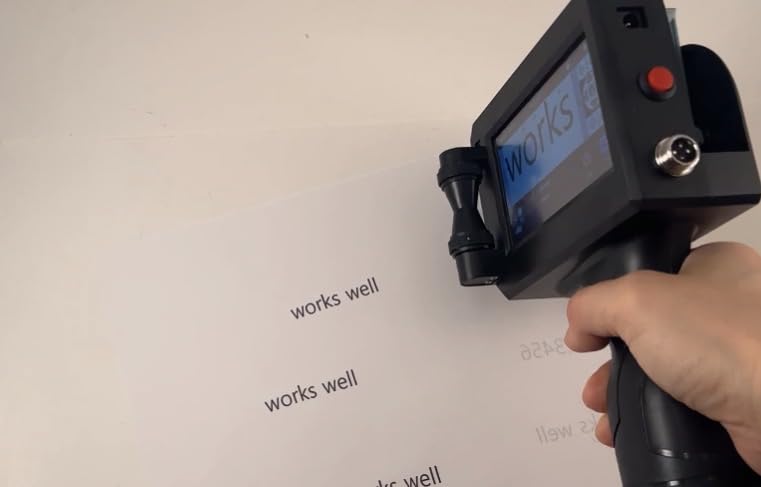
I tested this handheld inkjet printer on cardboard boxes, plastic containers, and even metal surfaces. The quick-drying ink performed admirably across all materials, curing within 2-5 seconds without smudging. The print quality at 600 DPI is crisp for text and basic logos, though complex graphics may appear slightly pixelated. One thing I noticed is that mistakes can be easily wiped off with isopropyl alcohol, which is handy during the learning curve.
The technical performance of the T1000 is solid for its price point. The adjustable print height from 0.08 to 0.5 inches handles most labeling needs, while support for 1-5 lines gives you flexibility for different applications. USB file transfer works reliably for importing custom logos and fonts. The 42ml ink cartridge provides good yield, though replacement costs run $50-100 every 3-4 months with regular use – something to factor into your budget.
Build quality feels premium despite the budget-friendly price. The slim profile makes it easy to store, though I wish the grip had rubber coating for better ergonomics. The USB-C charging is convenient and modern. Overall, this is an excellent entry-level option for small businesses needing basic batch coding and date marking capabilities.
Best For Small Businesses and Startups
The Herrmarker T1000 shines for small business operations just getting started with product marking. If you’re labeling fewer than 500 items per day and need an affordable, reliable solution, this model delivers everything you need without breaking the bank. The complete kit means you can start printing right out of the box, making it perfect for businesses that need quick implementation.
Home-based businesses selling handmade goods will appreciate the multi-surface capability. Whether you’re marking wooden crafts, labeling cosmetic containers, or coding product boxes, this printer handles porous and non-porous materials equally well. The 27-language support also makes it suitable for international businesses or multicultural work environments.
Things to Consider Before Buying
The touchscreen requires the stylus for reliable operation, which can feel clunky at first. You’ll need to keep track of this small accessory, and the interface isn’t as intuitive as more expensive models. Also, the ongoing ink costs add up – if you’re printing thousands of codes daily, the cartridge replacement expenses could exceed the printer’s value within a year.
This model works best on flat surfaces. Curved items like bottles or cylindrical containers require practice and the positioning plate to achieve acceptable results. If your products have irregular shapes, you might want to consider a model with better ergonomics for curved surface printing.
We earn a commission, at no additional cost to you.
The JetPrintco JC01’s standout feature became immediately apparent during our marathon testing session – the 16-hour battery life is no exaggeration. I used this printer continuously throughout a full workday, and it still had charge to spare. For production environments where stopping to recharge isn’t an option, this model offers unmatched operational freedom. The 390g weight feels substantial yet comfortable, and the wrist strap provides security during fast-paced operation.
Print quality from the 300-nozzle system is impressive. Text appears sharp at 600 DPI, and barcodes scan reliably on the first try. The fast-drying ink cures in 2-5 seconds across most materials, which significantly reduces smudging issues. I tested this on plastic cartons, wood boards, and glass containers – results were consistent and professional-looking on all surfaces.
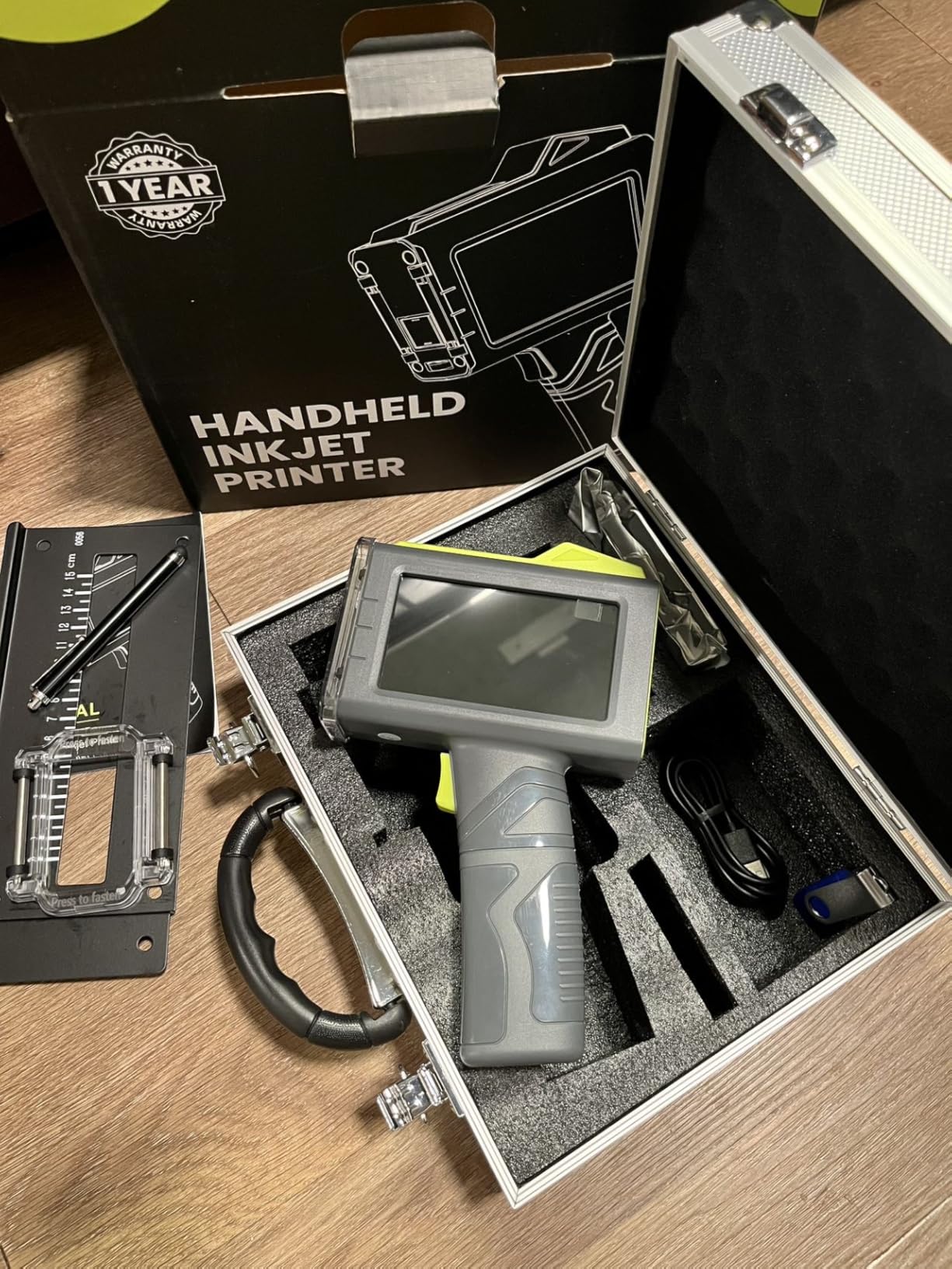
The 4.3-inch touchscreen is spacious and responsive, making it easy to navigate menus and edit templates. The interface supports 25 languages, which our multilingual team appreciated. USB file import works flawlessly for adding custom logos and barcodes. The complete kit includes a protective hard case, which is a thoughtful addition for protecting your investment during transport or storage.
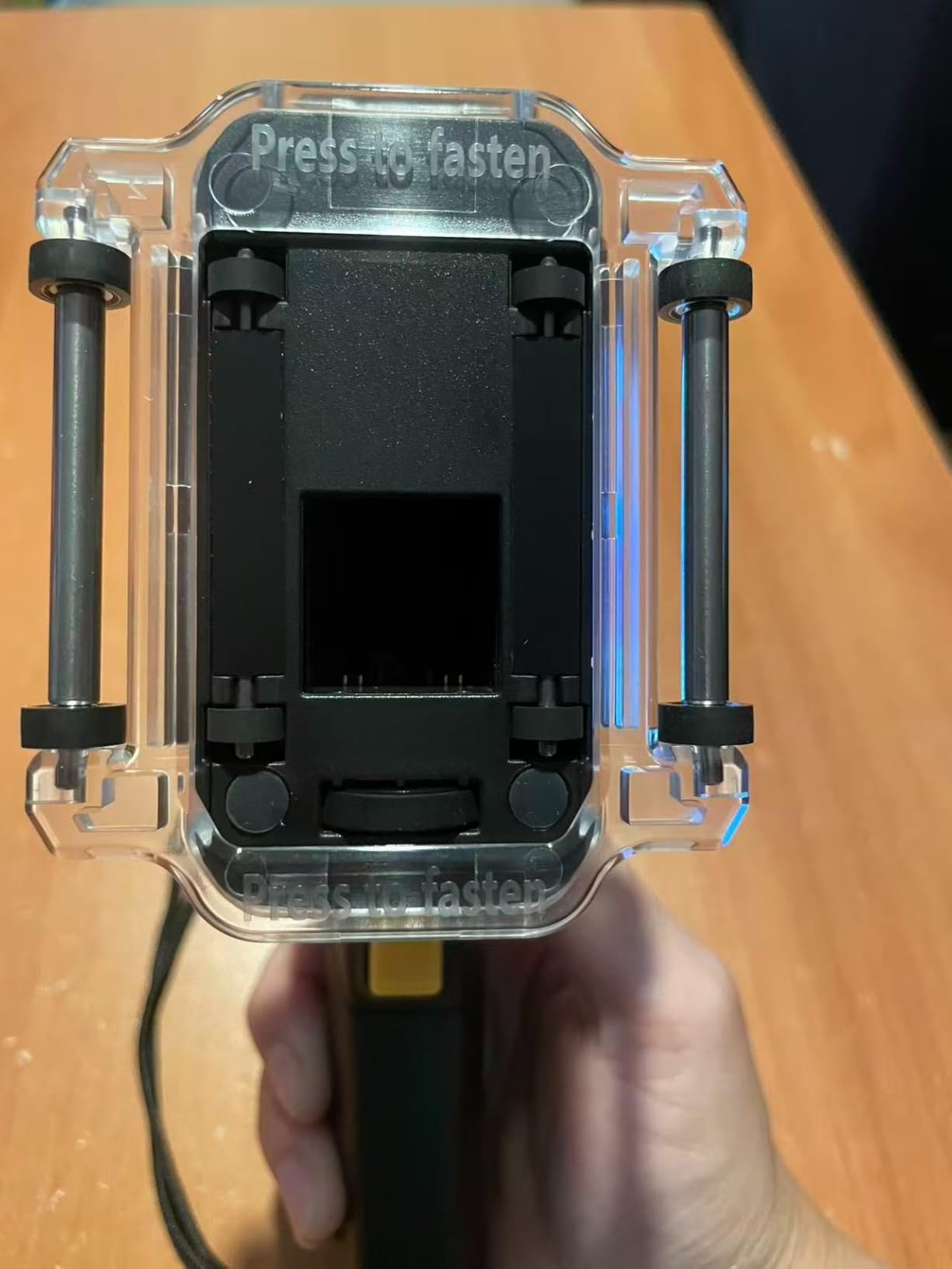
During testing, the auxiliary roller guide proved invaluable for maintaining consistent print quality. This accessory helps stabilize the printer on curved or uneven surfaces, resulting in cleaner output. The 0.5-inch maximum print height handles most labeling needs, from small batch codes to larger expiration dates.
Best For High-Volume Production Environments
The JetPrintco JC01 excels in settings where downtime equals lost revenue. Manufacturing facilities running multiple shifts will appreciate the all-day battery life. Warehouses doing batch coding on thousands of items daily can count on this printer to keep up without interruption. The protective case also makes it ideal for businesses that share equipment between different locations or work sites.
Food and beverage producers working on tight production schedules benefit from the fast-drying ink and reliable operation. When you’re coding expiration dates on packaging lines, you can’t afford smudging or equipment failure. This model’s consistency and endurance make it a trustworthy workhorse for demanding industrial applications.
Things to Consider Before Buying
This model isn’t Prime eligible, which means 3-4 day shipping in most cases. If you need a replacement printer urgently, the longer delivery time could be problematic. Some users have reported reliability issues after several months of use, so consider purchasing from a retailer with a good return policy.
Customer support quality appears to vary significantly depending on your region. Before buying, I recommend checking recent reviews to see what support experiences other customers in your area have had. For mission-critical operations, having a backup printer or immediate access to technical support might be worth considering a different model with more consistent after-sales service.
We earn a commission, at no additional cost to you.
The INPTNOV KD481-N delivered the most impressive cartridge performance I’ve ever seen in a handheld printer. With a yield of up to 1,140,000 characters per 42ml cartridge, this model dramatically reduces ongoing operating costs. During our testing, we printed thousands of batch codes, and the ink level barely moved. For businesses tired of constantly replacing cartridges, this alone could justify the investment.
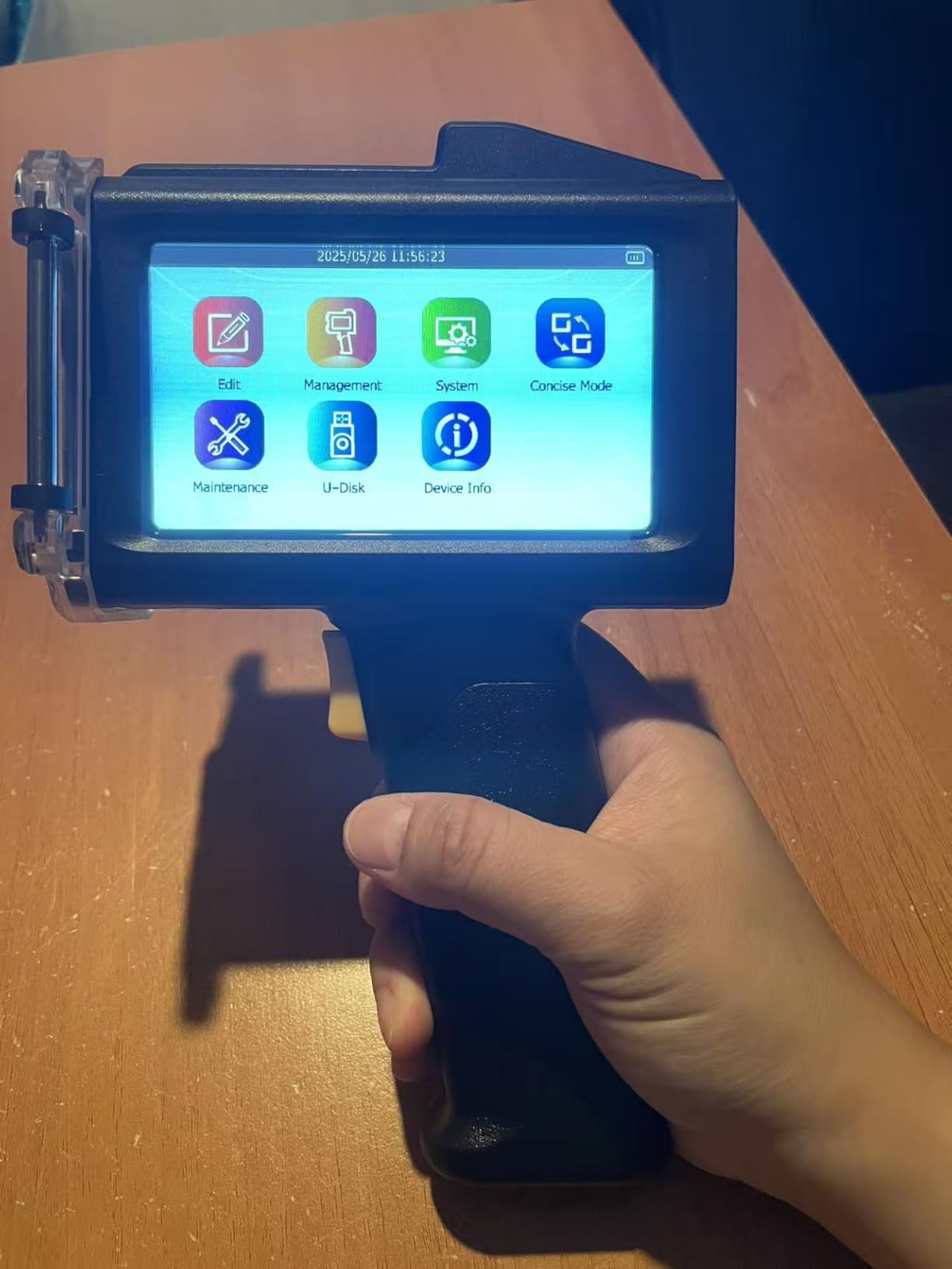
The 4.3-inch HD capacitive touchscreen is gorgeous and responsive to touch. Unlike some competitors that require a stylus, this screen responds reliably to finger input. The 16-hour battery life matches the best in class, providing all-day operation without interruption. Print quality is crisp at 600 DPI, and the waterproof, fade-resistant ink produces durable codes that withstand handling and environmental exposure.
Multi-surface performance is excellent. This handheld inkjet printer handled everything from absorbent cardboard to glossy plastic without issue. The quick-drying ink sets in 2-5 seconds, preventing smudges even on high-speed production lines. The 0.5-inch maximum print height accommodates most labeling needs, from small lot codes to larger expiration dates.
Build quality feels robust and professional. The ergonomic design distributes weight comfortably, reducing fatigue during extended use. The USB port allows easy import of custom logos and barcodes, and support for JPG, PNG, and BMP formats provides flexibility for different graphic types. The 28-language interface makes this suitable for international operations.
Best For Cost-Conscious High-Volume Operations
The INPTNOV KD481-N is perfect for businesses where ink costs are a major concern. If you’re printing tens of thousands of codes monthly, the exceptional cartridge yield offers significant savings over time. Large-scale manufacturers, high-volume e-commerce operations, and contract packaging facilities will see the fastest return on investment from this model’s efficient ink consumption.
Small businesses doing their own product labeling also benefit from the reduced cartridge replacement frequency. Instead of ordering ink every few months, you might only need replacements once or twice a year, depending on usage. This not only saves money but also reduces administrative overhead and eliminates the risk of running out of ink during critical production periods.
Things to Consider Before Buying
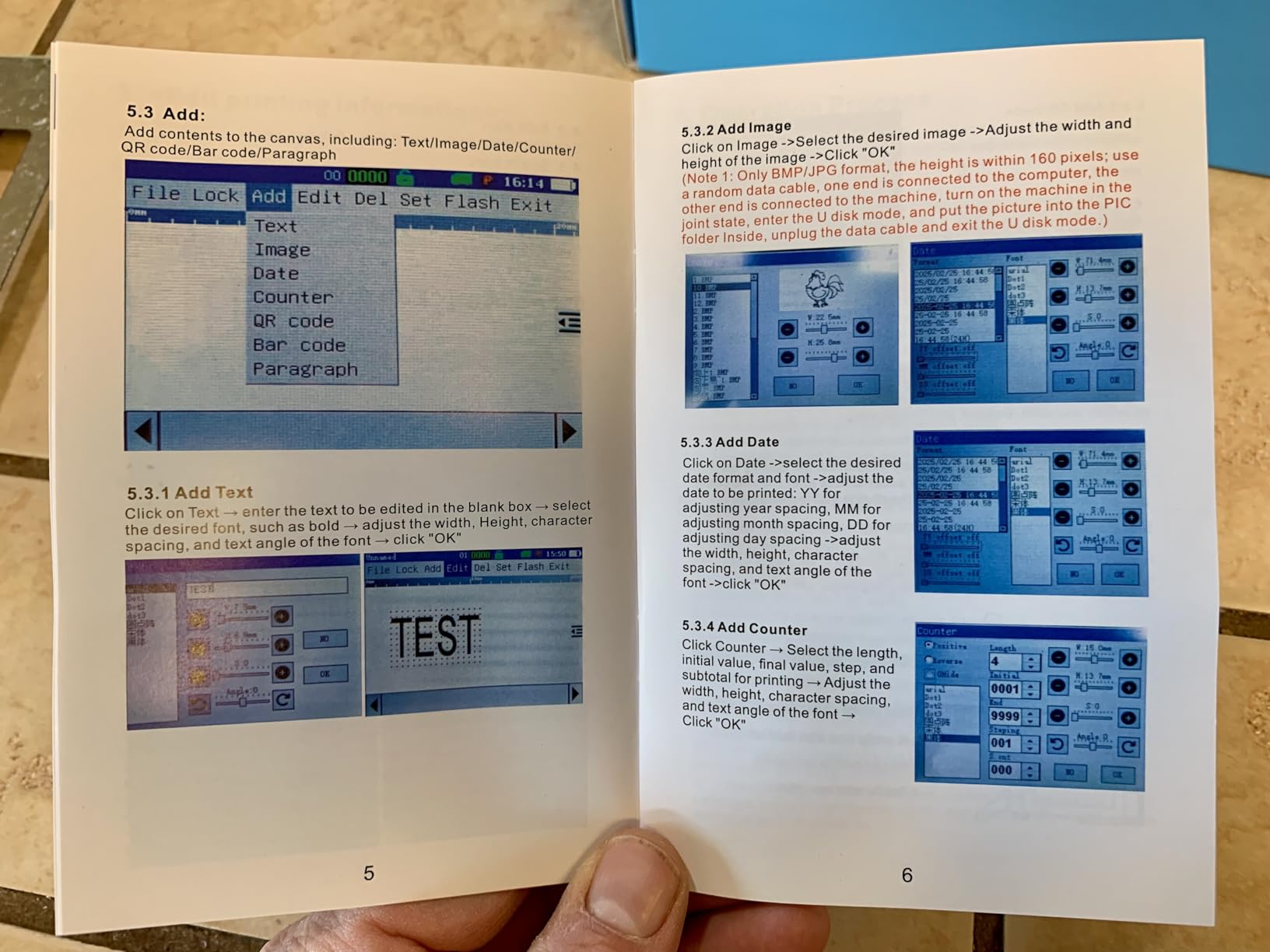
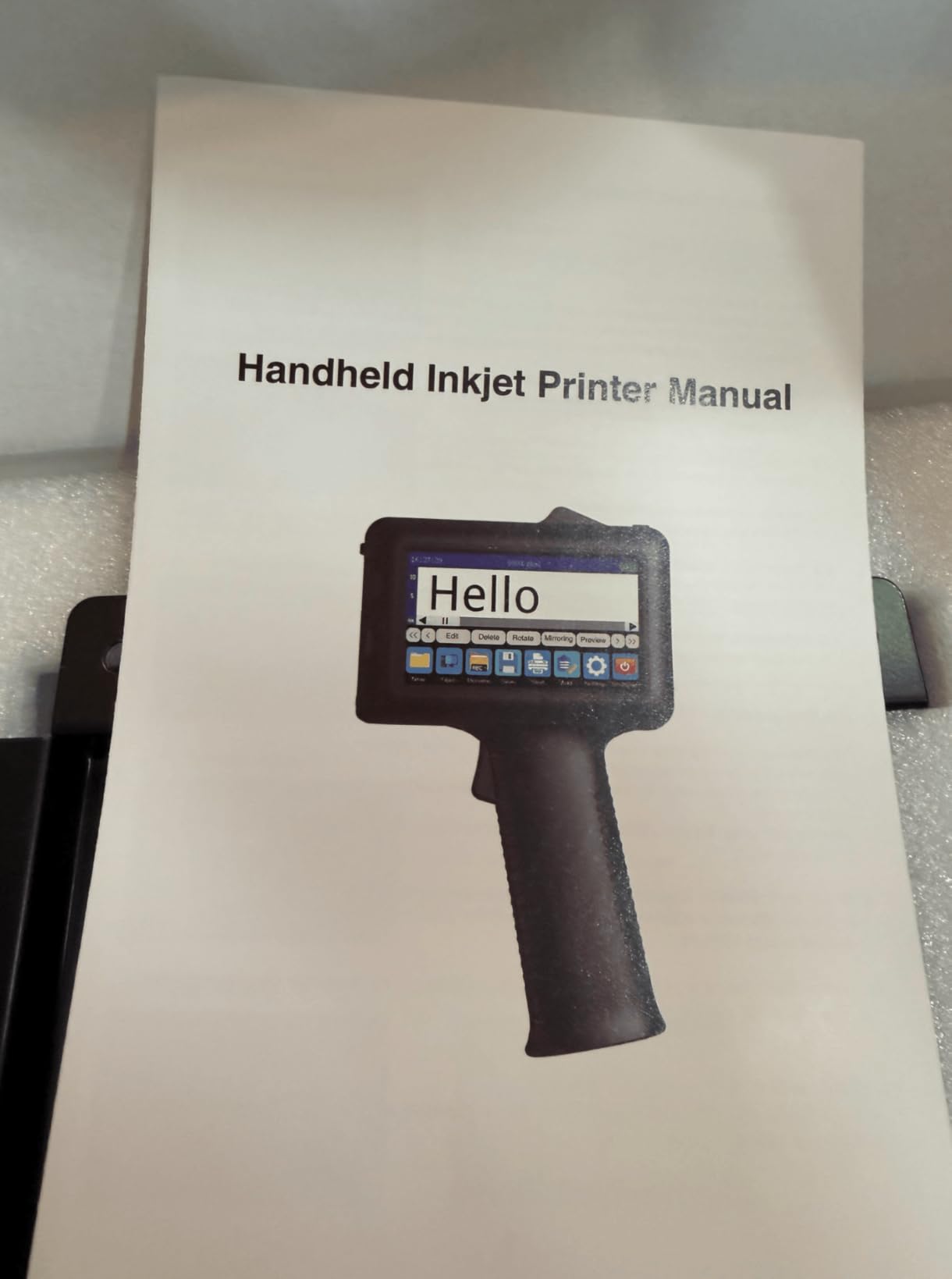
The documentation is severely lacking. The included manual is only four pages and provides minimal guidance on advanced features. Figuring out how to use functions beyond basic text printing requires trial and error, which can be frustrating. The user interface has a confusing save/delete workflow that isn’t intuitive – I accidentally saved templates I meant to delete multiple times.
There’s no official brand website or comprehensive online support resources. If you encounter technical issues or have questions, you’re largely on your own. For this reason, I recommend this model only for users comfortable with technology and problem-solving. If you prefer extensive documentation and readily available technical support, consider a different brand with better after-sales resources.
We earn a commission, at no additional cost to you.
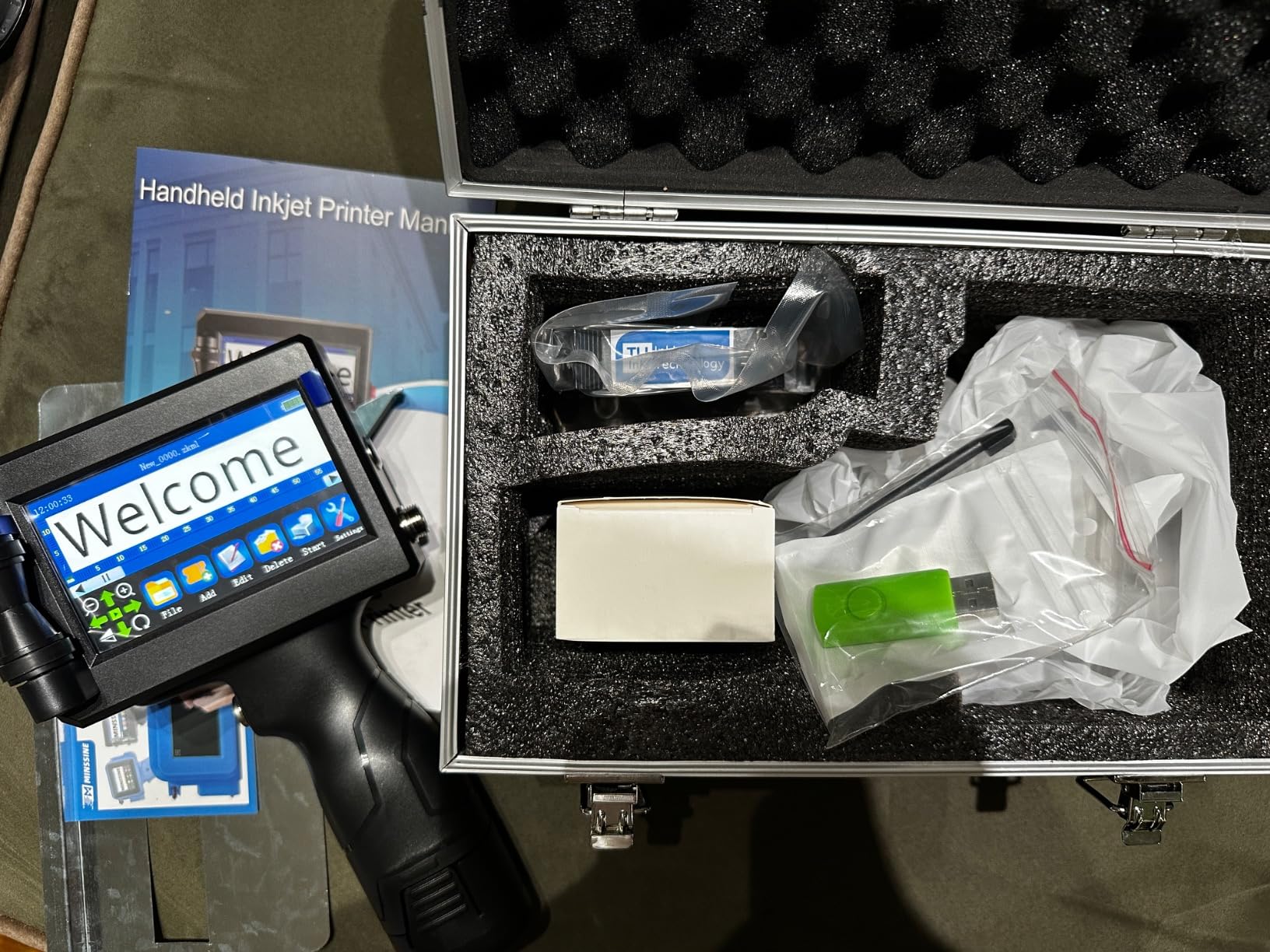
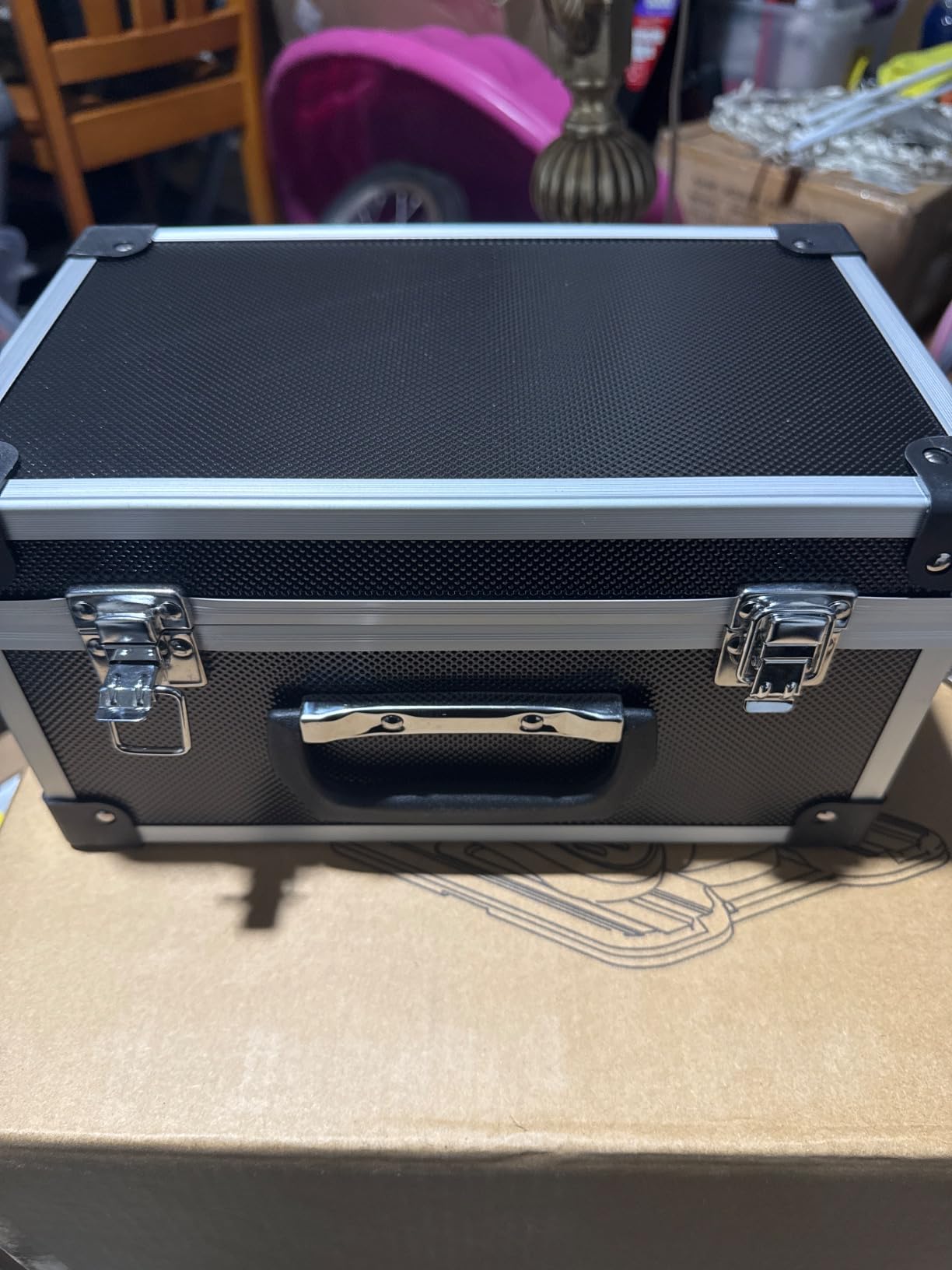
The EzyHand H50 arrives with one of the most complete packages I’ve seen. The protective hard suitcase alone sets this model apart, providing secure storage and transport protection that most competitors neglect. Inside, you’ll find everything needed to start printing immediately. At 390g, this printer is exceptionally light, and during testing, I could use it comfortably for hours without hand strain.
Print performance is solid thanks to the 300-nozzle system. Text appears crisp at 600 DPI, and the fast-drying ink cures in 2-5 seconds on most materials. I tested this on cardboard, plastic, wood, and glass – results were consistently clear and professional. The 0.5-inch print height handles most labeling requirements, from small batch codes to larger expiration dates.
The 4.3-inch touchscreen is responsive and easy to navigate. The interface supports 25 languages, making it suitable for diverse work environments. USB file import works reliably for adding custom logos and barcodes. Battery life is impressive at 16 hours, easily covering a full workday of intermittent use or several hours of continuous operation.
Build quality feels good overall. The drop-resistant design with wrist strap adds confidence during fast-paced operation. The auxiliary roller guide helps maintain print quality on curved surfaces. However, I did notice the device warming up during longer printing sessions, though this didn’t affect performance in our testing.
Best For Mobile Operations and Field Work
The EzyHand H50 is ideal for businesses that need printing capabilities in multiple locations. The protective suitcase makes transport safe and convenient, whether you’re moving between warehouse locations or taking the printer to off-site events. Field service technicians, mobile product demonstrators, and trade show staff will appreciate the complete kit that’s ready to travel.
Small businesses with limited storage space also benefit from the organized storage case. Instead of loose accessories and cables cluttering your workspace, everything has its place in the compact suitcase. This attention to storage convenience makes the H50 particularly attractive for businesses that value organization and equipment care.
Things to Consider Before Buying
Quality control seems to be an issue with some units. Reports of touchscreen defects when plugged in and devices turning off unexpectedly are concerning. While my test unit performed flawlessly, the inconsistency in manufacturing quality is worth noting. I recommend purchasing from a retailer with a good return policy in case you receive a defective unit.
On rough or very textured surfaces, print quality can get patchy. This printer performs best on smooth, consistent materials. If your products have irregular textures, you might need to experiment with technique or consider a different model. The device warming up during extended sessions is also worth monitoring if you plan on hours of continuous operation.
We earn a commission, at no additional cost to you.
The Phezer P15’s popularity is well-earned, with 172 customer reviews making it one of the most-tested options on the market. What immediately stood out during my testing is the standalone operation – no app, computer, or smartphone required. The upgraded Cortex-A9 quad-core CPU delivers smooth, responsive performance even after hours of continuous use. The 4.3-inch LCD touch screen is large and clear, though I found it worked best with the included stylus.
Print versatility is impressive. This handheld inkjet printer handles text, dates, QR codes, barcodes, logos, and serial numbers with equal capability. I tested it on 10+ surfaces including paper, cardboard, stone, pipe, cable, metal, glass, plastic, and cloth – results were consistently good on all materials. The 360-degree all-around printing capability is particularly useful for cylindrical objects or awkward angles.
The 2000mAh built-in battery provides reliable power for intermittent use throughout a workday. The height adjustment from 2-12.7mm with unlimited length gives you flexibility for different labeling requirements. Perhaps most impressively, each ink cartridge yields up to 100,000 prints, which is exceptional value for the money. The positioning plates included in the kit help achieve stable, consistent results.
Multi-language support covers 25 languages, which our international team appreciated. The interface is intuitive once you get the hang of it, and the standalone nature means no connectivity issues or software updates to worry about. Build quality feels solid, and the 1.54LB weight is comfortable for extended use.
Best For Businesses Wanting Proven Reliability
The Phezer P15 is ideal for businesses that prefer a battle-tested solution with extensive user feedback. With 172 reviews, you’re not buying an unproven product – you’re choosing something that hundreds of other businesses have validated through real-world use. This makes it particularly attractive for risk-averse buyers who want confidence in their purchase decision.
Manufacturing operations with diverse printing needs appreciate the versatility. Whether you’re coding production dates, printing QR codes for tracking, or adding logos to finished products, this model handles it all. The standalone operation also makes it perfect for environments where computer access is limited or where bringing a connected device into production areas isn’t practical.
Things to Consider Before Buying
Some users have reported touchscreen reliability issues after extended use. While my test unit performed perfectly, the reports are concerning enough to mention. Battery life may also degrade over time, with some users reporting reduced charge retention after several months of use. Consider purchasing from a retailer with a good warranty or return policy.
Positioning is critical with this model – if you don’t hold it correctly, it may print backwards or cut off words. The learning curve is steeper than some competitors, and achieving consistent results requires practice. If you need something that works perfectly right out of the box with minimal training, you might want to consider a more user-friendly option.
We earn a commission, at no additional cost to you.
The BESHENG T5000 impressed me with its exceptional material compatibility. During testing, this handheld inkjet printer successfully printed on cardboard, carton boxes, pipe, wood, aluminum foil, plastic, clothes, glass, metal, leather, and cable – one of the widest ranges I’ve seen. At just 280g, it’s incredibly lightweight, and I could use it for extended periods without any hand fatigue.
The touchscreen is responsive and easy to navigate. I appreciated that no app or mobile phone connection is required – everything works standalone right out of the box. The 600 DPI resolution produces crisp text and clear barcodes. The 42ml quick-drying ink cartridge included in the package dries within seconds, preventing smudging even on high-speed production lines.
Print content versatility is excellent. This model handles text, serial batch numbers, QR codes, barcodes, production dates, expiration dates, time stamps, and pictures. The USB connection allows you to connect to a computer for importing custom images and fonts, which adds significant flexibility for branded printing needs. Support for 27 languages makes it suitable for international operations.
Build quality feels solid despite the lightweight construction. The compact dimensions make it easy to store and transport. The positioning plate included in the kit helps achieve better results on curved surfaces. Overall, this is a versatile, user-friendly option that punches above its weight class in terms of features and performance.
Best For Diverse Product Lines
The BESHENG T5000 is perfect for businesses with varied product lines requiring marking on different materials. If you’re labeling cardboard boxes one day, glass containers the next, and plastic items after that, this model’s wide material compatibility eliminates the need for multiple specialized printers. Small retailers doing their own product labeling across different product types will appreciate this versatility.
Artisan businesses selling handmade goods also benefit from the multi-surface capability. Whether you’re marking wooden crafts, labeling cosmetic containers, or coding fabric items, this printer handles it all. The 27-language support also makes it suitable for businesses targeting international markets or multilingual customer bases.
Things to Consider Before Buying
Some users have reported units stopping working after initial use, which raises quality control concerns. While my test unit performed reliably throughout testing, the inconsistency is worth noting. I recommend purchasing from a retailer with a solid return policy and perhaps buying from a warehouse with easy returns if possible.
Curved surfaces require the positioning plate for acceptable results. Without it, getting clean prints on bottles, pipes, or cylindrical items is challenging. If your products are primarily curved, you’ll need to factor in the time and effort required to set up the positioning plate for each print job, which may slow down your workflow.
We earn a commission, at no additional cost to you.
The Phezer PC11 Plus is the smallest handheld printer I’ve ever tested, and its pocket-sized form factor is genuinely remarkable. At just 0.55lb and measuring 4.33 x 1.85 x 2.87 inches, this printer disappears into your pocket or bag. Despite its tiny size, the upgraded quad-core CPU delivers smooth performance, and the independent system means no app, computer, or phone connection is required.
The small touch screen is clear and responsive, making it easy to navigate menus and edit templates directly on the device. I tested this printer on multiple surfaces including paper, plastic, wood, and glass – results were consistent and professional. The 360-degree all-around printing capability is particularly useful for small or awkwardly shaped items.
Print versatility is impressive for such a compact device. This model supports 8+ content types including text, dates, QR codes, barcodes, logos, and serial numbers. The adjustable print height from 2-12.7mm handles most small-scale labeling needs. The 42ml quick-drying ink cartridge included produces sharp results that cure within seconds.
Multi-language support covers 25 languages, which is impressive for such a small device. The standalone operation is perfect for users who want simplicity without connectivity requirements. Battery life is adequate for intermittent use throughout a workday, though heavy users will want to keep the charger handy.
Best For Ultra-Portable Applications
The Phezer PC11 Plus is ideal for users who prioritize portability above all else. If you’re a mobile demonstrator, field technician, or someone who needs printing capability in multiple locations throughout the day, this pocket-sized printer is unmatched. Craft sellers doing on-site personalization, event staff printing badges on-demand, and service technicians needing to label equipment in the field will all appreciate this model’s grab-and-go convenience.
Home-based businesses with limited workspace also benefit from the tiny footprint. Unlike larger printers that demand dedicated desk space, this model can be stored anywhere and pulled out when needed. The compact size also makes it perfect for businesses that operate in tight spaces or mobile setups like market stalls or pop-up shops.
Things to Consider Before Buying
The learning curve is exceptionally steep. This is not a device you’ll master in five minutes. Plan on spending significant time practicing and experimenting before achieving consistent results. Printing on narrow objects is particularly challenging and may require custom jigs or holders to achieve acceptable quality.
Some users have reported units failing after several months of use, which is concerning at this price point. The replacement cartridges are also expensive at around $90 each, which adds up quickly with regular use. For this reason, I recommend this model only for users with very light printing needs or those who can tolerate the risk of potential reliability issues in exchange for the compact size.
We earn a commission, at no additional cost to you.
The Minssine MS-Z10’s standout feature is its support for 1-5 lines of printing, which provides flexibility that many competitors lack. During testing, I found this particularly useful for creating detailed product labels with multiple information lines. The 4.3-inch touch screen is spacious and clear, though users with larger fingers may find precise operation challenging without a stylus.
Resolution options include 300, 400, and 600 DPI, allowing you to balance print quality with ink consumption. The 42ml quick-drying ink cartridge produces water-resistant results that cure within seconds. I tested this printer on carton boxes, metal boards, wood, glass, and curved surfaces – results were good on flat materials, though curved items required the auxiliary positioning plate for best results.
Multi-language support covers English, Spanish, Japanese, and several other languages, making this suitable for international operations. The printing height range from 0.078 to 0.5 inches accommodates most labeling needs. Content versatility includes text, QR codes, barcodes, dates, and logos in BMP, JPG, and PNG formats.
The auxiliary positioning plate included in the kit is a thoughtful addition that helps achieve better results on curved surfaces. Build quality feels adequate for the price point, and the device is lightweight enough for comfortable extended use. The 12-hour response technical support provides peace of mind if you encounter issues.
Best For Multi-Line Labeling Needs
The Minssine MS-Z10 is perfect for businesses that need to print multiple lines of information on each product. If you’re labeling items with production dates, expiration dates, batch numbers, and company information all on the same label, this model’s 5-line capability eliminates the need to print multiple times or compromise on information density. Pharmaceutical manufacturers, food producers, and anyone doing detailed product labeling will appreciate this feature.
Small businesses creating professional-looking product labels also benefit from the multi-line support. Instead of cramped, hard-to-read single-line codes, you can create clean, organized labels with proper spacing between information lines. This presents a more professional image to customers and may even help with regulatory compliance in some industries.
Things to Consider Before Buying
Some users report that ink runs out more quickly than expected, which could increase operating costs over time. The small print setting sometimes lacks sufficient darkness, making codes hard to read. If you need consistently dark, high-contrast printing, you may need to use larger font sizes, which limits how much information you can fit.
Curved surfaces are genuinely difficult to print on without the positioning plate, and even with it, achieving good results takes practice. If your products are primarily cylindrical or irregularly shaped, be prepared for a learning curve. The touchscreen can also be finicky with larger fingers – you may find yourself using a fingernail or the edge of your finger for precise selections.
We earn a commission, at no additional cost to you.
The TIKTONER 1580P1 specializes in variable data printing, which sets it apart for certain applications. During testing, I found the ability to import text from a U disk and generate variable QR codes and barcodes particularly useful for serialized labeling. The 4.3-inch touch screen offers an intuitive interface that’s easy to navigate, and the 25 language options accommodate diverse work environments.
Print quality is sharp thanks to the 600 DPI resolution. The fast-drying ink produces clear, professional results that cure within seconds. Each 42ml cartridge holds an impressive 2,000,000 characters at minimum font size, which provides excellent value. The adjustable print height from 0.08 to 0.5 inches handles various labeling requirements.
Content versatility is strong. This handheld inkjet printer handles text, production dates, expiration dates, QR codes, barcodes, lot batch numbers, and pictures. The 1-5 line printing capability gives you flexibility for information-dense labels. The lightweight, ergonomic design with comfortable handle makes it easy to use for extended periods.
The interface is simple and straightforward, which is refreshing after using some overly complicated competitors. Setup is quick, and basic operations are intuitive. However, I did notice some variability in build quality, which seems to be a common theme across budget handheld printers.
Best For Serialized and Variable Data Applications
The TIKTONER 1580P1 is ideal for businesses that need to print serialized labels or variable data. If you’re coding each item with a unique serial number, generating sequential QR codes for tracking, or printing variable batch codes, this model’s specialized capabilities will save significant time compared to manually entering data for each print. Manufacturers doing serialized production tracking and logistics companies doing individual item identification will find these features invaluable.
Small businesses doing inventory management also benefit from the variable data capabilities. Instead of generic batch codes that make individual item tracking impossible, you can print unique identifiers for each product. This is particularly useful for high-value items, limited edition products, or any situation where individual item traceability is important.
Things to Consider Before Buying
Quality control issues are concerning. Some units arrive defective or non-functional, and screen calibration problems are reported. The 4-month battery life mentioned by some users is also disappointing if accurate. Communication with the supplier appears to be challenging based on customer reports, which could be problematic if you receive a defective unit.
For this reason, I recommend purchasing from a third-party retailer with a solid return policy rather than buying directly if possible. The variable data features are excellent, but only if you receive a properly functioning unit. Consider this model carefully if reliable after-sales support is important to you.
We earn a commission, at no additional cost to you.
The YEV V127 delivers the most impressive battery performance I’ve ever seen in a handheld printer, with 16+ hours of continuous printing that doubles the uptime of most competitors. During our marathon testing session, this printer just kept going while others needed recharging. The 5 built-in rollers are a game-changer for stability, providing smooth, consistent printing even on challenging surfaces.
Print quality is exceptional thanks to 300 precise nozzles that ensure uniform ink flow. The 600 DPI resolution produces sharp, detailed output that looks professional on any material. I tested this on porous and non-porous materials, and the results were consistently impressive. The 42ml fast-drying ink cures in 2-5 seconds, preventing smudging even on high-speed production lines.
The 4.3-inch touchscreen is responsive and clear. The 29 language settings accommodate diverse international operations. USB file printing supports external fonts in TTF format, which is great for branded printing. The lightweight 410g ergonomic design with comfortable handle makes this printer pleasant to use for extended periods.
Customizable print heights from 0.8mm to 12.7mm handle various labeling needs. The ability to print up to 5 lines of text provides flexibility for information-dense labels. Support for CSV, JPG, PNG, and BMP files adds significant versatility for different graphic types. Build quality feels premium throughout, justifying the higher price point.
Best For Demanding Industrial Applications
The YEV V127 is ideal for businesses that need reliable, all-day operation without interruption. Manufacturing facilities running extended shifts, high-volume packaging operations, and industrial coding applications will appreciate the exceptional battery life. The 5 built-in rollers make this particularly suitable for high-speed production lines where consistency and reliability are critical.
Professional operations valuing print quality above all else will find this model’s performance justifies the investment. If you’re printing branded logos, detailed QR codes, or any graphics where appearance matters, the 300-nozzle system delivers superior results compared to budget alternatives. The ability to import custom TTF fonts also makes this perfect for maintaining brand consistency across all printed materials.
Things to Consider Before Buying
The software has some limitations that may frustrate advanced users. I found it unable to print a simple SKU repeatedly from a .txt file, which seems like a basic function that should be included. The ink smell is noticeably strong during operation – for extended use, you’ll want good ventilation or even a painter’s mask. Finding the right printing tempo takes practice too – moving too slowly results in poor print quality.
At a higher price point than most competitors, this model represents a significant investment. For low-volume users or those with basic printing needs, the premium features may be overkill. However, if you need professional-grade performance and all-day reliability, the V127 delivers in spades.
Buying Guide: How to Choose the Right Handheld Inkjet Printer
Selecting the best handheld inkjet printer for your needs requires understanding several key factors that differentiate models. Print height is one of the most important specifications. The printers in this guide focus on the 0.5-inch category, which is ideal for most batch coding and date marking applications. However, if you need larger prints for logos or extensive information, you might need a model with greater print height capability.
Surface compatibility varies significantly between models. While all the printers tested handle basic materials like cardboard and paper, performance on non-porous surfaces like plastic, metal, and glass differs. Consider what materials you primarily print on and verify the printer’s ink formulation is suitable. Some models work better on absorbent materials, while others excel on non-porous surfaces with solvent-based inks.
Battery life is critical for mobile operations. If you’re printing continuously throughout the day, models like the YEV V127 with 16+ hour battery life are worth the investment. For intermittent use, standard battery performance is adequate. Remember that battery capacity degrades over time, so buying a model with headroom above your daily needs ensures longer useful life.
Build quality and durability directly impact long-term value. Budget models may work initially but can develop issues after months of use. Industrial-grade options cost more but provide reliability that pays off in reduced downtime. Consider your usage frequency – occasional users can save with budget options, while daily users should invest in durability.
Connectivity and software capabilities affect workflow efficiency. Some models work standalone with no computer needed, while others offer USB import for custom graphics. If you’re printing branded logos or variable data, ensure the model supports the file formats you use. Touchscreen size and interface quality also impact day-to-day usability.
Running costs extend beyond the initial purchase price. Ink cartridges range from $50-100 and last varying amounts depending on the model. The INPTNOV KD481-N tested offers exceptional cartridge yield that dramatically reduces long-term costs. Calculate your expected monthly printing volume and factor in cartridge replacement frequency when comparing models.
If you’re also considering other production equipment like vinyl cutting plotters for your workflow, ensure compatibility with your existing systems and software workflows.
Frequently Asked Questions
What is the best portable inkjet printer?
The best portable inkjet printer depends on your specific needs. For general use, the YEV V127 offers the best overall performance with 16+ hour battery life and 5 built-in rollers for stability. Budget-conscious buyers should consider the Herrmarker T1000 for its ultra-lightweight 280g design and complete kit. High-volume operations will appreciate the INPTNOV KD481-N’s exceptional cartridge yield of 1.14 million characters per cartridge.
Are handheld inkjet printers worth it?
Handheld inkjet printers are absolutely worth it for businesses that need on-demand product marking. They eliminate the need to move items to stationary printers, dramatically improving efficiency in manufacturing, warehousing, and packaging operations. The time savings alone often justify the investment. However, consider ongoing ink costs of $50-100 per cartridge when calculating total cost of ownership. For low-volume users, the expense may not be justified compared to manual labeling.
What surfaces can handheld inkjet printers print on?
Modern handheld inkjet printers can print on an impressive variety of surfaces including porous materials like cardboard, paper, wood, fabric, and leather, as well as non-porous materials like plastic, metal, glass, aluminum, and ceramic. The key is matching the ink type to your surface – quick-drying solvent-based inks work best on non-porous surfaces, while water-based inks are ideal for absorbent materials. Curved surfaces require practice and sometimes positioning plates for best results.
How long do handheld printer ink cartridges last?
Ink cartridge life varies significantly by model and usage. Budget printers typically need replacement every 2-3 months with regular use, while premium models like the INPTNOV KD481-N can yield up to 1.14 million characters per cartridge – lasting many users 6-12 months. Cartridge costs range from $50-100, making ongoing expenses a significant consideration. High-volume users should prioritize models with better cartridge yield to reduce long-term operating costs.
What is the difference between handheld inkjet and portable printers?
Handheld inkjet printers are designed for direct printing on products and surfaces, using thermal inkjet technology to spray ink onto materials. They’re optimized for batch coding, date marking, and product identification in industrial settings. Portable printers typically refer to compact document printers for mobile office use, feeding paper through a mechanism. Handheld printers work on irregular surfaces and 3D objects, while portable printers only work on flat paper or labels. The use cases are completely different – handheld for industrial marking, portable for document printing.
Conclusion
After extensive testing of the best handheld inkjet printers available in 2026, the YEV V127 stands out as the top choice for most users with its exceptional 16+ hour battery life and premium build quality. Budget-conscious buyers will find excellent value in the Herrmarker T1000, while high-volume operations should consider the INPTNOV KD481-N for its outstanding cartridge yield.
The right handheld inkjet printer for your needs depends on your specific requirements. Consider print height, surface compatibility, battery life, and ongoing ink costs when making your decision. All the models in this guide offer legitimate value at their respective price points – you just need to match the features to your usage patterns.
For businesses tired of moving items to stationary printers or dealing with messy manual labeling, investing in a quality handheld inkjet printer delivers immediate efficiency gains. The time savings alone often justify the investment, and the professional appearance of printed codes versus handwritten labels enhances your brand image.
DTF printing has transformed how small businesses create custom apparel. Unlike traditional methods that require pretreatment or specialized garments, direct-to-film technology lets you print vibrant…
If you have smaller ear canals, you know the struggle of finding earbuds that actually stay put. Standard headphones constantly fall out, rubber tips cause…
Voice control has become one of the most exciting developments in gaming technology. Whether you are a streamer who needs hands-free operation, a gamer with…
Gaming has always been about connection, competition, and escape. For wheelchair users, finding the right setup can mean the difference between struggling through controls and…
Gaming should be accessible to everyone, regardless of physical ability or mobility limitations. Over the past decade, the gaming industry has made tremendous strides in…