
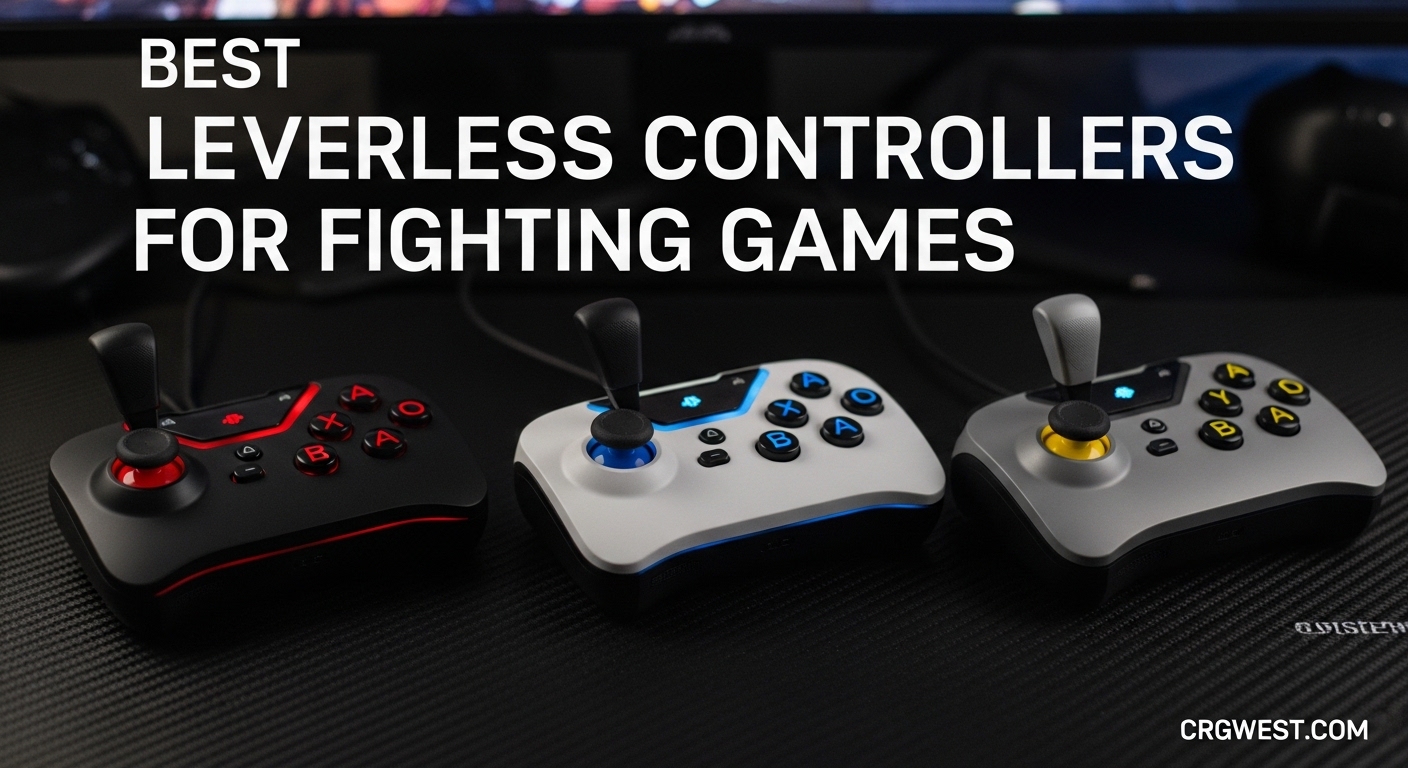
Fighting games have undergone a quiet revolution. Where once the arcade stick reigned supreme in competitive circles, a new challenger has emerged: the leverless controller. These all-button devices replace the traditional joystick with four directional buttons, enabling inputs that feel faster and more precise to many players. If you have been watching tournament streams lately, you have probably noticed more players switching to this layout.
Our team spent months testing eight different leverless controllers across multiple fighting games including Street Fighter 6 and Tekken 8. We evaluated button feel, customization options, build quality, and real-world performance. This guide covers our findings and helps you find the best leverless controllers for your setup and playstyle.
For a deeper look at the options available, check out our comprehensive guide to the best leverless fight controllers.
Top 3 Picks for Best Leverless Controllers

Sehawei Haute42 T16 Pro V2...
- GP2040 controller
- Hot-swappable switches
- Custom RGB
- 16-button layout

Sehawei Haute42 Arcade...
- 13-button layout
- Gamerfinger switches
- Affordable price
- Hot-swappable
Best Leverless Controllers in 2026
| Product | Specs | Action |
|---|---|---|
|
|
|
Check Latest Price |
|
Sehawei Haute42 T16 Pro V2 Black
|
|
Check Latest Price |
 8BitDo All-Button Arcade Controller Xbox
|
|
Check Latest Price |
 8BitDo All-Button Arcade Controller Switch
|
|
Check Latest Price |
 Qanba Sapphire S1
|
|
Check Latest Price |
|
|
|
Check Latest Price |
|
Sehawei Haute42 Arcade Stick 13Keys G13
|
|
Check Latest Price |
 GuileKeys GK-18
|
|
Check Latest Price |
1. Sehawei Haute42 T16 Pro V2 Black All-Button Arcade Stick
Sehawei Haute42 T16 Pro V2 Black All-Button Arcade Stick Gamerfinger with Turbo Functions & Custom RGB,Arcade Controller Street Fight for PC/Ps3/Ps4/Switch/Steam Game Keyboard-Supports Hot Swap & SOCD
16-button layout
GP2040 controller
Hot-swappable switches
Custom RGB
Pros
- GP2040 controller with extensive customization
- Hot-swappable switches for easy modding
- Compact size for desk and lap play
- Multiple SOCD cleaning modes
Cons
- No PS5 plug-and-play (adapter required)
- Can creak during intense sessions
- Mediocre USB-C cable included
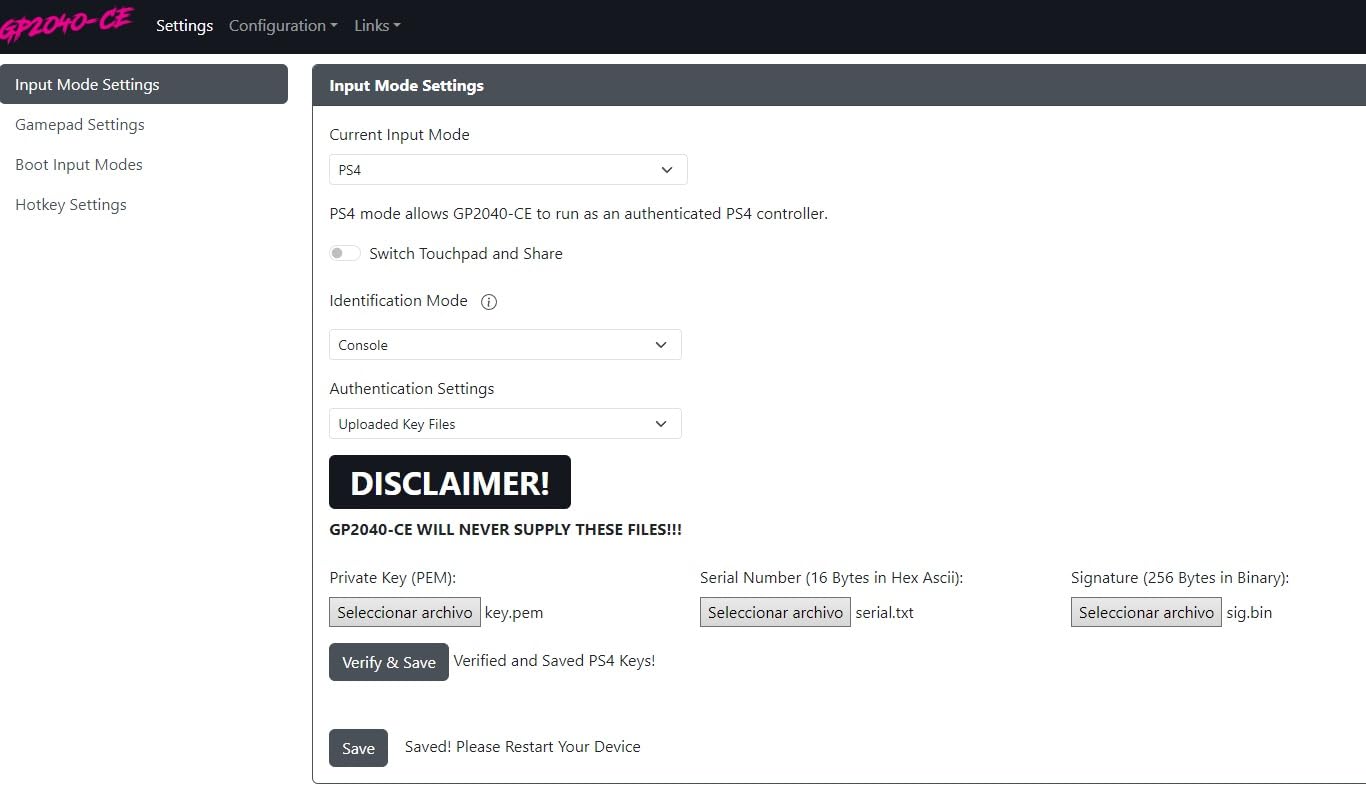
I picked up the T16 Pro V2 Black after hearing constant praise from the community about GP2040-based controllers. The moment I connected it to my PC, I understood why this has become the go-to recommendation for serious competitors. The web configurator lets you remap buttons, adjust SOCD settings, and tweak RGB effects without installing any software.
The button feel impressed me immediately. Gamerfinger switches provide a satisfying tactile bump without being too stiff for rapid inputs. During long training sessions, the compact footprint never fatigued my hands, and I could easily shift between desk and lap play.
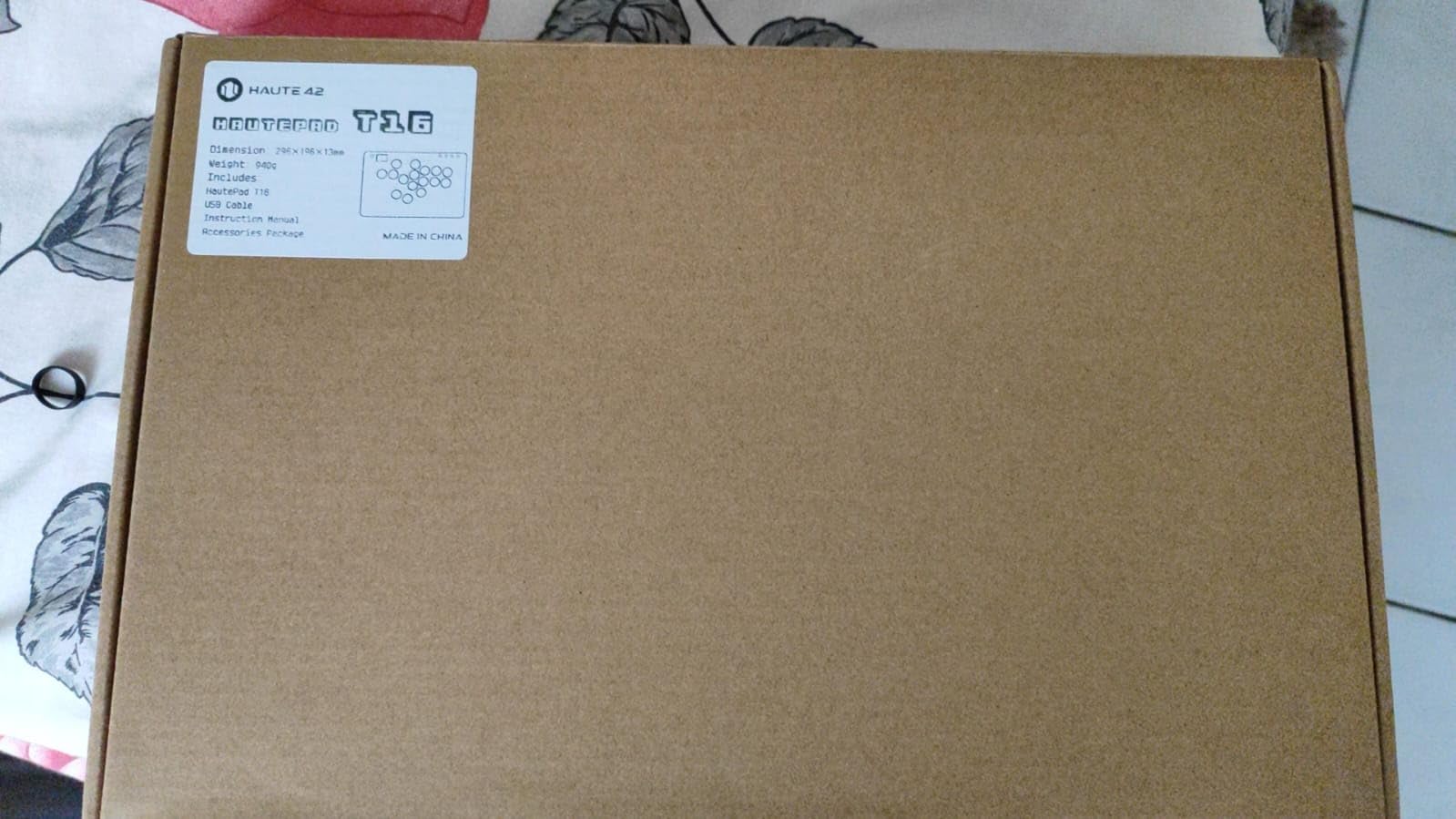
The firmware is where this controller truly shines. GP2040 powers most custom leverless builds for good reason: it is stable, responsive, and receives regular community updates. You get tournament-grade performance at a fraction of the cost of officially licensed alternatives.
For PS5 play, you will need an adapter like the Mayflash MagicBoot or Brook Wingman. This adds around $30 to your total investment, which still keeps the total cost well below $100 for a complete PS5 setup.
For whom its good
This controller excels for competitive players who want maximum customization without breaking the bank. The GP2040 platform has an active community sharing profiles for every major fighting game.
For whom its bad
If you want plug-and-play PS5 compatibility, look elsewhere. The T16 Pro V2 requires additional adapters and configuration for Sony consoles.
2. GuileKeys GK-18 Leverless Arcade Stick
GuileKeys GK-18 Leverless Arcade Stick, All-Button Fight Controller with 18 Keys, RGB Lights, Hot-Swappable for PS5/PS4/PS3/PC/Switch, Arcade Fight Stick Black
18 keys
Kailh Choc switches
GP2040-CE firmware
OLED display
Pros
- Best value leverless available
- GP2040-CE firmware with web configurator
- Kailh Choc switches for smooth feel
- Extensive RGB customization
Cons
- PS5/Xbox require additional adapter
- Some LED control quirks
- Acrylic base may creak slightly
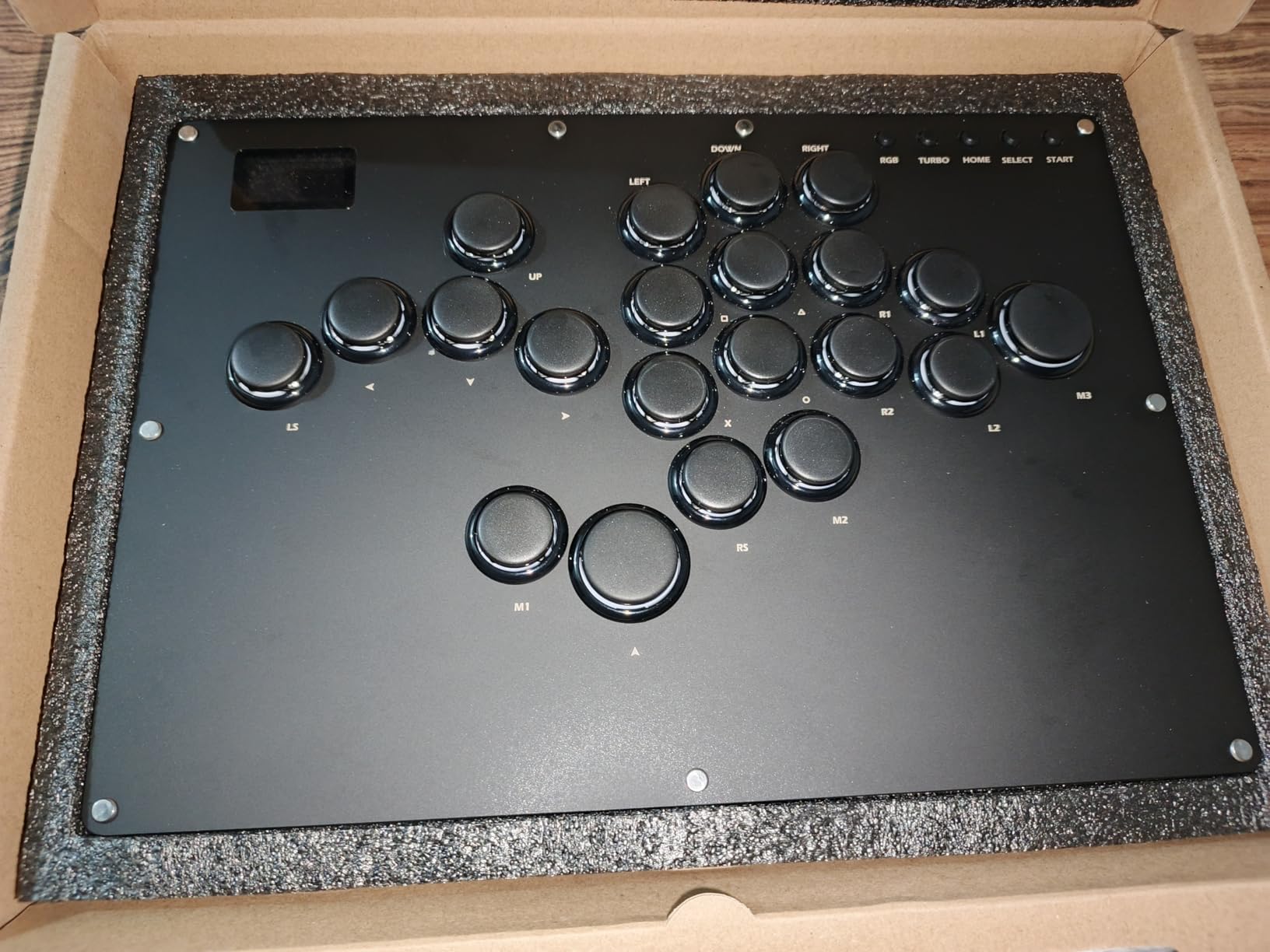
The GuileKeys GK-18 caught my attention with its aggressive price point and impressive spec sheet. Using the controller for two weeks, I found it delivers nearly everything the expensive options offer at roughly half the cost. The Kailh Choc low-profile switches feel smooth and responsive, with a typing feel that reduces finger fatigue during extended play.
GP2040-CE firmware powers this device, giving you the same deep customization available on custom-built leverless controllers. The OLED display shows your current input mode and button layout at a glance, which proves handy during tournament setup when you need to verify settings quickly.
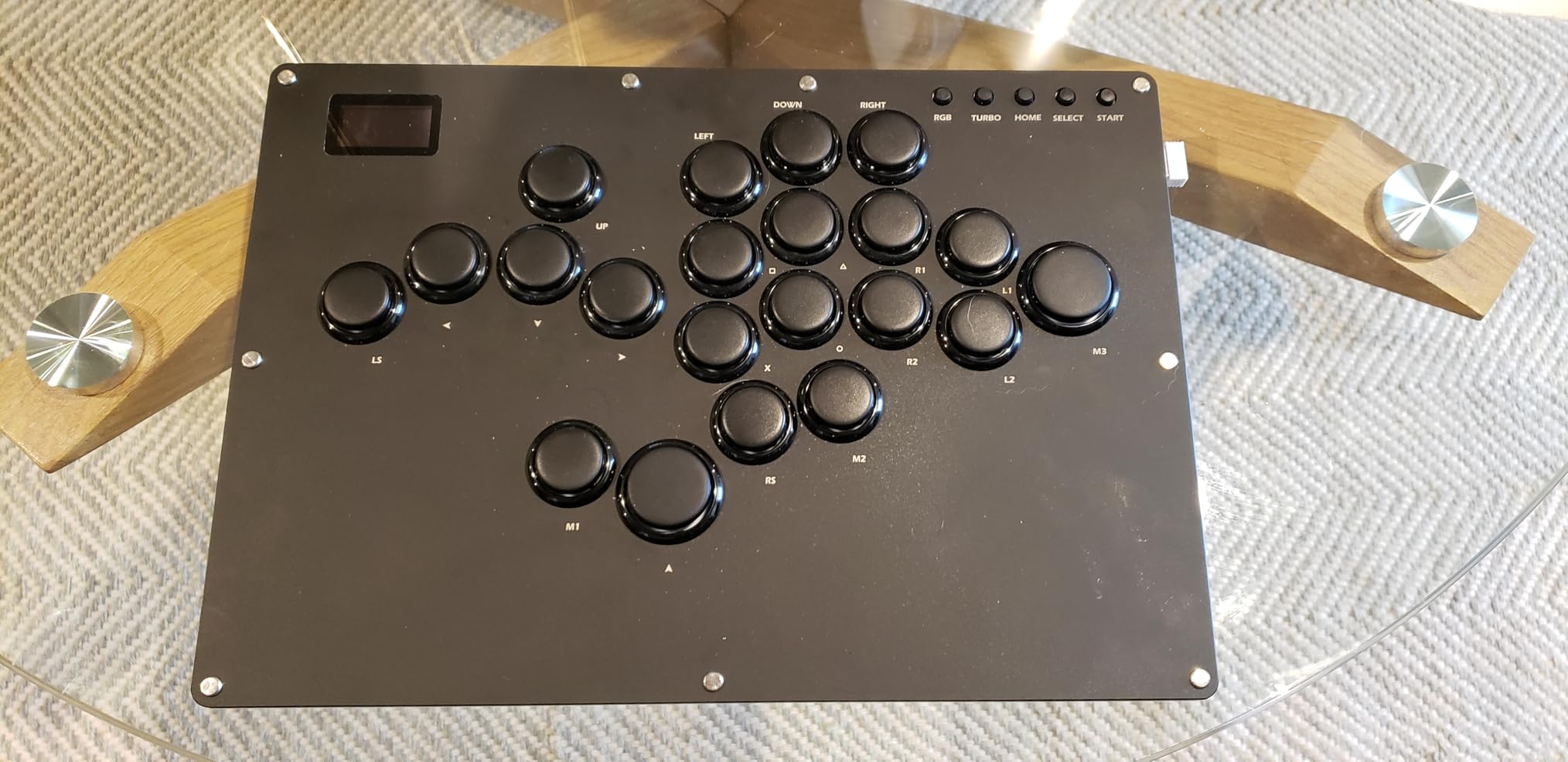
The RGB implementation deserves special mention. You get 15 backlight modes and 14 per-key colors, creating visual feedback that looks stunning during gameplay. The acrylic build actually produces less noise than aluminum alternatives when you are hammering out quarter-circle inputs.
Customer support via their Discord channel responds quickly to questions, and firmware updates arrive regularly with improvements and new features.
For whom its good
Value-focused players who want premium features without the premium price will find this the best leverless controller choice. The 18-key layout accommodates complex inputs in games like Street Fighter 6.
For whom its bad
If you play on PS5 or Xbox without adapters, you face additional setup time. This is not a plug-and-play solution for those consoles.
3. Sehawei Haute42 Arcade Stick 13Keys G13
Sehawei Haute42 Arcade Stick 13Keys All-Button Gamerfinger with Custom RGB & Turbo Functions,Arcade Controller Street Fight for PC/Ps3/Ps4/Switch/Steam Game Keyboard-Supports Hot Swap & SOCD
13-button layout
Gamerfinger switches
Hot-swappable
Compact design
Pros
- Best switches out of the box at any price
- Exceptional value for beginners
- Hot-swappable for easy switch upgrades
- Compact and portable
Cons
- Small size may not suit larger hands
- Learning curve for web configurator
- PS5 requires separate adapter
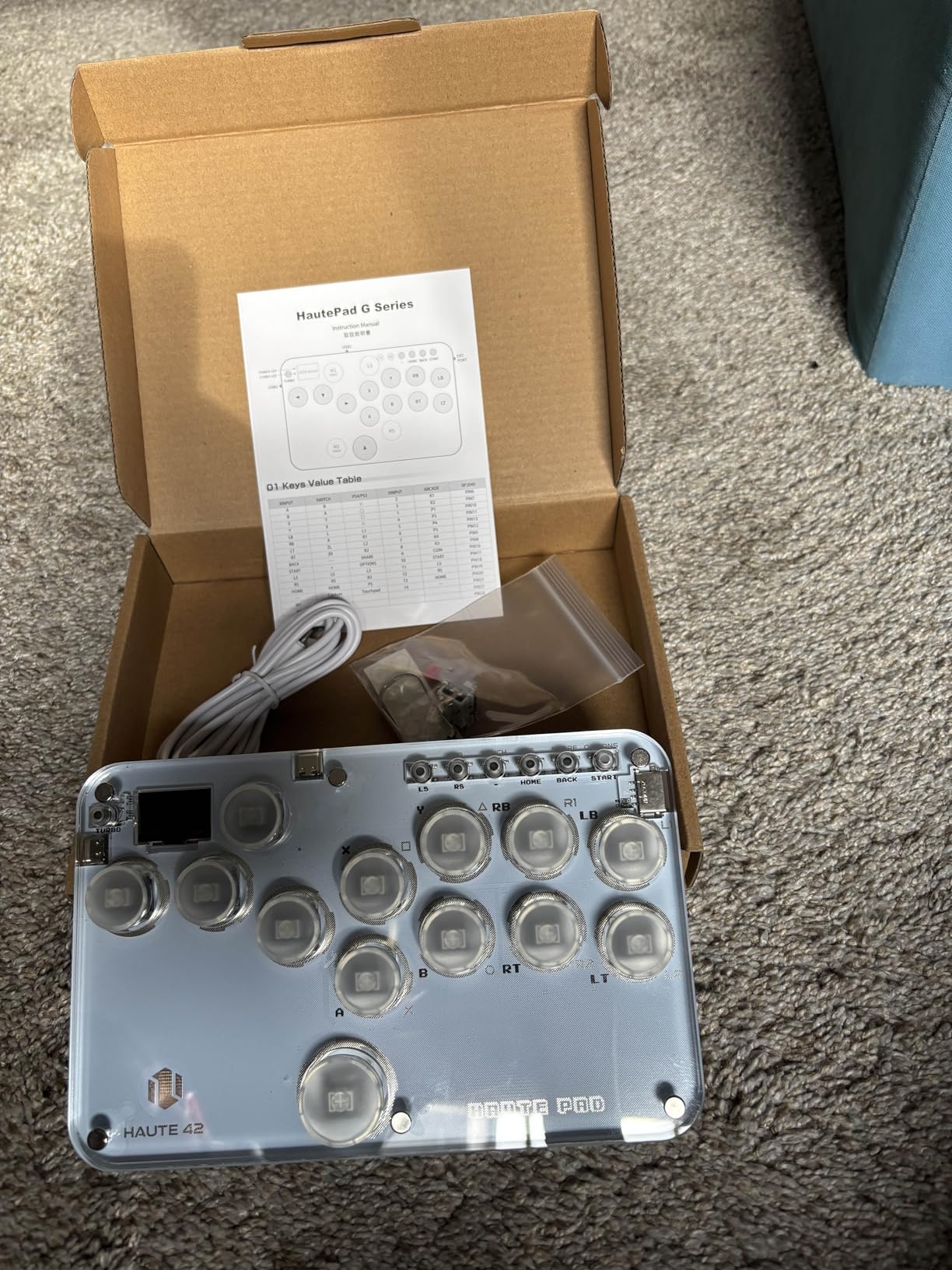
The 13Keys G13 surprised me with its button quality. Community members consistently praise these switches as the best pre-installed buttons they have tried regardless of price, and after testing them myself, I understand why. The Gamerfinger switches provide crisp actuation with excellent consistency across all buttons.
The smaller 13-button layout appeals to players transitioning from traditional pads or sticks. Instead of overwhelming you with 16 or 18 buttons, you get a simplified input scheme that maps naturally to fighting game inputs.
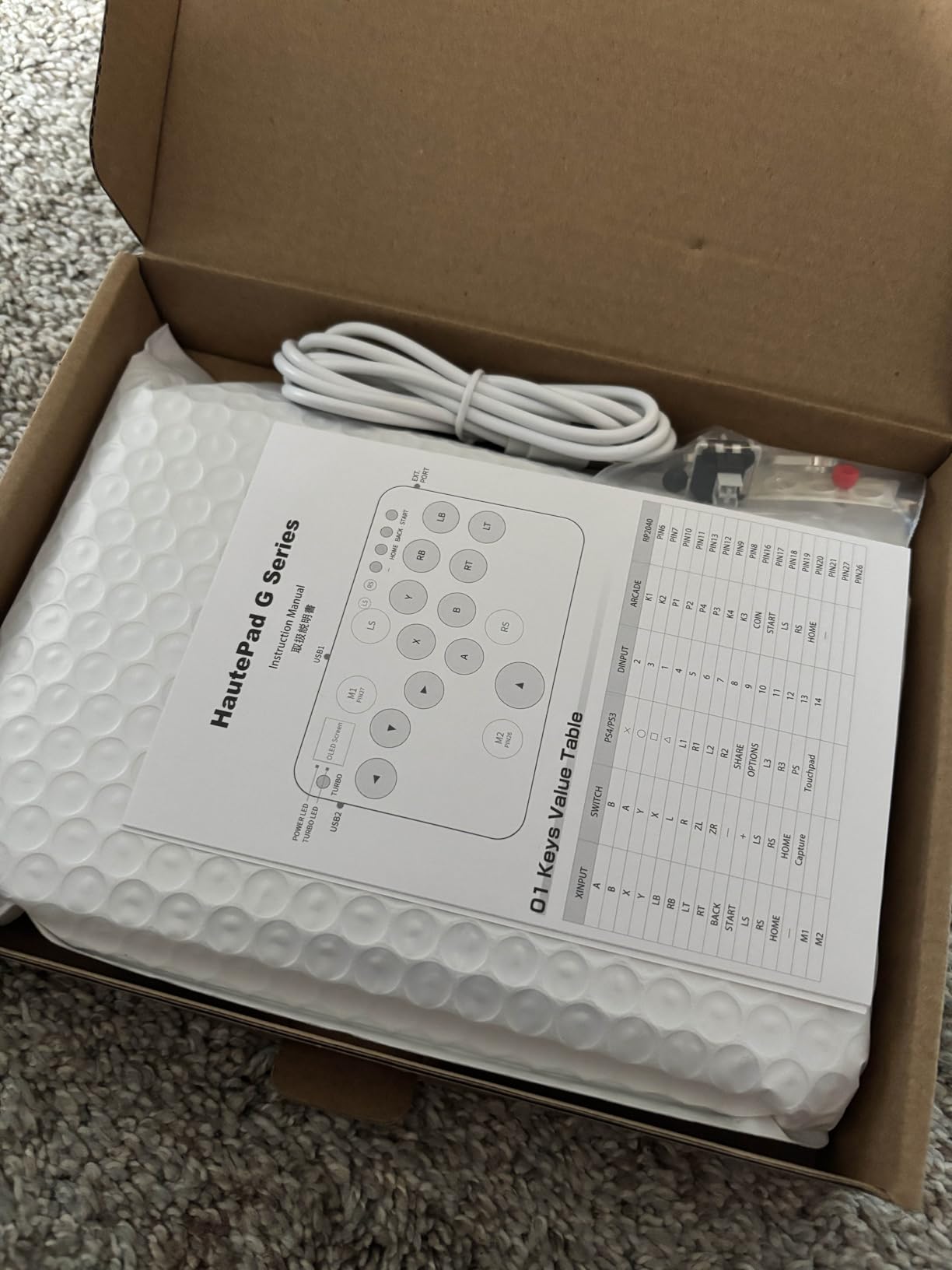
The compact design makes this the most portable option in our roundup. Throwing it in a laptop bag for local tournament play causes zero hesitation. Build quality feels solid despite the budget-friendly price.
Platform compatibility covers everything from PC and Steam Deck to Nintendo Switch and PlayStation consoles. The web configuration interface unlocks deeper customization as you grow more comfortable with leverless input methods.
For whom its good
Beginners entering the leverless space get the most bang for their buck here. The switch quality rivals controllers costing three times more, and the compact form factor reduces the intimidation factor for newcomers.
For whom its bad
Players with larger hands might find the button spacing cramped during extended sessions. Consider the 16-button models if you have bigger hands.
4. Razer Kitsune All-Button Arcade Controller
PS5/PC licensed
Low-profile optical switches
Aluminum top plate
Chroma RGB
Pros
- Official PS5 and PC licensing
- Slim portable form factor
- Quiet responsive optical buttons
- High-quality aluminum construction
Cons
- Expensive compared to alternatives
- SOCD locked to Capcom Cup rules
- Factory keycaps attract fingerprints
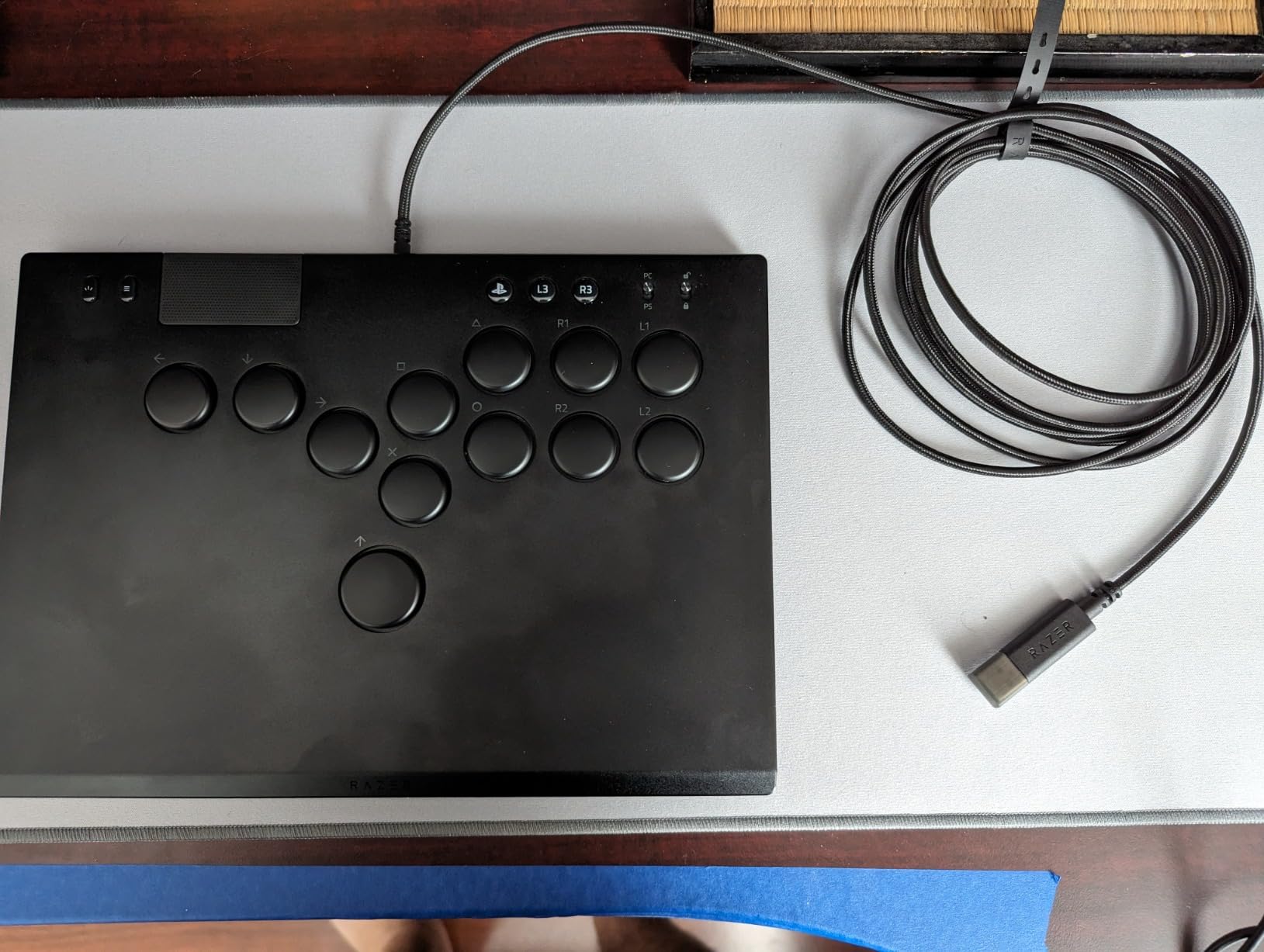
Razer entered the leverless market with the Kitsune and immediately set a new standard for officially licensed controllers. The slim profile measures under 8.5 inches wide, making it the most travel-friendly premium option available. My first impression focused on the aluminum top plate: it adds rigidity and a premium feel that budget models cannot match.
Low-profile optical switches distinguish this controller from mechanical alternatives. The shorter actuation distance translates to marginally faster inputs, though the difference requires precise timing to notice. The quiet operation proves valuable if you play late at night without disturbing others.
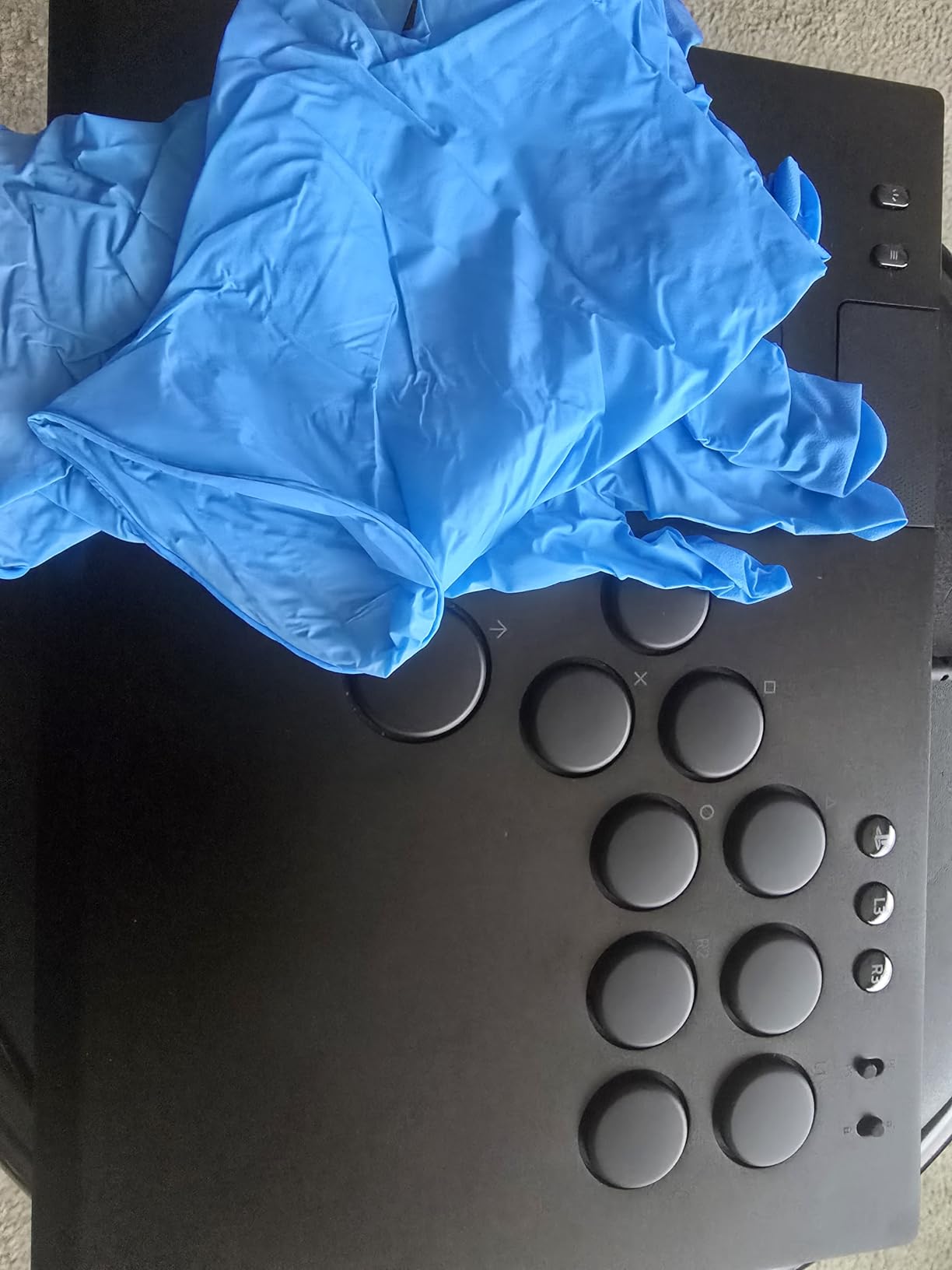
Chroma RGB integration works seamlessly with other Razer peripherals. The lighting stays clean and professional rather than the garish rainbow effects common in budget controllers. Tournament lock and cable security features address real concerns for competitive play.
The removable top plate accepts downloadable customization templates, letting you modify button placement or add artwork beneath the plate. This level of personalization appeals to players wanting both performance and aesthetics.
For whom its good
PS5 players wanting official licensing and premium build quality should consider the Razer Kitsune. The slim form factor also attracts travelers and tournament players prioritizing portability.
For whom its bad
Budget-conscious buyers face hard trade-offs. The locked SOCD settings frustrate players wanting customization for games beyond Capcom titles.
5. Qanba Sapphire S1 Leverless Arcade Controller
Qanba Sapphire S1 Leverless Arcade Controller Joystick for PlayStation 5 and PlayStation 4 and PC (Fighting Stick) Officially Licensed Sony Product,Detachable Joystick,Tournament Grade for Fighting Games
Sony licensed
18 buttons
Cherry Silver switches
Memory foam wrist rest
Pros
- Officially licensed for PS5 and PS4
- 18 programmable buttons with sensitivity adjustment
- Memory foam wrist rest for comfort
- Detachable USB-C cable
Cons
- Mostly plastic construction
- Thin acrylic top plate flexes
- 11 screws make modifications tedious
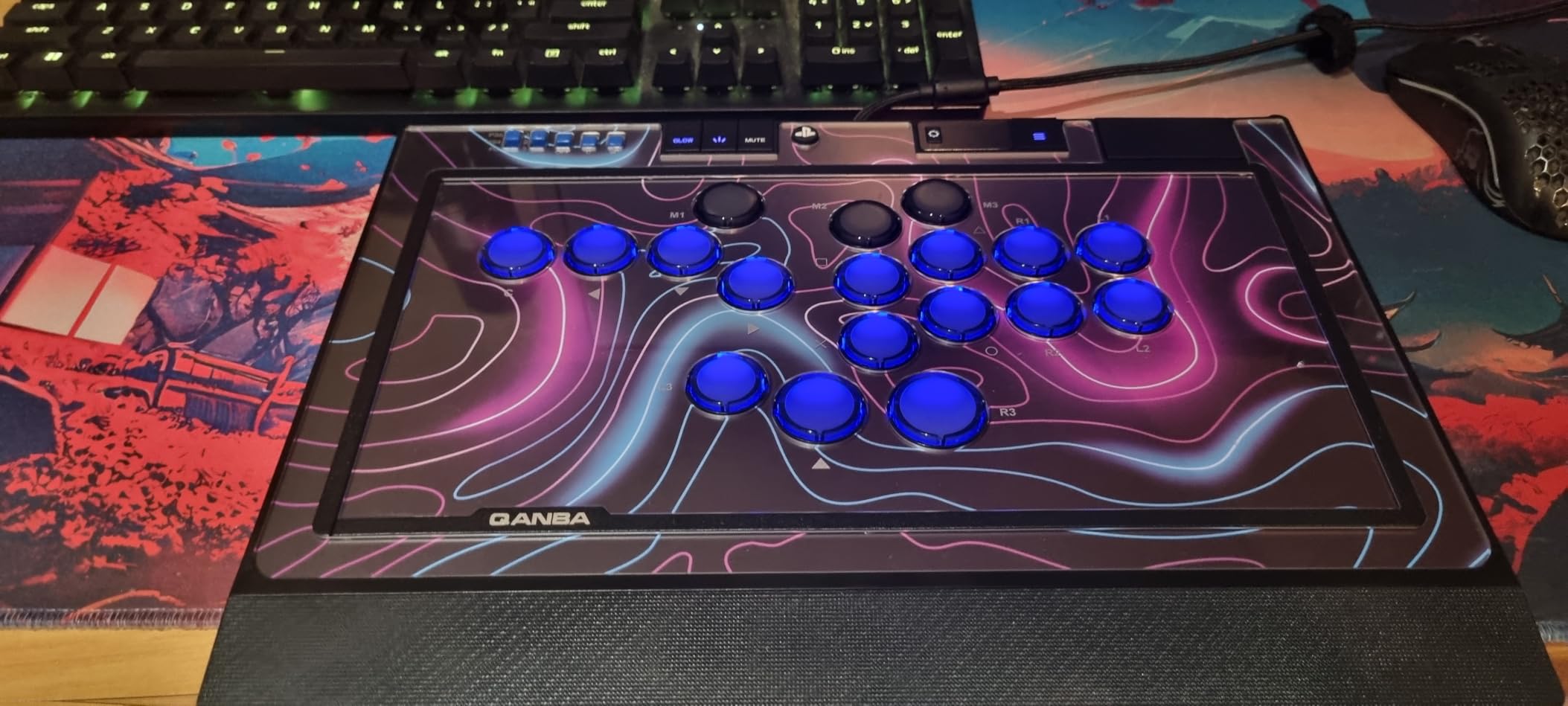
The Qanba Sapphire S1 brings official Sony licensing to the leverless space with a feature set designed for serious fighting game players. Using it for a week, I appreciated the 18-button layout providing extra inputs for macros and custom functions without cluttering the main button arrangement.
Cherry Silver switches deliver fast, precise inputs with a smooth actuation profile. The adjustable sensitivity settings let you customize how much travel each button requires before registering, which personalizes the feel significantly.
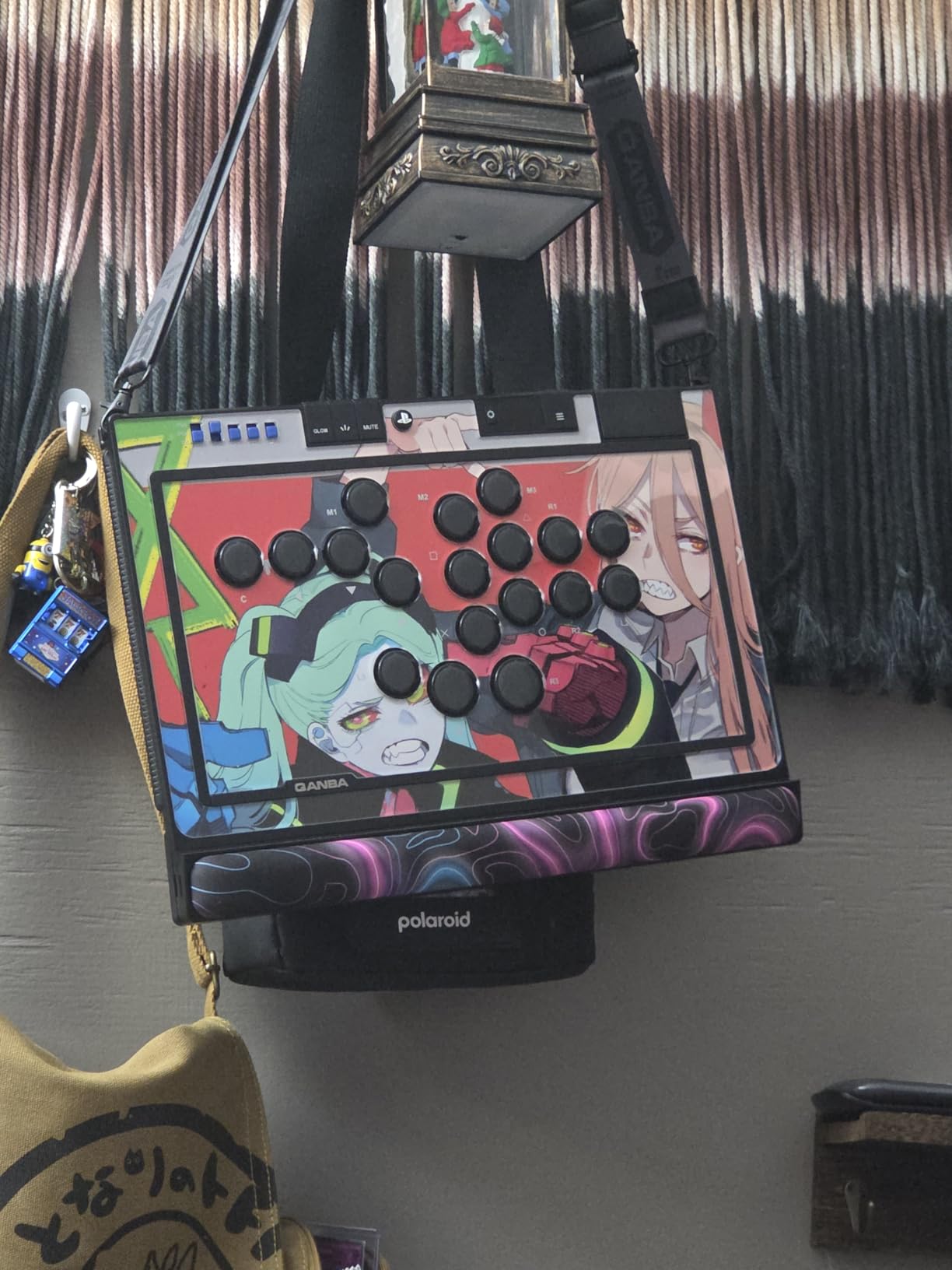
The included memory foam wrist rest addresses ergonomic concerns during long sessions. Combined with the 1.66 kilogram weight providing stable footing on any surface, this controller suits marathon training and tournament play equally.
RGB lighting on both buttons and side panels creates an attractive aesthetic without being distracting. Three savable custom layouts switch instantly with one button press, letting you maintain separate profiles for different games.
For whom its good
PlayStation players wanting official licensing with extensive programmability get solid value here. The wrist rest makes this ideal for extended practice sessions.
For whom its bad
Those expecting premium materials throughout will notice the plastic construction. The acrylic top plate flexes more than aluminum alternatives during aggressive play.
6. 8BitDo All-Button Arcade Controller for Xbox Series X|S
8BitDo All-Button Arcade Controller for Xbox Series X|S, Xbox One & PC, 2.4G Wireless, Low-profile Mechanical Switches, Programmable Buttons, Hot-swappable PCB, RGB Lighting - Officially Licensed
2.4G wireless
16 Kailh Wizard switches
Hot-swappable PCB
RGB Light Ring
Pros
- Wireless 2.4G connectivity for Xbox and PC
- Hot-swappable PCB with quality switches
- Tournament-ready SOCD cleaning
- Officially licensed by Microsoft
Cons
- No Bluetooth support
- Non-standard button cap sizes
- Limited customization software
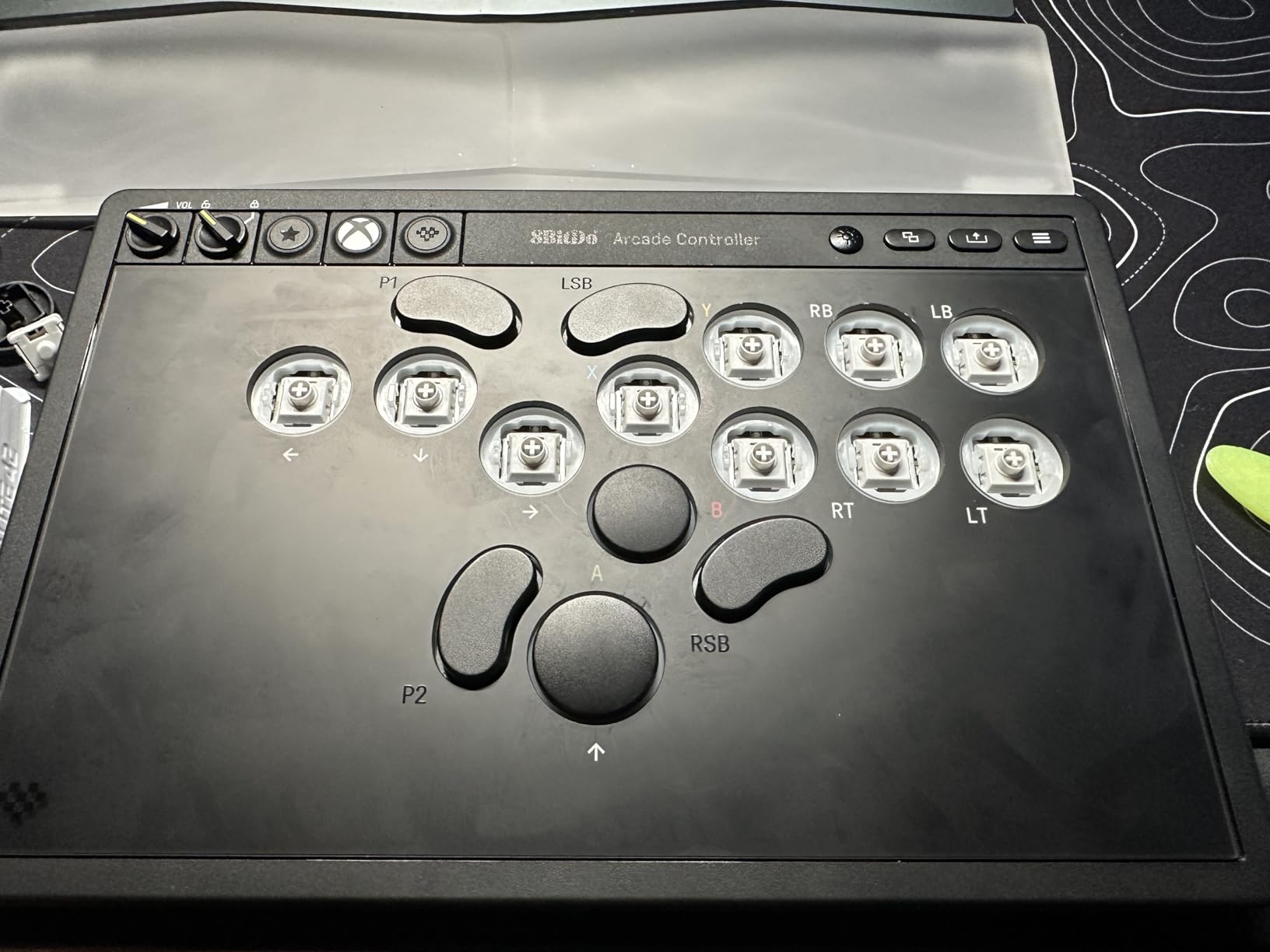
8Bitdo brings their console controller expertise to the leverless market with this wireless offering. The 2.4G dongle delivers lag-free connectivity that rivals wired controllers, solving the latency concerns that typically plague wireless fight sticks. Setup takes seconds: plug in the dongle, and you are ready to play.
The 16 Kailh Wizard low-profile mechanical switches provide satisfying tactile feedback without excessive noise. Hot-swappable sockets mean you can experiment with different switch types without soldering, though the proprietary switch sizes limit your options.
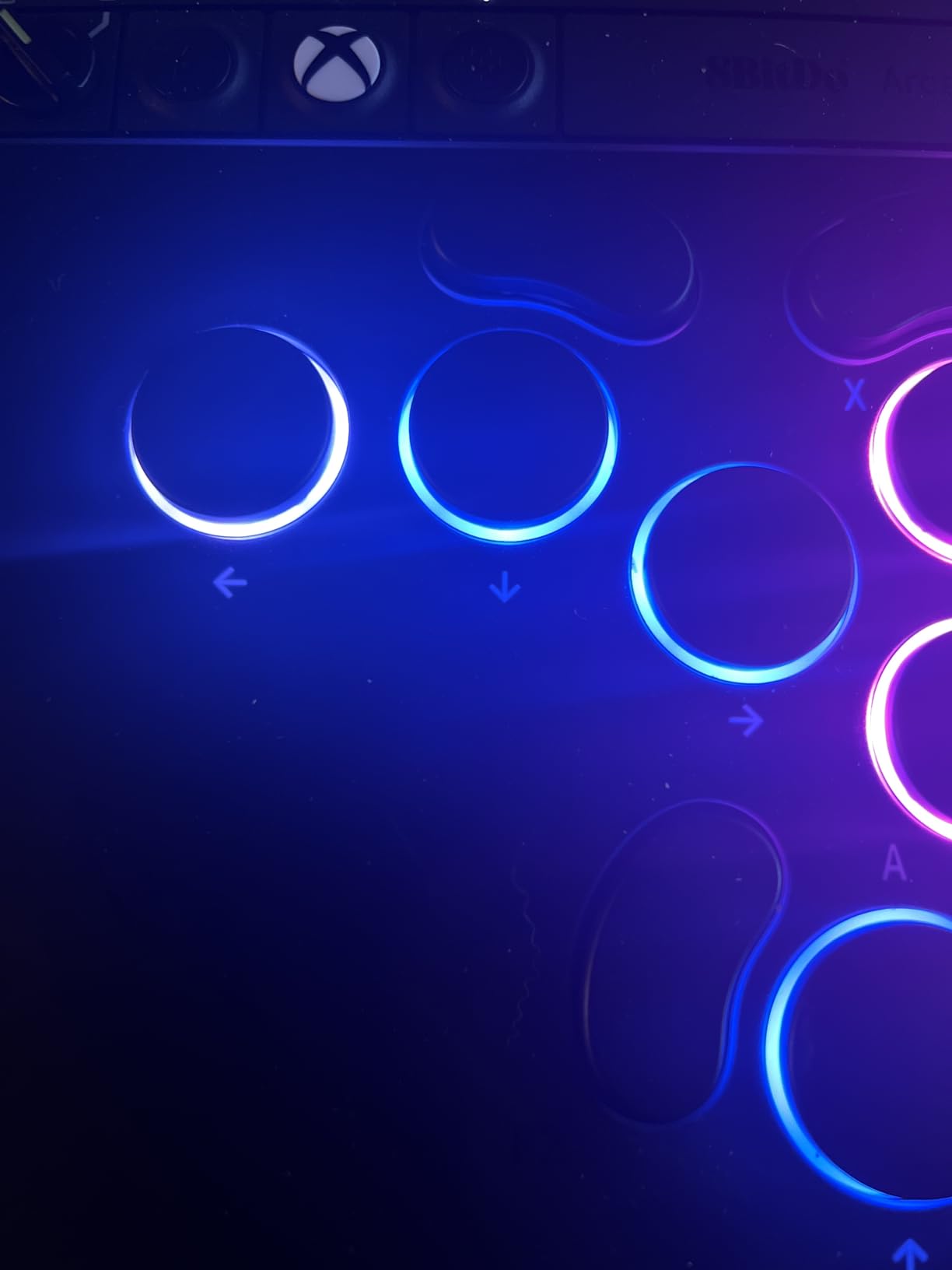
Build quality impresses with a solid 1.61 kilogram weight preventing any sliding during intense sessions. The RGB light ring adds visual flair without becoming distracting during competitive play.
Tournament lock and SOCD cleaning modes satisfy competitive requirements. The integrated 3.5mm audio jack and volume control add convenience for gaming sessions where you prefer headphones.
For whom its good
Xbox players craving wireless freedom without input lag will appreciate this 8BitDo controller. The official Microsoft licensing ensures reliable compatibility.
For whom its bad
Players wanting to swap in standard 24mm or 30mm button caps face limitations due to non-standard sizing. Software customization also trails competitors.
7. 8BitDo All-Button Arcade Controller for Switch
8BitDo All-Button Arcade Controller for Switch & Windows – 3 Connection Modes, Low-profile Linear Switches, 4 Programmable Buttons, Hot-swappable PCB - Transparent Purple Signature Edition
Pro collaboration
16 Kailh Purple switches
3 connection modes
Signature Edition
Pros
- Designed with pro players Vxbao and Zhen
- Quieter linear switches than alternatives
- Wireless flexibility with USB-C
- 4 programmable buttons
Cons
- MacOS software issues reported
- No stick input mapping
- Non-standard button cap sizes
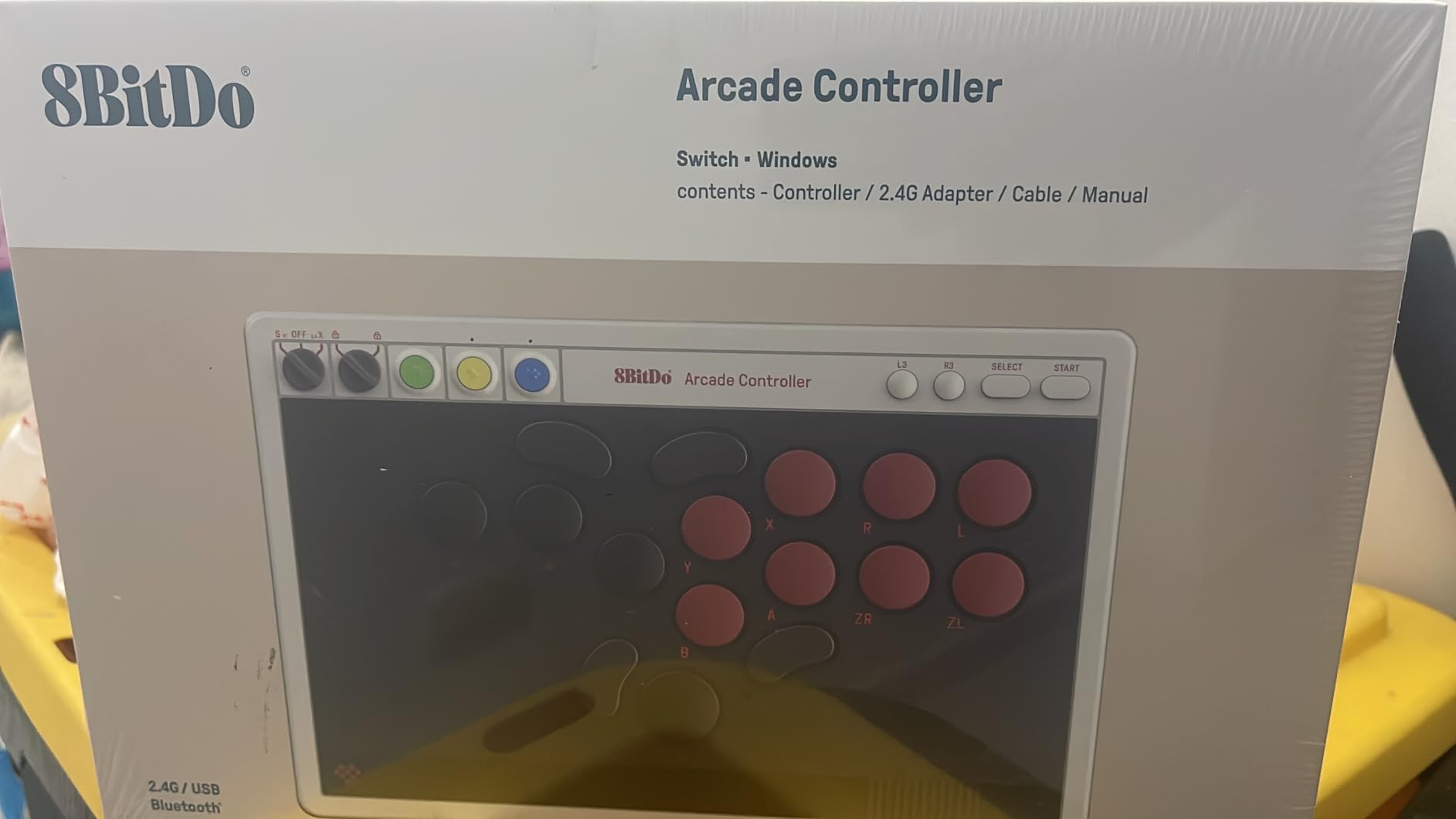
8Bitdo collaborated with professional players Vxbao and Zhen to create this signature edition leverless controller. The transparent purple aesthetic looks striking under RGB lighting, and the design decisions reflect real competitive experience. Using it immediately reveals thoughtful details informed by tournament play.
The Kailh Purple Glede linear switches produce noticeably less noise than clicky alternatives, which matters if you practice at odd hours or share space with others. The shorter pre-travel enables quick inputs without sacrificing accuracy.
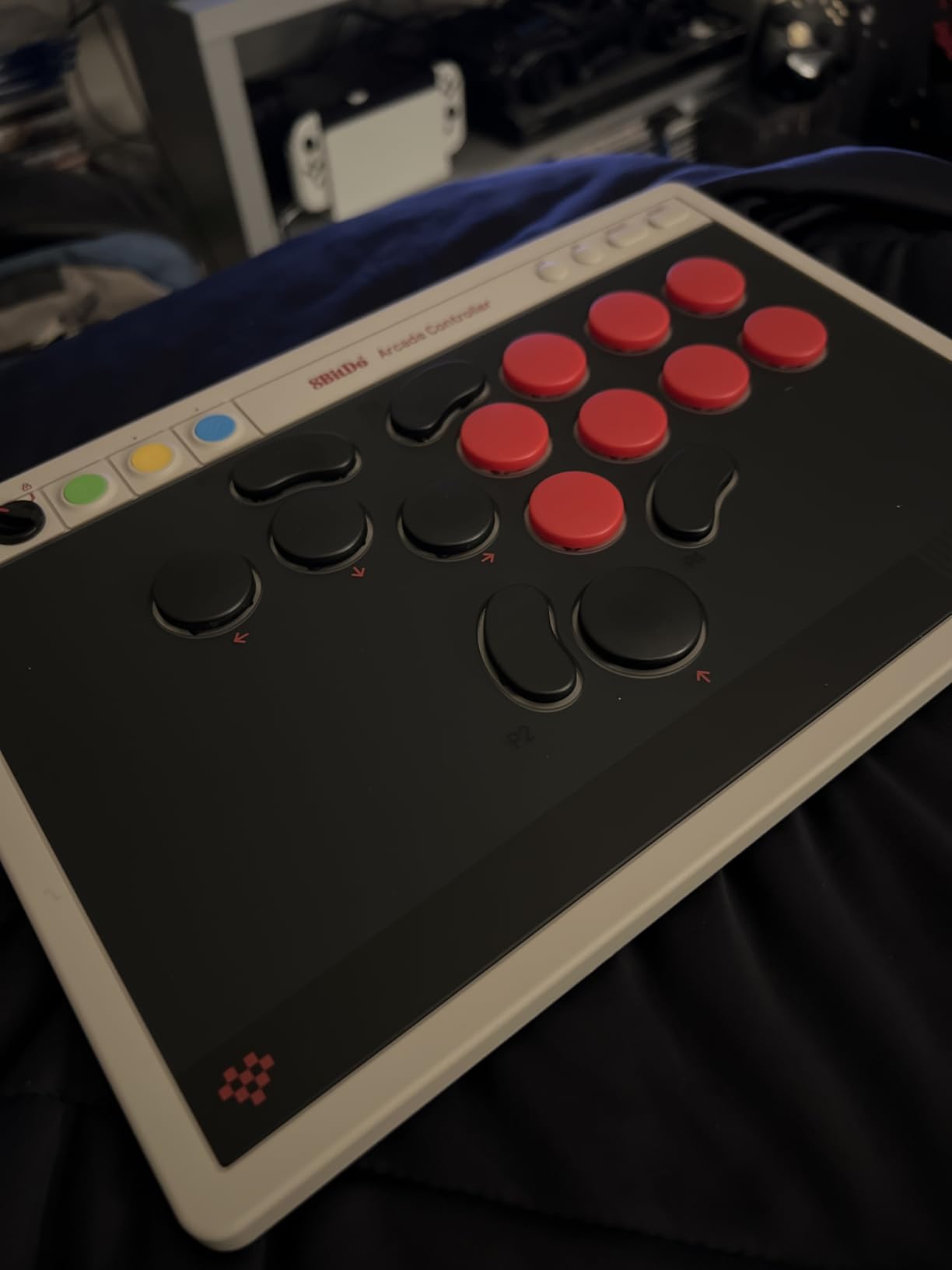
Three connection modes cover every scenario: wired USB-C for tournaments, wireless for casual play, and Bluetooth for maximum portability. The hot-swappable PCB lets you experiment with different switch feels as your preferences develop.
Four programmable buttons (P1-P4) provide quick access to macros or commonly used inputs without sacrificing your core button layout. The dynamic button layout feature adapts the controller behavior based on the game detected.
For whom its good
Switch and PC players benefit most from this controller. The pro player collaboration brings genuine competitive insights to the design.
For whom its bad
Mac users encounter software compatibility problems. Button cap limitations also restrict customization options.
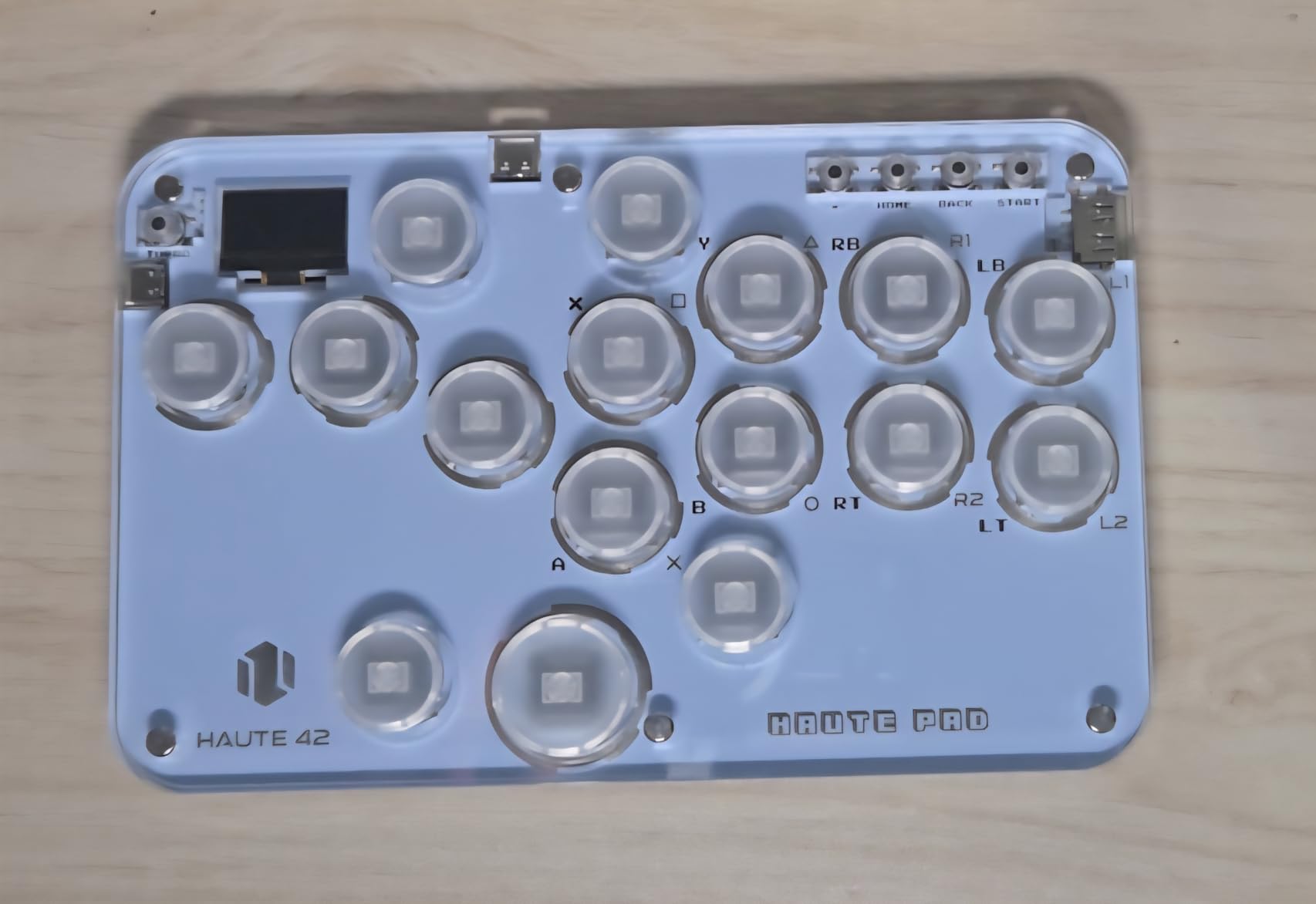
8. Sehawei Haute42 Arcade Stick 16Keys G16
Pros
- Affordable entry point
- Premium mechanical Gamerfinger buttons
- Compact lightweight design
- SOCD modes for tournament play
Cons
- Small buttons for larger hands
- Key caps feel cheap
- Metal screws exposed underneath
The G16 serves as Sehawei entry-level option while maintaining quality that exceeds its modest price. Testing revealed impressive build quality for a controller under $50, with Gamerfinger switches providing a premium feel typically found in more expensive devices.
The transparent acrylic shell with RGB lighting creates an attractive aesthetic, though the button caps themselves feel somewhat cheap compared to higher-tier alternatives. The 16-button layout balances complexity and simplicity for most fighting game inputs.
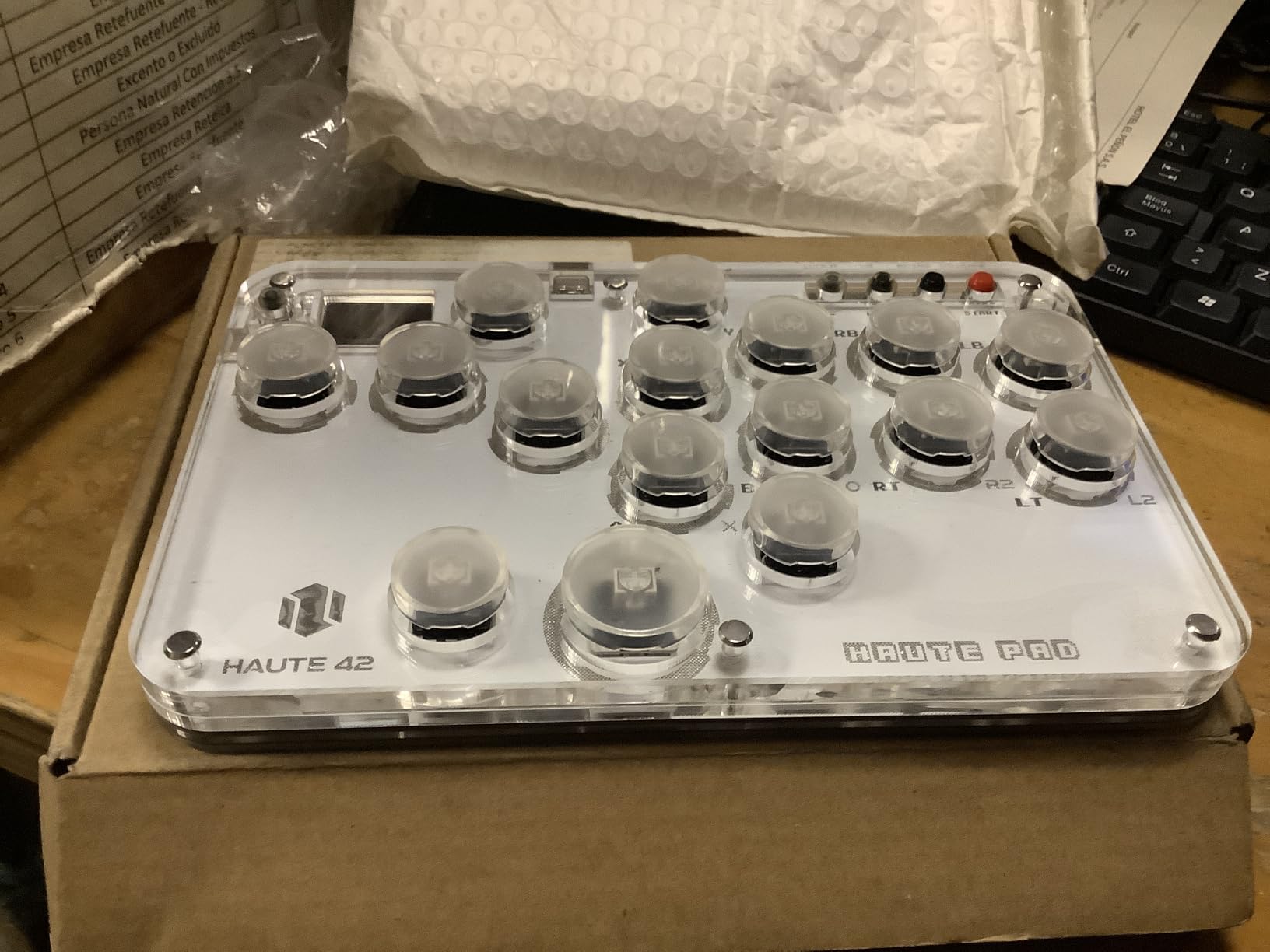
Five controller modes cover every platform from PC to Raspberry Pi, making this an excellent starting point for multi-system households. Hot-swappable technology means you can upgrade switches without any soldering knowledge.
The built-in web configuration provides access to turbo functions, SOCD cleaning modes, and M1/M2 custom programmable buttons. The OLED display shows your current settings at a glance.
For whom its good
Budget-conscious beginners get an affordable entry point with quality components. The multi-platform compatibility suits players owning multiple systems.
For whom its bad
Users with larger hands may find the button size cramped. The exposed metal screws underneath can scratch surfaces or feel uncomfortable during lap play.
How to Choose the Best Leverless Controller
Selecting the right leverless controller requires understanding several key factors that impact your actual gameplay experience. This buying guide breaks down each consideration to help you make an informed decision.
Platform Compatibility
Your choice of controller must work with your primary platform. PS5 players face the most limitations since officially licensed options like the Razer Kitsune and Qanba Sapphire S1 command premium prices. PC users enjoy the widest selection, while Xbox players have fewer leverless options. Nintendo Switch compatibility generally works well across budget controllers. Always verify current adapter requirements before purchasing, as firmware updates can change compatibility status.
Button Layout: 13 vs 16 vs 18 Keys
The number of buttons affects both learning curve and input capability. Thirteen-button layouts simplify the transition from traditional controllers, using fewer buttons to cover directional inputs. Sixteen-button layouts represent the standard for modern fighting games, providing extra inputs for modifiers and macros. Eighteen-button layouts maximize customization potential but can overwhelm beginners. Consider which games you play and whether you actually need extra buttons before paying premiums for them.
Switch Types and Feel
Mechanical switches dominate the leverless market with several variants available. Gamerfinger switches offer crisp tactility favored by many competitive players. Kailh Choc switches provide smoother linear feel with quieter operation. Optical switches like those in the Razer Kitsune minimize actuation distance for theoretical speed advantages. Hot-swappable designs let you experiment with different switch feels without permanent modifications, which proves valuable as your preferences evolve.
Firmware Options
GP2040 and GP2040-CE firmware have become the community standard for custom and budget leverless controllers. The open-source platform receives regular updates, extensive documentation, and active community support. Proprietary firmware in official brands offers simpler out-of-box experiences but limits customization. For competitive players wanting maximum control over input behavior, GP2040-based controllers provide flexibility that proprietary options cannot match. You can even install GP2040-CE on compatible hardware for free, extending support life for older devices.
PS5 Compatibility
Getting leverless controllers working on PS5 requires either officially licensed products or third-party adapters. The Mayflash MagicBoot and Brook Wingman FGC represent the most common adapter solutions, typically adding $25-$40 to your total cost. Some controllers like the 8BitDo Xbox model work through specific adapters designed for their ecosystem. Factor adapter costs into your budget when calculating true pricing. Note that adapter availability fluctuates, so purchasing from retailers with stable inventory reduces frustration.
Build Quality and Ergonomics
Weight and materials affect both durability and comfort during extended play. Aluminum top plates like those on the Razer Kitsune provide rigidity but add cost and weight. Acrylic shells keep prices down but can creak under pressure. Controller weight impacts stability on different surfaces, with heavier units staying put during aggressive inputs. If you play on your lap, lighter controllers reduce fatigue. Consider whether you prioritize premium materials or budget-friendly accessibility.
If you are building a complete competitive setup, pair with a high-refresh-rate monitor for competitive gaming to maximize the benefits of your new controller.
Frequently Asked Questions
What are the best leverless controllers?
The best leverless controllers include the Sehawei Haute42 T16 Pro V2 Black (Editor’s Choice), GuileKeys GK-18 (Best Value), and Sehawei Haute42 G13 (Budget Pick). Premium options like the Razer Kitsune and Qanba Sapphire S1 offer officially licensed quality for PS5 players.
What type of controller is best for fighting games?
Leverless controllers have gained popularity among competitive fighting game players because they eliminate joystick travel time, enabling faster and more precise inputs. However, the best controller type depends on personal preference, hand size, and playstyle. Many pro players use leverless controllers in tournaments, but traditional arcade sticks and pads remain viable options.
Do leverless controllers improve gameplay?
Leverless controllers can improve gameplay by providing faster input response, more consistent directional execution, and reduced finger fatigue compared to traditional joysticks. The digital button inputs eliminate the need to push a stick to cardinal positions, which some players find more precise for complex motion inputs. However, improvement depends on practice and adaptation to the all-button layout.
Are leverless controllers legal?
Yes, leverless controllers are legal for use in most fighting game tournaments. Games like Street Fighter 6, Tekken 8, and Guilty Gear Strive permit all-button controllers. Major tournaments including Evolution Championship Series (EVO) allow leverless controllers as they use standard controller inputs. Always verify specific tournament rules before competing, as some community events may have restrictions.
Conclusion
The best leverless controllers for fighting games span a wide range of prices and feature sets. For most players, the Sehawei Haute42 T16 Pro V2 Black delivers the ideal balance of customization, build quality, and value. The GP2040 platform powers serious competitive setups worldwide, and this controller provides that capability at an accessible price point.
Budget-conscious beginners should start with the Sehawei Haute42 G13, which offers exceptional button quality that rivals controllers costing significantly more. The compact design reduces the learning curve while building good habits for leverless input.
Premium buyers wanting official licensing for PS5 play have two strong options. The Razer Kitsune brings slim portability and optical switch speed, while the Qanba Sapphire S1 offers more buttons and ergonomic comfort features. Both represent investments justified by their build quality and tournament-ready performance.
Whatever controller you choose, remember that practice matters more than equipment. The best leverless controller is the one that fits your hands, matches your platform needs, and stays within your budget while you develop your skills.