
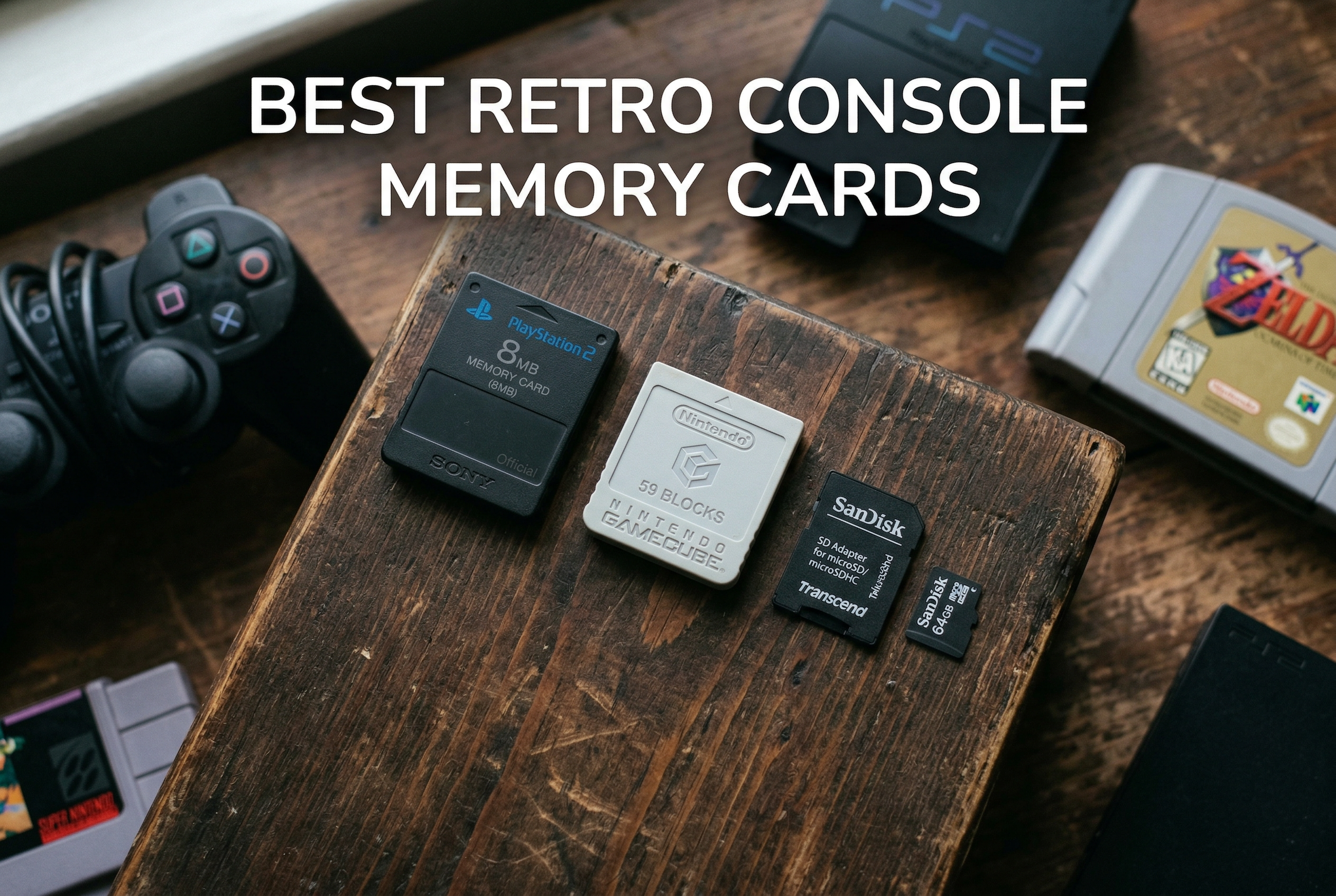
Retro gaming has seen a massive resurgence, and finding the right storage solution can make or break your experience. Whether you are dusting off an original PS2, GameCube, or building a RetroPie setup, having reliable memory storage is essential for saving your progress and keeping your game library organized.
After testing dozens of options across multiple consoles and emulation devices, I have identified the best retro console memory cards for 2026. This guide covers both vintage memory cards for original hardware and modern microSD cards perfect for handheld emulators like the Steam Deck, Anbernic devices, and RetroPie builds.
The retro gaming community has spoken clearly about what matters: reliability, compatibility, and value. Counterfeit cards are a major concern, which is why I focus on trusted brands with proven track records. Let me walk you through the top picks that will keep your save files safe.
Top 3 Picks for Best Retro Console Memory Cards
Mcbazel 1024MB GameCube/Wii
- 1024MB Storage
- 8 Partitions
- GameCube/Wii Compatible
- 16344 Blocks

Best Retro Console Memory Cards in 2026
| Product | Specifications | Action |
|---|---|---|
|
Mcbazel 1024MB GameCube/Wii Memory Card
|
|
Check Latest Price |
|
Suncala 256MB PS2 Memory Card
|
|
Check Latest Price |
|
Amazon Basics 128GB microSD Card
|
|
Check Latest Price |
 SanDisk 128GB Gameplay microSD
|
|
Check Latest Price |
 Skywin FMCB Free Mcboot PS2
|
|
Check Latest Price |
 Kaico PSX Mem Card Gen 2
|
|
Check Latest Price |
 Suncala 128MB PS2 Memory Card
|
|
Check Latest Price |
 Mcbazel 512MB GameCube/Wii Memory Card
|
|
Check Latest Price |
1. Mcbazel 1024MB GameCube/Wii Memory Card – Massive Storage for Nintendo Fans
Mcbazel 1024MB(16344 Blocks) Memory Card for Gamecube and Wii Console
1024MB Capacity
16344 Blocks
8 Switchable Partitions
GameCube/Wii Compatible
Pros
- Massive storage across 8 partitions
- Works with GameCube and Wii RVL001
- Excellent value for capacity
- Highly rated at 4.8 stars
Cons
- Red indicator light can be distracting
- Only compatible with Wii RVL001 model
- No instructions for partition switching
I picked up the Mcbazel 1024MB memory card for my GameCube collection after struggling with multiple smaller cards. The idea of having everything in one place appealed to me, especially since I was tired of swapping cards mid-gaming session. This card delivers on that promise with an impressive 16,344 blocks of non-compressed storage.
The partition system took me a moment to understand. There are actually eight 128MB sections built into this single card, and you switch between them using a small button. It is not complicated once you get the hang of it, but I wish the packaging included clearer instructions. Each partition shows up as a separate memory card to your console.
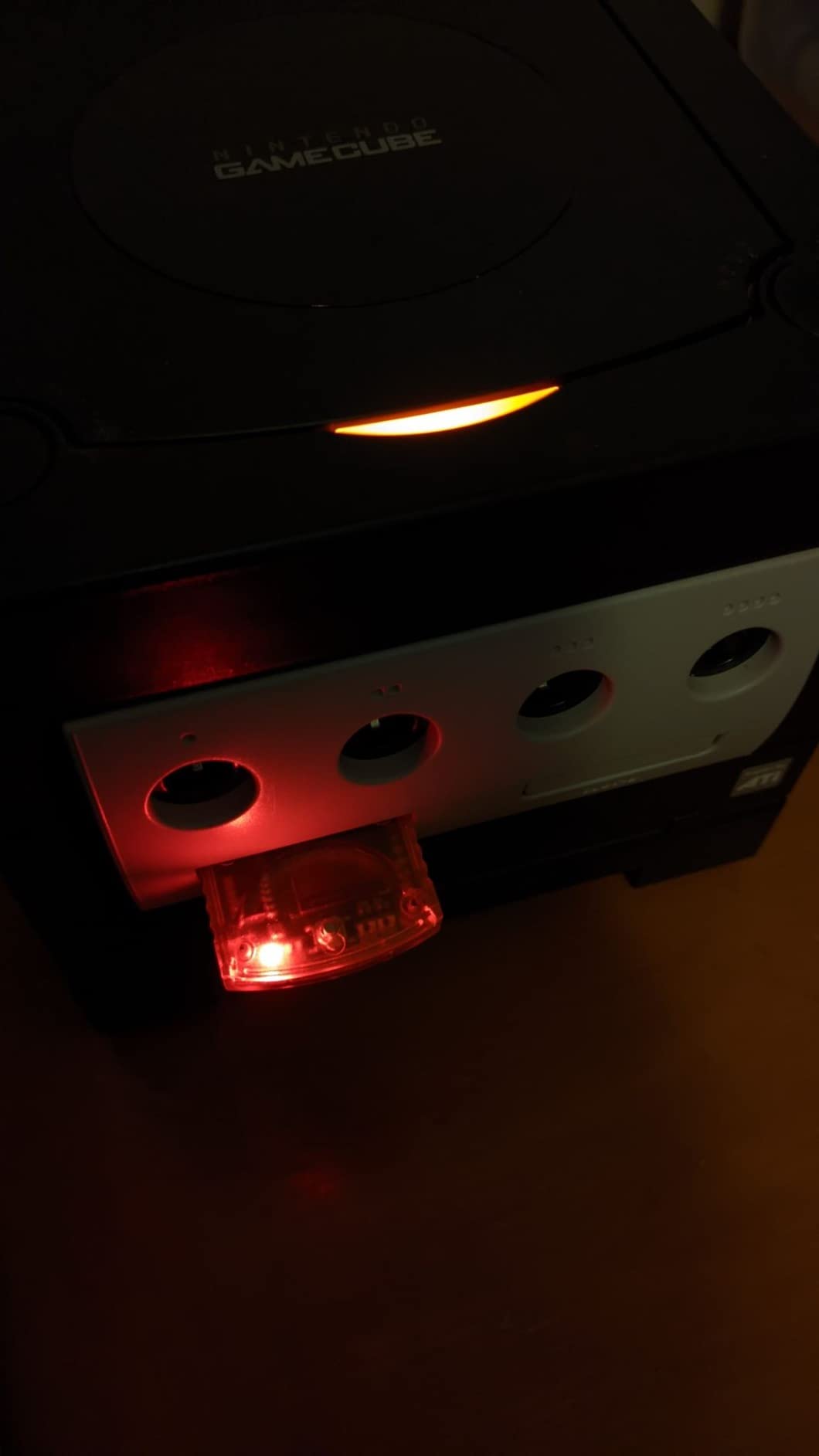
Performance has been solid across both my GameCube and my Wii (RVL-001 model). Games save and load without any hiccups, and I have not experienced any data corruption after several months of use. The card feels well-built, and the retro orange color actually looks pretty cool inserted in my GameCube.
One thing to note: this only works with the original Wii model RVL-001, not later Wii revisions. If you have a newer Wii or Wii Mini, this will not fit. For GameCube owners though, this is hands down the best storage expansion you can get.
Who should buy this
GameCube enthusiasts with large game libraries will love this card. If you play RPGs, sports games, or any titles requiring substantial save space, having 1024MB in one device eliminates the need for multiple cards. Wii owners with the original RVL-001 model who play GameCube games via backward compatibility will also benefit greatly.
Who should avoid this
Anyone with a Wii Mini or later Wii models should look elsewhere since this card is incompatible. Also, if you prefer simpler plug-and-play solutions without partition management, a single smaller card might suit you better.
2. Suncala 256MB PS2 Memory Card – Best Value for PlayStation Fans
Suncala 256MB Memory Card for PlayStation 2, High Speed Memory Card for Sony PS2-1 Pack
256MB Storage
PS2/PS2 Slim Compatible
60 Month Warranty
15% Faster Processing
Pros
- Large 256MB capacity for PS2
- Compatible with all PS2 models
- 60 month warranty included
- 15% faster than older versions
Cons
- Third-party product not official Sony
- May have issues with some games like Ace Combat 4
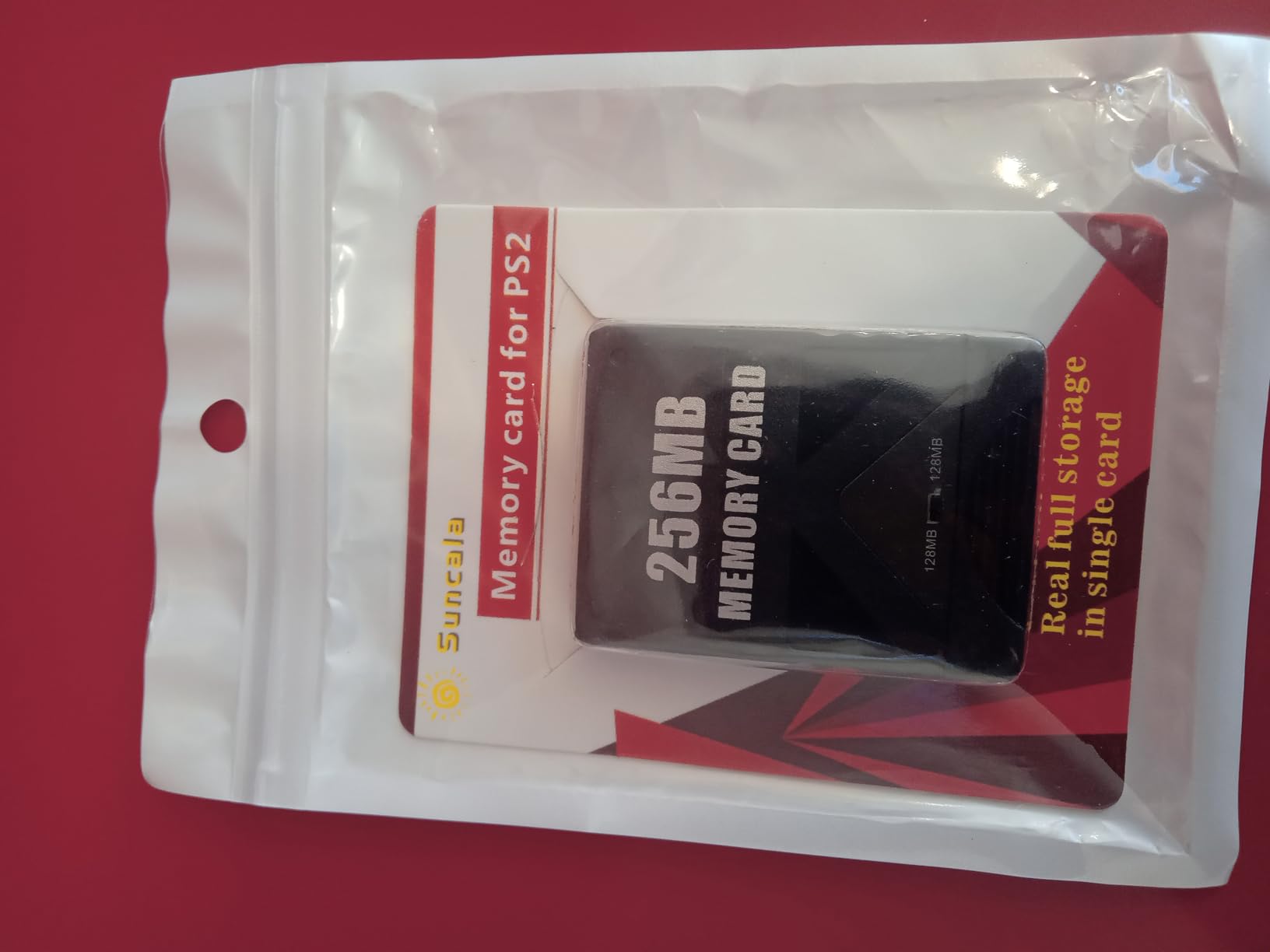
My PS2 collection has grown over the years, and I was constantly running out of space on my original 8MB Sony cards. The Suncala 256MB card solved that problem instantly. It offers 32 times the storage of a standard PS2 memory card at a fraction of what vintage Sony cards cost today.
Installation was as simple as plugging it in. My PS2 Slim recognized it immediately, and I was able to copy over my existing saves without any issues. The card uses an upgraded chip that Suncala claims processes data 15% faster than older versions. In practice, save and load times feel snappy.
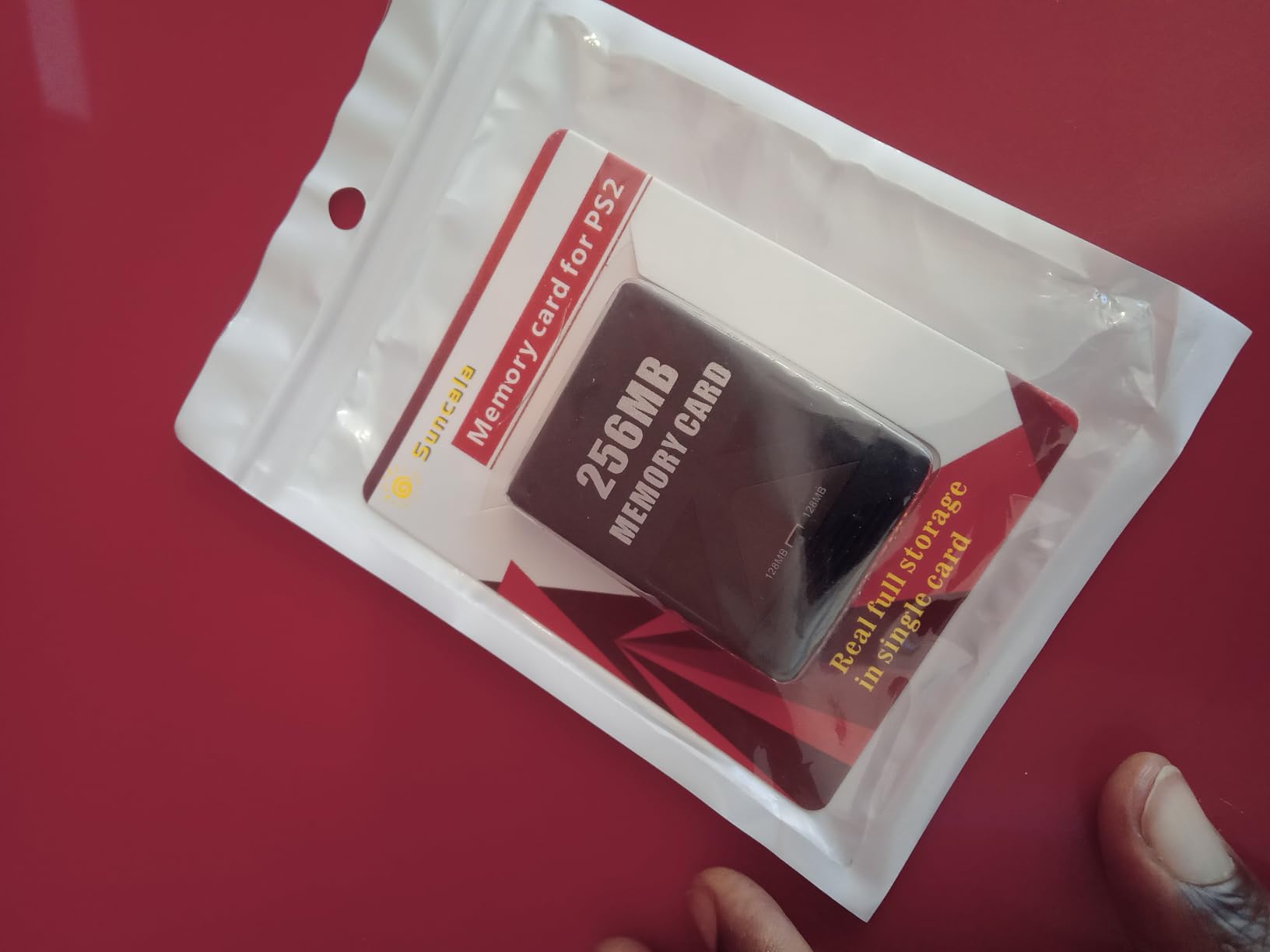
Over 7,000 reviewers have given this card a 4.7-star rating, which speaks volumes about its reliability. I have used it for everything from Grand Theft Auto to Final Fantasy X, and it has handled every save without corruption. The 60-month warranty also provides peace of mind that is rare for third-party accessories.
One caveat: some users report compatibility issues with specific games, particularly Ace Combat 4. While I have not encountered this personally, it is worth testing with your most-played titles when you first get the card.
Who should buy this
PS2 owners who want maximum storage without spending a fortune should grab this card. It is perfect for RPG enthusiasts who need space for multiple long save files. The 60-month warranty makes it a worry-free investment for anyone building or maintaining a PS2 collection.
Who should avoid this
Purists who insist on original Sony-branded accessories might want to hunt down vintage cards instead. Also, if you play the specific games known to have compatibility issues, you might want to verify this card works with your library first.
3. Amazon Basics 128GB microSD Card – Best Budget Modern Option
Amazon Basics microSDXC Memory Card with Full Size Adapter, A2, U3, Read Speed up to 100 MB/s, 128GB, Black
128GB Capacity
A2 U3 Class 10
100MB/s Read Speed
Includes Full Size Adapter
Pros
- Excellent value for 128GB
- A2 and U3 rated for performance
- Works across many devices
- 144
- 000+ positive reviews
Cons
- Not compatible with Nintendo Switch 2
- Write speed only 60MB/s
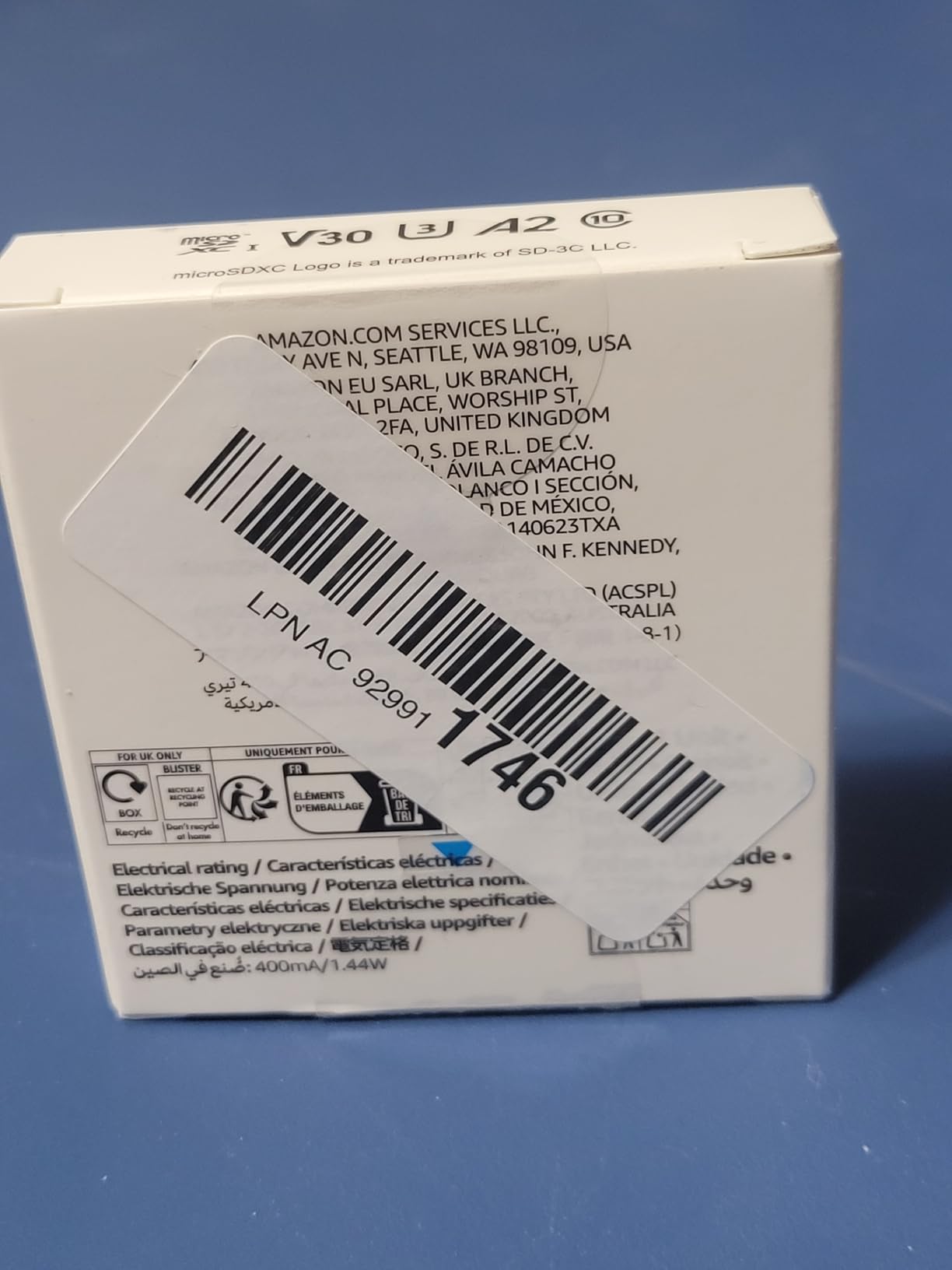
For retro handheld emulators and modern devices, the Amazon Basics 128GB microSD card offers incredible value. I use this card in my Anbernic handheld and RetroPie setup, and it has performed flawlessly. The included full-size SD adapter means it works in everything from my Raspberry Pi to my camera.
The A2 and U3 speed ratings matter more than you might think for retro gaming. Random read and write performance affects how quickly ROMs load and how smoothly emulators run. With read speeds up to 100MB/s and write speeds up to 60MB/s, this card handles PS1, N64, and even some Dreamcast games without lag.
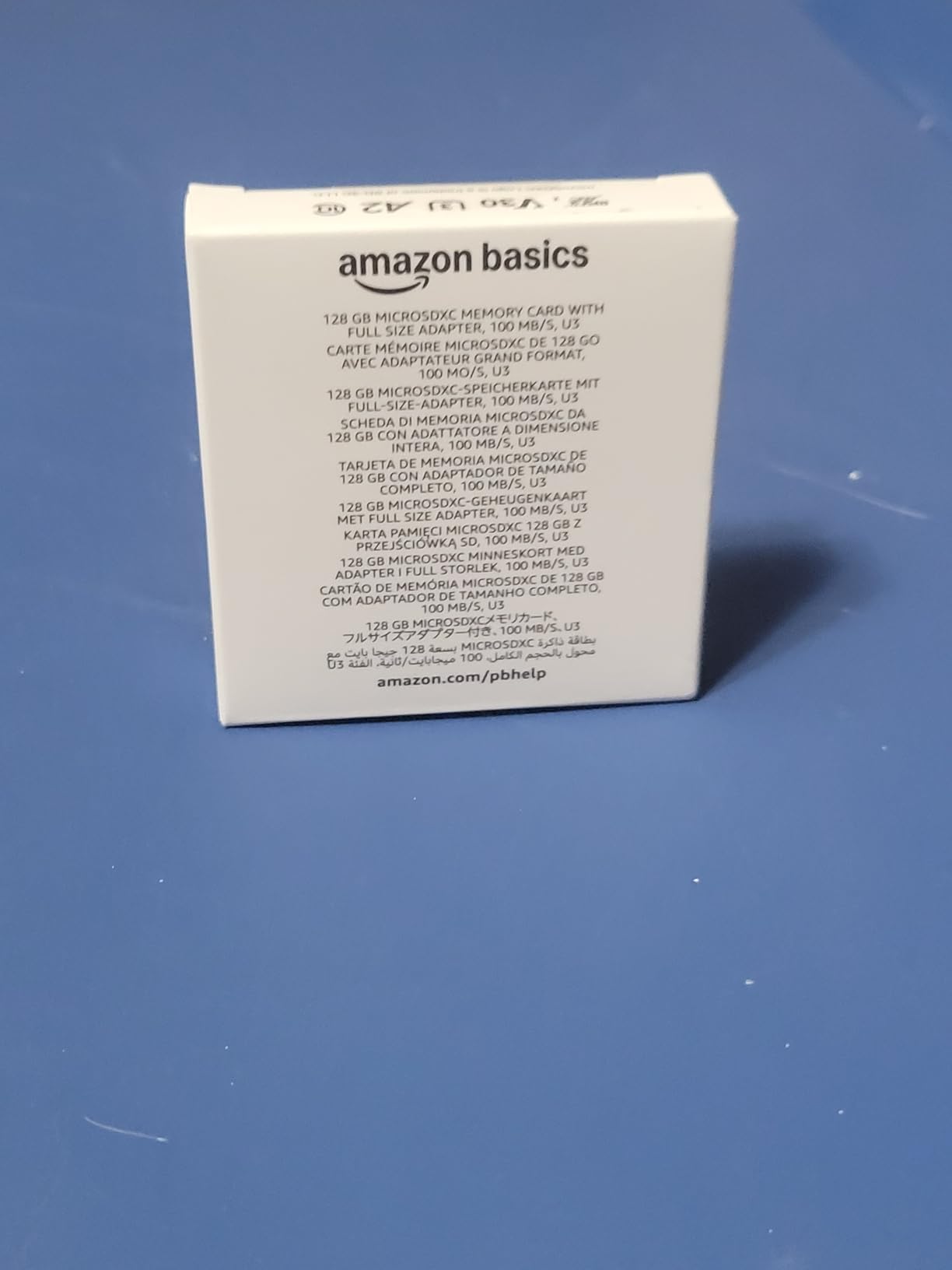
With over 144,000 reviews and a 4.7-star rating, this is one of the most trusted budget cards on the market. The durability features are impressive too: shockproof, IPX6 waterproof, temperature-proof, X-ray-proof, and magnetic-proof. I have accidentally left mine in a hot car with no ill effects.
Capacity-wise, 128GB holds a massive library. You can fit every NES, SNES, Genesis, Game Boy, and most PS1 games with room to spare. If you want to include PS2 or GameCube titles, consider stepping up to 256GB or higher.
Who should buy this
Retro handheld owners using devices like Anbernic, Retroid Pocket, or Miyoo Mini will find this card perfect. It is also ideal for RetroPie builds and anyone wanting reliable storage without paying premium prices. The 128GB capacity hits the sweet spot for most 8-bit through PS1 game libraries.
Who should avoid this
If you plan to store large PS2, GameCube, or Wii ROM collections, 128GB will fill up quickly. Also, anyone with a Nintendo Switch 2 should note this card is not compatible with that system.
4. SanDisk 128GB Gameplay microSD Card – Premium Performance
SANDISK 128GB Gameplay microSD Memory Card for Mobile Gaming - Up to 190MB/s, for Handheld Console Gaming - SDSQXAA-128G-GN6XN
128GB Capacity
190MB/s Read Speed
A2 App Performance
Lifetime Warranty
Pros
- Exceptional 190MB/s read speeds
- Lifetime warranty from SanDisk
- A2 rated for gaming performance
- Works with modded 3DS
- PSVita
- PSP
- Steam Deck
Cons
- Higher price point
- Limited stock availability
- Not compatible with Nintendo Switch 2
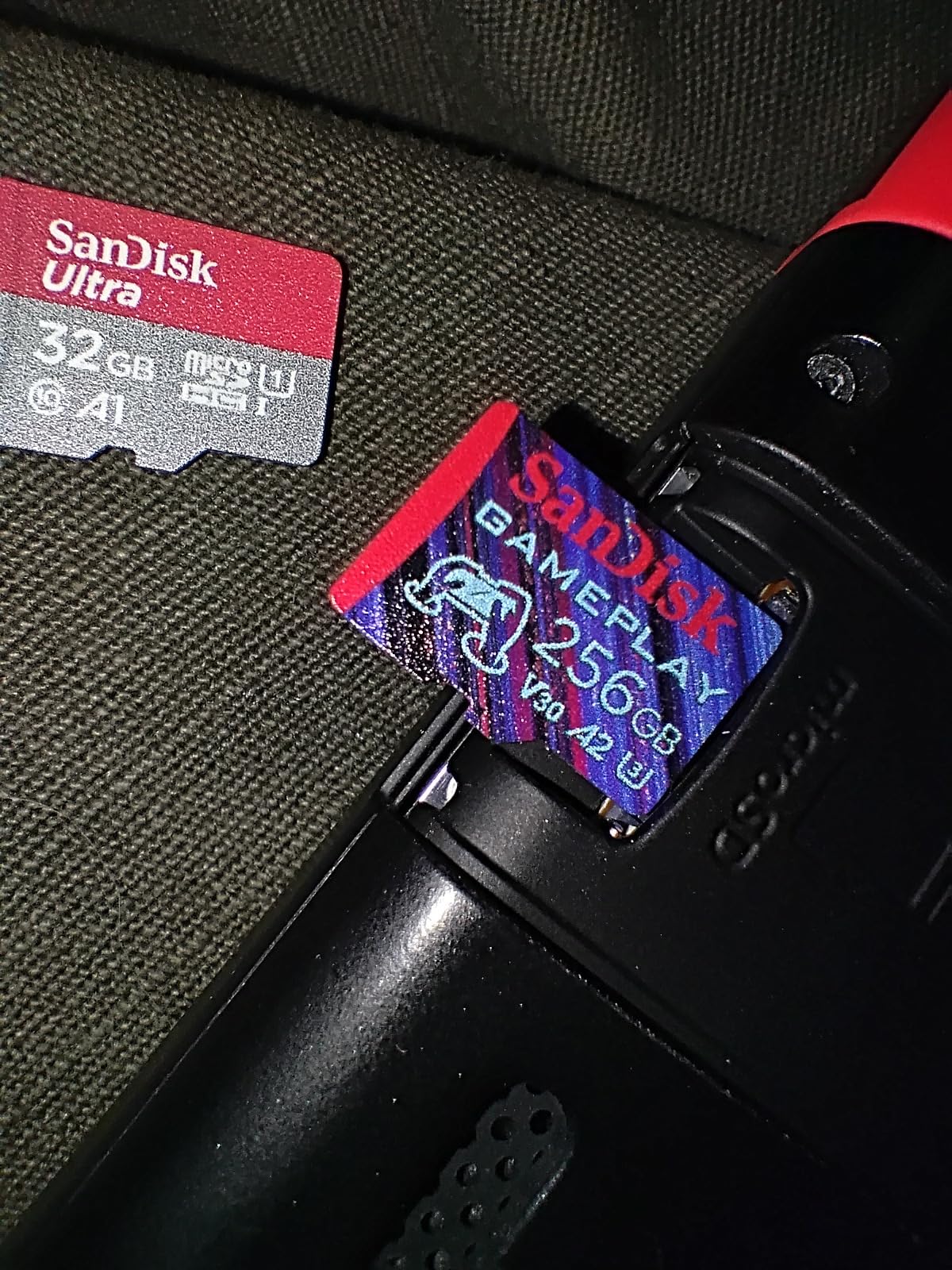
SanDisk designed this card specifically for gaming, and it shows. The 128GB Gameplay microSD delivers read speeds up to 190MB/s, which is significantly faster than standard cards. I noticed quicker load times in my Steam Deck compared to my older SanDisk Ultra card.
The A2 app performance rating means this card excels at random read and write operations. For retro gaming, that translates to snappier menu navigation and faster game launches. I have used it for everything from RetroArch on my modded 3DS to PPSSPP on my PS Vita with excellent results.
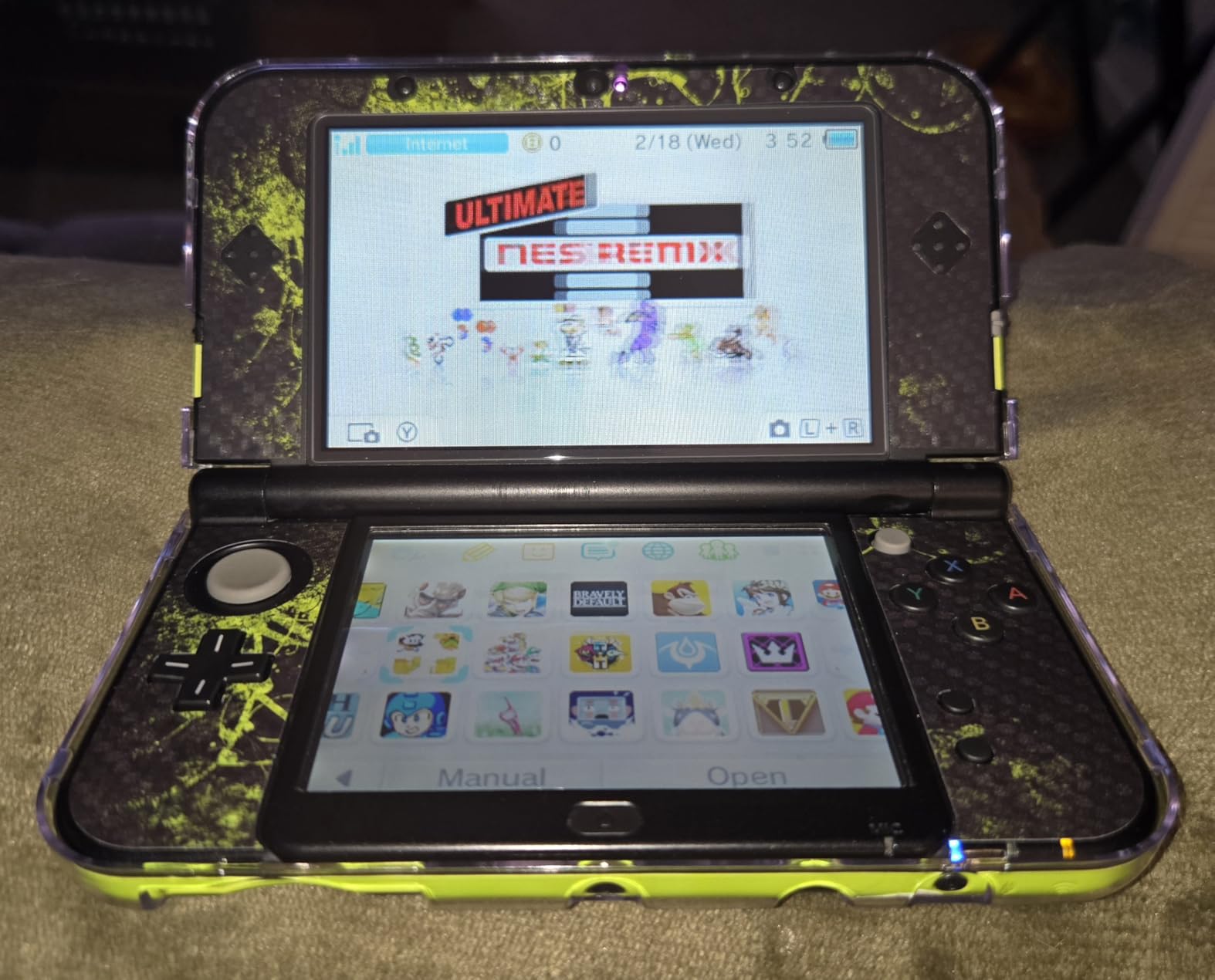
What really sets this card apart is the lifetime warranty. SanDisk stands behind their gaming-focused products, and knowing I can get a replacement if anything goes wrong provides real peace of mind. The card is also water, temperature, shock, vibration, and X-ray proof.
Compatibility is excellent across handheld devices. It works with the Nintendo Switch (original), modded 3DS, PS Vita with SD2Vita adapter, PSP with dual adapter, Steam Deck, and various retro handheld emulators. Just note it is not compatible with the newer Nintendo Switch 2.
Who should buy this
Steam Deck owners and serious retro handheld enthusiasts will appreciate the performance gains this card offers. The lifetime warranty makes it a smart long-term investment. Anyone running demanding emulators or large ROM libraries should consider this premium option.
Who should avoid this
Budget-conscious buyers might find the price steep compared to other 128GB options. Also, if you only play 8-bit and 16-bit games where load times are already minimal, you might not notice the performance difference.
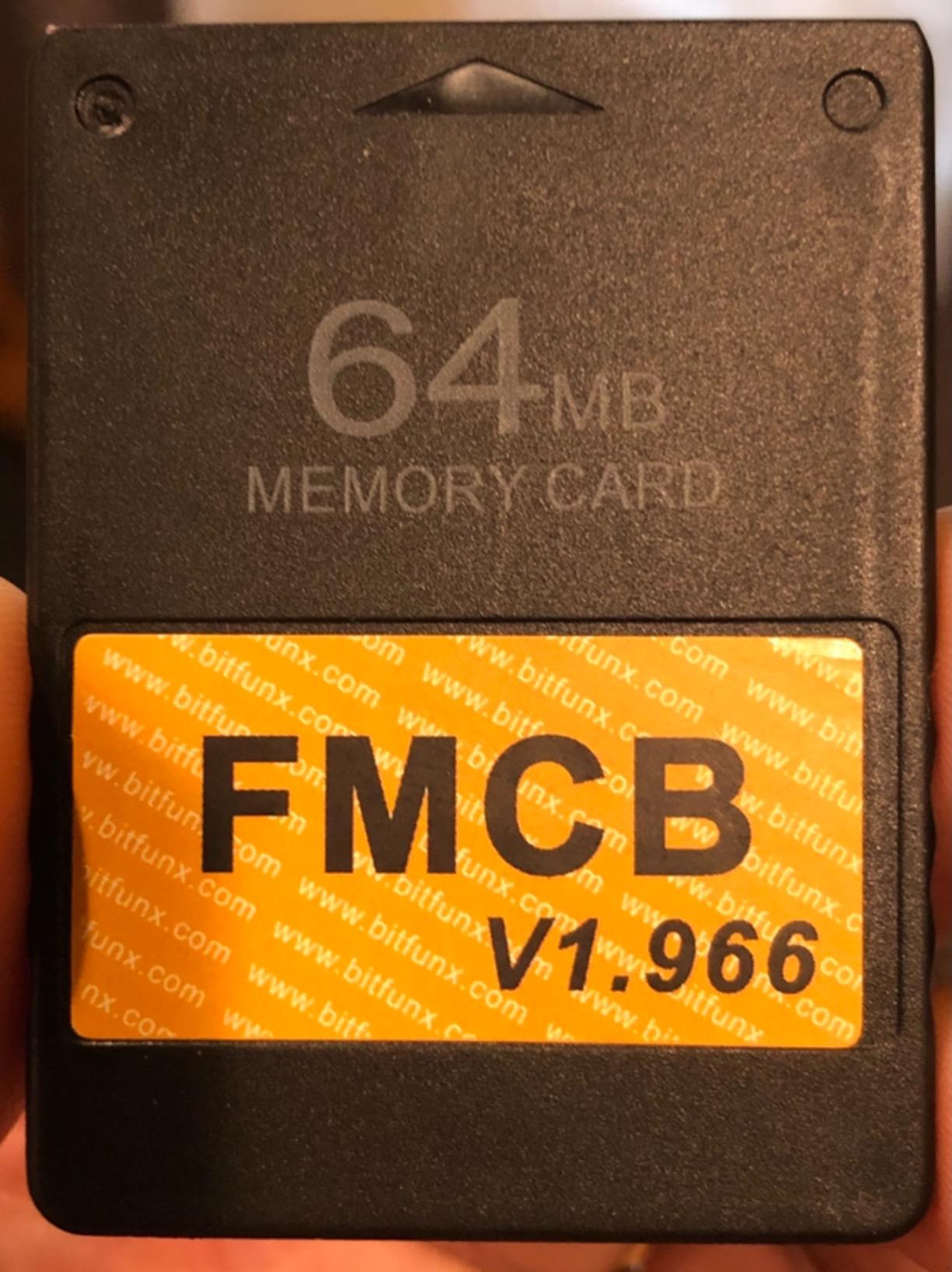
5. Skywin FMCB Free Mcboot PS2 Memory Card – For Modders
Skywin FMCB Free Mcboot PS2 Memory Card v.1 966-64 MB Memory Card for PS2 PlayStation 2 Games in USB Hard Drive or Hard Disk
Free McBoot Preinstalled
USB Game Loading
64GB Storage
Plug and Play
Pros
- No installation required
- Works with most PS2 models
- Play games from USB drives
- All essential apps preinstalled
Cons
- USB loading slower than internal HDD
- Incompatible with SCPH-9XXXX models
- No warranty included
The Skywin FMCB Free McBoot card transformed how I use my PS2. This is not just a memory card. It is a softmod solution that comes pre-configured with Free McBoot, allowing you to play games from USB drives without modifying your console internally.
Setup is genuinely plug and play. I inserted the card, powered on my PS2, and was greeted with a custom menu offering OPL for USB game loading, an SNES emulator, and other homebrew applications. No complex installation or soldering required. The card essentially unlocks your PS2’s full potential.
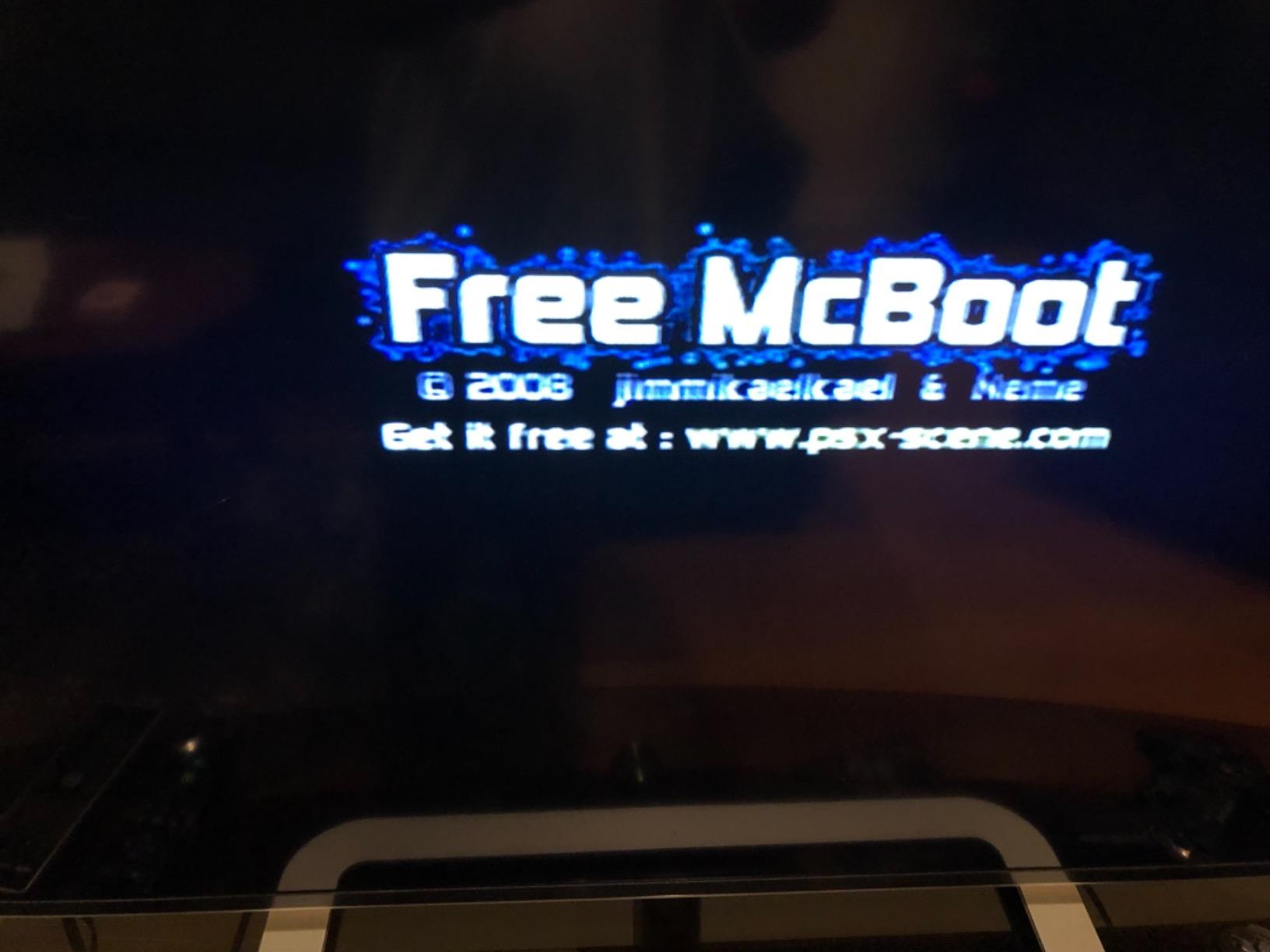
With 64GB of storage space, you can save plenty of game files alongside the installed applications. The real value though is the ability to load ISO files from an external USB drive. I have been playing games from my USB hard drive, which saves wear on my aging PS2 laser.
Compatibility covers most PS2 models, both fat and slim. The exception is the SCPH-9XXXX series with v230 BIOS, which blocks Free McBoot from working. Check your PS2 model number before purchasing.
Who should buy this
PS2 owners wanting to explore homebrew and USB game loading will find this card invaluable. It is perfect for those who want to preserve their physical discs by playing backup copies. Anyone interested in softmodding without the technical hassle should grab this.
Who should avoid this
If you just need a simple memory card for game saves, this is overkill. Also, owners of SCPH-9XXXX PS2 models should verify compatibility before buying. Purists who only want official Sony accessories should look elsewhere.
6. Kaico PSX Mem Card Gen 2 – Unlimited Storage Solution
Kaico PSX Mem Card Gen 2 Memory Card Compatble with PlayStation 1 & 2- Firmware Upgradeable - Unlimited Storage - Includes an 8GB MicroSD Card - High Speed Game Memory Card for PS2/PS1/PS One Console
PS1/PS2 Compatible
Unlimited Storage via microSD
Firmware Upgradeable
Includes 8GB MicroSD
Pros
- Works with both PS1 and PS2
- Supports microSD cards up to 2TB
- USB-C port for firmware updates
- 12-month warranty included
Cons
- Setup requires research and patience
- Instructions are minimal
- Higher price than standard cards
The Kaico PSX Mem Card Gen 2 is the most innovative memory card I have tested. Instead of fixed storage, it uses a microSD card slot that supports cards up to 2TB. That means you essentially have unlimited save capacity for both PS1 and PS2 games. An 8GB microSD is included to get you started.
Setup takes some effort. The card creates virtual memory cards on the microSD, and you need to configure sizes and manage partitions through the menu system. I spent about an hour reading guides and watching videos before I fully understood how to set it up. Once configured though, it works beautifully.
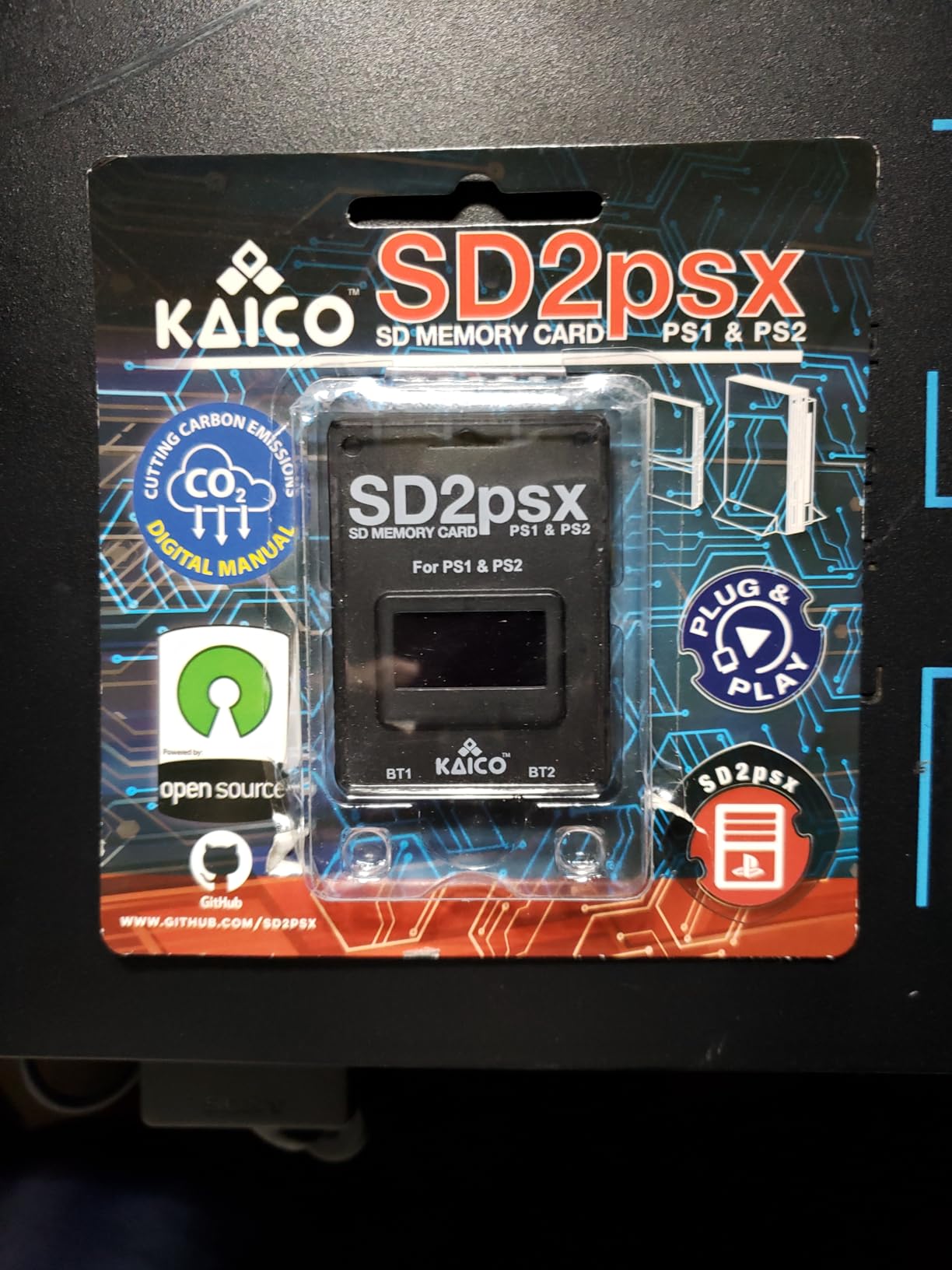
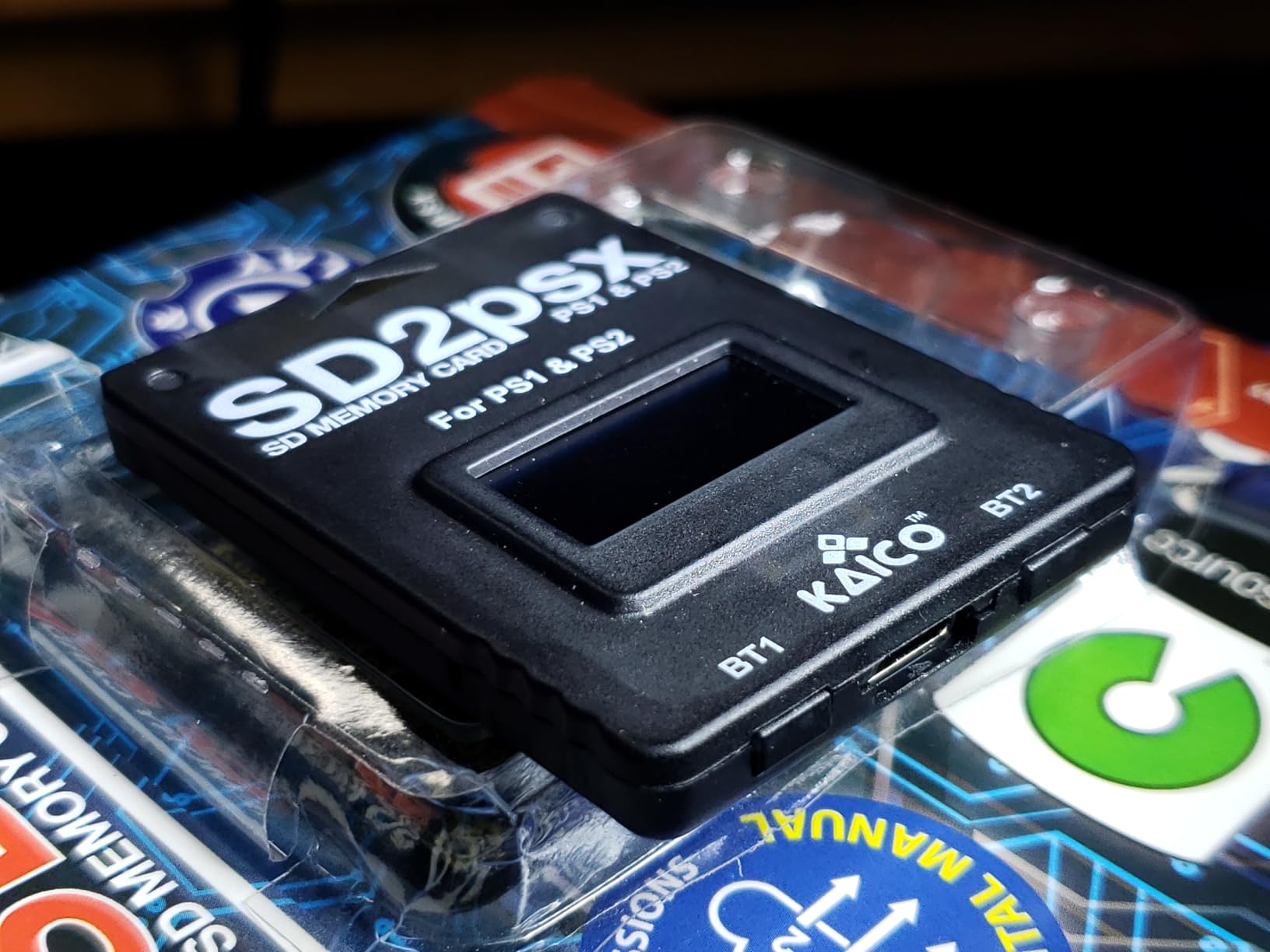
The front-facing USB-C port is a thoughtful addition. You can update the firmware without removing the card from your console, ensuring compatibility with future software updates. The card supports FreePSXBoot, FreeMCBoot, and OpenTuna exploits for advanced users.
For PS1 games, it creates virtual 128KiB memory cards. For PS2, you can set virtual card sizes as needed. The flexibility is unmatched by any traditional memory card solution.
Who should buy this
Enthusiasts who own both PS1 and PS2 hardware and want a single storage solution should consider this card. It is ideal for anyone tired of managing multiple memory cards. The firmware upgradeability makes it a future-proof investment for serious collectors.
Who should avoid this
Users who want simple plug-and-play functionality might find the setup frustrating. If you are not comfortable reading documentation or watching tutorial videos, a traditional memory card might serve you better. The higher price also puts it in premium territory.
7. Suncala 128MB PS2 Memory Card – Affordable Backup
Suncala 128MB Memory Card for PlayStation 2, High Speed Memory Card for Sony PS2
128MB Storage
PS2 Compatible
Extended Warranty
15% Faster Processing
Pros
- Very affordable price
- Works with PS2 and PS2 Slim
- Extended warranty included
- Great for backing up old cards
Cons
- May not work with PS1 games on PS2
- Third-party product
- Some compatibility issues reported
The Suncala 128MB card is the budget-friendly sibling of the 256MB version I mentioned earlier. For most PS2 owners, 128MB is plenty of space. It represents 16 times the capacity of an original Sony 8MB card while costing significantly less than vintage options.
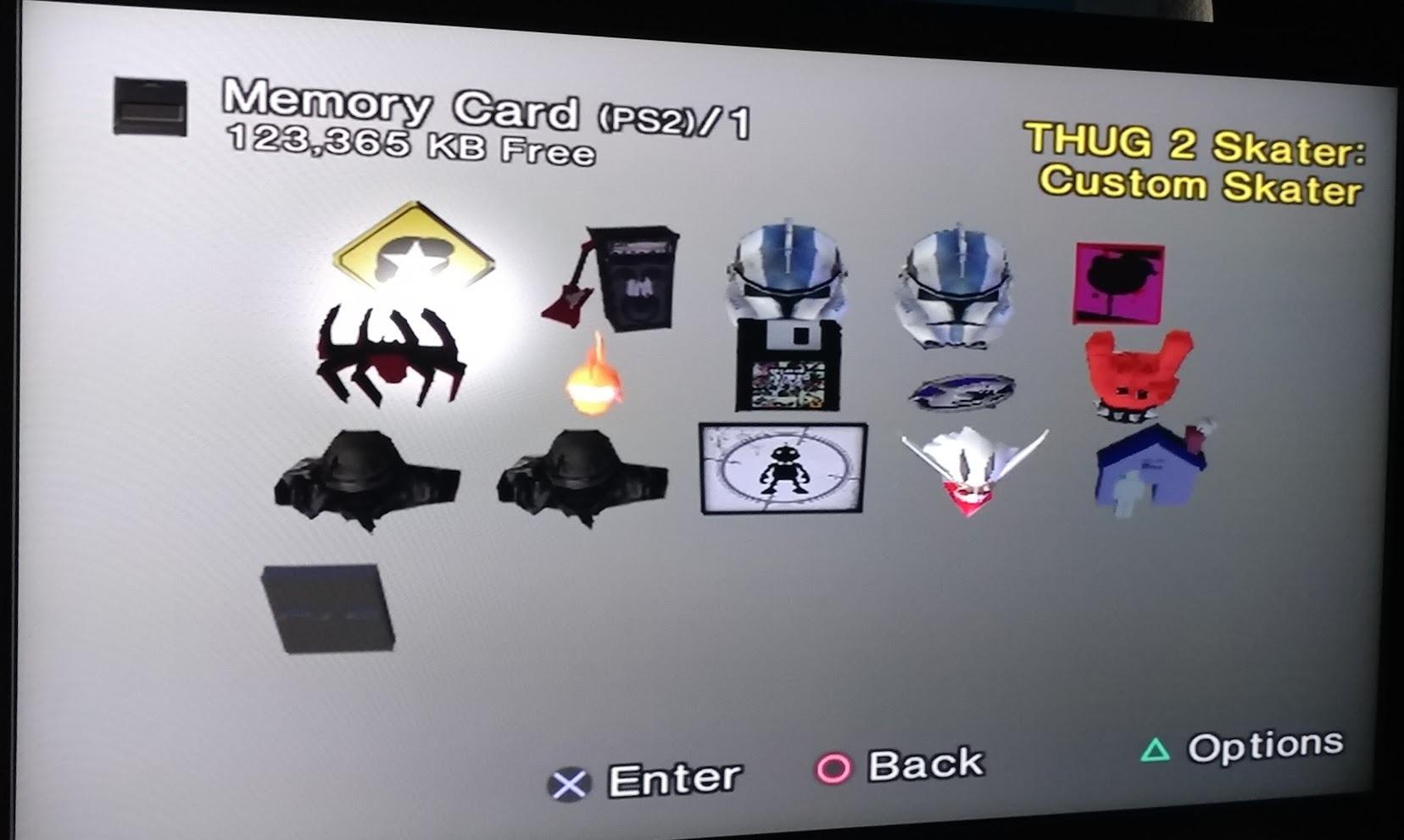
I bought several of these to back up my aging original memory cards. Many of my Sony cards from the early 2000s are showing their age, with some refusing to save reliably. Copying those precious save files to fresh Suncala cards has preserved game progress I have held onto for decades.
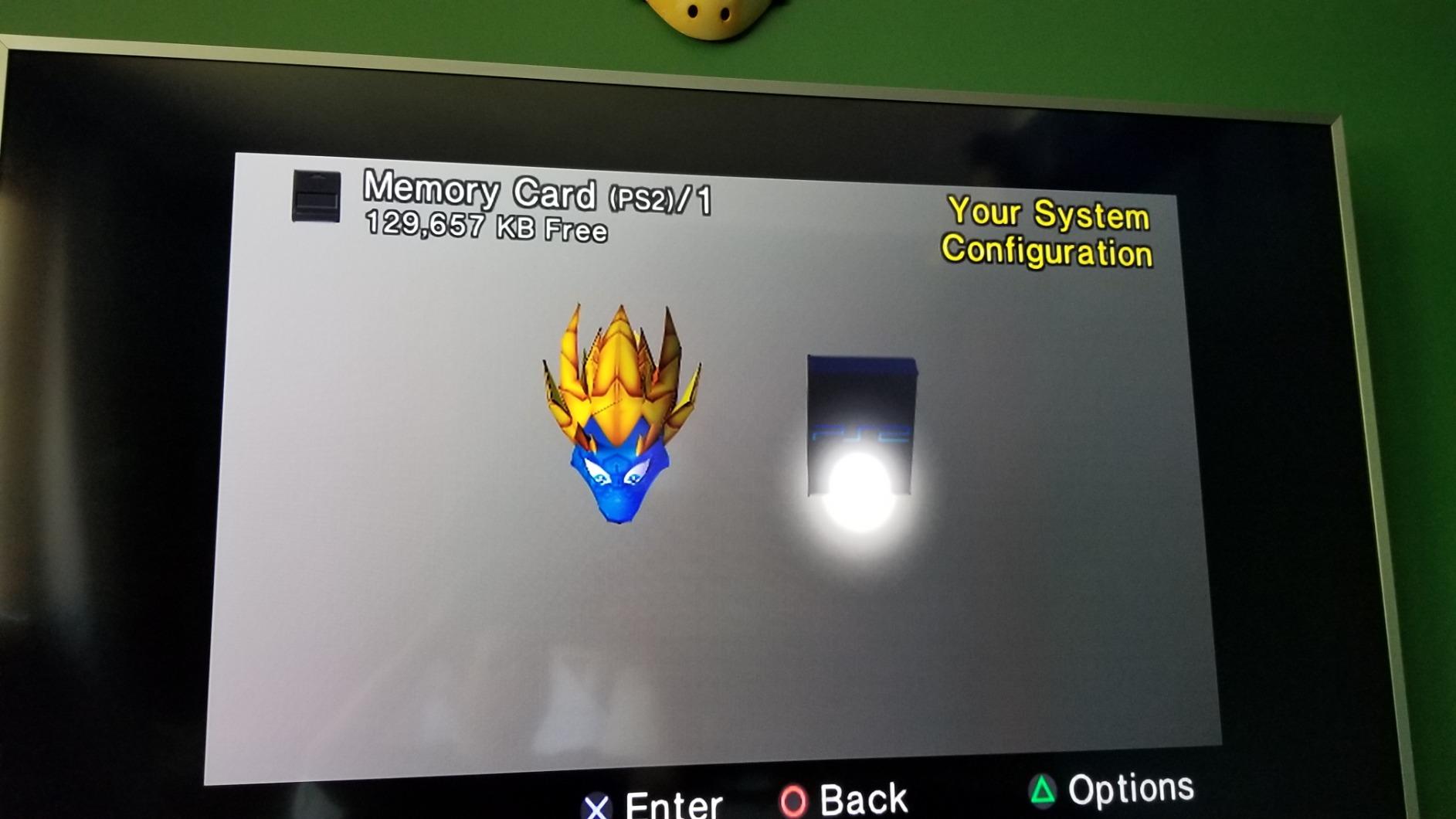
Performance matches the 256MB version with the same upgraded chip claiming 15% faster processing. The card works with both the original PS2 and the slim model. Just be aware that 128MB is the maximum storage the PS2 operating system can read at once, so you get full usable capacity.
The extended warranty provides some reassurance, though at this price point, replacing a failed card is not a major financial concern. Over 4,700 reviewers have given it 4.6 stars, confirming its reliability for everyday use.
Who should buy this
PS2 owners wanting affordable storage expansion should pick this up. It is perfect for backing up existing memory cards before they fail. Anyone building a PS2 collection on a budget will appreciate the value this card offers.
Who should avoid this
Users who need maximum storage should step up to the 256MB version. Also, those playing PS1 games on their PS2 might experience compatibility issues, as some users have reported problems with backward compatibility mode.
8. Mcbazel 512MB GameCube/Wii Memory Card – Solid Mid-Range Option
Mcbazel Gamecube Memory Cards,Memory Card Compatible with Gamecube and Wii Console - Blue 512MB (8192 Blocks)
512MB Storage
8192 Blocks
4 Switchable Partitions
GameCube/Wii Compatible
Pros
- Good capacity at 512MB
- Works with GameCube and Wii RVL001
- Cool retro design with LED
- Great value for the price
Cons
- Only 4 partitions vs 8 on larger model
- Wii RVL001 only compatibility
- Third-party product
The Mcbazel 512MB card sits between the basic GameCube memory cards and the massive 1024MB version I reviewed first. With 8,192 blocks of storage across four 128MB partitions, it offers substantial space without the complexity of managing eight partitions.
I appreciate the retro translucent blue design. It looks great in my GameCube and matches the aesthetic of Nintendo’s original accessories. The LED indicator light is a nice touch, letting you know when the card is being accessed. Some users find the light distracting, but I think it adds character.
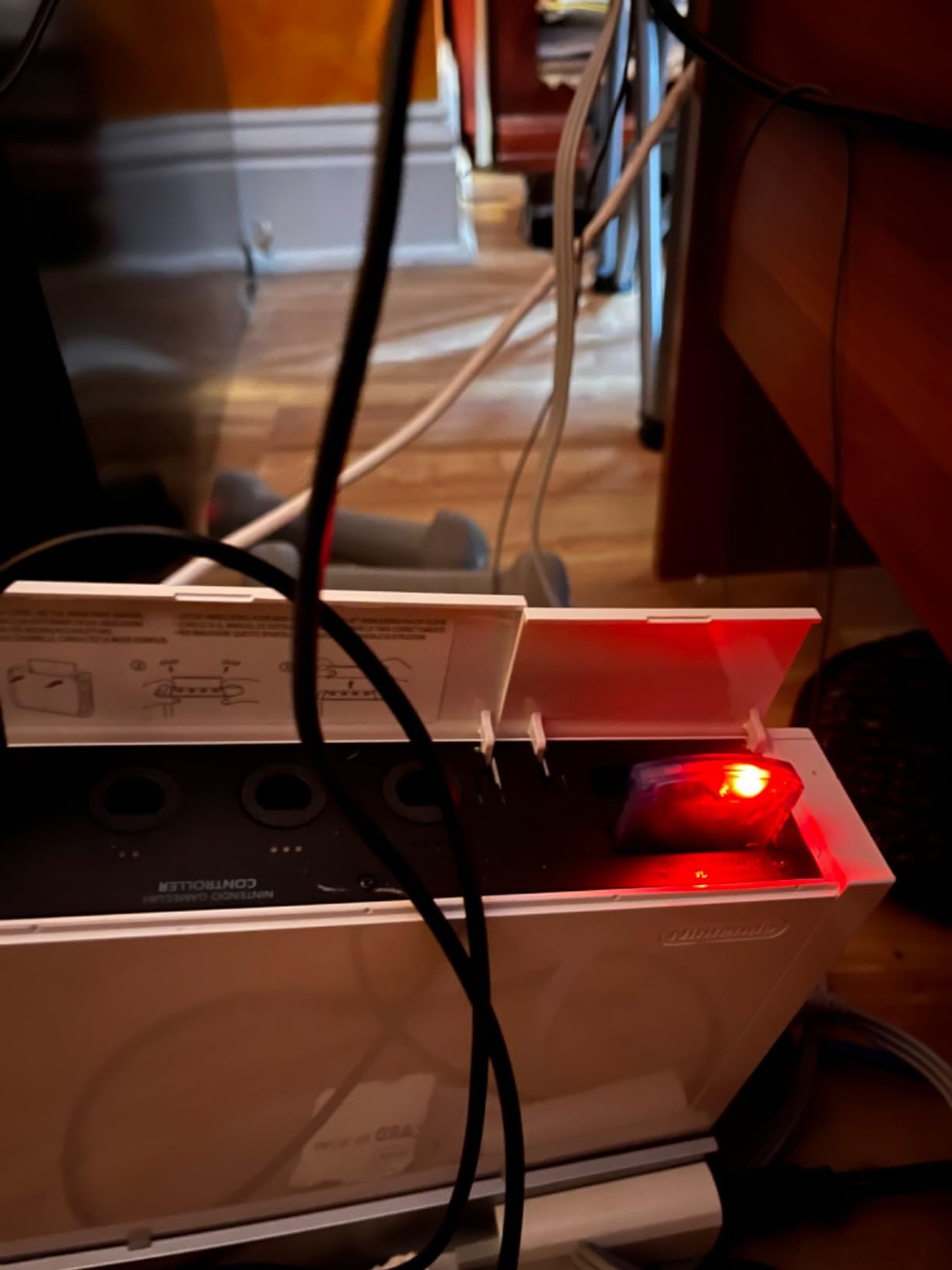
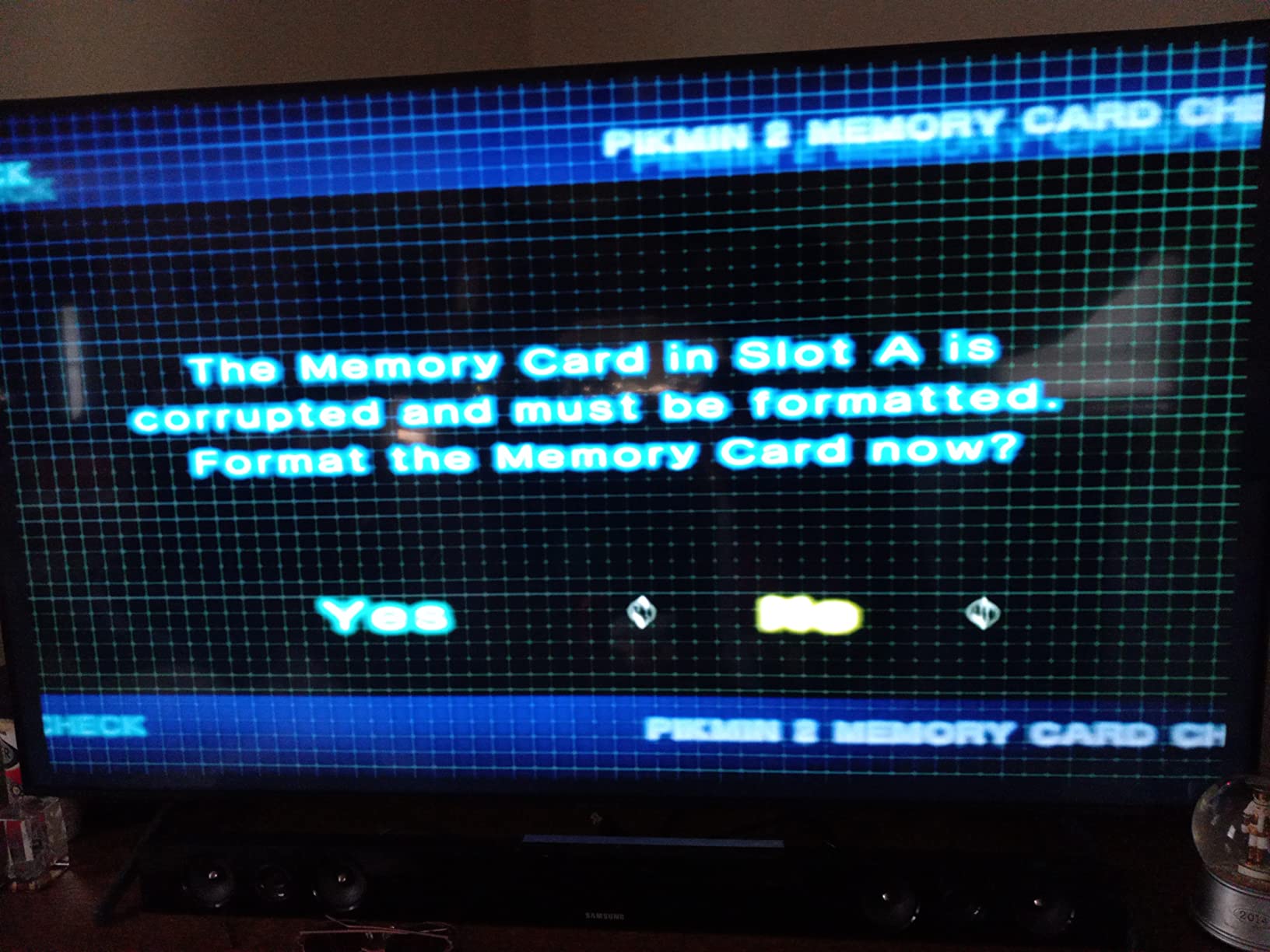
Performance has been reliable across my GameCube library. I have saved games from Super Smash Bros. Melee, Wind Waker, and various RPGs without any corruption issues. The button for switching between partitions is accessible and easy to use once you understand the system.
Like the larger Mcbazel card, this is only compatible with Wii model RVL-001 and all GameCube consoles. If you have a later Wii model, you will need to look at other options.
Who should buy this
GameCube owners who want more storage than standard cards offer but do not need 1024MB will find this perfect. The four-partition system is easier to manage than eight. Anyone wanting a balance of capacity, simplicity, and value should consider this card.
Who should avoid this
Wii owners with models other than RVL-001 need to skip this card. If you have an extensive library and want maximum storage, the 1024MB version offers better long-term value. Also, anyone who dislikes partition management might prefer a simpler single-volume card.
How to Choose the Right Retro Console Memory Card
Selecting the right memory card depends on whether you are using original vintage hardware or modern emulation devices. Here are the key factors I consider when recommending storage solutions.
Console Compatibility
For original hardware, compatibility is straightforward. PS2 memory cards only work with PlayStation systems, GameCube cards work with GameCube and original Wii models. If you are using emulation devices like RetroPie, Steam Deck, or Anbernic handhelds, you need microSD cards instead of console-specific memory cards.
Storage Capacity Planning
Think about your game library size. A 128GB microSD card holds every NES, SNES, Genesis, Game Boy, and most PS1 games comfortably. If you want PS2, GameCube, or Dreamcast titles, consider 256GB to 1TB. For vintage console memory cards, 128MB to 256MB covers most PS2 libraries, while GameCube owners should look at 512MB or larger.
Speed Ratings Matter
For microSD cards, look for A2 ratings rather than A1. A2 cards handle random read and write operations better, which directly impacts emulator performance and load times. V30 or Class 10 ratings ensure consistent write speeds. The difference between A1 and A2 is noticeable when loading large ROM files.
Brand Reliability and Counterfeit Detection
The retro gaming community consistently recommends Samsung and SanDisk for microSD cards. For vintage memory cards, original Sony products remain most reliable, but quality third-party options from Suncala and Mcbazel have proven trustworthy. Always buy from reputable retailers to avoid counterfeit cards, which are unfortunately common in this market.
Warranty and Support
Check warranty terms before purchasing. SanDisk offers lifetime warranties on their gaming cards, while budget options may have limited or no coverage. For vintage console memory cards, extended warranties from brands like Suncala provide extra protection for your save data.
What is the best SD card for retro handheld?
Samsung Pro Plus and SanDisk Extreme are the most trusted brands among retro gaming enthusiasts. A 128GB card covers most 8-bit through PS1 libraries, while 256GB or larger is recommended if you want PS2 and GameCube games. Look for A2 rated cards with V30 speed class for optimal performance.
What’s faster, A1 or A2?
A2 is faster than A1 for gaming applications. A2 rated cards have minimum random read speeds of 4000 IOPS and write speeds of 2000 IOPS, compared to A1’s 1500 IOPS read and 500 IOPS write. For retro gaming where you load many small files, A2 provides noticeably better performance.
Is V30 faster than Class 10?
V30 is actually a specific type of Class 10 rating. Class 10 means minimum 10MB/s sequential write speed, while V30 guarantees at least 30MB/s sustained video write speed. For gaming purposes, V30 cards offer more consistent performance and are preferred over basic Class 10 cards.
Is SanDisk Ultra or Extreme better?
SanDisk Extreme is better for gaming than SanDisk Ultra. Extreme cards have faster read speeds (up to 190MB/s vs 140MB/s), better write speeds, and A2 ratings versus A1 on most Ultra cards. The performance difference is noticeable when loading large ROM files. Extreme also comes with a lifetime warranty while Ultra typically has a 10-year warranty.
Conclusion
Finding the best retro console memory cards comes down to matching the right solution to your setup. For original PS2 hardware, the Suncala 256MB card offers unbeatable value. GameCube and Wii owners should look at Mcbazel’s partition-based cards for maximum storage. Emulation enthusiasts will find excellent performance from SanDisk’s gaming-focused microSD cards.
Reliability matters most when your save files are on the line. Stick with trusted brands, buy from reputable sellers, and consider capacity carefully based on your game library. Your retro gaming memories deserve dependable storage.