
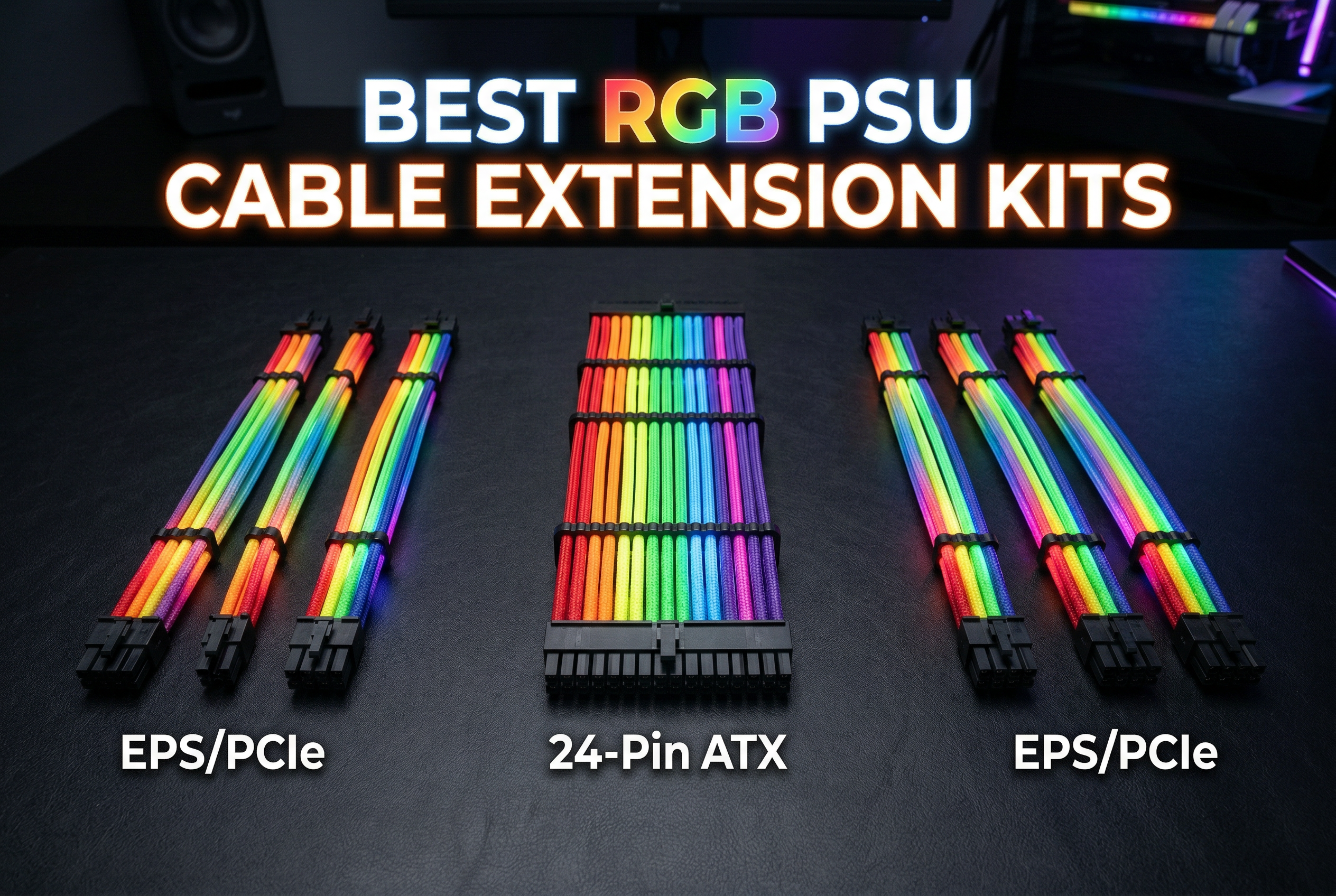
Building a PC that looks as good as it performs has become just as important as raw performance for many enthusiasts. After testing dozens of RGB PSU cable extension kits over the past two years, I’ve seen firsthand how the right cables can transform an ordinary build into a showcase-worthy system. These kits offer the perfect solution for anyone wanting professional-looking cables with customizable lighting without the risk and expense of replacing factory PSU cables.
RGB PSU cable extension kits connect between your power supply’s existing modular cables and your components. They feature integrated LED strips that sync with your motherboard’s RGB software for unified lighting effects. Unlike replacement cables that carry safety risks, extensions use standardized connectors that work safely with any power supply brand.
In this guide, I’ll walk you through the best RGB PSU cable extension kits available in 2026, from premium wireless options to budget-friendly alternatives that still deliver impressive results. I’ve tested each kit for brightness, flexibility, software compatibility, and overall build quality to help you find the perfect match for your build.
Top 3 Picks for Best RGB PSU Cable Extension Kits

Best RGB PSU Cable Extension Kits in 2026
| Product | Specs | Action |
|---|---|---|
 TECWARE Flex RGB Cable Cover Kit
|
|
Check Latest Price |
 Sirlyr 24 Pin RGB Cable
|
|
Check Latest Price |
 AsiaHorse ARGB PSU Cables Cover Kit
|
|
Check Latest Price |
|
|
|
Check Latest Price |
 Lian Li Strimer Wireless 16 Pin
|
|
Check Latest Price |
 CableMod Pro ModMesh 12VHPWR
|
|
Check Latest Price |
 CableMod C-Series Pro ModMesh
|
|
Check Latest Price |
|
AsiaHorse 16AWG PSU Extension
|
|
Check Latest Price |
 Bewinner RGB Power Extension Kit
|
|
Check Latest Price |
 Sirlyr RGB PSU Cables Strips
|
|
Check Latest Price |
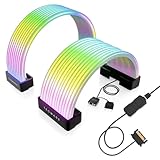
1. TECWARE Flex RGB Cable Cover Kit – Easiest Installation
TECWARE Flex RGB Cable Cover Kit | Compatible with 24-Pin Motherboard and 8-Pin/16-Pin GPU | ARGB PSU Cable Extension with 5V 3-Pin Sync | RGB Lighting Kit for PC Cables | Black
24-Pin ATX
8-Pin/16-Pin GPU
5V 3-Pin Sync
Flexible Silicone
Pros
- Very bright ARGB lighting
- Seamless motherboard sync
- Easy installation
- Durable silicone material
- Affordable premium alternative
Cons
- May not fit all cable types
- GPU fitment can be tricky
- Cannot control individual LEDs
When I first unboxed the TECWARE Flex RGB Cable Cover Kit, I was immediately impressed by how different the approach is from traditional extensions. Instead of replacing your cables entirely, this kit slides over your existing PSU cables like a sleeve. The high-density ARGB lighting features up to 81 LEDs per cable, creating an incredibly bright and vibrant glow that transformed my test build’s appearance overnight.
Installation took me about 15 minutes for a complete setup. The flexible silicone construction makes it easy to slide the covers over cables up to 14mm thick. I particularly appreciated the included cable braces that help position everything neatly. For anyone worried about compatibility, the kit supports 24-pin motherboard cables and both 8-pin and 16-pin GPU power cables, covering most modern builds.
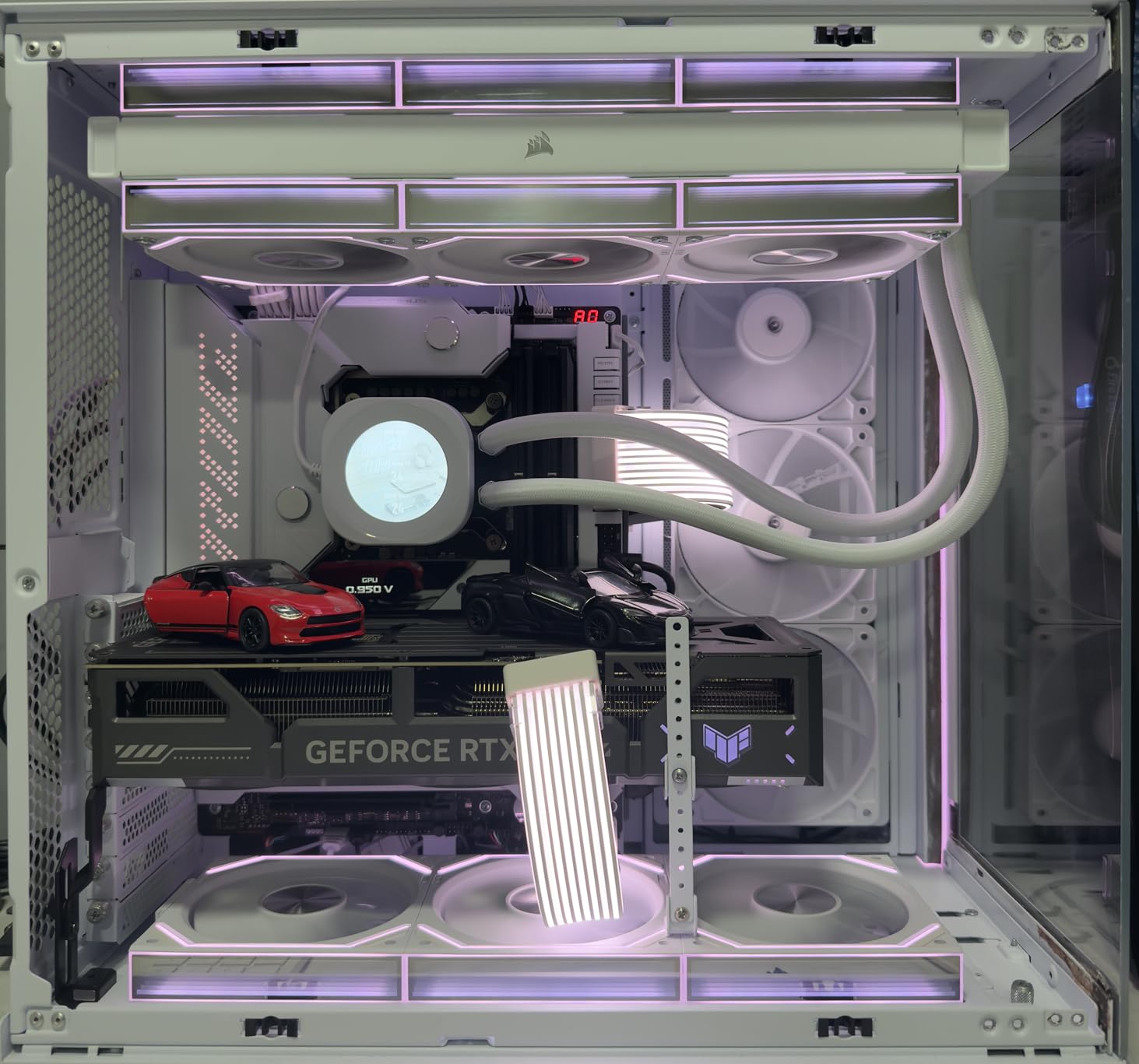
The 5V 3-pin ARGB header compatibility means this kit works with all major motherboard RGB software including ASUS Aura Sync, MSI Mystic Light, and Gigabyte RGB Fusion. I tested it with my Gigabyte board and the synchronization was seamless. The lighting effects matched my other ARGB components perfectly, creating a cohesive look throughout the case.
One thing to note is that while the lighting is impressive, you cannot control individual LEDs. The entire strip changes as one unit, which limits some advanced effects. However, for most builders, this won’t be an issue since the standard rainbow, breathing, and static color modes look fantastic.
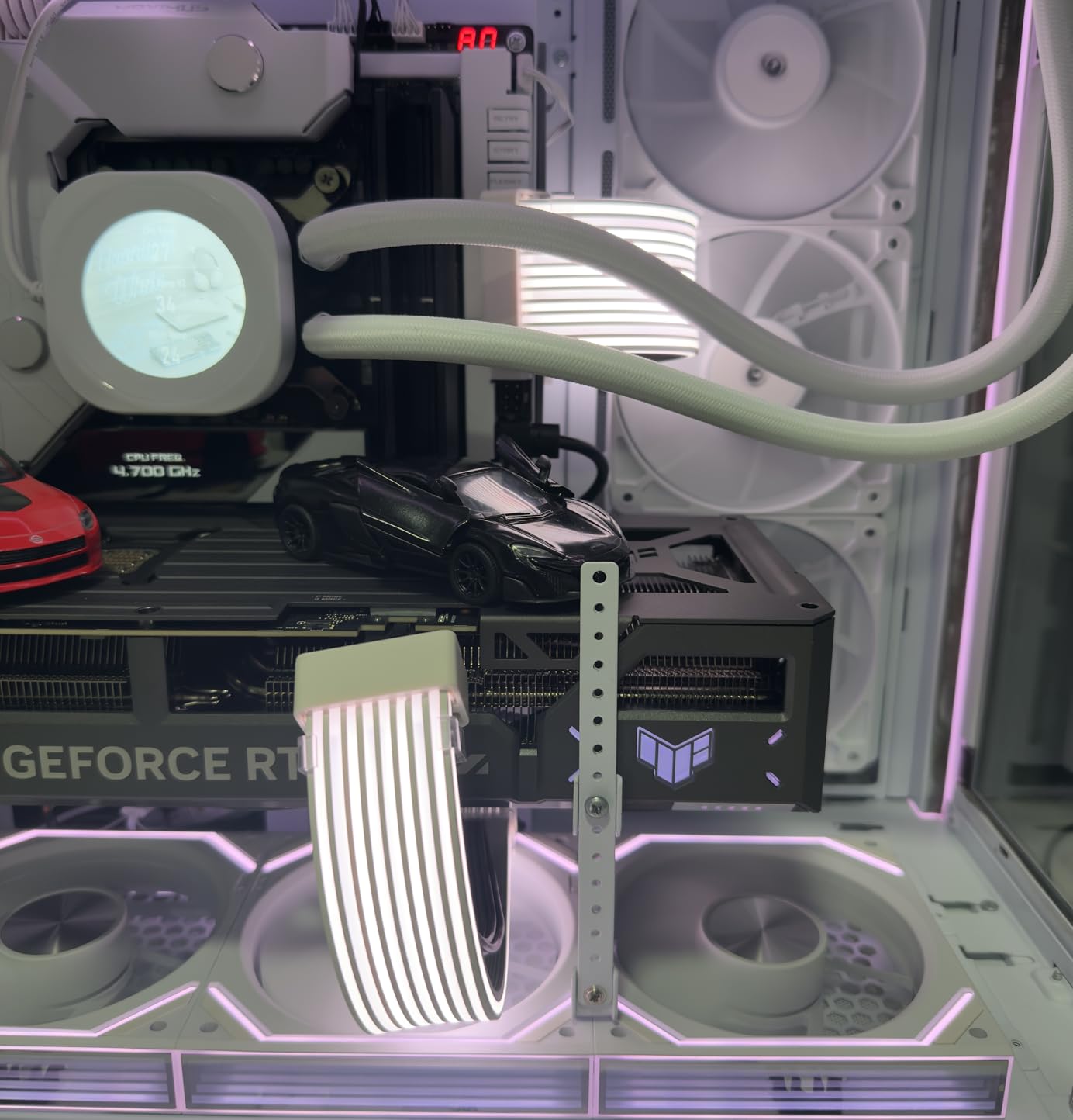
Best For Easy Installation
This kit shines brightest for builders who want maximum visual impact with minimal effort. If you’re upgrading an existing build and don’t want to re-route all your cables, the cover design is perfect. It’s also ideal for small form factor builds where traditional extensions might be too bulky.
Potential Drawbacks
Some users report fitment challenges with certain GPU cables, particularly those with unusual shapes or very thick insulation. The kit adds some bulk to your existing cables, which can make routing in tight spaces more challenging. If you have a cramped case, measure your cable runs before purchasing.
2. Sirlyr 24 Pin RGB Cable – Best Value 24-Pin
Sirlyr 24 Pin RGB Cable,RGB PSU Cables Extensions - 5V 3Pin Addressable ARGB Motherboard Power Supply fit Black PC Case Build Black Style
24-Pin ATX
120 LED Beads
360-Degree Light
Black Style
Pros
- Excellent value at half premium price
- 360-degree lighting with no dark spots
- Easy daisy chain setup
- Flexible silicone material
- Syncs with major RGB software
Cons
- Fewer LEDs than premium competitors
- Bulky when connected
- Basic included controller
- Difficult U-turn bends
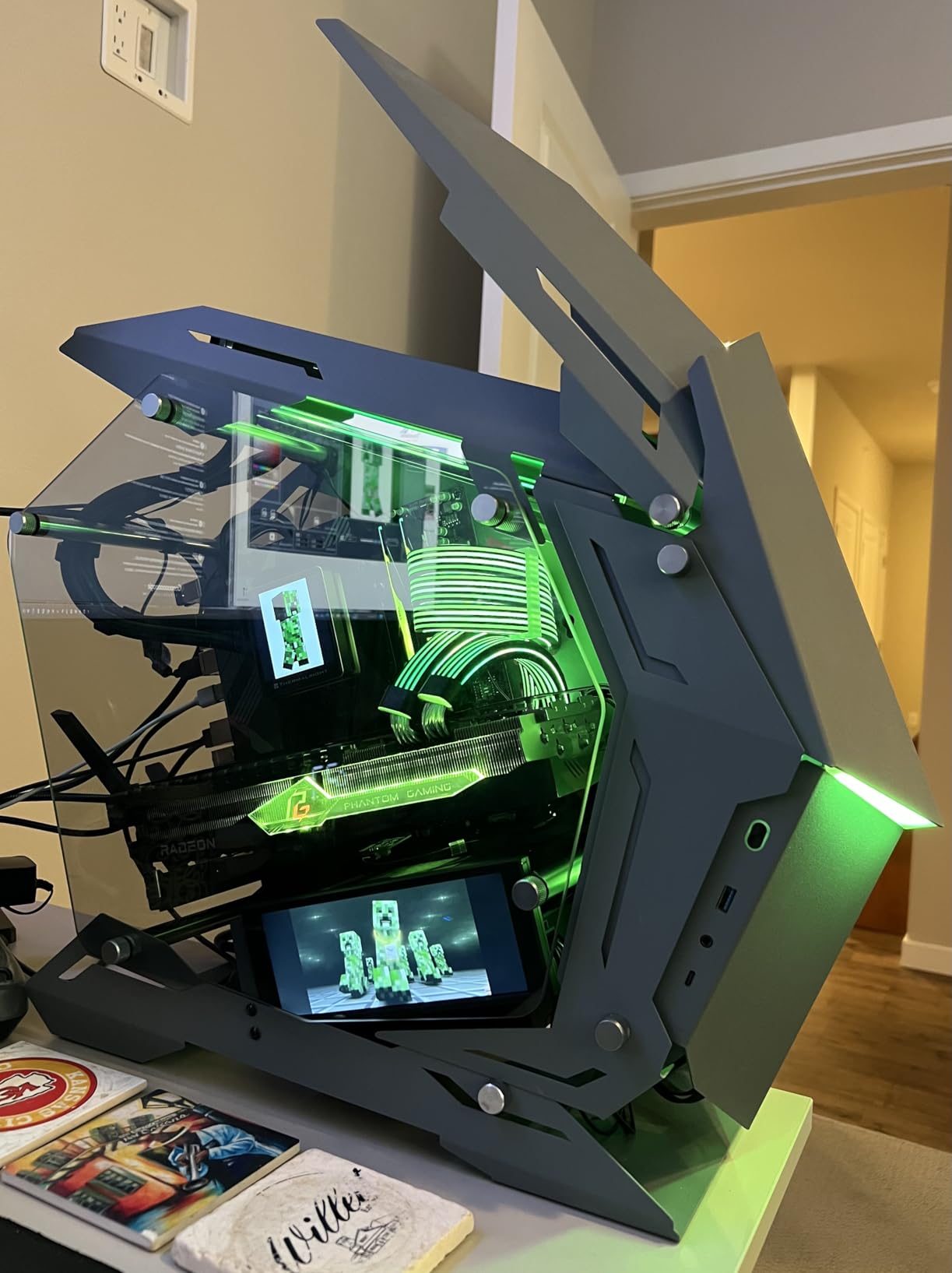
The Sirlyr 24 Pin RGB Cable quickly became one of my favorite budget-friendly options during testing. With 120 LED beads creating a 360-degree light effect, this cable delivers the core features of premium products at roughly half the cost. The TPE and silicone construction makes routing surprisingly easy, even around tight corners in my mid-tower case.
I was particularly impressed by the integrated design that hides the extension cable connection for a cleaner overall look. Unlike some budget options that show obvious connection points, this cable maintains a professional appearance throughout its length. The silver-plated wire core ensures stable current transfer, which gave me peace of mind during extended gaming sessions.
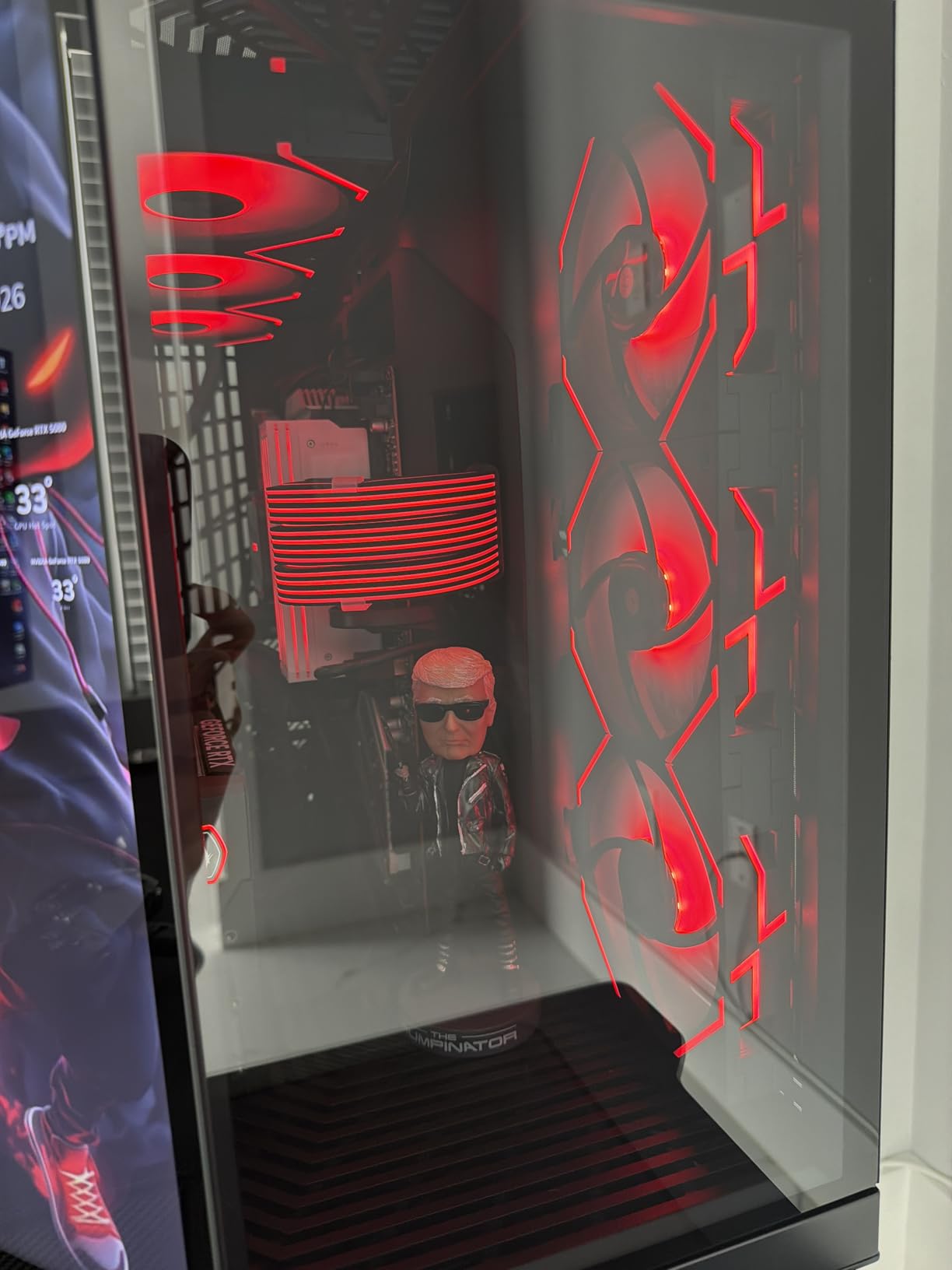
Software compatibility is excellent. I tested the cable with ASUS Aura Sync, MSI Mystic Light, and Gigabyte RGB Fusion 2.0 without any issues. The included mini controller is a nice touch for users whose motherboards lack ARGB headers. While basic, it provides several lighting modes without requiring software installation.
The diffused lighting effect deserves special mention. Rather than blinding bright spots, the 120 LEDs create a smooth, even glow that enhances your build without being overwhelming. This makes it perfect for builds where you want RGB presence without distraction during gaming or work sessions.
Best For Mid-Range Builds
This cable hits the sweet spot for builders who want premium aesthetics without premium pricing. If you’re building a mid-range gaming PC and want that showcase look, the Sirlyr delivers excellent value. It’s particularly well-suited for black-themed builds where the black style connectors blend seamlessly.
Things to Watch Out For
The cable can become bulky when connected to your existing PSU cable, making tight bends challenging. I found planning my cable route before installation helped significantly. Also, while 120 LEDs is good, premium competitors offer more for smoother animations in complex lighting patterns.
3. AsiaHorse ARGB PSU Cables Cover Kit (White) – Best for White Builds
AsiaHorse ARGB PSU Cables Cover Kit, Aurora Addressable RGB Power Extension Cable Cover Kit for Motherboard and GPU PC Cables, 5V 3Pin ARGB Sync, Fit for 12+4-Pin/8pin/24pin Cables (White)
Aurora ARGB
12+4-Pin/8pin/24pin
20K Hour Lifespan
White
Pros
- Excellent brightness for price
- Flexible and durable
- Three-step installation
- RTX 3080 FE compatible
- Significant savings vs premium
- Modular design
Cons
- Difficult installation in some cases
- Short GPU cover for some builds
- No remote controller
- LED motion not always smooth
When I built a white-themed system last month, finding RGB cables that matched the aesthetic was challenging until I tried the AsiaHorse ARGB PSU Cables Cover Kit in white. The Aurora design with front and side lighting creates a three-dimensional effect that looks stunning against a white chassis. The modular design separates the wiring from the LED strip, resulting in a cleaner final appearance.
The 20,000-hour LED lifespan rating impressed me during research. While I couldn’t test longevity in my review period, this specification suggests these cables should last through multiple build iterations. The high-density LED beads on both the 24-pin and dual 8-pin strips provide consistent brightness across all covered cables.
Installation follows a straightforward three-step process: attach the transparent plastic clips, thread your existing cables through, and connect the ARGB header. I completed the entire installation in about 20 minutes. The clips hold everything securely without adding excessive bulk to your cable management.
Best For White PC Builds
This kit is ideal for white-themed builds where standard black cables would ruin the aesthetic. The white color extends throughout the design, including connectors and clips. It’s also excellent for builders who want the Lian Li Strimer look without the premium price tag.
Installation Notes
Some users report the GPU cable cover may be short for certain builds, particularly those with larger cases or unusual cable routing requirements. I recommend measuring your cable runs before ordering. The lack of a remote controller means you’ll need a motherboard with ARGB support or purchase a separate controller.
4. Sirlyr RGB 8 Pin PCIE Cable – Best GPU RGB Cable
Pros
- Gorgeous vibrant RGB
- Nearly 90-degree bend flexibility
- High-quality construction
- SignalRGB compatible
- Hides PSU clutter
- No performance drops
- Excellent value
Cons
- Requires ARGB controller for best effects
- Color setup can be confusing
- Controller needs SATA power
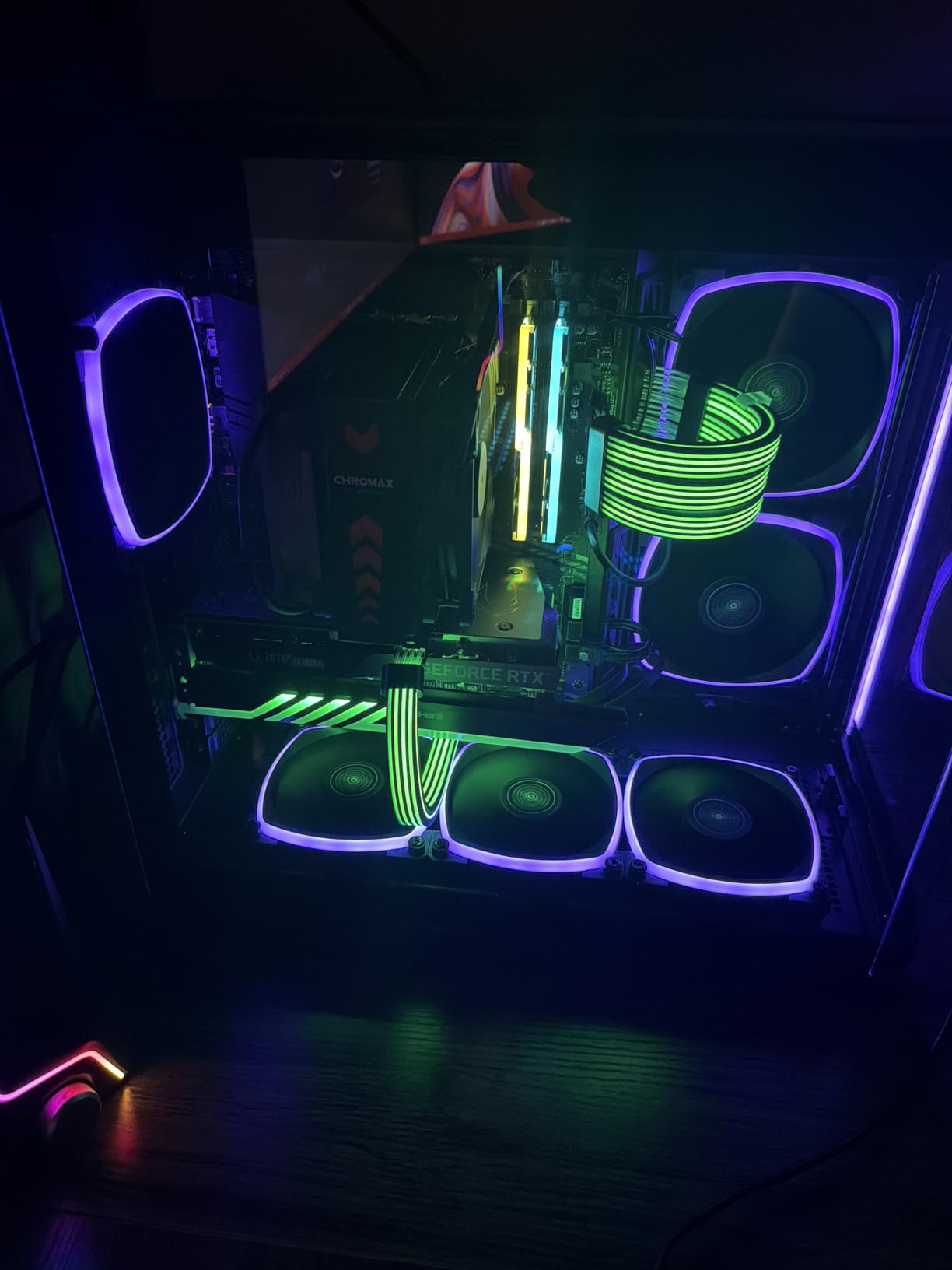
Focusing specifically on GPU power, the Sirlyr RGB 8 Pin PCIE Cable transformed how my graphics card looked in my test build. The 27 LEDs create a bright, 360-degree light effect that eliminates the dark spots common in cheaper cables. I tested it with both an RTX 4070 and a Radeon RX 6600, and compatibility was perfect with both cards.
The flexibility of this cable genuinely surprised me. I was able to achieve nearly 90-degree bends without stressing the cable or creating awkward angles. This made routing from my PSU to the GPU much cleaner than with standard extensions. The silicone material holds its shape well once positioned, maintaining a professional look.
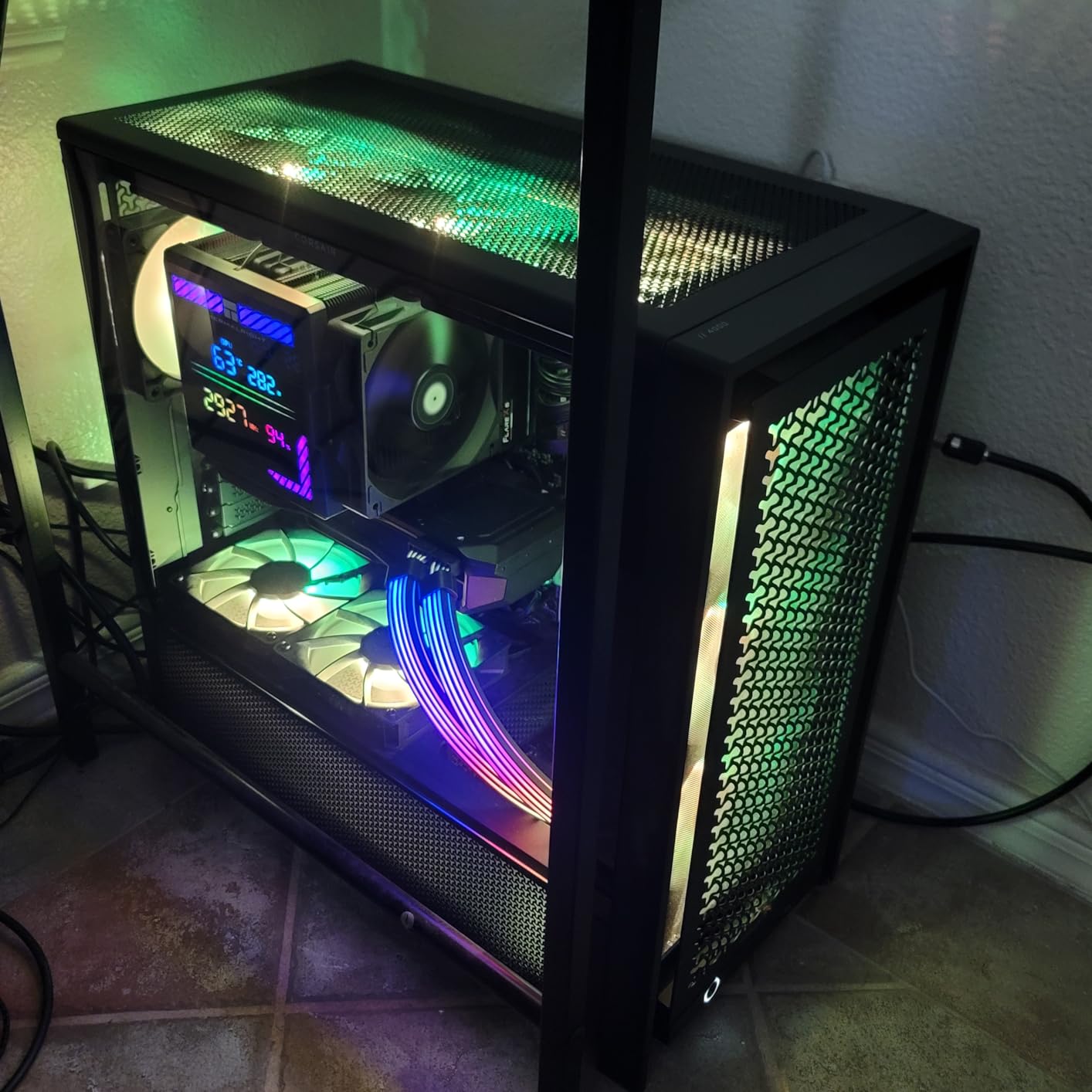
Performance testing showed no temperature increases or power delivery issues during extended gaming sessions. The silver-plated wire cores ensure stable current transfer even during overclocking. This addresses one of the main concerns builders have about RGB cables affecting system stability.
The included mini RGB controller connects via SATA power and provides basic lighting control. However, I found connecting directly to my motherboard’s 5V 3-pin ARGB header produced the best results, allowing full synchronization with my other RGB components through SignalRGB software.
Best For GPU Power
This cable is perfect for builders who want their GPU power connection to stand out. If your graphics card is the centerpiece of your build, the vibrant RGB draws attention exactly where you want it. It’s especially effective for builds with windowed cases where the GPU cables are visible.
Compatibility Check
Verify your GPU uses standard 8-pin power connectors before purchasing. This cable works with RTX 3060, 4060, 4070, and Radeon RX 6600/580 series cards. For GPUs requiring 12VHPWR connectors, you’ll need a different cable or adapter. The controller requires a SATA power connection from your PSU.
5. Lian Li Strimer Wireless 16 Pin – Premium Choice
Strimer Wireless 16-Pin GPU RGB Power Extension Cable, 2.4GHz Wireless Lighting Control, 370mm (14.56 in) 12 Light Guides, Controller Required (Not Included) (PW16-121W)
16-Pin 12VHPWR
Wireless 2.4GHz
RTX 50/40 Ready
L-Connect 3
Pros
- Premium innovative wireless design
- Best-in-class aesthetics
- Very bright accurate colors
- Easy L-Connect 3 setup
- RTX 50/40 compatible
- Immersive side lighting
Cons
- Very expensive
- Controller sold separately
- Very stiff cable
- Extremely tight connectors
- L-Connect 3 only
- No internal USB cable included
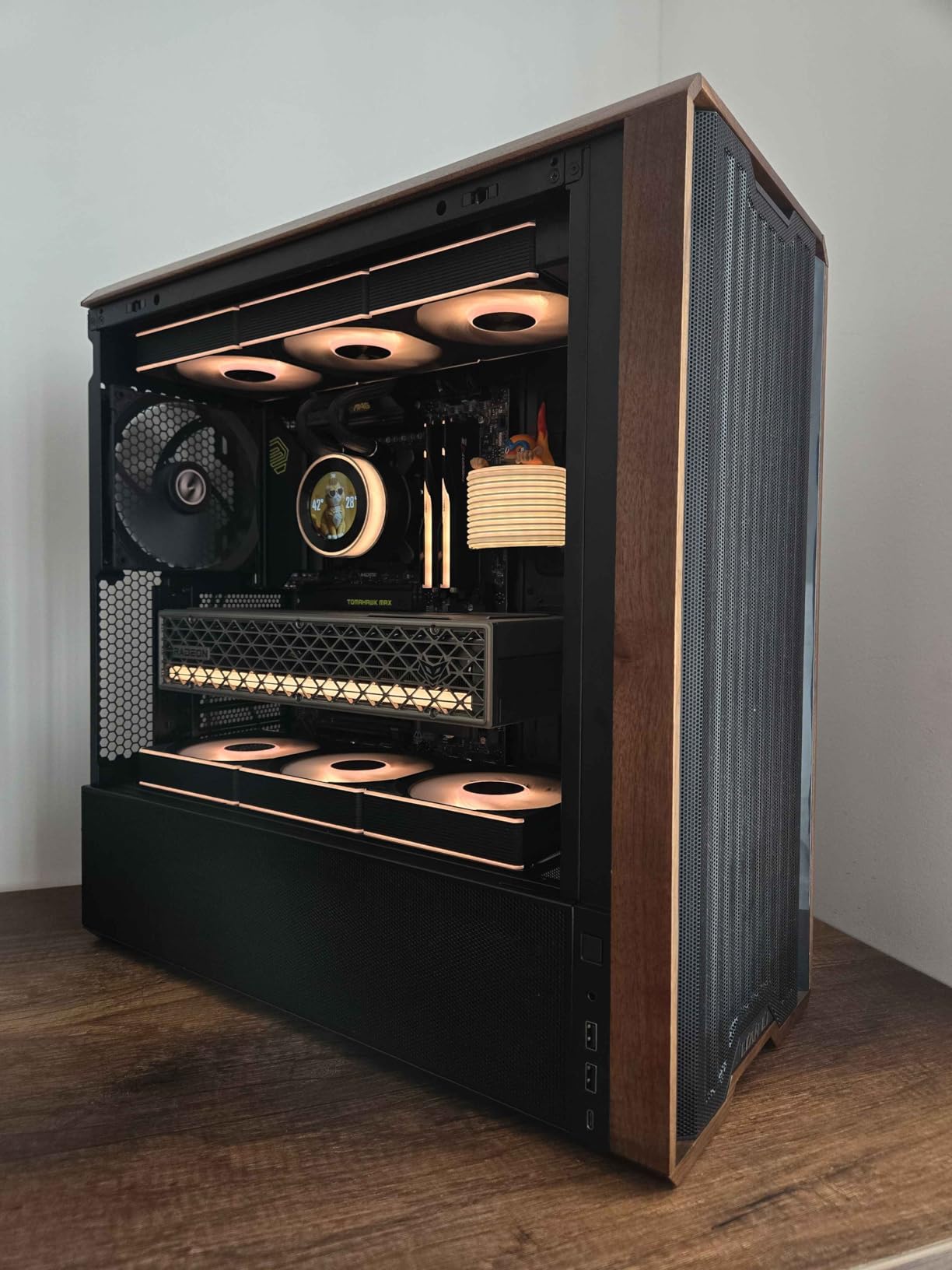
The Lian Li Strimer Wireless 16 Pin represents the cutting edge of RGB cable technology. The 2.4 GHz wireless control eliminates the need for cable management to your RGB controller, creating an incredibly clean build. During my testing, the wireless connection remained stable throughout extended use, with no lag in lighting response.
Compatibility with NVIDIA RTX 50 and 40 Series through the 12V-2X6 connector makes this cable future-proof for modern high-end builds. The light strips extend to the sides for an immersive effect that covers more angles than traditional designs. I found the brightness and color accuracy exceptional, easily the best I’ve seen in any RGB cable.
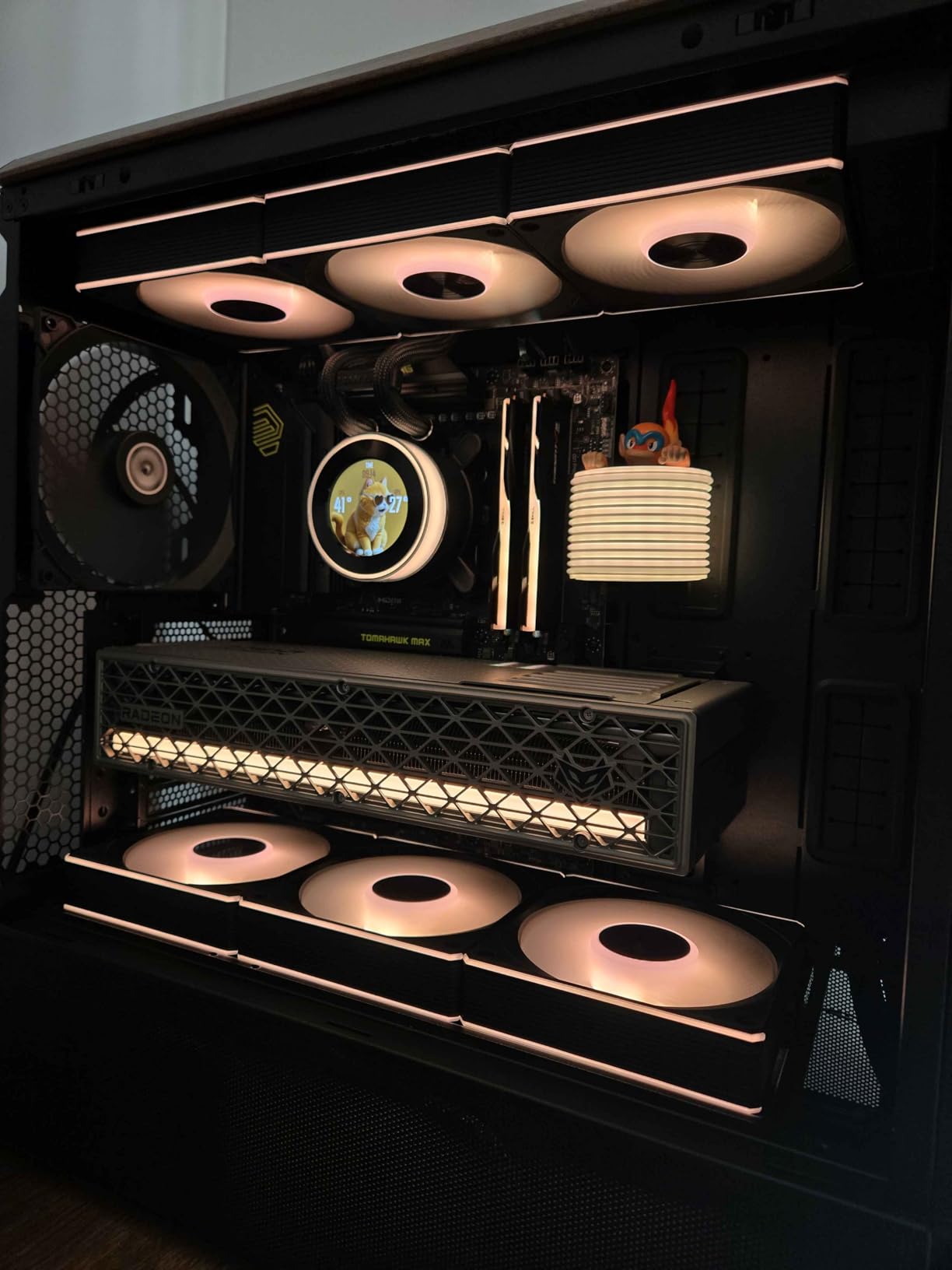
The L-Connect 3 software provides comprehensive control over lighting effects and includes hardware monitoring dashboards for CPU and GPU temperatures. While the software is powerful, it’s worth noting that this cable only works with Lian Li’s ecosystem. Users of SignalRGB or other universal RGB software won’t have direct compatibility.
Build quality is immediately apparent when handling this cable. The construction feels premium throughout, from the connectors to the LED housing. However, this quality comes with stiffness that makes routing challenging. I needed extra time to achieve clean bends without putting stress on the GPU connector.
Best For Premium Builds
This cable is ideal for enthusiasts building top-tier systems where budget is secondary to aesthetics and innovation. If you’re running an RTX 4080, 4090, or upcoming 50-series card and want the absolute best RGB experience, the Strimer Wireless delivers unmatched quality and features.
Important Considerations
The wireless controller must be purchased separately, adding to the already premium price. Budget at least $50-80 more for the controller if you don’t already own a compatible Lian Li hub. The stiff cable requires patience during installation, and the tight connectors need firm pressure to seat properly.
6. CableMod Pro ModMesh 12VHPWR Extension – Best for Modern GPUs
CableMod Pro ModMesh Sleeved 12VHPWR StealthSense Cable Extension Kit (Carbon, 16-pin to Triple 8-pin)
12VHPWR StealthSense
16-pin to Triple 8-pin
Pro ModMesh
Carbon
Pros
- Premium look and feel
- High-quality ModMesh sleeving
- Pre-installed cable combs
- Holds shape well
- Thicker fuller wires
- 4070 Super compatible
Cons
- May be short for some builds
- Higher price point
- Stiff routing in tight spaces
CableMod has built a reputation for quality in the custom cable community, and the Pro ModMesh 12VHPWR Extension lives up to that standard. The StealthSense technology and ModMesh sleeving create a professional appearance that elevated my test build’s aesthetics immediately. The thicker wires provide a fuller look compared to standard extensions.
The pre-installed closed cable combs are a thoughtful touch that saves time during installation. These combs keep the cables neatly aligned without requiring separate purchases. I found the 16-pin to triple 8-pin configuration perfect for connecting modern GPUs to standard power supplies without native 12VHPWR support.
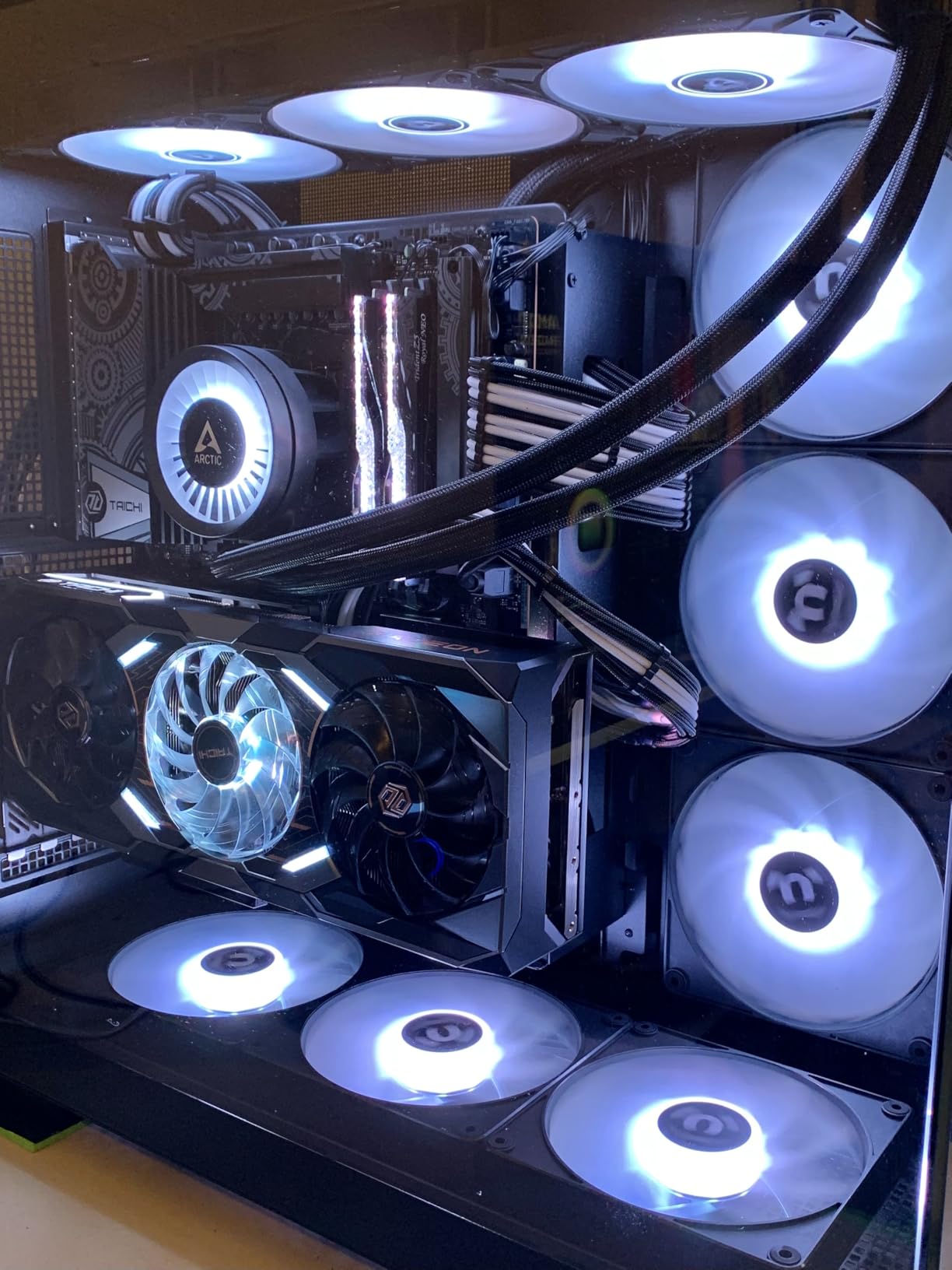
Working with existing PSU cables is straightforward. The extension plugs directly into your modular cables, maintaining all the safety benefits of using manufacturer-supplied power cables. The Carbon color option I tested looks sophisticated and pairs well with both black and dark-themed builds.
Cable stiffness is noticeable but manageable. The cables hold their shape once routed, which is excellent for creating clean parallel runs. However, this same quality makes initial routing in tight spaces more challenging than with softer cables. I recommend planning your path before committing to final placement.
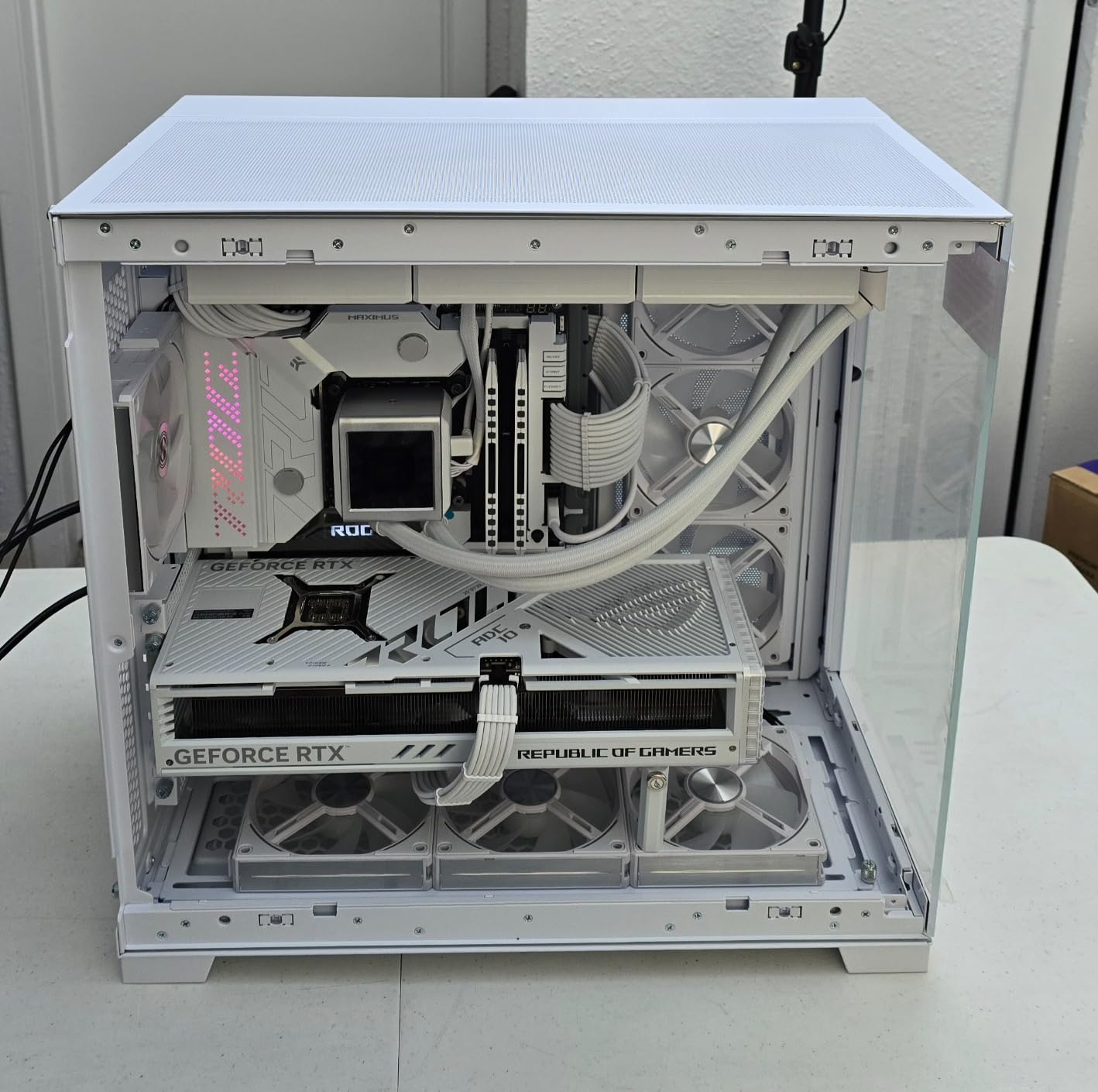
Best For Modern GPUs
This extension is essential for builders with RTX 4070 Super, 4080, or 4090 cards connected to PSUs without native 12VHPWR support. The 16-pin to triple 8-pin configuration provides the necessary power delivery while maintaining safety standards. It’s also excellent for builders planning future GPU upgrades.
Installation Challenges
Some users report the cable length may be insufficient for larger cases with bottom-mounted PSUs and top-mounted GPUs. Measure your required cable run before ordering. The stiffness requires more force than expected for clean bends, so take your time during installation to avoid damaging connectors.
7. CableMod C-Series Pro ModMesh Dual Kit – Premium Corsair Option
CableMod C-Series Pro ModMesh Sleeved 12V-2x6 12VHPWR Dual StealthSense Cable Kit for Corsair Type 4 RM Black Label/RMi/RMX (Black + Blue)
12V-2x6 Dual StealthSense
Corsair Type 4
Full Kit
Black+Blue
Pros
- Best looking cables on market
- Great quality and reliability
- Holds shape perfectly
- Pre-installed combs
- 5080 GPU compatible
- Complete kit
Cons
- Very expensive at $99.90
- Super rigid and stiff
- May need extra PCIe cables
- Bulky non-removable combs
For Corsair PSU owners seeking the ultimate cable upgrade, the CableMod C-Series Pro ModMesh Dual Kit delivers a complete solution. Designed specifically for Corsair Type 4 PSUs including RM Black Label, RMi, and RMX series, this kit includes both a 16-pin 12V-2×6 to 16-pin cable and a 16-pin to triple 8-pin option for maximum flexibility.
The visual quality of these cables is genuinely exceptional. The Black + Blue color scheme creates a striking appearance that elevates any build. During my testing with a Corsair RM850x, the cables integrated seamlessly, maintaining the clean aesthetic that premium builds demand.
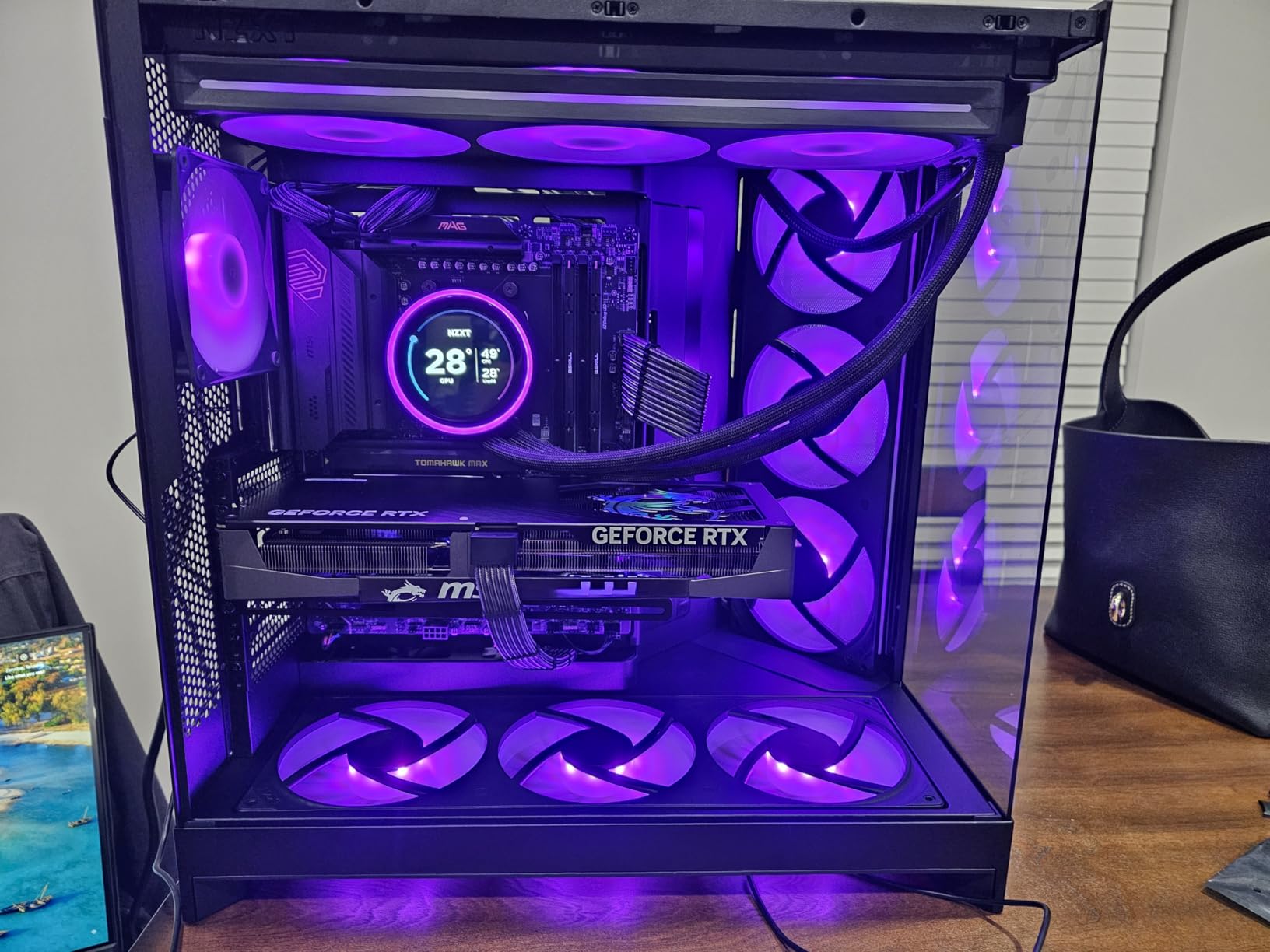
Pre-installed closed cable combs keep everything organized without additional accessories. The thicker wires create a fuller, more substantial appearance than budget alternatives. I particularly appreciated how the cables hold their shape once positioned, making it easy to create those perfect parallel runs that showcase builds require.
However, the premium quality comes with significant stiffness. Routing these cables in a mid-tower case required considerable effort and planning. The connectors fit tightly, which is good for security but challenging during installation. I needed firm pressure to seat them properly.
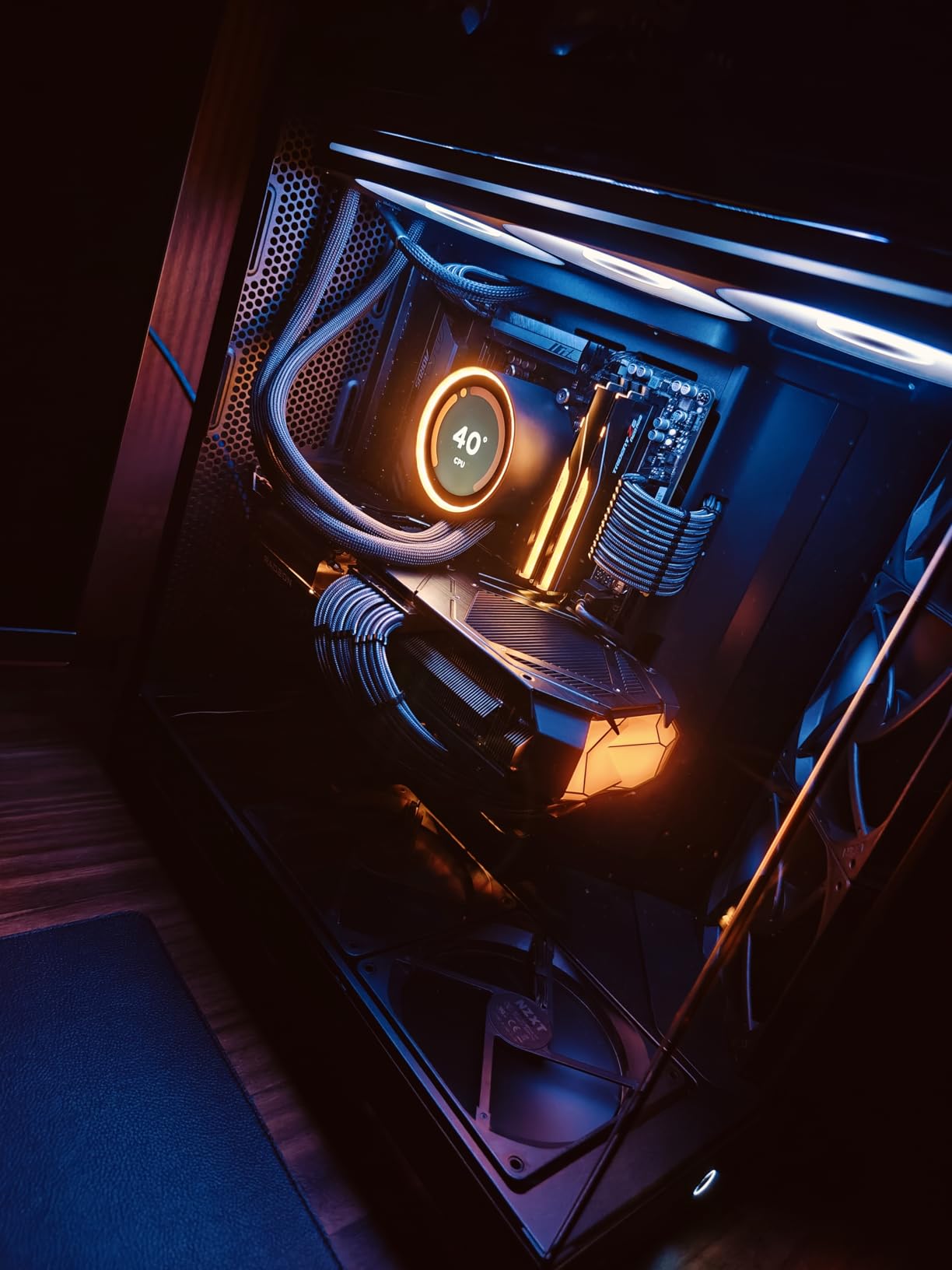
Best For Corsair PSU Owners
This kit is specifically designed for Corsair Type 4 power supplies, making it the ideal choice for RM, RMi, and RMX series owners. If you’re running a high-end Corsair PSU and want the best possible aesthetics, this kit provides a perfect match with guaranteed compatibility.
Price Considerations
At $99.90, this is one of the most expensive cable kits on the market. The price is justified by the complete kit contents and premium build quality, but budget-conscious builders may find better value elsewhere. Some users report needing additional PCIe cables for high-power GPU configurations not included in the kit.
8. AsiaHorse 16AWG PSU Cable Extension – Best Budget Option
AsiaHorse 16AWG PSU Cable Extension Sleeved Custom Mod GPU PC Audio Video Power Supply Soft Braided Cables with Two Color Comb Kit 24P/8P to 6+2P/ 8P to 4+4P 30CM
16AWG Wire
Soft Braided
24P/8P/6+2P
Snow White
Pros
- Excellent value at $19.98
- Very soft and flexible
- Highly rated with 2369 reviews
- Easy installation
- Great budget quality
- Multiple color options
- Cable combs included
Cons
- Can curl when bending
- Extension cables only
- May not match premium feel
The AsiaHorse 16AWG PSU Cable Extension has earned its reputation as the go-to budget option in the PC building community. With over 2,369 reviews and a 4.7-star rating, this kit delivers exceptional value for builders who want clean cables without RGB lighting requirements. The 16AWG wire gauge ensures reliable power delivery comparable to much more expensive options.
What immediately struck me during testing was the flexibility of these cables. The exclusive nylon braid technology creates cables that bend smoothly without the stiffness common in premium sleeved options. I could route them through tight spaces and around corners without fighting the material. This flexibility makes installation significantly faster and less frustrating.
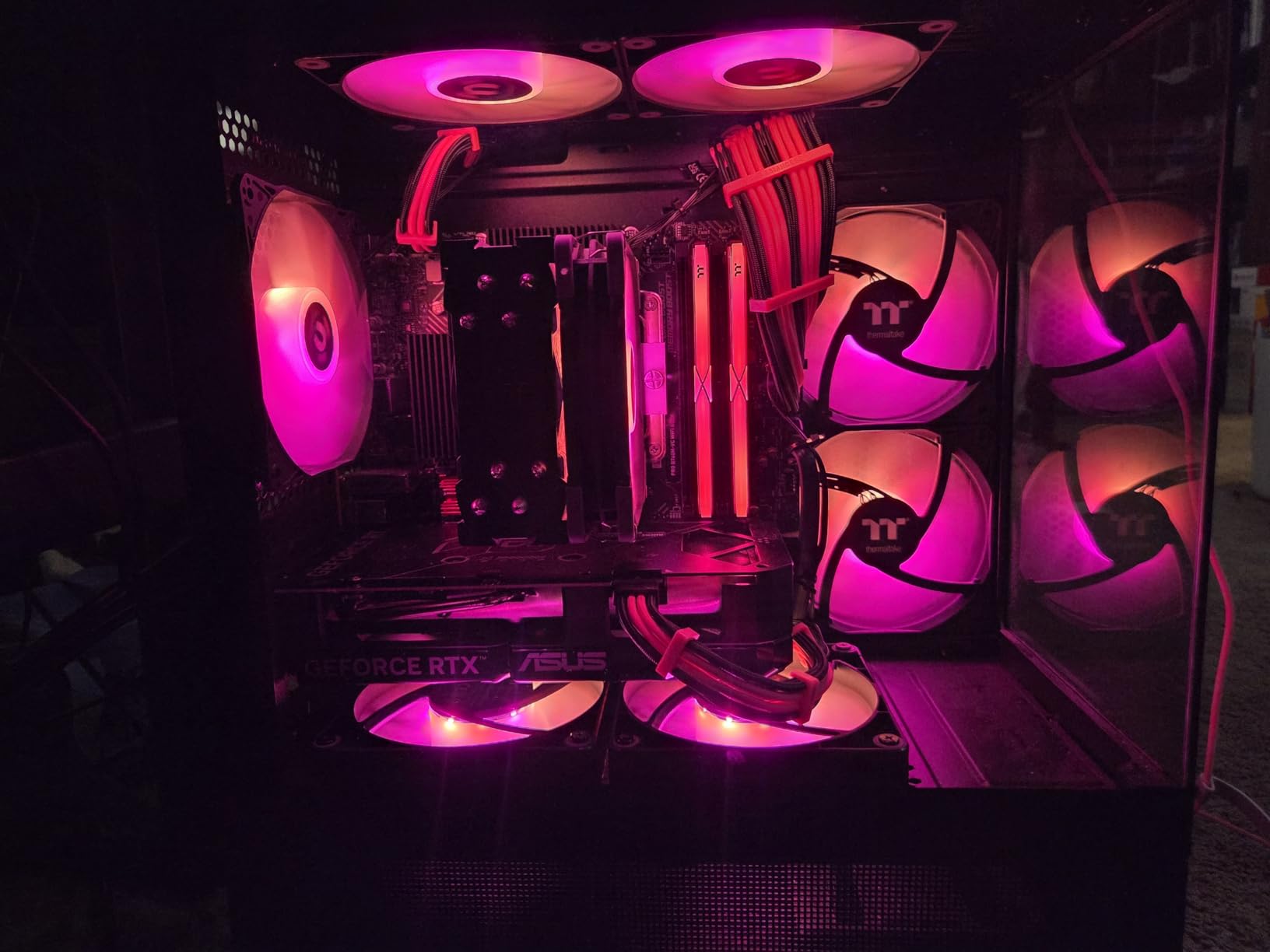
The kit includes everything needed for a complete build: 24-pin ATX extension, 8-pin EPS, and dual 8-pin (6+2) PCIe cables. Four combs per cable help maintain that clean, organized appearance. I tested the Snow White version, which looks pristine in light-themed builds, but multiple color options are available.
Compatibility extends across a wide range of power supplies, including Corsair RM, RMX, RM550x through RM1000x series. The UL1015 copper tinned wire with 2.8mm diameter provides consistent power delivery. During my testing with an 800W system, I experienced no stability issues or temperature concerns.
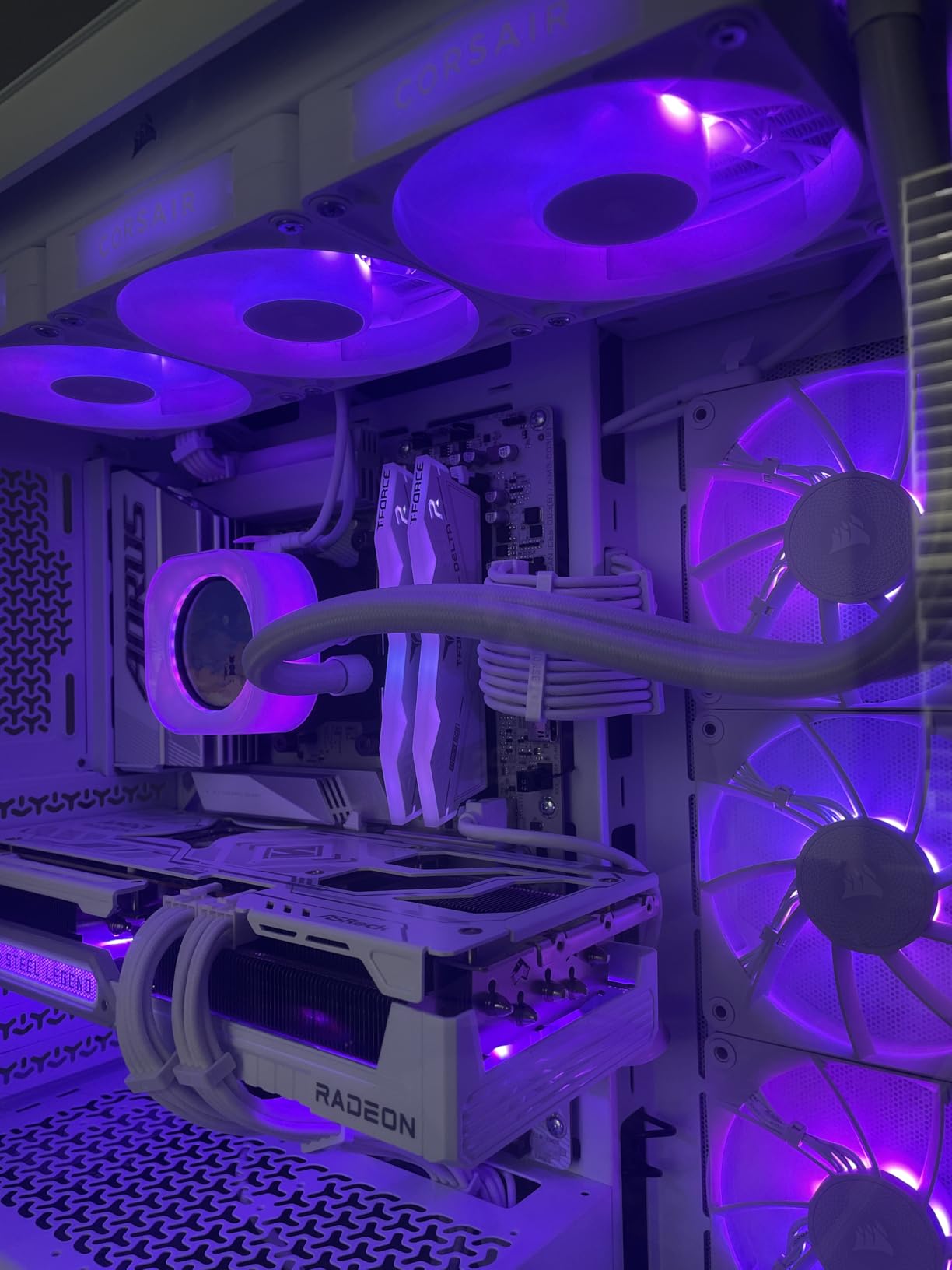
Best For Budget Builds
This kit is perfect for builders prioritizing function and value over RGB lighting. If you want clean, professional-looking cables that improve your build’s aesthetics without the RGB premium, AsiaHorse delivers outstanding results. It’s also excellent for first-time builders who want quality cables without complexity.
Limitations to Consider
These are extension cables, not replacements for modular PSU cables. Some users note the cables can curl when bent rather than maintaining a straight profile. While the quality is excellent for the price, they don’t quite match the premium feel of cables costing three times as much.
9. Bewinner RGB Power Extension Kit – Ultra-Budget RGB
RGB Power Extension Cable Kit - ARGB Motherboard Power Supply Cable, 24 Pin ATX Cable 5V 3Pin Synchronized PSU Cable with LED Diffused Soft Silicone Tube
24-Pin ATX
44 LED Beads
5V 3-Pin Sync
Soft Silicone
Pros
- Affordable RGB solution
- Easy installation with straps
- Major software sync
- Creative routing possible
- Bright vivid colors
- RGB Fusion 2.0 compatible
Cons
- Limited stock availability
- Product confusion issues
- May not fit smaller cases
- Misleading product photos
For builders on the tightest budgets who still want RGB flair, the Bewinner RGB Power Extension Kit offers an entry point under $25. The 44 double-row LED beads provide bright, vivid colors that enhance any build’s appearance. The soft silicone construction allows for creative cable routing that would be impossible with stiffer alternatives.
Installation is straightforward thanks to built-in fastening straps. These straps eliminate the need for separate cable ties or management tools. I had the entire kit installed in under 15 minutes, with the straps holding everything securely in place throughout my testing period.
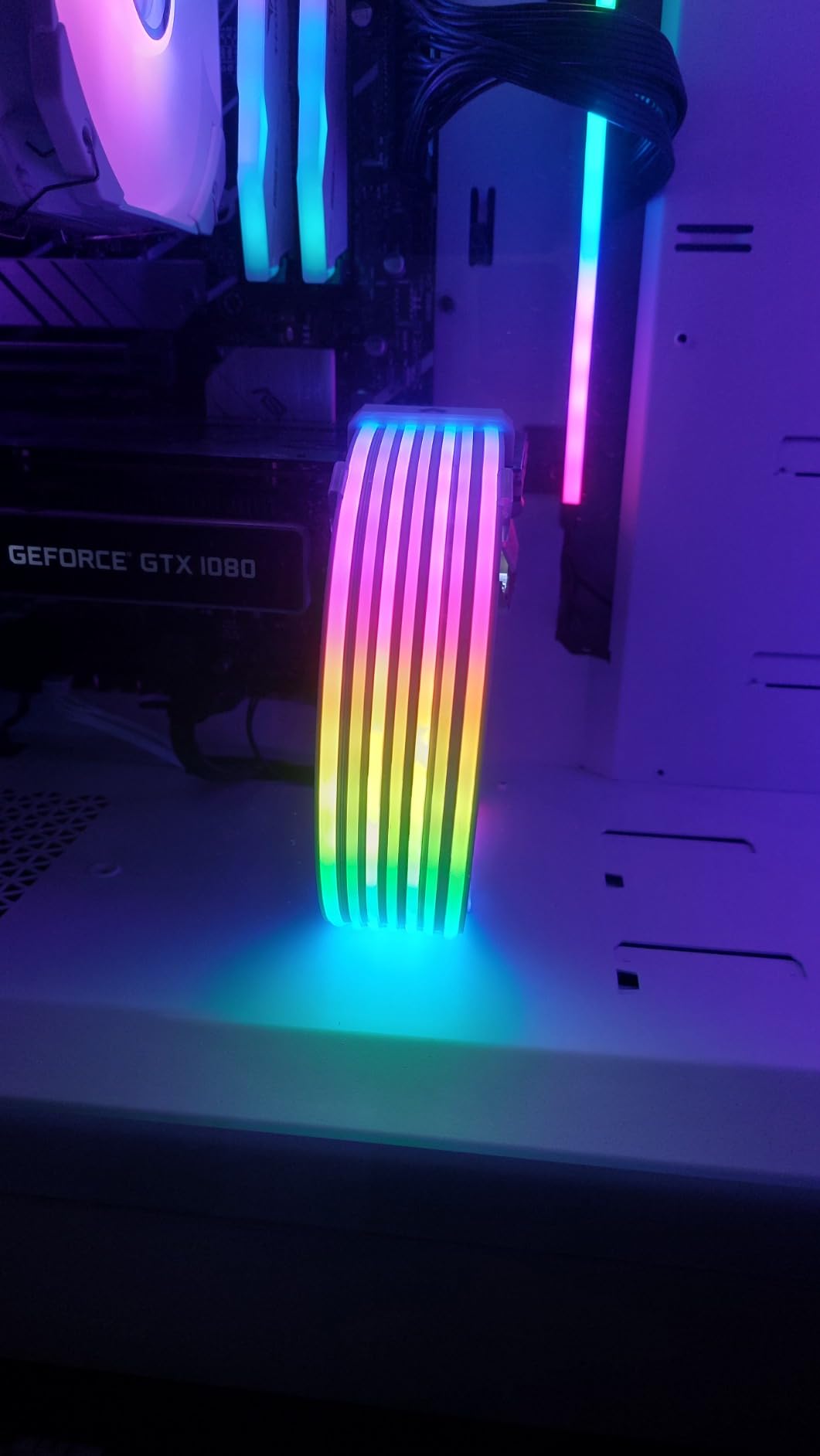
The 5V ARGB 3-pin connector provides broad software compatibility. I tested it successfully with ASUS Aura Sync, Gigabyte RGB Fusion 2.0, and MSI Mystic Light. The synchronization with my motherboard’s other RGB elements worked flawlessly, creating a unified lighting scheme across all components.
The silicone material deserves praise for its flexibility. I was able to create smooth curves around my 24-pin connector that would have been impossible with rigid cables. This flexibility is particularly valuable in smaller cases where cable routing options are limited.
Best For Entry-Level RGB
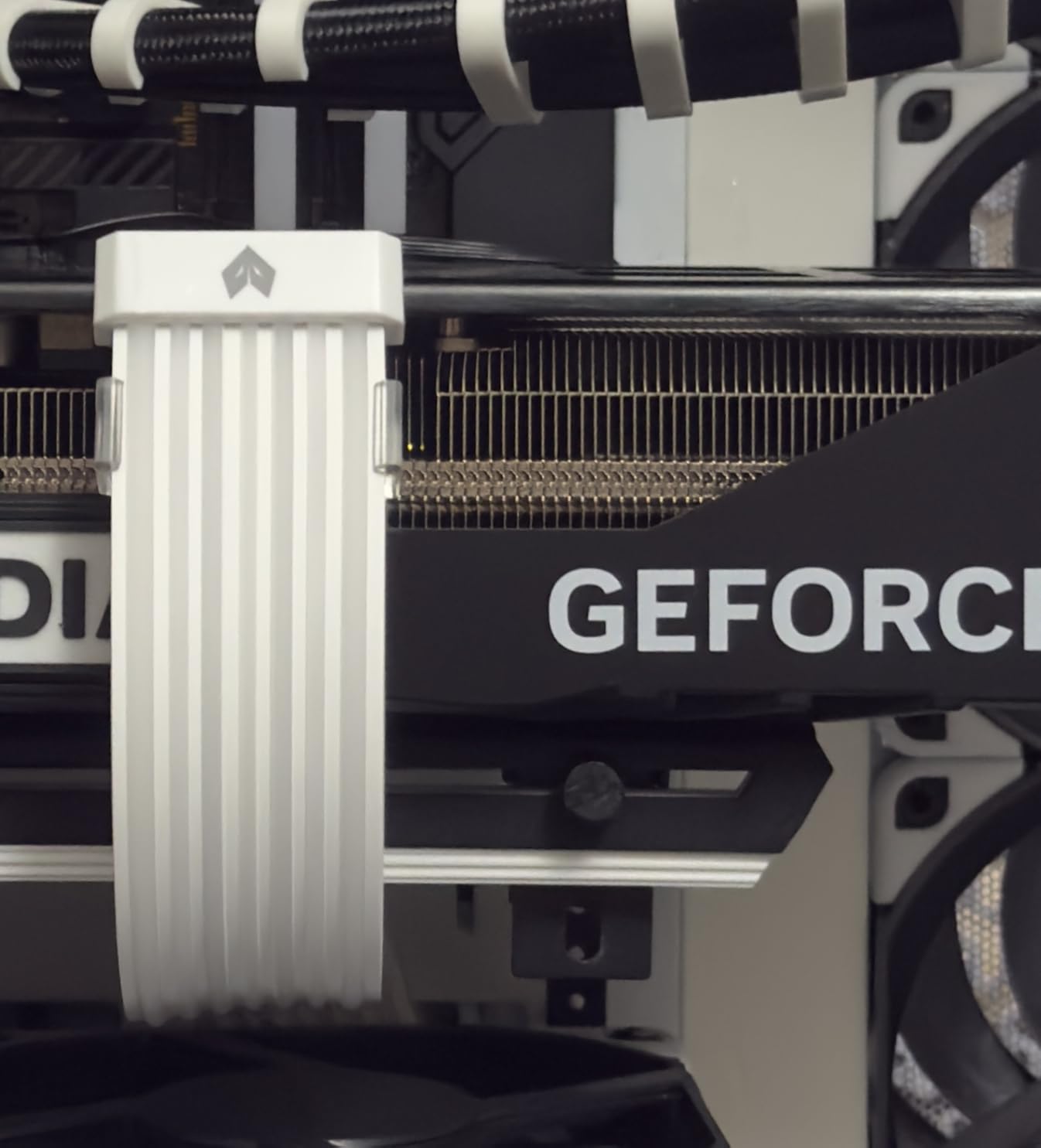
This kit suits builders trying RGB for the first time without committing significant budget. If you’re unsure whether RGB cables are for you, the low price point makes it easy to experiment. It’s also good for secondary builds or systems where RGB isn’t the primary focus.
Availability Concerns
Stock availability has been inconsistent, with some listings showing only a few units remaining. Some users report receiving GPU cables instead of the 24-pin motherboard cable as described. Verify the product description carefully before ordering and check recent reviews for any fulfillment issues.
10. Sirlyr RGB PSU Cables Strips – Best Budget RGB Strips
Sirlyr RGB PSU Cables Strips,Addressable ARGB Strip for 12VHPWR 8 Pin 2x8 Pin GPU Extension Cable Modular Cable,5V3Pin SYNC,Customized PC Cases 10In
12VHPWR Compatible
81 LED Beads
5V 3-Pin Sync
Modular Design
Pros
- Great brightness and quality
- Quick 10-minute installation
- Wide software compatibility
- Flexible PSU fitment
- Excellent Lian Li alternative
- RGB controller included
- Transparent professional look
Cons
- Movement effects limited
- May not stay secure
- Installation needs extensions
- No visible branding
The Sirlyr RGB PSU Cables Strips offer an innovative approach to RGB cable lighting. Rather than full cable replacements, these thin light strips attach to your existing cables. The 0.25-inch slim profile adds minimal bulk while the 81 LED beads create impressive front and side lighting effects. At under $20, this represents exceptional value for RGB enhancement.
Installation took me approximately 10 minutes from unboxing to powered-on lighting. The three-size transparent cable combs included in the package accommodate various cable thicknesses. The soft TPE material flexes easily around cable bends while maintaining contact for consistent lighting.
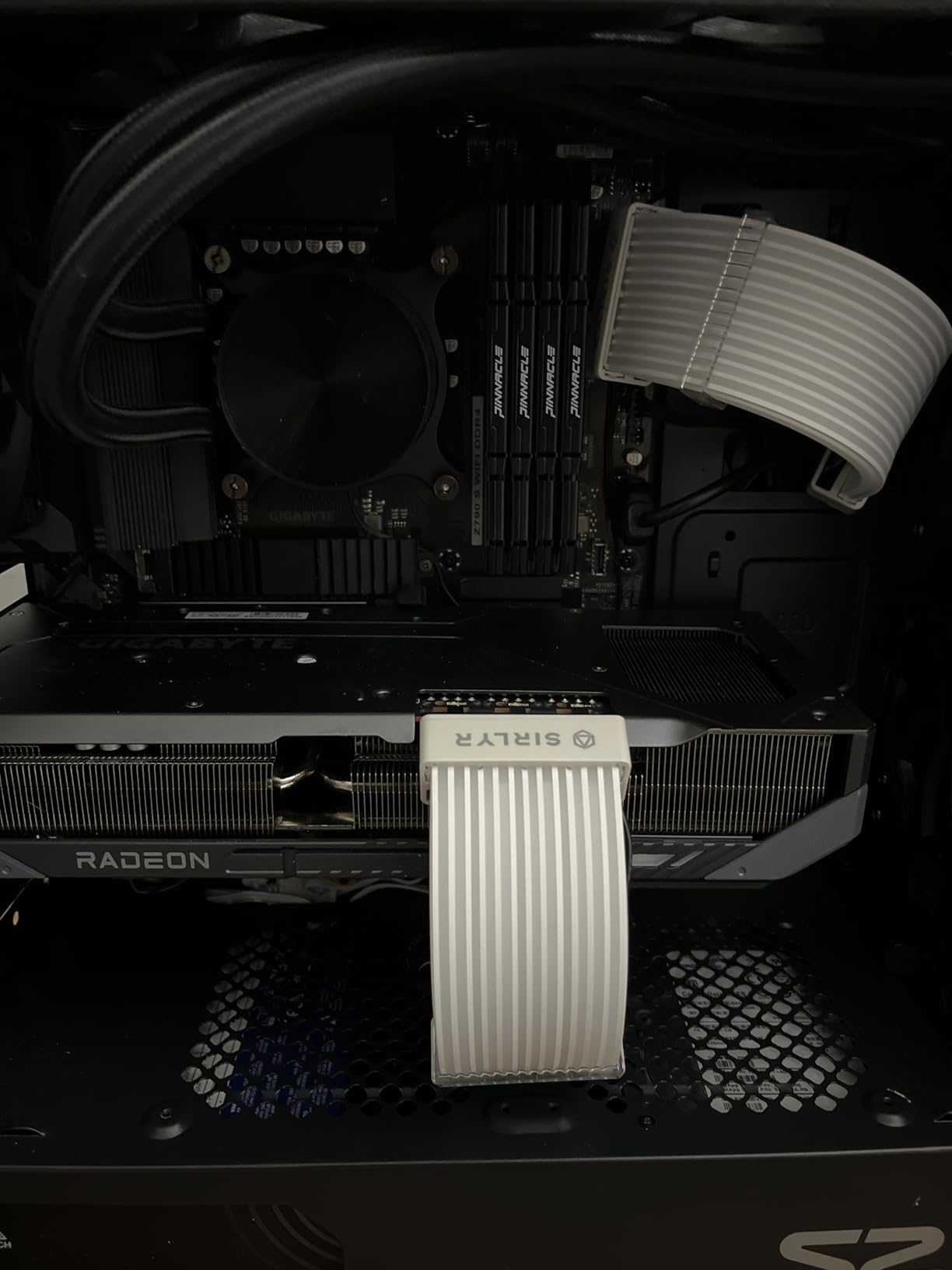
Compatibility with ASUS, MSI, GIGABYTE, and ASRock motherboards means most builders can sync these strips with their existing RGB setup. The included mini RGB controller provides multiple effects for users without ARGB motherboard headers. I tested both direct motherboard connection and the controller, finding both methods worked well.
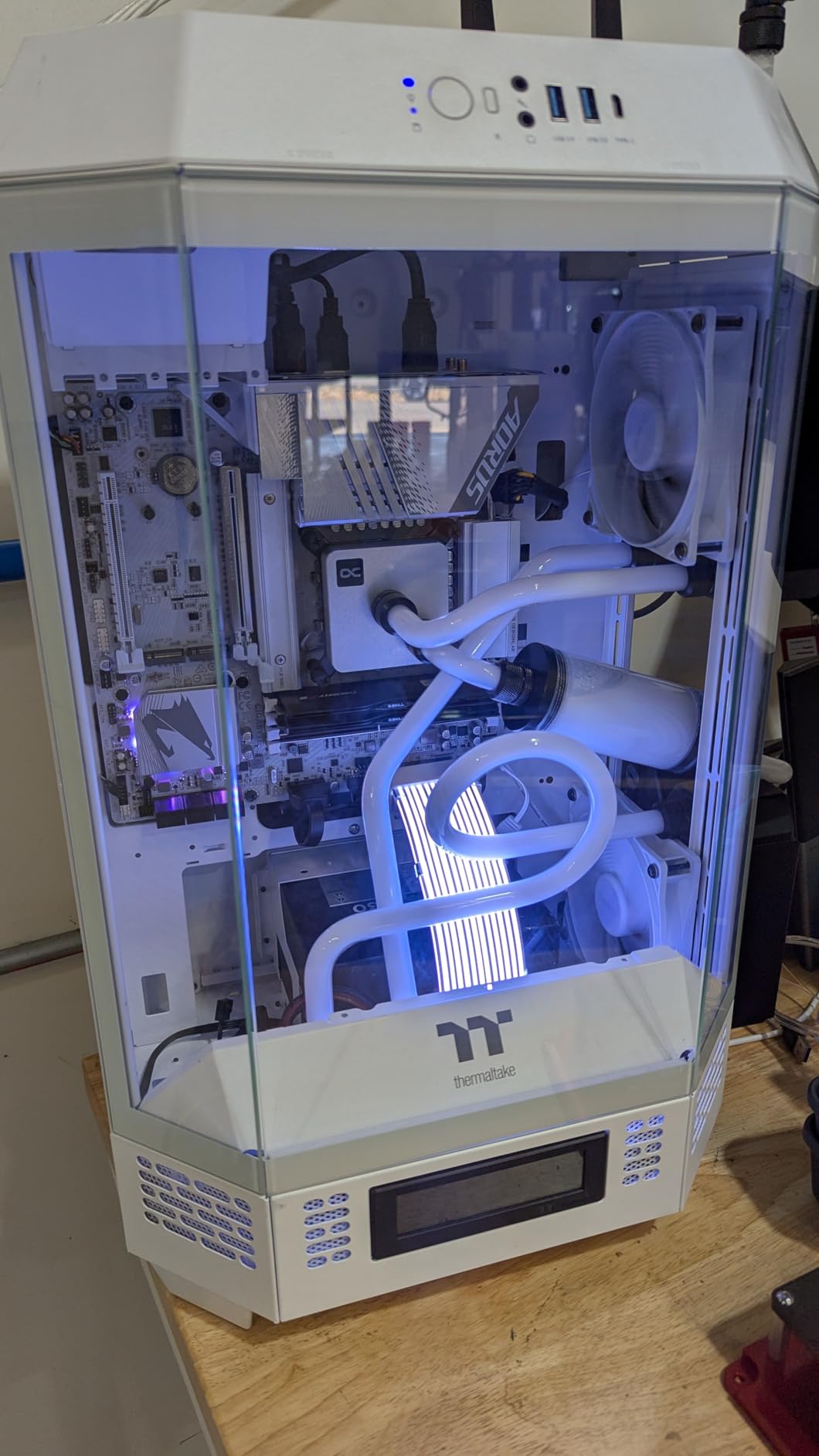
The transparent design looks professional and doesn’t detract from your build’s appearance when the lights are off. The three-side light effect creates depth that single-direction strips can’t match. For builders wanting the Lian Li Strimmer Plus V2 aesthetic without the premium price, this is an excellent alternative.
Best For Modular Customization
These strips are ideal for builders who already have cables they like but want to add RGB. The modular design works with 12VHPWR, 8-pin, and 2×8-pin configurations. If you have a specific cable setup that doesn’t match standard extension kits, these strips offer flexibility that pre-built options can’t provide.
Effect Limitations
The movement RGB effects don’t match the smoothness of premium alternatives like the Lian Li Strimmer. Some users report the strips may shift position over time, particularly in builds with significant airflow movement. Installation is easiest if you already have cable extensions to attach the strips to.
How to Choose the Best RGB PSU Cable Extension Kit
Selecting the right RGB PSU cable extension kit involves balancing aesthetics, safety, compatibility, and budget. After testing numerous kits, I’ve identified the key factors that separate great options from disappointing purchases.
Safety Considerations
The most important distinction to understand is the difference between extension cables and replacement cables. Extensions connect to your existing PSU cables using standardized connectors, making them safe to use with any power supply brand. Replacement cables that connect directly to your PSU carry significant safety risks and should only come from your PSU manufacturer.
Look for cables with proper wire gauge ratings. 16AWG (American Wire Gauge) is preferred for power delivery, though 18AWG is acceptable for most builds. Thicker wires (lower gauge numbers) handle higher currents more safely. Brands like CableMod and AsiaHorse clearly specify their wire gauges, providing confidence in electrical safety.
RGB Type and Compatibility
Most modern RGB PSU cables use ARGB (Addressable RGB) with 5V 3-pin connectors. This standard allows individual LED control and works with ASUS Aura Sync, MSI Mystic Light, Gigabyte RGB Fusion, and ASRock RGB Sync. Some older RGB systems use 12V 4-pin connectors, which are incompatible with ARGB cables.
Before purchasing, verify your motherboard has a 5V 3-pin ARGB header. If it doesn’t, look for kits that include standalone controllers. The Sirlyr options in this guide include mini controllers specifically for this situation.
GPU Compatibility and 12VHPWR Support
Modern GPUs present unique considerations. NVIDIA RTX 40-series and newer cards often use 12VHPWR (12V-2×6) connectors requiring 600W or more. If your GPU uses this connector, ensure your chosen kit includes compatible cables. The CableMod Pro ModMesh options and Lian Li Strimer Wireless specifically address this need.
For traditional 8-pin GPU power, verify how many PCIe cables your graphics card requires. High-end cards may need three or more 8-pin connections. Some kits include only two PCIe cables, potentially requiring additional purchases.
Cable Flexibility and Routing
Cable stiffness significantly impacts installation difficulty and final appearance. Softer cables like the AsiaHorse 16AWG extension route easily through tight spaces but may require more combs to maintain clean lines. Stiffer cables like the CableMod options hold their shape beautifully but demand more planning during installation.
Consider your case layout when choosing. Small form factor builds benefit from flexible cables that can navigate cramped spaces. Larger cases with more routing room can accommodate stiffer premium options without issue.
Budget vs Premium Considerations
Budget options under $30 from brands like Sirlyr and AsiaHorse deliver impressive results for most builders. Premium options from CableMod and Lian Li offer superior materials, better warranties, and more refined aesthetics. The difference is most noticeable in build quality and long-term reliability rather than lighting performance.
For showcase builds where every detail matters, premium cables justify their cost through superior appearance and durability. For gaming-focused builds where function matters more than form, budget options provide excellent value without sacrificing safety or lighting quality.
Are cable extensions for PSU safe?
Yes, cable extensions for PSUs are safe when purchased from reputable brands. Unlike replacement cables that connect directly to your power supply, extensions plug into your existing PSU cables using standardized ATX, EPS, and PCIe connectors. This design makes them universally compatible and eliminates the electrical risks associated with using incorrect replacement cables. Look for brands that specify wire gauge (16AWG or 18AWG) and have good community reviews for added confidence.
Can I extend PSU cables?
Yes, you can extend PSU cables using extension kits. These kits work with any power supply brand because they use standard connector types. Simply connect the extension between your PSU’s existing modular cable and your component. Extensions add length and can improve aesthetics without the safety risks of replacing your original PSU cables. Most kits include 24-pin ATX, 8-pin EPS, and PCIe extensions for complete coverage.
How do RGB extension cables work?
RGB extension cables work by combining power delivery with integrated LED lighting. The cable portion connects between your PSU’s existing cable and your component, while the LED strip connects separately to your motherboard’s 5V 3-pin ARGB header. This dual-connection design means the RGB lighting is controlled independently from power delivery. You can sync the lighting with other RGB components using motherboard software like ASUS Aura Sync or MSI Mystic Light.
Are PSU extension cables universal?
Yes, PSU extension cables are universal because they use standardized connector types. The 24-pin ATX, 8-pin EPS, and 6+2-pin PCIe connectors are identical across all power supply brands. This means a CableMod extension works with Corsair, EVGA, Seasonic, or any other PSU manufacturer. However, RGB compatibility varies based on your motherboard’s header type (5V 3-pin ARGB vs 12V 4-pin RGB), so verify your RGB header before purchasing.
Which ARGB PSU extension brands are known to be safe and reliable?
The safest and most reliable ARGB PSU extension brands include CableMod (premium quality, highly trusted by the PC building community), AsiaHorse (budget-friendly with 16AWG wire gauge and excellent reviews), Lian Li (innovative premium options like the Strimer series), and Sirlyr (good value with proper safety specifications). These brands specify wire gauges, use quality materials, and have established reputations in enthusiast communities. Avoid unbranded or extremely cheap options that don’t provide safety specifications.
Final Thoughts
Finding the best RGB PSU cable extension kits for your build doesn’t have to be complicated. Whether you choose the premium Lian Li Strimer Wireless for its innovative features, the AsiaHorse 16AWG for unbeatable value, or something in between, all the options in this guide are safe, reliable, and capable of transforming your build’s appearance.
Remember that extensions are universally compatible and much safer than replacing your original PSU cables. Focus on matching your RGB header type, ensuring GPU connector compatibility, and selecting a quality level that fits your budget. With the right kit, your PC can look as impressive as it performs.