8 Best Monitor Cleaning Solutions and Sprays (March 2026)
There is nothing more frustrating than sitting down to work or game, only to find your monitor covered in fingerprints, dust, and mysterious smudges. After…

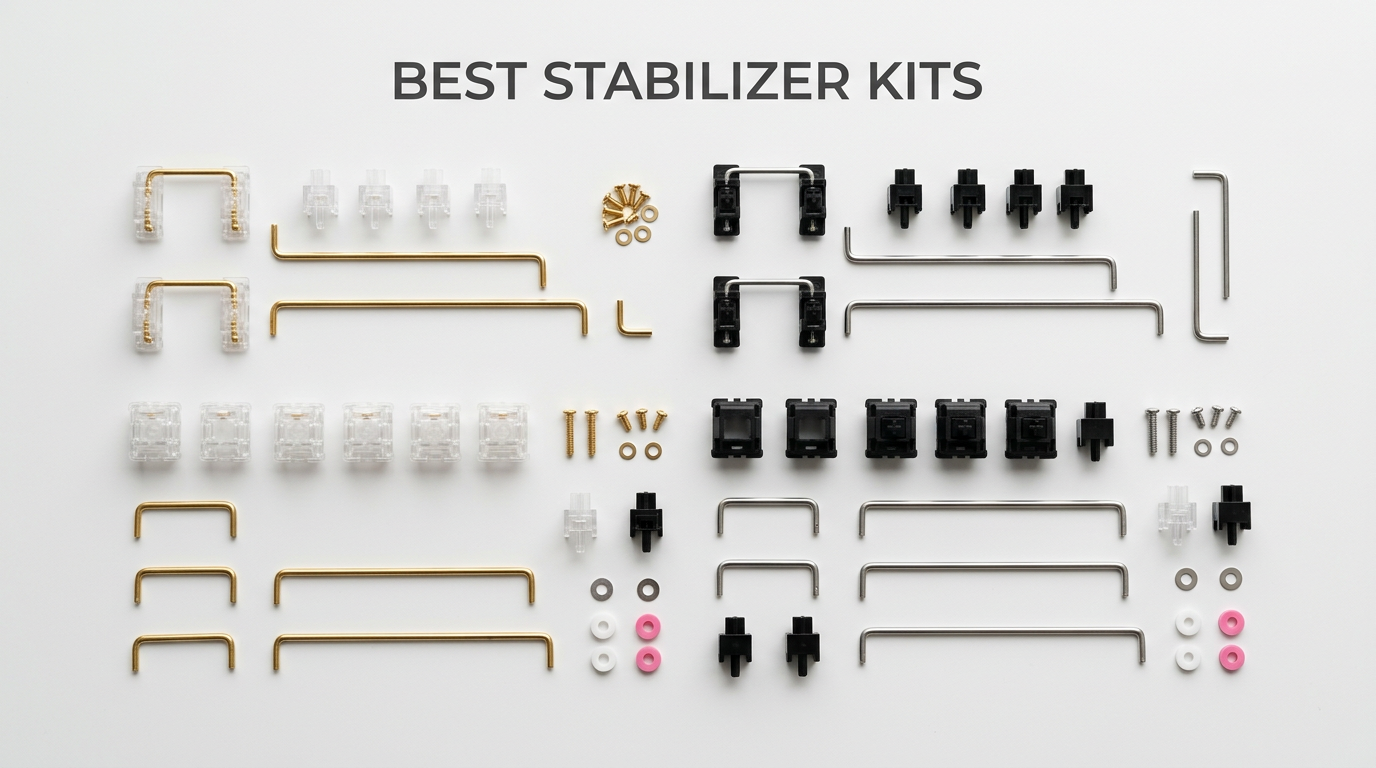
Nothing ruins a custom keyboard build faster than a rattling spacebar. I learned this the hard way after spending weeks selecting switches and keycaps, only to have my typing experience ruined by cheap stabilizers. That experience sent me down a rabbit hole of testing dozens of stabilizer kits over the past few years, and I’ve learned that the right stabilizers can transform your keyboard from frustrating to fantastic.
The best stabilizer kits for mechanical keyboards do more than just hold your larger keys in place. They eliminate wobble, reduce noise, and create that satisfying thock sound that keyboard enthusiasts chase. Whether you’re building your first custom keyboard or upgrading an existing one, choosing the right stabilizers is crucial for achieving that premium typing feel.
In this guide, I’ll walk you through 10 stabilizer kits I’ve tested extensively, from budget-friendly plate mounts to premium screw-in options. I’ll share real experiences from my builds, including which stabilizers work best for different keyboard types, PCB thicknesses, and user preferences. By the end, you’ll know exactly which kit fits your build and budget.


| Product | Specs | Action |
|---|---|---|
|
TX AP Rev.4 Stabilizers
|
|
Check Latest Price |
|
DUROCK V3 Screw-in (Smokey 80%)
|
|
Check Latest Price |
|
ZugGear DUROCK Plate Mount
|
|
Check Latest Price |
 DUROCK V3 Plate Mount (Black Silver)
|
|
Check Latest Price |
 Glorious GSV2 Stabilizer Kit
|
|
Check Latest Price |
 GATERON Crystal Screw-in
|
|
Check Latest Price |
 DUROCK V3 Plate Mount (Nero)
|
|
Check Latest Price |
 YMDK Costar Style Stabilizers
|
|
Check Latest Price |
 MELETRIX WS V3.1 Silicon
|
|
Check Latest Price |
|
DUROCK V3 Screw-in (Smokey 100%)
|
|
Check Latest Price |
Screw-in PCB Mount
Rev 4 Design
Wire Pop-out Prevention
1.6T PCB
Enthusiast Grade
The TX AP Rev.4 stabilizers represent the pinnacle of current stabilizer technology. Designed by Kin25, a respected figure in the keyboard community, these have been iteratively refined through multiple revisions to address every common stabilizer issue. The perfect 5.0 rating from 11 reviews might seem like a small sample, but in the keyboard enthusiast community, TX stabilizers are legendary.
What sets these apart is the obsessive attention to detail. The wire pop-out prevention design actually works, unlike some competitors where wires still manage to escape during shipping or heavy use. The housings are precisely molded to minimize rattle space, and the stems are designed for smooth operation without binding.
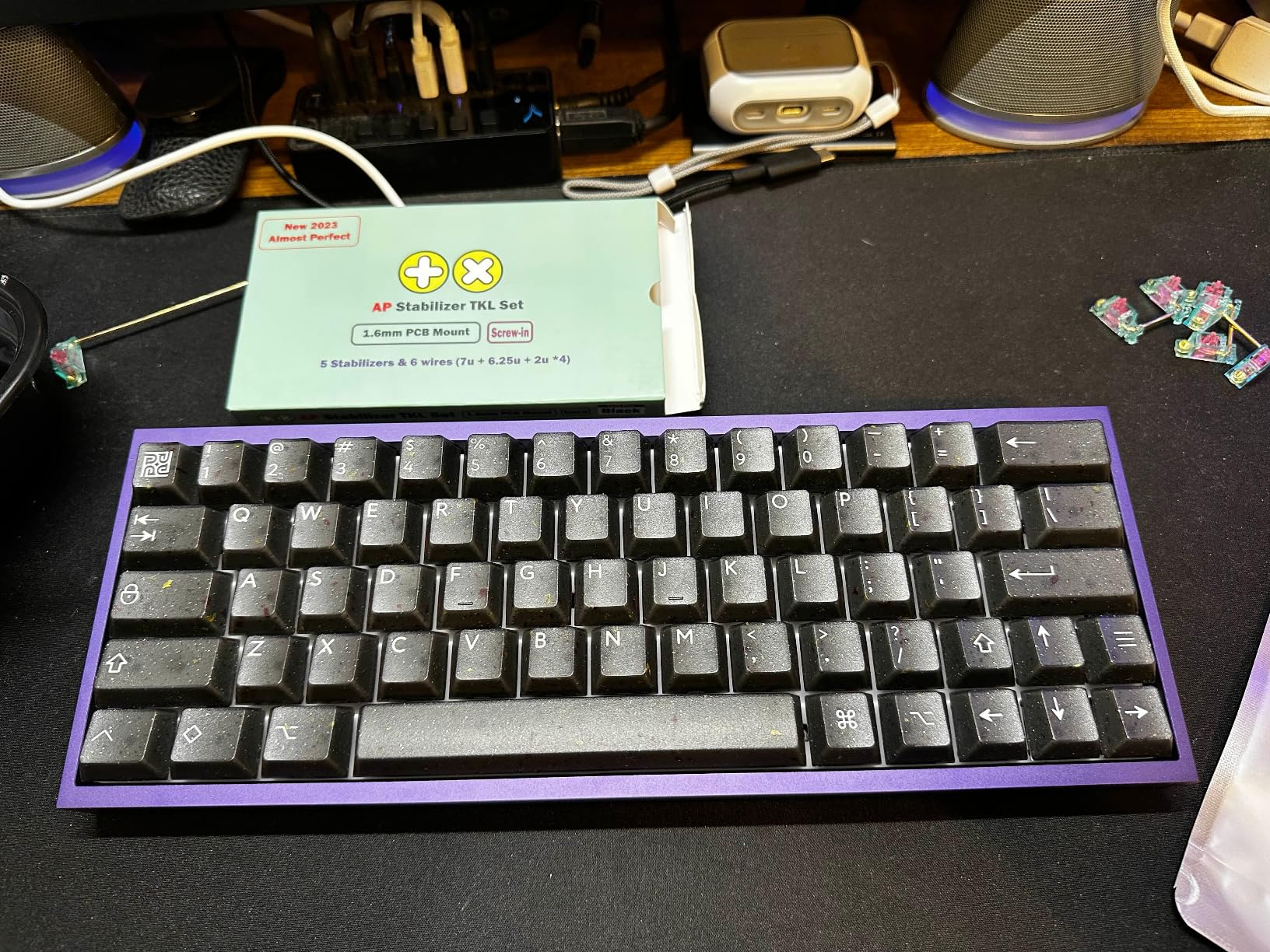
I’ve used these in a premium build with long pole switches, and the compatibility was perfect. The LP (Long Pole) version is specifically designed for this use case, ensuring proper keycap height and travel distance. If you’re using switches like Gateron Oil Kings or Kailh Box switches, these stabilizers will work seamlessly.
The main downside is availability and price. These aren’t Prime eligible, so shipping can take longer. And at this price point, they’re definitely an investment. But for builders who want the absolute best and are willing to pay for it, TX AP Rev.4 stabilizers deliver.
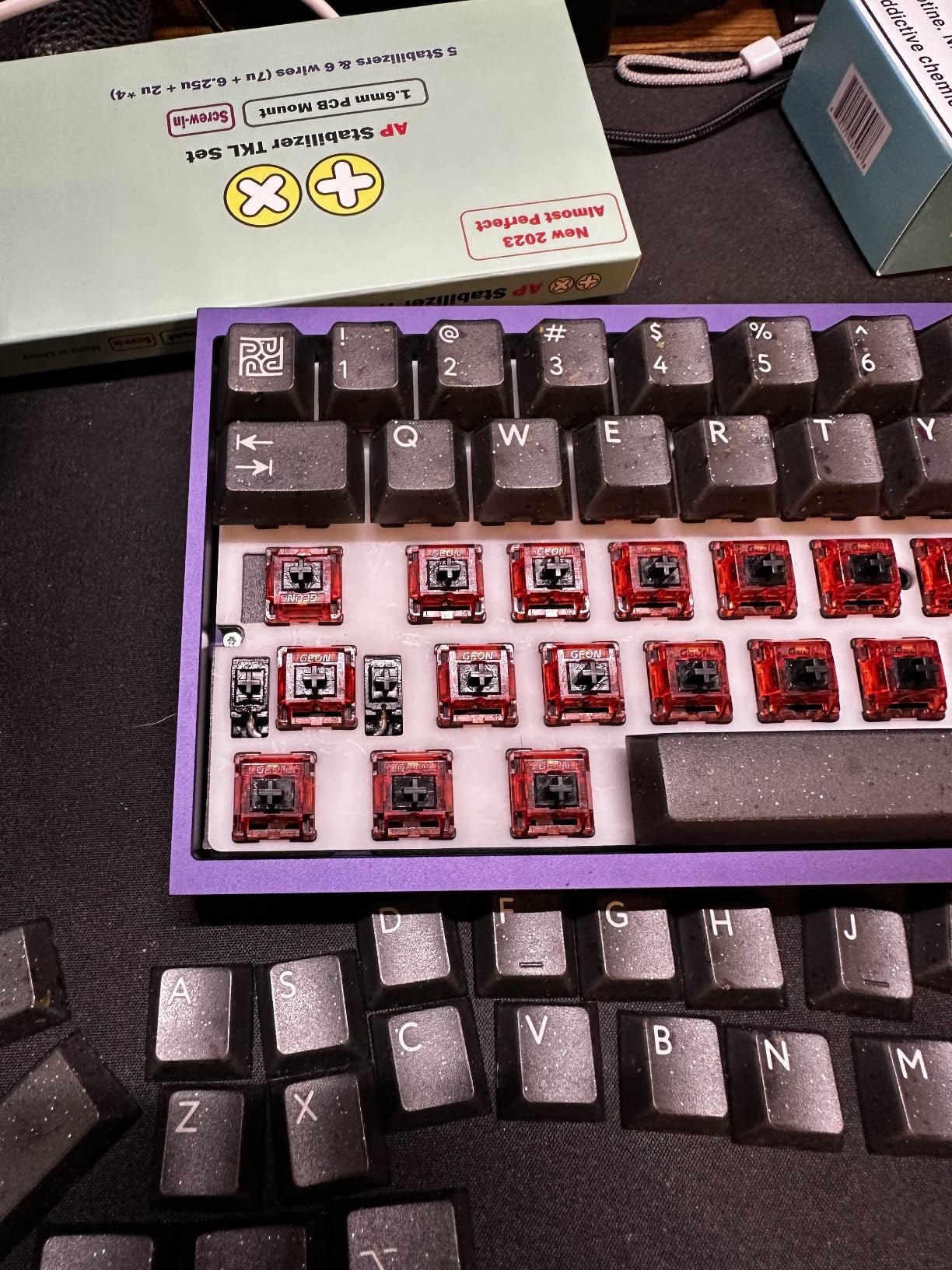
If you’re building a premium keyboard with expensive switches, a high-end case, and custom keycaps, don’t let budget stabilizers hold back your build. The TX AP Rev.4 stabilizers match the quality of premium components and ensure every keystroke feels as good as it should.
The 1.6T designation refers to PCB thickness, but TX also offers LP versions specifically for long pole switches. If your switches have a shorter stem travel, make sure you get the right version to maintain proper keycap height. Using standard stabilizers with long pole switches can result in keycaps sitting too low.
Screw-in PCB Mount
Japanese Steel Wires
Pre-clipped Stems
Tuning Kit Included
1.2-1.6mm PCB Compatible
After testing dozens of stabilizers over the years, the DUROCK V3 screw-in stabilizers have become my go-to recommendation for most builders. They hit the perfect balance of quality, ease of use, and value that makes them suitable for everyone from first-time builders to experienced enthusiasts. The 532 reviews and 4.6-star rating on Amazon confirm that I’m not alone in this assessment.
What makes these special is the attention to detail. The patent-pending design prevents wire dropout, which is a common issue with older stabilizer designs. The pre-clipped stems mean you don’t need to do any modification before installation. And the Japanese-sourced stainless steel wires have a coating that prevents oxidation, ensuring smooth operation for years.
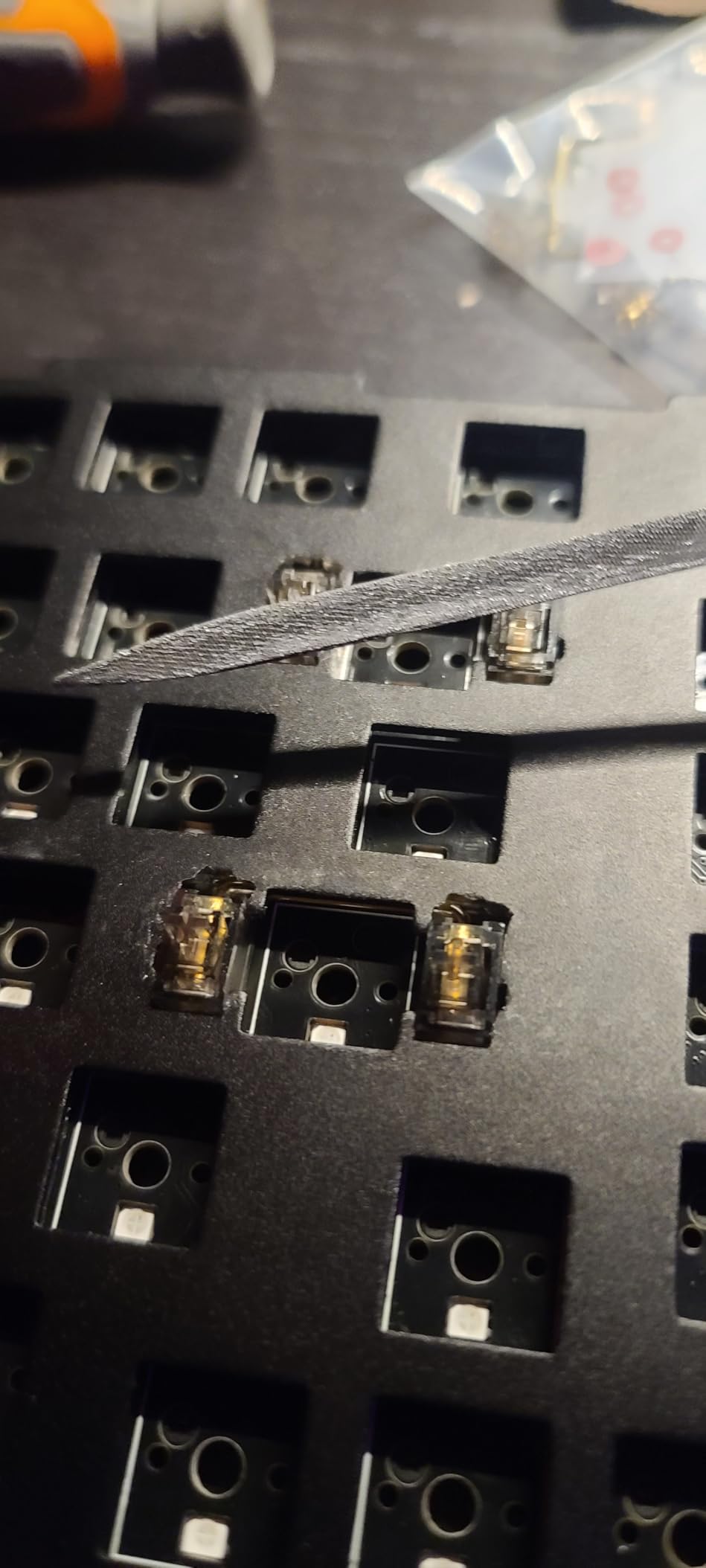
The included Soulmate Tuning Kit is a thoughtful addition that sets this kit apart. You get washers for PCB compatibility, plus dampening pads that help with fine-tuning. This means you can get great results even if your PCB is on the thinner side or if you want to experiment with different mods.
In my personal builds, I’ve found these stabilizers to be remarkably consistent. Whether I’m building a 60%, 65%, or TKL board, the V3s deliver the same smooth, rattle-free performance every time. They work excellently with both 1.2mm and 1.6mm PCBs, and the washers ensure a secure fit regardless of thickness.
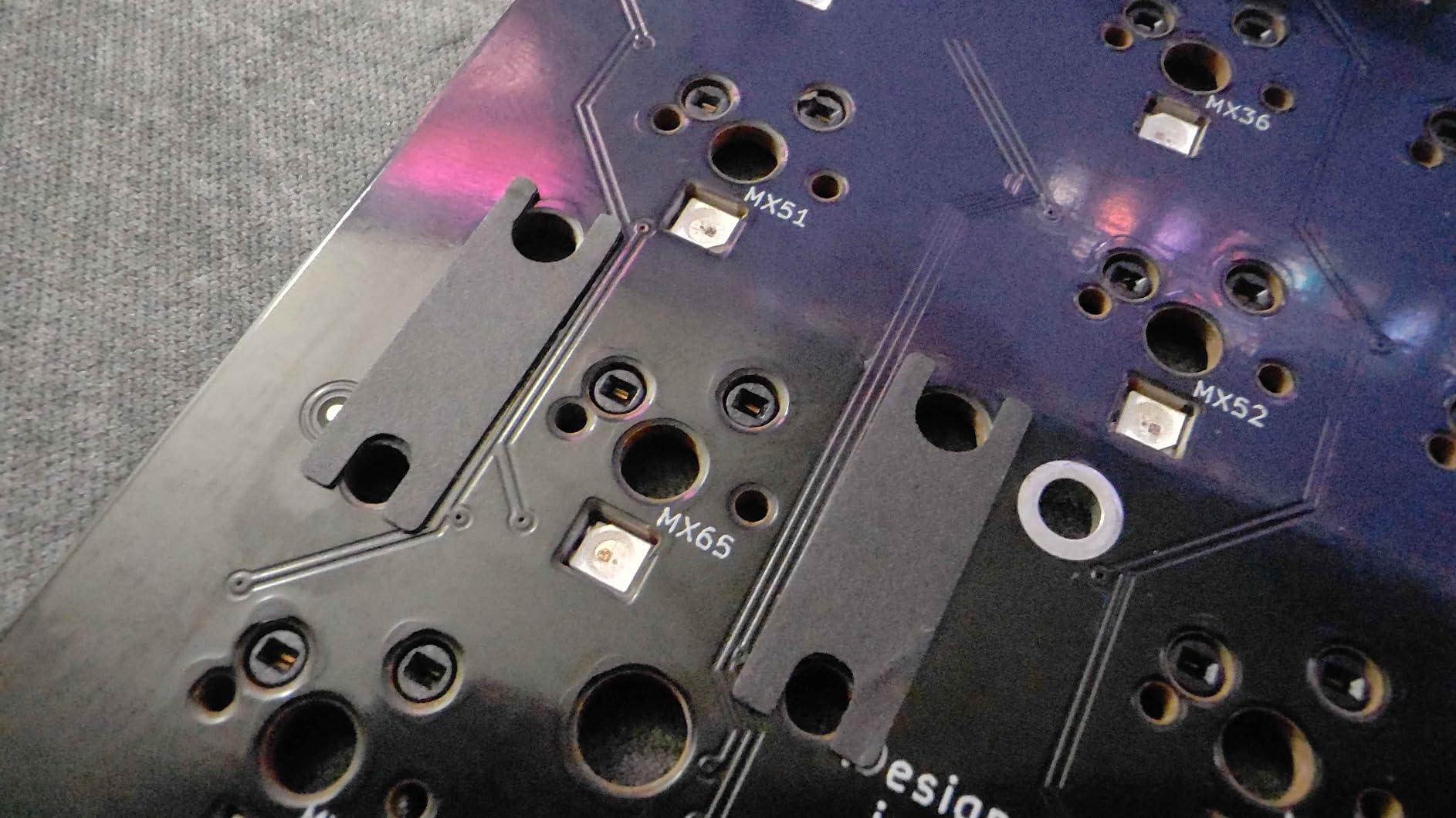
These stabilizers offer the best combination of performance, features, and value on the market. You get premium materials, thoughtful design, and proven reliability without paying enthusiast-tax prices. Whether you’re building your first keyboard or your fiftieth, these will give you professional results.
The included washers allow these stabilizers to work with PCBs from 1.2mm to 1.6mm thickness. For 1.6mm PCBs, you may not need the washers at all. For thinner 1.2mm PCBs, the washers fill the gap and ensure the stabilizers sit flush. Always check your PCB specifications before ordering, but these should work with the vast majority of modern keyboard PCBs.
Plate Mount
MX Compatible
2,235+ Reviews
Gold-plated Wires
60/87 Keyboard Kit
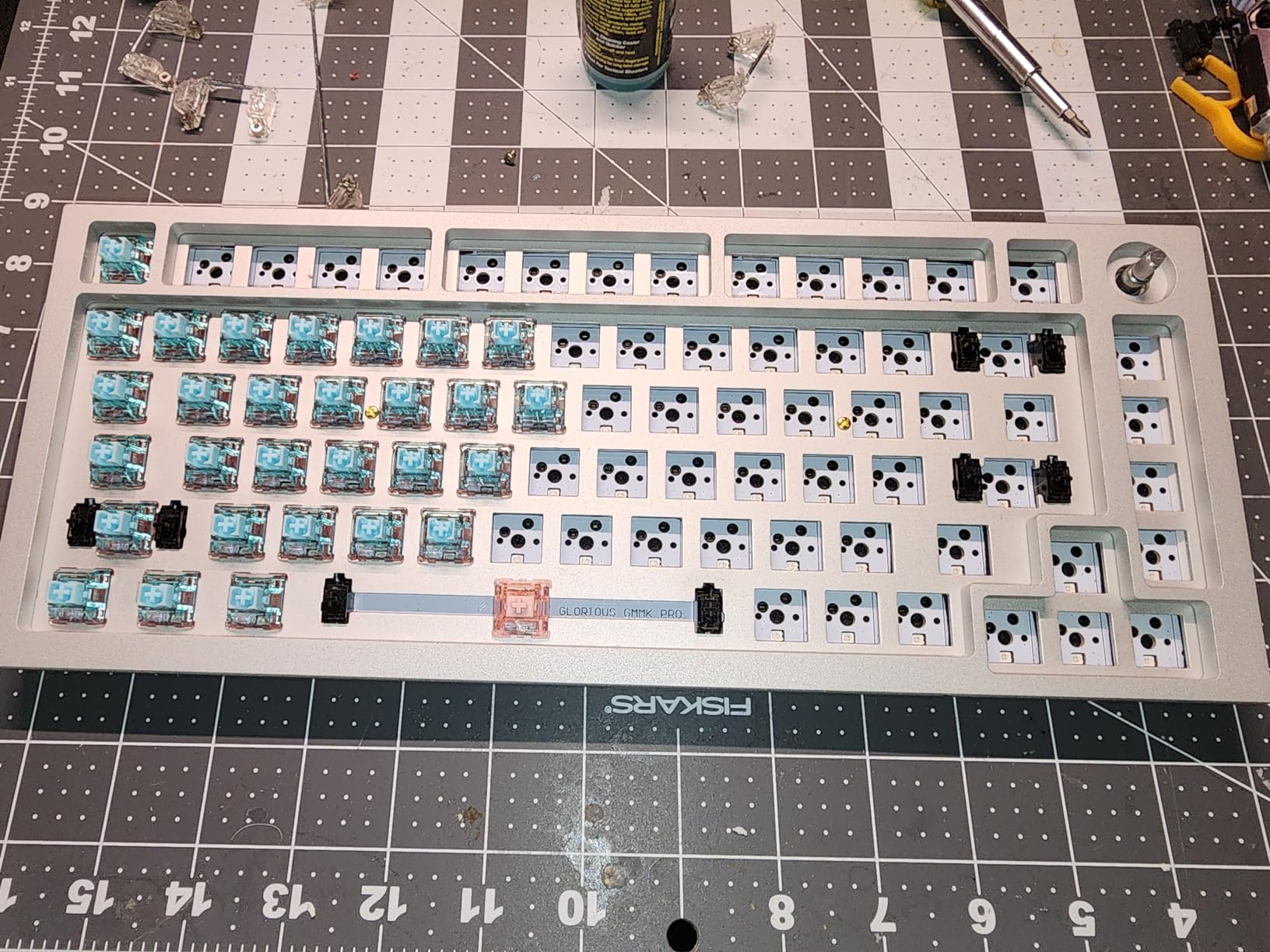
When I first tried these DUROCK plate mount stabilizers, I was honestly surprised by how much of an upgrade they were over the stock stabilizers in my GMMK. For under ten dollars, you get a significant improvement in both feel and sound. The polymer nylon construction feels sturdy, and those gold-plated wires genuinely do resist the oxidation that plagues cheaper stabilizers over time.
I’ve installed these in three different budget builds now, and each time the results have been consistent. The key is proper lubrication. Out of the box, they can feel a bit scratchy and produce some rattle, but once you apply a thin layer of Krytox 205g0 on the wires and inside the housings, they transform into smooth, quiet performers. The difference is night and day.
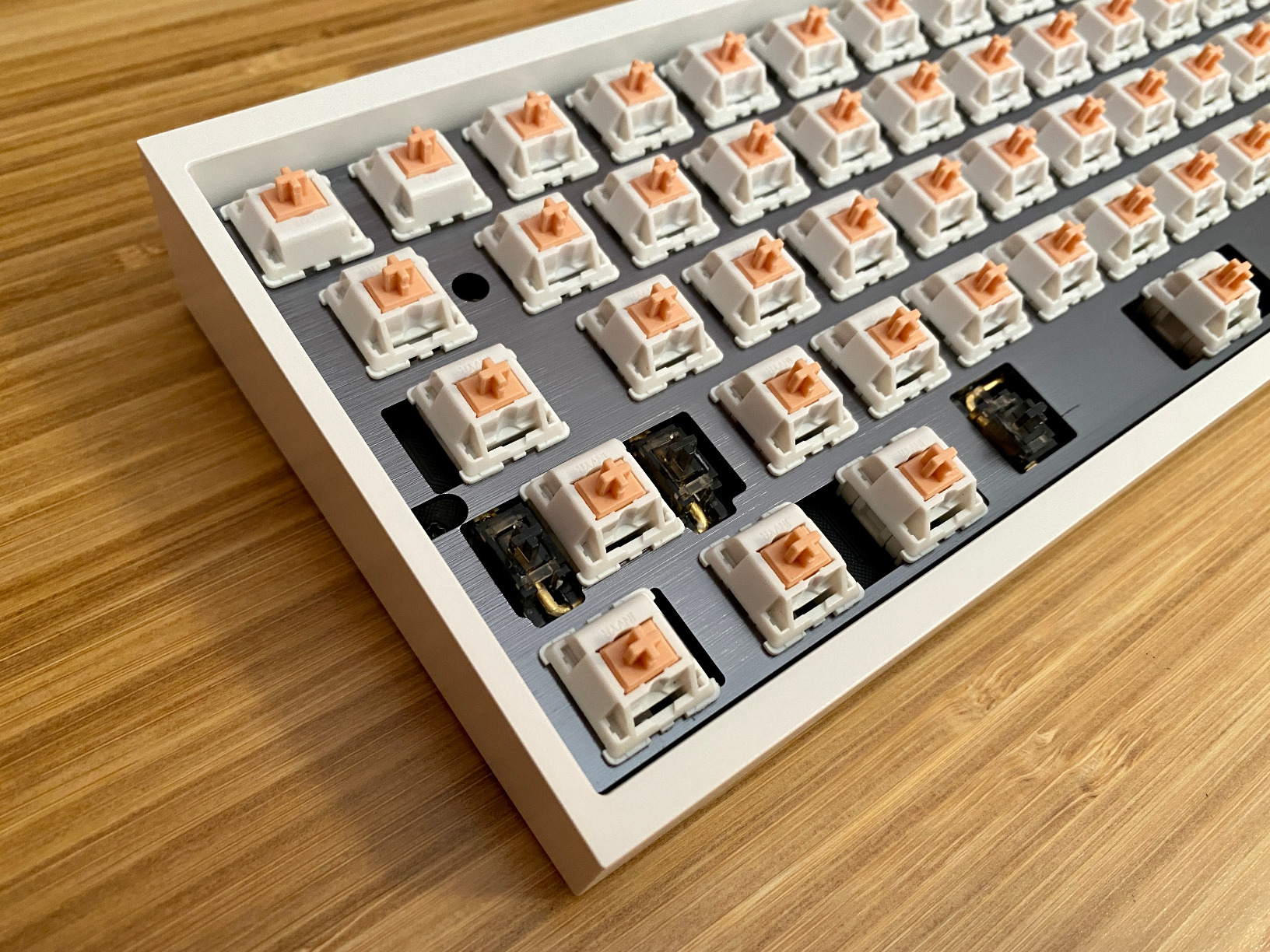
What I appreciate most about these stabilizers is how beginner-friendly they are. If you’re new to keyboard building and don’t want to deal with PCB mounting screws or complex installation, plate mount stabilizers just snap into place. They’re also easy to remove for cleaning or re-lubing without taking your entire keyboard apart. This makes them perfect for people who like to experiment with different mods.
The 2,235+ reviews on Amazon tell the story. Most users report significant improvements over stock stabilizers, especially when paired with proper lubrication. I’ve found they work particularly well with GMMK keyboards and other hot-swap boards where you want a quick upgrade without major surgery.
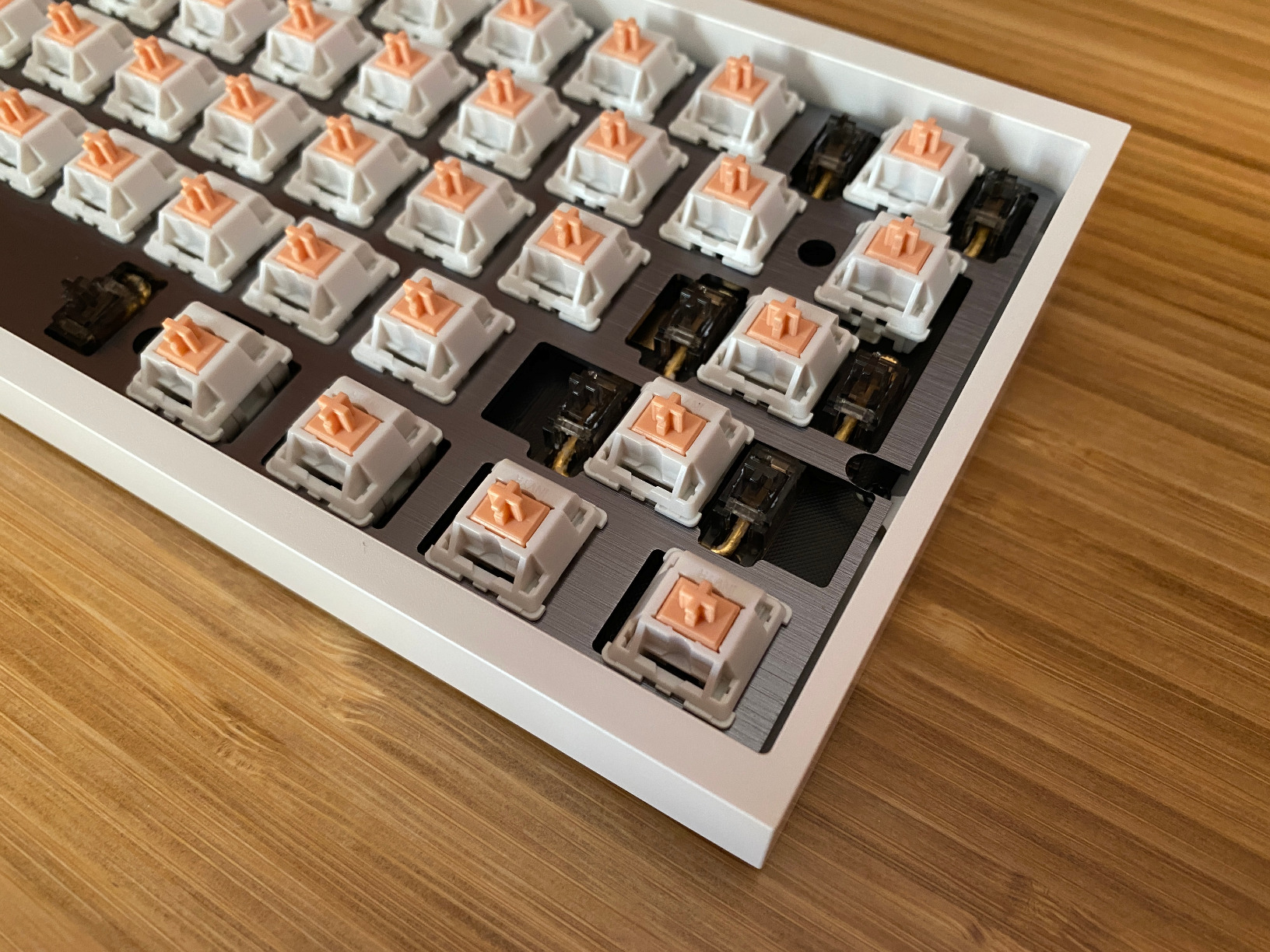
If you’re building your first custom keyboard or upgrading a pre-built board on a tight budget, these stabilizers are hard to beat. The plate mount design means you don’t need to worry about PCB compatibility or screw sizes. Just snap them into your plate, lube them up, and you’re good to go. They’re especially great for 60% and TKL builds where you don’t need a full 100% kit.
These fit most MX-compatible plates, but double-check your keyboard’s plate cutouts before ordering. Some users have reported that the 7u wire isn’t always included depending on the region, so if you’re building a keyboard with a 7u spacebar, verify what’s in the package. Also, while they work fine unlubed, I strongly recommend spending the extra time to apply lube for the best experience.
Plate Mount
Pre-clipped Stems
1.2mm Plate Compatible
POM/POK Materials
80% Kit
The DUROCK V3 plate mount stabilizers represent a significant evolution in plate-mount technology. The pre-clipped stems are a game-changer for anyone who has struggled with manually clipping stabilizer legs. Out of the box, these are ready to install with minimal wire wobble, which is the main culprit behind stabilizer rattle.
What really impressed me was how good these sound even without lubrication. Most stabilizers need at least some lube to sound acceptable, but the V3s have a smaller wire gap and an elastic support base that reduces noise at the source. Of course, they sound even better with proper lubrication, but the out-of-box experience is genuinely impressive.
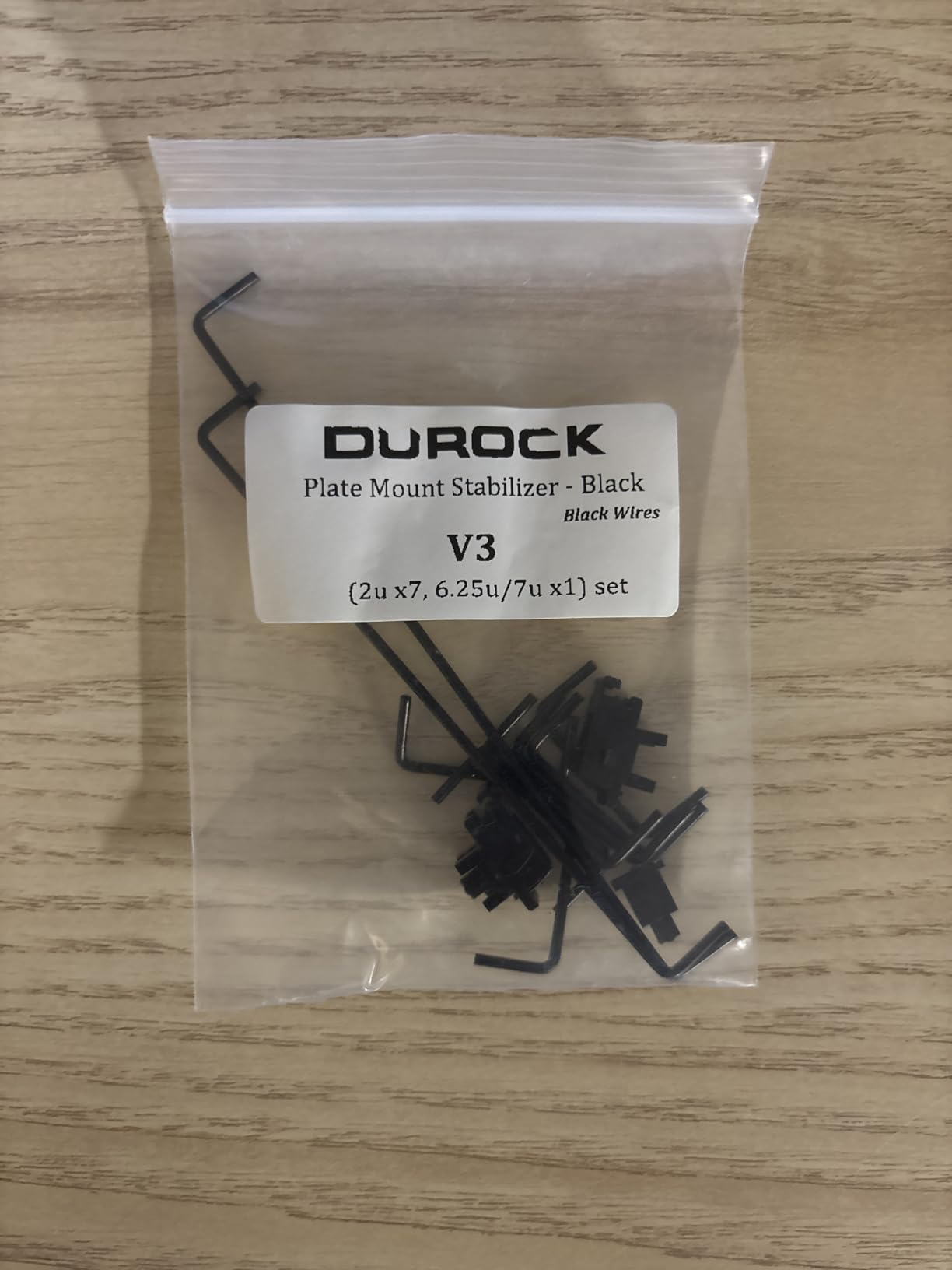
The thin plate compatibility is another major advantage. If you’re building with a 1.2mm plate (which is increasingly common in budget and mid-range keyboards), you know how frustrating it can be when stabilizers don’t snap in securely. The upgraded angled snap design on these V3s grips even thin plates firmly, eliminating the loose fit issues that plague older designs.
I’ve installed these in a Neo65 build with a 1.2mm plate, and they fit perfectly. The premium POM and POK materials feel smooth right from the start, and the consistent manufacturing quality means you don’t need to spend time sorting through parts to find matching housings and stems.
If your keyboard has a 1.2mm plate, these should be your go-to choice. The upgraded snap design is specifically engineered for thin plates, ensuring a secure fit that won’t pop out during use. This is especially important for keyboards with aluminum plates, where the stabilizers need to grip firmly to prevent movement.
Traditional stabilizers have small plastic nubs on the stems that can cause wire wobble. Clipping these nubs is a common mod, but it’s tedious and easy to mess up. The V3 stems come pre-clipped from the factory, meaning you get the benefits of this mod without any of the work. It’s a small detail that makes a big difference in the final build quality.
Screw-in PCB Mount
GMMK Compatible
Gold Wires
Unlubed
7 Stabilizers Included
As someone who owns both a GMMK Pro and a GMMK 2, I was excited to try Glorious’s own GSV2 stabilizers. These are specifically designed to work with their keyboards, and that focused engineering shows. The screw-in design provides a much more secure mounting than plate-mount alternatives, which translates to less rattle and more consistent feel over time.
What surprised me was how little lubrication these actually need. Unlike some stabilizers that require generous amounts of lube to sound good, the GSV2s perform well with just a light application of Krytox 205g0 on the wires and a tiny bit of dielectric grease on the stem contacts. This makes them more forgiving for beginners who might over-apply lube on their first attempt.

The gold-plated wires are a nice touch and should resist corrosion over the years. I’ve had my set installed for about six months now, and they still feel as smooth as day one. The included washers help with PCB compatibility, making these work with both 1.2mm and 1.6mm PCBs without any modification.
However, I should mention that the tolerances are quite tight. During installation, I found some stems fit very snugly into the housings, which can make assembly feel a bit stiff at first. This tightness is actually a good thing for reducing wobble, but it does require patience during the build process.
If you own a GMMK Pro, GMMK 2, or GMMK Numpad, these stabilizers are essentially made for you. The compatibility is guaranteed, and you won’t have to worry about fitment issues or PCB thickness problems. They’re designed to drop right in and work perfectly with Glorious’s PCB layouts and screw positions.
Since these come unlubed, you’ll need to apply your own lubricant. I recommend starting with less than you think you need. A thin coat of Krytox 205g0 on the wires where they contact the stems, plus a small amount of dielectric grease in the stem sliders, is all you need. Too much lube will make them sluggish and can cause the sticking issues some users have reported.
Screw-in PCB Mount
Transparent Housing
RGB Compatible
Silver Wires
60% Keyboard Kit
If you’re building an RGB-focused keyboard and want your lighting to shine through every component, these GATERON Crystal stabilizers are the answer. The transparent housings and stems allow light to pass through cleanly, creating a cohesive look that opaque stabilizers simply can’t match. I used these in a transparent case build, and the visual effect is stunning.
Beyond aesthetics, these are genuinely well-engineered stabilizers. The tight tolerances mean minimal wire wobble right out of the package, and the silver-plated wires are some of the smoothest I’ve used. They glide through the stems effortlessly, which translates to a consistent feel across the entire keycap surface.
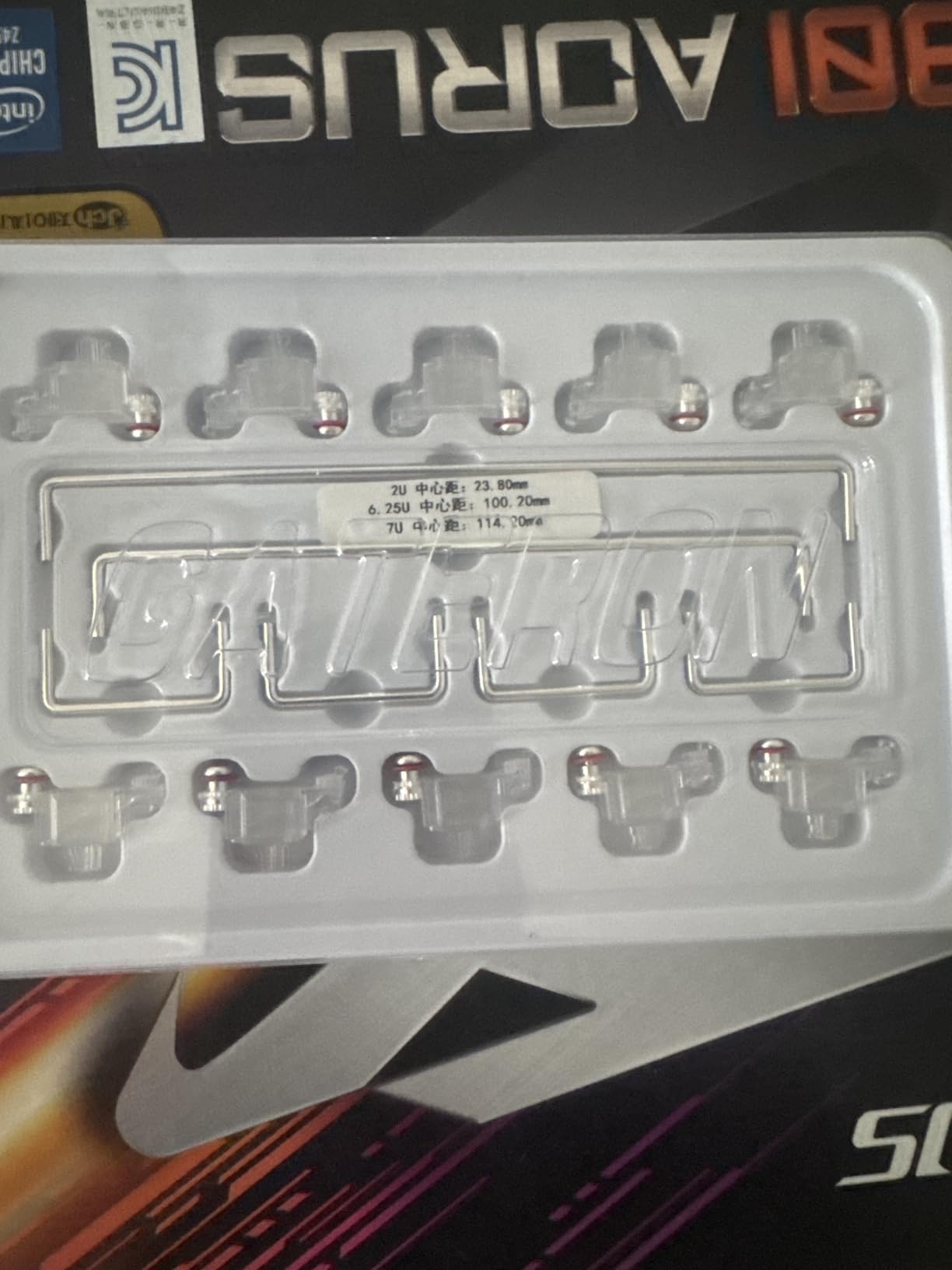
The kit includes both 6.25u and 7u spacebar wires, plus backup wires, which is a thoughtful inclusion. You also get the standard 2u stabilizers for your shift, enter, backspace, and other stabilized keys. Everything you need for a 60% or 65% build is included in one package.
However, those tight tolerances come with a tradeoff. Assembly can be challenging, especially if you’re new to screw-in stabilizers. The wires fit very snugly into the housings, and once installed, they’re essentially permanent. If you need to replace a wire later, you may end up breaking the housing in the process.
If you’ve invested in RGB switches, a transparent or semi-transparent case, and shine-through keycaps, don’t let opaque stabilizers break your theme. These Crystal stabilizers complete the RGB look while delivering the performance you expect from a quality screw-in kit.
Take your time during assembly. The tight tolerances that make these stabilizers perform so well can also make them frustrating to put together. I recommend installing the wires before mounting the housings to the PCB, and use a good quality screwdriver with a magnetic tip to handle those slippery silver screws.
Plate Mount
Pre-clipped Design
Premium POM/POK
Well-balanced Wires
80% Kit
The Nero variant of the DUROCK V3 plate mount stabilizers offers the same great engineering as the Black Silver version, just in a different aesthetic. I appreciate having color options that let me match stabilizers to my build theme, whether that’s a dark stealth look or a specific color accent.
What sets these apart from older plate mount designs is the comprehensive approach to noise reduction. The pre-clipped stems reduce wire wobble, the smaller wire gap minimizes rattling space, and the elastic support base absorbs impact. Together, these features create stabilizers that sound remarkably clean even without any lubrication.
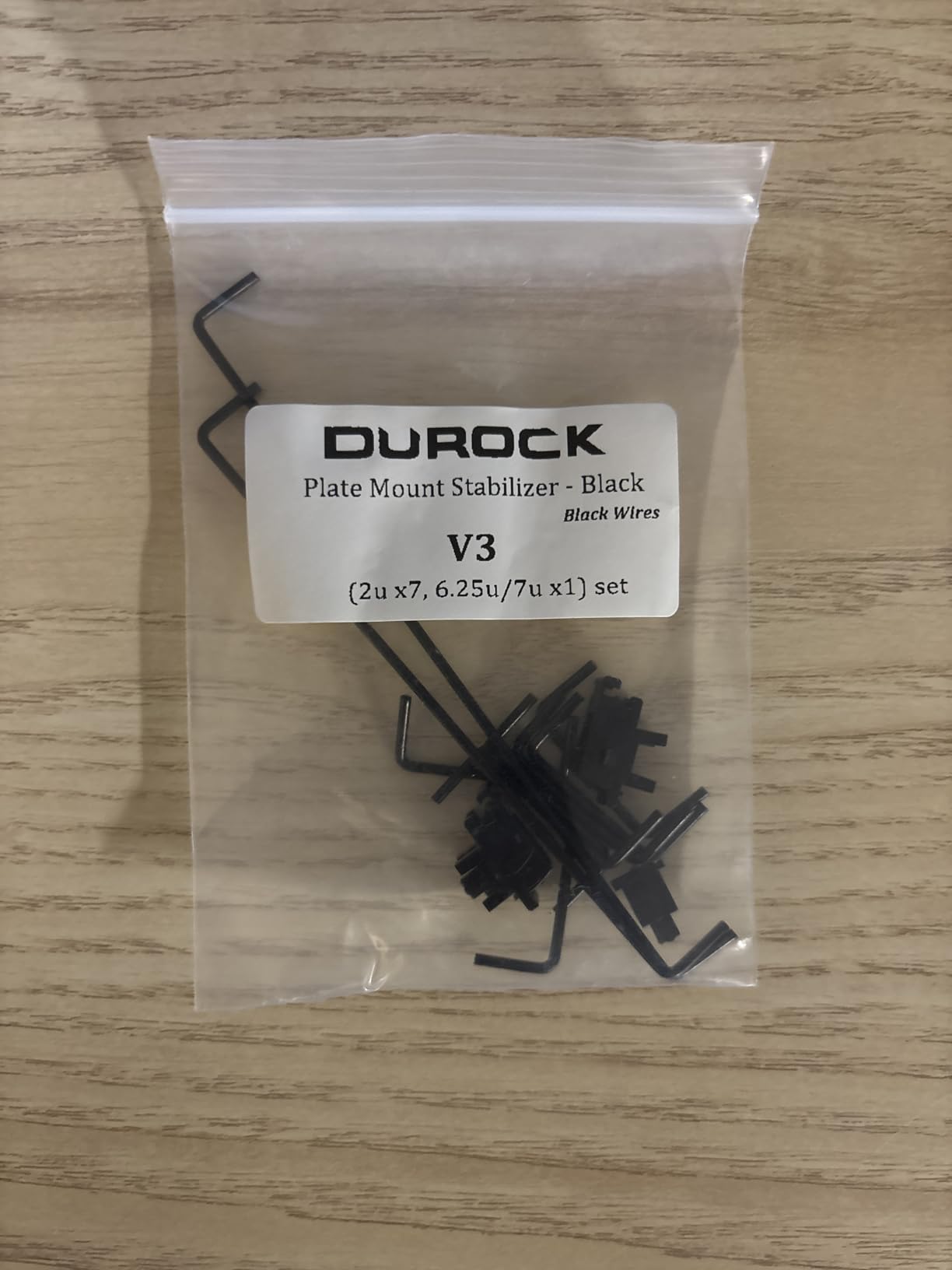
I’ve found these particularly useful for quick keyboard upgrades where I don’t want to disassemble the entire board. Because they’re plate mount, you can swap them in by just removing keycaps and switches, without dealing with PCB screws. This makes them perfect for breathing new life into pre-built keyboards with rattly stock stabilizers.
The 110 reviews averaging 4.5 stars speak to their consistent quality. Users consistently praise the out-of-box performance and ease of installation, with most noting that these are a significant upgrade over whatever stabilizers came with their keyboard originally.
If you have a pre-built keyboard with rattling stabilizers and want a fast fix, these are ideal. The plate mount design means you can install them without soldering or even removing the PCB. Just pop out the old stabilizers, snap these in, apply a bit of lube if you’re feeling ambitious, and enjoy the improvement.
Plate mount stabilizers like these are best when you want simplicity and don’t want to commit to a permanent installation. They’re also the only option for keyboards that don’t have PCB mounting holes. However, if you’re building from scratch and want the most secure, rattle-free mounting possible, consider the screw-in DUROCK V3 instead.
Costar Style
Plate Mount
Raised Wire Design
MX Compatible
60/87/96/104 Kits
The Costar style stabilizers have been around for years, and for good reason. When I needed to replace broken stabilizers on a vintage Filco keyboard, these YMDK Costar stabilizers were exactly what I needed. The raised wire design is the key feature here, it keeps the wire elevated in a way that reduces binding and provides a more consistent feel across the keycap.
What makes these special is the insert design. Each insert has small bumps that grip the keycap stem, preventing the frustrating wobble you get with some cheaper alternatives. I’ve found this particularly helpful when using PBT keycaps, which sometimes have slightly looser tolerances than ABS.
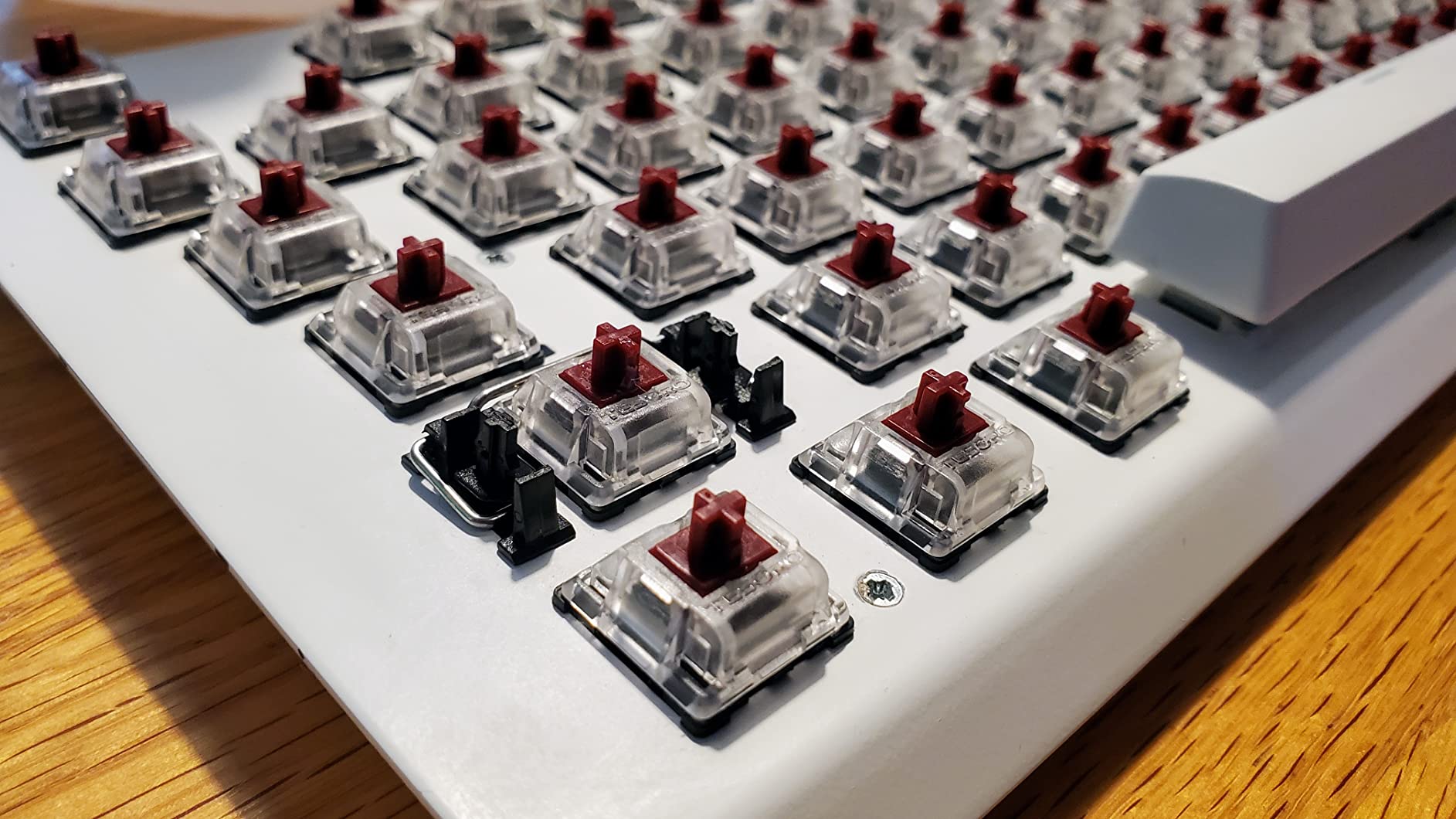
Installation is straightforward if your keyboard uses Costar-style cutouts in the plate. The stabilizers simply snap into place, and the wire sits in grooves on the inserts. The raised wire design means you don’t need to worry about the wire hitting the switch, which can be an issue with some other stabilizer styles.
The main downside I’ve noticed is wire consistency. Some batches have wires that feel thinner and produce more rattle than others. This isn’t a dealbreaker, but it does mean you might need to do some tuning or wire straightening to get optimal performance. Dielectric grease helps a lot with any remaining rattle.
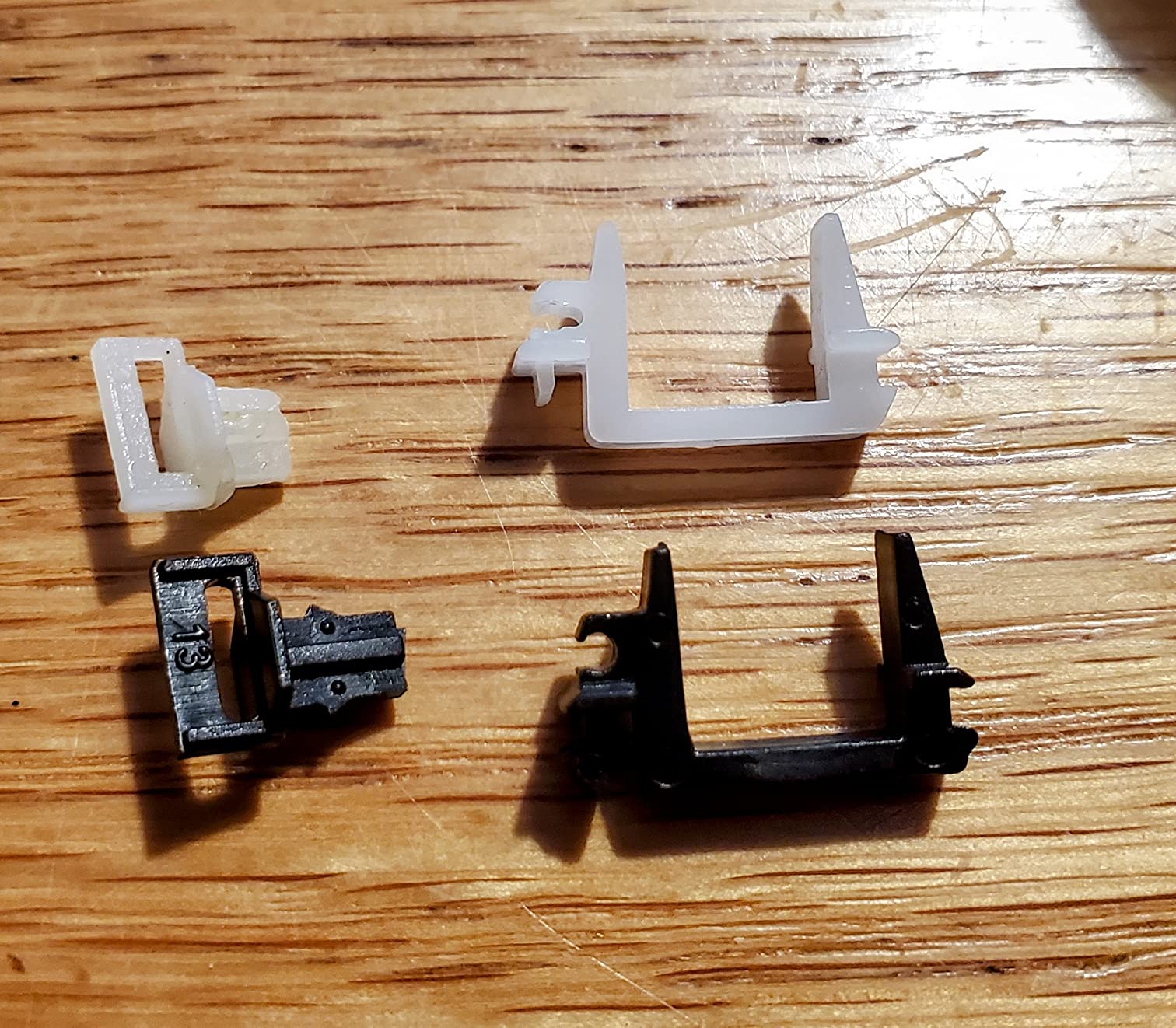
If you’re restoring an older keyboard that originally came with Costar stabilizers, these are your best bet for an authentic replacement. They maintain the feel and sound profile that made Costar stabilizers popular in the first place, while being readily available and affordable.
Dielectric grease works best with Costar-style stabilizers. Apply a small amount to the wire where it contacts the insert grooves, and another thin layer on the parts of the insert that touch the keycap stem. Avoid using thick lubricants like Krytox 205g0 here, as they can make the inserts too slippery and affect the feel.
Screw-in PCB Mount
Silicone Stem Design
Built-in Holee Mod
Pre-lubed
1.2mm Compatible
The MELETRIX WS V3.1 stabilizers take a different approach with their silicone stem design. Instead of traditional plastic stems, these use a silicone material that provides built-in dampening. It’s essentially a pre-applied holee mod, which is interesting for builders who want that effect without the hassle of cutting and applying PE foam.
After testing these, I found the silicone stems do provide a unique feel. They’re softer and more cushioned than traditional stems, which some users will love and others might find too mushy. The pre-lubed application is decent, though I still recommend adding a bit more lube for optimal performance.
Where these stabilizers shine is with tall keycap profiles like SA or MT3. The silicone stems can accommodate the extra keycap height better than some rigid designs, and the built-in dampening complements the deeper sound profile of tall keycaps nicely. If you’re building with SA caps, these are worth considering.
However, I should be honest about the mixed reviews. At 3.9 stars with only 36 reviews, these aren’t for everyone. Some users report rattling issues, and the installation process can be finicky. The price point is also on the higher side for the performance level you get.
If you’ve tried traditional stabilizers and want to experiment with something new, these silicone stem stabilizers offer a genuinely different experience. The built-in holee mod effect is convenient, and the unique feel might be exactly what you’re looking for if traditional stabilizers feel too stiff.
Despite being pre-lubed, these stabilizers often need additional tuning to reach their potential. Be prepared to spend time adjusting lube application, checking wire balance, and potentially dealing with some trial and error. If you want plug-and-play performance, look elsewhere.
Screw-in PCB Mount
100% Keyboard Kit
Japanese Steel Wires
Tuning Kit Included
Complete 104 Key Support
Building a full-size keyboard requires more stabilizers than compact layouts, and this 100% kit from DUROCK has everything you need in one package. You get all the stabilizers required for a 104-key layout, including the extra 2u stabilizers for the numpad. It’s the same great V3 design as the 80% kit, just with more parts.
For my full-size builds, this kit has been essential. The consistency across all the stabilizers means every stabilized key feels the same, from the spacebar to the numpad enter. That uniformity matters more than you might think, especially if you do a lot of data entry or gaming with the numpad.
The smokey translucent color option looks great in builds with RGB lighting. The light diffuses through the housings nicely, creating a subtle glow effect that opaque stabilizers can’t match. It’s a small aesthetic detail, but it contributes to the overall premium feel of a high-end build.
At this price point, you’re paying for the convenience of getting everything in one kit plus the proven V3 quality. The 532 reviews and 4.6-star rating are shared with the 80% version, confirming that these are the same reliable stabilizers just in a larger quantity.
If you’re building a 96%, 1800, or full 104-key layout, this kit is your best bet. You’ll have all the stabilizers you need without having to buy multiple smaller kits or worry about compatibility. The numpad requires several 2u stabilizers that smaller kits don’t include.
While the 100% kit costs more than the 80% version, it’s still better value than buying multiple kits. If you’re planning to build both compact and full-size keyboards, consider whether buying separate kits or one large kit makes more sense for your needs.
Choosing the right stabilizers involves more than just picking the highest-rated option. You need to consider your keyboard’s design, your technical comfort level, and your sound preferences. Here’s what to think about before making your decision.
The first question is how your stabilizers attach to your keyboard. Screw-in stabilizers mount directly to the PCB with screws and washers, providing the most secure and rattle-free attachment. They require PCB mounting holes and are slightly more complex to install. Clip-in stabilizers snap into PCB holes without screws, offering a middle ground between security and ease of installation. Plate-mounted stabilizers attach to the plate itself, making them the easiest to install but potentially less secure.
For most custom builds, I recommend screw-in stabilizers for the best results. However, if you’re upgrading a pre-built keyboard or don’t have PCB mounting holes, plate-mounted stabilizers are your only option.
Most keyboard PCBs are either 1.2mm or 1.6mm thick, and this matters for screw-in stabilizers. Many stabilizers are designed for 1.6mm PCBs, but include washers to adapt to 1.2mm boards. Always check your PCB thickness before ordering, and look for stabilizers that explicitly support your thickness. The DUROCK V3 series is particularly good here, with washers included for both common thicknesses.
Your keyboard’s spacebar size determines which wire you need. Most modern keyboards use 6.25u, but some enthusiast boards and older layouts use 7u. Many stabilizer kits include both wire sizes, but it’s worth verifying before you buy. Using the wrong size wire will make the spacebar impossible to install properly.
Almost all stabilizers benefit from lubrication, but some need it more than others. Pre-lubed stabilizers like the MELETRIX WS V3.1 are ready to use, but may still need additional tuning. Unlubed stabilizers like the Glorious GSV2 give you complete control over the lubrication but require more work upfront. For lubrication, I recommend Krytox 205g0 for wires and stem contact points, plus dielectric grease for wire-to-housing contact areas.
Stabilizer prices range from under ten dollars to over twenty-five dollars for premium options. In my experience, there are diminishing returns above the fifteen-dollar range. Budget options like the ZugGear DUROCK plate mounts can perform excellently with proper lubrication, while premium options like the TX AP Rev.4 offer incremental improvements that matter most to enthusiasts. For most builders, something in the ten to eighteen dollar range offers the best value.
The best stabilizer kits for mechanical keyboards are the TX AP Rev.4 for enthusiasts wanting premium quality, the DUROCK V3 screw-in stabilizers for most builders seeking excellent value, and the ZugGear DUROCK plate mount stabilizers for budget builds. Each offers different benefits depending on your PCB type, budget, and performance requirements.
Clip-in stabilizers snap directly into PCB mounting holes without hardware, offering easier installation but potentially less secure attachment. Screw-in stabilizers use screws and washers to mount firmly to the PCB, providing the most secure and rattle-free connection but requiring more installation effort. Screw-in stabilizers are generally preferred for custom builds, while clip-in options work well for upgrades where you want easier removal.
To fix rattling stabilizers, first apply lubrication to the wires where they contact stems, inside the stem sliders, and where wires contact housing bottoms. Use Krytox 205g0 for stems and dielectric grease for housing contact points. Ensure wires are perfectly straight, as bent wires cause rattle. Consider the band-aid mod or holee mod for additional dampening. Finally, check that stabilizers are seated properly on the PCB or plate.
Pre-lubed stabilizers often benefit from additional lubrication, though they work acceptably out of the box. Factory lubrication is usually minimal and may not cover all contact points evenly. I recommend adding a thin layer of Krytox 205g0 to wires and checking that stems move smoothly. However, avoid over-lubricating, as too much lube can make stabilizers sluggish and cause sticking issues.
The stabilizer size you need depends on your keyboard layout and spacebar width. Most standard keyboards use a 6.25u spacebar, while some enthusiast layouts use 7u. You also need 2u stabilizers for shift, enter, backspace, and other stabilized keys. Full-size keyboards with numpads require additional 2u stabilizers for numpad keys. Check your keyboard specifications before ordering to ensure compatibility.
Finding the right stabilizers for your mechanical keyboard doesn’t have to be complicated. For most builders, the DUROCK V3 screw-in stabilizers offer the perfect combination of quality, features, and value. Their pre-clipped stems, Japanese stainless steel wires, and included tuning kit make them easy to install and consistently excellent in performance.
If you’re working with a tighter budget or a keyboard without PCB mounting holes, the ZugGear DUROCK plate mount stabilizers deliver impressive results at an unbeatable price. And for enthusiasts building premium keyboards where only the best will do, the TX AP Rev.4 stabilizers represent the current gold standard in stabilizer design.
Remember that proper lubrication makes a bigger difference than the specific stabilizer you choose. Even budget stabilizers can sound and feel great with proper tuning, while expensive stabilizers will rattle if installed poorly. Take your time during installation, use quality lubricants, and don’t be afraid to experiment with different mods to find what works best for your build.
Your keyboard deserves stabilizers that match the quality of the rest of your components. With any of the options in this guide, you’ll be well on your way to that satisfying, rattle-free typing experience that makes custom keyboards so enjoyable.