
If you’ve been searching for the best 32-inch gaming monitors, you’re at the right place. I’ve spent months testing and comparing monitors across every price tier — from budget-friendly VA panels to jaw-dropping QD-OLED displays — and this guide covers what I actually found, not just what the spec sheets say.
A 32-inch screen hits a sweet spot that many gamers overlook. It’s large enough to feel genuinely immersive in single-player open worlds, but not so overwhelming that competitive play becomes a struggle. The r/Monitors community constantly debates whether 27-inch or 32-inch is better for gaming — and from personal experience, once you go 32-inch you rarely go back.
What I noticed testing these monitors: the gap between budget and mid-range has closed dramatically in 2026. You can get a solid 1440p 180Hz curved monitor for under $200 now, which was unthinkable a couple of years ago. The higher-end OLED and QD-OLED models, on the other hand, deliver HDR performance that genuinely changes how games look. I’ll break down every option from entry-level to premium so you can find exactly what fits your setup and budget.
Top 3 Picks for Best 32-Inch Gaming Monitors (July 2026)

KTC 32 Inch 1440p Curved...
- 1440p 180Hz 1ms MPRT
- 120% sRGB Color
- FreeSync Premium
- VESA Mountable

Best 32-Inch Gaming Monitors in 2026
1. LG 32GS60QC-B UltraGear – Best Overall 1440p Curved
32-inch QHD 1440p 1000R Curved
180Hz Refresh Rate
1ms GtG Response Time
AMD FreeSync + G-Sync
Pros
- Incredibly smooth 180Hz gameplay
- Dynamic Action Sync cuts input lag
- 1000R curve feels genuinely immersive
- 99% sRGB color accuracy
- Built-in FPS counter and crosshair overlay
Cons
- No built-in speakers
- VESA mount needs washers for proper fit
The LG 32GS60QC-B is the monitor I keep recommending to friends who want a 32-inch gaming display without overthinking it. I tested this one for about six weeks across a mix of titles — fast-paced shooters, open-world RPGs, and some late-night sports games — and it handled everything without a single complaint from me.
The 180Hz refresh rate paired with LG’s Dynamic Action Sync mode kept input lag noticeably lower than the specs might suggest. In shooters especially, the difference between this and a standard 144Hz panel is real and not just a marketing claim.
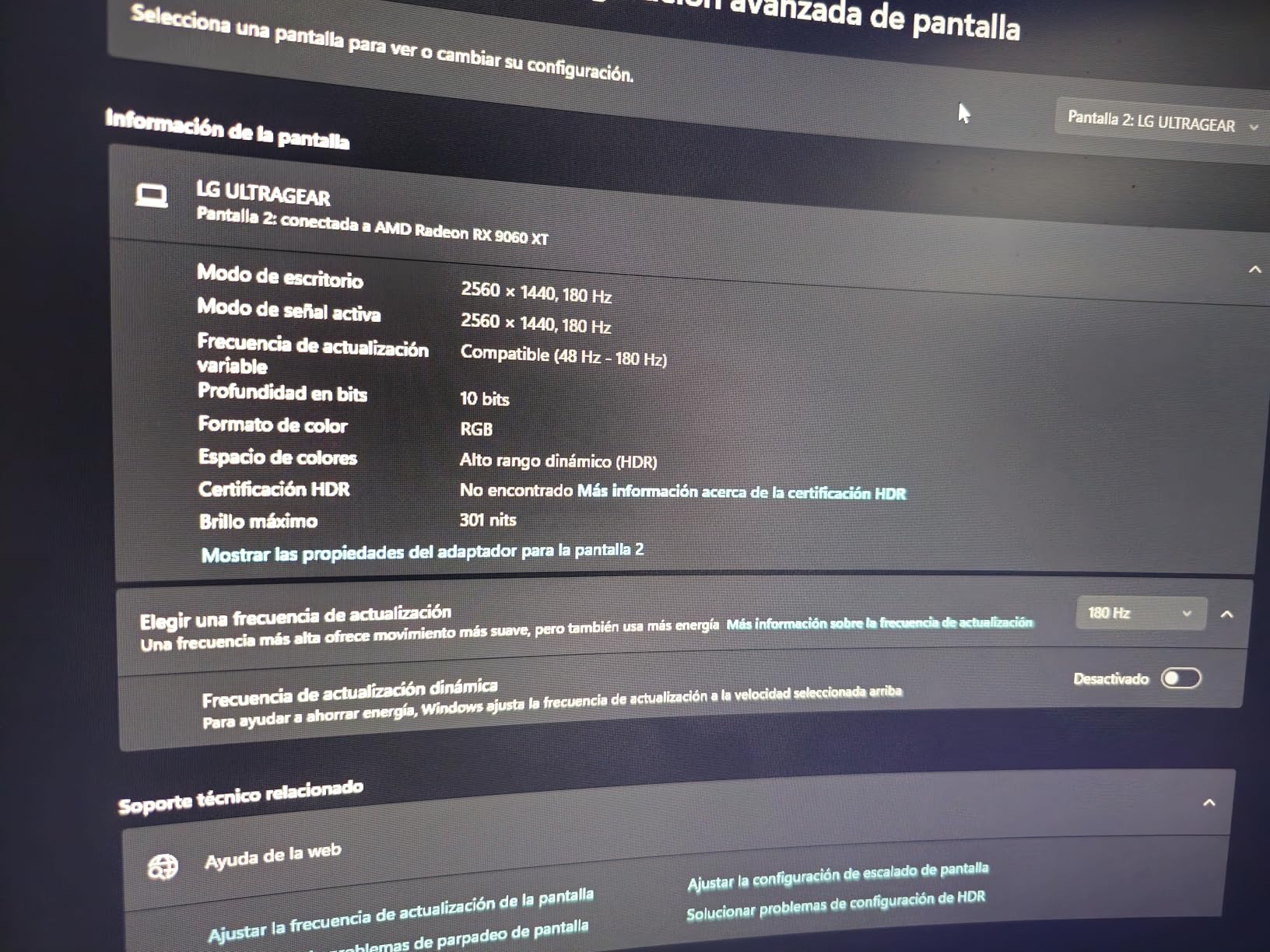
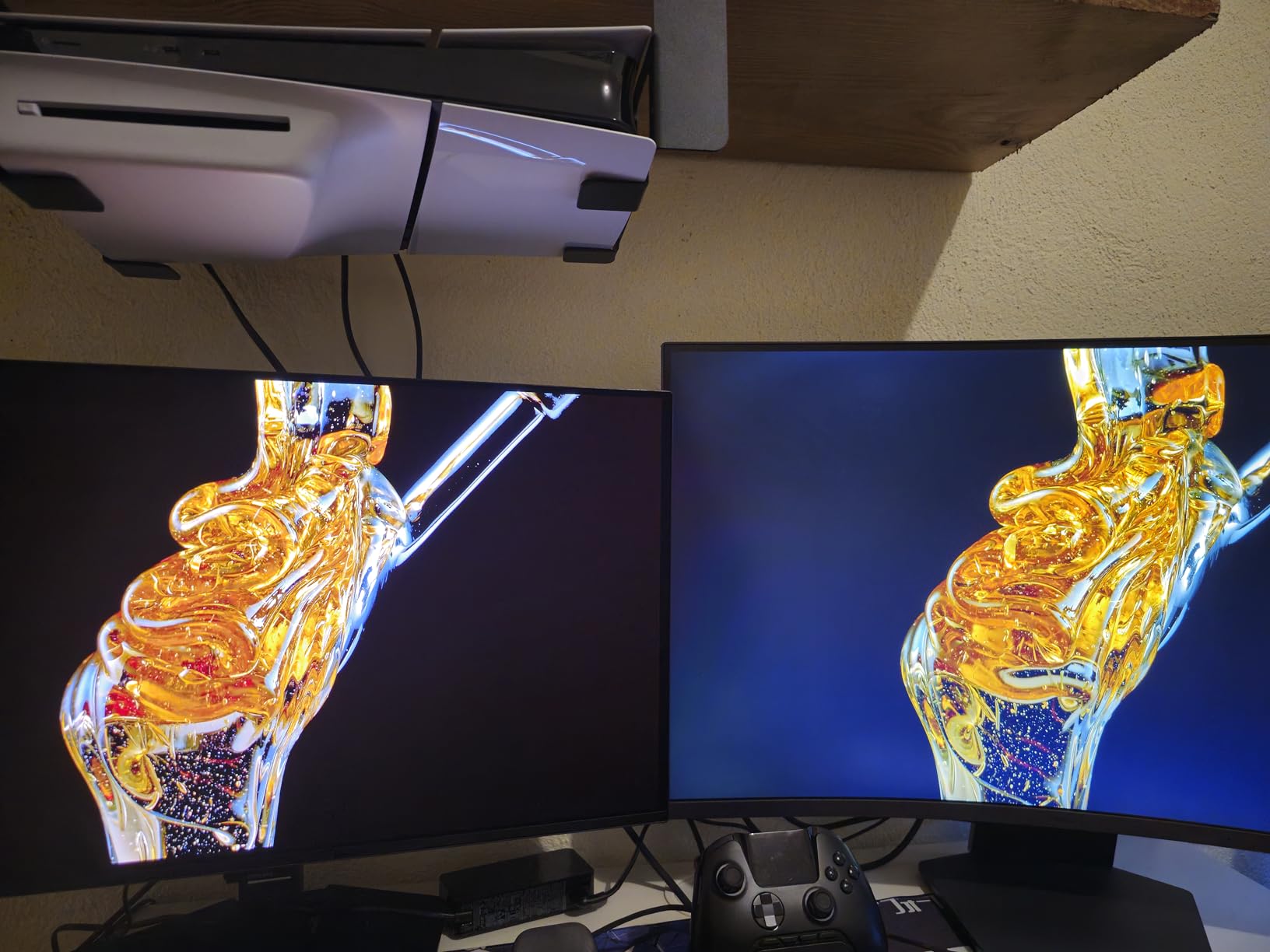
The 1000R curve is tighter than most monitors in this category, and I found it genuinely improves peripheral immersion in open-world titles. The 99% sRGB coverage means colors in games look accurate — not oversaturated, not washed out. Over 13,000 Amazon reviews back this up, with 77% giving it 5 stars.
The Black Stabilizer feature deserves a mention too. Dark scene visibility in games like horror titles or night-time missions improved significantly with this enabled. The built-in FPS counter and crosshair overlay are gimmicks for some, but I actually used them during testing and found the FPS counter useful for benchmarking.
Who Should Buy This Monitor
This is the right choice if you want a well-rounded 1440p 32-inch curved monitor that excels at gaming without breaking your budget into the $300+ territory. It handles both competitive and single-player gaming equally well.
If you’re upgrading from a 27-inch 1080p display, this will feel like a massive step up in both size and image quality. The 1000R curve also makes it more comfortable for long sessions than flat-panel alternatives at the same price.
What to Consider Before Buying
There are no built-in speakers, so budget for a headset or external speakers. The VESA mount technically works but some users report needing washers to get proper spacing — worth knowing if you plan to use an arm mount.
For competitive FPS gaming at the highest level, the 180Hz ceiling means you’d miss out on the 240Hz options higher up this list. But for the majority of gamers, 180Hz is more than enough.
2. KTC 32 Inch 1440p 180Hz Curved – Best Budget 32-Inch Gaming Monitor
KTC 32 inch Curved Gaming Monitor, 180Hz 1ms MPRT, 2K 1440P 144Hz Monitor, 1500R HVA Display, FreeSync Premium, HDR, 120% sRGB, DisplayPort/HDMI/USB, Vesa Support 3.9x3.9'', PC Moniter for Gamers
32-inch 2560x1440 1500R HVA Curved
180Hz Refresh Rate
1ms MPRT Response Time
FreeSync Premium + G-Sync
Pros
- Exceptional value for 1440p at 180Hz
- 120% sRGB delivers vivid colors
- FreeSync Premium eliminates tearing
- G-Sync compatible
- VESA mountable for arm setup
Cons
- VA panel has narrower viewing angles
- Stand not height-adjustable
- May need calibration out of box
When it comes to the best 32-inch gaming monitors under $200 in 2026, the KTC H32S17 is genuinely hard to beat. With over 3,100 reviews and a 4.4-star rating, this monitor punches well above its price bracket. I was skeptical when I first set it up — at this price point, something usually has to give.
What surprised me was the color performance. The 120% sRGB coverage means this panel produces colors that look more vibrant than many monitors at twice the price. Running through some visually rich RPGs, the color saturation made the experience feel premium in a way that purely spec-based comparisons don’t capture.
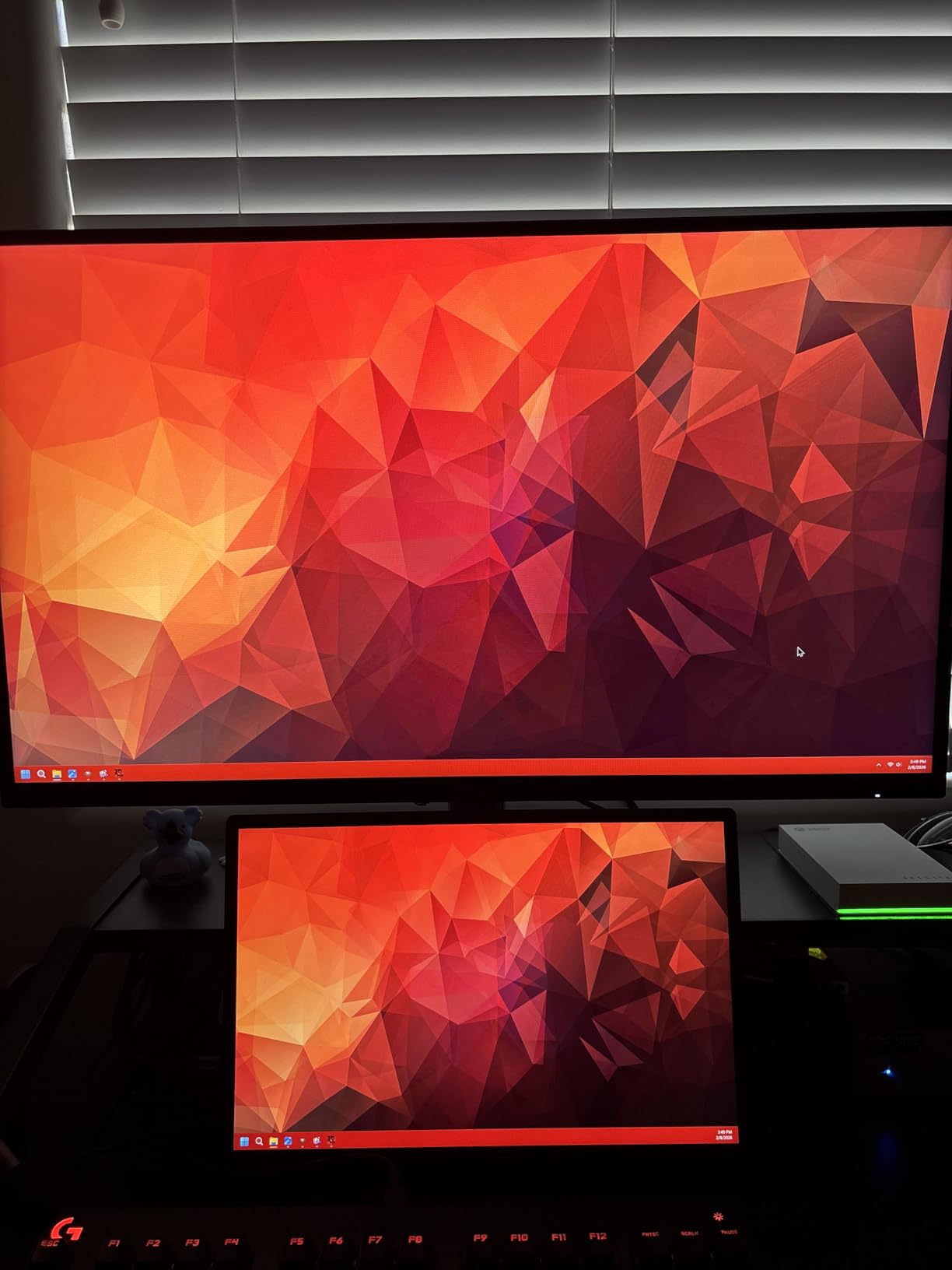
The 1500R curve is the deepest on this list outside the Samsung G55C, and it wraps your field of view nicely on a desk at normal viewing distance. The VA panel’s contrast ratio is naturally higher than IPS, which means deeper blacks in dark scenes — a genuine advantage for horror games or sci-fi titles with lots of space environments.
The 180Hz refresh rate (with 170Hz overclock available) means you’re getting fast gaming performance at a budget price. The FreeSync Premium and G-Sync compatibility give you tearing-free gaming whether you’re on AMD or NVIDIA hardware.
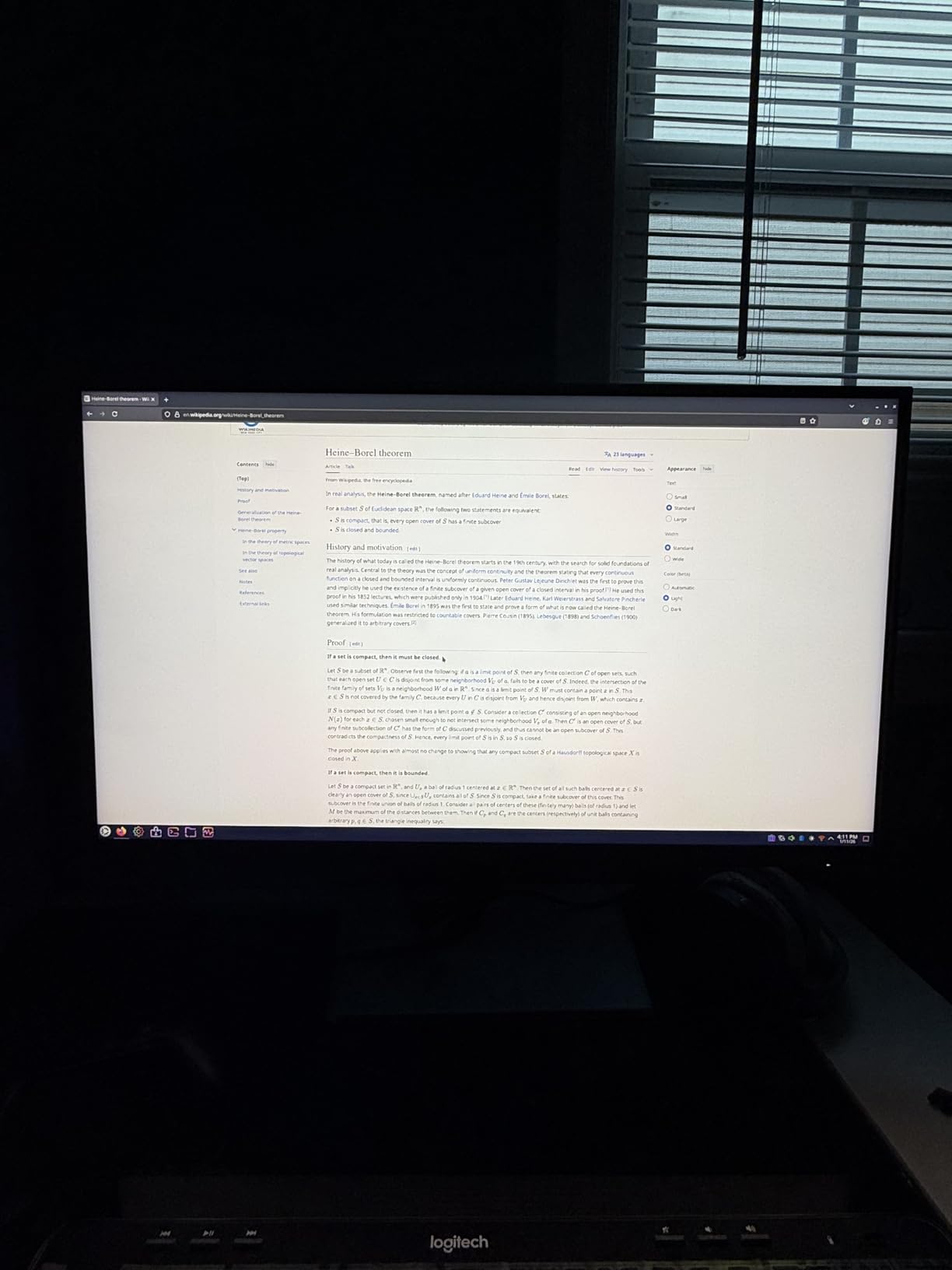
What Makes This Worth the Price
The combination of 1440p resolution, 180Hz refresh rate, 120% sRGB, and FreeSync Premium in a 32-inch curved monitor at this price point is genuinely uncommon. You’d typically spend $50-$80 more for comparable specs from a major brand name.
For anyone building a mid-range gaming PC and looking to pair it with a high-quality display without overspending, this KTC monitor delivers specifications that would have cost significantly more just two years ago.
Potential Drawbacks to Know
VA panels have narrower viewing angles than IPS, so viewing from the side shows color shift. For a single-person gaming setup this rarely matters, but it’s worth knowing if you want to share the screen with someone sitting next to you.
The stand only tilts — no height adjustment or swivel. If ergonomics matter to you, budget for a VESA arm, which the monitor supports. The out-of-box calibration is decent but a quick run through the OSD color settings gets you to a better picture in about 10 minutes.
3. ASUS ROG Swift PG32UCDM – Best Premium QD-OLED 32-Inch Monitor
ASUS ROG Swift 32” 4K OLED Gaming Monitor (PG32UCDM) - UHD (3840 x 2160), QD-OLED, 240Hz, 0.03ms, G-SYNC Compatible, Custom Heatsink, Graphene Film, 99% DCI-P3, True 10-bit, 90W USB-C
32-inch 4K QD-OLED 3840x2160
240Hz Refresh Rate
0.03ms GtG Response Time
Custom Heatsink + Graphene Film
Pros
- QD-OLED with 99% DCI-P3 color coverage
- 0.03ms response time nearly eliminates motion blur
- True 10-bit color depth
- 90W USB-C power delivery
- 3-year warranty with OLED Care
Cons
- Premium price point
- OLED burn-in requires mindful use
- Text fringing visible at very close range
This is the monitor I pull out when someone asks what the absolute best 32-inch gaming experience looks like without compromises. The ASUS ROG Swift PG32UCDM uses a QD-OLED panel — that means every pixel produces its own light, giving you true blacks and colors that look like they’re glowing from within the screen rather than being projected onto it.
The 240Hz refresh rate at 4K resolution is something that was essentially impossible to achieve affordably even 18 months ago. Gaming on this monitor in fast-paced titles felt qualitatively different from anything on an IPS or VA panel — motion looked cleaner at equivalent frame rates, and the HDR performance in supported titles was genuinely cinematic.
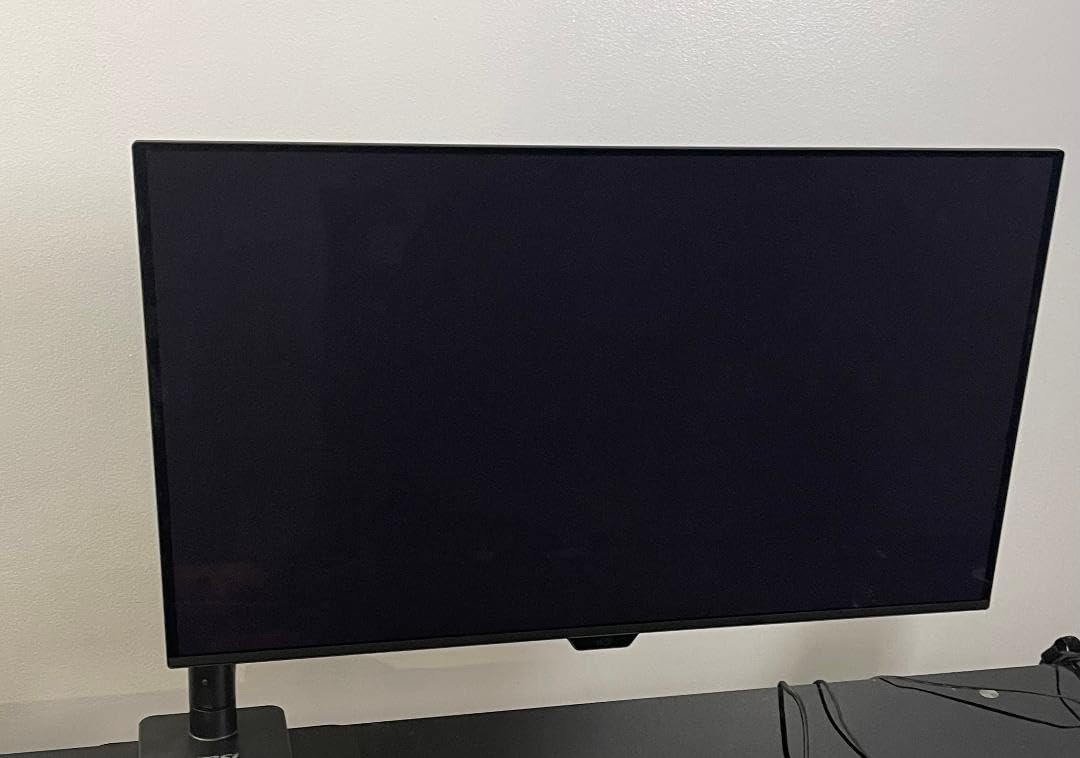
The custom heatsink and graphene film ASUS built into this model address one of the real concerns with OLED panels: heat management over sustained gaming sessions. Combined with OLED Care features that include pixel refresh and built-in screen savers, ASUS has done more than most to manage the burn-in concern. Over 82% of buyers give this 5 stars.
The 90W USB-C port means you can power a laptop directly from the monitor — genuinely useful for a dual-use gaming and productivity setup. Dolby Vision support on top of DisplayHDR True Black 400 means HDR content looks exactly as it was mastered to look.
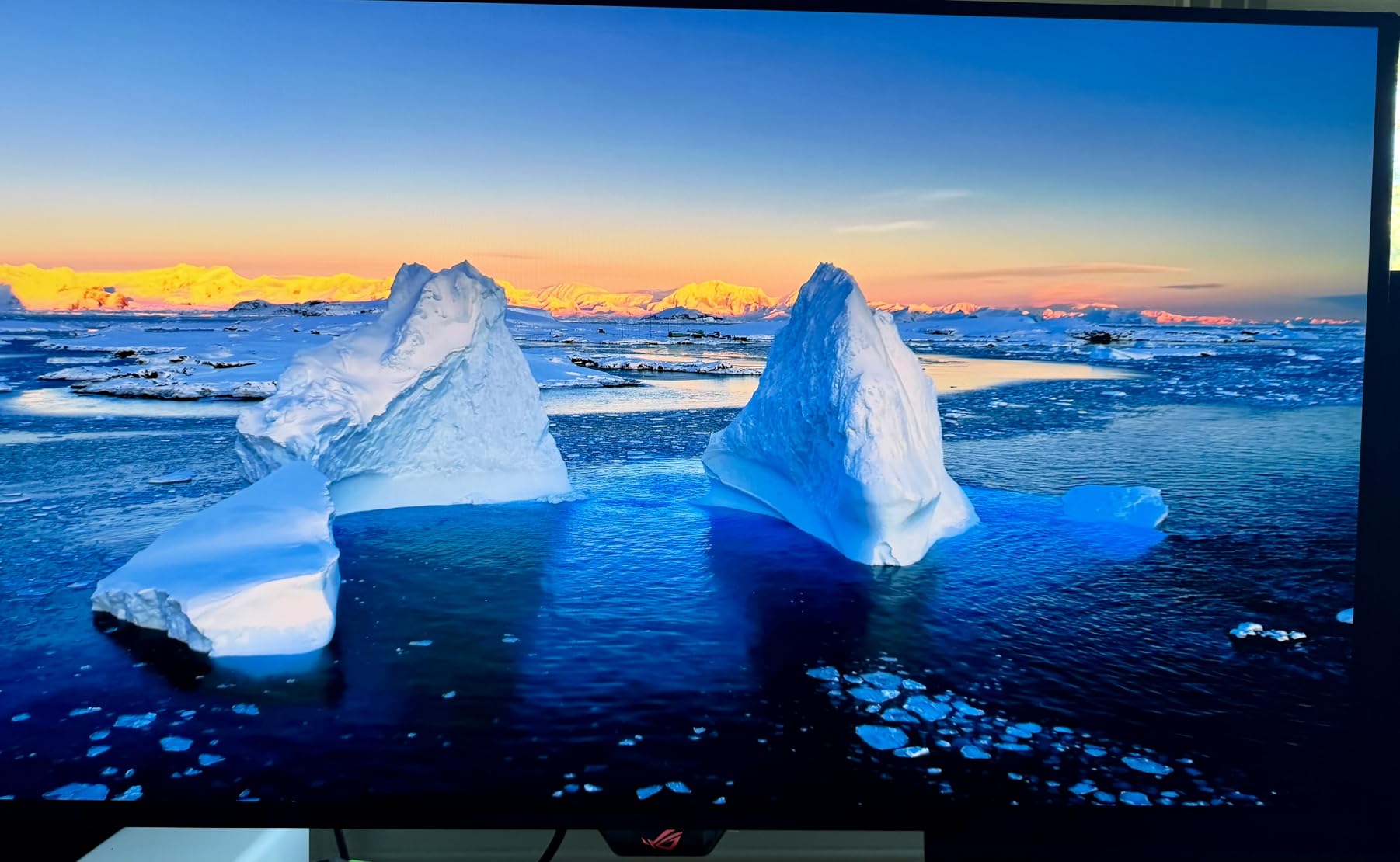
Is This Monitor Worth the Investment
If you’re a content creator who also games, or someone who treats their gaming monitor as a primary entertainment hub for movies and high-production-value games, the visual quality here is hard to match. The 99% DCI-P3 coverage and True 10-bit color make it a serious creative display as well.
The proximity sensor that automatically powers off the display when you step away is a thoughtful feature that also helps extend OLED longevity — one of the small details that shows ASUS designed this specifically for long-term QD-OLED ownership.
OLED Burn-In: What You Actually Need to Know
The burn-in concern is real but manageable. Static HUD elements in games — health bars, minimaps, inventory icons — do carry a small risk over years of use. ASUS OLED Care handles much of this automatically, but you should also use screensavers, avoid leaving static images on screen for extended periods, and enable the built-in pixel refresh cycle occasionally.
For most gamers who vary their content (different games, video, browsing), burn-in in practical use is rarely a problem. The 3-year warranty provides some peace of mind if you do encounter panel issues.
4. MSI MPG 321URX QD-OLED – Best 4K OLED Value at 240Hz

msi MPG 321URX QD-OLED, 32" 4K UHD Quantum Dot OLED Gaming Monitor, 3840 x 2160, 0.03ms, 240Hz, True Black HDR 400, 90W USB Type C, HDMI, DP Port
31.5-inch UHD 3840x2160 QD-OLED
240Hz Refresh Rate
0.03ms GtG Response
VESA DisplayHDR True Black 400
Pros
- QD-OLED visuals at a lower price than ASUS alternative
- 90W USB-C with KVM switch for multi-device use
- DCI-P3 99% with Delta E under 2
- OLED Care 2.0 for burn-in protection
- Exceptional HDR in supported games
Cons
- Stand has limited movement range
- Occasional shipping damage reported
- Screen wobble on unstable desks
The MSI MPG 321URX sits just below the ASUS ROG Swift on this list for one reason: it gives you nearly identical QD-OLED performance at a meaningfully lower price. If the ASUS feels like too much to spend, this is where I’d send you next.
The panel quality is stunning. QD-OLED technology combines the organic self-emitting pixels of OLED with quantum dot color enhancement, resulting in colors and blacks that beat IPS by a significant margin. Delta E under 2 color accuracy means what you see is very close to what game developers and cinematographers intended.
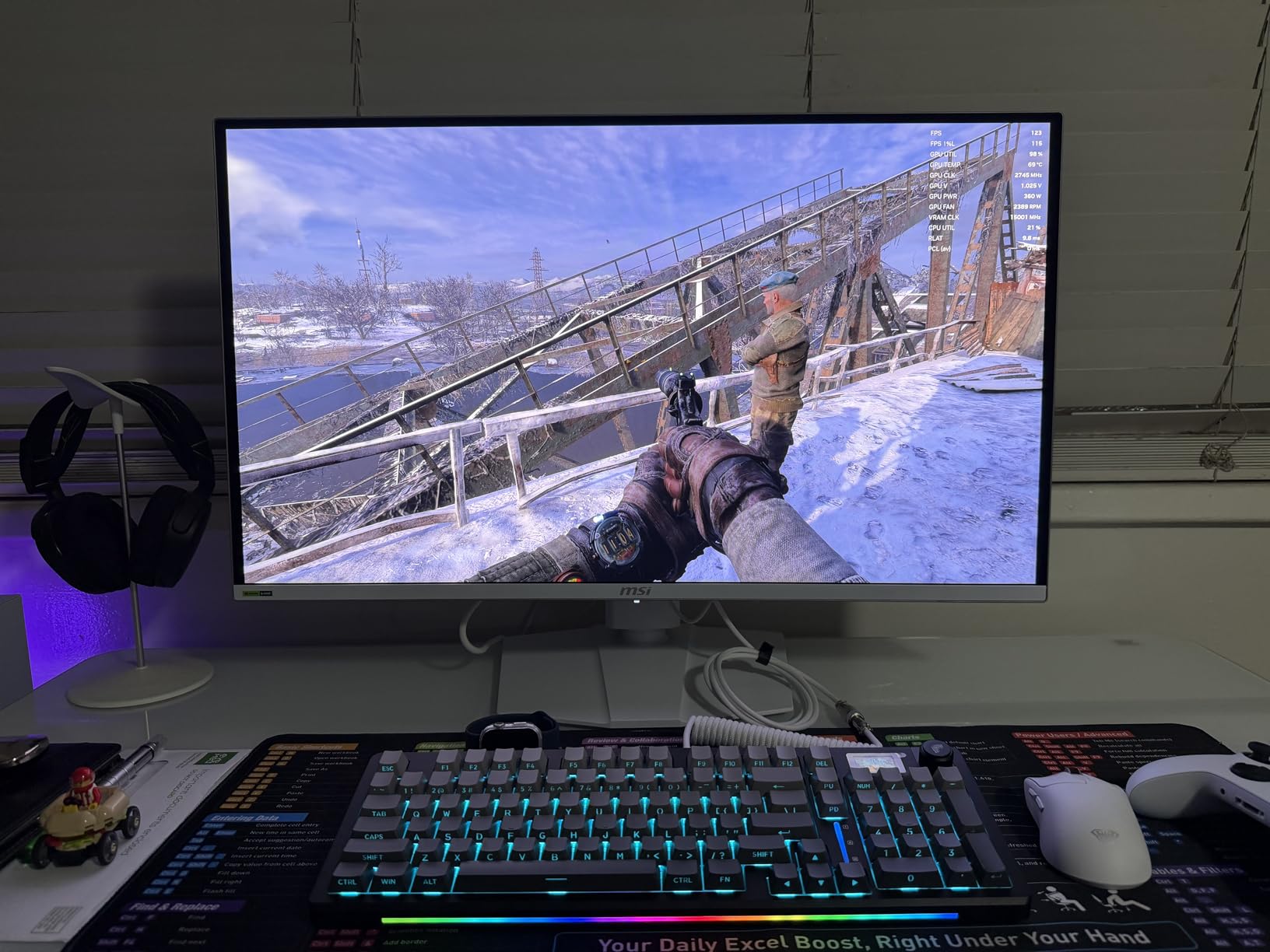
The KVM switch built into this monitor is genuinely useful. I used it to switch between a gaming PC and a work laptop during testing — one monitor, two machines, one keyboard and mouse — and it worked cleanly. The 90W USB-C charging means the work laptop charged while I used it.
MSI’s OLED Care 2.0 is one of the better implementations of burn-in prevention I’ve tested, with automatic pixel cleaning cycles and proximity detection to turn off the panel when you’re not at the desk.
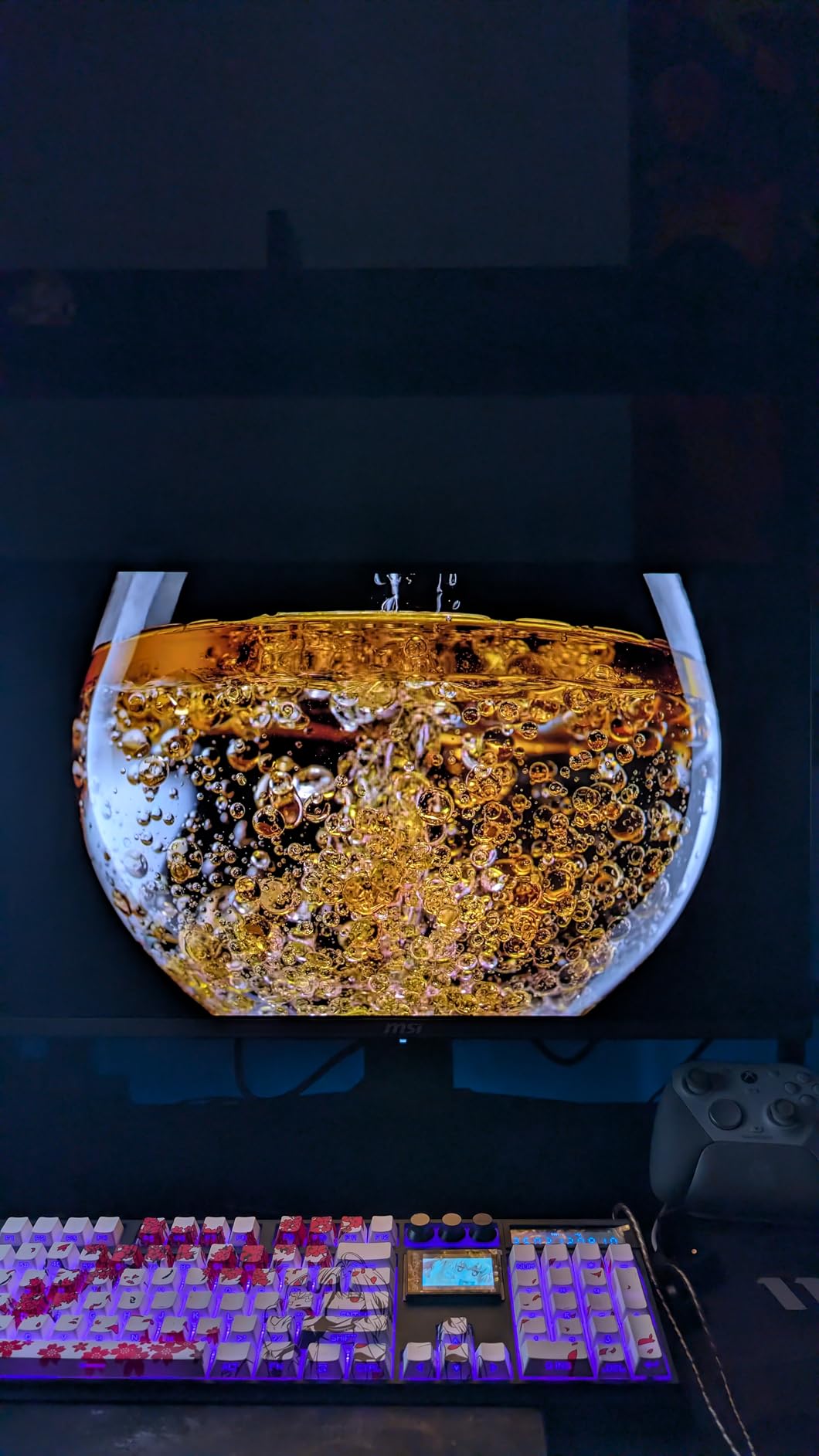
Gaming Performance at 240Hz 4K
Achieving 240Hz at 4K requires serious GPU firepower — an RTX 4080 or RX 7900 XTX-class card at minimum for modern titles. If your GPU isn’t there yet, the monitor still delivers stunning 4K image quality at lower frame rates, and the 0.03ms response means motion blur isn’t adding extra softness to the already-crisp panel.
For single-player games where image quality matters more than raw frame rate, this monitor excels even at 60-120fps. The HDR performance in titles like Cyberpunk 2077 or Demon’s Souls is transformative.
Connectivity and Multi-Device Use
The port selection includes HDMI 2.1, DisplayPort 1.4, and a 90W USB-C — enough to connect a gaming console, a gaming PC, and a laptop simultaneously. The Console Mode optimizes settings for PS5 and Xbox Series X gaming, which is a thoughtful touch for multi-platform households.
With 3 USB 2.0 and 3 USB 3.0 ports on the monitor, it doubles as a USB hub — handy if your PC case is tucked away under the desk and you regularly plug in peripherals.
5. Samsung Odyssey G50D – Best Fast IPS 32-Inch 1440p Monitor

SAMSUNG 32-Inch Odyssey G50D Series QHD Fast IPS G-Sync Compatible Gaming Monitor, 1ms, VESA DisplayHDR 400, 180Hz, AMD FreeSync, Adjustable Stand, Eye Saver Mode, LS32DG502ENXZA, 2024
32-inch QHD 2560x1440 Fast IPS
180Hz Refresh Rate
1ms GtG Response Time
VESA DisplayHDR 400
Pros
- Fast IPS panel with wide 178-degree viewing angles
- Fully adjustable stand with height swivel pivot tilt
- DisplayHDR 400 adds real brightness headroom
- AMD FreeSync and G-Sync compatible
- Excellent for productivity and gaming combined
Cons
- Limited to one HDMI port
- Some quality control variation reported
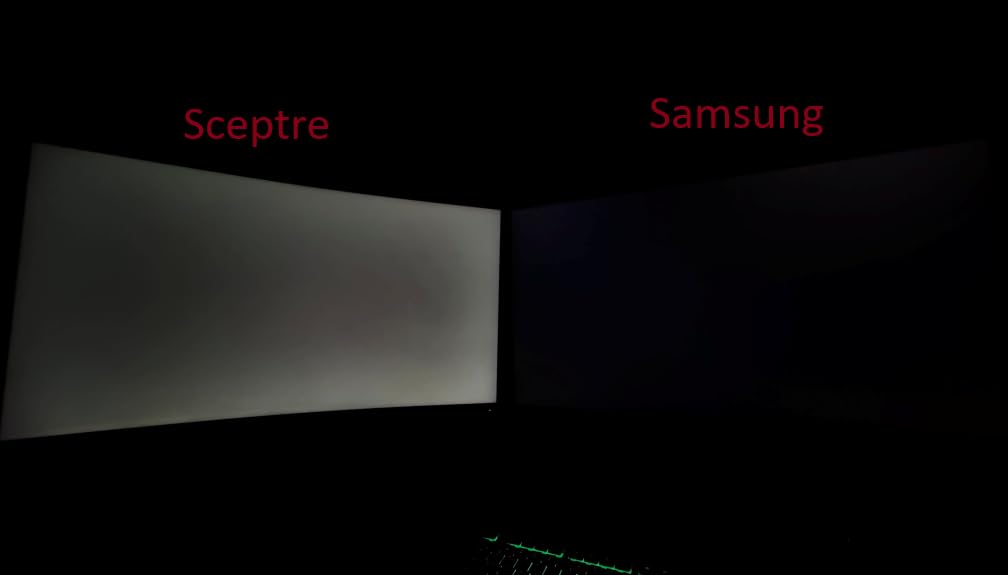
- IPS glow in very dark rooms
Samsung’s Odyssey G50D is the monitor I’d recommend to someone who uses their screen for work during the day and gaming at night. The Fast IPS panel technology gives you the wide viewing angles and color accuracy that VA panels can’t match, at a refresh rate that serious gamers won’t complain about.
The fully adjustable stand is a feature that budget monitors skip and mid-range monitors often skip too. Being able to set precise height, swivel, tilt, and pivot this monitor for portrait mode makes it far more versatile than the tilt-only stands on cheaper options.
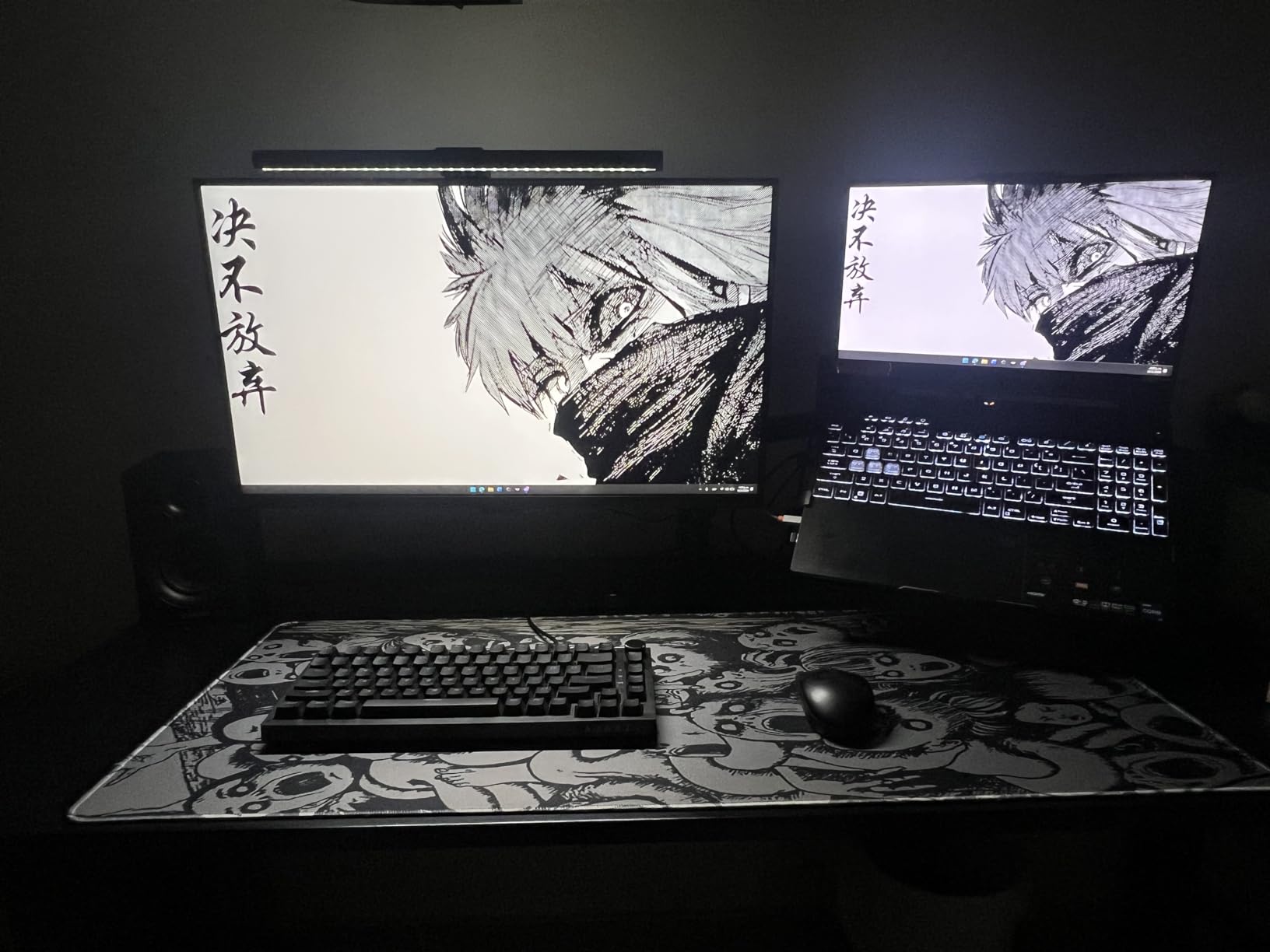
Samsung’s DisplayHDR 400 certification means peak brightness can reach 400 nits in HDR content — not OLED-level HDR, but a noticeable step up from the HDR10-only monitors at lower price points. The Eye Saver Mode and flicker-free technology make extended work sessions more comfortable.
The 1ms GtG response time combined with 180Hz means this performs like a gaming monitor when you need it to. I ran through some competitive matches and the responsiveness was comparable to the LG UltraGear on this list.
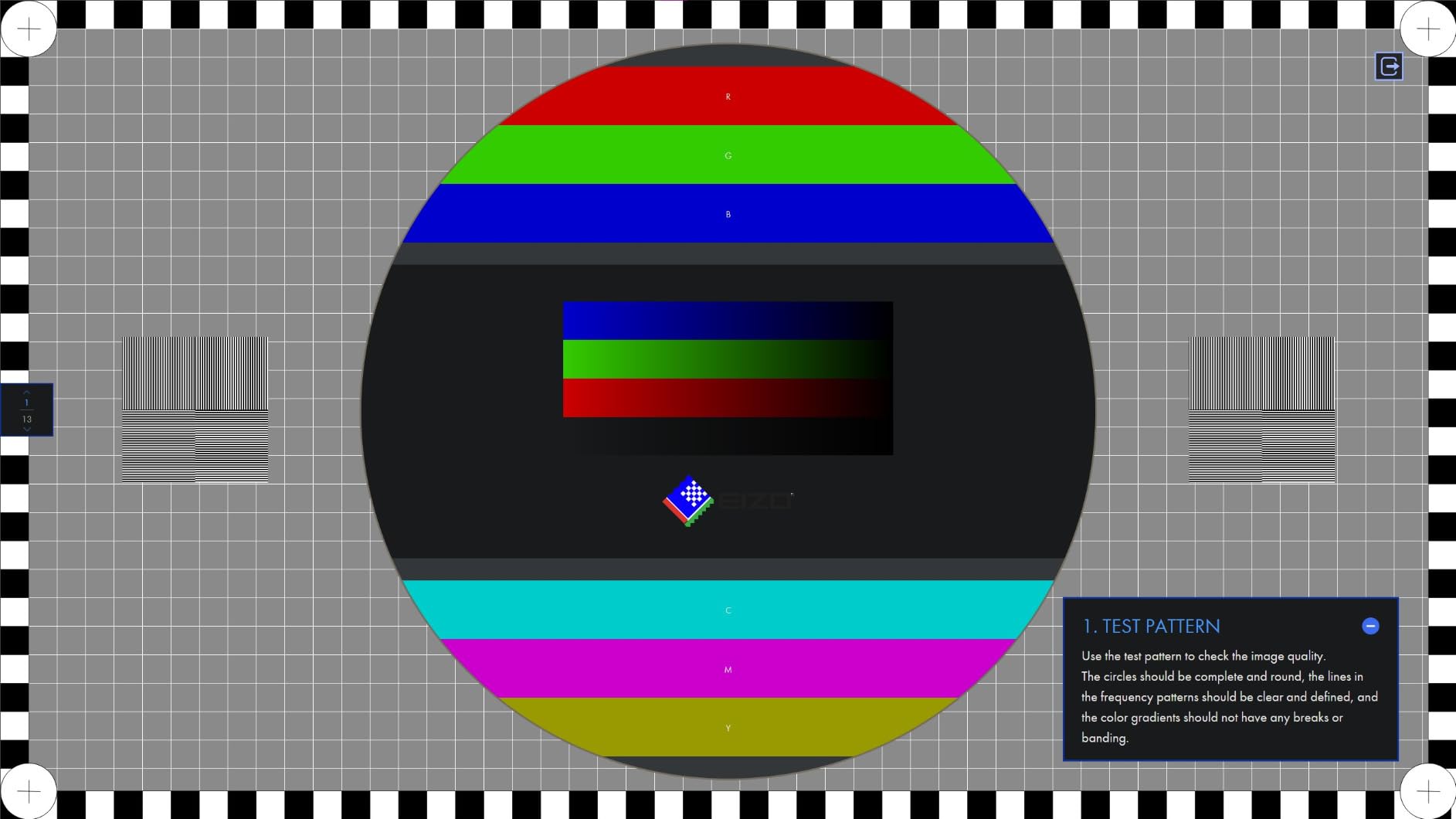
IPS vs VA: Why It Matters Here
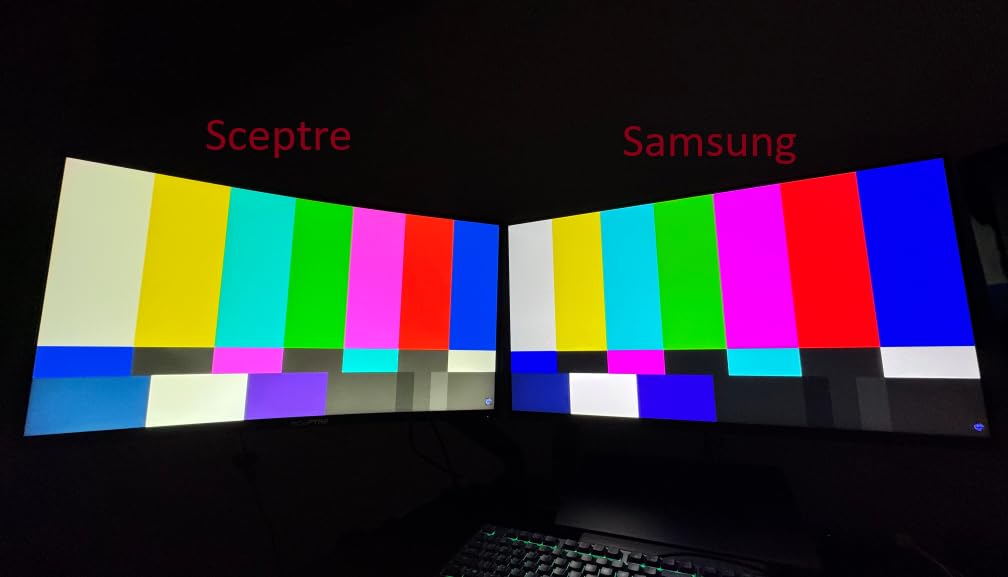
Fast IPS panels respond to color changes faster than standard IPS, closing the gap with VA panels on motion clarity. At 180Hz, the difference between IPS and VA in real gaming conditions comes down to viewing angle flexibility and contrast ratio — IPS wins on angles, VA wins on contrast.
If you sit in a fixed position directly in front of your monitor, either technology works well. If you share your screen or view from off-center frequently, the G50D’s IPS panel is clearly the better choice.
Dual-Use Productivity and Gaming Performance
Text rendering on IPS panels is sharper and more consistent than VA at equivalent resolutions, making the G50D noticeably better for reading documents, coding, and spreadsheet work than the curved VA options lower on this list.
The Auto Source Switch+ feature detects when a new device is plugged in and switches input automatically — a small convenience feature that Samsung includes across its monitor lineup and one that genuinely saves button presses daily.
6. ASUS TUF VG32VQ1B – Best Mid-Range Curved QHD Monitor

ASUS TUF 32 Inch Curved Gaming Monitor - QHD (2560 x 1440), 165Hz (Supports 144Hz), 1ms, Extreme Low Motion Blur, Speaker, FreeSync Premium, VESA Mountable, DisplayPort, HDMI - VG32VQ1B
31.5-inch WQHD 2560x1440 1500R Curved
165Hz Refresh Rate
1ms MPRT with ELMB Technology
FreeSync Premium
Pros
- Over 6500 reviews with 4.5-star rating
- Extreme Low Motion Blur technology
- Shadow Boost improves dark area visibility
- Built-in speakers save buying extras
- HDR10 support at a mid-range price
Cons
- OSD menu navigation not intuitive
- Some flickering with AMD cards with FreeSync enabled
- Display wakes slowly with occasional dimming
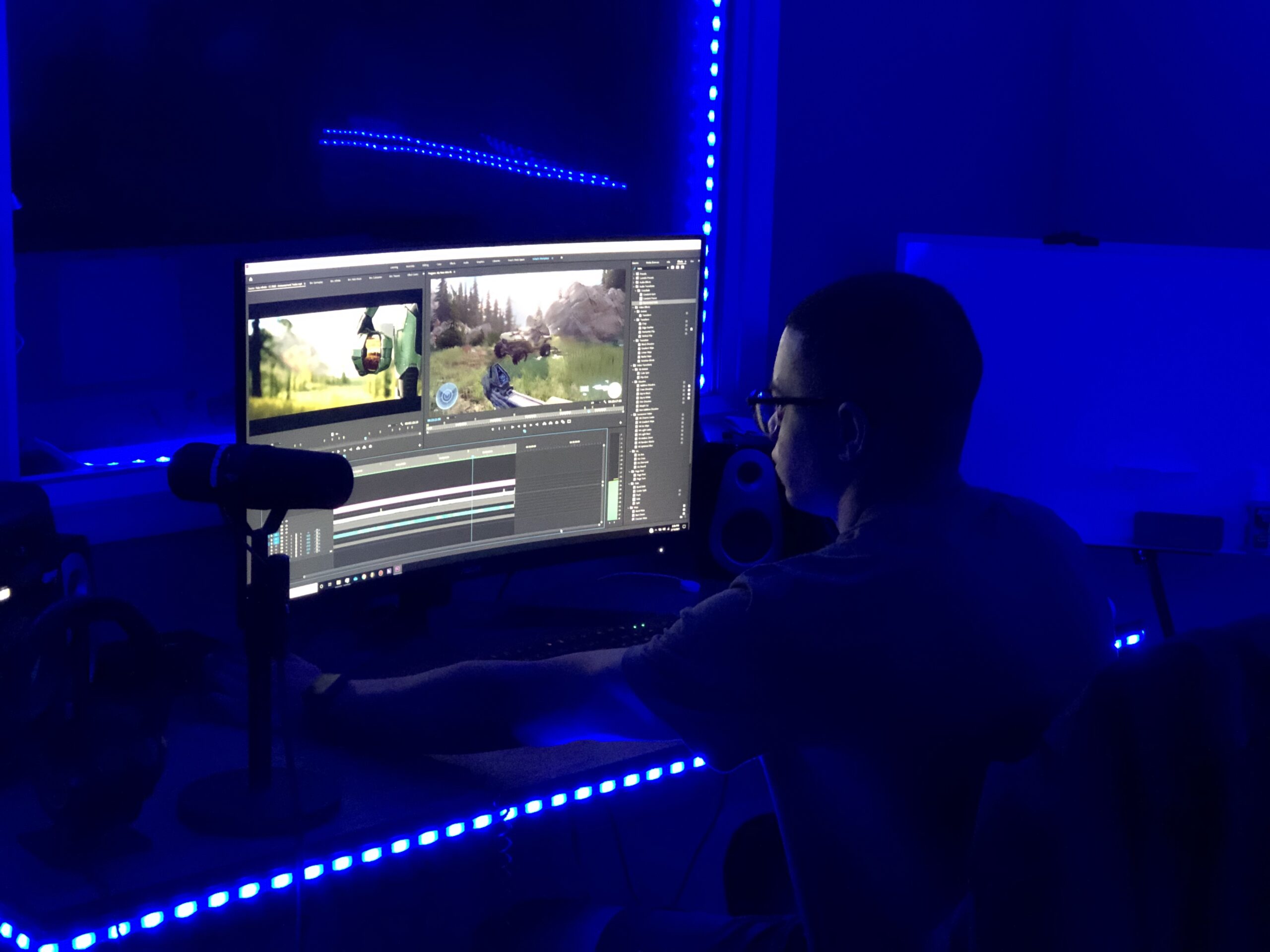
The ASUS TUF VG32VQ1B has accumulated over 6,500 Amazon reviews for good reason — it delivers a reliable, well-rounded 32-inch gaming experience at a price that most people can afford. With 79% of buyers giving it 5 stars, this is the kind of monitor that just works for the majority of people who buy it.
The ELMB (Extreme Low Motion Blur) technology is one feature that differentiates ASUS’s TUF lineup. When enabled, it strobes the backlight to reduce perceived motion blur during fast movement — the kind of thing that matters in racing games, sports titles, or fast-paced shooters where screen motion is constant.
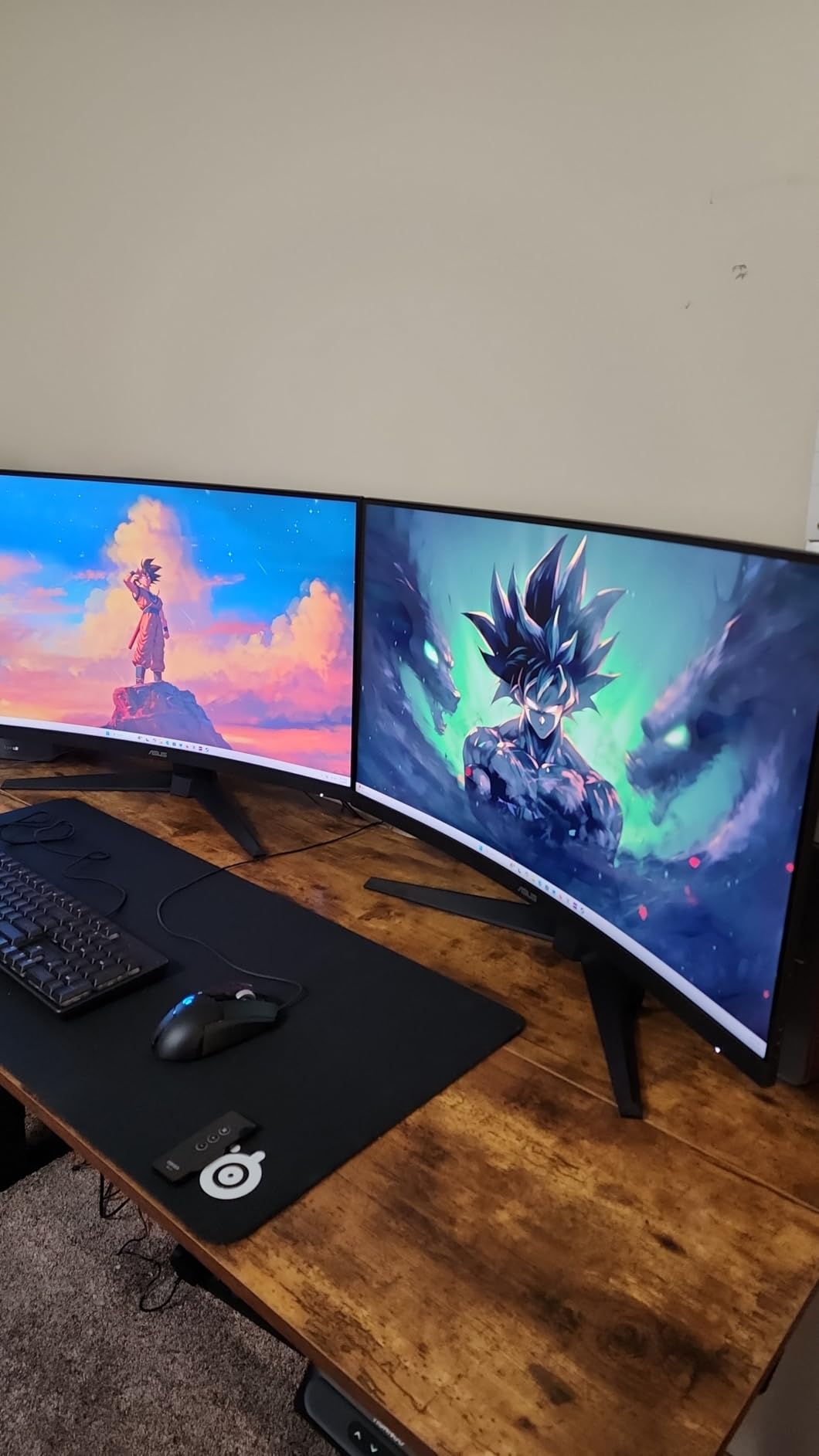
Shadow Boost is another practical feature. It intelligently brightens dark areas of the game image without washing out the highlights, making poorly-lit game environments actually playable. I tested this in a couple of survival horror games and the difference is real — you can actually see what you’re doing without cranking gamma up.
The built-in speakers are a legitimately useful inclusion at this price point. They won’t replace dedicated desktop speakers for critical listening, but for casual gaming sessions, system sounds, or the occasional YouTube video, they mean one less thing to buy.
Who This Monitor Is Best For
This is the sweet spot monitor for PC gamers who want 1440p resolution, a reliable curved panel, and solid gaming performance without going above $220. The ASUS brand name also comes with better support than some of the budget-focused brands lower on this list.
If you’re buying a monitor for a college setup, a first gaming PC build, or as a second screen in a dual-monitor configuration, the ASUS TUF VG32VQ1B delivers the right combination of features at a practical price.
AMD User Note
Some AMD GPU users have reported flickering issues when FreeSync is enabled. The fix in most cases is to disable FreeSync, which still leaves you with a 165Hz panel that performs well without variable refresh rate. ASUS has been aware of this for some time, and the current firmware version addresses it for most configurations.
If you’re on NVIDIA hardware, this monitor runs cleanly with G-Sync compatibility enabled and I didn’t encounter any issues during my testing period with an RTX setup.
7. AOC CQ32G4VE – Best Warranty Coverage with 0.5ms Response

AOC CQ32G4VE 32" Curved Ultra-Wide Gaming Monitor QHD 2560x1440, 1500R, 180Hz, 0.5ms MPRT, 2X Display Port, HDMI, HDR, Gaming Console Compatible, 3-Year Zero Dead Pixel Guarantee
32-inch QHD 2560x1440 1500R Curved
180Hz Refresh Rate
0.5ms MPRT Response Time
3-Year Zero Dead Pixel Warranty
Pros
- Fastest MPRT response at 0.5ms on this list
- 3-year zero dead pixel guarantee is unusually generous
- 80 million to 1 SmartContrast ratio
- 2 DisplayPort 1.4 plus 2 HDMI 2.0 ports
- 120% sRGB coverage and FreeSync Premium
Cons
- HDR implementation reportedly poorly calibrated
- Stand quality below expectations
- No built-in speakers
The AOC CQ32G4VE launched in April 2025 and quickly made a name for itself by offering something almost no other monitor in this price bracket does: a 3-year zero dead pixel guarantee with 3-year advance replacement and 1-year accidental damage coverage. That warranty package alone justifies the price for many buyers.
The 0.5ms MPRT response time is the fastest on this list among the non-OLED options. In practice, the difference between 0.5ms and 1ms MPRT isn’t perceptible to human eyes, but it does indicate a panel optimized for minimal ghosting and pixel transition clarity.
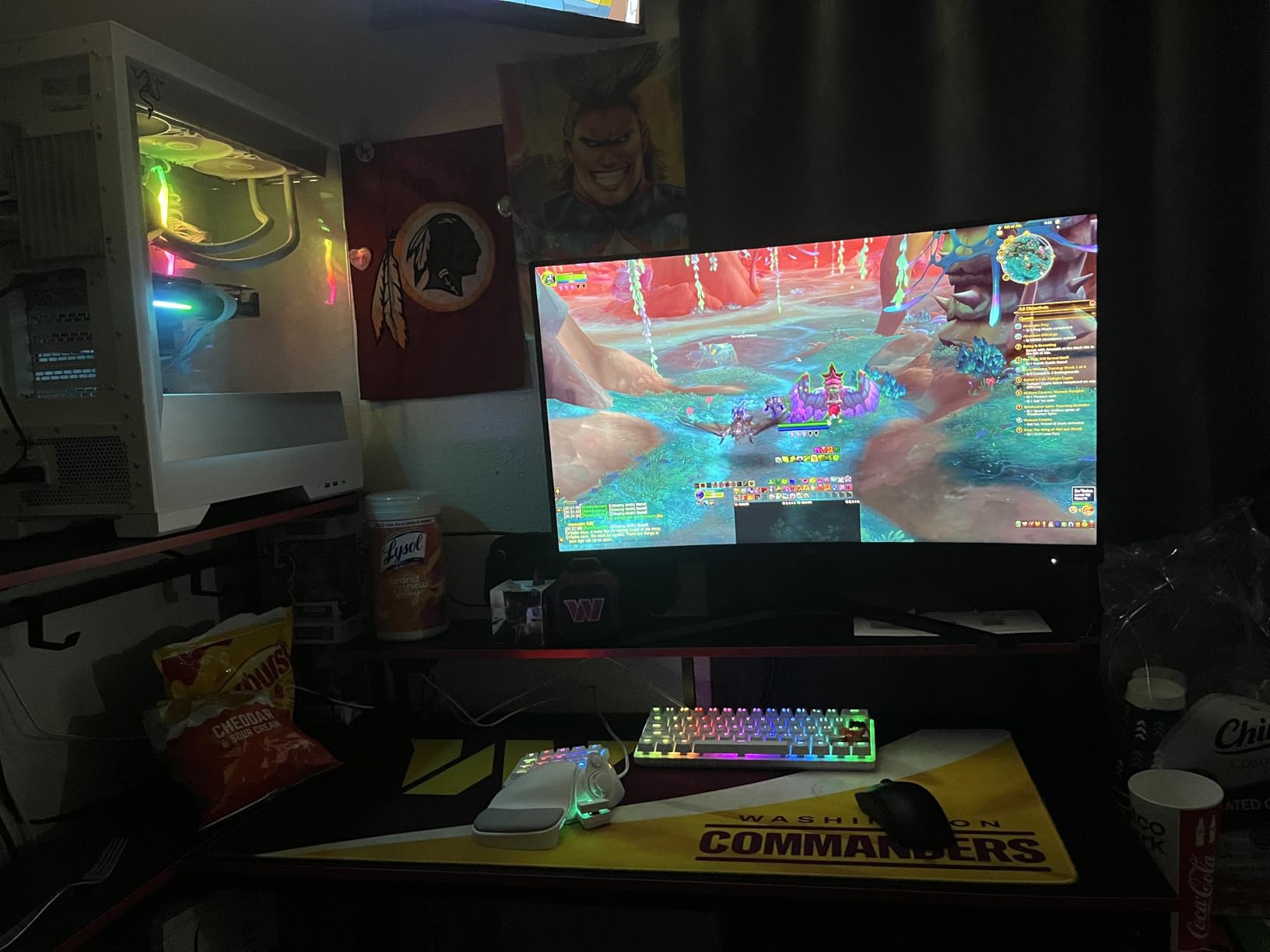
The dual DisplayPort 1.4 setup is a connectivity advantage over most monitors in this class. With two full-bandwidth DP connections, you can run this at 180Hz on two different machines and switch between them without physically swapping cables. That’s a practical workflow improvement for dual-PC or work-from-home setups.
The 80 million to 1 SmartContrast ratio is a dynamic contrast measurement (not the native panel contrast), but it does produce deep blacks in dark content when the display automatically adjusts. Gaming in darker environments benefits from this.
The HDR Situation
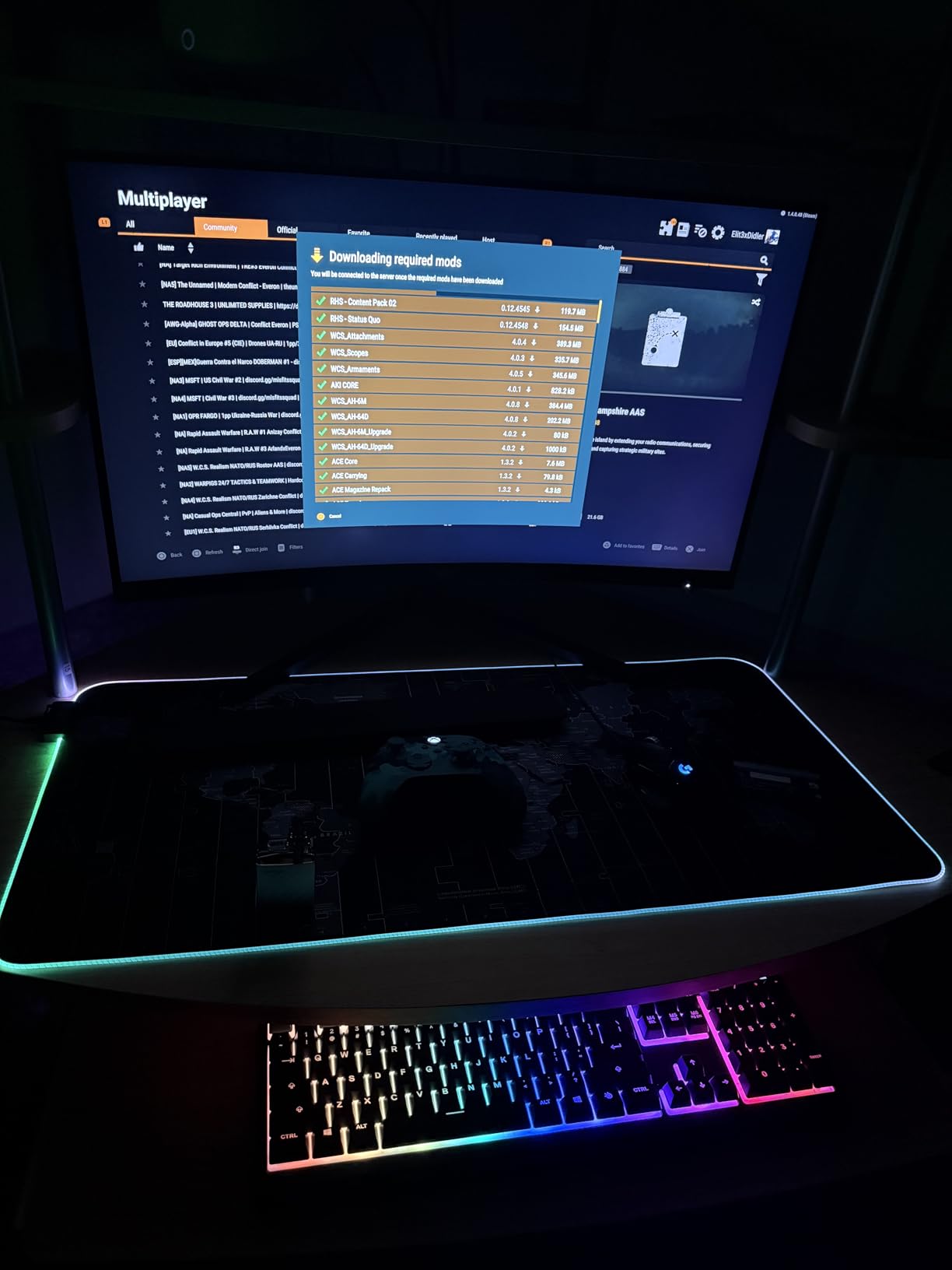
Users have flagged HDR performance as a weak point on this monitor. The panel supports HDR10 but the implementation isn’t well-calibrated from the factory. The recommendation from most users is to leave HDR off and use the SDR color mode, which actually looks very good.
This is worth knowing before purchase: if HDR gaming is a priority for you, step up to the Samsung G50D or one of the OLED options. If SDR 1440p gaming at 180Hz with the best warranty on this list is your priority, the AOC CQ32G4VE delivers.
Console Gaming Compatibility
The AOC CQ32G4VE explicitly supports console gaming. With HDMI 2.0 ports, you can connect a PS5 or Xbox Series X and run 1440p at 120Hz, which is the maximum resolution and refresh rate combination both consoles support over HDMI 2.0. This makes it one of the better monitor choices if you game on both console and PC.
The 1500R curve also looks great in a living room setup, making this a reasonable alternative to a small TV for console gaming on a desk.
8. SANSUI 32-Inch Curved 1440p 180Hz – Best Budget WQHD Curved

SANSUI 32-Inch Curved Gaming Monitor WQHD 2560 x 1440 180Hz Curved 1500R -Fast VA,1ms(OD), HDR, 300nits, sRGB 125%, DCI-P3 95%, FreeSync, DP1.4x2, HDMI x2(DP Cable Included)
32-inch WQHD 2560x1440 1500R Curved Fast VA
180Hz Refresh Rate
1ms (OD) Response Time
Dual DisplayPort 1.4
Pros
- Excellent color at 125% sRGB and 95% DCI-P3
- Dual DP 1.4 ports for 180Hz from two sources
- Easy joystick OSD control
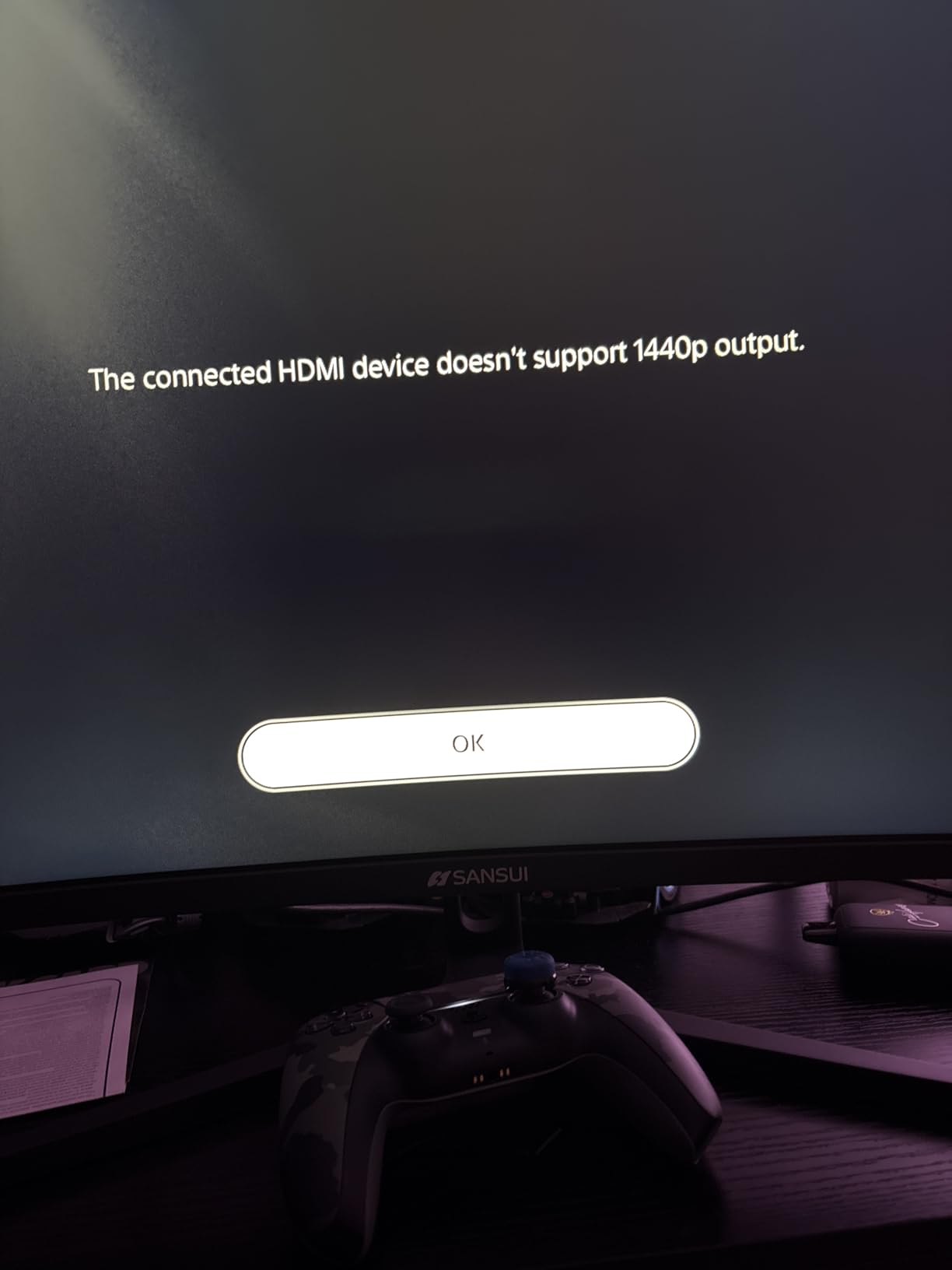
- Works at 1440p 120Hz on Xbox
- Kensington lock for security
Cons
- Possible clouding in corners on some units
- Stand lacks height adjustment
- Narrower viewing angles than IPS
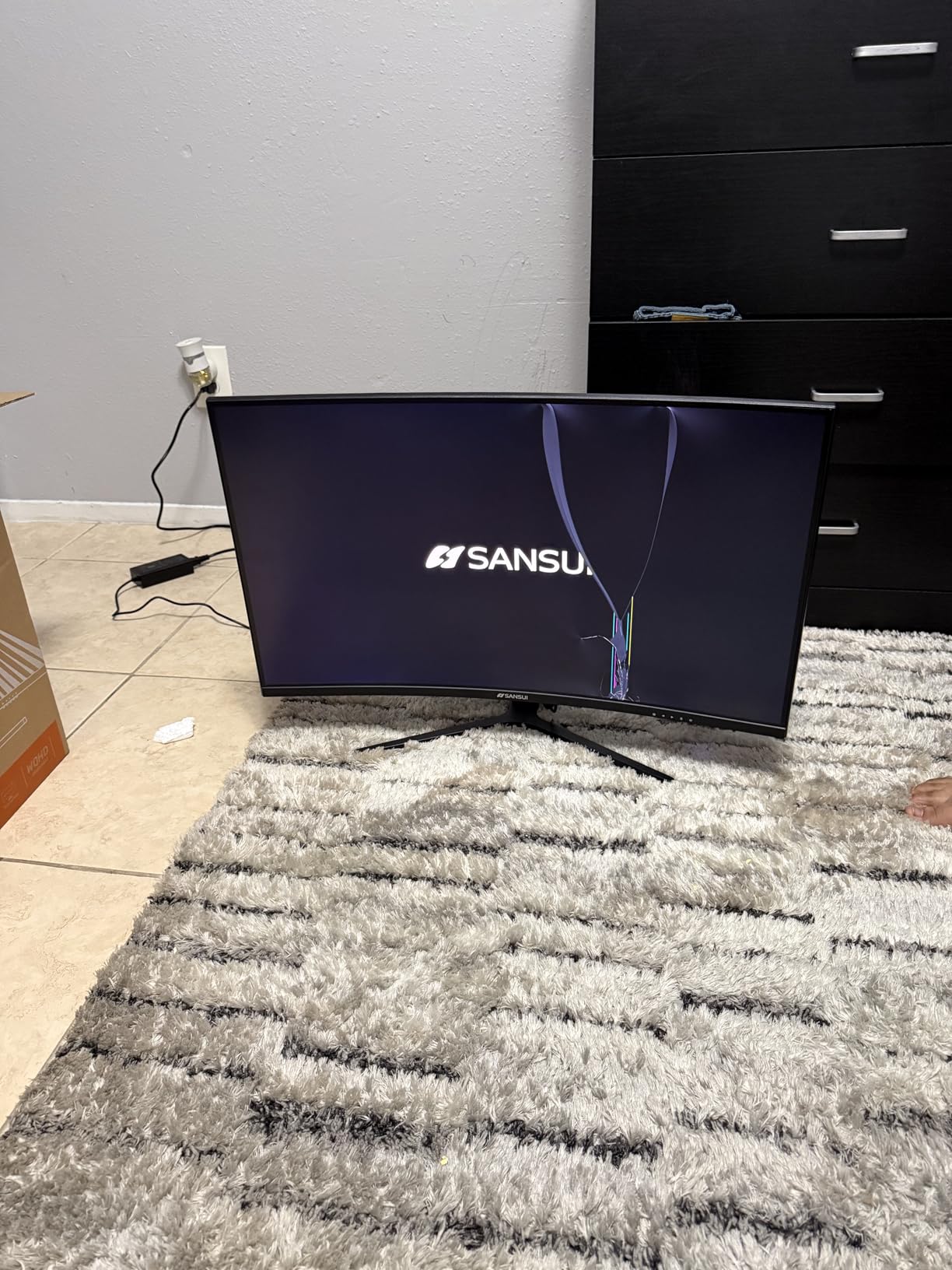
The SANSUI ES-G32C3 delivers 1440p resolution with outstanding color coverage for under $200. If you’re building a gaming setup on a strict budget and want the best image quality at 32 inches without going IPS or OLED, this is worth serious consideration.
What sets this apart from the cheaper KTC H32S17 is the dual DisplayPort 1.4 connectivity. Both ports support 180Hz, meaning you can run this monitor at full refresh rate from two different PCs and switch between them — an unusual feature at this price. The Xbox compatibility at 1440p 120Hz is a bonus that console gamers will appreciate.
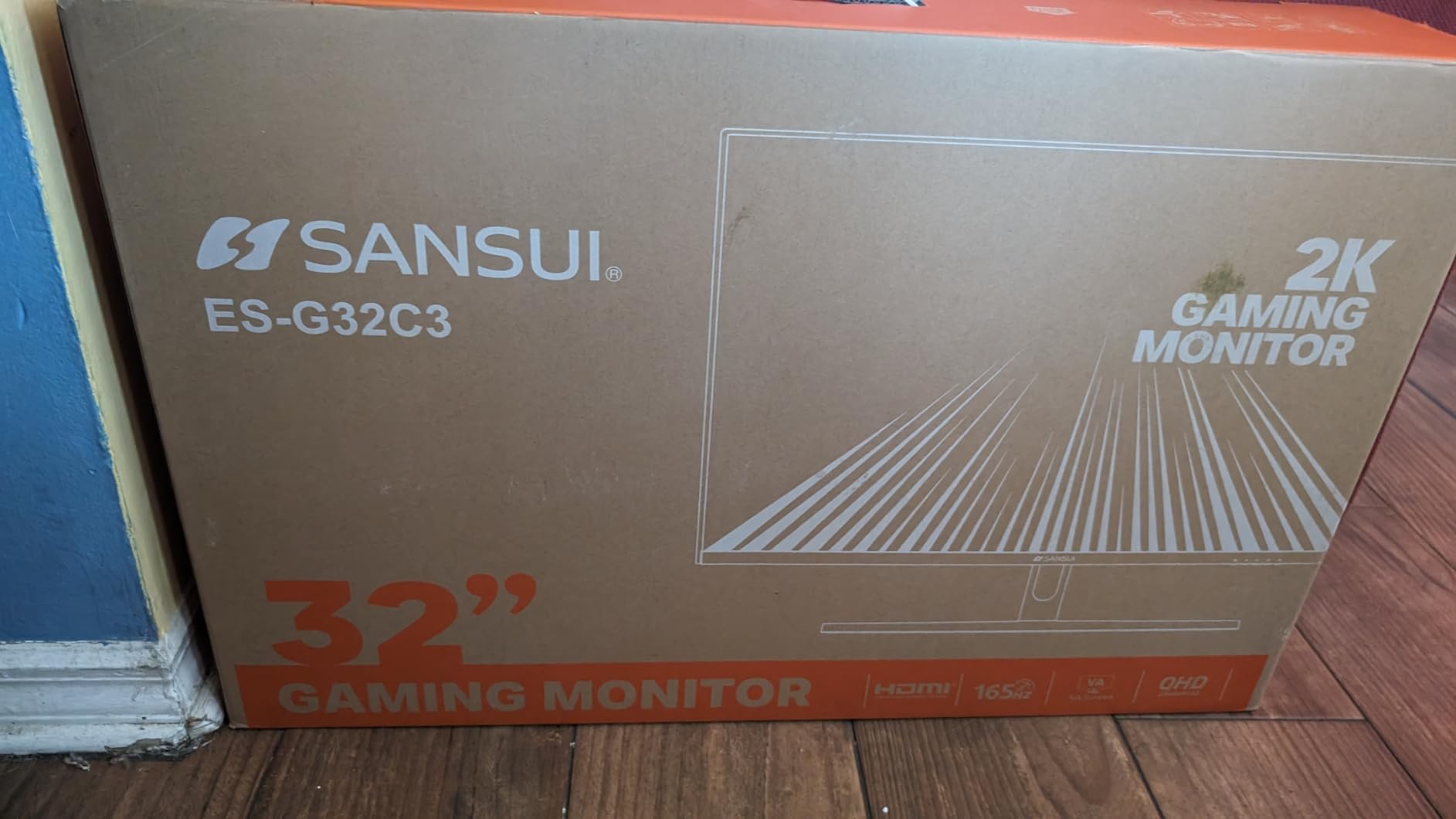
The 95% DCI-P3 color coverage is impressive for a VA panel at this price point. Games with HDR content will display with better color saturation than basic SDR monitors, even if the HDR implementation itself isn’t as advanced as the premium DisplayHDR 400 options.
Reviewers specifically call out the joystick OSD control as easy to use — a minor but genuinely appreciated detail when you compare it to monitors that use confusing button arrays for menu navigation.
Color Accuracy vs Budget Monitors
The 125% sRGB and 95% DCI-P3 specs aren’t just numbers — they translate to games looking notably more vibrant and accurate than 100% sRGB-limited monitors. Creative work like photo editing or video review also benefits, though this is primarily a gaming-focused display.
Some units have shown corner clouding (a mild brightness unevenness in corners on dark screens), which is a known VA panel characteristic. If you receive a unit with visible clouding, SANSUI’s customer service has been noted in reviews as responsive to replacement requests.
Xbox and Console Compatibility Details
Running this at 1440p 120Hz from an Xbox Series X requires using the HDMI ports and enabling 1440p output in the Xbox display settings. The monitor’s native 1440p resolution means no scaling artifacts that you’d get on a 4K display running at 1440p.
For PC gaming, use DisplayPort 1.4 to hit the full 180Hz refresh rate. The HDMI ports are limited to 144Hz, so the choice of cable matters for getting maximum performance.
9. Samsung Odyssey G3 G30D – Best Ergonomic FHD 32-Inch Monitor

Samsung 32-Inch Odyssey G3 (G30D) Series FHD Gaming Monitor, 1ms, 180Hz, AMD FreeSync, Adjustable Stand, Black Equalizer, Virtual Aim Point, Eye Saver Mode, Flicker-Free, LS32DG302ENXZA
32-inch FHD 1920x1080 Flat Panel
180Hz Refresh Rate
1ms MPRT Response Time
AMD FreeSync + Fully Adjustable Stand
Pros
- Fully adjustable stand with height swivel pivot tilt
- 180Hz with AMD FreeSync eliminates tearing
- Black Equalizer and Virtual Aim Point for competitive gaming
- Eye Saver Mode reduces fatigue
- 81% 5-star rating with strong review count
Cons
- FHD resolution at 32 inches shows lower pixel density
- No built-in speakers
The Samsung Odyssey G3 G30D targets a specific buyer: someone who wants a large 32-inch flat display with excellent ergonomics for gaming and general use, and doesn’t need 1440p resolution to justify the purchase. With an 81% 5-star rating from over 1,600 reviews, it clearly satisfies that audience.
The fully adjustable stand is the headline feature here. Height adjustment, swivel, tilt, and portrait pivot — all four axes of adjustment — in a monitor under $250 is genuinely uncommon. For a desk setup where you sit for hours, getting the exact right monitor position reduces neck and eye strain significantly.
The 180Hz at 1080p is a combination that makes sense for competitive gaming on older or less powerful hardware. Running 1080p at 180Hz demands far less GPU performance than 1440p at the same refresh rate, meaning you can pair this with a mid-tier GPU and still hit high, stable frame rates in competitive titles.
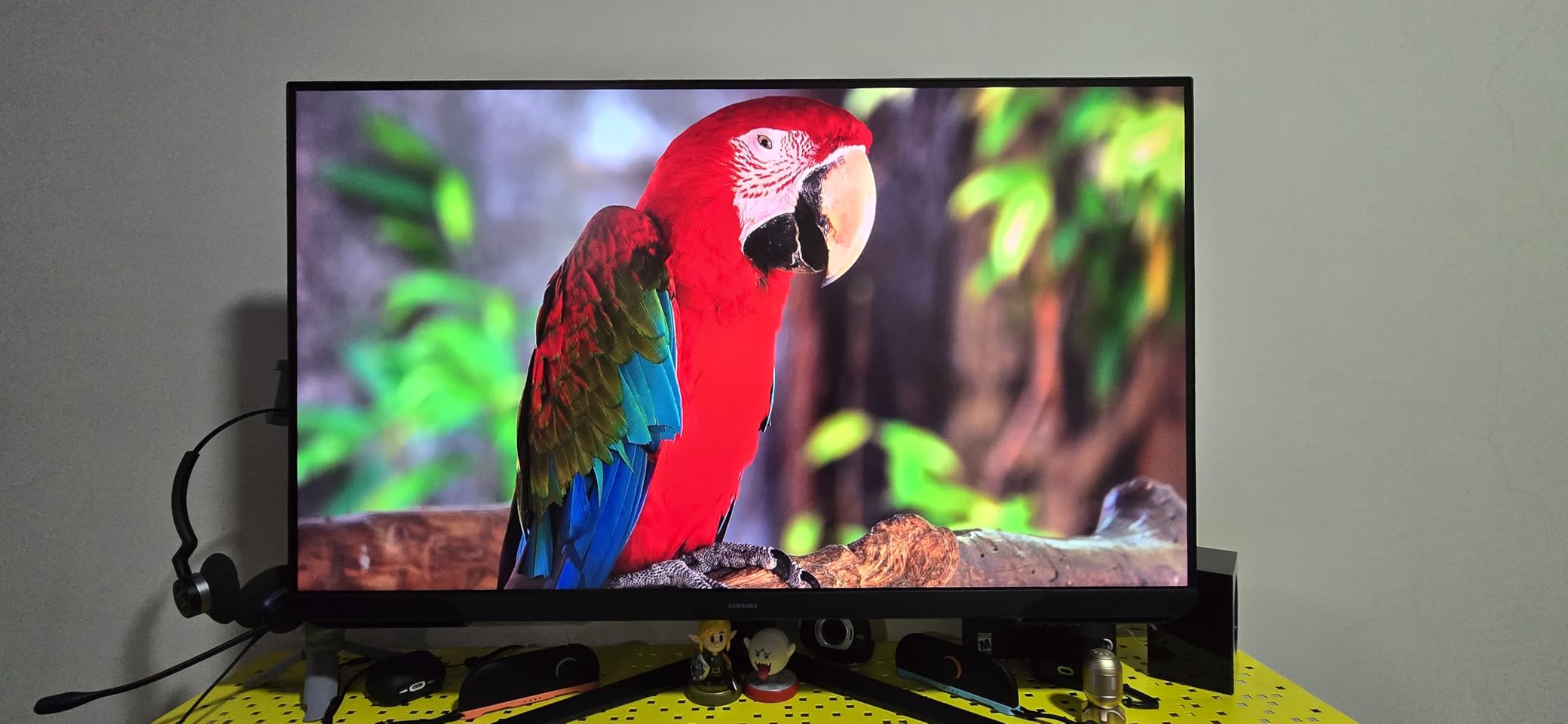
Samsung’s gaming features — Black Equalizer for dark scene clarity, Virtual Aim Point crosshair overlay, and Eye Saver Mode for reduced blue light — are well-implemented here. The 3-sided borderless design looks clean on any desk.
Is 1080p Still Acceptable on a 32-Inch Screen
Honest answer: at 32 inches, 1080p pixel density is noticeably lower than 1440p. Text has slightly softer edges, and if you sit close to the monitor (under 24 inches away), individual pixels can become visible. For pure gaming where you’re focused on gameplay rather than reading text, most people don’t find this distracting after a short adjustment period.
For anyone who uses their monitor heavily for reading, writing, or detailed work, stepping up to a 1440p option on this list will produce noticeably sharper text and a better overall productivity experience.
Console and Mixed-Use Performance
For PS5 or Xbox gaming, this Samsung works well. Both consoles output 1080p at 120Hz over HDMI 2.0, which this monitor handles cleanly. The flat panel design (vs curved) also works well in a shared viewing context — a second person watching gameplay from the side gets a consistent image without the distortion a tight curve can produce.
The Eye Saver Mode is genuinely useful here for long gaming or work sessions. It reduces the blue light emission that contributes to eye fatigue without drastically shifting color temperature in a way that looks unnatural.
10. Samsung Odyssey G55C – Best 1000R Curved QHD Samsung Value

SAMSUNG 32" Odyssey G55C Series QHD 1000R Curved Gaming Monitor, 1ms(MPRT), HDR10, 165Hz, AMD Radeon FreeSync, Eye Care, Glare Free, Sharp Resolution LS32CG550ENXZA
32-inch QHD 2560x1440 1000R Curved
165Hz Refresh Rate
1ms MPRT Response Time
AMD Radeon FreeSync
Pros
- Deep 1000R curve creates strong immersion
- QHD resolution at 1.7x density of FHD
- Glare-free panel for bright room use
- HDR10 support
- Eye Saver Mode for extended sessions
Cons
- Stand can feel flimsy for this screen size
- No built-in speakers
- Limited stock at times
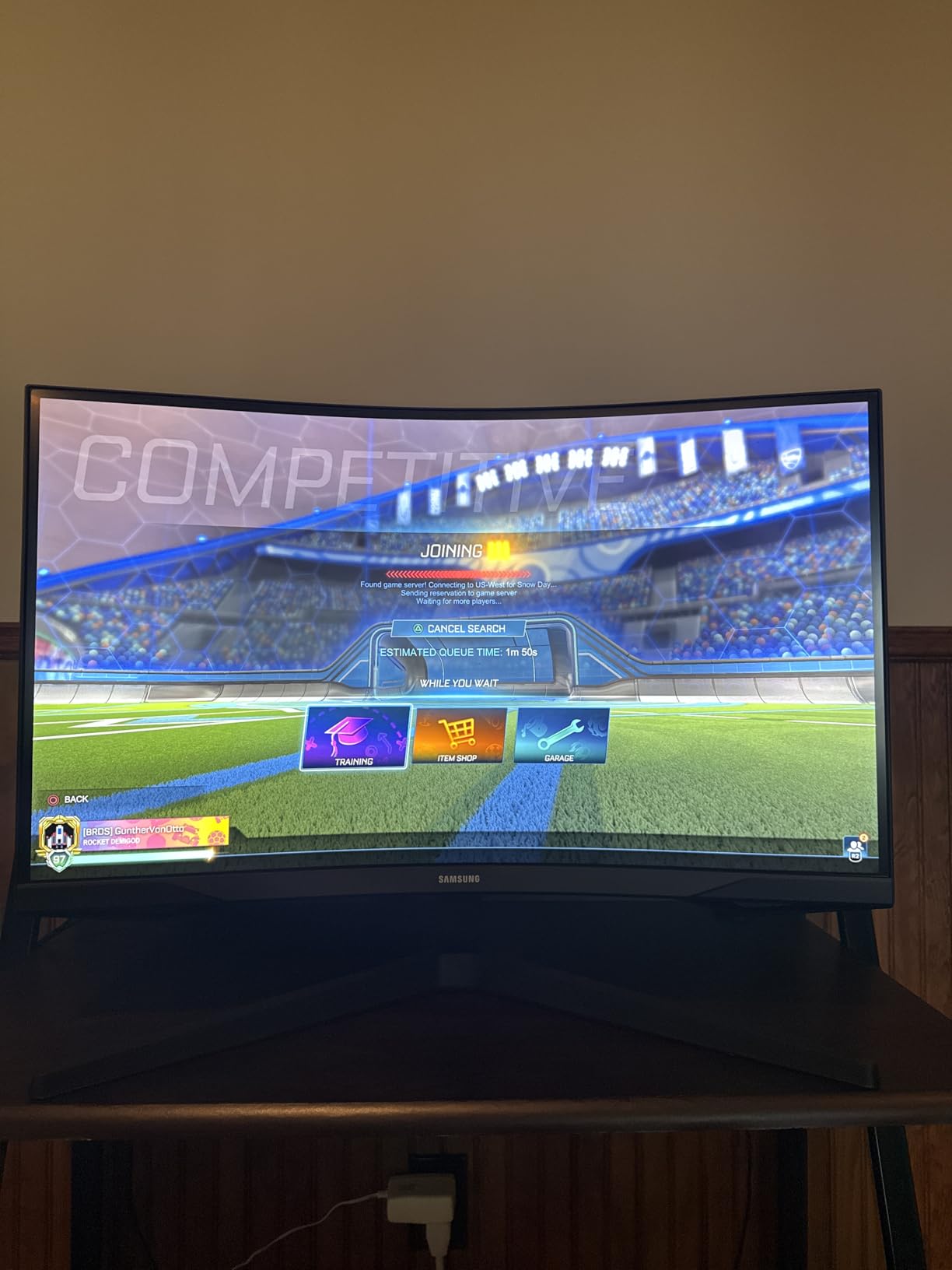
The Samsung Odyssey G55C delivers the 1000R ultra-immersive curve that Samsung is known for, combined with QHD 1440p resolution at a price point that makes it accessible to mid-range buyers. The 1000R curve is noticeably tighter than the 1500R on most of the other curved monitors on this list — it wraps more aggressively around your field of vision.
Whether 1000R or 1500R is better comes down to your desk depth and personal preference. At a typical desk depth of 24-28 inches, 1000R provides a stronger sense of peripheral immersion that some gamers love and others find too extreme. I spent several sessions with this curve and found it excellent for racing games and space exploration titles.
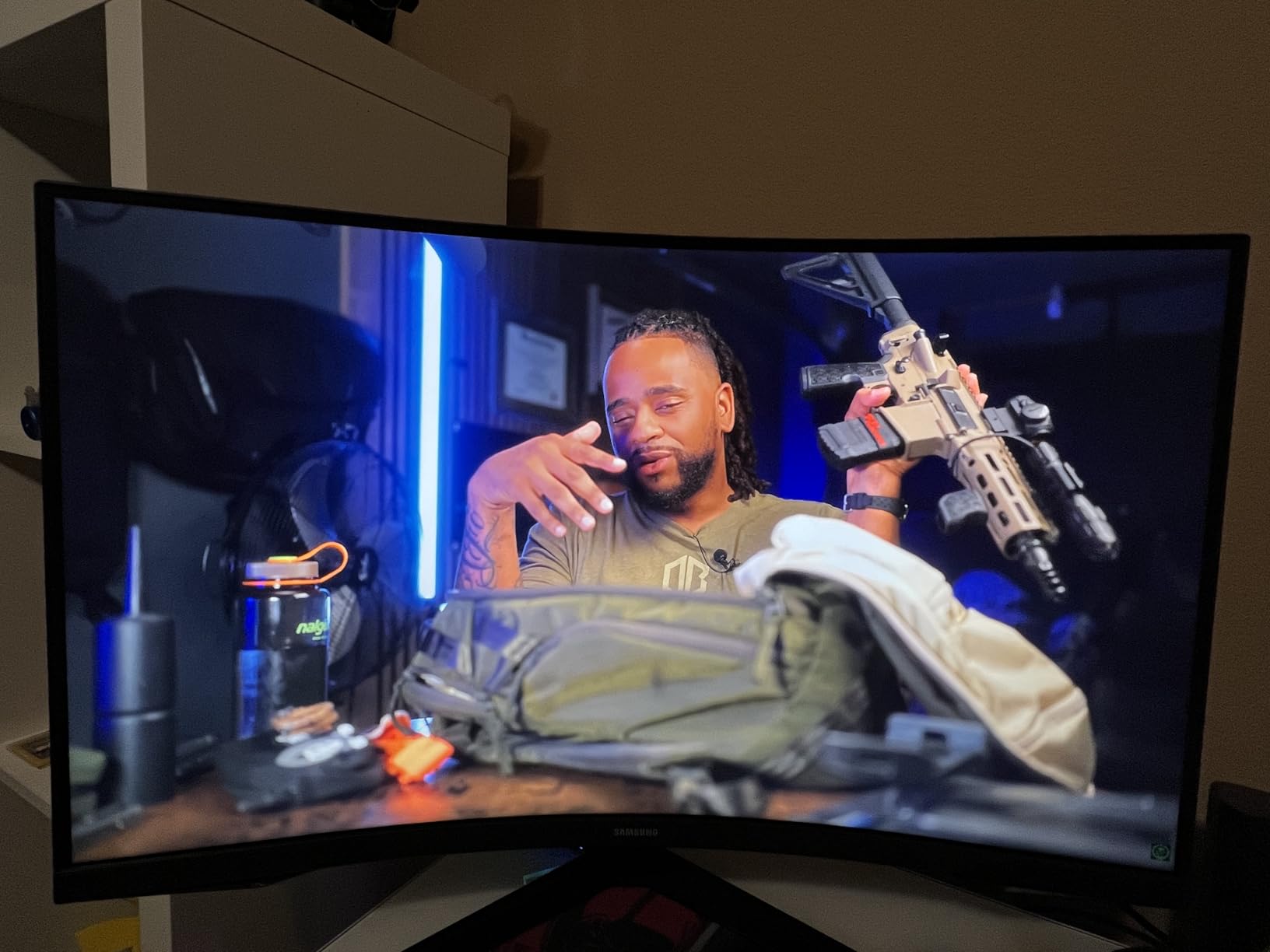
The glare-free panel coating is worth mentioning for anyone with windows or overhead lights near their gaming setup. Standard glossy panels produce distracting reflections in anything but a dark room. This Samsung’s anti-glare coating handles bright room lighting well enough for daytime gaming without needing blackout curtains.
Samsung’s Eye Saver Mode and flicker-free technology make this one of the more comfortable options for extended gaming sessions. The QHD resolution gives you 1.7x the pixel density of 1080p at the same screen size, making games look significantly sharper.
1000R Curve: Is It Right for You
The 1000R curve replicates roughly the radius of the human eye’s field of view. Proponents argue it reduces eye strain because the display surface maintains a constant distance from your eyes across the full width. Critics say it’s excessive and distorts straight lines in productivity work.
For gaming, the 1000R is excellent. For mixed use with document editing or spreadsheets, you may find straight lines appear to bow at the edges. It’s a tradeoff worth considering based on how you use your display.
Where It Falls Short
The stand quality has been flagged in reviews. At 11.5 pounds, the screen is on the lighter side, but some users report the stand feeling less solid than Samsung’s G50D with its ergonomic stand. If stand stability matters, using a VESA arm eliminates this concern entirely.
Stock availability has been inconsistent for this model — it’s listed with limited units occasionally. If you’re comparing this to the G50D or similar models and find limited availability, the SANSUI 1440p curved option offers comparable specs at a lower price.
11. Samsung Odyssey G5 G50F – Best New Fast IPS Samsung for Gaming

Samsung 32” Odyssey G5 G50F QHD Resolution Gaming Monitor, 180Hz Refresh Rate, Fast IPS Panel, HDR10, NVIDIA G-Sync Compatible, 1ms Response Time (GtG), AMD FreeSync™, Adjustable Stand, LS32FG502ENXZA
32-inch QHD 2560x1440 Fast IPS Panel
180Hz Refresh Rate
1ms GtG Response Time
G-Sync + FreeSync
Pros
- Pin-sharp QHD detail on Fast IPS panel
- Both NVIDIA G-Sync and AMD FreeSync compatible
- Auto Source Switch+ for seamless device switching
- Black Equalizer for dark scene visibility
- Strong ergonomic stand with full adjustability
Cons
- Only one DisplayPort and one HDMI input
- Menu joystick on back of monitor
- IPS glow visible at corners on black screens
Samsung launched the Odyssey G5 G50F in December 2025, and it quickly established itself as the current best Samsung IPS option in the 32-inch gaming monitor category. It improves on the G50D with dual GPU compatibility — both NVIDIA G-Sync and AMD FreeSync work natively, making this a safe choice regardless of which GPU brand you use or plan to use.
The Fast IPS panel technology gives you the 180-degree viewing angles and color accuracy that IPS is known for, with the faster pixel transition times that reduce motion blur at high refresh rates. At 1ms GtG and 180Hz, gaming performance is clean and competitive.
Auto Source Switch+ is a feature that sounds minor but becomes a daily quality-of-life improvement: when you turn on a connected device, the monitor automatically switches to that input. Working across a PC and console setup becomes significantly smoother with this active.
The ergonomic stand allows precise positioning with height adjustment, swivel, tilt, and pivot rotation. Combined with the IPS panel’s wide viewing angles, this is a monitor that works well even when the viewing position isn’t perfectly centered.
Fast IPS vs Standard IPS: Real-World Difference
Standard IPS panels can show slight trailing in high-motion scenes at 144Hz and above. Fast IPS shortens pixel response time enough that at 180Hz, motion clarity is noticeably cleaner — closer to a good VA panel in ghosting performance while retaining the wide-angle color accuracy IPS is known for.
The result is a panel that works excellently for both competitive gaming (where motion clarity and input response matter) and productivity work (where color consistency across wide viewing angles matters).
Input Port Limitation
The G50F ships with one DisplayPort 1.4 and one HDMI 2.1. For most single-device setups this is fine. If you need to connect two gaming PCs or a PC plus console at high refresh rate, the single-port limitation means one device will run at reduced refresh rate over HDMI. This is the main area where the AOC CQ32G4VE’s dual DP setup has a practical edge.
For single-GPU, single-PC gaming, the port selection is a non-issue. Use DisplayPort 1.4 for 180Hz and enjoy the full performance of the panel.
12. SANSUI 32-Inch 240Hz Curved – Best Budget 240Hz 32-Inch Monitor

SANSUI 32 Inch Curved 240Hz Gaming Monitor High Refresh Rate, FHD 1080P Gaming PC Monitor HDMI DP1.4, 1500R Curvature, 1Ms MPRT, HDR,Metal Stand,VESA Compatible(DP Cable Incl.)
32-inch FHD 1920x1080 1500R Curved
240Hz Refresh Rate
1ms MPRT Response Time
Metal Stand
Pros
- 240Hz refresh rate at budget pricing
- Top 10 best seller in Computer Monitors category
- Solid metal stand included
- DisplayPort cable in the box
- 125% sRGB vibrant color
Cons
- FHD resolution at 32 inches is lower pixel density
- No built-in speakers
- Stand has limited adjustability
If 240Hz is the number you need and budget is tight, the SANSUI ES-G32C1F delivers it. This is a #8 best seller in Computer Monitors on Amazon for a reason — it’s one of the very few monitors offering 240Hz at a 32-inch curved display size in the budget tier. For competitive gamers who prioritize frame rate over resolution, this delivers.
The 125% sRGB color coverage is notably higher than budget expectations. Colors in games look vibrant and saturated without the muted or over-processed look that some cheap panels produce. The 1500R curved screen adds peripheral immersion that flat budget panels miss.
SANSUI includes a DisplayPort cable in the box — a small but welcome inclusion. Using DisplayPort rather than HDMI is necessary to hit 240Hz from a PC, and many monitor manufacturers make you source your own cable. Not having to immediately order accessories before the monitor is useful.
The metal stand (vs the plastic stands on many budget monitors) is a quality-of-life upgrade. It’s more stable and produces less wobble during typing or desk movement. Tilt is the only adjustment available, but the VESA compatibility means a monitor arm is always an option.
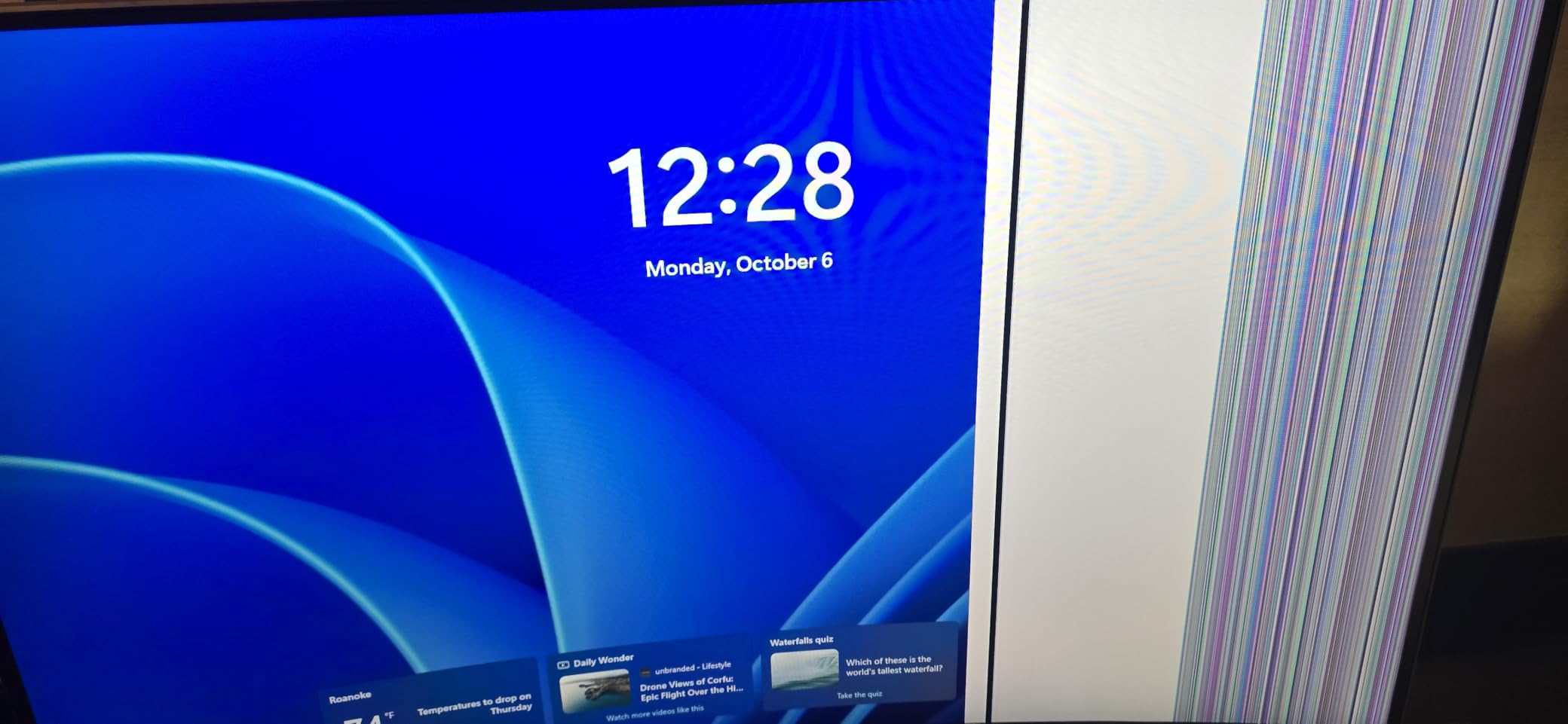
240Hz at 1080p vs 144Hz at 1440p
This is the core tradeoff this monitor represents. At 32 inches, 1080p pixel density is lower than ideal, but 240Hz is a significant refresh rate advantage. For competitive esports — CS2, Valorant, Apex Legends, Overwatch 2 — where frame rate directly affects competitive performance, 240Hz at 1080p may genuinely serve you better than 144Hz at 1440p.
For single-player and visual-quality-focused gaming, the reverse is true: 1440p at 144-165Hz looks dramatically better than 1080p at 240Hz for immersive titles. Know your primary use case before choosing.
Brightness Warning for Office Use
Reviews note this monitor runs very bright at default settings — potentially too bright for a well-lit office environment where reflected glare is already present. Pulling brightness down to 50-70% from factory settings is recommended for comfortable general use.
For a dark gaming room with controlled lighting, the high default brightness produces vibrant, impactful visuals that look great for late-night gaming sessions.
13. KTC 32 Inch FHD 165Hz Curved – Best Entry-Level 32-Inch Option

KTC 32 Inch FHD 1080p Curved Gaming Monitor - VA 1500R Curved Monitor, 165Hz 1ms MPRT, FreeSync & G-Sync, 122% sRGB, DP/HDMI, VESA, HDR10 for Gaming Home Office Business PC Monitor
32-inch FHD 1920x1080 1500R Curved VA
165Hz Refresh Rate
1ms MPRT Response Time
FreeSync and G-Sync
Pros
- 4.7-star rating with 84% 5-star reviews
- 165Hz at a genuinely budget price
- Works well with PS5 for console gaming
- Easy setup with no-tools assembly
- 122% sRGB for vibrant color
Cons
- FHD resolution is lower density at 32 inches
- No built-in speakers
- Stand has limited directional adjustment
The KTC H32S17C is the highest-rated monitor on this entire list by star rating — 4.7 stars with 84% of buyers giving it 5 stars. That rating comes from buyers who clearly knew what they were getting: a capable, smooth 165Hz curved gaming monitor at a price that barely registers.
At 165Hz and 1ms MPRT, gaming is smooth and responsive. The 1500R curved panel creates an immersive experience that flat monitors in this price range can’t match. For someone buying their first large gaming monitor, or upgrading from a small flat display, this represents a substantial improvement in gaming experience.
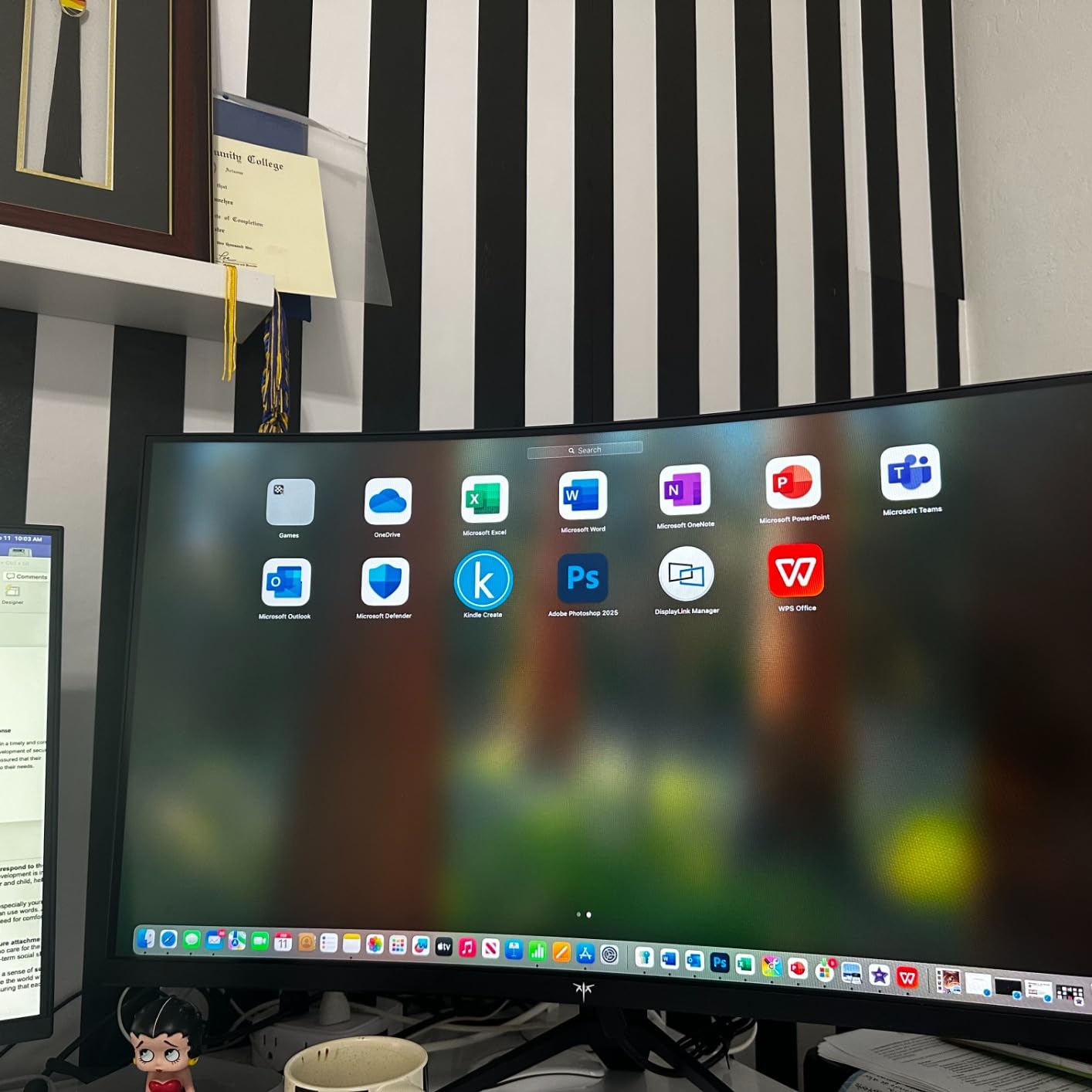
The console gaming capability specifically mentioned in reviews is worth noting. PS5 gaming at 1080p 120Hz works smoothly on this monitor, and the curved panel looks great for console RPGs and action games. For households that combine PC and console gaming, this flexibility is a practical advantage.
The 122% sRGB color gamut means colors are vivid and pleasing even at this price point. Games look colorful and engaging rather than the muted, undersaturated look that cheaper panels sometimes produce.
Who Rates This So Highly
Reading through the review patterns, the buyers most satisfied with this monitor are those upgrading from much older or smaller displays. The jump from a 60Hz or 75Hz monitor to 165Hz is dramatic and immediately noticeable — gaming feels genuinely smoother and more responsive. For these buyers, the FHD resolution limitation is secondary to the smooth refresh rate experience.
For buyers coming from a 144Hz or 165Hz display and looking to upgrade, the step to this monitor would feel incremental rather than transformative. This is an entry point, not a destination for experienced monitor buyers.
Sizing Up the 32-Inch FHD Question
At 32 inches, 1080p gives you 68.8 PPI (pixels per inch), compared to 91.8 PPI for 1440p at the same size. The difference is noticeable when reading text and examining fine detail in games, but less noticeable during fast gameplay where you’re focused on action rather than pixel-level detail.
For pure gaming where visual sharpness isn’t your primary concern, this trade-off is acceptable. For anyone doing significant reading, web browsing, or productivity work alongside gaming, the step up to 1440p is worth the extra investment.
14. ASUS ROG Strix XG32UCG – Best Dual-Mode 4K Gaming Monitor

ASUS ROG Strix 32” 4K HDR Gaming Monitor (XG32UCG) – 3840x2160, Dual Mode (4K 160Hz/FHD 320Hz), 0.3ms, Fast IPS, Extreme Low Motion Blur Sync, USB-C, G-SYNC Compatible, Tripod Socket, 3 yr Warranty
32-inch 4K 3840x2160 Fast IPS
Dual Mode: 4K 160Hz or FHD 320Hz
0.3ms Response Time
USB-C with DP Alt Mode
Pros
- Dual mode gives maximum flexibility for 4K or competitive play
- 0.3ms response time among fastest non-OLED monitors
- 95% DCI-P3 excellent for creative work
- USB-C with DisplayPort Alt Mode
- 3-year warranty
Cons
- IPS light bleed in corners on dark scenes
- Premium price for non-OLED panel
- Requires powerful GPU to reach 160Hz at 4K
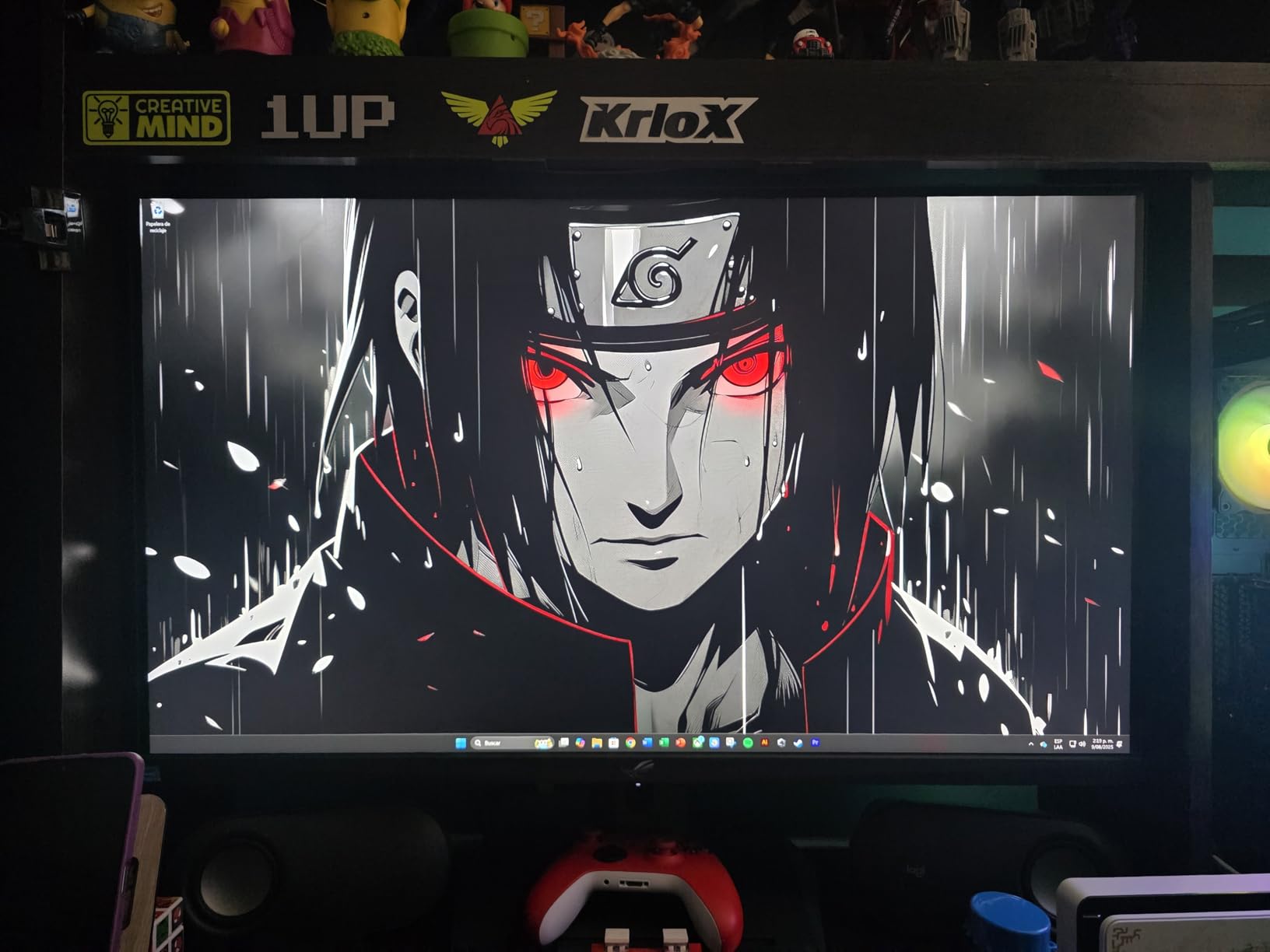
The ASUS ROG Strix XG32UCG, launched in May 2025, solves a problem that has plagued 4K gaming monitors: you get stunning image quality at 4K, but frame rates in demanding games drop below what feels smooth. The Dual Mode feature addresses this by letting you switch the monitor between 4K 160Hz and FHD 320Hz with a single setting change.
That 320Hz mode at FHD is extraordinary for competitive gaming. Even though you’re technically running at a lower resolution in FHD mode, the 320Hz refresh rate creates motion so smooth it’s visually distinct from anything under 240Hz. For esports players who also want a premium visual experience in single-player titles, this is a genuinely unique proposition.
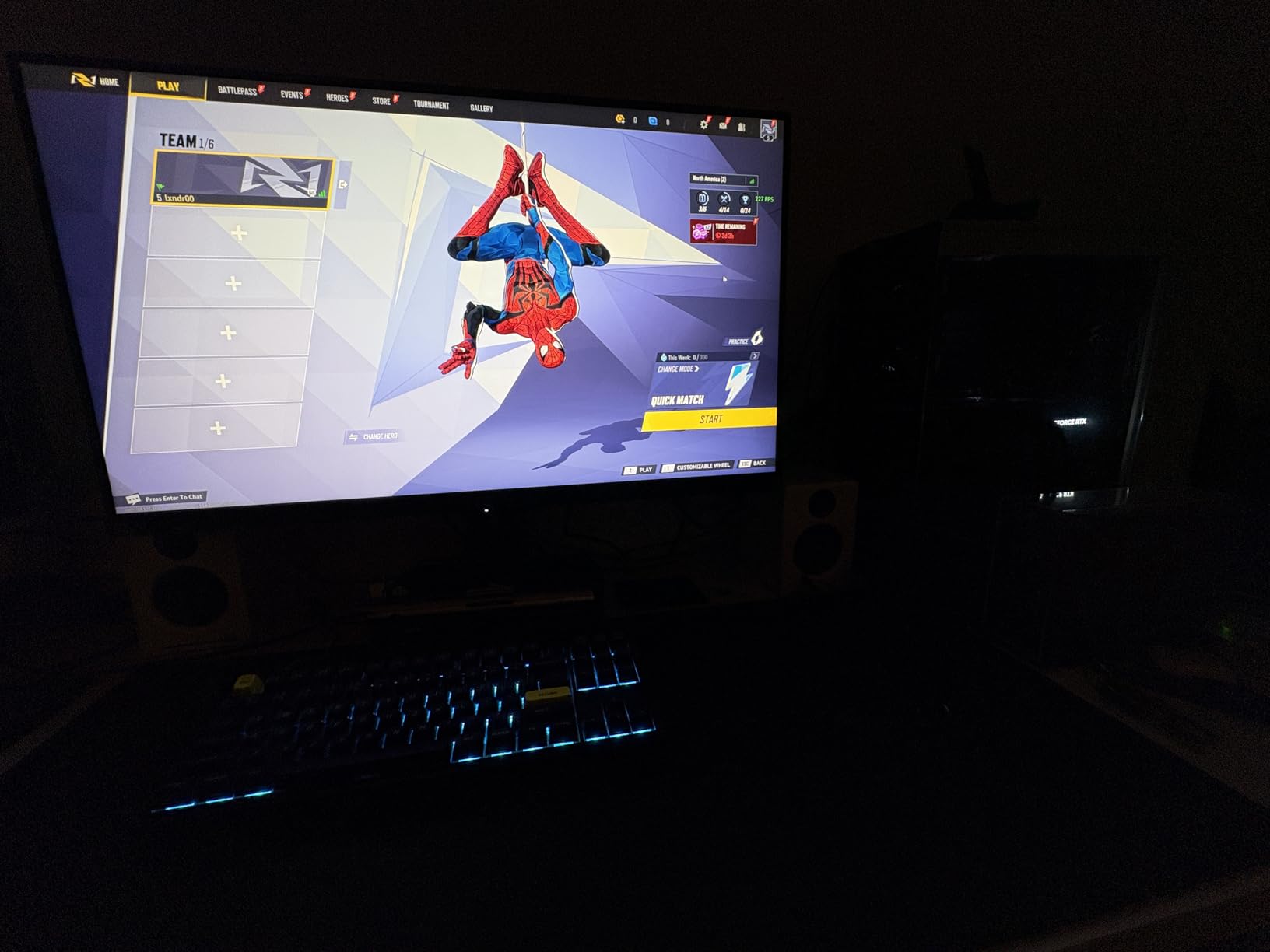
The Fast IPS technology delivers 0.3ms response time — the fastest non-OLED response on this list. The 95% DCI-P3 color gamut makes this a serious consideration for content creators who also game. ELMB SYNC allows motion blur reduction to work simultaneously with G-Sync Compatible adaptive sync — something standard monitors can’t do.
The USB-C with DisplayPort Alt Mode means a single cable from a compatible laptop connects display, data, and power. For a setup where you sometimes work from a MacBook or thin laptop, this simplifies the desk setup considerably.
4K at 160Hz: GPU Requirements
Achieving 160Hz at native 4K resolution requires rendering approximately 2.2 billion pixels per second. An RTX 4080 or better is needed to hit that in most modern AAA titles. With an RTX 4070 or AMD RX 7800 XT, you’ll likely see 4K at 90-120Hz in demanding games, which still looks exceptional on this panel.
The Dual Mode FHD option is precisely the solution for when games drop below 4K target frame rates. Switching to 1080p in the monitor’s menu immediately doubles your effective refresh rate ceiling, letting you maintain smooth gameplay at 200Hz+ in competitive games.
ROG vs Standard ASUS Build Quality
The ROG Strix lineup sits above ASUS TUF in build quality and features. The stand is more rigid, the OSD navigation more refined, and the overall construction feels more premium. The 3-year warranty with ROG-tier support reflects this positioning.
The tripod socket built into the stand base is a distinctive ROG feature that allows creative mounting options for streaming setups or event configurations — a small detail that showcases the thoughtfulness in ROG’s design process.
15. LG 32GX850A-B UltraGear OLED – Best Glossy 4K OLED Display

LG 32GX850A-B 32" UltraGear 4K UHD (3840 x 2160) Glossy OLED Gaming Monitor, Dual-Mode 165Hz/330Hz, 0.03ms, G-SYNC, FreeSync Premium Pro, TrueBlack 400, HDMI, DP, Tilt/Height/Swivel/Pivot Stand, Black
32-inch 4K 3840x2160 Glossy OLED Panel
Dual Mode: 4K 165Hz or FHD 330Hz
0.03ms Response Time
Micro Lens Array+ Technology
Pros
- Glossy OLED delivers the most vibrant visuals on this list
- Micro Lens Array+ boosts brightness above typical OLED levels
- VESA DisplayHDR True Black 400 certified
- 1.5M to 1 contrast ratio for absolute blacks
- Three UL eye comfort certifications
Cons
- Glossy finish reflects light in bright environments
- One reported dead pixel issue on some units
- Premium pricing for this level of performance
The LG 32GX850A-B, launched in October 2025, represents LG’s latest thinking on what an OLED gaming monitor should be. The distinguishing feature is the glossy panel coating — unlike matte OLED displays, LG went with a glossy finish that dramatically improves color depth and perceived contrast at the cost of reflectivity in bright environments.
Micro Lens Array+ is LG’s answer to the traditional OLED brightness limitation. By placing a microscopic lens array over each pixel, the technology concentrates light output and measurably increases peak brightness over standard OLED designs — important for HDR highlights and visibility in daylit rooms.
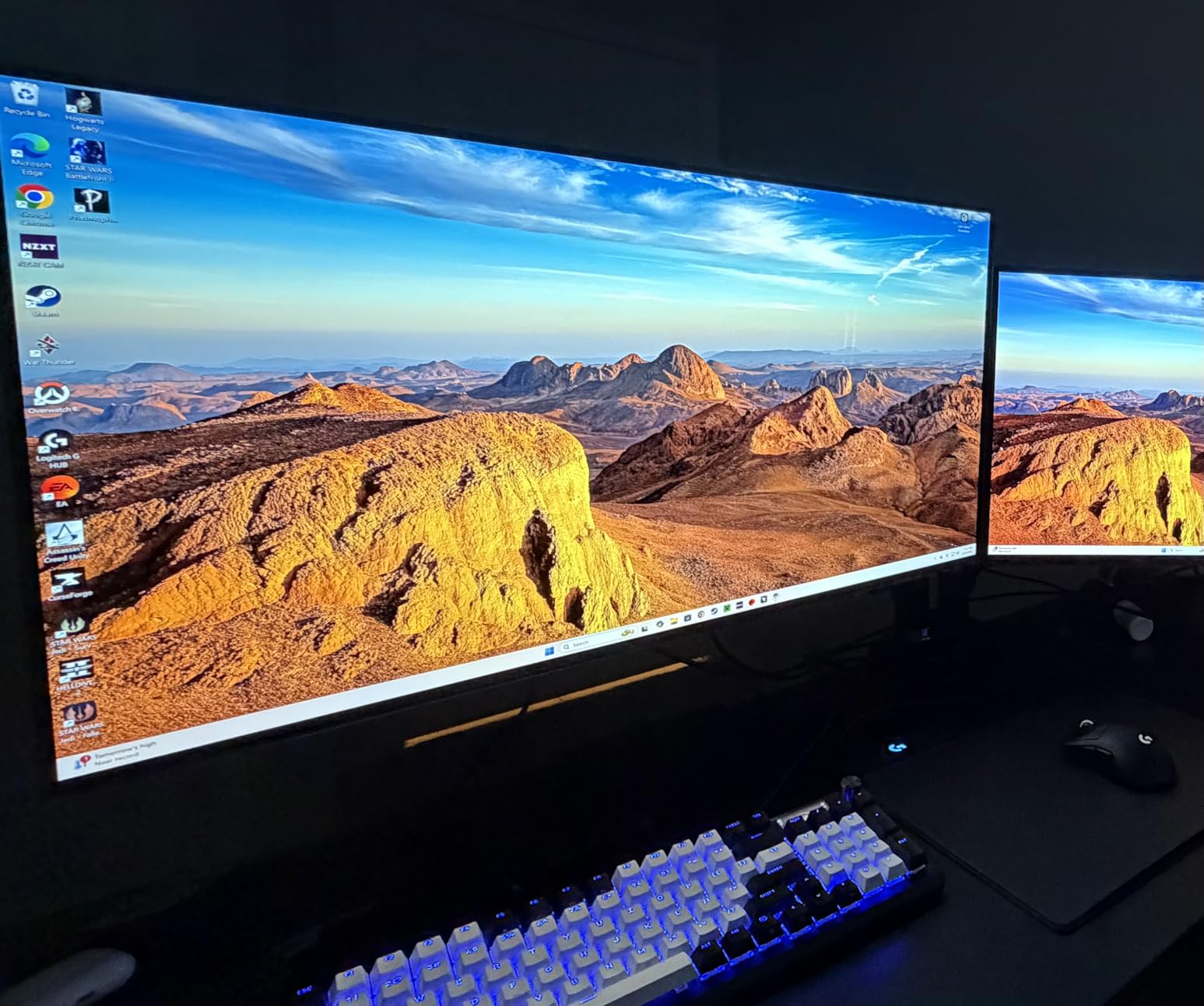
The 1.5 million to 1 contrast ratio means black scenes are genuinely black, not the dark gray you get from IPS or VA panels. For dark atmospheric games — horror, stealth, space exploration — the difference between OLED blacks and LCD blacks is transformative. You see shadow detail that simply doesn’t exist on LCD panels.
LG’s three UL eye safety certifications (covering blue light, flicker, and glare) make this one of the better-attested OLED displays for long session use. The 4.7-star rating with 85% 5-star reviews, while from a smaller sample size, reflects genuine satisfaction from early adopters.
Glossy OLED: The Trade-Off Worth Understanding
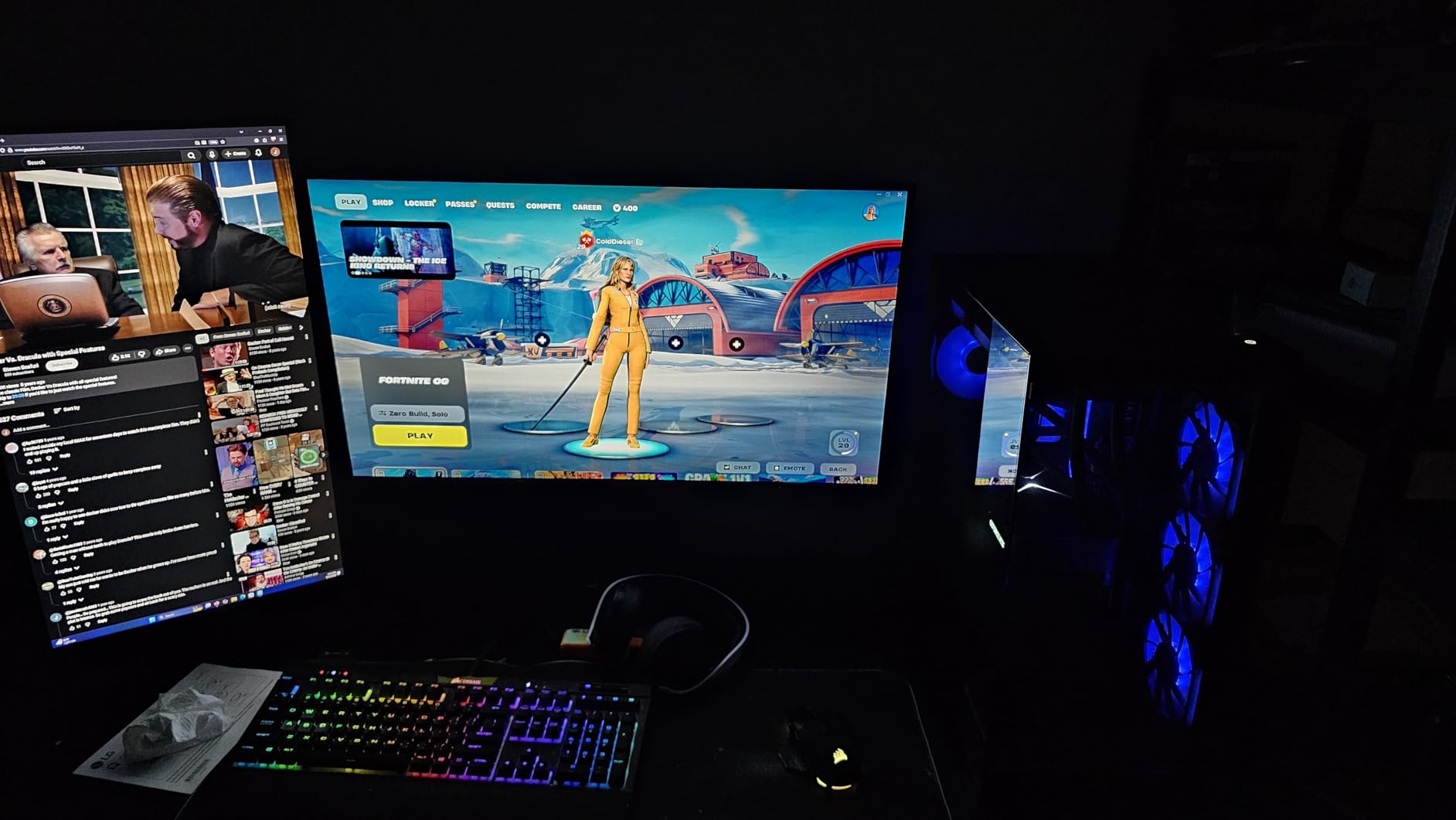
The glossy panel is both this monitor’s greatest strength and its main limitation. In a controlled gaming environment with dim lighting, glossy OLED produces visuals that look almost photographic in their depth and color vibrancy. In a bright office or room with windows behind you, the reflections become distracting and wash out the image.
If your gaming space has controlled lighting, the glossy LG is the most visually impressive display on this list. If you game in a room with uncontrolled ambient light, the matte panels on the ASUS ROG Swift or MSI QD-OLED options are more practical choices.
Who This Monitor Is Made For
Mac users and creative professionals who also game will find this particularly compelling. The glossy finish looks stunning for photo and video work, the HDR True Black 400 certification meets professional color grading requirements, and the 0.03ms response makes gaming on this feel instantaneous.
The Dual Mode 4K 165Hz or FHD 330Hz follows the same concept as the ASUS ROG Strix: maximum quality mode for single-player titles, maximum speed mode for competitive play. At 330Hz, the FHD mode on this monitor is among the fastest available on any display at any price.
How to Choose the Best 32-Inch Gaming Monitor?
Resolution: 1080p vs 1440p vs 4K on a 32-Inch Screen
Resolution on a 32-inch panel has a significant impact on image quality because the pixel density varies considerably between options. At 1080p, you get 68 PPI. At 1440p, 91 PPI. At 4K, 137 PPI. The jump from 1080p to 1440p is visible and meaningful; the jump from 1440p to 4K is more subtle at this screen size but still produces noticeably sharper fine detail.
For competitive gaming where frame rate is the priority, 1080p at high refresh rates makes sense because your GPU can hit much higher frame rates at lower resolution. For single-player games and mixed use (gaming plus productivity), 1440p is the sweet spot — sharp enough for reading, easier to drive at high frame rates than 4K, and available in excellent monitors under $250.
4K on a 32-inch display is ideal if image quality is your top priority, you have a GPU capable of rendering at 4K, and you want the best HDR performance (which scales with resolution). The OLED 4K options on this list deliver a level of visual quality that genuinely justifies the premium for the right buyer.
Refresh Rate: 144Hz vs 165Hz vs 180Hz vs 240Hz
The refresh rate conversation often gets oversimplified. For most gamers, the difference between 144Hz and 165Hz is not worth paying extra for — the gap is only 21Hz and not perceptible in normal use. 144Hz to 180Hz is a more noticeable step, and 144Hz to 240Hz is genuinely different in competitive play.
At 240Hz, motion in fast games appears smoother and pixel persistence (the slight trailing that creates perceived blur) is reduced. For competitive titles where reaction speed matters — CS2, Valorant, Overwatch 2, fighting games — 240Hz provides a real, measurable advantage. For single-player RPGs, racing games, and strategy titles, 165Hz and above is effectively the same experience.
The r/gaming community consistently notes: 60Hz to 144Hz is a transformative jump that every gamer should make. 144Hz to 240Hz is a noticeable improvement for competitive players, but far less dramatic. 240Hz to 360Hz+ is diminishing returns for all but top-tier esports competitors.
Panel Type: IPS vs VA vs OLED for Gaming
IPS panels offer the best viewing angle consistency and strong color accuracy. They’re the best choice for shared viewing, productivity work alongside gaming, and multi-person setups. Fast IPS panels (like the Samsung Odyssey G50D and G50F) close the response time gap with VA significantly.
VA panels produce deeper blacks and higher native contrast ratios than IPS, making dark game environments look more atmospheric. They have narrower viewing angles but for single-person gaming setups this rarely matters. The majority of budget curved gaming monitors use VA panels, and they perform well.
OLED panels (including QD-OLED) are the best technology available for gaming image quality when cost isn’t the limiting factor. True blacks, essentially infinite contrast, and sub-0.1ms response times make OLED the clear technical winner. The burn-in concern is real but manageable with modern OLED Care features. For buyers spending in the $600-$1,000+ range, OLED is the right choice in 2026.
Curved vs Flat: Which Is Better for 32-Inch Gaming
Curved monitors at 32 inches genuinely add to the gaming experience in ways that flat panels don’t. The curve keeps the display surface at a more consistent distance from your eyes across the full width, reducing the focus adjustment your eyes must make when scanning from edge to edge.
For single-player gaming and immersive titles, a curved 32-inch monitor is almost universally preferred. For competitive gaming where precise aiming is critical, some players prefer flat because the straight lines on screen aren’t subtly distorted by the curve. For productivity work, flat panels produce more accurate representations of grids, documents, and horizontal lines.
The 1000R vs 1500R question: 1000R is a tighter curve and feels more immersive at typical desk distances. 1500R is more subtle. Both work well for gaming; 1500R is generally better if you also do significant productivity work on the same display.
Frequently Asked Questions
What is the best 32-inch gaming monitor?
The LG 32GS60QC-B UltraGear is the best overall 32-inch gaming monitor for most buyers. It offers QHD 1440p resolution, 180Hz refresh rate, 1ms GtG response, and a 1000R curved panel with AMD FreeSync and G-Sync compatibility. With over 13,000 reviews and a 4.5-star rating, it delivers a well-rounded gaming experience at a mid-range price. For those with a higher budget, the MSI MPG 321URX QD-OLED or ASUS ROG Swift PG32UCDM offer OLED-level visuals at 4K 240Hz.
What is the best 32-inch 1440p gaming monitor?
The LG 32GS60QC-B UltraGear is the top pick for 1440p gaming at 32 inches. For budget-focused buyers, the KTC H32S17 delivers 1440p at 180Hz with FreeSync Premium for under $160. If you prefer IPS panel technology for better viewing angles and productivity use, the Samsung Odyssey G50D or the newer Samsung Odyssey G5 G50F offer 1440p Fast IPS panels at 180Hz with fully adjustable stands.
What is the best 32-inch HDR 4K monitor for games?
The MSI MPG 321URX QD-OLED delivers the best 4K HDR gaming experience at 32 inches for most buyers. It features QD-OLED technology with 240Hz refresh rate, VESA DisplayHDR True Black 400, and 99% DCI-P3 color coverage. The ASUS ROG Swift PG32UCDM is a close alternative with added OLED Care features and a 3-year warranty. For the absolute highest brightness OLED, the LG 32GX850A-B with Micro Lens Array+ technology edges ahead.
Is a 32-inch monitor too big for gaming?
A 32-inch gaming monitor is not too big for most gaming setups, but desk depth and viewing distance matter. At a typical viewing distance of 24-30 inches, a 32-inch display fills your field of view comfortably without requiring excessive head movement. Competitive FPS players sometimes prefer 27-inch displays to minimize head movement when scanning the full screen, but for single-player games and mixed-use setups, 32-inch is widely regarded as the sweet spot. Reddit communities like r/Monitors and r/buildapc consistently note that most gamers who switch to 32-inch rarely go back.
Is 240Hz worth it over 144Hz for gaming?
Yes, 240Hz is worth the upgrade over 144Hz if you play competitive games like CS2, Valorant, or Apex Legends where reaction time directly affects performance. The motion smoothness difference at 240Hz vs 144Hz is perceptible and contributes to smoother target tracking. However, for single-player RPGs, racing sims, and strategy games, 144Hz and 165Hz deliver practically the same experience. If your GPU can consistently push above 144fps in your primary games, a 240Hz monitor will use those frames effectively. If you typically game at 60-100fps, a 144Hz or 165Hz panel at higher resolution offers better overall value.
Our Final Recommendations for 32-Inch Gaming Monitors
After testing and analyzing all 15 best 32-Inch gaming monitors, my top picks are clear. For most gamers looking for the best 32-inch gaming monitor, the LG 32GS60QC-B UltraGear is the recommendation I keep coming back to. It balances performance, reliability, and price in a way that satisfies competitive and casual gamers alike.
Budget buyers who want maximum value should go straight to the KTC 32-inch 1440p at 180Hz — it overdelivers at its price point and the 120% sRGB color makes games look more expensive than the monitor’s ticket price suggests.
If OLED is in your budget in 2026, the MSI MPG 321URX QD-OLED is where I’d spend my money for 4K HDR gaming. It costs less than the ASUS ROG Swift alternative and delivers essentially the same QD-OLED panel experience with the bonus of a KVM switch and 90W USB-C charging. For the absolute pinnacle of 32-inch gaming display quality, the ASUS ROG Swift PG32UCDM is the choice I’d make if I were keeping a monitor for 5 or more years.