
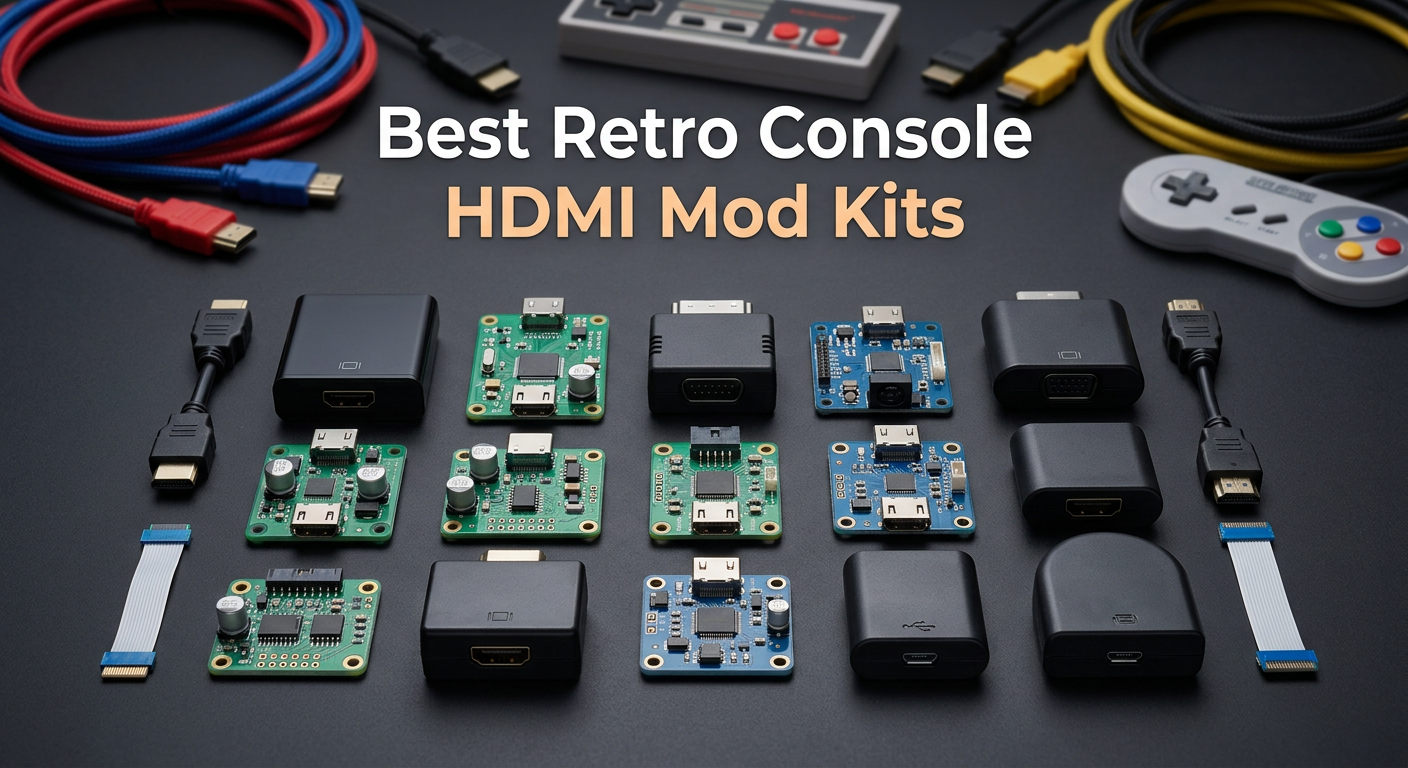
If you grew up with a PS2, GameCube, N64, or original Xbox, you know the frustration: plug the console into a modern TV and you get a blurry, washed-out image that barely resembles what you remember. Most new TVs have dropped composite and component inputs entirely, leaving retro gamers stuck. The good news is that retro console internal HDMI mod kits have come a long way, and in 2026 you have better options than ever — from dead-simple plug-and-play adapters to full-blown open-source scan converters.
There are two main categories here that are worth understanding before you buy. Digital-to-digital mods (like the GCVideo-based GameCube adapters) pull the raw digital video signal directly from the console’s internals and convert it to HDMI with essentially zero signal loss. Analog-to-digital solutions (like OSSC-based converters) take the RGB, component, or S-Video signal and digitize it on the way out. Both can produce excellent results, but they suit different consoles and different levels of technical comfort.
For finding the best retro console HDMI mod kits in 2026. I’ve tested and researched these products extensively, pulling from community discussions on r/retrogaming, r/ps2, r/GamecubeHacks, and r/n64, plus hands-on use. This guide covers 10 of the best solutions available right now — from budget-friendly picks under $35 to premium multi-console setups. Whether you want a no-fuss cable or a highly configurable scaler, there’s something here for you.
Top 3 Picks for Best Retro Console HDMI Mod Kits

Kaico GameCube HDMI Adapter
- GCVideo plug-and-play
- 2X line doubling
- IR remote included
- USB firmware updates

LEVELHIKE PS1/PS2 HDMI Adapter
- True RGB signal output
- PS1 and PS2 compatible
- 4:3 and 16:9 switch
- Low latency gaming

Kaico OSSC 1.8 Open Source...
- Multi-console support
- Zero lag upscaling
- 6x line multiplier modes
- SD card firmware updates
Best Retro Console Internal HDMI Mod Kits in 2026
| Product | Specs | Action |
|---|---|---|
|
Kaico GameCube HDMI Adapter
|
|
Check Latest Price |
 BITFUNX NGC HDMI Adapter
|
|
Check Latest Price |
|
Kaico OSSC 1.8 Scan Converter
|
|
Check Latest Price |
 Mcbazel OSSC v1.6
|
|
Check Latest Price |
 BITFUNX RetroScaler2x
|
|
Check Latest Price |
 Kaico Original Xbox HDMI
|
|
Check Latest Price |
|
LEVELHIKE PS1/PS2 HDMI Adapter
|
|
Check Latest Price |
 LEVELHIKE SNES HDMI Adapter
|
|
Check Latest Price |
 POUND HDMI HD Link Cable PS1/PS2
|
|
Check Latest Price |
 POUND HDTV HD Link Cable N64
|
|
Check Latest Price |
1. Kaico GameCube HDMI Adapter – Best Plug and Play GameCube Solution
Kaico Gamecube HDMI Adapter Lead for the Nintendo Gamecube Running GCVideo Software. Supports 2X Line-Doubling and Includes Remote Control. A Simple Plug & Play Gamecube Adapter Solution
GCVideo OS
2X line doubling
480p/576p output
USB firmware port
DOL-001 only
Pros
- Superior image clarity over AV cables
- Scanlines and line doubling options
- IR remote for easy menu navigation
- USB port for firmware updates
- GameBoy Player compatible
Cons
- Only works with DOL-001 GameCubes
- Rare audio sync issues reported
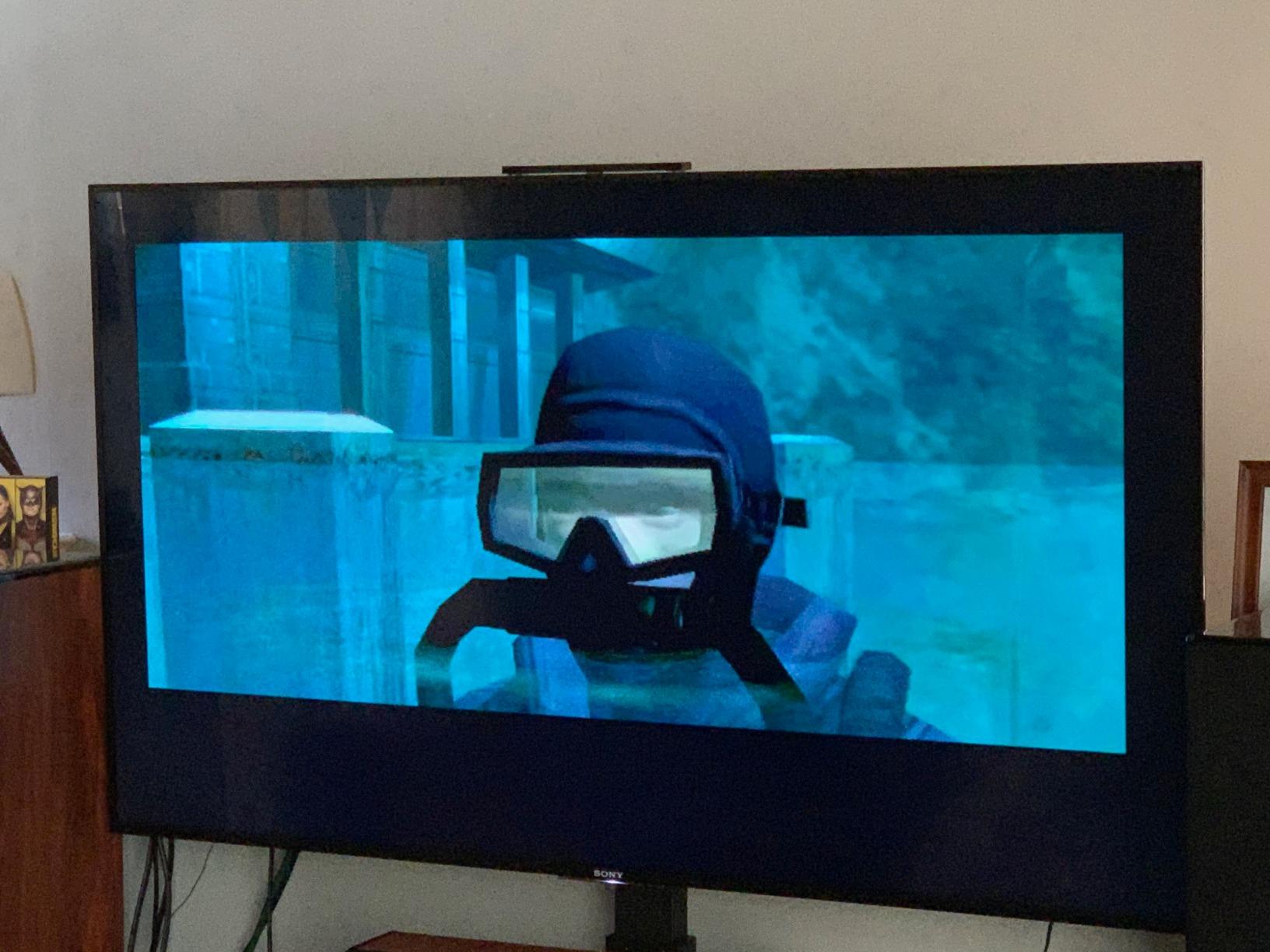
The Kaico GameCube HDMI adapter is the one I recommend to almost everyone asking about GameCube HDMI on forums. It runs GCVideo software, meaning it pulls the digital signal directly out of the GameCube’s internal digital output port and converts it to HDMI without any analog conversion step. The difference in picture quality compared to composite or even official component cables is immediately obvious — colors are sharper, the image is cleaner, and there’s no additional lag introduced.
Setup literally takes about 30 seconds. You plug it into the digital port on the back of the GameCube (the small port next to the standard AV multi-out), connect an HDMI cable, and you’re done. The included IR remote lets you access the GCVideo menu to toggle 2X line doubling, scanline overlays, and other display settings without opening any software.
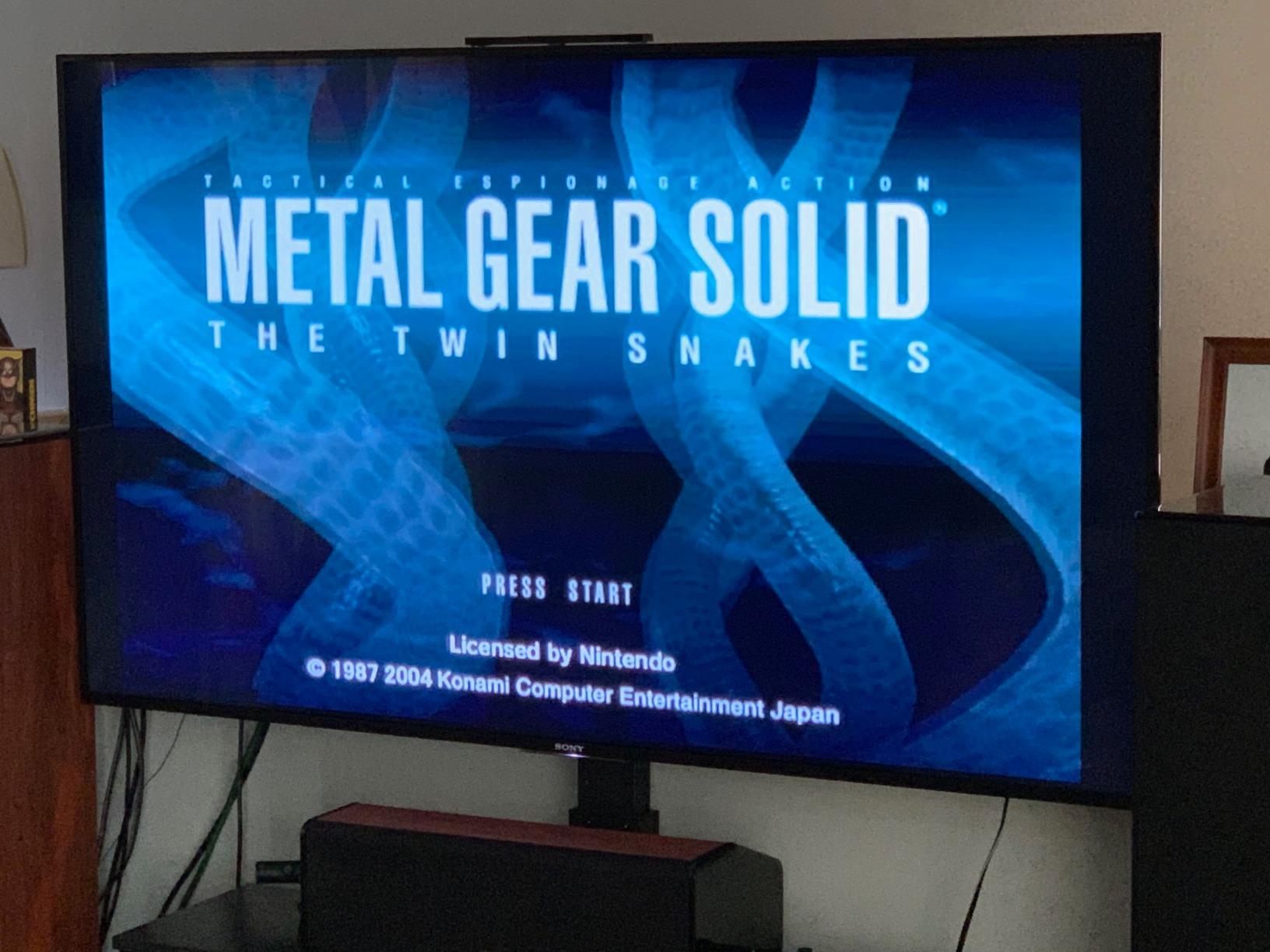
One thing I appreciate is the USB port on the adapter itself — it’s there for firmware updates, so if GCVideo gets a new build, you can update without replacing hardware. The 12-month warranty from Kaico is also reassuring given this is a piece of specialty electronics. Over 1,100 reviews at 4.6 stars says a lot about consistent quality control.
The one thing you absolutely must check before buying: does your GameCube have the digital port? Only the DOL-001 model has it — the later DOL-101 “Spice” revision dropped the port entirely. Flip your console over and look for the extra port on the back left side. If it’s there, you’re good. If not, this adapter won’t work for you.
Is the Kaico GameCube Adapter Right for Your Console?
This adapter is specifically for DOL-001 GameCubes with the digital output port. If you’re unsure which model you have, look at the back of your console — the DOL-001 has a small rectangular port to the left of the main AV multi-out connector. Without that port, this adapter has no way to connect.
GameBoy Player users will also be happy to know the Kaico adapter preserves that compatibility, so you can run GBA games through your setup without issue. For anyone who has a DOL-001 GameCube, this is genuinely the easiest and cleanest HDMI solution available.
What to Expect from the GCVideo Features
GCVideo is an open-source firmware that handles all the digital-to-digital conversion. Through the IR remote menu, you can switch between line doubling modes (which sharpens the 240p output), add authentic scanline overlays for that CRT feel, and tweak color settings. Most users run it in 2X line doubling mode with scanlines off for the cleanest look on modern TVs.
The firmware is actively maintained, and updates typically add new features or improve compatibility. Having the USB port means you’re not stuck on whatever firmware shipped with the unit — a real advantage over closed-platform adapters.
2. BITFUNX NGC HDMI Adapter – Budget-Friendly GameCube HDMI
BITFUNX NGC HDMI™ Adapter - Supports 2X Line Doubler, Firmware Upgrade, Scanline Profile, IR Remote and GC2SD Gen2 SD Card Adapter Include, Plug & Play Video Game Adapter with No Lag
DOL-001 NGC only
2X line doubler
Scanline profiles
IR remote
Support bracket
Pros
- Excellent image clarity
- Zero lag video output
- Supports all NGC display modes
- Support bracket for stability
- USB firmware updates
Cons
- Only for DOL-001 consoles
- Issues with 3.3v modded picoboot chips
- Sharpness may need adjusting
If the Kaico GameCube adapter is a bit much and you want to save some money, the BITFUNX NGC HDMI adapter is the closest alternative. It also runs on the GCVideo platform, meaning the signal path is still fully digital-to-digital from the GameCube’s internal digital port to your TV’s HDMI input.
The included support bracket is a thoughtful touch — it prevents the adapter from putting stress on the GameCube’s digital port during normal play. Some people have reported the port becoming loose over time with unsupported adapters, so the bracket matters more than it might seem. BITFUNX also ships with an IR remote and a full set of display modes including 240p, 288p, 480i, 576i, 480p, and 576p.
For stock GameCubes, this adapter works excellently. Where it gets tricky is if you have a picoboot chip installed with 3.3v power. A few users in the r/GamecubeHacks community flagged compatibility problems in that specific configuration. If you’re running a picoboot on 3.3v and want HDMI, check the thread discussions before committing to this one.
At its current price point and with only 26 reviews, it’s a newer product that hasn’t accumulated the long track record the Kaico has. That said, the ratings are strong (4.5 stars) and the underlying technology is the same GCVideo base as the top-rated units.
Stock GameCube or Modded? What BITFUNX Supports
BITFUNX works perfectly with any unmodified DOL-001 GameCube. If you’ve added mods beyond a standard Picoboot (particularly using 3.3v wiring), test carefully before gaming sessions. For the vast majority of standard GameCube owners, this adapter is a solid, no-fuss choice.
The adapter also handles the full range of display modes the GameCube supports, which is useful if you play PAL games — the 576i and 576p modes are included. That makes it more flexible than some cheaper adapters that only handle NTSC resolutions.
Getting the Best Picture from the BITFUNX Adapter
If your audio and picture feel slightly out of sync after installing this adapter, try switching the color format in the GCVideo menu to YUV444 or YUV422. This resolves the audio sync issues a few users have reported and is a known fix in the GameCube modding community. The default settings are good but not always perfect for every TV.
Sharpness settings can be quite strong by default — some users prefer to dial this back a notch or two for a slightly softer, more natural-looking image. Spend five minutes in the menu on day one and you’ll get a picture that looks exactly how you want it.
3. Kaico OSSC 1.8 Open Source Scan Converter – Best Multi-Console Upscaler
Kaico Edition OSSC 1.8 Open Source Scan Converter with SCART- Component, VGA to HDMI for Retro Gaming- Zero Lag RGB Line Multiplier Upscaler for Perfect Retro Gameplay
OSSC v1.8 hardware
RGB SCART/Component/VGA
Zero lag
6x line multiplier
SD card slot
Pros
- Handles most analog retro consoles
- Zero lag for retro gameplay
- Multiple line multiplier modes 2x through 6x
- 10 save slots for console profiles
- High quality audio DAC
- Excellent picture accuracy
Cons
- Requires RGB SCART cable not included
- Does not work with N64/NES without RGB mod/NTSC GameCube
- Not plug and play - settings needed
- Some displays may be incompatible
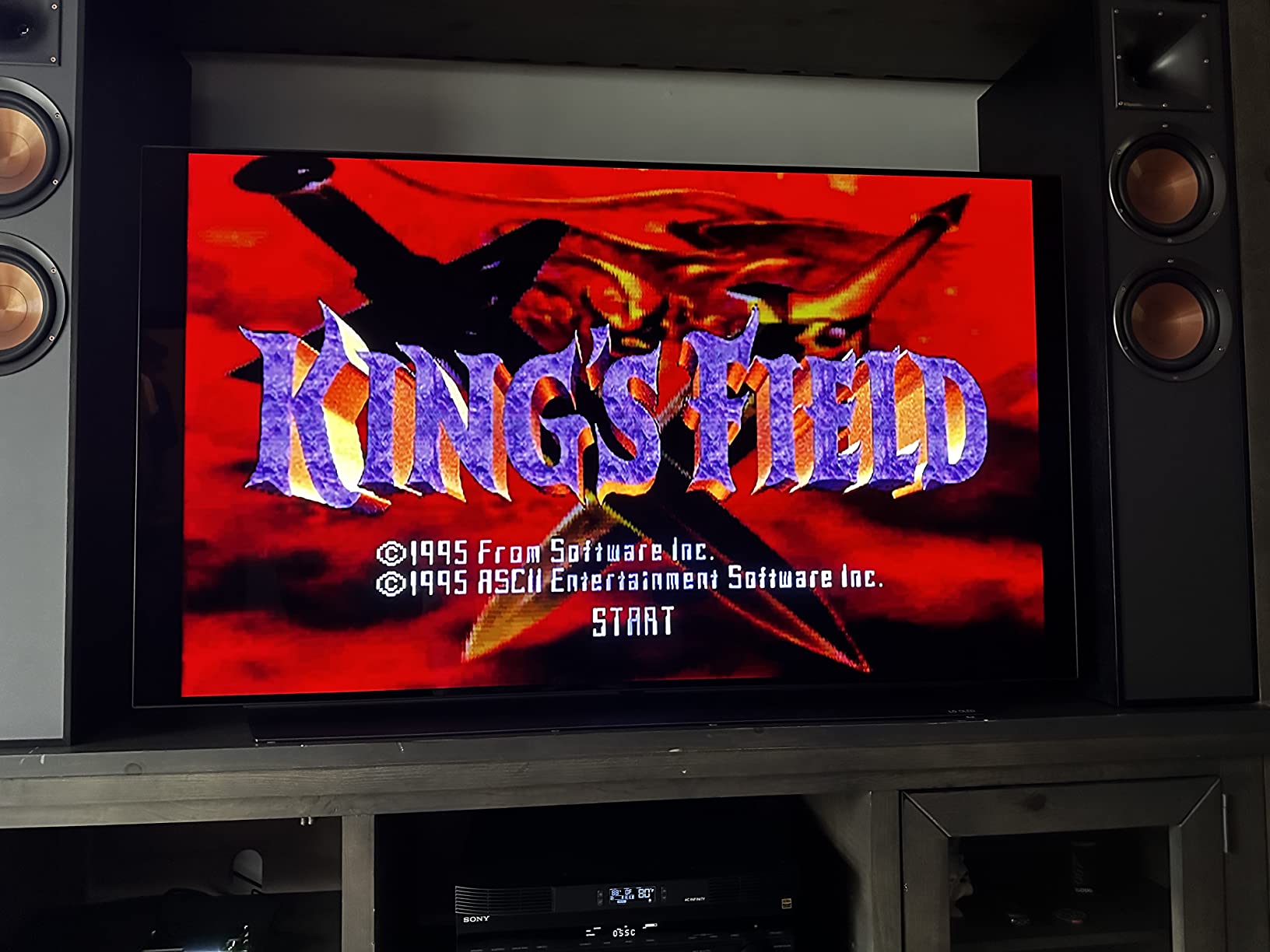
If you have multiple retro consoles and want one device that handles them all with zero lag and excellent picture quality, the Kaico OSSC 1.8 is in a different league from single-console adapters. OSSC stands for Open Source Scan Converter, and it does exactly that — takes the analog video signals from your retro hardware and converts them to HDMI using a line multiplication approach that adds virtually no processing delay.
I’ve used this with a PAL SNES, a PlayStation 1, a Sega Saturn, and a Mega Drive, and the picture on all of them looks genuinely excellent on a modern 4K TV. The key is that it’s line multiplying rather than upscaling in the traditional sense — it keeps the original pixel structure intact and just makes everything bigger, which preserves the authentic look of these games.
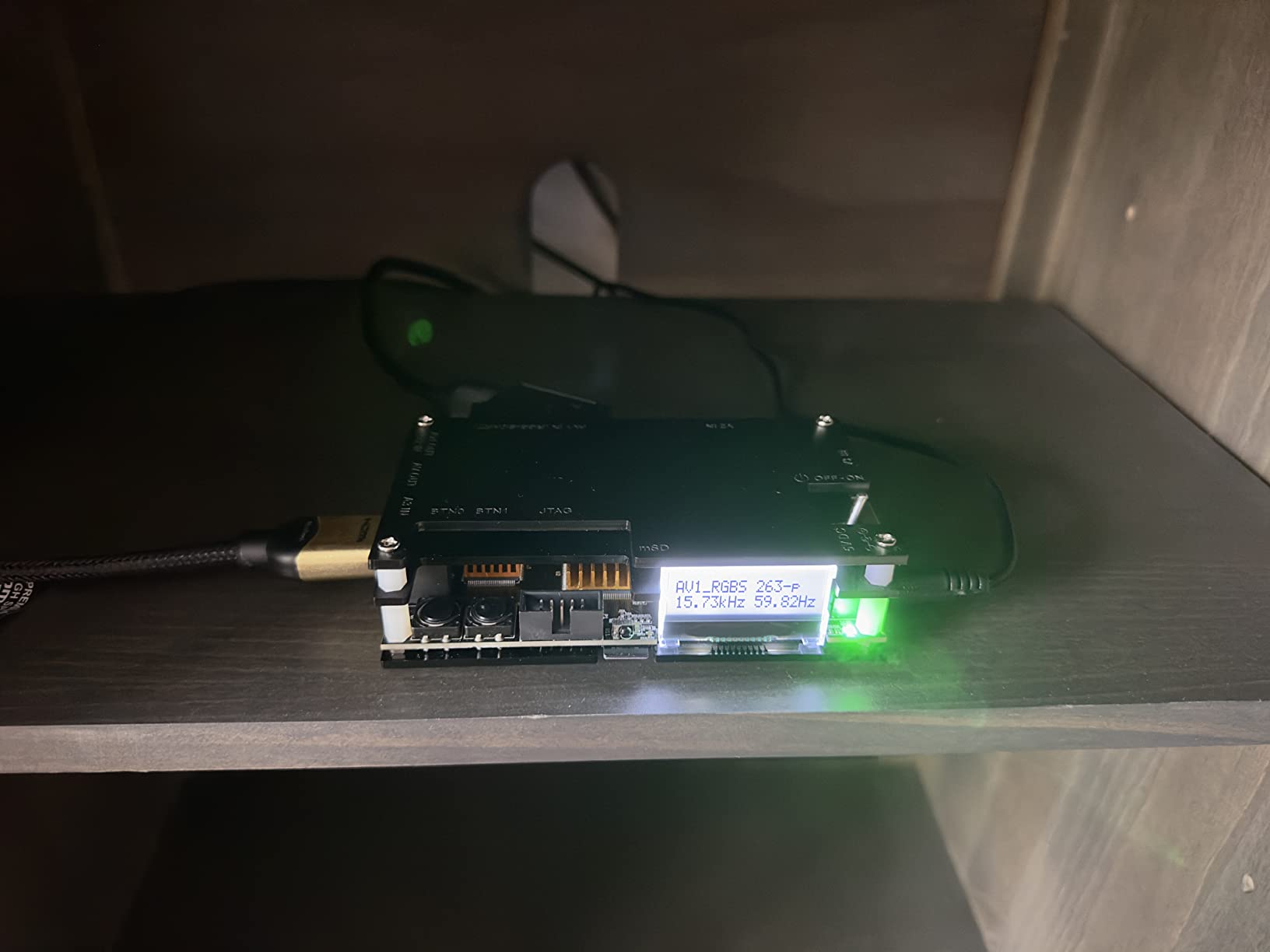
Version 1.8 adds HDR mode, improved sync handling, a 6x output mode with pixel repeat, and shadow mask emulation for CRT simulation. These aren’t gimmicks — the shadow mask emulation in particular adds a layer of authenticity to games that were designed around CRT displays. The 10 save slots mean you can configure settings for each console and switch profiles with a few button presses on the remote.
Be aware: the OSSC requires proper RGB cables for the consoles you’re connecting. Most European PAL consoles output RGB natively via SCART, but North American versions of some systems (notably the N64) need an RGB mod first. The Kaico OSSC itself also will not work with NTSC GameCube or stock N64 in North America — check the compatibility list carefully before buying.
Which Consoles Work with the Kaico OSSC 1.8?
The OSSC works with any console that outputs RGB SCART, component video, or VGA. That covers SNES, PAL GameCube, Saturn, Mega Drive/Genesis, PlayStation 1, PlayStation 2, Dreamcast (with VGA cable), Amiga, Spectrum, and many more. It does NOT work with stock N64, non-RGB-modded NES, or NTSC GameCube without additional modification to those consoles.
For PlayStation 2 users in particular, the OSSC is one of the best external solutions available since the PS2 outputs an excellent RGB signal via SCART in PAL regions or via component in NTSC regions. Component input is included on the OSSC, so North American PS2 owners can use component cables and get outstanding results.
Understanding the OSSC Learning Curve
The OSSC is not a plug-and-play device. You will need to spend time in the menu adjusting settings like horizontal sample rate, sampling phase, and sync tolerance to get the best picture for each console. The r/retrogaming community has detailed profiles for every major system that you can import via the SD card slot, which cuts this process from hours to minutes.
Once configured, the results are worth the effort. The picture quality from a properly tuned OSSC rivals solutions that cost three to four times as much. If you’re serious about retro gaming on a modern display, the Kaico OSSC 1.8 is one of the best investments you can make for the best retro console internal HDMI mod kits category.
4. Mcbazel OSSC v1.6 – Affordable Open Source Scan Converter
Mcbazel OSSC SCART Component VGA to HDMI Open Source Scan Converter v1.6 for Retro Gaming Saturn SNES PS1 Console US Plug
OSSC v1.6 hardware
SCART/Component/VGA input
Zero lag
Remote control
US Plug
Pros
- Works with PS2/Wii/Xbox/GameCube PAL
- Sharp and stable image output
- Good value vs official OSSC
- Breathes new life into classic consoles
- Minimal input lag
Cons
- Remote may arrive non-functional
- No manufacturer support
- Cheap power supply included
- Some image flickering reported
- Components differ from official OSSC version
The Mcbazel OSSC v1.6 is for the retro gamer on a tighter budget who still wants the open-source scan converter experience. It runs on the same OSSC platform as the Kaico unit above but at a noticeably lower price point — the trade-off being that quality control is less consistent and the manufacturer support is essentially nonexistent.
When it works, it works well. Users report sharp, stable output from PS2, Wii, original Xbox, and PAL GameCube. The core OSSC technology is solid and the picture quality improvement over composite cables is dramatic on any of these consoles. For people who have owned retro hardware for years and understand that some tinkering is part of the hobby, this delivers real value.
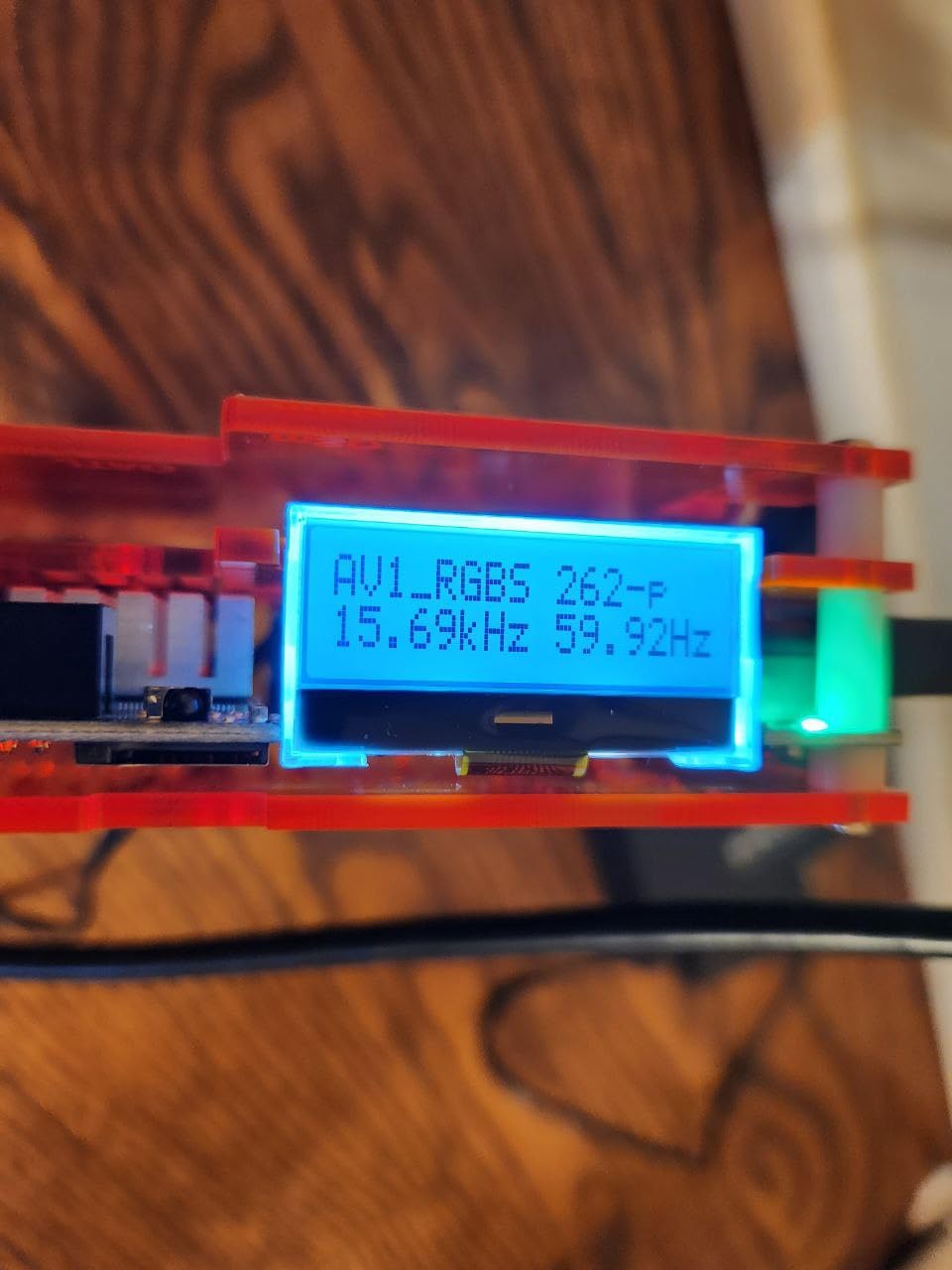
The concerns are real though. The remote control has a known issue with some units arriving non-functional — users have had to use the front panel buttons instead, which is workable but annoying. The power supply included is also on the cheaper side. The Mcbazel unit uses different internal components than the official OSSC board, which means it’s not case-compatible with official OSSC accessories and may behave slightly differently in edge cases.
I’d say this is a good pick if you understand what you’re getting: a working OSSC-based device at a budget price, with the caveat that you’re on your own if something goes wrong. Stock is limited (only 4 left at time of writing), which is something to factor in if you’re considering it.
How Mcbazel OSSC Compares to the Official Version
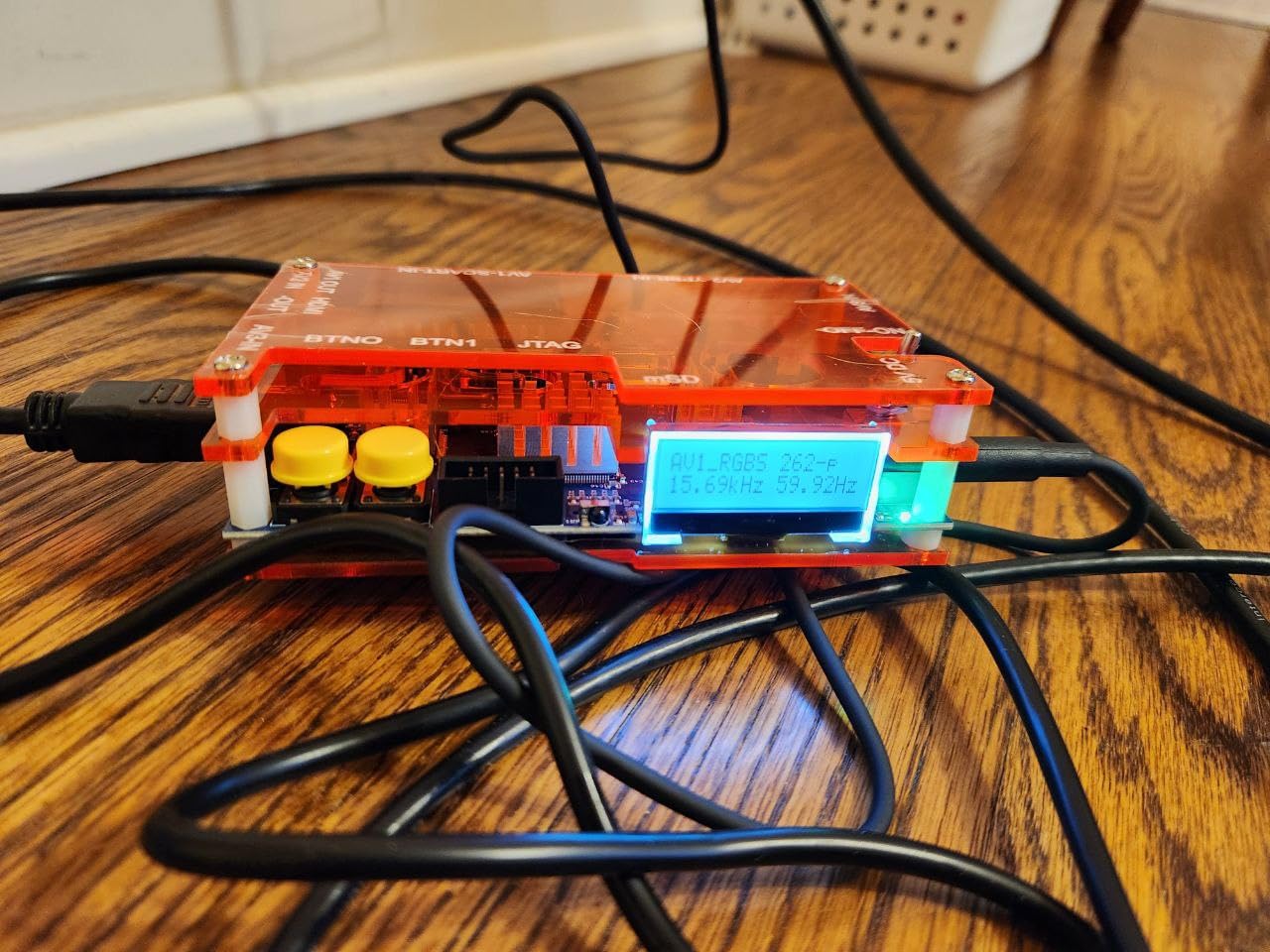
The official OSSC from Kaico runs v1.8 firmware with improved sync management, HDR mode, and better overall stability. The Mcbazel runs v1.6 and uses components that aren’t identical to the reference design. In practice, most users won’t notice a difference for standard gaming use, but edge cases — unusual sync signals, obscure consoles, specific display modes — may behave differently.
If your primary use case is PS2, SNES, or Saturn with standard RGB SCART cables, the Mcbazel will handle it well. If you’re trying to support a broad range of systems or want the latest firmware features, the Kaico OSSC 1.8 is worth the additional cost.
Quality Control Concerns Worth Knowing
The 11% one-star reviews are a higher failure rate than I’d typically be comfortable recommending without caveats. Most negative reviews describe either a non-functional remote or image flickering that couldn’t be resolved. If you buy this and the remote doesn’t work, you can still operate it via front panel buttons, but the experience is less convenient.
Some users have also reported audio quality issues. Given the lack of manufacturer email support (multiple reviewers mention unresponsive sellers), factor in that you’re essentially buying this as-is. Check the return window carefully before purchasing.
5. BITFUNX RetroScaler2x – Multi-Console Video Adapter
RetroScaler2x AV/SV/YPBPR to HDMI™ Converter - Supports Line Doubler, Filter and Pass-Through Modes, Video Game Adapter with No Lag, for PS2/N64/Dreamcast/Saturn/MD/NGC/SFC and More
AV/SV/YPBPR to HDMI
Line doubler and filter modes
Pass-through mode
240p support
PS2/N64/DC/Saturn
Pros
- Supports 240p input rare in HDMI converters
- Zero lag proven with measurements
- Filter mode reduces 3D game flicker
- Works with many consoles
- Easy plug and play setup
- Available in blue and red
Cons
- Some users report lag contradicting claims
- Image can be fuzzy with certain setups
- Firmware updates stopped due to bricking
- Audio sync issues with some consoles
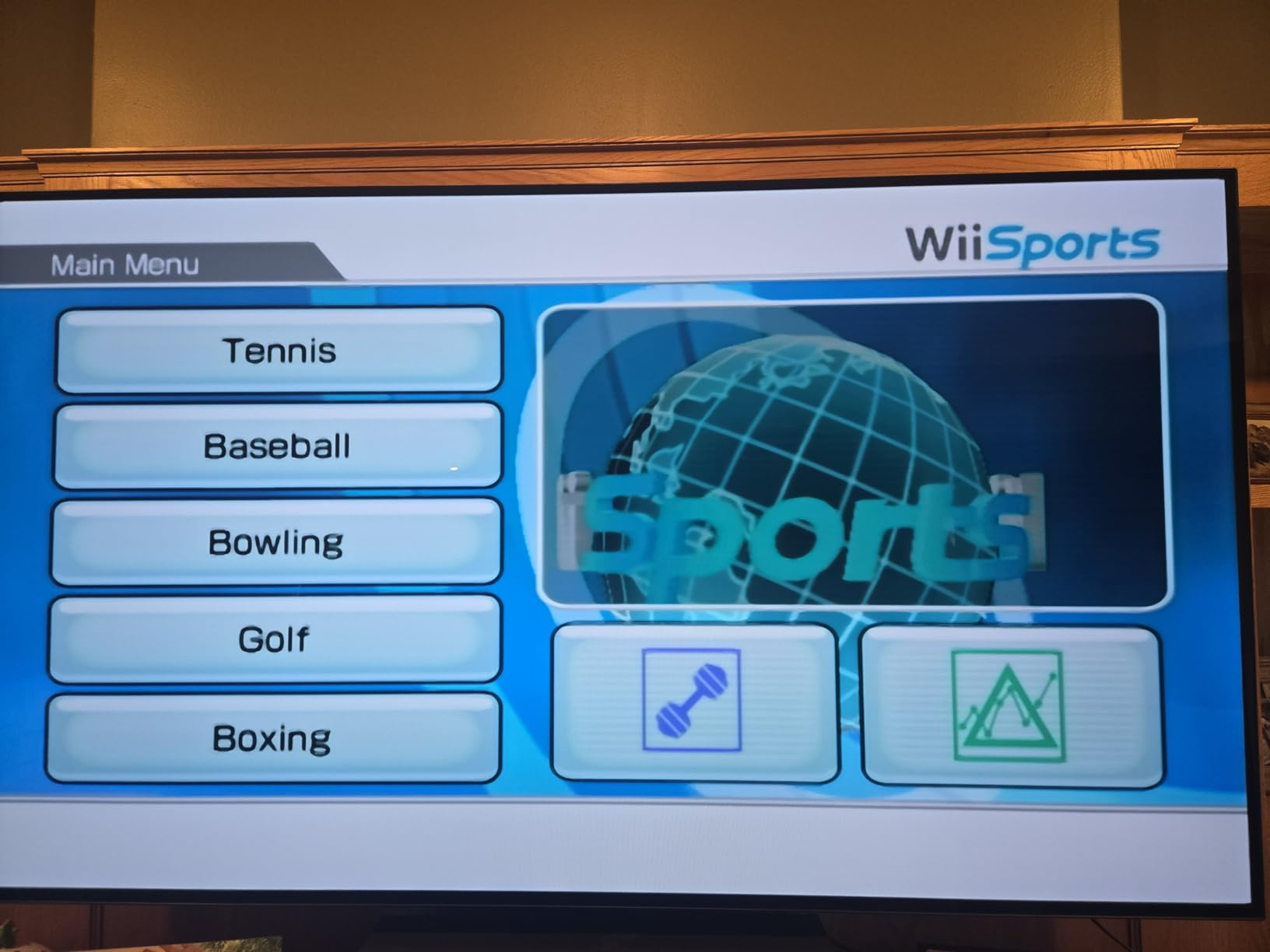
The BITFUNX RetroScaler2x takes a different approach from the OSSC-based products — it’s a compact, affordable line doubler that accepts composite, S-Video, and component signals and outputs 480p or 576p over HDMI. The standout feature is 240p support, which is genuinely rare in HDMI converters at this price and matters for 2D consoles like the SNES and Mega Drive that run natively in 240p.
For the best results, use S-Video cables with this adapter rather than composite. The picture quality jump from composite to S-Video is significant, and the RetroScaler2x can take that cleaner signal and turn it into a reasonably good 480p output. Several users running it with PS2 via component cables also report solid results.
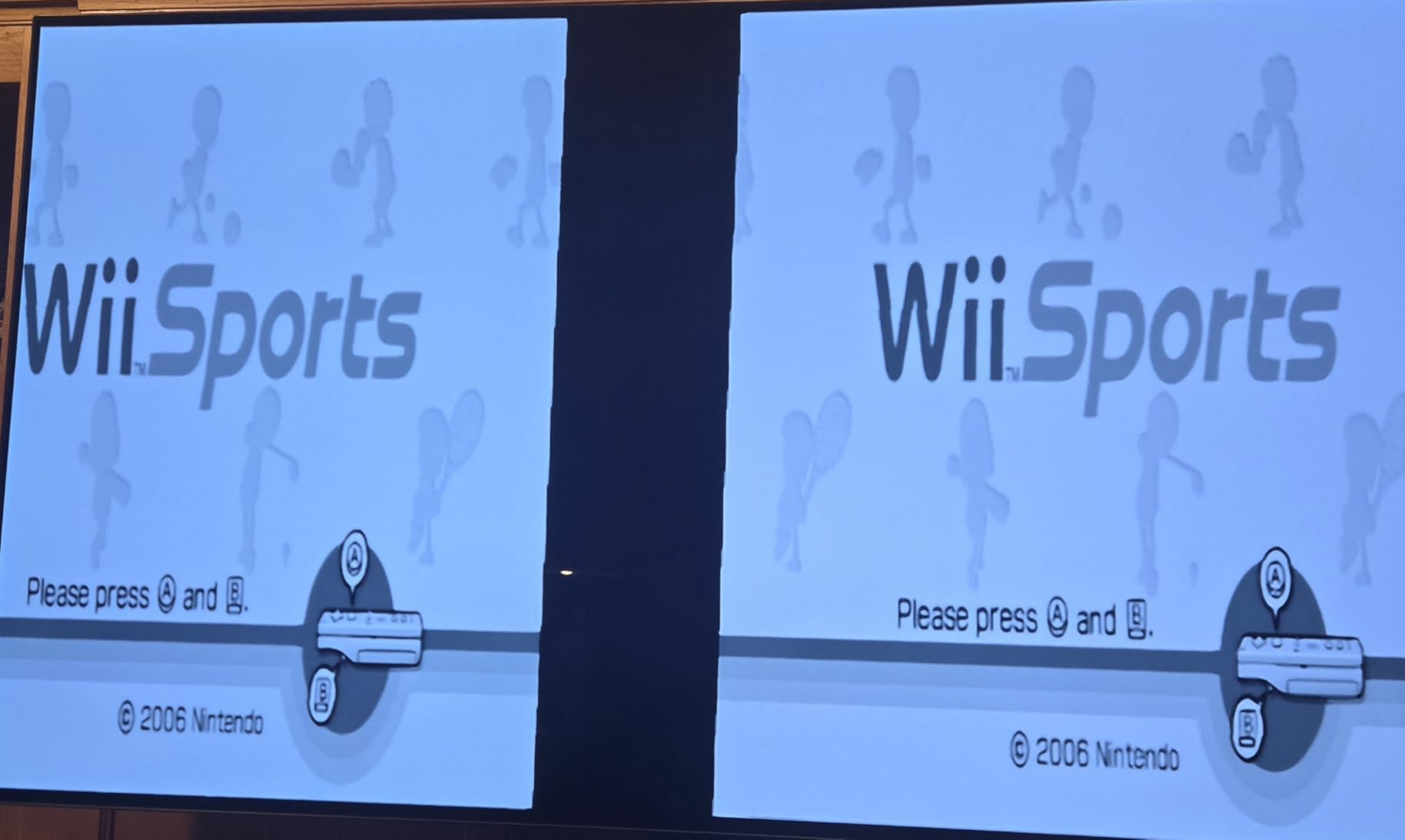
The filter mode is a useful feature for 3D games — it applies a slight blur that reduces the flickering that some 3D retro titles exhibit when line-doubled. For 2D games, I prefer the cleaner look without filtering. The pass-through mode lets you output the raw composite, S-Video, or component signal without processing, though this defeats the purpose of the HDMI output.
I have to be honest about the mixed reviews here. The zero-lag claims are disputed by some users who measured actual input lag with frame counters. The majority of users don’t notice this in practice, but competitive or precision-heavy retro gaming is where it could theoretically matter. Firmware updates have also stopped being released due to bricking issues in older updates, so what you get is what you get from a firmware standpoint.
What Consoles Does the RetroScaler2x Support?
BITFUNX lists PS2, N64, Dreamcast, Saturn, Mega Drive, NGC (GameCube via component/composite), and SNES as supported consoles. The key distinction is input type: you need composite, S-Video, or component cables for each console you want to use. The Dreamcast works well via the VGA-to-component adapter path, and the N64 benefits significantly from S-Video cables versus composite.
The 240p support is the main reason to consider this over a generic HDMI converter for 2D-heavy systems. Most cheap converters de-interlace or otherwise mishandle 240p content, which can introduce additional blur or artifacts. The RetroScaler2x handles it correctly.
Firmware Updates and Long-Term Support
BITFUNX stopped providing firmware updates for the RetroScaler2x after issues with bricking units during the update process. This is a genuine limitation — the device is effectively locked to whatever firmware it shipped with, and any bugs or compatibility issues introduced in that firmware aren’t going to get fixed.
For most gaming scenarios this won’t matter, but it’s a stark contrast to the GCVideo-based adapters and OSSC units which have active community firmware development. If long-term firmware support matters to you, the OSSC is a better investment.
6. Kaico Original Xbox HDMI Adapter – Best for Original Xbox
Kaico Original Xbox to HDMI Adapter– HD Link Cable for Original Xbox Console– Supports 480i/480p/720p/1080i– Dolby Digital 5.1 via Optical Port– Plug & Play Converter with Toslink Audio Support
480i/480p/720p/1080i support
Dolby Digital 5.1 optical
Plug and play
Toslink audio port
Pros
- Plug and play no power adapter needed
- Supports multiple resolutions including 720p and 1080i
- Dolby Digital 5.1 via optical port
- Correct 4:3 aspect ratio preserved
- No noticeable input lag
- Works great on 2K TVs
Cons
- Can have issues with some 4K TVs
- Does not work well with monitors
- No adjustable signal settings
- Some artifacting in 480p mode
The original Xbox is an underrated console in the retro HDMI conversation, partly because it actually shipped with support for 480p, 720p, and 1080i output — resolutions that modern TVs handle well. The Kaico Original Xbox HDMI adapter taps into the Xbox’s AV connector and converts the analog component signal to HDMI, with the full resolution range preserved.
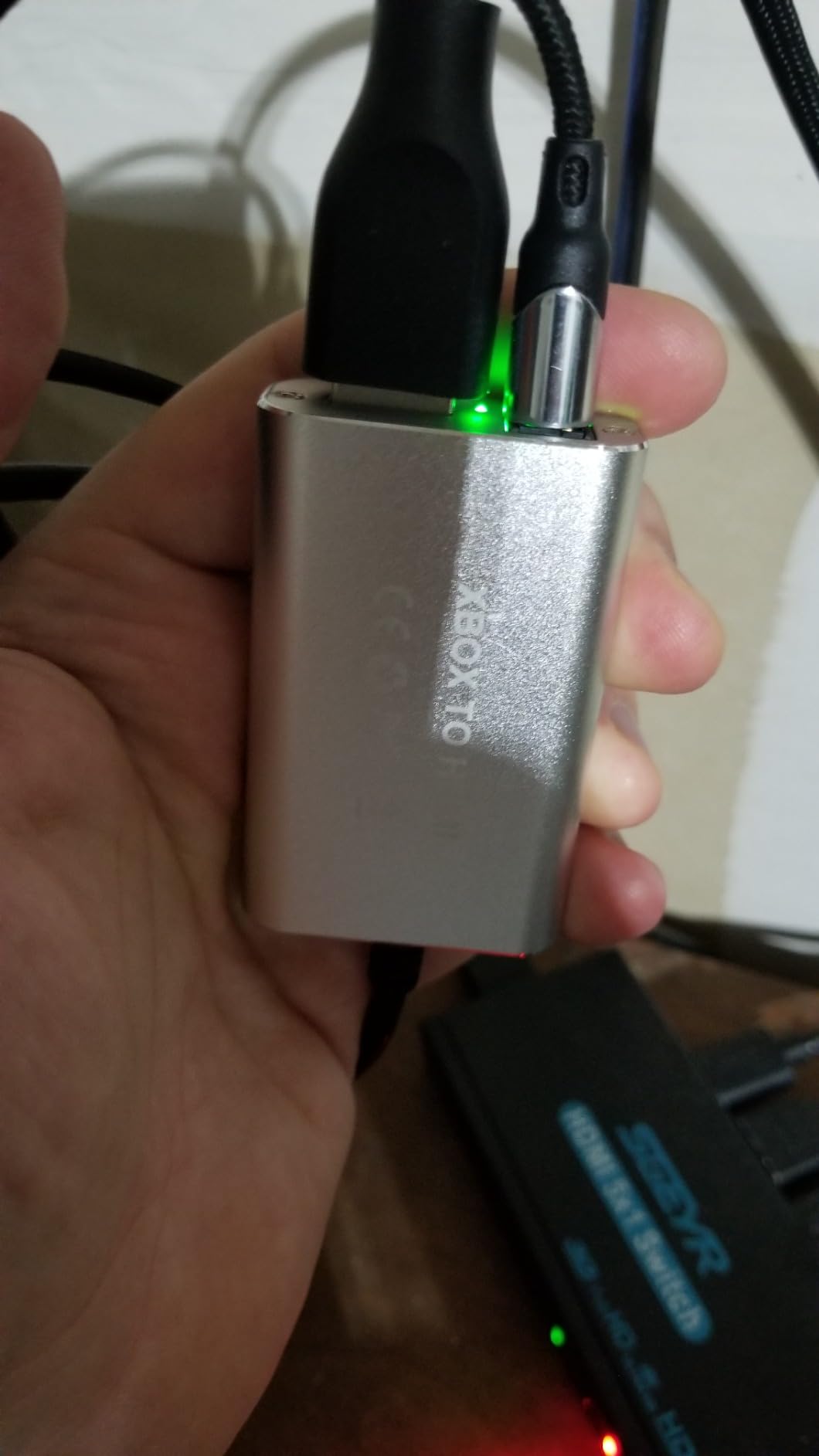
For an adapter that requires no external power and sells at its price point, the picture quality is genuinely impressive. Users compare the image quality on 1080p TVs favorably to solutions that cost significantly more, and the plug-and-play experience means you’re up and running in under a minute. The included Toslink audio port means you can route Dolby Digital 5.1 audio from supported Xbox games directly to your AV receiver or soundbar — something most adapters in this space simply don’t offer.
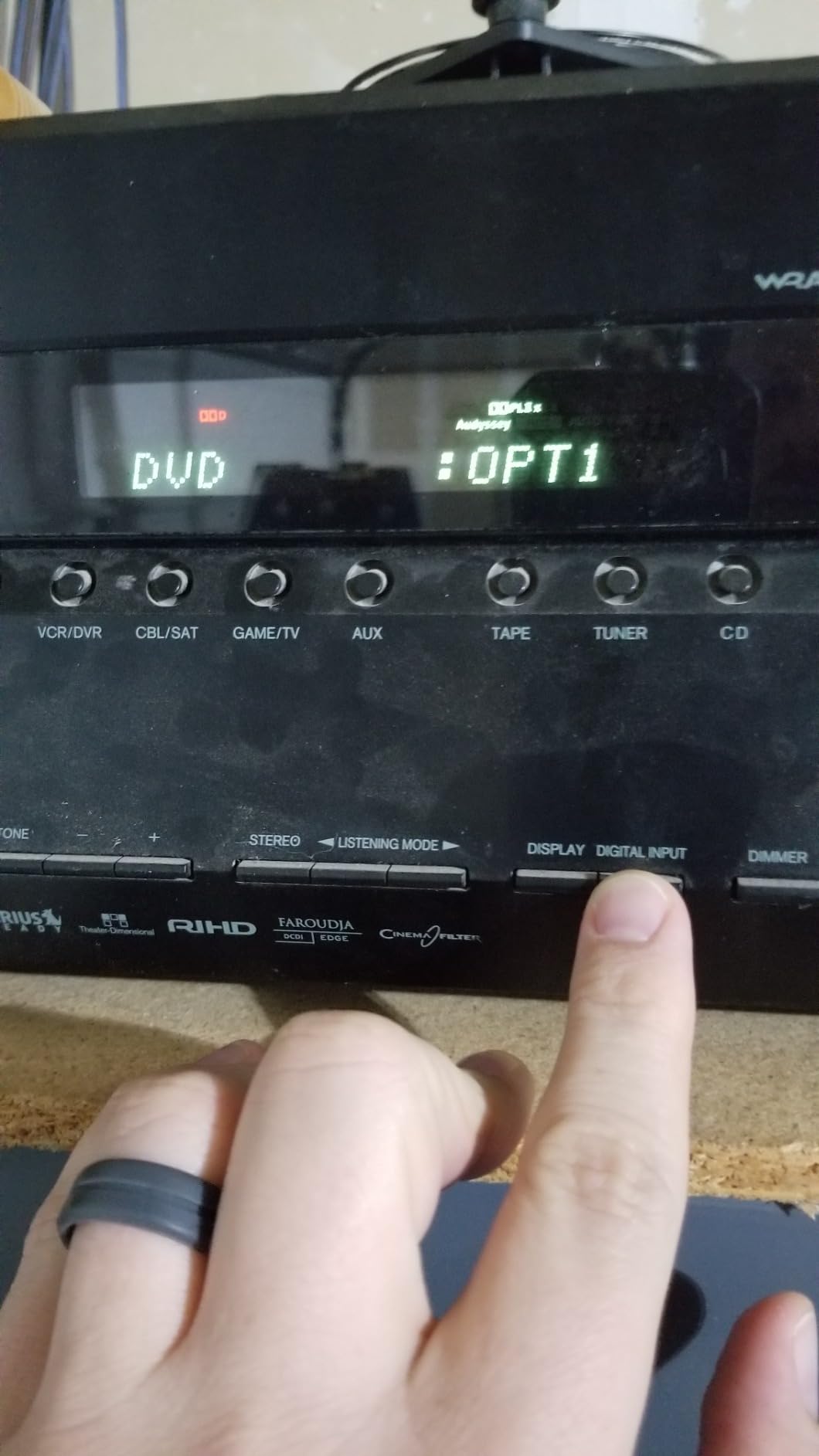
The main limitation is 4K TV compatibility. Several users report that on certain 4K displays, the picture blinks or flickers until the TV resolves the correct resolution from the adapter’s output. This usually settles within a few seconds, but it’s worth knowing. If you’re gaming on a 1080p or 1440p display, these issues largely disappear — Kaico specifically notes the adapter “works on 2K TVs excellently.”
Gaming monitors are another area where this adapter struggles — a purple tint issue has been reported on some monitors. This is a known limitation of how certain monitors handle the signal from this type of adapter. If you primarily game on a TV rather than a monitor, you’re unlikely to encounter problems.
Original Xbox Resolution Support and Dolby Audio
The original Xbox was genuinely ahead of its time in resolution support. Many Xbox titles natively support 480p, 720p, and some even 1080i — resolutions the PS2 and GameCube mostly couldn’t match. This adapter passes all of those resolutions through to your TV, so Halo 2 in 720p on a modern display looks remarkably good for a 2001 console.
The Dolby Digital 5.1 pass-through via Toslink is a feature I haven’t seen on comparable adapters. If you have a receiver or soundbar that accepts optical audio, you can get proper surround sound from your original Xbox library. That alone makes this adapter more complete than any of its direct competitors.
TV Compatibility Issues to Watch Out For
The blinking issue on some 4K TVs is tied to how those displays handle the handshake with the adapter during power-on. If this happens, wait a few seconds — most users report it resolves itself once the TV locks onto the signal. If it persists, try a different HDMI port on your TV, as some ports handle non-standard resolutions better than others.
If you’re buying this for use with a gaming monitor, read monitor-specific reviews first. The purple tint issue appears on certain monitor models and is not universal, but the frequency of reports is high enough that it’s a real risk for monitor users specifically.
7. LEVELHIKE PS1 and PS2 HDMI Adapter – Best Value for PS2
LEVELHIKE HDMI Cable for PlayStation 2 & PlayStation 1 Console (PS2 & PS1), PS1/PS2 to HDMI Adapter with True RGB Signal Output (100% Improved Video Quality), HD Converter with 4:3/16:9 Switch
True RGB signal output
PS1 and PS2 compatible
4:3 and 16:9 switch
USB powered via PS2
One-year warranty
Pros
- True RGB output significantly better than composite
- Works with PS1 PS One Fat PS2 Slim PS2
- Aspect ratio switch for 4:3 and 16:9
- Low input lag
- Detachable HDMI cable design
- Excellent customer service
Cons
- Connector can be tight on PS1
- Some color tinting in cutscenes
- May need TV color adjustment
For PS1 and PS2 owners, the LEVELHIKE adapter is one of the most popular solutions for a reason — nearly 4,000 reviews at 4.4 stars is a meaningful signal in this niche. It plugs directly into the PS2’s multi-AV port and uses the console’s native RGB signal to generate a much cleaner HDMI output than what composite or S-Video cables produce. This makes it one of the best retro console internal HDMI mod kits adjacent solutions on the market today for Sony hardware.
What I find compelling about this adapter compared to similarly priced options is the detachable HDMI cable design. If the cable gets damaged, you replace the cable rather than the whole adapter. It can also draw power directly from one of the PS2’s USB ports, meaning you don’t need a separate power supply cluttering up your setup — though the adapter works without USB power on most configurations.
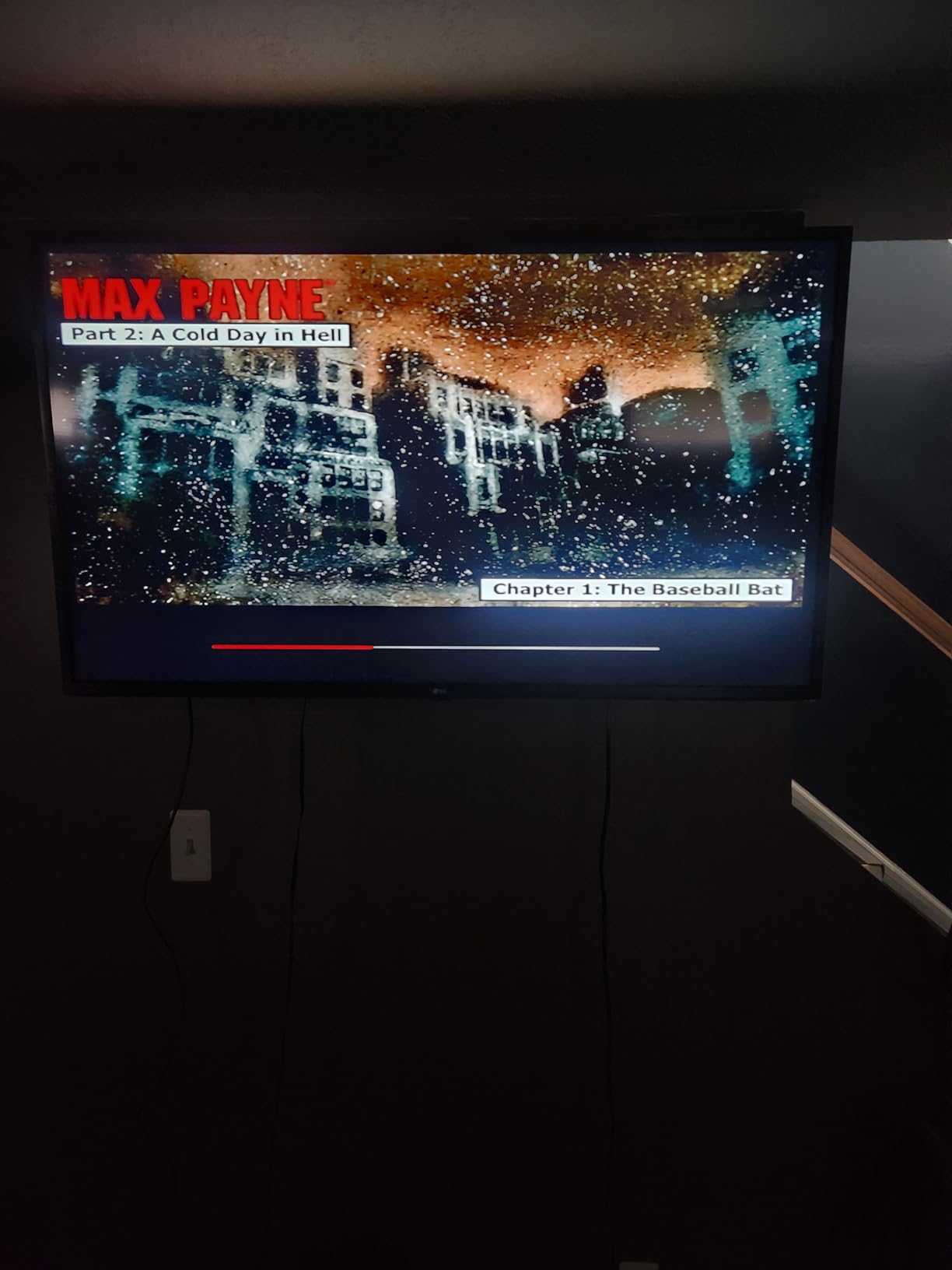
The aspect ratio switch is genuinely useful. PS2 games are designed for 4:3 display, and while many modern TVs will auto-stretch the image, having a physical switch to force 4:3 output means you preserve the correct proportions without relying on TV settings. Switching to 16:9 applies a mild stretch for users who prefer that on modern widescreen displays.
The PS1 compatibility is a bonus that makes this a more versatile buy than pure PS2 adapters. It works with the original PS1, PS One, and both Fat and Slim PS2 models. A small caveat: the connector can be tight when plugging into some PS1 models — users recommend a firm but straight push to seat it properly without forcing.
PS1 and PS2 Compatibility in One Cable
Having one adapter that works across the full Sony PlayStation lineage of that era is convenient and cost-effective. The RGB output quality is consistent across PS1 and PS2, meaning PS1 games look noticeably cleaner than they do through composite, with better color separation and less blur. LEVELHIKE’s claim of 100% improved video quality isn’t marketing hyperbole — going from composite to RGB HDMI is a dramatic visible improvement.
The one-year warranty adds peace of mind, and the customer service reputation (mentioned repeatedly in reviews) backs it up. LEVELHIKE has a track record of shipping replacements quickly when units have issues, which matters for niche electronics that can’t always be returned to a physical store.
True RGB vs Composite: What You Actually Get
Composite cables combine the color and luminance signals into one, which creates the characteristic blurry, slightly washed-out look we associate with older TV connections. True RGB keeps each color channel separate all the way through to the HDMI output, which is why the LEVELHIKE picture looks dramatically sharper — especially in text, fine details, and areas with high contrast.
The occasional color tinting issue reported in cutscenes (a slight green, red, or blue cast) is usually resolvable by adjusting your TV’s color temperature or tint settings. It’s not a hardware defect — it’s a calibration mismatch between the adapter’s output and your TV’s default processing. Five minutes in your TV’s picture settings typically resolves it entirely.
8. LEVELHIKE SNES HDMI Adapter – Best for Super Nintendo
LEVELHIKE HDMI Cable for Super Nintendo SNES, Super Famicom SFC Console - SNES to HDMI Adapter with True RGB Signal Output (100% Improved Video Quality), HD Converter with 4:3/16:9 Switch
True RGB output
SNES and Super Famicom
4:3 and 16:9 switch
Low latency
One-year warranty
Pros
- True RGB signal for excellent picture quality
- Aspect ratio switch 4:3 and 16:9
- Clears 90% of fuzziness from AV cables
- Low input lag
- Works on TVs without AV support
- Great customer service
Cons
- Rare reports of console damage
- Some users reported input lag
- Connector can be loose causing image issues
The Super Nintendo outputs a beautiful RGB signal natively, and the LEVELHIKE SNES HDMI adapter is one of the best ways to get that signal onto a modern TV without spending a fortune on an OSSC or similar scaler. The concept is the same as the PS2 version — it plugs into the SNES multi-AV connector and converts the native RGB to HDMI using true analog-to-digital conversion.
The picture improvement over composite AV cables is substantial. Users consistently describe clearing up to 90% of the fuzziness they remember from composite — the sharp pixel edges of Super Mario World, the gradient skies of Super Metroid, the dense sprite work of Donkey Kong Country all look noticeably more defined. For anyone who grew up playing SNES on a CRT and has nostalgia for that sharp look, this adapter gets closer than composite ever could.
The Super Famicom (the Japanese/PAL version of the SNES) is also supported, which is useful for importers. The 4:3/16:9 aspect ratio switch works the same way as on the PS2 version. The detachable HDMI cable design means you’re not stuck replacing the whole adapter if the cable wears out.
There are some reports worth mentioning: a small number of users have experienced damage to their SNES console using this adapter. This appears to be rare and possibly related to specific console variants or connection issues, but it’s important to mention. If you have a working SNES in good condition and you’re concerned, consider the Kaico OSSC approach instead, which connects via the SCART port rather than the AV multi-out and carries less risk for the console hardware.
SNES and Super Famicom Compatibility Details
This adapter works with standard NTSC SNES consoles and the PAL/Japanese Super Famicom. It plugs into the multi-AV connector on the underside of the console — the same port used by composite AV cables and official RGB SCART cables in European markets. No modifications to the console are required.
One thing to note is that the SNES Mini (the SNES Classic) uses a completely different output format and is NOT compatible with this adapter. This is for the original hardware only.
Potential Issues Reported with This Adapter
The loose connector issue is worth addressing carefully. A loose fit between the adapter and the SNES can cause image scrambling or sound dropout during play. If you experience this, ensure the adapter is fully seated and consider a gentle cable management approach to avoid putting lateral stress on the connection during gaming sessions.
The rare console damage reports appear to involve short circuits in specific situations, potentially related to damaged connector pins. Before connecting any new adapter to your console, visually inspect both the console’s AV port and the adapter’s connector for bent or damaged pins.
9. POUND HDMI HD Link Cable for PS1 and PS2 – Native RGB Upscaler
POUND HDMI HD Link Cable - Compatible with PS1 and PS2 - HDMI Cable with RGB Display, 720p Resolution, Plus Micro USB Cable for Power
Native PS2 RGB signal
240p/480i to 720p upscale
PS1 and PS2 compatible
Micro USB power included
Pros
- Uses native PS2 RGB for excellent color accuracy
- Rivals $100-plus solutions at its price
- Works with PS1 and PS2
- Simple plug and play
- Upscales to 720p
- Excellent customer service
- Quality connector fit
Cons
- Some monitors do not detect PS1 games
- No 480p mode
- Some audio whine fixable with optical audio
- No power adapter included
Pound Technology has been making HDMI cables for retro consoles for years, and their PS1/PS2 HD Link Cable is a well-established option in the community. Reddit users on r/ps2 consistently recommend it as a mid-range pick that punches above its price — multiple reviewers have compared it favorably to solutions that cost over $100, citing image quality that’s “barely distinguishable” from more expensive scalers for typical gaming use.
The core of what makes it work is using the PS2’s native RGB output rather than composite. Composite signal combines luma and chroma information, which creates the characteristic blurry look. RGB keeps them separate, and this adapter converts that clean RGB signal directly to HDMI. The result is sharper text, cleaner edges, and more accurate colors than composite-based converters can produce.
The 720p upscaling is straightforward — it takes the PS2’s 240p or 480i signal and scales it to 720p for modern TVs. This isn’t the sophisticated line multiplication that the OSSC does, but for regular TV gaming it produces a clean and visually pleasing result. The Micro USB power cable included in the box supplements the PS2’s power supply rather than drawing from an external source, which Pound says helps reduce strain on aging PS2 power supplies.
The audio whine some users report can usually be resolved by using the optical audio output on the PS2 directly to a receiver instead of routing audio through the cable itself. This is a known characteristic of RGB-to-HDMI adapters with this type of design, and the fix is well-documented in the PS2 community.
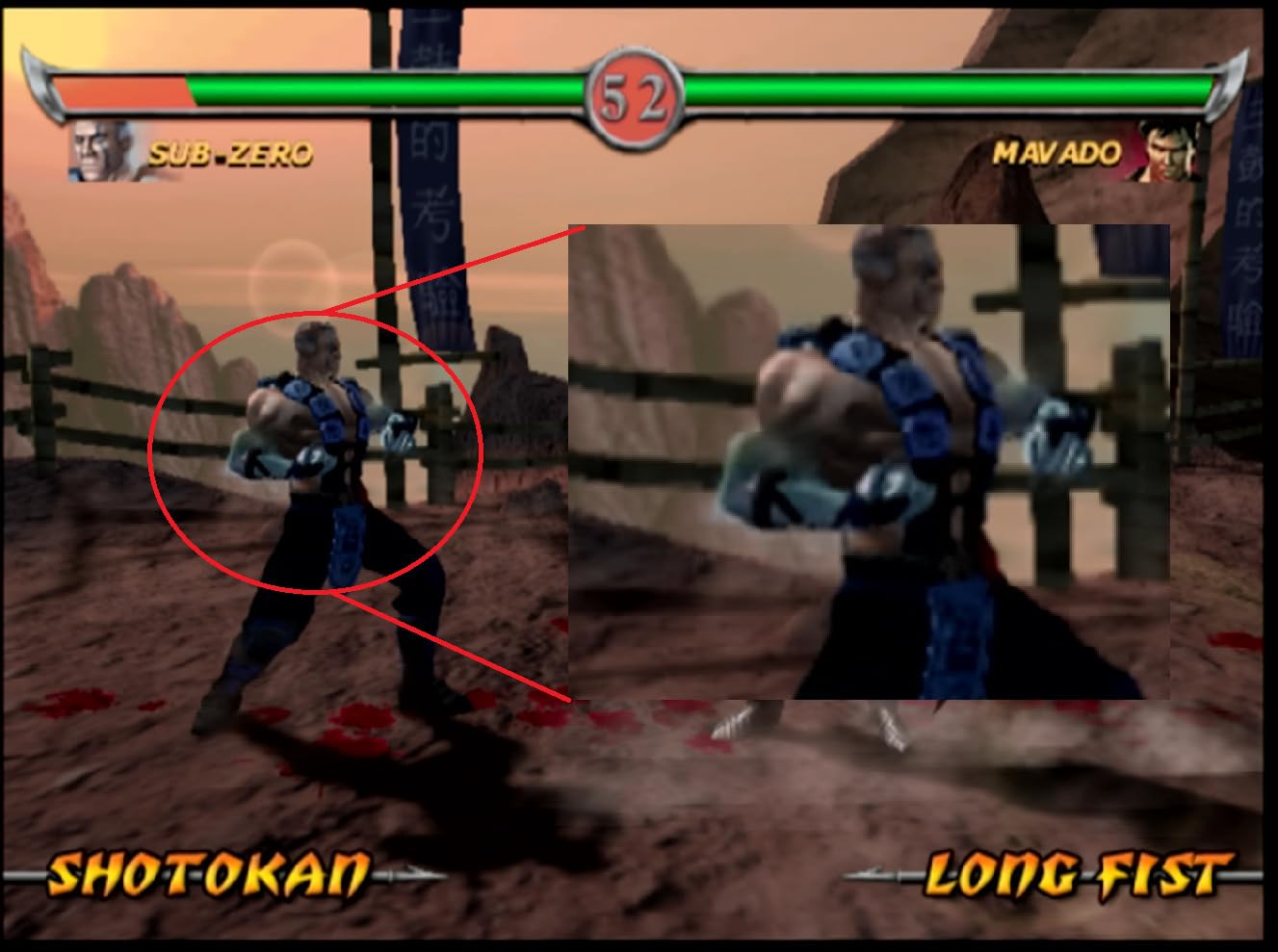
How Pound Uses PS2’s Native RGB Signal
The PS2’s multi-AV port outputs a composite signal by default, but it also contains the full RGB signal used in European markets for SCART cables. The Pound cable accesses this RGB signal rather than the composite output, which is why the picture quality is significantly better than basic “PS2 to HDMI” converters that only use the composite channel.
This native RGB approach means no cross-color or dot crawl artifacts that plague composite-based converters. The color accuracy on this cable is one of the things users consistently highlight — reds look red, blues look blue, and the overall palette of PS2 games looks much closer to what developers intended.
Monitor vs TV: Pound PS2 Cable Compatibility
This adapter works consistently with modern televisions, particularly 1080p TVs. The reported issue with gaming monitors failing to detect PS1 game output (showing no signal for PS1 games while PS2 games work fine) is a known quirk that a few users have encountered. If you’re planning to use this with a gaming monitor, test it before committing to the purchase.
For TV use — especially 1080p TVs — the Pound PS2 cable delivers reliable performance with minimal setup. Plug it in, set your TV to the correct HDMI input, and you’re gaming in minutes. The quality connector fit noted in user reviews means you get a stable connection without the wobble issues that cheaper cables sometimes have.
10. POUND HDTV HD Link Cable for N64 – Best for Nintendo 64
POUND HDMI HD Link Cable for Nintendo 64 (N64)
N64 dedicated
S-Video picture quality
4:3 aspect ratio
6.6 ft cable
PAL/NTSC compatible
Pros
- Preserves native 4:3 aspect ratio
- S-Video quality output switch
- No external power needed for most setups
- Detachable HDMI cable
- Works with GameCube too
- Sharp picture with no flickering
Cons
- Thin plastic build quality
- Image limited by N64 native 240p
- Very bright image on some PAL setups
- No real upscaling only signal conversion
The Nintendo 64 is one of the trickier consoles to get looking great on a modern TV. It outputs a composite signal by default, and unlike the SNES or PS2, it doesn’t have a clean native RGB output that can be easily tapped. The POUND HDTV HD Link Cable for N64 is one of the cleanest solutions available without opening your console for a hardware modification.
The aspect ratio preservation is the feature that immediately sets this cable apart from cheap generic alternatives. Many N64 to HDMI converters simply stretch the image to 16:9 widescreen, which distorts the intended proportions of every game. The Pound cable outputs the correct native 4:3 ratio by default. It seems like a basic thing to get right, but a surprising number of competitors fail on this specific point.
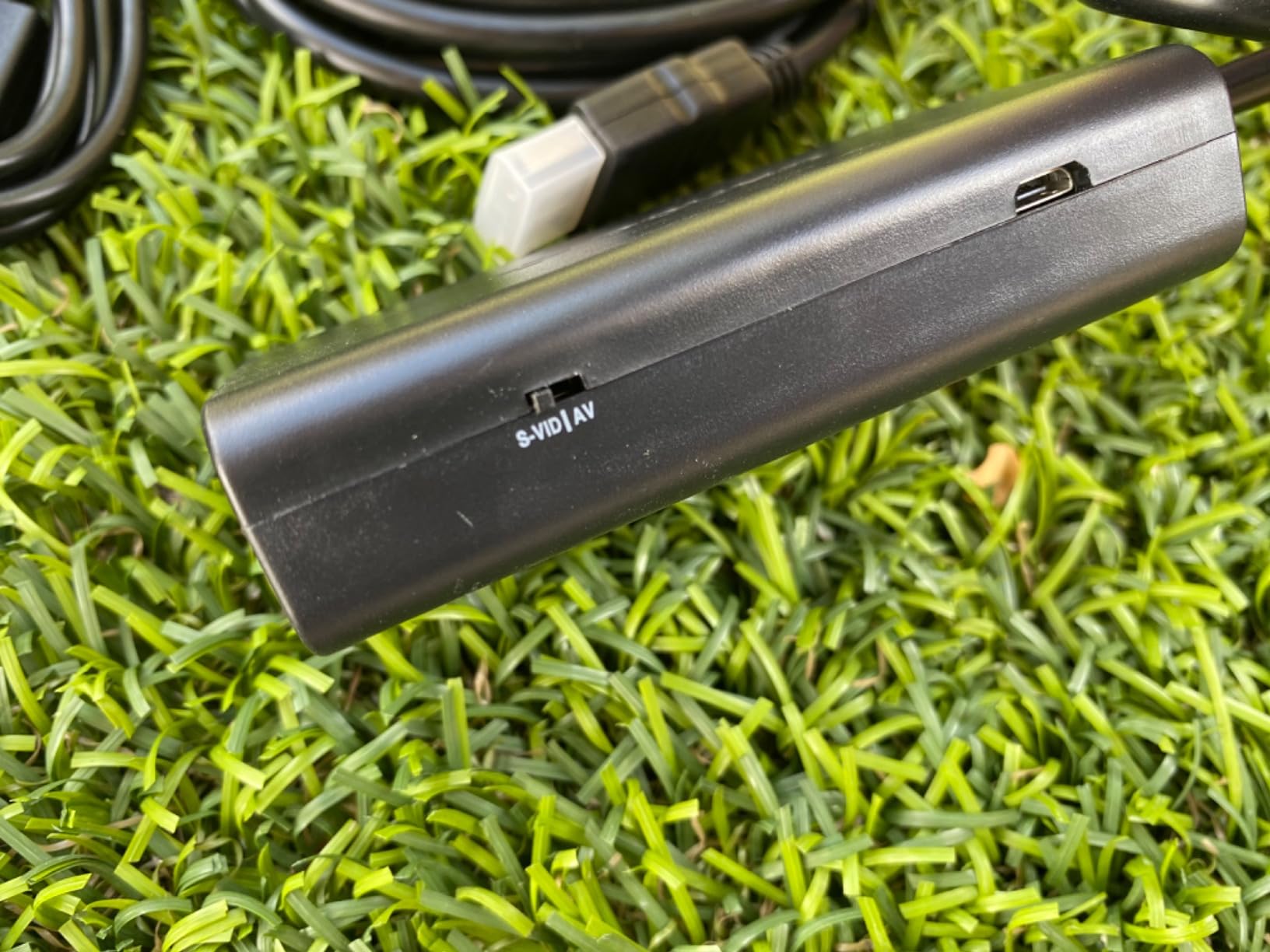
The S-Video picture quality switch is a meaningful feature for N64. While the N64 doesn’t output true S-Video in the same way some other consoles do, the switch applies processing that approximates S-Video quality — separating the luma and chroma components more cleanly than raw composite output. The result is noticeably less color bleeding and a sharper overall image, even if it’s not as dramatic as a true RGB conversion.
One honest reality check: the N64 outputs at 240p natively, and this cable isn’t doing sophisticated upscaling. You’re going to see the pixels. If you’re expecting the N64 to look like a modern game on your 4K TV, you’ll be disappointed regardless of what cable you use. What the Pound cable does is remove the additional blur and color distortion of composite, giving you the sharpest version of the N64’s native output that’s achievable without hardware modification.
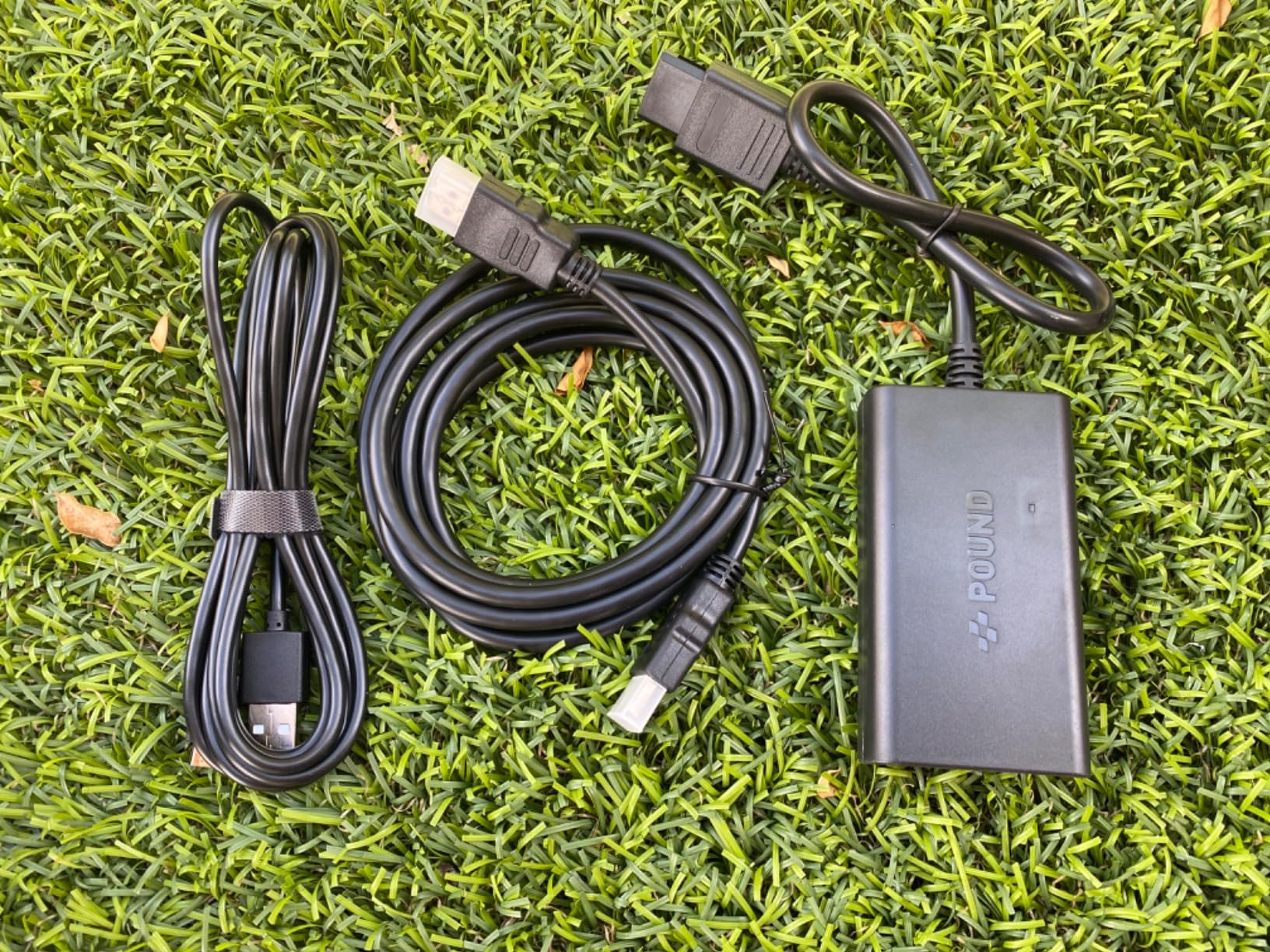
What Makes the Pound N64 Cable Different from Cheaper Options
The 4:3 aspect ratio preservation and the S-Video quality switch are the two features that separate this cable from cheaper alternatives on the market. Most sub-$20 N64 HDMI cables stretch to 16:9 and use composite signal processing, giving you a wider but blurrier and geometrically distorted image. The Pound cable avoids both of these issues.
The detachable HDMI cable design is also practical for a console like the N64 that lives in a game room or shelf setup — you can use a longer replacement HDMI cable if needed without replacing the whole adapter. The 6.6 foot cable length included is generous for most setups and eliminates the need for extension cables in typical room configurations.
N64 Resolution Reality: Managing Your Expectations
The N64 runs most games at 240p with some titles supporting 480i. Neither resolution looks particularly sharp on a 65-inch 4K TV. The Pound cable is not going to transform your N64 into a visually modern experience — it’s going to give you the cleanest possible version of what the N64 actually outputs, which still looks like a mid-’90s console game.
If you want the N64 to look significantly better than this, the next step up requires hardware modification — specifically an UltraHDMI mod, which is a proper internal HDMI board that connects to the N64’s video digital-analog converter chip. That’s a soldering project well beyond the scope of this guide, but communities like r/n64 document it extensively if you want to explore that path.
How to Choose the Right Retro Console HDMI Solution?
Digital-to-Digital vs Analog-to-Digital: Which Should You Choose?
Digital-to-digital mods (the GCVideo-based GameCube adapters) pull the raw digital signal from inside the console before it ever gets converted to analog. This produces the absolute highest quality output with zero signal degradation — you’re essentially extracting the exact same data the console processes internally and sending it directly to your TV as HDMI. The limitation is that only a few consoles have accessible digital signals: most notably the DOL-001 GameCube.
Analog-to-digital solutions (OSSC, RetroScaler2x, and the cable-based adapters for PS2, SNES, Xbox) work with the analog signal that comes out of the console’s standard video output. The quality depends on how clean that analog signal is — RGB is the cleanest, followed by component, then S-Video, then composite. An OSSC connected to a PS2 via RGB SCART can produce remarkable results because the PS2’s RGB output is genuinely excellent.
For most users with a single console, a dedicated analog-to-digital adapter or cable is the right choice. For multi-console setups, an OSSC makes more sense because one device handles everything. For GameCube specifically, the DOL-001 digital port makes a GCVideo adapter the best possible option.
Installation Difficulty by Console
The products in this guide are all external adapters that require no soldering or internal modification to your console. Difficulty ratings for these plug-and-play solutions are essentially the same across the board: plug it into the console, connect an HDMI cable to your TV, and you’re done. The OSSC-based units add a configuration step that can take 30-60 minutes to get settings dialed in for each console, but no physical installation is involved.
If you want true internal HDMI mods that require opening the console — like the UltraHDMI for N64, PixelFX mods, or MakeMHz GameCube solutions — those require soldering skills and are a different category of modification entirely. The retro gaming community on Reddit (r/consolerepair, r/GamecubeHacks) documents these installations in detail if you’re interested in going further. For now, the products in this guide offer excellent results without touching your console’s internals. You might also want to pair your setup with quality leverless fight controllers for retro gaming to get the most out of your classic gaming setup.
Troubleshooting Common HDMI Mod Issues
No picture after plugging in is the most common issue. Start by trying a different HDMI cable and a different port on your TV. Some TVs don’t handle certain non-standard resolutions well on specific ports — swapping from HDMI 3 to HDMI 1 sometimes resolves the issue entirely.
Audio sync problems (sound slightly behind the video) are common with line-doubling adapters. On GCVideo-based GameCube adapters, switching the color output format to YUV444 in the menu resolves this for most users. On OSSC-based units, adjusting the sampling rate settings can tighten up audio sync.
Capture card compatibility deserves its own mention: many capture cards struggle with the non-standard resolutions that retro console adapters output. 240p and 480i signals in particular can cause issues with cheaper capture cards that aren’t designed for these formats. If streaming or recording retro gameplay is part of your plan, verify that your capture card specifically lists these resolutions as supported before buying the HDMI adapter.
Frequently Asked Questions
Do PS2 to HDMI converters improve graphics?
They don’t improve the underlying game graphics, but they significantly improve how those graphics look on a modern TV. A good PS2 HDMI converter using the native RGB signal (like the LEVELHIKE or Pound adapters) removes the blur and color distortion of composite cables, making the PS2’s actual output look sharper and more accurate than it ever did on a standard composite connection. The games look exactly as the developers intended, just without the compromises of composite signal transmission.
Is there lag with PS2 to HDMI converters?
Quality PS2 HDMI adapters like the LEVELHIKE and Pound HD Link Cable add minimal to no perceptible input lag. These adapters use direct signal conversion rather than frame buffering, which keeps latency extremely low. Most users cannot detect any difference in timing compared to a CRT setup. If you’re experiencing noticeable lag, check your TV’s game mode setting — many modern TVs add processing delay by default that can be eliminated by enabling Game Mode in the TV settings.
Is the GameCube HDMI mod worth it?
Yes, especially if you have a DOL-001 GameCube with the digital port. The GCVideo-based adapters like the Kaico produce a dramatically better image than composite or even component cables, with no additional lag and active firmware development. If you don’t have a DOL-001 (i.e., you have a later model without the digital port), you’ll need a different solution like the Kaico OSSC with a component cable for the GameCube.
What resolution does GameCube output with HDMI?
With a GCVideo-based adapter like the Kaico GameCube HDMI Adapter, the GameCube outputs up to 480p (or 576p for PAL games). In 2X line doubling mode, the adapter doubles the vertical resolution for a sharper image on modern displays. The GameCube cannot output higher than 480p natively, so even with the best internal HDMI solution, you’re working with a 480p maximum. This still looks excellent on most TVs when displayed at the correct aspect ratio.
Do old consoles work on new TVs?
Many older consoles struggle with new TVs because modern televisions have dropped composite and component video inputs, which retro consoles rely on. HDMI adapters and OSSC-based converters solve this by converting the console’s video output to HDMI. Some modern TVs also have trouble processing the non-standard resolutions (240p, 480i) that retro consoles output, which can cause flickering or no signal. Using an OSSC or a quality dedicated adapter that handles these resolutions correctly solves both problems.
Final Thoughts
Getting your retro console looking great on a modern TV doesn’t have to cost a fortune or require soldering skills. finding the best retro console HDMI mod kits, depends on which console you’re playing and how much flexibility you want. For GameCube owners with a DOL-001 model, the Kaico GameCube HDMI Adapter is the easiest and highest quality option — the GCVideo platform delivers genuinely outstanding digital-to-digital output. For PS2 and PS1 owners, the LEVELHIKE adapter is hard to beat at its price given the true RGB output and wide compatibility.
Multi-console collectors should seriously consider the Kaico OSSC 1.8, which handles most analog consoles with excellent results and zero lag. Yes, it requires configuration time upfront, but once set up, it’s the most complete single-device solution for a diverse retro gaming collection.
Whatever you choose from these retro console internal HDMI mod kits, the jump from composite cables to HDMI output is dramatic and immediate — your classic games deserve to be seen properly in 2026, and any of these products will make that happen.