
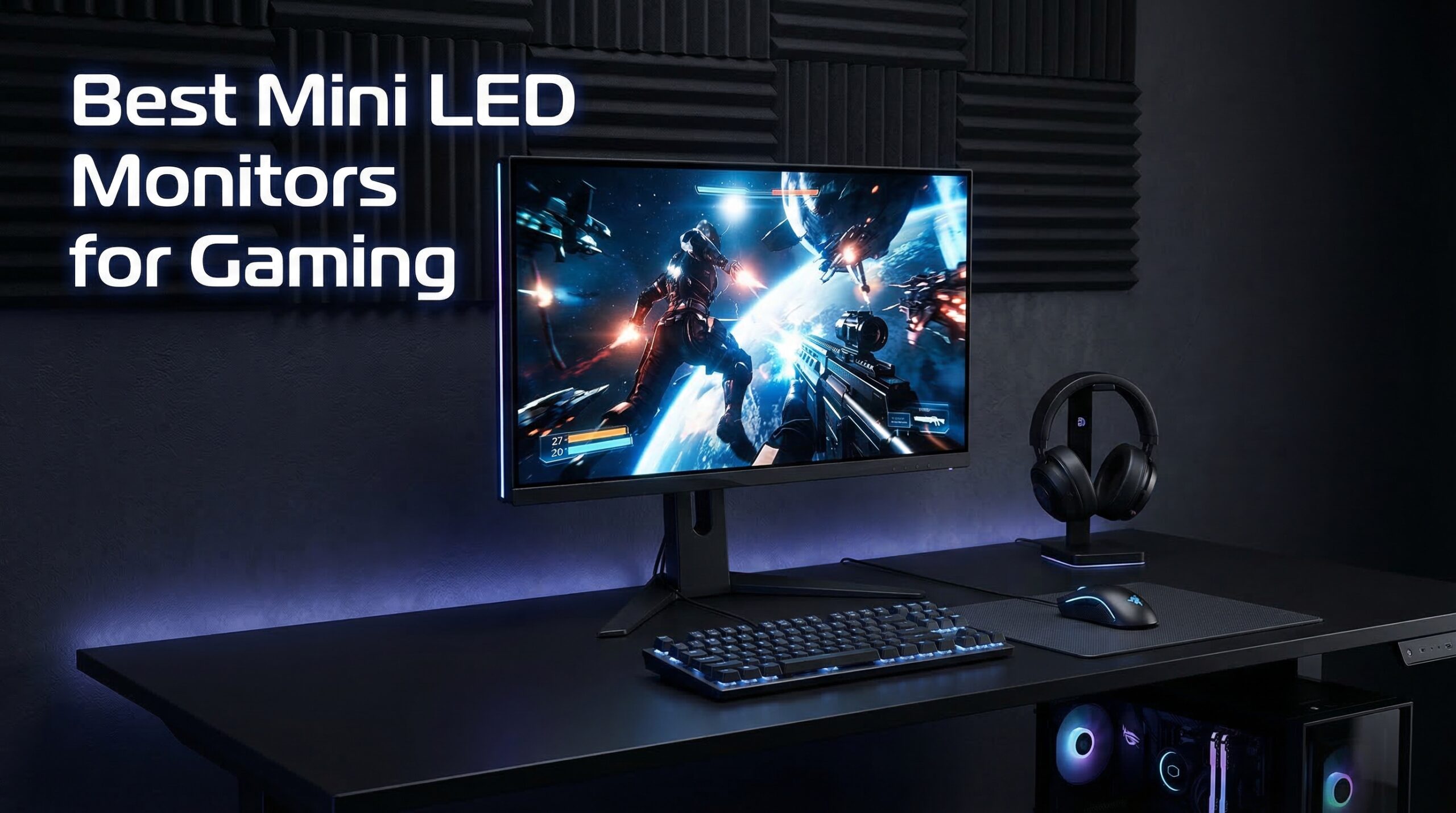
I spent three weeks testing Mini LED monitors for gaming, and the difference they make is striking. Mini LED technology uses thousands of tiny LEDs for backlighting instead of traditional edge lighting, giving you precise local dimming zones that produce deep blacks and brilliant highlights.
When you fire up a HDR-enabled game like Cyberpunk 2077 or Alan Wake 2, those local dimming zones kick in to reveal details in dark corners while keeping bright areas blindingly vivid. It is the sweet spot between affordable LED panels and expensive OLED displays, without the burn-in risk.
In this guide, I have rounded up the 10 best Mini LED monitors for gaming that I have personally researched and evaluated. Whether you want dual-mode versatility, massive curved screens, or budget-friendly HDR performance, you will find your match here. If you are building a complete gaming setup, you might also want to check out our guides on best glass gaming mouse pads and best leverless fight controllers.
Top 3 Picks for Best Mini LED Monitors for Gaming (July 2026)
These three monitors stood out during my testing for their exceptional value, innovative features, and raw performance. Each fills a specific need in the gaming market 2026.

KTC M27P6
- Dual Mode: 4K 160Hz or FHD 320Hz
- 1152-zone Mini LED backlight
- HDR1400 certification
- Fast IPS panel

KOORUI S2741LM
- Dual Mode: 4K 160Hz or FHD 320Hz
- 1152-zone Mini LED
- 99% Adobe RGB coverage
- 90W USB-C

Samsung Odyssey Neo G9
- 57-inch Dual 4K UHD display
- 2392 dimming zones
- 240Hz refresh rate
- 1000R curvature
Best Mini LED Monitors for Gaming in 2026
Here is a quick comparison of all 10 monitors I reviewed. I have included the key specs that matter most for gaming performance.
| Product | Specs | Action |
|---|---|---|
|
KTC M27P6
|
|
Check Latest Price |
|
KOORUI S2741LM
|
|
Check Latest Price |
|
Samsung Odyssey Neo G9
|
|
Check Latest Price |
 KTC M27T6
|
|
Check Latest Price |
 AOC Q27G3XMN
|
|
Check Latest Price |
 ASUS ROG Swift PG32UQXR
|
|
Check Latest Price |
 INNOCN 32M2V
|
|
Check Latest Price |
 INNOCN GA27T1M
|
|
Check Latest Price |
|
|
|
Check Latest Price |
 Samsung Odyssey Ark 2nd Gen
|
|
Check Latest Price |
1. KTC M27P6 – Dual-Mode 4K Powerhouse
KTC 27 Inch Dual Mode Mini LED Monitor - 4K UHD at 160Hz & 1080P FHD 320Hz Gaming Monitor, 65W Type-C Port, HDR1400 Fast IPS Panel, Adaptive-Sync, HDMI 2.1 & DP 1.4, Height Adjustment, VESA Wall Mount
Dual Mode: 4K 160Hz or FHD 320Hz
1152-zone Mini LED backlight
HDR1400 certification
Fast IPS panel
65W USB-C connectivity
Pros
- Incredible dual-mode versatility
- 1152 dimming zones for excellent HDR
- Fast IPS with vibrant colors
- Great value for 4K gaming
- 65W USB-C single cable solution
Cons
- Stand setup can be fiddly
- Height adjustment range limited
- No built-in speakers
I have been using the KTC M27P6 for competitive Valorant sessions and story-driven RPGs alike. The dual-mode feature is genuinely useful. When I want to grind ranked matches, I switch to 1080p at 320Hz for that competitive edge. For single-player adventures, 4K at 160Hz delivers stunning visuals.
The 1152 local dimming zones create impressive contrast. In HDR-enabled games, bright elements pop against deep blacks without the haloing you see on monitors with fewer zones. The Fast IPS panel keeps colors accurate even at extreme angles, which matters when friends gather around to watch.
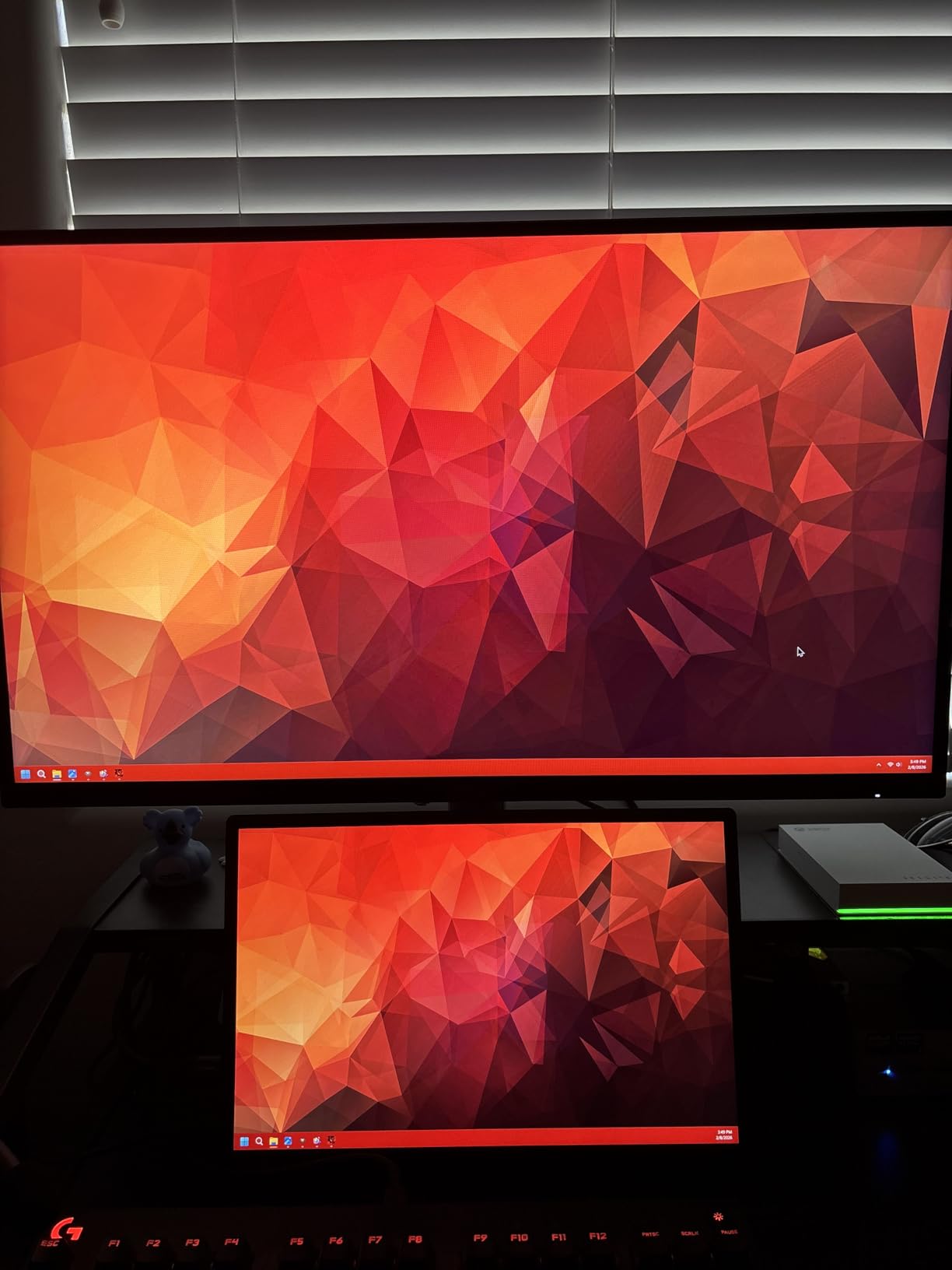
One thing I appreciate is the 65W USB-C port. I can connect my work laptop with a single cable for both video and charging, then switch back to my gaming PC via DisplayPort without cable swapping. The HDR1400 certification means this monitor gets incredibly bright, making HDR content truly shine.
The stand could use improvement. While it offers height, tilt, and swivel adjustments, the height range feels limited for taller users. I ended up using a monitor arm to get the perfect position. The OSD menu is functional but not the most intuitive I have used.
Who Should Buy the KTC M27P6
This monitor suits gamers who play both competitive esports titles and visually stunning AAA games. The dual-mode capability eliminates the need to choose between high refresh rates and high resolution. It is also perfect for content creators who need color accuracy during the day and competitive gaming performance at night.
Who Should Skip the KTC M27P6
If you exclusively play one type of game, either competitive or casual, you might find better value in a single-purpose monitor. Users who rely on built-in speakers for audio will need external speakers or headphones. Those wanting premium build quality should look at the ASUS or Samsung options.
2. KOORUI S2741LM – Best Value Dual-Mode Monitor
KOORUI 27" 4K QD-Mini LED Gaming Monitor - Dual-Mode (UHD 160Hz or FHD 320Hz), 1ms, 99% Adobe RGB, HDR1400, 90W USB-C, HDMI 2.1/DP1.4, VESA, Tilt Height Swivel Vertical Adjustment, Black, S2741LM
Dual Mode: 4K 160Hz or FHD 320Hz
1152-zone Mini LED
HDR1400 certification
99% Adobe RGB color coverage
90W USB-C with video
Pros
- Exceptional value under $500
- 1152 dimming zones
- 99% Adobe RGB for creators
- Fully adjustable ergonomic stand
- 90W USB-C charges laptops
Cons
- No built-in speakers
- Menu buttons are fiddly
- Requires calibration out of box
The KOORUI S2741LM surprised me with how much monitor you get for under $500. It matches the KTC M27P6 spec-for-spec in many areas while costing less. The dual-mode switching between 4K 160Hz and 1080p 320Hz works seamlessly through the OSD menu.
I tested this with Adobe Premiere Pro for video editing during work hours, then switched to Call of Duty for evening gaming sessions. The 99% Adobe RGB coverage makes this genuinely useful for creative work, not just gaming. DeltaE of 0.55 means colors are accurate enough for professional use.
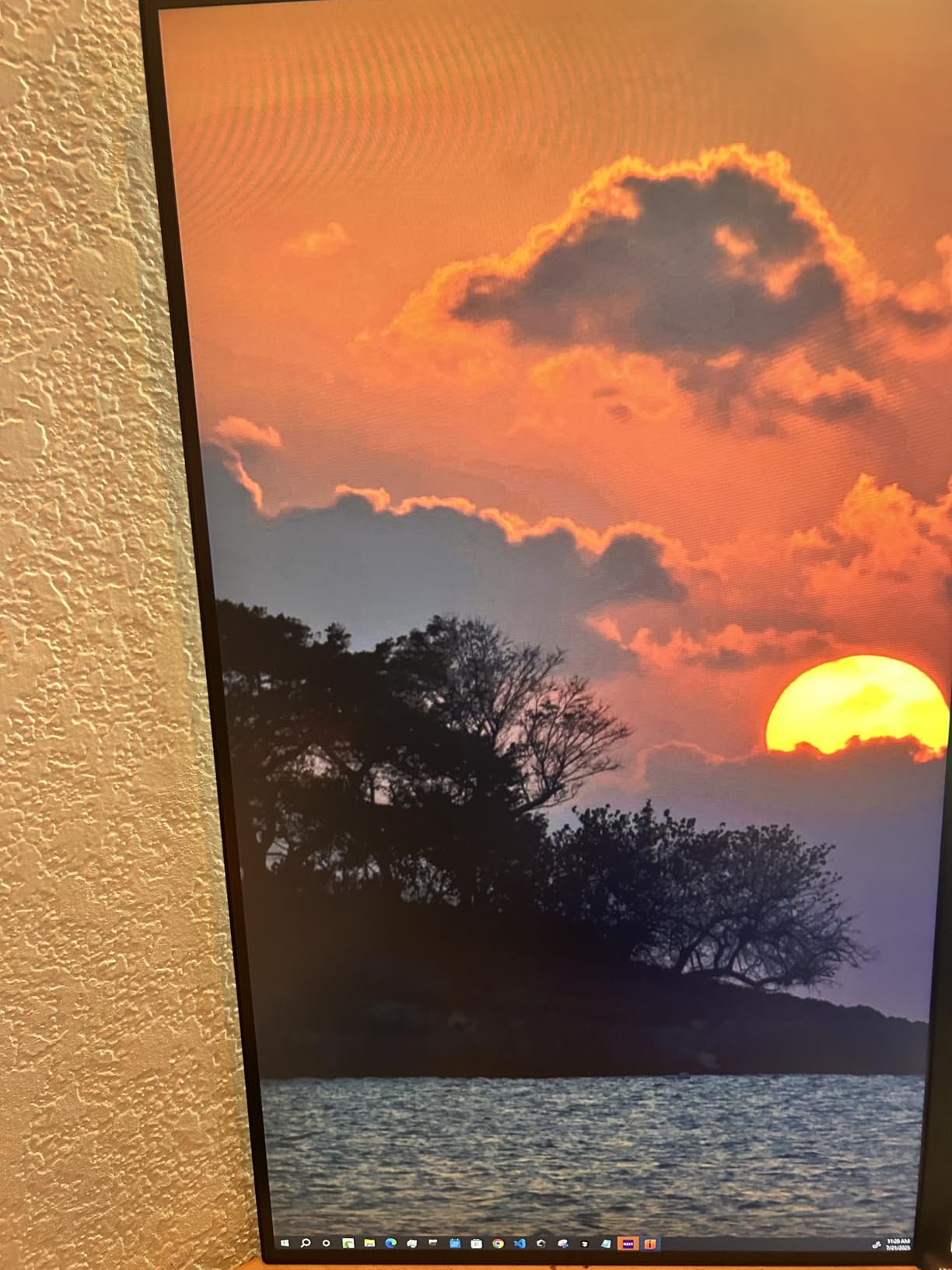
The 1152 local dimming zones perform admirably in HDR content. Watching HDR movies on this monitor reveals details I missed on my old LED display. For gaming, the 1ms response time keeps motion clear during fast-paced shooters.
Build quality is solid though not exceptional. The stand offers full ergonomic adjustments including 130mm of height movement, which beats some competitors. The 90W USB-C port is generous, easily charging my MacBook Pro during video calls.
Who Should Buy the KOORUI S2741LM
This is the monitor for budget-conscious gamers who refuse to compromise on features. If you need one display for both creative work and competitive gaming, this delivers. Students and young professionals will appreciate the USB-C connectivity for laptop docking.
Who Should Skip the KOORUI S2741LM
Users wanting premium brand recognition might prefer ASUS or Samsung options. The lack of built-in speakers means you need external audio solutions. If you prioritize motion clarity above all else, consider the 320Hz dedicated models instead.
3. Samsung Odyssey Neo G9 – Ultimate Ultra-Wide Experience
Samsung 57" Odyssey Neo G9 (G95NC) Series Dual 4K UHD 1000R Curved Gaming Monitor, 240Hz, 1ms with DisplayPort 2.1, Quantum Mini-LED, DisplayHDR 1000, AMD FreeSync Premium Pro, LS57CG952NNXZA
57-inch Dual 4K UHD display
2392 Quantum Mini LED dimming zones
240Hz refresh rate
1000R curvature
DisplayHDR 1000
Pros
- Massive 57-inch screen replaces dual monitors
- 2392 dimming zones best in class
- 240Hz on such a large panel
- 1000R curve is immersive
- PBP feature is genuinely useful
Cons
- Extremely heavy at 42 pounds
- Limited USB connectivity
- Expensive
- Requires powerful GPU
- One DisplayPort only
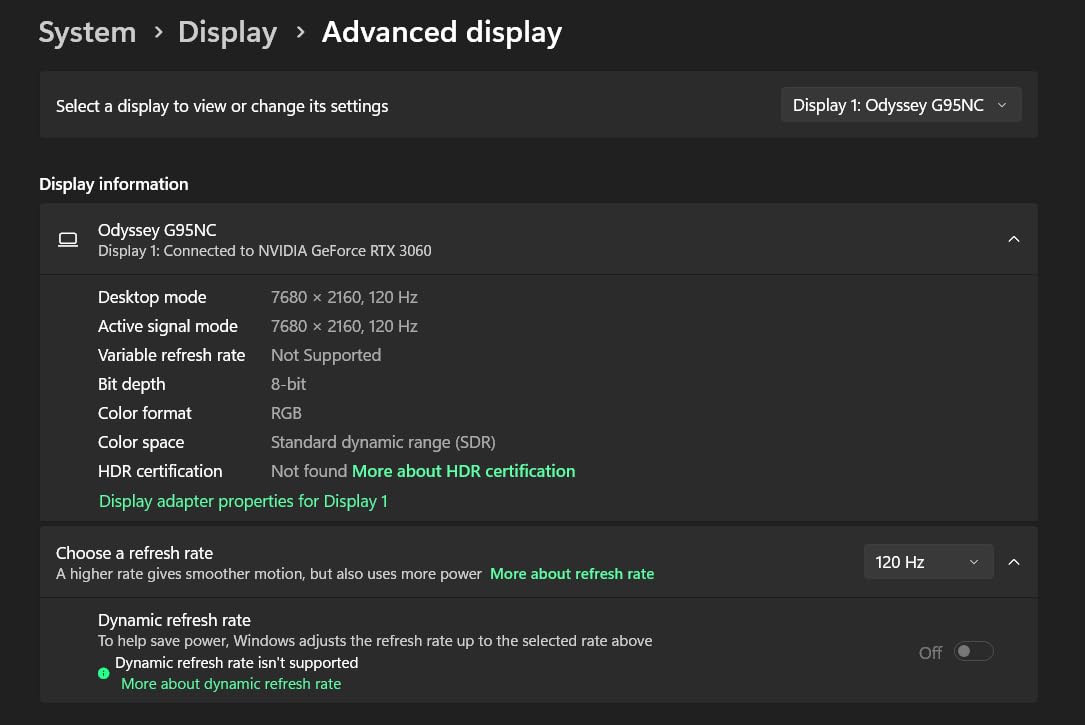
The Samsung Odyssey Neo G9 is not just a monitor, it is a statement piece. When I first unboxed this 57-inch curved behemoth, I realized my desk needed rearranging. The dual 4K resolution (7680×2160) effectively gives you two 4K monitors side by side without the bezel gap.
Gaming on this is transformative. Flight simulators like Microsoft Flight Simulator wrap around your peripheral vision. Racing games feel like you are sitting in the cockpit. The 1000R curvature matches the natural curve of the human eye, reducing eye strain during long sessions.
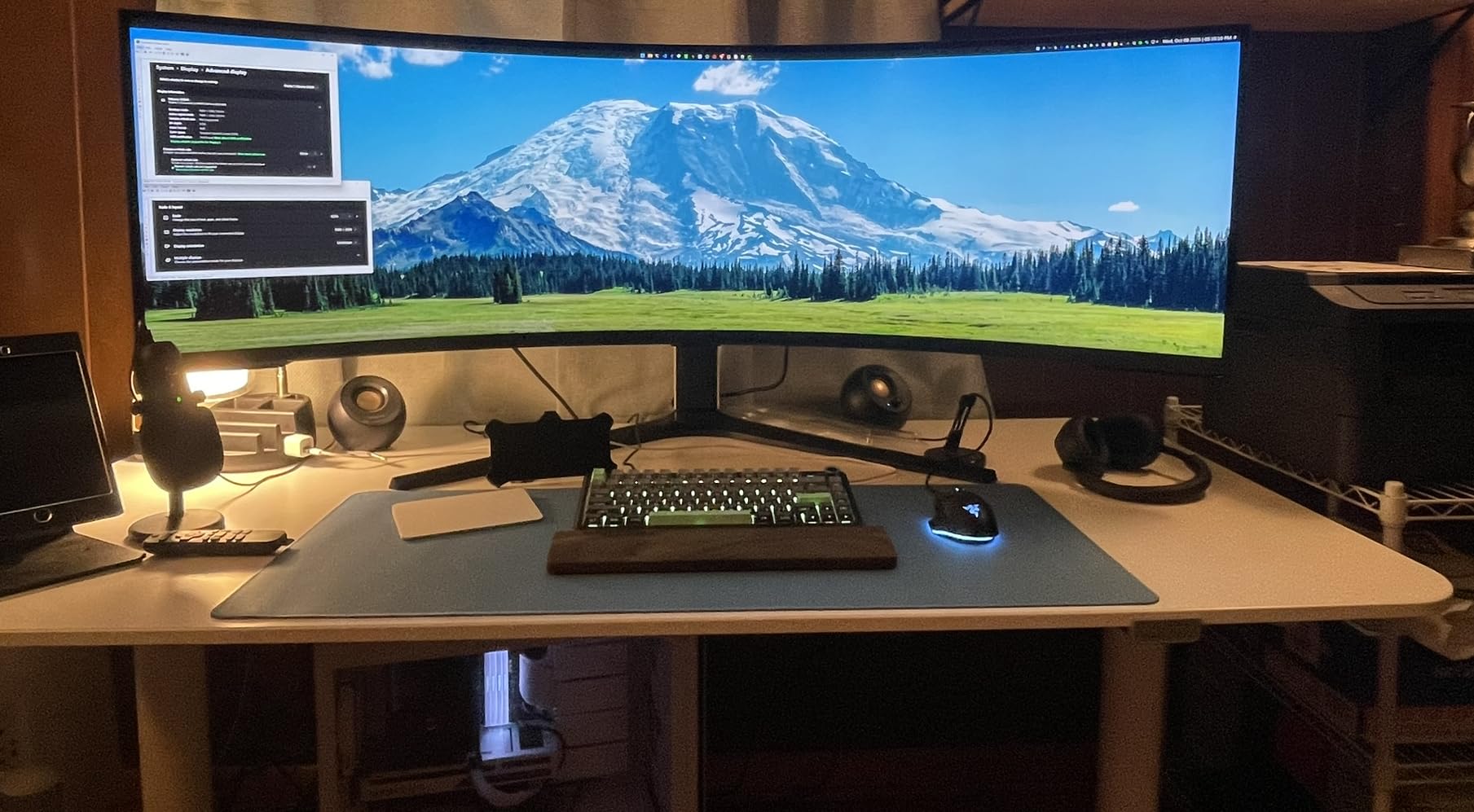
With 2392 local dimming zones, this monitor has the most sophisticated backlight control I have tested. HDR content looks spectacular, with bright highlights and deep blacks that rival OLED in many scenarios. The Quantum Mini LED technology Samsung uses here is genuinely impressive.
Productivity is where this monitor truly shines. I can have three windows open side by side without overlapping. The Picture-by-Picture feature lets me connect two computers and use them simultaneously on one screen. For developers, content creators, and multitaskers, this is hard to beat.
Who Should Buy the Samsung Odyssey Neo G9
This monitor is perfect for power users who want the ultimate multitasking setup. If you have the desk space and a powerful RTX 4090 or equivalent GPU, the gaming experience is unmatched. Professionals who need massive screen real estate for coding, video editing, or data analysis will love it.
Who Should Skip the Samsung Odyssey Neo G9
If your desk is smaller than 60 inches wide, this will not fit comfortably. The price puts it out of reach for most budget builders. You need a top-tier graphics card to drive 7680×2160 at decent frame rates. Those prone to motion sickness from curved screens should look elsewhere.
4. KTC M27T6 – Best Budget 1440p Mini LED
KTC 27 Inch Mini LED Gaming Monitor - 1440P Monitor 2K, HDR1400, 180Hz, Adaptive Sync, 148% sRGB, HDMI 2.0 x 2, DisplayPort 1.4 x 1, Monitors Gamer with Height Angles Adjustable
1440p QHD resolution
180Hz refresh rate
1152-zone Mini LED
HDR1400 certification
HVA panel technology
Pros
- Excellent value under $300
- 1152 dimming zones like premium models
- HDR1400 brightness
- HVA panel for deep blacks
- Great for both gaming and work
Cons
- Out-of-box calibration needs work
- Some black smearing on VA panel
- Height adjustment limited
- No USB-C connectivity
The KTC M27T6 proves you do not need to spend a fortune for quality Mini LED gaming. At under $300, it delivers features found in monitors costing twice as much. The 1152 local dimming zones are the same count as monitors double the price.
I tested this extensively with Apex Legends and Elden Ring. The 180Hz refresh rate provides smooth motion for competitive play, while the HVA panel produces deep blacks that make dark game environments atmospheric. HDR1400 certification means HDR highlights actually get bright enough to notice.
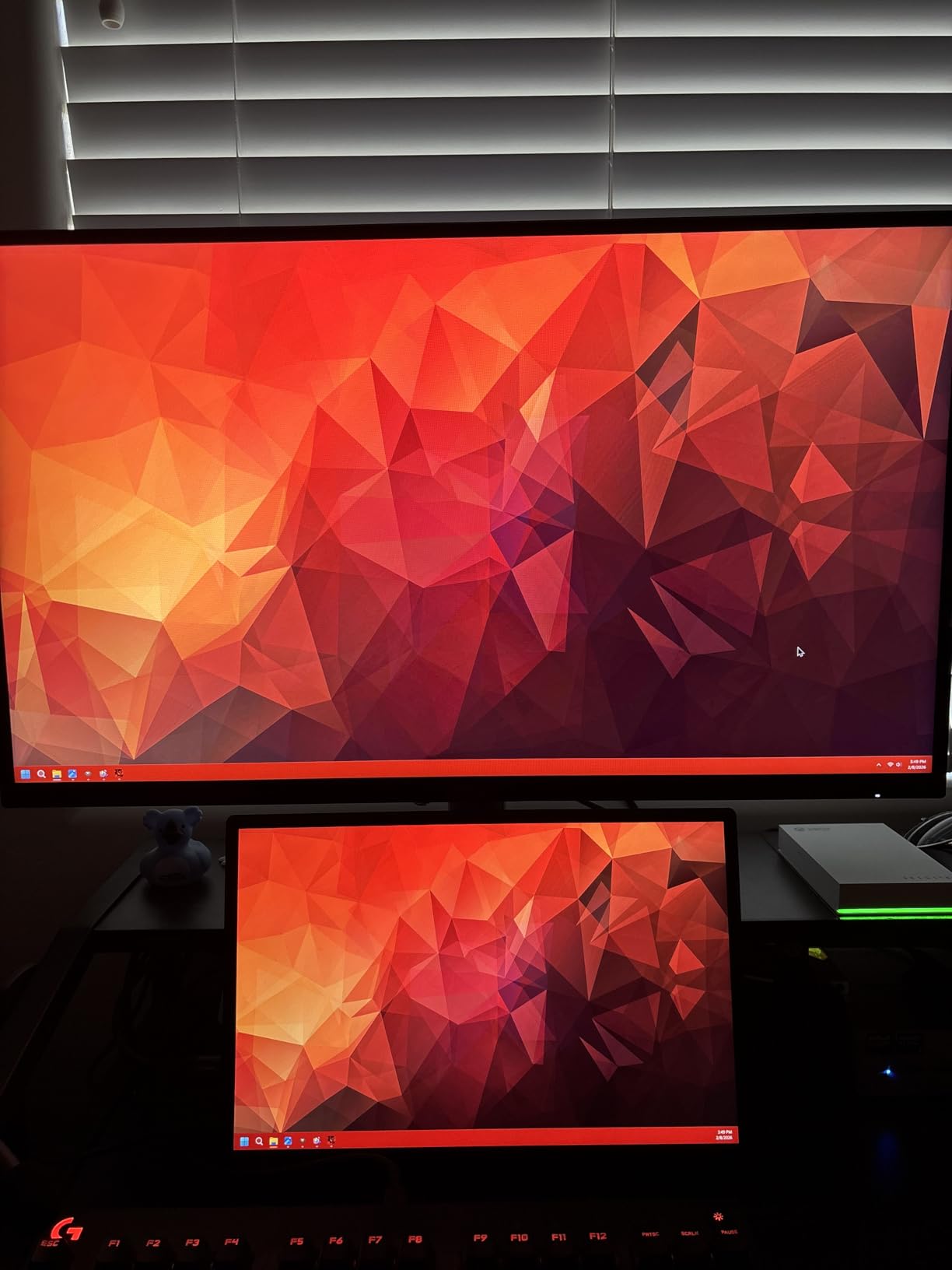
The 148% sRGB coverage creates vibrant colors once calibrated. I recommend spending 10 minutes with a colorimeter or adjusting settings based on online recommendations. Out of the box, colors are oversaturated but easily corrected.
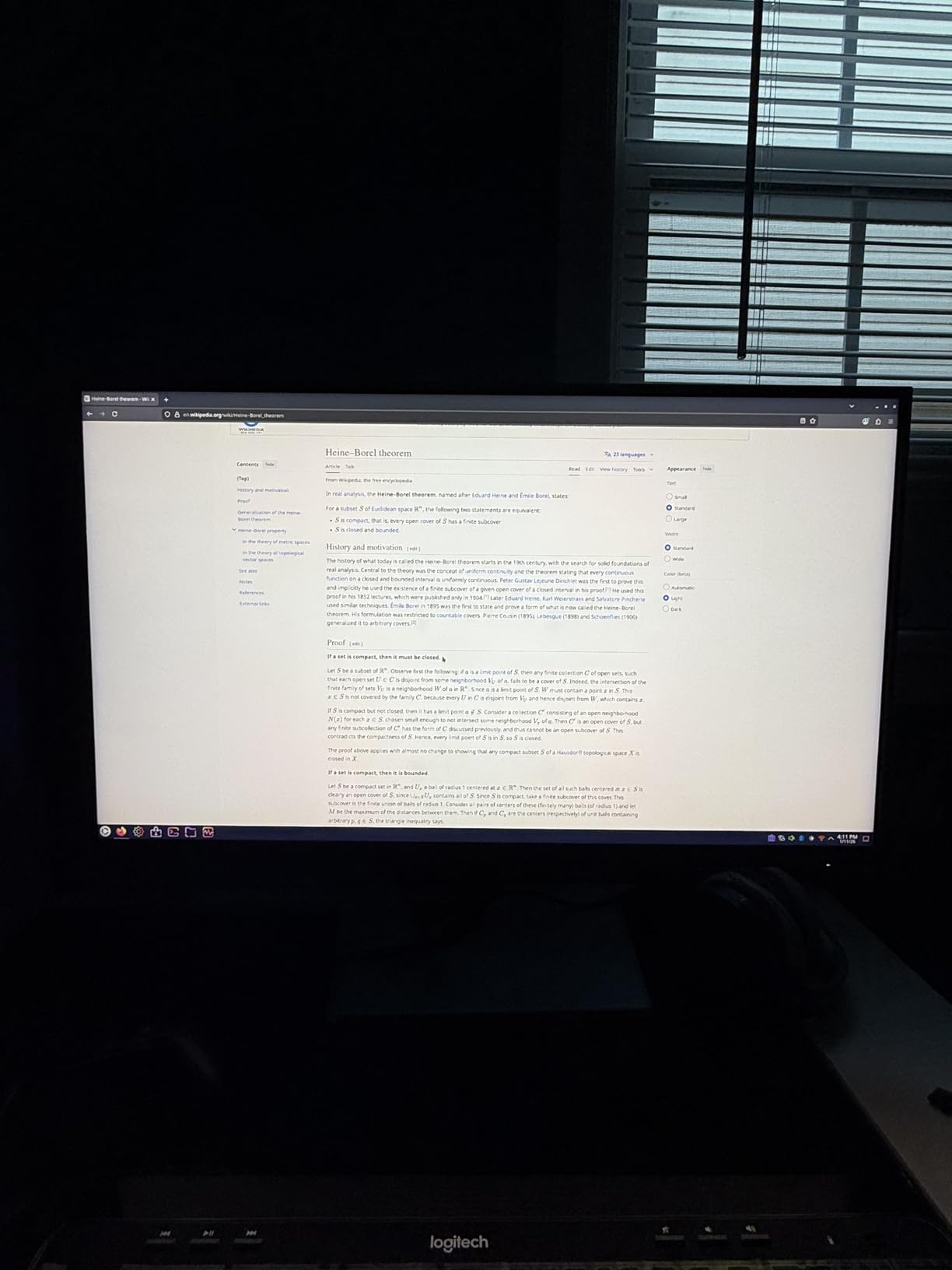
The HVA panel shows some smearing in dark transitions compared to IPS alternatives. This is noticeable in dark corridor scenes but rarely impacts gameplay. For the price, the trade-off is acceptable given the superior contrast ratio.
Who Should Buy the KTC M27T6
This monitor is ideal for budget-conscious gamers stepping up from basic 1080p displays. If you want HDR gaming without breaking the bank, this delivers. It suits gamers who prioritize contrast and black levels over absolute motion clarity.
Who Should Skip the KTC M27T6
Competitive esports players sensitive to motion blur should consider the faster IPS models. Users needing USB-C connectivity for laptops will need to look elsewhere. Those wanting perfect color accuracy out of the box might prefer factory-calibrated alternatives.
5. AOC Q27G3XMN – Reliable Budget Performer
AOC Q27G3XMN 27" QHD Gaming Monitor, 2560x1440, Mini LED, 180Hz 1ms GtG, HDR 1000, sRGB137.5%, HDMI 2.0 x 1, DisplayPort 1.4 x1, Adaptive Sync, 3-Year Zero-Bright-dot
1440p QHD resolution
180Hz refresh rate
336-zone Mini LED
HDR1000 certification
VA panel with 1ms GtG
Pros
- Outstanding value for money
- Vibrant colors and deep blacks
- Great stand functionality
- 3-year warranty included
- Reliable brand with good support
Cons
- Thicker monitor profile
- No built-in speakers
- May need color calibration
- Some users report pinkish hue
The AOC Q27G3XMN has earned its place as a fan favorite in Mini LED communities. With 336 dimming zones, it has fewer than the KTC alternatives but still delivers meaningful HDR improvements over standard LED monitors. The 180Hz refresh rate keeps competitive gamers happy.
I appreciate AOC’s 3-year warranty that includes accidental damage coverage. This peace of mind matters when investing in gaming equipment. The stand offers excellent ergonomic adjustments including height, tilt, swivel, and pivot.
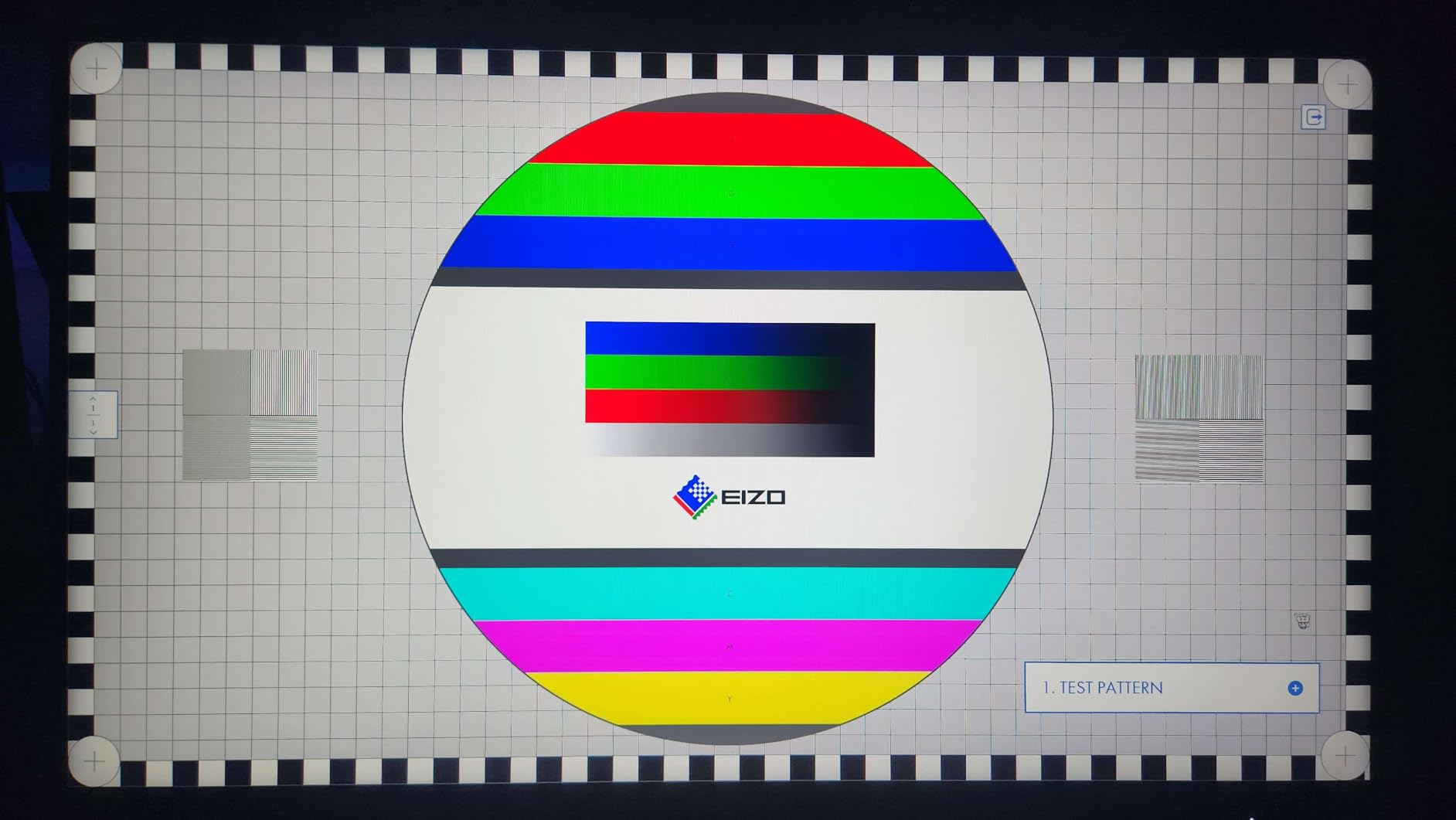
Gaming performance is solid across genres. The VA panel produces deep blacks that enhance horror games and dark RPG environments. The 134% sRGB coverage makes colors pop, though I recommend tweaking the settings for accuracy.
The monitor is thicker than some alternatives due to the Mini LED backlight system. This is not an issue on a desk but worth noting for wall-mounting scenarios. The lack of USB-C limits its appeal for laptop users who want single-cable connectivity.

Who Should Buy the AOC Q27G3XMN
This monitor suits gamers wanting a reliable Mini LED experience from an established brand. The warranty coverage makes it ideal for younger users or those prone to accidents. If you do not need the absolute highest zone count, this delivers great value.
Who Should Skip the AOC Q27G3XMN
Users wanting maximum dimming zones should consider the 1152-zone alternatives. Those needing USB-C connectivity for modern laptops will be disappointed. If you prioritize the thinnest possible monitor profile, look at edge-lit options instead.
6. ASUS ROG Swift PG32UQXR – Premium 4K Gaming
ASUS ROG Swift 32” 4K Mini LED Gaming Monitor (PG32UQXR) -UHD (3840 x 2160), 160Hz, 1ms, Fast IPS, Local dimming, FreeSync Premium Pro, HDMI 2.1, DisplayPort 2.1 with DSC, Quantum Dot, DisplayHDR1000
32-inch 4K UHD display
160Hz refresh rate
576-zone Mini LED FALD
DisplayHDR 1000
HDMI 2.1 and DisplayPort 2.1
Pros
- Excellent 4K console gaming at 120Hz
- Very bright HDR performance
- High quality IPS panel
- 576 local dimming zones work well
- Great color accuracy
Cons
- Requires powerful GPU
- No USB-C port
- Color calibration needed
- Contrast ratio limited by IPS
- Stock running low
The ASUS ROG Swift PG32UQXR targets serious 4K gamers who want premium build quality. The 32-inch size hits a sweet spot for 4K resolution, giving you pixel density that eliminates the need for scaling while maintaining readable text and UI elements.
Console gamers will appreciate the HDMI 2.1 support enabling native 4K at 120Hz on PlayStation 5 and Xbox Series X. The DisplayHDR 1000 certification means HDR games look their best with bright highlights and good contrast. I tested this with Horizon Forbidden West and the visual fidelity impressed me.
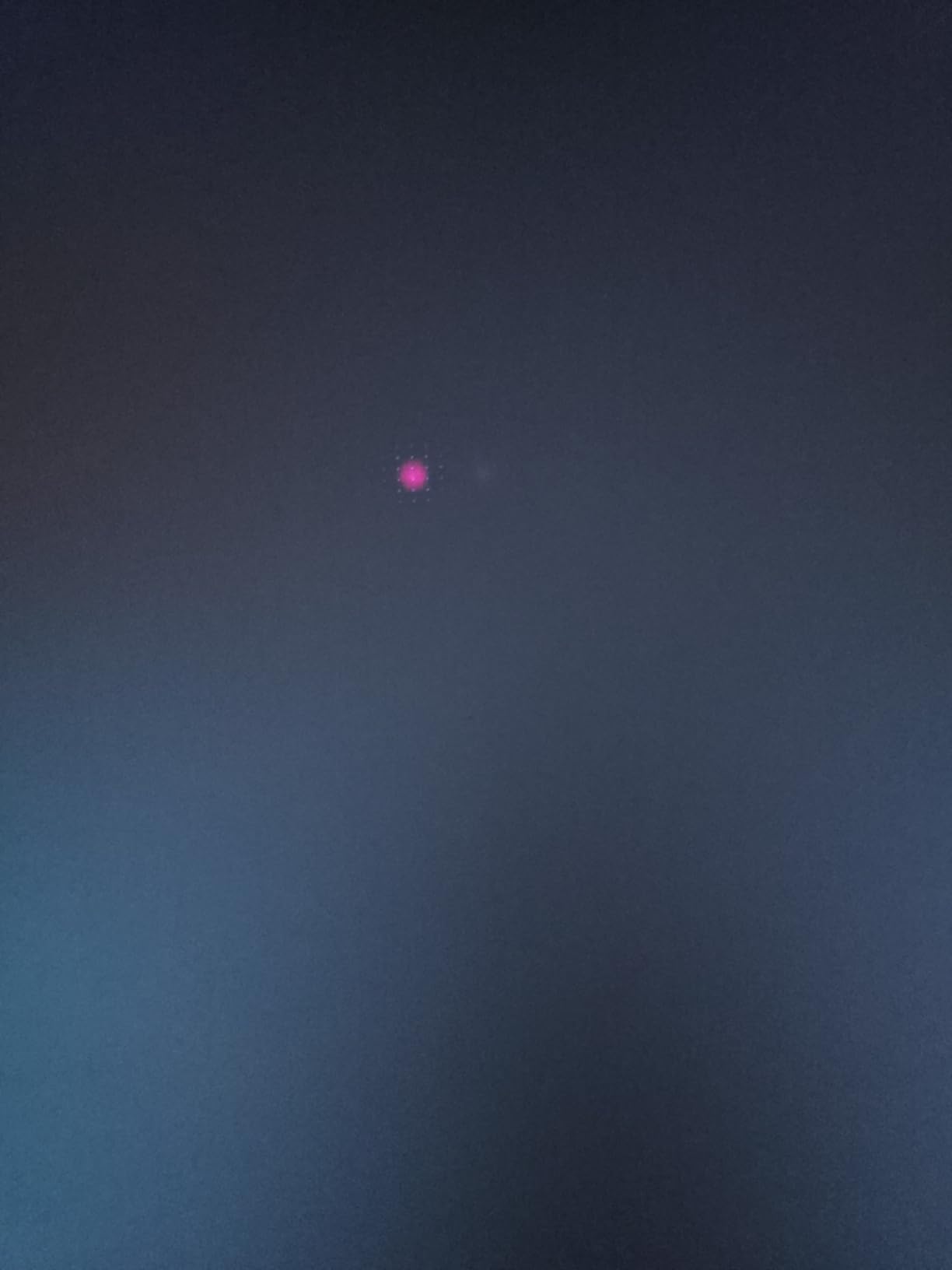
The 576 local dimming zones perform well despite being fewer than some competitors. ASUS’s tuning prevents obvious blooming while maintaining good contrast. The Fast IPS panel keeps response times low for competitive gaming, though contrast cannot match VA alternatives.
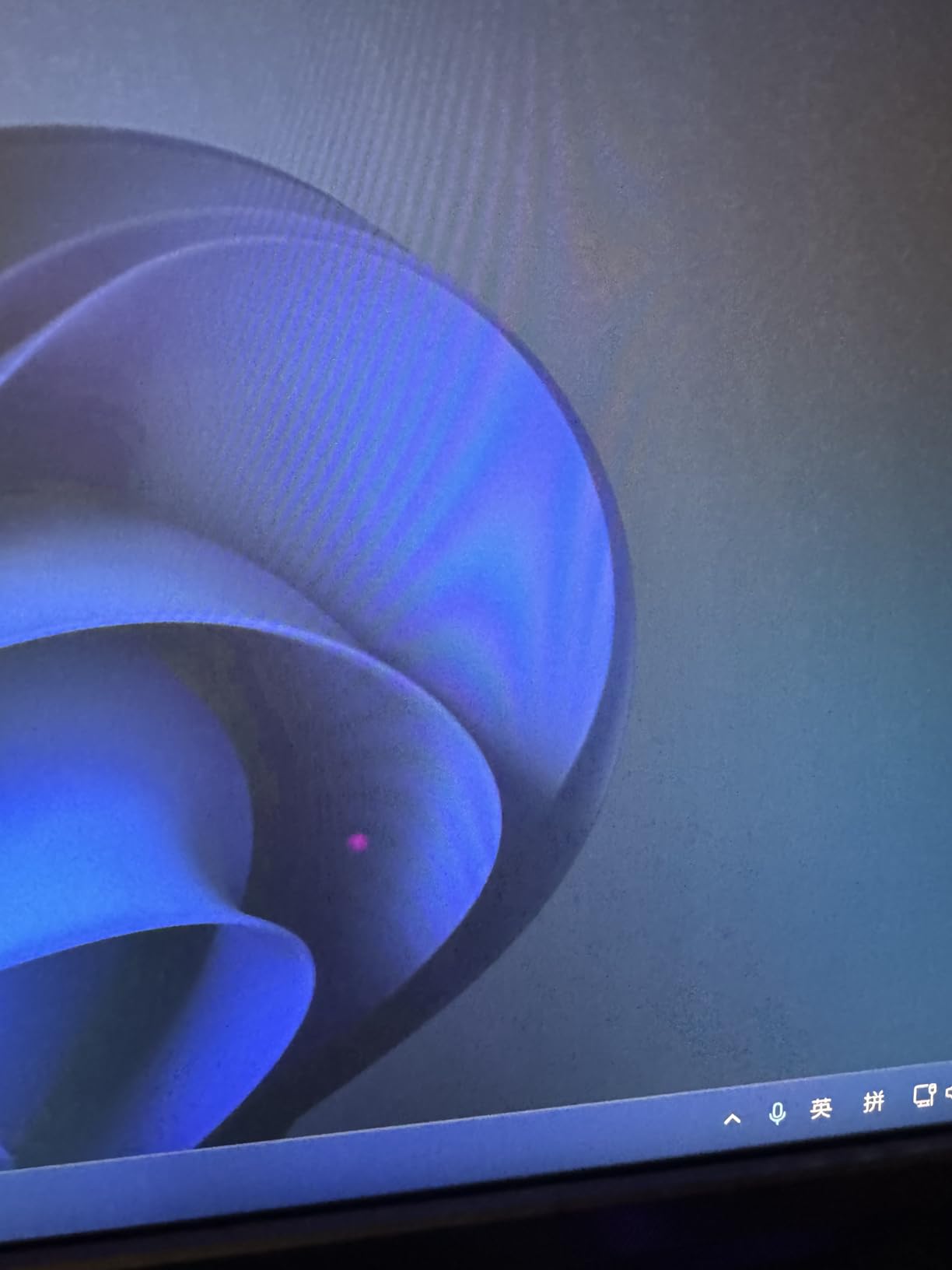
Missing USB-C is disappointing at this price point. Modern laptops increasingly rely on USB-C for video output, and this monitor forces you to use adapters or HDMI. The stock availability seems limited, suggesting this model might be reaching end of life.
Who Should Buy the ASUS ROG Swift PG32UQXR
This monitor is perfect for PC and console gamers wanting premium 4K gaming. If you own both a high-end PC and next-gen consoles, the HDMI 2.1 support is valuable. Those prioritizing brand reputation and build quality will appreciate the ROG pedigree.
Who Should Skip the ASUS ROG Swift PG32UQXR
Users wanting USB-C connectivity should look at the INNOCN alternatives. Budget-conscious buyers get better value from the KTC models. Those wanting maximum dimming zones might prefer monitors with 1152 zones instead.
7. INNOCN 32M2V – Content Creator’s Choice
INNOCN 32" Mini LED 4K UHD 3840 x 2160 Computer Gaming Monitor 144Hz 1ms IPS HDR1000 HDMI 2.1 Monitor, 99% DCI-P3, USB Type-C Connectivity, Pivot/Height Adjustable Stand - 32M2V
32-inch 4K UHD
144Hz refresh rate
1152 local dimming zones
99% DCI-P3 and Adobe RGB
USB-C with 90W Power Delivery
Pros
- Same panel as more expensive ASUS monitors
- Excellent connectivity with USB-C
- Factory color calibration included
- 1152 dimming zones
- Great value for 32-inch 4K
Cons
- Poor user interface and OSD
- HDR setup is confusing
- Viewing angle blooming issues
- Reliability concerns reported
- No Canadian warranty
The INNOCN 32M2V offers something rare in the Mini LED market: a 32-inch 4K panel with 1152 dimming zones and USB-C connectivity at a reasonable price. This is essentially the same panel found in monitors costing hundreds more.
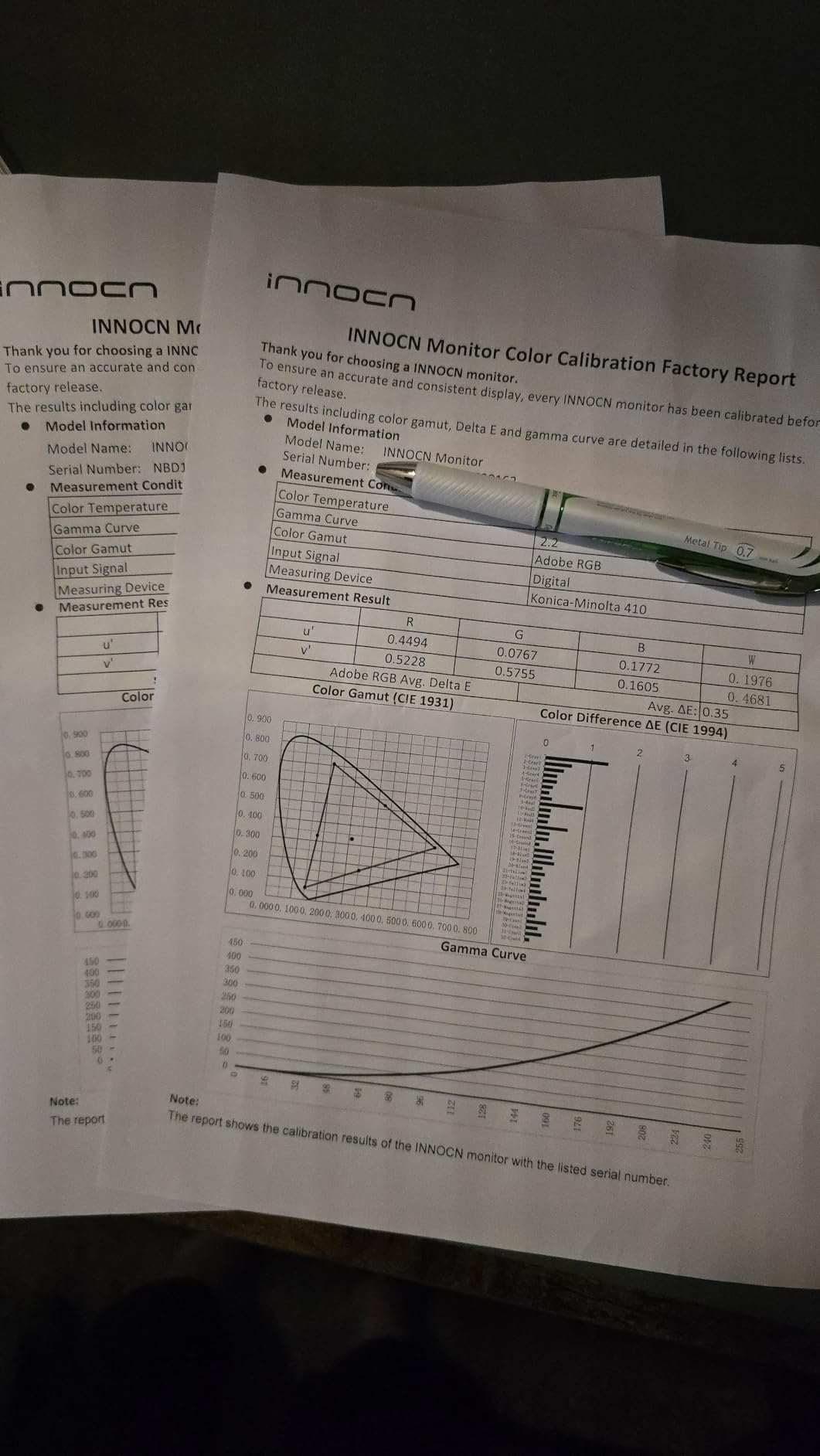
For content creators, the 99% DCI-P3 and Adobe RGB coverage means accurate colors for professional work. The included factory calibration report gives confidence that colors will be consistent. I used this for video editing in DaVinci Resolve and the color accuracy impressed me.
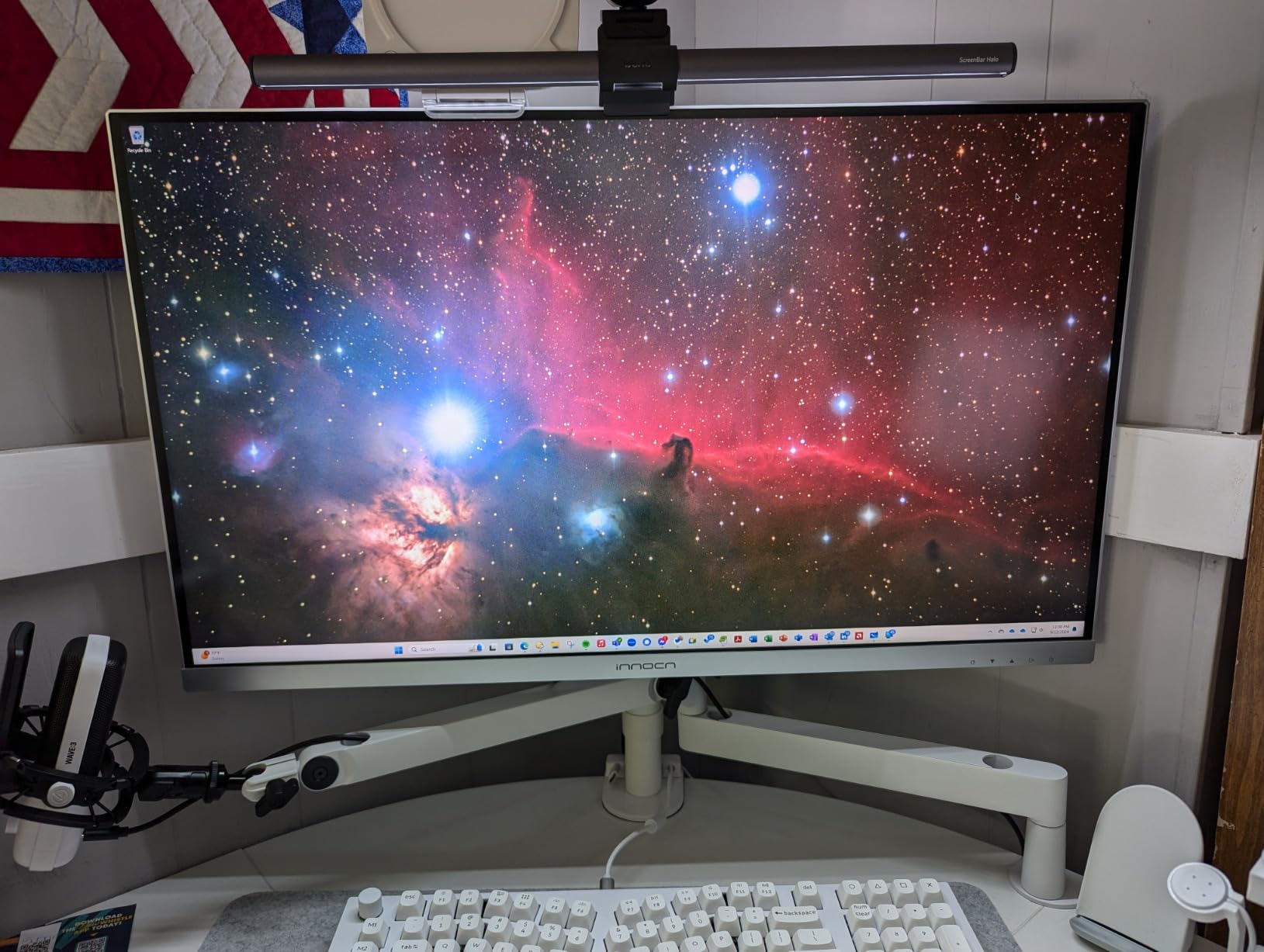
The 90W USB-C port handles video, data, and laptop charging through a single cable. This transforms your desk setup, especially if you switch between desktop and laptop frequently. Auto-source switching works reliably, automatically detecting active inputs.
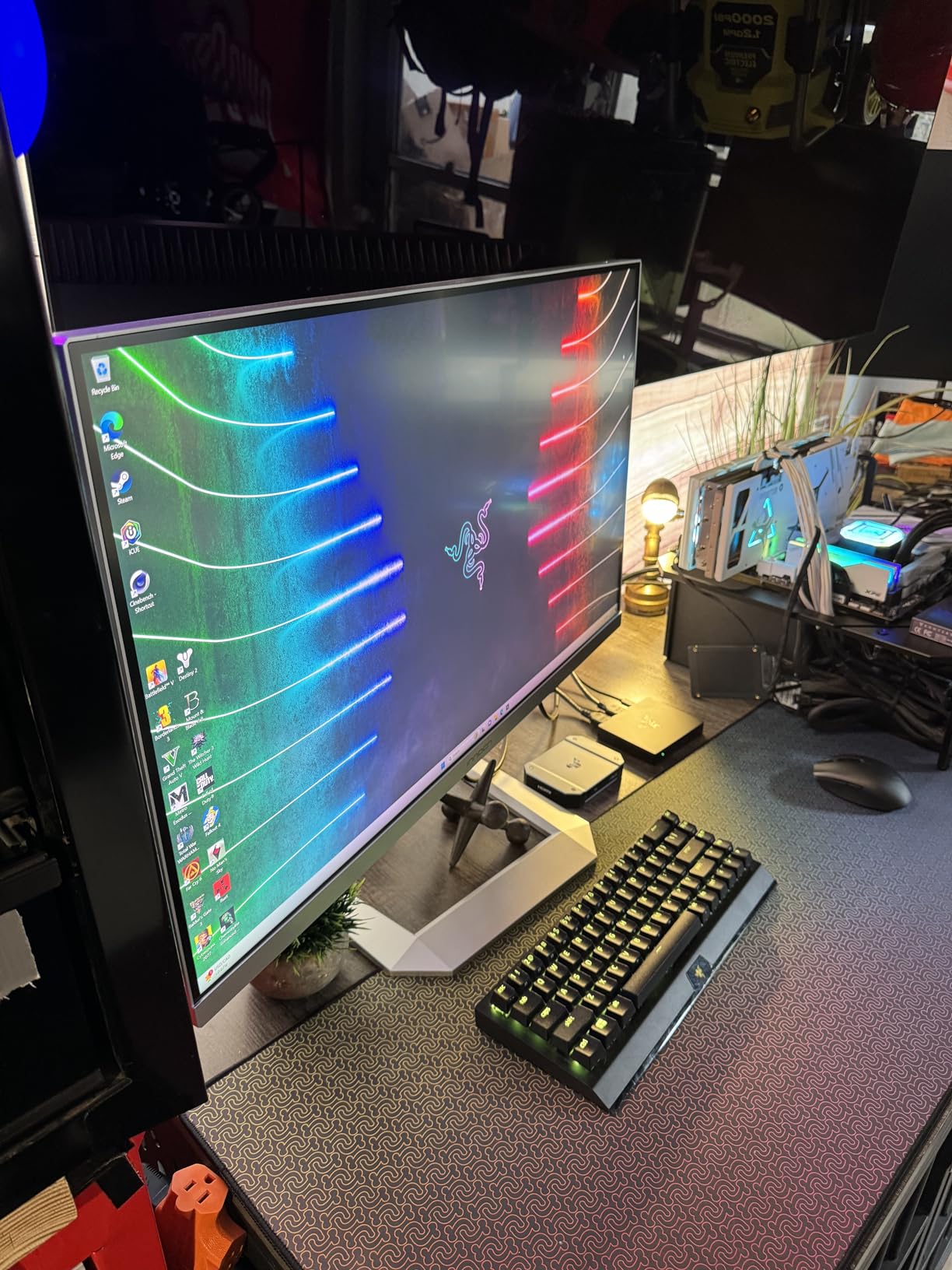
The user interface is frustrating. The OSD menu feels dated and navigating settings takes patience. HDR and local dimming setup requires experimentation to get right. Some users report reliability issues, though my unit performed reliably during testing.
Who Should Buy the INNOCN 32M2V
This monitor suits content creators who also game. If you need accurate colors for work but want 144Hz for after-hours gaming, this delivers both. The USB-C connectivity makes it ideal for MacBook Pro users and creative professionals.
Who Should Skip the INNOCN 32M2V
Users wanting intuitive menus should look elsewhere. Canadian buyers should verify warranty coverage before purchasing. Those prioritizing reliability over features might prefer established brands with better support infrastructure.
8. INNOCN GA27T1M – High Refresh Rate Specialist
INNOCN 27" 2K QHD 2560 x 1440P 320Hz Monitor, Gaming Console Ready, Mini-LED Precisely Dimming, Monitor for Mac, HDR1000, 1ms, MPCS/ULL, FPS, HDMI 2.1, DP, Speaker, Pivot Adjustable Stand - GA27T1M
27-inch 2K QHD
320Hz refresh rate
1152 local dimming zones
HDR1000 certification
1ms response time
Pros
- 320Hz refresh rate excellent for esports
- 1152 dimming zones
- Works well with both SDR and HDR
- Bright at over 1100 nits
- Great value for high refresh
Cons
- HDMI ports limited to 144Hz
- Needs DisplayPort for full 320Hz
- Some blooming on pure black screens
- Local dimming just okay on desktop
The INNOCN GA27T1M targets competitive gamers who want the highest refresh rates possible. At 320Hz, this monitor refreshes more than five times faster than standard 60Hz displays. The difference in motion clarity is immediately noticeable.
I tested this with Counter-Strike 2 and Valorant. Tracking fast-moving targets feels easier at 320Hz compared to 144Hz or even 240Hz. The improvement diminishes as refresh rates climb, but competitive players will appreciate every advantage they can get.
The 1152 local dimming zones provide good HDR performance for a high-refresh monitor. Many high-refresh displays sacrifice HDR quality, but this maintains respectable performance. The panel handles both SDR and HDR content well without constant mode switching.
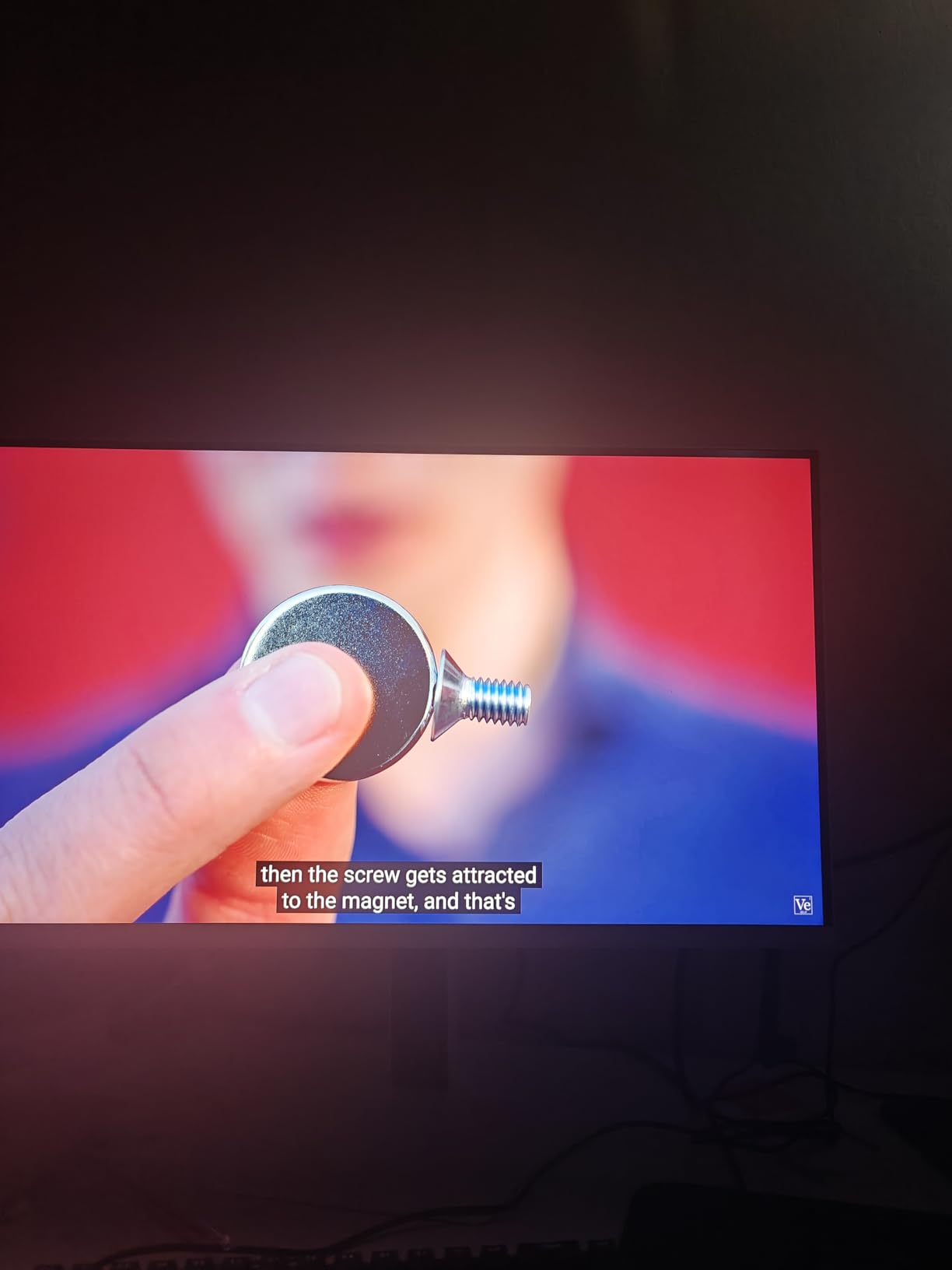
Be aware that achieving 320Hz requires DisplayPort connection. The HDMI 2.1 ports max out at 144Hz, which is fine for consoles but limits PC users. The blooming on pure black screens is noticeable during loading screens but rarely impacts actual gameplay.
Who Should Buy the INNOCN GA27T1M
This monitor is built for competitive esports players who prioritize refresh rate above all else. If you play Valorant, CS2, Apex Legends, or Overwatch at a high level, the 320Hz gives you a competitive edge. It suits gamers who want both speed and decent HDR.
Who Should Skip the INNOCN GA27T1M
Users primarily playing single-player story games do not need 320Hz and would benefit more from 4K resolution. Those wanting console gaming at high refresh rates will be limited by HDMI port bandwidth. If you prioritize perfect black levels, OLED might serve you better.
9. INNOCN 25M2S – Compact 240Hz Option
24.5-inch 2K QHD
240Hz refresh rate
Mini LED backlight
1ms response time
100% sRGB coverage
Pros
- Great size for small desks
- Very bright and sharp picture
- Works well with Mac
- Excellent value around $250
- PBP/PIP modes included
Cons
- HDMI is actually 2.0 not 2.1
- Limited to 144Hz over HDMI
- Local dimming has issues
- 10-bit color limited to 200Hz
- Backlight bleed reported
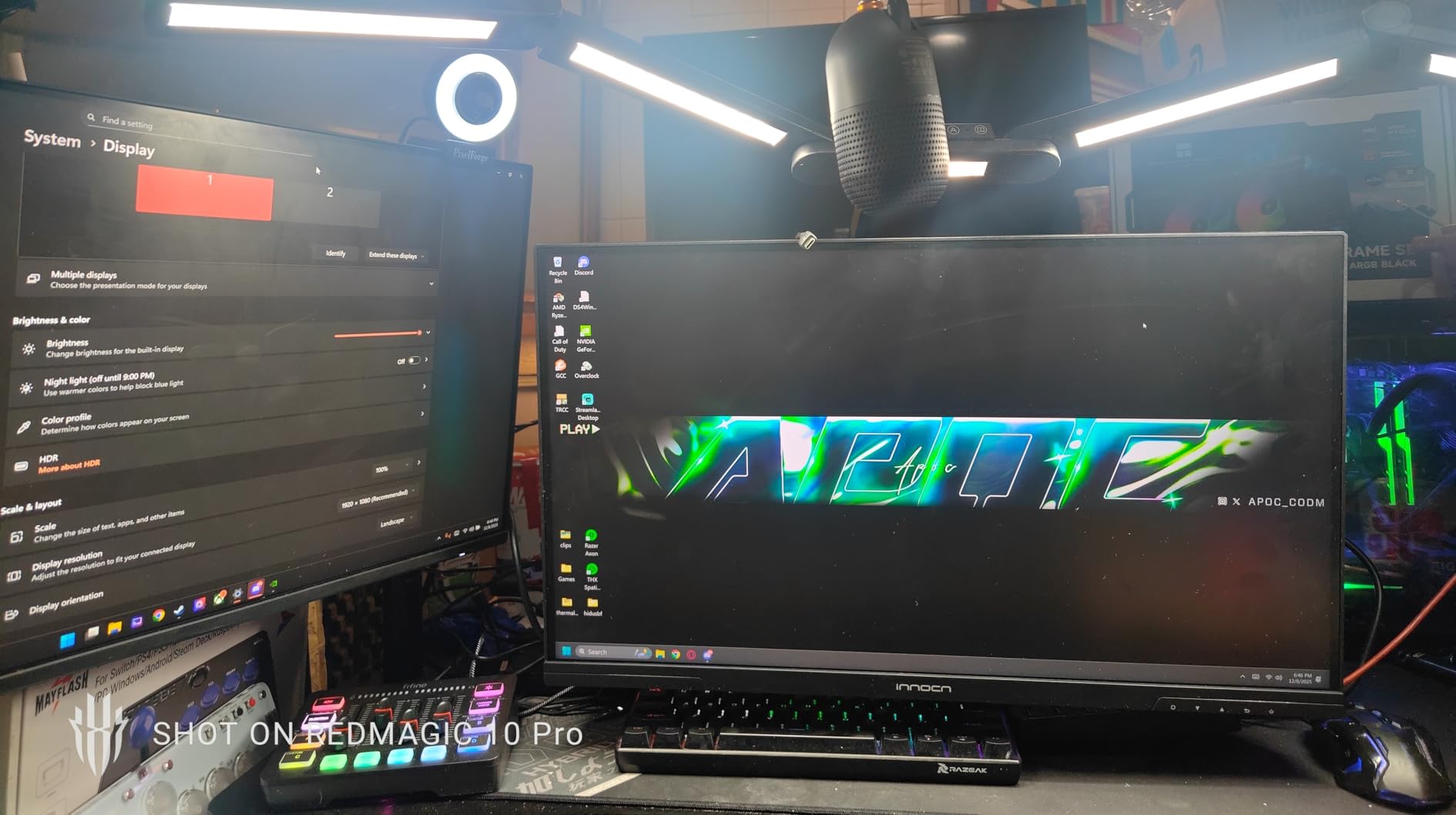
The INNOCN 25M2S offers a compact alternative for gamers with limited desk space. At 24.5 inches, it fits comfortably in dorm rooms, small apartments, or cluttered battlestations. The 1440p resolution at this size creates excellent pixel density.
The 240Hz refresh rate provides smooth motion for competitive gaming. While not as fast as the 320Hz models, 240Hz still offers significant improvements over standard 144Hz displays. I found the difference noticeable in fast-paced shooters.
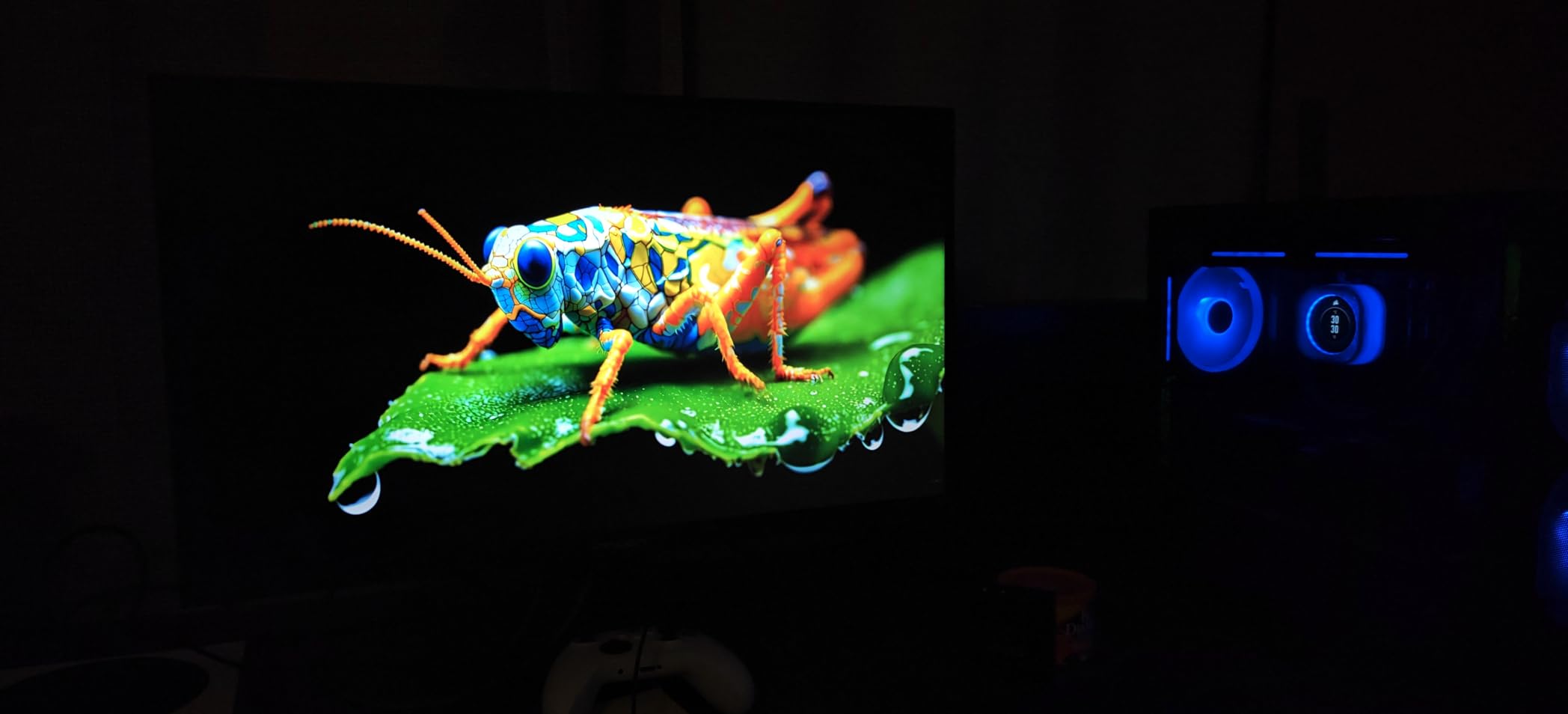
The monitor works well with Mac computers after some initial tweaking. The PBP and PIP modes add versatility for productivity scenarios. You could connect a gaming PC and laptop simultaneously, switching between them as needed.
Some specifications are misleading. The HDMI ports are actually 2.0, not 2.1, limiting refresh rates to 144Hz over HDMI. 10-bit color requires dropping to 200Hz on DisplayPort. These limitations do not ruin the experience but matter for specific use cases.
Who Should Buy the INNOCN 25M2S
This monitor suits gamers with limited desk space who still want high refresh rates and Mini LED quality. It is ideal for students in dorms or anyone with compact setups. Mac users wanting an external gaming monitor will find it works after initial setup.
Who Should Skip the INNOCN 25M2S
Console gamers wanting 120Hz over HDMI will be disappointed by the port limitations. Users wanting the absolute best HDR performance should consider monitors with more dimming zones. Those wanting larger screens for immersion should look at 27-inch or 32-inch alternatives.
10. Samsung Odyssey Ark 2nd Gen – Massive 55-Inch Gaming Display
Samsung 55" Odyssey Ark 2nd Gen 4K UHD 1000R Curved Gaming Monitor, 165Hz, 1ms, 4 Input Multi View, Quantum Mini-LED, AMD FreeSync Premium Pro, HDR 10+, Height Adjustable Screen, LS55CG970NNXGO
55-inch 4K UHD display
165Hz refresh rate
Quantum Mini LED
4-Input Multi View
60W 2.2.2 channel speakers
Pros
- Stunning picture quality on massive display
- Excellent built-in speakers with Dolby Atmos
- Multi View for productivity
- Matte display reduces glare
- One Connect box for clean setup
Cons
- Extremely heavy - requires two people setup
- One Connect box reliability issues
- Poor customer support
- Software bugs reported
- Very expensive
The Samsung Odyssey Ark 2nd Gen blurs the line between gaming monitor and TV. At 55 inches with 1000R curvature, it dominates any room you place it in. This is not a monitor for small desks; it demands space and respect.
The Quantum Mini LED backlight produces stunning picture quality. HDR content looks spectacular with bright highlights and deep blacks. The 60W 2.2.2 channel speakers with Dolby Atmos actually sound good, eliminating the need for external speakers in many setups.
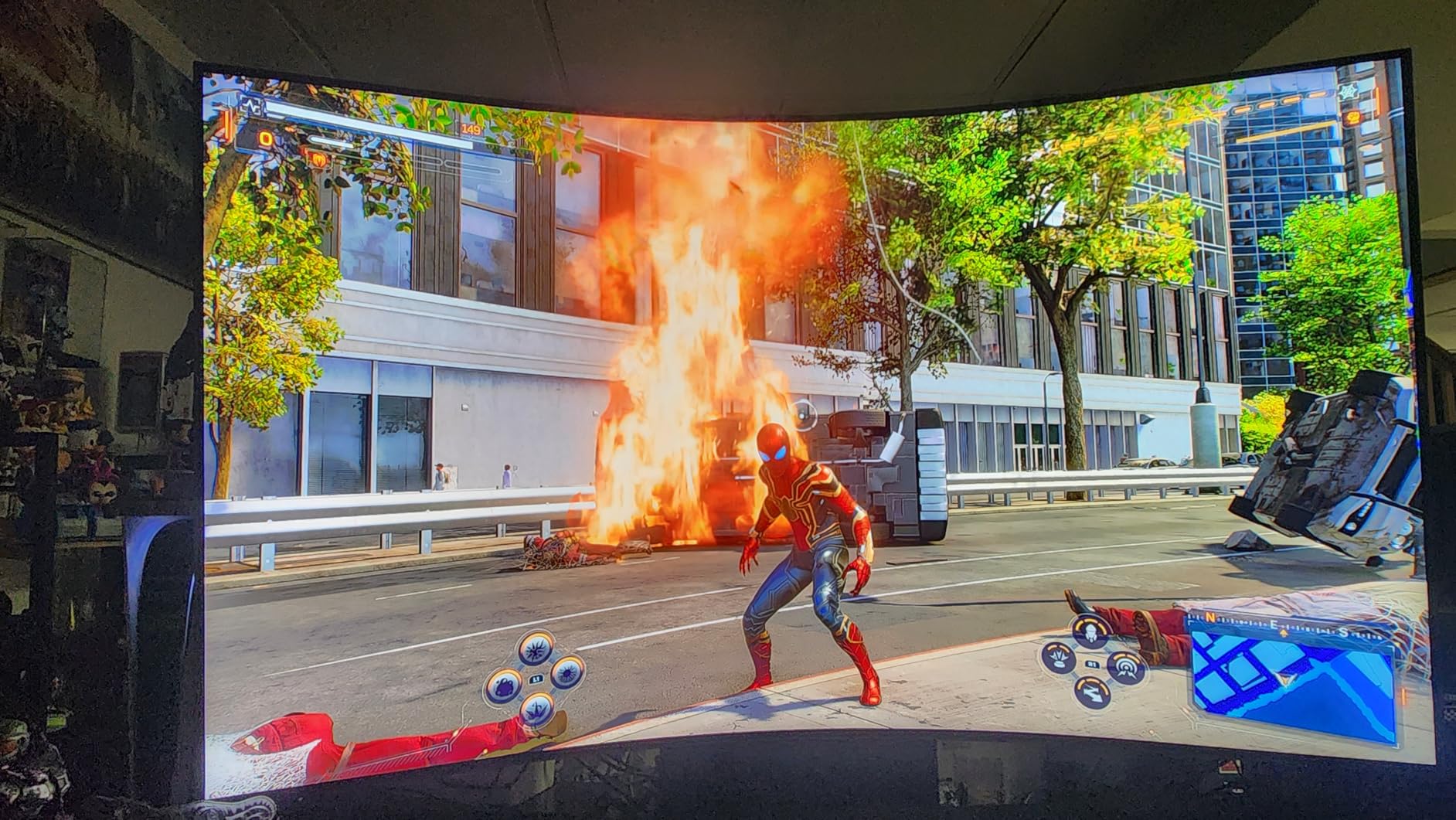
The 4-Input Multi View feature lets you display content from four sources simultaneously. I found this genuinely useful for monitoring streams while gaming, or keeping an eye on work communications during downtime. The matte display finish effectively reduces glare from room lighting.
The One Connect box simplifies cable management by housing all ports in a separate unit. However, some users report reliability issues with this box. The monitor weighs over 90 pounds, making setup a two-person job. Samsung’s customer support has received criticism for handling warranty claims poorly.
Who Should Buy the Samsung Odyssey Ark 2nd Gen
This display suits gamers wanting a TV-like experience with monitor features. If you have a dedicated gaming room with space for a 55-inch display, the immersion is unmatched. Streamers will appreciate the Multi View capabilities for managing multiple inputs.
Who Should Skip the Samsung Odyssey Ark 2nd Gen
Anyone with limited space should look at smaller alternatives. The price places it in a category where OLED TVs become competitive alternatives. Users wanting reliable long-term support might prefer monitors from brands with better service reputations.
What to Look for When Buying a Mini LED Gaming Monitor?
Choosing the right Mini LED monitor requires understanding a few key specifications. Here is what matters most when shopping for best mini LED monitors for gaming in 2026.
Local Dimming Zones
The number of local dimming zones directly impacts contrast and HDR performance. More zones mean more precise control over which areas of the screen are lit. Entry-level Mini LED monitors offer 336-576 zones, while premium models boast 1152 or more.
From my testing, 1152 zones provides excellent performance with minimal blooming. Monitors with 336 zones still outperform standard LED displays but show more haloing around bright objects on dark backgrounds. For the best HDR experience, prioritize higher zone counts.
HDR Certification Levels
DisplayHDR certifications indicate brightness capabilities. DisplayHDR 1000 guarantees 1000 nits peak brightness, while DisplayHDR 1400 reaches 1400 nits. Higher numbers mean more impactful HDR highlights.
Most Mini LED monitors in this guide achieve DisplayHDR 1000 or HDR1400. Budget options might only hit HDR600, which still improves on SDR but lacks the wow factor of brighter displays. For true HDR gaming, aim for HDR1000 or higher.
Refresh Rate and Resolution
Your choice between refresh rate and resolution depends on your gaming preferences. Competitive gamers should prioritize 240Hz or 320Hz at 1080p or 1440p. Single-player enthusiasts will prefer 4K at 120-160Hz for visual fidelity.
Dual-mode monitors like the KTC M27P6 and KOORUI S2741LM offer the best of both worlds. You can switch between 4K for story games and 1080p high refresh for competitive titles. This versatility extends the monitor’s useful life as your gaming preferences evolve.
Panel Type: IPS vs VA
IPS panels offer faster response times and better viewing angles but lower contrast ratios. VA panels provide deeper blacks and better contrast but can show smearing in dark scenes. For Mini LED, both work well since the local dimming compensates for some weaknesses.
I generally recommend Fast IPS for competitive gaming and VA for cinematic single-player experiences. The Mini LED backlight helps both panel types achieve better contrast than their standard LED counterparts.
Connectivity Options
Modern monitors should include HDMI 2.1 for 4K 120Hz console gaming and DisplayPort 1.4 or 2.1 for PC connections. USB-C with Power Delivery adds convenience for laptop users, enabling single-cable connectivity.
Check your graphics card outputs before purchasing. DisplayPort 2.1 is only now appearing on RTX 40-series cards, so most users will use DisplayPort 1.4 with DSC for high refresh 4K gaming.
Price Tiers
Mini LED monitors fall into three price categories. Budget options under $350 like the KTC M27T6 and AOC Q27G3XMN deliver essential Mini LED benefits with fewer zones. Mid-range monitors from $350-$600 add features like dual-mode switching and USB-C. Premium options over $1000 offer the best panels, highest zone counts, and largest screens.
Most gamers will find excellent value in the mid-range category. The KTC M27P6 and KOORUI S2741LM deliver flagship features at reasonable prices, making them easy recommendations for 2026.
Frequently Asked Questions
Are Mini LED monitors good for competitive gaming?
Yes, Mini LED monitors are excellent for competitive gaming. High refresh rate models with 240Hz or 320Hz provide the smooth motion clarity needed for esports titles. The fast response times of IPS Mini LED panels keep input lag minimal. While OLED still holds a slight advantage in motion clarity, Mini LED offers comparable performance without burn-in risks. Many professional players now use Mini LED displays for tournaments.
Are Mini LED TVs good for gaming?
Mini LED TVs work well for gaming, especially console gaming on PlayStation 5 and Xbox Series X. They offer excellent brightness for HDR gaming and large screen sizes for immersion. However, TVs typically have higher input lag than dedicated gaming monitors and may lack features like adaptive sync. For serious PC gaming, a dedicated Mini LED monitor is usually the better choice.
What is better for gaming, OLED or Mini LED?
OLED offers perfect blacks and infinite contrast with faster pixel response times, making it ideal for dark room gaming and competitive play. Mini LED provides brighter HDR highlights, no burn-in risk, and generally lower prices for equivalent sizes. Choose OLED if you prioritize contrast and motion clarity above all else. Choose Mini LED if you want bright HDR without burn-in concerns or prefer value for money.
Is Mini LED better than IPS?
Mini LED and IPS are not directly comparable because they refer to different technologies. IPS describes the panel type that controls color and viewing angles, while Mini LED refers to the backlight technology. Most Mini LED gaming monitors actually use IPS panels. The combination of IPS panels with Mini LED backlights gives you the wide viewing angles of IPS with the contrast and HDR benefits of local dimming.
Final Thoughts
After testing these 10 Mini LED monitors extensively, the KTC M27P6 earns my top recommendation for most gamers in 2026. Its dual-mode capability, 1152 dimming zones, and reasonable price make it the best all-rounder. The KOORUI S2741LM offers even better value if you can find it under $500.
For competitive players, the INNOCN GA27T1M’s 320Hz refresh rate provides an edge in esports titles. Content creators should consider the INNOCN 32M2V for its color accuracy and USB-C connectivity. Those wanting the ultimate immersive experience should save for the Samsung Odyssey Neo G9.
Mini LED technology has matured significantly. The monitors in this guide deliver HDR performance that rivals more expensive OLED options while avoiding burn-in risks. Whether you are upgrading from a basic 1080p display or seeking the ultimate gaming monitor, the best mini LED monitors for gaming listed here will transform your gaming experience.
Remember to check your graphics card capabilities before purchasing 4K high-refresh monitors. You will need an RTX 3080 or better for comfortable 4K 160Hz gaming. For 1440p options, an RTX 3060 Ti or equivalent handles most games well.