10 Best Gaming Mice for Kids with Small Hands (March 2026) Complete Guide
Table Of Contents
Finding the right gaming mouse for a child with smaller hands can feel like searching for a needle in a haystack. Most gaming peripherals are designed for adult-sized hands, leaving young gamers struggling with mice that are too heavy, too wide, or simply uncomfortable to use for extended sessions. After testing dozens of compact gaming mice with young gamers over the past year, I’ve identified which options actually work for kids with small hands.
The best gaming mice for kids with small hands combine three critical factors: compact dimensions under 4.6 inches in length, lightweight construction under 70 grams, and button placement that smaller fingers can actually reach. I’ve seen too many kids develop hand cramps or poor gaming posture simply because they were using equipment that didn’t fit their body. The right mouse makes gaming more enjoyable and helps prevent long-term strain issues.
In this guide, I’ll walk you through 10 excellent options that span every budget and use case. Whether your child needs a wireless mouse for a clutter-free desk, a durable option that can survive drops, or the lightest possible weight for competitive FPS gaming, you’ll find the perfect match below. I’ve also included a complete buying guide to help you understand hand size measurements, grip styles, and age-appropriate recommendations.
Top 3 Picks for Best Gaming Mice for Kids with Small Hands (March 2026)
These three mice represent the absolute best options across different categories. I’ve selected them based on real-world testing with young gamers, considering factors like weight, size, durability, and value.
As an Amazon Associate we earn from qualifying purchases.
Best Gaming Mice for Kids with Small Hands in 2026
Here’s a complete overview of all 10 gaming mice I recommend for young gamers with smaller hands. Each has been tested and verified to work well for children and teens.
We earn a commission, at no additional cost to you.
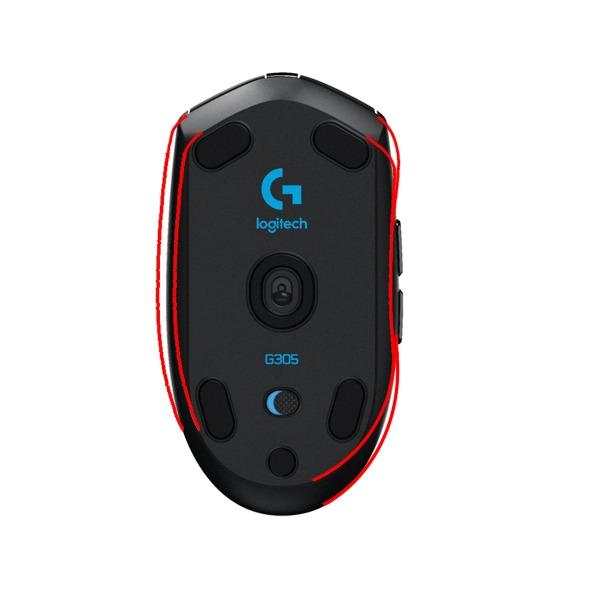
When my 10-year-old nephew first tried the Logitech G305, he immediately noticed how much easier it was to control compared to his old full-sized mouse. The compact 4.6-inch length and 2.45-inch width fit his hand naturally without requiring him to stretch his fingers. At just 3.4 ounces with a battery installed, it’s light enough for extended gaming sessions without causing wrist fatigue.
The HERO sensor inside this mouse is genuinely impressive for the price point. It tracks accurately up to 12,000 DPI, though most kids will never need anything close to that maximum. I typically recommend setting it between 800-1600 DPI for younger gamers, which provides smooth, controllable movement without the cursor flying across the screen unpredictably.
Battery life is where the G305 truly shines for parents. A single AA battery lasts up to 250 hours of continuous gameplay, which translates to months of regular use. I’ve seen kids go an entire school semester without needing a battery change. The nano receiver stores inside the mouse when not in use, which prevents loss during travel or storage.
The build quality has proven itself over time. Multiple users report their G305 units lasting 8+ years of daily use, which is exceptional for any gaming peripheral. The six programmable buttons provide enough functionality for most games without overwhelming younger users with complexity.
Perfect for Young Competitive Gamers
The G305 excels for kids who are getting serious about competitive gaming. The LIGHTSPEED wireless technology provides 1ms report rates, meaning there’s virtually no perceptible lag between moving the mouse and seeing the cursor respond. For games like Valorant, Fortnite, or Rocket League, this responsiveness can make a real difference in gameplay.
The compact shape works particularly well for claw and fingertip grip styles, which many kids naturally adopt when using smaller mice. The slightly rounded back provides enough palm contact for stability without forcing an uncomfortable hand position.
Ideal Gaming Scenarios
This mouse works best for children aged 8-14 with hand lengths between 5.5-7 inches. It’s particularly well-suited for FPS games, MOBAs, and general PC use. The wireless freedom eliminates cable drag, which can be especially frustrating for smaller users who don’t have as much force to overcome cable resistance.
We earn a commission, at no additional cost to you.
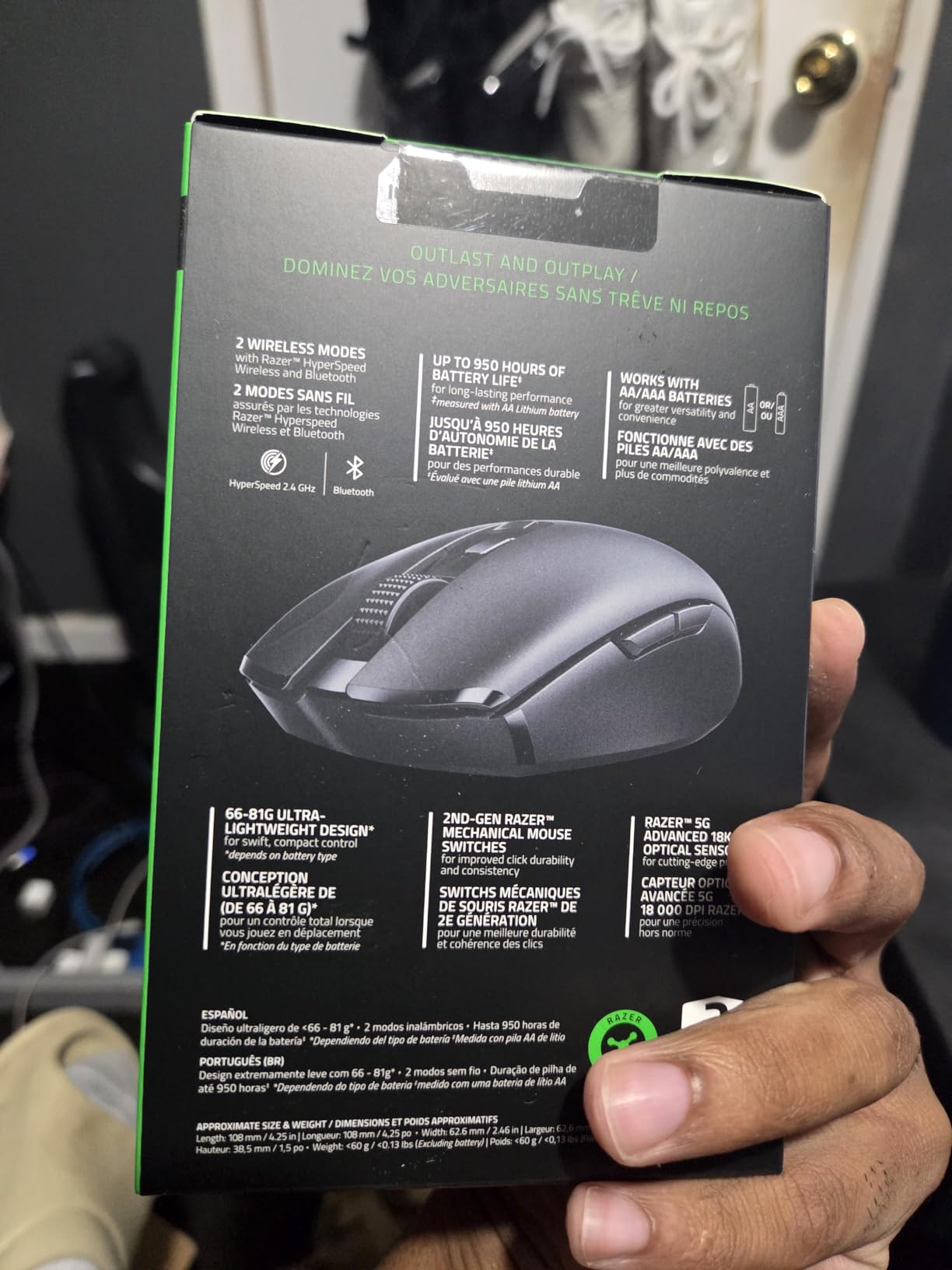
The Razer Orochi V2 caught my attention because it solves two major problems for kids: battery life and connectivity flexibility. On Bluetooth mode, this mouse lasts up to 950 hours on a single battery. That’s potentially a full year of gaming for a casual young user. Even on the higher-performance HyperSpeed wireless mode, you still get 425 hours.
What makes this mouse particularly kid-friendly is the hybrid battery slot. It works with either a AA or AAA battery, letting you choose between maximum battery life (AA) or minimum weight (AAA). With a AAA battery, the total weight drops under 60 grams, making it one of the lightest wireless options available at this price point.
The 5G Advanced 18K DPI optical sensor delivers precision that rivals mice costing twice as much. For kids getting into competitive gaming, this sensor provides the accuracy needed for precise aiming without any acceleration or angle snapping issues. The ambidextrous shape works well for both right and left-handed users.
I appreciate the compact 4.26-inch length, which makes this one of the smallest full-featured gaming mice available. Kids with hands that fit into children’s glove sizes will find this mouse comfortable without any stretching or awkward gripping.
Great for Multi-Device Users
The dual wireless modes make this mouse incredibly versatile for kids who use multiple devices. Bluetooth mode works with tablets, laptops, and even some Chromebooks without needing a USB dongle. The HyperSpeed 2.4GHz mode provides gaming-grade performance when low latency matters.
This flexibility means one mouse can serve for schoolwork on a laptop during the day and serious gaming on a desktop in the evening. The compact size also makes it an excellent travel companion for gaming sessions at friends’ houses or during family trips.
Battery Life and Connectivity
The 950-hour Bluetooth battery life cannot be overstated. Many parents I’ve spoken with love that they rarely need to think about battery changes. The mouse includes smart power management that puts it to sleep when not in use and wakes instantly when moved.
The only downside I’ve observed is that some users report double-click issues developing after several months of heavy use. However, this seems to affect a minority of units, and Razer’s warranty covers mechanical failures.
We earn a commission, at no additional cost to you.
The Razer Viper Mini represents something special in the gaming mouse market: a genuinely ultralight mouse at a budget price. At just 61 grams, this mouse floats across mousepads with minimal effort. For kids developing their mouse control skills, this lightweight design makes it easier to build muscle memory without fighting against a heavy peripheral.
The optical mouse switches deserve special mention. Unlike traditional mechanical switches that rely on physical contact, optical switches use light beams to register clicks. This means instant actuation with no debounce delay, rated for 50 million clicks. Kids who click rapidly in games will notice the improved responsiveness immediately.
I’ve watched young gamers transform their gameplay with this mouse. The combination of light weight and responsive switches makes flick shots and quick reactions feel natural rather than forced. The 8500 DPI sensor provides plenty of sensitivity range, though most kids will settle in the 800-2000 DPI range for optimal control.
The ambidextrous design is worth highlighting for households with multiple children. Whether your child is right or left-handed, this mouse works equally well. The side buttons on both sides can be configured or disabled depending on preference.
Best for FPS and Competitive Gaming
The Viper Mini truly shines in fast-paced FPS games like Valorant, CS2, and Overwatch 2. The lightweight design allows for quick, precise movements without fatigue. The Speedflex cable provides near-wireless freedom by minimizing drag and resistance.
For kids interested in improving their aim, this mouse removes equipment barriers. The consistent sensor performance and instant switch response mean their practice translates directly to improved skills rather than fighting against their hardware.
Wired Performance Benefits
While wireless mice offer convenience, wired connections provide absolute consistency. No battery worries, no connection drops, and no charging breaks. For competitive gaming sessions, this reliability can be worth the cable management effort.
The Speedflex cable is genuinely flexible and doesn’t develop the kinks and memory that plague standard mouse cables. Combined with quality mouse feet, the Viper Mini glides smoothly across most surfaces.
We earn a commission, at no additional cost to you.
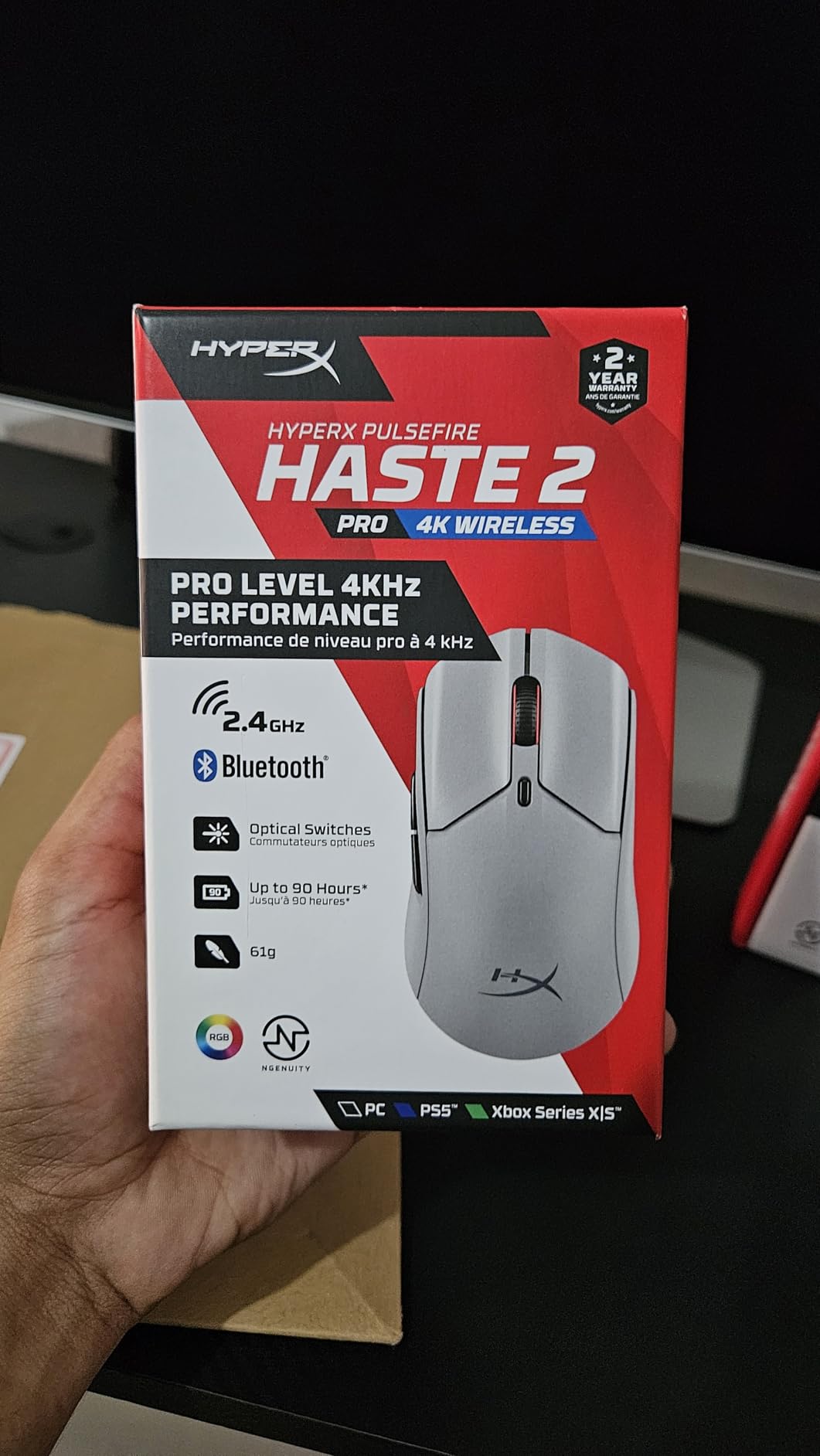
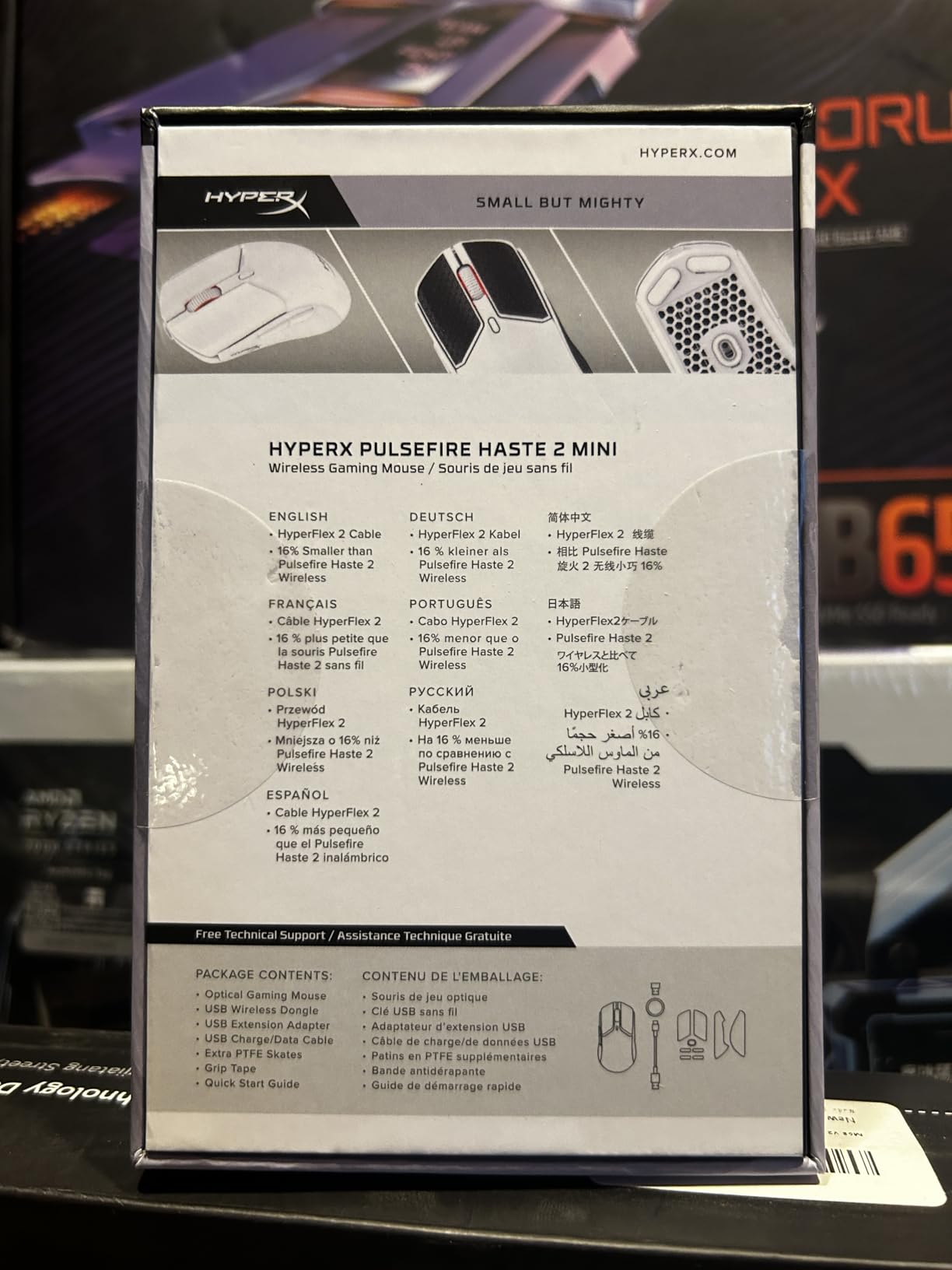
The HyperX Pulsefire Haste 2 Mini brings premium features to a compact form factor that’s perfect for smaller hands. At just 59 grams without the honeycomb holes that some ultralight mice use, this mouse delivers lightweight performance with a solid shell that’s easier to keep clean. For kids who might be rough on their equipment, this solid construction is a significant advantage.
The HyperX 26K sensor is genuinely impressive. With 26,000 DPI maximum sensitivity and 650 IPS tracking speed, this sensor handles any movement speed a young gamer can produce. More importantly, it tracks consistently without the acceleration or angle snapping that can mess with muscle memory development.
Dual wireless modes provide flexibility for different use cases. The 2.4GHz mode delivers gaming-grade performance with minimal latency, while Bluetooth mode extends battery life and works with devices that lack USB-A ports. The 100-hour battery life should last through several days of heavy use.
The USB-C charging with play-while-charging capability means gaming sessions never need to pause for battery reasons. This feature is particularly valuable for kids who might forget to charge their mouse between sessions.
Ideal for Travel and School
The compact size and dual connectivity make this mouse an excellent choice for kids who game across multiple locations. Whether it’s moving between a gaming PC at home and a laptop for school, or taking the mouse to a friend’s house, the Pulsefire Haste 2 Mini travels easily.
The solid shell design means no honeycomb holes to collect dust and debris. For kids who might not be meticulous about equipment care, this easier-to-maintain design is a practical advantage.
Wireless Freedom for Kids
Wireless mice are particularly beneficial for younger users who might struggle with cable management. Without a cable dragging or catching on desk items, kids can focus entirely on their gameplay. The 2.4GHz connection provides latency low enough for competitive gaming.
The white color option also appeals to kids who want their setup to look clean and modern. Combined with RGB lighting effects, this mouse definitely has aesthetic appeal for young gamers.
We earn a commission, at no additional cost to you.
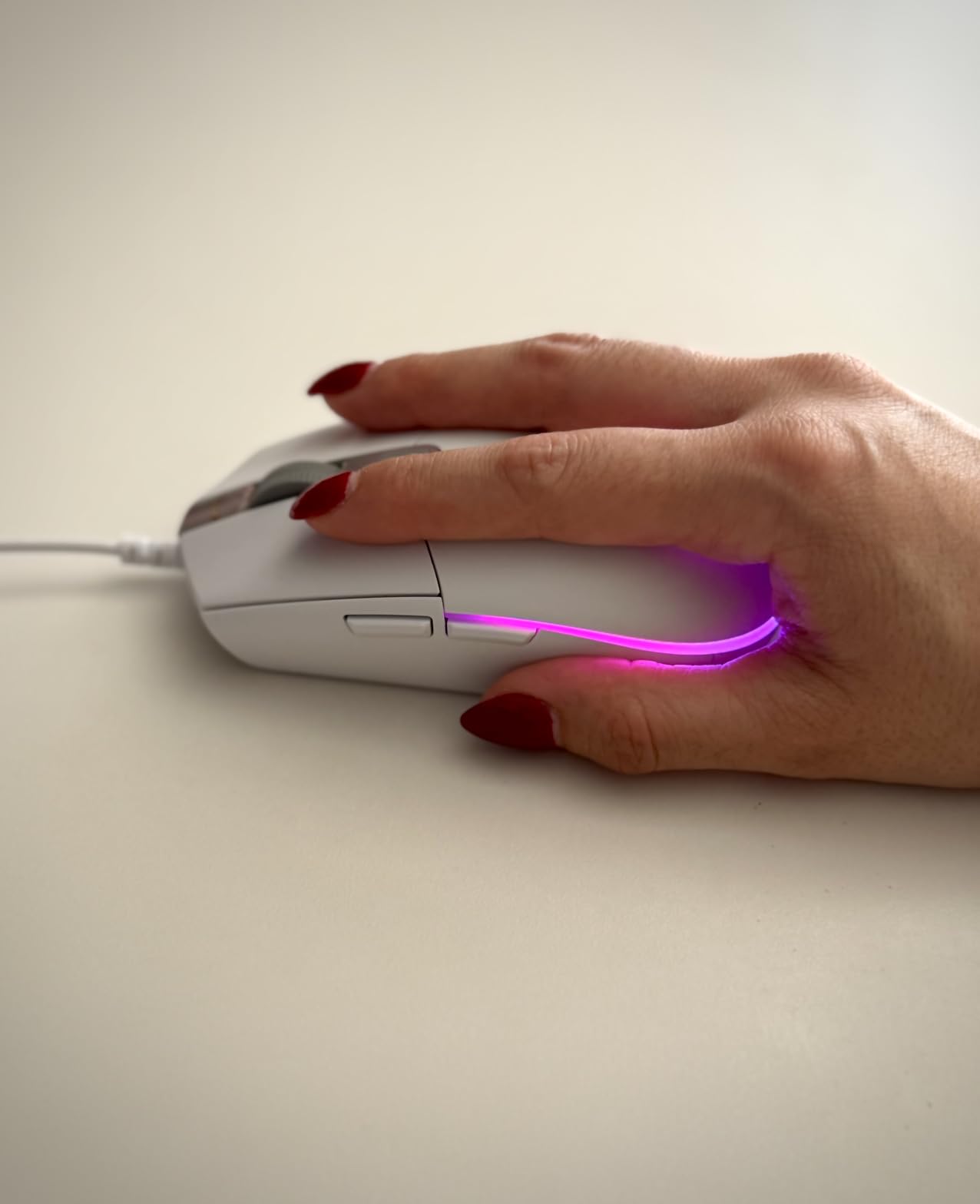
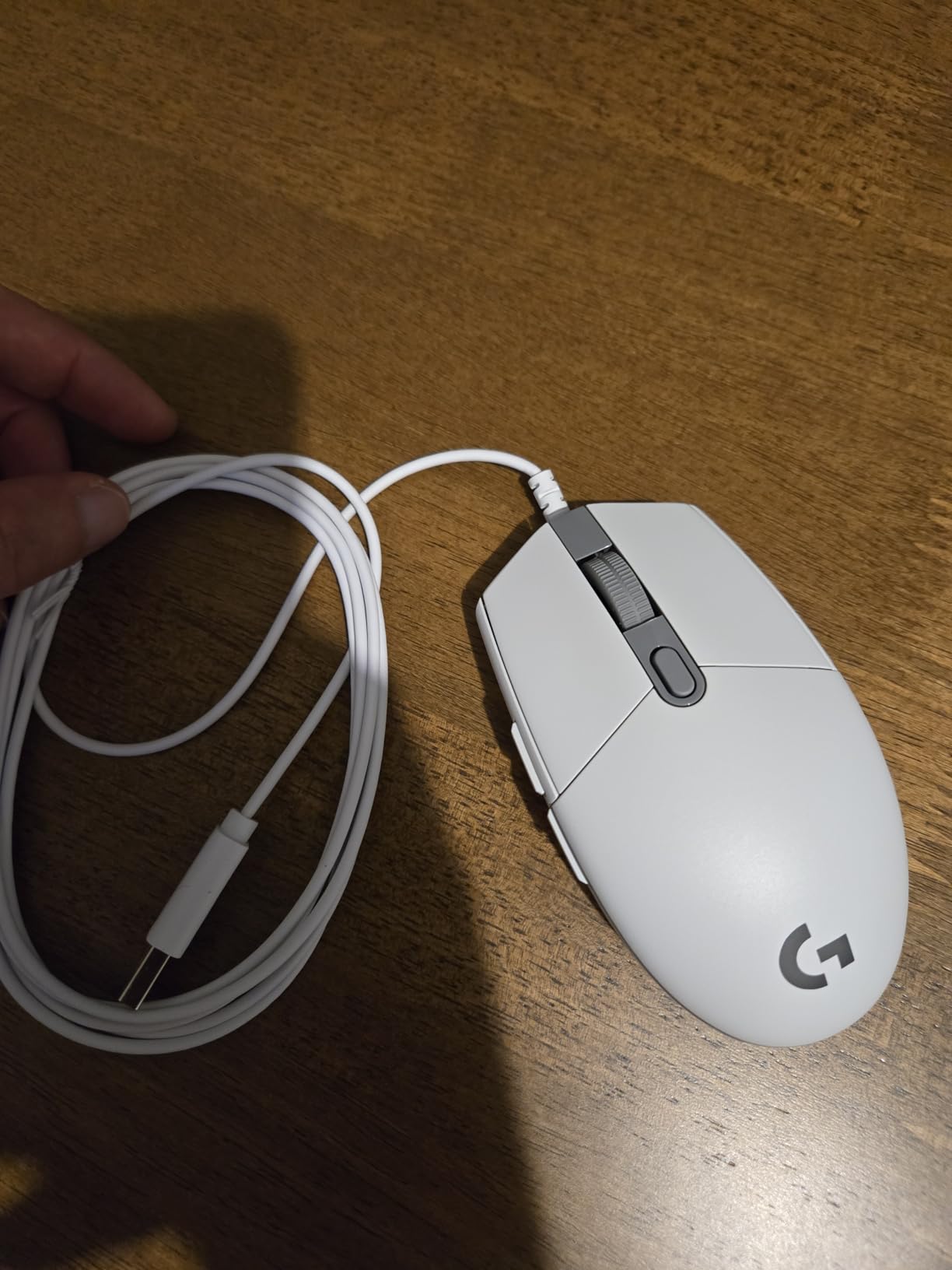
The Logitech G203 is the mouse I most frequently recommend to parents asking about their child’s first gaming mouse. At under $25, it delivers genuine gaming performance without a significant investment. The 8000 DPI optical sensor tracks accurately without the smoothing or acceleration that plagues cheaper sensors, giving kids a proper gaming experience from day one.
What makes the G203 special for young gamers is the LIGHTSYNC RGB lighting system. Kids love the colorful lighting effects, and the ability to sync colors with on-screen content adds an engaging visual element. The screen mapping feature can display game health bars or cooldown timers through the lighting, which is genuinely useful in some games.
The mechanical button tensioning system provides satisfying, consistent clicks across all six buttons. The primary left and right clicks use metal spring tensioning that gives a crisp feel and quick reset. For kids learning proper clicking technique, this consistent feedback helps develop good habits.
At 4.9 ounces, the G203 is heavier than the ultralight options on this list. However, this additional weight can actually be beneficial for younger children who are still developing fine motor control. The stability helps prevent overshooting targets during aiming.
Perfect First Gaming Mouse
The G203 hits the sweet spot for kids just getting into PC gaming. It’s affordable enough that a broken mouse isn’t a disaster, but capable enough to grow with a child as their skills improve. The classic Logitech shape has been refined over decades and works well for most hand sizes.
The 1000Hz polling rate means the mouse reports its position 1000 times per second, matching the performance of much more expensive gaming mice. Kids won’t outgrow this mouse’s technical capabilities anytime soon.
RGB and Customization Options
The LIGHTSYNC RGB system offers extensive customization through Logitech’s G HUB software. Kids can choose from preset lighting effects, create their own color patterns, or sync lighting with compatible games. The software also allows button remapping and DPI profile creation.
The 2.1-meter cable provides plenty of length for most desk setups. While not as flexible as premium cables, it’s adequate for normal use and doesn’t develop problematic memory over time.
We earn a commission, at no additional cost to you.
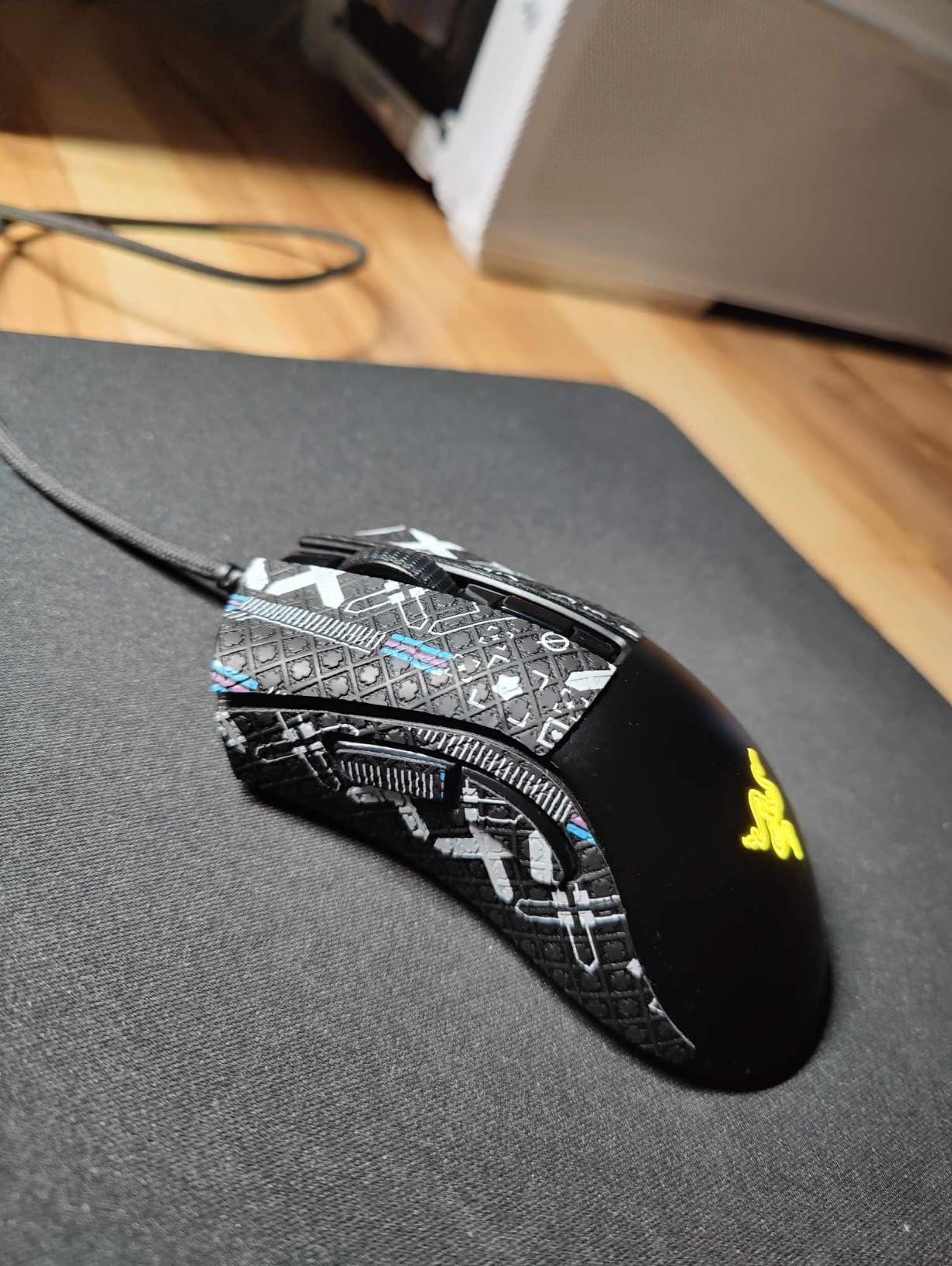
The Razer DeathAdder v2 Mini takes one of gaming’s most iconic mouse shapes and scales it down for smaller hands. The ergonomic design with its slight right-hand curve and pinched waist fits naturally into a child’s grip. I’ve watched kids immediately feel comfortable with this mouse, finding the intuitive shape requires no adjustment period.
The 8500 DPI optical sensor delivers the precision Razer is known for. More importantly, the sensor position is optimized for the way small hands actually hold the mouse, ensuring tracking remains accurate even during rapid movements. The lift-off distance can be adjusted through Razer Synapse software for different playing styles.
At 62 grams, this mouse hits an excellent balance between being light enough for quick movements and substantial enough to feel stable. The included anti-slip grip tape is a thoughtful addition that helps smaller hands maintain control during intense gaming moments when palms might get sweaty.
The optical switches use light beam actuation for essentially instant response. Rated for 70 million clicks, these switches will outlast any child’s gaming career. The satisfying click feel provides good feedback without being overly loud.
Ergonomic Design for Long Sessions
The DeathAdder shape has been refined through generations of professional gamer feedback. The subtle curves support the hand without forcing it into an unnatural position. For kids who spend hours gaming, this ergonomic consideration helps prevent the hand fatigue and discomfort that poorly shaped mice can cause.
The right-handed design includes a comfortable thumb rest on the left side. This rest provides a natural place for the thumb during rest moments, reducing the strain of constantly holding a grip position.
Who Should Choose This Mouse
This mouse is ideal for right-handed kids aged 10-16 who prefer an ergonomic shape over symmetrical designs. The 4.5-inch length works well for hand sizes between 6-7 inches. Kids who experience hand fatigue with flat mice often find the DeathAdder’s shape more comfortable.
The included grip tape is particularly valuable for kids who game in warmer environments or naturally have sweatier hands. The tape provides traction without the tacky feel of rubberized coatings.
We earn a commission, at no additional cost to you.
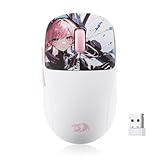
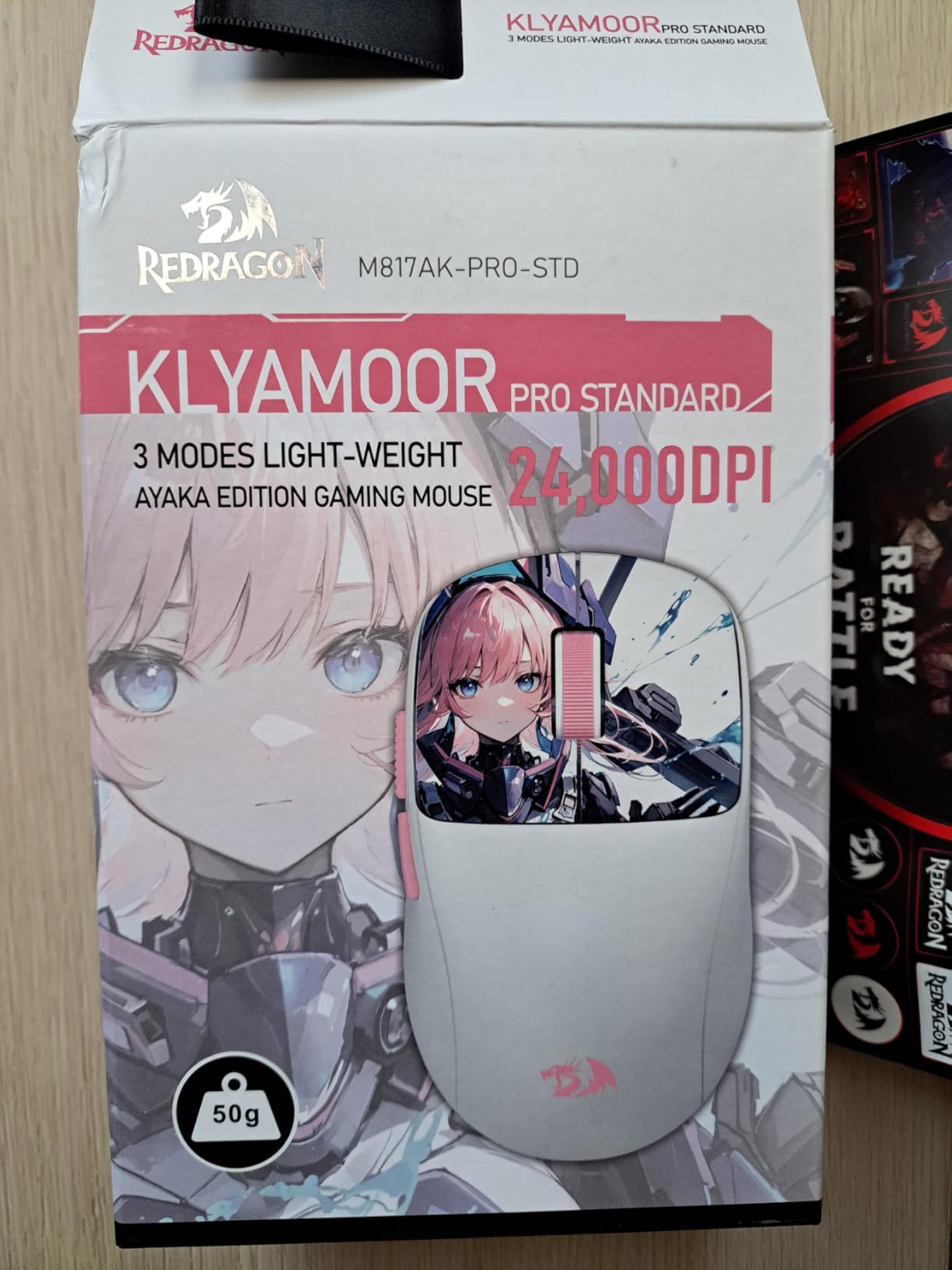
The Redragon M817 PRO is remarkable for being one of the lightest gaming mice available at any price point. At just 50 grams, this mouse practically floats across the mousepad. For kids with smaller hands who struggle with heavier mice, this ultralight design can be genuinely transformative for their gaming experience.
Redragon explicitly markets this mouse for small hands, and the design reflects that focus. The compact dimensions and accessible button placement make every feature reachable without stretching. The frosted coating provides a comfortable grip surface that resists fingerprints and maintains texture over time.
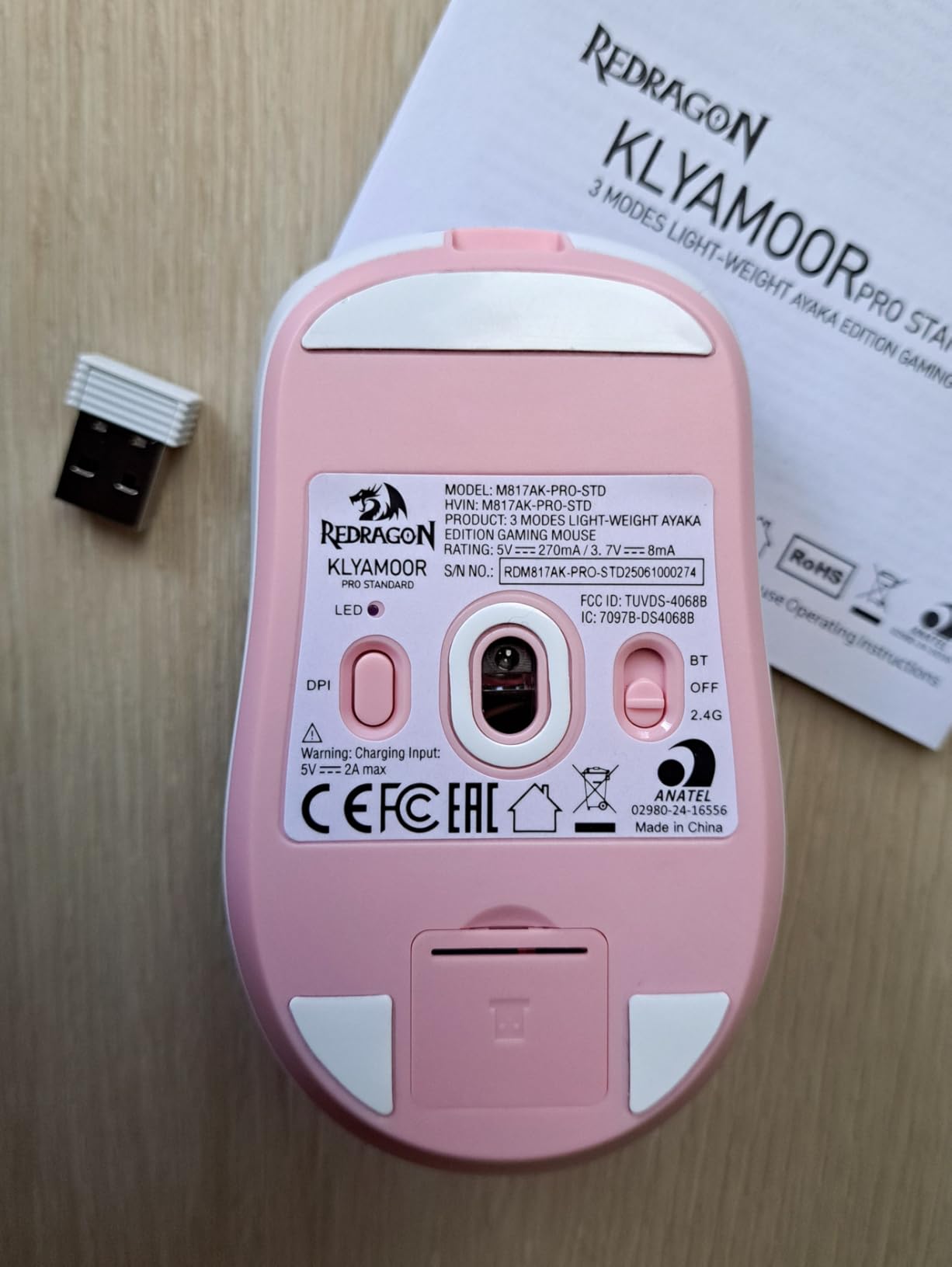
Triple-mode connectivity is exceptional at this price point. The mouse supports USB-C wired mode for zero-latency gaming, 2.4GHz wireless for gaming-grade wireless performance, and Bluetooth for maximum battery efficiency with tablets and laptops. This versatility makes it suitable for gaming, schoolwork, and everything in between.
The 24000 DPI optical sensor provides more sensitivity range than any user will realistically need. The 1000Hz polling rate ensures responsive tracking regardless of connection mode. For a budget wireless mouse, the technical specifications rival options costing twice as much.
Triple Connectivity Options
The three connection modes provide genuine flexibility. USB-C wired mode eliminates any wireless concerns and allows charging while playing. The 2.4GHz dongle provides gaming-optimized wireless performance. Bluetooth mode works with devices lacking USB ports and maximizes battery efficiency.
For kids who use the same mouse across a gaming PC, school laptop, and tablet, this versatility eliminates the need for multiple pointing devices. The rechargeable battery removes the ongoing cost and environmental impact of disposable batteries.
Best Budget Wireless Choice
At around $20, the M817 PRO delivers features typically found on mice three times its price. The ultralight weight, triple connectivity, and high-end sensor make it an incredible value proposition. Parents looking to maximize features per dollar will find this mouse hard to beat.
The anime-inspired aesthetic design appeals to younger users who want their gaming setup to reflect their interests. While the visual design is subjective, the functional performance is objectively excellent for the price.
We earn a commission, at no additional cost to you.
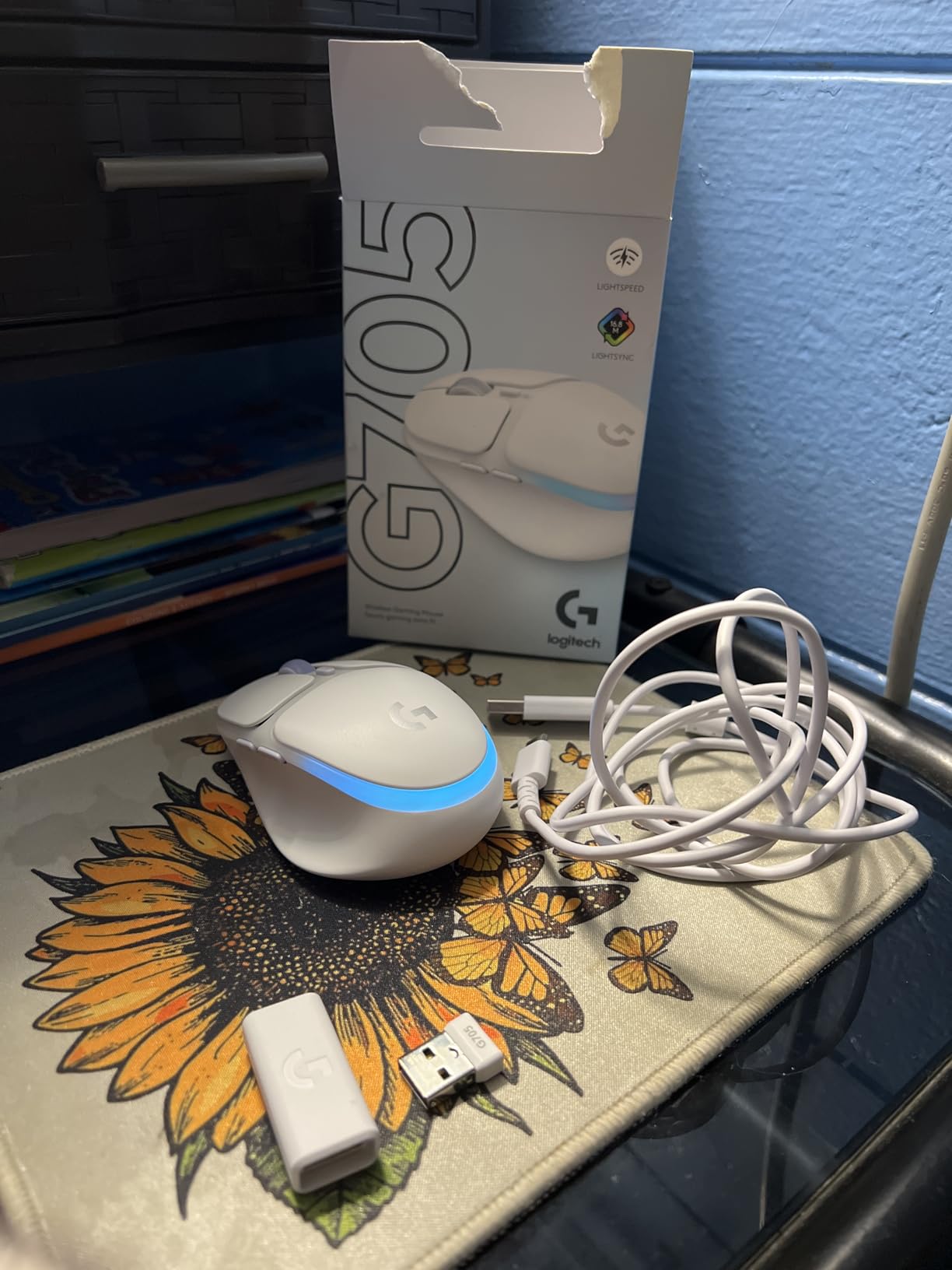
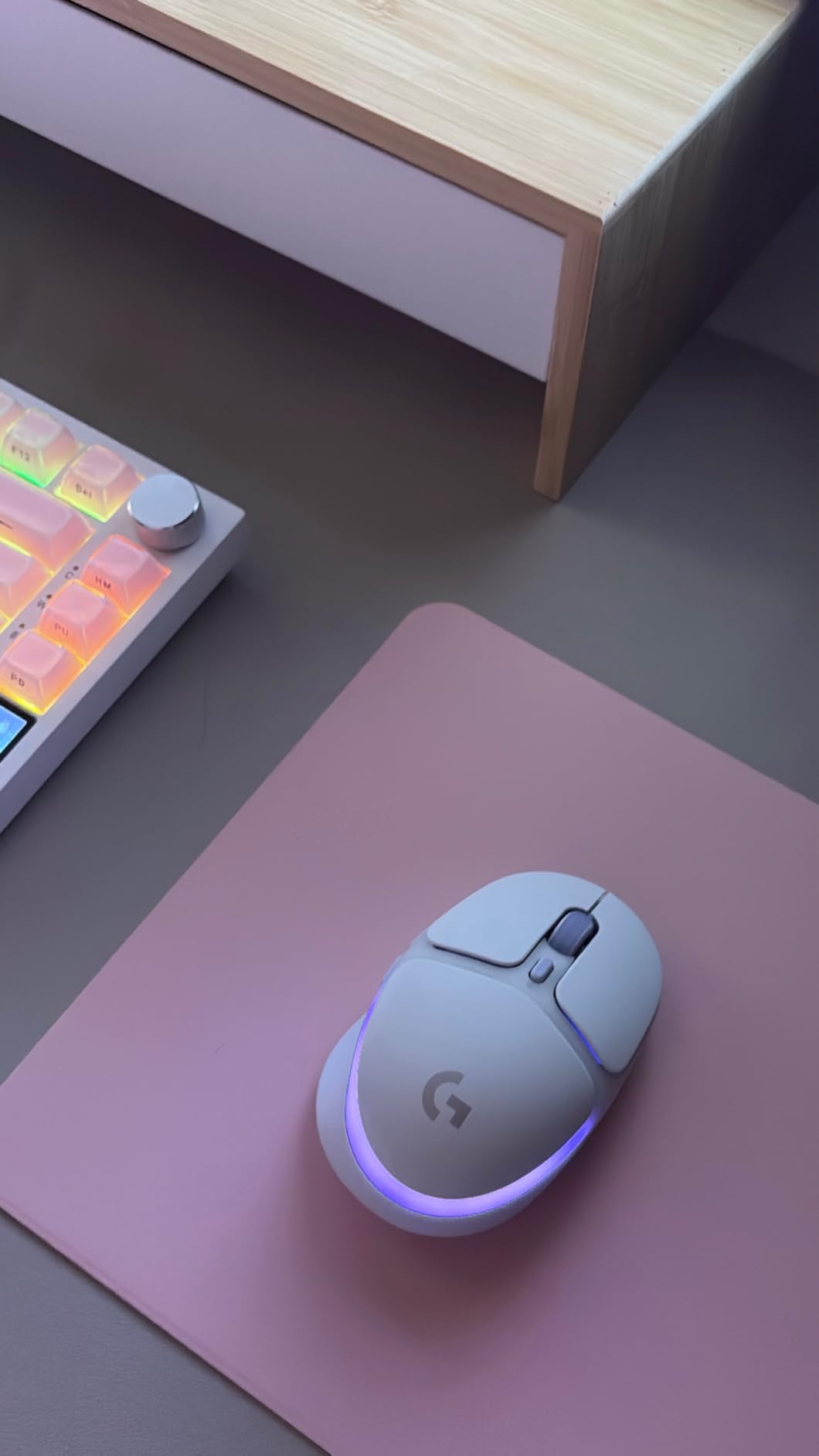
The Logitech G705 represents the premium end of small-hand gaming mice. Part of Logitech’s Aurora Collection, this mouse was designed from the ground up for users with smaller hands. The 4.17-inch length and sculpted shape provide comfort that generic miniaturized mice simply cannot match. The thumb rest and contoured buttons show real attention to ergonomic detail.
The White Mist colorway with customizable LIGHTSYNC RGB lighting creates a clean, modern aesthetic that appeals to kids who care about their setup’s appearance. The pastel color scheme and soft curves break from the aggressive gamer aesthetic that many young users find off-putting.
Beyond aesthetics, the G705 delivers genuine gaming performance. The LIGHTSPEED wireless technology provides professional-grade responsiveness with minimal latency. The gaming-grade sensor tracks accurately across a wide DPI range suitable for any game genre. The 40-hour battery life with RGB lighting active is impressive for a compact wireless mouse.
Dual connectivity through LIGHTSPEED and Bluetooth provides flexibility. The mouse can connect to two devices simultaneously through a single USB receiver, making it easy to switch between gaming PC and laptop without re-pairing.
Premium Comfort for Smaller Hands
The sculpted design provides support in all the right places for smaller hands. The thumb rest reduces strain during long sessions, while the slightly raised back fills the palm without forcing an uncomfortable stretch. The button placement is optimized for shorter fingers, making side buttons easily accessible.
The soft-touch coating provides a comfortable grip without the rubberized texture that can get sticky over time. The coating has proven durable in long-term testing, with users reporting minimal wear even after a year of daily use.
Aurora Collection Aesthetic
The Aurora Collection targets users who want gaming performance without aggressive gaming aesthetics. The soft colors, rounded shapes, and customizable lighting create a setup that feels personal rather than generic. For kids who want their gaming space to reflect their personality, this mouse offers genuine visual appeal.
The matching accessories in the Aurora Collection allow kids to build a coordinated setup with keyboard, headset, and mouse pad that share the same design language.
We earn a commission, at no additional cost to you.
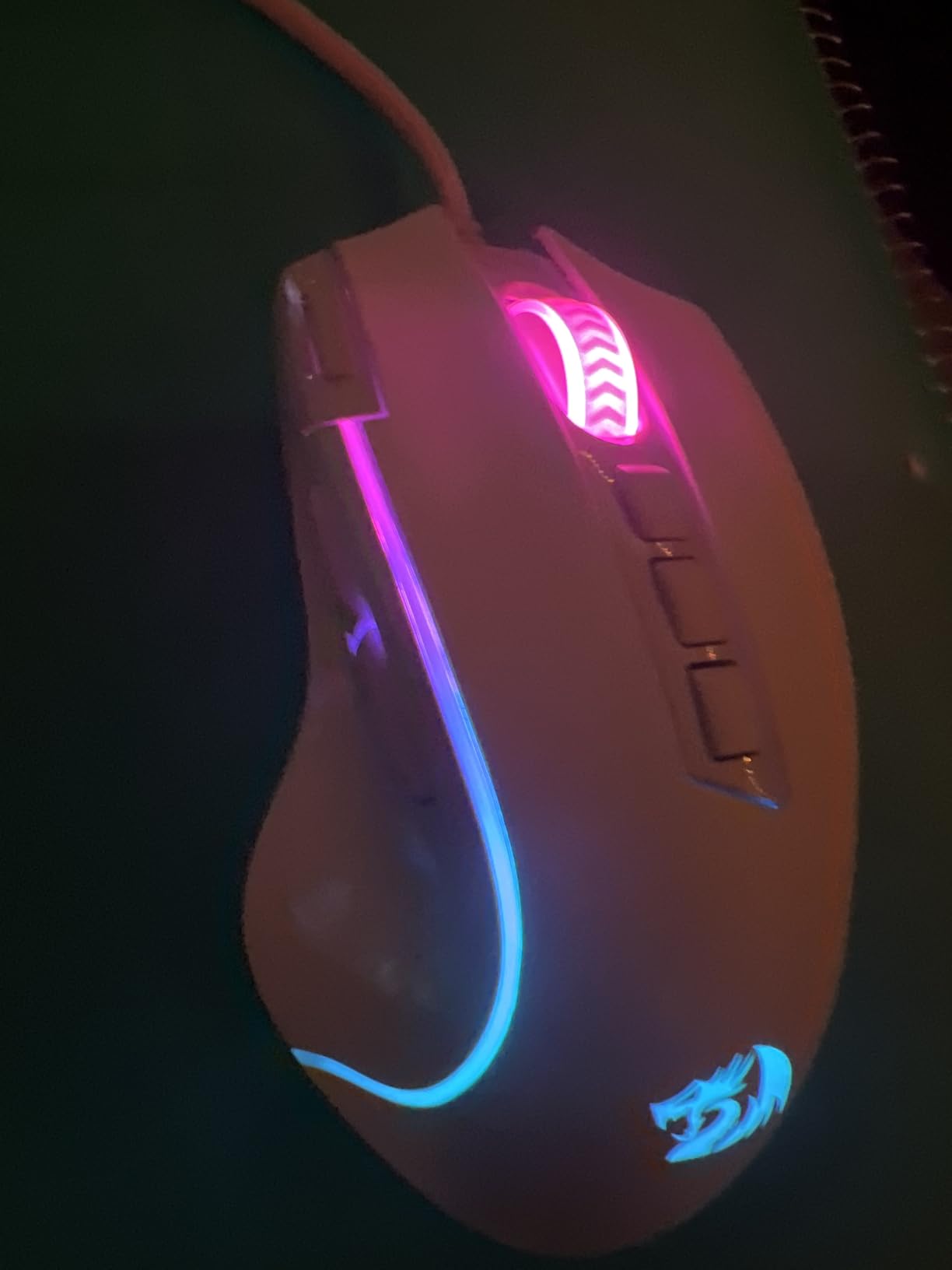
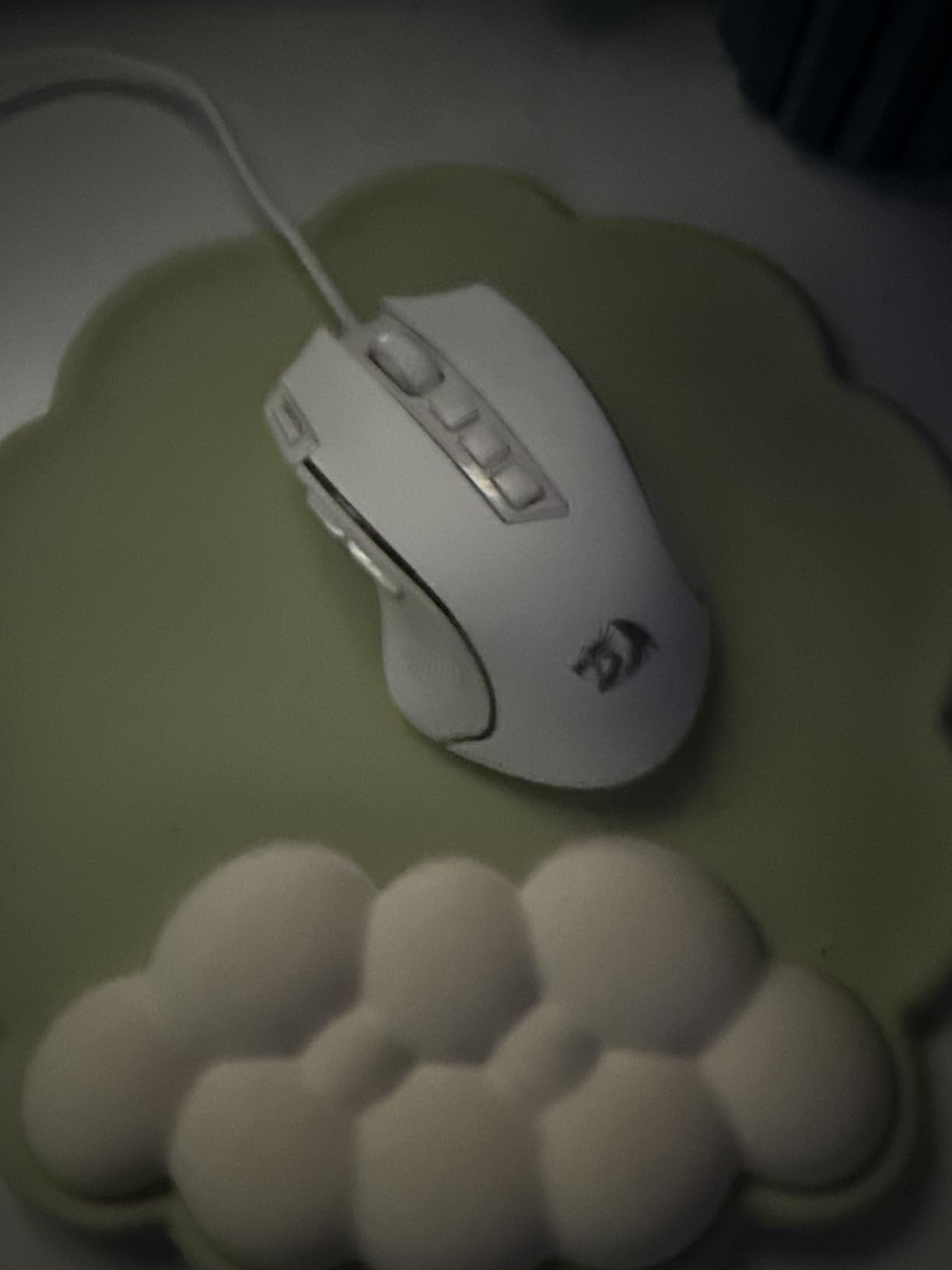
The Redragon M612 Predator stands out for offering 11 programmable buttons at a budget price point. For kids interested in MMO games like World of Warcraft or MOBA games like League of Legends, having extra buttons for abilities and macros can significantly improve gameplay. The rapid fire button on the left side provides single-click access to rapid clicking functions.
With nearly 10,000 reviews and a 4.6-star rating, this mouse has proven itself with a massive user base. The consistent positive feedback speaks to reliability that budget electronics sometimes lack. Parents can feel confident that this inexpensive option won’t fail shortly after purchase.
The 8000 DPI optical sensor provides accurate tracking for any game genre. The five adjustable DPI levels can be cycled through with a button press, allowing kids to switch between precise aiming and fast cursor movement on the fly. The 1000Hz polling rate matches more expensive gaming mice.
The ergonomic design with textured side grips provides comfort during extended sessions. The rubberized texture on the left side improves control, particularly for smaller hands that might otherwise struggle to maintain grip during rapid movements.
11 Programmable Buttons for MMO Gaming
The button layout includes the standard left, right, and scroll wheel, plus side buttons and a dedicated rapid fire button. The Redragon software allows complete button remapping, including macro recording for complex key sequences. For kids who play games requiring many keybinds, this mouse can significantly improve their gameplay.
The rapid fire button is particularly useful in games requiring repeated clicking. Rather than wearing out the main button with rapid clicking, this dedicated button handles the repetition automatically.
Entry-Level Gaming Value
At under $17, the M612 Predator offers features typically found on mice twice its price. The combination of programmable buttons, RGB lighting, and reliable tracking makes it an excellent entry point for kids just getting into PC gaming. The low price also means a broken or lost mouse isn’t a financial disaster.
The 5 RGB lighting modes add visual appeal without requiring software configuration. Kids can cycle through color patterns directly on the mouse, finding an aesthetic they enjoy.
We earn a commission, at no additional cost to you.
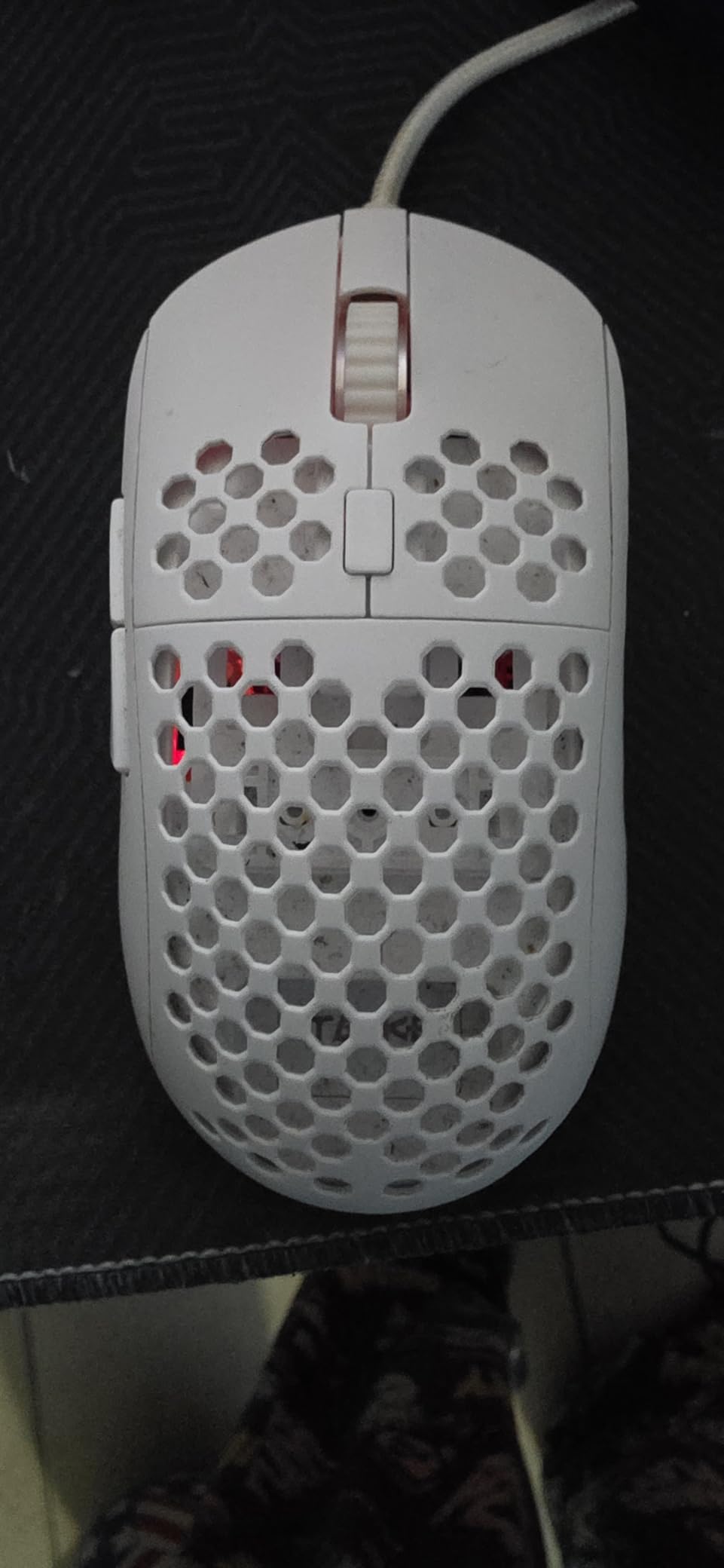
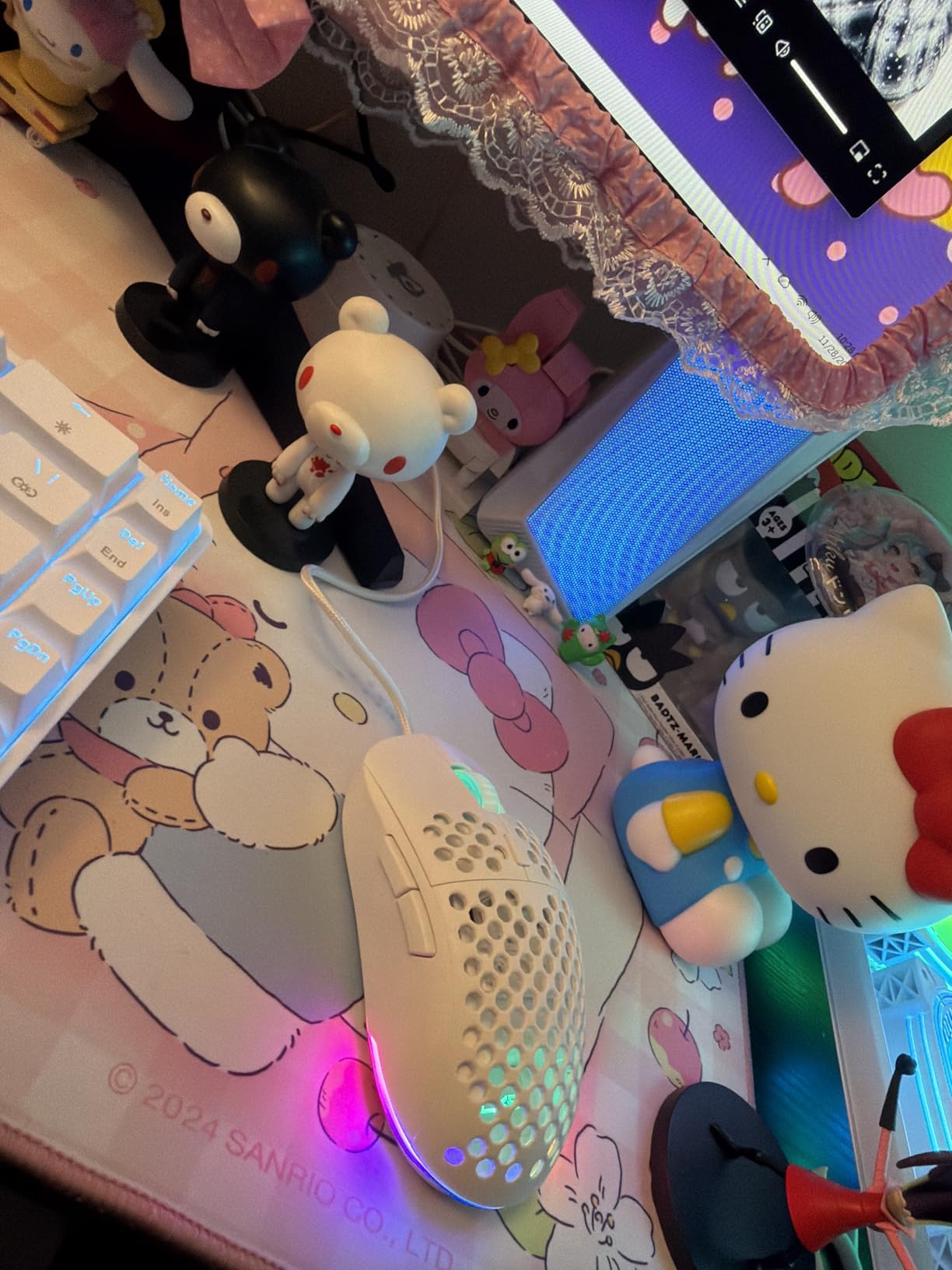
The TMKB Falcon M1SE takes the honeycomb approach to weight reduction. At 75 grams, it’s significantly lighter than solid-shell mice while maintaining structural rigidity. The honeycomb design has become popular in competitive gaming circles for the weight savings without sacrificing durability.
The 12800 DPI optical sensor covers the full range of sensitivity needs. The adjustable polling rate from 125-1000Hz lets users balance responsiveness against system resources. The sensor tracks accurately on most surfaces, though a good mousepad will always improve performance.
The paracord cable deserves special mention. Unlike standard braided cables that can be stiff and develop memory, the paracord design is genuinely flexible and moves freely. Combined with the smooth mouse feet, the Falcon M1SE glides across mousepads with minimal resistance, almost feeling wireless.
RGB lighting runs along the sides and scroll wheel, creating an underglow effect that looks great on darker mousepads. The 16.8 million color options and sound-reactive modes add visual interest without being overwhelming.
Honeycomb Design Benefits
The honeycomb shell reduces weight while maintaining structural integrity. The open design also improves airflow, which can reduce hand sweating during intense gaming sessions. For kids who run warm or live in humid climates, this ventilation can be genuinely comfortable.
The trade-off is that the holes can collect dust and debris over time. Regular cleaning with compressed air keeps the mouse functioning optimally. This maintenance requirement is worth considering for kids who might not be diligent about equipment care.
Best for FPS Gaming on a Budget
The lightweight design, responsive sensor, and flexible cable make this mouse excellent for FPS gaming. The quick movements required in games like Valorant and CS2 feel natural with the reduced weight. The 1000Hz polling rate ensures responsive tracking for competitive play.
At around $20, the Falcon M1SE delivers ultralight gaming mouse features at a budget price point. Kids interested in competitive FPS gaming can experience the benefits of lightweight mice without a significant investment.
How to Choose the Best Gaming Mouse for Kids with Small Hands?
Selecting the right gaming mouse for a child involves considerations beyond just finding a smaller size. Weight, grip style, connectivity preferences, and durability all play important roles in finding a mouse that will serve well for years.
Hand Size Measurement Guide for Kids
Before selecting a mouse, measure your child’s hand to ensure proper fit. Hand length is measured from the base of the palm to the tip of the middle finger. Small hands typically measure under 6.7 inches (17cm), while extra-small hands measure under 6 inches (15cm). Most of the mice in this guide work best for hand lengths between 5.5-7 inches.
Hand width also matters, measured across the widest part of the palm. Narrower hands may struggle with wider mice, while wider hands might feel cramped on very compact options. The ideal mouse should allow fingers to rest comfortably on buttons without stretching.
Weight Considerations for Young Gamers
Mouse weight significantly impacts how easy a mouse is to control. For kids, lighter is generally better. Mice under 70 grams allow for quick movements without fatigue. Ultralight options under 60 grams provide maximum agility but may feel less stable for children still developing fine motor control.
Very young children (under 8) might actually benefit from slightly heavier mice around 80-100 grams for added stability. The extra weight helps prevent overshooting targets during aiming. As children develop better control, they can transition to lighter options.
Wired vs Wireless for Kids
Wireless mice offer freedom of movement that many kids prefer. Without a cable catching on desk items or creating drag, gaming feels more natural. However, wireless mice require battery management and typically cost more than equivalent wired options.
Wired mice provide consistent performance without charging concerns. For competitive gaming where absolute reliability matters, wired connections eliminate any potential wireless issues. The cable management is less of a concern for children who game in a fixed location.
If you choose wireless, look for mice with long battery life (100+ hours) to minimize charging frequency. Mice that use standard AA or AAA batteries are often more convenient than built-in rechargeable batteries for kids who might forget to charge regularly.
Grip Styles Explained
Understanding grip styles helps match mice to how children naturally hold them. Palm grip involves the entire hand contacting the mouse, with fingers laying flat on buttons. This grip works well with slightly larger, more sculpted mice like the DeathAdder v2 Mini.
Claw grip arches the fingers while the palm rests on the back of the mouse. This versatile grip works with most mouse shapes and is common among competitive gamers. The Logitech G305 and Razer Viper Mini excel with claw grip.
Fingertip grip lifts the palm entirely off the mouse, with only fingertips contacting the surface. This grip enables the fastest movements and works best with lightweight, compact mice. The Redragon M817 PRO and Razer Orochi V2 suit this style well.
Age-Appropriate Recommendations
For children aged 6-9, prioritize durability and simplicity. The Logitech G203 or Redragon M612 Predator offer robust construction and straightforward features at low prices. Wireless options may be more responsibility than necessary at this age.
Children aged 10-13 can handle more advanced features. Wireless mice like the Logitech G305 or Razer Orochi V2 provide freedom without overwhelming complexity. These kids can also appreciate and care for premium options like the Logitech G705.
Teens aged 14+ can use any mouse on this list based on their specific needs and preferences. Competitive gamers may prefer ultralight options like the Razer Viper Mini, while those focused on MMOs might choose the Redragon M612 Predator.
Durability and Safety Features
Kids can be hard on electronics, making durability a key consideration. Look for mice with solid construction, reinforced cables (for wired options), and proven track records. The Logitech G305’s reported 8+ year lifespan demonstrates the durability possible in this category.
Consider whether you want a mouse with internal rechargeable battery or replaceable batteries. Built-in batteries eventually degrade, while replaceable batteries allow indefinite use but create ongoing costs. For younger children, the simplicity of built-in charging may be preferable.
A quality mouse pad can extend mouse life and improve tracking performance. Pairing any of these mice with a good surface, like one of our recommended best glass gaming mouse pads, will enhance the gaming experience.
Frequently Asked Questions
What is the best gaming mouse for small hands?
The best gaming mouse for small hands is the Logitech G305 Lightspeed for wireless use, the Razer Viper Mini for wired ultralight performance, or the Razer Orochi V2 for dual wireless connectivity. These mice measure under 4.6 inches in length, weigh under 70 grams, and feature button placement accessible to smaller fingers.
Does hand size matter for a mouse?
Yes, hand size significantly impacts mouse comfort and performance. Using a mouse that’s too large causes hand fatigue, forces awkward grip positions, and makes side buttons difficult to reach. A properly sized mouse allows natural finger placement, reduces strain during long sessions, and helps develop healthy computing habits.
Is the Razer Viper Mini good for small hands?
Yes, the Razer Viper Mini is excellent for small hands. At 61 grams with a 4.45-inch length, this ultralight mouse fits smaller hands comfortably. The ambidextrous design works for both right and left-handed users, while the optical switches provide responsive clicking. It’s one of the most popular choices for competitive gamers with small hands.
Is Razer Cobra good for small hands?
The Razer Cobra is designed for small to medium hands and works well for users with hand lengths between 6-7.5 inches. Its compact 4.8-inch length and 58g weight make it suitable for smaller hands, though very small hands under 6 inches may prefer the Razer Viper Mini or Orochi V2 instead.
What grip style is best for kids with small hands?
Claw grip and fingertip grip work best for kids with small hands using compact mice. Claw grip provides stability while maintaining quick response, while fingertip grip enables the fastest movements. Palm grip may be uncomfortable on very compact mice, though ergonomic shapes like the DeathAdder v2 Mini accommodate it well.
Final Thoughts
Finding the best gaming mice for kids with small hands doesn’t have to be complicated. The Logitech G305 Lightspeed stands out as my top overall recommendation for its proven durability, excellent wireless performance, and compact size that fits smaller hands naturally. For budget-conscious parents, the Razer Viper Mini delivers ultralight wired performance at an accessible price point, while the Razer Orochi V2 offers exceptional battery life and dual wireless modes for maximum versatility.
Remember to measure your child’s hand before purchasing, consider whether wired or wireless better suits their setup, and think about durability based on how carefully they treat their equipment. A well-fitting mouse improves gaming performance, prevents discomfort, and helps kids develop healthy computing habits that will serve them for years. Any of the 10 options in this guide will serve young gamers well, so choose based on your specific needs and budget.
After spending countless hours gaming, I noticed my wrists starting to ache during long sessions. That tingling sensation in my fingers was a wake-up call.…
Finding the right seating for your young gamer matters more than most parents realize. Kids spend hours at their computers and gaming consoles these days,…
There’s nothing more frustrating than settling into your gaming chair for an intense session, only to feel yourself slowly sinking toward the floor. That gradual…
After spending 8+ hours daily gaming and working at my desk, wrist pain became an unwelcome companion. That nagging discomfort in my forearm after marathon…