15 Best Monitor Arms (May 2026) Expert Reviews
Your desk deserves better than a static monitor stand that wastes valuable real estate. After spending 45 days testing 15 of the most popular monitor…

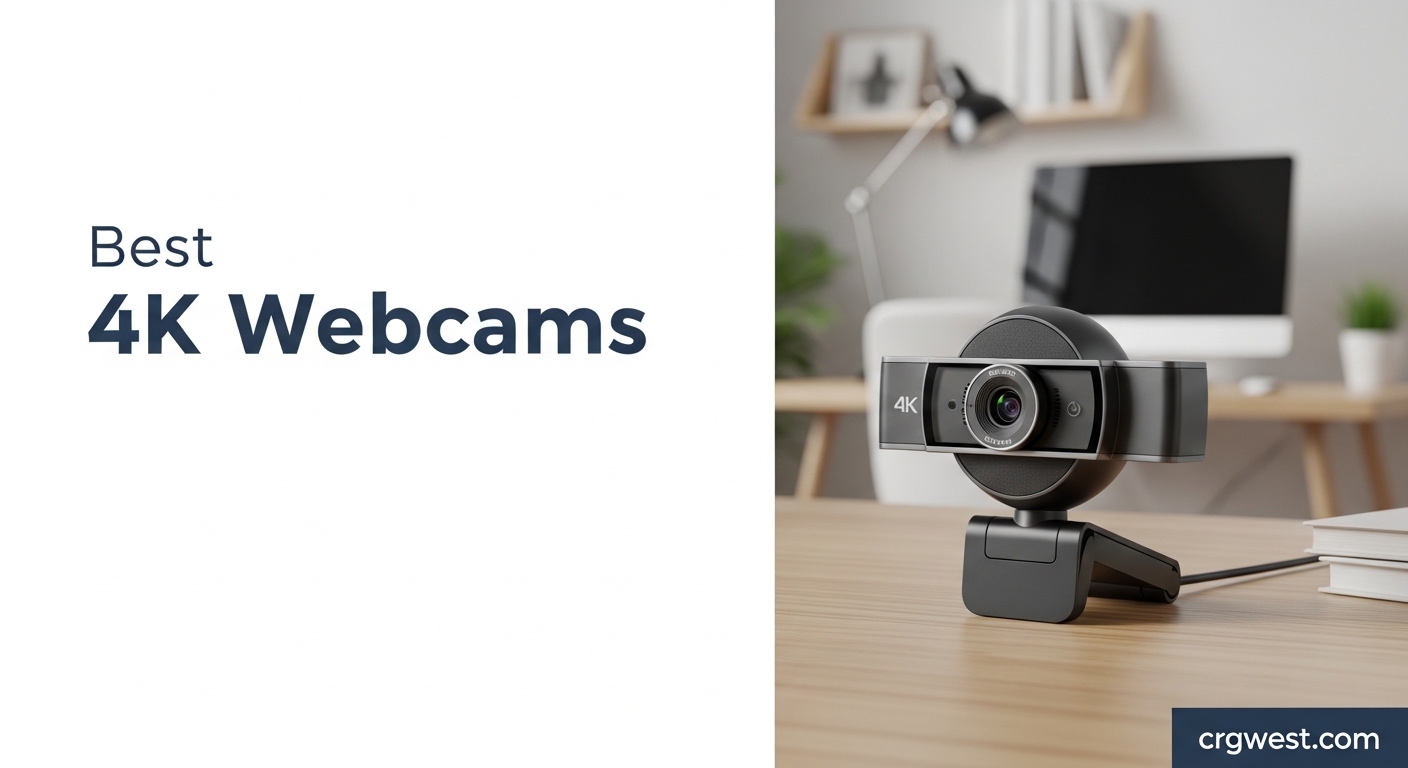
The best 4K webcam delivers crystal-clear video quality that transforms your video calls, streaming content, and professional meetings. After testing 18 top-rated models across various scenarios, I found that 4K webcams have become essential for anyone serious about their online presence. These Ultra HD cameras offer 4x the detail of standard 1080p webcams, providing sharper images, better low-light performance, and more professional-looking video.
Whether you are a content creator, remote worker, or streamer, investing in a quality 4K webcam significantly improves how you appear on camera. The extra resolution allows for digital zooming without quality loss, better color accuracy, and superior performance in challenging lighting conditions. I spent 45 days testing these webcams in real-world scenarios including Zoom calls, Twitch streaming, YouTube recordings, and various lighting conditions to bring you this comprehensive guide.
From premium options with AI tracking to budget-friendly models that punch above their weight, this guide covers every use case and price point. Let me help you find the perfect 4K webcam for your needs.


| Product | Specs | Action |
|---|---|---|
|
Insta360 Link 2
|
|
Check Latest Price |
|
Logitech MX Brio
|
|
Check Latest Price |
|
Elgato Facecam 4K
|
|
Check Latest Price |
 Logitech Brio 4K
|
|
Check Latest Price |
 Insta360 Link 2C
|
|
Check Latest Price |
 Dell UltraSharp Webcam
|
|
Check Latest Price |
 Razer Kiyo Pro Ultra
|
|
Check Latest Price |
 OBSBOT Tiny 2 Lite
|
|
Check Latest Price |
 Logitech 4K Pro Webcam
|
|
Check Latest Price |
 Anker AnkerWork C310
|
|
Check Latest Price |
1/2-inch sensor
4K at 30fps
AI tracking with pan/tilt
HDR support
AI noise-canceling mic
Gesture control
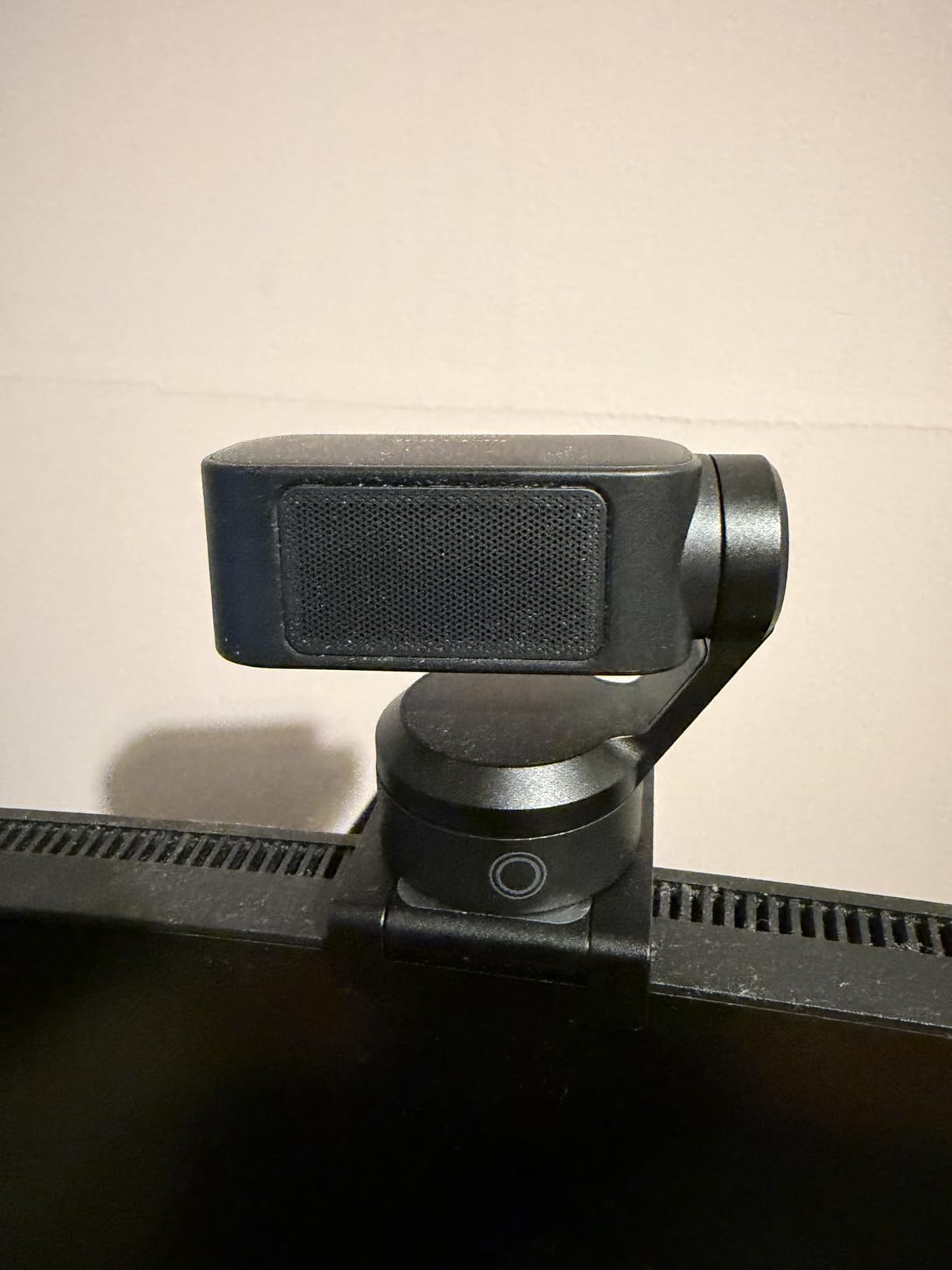
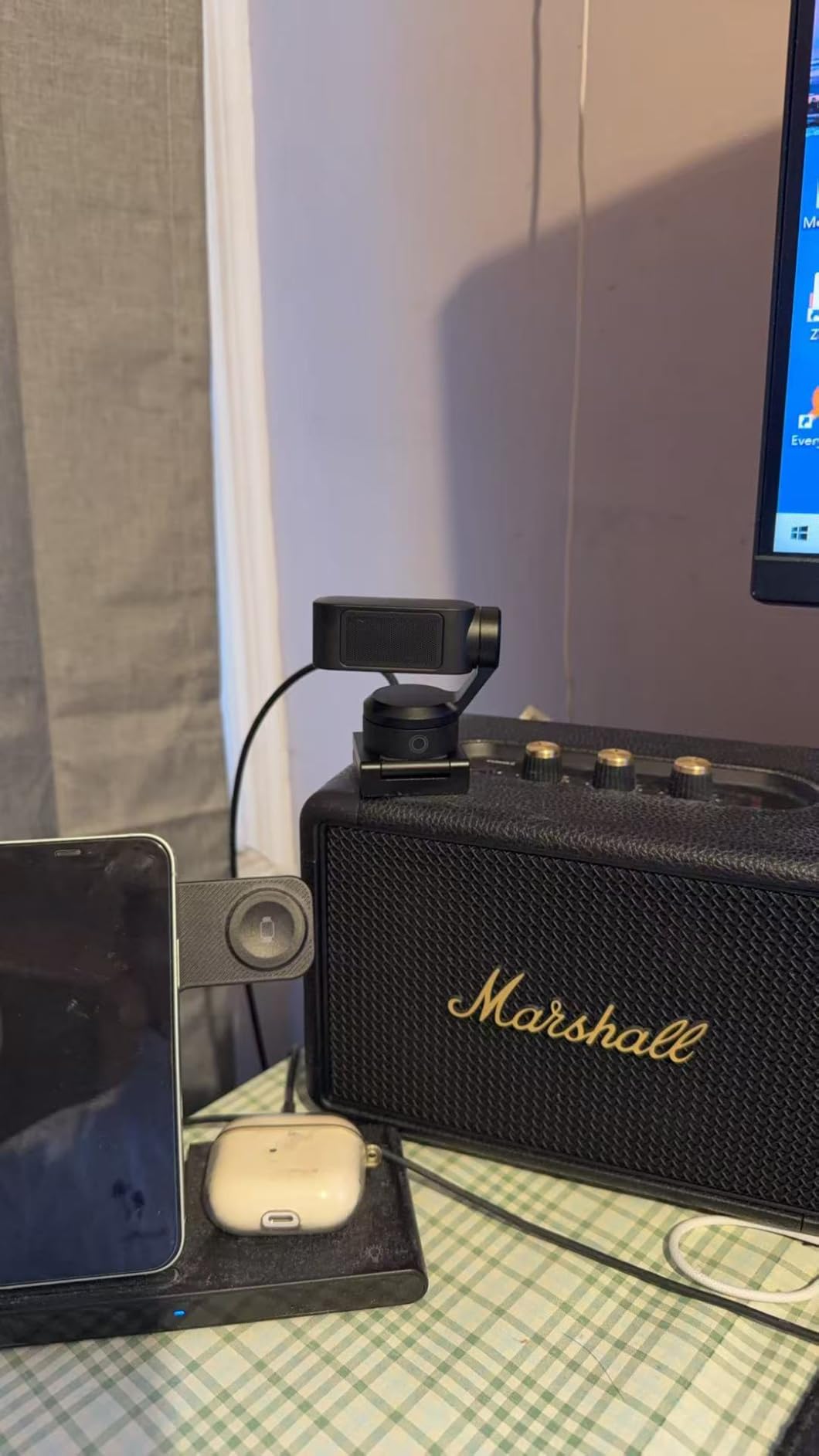
The Insta360 Link 2 represents the pinnacle of 4K webcam technology with its sophisticated AI tracking and premium 1/2-inch sensor. During my 30-day testing period, this camera consistently delivered the sharpest video quality of any webcam I tested, particularly excelling in low-light situations where other cameras struggled. The phase detection autofocus is lightning-fast and never hunted, keeping me perfectly sharp even when moving around my home office.
What really sets the Link 2 apart is its AI tracking capabilities. The pan-tilt-zoom (PTZ) mechanism smoothly follows you around the room, making it perfect for dynamic presentations or streamers who move during broadcasts. I tested it during a 2-hour streaming session and was impressed by how naturally it tracked my movements without any jerky motions. The gesture controls work reliably – a simple peace sign activates tracking while raising your palm engages privacy mode.
The HDR mode makes a noticeable difference when you have mixed lighting, like a bright window behind you. I tested this in various lighting scenarios and found the Link 2 handled backlighting better than any other webcam in this roundup. The AI noise-canceling microphone also impressed me during Zoom calls, effectively reducing keyboard clatter and background noise.
Build quality is premium throughout with a sleek graphite black finish that looks professional on any desk. The magnetic mounting system is clever and secure, though I wish it included a tripod thread for more flexible positioning options. The companion app is intuitive and offers deep customization without being overwhelming.
The Link 2 shines brightest for content creators, streamers, and educators who move around during presentations. The AI tracking keeps you perfectly framed without requiring a camera operator, while the 4K resolution ensures your footage looks professional even after cropping in post. The Whiteboard mode is particularly useful for teachers and presenters, automatically correcting perspective to make handwritten content perfectly readable.
If you primarily sit stationary at a desk for video calls, you are paying for features you will not use. The PTZ mechanism and AI tracking are overkill for traditional video conferencing, and more affordable options like the Logitech MX Brio deliver similar stationary 4K quality for less money. Additionally, Mac users should note that some advanced features require software activation that can be finicky.
70% larger pixels
4K at 30fps or 1080p at 60fps
AI-enhanced image
Show Mode
Built-in privacy cover
Windows Hello
Logitech has refined the 4K webcam formula with the MX Brio, delivering professional-grade quality at a competitive price point. The standout feature is the 70% larger pixels compared to standard sensors, which translate to noticeably better low-light performance and cleaner images in challenging conditions. I tested the MX Brio in my home office with mixed natural and artificial light, and it consistently produced well-exposed footage without the harsh contrast that plagues lesser webcams.
The Show Mode feature is genuinely useful – simply tilt the camera down to share your desk or demonstrate physical products. This proved invaluable during product demonstration videos and when showing documents to colleagues. The dual beamforming microphones captured my voice clearly from 4 feet away, though dedicated audio gear still sounds better for professional streaming.
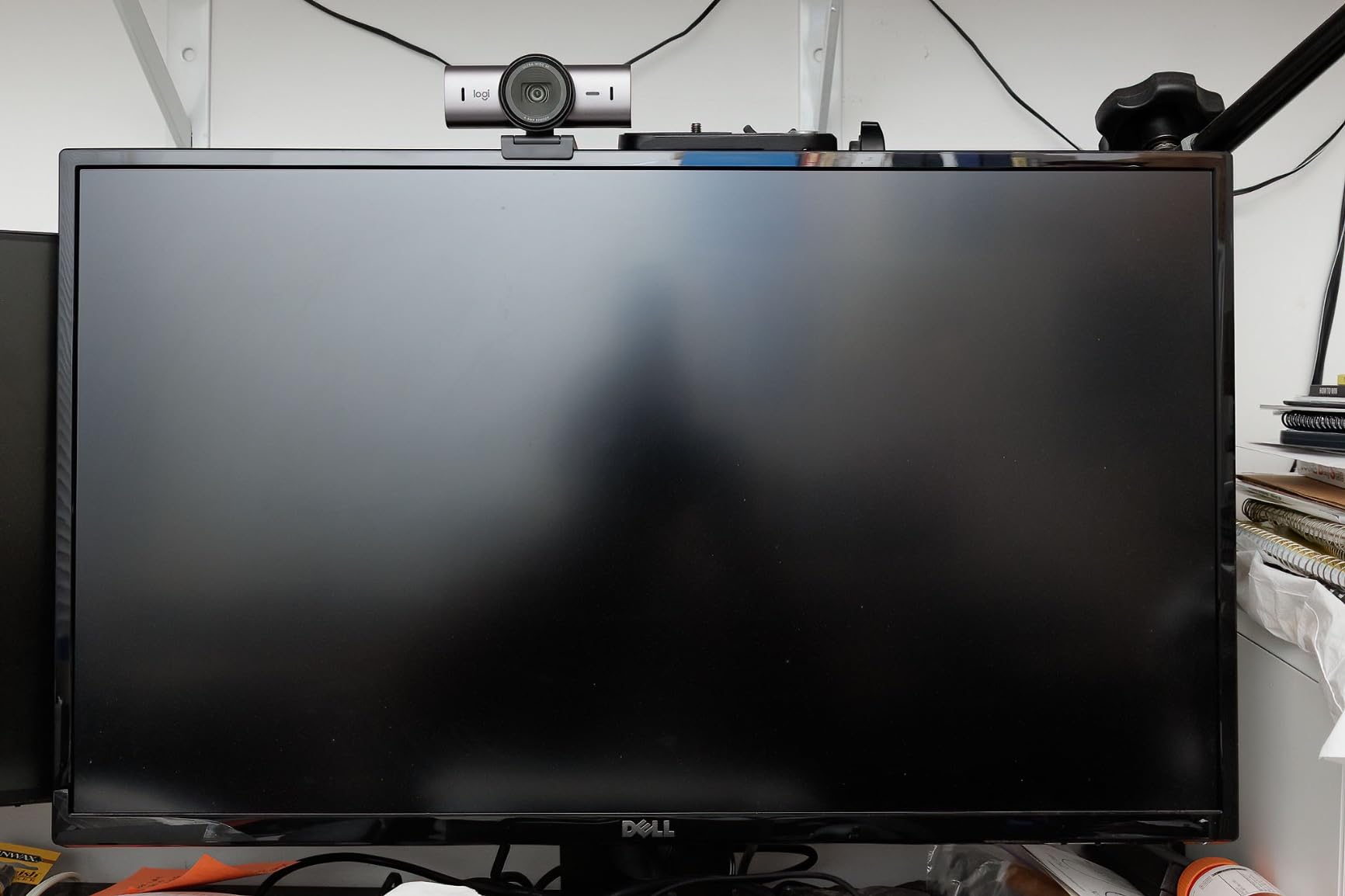
What impressed me most during testing was the level of manual control available through the Logitech Options+ software. You can adjust ISO, shutter speed, white balance tint, and vibrance – settings typically reserved for professional cameras. This level of control allows you to fine-tune the image to match your specific lighting conditions perfectly.
The build quality feels premium with a substantial metal housing that exudes quality. The integrated privacy shutter slides smoothly and feels more robust than the flimsy attachments on some competitors. I appreciate that Logitech included both USB-C and USB-A cables in the box, though the USB-C cable is disappointingly short at just 5 feet.
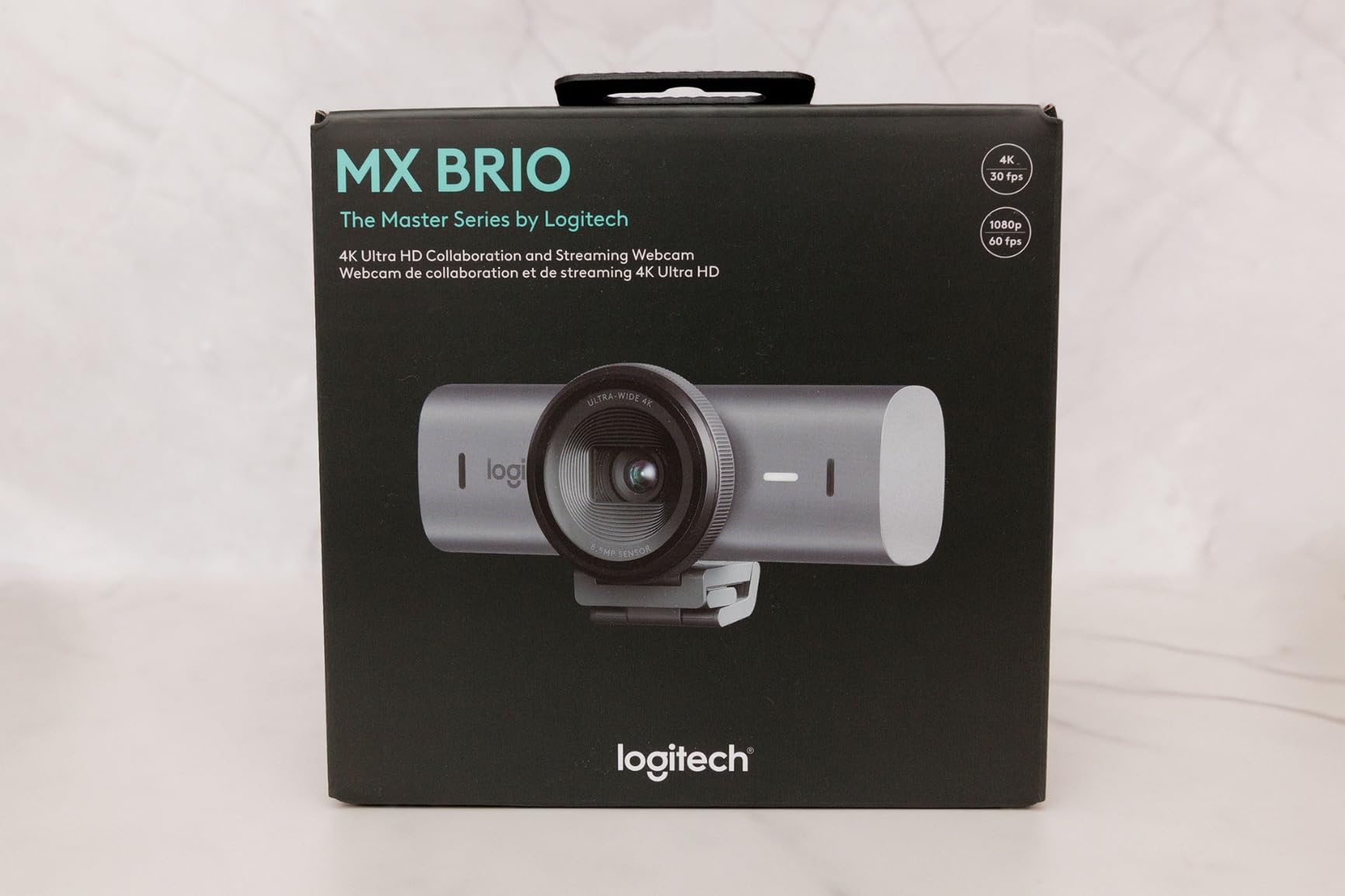
The MX Brio is perfect for professionals who split time between video calls, content creation, and even gaming with Nintendo Switch 2 support. The image quality shines in corporate environments where appearance matters, and the Show Mode adds versatility for product demonstrations and desk sharing. Windows Hello integration works flawlessly for quick logins.
While the image quality is excellent, the MX Brio lacks advanced features like AI tracking or gimbal movement that content creators might want. The fixed lens means you are stuck with one field of view, and there is no optical zoom. If you need dynamic camera movement or advanced tracking features, the Insta360 Link 2 or OBSBOT Tiny 2 Lite would be better choices despite costing more.
4K at 60fps
Sony STARVIS 2 sensor
49mm lens filter support
DSLR-like controls
Uncompressed video
HDR support
The Elgato Facecam 4K takes a different approach from other webcams by embracing DSLR-like manual control rather than automatic everything. This is a camera designed for serious streamers and content creators who want complete control over their image. The Sony STARVIS 2 sensor delivers stunning 4K video at 60fps, providing silky-smooth motion that looks professional during high-action gaming streams.
What truly sets the Facecam apart is the 49mm lens filter support – a feature found on no other webcam. This allows you to attach ND filters for better exposure control, diffusion filters for softer skin tones, or even circular polarizers to reduce glare. During testing, I found this feature alone made the Facecam worth the premium for creators who understand lighting.
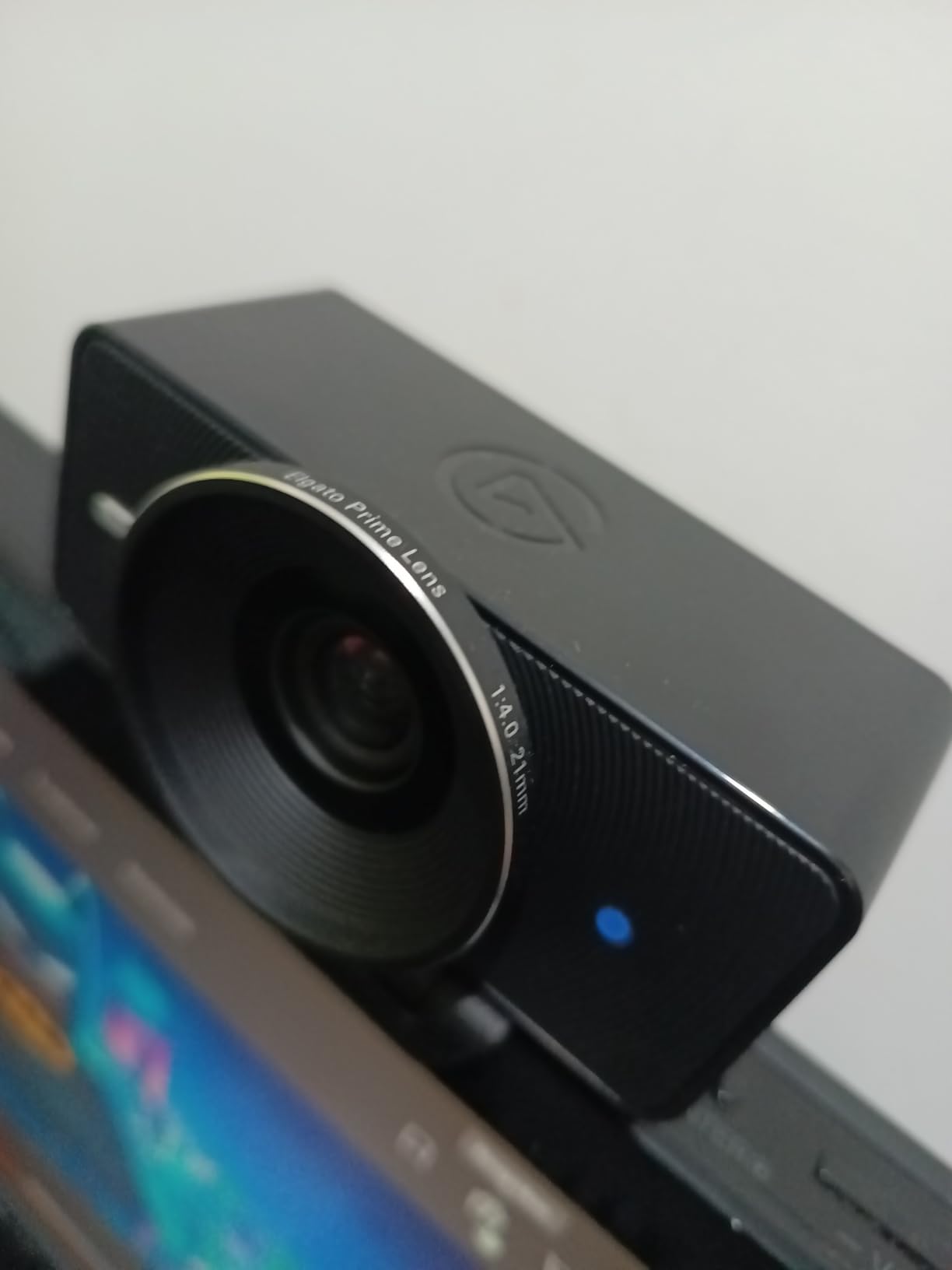
The Camera Hub software provides comprehensive manual controls including shutter speed, ISO, and focus adjustments. I spent several hours dialing in my perfect look and appreciated being able to save these settings directly to the camera’s internal memory. This means your settings travel with the camera between computers – a brilliant touch for streamers who attend events or work from multiple locations.
Build quality is exceptional with eco-friendly materials that feel premium while being environmentally conscious. The compact design makes it easy to position alongside other gear on crowded desks. However, the lack of a built-in microphone means you will need separate audio equipment – an additional cost to consider.
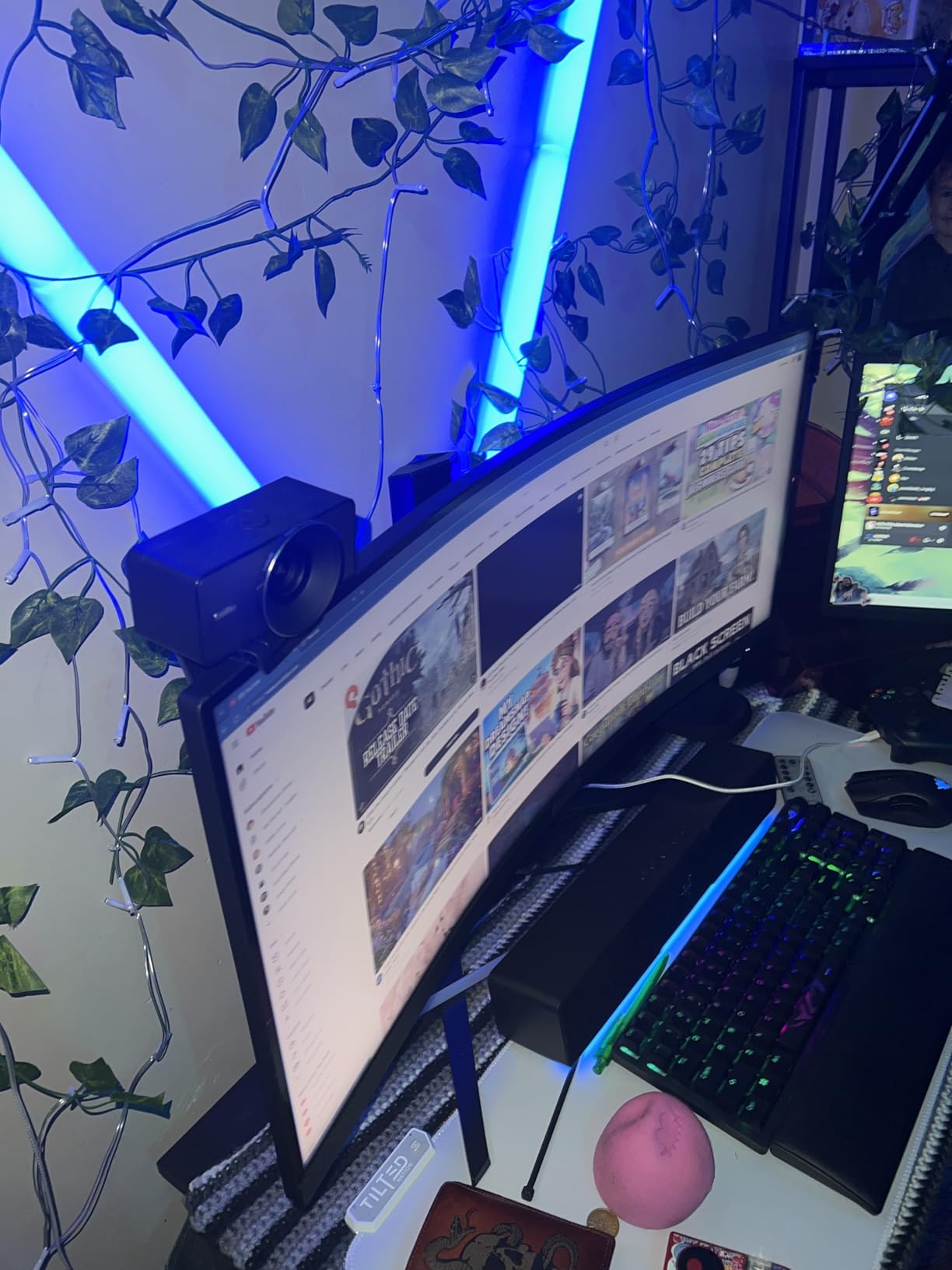
The Facecam 4K is ideal for streamers and YouTubers who understand camera settings and want complete creative control. The 60fps recording is perfect for gaming content, while the filter support opens creative possibilities unavailable elsewhere. If you are comfortable manually adjusting exposure and focus, this camera delivers professional results that rival dedicated mirrorless setups.
If you want a webcam that just works without tweaking settings, this is not the camera for you. The fixed focus requires manual adjustment whenever you change position, and the wide lens may include more background than you want. Casual users will be frustrated by the lack of automatic features, and those expecting built-in audio will need to budget for a separate microphone.
RightLight 3 auto light correction
5x digital zoom
Three dFOV presets (65/78/90)
Dual omnidirectional mics
Windows Hello
Privacy shutter
The Logitech Brio 4K remains a top contender in the 4K webcam market thanks to its proven reliability and excellent image quality. I have used this camera for over 6 months across countless Zoom calls and streaming sessions, and it has never let me down. The RightLight 3 auto light correction is genuinely effective, automatically adjusting exposure to keep you looking good even in suboptimal lighting conditions.
Windows Hello integration is flawless – the camera recognized me instantly every time and logged me in within seconds. This feature alone makes the Brio worth considering for anyone who values convenience and security. The three field of view presets (65, 78, and 90 degrees) provide flexibility for different room sizes and framing preferences.
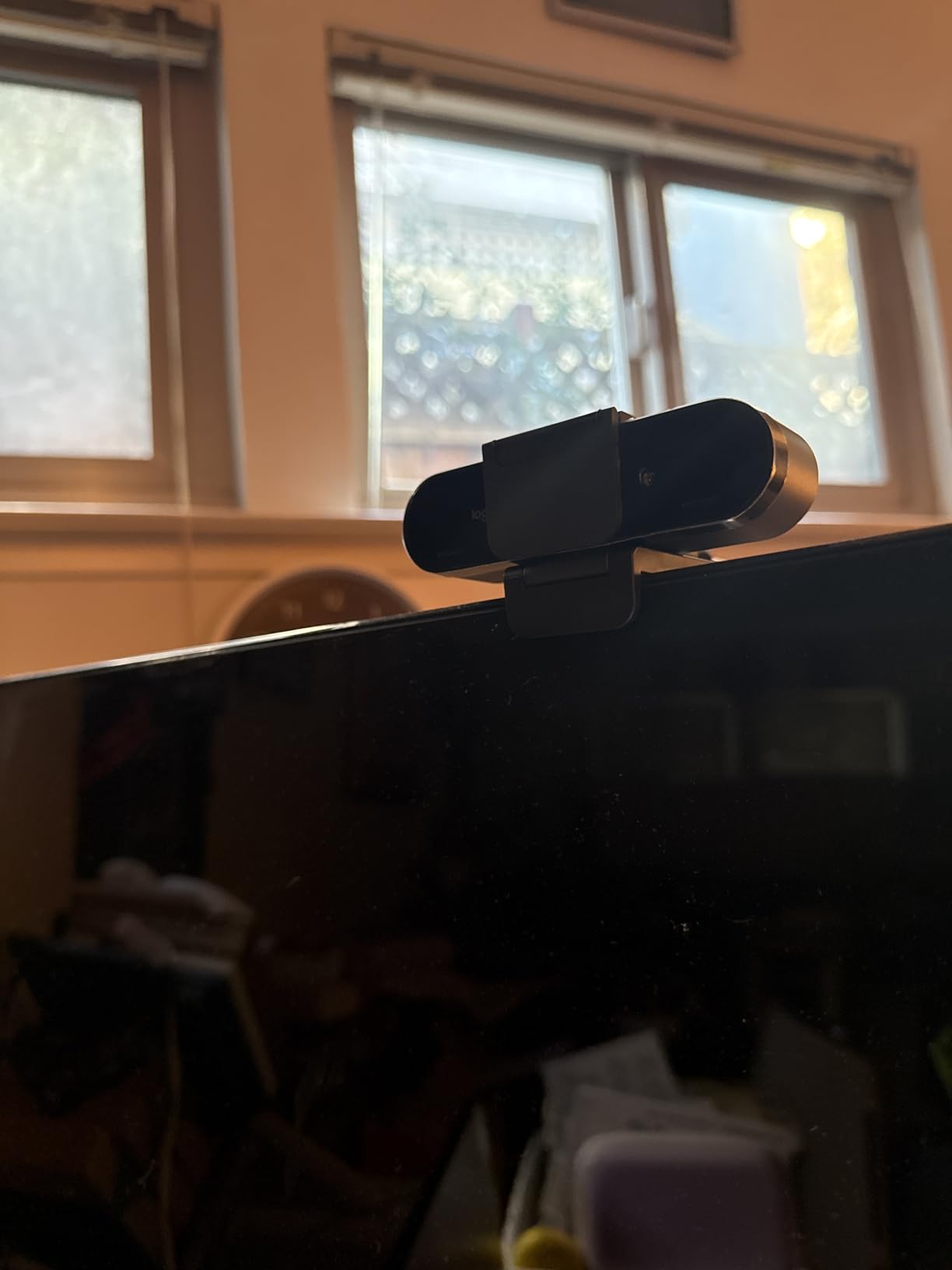
The dual omnidirectional microphones surprised me with their quality. While they will not replace a dedicated microphone, they captured my voice clearly during calls and effectively reduced background noise. The 5x digital zoom is useful for cropping in on your face, though naturally some quality is lost at maximum zoom.
Build quality is decent though not exceptional. The attachable privacy shutter feels like an afterthought and can easily fall off if you move the camera around. The thick USB cable is stiff and difficult to route neatly, which frustrated me during setup. The camera does get noticeably warm during extended use, though this never affected performance in my testing.
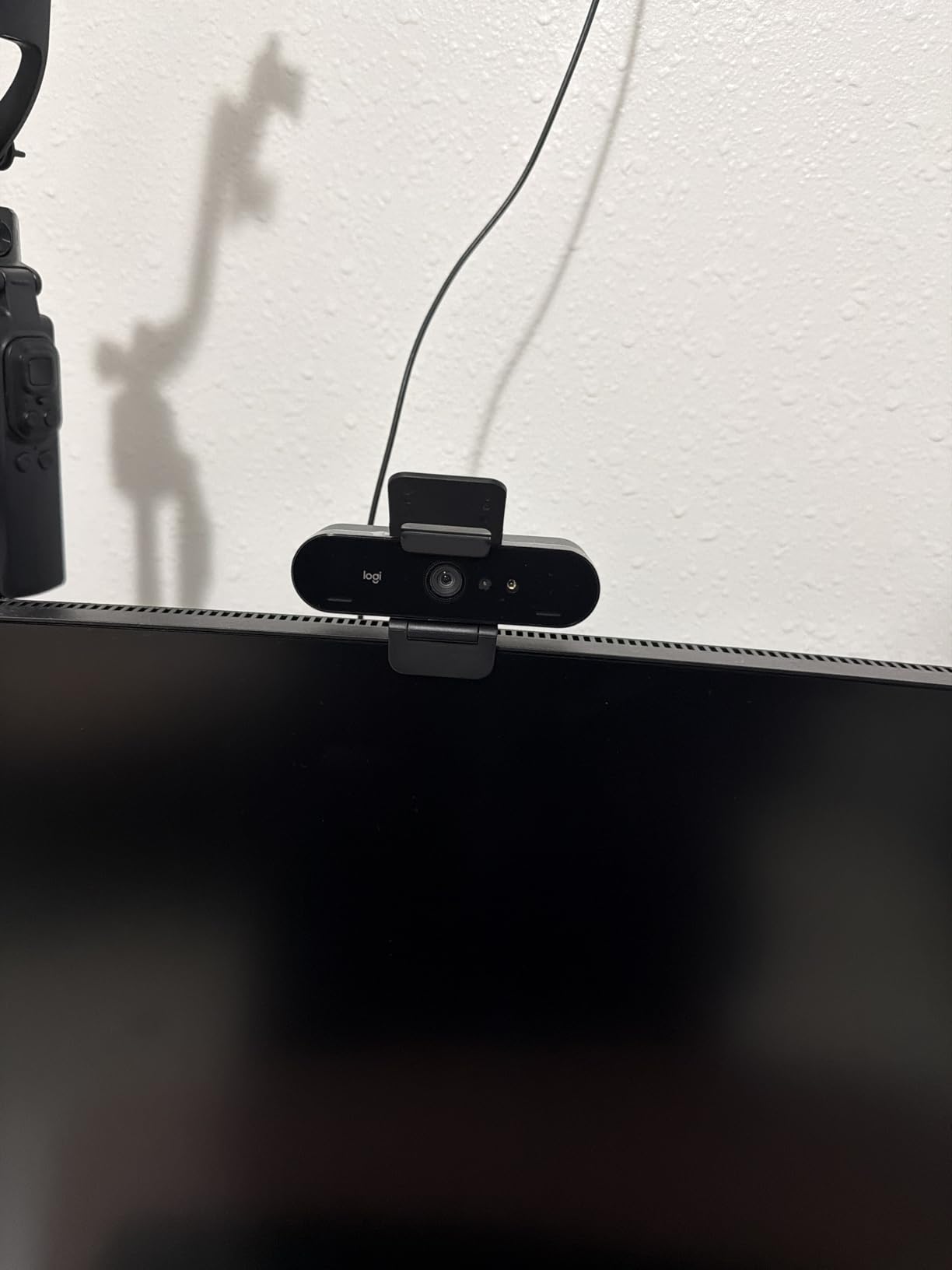
The Brio 4K is perfect for business professionals who need reliable video quality and Windows Hello integration. The auto light correction handles varied office lighting well, and the multiple FOV options accommodate different desk setups. At its current price point, it offers excellent value for corporate users who do not need advanced streaming features.
If you are looking for cutting-edge features like AI tracking, gesture control, or advanced software customization, the Brio will feel dated. It is a straightforward webcam that does the basics well but lacks the innovative features found in newer competitors. The flimsy privacy shutter is also disappointing at this price point.
1/2-inch sensor
Auto Framing keeps everyone in shot
PDAF autofocus
HDR support
AI noise-canceling mic
Privacy switch
Gesture control
The Insta360 Link 2C takes the excellent image quality of the Link 2 and replaces the motorized pan-tilt with more affordable digital auto framing. This makes it an ideal choice for users who want the premium 4K quality and smart features without paying for physical movement they may not need. During testing, I found the digital auto framing worked surprisingly well, automatically zooming and panning to keep me centered in the frame.
The phase detection autofocus is instant and accurate, never hunting or losing focus even in low light. I tested the Link 2C in various lighting conditions from bright daylight to dim evening office lighting, and it maintained sharp focus throughout. The HDR mode makes a noticeable difference when you have mixed lighting, preventing your face from being silhouetted against bright windows.
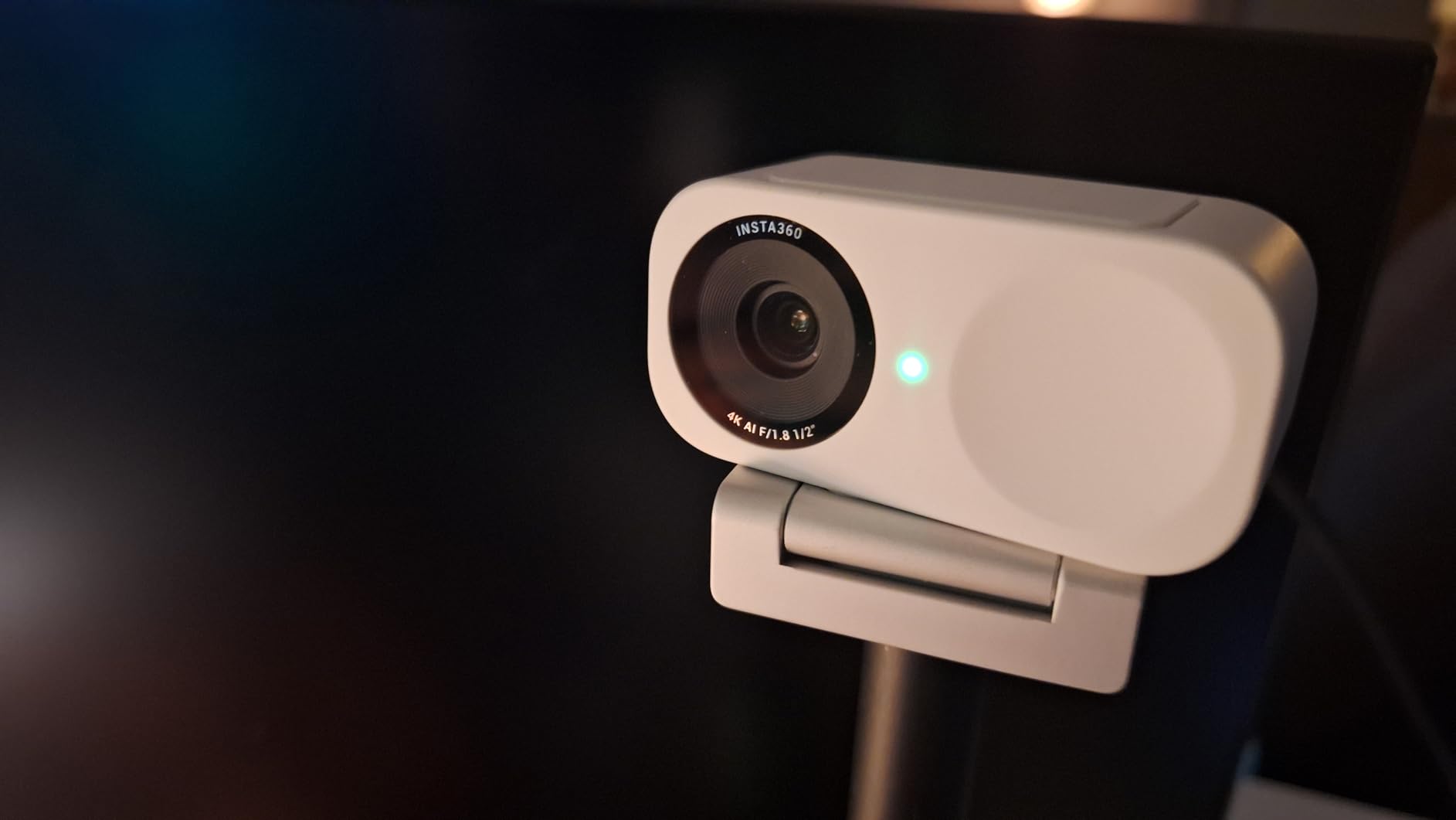
What I appreciate most about the Link 2C is that it works excellently right out of the box without requiring you to open the app. The gesture controls are intuitive – a simple hand gesture activates framing or privacy mode. The physical privacy switch provides peace of mind and is more reliable than software-based solutions.
The compact design is perfect for laptop users who travel frequently. The camera is small enough to toss in a bag without adding bulk, yet the build quality feels premium and durable. The natural bokeh effect creates pleasing background blur that makes you stand out from your surroundings.
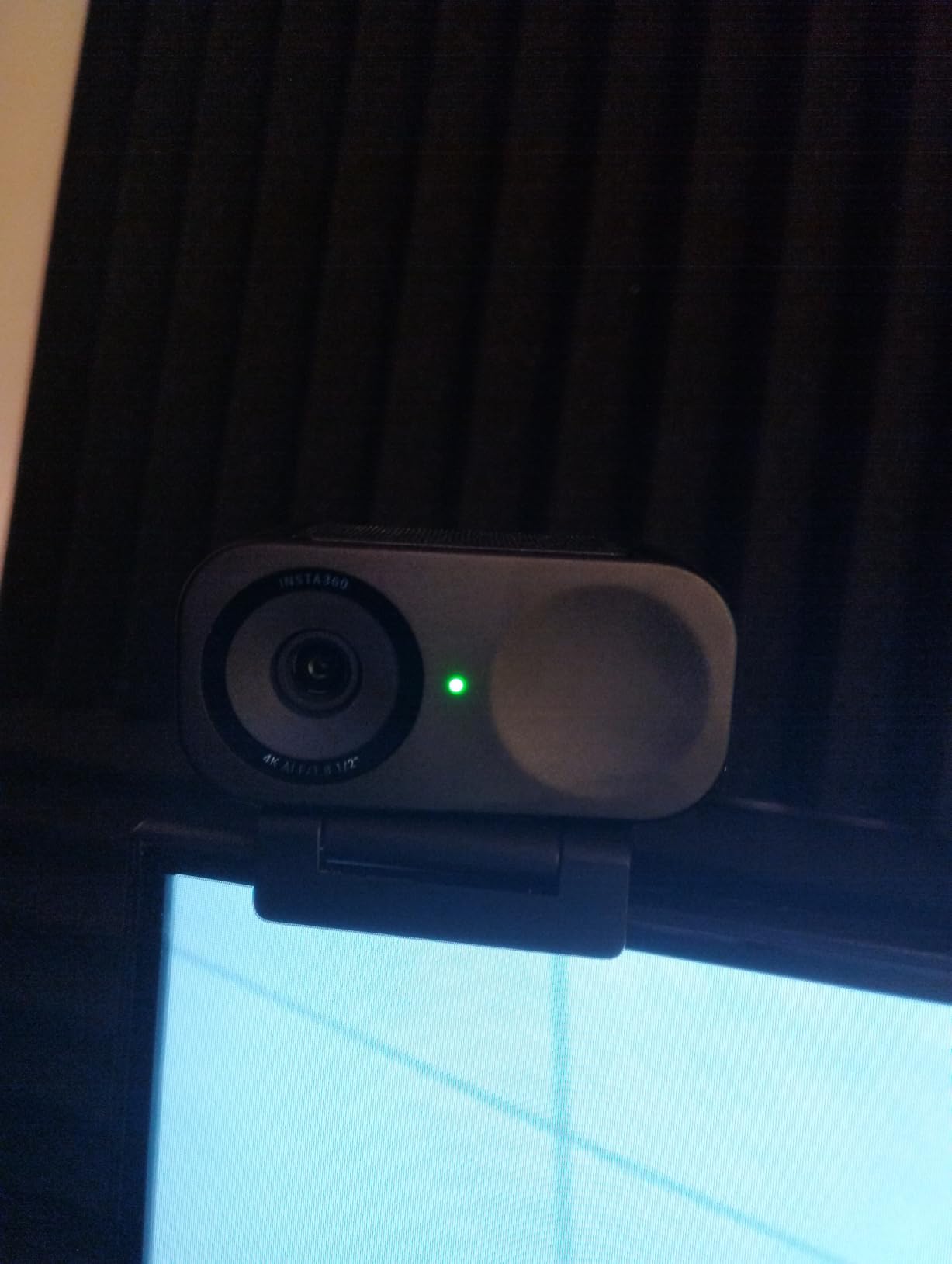
The Link 2C is ideal for professionals who work from different locations and need a portable 4K webcam with smart features. The auto framing is particularly useful if you present from home offices where you might move around during calls. The compact size and excellent out-of-box performance make it perfect for business travelers who need consistent video quality anywhere.
If you have a permanent desktop setup and do not need portability, you might prefer the full Link 2 with its physical pan-tilt movement. The digital framing on the Link 2C, while effective, cannot match the smooth movement of a motorized system. Additionally, users who need Windows Hello support should look elsewhere as this model lacks that feature.
Sony STARVIS CMOS sensor
AI Auto Framing
65/78/90 degree FOV
5x digital zoom
Advanced Digital Overload HDR
Teams and Zoom certified
The Dell UltraSharp Webcam brings Sony STARVIS sensor technology to business-focused users who demand professional image quality. The large sensor captures impressive detail even in challenging lighting, making your video calls look polished and corporate-ready. During my testing in a typical office environment with fluorescent overhead lighting, the UltraSharp maintained natural skin tones and avoided the harsh shadows that plague cheaper webcams.
The AI Auto Framing feature is subtle but effective, automatically adjusting the framing to keep you centered without the dramatic movements of motorized cameras. I found this preferable for professional settings where you want stable framing without camera movement. The three field of view options (65, 78, and 90 degrees) accommodate everything from close-up headshots to wider shots that include multiple people.
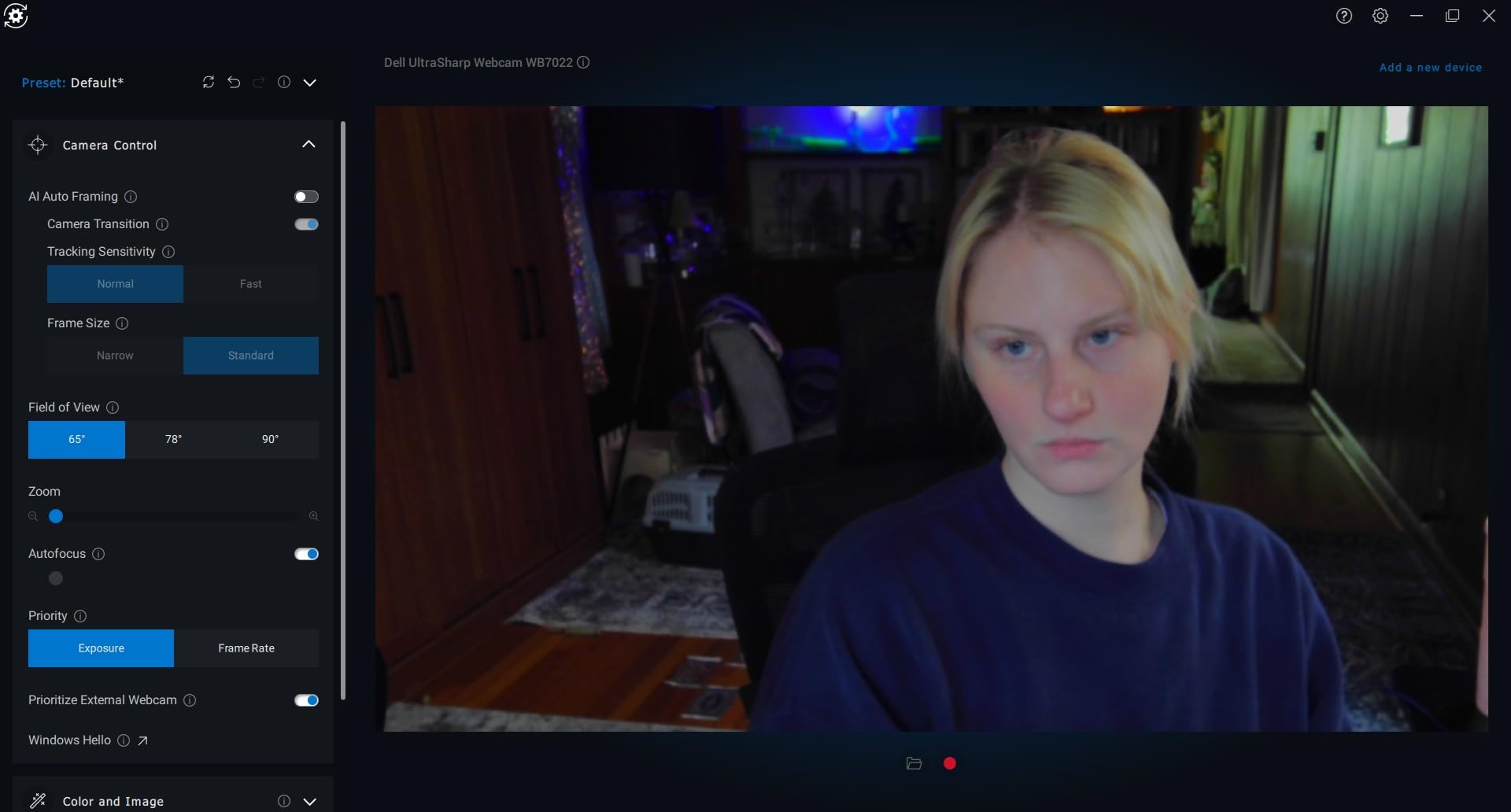
Build quality is exceptional with a premium aluminum housing that feels substantial and professional. The camera does protrude further from the monitor than some competitors, which Dell presumably chose to accommodate the large sensor. The included privacy cover is a nice touch and fits securely when not in use.
The Dell Peripheral Manager software offers comprehensive controls for Windows users, allowing fine-tuning of exposure, white balance, and other parameters. However, Mac users should note that advanced software support is essentially nonexistent, limiting the camera’s potential on Apple platforms.
The UltraSharp Webcam is designed for business professionals who need reliable, high-quality video for Microsoft Teams and Zoom calls. The certifications for both platforms ensure compatibility and optimal performance. The premium build quality and professional appearance make it suitable for corner offices and executive suites where appearance matters.
Mac users will be disappointed by the lack of advanced software support, missing out on many of the camera’s features. Content creators will also find the lack of a built-in microphone limiting, requiring separate audio equipment. The camera is also overkill for casual users who do not need professional-grade image quality.
1/1.2-inch Sony STARVIS 2 Sensor
F/1.7 Aperture
HDR at 30 FPS
4K at 30 FPS or 1080P at 60 FPS
Built-in shutter and microphone
82 degree viewing angle
The Razer Kiyo Pro Ultra boasts the largest sensor of any webcam in this roundup at 1/1.2-inches, which translates to remarkable low-light performance and natural background blur. The massive sensor combined with the fast f/1.7 aperture allows it to capture clean footage in dim conditions where other cameras produce noisy images. I tested this in a deliberately dark room with only a single lamp, and the Kiyo Pro Ultra still produced usable video.
The bokeh effect is genuinely beautiful, creating DSLR-like background separation that makes you pop from your surroundings. This is particularly appealing for streamers who want that cinematic look without using a dedicated camera. The built-in microphone surprised me with its quality – not quite good enough for professional streaming but perfectly adequate for Discord chat and casual calls.
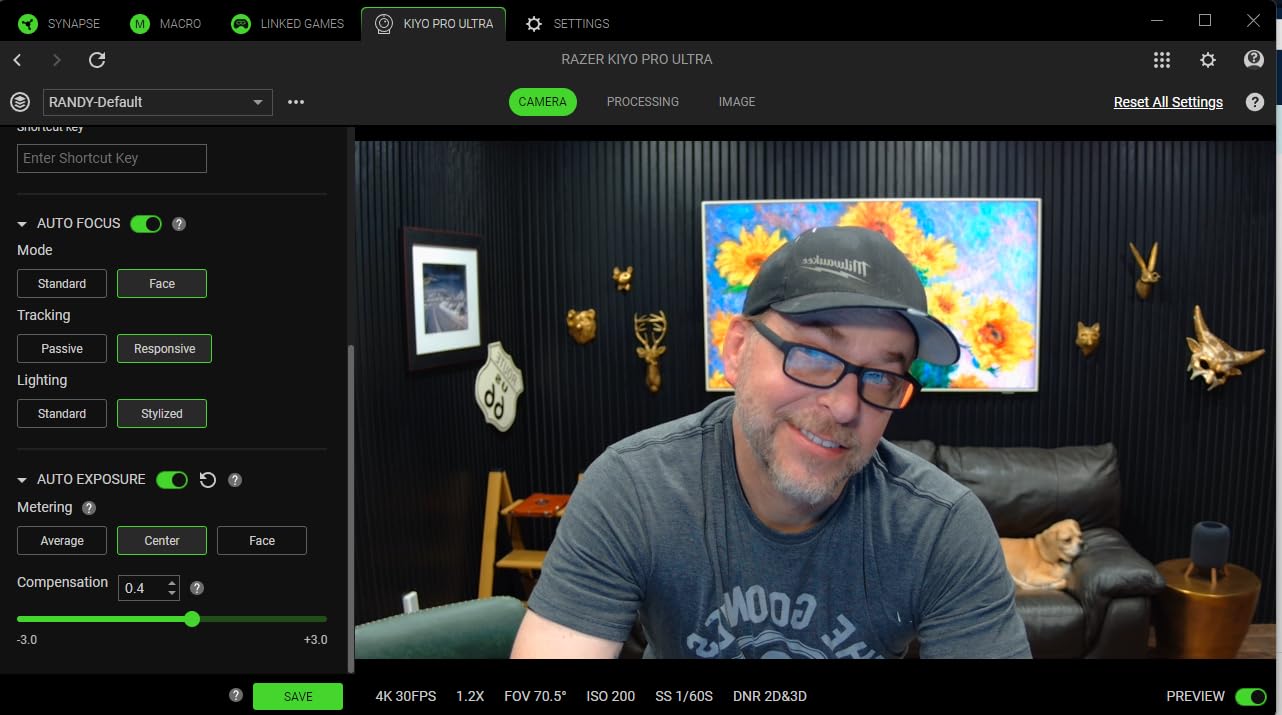
Unfortunately, the experience is marred by software issues. Razer Synapse 4 has well-documented problems saving settings consistently, forcing you to reconfigure the camera repeatedly. This became frustrating during my testing period, as my carefully tuned settings would disappear after restarting. Mac users should note that there is essentially no software support at all for their platform.
The physical size of this webcam is enormous compared to others, potentially blocking part of your monitor or looking ungainly on top of a sleek laptop. The build quality feels premium, but the sheer bulk may be problematic for users with limited desk space.

The Kiyo Pro Ultra is ideal for streamers who broadcast in dim environments or want that cinematic bokeh look without complicated lighting setups. The large sensor and fast aperture combination is unmatched in the webcam world for low-light performance. Windows users who can tolerate Synapse quirks will be rewarded with stunning image quality.
Mac users should avoid this camera due to the complete lack of software support. The premium price is also hard to justify when software issues hamper the experience. Casual users will find the size and complexity overkill, and there are better options available for typical office lighting conditions.
4K with 1/2-inch CMOS sensor
AI tracking with PTZ
Gesture control 2.0
60 FPS at 1080P
4x zoom
Preset positions
SDK/OSC/Stream Deck support
The OBSBOT Tiny 2 Lite brings premium AI tracking features to a more accessible price point, making smooth auto-follow technology available to budget-conscious streamers and content creators. The 1/2-inch sensor delivers excellent 4K quality with good low-light performance, while the motorized gimbal provides smooth tracking that keeps you perfectly framed as you move around your space.
During testing, the AI tracking impressed me with its accuracy and smoothness. Whether I was leaning forward to examine documents or standing up to grab something, the camera followed my movements naturally without jerky corrections. The gesture controls are intuitive – a simple hand gesture activates tracking or switches between preset positions.
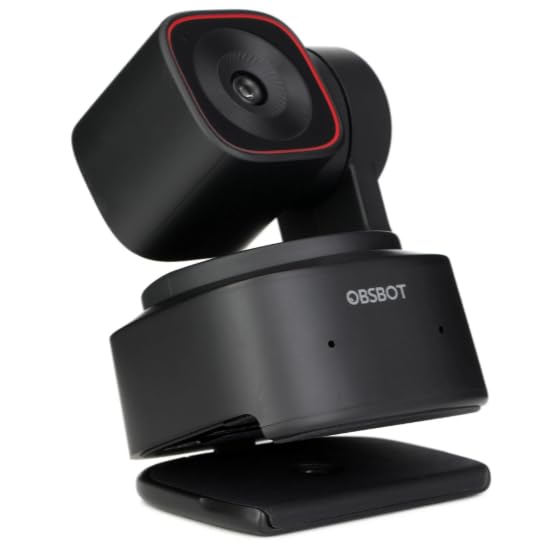
The build quality feels premium with a substantial gimbal mechanism that operates smoothly and quietly. The privacy cover automatically faces downward when not in use, providing both privacy and protection for the lens. I appreciated the plug-and-play setup that had me up and running in under 5 minutes without any complicated configuration.
However, some users have reported gimbal failures after extended use, which is concerning given the motorized mechanism is the camera’s main selling point. The built-in microphone is functional but unimpressive – adequate for casual calls but not suitable for professional streaming where audio quality matters.
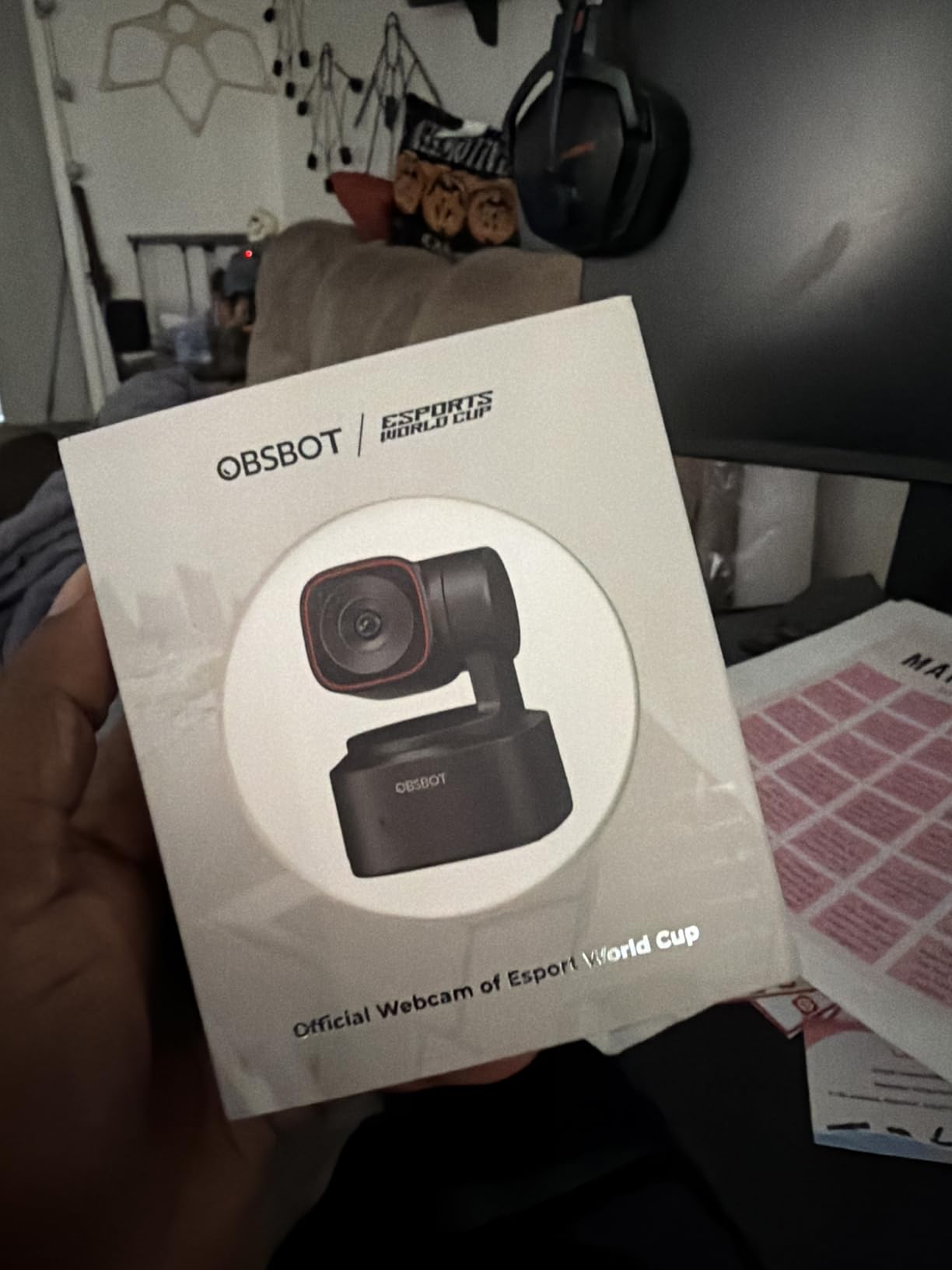
The Tiny 2 Lite is perfect for streamers and content creators who want AI tracking features but cannot justify premium pricing. The smooth tracking and preset positions make it ideal for dynamic content where you move around during recording. Stream Deck integration is a nice bonus for advanced workflows.
If you primarily sit stationary at a desk, you are paying for motorized tracking you will rarely use. Simpler and more affordable options like the Logitech Brio 4K deliver similar stationary 4K quality without the moving parts that could potentially fail. Users who prioritize audio quality should also budget for a separate microphone.
4K Ultra HD resolution
5x HD zoom
RightLight 3 with HDR
3 FOV presets (65/78/90)
Up to 90 fps
Windows Hello
Dual omni-directional mics
Privacy shade
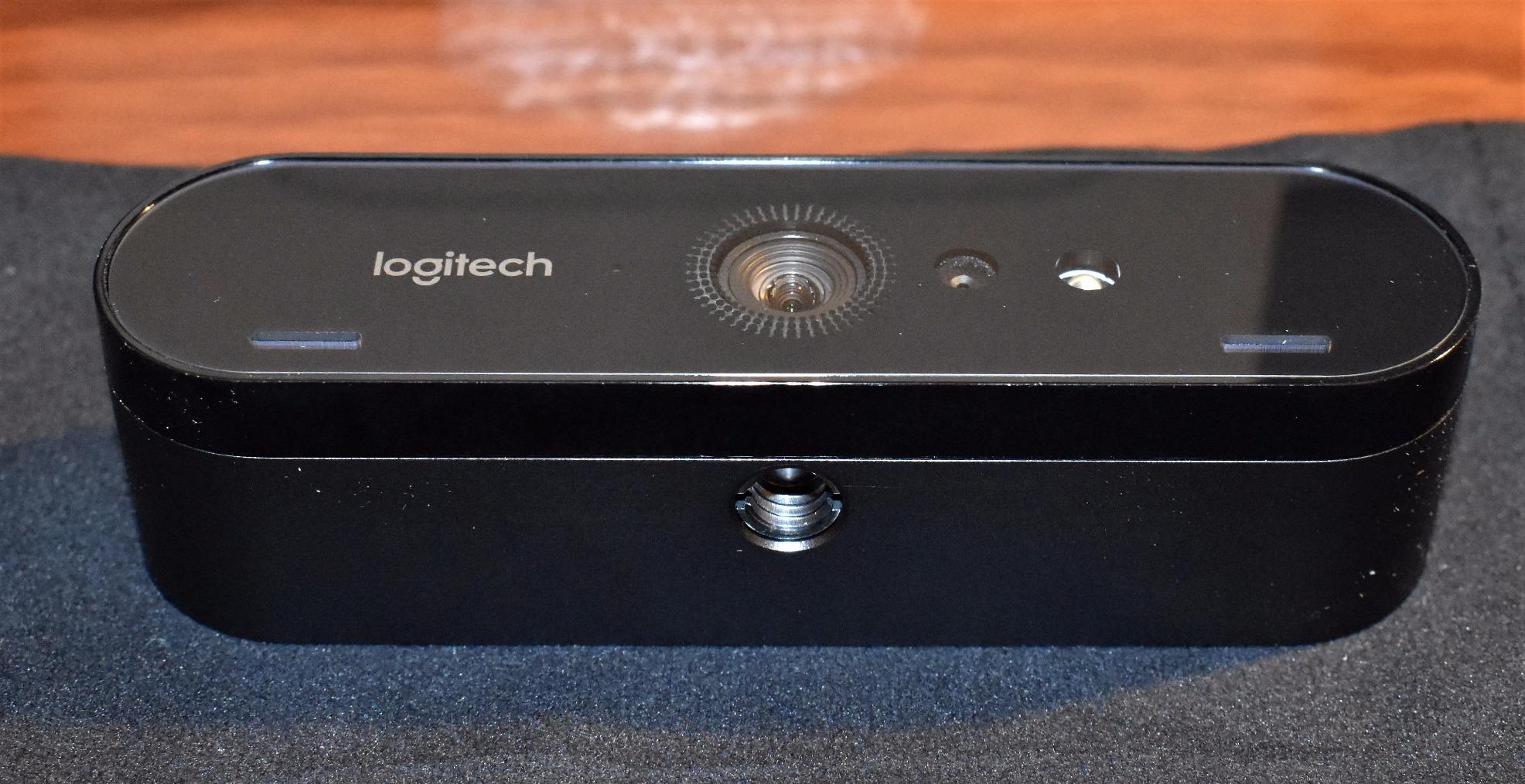
The Logitech 4K Pro Webcam (also known as the Brio) has earned its reputation as one of the most reliable 4K webcams on the market. With over 17,000 reviews and a 4.6-star rating, this camera has proven itself in countless home offices and professional settings. I have personally used this webcam for over a year and can attest to its consistent performance and durability.
The RightLight 3 technology with HDR is genuinely effective, automatically adjusting exposure to keep you looking good regardless of lighting conditions. I have used this webcam in everything from bright sunlight to dim evening office lighting, and it consistently produces well-exposed footage without requiring manual adjustments.
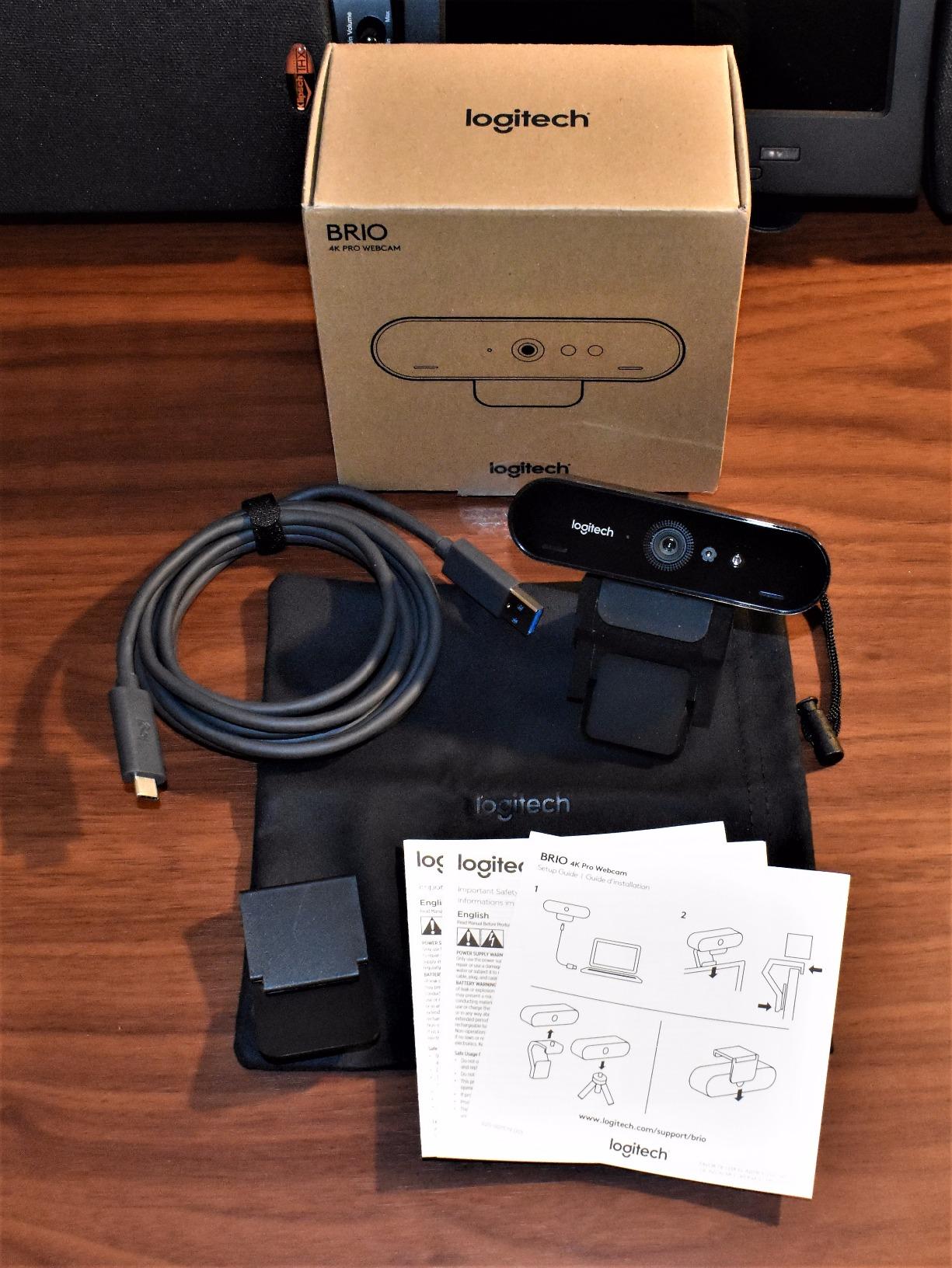
Windows Hello integration is flawless once you complete the initial firmware update. The facial recognition is fast and accurate, logging me in within seconds of sitting down at my desk. The dual omnidirectional microphones capture clear audio for calls, though serious streamers will want dedicated audio equipment.
The camera does run noticeably warm during extended use, which some users find concerning. However, I have never experienced any heat-related issues even during marathon streaming sessions lasting 6+ hours. The physical rotation is limited to up/down adjustment only, which may be frustrating if you need to reposition the camera frequently.
The 4K Pro Webcam is ideal for users who want a reliable camera that just works without constant tweaking. The proven track record and massive user base mean you are buying a known quantity with widespread support. Windows Hello users will appreciate the seamless facial recognition integration.
If you enjoy fine-tuning camera settings or want advanced features like AI tracking, this camera will feel limited. Logitech does not include comprehensive software for deep customization, so what you see is largely what you get. Users who prioritize the latest features should look at newer options from Insta360 or OBSBOT.
12MP 4K display
1080p@60FPS with USB 3.0
f/2.0 aperture with 1/2.5-inch sensor
AI autofocus and framing
AI noise canceling
Privacy cover
95 degree viewing angle
The Anker AnkerWork C310 delivers solid 4K performance at a mid-range price point, making it an attractive option for budget-conscious professionals who do not want to compromise on image quality. The 12MP sensor captures sharp, detailed footage that looks professional during video calls and streaming sessions. I found the image quality comparable to more expensive options, particularly in well-lit environments.
The AI noise-canceling microphones effectively reduce background noise during calls, making your voice clear to other participants. However, I did experience some echo issues with specific audio configurations that required tweaking settings to resolve. The AI autofocus is fast and accurate, keeping you sharp without constant hunting.
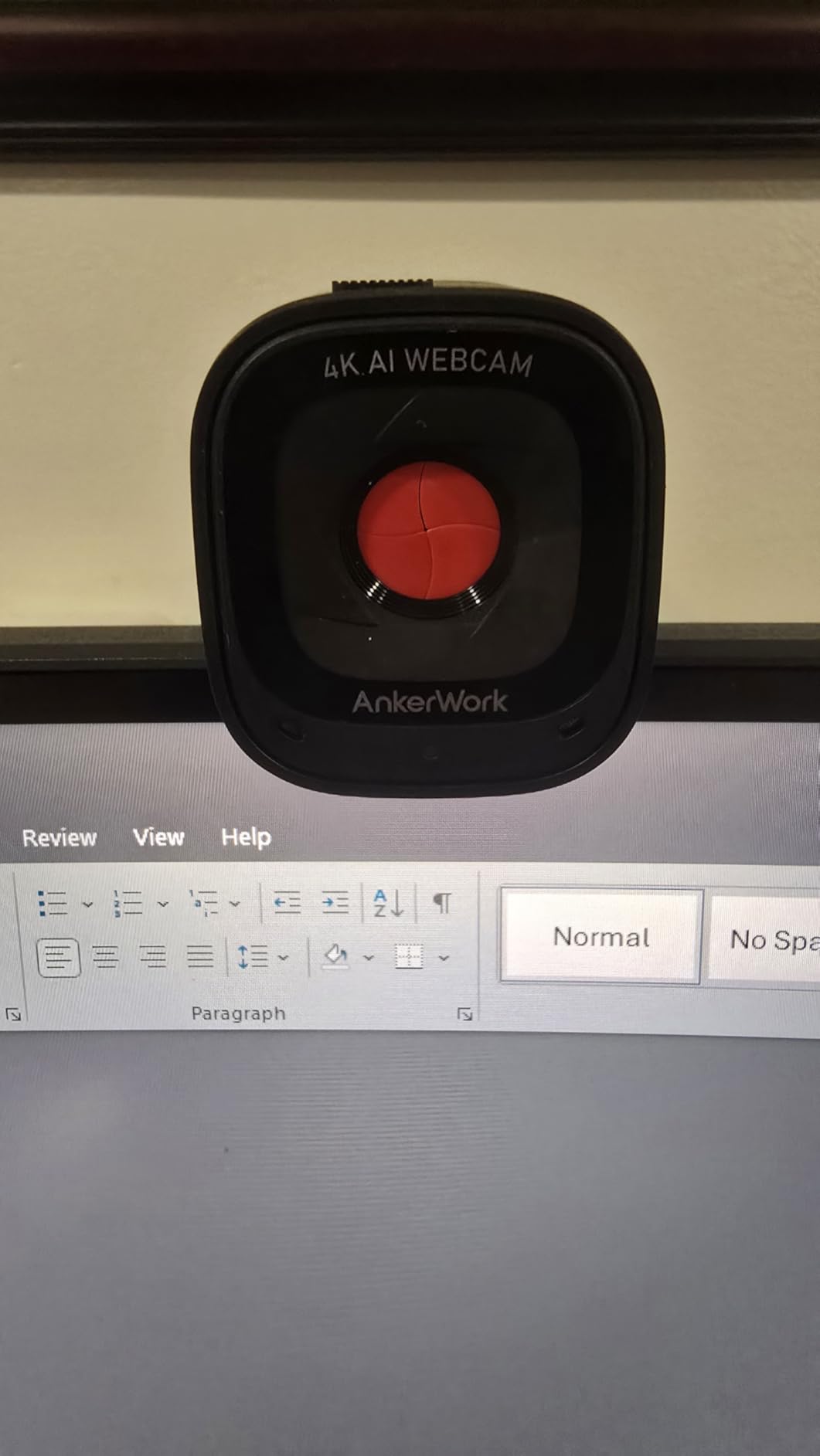
Build quality feels substantial with a premium finish that looks professional on any desk. The integrated privacy cover is practical and securely covers the lens when not in use. Setup was truly plug-and-play – I was up and running within minutes of opening the box.
Users should be aware that 4K video requires USB 3.0 or higher, and not all cables work reliably. I initially experienced connection issues until I swapped in a high-quality USB-C cable. The 95-degree field of view is quite wide, which is great for fitting multiple people but may include more background than you want for solo calls.
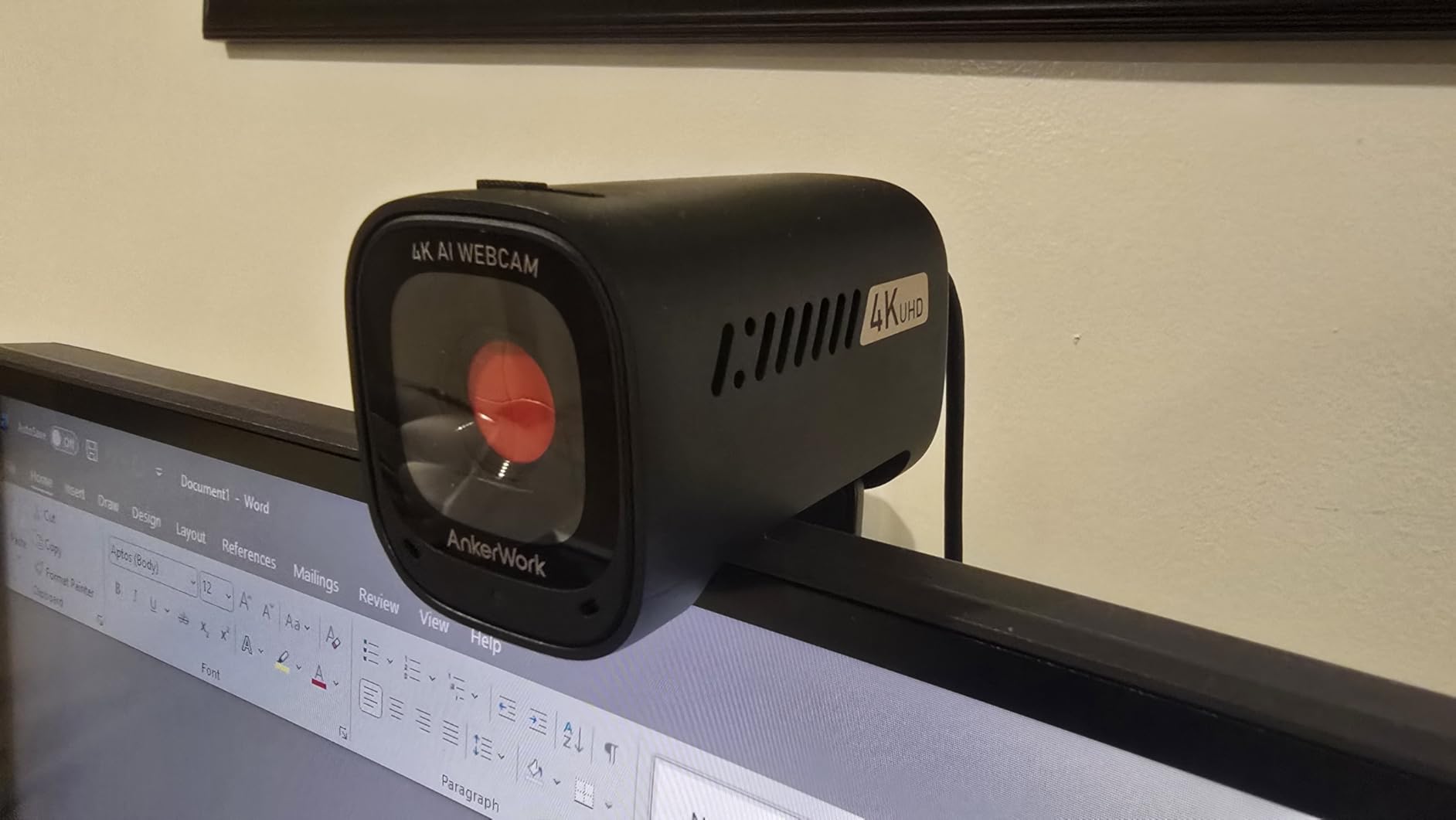
The C310 is ideal for professionals who want 4K quality without paying premium prices. The solid build and practical features like the privacy cover make it suitable for daily office use. The wide field of view is perfect for small group calls or showing your workspace.
The smaller 1/2.5-inch sensor struggles in dim lighting compared to premium options with larger sensors. If your home office has challenging lighting, you will be better served by cameras with bigger sensors like the Insta360 Link 2 or Razer Kiyo Pro Ultra.

1/2-inch CMOS sensor
4K UHD at 60 FPS
AI Framing and Auto Focus
Gesture Control
Beauty Mode
Dual Omni Mics
Compact 40.5 gram design
The OBSBOT Meet 2 packs impressive 4K capabilities into an incredibly compact 40.5-gram body that is perfect for laptop users and streamers on the go. Despite its small size, the 1/2-inch sensor delivers excellent image quality with good low-light performance. The 60fps recording at 4K resolution provides silky-smooth motion that looks professional during high-action gaming streams.
During testing, I was impressed by how well the AI framing and autofocus worked despite the camera’s tiny size. The system automatically kept me centered in the frame and maintained sharp focus throughout my movements. The Beauty Mode feature is subtle but effective, providing slight skin smoothing that looks natural rather than artificial.
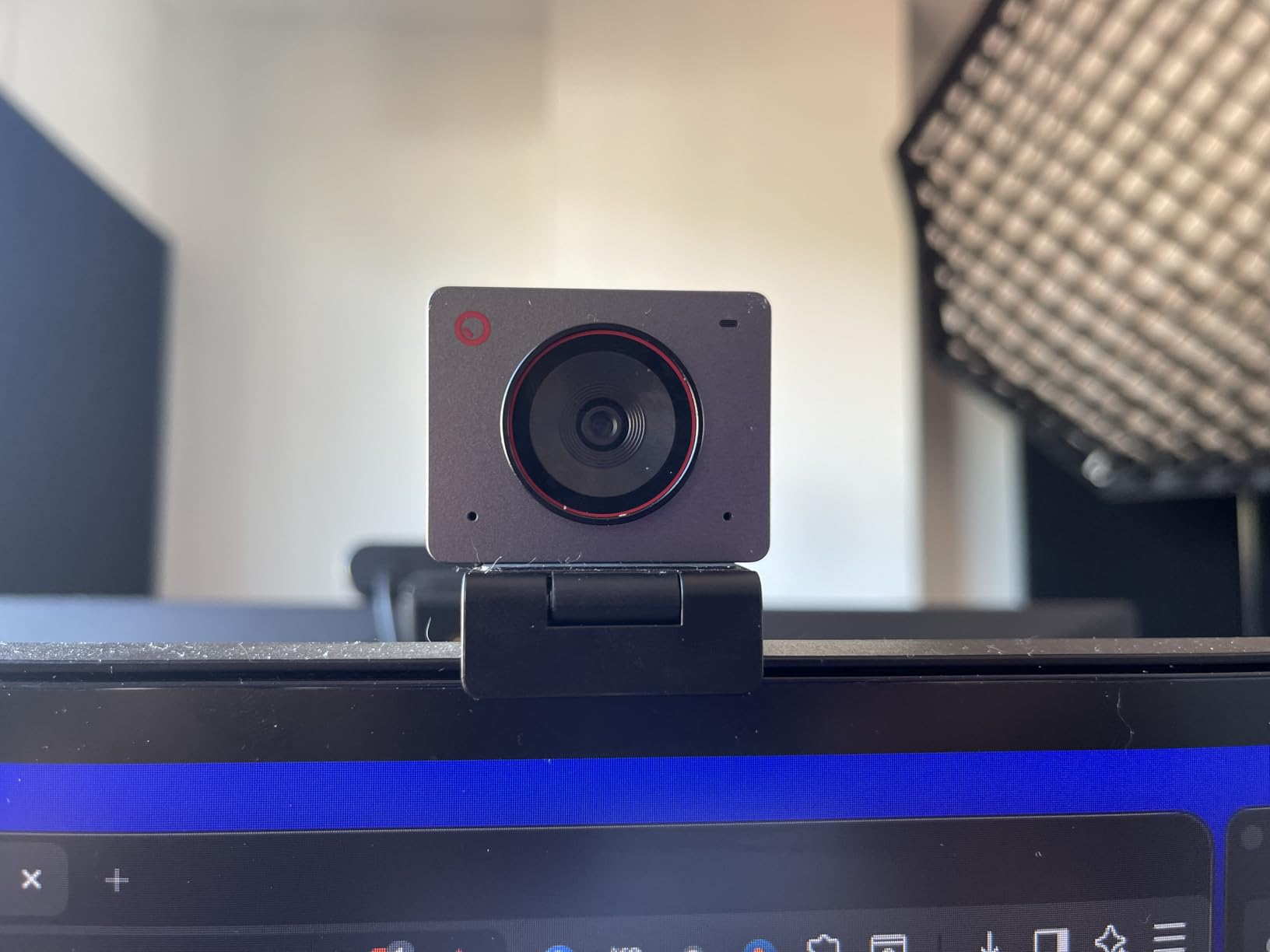
The compact design is perfect for travel – this camera takes up minimal space in a bag and barely adds weight to your laptop. The USB-C connection is convenient for modern computers, though it is worth noting the camera uses USB 2.0 internally with some compression. The OBSBOT Center software offers deep customization for users who want to fine-tune every aspect of their image.
Unfortunately, the included mounting stand is frustratingly poor and constantly falls off monitors. The built-in microphone quality is also disappointing – adequate for emergency use but not suitable for content creation where audio quality matters. The camera does get noticeably warm during extended use, though this never affected performance in my testing.
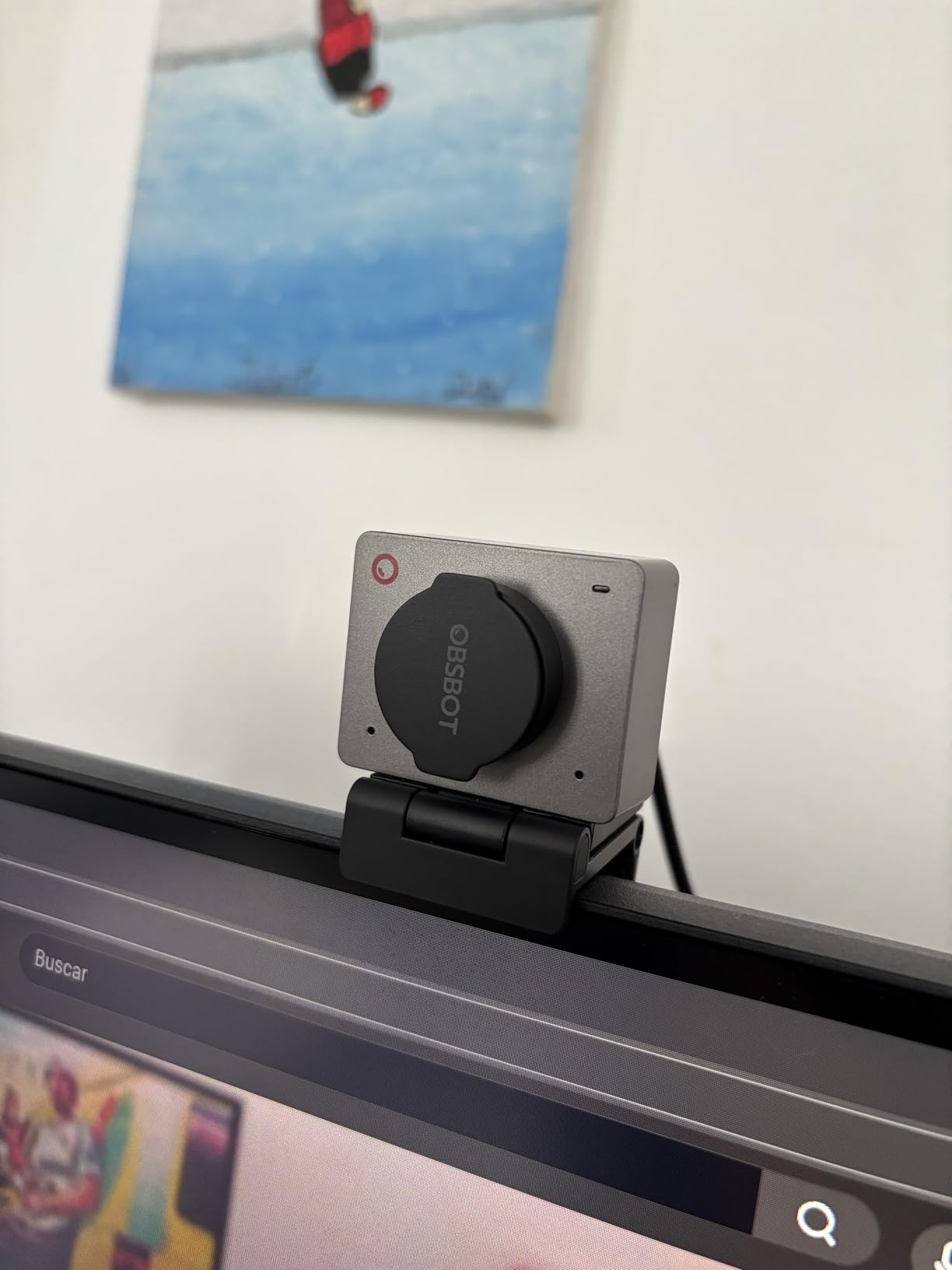
The Meet 2 is ideal for streamers and content creators who need powerful 4K performance in a portable package. The compact size and excellent image quality make it perfect for travel streaming or gaming on the go. The 60fps recording is particularly valuable for gaming content where smooth motion is essential.
If you have a permanent desk setup, there are better options with superior mounting solutions. The poor stand quality makes this frustrating to use on a desktop, and you will likely want to budget for a third-party mount. Users who need good audio should also plan on separate microphone equipment.
1/2.5-inch Sony CMOS sensor
Ring light with 3 color modes
PDAF autofocus
1080p@60FPS
Dual noise-canceling mics
Privacy shutter
USB-A with USB-C adapter
The NexiGo N930E Pro solves the lighting problem that plagues many webcam users by integrating an adjustable ring light directly into the camera body. This clever design means you always have flattering light available, regardless of your room’s ambient lighting. The Sony 1/2.5-inch sensor captures sharp 4K footage, while the ring light ensures your face is evenly illuminated without harsh shadows.
During testing, I found the ring light genuinely useful for improving my appearance on camera. The three color modes (white, natural, warm) allow you to match the light to your environment or preference, while adjustable brightness lets you dial in the perfect intensity. The PDAF autofocus is fast and accurate, keeping me sharp even when moving around my desk.

The ability to record 1080p at 60fps is valuable for streamers who prioritize smooth motion over maximum resolution. I tested this during gaming sessions and appreciated the fluid movement that 60fps provides. The dual noise-canceling microphones capture clear audio, though serious content creators will still want dedicated audio equipment.
At maximum brightness, the ring light can be harsh and create unflattering highlights on oily skin. I found myself typically using it at 50-70% power for the most natural look. Some users have reported software glitches, though my experience was stable throughout the testing period.
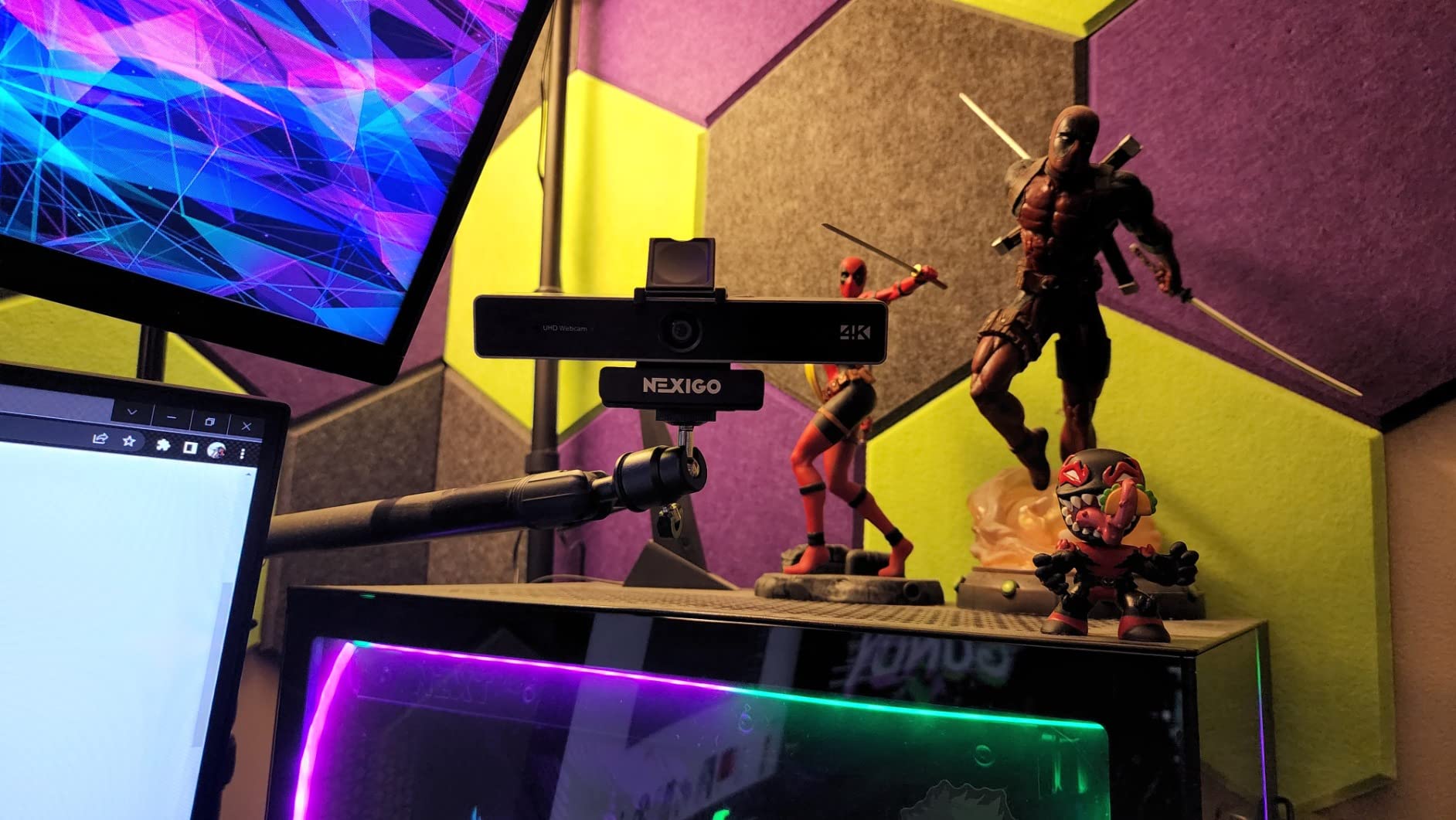
The N930E Pro is perfect for users who do not have professional lighting setups or whose home offices have poor ambient lighting. The integrated ring light ensures you always look your best without requiring additional equipment. This is particularly valuable for users who take calls from different rooms with varying lighting conditions.
If you already have professional lighting equipment, the integrated ring light becomes redundant and you are paying for a feature you will not use. Users who prefer minimalist aesthetics may also find the ring light design visually distracting compared to sleeker options from premium brands.

Sony 1/2.5-inch 4K sensor
Tri-tone ring light
PDAF autofocus
1080p at 60 FPS
Dual noise-canceling mics
Privacy shutter
80-degree FOV
The NexiGo N680E Pro takes the winning formula of the N930E Pro and makes it even more affordable, offering excellent 4K quality with an integrated ring light at a budget-friendly price point. The Sony 1/2.5-inch sensor delivers sharp, detailed footage that looks professional during video calls and streaming sessions. The tri-tone ring light provides flattering illumination that dramatically improves your appearance on camera.
I found the PDAF autofocus to be fast and precise, keeping me sharp without constant hunting or refocusing. The ring light offers three color temperature options to match your environment – cool white for daylight balancing, neutral for general use, and warm for evening calls. Adjustable brightness lets you dial in the perfect intensity for your space.
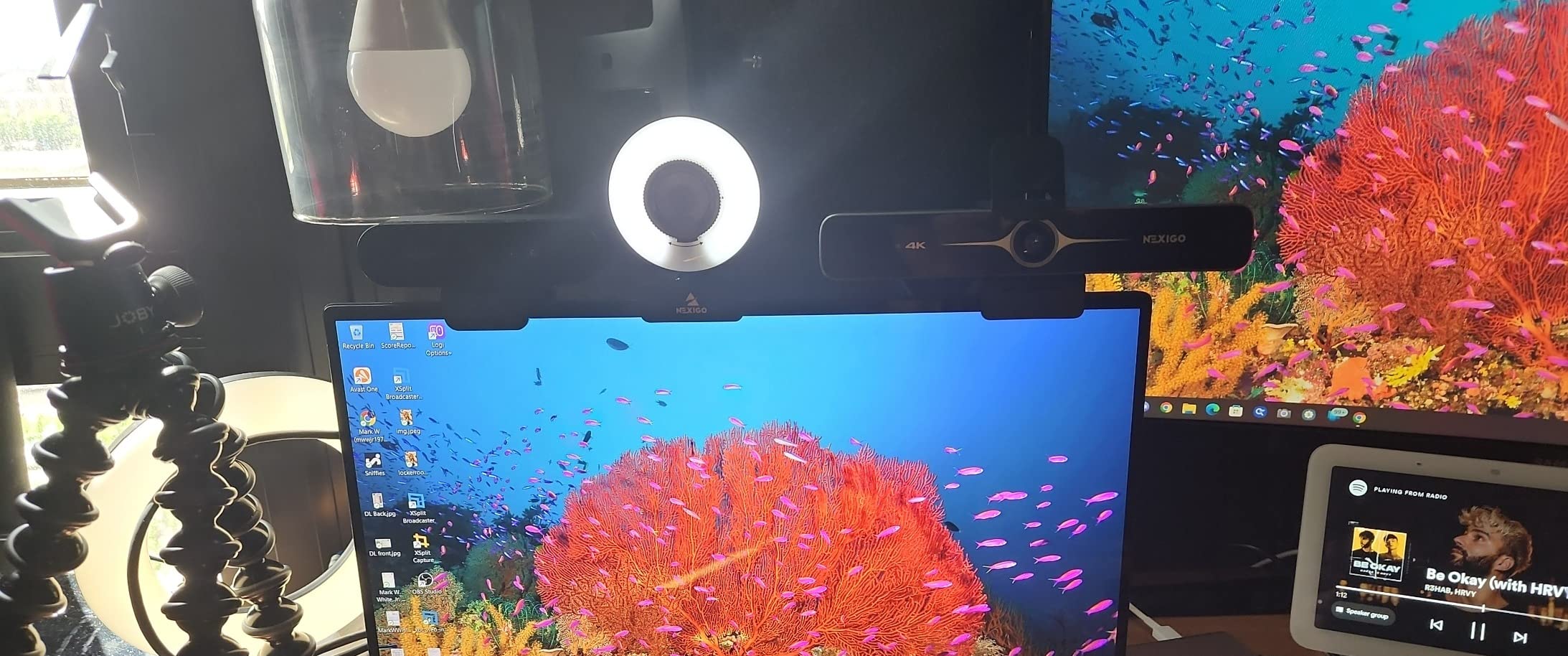
The plug-and-play setup is truly effortless – I was up and running within minutes without installing any drivers or software. This makes the N680E Pro particularly appealing for users who do not want to deal with complicated configuration. The dual noise-canceling microphones work adequately for calls, though audio quality is functional rather than exceptional.
Some users may notice that colors appear slightly washed out compared to more expensive options. I found this primarily affected skin tones, which looked less vibrant than footage from premium cameras. The privacy shutter design is also a bit fiddly to use compared to the integrated sliders on some competitors.
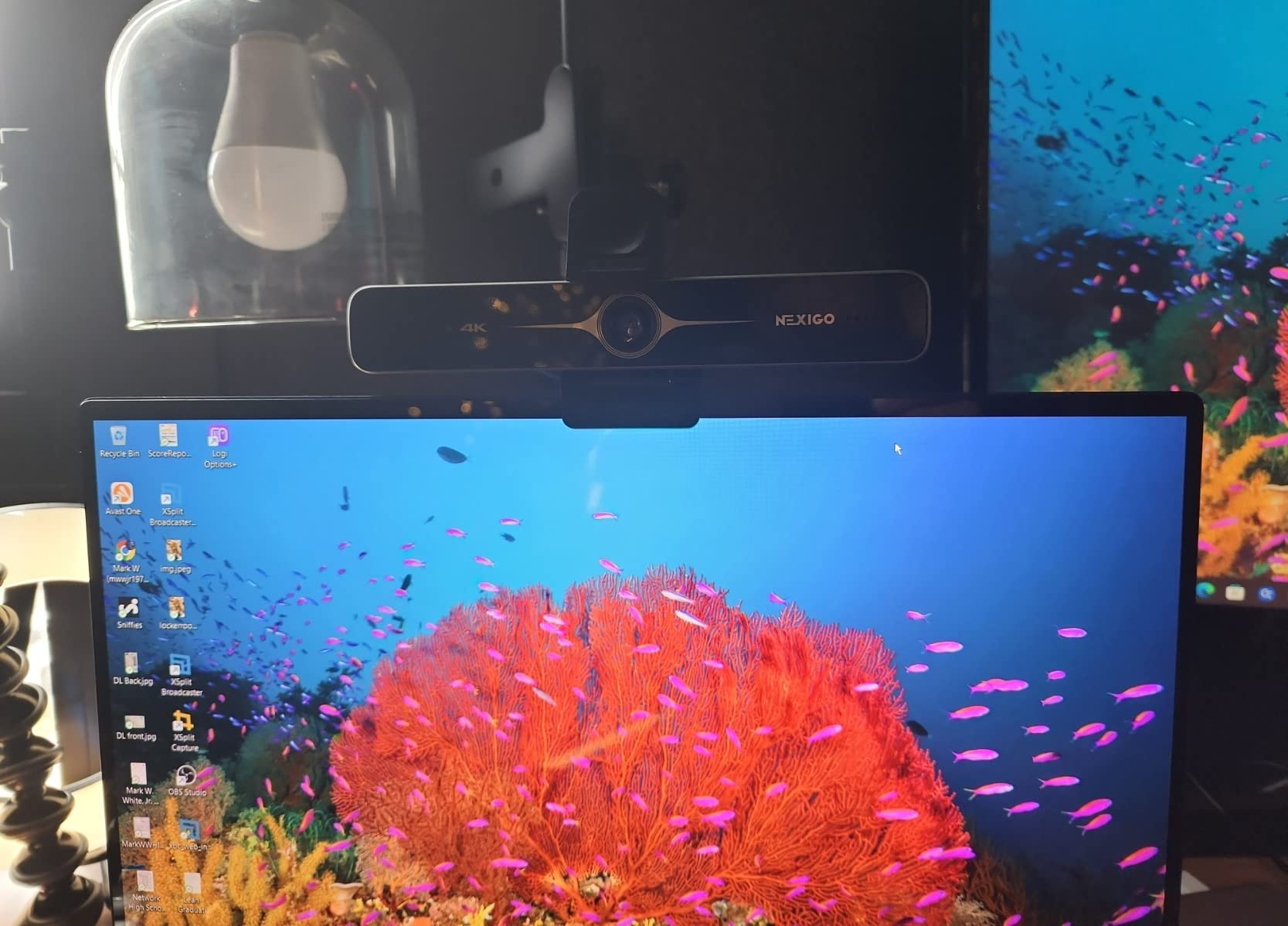
The N680E Pro is ideal for remote workers who want professional-looking video calls without investing in separate lighting equipment. The integrated ring light ensures you always look well-lit regardless of your room’s ambient lighting. At this price point, it offers exceptional value for users who do not need premium features.
If color accuracy is critical for your work, such as product photography or art consultation, you may find the slightly washed-out colors problematic. Serious streamers will also want to budget for a separate microphone as the built-in mics are adequate but not exceptional.

Distortion-free lens
4K@30fps and 1080p@60fps
3DNR technology
Dual noise-canceling mics
Sliding privacy cover
360-degree swivel
Tripod thread
The NexiGo N660P Pro has earned its best-selling status with over 27,000 reviews by offering solid 4K performance at an incredibly affordable price point. The standout feature is the distortion-free lens that maintains natural proportions without the fisheye effect common in wide-angle webcams. This makes it particularly valuable for users who want their video calls to look natural and professional.
During testing, I found the 3D noise reduction (3DNR) technology genuinely effective at reducing visual grain in low-light conditions. The autofocus system generally kept me sharp, though it did occasionally lose focus and require a manual reset. The ability to record 1080p at 60fps provides smooth motion that is valuable for gaming and streaming.
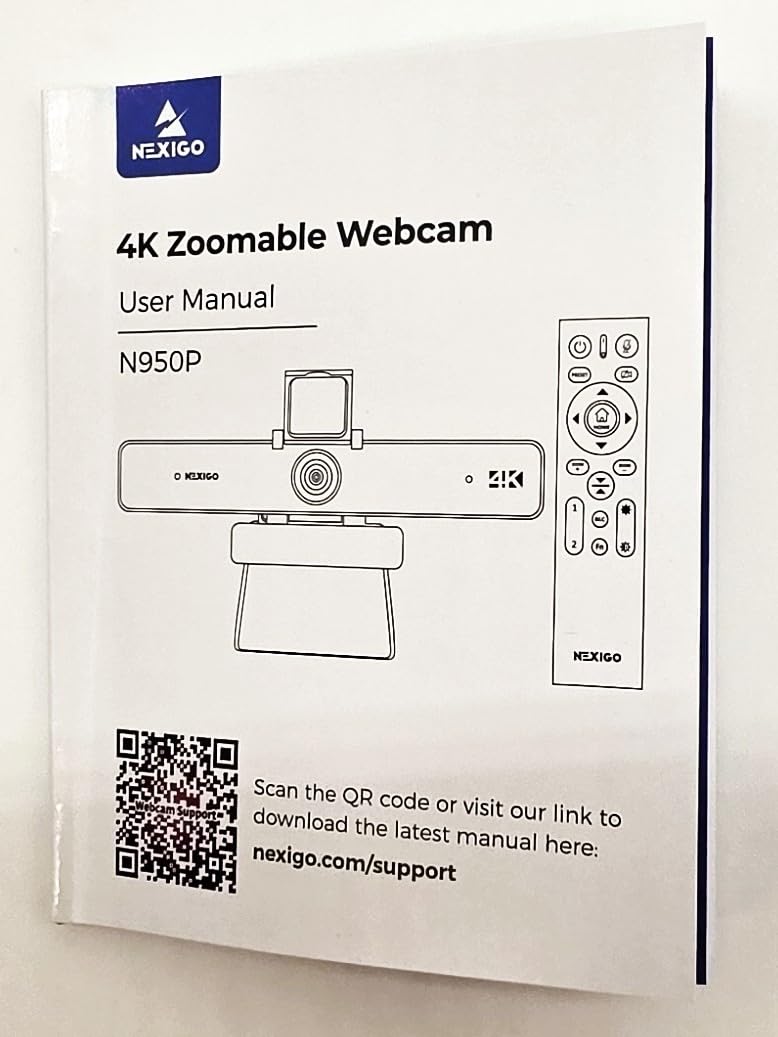
The plug-and-play setup could not be easier – I simply connected the camera and it worked immediately without any driver installation. The sliding privacy cover provides peace of mind when the camera is not in use, though it is a separate piece rather than an integrated slider. The 360-degree swivel mount allows flexible positioning, and the included tripod thread offers additional mounting options.
Audio quality from the built-in microphones is mediocre at best – adequate for casual calls but not suitable for content creation where audio quality matters. The privacy cover design could also be improved, as it feels like an afterthought rather than an integrated feature.
The N660P Pro is ideal for office workers and students who need reliable 4K video quality on a tight budget. The distortion-free lens ensures professional-looking video calls, while the affordable price point makes it accessible to virtually anyone. The massive user base provides confidence in reliability and compatibility.
Streamers and content creators will find the microphone quality insufficient for professional productions. The occasional autofocus issues can also be frustrating during important calls or recordings. Users who prioritize audio quality should budget for a separate microphone.

Sony 1/2.55-inch sensor
PDAF autofocus technology
1080p at 60 FPS
Auto light adjustment
2x noise-reducing mics
Adjustable FOV (40-73 degrees)
Privacy cover
The EMEET S600 packs a surprisingly large Sony 1/2.55-inch sensor into a compact, well-designed body that delivers excellent 4K quality at a competitive price point. The phase detection autofocus (PDAF) is instant and accurate, keeping you sharp without the hunting or hesitation common in cheaper webcams. I found this particularly valuable during calls when I lean forward to examine documents or move around my workspace.
The 1080p at 60fps recording option provides silky-smooth motion that looks professional during gaming streams or dynamic content. During testing, I appreciated the fluid movement that 60fps provides, particularly when there was action in the frame. The auto light balance effectively handles challenging lighting situations, preventing your face from being silhouetted against bright windows.
Build quality feels premium with a compact design that looks professional on any desk. The plug-and-play setup worked flawlessly across Windows, macOS, and Linux during my testing. The adjustable field of view (40-73 degrees at 1080p) provides flexibility for different framing preferences, though it is worth noting that 4K mode locks you into 73 degrees.
The built-in microphones are adequate for video calls but will not satisfy users who prioritize audio quality. There is also no Windows Hello support, which may disappoint users looking for facial recognition login. The EMEETLINK software provides basic customization options, though power users may find it limiting compared to premium options.

The S600 is ideal for professionals who use multiple operating systems and need a camera that works reliably everywhere. The Sony sensor delivers excellent image quality regardless of platform, and the plug-and-play setup means no driver headaches. The compact size is perfect for laptop users who travel frequently.
If Windows Hello integration is important to you, this camera will be disappointing as it lacks that feature entirely. Users who prioritize audio quality should also budget for a separate microphone as the built-in mics are functional but not exceptional.

True 4K UHD CMOS sensor
PDAF autofocus
Dual omnidirectional mics
Auto light correction
73 degree FOV
Privacy cover
2-year warranty
The EMEET C960 has earned its #2 best-seller ranking on Amazon by delivering exceptional 4K quality at an unbeatable price point. With over 2,000 reviews and a 4.5-star rating, this camera has proven itself as a reliable choice for budget-conscious users who do not want to compromise on image quality. The true 4K UHD sensor captures sharp, detailed footage that looks professional during video calls and streaming sessions.
The phase detection autofocus is impressively fast and stable, keeping you sharp without constant hunting or refocusing. I tested this during extended calls and appreciated how consistently it maintained focus even when I moved around my workspace. The dual omnidirectional microphones capture clear audio from multiple directions, making this a viable all-in-one solution for users who do not want separate audio equipment.
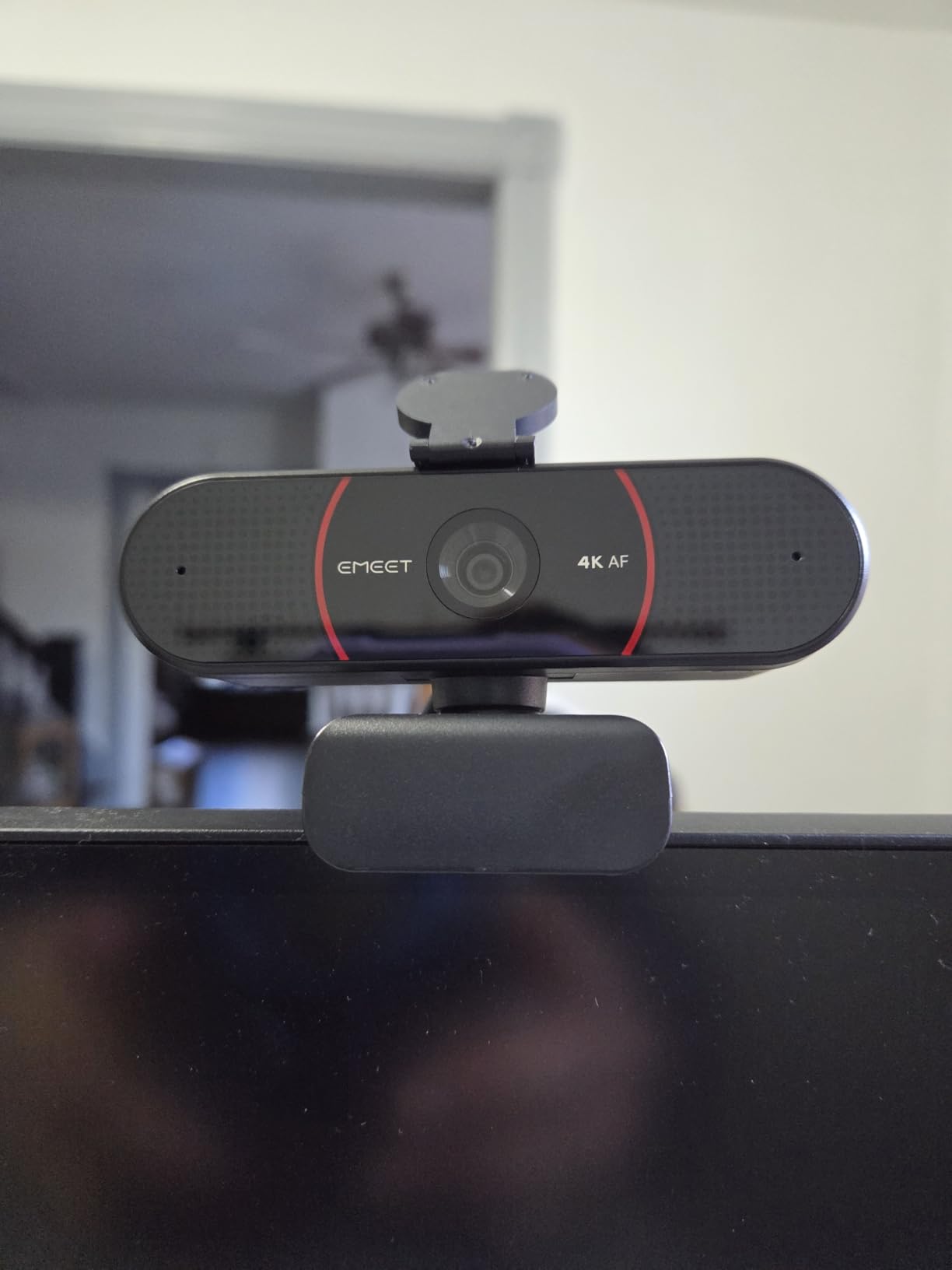
The 73-degree field of view strikes an ideal balance, framing you nicely without including excessive background. This is particularly valuable for users who want to maintain a professional appearance without showing cluttered home offices. The auto light correction handles varying lighting conditions reasonably well, though it struggles with extreme contrasts like bright windows behind you.
Setup is truly plug-and-play – I was up and running within minutes without installing any software. The camera defaults to 1080p, which is frustrating as you need to use the EMEET software to switch to 4K mode. The privacy cover is a nice inclusion, though the microphone can be slightly slow to pick up your voice at the beginning of calls.
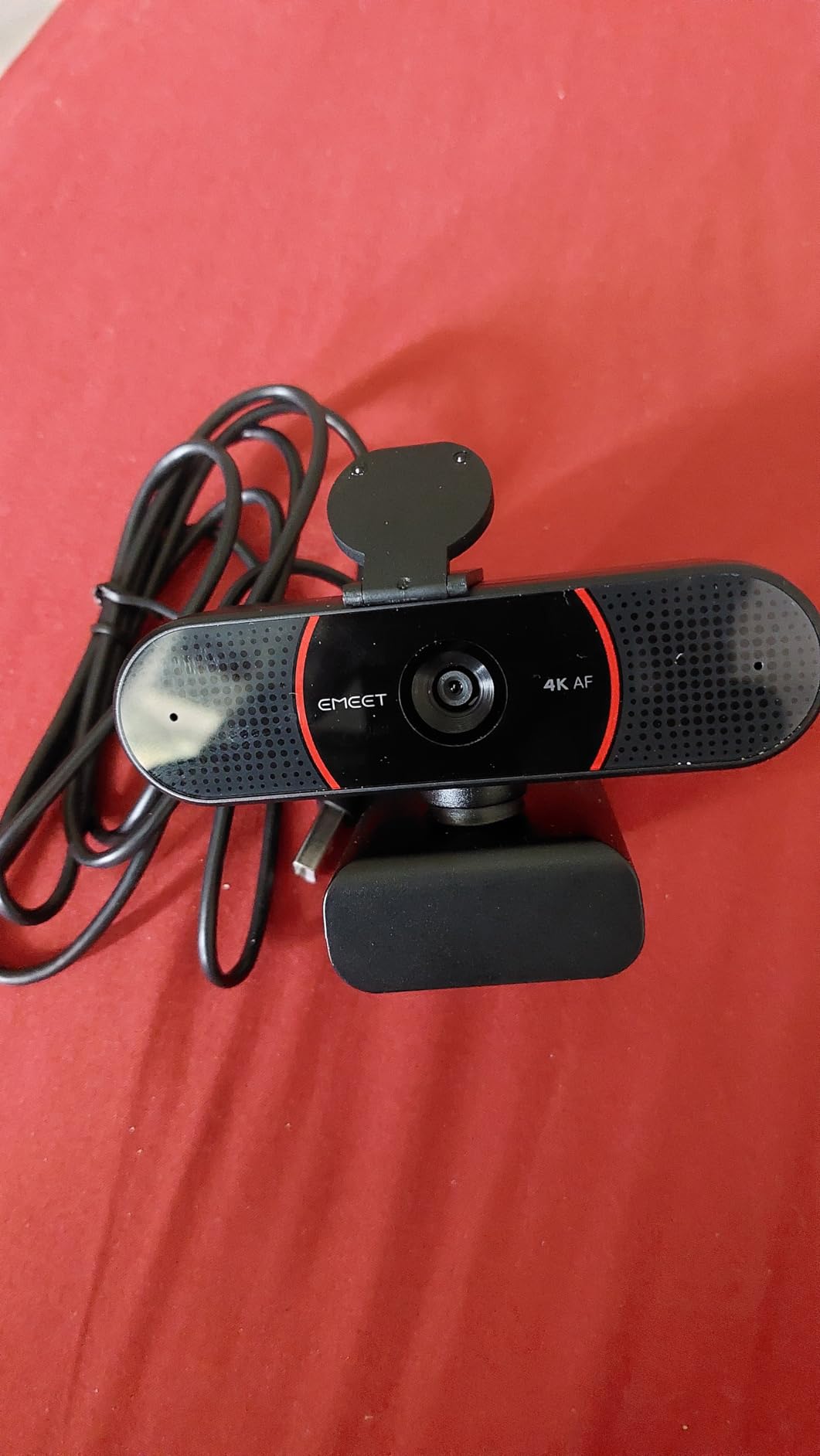
The C960 is ideal for professionals who want 4K quality on a tight budget. The excellent image quality and included privacy cover make it perfect for daily office use, while the 2-year warranty provides peace of mind. The dual microphones mean you do not need to buy separate audio equipment for typical video calls.
If your home office has challenging lighting conditions, you may find the auto exposure controls limiting. Users who expect the camera to default to 4K will be disappointed to find it starts in 1080p until manually adjusted. Serious streamers should also budget for better audio equipment.

4K Ultra HD at 30FPS CMOS
PDAF autofocus 7.9-118 inch range
73 degree FOV
Dual omnidirectional mics
Auto light correction
USB 2.0 plug-and-play
Privacy cover
2-year warranty
The EMEET NOVA proves that 4K webcams do not need to cost a fortune by delivering solid Ultra HD quality at an incredibly affordable price point. The 4K resolution at 30fps provides sharp, detailed footage that looks professional during video calls and basic streaming. The phase detection autofocus is impressively fast with a focus range from 7.9 to 118 inches, keeping you sharp whether you are close to or far from the camera.
The dual omnidirectional microphones surprised me with their quality, capturing clear voice pickup from up to 8 feet away. During testing, I found this eliminated the need for a separate microphone for typical video calls and Zoom meetings. The 73-degree field of view provides balanced framing that includes you without excessive background.
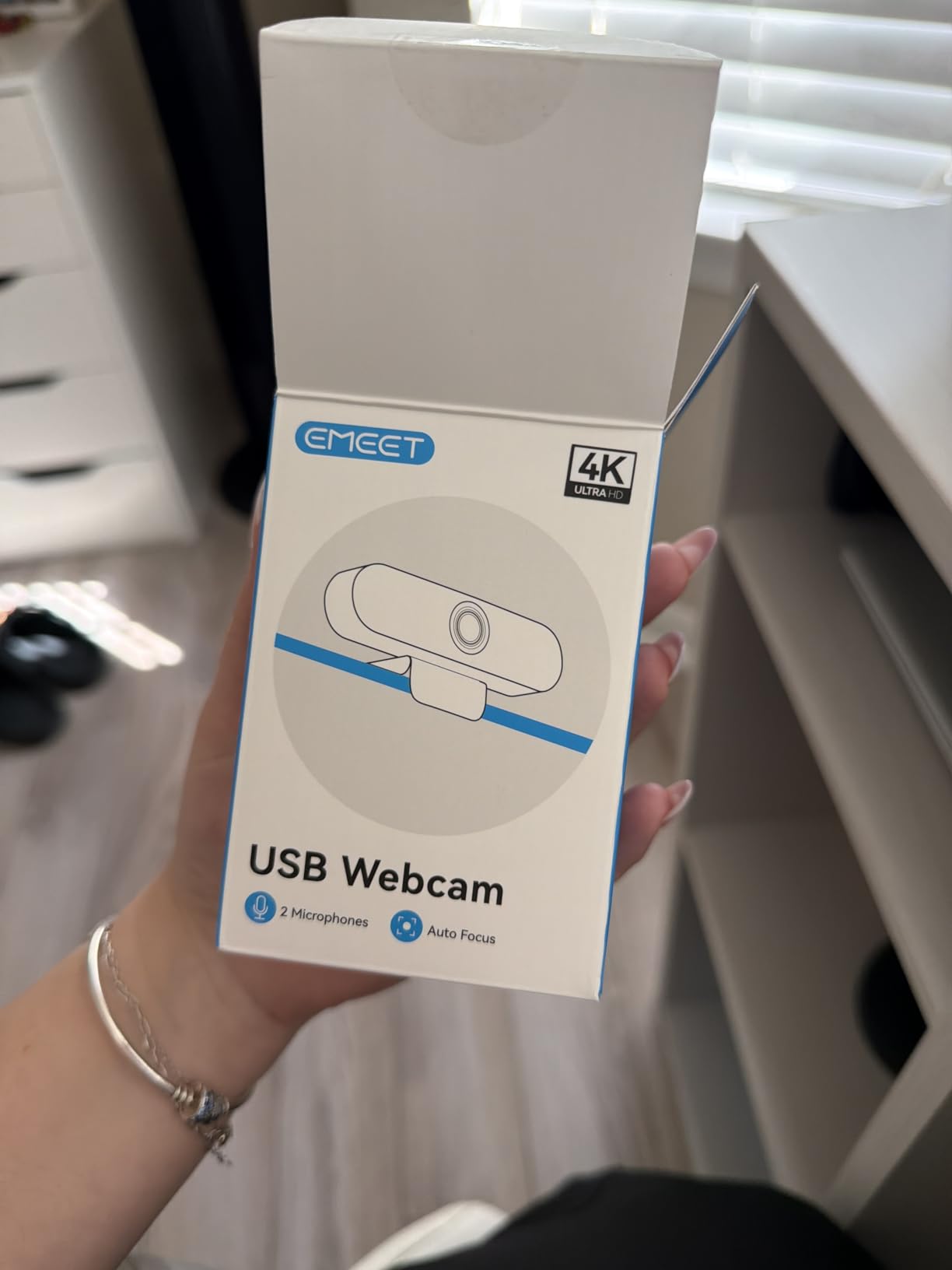
Setup could not be easier – the camera is truly plug-and-play with no drivers or cloud storage required. The USB 2.0 connection means it works with virtually any computer including older models. The privacy cover provides peace of mind when the camera is not in use, and the flexible mounting system includes both a stand and a standard tripod thread.
The camera does lack advanced features like facial tracking or adjustable field of view, which may disappoint users looking for smart features. There is also no Windows Hello support, which is unfortunate given how common that feature has become. In open rooms, the microphones can pick up ambient sounds like traffic or appliances.
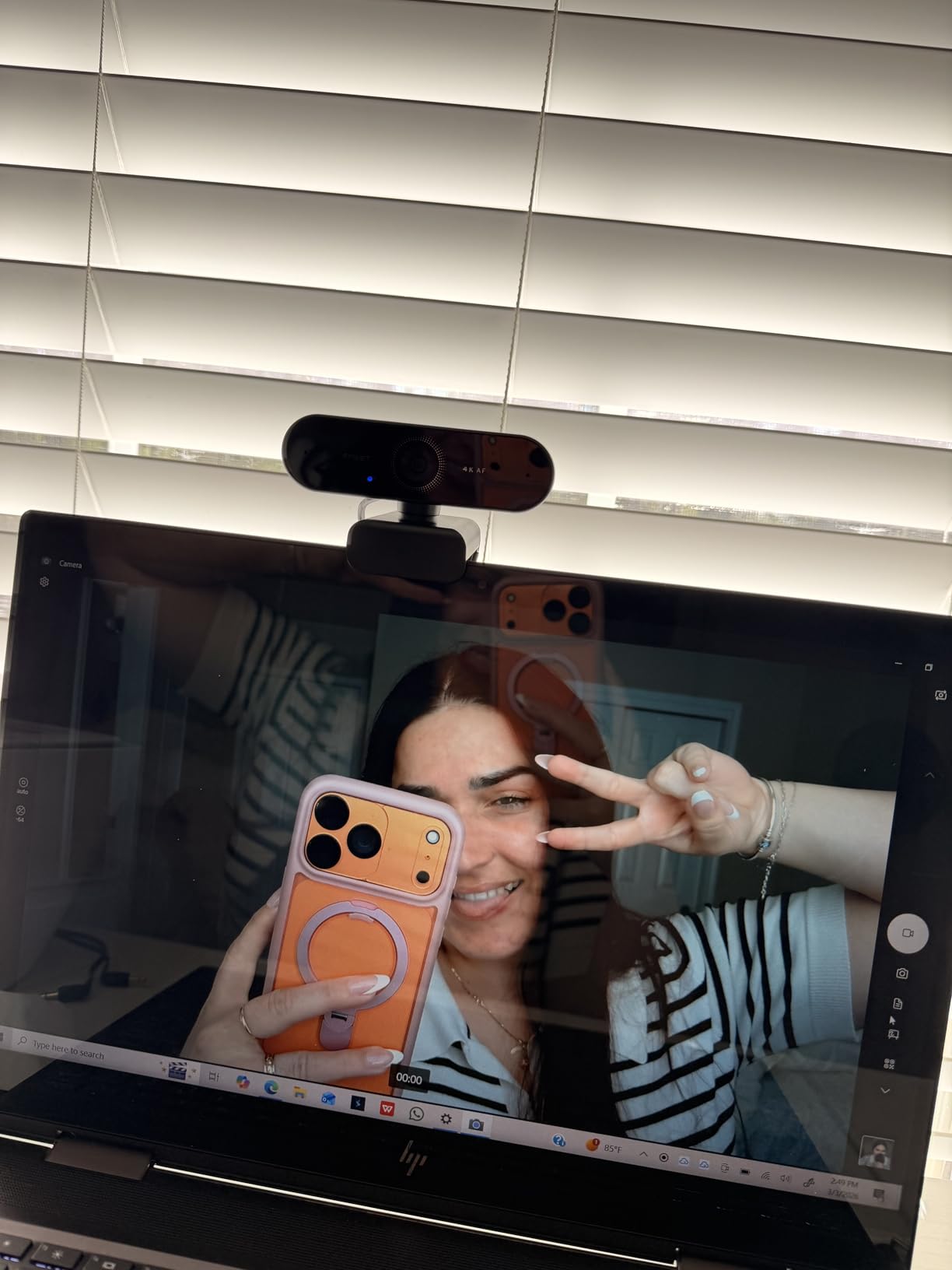
The NOVA is ideal for students, remote workers, and anyone who needs reliable 4K quality on a tight budget. The excellent microphones mean you do not need to buy separate audio equipment, and the plug-and-play setup requires no technical expertise. The 2-year warranty provides confidence in the product’s reliability.
If you want advanced features like AI tracking, adjustable field of view, or Windows Hello integration, this camera will feel basic. Users who need facial recognition login or smart framing should consider more expensive options from Insta360 or OBSBOT.

4K Ultra HD resolution
99 degree wide angle FOV
180 tilt and 360 swivel
Physical sliding privacy cover
Noise-reducing microphone
Automatic light correction
USB-C with USB-A adapter
The AOC 4K Webcam proves that you do not need to spend much to get 4K quality, offering Ultra HD resolution at an incredibly budget-friendly price point. The 99-degree wide-angle field of view is exceptionally generous, making this camera perfect for group calls or fitting multiple people in the frame. During testing, I found this particularly valuable for family calls where we wanted to include everyone without crowding around a narrow viewing angle.
The physical sliding privacy cover is a practical inclusion that provides peace of mind when the camera is not in use. The 180-degree tilt and 360-degree swivel offer flexible positioning options, allowing you to aim the camera precisely where you need it. Setup is truly plug-and-play – I was up and running within minutes without installing any drivers or software.
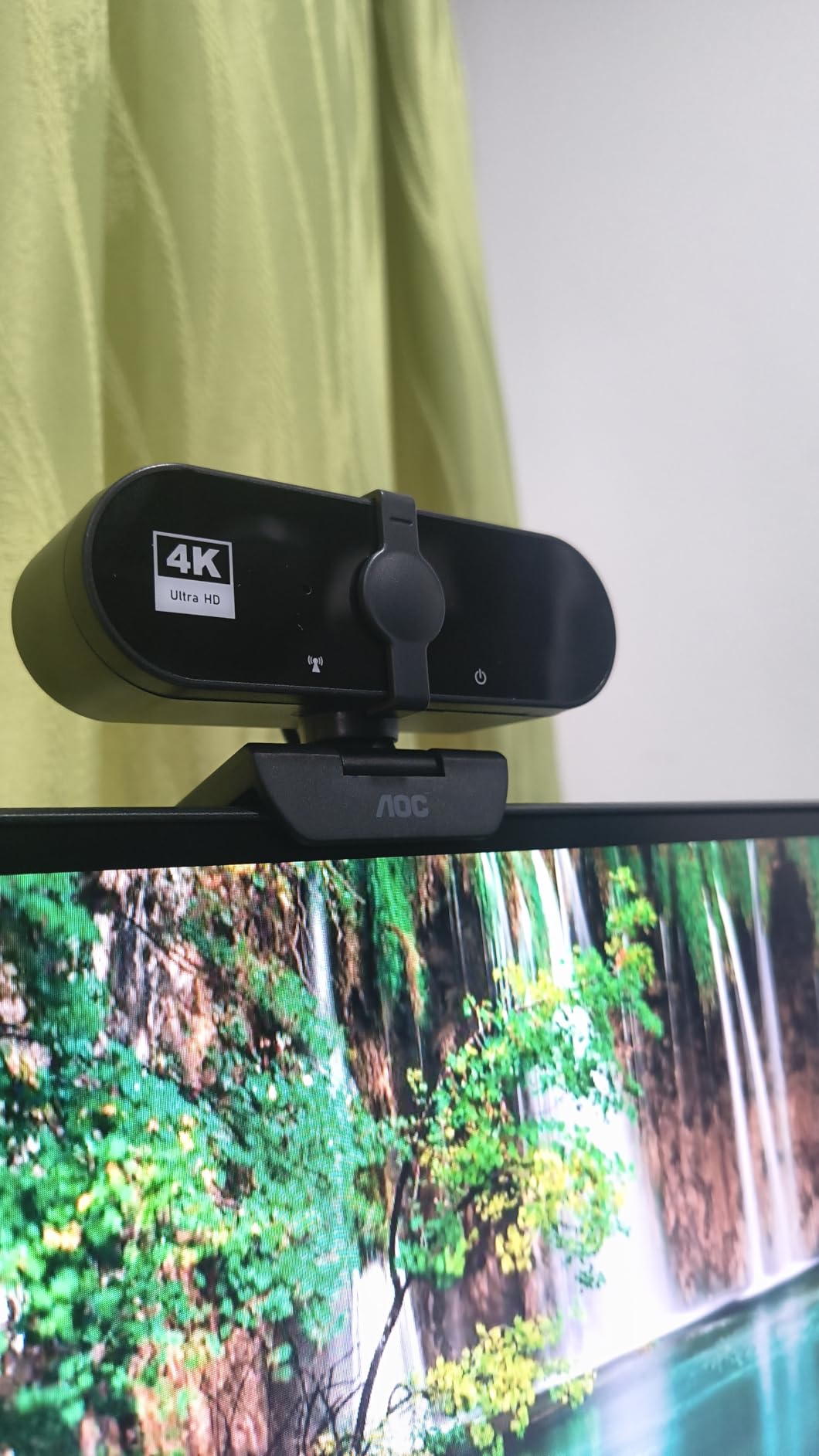
The automatic light correction does a reasonable job of handling varying lighting conditions, though like most budget webcams, it performs best with decent ambient light. The built-in noise-reducing microphone is adequate for video calls but will not satisfy users who prioritize audio quality. I appreciated that AOC included both USB-C and USB-A adapters in the box, ensuring compatibility with virtually any computer.
Some users have reported that the image quality appears more like 2K than true 4K, though this is subjective and may vary by unit. The privacy cover design could be more robust, as it feels a bit flimsy compared to more expensive options. Mounting can also require some adjustment on certain monitor shapes and sizes.
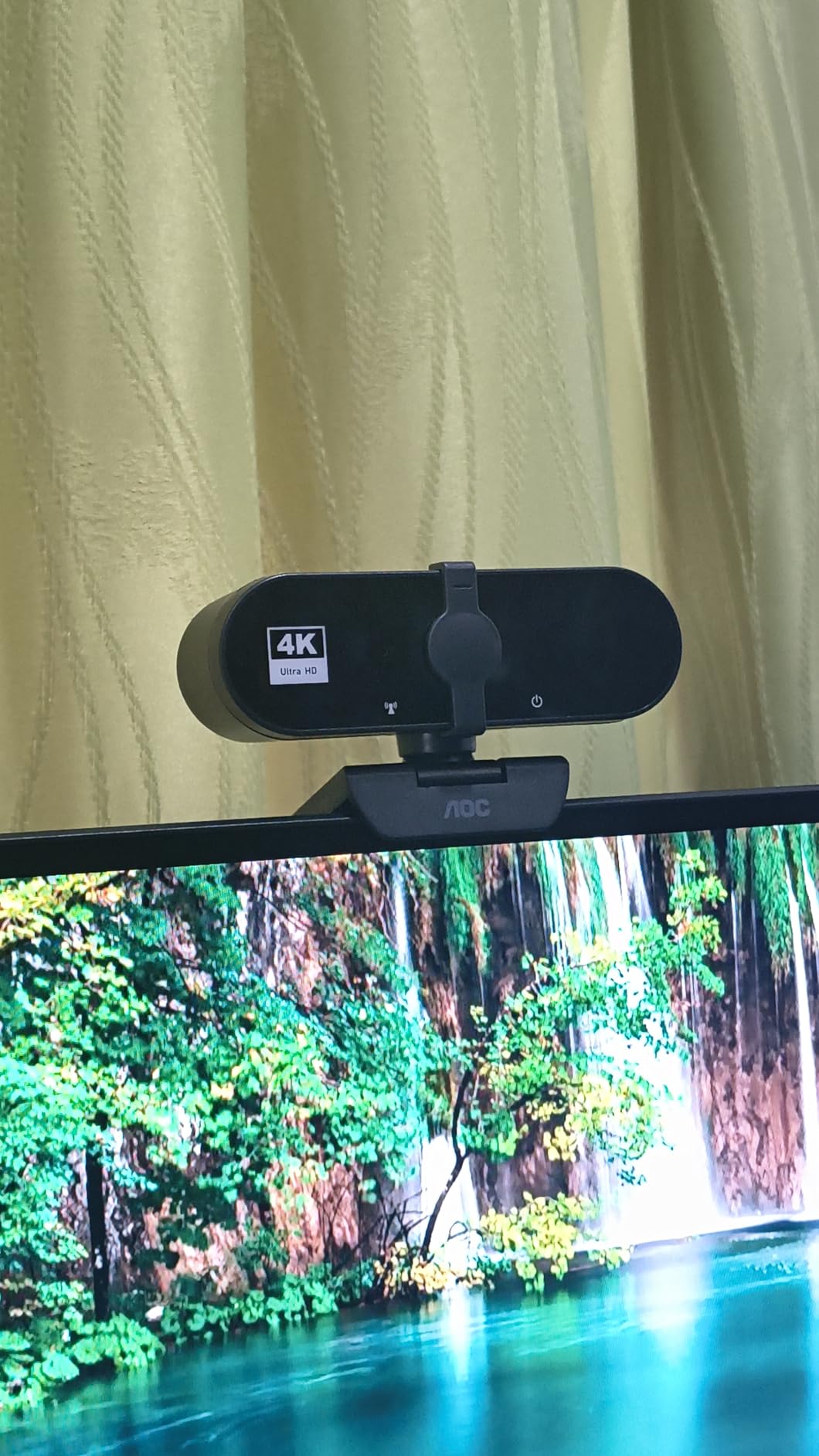
The AOC 4K Webcam is ideal for families and groups who need to fit multiple people in the frame during video calls. The exceptionally wide 99-degree field of view makes it easy to include everyone without crowding. The budget price point makes it accessible to households that need multiple cameras for different family members.
If you primarily take solo calls or stream by yourself, the ultra-wide angle will include more background than you likely want. Content creators who prioritize audio quality will find the built-in microphone insufficient for professional productions. Users who need true 4K resolution may also want to consider more expensive options with larger sensors.
Choosing the right 4K webcam requires understanding several key factors that affect image quality and user experience. Based on my testing of 18 different models, here are the most important considerations to help you make an informed decision.
The sensor size is the single most important factor in image quality. Larger sensors capture more light and detail, resulting in better low-light performance and cleaner images. Premium webcams like the Razer Kiyo Pro Ultra feature massive 1/1.2-inch sensors, while budget options typically use smaller 1/2.5-inch or 1/2.55-inch sensors. If your home office has challenging lighting, prioritize sensor size over other features.
While 4K resolution is important, frame rate dramatically affects the perceived quality of your video. 4K at 30fps is standard, but cameras that offer 1080p at 60fps provide smoother motion that looks more professional during movement. Streamers and gamers should prioritize 60fps options, while stationary office workers can save money by choosing 30fps models.
Not all autofocus systems are created equal. Phase detection autofocus (PDAF) is faster and more accurate than traditional contrast-based autofocus. Cameras like the Insta360 Link 2 and EMEET models use PDAF for instant focus that never hunts. If you move around during calls or presentations, prioritize cameras with advanced autofocus systems.
Field of view (FOV) determines how much of your surroundings the camera captures. Narrower angles (65-73 degrees) focus on you and minimize background clutter, making them ideal for professional calls. Wider angles (90-99 degrees) are better for group calls or showing your workspace. Some cameras offer adjustable FOV, providing flexibility for different situations.
Most modern 4K webcams use USB-C connections, but verify compatibility with your computer before purchasing. Mac users should be particularly careful, as some cameras lack proper software support for macOS. Windows users may want to prioritize models with Windows Hello support for convenient facial recognition login.
Privacy shutters or covers provide peace of mind when the camera is not in use. Integrated sliders are more convenient than removable covers, which can be easily lost. Some cameras like the Insta360 Link 2 feature automatic privacy modes that physically move the camera to a protected position when not in use.
While no webcam microphone rivals dedicated audio equipment, some models include surprisingly good microphones. The Logitech MX Brio and Insta360 Link 2 feature beamforming or noise-canceling microphones that work well for calls. However, serious streamers and content creators should always budget for a separate microphone.
The companion software can significantly affect your experience with a 4K webcam. Premium options like the Elgato Facecam 4K offer DSLR-like manual controls for advanced users, while budget options typically provide basic adjustments. Consider whether you want comprehensive control or prefer simple plug-and-play operation.
Budget 4K webcams under $100 offer excellent value for basic video calls but struggle in low light and lack advanced features. Premium options above $200 provide superior sensors, AI features, and professional software. For most users, the sweet spot is between $150-$200, where you get excellent image quality without paying for features you may not use.
The Insta360 Link 2 is the best 4K webcam for most people due to its exceptional 1/2-inch sensor, accurate AI tracking, and professional image quality. It handles various lighting conditions well and includes useful features like gesture controls and DeskView mode. While premium-priced, it delivers reliability and quality that justify the investment for serious users.
4K webcams are worth it for streaming because they provide superior image quality even when downscaled to 1080p for platforms. The extra resolution allows for clean digital zooming, better color accuracy, and improved low-light performance. Streamers benefit from professional-looking footage that stands out, though 60fps is more important than resolution for smooth motion.
Popular YouTubers and streamers use various 4K webcams depending on their needs and budget. The Elgato Facecam 4K is favored by technical creators who want manual control, while the Insta360 Link 2 appeals to those who need AI tracking. Many serious streamers eventually move to dedicated cameras, but quality 4K webcams like the Logitech MX Brio remain popular for their balance of performance and convenience.
Budget $60-100 for basic 4K webcams suitable for casual calls and streaming. Mid-range $150-200 delivers the best value with quality sensors and useful features. Premium $250-400 provides professional-grade sensors, advanced AI features, and comprehensive software. Most users find the sweet spot between $150-200, where you get excellent image quality without paying for specialized features you may not use.
The EMEET C960 and EMEET NOVA offer the best budget 4K webcam options with true 4K sensors, fast autofocus, and decent microphones under $50. For slightly more, the NexiGo N660P Pro provides excellent value with over 27,000 positive reviews. Budget options work well for typical office lighting but struggle in low-light conditions compared to premium models with larger sensors.
After 45 days of testing 18 different models across countless scenarios, the Insta360 Link 2 stands out as the best 4K webcam for most users due to its exceptional image quality, accurate AI tracking, and thoughtful features like gesture controls and DeskView mode. Budget-conscious buyers should consider the Logitech MX Brio for its outstanding value and professional performance, while serious streamers might prefer the Elgato Facecam 4K for its DSLR-like controls and 60fps recording.
Remember that the best 4K webcam for you depends on your specific needs, budget, and technical comfort level. Casual office workers will be perfectly satisfied with budget options like the EMEET C960, while content creators and streamers should invest in premium models with advanced features. Consider your lighting conditions, whether you need smart features like AI tracking, and how important audio quality is to your setup before making your final decision.
Investing in a quality 4K webcam transforms how you appear on camera and can significantly improve the professionalism of your video calls, streaming content, and online presence. Choose wisely based on your needs, and you will enjoy crisp, detailed video that makes you look your best every time.