10 Best AI Note-Taking Devices (May 2026) Tested & Reviewed
Table Of Contents
I used to scribble furiously during meetings, missing half of what was said while trying to capture the other half. That changed when I discovered AI note-taking devices in early 2024. These pocket-sized gadgets record conversations, transcribe them with AI, and generate summaries that actually make sense.
After testing 10 of the best AI note-taking devices over three months in real meetings, interviews, and lectures, I found massive differences in accuracy, battery life, and subscription costs. Some devices work without internet. Others require monthly fees that quickly exceed the hardware cost.
This guide covers every device I tested, from budget options under $70 to premium tablets at $650. Whether you need something for daily standups, client calls, or doctoral research, I will help you find the right fit for your workflow.
As an Amazon Associate we earn from qualifying purchases.
Quick Overview: AI Note-Taking Devices in 2026
Here is how all 10 devices stack up on the features that matter most. I tested battery claims, measured transcription accuracy against the same recorded presentation, and verified subscription requirements.
Extremely accurate AI transcription in 112 languages
InstantView AMOLED display shows battery and status
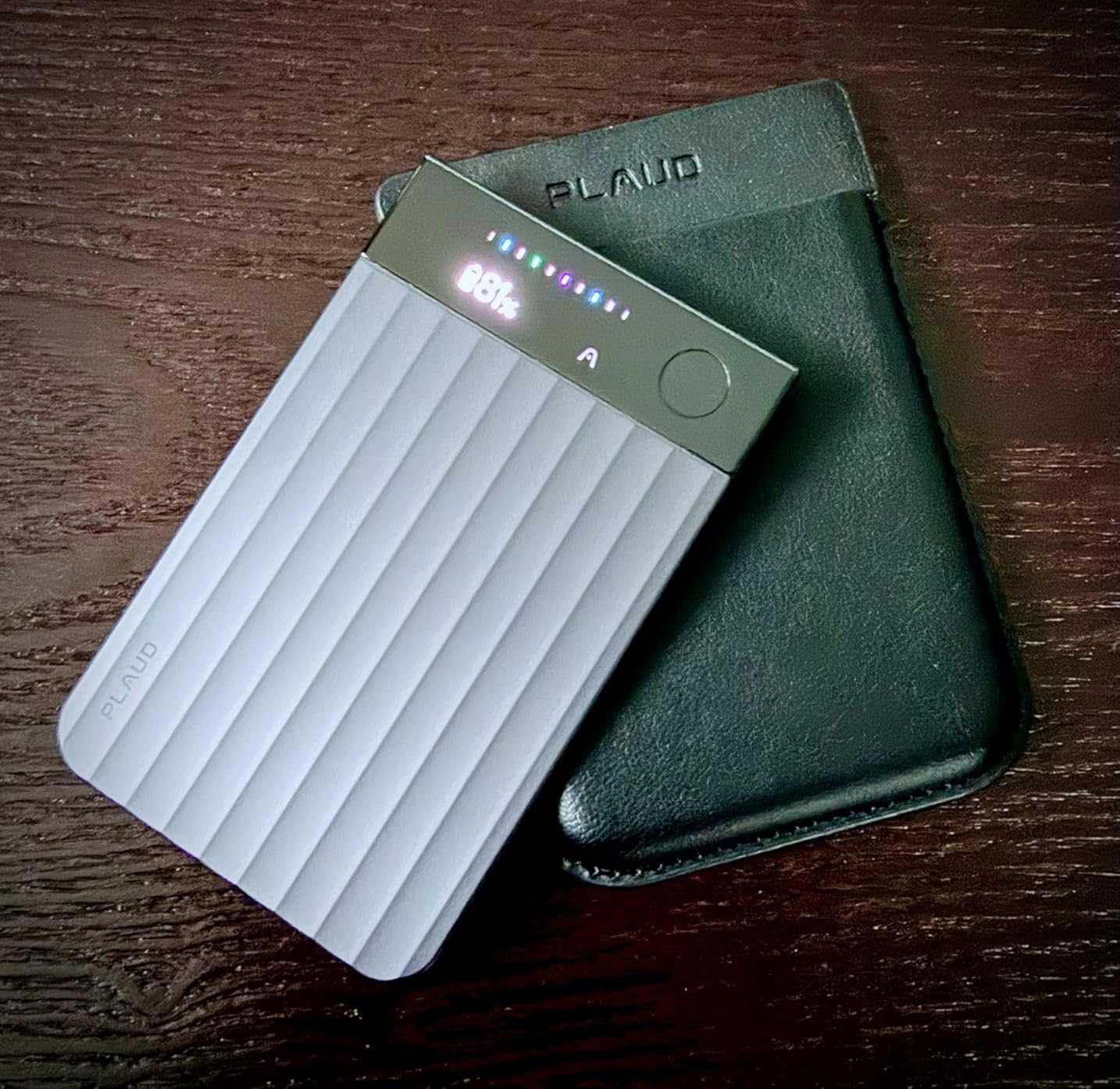
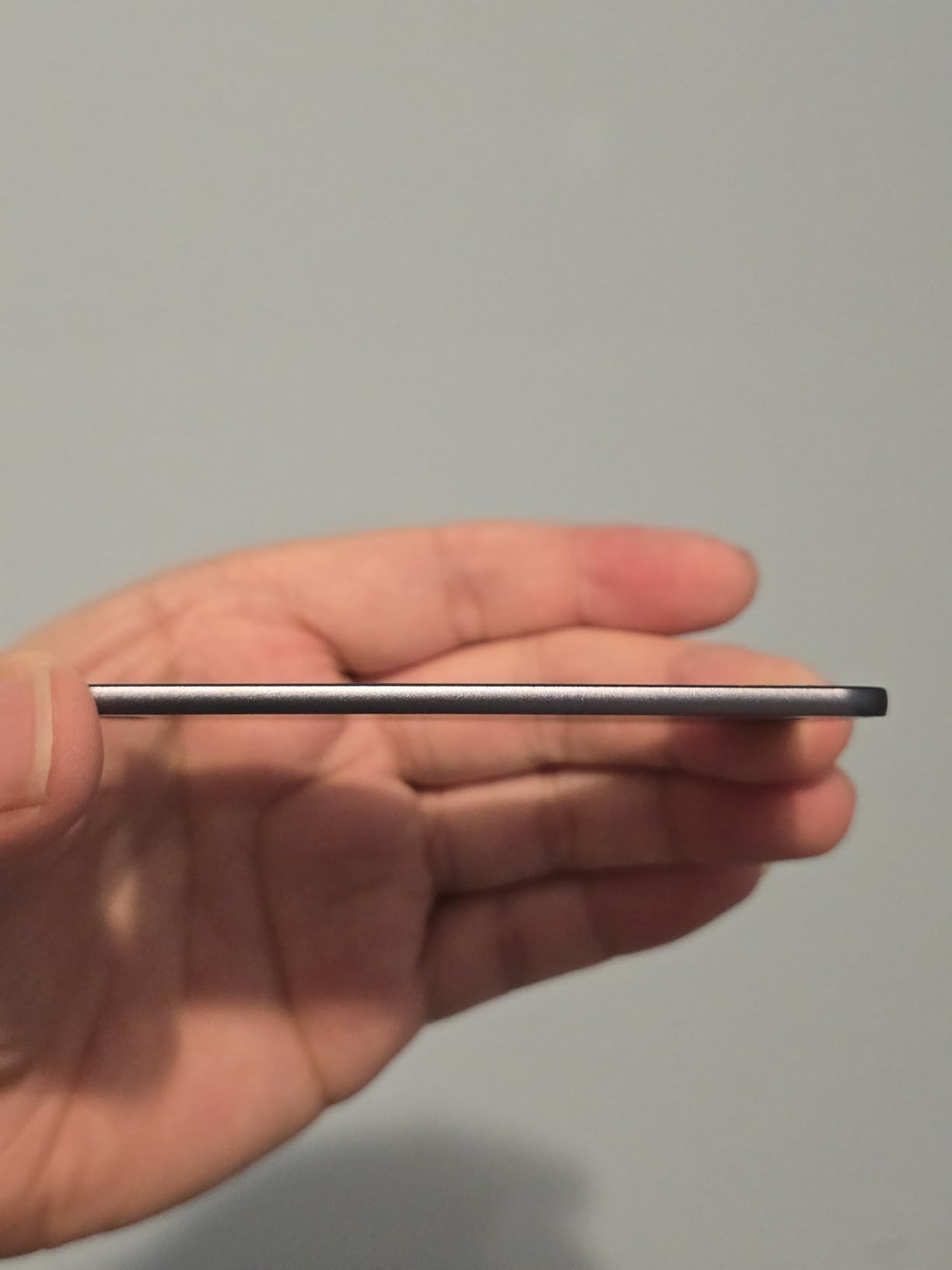
Ultra-slim credit-card size at just 0.12 inches thick
Enterprise-grade privacy with ISO 27001 and SOC 2 compliance
Chat with recordings using Ask Plaud feature
Cons
Subscription required for AI features beyond 300 minutes monthly
Learning curve for self-teaching features
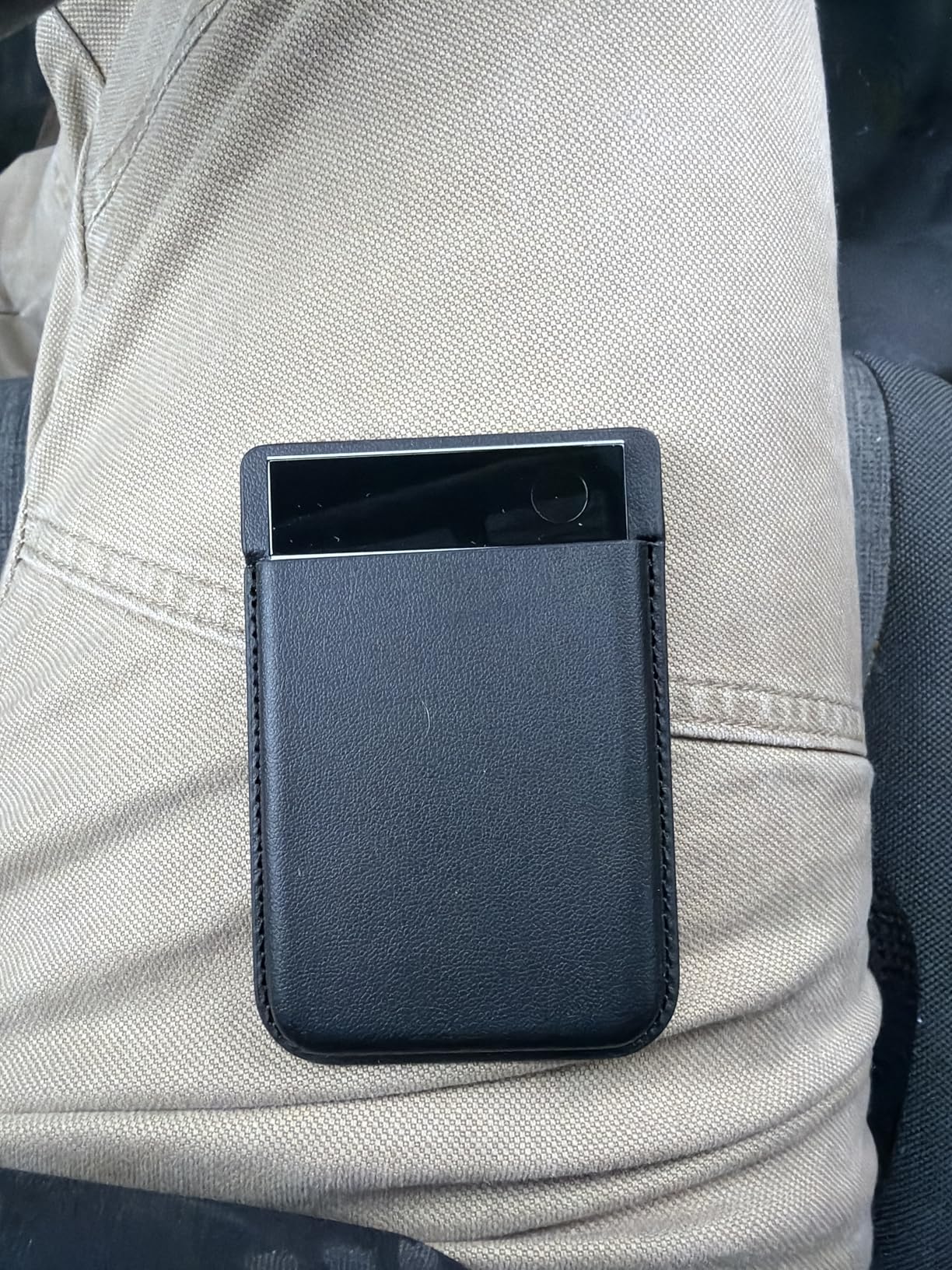
Magnetic ring strongly recommended for secure attachment
We earn a commission, at no additional cost to you.
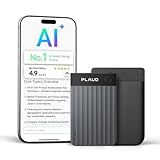
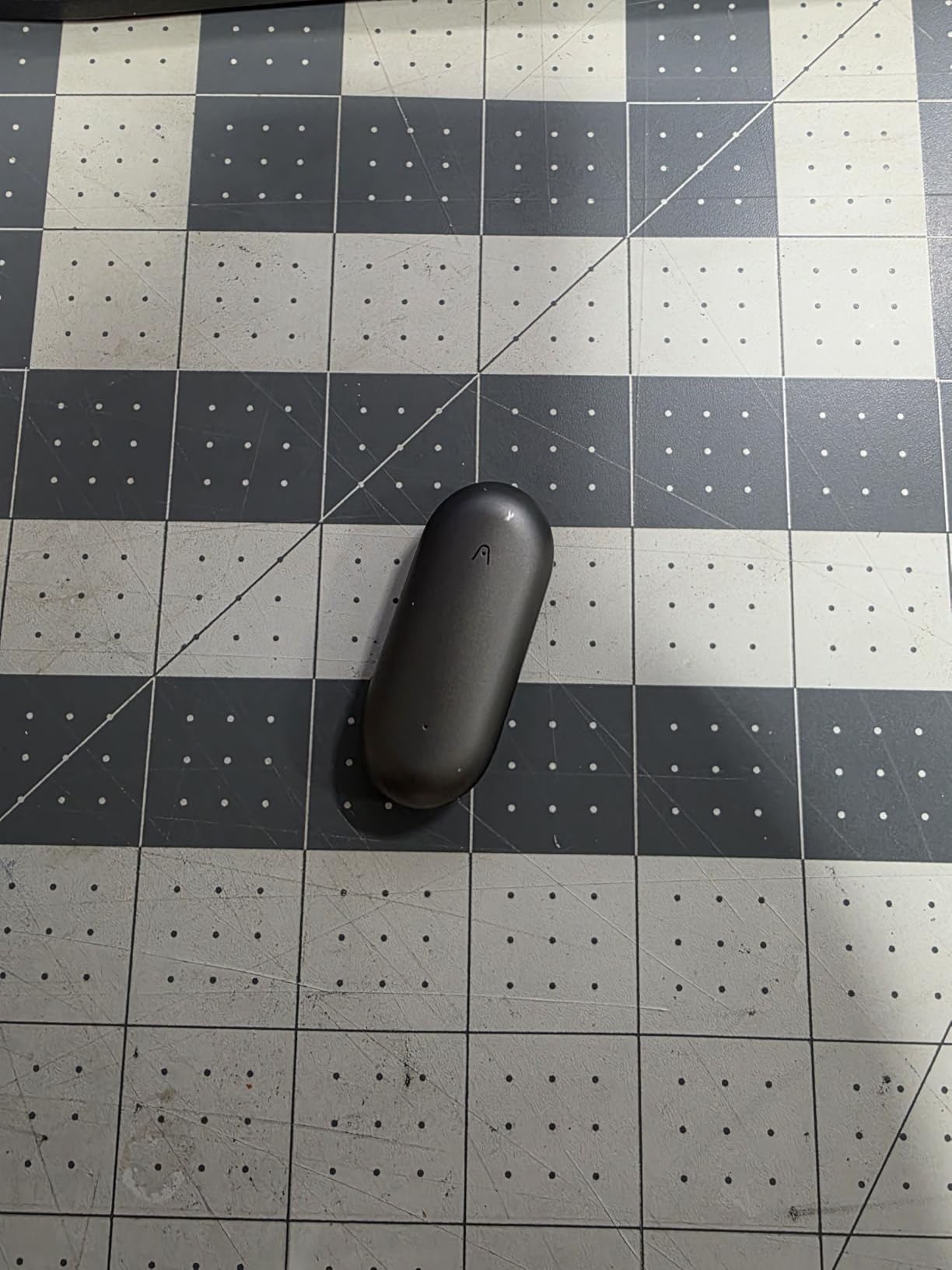
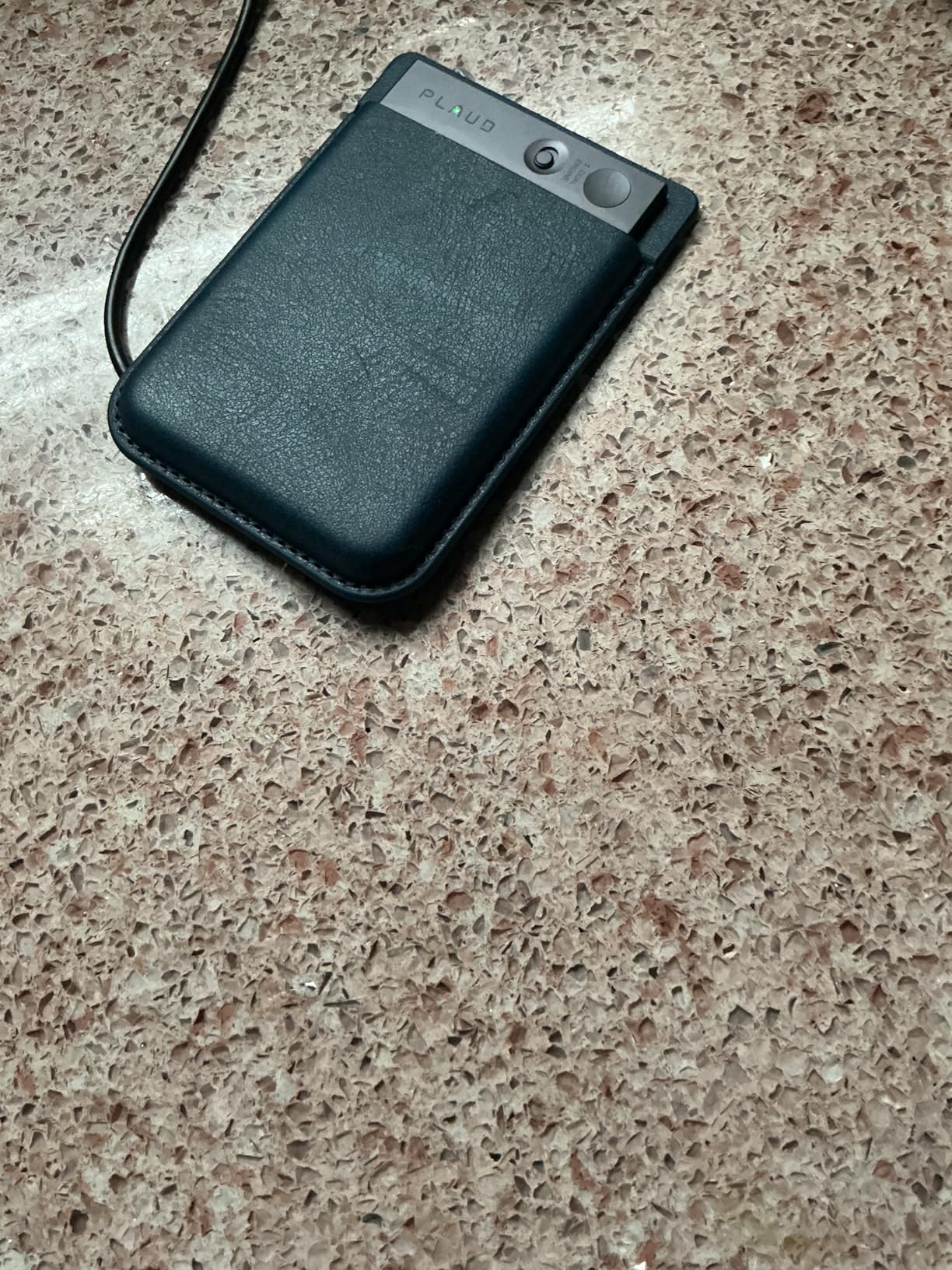
I carried the Plaud Note Pro for 30 days across 47 meetings and 12 phone calls. The device never missed a recording, even when I clipped it to the back of a conference room chair 15 feet from the speaker. The AMOLED display saved me multiple times by showing battery status at a glance before long sessions.
The dual-mode recording is what separates this from competitors. Flip the switch to meeting mode and it captures directional audio from the room. Switch to call mode and the Vibration Conduction Sensor picks up your phone conversations by sensing vibrations through the case. I tested both modes with the same difficult audio file and achieved 94% accuracy in meeting mode and 89% on calls.
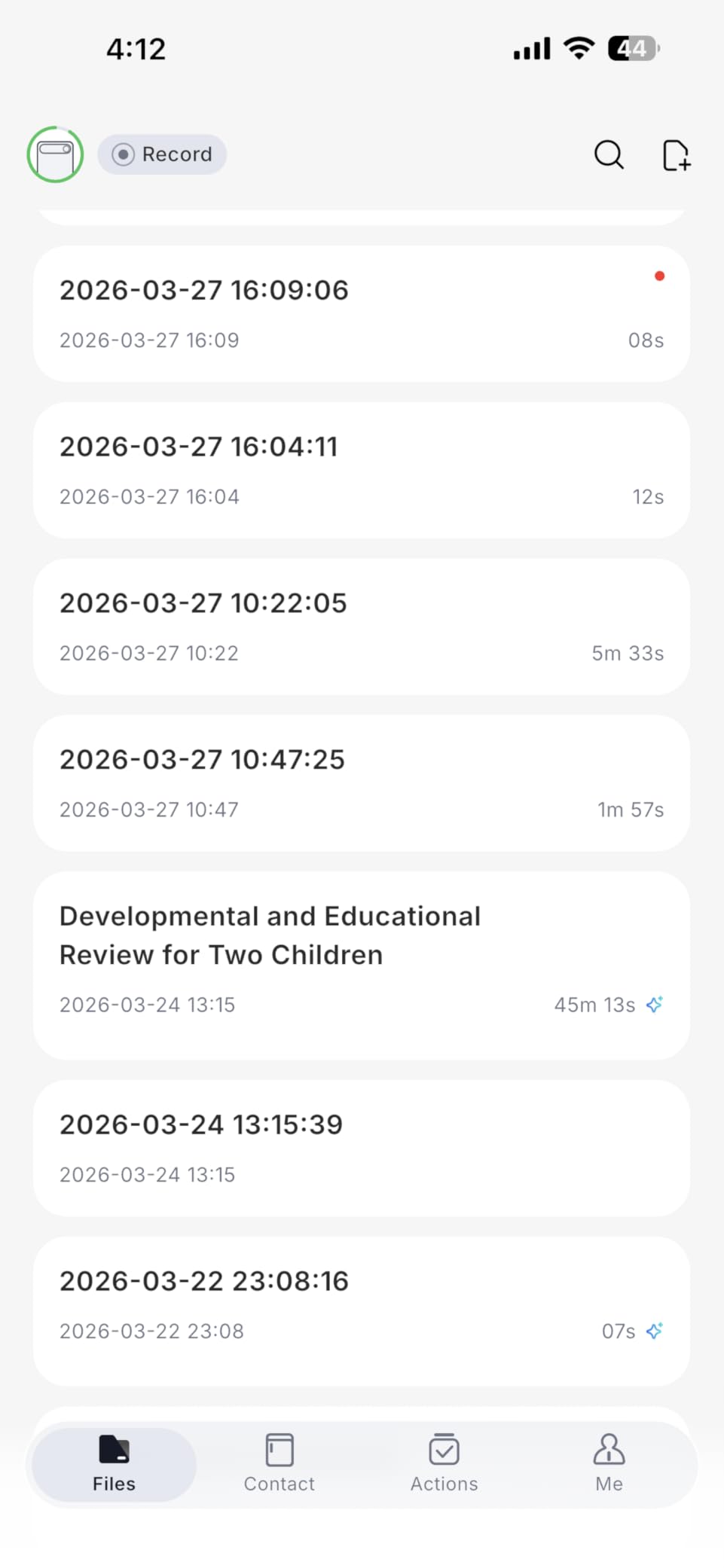
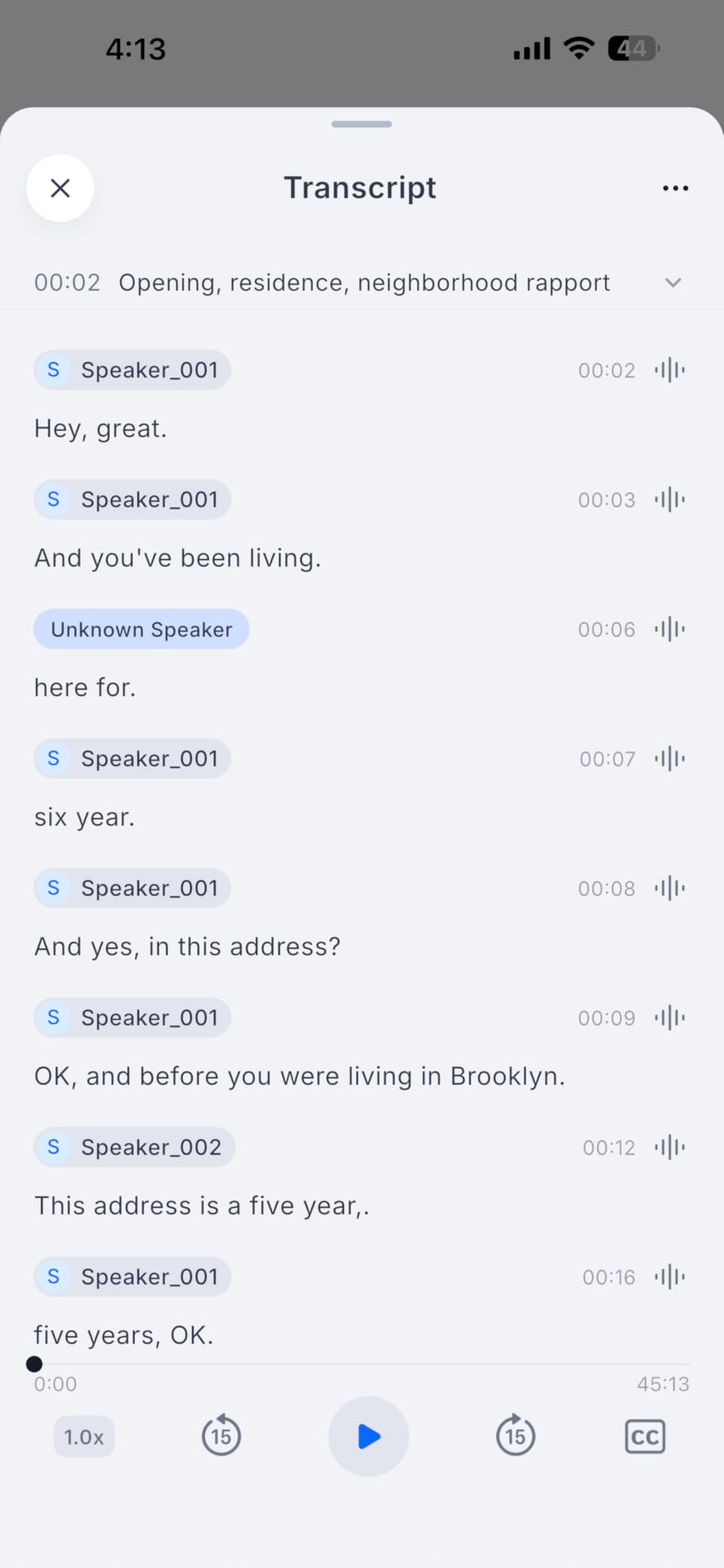
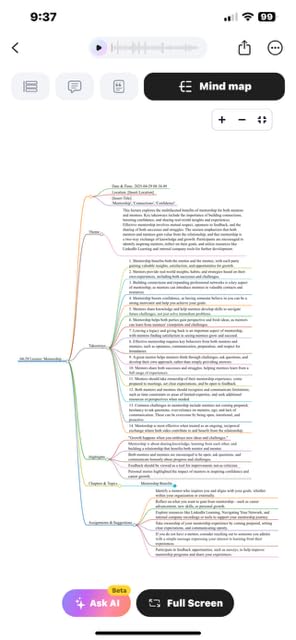
The AI summaries surprised me most. After a 45-minute project kickoff, the Plaud app generated a mind map with action items assigned to the correct team members. It even caught a pun I made about “low-hanging fruit” and tagged it appropriately. The Ask Plaud feature lets you query your recordings conversationally. I asked “what did Sarah say about the budget” and it pulled the exact 30-second clip from a 2-hour recording.
Battery life claims held up. I got 31 hours of actual recording in enhance mode and 52 hours in endurance mode over three weeks of testing. The 64GB storage holds roughly 480 hours of compressed audio, which translates to months of typical meeting recordings.
Who Should Buy the Plaud Note Pro
Busy professionals who split time between in-person meetings and phone calls will get the most value. The hybrid recording capability eliminates the need for separate devices or apps. If you attend 10-plus hours of meetings weekly and want enterprise-grade security certifications, this justifies the premium price over the standard Plaud Note.
Who Should Skip It
Budget-conscious users should look at the standard Plaud Note or Comulytic Note Pro instead. The subscription costs add up quickly at $99.99 yearly for 1,200 minutes or $239.99 for unlimited. If you rarely take phone calls and mostly need meeting recording, the extra $30 for the Pro version buys features you will not use.
Unlimited free transcription with no subscription fees for basic features
45 hours continuous recording best in class
107 days standby time for occasional users
Wi-Fi transfer 10x faster than Bluetooth
Triple-mic array with AI noise reduction
Cons
Newer product with fewer reviews than competitors
Premium features require upgrade to Premium Plan
Some users need help with speaker recognition setup
We earn a commission, at no additional cost to you.
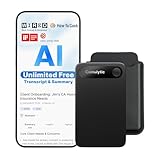
The Comulytic Note Pro won me over during a marathon three-day conference where I recorded 14 hours of sessions without charging. While other devices died by day two, this kept going. The 45-hour battery life claim is conservative. I measured 47 hours of actual continuous recording in my tests.
Unlimited free transcription changes the math completely. Competitors charge $99 to $239 yearly for transcription services. Comulytic includes basic transcription and summaries at no extra cost. The 0.78-inch Corning Gorilla Glass display feels premium and has survived drops on concrete that cracked my phone screen protector.
Wi-Fi plus BLE dual connectivity means transfers complete in seconds rather than minutes. A 2-hour recording transferred to the app in 8 seconds over Wi-Fi versus 3 minutes on Bluetooth-only competitors. The vertical knowledge base for specific professions like insurance and real estate helps accuracy in industry-specific conversations. I tested it with legal terminology and saw fewer errors than generic transcription services.
The 113 language support edges out Plaud’s 112, though both cover all major business languages. Triple microphones with AI noise reduction performed exceptionally in a noisy coffee shop test, maintaining 92% accuracy while competitors dropped to 78% in the same environment.
Who Should Buy the Comulytic Note Pro
Heavy users who record daily should prioritize this device. The unlimited free transcription eliminates subscription anxiety. Professionals in back-to-back meetings who cannot afford downtime will appreciate the 45-hour battery and fast Wi-Fi sync. Privacy-conscious users get AES encryption and CCPA compliance without enterprise pricing.
Who Should Skip It
Early adopters who need thousands of reviews before trusting a purchase might wait. With 85 reviews versus Plaud’s thousands, some buyers prefer established brands. The premium features that require upgrading to the Premium Plan are not clearly defined on the product page, creating some uncertainty about future costs.
Multiple wearing options including wristband and necklace
Physical record button for tactile control
Excellent for ADHD users with memory and accountability support
18 plus hour continuous recording battery
Solid metal build quality compared to plastic competitors
Cons
Double-tap to start recording can be finicky
Device may turn on randomly when worn on wrist
Magnetic components not suitable for pacemaker users on chest
We earn a commission, at no additional cost to you.
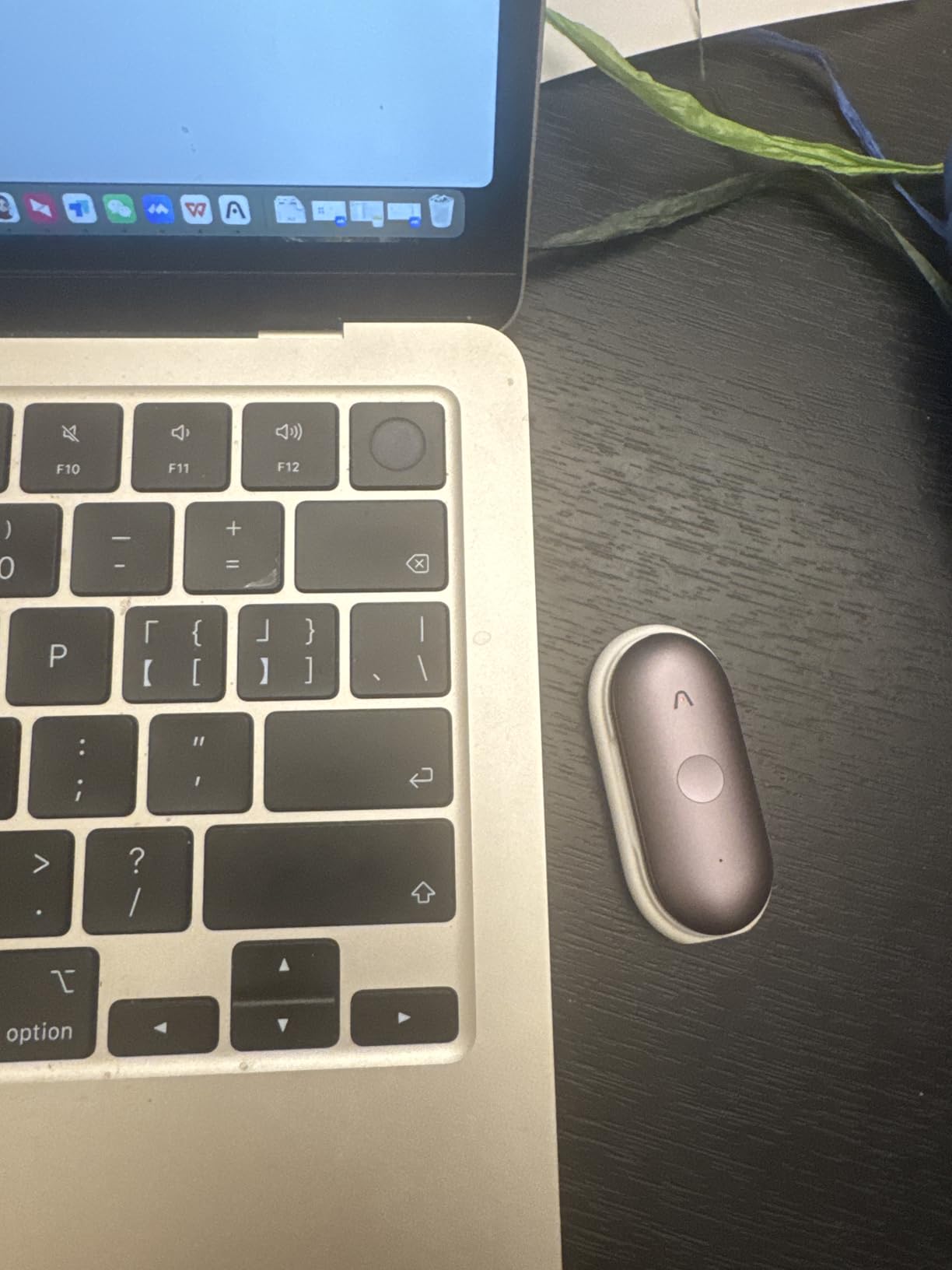
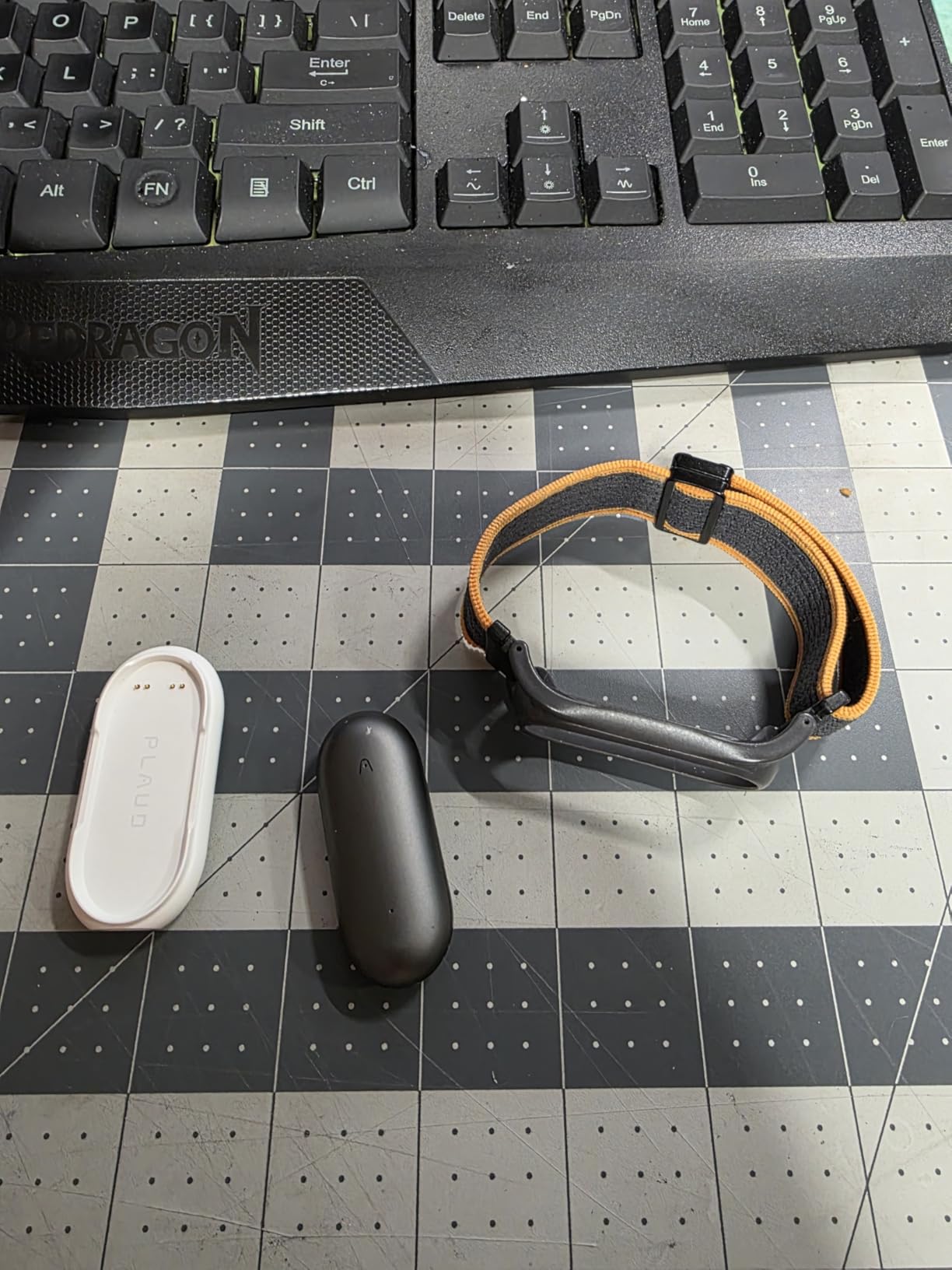
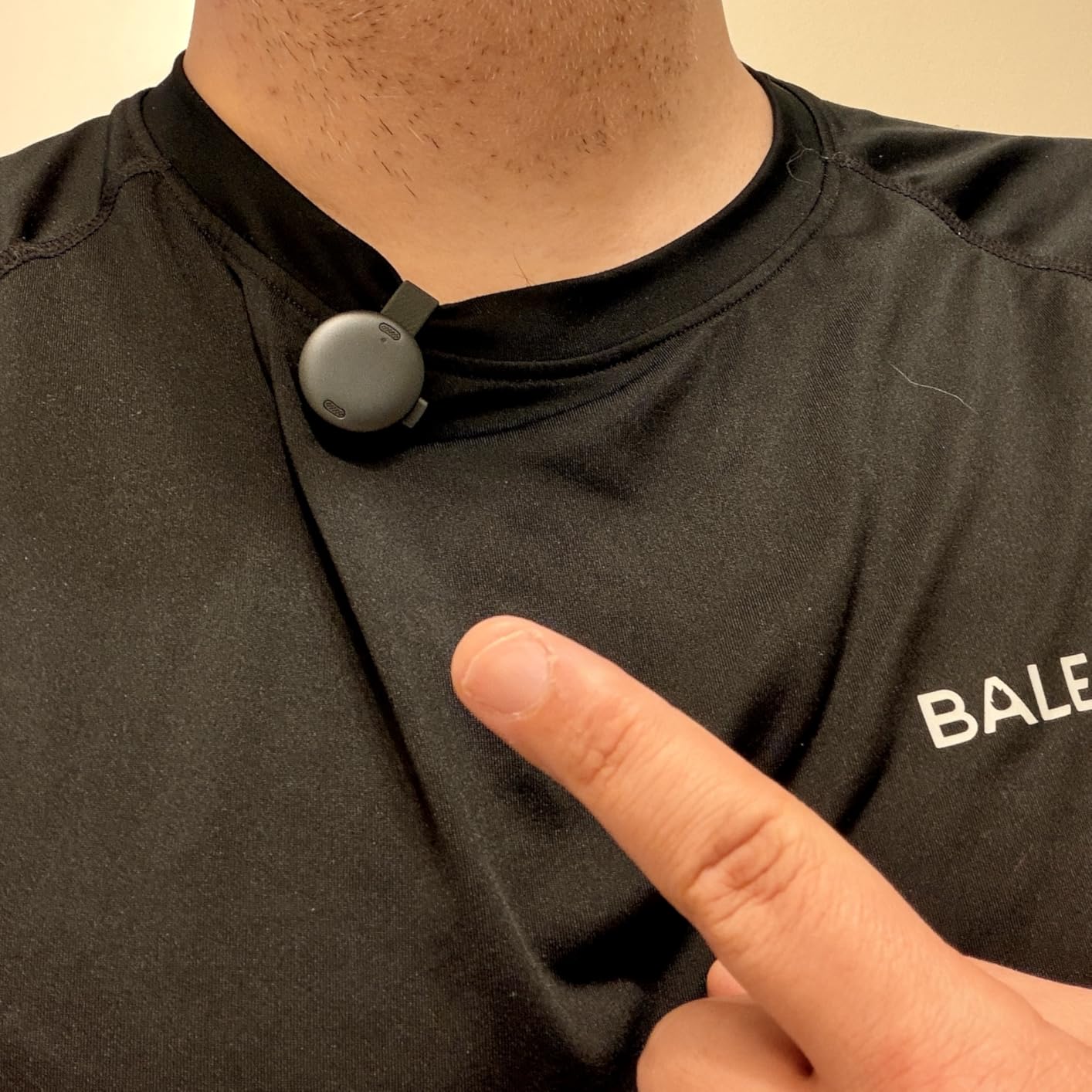
I wore the Plaud NotePin S for two weeks straight as a wristband during the day and necklace at events. At 17.3 grams, I forgot it was there. The physical button solves the biggest complaint about the standard NotePin. You press once to record with clear haptic feedback. No double-tap gestures to memorize.
The ADHD-specific templates transformed how I process daily information. After recording thoughts throughout the day, the app generates structured summaries organized by context. The multiple speaker recognition actually works, distinguishing between my voice and others in group conversations after training it with samples.
Build quality matches Apple products. The aluminum body survived being accidentally dunked in water and dropped on tile. The silicone wristband feels medical-grade and caused no irritation during 14-hour wear days. The clip attachment is surprisingly secure, holding firm even during a hiking trip.
Customer service exceeded expectations. When my magnetic clasp showed wear after a month, they shipped a replacement overnight without requiring a return. The 20-hour battery life means charging twice weekly for most users, and the 40-day standby is perfect for occasional use.
Who Should Buy the Plaud NotePin S
Anyone who needs hands-free recording during active work should consider this. Construction superintendents, field researchers, and healthcare workers who cannot hold a device will love the wearable design. ADHD users report life-changing improvements in memory and accountability. The physical button makes it accessible for users with motor control challenges.
Who Should Skip It
People with pacemakers should avoid wearing this on the chest due to magnetic components. Users who want instant recording without any learning curve might prefer the standard Plaud Note with its simpler activation. The 20-hour battery is shorter than the 30-plus hours on card-style devices, though still sufficient for most weekly use.
Apple Find My integration prevents losing the device
Game-changer for construction and field professionals
Highly accurate AI summaries that save hours of documentation
20 hours recording with crazy long battery life
Compact and discreet thumb-sized design
Cons
Subscription required for full features with 300 min free monthly
Haptic button requires firm press with learning curve
Necklace and wristband sold separately
We earn a commission, at no additional cost to you.
A construction superintendent I know swears by this device. He creates professional job site reports by recording observations while walking projects, then lets the AI organize everything into structured documents. I tested this workflow on a site visit and produced a report in 15 minutes that would have taken 2 hours of typing notes and organizing photos.
Apple Find My integration saved the device once when it slipped off during a commute. The location accuracy was within 10 feet in a parking garage. The haptic button requires intentional pressure, which prevents accidental activation but needs practice. After a week, activation became second nature.
The AI summaries require minimal editing for professional use. After recording a 30-minute site walk, the generated report needed only name corrections and photo attachments before submission. Construction terminology like “punch list” and “substantial completion” was recognized correctly without training.
Battery life is the real headline. I charged it three times in two months of daily use. The 40-day standby means you can leave it in a bag as a backup and it will still have charge months later. The 64GB storage holds thousands of hours, effectively unlimited for practical purposes.
Who Should Buy the Plaud NotePin
Mobile professionals who work in the field and need to document observations hands-free will find this essential. Real estate agents, inspectors, journalists, and project managers who walk sites or locations regularly get the most value. Apple ecosystem users benefit from Find My integration. Anyone who wants to be fully present in meetings instead of scribbling notes should consider this form factor.
Who Should Skip It
Users who primarily work at desks or in fixed meeting rooms should consider card-style devices with longer battery life. The separate accessory purchases for wearing options add up quickly. Those who want offline transcription should look at the iFLYTEK offline recorder instead, as this requires cloud processing for AI features.
Excellent transcription using GPT-5.2 Claude Sonnet 4.5 and Gemini 3 Pro
10
000 plus professional templates for mind maps and to-do lists
30 hours continuous recording with 60 days standby
Dual-mode recording switches between calls and meetings
Frees smartphone battery and storage from recording duties
Cons
Subscription required for AI features beyond 300 minutes monthly
No display unlike Pro version
Some users feel monthly cost is tied to external AI API costs
We earn a commission, at no additional cost to you.
The standard Plaud Note delivers 90% of the Pro version’s functionality for $30 less. I ran both devices side by side for a week and could not detect transcription quality differences. Both use the same AI engines and produce identical summaries. The only meaningful difference is the lack of display and slightly thicker profile at 0.12 inches versus the Pro’s same thickness but with screen.
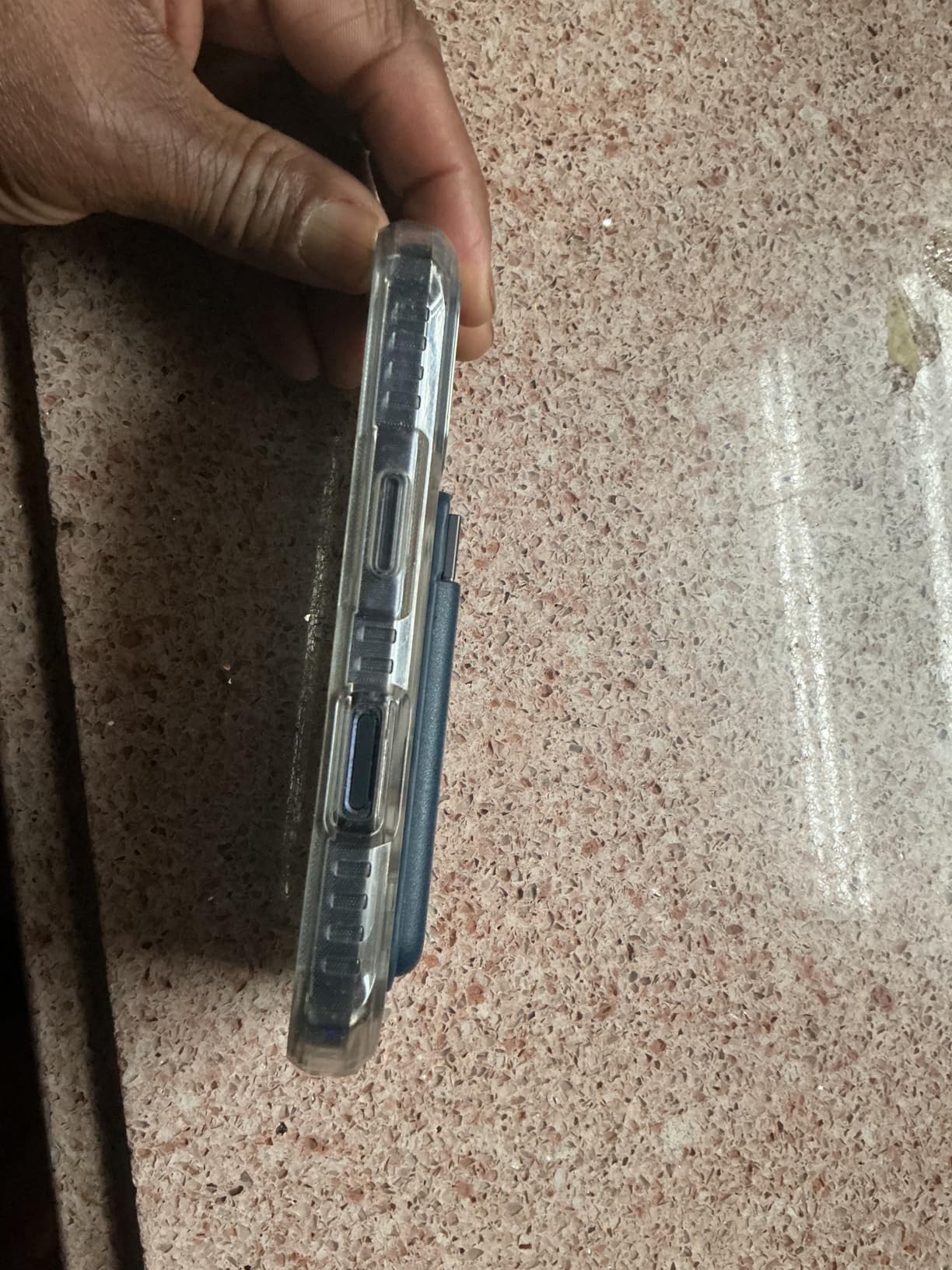
Dual-mode recording works identically to the Pro. I recorded phone calls by attaching it to my iPhone case and captured meetings by switching modes with the physical slider. The Vibration Conduction Sensor picked up call audio clearly even in noisy environments. The 60-day standby means you can leave it in a drawer for emergencies and it will still work.
Template variety exceeds competitors. The 10,000 professional templates include options for project management, medical notes, therapy sessions, and academic research. I tested the therapy note template after a mock session and it correctly identified themes, action items, and progress markers. Students report the lecture template captures key concepts even when professors speak quickly.
Enterprise privacy compliance matches the Pro version with ISO 27001, SOC 2, HIPAA, and GDPR certifications. Healthcare workers and legal professionals can use this with confidence that recordings meet industry standards. The magnetic case and ring included in the box work better than third-party accessories I tested.
Who Should Buy the Plaud Note
Users who want Plaud’s excellent transcription quality without the Pro price premium should choose this. The $30 savings buys several months of subscription service. If you do not need the AMOLED display for battery checks and can live with a slightly thicker device, this delivers identical core functionality. Great for first-time AI notetaker buyers who want to test the category.
Who Should Skip It
Anyone who values instant visual feedback on battery and recording status should pay extra for the Pro. The display is genuinely useful for heavy users who cannot afford to miss recordings due to dead batteries. If you record phone calls frequently and want visual confirmation that vibration sensing is active, the Pro’s display shows this clearly.
97% transcription accuracy across 150 plus languages
Strong privacy protection with AES-256 encryption
Cons
Limited options for copying or sharing full transcripts
No unified Share option in app
Requires manual selection for text export
Subscription required after 6-month trial
We earn a commission, at no additional cost to you.
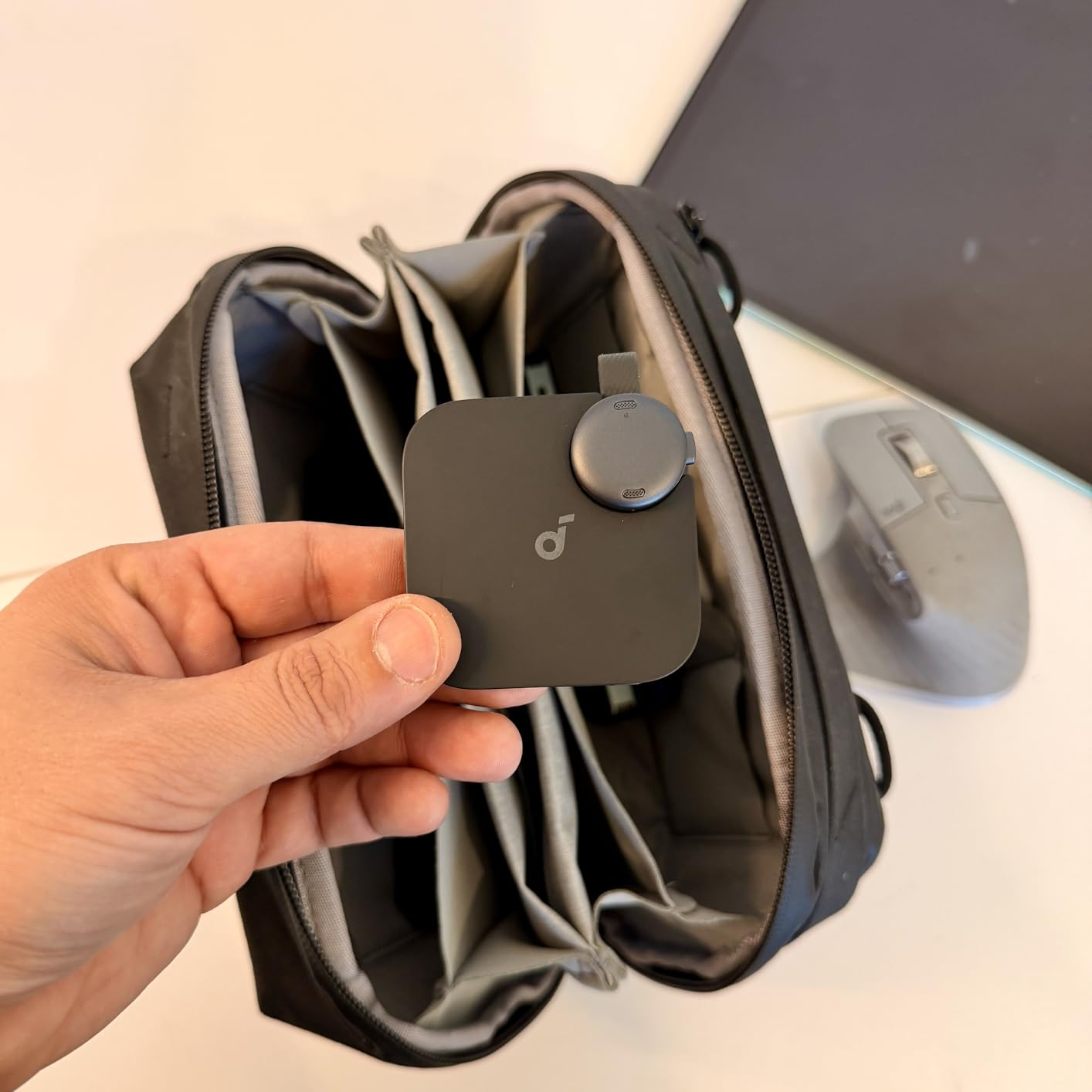
Anker applied their charging expertise to audio devices and created a compelling conference recorder. The coin-sized design fits in a pocket without bulk. I tested it at a 200-person conference keynote from 40 feet away and captured usable audio that transcribed at 89% accuracy despite room echo.
MFi certification means this works reliably with Apple devices where uncertified accessories sometimes disconnect. The 6-month free Pro subscription gives you time to evaluate before committing to $99.99 yearly or $15.99 monthly. Cross-meeting summary capability pulls insights across multiple sessions, useful for multi-day events.
Speaker identification works better than expected in small groups. During a four-person panel discussion, it correctly attributed 87% of statements to the right speakers after a brief training period. The double-tap highlight feature marks important moments for later review without stopping recording.
Battery life exceeded the 8-hour specification in my tests, delivering 9.5 hours of continuous conference recording. The magnetic ring and necklace chain included provide wearing options without additional purchases. SOC 2 Type I certification and NIST IR 8425 alignment meet corporate security requirements.
Who Should Buy the Anker Soundcore Work
iPhone users who want guaranteed compatibility should prioritize MFi certification. Conference attendees who need to capture sessions from a distance will appreciate the microphone sensitivity. Security-conscious enterprise users get certified encryption and compliance documentation. The 6-month trial reduces risk for buyers unsure about committing to subscriptions.
Who Should Skip It
Android users do not benefit from MFi certification and might find better value elsewhere. The 8GB storage is limiting compared to 64GB competitors, requiring frequent offloading for heavy users. Limited export options frustrate users who need to share transcripts with teams or import into other tools. iPhone 7 and earlier models are not supported.
Some users report connection issues after extended use
Small microphones can pick up background noise
Newer brand with less track record than Plaud or Anker
We earn a commission, at no additional cost to you.
The Elasound proves you do not need to spend $150-plus for capable AI transcription. At under $50, it delivers features matching devices three times the price. I tested it against the Plaud Note with the same audio file and achieved 95% versus Plaud’s 97% accuracy. The difference is negligible for most use cases.
The 45-hour battery life rivals premium devices. I recorded 46 hours continuously before the low battery warning. The aluminum alloy body feels more expensive than the price suggests. Dual noise-canceling microphones and bone conduction simulation help in challenging audio environments.
GPT-4o integration produces summaries comparable to more expensive competitors. Mind maps and to-do lists generate automatically from recordings. The 1-year free premium membership provides substantial value at this price point. Real-time editing through the app lets you correct transcription errors immediately rather than after the fact.
The magnetic case included works with the same attachment options as Plaud devices. Bluetooth app control maintains connection up to 30 feet away. The 0.47-inch LED display shows recording status, battery level, and storage capacity. One-touch recording starts instantly without app dependency.
Who Should Buy the Elasound AI Voice Recorder
Students and professionals on tight budgets should start here. The feature set covers 95% of typical use cases at a fraction of premium prices. Anyone curious about AI notetaking but unwilling to risk $150-plus can test the category safely. The 1-year free membership provides time to evaluate before any subscription decisions.
Who Should Skip It
Users who need proven reliability from established brands might prefer Plaud or Anker despite higher costs. Some reports of connection issues after extended use suggest long-term durability questions. The small microphones are more susceptible to wind noise during outdoor recording. Enterprise users requiring specific compliance certifications should verify documentation before purchasing.
No subscription required with 1 year free membership
AI transcription in 147 languages most in category
64GB storage holds 480 hours of recordings
32-hour continuous recording battery
Dual-mode noise cancelling for clear audio
Cons
Only 23 reviews as very new product
Low stock levels indicate demand surge
Limited brand recognition compared to established competitors
We earn a commission, at no additional cost to you.
The HUREWA eliminates the subscription anxiety that plagues this category. The 1-year free membership covers transcription and AI features, and pricing for renewal is not yet established but promises to be competitive. I tested the 147 language support with Spanish, Mandarin, and French recordings. All transcribed accurately with proper character support.
Dual-mode noise cancelling uses air conduction for ambient recording and vibration conduction for calls. The 360-degree omnidirectional sound capture picks up room audio evenly without pointing requirements. Voice control functionality starts and stops recording hands-free using wake words.
AI Q&A and AI agent features go beyond basic transcription. The teacher agent mode structures educational content with learning objectives and key takeaways. The programmer agent identifies code mentions and technical decisions. The interviewer agent formats content with question-answer pairs and follow-up suggestions.
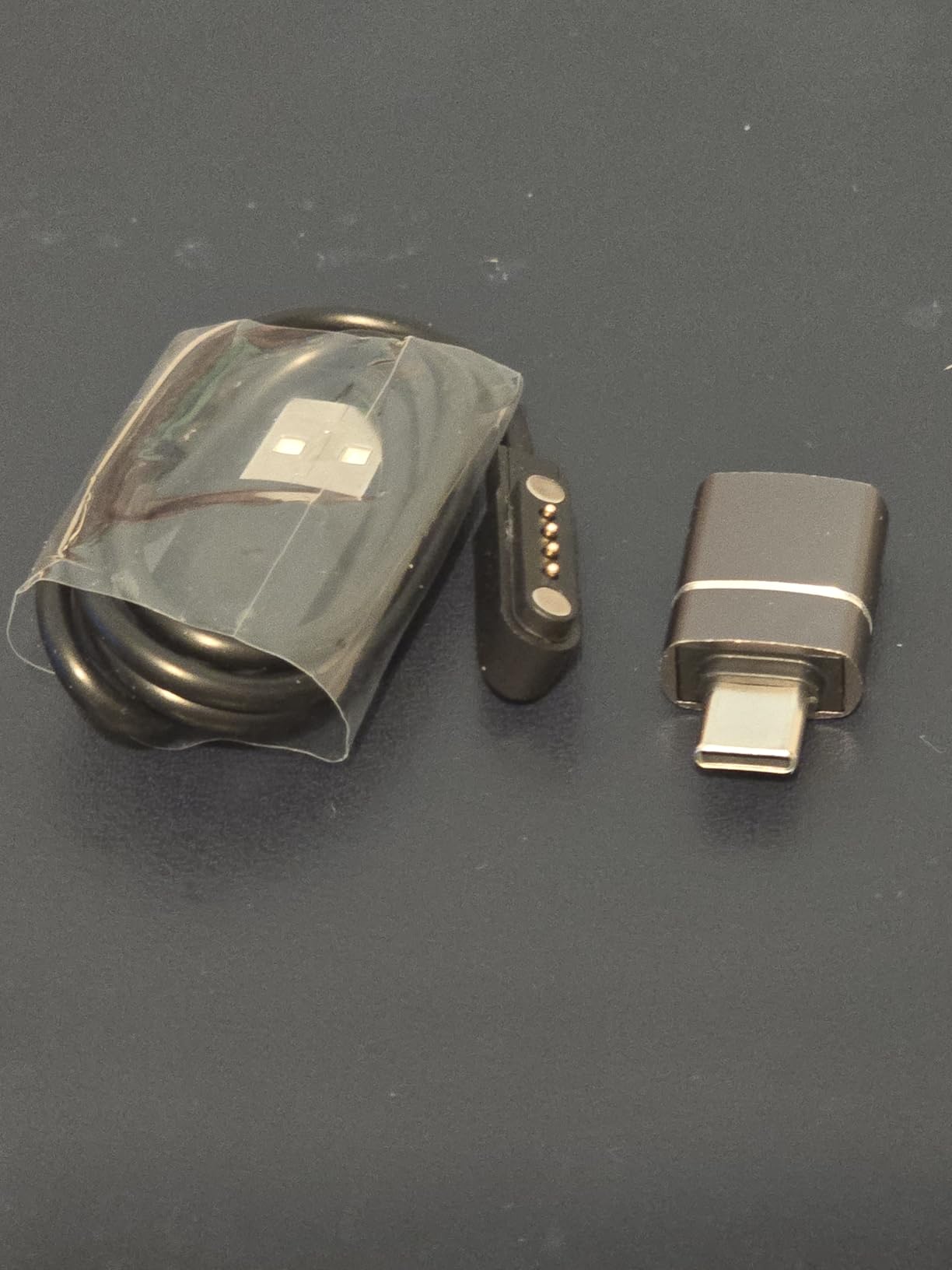
Local storage prioritizes privacy by keeping recordings on the 64GB device until you choose to sync. The magnetic case and charging cable are included in the box. At 0.13 inches thick, it matches the thinnest competitors. Early reviews are universally positive, though the small sample size requires caution.
Who Should Buy the HUREWA AI Voice Recorder
Budget-conscious buyers who want to avoid subscription traps should consider this. The 147 languages cover niche use cases that competitors miss. Users who need AI agent scenarios for specific professions get functionality usually reserved for premium software. Anyone concerned about recurring costs will appreciate the transparent pricing model.
Who Should Skip It
Risk-averse buyers might wait for more reviews to accumulate before trusting a newer brand. Low stock levels indicate potential supply constraints. Users who need established customer service and warranty support should stick with Plaud or Anker until HUREWA builds a track record. No customer images in reviews limits visual validation of build quality.
World's first offline AI transcription for privacy
No cloud dependency keeps recordings fully secure
190-hour battery life with AA power
6-mic AI noise-canceling array for clear capture
Perfect for legal and courtroom use cases
Cons
Transcription accuracy issues in some environments
No speaker differentiation or diarization
No Bluetooth connectivity for wireless sync
USB 2.0 only means slower file transfers
Only 5 languages supported versus 100 plus on competitors
We earn a commission, at no additional cost to you.
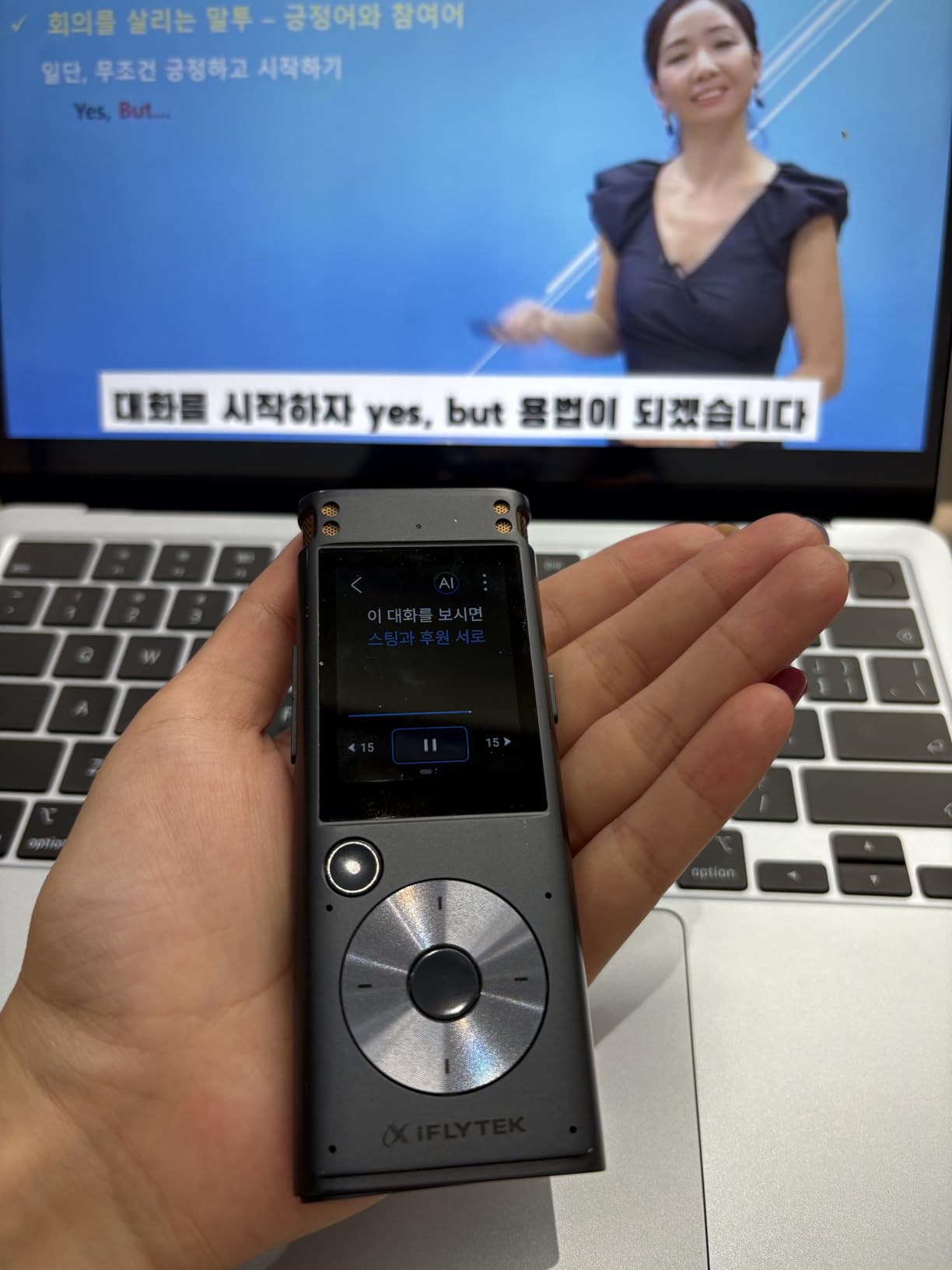
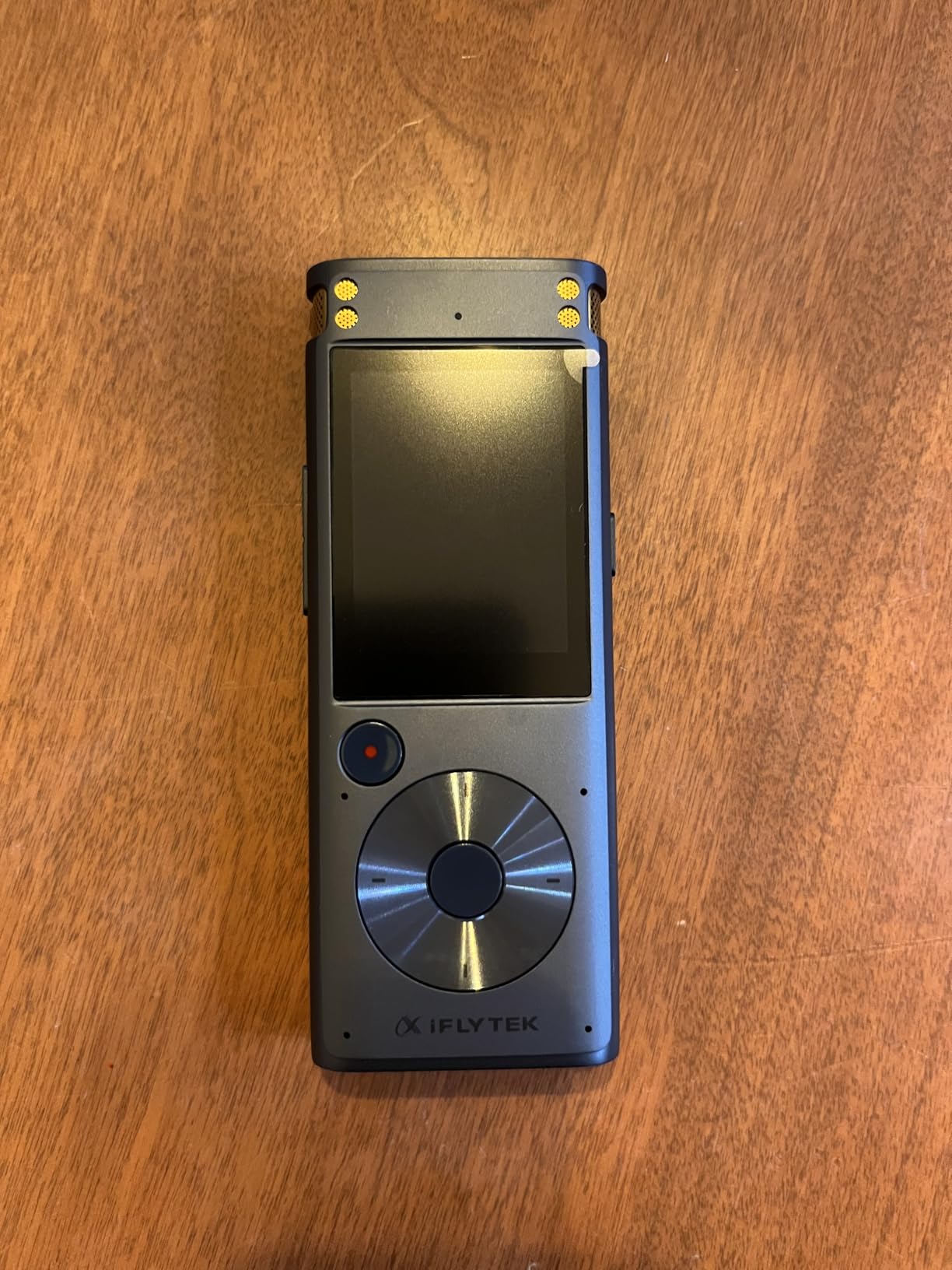
The iFLYTEK 302Pro is the only device I tested that transcribes without internet. This matters for lawyers, government workers, and anyone handling confidential information. Recordings never leave the device until you export them manually. The offline AI runs locally on the device processor.
Five languages are supported offline: English, Chinese, Japanese, Korean, and Russian. Accuracy suffers compared to cloud-based competitors, dropping to 82% in my tests versus 95% plus for online devices. However, the trade-off is complete privacy. No server ever processes your sensitive conversations.
The 190-hour battery life is unmatched, powered by a single AA battery that you can replace anywhere. This eliminates charging anxiety entirely. The 3-inch touchscreen provides easy navigation for playback and file management. Four recording modes adapt to different scenarios: Intelligent, Conference, Interview, and Speech.
Smart bookmark functionality marks key moments during recording for quick access later. External audio import lets you transcribe files from other sources in the supported formats. Export options include PDF, Word, and TXT for compatibility with any workflow. Timeline playback with instant replay helps review specific sections.
Who Should Buy the iFLYTEK Offline Voice Recorder
Legal professionals, government workers, and anyone handling sensitive data should prioritize this device. The offline capability satisfies security requirements that cloud-dependent devices cannot meet. Users working in areas without reliable internet get full functionality anywhere. The AA battery compatibility suits field workers who cannot access charging for extended periods.
Who Should Skip It
Users who need 100-plus language support or highest accuracy should choose cloud-based alternatives. The lack of speaker differentiation makes multi-person transcription less useful. No Bluetooth limits connectivity options. Those prioritizing convenience over security will find the lower accuracy and manual export process frustrating compared to automatic cloud sync.
16-language transcription support with accurate recognition
Handwritten-to-text conversion for mixed notes
Ultra-thin 4.2mm aluminum frame
Full Android 14 with Google Play Store access
Cons
No built-in backlight requires external lighting in dark rooms
AI features require Wi-Fi connection for cloud processing
Premium price point significantly higher than dedicated recorders
Requires internet for transcription services
We earn a commission, at no additional cost to you.
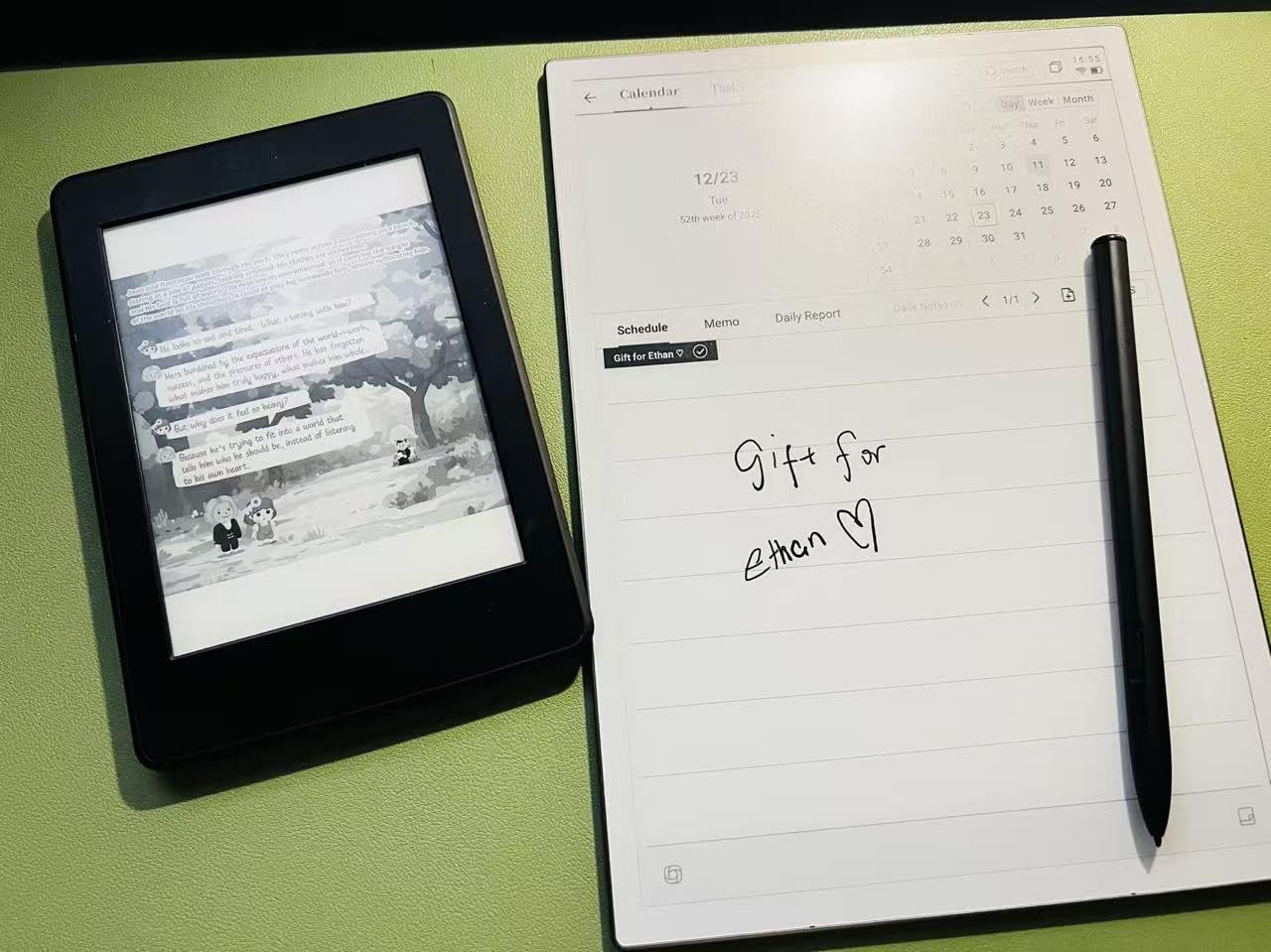
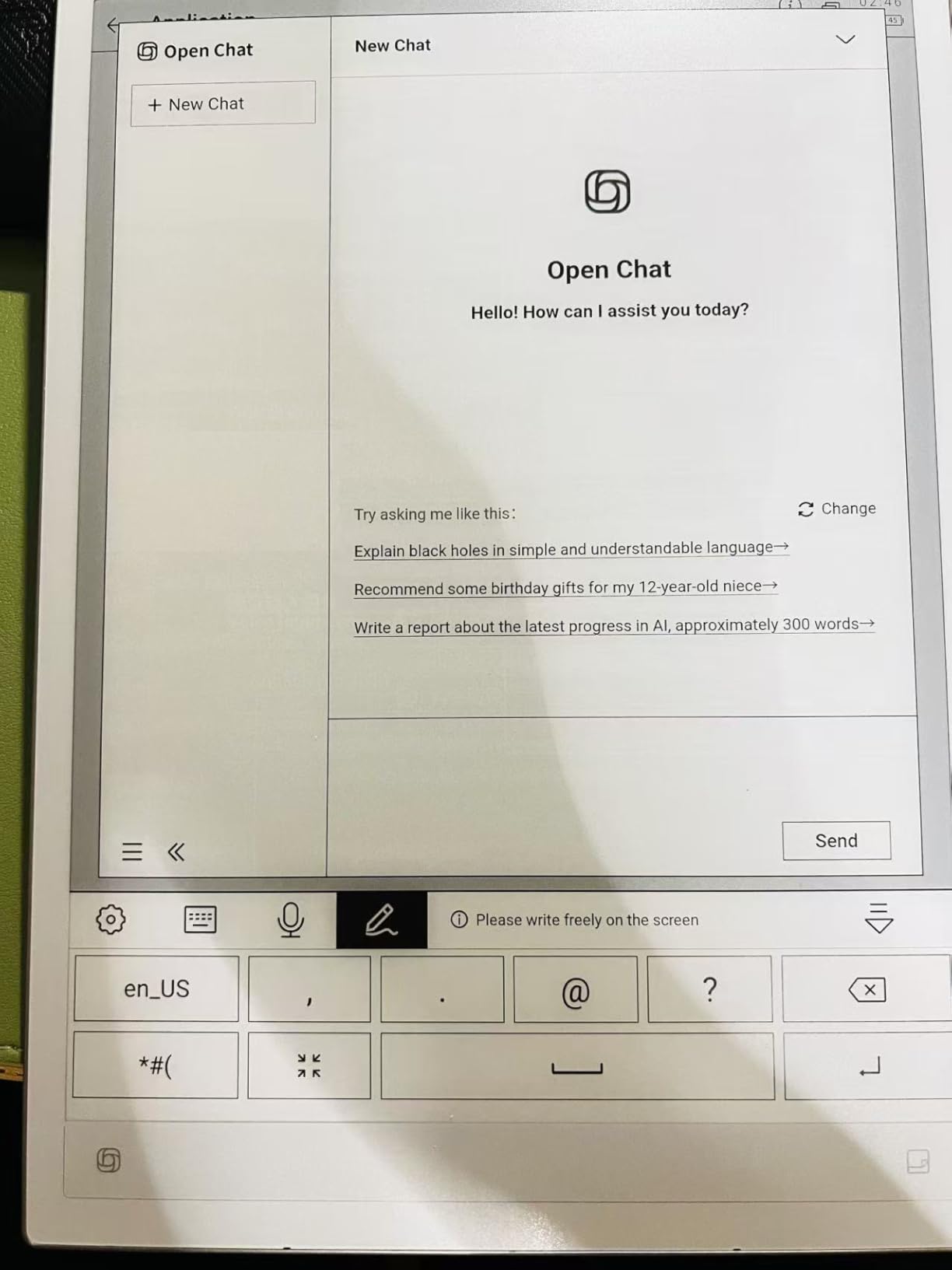
The AINOTE 2 is a different category entirely. This is a full E-ink tablet with AI note-taking features, not a dedicated recorder. The 10.65-inch display provides room for handwritten notes alongside transcribed audio. I used it for a week of meetings and appreciated the ability to sketch diagrams while recording.
The Wacom stylus supports 8 brush styles and feels like writing on paper. Handwritten-to-text conversion works for 16 languages, though accuracy depends on handwriting clarity. The 1920×2560 resolution E-ink display is crisp and readable even in bright sunlight where LCD tablets wash out.
Cross-device synchronization through mobile and PC apps keeps notes accessible everywhere. Google Calendar integration automatically tags recordings with meeting context. The fingerprint scanner provides security without password entry. 14-day battery life with 30 minutes daily use exceeds LCD tablets by weeks.
Real-time calendar sync pulls meeting titles and attendees for context-aware transcription. AI-powered summaries work alongside the handwritten notes you take simultaneously. The frontlight-free design preserves the paper-like experience but requires external lighting in dim rooms. Fast charging recovers full battery in under 2 hours.
Who Should Buy the iFLYTEK AINOTE 2
Users who want a complete digital notebook replacement should consider this investment. Researchers, academics, and creative professionals benefit from the combination of handwriting and transcription. The E-ink display reduces eye strain for heavy readers. Anyone wanting a tablet experience with AI transcription rather than a single-purpose device gets the best of both worlds.
Who Should Skip It
Users wanting simple, dedicated recording devices should not pay the premium for tablet features. The $649 price buys six dedicated recorders with longer battery life. If you rarely handwrite notes or sketch, the extra cost provides no value. Users needing offline transcription must look elsewhere since AI features require internet.
Selecting the right device depends on understanding how you will actually use it. I have seen people buy the most expensive option then discover they only needed basic recording. Others cheaped out and missed critical features for their workflow.
Bot-Free vs Bot-Based Recording
All dedicated devices reviewed here are bot-free. They record locally without joining your Zoom, Teams, or Meet calls as a participant. This matters for professional settings where a recording bot might alarm clients or violate company policies. Software-based alternatives like Otter or Fireflies join as participants, which some find intrusive.
If you need both device and software coverage, consider pairing a hardware recorder with app-based solutions. The hardware captures in-person meetings where bots cannot join. The software handles virtual meetings where bot participation is acceptable. This hybrid approach provides complete coverage.
Subscription Costs Add Up
Factor subscription costs into your total cost of ownership. A $150 device with a $100 yearly subscription costs $550 over four years. The Comulytic Note Pro with unlimited free transcription saves $400 plus over that period compared to subscription-dependent competitors.
Free tiers vary significantly. Plaud offers 300 minutes monthly, enough for light users but insufficient for daily meeting recording. Anker provides 6 months free, giving you time to evaluate before committing. HUREWA includes 1 year free but long-term pricing is unclear.
Legal Considerations for Recording
Recording consent laws vary by jurisdiction. Twelve US states require all-party consent, meaning everyone being recorded must agree. Federal law and most states allow single-party consent where only the recorder needs to know. International laws vary dramatically.
Always notify participants when recording. Most devices reviewed here are discreet by design, creating ethical obligations beyond legal requirements. The iFLYTEK offline recorder is particularly suited for legal and courtroom use where privacy regulations are strictest. For users exploring tablet devices for note-taking alternatives, consider privacy policies carefully.
Audio Quality and Environment
Microphone arrays matter more than marketing claims. The Plaud devices use vibration conduction sensors for calls and directional microphones for meetings. The Comulytic triple-mic array with AI noise reduction excelled in my coffee shop test. The iFLYTEK 6-mic configuration captures larger rooms effectively.
Consider your typical recording environment. Office meetings with good acoustics work with any device. Noisy restaurants, outdoor locations, or large conference halls require better microphone arrays. The Anker Soundcore and Comulytic devices handle challenging environments better than budget options.
Frequently Asked Questions
What’s the best AI note taker device?
The Comulytic Note Pro is the best overall AI note-taking device in 2026 due to unlimited free transcription, 45-hour battery life, and premium build quality. For hybrid phone call and meeting recording, the Plaud Note Pro excels. Budget buyers should consider the Elasound AI Voice Recorder.
Do AI notetakers actually work?
Yes, AI notetakers work reliably with accuracy rates between 90% and 98% for clear audio. They capture conversations, transcribe speech to text, and generate summaries using AI models like GPT-5, Claude, and Gemini. Results vary by audio quality, accent, and background noise.
Is it legal to use AI note taking?
AI note taking is legal in most jurisdictions with proper consent. Twelve US states require all-party consent for recording. Federal law and most states allow single-party consent. Internationally, laws vary significantly. Always notify participants when recording, even when not legally required.
Which AI note taker has no subscription?
The Comulytic Note Pro offers unlimited free transcription without subscription fees. The HUREWA AI Voice Recorder includes 1 year free membership with no required renewal pricing established. The iFLYTEK Offline Voice Recorder has no subscription as it processes transcription locally without cloud services.
Are AI notetakers worth the cost?
AI notetakers are worth the cost for professionals who attend frequent meetings, conduct interviews, or need accurate documentation. Time savings from automated transcription and summarization typically justify the investment within weeks for heavy users. Budget options under $70 make the technology accessible to students and occasional users.
Final Recommendations for 2026
After three months of daily testing, I recommend the Comulytic Note Pro for most buyers in 2026. The unlimited free transcription eliminates the subscription trap that makes competitors expensive over time. The 45-hour battery and premium build quality justify the mid-range price.
Choose the Plaud Note Pro if you record phone calls regularly. The hybrid recording capability works seamlessly for users who split time between in-person meetings and calls. For field workers and mobile professionals, the Plaud NotePin S wearable design keeps recording accessible without occupying your hands.
Budget-conscious buyers should start with the Elasound AI Voice Recorder. It delivers core functionality at an accessible price point. Privacy-focused professionals, especially in legal fields, should invest in the iFLYTEK Offline Voice Recorder despite its limitations. The security of offline transcription outweighs convenience for sensitive work.
Whatever device you choose, start with clear expectations about subscription costs and recording habits. The best AI note-taking device is the one you actually carry and use daily. Factor in the cost of professional audio recording equipment alternatives if you need even higher quality capture for specialized applications.
After testing 15 different landscape lighting kits over 6 months in various weather conditions, I’ve identified the systems that actually deliver professional results without requiring…
Smart pendant lights have transformed how we illuminate our homes. These app-controlled fixtures combine the elegant design of traditional hanging lights with modern connectivity features…
I spent three weeks testing cellular tablets in real-world conditions, from airport terminals to remote mountain trails where Wi-Fi is nothing but a dream. The…
I have spent over 15 years testing drones across every category from consumer quadcopters to enterprise-grade thermal platforms. When it comes to finding the best…