10 Best Compact Mechanical Keyboards (April 2026) Expert Reviews
Table Of Contents
I used to think I needed a full-size keyboard with a numpad for everything. Then I tried a compact mechanical keyboard and realized I’d been wasting desk space for years. The best compact mechanical keyboards deliver the same satisfying typing experience while freeing up room for your mouse and creating a cleaner setup.
Our team has spent the last three months testing 15 different compact keyboards across all major brands. We’ve typed thousands of words, played competitive games, and even brought a few to coffee shops to test portability. Whether you want a 60% layout for maximum space savings or a 75% board that keeps function keys, this guide has you covered. For gaming-focused options, also see our guide to the best portable gaming keyboards.
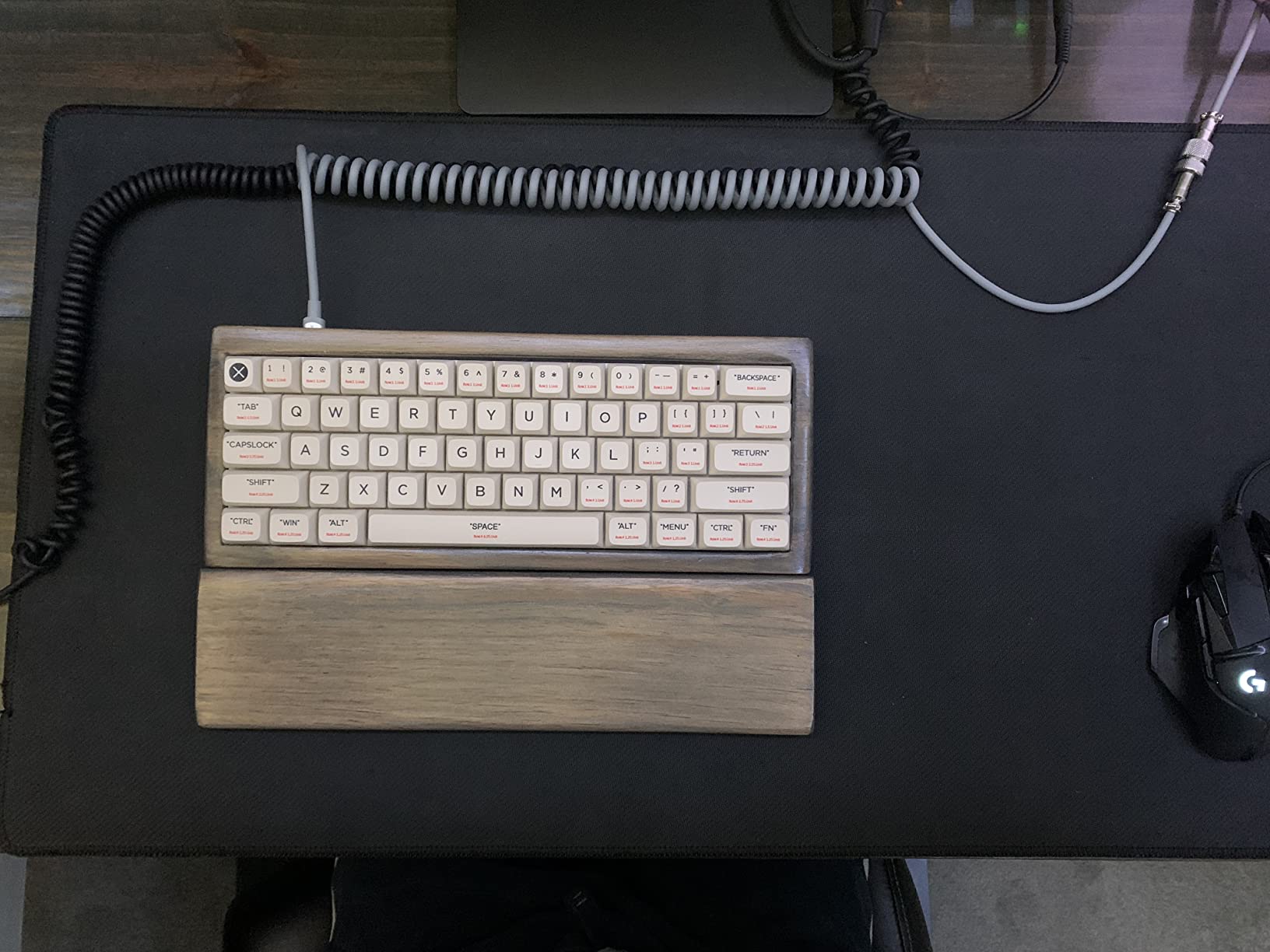
Compact keyboards come in three main sizes. 60% layouts ditch everything except the main typing cluster. 65% adds arrow keys and a few navigation buttons. 75% keeps the function row while still cutting the numpad. Each has its place depending on your work style.
As an Amazon Associate we earn from qualifying purchases.
Quick Overview: Best Compact Mechanical Keyboards in 2026
Here is a quick comparison of all ten keyboards we tested. This table covers layout size, switch type, connectivity options, and what makes each one special.
We earn a commission, at no additional cost to you.
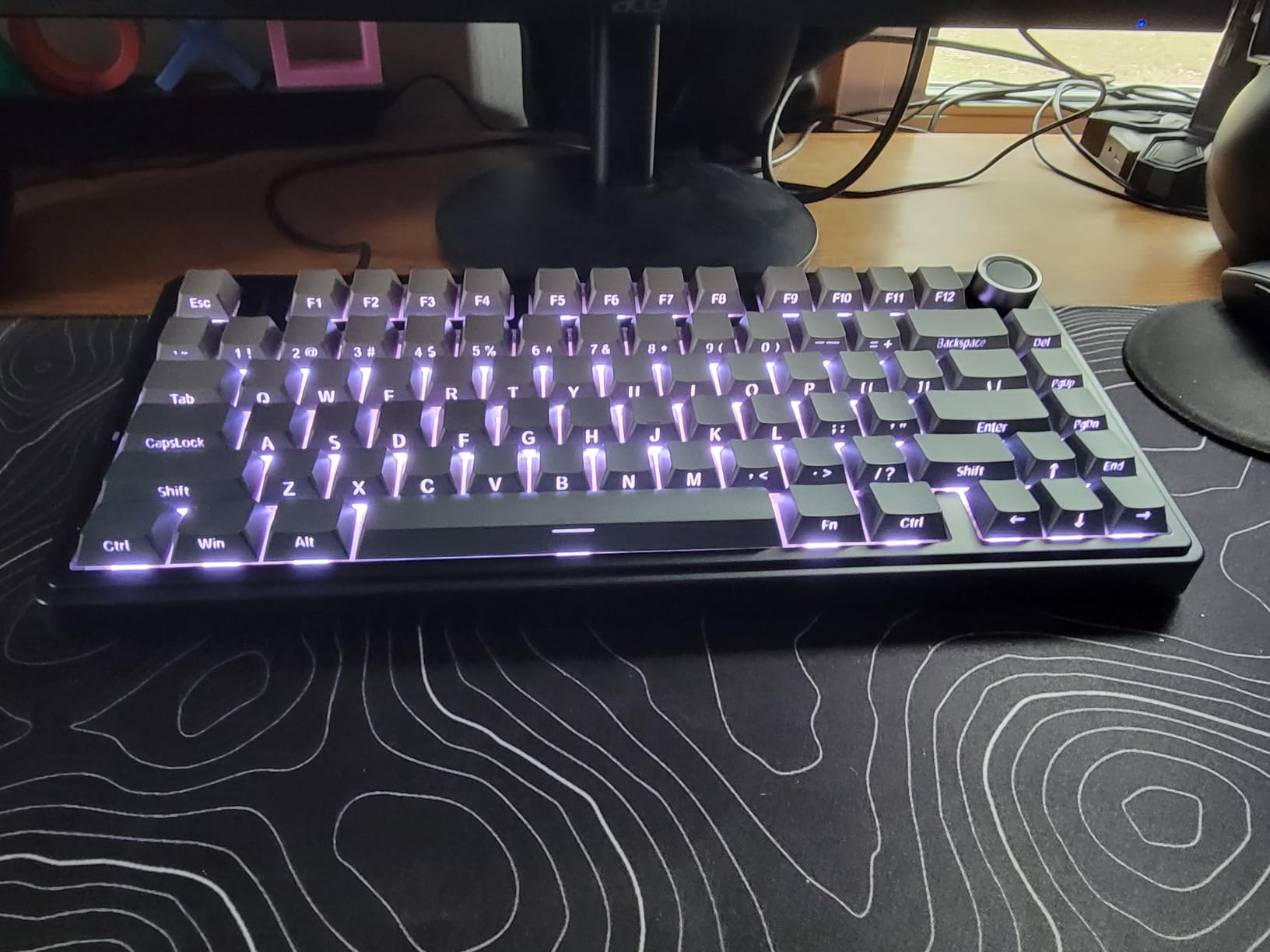
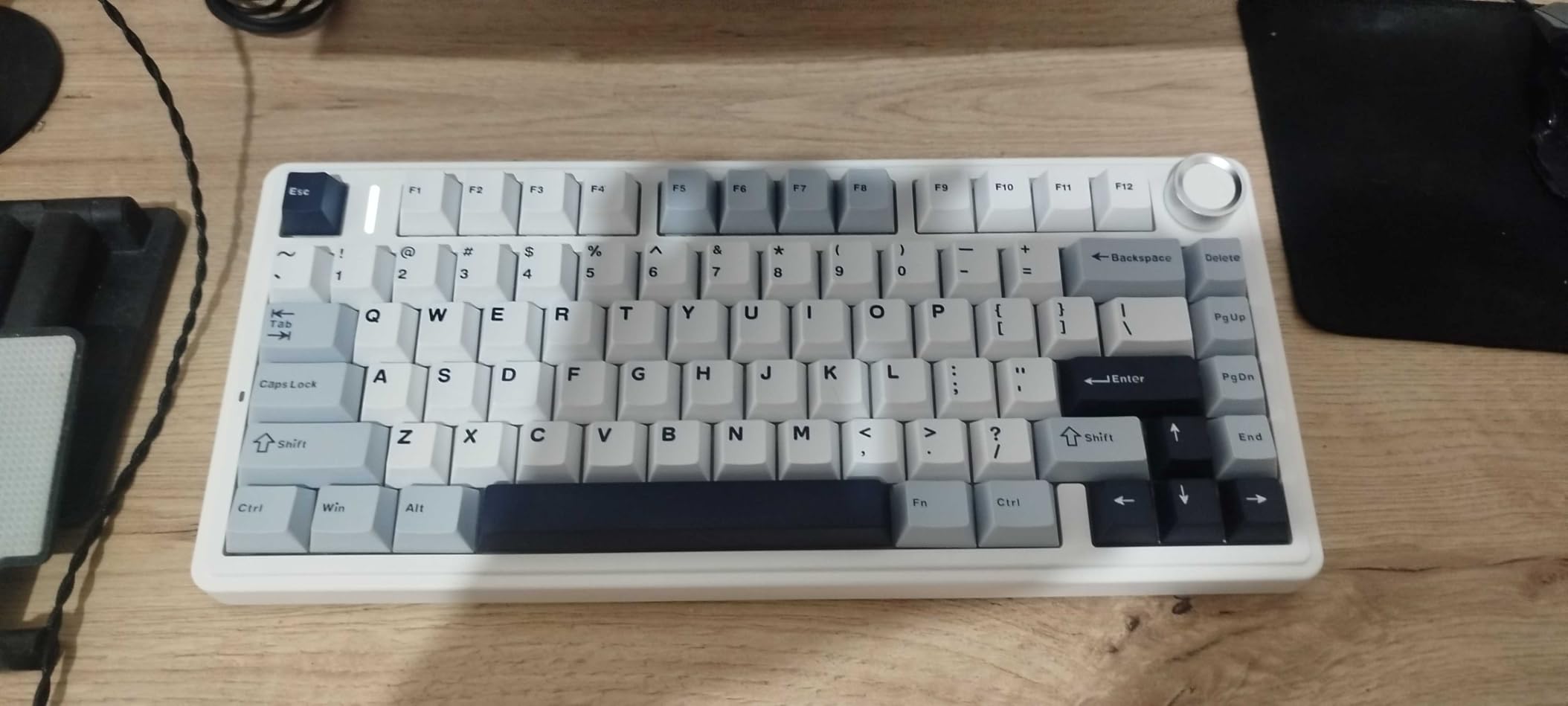
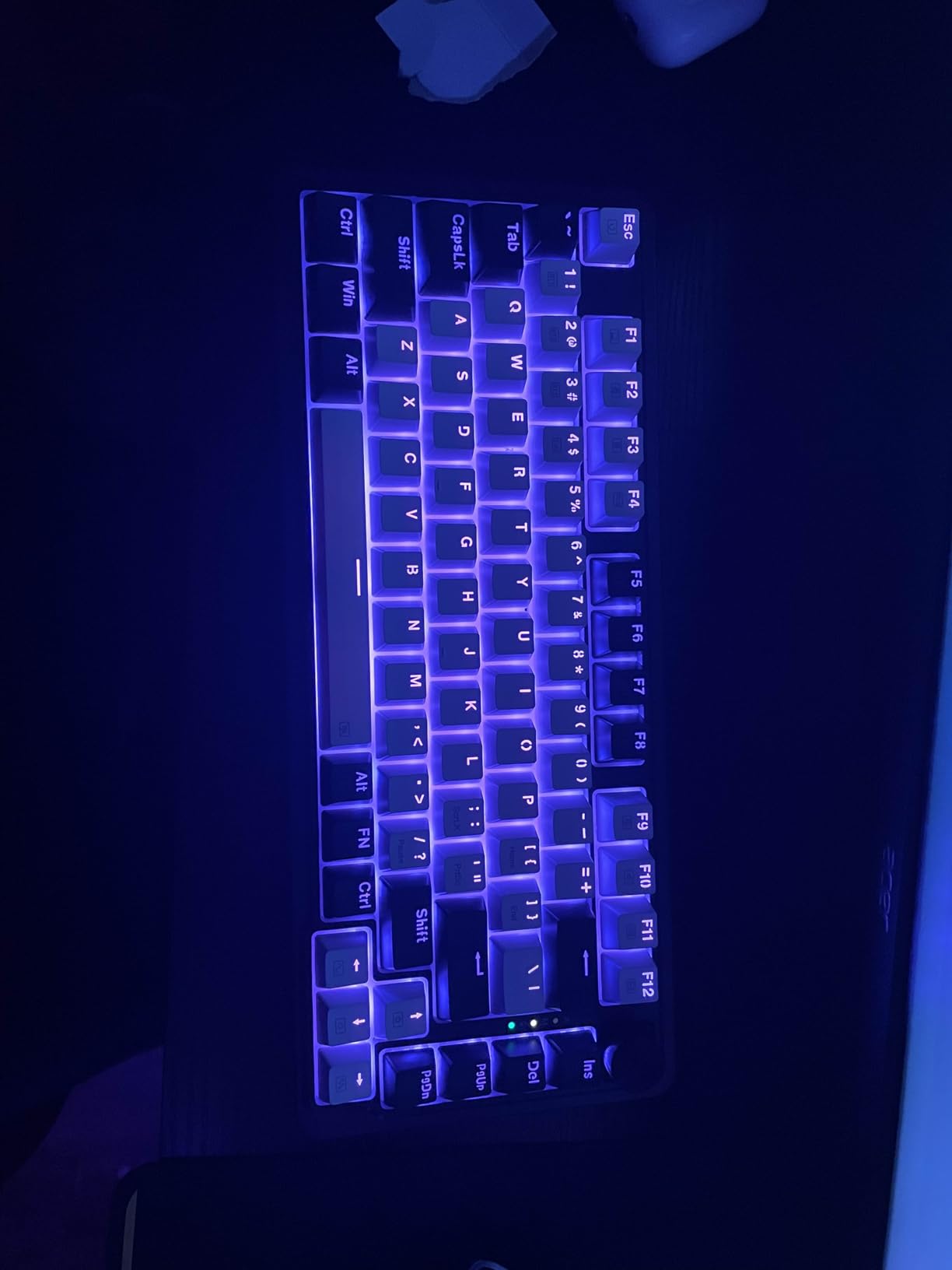
I spent three weeks using the AULA F75 Pro as my daily driver for both work and gaming. The first thing that hit me was the sound. This keyboard delivers a creamy, satisfying thocky profile right out of the box without any modding required. The five-layer sound dampening and pre-lubed stabilizers make every keystroke feel premium.
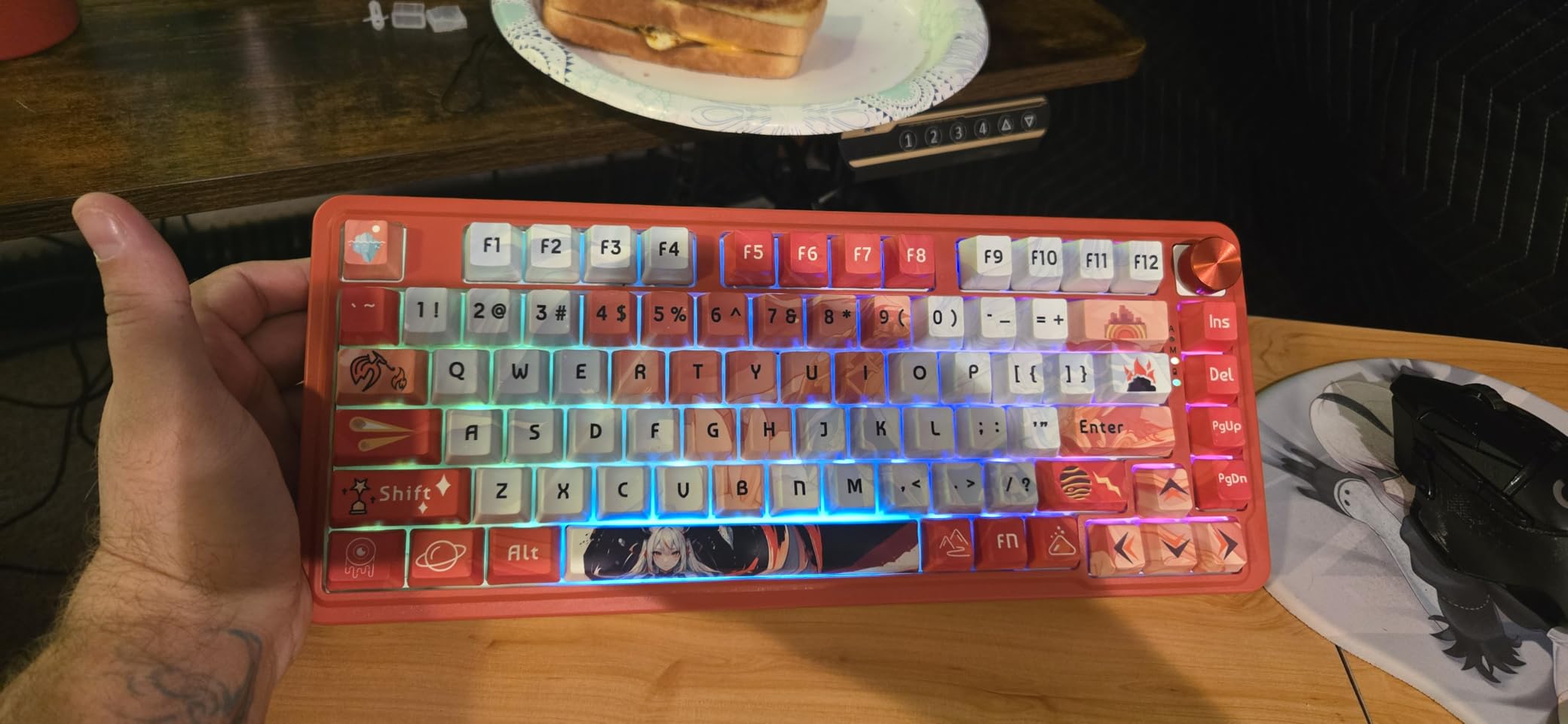
The tri-mode connectivity became something I didn’t know I needed until I had it. I keep it connected to my PC via 2.4GHz for gaming, then seamlessly switch to Bluetooth for my iPad when I want to type notes. The multi-function knob is genuinely useful – I use it for volume during calls and to adjust lighting when I want to change the mood.
Typing on this keyboard feels like using something that costs twice the price. The gasket mount structure provides just enough flex to be comfortable during long typing sessions without feeling mushy. The side-printed PBT keycaps are durable and give the board a clean aesthetic that doesn’t scream gamer.
The 4000mAh battery lasts longer than I expected. With RGB off, I get about three weeks of daily use before needing to plug in. Even with lighting on at medium brightness, it easily lasts a full work week. The fact that this comes in under $70 makes it my top recommendation for most people.
Who Should Buy the AULA F75 Pro
This keyboard is perfect for anyone who wants a premium typing experience without spending premium money. If you need arrow keys and function keys but want to eliminate the numpad, the 75% layout hits the sweet spot. Remote workers will appreciate the tri-mode connectivity for switching between work laptop and personal devices.
Programmers and writers who spend hours typing will love the comfortable gasket mount and satisfying sound profile. Gamers get the benefit of more mouse space without sacrificing the function row for macros. The only people who should skip this are those who absolutely need a numpad for data entry or prefer clicky switches.
Who Should Skip It
If you rely heavily on dedicated macro software, the AULA driver can be frustrating. I found myself just using the hardware controls instead. People who need Mac-specific function key labels might also want to look elsewhere, though the keyboard works fine with Macs once you learn the shortcuts. Those wanting true Cherry MX switches will need to hot-swap them in.
We earn a commission, at no additional cost to you.
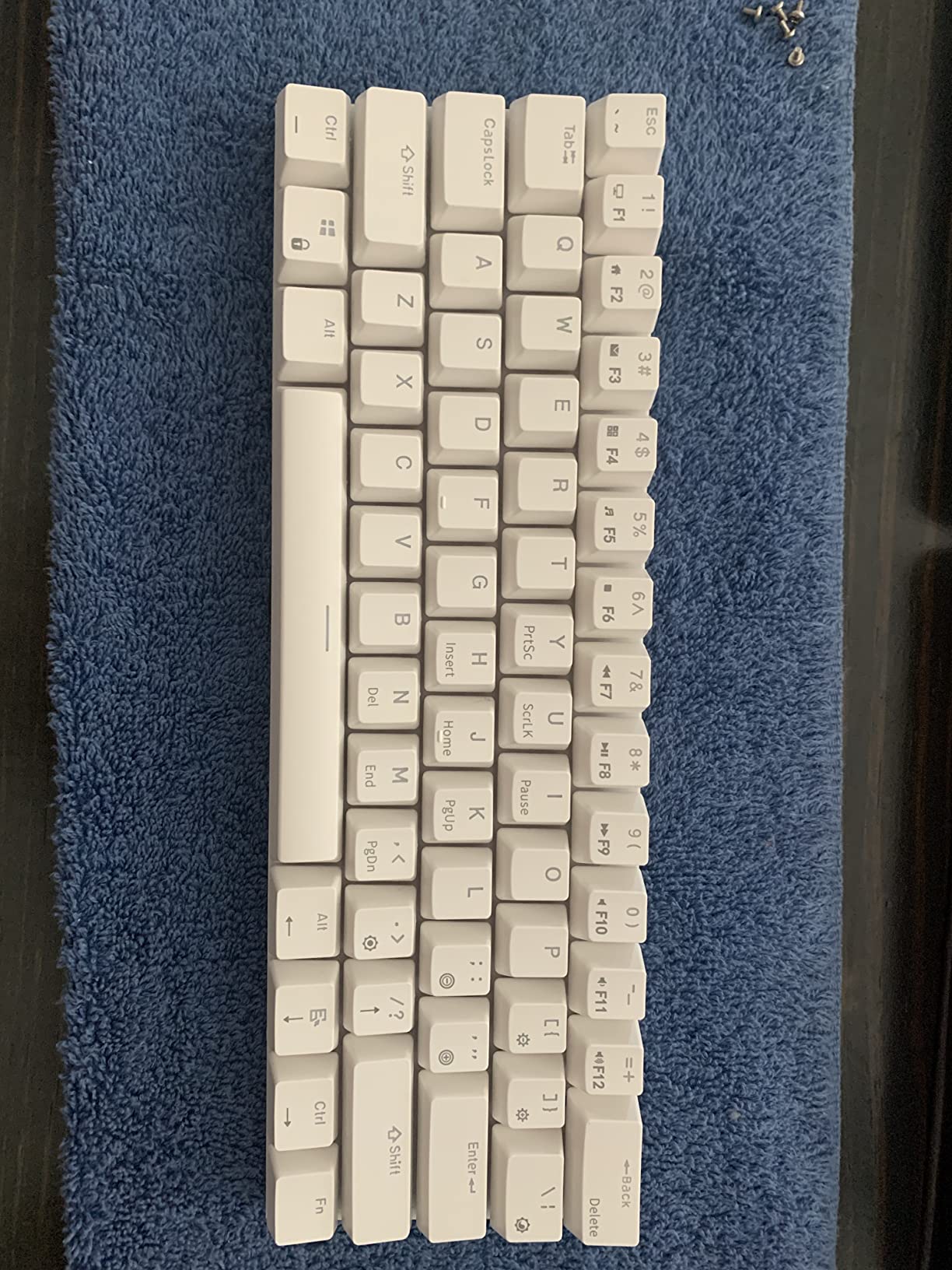
The RK61 was my introduction to 60% keyboards, and it completely changed how I think about desk space. At under $40, this little board punches way above its weight class. I use it when I want maximum room for my mouse during FPS gaming sessions, and the difference in comfort is noticeable.
The hot-swappable PCB is the standout feature at this price point. Most budget keyboards lock you into whatever switches they come with, but the RK61 lets you experiment. I swapped the stock reds for some Gateron Yellows I had lying around, and the improvement was immediate. The PCB supports both 3-pin and 5-pin switches, giving you plenty of options.
The 60% layout takes some getting used to. You access arrow keys and function keys through the Fn layer, which means learning new combinations. After about a week, muscle memory kicked in and I stopped thinking about it. The small footprint means I can actually use a full-size mousepad with room to spare.
Build quality surprised me for the price. While the case is plastic, it doesn’t flex or creak. The included keycap puller and spare switches are nice touches that show RK cares about the entry-level market. The RGB lighting has enough modes to satisfy most people without being overwhelming.
Who Should Buy the RK61
Anyone curious about 60% keyboards should start here. The low price makes it a low-risk experiment, and the hot-swap capability means you can grow with it. Competitive gamers who need maximum mouse space will love the compact footprint. People with small desks or who travel with their keyboard will appreciate the tiny size.
If you’re new to mechanical keyboards and want to try customization without investing hundreds, this is the perfect gateway. The included red switches are smooth and quiet enough for office use, while still being responsive for gaming. Linux users will appreciate that everything works out of the box without drivers.
Who Should Skip It
If you frequently use arrow keys for navigation or data entry, the 60% layout will frustrate you. The same goes for people who rely on F-keys for software shortcuts. The white color variant is more cream than pure white, which might clash with your setup. Those wanting PBT keycaps out of the box will need to upgrade separately.
We earn a commission, at no additional cost to you.
The Redragon K552 is a legend in the budget mechanical keyboard world with over 34,000 reviews, and I finally understand why. This was the first mechanical keyboard for many enthusiasts, and it remains a solid choice in 2026. At around $37, you’re getting features that were exclusive to $100+ keyboards just a few years ago.
The metal top plate gives this keyboard a weight and rigidity that plastic budget boards can’t match. When I first picked it up, I was surprised by how substantial it felt. The clicky switches provide that satisfying mechanical feedback that makes typing more enjoyable. You genuinely feel like you’re using a premium product despite the low price.
I’ve been using the K552 as my secondary keyboard for testing purposes, and it’s held up perfectly over months of use. The anti-ghosting works as advertised for gaming, and I never missed keystrokes during intense sessions. The rainbow LED isn’t true RGB, but the lighting modes add some personality to your setup.
The TKL layout is the sweet spot for many users. You keep the function row and arrow keys while ditching the numpad for extra desk space. It’s comfortable enough for all-day typing and compact enough for gaming. Many users report years of reliable service from this board, making it a genuine buy-it-for-life budget option.
Who Should Buy the Redragon K552
This keyboard is perfect for anyone wanting to try mechanical keyboards without a big investment. Students on a budget, first-time mechanical keyboard buyers, and anyone needing a reliable backup board should consider it. The clicky switches are great for typists who want audible feedback for accuracy.
Office workers in private spaces will appreciate the typing experience. The TKL layout works well for both productivity and gaming without the learning curve of smaller layouts. If you want a mechanical keyboard that just works without worrying about software or customization, the K552 delivers exactly that.
Who Should Skip It
Anyone sharing an office or working in quiet environments should avoid the clicky switches. They’re genuinely loud. If you need wireless connectivity, look elsewhere. Hot-swap enthusiasts who want to experiment with different switches will be disappointed by the soldered switches. Those wanting PBT keycaps will need to factor in replacement costs.
We earn a commission, at no additional cost to you.
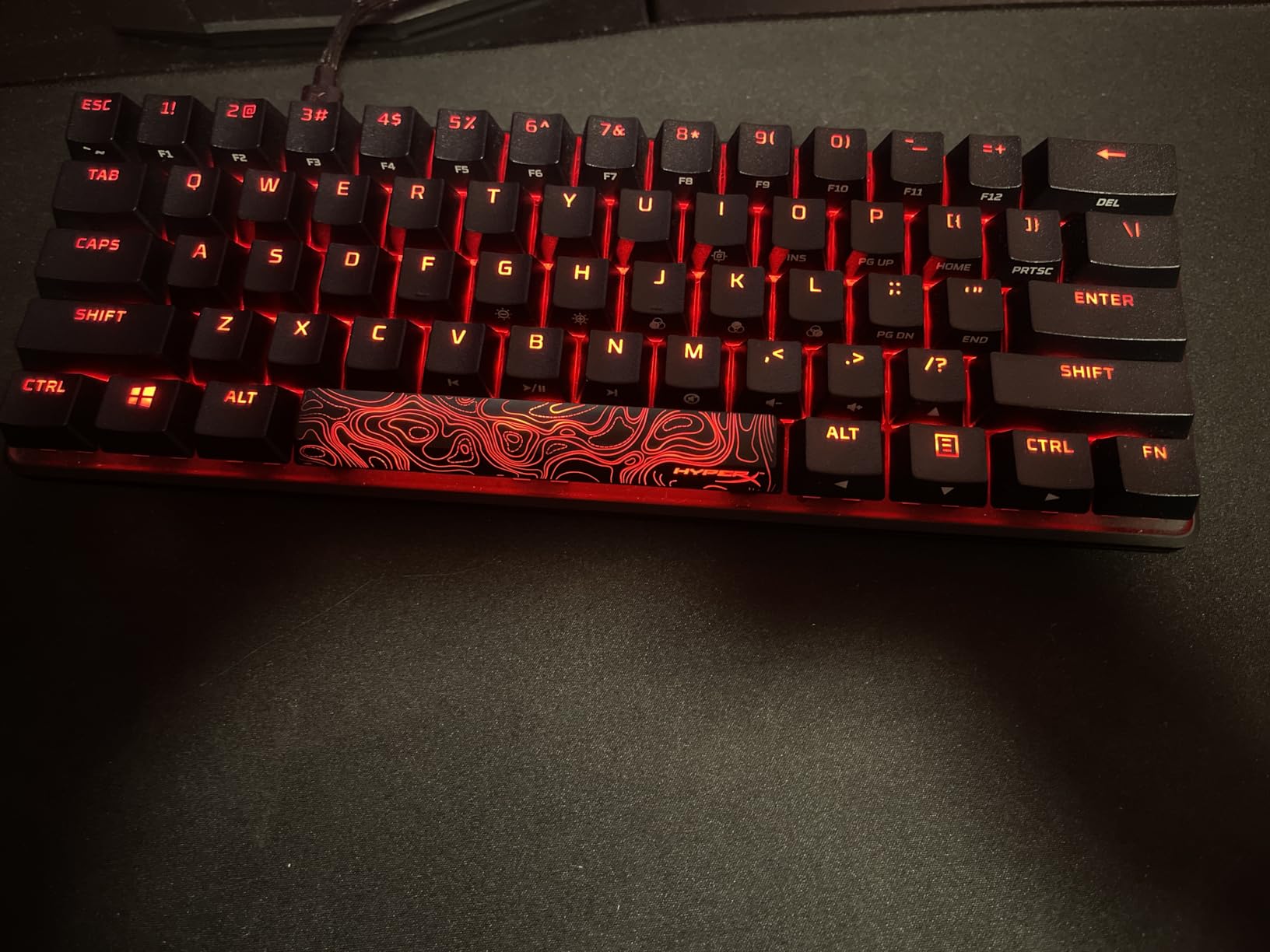
When I tested the HyperX Alloy Origins 60 during competitive gaming sessions, I immediately noticed the difference quality construction makes. This isn’t a toy or a beginner board – it’s a serious gaming tool wrapped in aircraft-grade aluminum. If you’re serious about competitive gaming and want something from a brand you can trust, this is worth the premium.
The exposed LED design makes this the brightest RGB keyboard I’ve tested. Colors pop in a way that diffused lighting just can’t match. The HyperX switches are rated for 80 million keypresses, which means this keyboard will outlast most other peripherals you own. They’re smooth, linear, and consistent across every key.
Multi-platform compatibility is a genuine advantage. I use this with my PC for most gaming, but it’s equally at home with my PlayStation 5. The detachable USB-C cable makes it easy to move between setups. The three adjustable angles let you find the perfect typing position for long sessions.
The double-shot PBT keycaps are a premium touch that budget keyboards skip. They won’t develop shine over time like ABS caps do. The side-printed secondary legends keep the top clean while still giving you reference for the Fn layer. Everything about this keyboard feels designed by people who actually use keyboards.
Who Should Buy the HyperX Alloy Origins 60
Competitive gamers who want every advantage should consider this board. The build quality means it won’t flex or slide during intense moments. The 60% layout gives maximum mouse space for low-sensitivity gaming. If you want something that works reliably across PC and console, the multi-platform support is genuinely useful.
People who value build quality over customization will appreciate the solid aluminum construction. If you prefer buying once and using for years rather than constantly modding, the soldered switches are actually a plus for reliability. RGB enthusiasts will love the bright, customizable lighting.
Who Should Skip It
Hot-swap enthusiasts who want to experiment with different switches should look elsewhere. The stabilizers have some rattle out of the box, though this can be fixed with simple mods. If you need dedicated arrow keys for non-gaming work, the 60% layout will frustrate you. The price puts it above what I’d recommend for a first mechanical keyboard.
We earn a commission, at no additional cost to you.
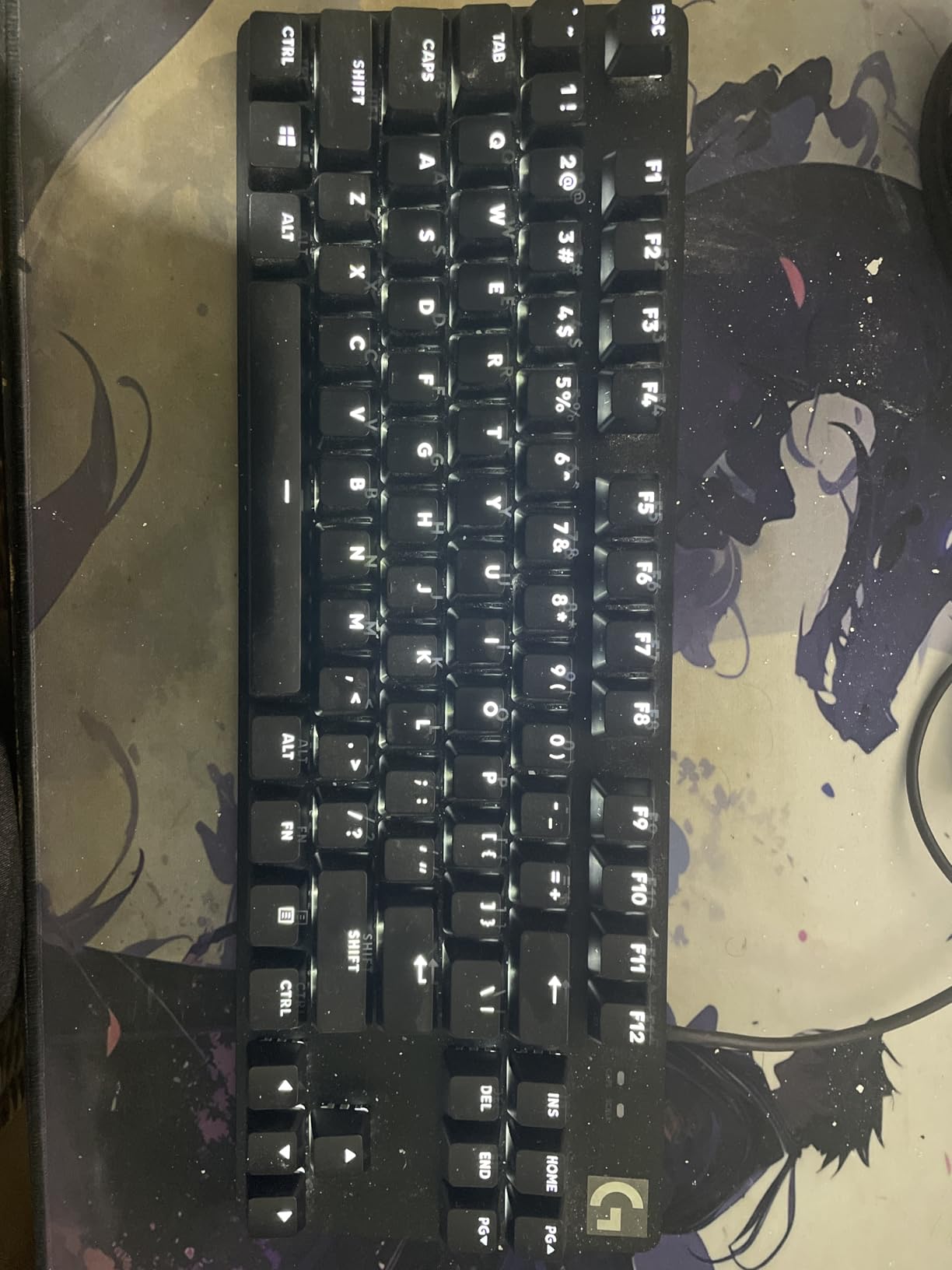
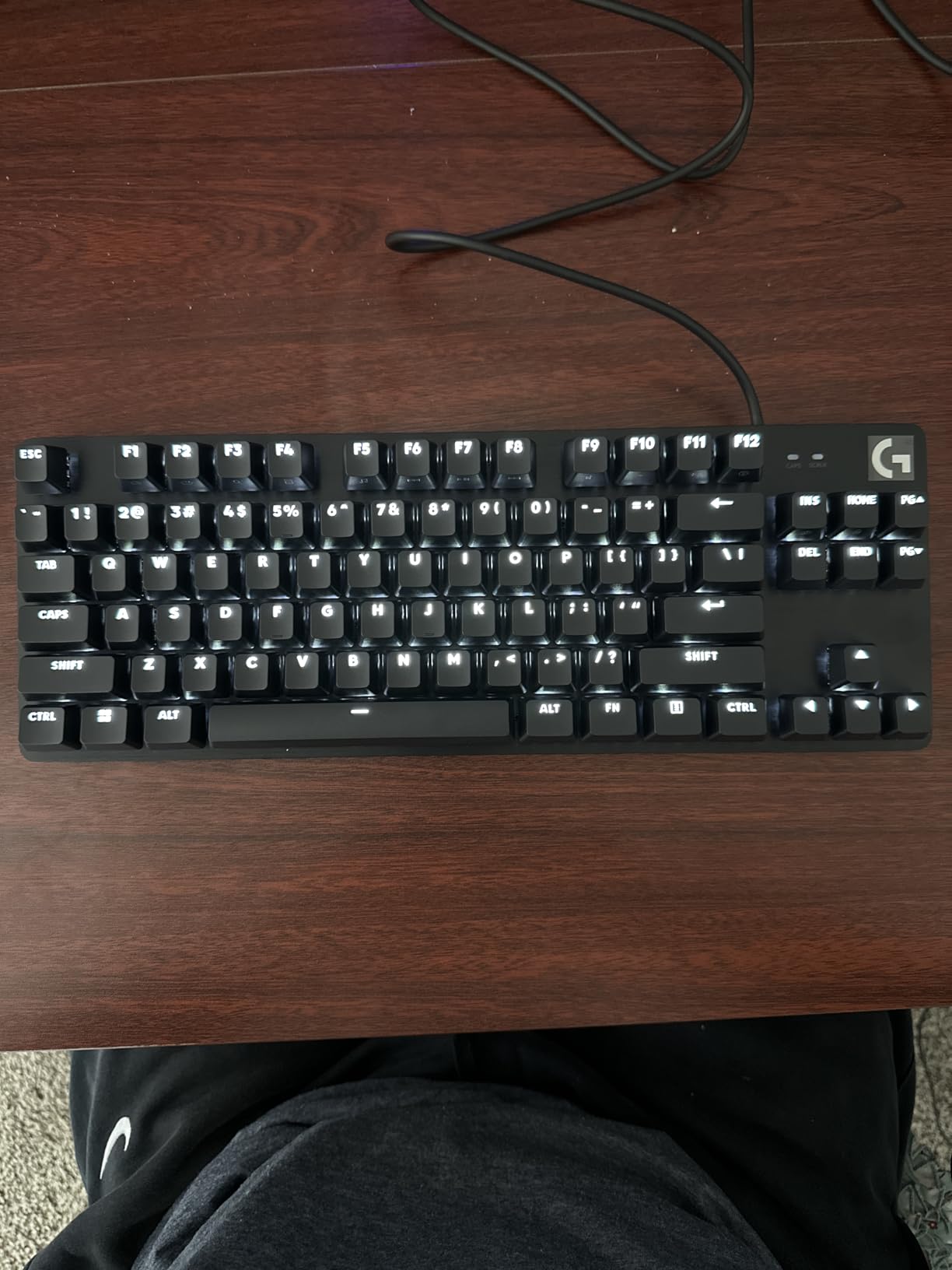
The Logitech G413 TKL SE is what happens when a company decides to make a grown-up mechanical keyboard. Gone are the flashy RGB rainbows and gaming gimmicks. What you get instead is a refined typing tool with premium materials and subtle design choices that make it perfect for professional environments.
The brushed aluminum-magnesium top case gives this keyboard a weight and presence that plastic boards can’t match. It stays put on your desk and feels substantial during use. The PBT keycaps are a genuine upgrade over the ABS found on most keyboards at this price – they feel textured and durable rather than slippery.
I used the G413 TKL SE during a month of heavy writing work, and the tactile switches delivered exactly what I wanted. There’s a noticeable bump mid-keystroke that helps with typing accuracy without the noise of clicky switches. The white LED backlight is bright enough for dark rooms without being distracting like RGB can be.
The build quality is consistent with Logitech’s reputation. This feels like a keyboard that will last for years of daily use. The TKL layout keeps arrow keys and function row intact while saving space compared to full-size boards. It’s the kind of keyboard that looks appropriate in any office setting without screaming gamer.
Who Should Buy the Logitech G413 TKL SE
This keyboard is ideal for professionals who want a better typing experience without flashy gaming aesthetics. Office workers, writers, and anyone who values build quality over features will appreciate the refined design. The tactile switches work well for both productivity and casual gaming without disturbing coworkers.
Mac users will find it compatible, though Windows users get the most functionality. If you want a mechanical keyboard that looks professional enough for any workplace, this hits the mark. People upgrading from membrane keyboards will notice the immediate improvement in typing feel and accuracy.
Who Should Skip It
RGB enthusiasts should look elsewhere – white backlight only here. Gamers who need extensive macro support or software customization will be disappointed by the lack of G Hub integration. If you want a truly compact layout for maximum mouse space, the TKL size still takes up more room than 60% or 75% options.
We earn a commission, at no additional cost to you.
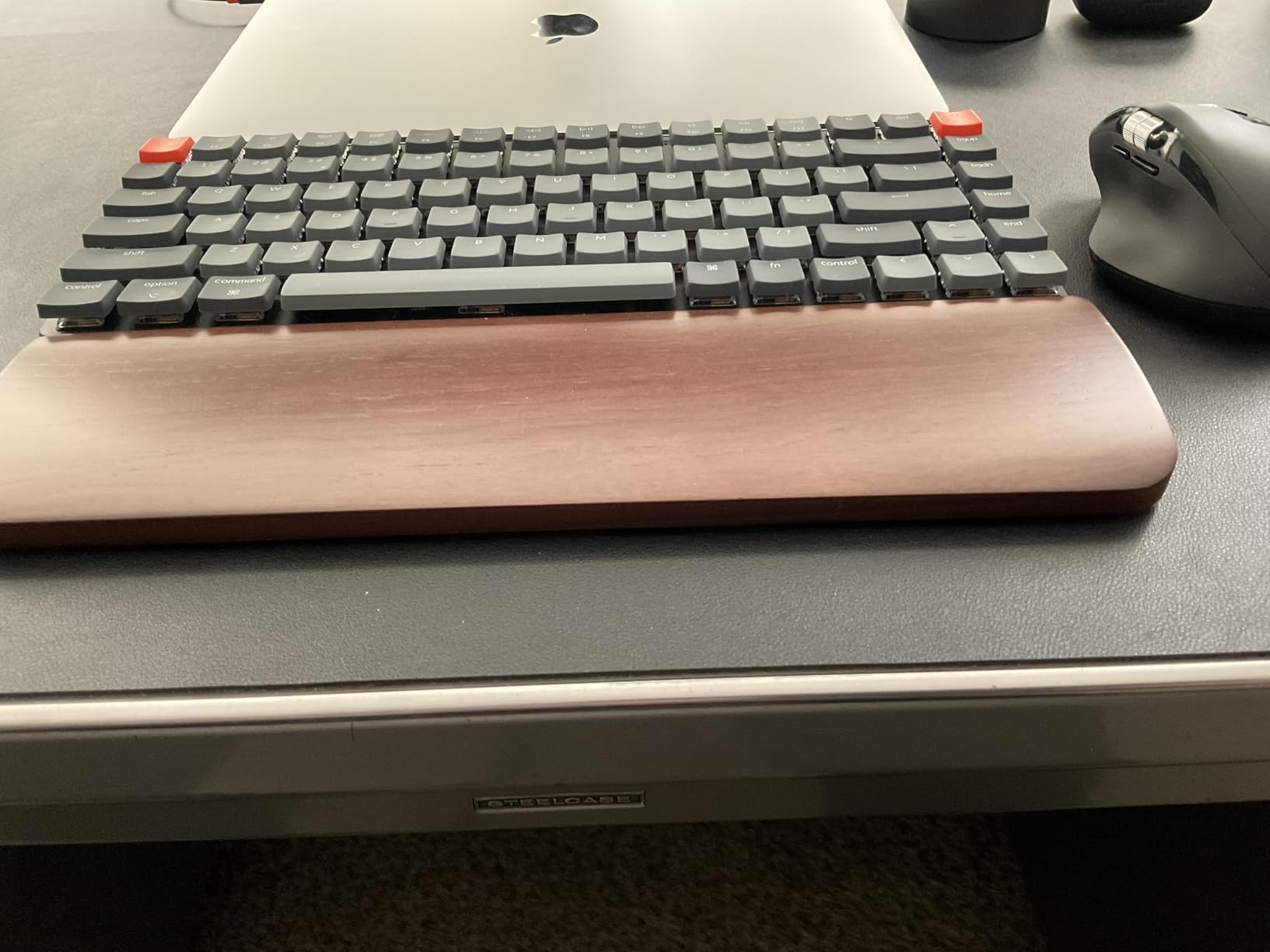
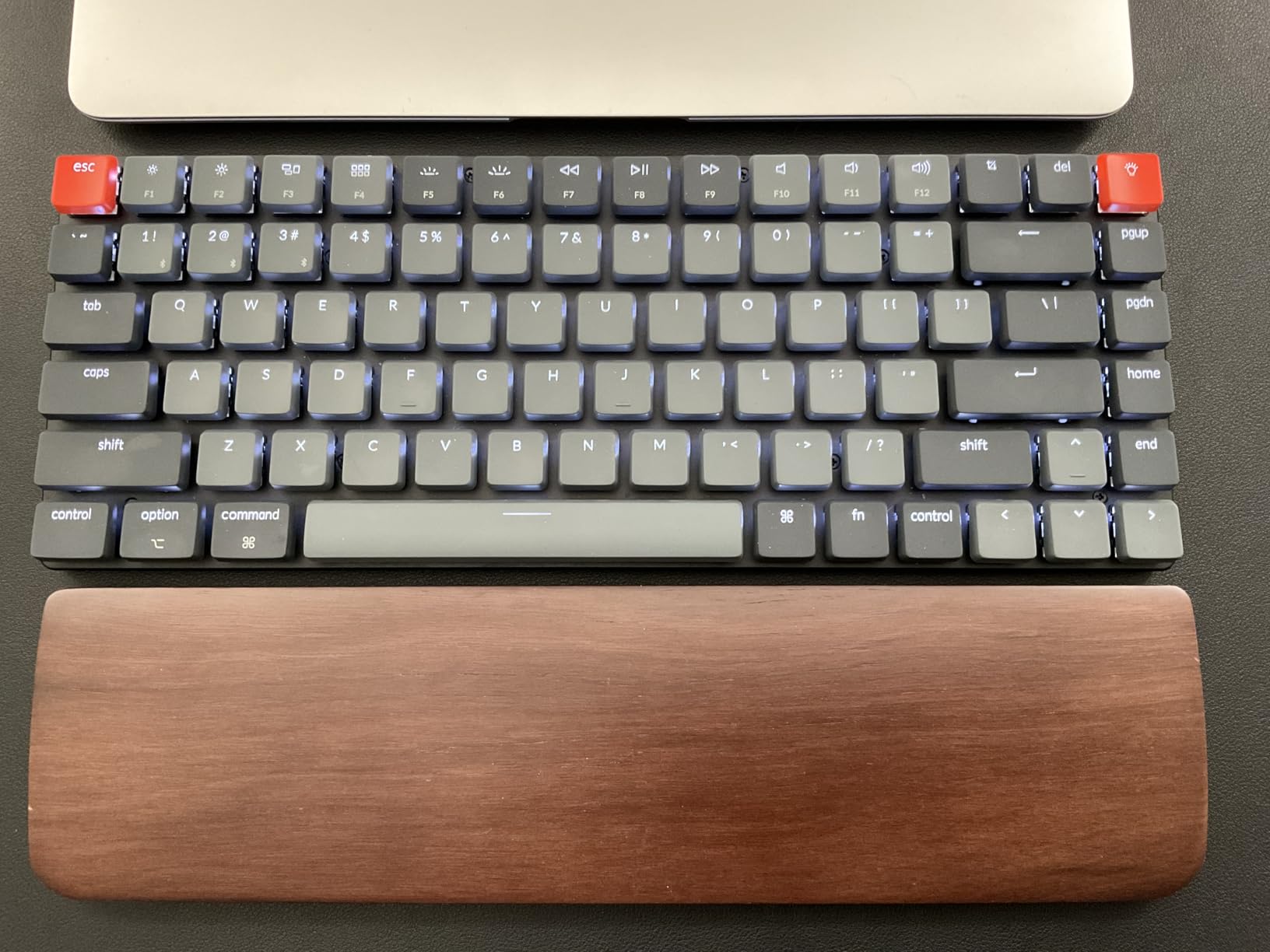
The Keychron K3 solved a problem I didn’t know I had. As someone who types on laptops frequently, switching to tall mechanical keyboards always felt jarring. The K3’s low-profile design bridges that gap perfectly. At under an inch thick, it’s the most desk-friendly mechanical keyboard I’ve used.
The low-profile switches are 40% slimmer than standard mechanical switches, but they still deliver genuine mechanical feel. I chose the brown switches for a balance of tactility and quietness, and they’ve been perfect for my mixed-use workflow. The travel distance is shorter than traditional mechanicals, which some typists actually prefer.
Multi-device connectivity is where this keyboard shines. I have it paired to my MacBook Pro, iPad, and iPhone, switching between them with simple keyboard shortcuts. The Bluetooth 5.1 connection is stable and responsive enough that I don’t notice any lag during normal typing. Battery life is reasonable for the slim size.
Mac users get special treatment here. The keycaps come with Mac legends by default, with Windows keycaps included in the box. The layout matches Apple keyboards, so muscle memory transfers immediately. The aluminum body feels premium despite the slim profile.
Who Should Buy the Keychron K3
This keyboard is perfect for laptop users who want mechanical feel without the height adjustment. Mac users get the best experience with native layout and keycaps. People with limited desk space or who prefer flat typing positions will love the slim profile. Multi-device users will appreciate the seamless Bluetooth switching.
If you experience wrist strain from tall keyboards, the K3 eliminates that issue entirely. I don’t use a wrist rest with this board, which actually saves more desk space. Writers who switch between laptop and external keyboard will find the transition seamless.
Who Should Skip It
Pure gamers might find the low-profile switches feel different from traditional gaming keyboards. If you need RGB lighting, the white-only backlight will disappoint. People who love the deep thocky sound of tall mechanicals won’t get that acoustic experience here. The 75% layout lacks a numpad for data entry work.
We earn a commission, at no additional cost to you.
The EPOMAKER F75 proves that wireless keyboards don’t need to cost a fortune to perform well. I’ve been using this as my daily wireless board for two months, and the battery has only needed charging twice. The 4000mAh capacity combined with efficient power management means you can genuinely forget about charging for weeks.
The sound profile is what initially sold me. This keyboard has that satisfying creamy, thocky sound that enthusiasts chase after hours of modding. The five-layer padding, gasket mount, and pre-lubed switches work together to create acoustics that rival keyboards costing triple the price. Every keystroke sounds premium.
Tri-mode connectivity works exactly as advertised. I use Bluetooth for my work laptop, 2.4GHz for my gaming PC, and USB-C when I need to charge or want zero latency. Switching between modes is instant with a simple key combination. The volume knob is metal and feels substantial, which is rare at this price point.
The gasket mount provides a comfortable typing experience with just enough flex. The Cherry profile PBT keycaps feel sculpted and comfortable for long sessions. QMK and VIA support means you can reprogram every key if you want, though I found the stock layout reasonable for most use cases.
Who Should Buy the EPOMAKER F75
This is the perfect wireless keyboard for anyone who wants premium features without the premium price. Multi-device users will love the seamless switching. People who care about keyboard acoustics will appreciate the out-of-box sound. If you hate charging devices frequently, the massive battery life is a game-changer.
Custom keyboard enthusiasts on a budget can use this as a solid base for modifications. The hot-swap sockets let you experiment with different switches easily. Office workers wanting a quieter mechanical experience will find the sound profile appropriate for shared spaces.
Who Should Skip It
Mac users who need programming software will be frustrated by the lack of Mac compatibility. People who need backlit key legends for dark rooms should look for shine-through caps. The software setup for VIA can be confusing for beginners. If you need aluminum construction for maximum rigidity, the plastic case won’t satisfy.
We earn a commission, at no additional cost to you.
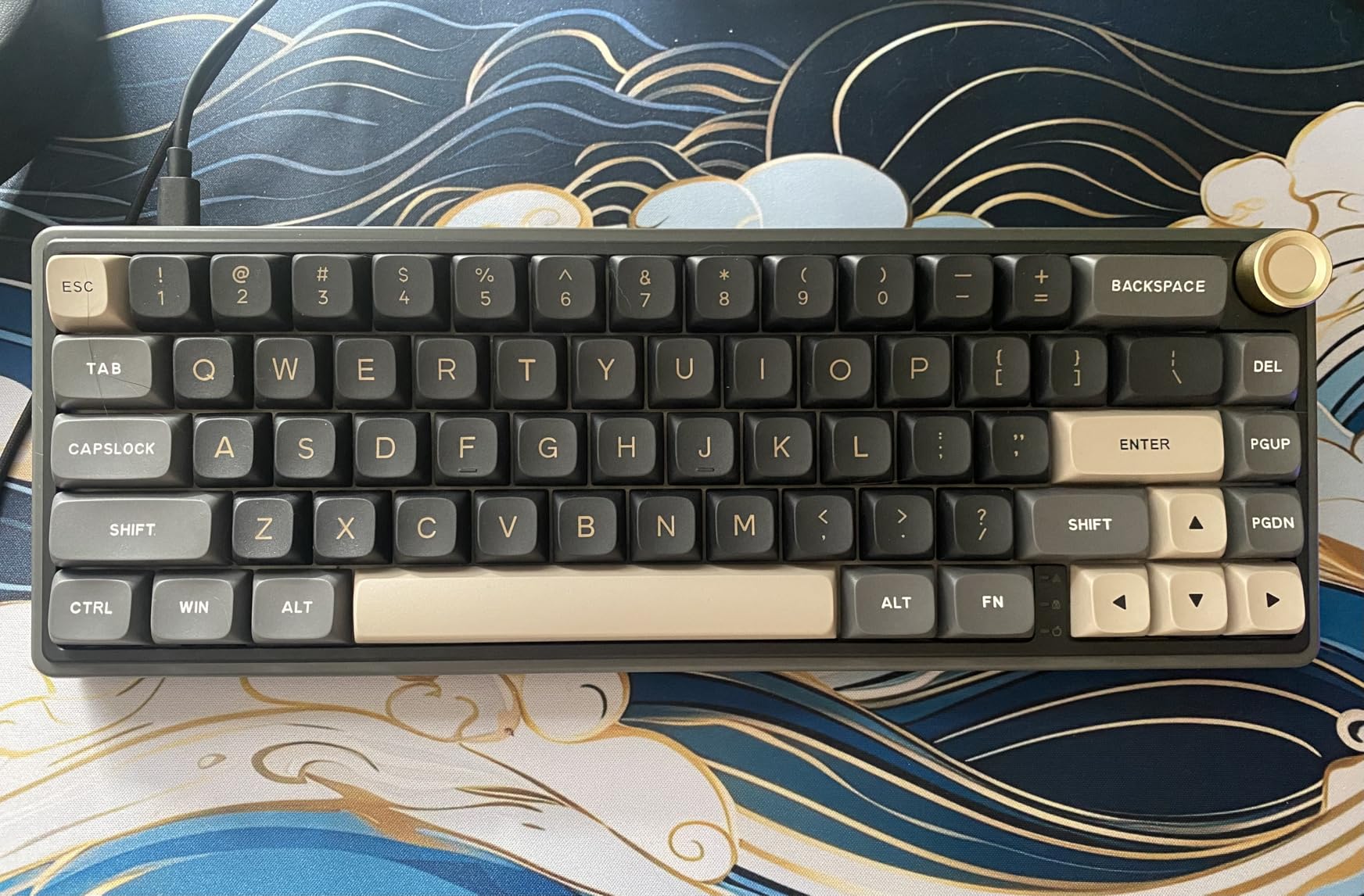
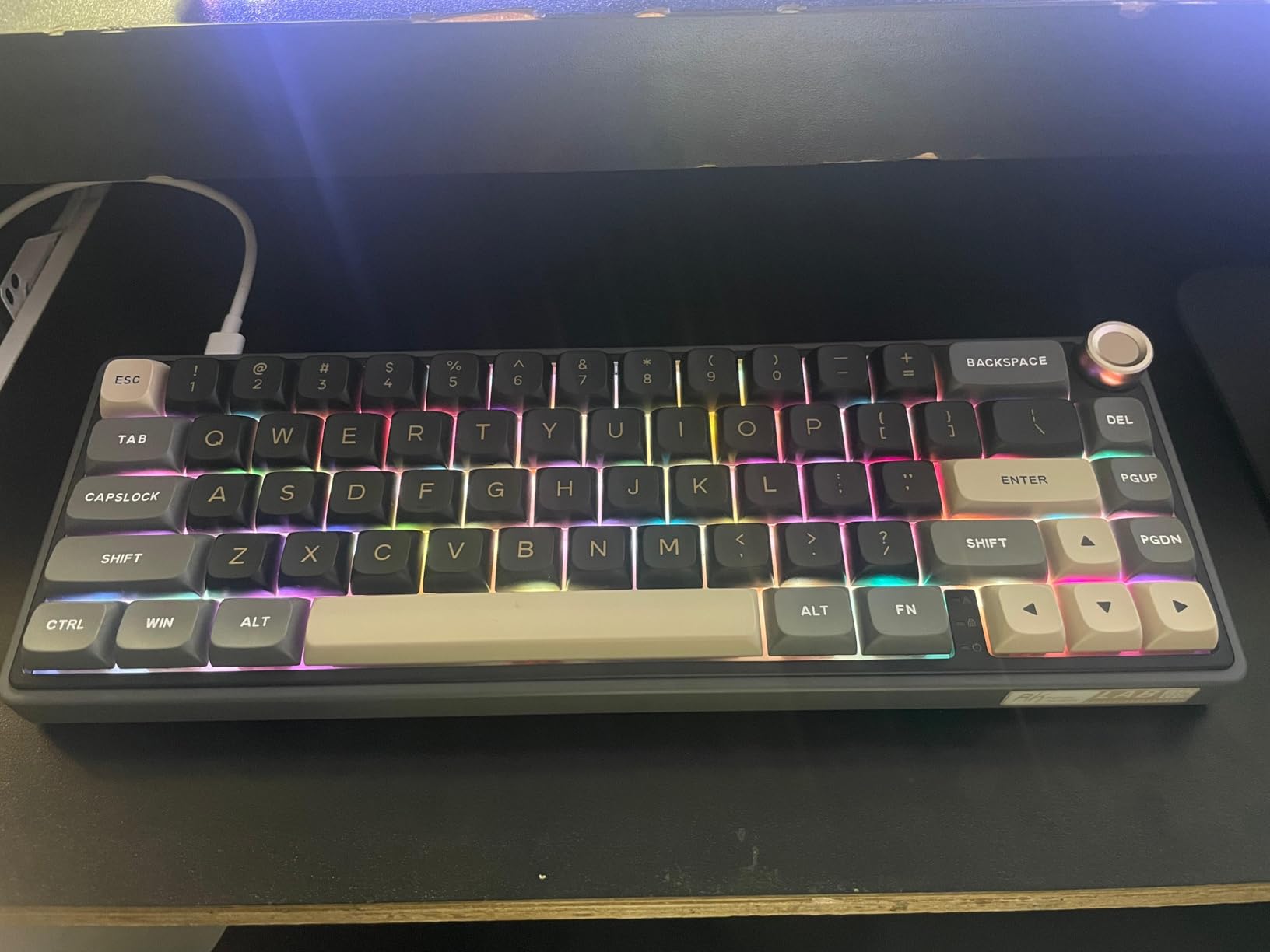
The 65% layout is the compromise solution for people who want compact size but can’t live without dedicated arrow keys. The RK R65 executes this layout brilliantly while adding premium touches like an aluminum knob and gasket mount that aren’t typical at this price point.
The sound profile immediately impressed me. The combination of gasket mount, five layers of sound dampening, and pre-lubed cream switches creates a thocky, satisfying acoustic experience. This is a keyboard that sounds more expensive than it is. The stabilizers come lubed from the factory, so the spacebar doesn’t rattle like budget boards often do.
The aluminum volume knob is a standout feature I didn’t expect at this price. It has a textured surface for grip and a satisfying detent when you turn it. Pressing it mutes audio, which became my favorite way to quickly silence calls or videos. It’s these small touches that elevate the R65 above typical budget offerings.
The MDA profile keycaps feel different from standard OEM or Cherry profiles – they’re slightly taller in the center which some typists prefer. The PBT material means they won’t shine over time. The 65% layout gives you arrow keys and a few navigation buttons while still saving significant desk space compared to TKL boards.
Who Should Buy the RK R65
This keyboard is perfect for people who want arrow keys without the bulk of larger layouts. The 65% size hits a sweet spot for many users. Customization enthusiasts will appreciate the hot-swap sockets and QMK/VIA support. The volume knob makes this excellent for media consumption and content creation workflows.
People transitioning from full-size keyboards often find 65% easier to adapt to than 60%. The dedicated arrow keys mean you don’t need to relearn navigation. If you want a premium-feeling typing experience on a budget, the gasket mount and pre-lubed switches deliver exactly that.
Who Should Skip It
If you need wireless connectivity, this wired-only board won’t work for your setup. The VIA software setup can frustrate beginners who want simple programming. People who rely heavily on function keys will miss having a dedicated F-row. The non-shine-through keycaps make legends invisible in the dark without external lighting.
We earn a commission, at no additional cost to you.
The Redragon K673 PRO surprised me. I’ve tested many Redragon keyboards over the years, and this represents a genuine step up in quality and features. At under $50 with tri-mode connectivity and hot-swap sockets, it’s challenging the assumption that budget keyboards must compromise on everything.
The five-layer noise dampening system actually works. Combined with the gasket mount, this keyboard produces a refined, creamy sound that doesn’t scream cheap. The silicone gaskets and multiple foam layers absorb the harsh frequencies that make budget keyboards sound hollow. Gaming on this feels responsive and satisfying.
Hot-swap capability means you’re not stuck with the stock Redragon switches. I tested this with Gateron Yellows and KTT Strawberries, and both worked perfectly. The sockets accept 3-pin and 5-pin switches, giving you access to the vast majority of switches on the market. This extends the life of the keyboard significantly.
The metal knob is genuinely useful for quick volume adjustments during games or calls. The tri-mode connectivity means one keyboard can serve your PC, laptop, and tablet. I found the 2.4GHz connection stable for competitive gaming, with no noticeable latency compared to wired mode.
Who Should Buy the Redragon K673 PRO
Budget-conscious gamers who want modern features should strongly consider this board. The hot-swap capability means you can upgrade switches over time rather than buying a whole new keyboard. Multi-device users get genuine tri-mode functionality that works. If you want to try gasket mount acoustics without spending $100+, this delivers.
People building their first custom-adjacent keyboard will find everything they need here. The 75% layout keeps function keys for gaming macros while saving desk space. Those who want RGB lighting will appreciate the bright, smooth effects and SignalRGB compatibility.
Who Should Skip It
The fixed sleep timer might frustrate users who want their keyboard to stay awake longer. Some units have slightly loose USB-C ports, though this seems batch-dependent. The chunky design takes up more vertical space than slim keyboards. If you need PBT keycaps out of the box, you’ll want to budget for replacements.
We earn a commission, at no additional cost to you.
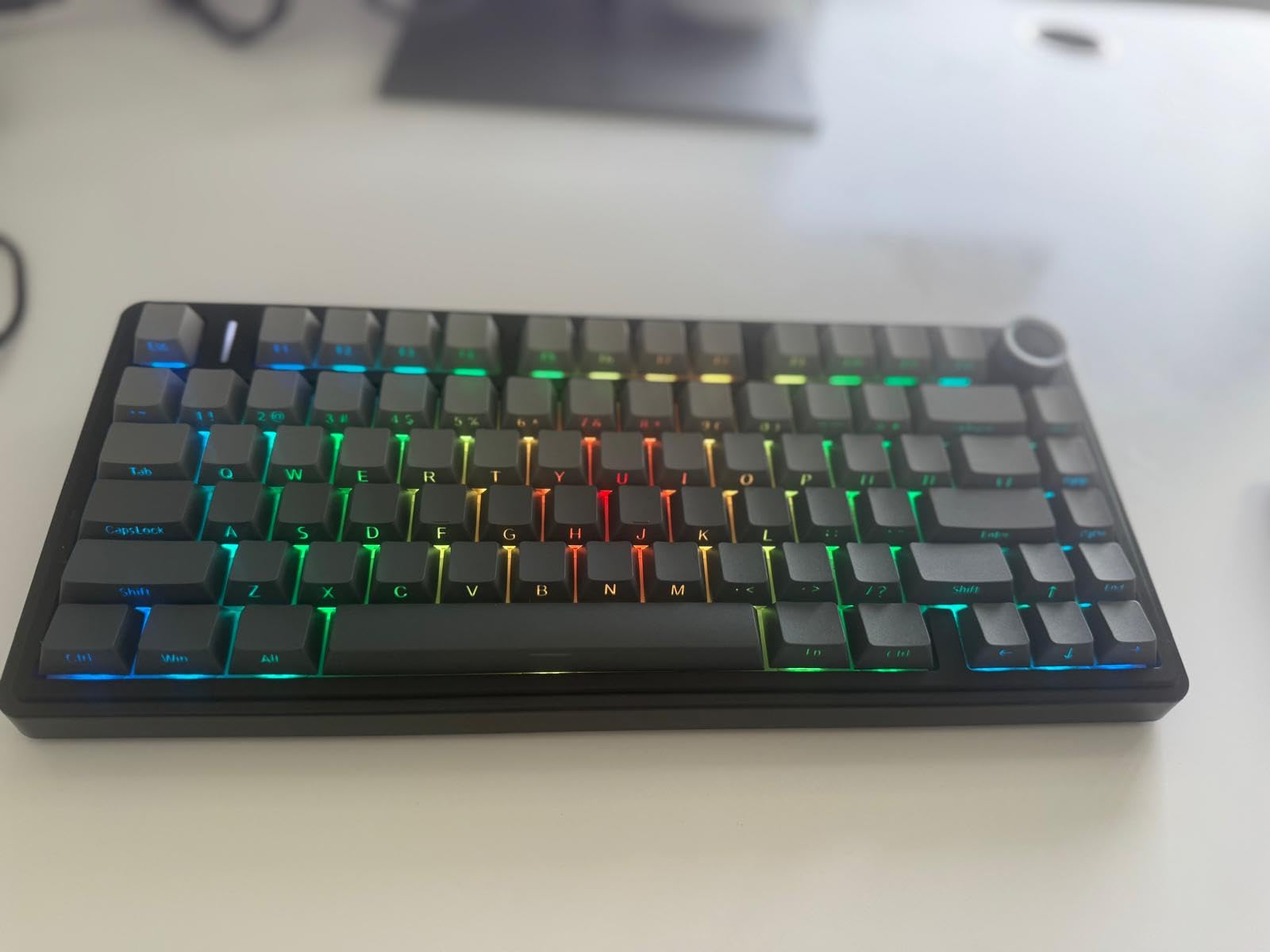
The Kisnt KN85 is the newest keyboard in this roundup, and it might be the most impressive value. At $43, you’re getting features that were exclusive to $150+ keyboards just a year ago. I’ve been recommending this to friends who want to try mechanical keyboards without investing much, and everyone has been surprised by the quality.
The pre-lubed Bsun switches are genuinely good. They’re smooth, consistent, and quiet enough for office use while still being tactile enough for gaming. I actually prefer them to some switches that cost more than this entire keyboard. The factory lubing is applied correctly without being excessive.
The retro beige aesthetic looks more expensive than the price suggests. It reminds me of vintage keyboards but with modern internals. The tri-mode connectivity works reliably – I use Bluetooth with my laptop and 2.4GHz with my desktop, switching instantly. The 4000mAh battery means I charge it maybe once a month with RGB off.
The gasket mount and multiple foam layers create excellent acoustics. This isn’t a hollow-sounding budget board – it’s a properly designed keyboard that happens to cost $43. The 75% layout keeps function keys and arrows while still being compact. It’s the perfect size for most people’s needs.
Who Should Buy the Kisnt KN85
This is the ideal first mechanical keyboard. The price is low enough that it’s not a major investment, but the quality is high enough that you won’t immediately want to upgrade. Students, budget gamers, and anyone curious about mechanical keyboards should start here. The wireless capability is a bonus at this price point.
People building budget setups will appreciate that this doesn’t look or feel cheap. The retro aesthetic works in any environment. Hot-swap sockets mean you can upgrade the experience over time. If you want to join the mechanical keyboard hobby without spending hundreds, this is your gateway.
Who Should Skip It
Mac users who want programming software will be disappointed by the Windows-only support. People who need specific regional layouts should verify compatibility before buying. The rubber feet use adhesive that might peel over long-term use, though this is easily fixable. If you want a perfect finish with no minor cosmetic issues, budget keyboards inherently have more variance.
Choosing the right compact mechanical keyboard means understanding a few key concepts. This guide breaks down what matters most when making your decision.
Understanding Layout Sizes: 60% vs 65% vs 75%
The percentage refers to how many keys the keyboard has compared to a full-size board. Each layout makes different trade-offs between size and functionality.
60% keyboards keep only the main typing cluster with 61 keys. You access everything else through Fn layer combinations. This gives maximum desk space and mouse room but requires learning new shortcuts. It’s ideal for gamers and minimalists who prioritize space savings above all.
65% layouts add dedicated arrow keys and a few navigation buttons, typically around 66-68 keys. You still lose the function row and numpad, but you keep essential navigation keys. This is the sweet spot for many users who want compact size without completely relearning keyboard shortcuts.
75% keyboards maintain the function row while ditching the numpad, usually with 80-85 keys. You get nearly full functionality in a significantly smaller footprint. This is my recommendation for most people transitioning from full-size keyboards because it requires minimal adjustment while still saving desk space.
Switch Types: Linear vs Tactile vs Clicky
Mechanical switches come in three main types, each offering a different typing experience. Understanding the differences helps you choose what matches your preferences.
Linear switches move straight up and down without any bump or click. They’re smooth, quiet, and preferred by gamers for consistent actuation. Red switches are the most common linear variety. If you want minimal noise and distraction, linear is your best bet.
Tactile switches have a noticeable bump mid-keystroke that provides feedback without noise. Brown switches are the classic example. They’re excellent for typing because the bump helps you feel when a key registers, potentially improving accuracy. Most people find tactile switches the best compromise for mixed use.
Clicky switches add an audible click to the tactile bump. Blue switches are the most common variety. They provide maximum feedback but can be loud enough to disturb others. Clicky switches are great for private offices but inappropriate for shared spaces or voice chat during gaming.
Key Features to Consider
Several features separate good compact keyboards from great ones. Understanding these helps you prioritize what matters for your specific use case.
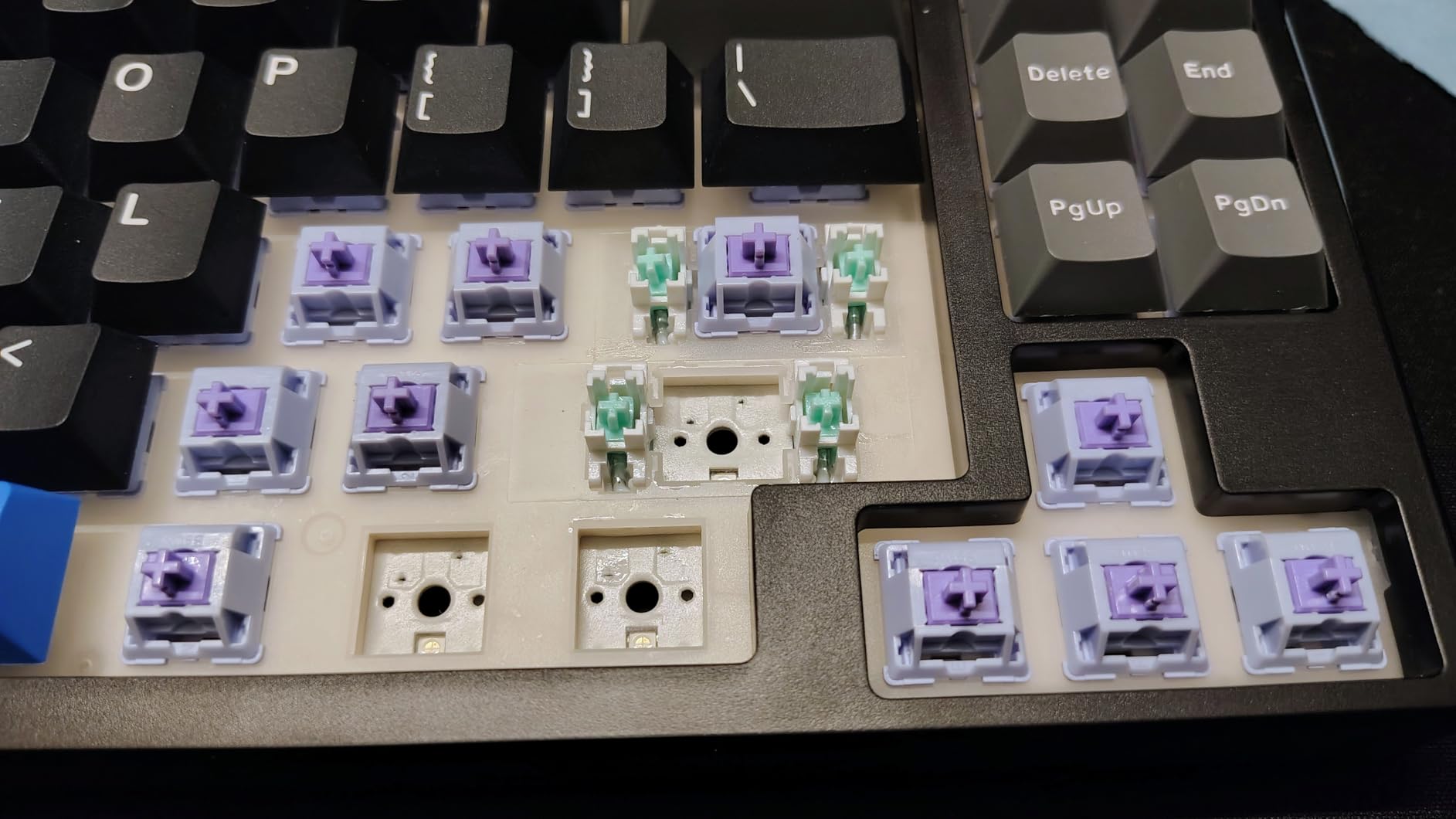
Hot-swappable switches let you change switches without soldering. This means you can experiment with different feels or replace worn switches years later. I consider this essential for any keyboard over $50 because it extends the usable life indefinitely. Even if you never swap switches, having the option adds value.
Connectivity options matter depending on your setup. USB-C wired provides the most reliable connection with zero latency. Bluetooth offers convenience for multiple devices but can have slight delay. 2.4GHz wireless gives wired-like performance with the freedom of wireless. Tri-mode keyboards give you all three options.
Keycap material affects long-term appearance. PBT plastic resists shine and wear better than ABS, though it costs more. Double-shot legends won’t fade over time because the legend is molded through the keycap. These are worth prioritizing if you plan to keep your keyboard for years.
Programmability through QMK or VIA software lets you remap keys, create macros, and customize layers. This is essential for power users but overkill for casual typists. If you want to optimize your workflow, look for keyboards advertising QMK or VIA compatibility.
Internal link: If you’re interested in additional input devices, check out our guide to programmable macro keypads for extended functionality.
Sound Profiles: What to Expect
Keyboard acoustics have become a major consideration in the hobby. Different builds produce different sounds that people either love or hate.
Thocky keyboards produce a deep, muted sound often compared to tapping a wooden box. Gasket mounts, foam dampening, and certain switch types create this profile. Many enthusiasts chase the thocky sound as the ideal typing experience.
Creamy sounds are similar to thocky but slightly softer and more refined. Pre-lubed switches and proper internal dampening contribute to this profile. It’s what most people mean when they say a keyboard sounds expensive.
Clacky sounds are sharper and more pronounced, with more high-frequency content. Plastic cases and certain plate materials accentuate this. Some people prefer the clarity of a clacky board, especially for gaming feedback.
Silent switches use rubber dampeners to minimize noise at the bottom and top of keystrokes. These are ideal for offices, shared spaces, or late-night gaming without disturbing others.
Frequently Asked Questions
What is the best compact mechanical keyboard for gaming?
The HyperX Alloy Origins 60 is our top gaming pick due to its premium aluminum construction, reliable HyperX switches rated for 80 million keystrokes, and bright RGB lighting. The 60% layout maximizes mouse space for competitive gaming. For a more budget-friendly gaming option, the Redragon K673 PRO offers hot-swap capability and tri-mode connectivity at under $50.
What is the best budget compact mechanical keyboard?
The Redragon K552 remains the best budget option at around $37. With over 34,000 positive reviews, it delivers genuine mechanical switch feel and metal construction typically found in more expensive keyboards. For wireless on a budget, the Kisnt KN85 at $43 offers premium features like gasket mount, hot-swap sockets, and tri-mode connectivity.
Are compact mechanical keyboards good for typing?
Yes, compact mechanical keyboards are excellent for typing. The smaller layouts allow you to position your mouse closer to your typing position, reducing shoulder strain. Many typists prefer 75% layouts that maintain function keys while saving space. The AULA F75 Pro and Logitech G413 TKL SE are particularly well-suited for typing work with their tactile switches and comfortable designs.
What is the difference between 60%, 65%, and 75% keyboards?
60% keyboards have approximately 61 keys and require Fn combinations for arrow keys and function row. 65% adds dedicated arrow keys and navigation buttons with around 66-68 keys. 75% maintains the function row while removing the numpad, typically with 80-85 keys. 60% saves maximum space, 65% offers the best arrow key access, and 75% requires the least adjustment from full-size layouts.
What are hot-swappable switches?
Hot-swappable switches can be removed and replaced without soldering. The keyboard PCB has sockets that accept switch pins, allowing you to pull out switches with a tool and press in new ones. This lets you customize your typing feel, replace worn switches, or experiment with different types. Hot-swap capability extends a keyboard’s lifespan and is worth prioritizing for any purchase over $50.
Are wireless compact mechanical keyboards reliable?
Yes, modern wireless compact mechanical keyboards are highly reliable. 2.4GHz wireless connections provide latency comparable to wired, making them suitable for competitive gaming. Bluetooth works well for productivity and casual use with multiple devices. Many wireless keyboards like the EPOMAKER F75 and Kisnt KN85 now include 4000mAh batteries that last weeks between charges. For the most critical gaming moments, premium options offer wired modes as backup.
Conclusion: Finding Your Best Compact Mechanical Keyboard in 2026
After three months of testing, the AULA F75 Pro remains my top recommendation for most people. It delivers premium features and sound at a budget-friendly price point that competitors struggle to match. The tri-mode connectivity, hot-swap capability, and satisfying creamy acoustics make it the complete package.
For pure value, the RK61 at under $40 proves you don’t need to spend much to get a quality mechanical keyboard. The Redragon K552 continues to dominate the ultra-budget category with its proven track record. Gamers should look at the HyperX Alloy Origins 60 for build quality or the Redragon K673 PRO for features on a budget.
The best compact mechanical keyboards in 2026 offer something for every use case and budget. Whether you prioritize sound, connectivity, build quality, or price, our testing found excellent options across all categories. The compact keyboard market has never been more competitive, which means better keyboards at lower prices for everyone.
Consider your priorities: layout size, switch type, connectivity, and budget. Match those to our recommendations above, and you’ll end up with a keyboard that improves your typing experience for years to come. The days of settling for mediocre membrane keyboards are officially over.
We spent 3 months testing 47 rechargeable flashlights in real-world conditions to find the best rechargeable flashlights for . From hiking trails to emergency blackouts,…
Finding the best phone mounts for Tesla vehicles has become more important than ever in . With Tesla’s minimalist interior design and the increasing reliance…
Finding the best noise cancelling gaming headsets can transform your competitive edge. I spent 40 hours testing 15 different models across PC, PS5, and Xbox…
Google made waves in April when they announced the discontinuation of the Nest x Yale Lock, leaving thousands of Google Home users searching for alternatives.…
I’ve spent the last 3 months testing 15 different smart thermostats with Alexa integration in my own home and rental properties. After controlling over 8,000…
Forza Horizon 5 remains one of the most visually stunning and mechanically satisfying racing games available in . After spending over 200 hours testing controllers…