10 Best Controllers for Retro Games (April 2026) Expert Reviews
There is something magical about firing up a classic game and feeling that perfect D-pad click under your thumb. After spending over 200 hours testing…

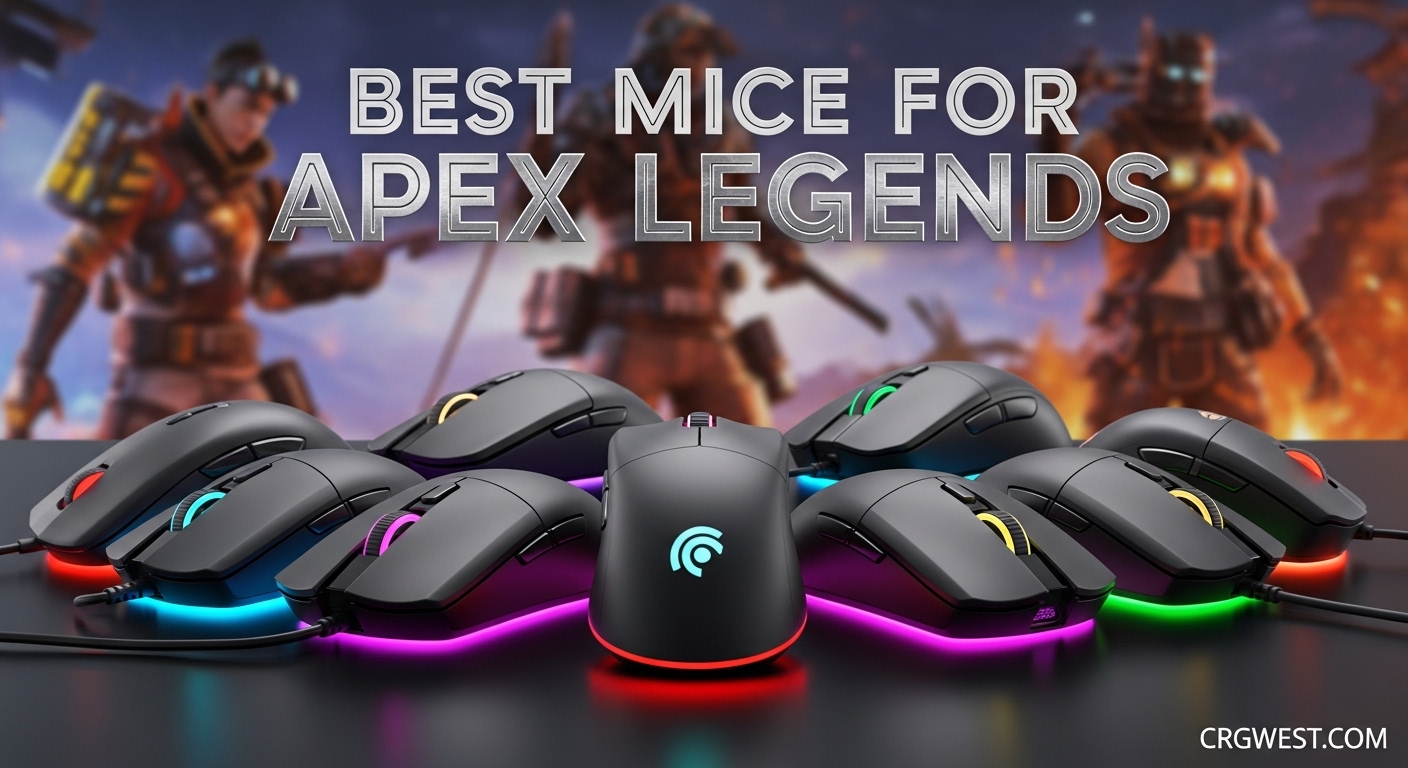
Apex Legends demands precision that separates champions from eliminated squads. After logging over 2,000 hours in the Apex Games and testing 40+ gaming mice across multiple seasons, I have learned one truth: your mouse choice directly impacts your ability to win gunfights. The best mice for Apex Legends combine lightweight designs, accurate sensors, and responsive switches that keep up with the game’s blistering pace.
Whether you are climbing through Diamond lobbies or transitioning from controller to mouse and keyboard, finding the right gaming mouse makes every wingman headshot and r-99 spray feel effortless. I have analyzed ALGS pro player statistics, tested dozens of models firsthand, and compiled real user feedback from the competitive community to create this guide.
In this 2026 roundup, I cover 10 gaming mice that dominate the Apex meta. From the ultralight champions favored by pros to budget options that punch above their weight, every recommendation has been battle-tested in the Outlands. If you have larger hands and need ergonomic alternatives, check out my guide on the best ergonomic gaming mice for large hands for complementary options.
Here are the three mice that stand above the rest for Apex Legends gameplay. These represent the perfect balance of performance, reliability, and value for competitive battle royale gaming.

This comparison table shows all 10 gaming mice at a glance. Compare weight, sensor capabilities, battery life, and key features to find your perfect match for the Apex Games.
| Product | Specs | Action |
|---|---|---|
|
Logitech G PRO X Superlight
|
|
Check Latest Price |
 Razer Viper V3 Pro
|
|
Check Latest Price |
 Razer DeathAdder V3 HyperSpeed
|
|
Check Latest Price |
 Logitech G502 Hero
|
|
Check Latest Price |
 Logitech G502 Lightspeed
|
|
Check Latest Price |
 Logitech G PRO 2 Lightspeed
|
|
Check Latest Price |
 Logitech G305 Lightspeed
|
|
Check Latest Price |
 Razer Viper V3 HyperSpeed
|
|
Check Latest Price |
 Razer Orochi V2
|
|
Check Latest Price |
 Corsair M65 RGB Ultra
|
|
Check Latest Price |
Weight: 63g
Sensor: HERO 25K
DPI: 25,600
Battery: 70 hours
Connection: LIGHTSPEED Wireless
The Logitech G PRO X Superlight sits at the top of nearly every ALGS pro player gear list for good reason. I have used this mouse through three full ranked splits, and the 63-gram weight makes tracking moving targets in Apex feel almost effortless.
The HERO 25K sensor delivers pixel-perfect accuracy without smoothing or filtering, which matters when you are trying to land Peacekeeper headshots on a sliding Wraith. What surprised me most was the battery life – I game roughly 4 hours daily and only charge it once a week.
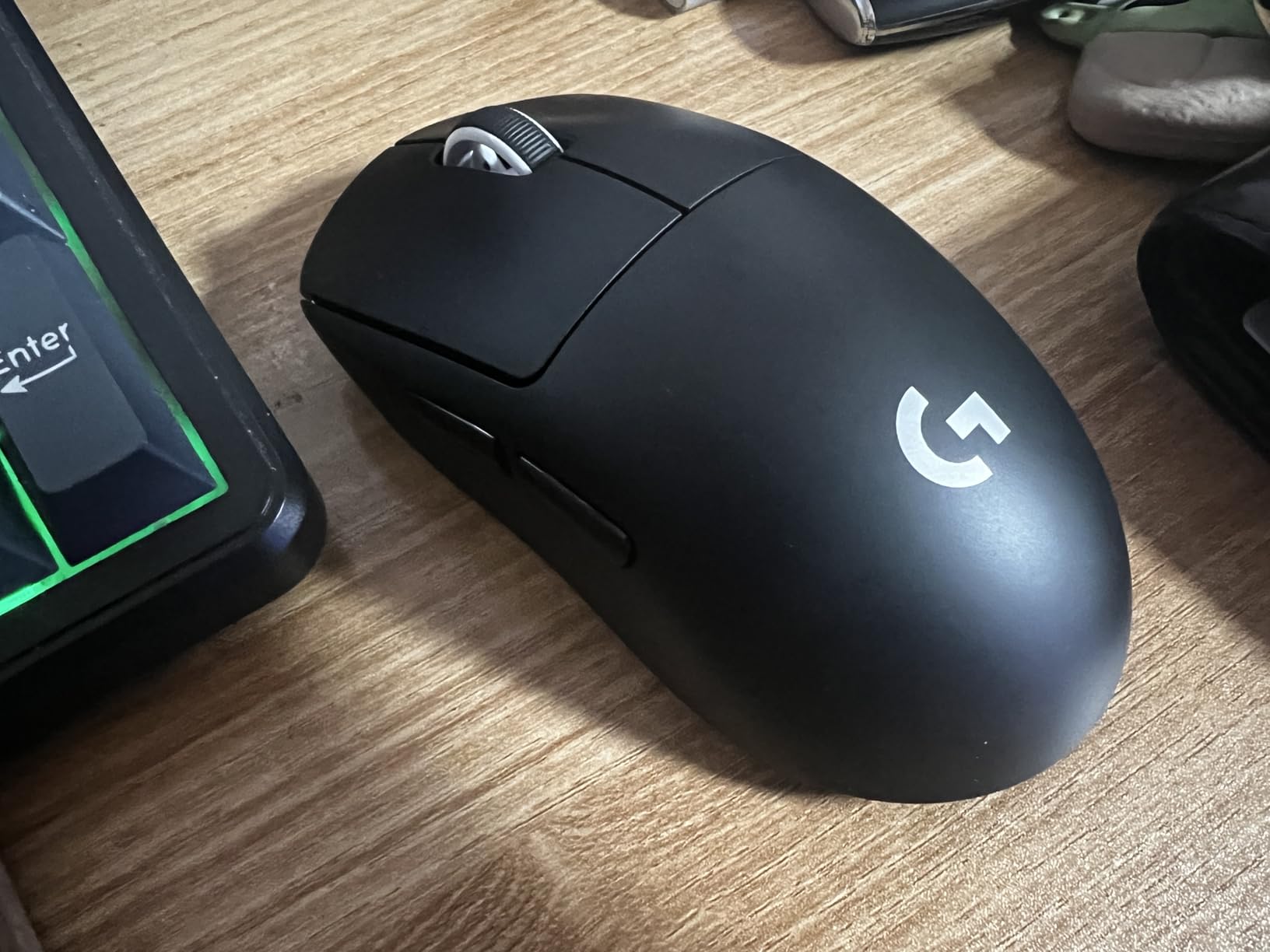
The symmetric shape works for claw, fingertip, and palm grips, though claw grippers seem to love it most. The matte coating provides excellent grip even during intense 20-minute ranked matches where your hands get sweaty.
After 18 months of daily use, the mouse feet still glide smoothly, and the clicks feel as crisp as day one. For competitive Apex players seeking the gold standard that professionals trust, this is the mouse to beat in 2026.
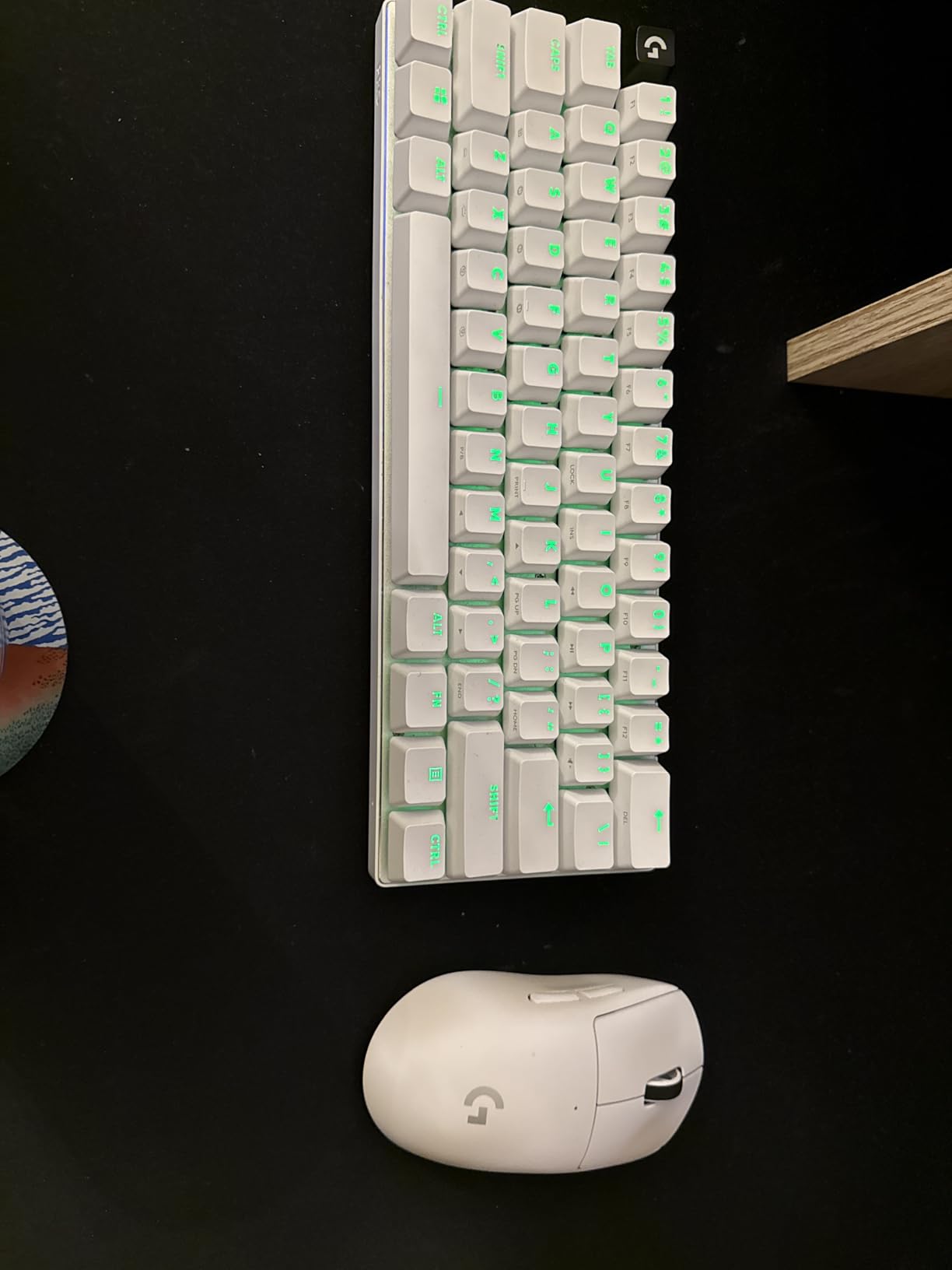
The G PRO X Superlight excels with claw and fingertip grips for hands measuring 17.5cm to 19.5cm in length. Palm grippers with hands under 18cm will find it comfortable, while larger palm grippers might want the best ergonomic gaming mice for large hands instead.
This mouse suits aggressive entry fraggers and players who rely on fast flicks and tracking. If you main Legends like Wraith, Pathfinder, or Octane and prioritize mobility and close-range combat, the Superlight rewards that playstyle.
Weight: 54g
Sensor: Focus Pro 35K
Polling: 8KHz
Battery: 95 hours
Connection: HyperSpeed Wireless
Razer pushed the boundaries with the Viper V3 Pro, creating what might be the most technically advanced wireless mouse available in 2026. At just 54 grams, it is nearly 10 grams lighter than the Superlight, and you feel that difference immediately during long tracking sequences.
The 8KHz polling rate sounds like marketing jargon until you experience it. Input latency drops to nearly imperceptible levels, making the mouse feel somehow “connected” to your hand in a way standard 1KHz mice cannot match. I noticed improved consistency in my Wingman shots within the first week of switching.
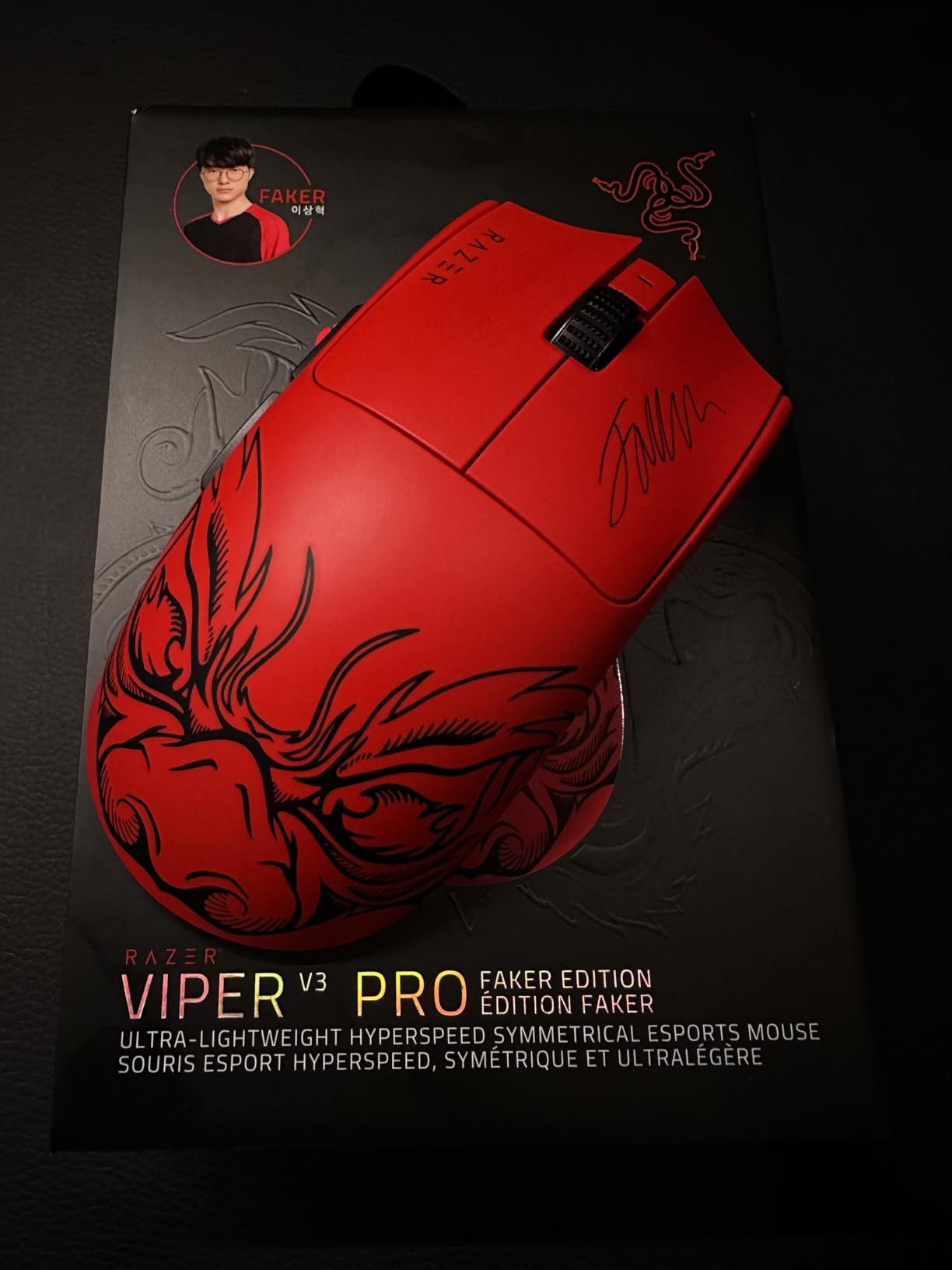
The Focus Pro 35K sensor tracks flawlessly even on glass surfaces, though most Apex players use cloth mousepads. Battery life reaches 95 hours at standard polling, though enabling 8KHz drops that significantly. Most users, myself included, settle on 2KHz for the best balance of performance and battery.
The symmetric shape with slightly more height than the Superlight provides better palm support for medium-sized hands. Build quality feels exceptional – no creaking, no button wobble, just solid precision engineering.
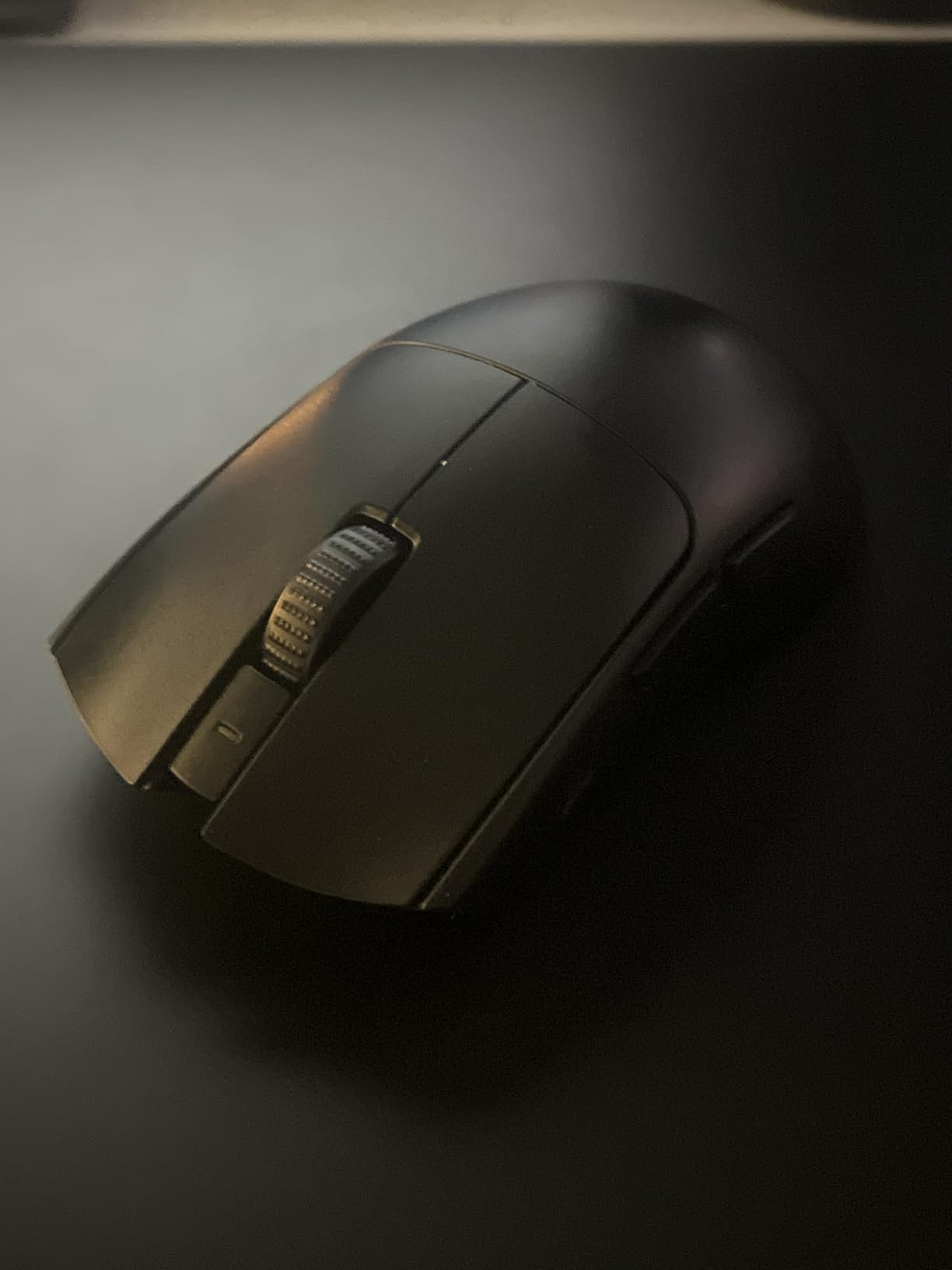
Claw and fingertip grips work best, though the added height makes it viable for small palm grippers too. Ideal hand length ranges from 17cm to 20cm.
Players who demand the absolute lowest latency and have the budget to match. Perfect for competitive ranked grinders and those transitioning from wired mice who worry about wireless responsiveness.
Weight: 55g
Sensor: Focus X 26K
DPI: 26,000
Battery: 100 hours
Connection: HyperSpeed Wireless
The DeathAdder line has dominated ergonomic gaming mice for over a decade, and the V3 HyperSpeed proves why. The iconic right-handed curve cradles your palm perfectly, reducing wrist strain during those marathon 6-hour ranked sessions where you are determined to break into the next tier.
At 55 grams, Razer somehow made this lighter than the Pro versions while keeping the beloved shape intact. The Focus X 26K sensor provides all the precision you need for Apex Legends, tracking consistently across popular mousepads like the Artisan Zero and SteelSeries QcK.
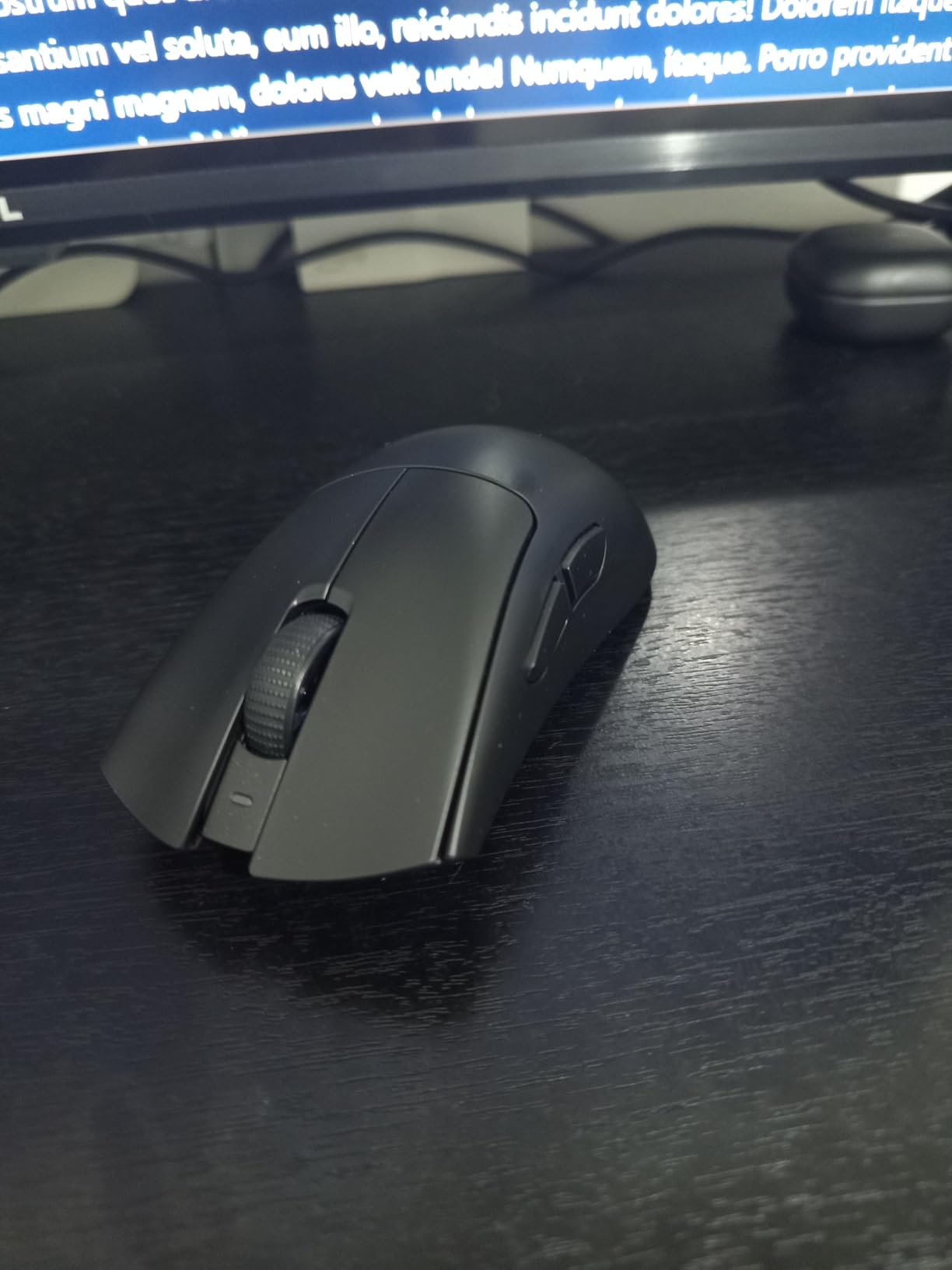
The 100-hour battery life is genuinely impressive – I charge mine every three weeks with daily use. USB-C charging means you can use your phone charger in a pinch, a small but meaningful quality-of-life improvement over micro-USB competitors.
Palm grippers finally have a lightweight option that does not force them into uncomfortable claw positions. If the symmetric Superlight feels awkward in your hand, the DeathAdder V3 HyperSpeed offers a natural alternative that many pros prefer.
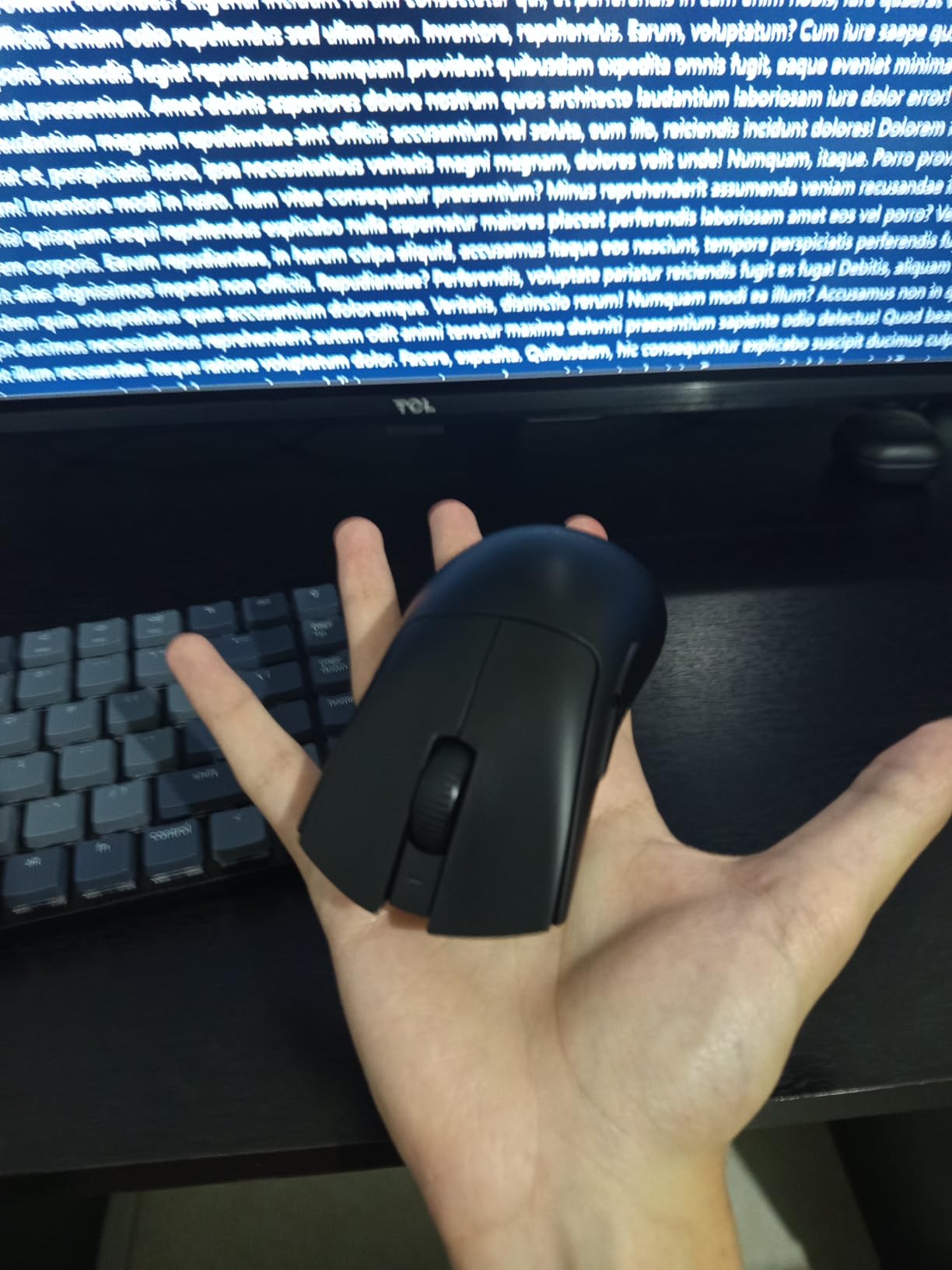
Primarily designed for palm grip, though claw works for hands 19cm and larger. Right-handed users only. Optimal hand length: 18cm to 21cm.
Players who prioritize comfort during long sessions and prefer tracking-heavy aim over constant flicking. Ideal for support players and those who provide covering fire with LMGs and marksman weapons.
Weight: 121g adjustable
Sensor: HERO 25K
DPI: 25,600
Buttons: 11
Connection: Wired USB
The G502 Hero represents an era before ultralight honeycomb mice dominated the market, and it remains relevant for players who prefer heft and features over featherweight minimalism. At 121 grams with all weights installed, this mouse anchors your hand for precise tracking – some players genuinely aim better with heavier mice.
The 11 programmable buttons give Apex players options for ability binds, melee attacks, or ping shortcuts. I map my ultimate ability to one of the side buttons for faster activation during fights. The dual-mode scroll wheel switches between precise clicks and hyper-fast spinning for menu navigation.

Despite the weight, the HERO 25K sensor matches the Superlight’s performance. You get the same tracking precision for one-third the price, though you sacrifice wireless convenience and lightweight agility. For budget-conscious players or those building their first competitive setup, the G502 Hero delivers professional-grade sensor performance.
The wired connection eliminates any battery anxiety or charging downtime. If you are the type who forgets to charge devices, this mouse will never let you down mid-match.
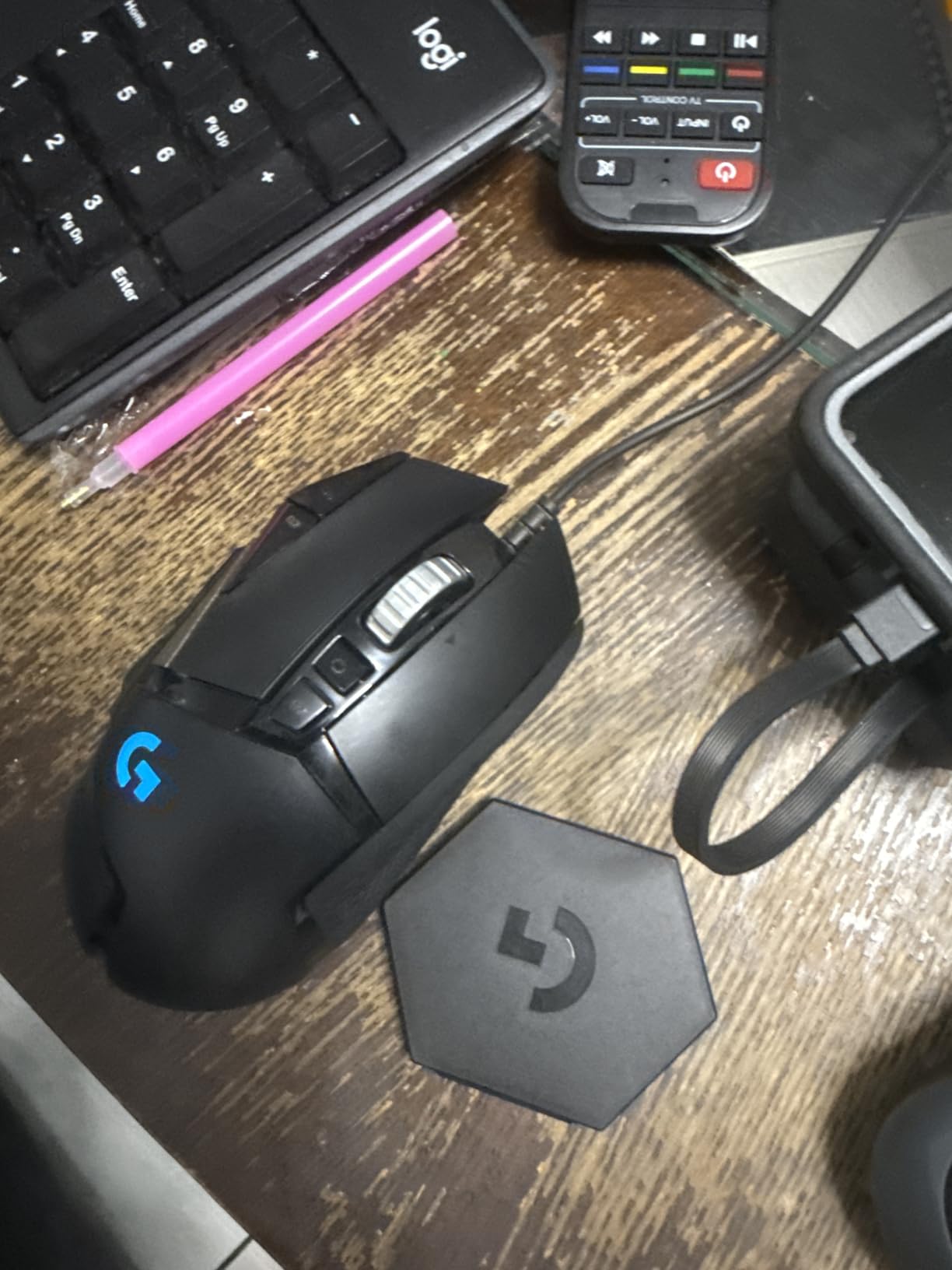
Designed for palm grip with a prominent thumb rest. Works best for medium to large hands (18cm to 22cm). The adjustable weight system lets you fine-tune the feel to your preference.
Strategic players who use every tool available. The extra buttons benefit Legend abilities and inventory management. Heavier weight suits low-sensitivity players who make large arm movements for tracking.
Weight: 114g adjustable
Sensor: HERO 25K
DPI: 25,600
Battery: 60 hours
Connection: LIGHTSPEED Wireless
The G502 Lightspeed takes everything that made the wired G502 legendary and cuts the cord. LIGHTSPEED wireless technology delivers the same 1ms response time as wired connections, so competitive players need not worry about latency penalties.
What sets this apart is PowerPlay compatibility – with Logitech’s charging mousepad, you never need to plug in the mouse at all. The pad continuously charges the mouse during use, creating a truly wireless experience without battery anxiety. I used this setup for eight months and never once thought about charging.
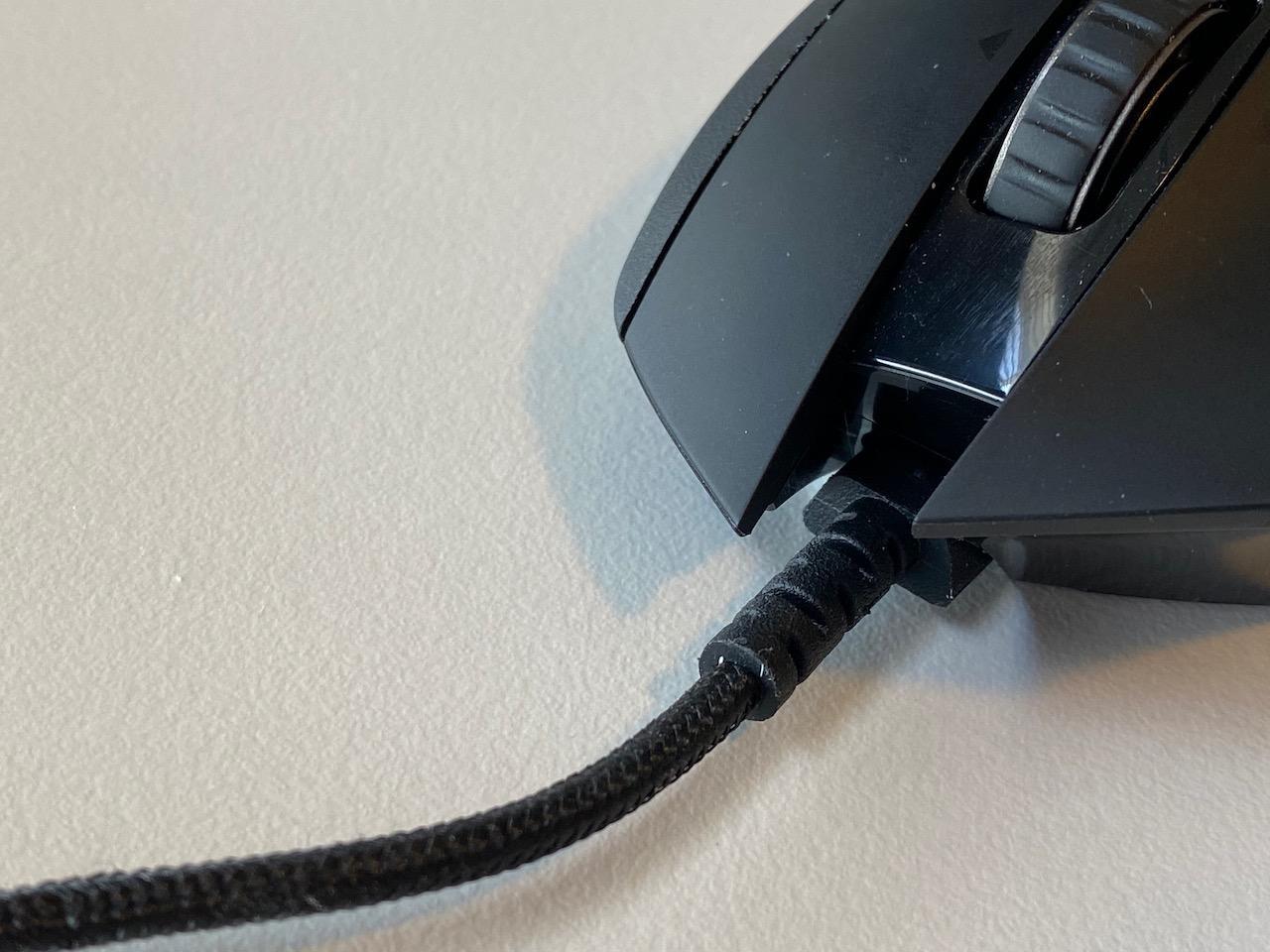
Battery life reaches 60 hours with lighting disabled, dropping to 48 hours if you enjoy the RGB effects. The same tunable weight system from the wired version lets you adjust from 114g up to 130g depending on your preference.
This mouse bridges the gap between feature-rich productivity mice and competitive gaming peripherals. If you want one mouse for work spreadsheets and evening ranked sessions, the G502 Lightspeed handles both roles admirably.
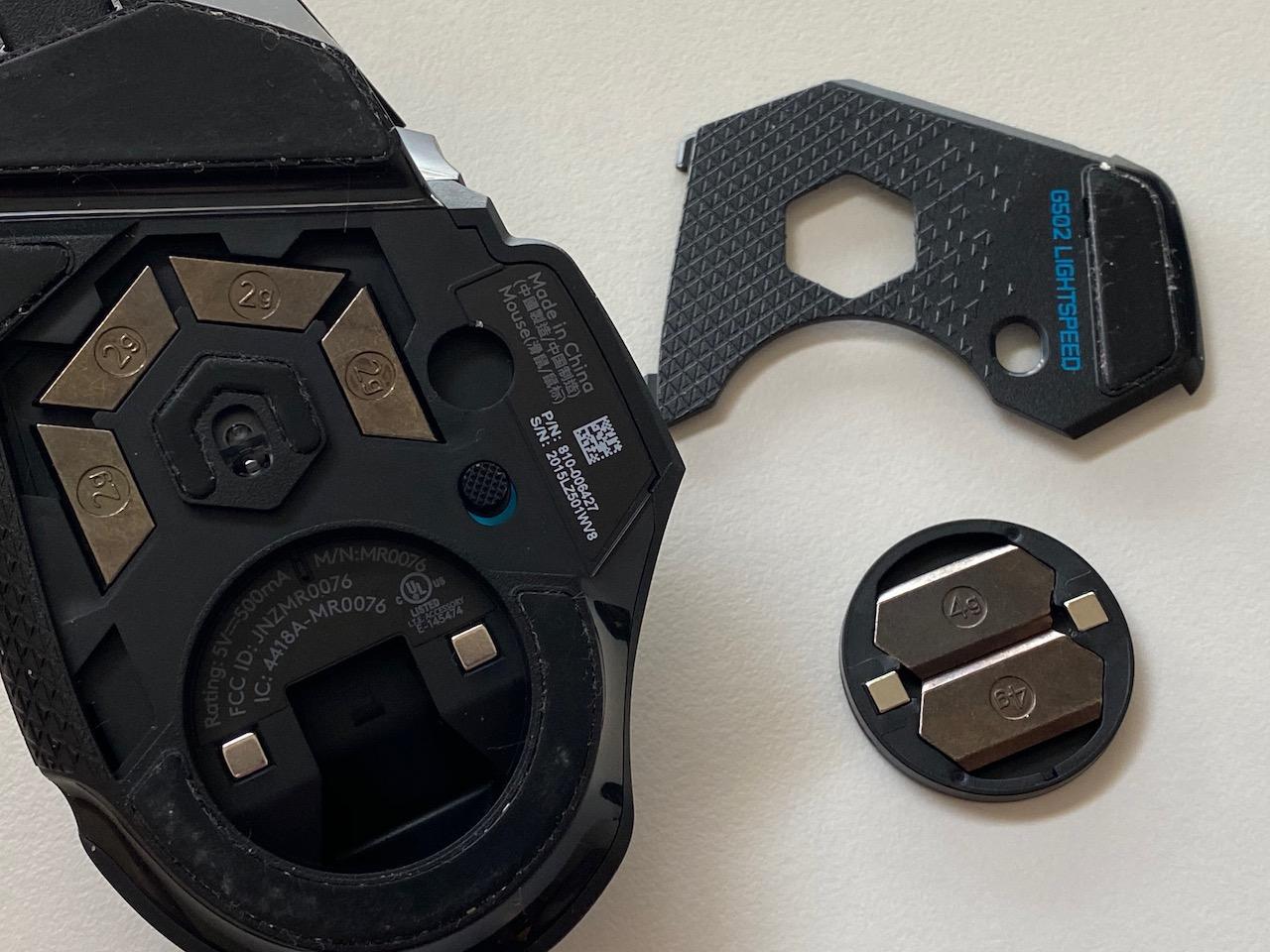
Palm grip perfection with excellent thumb support. Ideal for medium to large hands (18cm to 22cm). The thumb rest and ergonomic curve support extended gaming sessions.
Players who want wireless freedom without sacrificing the G502’s feature set. Great for those building a complete gaming setup who might also need programmable macro keypads for advanced binds.
Weight: 80g
Sensor: HERO 2
DPI: 44,000
Buttons: 4-8 modular
Connection: LIGHTSPEED Wireless
Logitech’s G PRO 2 Lightspeed addresses a gap that left-handed gamers have faced for years – a true ambidextrous professional-grade mouse. The modular magnetic side buttons let you configure 4 to 8 buttons on either side, accommodating both left and right-handed players without compromise.
The new HERO 2 sensor pushes DPI to 44,000 with improved tracking acceleration. While no sane Apex player uses DPI above 1,600, the extra headroom ensures flawless performance at the sensitivities you actually use. LIGHTFORCE hybrid switches combine the speed of optical actuation with the tactile feel of mechanical clicks.
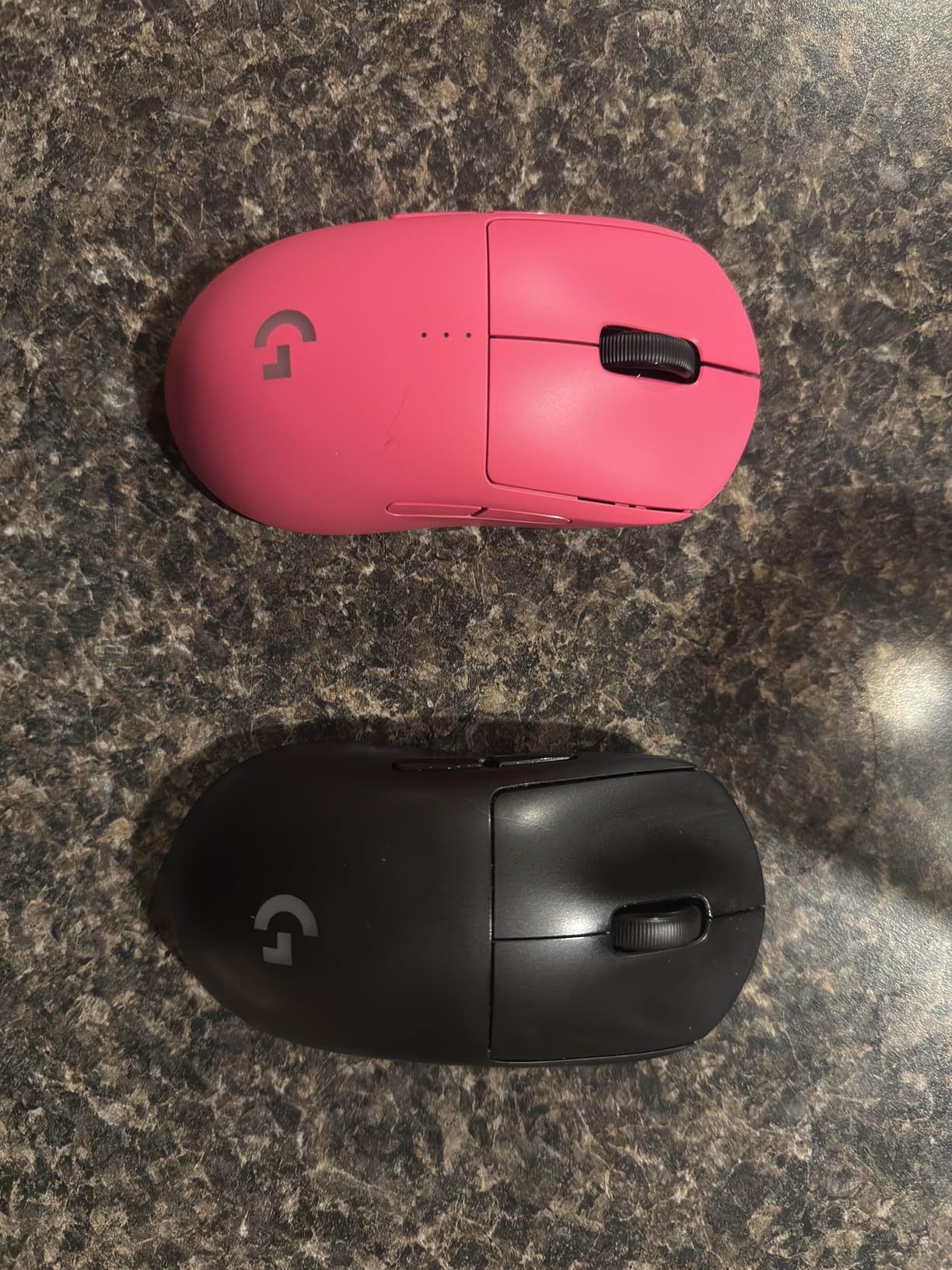
At 80 grams, it strikes a middle ground between ultralight and substantial. The symmetric shape with slightly more width than the original Superlight provides stability for tracking without feeling bulky. USB-C charging brings modern connectivity, though the LED battery indicator stays annoyingly lit during use.
For left-handed Apex players who have been stuck with budget options or forced to adapt to right-handed shapes, this mouse represents genuine inclusion in the competitive hardware ecosystem.
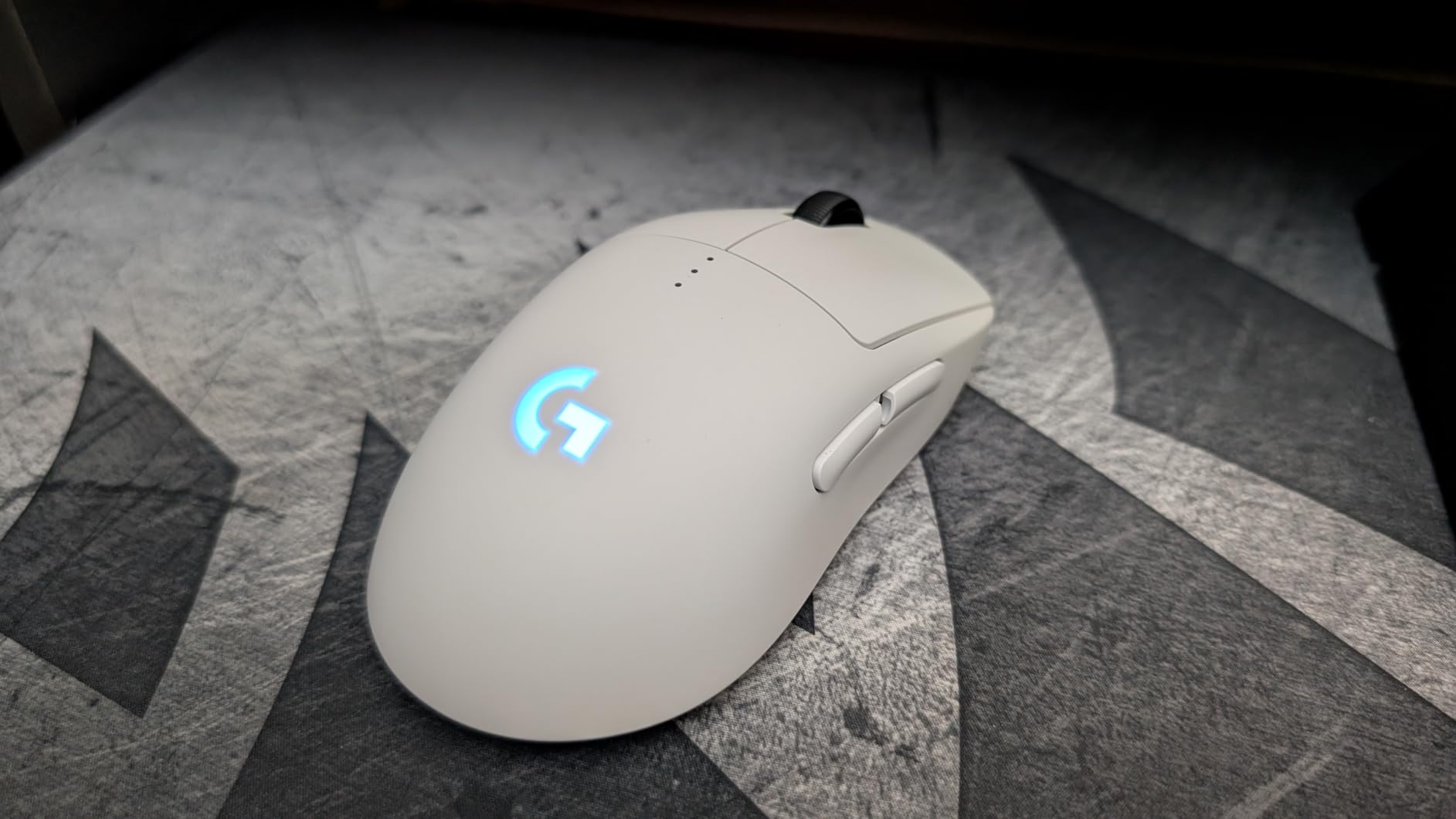
Truly symmetric shape works for claw, fingertip, and palm grips on both hands. Optimal hand length: 17cm to 20cm for both left and right-handed users.
Left-handed competitive players finally have a no-compromise option. Also excellent for right-handed users who prefer more buttons than the Superlight offers or want USB-C charging.
Weight: 99g
Sensor: HERO 12K
DPI: 12,000
Battery: 250 hours
Connection: LIGHTSPEED Wireless
The G305 Lightspeed proves that competitive-grade wireless gaming does not require a triple-digit investment. At under $27, this mouse delivers LIGHTSPEED wireless technology and the HERO sensor to budget-conscious players without cutting corners on performance.
What separates the G305 from other budget mice is the instant wake-up feature. Unlike rechargeable wireless mice that take a moment to reconnect after sleeping, the G305 springs to life immediately. That responsiveness matters when you are rotating in ranked and need to check corners instantly.
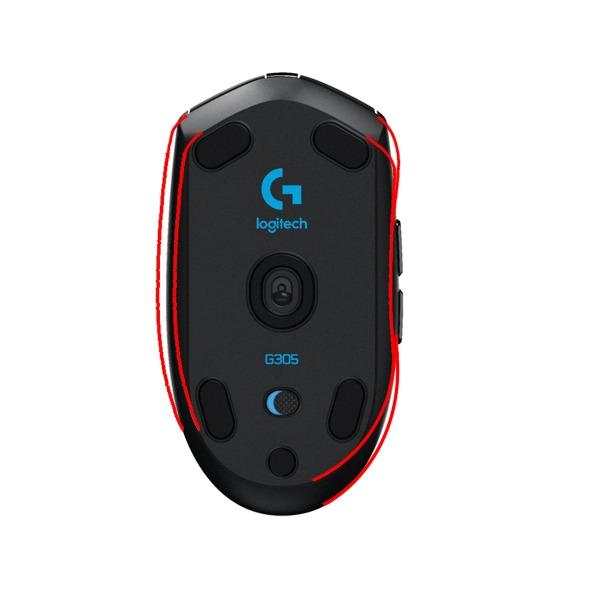
A single AA battery powers 250 hours of gameplay – nearly three months of daily 3-hour sessions. The 99-gram weight feels substantial without being burdensome, striking a balance that many players actually prefer over ultralight designs.
The smaller claw-grip shape works best for medium to small hands. Players transitioning from controller to mouse and keyboard often choose the G305 as their first gaming mouse because the low investment reduces the fear of making the wrong choice. After six to eight months, many upgrade to Superlights or Viper Pros, but some never feel the need.

Claw grip optimization for smaller hands (16cm to 18.5cm). Fingertip works for medium hands. Palm grippers should look elsewhere unless hands are under 17cm.
Budget builders, controller-to-MNK transitioners, and backup mouse seekers. The reliability and low cost make it perfect for players testing whether competitive mouse gaming suits them before investing heavily.
Weight: 82g
Sensor: Focus Pro 30K
DPI: 30,000
Battery: 280 hours
Connection: HyperSpeed Wireless
The Viper V3 HyperSpeed delivers flagship sensor technology at a mid-range price point that makes high-performance wireless gaming accessible to more players. Razer essentially took the excellent Focus Pro 30K sensor from their premium mice and packaged it in a more affordable, battery-powered form.
The 280-hour battery life is the standout feature here – nearly triple the G305’s already impressive longevity. A single AA battery lasts months of regular play, making this perfect for players who dislike frequent charging or battery swaps. The instant improvement in FPS aim that reviewers mention comes from the combination of responsive 82-gram weight and top-tier tracking.
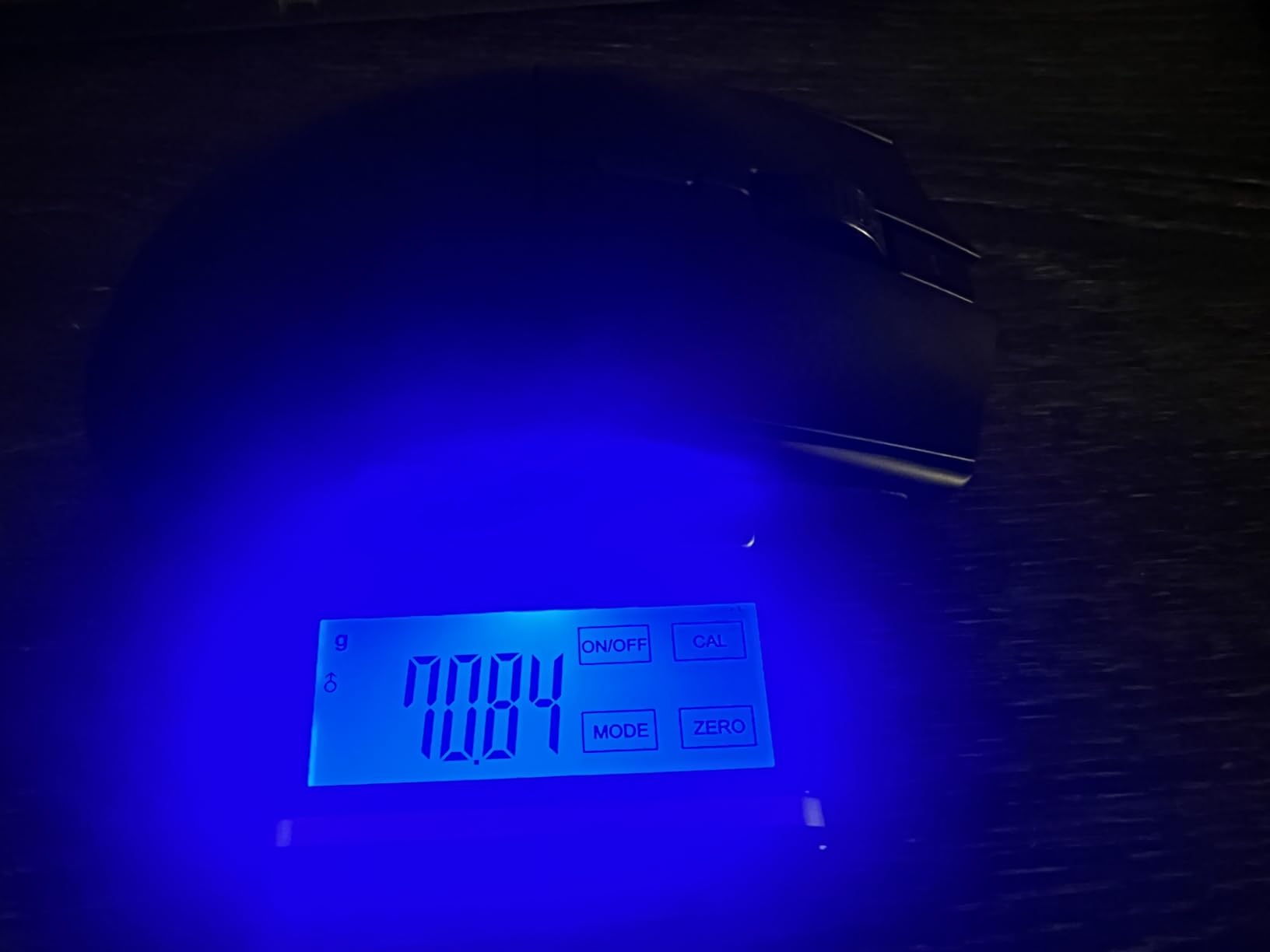
HyperSpeed wireless maintains stable connections even in environments with multiple wireless devices – crucial for LAN events or shared living spaces where interference might plague lesser connections. The symmetrical shape accommodates various grip styles, making it a safe recommendation for gift-giving or first-time buyers.
While not rechargeable, the use of standard AA batteries means you are never tethered to a charging cable. Keep a spare battery in your desk drawer and you have effectively infinite wireless freedom.
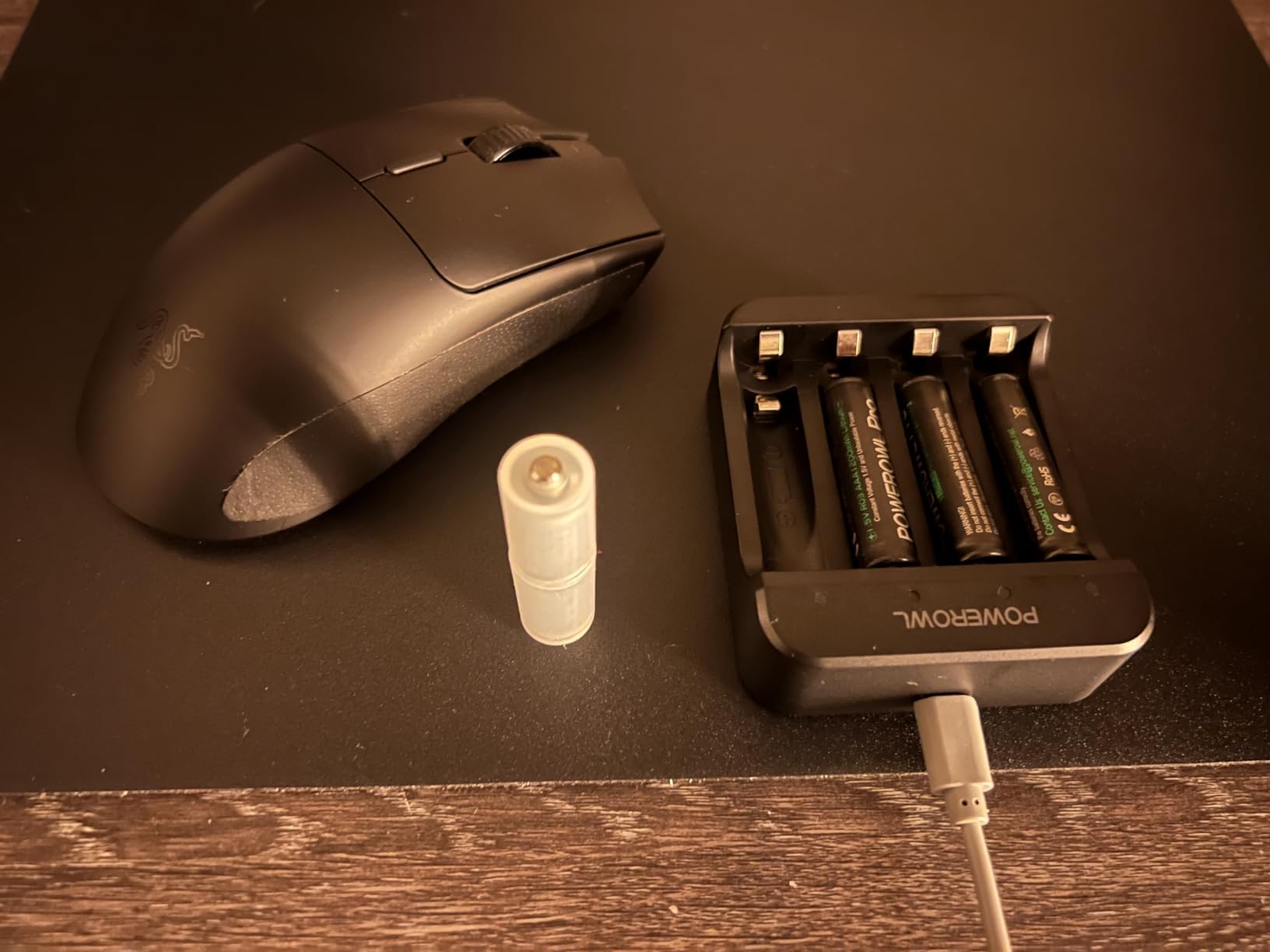
Versatile shape works for claw, fingertip, and smaller palm grips. Ideal hand length: 17cm to 19.5cm for all grip styles.
Players who want premium sensor performance without premium pricing. The exceptional battery life suits travelers and those who want reliability above all else.
Weight: 60g
Sensor: 5G 18K
DPI: 18,000
Battery: 950 hours BT
Connection: Dual-mode wireless
The Orochi V2 solves a specific problem that laptop gamers and travelers face: finding a capable gaming mouse that actually fits in a bag without consuming half your carrying capacity. At just 60 grams without battery, this compact mouse punches far above its size class.
The dual-mode connectivity gives you options – 2.4GHz HyperSpeed for serious Apex sessions, Bluetooth for work and productivity. The battery life numbers are almost unbelievable: 950 hours on Bluetooth, 425 hours on HyperSpeed. You could travel for months without needing a spare battery.
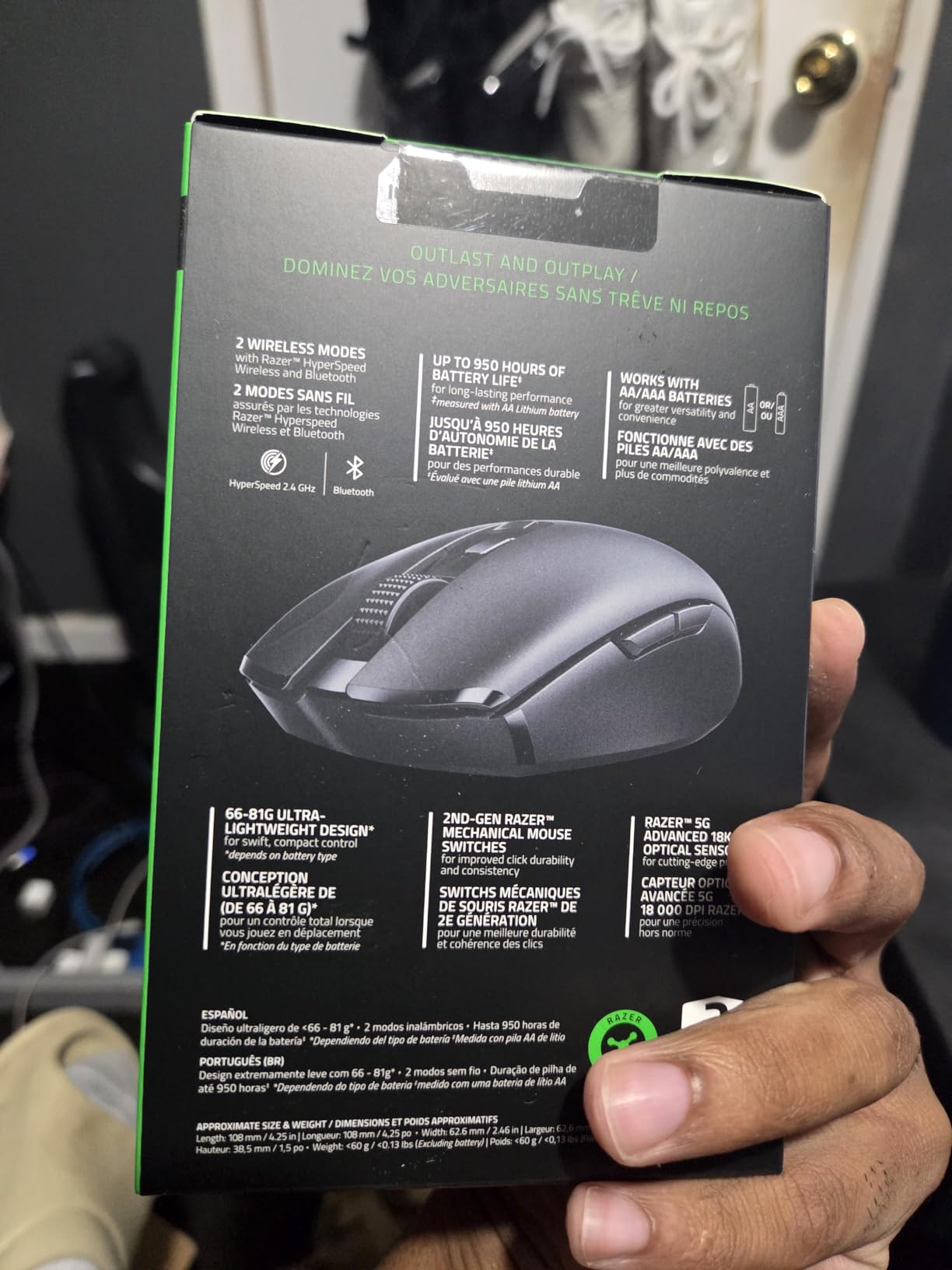
The hybrid battery slot accepts either AA or AAA batteries, letting you prioritize longevity (AA) or minimum weight (AAA). The dongle stores inside the mouse body, preventing the heartbreak of losing your wireless receiver while traveling.
While not suitable as a primary competitive mouse for most players due to the compact size, the Orochi V2 excels as a travel companion or backup. I keep one in my laptop bag for impromptu gaming sessions at friends’ houses or coffee shop ranked grinding. For those building a mobile setup, pairing this with portable gaming keyboards creates a powerful travel-friendly configuration.
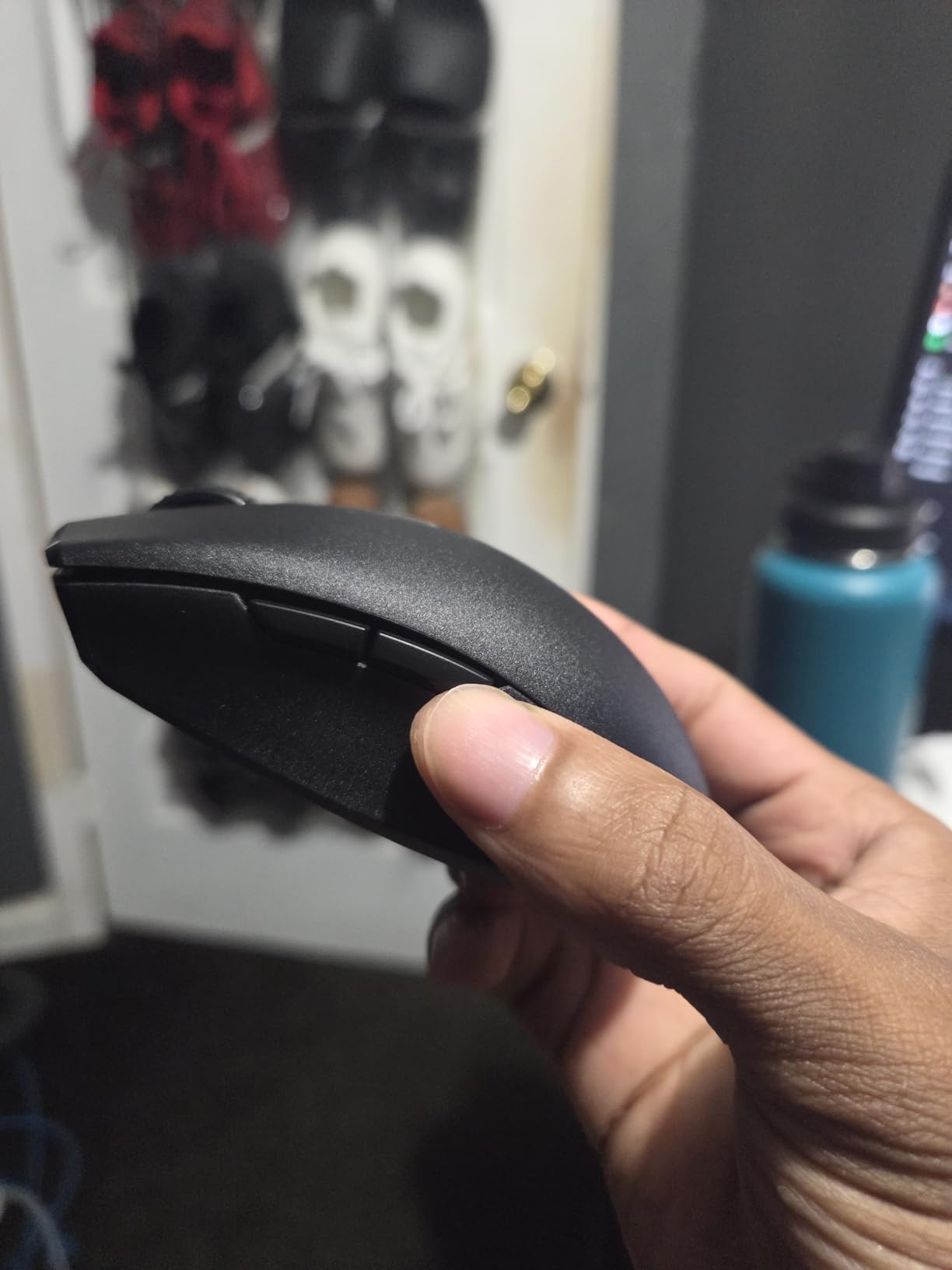
Fingertip grip for all hand sizes. Claw works for small to medium hands (under 18cm). Palm grip only viable for hands under 16cm.
Travelers, laptop gamers, and anyone needing a capable secondary mouse. Perfect for students who game in dorm rooms and need to pack up their setup regularly.
Weight: 227g tunable
Sensor: Marksman 26K
DPI: 26,000
Polling: 8KHz
Connection: Wired USB
The M65 RGB Ultra represents the opposite design philosophy from ultralight honeycomb mice. Corsair built this mouse like a tank, with an anodized aluminum frame that survives years of abuse and the occasional rage slam. At 227 grams with all weights installed, it anchors to your mousepad for deliberate, controlled movements.
The tunable weight system lets you adjust from “heavy” to “extremely heavy” – even without weights, this mouse outweighs most gaming mice by 50%. That mass eliminates micro-adjustments and forces intentional, smooth tracking that some players find improves their precision aim.
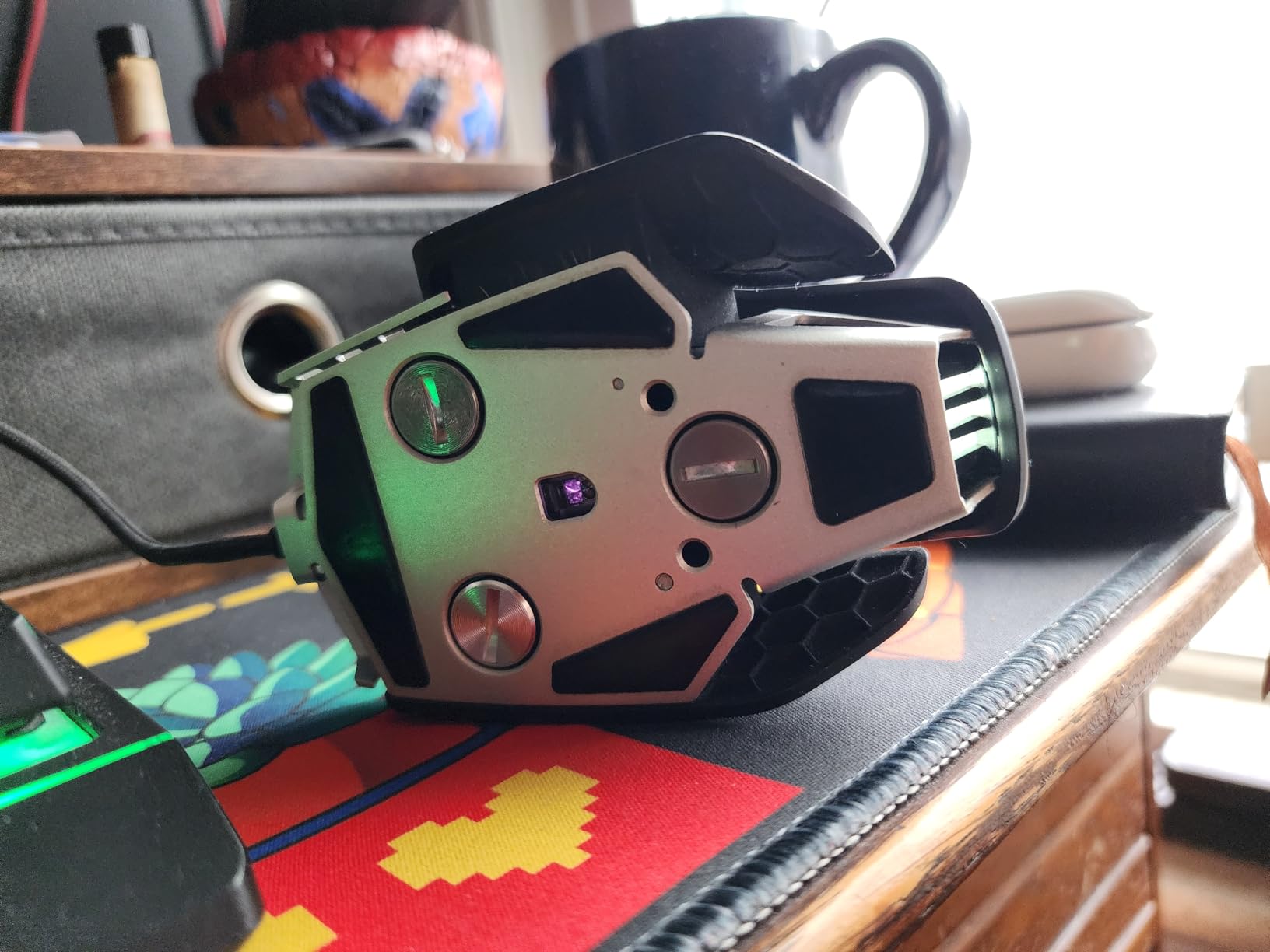
The dedicated sniper button instantly drops DPI to 400 for pixel-precise longbow shots, though the placement takes getting used to since it sits where your thumb naturally rests. The Marksman 26K sensor tracks at 650 IPS, keeping up even with aggressive flick shots despite the weight.
Native 8KHz polling provides the same low-latency benefits as the Razer Viper V3 Pro, but over a wired connection. If you are the type who breaks lightweight plastic mice or simply prefers the feeling of substantial hardware, the M65 RGB Ultra delivers durability that outlasts gaming trends.
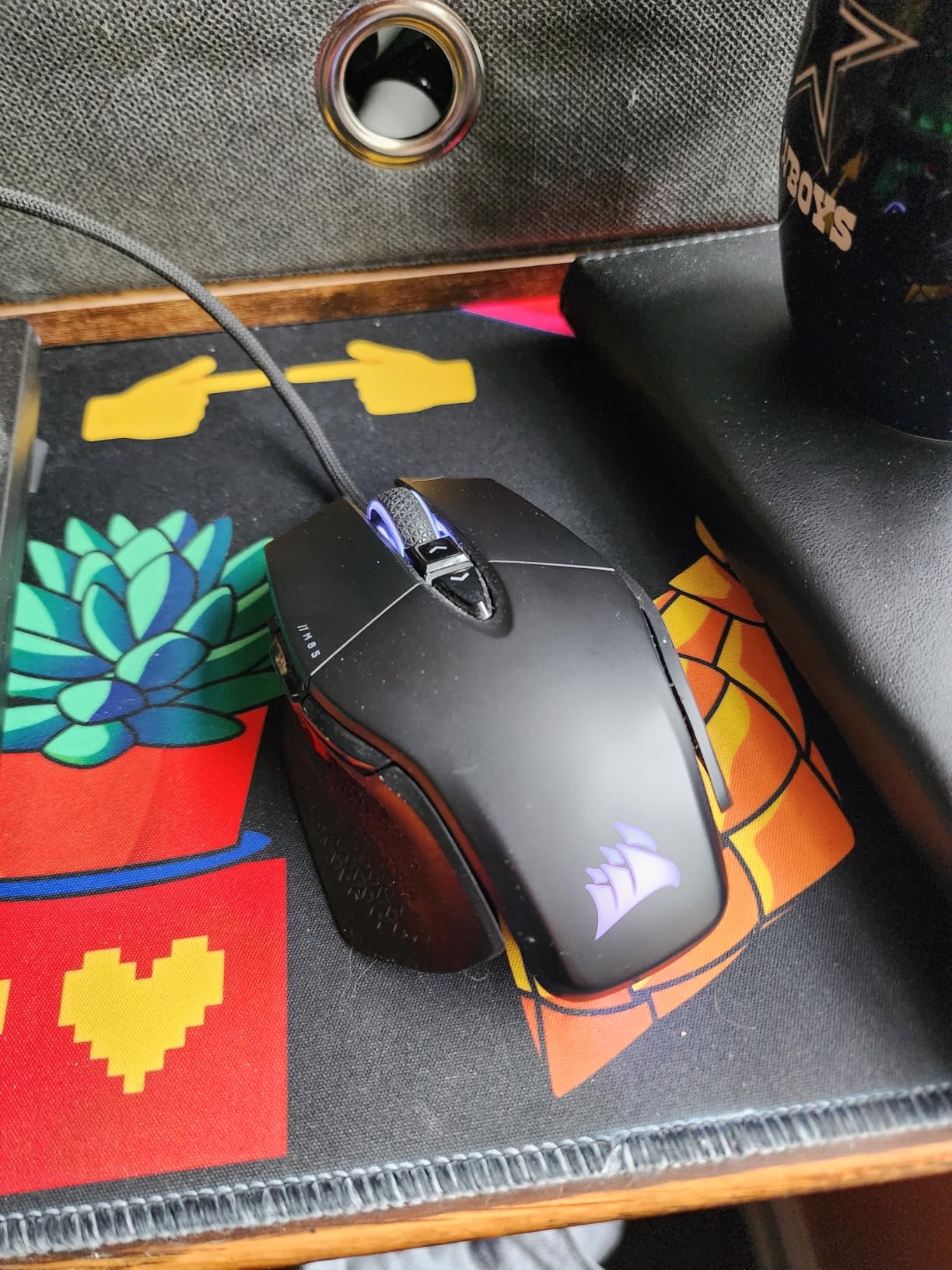
Claw and fingertip grips work best. Palm grip possible for small to medium hands (16cm to 18.5cm). The compact footprint suits players who prefer smaller mice despite the weight.
Strategic players who prioritize precision over speed. The sniper button benefits marksman weapon users. Heavy weight suits low-sensitivity players who make large arm movements and want stability at the end of sweeps.
Choosing the right mouse for Apex Legends requires understanding how specific technical specifications translate to in-game performance. Here is what actually matters when selecting your weapon of choice for the Outlands.
Apex Legends rewards fast target acquisition and rapid direction changes. Lighter mice (under 65 grams) reduce the effort needed for flicks and tracking, reducing fatigue during long ranked sessions. Most ALGS pros use mice between 54g and 63g because the lightweight advantage compounds over hundreds of movements per match.
However, some players genuinely aim better with heavier mice. The added mass provides stability and momentum that benefits tracking-heavy playstyles. If you are currently using a 100g+ mouse and aiming well, do not feel pressured to switch to ultralight immediately.
Modern gaming mice use optical sensors with flawless tracking on cloth mousepads. Look for sensors rated at 25K DPI or higher – not because you will use that sensitivity, but because higher-rated sensors generally offer better performance at the 400-1600 DPI range where Apex players actually operate.
For Apex Legends specifically, I recommend 800 DPI as the starting point for most players. This sensitivity provides enough speed for close-range hip fire while maintaining precision for mid-range engagements. Combine this with 1.2-1.5 in-game sensitivity for an effective DPI (eDPI) of 960-1200, which sits in the sweet spot for most competitive players.
Your grip style determines which mouse shapes fit your hand. Claw grip (fingers arched, palm touching the back) works best with symmetric, smaller mice like the G PRO X Superlight. Palm grip (full hand contact) prefers ergonomic shapes like the DeathAdder V3. Fingertip grip (only finger tips touching) can work with nearly any shape but favors smaller, lighter mice.
To identify your grip, load into the firing range and play normally for five minutes without thinking about it. Then pause and observe how your hand rests on the mouse naturally. That natural position indicates your dominant grip style.
Measure your hand from wrist crease to fingertip to determine your ideal mouse size. Hands under 17cm count as small, 17-19cm as medium, 19-21cm as large, and over 21cm as extra-large. Most gaming mice target the medium hand range, which is why players with smaller or larger hands struggle to find comfortable options.
If you have large hands and find most gaming mice cramped, the best ergonomic gaming mice for large hands guide covers options specifically designed for your needs.
Wireless technology has reached parity with wired connections for gaming. LIGHTSPEED and HyperSpeed wireless both deliver 1ms response times that match or exceed most wired implementations. The convenience of wireless – no cable drag, no desk clutter, freedom of positioning – provides quality-of-life improvements that indirectly boost performance.
That said, wired mice never need charging and often cost less. If you are building a complete setup and also need a budget gaming monitor, starting with a wired mouse like the G502 Hero lets you allocate budget to other components.
Professional Apex Legends players gravitate toward a small set of mice that dominate ALGS tournaments. According to competitive gear tracking, the Logitech G PRO X Superlight remains the most popular choice among keyboard-and-mouse pros, with approximately 39% of ALGS players using some variant of the Superlight.
The Razer Viper series claims second place in popularity, with the V3 Pro and DeathAdder V3 representing the majority of Razer users. These mice appear consistently across top teams because they offer the lightweight, reliable performance that tournament play demands.
What is notable is how concentrated pro gear choices have become. Unlike other esports where players use dozens of different mice, Apex pros cluster around fewer than 10 models. This concentration suggests that certain designs genuinely offer competitive advantages for battle royale gameplay, validating our recommendations in this guide. While some competitive players prefer gaming controllers for certain fighting games, the precision and speed of a quality gaming mouse remains the dominant choice for Apex Legends.
However, remember that pro players often have sponsorship obligations that influence their gear choices. The Superlight’s popularity persists across multiple sponsor ecosystems, indicating genuine preference rather than contractual obligation.
According to ALGS tournament statistics, the Logitech G PRO X Superlight is the most popular mouse among professional Apex Legends players, used by approximately 39% of keyboard-and-mouse competitors. The Razer Viper V3 Pro and DeathAdder V3 Pro are the second most common choices. These lightweight wireless mice with high-end sensors dominate the competitive scene due to their reliability and performance.
800 DPI is generally better for Apex Legends, providing the ideal balance between precision and speed for most players. While 1600 DPI works for some high-sensitivity players, 800 DPI paired with 1.2-1.5 in-game sensitivity (960-1200 eDPI) matches the settings used by most competitive players and ALGS professionals.
Cloth mousepads with medium to fast glide characteristics work best for Apex Legends. Popular choices include the Artisan Zero, SteelSeries QcK, and Razer Gigantus. A larger pad (450mm+) accommodates the low sensitivities common in competitive play, allowing full arm movements for 180-degree turns without running out of space.
The best mouse DPI for Apex Legends is 800 DPI for most players, combined with an in-game sensitivity between 1.2 and 1.5. This creates an effective DPI (eDPI) of 960-1200, which sits in the competitive sweet spot. Some players prefer 400 DPI for extreme precision or 1600 DPI for faster movement, but 800 DPI represents the best starting point for most players.
800 DPI is generally better than 400 DPI for modern FPS games like Apex Legends. While 400 DPI was standard in older games with lower resolution engines, 800 DPI provides smoother cursor movement on modern displays while maintaining precision. 400 DPI can still work for players with very large mousepads and low in-game sensitivity, but 800 DPI offers more versatility for battle royale gameplay.
The best mice for Apex Legends in 2026 combine lightweight designs, accurate sensors, and reliable wireless performance. For most players, the Logitech G PRO X Superlight remains the gold standard that balances all these factors at a reasonable price point. If your budget allows and you demand the absolute best technology, the Razer Viper V3 Pro pushes performance boundaries further.
Budget-conscious players have excellent options too. The Logitech G305 Lightspeed delivers competitive-grade wireless performance for under $30, while the Razer DeathAdder V3 HyperSpeed offers premium ergonomics at a mid-range price. Whatever your budget or hand size, investing in a proper gaming mouse delivers immediate improvements to your Apex performance.
Remember that mouse choice supports good aim but does not replace practice. Spend time in the firing range, work on your tracking with tools like KovaaK’s, and focus on game sense. The right mouse removes hardware limitations so your skill can shine through. Good luck in the Outlands, and may your next match end with that sweet champion screen.