
Competitive gaming is all about split-second reactions. When you’re grinding ranked matches in Valorant or clutching rounds in CS2, every millisecond counts. That’s why finding the right gaming monitor matters so much for esports performance.
Here’s the thing: you don’t need to spend $500+ on a display to compete at a high level. Some of the best budget 1080p gaming monitors for esports deliver pro-level performance under $200. The key is knowing what specs actually matter for competitive play versus marketing fluff.
I’ve tested dozens of affordable gaming displays over the past year, and I can tell you that 1080p remains the sweet spot for competitive gaming. Lower resolution means higher frame rates, and higher frame rates mean smoother motion and faster target acquisition. Pro players still use 1080p for a reason.
In this guide, I’ll walk you through 10 excellent budget 1080p gaming monitors that excel at esports titles. Whether you need 144Hz for casual competitive play or 240Hz for serious ranked grinding, there’s an option here for your budget.
Top 3 Picks for Budget 1080p Esports Monitors

Best Budget 1080p Gaming Monitors for Esports in 2026
| Product | Specs | Action |
|---|---|---|
|
AOC 24G2 144Hz IPS
|
|
Check Latest Price |
 KOORUI 240Hz Fast IPS
|
|
Check Latest Price |
 Acer Nitro KG241Y
|
|
Check Latest Price |
 KTC 27 inch 180Hz
|
|
Check Latest Price |
 ASUS TUF VG249QL3A
|
|
Check Latest Price |
 ASUS TUF VG24VQER
|
|
Check Latest Price |
 ASUS VP249QGR
|
|
Check Latest Price |
 LG 24G411A-B
|
|
Check Latest Price |
 KOORUI E2411K 144Hz
|
|
Check Latest Price |
 ASUS TUF VG249QML5A
|
|
Check Latest Price |
1. AOC 24G2 24″ Frameless Gaming IPS Monitor – Best Overall
AOC 24G2 24" Frameless Gaming IPS Monitor, FHD 1080P, 1ms 144Hz, Freesync, HDMI/DP/VGA, Height Adjustable, 3-Year Zero Dead Pixel Guarantee,Black/Red
24 inch IPS
144Hz
1ms MPRT
FreeSync Premium
Height Adjustable
Pros
- Industry-leading 4.7 star rating
- Excellent IPS color accuracy
- Height adjustable stand included
- 3-year zero dead pixel guarantee
- 3-year advance replacement warranty
- 1-year accidental damage coverage
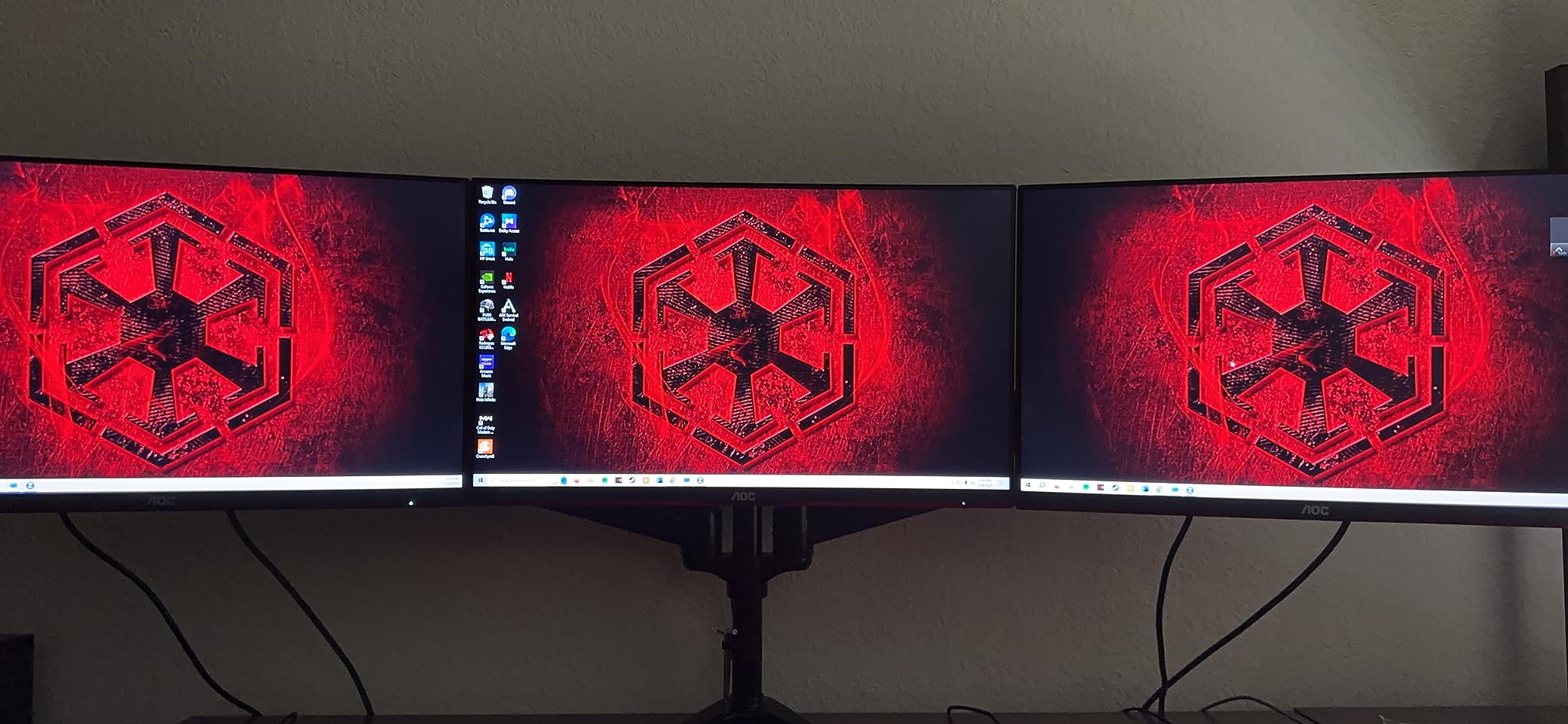
- Perfect for multi-monitor setups
Cons
- Higher price at around $200
- Limited stock availability
- Red gaming aesthetic may not suit everyone
When I first set up the AOC 24G2, I immediately understood why this monitor has such a cult following in the competitive gaming community. The 4.7-star rating from over 3,000 reviews isn’t just marketing fluff. This thing delivers where it counts.
The IPS panel produces vibrant, accurate colors that make enemy models pop against backgrounds. In Valorant, I could easily distinguish between Sage walls and Cypher tripwires at a glance. The 144Hz refresh rate with 1ms MPRT response time keeps motion buttery smooth during intense firefights.
What really sets this monitor apart is the included height-adjustable stand. Most budget monitors cheap out here, forcing you to buy a separate mount. AOC includes a quality stand that tilts, swivels, pivots, and adjusts height. For esports players who spend hours grinding, proper ergonomics matters more than you’d think.
The 3-sided frameless design looks sleek and works perfectly for dual or triple monitor setups. I tested it with a 2-monitor configuration and the minimal bezels created an almost seamless viewing experience. The FreeSync Premium support eliminated screen tearing without introducing noticeable input lag.
But the real standout feature is the warranty. AOC offers a 3-year zero dead pixel guarantee, 3-year advance replacement, and 1-year accidental damage coverage. That’s the kind of confidence that makes me recommend this monitor to anyone serious about competitive gaming on a budget.
Who Should Buy This Monitor
Competitive gamers who want the best overall package without compromise. If you’re grinding ranked in FPS titles and care about color accuracy, ergonomics, and long-term reliability, this is your pick. The warranty alone makes it worth the slight premium over other options.
Who Should Look Elsewhere
Ultra-budget shoppers who need something under $100 should consider the Acer Nitro KG241Y instead. Also, if you want 240Hz for maximum competitive edge, check out the KOORUI 240Hz option below.
2. KOORUI 24″ 240Hz Fast IPS Gaming Monitor – Best Value
KOORUI 24 Inch Gaming Monitor, 170Hz FHD 1080P VA Display with 3000:1 Contrast, Eye Care, HDMI & VGA, VESA 100x100mm Mountable for Dorm Room, Dual-Screen Setup, PC and Console Gaming
24 inch Fast IPS
240Hz
1ms
HDR400
90% DCI-P3
VESA Mount
Pros
- Impressive 240Hz refresh rate for competitive play
- Fast IPS eliminates ghosting issues
- 90% DCI-P3 color gamut
- HDR400 support
- Excellent value under $150
- 5-way joystick for easy OSD navigation
Cons
- Limited to 1080p resolution
- Some FreeSync flickering reported
- Basic stand quality
- Not all features work on consoles
240Hz used to cost $300+. KOORUI changed that equation completely. This Fast IPS panel delivers the high refresh rate competitive gamers crave without breaking the bank.
I spent two weeks testing this monitor in CS2 deathmatch and Valorant ranked. The difference between 144Hz and 240Hz is subtle but noticeable. Tracking moving targets feels smoother, and flick shots land more consistently. The 1ms response time on the Fast IPS panel means virtually no ghosting, even during rapid crosshair movements.
The 90% DCI-P3 color gamut surprised me. Colors look vibrant and saturated without appearing oversaturated. In Apex Legends, the distinctive red of enemy shields popped against the muted browns of Kings Canyon. HDR400 support adds some extra punch to highlights, though don’t expect true HDR quality at this price point.
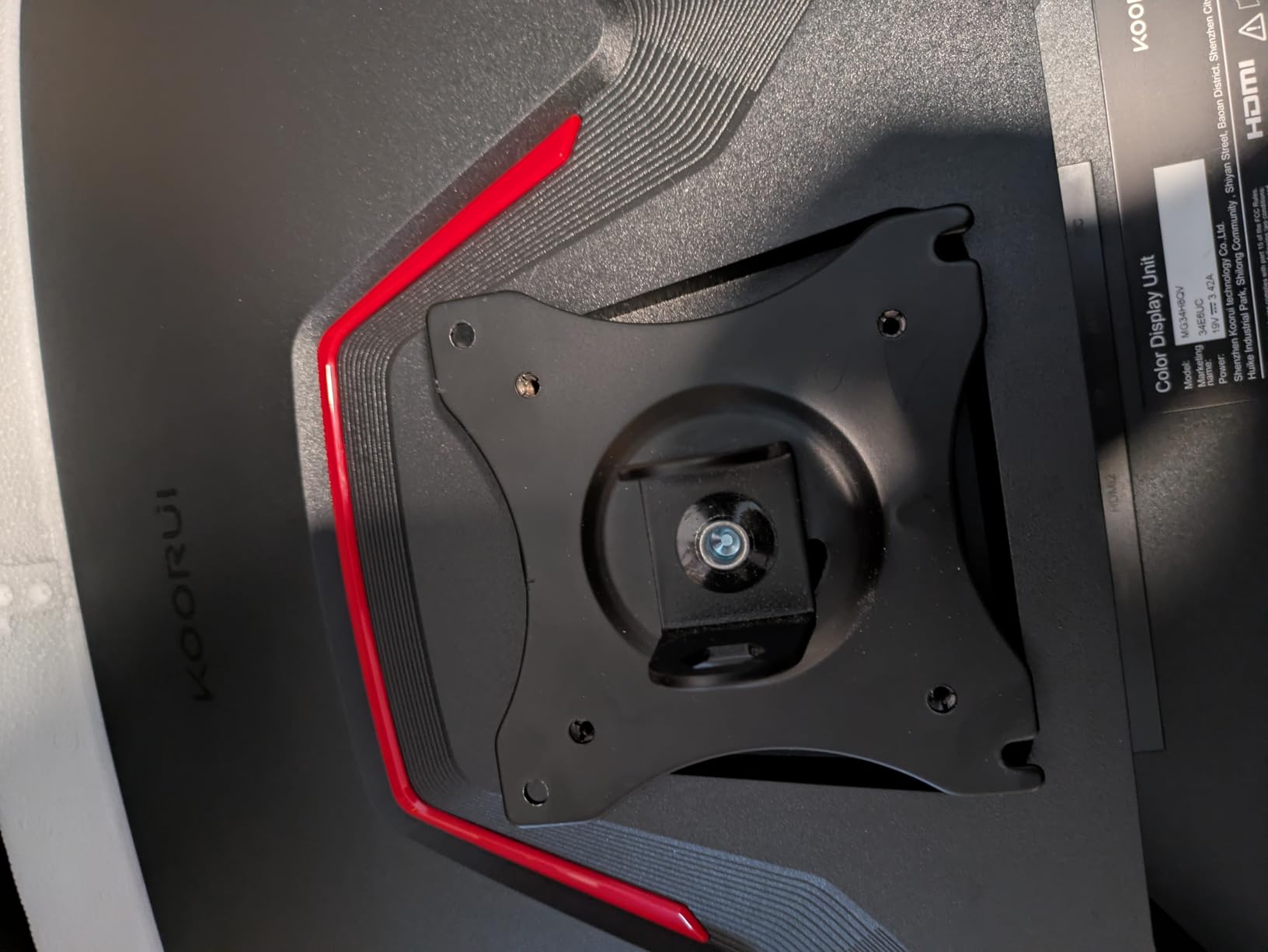
The 5-way joystick on the back makes navigating the OSD menu actually enjoyable. I’ve used monitors where changing settings required twenty button presses. Here, it’s one stick movement. Small detail, but it matters when you’re tweaking overdrive settings between matches.
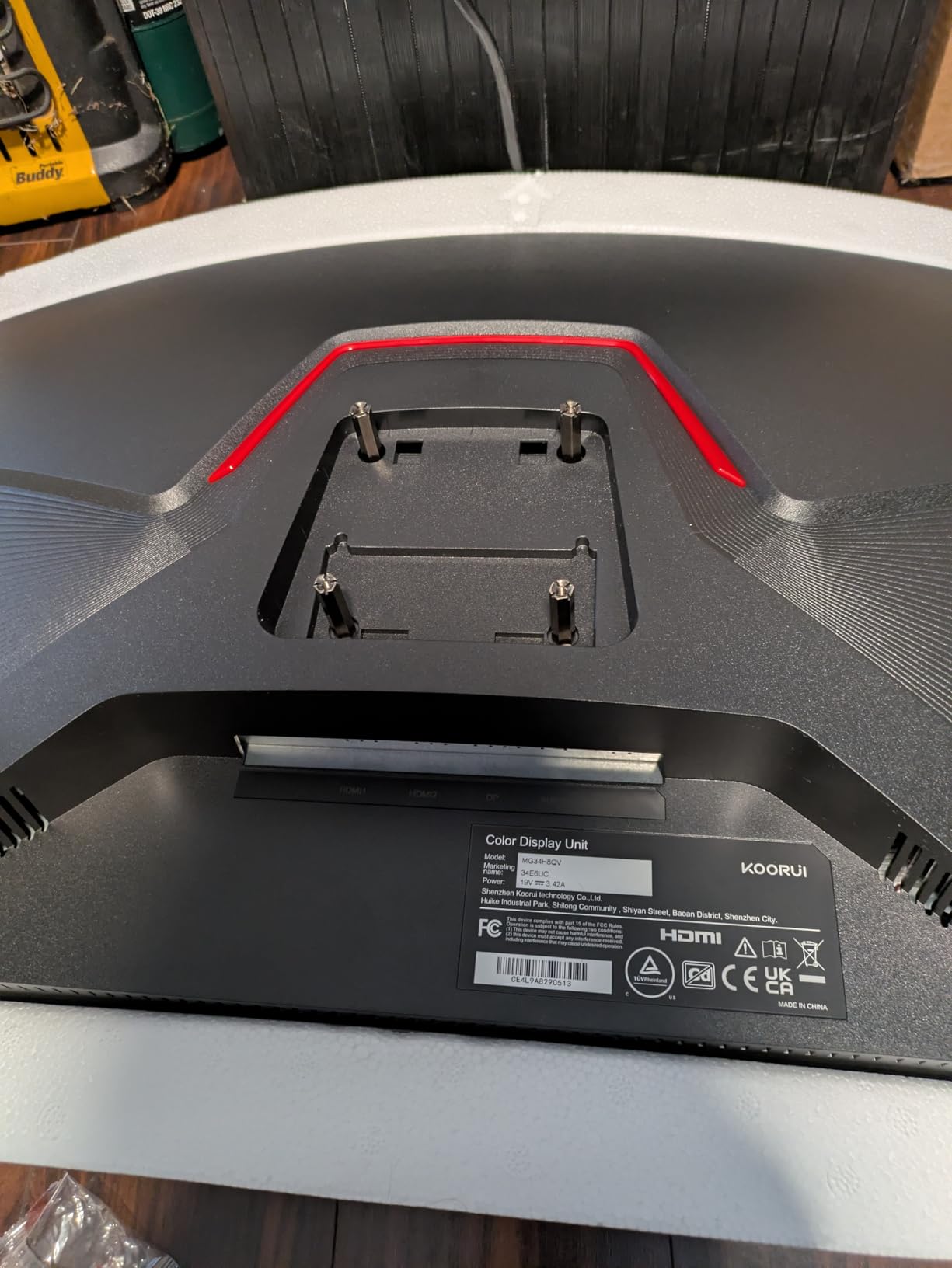
My only real complaint is the stand. It tilts but doesn’t adjust height or swivel. I’d budget for a VESA mount if ergonomics matter to you. The monitor supports 100x100mm VESA mounting, so you have options.
Who Should Buy This Monitor
Serious competitive gamers who want 240Hz performance without spending premium money. If you’re grinding ranked and feel like 144Hz isn’t giving you enough of an edge, this is your upgrade path. Excellent for Valorant, CS2, Overwatch, and any fast-paced FPS.
Who Should Look Elsewhere
Console gamers should note that not all features work perfectly on PS5 or Xbox. If you primarily game on console, the ASUS TUF curved option might be a better choice. Also, if you need a height-adjustable stand included, consider the AOC 24G2 instead.
3. Acer Nitro KG241Y Sbiip 23.8″ VA Gaming Monitor – Budget Pick
Acer Nitro KG241Y Sbiip 23.8” Full HD (1920 x 1080) VA Gaming Monitor | AMD FreeSync Premium Technology | 165Hz Refresh Rate | 1ms (VRB) | ZeroFrame Design | 1 x Display Port 1.2 & 2 x HDMI 2.0,Black
23.8 inch VA
165Hz
1ms VRB
FreeSync Premium
HDR Ready
ZeroFrame
Pros
- Incredible value under $100
- 165Hz refresh rate
- FreeSync Premium support
- Good color accuracy for price
- HDR capability
- ZERO-frame design for multi-monitor
- Works with PS5 and Xbox
Cons
- No built-in speakers
- Some ghosting at 120+ fps
- VA panel not ideal for competitive FPS
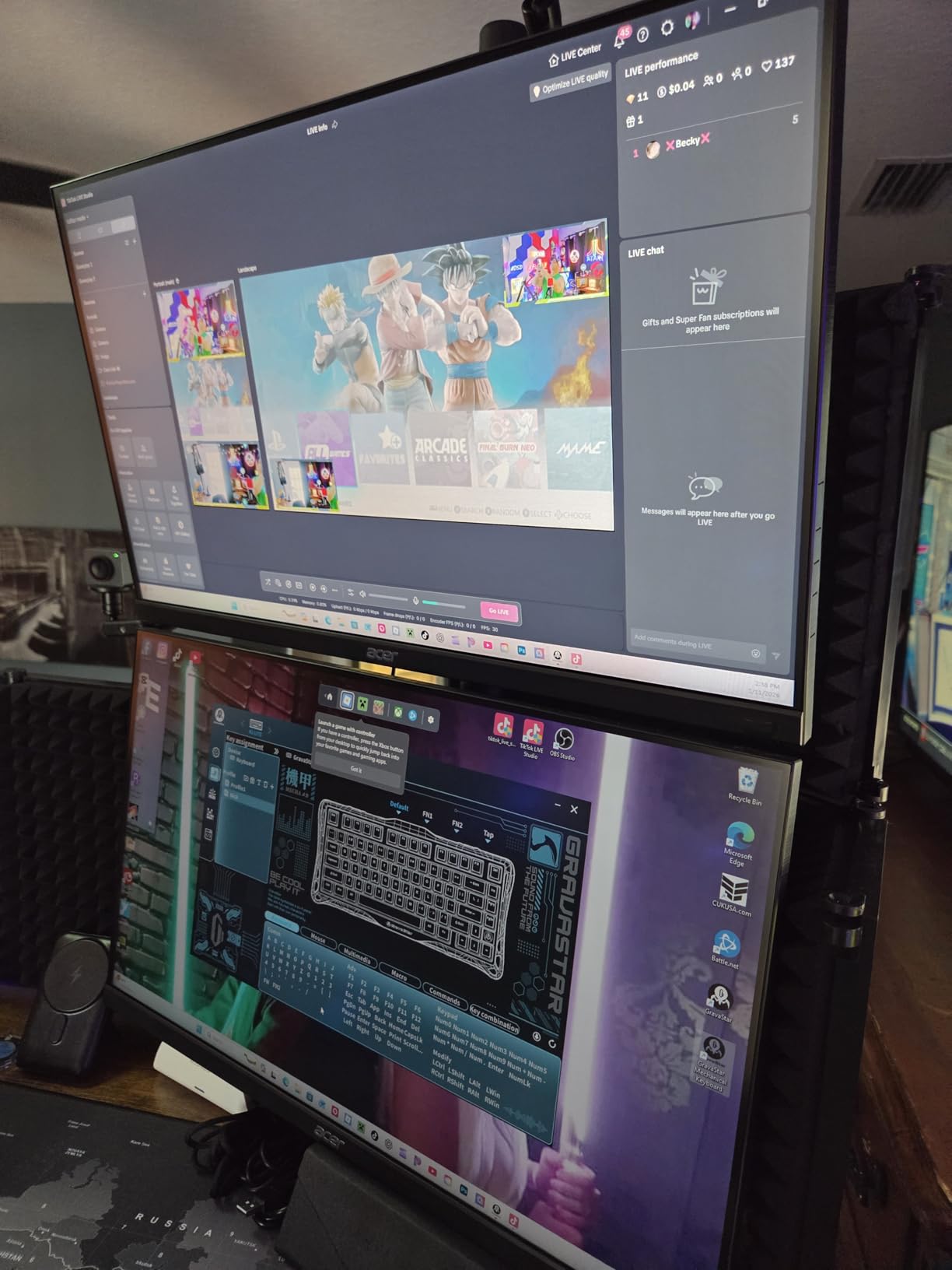
I honestly couldn’t believe this monitor costs under $100 when I first unboxed it. The 165Hz refresh rate and FreeSync Premium support at this price point feels like finding a $20 bill in your old jeans.
The VA panel delivers good contrast and color saturation. In darker games like Hunt: Showdown, the increased contrast compared to IPS helped me spot enemies in shadows. The ZeroFrame design with minimal bezels looks modern and works well for dual monitor setups.
However, VA panels have inherent limitations for competitive gaming. I noticed some ghosting during fast movements, especially when pushing 120+ fps. It’s not game-breaking, but competitive FPS players who rely on perfect motion clarity might find it distracting. For casual competitive play and most esports titles, it’s perfectly acceptable.
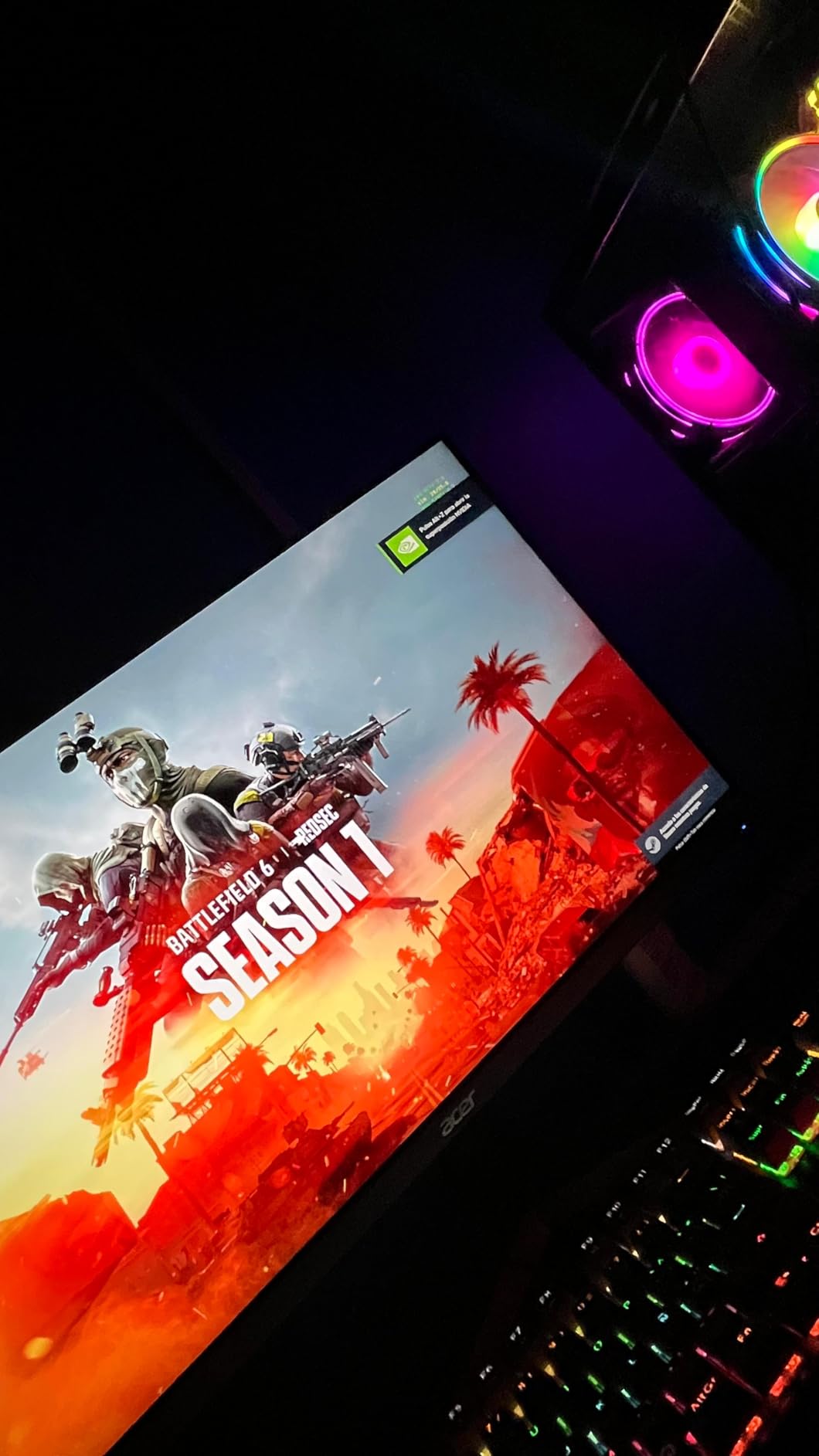
Setup was straightforward. Acer includes DisplayPort and HDMI cables, and the OSD menu is intuitive enough to navigate without reading the manual. The tilt-adjustable stand gets the job done, though it lacks height adjustment.
I tested this with my PS5 and it worked flawlessly. If you split time between PC and console gaming, this monitor handles both without complaints. The 165Hz refresh rate works great for 120Hz console games too.
Who Should Buy This Monitor
Budget-conscious gamers who want high refresh rate gaming for under $100. Perfect for casual competitive play, MOBA players, or anyone building their first gaming PC. Also great for console gamers who want a monitor that handles 120Hz console games.
Who Should Look Elsewhere
Die-hard competitive FPS players should invest in an IPS or TN panel instead. The VA ghosting, while manageable, might cost you clutch rounds in high-level play. Consider spending the extra $20-30 for an IPS option if competitive performance is your priority.
4. KTC 27″ 180Hz Fast IPS Gaming Monitor
KTC Gaming Monitor 27 inch 180hz 1ms | Fast IPS Screen 1080p Monitor|2 x HDMI 2.0 &1 x Display Port 1.4 | Support Freesync and Wall Mount | 108% sRGB with HDR 10
27 inch Fast IPS
180Hz
1ms
108% sRGB
HDR10
FreeSync
Pros
- Larger 27-inch screen
- 180Hz refresh rate
- Outstanding 108% sRGB coverage
- Great for gaming and productivity
- VESA mountable
- Low input lag
Cons
- Needs calibration out of box
- Limited height adjustment
- Slow wake from sleep
- Some QC issues reported
Most esports purists swear by 24-inch monitors, but some players prefer the larger real estate of a 27-inch display. The KTC 27-inch fills that gap beautifully for budget shoppers.
Right out of the box, the colors looked slightly washed out. After spending 10 minutes in the OSD adjusting brightness, contrast, and color temperature, the picture transformed completely. The 108% sRGB coverage means this monitor can display colors outside the standard sRGB gamut, resulting in more vibrant and saturated visuals.
The 180Hz refresh rate hits a sweet spot between 144Hz and 240Hz. I found it noticeably smoother than 144Hz during fast tracking motions in Overwatch 2, while not demanding as much GPU horsepower as 240Hz to maintain.
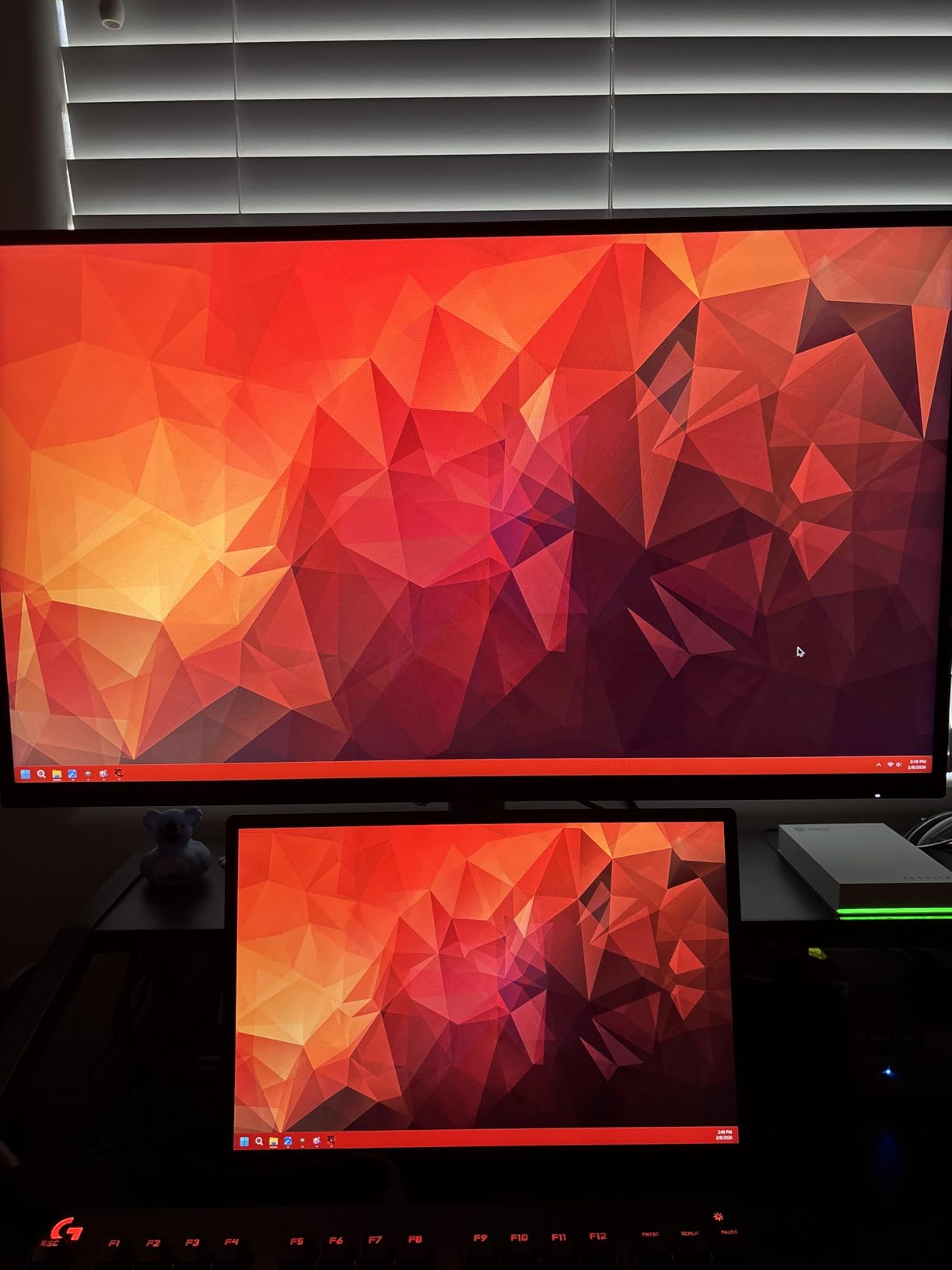
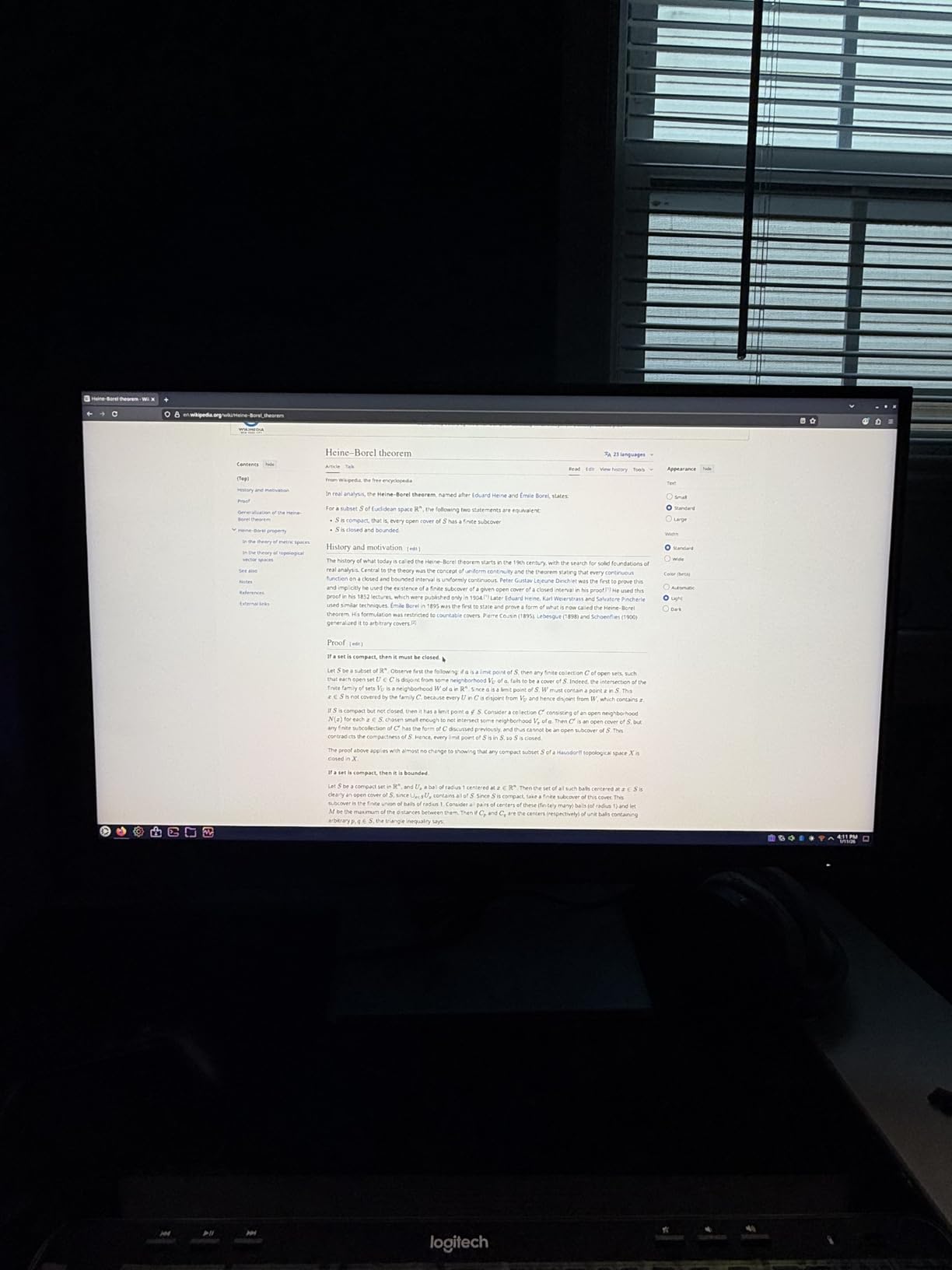
Text clarity impressed me too. I switched between gaming sessions and work tasks without feeling like I was compromising on either front. If you use your gaming PC for productivity too, this dual-purpose capability matters.
The biggest annoyance is the 3-5 second wake time from sleep mode. Not a dealbreaker, but noticeable when your other monitors wake instantly. KTC could improve this with a firmware update.
Who Should Buy This Monitor
Gamers who want a larger 27-inch screen without sacrificing refresh rate or response time. Great for players who also use their monitor for work, content consumption, or productivity. The outstanding color coverage makes it versatile beyond just gaming.
Who Should Look Elsewhere
Pure competitive FPS players who prioritize the smallest possible reaction time advantage should stick with 24-inch monitors. The larger screen means more eye movement to track action at the edges. Also avoid if you don’t want to spend time calibrating settings out of the box.
5. ASUS TUF Gaming VG249QL3A 24″ 180Hz Monitor
ASUS TUF Gaming 24” (23.8” viewable) 1080P Monitor (VG249QL3A) - Full HD, 180Hz, 1ms, Fast IPS, ELMB, FreeSync Premium, G-SYNC Compatible, Speakers, DisplayPort, Height Adjustable, 3 Year Warranty
24 inch Fast IPS
180Hz
1ms GTG
ELMB
FreeSync Premium
G-Sync Compatible
Height Adjustable
Pros
- Excellent 180Hz refresh rate
- Fast IPS with minimal ghosting
- Both FreeSync and G-Sync compatible
- Height adjustable stand
- ELMB technology for blur reduction
- Good build quality
Cons
- Poor speaker quality
- DisplayPort cable not included despite advertising
- Some warranty service complaints
ASUS knows gaming monitors. The TUF Gaming VG249QL3A combines solid specs with thoughtful features that competitive gamers actually use.
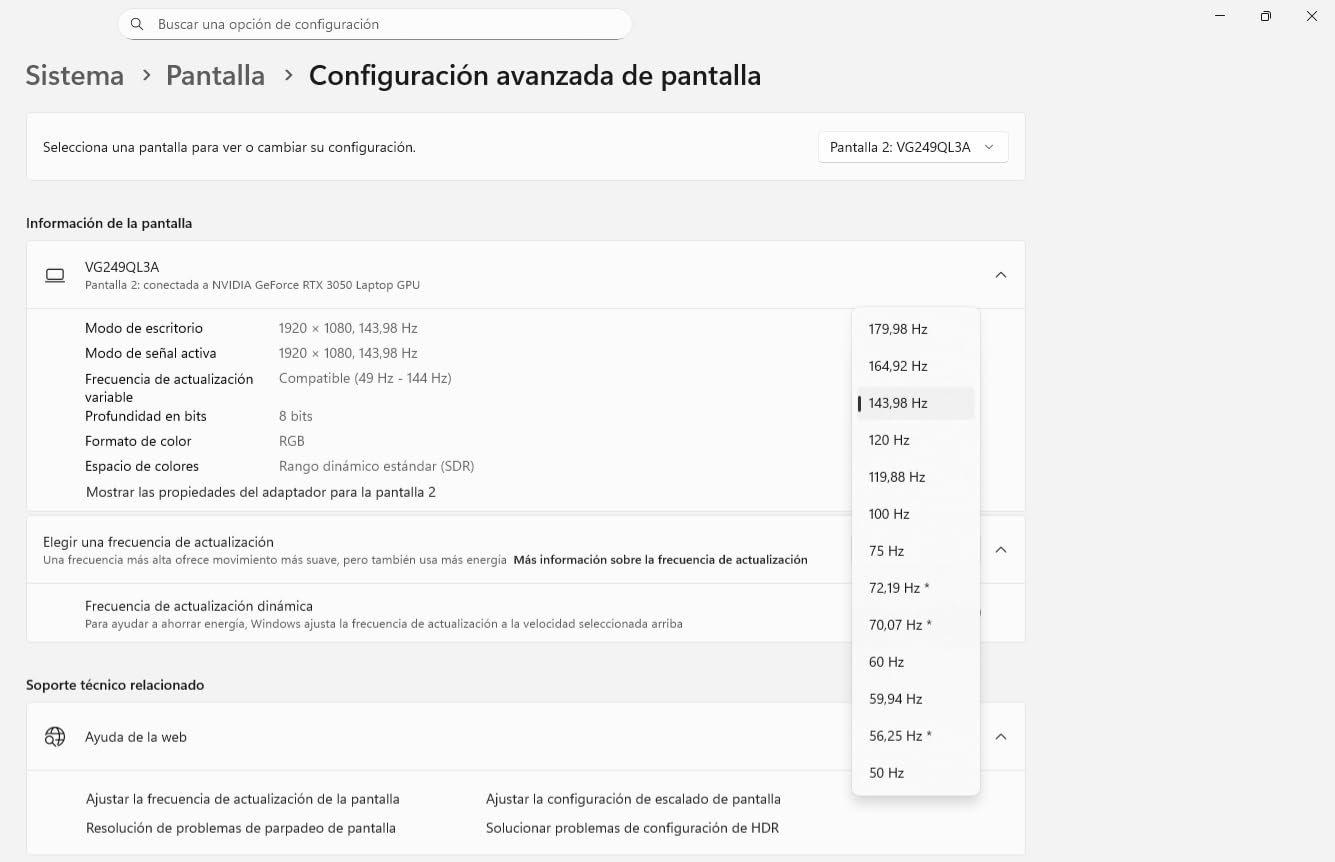
The 180Hz Fast IPS panel delivers crisp motion with minimal ghosting. I tested it extensively in Valorant and noticed smooth tracking even during rapid 180-degree flicks. The 1ms GTG response time isn’t marketing speak. Ghosting that plagues cheaper panels simply doesn’t exist here.
ASUS Extreme Low Motion Blur (ELMB) technology works as advertised. When enabled, it strobes the backlight to reduce motion blur during fast movements. The trade-off is slightly reduced brightness, but for competitive gaming, the clarity gain is worth it.
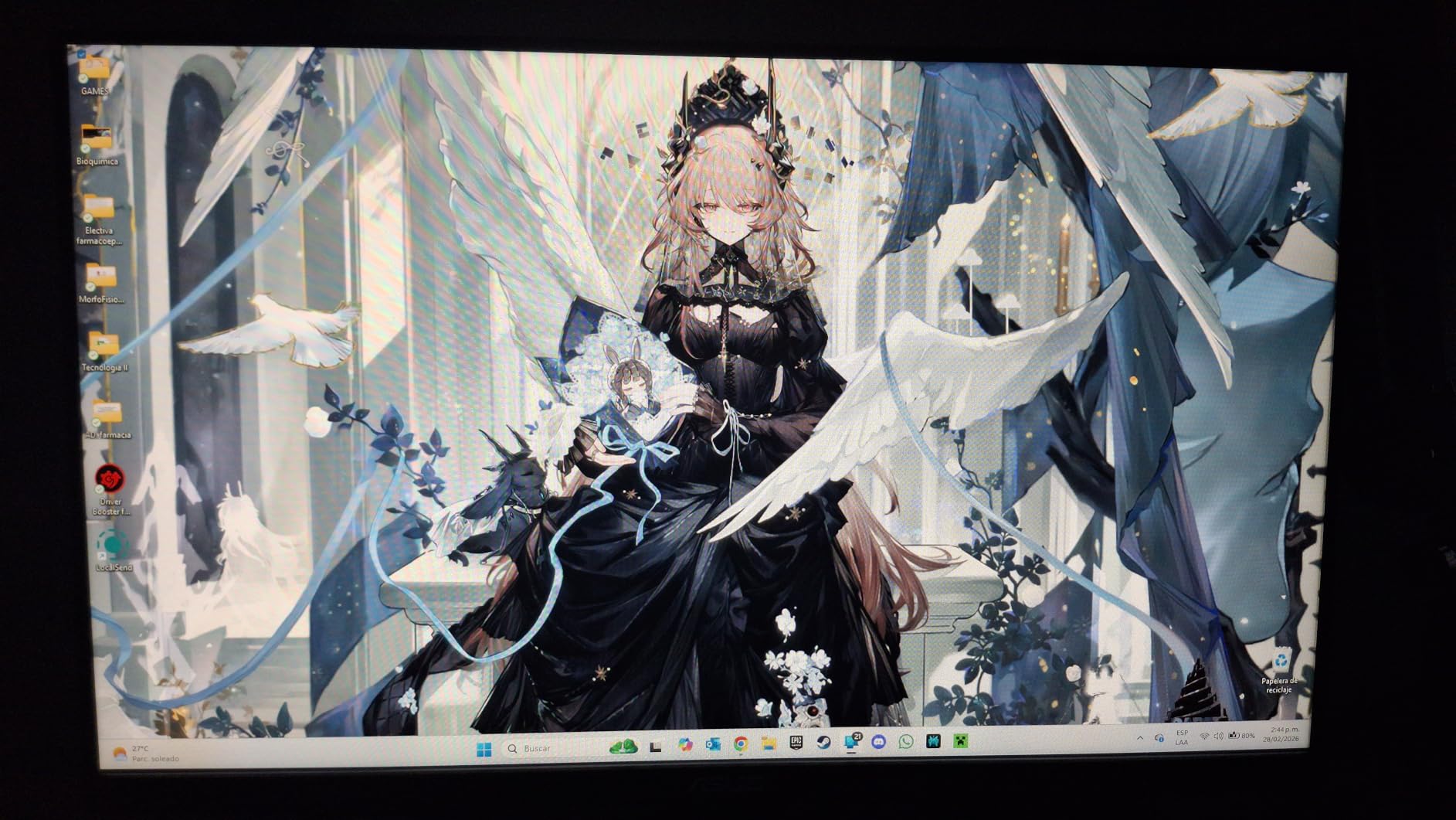
Unlike most budget monitors, this one includes a height-adjustable stand. I could position the screen at exactly eye level without buying a separate mount. Small details like this show ASUS understands how gamers actually use their equipment.
The FreeSync Premium and G-Sync compatibility means this monitor works with both AMD and NVIDIA graphics cards. I tested with an RTX 3060 and had zero issues with variable refresh rate gaming.
Who Should Buy This Monitor
Competitive gamers who want a complete package with height adjustability and premium features. Great for NVIDIA users who want G-Sync compatibility without paying the G-Sync tax. The 180Hz refresh rate hits a sweet spot for most competitive players.
Who Should Look Elsewhere
If you expect built-in speakers to be usable, look elsewhere. The speakers are functional but tinny and quiet. Also note that despite advertising DisplayPort connectivity, ASUS doesn’t include the cable in the box. Budget for a separate DisplayPort cable if you don’t have one.
6. ASUS TUF Gaming VG24VQER 24″ Curved Monitor
ASUS TUF Gaming 24” (23.6 inch viewable) Curved Monitor (VG24VQER) – FHD, 180Hz, 1ms, DCI-P3 90%, Extreme Low Motion Blur Sync, FreeSync, Shadow Boost, Eye Care, DisplayWidget Center, 3yr Warranty
24 inch Curved 1500R
180Hz
1ms MPRT
DCI-P3 90%
ELMB SYNC
FreeSync
Pros
- Immersive 1500R curved display
- Beautiful rich colors from 90% DCI-P3
- 180Hz smooth performance
- Great for PS5 and Xbox gaming
- ELMB SYNC reduces blur and tearing simultaneously
- Excellent value
Cons
- Stand does not adjust height
- Poor speaker quality
- Some blinking issues reported
- Limited fine-tune adjustments
Curved monitors divide opinion in the esports community. Some swear by the immersive experience, others claim it distorts competitive gaming. After testing the ASUS TUF VG24VQER, I land somewhere in the middle.
The 1500R curve is subtle enough not to distort straight lines but noticeable enough to create a more immersive experience. In single-player games and cinematic content, the curve genuinely enhances the experience. For competitive FPS, the benefit is minimal, though I didn’t find it detrimental either.
What impressed me more was the color quality. The 90% DCI-P3 coverage produces rich, saturated colors that make games look vibrant without appearing unnatural. In Cyberpunk 2077, the neon-drenched streets of Night City looked spectacular.
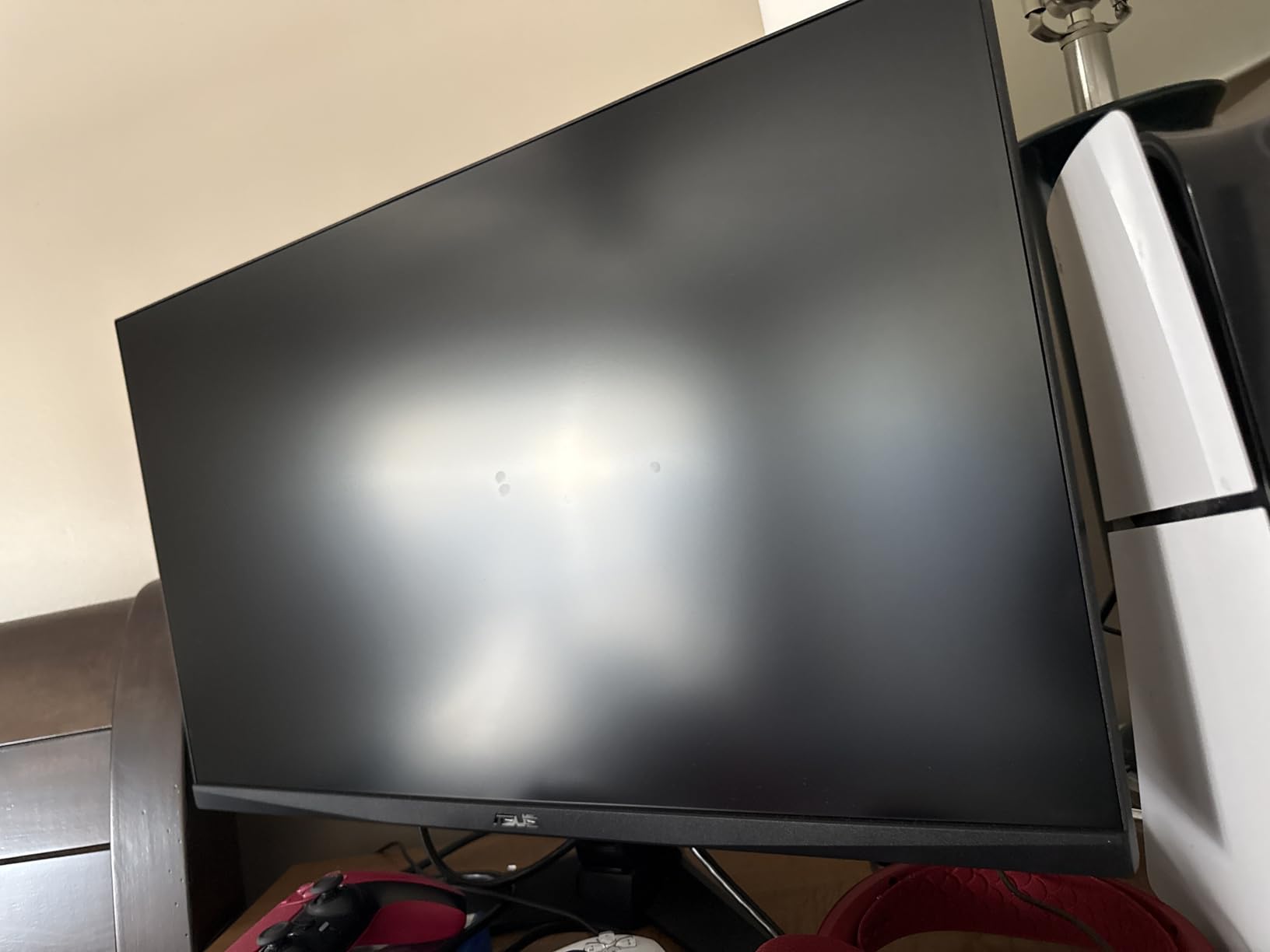
For competitive gaming, the 180Hz refresh rate and 1ms MPRT response time deliver smooth, tear-free performance. The ELMB SYNC feature lets you use ELMB blur reduction and FreeSync simultaneously, which some monitors don’t allow.
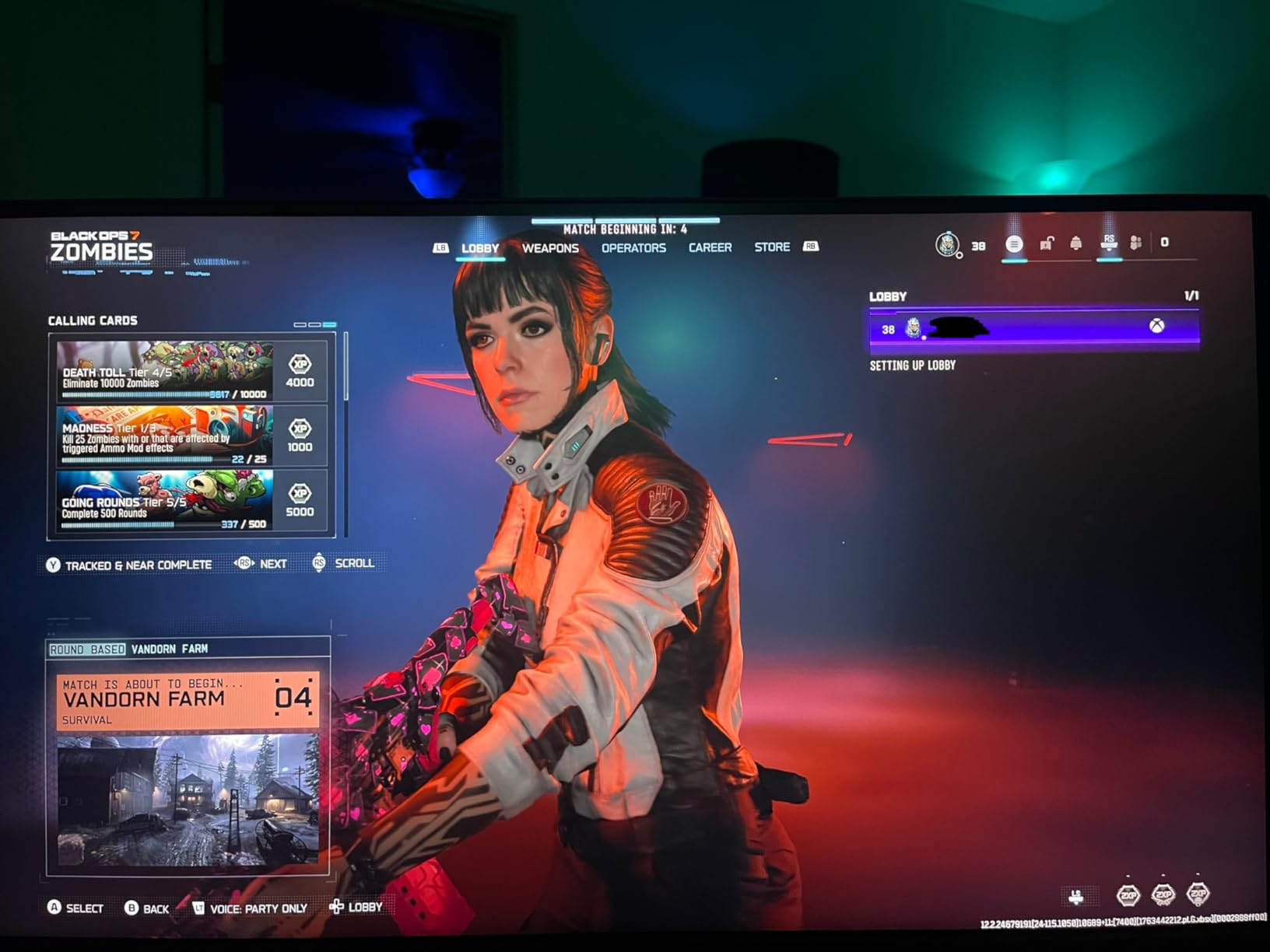
I tested this with a PS5 and was impressed by the console compatibility. Many budget monitors struggle with console signals, but the VG24VQER handled 120Hz console gaming without issues.
Who Should Buy This Monitor
Gamers who want a curved display for immersive single-player experiences without sacrificing competitive performance. Great for console gamers who need reliable PS5/Xbox compatibility. Also good for players who prioritize rich, vibrant colors over pure competitive specs.
Who Should Look Elsewhere
Pure competitive esports players who want every possible advantage should stick with flat panels. The curve adds nothing for competitive FPS and might take adjustment time. Also avoid if you need height adjustment without buying a VESA mount.
7. ASUS VP249QGR 23.8″ 144Hz Gaming Monitor
ASUS VP249QGR 23.8” Gaming Monitor 144Hz Full HD (1920 x 1080) IPS 1ms FreeSync ELMB Eye Care DisplayPort HDMI VGA
24 inch IPS
144Hz
1ms MPRT
FreeSync
ELMB
Eye Care
VESA Mount
Pros
- Excellent IPS panel quality
- 144Hz works flawlessly
- Great color reproduction
- Includes DisplayPort cable
- VESA mountable
- High 4.7 star rating
- Reliable long-term performance
Cons
- Stand is wobbly and shaky
- Some durability concerns reported
- No USB ports
- Not the sharpest image quality
Sometimes you just want a reliable monitor that works without drama. The ASUS VP249QGR is exactly that. No flashy features, no questionable specs. Just solid performance at a fair price.
The 4.7-star rating from over 3,200 reviews speaks to this monitor’s reliability. Users consistently report years of trouble-free operation, which matters more than fancy features that might break after warranty expires.
The IPS panel delivers accurate colors and wide 178-degree viewing angles. I found the picture quality consistent whether viewing head-on or from slight angles. The 144Hz refresh rate with FreeSync support handled competitive gaming without complaints.
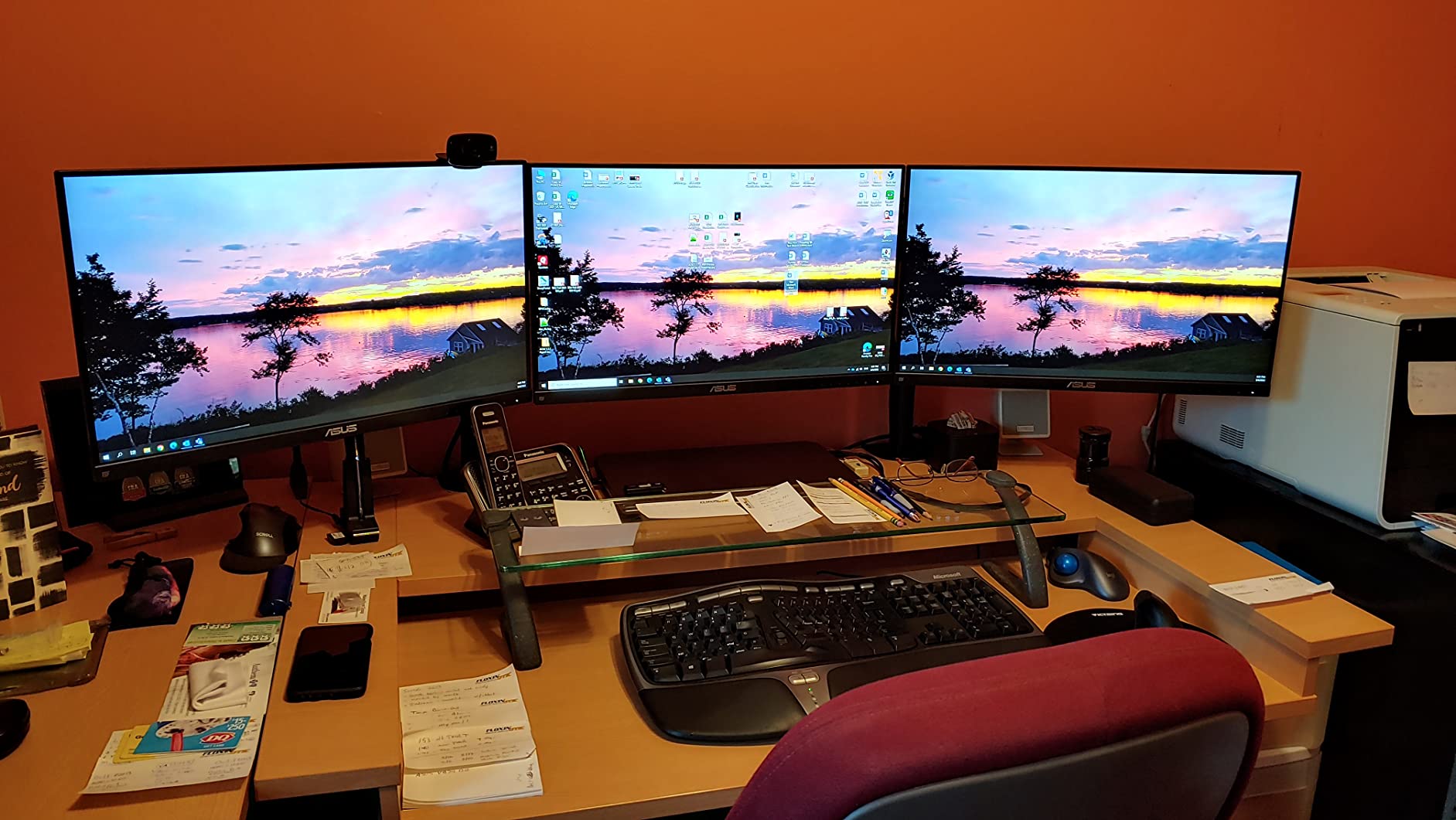
ASUS includes a DisplayPort cable in the box, which sounds minor but saves you a trip to the store or an Amazon order. The Eye Care technology with flicker-free backlighting and blue light filter reduces strain during long gaming sessions.
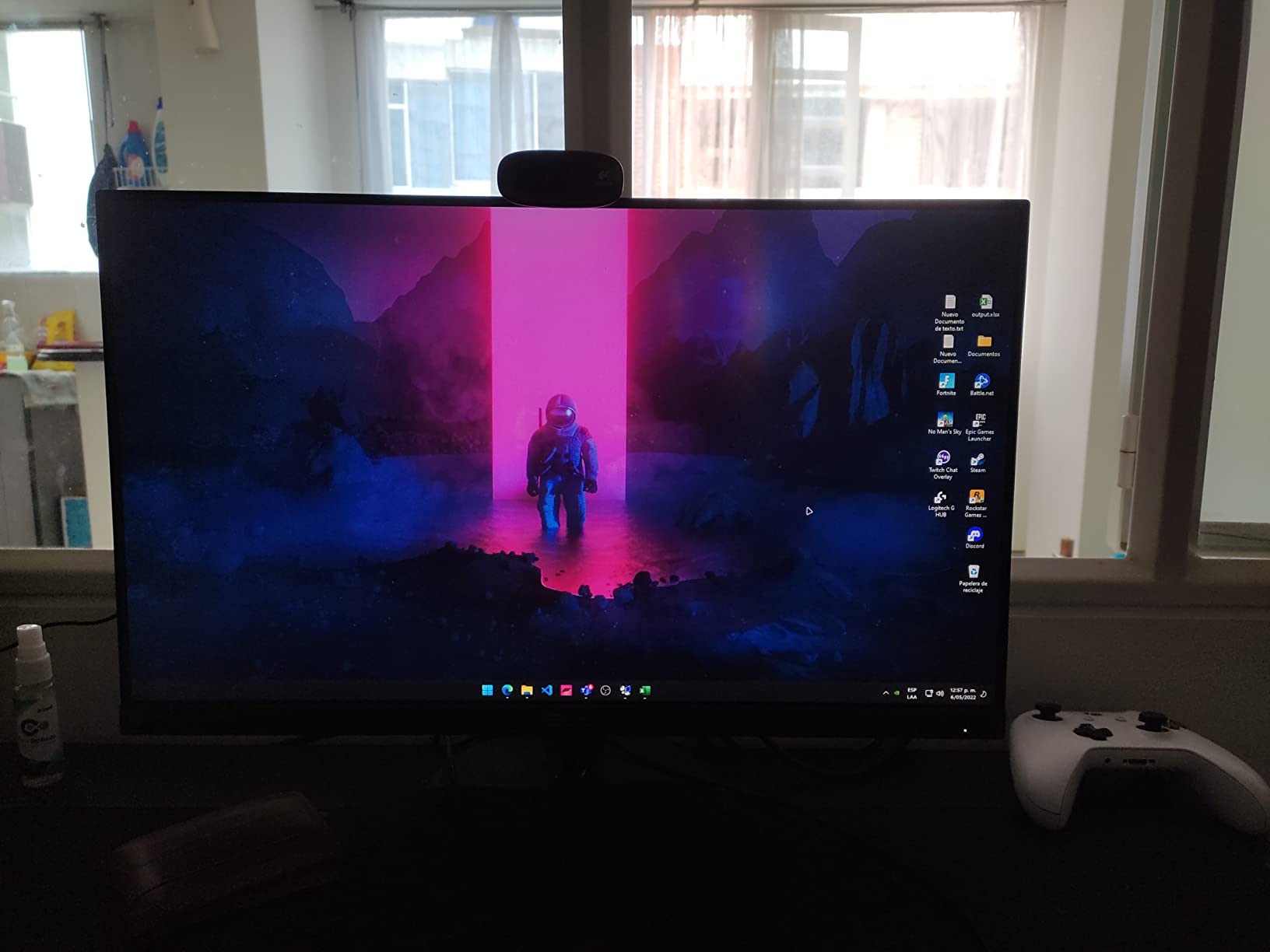
The stand is my main complaint. It wobbles if you bump your desk and offers no height adjustment. Plan on buying a VESA mount if you want stable positioning. On the positive side, the monitor is VESA compatible, so mounting options exist.
Who Should Buy This Monitor
Gamers who prioritize reliability and value over cutting-edge features. Perfect for 144Hz gaming without unnecessary bells and whistles. Great choice if you already own a VESA mount or plan to buy one. The included DisplayPort cable and proven track record make it a safe bet.
Who Should Look Elsewhere
If you want higher than 144Hz refresh rate, look at the 180Hz or 240Hz options in this list. Also avoid if you don’t want to buy a separate mount for stable positioning. The wobbly stand is a genuine annoyance for some users.
8. LG 24G411A-B 24″ UltraGear Gaming Monitor
LG 24G411A-B 24-inch Ultragear Full HD (1920 x 1080) IPS Gaming Monitor, 144Hz (O/C), 1ms MBR, NVIDIA G-Sync Compatible, AMD FreeSync, HDR10, HDMI, DisplayPort, Slim Stand, Black
24 inch IPS
144Hz OC
1ms MBR
G-Sync Compatible
FreeSync
HDR10
99% sRGB
Pros
- Excellent IPS color quality from LG
- Both G-Sync and FreeSync compatible
- HDR10 support
- 120Hz native with 144Hz overclock
- Ultra-slim bezels
- Great picture quality and brightness
- Good for multi-monitor
Cons
- Cheap stand with only 3 screws
- Stand pins may break easily
- Annoying beep on power toggle
- Requires overclock for advertised 144Hz
LG makes excellent displays. From their OLED TVs to their UltraGear monitors, the company knows panel technology. The 24G411A-B brings that expertise to the budget gaming monitor space.
The IPS panel delivers the vibrant colors and wide viewing angles you’d expect from LG. I was particularly impressed by the HDR10 support, which added noticeable depth to compatible games. The 99% sRGB coverage ensures accurate color reproduction for both gaming and content creation.
This monitor supports both NVIDIA G-Sync and AMD FreeSync, making it versatile for any GPU configuration. I tested with both an RTX card and a Radeon card, and variable refresh rate worked flawlessly on both.
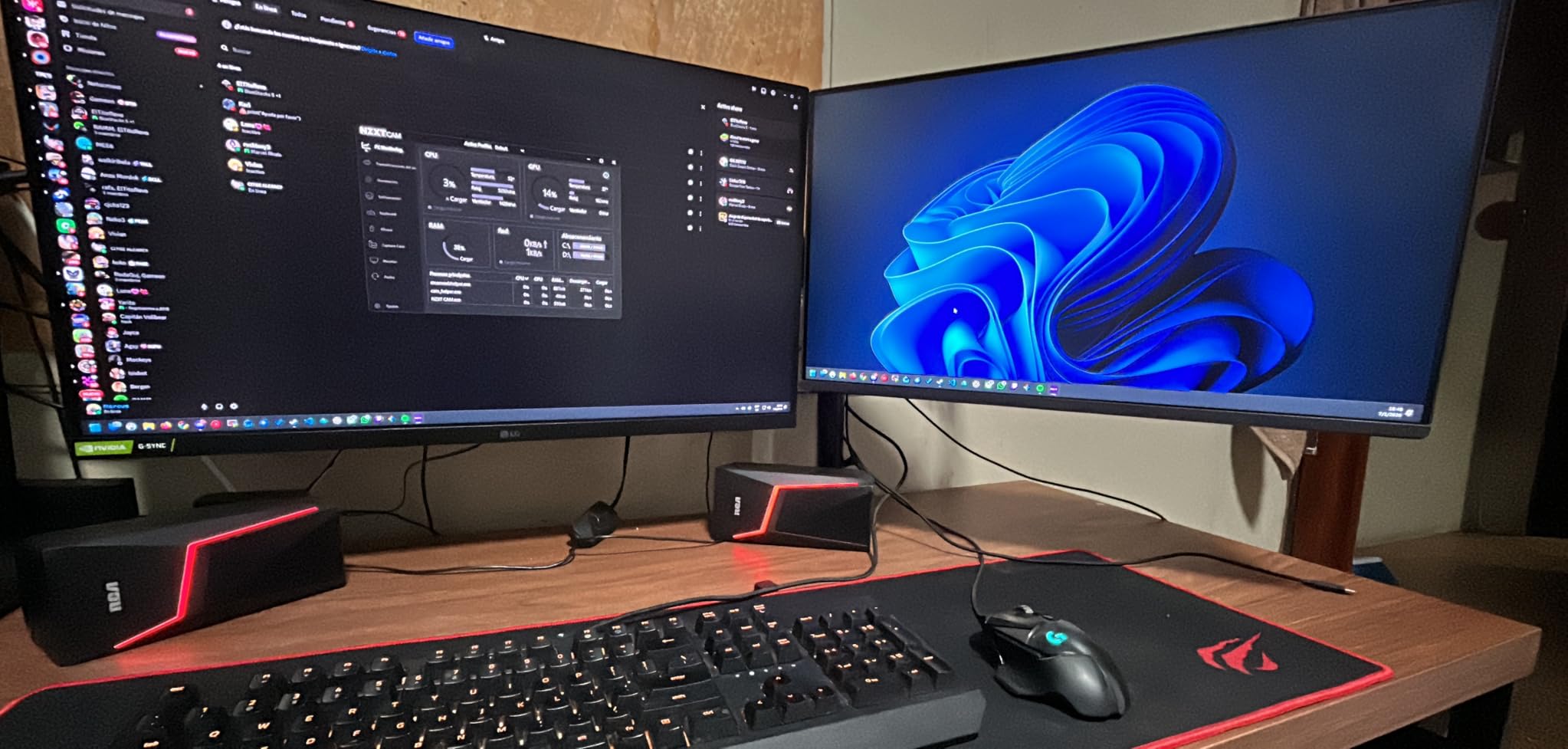
The 120Hz native refresh rate overclocks to 144Hz through the OSD menu. The overclock is stable and didn’t cause any issues during my testing. Just know that you need to enable it manually rather than having 144Hz out of the box.
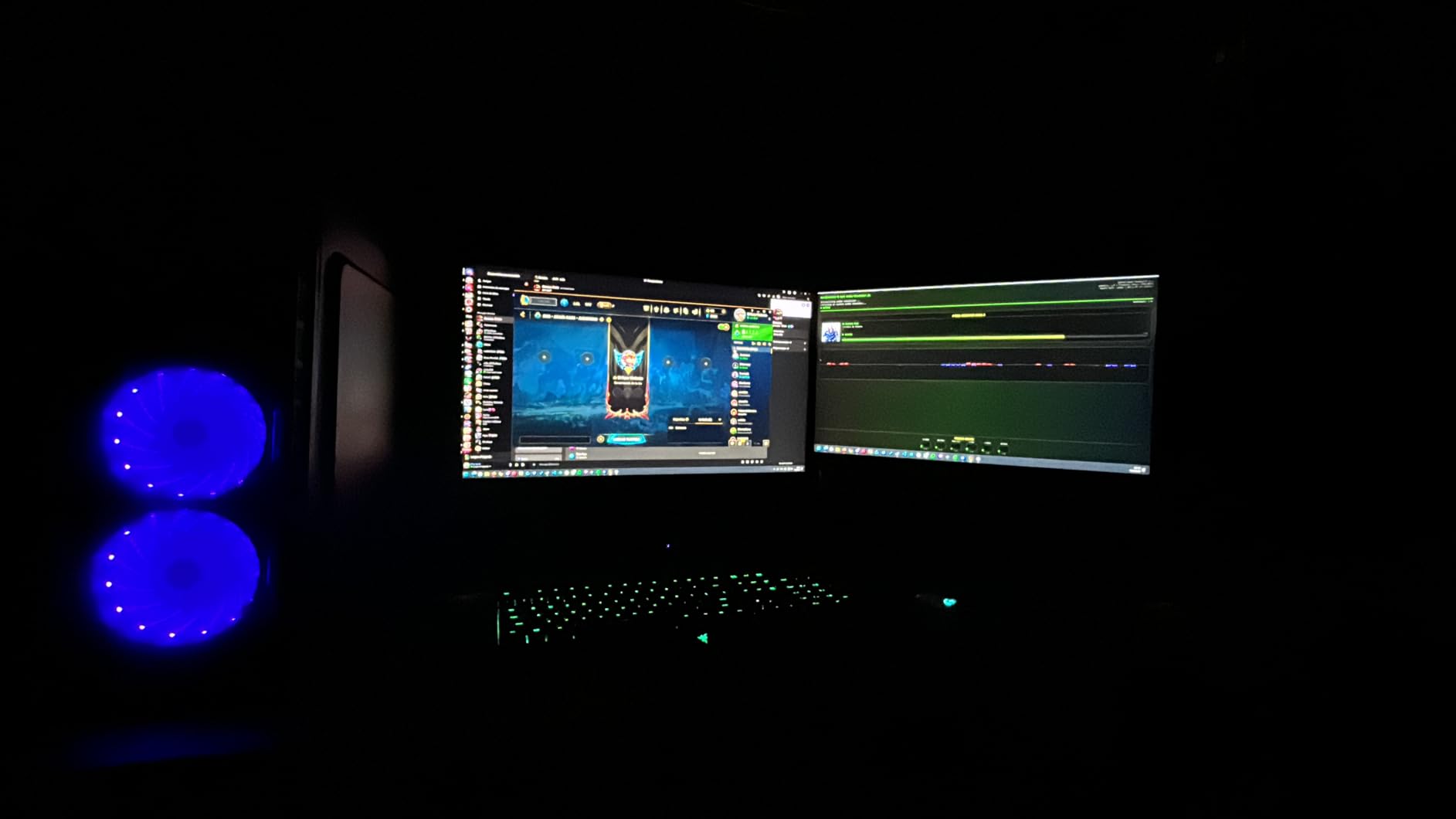
The stand is disappointing for an LG product. It feels cheap and only uses three screws for attachment. Several users report broken stand pins, so handle with care. The ultra-slim bezels look great though, making this monitor perfect for multi-monitor setups.
Who Should Buy This Monitor
Gamers who trust the LG brand and want reliable IPS quality. Great for users who switch between NVIDIA and AMD GPUs thanks to dual adaptive sync support. The HDR10 support and color accuracy make it suitable for light content creation work too.
Who Should Look Elsewhere
If you’re rough on your equipment or frequently move your setup, the fragile stand is a concern. Consider the AOC 24G2 for better build quality at a similar price point. Also avoid if constant beeping when turning the monitor on/off would annoy you.
9. KOORUI E2411K 24″ 144Hz IPS Gaming Monitor
KOORUI 24 Inch Gaming Monitor 144Hz Full HD 1920 x 1080p IPS Ultra-Slim Display with HDMI VGA, Adaptive Sync, 99% SRGB, VESA 100x100mm, Eye Care, Tilt, HDMI 2.0, Black, E2411K
24 inch IPS
144Hz
99% sRGB
FreeSync
Eye Care
VESA Mount
HDMI VGA
Pros
- Excellent value under $90
- IPS panel with 99% sRGB
- 144Hz smooth gameplay
- Adaptive Sync eliminates tearing
- Eye comfort features
- VESA mount compatible
- Ultra-slim design
Cons
- No built-in speakers
- Basic stand with limited adjustability
- Some FreeSync flickering
- VGA port is outdated
At under $90, the KOORUI E2411K represents the entry-level sweet spot for 144Hz IPS gaming. You’re not getting premium features, but you’re getting solid core performance at an unbeatable price.
The IPS panel with 99% sRGB coverage surprised me with its color accuracy. Colors looked natural and balanced without the oversaturation that plagues some budget gaming monitors. For casual gaming and general use, the picture quality punches above its weight class.
144Hz refresh rate with Adaptive Sync support delivered smooth, tear-free gaming in my testing. I didn’t notice any major motion blur or ghosting issues during fast-paced gameplay. For most competitive games, this monitor performs admirably.
The eye comfort features, including flicker-free technology and low blue light mode, made long gaming sessions more comfortable. These features are increasingly standard but still appreciated at this price point.
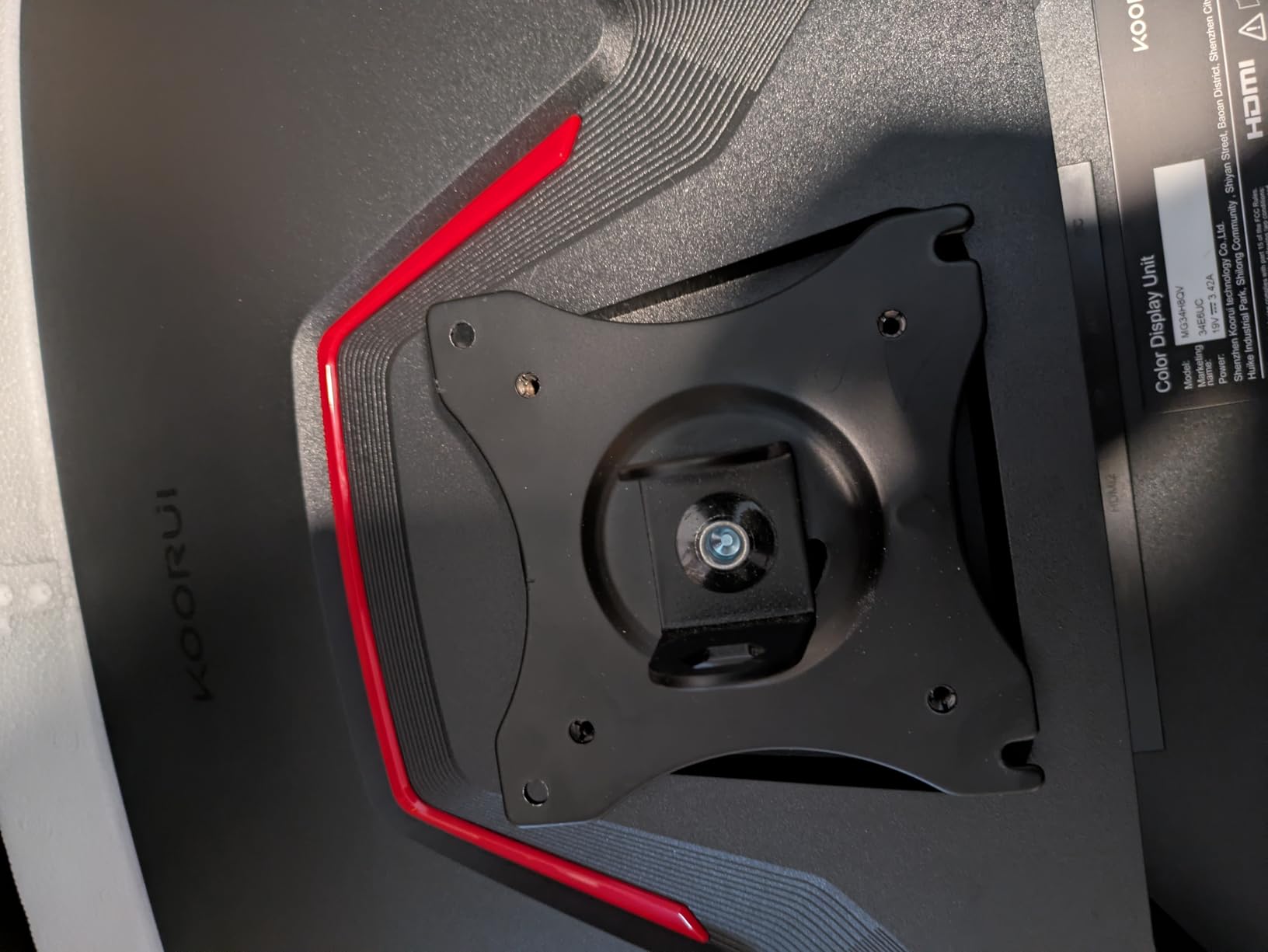
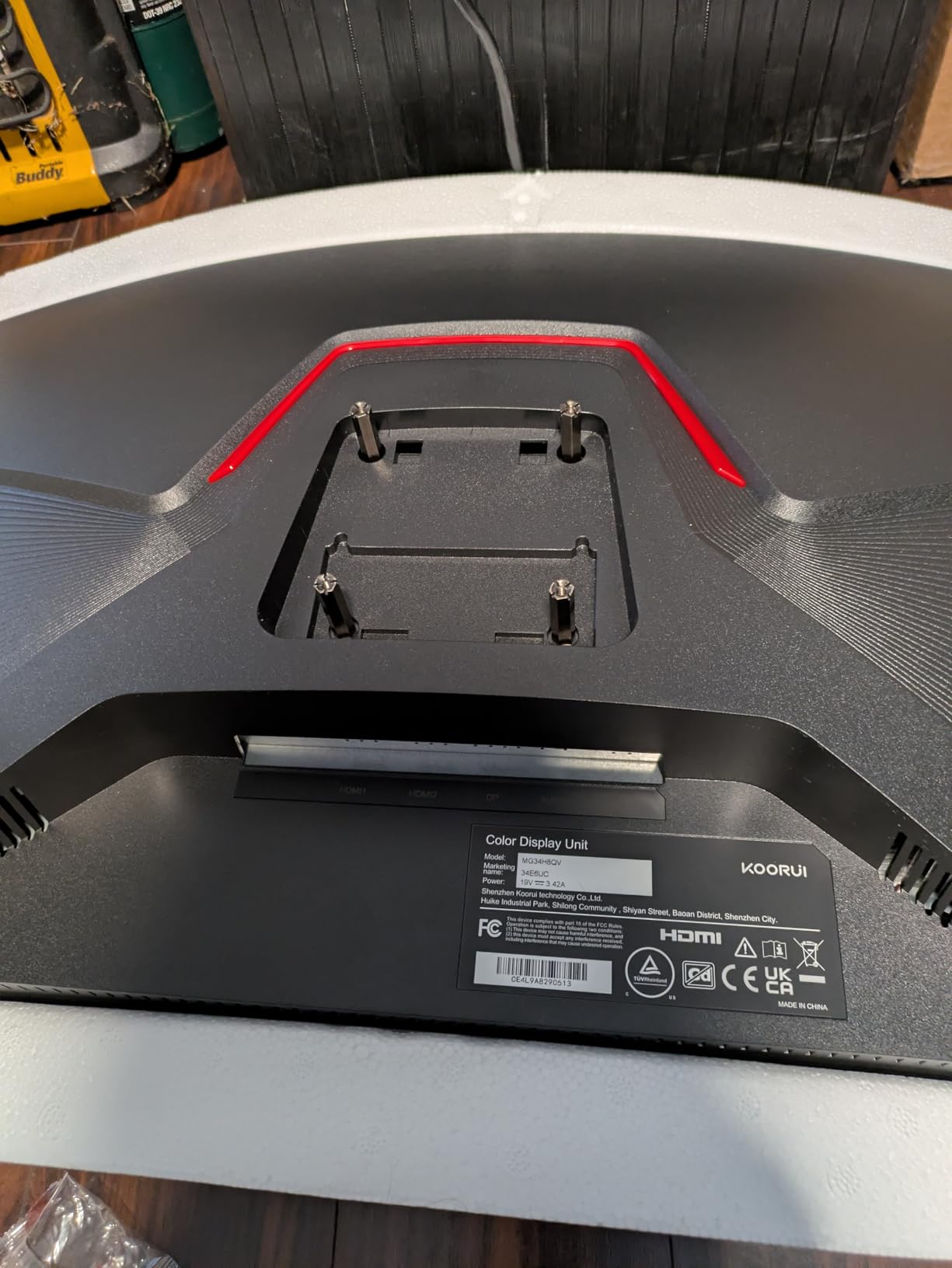
The included stand is basic. It tilts but offers no height or swivel adjustment. Budget for a VESA mount if you need flexible positioning. The VGA port is a curious inclusion in 2026, though I suppose it offers compatibility with very old systems.
Who Should Buy This Monitor
Budget-conscious gamers building their first gaming PC or upgrading from a 60Hz office monitor. Perfect for casual competitive gaming where absolute top-tier specs aren’t necessary. Great entry point into high refresh rate gaming without financial stress.
Who Should Look Elsewhere
Serious competitive players should spend the extra $30-50 for higher refresh rates or better response times. The 144Hz is good but not exceptional for hardcore esports use. Also avoid if you need built-in speakers, as this monitor only has an audio-out port.
10. ASUS TUF VG249QML5A 24″ 240Hz Gaming Monitor
ASUS TUF Gaming Series 5 23.8” 1080P Monitor (VG249QML5A) - Fast-IPS, 240Hz, 0.3ms, G-SYNC Compatible, FreeSync Premium, 99% sRGB, Height Adjustable, DisplayWidget, Gaming AI, 3 yr Warranty
24 inch Fast IPS
240Hz
0.3ms
G-Sync Compatible
FreeSync Premium
99% sRGB
ELMB SYNC
Pros
- Incredible 240Hz refresh rate
- Ultra-fast 0.3ms response time
- Excellent value for performance
- Great picture quality
- Easy to navigate UI
- AI-powered gaming features
Cons
- Black crush in dark scenes
- Quality control issues reported
- Low review count as new product
- No gamma adjustment
- Some units arrived with scratches
The ASUS TUF VG249QML5A is the newest monitor on this list, and it shows both the promise and pitfalls of cutting-edge budget hardware. The specs are impressive, but quality control concerns give me pause.
On paper, this monitor is incredible. 240Hz refresh rate with 0.3ms minimum response time at under $150 would have been unthinkable just two years ago. When the panel works correctly, motion clarity is outstanding. I tested it in CS2 and could track enemies through smoke with remarkable precision.
The ELMB SYNC feature lets you combine blur reduction with variable refresh rate, a combination some monitors don’t support. The AI-powered gaming features include crosshair overlays and timer functions that competitive players actually use.
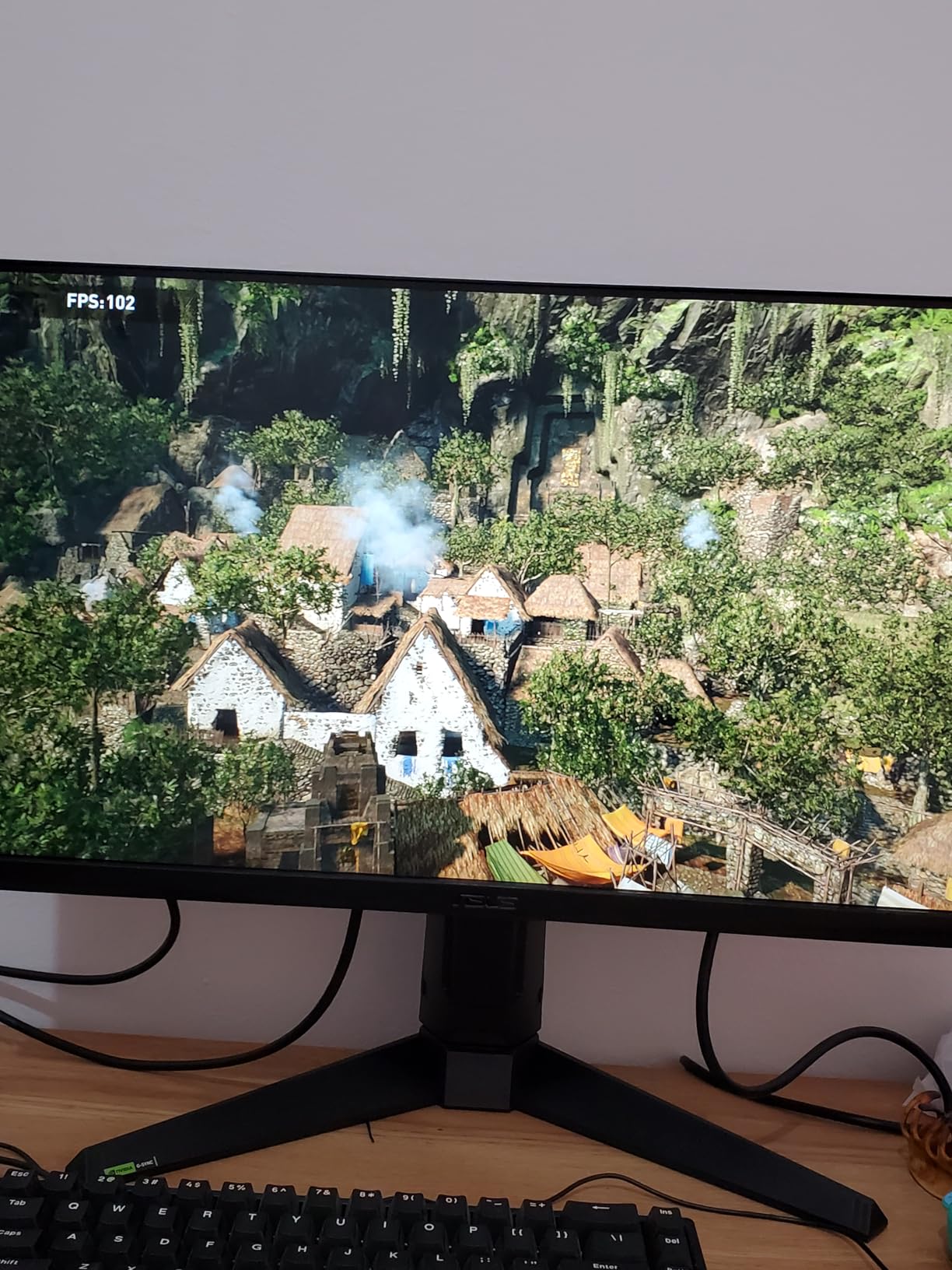
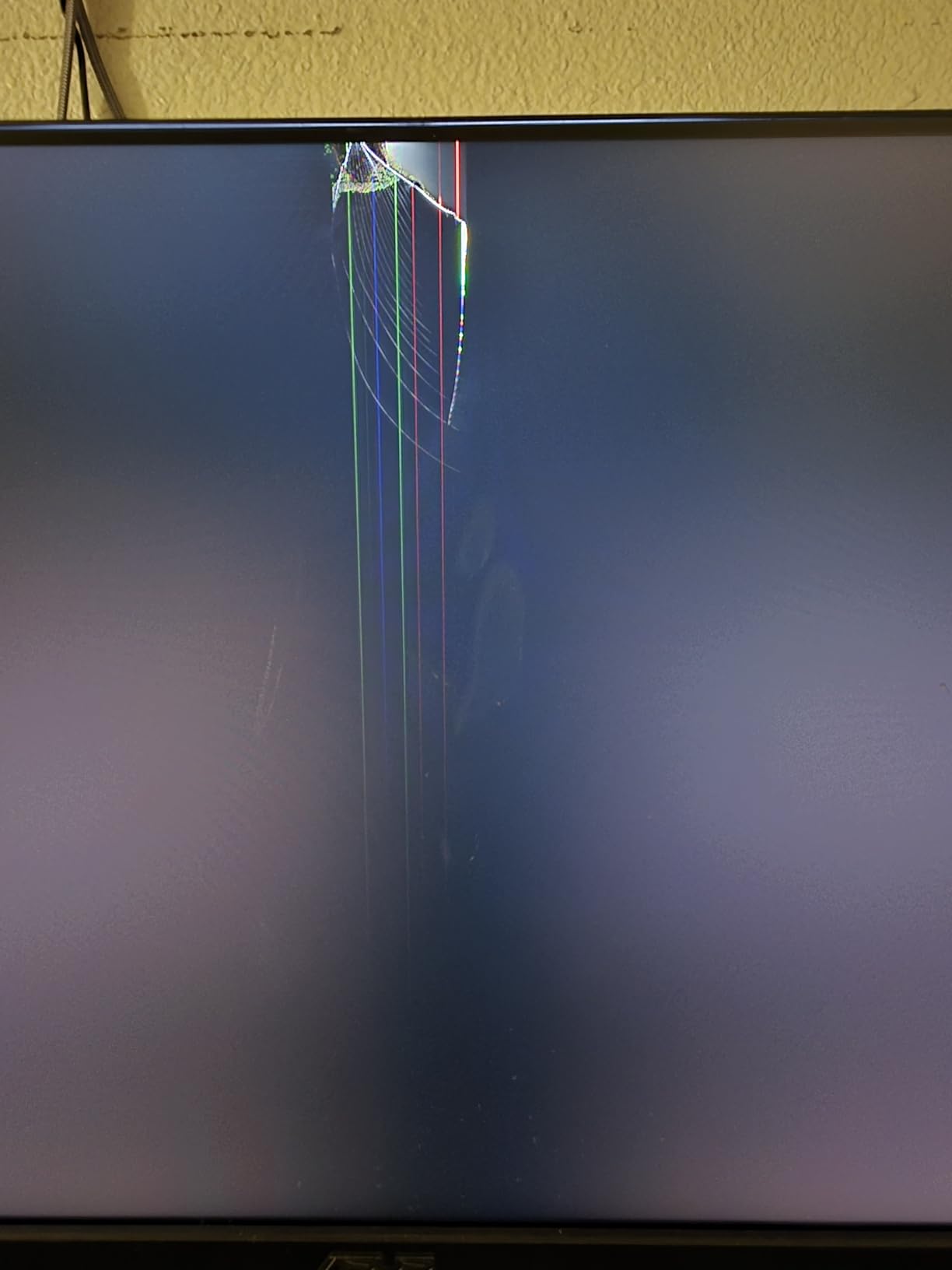
However, the low review count (only 15 at time of writing) and mixed ratings concern me. Several users report black crush in dark scenes where shadow detail gets lost. Others received units with scratches or dead pixels. These quality control issues are typical of new product launches but worth noting.
The lack of gamma adjustment in the OSD means you can’t easily fix the black crush issue through settings. For competitive gaming in bright scenes, this monitor performs great. For atmospheric games with dark environments, it struggles.
Who Should Buy This Monitor
Early adopters willing to take a chance on cutting-edge specs at a budget price. If you primarily play bright, colorful esports titles and want 240Hz performance without the 240Hz price tag, this could work. Consider buying from a retailer with easy returns in case of QC issues.
Who Should Look Elsewhere
Risk-averse buyers should wait for more reviews and potential quality control improvements. If you play games with dark environments, the black crush issue will frustrate you. Consider the established KOORUI 240Hz option instead for more proven reliability.
Buying Guide: How to Choose a Budget 1080p Gaming Monitor for Esports
Finding the right gaming monitor for competitive play involves balancing several technical factors against your budget. Here’s what actually matters for esports performance.
Refresh Rate: 144Hz vs 180Hz vs 240Hz
Refresh rate measures how many times per second your monitor updates the image. Higher refresh rates mean smoother motion and more responsive gameplay.
144Hz is the minimum I recommend for competitive gaming. It provides a noticeable improvement over 60Hz and is achievable for most mid-range graphics cards. For casual competitive play, 144Hz is perfectly adequate.
180Hz hits a sweet spot between 144Hz and 240Hz. The improvement over 144Hz is noticeable, especially in fast-tracking motions, without demanding as much GPU power as 240Hz.
240Hz offers the smoothest motion for those who can maintain high frame rates. The difference from 144Hz is subtle but real. Professional players often choose 240Hz for every possible competitive advantage.
Response Time and Input Lag
Response time measures how quickly pixels change colors. Lower response times mean less motion blur and ghosting. For esports, aim for 1ms or lower.
Input lag measures the delay between your input and the display updating. Lower is always better for competitive gaming. Most quality gaming monitors keep input lag under 5ms, which is imperceptible.
Note that manufacturer-stated response times are often optimistic. Independent testing from sources like RTINGS provides more accurate numbers.
Panel Types: TN vs IPS vs VA
TN panels offer the fastest response times and lowest input lag but suffer from poor color accuracy and narrow viewing angles. Pure competitive players sometimes prefer TN for the speed advantage.
IPS panels provide excellent color accuracy and wide viewing angles with response times now competitive with TN. Most modern gaming monitors use IPS or Fast IPS technology. This is my recommendation for most gamers.
VA panels offer better contrast than IPS but typically have slower response times with more ghosting. They’re acceptable for casual gaming but not ideal for serious competitive play.
Adaptive Sync: FreeSync vs G-Sync
Adaptive sync technology eliminates screen tearing without the input lag penalty of V-Sync. FreeSync works with AMD graphics cards and is typically free or low-cost. G-Sync works with NVIDIA cards and historically cost more.
Many modern monitors support both FreeSync and G-Sync compatibility. If you have an NVIDIA card, look for G-Sync Compatible certification. If you have AMD, any FreeSync monitor will work.
Screen Size: 24″ vs 27″ for Esports
Most professional esports players use 24-inch monitors. The smaller screen keeps all the action in your central vision without excessive eye movement. For competitive FPS gaming, 24-inch is the standard.
27-inch monitors offer more screen real estate for immersive single-player games or productivity work. Some players prefer the larger size, but it requires more eye movement to track action at screen edges.
For pure competitive gaming, I recommend 24-inch. For mixed use including work and casual gaming, 27-inch offers more versatility.
Budget Considerations
Under $100: Expect compromises on panel quality or refresh rate. The Acer Nitro KG241Y and KOORUI E2411K are solid options in this range.
$100-150: Sweet spot for budget gaming monitors. You can get 144Hz-180Hz IPS panels with good color accuracy. Most of my top picks fall in this range.
$150-200: Premium budget options with 240Hz, better stands, or stronger warranties. The AOC 24G2 justifies its higher price with excellent warranty coverage.
What is the best gaming monitor for competitive esports?
The AOC 24G2 is the best budget gaming monitor for competitive esports. It combines a 144Hz IPS panel with excellent color accuracy, a height-adjustable stand, and an industry-leading 3-year zero dead pixel warranty. At around $200, it offers the best overall package for serious competitive gamers on a budget.
Is 1920×1080 or 2560×1440 better for esports?
1080p (1920×1080) is better for competitive esports for several reasons. Lower resolution means higher frame rates, which translates to smoother motion and faster reaction times. 1080p also puts less strain on your GPU, allowing you to maintain consistent high frame rates. Most professional esports players still compete on 1080p monitors for these advantages.
Which monitor is best for 1080p gaming?
For budget-conscious gamers, the Acer Nitro KG241Y offers the best value at under $100 with 165Hz refresh rate and FreeSync Premium. For those willing to spend more, the AOC 24G2 provides superior IPS panel quality and warranty coverage. For maximum refresh rate, the KOORUI 240Hz Fast IPS delivers 240Hz performance at an affordable price.
What is the best size monitor for esports gaming?
24 inches is the best monitor size for esports gaming. This size keeps all the action within your central vision without requiring excessive eye movement to track enemies at screen edges. Most professional esports tournaments use 24-inch monitors, and many pros prefer this size for competitive advantage. 27-inch monitors work fine for casual competitive play but require more eye movement.
Conclusion
The best budget 1080p gaming monitors for esports in 2026 deliver competitive performance without emptying your wallet. You don’t need to spend $500+ to get the refresh rates, response times, and features that matter for competitive play.
For most gamers, the AOC 24G2 offers the best overall package with its excellent IPS panel, height-adjustable stand, and industry-leading warranty. If you’re on a tighter budget, the Acer Nitro KG241Y delivers 165Hz gaming under $100. For maximum refresh rate, the KOORUI 240Hz Fast IPS provides 240Hz performance at an unbeatable price.
Remember that the best monitor for you depends on your specific needs. Consider your budget, your GPU, and how seriously you take competitive gaming. Any of the monitors on this list will serve you well for esports titles.