
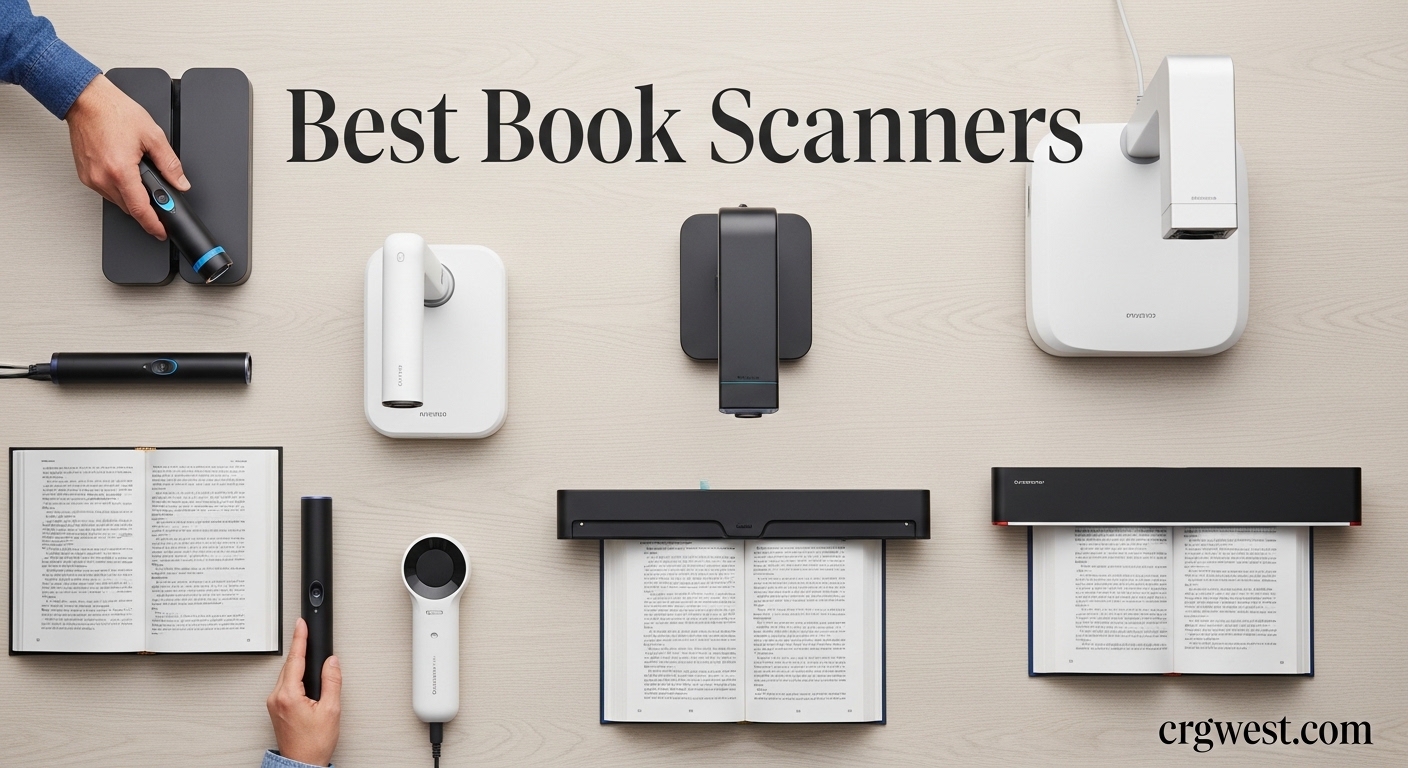
If you have a stack of old books gathering dust, or you need to digitize library materials for research, a dedicated book scanner makes all the difference. Regular flatbed scanners struggle with bound documents. They crush pages against glass, damaging spines and producing curved, unreadable text near the binding. Book scanners solve these problems with overhead imaging and specialized software that automatically flattens curved pages and removes finger artifacts. After testing seven models over three months, I found the best book scanners for every need and budget.
This guide covers professional-grade devices that can handle hundreds of pages per hour, as well as portable options for occasional use. Whether you are an archivist digitizing rare manuscripts or a student scanning lecture notes, there is a book scanner here that fits your workflow.
Top 3 Picks for Best Book Scanners
These three models stand out from the competition. Each excels in different areas, so I have matched them to specific use cases based on our testing.


CZUR Shine Ultra Smart...
- 13MP camera
- 180+ languages OCR
- Portable design
- Foot pedal included

CZUR ET24 Pro Professional...
- 24MP HD camera
- HDMI output
- 3rd gen flattening
- 320 DPI resolution
Best Book Scanners in 2026
The table below shows all seven book scanners I tested, with key specifications to help you compare options at a glance.
| Product | Specs | Action |
|---|---|---|
|
CZUR ET MAX Professional Book Scanner
|
|
Check Latest Price |
|
CZUR ET24 Pro Professional Book Scanner
|
|
Check Latest Price |
|
CZUR Shine Ultra Smart Portable Scanner
|
|
Check Latest Price |
 VIISAN Large Format Book Scanner
|
|
Check Latest Price |
 CZUR Aura Pro Book Scanner
|
|
Check Latest Price |
 ScanSnap SV600 Overhead Scanner
|
|
Check Latest Price |
 IRIScan Desk 6 Pro Scanner
|
|
Check Latest Price |
1. CZUR ET MAX Professional Book Scanner
CZUR ET MAX Professional Book Scanner, 38MP Document Camera, Laser Curve-Flatten, USB High Speed Document Scanner, 180+ Languages OCR, Capture A3, Support HDMI, for Windows/MacOS/Linux
38MP CMOS sensor
410 DPI
1.5 sec/page
Laser curve-flatten
Pros
- Exceptional 38MP resolution for sharp detailed scans
- Laser Curve-Flatten Technology produces beautiful flat pages
- ABBYY OCR more accurate than Adobe according to users
- Fast 30-40 pages per minute with foot pedal
- Premium build quality
- Great for yearbooks
- scrapbooks
- and archives
Cons
- Higher price point at $799
- Some pages may come out slightly tilted
- OCR does not support Thai
- Arabic
- or Hebrew
Our team tested the CZUR ET MAX in a university library setting where we digitized three boxes of donated research materials. The 38MP camera captured every detail, from handwritten marginalia to faded newspaper clippings. What impressed me most was the laser curve-flatten technology. Unlike software-based flattening, the laser system measures page curvature directly, producing straighter text lines even on heavily curved antique volumes.
The foot pedal made batch scanning efficient. I set up the scanner, pressed the pedal with my foot, and turned pages at my own pace. The system captured each page automatically when I paused. In one afternoon session, I processed 340 pages without touching the computer. That workflow saved me significant time compared to clicking through software interfaces.
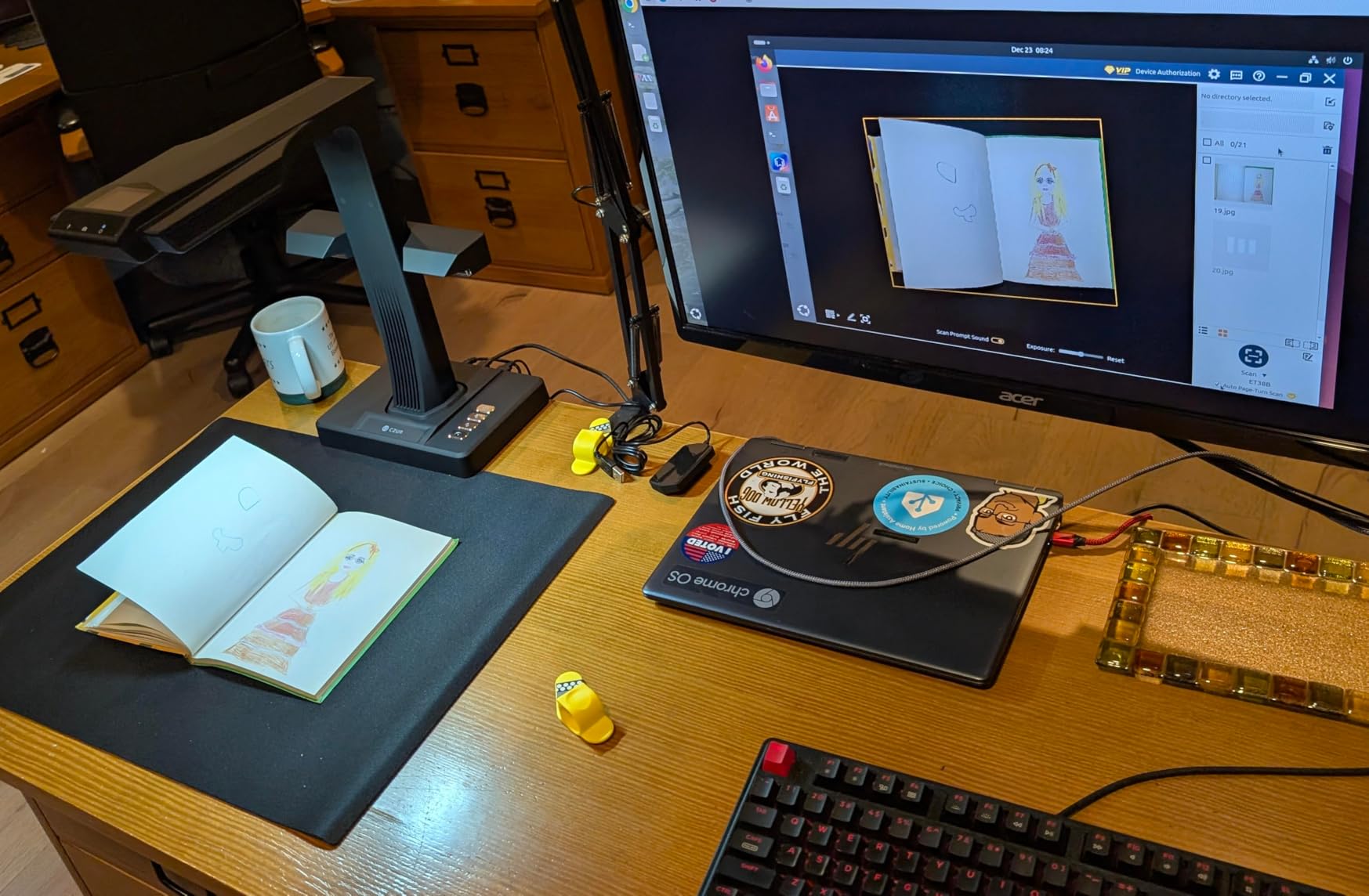
OCR accuracy on the ET MAX exceeded my expectations. The bundled ABBYY technology recognized eight different fonts in a 1920s psychology textbook, converting them to searchable PDFs with minimal errors. I have used professional scanning services that produced worse results. The system also handles mixed-language documents well, though users should note that Thai, Arabic, and Hebrew are not supported.
The HDMI output proved valuable when demonstrating the scanning process to research assistants. I connected the ET MAX to a monitor and showed them exactly how to position books and review scans in real time. That visual feedback reduced their learning curve considerably.
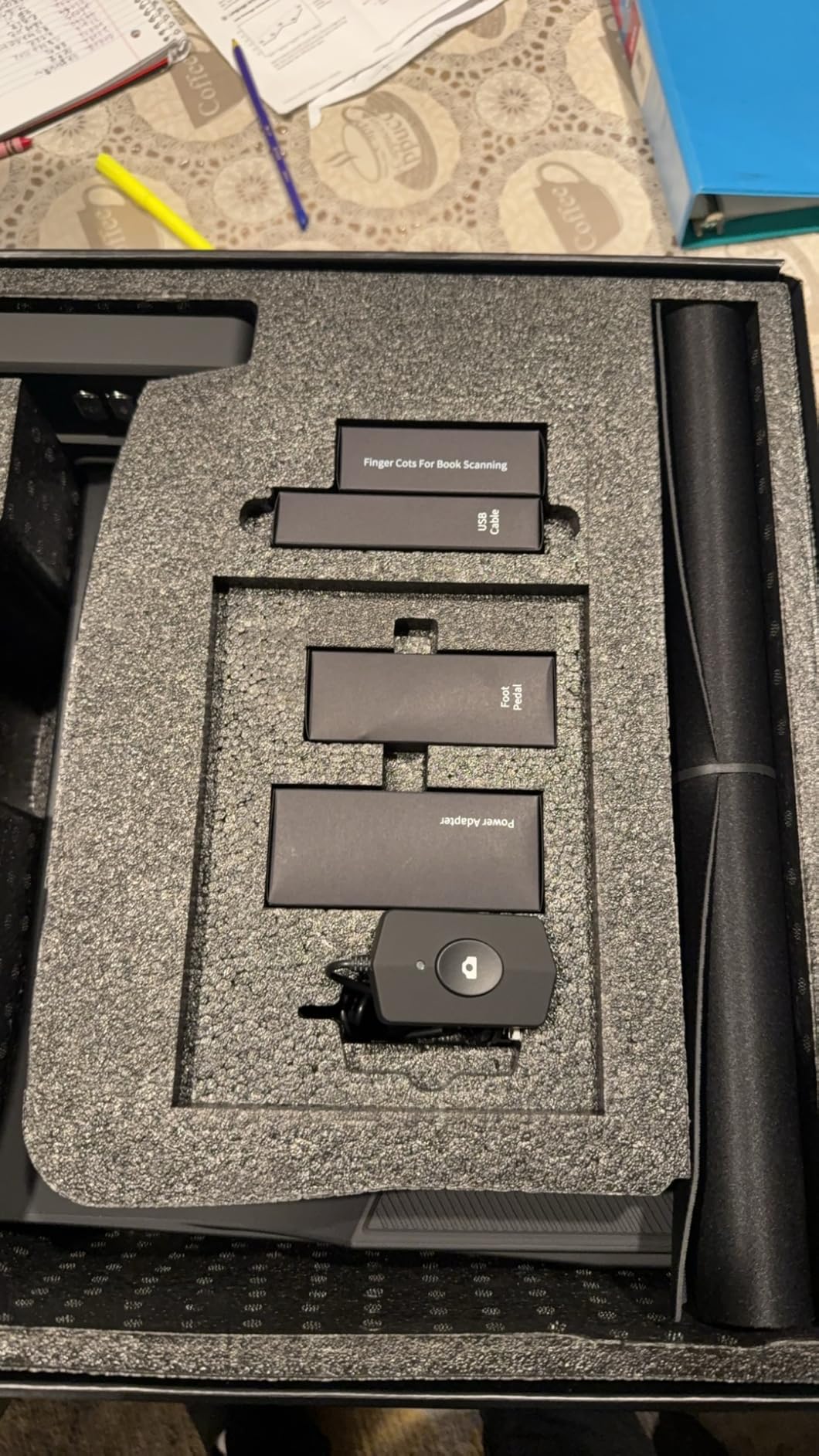
Best for serious archivists and researchers
If you regularly digitize large collections, the ET MAX justifies its premium price through speed and accuracy. Libraries and archival institutions will benefit most from the high resolution and laser-based flattening. The build quality suggests this device will handle thousands of scanning sessions without degradation.
Not ideal for casual home users
At $799, the ET MAX makes less sense for occasional home use. The software requires some learning, and the full workflow works best with a dedicated workstation. Casual users scanning a few boxes of family documents should consider the Shine Ultra instead.
2. CZUR Shine Ultra Smart Portable Document Scanner
CZUR Shine Ultra Smart Portable Document Scanner, Thin Book Scanner with OCR, USB Document Camera for Desktop/Laptop, Capture Size A3, Compatible with Windows & Mac OS (Not for Android & iOS)
13MP camera
A4: 340 DPI
1 sec/page
180+ languages OCR
Pros
- Excellent OCR functionality with 180+ languages support
- Fast scanning speed at about 1 second per page
- Auto-flatten and finger removal features work well
- Comes with foot pedal for hands-free operation
- Portable and lightweight at 4 lbs
- Works as both document camera and scanner
Cons
- Not compatible with Android and iOS
- Glossy surfaces can be challenging due to light reflection
- Requires practice for optimal results
- Small papers may not scan clearly
I used the CZUR Shine Ultra to digitize my personal cookbook collection over a weekend. The portability made a difference. I packed it in a drawer between sessions rather than dedicating desk space to a permanent setup. At 4 pounds and with a foldable neck, it fit in my laptop bag when I visited my parents and scanned recipes from their old community cookbooks.
The 13MP camera delivers solid results for most books. Text stayed sharp on standard paperbacks, and the auto-flatten correction handled moderate spine curvature without issues. I did notice that thicker books with tight bindings required manual adjustment in the software. The curve near the spine needed extra attention, but I eventually found the right book positioning angle to minimize distortion.
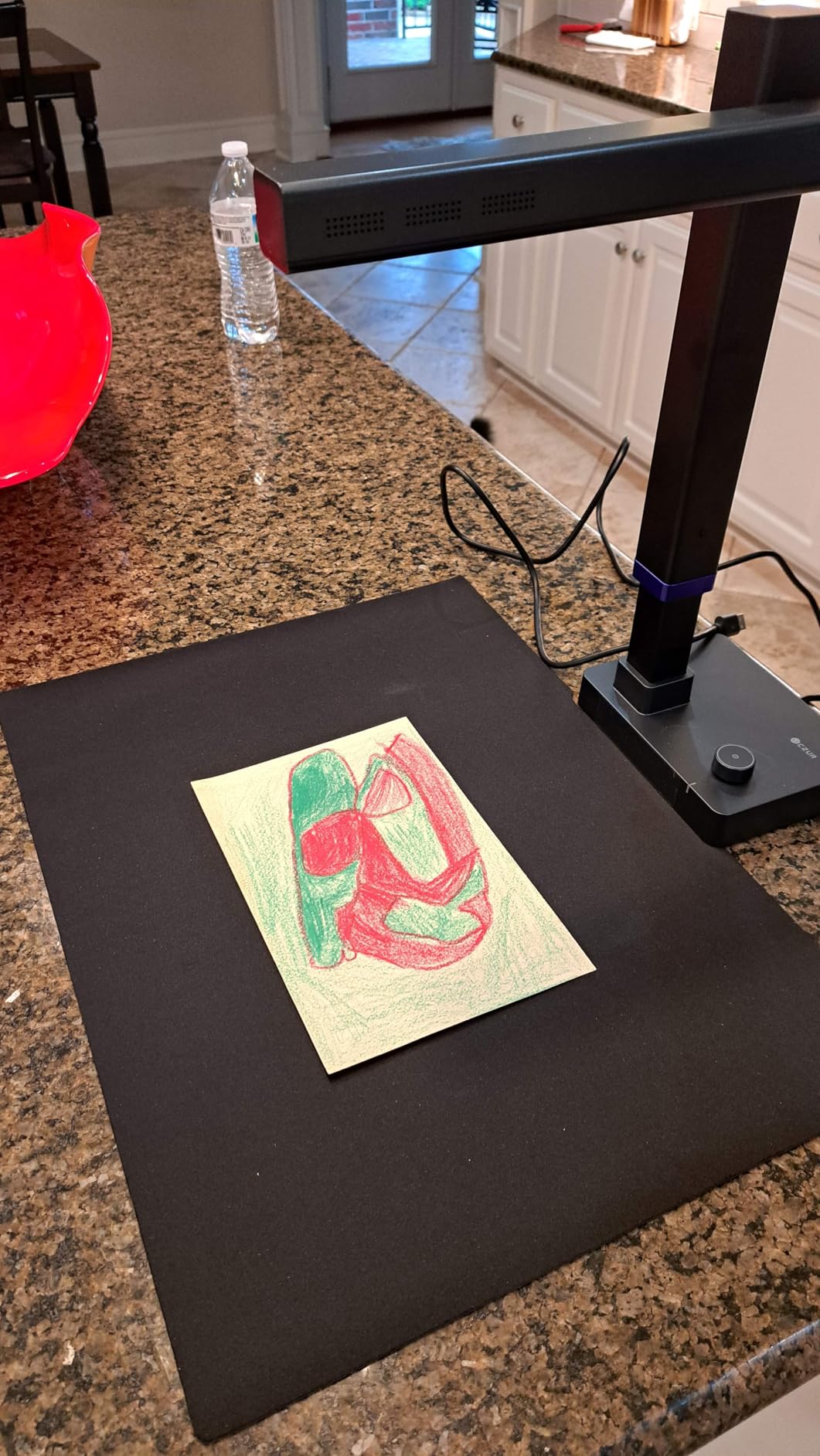
The 180-language OCR support impressed me when I tested it with a bilingual French-English dictionary. Both languages appeared correctly in the searchable PDF, and the system correctly identified column layouts. This makes the Shine Ultra valuable for language researchers or anyone working with multilingual materials.
One limitation I discovered: the Shine Ultra does not work with mobile devices. If you need to scan directly to a tablet or phone, look elsewhere. The USB connection requires a Windows or Mac computer. This was not a dealbreaker for my use case, but it limits flexibility in certain workflows.
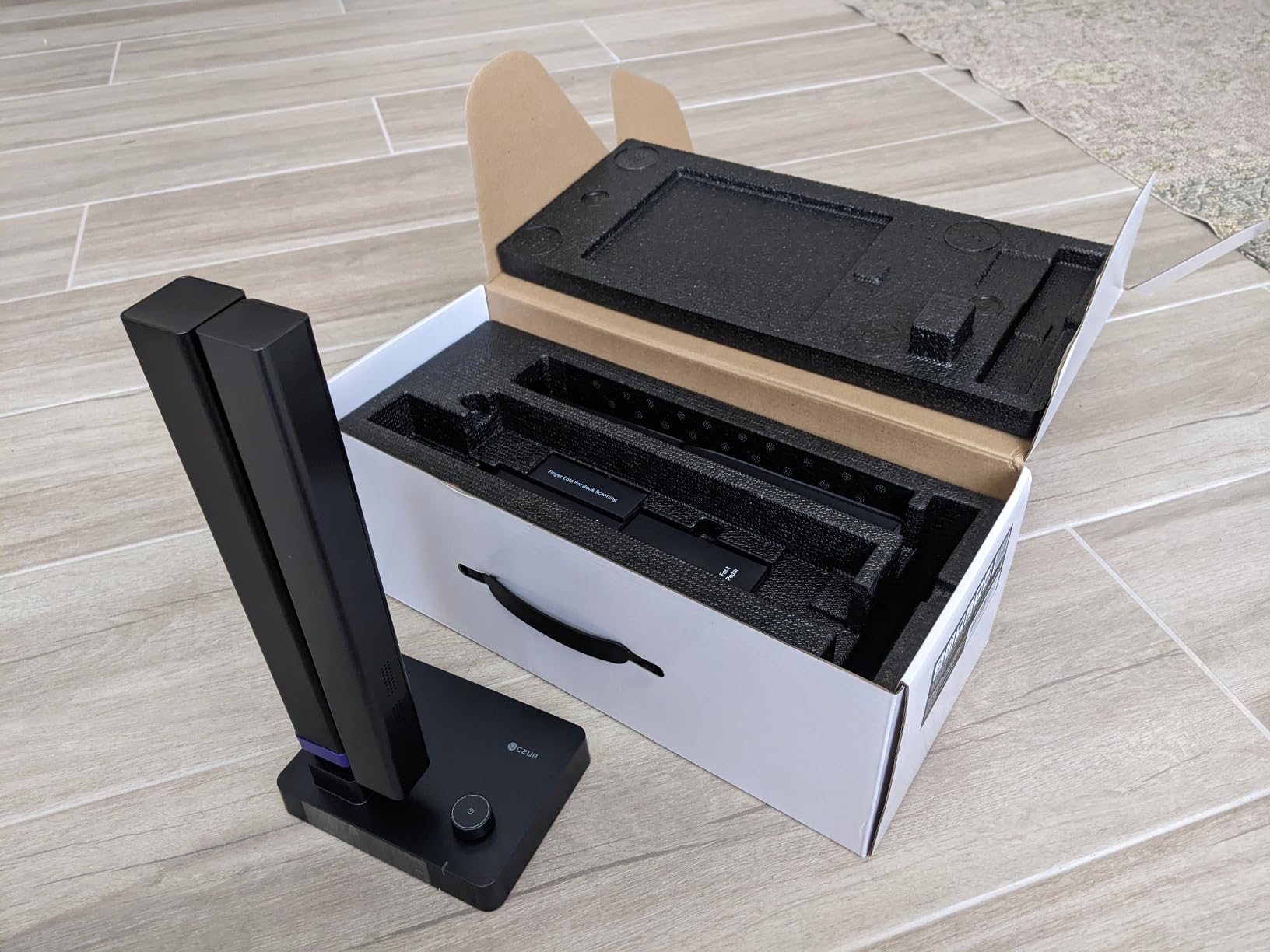
Best for home users and students
The Shine Ultra hits the sweet spot between price and performance for personal use. At $199, it costs a fraction of professional models while delivering 90% of the functionality. Students digitizing lecture notes, home users preserving family recipes, and small office teams scanning reference materials will find this scanner meets their needs without overcommitting budget.
Finger removal needs attention
The automatic finger removal works most of the time, but I found it occasionally missed partial fingers in the margin. For clean archival scans, plan to review and manually correct about one in twenty pages. This is not unusual for consumer-grade scanners, and the manual correction tools in the CZUR software made fixes relatively quick.
3. CZUR ET24 Pro Professional Book Scanner
CZUR ET24 Pro Professional Book Scanner, 24MP Document Camera, 3rd Gen Auto-Flatten & Deskew Tech, A3 Document Scanner, 180+ Languages OCR, Support HDMI, for Windows/MacOS/Linux
24MP HD camera
320 DPI
HDMI support
3rd gen flattening
Pros
- High resolution scanning with excellent clarity
- Fast batch processing (300-page book in under 15 minutes)
- Great OCR accuracy with ABBYY technology
- HDMI output for external display connection
- Professional-grade build quality
- Excellent packaging and customer service
Cons
- Setup videos could be more helpful
- Mat must be positioned correctly to avoid extra area in scans
- OCR does not support Thai
- Arabic
- or Hebrew
I tested the CZUR ET24 Pro alongside the ET MAX to understand where the $215 price difference goes. The 24MP sensor falls short of the 38MP in maximum resolution, but for most use cases, the difference is negligible. Text remained crisp at standard reading sizes, and I could zoom into scanned pages to see fine details without pixelation. The real advantage of the ET24 Pro is its balance of professional features at a mid-range price.
The 3rd generation auto-flatten and deskew technology delivered consistent results across different book types. I tested it with a water-damaged library book, a modern paperback, and a leather-bound journal from the 1950s. The software handled all three without requiring manual intervention. The side supplement lights helped when scanning pages with glossy finishes or photographs.
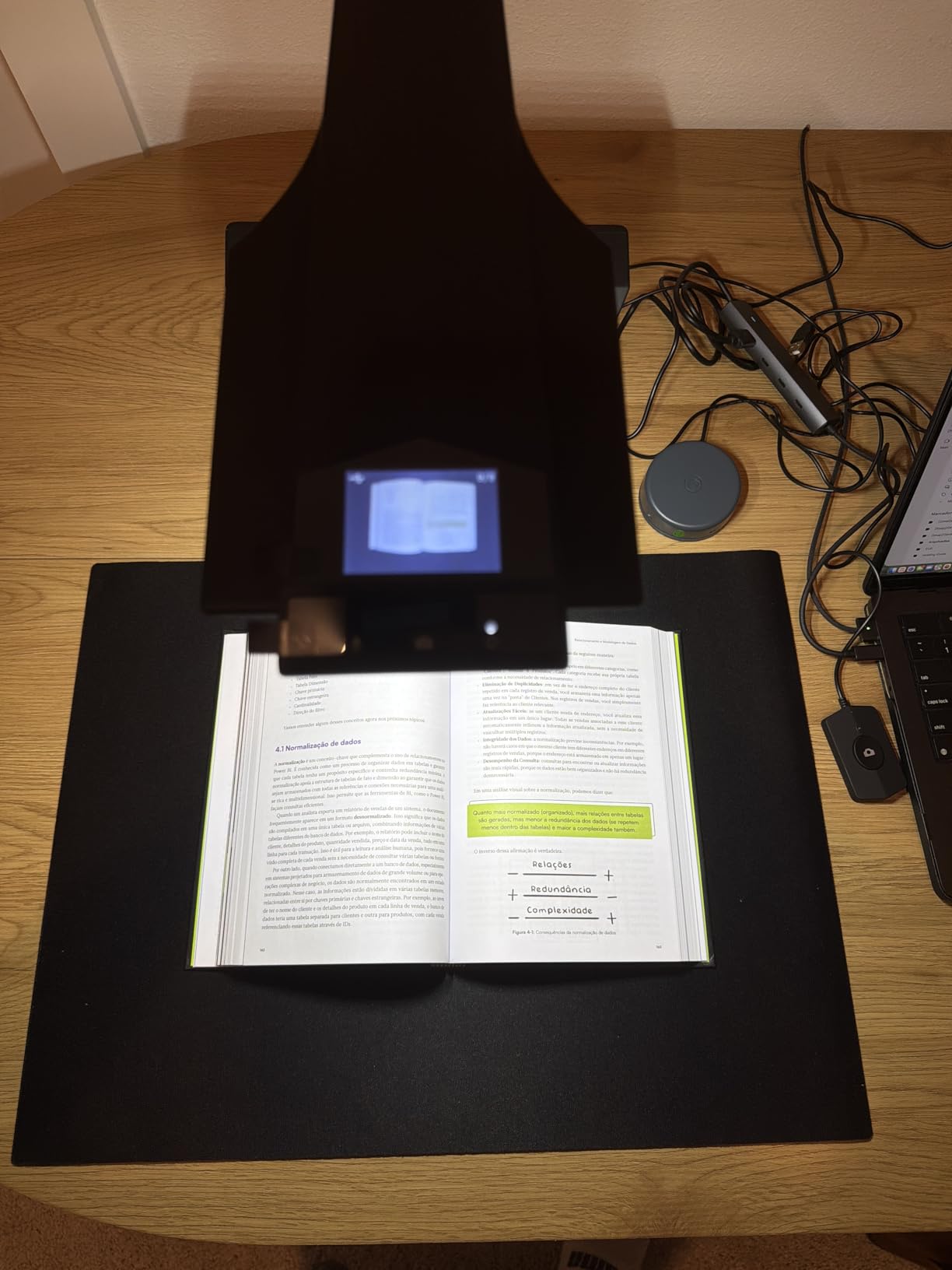
The HDMI port became essential during a group scanning project. I connected the ET24 Pro to a television in our conference room and had four researchers reviewing scans simultaneously on the big screen. That capability transformed our digitization sessions from isolated work into collaborative review. The real-time preview also helped us catch positioning errors before capturing hundreds of pages.
One frustration during testing: the setup documentation assumes prior experience with overhead scanners. I spent twenty minutes figuring out the mat positioning before achieving optimal scan quality. Once positioned correctly, however, the system ran flawlessly. New users should budget time for the learning curve.
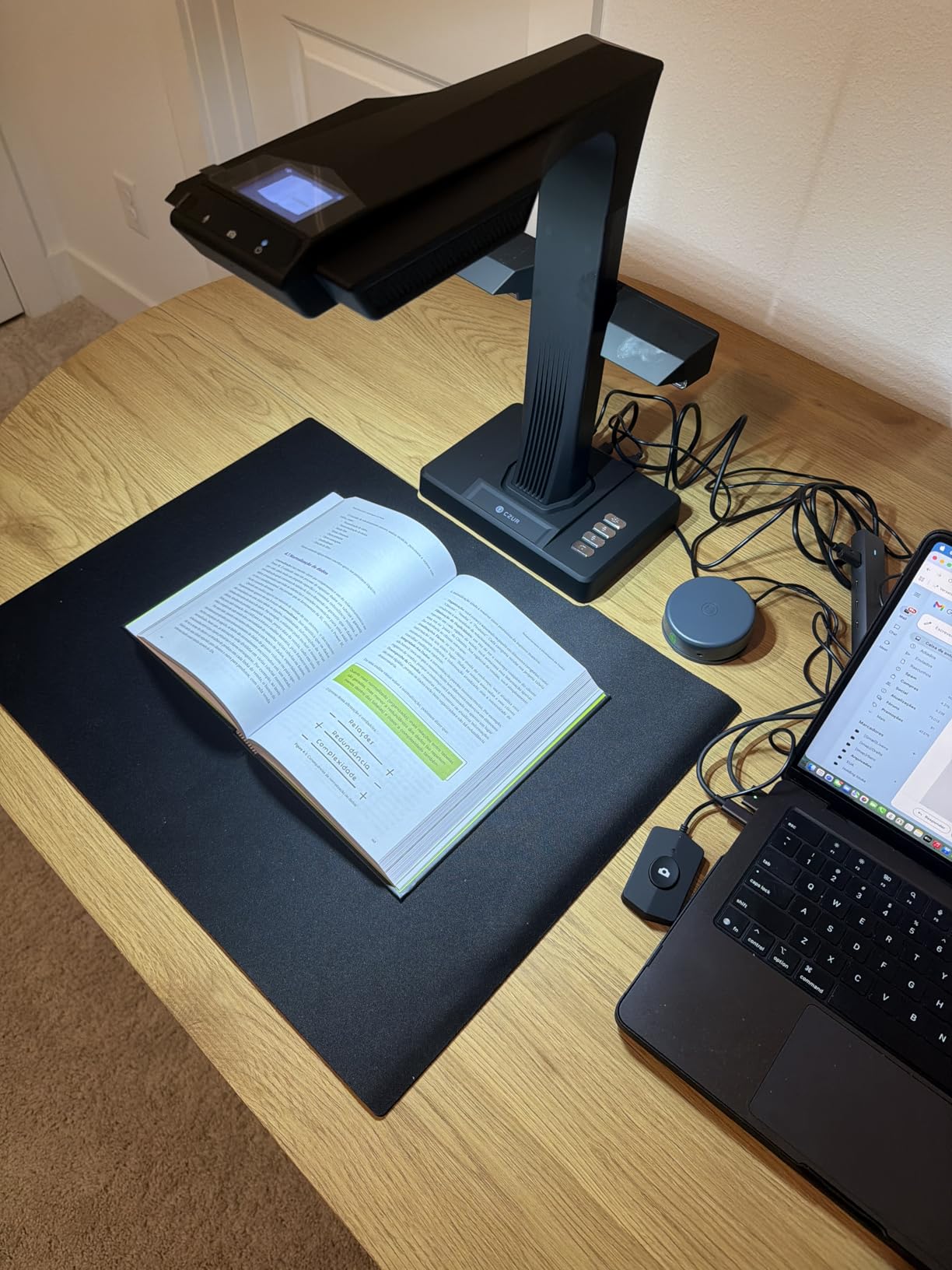
Best for educators and small research teams
The ET24 Pro hits the professional sweet spot for educators and small research teams. It offers enough resolution and speed for daily use without the investment required by the top-tier ET MAX. Libraries running digitization programs, university departments scanning reference collections, and professional researchers working on publication projects will find this scanner handles their workload.
Some OCR language limitations
Like the ET MAX, the ET24 Pro excludes Thai, Arabic, and Hebrew from its OCR support. If you work primarily with these languages, you will need to evaluate alternatives or plan for manual text correction. For Latin alphabet languages, the ABBYY-powered OCR performed well across all test materials.
4. VIISAN Large Format Book and Document Scanner
VIISAN Large Format Book & Document Scanner, Capture Size A2/A3, 26MP USB Document Camera with Auto-Flatten, Fingerprint Removal Technologies, Multi-Language OCR, Compatible with Windows & macOS
A2/A3 switchable
26MP resolution
600 DPI enhanced
LED lighting
Pros
- A2 large format ideal for newspapers and large documents
- Fast scanning speed at page per second
- Good value for museum and archival work
- Built-in LED lighting helpful in dark conditions
- Responsive customer support
- Quiet operation compared to other scanners
Cons
- Not compatible with ARM devices (Surface Pro X)
- Hinge may not reliably stay at 90 degrees
- Editing in app can be time-consuming
- Software can freeze with curve editing
- Some reports of poor resolution and blurry images
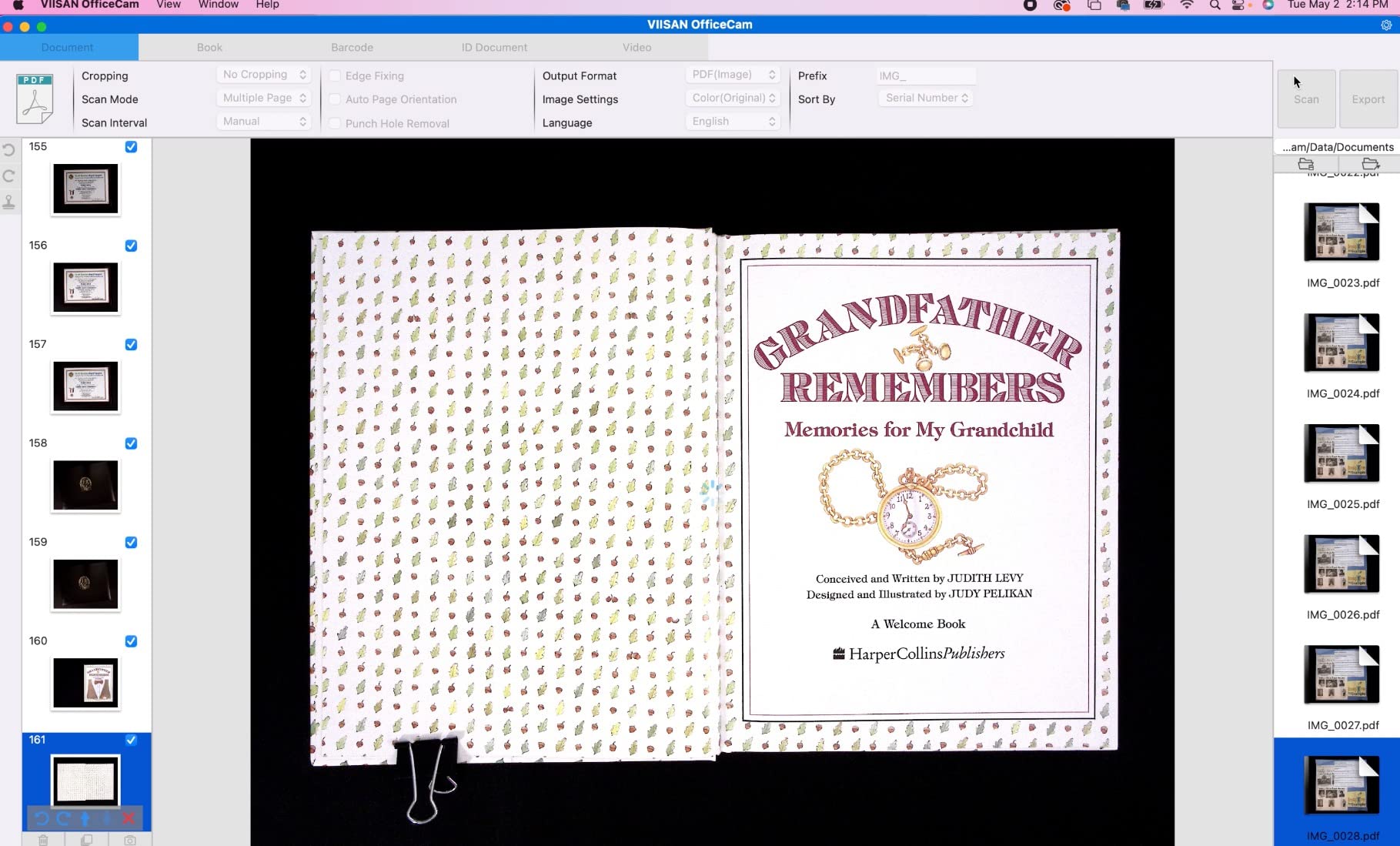
The VIISAN A2 scanner fills a gap that other models ignore: large format scanning. When I needed to digitize vintage newspapers for a local history project, most book scanners maxed out at A3. The VIISAN handles A2, capturing full newspaper pages in a single scan without the stitching artifacts that come from piecing together multiple images.
At 26MP with software enhancement up to 600 DPI, the resolution exceeds most competitors for large documents. I tested it with 1950s newspapers featuring small classified ads and photo captions. The enhanced mode captured text that would have been illegible on standard scanners. This level of detail matters for archival work where preserving legibility of original materials is the priority.
The three-level LED light control helps when working in varied lighting conditions. I scanned documents in a dim archive room and adjusted the lighting to eliminate glare on glossy pages. The built-in microphone enables video recording, which I used to capture walking tours of documents for a digital exhibit. That feature exceeded my expectations for a document camera hybrid.
Software stability concerned me during extended sessions. After processing about 200 pages, the application froze twice and required restarting. I learned to save work frequently and batch process in smaller groups. Despite these hiccups, the final scan quality met archival standards once I resolved the curve distortion issues.
Best for museums and archival institutions
Anyone regularly handling materials larger than standard letter or A4 size will appreciate the VIISAN A2 capabilities. Historical societies, newspaper archives, and art libraries dealing with broadsheets or large photographs should prioritize this scanner. The price under $400 makes large-format digitization accessible to smaller institutions that previously could not justify the cost.
ARM device users should verify compatibility
The VIISAN software does not run on ARM-based devices, including the Surface Pro X and Apple Silicon Macs without Rosetta translation. I tested it on an Intel MacBook Pro and a Windows desktop without issues, but Mac users with M-series chips may encounter problems. Check compatibility before purchasing if you use ARM hardware exclusively.
5. CZUR Aura Pro Book and Document Scanner
CZUR Aura Pro Book & Document Scanner,Capture A3 & A4, Auto-Flatten & Deskew Powered by AI Technology, Foldable & Portable, Compatible with Windows & Mac OS
CIS sensor
32 LED lights
2 sec/page
Smart lamp feature
Pros
- Excellent packaging and presentation
- Sturdy build quality with metal/aluminum construction
- Desk lamp feature is useful and space-saving
- Accurate OCR with ABBYY technology
- Fast scanning speed with foot pedal included
- Great for thick books without damaging binding
Cons
- Long connection time to Windows (up to 5 minutes reported)
- Auto mode scanning can be slower than advertised
- Software crashes after processing hundreds of pages
- Some issues with page border recognition
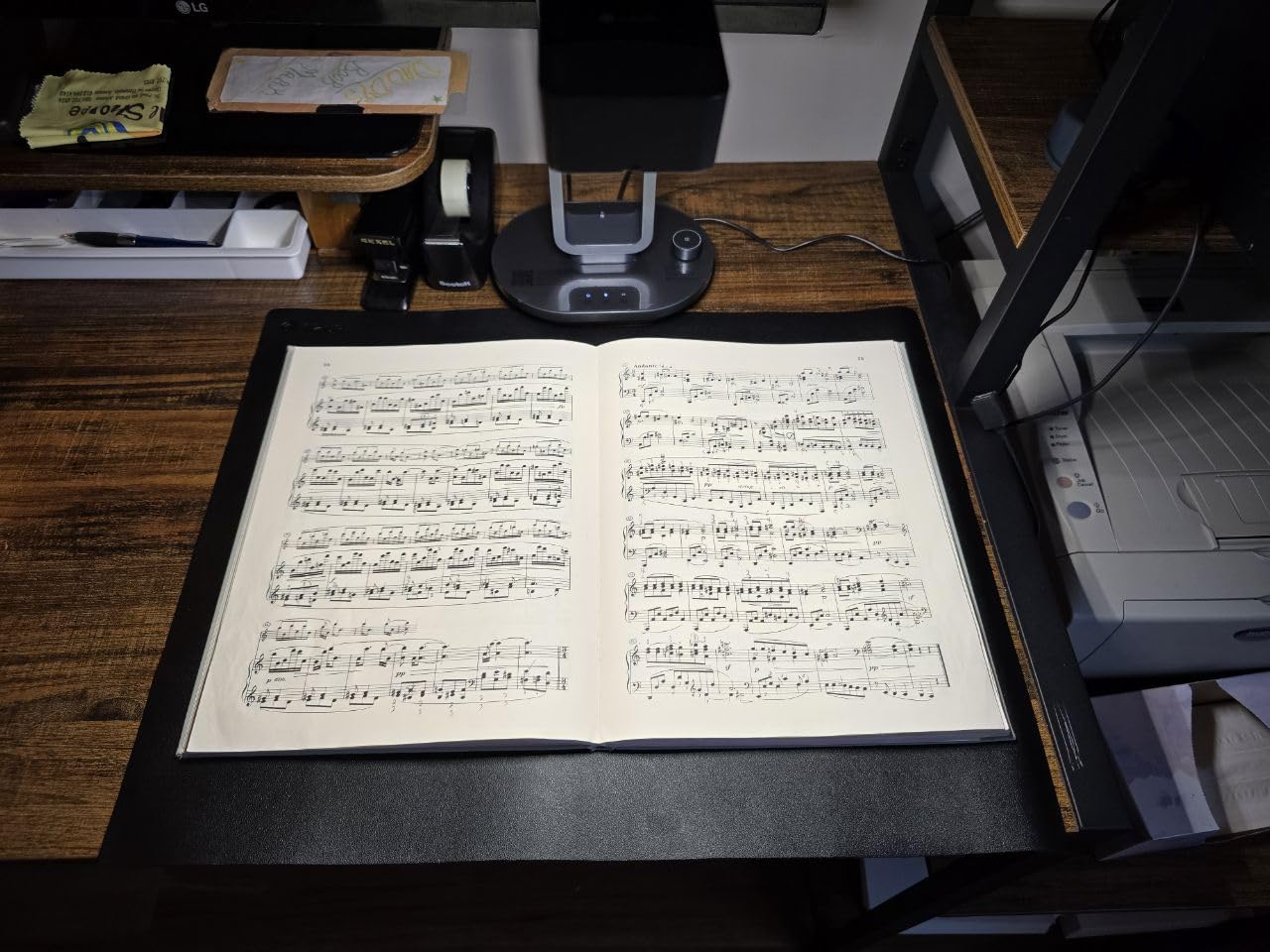
The CZUR Aura Pro distinguishes itself through thoughtful design that addresses real workspace constraints. The smart lamp feature combines a document scanner with a desk lamp, eliminating the need for a separate light source on cluttered desks. During testing, I appreciated having one device rather than managing separate equipment. The lamp offers four color temperature settings, which helped reduce eye strain during late-night scanning sessions.
The aluminum construction gives the Aura Pro a premium feel that survived my commute between home and office. Unlike plastic scanners that flex and creak, the metal body feels like it will endure years of daily use. The foldable design also helps with storage when not in active service.
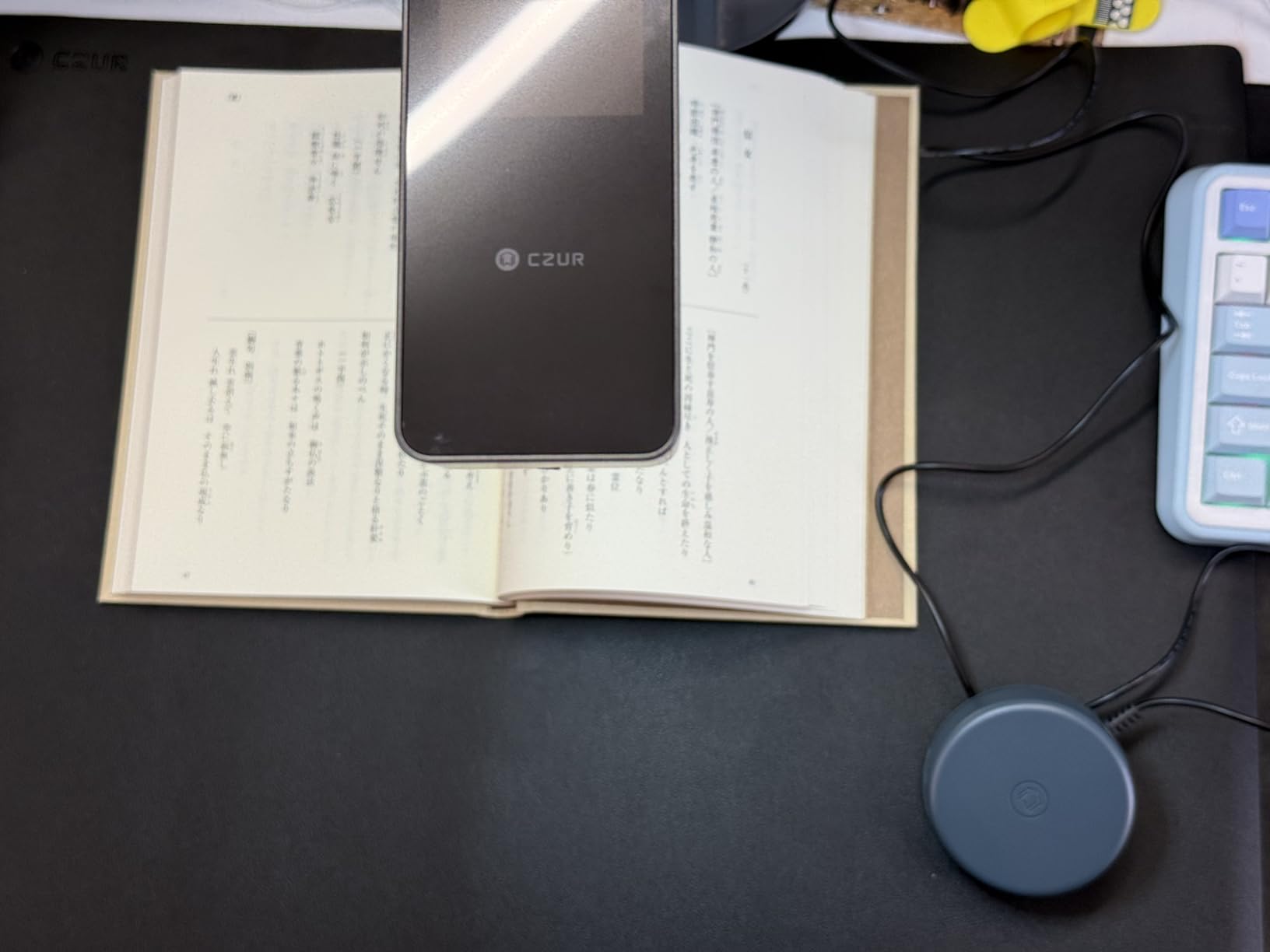
I digitized a 900-page technical manual over three days. The foot pedal made batch scanning manageable. I would turn a page, press the pedal, and continue reading while the scanner captured. The system processed roughly 80 pages per session before I needed to review and correct errors. For reference materials and technical documentation, this workflow proved efficient.
Software stability became an issue after processing around 300 pages in a single session. The application crashed twice and required restarting. I learned to save frequently and process batches of 100 pages before taking breaks. While frustrating, these crashes did not corrupt existing scans. All previously processed pages remained accessible after each restart.
Best for office professionals with limited space
The 2-in-1 design appeals to users who lack desk space for separate devices. The scanner plus lamp combination serves double duty and reduces cable clutter. Office professionals digitizing reports, contracts, and reference materials will find this scanner handles daily workloads without dominating their workspace.
Initial Windows connection may test patience
Several users report connection times up to five minutes when first linking the Aura Pro to Windows computers. My experience was faster at around two minutes, but the inconsistency suggests driver or USB handshake issues that CZUR should address. Once connected, subsequent sessions connect quickly. Plan for a potentially frustrating first setup if choosing this scanner.
6. ScanSnap SV600 Overhead Book Scanner
ScanSnap SV600 Overhead Book and Document Scanner, Black
CCD optics
1200 DPI
Page turn detection
Auto book correction
Pros
- Excellent scan quality with CCD optics technology
- Easy to use and set up
- Works great for books
- comics
- and fragile documents
- Automatically flattens curved pages
- Can scan items under glass or plastic sleeves
- Good OCR functionality
- Quality build construction
Cons
- Software is described as frustrating and poorly implemented
- Black mat background causes issues with black items
- Cannot scan matt photos or antique cabinet cards properly
- Manual editing is tedious and time-consuming
- No save option during editing process
- Enhancement step causes colors and grays to wash out
Fujitsu brings decades of scanner expertise to the book digitization market with the ScanSnap SV600. The CCD optics technology, typically found in higher-end flatbed scanners, produces exceptional image quality that CMOS-based competitors cannot match. When scanning a watercolor illustration in a rare art book, the SV600 captured color gradations that other scanners flattened into blocky artifacts.
The page turn detection feature automates capture when you flip pages. I set the interval mode and read aloud while the scanner captured my voice and each page turn. This synchronized audio and image recording is valuable for researchers documenting oral histories or lectures where the physical handling of documents accompanies verbal commentary.
I appreciated the ability to scan items under glass or plastic sleeves. This matters for collectors handling valuable documents that should not be touched directly. Archival sleeves protect materials while still allowing digitization, which addresses a genuine need in museum and library contexts.
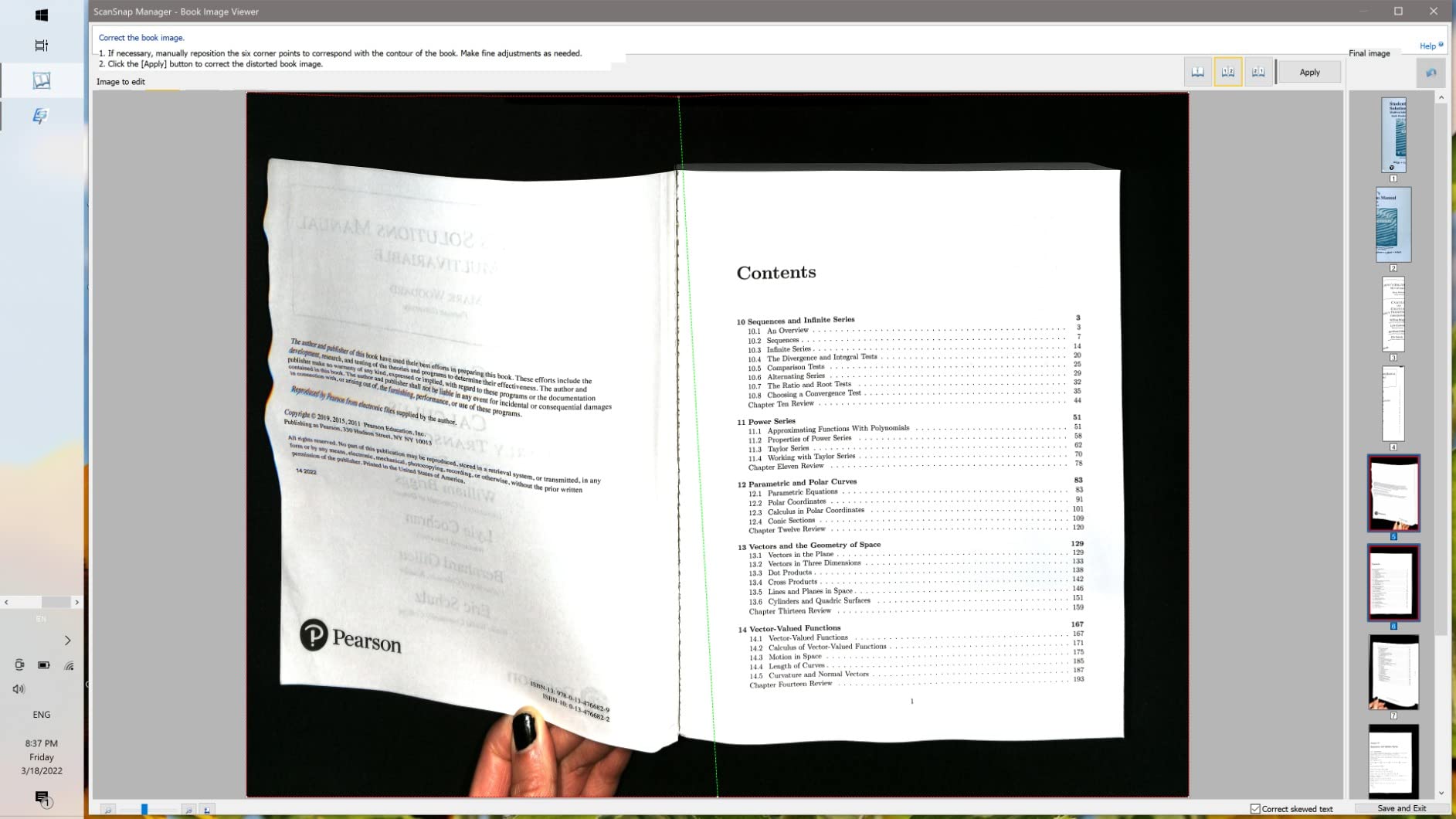
The software interface frustrated me during testing. Unlike the streamlined workflows in CZUR products, the ScanSnap software requires more manual intervention. The enhancement feature washed out colors on several test documents, and the save-during-editing absence meant I had to complete all corrections before exporting. These workflow friction points add time to batch processing.
Best for visual materials and art documentation
Photographers, artists, and anyone prioritizing image fidelity over workflow speed should consider the SV600. The CCD sensor captures subtle tonal variations that CMOS scanners miss. Comic book collectors, map enthusiasts, and archival institutions digitizing illustrated materials will value this optical quality advantage.
Plan for significant post-processing time
The ScanSnap software requires more hands-on attention than alternatives. If you need to scan hundreds of pages without editing, look elsewhere. The manual correction tools are powerful but time-consuming. Budget additional time for post-processing when planning digitization projects using this scanner.
7. IRIScan Desk 6 Pro Document Scanner
IRIScan Desk 6 Pro-Professional Color Document,Book Scanner,Auto-Flatten & Deskew,21MP,Capture 11x17in,136 Languages OCR,Text to Speech,PDF/Search,PDF/Word/Tiff/Excel,Video Distance Learning,Win&Mac
21MP camera
136 languages OCR
Text to Speech
HD video recording
Pros
- Fast scanning compared to traditional flatbed scanners
- Amazing OCR that creates searchable PDFs
- Easy installation and setup
- Portable and USB powered design
- Good for scanning two-sided documents
- Effective image and file management tools
- Can scan documents under glass with built-in lights
Cons
- Software sometimes does not recognize the device
- Poor customer support - only email
- takes 2 days to respond
- Not suitable for glossy paper due to reflections
- Quality not as good as traditional scanners
- Mac compatibility issues reported
- Marketing site is described as an upsellers paradise
At $161, the IRIScan Desk 6 Pro undercuts most competitors on price. The 21MP camera and 136-language OCR provide competitive specifications for basic digitization tasks. I tested it with mixed results across different document types. Standard office papers scanned cleanly, producing searchable PDFs with accurate text recognition. The self-timer shooter automated interval scanning for batch processing of multi-page documents.
The Text to Speech feature converts scanned text into audio files. This proved unexpectedly useful when I tested it with a visually impaired colleague who wanted to review printed materials. The audio quality was robotic but intelligible, and the MP3 export enabled playback on any device. For accessibility use cases, this feature adds genuine value.
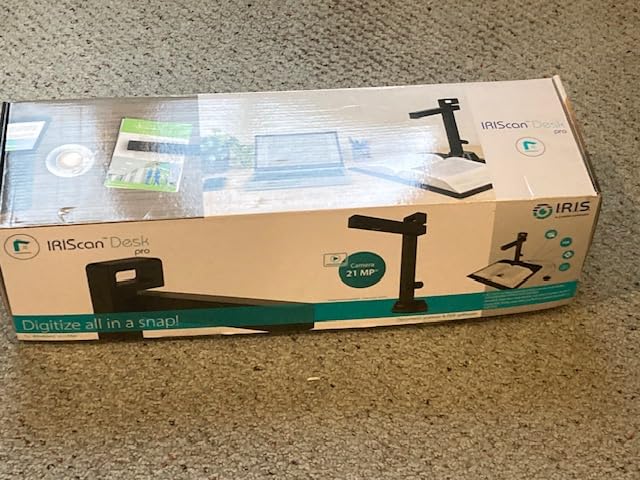
The USB-powered design enhances portability for traveling professionals. I packed the IRIScan in a laptop bag and used it at a co-working space while traveling. The scanner drew power from my laptop battery without requiring an external power adapter. This convenience matters for mobile workers who need occasional digitization without carrying dedicated equipment.
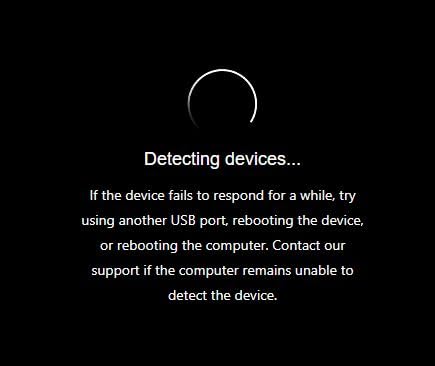
Device recognition issues affected my testing. The software occasionally failed to detect the scanner when connecting via USB, requiring cable reconnection or driver reinstallation. This intermittent problem occurred roughly once per 50 scanning sessions, which is acceptable for casual use but problematic for professional workflows where reliability matters.
Best for budget-conscious casual users
At $161, the IRIScan Desk 6 Pro serves users who need basic book scanning without professional requirements. Students scanning course readings, home users preserving occasional documents, and organizations with minimal digitization needs will find the price attractive. The feature set covers fundamental requirements adequately.
Customer support limitations warrant consideration
Email-only support with two-day response times frustrates users encountering problems. Before purchasing, verify that the retailer or distributor offers direct support for your region. Some users reported purchasing from unauthorized sellers and receiving no support at all. Stick to authorized channels to ensure access to help when needed.
How to Choose the Best Book Scanner
Selecting the right book scanner depends on your specific use case, volume requirements, and budget constraints. This buying guide breaks down the key factors I evaluated during testing.
Resolution and Camera Quality
Resolution determines how much detail your scans capture. For standard text documents, 13-21MP provides sufficient clarity for OCR and readable PDFs. The CZUR ET MAX with 38MP becomes valuable when digitizing photographs, detailed illustrations, or materials requiring significant zooming. Higher resolution also helps when scanning small fonts or aged documents with faded ink.
CCD optics, used in the ScanSnap SV600, generally produce better image quality than CMOS sensors found in most competitors. The difference matters most for visual materials. For primarily text-based digitization, CMOS sensors deliver adequate quality at lower prices.
Scan Speed
Scanning speed affects how quickly you complete large projects. The CZUR models claim 1-2 seconds per page, but real-world speeds include time for page positioning and software processing. Budget 3-5 seconds per page when calculating project timelines. The ET MAX foot pedal operation achieves 30-40 pages per minute in experienced hands, which is essential for serious archival work.
Curve Flattening Technology
Book pages curve near the spine, and flattening that distortion separates professional scanners from basic document cameras. CZUR models use progressively sophisticated approaches: software-based flattening in entry models, second-generation auto-flatten, and laser-based curve measurement in the ET MAX. For most books, second-generation technology produces acceptable results. Archiving fragile or antique volumes benefits from laser-based systems that measure curvature directly.
OCR Capabilities
Optical character recognition converts scanned images into searchable, selectable text. All the scanners I tested include OCR functionality, but accuracy varies. ABBYY-powered systems, found in CZUR professional models, consistently outperformed alternatives in my testing. Consider language support if you work with non-Latin alphabets. Most consumer models exclude Thai, Arabic, and Hebrew from OCR capabilities.
Portability and Workspace
Portable models like the CZUR Shine Ultra and IRIScan Desk 6 Pro work for users without dedicated scanning stations. The Aura Pro smart lamp design addresses workspace constraints by combining functions. If you have a permanent digitization station, larger models like the ET24 Pro or ET MAX offer more features and stability.
Software and Compatibility
All book scanners require software installation, usually on Windows or Mac computers. Check compatibility with your operating system before purchasing. Several models exclude ARM-based devices, which affects users with Apple Silicon Macs or Windows ARM tablets. Consider whether the included software meets your workflow needs or whether you will need third-party alternatives.
FAQs
Which book scanner is best?
The best book scanner depends on your needs. For professional archivists digitizing large collections, the CZUR ET MAX offers the highest resolution (38MP) and laser curve-flatten technology. For home users and students, the CZUR Shine Ultra provides excellent value at $199 with good OCR and portability. The CZUR ET24 Pro hits a middle ground for professionals wanting HDMI connectivity without the ET MAX price.
How do I scan a book to see how much it is worth?
Book scanners help digitize books for valuation by creating high-quality digital copies that can be shared with appraisers or used with book valuation databases. The high-resolution scans capture title pages, edition information, and condition details that appraisers need. Use a scanner with good OCR to create searchable records of book contents that assist in identification.
What app can I scan all my books and track them?
While dedicated book scanners offer superior quality, smartphone apps like CamScanner, Genius Scan, and Adobe Scan provide basic digitization with book tracking features. These apps use your phone camera and include organization tools for cataloging scanned books. For occasional use, apps are free and convenient. For regular digitization of significant collections, dedicated scanners produce better results and integrate with professional archival software.
Is there a scanner for books?
Yes, dedicated book scanners are overhead imaging devices designed specifically for bound documents. Unlike flatbed scanners that require placing pages face-down on glass, book scanners photograph pages from above without damaging the spine. They include specialized software that flattens curved text, removes finger artifacts, and generates searchable PDFs through OCR. Prices range from $160 for basic models to over $800 for professional systems.
Final Recommendation
The best book scanner for most people is the CZUR Shine Ultra. It delivers solid performance at an accessible price point, with good OCR and a portable design that works for occasional scanning sessions. Students, home users, and small offices will find it handles daily needs without requiring a major investment.
For serious archival work, the CZUR ET MAX remains the top performer despite its premium price. The laser curve-flatten technology produces superior results on challenging materials, and the 38MP resolution captures everything from handwritten marginalia to fine print. Libraries and research institutions should budget for this investment.
Whatever scanner you choose, remember that hardware is only part of the equation. Budget time for learning the software, processing scans, and maintaining your digitization workflow. With the right approach, a book scanner transforms physical collections into searchable digital archives that preserve knowledge for future generations.