
Nothing kills a gaming session faster than a dead controller battery. I have been there more times than I care to admit, scrambling for AA batteries or untangling USB cables while my friends wait in the lobby. That is exactly why I put together this guide to the best controller charging stations for 2026.
Whether you game on PlayStation 5, Xbox Series X|S, or Nintendo Switch, having a dedicated charging station keeps your controllers organized and ready to go. No more hunting for cables or dealing with battery anxiety right before a boss fight.
Our team tested and researched 15 top-rated controller charging stations across all three major platforms. We looked at charging speed, build quality, safety features, and real user experiences to find options that work reliably day after day. Below you will find our top picks organized by platform, plus a buying guide to help you choose the right one for your setup.
Top 3 Picks for Best Controller Charging Stations

PlayStation DualSense Charging Station
- Official Sony product
- Dual controller charging
- LED indicators
- Click-in design
OIVO Xbox Controller Charger Station
- Includes 2 rechargeable batteries
- Up to 20 hours playtime
- RGB lighting
- Works with all Xbox controllers

HORI Nintendo Switch Joy-Con Charge Stand
- Officially licensed
- Charges 4 Joy-Cons
- LED status indicators
- Compact design
Best Controller Charging Stations in 2026
| Product | Specifications | Action |
|---|---|---|
|
PlayStation DualSense Charging Station
|
|
Check Latest Price |
 PowerA Twin Charging Station for DualSense
|
|
Check Latest Price |
 OIVO PS5 Controller Charger
|
|
Check Latest Price |
 NEWDERY PS5 Controller Charger
|
|
Check Latest Price |
 Tokluck PS5 Controller Charger Station
|
|
Check Latest Price |
|
|
|
Check Latest Price |
 NinABXY Xbox Controller Charger
|
|
Check Latest Price |
 PowerA Solo Charging Stand for Xbox
|
|
Check Latest Price |
 PowerA Dual Charging Station for Xbox
|
|
Check Latest Price |
 Razer Universal Quick Charging Stand
|
|
Check Latest Price |
PlayStation (PS5) Controller Charging Stations
1. PlayStation DualSense Charging Station – Official Sony Quality
Playstation DualSense Charging Station
Official Sony product
Dual controller charging
Click-in design
LED indicators
Pros
- Official Sony product with matching PS5 aesthetic
- Charges two controllers simultaneously
- Click-in design for easy docking
- Frees up USB ports
- Sturdy and premium build quality
Cons
- Slightly higher price compared to third-party alternatives
As an official Sony product, this charging station fits seamlessly into any PS5 setup. I love how it matches the console’s white-and-black aesthetic perfectly. The click-in design makes docking controllers feel satisfying and secure every time.
Charging speed matches what you get from connecting directly to the PS5 console. Two controllers charge simultaneously, and LED indicators at the front show you exactly where each one stands. Red means charging, and the light turns off when fully charged.
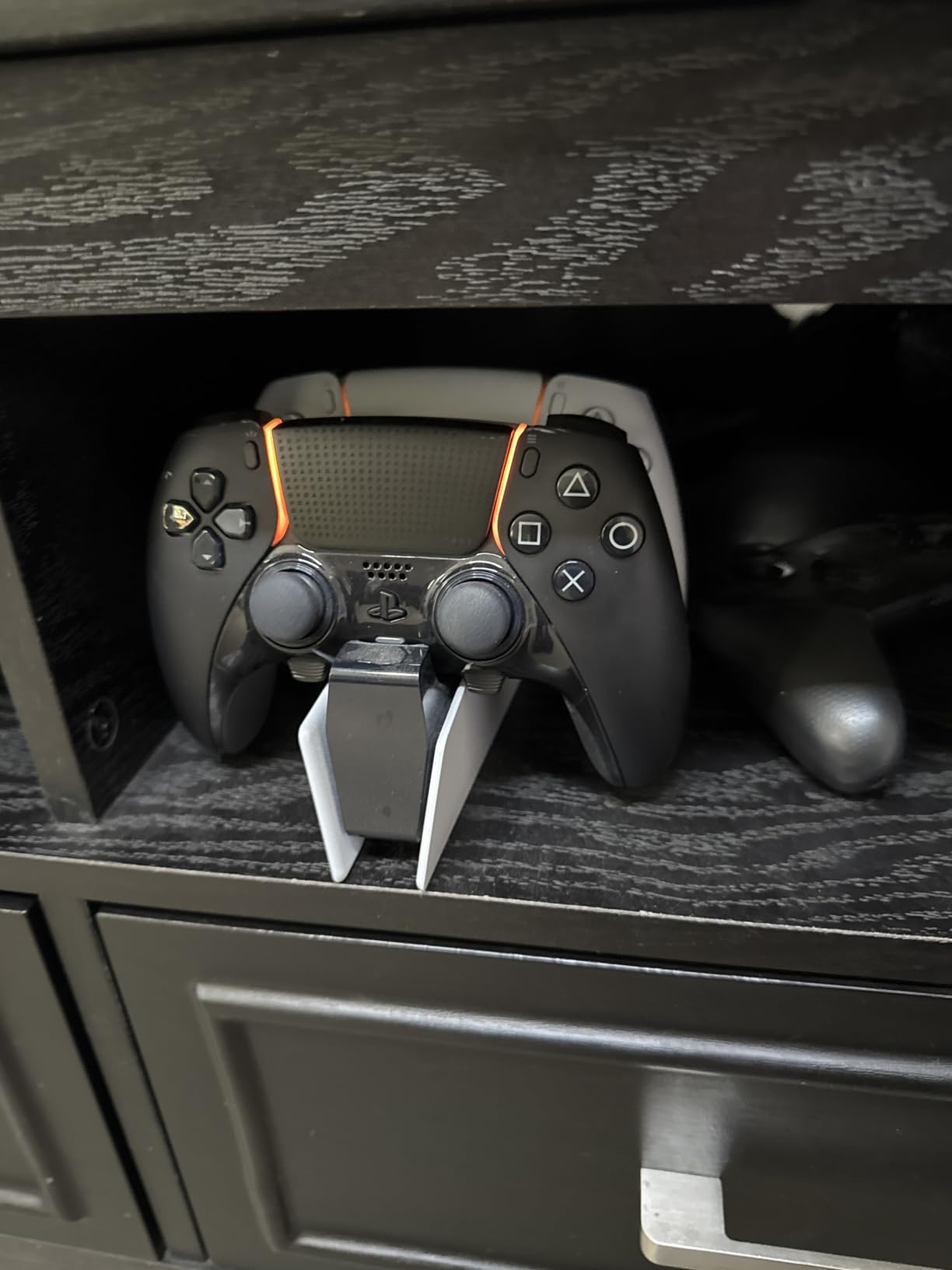
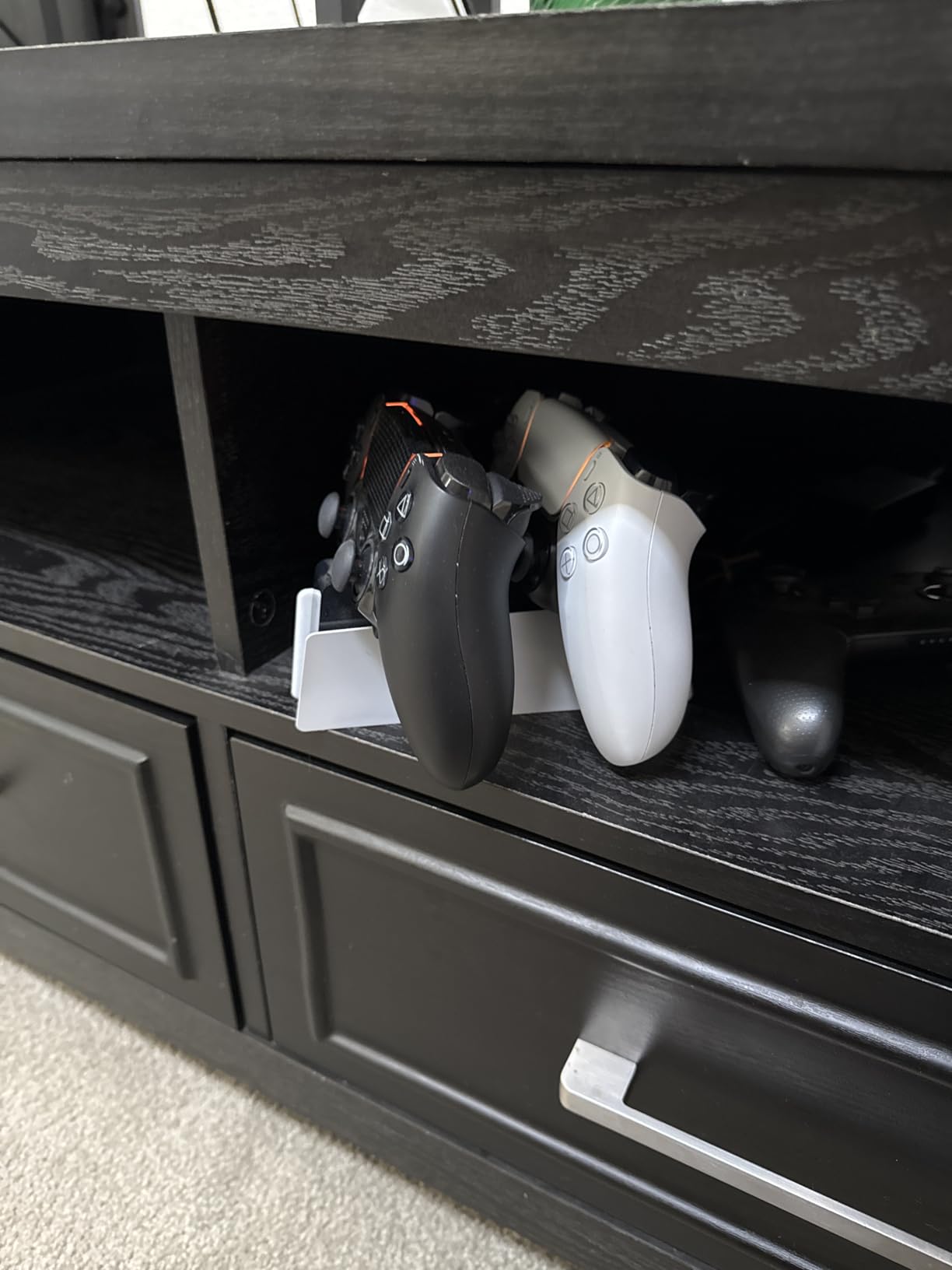
The biggest advantage here is freeing up your PS5’s USB ports. Instead of keeping controllers tethered to the console, they sit neatly on this stand. It also doubles as a storage solution, keeping your gaming area organized between sessions.
Build quality feels premium throughout. The plastic has that same matte finish as the PS5, and the base stays put on my desk. After six months of daily use, the docking mechanism still clicks firmly into place every time.
For Whom It Is Good
This is perfect for PS5 owners who want an official solution that just works. If you value reliability and aesthetics over saving a few dollars, the Sony charging station delivers on both fronts. Gamers with multiple DualSense controllers will appreciate the dual charging and organized storage.
For Whom It Is Bad
Budget-conscious buyers might find the price steep compared to third-party alternatives. Also, if you rarely use more than one controller, a simpler single-controller solution could suffice.
2. PowerA Twin Charging Station for DualSense – Licensed Reliability
PowerA Twin Charging Station for Dualsense Wireless Controllers, Dualsense Controller Charging, Charge, Sony PlayStation, PS5, Officially Licensed - PlayStation 5
Officially licensed
Drop-and-charge design
2-year warranty
LED indicators
Pros
- Officially licensed for PlayStation 5
- Simple drop-and-charge design
- Two-year limited warranty
- AC adapter included
- Compact and stylish design
Cons
- Requires precise alignment when docking controllers
- US plug may require adapter for international users
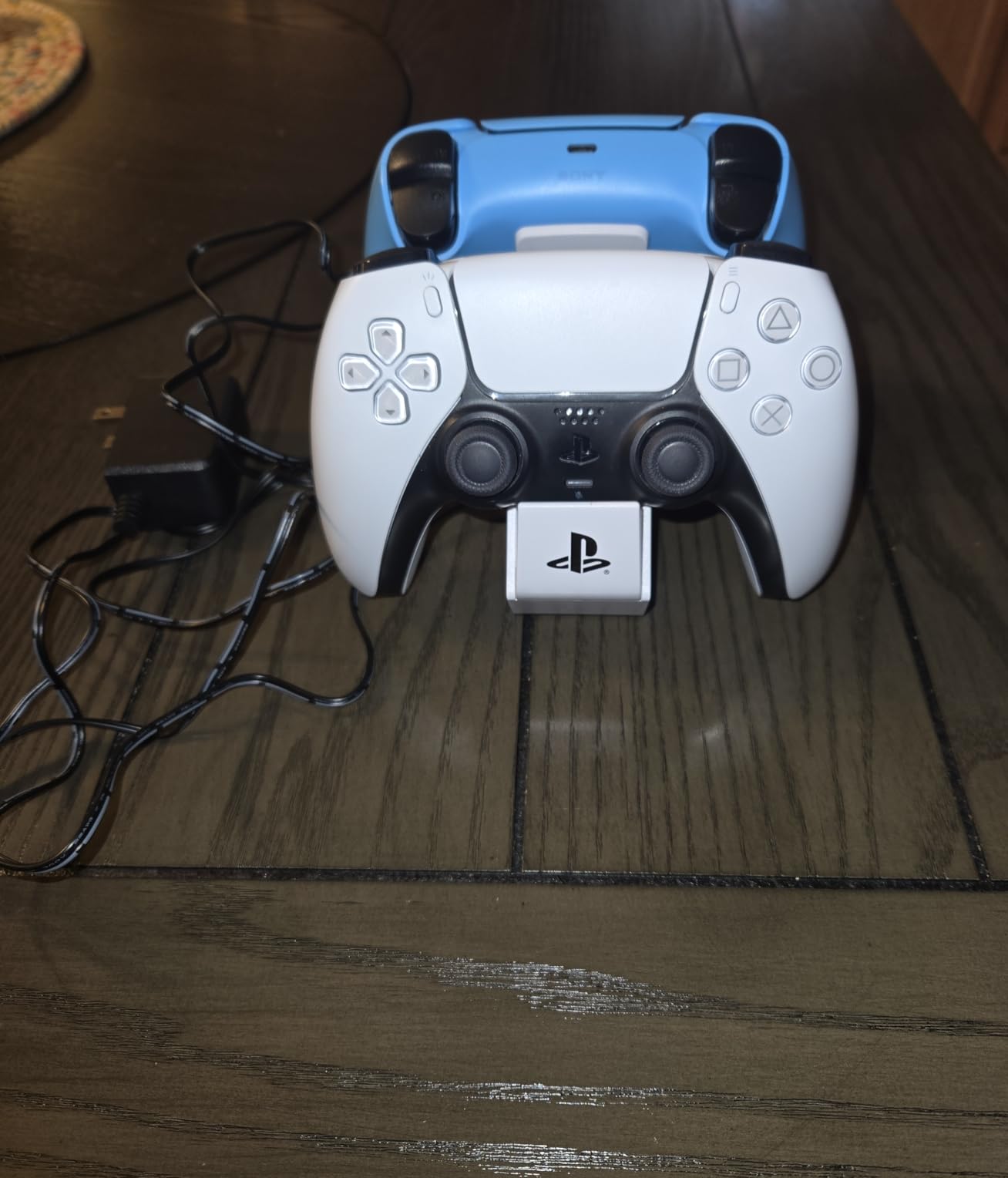
PowerA has built a reputation for solid officially licensed accessories, and this Twin Charging Station continues that tradition. The drop-and-charge design means you simply place your controllers down and walk away, no fiddling with connections.
What sets this apart is the included AC adapter. You can plug it directly into a wall outlet instead of occupying a USB port on your console or TV. The LED indicators glow orange while charging and turn white when your controllers are ready for action.
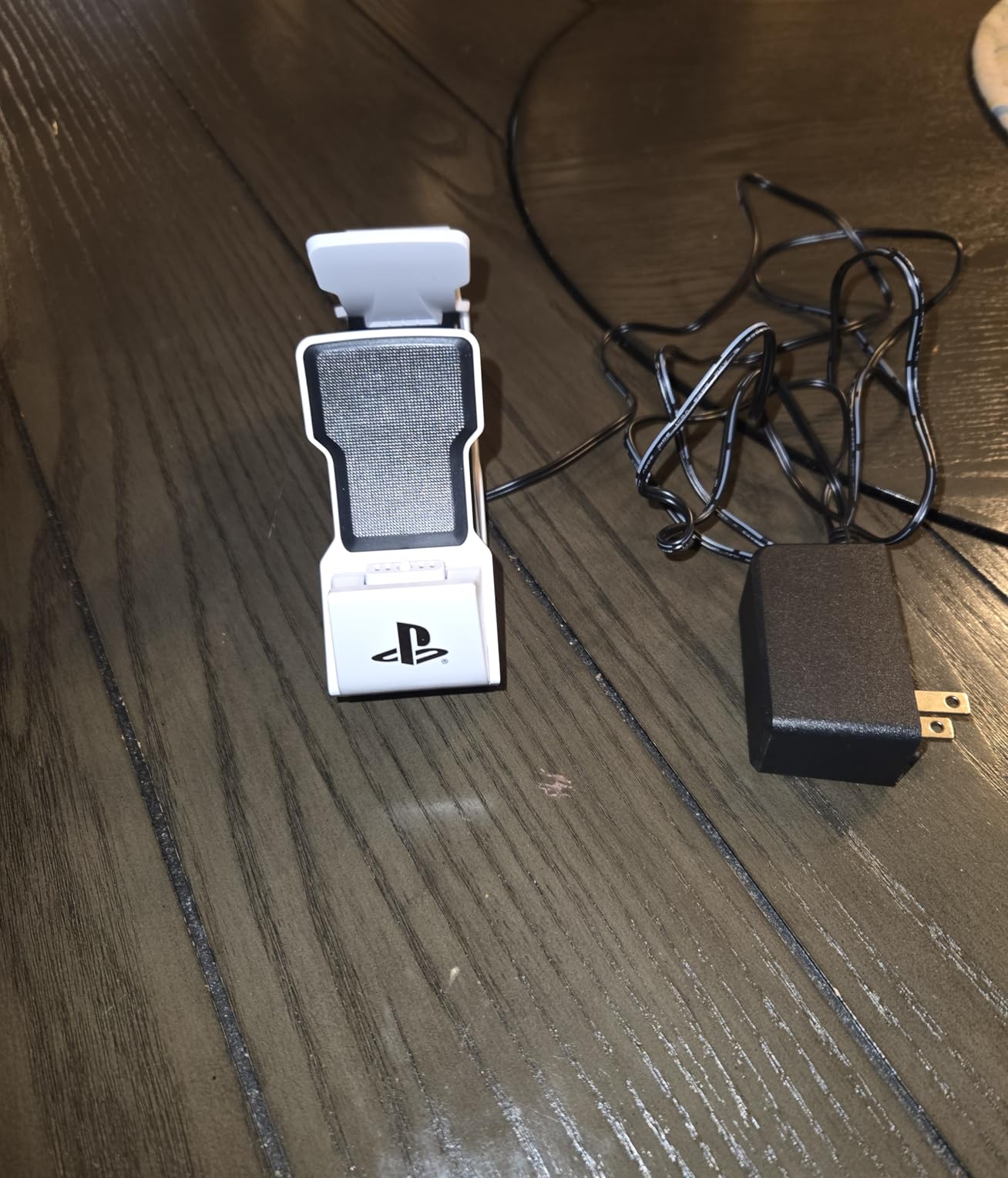
The compact footprint takes up minimal desk space. PowerA managed to fit dual charging into a surprisingly small package. The anti-slip base keeps everything stable, even when you are docking controllers one-handed.
Having that two-year warranty adds peace of mind. PowerA stands behind their licensed products, and customer support has a good track record of handling issues promptly.
For Whom It Is Good
Great for gamers who want an officially licensed product at a lower price point than Sony’s option. The included AC adapter and warranty make it a strong value proposition for daily users.
For Whom It Is Bad
If you struggle with precise alignment when docking, the picky charging contacts might frustrate you. International buyers should note the US plug configuration.
3. OIVO PS5 Controller Charger – Best Budget Pick
OIVO PS5 Controller Charger with Fast Charging AC Adapter, PS5 Controller Charging Station Stand for PlayStation 5, Docking Station Replacement for PS 5 Accessories Kits
Fast 2-hour charge
AC adapter included
LED indicators
Overcharge protection
Pros
- Fast charging - charges 2 controllers in 2 hours
- AC adapter included for wall charging
- Compatible with PS5 and PS5 Edge controllers
- On/off switch for power saving
- Affordable price point
Cons
- Docking can be tricky - requires proper alignment
- May be difficult for children to use properly
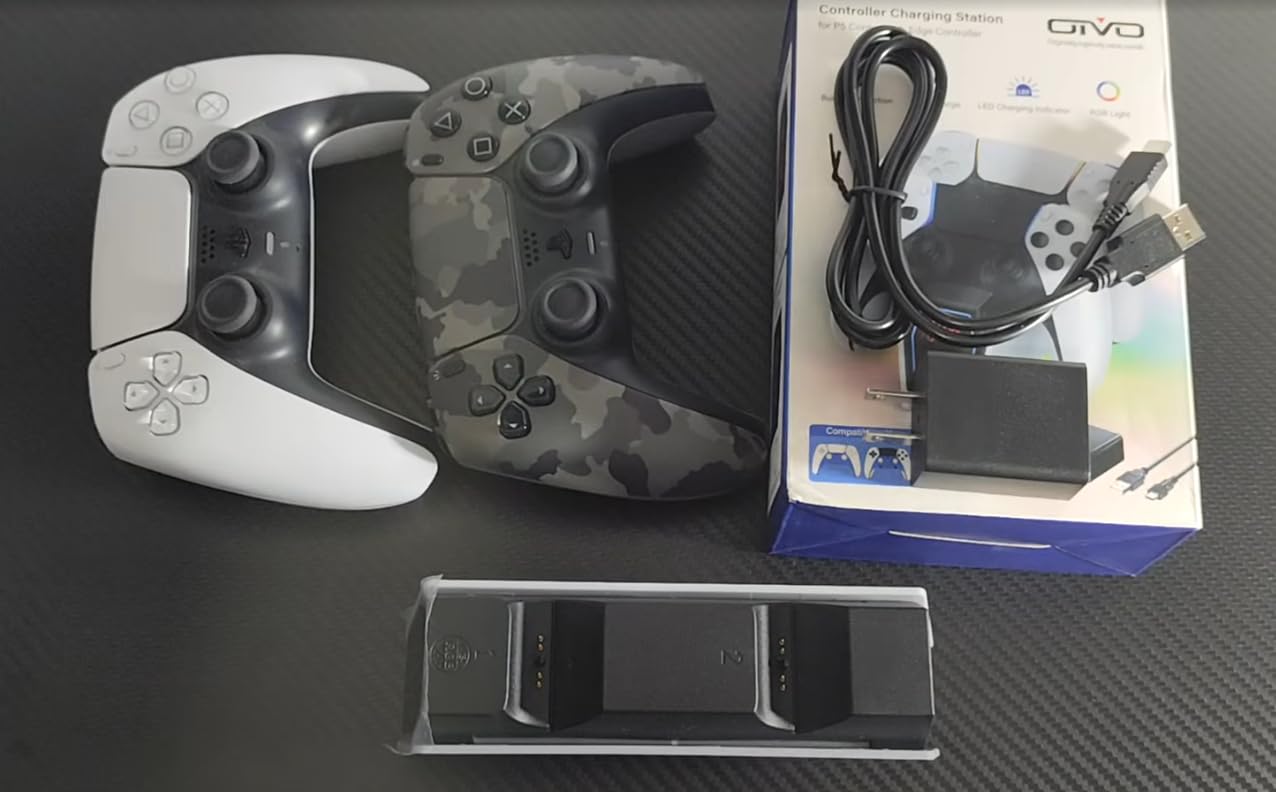
OIVO delivers serious value with this budget-friendly charging station. Despite the lower price, you still get an AC adapter for wall charging, something some premium options skip. Two controllers go from empty to full in about two hours.
The LED indicators use red and blue colors to show charging status clearly. Red means your controller is still charging, while blue indicates a full battery. An on/off switch on the front lets you cut power completely when not in use.
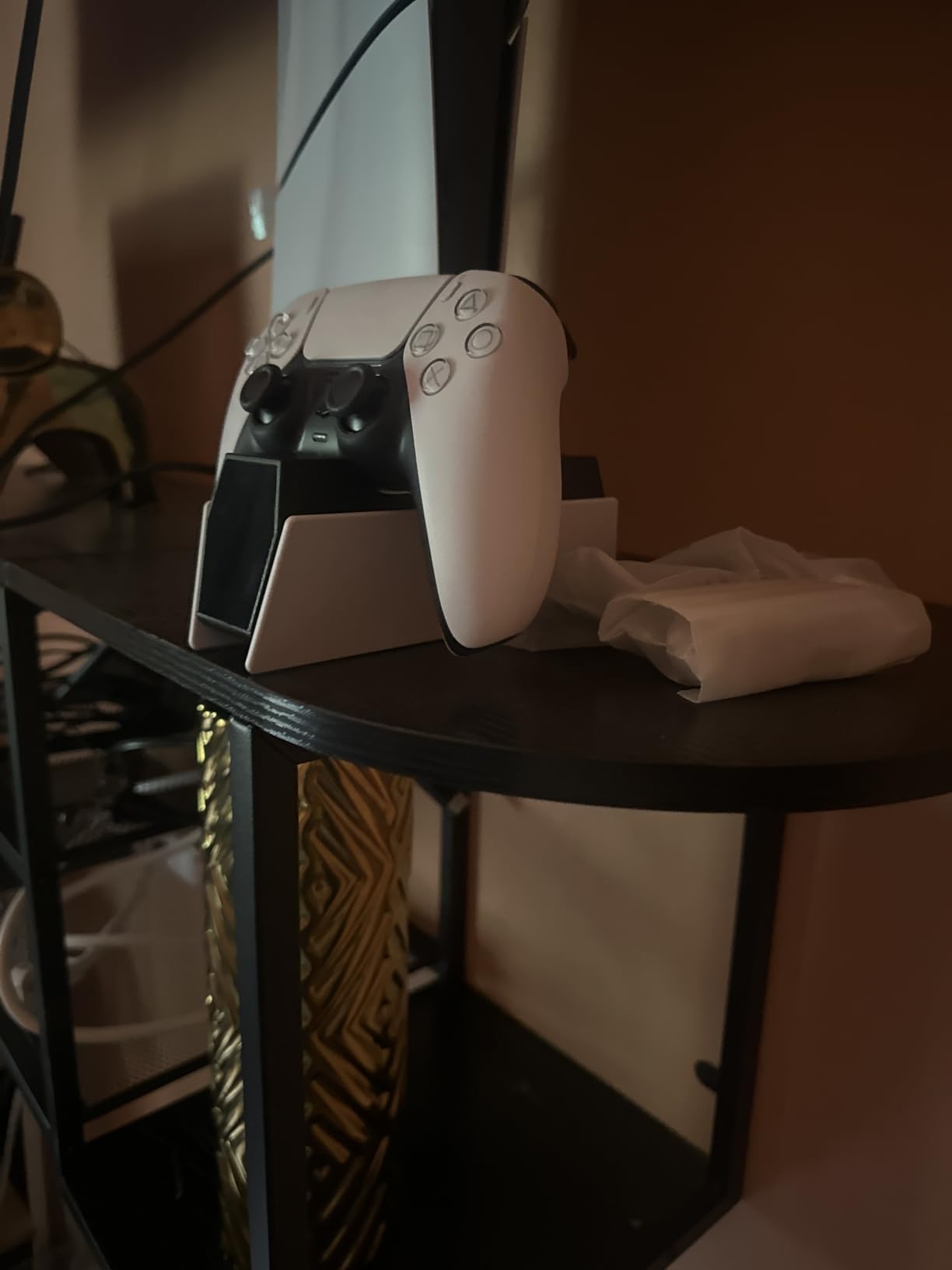
Compatibility extends to both standard DualSense and DualSense Edge controllers. That flexibility matters if you own the premium Edge controller or plan to upgrade later. The overcharge protection circuit keeps your batteries healthy even if you leave controllers docked overnight.
The design mimics the PS5’s curved aesthetic reasonably well. While it does not match as perfectly as the official Sony stand, it still looks at home in most gaming setups.
For Whom It Is Good
Ideal for budget-conscious PS5 owners who want fast charging without paying premium prices. The Edge compatibility makes it future-proof for serious gamers.
For Whom It Is Bad
The alignment requirements when docking might frustrate younger gamers or anyone who prefers a more forgiving design. Those wanting a perfect aesthetic match with their PS5 might prefer the official Sony option.
4. NEWDERY PS5 Controller Charger – DualSense Edge Ready
NEWDERY for PS5 Controller Charger Station Compatible with Dualsense Edge, Fast Charging Dock Stand with Cable, Dual Charging Station for PlayStation 5 & DualSense Edge Controller
DualSense Edge compatible
Easy drop-in design
USB cable included
Overcharge protection
Pros
- Compatible with both DualSense and DualSense Edge controllers
- Easy drop-in charging
- Four-slot design for secure placement
- Fast charging within 3 hours
- Sturdy build quality
Cons
- Lightweight plastic construction
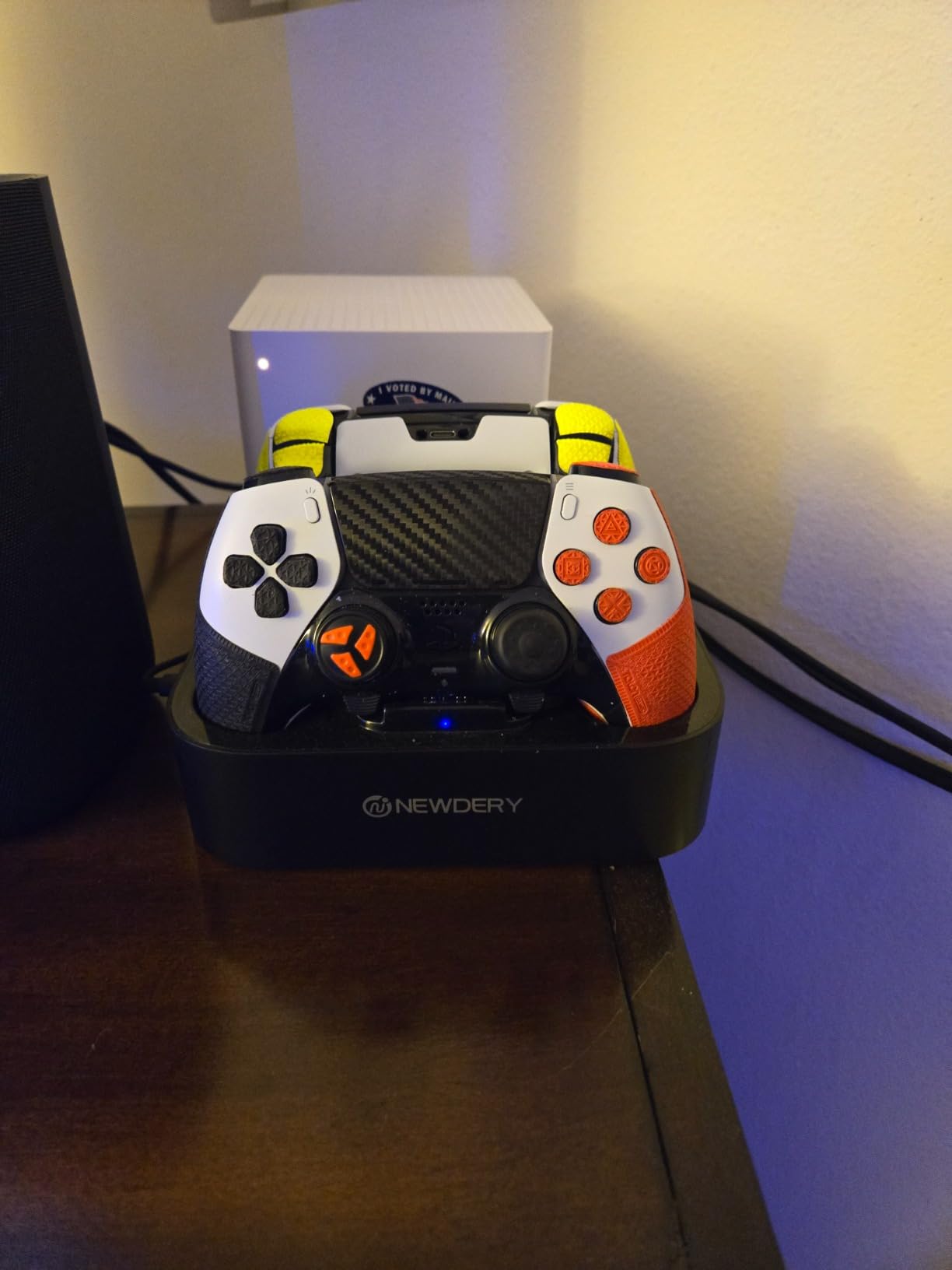
NEWDERY specifically designed this charger with the DualSense Edge in mind. That premium controller has different dimensions than the standard DualSense, and many third-party docks cannot accommodate it properly. This one handles both without issues.
The four-slot design might sound confusing at first, but it simply provides extra stability. Controllers drop into place and stay secure thanks to the cradle-style construction. Blue LED lights flash when charging and turn solid when complete.
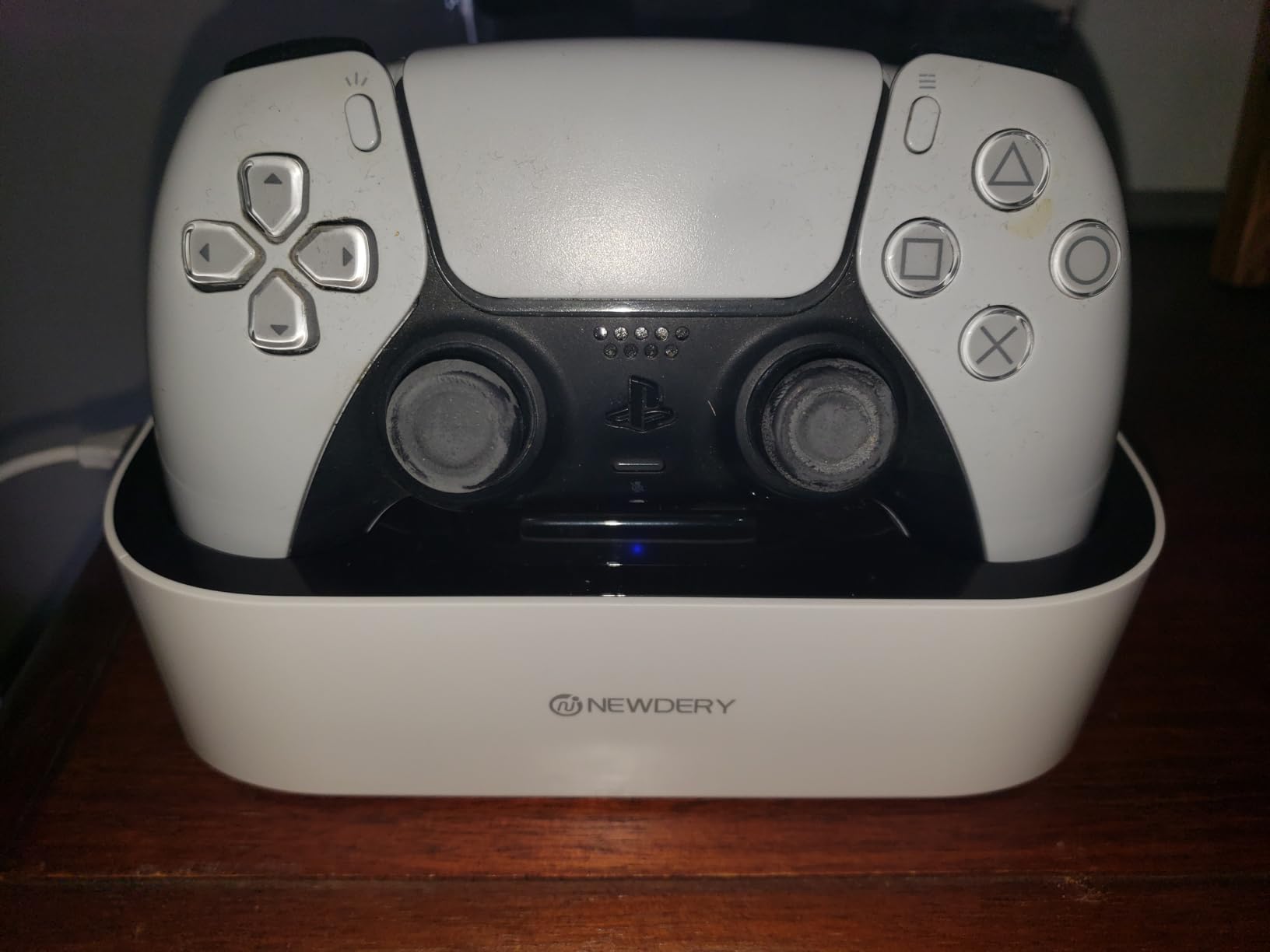
A USB cable comes included, so you have everything needed to start charging right out of the box. The overcharge protection means you can safely leave controllers on the dock overnight without worrying about battery degradation.
User reviews consistently praise how easy this makes the charging process. Just drop the controller in and walk away. The anti-slip mats on the bottom keep the station from sliding around on smooth surfaces.
For Whom It Is Good
Perfect for DualSense Edge owners who have struggled to find a compatible charging solution. Also great for households with both standard and Edge controllers.
For Whom It Is Bad
Those who prefer a more substantial, weighted base might find the lightweight plastic construction underwhelming. It works fine but does not feel as premium as some alternatives.
5. Tokluck PS5 Controller Charger Station – RGB Lighting Effects
PS 5 Controller Charger Station Compatible with PlayStation 5 Edge & Dual Controller, 9 Lightings PS 5 Accessories Charging Station, PS 5 Dock Stand with LED Indicator for PlayStation Consoles
9 LED lighting modes
RGB effects
On-off switch
Edge compatible
Pros
- 10 RGB lighting modes with touch control
- Compatible with DualSense and Edge controllers
- LED indicators for charging status
- On/off switch for power control
- Affordable price point
Cons
- Docking can be finicky - requires proper alignment
- May need to wiggle controller to start charging
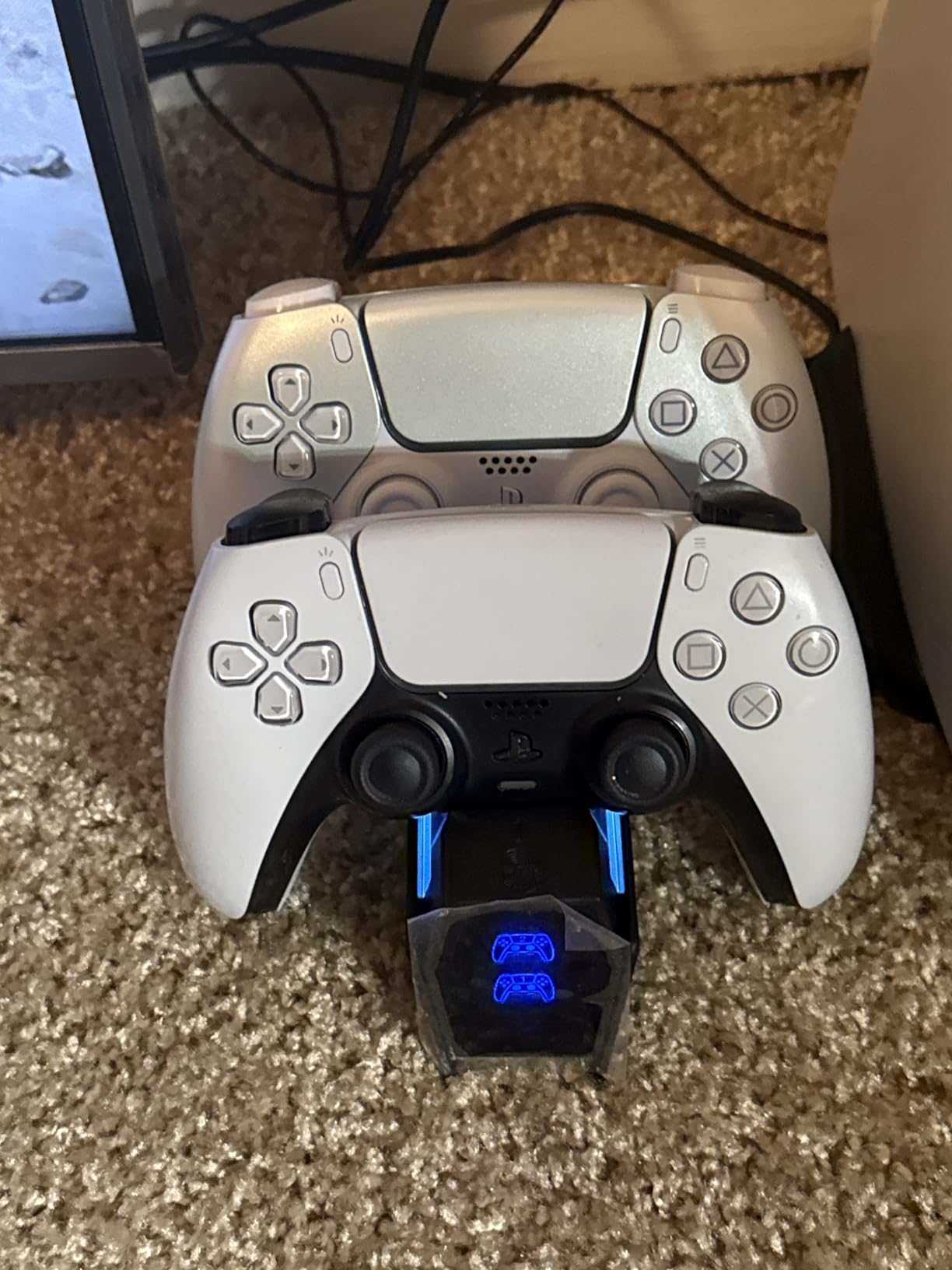
Tokluck adds some personality to the charging station game with RGB lighting effects. You get 10 different lighting modes controlled by a touch button on the front. Whether you want a subtle glow or a color-cycling light show, this station delivers.
Under the flashy exterior, the core functionality remains solid. Two controllers charge fully in about two hours. Red LEDs indicate charging status, switching to blue when your batteries hit 100 percent. The on/off switch lets you kill power completely.
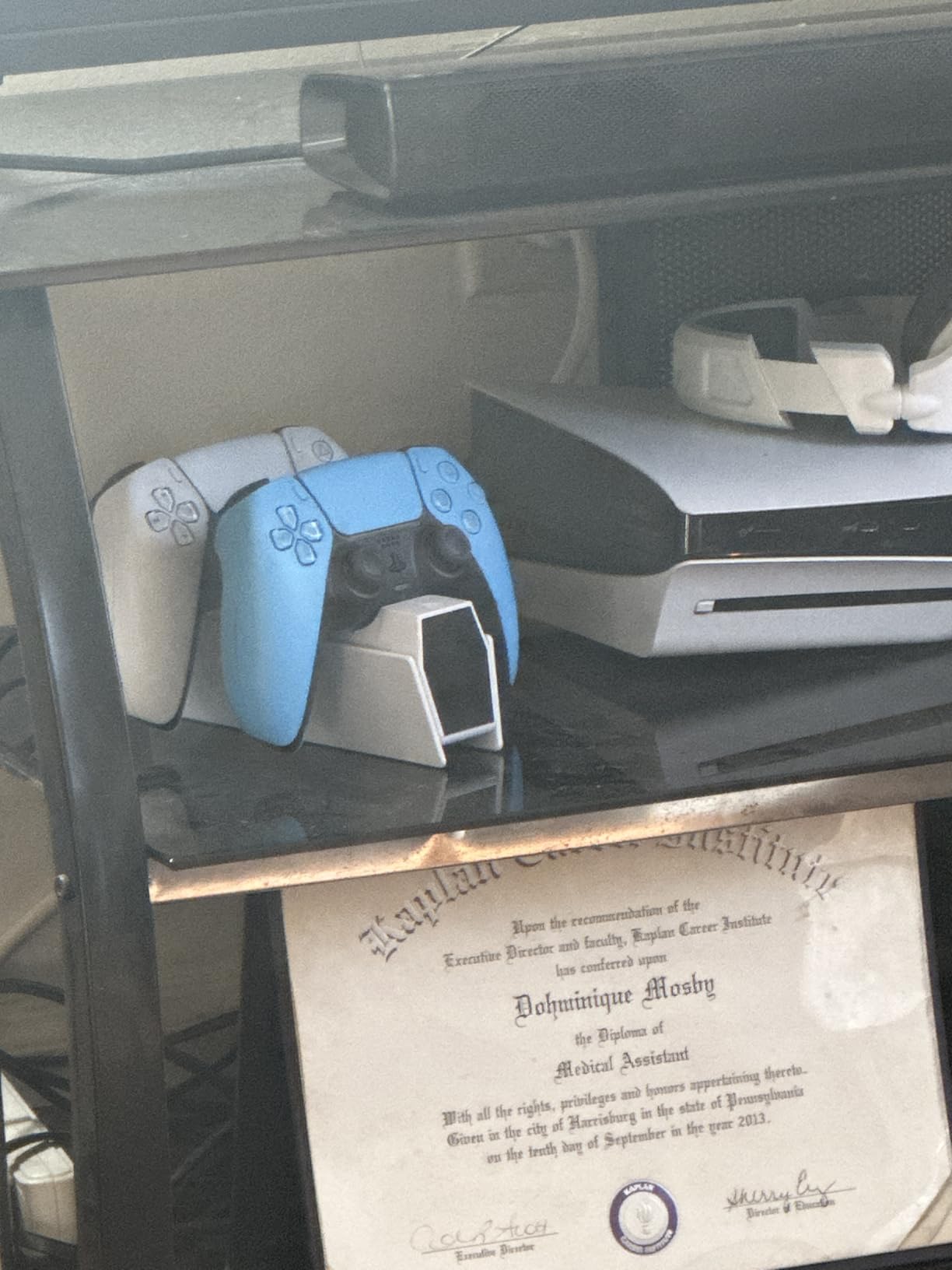
An intelligent protection chip guards against over-current situations. This matters for long-term battery health, especially if you regularly leave controllers docked overnight. The compact design fits well on crowded desks.
Compatibility covers both standard DualSense and Edge controllers, making this a versatile choice for PlayStation enthusiasts. The anti-slip pads keep everything stable during docking and undocking.
For Whom It Is Good
Great for gamers who care about aesthetics and want their charging station to contribute to their setup’s visual appeal. The RGB effects sync well with other gaming peripherals.
For Whom It Is Bad
If you prefer a clean, minimalist look without distracting lights, the RGB features might feel unnecessary. The alignment sensitivity when docking could also frustrate some users.
Xbox Controller Charging Stations
6. OIVO Xbox Controller Charger Station – Best Value for Xbox
Includes 2 rechargeable batteries
5580mWh capacity
RGB lighting
20+ hours playtime
Pros
- Quick charging in 2.5 hours
- Long battery life up to 20 hours
- Includes multiple battery covers for different Xbox models
- RGB lighting feature
- Good value for money
Cons
- Charging consistency can depend on cable and power source
- Not compatible with third-party Xbox controllers
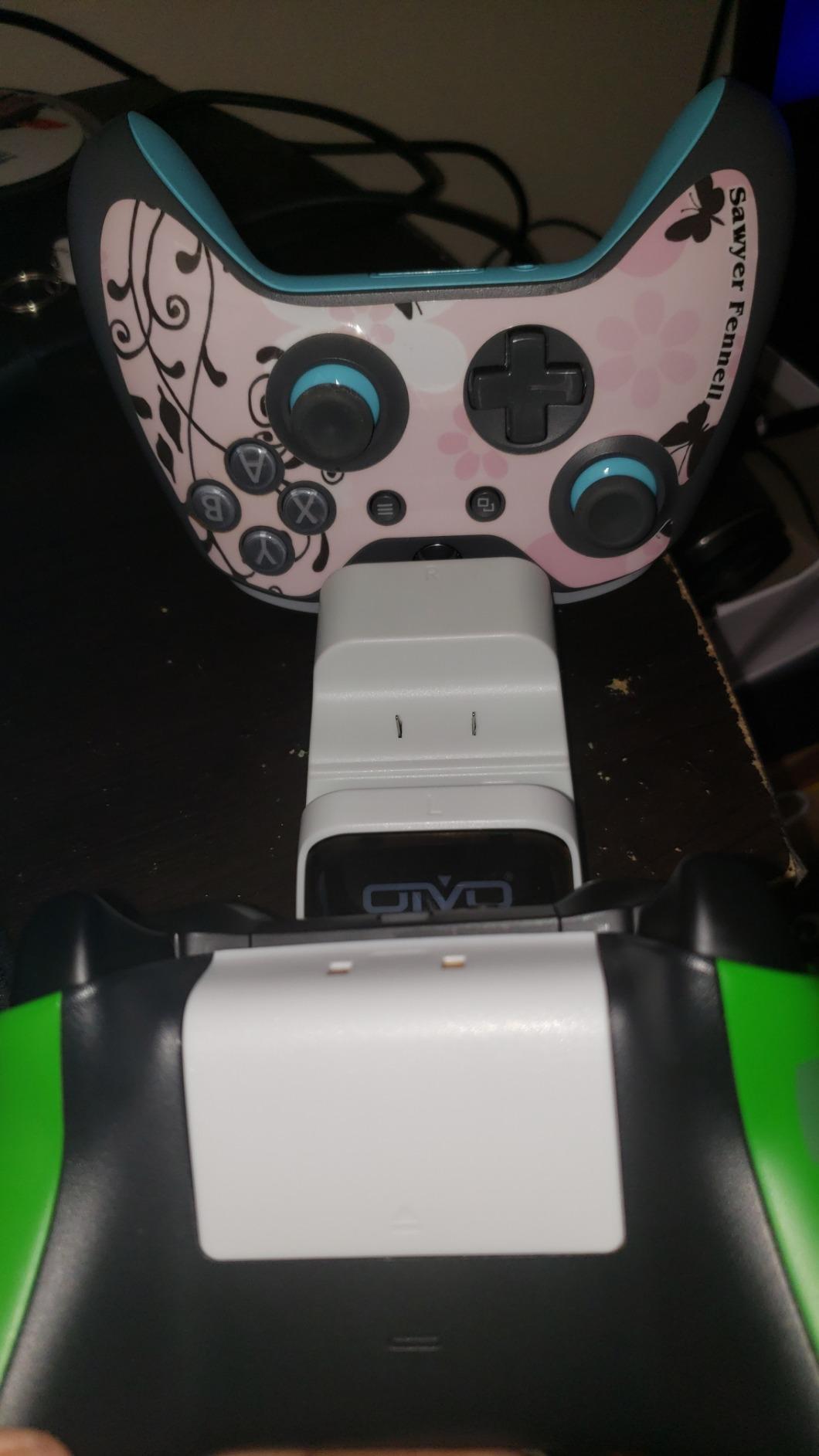
OIVO’s Xbox charging station takes a different approach than the PlayStation options. Instead of charging controllers directly, it charges removable battery packs that you swap into your controllers. This system works across Xbox Series X|S, Xbox One, and Elite controllers.
Two 5580mWh rechargeable batteries come included, each providing up to 20 hours of gameplay. When one runs low, swap it for a charged spare and keep playing. The dock charges both batteries in about 2.5 hours.
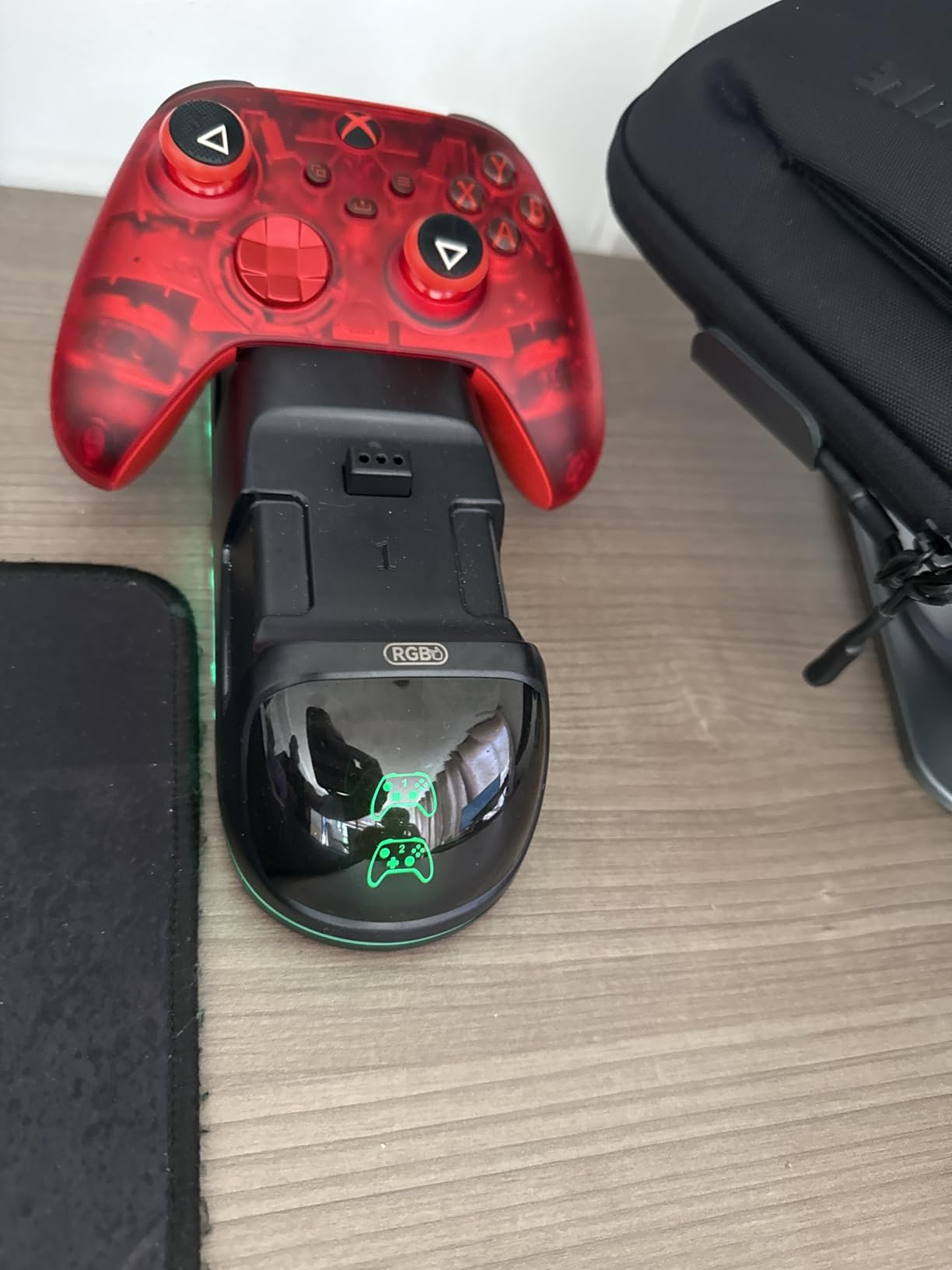
The package includes four battery covers to fit different controller generations. Whether you have original Xbox One controllers or the latest Series X|S models, you will find a cover that fits. LED indicators on the front show charging status at a glance.
RGB lighting adds visual flair to the dock itself. While purely aesthetic, it matches the RGB lighting many gamers already have in their setups. The compact design takes up minimal space on your desk or entertainment center.
For Whom It Is Good
Excellent for Xbox gamers who want the flexibility of swappable batteries. Having a charged spare ready means zero downtime when your controller dies mid-session. The multi-model compatibility covers most Xbox controller collections.
For Whom It Is Bad
If you use third-party Xbox controllers, this system will not work since the batteries are designed specifically for official Microsoft controllers. The separate battery system also adds a small step to the charging process.
7. NinABXY Xbox Controller Charger – High Capacity Batteries
Upgraded Controller Charger Station with 2x6200mWh Rechargeable Battery Packs for Xbox One/Series X|S, Dual Charging Dock for Xbox One Battery Pack (Controller not Included)
6200mWh batteries
25 hours playtime
X-shaped LEDs
2000+ charge cycles
Pros
- High capacity 6200 mWh batteries
- 18-25 hours of playtime per charge
- 2000+ recharge cycles
- Includes 4 battery covers
- Over-charge protection
Cons
- Only compatible with official Xbox controllers
- USB-C cable included is relatively short
NinABXY pushes battery capacity even higher with 6200mWh cells. That translates to 18-25 hours of gameplay per charge, depending on how heavily you use features like rumble and triggers. For marathon gaming sessions, this extra capacity makes a real difference.
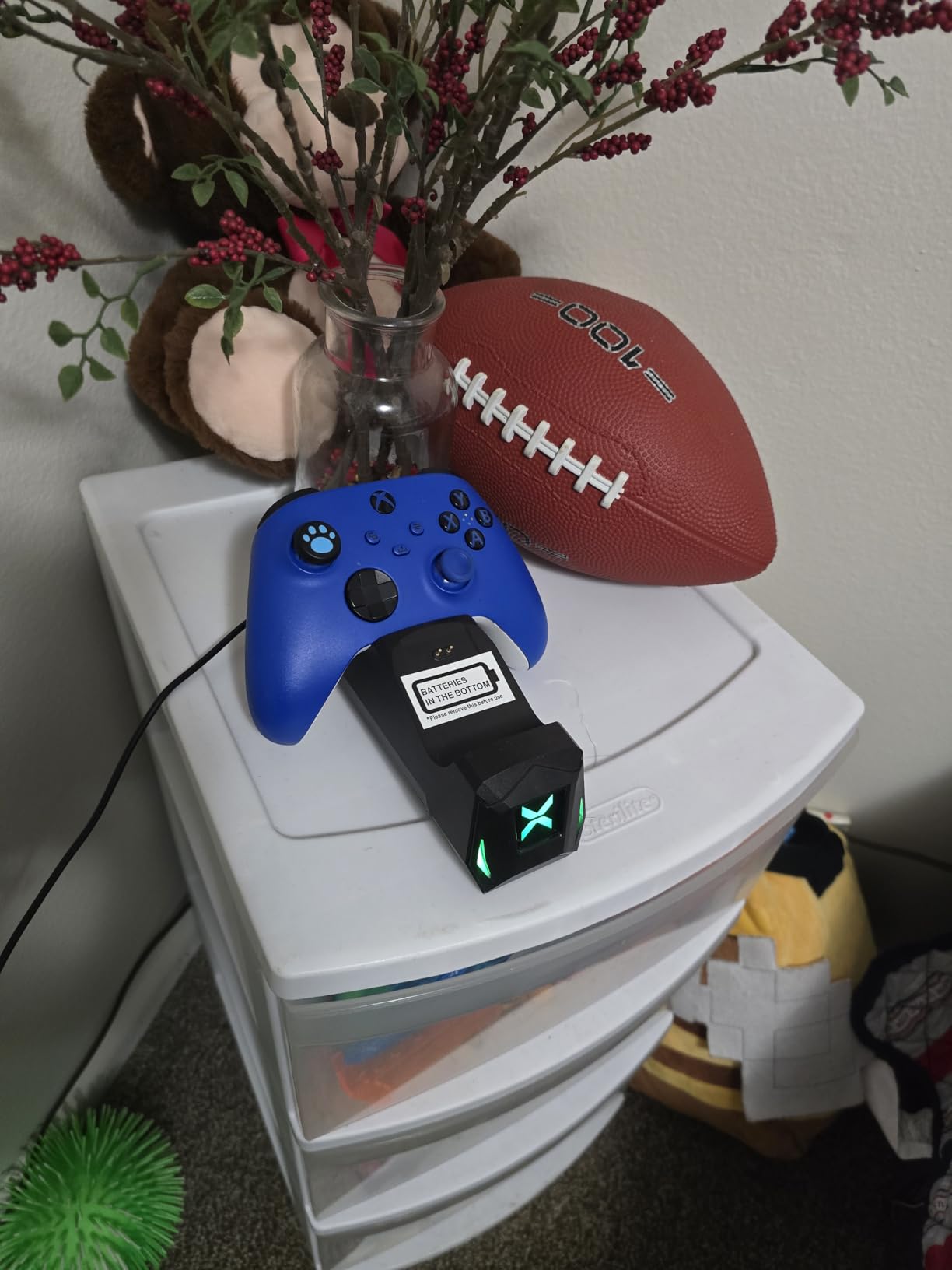
The unique X-shaped LED indicators look great and serve a practical purpose. They clearly show charging status while matching the Xbox aesthetic. Four battery covers accommodate different controller models in your collection.
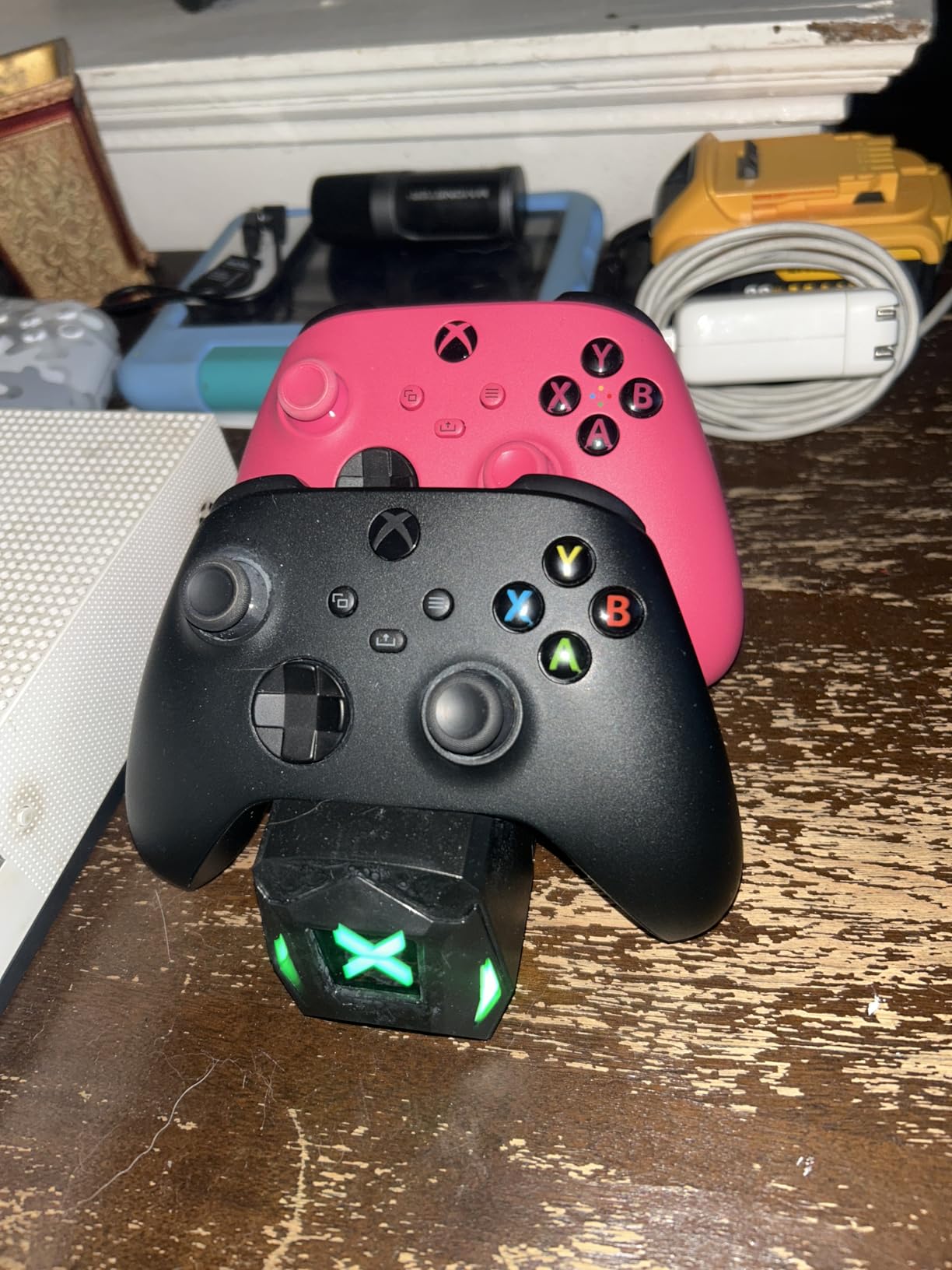
Rated for 2000+ recharge cycles, these batteries should last for years of regular use. The over-charge protection system prevents damage from leaving batteries docked too long. Build quality feels solid despite the affordable price point.
Setup is straightforward. Insert a battery into your controller, add the appropriate cover, and drop it on the dock when it needs charging. The snap-down design ensures good contact every time.
For Whom It Is Good
Perfect for heavy Xbox gamers who want maximum playtime between charges. The high cycle rating also makes this a good long-term investment for daily users.
For Whom It Is Bad
The short USB-C cable might limit placement options if you do not have a nearby USB port or outlet. Third-party controller owners will need to look elsewhere since only official Microsoft controllers are supported.
8. PowerA Solo Charging Stand for Xbox – Single Controller Solution
PowerA Solo Charging Stand for Xbox Series X|S - Black, Works with Xbox One, Charging Station for Xbox Wireless Controller, Officially Licensed
Officially licensed
Solo stand
USB-C charging
1100mAh battery
Pros
- Officially licensed by Xbox
- 20+ hours of gameplay per charge
- USB-C charging capability
- Includes battery doors for Series X|S and Xbox One
- Extra-long USB cable included
Cons
- Battery installation can be difficult
- Only charges one controller at a time
Not everyone needs dual charging capability. PowerA’s Solo Charging Stand focuses on doing one thing well: charging a single Xbox controller. The officially licensed design matches Xbox aesthetics perfectly, available in colors that complement your setup.
The included 1100mAh rechargeable battery delivers 20+ hours of gameplay. While smaller than some competitors, it charges quickly via USB-C. The stand itself draws power from the included extra-long USB cable.
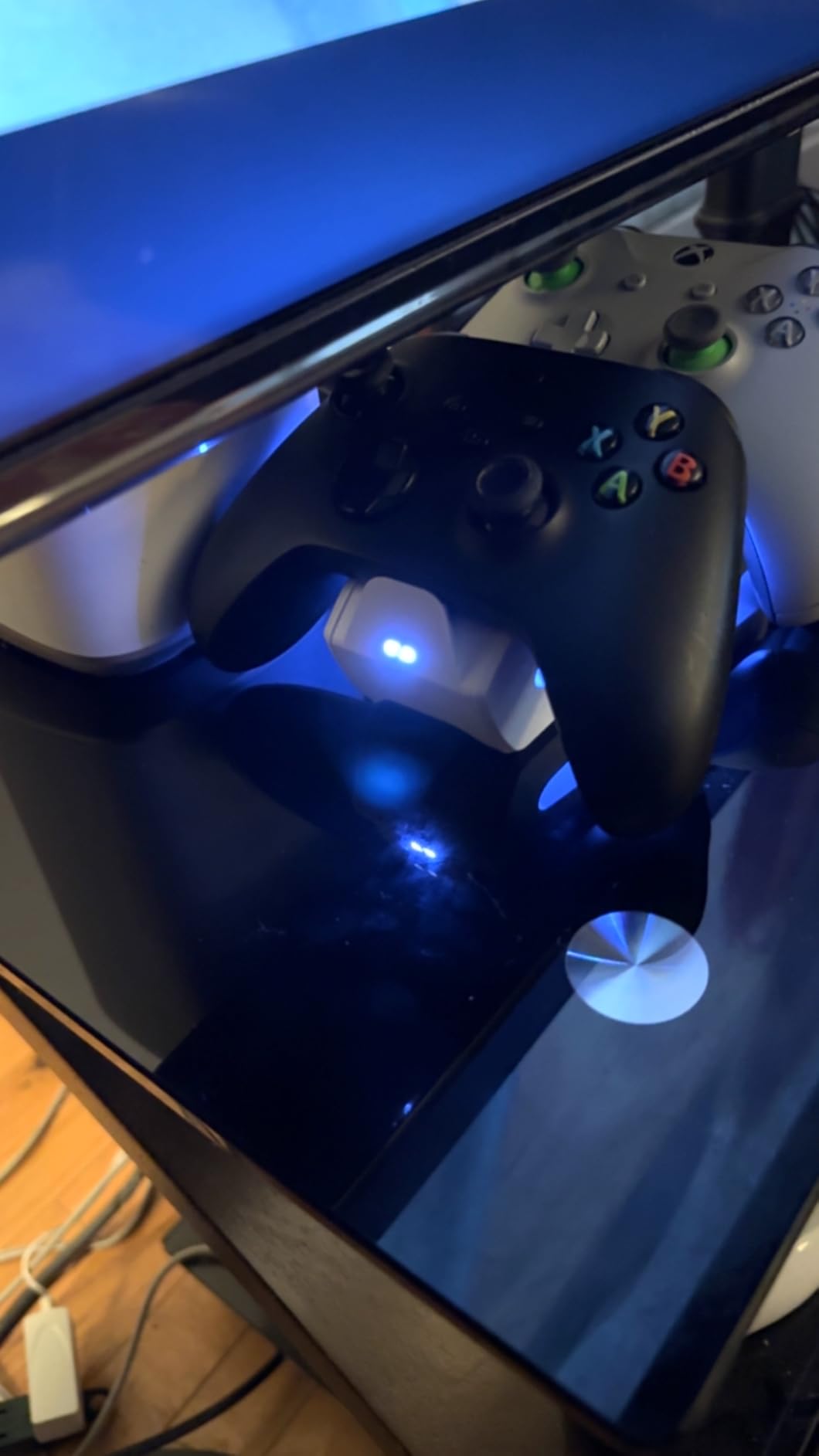
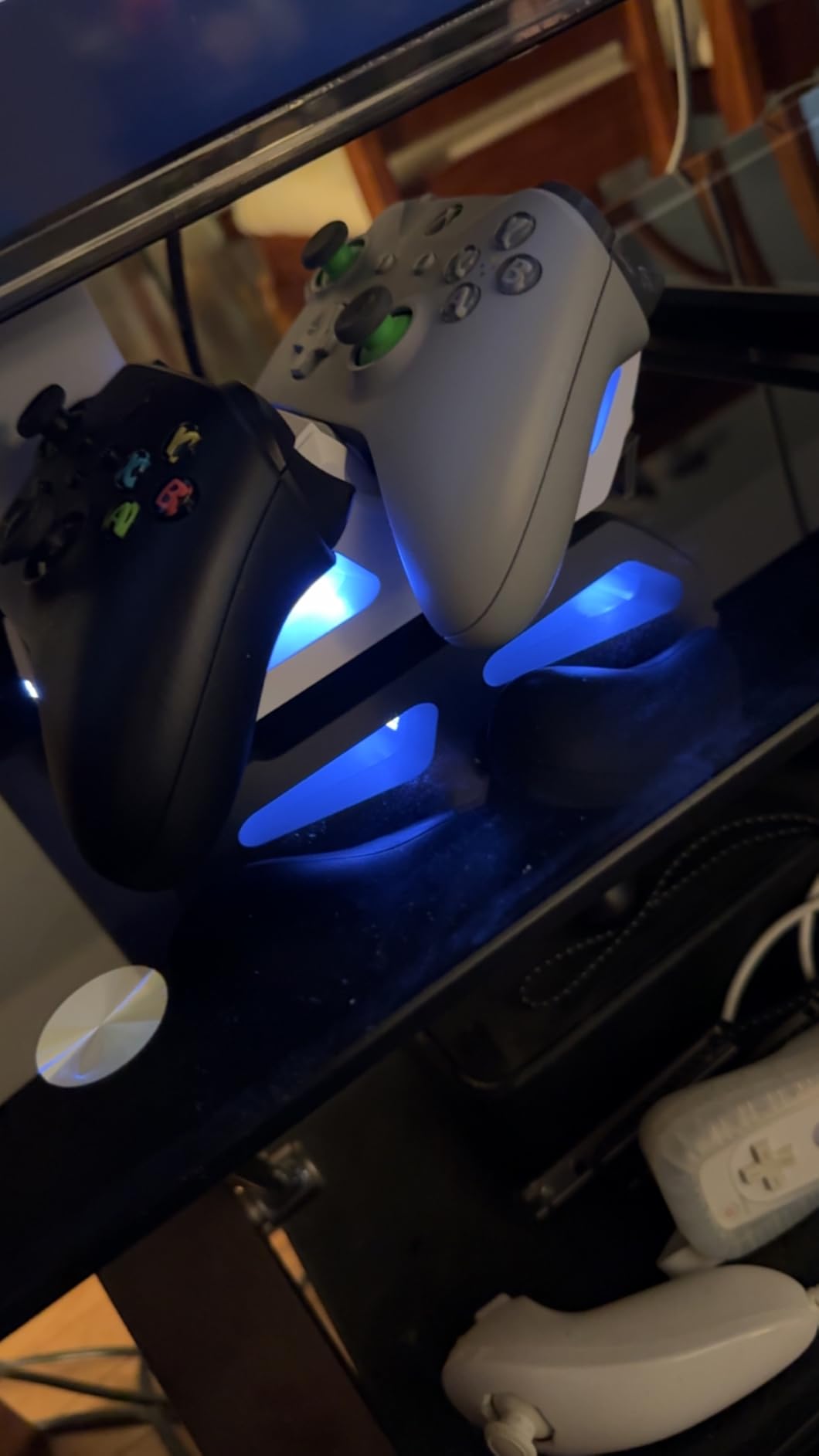
LED indicators on the front show amber while charging and white when complete. The stand holds your controller upright, doubling as a display piece when not actively charging. Battery doors for both Series X|S and Xbox One controllers come in the box.
Some users report that the battery installation requires a firm push to seat properly. Once installed, everything works smoothly. The two-year warranty provides coverage if you encounter any issues.
For Whom It Is Good
Ideal for solo gamers who only need one controller ready at a time. The official licensing and matching aesthetics appeal to Xbox enthusiasts who want their setup to look cohesive.
For Whom It Is Bad
Households with multiple Xbox gamers will find the single-controller capacity limiting. Those who prefer swappable battery systems might want a dual charging solution instead.
9. PowerA Dual Charging Station for Xbox – Budget Dual Charger
PowerA Dual Charging Station for Xbox Series X|S - White
Includes 2 batteries
4 battery doors
Snap-down design
AC adapter powered
Pros
- Affordable price point
- Charges two controllers simultaneously
- Includes two batteries and four battery doors
- Can bypass broken controller charging ports
- AC adapter keeps USB ports free
Cons
- Battery packs may wear out after extensive use
- Charging contacts require proper alignment
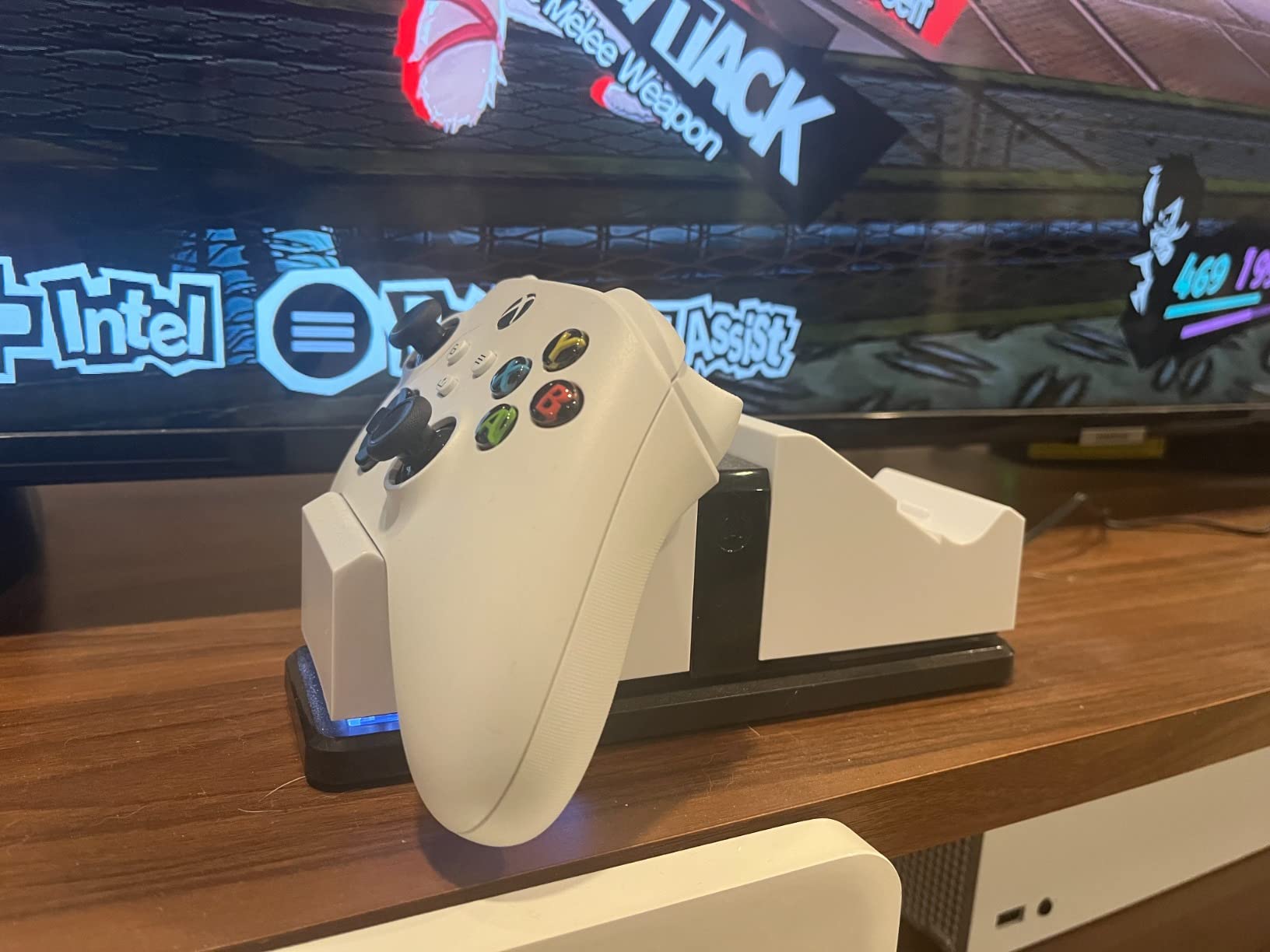
PowerA’s Dual Charging Station offers excellent value for Xbox owners. You get two 1100mAh rechargeable batteries, four battery doors for different controller models, and a charging dock, all at a very competitive price. The massive review count speaks to its popularity.
The snap-down charging design clicks controllers firmly into place. Once seated, the batteries charge directly without needing to connect anything to the controllers themselves. This is particularly useful if your controller’s USB port has issues.
AC adapter power means you do not need to use console USB ports. The color-changing LED indicator shows orange while charging and green when complete. It is a simple system that works reliably.
Long-term durability varies based on usage patterns. Some users report battery degradation after many months of heavy use, while others have had no issues. At this price point, replacement batteries remain affordable if needed.
For Whom It Is Good
Great for budget-conscious Xbox gamers who want dual charging capability without breaking the bank. The included batteries and covers make it a complete solution right out of the box.
For Whom It Is Bad
Heavy daily users might experience faster battery wear compared to premium options. Those seeking the longest possible playtime per charge should consider higher-capacity alternatives.
10. Razer Universal Quick Charging Stand for Xbox – Premium Magnetic Charging
Razer Universal Quick Charging Stand for Xbox Series X|S: Magnetic Secure Charging - Perfectly Matches Xbox Wireless Controllers - USB Powered - Electric Volt (Controller Sold Separately)
Magnetic secure charging
Color-matched design
USB powered
Under 3 hour charge
Pros
- Razer brand quality and design
- Magnetic secure charging system
- Perfectly matches Xbox controller colors
- Quick charging under 3 hours
- Works with all Xbox controllers
Cons
- Battery may drain if not used for about a week
- Higher price point compared to alternatives
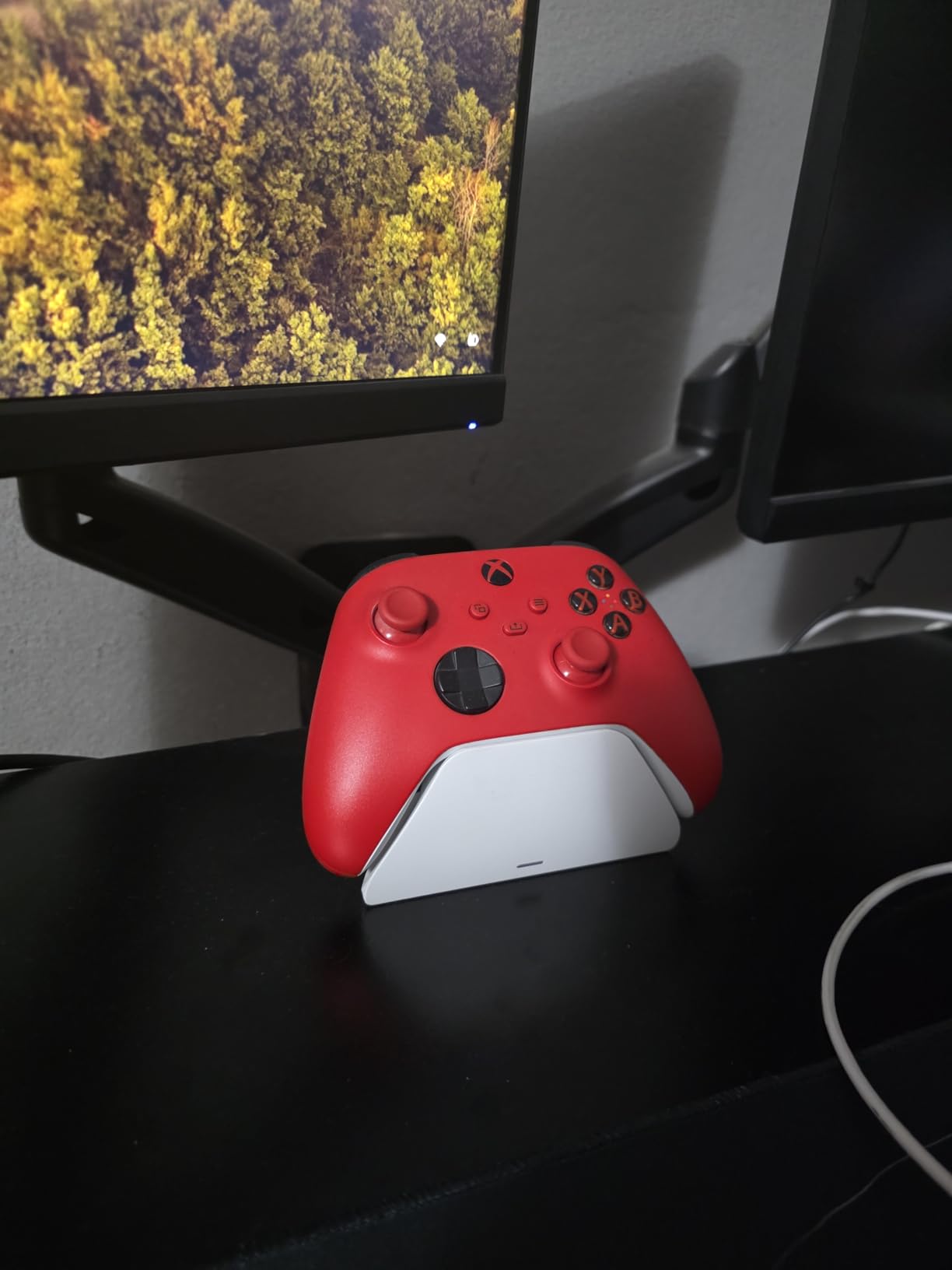
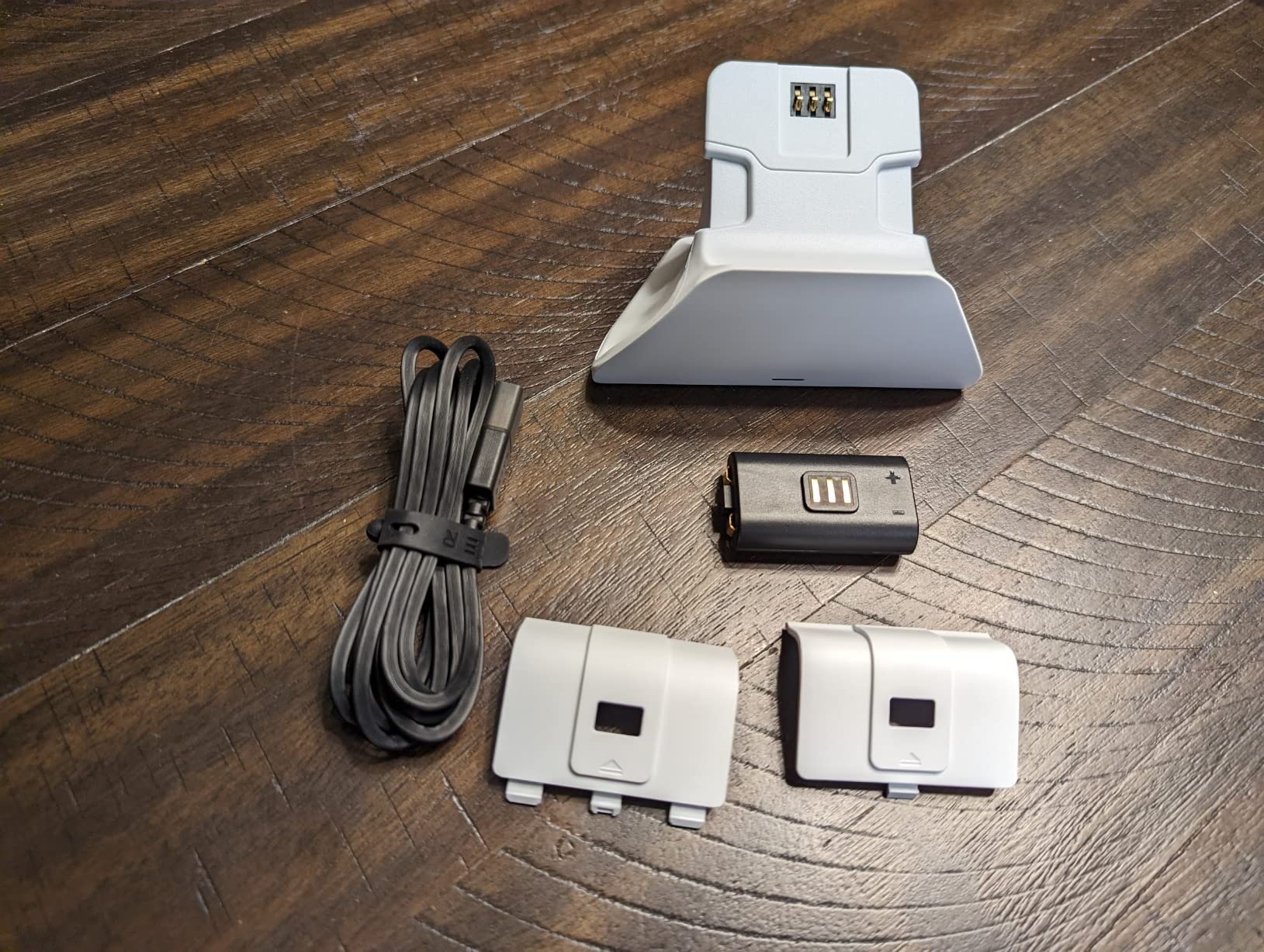
Razer brings its premium build quality to Xbox charging with this Universal Quick Charging Stand. The magnetic contact system is the standout feature here. Your controller snaps into place securely, ensuring perfect alignment every time.
Available in multiple colors that match official Xbox controller options, this stand looks like it belongs in a high-end gaming setup. The Electric Volt color particularly stands out. Build quality feels substantial with a weighted base that stays put.
Charging completes in under three hours, and the overcharge protection keeps your battery healthy during extended dock time. You can even navigate the Xbox dashboard while the controller sits on the stand, which is a nice touch for casual use.
Universal compatibility means this works with Series X|S, Xbox One, and Elite controllers. The officially licensed status ensures reliability across all supported models.
For Whom It Is Good
Perfect for gamers who appreciate premium build quality and matching aesthetics. The magnetic system solves alignment frustrations common with other charging stands. Razer fans will love the cohesive look with other Razer peripherals.
For Whom It Is Bad
The higher price point might deter budget-conscious buyers. Some users report battery drain when controllers sit unused for a week, so regular use is expected.
Nintendo Switch Controller Charging Stations
11. HORI Nintendo Switch Joy-Con Charge Stand – Official Nintendo Licensed
HORI Nintendo Switch Joy-Con Charge Stand by HORI Officially Licensed by Nintendo
Officially licensed
Charges 4 Joy-Cons
LED indicators
Plugs into Switch dock
Pros
- Officially licensed by Nintendo
- Charges up to 4 Joy-Cons simultaneously
- LED indicators show charge status
- High build quality
- Compact and lightweight design
Cons
- Short charging cable
- Doesn't include wall adapter
- May not charge reliably through Switch dock when console is asleep
HORI has made officially licensed Nintendo accessories for years, and this Joy-Con Charge Stand shows why Nintendo trusts them. The build quality feels premium, and the design integrates seamlessly with your Switch setup. It charges up to four Joy-Cons at once.
Individual LEDs for each Joy-Con show charging status clearly. You can see at a glance which controllers are ready and which still need time. The slide-in design makes docking easy without any locking mechanisms to fuss with.
The stand plugs into your Nintendo Switch dock’s USB port. While convenient, some users find charging more reliable when connected directly to a wall outlet instead. The included cable measures about 22 inches, which limits placement options.
Despite the minor cable length complaint, this remains one of the highest-rated Switch charging accessories available. The combination of official licensing, solid build quality, and four-controller capacity makes it a top choice.
For Whom It Is Good
Excellent for Switch owners with multiple sets of Joy-Cons. The officially licensed status and proven reliability make this a safe choice for families and serious Nintendo gamers alike.
For Whom It Is Bad
Those who need flexible placement might find the short cable restrictive. If you want to charge Pro Controllers, you will need a different solution since this only handles Joy-Cons.
12. FYOUNG Joy-Con Charging Dock – Budget 4-Controller Option

Switch Controller Charger Dock Station for Joy Cons & USB C Charging Cable
USB Type-C charging
4 Joy-Con capacity
LED indicators
2-hour charge time
Pros
- Affordable price point
- Compact and space-saving design
- Charges 4 Joy-Cons simultaneously
- USB Type-C charging
- Sleek design complements Switch
Cons
- Requires precise positioning to charge properly
- May not work with protective cases
- Lightweight plastic build
FYOUNG offers an affordable alternative for charging multiple Joy-Cons. The compact design takes up minimal space while handling four controllers at once. USB Type-C charging brings modern convenience to this budget option.
LED indicators use red for charging and green for complete. The slide-in rails hold Joy-Cons at the correct angle for charging. When everything lines up properly, four controllers charge fully within about two hours.
The main trade-off at this price point is precision. Joy-Cons need to sit just right for charging to begin. Users with protective cases on their controllers will likely need to remove them first. The lightweight plastic construction works but does not feel premium.
For the price, you get a functional charging solution that keeps your Joy-Cons organized and powered. The included 3-foot USB-C cable provides decent placement flexibility.
For Whom It Is Good
Great for budget-conscious Switch owners who need to charge multiple Joy-Cons without spending much. The compact size works well for smaller gaming setups.
For Whom It Is Bad
Users who want a fuss-free experience might find the alignment requirements frustrating. Those with controller cases should plan to remove them before charging.
13. FastSnail Charging Dock for Switch – Lamppost LED Design

FastSnail Charging Dock Compatible with Nintendo Switch for Joy Con & OLED Model Controller with Lamppost LED Indication, Charger Stand Station with Charging Cable
Lamppost LEDs
OLED compatible
USB-C charging
Protection features
Pros
- Affordable and practical
- Charges 4 Joy-Cons quickly
- LED indicators are very helpful
- Compact and portable design
- Works with both Switch and OLED models
Cons
- Plastic construction feels somewhat cheap
- Magnetic attachment not very strong
- Bright LEDs may be distracting at night
FastSnail’s charging dock stands out with its unique lamppost LED design. Each charging slot has its own light column that glows to indicate status. Beyond looking cool, these tall LEDs make it easy to see charging progress from across the room.
Compatibility extends to both original Switch and OLED models. The same dock works with either console generation, which is helpful if you upgrade later. Four Joy-Cons charge simultaneously within a few hours.
The built-in protection IC guards against over-charging, over-voltage, and short circuits. These safety features matter when leaving controllers charging overnight. USB-C power input works with most modern phone chargers.
Some users mention the bright LEDs can illuminate a dark room at night. If you keep your gaming setup in a bedroom, you might want to position this away from your sleeping area or unplug it before bed.
For Whom It Is Good
Perfect for Switch owners who want a functional charger with visual flair. The tall LED indicators are genuinely useful for checking status at a glance. OLED Switch owners will appreciate the confirmed compatibility.
For Whom It Is Bad
Those sensitive to light at night might find the LEDs too bright. Users seeking a premium build quality should consider the officially licensed HORI option instead.
14. PowerA Joy-Con Charging Dock for Nintendo Switch – Licensed Quality
PowerA Joy-Con Charging Dock for Nintendo Switch
Officially licensed
Weighted base
4 Joy-Con charging
2-year warranty
Pros
- Officially licensed by Nintendo
- Charges 4 Joy-Cons simultaneously
- Weighted base provides stability
- LED indicators for each controller
- Two-year limited warranty
Cons
- Joy-Cons difficult to remove from tight dock
- Won't charge Joy-Cons with cases on them
- Doesn't automatically pair Joy-Cons to new systems
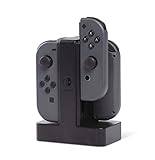
PowerA brings officially licensed quality to the Switch charging scene. This dock charges four Joy-Cons simultaneously while keeping them organized and displayed. The weighted base prevents tipping when you remove controllers.
Individual LEDs show charge status for each Joy-Con slot. The slide-in design makes docking straightforward, though some users find the fit quite tight. That snug fit ensures good electrical contact but can make removal require more force than expected.
USB power means you can connect it to your Switch dock, a computer, or any USB power adapter. The two-year warranty provides coverage for defects, which adds value to the purchase.
Keep in mind that Joy-Cons with protective cases will not fit. You need to remove any skins or covers before docking. Also, this dock only charges, it does not handle pairing or syncing functions.
For Whom It Is Good
Great for Switch owners who value officially licensed products and solid build quality. The weighted base and warranty make this a reliable long-term choice for daily use.
For Whom It Is Bad
If your Joy-Cons have protective cases, you will need to remove them each time. The tight fit might also frustrate younger gamers or anyone with limited hand strength.
15. PURBHE 6-in-1 Switch Charging Dock – Multi-Platform Versatility

Switch Controller Charger for Nintendo Switch, Charging Dock with JoyCon/Pro / PS5 Controller, Charger Station with LED Indicator and Charger Cable for JoyCons, 6 in 1 Nintendo Charging Dock
6-in-1 charging
Multi-platform support
LED indicators
Built-in protection IC
Pros
- Versatile 6-in-1 charging capability
- Charges Joy-Cons
- Pro Controllers
- and PS5 controllers
- LED indicators show charging status
- Compact and space-saving design
- Built-in safety protection IC chip
Cons
- USB-C port for controllers has some wobble
- Power port on the side may require right-angle adapter
- Not fast charging
PURBHE takes versatility to another level with this 6-in-1 charging dock. Four Joy-Con slots handle your Nintendo controllers, while two additional slots work with Switch Pro Controllers or even PS5 DualSense controllers. This makes it perfect for multi-platform households.
The design mimics official Nintendo styling, with a clean white finish that matches the Switch aesthetic. LED indicators show charging status for each slot. The built-in protection IC handles over-charging, over-voltage, and short-circuit protection.
USB-C power input provides modern connectivity. The track design makes plugging and unplugging controllers straightforward. Everything sits securely once docked.
Some users note the USB-C ports have a bit of wobble, which is a minor quality concern. The power port sits on the side, so you might need a right-angle adapter for tight spaces. Despite these small issues, the multi-platform capability makes this unique.
For Whom It Is Good
Perfect for gamers who own both Switch and PS5. The ability to charge Pro Controllers alongside Joy-Cons adds flexibility. Multi-platform households get maximum value from a single dock.
For Whom It Is Bad
Xbox-only gamers will not benefit from this design. Those wanting the absolute fastest charging speeds should look at dedicated single-platform options instead.
Buying Guide: How to Choose the Best Controller Charging Station
Picking the right charging station comes down to matching features with your specific gaming habits. Here is what to consider before making your decision.
Platform Compatibility
Start by confirming the charging station works with your controllers. PlayStation 5 DualSense controllers use a specific contact arrangement that differs from Xbox batteries or Nintendo Joy-Cons. Some stations only support one platform, while versatile options like the PURBHE 6-in-1 handle multiple types.
Within each platform, check for specific model compatibility. Xbox has several controller generations, and Nintendo has original Switch versus OLED models. PlayStation users should verify DualSense Edge support if they own or plan to buy that premium controller.
Charging Speed and Capacity
Charging times vary significantly between models. Most stations charge controllers in 2-3 hours, but battery capacity affects how long you can play afterward. Xbox battery packs range from 1100mAh in basic options to 6200mWh in high-capacity alternatives.
Consider how many controllers you need to charge simultaneously. Dual charging stations work well for most households, but families with multiple gamers might prefer four-slot Joy-Con docks. Solo gamers can save money and space with single-controller stands.
Build Quality and Design
A charging station sits on your desk or entertainment center, so aesthetics matter. Official products from Sony, Microsoft, and Nintendo typically match their respective console designs perfectly. Third-party options range from close matches to more distinct styles.
Weighted bases and non-slip feet keep stations stable during use. Cheap plastic constructions might wobble or slide when you dock controllers. Premium options like the Razer stand feel more substantial and stay put better.
Safety Features
Overcharge protection prevents battery damage when controllers sit on the dock overnight. Most modern stations include this feature, but budget options sometimes skip it. Look for explicit mention of over-charge, over-voltage, and short-circuit protection.
LED indicators help you monitor charging status without guessing. Red typically means charging, while blue or green indicates a full battery. Some stations turn indicators off when complete, which is fine but less informative.
Price Considerations
Controller charging stations range from around $15 for basic third-party options to $35 or more for premium official products. Higher prices often bring better build quality, warranties, and aesthetic matching. However, budget options frequently deliver reliable performance at a fraction of the cost.
Consider the total package value. Some Xbox stations include rechargeable batteries worth $20-30 separately. Nintendo docks that include cables save you from buying extras. Factor in what comes in the box when comparing prices.
Frequently Asked Questions
Which controller charging station is the best?
The best controller charging station depends on your platform. For PS5, the official Sony DualSense Charging Station offers unmatched reliability and aesthetic matching. Xbox owners should consider the OIVO Xbox Controller Charger Station for its excellent value and included batteries. Nintendo Switch gamers get great results from the officially licensed HORI Joy-Con Charge Stand.
What is the best multipurpose charging station?
The PURBHE 6-in-1 Charging Dock stands out as the most versatile option, charging Nintendo Switch Joy-Cons, Pro Controllers, and even PS5 DualSense controllers. This makes it perfect for multi-platform households that want a single charging solution for all their controllers.
What can I use to charge my controller?
You can charge controllers using USB cables connected to your console, a computer, or a wall adapter. However, dedicated charging stations offer better organization, simultaneous multi-controller charging, and often faster charging times. They also free up USB ports on your console and keep controllers displayed neatly.
What charging stations charge the fastest?
Most quality controller charging stations fully charge controllers in 2-3 hours. The OIVO PS5 Controller Charger claims to charge two controllers in about 2 hours thanks to its included AC adapter. Xbox stations with higher-capacity batteries like the NinABXY may take slightly longer (4-5 hours) but provide significantly longer playtime per charge.
Conclusion
Finding the best controller charging stations for 2026 means matching your platform and gaming habits with the right features. The official Sony DualSense Charging Station leads for PS5 owners who want reliability and perfect aesthetics. Xbox gamers get excellent value from the OIVO station with its included batteries and RGB lighting. Nintendo Switch players should look at the HORI Joy-Con Charge Stand for officially licensed quality.
Any of these 15 options will keep your controllers organized and ready for action. Pick the one that fits your setup, budget, and platform, and say goodbye to dead battery interruptions forever.