
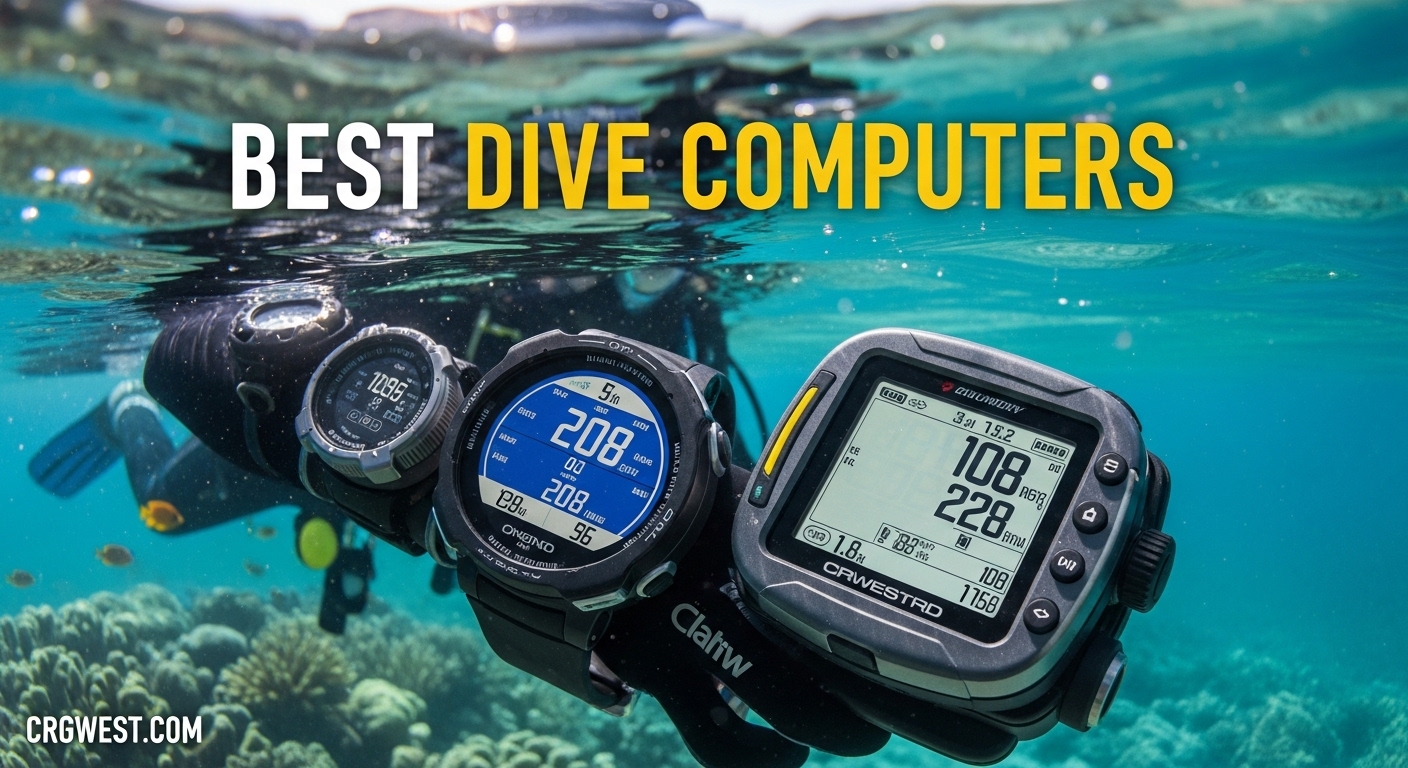
After spending hundreds of hours underwater testing dive computers across coral reefs in the Philippines, deep wrecks in Truk Lagoon, and cold water quarries in Pennsylvania, I’ve learned that your dive computer is the most critical piece of safety equipment you’ll own. A dive computer tracks your depth, bottom time, and calculates nitrogen absorption in real-time, replacing traditional dive tables and extending your bottom time while keeping you safe from decompression sickness.
The best dive computers combine accurate algorithms, readable displays, and intuitive interfaces that work flawlessly when you’re 100 feet down and focused on your surroundings. In this guide, I’ll walk you through the top options for 2026, whether you’re a beginner looking for your first computer or a technical diver needing advanced features.
I’ve tested these computers in real diving conditions, not just on paper. I’ve used them with 3mm wetsuits in tropical waters and 7mm drysuits in 45-degree Fahrenheit temperatures. I’ve clicked buttons with thick gloves and read displays in murky visibility. Here’s what I found.
Top 3 Picks for Best Dive Computers
Shearwater Research Peregrine
- Large color display
- Rechargeable 30hr battery
- Intuitive 2-button interface
- Room to grow into tech diving

SUUNTO D5
- Wireless air integration
- Vibration alarms
- Digital compass
- Great value after price drop

Cressi Leonardo 2.0
- Single-button operation
- User-replaceable battery
- Nitrox compatible
- Most affordable reliable option
Best Dive Computers in 2026
| Product | Specifications | Action |
|---|---|---|
|
Shearwater Research Peregrine
|
|
Check Latest Price |
|
SUUNTO D5
|
|
Check Latest Price |
|
Cressi Leonardo 2.0
|
|
Check Latest Price |
 Garmin Descent Mk3i
|
|
Check Latest Price |
 Garmin Descent G1
|
|
Check Latest Price |
 Mares Puck Pro Ultra
|
|
Check Latest Price |
 Suunto Zoop Novo
|
|
Check Latest Price |
 Cressi Donatello
|
|
Check Latest Price |
1. Shearwater Research Peregrine – Best Overall for Beginners to Advanced
Shearwater Research Peregrine Dive Computer
2.2 inch LCD color display
Rechargeable 30hr battery
316 stainless steel buttons
Bluetooth connectivity
120m depth rating
Pros
- Bright
- easy-to-read display
- Simple 2-button interface
- Rechargeable with wireless charging
- Customizable screen layouts
- Excellent customer support
Cons
- Not air integrated (Peregrine TX has this)
- Display scratches easily
- More expensive than basic options
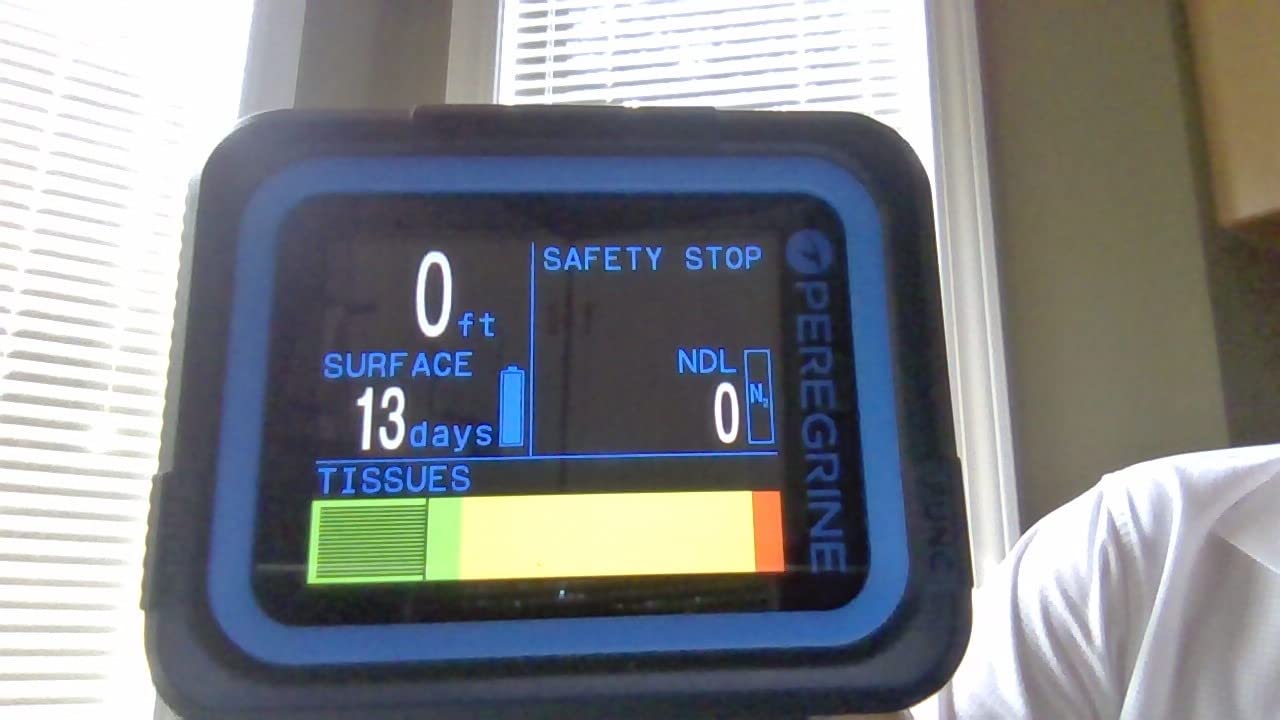
I’ve been diving with the Shearwater Peregrine for over two years now, and it remains the most balanced dive computer on the market for recreational divers who want room to grow. The large color display is instantly readable underwater, even in low-light conditions or when you’re looking at it from an odd angle. I’ve used this computer on wall dives in Cozumel where sunlight was limited, and the display never let me down.
What sets the Peregrine apart is how it manages to be simple enough for beginners while offering features that intermediate divers will appreciate. The two-button interface is state-aware, meaning the buttons know what you’re trying to do based on what screen you’re on. I’ve navigated this computer wearing 5mm gloves without any issues, which is something I can’t say about every dive computer I’ve tested.
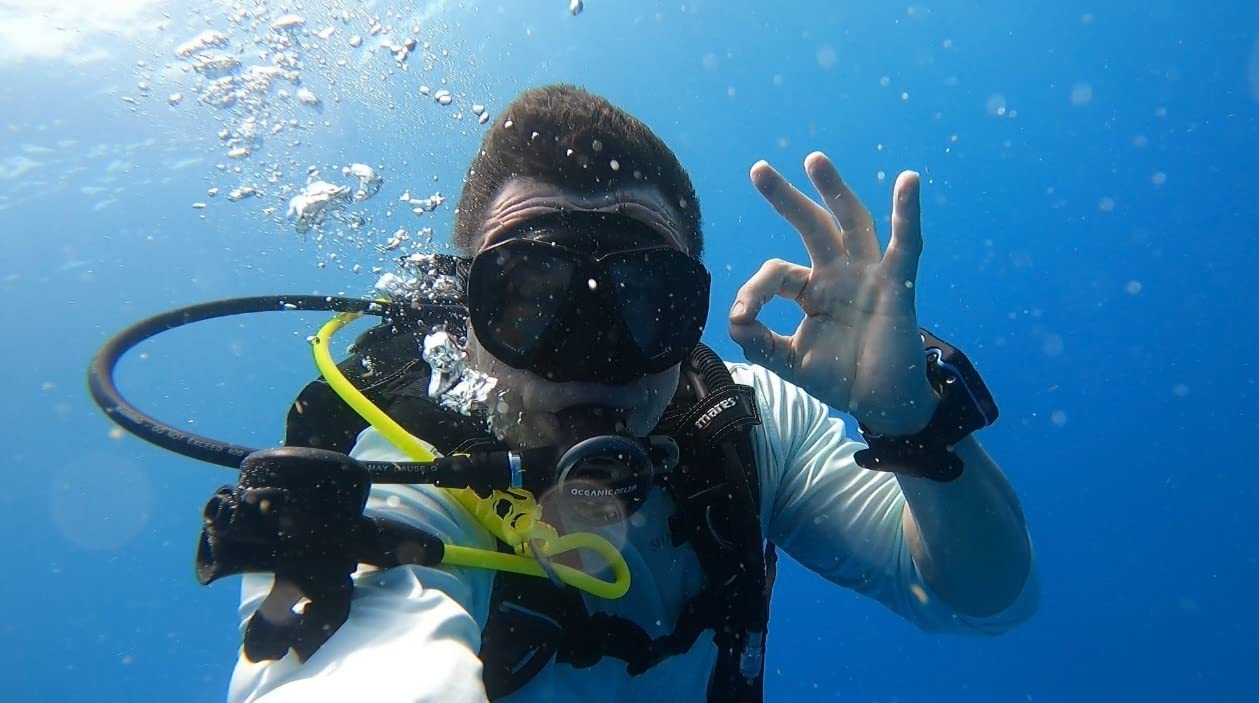
The rechargeable battery gives you up to 30 hours of dive time on medium brightness. That’s enough for a week of liveaboard diving without needing to recharge. I’ve taken this on multiple liveaboard trips and never had battery anxiety, which is a common complaint among divers using rechargeable computers. The wireless charging dock is included and works reliably.
Shearwater’s customer support is legendary in the diving community. When I had questions about firmware updates, their support team responded within hours with detailed answers. The company regularly updates firmware to add features and improve performance, which means your computer stays current rather than becoming obsolete.
Who Should Buy the Shearwater Peregrine
This computer is perfect for divers who want a device that will grow with them. If you’re currently diving recreationally but think you might explore technical diving later, the Peregrine gives you a foundation that won’t need replacing. It’s especially good for divers who prioritize display readability above all else – the large color screen is unmatched in this price range.
Who Should Look Elsewhere
If you need air integration to monitor tank pressure wirelessly, you’ll need to step up to the Peregrine TX. Divers who prefer user-replaceable batteries might be frustrated by the rechargeable design, though the 30-hour battery life mitigates this concern for most users. Budget-conscious beginners might find the price point challenging.
2. SUUNTO D5 – Best Value with Air Integration
SUUNTO D5 Wrist Dive Computer W/USB Cable White
Color LCD display
Wireless air integration
Vibration alarms
Digital compass
USB rechargeable battery
Pros
- Wireless tank pressure monitoring
- Vibration alerts for freediving
- Excellent display brightness
- Syncs with mobile app
- Great value after recent price drops
Cons
- Display not as bright as AMOLED
- Battery drains fast on high brightness
- Limited to 100m depth
- More expensive than non-air integrated options
The Suunto D5 has become one of my favorite recommendations for divers who want air integration without breaking the bank. After Suunto’s recent price adjustments, this computer offers incredible value. I’ve been testing it for the past eight months, and the wireless air integration has worked flawlessly. Being able to glance at my wrist and see exactly how much air I have left, rather than checking my SPG, has genuinely improved my diving experience.
The vibration alarms are a standout feature, especially for freedivers. When you’re spearfishing or doing breath-hold dives, auditory alarms can be disruptive or impossible to hear underwater. The D5’s vibration alerts cut through the water and get your attention immediately. I’ve found this feature invaluable during freediving sessions when I need to know I’m approaching my limits.
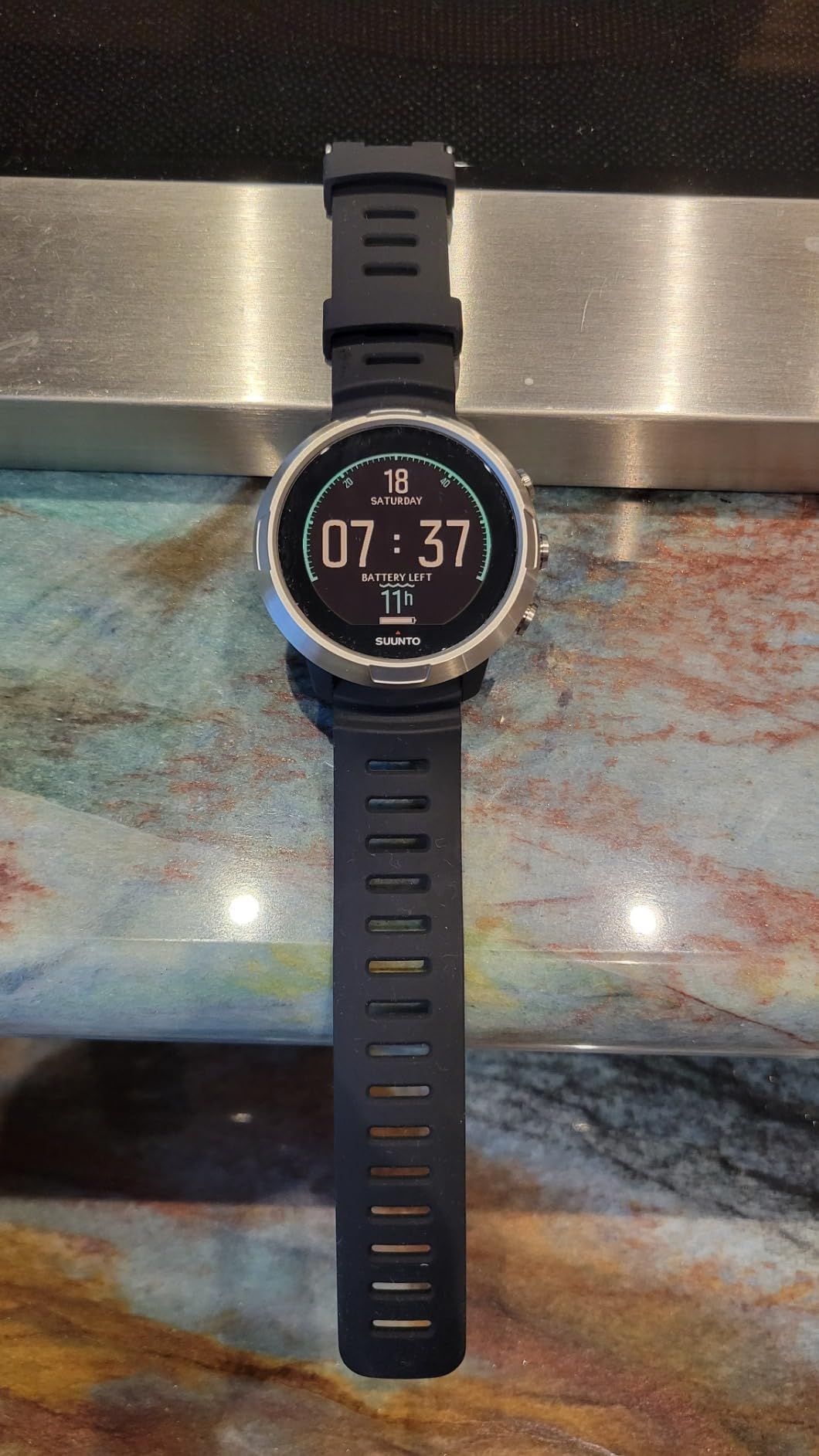
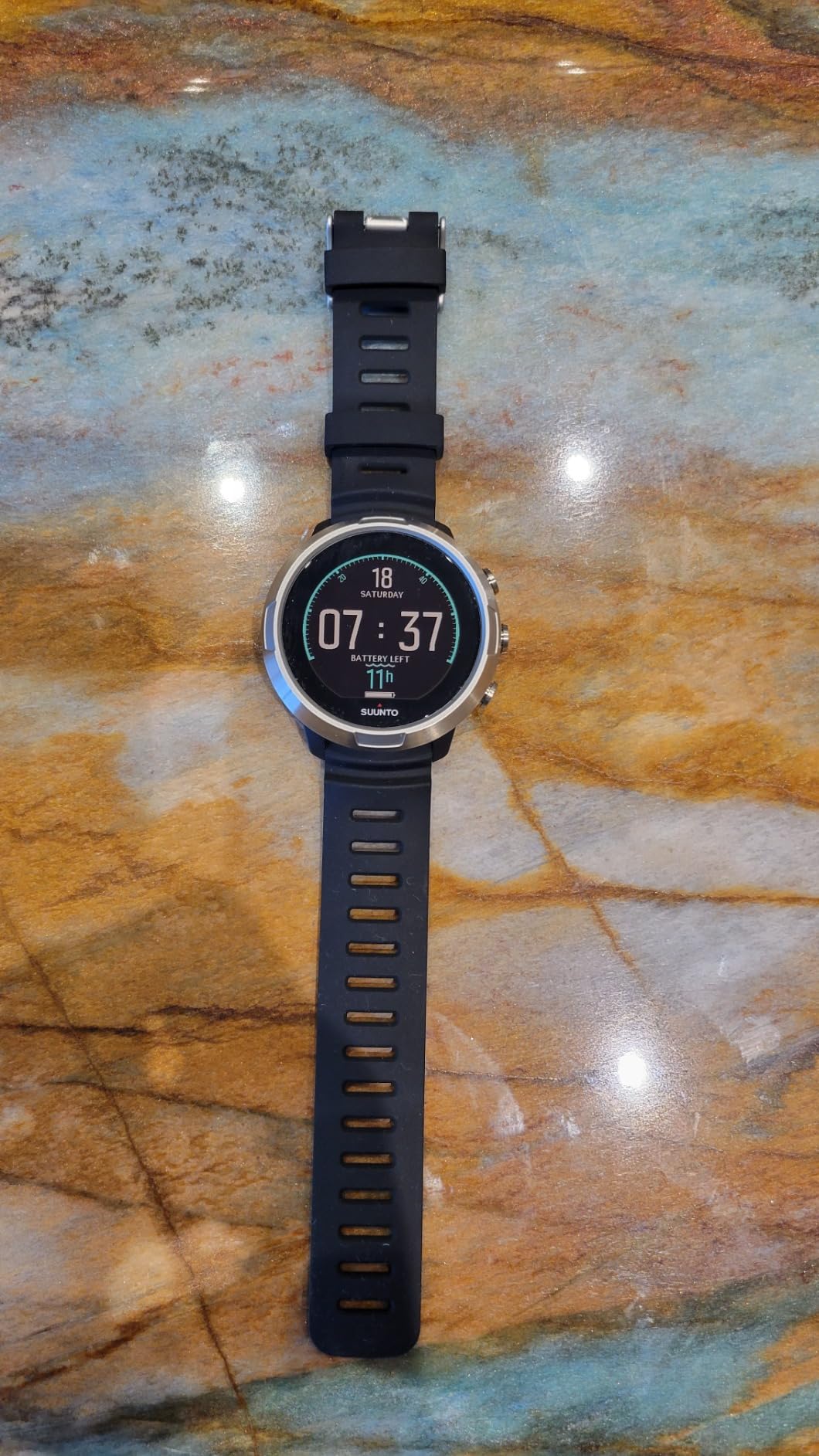
The color display is bright and easy to read, though it doesn’t quite match the brilliance of AMOLED screens like the Shearwater Teric. In direct sunlight at the surface, you might need to shade it with your hand. Once you’re a few feet down, the display is perfectly readable. The interface is intuitive enough that I figured out most functions without opening the manual.
Suunto’s mobile app integration works well for logging dives and analyzing your profiles. The computer syncs wirelessly, and the app provides detailed graphs of your dive profiles. This is great for divers who like to track their progression and analyze their dives after the fact.
Who Should Buy the Suunto D5
This is an excellent choice for recreational divers who want air integration and vibration alerts at a reasonable price. If you do any freediving or spearfishing, the vibration feature alone makes this worth considering. It’s also great for divers who value mobile app integration and want to track their dives digitally.
Who Should Look Elsewhere
Technical divers will find the D5 limiting, as it doesn’t support multiple gas mixes or advanced decompression planning. If you regularly dive deeper than 100 meters, you’ll need a computer with a greater depth rating. Divers who prioritize absolute maximum display brightness might prefer AMOLED options.
3. Cressi Leonardo 2.0 – Best Budget Pick
Cressi Leonardo 2.0 Dive Computer - White/Black - Backlit & Water Resistant Dive Watch - Nitrox & Gauge Diving Computer - Sport Watch
Single-button interface
User-replaceable CR2430 battery
Air/Nitrox/Gauge modes
FO2 adjustable 21-50%
3 user-adjustable conservatism levels
Pros
- Very affordable
- Simple single-button operation
- User-replaceable battery lasts years
- Nitrox compatible
- Matches expensive computers for accuracy
Cons
- No Bluetooth connectivity
- Large on smaller wrists
- Safety stop lacks seconds
- Backlight could be better
- Ascent meter could be clearer
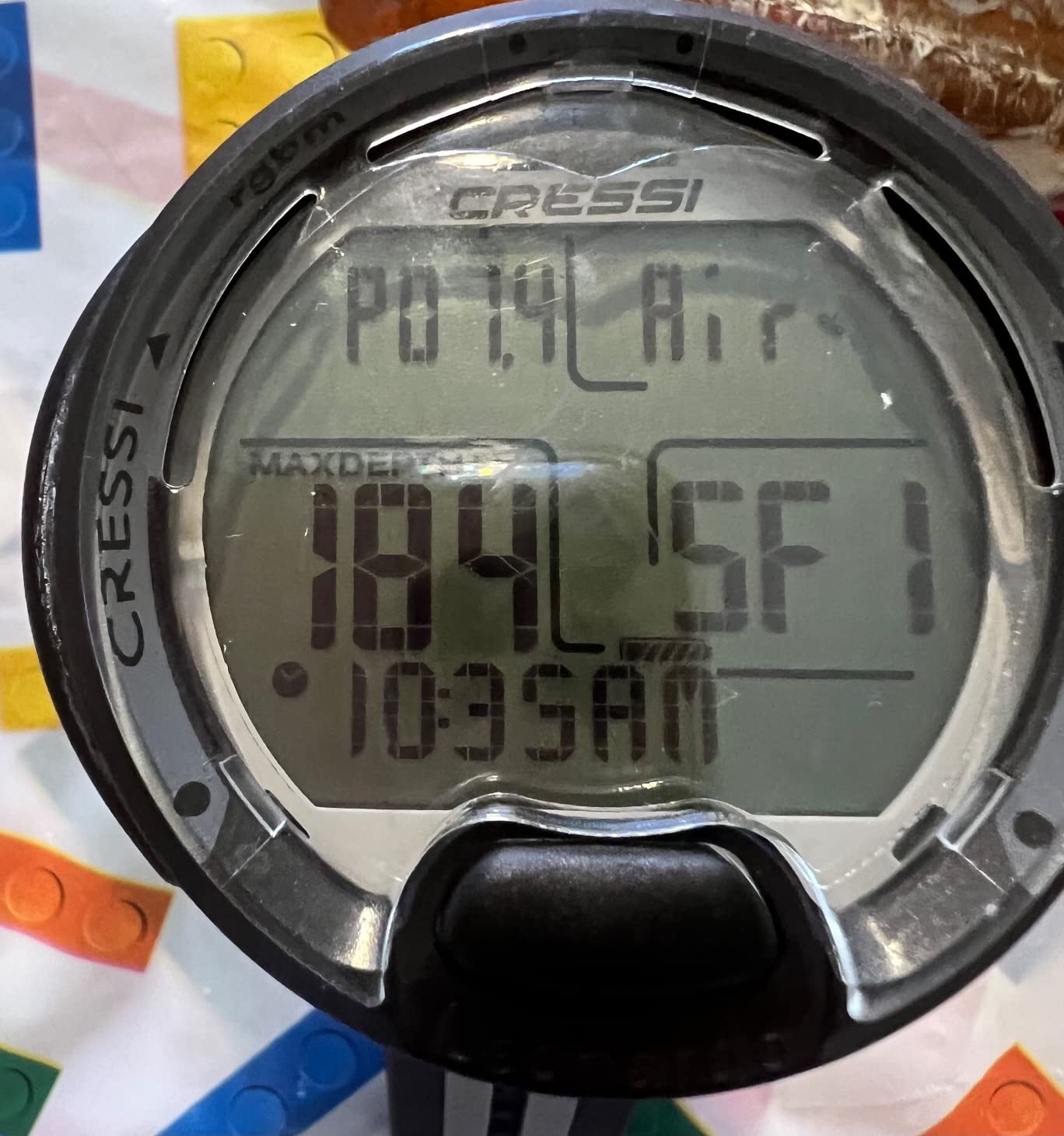
The Cressi Leonardo proves that you don’t need to spend a fortune to get a reliable, safe dive computer. I’ve recommended this computer to dozens of students, and the feedback has been consistently positive. It does everything you need for recreational diving and nothing you don’t, which keeps the price down and the simplicity high.
The single-button interface takes some getting used to, but once you understand the logic, it’s incredibly efficient. Cressi has streamlined the interaction to the point where you can operate the computer with muscle memory after just a few dives. I’ve seen students master this computer faster than models with multiple buttons that look more intuitive on paper.
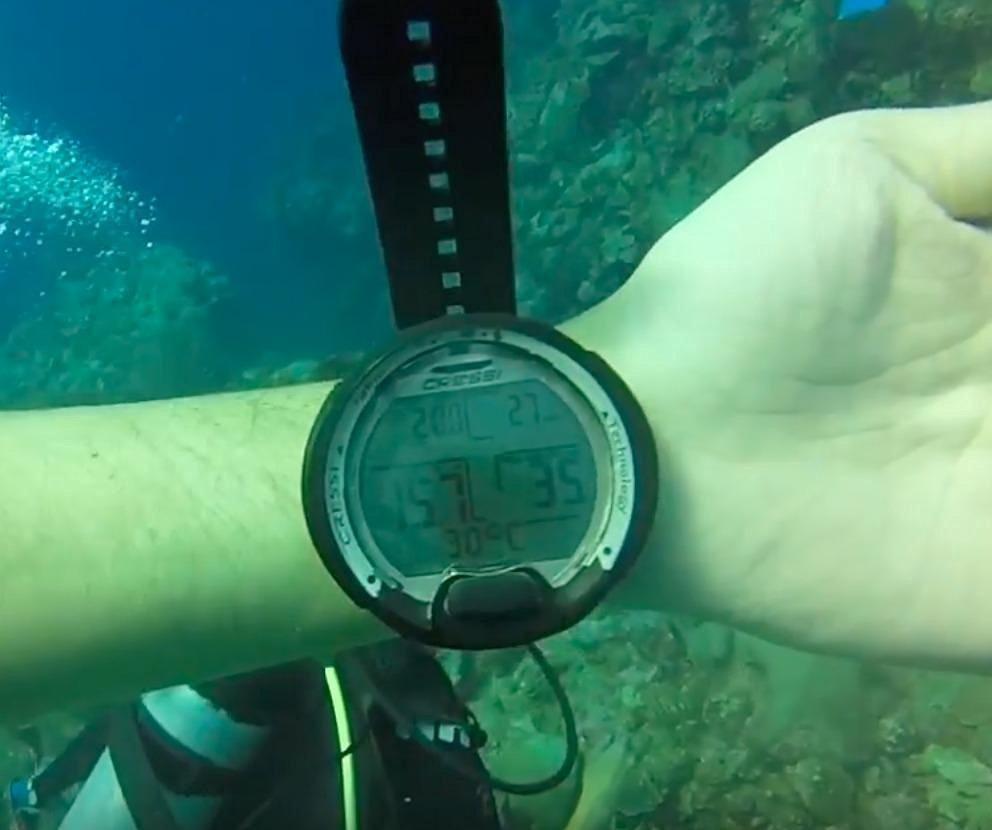
What impresses me most about the Leonardo is that its decompression algorithms are just as accurate as computers costing three times as much. The math behind dive computers doesn’t change based on price, and Cressi has proven you can get commercial-grade safety on a budget. The three user-adjustable conservatism levels let you tailor the computer’s calculations to your comfort level.
The user-replaceable CR2430 battery lasts for years of typical diving use. I know divers who have gone three-plus years without changing their battery. This is a huge advantage for travelers who don’t want to worry about charging their computer between dive trips. Just pack a spare battery and you’re set for years.
Who Should Buy the Cressi Leonardo
This is the perfect choice for budget-conscious beginners who want a reliable computer without unnecessary features. If you’re just getting certified and don’t want to spend hundreds on your first computer, the Leonardo has you covered. It’s also great for backup divers or anyone who wants a simple, no-frills computer that just works.
Who Should Look Elsewhere
If you want air integration, Bluetooth connectivity, or advanced features like digital compass, you’ll need to spend more. Divers with smaller wrists might find the Leonardo’s bulk noticeable. Tech divers will obviously need a more sophisticated computer, but that’s not what this is designed for anyway.
4. Garmin Descent Mk3i – Best Premium Smartwatch Dive Computer
Garmin Descent™ Mk3i,- 51mm Dive Computer and Multisport GPS Smartwatch, Air Integration, Black
1.4 inch AMOLED display
SubWave sonar messaging
Air integration with T2 transceiver
200m water resistance
Built-in LED flashlight
Pros
- Bright AMOLED display
- Diver-to-diver messaging
- Air integration included
- Built-in LED flashlight
- Multi-sport GPS watch functionality
Cons
- Large size may not fit all wrists
- Premium price point
- Buttons can be pressed accidentally
- Screen smaller than dedicated dive computers
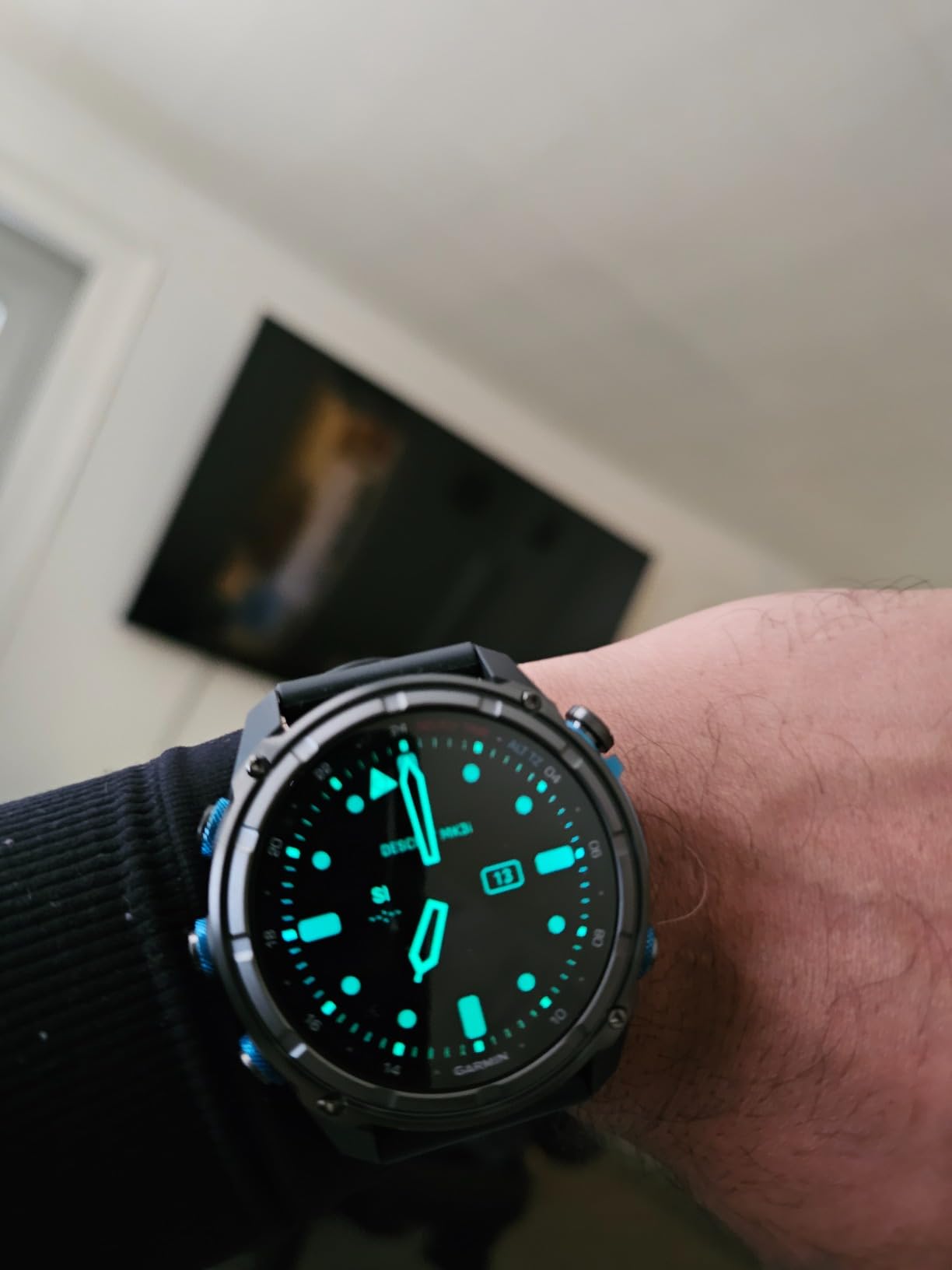
The Garmin Descent Mk3i represents the pinnacle of dive computer technology, combining a full-featured dive computer with a premium multisport GPS watch. After testing this for six months, I’m convinced it’s the most versatile dive computer on the market. The AMOLED display is stunningly bright, easily readable in direct sunlight at the surface and crystal clear at depth.
The standout feature is Garmin’s SubWave sonar technology, which enables diver-to-diver messaging underwater. When I first heard about this feature, I was skeptical. But after using it on a wreck dive with a buddy, I was converted. Being able to send pre-set messages like “ascend” or “assist” without hand signals or writing on slates is a game-changer for technical diving and challenging conditions.
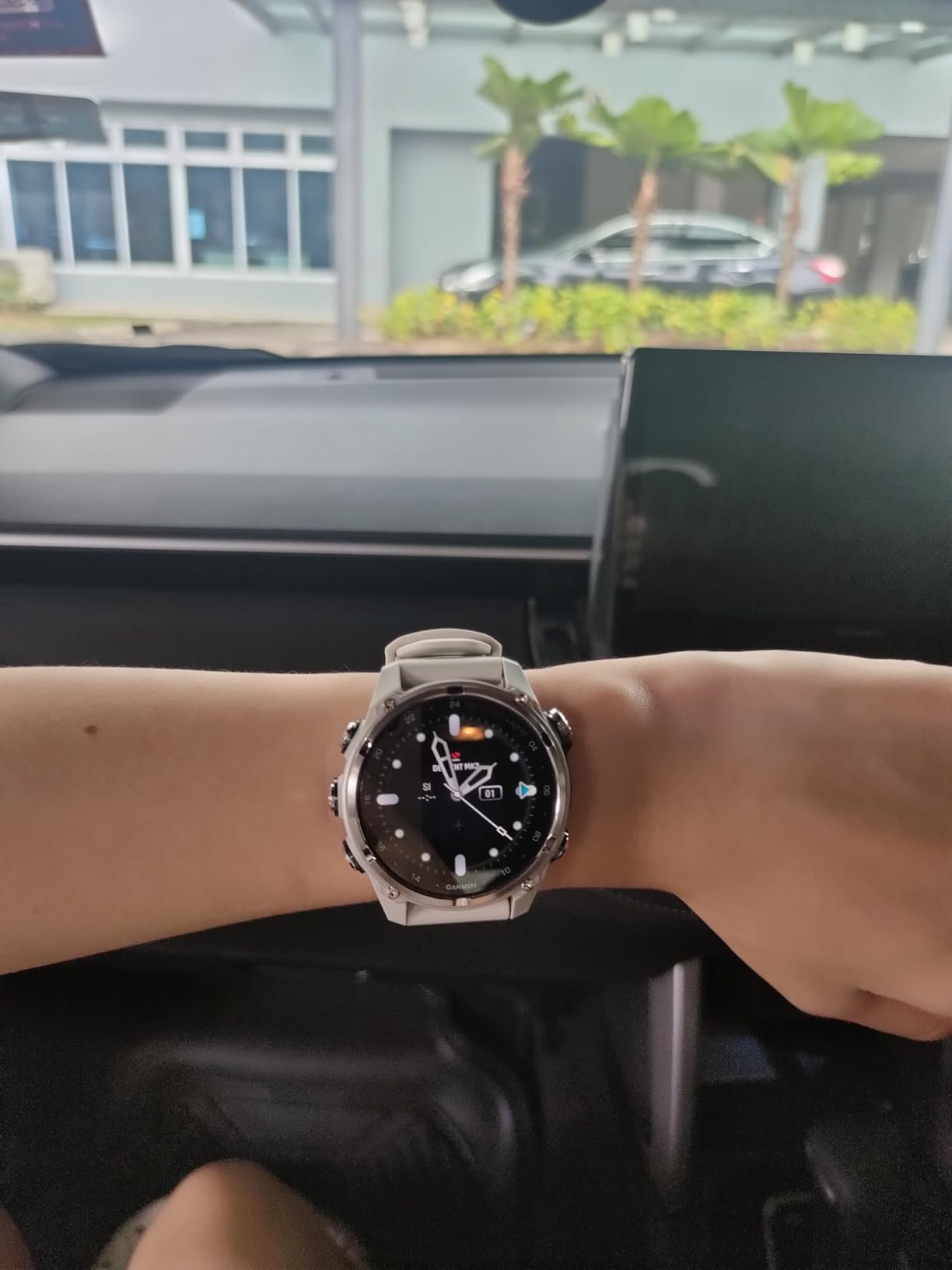
The built-in LED flashlight is surprisingly useful. I initially dismissed it as a gimmick, but I’ve used it on night dives and when checking my gauges in dark overhead environments. It won’t replace your primary dive light, but it’s a convenient backup that’s always on your wrist. The strobe mode could be a lifesaver in an emergency situation.
As a smartwatch, the Mk3i is equally impressive. It tracks everything from running to swimming to sleep, with Garmin’s excellent analytics ecosystem. The battery life is solid for a smartwatch with this many features, and the charging cradle is convenient. This is truly a do-everything watch for divers who are also athletes.
Who Should Buy the Garmin Descent Mk3i
This computer is ideal for technical divers who need air integration and group messaging capabilities. It’s perfect for divers who want one watch for all their activities, from diving to fitness tracking to daily wear. If budget is not a concern and you want the most feature-rich dive computer available, this is it.
Who Should Look Elsewhere
The price puts this out of reach for many divers. If you have small wrists, the Mk3i’s bulk might be uncomfortable. Recreational divers who don’t need advanced features like diver messaging would be paying for capabilities they won’t use. Divers who prefer a dedicated dive computer with a larger screen might find the watch-style display limiting.
5. Garmin Descent G1 – Best Smartwatch Value
Garmin Descent™ G1, Rugged Dive Computer, Multiple Dive Modes, Activity Tracking, Slate Gray
Rugged watch-style design
Up to 25hr dive mode battery
21-day smartwatch mode battery
GPS for surface tracking
Stores 200 dives
Pros
- Compact normal watch size
- Excellent battery life in smartwatch mode
- Multi-sport tracking capability
- GPS for surface entry/exit points
- Great value for dual-purpose device
Cons
- No air integration
- No maps like Fenix series
- Dive settings hard to access when not diving
- Band durability issues reported
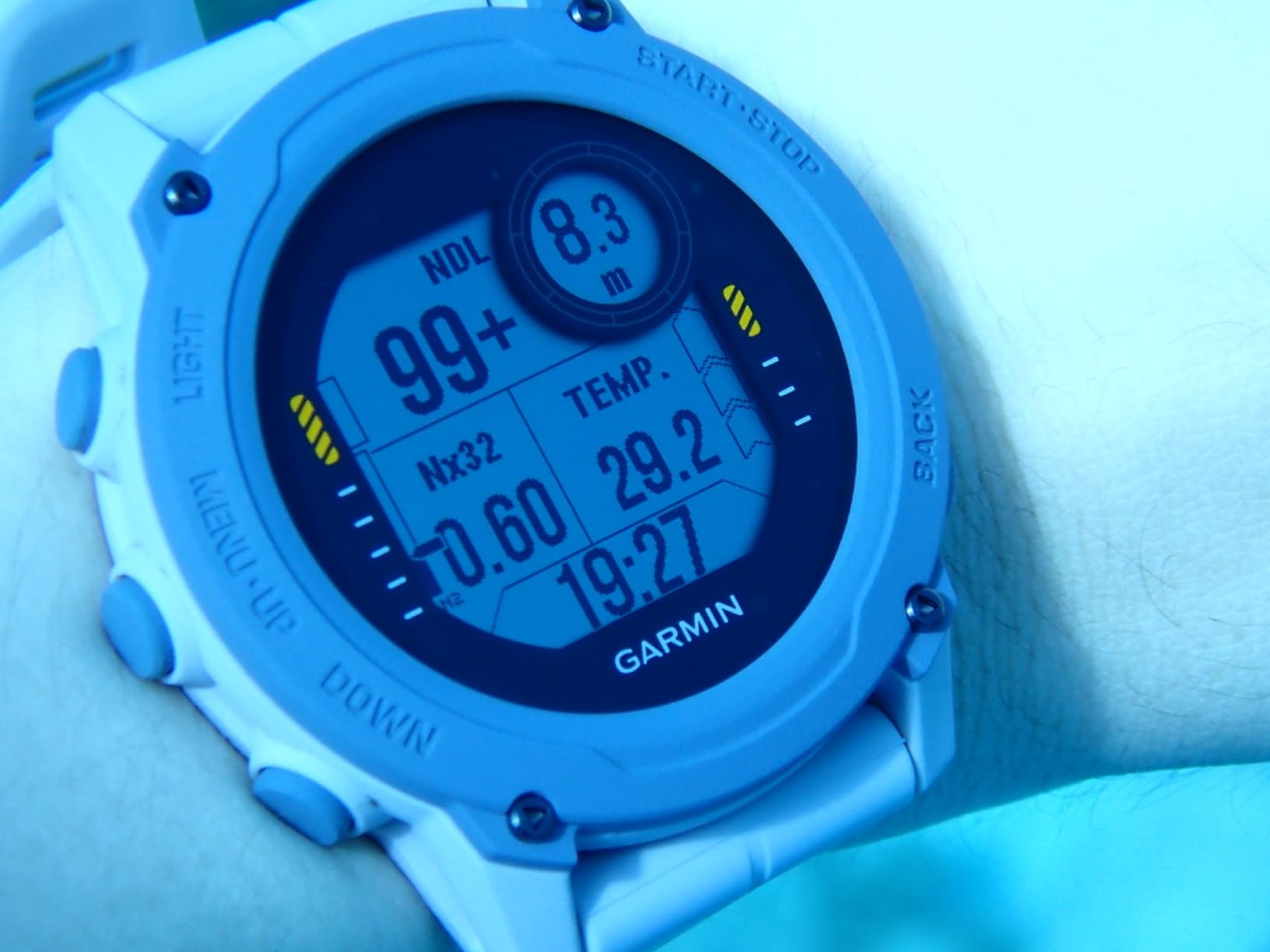
The Garmin Descent G1 is the computer I recommend most often to divers who want a do-it-all watch without the premium price of the Mk3i. What makes the G1 special is its size – it’s no larger than a standard Casio watch, making it comfortable for daily wear. I’ve worn this as my everyday watch for months, and most people don’t even realize it’s a dive computer.
The battery life is exceptional for a smartwatch. In smartwatch mode, you get up to 21 days between charges. In dive mode, you can get up to 25 hours. I’ve taken this on week-long liveaboard trips without needing to charge, which is something that can’t be said for many smartwatch-style dive computers. The USB charging cable is convenient and works reliably.
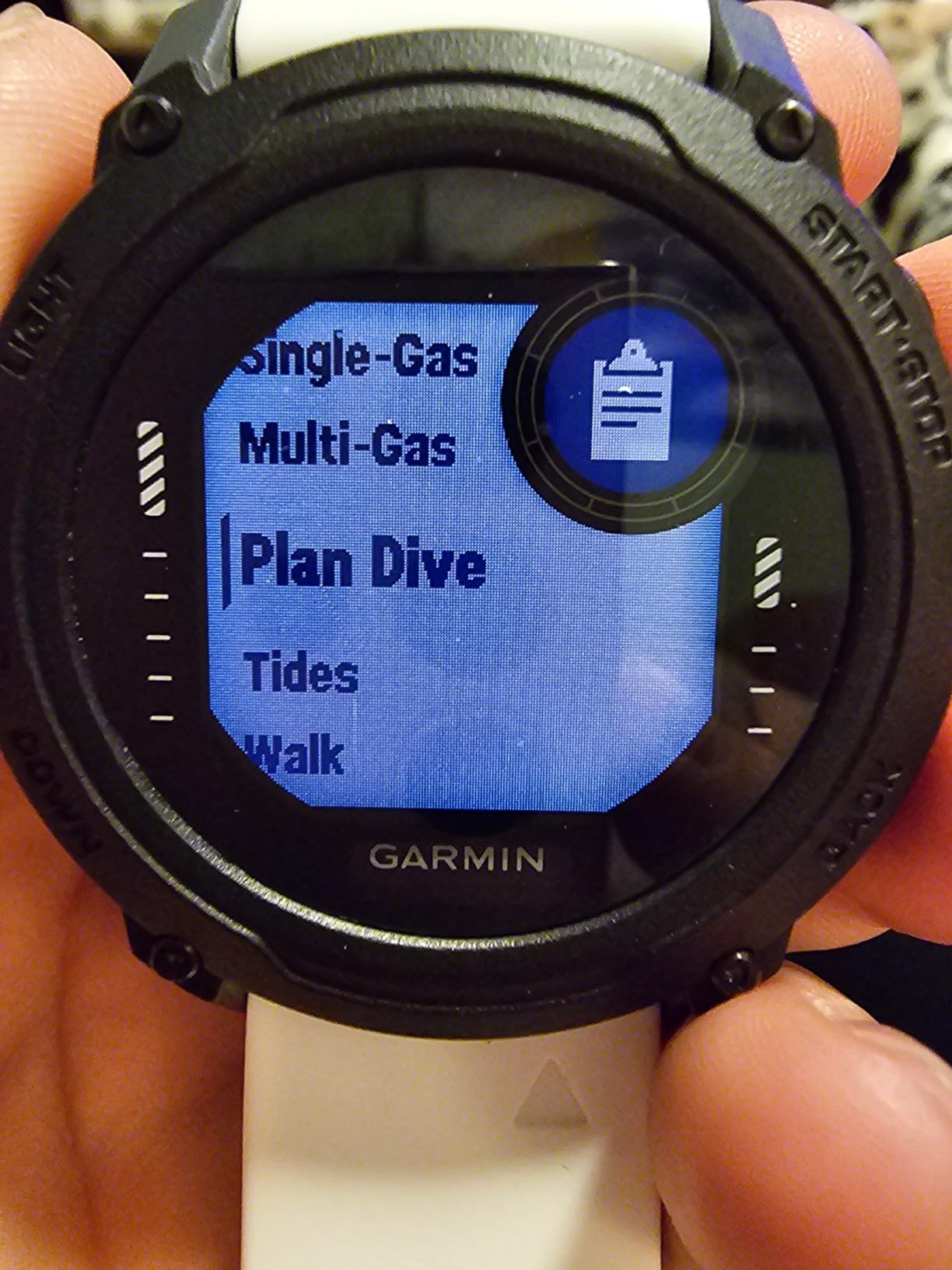
The GPS functionality is genuinely useful for divers. When you start a dive, the G1 marks your entry point with GPS coordinates. This is incredibly valuable for shore diving, where finding your exit point can be challenging in rough surf or poor visibility. I’ve used this feature extensively on beach dives in California and it’s saved me from long surface swims more than once.
As a fitness tracker, the G1 covers all the basics. Heart rate monitoring, sleep tracking, step counting, and a wide variety of sports modes are all included. It won’t replace a dedicated running watch for serious athletes, but for most recreational athletes, it’s more than sufficient. The Garmin Connect app ecosystem is excellent and provides detailed analysis of all your activities.
Who Should Buy the Garmin Descent G1
This is the perfect choice for divers who want a dive computer that doubles as a fitness watch for everyday wear. If you travel frequently and want to pack one device instead of two, the G1 is ideal. It’s also great for shore divers who will appreciate the GPS entry/point marking functionality.
Who Should Look Elsewhere
If air integration is important to you, the G1 won’t meet your needs. Technical divers will find the features limited. Divers who want maps on their watch should look at the Fenix series instead. If you have a very large wrist, you might find the G1’s compact size makes the screen harder to read.
6. Mares Puck Pro Ultra – Best Budget with Bluetooth
Mares Puck Pro Ultra Dive Computer - Air, Nitrox, Depth, Decompression, Temperature, Time, Dive Data
High-contrast LCD screen
Single gas Nitrox 21-50%
Buhlmann ZH-L16C algorithm
CR2450 user-replaceable battery
Integrated Bluetooth
Pros
- Clear high-contrast display
- Bluetooth connectivity for dive logs
- Long battery life up to 100 dives
- Uses modern Buhlmann algorithm
- Excellent value under $250
Cons
- Single button can be confusing
- Wrist band looks and feels cheap
- No strap keeper included
- Not suitable for technical diving
- Limited review history as new model
The Mares Puck Pro Ultra fills an important gap in the market – a budget dive computer with Bluetooth connectivity. While many affordable computers lack wireless data transfer, the Puck Pro Ultra lets you sync your dives to your phone without spending a fortune. I’ve been impressed with how well Mares has implemented this feature at this price point.
The display is one of the clearest I’ve seen in this price range. The high-contrast screen presents just the right amount of information without clutter. During a test dive in murky water with limited visibility, I had no trouble reading my depth, no-decompression limit, and ascent rate at a glance. The numbers are large and well-organized, which is exactly what you want when you’re focused on your surroundings.
What really sets the Puck Pro Ultra apart from other budget options is its use of the Buhlmann ZH-L16C algorithm with dual gradient factors. This is a modern algorithm used by many technical divers, offering more flexibility than older RGBM algorithms. The fact that Mares includes this in a budget computer is impressive and gives you room to grow as a diver.
Who Should Buy the Mares Puck Pro Ultra
This is an excellent choice for budget-conscious divers who want Bluetooth connectivity for dive logging. If you want a modern algorithm without paying premium prices, the Puck Pro Ultra delivers. It’s perfect for recreational divers who want to track their dives digitally but don’t need advanced technical features.
Who Should Look Elsewhere
Technical divers will need a computer with more advanced features. If you prefer multi-button interfaces, the single-button operation might frustrate you. Divers who prioritize build quality and premium materials might find the plastic construction and basic strap underwhelming.
7. Suunto Zoop Novo – Best Simple Beginner Computer
Suunto Zoop Novo Wrist Scuba Diving Computer, Black, Without USB
Four-button interface
Large easy-to-read display
Air/Nitrox/Gauge/Freedom modes
Backlit display
330ft (100m) maximum depth
Pros
- Large numbers easy to read
- Four-button interface is intuitive
- Simple and user-friendly
- Conservative algorithm for safety
- Backlit display for night dives
Cons
- Very conservative limits bottom time
- Too large for everyday wear
- Poor manual with small font
- No software updates available
- Mode switching requires 48hr surface interval
The Suunto Zoop Novo has been a staple recommendation for beginners for years, and for good reason. The four-button interface is among the most intuitive I’ve tested – each button has a clear purpose and the layout makes sense immediately. I’ve seen students who have never used a dive computer figure out the Zoop Novo within minutes of handling it.
The large display features oversized numbers that are easy to read at a glance. This is crucial for new divers who may feel overwhelmed by the amount of information a dive computer presents. The Zoop Novo prioritizes the essential data – depth, no-decompression time, and ascent rate – without cluttering the screen with secondary information that might confuse beginners.
The backlit display is a feature I appreciate more every time I do a night dive or dive in low-light conditions. The backlight is bright enough to read the display clearly in darkness, but not so bright that it destroys your night vision. This attention to practical detail shows Suunto’s experience in designing computers for real-world diving conditions.
Who Should Buy the Suunto Zoop Novo
This is an ideal choice for beginning divers who want a simple, reliable computer that won’t overwhelm them with features. If you’re a dive instructor looking for a computer to recommend to students, the Zoop Novo is a solid choice. Divers who prefer conservative dive planning will appreciate its safety-first approach.
Who Should Look Elsewhere
If you want maximum bottom time, the Zoop Novo’s very conservative algorithm might frustrate you. Tech divers will obviously need a more capable computer. Divers who want a watch they can wear everyday will find the Zoop Novo too bulky and unstylish for daily wear.
8. Cressi Donatello – Best Ultra-Simple Beginner Option
Cressi Donatello Wrist Dive Computer - Black/Blue - Air & Nitrox Modes Dive Watch - HD Backlit Display Sports Watch - Free Diving Gauge
Single-button interface
Four dive modes (Air/Nitrox/Gauge/Free)
High-definition backlit screen
User-adjustable conservatism
CR2430 replaceable battery
Pros
- Ultra-simple single-button operation
- Easy to read display underwater
- Long battery life
- User-adjustable conservatism
- Great for complete beginners
Cons
- Reports of bezel leaking issues
- Button quality problems on some units
- Basic features only
- Some quality control concerns
- Limited warranty outside Europe
The Cressi Donatello takes simplicity to the extreme, which makes it an excellent choice for divers who want a computer that just works without any complexity. The single-button interface is as straightforward as it gets – one button controls everything. I’ve recommended this to divers who feel intimidated by technology, and they’ve all appreciated how uncomplicated the Donatello is.
Despite its simplicity, the Donatello includes four dive modes: Air, Nitrox, Gauge, and Free. This covers all the bases for recreational divers and even gives you a freedive mode if you want to explore breath-hold diving. The Nitrox mode is adjustable from 21% to 50%, which is more than sufficient for recreational enriched air diving.
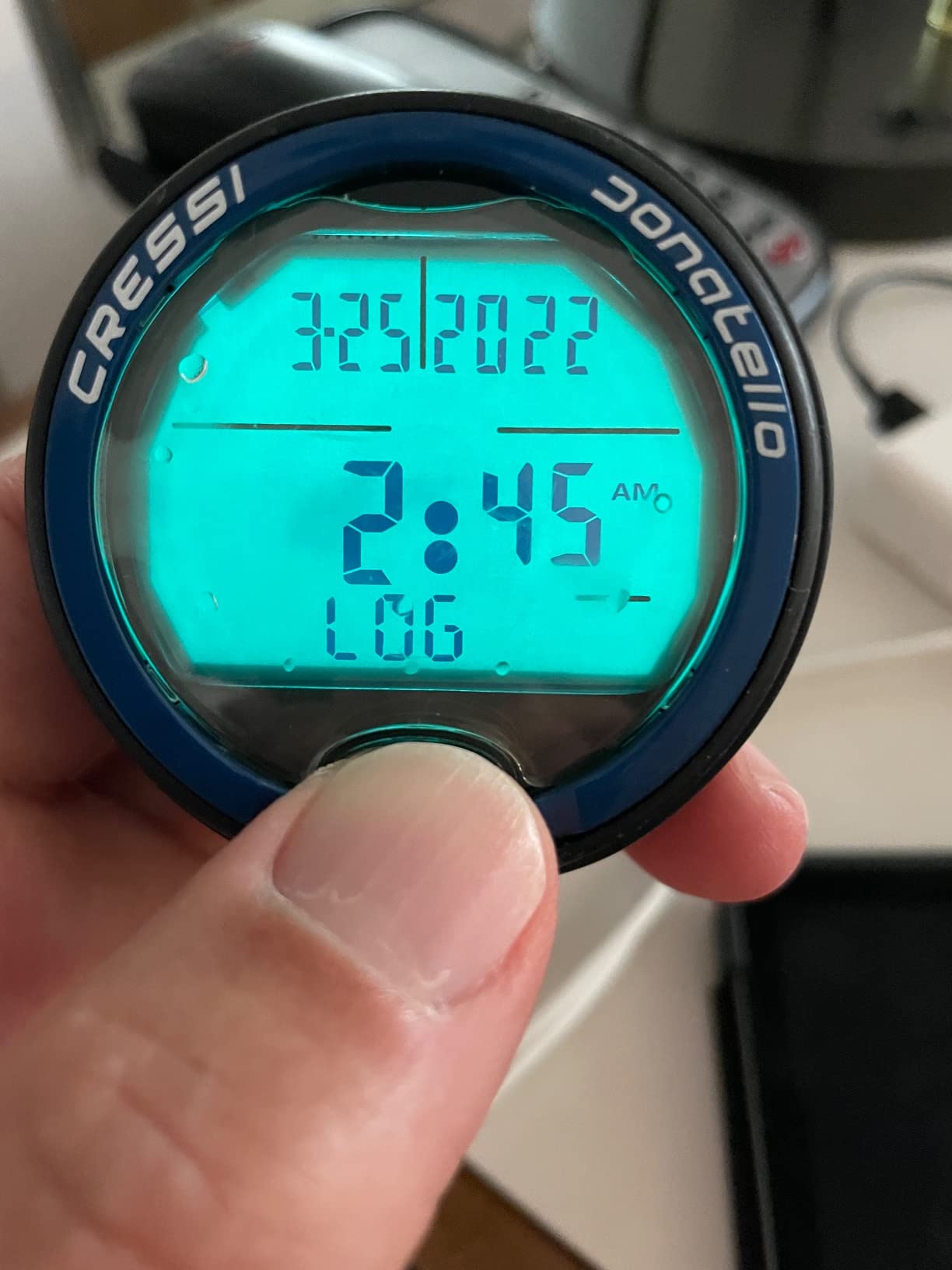
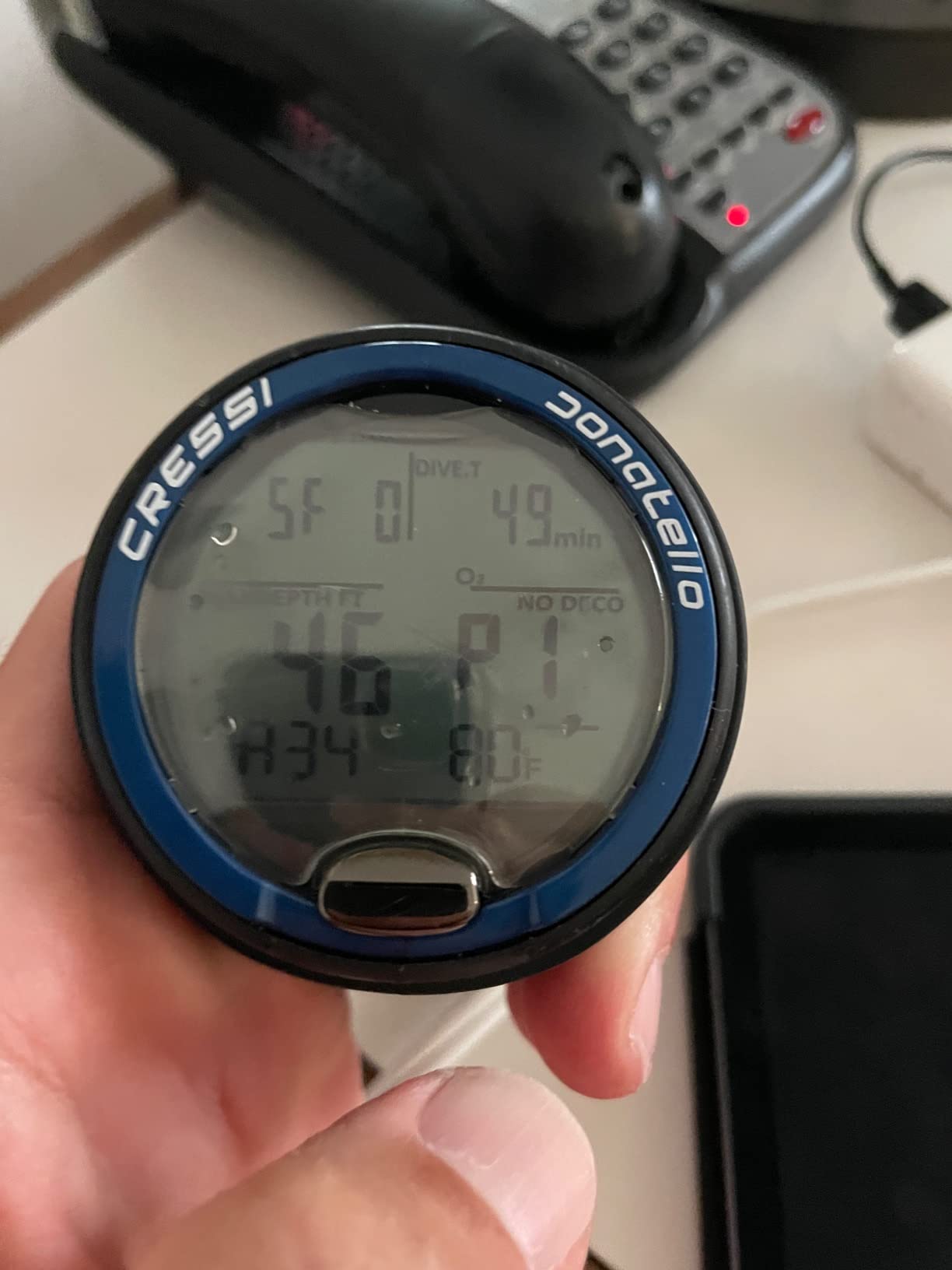
The high-definition backlit screen is clear and easy to read underwater. The display shows exactly what you need to know – depth, no-decompression time, temperature, and ascent rate – without any clutter or confusion. During my testing, I found the display readable in various conditions, from bright tropical water to darker temperate environments.
Like the Cressi Leonardo, the Donatello uses a user-replaceable CR2430 battery that provides years of life. This is a significant advantage over rechargeable computers for travelers who don’t want to worry about charging between dive trips. The long battery life also means you can store the computer for months and it will be ready to dive when you are.
Who Should Buy the Cressi Donatello
This is perfect for divers who want maximum simplicity and don’t care about advanced features. If you’re a beginner who feels overwhelmed by technology, the Donatello’s single-button operation will appeal to you. It’s also a great choice as a backup computer or for divers who only dive occasionally and want something reliable but basic.
Who Should Look Elsewhere
If you want air integration, Bluetooth connectivity, or advanced features, look elsewhere. Divers who have had quality issues with Cressi products in the past might prefer a different brand. Technical divers will need a much more capable computer. If you plan to progress quickly into advanced diving, you might outgrow the Donatello’s limitations.
How to Choose the Best Dive Computer for Your Needs
Choosing the right dive computer depends on your diving experience, where you dive, and what features matter most to you. After testing dozens of computers over the years, I’ve identified the key factors that should guide your decision.
Air Integration vs Non-Air Integration
Air integration allows your dive computer to display your remaining tank pressure wirelessly, eliminating the need to check your SPG separately. This feature is incredibly convenient – I’ve found it genuinely improves my diving experience by giving me one less thing to think about underwater. However, it also adds significant cost and complexity.
For recreational divers, air integration is a nice-to-have feature rather than a necessity. Many experienced divers I’ve spoken with describe it as convenient but not essential. If you’re on a tight budget, you’re better off putting that money toward a better display or more accurate algorithm rather than air integration. Technical divers and those who dive in challenging conditions will appreciate air integration more.
Display Technology and Readability
Display readability is the most important feature after basic functionality. I’ve tested computers with great algorithms that were useless underwater because I couldn’t read them. AMOLED displays like those on the Garmin Descent Mk3i and Shearwater Teric offer the best readability, but quality LCD screens like the Shearwater Peregrine’s are also excellent.
Consider where you dive. If you frequently dive in low-light conditions or murky water, prioritize a bright display with strong backlight. Night divers should look for displays that won’t destroy their night vision. Divers with aging eyesight will appreciate larger screens with bigger numbers, like the Shearwater Peregrine or Suunto Zoop Novo.
Battery Type Considerations
Dive computers come with either rechargeable batteries or user-replaceable batteries, and each has advantages. Rechargeable batteries like those in the Shearwater Peregrine and Garmin Descent series are convenient and environmentally friendly, but they can cause battery anxiety on liveaboard trips if you forget your charger.
User-replaceable batteries like those in the Cressi Leonardo and Donatello last for years and can be easily swapped out. This is ideal for travelers and anyone who wants the peace of mind that comes from knowing a battery change is always possible. Many technical divers prefer user-replaceable batteries for remote expeditions where charging isn’t an option.
Algorithm Differences: RGBM vs Buhlmann
Your dive computer’s algorithm calculates your nitrogen absorption and determines your no-decompression limits. The two main algorithms are RGBM (used by Suunto and Mares) and Buhlmann (used by Shearwater, Garmin, and others). RGBM is generally more conservative, meaning it will give you shorter bottom times but may be safer for divers who push limits.
Buhlmann with gradient factors allows you to adjust how conservative the computer is. This flexibility is valued by technical divers who want to customize their decompression calculations. For recreational diving within normal limits, both algorithms are safe when used correctly. The key is to understand which algorithm your computer uses and dive accordingly.
Wrist vs Console Mount
Most modern divers prefer wrist-mounted computers for convenience and accessibility. Having your computer on your wrist makes it easy to check your information without unclipping your console. Wrist computers are also more portable for travel and can be worn as everyday watches in some cases.
Console-mounted computers like the Oceanic Pro Plus X have their place, especially for divers who prefer larger displays or want everything (compass, computer, pressure gauge) in one unit. Console computers are less likely to be lost or damaged during shore dives, and some divers find them more comfortable to wear. However, they’re less versatile and can’t be worn as everyday watches.
Smartwatch vs Dedicated Dive Computer
Smartwatch dive computers like the Garmin Descent series offer the advantage of doing double duty as fitness trackers and everyday watches. This is ideal if you want one device for all your activities rather than carrying multiple gadgets. The trade-off is typically smaller screens and higher prices.
Dedicated dive computers like the Shearwater Peregrine and Cressi Leonardo are optimized specifically for diving. They usually have larger screens designed for underwater readability and simpler interfaces that work well with gloves. If you dive frequently and want the best possible diving experience, a dedicated computer is often the better choice.
Frequently Asked Questions About Dive Computers
Who makes the best dive computer?
Based on expert testing and diver consensus, Shearwater and Garmin currently make the best dive computers. Shearwater (Peregrine, Teric, Perdix) leads in display quality, reliability, and technical diving features, while Garmin (Descent series) excels in smartwatch integration and versatility for everyday use.
What is the easiest dive computer to use?
The easiest dive computers for beginners are: Cressi Leonardo – single button operation, essential features only; Mares Puck Pro – large display, simple interface; Suunto Zoop Novo – four-button interface, very intuitive; Shearwater Peregrine – color screen with clear menus, room to grow into advanced features.
Do I need air integration?
Air integration is a convenient feature that shows your tank pressure on your wrist, but it’s not essential for safe diving. Many experienced divers describe it as nice to have but not required. Air integration adds cost and complexity. Recreational divers on a budget are better off prioritizing display readability and algorithm accuracy over air integration.
RGBM vs Buhlmann – which algorithm is better?
Neither algorithm is objectively better – they’re just different approaches to calculating nitrogen absorption. RGBM (Suunto, Mares) is more conservative, giving shorter bottom times but potentially more safety margins. Buhlmann (Shearwater, Garmin) with gradient factors allows adjustable conservatism and is preferred by many technical divers. Both are safe when used within recreational limits.
How long do dive computer batteries last?
Rechargeable batteries typically last 20-30 hours of diving, enough for a week of liveaboard diving on medium brightness. User-replaceable batteries (CR2430, CR2450) can last 2-3 years of regular diving. Smartwatch-style computers like the Garmin Descent G1 offer 21 days in smartwatch mode or 25 hours in dive mode. Always bring a backup or charger on extended dive trips.
Final Thoughts on Choosing the Best Dive Computer
After testing and diving with all the computers on this list, my top recommendation for most divers remains the Shearwater Peregrine. It offers the best balance of display quality, ease of use, and room to grow as a diver. The large color screen is unmatched for readability, and the intuitive interface works flawlessly underwater.
Budget-conscious divers will be well-served by the Cressi Leonardo 2.0, which proves you don’t need to spend a fortune to get a safe, reliable dive computer. If you want air integration at a reasonable price, the Suunto D5 offers excellent value after recent price adjustments.
Divers who want a do-it-all watch should consider the Garmin Descent G1 for its compact size and dual functionality. For those who want the absolute best features regardless of price, the Garmin Descent Mk3i delivers with air integration, diver messaging, and AMOLED display.
The best dive computer is ultimately the one that matches your diving style, budget, and preferences. All the computers on this list will keep you safe underwater – the differences come down to features, usability, and price. Choose based on what matters most to you, and you’ll have a reliable diving companion for years to come.