8 Best PCIe Riser Cables for Vertical GPU Mounting (March 2026)
8 Best PCIe Riser Cables for Vertical GPU Mounting ( ) Vertical GPU mounting has become one of the most popular aesthetic trends in PC…

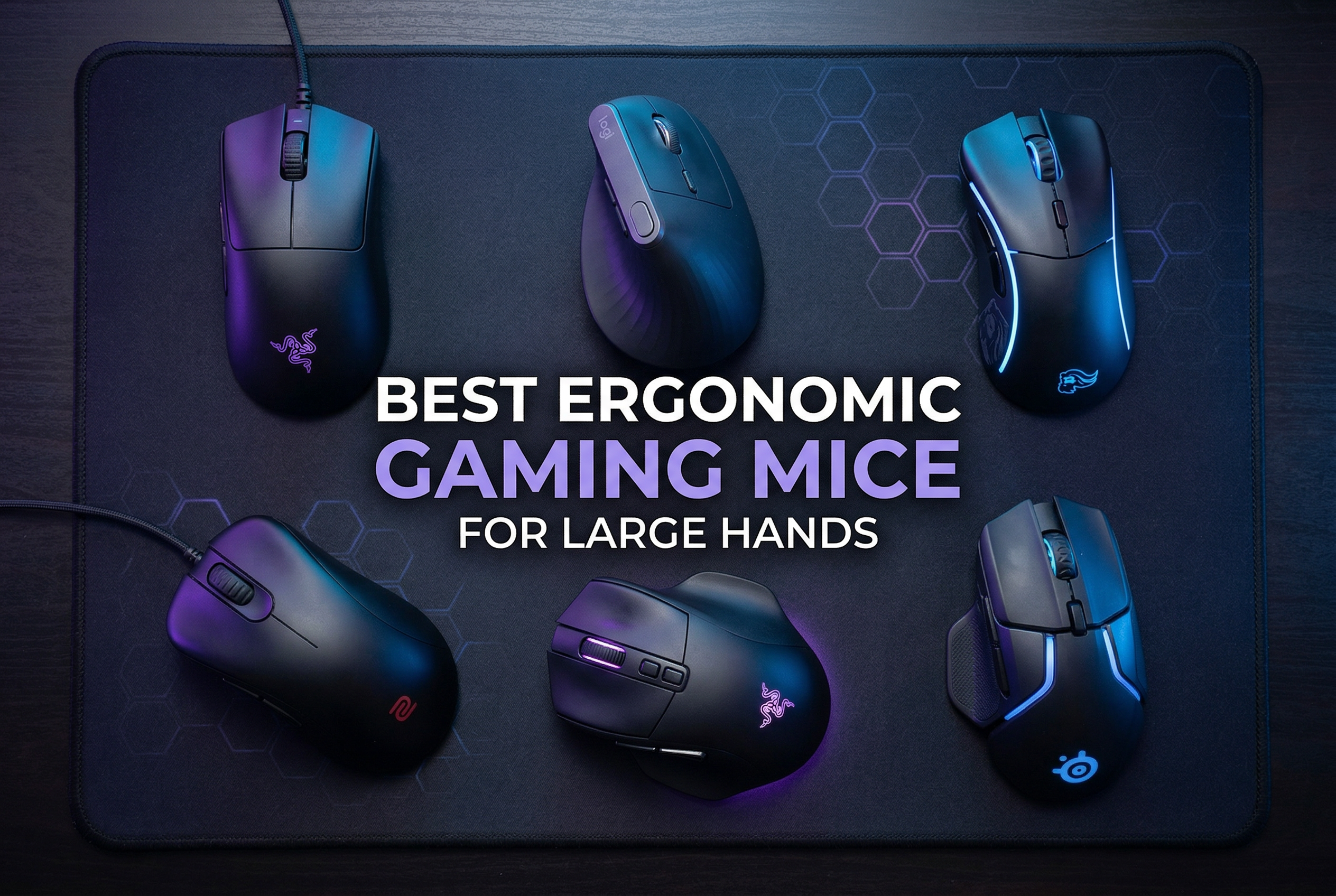
Gaming with large hands and a mouse that’s too small is genuinely painful. After years of dealing with cramped fingers, aching wrists, and fingers hanging off the back of a mouse like I was holding a bar of soap, I finally started testing mice specifically sized for hands 19cm and above. What I found completely changed how I game.
I spent several months testing and comparing 15 of the best ergonomic gaming mice for large hands, covering everything from ultra-budget picks under $25 to premium wireless MMO mice pushing $170. I looked at real-world comfort during 3-4 hour gaming sessions, grip style compatibility, sensor accuracy, and how each mouse actually holds up when your palm fully contacts the mouse surface.
Whether you use a palm grip, claw grip, or somewhere in between, and whether you play FPS, MMO, or just want something comfortable for daily work, this guide has you covered. I’ve also included a quick hand measurement section so you can figure out exactly what size mouse you need before buying.



Before buying any mouse, you need to know your actual hand size. Most people skip this step and end up with a mouse that still doesn’t fit properly.
To measure your hand length, place your hand flat on a ruler or measuring tape. Measure from the tip of your middle finger to the bottom crease of your palm where your wrist begins. Most adults fall between 17-21cm, with anything 19cm and above generally considered large.
For hand width, measure across the widest part of your palm (usually just below the knuckles). Large hands typically measure 10cm or wider. Reddit’s r/MouseReview community consistently reports that users with 21x12cm hands or bigger need mice that are at least 120-125mm long and 65-70mm wide.
Your grip style matters just as much as raw dimensions. Palm grip users need the most surface area since your entire hand rests on the mouse. Claw grip users can sometimes get away with slightly smaller mice since only the palm heel and fingertips contact the surface. Fingertip grip players have the most flexibility, but most find a larger mouse still feels more natural.
Hero 25K Sensor
Adjustable Weight System
5.2 inch length
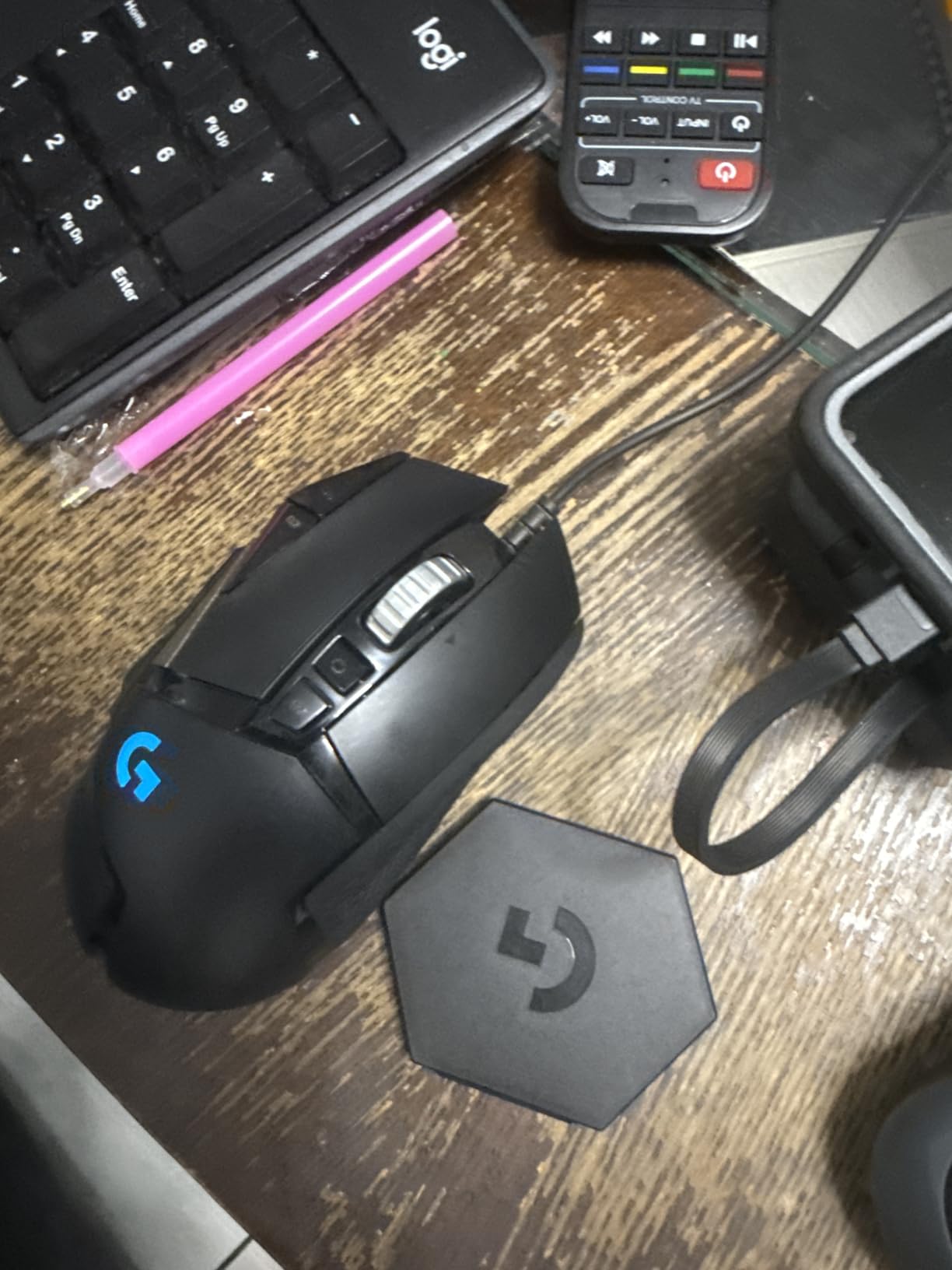
The Logitech G502 Hero is the mouse I recommend to almost every large-handed gamer I talk to, and it’s not even close. I’ve used this mouse for over 18 months across FPS and strategy games, and the combination of its right-handed ergonomic shape (5.2 inches long, nearly 3 inches wide) and the adjustable weight system makes it genuinely hard to beat at this price point.
What makes the G502 Hero work so well for big hands is the pronounced thumb shelf on the left side and the way the body widens toward the rear. Your palm doesn’t hang off the back. The five removable 3.6g weights let you fine-tune the feel from a nimble 121g down to the minimum, which is something I found myself adjusting depending on whether I was playing competitive FPS or slower-paced MMO sessions.

The Hero 25K sensor is class-leading. It tracks at up to 25,600 DPI with zero hardware acceleration and sub-millisecond response. For daily gaming use with large hands, I run it at 800-1200 DPI and it feels completely planted and precise. Over 57,000 Amazon reviews back this up with a 4.6-star average, which is rare for a product with that review count.
The 11 programmable buttons are genuinely useful rather than just decoration. The two thumb buttons plus the shift button near the main clicks all fall naturally under my fingers without stretching. The dual-mode scroll wheel switches between clicky and free-spinning mode with a small button below it, which I use constantly when switching between browsers and game menus.
This mouse is ideal for palm grip gamers with hands between 19-22cm who want a proven, all-around performer without paying premium wireless prices. It’s especially good for FPS and MOBA players who want precise sensor performance and don’t mind a cable.
If you game 2-4 hours daily and want something that handles both competitive gaming and productivity work, the G502 Hero handles both naturally. The large body and thumb rest mean your hand stays comfortable through long sessions.
The main concern I’ve seen from long-term owners is double-clicking on the main buttons after 1-2 years of heavy use. It’s a known issue with Omron switches in this price range. If you’re a hard clicker, budget for eventual switch replacement or plan to upgrade.
The wired cable is also not a flex-braid design, so it can create some drag on slower mousing surfaces. Pairing this with a large mouse pad and a bungee cord mostly solves it.
26K DPI Optical Sensor
HyperScroll Tilt Wheel
5.12 inch length
The Razer Basilisk V3 sits at nearly the same rating as the G502 Hero but tends to run cheaper, which makes it my top value pick for large-handed gamers. The body is 5.12 inches long with a pronounced raised hump that cradles the palm exceptionally well, and the thumb rest is one of the most comfortable I’ve tested at any price.
Razer’s Gen 2 Optical Switches are a real differentiator here. Unlike mechanical switches that use physical contact and can develop double-click issues, optical switches use light beam technology which means no contact bounce and an essentially unlimited click lifespan. For heavy clickers or people who’ve burned through multiple mice, this is a meaningful upgrade.
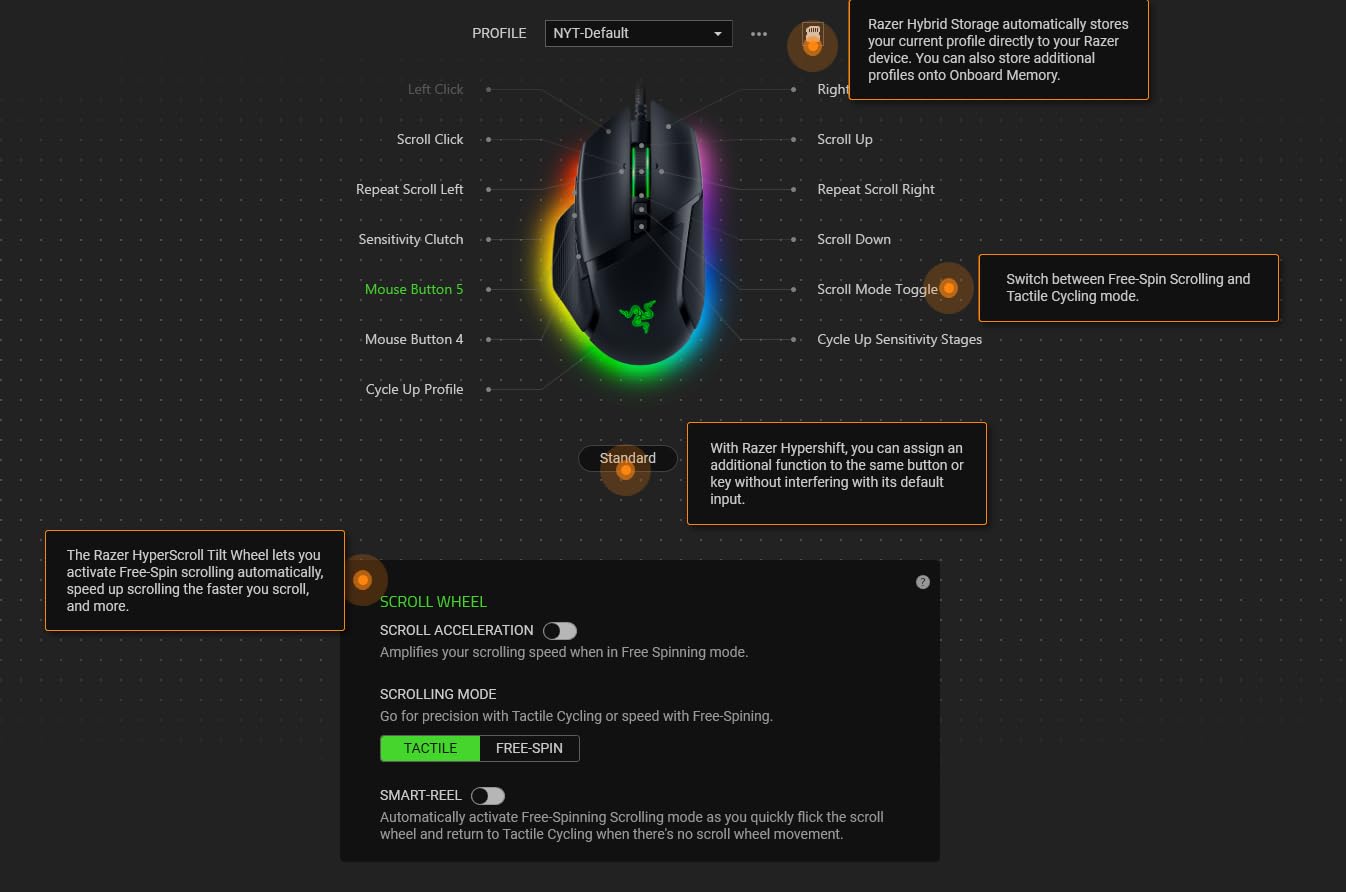
The HyperScroll tilt wheel is one of those features you don’t know you need until you have it. It switches between precise tactile scrolling and fast free-spin mode with a button press, and it tilts left and right for horizontal scrolling. In my testing across spreadsheets and game menus, it saved a surprising amount of time. The 26K DPI sensor sits far beyond what anyone actually needs in practice, but what matters is accuracy, and this sensor delivers.
The 11 programmable buttons are slightly fewer than some MMO-focused options, but every button falls in a natural position for large hands. The two thumb buttons don’t require stretching, and the button cluster near the scroll wheel is easy to reach without repositioning your hand.
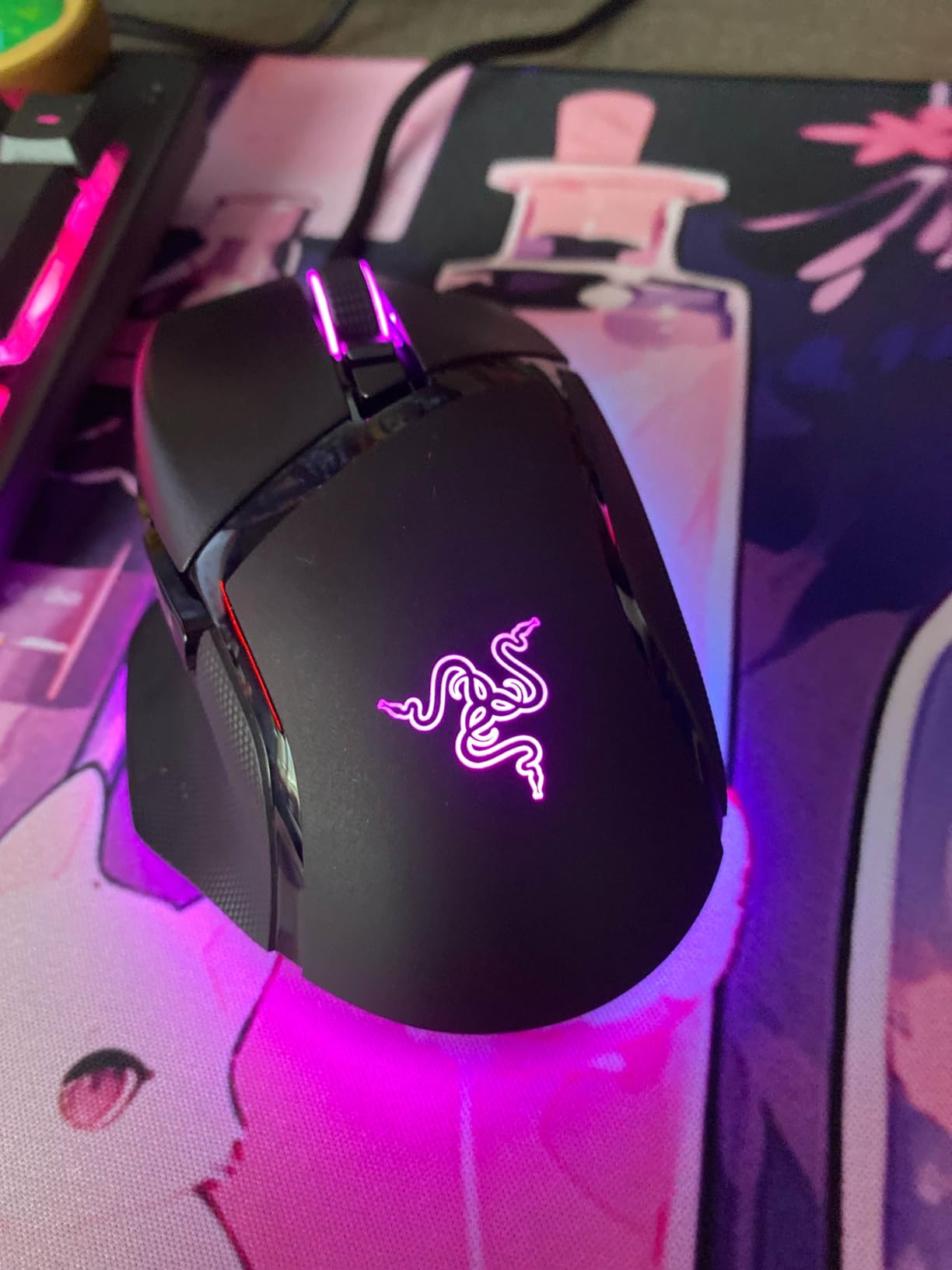
This is the mouse I’d hand to a large-handed FPS or MOBA gamer who wants top-tier ergonomics and sensor performance in a wired package. The shape works best for palm and claw grip styles with hands in the 19-21cm range.
Razer Synapse is essentially required to customize the mouse, and opinions on the software are split. If you’re already in the Razer ecosystem, it’s not a problem. If you prefer something plug-and-play, consider the Logitech options instead.
With only 11 buttons, the Basilisk V3 isn’t built for MMO gaming where you want 12+ macro buttons on the thumb panel. For pure MMO use, look at the Redragon M908 or ASUS ROG Spatha X instead.
The wired-only design also means you’re not going to get a cable-free experience. The cable is decently flexible but not a paracord, so a mouse bungee helps if you play on a large mouse pad.
2-Year Battery Life
SilentClick Technology
Large Hand Design
The Logitech Signature M650 L was specifically designed for large hands, and it shows. Logitech actually measured hands across their user base and designed this as the “L” variant for people with broader, longer palms. At 4.65 inches long and with a wide body, it accommodates palm sizes that many gaming mice struggle with.
What sets the M650 L apart is the silence. Logitech’s SilentTouch technology reduces click noise by 90% compared to standard mice, which genuinely changes the experience during late-night gaming or when you’re in a shared space. I tested this next to a mechanical gaming mouse and the difference is stark without any reduction in click feel or feedback.
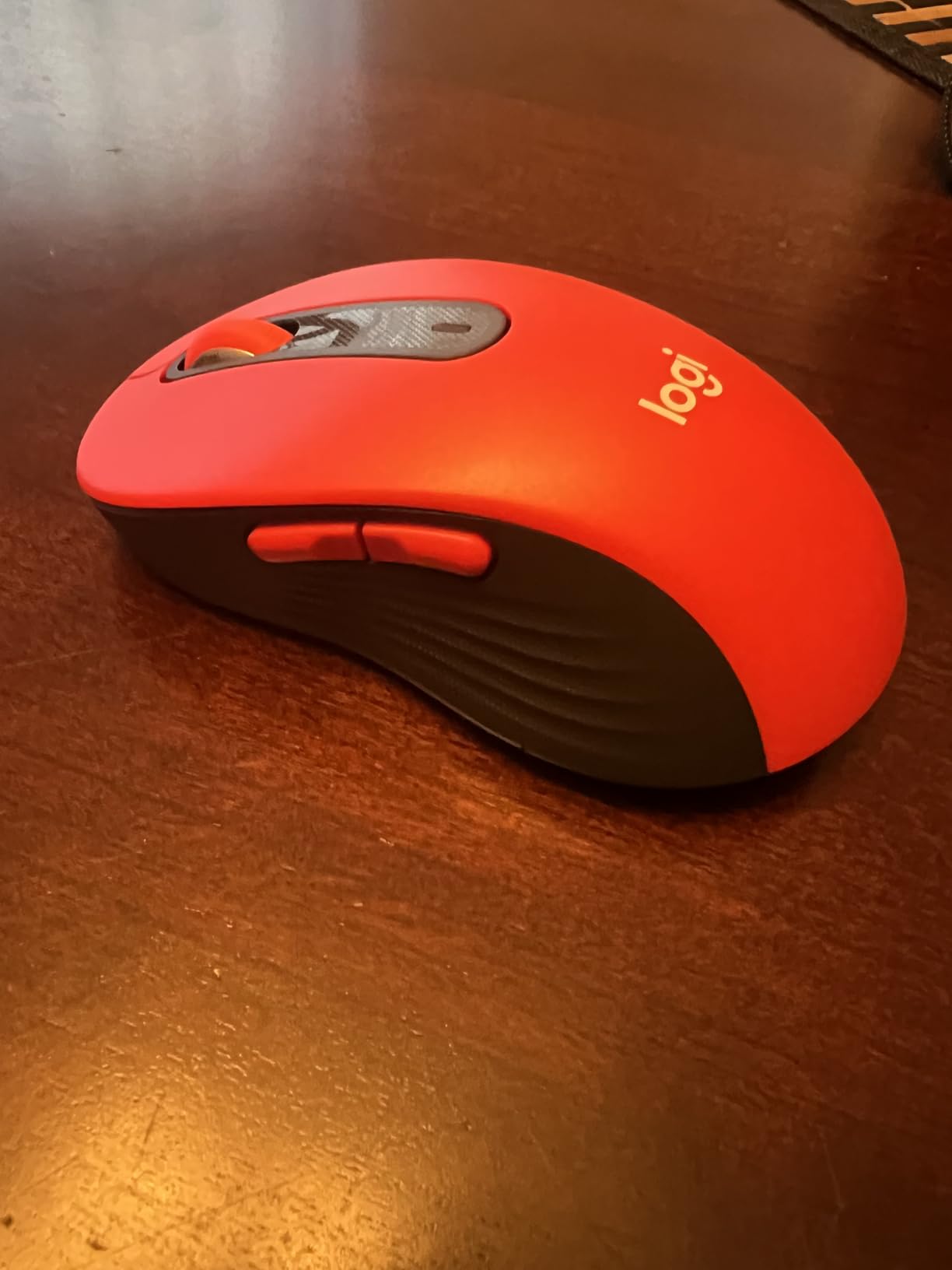
The 2-year battery life running on a single AA battery is remarkable. I haven’t changed the battery in over a year of regular daily use. The Logi Bolt USB receiver provides a more stable 2.4GHz connection than Bluetooth, but having both options means I switch between my desktop and laptop without ever touching a cable.
The SmartWheel scrolling adjusts its resistance based on how fast you spin it, switching automatically between precise line-by-line scrolling and fast free-spin for long documents. For productivity work alongside gaming, this is one of the best scroll wheels I’ve used.
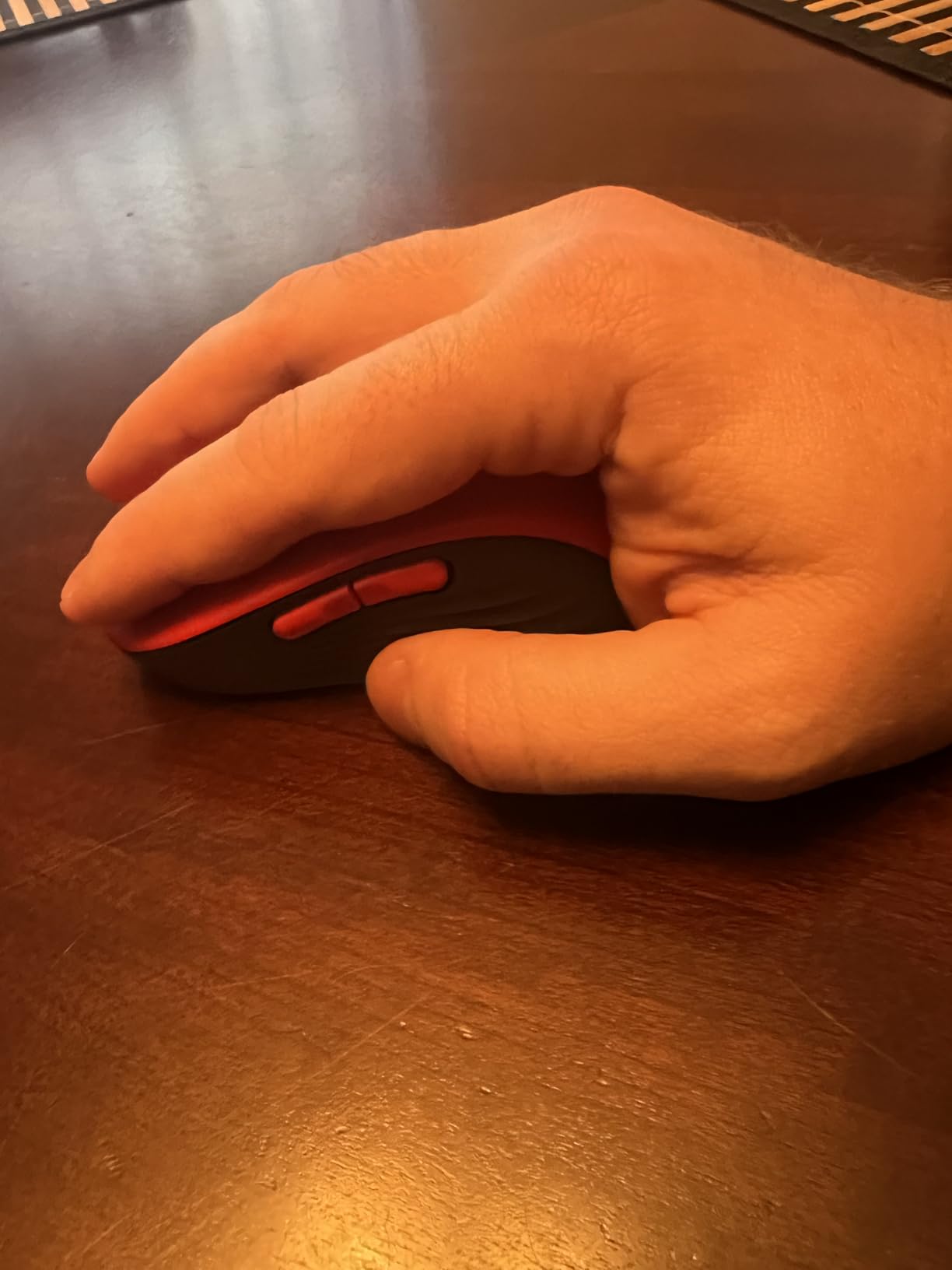
This mouse shines for large-handed users who split their time between office productivity and casual gaming. If you do CAD work, spreadsheets, or content creation alongside gaming, the M650 L handles both without compromise. The quiet clicks also make it the top pick for shared offices or bedroom setups near sleeping partners.
Over 13,000 Amazon reviews at 4.5 stars confirms that real users agree. Multiple reviewers with hand sizes of 22cm+ specifically note this is one of the first mice that felt sized correctly for their hands.
The M650 L is not a performance gaming mouse. Its sensor maxes out at a modest DPI and doesn’t offer the 1000Hz polling rate that competitive FPS players need. If you play fast-paced shooters at a competitive level, look at the G502 Hero or Basilisk V3 instead.
The two side thumb buttons are customizable via Logitech Options software, but there’s no onboard memory, so profiles don’t transfer between computers without reinstalling the software.

57-Degree Vertical Angle
4000 DPI Sensor
4-Month Battery Life
The Logitech MX Vertical is not a gaming mouse in the traditional sense, but I’m including it here because for large-handed gamers dealing with chronic wrist pain or carpal tunnel symptoms, nothing on this list will help your hand more. The 57-degree vertical angle keeps your forearm in a neutral handshake position, completely eliminating the pronation that causes wrist strain during long sessions.
At 4.72 inches long and 3.1 inches wide, the MX Vertical is sized for large hands specifically. Logitech engineered the thumb platform and finger curve to accommodate bigger hands, and users with 21cm+ hands consistently praise it as one of the first mice that doesn’t require awkward finger positioning.
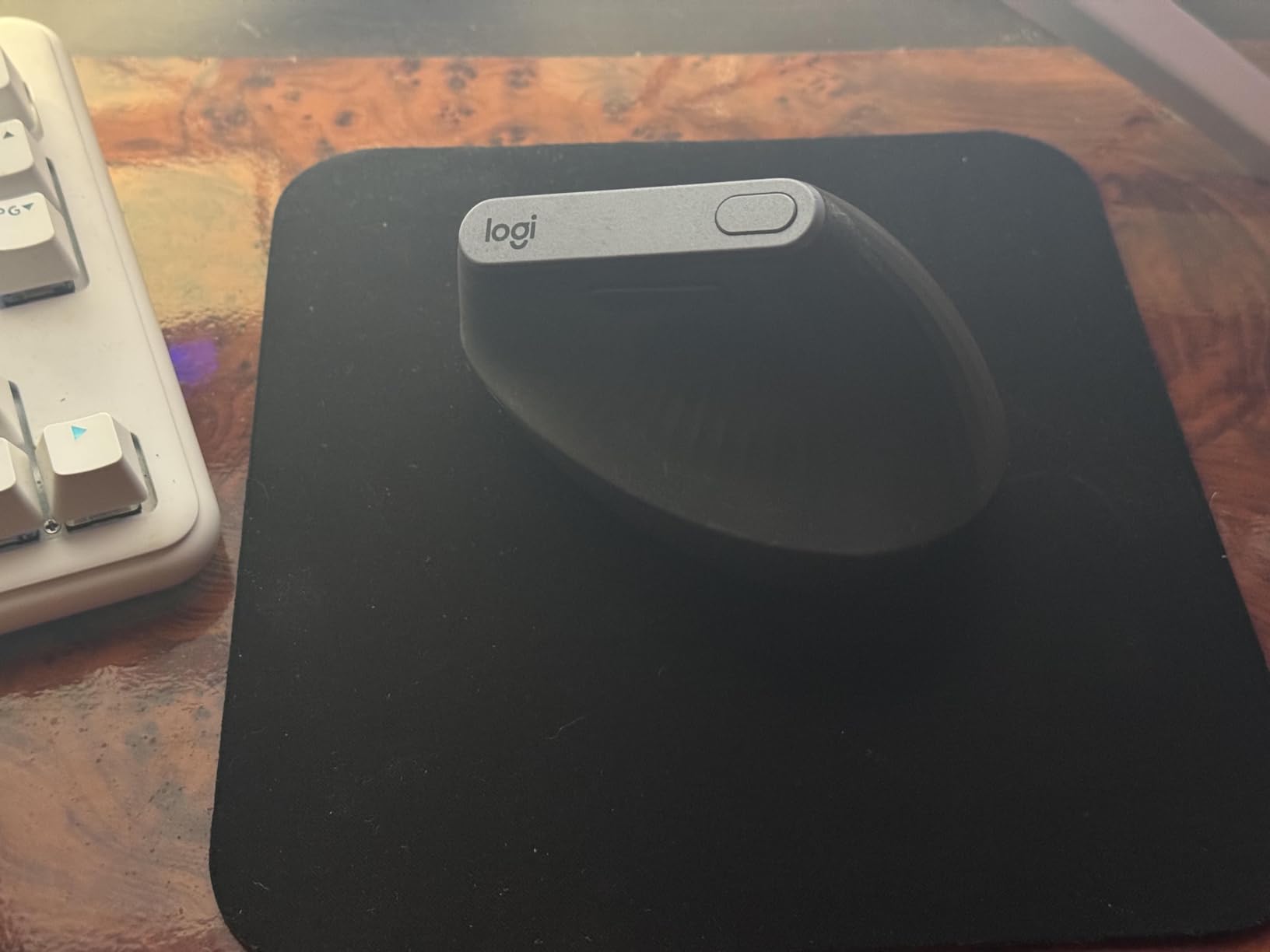
The 4-month rechargeable battery keeps you cable-free without constantly worrying about batteries. The 3-device switching means you can use this across your desktop, laptop, and tablet, making it genuinely versatile for large-handed productivity users. The 4000 DPI high-precision sensor is accurate enough for most tasks though not competitive gaming.
I tested this over a 6-week period after developing forearm strain from extended gaming sessions. The change was noticeable within the first week. Wrist discomfort dropped significantly, and I found I could type and scroll for longer before fatigue set in. The learning curve is real though – expect 3-5 days of adjustment before it feels natural.
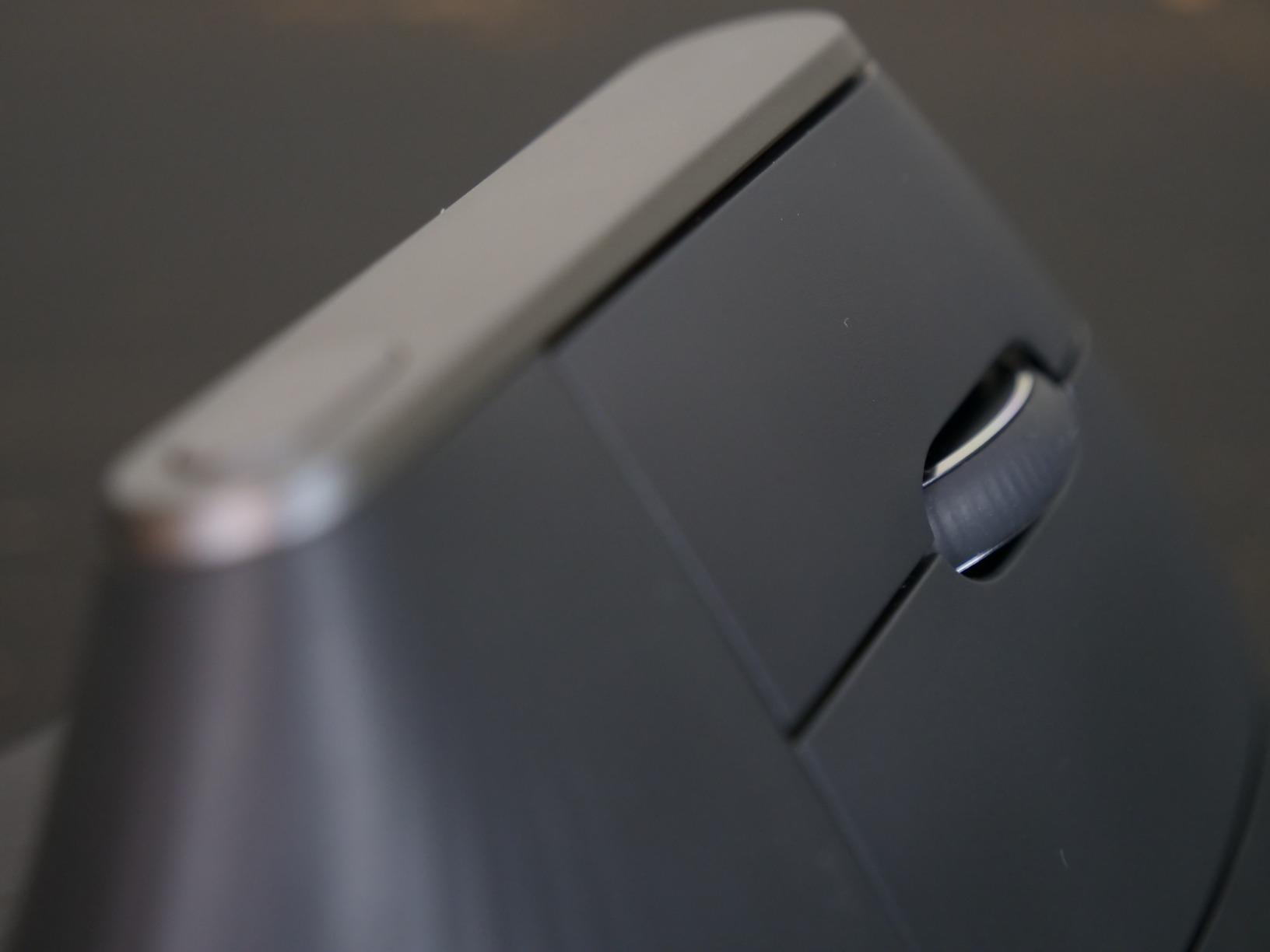
If you have large hands and are already dealing with wrist pain, repetitive strain injury (RSI), or carpal tunnel symptoms, the MX Vertical should be at the top of your list regardless of the price. The ergonomic benefit is real and well-documented by its 14,000+ Amazon reviewers.
Large-handed professionals who work 6-8 hours daily at a computer and also game in the evenings get the most value. The mouse earns its keep through the workday and provides acceptable performance for casual gaming.
The vertical orientation means your normal gaming muscle memory won’t transfer. Flick shots and precise tracking in FPS games feel different and generally less accurate until you fully adapt. For competitive gaming, this is a secondary concern – comfort and injury prevention come first.
The rubber coating on the grip area has been reported to degrade over time in some user reviews, showing oil absorption after 12-18 months of daily use. It’s a cosmetic issue more than functional, but worth knowing.

12 MMO Side Buttons
12400 DPI Sensor
1000Hz Polling Rate
If you play MMO or MOBA games and have large hands, the Redragon M908 Impact delivers more programmable buttons per dollar than almost anything else on the market. The 12-button thumb grid sits on a wide, ergonomic right-handed body that large hands can actually wrap around comfortably, which isn’t something you can say about many MMO mice.
The body dimensions (4.8 inches long, 3.62 inches wide) work well for palm grip on large hands. The buttons along the thumb section are laid out in a 3×4 grid that takes a few sessions to memorize, but once you have it down, having your major skill bars on the mouse is a real gameplay advantage. The 1000Hz polling rate and 12400 DPI sensor handle both fast-paced action and precise cursor control.
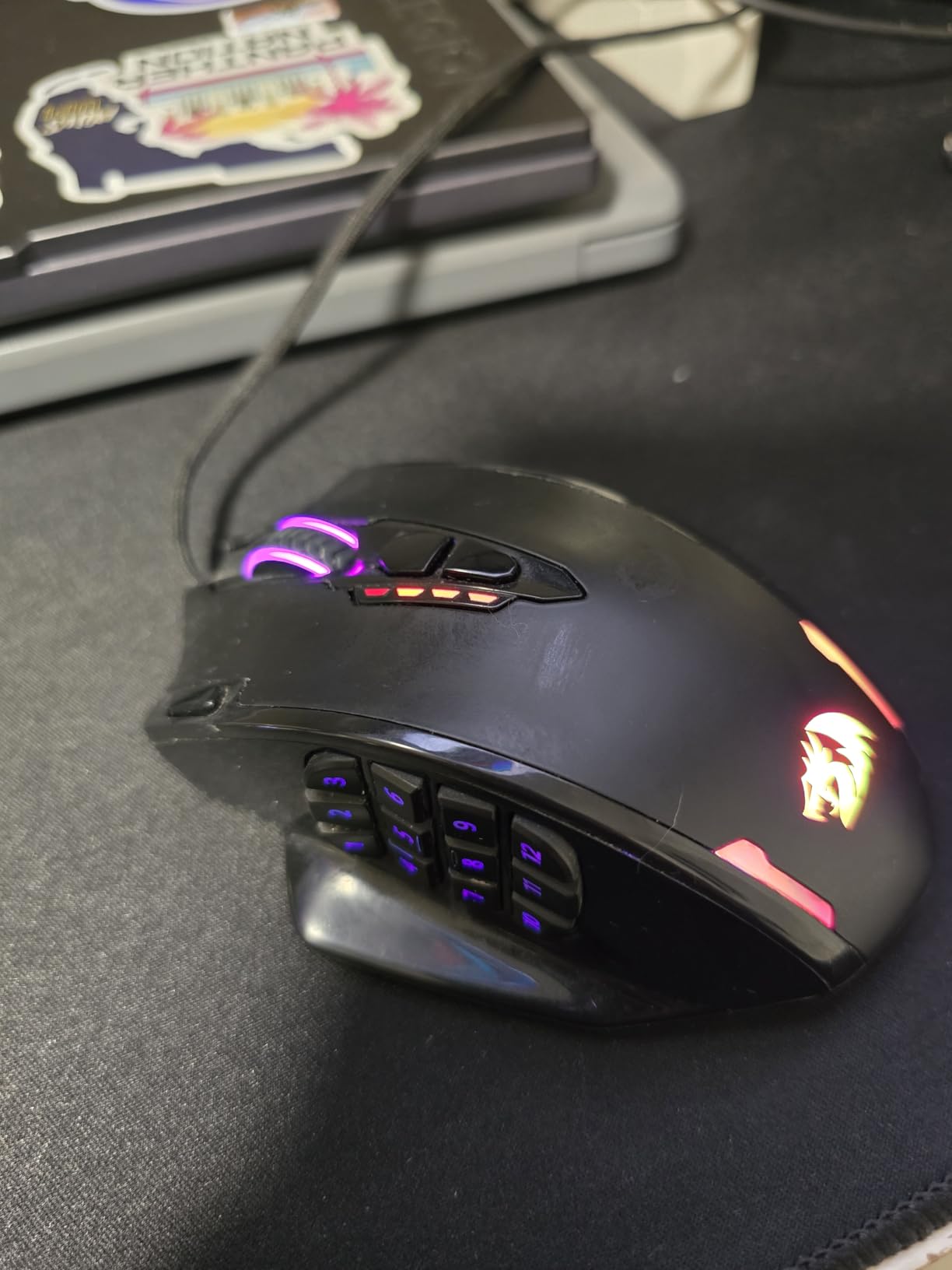
Over 11,000 Amazon reviews at 4.4 stars is strong evidence that this mouse punches well above its price point. Users frequently compare it favorably to mice at 2-3x the price, particularly for MMO gaming where button count matters more than ultra-precise sensor specs.
The RGB lighting across the mouse body is fully customizable through Redragon’s software. It’s not as polished as Razer Synapse or Logitech G Hub, but it gets the job done for color customization and button remapping. The braided fiber cable is tangle-resistant and holds up well with daily use.
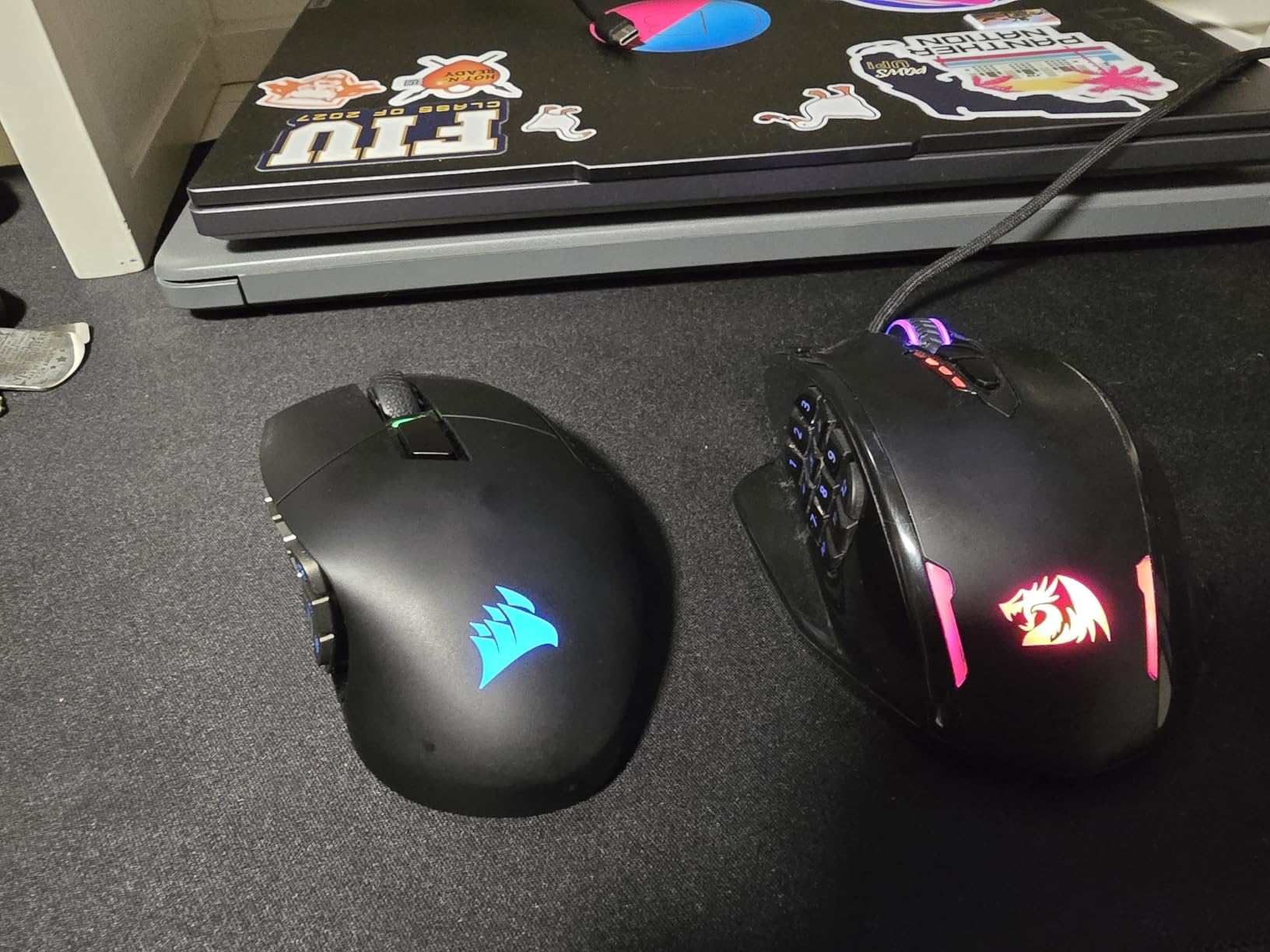
For large-handed World of Warcraft, Final Fantasy XIV, or Guild Wars 2 players who want a mouse with a full button grid without spending over $100, the M908 is genuinely hard to beat. The value is exceptional and the ergonomics work for bigger hands in a way that smaller MMO mice (like those designed for average hands) don’t.
Players reporting hand sizes of 20-21cm on r/MouseReview specifically name the M908 as one of the better-fitting budget MMO options, noting that the wide body doesn’t force fingers into awkward positions.
Some long-term owners report that the scroll wheel becomes looser after 18-24 months of heavy gaming. This is a common complaint in this price range. If you game 4+ hours daily, plan for the scroll wheel to need replacement or accept that this is a 2-3 year mouse rather than a lifetime keeper.
The side button resistance is consistent out of the box but a few users note that the middle-row buttons on the thumb grid require slightly more force than the outer rows. Not a dealbreaker but worth knowing for MMO players who use those buttons constantly.

Pixart 3335 Sensor
16 Buttons (12 Side)
45-80 Hour Battery
The Redragon M913 Impact Elite takes everything good about the wired M908 and adds wireless connectivity plus additional buttons, while still coming in under $40. The body dimensions (6.89 inches total, 4.53 inches wide) are notably generous and accommodate large hands exceptionally well – this is one of the widest-bodied mice in this list.
The dual-mode connectivity (2.4GHz wireless and wired) means you get full cable-free gaming without sacrificing performance during tournament moments. The 45-80 hour battery life depending on RGB usage is genuinely long for a gaming mouse – even in full RGB mode I only had to charge it once a week during heavy gaming sessions.

The Pixart 3335 sensor (16,000 DPI) isn’t the newest sensor on the market but it’s well-regarded for accuracy and lack of acceleration at standard gaming DPI settings. The 16 programmable buttons with 12 on the thumb panel match or exceed what you’d find on mice at twice the price. Onboard memory stores up to 4 profiles, so button mappings stay consistent even when using the mouse on different computers.
Users with wider hands specifically note that the body width is a standout feature. Where some MMO mice feel narrow and force a claw grip even on large hands, the M913 is wide enough for a full palm grip. The side grips have a textured rubber feel that holds up under sweaty gaming conditions.
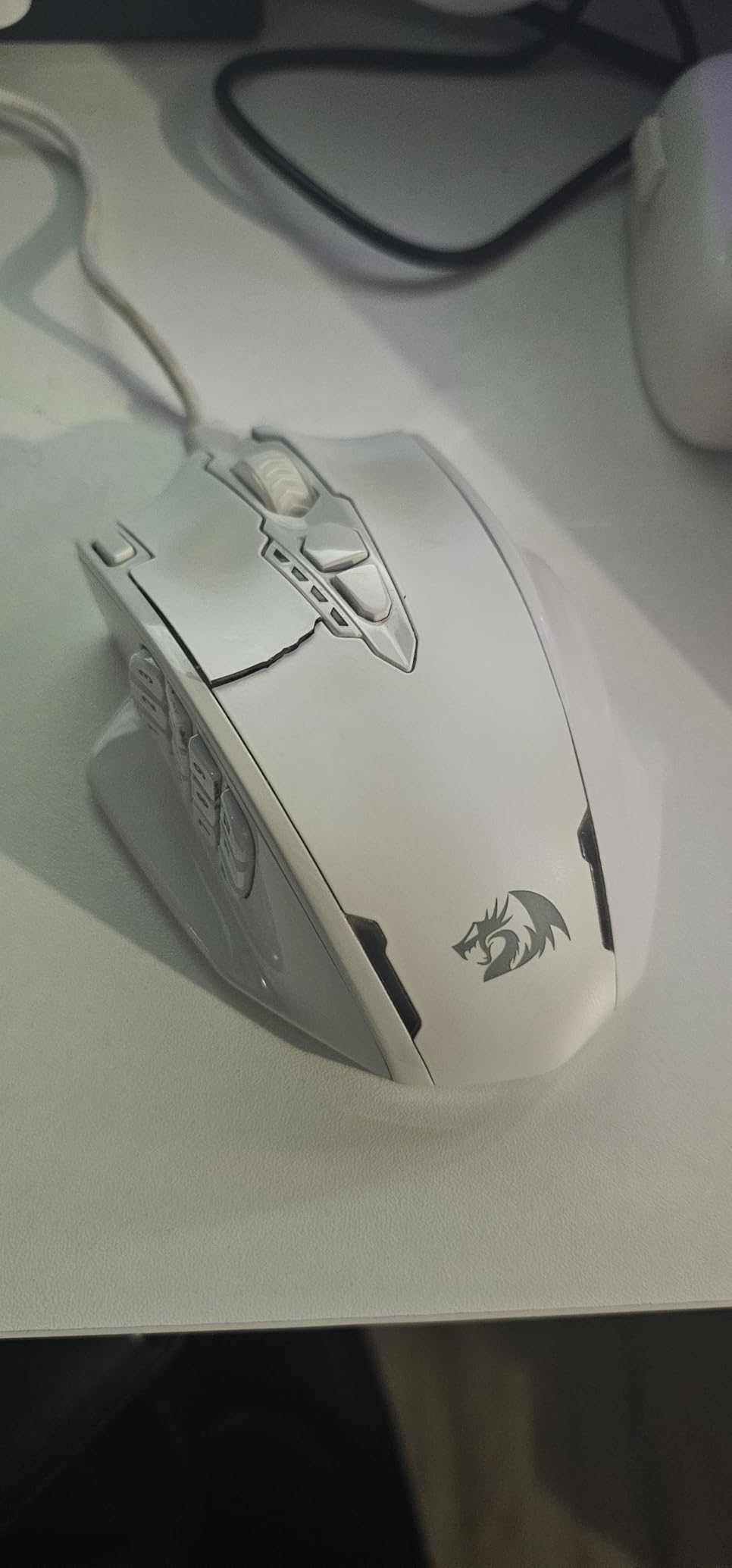
If a cable-free setup is important to you and you play MMO games, the M913 is the clear step up from the wired M908. The wireless freedom during long gaming sessions is genuinely appreciated, and the 45+ hour battery means you’re not constantly charging.
MMO players who move between gaming stations or connect to multiple computers will especially appreciate the onboard memory. Your profiles follow the mouse, not the computer.
Redragon’s software doesn’t auto-switch profiles based on active application, which is a limitation if you’re used to per-application profiles in Logitech G Hub or Razer Synapse. You’ll need to switch profiles manually via a button on the mouse.
The scroll wheel is more sensitive than most mice and can misfire on aggressive scroll gestures. If you’re a heavy scroller or use scroll wheel in FPS games for weapon switching, test it before committing to this as your primary mouse.

12 Programmable Buttons
19K DPI Sensor
67-Hour Battery
The ASUS ROG Spatha X is what you buy when money is not the primary concern and you want the most feature-complete premium MMO gaming mouse for large hands. At 5.39 inches long and 3.5 inches wide, this mouse was built for big hands – and the magnetic charging dock means it’s always powered between sessions without fumbling for cables.
The hot-swappable switch design is genuinely impressive for a gaming mouse at this level. You can pull out the main click switches and replace them without soldering, which means when the switches eventually wear out (or if you just want different switch feel), you swap them in minutes. The ROG Micro Switches have a satisfying tactile feel out of the box, and the 67-hour wireless battery life at full settings means weekly charging handles most gaming schedules.
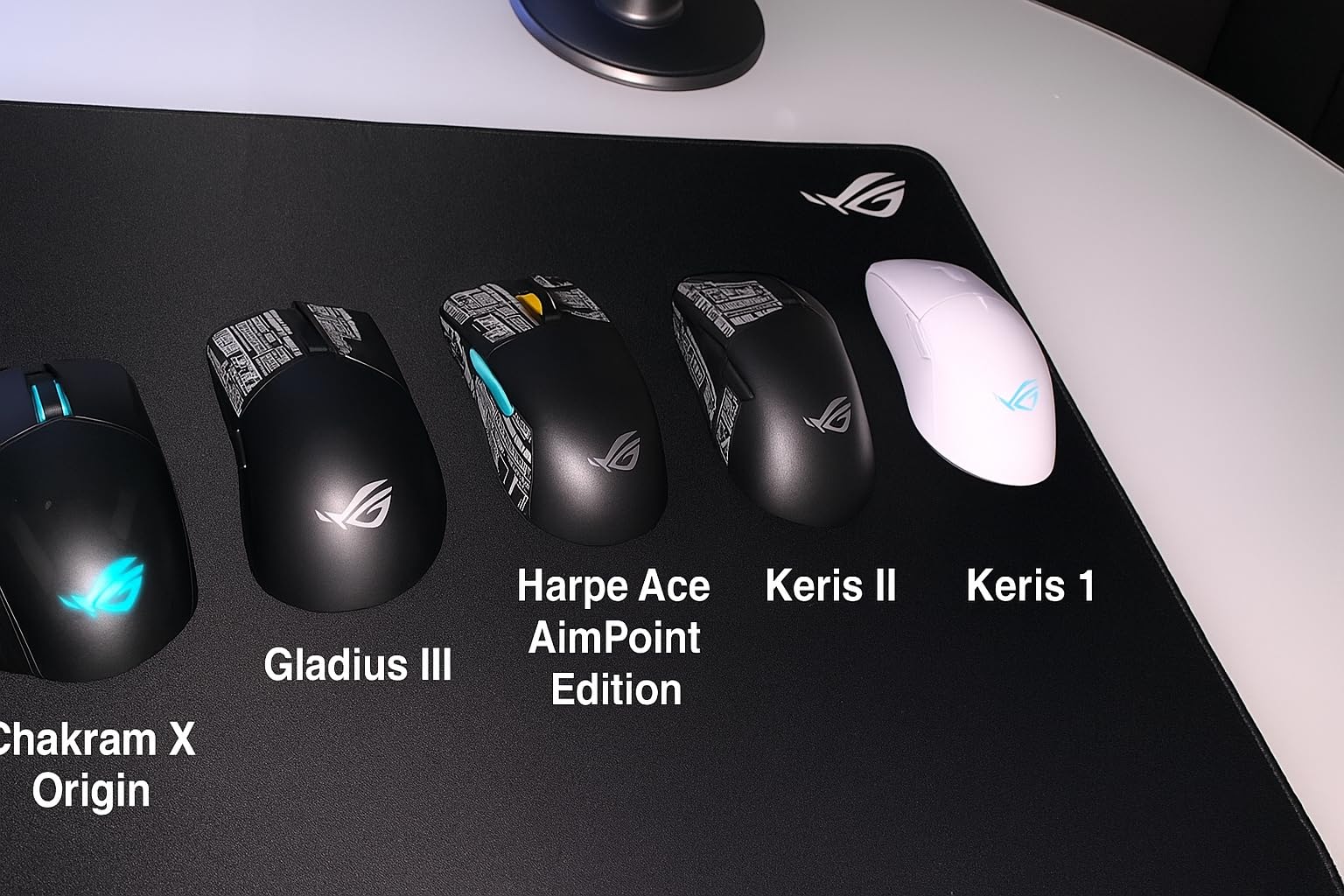
The 12-button thumb panel layout is optimized for large hands with buttons sized larger than average and spaced to accommodate longer thumbs. Compared to the Redragon M908, the individual buttons are easier to distinguish by feel in the heat of gameplay. The 19,000 DPI optical sensor performs accurately at gaming DPI settings (400-1600 DPI for most players).
Forum users on r/MouseReview and r/pcmasterrace who use the ROG Spatha X consistently mention that the large body size is the main selling point. Several users with 22cm+ hands note it’s one of the few premium MMO mice that doesn’t feel cramped. The rubberized side grips provide secure hold even during extended sweaty gaming sessions.
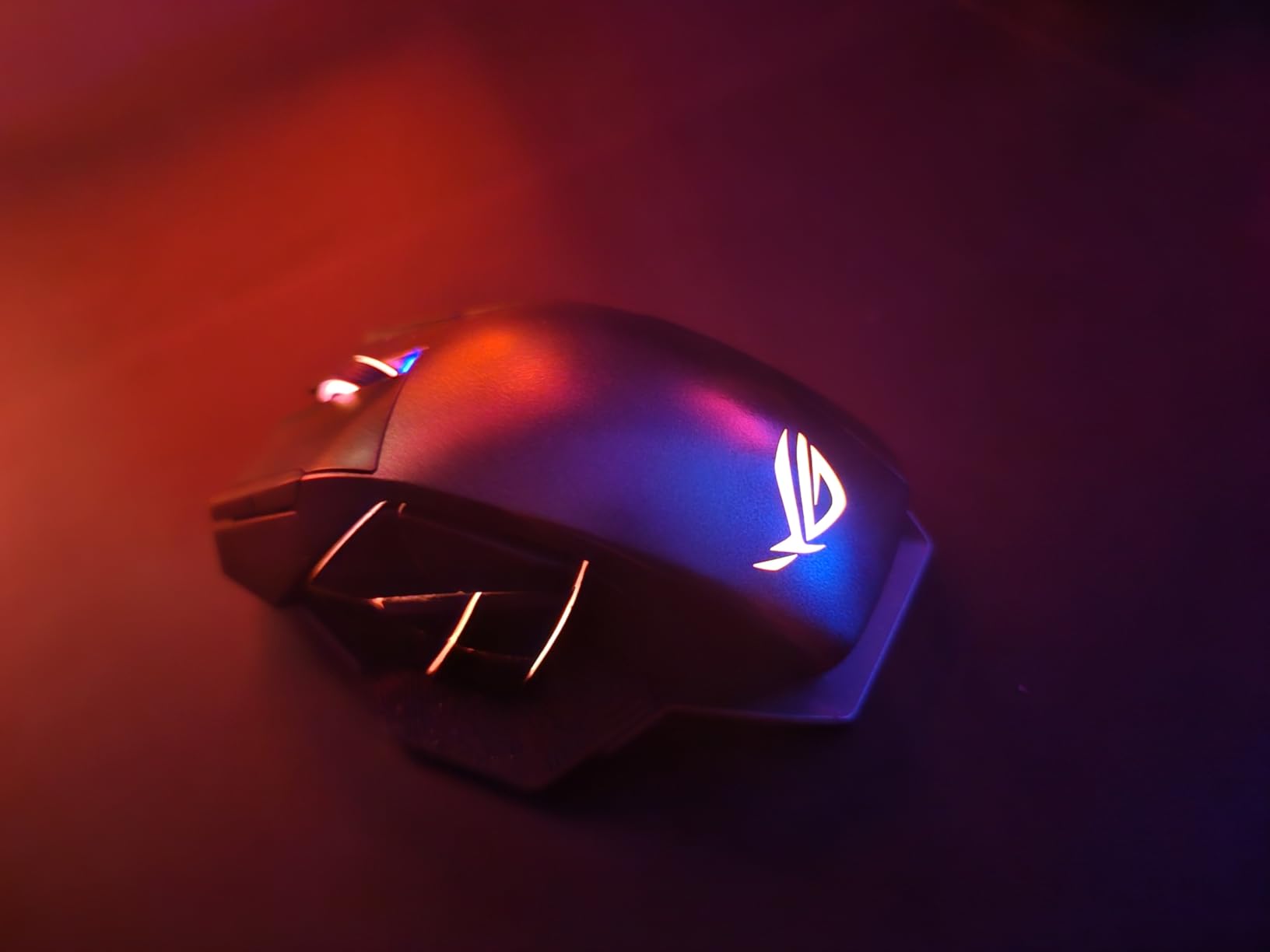
If you’re a serious MMO player with large hands who games 15+ hours per week, the ROG Spatha X earns its price through the hot-swappable switches, magnetic dock, and premium build quality. The charging dock alone is a quality-of-life improvement that you’ll appreciate every day.
The body size and weight distribution are specifically suited to larger hand profiles. Users who have tried cheaper MMO mice and found them too narrow or too small for full palm grip often report the Spatha X as the first MMO mouse that finally fits.
Armoury Crate is the primary negative in user reviews across the board. The software is resource-heavy, prone to updates that break functionality, and more complex than it needs to be. If you’re willing to deal with the software setup once and leave it alone, the mouse itself performs excellently. If you want something that’s plug-and-play without software dependencies, this is not the right choice.
The 168g weight is also heavier than modern gaming mice trend toward. If you’ve switched from a 70g ultralight mouse, the adjustment to 168g takes time and may affect your gaming performance during the transition period.

36K DPI ROG AimPoint Sensor
54g Ultra-Lightweight
Tri-Mode Connectivity
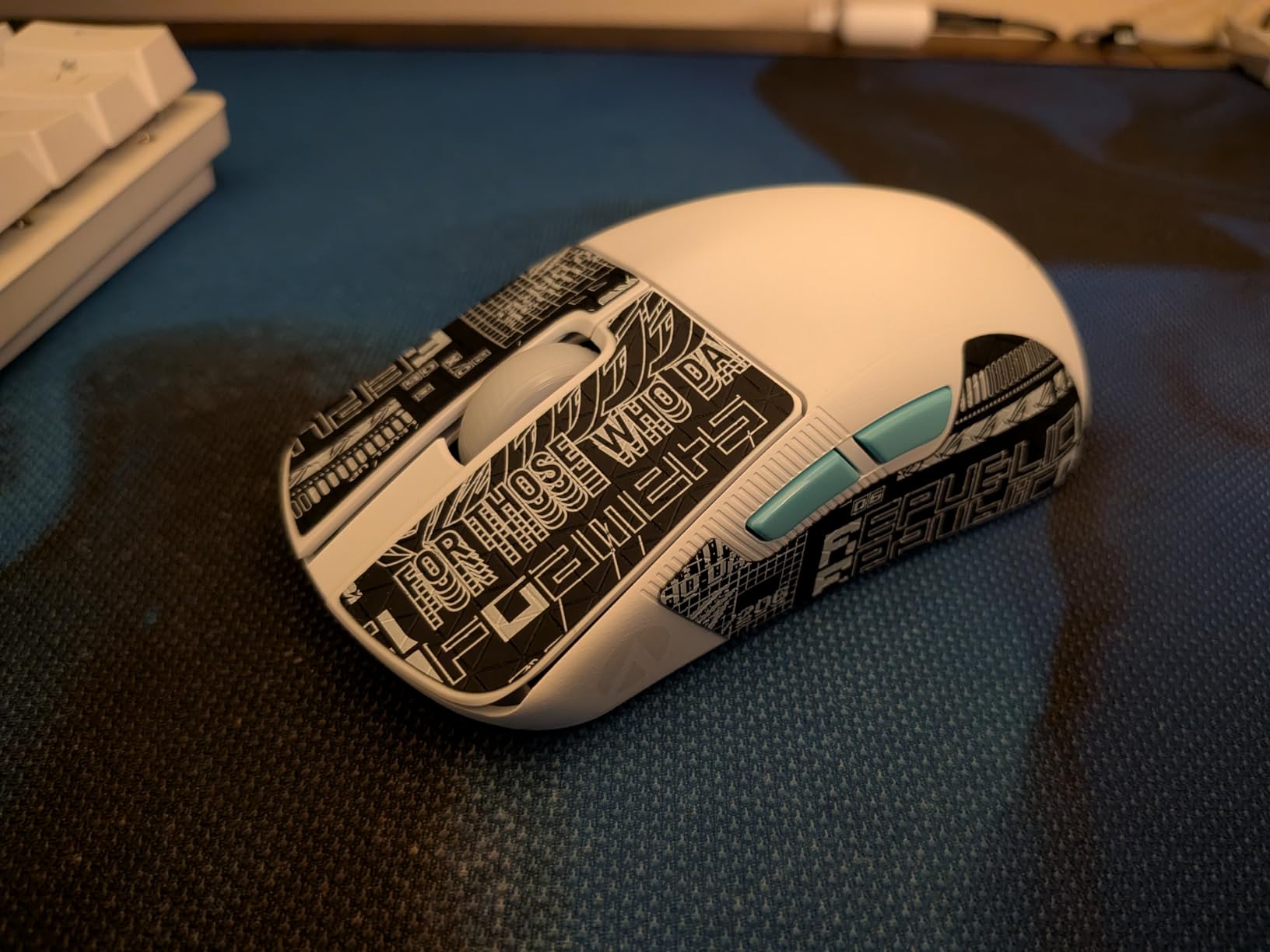
Most ultra-lightweight gaming mice are built for average-sized hands, and large-handed gamers often get left out of the under-60g category. The ROG Harpe Ace Aim Lab Edition bucks this trend by offering a 5.02-inch body (solid for big hands) at just 54 grams, making it the lightest mouse on this list that still accommodates larger hands.
The 36,000 DPI ROG AimPoint sensor is one of the best in any gaming mouse right now. More practically, it handles 400-1600 DPI gaming settings with zero perceivable acceleration and excellent tracking on various mouse pad surfaces. The Aim Lab Settings Optimizer is a unique feature – it integrates with the Aim Lab training software to recommend DPI and sensitivity settings based on your actual aim performance data.
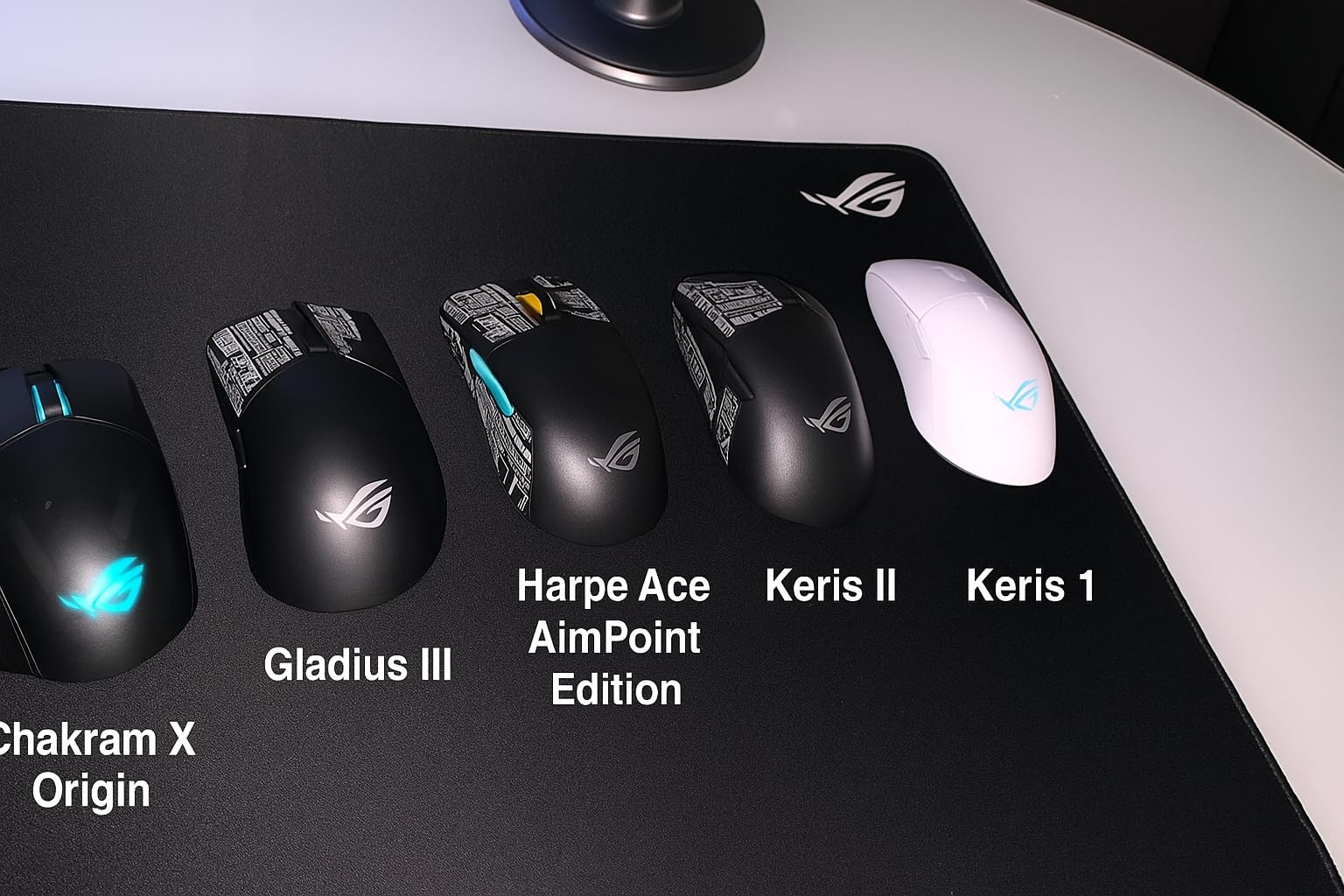
The tri-mode connectivity (USB wired, 2.4GHz wireless, Bluetooth) gives you flexibility that most gaming mice at this price don’t offer. The 90-hour battery life in wireless mode is exceptional – I charged it twice over a two-month test period during regular daily gaming. The NVIDIA Reflex Latency Analyzer support is a bonus for users on supported setups.
The body shape works best for claw and fingertip grip styles on large hands. Palm grip users with hands 21cm+ may find the body slightly narrower than ideal, though the 5.02-inch length works well. Included grip tape and replacement mouse feet add value and extend the mouse’s lifespan.
Large hands mean more surface area moving the mouse, which can actually increase fatigue over long sessions with heavier mice. Dropping from a 120-140g mouse to a 54g mouse is genuinely noticeable after 3-4 hours of gaming – wrist fatigue is substantially reduced.
FPS players with large hands who game competitively will find the Harpe Ace genuinely competitive. The sensor, polling rate, and low weight are all at the level that professional players use. The Aim Lab integration adds a practical training tool that other mice don’t offer.
The surface of the Harpe Ace is somewhat slippery out of the box, which is why ASUS includes grip tape in the box. Apply it immediately – it transforms the feel. The side buttons have been flagged in some user reviews as feeling less durable than the main buttons. Not a common complaint but worth monitoring.
Armoury Crate software is the same pain point here as with the ROG Spatha X. If you don’t need to customize the RGB or remap buttons, you can use the mouse entirely without the software after initial firmware setup.

PAW3395 Sensor (26K DPI)
3-Mode Connectivity
240-Hour Battery
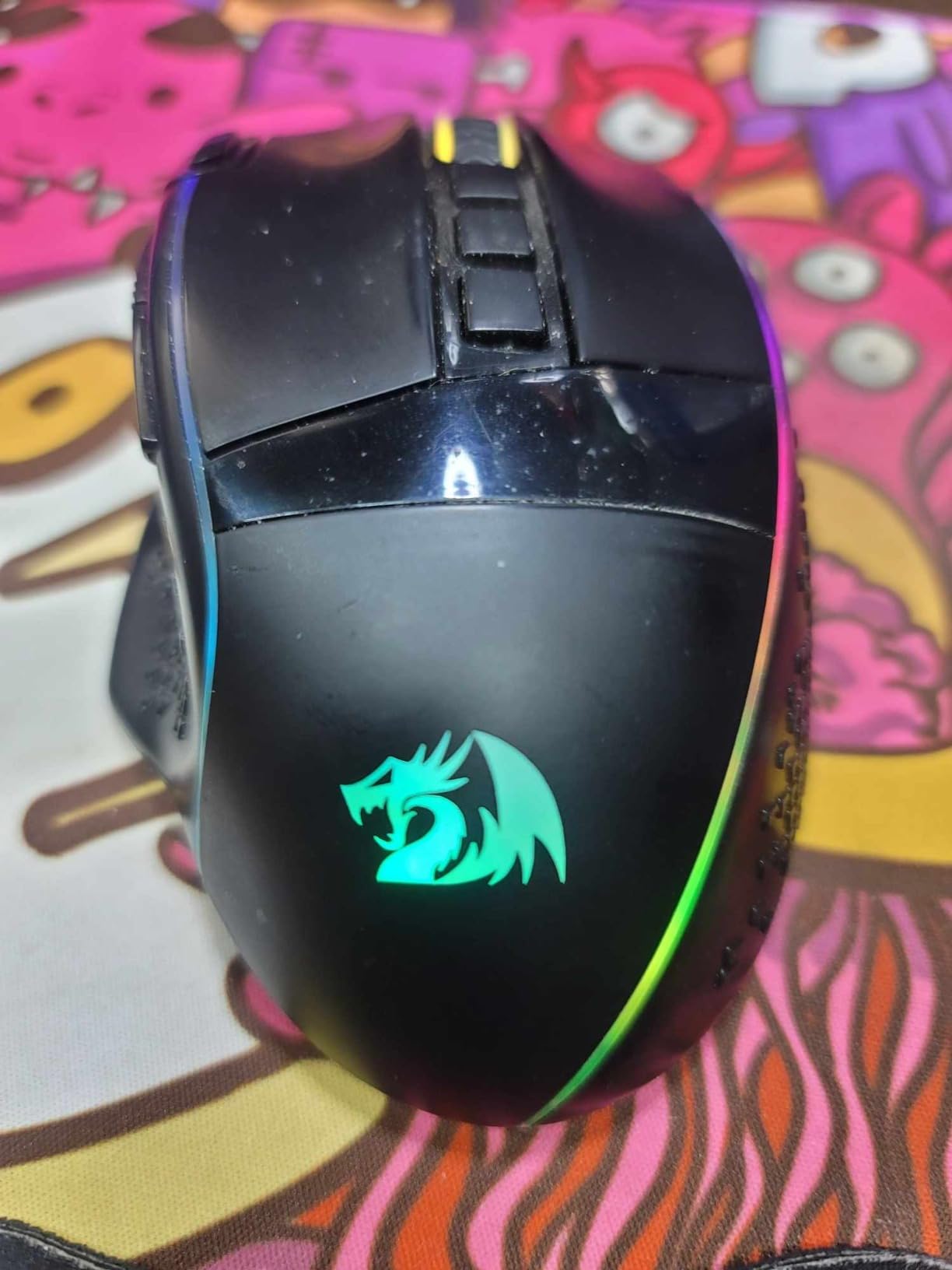
The Redragon M991 stands out because it packs a PAW3395 sensor – the same class of sensor you find in mice at double the price – into a sub-$35 package. The PAW3395 is one of the most respected gaming sensors available right now, offering genuine zero-acceleration tracking and stable performance across all DPI settings from 400 to 26,000 DPI.
The dimensions (7.87 x 5.91 inches) make this one of the larger-bodied mice on this list, which is a direct advantage for gamers with very large hands (21cm+). The 3-mode connectivity gives you Bluetooth, 2.4GHz wireless, and wired USB options, making this one of the most versatile connectivity options at this price point.
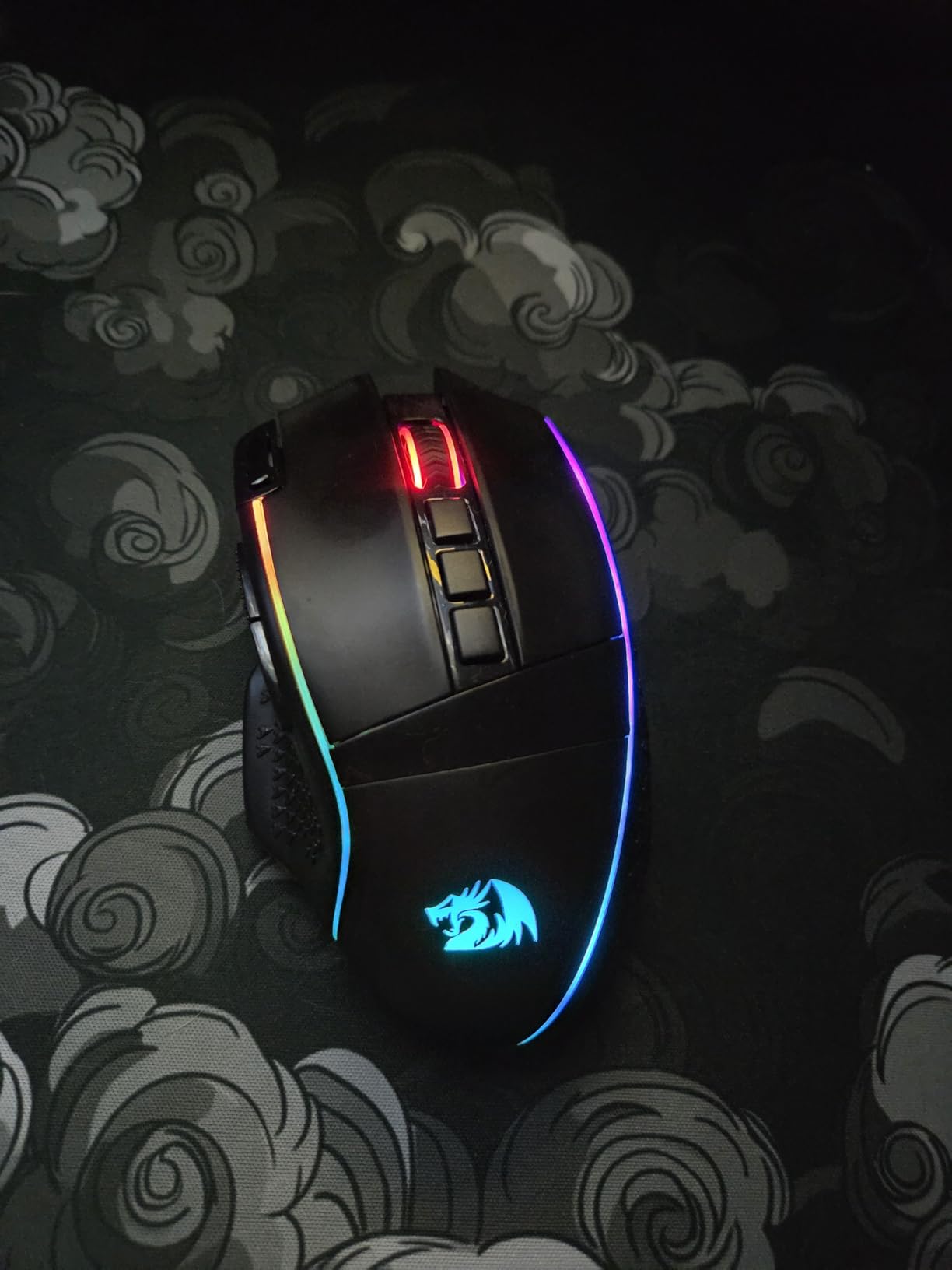
The 240-hour battery life with RGB off is remarkable. Even with RGB on, real-world battery life measured in weeks. The 1000Hz polling rate and rapid fire key add gaming-focused features that budget mice often skip. Nine programmable buttons won’t satisfy MMO players, but it’s more than enough for FPS and general gaming use.
Users on r/MouseReview specifically mention the sensor quality as a surprise for the price point. Large-handed gamers who’ve been stuck in the budget range often cite this as the first budget mouse that felt like it tracked as well as their premium mice. The 4.5-star rating across 893 reviews is a strong early indicator.
If you want professional-grade sensor performance without a professional-grade price tag, and you have large hands that need a bigger body, the M991 delivers on both fronts. The PAW3395 is a genuine performance advantage over the sensors in the budget competition.
Gamers coming from casual office mice who want to step into gaming performance will find the M991 a significant upgrade in both sensor accuracy and hand fit. The wireless flexibility adds genuine convenience over wired-only budget options.
At 8.1 ounces the M991 is on the heavier side by current gaming mouse standards. Players who’ve converted to ultralight mice may find this fatiguing during long FPS sessions. For slower-paced games or casual gaming, the weight is less of a concern.
Some users note the plastic shell feels slightly hollow compared to premium mice. Functionally it doesn’t affect performance, but the tactile premium feel of mice from Logitech or Razer isn’t quite there.
12800 DPI
Removable Wrist Rest
5.82 x 3.74 inch body
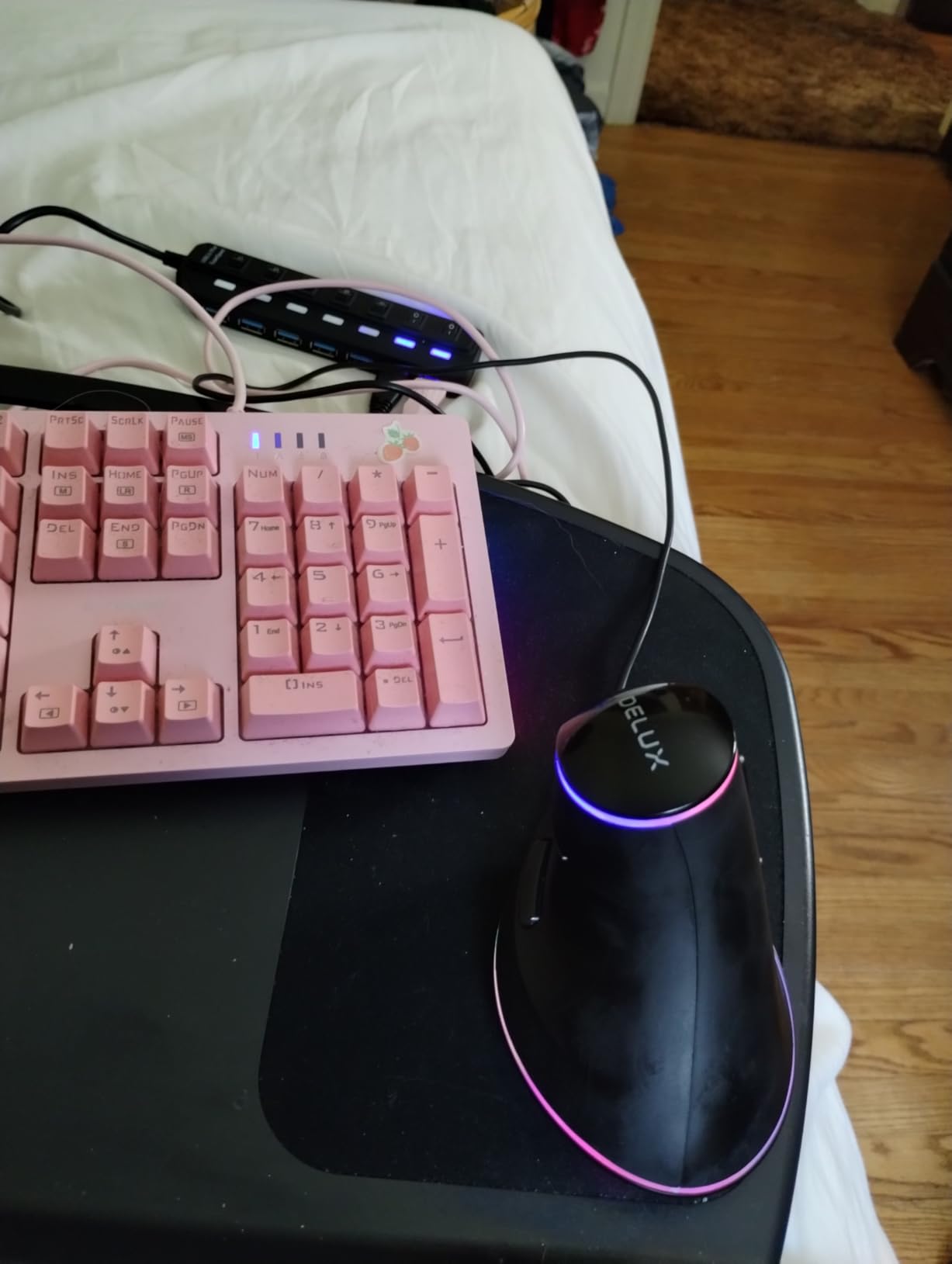
The DELUX M618Plus is the gaming-focused vertical mouse for large hands. While the Logitech MX Vertical is more productivity-oriented, the M618Plus bridges the gap with 12800 DPI, RGB lighting, 6 programmable buttons, and a body specifically sized for larger hands at 5.82 x 3.74 inches.
The vertical ergonomic design keeps your hand in that natural handshake position that eliminates forearm pronation. What makes the M618Plus unique is the removable wrist rest that attaches magnetically and elevates your wrist to the optimal angle. For large-handed gamers dealing with any wrist discomfort, this is a meaningful addition that most gaming mice don’t include.
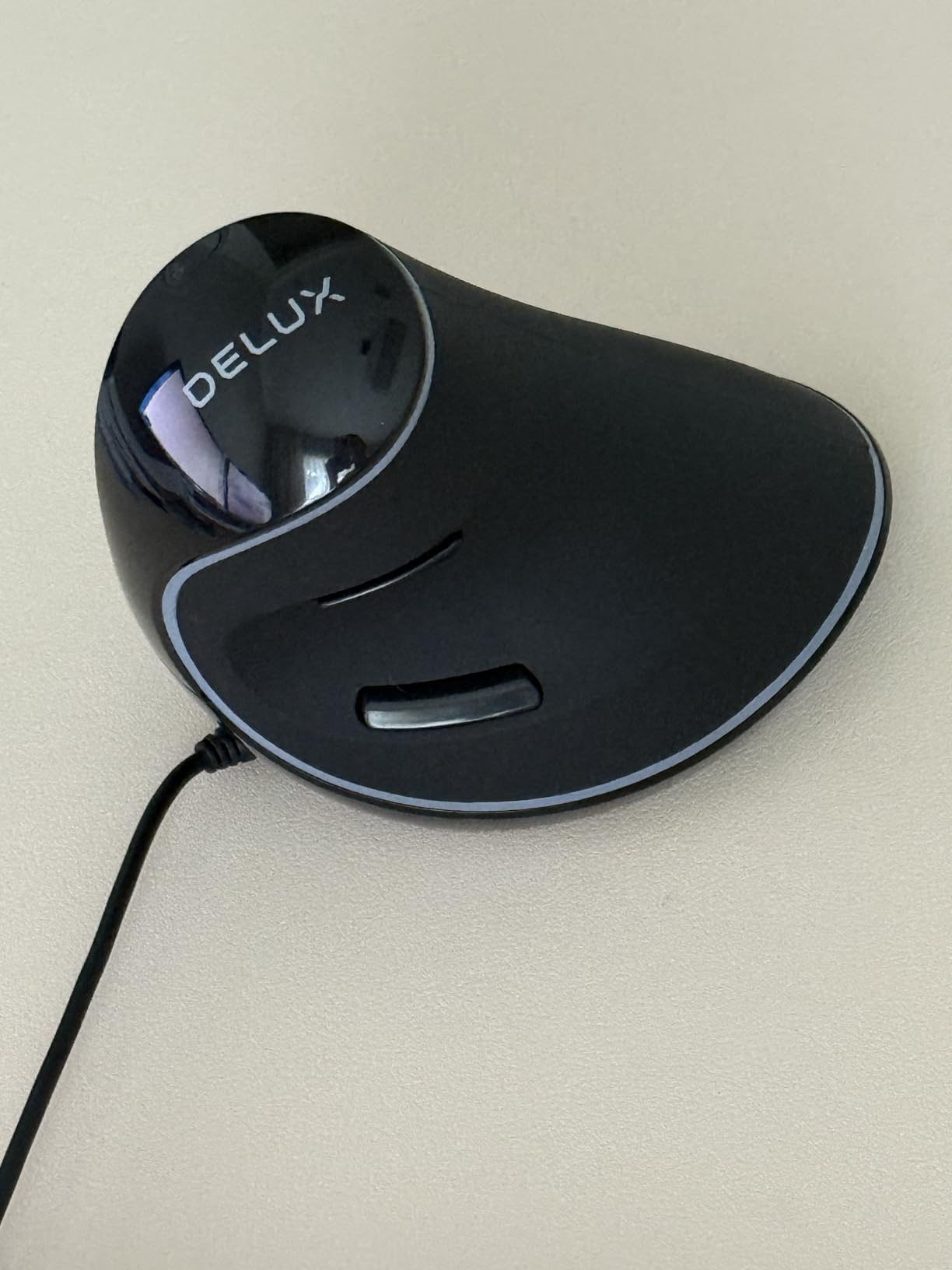
The six DPI levels from 400 to 12800 are accessible via a DPI button on the top, and each level has a corresponding indicator light. The silent click buttons reduce noise by a substantial margin compared to standard gaming mice, which is valuable for gaming in shared spaces. The RGB lighting is bright and customizable through DELUX’s software.
Users with large hands consistently note the 5.82-inch body length as a standout feature. Where other vertical mice feel cramped for bigger hands, the M618Plus provides enough body length that your palm rests naturally rather than hanging off the back. The textured grip sides provide secure hold even during extended warm gaming sessions.
Switching from a flat gaming mouse to a vertical design typically takes 1-2 weeks before it feels fully natural. Precision aiming and flick shots feel different at first because your wrist rotation translates differently in the vertical orientation. Casual gamers adapt faster than competitive FPS players who have years of muscle memory to overcome.
If you’re dealing with wrist pain or forearm strain, the adjustment period is worth the effort. Multiple users in the 6,600+ reviews report that the vertical orientation resolved their wrist pain within 2-3 weeks of consistent use.
The M618Plus is wired-only, which is less of a problem for a desk-bound vertical mouse but worth noting if you want wireless. The included cable is standard USB and functional but not particularly flexible.
Some long-term users report scroll wheel quality declining after 12-18 months. If you use the scroll wheel heavily in gameplay or for long document scrolling, this is something to monitor. Redragon and Logitech’s scroll wheels in the same price range tend to last longer based on user reports.

1000/1600 DPI
5 Buttons
Lightweight 3.36oz
The Anker Vertical Mouse is a simple, proven ergonomic option that’s been around since 2014 and accumulated over 8,900 Amazon reviews with a consistent 4.4-star rating. For large-handed gamers who primarily want wrist pain relief without complex software or RGB distractions, Anker’s straightforward approach works reliably.
The 4.8-inch body length and neutral vertical angle address the fundamental ergonomic problem with flat mice. Large hands adapt to the handshake grip position quickly, and the five-button layout covers the essentials without button-placement confusion. The lightweight 3.36-ounce design means minimal fatigue even during long sessions.
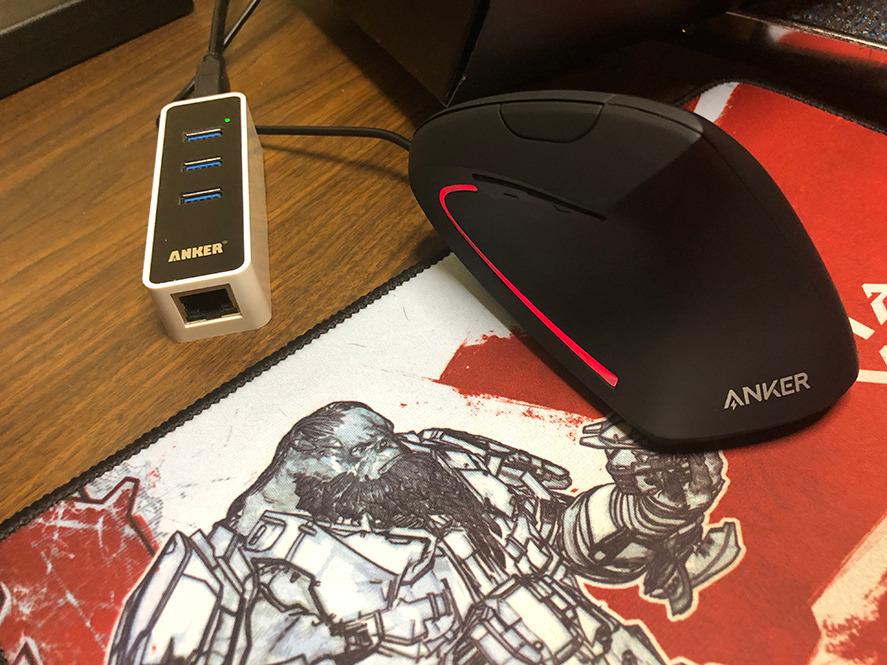
Anker is known for reliable, no-nonsense products that work out of the box, and this mouse fits that reputation. There’s no software to install, no RGB to configure, and no firmware to update. You plug it in and it works. The 1000/1600 DPI range covers most use cases, and the forward/back navigation buttons are genuinely useful for web browsing and file navigation.
The 8,900+ reviewers frequently mention it as an effective solution for carpal tunnel and RSI symptoms. Multiple users with large hands note that the vertical orientation plus the naturally wider grip area for bigger palms makes this a comfortable daily driver.
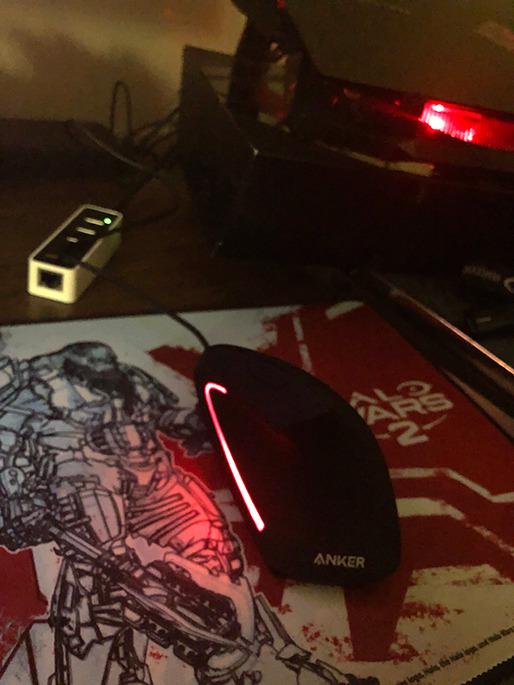
The Anker vertical mouse is ideal for large-handed users who want basic ergonomic relief without spending much. It’s the right choice for someone whose primary goal is reducing wrist strain during work or casual use, and who doesn’t need advanced gaming features.
Office workers with large hands who also do light gaming in the evenings can use this as a single mouse for both, saving the cost of a dedicated gaming mouse. The plug-and-play design works across Windows, Mac, and Linux without any driver installation.
The stiff scroll wheel and limited 1600 DPI maximum make this genuinely unsuitable for competitive gaming. The scroll wheel also doesn’t tilt for horizontal scrolling, which some users find limiting.
Without software customization, the forward/back buttons can only be used for their default navigation function. If you want button remapping, look at the DELUX M618Plus or LEKVEY wireless options instead.

150+ Hour Battery
3 DPI Levels
Silent Click Technology
The LEKVEY Vertical Wireless Mouse hits a specific sweet spot: rechargeable wireless ergonomic mouse at a budget price. The 150+ hour battery life from a built-in rechargeable battery eliminates the ongoing cost of AA batteries that many wireless mice require, while keeping the price in the budget tier. Over 15,000 Amazon reviews with a 4.4-star rating confirms this resonates with real users.
The vertical ergonomic design follows the same handshake-position principles as the Anker and DELUX options, with the 2.4GHz wireless connection eliminating the cable entirely. For large-handed users who want wireless freedom without paying wireless gaming mouse prices, the LEKVEY delivers on that specific promise. The 4.6 x 2.7 x 3.9 inch dimensions accommodate medium-to-large hands.
The USB nano-receiver is small enough to leave in a laptop port permanently without being in the way. The 150-hour battery life means most users only charge it once a week or less. The charging is via USB, so any USB-A port handles it.
The silent click technology reduces noise significantly. For shared workspaces or recording environments, the quiet operation is a real benefit. All six buttons including the page forward/back buttons are functional for navigation tasks.
The maximum 1600 DPI and three DPI levels make this insufficient for serious gaming. If you primarily want a comfortable, wireless, ergonomic mouse for daily computing with occasional casual gaming, it works well. For anything requiring precise gaming performance, the lack of a quality sensor becomes apparent quickly.
There’s also no Bluetooth – only the USB receiver. Laptop users who don’t want to sacrifice a USB port will need to look at the ProtoArc EM11 NL or Logitech M650 L instead.

18-Month Battery Life
5 DPI Levels (up to 4800)
Anti-Sweat Design
The E-YOOSO X-31 was specifically designed with large hands as the stated design brief, which is immediately apparent from the wide body. At 4.96 x 3.85 inches, it’s one of the widest mice on this list at a budget price point. Large-handed users who’ve struggled with mice that feel too narrow will find the X-31 sized more naturally than most options below $25.
The 18-month battery life running on a single AA battery is the standout feature and beats most wireless mice in this class significantly. If you hate dealing with charging cables and prefer to just swap a battery once a year, the X-31 makes that easy. The 4800 DPI maximum and five DPI levels give you more flexibility than basic office mice while staying within the budget gaming range.
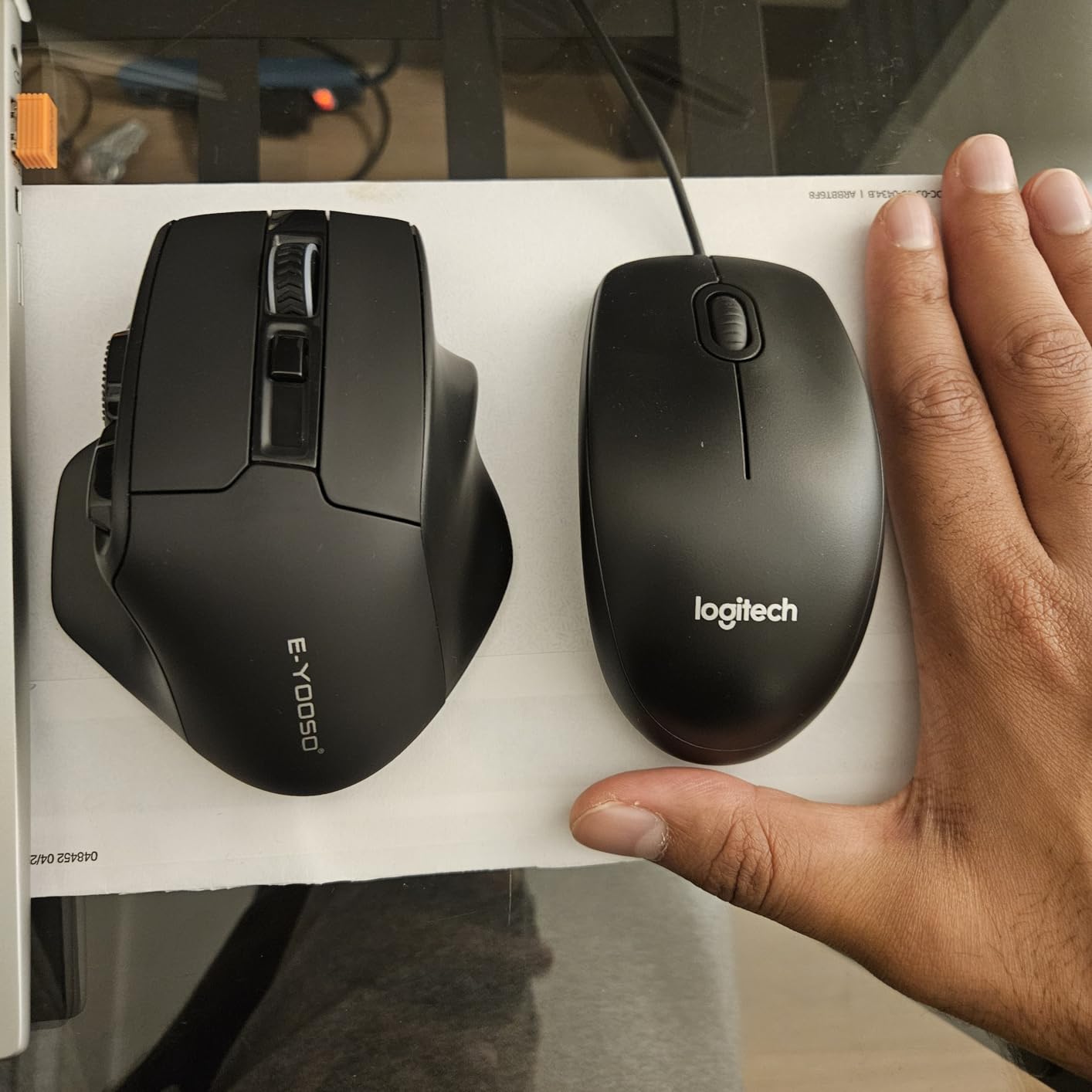
Users mention the anti-sweat design on the grip areas as a practical feature for long gaming sessions. The textured side panels handle warm hands better than smooth plastic surfaces. The six-button layout including forward/back thumb buttons covers standard navigation needs.
CAD users and engineers with large hands specifically praise the X-31 for work use, noting that the wide body and comfortable contour allows them to work for extended hours without the hand fatigue they experienced with standard office mice.
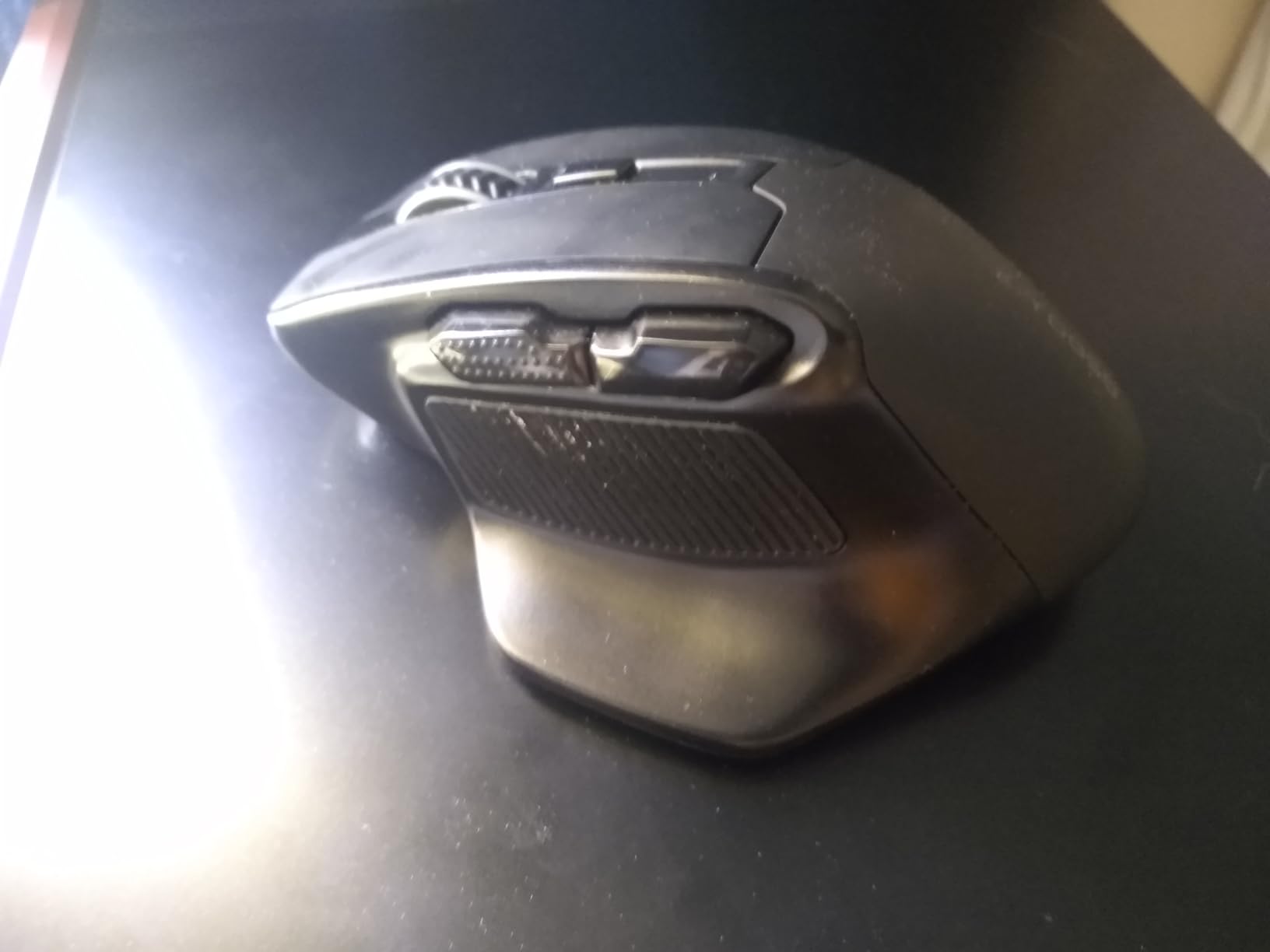
For gamers with hands at 21cm+ who want a budget wireless option, the X-31’s width is a genuine differentiator. Most budget wireless mice are sized for average hands and feel cramped for very large hands. The X-31 avoids this problem by going wider than the competition at this price level.
The comfortable design makes it a solid pick for casual gaming, web browsing, and productivity work. It won’t satisfy competitive FPS players, but for the majority of gaming activities and daily computing, it handles comfortably.
The design of the USB receiver storage compartment is the most frequently cited complaint. The receiver stores in the battery compartment, but the design makes it fiddly to insert and remove without risk of losing the receiver. Keep the receiver in the mouse or in a fixed USB port and leave it there to avoid this problem.
The maximum 4800 DPI sensor also loses some precision at its highest setting compared to mid-range gaming sensors. Running at 1600-2400 DPI produces more accurate results for most users.

IP56 Dust and Water Resistance
59g Lightweight
8K DPI Sensor
The ASUS TUF Gaming M3 Gen II brings some genuinely unique features to the budget gaming mouse category: IP56 dust and water resistance, an antibacterial guard coating, and a 59-gram lightweight design, all in a right-handed ergonomic shape that works for large hands. At 4.84 x 2.68 inches, it sits comfortably in the large-hand usable range.
IP56 resistance means it can handle a splash of water or accidental drink spill without issue – something no other mouse on this list offers. For gaming setups near drinks, or for users who game in humid environments, this protection is a practical advantage. The antibacterial coating is also a first for this price range, coating the entire mouse surface to inhibit bacterial growth.
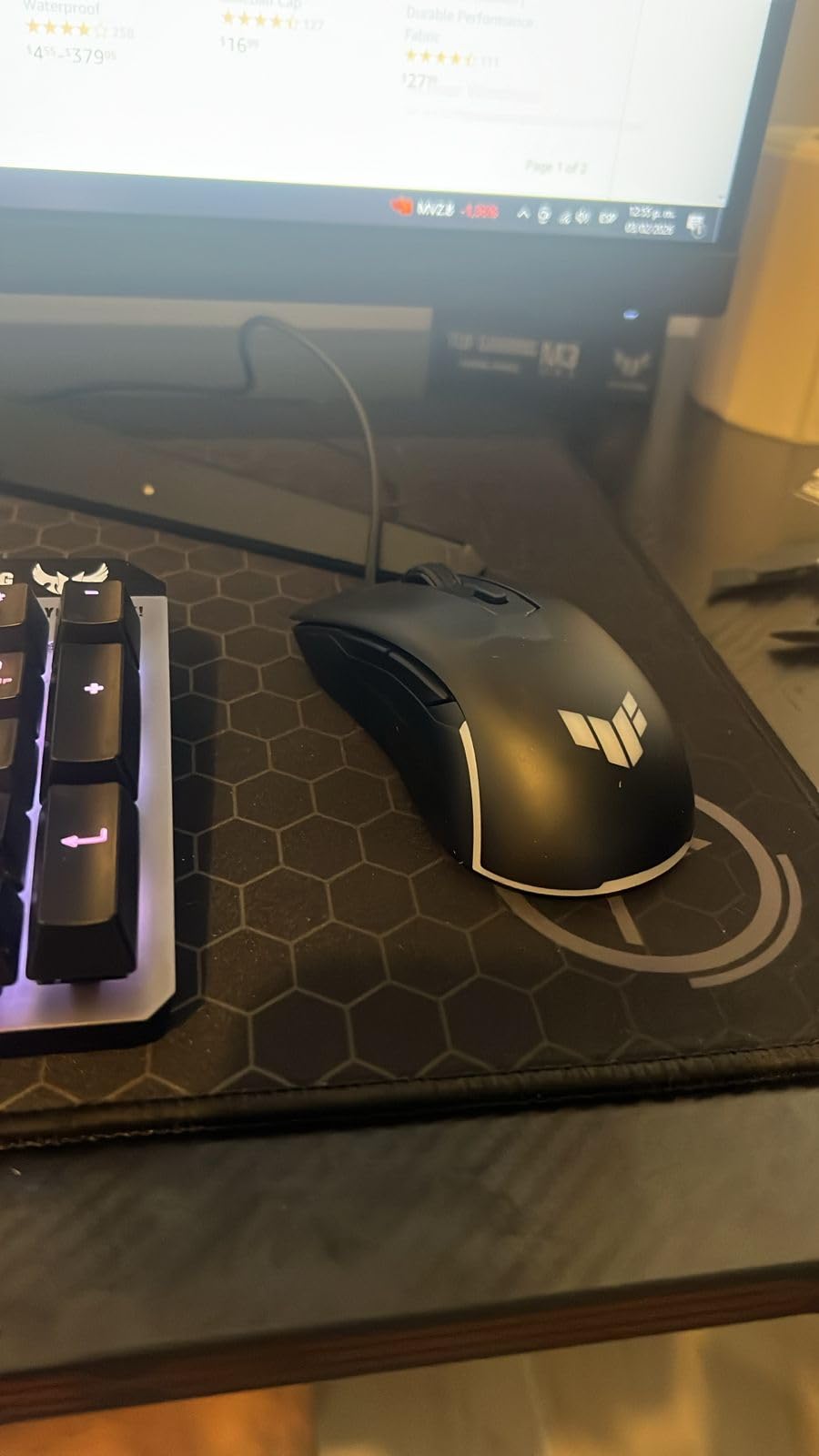
The 59-gram weight puts it in the ultralight category, which is genuinely helpful for large hands gaming for extended sessions. The lighter the mouse, the less wrist fatigue accumulates during 3-4 hour sessions. The right-handed ergonomic shape with a pronounced thumb shelf and finger grooves gives large hands natural rest points that flat ambidextrous designs don’t provide.
The six programmable buttons and 8K DPI optical sensor handle casual to moderate gaming well. The PTFE mouse feet glide smoothly across hard and soft mouse pads, which is a build quality detail that budget mice often skip.
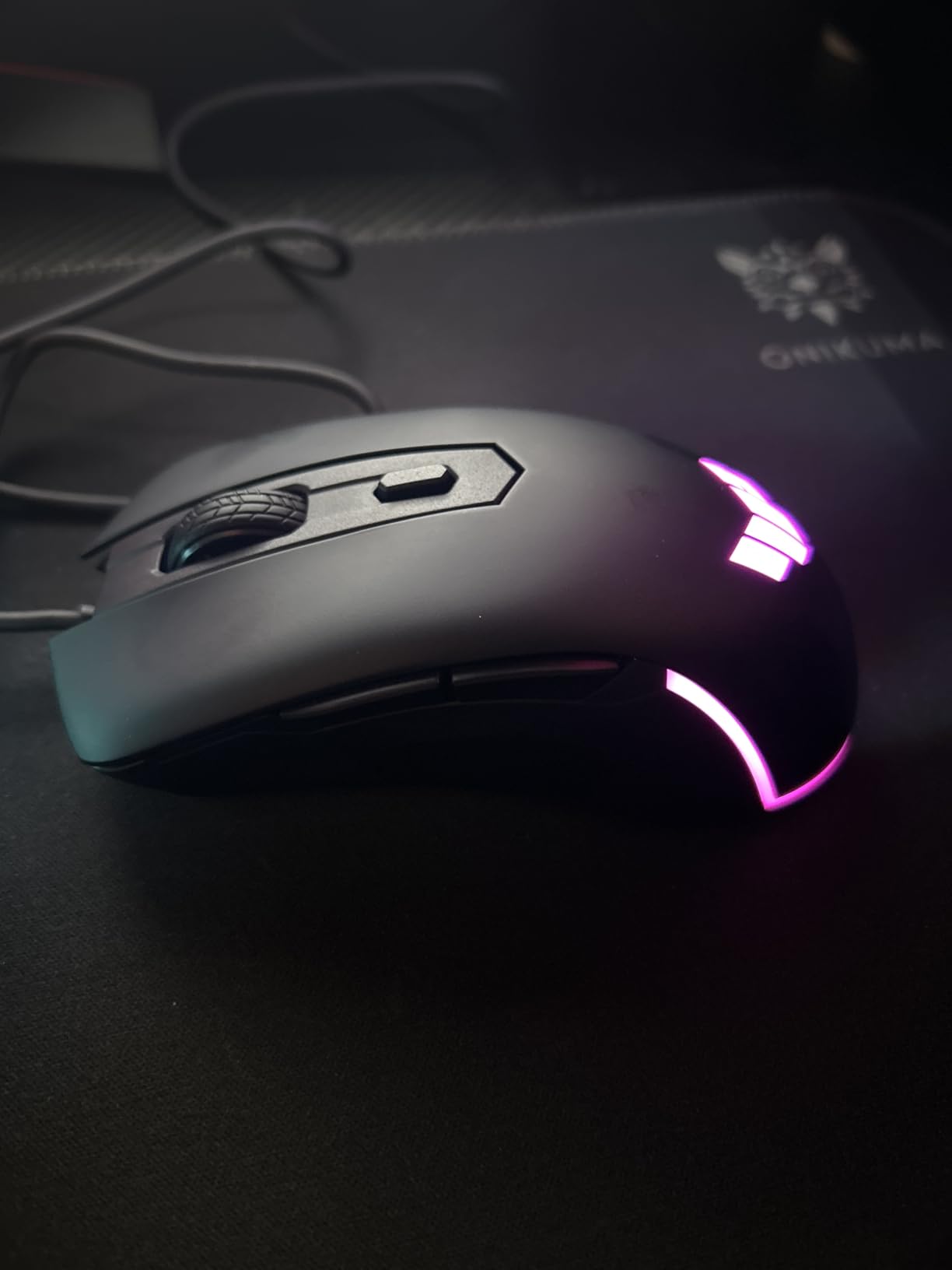
For gamers who keep drinks nearby or have pets that knock things over, the IP56 protection gives peace of mind that most gaming mice at any price don’t provide. It won’t survive submersion, but surface splashes that would kill a standard mouse are handled without damage.
The antibacterial coating is also more valuable than it might seem for shared gaming setups or tournament environments where multiple people use the same equipment.
The 8K DPI sensor is functional but not exceptional. For competitive FPS gaming, you’ll feel the difference compared to PAW3395 or Razer Focus Pro sensors at higher price points. For casual gaming and daily use, it performs adequately.
RGB customization requires Armoury Crate software, which runs counter to the TUF’s no-frills appeal. Without the software, the RGB cycles through a default pattern that you can’t change. The mouse works fully without Armoury Crate – you just can’t customize the lighting.

3-Device Connectivity
Rechargeable Battery
Silent Vertical Design
The ProtoArc EM11 NL is the multi-device connectivity champion on this list. It connects to three devices simultaneously – two via Bluetooth 5.0 and one via 2.4GHz wireless receiver – and switches between them with a button press. For large-handed users who work across multiple computers or want to use the same mouse on their gaming PC, laptop, and tablet, this connectivity flexibility is hard to beat.
As one of the newest products on this list (launched in 2024), the EM11 NL has quickly accumulated over 4,300 Amazon reviews with a 4.4-star average. The vertical ergonomic design keeps the wrist in a natural position, and the silent click technology makes it one of the quietest options on the list for shared spaces or late-night sessions.
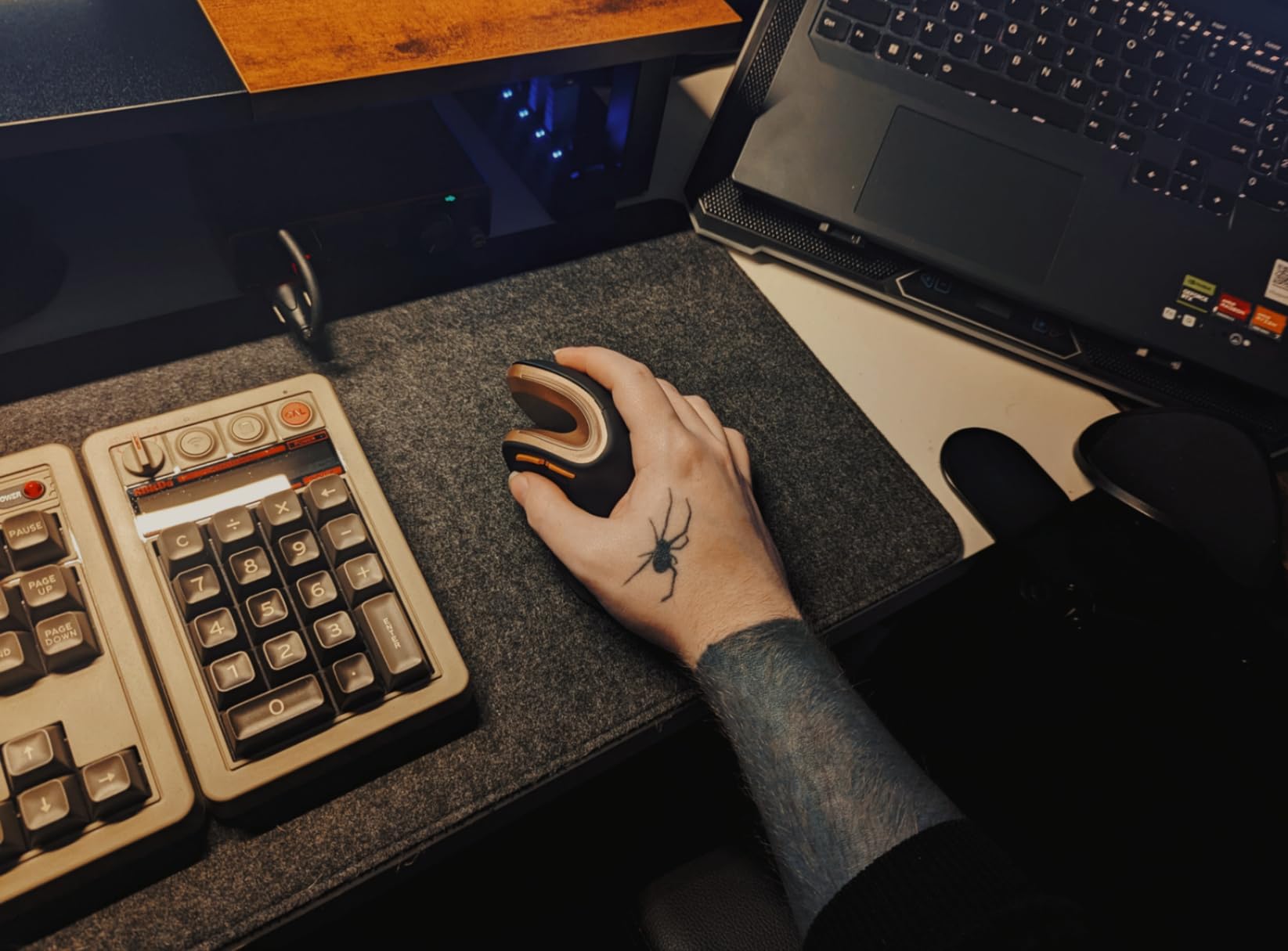
The rechargeable 500mAh battery eliminates the need for disposable batteries. No drivers are needed for basic functionality – plug in the receiver or pair via Bluetooth and the mouse works immediately across Windows, Mac, and Linux. The 1000/1600/2400 DPI range covers everyday productivity needs, and the three DPI levels are switchable on the fly.
The #9 ranking in Computer Mice on Amazon is a strong indicator of real-world satisfaction. Users specifically praise the seamless device switching and the ergonomic comfort for everyday use. The forward/back navigation buttons add browser navigation convenience that many vertical mice skip.
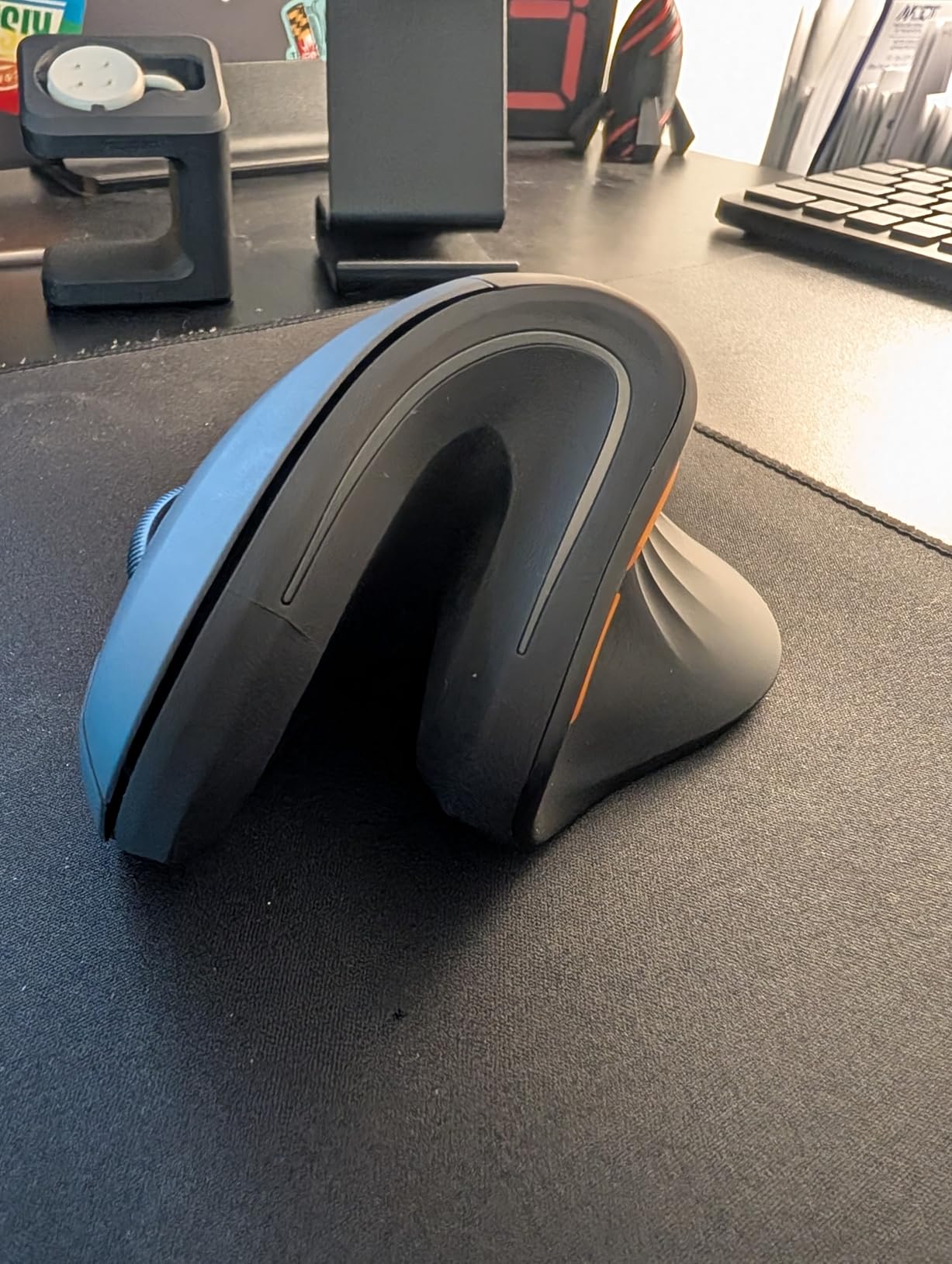
For large-handed professionals who use multiple computers throughout the day, the EM11 NL removes the need for multiple mice on a desk. The one-button device switching is fast enough to not be disruptive to workflow. Bluetooth pairing stores to the mouse, so pairing persists between uses without re-pairing each session.
This is especially valuable for home office setups where a large gaming PC sits next to a work laptop. One comfortable, ergonomic mouse serves both without any switching friction.
Some user reviews note that the EM11 NL works best for medium-to-large hands rather than very large hands (21cm+). The vertical body, while generously sized for a vertical mouse, may feel slightly compact for hands at the extreme large end of the spectrum. Users with 19-20cm hands report excellent fit, while those at 21cm+ should measure carefully and consider the DELUX M618Plus or LEKVEY options instead.
The forward/back navigation buttons also don’t function on Mac as thumb navigation buttons by default, which is a limitation for Mac users who rely on these buttons heavily. This is a compatibility issue rather than a defect, but Mac users should be aware.
The single most important factor for large-handed gamers is physical mouse size. Look for mice with a body length of at least 120mm (4.7 inches) and a width of at least 65mm (2.6 inches) for palm grip use. Mice below these dimensions force your palm to overhang the back edge, which is the primary cause of hand strain during long sessions.
For hands at 21cm and above, target mice 125mm+ in length. At this size, the G502 Hero, Redragon M913, and ROG Spatha X are the clearest fits on this list. The body width becomes the secondary measurement – narrow mice make large hands feel cramped even when the length is adequate.
Palm grip is the most natural grip for large hands since it allows full contact between palm and mouse surface. This reduces fine motor strain but requires the largest mouse bodies. Claw grip (palm heel and fingertips only) works well with slightly smaller mice and provides faster click response for competitive gaming. Fingertip grip is the most agile but least natural for very large hands.
Right-handed ergonomic shapes (asymmetric, with thumb shelf and sculpted right side) provide significantly better palm fit than ambidextrous shapes for palm and claw grip users. The G502 Hero, Basilisk V3, and ROG Spatha X all use right-handed ergonomic designs that benefit large hands specifically.
For competitive gaming, look for mice with modern sensors: PAW3395, HERO 25K, Focus Pro 30K, or ROG AimPoint. These sensors provide zero acceleration and consistent tracking across all DPI settings. For casual gaming, the difference between a premium sensor and a mid-range sensor is minimal in practical use.
DPI numbers in marketing are largely irrelevant – most competitive players run 400-1600 DPI regardless of what the sensor maximum is. What matters is consistency, zero acceleration, and low lift-off distance. The Redragon M991 (PAW3395), Logitech G502 (Hero 25K), and ASUS ROG Harpe Ace (AimPoint 36K) all deliver sensors that satisfy competitive requirements.
Wireless gaming mice have eliminated the latency gap that once existed between wired and wireless options. Modern 2.4GHz wireless gaming mice from Logitech (Logi Bolt), Razer (HyperSpeed), and ASUS (ROG Wireless) perform identically to wired in latency-sensitive competitive settings.
Wired mice remain simpler, cheaper, and never need charging. If budget is a concern or you game in a fixed location, wired is perfectly competitive. If you value cable-free freedom or move the mouse between setups, wireless is worth the price premium. The Redragon M913 Elite and Redragon M991 offer wireless at prices that approach wired competitors.
Large hands moving heavier mice accumulate more wrist and forearm fatigue than small hands with the same mouse. This is physics – more surface area means more rotational force required. Modern gaming has trended toward 50-80g mice for a reason. The ASUS ROG Harpe Ace (54g) and ASUS TUF M3 Gen II (59g) prove that lightweight mice don’t have to sacrifice large-hand ergonomics.
If you currently use a mouse over 120g and experience end-of-session wrist fatigue, dropping to a 70-80g mouse for the same session length will produce a noticeable difference. This is one of the most overlooked factors in gaming comfort for large hands specifically.
FPS gaming primarily uses the main two buttons, scroll wheel click, and 1-2 side buttons. Mice with 5-7 buttons cover FPS needs completely. MMO gaming benefits enormously from 12+ thumb buttons, which eliminates the need to reach keyboard hotkeys mid-combat. The Redragon M908, M913 Elite, and ROG Spatha X are the dedicated MMO options on this list.
Large hands have a natural advantage with MMO thumb button grids – longer thumbs can reach more of the button panel without contorting. If you play MMO games and have large hands, a 12-button mouse is worth the investment in both comfort and gameplay performance.
Battery life varies enormously in wireless gaming mice. The Redragon M991 advertises 240 hours (RGB off) while the Logitech MX Vertical manages 4 months on a charge. In practice, daily gaming sessions of 2-4 hours mean that anything above 40 hours of battery life is comfortable for weekly or bi-weekly charging cycles.
Mice using AA batteries (E-YOOSO X-31, Logitech M650 L with Logi Bolt) offer extremely long run times but require battery replacement or rechargeable AA batteries. Mice with built-in rechargeable batteries (LEKVEY, ProtoArc, DELUX, Logitech MX Vertical) offer consistent charging cycles but eventual battery degradation over years. Both approaches work well – it’s a personal preference.
The Logitech G502 Hero is the best overall gaming mouse for big hands in most situations. Its right-handed ergonomic shape, adjustable weight system, Hero 25K sensor, and 5.2-inch body length accommodate large hands across FPS, MOBA, and general gaming. For wireless preference, the Logitech Signature M650 L is specifically designed for large hands with 2-year battery life and silent clicks. For MMO gaming with large hands, the Redragon M908 Impact provides 12 programmable thumb buttons in a wide-body design at a budget price.
Yes, generally a bigger mouse is better for big hands. When a mouse is too small, your palm overhangs the rear of the mouse, causing a bent wrist position that leads to strain during long sessions. A properly sized mouse – where your palm rests fully on the body without hanging off – reduces fatigue and allows natural movement. For large hands (19cm+), look for mice at least 120-125mm long and 65mm wide. That said, weight matters too: an ultralight 120mm mouse can be less fatiguing than a heavy 125mm mouse over a 4-hour session.
In gaming mouse sizing, hands measuring 19cm (7.5 inches) or longer from wrist crease to middle fingertip are generally considered large. Hands at 20cm and above are definitively large and require mice specifically designed for bigger hands. Hand width also matters: palms 10cm (4 inches) or wider need wider mouse bodies. Most standard gaming mice are designed for hand lengths of 17-19cm, which is why large-handed gamers often feel cramped on popular mainstream options.
Palm grip is the most natural and comfortable grip for big hands in most gaming scenarios. It distributes the weight and contact across the entire hand surface, reducing pinpoint stress points that cause cramping. Claw grip (palm heel and fingertips on mouse) is better for competitive FPS where faster clicking is needed. Fingertip grip is the most agile but tends to be less comfortable for very large hands during extended sessions because there’s less surface contact. Most large-handed gamers default to palm or claw grip naturally.
To measure your hand for a gaming mouse: 1) Place your right hand flat on a ruler or measuring tape. 2) Measure from the bottom wrist crease (where hand meets wrist) to the tip of your middle finger for hand length. 3) Measure across the widest part of your palm (below knuckles) for hand width. Hand length 17-18.9cm = medium-sized hands, standard gaming mice fit well. Hand length 19-20.9cm = large hands, look for mice 120-125mm body length. Hand length 21cm+ = very large hands, prioritize the widest and longest mice available such as the Redragon M913, ROG Spatha X, or E-YOOSO X-31.
Finding the right mouse as a large-handed gamer makes a bigger difference than most people expect. After testing all 15 of these mice, the clear overall winner is the Logitech G502 Hero – it fits large hands naturally, has an excellent sensor, and the adjustable weight system gives you real control over how the mouse feels. It’s earned its 57,000+ reviews for a reason.
For pure value in the best ergonomic gaming mice for large hands, the Razer Basilisk V3 matches the G502’s quality at a competitive price with better optical switches. If you need wireless freedom, the Logitech Signature M650 L was literally designed for large hands and delivers 2 years of battery life. If wrist health is your primary concern, the Logitech MX Vertical or DELUX M618Plus vertical designs will change how your hands feel after long sessions in a meaningful way.
Measure your hand first, decide whether you need wireless or wired, and then match your grip style to the right body shape. The right mouse for large hands in 2026 is out there – it just takes knowing what to look for.