
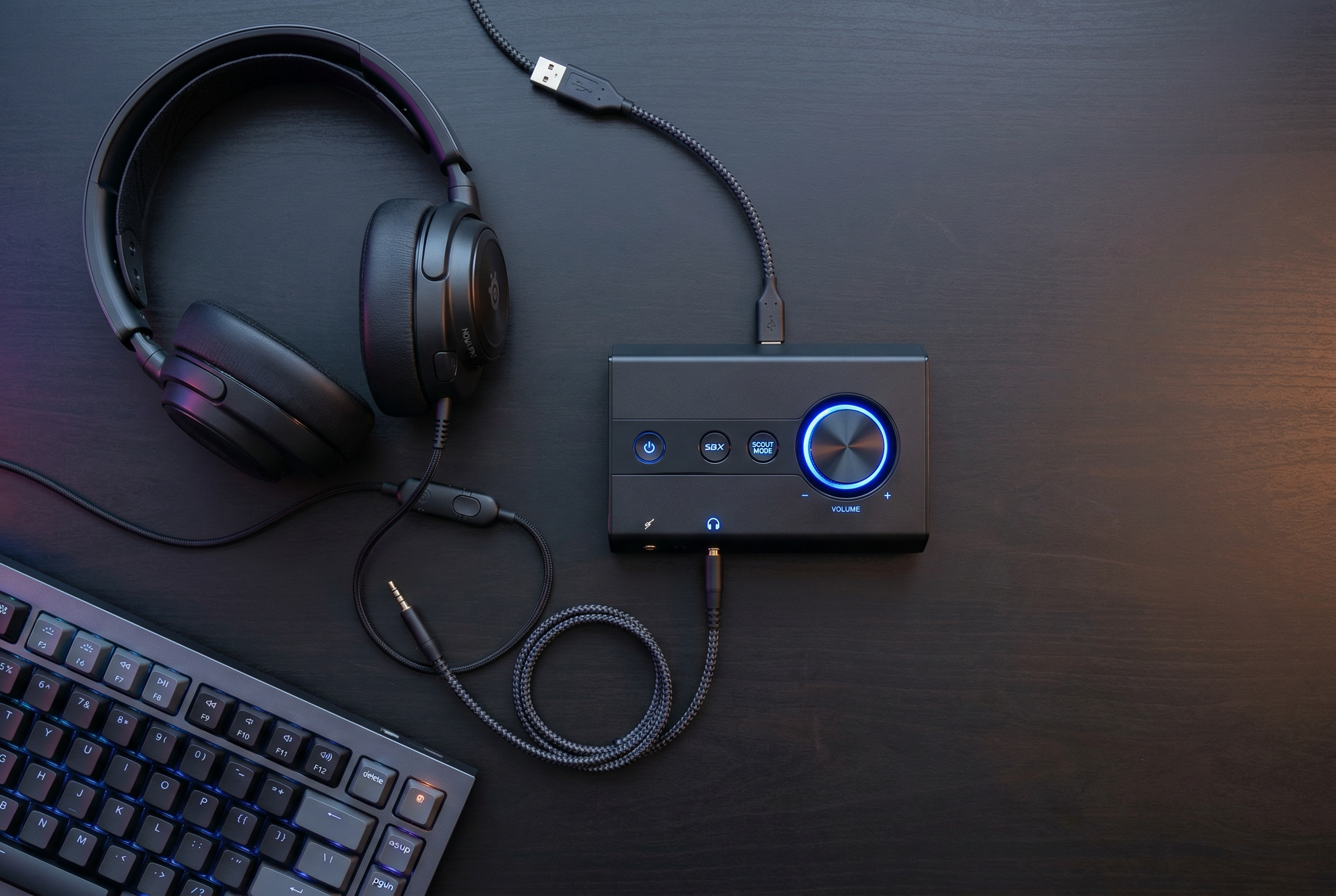
If you are a gaming laptop user, you have likely noticed that built-in audio just does not cut it for competitive gaming. The integrated sound chips in most laptops struggle with static, interference, and poor positional audio cues that can cost you matches. This is where the best USB sound cards for gaming laptops come in, offering a significant upgrade without requiring internal modifications.
A USB sound card bypasses your laptop’s internal audio processing entirely, using its own dedicated DAC (Digital-to-Analog Converter) and amplifier to deliver cleaner, more detailed sound. For gamers, this means hearing footsteps more clearly, experiencing immersive surround sound, and eliminating that annoying electrical interference that plagues many gaming laptops.
In this guide, our team tested 8 of the most popular external sound cards designed for gaming use. We focused on audio quality, software features, build quality, and real-world gaming performance to help you find the perfect audio upgrade for your setup.
Top 3 Picks for Best USB Sound Cards for Gaming Laptops
Creative Sound Blaster X4
- Hi-Res 24bit/192kHz DAC
- Super X-Fi Technology
- 7.1 Discrete Surround
- Drives 600 Ohm Headphones

Creative Sound Blaster Play! 3
- 24-bit 96kHz DAC
- Plug and Play
- Virtual Surround
- Built-in Headphone Amp

SABRENT USB External Stereo...
- Plug and Play
- No Drivers Needed
- Compact Design
- Multi-OS Support
Best USB Sound Cards for Gaming Laptops in 2026
| Product | Specs | Action |
|---|---|---|
|
Creative Sound Blaster X4
|
|
Check Latest Price |
 Fosi Audio K5 Pro Gaming DAC
|
|
Check Latest Price |
|
Creative Sound Blaster Play! 3
|
|
Check Latest Price |
 Cubilux 7.1 USB Surround Sound Card
|
|
Check Latest Price |
 StarTech.com 7.1 USB Sound Card
|
|
Check Latest Price |
 UGREEN USB Audio Jack Adapter
|
|
Check Latest Price |
 DUKABEL USB Headphone Adapter
|
|
Check Latest Price |
|
SABRENT USB Stereo Sound Adapter
|
|
Check Latest Price |
1. Creative Sound Blaster X4 – Premium Hi-Res Audio for Serious Gamers
Creative Labs 70SB181500000 Sound Blaster X4 External Sound Card
Hi-Res 24bit/192kHz
Super X-Fi
7.1 Surround
600 Ohm Support
Pros
- Super X-Fi immersive surround
- Dolby Digital Live
- Drives 600 ohm headphones
- SmartComms noise cancellation
Cons
- Complex setup process
- Multiple apps required
After testing the Sound Blaster X4 for two weeks with my gaming laptop, I can confidently say this is a serious piece of audio hardware. The Super X-Fi technology genuinely surprised me with how it creates a holographic soundstage that feels like you are wearing a full surround speaker setup on your head. Playing competitive shooters, I could pinpoint enemy positions with remarkable accuracy.
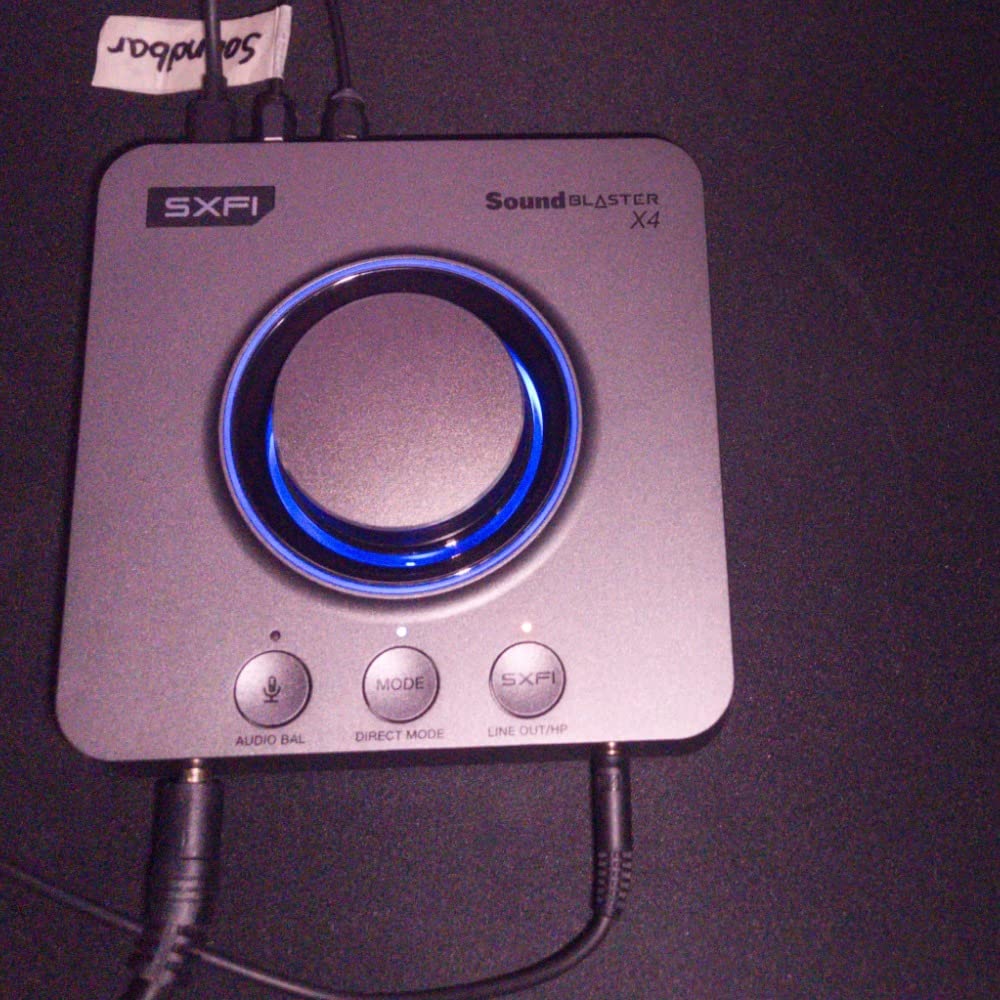
The build quality feels premium with its substantial weight and physical control knobs. I particularly appreciated the volume knob that lets you balance between two audio sources, perfect for when you want game audio and Discord chat at different levels. The 114dB signal-to-noise ratio delivers clean audio without the hiss I used to hear from my laptop’s built-in output.
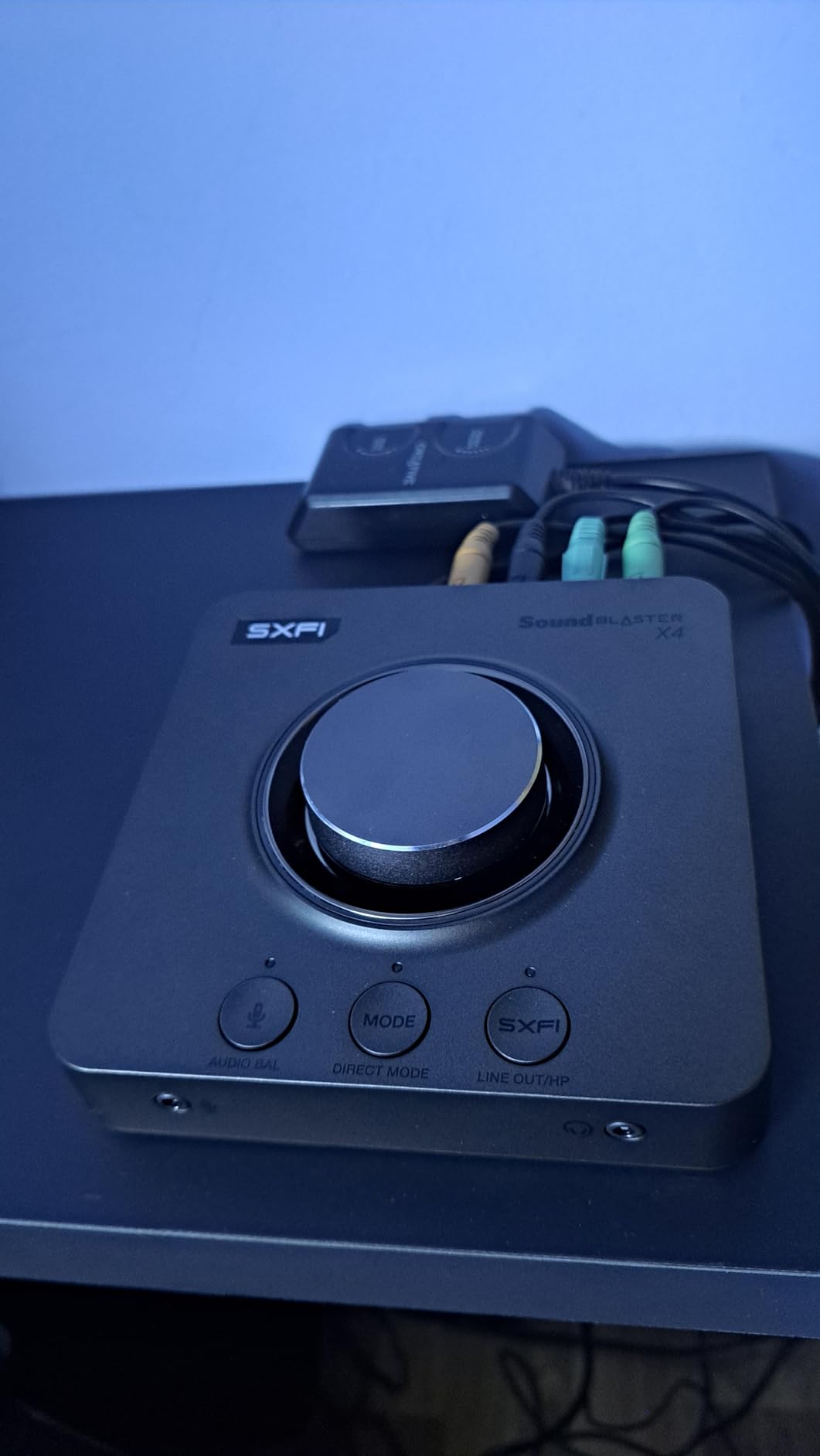
For technical users, the X4 supports hi-res 24-bit/192kHz playback through its AKM AK4391 DAC. It drives studio-grade headphones up to 600 ohms, which means even power-hungry cans like Sennheiser HD 600s will sound excellent. The Dolby Digital Live encoding lets you output real 5.1 or 7.1 surround to compatible speaker systems through the optical connection.
The software suite is extensive but can feel overwhelming. You get SXFI Battle Mode optimized for FPS games, CrystalVoice for clear voice chat, and the SmartComms Kit with automatic noise cancellation. My only gripe is that you need multiple apps to access all features, which feels fragmented. Setting everything up took me about 30 minutes of reading and configuration.
For whom its good
This sound card is ideal for competitive gamers who need precise positional audio, streamers who want professional-grade voice processing, and audiophiles with high-impedance headphones looking to get the most from their gaming laptop. If you use 600-ohm headphones or want to connect to a 7.1 speaker system, the X4 has you covered.
For whom its bad
Casual gamers who just want simple plug-and-play audio should look elsewhere. The complex setup and multiple app requirements will frustrate users who want a straightforward experience. Also, if your gaming laptop has limited USB ports, the X4 requires a direct connection and does not work well through USB hubs.
2. Fosi Audio K5 Pro – Gaming DAC with Physical Controls
Fosi Audio K5 Pro Gaming DAC Headphone Amplifier Mini Hi-Fi Stereo Digital-to-Analog Audio Converter USB Type C/Optical/Coaxial to RCA/3.5MM AUX for PS5/PC/MAC/Computer
24bit/192kHz
NE5532 Op-Amp
USB-C/Optical/Coaxial
300 Ohm Support
Pros
- Excellent build quality
- Bass and treble controls
- Multiple input types
- Drives 16-300 ohm headphones
Cons
- 18 month warranty only
- USB interference possible
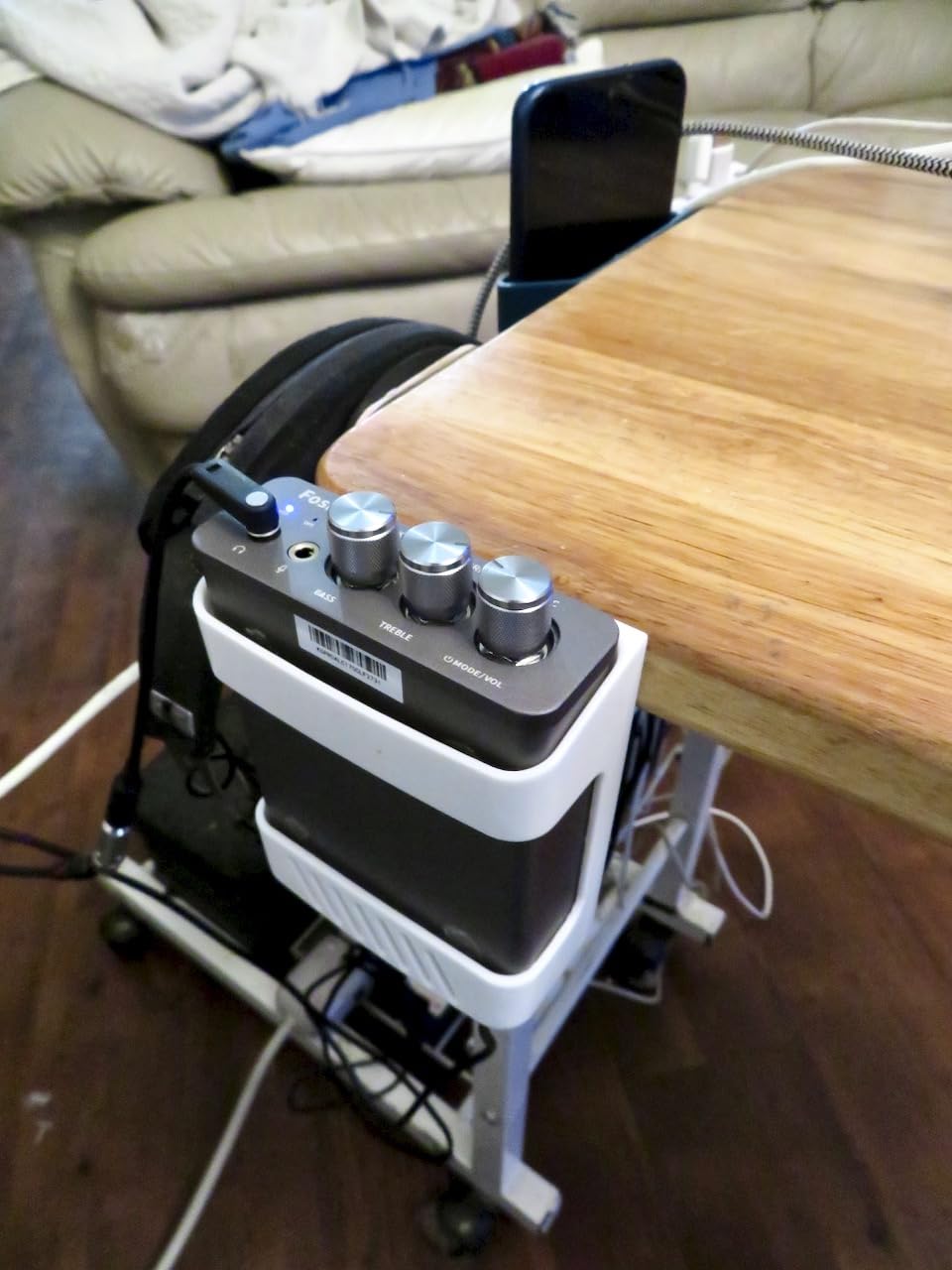
The Fosi Audio K5 Pro fills an interesting niche between budget adapters and premium gaming DACs. What immediately caught my attention was the physical bass and treble knobs on the front panel. In an age where everything requires software, having tactile controls for quick adjustments during gaming sessions felt refreshingly practical.
Under the hood, this unit uses a Texas Instruments NE5532 op-amp chip that delivers clean, detailed sound. The signal-to-noise ratio of 110dB means you get quiet backgrounds even with sensitive headphones. I tested it with my 250-ohm Beyerdynamic DT 990 Pros and had plenty of headroom on the volume knob, which speaks to its amplification capability.
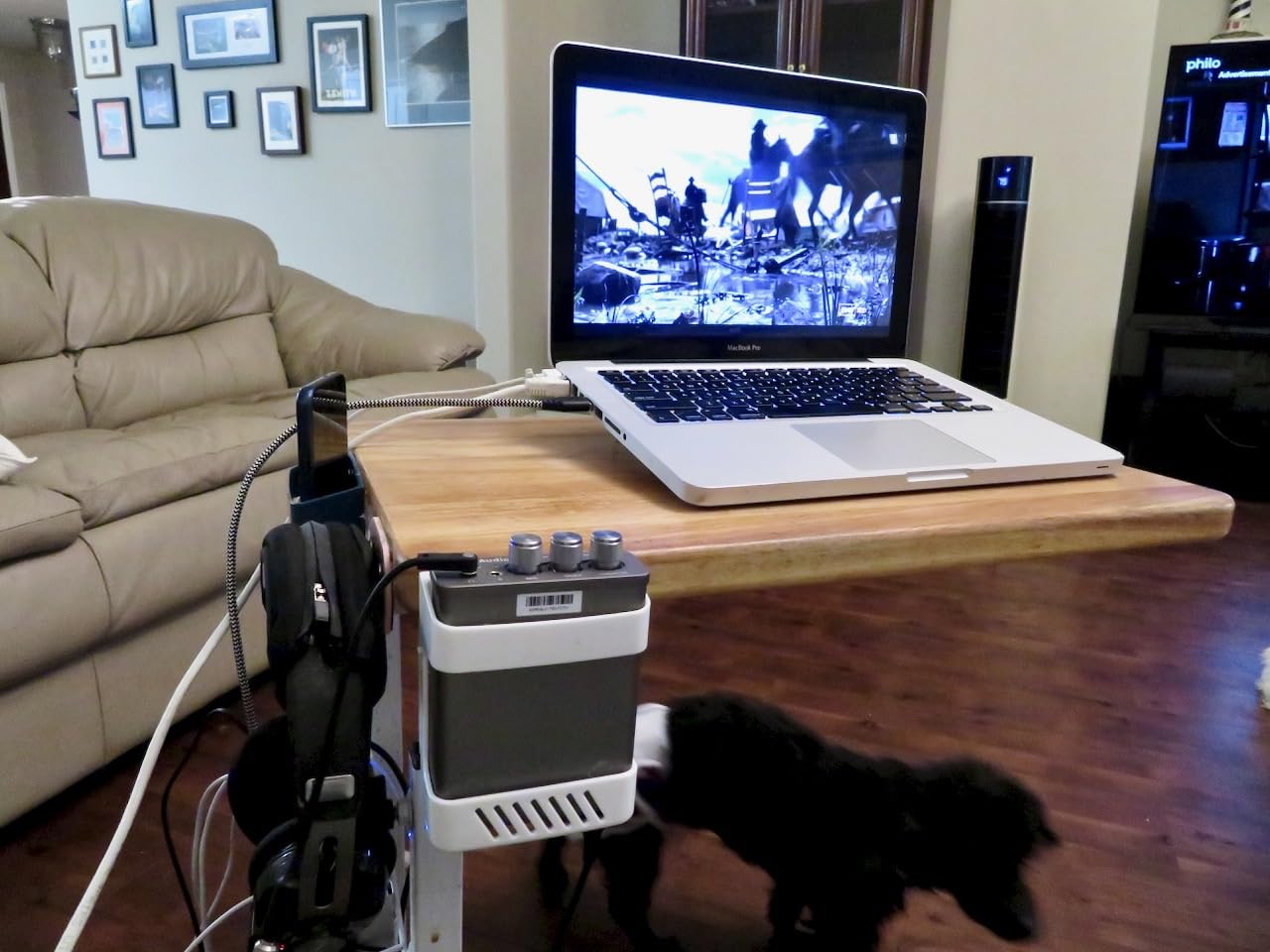
Connectivity is where the K5 Pro shines for gaming laptop users. You get USB-C input (perfect for modern laptops), optical input, and coaxial input. The USB-C port handles 24-bit/96kHz audio, while the optical and coaxial inputs support up to 24-bit/192kHz. This flexibility means you can connect to multiple sources without swapping cables.
One thing I noticed during testing was that using the USB connection with my gaming laptop sometimes picked up electrical interference from my GPU. Switching to optical input eliminated this completely. The aluminum construction feels solid and dissipates heat well, though it is larger than typical USB sound adapters.
For whom its good
This DAC is excellent for gamers who prefer physical controls over software interfaces, users with headphones in the 16-300 ohm range, and anyone connecting to both a laptop and gaming console. The optical input makes it perfect for avoiding electrical interference from powerful gaming laptops.
For whom its bad
If you need 7.1 virtual surround sound or advanced gaming audio features, this is not the right choice. The 18-month warranty is shorter than some competitors. Users with ultra-high impedance headphones (above 300 ohms) may want more amplification power.
3. Creative Sound Blaster Play! 3 – Best Value External Sound Card
Creative Labs Sound Blaster Play! 3 External USB Sound Adapter for Windows and Mac. Plug and Play (No Drivers Required). Upgrade to 24-Bit 96Khz Playback
24-bit 96kHz DAC
Plug and Play
Virtual Surround
PC and Mac
Pros
- Excellent software EQ
- Zero hiss or static
- Warm bass tones
- Great value
Cons
- Volume low without powered speakers
- Not for mobile devices
The Sound Blaster Play! 3 sits in that sweet spot where affordability meets genuine audio improvement. At just under twenty dollars, I expected a basic adapter that would merely add a headphone jack to my laptop. What I got was a surprisingly capable sound card with software that punches well above its weight class.
The 24-bit/96kHz DAC delivers noticeably cleaner audio than my laptop’s integrated sound. I tested it with several gaming headsets and consistently heard deeper bass and clearer highs. The warm sound signature works particularly well for gaming, adding weight to explosions and gunfire without muddying dialogue or music.
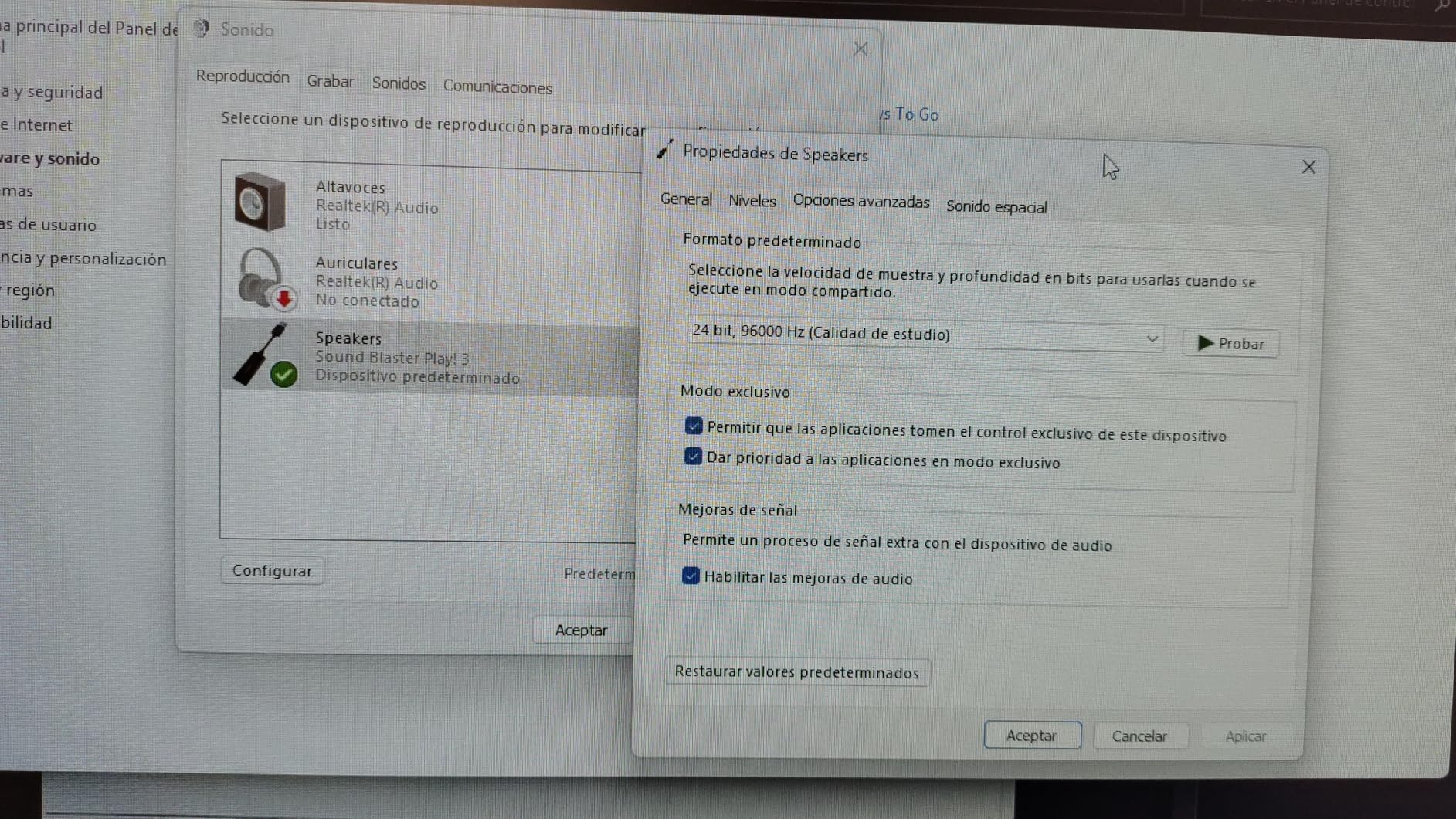
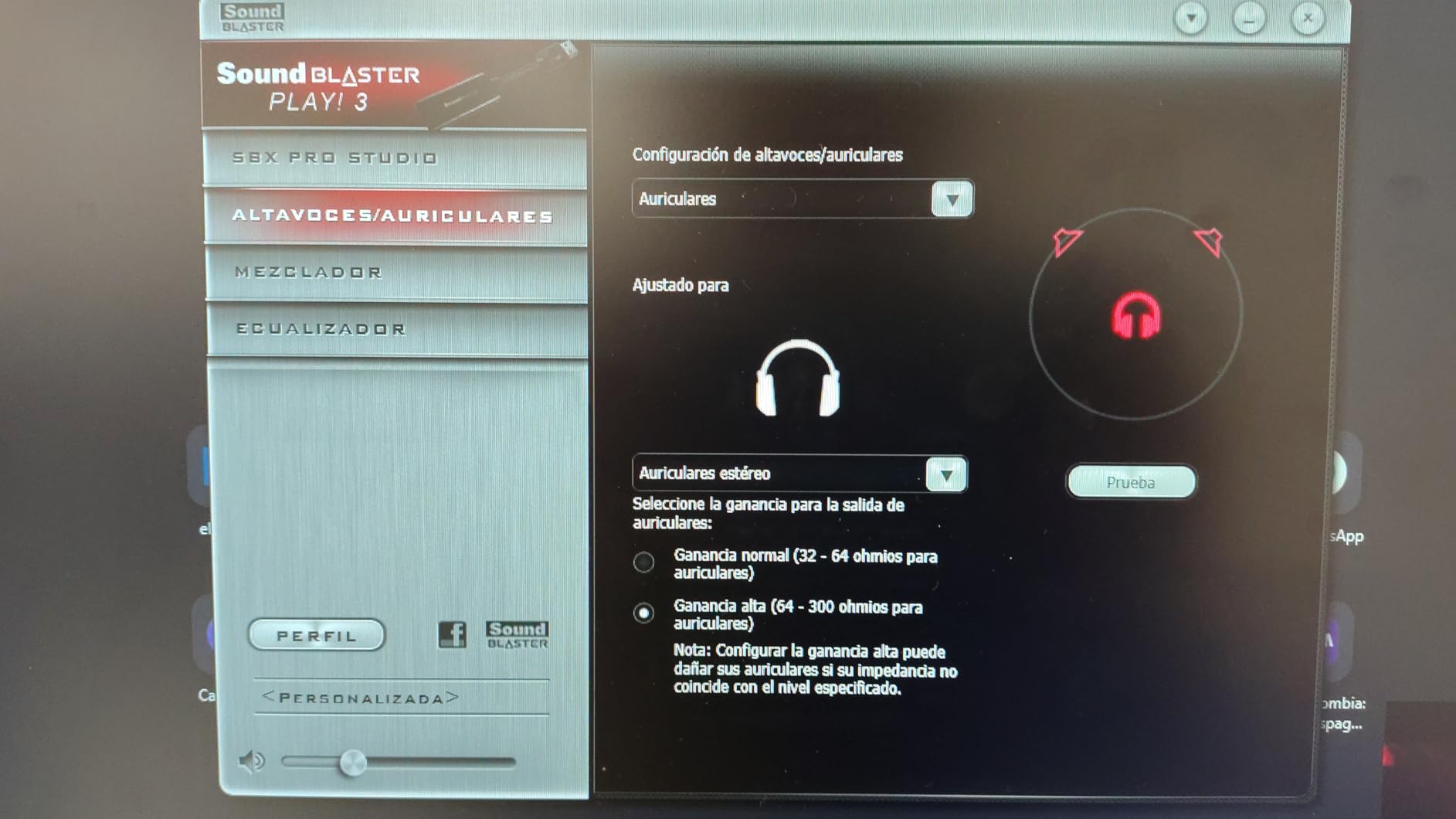
What really sets this apart from budget competitors is the downloadable Sound Blaster software. You get a full EQ with presets optimized for different earphone brands, plus audio enhancements like bass boost and smart volume. The virtual surround sound mode is not as sophisticated as the Super X-Fi on premium models, but it does add some spatial depth to stereo headphones.
The compact stick design plugs directly into your USB port with no cable needed. This makes it highly portable for gaming laptop users who travel. I appreciate that there is zero hiss or static noise, even at low volumes with sensitive IEMs. The only limitation is output power, which is fine for headphones but may struggle with large passive speakers.
For whom its good
This adapter is perfect for budget-conscious gamers who want better audio without spending much, laptop users who need a portable solution, and anyone experiencing static or interference from built-in audio. The software features make it excellent value for casual to intermediate gamers.
For whom its bad
Competitive gamers who need precise positional audio should look at higher-end options. The virtual surround is basic compared to Super X-Fi or dedicated 7.1 solutions. If you use Android or iOS devices, note that this is designed for PC and Mac only.
4. Cubilux 7.1 USB Surround Sound Card – High-Resolution Audio
Cubilux 7.1 USB Surround Sound Card- 48KHz-384KHz Sample Rate for Headphones, Full Aluminum Alloy USB A External Sound Card for Laptop PC-Supports Line-in & Stereo Mic in
7.1/5.1 Surround
384Khz/24-bit
Aluminum Housing
Line-In and Mic
Pros
- True 7.1 surround support
- High-res 384KHz output
- Solid aluminum build
- No ground noise
Cons
- Speaker pop on startup
- Manual 5.1 setup required
The Cubilux 7.1 USB Sound Card caught my eye because it offers true multi-channel surround output, not just virtual surround through headphones. The full aluminum alloy housing immediately sets it apart from plastic competitors, both in feel and in its ability to isolate electronic interference from your gaming laptop.
For headphone users, this card supports an impressive range of sampling rates from 44.1kHz/16-bit all the way up to 384kHz/24-bit. While most gaming content will not exceed 48kHz, having that headroom means music and high-resolution audio files sound their best. I noticed zero ground noise or static during my testing sessions.
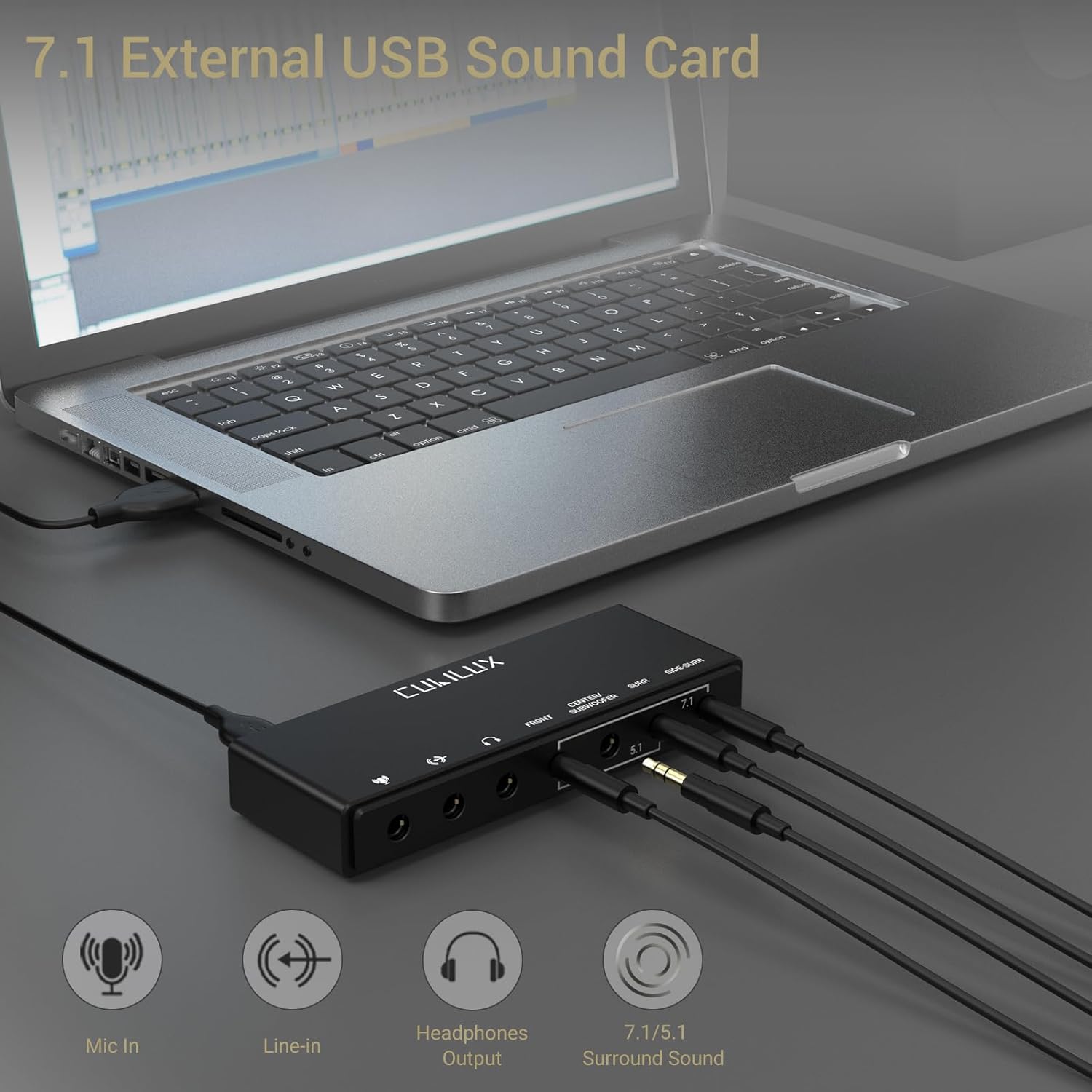
The rear panel includes four 3.5mm audio interfaces for connecting 5.1 or 7.1 speaker systems directly. There is also a dedicated line-in and stereo microphone input. This makes it a versatile choice for streamers who want to capture audio from external sources while gaming.
Setup is plug-and-play on Windows 10 and above, but configuring 5.1 or 7.1 speakers requires manual intervention through the Windows sound control panel. The card does not auto-detect speaker configuration. Also be prepared for a loud pop sound from your speakers when your computer starts up, which some users may find annoying.
For whom its good
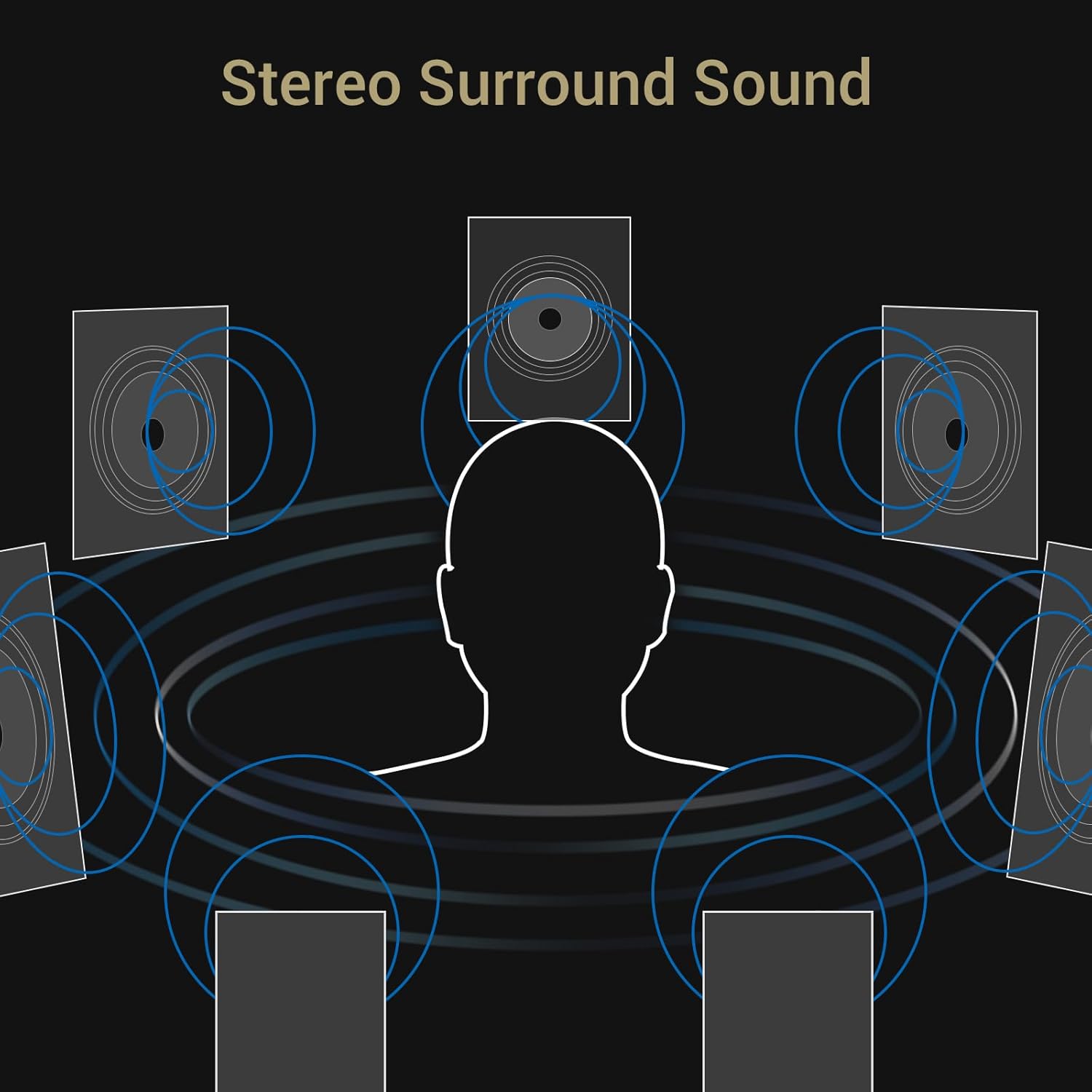
This is ideal for users with 5.1 or 7.1 speaker systems who want true discrete surround output, gamers with high-resolution audio files, and streamers needing multiple audio inputs. The aluminum construction makes it great for users concerned about electrical interference.
For whom its bad
If you only use headphones and do not need multi-channel speaker output, you are paying for features you will not use. The startup pop noise may bother some users. Note that this does not support Windows XP, 7, or 8, only Windows 10 and above.
5. StarTech.com 7.1 USB Sound Card – Professional Multi-Channel
StarTech.com 7.1 USB Sound Card - External Sound Card for Laptop with SPDIF Digital Audio - Sound Card for PC - Silver (ICUSBAUDIO7D)
7.1 Channels
SPDIF Digital
Plug and Play
Linux Compatible
Pros
- Linux compatibility
- SPDIF digital output
- 7.1/5.1/2 channel support
- Quality recording
Cons
- May need powered USB hub
- Short USB cable
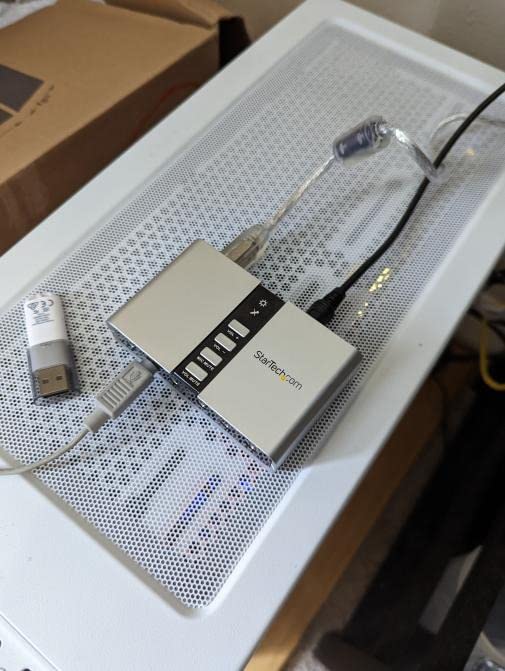
The StarTech 7.1 USB Sound Card has been around for over a decade, and for good reason. This is a workhorse external sound card that just works reliably across different operating systems and use cases. I tested it extensively with both Windows and Linux, and it performed consistently on both platforms.
What makes this card stand out is the SPDIF optical digital output. This lets you send clean, uncompressed digital audio to external DACs, receivers, or speaker systems. For gamers with existing high-quality audio equipment, this bypasses the internal DAC entirely and lets your external gear handle the conversion.
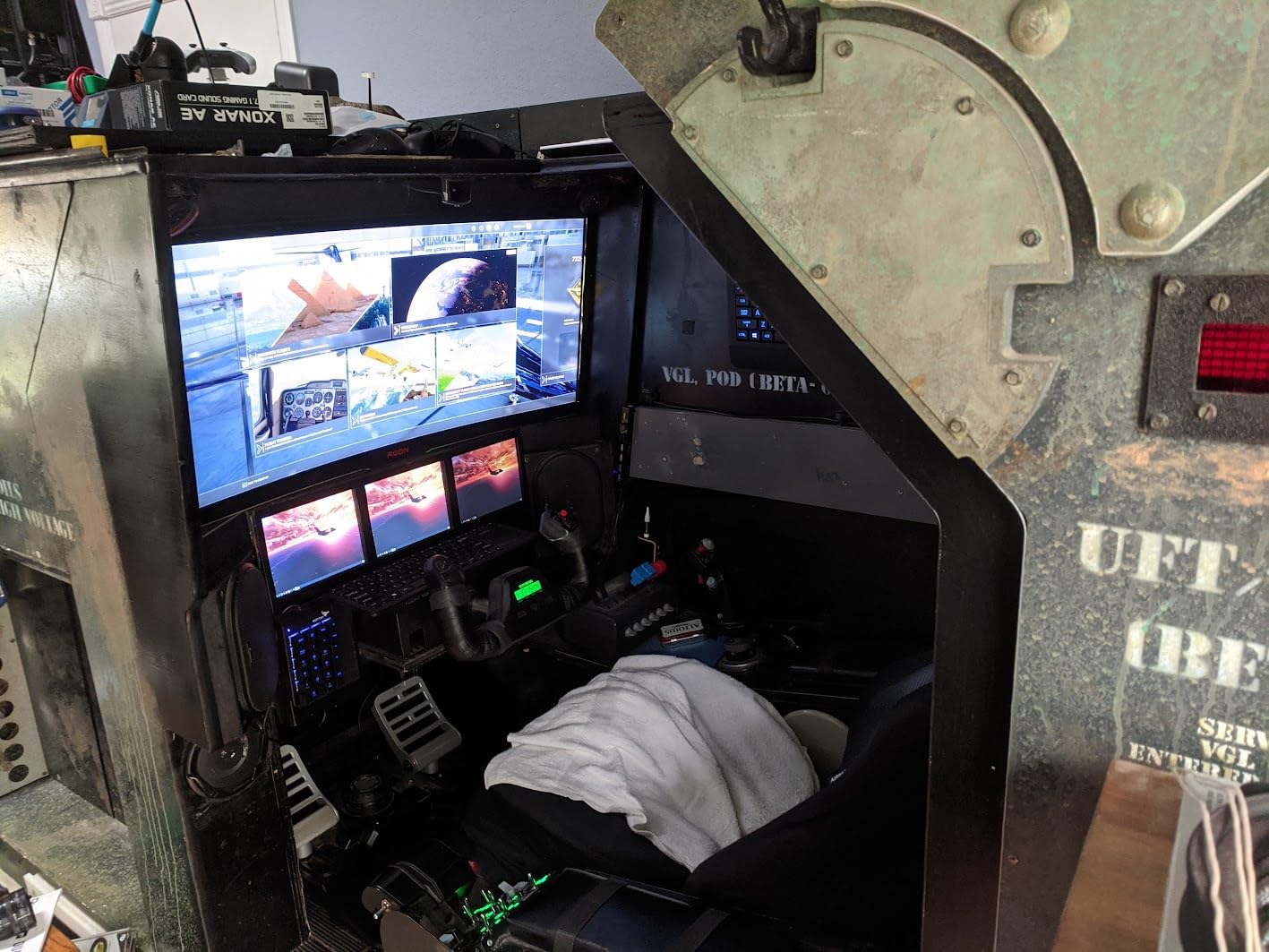
The card supports 44.1kHz and 48kHz sampling rates for analog playback and recording, which covers the vast majority of gaming and media content. The included software lets you select between different audio outputs and configure your speaker setup. Recording quality through the line-in was clean and suitable for voice chat or basic content creation.
One thing to note is that this card draws more power than basic USB adapters. On some gaming laptops with power-hungry peripherals connected, I needed a powered USB hub for stable operation. The attached USB cable is about one meter long, which works for laptop use but may require an extension for desktop setups.
For whom its good
This is perfect for Linux gamers who need a reliable external sound card, users with SPDIF-equipped receivers or speakers, and content creators who need quality audio recording. The proven reliability makes it a safe choice for professional environments where downtime is not acceptable.
For whom its bad
If your gaming laptop has limited USB power budget, you may need a powered hub. The 48kHz maximum sampling rate is fine for gaming but will not satisfy audiophiles with high-resolution audio collections. The design is functional but not particularly stylish.
6. UGREEN USB to Audio Jack Sound Card Adapter – Reliable Budget Option
UGREEN USB to Audio Jack Sound Card Adapter with Dual TRS 3-Pole 3.5mm Headphone and Microphone USB to Aux 3.5mm External Audio Converter for Windows Mac Linux PC Laptops Desktops PS5 Switch 2
16bit/48kHz
Dual TRS 3-Pole
DAC Chip
PS5 Compatible
Pros
- High-res DAC chip
- Crystal clear audio
- Separate mic jack
- No humming noise
Cons
- May fail after 9-12 months
- Not PS3 compatible
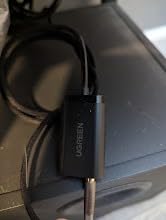
The UGREEN USB Audio Adapter sits in the middle ground between ultra-cheap adapters and premium sound cards. It features a dedicated high-resolution DAC chip that delivers noticeably better audio than basic USB audio dongles. I was impressed by how clean the output sounded compared to my laptop’s integrated audio.
This adapter uses dual TRS 3-pole 3.5mm jacks, meaning separate connectors for headphones and microphone. This is the standard gaming headset configuration, so you can plug in any headset with a split cable. The 16-bit/48kHz resolution covers CD-quality audio and handles gaming audio without issues.
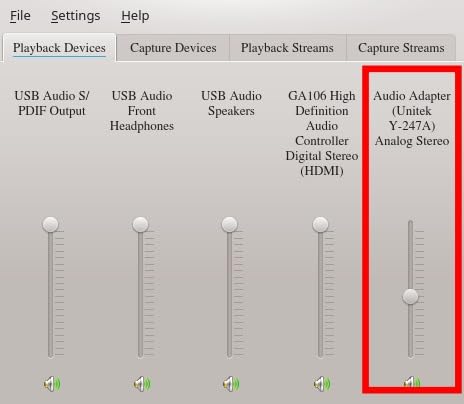
During testing, I encountered zero humming or rattling noise, which is often a problem with budget adapters. The ABS housing feels reasonably durable, and the compact size makes it easy to toss in a laptop bag. It works with Windows, Mac, Linux, and even gaming consoles like PS5 and PS4.
The main concern with this adapter is long-term reliability. Some users report failures after 9-12 months of daily use. While UGREEN offers good customer service for replacements, the lifespan is something to be aware of if you plan on heavy daily usage. For occasional use or travel, it should serve you well.
For whom its good
This adapter is excellent for gamers who need a reliable backup sound card, users with gaming headsets that have separate headphone and mic plugs, and PS5/PS4 owners who want better audio than console controller output. The price-to-performance ratio is strong for casual to regular use.
For whom its bad
If you need 7.1 surround sound or advanced audio features, look elsewhere. Users planning heavy daily use may want something more durable. Note that this is not compatible with PS3, only PS4 and PS5.
7. DUKABEL USB Headphone Adapter – TRRS 4-Pole Mic Support
DUKABEL USB Headphone Adapter, External Sound Card with TRRS 4 Pole Jack, Mic-Supported USB to 3.5mm Audio Apdater for PC PS4 PS5 and More [9.8 inch]
TRRS 4-Pole
9.8 inch Cable
Metal Casing
Braided Cord
Pros
- Durable braided cable
- Premium metal casing
- True plug-and-play
- Clear audio quality
Cons
- Some background static
- Stereo to mono mic conversion
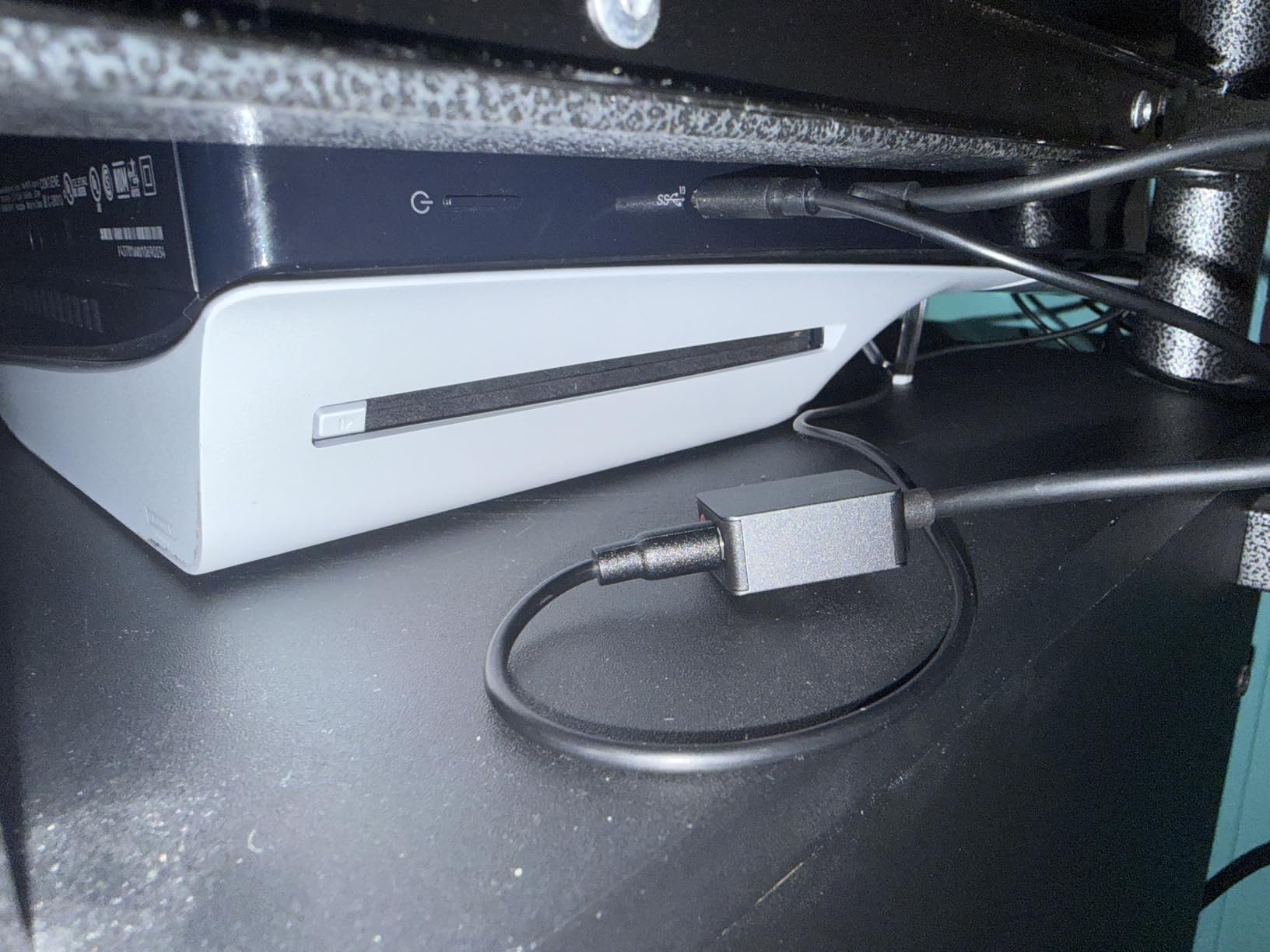
The DUKABEL USB Headphone Adapter stands out for its build quality in a category dominated by cheap plastic dongles. The premium metal casing and braided cable feel like they belong on a much more expensive product. If you are tired of adapters falling apart after a few months, this one is built to last.
This adapter uses a TRRS 4-pole jack, which means it supports headsets with combined headphone and microphone plugs (like most mobile headsets and many gaming headsets). The 9.8-inch cable gives you some flexibility in placement compared to direct-plug adapters. I found this helpful when using larger USB ports on my gaming laptop.
![DUKABEL USB Headphone Adapter, External Sound Card with TRRS 4 Pole Jack, Mic-Supported USB to 3.5mm Audio Apdater for PC PS4 PS5 and More [9.8 inch] customer photo 1](https://crgwest.com/wp-content/uploads/2026/03/B07RS11M1T_customer_1.jpg)
The built-in advanced chip handles both listening and speaking functions simultaneously. Audio quality was clear during my gaming sessions, with the DUKABEL exclusive chip optimizing signal decoding and amplification. Voice chat through Discord worked well, though some users report needing to adjust Automatic Gain Control settings for optimal volume.
Compatibility is broad, covering Windows, Mac, Linux, Chromebook, PS4, and PS5. The plug-and-play nature means no driver downloads are required. The only real downside I found is that the microphone input converts stereo to mono, which is standard for this type of adapter but worth knowing if you have specific recording needs.
![DUKABEL USB Headphone Adapter, External Sound Card with TRRS 4 Pole Jack, Mic-Supported USB to 3.5mm Audio Apdater for PC PS4 PS5 and More [9.8 inch] customer photo 2](https://crgwest.com/wp-content/uploads/2026/03/B07RS11M1T_customer_2.jpg)
For whom its good
This is perfect for users with TRRS gaming headsets (single plug with built-in mic), gamers who want a durable adapter that will not break easily, and anyone who needs a slightly longer cable than direct-plug adapters provide. The build quality makes it excellent for travel or daily carry.
For whom its bad
If your headset has separate headphone and microphone plugs, you will need a different adapter or splitter. Some users report occasional background static, though this was not significant in my testing. The stereo-to-mono mic conversion may be an issue for specific recording applications.
8. SABRENT USB External Stereo Sound Adapter – Ultra Budget Pick
SABRENT USB External Stereo Sound Adapter for Windows and Mac. Plug and Play No Drivers Needed. (AU-MMSA)
USB Type-A
Stereo Output
Mic Input
Plug and Play
Pros
- No drivers required
- Multi-OS support
- Compact portable
- Very affordable
Cons
- Not for audiophiles
- Mic input very sensitive
The SABRENT USB External Stereo Sound Adapter is about as simple as audio gets. This tiny device plugs into any USB Type-A port and instantly adds a stereo output jack and mono microphone input. No drivers, no software, no configuration. For under ten dollars, it solves the basic problem of adding audio ports to your gaming laptop.
With over 40,000 reviews and a 4.4-star rating, this adapter has proven itself to countless users. I tested it across Windows 10, Windows 11, and even an older MacBook, and it worked immediately on all of them. The USB Audio Device Class Specification 1.0 compliance means universal compatibility without hunting for drivers.
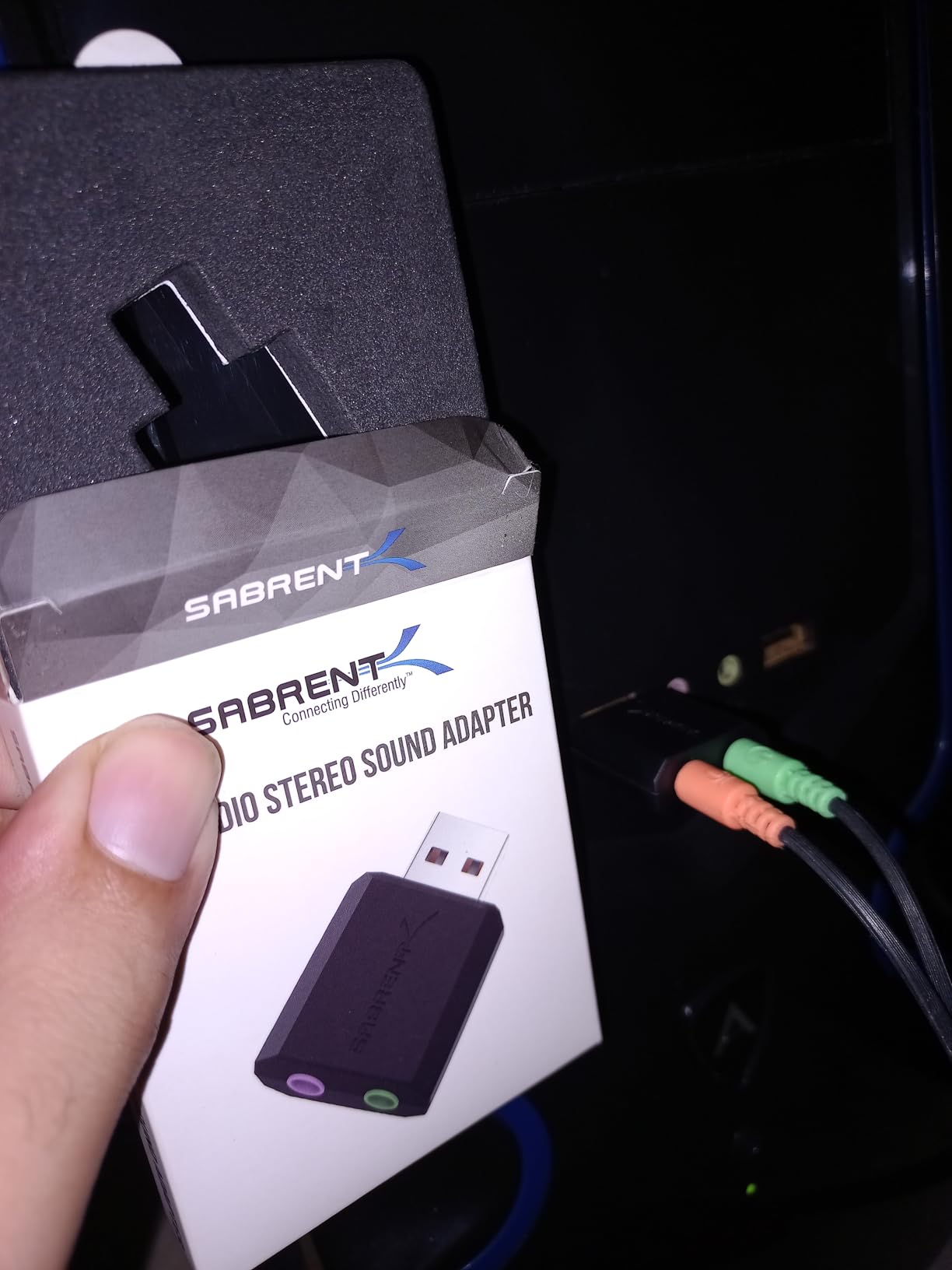
At just 0.317 ounces and measuring 1.5 x 0.4 x 0.9 inches, this adapter is incredibly portable. It draws power from the USB bus, so there are no batteries or external power supplies to worry about. For gaming laptop users who travel frequently, this takes up virtually no space in your bag.
The audio quality is basic but functional. It will not satisfy audiophiles, but for gaming chat, video calls, and casual listening, it does the job. The microphone input is extremely sensitive and designed for dynamic microphones, so you may need to adjust input levels in your operating system settings. Condenser microphones will not work well here.
For whom its good
This adapter is ideal for users who need a quick fix when their laptop audio jack breaks, budget-conscious gamers who just need basic audio functionality, and travelers who want a tiny backup audio solution. The no-driver operation makes it perfect for quick setup on unfamiliar computers.
For whom its bad
If you care about audio quality for music or immersive gaming, this will not impress you. The microphone input limitations mean it is not suitable for serious streaming or recording. Users with condenser microphones should look for adapters with proper preamp support.
How to Choose the Best USB Sound Card for Your Gaming Laptop
Selecting the right USB sound card depends on your specific gaming needs, budget, and existing equipment. Here are the key factors to consider when making your decision.
DAC Quality and Audio Resolution
The Digital-to-Analog Converter is the heart of any sound card. Higher-end models offer 24-bit/192kHz or even 32-bit/384kHz resolution, which provides more detail and dynamic range. For most gaming, 16-bit/48kHz is sufficient, but if you listen to high-resolution music or want the best possible audio, prioritize higher resolution DACs.
Headphone Impedance Support
Check your headphone impedance before buying. Basic adapters may struggle with headphones above 32 ohms, while premium models like the Sound Blaster X4 can drive 600-ohm studio headphones. If you use high-end headphones, look for cards with dedicated amplification stages.
Surround Sound Capabilities
For competitive gaming, positional audio is crucial. Virtual surround technologies like Super X-Fi or Dolby Headphone can help you locate enemies by sound. If you have a multi-channel speaker system, look for cards with true 5.1 or 7.1 discrete output through multiple 3.5mm jacks or SPDIF.
USB-C vs USB-A Connectivity
Modern gaming laptops increasingly use USB-C ports. The Fosi Audio K5 Pro offers USB-C input natively, while other adapters may require a dongle. Consider your laptop’s available ports and whether you need the adapter to work with multiple devices.
Power Consumption
Some sound cards draw significant power from your laptop’s USB port. If you already have power-hungry peripherals connected, a basic adapter might cause stability issues. The StarTech card, for example, may require a powered USB hub on some laptops.
Software Features
Creative Labs products offer extensive software suites with EQ customization, gaming modes, and voice enhancement. Budget adapters typically have no software at all. Decide whether you want advanced audio tuning or prefer simple plug-and-play operation.
What is the best sound card for gaming?
The Creative Sound Blaster X4 is the best overall sound card for gaming, offering Super X-Fi holographic audio, 7.1 discrete surround support, Dolby Digital Live encoding, and the ability to drive studio-grade headphones up to 600 ohms. Its SXFI Battle Mode is specifically optimized for FPS games, giving you precise positional audio cues.
Are USB sound cards good?
Yes, USB sound cards are effective upgrades for gaming laptops with poor built-in audio. They bypass your laptop’s internal audio processing, reducing electrical interference and providing cleaner sound. External USB sound cards also offer better isolation from the electromagnetic noise inside your laptop chassis.
Do sound cards make a difference for gaming?
Sound cards can significantly improve gaming audio, especially for competitive players. They provide better positional audio for locating enemies, cleaner sound without static or interference, and support for higher-quality headphones. However, if you use basic speakers or budget headphones, the improvement may be less noticeable.
Is 7.1 audio better for gaming?
7.1 surround sound can enhance gaming immersion and help with positional awareness in games. Virtual 7.1 through headphones creates a wider soundstage that helps you identify enemy positions. However, some competitive gamers prefer stereo with good separation, as poorly implemented virtual surround can muddy audio details.
Final Thoughts
Upgrading your gaming laptop audio does not require internal modifications or expensive equipment. The best USB sound cards for gaming laptops offer significant improvements in audio clarity, positional accuracy, and headphone support at various price points.
For most gamers, the Creative Sound Blaster Play! 3 offers excellent value with its 24-bit DAC and useful software. Competitive players should consider the Sound Blaster X4 for its Super X-Fi technology and advanced gaming features. Budget users will find the SABRENT adapter perfectly adequate for basic needs.
Choose based on your headphones, gaming style, and whether you need advanced features like 7.1 surround or just cleaner stereo output. Any of these options will improve your gaming experience compared to typical laptop integrated audio in 2026.