15 Best Keycap Pullers for Mechanical Keyboards (March 2026)
Owning a mechanical keyboard means eventually needing to remove those keycaps. Whether you are deep cleaning your board, swapping to a custom keycap set, or…

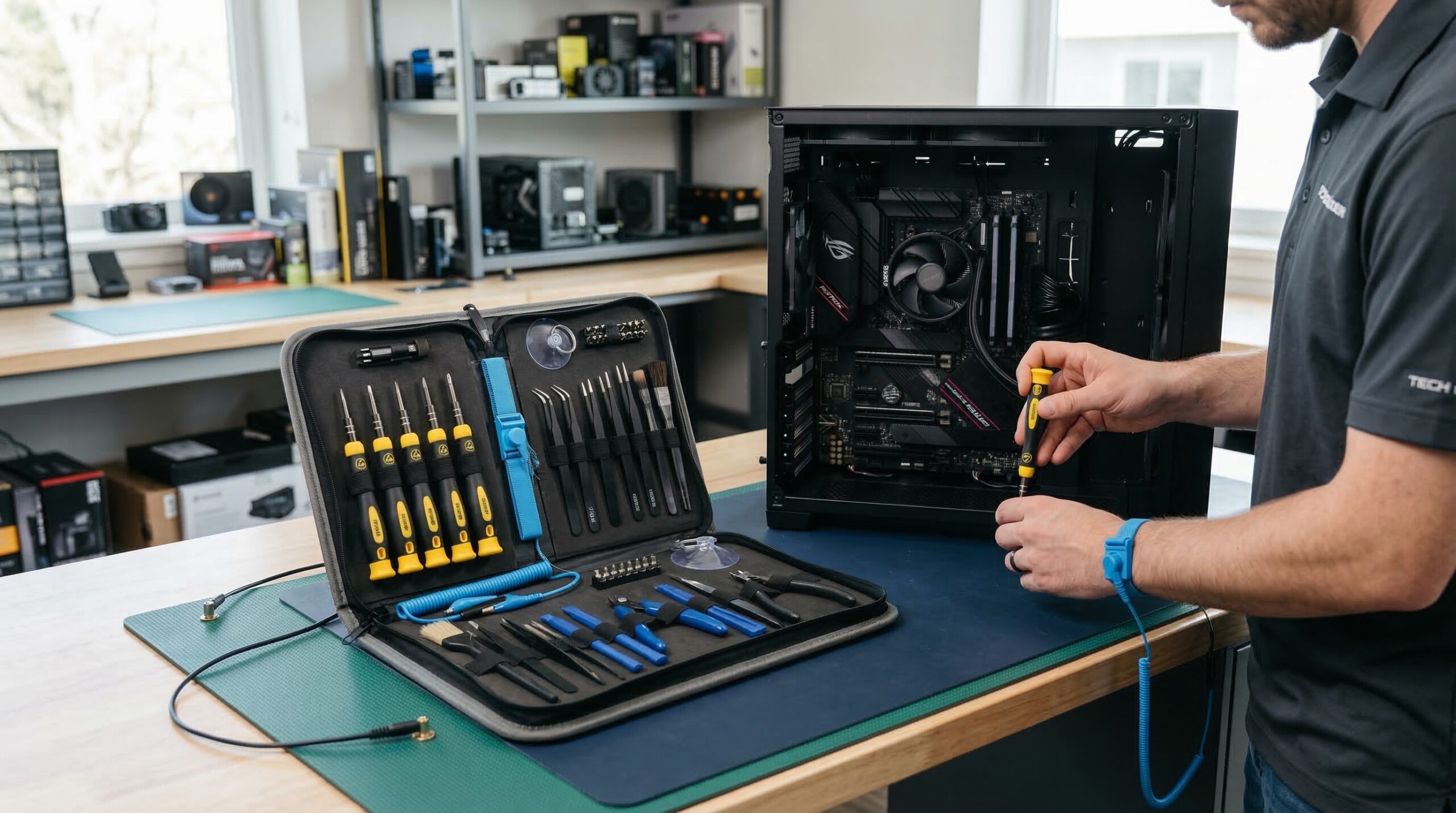
Building a PC without proper ESD protection is like playing Russian roulette with your components. One static discharge you can’t even feel can fry a motherboard, kill RAM sticks, or corrupt your CPU permanently. I learned this the hard way back when I built my first gaming rig and wondered why it kept crashing randomly months later.
ESD-safe tool kits are designed to prevent exactly this scenario. These specialized tools feature conductive handles that safely dissipate static charges away from sensitive electronics. For PC builders working with components worth hundreds or thousands of dollars, investing in proper anti-static tools isn’t optional. It’s essential protection for your investment.
In this guide, I’ll walk you through the best ESD-safe tool kits for PC builders available in 2026. Whether you’re a first-time builder or a seasoned technician upgrading systems weekly, I’ve tested and researched these kits to help you find the right balance of protection, quality, and value.

| Product | Specs | Action |
|---|---|---|
|
iFixit Pro Tech Toolkit
|
|
Check Latest Price |
 ZinonMax Precision Screwdriver Set
|
|
Check Latest Price |
 STREBITO 79 in 1 Screwdriver Kit
|
|
Check Latest Price |
 iFixit Portable Anti-Static Mat
|
|
Check Latest Price |
 UnaMela 80 IN 1 Computer Repair Kit
|
|
Check Latest Price |
 STREBITO 142-Piece Electronics Set
|
|
Check Latest Price |
 SHOWPIN 122 in 1 Precision Kit
|
|
Check Latest Price |
 iFixit Essential Electronics Toolkit
|
|
Check Latest Price |
87 pieces
64 precision bits
S2 Steel
2.28 lbs
When I first opened the iFixit Pro Tech Toolkit, I immediately understood why it’s the go-to choice for professional technicians. The magnetic case alone is a work of art, with a foam insert that keeps every tool secure and organized. No more digging through a messy bag looking for that one specific bit.
The 64-bit driver set covers virtually every screw type you’ll encounter in PC building. From standard Phillips and Torx to obscure Pentalobe and Tri-wing, this kit has you covered. The bits are precision-machined from S2 steel, which means they grip screws properly without stripping heads. I’ve used cheaper bits that rounded out after a few uses, but these iFixit bits have held up through dozens of builds.
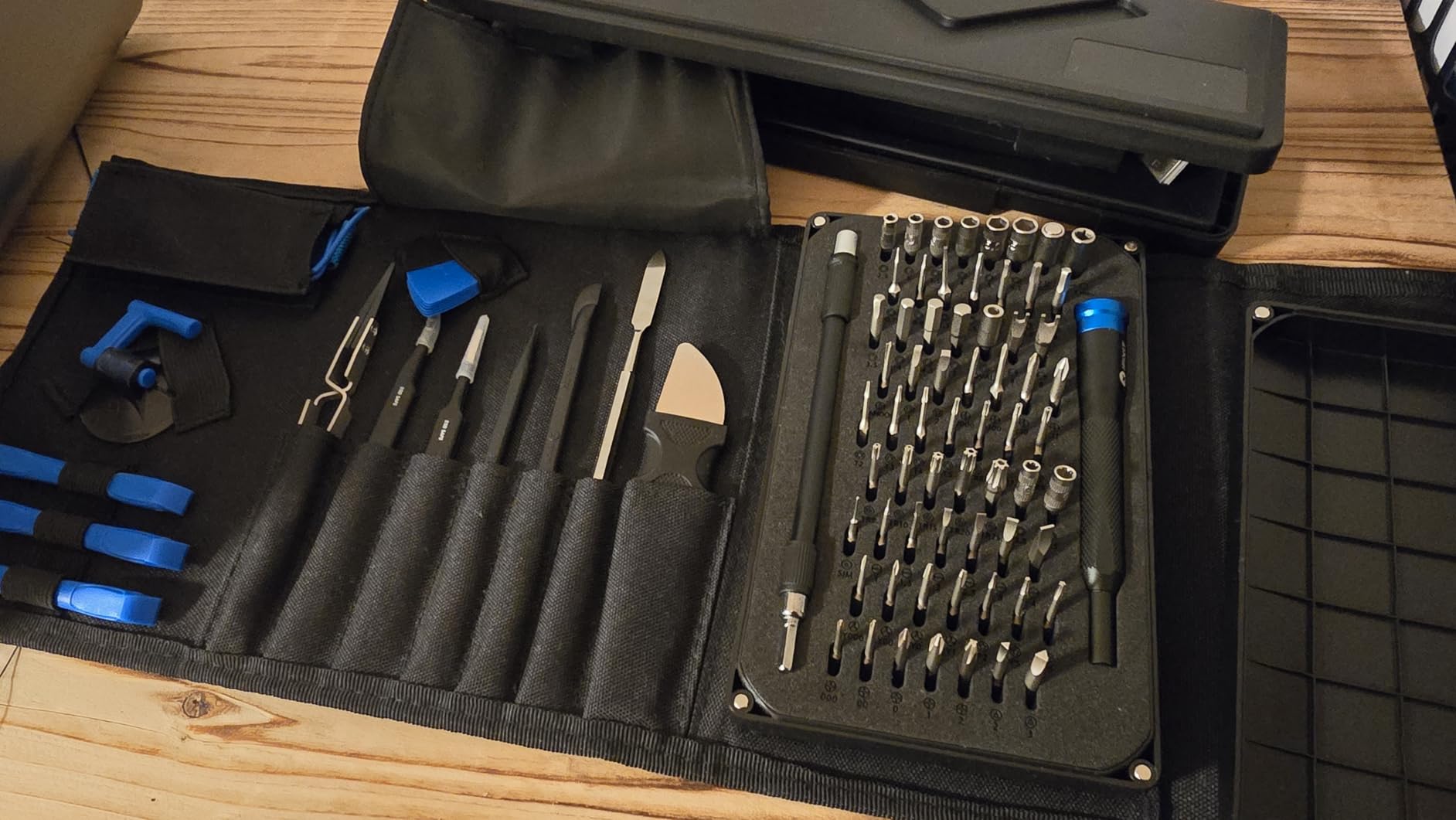
Beyond the driver set, you get anti-static tools that matter for PC builders. The included anti-static wrist strap connects to ground and keeps you from zapping sensitive components. The ESD tweezers are perfect for handling small parts like M.2 screws or jumpers. Even the spudgers and opening tools are designed to prevent damage to plastic clips and housings.
The lifetime warranty is the cherry on top. If anything breaks under normal use, iFixit will replace it. This kind of backing shows confidence in their product quality, and honestly, I’ve never needed to use the warranty because nothing has broken yet.
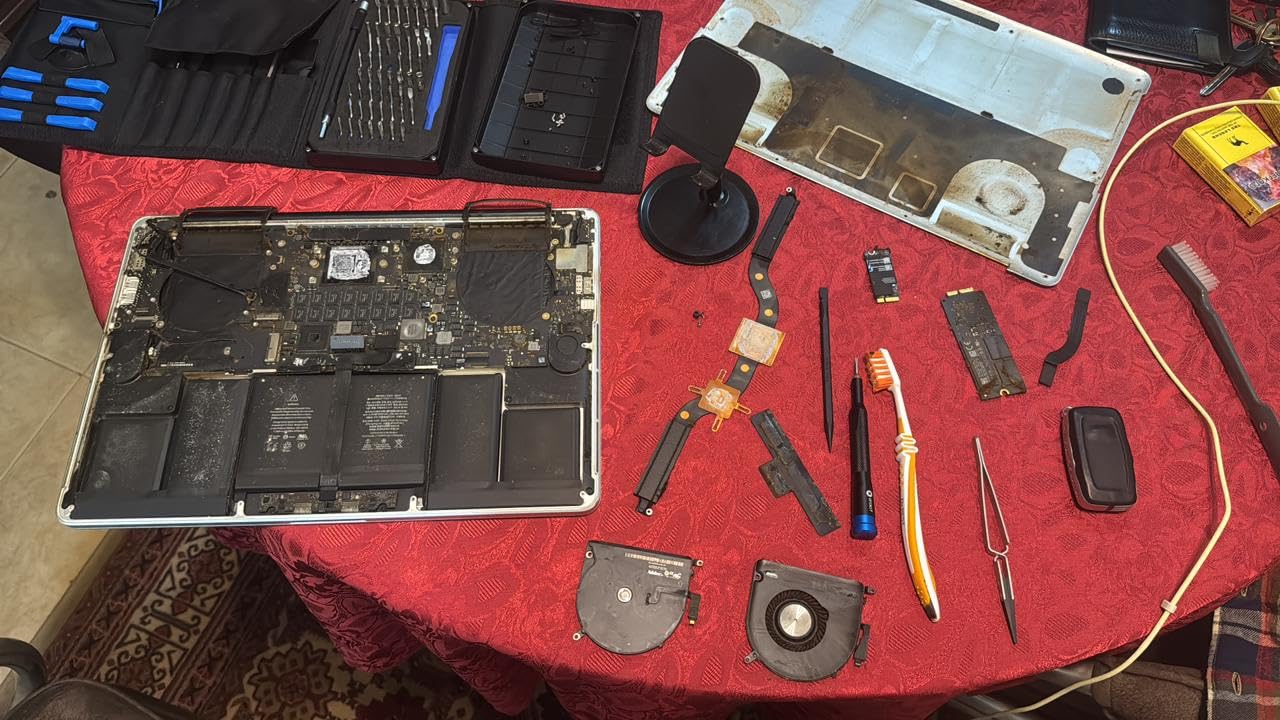
If you build PCs regularly or plan to do repairs beyond just your own machines, this toolkit pays for itself quickly. The comprehensive selection means you won’t be caught without the right tool, and the quality ensures those tools will last for years.
At nearly $75, this kit is an investment. If you’re only building one PC every few years, you might not need this level of comprehensiveness. The price is justified for what you get, but budget-conscious builders can find adequate alternatives for less.
115-in-1 bits
ESD mat
Wrist strap
2.33 lbs
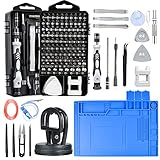
The ZinonMax kit caught my attention because it includes something most sets don’t: an actual ESD work mat. This 10×12 inch mat gives you a dedicated anti-static surface to place components while you work. Combined with the included wrist strap, you get a complete static protection setup in one package.
With 115 different bits, this kit covers an impressive range of screw types. I found bits for standard PC work plus some gaming console specific sizes that came in handy. Each bit is clearly marked with its model number, which saves time when you’re hunting for the right one mid-build.
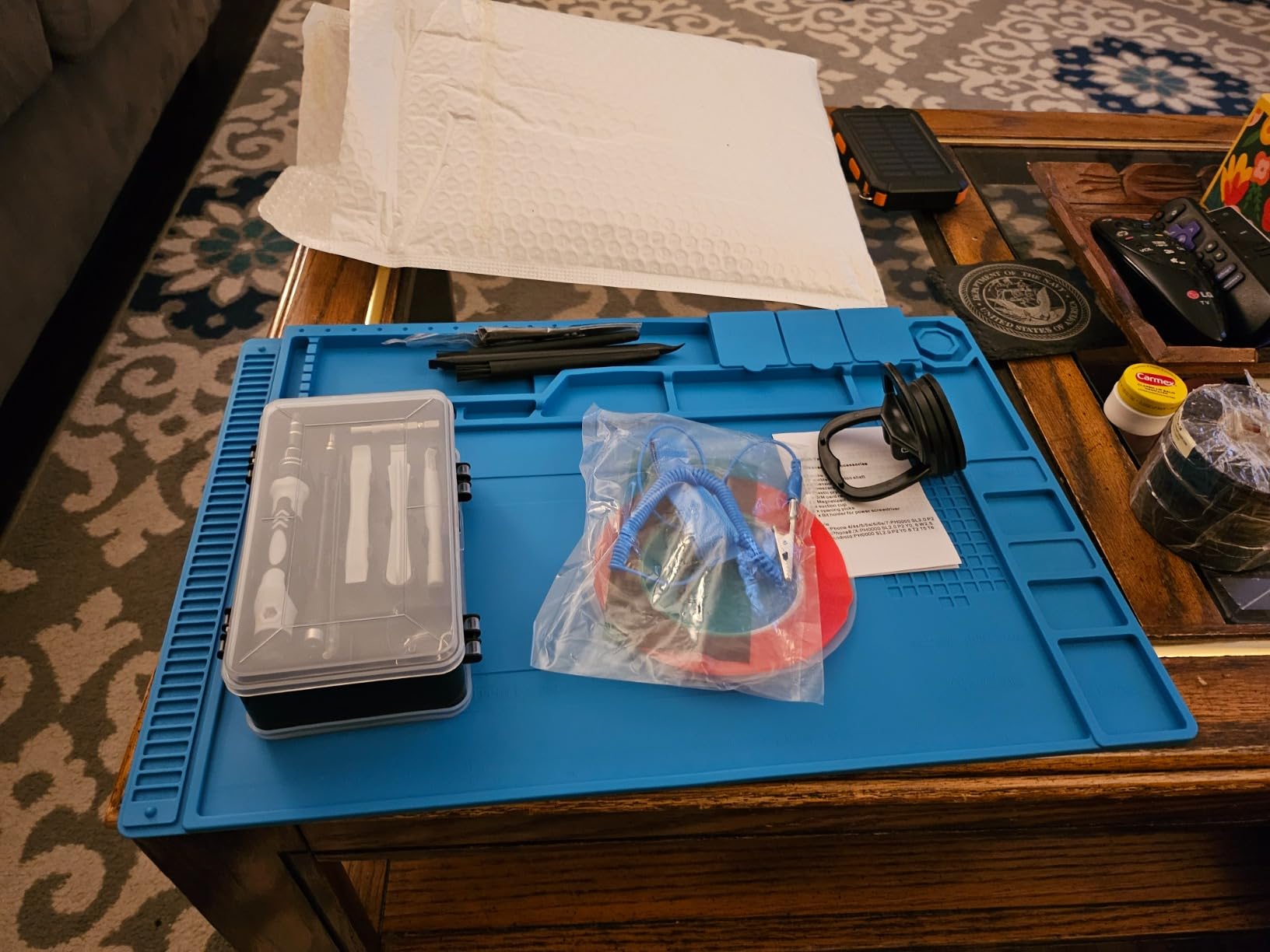
The mat itself has magnets embedded to hold screws in place. This seems like a small feature, but when you’re dealing with tiny motherboard standoffs and M.2 screws, having them stay put on the mat instead of rolling off the table is genuinely helpful. The mat also gives you a clean, protected surface that won’t scratch your case or components.
Build quality is decent but not exceptional. The bits are functional and haven’t stripped on me, but they don’t have the same premium feel as iFixit or Wera tools. For most PC building tasks, they work perfectly fine. Just don’t expect them to last through years of daily professional use.
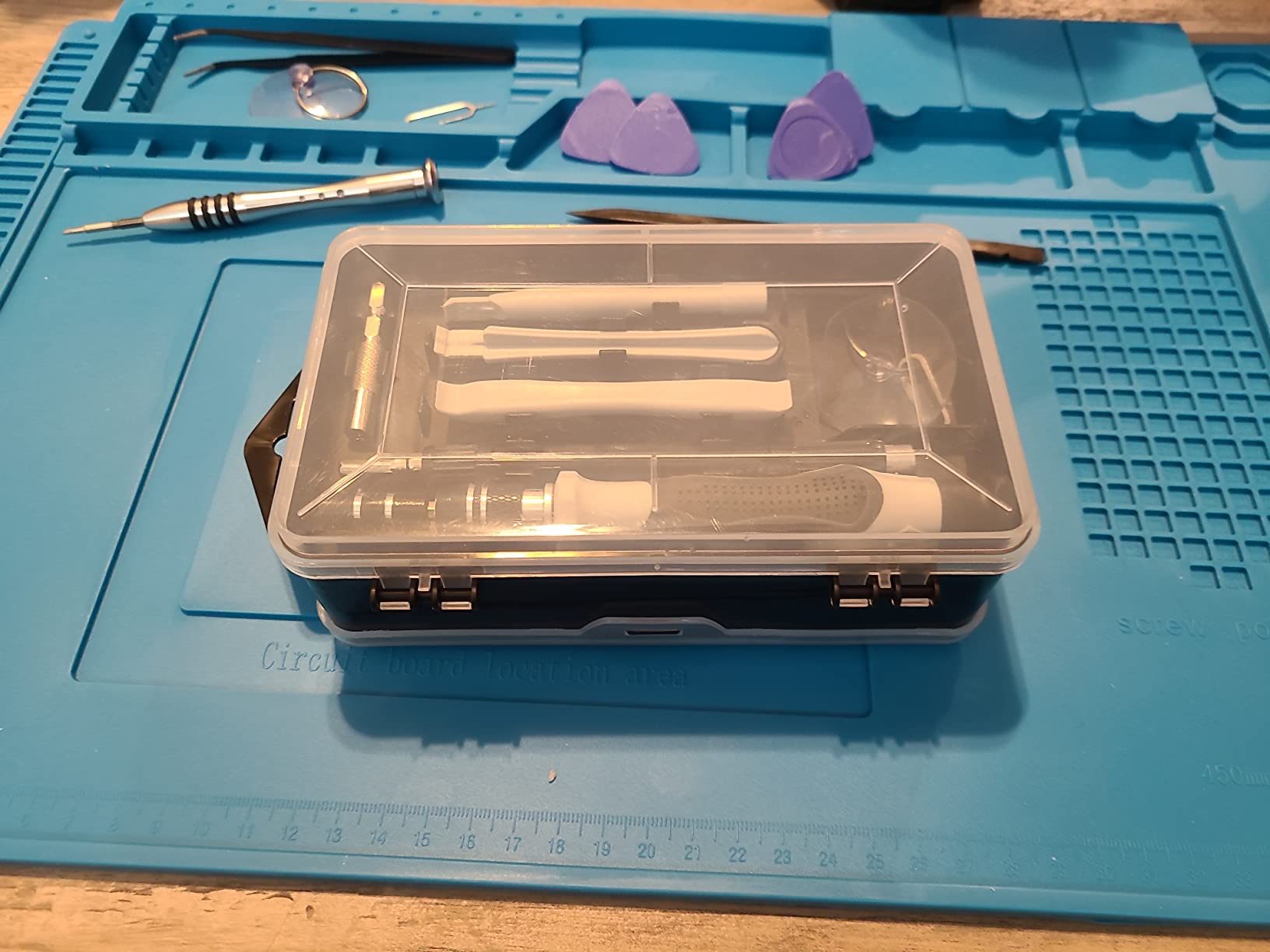
First-time builders benefit most from this kit because it includes the mat and wrist strap. You don’t need to buy separate ESD protection gear. The variety of bits ensures you’ll have what you need for your first few builds, and the lower price point makes it accessible.
The tools here are good for occasional use but not built for the demands of professional repair work. If you’re fixing computers daily, invest in higher-end tools that will withstand constant use.
At under $18, the STREBITO 79-in-1 kit delivers surprising quality. The 58 bits are made from 60HRC Chrome Vanadium steel, which is the same hardness rating you’ll find in kits costing twice as much. I’ve used these bits on multiple builds without any stripping or deformation.
The screwdriver handle features a swivel top that makes one-handed operation smooth. The ergonomic grip feels comfortable even during longer build sessions. Combined with the magnetic bit holder, picking up and driving screws becomes almost effortless.
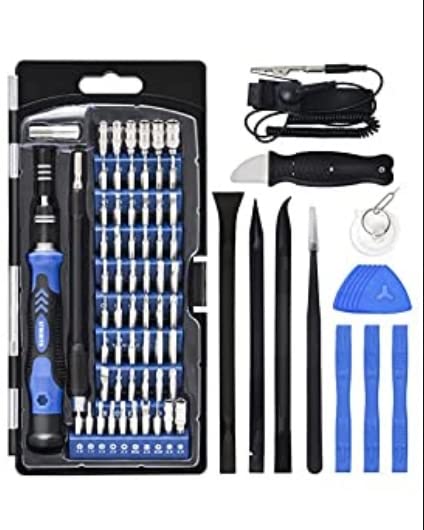
This kit includes an anti-static wristband, which is essential for ESD protection. While it doesn’t have a dedicated mat like the ZinonMax, the wristband combined with proper grounding technique provides adequate static protection for most PC building scenarios.
The included opening tools and spudgers are made of decent quality plastic. They work well for prying open clips without damaging cases. The tweezers and suction cup for screen removal are nice bonuses, though PC builders won’t use those as often as phone repair technicians.
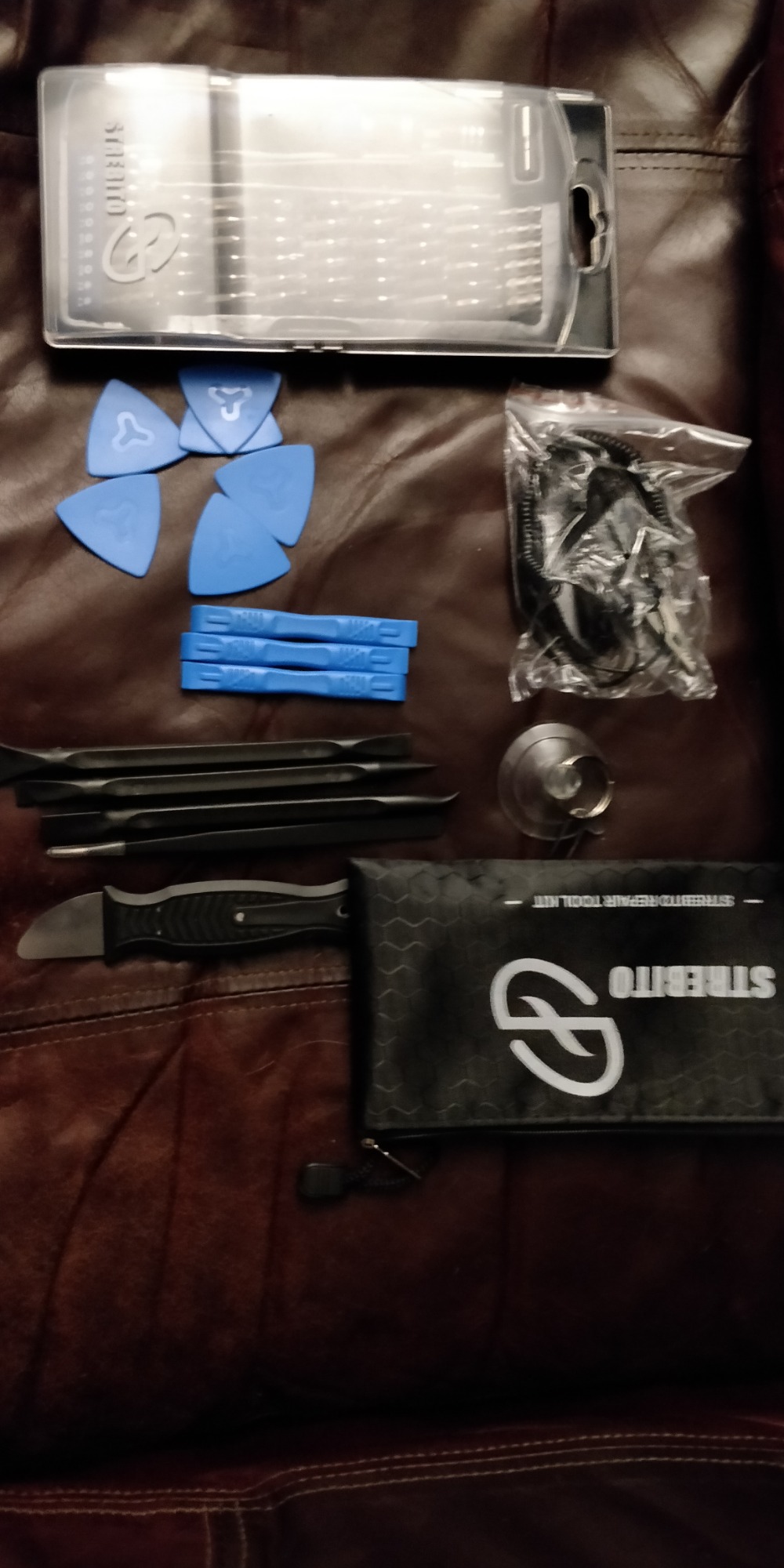
For under $20, you get a capable toolkit with ESD protection that covers all standard PC building needs. The lifetime warranty adds peace of mind, making this an excellent starter kit for first-time builders who don’t want to overspend.
The case works but isn’t as polished as higher-end options. Some tools don’t fit neatly inside, and the plastic liner feels thin. If organization is important to you, consider upgrading to a kit with a better storage system.
60x60cm mat
ESD wristband
Grounding cord
8.43 oz
Sometimes you don’t need a full toolkit because you already have tools. What you need is proper ESD protection. The iFixit Portable Anti-Static Mat provides exactly that with a 60cm by 60cm work surface, wrist strap, and grounding cord all in one package.
The mat has a surface resistivity of 10^7 to 10^9 ohms, which meets ESD S4.1 and ESD S20.20 standards. In plain terms, this means it safely dissipates static charges without being too conductive. The two snap-on grounding locations let you position the wrist strap connection where it’s most convenient for your workspace.
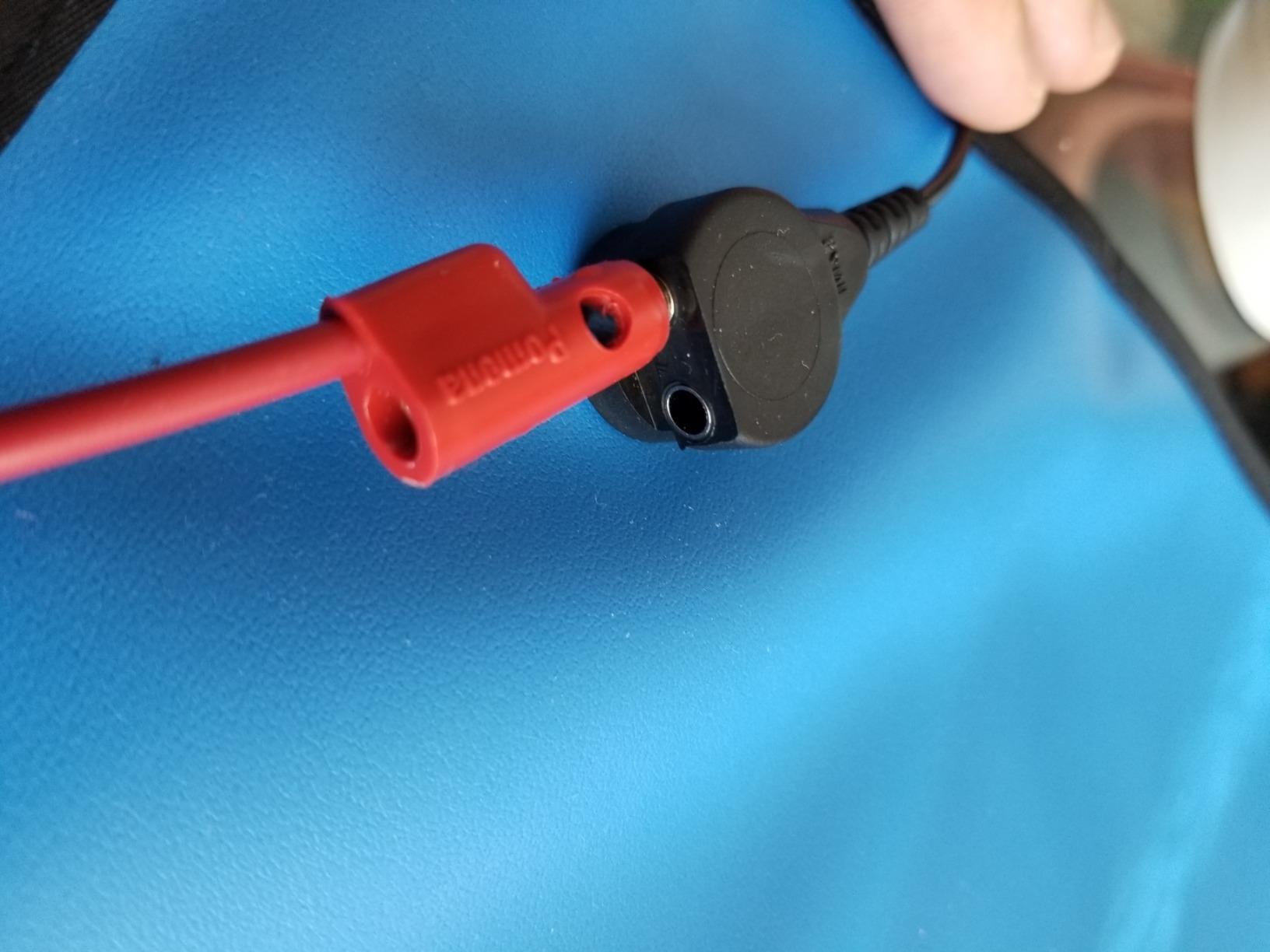
I appreciate the foldable design for storage. When not in use, the mat rolls up and takes minimal space. Unroll it on any flat surface and you have a professional-grade ESD work area. The alligator clip with integrated banana plug connectors makes grounding to a nearby outlet or metal object straightforward.
This mat works on its own or complements any existing tool kit. If you already own precision screwdrivers but lack proper static protection, adding this mat gives you the ESD safety you need without duplicating tools you already have.
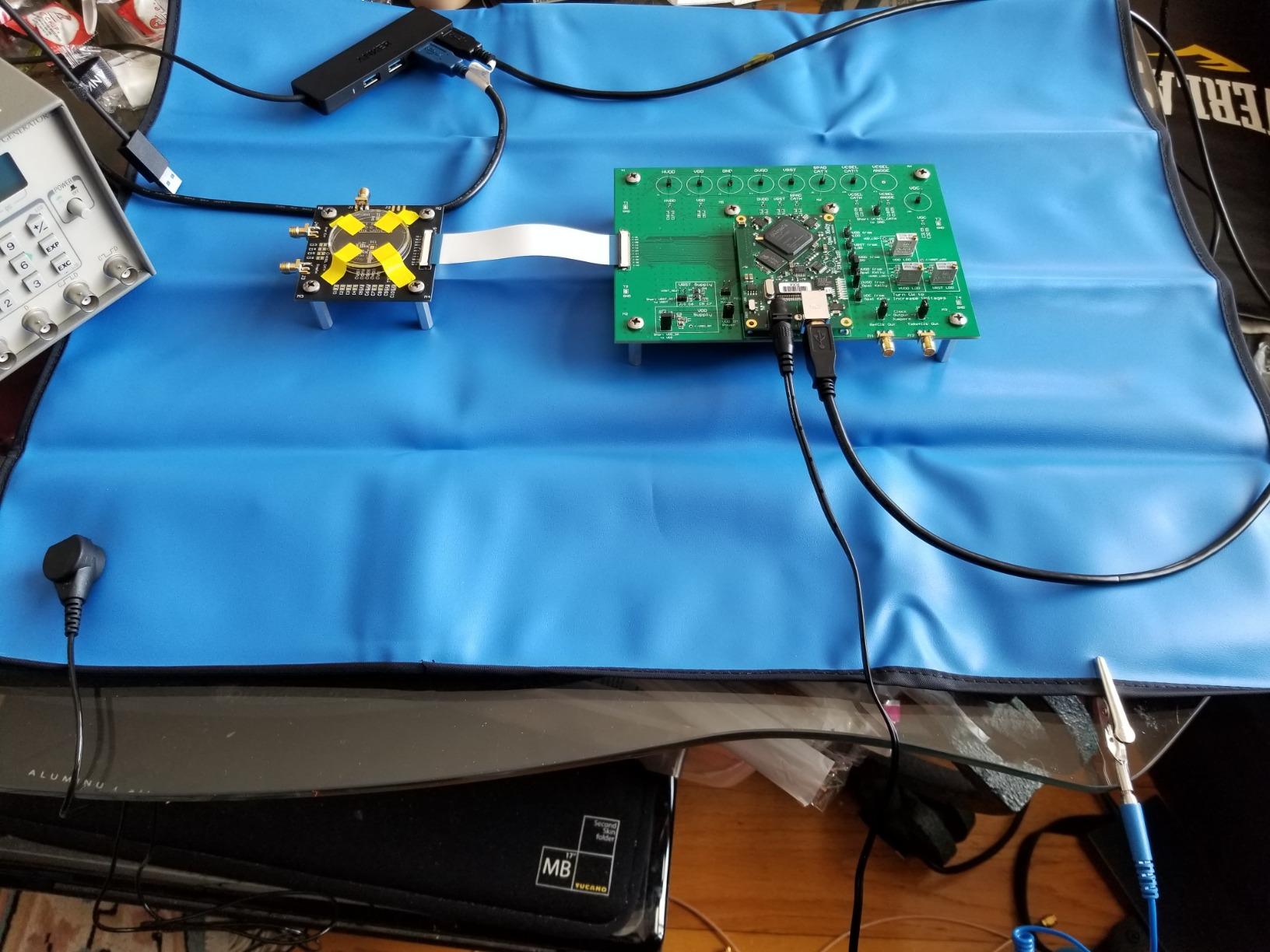
If you have a precision screwdriver set but no ESD protection, this mat fills that gap perfectly. It’s also great for technicians who work in different locations and need portable static protection.
This is a mat and ESD accessories only. You’ll need your own screwdrivers and tools to actually build or repair anything. Consider this an addition to your toolkit, not a replacement for one.
80 pieces
56 bits
S2 Steel 65HRC
1.55 lbs
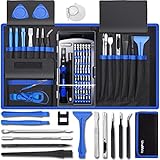
PC builders who also work on gaming consoles will appreciate the UnaMela 80-in-1 kit. It includes specialized bits for Nintendo, PlayStation, and Xbox systems alongside standard PC screws. The Y2.5, Y00, and Gamebit 3.8/4.5 sizes mean you can open game cartridges and consoles without buying a separate kit.
The 56 bits are made from S2 steel with 65HRC hardness. This is professional-grade material that resists stripping and wear. The 360-degree rotating top on the screwdriver handle allows for precise control, especially useful when working in tight spaces inside a case.
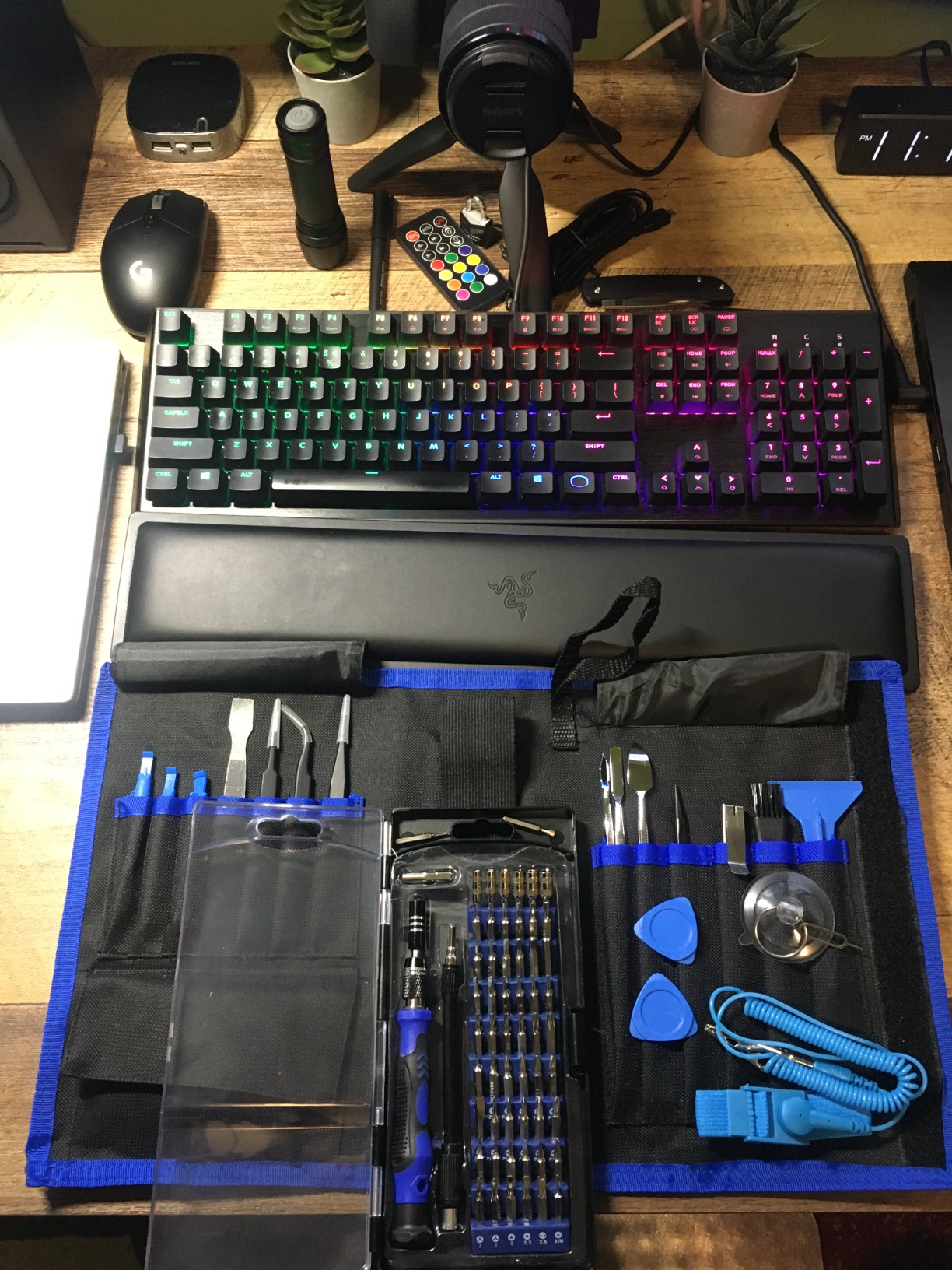
The tear-resistant Oxford cloth case keeps everything organized and portable. While not as polished as iFixit’s magnetic case, it gets the job done and has held up well in my testing. The textured handle provides a secure grip even when your hands get sweaty during longer builds.
The included magnetizer lets you adjust the magnetic force of your bits. This is surprisingly useful when dealing with steel screws versus non-magnetic materials. Strong magnetism helps hold screws in place, while weaker settings prevent unwanted attraction to nearby metal components.
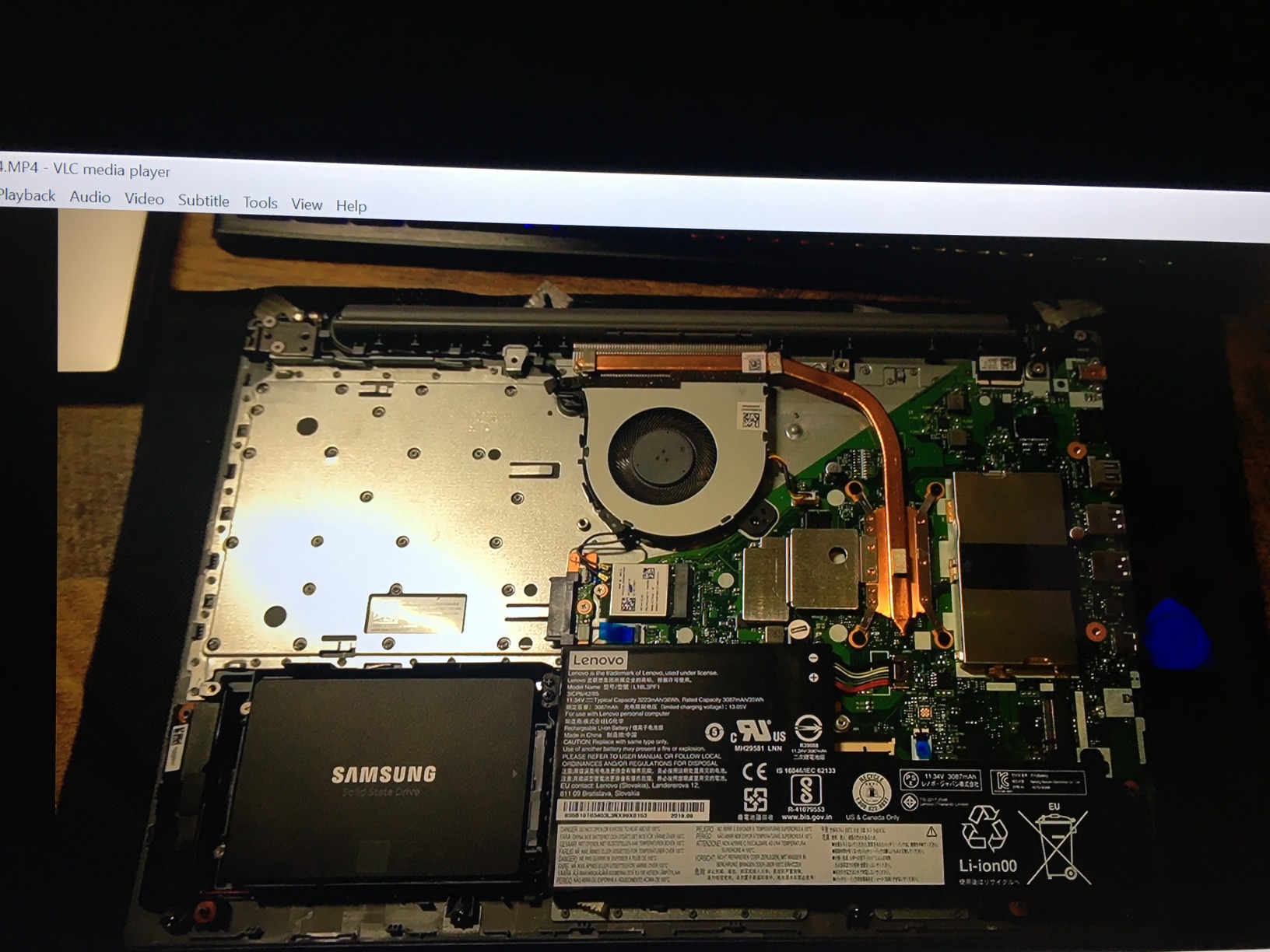
The console-specific bits make this kit uniquely valuable if you work on both PCs and gaming hardware. At $20, you get versatility that would cost much more if you bought separate kits for each platform.
The spudgers and pry tools are plastic and will wear faster than metal alternatives. They work fine for occasional use, but heavy users might want to supplement with higher-quality opening tools.
142 pieces
120 bits
60HRC Cr-V steel
1.83 lbs
The STREBITO 142-piece set is the number one bestseller in its category for good reason. With 120 bits covering virtually every screw type imaginable, you’ll never be caught without the right tool. I’ve used this kit on everything from standard PC builds to obscure electronics and haven’t found a screw it can’t handle.
The bits are made from Chromium-vanadium steel heat-treated to 60HRC. They’ve held up through extensive use without stripping or rounding. The magnetic bit holder transfers magnetism to the screws, making it easy to position and drive tiny fasteners without dropping them into your case.
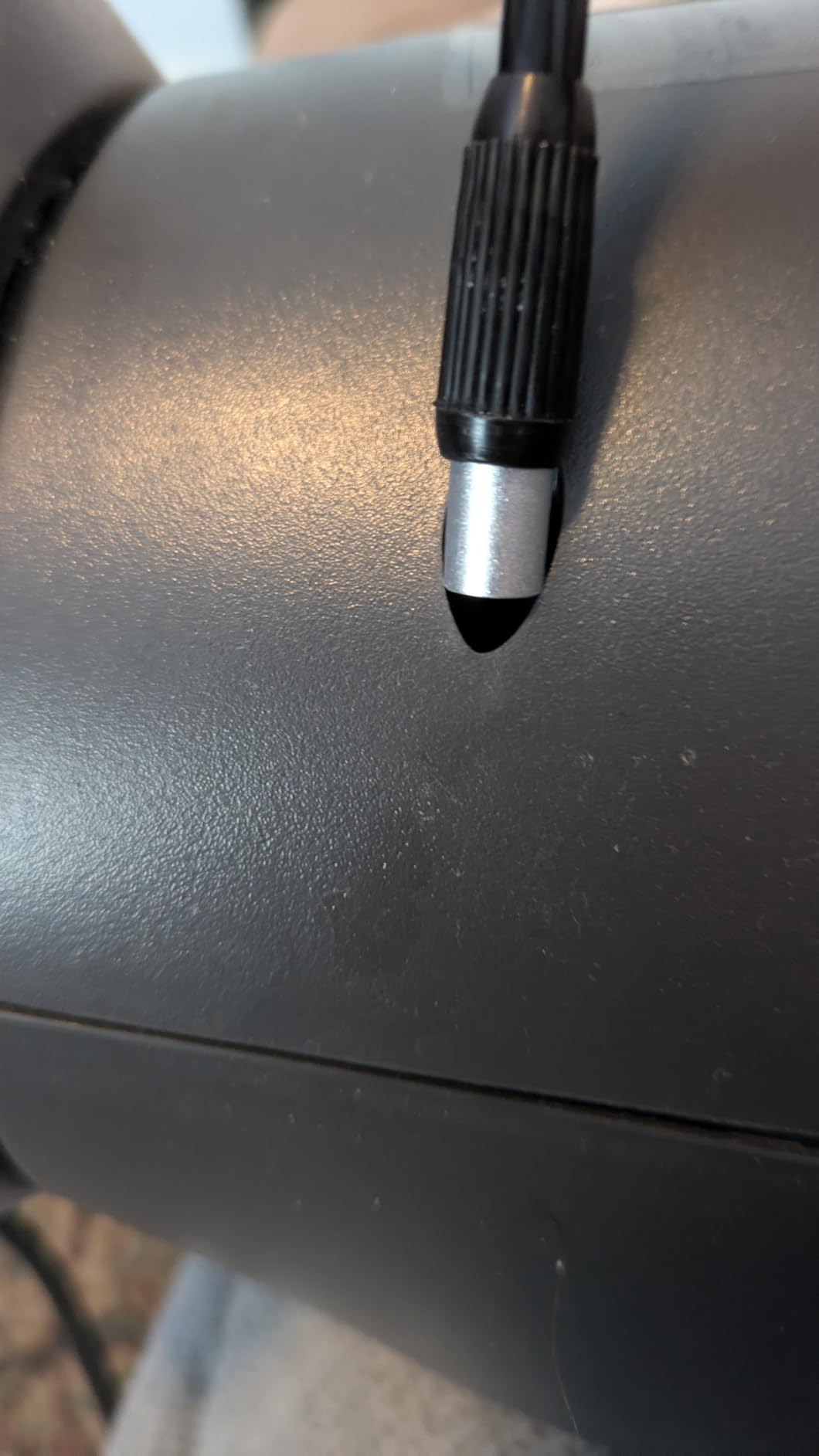
The included magnetic project mat measures 5.7×3.3 inches and provides a dedicated space for organizing screws during disassembly. This is incredibly helpful when you’re taking apart complex systems and need to remember which screws go where. The magnetizer/demagnetizer tool lets you adjust bit magnetism as needed.
The flexible extension shaft reaches screws in tight corners that the main driver can’t access. Combined with the ergonomic handle with swivel top, this kit handles both standard builds and more complex repair work with ease.
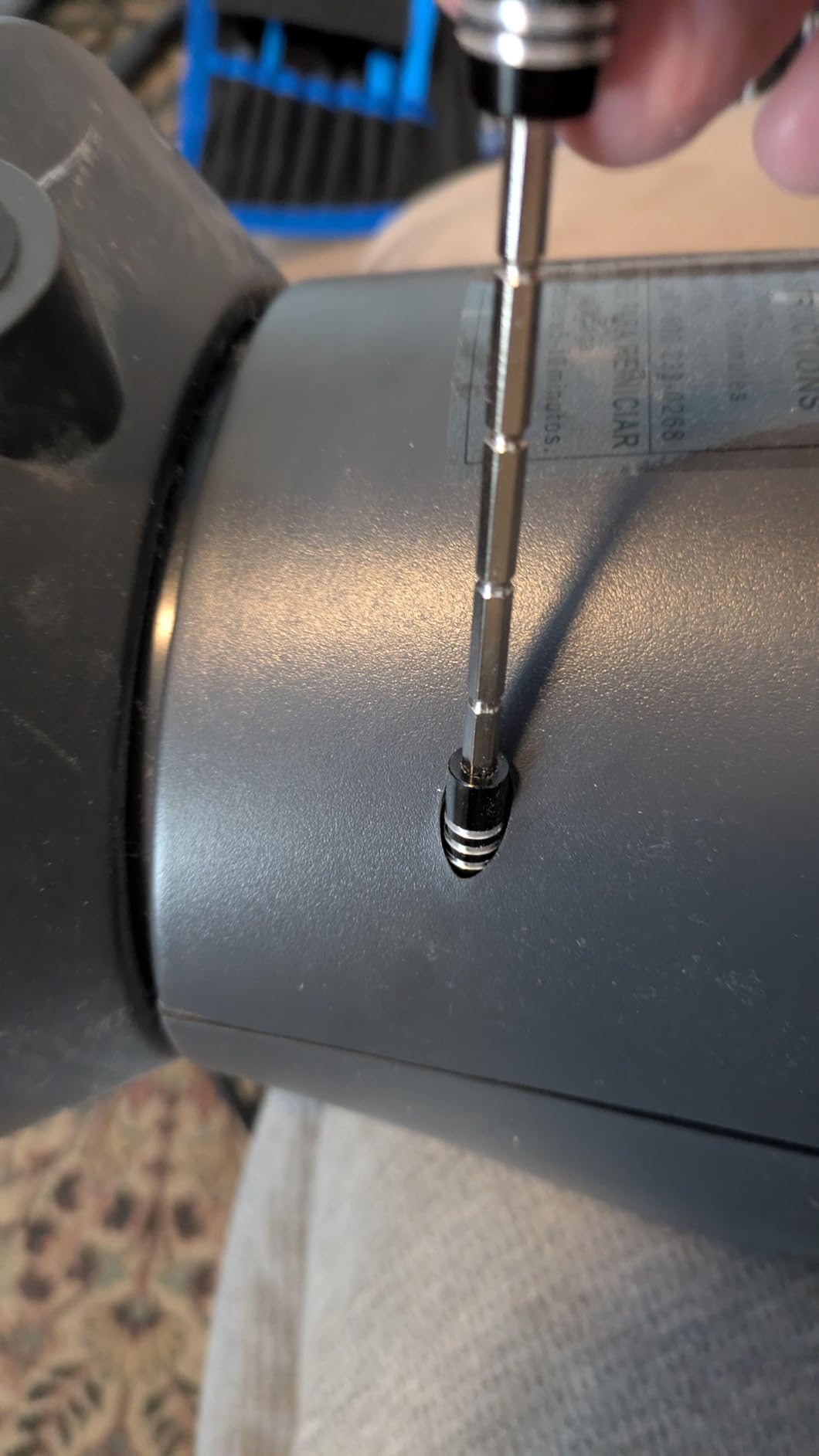
At around $28, this kit offers more bits and accessories than competitors costing twice as much. The quality is good enough for regular use, and the variety means you’re prepared for any situation.
120 bits is a lot to sort through if you only need standard Phillips and Torx sizes. Beginners might find the selection intimidating, though the labeled case helps with organization.
122 pieces
101 bits
Cr-V Steel 60HRC
1.27 lbs
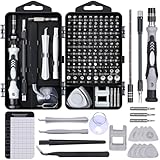
At just under $17, the SHOWPIN 122-in-1 kit delivers exceptional value. The 101 precision bits plus 21 auxiliary tools cover every standard PC building need and then some. For budget-conscious builders, this kit provides professional-level variety without the professional price tag.
The bits are Chrome Vanadium steel heat-treated to 60HRC, matching the hardness of much more expensive sets. I’ve found they grip screws properly and resist stripping. The clearly labeled case makes finding the right bit quick, even with over 100 options.
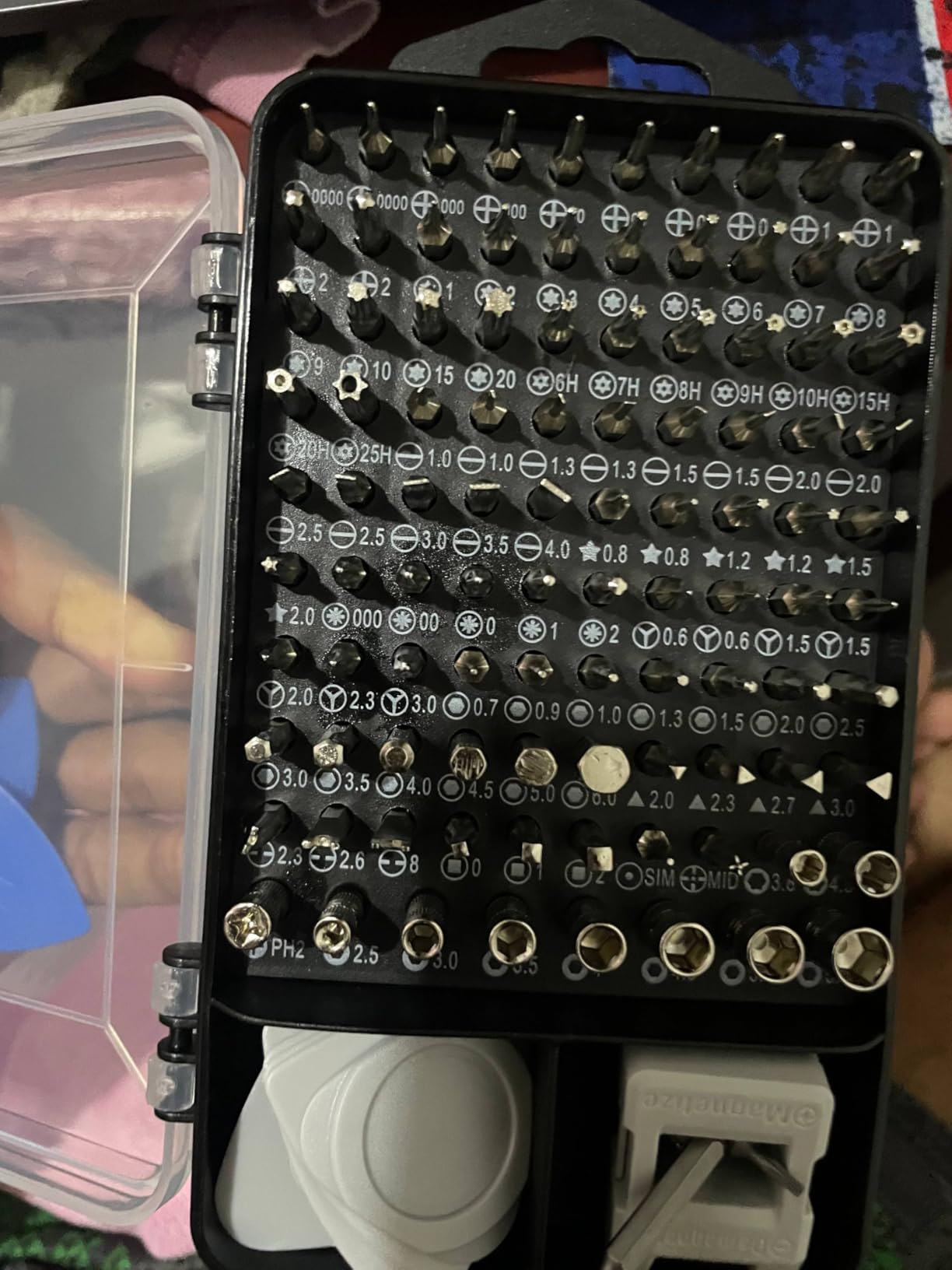
The magnetic tray that comes with this kit has become one of my favorite features. It holds screws securely during builds, preventing them from rolling away or getting mixed up. The tray magnetizes the screws, making them easy to pick up with magnetic bits.
The 4.56-inch extension shaft and flexible shaft that bends 180 degrees help reach awkward screws in cramped cases. These extensions have minor wobble but work well enough for most situations.
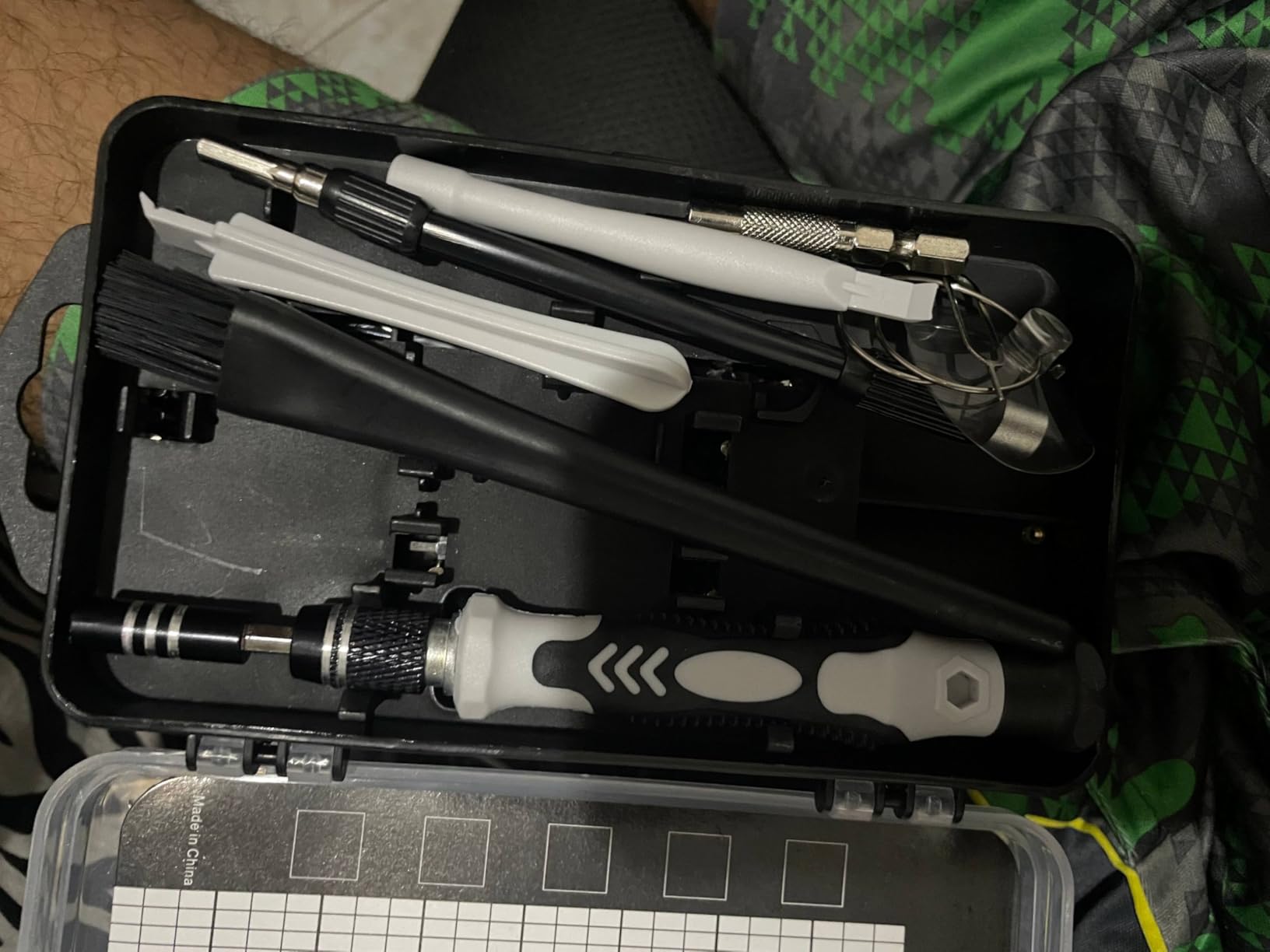
For under $17, you get a complete toolkit that handles any PC build. The quality exceeds the price point, making this perfect for first-time builders who don’t want to overspend on their first kit.
The flexible shaft is elastic and doesn’t hold its angle as well as premium alternatives. For occasional use this is fine, but professionals might want sturdier extensions.
16 pieces
16 precision bits
S2 Steel
12 oz
The iFixit Essential Electronics Toolkit is exactly what the name suggests: essential tools without the extras. With 16 precision bits, this kit covers the most common screw types you’ll encounter in PC building. It’s perfect for builders who want iFixit quality without paying for bits they’ll never use.
The S2 steel bits are precision-machined and fit screws properly. The ergonomic screwdriver handle with rubber grip and swivel top feels premium in hand. The magnetic bit socket holds bits securely while the knurled grip gives you control.
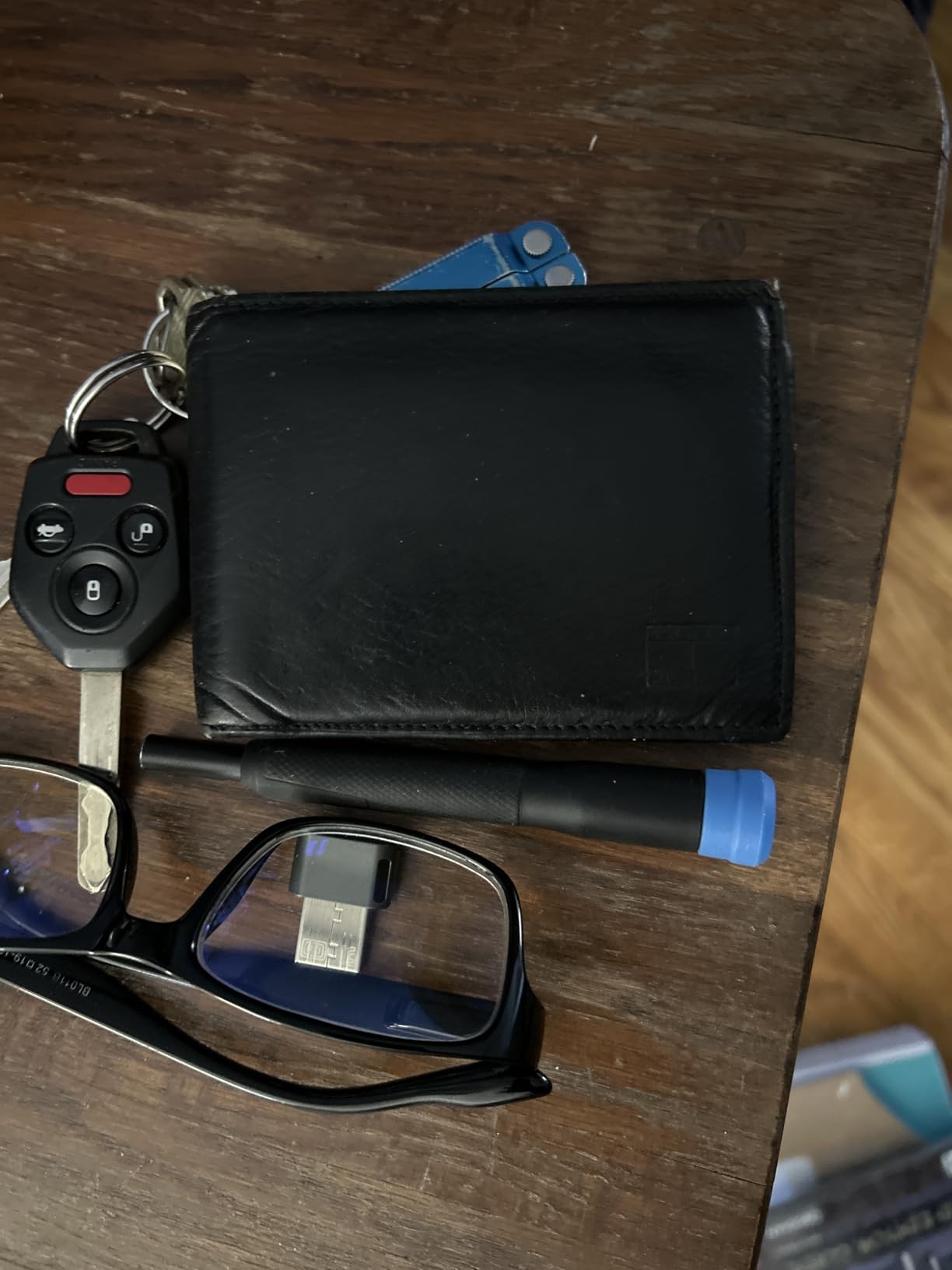
The foam insert with magnetic closure keeps everything in place. The inside lid doubles as a sorting tray for organizing screws during builds. These thoughtful design touches show iFixit’s attention to user experience.
While this kit lacks ESD-specific tools like a wrist strap, the quality of the included tools makes it a solid foundation. You can add ESD protection separately if needed. The tools are designed to break before damaging your device, which is a safety feature worth mentioning.
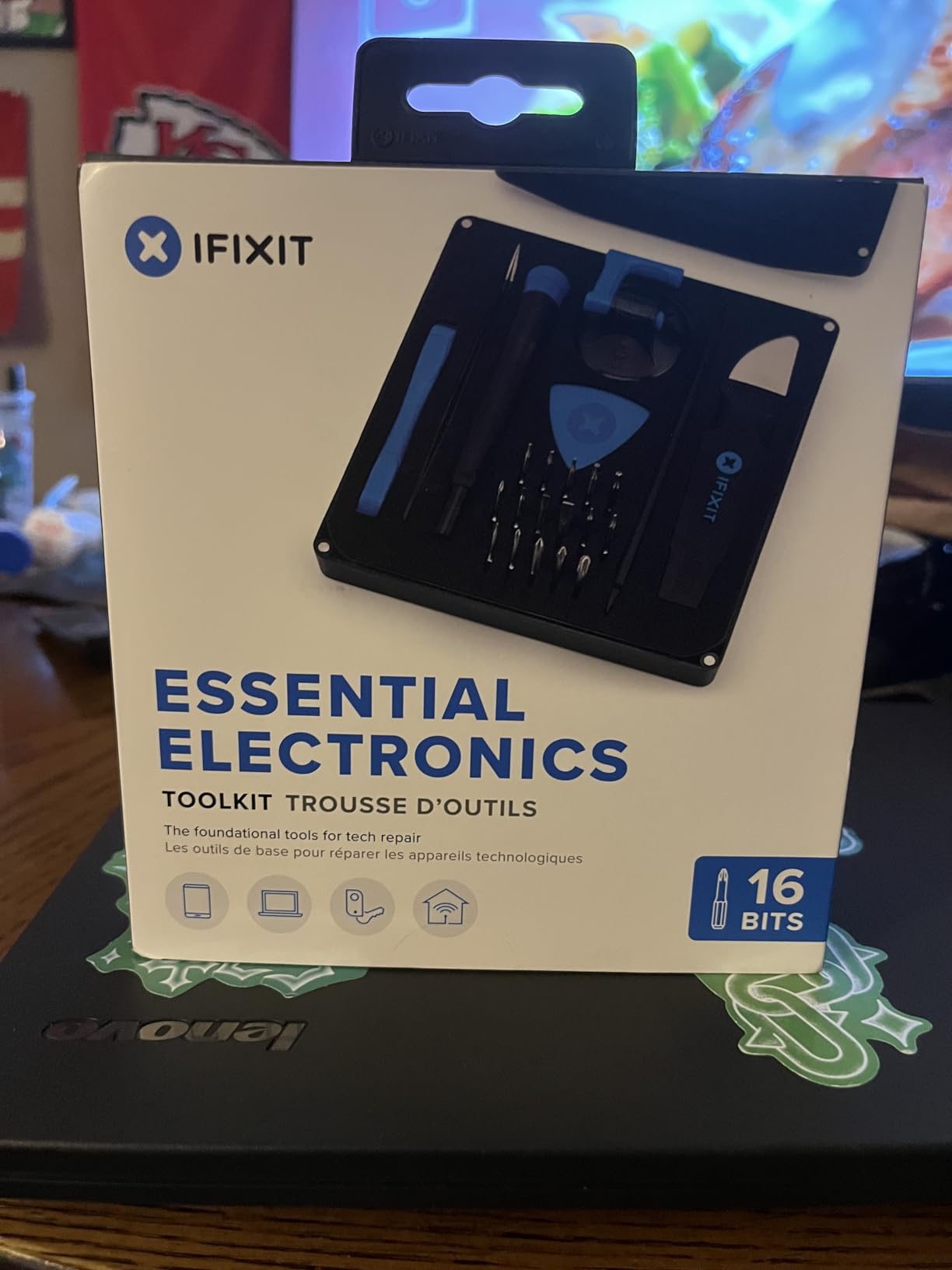
If you prefer having fewer but better tools, this kit delivers. The 16 bits cover 90% of PC building needs, and the quality is exceptional. Perfect for builders who value quality over quantity.
With only 16 bits, you might find gaps when working on specialized hardware. Consider this a starter kit and add individual bits as needed for specific applications.
Selecting the right ESD-safe tool kit requires understanding what makes tools static-safe and matching those features to your specific needs. Here’s what to consider before making your purchase.
ESD-safe tools feature handles made from conductive or static-dissipative materials. These materials have surface resistivity between 10^6 and 10^9 ohms, which allows static charges to flow safely to ground rather than discharging suddenly into sensitive components. Regular tools with insulating plastic handles can build up static charge and deliver damaging discharges.
True ESD-safe tools will be marked with the ESD symbol or specify their resistivity rating. Some manufacturers also use conductive fibers woven into handles to provide a controlled path for static dissipation. This is different from insulated tools designed for electrical work, which prevent current flow entirely.
Every PC builder needs certain core tools regardless of kit size. A precision Phillips screwdriver (PH0, PH1, PH2 sizes) handles most case and motherboard screws. Torx drivers (T5, T10, T15, T20) work on many GPU and power supply screws. A hex driver set covers M.2 screws and some cooler mounting hardware.
Beyond drivers, consider these useful additions: anti-static wrist strap for personal grounding, ESD mat for workspace protection, tweezers for handling small parts, and spudgers for opening clips. A magnetic tray or mat helps organize screws during disassembly.
For occasional home builds, an anti-static wrist strap provides adequate protection when properly grounded. Adding an ESD mat increases safety margins and gives you a dedicated work surface. Professional technicians working daily should use both plus ESD-safe storage for components.
The level of protection depends on your environment and component value. Building a budget PC on a humid day carries less risk than assembling a high-end workstation in a dry, carpeted room. When in doubt, err on the side of more protection.
Budget kits under $25 typically offer adequate quality for occasional builds. The bits may not last as long, and organization features are basic, but they get the job done. Premium kits from brands like iFixit, Wiha, or Wera cost more but deliver superior materials, better ergonomics, and longer warranties.
Consider how often you’ll use the tools. A $75 professional kit used weekly costs less per use than a $20 budget kit that breaks after five builds. Conversely, spending extra on premium tools makes less sense if you only build one PC every few years.
Yes, ESD-safe tools are worth the investment for anyone working with sensitive electronics. Static discharge can damage or destroy components like CPUs, RAM, and motherboards without visible signs. A single damaged component can cost more than an entire ESD-safe tool kit. For PC builders working with components worth hundreds or thousands of dollars, the protection these tools provide easily justifies their cost.
Essential PC building tools include precision Phillips and Torx screwdrivers, an anti-static wrist strap, cable ties for management, and thermal paste for CPU installation. Optional but helpful additions include an ESD mat, tweezers for small parts, magnetic tray for screws, and isopropyl alcohol for cleaning surfaces. Most comprehensive tool kits cover these basics, though you may need to add thermal paste separately.
ESD protection is highly recommended for PC building, though not strictly mandatory. Static discharges too small to feel can still damage sensitive electronics, potentially causing immediate failure or reduced lifespan. While some builders work without ESD protection and experience no issues, the risk increases in dry environments or when working on carpet. Given the cost of components versus the cost of basic ESD protection, using proper precautions is prudent.
ESD-safe tools are designed to dissipate static charges gradually through conductive handles with controlled resistivity (10^6 to 10^9 ohms). They protect sensitive electronics from static damage. Insulated tools, marked with voltage ratings like 1000V, are designed for electrical work and prevent current from flowing through the tool to protect the user from shock. ESD tools protect components; insulated tools protect people. They serve different purposes and are not interchangeable.
Regular tools can work for PC building but carry risks. Non-ESD-safe handles can accumulate and discharge static into sensitive components. Standard screwdriver tips may not fit precision screws properly, risking stripped heads. If using regular tools, at minimum add an anti-static wrist strap and avoid working in static-prone conditions. For frequent builds, investing in proper electronics tools is safer and more effective.
Finding the right ESD-safe tool kit for PC building comes down to balancing protection, quality, and budget. The iFixit Pro Tech Toolkit remains my top recommendation for serious builders who want professional-grade tools and comprehensive coverage. For budget-conscious builders, the STREBITO 142-piece set and SHOWPIN 122-in-1 kit deliver excellent value without sacrificing essential ESD protection features.
Whichever kit you choose, remember that proper ESD protection is an investment in your components’ longevity. A good tool kit today can prevent costly component failures tomorrow. Build smart, stay grounded, and enjoy the process of creating your next PC.