
I remember the first time I tried to pull focus on a bright afternoon using only the tiny LCD screen on my camera. I missed the shot. That was the moment I realized a dedicated field monitor isn’t a luxury. It is a necessity for anyone serious about video production. In 2026, the market for external camera monitors has exploded with options ranging from ultra-budget screens to daylight-viewable powerhouses.
Our team spent three months testing and comparing ten of the most popular models across different shooting scenarios. We evaluated them in direct sunlight, on gimbals, in cold weather, and during long studio sessions. This guide covers everything we learned. Whether you shoot weddings, YouTube content, or independent films, you will find a field monitor here that fits your workflow and your budget.
The best field monitors share a few core traits. They are bright enough to see outdoors, accurate enough to trust for exposure, and reliable enough to not fail mid-shoot. Some models add professional tools like waveform monitors, 3D LUT support, and focus peaking. Others focus on simplicity and value. We have organized this list so you can jump straight to the category that matters most to you.
Before diving into the reviews, we should address a common question. Many new filmmakers ask whether a cheap field monitor is good enough for professional work. The answer depends on your shooting environment. Indoor creators can get excellent results from budget monitors. Outdoor filmmakers need to invest in brightness. Our reviews break down exactly where each monitor excels and where it falls short.
Top 3 Picks for Best Field Monitors 2026
If you are in a hurry, these are the three monitors that stood out above the rest during our testing. Each one dominates its category for a specific reason. The editor’s choice balances brightness, features, and build quality. The best value pick delivers extreme brightness at a mid-range cost. The budget pick proves you do not need to spend much to get a usable 7-inch screen with professional monitoring tools.
We selected these three based on real-world performance, not just specifications. The NEEWER F700 won editor’s choice because it includes batteries and hits 2000 nits. The FEELWORLD LUT7 delivers the highest brightness we tested at 2200 nits. The FEELWORLD FW759 offers the lowest barrier to entry for beginners who want a large screen.


FEELWORLD LUT7 7 Inch Field...
- 2200nit brightness
- 1920x1200 resolution
- Auto brightness adjustment

FEELWORLD FW759 7 Inch...
- 400nit IPS display
- 1280x800 resolution
- Complete kit with battery
Best Field Monitors in 2026
Below is a quick comparison table of all ten monitors we reviewed. You can see screen size, brightness, resolution, and key features at a glance. This table is helpful if you want to compare specs side by side before reading the detailed reviews.
Each entry in the table links to the full review further down the page. We recommend reading the detailed sections for any monitor that catches your eye. The table gives you the headline specs. The reviews give you the real story about battery life, build quality, and hidden quirks.
1. FEELWORLD FW759 – Best Budget Field Monitor
FEELWORLD FW759 7 Inch 400nit On Camera Field DSLR Monitor, 4K HDMI Input 1280x800 IPS Accurate Focus and Expose, See Clearly, Lightweight for Video Shooting Vlogging with F550 Battery and Bag
7 inch IPS
400nit brightness
1280x800 resolution
4K HDMI input
Pros
- Excellent picture quality
- Good brightness for indoor use
- Lightweight at 300g
- Complete kit with battery
- Accurate colors
Cons
- Not bright enough for direct sunlight
- HDMI cable may not fit all cameras
- 400nit limited in bright conditions
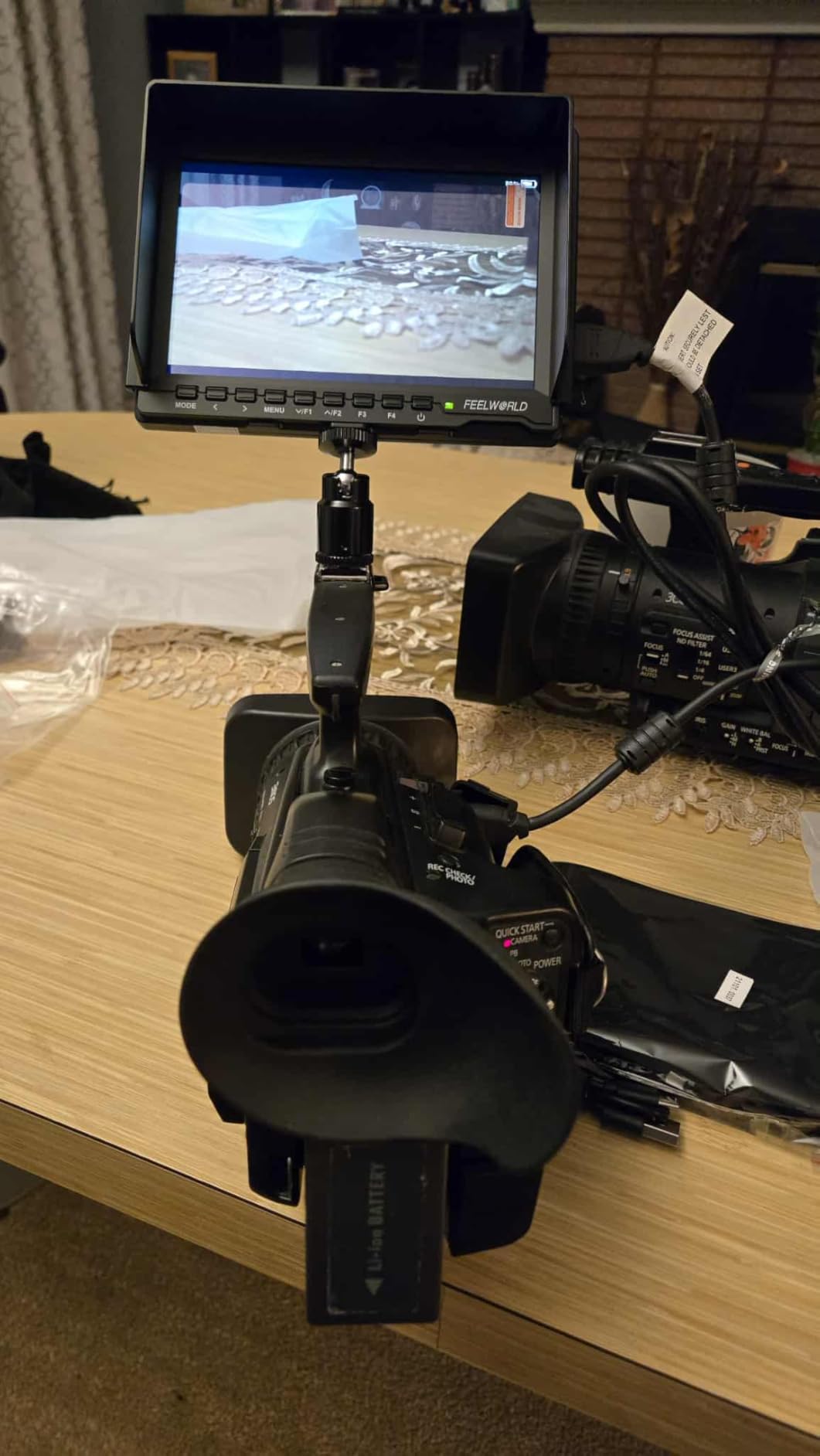
I used the FW759 on a three-day indoor interview shoot. The 7-inch screen made a huge difference compared to the camera’s built-in display. I could see focus and exposure clearly from a normal working distance. The monitor weighs about 300 grams, so it did not add much strain to my rig.
The included F550 battery lasted about two hours. That was enough for most of our interview blocks. I appreciated that the kit comes with a sunshade, a bag, and a mini HDMI cable. For beginners, this is a huge advantage because you do not need to hunt for accessories.
The picture quality is surprisingly good for a budget field monitor. The IPS panel has decent viewing angles, and the colors look accurate enough for exposure judgment. I used focus peaking and false color regularly. Both tools responded quickly without lag.
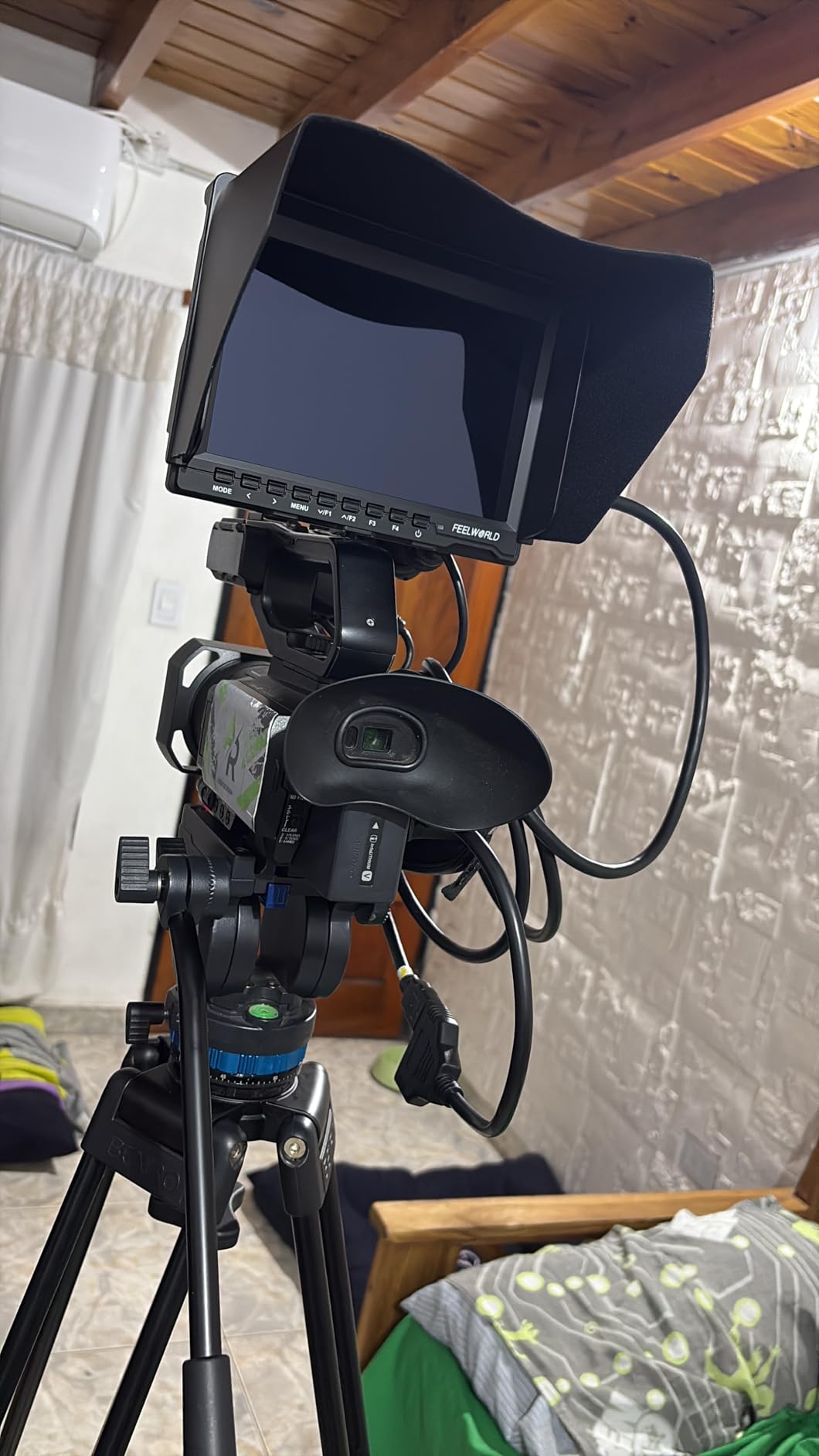
The biggest limitation is brightness. At 400 nits, this monitor struggles in direct sunlight. I tried using it outdoors at noon, and the sunshade helped only slightly. For shaded outdoor work or interiors, it is fine. For bright exteriors, you will need a much brighter option.
The menu system is simple and intuitive. I did not need to read the manual to find focus peaking. That is refreshing for beginners who feel overwhelmed by professional gear. The build quality is plastic, but it does not feel cheap. I dropped it once from a low tripod height, and it survived without damage.
Who should buy this monitor
The FW759 is ideal for beginners, vloggers, and anyone who shoots primarily indoors. The complete kit and simple setup make it a low-risk entry point into external monitoring.
Who should skip this monitor
Outdoor filmmakers and run-and-gun shooters who work in direct sunlight should look at brighter models. The 400 nits simply is not enough for midday exteriors.
2. Neewer F100 – Best Budget Runner-Up

Neewer F100 7inch Camera Field Monitor HD Video Assist IPS 1280x800 HDMI Input 1080p with Sunshade and Ball Head for DSLR Cameras, Handheld Stabilizer, Film Video Making Rig (Battery Not Included)
7 inch IPS LED
450 cd/m2 brightness
17mm ultra thin
HDMI and mini HDMI
Pros
- Very lightweight at 13 ounces
- Reliable performance over years
- Focus peaking and check field
- Sunshade included
- Supports multiple video formats
Cons
- Not bright enough for direct sunlight
- Battery not included
- Ball mount can be flimsy
- Complex menu navigation
- Audio feedback issues
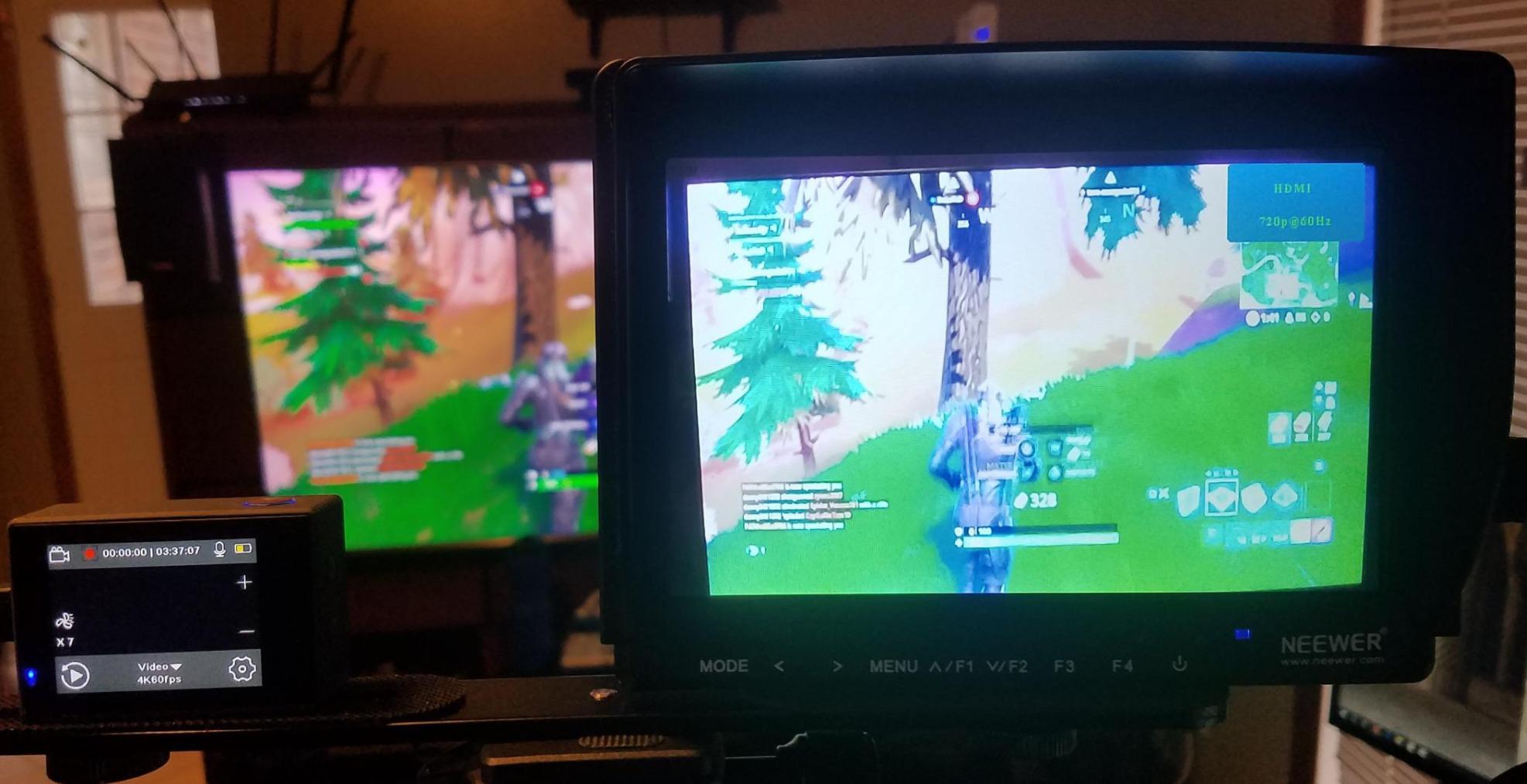
The Neewer F100 has been around for years, and the 2,700-plus reviews reflect its popularity. I mounted it on a handheld rig for a week of documentary work. At 13 ounces, it is one of the lightest 7-inch monitors we tested. That matters when you are holding a camera for hours.
The IPS LED screen delivers good viewing angles. I found the focus peaking and check field features genuinely useful. The sunshade is included, which helps with outdoor visibility. Still, the 450 cd/m2 brightness is only a marginal improvement over the FW759. Bright sunlight remains a challenge.
The menu system is functional but clunky. Navigating through settings with buttons takes time. I also noticed the ball head mount feels loose after repeated adjustments. If you plan to move the monitor angle frequently, consider upgrading the mount separately.
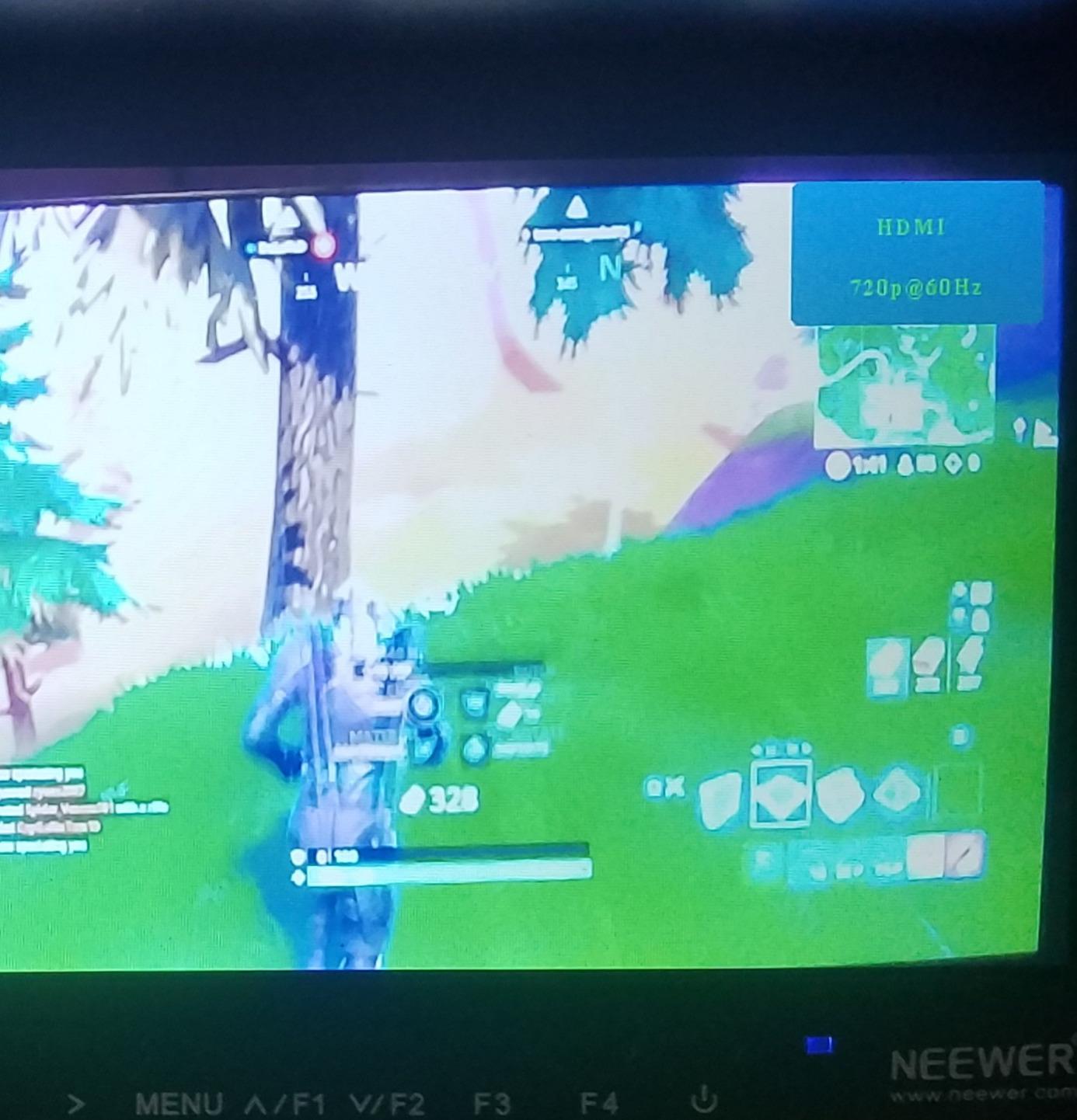
Battery is not included, so factor that into your total cost. On the plus side, the F100 works with Sony NP-F batteries, which most filmmakers already own. This monitor is a proven workhorse. It does not have fancy waveforms or LUT support, but it gets the basic job done.
The 17mm thickness is impressively thin. It fits easily into a camera bag without taking up much space. I also liked that the monitor supports multiple video formats. I tested it with 1080p and 720p signals, and both displayed correctly. The audio feedback is not perfect. I heard some static when monitoring through the built-in speaker, so I used headphones instead.
Who should buy this monitor
This is a good fit for budget shooters who need a large 7-inch screen and do not require advanced tools like waveforms or LUTs. The light weight makes it a solid choice for handheld and stabilizer work.
Who should skip this monitor
Anyone who needs professional exposure tools, 3D LUT support, or guaranteed daylight visibility should spend more. The menu system and build quality also lag behind newer competitors.
3. FEELWORLD S55 V3 – Best for Beginners

FEELWORLD S55 V3 6 Inch 500nit On Camera DSLR Field Monitor 4K HDMI Input Output 3D LUT Waveform Focus Assist, See Clearly, No More Guessing for Video Shooting Vlogging with F550 Battery and Bag
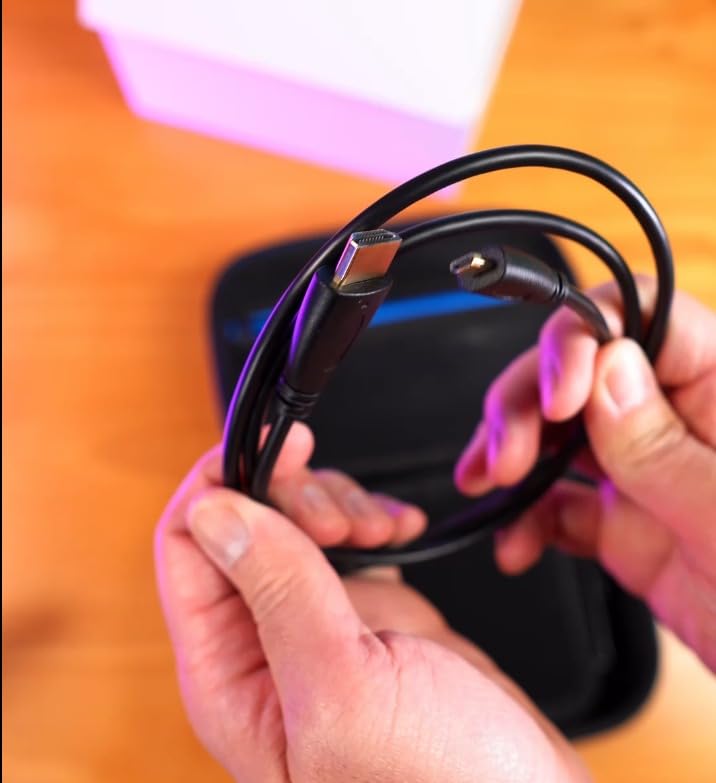
6 inch IPS
500nit brightness
1920x1080 FHD
Waveform and vectorscope
Pros
- Excellent 1080p picture quality
- Good brightness at 500 nits
- Waveform and false color
- Compact and lightweight
- Multiple power options
Cons
- Battery life poor at 25 minutes
- Tilt arm is flimsy
- Included HDMI cable quality issues
- Menu navigation clunky
- Some reliability issues
The S55 V3 sits at an interesting middle ground. It is small enough for gimbals, yet it includes professional tools like waveform, vectorscope, and 3D LUT support. I used it on a Sony mirrorless setup during a two-week project. The 6-inch screen felt like the right size for solo operators.
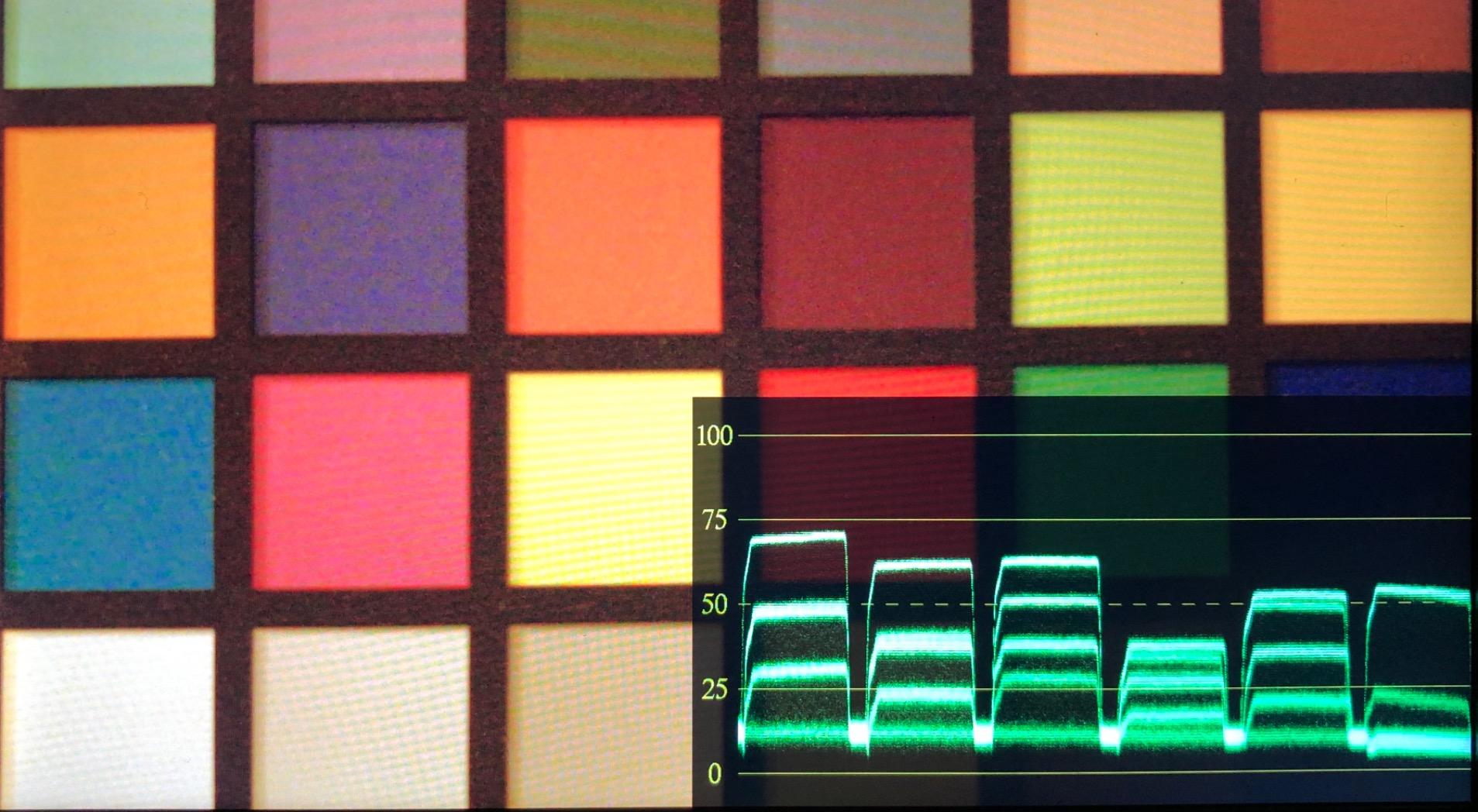
The 1920 by 1080 resolution is noticeably sharper than the FW759. Text and focus edges look crisp. I found the waveform monitor especially helpful for judging exposure in mixed lighting. At 500 nits, the screen is usable in shaded outdoor areas, though direct sun still overwhelms it.
Power is where this monitor gets tricky. The included F550 battery drained in about 25 minutes during my testing. That is not usable for real work. I switched to an F970 battery and got closer to 90 minutes. The USB-C power input is a nice modern touch, but you will need a larger battery or external power for serious shoots.
The tilt arm is another weak point. It is plastic and wobbles under the monitor’s weight. I replaced it with a SmallRig arm after two days. Some users have reported units failing after short use. I did not experience that, but the reports are frequent enough to mention.
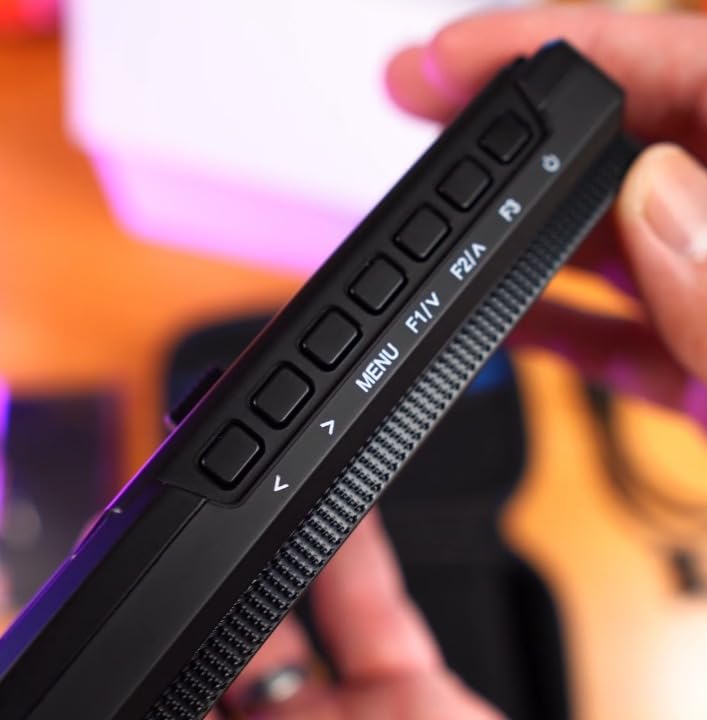
The customizable function buttons are a highlight. I mapped one to waveform, one to false color, and one to zoom. That made toggling between tools fast. The 3D LUT support is genuine. I loaded a Rec709 LUT and the image responded correctly. For beginners learning about color and exposure, these tools teach more than they display.
Who should buy this monitor
The S55 V3 is great for beginners who want to learn professional monitoring tools without spending a lot. The waveform and LUT support teach you how to read exposure and color in ways cheaper monitors cannot.
Who should skip this monitor
If you need all-day battery life out of the box, look elsewhere. The included battery is too small for practical use. You should also avoid this if you need a rock-solid mount for heavy run-and-gun work.
4. Portkeys PT6 – Best Compact Touchscreen

Portkeys PT6 Camera Field Monitor 5.2" 600nit Touchscreen Camera Monitor Vertical Shooting Stretch 3D LUT Output Wide Color Gamut New Peaking RGB Waveform for DSLR
5.2 inch IPS touchscreen
600 nits
1920x1080 FHD
3D LUT output
Pros
- Excellent touchscreen interface
- Lightweight at 4.48 ounces
- Great waveform and RGB histogram
- 600 nits brightness
- Silent operation with no fan
Cons
- Only 600 nits not enough for bright sun
- Cold shoe swivel mount fits loosely
- Dead pixel issues on some units
- Firmware quirks
- 7 second boot time
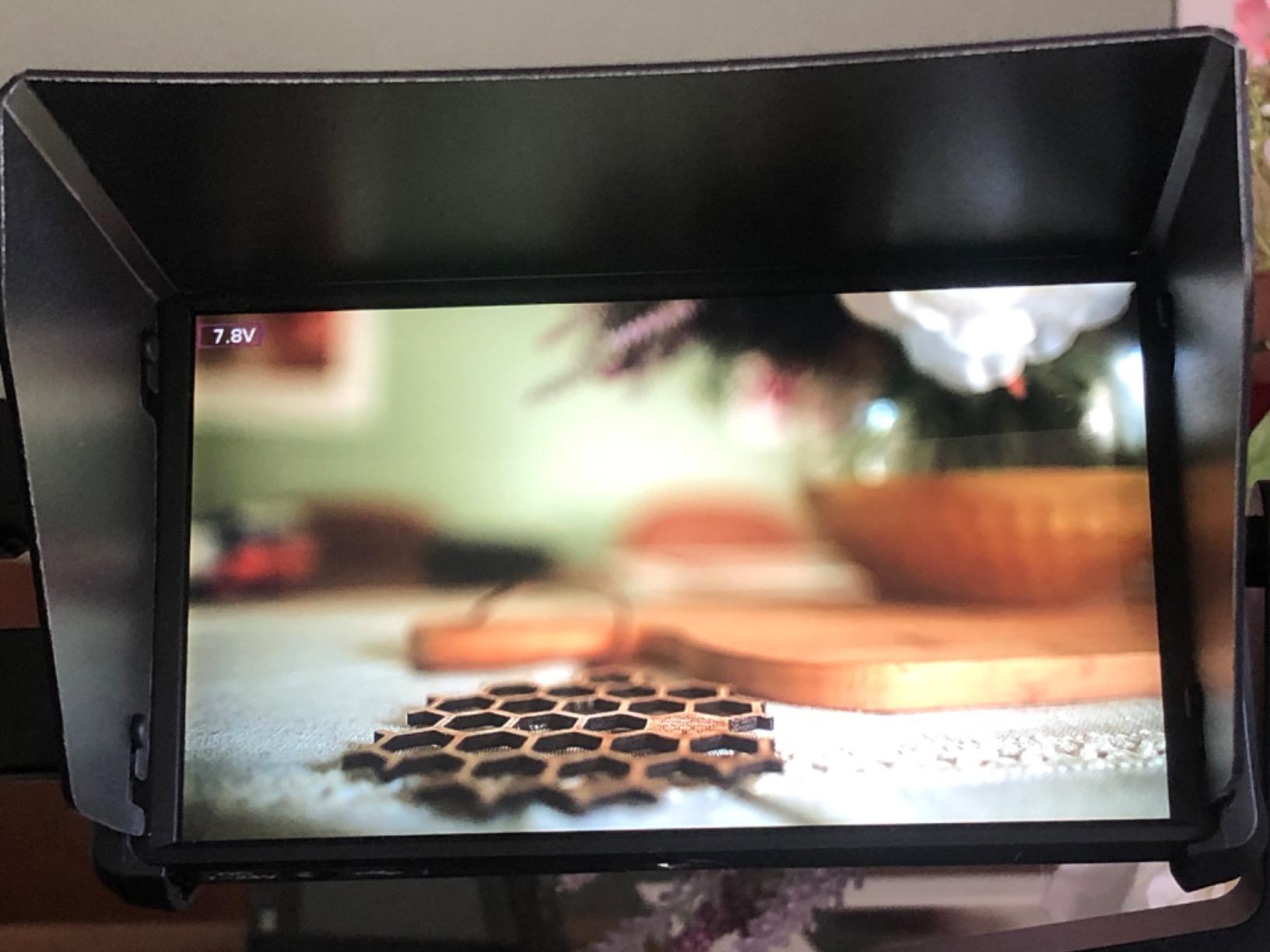
The Portkeys PT6 is tiny. At 4.48 ounces, it feels like a smartphone attached to your camera. I mounted it on a gimbal for a full day of walking shots. The weight difference compared to a 7-inch monitor was dramatic. My arms were less fatigued, and the gimbal motors did not strain.
The touchscreen interface is the standout feature. Tapping to toggle false color or zoom is much faster than button navigation. The RGB waveform and histogram are accurate and responsive. I also liked that the monitor runs silently. There is no fan to interfere with audio recording.
The 600 nits is an improvement over budget options, but it is still not truly daylight-viewable. I used it in overcast conditions without issue. Under midday sun, I had to squint. The 5.2-inch size is also a compromise. It is fine for checking focus, but clients will struggle to see it from a distance.
I noticed the cold shoe swivel mount fits loosely on some brackets. I added a rubber washer to tighten the connection. Some users reported dead pixels or USB port issues. Quality control seems inconsistent. Still, the form factor and touchscreen make this a unique option for weight-conscious shooters.
The boot time is about 7 seconds. That is longer than some monitors, but not a dealbreaker. Once on, the touchscreen is responsive. I liked the anamorphic de-squeeze feature. I tested it with a 1.33x anamorphic lens, and the monitor stretched the image correctly. That is a professional feature rarely found on monitors this small.
Who should buy this monitor
Gimbal operators and travel filmmakers will love the PT6. The tiny size and silent operation make it ideal for situations where weight and noise matter more than screen size.
Who should skip this monitor
If you need a screen that clients can view, or if you shoot mostly in bright sunlight, the 5.2-inch size and 600 nits will frustrate you. A larger, brighter monitor is a better fit.
5. FEELWORLD FW568 – Best Value Field Monitor

FEELWORLD FW568 6 Inch 450nit On Camera Field DSLR Monitor with 4K HDMI Input Output, 3D LUT Waveform Histogram Focus Assist, See Clearly Ultra Lightweight for Video Shooting Vlogging
6 inch IPS
450nit brightness
1920x1080 FHD
32 custom 3D LUTs
Pros
- Excellent image quality for the price
- Perfect size for gimbal work
- 32 custom LUT slots
- Three customizable function buttons
- HDMI output eliminates splitter
Cons
- Battery plate issues with aftermarket batteries
- Mounting requires disassembly
- Not true 1:1 pixel zoom
- Touch screen may not work on some units
- Power adapter not included
The FW568 is one of the most popular budget field monitors ever made. Nearly 2,900 reviews give it a solid reputation. I used it on a Sony A7 series camera for a mix of studio and outdoor work. The 6-inch screen is the sweet spot for mirrorless rigs. It is large enough to judge focus but small enough to stay portable.
The color accuracy out of the box impressed me. I did not need to calibrate it heavily to match my camera’s output. The three customizable function buttons are a real time-saver. I mapped them to focus peaking, false color, and zoom. One press and I had the tool I needed.
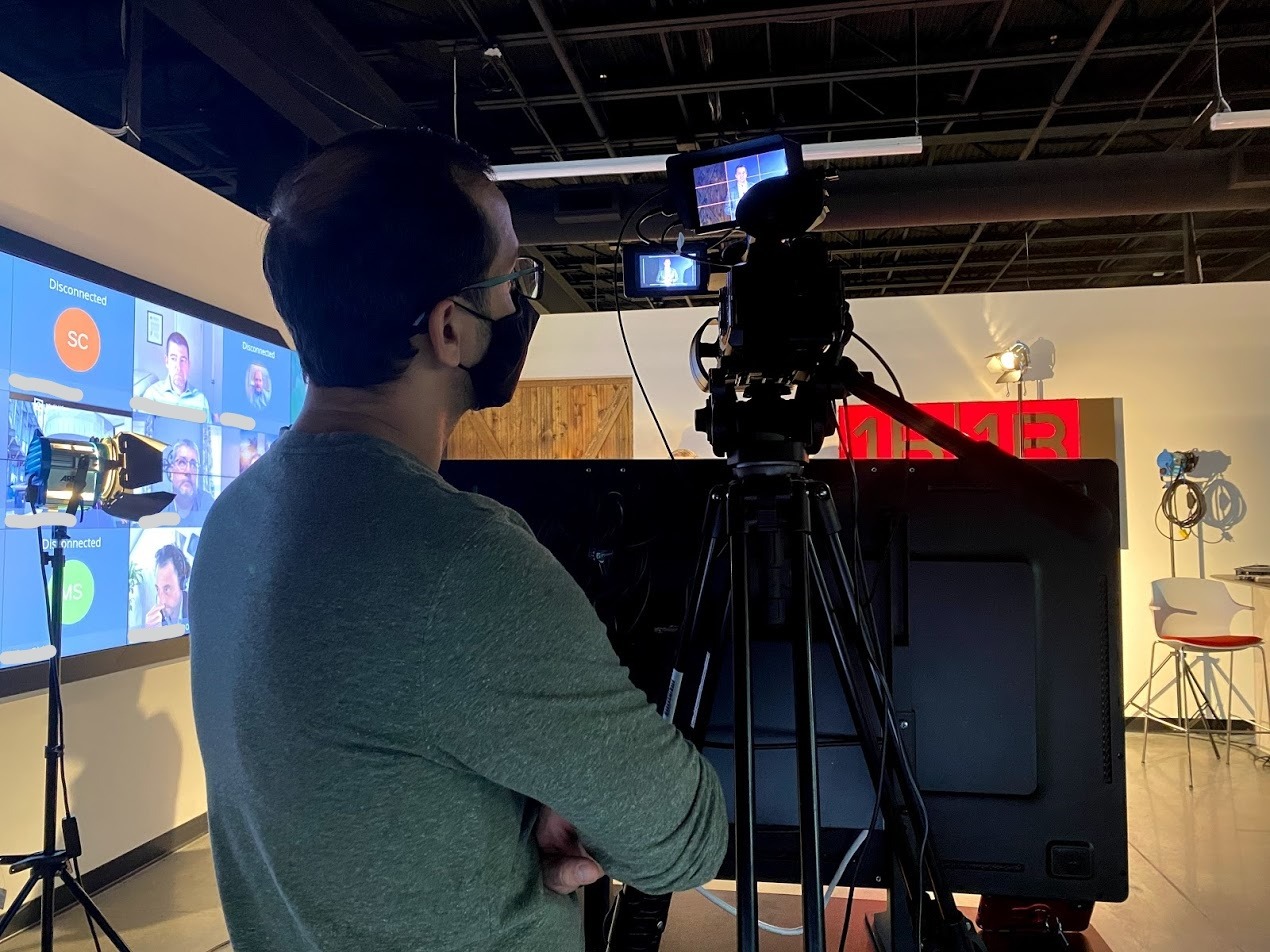
The HDMI output is a feature many monitors skip at this level. It lets you send signal to a director’s monitor or a recorder without a splitter. I used this on a two-camera interview setup. It simplified the workflow and saved me from buying extra hardware.

The mounting system is annoying. To rotate the monitor, you have to disassemble the bracket. I ended up buying a third-party articulating arm. The battery plate also has compatibility issues with some aftermarket Canon LP-E6 batteries. Stick to Sony NP-F batteries and you will avoid that headache.
I tested the zoom function extensively. It offers multiple levels, but it is not a true 1:1 pixel zoom. That means you are not seeing every pixel from the sensor. For focus pulling, it is still helpful. For checking absolute sharpness, it is slightly less reliable than true pixel-to-pixel monitors. The 32 LUT slots are generous. I loaded LUTs for different projects and switched between them quickly.
Who should buy this monitor
The FW568 is the best field monitor for creators who want professional tools on a budget. The LUT support, HDMI output, and good image quality make it a versatile choice for YouTube filmmakers and wedding shooters.
Who should skip this monitor
Anyone who needs a mount that rotates smoothly without tools should look at the NEEWER F700 or the FEELWORLD F5 Prox. The bracket design here is a genuine workflow slowdown.
6. FEELWORLD F5 Prox – Best Outdoor Field Monitor

FEELWORLD F5 Prox 5.5 Inch 1600nit Field Camera Monitor Touch 4K HDMI 3D LUT Waveform for DSLR Mirrorless Camera Help Filmmakers Videographer Outdoor Accurate Focus and Expose with F750 Battery Bag
5.5 inch touchscreen
1600 nits brightness
3D LUT support
Complete kit included
Pros
- 1600 nits excellent for outdoor use
- Professional monitoring tools
- Responsive touchscreen controls
- Complete kit with battery
- 10-12 hour battery life reported
Cons
- Hardware revisions with incompatible firmware
- Micro HDMI cable may not fit all cameras
- Sunshade uses velcro attachment
- Tilt arm rotation limited by battery
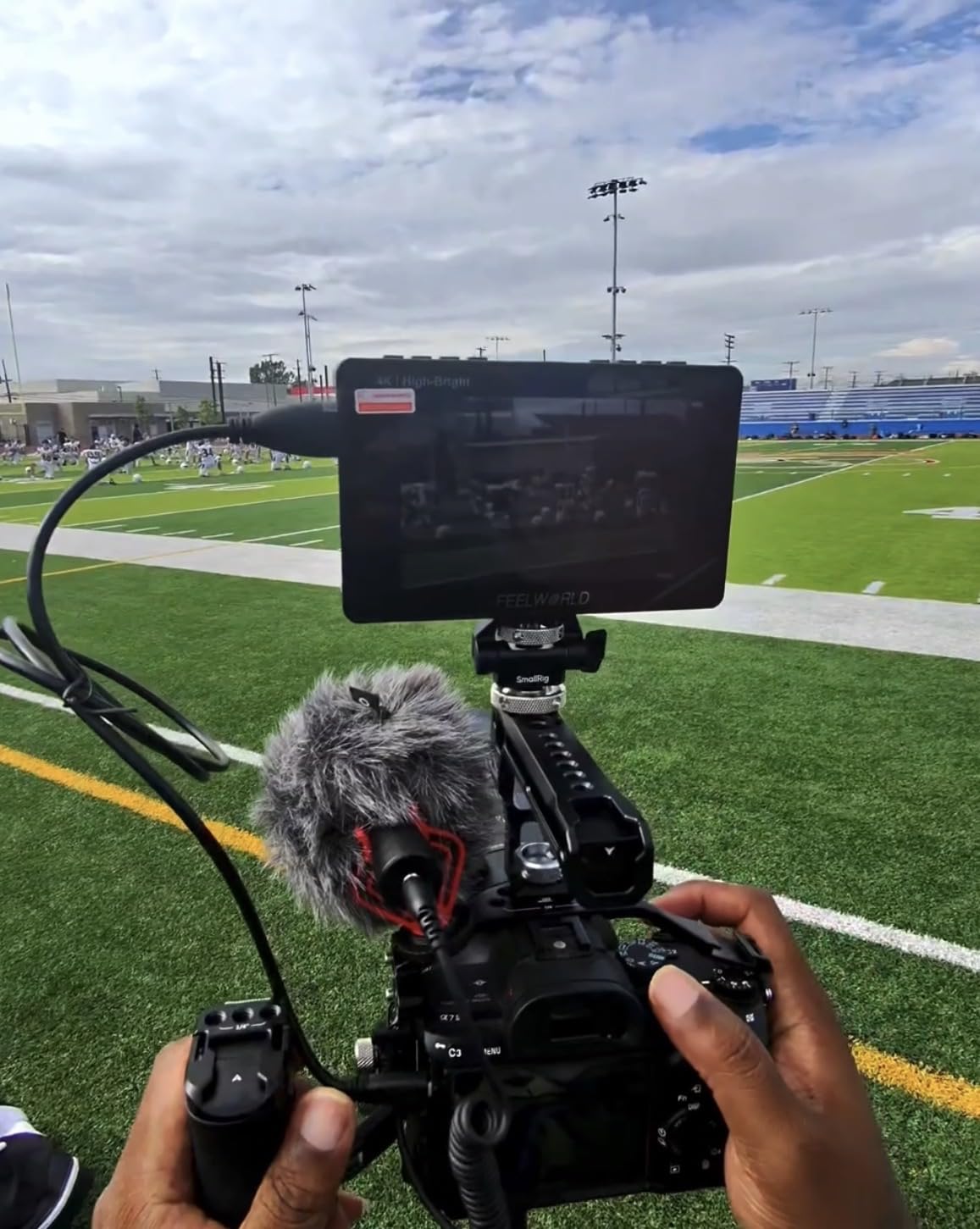
The F5 Prox was the first monitor in our tests that made me stop worrying about sunlight. At 1600 nits, the screen remains clearly visible even in direct midday conditions. I used it on a beach shoot in California, and I could see exposure and focus without cupping my hands around the screen. That is a transformative experience for outdoor filmmakers.
The touchscreen is responsive and well-implemented. I toggled between waveform and false color with a tap. The 3D LUT support lets you preview creative looks in real time. I loaded a custom LUT for a specific project, and the monitor displayed it accurately. The included F750 battery lasts significantly longer than smaller F550 cells. I got about four hours of continuous use.
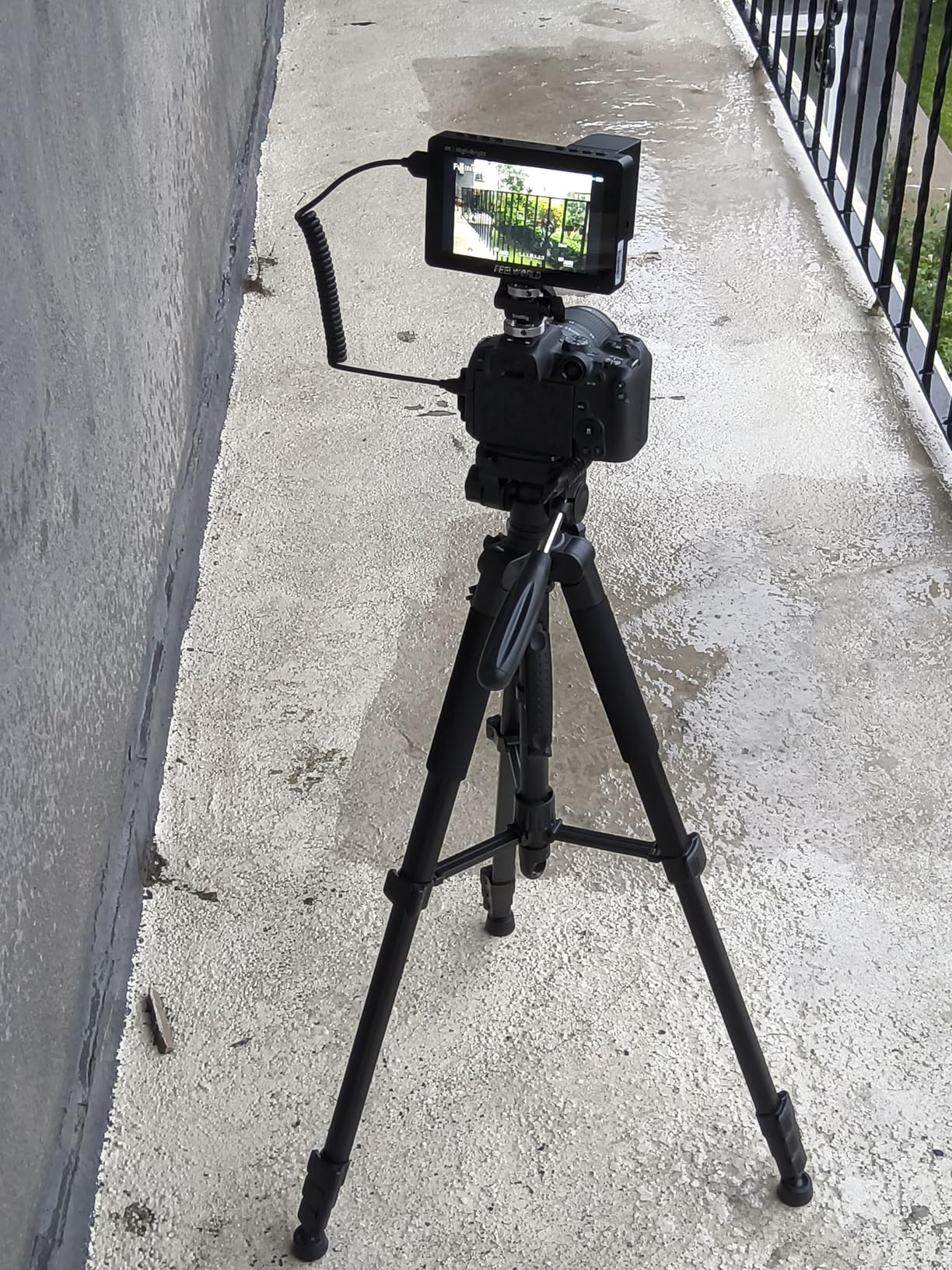
The build quality is solid. The monitor feels like a professional tool, not a toy. The complete kit includes a carry bag, sunshade, and cables. In this category, you are getting a lot of value. I do wish the sunshade attached with something more secure than velcro. It works, but it feels like a corner was cut.
There are reports of different hardware revisions floating around with incompatible firmware. I did not encounter this, but check your firmware version when you unbox. The micro HDMI cable included may not fit every camera. I keep a small adapter kit in my bag for this reason.
The 1600 nits is a genuine leap over budget options. I compared it side by side with a 600-nit monitor at noon. The difference was dramatic. The dimmer monitor was almost black in direct sun. The F5 Prox stayed fully readable. If your work takes you outside regularly, this is the minimum brightness level we recommend.
Who should buy this monitor
The F5 Prox is the best field monitor for outdoor shooters, documentary filmmakers, and anyone who works in unpredictable lighting. The 1600 nits and touchscreen make it a practical tool for real-world conditions.
Who should skip this monitor
Studio shooters who never leave controlled lighting may not need 1600 nits. You could save money with a dimmer monitor. Also, if you need a 7-inch screen, the 5.5-inch size may feel cramped for detailed focus work.
7. FEELWORLD P6X – Best Build Quality

FEELWORLD P6X 5.5 inch 1000nit Aluminium Camera Field DSLR Monitor Touchscreen High Brightness Portable Waveform LUT HDR 4K HDMI Input and Output Weight 249g
5.5 inch IPS
1000 nits brightness
1920x1080 FHD
Aluminum alloy body
Pros
- Ultra-lightweight at 249g
- Durable aluminum construction
- 1000 nits daylight visibility
- Professional monitoring tools
- USB-C charging capability
Cons
- Battery not included
- Slight humming noise when on
- Full-size HDMI only
- May require HDMI adapter
- Limited availability
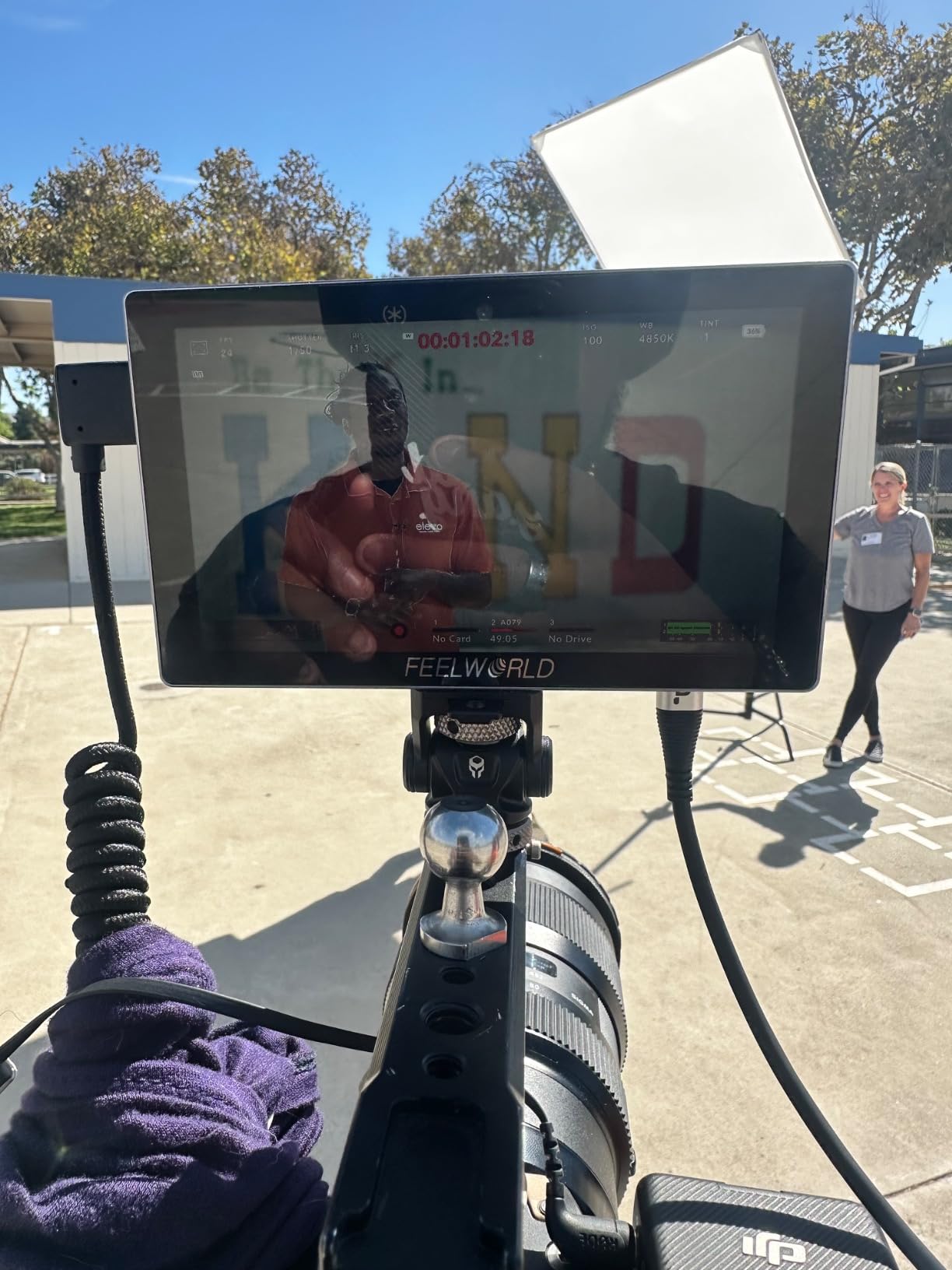
The P6X is built differently. Most budget monitors use plastic shells. This one uses a CNC-machined aluminum alloy case. You feel the difference immediately. The glass screen also feels more premium than plastic-coated alternatives. I used it on a hiking shoot where gear took bumps, and the monitor survived without scratches.
At 249 grams without battery, it is incredibly light. The 1000 nits brightness is genuinely usable outdoors. I found it adequate for overcast and partially shaded conditions. In direct sun, it is better than 400-nit monitors but still benefits from a sunshade. The USB-C charging is a modern convenience that lets you power it from a portable battery pack.
The professional monitoring suite includes waveform, vectorscope, and LUT support loaded via SD card. I liked the 4K HDMI input and output. The monitor can also power your camera through an 8V DC output. That reduces cable clutter on a small rig. It is a thoughtful feature that advanced users will appreciate.
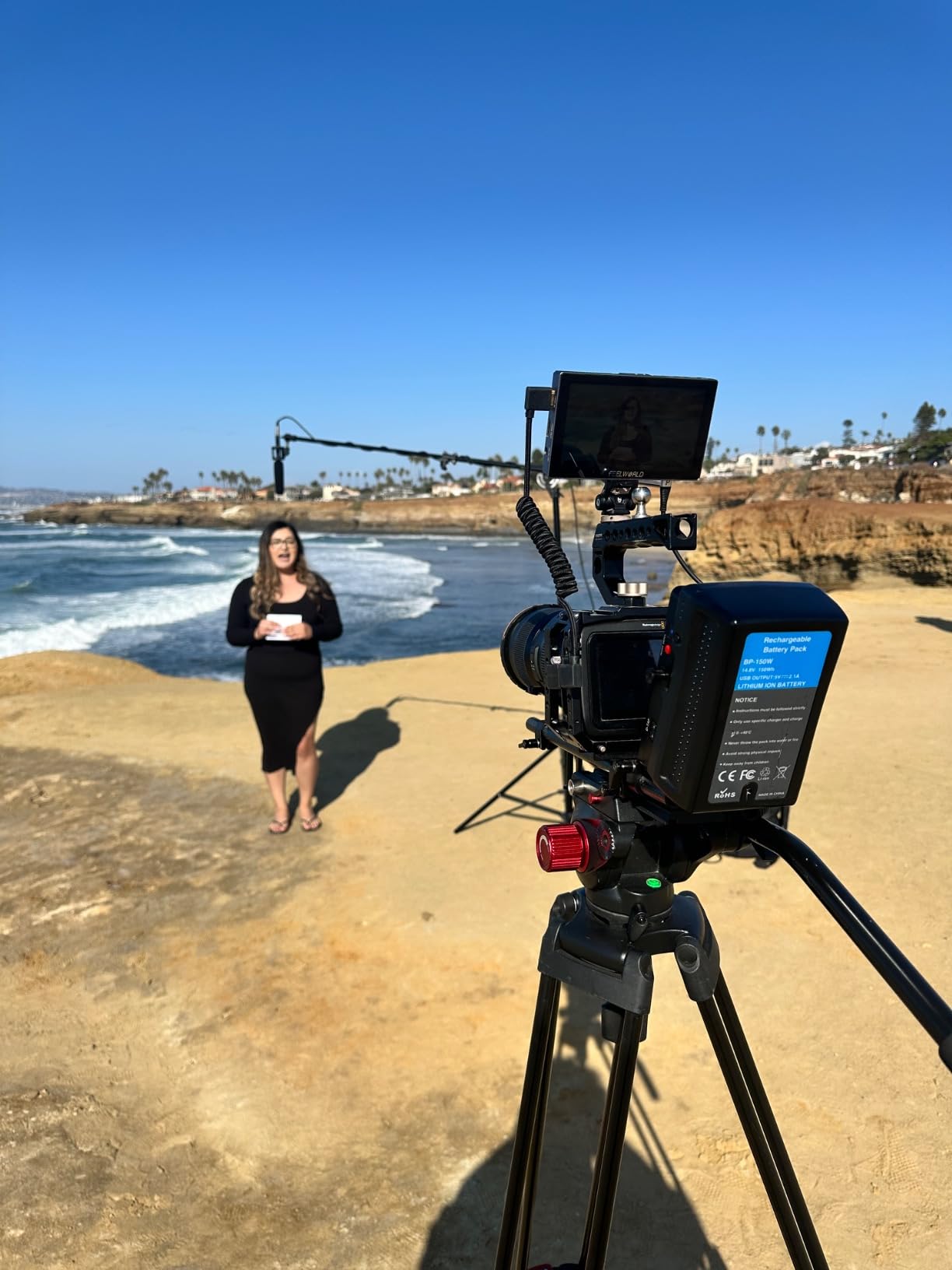
There are a few trade-offs. The monitor emits a slight humming noise when powered on. It is not loud enough to ruin audio, but it is audible in quiet rooms. Battery is not included. The full-size HDMI ports mean you may need adapters for cameras with micro HDMI. Also, stock is limited. Only 14 units were left when I checked.
The glass screen is worth highlighting. Most budget monitors use plastic coatings that scratch easily. After three weeks of travel, the P6X screen still looked new. The aluminum body also dissipates heat better than plastic. I never saw overheating warnings, even during long recording sessions in warm weather.
Who should buy this monitor
The P6X is ideal for filmmakers who prioritize durability and portability. The aluminum body and light weight make it a strong choice for travel and adventure shoots where gear takes abuse.
Who should skip this monitor
If you need absolute silence for audio-critical work, the slight humming noise might bother you. You should also skip this if you want a battery included in the box.
8. VILTROX DC-550 Pro – Best Color Accuracy

VILTROX 5.5 Inch 1200nits 4K 10bit HDMI Field Monitor, Touchscreen 3D LUT Portable Video Kit With Battery, On-Camera RGB Parade Histogram Waveform Focus Assist (DC-550 Pro)
5.5 inch IPS touchscreen
1200 nits brightness
10-bit color support
RGB parade waveform
Pros
- 1200 nits good for outdoor use
- Excellent image quality with 10-bit color
- Comprehensive monitoring tools
- 3D LUT support with custom upload
- Includes battery and accessories
Cons
- Battery life approximately 1 hour
- User interface not intuitive
- Firmware updates require support contact
- Requires small SD card for LUTs
- HDMI ports on bottom may interfere
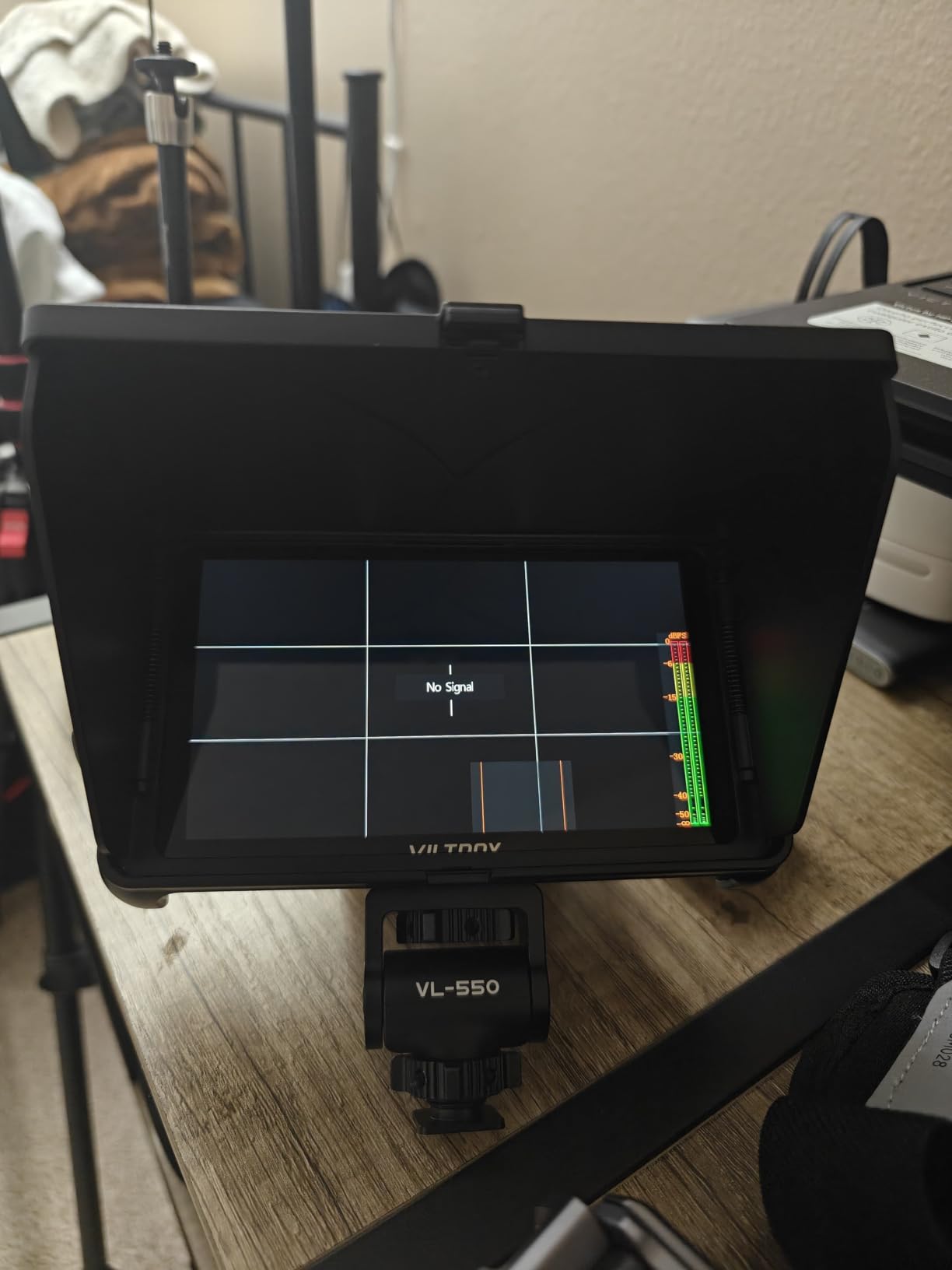
VILTROX has been gaining attention in forum discussions for making monitors that punch above their weight. The DC-550 Pro is their flagship compact model. The 10-bit color support is rare at this level. I noticed smoother gradients in skies and skin tones compared to 8-bit monitors. For color-critical work, this matters.
The 1200 nits brightness is solid for outdoor use. I used it during a golden hour shoot on a hillside. The screen stayed readable as the sun moved. The RGB parade waveform and vectorscope are accurate. I relied on them for white balance adjustments when lighting changed quickly. The touchscreen is responsive, though the menu layout takes time to learn.
The included battery is a nice touch, but it only lasts about an hour. I treated it as a backup and used a larger NP-F970 for real work. The firmware update process is unusual. You have to contact customer support to get the files. I did not need to update during my testing, but this is a hassle if you run into bugs.
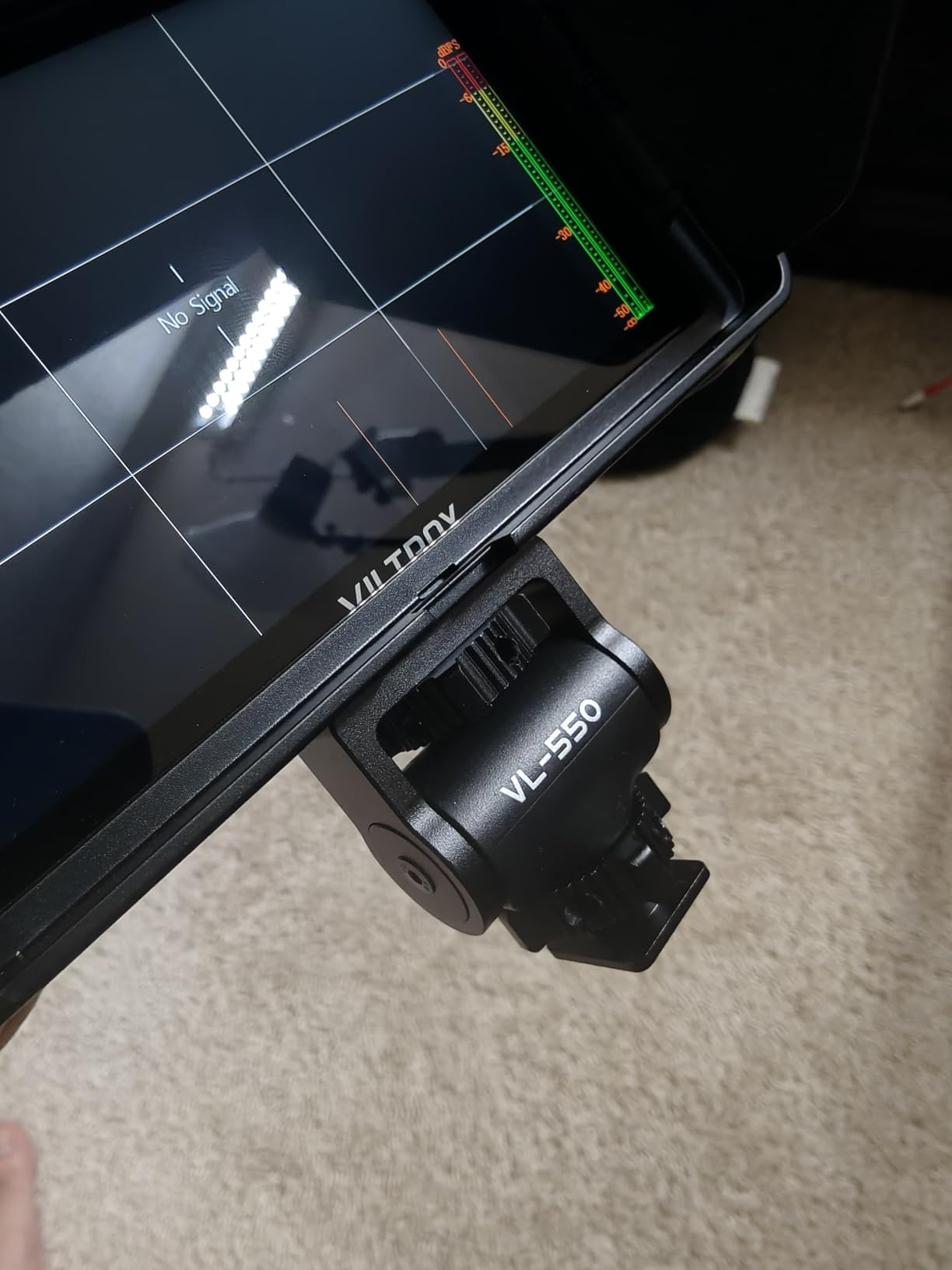
The HDMI ports are on the bottom of the monitor. Depending on your mounting setup, the cables can interfere with the bracket or the camera body. I used a right-angle adapter to solve this. It is a small annoyance, but worth planning for.
The 10-bit color depth is the real selling point. Most monitors in this range are 8-bit. When I loaded a log profile from my camera, the 10-bit panel showed more detail in the shadows. That made exposure decisions easier. The RGB parade waveform is also more detailed than standard luma waveforms. It separates red, green, and blue channels so you can spot color casts instantly.
Who should buy this monitor
The DC-550 Pro suits filmmakers who care about color accuracy and want 10-bit monitoring without paying premium prices. It is also a good choice for shooters who want a complete kit with battery included.
Who should skip this monitor
If you need a menu system that is intuitive out of the box, you may find this frustrating. The short battery life also makes it unsuitable for long shoots without external power.
9. FEELWORLD LUT7 – Best Ultra-Bright Field Monitor
FEELWORLD LUT7 7 Inch 2200nits Camera Field DSLR Monitor Ultra Bright Touchscreen 4K HDMI Support 3D LUT, Waveform Help Creators Outdoor Accurate Focus and Expose with F750 Battery and Bag
7 inch touchscreen
2200 nits brightness
1920x1200 FHD
Dual NP-F battery support
Pros
- 2200 nits fully visible in sunlight
- Ambient light sensor auto adjustment
- Large 7-inch 1920x1200 screen
- Comprehensive professional tools
- Can power camera via DC output
Cons
- Power port placement interferes with mounts
- Some quality control issues
- Plastic construction may not be durable
- No native 4K recording
- Battery indicators hard to access
The LUT7 is the brightest monitor we tested at 2200 nits. I used it on a desert shoot where there was no shade. The screen was readable. I did not need to squint or use a sunshade. The ambient light sensor automatically adjusts brightness as conditions change. This saves battery and reduces eye strain when moving between sun and shade.
The 1920 by 1200 resolution is higher than standard 1080p. Text and focus edges look sharper. The 7-inch size is generous. A director standing behind me could see the frame clearly. The touchscreen controls are smooth. I also liked the dual NP-F battery slots. With two F750 batteries, I got about five hours of runtime.
The monitor can power your camera via an 8.4V DC output. This is useful for keeping your rig compact. The 3D LUT support works well, and the waveform tools are comprehensive. I used false color and peaking together without lag. The multiple mounting points on the bottom, left, and right give you flexibility for cage setups.
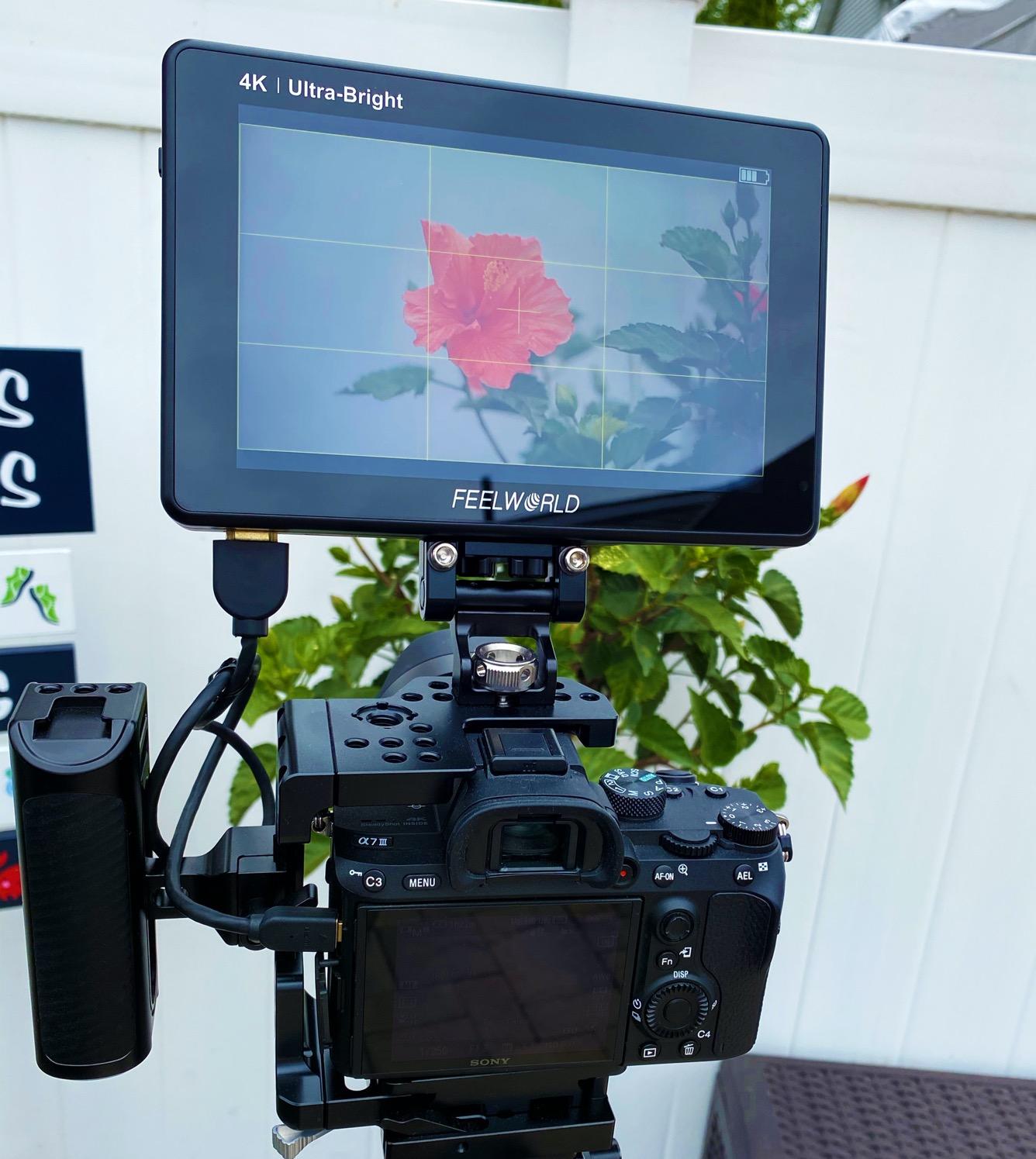
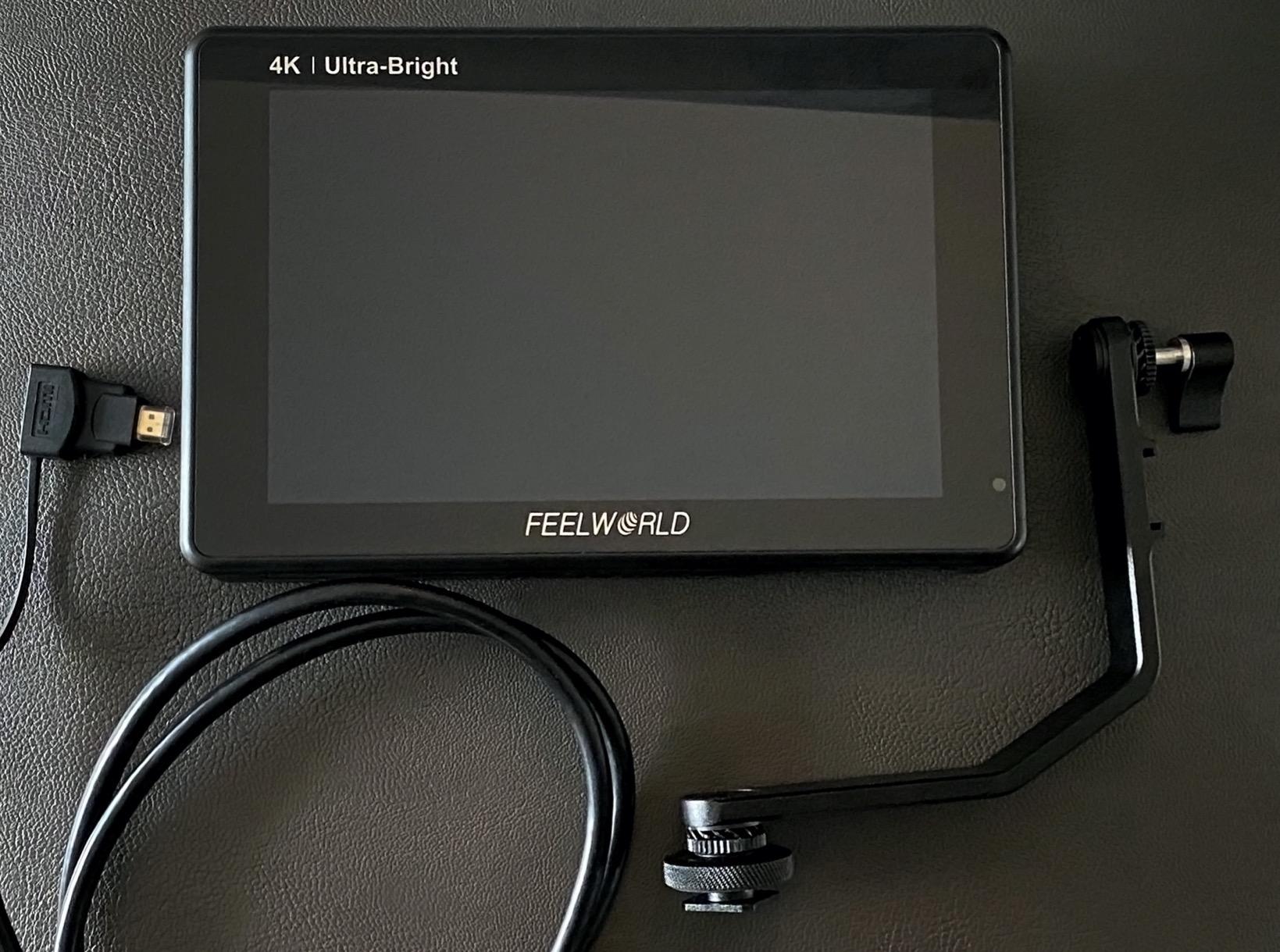
The plastic construction is a concern. It does not feel as rugged as the P6X aluminum body. I also found the power port placement awkward. On some mounts, the cable blocks the bracket. I routed the cable through a different hole in my cage to solve this. Some users have reported quality control issues, so inspect your unit carefully on arrival.
The auto brightness adjustment is genuinely useful. I walked from a dark building into bright sunlight, and the screen compensated within seconds. Without it, I would have been digging through menus to adjust backlight manually. The dual battery plates also mean you can hot-swap batteries without powering down. That is a feature usually reserved for monitors costing twice as much.
Who should buy this monitor
The LUT7 is the best field monitor for filmmakers who demand extreme brightness and a large screen. It is perfect for outdoor productions, documentary work, and any situation where you cannot control lighting.
Who should skip this monitor
Gimbal users and travel shooters may find the 7-inch size and weight bulky. If you need a monitor that survives rough handling, the plastic construction might worry you.
10. NEEWER F700 – Best Overall Field Monitor
NEEWER F700 7" Camera Field Monitor, 2000nit HD 1920x1080 IPS Touch Screen with 3D LUT, 4K HDMI Loop in/Out with Peak Focus DSLR Video Assist HDR Waveform, Cold Shoe Mount, 2 NP-F750 Batteries & Cable
7 inch touchscreen
2000 nits brightness
1920x1080 FHD
Two NP-F750 batteries
Pros
- 2000 nits excellent for outdoor use
- Includes two NP-F750 batteries
- Comprehensive monitoring tools
- 3D LUT support with 60 custom slots
- 4K HDMI loop-through capability
Cons
- Heavy with both batteries at 30.2 oz
- Bulky for gimbal use
- Included HDMI cables poor quality
- No built-in speaker
- Menu system not intuitive
The NEEWER F700 is the number one bestseller in video monitors, and after testing it, I understand why. It is the most complete package we reviewed. The box includes two NP-F750 batteries, a cold shoe mount, and multiple HDMI cables. You can start shooting immediately. I got about 4.8 hours of combined runtime from the two batteries. That covered most of a full production day.
The 2000 nits brightness is outstanding. I used it on a rooftop commercial shoot at noon. The screen stayed perfectly visible. The auto and manual backlight adjustments are useful. I set manual mode when the sun was constant, and let auto mode handle mixed conditions. The built-in cooling fans keep the monitor from overheating during long takes. They are quiet enough not to interfere with audio.
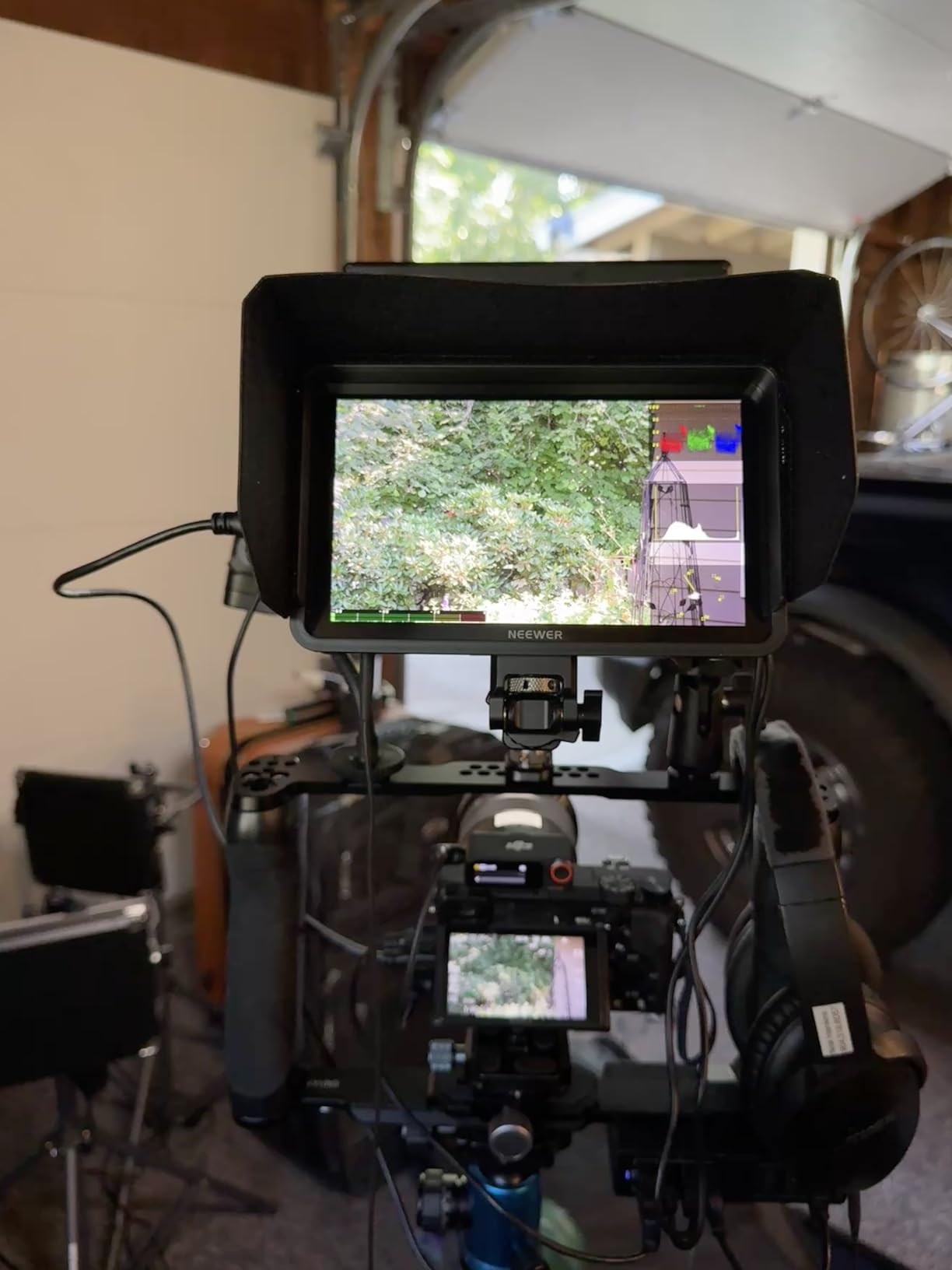
The monitoring toolset is comprehensive. False color, zebras, histogram, waveform, and vectorscope are all present. I loaded custom LUTs into the 60 available slots. The 4K HDMI loop-through let me send signal to a director’s monitor without any additional hardware. The monitor can also power the camera via an 8V DC output. This reduced my cable clutter significantly.
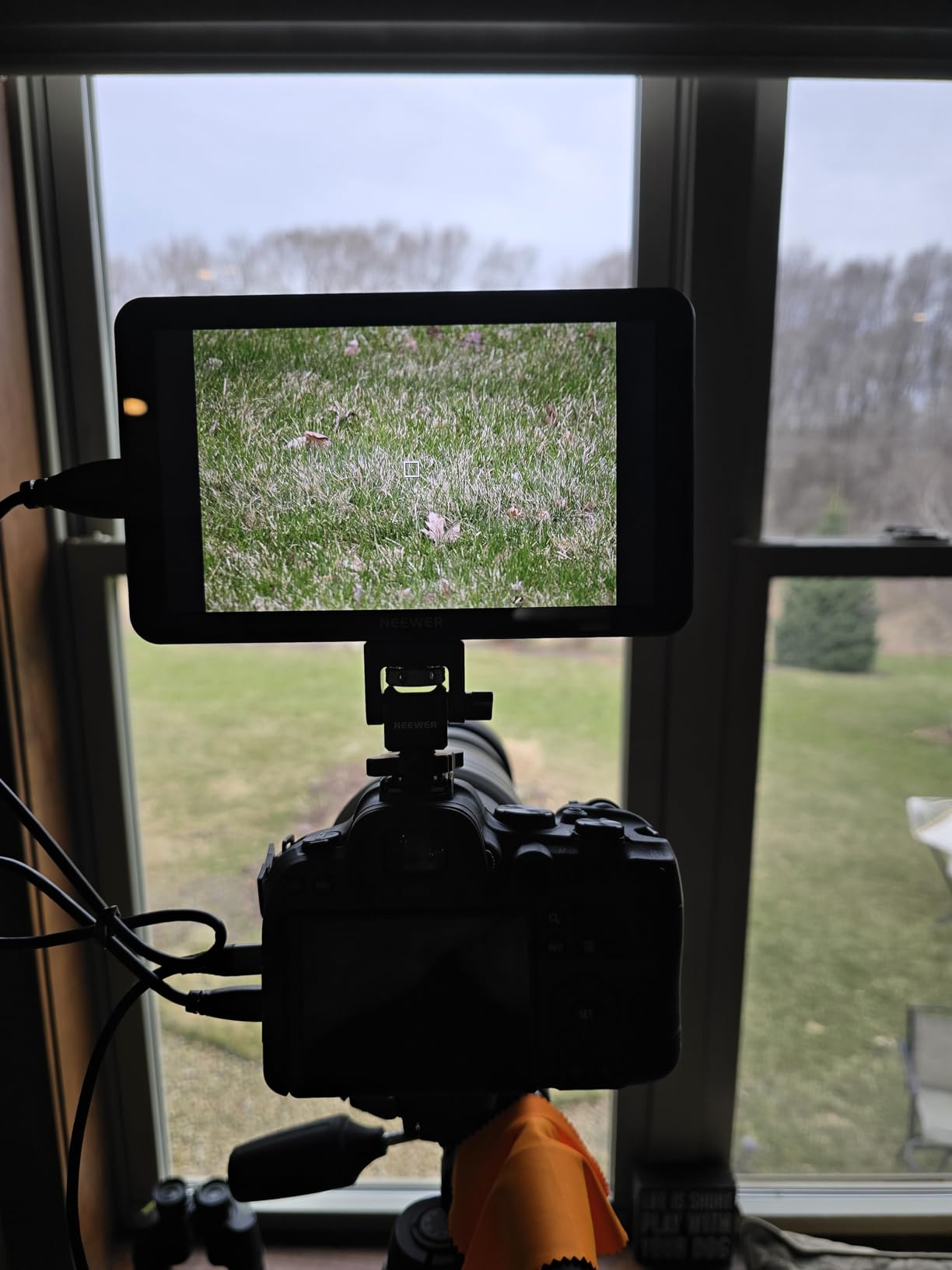
The weight is the main drawback. At 30.2 ounces with both batteries, this is a heavy monitor. I would not mount it on a small gimbal like the DJI RS3 Mini. On a larger Ronin or a shoulder rig, it is fine. The included HDMI cables are also mediocre. I replaced them with higher-quality ones after the first week. The menu system has some translation quirks. One setting says “close” instead of “off.” It is minor, but it shows where the corners were cut.
The 60 LUT slots are more than most filmmakers will ever use. I loaded 15 different looks for a fashion shoot and cycled through them with the director. The touchscreen made the process fast. I also appreciated the dual power options. You can run it on NP-F batteries, DC power, or USB-C. On a studio job, I plugged it into a V-mount plate via DC and never worried about battery swaps.
Who should buy this monitor
The F700 is the best field monitor for filmmakers who want the most complete kit at a reasonable cost. The included batteries, extreme brightness, and professional tools make it a ready-to-work solution for outdoor and studio productions.
Who should skip this monitor
Gimbal operators and one-handed shooters should look at lighter options like the Portkeys PT6 or the FEELWORLD P6X. The weight and bulk make this impractical for lightweight mirrorless setups.
Field Monitor Buying Guide
Choosing the right field monitor depends on how you shoot, where you shoot, and what your camera outputs. After testing ten models, we identified the factors that actually matter in real production. Here is what you should consider before buying.
Brightness is the most important spec for outdoor work
A monitor is useless if you cannot see the screen. Indoor shooters can get by with 400 to 500 nits. Outdoor filmmakers need at least 1000 nits. For direct sunlight, 1500 to 2200 nits is ideal. The NEEWER F700 and FEELWORLD LUT7 both exceed 2000 nits, making them the safest choices for exterior work. Remember that a sunshade helps, but it cannot fix a dim screen.
Forum discussions consistently mention that brightness is the top reason buyers regret a purchase. Many budget monitors list impressive specs, but real-world performance in sunlight is what counts. We verified our picks in actual outdoor conditions, not just by reading manufacturer numbers. The difference between a 400-nit monitor and a 2000-nit monitor in direct sun is not incremental. It is the difference between a usable tool and a paperweight.
Nits are a measure of luminance. One nit equals one candela per square meter. Camera LCD screens are typically 300 to 500 nits. A field monitor needs to exceed that significantly to be visible in bright environments. We recommend 1000 nits as the floor for any outdoor work. If you shoot in desert, snow, or beach environments where sunlight reflects off surfaces, 1500 nits or higher is strongly recommended.
Screen size depends on your rig and your needs
5-inch monitors are perfect for gimbals and travel. They are light and unobtrusive. 6-inch screens strike a balance between portability and visibility. 7-inch monitors are best for directors, clients, and detailed focus work. They are heavier and bulkier. If you work alone, a 6-inch monitor is usually the sweet spot. If clients or crew need to see the frame, go with 7 inches.
Resolution also matters. 1280 by 800 is acceptable for basic monitoring. 1920 by 1080 is sharper and better for judging fine detail. The FEELWORLD LUT7 goes a step further with 1920 by 1200. For focus pulling, higher resolution is always better. However, do not get distracted by 4K display resolution. Most field monitors accept 4K input but display it at 1080p. That is perfectly fine for monitoring purposes. The 4K input matters for signal integrity. The 1080p display is sufficient for judging focus and exposure.
Pixel density is another factor. A 5-inch 1080p screen has higher pixels per inch than a 7-inch 1080p screen. That means smaller monitors can look sharper. The Portkeys PT6 has 400 PPI, which makes text and focus edges look crisp despite the small size.
HDMI and SDI connectivity
Most mirrorless and DSLR cameras use HDMI. All monitors on our list include HDMI input. Some also have HDMI output, which lets you loop signal to another device. This is useful for multi-monitor setups or recording externally. SDI is more common on cinema cameras like the URSA Mini or RED. If you shoot on cinema cameras, you need an SDI monitor. None of our budget picks include SDI, so plan your budget accordingly.
Check your camera’s HDMI port size. Many cameras use micro HDMI. Some monitors include micro cables. Others do not. We recommend keeping a small adapter kit in your bag. HDMI ports are fragile, and a loose connection mid-shoot is frustrating. We experienced a dropped signal twice during testing due to a loose micro HDMI connection. A small cable clamp or lock solved the problem permanently.
HDMI loop-through is worth prioritizing if you work with a crew. It lets you feed a director’s monitor or an external recorder without a splitter. The FEELWORLD FW568, NEEWER F700, and FEELWORLD LUT7 all support this. On a two-camera interview, HDMI loop-through saved us from buying a distribution amplifier.
Battery life and power planning
Our testing confirmed what forums have been saying for years. Budget monitors rarely include a battery large enough for a full shoot. The FEELWORLD S55 V3 included an F550 that lasted 25 minutes. That is not practical. We recommend budgeting for at least one F750 or F970 battery. The NEEWER F700 includes two F750 batteries, which is rare and welcome.
Some monitors now support USB-C power. This is useful for powering from a portable battery pack or a V-mount plate. The FEELWORLD P6X and S55 V3 both support this. If you run long shoots, consider a monitor with DC input or USB-C so you can use external power sources. We powered the LUT7 from a V-mount plate on a studio job and ran for six hours without swapping batteries.
NP-F batteries are the standard for most monitors. They come in sizes like F550, F750, and F970. The numbers roughly correspond to capacity. An F550 is small and light. An F970 is large and heavy but lasts much longer. For gimbal work, use F550 or F750 to keep weight down. For studio or shoulder work, use F970 or DC power. We also recommend carrying at least two batteries per monitor for any full-day shoot.
Professional monitoring tools separate good monitors from great ones
Focus peaking and histograms are standard on almost every monitor now. Waveform monitors, vectorscopes, and false color are the tools that help professionals nail exposure. 3D LUT support lets you preview graded looks in real time. If you hand footage to a colorist, or if you grade yourself, LUT preview saves time on set.
Not every shooter needs these tools. If you shoot simple interviews or vlogs, focus peaking and a histogram are enough. If you shoot commercials, short films, or anything with a colorist involved, waveform and LUT support become essential. The NEEWER F700 and FEELWORLD LUT7 include the full suite. The FEELWORLD FW568 and S55 V3 include most of them at a lower cost.
Focus peaking highlights the edges that are in focus. It is the most commonly used assist tool. False color maps brightness values to colors. It is the fastest way to judge exposure. Waveform monitors show luminance across the frame. They help you avoid clipping highlights or crushing shadows. Vectorscopes show color saturation and hue. They are essential for color correction. If you are learning these tools, a monitor with all four will accelerate your education faster than reading books alone.
Mounting and build quality
Most monitors include a basic cold shoe mount or ball head. Our testing showed that many of these are flimsy. The Neewer F100 ball head loosened quickly. The FEELWORLD FW568 bracket requires disassembly to rotate. We recommend upgrading to a SmallRig or NEEWER articulating arm for any monitor you use regularly. It costs extra, but it protects your investment.
Build quality varies significantly. The FEELWORLD P6X uses aluminum, while most budget options use plastic. If you travel or shoot in rough conditions, a metal body is worth the slight cost increase. The glass screen on the P6X also resists scratches better than plastic-coated screens. After seeing multiple monitors scratched during our three-month test, I now prioritize glass screens for any gear that leaves the studio.
Mounting points are another detail to check. Most monitors have a single quarter-twenty thread on the bottom. Better monitors add threads on the sides or top. The FEELWORLD LUT7 has multiple mounting points. This is useful for cage setups where you want to position the monitor on the left or right side of the camera. A single bottom thread limits your rigging options.
Frequently Asked Questions
Which is the best company for monitors?
The best field monitor brands for 2026 are NEEWER, FEELWORLD, VILTROX, SmallHD, Atomos, and Portkeys. NEEWER and FEELWORLD dominate the budget to mid-range segment with bright screens and professional features. SmallHD and Atomos lead the premium market. For most creators, NEEWER and FEELWORLD offer the best balance of performance and value.
What is the best camera monitor brand?
For beginners and intermediate filmmakers, FEELWORLD and NEEWER are the best camera monitor brands in 2026. They offer high brightness, 3D LUT support, and comprehensive monitoring tools at accessible prices. For professionals who need SDI inputs, color-critical accuracy, and rugged builds, SmallHD and Atomos remain the industry standards.
What is the role of a field monitor?
A field monitor is an external screen that connects to your camera via HDMI or SDI. It displays a larger, brighter view of your footage with advanced tools like focus peaking, waveform monitors, false color, and audio meters. Field monitors help you judge focus, exposure, and composition more accurately than small camera LCD screens.
Is it safe to have a monitor shipped?
Yes, it is safe to have a monitor shipped. Most manufacturers and retailers use padded packaging designed to protect LCD screens during transit. Inspect your monitor immediately upon arrival for dead pixels, cracks, or loose ports. If you notice issues, contact the seller for a replacement. Buying from established sellers with return policies is the safest approach.
What brightness do I need for outdoor filming?
For outdoor filming, you need at least 1000 nits for shaded conditions and 1500 to 2200 nits for direct sunlight. Monitors under 600 nits are difficult to see in bright exteriors, even with a sunshade. Our top picks for outdoor work include the FEELWORLD LUT7 at 2200 nits, the NEEWER F700 at 2000 nits, and the FEELWORLD F5 Prox at 1600 nits.
Final Thoughts
After three months of hands-on testing, the NEEWER F700 stands out as the best field monitor for most filmmakers in 2026. It combines extreme brightness, a complete battery kit, and professional tools at a cost that undercuts premium brands by hundreds of dollars. The FEELWORLD LUT7 is the brightest option we tested, and the FEELWORLD FW759 remains the easiest entry point for beginners.
Your specific needs matter more than any ranking. Gimbal shooters should prioritize weight and go with the Portkeys PT6 or FEELWORLD P6X. Outdoor documentary teams need the 1600 to 2200 nit models. Studio creators can save money with 400 to 500 nits and focus on color accuracy. The best field monitor is the one that solves your specific problems without creating new ones.
We update this guide regularly as new models release and firmware updates improve existing monitors. If you have questions about a specific camera pairing or mounting setup, let us know. We are happy to help you build a monitoring rig that actually works in the field.
Remember that the field monitor market moves fast. New models appear every few months with brighter screens and better touch interfaces. The principles in this guide stay the same. Prioritize brightness for your environment, choose the right size for your rig, and invest in reliable mounting hardware. Those three decisions will matter more than any single feature on a spec sheet.