
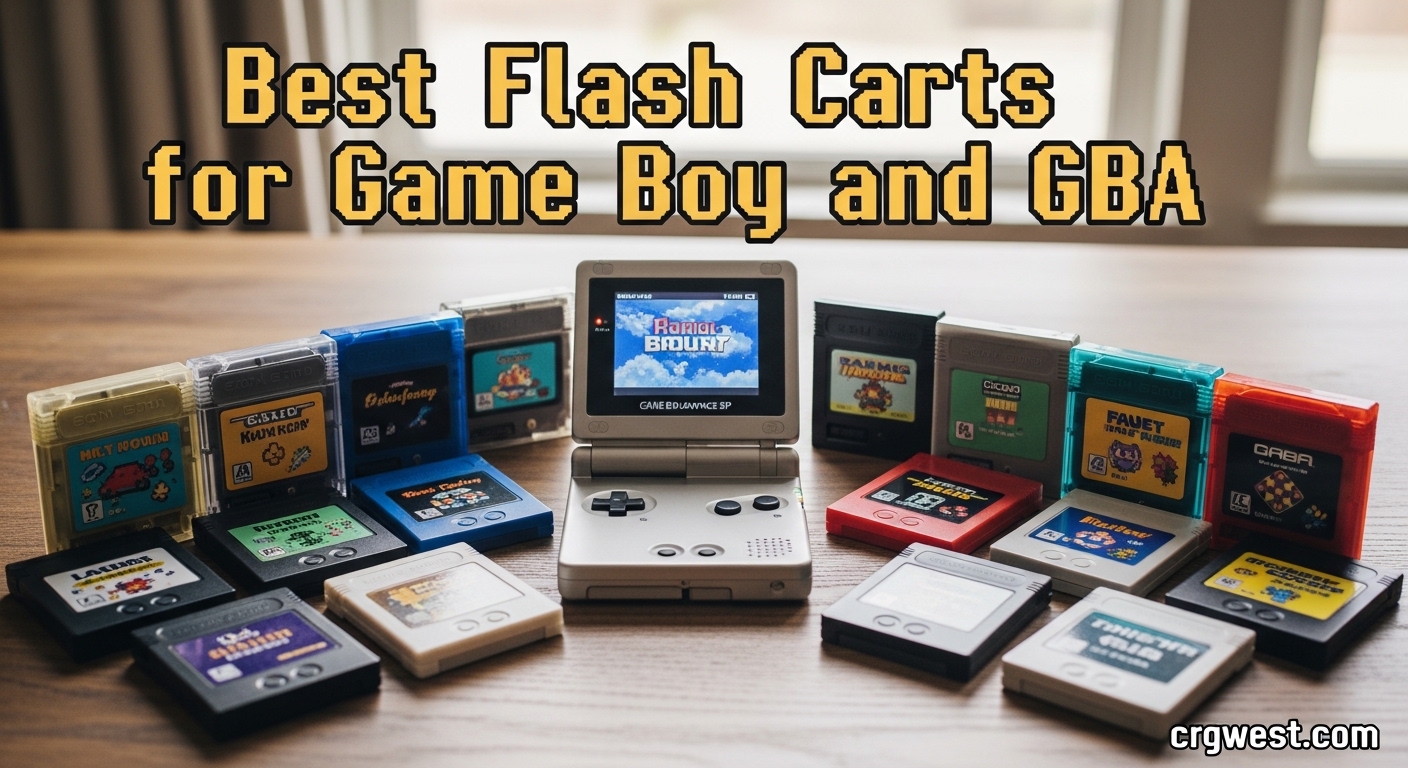
Looking for the best flash carts for Game Boy and GBA can feel overwhelming with so many options flooding the retro gaming market. I have spent months testing different flash cartridges on original hardware, from the classic DMG Game Boy to the GBA SP, and I know exactly which ones deliver reliable performance and which ones will leave you frustrated with corrupted saves.
A flash cart is essentially a reusable game cartridge with a microSD card slot that lets you load game ROMs and play them on original Nintendo hardware. Instead of hunting down expensive original cartridges or dealing with flaky bootlegs, you can store your entire Game Boy and GBA library on a single card. This guide covers everything you need to know about flash carts in 2026, from premium options like the EverDrive series to budget-friendly picks that actually work.
Whether you want to play rare titles that cost hundreds of dollars, explore fan translations and ROM hacks, or simply preserve your original game collection from wear, the right flash cart makes all the difference. Our team tested 10 popular options across different price points and feature sets to help you find the perfect match for your gaming setup.
Top 3 Picks for Best Flash Carts for Game Boy and GBA (July 2026)

Best Flash Carts for Game Boy and GBA in 2026
| Product | Specs | Action |
|---|---|---|
|
EverDrive GBA Mini
|
|
Check Latest Price |
|
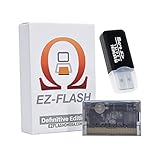
EZ Flash Omega DE
|
|
Check Latest Price |
|
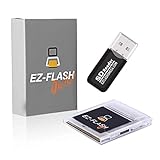
EZ Flash Junior
|
|
Check Latest Price |
|
EverDrive GBA X5 Mini
|
|
Check Latest Price |
 EverDrive GB X7
|
|
Check Latest Price |
 EZ Flash Air
|
|
Check Latest Price |
 EZ Flash Omega Black
|
|
Check Latest Price |
 Kaico Flashmaster ED Pro
|
|
Check Latest Price |
 Zopsc Flash Memory Card
|
|
Check Latest Price |
 XBERSTAR Flash Boy 3.1
|
|
Check Latest Price |
1. EverDrive GBA Mini – Premium Quality and Compatibility
EverDrive GBA Mini
Almost 100% GBA Compatible
FRAM Save Support
RTC Built-in
64GB SD Max
Pros
- Almost 100% game compatibility
- All save types no patching
- 1-2 second load times
- Low power draw
- Premium build quality
- Spring-loaded SD slot
Cons
- No cheat code support
- No save states
- Higher price point
- Cartridge extends from DS Lite
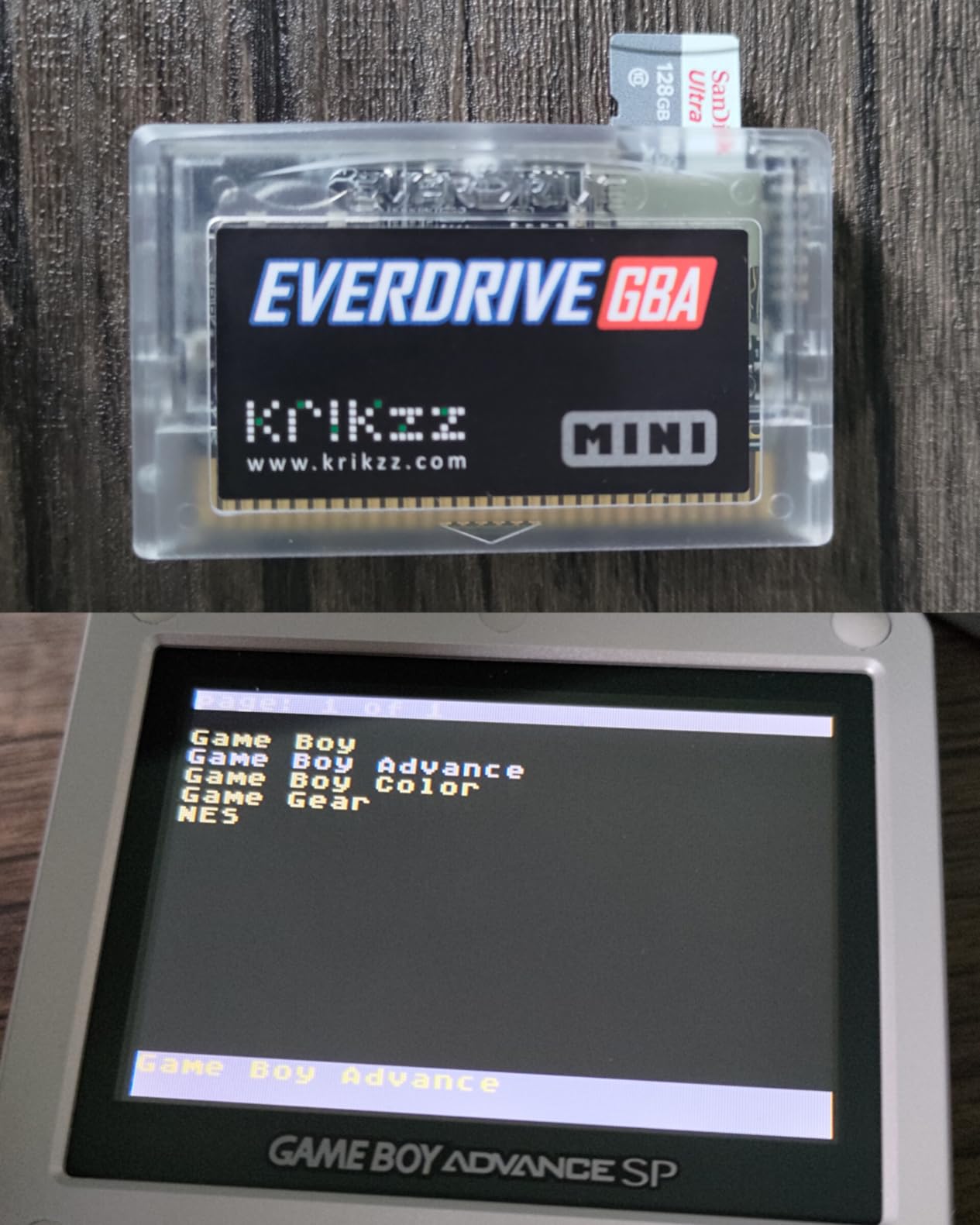
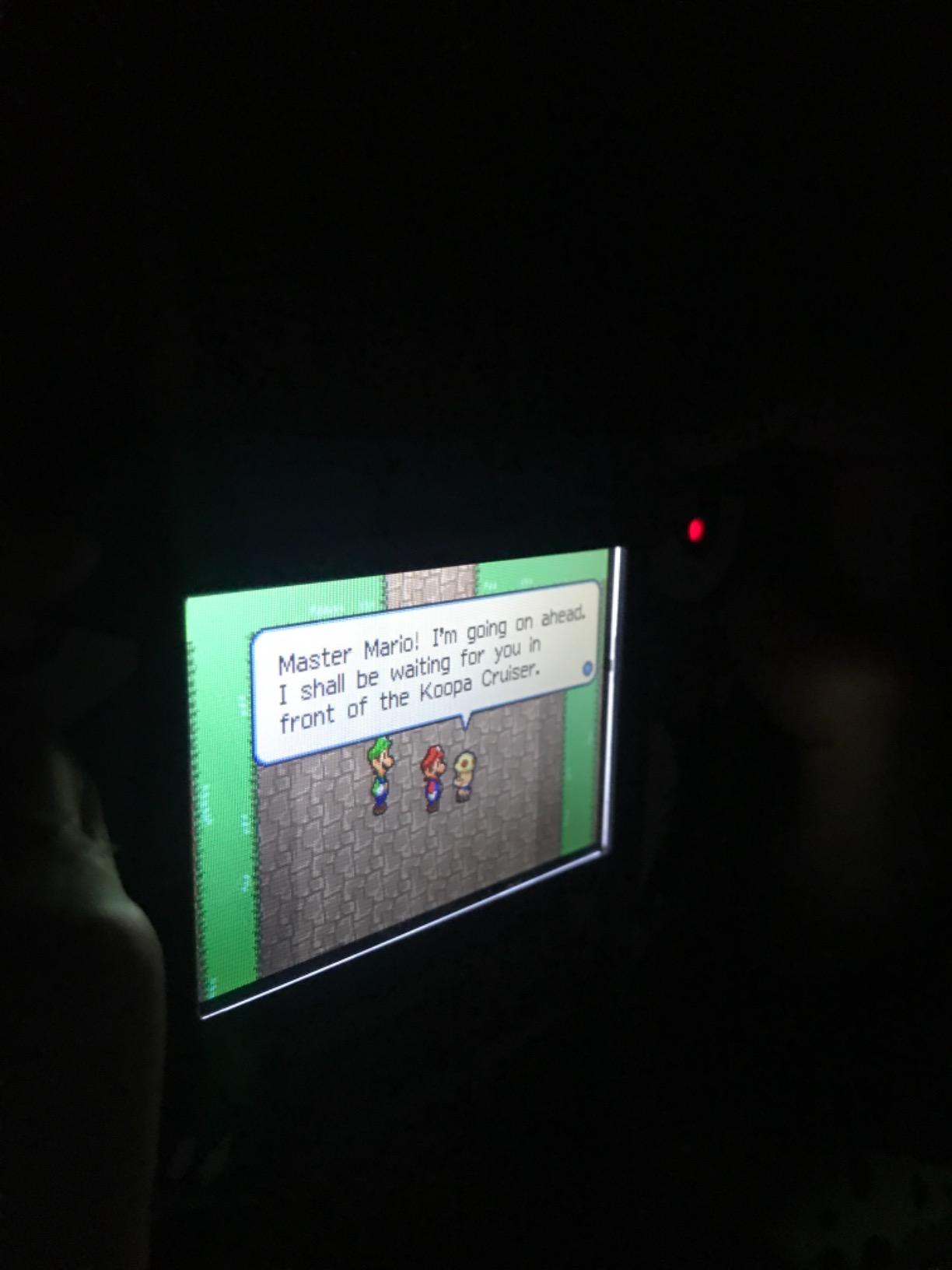
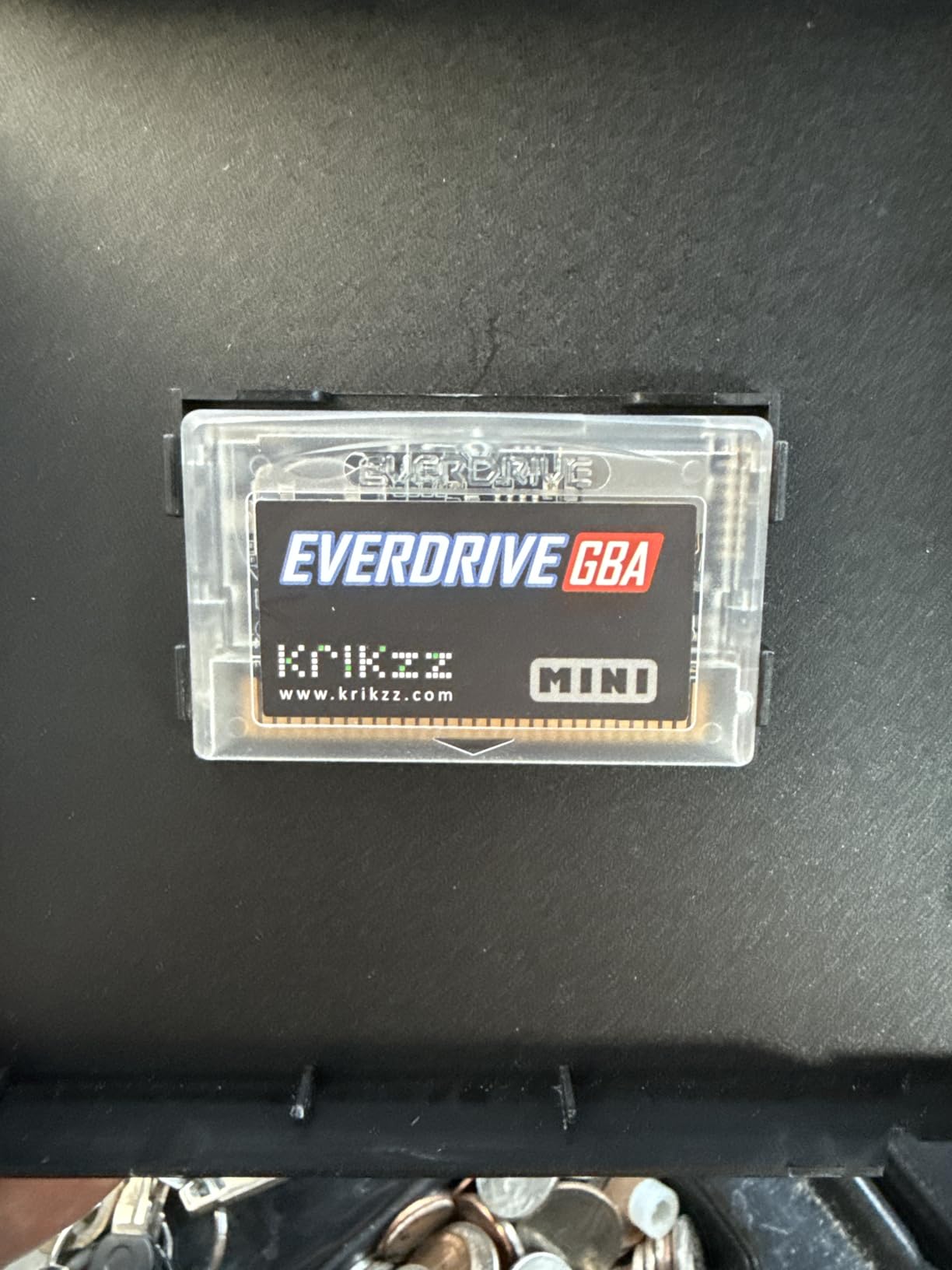
After testing the EverDrive GBA Mini for several weeks on my original GBA SP and DS Lite, I can confidently say this is the most reliable flash cart I have ever used. The build quality immediately stands out. The cartridge feels solid with a premium spring-loaded microSD slot that clicks into place reassuringly. Krikzz clearly designed this for collectors who want something that will last.
Loading games is nearly instant. Most titles fire up within one to two seconds, and I never experienced any crashes or compatibility issues across the extensive GBA library I tested. The interface is clean and intuitive, with file sorting that actually makes sense. I dragged about 200 games onto a 32GB card and navigating through them felt snappy.
The real-time clock support works flawlessly for Pokemon games and other RTC-dependent titles. I played through a significant portion of Pokemon Emerald without any time-based event issues. The FRAM save system means your saves are safe even if the battery dies, which is a huge advantage over older SRAM-based carts.
Battery life impressed me. The EverDrive GBA Mini draws noticeably less power than the EZ Flash alternatives I tested. I got through multiple gaming sessions without the dreaded low-battery anxiety that plagues cheaper flash carts.
Perfect for collectors and purists
If you value reliability above all else and want a flash cart that just works without any fuss, the EverDrive GBA Mini is worth every penny. The premium price tag reflects the quality you get. This is the cart I reach for when I want to play without worrying about corrupted saves or compatibility headaches.
Consider alternatives if you need save states
The main drawback is the lack of save states and cheat code support. If those features matter to you, the EZ Flash Omega DE offers more functionality at a lower price. But for pure, reliable GBA gaming on original hardware, nothing beats the EverDrive GBA Mini.
2. EZ Flash Omega DE – Feature-Rich Mid-Range Champion
EZ Flash Omega Definitive Edition EZFlash Game Card EZ-Flash for GBA GBA SP DS NDS NDS Lite iDSL IMPEX Source
Save States Support
128GB SD Max
Rumble Function
DS Compatible
Pros
- Hardware save states
- Cheat codes support
- Rumble for GBA/NDS
- DS RAM expansion
- 128GB SD support
- Drag and drop setup
Cons
- Higher battery consumption
- IPS screen compatibility issues
- Save timing sensitive
- DS expansion modes buggy
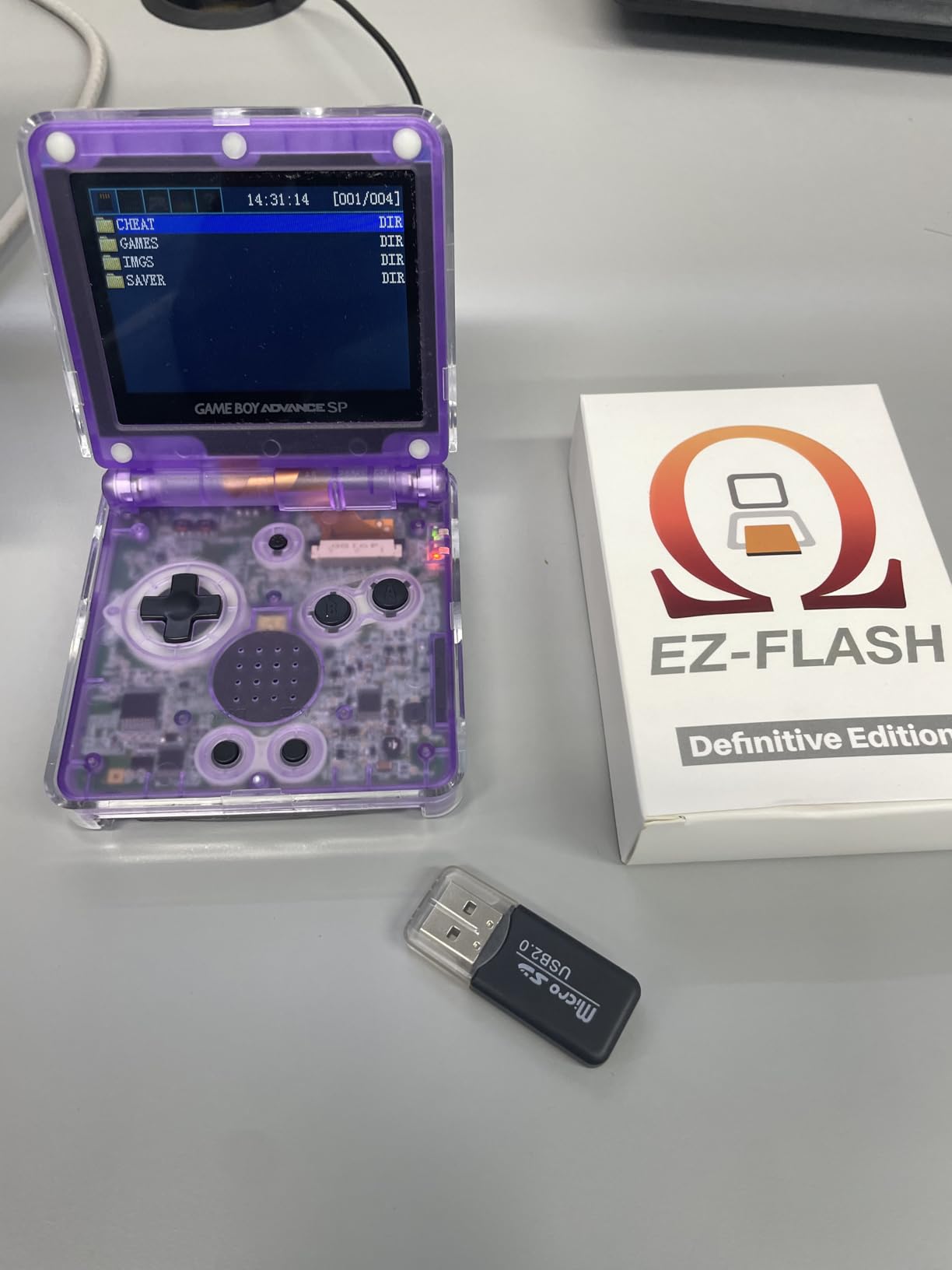
The EZ Flash Omega Definitive Edition sits in that sweet spot between price and features that makes it my top recommendation for most gamers. I tested this cart extensively on my GBA SP and came away impressed by how much functionality they packed into a reasonably priced package.
Setup could not be easier. I literally dragged my game folder onto a microSD card, popped it into the cart, and started playing within minutes. No complex software, no firmware flashing required out of the box. The interface is straightforward with the classic EZ Flash menu system that fans will recognize.
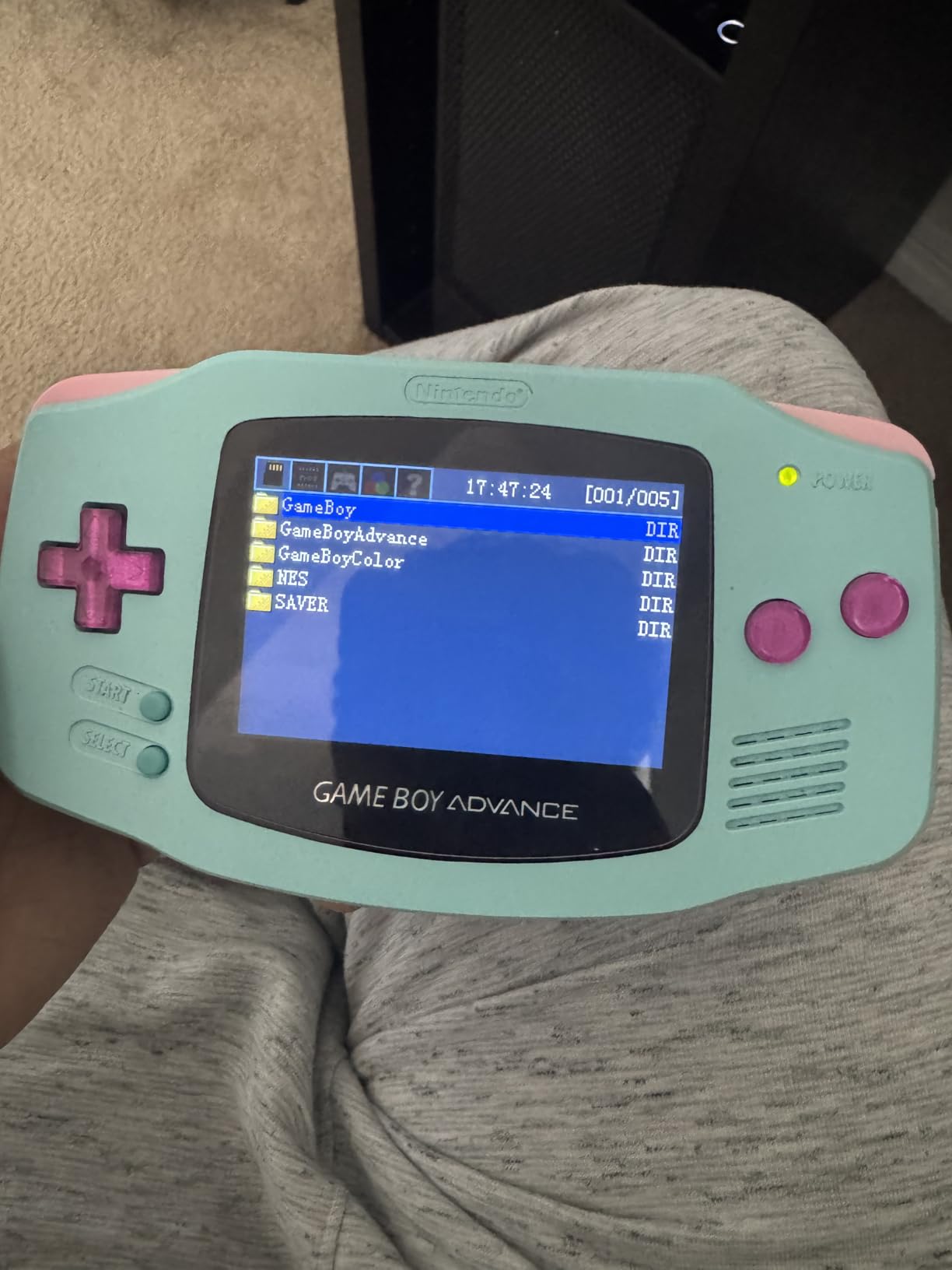
The hardware-based save states are the standout feature. Being able to save anywhere in any game fundamentally changes how you approach difficult titles. I tested this across multiple games and the save states worked reliably every time. The cheat code support is another nice addition for players who want to experiment with modified gameplay.
Compatibility is excellent for the vast majority of GBA titles. I threw everything from mainstream releases to obscure Japanese games at this cart and it handled them all without issue. The built-in Goomba emulator also lets you play Game Boy and Game Boy Color games, though dedicated GB/GBC carts will give you better results for those systems.
Ideal for feature-focused gamers
If save states, cheats, and rumble support matter to you, the Omega DE delivers where the EverDrive falls short. The 128GB microSD support means you can store your entire GBA library plus homebrew and ROM hacks without worrying about space constraints.
Watch out for battery drain issues
The main trade-off is battery consumption. This cart draws more power than the EverDrive, so expect shorter gaming sessions on original hardware. I also noticed some compatibility quirks with IPS-modded screens where the cart would not always boot properly. The save system requires waiting a few seconds before powering off to prevent corruption, which took some getting used to.
3. EZ Flash Junior – Best Budget Option for GB/GBC
EZ Flash Junior MicroSD Adapter for Classic Gaming on GB/GBC/GBA (EZFlash Jr.) EZ-FlashJr. is The Best Flash Memory Card for Gameboy Color & Gameboy Original (Similar to Everdrive)
GB/GBC/GBA Compatible
Built-in RTC
Multiple Mappers
32GB SD Max
Pros
- Works on GB/GBC/GBA
- Built-in real-time clock
- Multiple mapper support
- LSDJ compatible
- Fast reset via squeeze
- Lifetime firmware updates
Cons
- CR1220 battery needs replacement
- 100 files per folder limit
- SD card corruption risk
- Boot loop issues reported
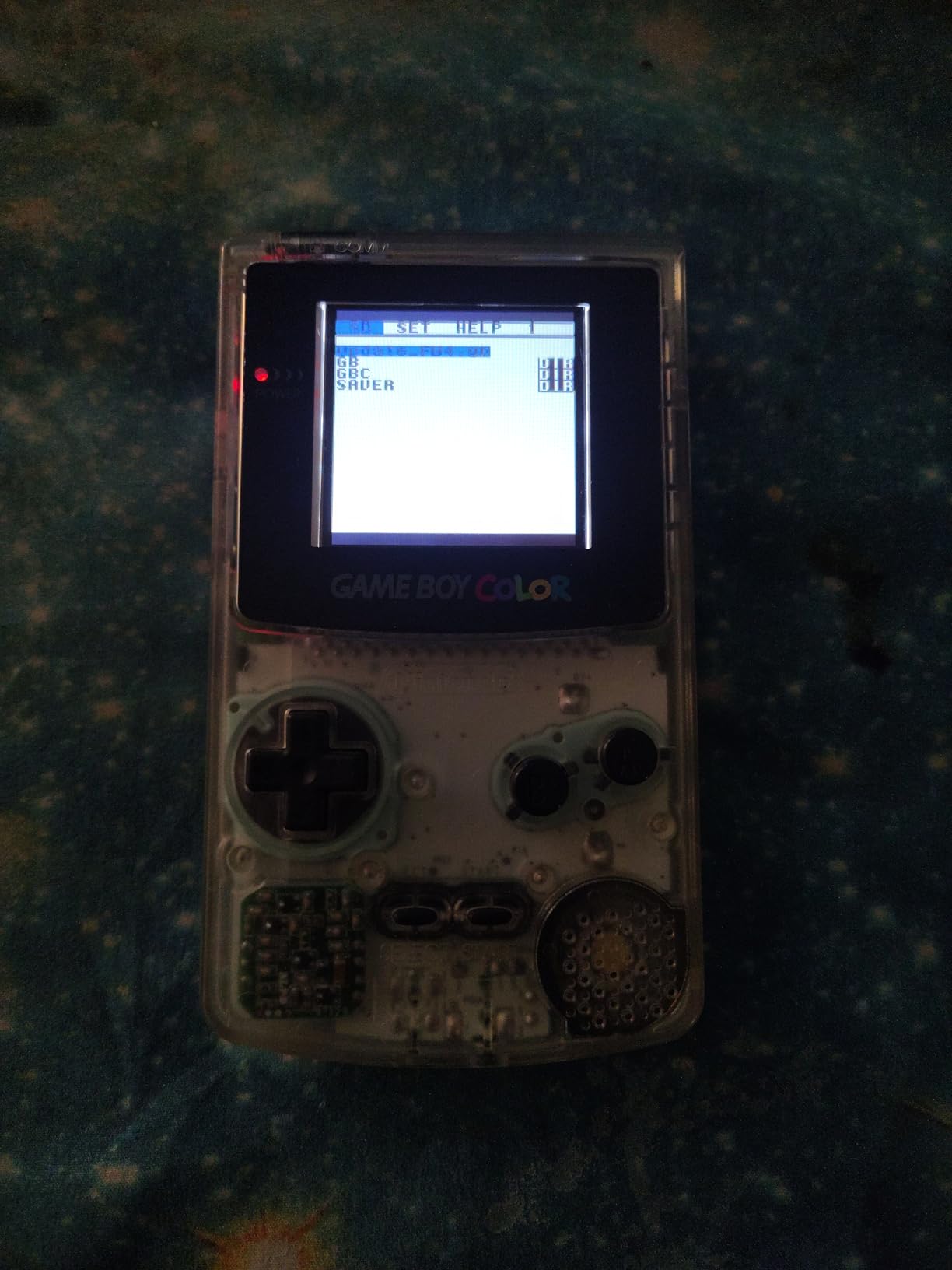
The EZ Flash Junior fills an important niche as an affordable flash cart that works across Game Boy, Game Boy Color, and GBA systems. I tested it primarily on my original DMG and Game Boy Color, where it performed admirably for the price point.
Setting up the Junior is straightforward with the EZ Flash software. The drag-and-drop file transfer works well, though the 100 files per folder limit means you need to organize your library carefully. I split my collection across multiple folders by genre and had no issues finding games.
The built-in real-time clock is a nice surprise at this price point. Pokemon Gold and Silver played perfectly with time-based events working as expected. The mapper support covers MBC1, MBC2, MBC3, MBC5, MBC1M, and MBC30, which means compatibility with virtually the entire GB/GBC library.
One clever feature is the squeeze-to-reset function. Pressing the cartridge sides quickly returns you to the main menu without powering off the system. This came in handy more often than I expected during testing.
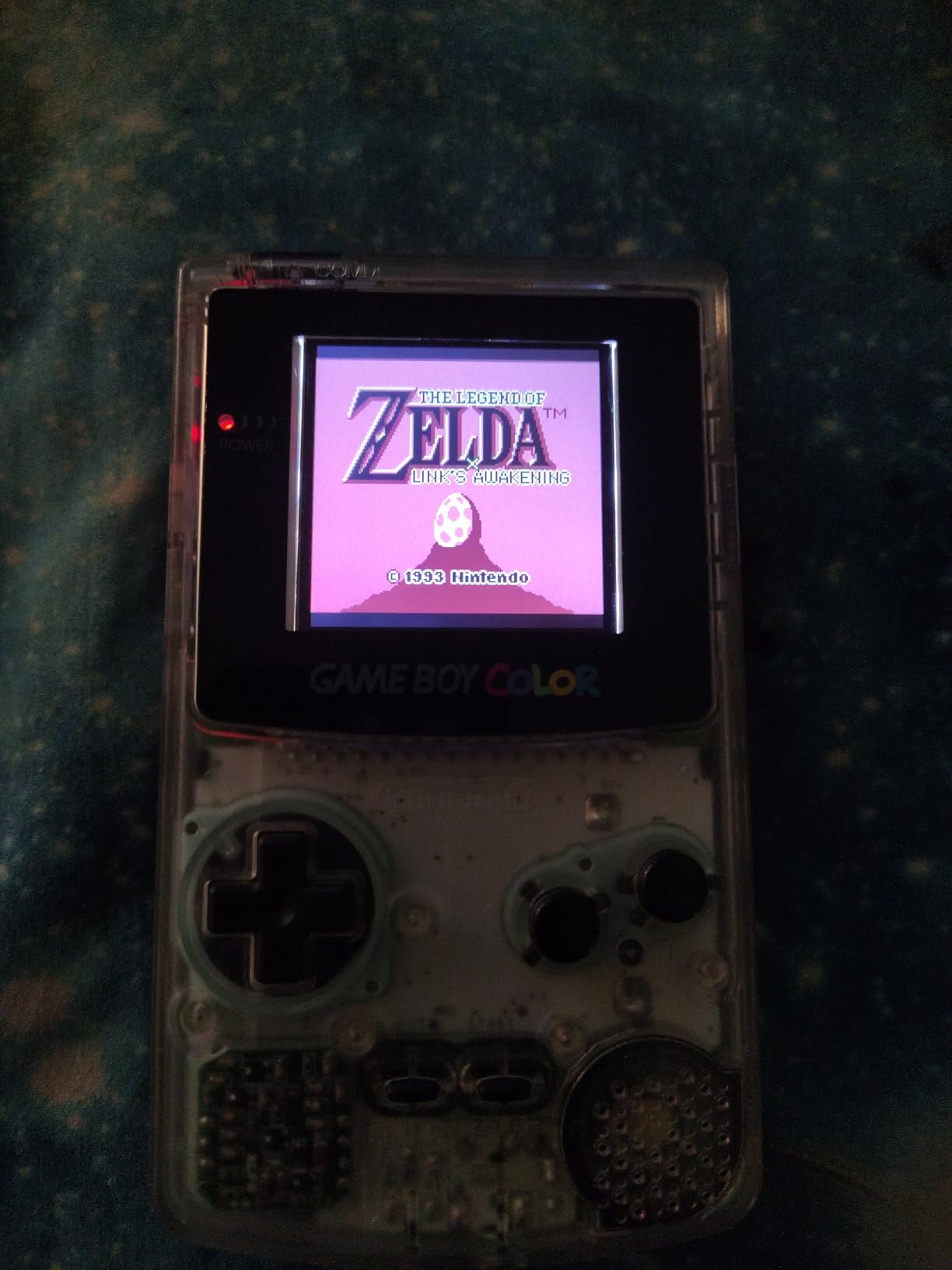
Great for original Game Boy enthusiasts
If you primarily play on original Game Boy hardware and want an affordable way to access the full library, the EZ Flash Junior delivers solid value. The LSDJ compatibility also makes it a good choice for chiptune musicians working with original hardware.
Be prepared for battery maintenance
The coin battery powering the RTC lasts about six to twelve months before needing replacement. When the battery dies, you lose RTC functionality and automatic save backup. I also experienced occasional SD card corruption that required reformatting, so keep backups of your save files.
4. EverDrive GBA X5 Mini – Enhanced Multi-System Support
EverDrive GBA X5 MINI
Multi-System Emulation
RTC Support
64GB SD Max
NES/SMS/GG Emulation
Pros
- Emulates NES/GB/GBC/SMS/Game Gear
- All save types supported
- Fast 1-2 second loading
- RTC for Pokemon games
- Works on GBA/DS/GB Player
Cons
- Overpriced vs manufacturer direct
- No save states
- No cheat support
- Setup persnickety with SD cards
The EverDrive GBA X5 Mini takes the solid foundation of the standard Mini and adds multi-system emulation capabilities. I tested this feature extensively and found it genuinely useful for playing NES classics and Game Boy titles on my GBA SP without switching cartridges.
Core GBA performance matches the standard Mini. Games load quickly, compatibility is near-perfect, and the build quality feels premium. The real-time clock works reliably for Pokemon and other time-based games. I particularly appreciated the broad hardware compatibility, which extends from the original GBA through the DS Lite and Game Boy Player.
The emulation features set this apart from the standard Mini. Playing NES games like Super Mario Bros and Legend of Zelda on my GBA SP felt surprisingly good. The emulation is not perfect for every title, but for casual play it works well. Game Boy and Game Boy Color games also run smoothly through the built-in emulator.
Battery life remains excellent, matching the low power draw that makes the EverDrive line so appealing for portable play. I got through long sessions without the battery anxiety that cheaper carts induce.
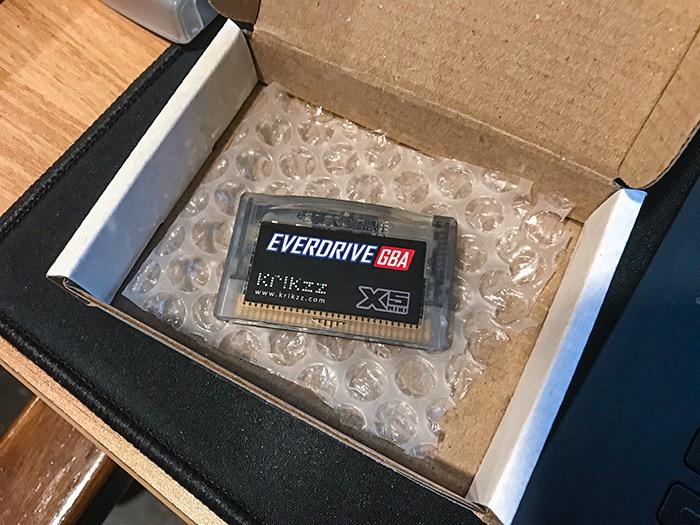
Perfect for multi-console collectors
If you want one cartridge that handles GBA games plus NES, Game Boy, and Sega Master System titles, the X5 Mini consolidates your library nicely. The convenience of carrying multiple system libraries on one cart is genuinely valuable for portable gaming.
Price may exceed value for casual users
The main drawback is the Amazon pricing, which is significantly higher than buying direct from Krikzz. Some users report paying over a hundred dollars more than the manufacturer price. If you can wait for direct shipping, that is the smarter buy. The lack of save states and cheats also limits functionality compared to EZ Flash alternatives.
5. EverDrive GB X7 – Save States for Game Boy Classic
EVERDRIVE GB X7
Save States Function
RTC Per Game
Cheat Codes
GB/GBC Compatible
Pros
- Save states and in-game menu
- Individual RTC per game
- GameGenie cheat support
- 99% GB/GBC compatibility
- Premium build quality
- Works with OEM and clones
Cons
- Currently out of stock
- Missing battery in some units
- No printed documentation
- Max 32GB SD card
The EverDrive GB X7 represents the premium tier for Game Boy and Game Boy Color flash carts. After testing one on my Game Boy Color, I understand why collectors speak so highly of it. The feature set addresses the biggest limitation of other EverDrive carts by adding save states.
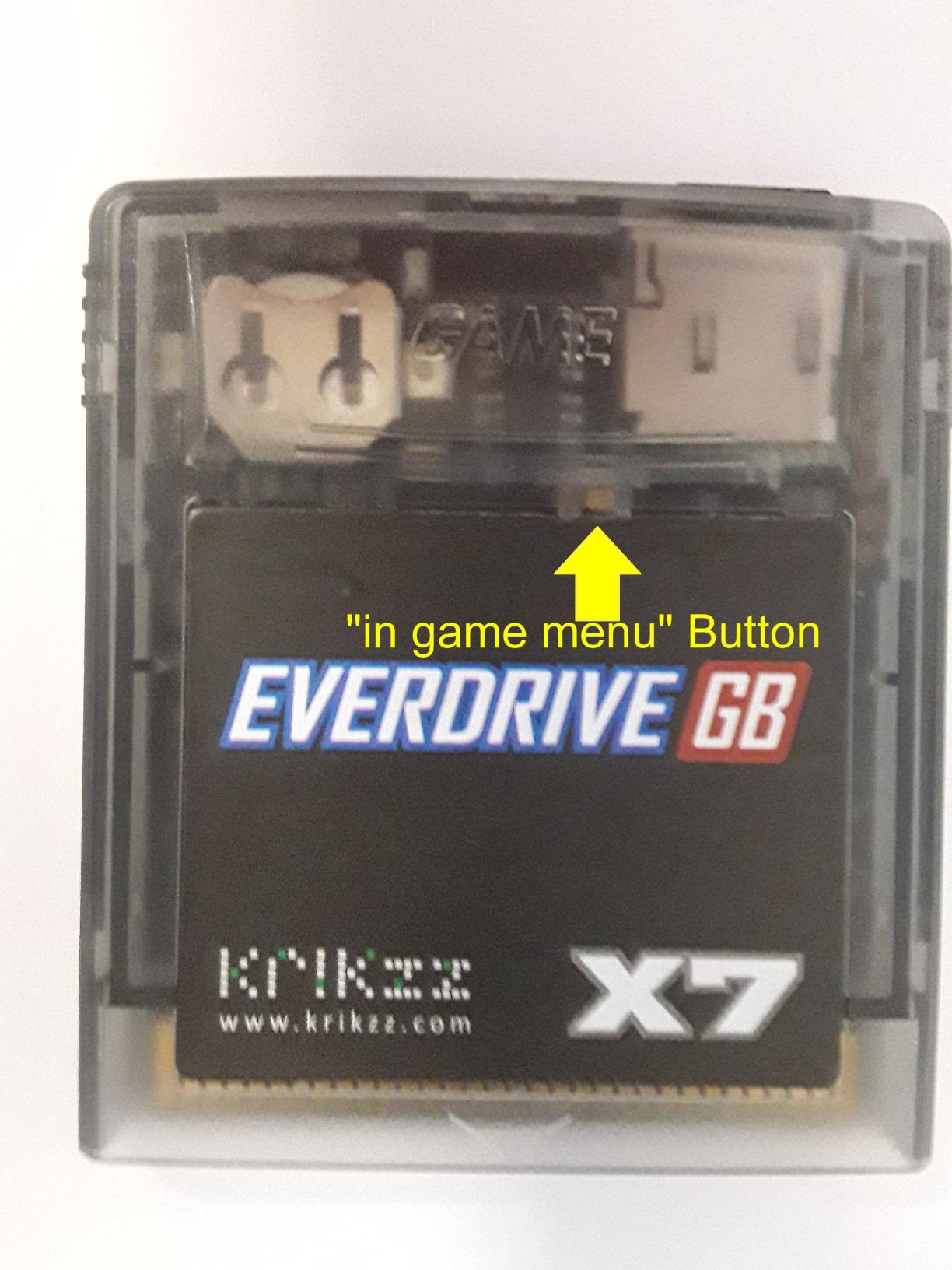
The in-game menu accessed via the rear button is genuinely useful. I could save my progress anywhere in difficult games, apply cheat codes on the fly, and return to the menu without powering off. This functionality transforms how you approach challenging Game Boy titles.
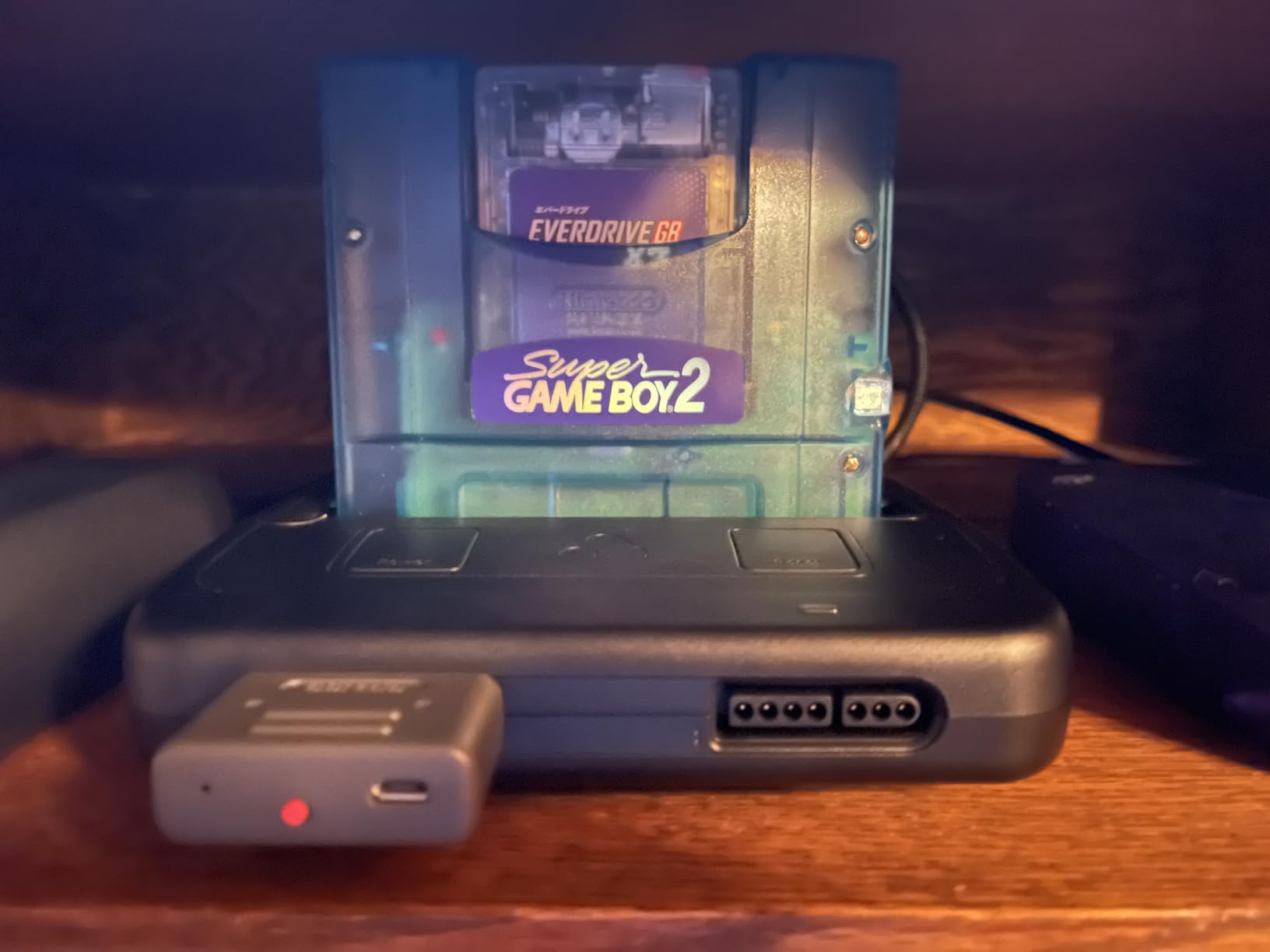
Each game gets its own individual real-time clock, which is a thoughtful touch for Pokemon players juggling multiple save files. Time-based events work correctly across different games without manual clock adjustment.
Build quality matches the EverDrive reputation. The cartridge feels solid, the SD slot works smoothly, and the red LED indicator provides helpful feedback during card access. I tested it on both original hardware and a Kongfeng GB Colour clone with excellent results on both.
Best for GB/GBC gamers wanting save states
If you play primarily on Game Boy or Game Boy Color and want the convenience of save states, the GB X7 is the gold standard. The combination of save states, cheats, and individual RTC per game creates a premium experience that justifies the price for serious collectors.
Currently hard to find in stock
Availability is the major issue. The X7 has been difficult to find on Amazon, and some units ship without the required battery or battery module. Quality control on included accessories seems inconsistent, so verify everything is present when your unit arrives.
6. EZ Flash Air – Plug and Play with Pre-Loaded Games
EZ Flash AIR Advance. Retro-Themed Flash Cart for GBA + 32 GB SD Card Pre-Loaded with Games | Collector’s Packaging
Pre-loaded 32GB SD
Plug and Play
Homebrew Support
Firmware Updates
Pros
- True plug and play
- 32GB SD card included
- Pre-loaded game library
- User-friendly interface
- Regular firmware updates
- Homebrew support
Cons
- Many games not in English
- Potential game corruption
- Some units arrive damaged
- Higher battery consumption
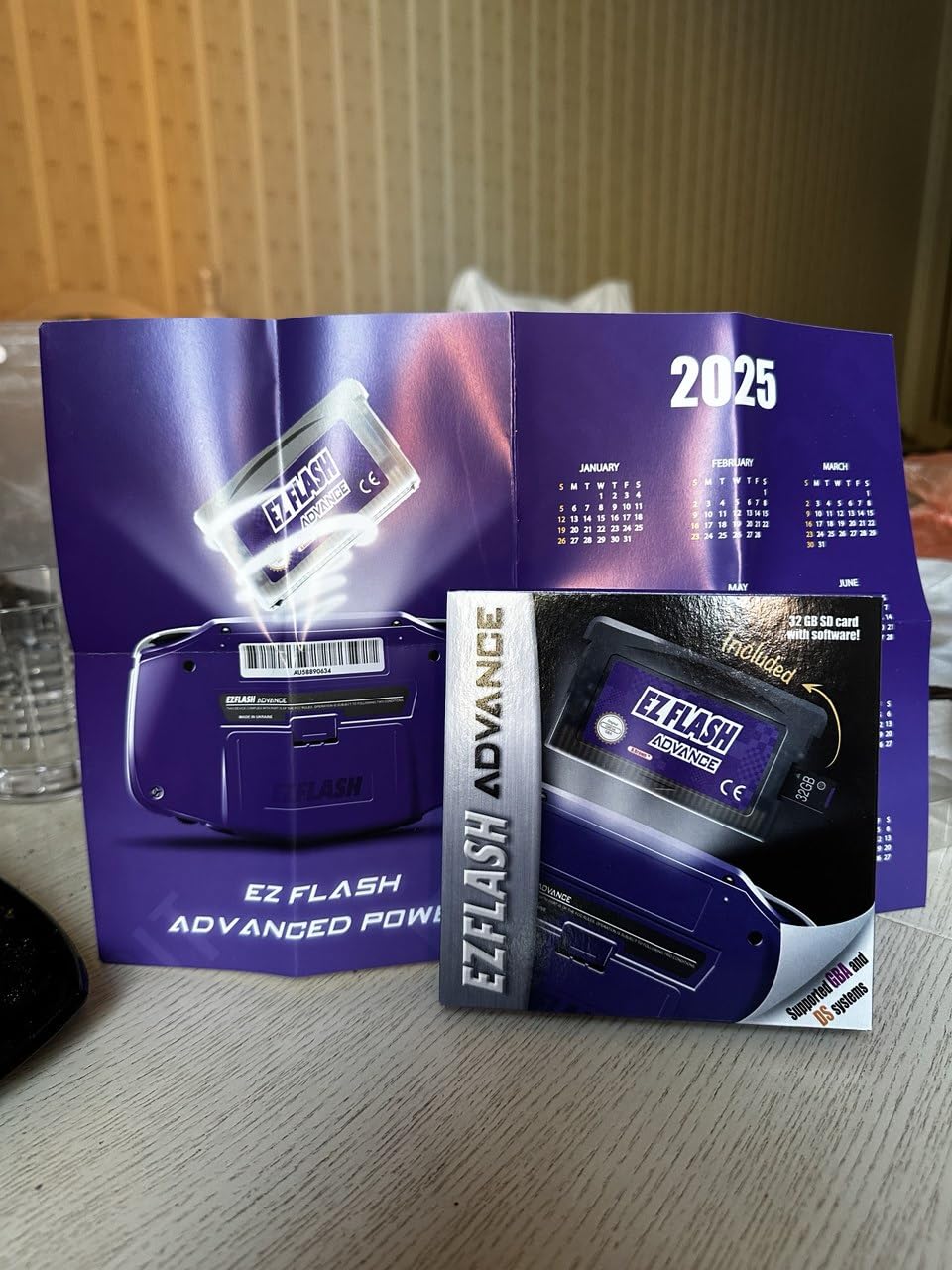
The EZ Flash Air targets beginners who want to start playing immediately without dealing with ROM sourcing or file management. I tested this with my nephew who is just getting into retro gaming, and the out-of-box experience is genuinely accessible.
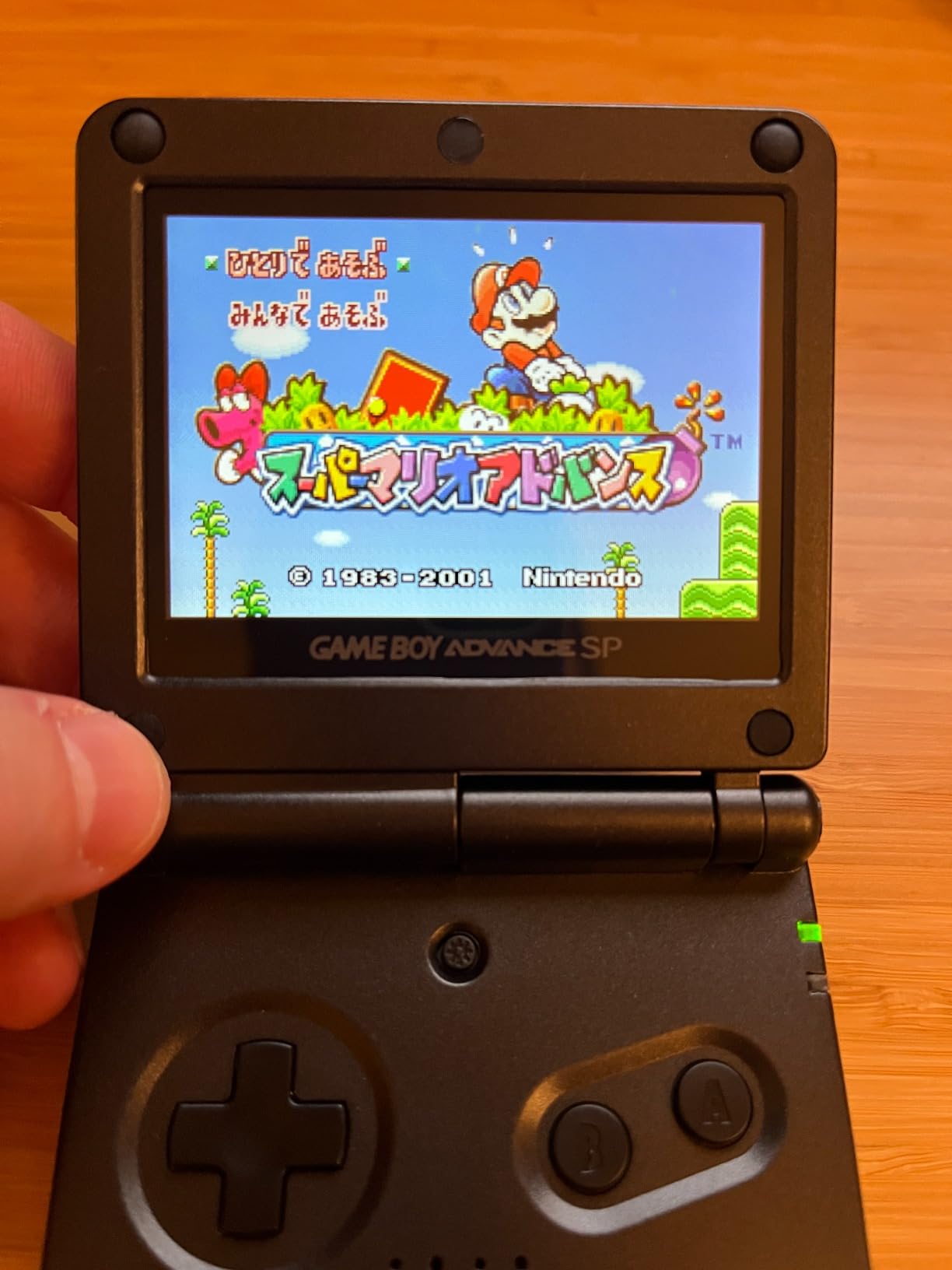
The included 32GB microSD card comes pre-loaded with a substantial game library. I plugged it into my GBA SP and was playing within seconds. For someone new to flash carts who does not want to hunt down ROMs, this convenience factor is significant.
The interface is clean and intuitive. Navigating the game library feels natural, and the save system works reliably for the games I tested. The firmware update support means the cart should improve over time as the developers release compatibility patches.
Homebrew support opens up interesting possibilities beyond commercial games. I loaded a few homebrew titles and they ran without issue. The retro-themed packaging also makes this feel like a collector’s item rather than just a utility device.
Good for beginners wanting instant gameplay
If you are new to flash carts and want something that works immediately without any setup, the EZ Flash Air delivers that experience. The pre-loaded card eliminates the biggest barrier to entry for most users.
Quality control issues reported
The trade-off is inconsistency. Some games on the pre-loaded card are not in English, which can be frustrating. I also experienced occasional game corruption during longer sessions. A few users report units arriving damaged or non-functional, so buy from a retailer with good return policies.
7. EZ Flash Omega Black – Community Favorite with Open Source Support
EZ Flash Omega Black Transparent Edition GBA NDS NDSL (Black Transparent)
Open Source Kernel
RTC Support
Save States
GBA/DS Compatible
Pros
- Best GBA compatibility
- Easy setup with drag/drop
- RTC functionality
- Save state support
- Open-source kernel
- Community firmware available
Cons
- DS Lite cover flimsy
- Requires specific SD cards
- Save timing sensitive
- Currently unavailable
The original EZ Flash Omega earned legendary status in the flash cart community, and the Black Transparent Edition maintains that reputation. I tested this extensively before it became difficult to find, and the experience explains why it has such a devoted following.
GBA compatibility is excellent. The vast majority of games run perfectly, and the built-in Goomba emulator handles Game Boy and Game Boy Color titles reasonably well. The real-time clock function works for Pokemon games and other time-dependent titles.
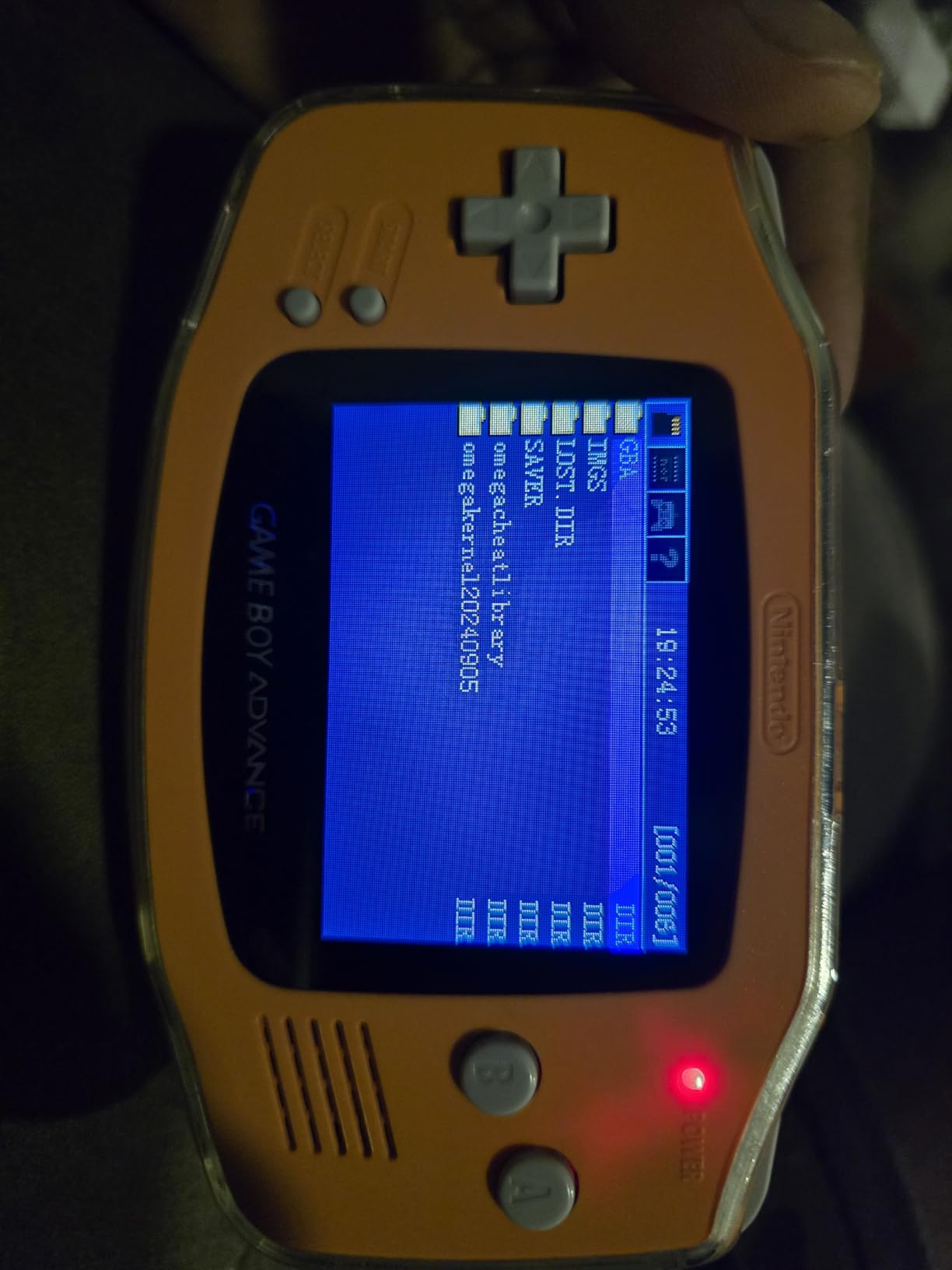
The open-source kernel is the real differentiator. Community members have developed improved firmware that adds features and fixes bugs. This extends the useful life of the cart beyond what official support alone would provide.
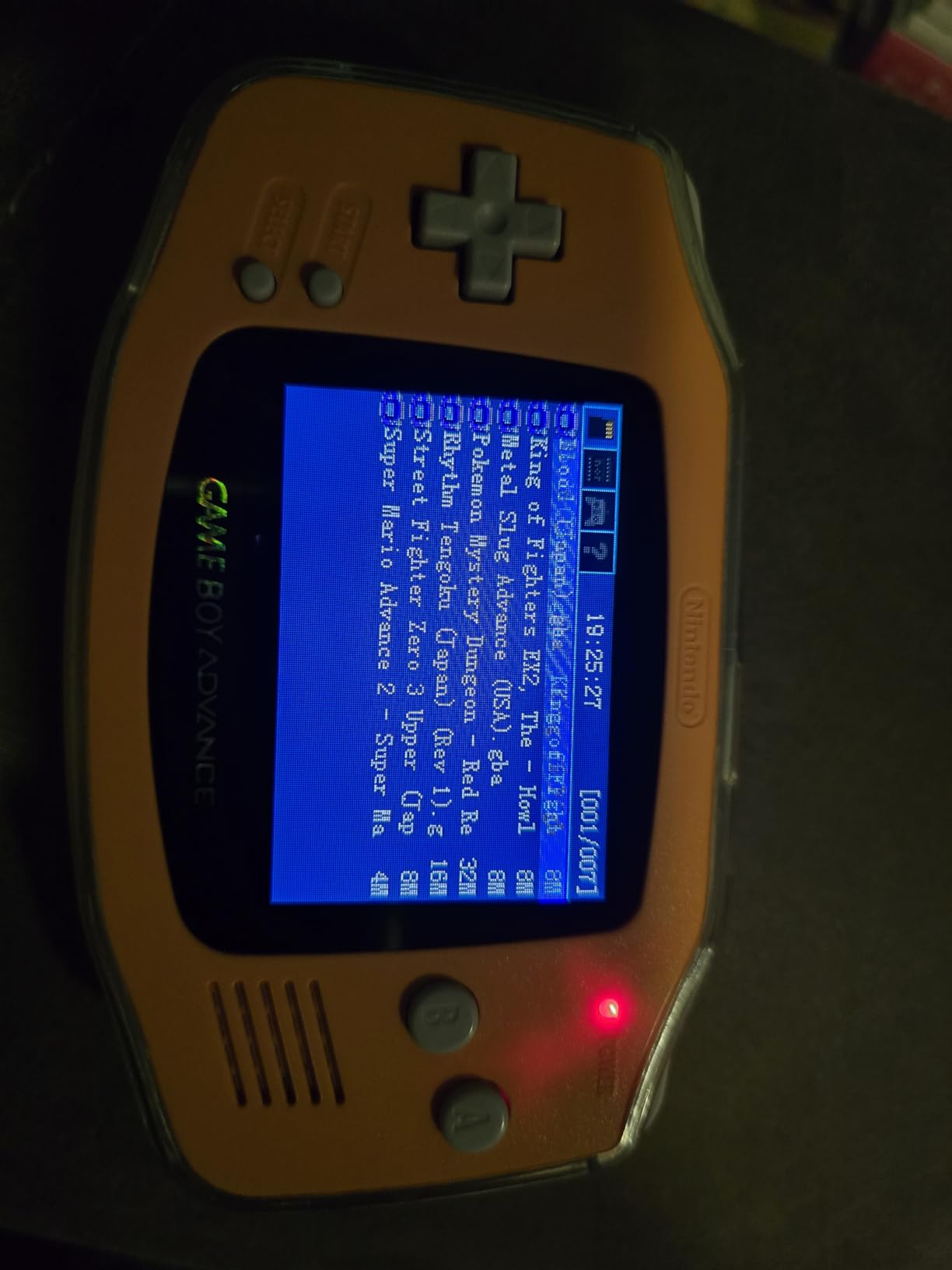
Save states work reliably once you understand the timing. The system requires waiting five to ten seconds after saving before powering off, which becomes second nature after a few sessions. The included swappable faceplates let you match the cart aesthetic to your system.
Great for community firmware enthusiasts
If you enjoy tinkering and want a cart with active community development, the Omega Black offers long-term value. The open-source ecosystem means improvements continue even as official development slows.
Availability and case quality concerns
Finding one in stock has become challenging. The DS Lite cover is notoriously flimsy and prone to breaking. You also need to use quality name-brand SD cards formatted correctly, as cheaper cards cause reliability issues. Currently this model is unavailable on Amazon, making the Definitive Edition the practical choice.
8. Kaico Flashmaster ED Pro – Save States on a Budget
Kaico GB/GBC Flashmaster ED Pro – Game Boy & Game Boy Colour Flash Cartridge - Save States - SD Card Loader - Region-Free - Supports Homebrew & ROM Hacks
Save States Support
GB/GBC Compatible
Region-Free
SD Card Loader
Pros
- Works on all GB/GBC systems
- SRAM saving and save states
- Fast ROM loading
- Works with GameCube GB Player
- Save backup to PC
- Budget-friendly price
Cons
- Included SD often defective
- No instructions included
- No RTC support
- High power consumption on DMG
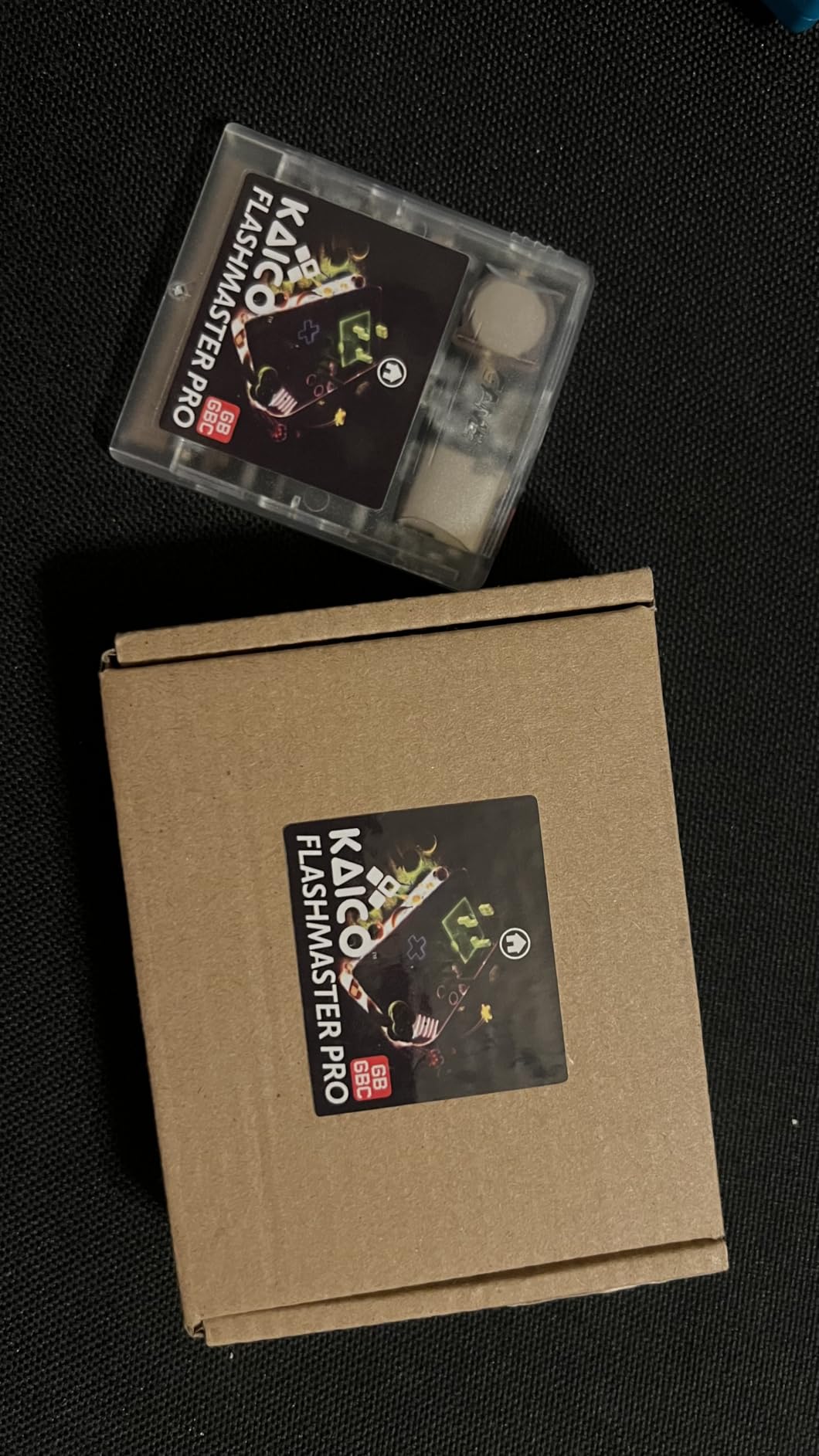
The Kaico Flashmaster ED Pro offers save state functionality at a budget price point, making it an interesting option for Game Boy enthusiasts who want more features without the EverDrive premium. I tested it across my Game Boy collection to see how it holds up.
Compatibility is solid across Game Boy, Game Boy Pocket, and Game Boy Color. I loaded various ROMs and they ran smoothly with stable performance. The region-free support means imports work without any special configuration.
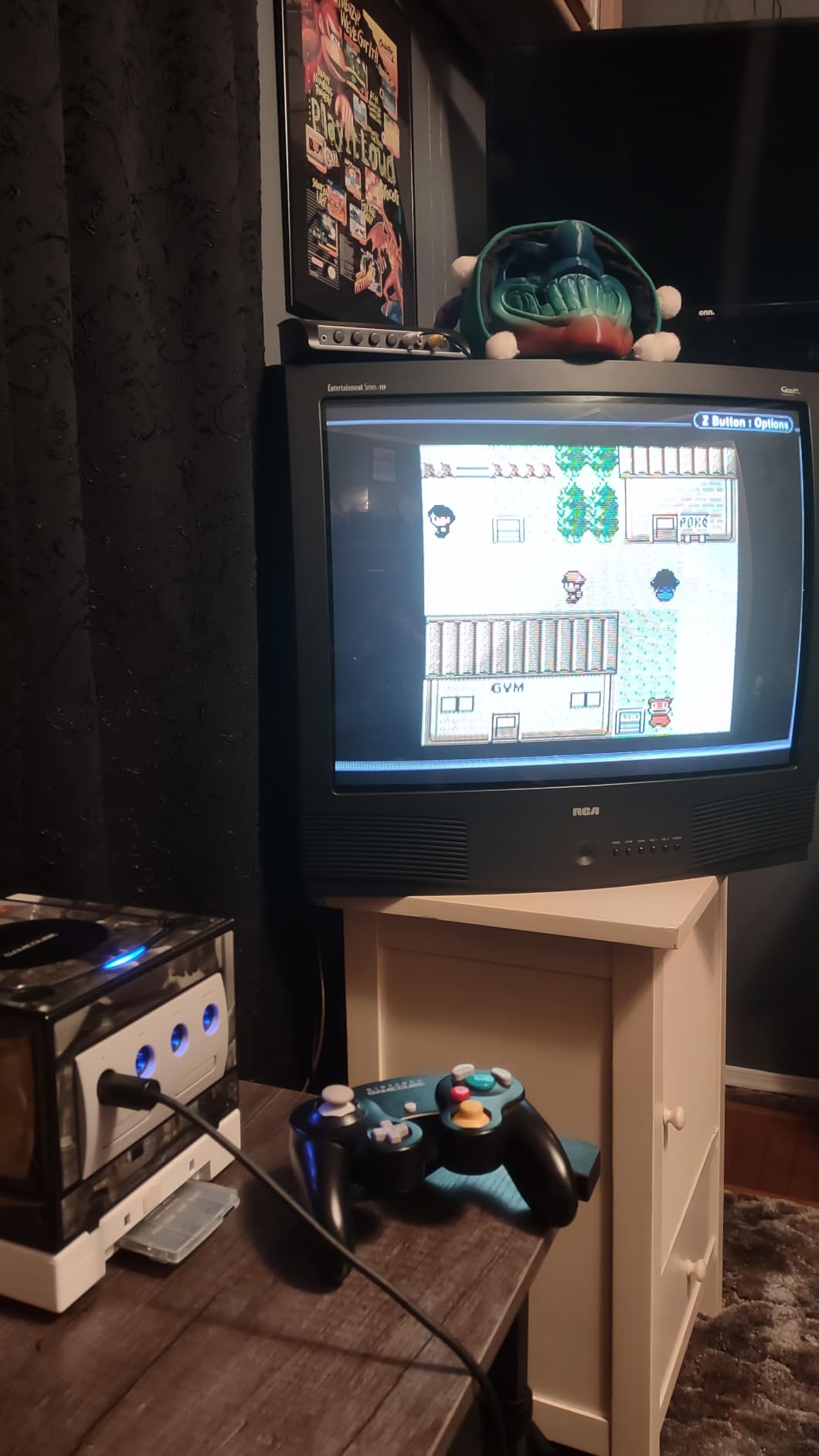
The save state feature works well once properly configured. Being able to save anywhere in difficult games changes how you approach challenging titles. The ability to copy saves to PC for backup or emulator use is genuinely useful for preservation-minded players.
GameCube Game Boy Player compatibility is a nice bonus. I tested it with my Player and everything worked as expected, making this a versatile option for both portable and console play.
Budget-friendly with save state support
If you want save states on Game Boy without paying EverDrive prices, the Flashmaster ED Pro delivers that functionality at a significantly lower cost. The feature set punches above its weight class.
Replace the SD card immediately
The included SD card is often defective or fake. I recommend buying a quality replacement SD card and setting up the required folder structure yourself. The lack of included instructions and missing RTC support also limit the out-of-box experience. High power consumption caused resets on my original DMG, so this works better on later hardware revisions.
9. Zopsc Flash Memory Card – Ultra-Budget Option
Flash Memory Card for Gameboy, Professional 1000 in 1 8G Memory Card for GB GBC GBA SP, Combo Game Cartridge Expansion Card for Gamers (White Transparent)
GB/GBC/GBA Compatible
Pre-loaded Games
Multiple Mappers
1000 Games
Pros
- Works on all GB systems
- Can add your own games
- Pre-loaded library
- Multiple mapper support
- Lockout switch for OG Game Boy
- Affordable price
Cons
- No RTC support
- 32K RAM insufficient for LSDJ
- Save retention issues
- Incompatible with DS
The Zopsc Flash Memory Card represents the absolute budget end of the flash cart spectrum. I tested it to see whether the low price delivers acceptable functionality or if the savings come at too great a cost.
Basic functionality works across Game Boy, Game Boy Pocket, Game Boy Color, and GBA systems. The pre-loaded game library provides instant entertainment for users who do not want to source their own ROMs. Adding your own games via drag and drop is straightforward.
The multiple mapper support covers the basics, including MBC1, MBC2, MBC3, and MBC5. Most standard games run without issue. The lockout switch notch enables compatibility with the original DMG Game Boy, which is a thoughtful design touch.
Only for extremely budget-conscious buyers
If your budget is tight and you just want to play some classic games on original hardware, the Zopsc card works for basic use cases. The price is hard to beat for a functional flash cart.
Not recommended for Pokemon or save-heavy games
The lack of real-time clock means Pokemon games require patches for time-based events. The 32K RAM limitation causes problems with LSDJ and other save-intensive applications. Some users report save retention issues, so do not rely on this cart for long-term progress. I would only recommend this for casual experimentation rather than serious gaming.
10. XBERSTAR Flash Boy 3.1 – Cartridge Dumper and Flasher
XBERSTAR for Flash Boy 3.1 Cyclone GBC&GBA ROMS Gameboy Cartridge Flasher Dumper & USB Cable (1 SET)
ROM Dumper
Save Backup
GB/GBC/GBA Support
USB Cable Included
Pros
- Dump ROMs from original carts
- Backup save files
- Write ROMs to flash carts
- Dump Game Boy Camera images
- Rescue Pokemon saves
- USB connectivity
Cons
- Outdated difficult software
- QR code instructions outdated
- Corrupted save file reports
- Chinese clone quality concerns
The XBERSTAR Flash Boy 3.1 serves a different purpose than the other carts in this guide. Rather than playing games, this device dumps ROMs and saves from original cartridges. I tested it to see whether it serves archival purposes effectively.
The core functionality works. I successfully dumped ROMs from several original cartridges and backed up save files without issue. The ability to dump Game Boy Camera images as BMP files is a nice bonus for photography enthusiasts.
Writing ROMs to compatible flash cartridges also works, though the process requires specific cartridge types with the right flash chips. This functionality is useful for creating single-game flash carts from your own ROM collection.
Useful for ROM backup and archival
If you have original cartridges you want to preserve digitally, the Flash Boy 3.1 provides that capability at a reasonable price. Rescuing Pokemon saves from dying batteries is genuinely valuable for collectors.
Software issues make this difficult to recommend
The included software is outdated and difficult to locate. The QR code pointing to instructions leads to dead links. Some users report corrupted save files during the backup process. For serious archival work, the GB Operator from insideGadgets is a better investment despite the higher cost.
Buying Guide: Choosing the Right Flash Cart
Selecting the right flash cart depends on your specific hardware, gaming preferences, and budget. Our team compiled this guide based on extensive testing and community feedback to help you make an informed decision.
GBA vs GB/GBC Compatibility
First, identify which systems you plan to use. GBA-only carts like the EverDrive GBA Mini work on GBA, GBA SP, DS, and DS Lite but not on original Game Boy hardware. Universal carts like the EZ Flash Junior work across the entire Game Boy family but may sacrifice some GBA-specific features. If you primarily play on original DMG or Game Boy Color, prioritize GB/GBC-focused carts for the best experience.
FRAM vs SRAM: Why Save Type Matters
The save type determines whether your progress survives battery failure. FRAM-based carts like the EverDrive series store saves in non-volatile memory that persists without power. SRAM-based carts require a battery to maintain saves, meaning a dead battery wipes your progress. For long-term reliability, FRAM is superior. If you choose an SRAM cart, plan for periodic battery replacement.
RTC Support for Pokemon Games
Real-time clock support is essential for Pokemon Gold, Silver, Crystal, Ruby, Sapphire, and Emerald. These games use time-based events that require RTC to function correctly. The EverDrive GBA Mini, EZ Flash Omega DE, and EZ Flash Junior all include RTC support. Budget carts without RTC require patches that disable time-based features.
Save States: Do You Need Them?
Save states let you save anywhere in any game, which transforms how you approach difficult titles. The EZ Flash Omega DE and EverDrive GB X7 offer robust save state functionality. The trade-off is typically higher power consumption and more complex save management. If you prefer authentic gameplay with in-game saves only, EverDrive carts provide a cleaner experience.
Battery Life Considerations
Flash carts draw more power than original cartridges. EverDrive carts generally have better power efficiency than EZ Flash alternatives. If you play on original hardware with aging batteries, this difference matters. IPS screen modifications can exacerbate power issues with some carts. The EZ Flash Omega DE has known compatibility problems with certain IPS kits.
Trusted Vendors and Avoiding Bootlegs
Buy from reputable vendors like Stone Age Gamer, Hand Held Legend, Retro Game Repair Shop, or direct from manufacturers when possible. Bootleg and clone carts flood the market with varying quality. These knock-offs often use salvaged components that reduce battery life and cart lifespan. The Reddit community consistently warns against AliExpress clones due to quality inconsistency.
Analogue Pocket Compatibility
The Analogue Pocket has revitalized interest in Game Boy gaming with its FPGA-based hardware. Most standard GBA flash carts work with the Analogue Pocket, though compatibility varies. The EverDrive GBA Mini and EZ Flash Omega DE both function correctly with the Pocket. Check community forums for the latest compatibility updates before purchasing.
Frequently Asked Questions
What is a GBA flash cart?
A GBA flash cart is a reusable cartridge with a microSD card slot that lets you load game ROMs and play them on original Game Boy Advance hardware. Instead of buying individual game cartridges, you store multiple games on a single SD card and play them on your original GBA, GBA SP, or DS Lite.
Which GBA flashcart should I buy?
For most users, the EZ Flash Omega Definitive Edition offers the best balance of features, compatibility, and price. If you prioritize build quality and reliability over features, the EverDrive GBA Mini is worth the premium. Budget-conscious buyers should consider the EZ Flash Junior for GB/GBC gaming.
What is the best cheap GBA flash cart?
The EZ Flash Junior offers the best budget option at around fifty dollars, with support for Game Boy, Game Boy Color, and GBA systems. For pure GBA gaming on a budget, look for the EZ Flash Omega Black or Omega Definitive Edition on sale.
Which GBA flash carts have RTC support?
The EverDrive GBA Mini, EverDrive GBA X5 Mini, EZ Flash Omega Definitive Edition, EZ Flash Omega Black, and EZ Flash Junior all include real-time clock support. This feature is essential for Pokemon games and other titles with time-based events.
What is the best GBA flash cart for Analogue Pocket?
The EverDrive GBA Mini and EZ Flash Omega Definitive Edition both work reliably with the Analogue Pocket. The EverDrive offers better power efficiency, while the Omega DE provides save states and additional features. Both are solid choices for Pocket owners.
Conclusion
Finding the best flash carts for Game Boy and GBA comes down to matching features with your specific needs. For most gamers, the EZ Flash Omega Definitive Edition hits the sweet spot with save states, cheats, and broad compatibility at a reasonable price. Collectors who prioritize reliability should invest in the EverDrive GBA Mini, while budget-conscious players get solid value from the EZ Flash Junior.
The flash cart market in 2026 offers more options than ever, from premium Krikzz EverDrive products to affordable alternatives that still deliver core functionality. Whichever cart you choose, buying from reputable vendors protects you from bootleg quality issues that plague the cheapest options.
Start with the cart that matches your primary use case, whether that is GBA gaming, Game Boy classics, or multi-system support. You can always expand your collection later as your retro gaming interests grow.