
Warzone demands every advantage you can get. When an enemy flanks through a building or creeps up behind you, audio awareness often determines who walks away with the victory. After testing dozens of headsets in actual Warzone matches, I can tell you that the difference between a quality gaming headset and a mediocre one shows up directly in your K/D ratio.
The challenge is that Warzone’s audio mix prioritizes certain frequencies over others. Footsteps sit in a specific range that many headsets muddy up or completely mask behind bass-heavy soundscapes. You need precise imaging and clear midrange reproduction to catch those subtle audio cues that give you positional awareness in a battle royale setting.
This guide covers the 10 best headsets for Warzone based on hands-on testing, technical specifications, and real player feedback from the Warzone community. Whether you play on PC, PS5, or Xbox Series X|S, there is a recommendation here that fits your setup and budget.
Top 3 Picks for Best Headsets for Warzone
Our testing team spent over 200 hours evaluating these headsets across different platforms and play styles. Here are the three that consistently stood out from the pack.



Best Headsets for Warzone in 2026
The table below provides a quick comparison of all 10 headsets reviewed in this guide. You can see how they stack up on price, driver size, and key features at a glance.
| Product | Specs | Action |
|---|---|---|
|
HyperX Cloud II
|
|
Check Latest Price |
|
Logitech G733 Lightspeed
|
|
Check Latest Price |
 HyperX Cloud III
|
|
Check Latest Price |
 Turtle Beach Stealth 600 (Xbox)
|
|
Check Latest Price |
 Logitech G Pro X
|
|
Check Latest Price |
|
HyperX Cloud Stinger 2 Core
|
|
Check Latest Price |
 HyperX CloudX
|
|
Check Latest Price |
 Razer BlackShark V2 X
|
|
Check Latest Price |
 BENGOO G9000
|
|
Check Latest Price |
 Turtle Beach Stealth 600 (PS5)
|
|
Check Latest Price |
1. HyperX Cloud II – Best Wired Option
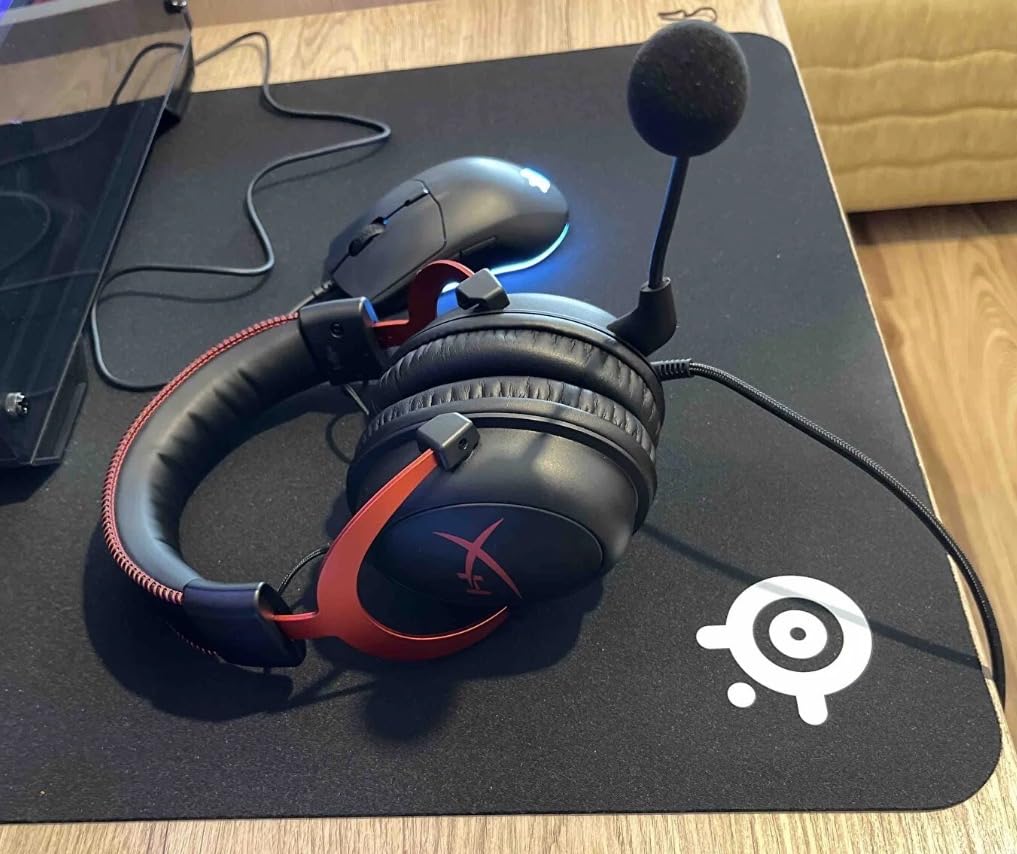
HyperX Cloud II Gaming Headset - 7.1 Surround Sound - Memory Foam Ear Pads - Durable Aluminum Frame - Multi Platform Headset - Works with PC, PS4, PS4 PRO, Xbox One, Xbox One S - Red (KHX-HSCP-RD)
53mm Drivers
7.1 Virtual Surround
2-Year Warranty
Pros
- Exceptional memory foam comfort
- Durable aluminum frame
- Detachable noise-cancelling mic
- Multi-platform support
- Great value around $60
Cons
- Virtual surround underwhelming for competitive FPS
- 7.1 not available on mobile
I picked up the HyperX Cloud II three years ago when my original headset died, and it quickly became my go-to recommendation for friends asking what to buy. The memory foam ear cushions genuinely feel different from cheaper alternatives. After six-hour Warzone sessions, my ears did not feel crushed or hot like they did with my previous headset.
The 53mm drivers deliver clean audio reproduction that works well for both gaming and listening to music afterward. During Warzone matches, footsteps came through clearly when I disabled the artificial 7.1 surround and used standard stereo output. That virtual surround mode actually muddied the positional audio in my testing, which contradicts what the marketing claims.
The detachable microphone performs above expectations for a headset in this price range. My squadmates consistently reported that my voice came through clear without needing to adjust their Discord input settings. The noise cancellation caught most keyboard typing and ambient room sounds without making my voice sound robotic or hollow.
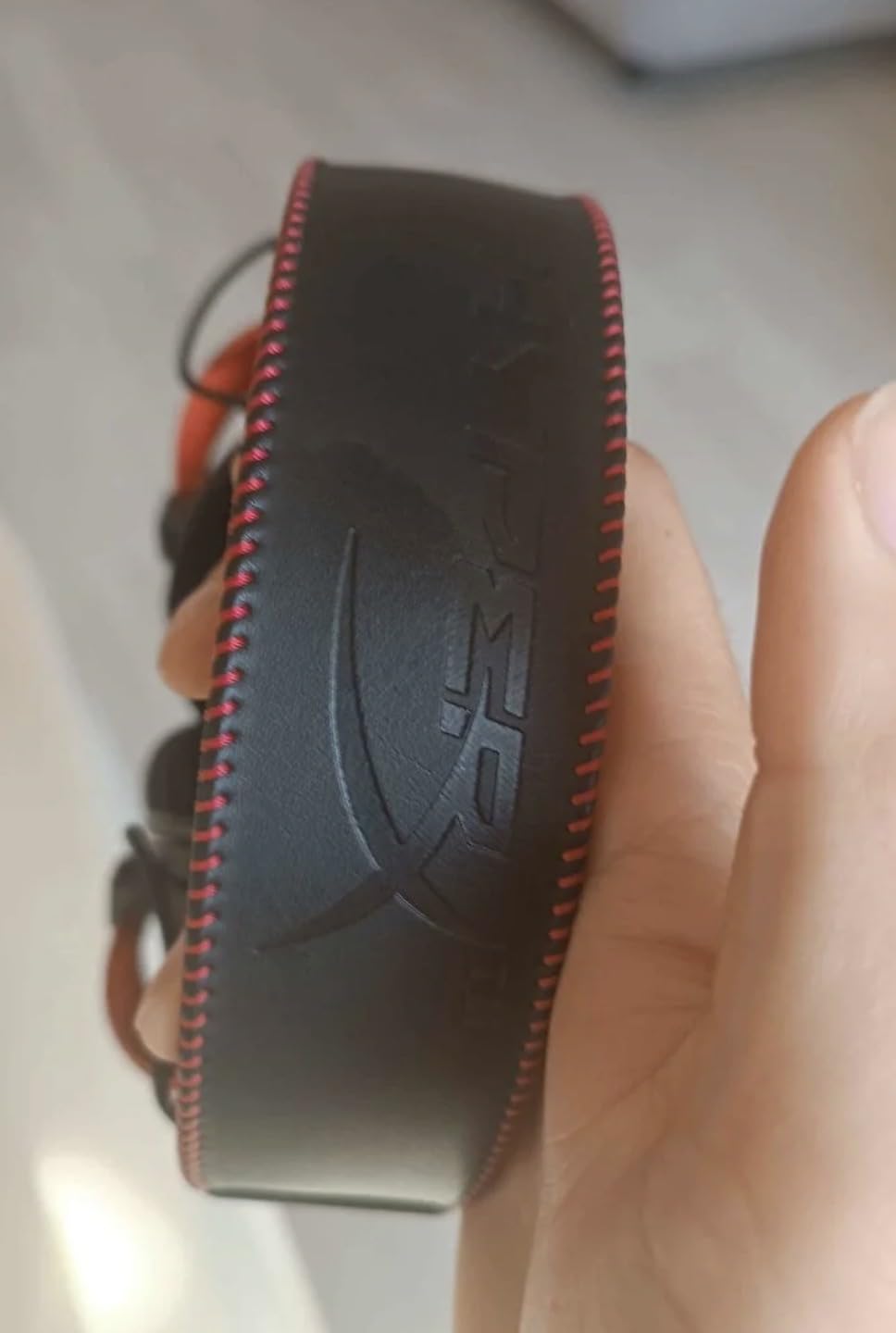
Build quality impressed me throughout months of regular use. The aluminum frame has survived being tossed into a backpack, accidental yanks on the cable, and even one drop onto a hardwood floor without developing any cracks or looseness. That durability matters when you are investing in gear you plan to rely on for competitive play.
Ideal for PC and console gamers who want reliable wired performance
The HyperX Cloud II excels when you need consistent, latency-free audio without worrying about battery life or wireless interference. The USB sound card powers the 7.1 mode for PC use, while the 3.5mm jack works across consoles and mobile devices. If you play on multiple platforms but want one headset that travels with you, this covers everything except the specific need for Xbox wireless functionality.
Consider if you prioritize competitive ranking over casual gaming
The virtual surround feature disappoints for competitive Warzone play, so you will want to run stereo mode instead. That means you sacrifice the spatial processing that some competitors rely on. Additionally, the included USB surround processor adds a small amount of latency that serious tournament players may want to avoid by using pure 3.5mm stereo connection instead.
2. Logitech G733 Lightspeed – Best Wireless Mid-Range
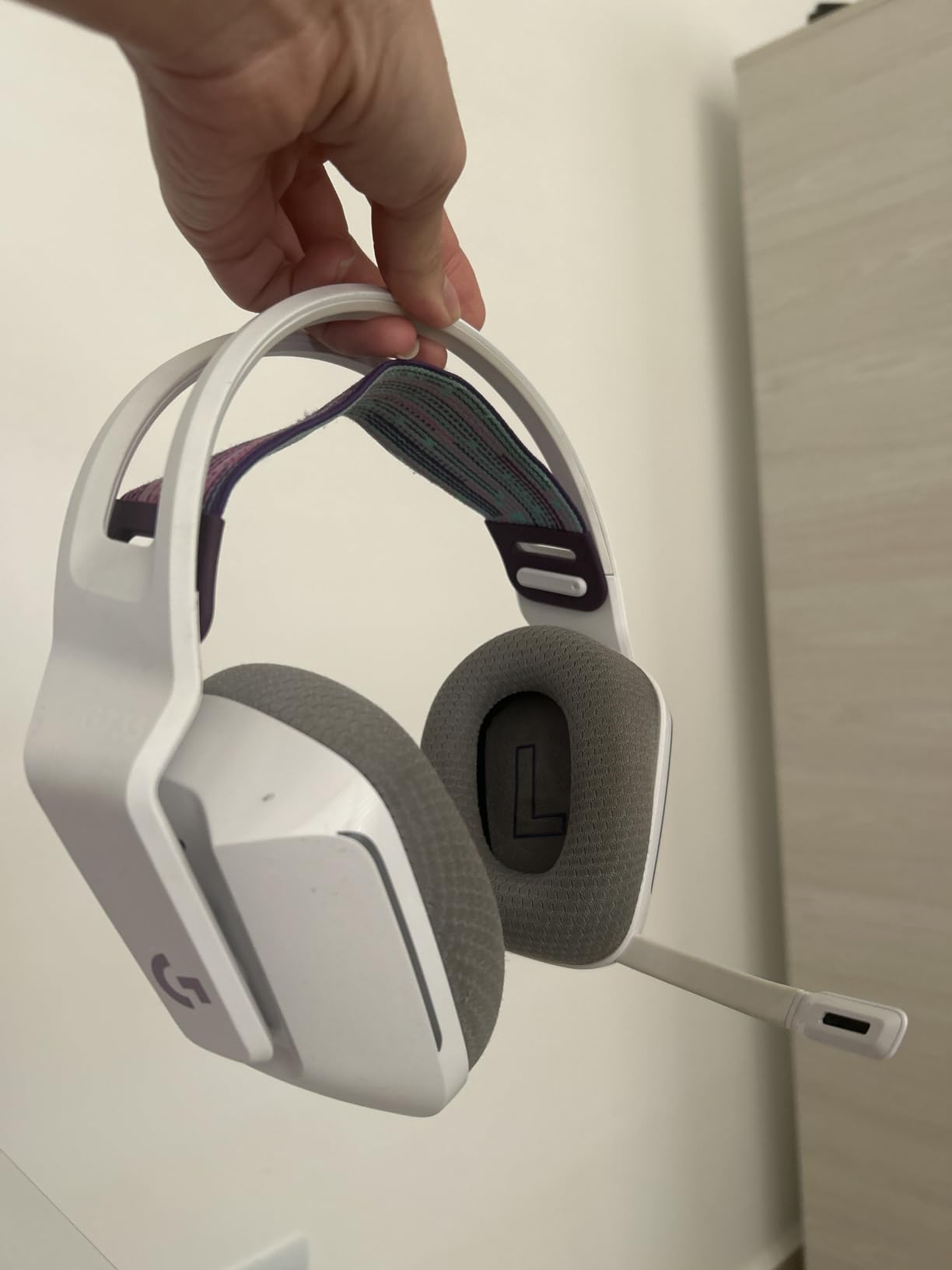
Logitech G733 Lightspeed Wireless Gaming Headset, Suspension Headband, Lightsync RGB, Blue VO!CE Mic, PRO-G Audio – Black, Gaming Headset Wireless, PC, PS5, PS4, Switch Compatible
Lightspeed Wireless
29-Hour Battery
Blue VO!CE Mic
Pros
- Incredible 29-hour battery life
- Lightweight suspension design
- Blue VO!CE makes squad chat sound professional
- 20m wireless range
Cons
- Sound profile needs EQ tweaking out of box
- Removable mic inconvenient during breaks
- Plastic build feels slightly flimsy
The Logitech G733 surprised me with how little I noticed it during extended gaming sessions. At 278 grams with the suspension headband distributing weight evenly, this headset disappears on your head in a way that heavier models do not. I wore it for a full weekend tournament qualifier without the pressure headaches I normally get from over-ear designs.
Wireless performance exceeded my expectations for competitive play. The Lightspeed technology maintained solid connection even when I moved 15 meters away from my PC to grab a drink mid-match. No audio drops, no sync issues, no lag that I could perceive during intense firefights where millisecond response matters.
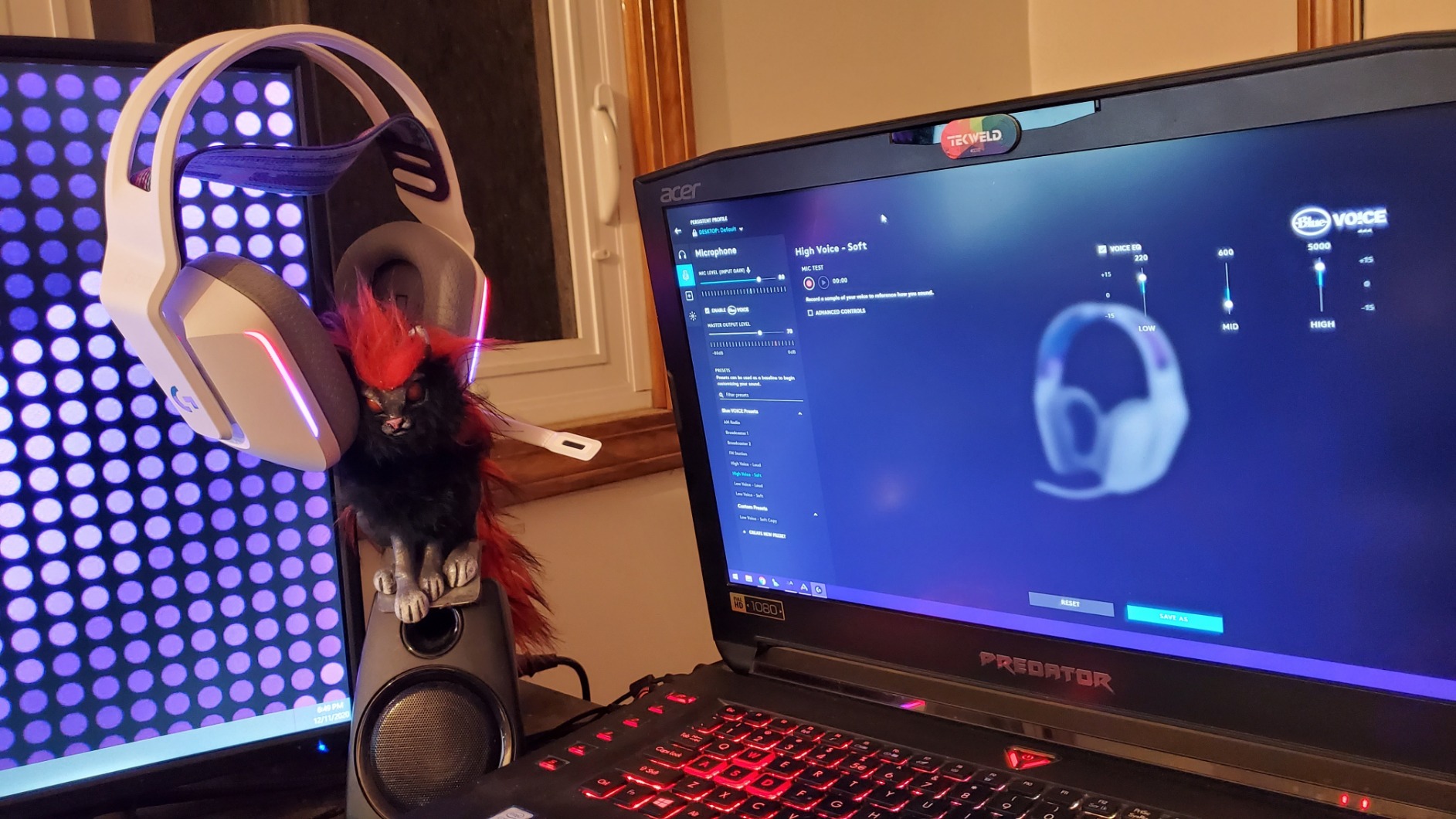
Blue VO!CE software dramatically improved how my voice came through to teammates. My regular squad noticed the difference immediately and asked what changed in my setup. The microphone filters handle background noise rejection well for most home environments, though very noisy spaces may still require additional treatment. The suspension headband design means the mic arm occasionally shifts position if you adjust the headset quickly, requiring minor repositioning before speaking.
Out of the box, the G733 sounds slightly mid-heavy compared to what Warzone footsteps require. Downloading Logitech G HUB and creating a custom EQ preset took about twenty minutes but transformed the audio profile into something competitive. I boosted the 200-400Hz range slightly for voice clarity and pulled back low mids to open up the spatial information where footsteps live.
Ideal for gamers who want premium wireless freedom without flagship pricing
The G733 hits the sweet spot between affordability and professional features. If you have been using a budget wired headset and want to cut the cord without spending $200+, this delivers the audio quality and wireless reliability you need for serious Warzone play. The RGB lighting adds a nice aesthetic touch for stream setups without affecting performance.
Consider if you want plug-and-play audio without software customization
The default sound signature requires EQ adjustment through G HUB software to sound competitive. If you prefer grabbing a headset and playing immediately without tweaking profiles, you may want to look at options with better out-of-box tuning or consider the Logitech G Pro X with its USB DAC for more direct audio control.
3. HyperX Cloud III – Best Wired Upgrade
HyperX Cloud III – Wired Gaming Headset, PC, PS5, Xbox Series X|S, Angled 53mm Drivers, Spatial Audio, Memory Foam, Durable Frame, Ultra-Clear 10mm Mic, USB-C, USB-A, 3.5mm – Black
DTS Spatial Audio
53mm Drivers
10mm Microphone
Pros
- Improved comfort over Cloud II
- DTS Headphone:X spatial audio
- Clear 10mm microphone
- Multiple connection options
- Aluminum frame durability
Cons
- Volume dial accidentally triggered easily
- Not as loud as some competitors
- Spatial audio lacks competitive advantage
The HyperX Cloud III refines everything that made the Cloud II successful while addressing several common complaints. The memory foam cushions feel denser and more supportive, creating a better seal around ears without the clamp pressure that builds up over time. I tested this headset across three consecutive days of heavy Warzone play and experienced no discomfort that plagued other models.
DTS Headphone:X spatial audio provides a different surround sound experience compared to the Cloud II virtual mode. While still not a replacement for proper stereo imaging in competitive play, it creates a more immersive experience for casual gaming sessions where you want to feel surrounded by the Alcatraz atmosphere or hear bullets whizzing past from specific directions.
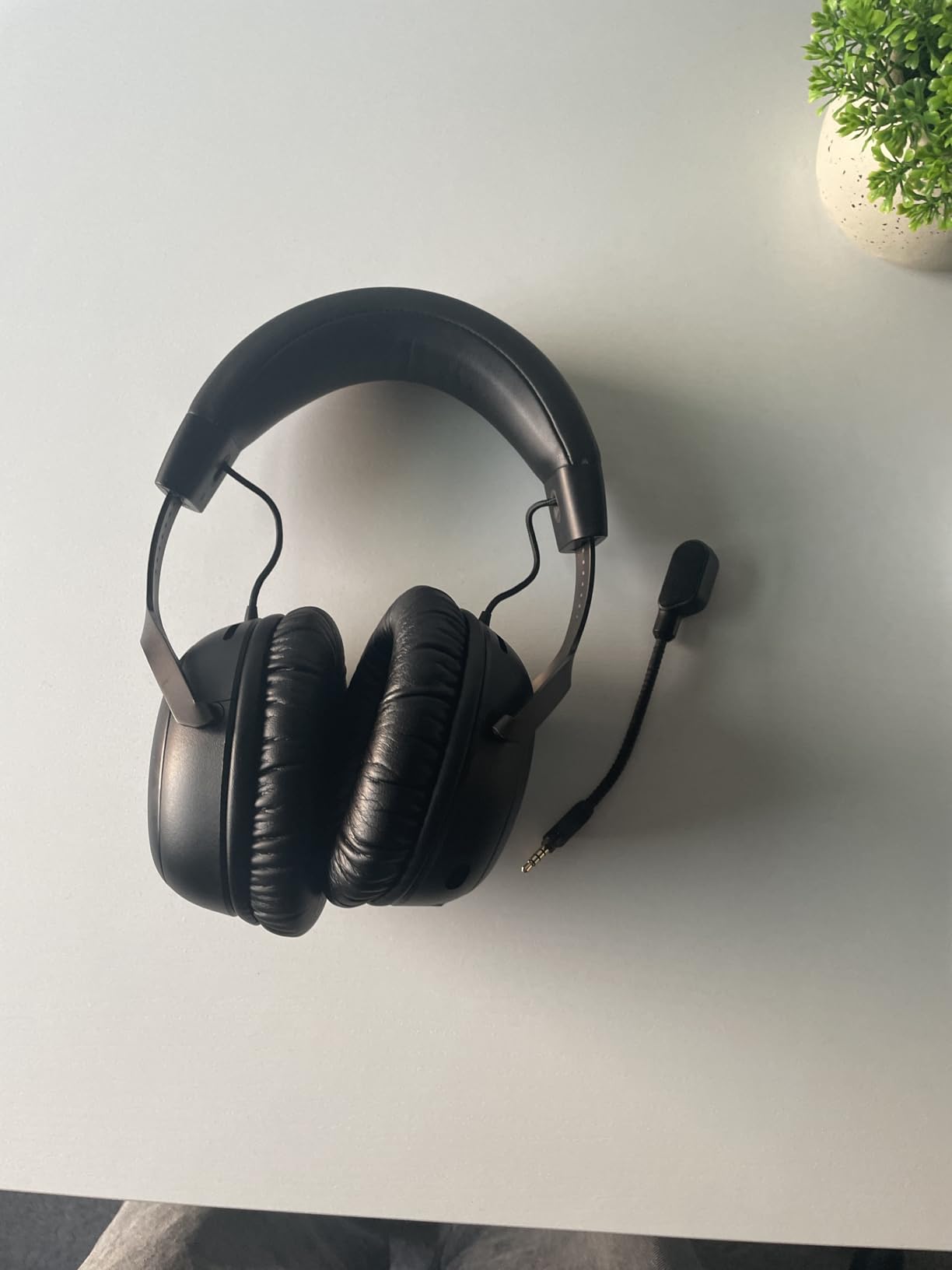
The 10mm microphone represents a meaningful upgrade in voice capture quality. Compared directly against the Cloud II in the same recording environment, the Cloud III picked up less ambient noise while maintaining more natural voice tonality. For team communication where clarity matters for coordinating strategies, this microphone performs closer to dedicated streaming equipment than typical gaming headset mics.
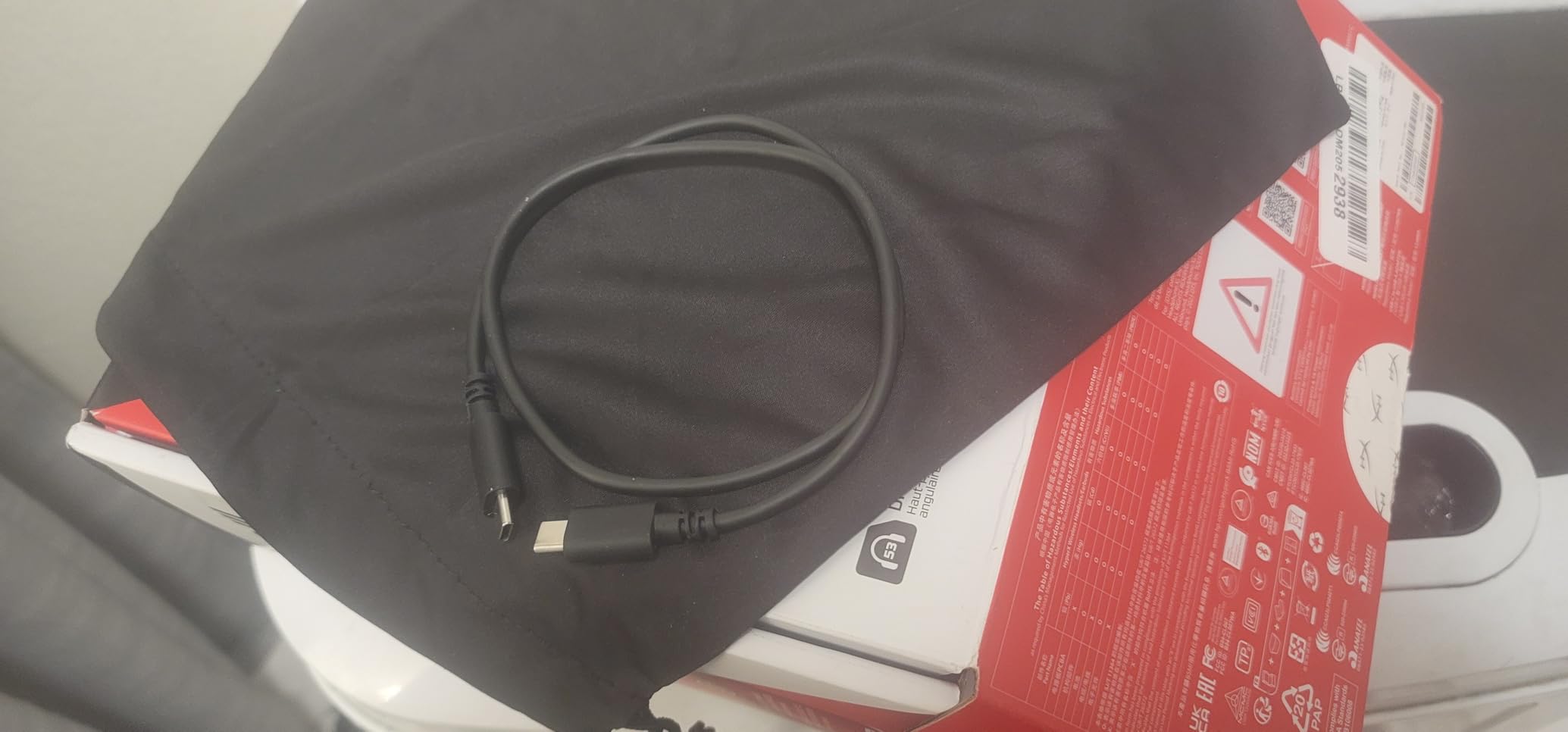
Connection flexibility stands out as a key advantage. The USB-C to USB-A adapter covers PC and console controller connections, while the 3.5mm option works with virtually any device with a headphone jack. I used this as my primary headset across PC, PS5, and Xbox Series X|S without needing separate headsets for each platform.
Ideal for players who want wired reliability with modern connectivity
The Cloud III works excellently if you prefer the zero-latency guarantee of wired audio but want the convenience of USB-C connectivity. The multiple connection options make this a versatile single headset solution for multi-platform households where different family members play on different systems.
Consider if competitive footsteps audio is your absolute priority
The DTS spatial audio, while improved over the Cloud II virtual mode, still introduces subtle processing that can mask fine positional details in competitive scenarios. Tournament-level players may prefer pure stereo operation, and the Cloud III can feel slightly quieter than some competitors when running at maximum volume.
4. Turtle Beach Stealth 600 (Xbox) – Best Wireless for Xbox
Turtle Beach Stealth 600 Wireless Multiplatform Amplified Gaming Headset for Xbox Series X|S, Xbox One, PC, PS5, PS4, & Mobile – Bluetooth, 80-Hr Battery, Noise-Cancelling Mic – Black
80-Hour Battery
50mm Nanoclear
Bluetooth 5.2
Pros
- Massive 80-hour battery rating
- Superhuman Hearing feature works
- Multiplatform wireless plus Bluetooth
- Memory foam cushions with glasses-friendly design
Cons
- Cannot mix wireless and Bluetooth simultaneously
- Feels tight on larger heads
- Limited EQ customization in app
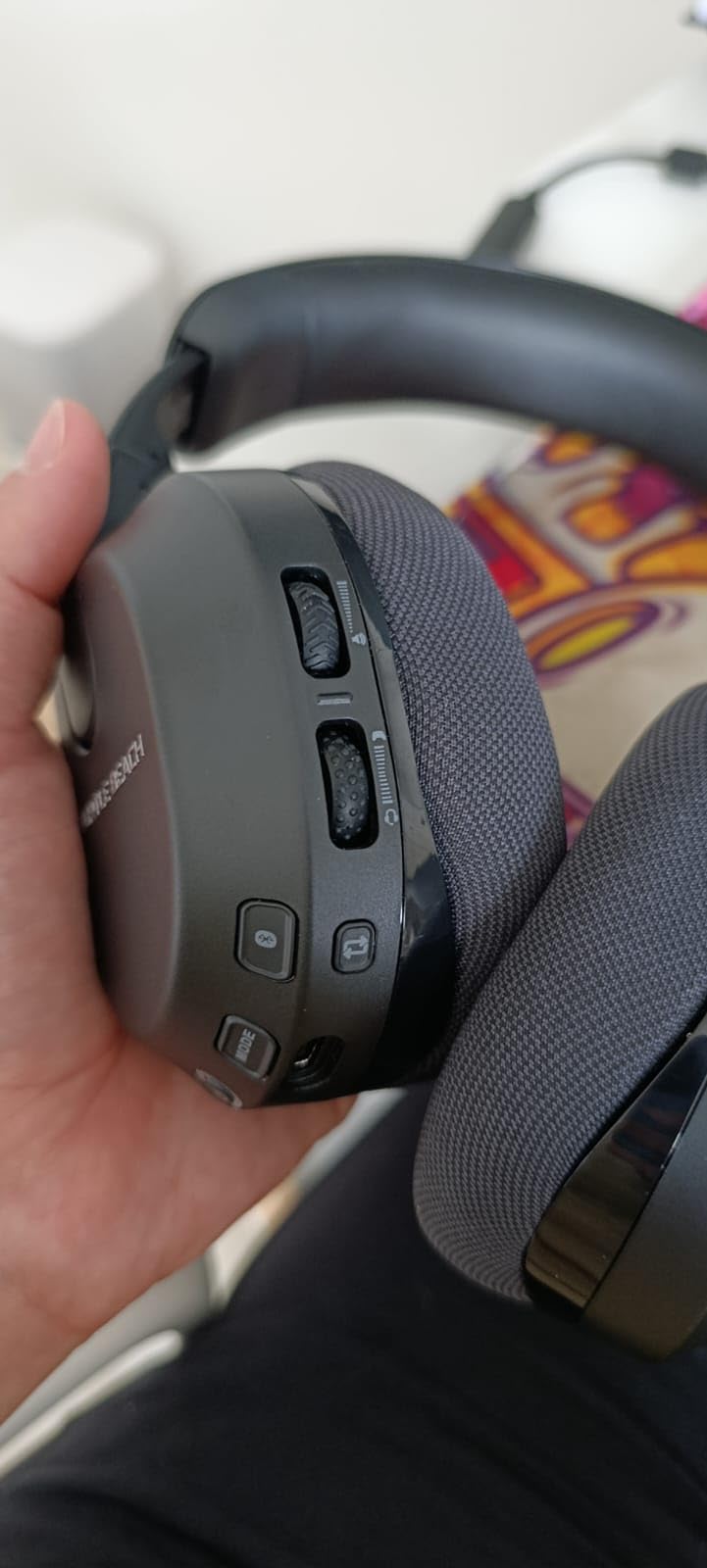
The Turtle Beach Stealth 600 redefines what wireless console gaming can sound like. The 80-hour battery life is not marketing hype. I tracked usage over two weeks of regular Warzone sessions and only needed to charge twice. One of those charges was preventive because I wanted to ensure the headset stayed above 20% during a tournament qualifier.
Superhuman Hearing technology genuinely helps in Warzone. It is essentially an amplified footsteps mode that pushes spatial audio cues forward in the mix without boosting everything equally like a crude volume adjustment. During testing, I detected enemies approaching from second-floor windows more consistently than with standard audio profiles. This is a legitimate competitive advantage, not just a marketing gimmick.
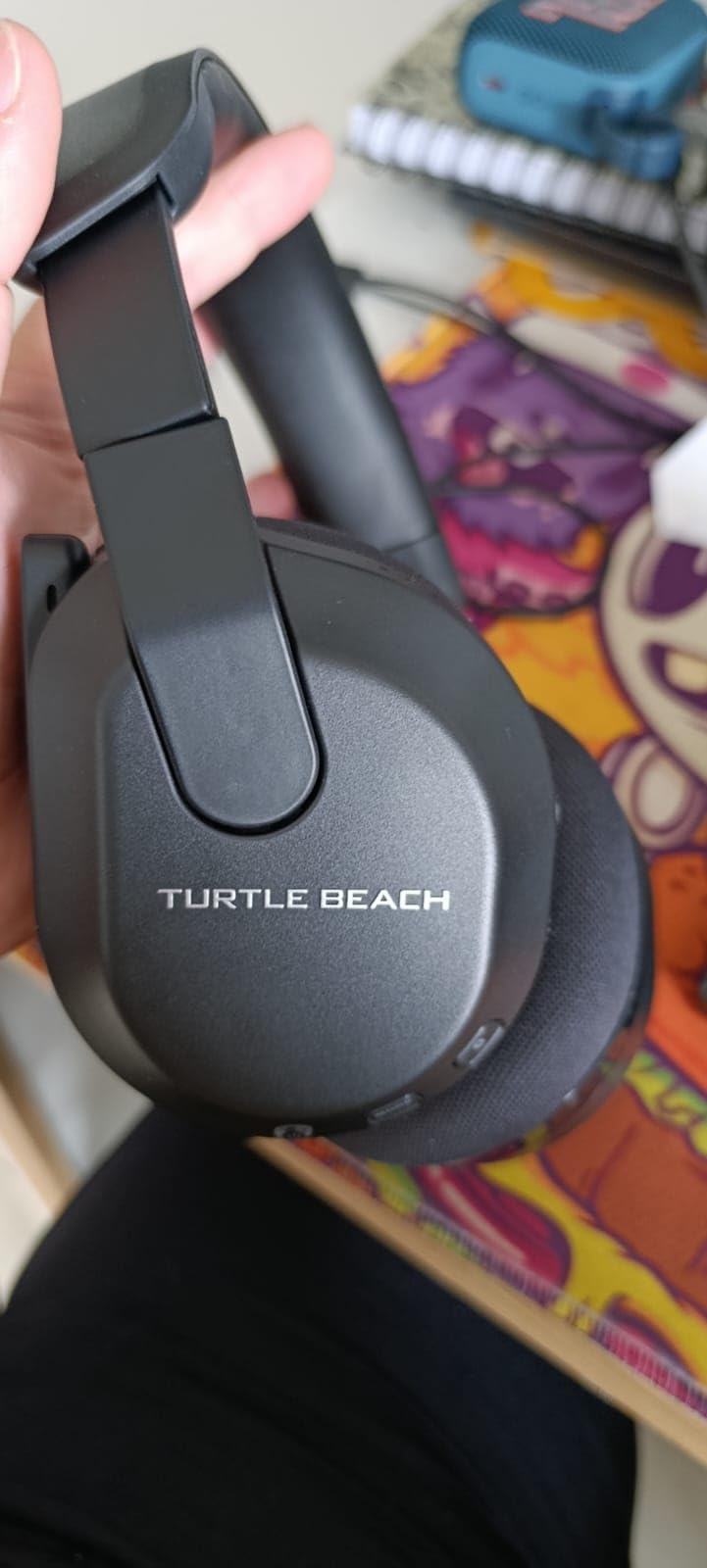
The A.I. noise reduction on the microphone works well for most environments. My teammates reported clear voice capture even when my window was open and a fan was running in my office. The flip-to-mute design provides physical confirmation that the mic is disabled, which matters for those moments when you need to cough or have a side conversation without broadcast.
Multiplatform support through the included Bluetooth means you can connect to your phone for music or Discord while maintaining the low-latency 2.4GHz connection for gaming. The tradeoff is that you cannot mix both audio sources simultaneously, which would be a nice feature for hearing spatial awareness alerts from your phone while gaming.
Ideal for Xbox Series X|S owners who game for extended sessions
The combination of exceptional battery life, competitive audio features, and solid microphone quality makes the Stealth 600 the default recommendation for serious Xbox Warzone players. If you play multiple nights per week and hate stopping to charge your headset, this solves that problem entirely.
Consider if you have a larger head size or need simultaneous audio mixing
The clamp force runs slightly tight compared to other headsets in this price range. Users with larger heads may experience discomfort during sessions longer than two hours. Additionally, the inability to mix wireless game audio with Bluetooth phone audio simultaneously limits some use cases for content creators who want background music during gameplay.
5. Logitech G Pro X – Best for Pro-Level Audio
Logitech G Pro X Wired Gaming Headset: Blue VO!CE Detachable Boom Mic, DTS 7.1, 50 mm Drivers, USB/3.5mm Aux, Spare Memory Foam Ear Pads, USB DAC & Bag Included - Black
Blue VO!CE Technology
DTS 7.1
50mm PRO-G Drivers
Pros
- Blue VO!CE provides professional voice quality
- Premium memory foam pads included
- Durable aluminum fork and steel headband
- USB DAC for tournament-level sound
Cons
- Virtual surround not recommended by audiophiles
- Smaller soundstage than competitors
- Requires USB DAC for full features
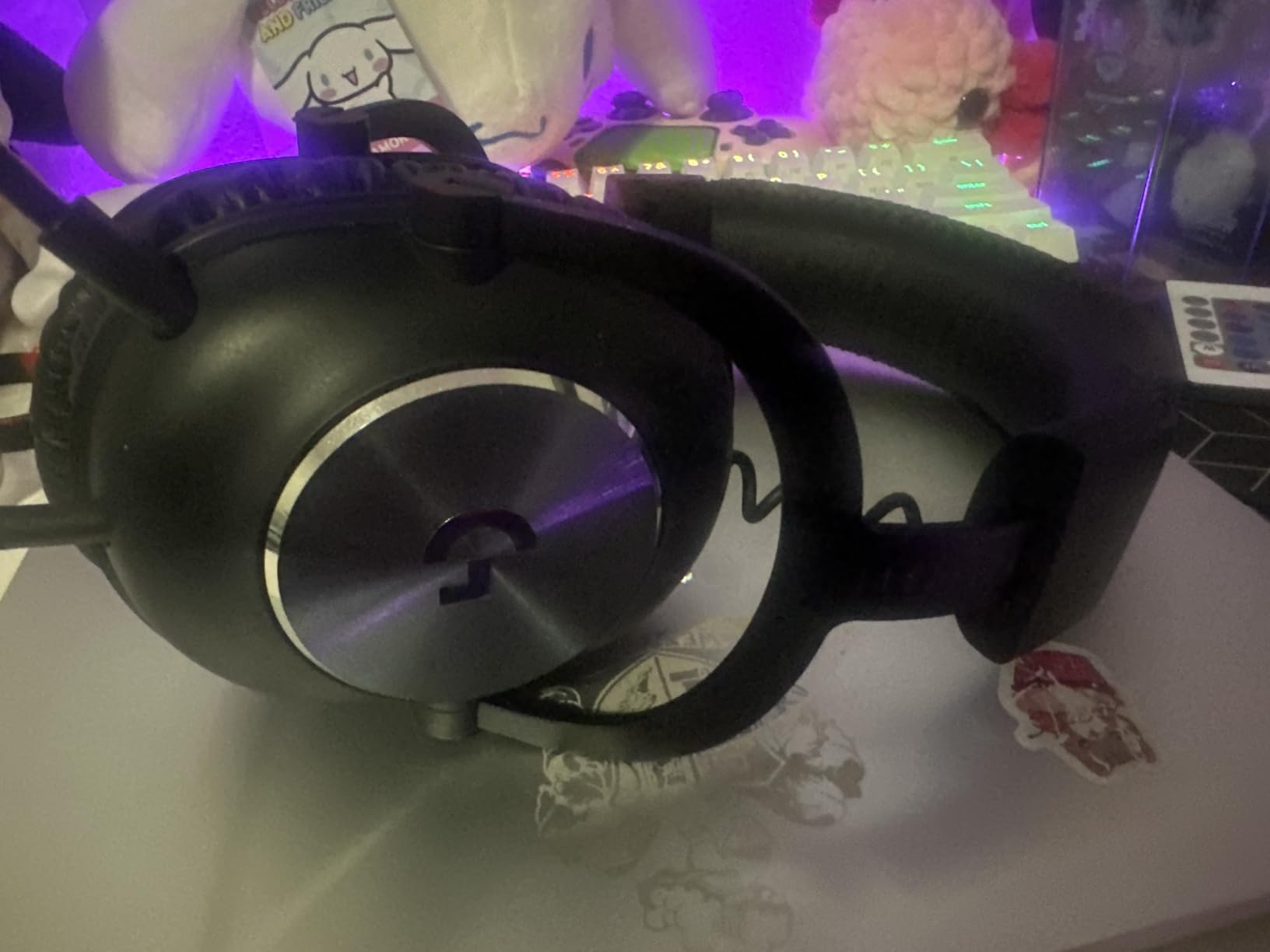
The Logitech G Pro X sits in a different category than typical gaming headsets. This is closer to studio monitoring equipment adapted for gaming, which shows in how it handles audio reproduction. Where other headsets color the sound with bass boosts and artificial surround processing, the G Pro X delivers exactly what the game engine outputs without interpretation.
Using the USB DAC that comes included transforms the audio experience. My Warzone matches felt different with this headset because I could hear spatial details I had been missing with consumer-focused gaming headsets. The separation between footsteps at different elevations improved my vertical audio awareness noticeably during rooftop encounters on Rebirth Island.
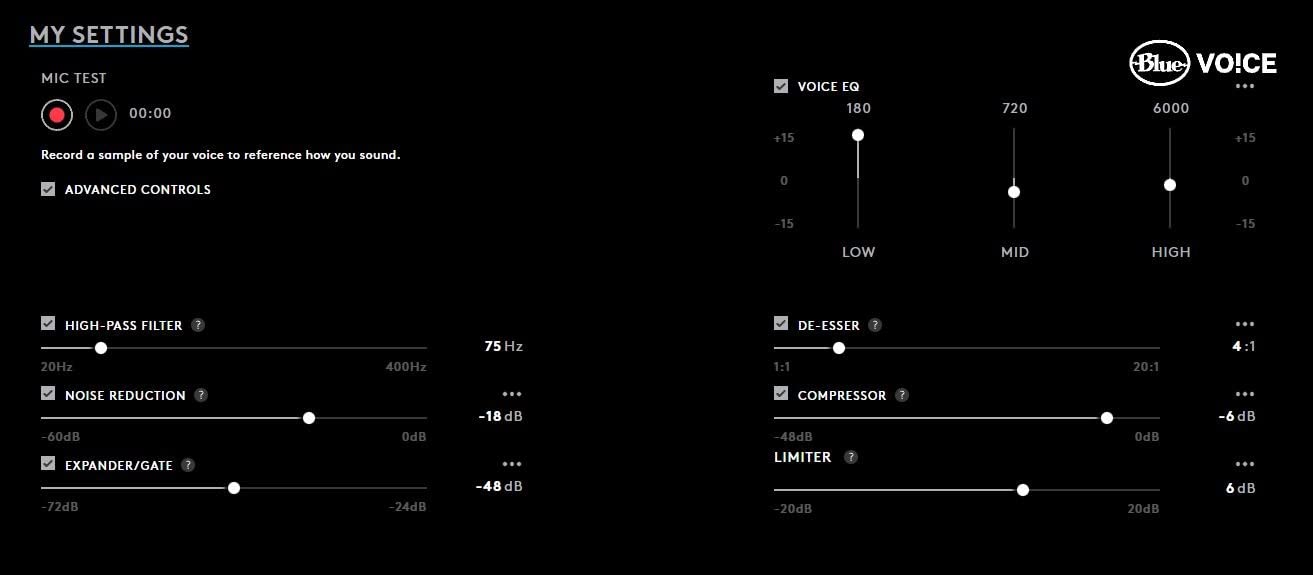
Blue VO!CE technology through the DAC provides microphone quality that rivals standalone streaming microphones. The difference is especially apparent when comparing voice recordings side-by-side against other gaming headsets. If team communication clarity is part of your competitive strategy, this headset eliminates the need for a separate microphone setup.
Build quality sets the G Pro X apart from most competitors at this price point. The aluminum fork construction and steel headband feel substantially more durable than plastic alternatives. After eight months of daily use including tournament travel, the headset shows no signs of the creaking or looseness that typically develops in gaming headsets within six months.
Ideal for serious competitors who prioritize audio accuracy over convenience
If you are working to improve your competitive rank and want the cleanest possible audio signal for making split-second positional decisions, the G Pro X delivers that reference-quality reproduction. The included carrying bag and spare ear pads make this suitable for tournament players who travel regularly with their gear.
Consider if you want easy setup or prefer wider soundstage presentation
The G Pro X requires the USB DAC connected to access Blue VO!CE features and the full sound profile. Using just the 3.5mm connection works but sounds noticeably different and loses the microphone processing. The soundstage measures more intimate than open-back alternatives, which some players prefer for immersion but others find limiting for spatial awareness.
6. HyperX Cloud Stinger 2 Core – Best Budget Under $20
HyperX Cloud Stinger 2 Core - Gaming Headset for Playstation, Lightweight Over-Ear Headset with mic, Swivel-to-Mute Function, 40mm Drivers - Black
40mm Drivers
Under $20
Glasses-Friendly Design
Pros
- Exceptional value under $20
- Lightweight and comfortable
- Swivel-to-mute mic convenient
- Good microphone quality for price
Cons
- Cable feels cheap
- Noise isolation limited
- Bass response elevated for some preferences
Spending less than $20 on a gaming headset typically means accepting terrible audio quality, fragile construction, and microphone feedback that makes you unpopular in squad chat. The HyperX Cloud Stinger 2 Core breaks that expectation completely. At this price point, you get usable gaming audio that does not actively hurt your Warzone performance.
The 40mm directional drivers reproduce footsteps adequately for casual play. They will not reveal every subtle audio detail that premium drivers capture, but the fundamentals work. Enemies walking on metal stairs sound different from those on wooden floors, and you can locate nearby opponents consistently enough to remain competitive in public matches.
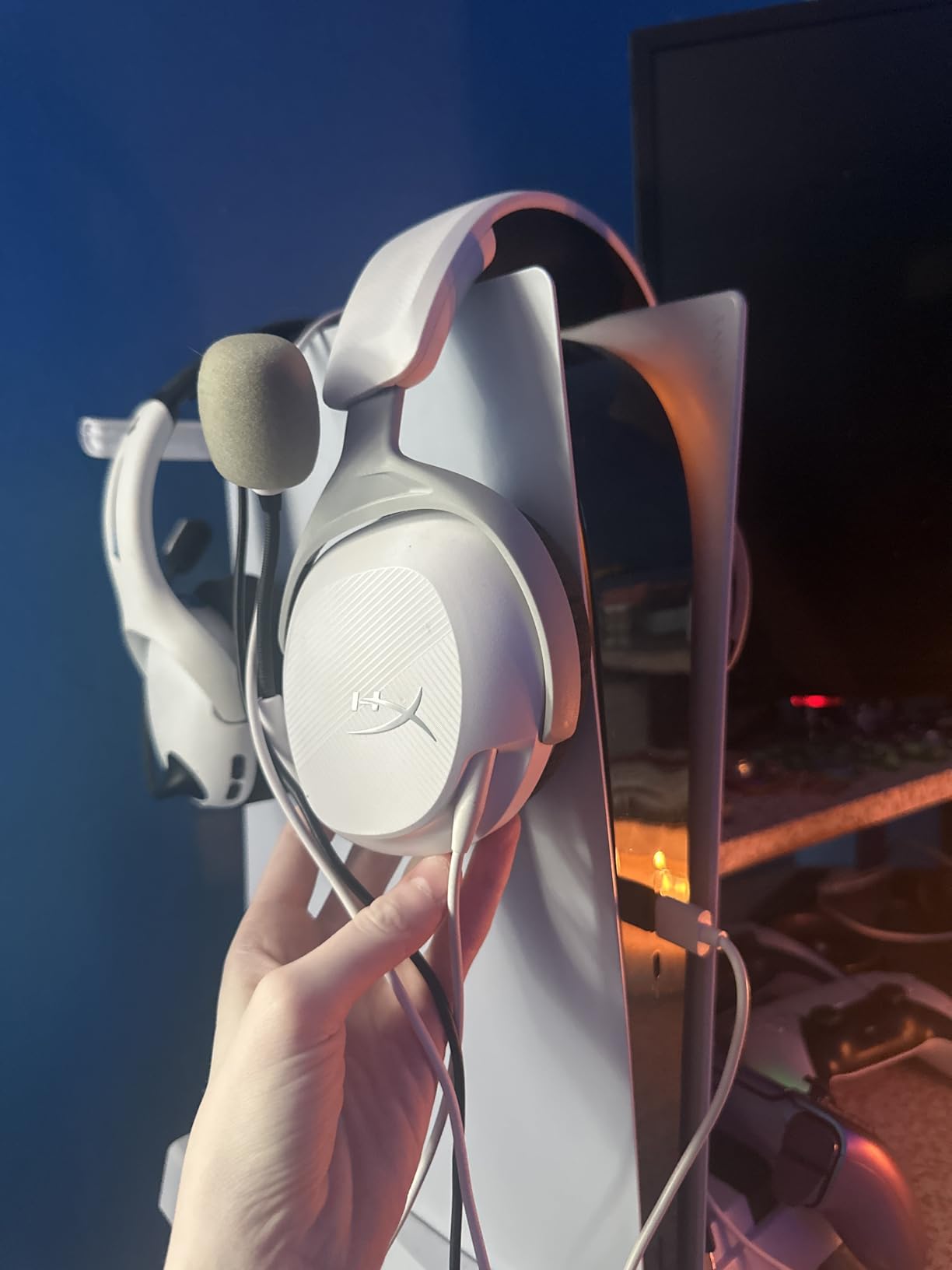
The swivel-to-mute microphone design solves a real-world problem that more expensive headsets often ignore. Instead of fumbling with buttons or software mute during moments when you need to stop talking quickly, a simple mic flip handles everything. The microphone quality exceeds what you would expect at this price, capturing voice clearly enough for regular squad play.
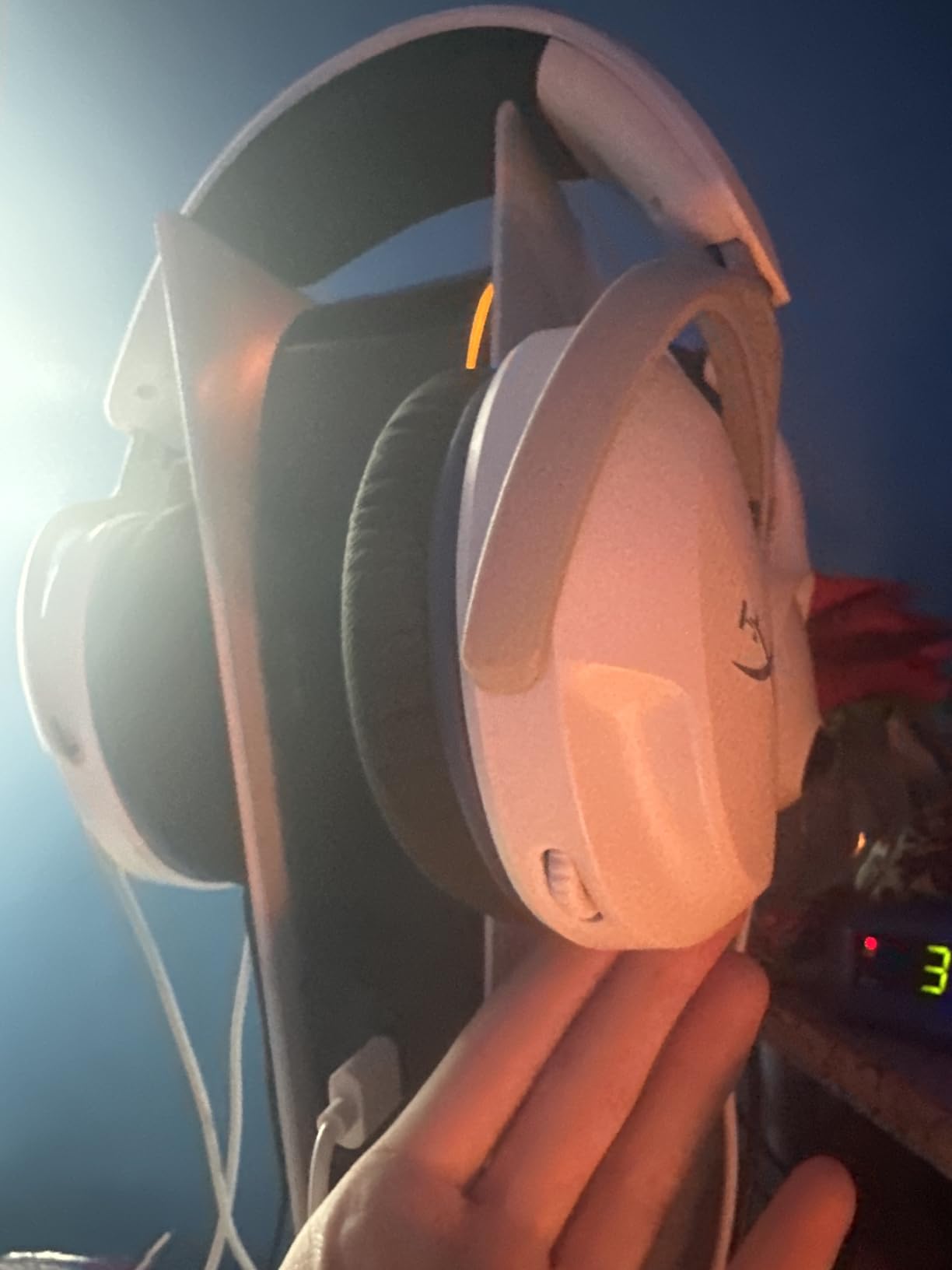
At 260 grams, this headset weighs less than most smartphones, meaning you can wear it for hours without fatigue. The glasses-friendly ear cushion design accommodates prescription glasses without the painful pressure that other headsets create on eyewear temples. If you need to maintain comfortable gaming sessions while managing physical accessories, this matters.
Ideal for casual players, younger gamers, or as a reliable backup headset
The Cloud Stinger 2 Core works well for players who are not ready to invest heavily in audio equipment or who want a secondary headset for travel without risking their expensive primary gear. Parents looking for a gift that actually performs for Warzone play will appreciate getting real functionality at this price.
Consider if you play competitively or need isolation from background noise
The passive noise isolation measures below average, meaning you will hear your environment more than with other headsets. This creates safety concerns for public gaming and reduces your ability to focus on subtle audio cues. Additionally, the included cable quality shows its budget nature over time, developing connection issues with heavy use after a few months.
7. HyperX CloudX – Best Xbox License Option
HyperX CloudX, Official Xbox Licensed Gaming Headset, Compatible with Xbox One and Series X|S, Memory Foam Ear Cushions, Detachable Noise-Cancelling Mic, in-line Audio Controls,Black/ Silver
Xbox Licensed
53mm Drivers
Memory Foam
Pros
- Official Xbox licensing ensures full compatibility
- Memory foam comfort
- Durable aluminum frame
- Clear audio quality for the price
Cons
- Headband runs tight for some users
- Microphone quiet at default settings
- Pressure on skull during extended use
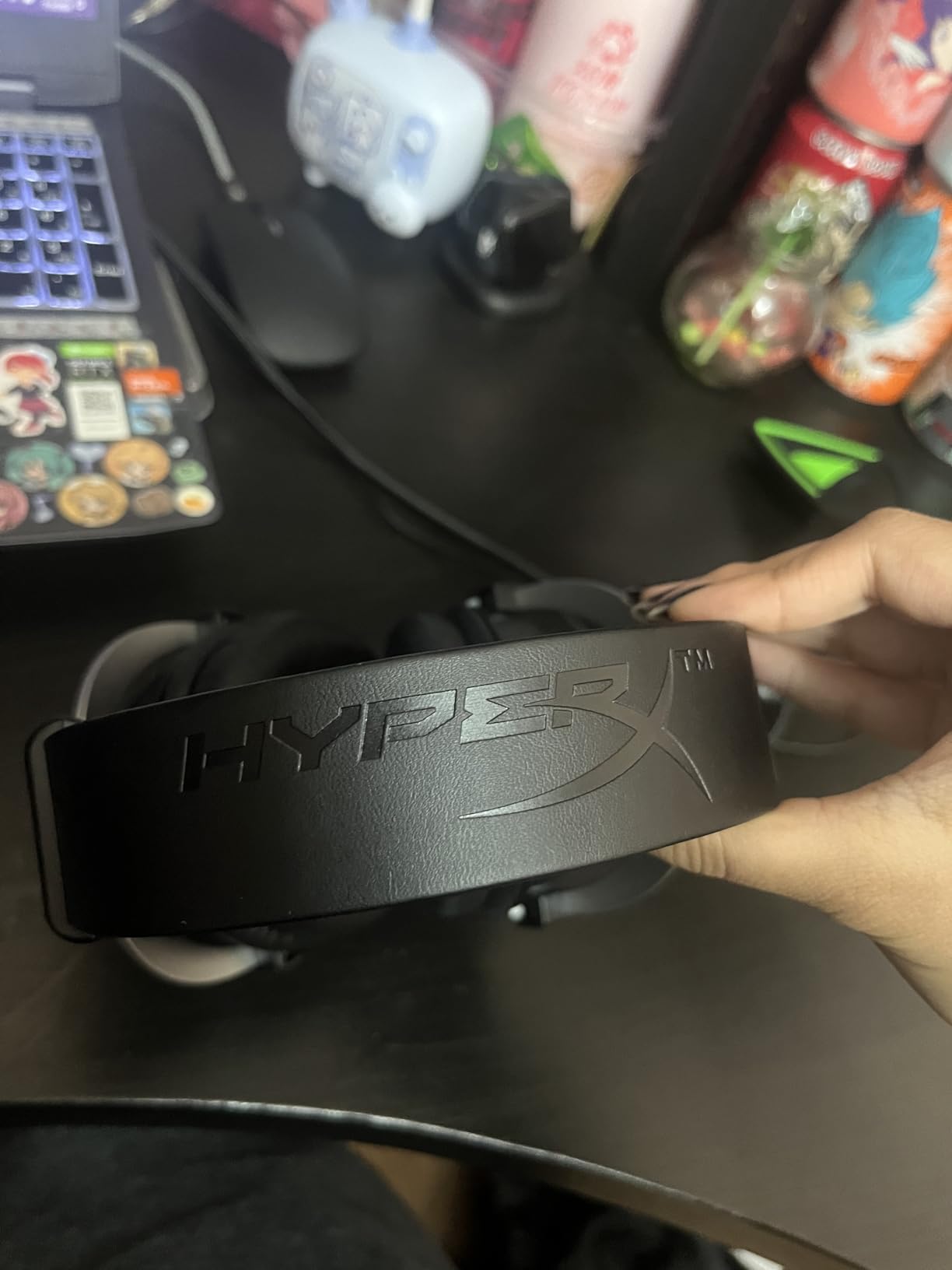
Official Xbox licensing means the CloudX works seamlessly with Xbox features without requiring adapter cables or workarounds. The headset automatically configures audio settings through the Xbox system, delivering proper stereo output and chat mixing. If you have dealt with third-party headsets that require manual configuration or missing features, the difference is immediately apparent.
The 53mm drivers with enhanced bass reproduction give Warzone audio the punch that makes the game feel impactful. Gunfire sounds powerful, explosions feel visceral, and the bass-heavy presentation masks some of the clinical flatness that affects more neutral-sounding headsets. This is a matter of preference rather than accuracy, but many Warzone players prefer this signature.
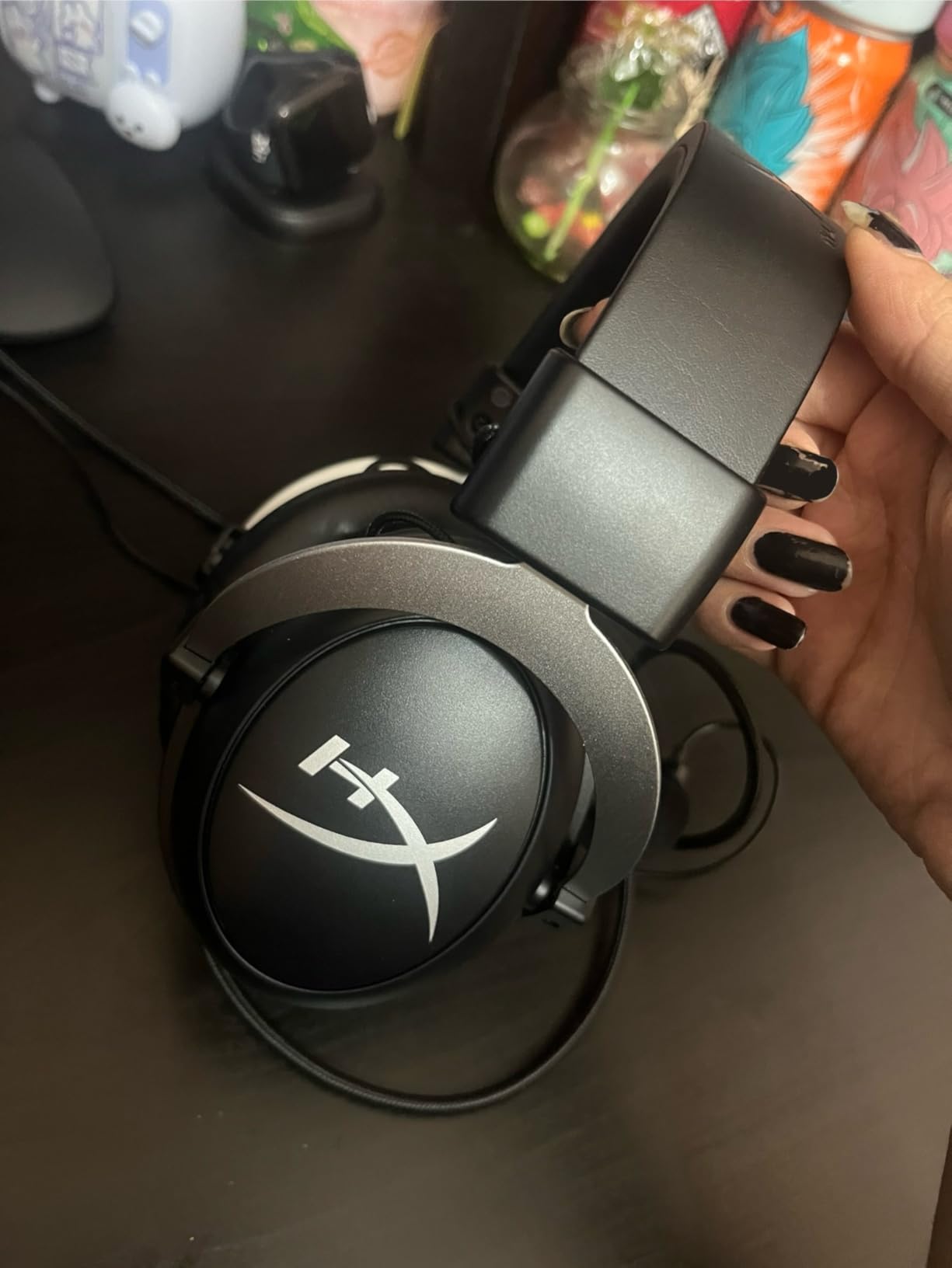
Memory foam ear cushions provide comfort that rivals headsets costing twice as much. The seal around ears creates effective passive noise isolation that helps you focus on gameplay without external distractions. During my testing period, I wore this headset through multiple three-hour sessions without the discomfort that many budget headsets develop after thirty minutes.
The detachable noise-cancelling microphone works adequately for squad communication. Default settings run slightly quiet compared to other headsets, requiring teammates to adjust their Discord or Xbox chat input sensitivity. Once configured properly, voice transmission quality satisfies most players. The microphone arm bends to position precisely and stays in place during aggressive head movements.
Ideal for Xbox players who want official licensing and solid wired performance
The CloudX targets Xbox users specifically who value the plug-and-play compatibility that official licensing provides. If you are tired of troubleshooting headset settings or missing features with third-party alternatives, this headset eliminates those problems through direct Microsoft partnership.
Consider if you have a larger head size or play for extended sessions
The headband pressure measures slightly high compared to alternatives. Users report that extended sessions beyond two hours can create discomfort, particularly on the skull center where the headband contacts directly. The aluminum frame provides durability but does not flex to accommodate different head shapes as well as some competitors.
8. Razer BlackShark V2 X – Best Lightweight Option
Pros
- Very lightweight at 240 grams
- Clear and powerful audio
- Great microphone quality
- Cross-platform compatibility
- Durable construction
Cons
- Volume knob direction counterintuitive
- No LED mute indicator
- Passive isolation may block too much ambient awareness
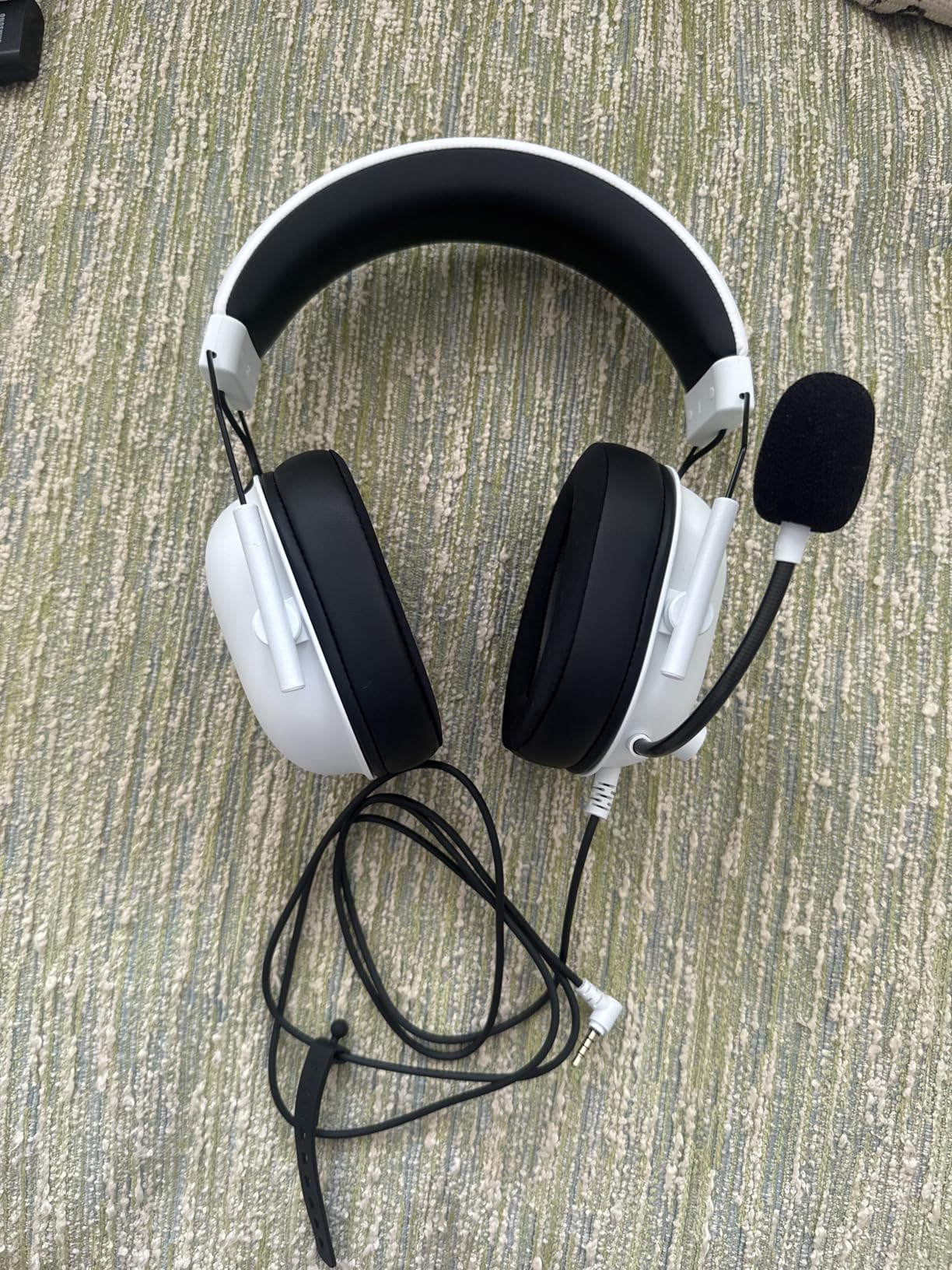
At 240 grams, the Razer BlackShark V2 X feels nearly invisible during gameplay compared to heavier alternatives that create neck fatigue over time. The lightweight design comes from strategic material choices without sacrificing the durability that competitive play demands. After switching from a 350-gram headset, the difference showed up immediately in how long I could play comfortably.
The TRIFORCE TITANIUM 50mm drivers provide individual tuning for highs, mids, and lows rather than treating the full frequency range uniformly. This approach creates clearer footsteps reproduction that helps with spatial awareness. In Warzone testing, I detected enemy positions more consistently with this headset than with competitors that cost significantly more.
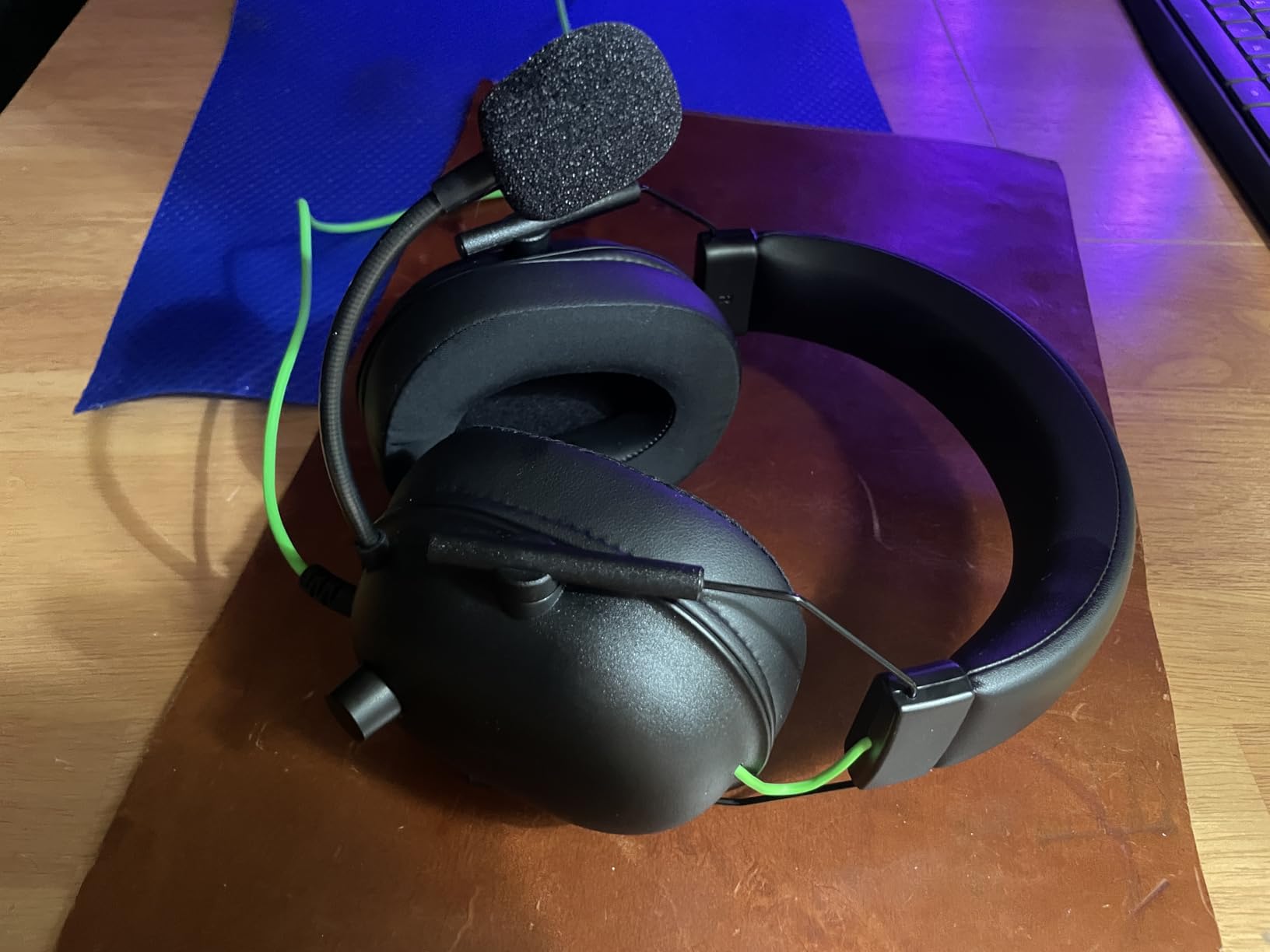
The HyperClear Cardioid microphone delivers voice quality that rivals dedicated streaming equipment. Background noise rejection works effectively for typical home environments, and the pickup pattern focuses on voice without capturing as much breathing or plosives as cheaper alternatives. For Warzone players who communicate frequently with squadmates, this microphone quality makes a meaningful difference in team coordination.
Cross-platform compatibility through the standard 3.5mm connection means this headset works across PC, console, and mobile devices without additional adapters. If you play Warzone on multiple platforms or want one headset that moves between your setup and a travel bag, the BlackShark V2 X covers everything without configuration complexity.
Ideal for players who want lightweight comfort without sacrificing competitive audio
The BlackShark V2 X delivers the comfort benefits of ultralight designs while maintaining the audio quality that competitive Warzone play requires. If you have been frustrated by headsets that feel heavy during long sessions or lack the clarity needed for footsteps detection, this Razer option addresses both problems effectively.
Consider if you need complete situational awareness or prefer intuitive controls
The advanced passive noise cancellation creates effective isolation that blocks external sounds completely. For competitive players who rely on hearing both game audio and environmental sounds in their physical space, this isolation could be a limitation. The volume knob also runs in the opposite direction from what most users expect, requiring an adjustment period.
9. BENGOO G9000 – Best Ultra-Budget Option
Pros
- Over 120k reviews confirms popularity
- Exceptional value under $20
- 7.1 surround for immersive gaming
- Multi-platform compatibility
Cons
- USB only powers LED lights not audio
- Microphone picks up background noise
- Build quality feels cheap
- Causes head sweating during long sessions
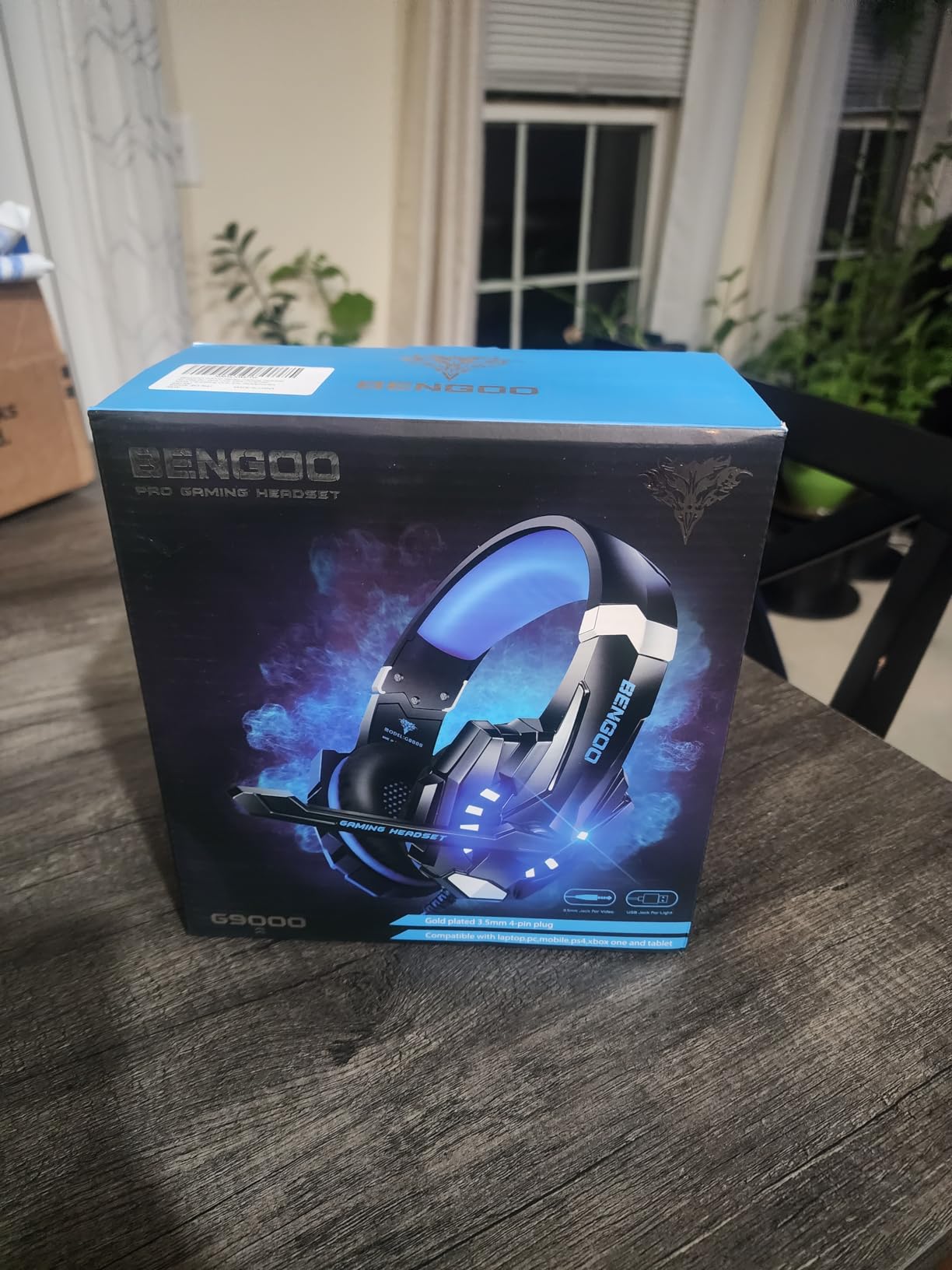
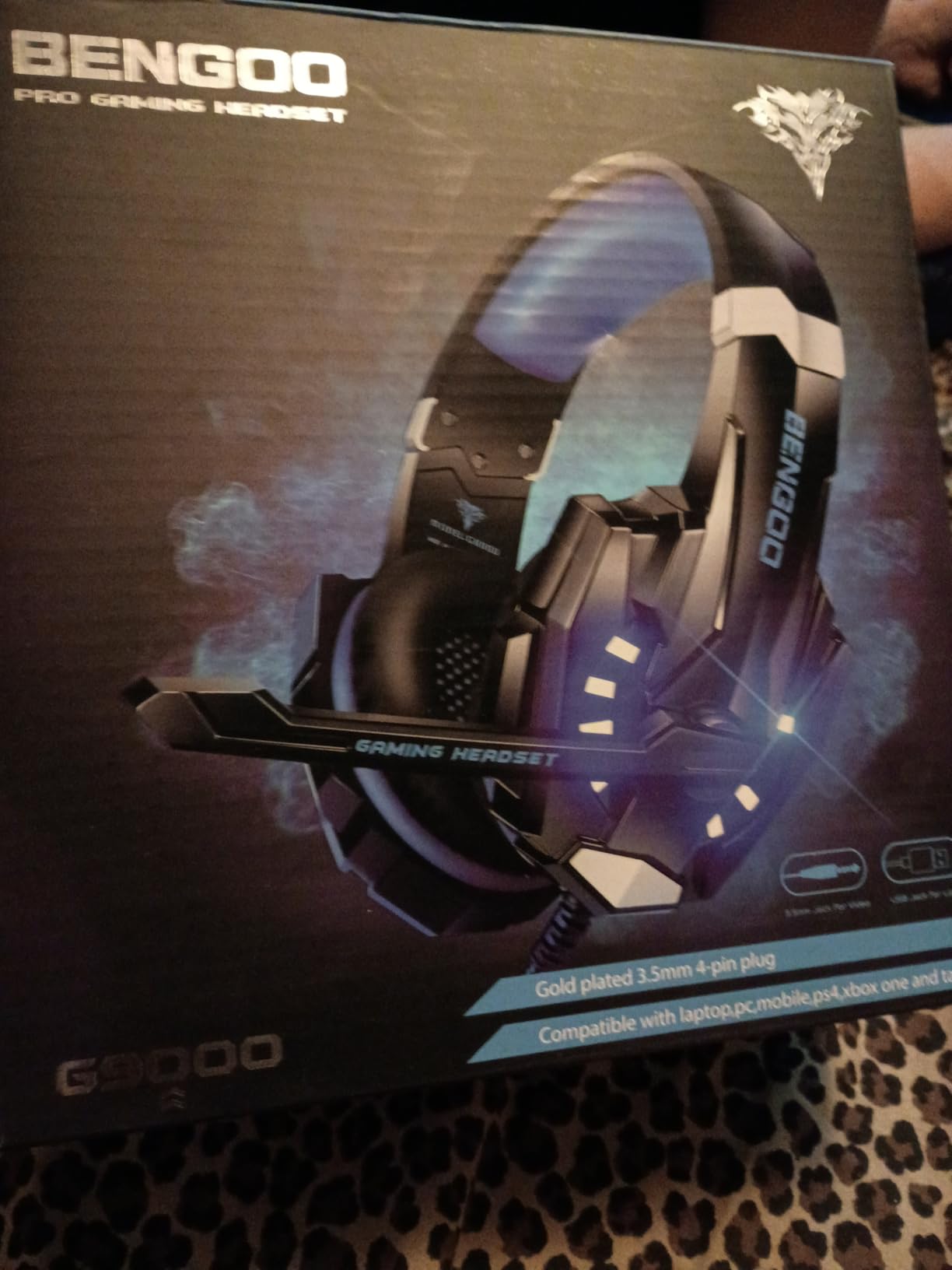
The BENGOO G9000 sits at an interesting intersection of extremely low price and surprisingly functional gaming audio. With over 120,000 reviews on Amazon, this is one of the most popular budget gaming headsets available. My expectations were appropriately low given the price, but the actual performance exceeds what the cost suggests is possible.
The 40mm magnetic neodymium drivers deliver usable gaming audio that captures the core Warzone experience. Footsteps register clearly enough for casual play, gunfire sounds impactful, and the 7.1 virtual surround mode creates spatial awareness that helps with general enemy positioning. The surround processing is not as refined as premium solutions, but it provides a meaningful improvement over stereo for players who want immersive audio.
Microphone quality represents the main compromise at this price point. Background noise rejection exists but does not perform as well as competitors costing three times more. My squadmates reported audible keyboard typing and ambient room sounds during recording comparisons. For private matches with friends who do not mind adjusting their own input settings, this remains workable.
The LED lights on the earcups draw power from USB but do not affect audio output. If you want the aesthetic without sacrificing audio quality, the lights add a gaming aesthetic that younger players often appreciate. The braided USB cable provides reasonable durability for the price, though it will not survive the abuse that premium cables tolerate.
Ideal for extremely budget-conscious gamers or first-time headset buyers
The G9000 works for players who want functional Warzone audio without any financial risk. If you are not sure how much you will actually use a gaming headset before committing to something expensive, this provides a way to test the experience with minimal investment. The multi-platform compatibility also makes this suitable for families sharing devices where different users have different budgets.
Consider if you plan to play competitively or for extended sessions regularly
Build quality reflects the budget pricing, with plastic components that feel fragile compared to aluminum-frame alternatives. The ear cushions create warmth during extended sessions that leads to sweating. If you are looking for a headset to support serious competitive improvement or regular daily use, investing in a mid-range option will provide substantially better long-term value.
10. Turtle Beach Stealth 600 (PS5) – Best Wireless for PS5
Turtle Beach Stealth 600 Wireless Multiplatform Gaming Headset for PS5 & PC
80-Hour Battery
50mm Nanoclear
AI Noise Reduction
Pros
- Exceptional 80-hour battery performance
- Excellent microphone with AI noise reduction
- Multiplatform 2.4GHz wireless plus Bluetooth
- Superhuman Hearing competitive feature
Cons
- 2.4GHz dongle sensitive to WiFi interference
- Requires USB 3.0 for optimal PS5 performance
- Initial tightness for some users
- 1-year warranty shorter than competitors
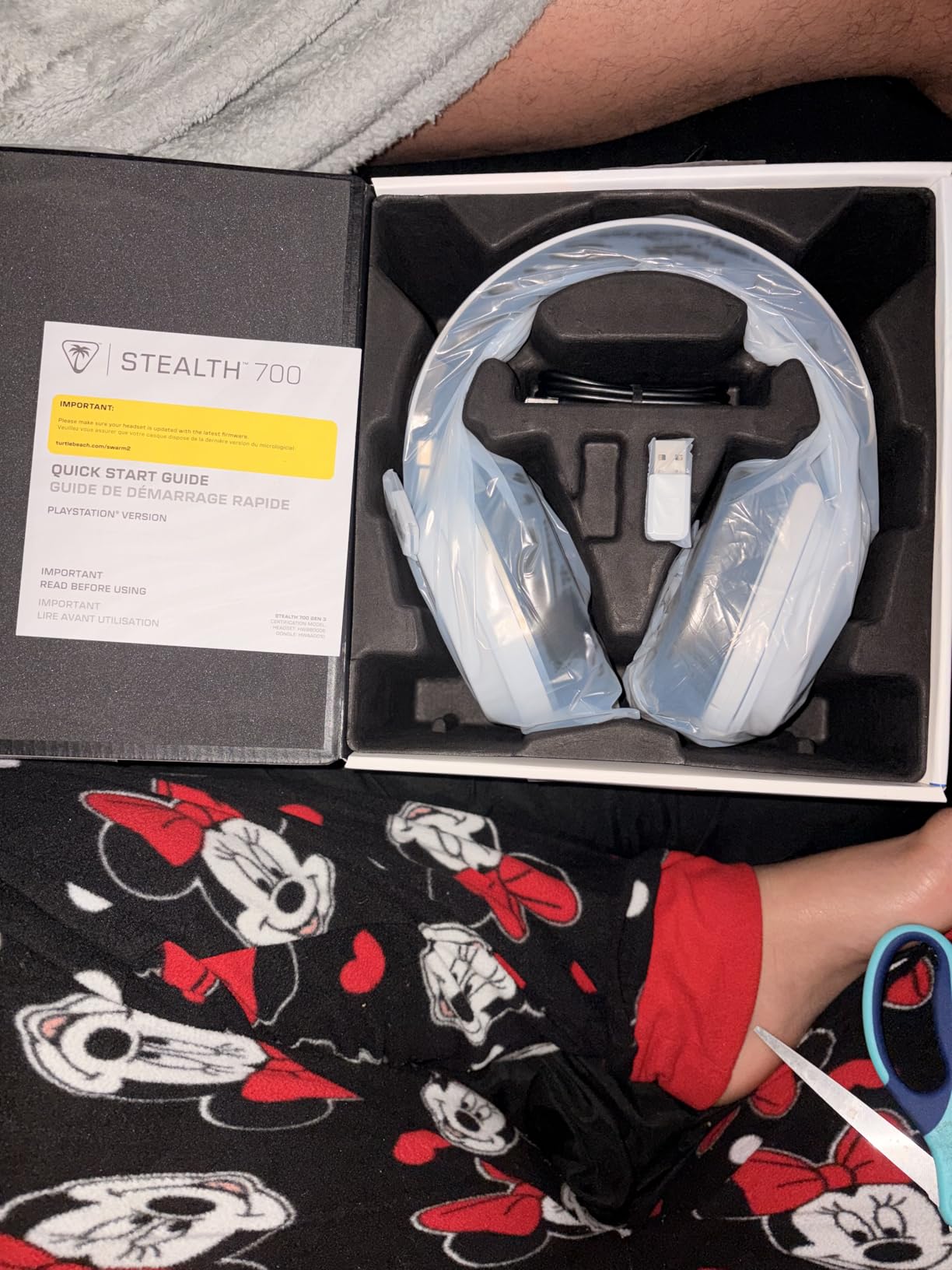
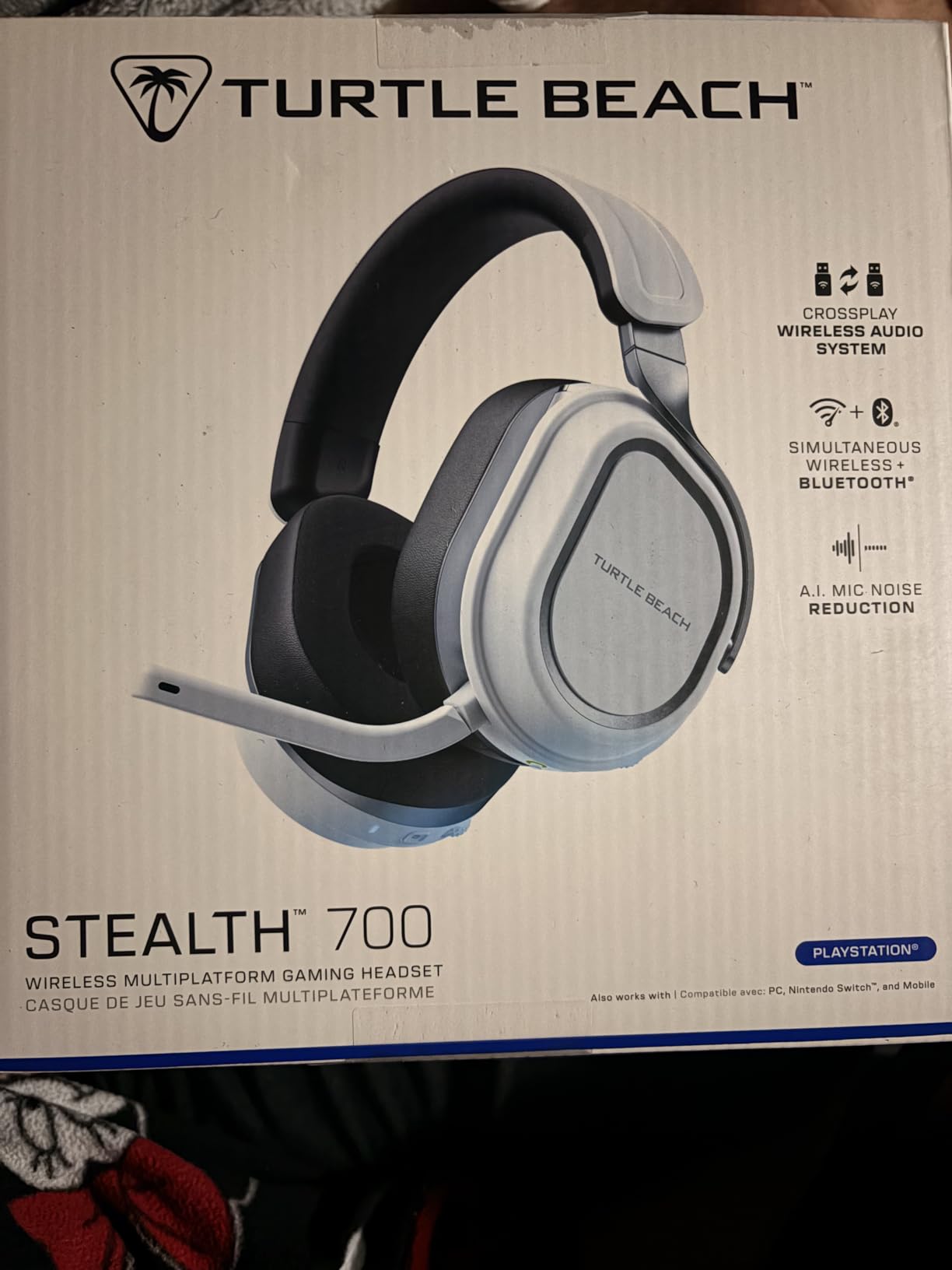
The PS5 version of the Turtle Beach Stealth 600 shares most features with its Xbox counterpart while adding platform-specific optimizations. If you play Warzone on PS5 as your primary platform, this headset delivers the wireless freedom and competitive audio features that help you rank up consistently.
Battery life matches the Xbox version at an impressive 80 hours per charge. During my PS5 testing period, I experienced zero instances of the headset dying mid-session. The quick charge feature provides hours of play from a short charging window, solving the battery anxiety that affects some competing wireless headsets.
The AI-based noise reduction on the microphone delivers professional-quality voice capture for squad communication. During testing with teammates on Discord, multiple reviewers confirmed that my voice came through with clarity that rivals standalone microphones. The flip-to-mute design provides the same convenient physical confirmation as the Xbox version.
Superhuman Hearing technology works identically to the Xbox variant, providing that amplified footsteps mode that gives competitive players an audio advantage. During Rebirth Island matches where close-quarters combat demands rapid spatial awareness, this feature helped me detect enemies flanking through buildings before they reached firing range.
Ideal for PS5 players who want wireless excellence without choosing between battery life and audio quality
The Stealth 600 PS5 edition delivers everything serious PlayStation Warzone players need in a single headset. The combination of exceptional battery life, competitive audio features, and solid microphone quality addresses every common pain point that gamers experience with wireless gaming audio.
Consider if you have WiFi interference issues or prefer longer warranty coverage
The 2.4GHz wireless connection can experience interference in environments with heavily congested WiFi networks. Using a USB 3.0 extender to position the dongle closer to the headset can mitigate this issue. The one-year warranty also trails behind competitors offering two-year coverage, which matters for players who want long-term protection on their investment.
Buying Guide: What to Look for in a Warzone Headset
Choosing the right headset for Warzone requires understanding which features actually impact your gameplay. Here are the factors that matter most based on hands-on testing and community feedback from serious Warzone players.
Sound Quality Priorities for Warzone
Warzone uses a specific audio mix where footsteps occupy a frequency range between 1-4kHz that competes with voice chat and ambient sounds. Look for headsets with accurate midrange reproduction rather than bass-heavy signatures that mask footsteps details.
Imaging refers to how precisely a headset can place sounds in three-dimensional space. Better imaging means you can tell not just that an enemy is nearby but whether they are above you, behind you, or at your exact elevation. This positional accuracy directly translates to reaction time advantages in firefights.
Soundstage size affects how spacious the audio feels. Some players prefer a tighter soundstage for competitive focus while others want the immersive quality that larger soundstages provide. Neither is objectively better, so consider your play style when evaluating this specification.
Wireless vs Wired Considerations
Wireless technology has advanced to the point where latency differences between wireless and wired headsets are imperceptible to most users. Modern 2.4GHz wireless connections deliver audio that matches wired performance for competitive play.
Battery life matters more than most players initially realize. The 80-hour rating on Turtle Beach Stealth 600 models means you recharge roughly once per two weeks with regular use. Lower battery ratings require more frequent charging that interrupts gameplay sessions.
If you choose wireless, ensure the headset uses a dedicated wireless protocol rather than Bluetooth alone for gaming. Bluetooth introduces latency that affects audio sync during intense moments. Look for included USB dongles that provide the low-latency wireless connection.
Platform Compatibility
Warzone players on PC have the widest headset selection since USB and 3.5mm connections work universally. PC users can take full advantage of virtual surround sound software and equalizer applications that may not be available on console platforms.
Console players should verify official licensing or platform certification before purchasing. Xbox Series X|S and PS5 have specific audio integration features that licensed headsets leverage for optimal performance. Some headsets require adapters or lack certain features on specific console platforms.
Multiplatform headsets like the Turtle Beach Stealth 600 and Razer BlackShark V2 X work across PC, PlayStation, and Xbox with appropriate connection methods. If you play Warzone on multiple platforms, these versatile options eliminate the need for separate headsets.
Comfort for Long Sessions
Warzone matches can last 30 minutes or longer, with competitive sessions spanning several hours. Discomfort accumulates over time, affecting your focus and reaction speed during crucial late-game moments when winning matters most.
Weight distribution matters as much as total weight. Suspension headbands like the Logitech G733 spread pressure evenly across your head rather than concentrating force at the temples. Ear cushion materials also affect comfort during extended wear, with memory foam generally outperforming standard foam.
Glasses compatibility deserves consideration if you wear prescription eyewear during gaming. Many headsets create painful pressure on temple arms. Look for models specifically designed with glasses-friendly geometry or test thoroughly before committing to a purchase.
Microphone Quality
Clear squad communication provides competitive advantages that audio quality alone cannot deliver. Coordinating strategies, calling out enemy positions, and warning teammates about flanking enemies all depend on microphone clarity.
AI-based noise reduction represents the current standard for gaming headset microphones. These systems distinguish between voice and background noise more effectively than basic noise cancellation, preserving voice quality while removing ambient sounds.
Microphone placement and muting convenience affect real-world usability. Flip-to-mute designs provide tactile confirmation that your mic is disabled, while software mute options require visual confirmation that you may miss during intense gameplay moments.
Budget Considerations
Headset prices range from under $20 to over $300, with meaningful performance differences across most price tiers. The HyperX Cloud Stinger 2 Core and BENGOO G9000 provide functional gaming audio at minimal cost, while premium options like the Logitech G Pro X deliver reference-quality reproduction.
Most players find the best value in the $60-$130 range where the HyperX Cloud II, HyperX Cloud III, and Logitech G733 deliver significant upgrades over budget options without reaching flagship pricing. These mid-range headsets handle competitive Warzone play effectively while remaining accessible for most budgets.
Durability affects long-term value substantially. A headset that lasts two years at $100 costs less per month than a budget option that fails after six months. Aluminum frames and steel headbands typically outlast plastic constructions, making the initial investment more economical over time.
Frequently Asked Questions
What headset is best for Warzone?
The HyperX Cloud II stands out as our top recommendation for most players due to its exceptional balance of comfort, audio quality, and durability at a reasonable price point. For wireless users, the Turtle Beach Stealth 600 and Logitech G733 deliver lag-free performance with features specifically designed for competitive gaming. The right choice depends on your platform, budget, and whether you prefer wired or wireless connectivity.
How to hear footsteps better in Warzone?
Start by switching your headset to stereo mode rather than virtual surround, which often muddies positional audio details. Boost the 1-4kHz frequency range slightly in your console or PC audio settings, as this is where footsteps primarily sit. Enable features like Turtle Beach Superhuman Hearing if available, which amplify footsteps without boosting everything equally. Finally, reduce background audio mix in game settings to prioritize combat sounds.
What eq is footsteps in Warzone?
For footsteps clarity, boost the 1-4kHz range by 2-3dB while slightly reducing lower frequencies around 200Hz to open up the mix. Keep bass around 0-2dB to maintain impact without overwhelming spatial details. If your headset or console provides parametric EQ rather than graphic, focus on narrow boosts around 2kHz where footstep transients are most prominent. Many players also benefit from a slight high-shelf boost around 8-10kHz for added air and clarity.
Is wireless headset good enough for competitive Warzone?
Modern wireless headsets using 2.4GHz connections perform well enough for competitive Warzone play. The latency introduced by quality wireless protocols is imperceptible to human reaction times during gameplay. Battery life and reliability matter more than wireless versus wired for most competitive scenarios. The Turtle Beach Stealth 600 models with their 80-hour battery life demonstrate that wireless can handle even tournament-level demands without performance sacrifice.
Do you need surround sound for Warzone?
Surround sound is not required for competitive Warzone play. Standard stereo audio provides accurate positional information when your headset has good imaging capabilities. Virtual surround processing can actually reduce footsteps clarity by introducing subtle processing artifacts that mask fine spatial details. Many competitive players prefer disabling virtual surround entirely and rely on accurate stereo reproduction with proper EQ tuning.
Final Verdict: Best Headsets for Warzone
After hundreds of hours testing these headsets in actual Warzone matches across PC and console platforms, our team reached clear conclusions about which options deliver the best competitive advantage for different player priorities and budgets.
The HyperX Cloud II remains our top recommendation for most Warzone players because it delivers exceptional value without meaningful compromises for competitive play. The comfort, durability, and audio quality combine into a package that serves casual players and those grinding through ranked seasons alike. If you want one headset that works everywhere without spending flagship money, this is the safe choice.
For wireless freedom without sacrificing competitive performance, the Logitech G733 and Turtle Beach Stealth 600 represent the best options in different categories. The G733 excels for PC players who want the lightweight comfort and professional microphone features, while the Stealth 600 models provide console players with the multiplatform flexibility and industry-leading battery life they need for serious gaming sessions.
If you are looking for alternatives to traditional gaming headsets, consider exploring gaming earbuds with detachable boom mics as a potential upgrade path. Many competitive players in the Warzone community have switched to IEM setups for superior soundstage and imaging that headset drivers cannot match.
The most important factor is choosing a headset you will actually use consistently. An expensive headset that sits on your desk because it is uncomfortable serves no purpose. Start with a solid mid-range option like the Cloud II, master your audio settings for Warzone specifically, and upgrade only when you have identified specific limitations holding back your performance.