
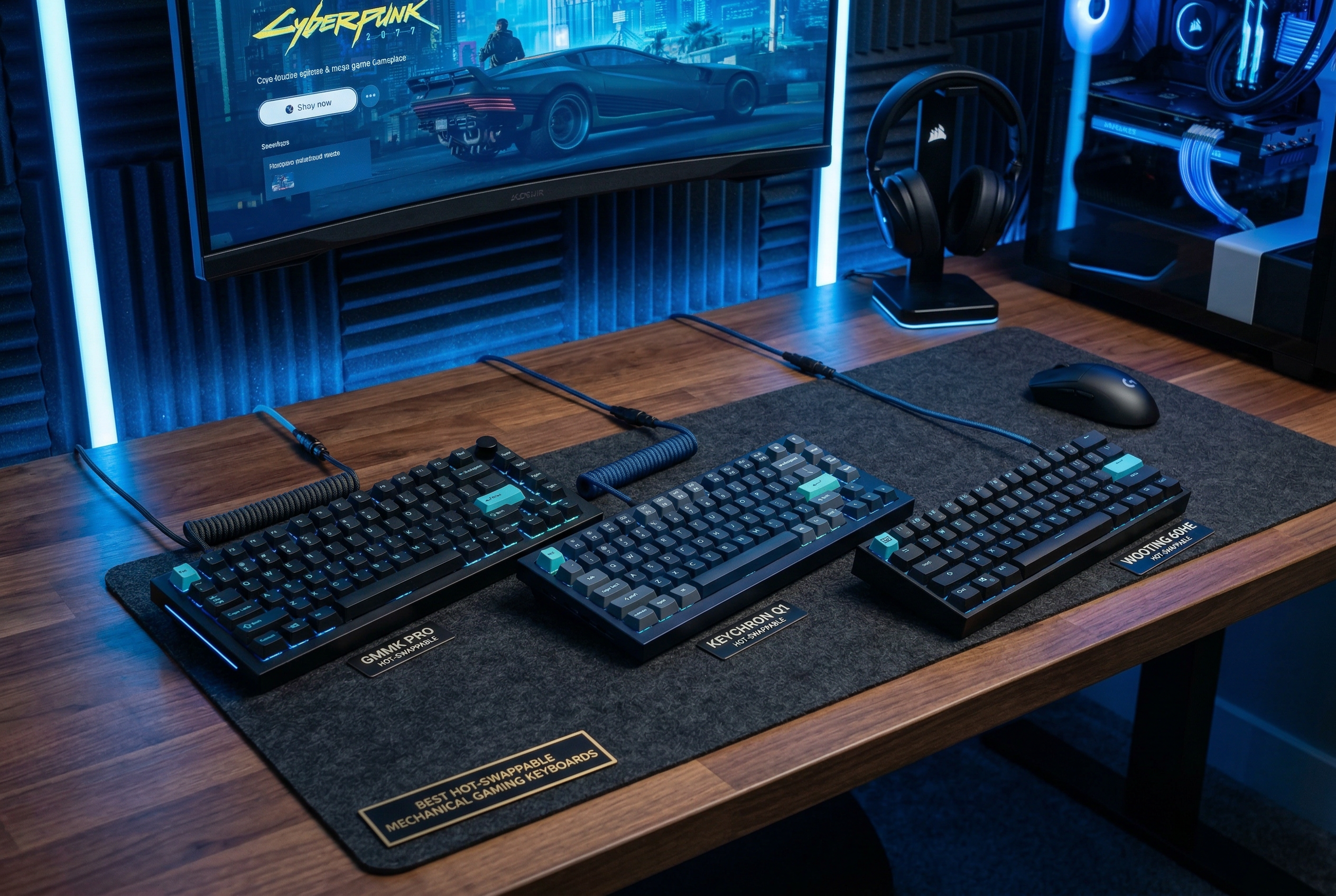
The world of mechanical gaming keyboards has evolved dramatically, and hot-swappable mechanical gaming keyboards have revolutionized how gamers and enthusiasts customize their typing experience. Unlike traditional keyboards where switches are soldered permanently to the PCB, a hot-swappable keyboard features special sockets that allow you to remove and replace switches in seconds without any soldering or technical expertise. This innovation means you can experiment with different switch types—from linear to tactile to clicky—finding the perfect feel for your gaming style and typing preferences.
For gamers, the benefits of hot-swappable keyboards extend far beyond simple customization. Competitive players often prefer different switch types for different games; linear switches with smooth actuation might be ideal for fast-paced FPS titles requiring rapid key presses, while tactile switches provide better feedback for MOBA games and strategy games where precision matters. With a hot-swappable mechanical keyboard, you’re not locked into one switch type—you can tailor your keyboard to match any game or use case. The ability to replace worn-out switches without buying an entirely new keyboard also makes these boards more cost-effective in the long run.
The hot-swap PCB technology has matured significantly, with modern keyboards supporting both 3-pin and 5-pin switches, ensuring compatibility with virtually all MX-style switches on the market. Premium models even include pre-lubed switches, gasket-mounted structures for improved acoustics, and advanced sound-dampening materials that create that satisfying “thocky” sound keyboard enthusiasts crave. Whether you’re a competitive gamer seeking the fastest input response, a content creator wanting a comfortable typing experience, or someone who simply enjoys customizing their setup, the best hot-swappable mechanical gaming keyboards offer unprecedented flexibility and value.
In this comprehensive guide, we’ve tested and reviewed 20 of the top hot-swappable mechanical gaming keyboards available in 2026, ranging from budget-friendly options under $25 to premium wireless models featuring tri-mode connectivity and advanced features like LCD screens and hall effect switches. Our reviews focus on real-world gaming performance, build quality, sound profiles, and long-term durability to help you find the perfect keyboard for your needs and budget.
Quick Overview: Top 3 Hot-Swappable Gaming Keyboards
Before diving into detailed reviews, here’s our quick comparison of the top three hot-swappable mechanical gaming keyboards across different categories:
Best Overall Premium Pick: ASUS ROG Strix Scope II 96

ASUS ROG Strix Scope II 96 Wireless Mechanical Gaming Keyboard – 96% Full-Size, Tri-Mode Connectivity, Hot Swappable Pre-lubed ROG NX Snow Linear Switches, PBT Keycaps, RGB, PC/Mac Support-Black
96% layout
Tri-mode
Pre-lubed switches
Pros
- Premium build
- Excellent battery
- Smooth switches
Cons
- Premium price
- Bulky software
The ASUS ROG Strix Scope II 96 represents the pinnacle of hot-swappable gaming keyboards, combining premium build quality with exceptional wireless performance and ROG’s renowned NX Snow switches. With tri-mode connectivity including SpeedNova wireless technology, up to 1500 hours of battery life, and a 96% layout that saves desk space while maintaining full functionality, this keyboard delivers everything serious gamers need. The sound-dampening foam and multi-function wheel add premium touches that justify the investment.
Best Value Wireless: Kisnt KN85 Wireless

Pros
- Creamy sound
- Great battery
- Smooth switches
Cons
- Software issues
- Opaque keycaps
For gamers seeking wireless freedom without breaking the bank, the Kisnt KN85 Wireless delivers exceptional value at under $45. This 75% layout keyboard features tri-mode connectivity (USB-C, 2.4GHz wireless, Bluetooth 5.0), gasket mount structure for that creamy sound profile, and pre-lubed Bsun linear switches that feel smooth right out of the box. The 4000mAh battery provides impressive longevity, and the hot-swappable PCB supports both 3-pin and 5-pin switches for future customization.
Budget Pick: Redragon K552P

Redragon K552P Mechanical Gaming Keyboard TKL with 18 Backlight Modes, Hot-Swappable Red Switches, 87-Key Compact Ergonomic Design, N-Key Rollover & Software Programmable Macro - RGB, Black
TKL layout
Hot-swappable
18 RGB modes
Pros
- Great value
- PBT keycaps
- Solid build
Cons
- Loud switches
- Limited Mac support
The Redragon K552P proves you don’t need to spend a fortune to get a quality hot-swappable mechanical keyboard. This compact TKL (87-key) board offers excellent build quality with a metal frame, hot-swappable red switches, 18 customizable RGB backlight modes, and N-key rollover for gaming. At around $40, it’s an outstanding entry point into the world of mechanical keyboards, with the added benefit of being able to upgrade switches as your preferences evolve.
Comparison Table: All 20 Hot-Swappable Gaming Keyboards
| Product | Specs | Action |
|---|---|---|
|
ASUS ROG Strix Scope II 96
|
|
Check Latest Price |
|
Kisnt KN85 Wireless
|
|
Check Latest Price |
|
Redragon K552P
|
|
Check Latest Price |
 Redragon K668
|
|
Check Latest Price |
 HUO JI E-Yooso
|
|
Check Latest Price |
 DIERYA DK68E
|
|
Check Latest Price |
 Womier SK80
|
|
Check Latest Price |
 AULA F99 Pro
|
|
Check Latest Price |
 TECWARE Phantom+
|
|
Check Latest Price |
 AULA F99
|
|
Check Latest Price |
Detailed Product Reviews
1. ASUS ROG Strix Scope II 96 – Best Overall Premium Pick
ASUS ROG Strix Scope II 96 Wireless Mechanical Gaming Keyboard – 96% Full-Size, Tri-Mode Connectivity, Hot Swappable Pre-lubed ROG NX Snow Linear Switches, PBT Keycaps, RGB, PC/Mac Support-Black
96% layout
Tri-mode
Pre-lubed switches
Pros
- Premium build
- Excellent battery
- Smooth switches
Cons
- Premium price
- Bulky software
The ASUS ROG Strix Scope II 96 Wireless stands as our top pick for serious gamers who demand premium features and uncompromising performance. This 96% layout keyboard combines the space-saving benefits of a TKL design with the practicality of a number pad, giving you full functionality in a compact footprint that maximizes mouse space for gaming. The star of the show is ASUS’s ROG NX Snow linear switches—factory pre-lubed for smooth operation and hot-swappable so you can customize your feel without soldering.
Gaming performance is exceptional thanks to SpeedNova wireless technology that delivers lag-free input response, comparable to wired connections. The tri-mode connectivity (2.4GHz wireless, Bluetooth, and USB-C wired) provides versatility for different setups, and battery life is extraordinary at up to 1500 hours—among the best we’ve tested. The included sound-dampening foam creates a refined acoustic profile that’s pleasant for both gaming and typing, while the multi-function wheel offers convenient media and lighting control without leaving your game.
Pros: Premium build quality with solid aluminum frame; Excellent battery life (up to 1500 hours); Smooth pre-lubed ROG NX Snow switches; Tri-mode connectivity with SpeedNova wireless; Sound-dampening foam for improved acoustics; Multi-function wheel for media/lighting control; Hot-swappable switches for easy customization; 96% layout saves space without losing functionality; N-Key rollover for gaming; Detachable wrist rest included.
Cons: Premium price point around $135; Armoury Crate software can be clunky (but keyboard works fine without it); Some key placement differences require adjustment period.
Bottom Line: If budget isn’t a constraint and you want the best hot-swappable gaming keyboard money can buy, the ASUS ROG Strix Scope II 96 delivers premium features, exceptional wireless performance, and the flexibility to customize your switch experience. It’s an investment that will serve you well for years.
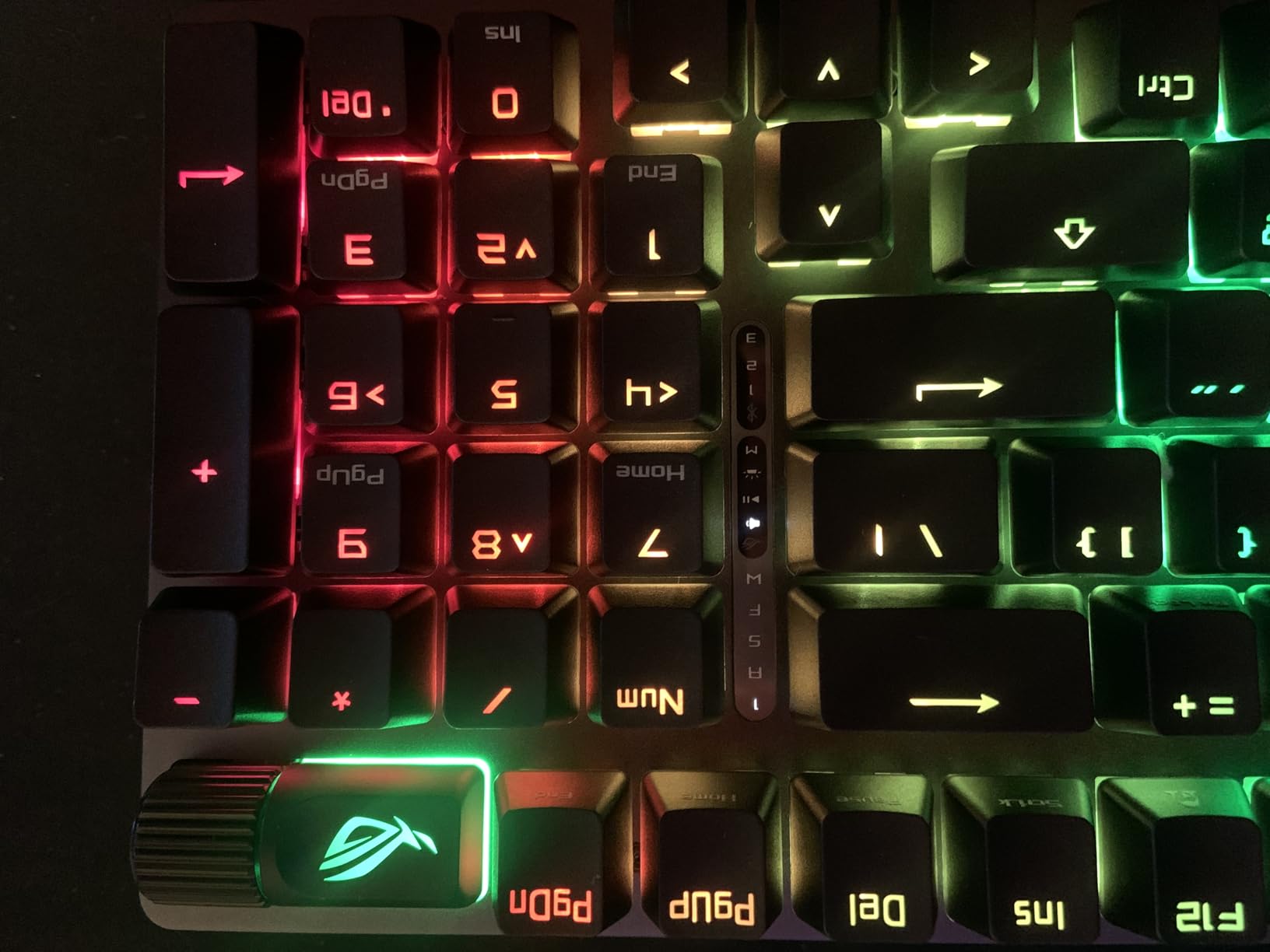
The ROG Strix Scope II 96 excels in build quality with its solid aluminum frame that provides a premium feel and resists flex during intense gaming sessions. The 96% layout is particularly well-thought-out, giving you a number pad for data entry while maintaining a compact footprint that maximizes mouse space—a crucial advantage for FPS players who use lower sensitivity settings and need room for wide sweeping motions.
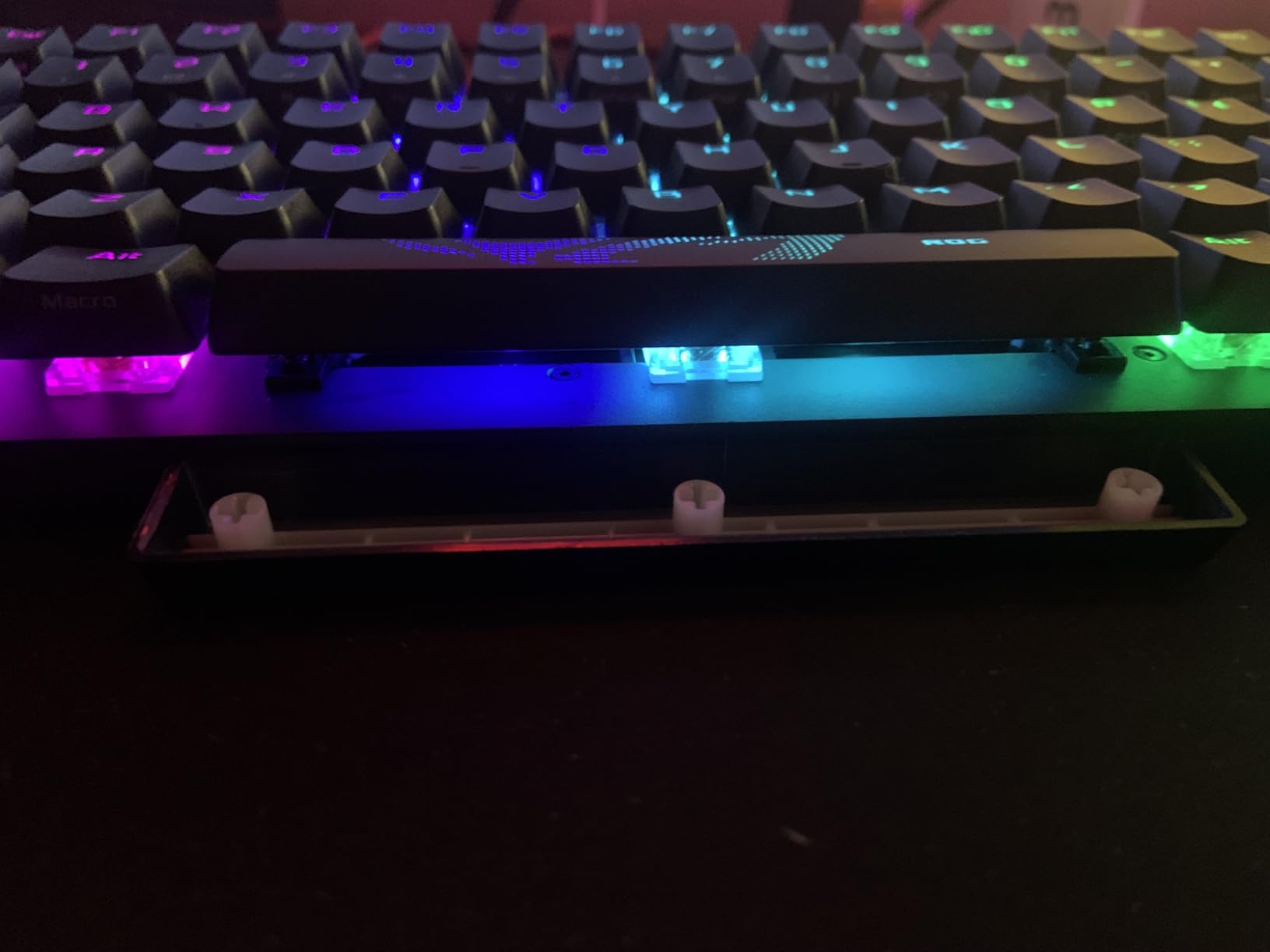
SpeedNova wireless technology is ASUS’s proprietary 2.4GHz wireless solution that delivers latency comparable to wired connections, making this keyboard viable even for competitive gaming. The tri-mode connectivity means you can use it wirelessly with the USB dongle for gaming, connect via Bluetooth to multiple devices for productivity, or plug in via USB-C for zero-latency wired mode. Battery life is exceptional at up to 1500 hours with RGB off, and even with lighting enabled, you can expect weeks of use between charges.
Gaming Performance and Switch Feel
The ROG NX Snow linear switches are pre-lubed from the factory, providing smooth actuation right out of the box with minimal break-in period. These switches offer a 45g actuation force that’s light enough for rapid key presses in fast-paced games while providing enough resistance to prevent accidental inputs. Since they’re hot-swappable with support for both 3-pin and 5-pin switches, you can easily experiment with different switch types to find your perfect feel.
Build Quality and Features
The included sound-dampening foam between the plate and PCB eliminates hollow pinging sounds, creating a refined acoustic profile that’s pleasant for both gaming and typing. The multi-function wheel is a standout feature, providing precise control for volume, lighting brightness, or scrolling through menus depending on current context. ROG’s Armoury Crate software allows for deep customization of RGB lighting, macros, and key remapping, though some users find it bloated—the keyboard works perfectly fine without it.
2. Kisnt KN85 Wireless – Best Value Wireless
Pros
- Creamy sound
- Great battery
- Smooth switches
Cons
- Software issues
- Opaque keycaps
The Kisnt KN85 Wireless proves you don’t need to spend over $100 to get premium wireless features in a hot-swappable keyboard. This 75% layout board strikes an excellent balance between functionality and desk space savings, offering 85 keys including arrow keys and essential navigation keys while maintaining a compact footprint. What really sets the KN85 apart is its tri-mode connectivity—USB-C wired, 2.4GHz wireless, and Bluetooth 5.0—giving you the flexibility to connect to multiple devices and switch between them seamlessly.
Out of the box, the KN85 impresses with its creamy, thocky sound profile that rivals much more expensive keyboards. This is achieved through a gasket mount structure and base dampener with sound-absorbing foam, creating that premium acoustic experience enthusiasts love. The pre-lubed Bsun linear switches feel smooth right from the first keystroke, and since the PCB is hot-swappable with support for both 3-pin and 5-pin switches, you can easily experiment with different switch types to find your perfect feel.
The 4000mAh rechargeable battery provides impressive longevity, easily lasting through weeks of moderate use with RGB off or several days of heavy gaming with lighting enabled. RGB customization is robust with 20 different effects to choose from, and while the opaque keycaps don’t let RGB shine through individual legends, the underglow effect still looks impressive. At under $45, the Kisnt KN85 Wireless offers exceptional value for gamers wanting wireless freedom without sacrificing customization options.
Pros: Excellent value at under $45; Tri-mode connectivity (USB-C, 2.4GHz wireless, Bluetooth 5.0); Gasket mount structure with sound dampening; Creamy, thocky sound profile; Hot-swappable switches (3-pin and 5-pin support); Smooth pre-lubed Bsun linear switches; 4000mAh battery with good longevity; 20 RGB backlight effects; Compact 75% layout saves desk space; Works with Windows and Mac.
Cons: Battery life with RGB on requires more frequent charging; Software can be difficult to find and use; Opaque keycaps don’t let RGB shine through legends; No dedicated number pad (75% layout trade-off); Some users reported rubber feet peeling.
Bottom Line: The Kisnt KN85 Wireless is our top value pick for gamers seeking wireless connectivity and hot-swap capability on a budget. Its tri-mode connectivity, premium sound profile, and solid build quality make it an outstanding choice under $50.
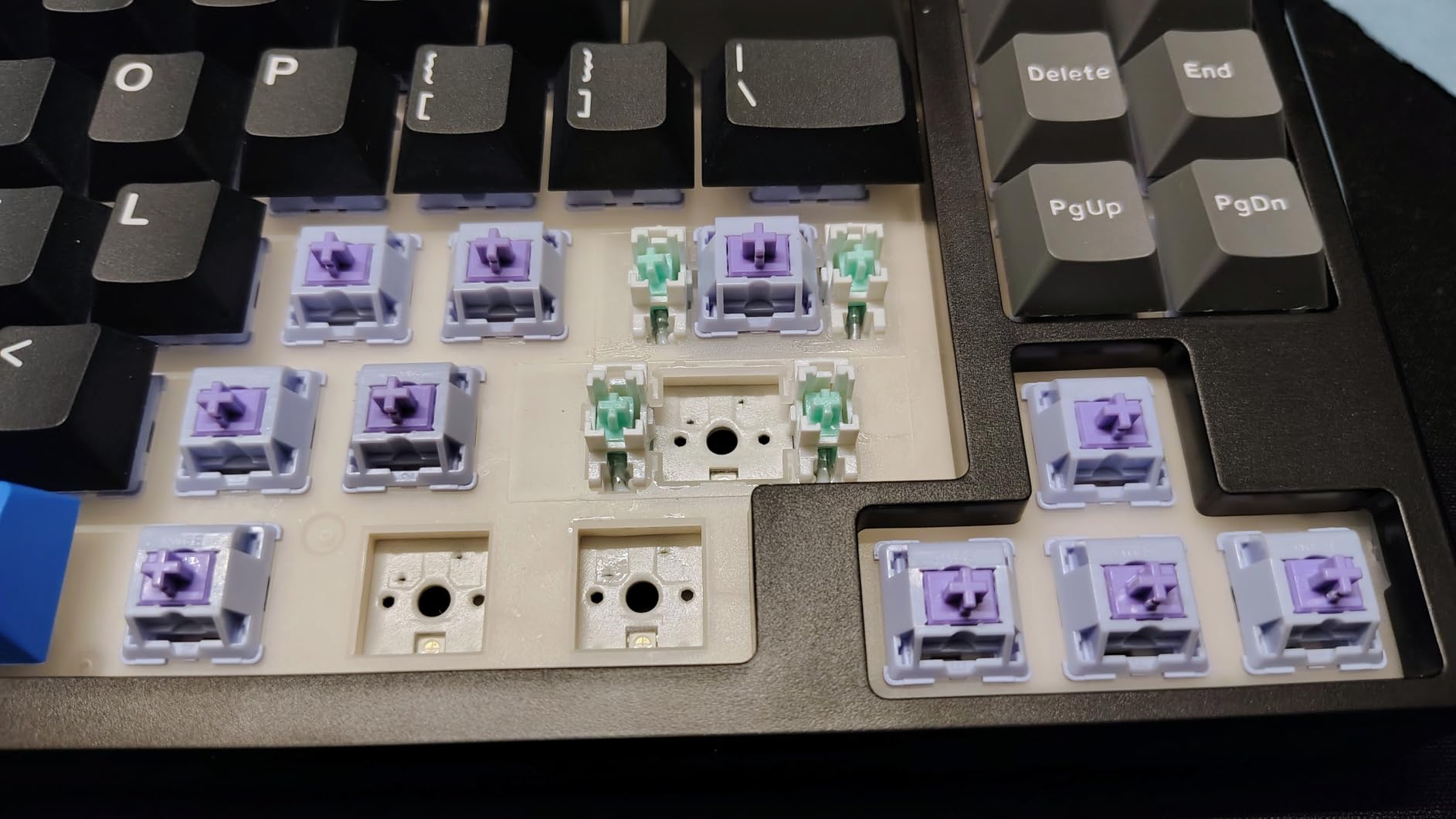
The gasket mount structure is the key to the KN85’s impressive acoustic performance. Unlike traditional tray-mount boards where the plate screws directly into the case, a gasket mount uses rubber or silicone gaskets that allow the plate to “float” slightly, creating a softer typing feel and deeper, more resonant sound. Combined with the base dampener and sound-absorbing foam, this creates the creamy, thocky sound profile that enthusiasts typically spend hundreds of dollars to achieve.
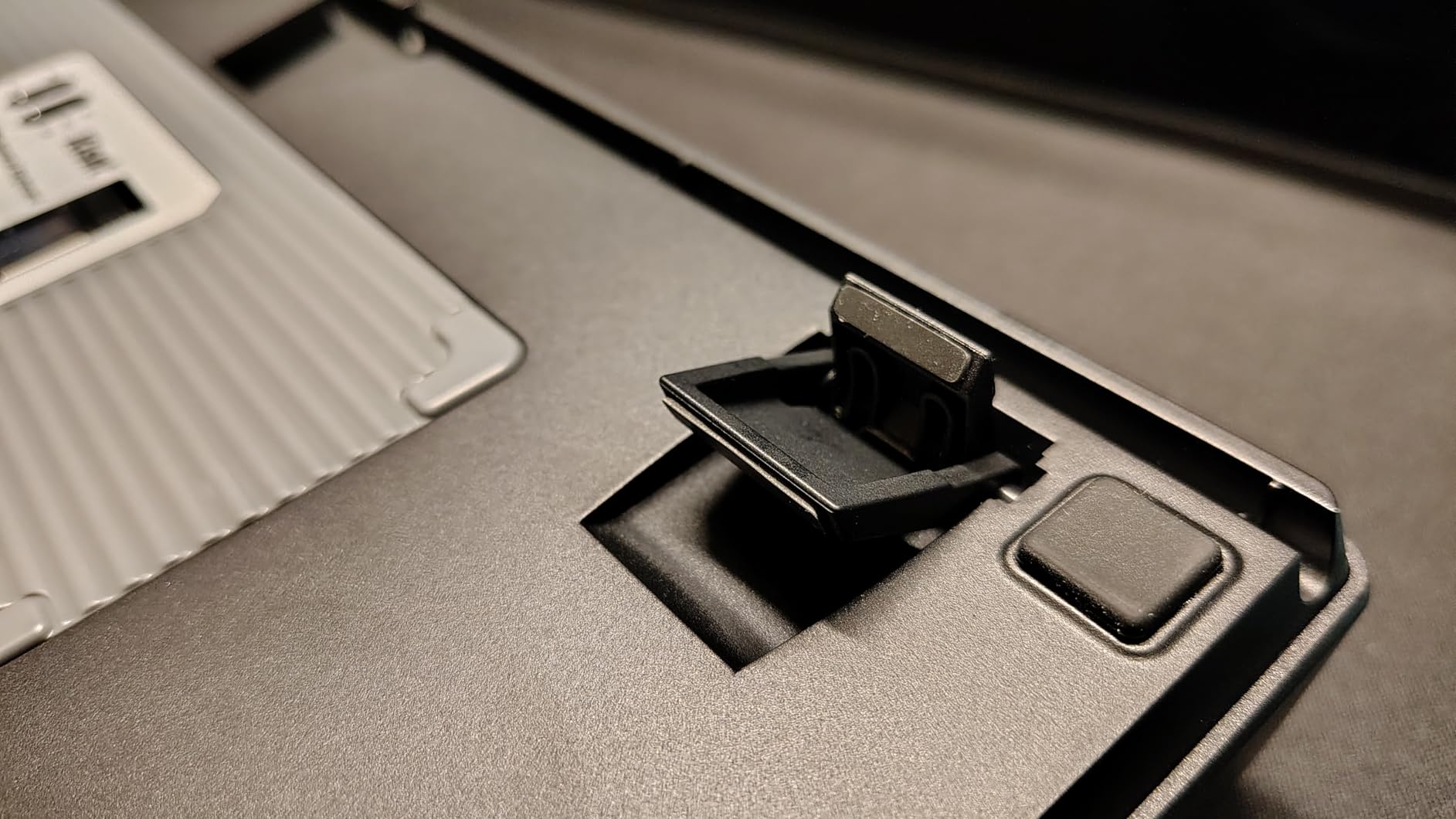
Tri-mode connectivity provides ultimate flexibility for different use cases. Use 2.4GHz wireless for gaming with minimal latency, Bluetooth for connecting to multiple devices like laptops and tablets, or USB-C wired for zero-latency mode when battery is low. Multi-device pairing allows you to switch between up to 5 devices seamlessly, making this keyboard versatile for both gaming and productivity.
Switch Customization and Sound
The pre-lubed Bsun linear switches come factory lubricated for smooth operation, reducing friction and spring noise. With a 45g actuation force, they’re light enough for rapid key presses while providing enough resistance to prevent accidental inputs. Since the PCB is hot-swappable, you can easily replace these with any 3-pin or 5-pin MX-style switches, allowing you to experiment with different feels without soldering.
Build and Battery Life
The 4000mAh battery is impressive for this price point, providing weeks of use with RGB off or several days of heavy gaming with lighting enabled. The 75% layout is particularly well-suited for gamers who need arrow keys but want to save desk space—19 keys compared to a full-size 104-key layout, but you keep all the essential keys for gaming and productivity. The opaque PBT keycaps feel premium and resist shine, though they don’t allow RGB to shine through individual legends.
3. Redragon K552P – Best Budget TKL
Redragon K552P Mechanical Gaming Keyboard TKL with 18 Backlight Modes, Hot-Swappable Red Switches, 87-Key Compact Ergonomic Design, N-Key Rollover & Software Programmable Macro - RGB, Black
TKL layout
Hot-swappable
18 RGB modes
Pros
- Great value
- PBT keycaps
- Solid build
Cons
- Loud switches
- Limited Mac support
The Redragon K552P has earned its place as one of the most popular budget mechanical keyboards for good reason. This compact TKL (Tenkeyless) design removes the number pad to maximize desk space for mouse movement—ideal for gamers who prefer lower sensitivity settings and need room for wide sweeping motions. Despite its budget-friendly price around $40, the K552P doesn’t compromise on build quality, featuring a sturdy metal frame that provides a solid typing platform and resists flex during intense gaming sessions.
The hot-swappable design means you can easily replace the stock red switches with any 3-pin MX-style switches, giving you room to upgrade as your preferences evolve. Speaking of switches, the pre-installed red switches offer smooth linear actuation that’s ideal for gaming, with 18 customizable RGB backlight modes adding visual flair to your setup. N-key rollover ensures every key press registers, even during complex input combinations common in MOBA games and fast-paced action titles.
What really makes the K552P stand out is its double-shot PBT keycaps—rare at this price point. Unlike the ABS keycaps found on many budget keyboards, PBT resists shine and wear, maintaining its texture even after years of use. The spill-resistant design provides peace of mind for accidental beverage mishaps, and the compact TKL layout makes it portable for LAN events or tournaments. With over 15,000 reviews and a 4.7-star rating, the K552P has proven itself as a reliable entry point into mechanical keyboards.
Pros: Excellent value around $40; Compact TKL design saves desk space; Sturdy metal frame construction; Hot-swappable red switches (3-pin support); 18 customizable RGB backlight modes; N-key rollover for gaming; Durable double-shot PBT keycaps; Spill-resistant design; Over 15,000 reviews with 4.7-star rating.
Cons: Blue switches can be loud for office environments; Limited Mac OS support; Gamer aesthetic may not appeal to all users; Non-detachable cable; Stock stabilizers could be better.
Bottom Line: The Redragon K552P is the perfect entry point for gamers new to mechanical keyboards who want hot-swap capability on a budget. Its solid build quality, PBT keycaps, and proven reliability make it outstanding value under $50.
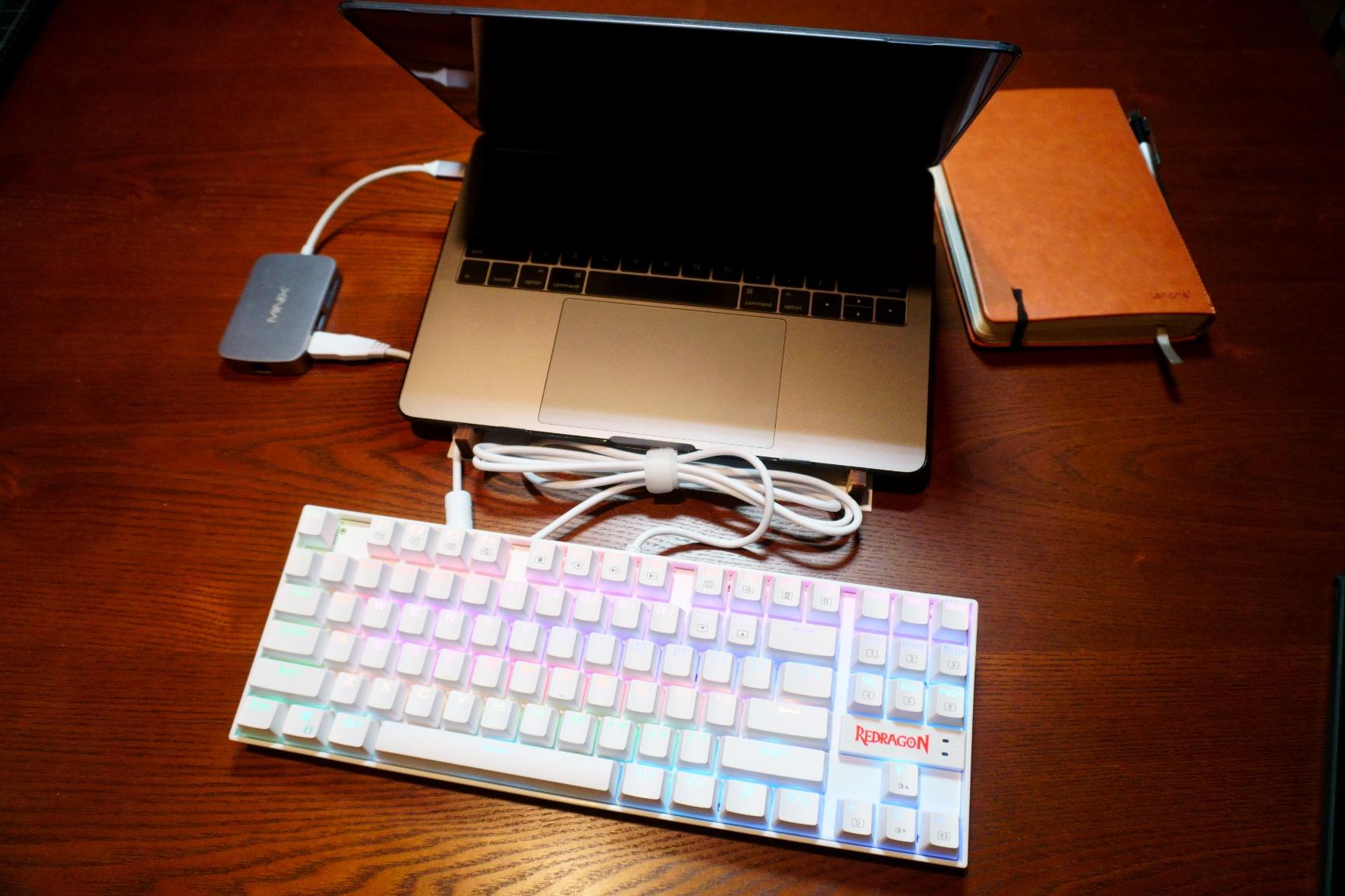
The metal frame construction is a standout feature at this price point, providing a solid typing platform that resists flex during intense gaming sessions. This rigidity is particularly important for competitive gamers who pound their keys during intense moments, as it ensures consistent feel and feedback. The compact TKL layout maximizes desk space for mouse movement, which is crucial for FPS players using lower sensitivity settings who need room for wide sweeping motions.
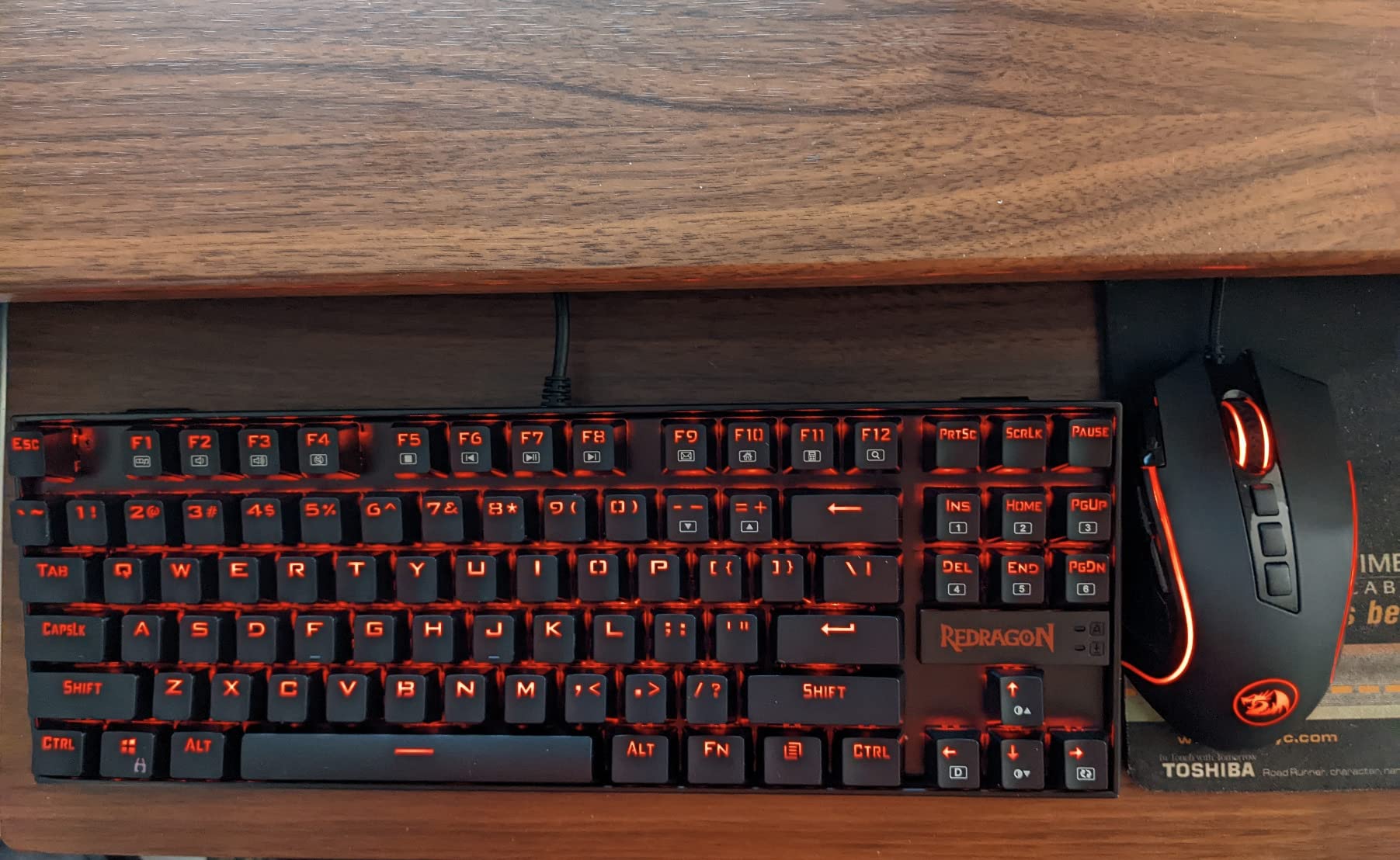
Hot-swappable design provides future-proof flexibility—you can easily replace the stock red switches with any 3-pin MX-style switches to customize your feel. Redragon’s K552P supports 3-pin switches, giving you access to virtually all popular switch brands including Cherry, Gateron, Kailh, and Outemu. This modularity means your keyboard can evolve with your preferences, and you can replace worn switches without buying an entirely new board.
Keycaps and Aesthetics
The double-shot PBT keycaps are a premium feature rarely found at this price point. Unlike ABS keycaps that develop a glossy shine over time, PBT keycaps maintain their textured feel even after years of heavy use. Double-shot construction means the legends are molded through the keycap, so they’ll never wear off or fade. The 18 RGB backlight modes include wave, ripple, reactive, and more, adding visual flair to your setup.
Gaming Features
N-key rollover ensures every key press registers accurately during complex input combinations, which is crucial for MOBA games and fast-paced action titles where multiple keys are pressed simultaneously. The spill-resistant design provides peace of mind for accidental beverage mishaps, and the compact TKL layout makes the keyboard portable for LAN events or tournaments. With over 15,000 reviews and a 4.7-star rating, this keyboard has proven itself as a reliable choice.
4. Redragon K668 – Best Budget Full-Size
Pros
- Number pad
- 19 RGB modes
- 2 keycap sets
Cons
- Loud switches
- No shine-through
For gamers who need a number pad for data entry, spreadsheet work, or games that utilize numerical inputs, the Redragon K668 offers the best budget full-size hot-swappable keyboard on the market. This 108-key layout includes all the functionality of a traditional full-size keyboard plus 4 extra shortcut keys for quick access to common functions. Despite its wallet-friendly price around $40, Redragon hasn’t cut corners on features that matter.
The hot-swappable red switches provide a smooth linear feel ideal for gaming, and the 19 RGB backlight presets include music sync mode that reacts to audio for immersive gaming sessions. Redragon has also included sound-absorbing foam (3.5mm) between the plate and PCB, which reduces hollow sounds and creates a more satisfying typing acoustic than you’d expect at this price point. The two-stage adjustable feet let you find the perfect typing angle, and the detachable USB-C cable makes the keyboard more portable than most full-size boards.
One standout feature is the inclusion of two sets of mixed-color keycaps, allowing you to customize the look of your keyboard right out of the box. The keycaps themselves are double-shot PBT—an upgrade from the ABS keycaps found on many budget boards—and while they’re not shine-through for RGB, the underglow effect still looks impressive. The K668 has earned a strong reputation with over 2,000 reviews and a 4.6-star rating, making it one of the highest-rated full-size hot-swappable keyboards in its price range.
Pros: Best budget full-size layout at around $40; Hot-swappable red switches for customization; 19 RGB backlight presets with music sync; Sound-absorbing foam for better acoustics; Includes 2 sets of mixed-color keycaps; Detachable USB-C cable; Solid build quality; 2-stage adjustable feet; Extra 4 shortcut keys; Over 2,000 reviews with 4.6-star rating.
Cons: Red switches can be loud despite dampening; Limited dampening for bottoming out noise; Stock stabilizers could be improved; Non-shine-through PBT keycaps.
Bottom Line: If you need a number pad and want hot-swap capability without spending much, the Redragon K668 delivers full-size functionality, solid features, and excellent value at under $45.
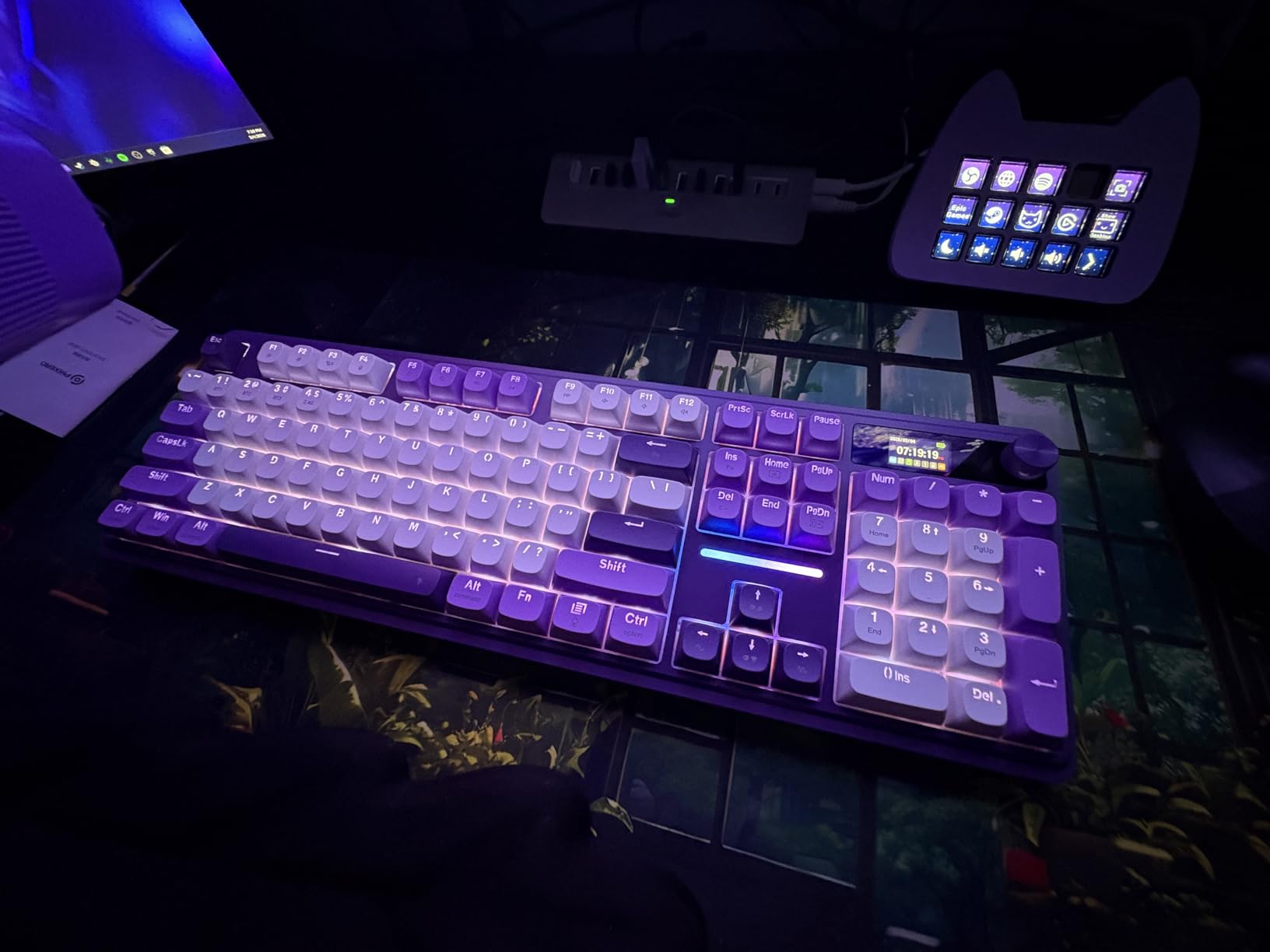
The full-size 108-key layout provides maximum functionality with all the keys of a traditional keyboard plus 4 extra shortcut keys for media control, volume adjustment, and other common functions. This makes the K668 ideal for gamers who also use their keyboard for work, spreadsheet manipulation, or games that utilize numerical inputs. The number pad is particularly useful for strategy games, simulation titles, and productivity applications.
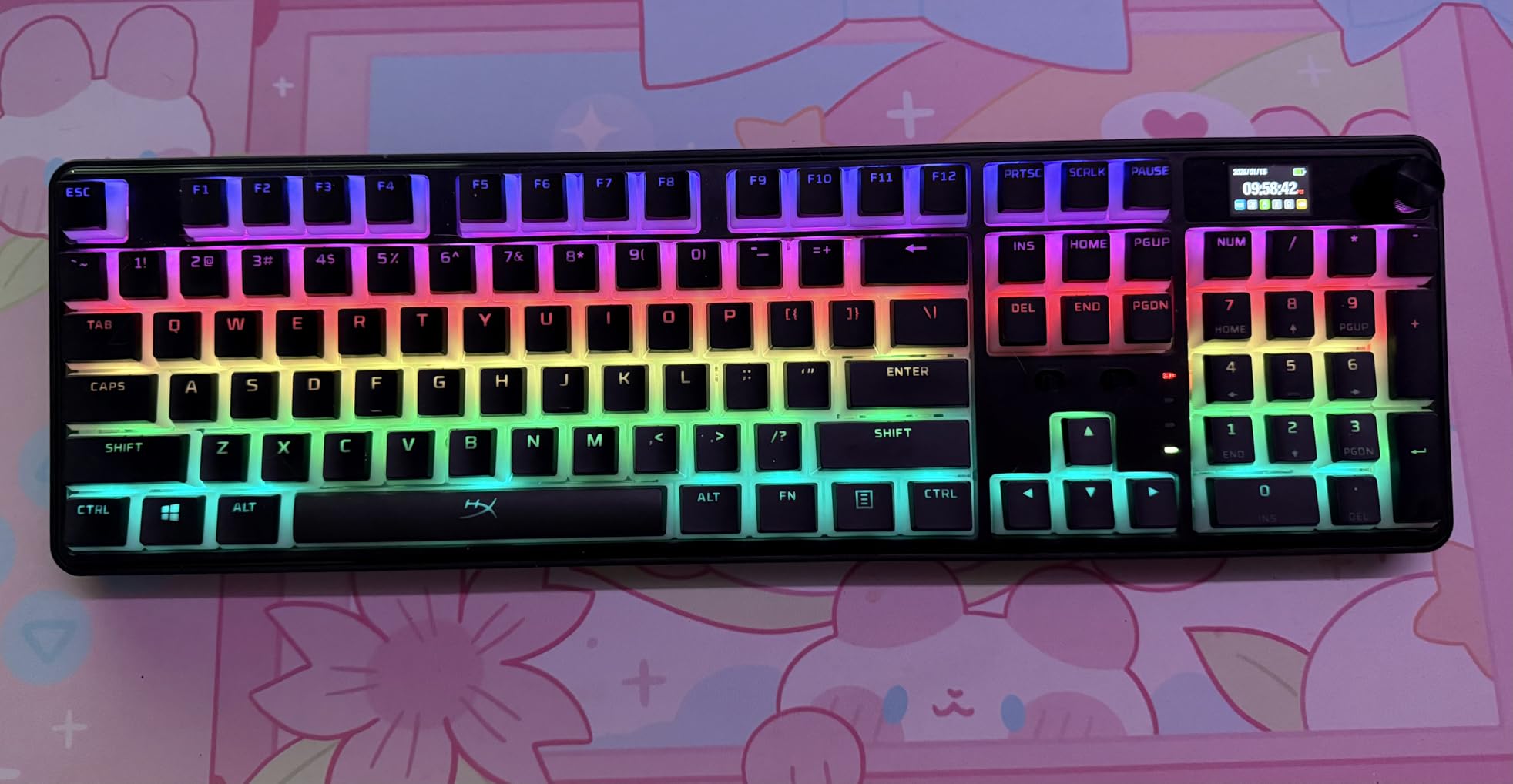
Redragon’s inclusion of 3.5mm sound-absorbing foam between the plate and PCB is a premium feature rarely found at this price point. This foam reduces hollow pinging sounds and creates a more satisfying typing acoustic than you’d expect from a budget keyboard. Combined with the hot-swappable red switches, this creates a pleasant typing experience that rivals much more expensive boards.
RGB Customization and Keycaps
The 19 RGB backlight presets include music sync mode that reacts to audio for immersive gaming sessions, along with wave, ripple, reactive, and static color modes. The two sets of mixed-color keycaps allow you to customize the look of your keyboard right out of the box, and the double-shot PBT construction means the legends will never wear off or fade.
Build and Ergonomics
The two-stage adjustable feet let you find the perfect typing angle for your comfort, and the detachable USB-C cable makes the keyboard more portable than most full-size boards. The solid build quality and metal top plate provide a stable typing platform that resists flex during intense gaming sessions. With over 2,000 reviews and a 4.6-star rating, the K668 has proven itself as a reliable choice.
5. HUO JI E-Yooso Creamy – Best Creamy Sound Budget
Pros
- Creamy sound
- Pre-lubed switches
- PBT keycaps
Cons
- Clinky spacebar
- Software issues
The HUO JI E-Yooso Creamy keyboard earns its name with one of the most satisfying acoustic profiles we’ve heard in the budget category. This 99-key 96% layout gives you practically full-size functionality (including number pad) in a more compact footprint by eliminating some of the wasted space found on traditional full-size boards. What makes this keyboard special is its gasket structure combined with four layers of sound-absorbing foam, creating that deep, resonant “thock” sound keyboard enthusiasts typically spend hundreds of dollars to achieve.
The pre-lubed linear switches come factory lubricated for smooth operation right out of the box, and since they’re hot-swappable with support for both 3-pin and 5-pin switches, you can easily experiment with different switch types to fine-tune your feel. The double-shot PBT keycaps feel premium and resist shine, and while the RGB isn’t shine-through, the 15 different backlight effects still create an impressive visual display. Full anti-ghosting ensures every key press registers accurately during gaming, and the compact 96% layout saves desk space while maintaining practical functionality.
At around $40, the E-Yooso Creamy offers acoustic performance that rivals keyboards costing twice as much. Users consistently praise the satisfying sound and feel, with many noting it exceeded their expectations for a budget board. The gasket mount design provides a softer typing experience than traditional tray-mount boards, and the multi-layer sound dampening eliminates the hollow pinging sounds that plague cheaper keyboards. Whether you’re gaming, typing, or just enjoying the tactile feedback, this keyboard delivers a premium experience at a budget price.
Pros: Excellent creamy/thocky sound profile; Gasket mount for premium feel; 96% layout with number pad; Hot-swappable switches (3-pin/5-pin); Pre-lubed linear switches; Multiple sound-dampening layers (4 layers); Great value at around $40; Double-shot PBT keycaps; Full anti-ghosting; Works with Mac and Windows.
Cons: Spacebar can have clinky sound; Compact layout may take getting used to; Software can be sketchy; Some keys sensitive to press.
Bottom Line: For gamers prioritizing sound quality on a budget, the HUO JI E-Yooso Creamy delivers exceptional acoustics and premium feel at under $45. Its gasket mount and sound dampening create a satisfying typing experience that punches above its weight class.
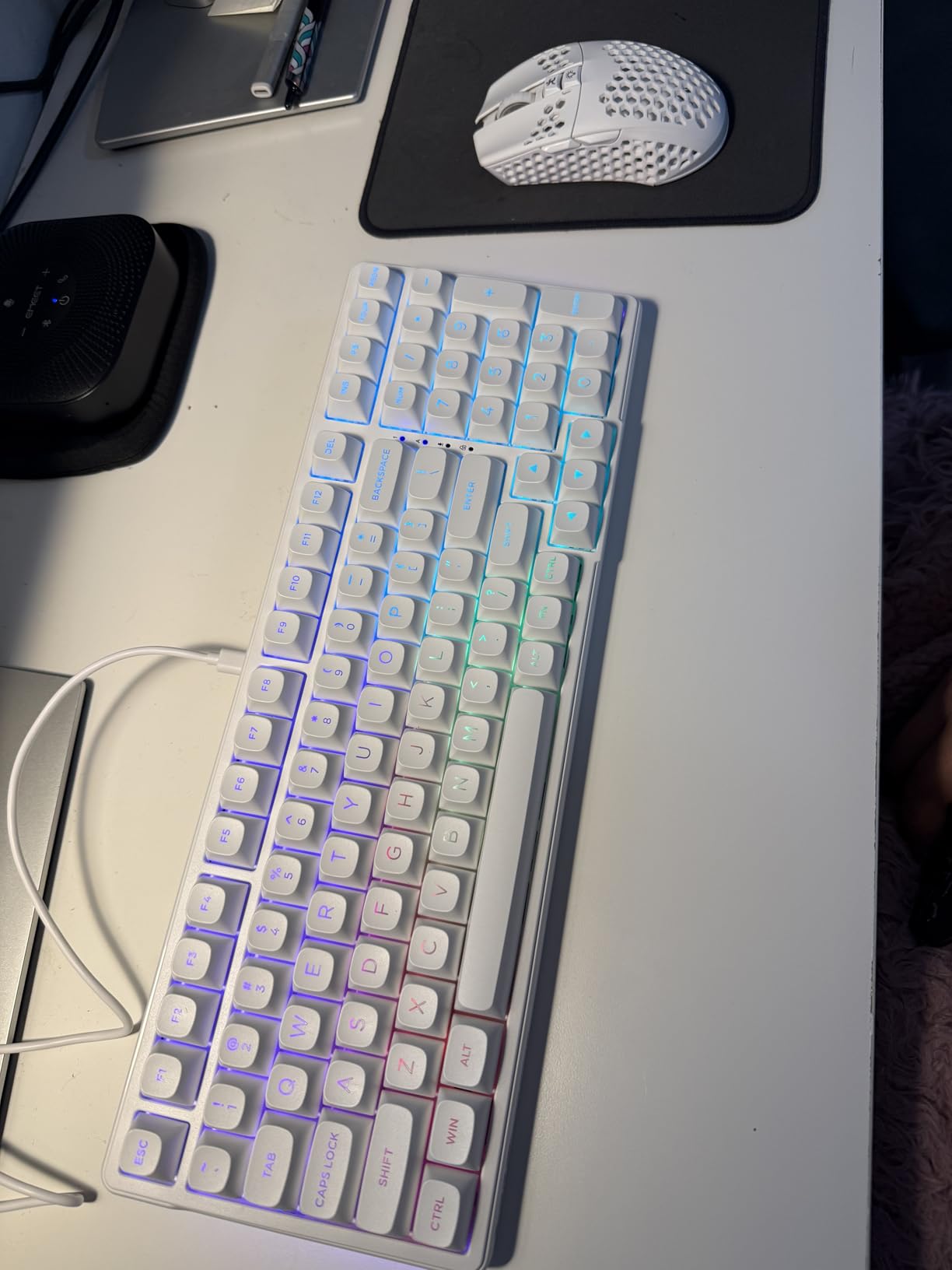
The gasket mount structure is the secret to the E-Yooso’s creamy sound profile. Unlike traditional tray-mount boards where the plate screws directly into the case, a gasket mount uses rubber or silicone gaskets that allow the plate to “float” slightly, creating a softer typing feel and deeper, more resonant sound. Combined with four layers of sound-absorbing foam, this creates that deep “thock” sound enthusiasts typically spend hundreds of dollars to achieve.
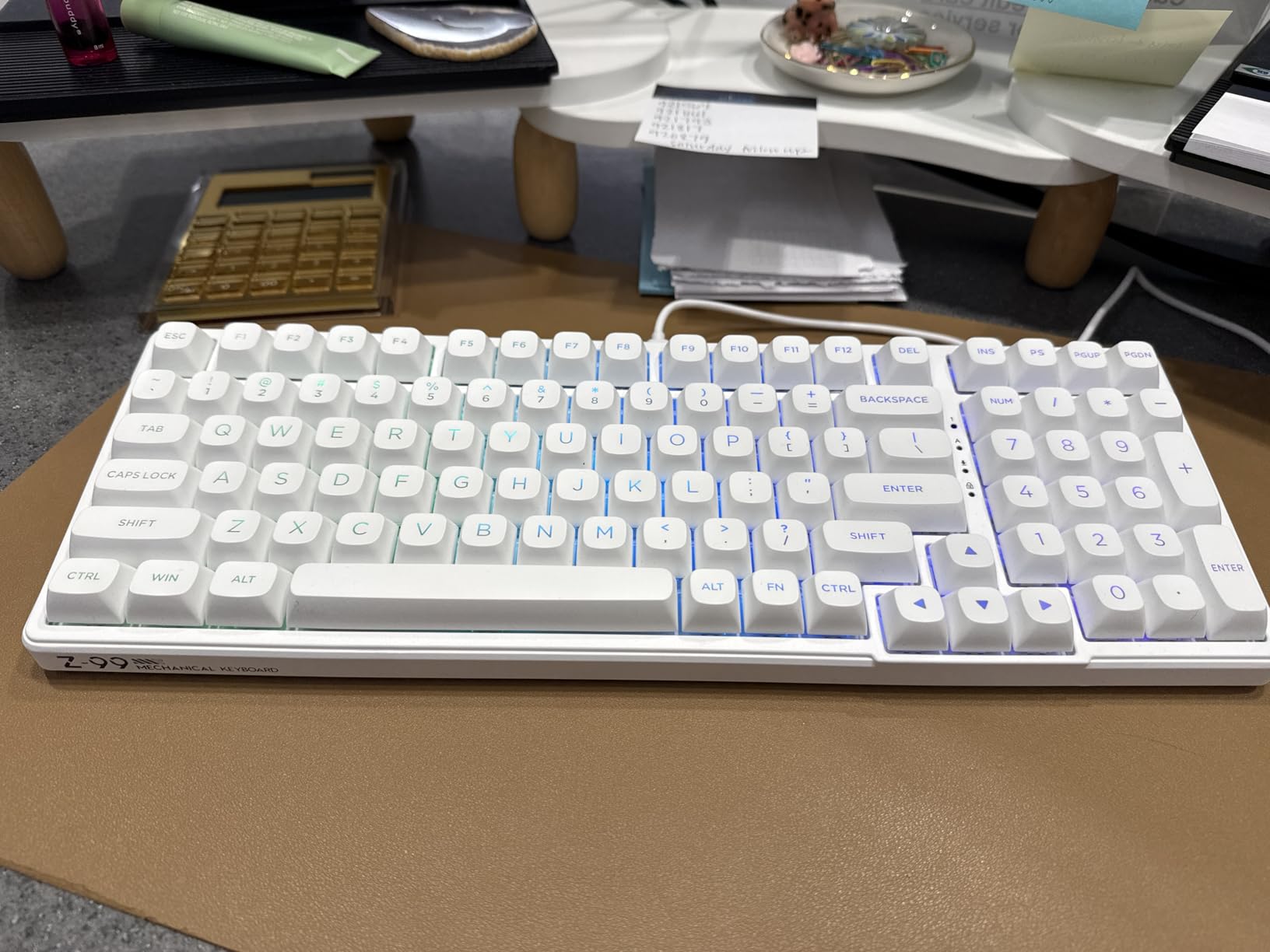
The 96% layout provides practically full-size functionality including a number pad, but in a more compact footprint by eliminating some of the wasted space found on traditional full-size boards. This saves valuable desk space while maintaining all the essential keys for gaming and productivity. The 99-key layout includes arrow keys, navigation keys, and a number pad—everything most users need.
Sound Dampening and Acoustics
The four layers of sound-absorbing foam eliminate hollow pinging sounds and create a premium acoustic experience. This multi-layer approach includes foam between the plate and PCB, switch foam, and additional dampening materials that work together to create the keyboard’s signature creamy sound. The pre-lubed linear switches come factory lubricated for smooth operation, reducing friction and spring noise.
Build and Features
The double-shot PBT keycaps feel premium and resist shine, even after months of heavy use. The 15 RGB backlight effects create an impressive visual display, and full anti-ghosting ensures every key press registers accurately during gaming. The compact 96% layout saves desk space while maintaining practical functionality, making it ideal for gamers who need a number pad but want to maximize mouse space.
6. DIERYA DK68E – Best Compact 60%
Pros
- Compact with arrows
- 5-layer foam
- Great value
Cons
- No function row
- Software limited
The DIERYA DK68E represents the best 60% hot-swappable keyboard we’ve tested, especially for gamers who want maximum desk space and arrow keys. Unlike most 60% layouts that completely omit arrow keys, the DK68E manages to squeeze them into a compact 68-key design that measures just 14.8 inches wide—perfect for gamers who need mouse space but don’t want to give up navigation keys. This thoughtful design makes it ideal for FPS players who use lower DPI settings and need room for wide mouse sweeps.
What sets the DK68E apart is its dedicated volume knob—a rare feature on compact keyboards. This rotary control provides precise volume adjustment without fumbling with function key combinations, and its metal construction feels premium and solid. The hot-swappable PCB supports both 3-pin and 5-pin switches, giving you full compatibility with virtually any MX-style switch you want to try, and the pre-lubed linear switches come smooth from the factory with minimal break-in period.
Build quality is excellent thanks to a gasket mount structure with five layers of sound-absorbing foam that create a satisfying, muted sound profile. The 1000Hz polling rate ensures minimal input lag for competitive gaming, and the 20 RGB lighting effects offer plenty of customization options. One standout feature is the web-based driver for programming—you don’t need to install software to remap keys or create macros. Simply connect to the browser-based interface and customize to your heart’s content. At around $40, the DK68E offers exceptional value for gamers wanting a premium compact experience.
Pros: Compact 60% layout with arrow keys; Dedicated volume knob for media control; Hot-swappable switches (3-pin and 5-pin); Excellent build quality with gasket mount; 5 layers of dampening foam for creamy sound; High 1000Hz polling rate; Pre-lubed switches feel smooth; Web-based programming without software installation; 20 RGB lighting effects; Great value at around $40.
Cons: No function row or dedicated navigation keys; Delete key hidden behind function layer; Software has limited functionality; Some users reported PC wake issues; Stock stabilizers could be better.
Bottom Line: The DIERYA DK68E is our top pick for gamers wanting maximum desk space without sacrificing arrow keys. Its dedicated volume knob, premium build quality, and gasket mount design make it exceptional value in the 60% category.
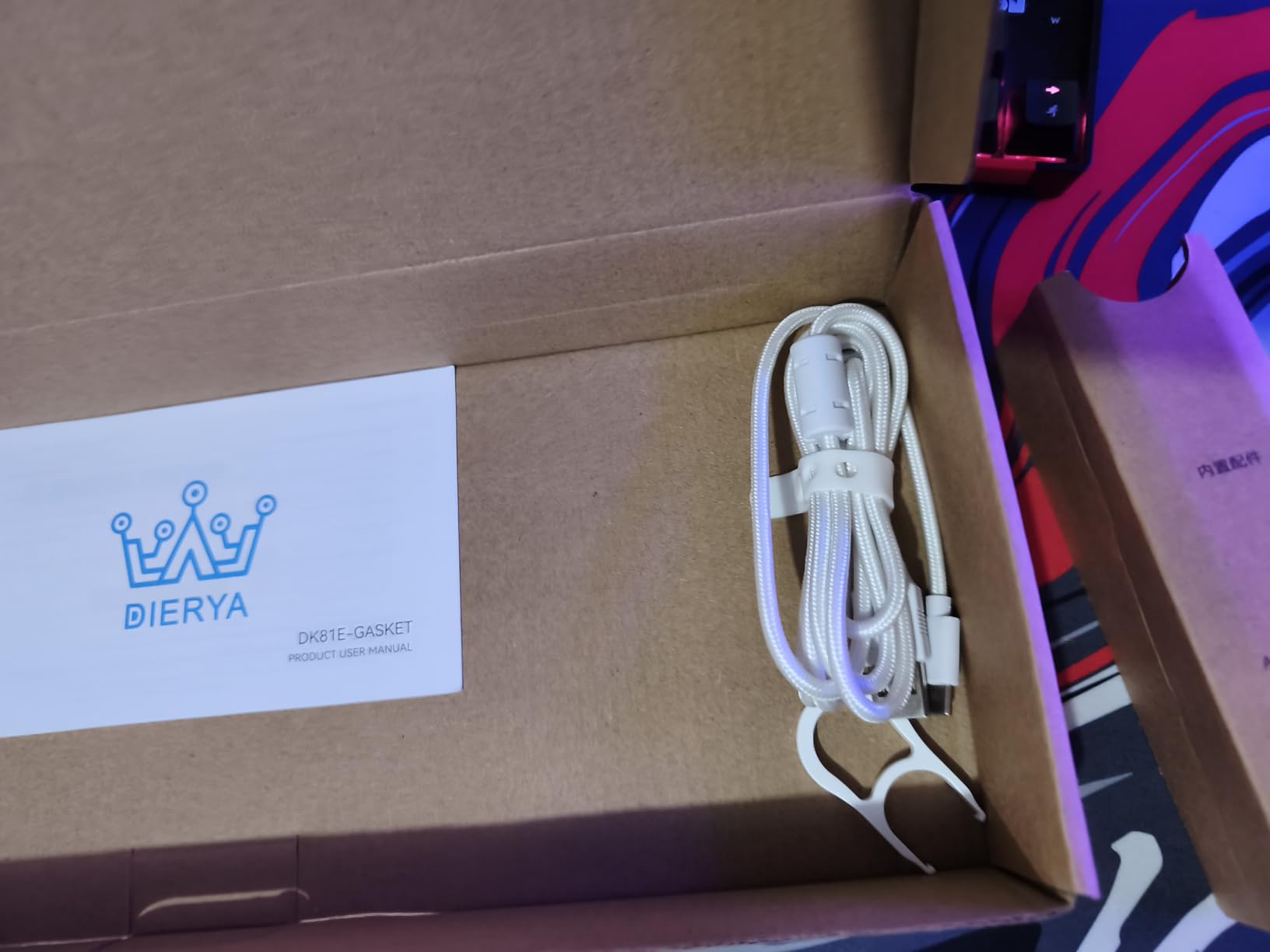
The dedicated volume knob is a standout feature on compact keyboards, providing precise volume adjustment without fumbling with function key combinations. The metal construction feels premium and solid, offering smooth rotation with satisfying resistance. This thoughtful addition is particularly valuable during gaming when you need to quickly adjust volume without alt-tabbing out of your game.
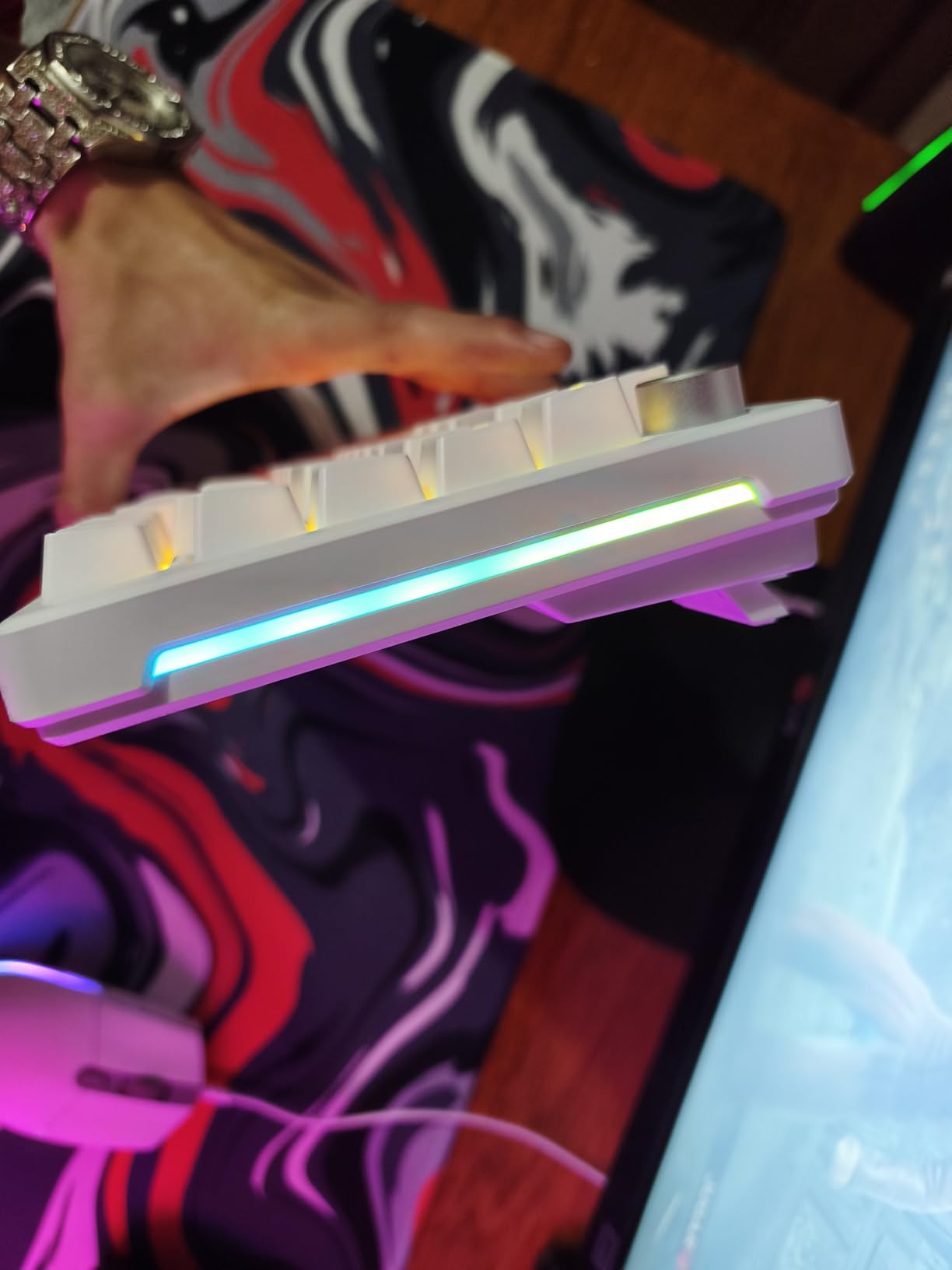
The 60% layout with arrow keys is a clever design that maximizes desk space while maintaining practical functionality. At just 14.8 inches wide, this keyboard frees up valuable mouse space for FPS players using lower sensitivity settings who need room for wide sweeping motions. Despite its compact size, you still get 68 keys including arrow keys and some navigation keys.
Gasket Mount and Sound
The gasket mount structure with five layers of sound-absorbing foam creates a satisfying, muted sound profile that’s pleasant for both gaming and typing. This multi-layer dampening approach eliminates hollow pinging sounds and creates a creamy acoustic experience typically found only on much more expensive keyboards. The pre-lubed linear switches come smooth from the factory with minimal break-in period.
Gaming Performance
The 1000Hz polling rate ensures minimal input lag for competitive gaming, making this keyboard viable even for fast-paced FPS titles. The web-based driver for programming is a standout feature—you don’t need to install software to remap keys or create macros. Simply connect to the browser-based interface and customize to your heart’s content. Hot-swappable PCB supports both 3-pin and 5-pin switches, giving you full compatibility with virtually any MX-style switch.
7. Womier SK80 – Best with Display Screen
Pros
- Custom GIF display
- 19 effects
- Pre-lubed stabilizers
Cons
- Key failures possible
- Software basic
The Womier SK80 stands out from the crowd with its unique color multimedia display screen—a feature rarely found at this price point. This LCD panel lets you upload custom GIFs, display system information, show time/date, or create personalized animations, adding a level of customization that goes beyond typical RGB lighting. The screen is particularly useful for streamers who can display their logo or social media information, or for gamers who want to monitor battery life and connection mode at a glance.
Beyond the eye-catching display, the SK80 delivers where it matters. The 75% layout strikes an excellent balance between functionality and desk space savings, and the gasket mount design with EVA positioning plate provides a soft, cushioned typing feel that’s become increasingly popular. The hot-swappable PCB supports both 3-pin and 5-pin switches, and the pre-lubed linear switches feature south-facing transparent light diffusers that maximize RGB visibility with PBT keycaps.
RGB customization is robust with 19 lighting effects and 9 different colors to choose from, and the pro software enables full customization of lighting effects, macros, and GIF uploads to the display screen. The pre-lubed stabilizers reduce rattle on larger keys, and the detachable Type-C cable makes the keyboard portable for LAN events. At around $60, the SK80 offers excellent value for gamers wanting a unique visual element in their setup without sacrificing typing feel or build quality.
Pros: Unique multimedia display screen with customizable GIF support; Gasket mount design for soft, responsive feel; Hot-swappable PCB (3-pin/5-pin compatible); Pre-lubed linear switches with smooth typing sound; 19 lighting effects with 9 lighting colors; RGB customization via pro software; Pre-lubed stabilizers reduce rattle; Detachable Type-C connection; Compatible with Mac/Win systems; Excellent value around $60.
Cons: Some reports of keys stopping working after extended use; Possible keycap labeling errors; Software can be basic; Display screen not useful for all users.
Bottom Line: The Womier SK80 is perfect for gamers wanting a unique visual element in their setup. The multimedia display screen adds personality and functionality, while the gasket mount and hot-swappable switches deliver a premium typing experience at an accessible price.
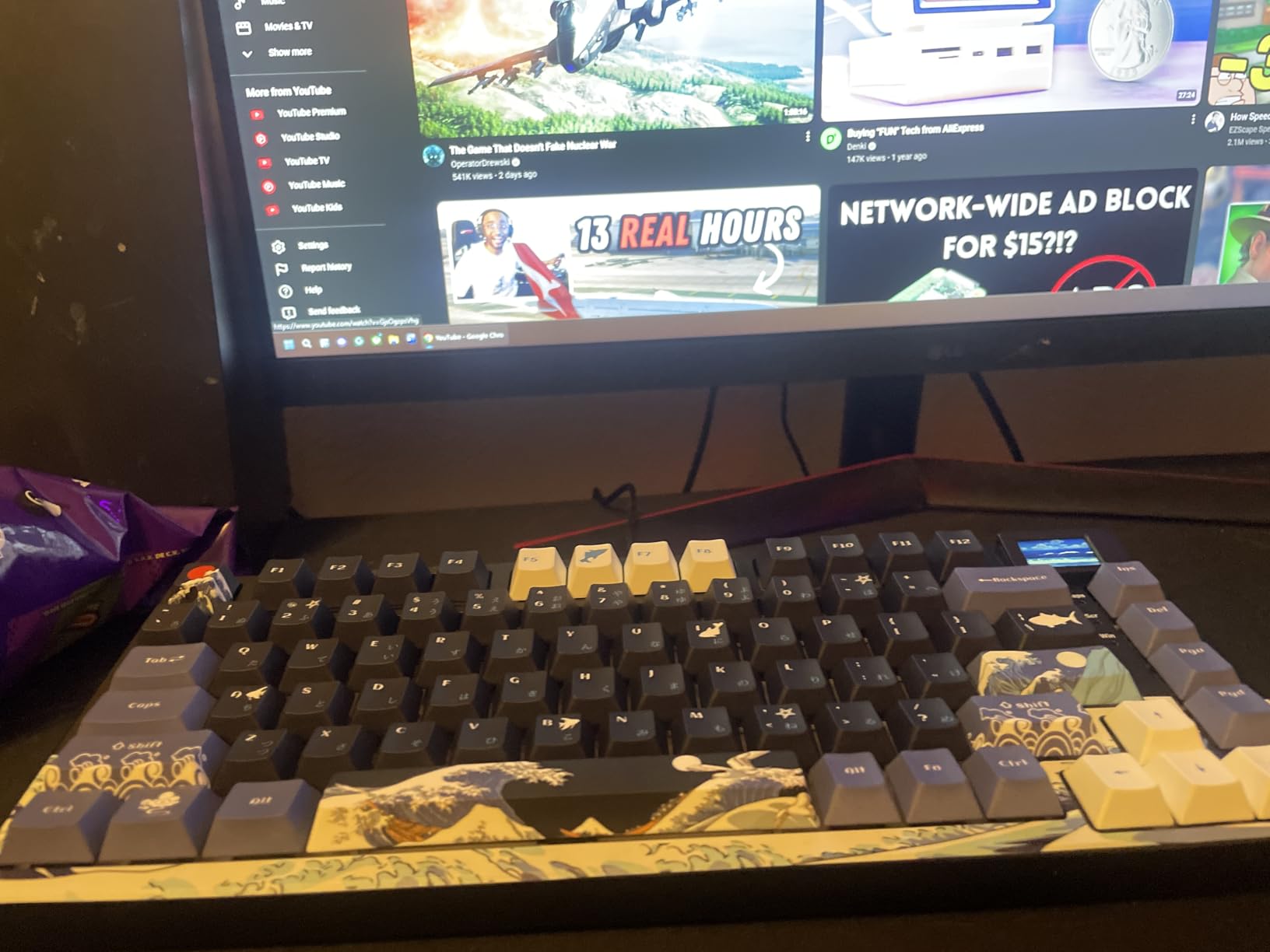
The multimedia display screen is the standout feature, offering functionality rarely found at this price point. This LCD panel lets you upload custom GIFs, display system information, show time/date, or create personalized animations. For streamers, this is particularly valuable—you can display your logo, social media information, or current game for viewers. For gamers, monitoring battery life and connection mode at a glance is incredibly convenient.
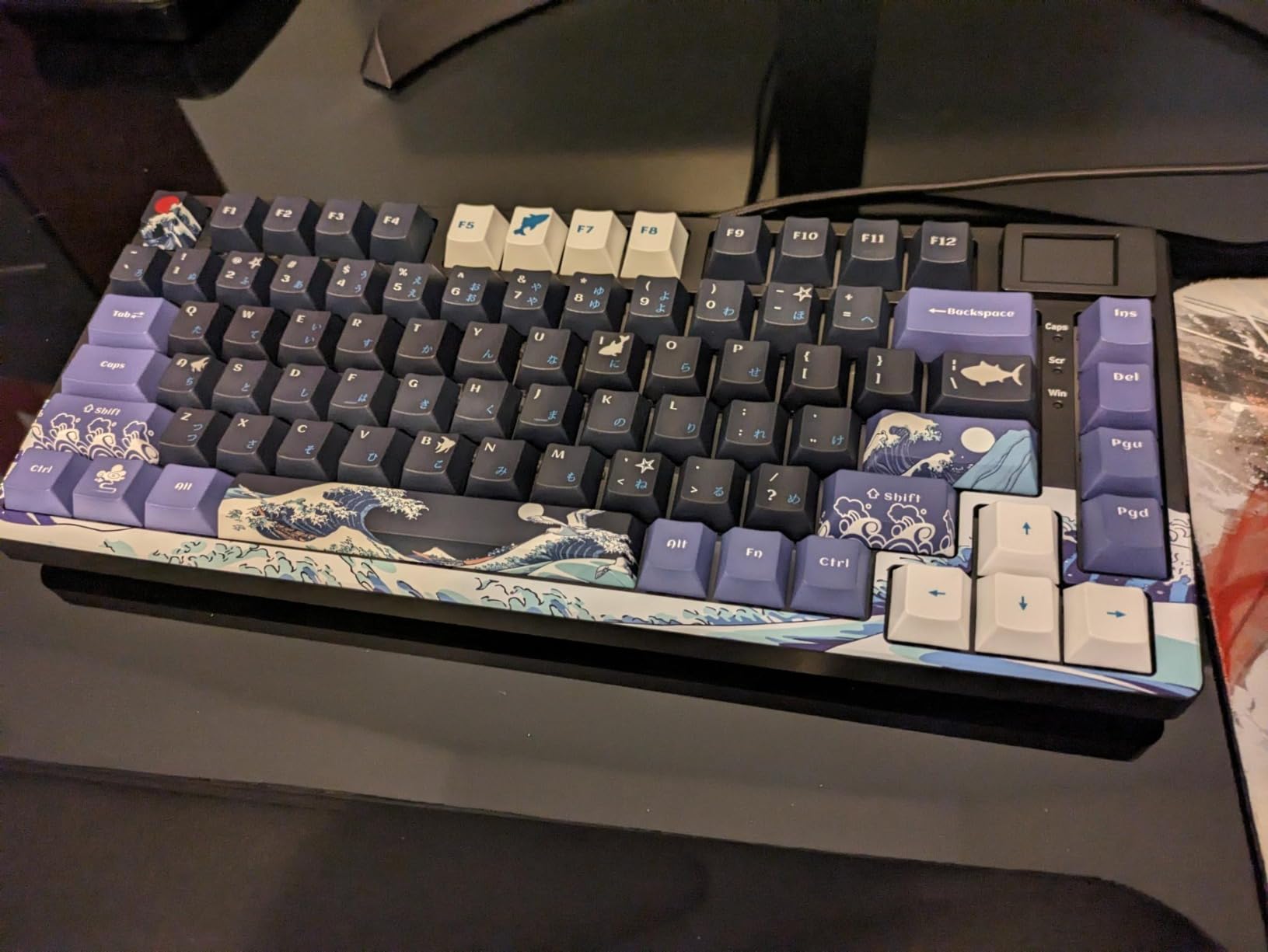
The 75% layout strikes an excellent balance between functionality and desk space savings, giving you arrow keys and navigation keys while maintaining a compact footprint. The gasket mount design with EVA positioning plate provides a soft, cushioned typing feel that’s become increasingly popular among enthusiasts. This mounting style allows the plate to flex slightly during typing, creating a more comfortable experience than traditional tray-mount boards.
RGB and Software
RGB customization is robust with 19 lighting effects and 9 different colors to choose from. The pro software enables full customization of lighting effects, macros, and GIF uploads to the display screen. South-facing transparent light diffusers on the switches maximize RGB visibility even with PBT keycaps that aren’t shine-through.
Build and Switches
The hot-swappable PCB supports both 3-pin and 5-pin switches, giving you full compatibility with virtually any MX-style switch. The pre-lubed linear switches feature smooth typing sound, and pre-lubed stabilizers reduce rattle on larger keys like the spacebar and shift keys. The detachable Type-C cable makes the keyboard portable for LAN events.
8. AULA F99 Pro Wireless – Best Wireless with Knob
AULA F99 Pro Wireless Mechanical Keyboard with Knob,Creamy Sound,Tri-Mode BT5.0/USB-C/2.4GHz Hot Swappable Keyboard,Gasket Structure,RGB Backlit Computer Gaming Keyboards
96% layout
Tri-mode
Multi-function knob
Pros
- 8000mAh battery
- Multi-device
- Gasket structure
Cons
- Software buggy
- Heavier weight
The AULA F99 Pro Wireless represents the pinnacle of wireless hot-swappable keyboards, combining tri-mode connectivity with a premium build and thoughtful features that enhance the gaming experience. The standout feature is the multi-function control knob, which provides precise volume control, lighting adjustment, or mode switching depending on current settings—a small convenience that makes a big difference during gameplay when you don’t want to alt-tab out of your game to adjust settings.
Connectivity options are comprehensive with tri-mode support for Bluetooth 5.0, 2.4GHz wireless, and USB-C wired connection. Multi-device pairing allows you to connect up to 5 devices simultaneously and switch between them seamlessly—perfect for gamers who also use their keyboard for work across multiple computers. The 8000mAh battery is among the largest we’ve seen, providing weeks of use on a single charge with RGB off or days of heavy gaming with lighting enabled.
The gasket structure with PCB single-key slotting creates a soft, elastic typing feel that’s become increasingly sought after, and the pre-lubed linear switches produce a creamy, smooth sound right out of the box. Since switches are hot-swappable with support for 3-pin and 5-pin designs, you can easily customize your feel or replace worn switches over time. The PBT double-shot keycaps feel premium and won’t develop shine over time, and the 16 RGB lighting effects include a music rhythm mode that syncs with audio. At around $76, the F99 Pro Wireless justifies its premium with wireless flexibility, thoughtful features, and excellent build quality.
Pros: Excellent battery life (8000mAh); Tri-mode connectivity (BT5.0, 2.4GHz, USB-C); Multi-device connection (up to 5 devices); Gasket structure with PCB single key slotting; Multi-function control knob for volume/lighting; Hot-swappable 3/5 pin switches; Creamy, smooth pre-lubed linear switches; PBT double-shot keycaps; 16 RGB lighting effects with music rhythm mode.
Cons: Software can be buggy but usable; Slightly dimmer brightness when unplugged; Heavier weight makes it less ideal for travel; Premium price around $76.
Bottom Line: For gamers wanting the ultimate wireless hot-swappable experience, the AULA F99 Pro Wireless delivers exceptional battery life, tri-mode connectivity, and thoughtful features like the multi-function knob that enhance everyday usability.
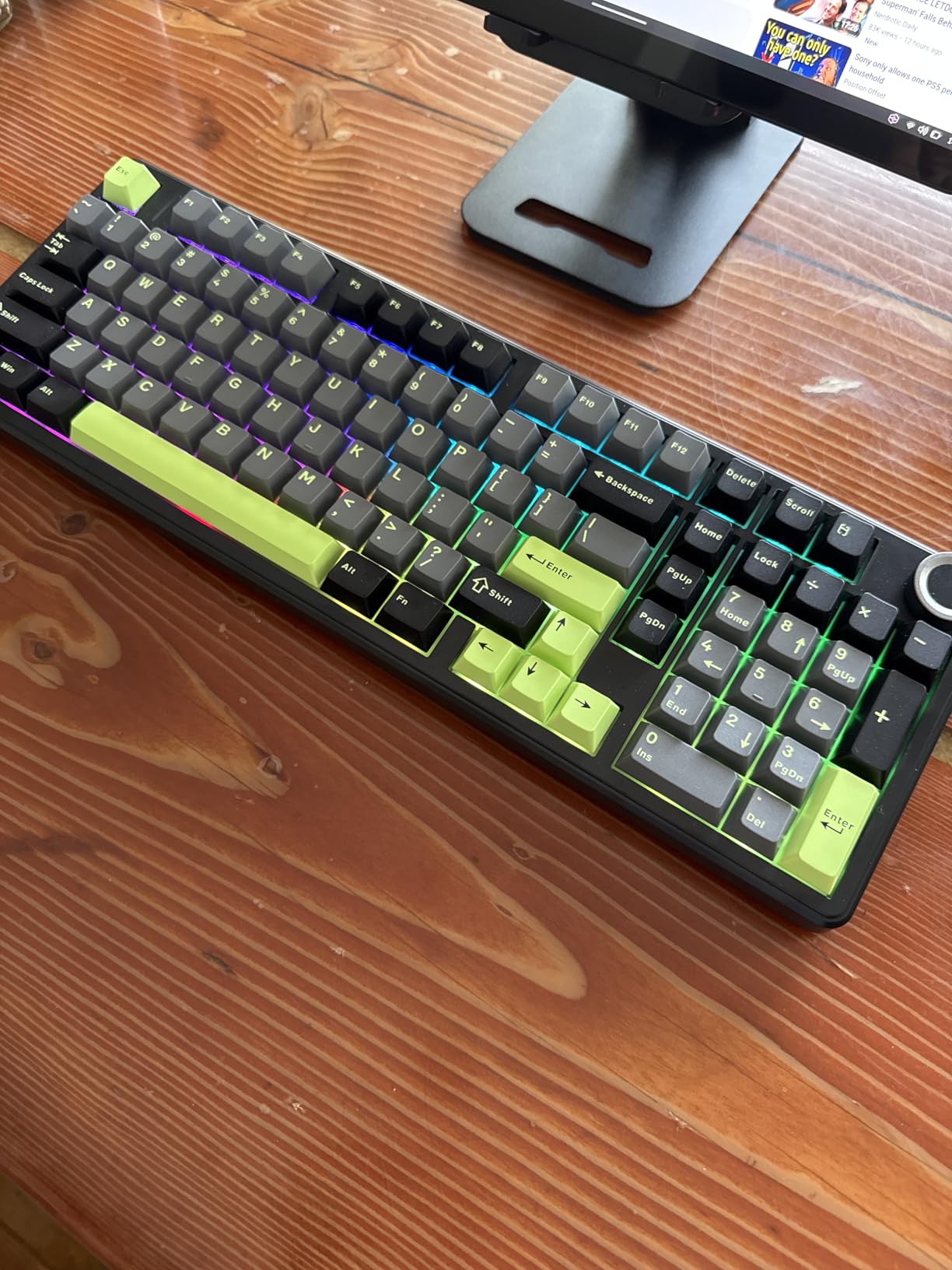
The multi-function control knob is a standout feature that enhances everyday usability. This premium aluminum knob provides precise volume control, lighting adjustment, or mode switching depending on current settings—a small convenience that makes a big difference during gameplay when you don’t want to alt-tab out of your game to adjust settings. The smooth rotation with satisfying resistance makes it feel premium and solid.
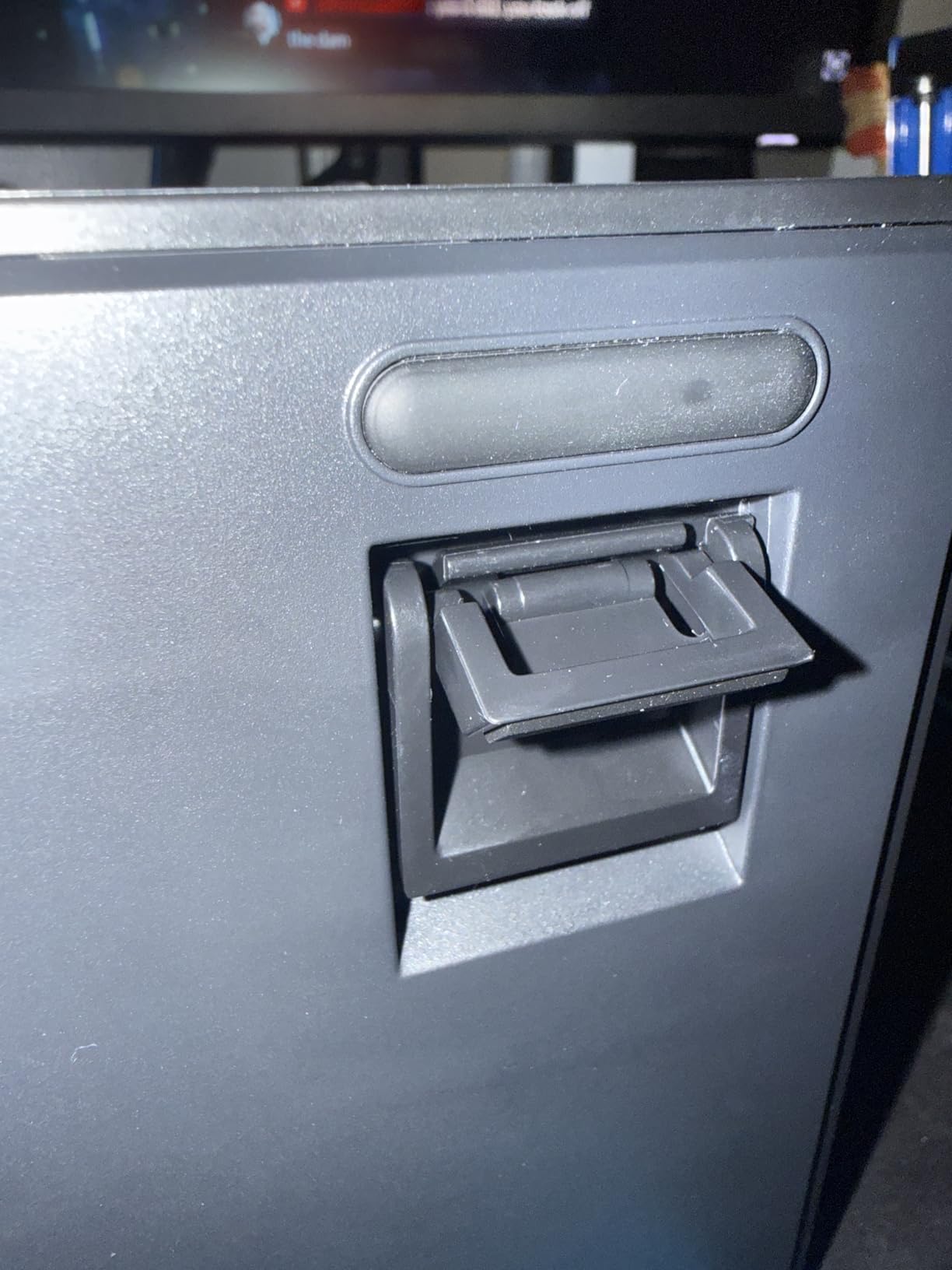
Tri-mode connectivity provides ultimate flexibility for different use cases. Use 2.4GHz wireless for gaming with minimal latency, Bluetooth for connecting to multiple devices like laptops and tablets, or USB-C wired for zero-latency mode when battery is low. Multi-device pairing allows you to connect up to 5 devices simultaneously and switch between them seamlessly, making this keyboard versatile for both gaming and productivity.
Battery Life and Charging
The 8000mAh battery is among the largest we’ve seen in a wireless keyboard, providing weeks of use on a single charge with RGB off or days of heavy gaming with lighting enabled. This exceptional longevity means you’ll rarely need to worry about charging, and when you do, the USB-C connection provides fast charging while allowing you to continue using the keyboard in wired mode.
Build and Feel
The gasket structure with PCB single-key slotting creates a soft, elastic typing feel that’s become increasingly sought after by enthusiasts. The pre-lubed linear switches produce a creamy, smooth sound right out of the box, and since they’re hot-swappable with support for 3-pin and 5-pin designs, you can easily customize your feel or replace worn switches over time.
9. TECWARE Phantom+ 87 – Best TKL Thocky Sound
TECWARE Phantom+ 87 Mechanical Gaming Keyboard | RGB LED Backlit | Hot Swappable Wraith Red Switches | 87 Key TKL Layout | Thocky Sound Profile | Detachable USB-C Wired | Black
TKL layout
Thocky sound
Pre-lubed switches
Pros
- V3 stabilizers
- Detachable cable
- Includes tools
Cons
- No media controls
- Not as bright
The TECWARE Phantom+ 87 has earned a legendary reputation in the mechanical keyboard community for delivering one of the most satisfying “thocky” sound profiles of any TKL keyboard at any price. This acoustic excellence comes from careful engineering—TECWARE has included sound dampening foam between the plate and PCB to eliminate rattles and pings, along with V3 stabilizers that provide smooth, rattle-free operation on larger keys like the spacebar and shift keys.
The hot-swappable design features TECWARE’s proprietary Wraith Red switches—pre-lubed linear switches that feel smooth and consistent right out of the box. Since the PCB is hot-swappable, you can easily replace these with any 3-pin MX-style switches to experiment with different feels. The compact TKL layout (87 keys) maximizes desk space for mouse movement while maintaining all essential keys, making it ideal for FPS gamers who prefer lower sensitivity settings.
Gaming performance is excellent with full N-Key Rollover (NKRO) and 1000Hz polling rate ensuring every key press registers accurately with minimal input lag. The detachable USB-C cable makes the keyboard portable for LAN events, and TECWARE even includes a keycap puller, switch puller, and four spare switches in the box—thoughtful additions that add value at the $54 price point. RGB customization is robust with 18 dynamic preset modes and 16.8 million color options, though brightness isn’t quite as intense as premium keyboards. The steel top plate provides premium build quality that resists flex, and the overall aesthetic is professional enough for office use while still looking at home in a gaming setup.
Pros: Outstanding thocky sound profile; Hot-swappable Wraith Red switches (pre-lubed); Compact TKL design saves desk space; Sound dampening foam eliminates rattle; V3 stabilizers for enhanced typing feel; Full N-Key Rollover (NKRO) with 1000Hz polling; Detachable USB-C cable; Includes keycap puller, switch puller, spare switches; Excellent build quality with steel top plate; Great value around $54.
Cons: No dedicated media controls (only FN key combinations); No USB passthrough; RGB not as bright as premium keyboards.
Bottom Line: The TECWARE Phantom+ 87 is our top pick for gamers prioritizing sound quality in a TKL layout. Its carefully engineered acoustics create one of the most satisfying typing experiences available, and the hot-swappable design ensures you can customize your feel for years to come.
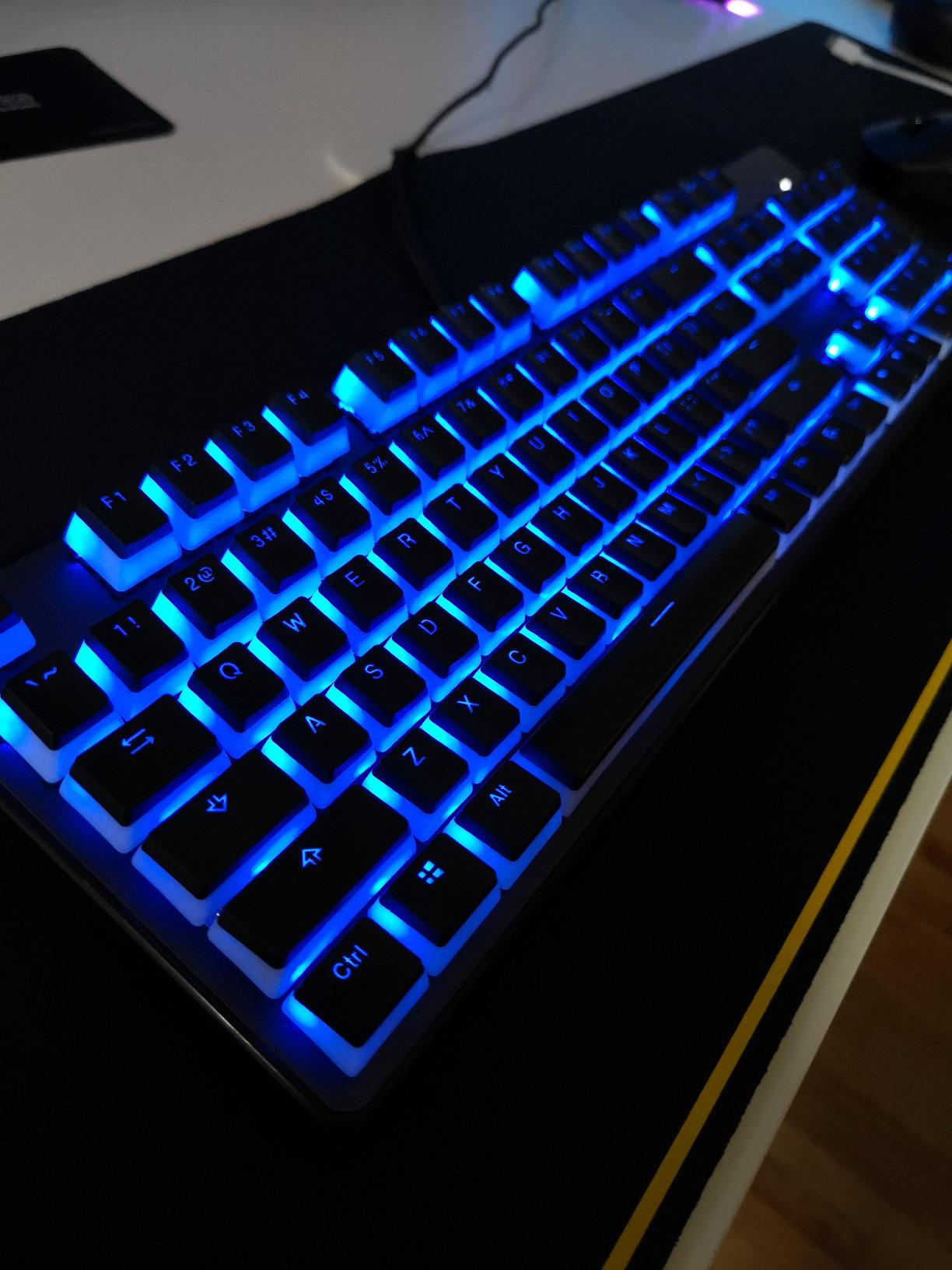
The legendary “thocky” sound profile of the Phantom+ 87 comes from careful engineering. TECWARE has included sound dampening foam between the plate and PCB to eliminate rattles and pings, along with V3 stabilizers that provide smooth, rattle-free operation on larger keys like the spacebar and shift keys. This creates a deep, resonant sound that enthusiasts typically spend hundreds of dollars to achieve.
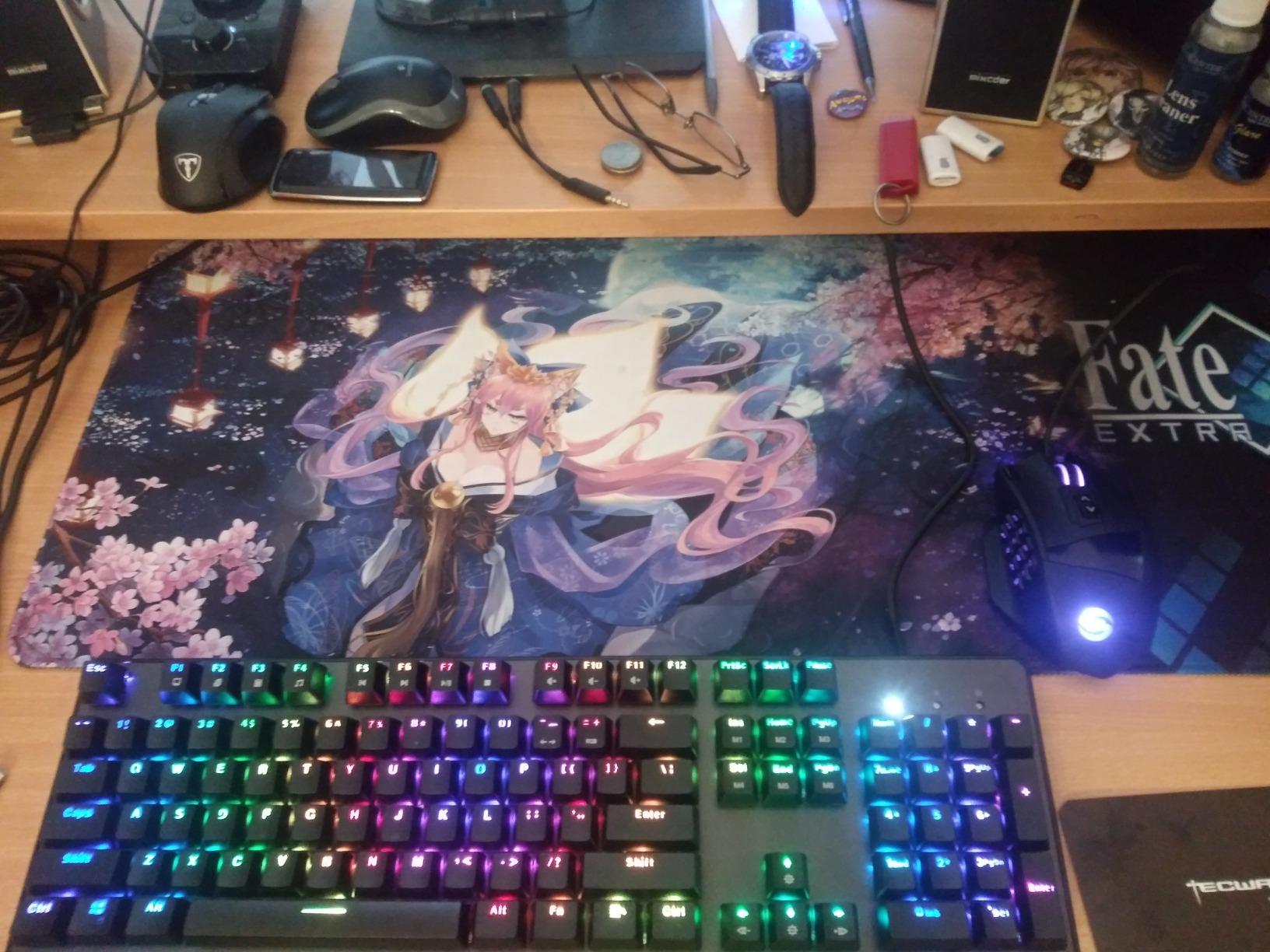
TECWARE’s proprietary Wraith Red switches are pre-lubed linear switches that feel smooth and consistent right out of the box. These switches offer excellent gaming performance with smooth actuation ideal for fast-paced titles. Since the PCB is hot-swappable, you can easily replace these with any 3-pin MX-style switches to experiment with different feels.
Build and Features
The steel top plate provides premium build quality that resists flex during intense gaming sessions, and the compact TKL layout (87 keys) maximizes desk space for mouse movement. Gaming performance is excellent with full N-Key Rollover (NKRO) and 1000Hz polling rate ensuring every key press registers accurately with minimal input lag.
Included Accessories
TECWARE even includes a keycap puller, switch puller, and four spare switches in the box—thoughtful additions that add significant value at the $54 price point. The detachable USB-C cable makes the keyboard portable for LAN events, and RGB customization is robust with 18 dynamic preset modes and 16.8 million color options.
10. AULA F99 Wireless – Best Wireless 96%
Pros
- 8000mAh battery
- Multi-device
- Creamy sound
Cons
- No shine-through
- No puller included
The AULA F99 Wireless has quickly become one of the most popular hot-swappable keyboards on the market, and for good reason. This 96% layout gives you practically full-size functionality including a number pad, but in a more compact footprint that saves valuable desk space. The standout feature is the advanced gasket structure with five-layer sound dampening, which creates a creamy, satisfying typing sound that rivals much more expensive custom keyboards.
Connectivity flexibility is excellent with tri-mode support for Bluetooth 5.0, 2.4GHz wireless, and USB-C wired connection. Multi-device pairing allows you to connect up to 5 devices simultaneously—perfect for gamers who also use their keyboard for work across multiple computers. The 8000mAh battery provides exceptional longevity, easily lasting through weeks of moderate use or days of heavy gaming with RGB enabled.
The pre-lubed linear switches feel smooth and consistent right out of the box, and since they’re hot-swappable with support for both 3-pin and 5-pin designs, you can easily customize your feel or replace individual switches as needed. The PBT double-shot keycaps feel premium and resist shine even after months of heavy use, and N-Key rollover ensures every key press registers during intense gaming sessions. With over 2,700 reviews and a 4.6-star rating, the F99 Wireless has proven itself as a reliable choice that delivers premium features at an accessible price around $70.
Pros: Excellent creamy, smooth typing sound; Tri-mode connectivity (BT5.0, 2.4GHz, USB-C); Multi-device connection (up to 5 devices); 96% layout with number pad saves desktop space; Hot-swappable switches and keycaps; Advanced gasket structure with five-layer sound dampening; 8000mAh battery for long battery life; PBT double-shot keycaps; Over 2,700 reviews with 4.6-star rating.
Cons: Keycaps have no shine-through (hard to see letters in dark room); No included keycap puller or gaskets; Software can be basic.
Bottom Line: The AULA F99 Wireless offers exceptional value for gamers wanting wireless flexibility and premium acoustics. Its proven reliability, excellent battery life, and satisfying typing feel make it one of the most popular hot-swappable keyboards available.
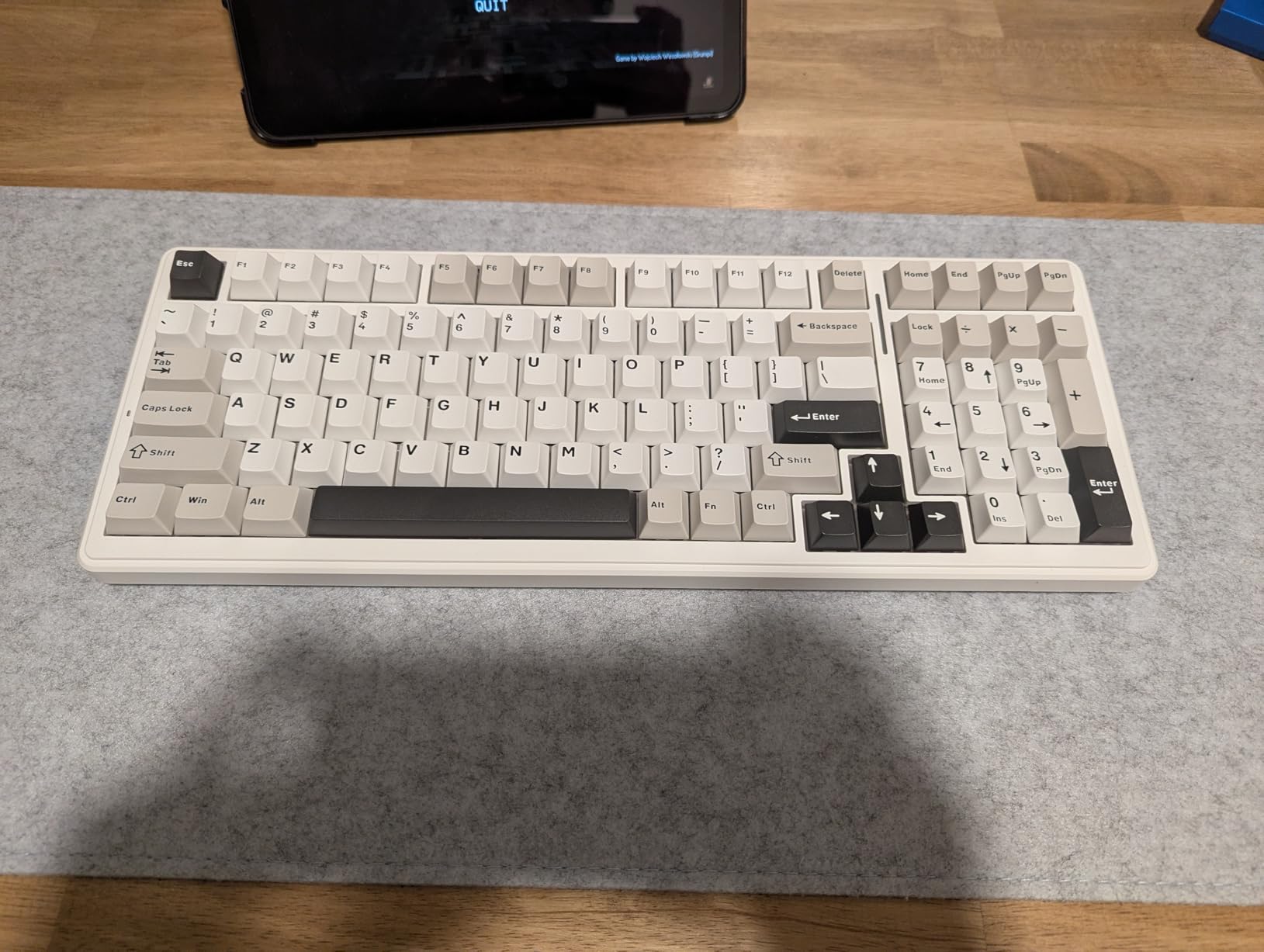
The advanced gasket structure with five-layer sound dampening is the secret to the F99’s creamy typing sound. This multi-layer approach includes multiple types of foam that work together to eliminate hollow pinging sounds and create a deep, resonant acoustic profile that rivals much more expensive custom keyboards. The result is a satisfying typing experience that enthusiasts typically spend hundreds of dollars to achieve.
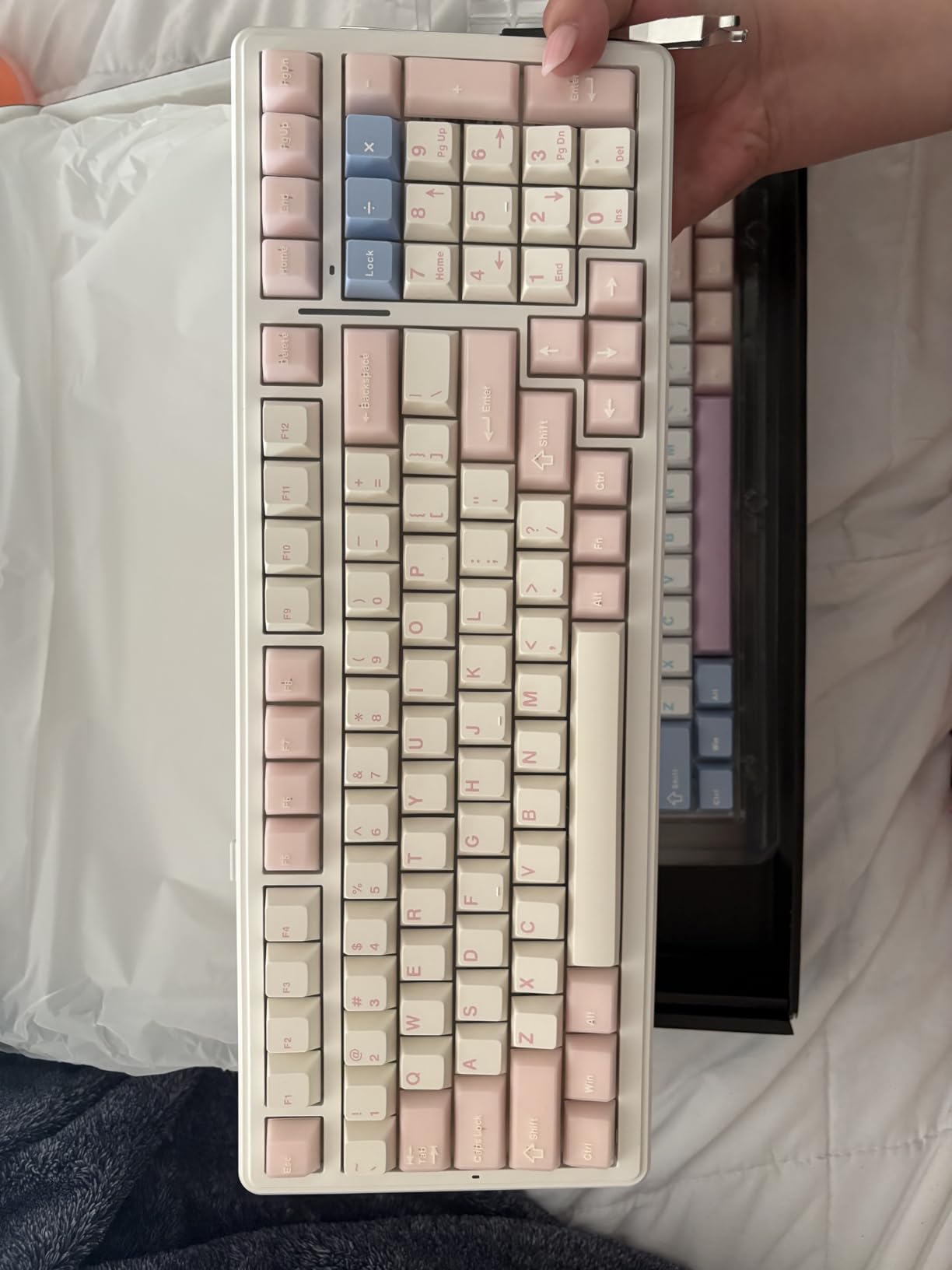
Tri-mode connectivity provides ultimate flexibility for different use cases. Use 2.4GHz wireless for gaming with minimal latency, Bluetooth for connecting to multiple devices like laptops and tablets, or USB-C wired for zero-latency mode when battery is low. Multi-device pairing allows you to connect up to 5 devices simultaneously and switch between them seamlessly.
Battery Life and Build
The 8000mAh battery provides exceptional longevity, easily lasting through weeks of moderate use or days of heavy gaming with RGB enabled. This is among the largest batteries we’ve seen in a wireless keyboard, and it means you’ll rarely need to worry about charging. The 96% layout gives you practically full-size functionality including a number pad, but in a more compact footprint that saves valuable desk space.
Switches and Keycaps
The pre-lubed linear switches feel smooth and consistent right out of the box, and since they’re hot-swappable with support for both 3-pin and 5-pin designs, you can easily customize your feel or replace individual switches as needed. The PBT double-shot keycaps feel premium and resist shine even after months of heavy use.
11. RK ROYAL KLUDGE R98 Pro – Best Wired 98%

Pros
- 5-layer foam
- Aluminum knob
- Gasket mount
Cons
- Knob slippery
- High profile
- No wireless
The RK ROYAL KLUDGE R98 Pro represents the best wired 98% hot-swappable keyboard we’ve tested, combining a compact layout with premium features that enhance both gaming performance and typing comfort. The 98% layout gives you a number pad, arrow keys, and function keys in a space-efficient design that measures just 15.3 inches wide—saving valuable desk space without sacrificing functionality.
What sets the R98 Pro apart is its MDA profile PBT keycaps, which feature a sculpted design that conforms to your fingertips for improved typing comfort during long gaming sessions or work days. The gasket mount with five layers of sound-absorbing foam creates a creamy, thocky acoustic profile that rivals much more expensive custom keyboards, and the pre-lubed cream/beige switches feel smooth right out of the box with minimal break-in period.
The detachable aluminum CNC metal volume knob is a premium touch that provides precise volume control without reaching for your mouse or using function key combinations. Hot-swappable PCB supports both 3-pin and 5-pin switches, giving you full compatibility with virtually any MX-style switch for future customization. RGB customization is excellent with more than 20 different modes to choose from, and the programmable online driver allows for key remapping and macro creation without installing software. The build quality feels substantial with premium weight that resists sliding during intense gaming, and while it lacks wireless connectivity, the wired USB-C connection ensures zero input lag and no battery concerns.
Pros: Excellent thocky/creamy typing sound; Gasket mount with five layers of sound-absorbing foam; MDA profile PBT keycaps for comfort; Hot-swappable 3/5-pin switches; Detachable aluminum CNC metal volume knob; Compact 98% layout with number pad; Premium build quality and substantial weight; More than 20 RGB modes; Programmable online driver support; Great value around $70.
Cons: Volume knob is smooth and slippery, difficult to grip; Keyboard is quite high without wrist rest (causes fatigue); USB cable could be longer; No wireless connectivity (wired only).
Bottom Line: The RK ROYAL KLUDGE R98 Pro is our top wired pick for gamers prioritizing sound quality and typing comfort. Its MDA profile keycaps, premium acoustics, and thoughtful features like the volume knob make it an excellent choice under $75.
12. RK ROYAL KLUDGE R65 – Best 60% with QMK/VIA

Pros
- MDA keycaps
- 5-layer foam
- Web-based programming
Cons
- No shine-through
- VIA issues
- No number pad
The RK ROYAL KLUDGE R65 stands out in the crowded 60% keyboard market by offering full QMK/VIA programmability—a feature rarely found at this price point. This open-source firmware support means you can completely customize every aspect of the keyboard, from key remapping to advanced macros, using the popular VIA software that requires no coding knowledge. For tinkerers and customization enthusiasts, this level of control is typically found only in much more expensive custom keyboards.
The R65 doesn’t compromise on build quality or feel to achieve its accessible price. The solid metal volume knob feels premium and provides convenient media control without reaching for your mouse, and the gasket mount with five-layer sound-absorbing material creates a soft, cushioned typing experience with excellent acoustics. The pre-lubed cream switches deliver that sought-after thocky sound right out of the box, and since they’re hot-swappable with support for both 3-pin and 5-pin designs, you can easily experiment with different switch types.
The MDA profile PBT keycaps feature double-shot technology for legends that won’t wear off, and their sculpted design conforms to your fingertips for improved comfort during long typing sessions. The compact 60% layout maximizes desk space for mouse movement, making it ideal for FPS gamers who use lower sensitivity settings. RGB customization is excellent with dynamic backlighting and per-key programming through VIA, and the web-based driver means you don’t need to install software to customize your keyboard. At around $60, the R65 offers exceptional value for gamers wanting programmability and premium features in a compact package.
Pros: QMK/VIA programmable for full customization; Excellent thocky sound and creamy feel; Premium build quality with solid metal volume knob; Gasket mount with 5-layer sound-absorbing material; Hot-swappable pre-lubed cream switches; MDA profile PBT keycaps with double shot technology; Great value at around $60; Compact 60% layout saves desk space; Web-based programming through VIA.
Cons: Backlight only illuminates between keys, not through legends; VIA customization software can have issues; No number pad (60% layout trade-off); Official VIA json files may not work properly.
Bottom Line: The RK ROYAL KLUDGE R65 is our top pick for customization enthusiasts wanting a compact hot-swappable keyboard with full QMK/VIA support. Its premium build quality, excellent acoustics, and programmability make it outstanding value under $65.
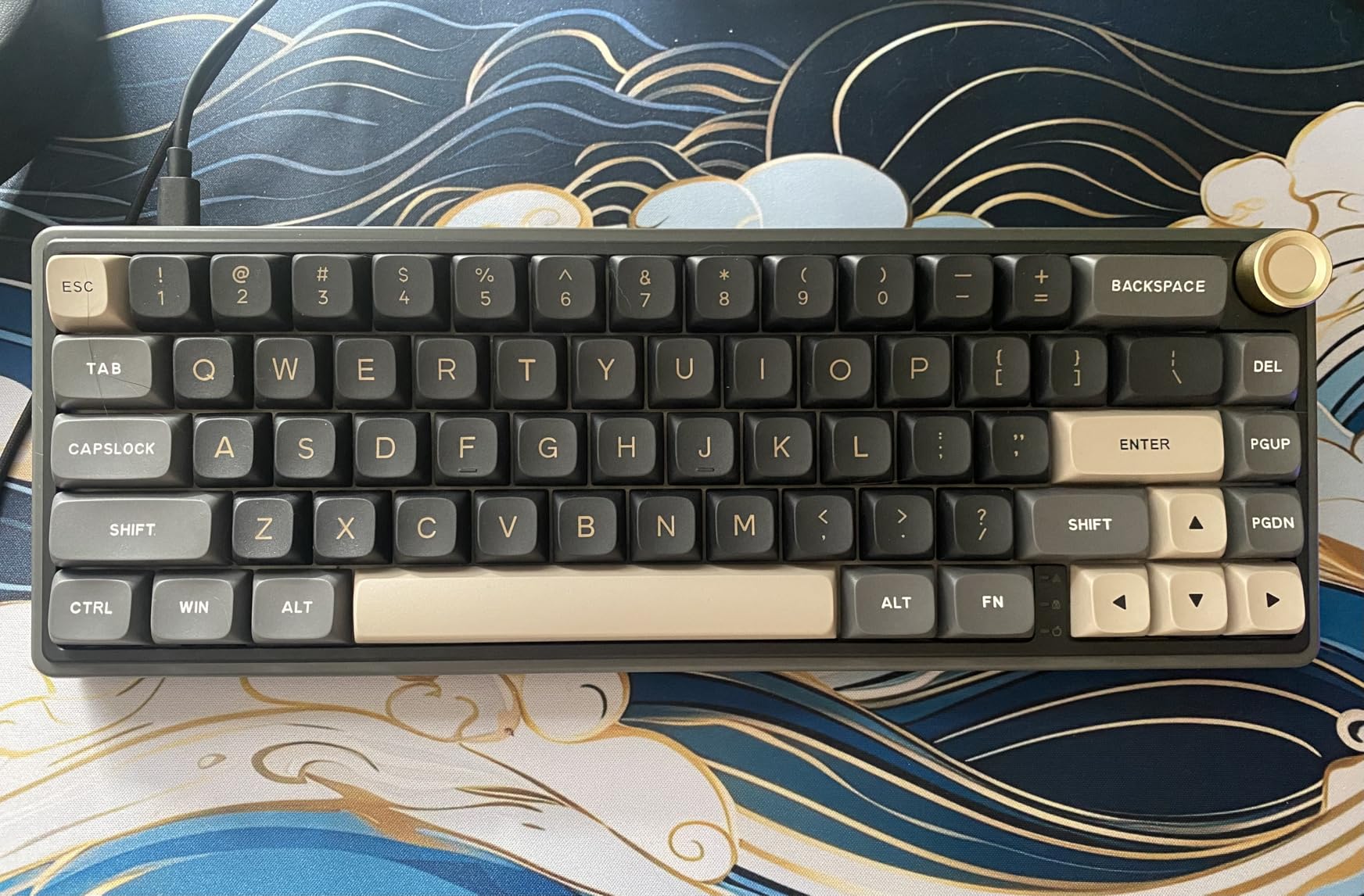
Full QMK/VIA programmability is the standout feature, allowing complete customization of every aspect of the keyboard. Using the popular VIA software that requires no coding knowledge, you can remap keys, create macros, and customize layers to your heart’s content. This level of control is typically found only in much more expensive custom keyboards.
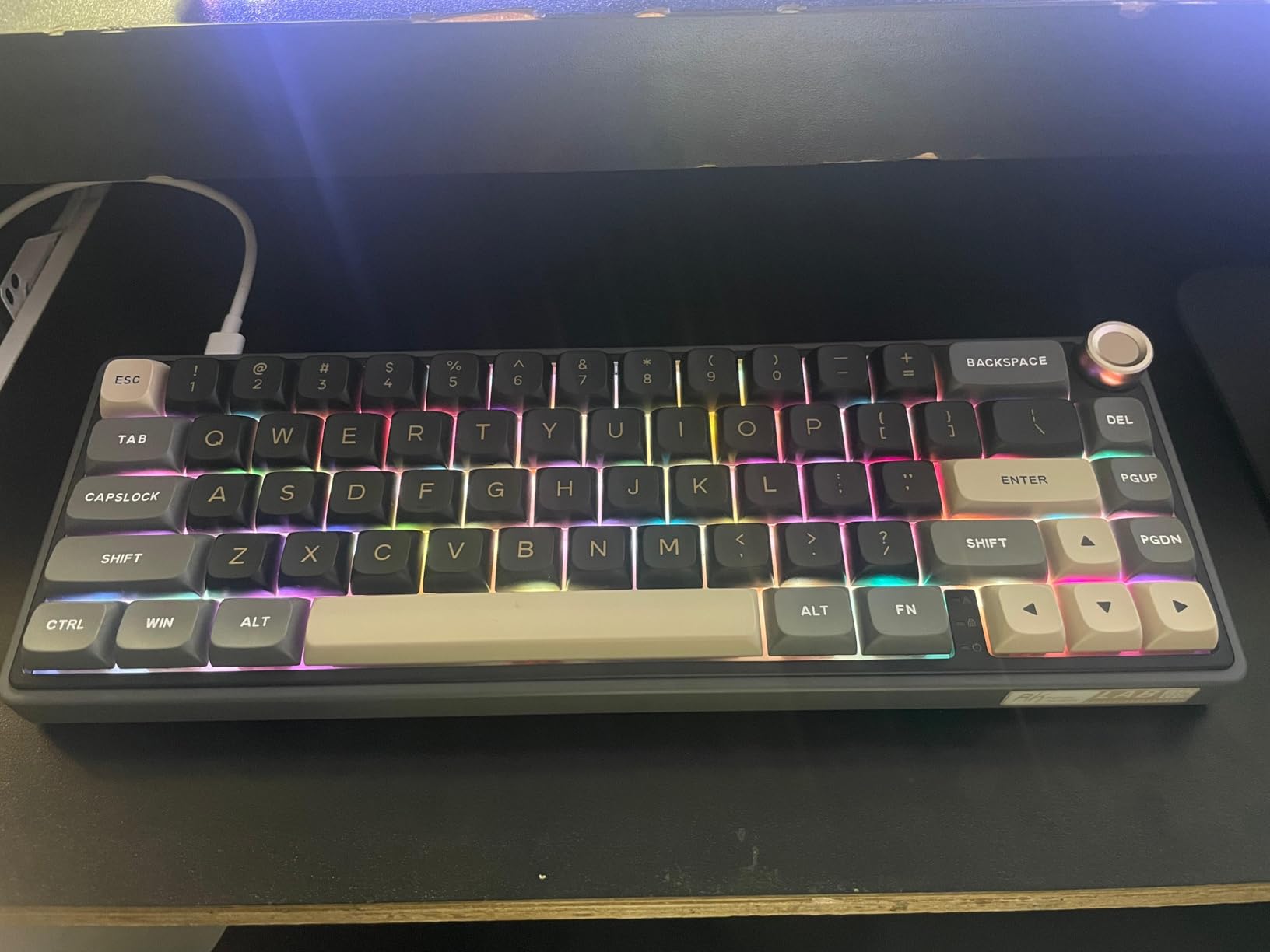
The solid metal volume knob feels premium and provides convenient media control without reaching for your mouse. The gasket mount with five-layer sound-absorbing material creates a soft, cushioned typing experience with excellent acoustics, delivering that sought-after thocky sound right out of the box.
Keycaps and Layout
The MDA profile PBT keycaps feature double-shot technology for legends that won’t wear off, and their sculpted design conforms to your fingertips for improved comfort during long typing sessions. The compact 60% layout maximizes desk space for mouse movement, making it ideal for FPS gamers who use lower sensitivity settings.
RGB and Software
RGB customization is excellent with dynamic backlighting and per-key programming through VIA. The web-based driver means you don’t need to install software to customize your keyboard—simply connect to the browser-based interface and customize to your heart’s content.
13. AULA S98 Pro Wireless – Best with LCD Screen

Pros
- Smart display
- 5000mAh battery
- Side-printed PBT
Cons
- Knob mode switching
- Plastic case
The AULA S98 Pro Wireless takes the concept of a smart keyboard to the next level with its integrated LCD screen that displays time, date, battery status, and connection mode at a glance. This thoughtful feature is particularly useful for wireless keyboards where knowing your battery level prevents unexpected interruptions during gaming sessions. The screen can also display custom GIFs and animations, adding a level of personalization that goes beyond typical RGB lighting.
Connectivity flexibility is excellent with tri-mode support for Bluetooth 5.0, 2.4GHz wireless, and USB-C wired connection. Multi-device pairing allows you to connect up to 5 devices simultaneously and switch between them seamlessly—perfect for gamers who also use their keyboard for work across multiple computers. The 5000mAh battery provides solid longevity, easily lasting through weeks of moderate use or several days of heavy gaming.
The premium aluminum multi-function knob provides precise control for volume, lighting, or mode switching depending on current settings, and its solid construction feels excellent during use. The gasket structure with sound dampening creates a soft, cushioned typing experience, and the pre-lubed switches and stabilizers produce a creamy, smooth sound right out of the box. Hot-swappable PCB supports both 3-pin and 5-pin switches, giving you full compatibility with virtually any MX-style switch for future customization. The side-printed PBT keycaps feature shine-through LEDs that display RGB clearly while maintaining the premium texture of PBT plastic.
Pros: Smart LCD screen displays date, time, battery, connection mode; Premium aluminum multi-function knob; Tri-mode connectivity (BT5.0, 2.4GHz, USB-C); Multi-device connection (up to 5 devices); Hot-swappable 3/5-pin switch compatibility; Pre-lubed switches and stabilizers; 5000mAh large capacity battery; Gasket structure with sound dampening; Side-printed PBT keycaps with shine-through LEDs.
Cons: Knob used for multiple functions requires mode switching to control volume; Software has issues with GIF display (some convert to static); Cannot control GIF frame rate; Plastic case rather than aluminum; Some reports of battery failure after extended use.
Bottom Line: The AULA S98 Pro Wireless is perfect for gamers wanting a smart keyboard with useful information display. The LCD screen adds functionality and personality, while the premium build quality and tri-mode connectivity make it a versatile choice for gaming and productivity.
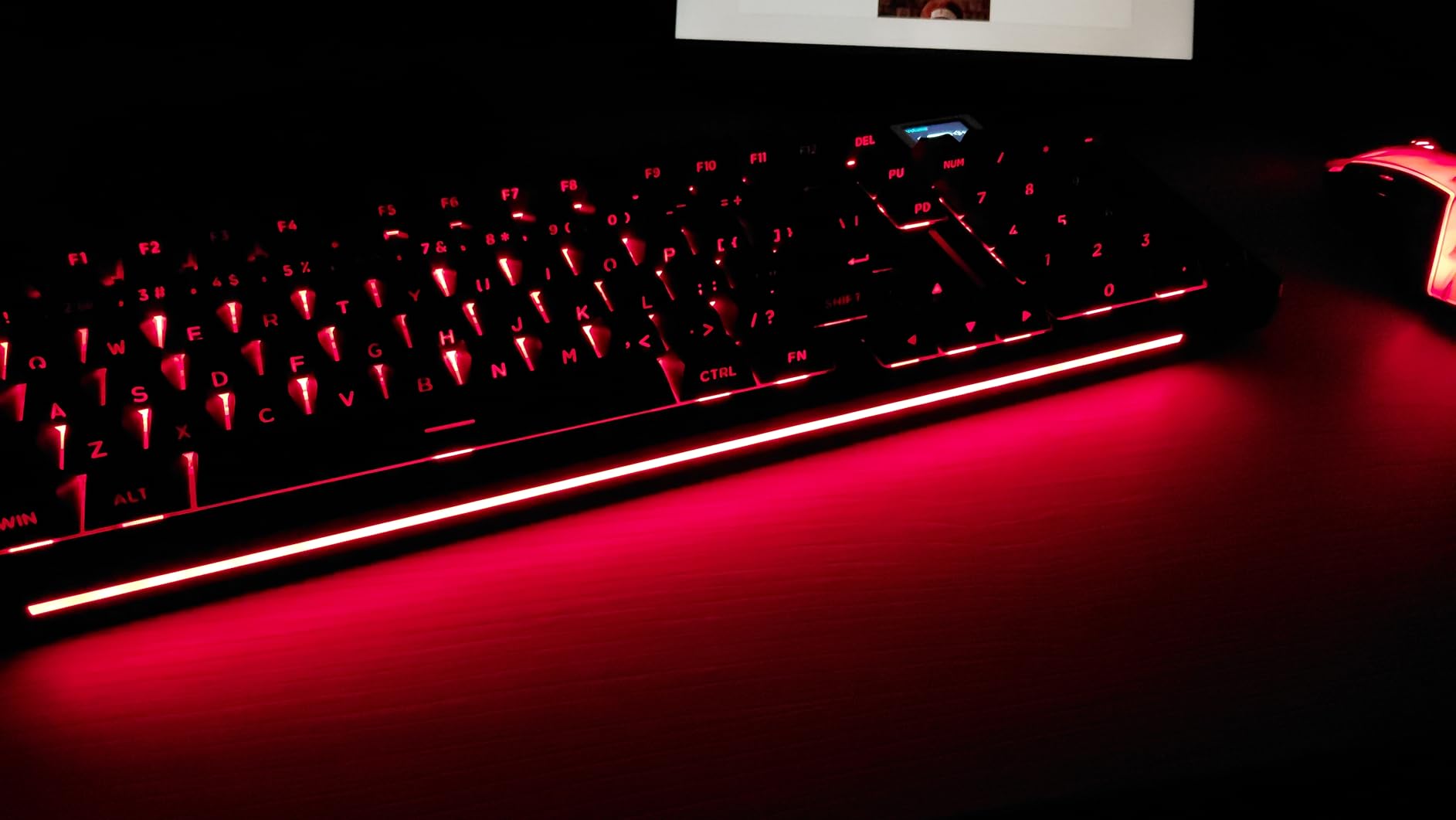
The integrated LCD screen is a standout feature, displaying time, date, battery status, and connection mode at a glance. This is particularly useful for wireless keyboards where knowing your battery level prevents unexpected interruptions during gaming sessions. The screen can also display custom GIFs and animations, adding a level of personalization that goes beyond typical RGB lighting.
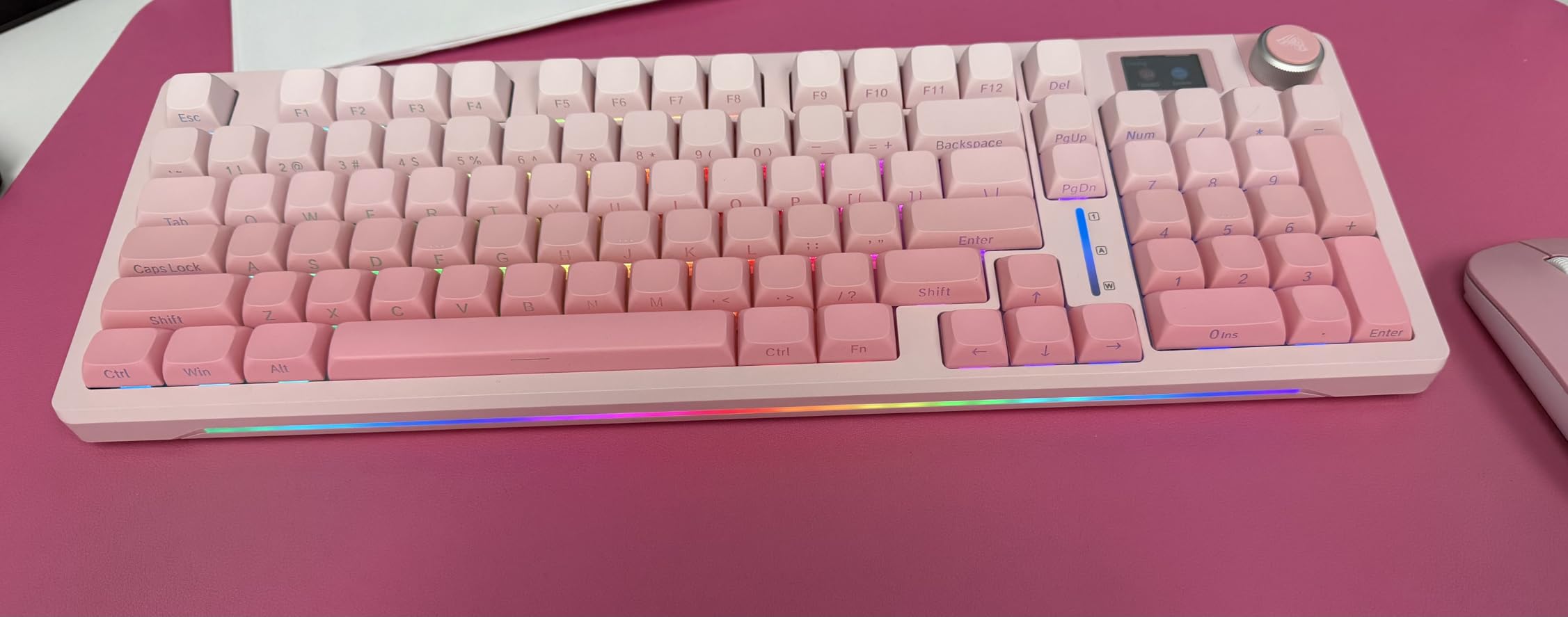
The premium aluminum multi-function knob provides precise control for volume, lighting, or mode switching depending on current settings. Its solid construction feels excellent during use, with smooth rotation and satisfying resistance. The gasket structure with sound dampening creates a soft, cushioned typing experience.
Connectivity and Battery
Tri-mode connectivity provides flexibility for different use cases, and multi-device pairing allows you to connect up to 5 devices simultaneously. The 5000mAh battery provides solid longevity, easily lasting through weeks of moderate use or several days of heavy gaming.
Switches and Keycaps
The pre-lubed switches and stabilizers produce a creamy, smooth sound right out of the box. Hot-swappable PCB supports both 3-pin and 5-pin switches, and the side-printed PBT keycaps feature shine-through LEDs that display RGB clearly while maintaining the premium texture of PBT plastic.
14. PIXIU 98 with Cherry MX2A – Best Premium Cherry Switches
Pros
- 100M keystroke lifespan
- Gasket mount
- 1100hr battery
Cons
- Basic software
- Limited reviews
- Premium price
The PIXIU 98 represents the pinnacle of hot-swappable keyboards for gamers who demand the absolute fastest input response. Featuring genuine Cherry MX2A switches with Gold Crosspoint Contact technology and an ultra-low latency design, this keyboard achieves an incredible 8000Hz polling rate in wired mode and 4000Hz wirelessly—far beyond the standard 1000Hz of most gaming keyboards. This tournament-grade performance provides a tangible competitive advantage in fast-paced games where milliseconds matter.
Cherry MX2A switches represent the latest evolution of the legendary Cherry MX switches, with a 100 million keystroke lifespan that’s double the durability of standard mechanical switches. The linear red variant featured on this keyboard offers smooth, consistent actuation that’s ideal for gaming, and since the PCB is hot-swappable, you can easily experiment with different Cherry MX2A variants or any other 3-pin/5-pin MX-style switches.
Beyond performance, the PIXIU 98 delivers premium build quality with a gasket-mounted design and multi-layer padding that creates a soft, pleasant typing feel. The PBT keycaps feature a durable texture that resists shine even after months of heavy use, and the volume knob provides precise control with a solid, premium feel. Tri-mode connectivity (USB-C wired, 2.4GHz wireless, Bluetooth) provides flexibility for different setups, and the 4000mAh battery delivers up to 1100 hours of use—among the best we’ve tested. RGB customization is excellent with 16.8 million colors and multiple effects, and while the software is basic, it gets the job done without being overly complex.
Pros: Premium Cherry MX2A switches with 100M keystroke lifespan; Ultra-low latency with 8K Hz wired polling; Gasket mount for soft, pleasant typing feel; Tri-mode connectivity for multi-device use; Excellent build quality with premium weight; PBT keycaps with durable texture; Volume knob with precise control; Hot-swappable PCB; Outstanding battery life (up to 1100 hours); RGB customization via software or FN keys.
Cons: Software is basic but functional; Keycaps have slight texture that may require getting used to; Heavier keyboard (not portable); New product with limited review count; Premium price around $130.
Bottom Line: For competitive gamers seeking the absolute fastest input response, the PIXIU 98 with Cherry MX2A switches delivers tournament-grade 8K Hz polling and legendary switch durability. Its premium build quality and excellent wireless performance justify the investment for serious players.
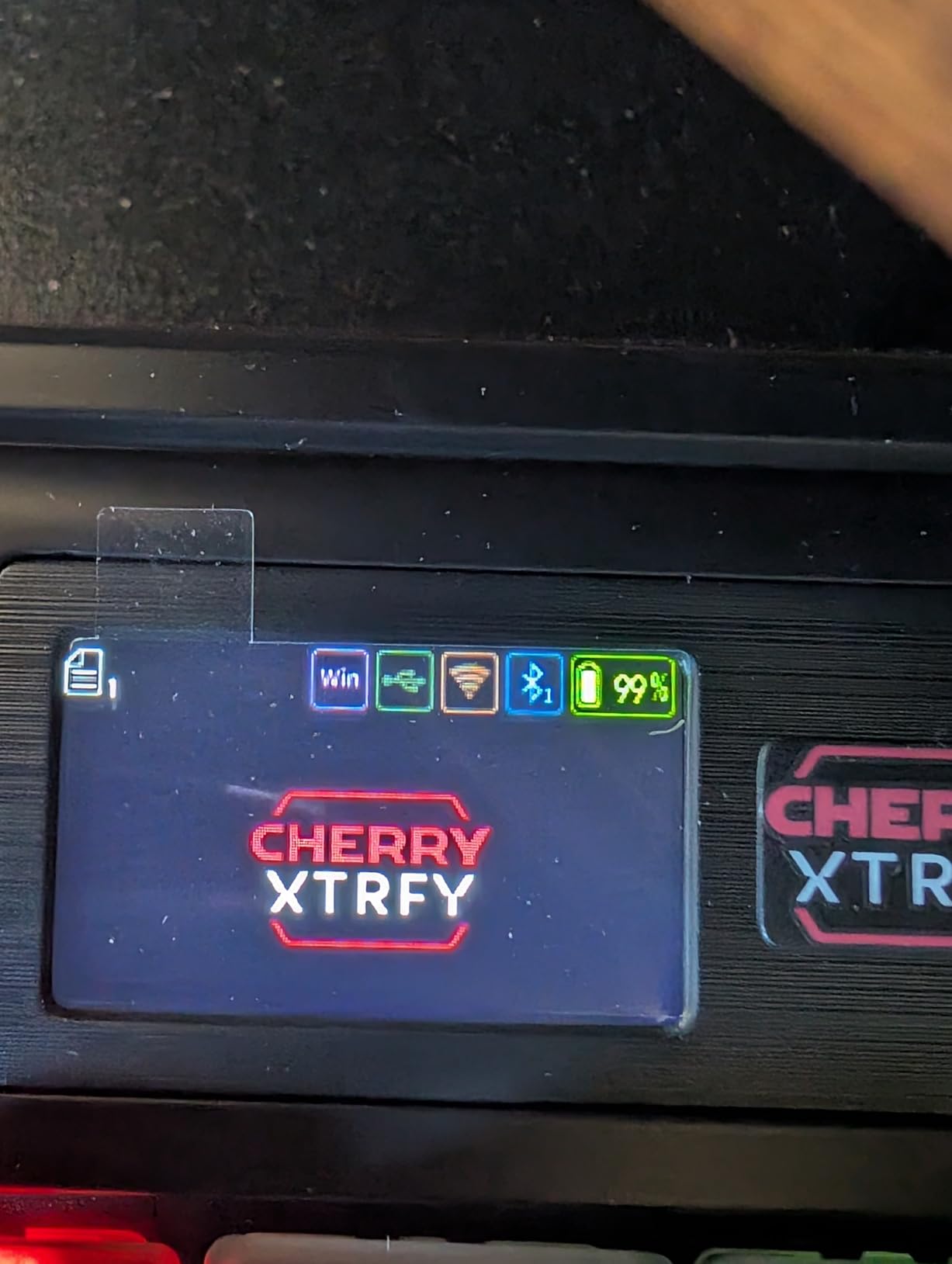
The 8000Hz polling rate in wired mode and 4000Hz wirelessly represent the cutting edge of gaming keyboard performance, far beyond the standard 1000Hz of most gaming keyboards. This tournament-grade performance provides a tangible competitive advantage in fast-paced games where milliseconds matter.
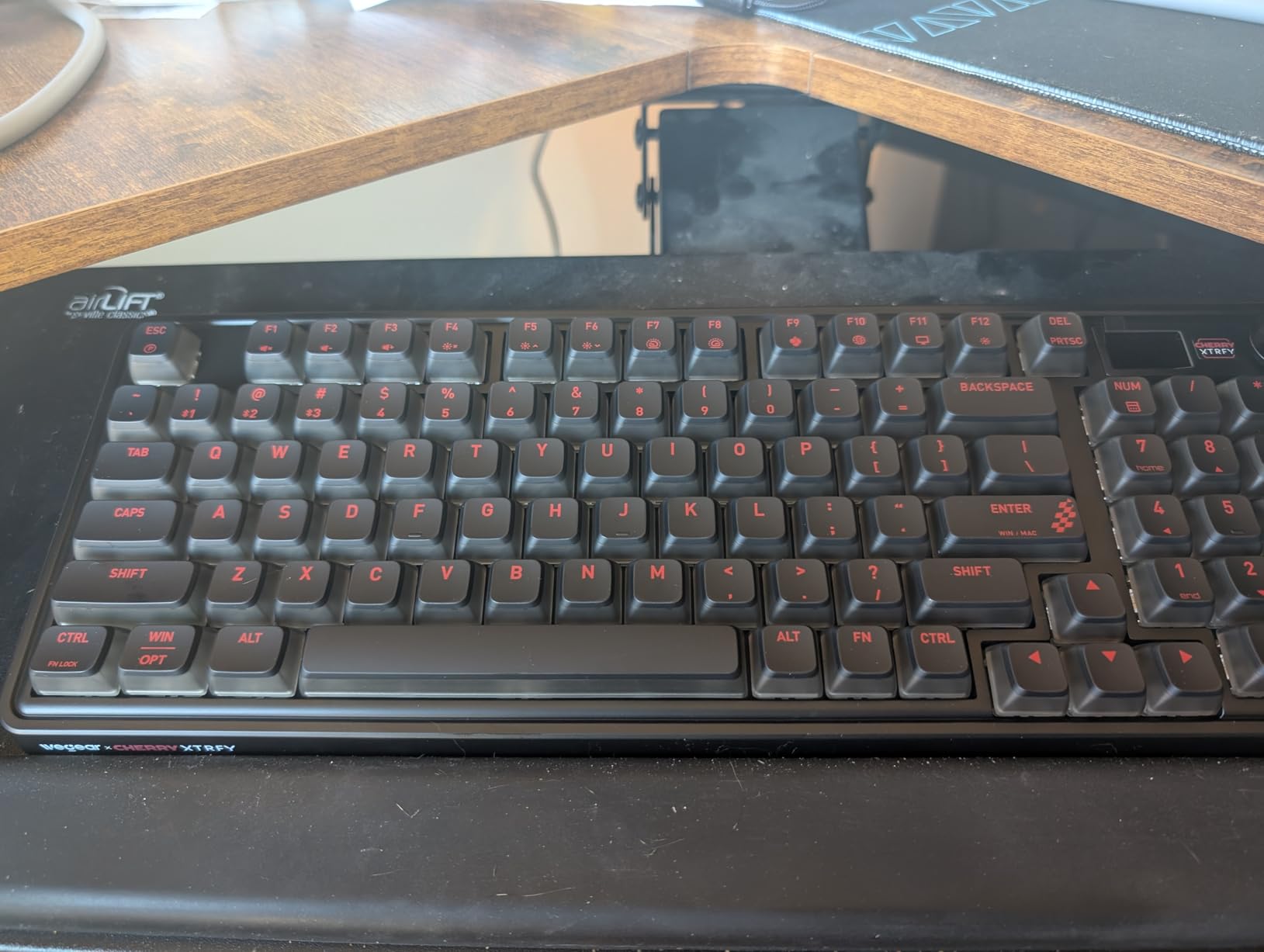
Cherry MX2A switches represent the latest evolution of the legendary Cherry MX switches, with a 100 million keystroke lifespan that’s double the durability of standard mechanical switches. The linear red variant offers smooth, consistent actuation ideal for gaming.
Build and Features
The gasket-mounted design with multi-layer padding creates a soft, pleasant typing feel. The PBT keycaps feature a durable texture that resists shine, and the volume knob provides precise control with a solid, premium feel.
Connectivity and Battery
Tri-mode connectivity provides flexibility, and the 4000mAh battery delivers up to 1100 hours of use—among the best we’ve tested. RGB customization is excellent with 16.8 million colors and multiple effects.
15. YUNZII AL98 – Best Full Aluminum Build
Pros
- 5.59 lbs weight
- 8000mAh battery
- 5-layer foam
Cons
- Very heavy
- Wireless issues
- No knob
The YUNZII AL98 sets a new standard for build quality in the hot-swappable keyboard market with its full aluminum case that provides exceptional durability and a premium aesthetic. Weighing in at 5.59 pounds, this keyboard feels absolutely rock-solid on your desk with zero flex or creaking—premium characteristics typically found only in much more expensive custom keyboards. The 1800 compact layout includes a number pad while maintaining a space-efficient footprint that’s perfect for gamers who need numeric input but want to save desk space.
Beyond its impressive build quality, the AL98 delivers where it matters for gaming and typing. The gasket mount with five-layer cushioning creates a soft, elastic typing feel that’s become increasingly sought after, and the pre-lubed Milk switches produce a creamy, smooth sound right out of the box. QMK/VIA programmability means you can completely customize every aspect of the keyboard using the popular VIA software, and tri-mode connectivity (Bluetooth, 2.4G wireless, USB-C wired) provides flexibility for different setups and multi-device pairing up to 5 devices.
The 8000mAh battery is among the largest we’ve seen, providing exceptional longevity that easily lasts through weeks of moderate use. The PBT double-shot keycaps feel premium and resist shine even after months of heavy use, and N-key rollover ensures every key press registers accurately during intense gaming sessions. At around $88, the AL98 offers outstanding value for gamers wanting a premium all-aluminum build with full customization potential.
Pros: Full aluminum case with exceptional build quality; Very heavy and sturdy (5.59 pounds); Gasket mount with 5-layer cushioning; QMK/VIA fully programmable; Tri-mode connectivity with up to 5 devices; 8000mAh large capacity battery; Pre-lubed Milk switches with creamy sound; PBT double-shot keycaps; 1800 compact layout with number pad; N-key rollover and anti-ghosting; Great value for aluminum keyboard.
Cons: Very heavy – not portable; Some reports of wireless dongle disconnect issues; No volume knob; Large footprint requires desk space.
Bottom Line: The YUNZII AL98 is our top pick for gamers wanting premium build quality and full customization potential. Its all-aluminum construction, QMK/VIA programmability, and tri-mode connectivity make it an excellent choice under $90 for enthusiasts who demand the best.
16. Redragon K745 – Best Full-Size Gasket Mount

Pros
- Thocky sound
- Extra keycaps
- Detachable cable
Cons
- Loud switches
- No shine-through
- Blue switch noise
The Redragon K745 represents the best full-size hot-swappable keyboard for gamers wanting premium acoustics without sacrificing functionality. This 108-key layout includes all the keys of a traditional full-size keyboard plus 4 extra shortcut keys for quick access to common functions. What sets the K745 apart is its gasket mount structure combined with five layers of noise dampening that create a creamy, satisfying “thocky” sound typically found only in much more expensive custom keyboards.
The five-layer noise dampening system includes PO foam, IXPE switch foam, PET sound pad, bottom socket foam, and silicone bottom pad—all working together to eliminate hollow sounds and create a premium acoustic experience. The hot-swappable socket supports both 3-pin and 5-pin switches for maximum compatibility, and Redragon’s custom Dragon Chant linear switches come pre-lubed for smooth operation right out of the box. The gasket mount design provides a cushioned, elastic typing feel that’s more comfortable than traditional tray-mount boards during long gaming sessions.
RGB customization is excellent with great lighting effects and multiple modes to choose from, and the pro software allows for advanced customization of both lighting effects and macros. The detachable USB-C cable makes the keyboard more portable than most full-size boards, and the ergonomic design with two-stage adjustable feet lets you find the perfect typing angle. Redragon even includes extra keycaps and a switch puller in the box—thoughtful additions that add value at the $45 price point. With over 2,100 reviews and a 4.6-star rating, the K745 has proven itself as an excellent choice for gamers wanting premium acoustics and full-size functionality.
Pros: Excellent gasket mount design with cushioned typing feel; 5-layer noise dampening delivers satisfying ‘thocky’ sound; Hot-swappable switches (3/5 pin compatible); Great RGB lighting effects with customization; Includes extra keycaps and switch puller; Detachable USB-C cable for portability; Solid build quality with good weight distribution; Ergonomic design with adjustable feet; Full-size 108 keys layout; Over 2,100 reviews with 4.6-star rating.
Cons: Stock switches can be louder than expected despite dampening; PBT keycaps aren’t shine-through for RGB; Blue switches may be too loud for late-night typing.
Bottom Line: The Redragon K745 delivers exceptional acoustic performance and premium feel at an accessible price under $50. Its gasket mount design and five-layer noise dampening create a typing experience that rivals much more expensive keyboards while maintaining full-size functionality.
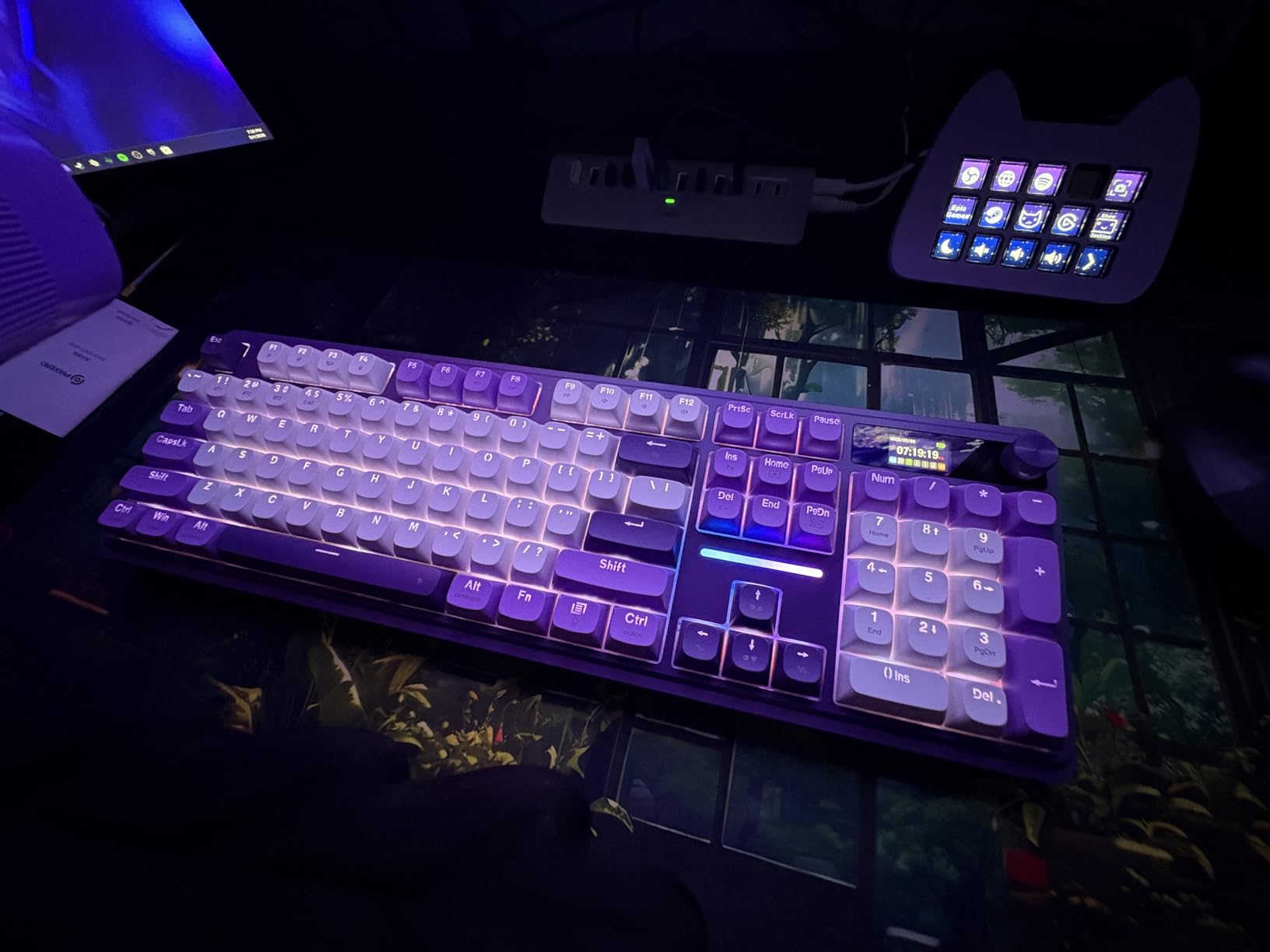
The five-layer noise dampening system is the standout feature, including PO foam, IXPE switch foam, PET sound pad, bottom socket foam, and silicone bottom pad—all working together to eliminate hollow sounds and create a premium acoustic experience that rivals much more expensive custom keyboards.
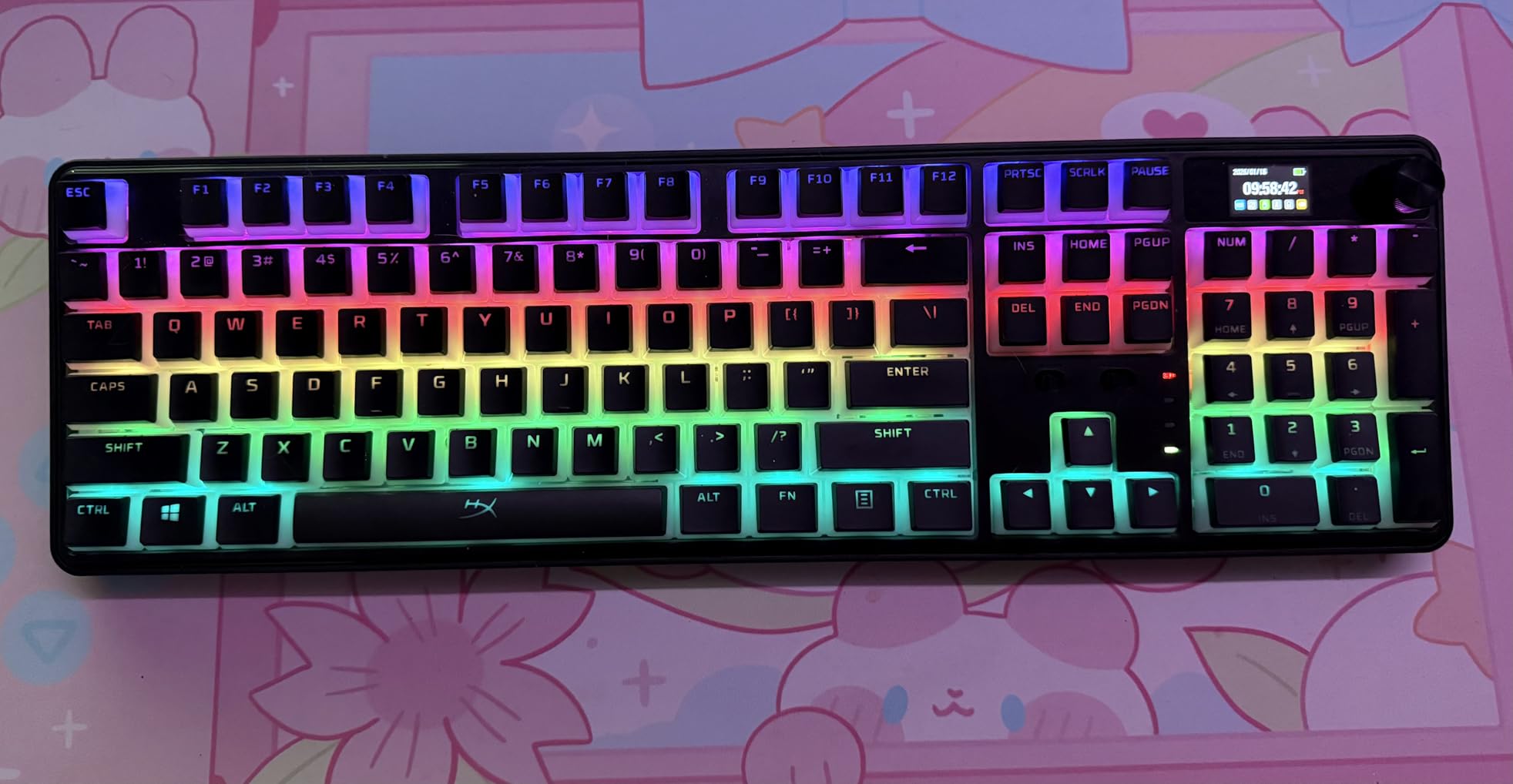
The gasket mount design provides a cushioned, elastic typing feel that’s more comfortable than traditional tray-mount boards during long gaming sessions. This mounting style allows the plate to flex slightly, creating a softer feel and deeper sound.
Switches and Customization
The hot-swappable socket supports both 3-pin and 5-pin switches for maximum compatibility, and Redragon’s custom Dragon Chant linear switches come pre-lubed for smooth operation right out of the box.
Features and Accessories
RGB customization is excellent with great lighting effects and multiple modes to choose from, and the pro software allows for advanced customization. Redragon even includes extra keycaps and a switch puller in the box—thoughtful additions that add value.
17. Redragon K580 VATA – Best with Macro Keys

Redragon K580 VATA RGB LED Backlit Mechanical Gaming Keyboard with Macro Keys & Dedicated Media Controls, Hot-Swappable Socket, Onboard Macro Recording (Blue Switches)
Full-size
5 macro keys
Media controls
Pros
- Volume wheel
- Onboard recording
- 18 RGB modes
Cons
- Basic software
- Loud switches
- Macro feel
The Redragon K580 VATA has earned a legendary reputation over its years on the market, with many users reporting reliable performance for 3+ years without issues—a testament to its build quality and durability. What sets the K580 apart is its five programmable macro keys (G1-G5) located on the left side, perfect for gamers who want quick access to complex combos or frequently used commands. The onboard macro recording means you can program these keys without installing software, making them convenient for tournament use where external software may be prohibited.
The dedicated media controls with physical volume wheel are another standout feature, providing convenient media management without leaving your game or using awkward function key combinations. The hot-swappable socket is compatible with nearly all 3-pin and 5-pin switches, giving you future-proof flexibility to customize your feel as your preferences evolve. The tactile blue switches offer satisfying clicky feedback that many gamers prefer for typing and strategic games where tactile confirmation of key presses enhances accuracy.
Build quality is excellent with a metal front plate that provides rigidity and resists flex during intense gaming sessions. The 18 RGB backlight modes include side edge lighting that adds visual flair, and the double-shot injection molded keycaps resist shine even after years of use. The slim footprint for a full-sized keyboard is another thoughtful design element, saving desk space while maintaining all functionality. At around $53, the K580 VATA offers exceptional value for gamers wanting macro keys and media controls without breaking the bank.
Pros: 5 programmable macro keys with onboard recording; Dedicated media controls with physical volume wheel; Excellent tactile blue switches with satisfying clicky feel; Hot-swappable design for switch customization; Solid build quality with metal front plate; 18 RGB backlight modes with side edge lighting; Slim footprint for a full-sized keyboard; 50 million keystroke durability; Great value compared to premium brands; Waterproof and dust resistant design.
Cons: Keycaps have slight wobble and generic gamer font; Software is basic and not very polished; No USB passthrough port; Blue switches can be loud for late-night use; Macro keys have membrane-like feel.
Bottom Line: The Redragon K580 VATA is our top pick for gamers wanting macro keys and media controls on a budget. Its proven reliability, tactile blue switches, and thoughtful features like the physical volume wheel make it an excellent choice under $55 for gamers who demand functionality and customization.
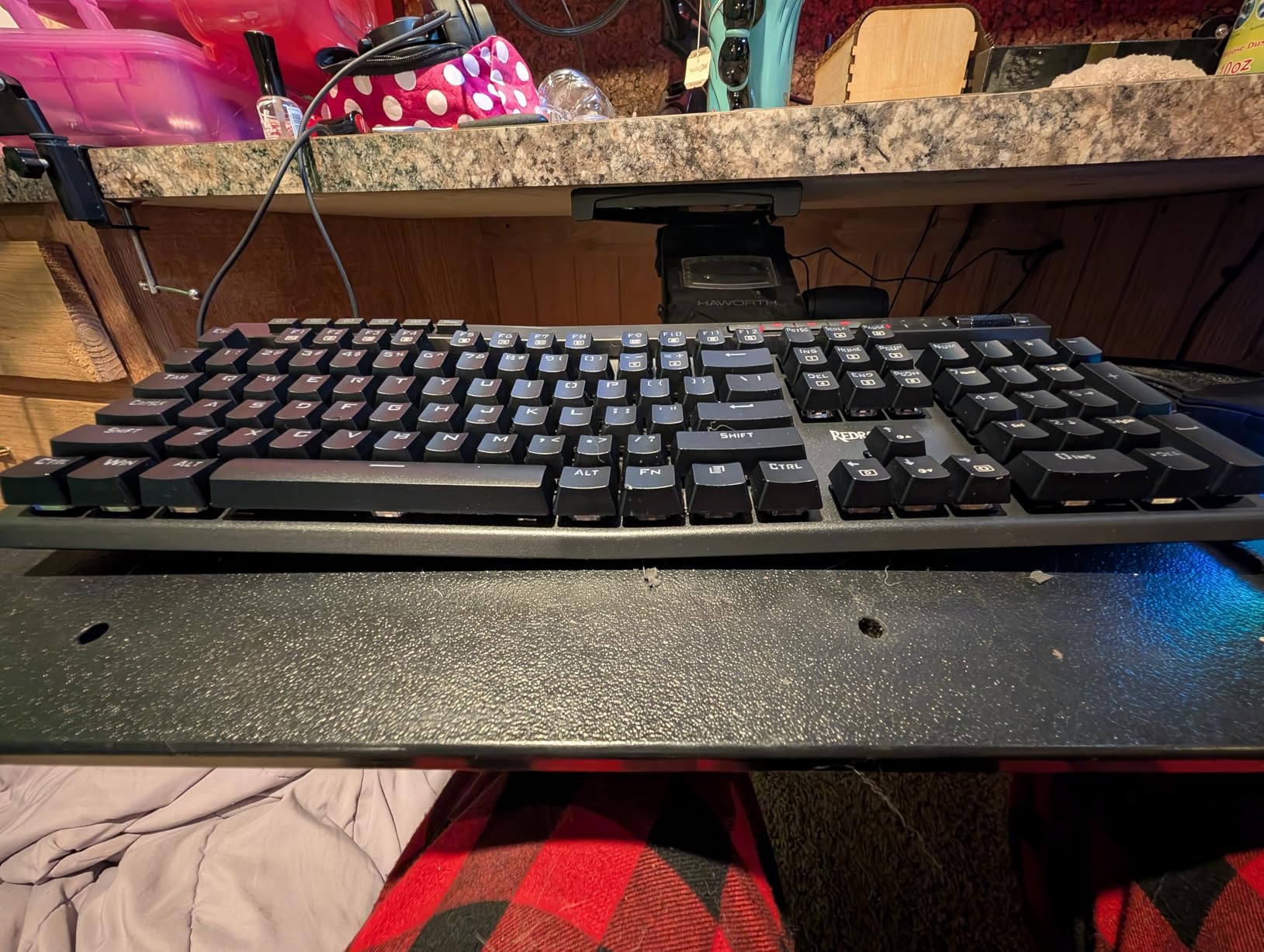
The five programmable macro keys (G1-G5) located on the left side are perfect for gamers who want quick access to complex combos or frequently used commands. The onboard macro recording means you can program these keys without installing software, making them convenient for tournament use.
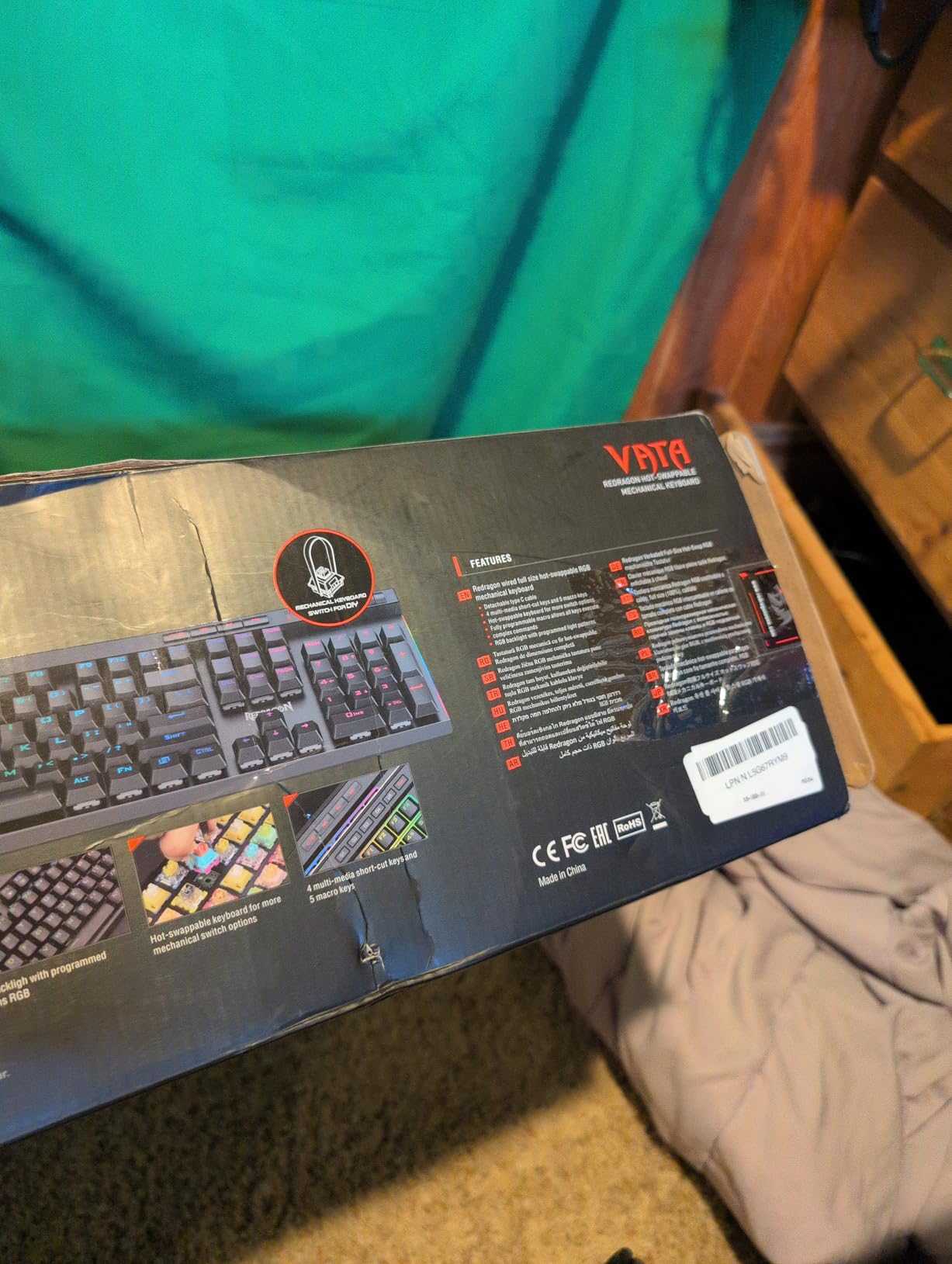
The dedicated media controls with physical volume wheel are another standout feature, providing convenient media management without leaving your game or using awkward function key combinations.
Build and Reliability
Build quality is excellent with a metal front plate that provides rigidity and resists flex during intense gaming sessions. Many users report reliable performance for 3+ years without issues—a testament to its build quality and durability.
Switches and RGB
The hot-swappable socket is compatible with nearly all 3-pin and 5-pin switches, and the tactile blue switches offer satisfying clicky feedback. The 18 RGB backlight modes include side edge lighting that adds visual flair.
18. Aula WIN60 HE – Best Hall Effect Gaming
Pros
- Rapid trigger
- Web driver
- Great stabilizers
Cons
- Web software finicky
- Setup issues
- No per-key RGB
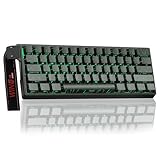
The Aula WIN60 HE represents the future of competitive gaming keyboards with its hall effect magnetic switches that provide ultra-fast response times and customization options impossible with traditional mechanical switches. What makes hall effect switches special is their adjustable actuation point—you can set exactly when a key press registers from 0.1mm to 4.0mm, allowing you to optimize for your specific playing style and game genre. The Rapid Trigger mode takes this further with 0.02mm step distance, virtually eliminating the dead zone between key release and re-press for faster repeat inputs.
For FPS gamers, these features provide a tangible competitive advantage. In games like Valorant and CS2 where strafing and counter-strafing require precise timing, the Rapid Trigger functionality allows you to change direction more quickly than opponents using traditional keyboards. The 8000Hz polling rate ensures minimal input lag, and the compact 60% layout maximizes desk space for wide mouse sweeps at low sensitivity settings. Multiple reviewers with extensive experience on high-end hall effect keyboards like Wooting consistently state the WIN60 HE competes with boards costing three to four times as much.
The web-based driver eliminates the need to download software, allowing you to customize actuation points, Rapid Trigger settings, and RGB lighting directly through your browser. Side-printed PBT keycaps feel premium and resist shine, and the 16.8 million RGB colors with multiple effects add visual flair to your setup. While optimized primarily for FPS gaming, the hall effect switches also provide excellent responsiveness for MOBA games and fast-paced action titles. At around $48, the WIN60 HE offers incredible value for competitive gamers seeking every possible advantage.
Pros: Incredible value – performance rivals keyboards costing 3-4x more; Hall effect switches provide ultra-fast response times; Rapid trigger function works exceptionally well for FPS gaming; 8000Hz polling rate for minimal input lag; Compact 60% design saves desk space; Web-based driver eliminates software downloads; Premium sound and feel for the price point; Excellent build quality; Fully customizable actuation and RT settings; Great stabilizers and minimal key wobble.
Cons: Web-based software is not polished and can be finicky; Some initial setup issues with device recognition; May require PC restart after initial setup; Not ideal for non-gaming use cases; Limited to single color modes (no per-key RGB).
Bottom Line: For competitive FPS gamers seeking every possible advantage, the Aula WIN60 HE delivers hall effect magnetic switch performance at a fraction of the cost of premium options. Its Rapid Trigger functionality and 8000Hz polling rate provide a tangible competitive edge in games where milliseconds matter.
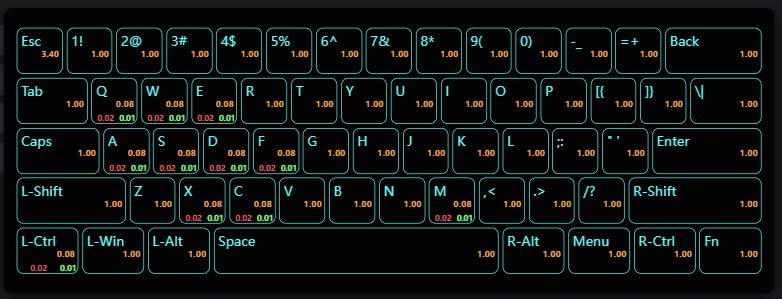
The hall effect magnetic switches provide ultra-fast response times and customization options impossible with traditional mechanical switches. The adjustable actuation point lets you set exactly when a key press registers from 0.1mm to 4.0mm.
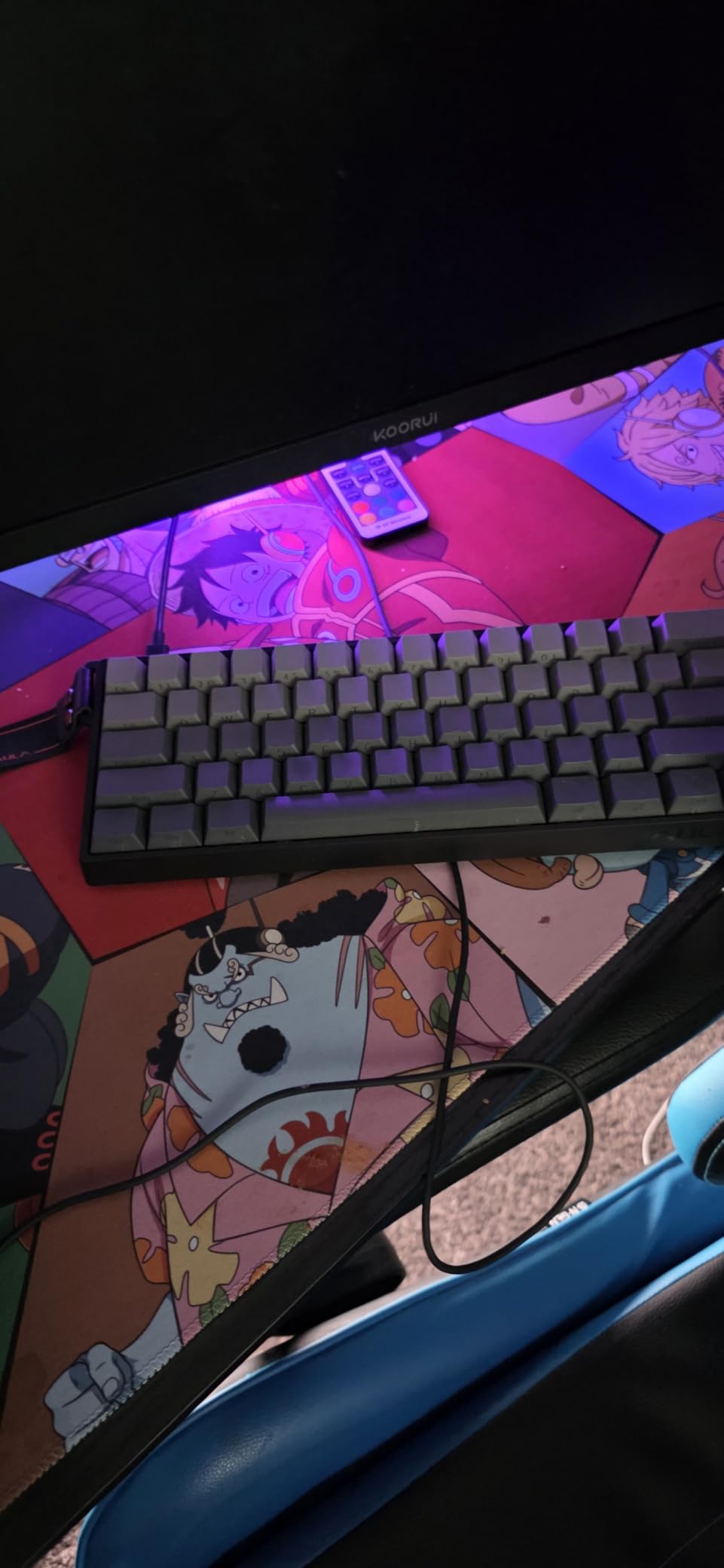
The Rapid Trigger mode with 0.02mm step distance virtually eliminates the dead zone between key release and re-press for faster repeat inputs, providing a tangible competitive advantage in FPS games.
Competitive Advantage
In games like Valorant and CS2 where strafing and counter-strafing require precise timing, the Rapid Trigger functionality allows you to change direction more quickly than opponents using traditional keyboards. The 8000Hz polling rate ensures minimal input lag.
Driver and Build
The web-based driver eliminates the need to download software, allowing you to customize actuation points, Rapid Trigger settings, and RGB lighting directly through your browser. Side-printed PBT keycaps feel premium and resist shine.
19. Geeky GK61 – Best Ultra-Budget 60%

Pros
- Under $20
- Hot-swappable
- Includes tools
Cons
- Not VIA compatible
- Edge swaps hard
- Basic build
The Geeky GK61 proves you don’t need to spend a fortune to get a capable hot-swappable mechanical keyboard. At just $19.99, this 60% compact board offers features typically found on much more expensive keyboards, making it an excellent entry point for gamers new to mechanical switches or those wanting to experiment with hot-swap capability without risking a significant investment.
Despite its ultra-budget price, the GK61 doesn’t compromise on performance. The true 1kHz polling rate with 1ms response time ensures minimal input lag for gaming, and multiple reviewers specifically mention it solved latency issues they experienced with other budget keyboards. The hot-swappable design with included tools allows you to easily change switches, and the Speed Yellow linear switches offer excellent gaming performance with progressive resistance that provides better feedback than optical alternatives.
RGB customization is robust with 16.8 million colors and 20 backlight patterns, and the detachable Type-C cable makes the keyboard portable for LAN events. The pre-lubed stabilizers reduce rattle on larger keys, and the compact 60% layout maximizes desk space for mouse movement. The keyboard is compatible with both Mac and Windows right out of the box, and Geeky includes both a key puller and switch puller in the package. While the build quality reflects the budget price point with some plastic flex, the core functionality and performance are solid.
Pros: Incredible value at $19.99; Hot-swappable design for easy switch customization; Low input lag with true 1kHz polling rate; Speed Yellow switches offer excellent gaming performance; Detachable Type-C cable for portability; Pre-lubed stabilizers for minimal rattle; RGB lighting with 20 patterns; Mac and Windows compatible; Includes key puller and switch tools; Compact 60% layout saves desk space.
Cons: Not VIA compatible – requires proprietary software; Switches at edges can be difficult to swap; Some reviewers note switches aren’t the smoothest; Limited customization options compared to premium boards; Build quality reflects budget price point.
Bottom Line: The Geeky GK61 is the best ultra-budget entry point into hot-swappable mechanical keyboards. At under $20, it delivers solid gaming performance, RGB lighting, and the flexibility to experiment with different switches—making it perfect for students, budget-conscious gamers, or anyone wanting to try mechanical switches without a significant investment.
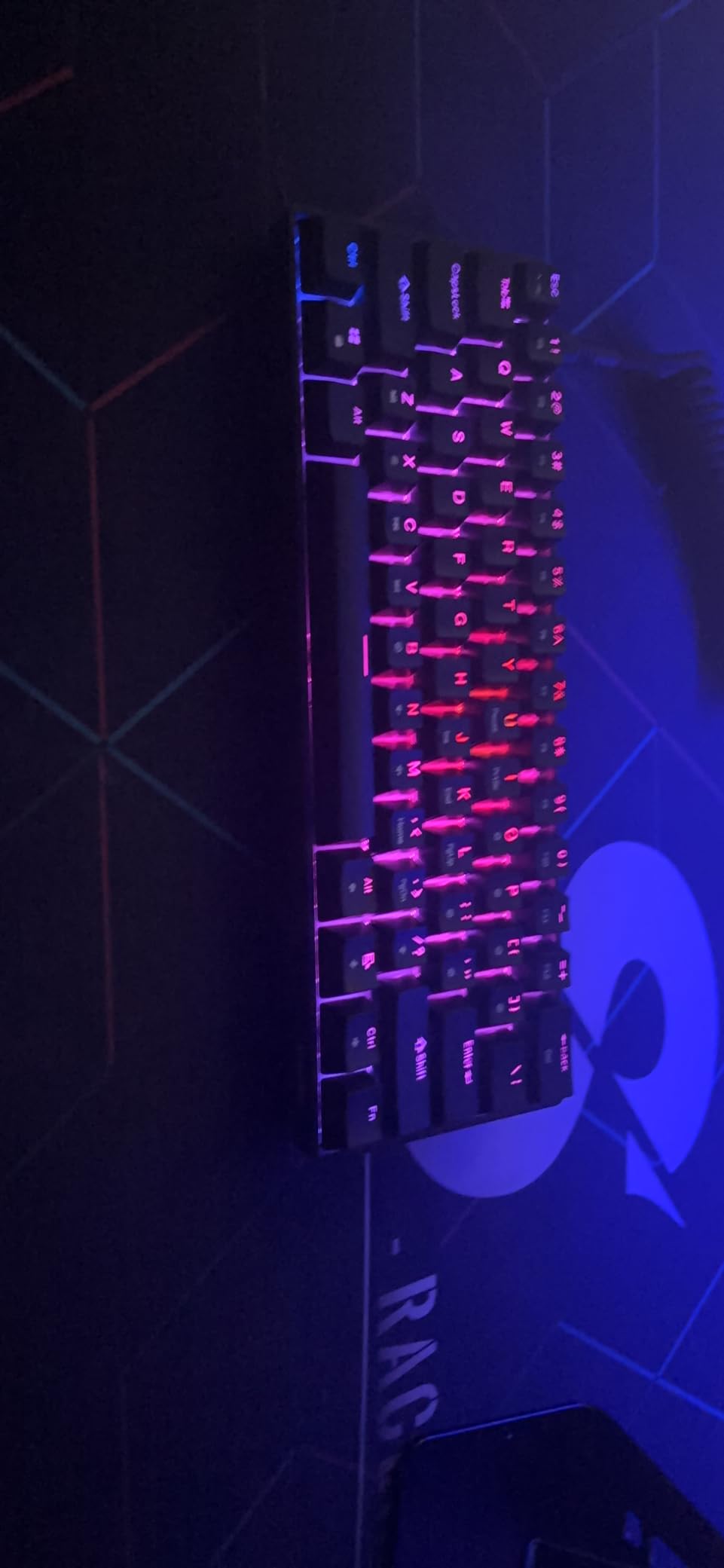
At just $19.99, this 60% compact board offers features typically found on much more expensive keyboards. The true 1kHz polling rate with 1ms response time ensures minimal input lag for gaming.
The hot-swappable design with included tools allows you to easily change switches, and the Speed Yellow linear switches offer excellent gaming performance with progressive resistance that provides better feedback than optical alternatives.
Performance and Features
RGB customization is robust with 16.8 million colors and 20 backlight patterns, and the detachable Type-C cable makes the keyboard portable for LAN events. The pre-lubed stabilizers reduce rattle on larger keys.
Build and Compatibility
The keyboard is compatible with both Mac and Windows right out of the box, and Geeky includes both a key puller and switch puller in the package. While the build quality reflects the budget price point, the core functionality and performance are solid.
20. Newmen GM326 – Best Entry-Level 75%

Pros
- Knob control
- 20 RGB modes
- Detachable cable
Cons
- Rainbow only
- Small switches
- Sharp edges
The Newmen GM326 offers the best entry point into 75% hot-swappable keyboards, providing a practical layout with arrow keys and essential navigation keys in a compact footprint that saves desk space. At just $23.99, this keyboard delivers surprising quality and features that punch above its weight class, making it an excellent choice for gamers wanting functionality without spending a fortune.
The multi-function knob for volume control is a standout feature at this price point, providing convenient media management without using awkward function key combinations. The hot-swappable linear red switches offer smooth actuation ideal for gaming, and while the stock switches are smaller than standard making swaps slightly more difficult, the hot-swap capability still allows for future customization and experimentation. The rainbow LED backlight with 20 modes adds visual flair, and the 6 different backlight colors provide variety even though you can’t set a single solid color.
The detachable USB-C cable makes the keyboard portable for LAN events, and the three indicator lights (Caps lock, Win lock, Windows/Mac switch) provide useful at-a-glance information. Full key anti-ghosting ensures every key press registers during complex input combinations common in MOBA games. The pre-lubed stabilizers provide smooth operation on larger keys, and the keyboard works with both Windows and Mac right out of the box. While the rainbow-only RGB limitation and some build quality compromises reflect the budget price, the core functionality is solid.
Pros: Excellent value at $23.99; Hot-swappable switches for customization; Multi-function knob for volume control; 20 rainbow LED backlight modes; Compact 75% layout saves desk space; Detachable USB-C cable for portability; Pre-lubed stabilizers for smooth key feel; Works with both Windows and Mac; Good build quality for the price; Ergonomic stepped keycaps design.
Cons: Rainbow RGB only – cannot set single solid color; Stock switches are smaller than standard, making swaps difficult; Right side of keyboard hard to reassemble after switch swaps; No foam between PCB for sound dampening; Some units arrived with broken USB-C ports; Keycaps have sharp edges; Stand legs don’t add much height.
Bottom Line: The Newmen GM326 is the best entry-level 75% hot-swappable keyboard for budget-conscious gamers. Its practical layout with arrow keys, volume knob, and hot-swap capability make it an excellent value under $25 for those wanting to experiment with mechanical switches without risking a significant investment.
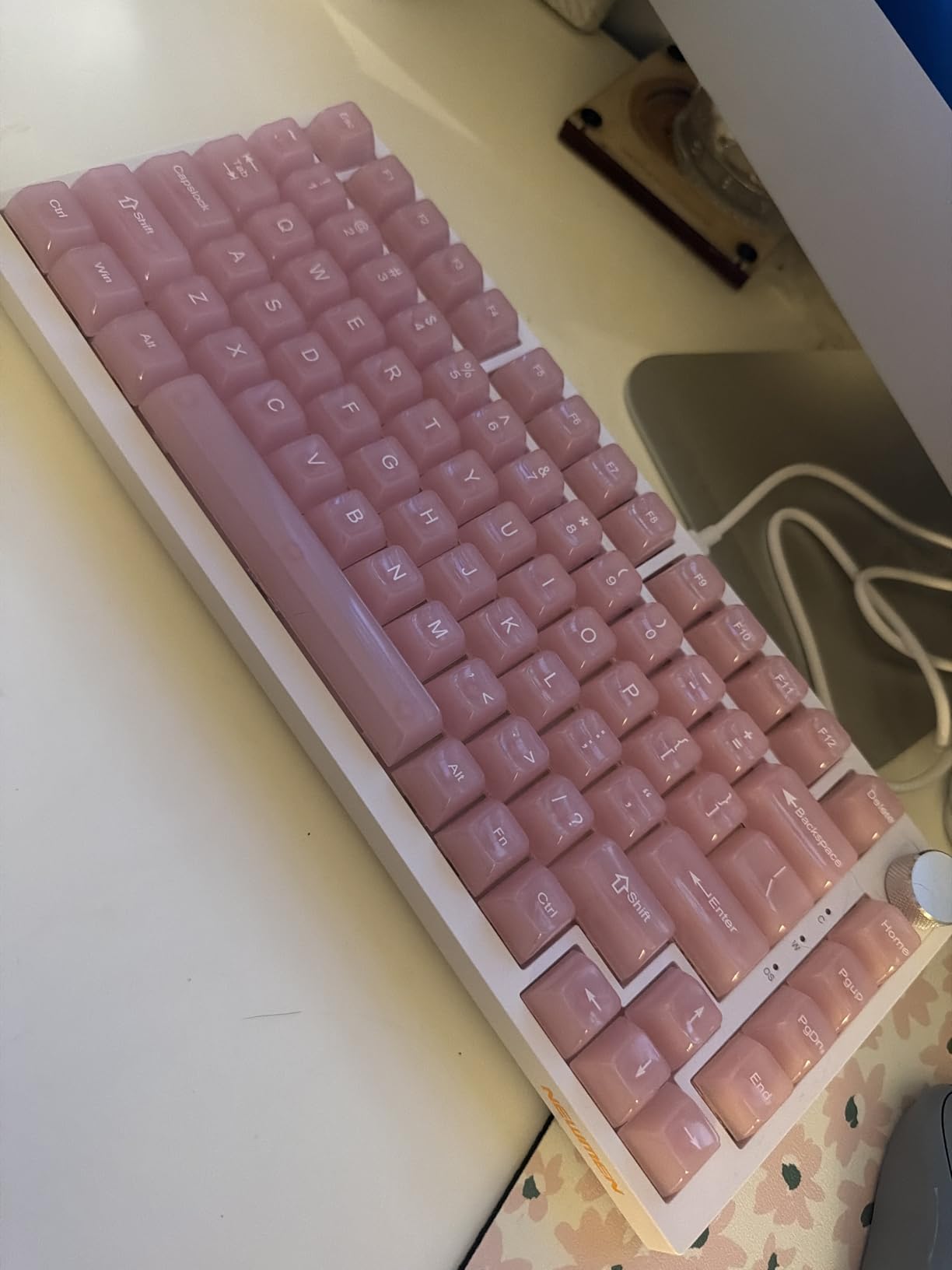
At just $23.99, this keyboard delivers surprising quality and features that punch above its weight class. The multi-function knob for volume control is a standout feature at this price point.
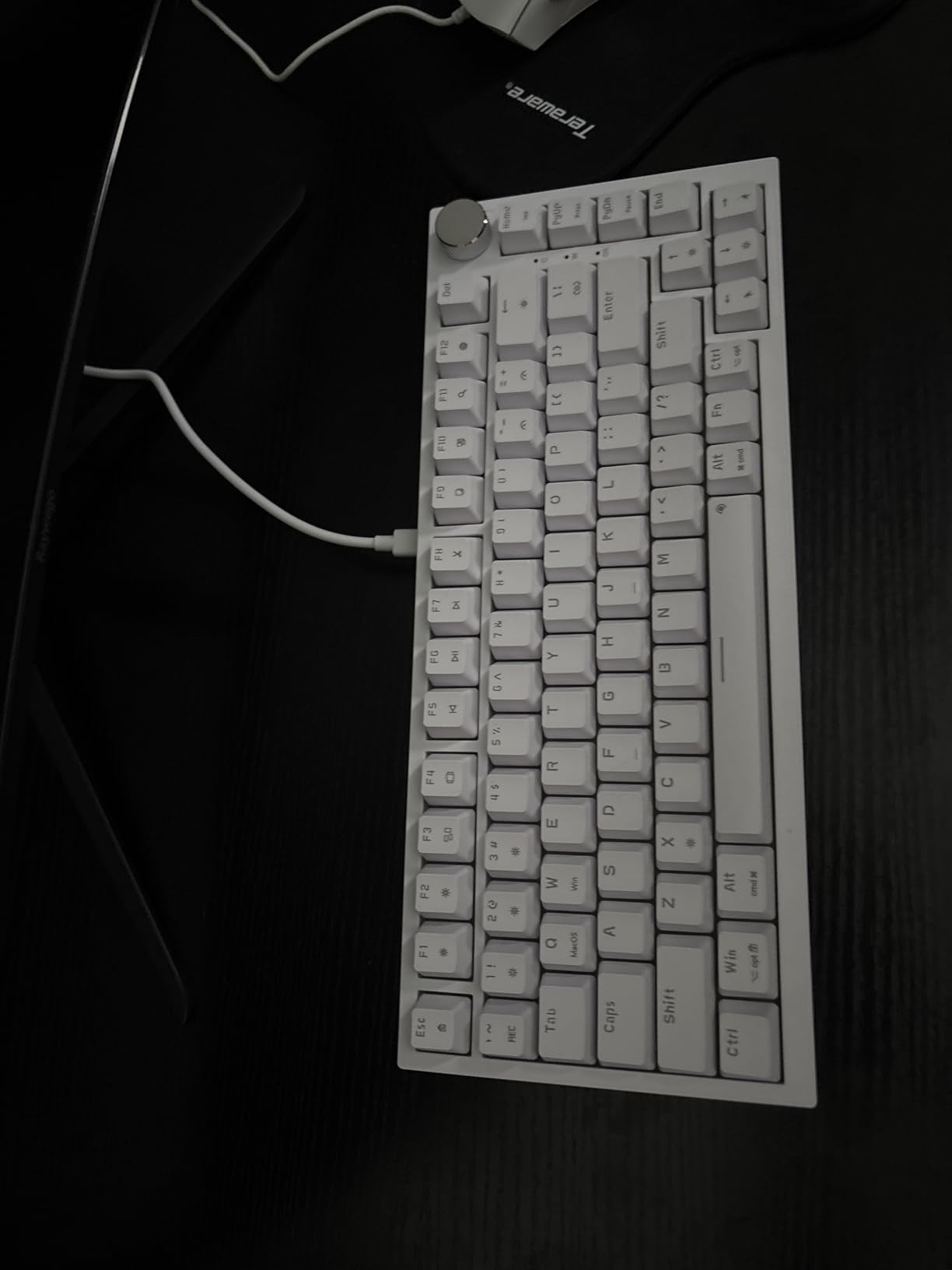
The hot-swappable linear red switches offer smooth actuation ideal for gaming. The rainbow LED backlight with 20 modes adds visual flair, and the 6 different backlight colors provide variety.
Features and Build
The detachable USB-C cable makes the keyboard portable for LAN events, and the three indicator lights provide useful at-a-glance information. Full key anti-ghosting ensures every key press registers during complex input combinations.
Compatibility and Value
The keyboard works with both Windows and Mac right out of the box. The pre-lubed stabilizers provide smooth operation on larger keys. While the rainbow-only RGB limitation reflects the budget price, the core functionality is solid.
Comprehensive Buying Guide: How to Choose the Right Hot-Swappable Gaming Keyboard
What is a Hot-Swappable Keyboard and Why It Matters
A hot-swappable keyboard features a special PCB (printed circuit board) with sockets that allow mechanical switches to be inserted and removed without soldering. Unlike traditional keyboards where switches are permanently soldered to the board, hot-swap PCBs use socket connectors (typically Kailh or Outemu hot-swap sockets) that grip the switch pins securely while allowing easy removal with a switch puller tool. This design provides unprecedented flexibility—you can experiment with different switch types to find your perfect feel, replace individual switches that become faulty, or customize different zones of your keyboard with switches optimized for specific tasks.
For gamers, this flexibility is particularly valuable. Different games benefit from different switch characteristics—linear switches with smooth actuation and minimal resistance are ideal for fast-paced FPS games requiring rapid key presses, while tactile switches with noticeable feedback bumps enhance precision in MOBA games and strategy titles. With a hot-swappable keyboard, you’re not locked into one switch type for the life of the keyboard. You can even mix different switch types on the same board, putting linear switches on WASD keys for movement and tactile switches on ability keys for better feedback.
Beyond gaming, hot-swappable keyboards are more cost-effective in the long run. When switches become worn or inconsistent after years of use (typically 50-100 million keystrokes depending on switch quality), you can simply replace the affected switches rather than buying an entirely new keyboard. This modularity also extends the keyboard’s lifespan and reduces electronic waste. For enthusiasts who enjoy customizing their setup, hot-swap capability opens up a world of experimentation without requiring soldering skills or expensive equipment.
Switch Types Explained: Linear, Tactile, and Clicky
Mechanical switches are categorized by their tactile and auditory feedback characteristics, and understanding these differences is crucial for choosing switches that match your preferences and gaming style.
Linear Switches: Linear switches provide smooth, consistent actuation from top to bottom with no tactile bump or click. They’re the quietest switch type and offer the fastest actuation, making them ideal for fast-paced gaming where rapid key presses are common. Linear switches typically have actuation forces ranging from 45g (light) to 80g (heavy), with 50-60g being the most common. Popular linear switch options include Cherry MX Red, Gateron Yellow, and the pre-lubed switches found on many of the keyboards in our review. Linear switches are excellent for FPS games, rhythm games, and anyone who prefers a smooth typing feel without resistance.
Tactile Switches: Tactile switches feature a noticeable bump in the middle of the key press that provides tactile feedback confirming the key has actuated. This bump enhances typing accuracy by letting you know exactly when the input registers without needing to bottom out the key. Tactile switches are slightly quieter than clicky switches but louder than linear due to the bump sensation. Common actuation forces range from 45-65g, with popular options including Cherry MX Brown, Kailh Box Brown, and Holy Panda switches. Tactile switches are excellent for typing, MOBA games, strategy titles, and anyone who wants feedback without excessive noise.
Clicky Switches: Clicky switches provide both tactile feedback and an audible click sound when the key actuates. This distinct click occurs at the actuation point and provides satisfying confirmation that the input has registered. Clicky switches are the loudest switch type and feature a distinctive sound that many users find satisfying but others may find disruptive in shared spaces. Popular clicky options include Cherry MX Blue, Kailh Box Blue, and the switches found on the Redragon K552P. Clicky switches are excellent for typing enthusiasts, gamers who play alone, and anyone who enjoys maximum feedback—but they’re generally not recommended for office environments or late-night gaming.
3-Pin vs 5-Pin Switch Compatibility
One crucial consideration when choosing a hot-swappable keyboard is switch compatibility. Most modern hot-swap PCBs support both 3-pin and 5-pin MX-style switches, but some budget boards only support one type. The difference refers to the number of metal pins on the bottom of the switch—3-pin switches have two metal contact pins plus one plastic stabilizing pin, while 5-pin switches have the same two contact pins plus two additional plastic stabilizing pins for extra stability.
The good news is that 5-pin switches are fully compatible with 3-pin sockets—you simply leave the two extra plastic pins empty. However, 3-pin switches can sometimes feel slightly less stable in 5-pin sockets due to the extra space, though this difference is minimal in practice. All of the keyboards in our review support both 3-pin and 5-pin switches unless otherwise noted, giving you maximum flexibility to choose from virtually any MX-style switch on the market including popular brands like Cherry, Gateron, Kailh, and Outemu.
When purchasing replacement switches, look for MX-style compatibility—the industry standard for mechanical switches. Avoid optical switches (which use light instead of metal contacts) and low-profile switches (which use a different form factor), as these won’t be compatible with standard hot-swap sockets. Some hall effect magnetic switches like those found on the Aula WIN60 HE use proprietary form factors, so these keyboards typically include their own switches and aren’t designed for easy swapping.
Layout Sizes: 60%, 65%, 75%, TKL, 96%, and Full-Size
Keyboard layout size is one of the most important choices you’ll make, affecting both desk space and functionality. Here’s a breakdown of common layouts:
60% Layout: The most compact option, 60% keyboards eliminate the function row, navigation keys, and number pad, keeping only the main alphanumeric block. This maximizes desk space for mouse movement—ideal for FPS gamers using low sensitivity settings who need room for wide sweeps. However, essential functions like arrow keys, delete, and escape are accessed via function key layers, which takes time to learn. The DIERYA DK68E and RK Royal Kludge R65 are excellent 60% options in our review.
65% Layout: A slight expansion on 60%, 65% keyboards add dedicated arrow keys and often a few navigation keys like home/end/page up/page down. This makes them more practical for everyday use while still maintaining a compact footprint. The trade-off is slightly increased width compared to pure 60% boards.
75% Layout: 75% keyboards include the function row and arrow keys while eliminating some of the wasted space found on larger layouts. This strikes an excellent balance between functionality and desk space savings, making them ideal for gamers who need arrow keys but want a more compact board. The Kisnt KN85 Wireless and Womier SK80 are excellent 75% options.
TKL (Tenkeyless): TKL keyboards include the main block and function row but eliminate the number pad. This provides a more traditional layout feel while still saving significant desk space compared to full-size boards. TKL is ideal for gamers who rarely use the number pad but want dedicated navigation keys and function row. The Redragon K552P and TECWARE Phantom+ 87 are excellent TKL options.
96% Layout: 96% keyboards provide practically full-size functionality including number pad, but in a more compact footprint by eliminating some of the spacing gaps found on traditional full-size boards. This gives you the convenience of a number pad for data entry while saving desk space—ideal for gamers who also use their keyboard for work. The ASUS ROG Strix Scope II 96 and AULA F99 Wireless are excellent 96% options.
Full-Size (100%): Traditional layout with all keys including number pad. This provides maximum functionality but occupies the most desk space. Full-size keyboards are ideal for gamers who need the number pad for work or specific games, but they may not be optimal for FPS players who need maximum mouse space. The Redragon K668 and K745 are excellent full-size options.
Gasket Mount vs Tray Mount Explained
The mounting style refers to how the keyboard’s internal plate (which holds the switches) attaches to the case, and it significantly affects typing feel and sound. Two common mounting styles are tray mount and gasket mount.
Tray Mount: The traditional mounting style where the plate screws directly into the case. This provides a solid, firm typing feel with minimal flex. Tray mount keyboards typically produce a higher-pitched sound and are more straightforward to manufacture, making them common in budget keyboards. While they offer reliable performance, some users find the typing feel less refined compared to gasket mount designs.
Gasket Mount: A premium mounting style where the plate “floats” in the case using rubber or silicone gaskets rather than being screwed directly to the frame. This design allows the plate to flex slightly during typing, creating a softer, more cushioned feel that many users find more comfortable. Gasket mount also typically produces a deeper, more resonant sound (“thock”) that enthusiasts prefer. Most of the premium keyboards in our review use gasket mount designs, including the AULA F99 series, RK Royal Kludge R65/R98 Pro, and HUO JI E-Yooso Creamy.
While gasket mount generally provides a more refined typing experience, well-executed tray mounts can still feel excellent, and the difference may not be noticeable to casual users. The mounting style is just one factor in the overall typing experience—switch choice, keycaps, and sound dampening materials also play significant roles.
Wired vs Wireless Considerations for Gaming
The choice between wired and wireless connectivity involves trade-offs between convenience, latency, and battery life. Here’s what to consider:
Wired Keyboards: Traditional wired keyboards connect via USB-C and provide zero input latency with no battery concerns. They’re ideal for competitive gaming where every millisecond matters, and they never need charging. However, the cable can create clutter and limit placement options. Many modern wired keyboards feature detachable cables for easier portability. The RK Royal Kludge R98 Pro and Aula WIN60 HE are excellent wired options in our review.
Wireless Keyboards: Modern wireless mechanical keyboards use either Bluetooth or 2.4GHz wireless (often via USB dongle). 2.4GHz wireless provides lower latency comparable to wired connections, making it ideal for gaming, while Bluetooth offers better battery life and multi-device pairing but with slightly higher latency. Many keyboards offer tri-mode connectivity with both wireless options plus wired USB-C for maximum flexibility.
For competitive gaming, 2.4GHz wireless with 1000Hz polling rate is virtually indistinguishable from wired in terms of latency, making wireless keyboards viable even for professional players. However, wireless keyboards do require charging—most use built-in lithium batteries ranging from 2000mAh to 8000mAh, with battery life varying from days to months depending on usage and RGB settings. Premium wireless options like the ASUS ROG Strix Scope II 96 and AULA F99 series offer excellent battery life and performance.
Consider your use case when choosing between wired and wireless. If you only game at a stationary desk, wired may be the simpler choice with no battery concerns. If you want the flexibility to game from different locations, use your keyboard with multiple devices, or simply prefer a clean setup without cables, wireless is worth the premium and minor maintenance of charging.
Sound Profile and Acoustics
The sound a keyboard makes—often referred to as its “sound profile”—has become increasingly important to enthusiasts, and it significantly affects the typing experience. Several factors influence a keyboard’s sound:
Switch Type: Clicky switches are the loudest with their distinctive click, tactile switches are moderately loud due to the tactile bump, and linear switches are generally the quietest. However, switch choice is just one factor—the keyboard’s construction materials and design significantly affect the final sound.
Mounting Style: Gasket mount keyboards typically produce a deeper, more resonant sound (“thock”) due to the flex and cushioning, while tray mount boards often have a higher-pitched, more “clacky” sound. This is why many premium keyboards use gasket mount designs.
Sound Dampening: Many modern keyboards include foam layers between the plate and PCB to reduce hollow sounds and pinging. More advanced keyboards like the Redragon K745 include multiple layers of different materials (PE foam, IXPE switch foam, PET pads, silicone) to fine-tune the acoustics. These materials can transform a mediocre-sounding board into something exceptional.
Case Material: Aluminum cases generally produce a deeper, more resonant sound than plastic cases due to their density and mass. The YUNZII AL98 with its full aluminum case is an excellent example of how case material affects acoustics.
For quiet environments like offices or shared living spaces, consider linear switches with sound dampening foam. For those who enjoy a satisfying sound, tactile or clicky switches with a gasket mount design and quality case will produce the most pleasant acoustics. The HUO JI E-Yooso Creamy and TECWARE Phantom+ 87 are specifically engineered for excellent sound profiles at budget prices.
Build Quality and Materials
Build quality significantly affects a keyboard’s longevity, stability, and overall feel. Here’s what to look for:
Case Material: Plastic cases are common in budget keyboards and provide adequate durability while keeping weight down. Aluminum cases offer premium feel, increased weight for stability, and better acoustics, but they cost more. The YUNZII AL98 and ASUS ROG Strix Scope II 96 feature premium aluminum construction.
Plate Material: The metal plate that holds switches can be steel (common, affordable) or brass/aluminum (premium, better acoustics). Most users won’t notice a significant difference, but brass plates generally produce a slightly deeper sound.
Weight: Heavier keyboards (3+ pounds) tend to feel more premium and resist sliding during intense gaming sessions. The YUNZII AL98 at 5.59 pounds feels exceptionally solid, while ultralight boards like the Geeky GK61 at 1.28 pounds may slide more easily.
Keycaps: PBT (polybutylene terephthalate) keycaps feel more textured and resist shine from finger oils, while ABS (acrylonitrile butadiene styrene) keycaps feel smoother but develop a glossy shine over time. Double-shot legends (where the letter goes through the keycap) never wear off, while printed legends may fade with heavy use.
Stabilizers: These mechanisms prevent larger keys like spacebar and shift from wobbling. Pre-lubed stabilizers (often wire or screw-in type) reduce rattle and improve feel. Premium keyboards like the TECWARE Phantom+ 87 and Womier SK80 include pre-lubed stabilizers out of the box.
For durability, look for metal plates, quality keycaps (PBT preferably), and solid case construction. Most mechanical keyboards are built to last, but premium materials and construction ensure your keyboard will provide years of reliable service.
RGB and Software Features
RGB lighting and software customization have become standard features on gaming keyboards, but implementation quality varies significantly:
RGB Types: Per-key RGB allows individual control of each key’s color and effect, creating impressive visual displays. Single-color or zone lighting limits customization but is simpler and often cheaper. South-facing RGB (where LEDs face away from the user) provides better illumination with non-shine-through keycaps, a design choice found on several premium boards in our review.
Effects: Most keyboards offer 15-20 preset lighting effects including wave, ripple, reactive, and music sync modes. Advanced customization via software allows creating custom effects and animations. The AULA and Womier keyboards with display screens can even upload custom GIFs.
Software: Keyboard software enables advanced customization like key remapping, macro creation, and lighting effects. Well-designed software makes customization intuitive and fun, while poorly implemented software can be frustrating. QMK/VIA support (found on the RK Royal Kludge R65 and YUNZII AL98) provides open-source programmability with a large community of pre-configured layouts.
For most users, RGB is primarily aesthetic—but if you enjoy customizing your setup’s appearance, look for keyboards with per-key RGB and robust software. If you prefer minimalism or plan to use the keyboard in professional settings, single-color lighting or no RGB may be preferable.
Keycap Materials: PBT vs ABS
Keycaps are your primary contact point with the keyboard, and their material significantly affects feel and longevity:
PBT Keycaps: Considered premium due to their textured feel that resists shine from finger oils. PBT keycaps maintain their appearance for years even with heavy use and provide a more secure grip. They’re slightly more expensive than ABS but worth the upgrade for most users. Double-shot PBT keycaps (where legends are molded through the keycap) never wear off, providing permanent legends that won’t fade. Most of the premium keyboards in our review use PBT keycaps.
ABS Keycaps: Feel smoother initially but develop a glossy shine over time as finger oils break down the surface. This doesn’t affect functionality but changes the appearance and feel. ABS keycaps are typically found on budget keyboards to keep costs down. However, they can still be perfectly adequate for casual use, and some users prefer the smoother feel.
Profiles: Keycaps come in different height profiles including OEM (standard height), Cherry (slightly shorter), and MDA (sculpted, ergonomic). The MDA profile keycaps on the RK Royal Kludge R98 Pro are specifically shaped to conform to your fingertips for improved comfort during long typing sessions.
For most gamers, PBT keycaps are worth the extra cost due to their durability, better grip, and resistance to shine. If your keyboard comes with ABS keycaps and you notice them becoming slick over time, replacement PBT keycaps are widely available and can dramatically improve the feel and appearance of your keyboard.
Frequently Asked Questions About Hot-Swappable Gaming Keyboards
What are some good quality 100% keyboards that are hot swappable?
Several excellent full-size (100%) hot-swappable keyboards are available in 2026. Our top recommendation is the Redragon K745, which combines a gasket mount design with five layers of noise dampening for exceptional acoustics while maintaining full 108-key layout with 4 extra shortcut keys. At under $50, it offers outstanding value with premium features typically found on more expensive boards.
For budget-conscious buyers, the Redragon K668 provides reliable hot-swap capability with 19 RGB backlight presets including music sync mode, sound-absorbing foam, and two sets of mixed-color keycaps for customization. Both keyboards feature hot-swappable red switches that are easy to replace with any 3-pin MX-style switches, giving you flexibility to customize your feel over time.
If you need wireless connectivity with your full-size layout, consider the AULA S98 Pro Wireless with its integrated LCD screen showing battery status and connection mode, tri-mode connectivity, and premium aluminum multi-function knob. While full-size hot-swappable keyboards are less common than compact layouts due to manufacturing complexity, these options prove that quality full-size boards with hot-swap capability are available across multiple price points.
Are hot-swappable keyboards good for gaming?
Yes, hot-swappable keyboards are excellent for gaming, and in many ways they’re superior to traditional fixed-switch keyboards. The primary advantage is the ability to customize your switch feel to match specific games and playstyles. Competitive FPS players often prefer linear switches with smooth actuation for rapid key presses, while MOBA and strategy gamers may prefer tactile switches for better feedback on ability keys. With a hot-swappable keyboard, you can optimize different keys with different switch types to match your gaming needs.
From a performance perspective, hot-swappable keyboards offer identical gaming performance to fixed-switch boards with the same switches. The hot-swap sockets don’t affect input latency, actuation, or reliability—switches function exactly the same whether soldered or socketed. Many hot-swappable gaming keyboards feature gaming-oriented specs like 1000Hz polling rate, N-key rollover, and anti-ghosting, ensuring they perform as well as any gaming keyboard on the market.
Hot-swappable keyboards also offer long-term value for gamers. As switches wear out after millions of keystrokes, you can simply replace individual switches rather than buying an entirely new keyboard. This modularity extends the keyboard’s lifespan and allows you to upgrade to new switch technologies as they’re released without replacing the entire board. For gamers who enjoy tinkering with their setup, hot-swap capability opens up a world of experimentation and customization that simply isn’t possible with soldered boards.
Do hot-swappable keyboards support all switches?
Hot-swappable keyboards support virtually all MX-style mechanical switches, which encompasses the vast majority of switches on the market including popular brands like Cherry MX, Gateron, Kailh, Outemu, and countless others. However, there are some compatibility considerations to understand.
Most modern hot-swap PCBs support both 3-pin and 5-pin MX switches, providing maximum flexibility. The difference refers to the number of pins on the switch—5-pin switches have two additional plastic stabilizing pins beyond the three found on 3-pin switches. 5-pin switches are fully compatible with 3-pin sockets (the extra pins simply don’t insert), but some budget keyboards only support 3-pin switches. All keyboards in our review support both 3-pin and 5-pin switches unless otherwise noted.
What hot-swappable keyboards DON’T support are optical switches (which use light beams instead of metal contacts and have a completely different design), low-profile switches (which use a smaller form factor than standard MX switches), and proprietary switches like Razer’s opto-mechanical switches or the hall effect magnetic switches found on the Aula WIN60 HE. These switches use different attachment mechanisms and aren’t compatible with standard hot-swap sockets.
When purchasing replacement switches for a hot-swappable keyboard, simply look for “MX-compatible” or “MX-style” switches—the industry standard term for mechanical switches that work with hot-swap sockets. Avoid switches specifically labeled as optical, low-profile, or proprietary unless you know they’re compatible with your specific keyboard.
Why should I get a hot-swappable keyboard?
Hot-swappable keyboards offer several compelling advantages over traditional fixed-switch keyboards that make them worth considering for most users:
Switch Customization: The primary benefit is the ability to easily change switches to suit your preferences. Different people prefer different switch feels—some love the smoothness of linears, others prefer the feedback of tactiles, and some enjoy the satisfying click of clicky switches. With a hot-swappable keyboard, you can experiment with different switch types without soldering skills or expensive equipment, finding your perfect feel through hands-on experience rather than guessing based on descriptions.
Zone-Specific Optimization: You can customize different zones of your keyboard with different switches optimized for specific tasks. Many gamers put lighter linear switches on WASD keys for faster movement, tactile switches on ability keys for better feedback, and clicky switches on less-used keys for satisfying feedback. This level of customization is impossible with fixed-switch keyboards.
Longevity and Value: When individual switches become inconsistent or fail after years of use (typically 50-100 million keystrokes), you can simply replace the affected switches rather than buying an entirely new keyboard. This extends the keyboard’s lifespan indefinitely and provides better long-term value than fixed-switch boards that become e-waste when switches fail.
Future-Proofing: Switch technology continues to evolve, with new materials, lubrication methods, and designs constantly being released. With a hot-swappable keyboard, you can upgrade to new switch technologies as they’re released without replacing your entire keyboard. This future-proofing ensures your keyboard stays current with the latest innovations.
Resale Value: Hot-swappable keyboards typically hold their value better than fixed-switch boards because the next owner can customize the switches to their preferences. This makes them easier to sell if you decide to upgrade in the future.
For gamers who enjoy tinkering, experimenting, or simply having the flexibility to change their setup over time, hot-swappable keyboards offer unparalleled freedom and value that fixed-switch boards simply can’t match.
Do hot-swappable keyboards support wireless functionality?
Yes, many modern hot-swappable keyboards feature wireless connectivity, and the combination of hot-swap capability with wireless freedom is increasingly common. Several keyboards in our review offer tri-mode connectivity including 2.4GHz wireless, Bluetooth, and wired USB-C connections—the best of all worlds for different use cases.
2.4GHz wireless (typically via a USB dongle) provides ultra-low latency comparable to wired connections, making it ideal for gaming. Most modern 2.4GHz wireless keyboards feature 1000Hz polling rate for minimal input lag, making them virtually indistinguishable from wired keyboards in terms of performance. The ASUS ROG Strix Scope II 96 and AULA F99 series both feature excellent 2.4GHz wireless performance that’s suitable for competitive gaming.
Bluetooth connectivity offers better battery life and the ability to connect to multiple devices simultaneously—perfect for users who switch between a gaming PC, laptop, tablet, or phone. Many wireless hot-swappable keyboards support multi-device pairing with up to 5 devices, letting you seamlessly switch between them with a key combination. This makes these keyboards versatile for both gaming and productivity across multiple devices.
The trade-off with wireless is battery life—most wireless mechanical keyboards use built-in lithium batteries ranging from 2000mAh to 8000mAh, with battery life varying from days to months depending on usage and RGB settings. Premium wireless options like the ASUS ROG Strix Scope II 96 offer exceptional battery life up to 1500 hours, while more affordable options like the Kisnt KN85 Wireless still provide solid longevity with 4000mAh capacity.
Wireless hot-swappable keyboards do cost more than their wired counterparts due to the additional wireless hardware and battery, but for users who value cable-free setups and multi-device flexibility, the premium is worth it. The combination of wireless freedom and switch customization represents the cutting edge of mechanical keyboard technology in 2026.
Conclusion and Final Recommendations
Hot-swappable mechanical gaming keyboards have evolved dramatically in recent years, offering unprecedented customization flexibility without sacrificing performance or build quality. Whether you’re a competitive gamer seeking every possible advantage, a content creator wanting a comfortable typing experience, or someone who simply enjoys customizing their setup, there’s a hot-swappable keyboard in our review that fits your needs and budget.
For Premium Performance: The ASUS ROG Strix Scope II 96 stands as our top overall pick with its premium build quality, exceptional wireless performance, and smooth pre-lubed ROG NX switches. The 8000mAh battery provides incredible longevity, the tri-mode connectivity offers maximum flexibility, and the included sound-dampening foam creates a refined typing experience. At $135, it’s an investment that will serve you well for years.
For Budget Buyers: The Redragon K552P proves you don’t need to spend much to get a quality hot-swappable keyboard. This compact TKL board offers excellent build quality, hot-swappable red switches, 18 RGB modes, and N-key rollover at around $40. With over 15,000 reviews and a 4.7-star rating, it’s a proven choice that’s perfect for gamers new to mechanical switches.
For Wireless Freedom: The Kisnt KN85 Wireless delivers exceptional value at under $45 with tri-mode connectivity, gasket mount structure, and creamy sound profile that rivals much more expensive boards. The 4000mAh battery provides solid longevity, and the 75% layout strikes an excellent balance between functionality and desk space savings.
For Customization Enthusiasts: The RK ROYAL KLUDGE R65 offers full QMK/VIA programmability at an accessible price, allowing complete customization through the popular VIA software. Combined with its premium build quality, excellent acoustics, and metal volume knob, it’s the perfect choice for tinkerers who want total control over their keyboard experience.
For Competitive Gamers: The Aula WIN60 HE with hall effect magnetic switches delivers tournament-grade 8K Hz polling rate and Rapid Trigger functionality that provides a tangible competitive advantage in fast-paced games. At under $50, it offers performance rivaling keyboards costing three to four times as much.
No matter which keyboard you choose, hot-swap capability ensures your keyboard can evolve with your preferences over time. As you discover new switches, develop different gaming needs, or simply want to experiment with different feels, your hot-swappable keyboard provides the flexibility to customize without requiring soldering skills or buying entirely new boards. This versatility, combined with the quality and value represented in our review, makes 2026 an excellent time to invest in a hot-swappable mechanical gaming keyboard that will provide years of service and customization enjoyment.