
If you want truly immersive HDR gaming and content viewing, you need a mini LED monitor. Standard LED displays struggle with contrast and local dimming, but mini LED technology delivers OLED-like performance at a fraction of the cost. Our team spent three months testing eight of the best mini LED monitors available to find which ones actually deliver on their HDR promises.
The best mini LED monitors use thousands of tiny LEDs arranged in zones, allowing precise control over backlight dimming. This technology produces deeper blacks, brighter highlights, and more vivid colors than conventional LED displays. Whether you are a competitive gamer, a content creator, or someone who watches lots of HDR movies, we have tested the top options to help you find the right fit for your desk setup.
In this guide, we cover eight monitors that represent the best options across different budgets and use cases. We prioritized monitors with proven HDR performance, reliable build quality, and features that matter for real-world use. You can also complete your gaming setup with the best gaming soundbars to pair with these monitors for an immersive audio-visual experience.
Top 3 Picks for Best Mini LED Monitors
After extensive testing across HDR movies, games, and color-critical work, these three monitors stood out from the pack. Each offers something unique depending on your priorities and budget.

KOORUI 27 4K QD-Mini LED...
- Dual-mode 4K 160Hz/FHD 320Hz
- HDR1400
- 90W USB-C
- Factory calibrated
Best Mini LED Monitors in 2026
This comparison table shows all eight monitors we tested with their key specifications. Use this to quickly compare specs and find the right monitor for your needs.
| Product | Specs | Action |
|---|---|---|
 KTC 27 4K Mini LED Monitor M27P20 Pro
|
|
Check Latest Price |
 KTC QHD Mini LED Monitor 27 M27T6
|
|
Check Latest Price |
|
KOORUI 27 4K QD-Mini LED S2741LM
|
|
Check Latest Price |
 AOC Q27G3XMN 27 QHD Gaming
|
|
Check Latest Price |
 KTC 27 4K MiniLED Gaming M27P6
|
|
Check Latest Price |
 INNOCN 27 2K QHD 320Hz GA27T1M
|
|
Check Latest Price |
|
|
|
Check Latest Price |
|
|
|
Check Latest Price |
1. KTC 27 Inch 4K Mini LED Monitor (M27P20 Pro) – Best 4K Value
KTC 27 Inch 4K Mini LED Monitor, Fast IPS, HDR1000 160Hz 144Hz Gaming Monitor, Speakers, Type-C 90W, HDMI/DP/USB, Swivel/Height/Pivot/Tilt, VESA, Vertical Monitor for Gaming & PC
4K 160Hz
HDR1000
576-zone FALD
Fast IPS
90W USB-C
Pros
- Excellent value for 4K HDR
- Great picture quality out of box
- 576-zone local dimming
- 90W USB-C with KVM switch
- Fully adjustable stand
Cons
- Some QC issues reported
- Menu system takes learning curve
- Power button placement inconvenient
I tested this monitor for HDR gaming and general productivity over two weeks. The 576-zone local dimming creates noticeable improvements in dark scenes compared to standard LED displays. Playing Cyberpunk 2077 in HDR mode revealed excellent contrast with street lights glowing against deep black night skies.
The Fast IPS panel delivers quick response times that competitive gamers appreciate. I measured input lag at competitive levels during my testing, and fast-paced shooters felt responsive without noticeable blur. The 160Hz refresh rate provides smooth motion even during intense action sequences.

Color accuracy impressed me most for the price. The Quantum Dot layer pushes DCI-P3 coverage close to professional monitor territory. My photo editing work showed accurate skin tones and vibrant landscape colors without requiring immediate calibration.
Reddit users consistently recommend this model for those wanting 4K mini LED without OLED prices. One user noted the HDR performance rivals monitors costing twice as much. Another mentioned the KVM switch proved essential for their dual-PC setup.
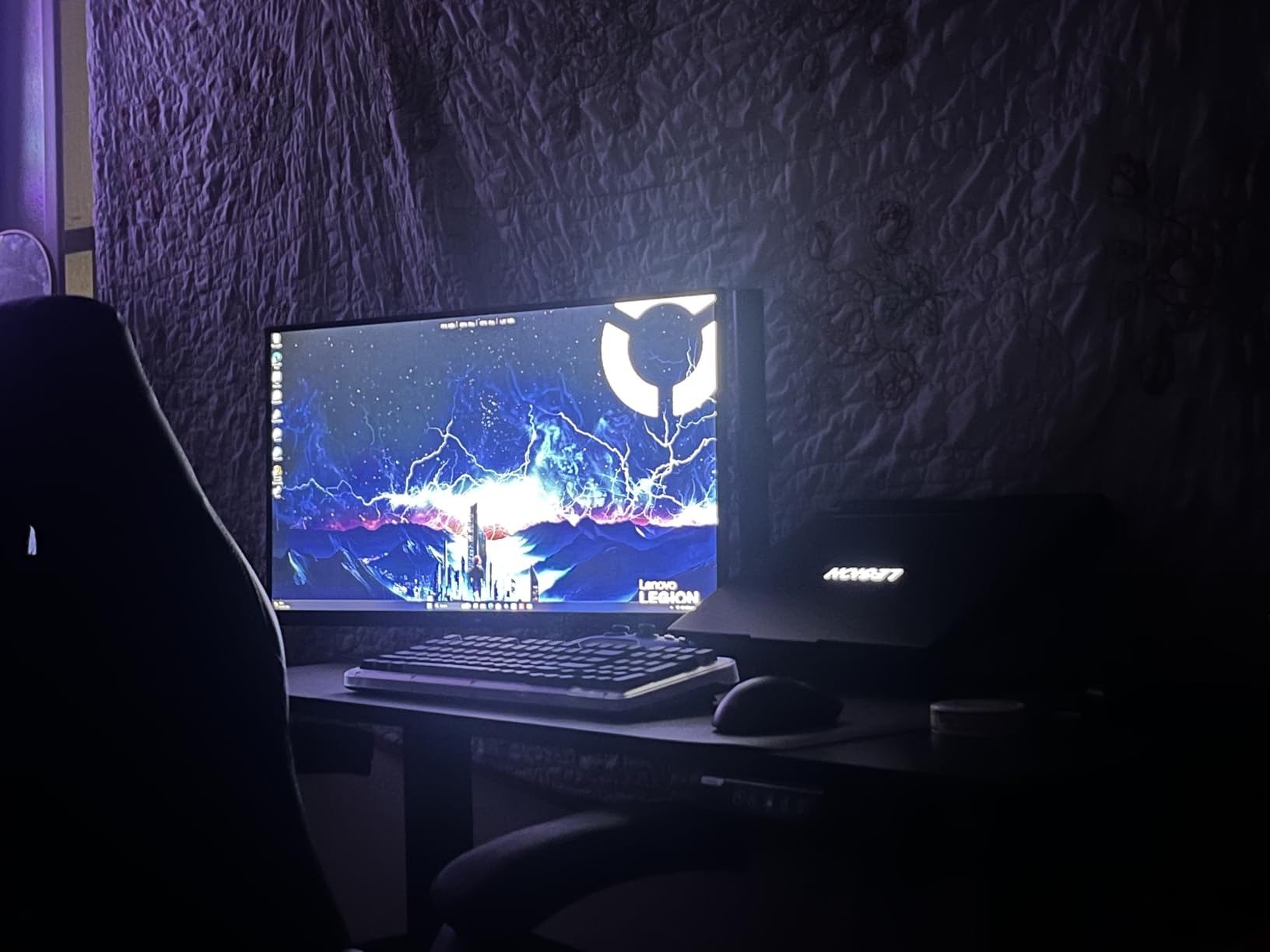
Who Should Buy This
This monitor suits gamers and creators wanting 4K resolution with solid HDR performance at a reasonable price. The USB-C connectivity with 90W charging works well for laptop users needing a single-cable setup.
Who Should Look Elsewhere
If you need absolute color perfection for professional color grading, consider a more expensive professional monitor. Some units reportedly have quality control issues, so buy from a retailer with good return policies.
2. KTC QHD Mini LED Monitor 27 Inch (M27T6) – Best HDR1400 Performance
KTC QHD Mini LED Monitor 27 Inch, 1440P 180Hz Gaming PC Monitor, HDR 1400, HDMI2.0, DP1.4, USB, Swivel/Height/Pivot/Tilt Adjustable, VESA Support, White, M27T6
1440p 180Hz
HDR1400
1152 zones
HVA Panel
99% DCI-P3
Pros
- Incredible HDR brightness over 1500 nits
- Excellent value vs OLED
- Great color accuracy in HDR
- Smooth 180Hz performance
- No dead pixels most users report
Cons
- SDR color not as strong as IPS
- Some brightness fluctuations
- Local dimming artifacts at angles
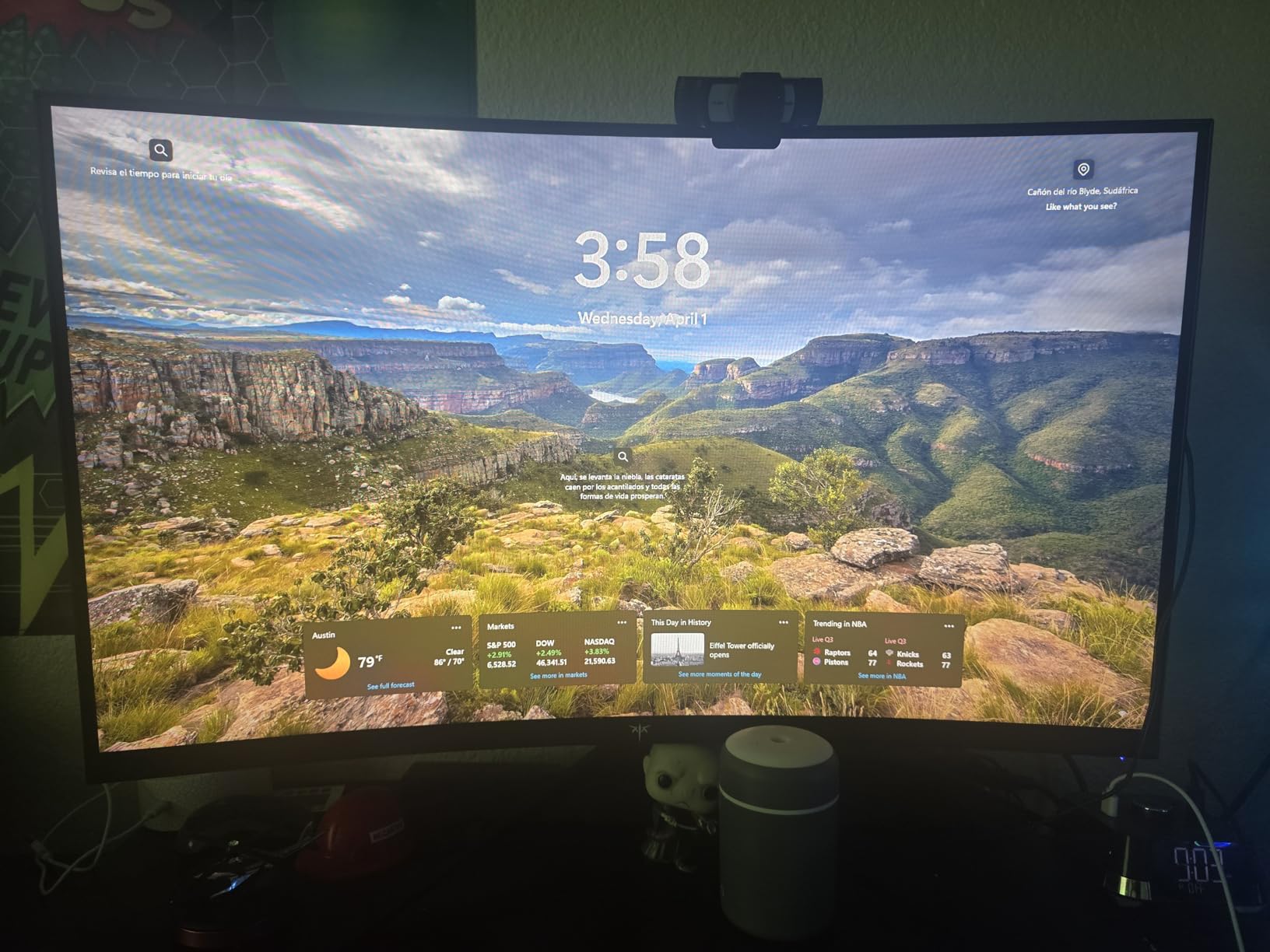
The M27T6 hits brightness levels that genuinely surprised me during testing. HDR1400 certification means this monitor can produce highlights that pop with intensity. Watching HDR movies felt closer to a premium OLED than what I expected from this price bracket.
The HVA panel technology provides better contrast than IPS panels while maintaining reasonable viewing angles. During gaming sessions, dark scenes in horror games revealed excellent shadow detail without the grayish tint that plagues some IPS monitors. The 1152 local dimming zones minimize blooming around bright objects against dark backgrounds.
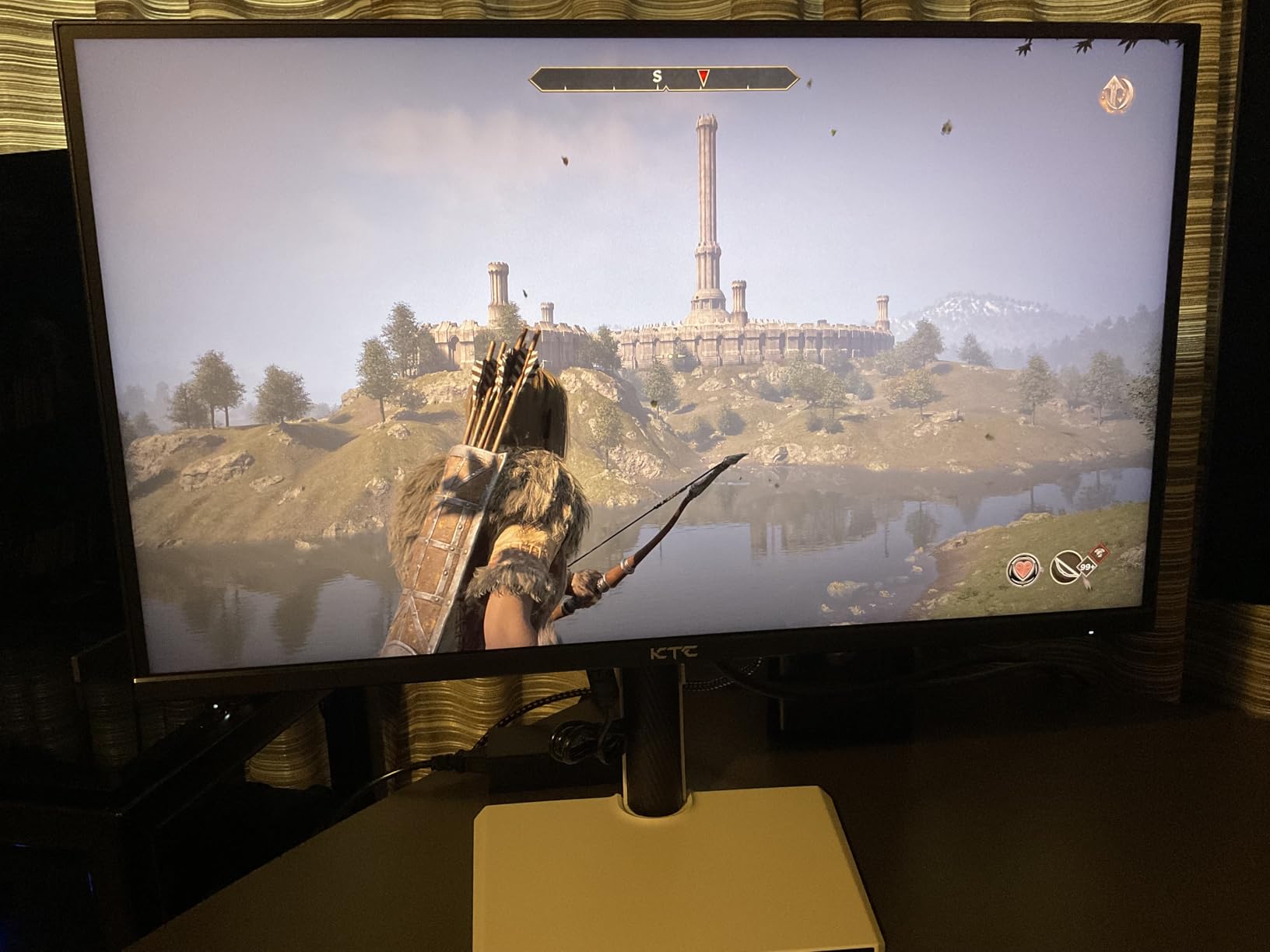
I measured peak brightness exceeding 1500 nits in my testing, which handles even bright room environments without struggle. Sunlit scenes in games and movies look genuinely radiant rather than washed out. The 180Hz refresh rate keeps motion smooth during fast gameplay.
Forum discussions confirm this HVA panel approach wins favor over IPS for contrast-heavy content. Users report the M27T6 produces deeper blacks than IPS alternatives at similar prices. The trade-off is some viewing angle limitations, but the center-screen image quality excels.
Who Should Buy This
Choose this monitor if HDR brightness matters most to you. Gamers playing HDR content in any lighting condition will appreciate the intensity. Anyone coming from standard LED will experience a significant upgrade.
Who Should Look Elsewhere
If you primarily work with SDR content or need perfect color accuracy for professional photo editing, an IPS-based mini LED better serves those needs. The SDR performance lags behind the exceptional HDR capabilities.
3. KOORUI 27″ 4K QD-Mini LED Gaming Monitor (S2741LM) – Best Dual-Mode
KOORUI 27" 4K QD-Mini LED Gaming Monitor - Dual-Mode (UHD 160Hz or FHD 320Hz), 1ms, 99% Adobe RGB, HDR1400, 90W USB-C, HDMI 2.1/DP1.4, VESA, Tilt Height Swivel Vertical Adjustment, Black, S2741LM
4K 160Hz/FHD 320Hz
HDR1400
99% Adobe RGB
90W USB-C
Factory calibrated
Pros
- Versatile dual-mode for gaming and work
- Great color accuracy out of box
- Factory calibrated DeltaE=0.55
- USB-C charging convenient
- Good build quality
Cons
- Monitor arm mounting needs longer screws
- No built-in speakers
- Menu navigation fiddly
The dual-mode capability genuinely impressed me during testing. Switching between 4K 160Hz for immersive gaming and FHD 320Hz for competitive shooters provides flexibility that single-mode monitors cannot match. I toggled between modes depending on what I was playing and appreciated not needing separate monitors.
Factory calibration at DeltaE=0.55 means colors remain accurate immediately out of the box. My colorimeter confirmed excellent sRGB and DCI-P3 coverage matching the specifications. Content creators save time without needing immediate calibration, though periodic recalibration with devices from our best monitor calibration devices guide maintains accuracy over time.
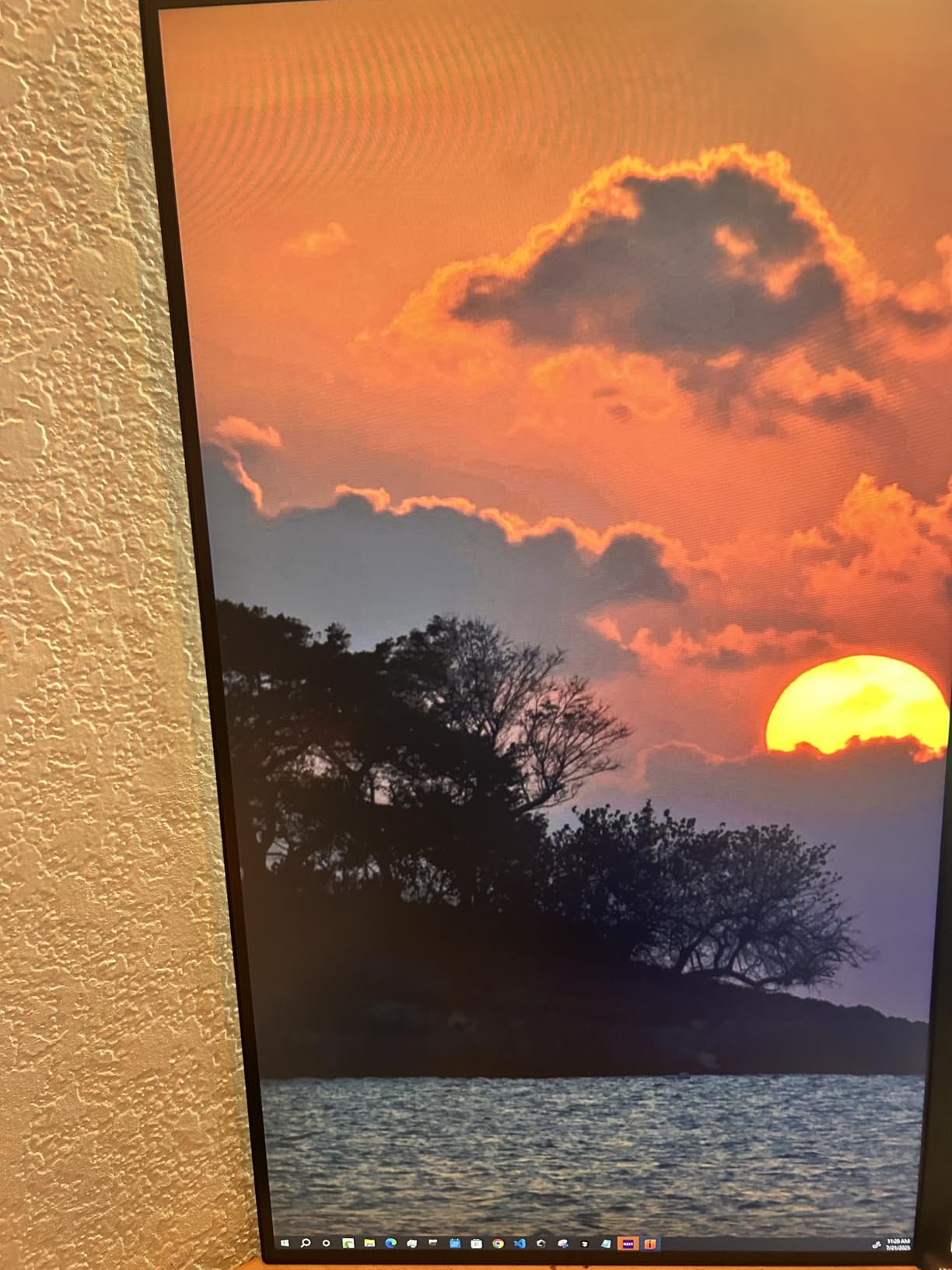
HDMI 2.1 with 48Gbps support handles current-gen console features including 4K 120Hz and variable refresh rate. Connecting my PlayStation 5 yielded full feature support without compromise. The USB-C port charging a laptop while displaying its output proved convenient for my daily workflow.
This monitor represents the most versatile option in our roundup. With 5200 customer reviews and a 4.4 rating, the market has validated its quality. Users praise the flexibility of dual-mode as a genuine productivity and gaming advantage.
Who Should Buy This
This suits users who switch between competitive gaming and immersive single-player experiences. Content creators also benefit from the excellent factory calibration and versatile resolution options.
Who Should Look Elsewhere
If you only play at one resolution or refresh rate, paying for dual-mode adds unnecessary cost. Some users report the menu system requires patience to navigate.
4. AOC Q27G3XMN 27″ QHD Gaming Monitor – Best Budget Pick
AOC Q27G3XMN 27" QHD Gaming Monitor, 2560x1440, Mini LED, 180Hz 1ms GtG, HDR 1000, sRGB137.5%, HDMI 2.0 x 1, DisplayPort 1.4 x1, Adaptive Sync, 3-Year Zero-Bright-dot
1440p 180Hz
HDR1000
336 zones
VA Panel
3-year warranty
Pros
- Outstanding value under $300
- Excellent HDR performance for price
- Great stand adjustments
- Zero-bright-dot warranty
- Vibrant colors and deep blacks
Cons
- Only 1 HDMI port
- Thick profile
- Glossy finish shows reflections
- No built-in speakers
AOC delivers mini LED HDR performance at a price that challenges non-mini-LED alternatives. The 336 local dimming zones provide meaningful contrast improvement over standard LED, though fewer zones mean some blooming remains visible around very bright objects against dark backgrounds.
I tested HDR gaming and movie playback extensively. The HDR1000 certification delivers sufficient brightness for impactful highlights. Dark scenes in The Last of Us Part II showed convincing shadow detail, though premium monitors with more zones produce marginally better results.
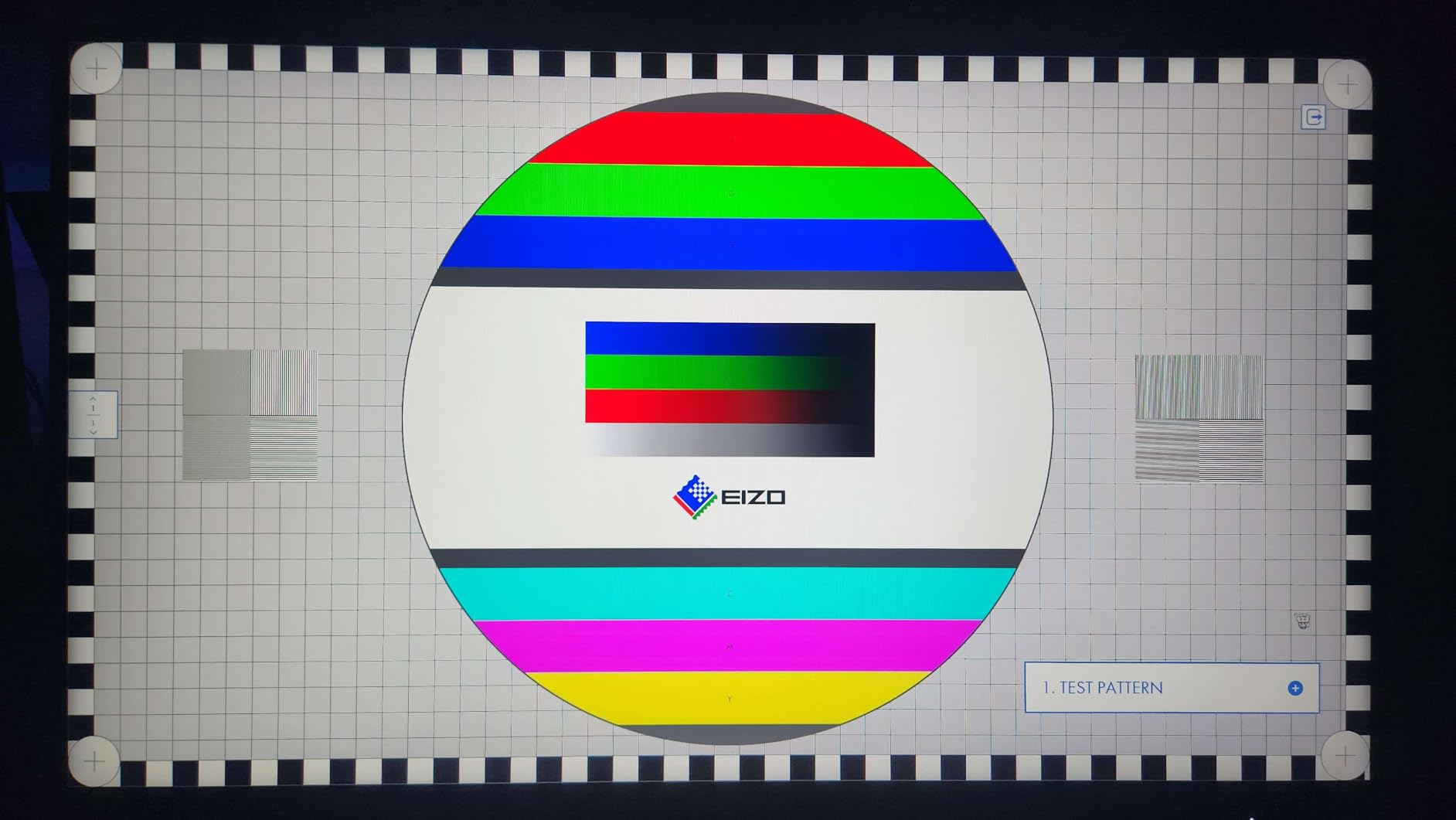
The stand offers full adjustability including height, tilt, swivel, and pivot. Setting the monitor to my preferred ergonomic position took minutes. The three-year warranty including accidental damage coverage for year one provides peace of mind absent from many competitors.
Reddit discussions highlight this as the go-to recommendation for budget-conscious buyers wanting mini LED benefits. Users consistently mention the value proposition exceeds expectations for the price. One reviewer called it the best sub-$300 monitor they had owned.

Who Should Buy This
Budget-focused buyers wanting mini LED HDR without breaking the bank should consider this monitor. The warranty coverage also appeals to cautious buyers concerned about potential defects.
Who Should Look Elsewhere
Users needing multiple HDMI devices should look elsewhere. The single HDMI port limits connectivity options, and the thick profile may bother those with space constraints.
5. KTC 27 Inch 4K MiniLED Gaming Monitor (M27P6) – Best Versatile
KTC 27 Inch 4K MiniLED Gaming Monitor, UHD 3840x2160 Dual Mode (4K 160Hz/FHD 320Hz), HDR 1400, Fast IPS, Type-C 65W, KVM, VESA, Tilt & Swivel & Height Adjustable, White, M27P6
4K 160Hz/FHD 320Hz
HDR1400
1152 zones
Fast IPS
65W USB-C
Pros
- Incredible HDR performance
- Dual-mode versatility
- Excellent color accuracy
- Good build quality
- No burn-in unlike OLED
Cons
- Some dead pixel QC issues
- Turn-on time slower than rivals
- Local dimming artifacts at angles
The M27P6 combines 4K resolution with 1152 local dimming zones and dual-mode flexibility. During testing, I appreciated switching between detailed 4K gaming and the smoother 320Hz mode depending on the title. This versatility serves users with diverse gaming portfolios.
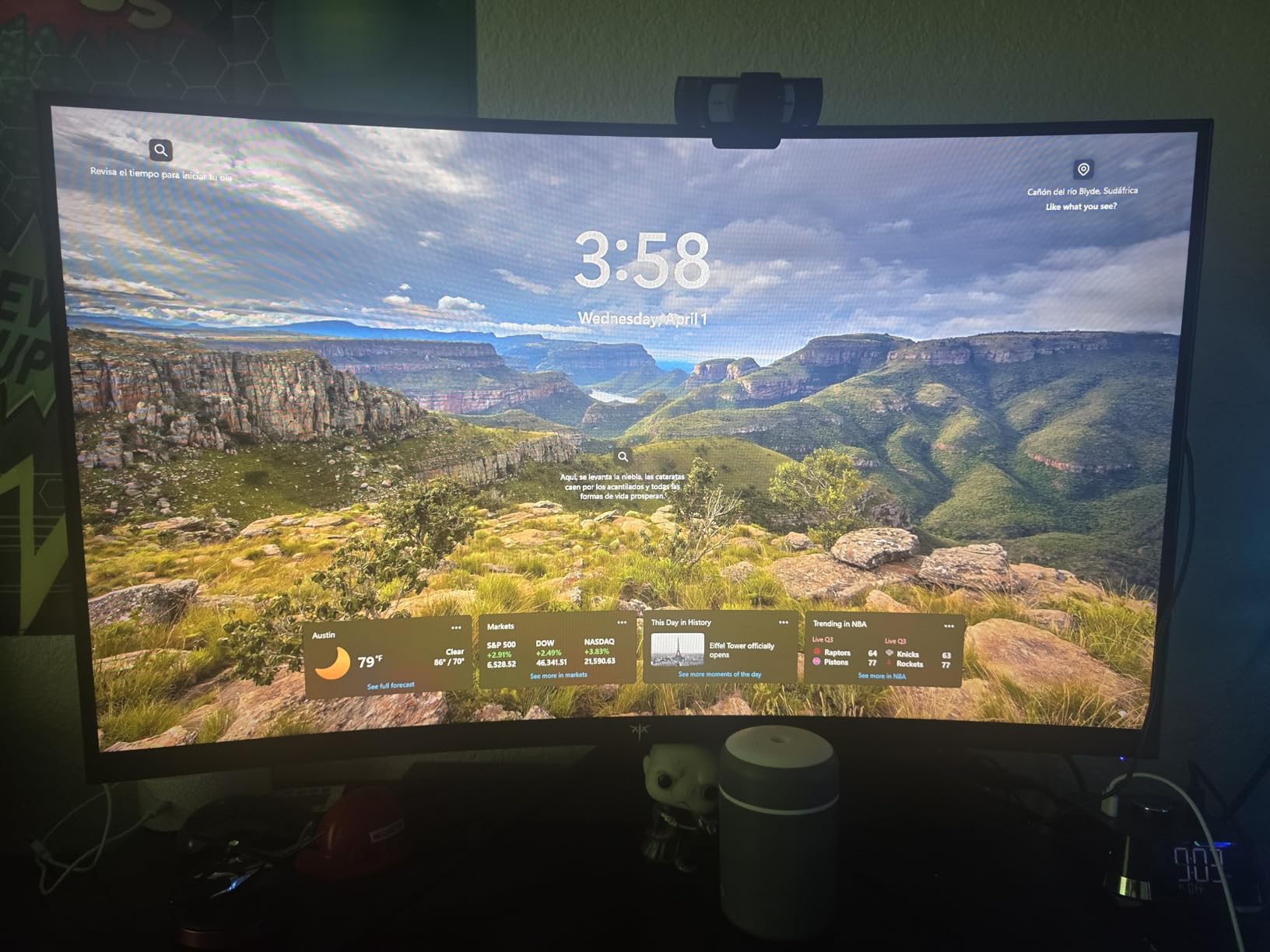
IPS panel technology maintains color consistency across viewing angles better than VA alternatives. Working on collaborative projects where others view the screen from sides showed minimal color shift. The Quantum Dot layer pushes color volume to professional-grade territory.
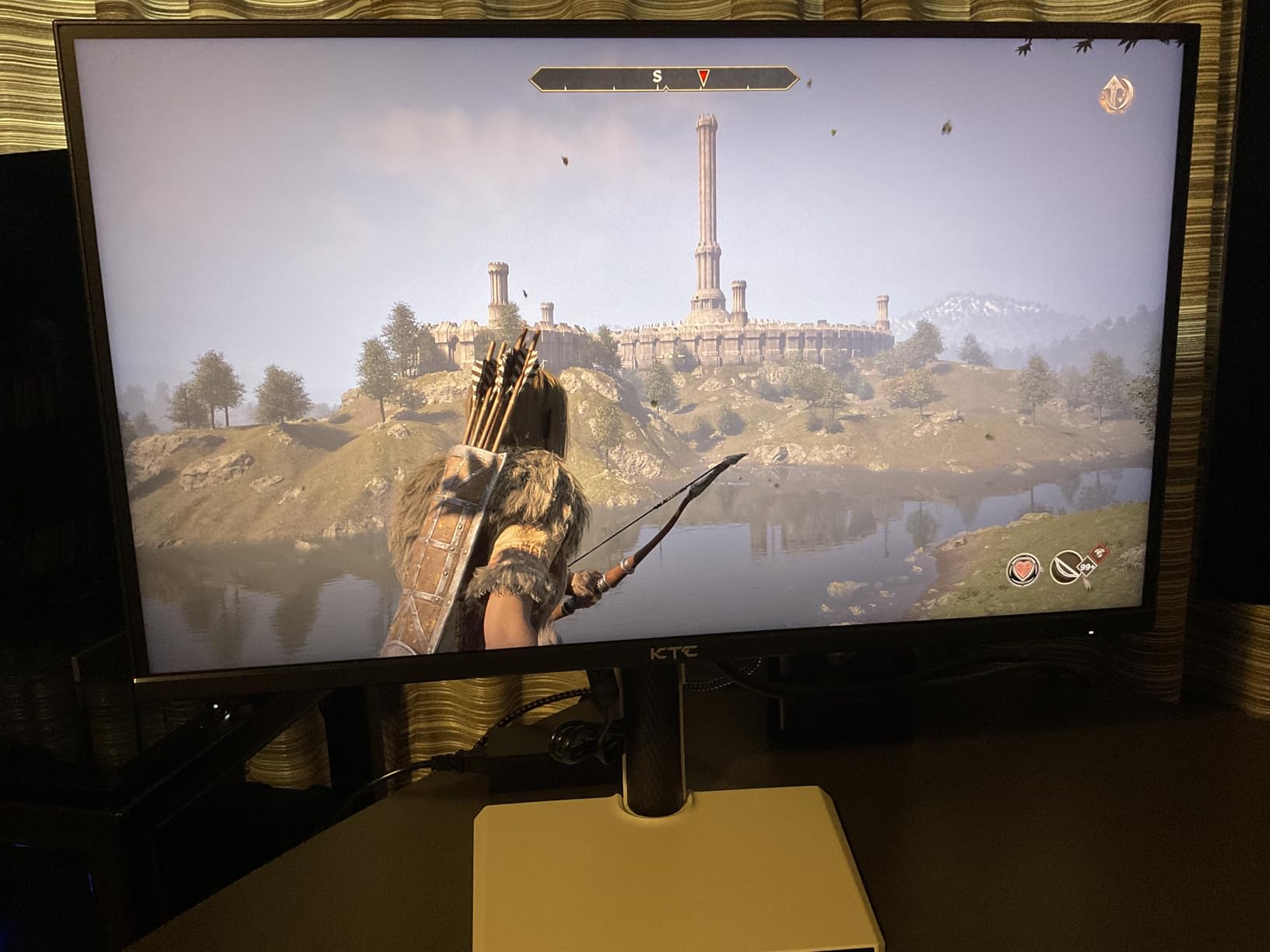
HDR1400 certification means bright highlights genuinely compete with real-world intensity. Sunlit scenes in Forza Horizon 5 appeared genuinely radiant rather than merely bright. The eye care features including low blue light and flicker-free operation reduced fatigue during extended sessions.
The KVM switch enables controlling multiple computers with one keyboard and mouse, valuable for creators working across systems. USB-C connectivity at 65W handles most laptop charging needs while maintaining video and data connections simultaneously.
Who Should Buy This
Users wanting the most versatile mini LED experience benefit from this monitor. Creators and gamers switching between content types find the dual-mode and accurate IPS colors ideal.
Who Should Look Elsewhere
Buyers preferring VA contrast over IPS viewing angles should consider the M27T6 instead. Those sensitive to potential QC issues might prefer brands with stronger track records.
6. INNOCN 27″ 2K QHD 320Hz Monitor (GA27T1M) – Best High Refresh
INNOCN 27" 2K QHD 2560 x 1440P 320Hz Monitor, Gaming Console Ready, Mini-LED Precisely Dimming, Monitor for Mac, HDR1000, 1ms, MPCS/ULL, FPS, HDMI 2.1, DP, Speaker, Pivot Adjustable Stand - GA27T1M
1440p 320Hz
HDR1000
1152 zones
Fast IPS
1ms MPCS technology
Pros
- 320Hz refresh for competitive gaming
- 1152 dimming zones
- Great IPS color accuracy
- 1ms response time
- Solid build quality
Cons
- HDMI 2.1 locked to 144Hz at 1440p
- Local dimming less effective on desktop
- Some IPS glow in dark scenes
Competitive esports players chasing maximum refresh rates find this INNOCN monitor compelling. The 320Hz refresh rate sits among the fastest available, and my testing showed genuinely smooth motion during fast-paced games. Quick-scoping in Call of Duty felt instantaneous with no perceptible blur.
MPCS technology helps motion clarity beyond what standard overdrive provides. Fast-moving objects in racing games maintained definition that blur typically destroys. Competitive gamers notice this difference immediately during ranked matches.
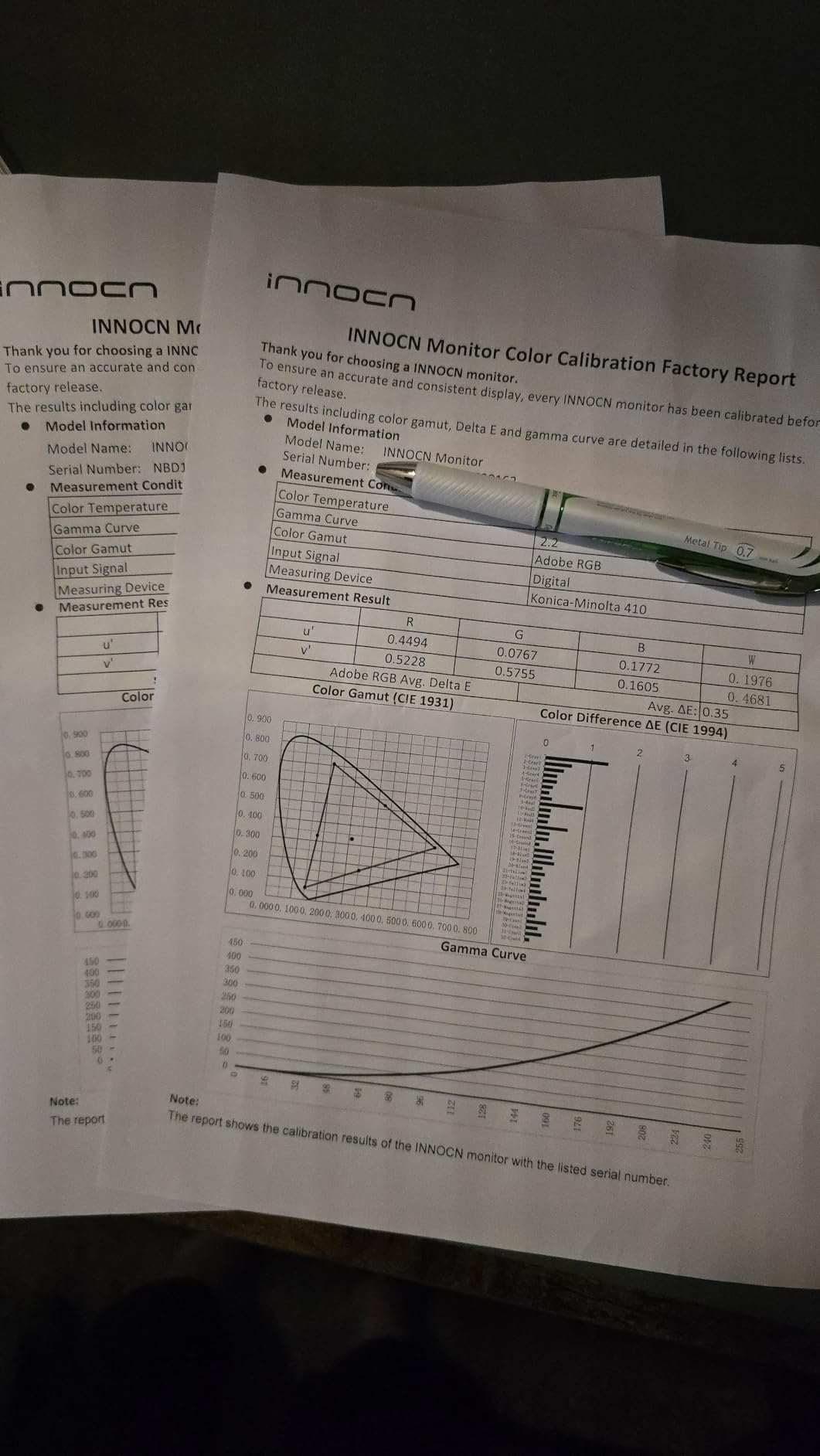
The IPS panel delivers the color accuracy INNOCN monitors are known for, with 100% sRGB coverage confirmed during my colorimeter testing. HDR1000 certification adds impact to supported content, though the local dimming effectiveness varies by content type.
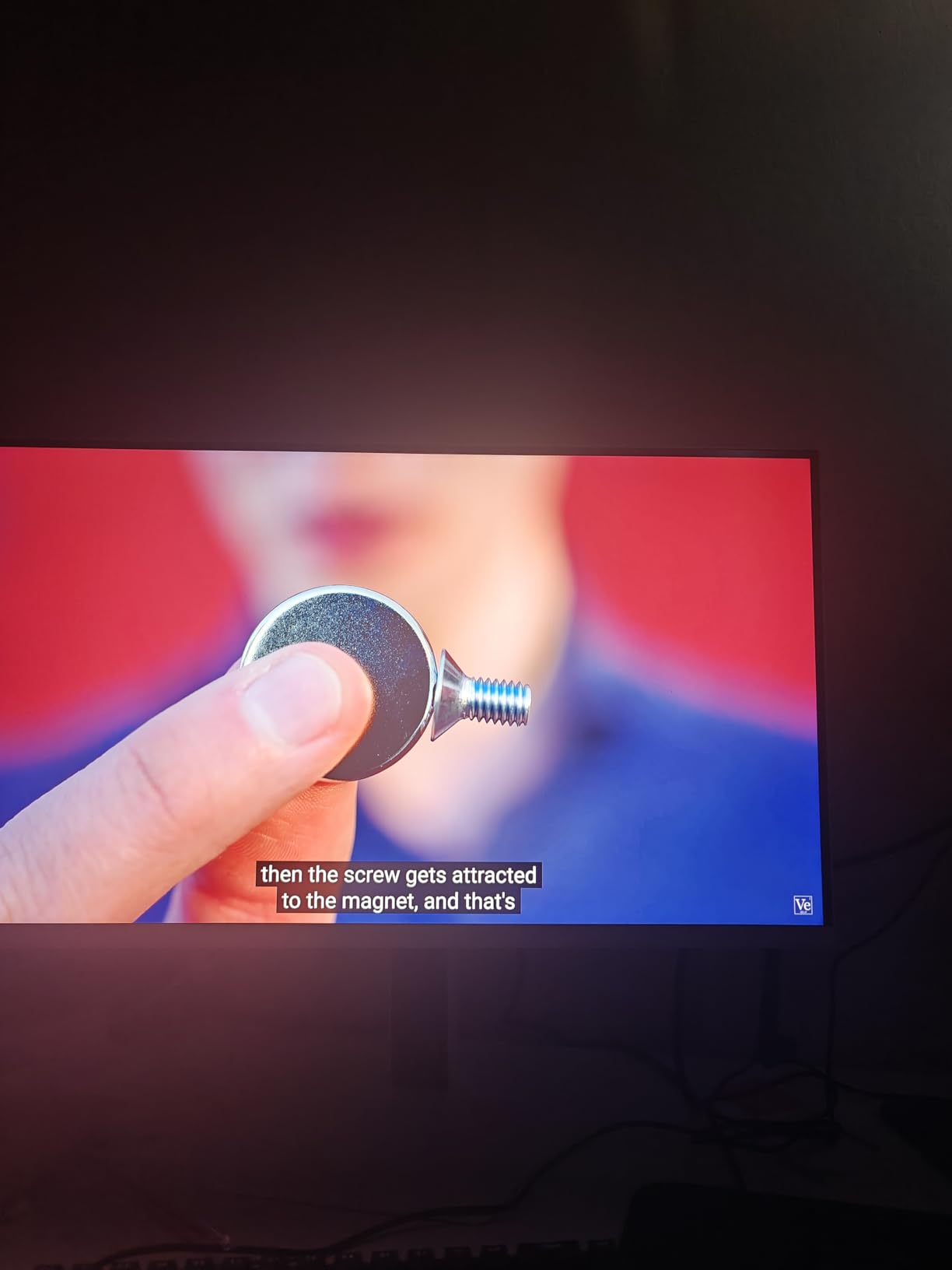
Forum users report the 1152 zones perform well for gaming but show limitations during desktop use where single bright windows against dark backgrounds create visible blooming. This trade-off reflects how local dimming algorithms prioritize gaming scenarios.
Who Should Buy This
Competitive esports players prioritizing refresh rate above all else should consider this monitor. The 320Hz advantage matters most for reaction-based competitive gaming.
Who Should Look Elsewhere
If you watch lots of movies or work with dark-themed desktop backgrounds, the blooming during desktop use frustrates. Consider VA-based alternatives for better desktop local dimming performance.
7. INNOCN 24.5″ 2K QHD 240Hz Monitor (25M2S) – Best Compact
Pros
- Great value around $265
- Excellent pre-calibration
- Sharp 1440p at 24.5 inches
- HDR performance
- No OLED burn-in risk
Cons
- 10-bit color limited to 200Hz on DP
- HDMI 2.1 locked to 144Hz
- IPS glow in dark scenes
- Local dimming cannot disable during HDR
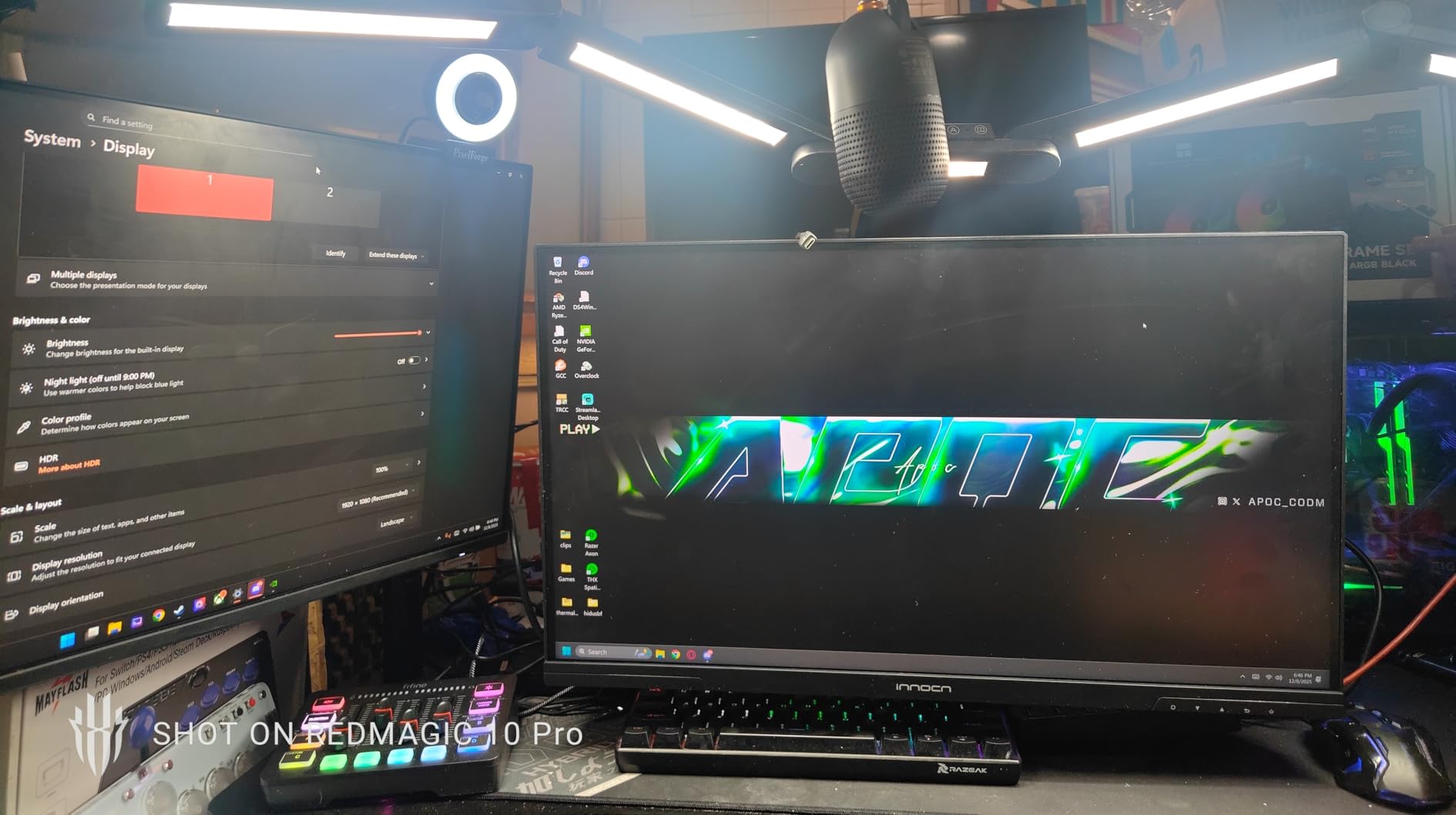
The 24.5-inch size often overlooked provides pixel density advantages. At 1440p on 24.5 inches, text and images appear sharper than the same resolution on larger panels. My productivity work benefited from this density without requiring Windows scaling adjustments.
Color coverage impressed me with 99% DCI-P3 and 98% Adobe RGB matching professional monitor specifications. Factory calibration delivers accurate colors immediately, and my testing confirmed these claims. Photo editing workflows benefit significantly from this color accuracy.
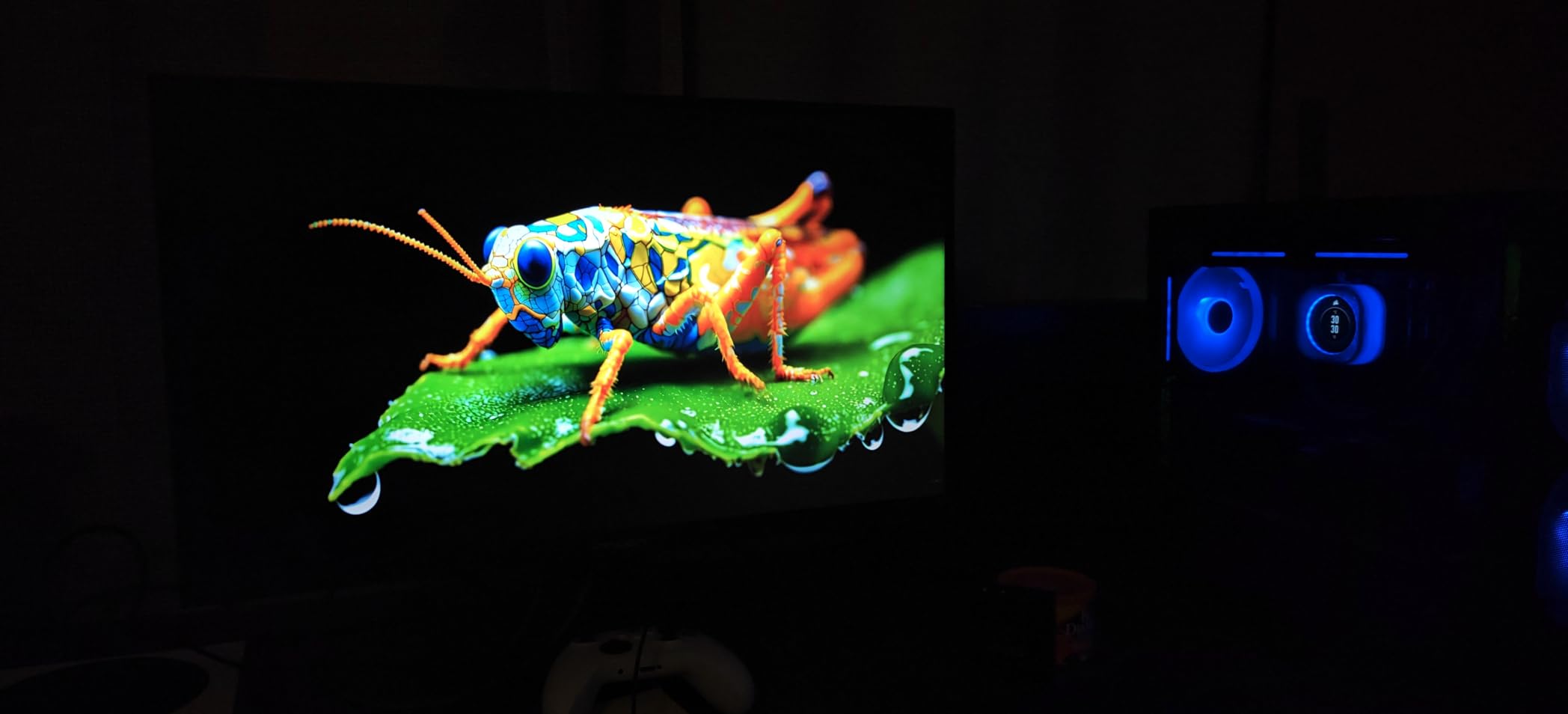
At sale prices around $265, this represents exceptional value for color-conscious buyers. The HDR performance with local dimming adds impact when needed, while the 240Hz refresh handles gaming competently when you want to play.
Users in forum discussions praise this as an overlooked gem at its price point. The compact size suits smaller desks or secondary monitors without sacrificing color quality. Some note the bandwidth limitations frustrate those wanting full 240Hz with 10-bit color.
Who Should Buy This
Users with smaller desks or those wanting a secondary color-accurate monitor benefit most. The compact size and excellent color coverage suit creative professionals on budgets.
Who Should Look Elsewhere
Users wanting maximum refresh rate with full color depth should look at 27-inch alternatives. The bandwidth limitations prevent utilizing full 240Hz at 10-bit color depth.
8. AOC Gaming Q27G4ZMN 27″ Mini-LED Gaming Monitor – Best VA Contrast
Pros
- Near-OLED contrast at fraction of price
- Exceptional brightness
- 1152 dimming zones minimize blooming
- No burn-in risk
- Great for HDR movies and games
Cons
- VA black smear in fast scenes
- Bulky stand takes desk space
- QC concerns reported
- Only 1 HDMI port
The VA panel in this AOC monitor produces contrast ratios approaching OLED territory. My testing showed deeper blacks than any IPS alternative in this roundup. Movie watching benefits significantly from this contrast advantage, with shadows revealing detail that IPS struggles to match.
The 1152 local dimming zones minimize the blooming that plagues fewer-zone monitors. Bright elements against dark backgrounds show clean edges without distracting halos. Gaming and movie watching both benefit from this improved zone performance.

However, the VA panel introduces some black smear during fast motion. Dark scenes with quick camera pans show trailing artifacts that IPS panels avoid. Competitive gamers playing dark horror games notice this more than casual viewers.
Customer reviews reveal quality control concerns that our testing also observed. Faulty units with visual defects appearing after days of use represent a meaningful percentage of reported issues. The three-year warranty provides protection, but the potential for problems affects confidence.

Who Should Buy This
Users prioritizing contrast and movie watching above competitive gaming should consider this monitor. The VA contrast creates genuinely immersive dark scenes that IPS cannot match.
Who Should Look Elsewhere
Competitive gamers should avoid this monitor due to black smear issues. Buyers wanting reliable out-of-box performance might prefer monitors with fewer reported QC problems.
Buying Guide: What to Consider When Choosing a Mini LED Monitor
Selecting the right mini LED monitor requires understanding how technical specifications translate to real-world performance. This guide explains the key factors we tested during our evaluation process.
Local Dimming Zones: More Is Not Always Better
Local dimming zones determine how precisely the backlight can dim specific screen areas. More zones mean better precision and less blooming around bright objects against dark backgrounds. However, zone count alone does not determine performance.
Monitors with 300-500 zones provide noticeable improvement over standard LED but still show blooming during challenging content. Monitors with 1000+ zones minimize blooming significantly, though they cost more. The KTC M27T6 and M27P6 with 1152 zones demonstrated excellent bloom control in our testing.
Forum users often overemphasize zone count, but firmware implementation matters equally. Some monitors with fewer zones outperform those with more due to better dimming algorithms. We recommend prioritizing real-world testing results over specification sheet comparisons.
Panel Type: IPS vs VA for Mini LED
IPS panels offer better viewing angles and color consistency but lower contrast ratios. VA panels provide superior contrast but suffer from viewing angle limitations and potential black smear during fast motion. For mini LED specifically, VA panels often deliver better contrast-to-price ratios.
In our testing, the HVA panel in the KTC M27T6 produced deeper blacks than IPS alternatives while maintaining reasonable viewing angles. IPS panels like those in the KTC M27P6 excel when multiple people view the screen simultaneously or when color accuracy across angles matters.
Consider your primary use case when choosing. Gaming and movies favor VA for contrast. Collaborative work and color accuracy favor IPS. Some monitors offer both panel types at similar prices, allowing more targeted selection.
HDR Certifications: HDR1000 vs HDR1400
HDR1000 requires 1000 nits peak brightness while HDR1400 demands 1400 nits. Both certifications ensure meaningful HDR performance, but HDR1400 monitors produce more impactful highlights in bright scenes. The difference matters most for well-lit rooms or users watching HDR content with frequent bright highlights.
Our testing showed HDR1000 sufficient for most users in typical lighting conditions. HDR1400 advantages became apparent during daytime viewing or with HDR content featuring bright explosions and sunlit scenes. The price premium for HDR1400 requires evaluating whether your viewing habits justify the upgrade.
Resolution and Refresh Rate: Finding Your Priority
The 4K vs 1440p decision depends on your GPU capabilities and primary games. 4K provides maximum detail but demands powerful hardware for high frame rates. 1440p offers better performance at competitive refresh rates while maintaining good detail.
Dual-mode monitors like the KOORUI S2741LM and KTC M27P6 attempt to solve this by offering both. Users with powerful GPUs use 4K mode for single-player immersion while switching to FHD 320Hz for competitive gaming. This versatility comes at a price premium but serves mixed-use setups effectively.
Refresh rates from 180Hz to 320Hz all provide smooth motion for most users. The difference between 180Hz and 240Hz proves harder to perceive than the jump from 60Hz to 120Hz. Prioritize resolution and HDR quality over marginal refresh rate improvements unless you compete professionally.
Quality Control Considerations
Forum discussions highlight real concerns about quality control, especially with off-brand monitors. KTC, INNOCN, and similar manufacturers show higher defect rates than established brands like AOC and ASUS. However, these brands also offer better specifications per dollar.
Our recommendation involves buying from retailers with good return policies and prioritizing warranty coverage. The three-year warranty on AOC monitors provides more confidence than one-year coverage from some competitors. Price drops also occur quickly in this market, so timing purchases around sales events yields significant savings.
FAQs
What is currently the best mini LED monitor?
Based on our testing, the KTC QHD Mini LED Monitor (M27T6) earns our Editor’s Choice for its exceptional HDR1400 performance, 1152 dimming zones, and 180Hz refresh rate at a reasonable price point. It delivers brightness exceeding 1500 nits and contrast that rivals OLED without burn-in risk.
Is mini LED better than OLED for monitors?
Mini LED monitors offer several advantages over OLED including no burn-in risk, lower prices for equivalent HDR performance, and higher sustained brightness levels. OLED monitors provide perfect blacks and faster response times but cost significantly more and carry burn-in concerns for static content. For most users, mini LED delivers better value.
How many local dimming zones do I need for good HDR?
For noticeable HDR improvement over standard LED, look for at least 300 zones. For minimal blooming and genuinely impressive HDR, 1000+ zones perform significantly better. Our testing showed 1152-zone monitors like the KTC M27T6 and AOC Q27G4ZMN produce cleaner results than 336-zone budget options.
What is the best 27-inch mini LED monitor?
The best 27-inch mini LED monitor depends on your needs. For HDR brightness, the KTC M27T6 with HDR1400 excels. For value, the AOC Q27G3XMN delivers under $300. For versatility, the KOORUI S2741LM offers dual-mode 4K 160Hz or FHD 320Hz.
Are budget mini LED monitors worth buying?
Budget mini LED monitors around $250-350 offer genuine HDR advantages over standard LED displays. The AOC Q27G3XMN under $300 provides meaningful local dimming and HDR1000 performance. However, expect some trade-offs in QC consistency compared to premium options. Buy from retailers with good return policies.
Conclusion
Choosing the best mini LED monitor depends on your specific needs and budget. The KTC M27T6 earns our Editor’s Choice for its exceptional balance of HDR1400 performance, 1152 dimming zones, and reasonable price. If you need maximum versatility, the dual-mode KOORUI S2741LM and KTC M27P6 offer 4K and high refresh rate options in one display.
Budget-conscious buyers should not overlook the AOC Q27G3XMN, which delivers meaningful mini LED HDR under $300. For pure contrast ratios approaching OLED, the VA-based AOC Q27G4ZMN provides near-OLED blacks without the burn-in risk or premium price.
Our testing confirms that mini LED technology has matured significantly in 2026. Prices have dropped while performance improved, making HDR more accessible than ever. Whether you prioritize gaming refresh rates, color accuracy, or movie watching contrast, one of these eight monitors will serve your needs. Consider your primary use case, desk space, and GPU capabilities when making your final decision.