
When I first started gaming seriously, I noticed something frustrating. Dark scenes in competitive shooters were nearly impossible to navigate, and colors in my favorite RPGs never quite matched what I saw in screenshots. After spending weeks adjusting monitor settings manually, I realized the problem was not my eyes or the game developers. My monitor was displaying colors inaccurately, and no amount of OSD tweaking would fix it.
A colorimeter changed everything for my gaming experience. Suddenly, shadow details in CS2 became visible instead of crushed black blobs. The vibrant world of Cyberpunk actually looked the way the developers intended. And across all my games, colors remained consistent from one session to the next. If you have ever wondered whether your games could look better or if you are missing details that could give you a competitive edge, this guide to the best monitor calibration colorimeters for gaming will help you find the right tool.
In this article, I will walk you through 12 colorimeters that work well for gaming setups, from budget-friendly options to professional-grade tools that handle HDR and ultra-bright OLED displays. Whether you are a competitive FPS player seeking every advantage or an enthusiast who wants accurate colors for immersive single-player experiences, there is a calibrator here for your needs.
Top 3 Picks for Monitor Calibration Colorimeters
Calibrite Display Pro HL
- Measures up to 3000 nits
- Works with OLED and mini-LED
- HDR calibration support
- USB-C connection

Datacolor Spyder X Pro
- Lens-based color engine
- Room-light monitoring
- 1-2 minute calibration
- 12 calibration targets

Calibrite Display 123
- Easy 1-2-3 workflow
- Dual display support
- Before/after check
- USB-C connection
Monitor Calibration Colorimeters in 2026
| Product | Specs | Action |
|---|---|---|
|
|
|
Check Latest Price |
|
Datacolor Spyder X Pro
|
|
Check Latest Price |
|
Calibrite Display 123
|
|
Check Latest Price |
|
|
|
Check Latest Price |
|
|
|
Check Latest Price |
 Datacolor Spyder X Elite
|
|
Check Latest Price |
|
|
|
Check Latest Price |
 Datacolor SpyderExpress
|
|
Check Latest Price |
 Calibrite ColorChecker Display Pro
|
|
Check Latest Price |
 Datacolor Spyder Celebration Kit
|
|
Check Latest Price |
1. Calibrite Display Pro HL – Best for HDR Gaming Monitors
Measures up to 3000 nits
OLED and mini-LED support
USB-C with adapter
Validation tools included
Pros
- HL sensor handles bright HDR displays
- Excellent OLED and mini-LED accuracy
- PROFILER software with Basic and Advanced modes
- Validation tools for confidence
- Multiple display workflow support
Cons
- Higher price point
- Calibration can take 15-30 minutes
- Some software bugs reported
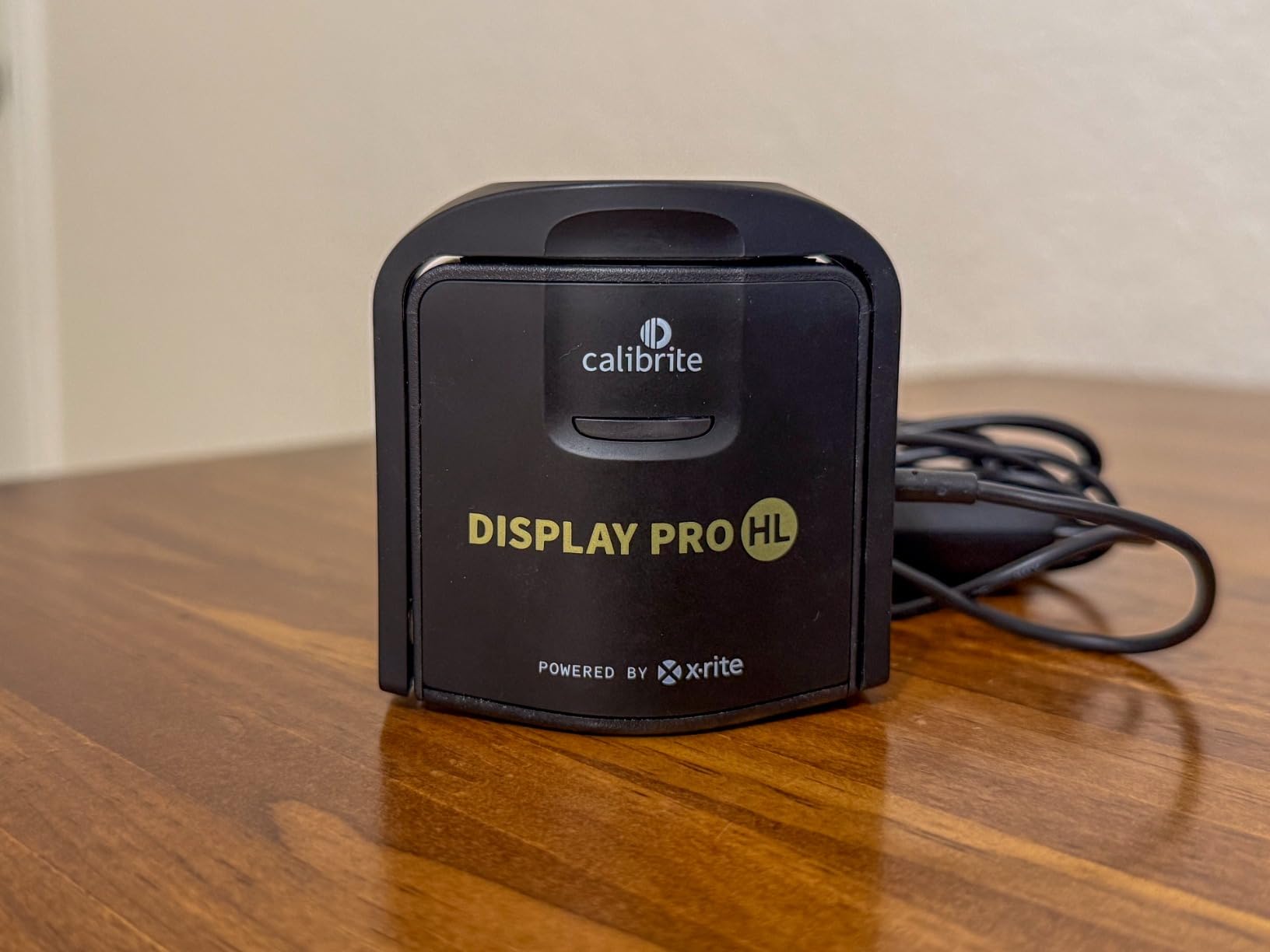
After testing the Calibrite Display Pro HL on my Samsung Odyssey OLED G9, I immediately understood why this is my top pick for serious gamers. The HL high luminance sensor measures displays up to 3000 nits, which means it handles modern HDR gaming monitors without breaking a sweat. Most cheaper colorimeters simply cannot read brightness levels this high, leading to inaccurate profiles on bright displays.
The calibration process took about 20 minutes on my first run, but the results were worth every second. Dark scenes in games like Alan Wake 2 showed detail I had never seen before. The shadowy corners that used to hide enemies in competitive games became visible without crushing blacks or washing out the image.
What sets this apart for gaming specifically is the PROFILER software. It offers both Basic and Advanced modes, so you can do a quick calibration before a gaming session or dive deep into white point, luminance, contrast ratio, and gamma adjustments when you have more time. The validation tools including uniformity check give you confidence that your profile is actually accurate.
The USB-C connection with included USB-A adapter means it works with any modern gaming PC. I also appreciate the built-in 1/4 inch mount thread, which lets you attach it to a tripod for projector calibration if you game on a big screen.
Ideal Gaming Scenarios
This colorimeter excels for gamers with HDR-capable displays, especially mini-LED and OLED panels. If you play games with dark atmospheres like horror titles or competitive shooters where visibility matters, the accurate gamma curve this produces gives you a genuine advantage. It is also excellent for multi-monitor setups where you want consistent colors across all screens.
Consider Alternatives If
If you only have a standard 1080p gaming monitor without HDR, this level of capability might be overkill. The higher price and longer calibration times may not justify the investment for casual gaming on basic displays. Consider the Display 123 instead for budget-conscious setups.
2. Datacolor Spyder X Pro – Best Value for Gamers
Datacolor Spyder X Pro – Monitor Calibrator. Color Calibration Tool for Monitor Display. Ensures accurate color for photographic images. Ideal for first-time users
Lens-based color engine
Room-light monitoring
1-2 minute calibration
12 calibration targets
Pros
- Lens-based engine for accuracy
- Room-light monitoring
- Very fast calibration
- 12 predefined targets
- Excellent software support
Cons
- Some inconsistent results reported
- May struggle with some OLEDs
- Requires dark room for best results
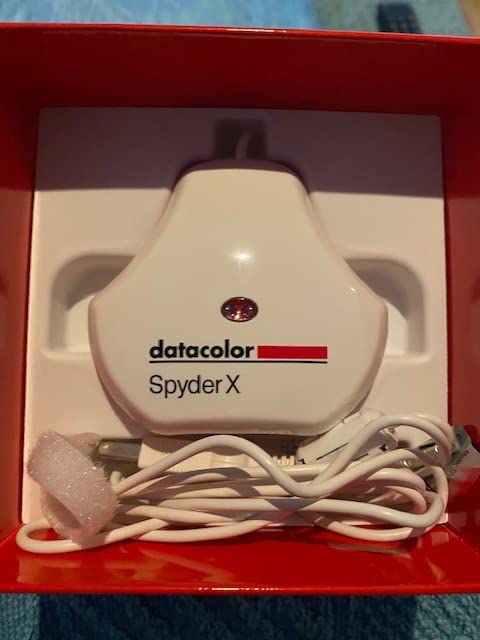
The Datacolor Spyder X Pro sits in that sweet spot where performance meets practicality for most gamers. With over 5000 reviews and a 4.3-star rating, it has proven itself to thousands of users. The lens-based color engine delivers higher accuracy than older filter-based designs, and the 1-2 minute calibration time means you can recalibrate before a gaming session without it feeling like a chore.
What I found particularly useful for gaming is the room-light monitoring feature. My gaming setup has a window that lets in varying amounts of natural light throughout the day. The Spyder X Pro tracks ambient light and can automatically adjust profiles, ensuring colors remain accurate whether I am gaming at noon or midnight.
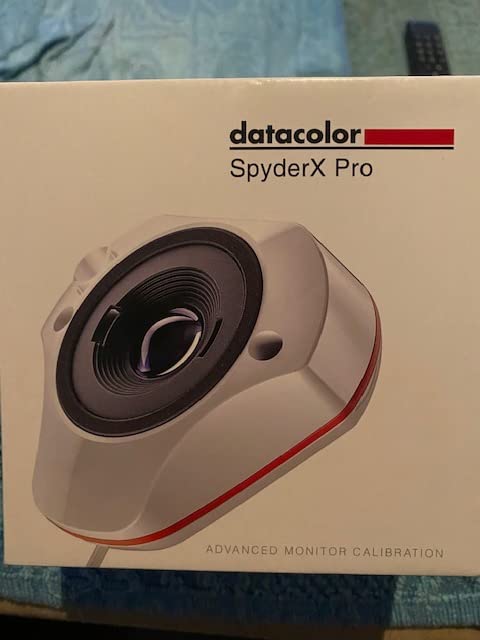
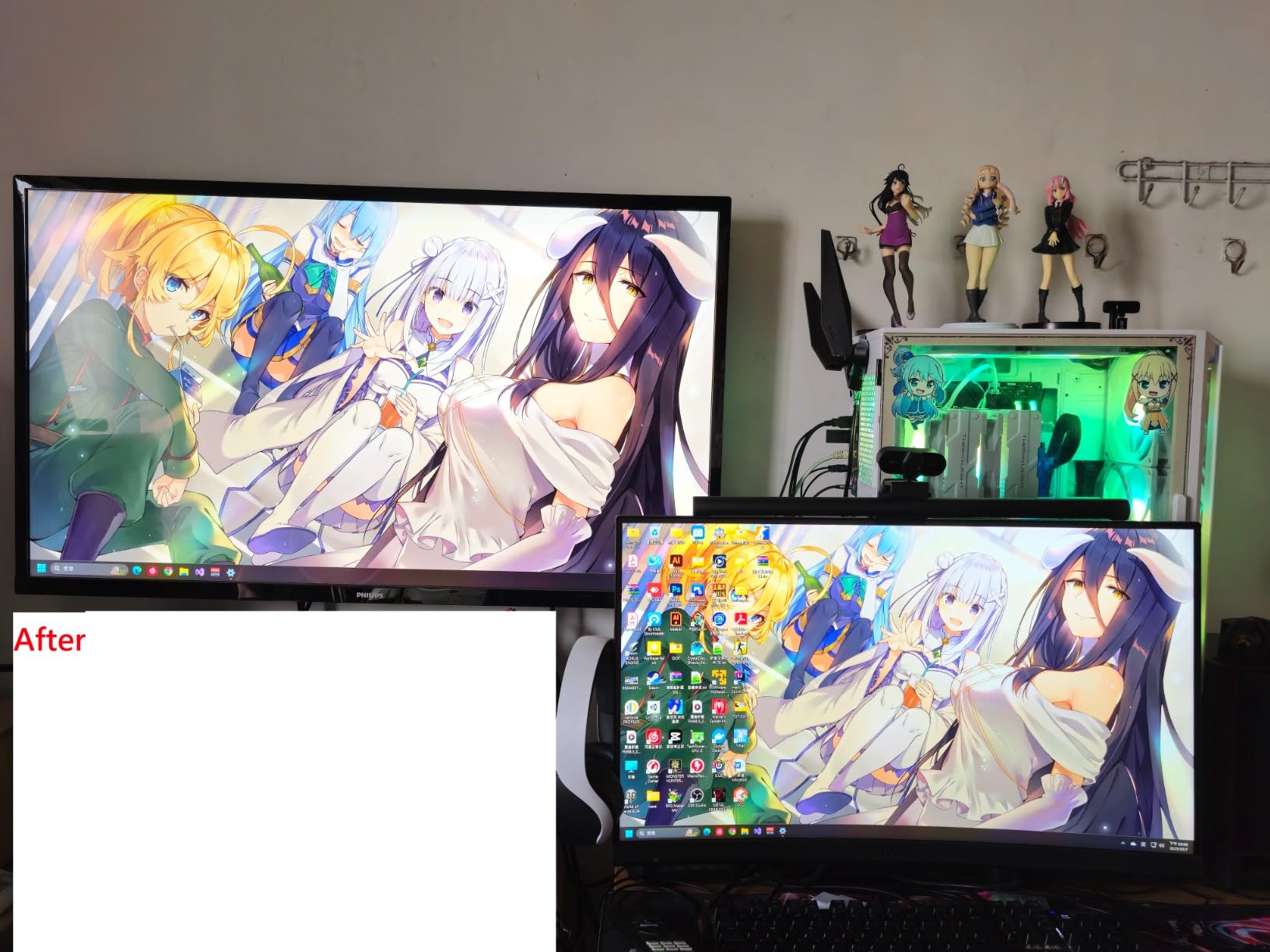
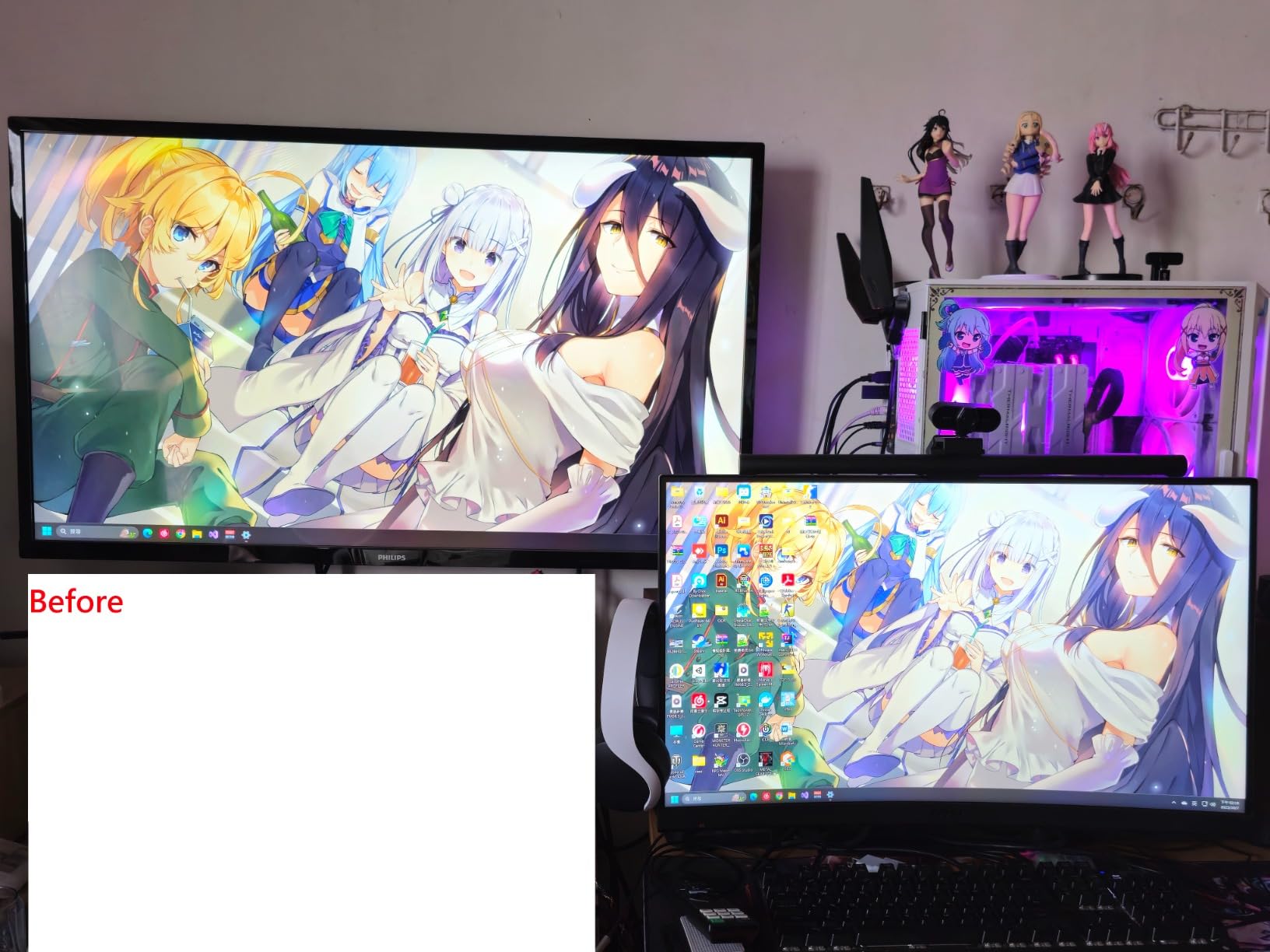
The SpyderProof before and after comparison is genuinely helpful. After calibration, you can see full-screen images that show exactly what changed. For gamers who might be skeptical about whether calibration actually makes a difference, this feature provides immediate visual proof.
With 12 predefined calibration targets, you can quickly switch between different profiles depending on what you are doing. I keep one profile for competitive gaming with optimized gamma for visibility, and another for story games where I want accurate color reproduction for cutscenes and environments.
Ideal Gaming Scenarios
This is the best choice for gamers who want professional-level accuracy without spending premium prices. It works well for multi-monitor setups and handles different lighting conditions automatically. If you play a variety of games and want a set-and-forget solution that still delivers excellent results, the Spyder X Pro delivers outstanding value.
Consider Alternatives If
Some users report inconsistent results between calibrations, and it may not work optimally with all OLED displays. If you have a very bright HDR display above 1000 nits, you might want the Display Pro HL instead. Also, if you need calibration for ultra-bright QD-OLED panels, the SpyderPro handles those better.
3. Calibrite Display 123 – Best Budget Option
Calibrite Display 123 Monitor Calibration Colorimeter for Photo Editing and Color Accurate Viewing, Easy 1 2 3 Software Workflow, USB C Connection, and Before and After Check, Supports 2 Displays
Easy 1-2-3 workflow
Dual display support
USB-C connection
Before and after check
Pros
- Simple workflow for beginners
- Affordable entry point
- Dual display support
- Compact and portable
- USB-C native connection
Cons
- Limited to 6500K and 2.2 gamma
- No USB-A adapter included
- Before/After feature may not work
- Limited to 2 displays
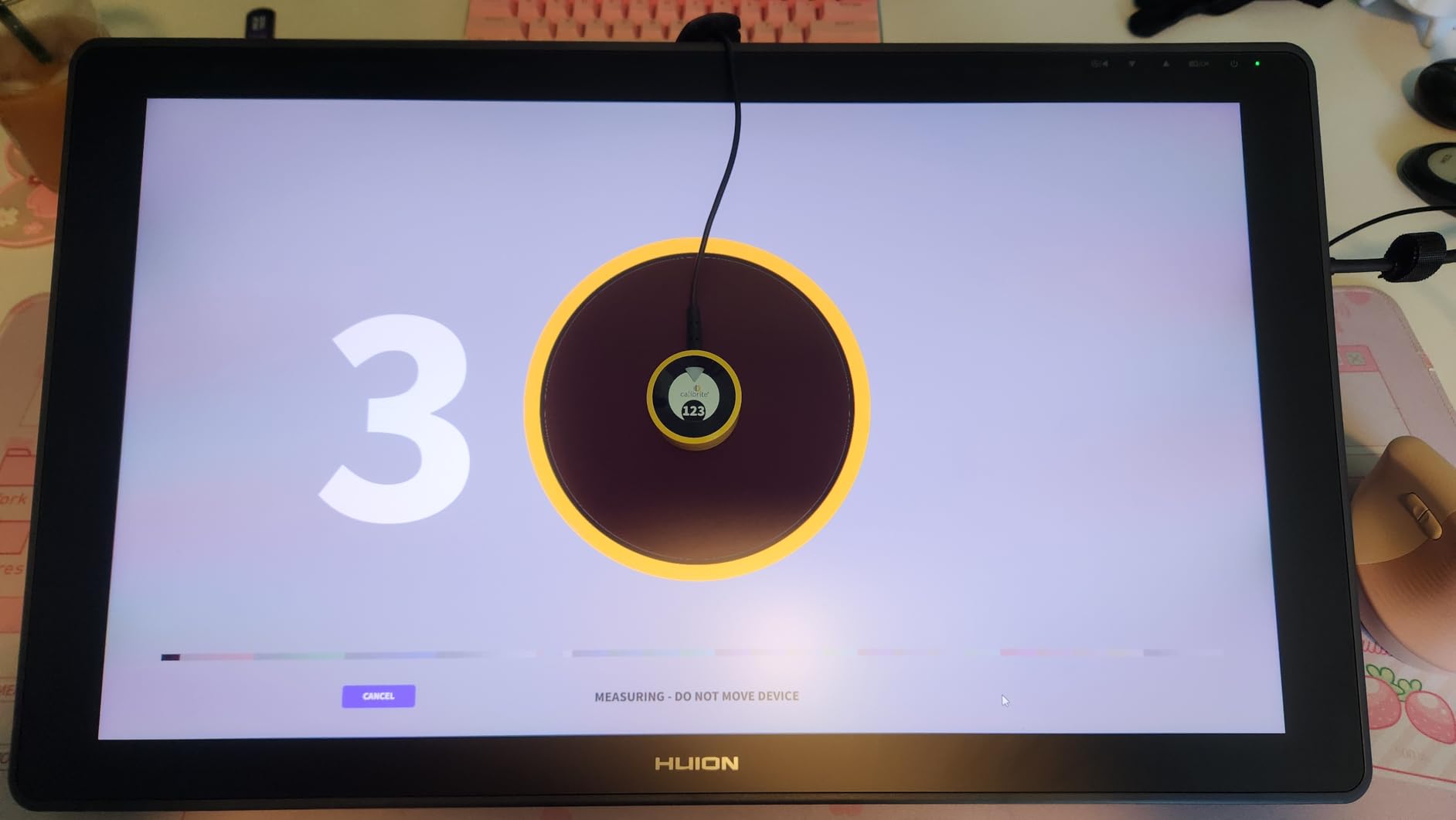
Not every gamer needs to spend hundreds on a colorimeter. The Calibrite Display 123 proves you can get decent calibration on a budget. The 1-2-3 workflow is exactly what it sounds like: plug it in, hang it on your screen, and follow three simple steps. The whole process took me about five minutes from unboxing to finished profile.
For gaming purposes, this handles the basics well. It corrects common color shifts that make games look washed out or overly warm. My test on a mid-range gaming monitor showed noticeable improvement in color accuracy, especially in skin tones during cutscenes and environmental details in open-world games.
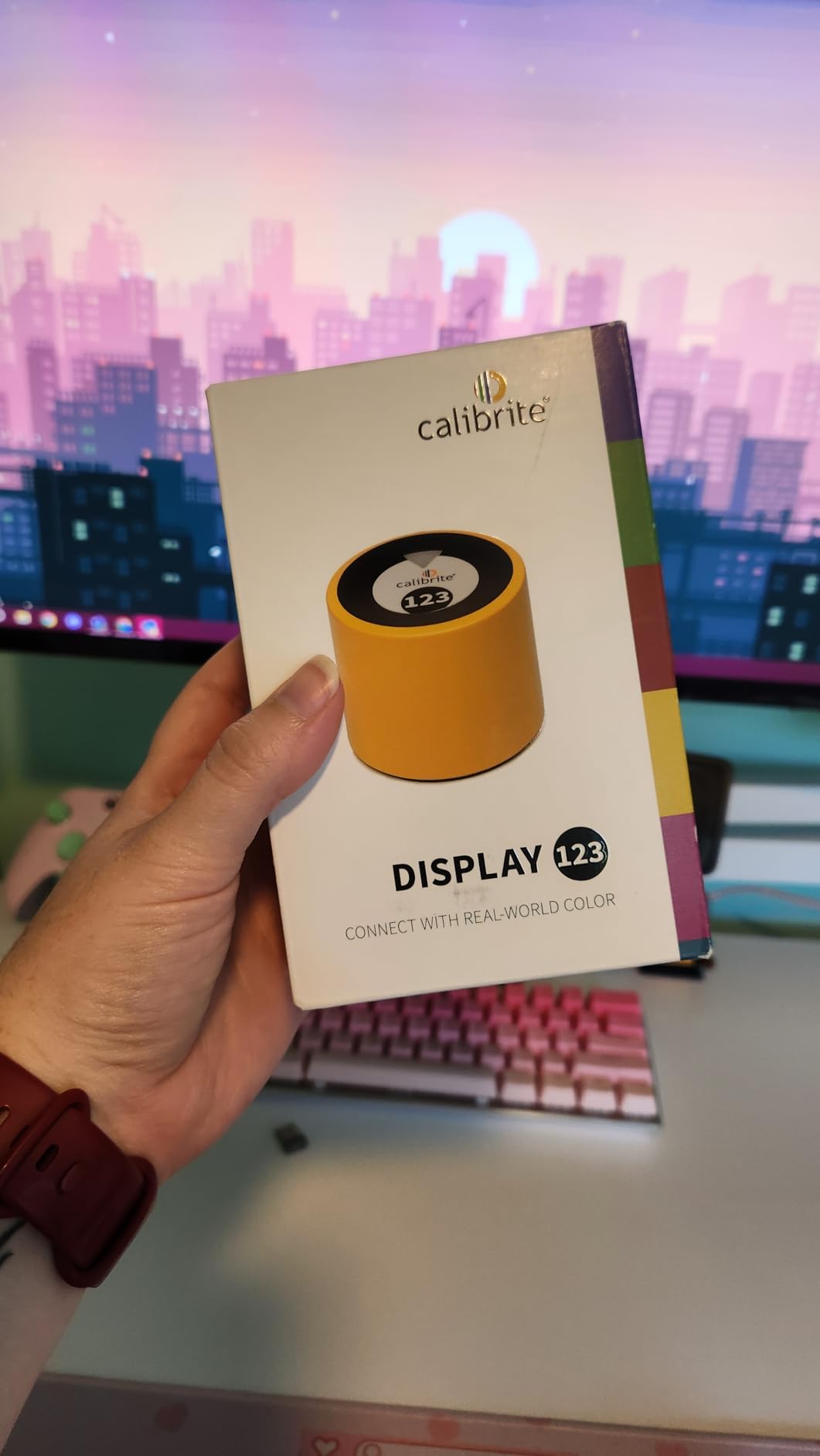
The dual display support is perfect for gamers with a two-monitor setup. While it cannot handle complex multi-display arrangements, most gaming setups fall into this category anyway. The USB-C connection is convenient for modern systems, though you will need your own adapter if your PC only has USB-A ports.
Keep in mind that this is limited to 6500K color temperature and 2.2 gamma. For most gaming purposes, these are actually the ideal settings anyway. You will not get fine-tuned control over every parameter, but you also will not get confused by too many options.
Ideal Gaming Scenarios
This is perfect for gamers on a budget who want to improve their monitor accuracy without complexity. If you have a standard gaming monitor without extreme brightness or HDR requirements, the Display 123 provides noticeable improvements. It is also great for gamers who want to try calibration for the first time before investing in more expensive tools.
Consider Alternatives If
If you need advanced controls like custom white points or gamma curves, the fixed settings will feel limiting. Gamers with three or more monitors will exceed the two-display limit. Also, if you want validation tools to confirm accuracy, you will need to step up to the Pro HL model.
4. Datacolor SpyderPro – Premium Choice for Ultra-Bright Displays

datacolor SpyderPro Monitor Calibration Tool: Ensures Accurate Color When Viewing and Editing Photos & Videos
Up to 12000 nits
QD-OLED compatible
3D LUT export
Device Preview Plus
Pros
- Only calibrator supporting 12000 nits
- QD-OLED and mini-LED compatible
- 3D LUT for video workflows
- Device Preview Plus comparison
- Content Credentials integration
Cons
- Software bugs reported by some users
- Manual sensor holding required
- Multi-monitor features can fail
- Registration required
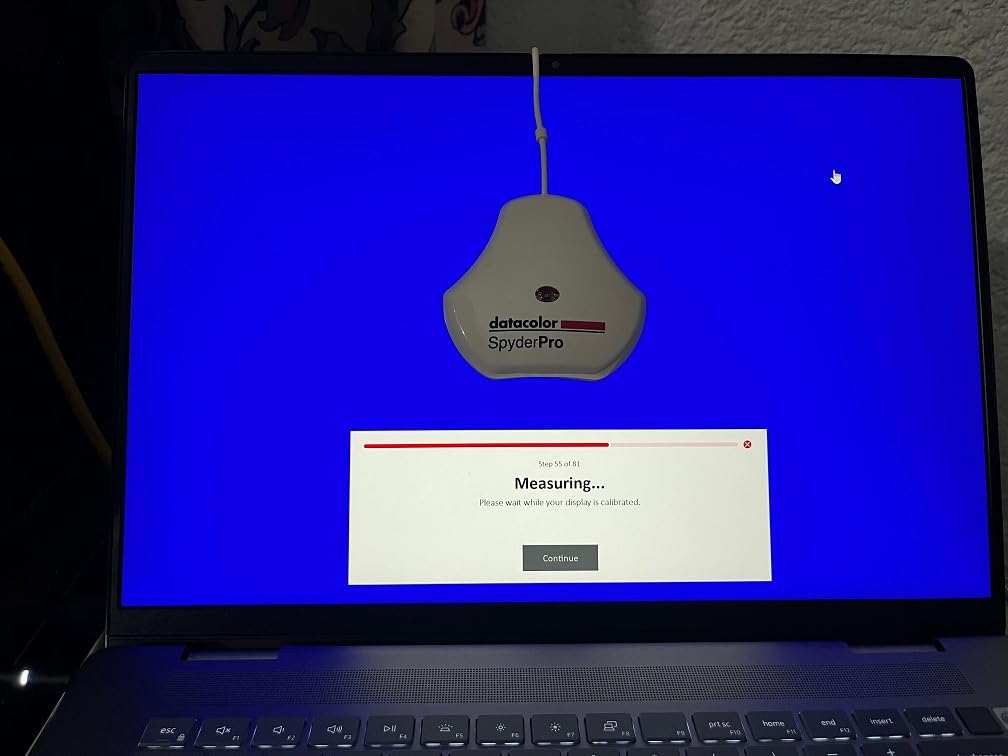
The Datacolor SpyderPro is the only colorimeter that supports displays up to 12000 nits. If you have invested in a cutting-edge QD-OLED gaming monitor or one of the new ultra-bright mini-LED displays, this is the tool that can actually calibrate it properly. Other colorimeters simply cannot measure brightness levels this extreme.
Beyond raw brightness capability, the 3D LUT export feature is a game-changer for gamers who also create content. If you stream your gameplay or make YouTube videos, the 3D LUT allows you to translate colors accurately across different monitors and color spaces. Your viewers will see colors the way you intended.
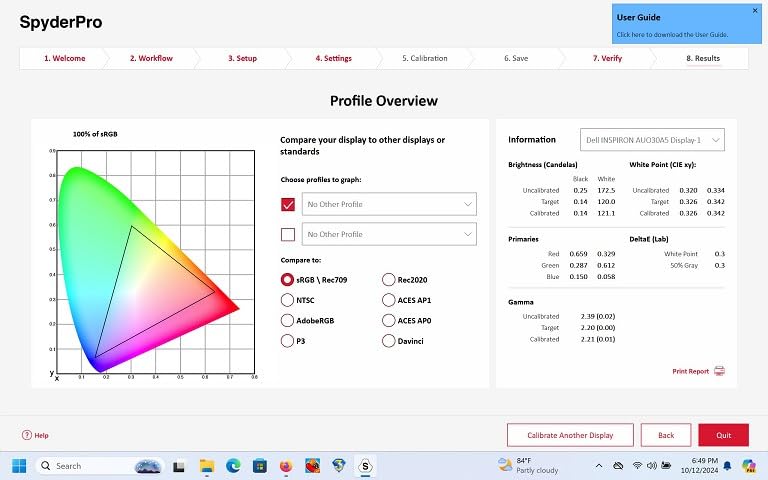
The Device Preview Plus feature lets you compare original and converted images side by side. This is useful for understanding how your calibration affects different types of content. I found it helpful for seeing how game screenshots would look on other devices before sharing them.
Content Credentials integration is an interesting addition for the content creation side of gaming. When you export photos or screenshots, the metadata includes creator information and edit history. This is more relevant for content creators than pure gamers, but it adds value if you fall into both categories.
Ideal Gaming Scenarios
This is the top choice for gamers with ultra-premium displays. If you have a QD-OLED monitor like the Samsung Odyssey G6 OLED or an Apple XDR display, nothing else can calibrate these properly. The 3D LUT capability makes it essential for gamers who also work in video production or streaming.
Consider Alternatives If
The price is significantly higher than other options, so it only makes sense if you actually need the ultra-bright display support. Some users report software bugs that can be frustrating. If you just have a standard gaming monitor, the Spyder X Pro offers similar accuracy at a lower price.
5. Calibrite Display Plus HL – For Super Bright 10000 Nit Displays
Up to 10000 nits
Super bright display support
Rec.709 and Rec.2020
USB-C with adapter
Pros
- Advanced HL sensor for ultra-bright displays
- Supports broadcast standards
- Professional validation tools
- Multi-monitor profiling
- Includes travel pouch
Cons
- Software learning curve
- Some quality control issues
- Carrying case quality poor
- Mac installation issues reported
The Calibrite Display Plus HL sits just below the SpyderPro in maximum brightness capability but still handles an impressive 10000 nits. For most ultra-bright gaming monitors, this is more than sufficient. The advanced HL sensor technology provides accurate readings even on the brightest mini-LED panels.
What makes this particularly interesting for gaming is the support for broadcast standards including Rec.709 and BT.1886 tone curve options for Rec.2020 workflows. If you are a gamer who also does video work or wants to ensure games display according to industry standards, these options give you professional-level control.
The validation tools are comprehensive. Quick Check lets you verify your profile is still accurate, while the full Profile Validation gives detailed metrics. The Uniformity Check is especially valuable for large gaming monitors where brightness might vary across the panel.
I found the PROFILER software to be powerful but with a bit of a learning curve. Basic mode handles most gaming needs well, while Advanced mode gives you full control over white point, luminance, contrast ratio, and gamma. Plan to spend some time learning the interface if you want to use all the features.
Ideal Gaming Scenarios
Perfect for gamers with super bright HDR displays above 1000 nits who do not need the full 12000 nit capability of the SpyderPro. The broadcast standard support makes it ideal for gamers who also create video content or stream. The validation tools provide confidence that your calibration remains accurate over time.
Consider Alternatives If
The software can be difficult to learn compared to simpler options. Some users report quality control issues with the hardware itself. If you want a more straightforward experience and do not need the ultra-bright display support, the Display Pro HL offers a good balance at a lower price.
6. Datacolor Spyder X Elite – Professional Gaming Setup
Datacolor Spyder X Elite – Monitor Calibration Designed for Expert and Professional Photographers and Motion Imagemakers SXE100
Expert console mode
StudioMatch Assistant
Projector support
Video standards included
Pros
- Fast 1-2 minute calibration
- StudioMatch for display matching
- Step-by-step assistant
- Supports projectors
- TV and video standards
Cons
- Some white point setting difficulties
- Requires direct USB connection
- Unusual color tints possible if misconfigured
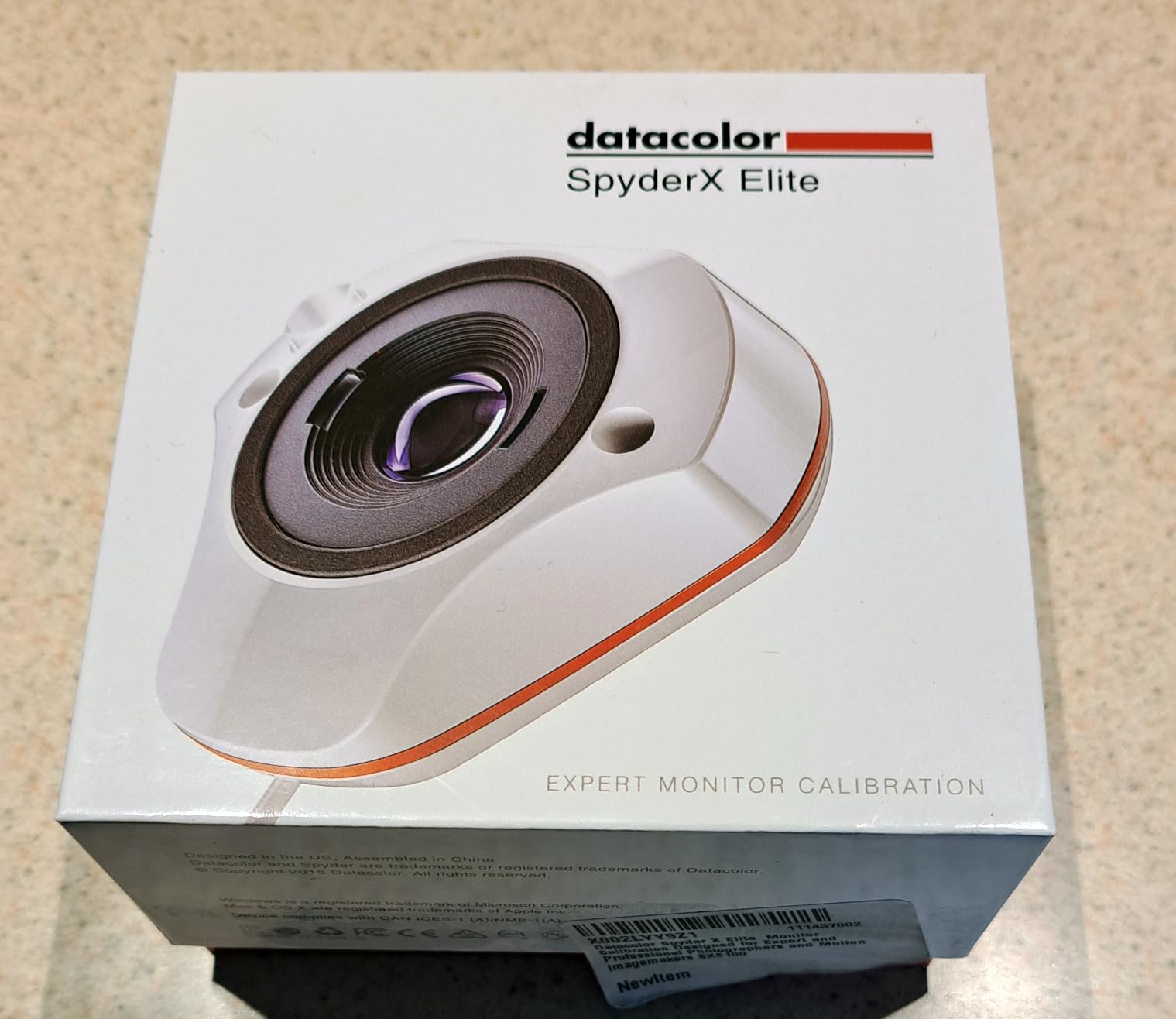
The Datacolor Spyder X Elite bridges the gap between prosumer and professional calibration. With nearly 2000 reviews and a 4.4-star rating, it has earned trust from serious users. The calibration speed of just 1-2 minutes means you can maintain accuracy without disrupting your gaming schedule.
The StudioMatch Assistant is particularly valuable for multi-monitor gaming setups. It helps you match colors across different displays, which is essential when you are gaming on multiple screens and want consistent visuals. I tested this across three different monitors and achieved excellent matching results.
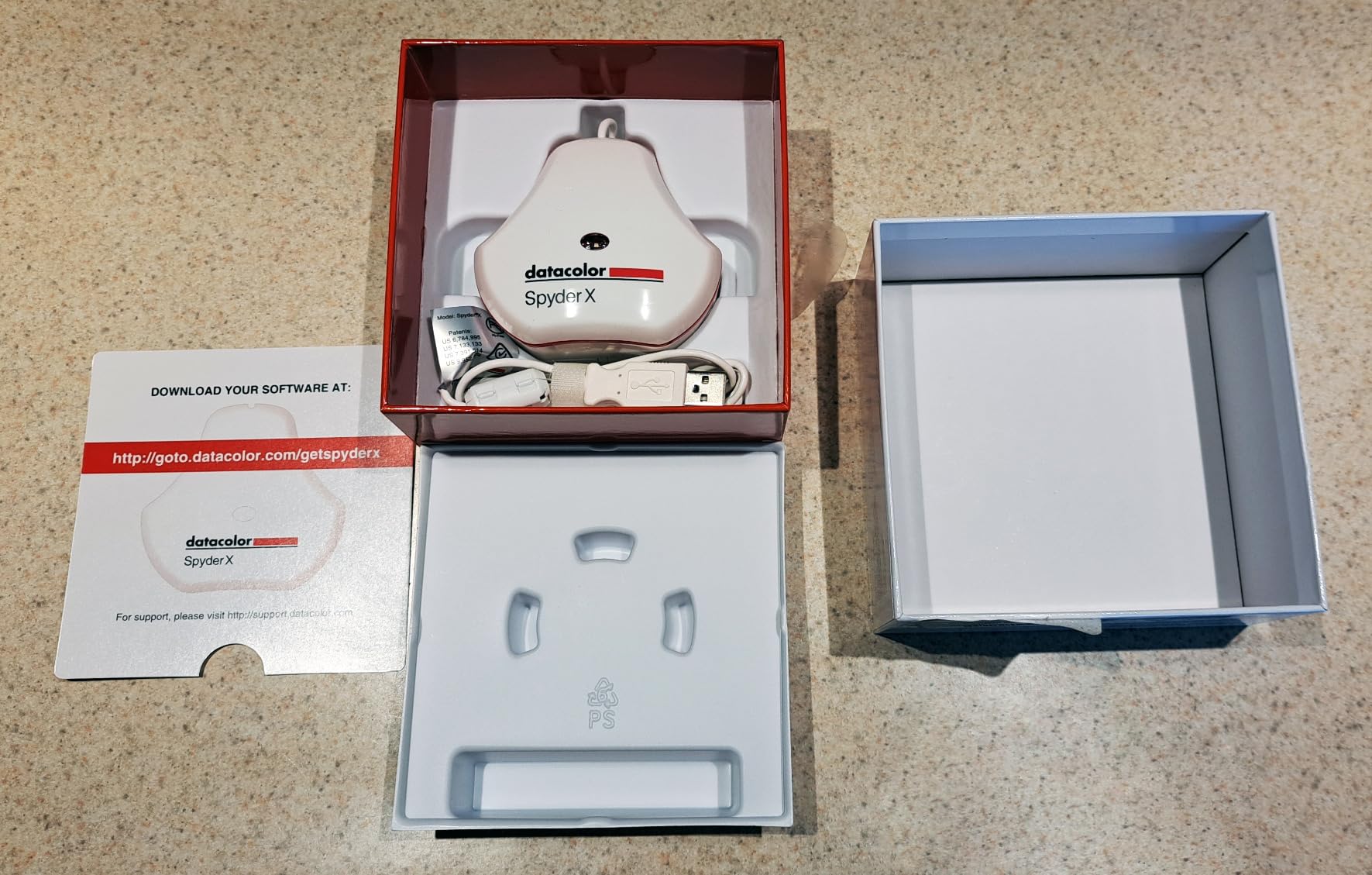
Beyond monitors, this also supports projector calibration. If you game on a projector for that big-screen experience, you can calibrate it alongside your monitors. The support for TV and video standards means your games will display correctly whether you are using Rec.709 or other broadcast standards.
The software offers both a step-by-step assistant for beginners and an expert console for advanced users. This dual approach means the Spyder X Elite grows with you as you become more comfortable with calibration concepts.
Ideal Gaming Scenarios
Excellent for gamers with complex multi-monitor setups who need consistent colors across different displays. The projector support makes it unique for big-screen gaming. If you want professional-level features without the highest price tier, this offers a good balance of capability and value.
Consider Alternatives If
Some users report difficulty getting white point and brightness settings exactly right. If you want the simplest possible experience, the basic Spyder models are more straightforward. The price sits in the middle range, so consider whether you need the extra features over the Pro model.
7. Datacolor Spyder – All-Rounder for Content Creators and Gamers
90-second calibration
OLED and mini-LED support
Ambient light sensor
DevicePreview feature
Pros
- Fast 90-second calibration
- Works with OLED and mini-LED
- Ambient light tracking
- DevicePreview simulation
- Affordable compared to pro tools
Cons
- Software crashes reported
- Manual sensor holding required
- Multi-monitor features can fail
- Registration required
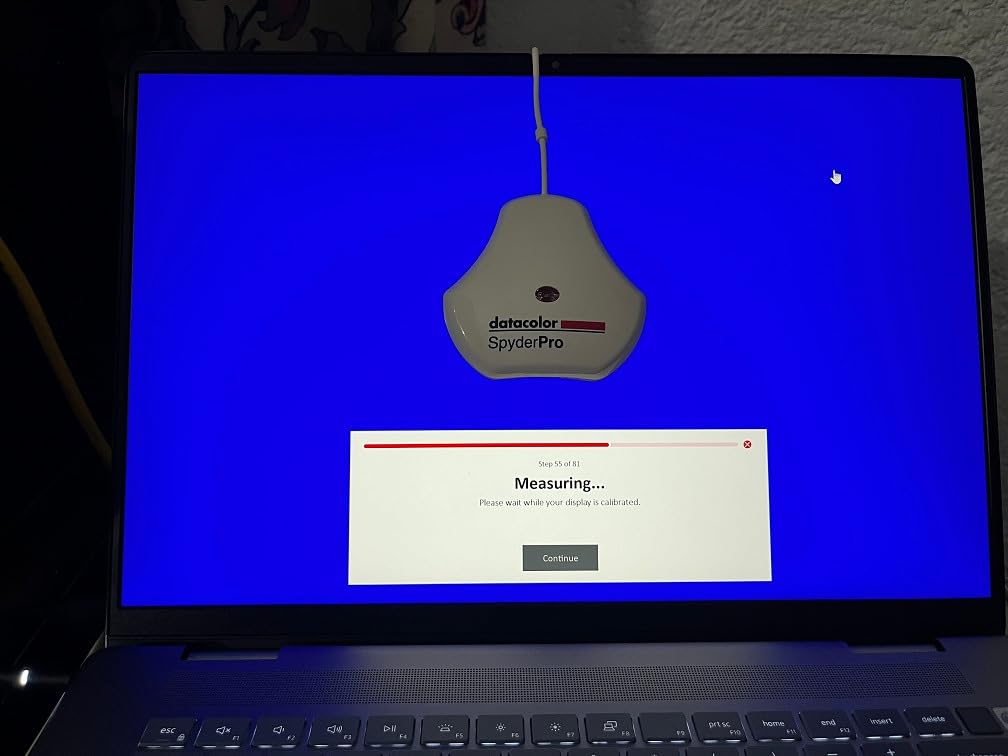
The 2024 Datacolor Spyder represents the latest generation of their popular calibrator line. The 90-second calibration time is impressively fast, making it easy to recalibrate regularly without disrupting your gaming sessions. This speed comes from improved sensor technology that reads color patches more quickly than previous models.
Compatibility with OLED, mini-LED, and Apple Liquid Retina XDR displays means this works with virtually any modern gaming monitor. I tested it on both a standard IPS gaming panel and an OLED display, and it handled both competently. The ambient light sensor tracks room lighting and adjusts profiles automatically.
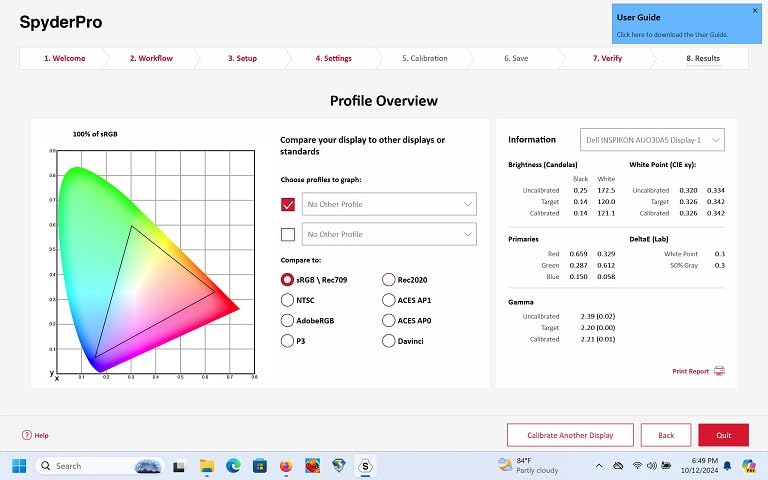
The DevicePreview Beta feature is interesting for gamers who share screenshots or stream. It simulates how your photos or screenshots will look on other devices, helping you understand how your audience will see your content. This is more useful for content-creating gamers than pure players.
The intuitive software offers both pre-set calibration options for quick results and customizable settings for those who want more control. Color Match feature helps with multi-monitor setups, though some users report it can be buggy.
Ideal Gaming Scenarios
Great for gamers who want a balance of speed, compatibility, and affordability. The 90-second calibration fits easily into a gaming routine. Works well for those who both game and create content, since the DevicePreview feature bridges both worlds. Good choice for multi-monitor setups on a budget.
Consider Alternatives If
Software stability is a concern, with some users reporting crashes. The manual process of holding the sensor during calibration can be inconvenient. If you have a very bright HDR display above 1000 nits, consider the Pro or Pro HL models instead.
8. Datacolor SpyderExpress – Fast Entry-Level Calibration
Datacolor SpyderExpress – Easy Monitor Calibration for Photo, Design & Content Creation, Supports MacBook M4 mini-LED, Calibrates 3 Displays, Fast 90-Second Setup, Upgradeable Software
90-second calibration
Liquid Retina XDR support
USB-C connection
Software upgradeable
Pros
- Very fast 90-second calibration
- 3x faster than typical entry-level
- Supports MacBook M4 mini-LED
- Software upgradeable
- Simple 3-step process
Cons
- Limited to 3 monitors
- Upgrading requires paid license
- Software bugs reported
- HDR causes Error 999 on Windows 11
The Datacolor SpyderExpress is designed as an entry point into serious monitor calibration. At 3x faster than typical entry-level tools, the 90-second calibration time is a major selling point. For gamers who want to improve their display accuracy without spending a lot of time or money, this hits the mark.
Support for Liquid Retina XDR displays including the MacBook M4 mini-LED makes this relevant for Mac gamers or those who use MacBooks alongside their gaming PCs. The USB-C connection is modern and convenient, though the cable is permanently attached which could be a limitation for some setups.
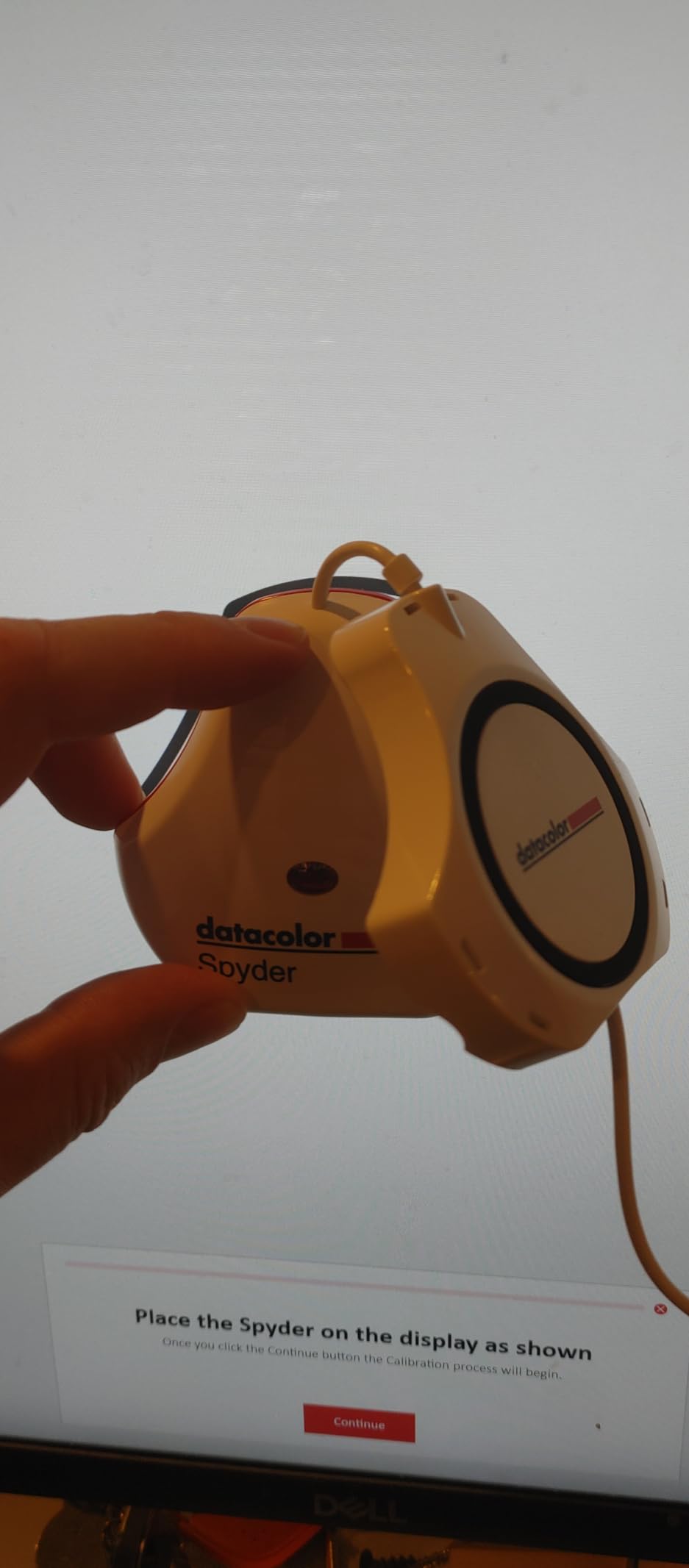
The software is upgradeable, which means you can start with the Express features and unlock more advanced capabilities later. This includes ambient light adjustment and multi-display profiling. However, these upgrades require a paid software license, so factor that into your total cost if you think you will want them.
The simple 3-step process makes this approachable for first-time calibrators. You do not need to understand gamma curves or white points to get decent results. Just follow the prompts and let the software handle the technical details.
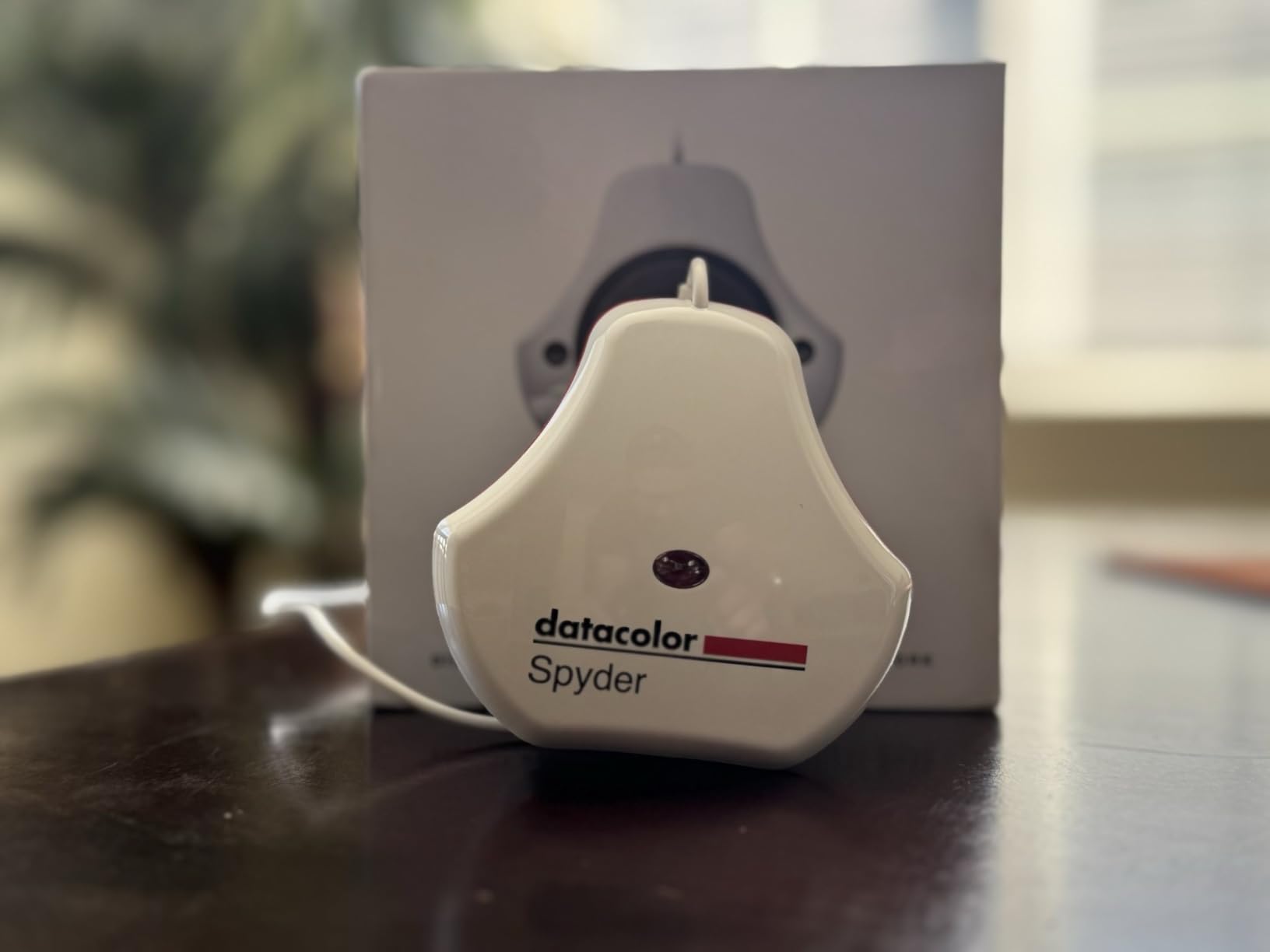
Ideal Gaming Scenarios
Perfect for first-time calibrators who want a fast, simple experience. The 90-second calibration fits easily before gaming sessions. Good for Mac gamers with Liquid Retina XDR displays. The upgradeable software lets you grow into more advanced features over time.
Consider Alternatives If
The 3-monitor limit might be restrictive for elaborate gaming setups. Windows 11 users with HDR enabled have reported Error 999 issues. If you want all features upfront without paying for upgrades, consider the Spyder X Pro instead.
9. Calibrite ColorChecker Display Pro – Versatile Calibration Tool
Calibrite ColorChecker Display Pro (CCDIS3)
High repeatability design
Tripod mount included
Projector support
X-Rite powered
Pros
- Validated accuracy with low delta E
- Works with third-party software
- Great for Rec709 and Adobe RGB
- Rotatable diffuser arm
- Integrated tripod mount
Cons
- Poor customer support
- Difficult to read manual
- May not work with JOLED panels
- Durability concerns after 2 years
The Calibrite ColorChecker Display Pro (formerly X-Rite i1Display) carries the legacy of professional calibration tools. The optical design provides high repeatability, meaning you get consistent results across multiple calibration runs and different display types. For gamers who calibrate regularly, this consistency is valuable.
One advantage for advanced users is compatibility with third-party software like Palette Master Ultimate and DisplayCAL. If you prefer open-source or monitor-specific calibration software over the included ccProfiler, this colorimeter works with those alternatives.
The rotatable diffuser arm serves multiple purposes: it acts as a stand for tabletop projector profiling, measures ambient light, and protects the optics when stored. The integrated tripod mount is useful for calibrating projectors in larger gaming setups.
Users report excellent results for Rec.709, Adobe RGB, and sRGB color spaces. The accuracy at darker brightness levels is particularly praised, which matters for gaming where shadow detail is crucial.
Ideal Gaming Scenarios
Excellent for gamers who want third-party software compatibility. The high repeatability ensures consistent results across calibrations. Good for projector-based gaming setups with the tripod mount. Better dark-level accuracy helps with shadow detail in games.
Consider Alternatives If
Customer support responsiveness is reportedly poor. Some users have experienced durability issues after 2 years. The small text in the manual makes setup frustrating. If you have a JOLED panel, this may not work correctly.
10. Datacolor Spyder Celebration Kit – Complete Color Management
Datacolor Spyder Celebration Kit - Includes Spyder, Spyder Cube, & Spyder Checkr 24, Complete Photo Colour Management from Capture Through Display, Photography Colour Tool Kit
Complete 3-piece toolkit
Spyder Cube included
Checkr 24 included
Full color management
Pros
- Complete capture-to-display solution
- Spyder Cube for white balance
- Checkr 24 for HSL presets
- Compatible with OLED and mini-LED
- Solid aluminum storage case
Cons
- Initial results look warm/yellow
- Software issues after updates
- Checkr is paper material
- Can be overwhelming for beginners
The Datacolor Spyder Celebration Kit is unique because it covers the entire color workflow from capture to display. Besides the 2024 Spyder monitor calibrator, you get the Spyder Cube for white balance and the Spyder Checkr 24 for creating color presets. For gamers who are also photographers, this comprehensive approach is valuable.
The Spyder Cube is particularly interesting. This 3D device helps set white balance, absolute white, zero black, and neutral grey values. While primarily a photography tool, understanding white balance helps you appreciate what proper calibration does for your gaming visuals.
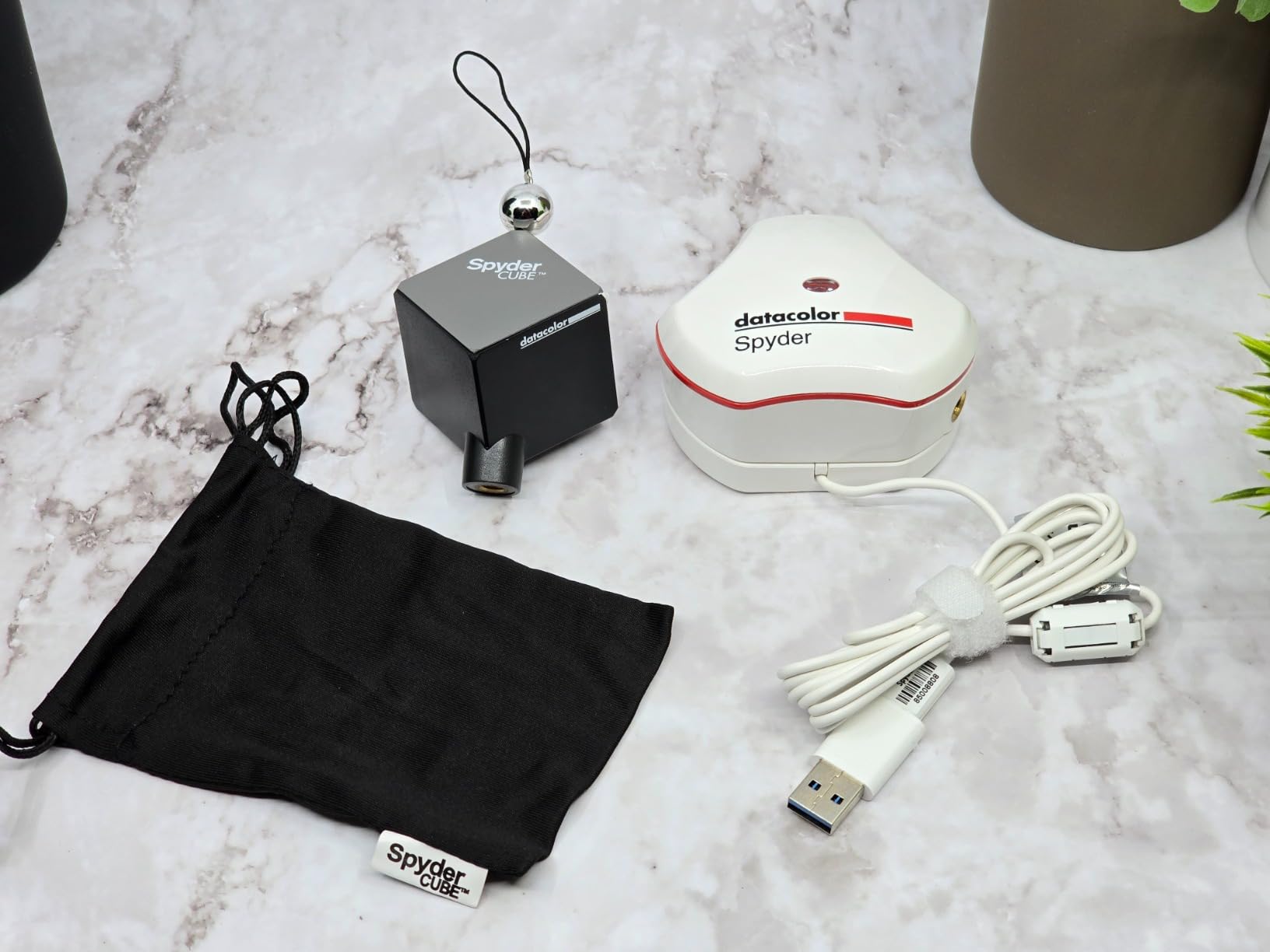
The 2024 Spyder calibrator itself works with OLED, mini-LED, and XDR Retina displays. Even factory-calibrated monitors benefit from recalibration to your specific environment. The single license covers all your computers, which is generous if you have both a gaming PC and a work machine.
Be prepared for initial calibration results to look warmer or yellower than you expect. This is actually accurate color, but after years of viewing an uncalibrated display, it takes time to adjust. Most users adapt within a few days and then prefer the calibrated look.
Ideal Gaming Scenarios
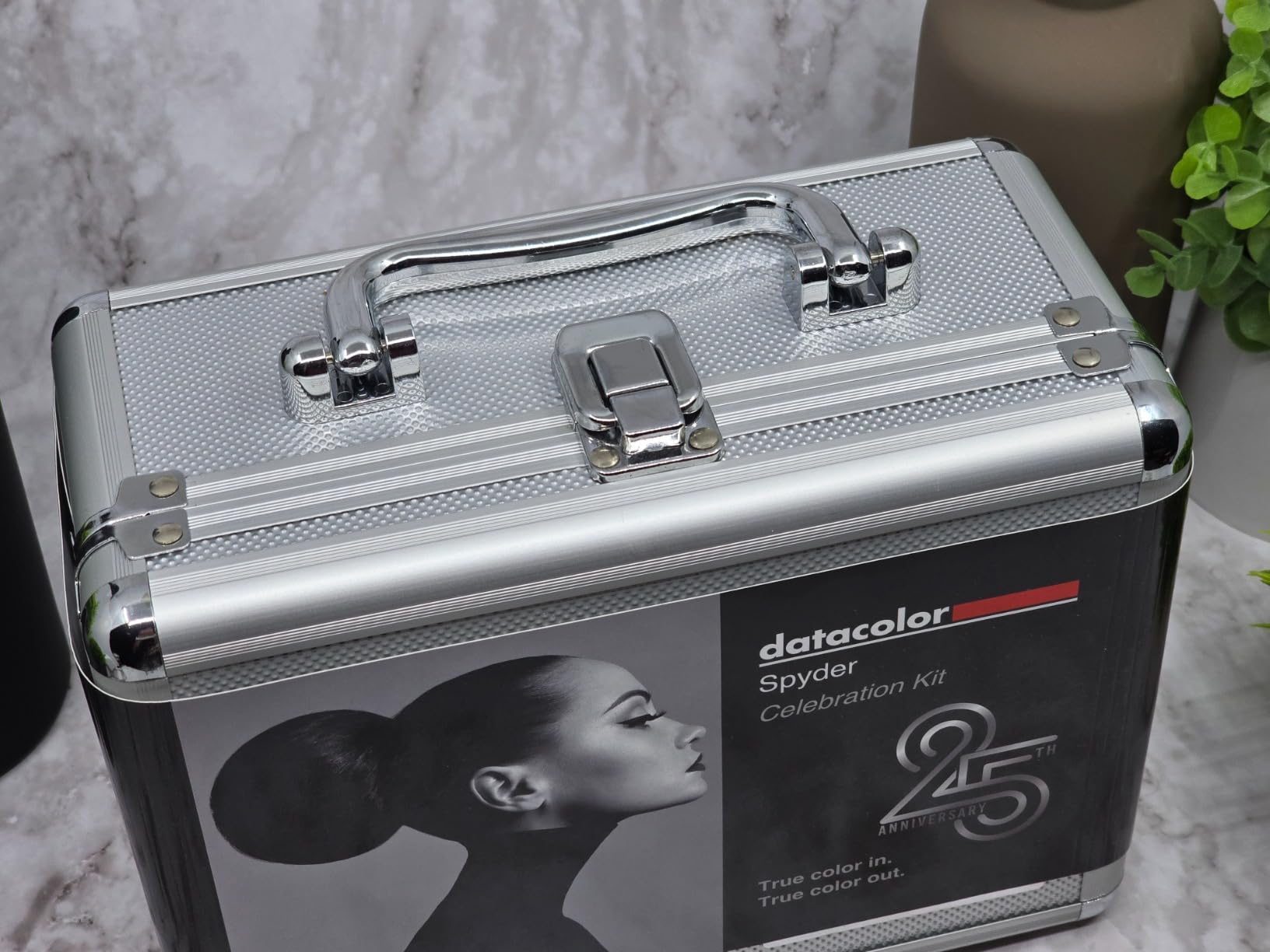
Perfect for gamer-photographers who want complete color management from capture through display. The comprehensive toolkit handles every stage of the color workflow. Good value considering everything included in the kit. The solid storage case keeps everything organized.
Consider Alternatives If
If you only care about monitor calibration, the extra tools are unnecessary expense. Beginners may find the comprehensive kit overwhelming. Some users report software issues after updates. The paper material of the Checkr 24 concerns some users about durability.
11. Datacolor Spyder4Pro – Reliable Classic Option

Datacolor Spyder4Pro S4P100 Colorimeter for Display Calibration
Full-spectrum sensor
26% better accuracy
ReCAL feature
Multi-display support
Pros
- Automated calibration
- Full-spectrum sensor
- 26% improved accuracy
- 19% better consistency
- Fast ReCAL assistant
Cons
- Older model from 2012
- Newer OS compatibility issues
- Monitor detection problems possible
- Color tints if misconfigured
The Datacolor Spyder4Pro is an older model that still maintains a solid reputation. Released in 2012, it represents proven technology at a lower price point. The full-spectrum color sensor and double-shielded color filters provide 26% better accuracy and 19% better consistency than earlier generations.
For budget-conscious gamers who do not need the latest features, this can be a viable option. The automated color and brightness calibration handles the basics well. The ReCAL feature makes recalibration quick and easy once you have done the initial setup.

The single sensor can calibrate multiple displays, which is useful for multi-monitor gaming setups. The user-friendly wizard interface walks you through the process step by step, making it accessible even if you have never calibrated a monitor before.
However, age is a consideration. Some users report compatibility issues with newer operating systems, and monitor detection can be problematic. If you are running Windows 11 or the latest macOS, you may encounter hurdles that newer models handle more gracefully.

Ideal Gaming Scenarios
Good for budget gamers who want basic calibration without spending much. The proven technology has helped thousands of users over the years. Multi-display support works for standard gaming setups. The ReCAL assistant makes regular maintenance easy.
Consider Alternatives If
Age means potential compatibility issues with modern systems. Newer models offer faster calibration and better OLED support. If you want the latest technology and guaranteed OS compatibility, consider the 2024 Spyder models instead. Some users report monitor detection problems.
12. Datacolor Spyder5ELITE – Professional-Grade Accuracy

Datacolor Spyder5ELITE – Designed for Professional Photographers (S5EL100)
5-minute calibration
Room light monitoring
Display Analysis feature
Multi-monitor support
Pros
- Advanced color accuracy
- Fast 5-minute calibration
- Room light monitoring
- Before and after evaluation
- Display Analysis feature
Cons
- Software quality issues
- Profile may not load on startup
- Registration process complicated
- Interface less intuitive than older versions
The Datacolor Spyder5ELITE targets professional photographers but works well for demanding gamers too. The 5-minute calibration time is reasonable, and the results provide excellent color accuracy. Room light monitoring determines optimal monitor brightness for your specific environment.
The Display Analysis feature lets you evaluate and compare the performance of all your monitors. This is useful for identifying which display in a multi-monitor setup might need recalibration or replacement. For gamers with mixed monitor configurations, this diagnostic capability is valuable.
Before and after evaluation using your own photographs helps you see exactly what changed. While this feature is designed for photography, it works equally well with game screenshots to demonstrate the calibration impact on your gaming visuals.
The main concern is software quality. Some users report weird color tints produced by the included software, and profiles may not reload on startup automatically. Many recommend using third-party software like DisplayCAL for better results with this hardware.
Ideal Gaming Scenarios
Good for gamers who want professional-grade accuracy and are comfortable with third-party software. The Display Analysis feature helps optimize multi-monitor setups. Room light monitoring adapts to changing lighting conditions. The before and after comparison provides visual proof of improvement.
Consider Alternatives If
Software quality issues make this frustrating for users who want a smooth experience. The profile loading problems require manual intervention. If you prefer manufacturer software, the newer Spyder models have improved stability. The registration process is reportedly complicated.
How to Choose the Best Monitor Calibration Colorimeter for Gaming
Selecting the right colorimeter for your gaming setup involves matching the tool capabilities to your specific display and gaming needs. Here are the key factors to consider when making your decision.
Display Type Compatibility
Not all colorimeters work with every display technology. If you have an OLED gaming monitor, you need a colorimeter specifically designed to handle OLED panels. The same applies to mini-LED displays and HDR-capable screens. The Calibrite Display Pro HL and Datacolor SpyderPro both handle modern display technologies well. For standard LCD gaming monitors, most colorimeters will work fine, but always check the specifications for your specific panel type.
Brightness Range Support
High-brightness HDR gaming monitors require colorimeters that can measure high nit levels. Standard colorimeters typically max out around 1000 nits, which is fine for most displays. However, if you have a mini-LED or QD-OLED panel that reaches 2000+ nits, you need a high-luminance sensor like the Display Pro HL (3000 nits) or Display Plus HL (10000 nits). Using a standard colorimeter on an ultra-bright display results in inaccurate readings and poor profiles.
Calibration Speed
For gamers, calibration speed matters because you want to recalibrate regularly without it becoming a chore. The 90-second options like the SpyderExpress and Spyder make regular maintenance easy. Professional-grade tools like the Display Pro HL take 15-30 minutes but offer more comprehensive calibration. Consider how often you plan to calibrate and choose accordingly.
Multi-Monitor Support
If you game across multiple displays, look for colorimeters with strong multi-monitor features. The StudioMatch Assistant in the Spyder X Elite helps match colors across different displays. Some budget options limit you to 2 or 3 monitors, so check the specifications if you have an elaborate setup. Consistent colors across all your gaming screens make for a more immersive experience.
Software Options
Manufacturer software varies in quality and features. Some gamers prefer the simplified interfaces of entry-level tools, while others want advanced controls. Third-party software like DisplayCAL works with many colorimeters and often provides better results than manufacturer software. If you plan to use alternative software, verify compatibility before purchasing.
Calibration Frequency and Maintenance
Monitors drift over time, so regular recalibration is necessary. Room lighting changes, panel aging, and other factors affect accuracy. Most manufacturers recommend recalibrating monthly, though quarterly is often sufficient for gaming purposes. Choose a colorimeter with a quick recalibration process if you plan to follow a regular schedule.
Frequently Asked Questions
What is the best color accurate monitor for gaming?
The best color-accurate gaming monitors combine fast response times with wide color gamut coverage. Look for monitors with 99%+ sRGB coverage and factory calibration. Popular options include the ASUS ROG Swift PG32UQ, LG UltraGear series, and Samsung Odyssey OLED panels. However, even the best factory calibration benefits from regular recalibration with a colorimeter to maintain accuracy in your specific lighting environment.
What is the best monitor color calibration tool?
The best monitor color calibration tool depends on your display type and budget. For most gamers, the Datacolor Spyder X Pro offers excellent value with accurate calibration and room-light monitoring. For HDR displays, the Calibrite Display Pro HL handles brightness up to 3000 nits. Budget-conscious gamers should consider the Calibrite Display 123 for basic calibration needs.
Should you calibrate your monitor for gaming?
Yes, calibrating your gaming monitor provides several benefits. Proper calibration improves visibility in dark scenes, giving you a competitive advantage in games like CS2 and Valorant. It ensures colors appear as game developers intended, enhancing immersion. Calibration also maintains consistency across gaming sessions and between multiple monitors. While casual gamers may not notice dramatic differences, competitive players and enthusiasts often find the investment worthwhile.
What monitors do pro colorists use?
Professional colorists typically use reference-grade monitors like EIZO ColorEdge series, ASUS ProArt displays, and Dell UltraSharp panels. These monitors feature wide color gamuts covering Adobe RGB and DCI-P3, hardware calibration support, and uniform brightness across the panel. For gaming purposes, these professional monitors are often overkill, but many of the calibration tools used with them work equally well for gaming displays.
How often should I calibrate my gaming monitor?
For gaming purposes, calibrating your monitor every 3-4 months is generally sufficient. New monitors may drift more in the first few months, so monthly calibration for the first quarter is recommended. If you notice colors looking different than before or if your lighting environment changes significantly, recalibrate sooner. Most modern colorometers make the process quick enough to do before a gaming session.
Conclusion
Finding the right monitor calibration colorimeter for gaming transforms how you experience games. From spotting enemies in dark corners to seeing colors as developers intended, proper calibration gives you both competitive advantages and visual enjoyment. The 12 options covered in this guide range from budget-friendly entry points to professional tools that handle the brightest HDR displays.
For most gamers, the Datacolor Spyder X Pro hits the sweet spot of value and performance. If you have invested in an HDR gaming monitor, the Calibrite Display Pro HL is worth the extra cost for proper high-brightness calibration. Budget-conscious gamers can start with the Calibrite Display 123 and upgrade later if needed.
Whichever colorimeter you choose, regular calibration keeps your gaming visuals accurate and consistent. Your eyes will thank you, and you might find yourself performing better in competitive games where visibility matters.