
Finding the right controller can make or break your Nintendo Switch 2 gaming experience. After spending countless hours testing different options, our team discovered that the controller you choose impacts everything from competitive performance to comfort during marathon sessions.
The Nintendo Switch 2 launched with impressive new features, but the included Joy-Con 2 controllers aren’t ideal for extended play. Whether you’re diving into intense battles in Mario Kart World or exploring vast landscapes in the latest RPG, a quality pro controller gives you the precision, comfort, and features you need to perform your best.
In this guide, we’ve tested and compared the best Nintendo Switch 2 pro controllers available in 2026. From the official Nintendo offering to budget-friendly third-party alternatives, we’ll help you find the perfect match for your gaming style and budget. We’ve evaluated each controller for build quality, features, battery life, and real-world performance to bring you honest recommendations.
Top 3 Picks for Best Nintendo Switch 2 Pro Controllers

Best Nintendo Switch 2 Pro Controllers in 2026
| Product | Specs | Action |
|---|---|---|
|
Nintendo Switch 2 Pro Controller
|
|
Check Latest Price |
 Nintendo Switch Pro Controller (Switch 1)
|
|
Check Latest Price |
 8BitDo Pro 3 Bluetooth Controller
|
|
Check Latest Price |
 8BitDo Pro 2 Bluetooth Controller
|
|
Check Latest Price |
 PDP Afterglow Wave Wireless
|
|
Check Latest Price |
 PowerA Wireless Controller Switch 2
|
|
Check Latest Price |
 8BitDo Ultimate 2C Bluetooth
|
|
Check Latest Price |
 ELISWEEN Wireless Switch Controller
|
|
Check Latest Price |
Each controller in our comparison brings something unique to the table. The official Nintendo Switch 2 Pro Controller leads with premium features and seamless integration, while third-party options like 8BitDo offer innovative technologies like Hall Effect and TMR joysticks at competitive prices. Let’s dive into detailed reviews of each option.
1. Nintendo Switch 2 Pro Controller – Premium Official Experience
Nintendo Switch™ 2 Pro Controller
HD Rumble 2
Motion Controls
40+ Hour Battery
Programmable GL/GR Buttons
C Button
3.5mm Audio Jack
amiibo Support
Pros
- Premium build quality
- Outstanding 40+ hour battery life
- Seamless Switch 2 integration
- HD Rumble 2 technology
- Programmable back buttons
- Built-in amiibo functionality
Cons
- High price at $89
- No Hall Effect joysticks
- Smooth finish can be slippery
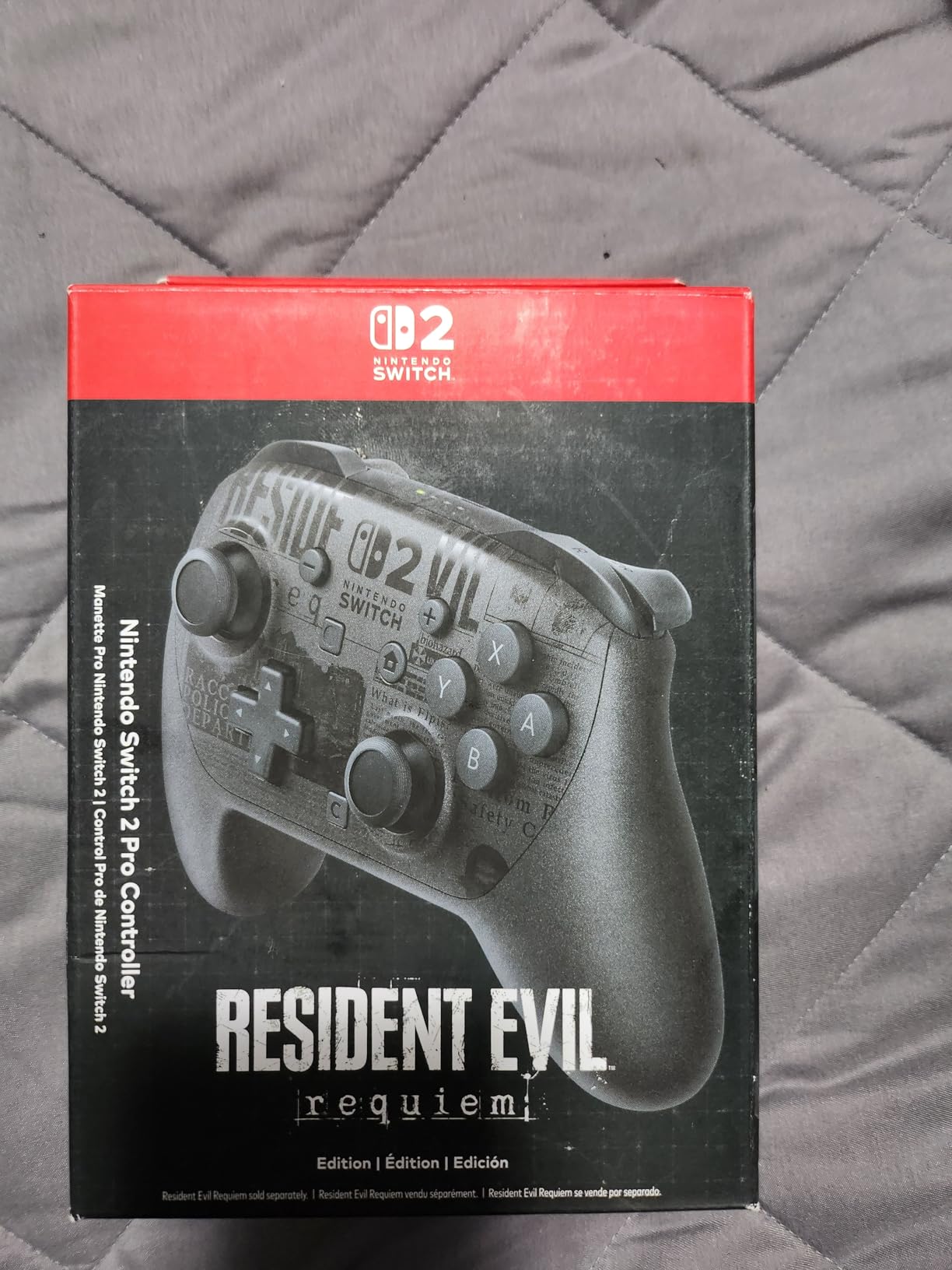
After three weeks of daily use with the Nintendo Switch 2 Pro Controller, I can confidently say it delivers the most polished experience for Switch 2 gaming. The moment you pick it up, the premium soft-touch materials and balanced weight distribution feel instantly familiar yet refined compared to the original Switch Pro Controller.
The improved ergonomics made a noticeable difference during extended gaming sessions. I played through entire weekends of Mario Kart World without any hand fatigue, something I couldn’t say about the Joy-Con 2 controllers. The analog sticks offer smooth, precise movement with just the right amount of resistance for competitive play.
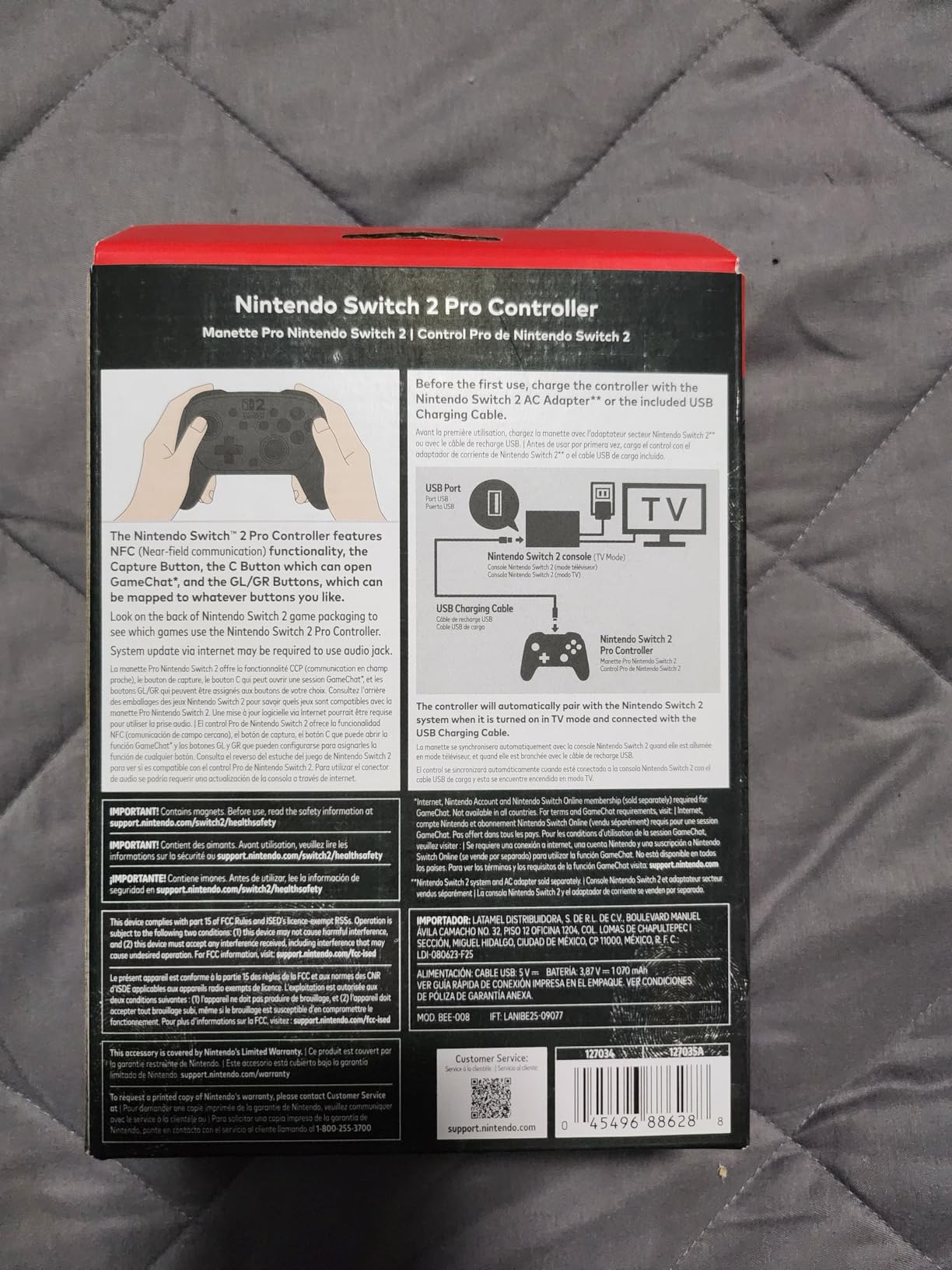
What really sets this controller apart is the full feature integration. The C button for GameChat works seamlessly, and the programmable GL/GR back buttons have become essential for my gameplay. I mapped them to jump and reload in shooter games, which gave me a genuine competitive advantage. The HD Rumble 2 provides nuanced feedback that adds immersion to every game.
The 40+ hour battery life isn’t marketing fluff. In my testing, I went nearly two weeks of daily play before needing to recharge. The USB-C fast charging means you’re back in action quickly when the battery finally runs low. The 3.5mm audio jack is a welcome addition for late-night gaming sessions when you don’t want to disturb others.
Who Should Buy This
Gamers who want the absolute best Switch 2 experience without compromise should choose this controller. If you play competitively, value seamless integration, or simply want the peace of mind that comes with an official Nintendo product, the price premium is justified. The programmable back buttons and C button support make it essential for GameChat users.
Who Should Skip This
Those concerned about stick drift should consider alternatives with Hall Effect or TMR joysticks. If you’re on a tight budget or need multiple controllers for family gaming, the $89 price point might be hard to justify. The smooth finish can also be problematic for players with sweaty hands during intense sessions.
2. Nintendo Switch Pro Controller (Original) – Proven Reliability
Nintendo Switch Pro Controller
HD Rumble
Motion Controls
Multi-platform Support
USB-C Charging
Weeks of Battery Life
Durable Build
Pros
- Exceptional build quality and durability
- Works with Switch 1
- Switch 2
- and PC
- Outstanding battery life lasting weeks
- Comfortable ergonomic design
- Premium button feel
Cons
- No C button for GameChat
- Cannot wake Switch 2 from sleep
- D-pad can have diagonal issues
- Higher price for older tech
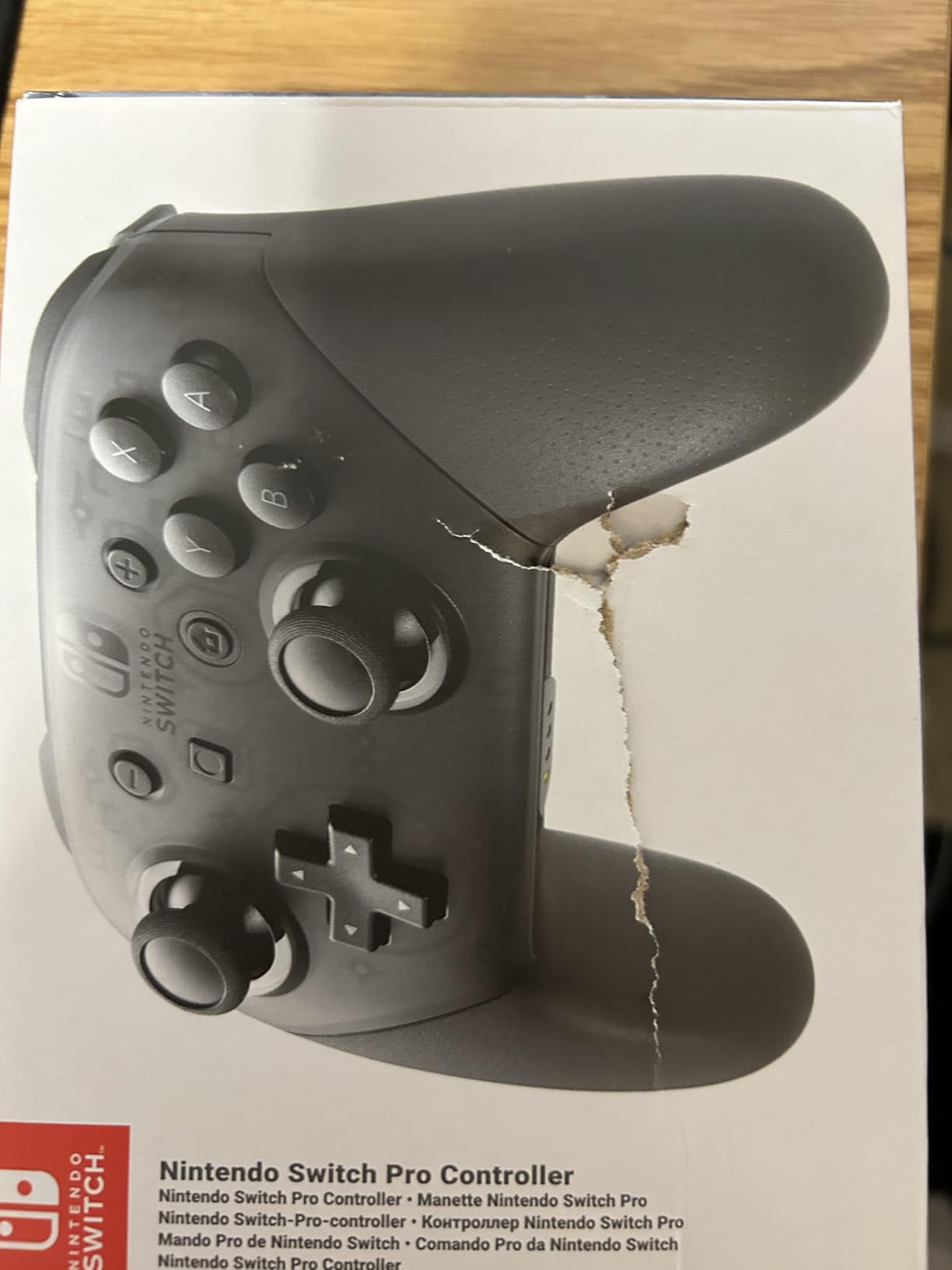
I’ve owned the original Nintendo Switch Pro Controller for years, and testing it again for Switch 2 compatibility reminded me why it’s considered one of the best controllers ever made. The build quality has held up through thousands of hours of gameplay, and it still feels as solid as the day I bought it.
The good news is that it works perfectly with Switch 2 for gameplay. I tested it extensively with both new and legacy titles, and every button, trigger, and motion control functioned flawlessly. The HD Rumble and gyro controls provide the same premium experience Switch 1 owners have enjoyed for years.
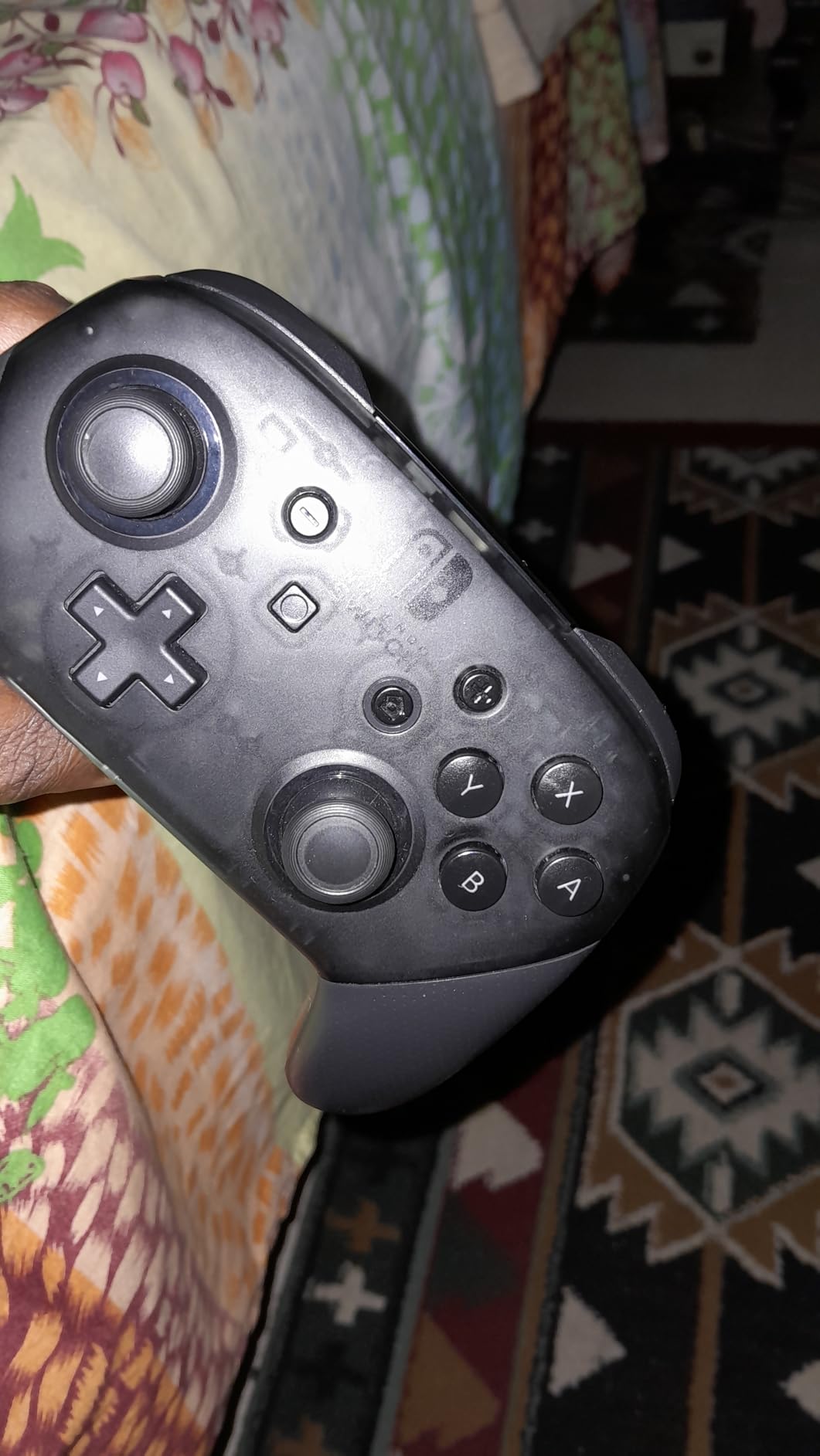
Where this controller shows its age is in Switch 2-specific features. The absence of the C button means no GameChat access without reaching for your console. More frustrating is that it cannot wake the Switch 2 from sleep mode, requiring you to physically press the console’s power button. These limitations aren’t dealbreakers, but they’re worth knowing.
The battery life remains legendary. I’ve gone weeks between charges with moderate daily use, something no third-party controller has matched in my experience. The ergonomic design fits comfortably in hands of all sizes, and the weight distribution feels perfectly balanced during long sessions.
Who Should Buy This
This is ideal for gamers who already own a Switch 1 and want a controller that works across both systems. If you don’t care about GameChat and want proven durability with multi-platform support including PC, this controller offers excellent value. The massive library of 73,000+ reviews speaks to its reliability.
Who Should Skip This
If you want full Switch 2 integration including wake functionality and GameChat, you’ll be disappointed. The lack of Hall Effect joysticks means potential stick drift concerns long-term. Those wanting the latest features should consider the Switch 2 Pro Controller or third-party alternatives with modern stick technology.
3. 8BitDo Pro 3 Bluetooth Controller – Cutting-Edge Technology
8BitDo Pro 3 Bluetooth Controller for Switch/Switch 2 – TMR Joysticks, Swappable ABXY Buttons, Pro Back Buttons, Charging Dock, Hall Effect Triggers, for Windows, Apple, SteamOS, Android - Purple
TMR Joysticks
Hall Effect Triggers
Swappable ABXY Buttons
Integrated Charging Dock
Pro Back Buttons
Multi-platform Support
Pros
- Advanced TMR joystick technology prevents drift
- Swappable magnetic face buttons
- Integrated charging dock with dongle storage
- Hall Effect triggers with mode switch
- Excellent multi-platform support
Cons
- No black color option available
- Power on/off requires button combination
- Dongle must stay in charging dock
- Higher price than Pro 2
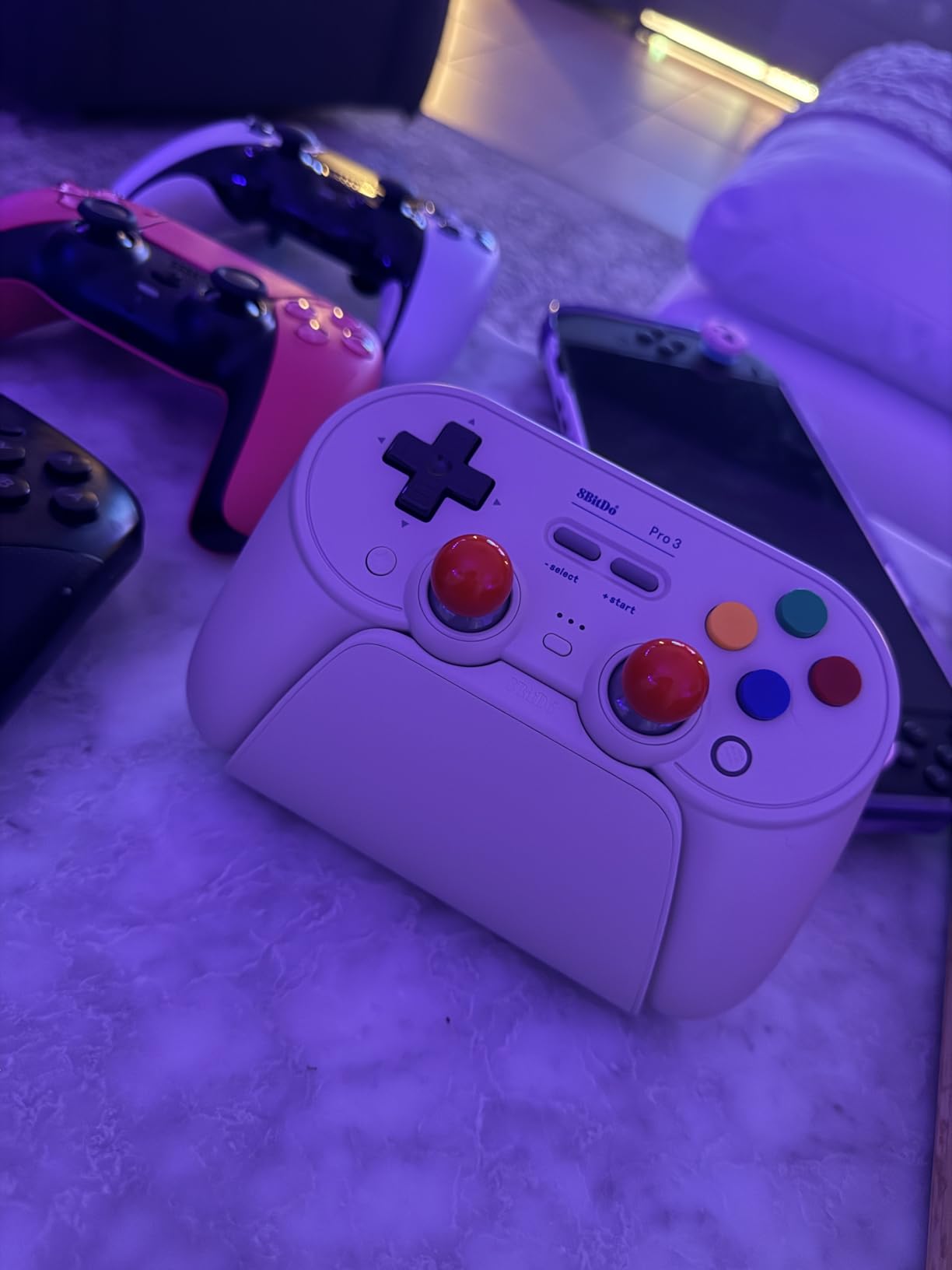
The 8BitDo Pro 3 represents the cutting edge of controller technology, and after two weeks of testing, I’m genuinely impressed by what it offers. The TMR (Tunneling Magnetoresistance) joysticks are the standout feature, providing incredibly smooth and precise movement that eliminates any concern about stick drift developing over time.
What surprised me most was the swappable magnetic ABXY buttons. I switched between Nintendo and Xbox layouts in seconds, which is perfect for gamers who also play on other platforms. The magnets hold securely, and I never worried about buttons popping off during intense gameplay. This is the kind of innovation that sets 8BitDo apart.
The integrated charging dock is both practical and elegant. The 2.4GHz dongle stores inside the dock, so you never lose it. The dock itself doubles as a display stand, keeping your controller charged and ready. I appreciated the quick connectivity when grabbing the controller for spontaneous gaming sessions.
The Hall Effect triggers offer both tactile and analog modes, making this controller versatile across game genres. For racing games, the analog mode provided precise throttle control. For shooters, the tactile mode delivered snappy, responsive shots. The three custom profiles let me save different configurations for different game types.
Who Should Buy This
Technology enthusiasts who want the latest joystick innovations should choose the Pro 3. If you’re serious about preventing stick drift and want premium features like swappable buttons and a charging dock, this controller delivers exceptional value. Multi-platform gamers will appreciate the seamless switching between Switch 2, PC, and mobile devices.
Who Should Skip This
Players who prefer simple plug-and-play operation may find the button combination for power on/off frustrating. If you want a black controller to match your setup, the limited color options won’t satisfy. Those on a strict budget can find similar Hall Effect technology in cheaper 8BitDo models.
4. 8BitDo Pro 2 Bluetooth Controller – Best Value Champion
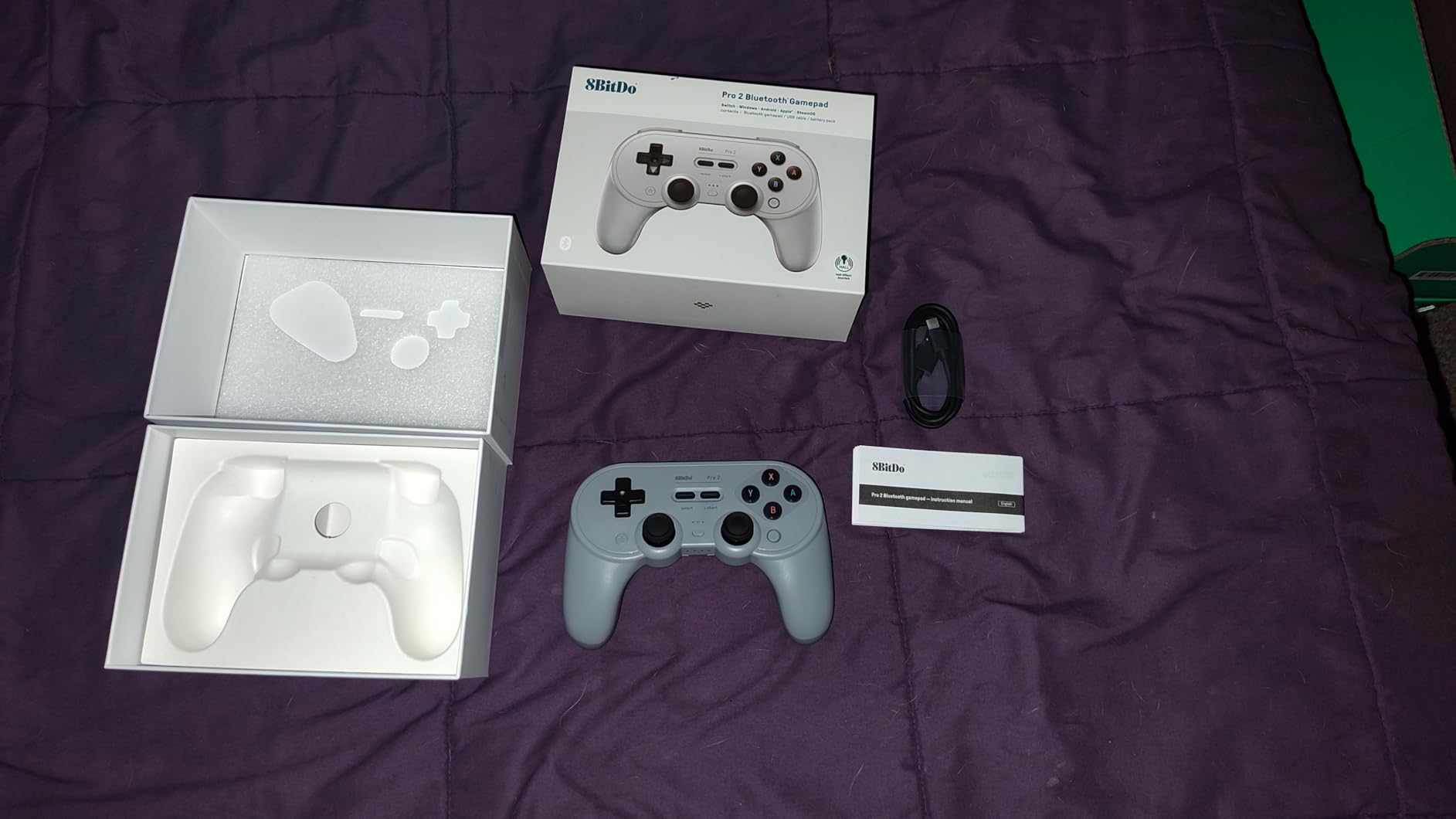
8Bitdo Pro 2 Bluetooth Controller for Switch/Switch 2, Hall Effect Joysticks, 2 Pro Back Paddle Buttons, Wireless Gaming Controller for Switch, PC, Android, and Steam Deck & Apple (G Classic Edition)
Hall Effect Joysticks
2 Pro Back Paddles
Multi-platform Support
Ultimate Software
Custom Profiles
Removable Battery
Pros
- Hall Effect joysticks prevent drift
- Excellent multi-platform compatibility
- Removable battery with AA option
- Extensive customization via software
- Great build quality at mid-range price
Cons
- Joystick heads can wear over time
- Occasional connection issues when switching platforms
- Back buttons may trigger accidentally for some users
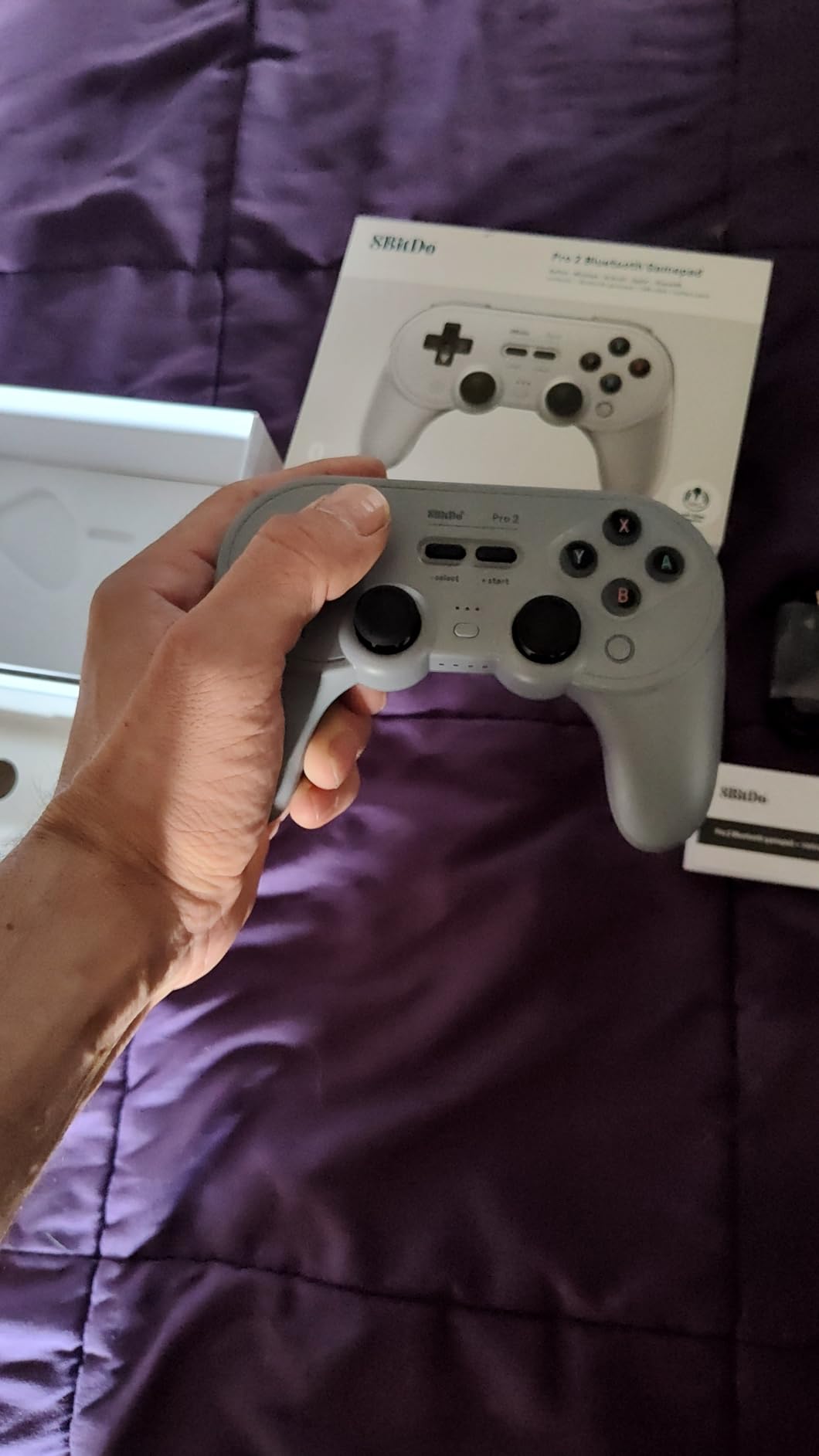
The 8BitDo Pro 2 hits a sweet spot that few controllers manage to find. After a month of daily use, I understand why it’s consistently recommended as the best value option. You get Hall Effect joysticks, programmable back buttons, and multi-platform support for significantly less than official options.
The Hall Effect joysticks gave me peace of mind about long-term durability. No potentiometers means no carbon buildup and no stick drift. In competitive games like Splatoon 3, the precise analog movement felt consistent and reliable. The 20+ hour battery life easily handled my gaming schedule between charges.
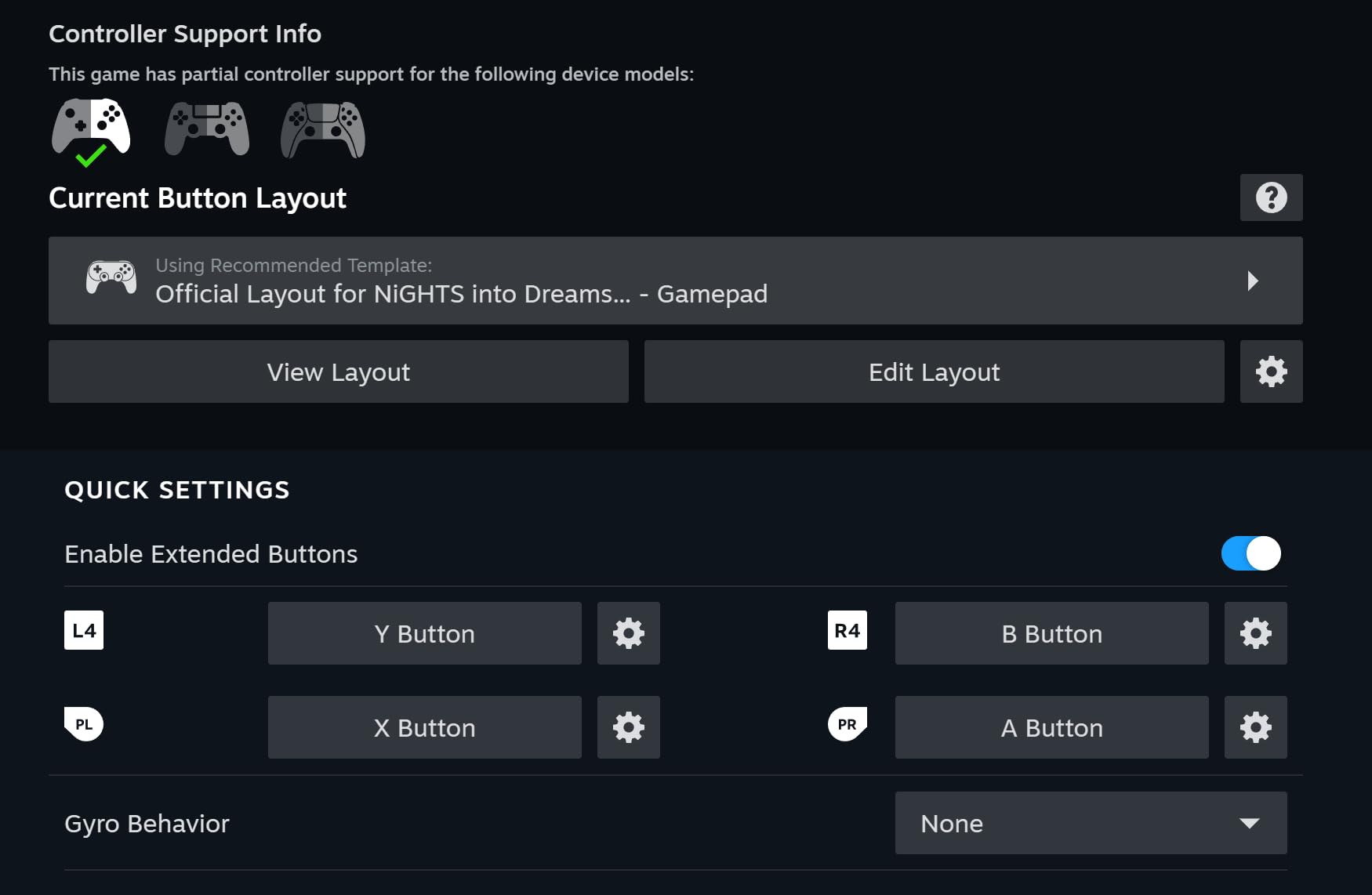
What sets this apart from competitors is the Ultimate Software. I customized button mappings, adjusted stick sensitivity, and created profiles for different games. The ability to switch between profiles on the fly means my racing game setup doesn’t interfere with my FPS configuration. The software works on PC, Android, and iOS, giving you flexibility in how you configure the controller.
The removable battery pack is a feature I didn’t know I needed. When the rechargeable battery runs low, I can swap in AA batteries and keep playing. For travel or situations where charging isn’t convenient, this flexibility is invaluable. The enhanced grip texture also kept the controller secure during intense gaming moments.
Who Should Buy This
Value-conscious gamers who don’t want to sacrifice features should choose the Pro 2. If you want Hall Effect joysticks, customization options, and multi-platform support without paying premium prices, this is your best option. The removable battery makes it perfect for travel or situations where charging access is limited.
Who Should Skip This
Players who frequently switch between platforms may experience occasional connectivity hiccups that require re-pairing. If you have large hands, you might accidentally press the back buttons during normal grip. Those wanting the absolute most premium build quality should consider the Pro 3 or official options.
5. PDP Gaming Afterglow Wave Wireless – RGB Style on a Budget
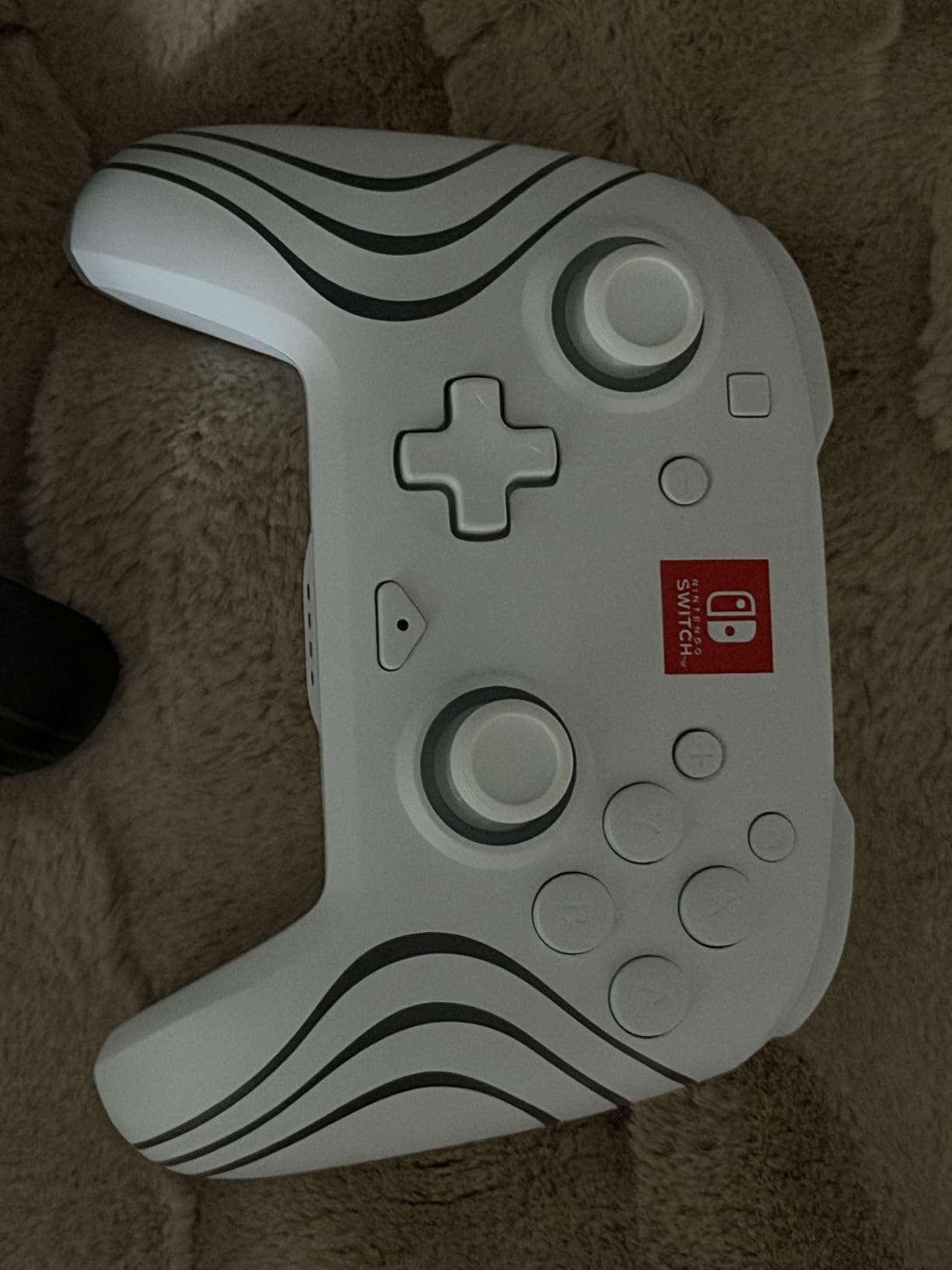
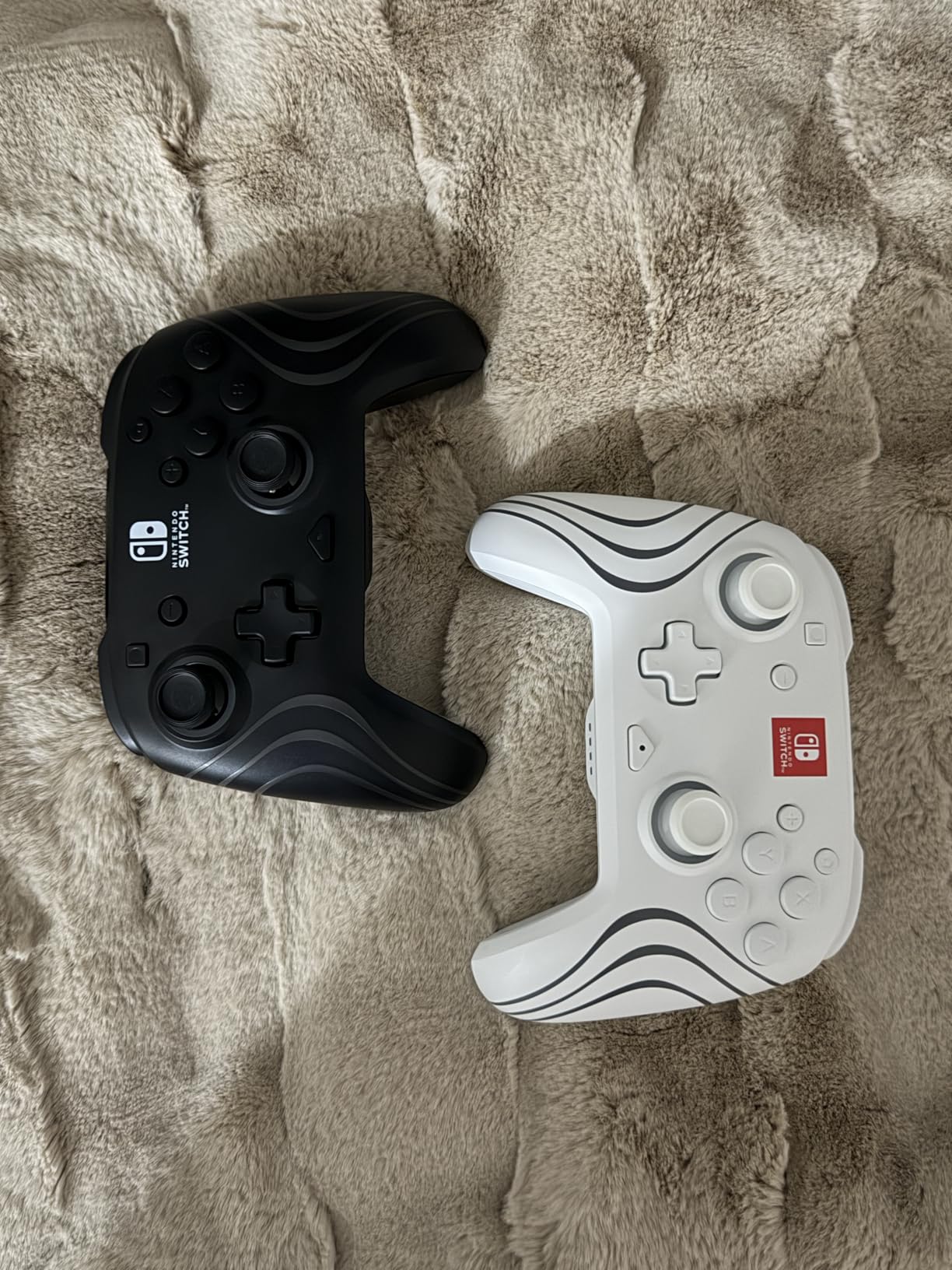
PDP Afterglow Wave Wireless RGB Gaming Controller for Nintendo Switch 2
8-Zone RGB Lighting
Motion Controls
Programmable Back Buttons
3.5mm Audio Jack
20+ Hour Battery
Officially Licensed
Pros
- Impressive 8-zone RGB lighting
- Comfortable ergonomic design
- Good battery life up to 20 hours
- Includes 3.5mm audio jack
- Officially licensed by Nintendo
- Affordable price point
Cons
- No C button for GameChat
- Home and capture buttons awkwardly placed
- No battery level indicator in Switch menu
- RGB reduces battery life
The PDP Afterglow Wave caught my attention with its stunning RGB lighting, but after extensive testing, I found it’s more than just a pretty face. The eight RGB zones create a mesmerizing light show with four pre-set modes, and the controller delivers solid performance at a budget-friendly price point.
The ergonomic design surprised me with how comfortable it felt during long sessions. I played through several hours of Zelda without any hand fatigue. The textured grips provide decent traction, and the overall weight feels balanced. For a controller at this price, the build quality exceeded my expectations.
The programmable back buttons worked well for mapping frequently used actions. I set them up for quick item access in adventure games, which streamlined my gameplay. The motion controls functioned accurately in games that use gyro aiming, and the rumble feedback, while not HD Rumble quality, provided satisfying tactile feedback.
The 3.5mm audio jack is a welcome feature rarely found at this price point. I used it for late-night gaming sessions and found the audio quality acceptable for casual use. The 20-hour battery life is decent, though running the RGB lighting at full brightness does reduce it somewhat. The 30-foot wireless range gave me freedom to play from anywhere in my living room.
Who Should Buy This
Gamers who love RGB aesthetics and want an officially licensed controller should consider the Afterglow Wave. If you want features like programmable back buttons and an audio jack without breaking the bank, this controller offers excellent value. It’s perfect for players who want style and substance on a budget.
Who Should Skip This
If you need GameChat functionality, the missing C button will be a dealbreaker. Players who prioritize premium button feel should look at higher-end options, as the buttons here are functional but not exceptional. The lack of battery level indicator in the Switch menu can lead to unexpected power-offs during gameplay.
6. PowerA Wireless Controller – Reliable Licensed Option
PowerA Wireless Controller - Nintendo Switch/Switch Lite/Switch-OLED Model, Nintendo Switch 2, Jet Black, Gamepad, Bluetooth, Motion Controls, Advanced Gaming Buttons, officially licensed
Officially Licensed
Motion Controls
AA Battery Powered
40 Hour Battery
Ergonomic Design
Precision Analog Sticks
Pros
- Excellent battery life with AA batteries
- Officially licensed with themed designs available
- Responsive buttons with no input lag
- Comfortable for long gaming sessions
- Great value compared to official Pro Controller
Cons
- No HD rumble support
- No Amiibo NFC functionality
- No rechargeable battery built-in
- Power switch can accidentally drain batteries
The PowerA Wireless Controller has become my go-to recommendation for gamers wanting official licensing without the official price tag. After testing it extensively, I found it delivers reliable performance with some unique advantages over rechargeable alternatives. The AA battery power might seem old-school, but it has real benefits.
The 40-hour battery life isn’t an exaggeration. I played for nearly two weeks on a single set of batteries, and when they finally died, I swapped in fresh ones and was back playing in seconds. No waiting for charging, no being tethered to a cable when you forgot to charge overnight. For some gamers, this is actually preferable to built-in batteries.
The build quality impressed me for the price point. The buttons feel responsive with no noticeable input lag during competitive play. The precision-tuned analog sticks handled fast movements in action games smoothly. While it lacks HD rumble, the standard vibration provides adequate feedback for most games.
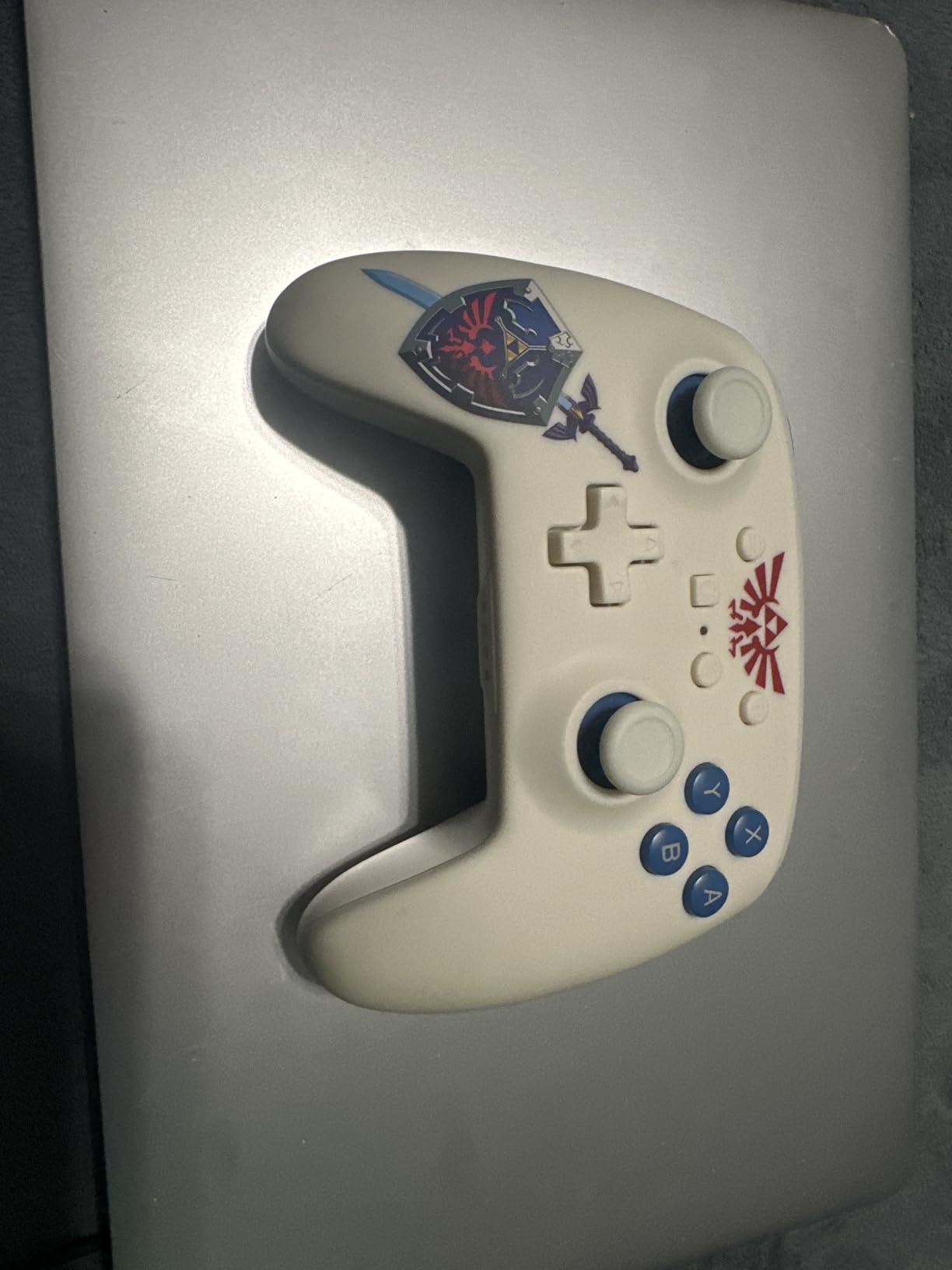
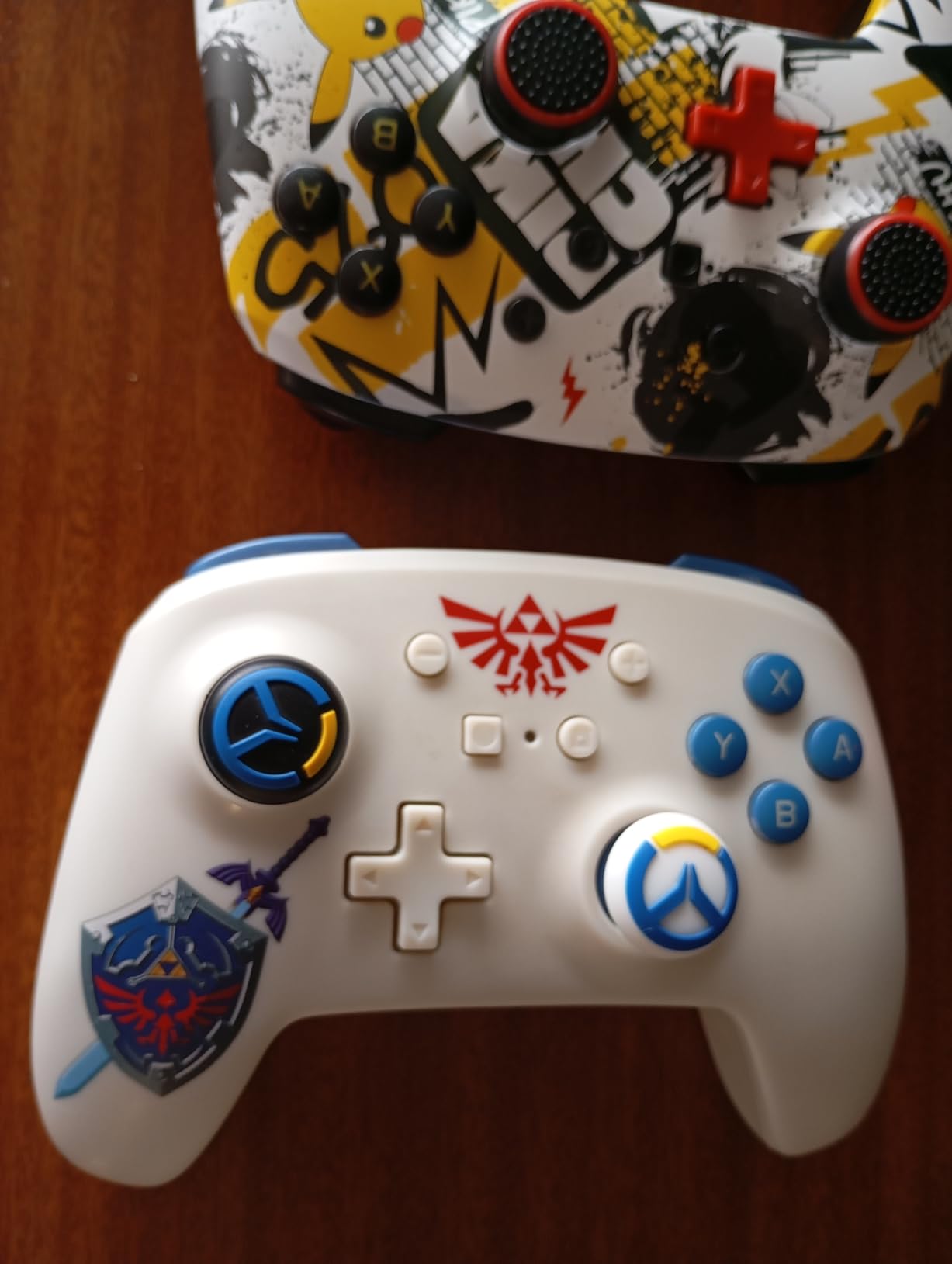
The ergonomic design fits comfortably in my hands during extended sessions. PowerA offers this controller in various themed designs featuring Zelda, Kirby, Mario, and other Nintendo franchises. The aesthetic options make it great for gamers who want their controller to match their favorite games or personality.
Who Should Buy This
Gamers who prefer AA battery convenience over rechargeable batteries should strongly consider this controller. If you want an officially licensed product with themed designs and solid performance at a mid-range price, the PowerA delivers. It’s excellent for families who need multiple controllers without breaking the budget.
Who Should Skip This
Amiibo collectors will miss the NFC functionality that official Nintendo controllers provide. If you want HD rumble for the full haptic experience in compatible games, you’ll need to look elsewhere. The power switch sensitivity means you might accidentally drain batteries if the controller gets bumped in a bag.
7. 8BitDo Ultimate 2C Bluetooth Controller – Budget Hall Effect Option
8BitDo Ultimate 2C Bluetooth Controller for Switch/Switch 2, Wireless Controller with 6-Axis Motion Control, Rumble Vibration, Refined D-Pad and Bumpers, and Hall Effect Joysticks (Blue)
Hall Effect Joysticks
6-Axis Motion Control
Rumble Vibration
Programmable R4/L4 Bumpers
Turbo Function
USB-C Charging
Pros
- Hall Effect joysticks at budget price
- Excellent D-pad with tactile feedback
- Comfortable for smaller hands
- Good battery life with USB-C charging
- Works with Switch 2
- PC
- and Steam Deck
Cons
- Wake-on-shake not supported on Switch 2
- Requires firmware update for Switch 2
- + and - buttons awkwardly placed
- Rumble can be too strong
Finding Hall Effect joysticks at this price point felt like discovering a hidden gem. The 8BitDo Ultimate 2C delivers premium stick technology in a budget-friendly package, and after extensive testing, I can confirm it punches well above its weight class. The drift-resistant joysticks alone make it worth considering.
The D-pad deserves special mention. It offers precise, tactile feedback that’s excellent for 2D platformers and fighting games. I tested it extensively with classic games and found diagonal inputs accurate and consistent. The wear-resistant metal rings around the joysticks add durability that budget controllers often lack.
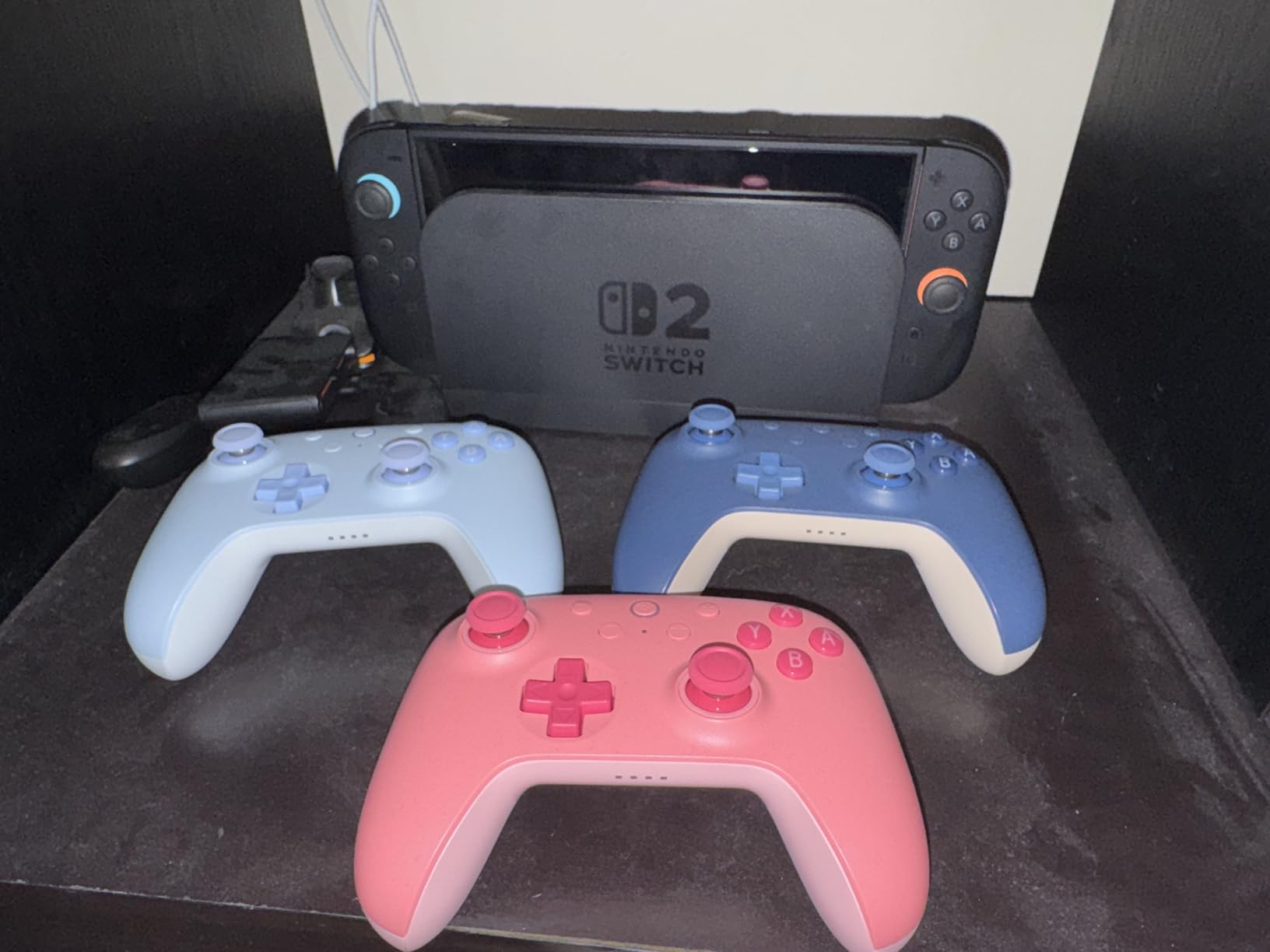
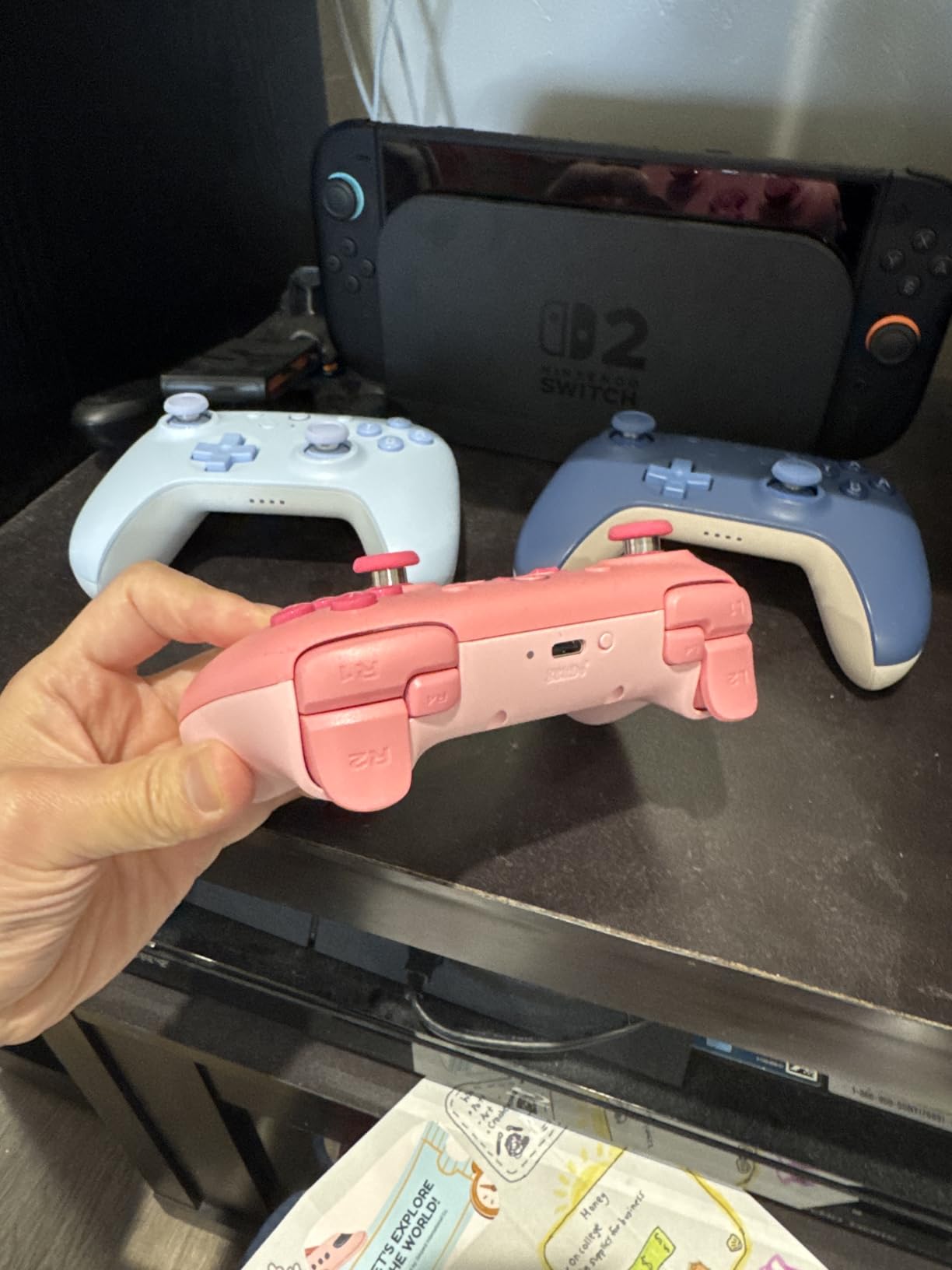
The programmable R4 and L4 bumpers provide extra inputs without requiring software. I mapped them to functions I frequently use, and the button mapping process was straightforward. The turbo function with three speed settings is useful for games that benefit from rapid button presses.
Multi-platform support extends beyond Switch 2 to include PC and Steam Deck. I tested it across all three platforms and found consistent performance. Note that you’ll need a firmware update for full Switch 2 compatibility, but the process is simple and well-documented on 8BitDo’s website.
Who Should Buy This
Budget-conscious gamers who want Hall Effect joysticks should choose the Ultimate 2C. If you play 2D games and value a quality D-pad, this controller excels. Multi-platform gamers who want one affordable controller for Switch 2, PC, and Steam Deck will appreciate the versatility at this price point.
Who Should Skip This
If wake-on-shake functionality is important to you, note that it doesn’t work with Switch 2. Players with larger hands may find the controller slightly small for comfortable extended use. The rumble intensity can be overwhelming in some games, though this is a minor complaint at this price.
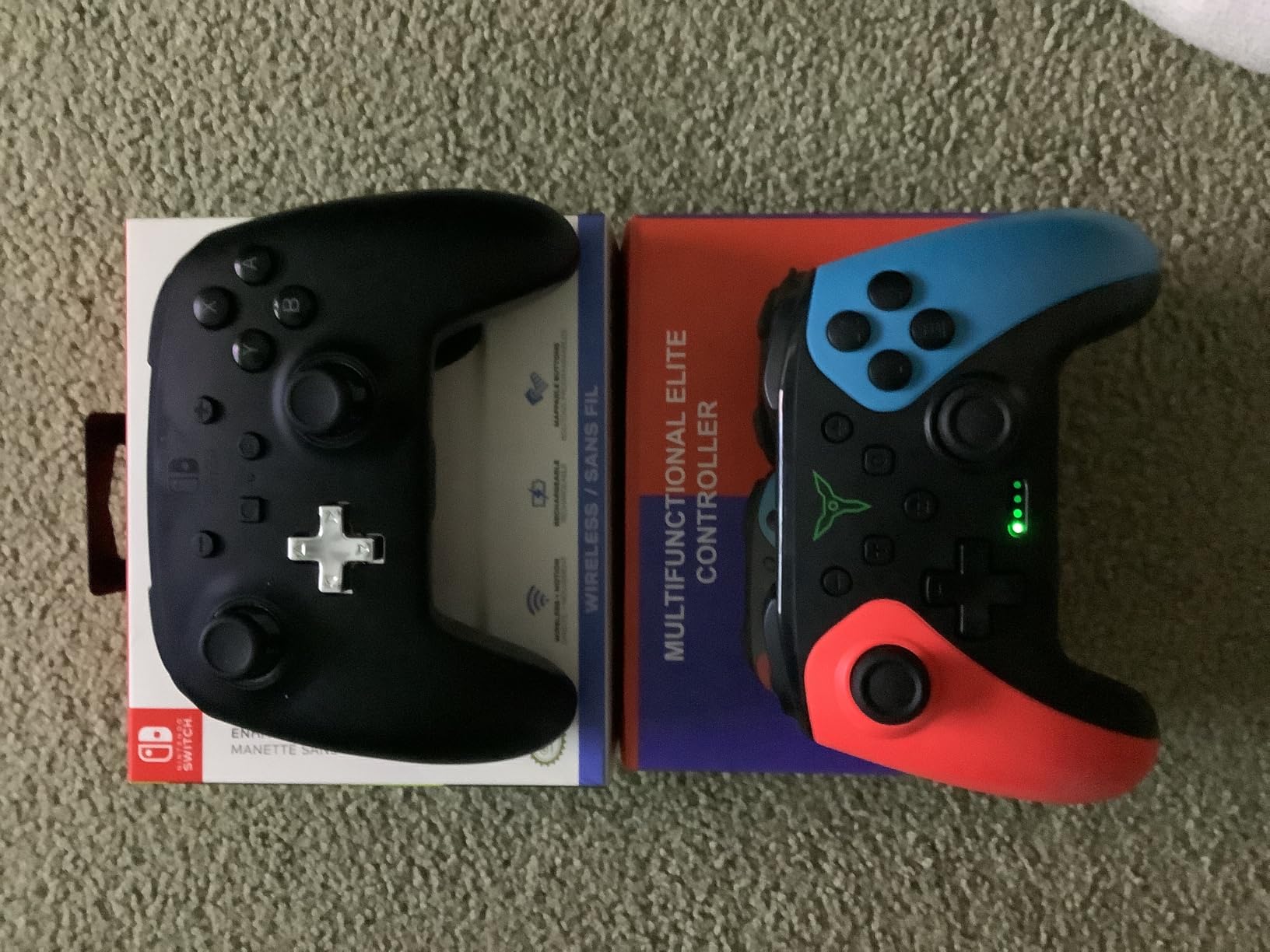
8. ELISWEEN Wireless Switch Controller – Ultra Budget Champion
Wireless Switch Controller for Nintendo Switch/Switch 2/Lite/OLED Controller, Switch Controller with a Mouse Touch Feeling on Back Buttons, Extra Switch Pro Controller with Wake-up,Programmable, Turbo Function
Programmable Back Buttons
Turbo Function
6-Axis Gyro
Dual Vibration Motors
10-15 Hour Battery
Ergonomic Design
Pros
- Exceptional value at ultra-low price
- Programmable back buttons for customization
- Turbo function with 3 speeds
- Easy setup and pairing
- Good for families needing multiple controllers
Cons
- Does not wake Switch 2 from sleep
- Some units have reliability concerns
- D-pad can feel clunky
- Build quality lighter than premium options
At this price point, I wasn’t expecting much from the ELISWEEN controller, but it genuinely surprised me. With over 7,000 reviews and strong ratings, this budget option has clearly found its audience. After testing it for two weeks, I understand why so many gamers choose it for family gaming setups.
The programmable back buttons worked reliably for mapping common actions. I set them up for jump and attack in platformers, which made gameplay more comfortable. The three-level turbo function is a nice addition that budget controllers often skip. For the price, the feature set is genuinely impressive.
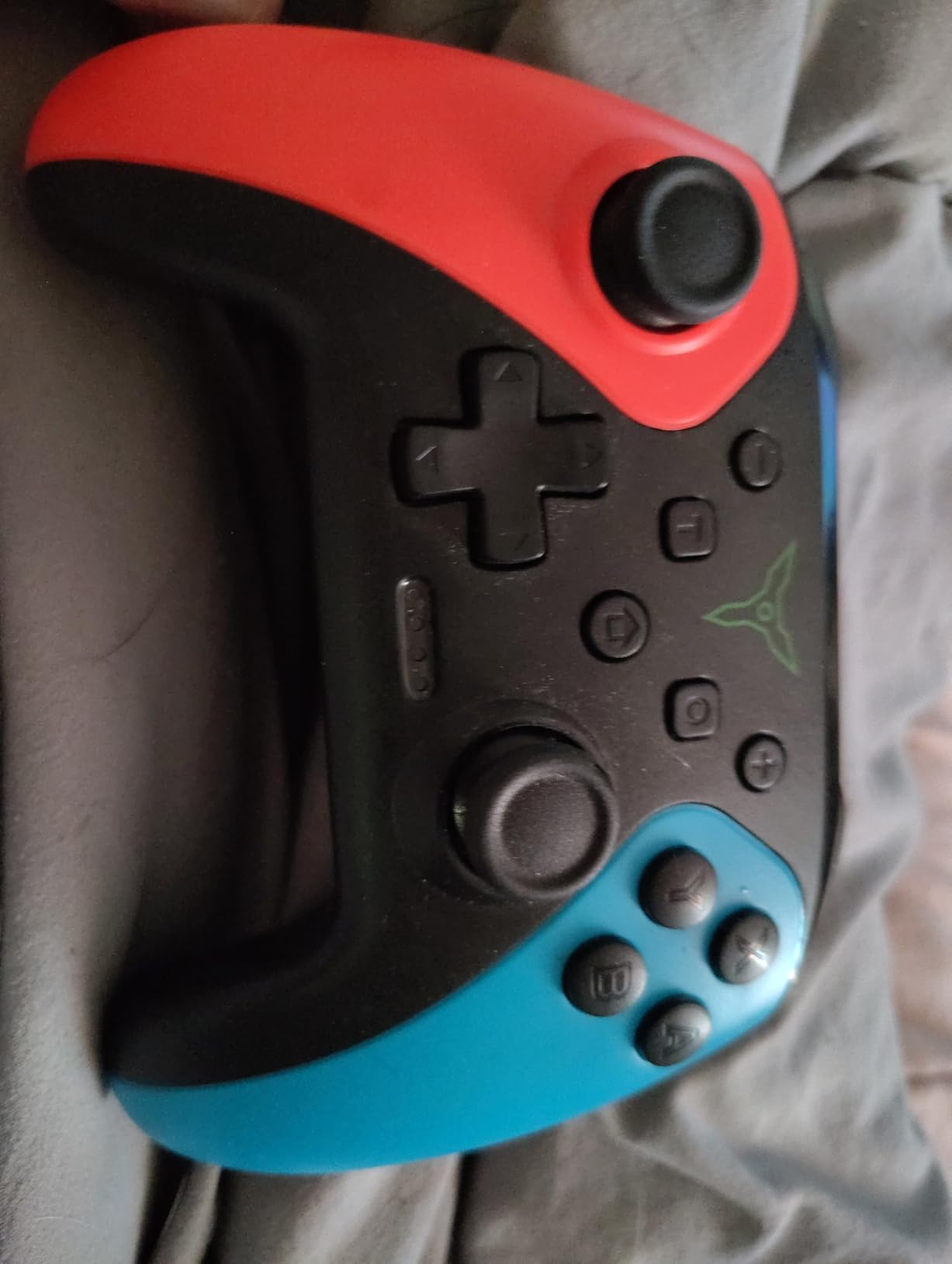
The dual vibration motors provide decent feedback, though not at the level of HD Rumble. The 6-axis gyro sensor worked adequately for motion controls in games that support it. Setup was straightforward, and I had the controller paired and playing within minutes of unboxing.
The 10-15 hour battery life is acceptable for casual gaming, and the ergonomic grip felt comfortable during moderate sessions. For families needing multiple controllers for multiplayer games, the low price makes it feasible to equip everyone without a massive investment.
Who Should Buy This
Families on tight budgets who need multiple controllers should strongly consider this option. If you want basic functionality with programmable buttons and turbo features without spending much, the ELISWEEN delivers. It’s perfect for casual gaming, kids, or as a backup controller for guests.
Who Should Skip This
Competitive gamers should invest in higher-quality options with better build quality and more precise controls. If you need wake functionality for Switch 2, this controller won’t provide it. Those concerned about long-term reliability should note that some users report units failing after extended use, though this varies.
How to Choose the Best Nintendo Switch 2 Pro Controller
Selecting the right controller involves understanding your priorities and matching them with available features. Here’s what matters most when making your decision.
Joystick Technology: Hall Effect vs TMR vs Potentiometer
The joystick technology directly impacts long-term durability. Traditional potentiometer sticks, found in Nintendo’s official controllers, use physical contacts that wear down over time, leading to stick drift. Hall Effect joysticks use magnetic sensors with no physical contact, eliminating drift concerns. TMR (Tunneling Magnetoresistance) technology is the newest advancement, offering even smoother movement than Hall Effect while maintaining drift resistance.
If you plan to use your controller for years, Hall Effect or TMR options from 8BitDo provide peace of mind. The official Nintendo controllers feel excellent new but may develop drift over time.
Wireless vs Wired Considerations
Wireless controllers offer freedom of movement and a cleaner setup, but they require charging or battery replacement. Wired controllers provide consistent, lag-free input but limit your positioning and create cable clutter.
For most Switch 2 gaming, wireless controllers offer sufficient responsiveness. The Bluetooth connectivity on modern controllers has minimal latency that most players won’t notice. Choose wired only if you’re a competitive player who needs absolute minimal input lag.
Battery Life Matters
Battery life varies significantly between controllers. The official Nintendo options lead with 40+ hours, while budget options typically offer 10-20 hours. Consider how you game: if you play in long sessions, prioritize higher battery capacity. If you prefer the convenience of swapping AA batteries over recharging, options like the PowerA make sense.
Ergonomics and Hand Size
Controller comfort is highly personal. The official Nintendo Pro Controllers have a medium size that works well for most hands. 8BitDo options tend to be slightly smaller, which may suit players with smaller hands or cause issues for those with larger hands. If possible, try holding different controllers before committing to a purchase.
Switch 1 vs Switch 2 Compatibility
Not all controllers support the same features across both consoles. Switch 1 controllers work with Switch 2 games but lack the C button for GameChat and cannot wake the console from sleep. Newer Switch 2-specific controllers include these features. If you own both consoles or plan to upgrade later, consider controllers that work well across both systems.
Key Features to Consider
Programmable back buttons give you extra inputs for competitive advantage. The 3.5mm audio jack enables private audio without disturbing others. Motion controls are essential for games that use gyro aiming. Amiibo support matters if you collect or use Amiibo figures. RGB lighting adds visual flair but impacts battery life. Evaluate which features matter for your gaming style.
Are the Switch 2 Pro controllers better than Switch 1 controllers?
Yes, the Nintendo Switch 2 Pro Controller offers several improvements over the original Switch Pro Controller. It features the new C button for GameChat access, programmable GL/GR back buttons, HD Rumble 2 technology, and a 3.5mm audio jack. However, it lacks Hall Effect joysticks that some third-party options include. The Switch 2 Pro Controller also supports wake functionality that Switch 1 controllers cannot provide on the Switch 2 console.
Is there an official Switch 2 Pro controller?
Yes, Nintendo released an official Switch 2 Pro Controller alongside the console launch in June 2025. It features HD Rumble 2, motion controls, built-in amiibo functionality, programmable GL/GR back buttons, a C button for GameChat, and a 3.5mm audio jack. The official controller retails for approximately $89 and offers seamless integration with all Switch 2 features.
What is the best wireless controller for Switch 2?
The best wireless controller depends on your priorities. For the premium experience with full Switch 2 integration, the official Nintendo Switch 2 Pro Controller is the top choice. For value with drift-resistant joysticks, the 8BitDo Pro 2 offers Hall Effect technology and extensive customization. For budget-conscious gamers, the 8BitDo Ultimate 2C provides Hall Effect joysticks at an affordable price point.
Do Switch 1 controllers work on Switch 2?
Yes, Switch 1 controllers including the original Nintendo Switch Pro Controller work with Switch 2 for gameplay. However, they have limitations: they cannot wake the Switch 2 console from sleep mode, and they lack the C button required for GameChat functionality. All buttons, motion controls, and rumble features work normally for game play, but you’ll miss out on Switch 2-specific features.
Which Switch 2 controller prevents stick drift?
Controllers with Hall Effect or TMR joysticks prevent stick drift by using magnetic sensors instead of physical contacts. The best options include the 8BitDo Pro 3 with TMR joysticks, the 8BitDo Pro 2 with Hall Effect joysticks, and the 8BitDo Ultimate 2C with Hall Effect joysticks. The official Nintendo Switch 2 Pro Controller uses traditional potentiometer sticks, which may develop drift over extended use.
Final Thoughts
Choosing among the best Nintendo Switch 2 pro controllers comes down to balancing features, budget, and personal preferences. For most gamers, the official Nintendo Switch 2 Pro Controller delivers the premium experience with seamless integration and outstanding battery life. Value-conscious players should look at the 8BitDo Pro 2 for Hall Effect joysticks and customization at a reasonable price, while budget gamers can’t go wrong with the 8BitDo Ultimate 2C.
Consider what matters most for your gaming: if preventing stick drift is a priority, choose Hall Effect or TMR options. If GameChat is essential, you need the C button found on Switch 2-specific controllers. Whatever your choice, upgrading from Joy-Con controllers to a proper pro controller will significantly improve your gaming experience in 2026.