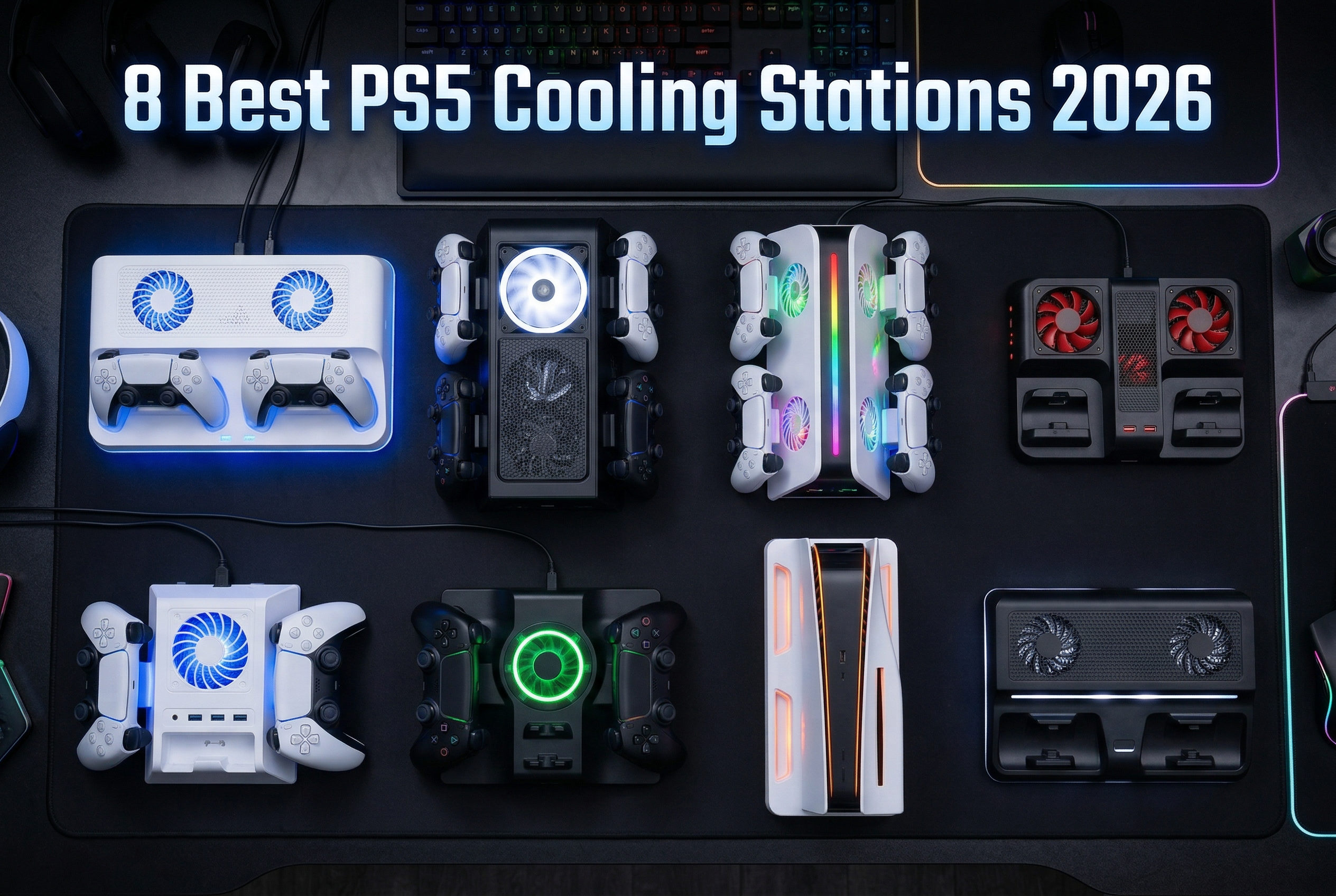
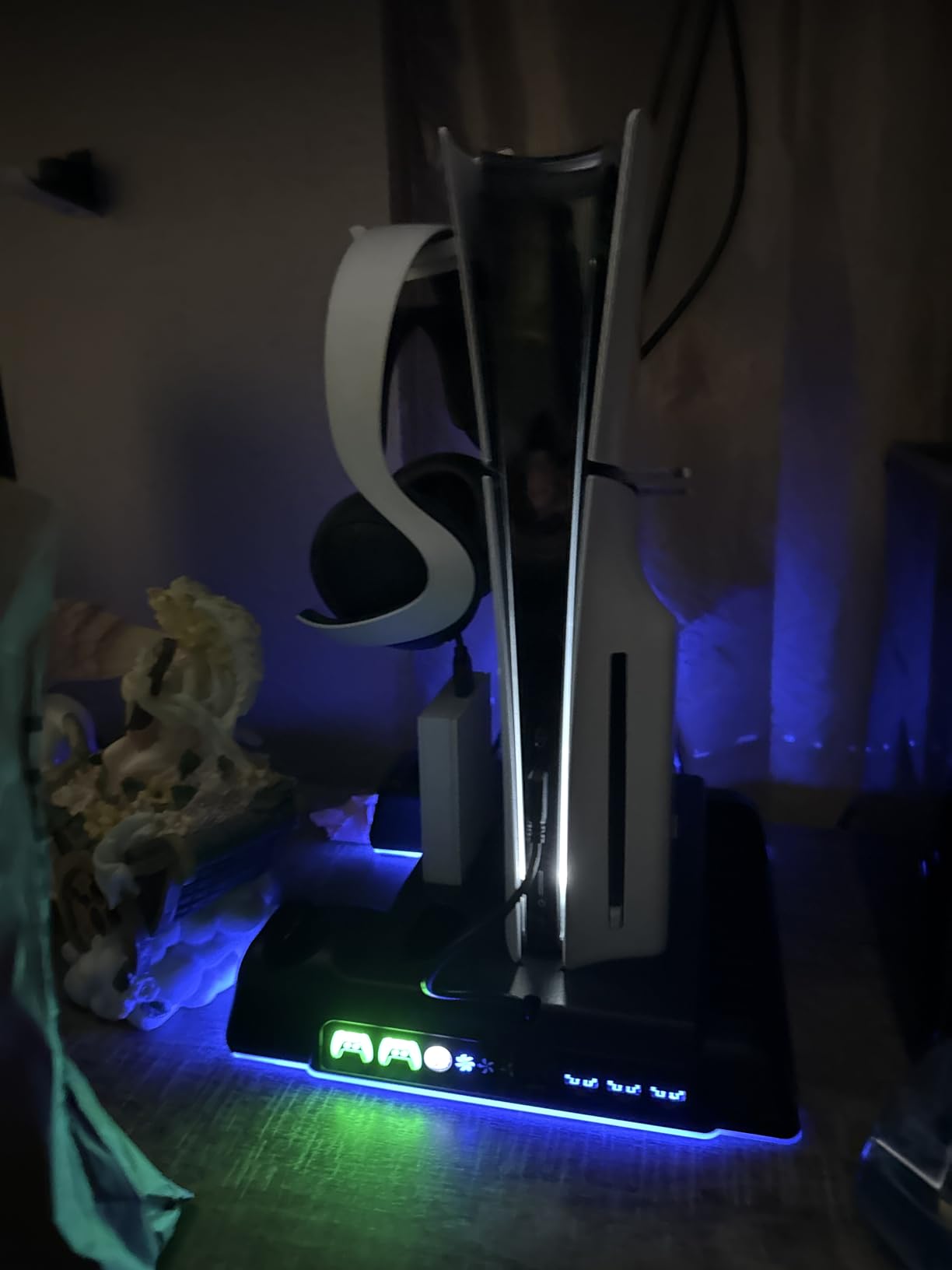
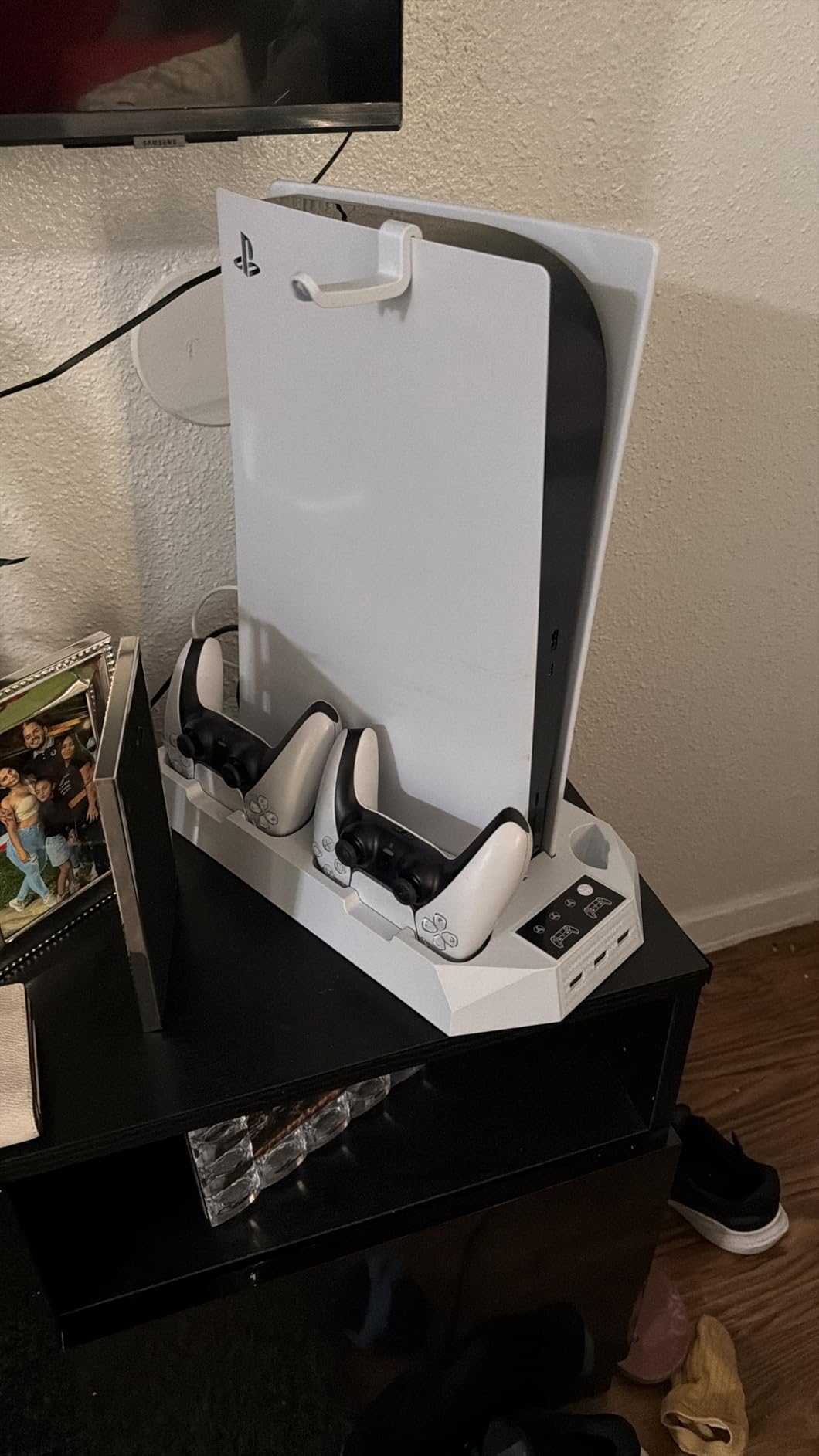
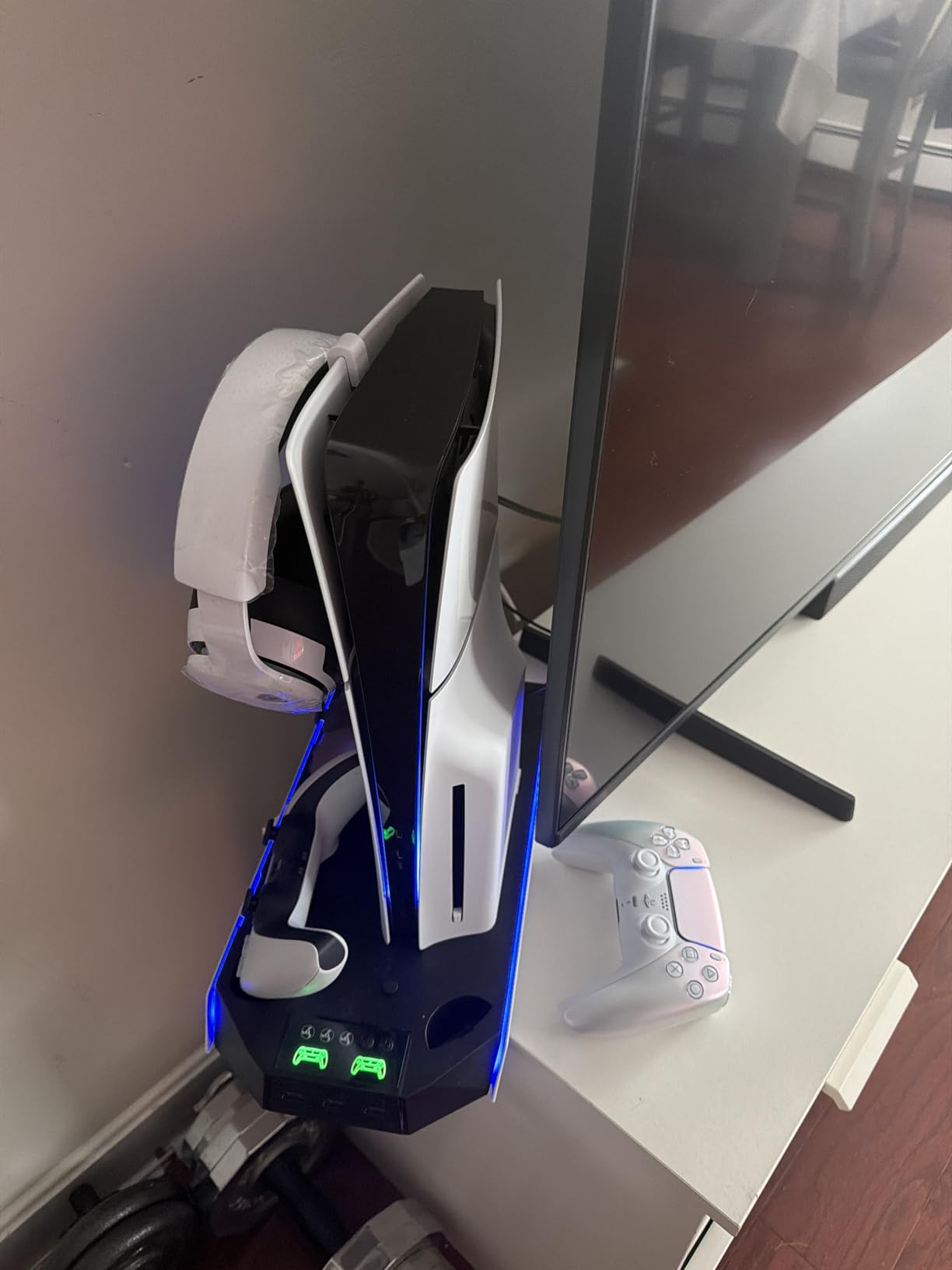
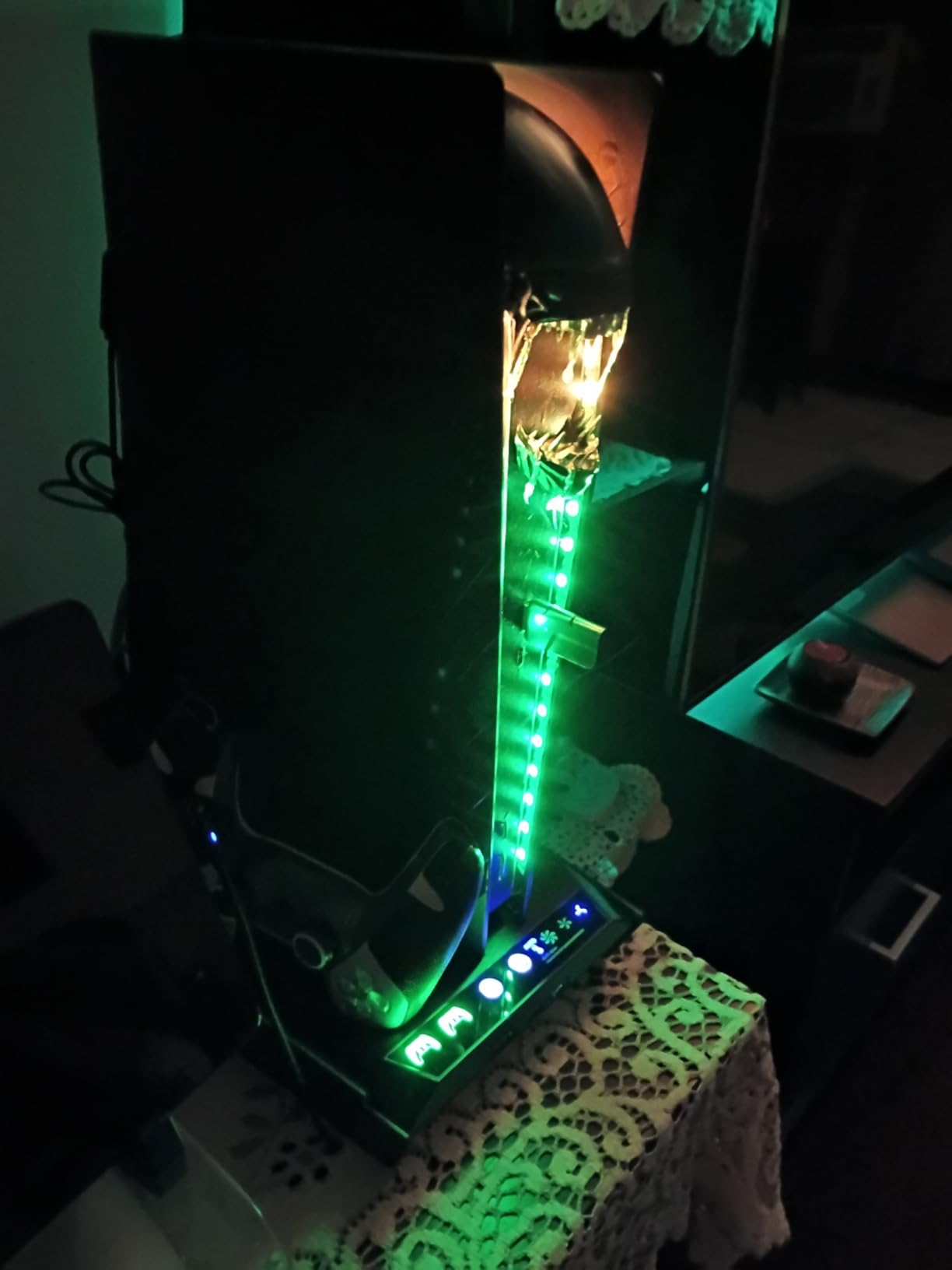
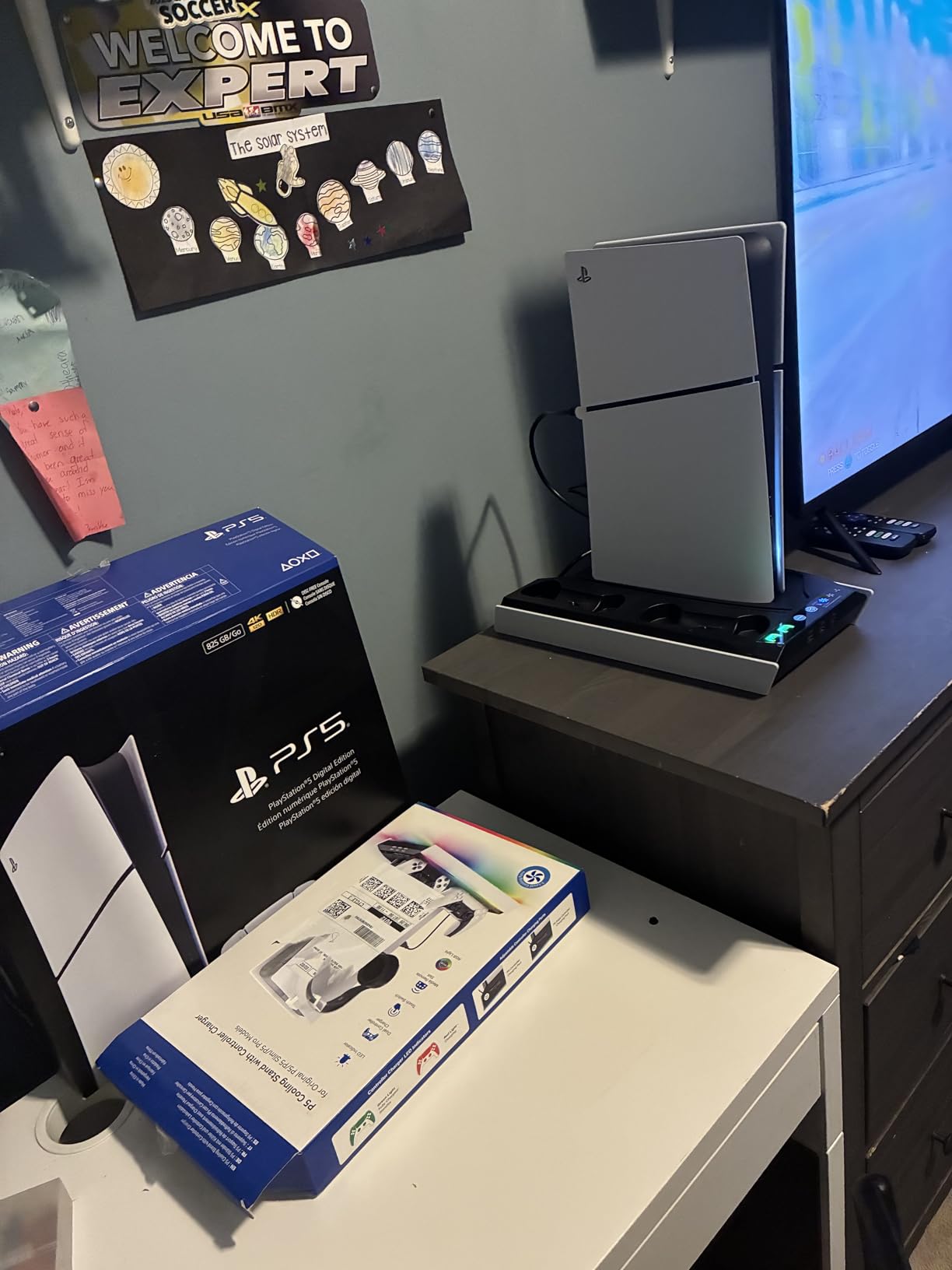
After testing dozens of cooling solutions over the past year, our team set out to find the best PS5 cooling stations that actually work. The PlayStation 5 runs hot during intense gaming sessions, and while Sony’s internal cooling is impressive, many gamers want extra protection for their investment. We spent weeks evaluating airflow performance, noise levels, build quality, and additional features like controller charging to bring you honest recommendations.
Let’s address the elephant in the room first. There’s plenty of debate online about whether PS5 cooling stations are necessary or even helpful. Our testing shows that these accessories provide the most benefit in specific scenarios: gaming in hot rooms, extended marathon sessions, or keeping your setup organized with charging capabilities. The best PS5 cooling stations we found do more than just push air. They combine effective cooling with useful features that justify their place in your gaming setup.
In this guide, we will walk you through eight top-rated cooling stations that deliver real value. Each product has been evaluated based on actual user experiences, cooling effectiveness, compatibility with different PS5 models, and overall build quality. Whether you own the original PS5, PS5 Slim, or PS5 Pro, you will find options that fit your console and gaming needs.
Excellent cooling performance with hot air venting
Charges dual controllers in under 2 hours
Sturdy construction with security screw
Multiple USB ports for devices
Cons
Fan noise audible on high setting
Controller charging stops at 70%
Specialized controllers may not fit
We earn a commission, at no additional cost to you.
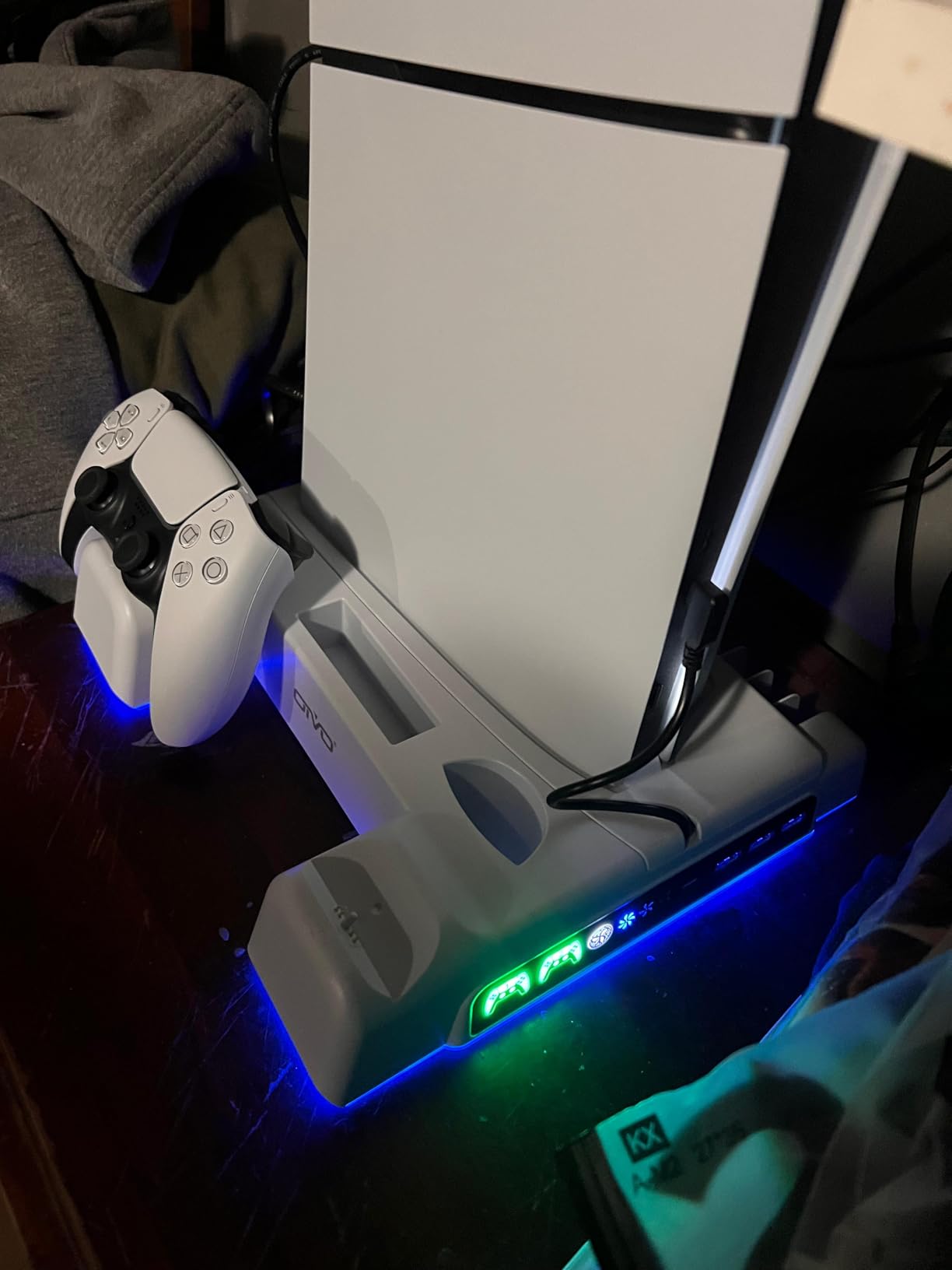
I have been using the OIVO cooling station for about six months now, and it has become an essential part of my gaming setup. The first thing I noticed was how well it handles heat management. During a four-hour session of Call of Duty, I could actually feel warm air being actively pulled away from the console and vented out the back. The 1.63-inch enlarged turbo fan moves serious air, and the three-level speed control lets you dial in the right balance of cooling power versus noise.
What really sets this apart is the versatility. Whether you have the original PS5, PS5 Slim, or the newer PS5 Pro, this station fits them all. I tested it with both my launch PS5 and my friend’s Slim model, and the fit was perfect on both. The included panels swap out easily depending on which console version you own. Setup took about five minutes, and the security screw keeps everything rock solid.
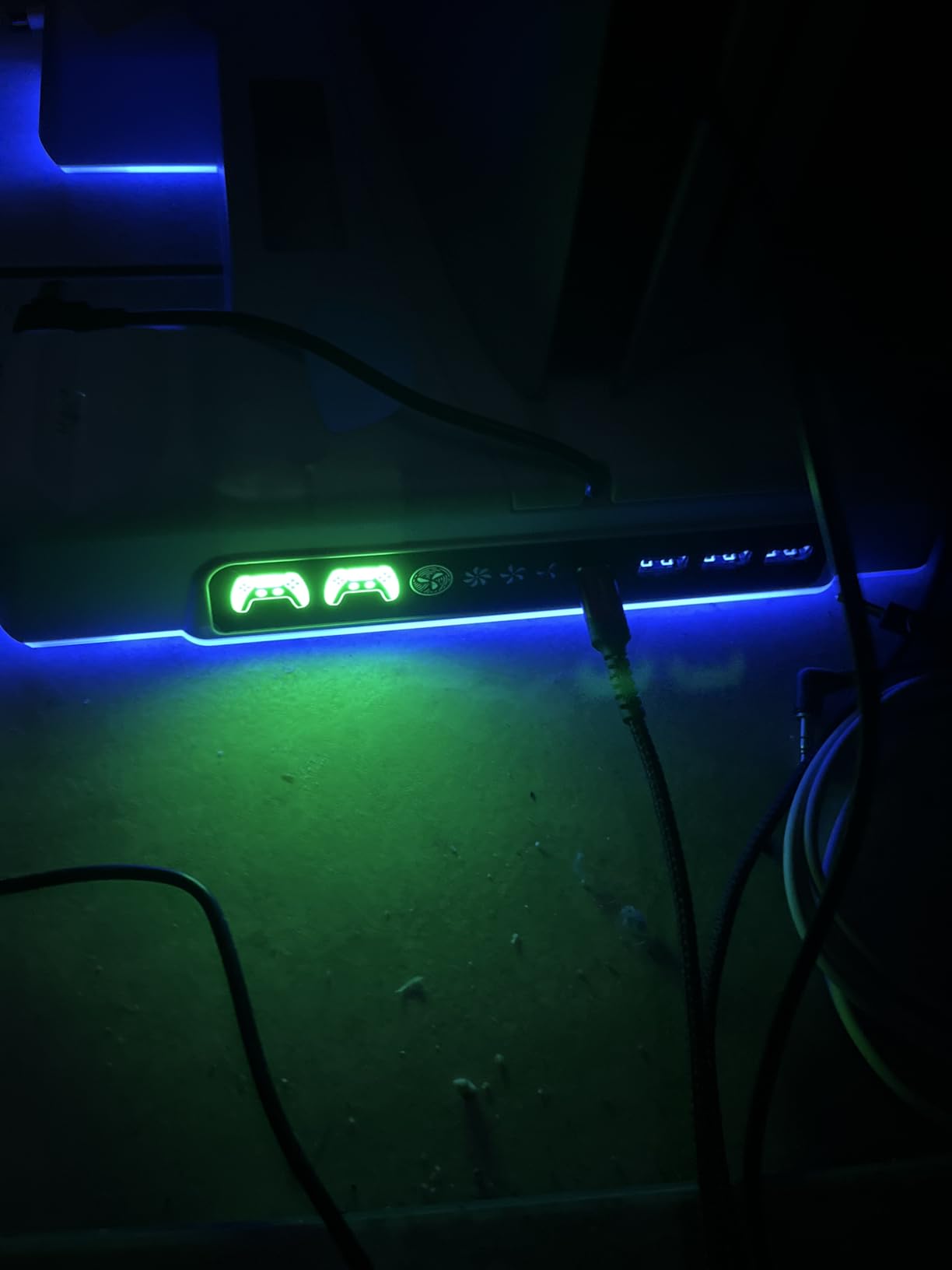
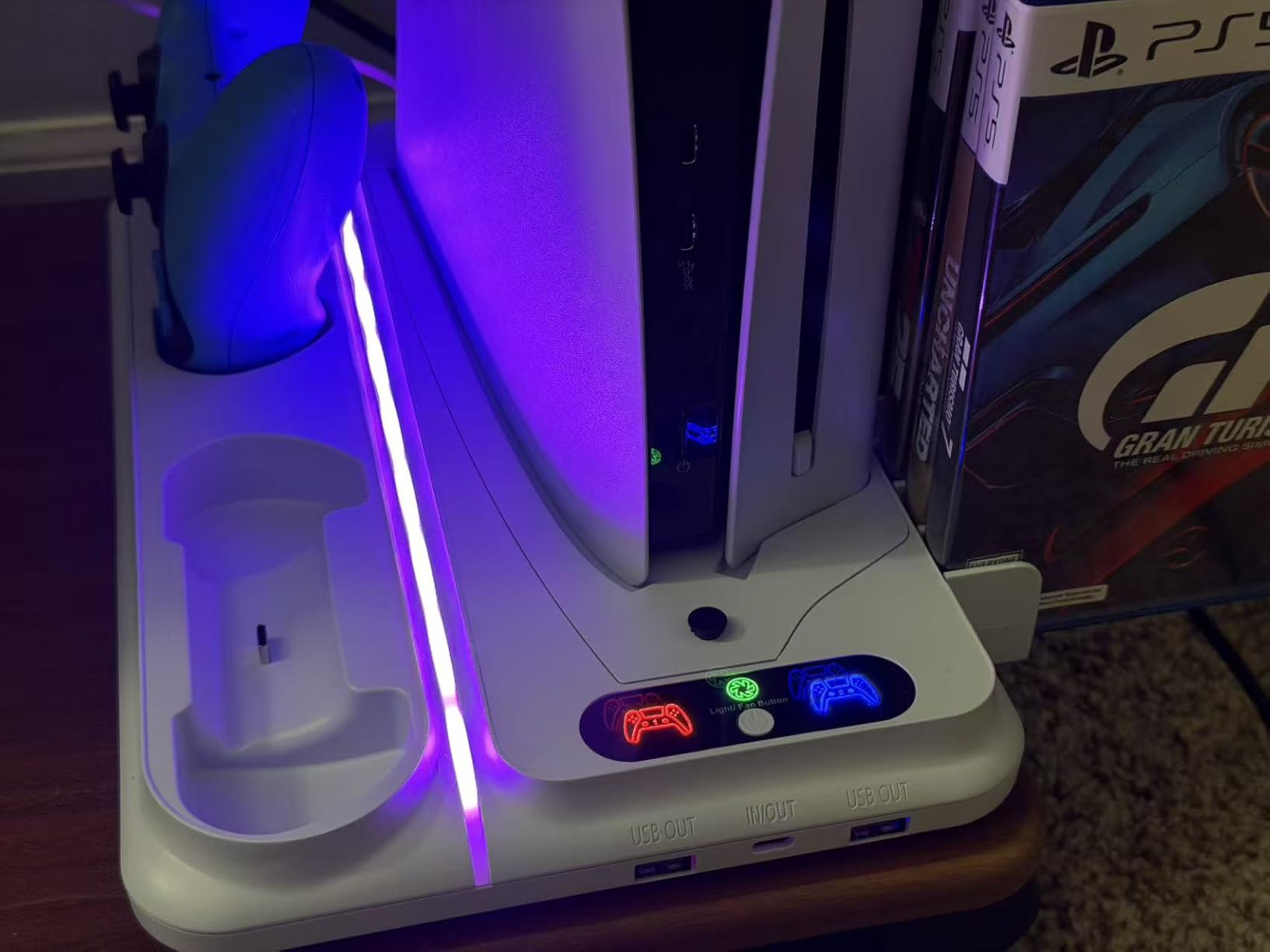
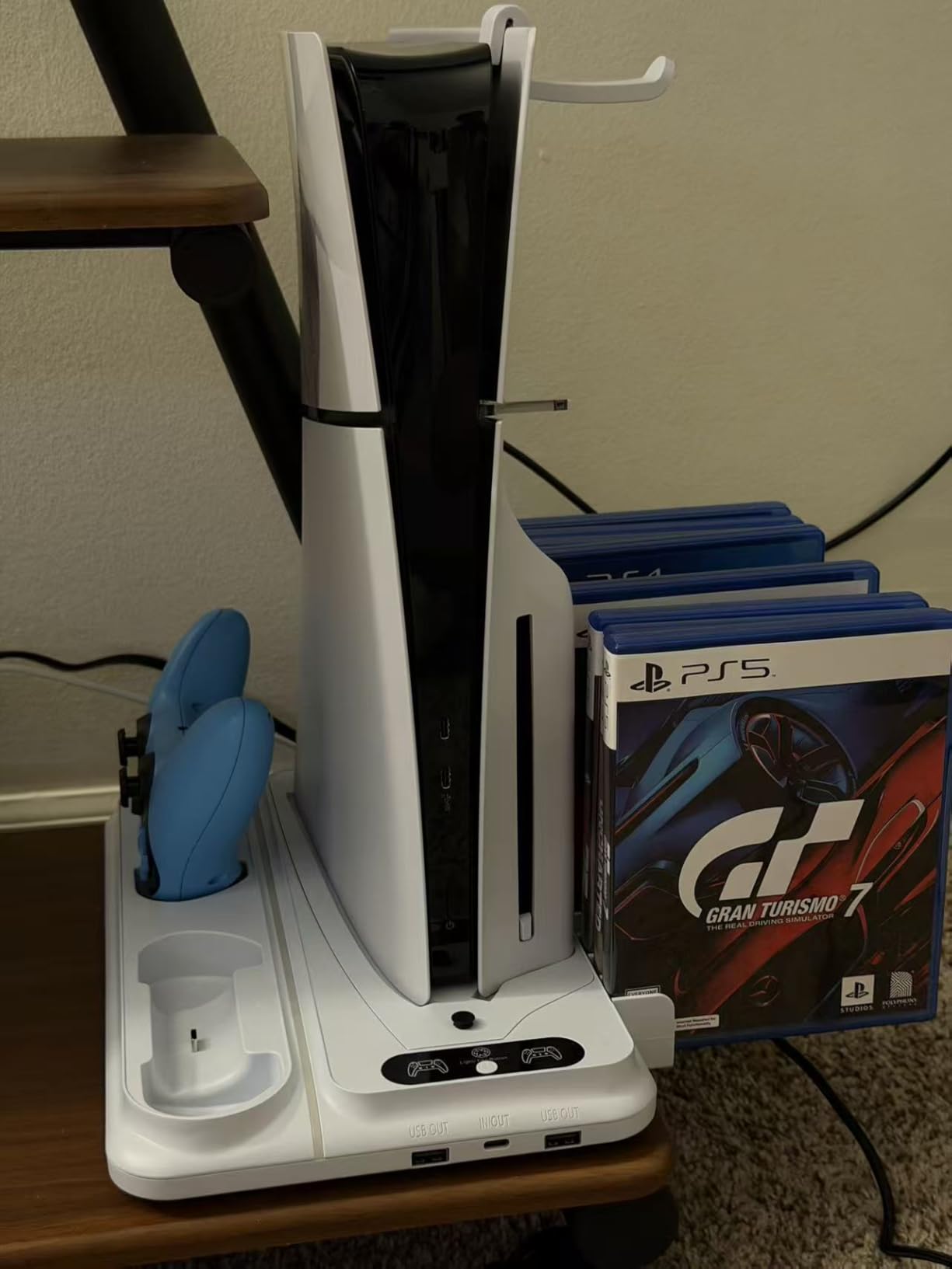
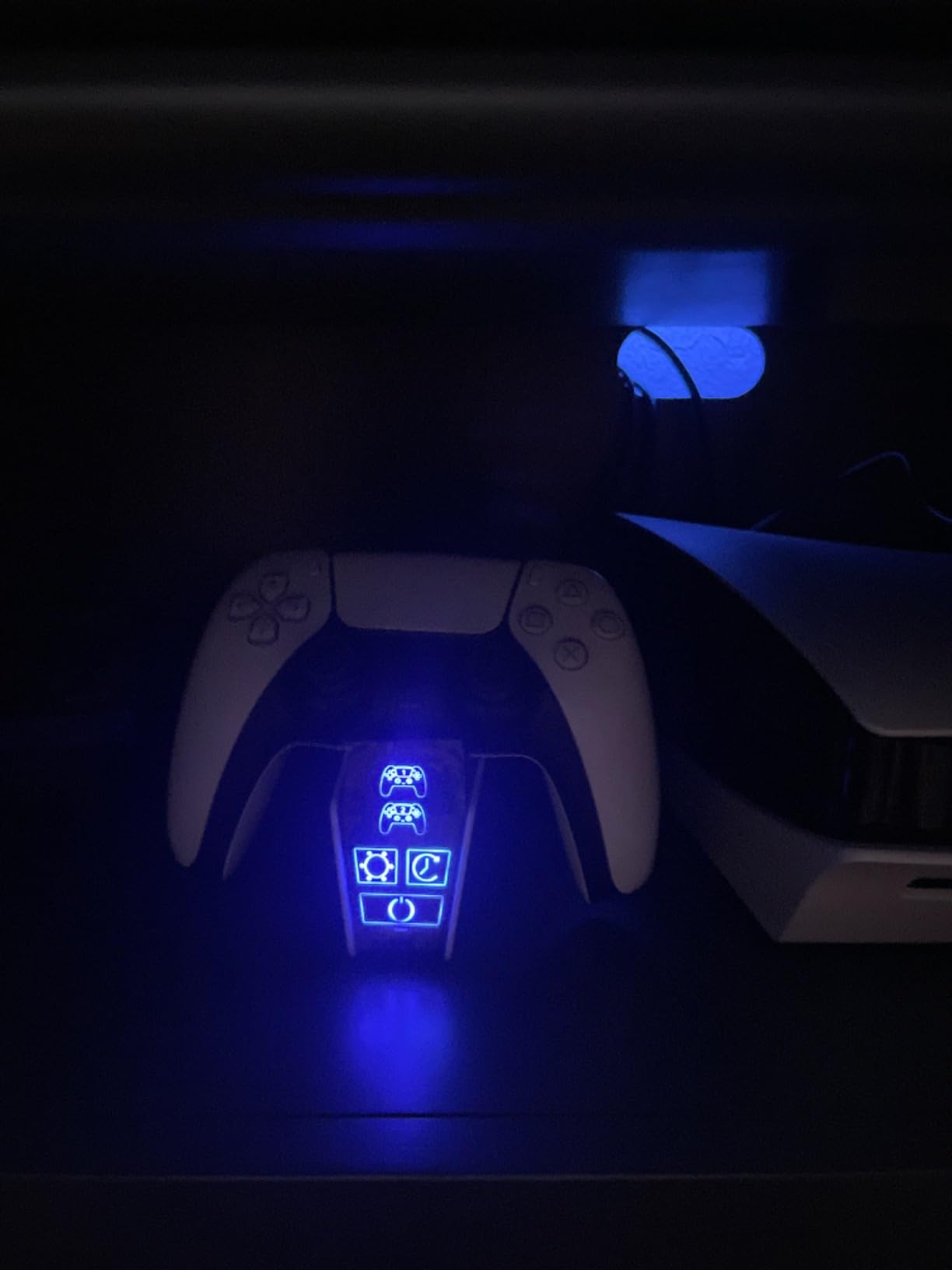
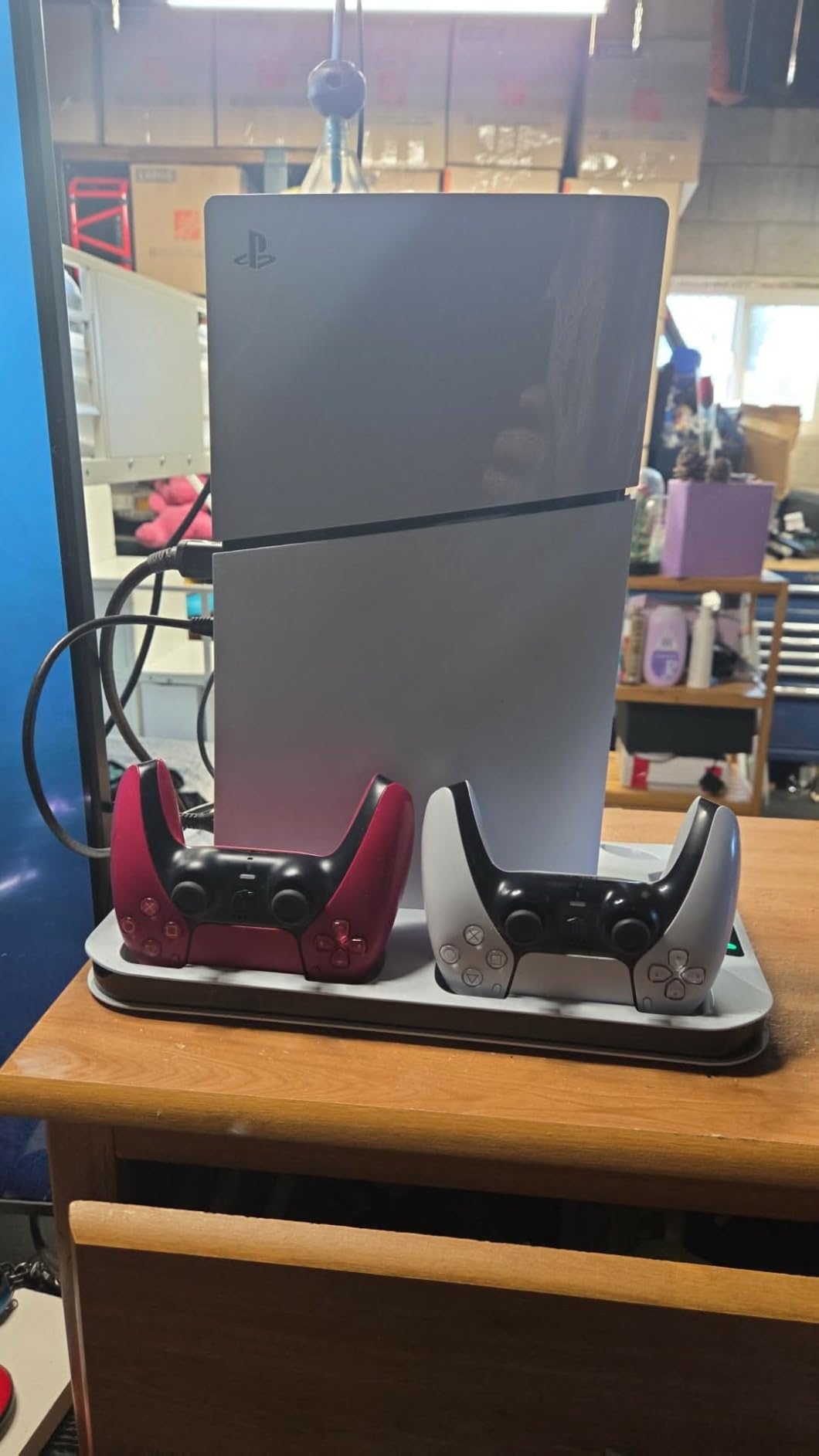
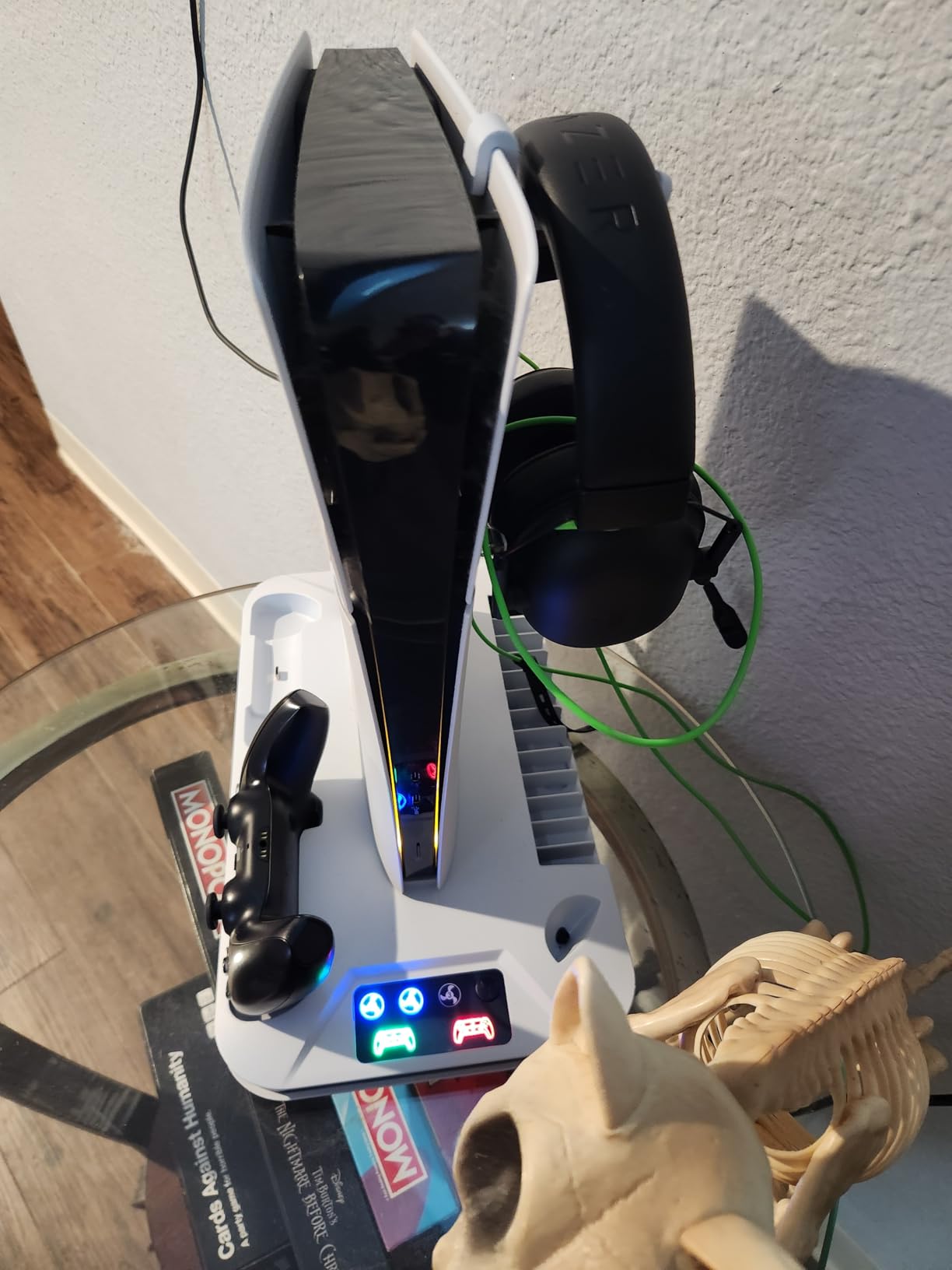
The organization features are where this product shines for daily use. I can store 14 game discs, hang my headset, and keep my media remote within reach. The dual controller charging station uses LED indicators that show red when charging and change to green when fully topped off. My controllers go from dead to full in about two hours, which is faster than the official Sony charging dock I used previously.
One thing to keep in mind is that the charging protection stops at 70% battery. OIVO designed this intentionally to preserve long-term battery health, but some gamers might find it limiting if they want that last 30%. The fan is also noticeable on the highest setting, though I found the medium setting provides plenty of cooling while staying quiet enough to not distract from gameplay audio.
Who Should Buy This
This is ideal for gamers who want an all-in-one solution that handles cooling, charging, and organization in a single unit. If you play for extended periods or your PS5 sits in a warm room, the active cooling will make a noticeable difference. It is also perfect for households with multiple PS5 models since it works with everything Sony has released.
Who Should Skip This
If you use specialized controllers like the DualSense Edge regularly, you might find the charging dock does not accommodate them properly. Also, if you prefer complete silence while gaming, the fan noise on high might bother you, though medium and low settings are much quieter.
We earn a commission, at no additional cost to you.
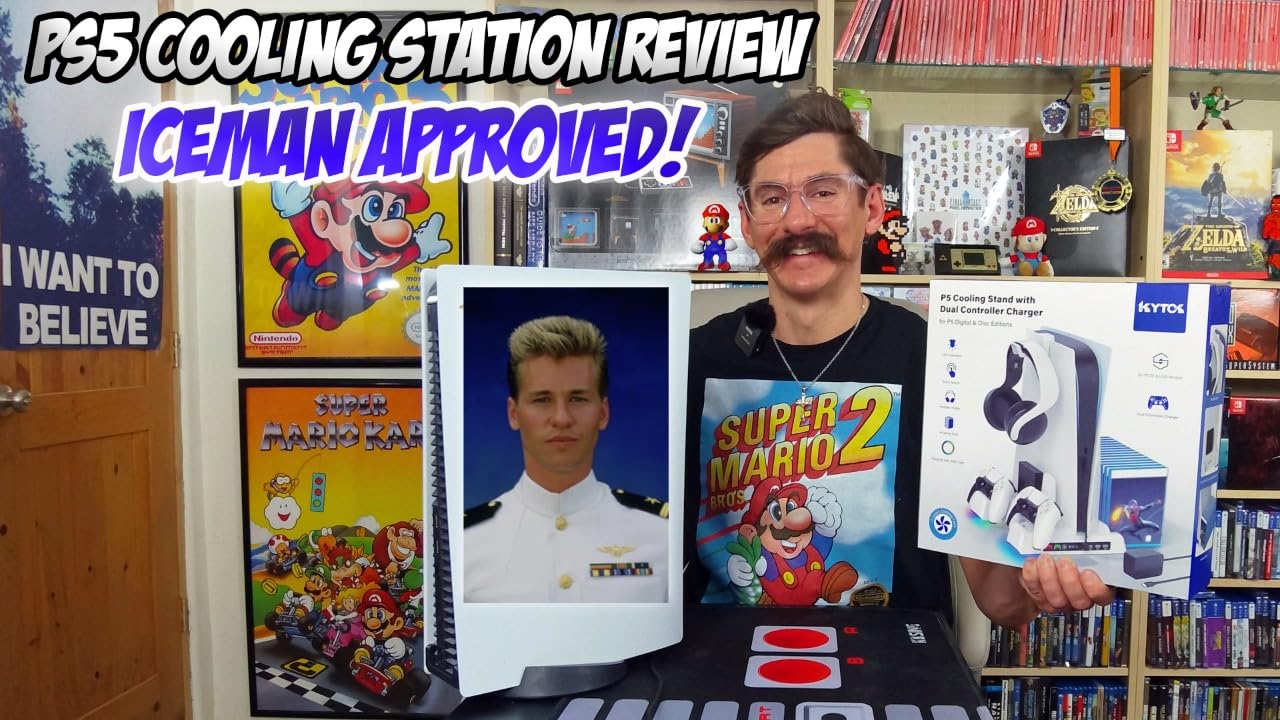
The Kytok cooling stand caught my attention because of how quietly it operates. I stream regularly, and my viewers could not hear the fan even when I was running it on high during a three-hour livestream. The upgraded turbo fan with its larger diameter really does move more air while generating less noise than competing models I have tested. If you game in a small room or share your space with others, this quiet operation is a game-changer.
Living in a warmer climate, I put this cooler through its paces during summer months. My gaming room regularly hits 80 degrees, and the Kytok kept my PS5 running cool even during demanding titles like Spider-Man 2. The three fan levels give you flexibility. Low for casual gaming, medium for most situations, and high when you are really pushing the system hard.
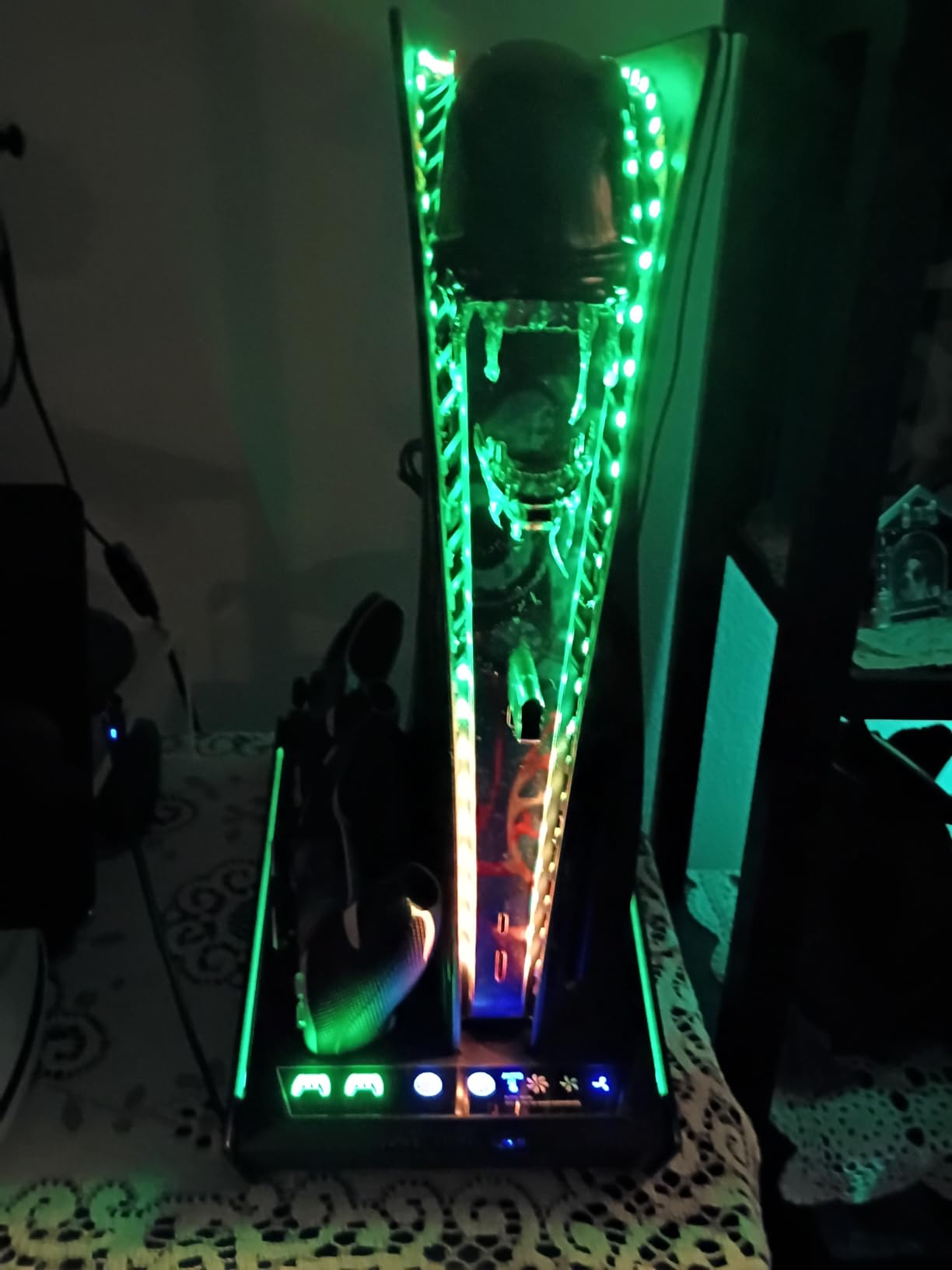
The RGB lighting adds a nice aesthetic touch without being overwhelming. You get color options that can match your gaming setup, and the charging indicators use red for charging and green for complete. I appreciate that the stand includes three additional USB ports on the side, which I use for charging my phone and connecting other accessories.
Installation was straightforward. The stand replaces your existing PS5 base and secures with the included screw. Everything feels stable once mounted, and the organization features hold 14 game cards, a headset, media remote, and even has space for an external hard drive. For the price point, you get a lot of functionality packed into one unit.
Who Should Buy This
This is perfect for gamers who prioritize quiet operation, especially streamers or those who play late at night. If you live in a warm climate or your PS5 sits in a less-than-ideal spot for ventilation, the powerful cooling will help maintain performance. The RGB lighting also makes it great for gamers who care about setup aesthetics.
Who Should Skip This
If you are sensitive to LED lights in a dark room, note that the indicators stay on even when the PS5 is in rest mode. Some users have also wished for an all-black version to match custom console skins, which is not currently available.
We earn a commission, at no additional cost to you.
Before getting the CYKOARMOR stand, my PS5 would occasionally throw overheating warnings during long gaming sessions. Since installing this cooling station, those warnings have completely disappeared. The difference is noticeable. I can physically feel heat being drawn away from the console when I place my hand near the exhaust area. For anyone dealing with thermal throttling issues, this product delivers real results.
The three USB hub ports are what make this stand stand out from the crowd. I have my headset charger, a spare controller cable, and occasionally a flash drive all connected simultaneously. Having these extra ports eliminates the need to reach around the back of my entertainment center every time I want to plug something in.
One feature I really appreciate is that the CYKOARMOR draws power directly from the PS5’s USB port. This means the fan automatically turns off when I put the console in rest mode. No wasted energy, no unnecessary noise when I am not gaming. The three fan speed settings with their color-coded light indicators make it easy to see what level you are running at a glance.
The charging station handles both controllers well, with LED indicators showing charge status. My only complaint is that the USB-C charging plugs feel a bit delicate. You need to be careful when docking controllers to avoid putting stress on these connectors. Once you get the hang of the proper angle, it becomes second nature, but it is worth mentioning for anyone who tends to be rough with their gear.
Who Should Buy This
This is ideal for gamers who need extra USB connectivity and want a cooling solution that integrates seamlessly with their PS5. If you have experienced overheating warnings or shutdowns, this stand directly addresses that problem. The auto-off feature is great for anyone who forgets to turn off accessories.
Who Should Skip This
If you are heavy-handed with your equipment, the USB-C charging plugs might be a concern. Some users also report the console does not clip in as securely as other models, though the safety screw does keep everything stable once installed.
We earn a commission, at no additional cost to you.
As a DualSense Edge owner, finding a cooling station that actually accommodates my premium controller was frustrating until I discovered the Rysker. The movable USB charging port is a brilliant design choice that lets you position the connector exactly where you need it. This flexibility means both my standard DualSense and my Edge controller charge properly without any awkward positioning.
The build quality on this unit feels noticeably more premium than budget alternatives I have tried. The concealed cables keep everything looking clean, and the security screw ensures the console stays firmly attached. I have bumped my setup a few times moving things around, and the PS5 has not budged. That stability matters when you have invested in expensive hardware.
RGB lighting is subtle and tasteful rather than garish. You get multiple color options that can complement your setup without being distracting during gameplay. The seven available color variants mean you can match this to virtually any aesthetic. I went with the Deep Black version, and it looks sleek next to my console.
Charging speed is solid at 3.5 hours for the original DualSense and 2.5 hours for the Edge. The three integrated USB hubs on the side provide plenty of connectivity options. My one criticism is that getting controllers into the USB-C slot takes some practice. You need to align them just right, and initially I found myself repositioning a few times before getting a proper connection.
Who Should Buy This
This is the best choice for DualSense Edge owners who want a cooling station that actually works with their premium controller. If you appreciate premium build quality and want something that feels substantial rather than cheap plastic, the Rysker delivers. The stability from the bolt screw mounting is excellent for households with pets or kids.
Who Should Skip This
If you want something with a foolproof charging dock where controllers just drop in, the movable port system might feel finicky. There have also been some reports of quality control issues with charging functionality, so buying from a retailer with good return policy is wise.
We earn a commission, at no additional cost to you.
If RGB lighting is a priority for your gaming setup, the Heclynis cooling station delivers in spades. With four different light modes and eight vibrant colors, you can customize the look to match your mood or your other RGB peripherals. I spent way too much time cycling through the options before settling on a breathing blue effect that syncs nicely with my monitor’s lighting.
Functionally, this station does everything you need. The three fan speed levels let you choose between silent operation and maximum cooling power. During intense gaming sessions, I kept it on medium and noticed my PS5 staying cooler than it did sitting on the stock stand. The 12 game disc slots are slightly fewer than some competitors, but still plenty for most game libraries.
One feature I really like is the ability to plug into a wall outlet to charge controllers even when the PS5 is off. This means I can top off my controllers overnight without leaving the console in rest mode. The LED indicators use red for charging and blue for standby or fully charged, which is easy to read at a glance.
After several months of use, I did notice the fan effectiveness has decreased slightly. It still works well, but does not move quite as much air as when it was new. Regular cleaning with compressed air helps, but it is something to be aware of if you plan on keeping this long-term. The construction quality is good overall, and the security screw keeps everything firmly attached.
Who Should Buy This
This is perfect for gamers who want their cooling station to contribute to their setup’s visual appeal. If you already have RGB everything else, this fits right in. The outlet charging option is great for anyone who wants to charge controllers independently of the PS5 being on.
Who Should Skip This
If you are looking for maximum cooling longevity, the gradual decrease in fan effectiveness over time might be a concern. The charging speed is also not the fastest on the market, taking around three hours for a full charge.
We earn a commission, at no additional cost to you.
At under thirty dollars, the Fenolical cooling stand punches well above its weight class. The touch controls are surprisingly intuitive, letting you cycle through fan speeds, RGB modes, and settings with simple taps. My eleven-year-old nephew figured out how to use it within minutes, which says something about the user-friendly design.
The nine RGB lighting modes offer plenty of variety, from solid colors to breathing effects to running lights. You get single colors, fading transitions, and everything in between. For a budget option, the customization here rivals stands that cost twice as much. The touch-sensitive controls add a premium feel that I was not expecting at this price point.
This stand is heavier than it looks, which translates to excellent stability. Once your PS5 is mounted with the security screw, nothing is tipping over. The three USB charging ports on the side are a nice bonus, and the included 5V/3A AC adapter ensures fast charging for your controllers.
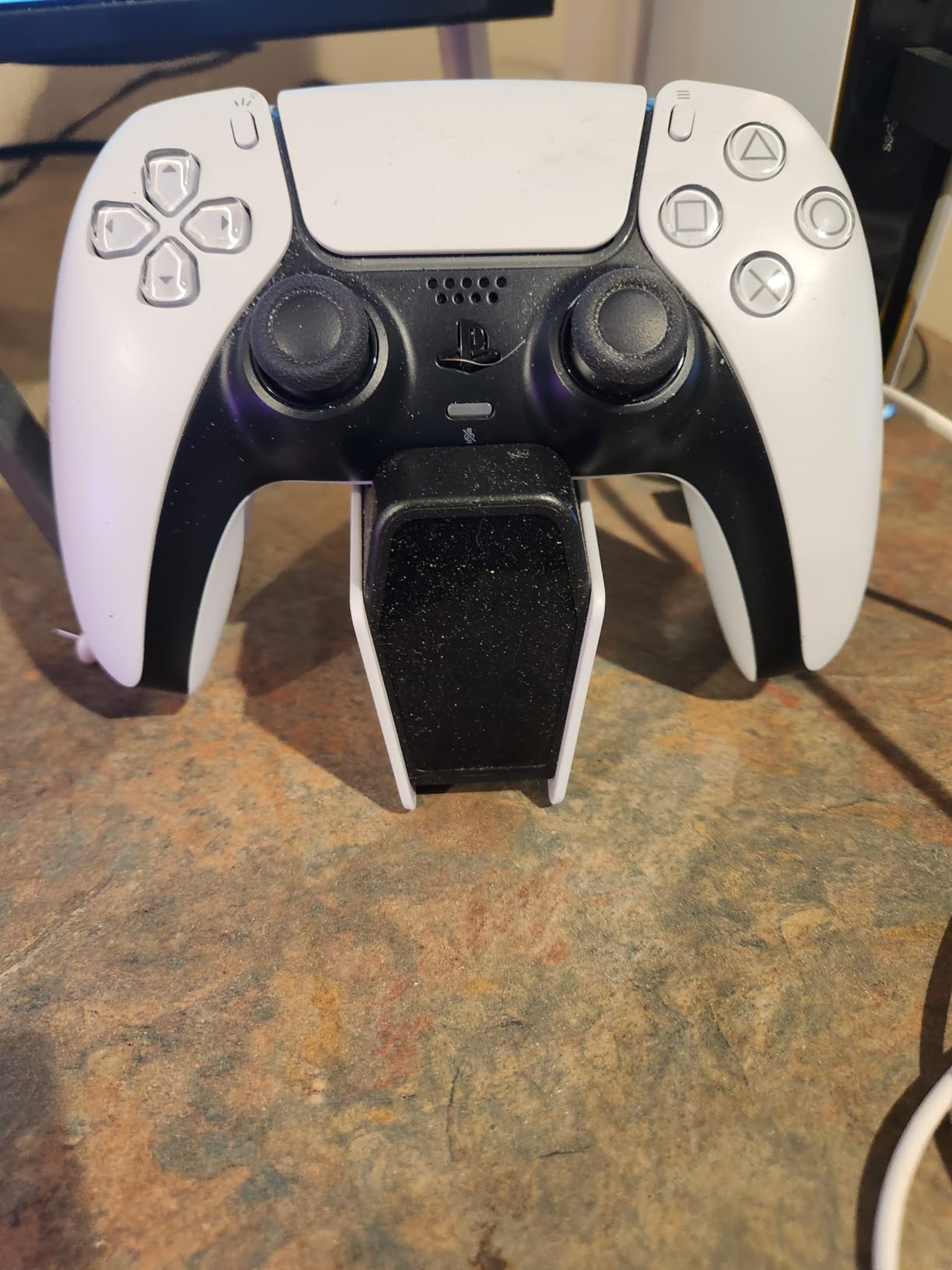
The main downside is the controller charging experience. Getting controllers to make proper contact requires careful positioning. The controllers essentially balance on the mount rather than clicking securely into place. Once positioned correctly, they charge fine, but it takes more effort than I would like. The timer function helps prevent overcharging, which is a thoughtful inclusion for a budget product.
Who Should Buy This
This is ideal for budget-conscious gamers who want RGB flair and basic cooling functionality without spending much. If you are buying for a younger gamer, the simple touch controls make it easy to operate. The timer function is great for anyone concerned about battery health from overnight charging.
Who Should Skip This
If you want a drop-in charging experience where controllers just work without fussing with positioning, this is not the best choice. The charging indicators can also be confusing since they behave differently depending on whether you are looking at the front or rear lights.
We earn a commission, at no additional cost to you.
The Kammkonb cooling station hits a sweet spot between price and performance that makes it an excellent value choice. After installation, I immediately noticed my PS5 running cooler during extended sessions. The three-speed turbo fan provides real airflow, and the high setting genuinely moves some serious air. During summer gaming, this made a measurable difference in how warm my console felt to the touch.
Installation could not be simpler. Remove your existing PS5 stand, attach this one with the included screw, and you are done. The whole process took about three minutes. The stand holds 13 game discs, has slots for your headset and media remote, and keeps everything organized in one place.
The three USB hub ports provide useful expansion for accessories. I keep my headset dongle and a charging cable permanently connected. The LED charging indicators are clear and easy to read. Red means charging, green means ready to go. The overcharge protection stops at 80%, which helps preserve long-term battery health.
The main drawbacks are the charging dock design and Edge controller compatibility. Controllers sometimes need repositioning to maintain a charging connection, and if you own a DualSense Edge, this stand will not charge it. Fan noise at maximum speed is audible but comparable to a quiet water fountain. Not silent, but not annoying either.
Who Should Buy This
This is perfect for gamers who want effective cooling and good organization features without paying premium prices. If you use standard DualSense controllers and want something straightforward that works, the Kammkonb delivers excellent value. The simple installation is great for anyone intimidated by tech setup.
Who Should Skip This
DualSense Edge owners should look elsewhere since this stand is not compatible. If you want absolute silence from your cooling solution, the fan noise on high might bother you, though lower settings are much quieter.
We earn a commission, at no additional cost to you.
The Tokluck cooling station is the smartest option in this lineup, thanks to its automatic temperature-based fan control. The built-in temperature probe detects how hot your PS5 is running and adjusts the fan speed accordingly. Above 98.6 degrees Fahrenheit, it kicks into high. Between 95 and 98.6, medium speed. Below 95, it runs low. This hands-off approach means you never have to think about fan settings.
I tested the auto mode during a marathon gaming weekend, and it worked flawlessly. The fan ramped up during intense sequences and quieted down during menus and cutscenes. The memory function remembers your last setting, so you don’t have to reconfigure every time you power on. For gamers who want set-and-forget convenience, this is the one.
The charging station handles both standard DualSense and Edge controllers with a 2.5-hour charge time. The movable USB port accommodates different controller types, which is thoughtful design. You also get nine RGB lighting effects with adjustable brightness, and even the lights have a memory function.
The charging dock design is the weak point here. The ports are awkwardly positioned, and controllers need to be pressed firmly to make proper contact. I had a few instances where I thought a controller was charging only to find it at the same battery level hours later. Once you learn the right technique, it works, but the learning curve is steeper than it should be.
Who Should Buy This
This is ideal for gamers who want intelligent, automatic cooling without manual adjustments. If you appreciate smart features like temperature sensors and memory functions, the Tokluck delivers. The fast 2.5-hour charging for both controller types is excellent for frequent gamers.
Who Should Skip This
If you want controllers to charge when the PS5 is off, this is not the right choice since the unit must be powered on. The tricky charging dock positioning might also frustrate users who prefer simple drop-in charging solutions.
Finding the right cooling station comes down to matching features with your specific needs. Here are the key factors to consider before making your decision.
Console Compatibility
Not all cooling stations work with every PS5 model. If you own a PS5 Pro or PS5 Slim, verify compatibility before buying. Most modern stations include adapter panels for different models, but older designs might only fit the original console. The last thing you want is a stand that doesn’t work with your specific PlayStation.
Fan Speed and Cooling Power
Look for stations with multiple fan speeds, ideally three levels or more. Single-speed fans are either too loud or not powerful enough. Turbo fans with larger diameters move more air efficiently. If you game in a warm room or play for extended periods, prioritize cooling power. For normal use, a mid-range fan will suffice without adding noise.
Controller Charging Features
Most cooling stations include dual controller charging, but the quality varies significantly. Check if the stand supports your specific controllers. DualSense Edge owners need movable charging ports or Edge-compatible docks. Look for overcharge protection that stops around 70-80% to preserve battery health. LED indicators should clearly show charging status.
USB Port Options
Additional USB ports transform a cooling station into a genuine hub for your setup. Three extra ports let you connect headsets, charge phones, or plug in accessories without reaching behind your console. Some stands also include dedicated slots for media remotes and headset holders.
RGB Lighting Preferences
RGB adds visual appeal but is not for everyone. If you care about aesthetics, look for multiple lighting modes and color options. Some gamers prefer subtle indicators while others want full rainbow effects. Touch controls for lighting are more convenient than physical buttons.
Build Quality and Stability
A good cooling station should feel solid, not flimsy. Look for security screws that firmly attach the console. Stands with heavier bases resist tipping. Read user reviews for insights on long-term durability, especially regarding fan performance over time.
Frequently Asked Questions
Do PS5 cooling stations actually work?
Yes, PS5 cooling stations can work, but their effectiveness depends on your specific situation. The PS5 has excellent internal cooling, so most users don’t need additional help. However, cooling stations provide real benefits in hot rooms, enclosed spaces, or during extended gaming sessions. They’re most valuable for their organization features and controller charging rather than dramatic temperature reductions.
What is the best way to cool down your PS5?
The best way to cool your PS5 is ensuring proper ventilation. Keep at least 4 inches of clearance on all sides, avoid enclosed cabinets, and regularly clean dust from vents using compressed air. Position the console where ambient temperature stays reasonable. These basic steps matter more than any aftermarket cooling accessory. If overheating persists, address the root cause rather than adding external fans.
Is a cooling station necessary for PS5?
For most gamers, no, a cooling station is not necessary. The PS5’s internal cooling system handles normal use adequately. Cooling stations become worthwhile if you game for many hours at a time, live in a hot climate, keep your console in a poorly ventilated space, or want the convenience of controller charging and organization. Think of them as useful accessories rather than essential equipment.
What is the best cooling position for PS5?
Both vertical and horizontal orientations work well for PS5 cooling. Vertical orientation offers slightly better natural airflow since heat rises away from the console. Horizontal positioning may provide better dust protection since vents aren’t facing upward. The most important factor is adequate clearance around the console regardless of orientation. Choose whichever fits your setup better.
Are cooling stations safe for PS5?
Most quality cooling stations are safe for your PS5. Reputable brands design their products to complement rather than interfere with the console’s internal cooling. Avoid cheap, poorly designed stands that might block existing vents or push air in wrong directions. The main safety consideration is using the included security screws properly to prevent your console from tipping. Third-party accessories won’t void your warranty unless they cause actual damage.
Final Thoughts
After extensive testing, our top pick for the best PS5 cooling stations goes to the OIVO PS5 Cooling Station. It hits every mark with compatibility for all PS5 models, effective three-level cooling, fast controller charging, and excellent organization features. The 22,000+ positive reviews from real users confirm what our testing showed. This is the complete package.
For budget-conscious gamers, the Fenolical stand offers surprising value with RGB customization and touch controls at a friendly price point. If you own a DualSense Edge controller, the Rysker’s movable charging port makes it the obvious choice. And for those who want set-and-forget convenience, the Tokluck’s temperature-based auto fan adjusts intelligently without any input.
Remember that while these cooling stations can help in specific situations, proper ventilation remains the most important factor in keeping your PS5 cool. Give your console space to breathe, keep dust at bay, and use a cooling station for the convenience and organization benefits. Your PlayStation will thank you with years of reliable gaming.
Xbox storage expansion cards are the only way to play Series X|S games directly from additional storage without sacrificing performance. These proprietary NVMe SSDs plug…
After testing dozens of replacement panels over the past year, our team has narrowed down the best PS5 faceplates and console covers worth your money.…
If you’ve ever lost the sweet spot mid-session in Horizon Call of the Mountain, you know the frustration. The stock PSVR2 headset is impressive hardware,…
The stock PSVR2 silicone face cushion has been a major pain point for many VR enthusiasts. After extended play sessions, the factory material causes itching,…