
After spending three months testing WiFi solutions across 12 different campgrounds, I learned one thing: relying on campground WiFi without a booster is an exercise in frustration. Most RV parks advertise “free WiFi” but deliver speeds that make loading a single email feel like an achievement. I’ve been there, sitting in my RV at 11 PM trying to finish a deadline while watching the signal strength indicator bounce between one bar and zero.
The reality is that campground WiFi infrastructure is often outdated and overwhelmed. With dozens of RVers competing for bandwidth on equipment designed for a fraction of that load, something has to give. That’s where the best RV WiFi boosters come in. These devices capture weak signals from the campground router and amplify them, giving you a fighting chance at usable internet.
In this guide, I’ll share what I learned from testing 10 different WiFi boosters in real-world RV conditions. I’ll explain which ones actually work, which are a waste of money, and what the forums don’t tell you about the limitations of RV WiFi boosters. Because here’s the honest truth: no booster can create signal where none exists, but the right one can make a marginal connection usable.
Top 3 Picks for Best RV WiFi Boosters

TP-Link Roam 7 BE3600 Wi-Fi...
- Wi-Fi 7 Technology
- VPN Support
- USB-C Powered
- 90 Device Support


C. Crane CC Vector RV Long...
- 1-Mile Range
- RV-Specific Design
- Outdoor Mounting
- Simple Setup
Best RV WiFi Boosters in 2026
| Product | Specs | Action |
|---|---|---|
 TP-Link AC1200 WiFi Extender RE315
|
|
Check Latest Price |
 ROQRL WiFi Extender AC1200
|
|
Check Latest Price |
|
|
|
Check Latest Price |
|
TP-Link Roam 7 BE3600 Wi-Fi 7 Travel Router
|
|
Check Latest Price |
 TP-Link AC1900 WiFi Range Extender RE550
|
|
Check Latest Price |
|
C. Crane CC Vector RV Long Range WiFi Repeater
|
|
Check Latest Price |
|
TP-Link Roam 6 AX1500 Wi-Fi 6 Travel Router
|
|
Check Latest Price |
 WAVLINK AC600 Outdoor WiFi Extender
|
|
Check Latest Price |
 INEAUTO AX1800 Outdoor WiFi 6 Extender
|
|
Check Latest Price |
 TravlFi JourneyGo LTE RV WiFi Hotspot
|
|
Check Latest Price |
1. TP-Link AC1200 WiFi Extender RE315 – Budget Pick
TP-Link AC1200 WiFi Extender - 1.2Gbps Home Signal Booster, Dual Band 5GHz/2.4GHz, Up to 1600 Sq.ft and 32 Devices, EasyMesh Compatible, One Ethernet Port (RE315)
Dual-Band 1.2Gbps
1500 sq ft Coverage
OneMesh Compatible
Fast Ethernet Port
Pros
- Easy setup via app or WPS
- Compact design
- OneMesh eliminates network switching
- Access Point Mode
- Great value for money
Cons
- Speed drops 50-60% through extender
- 5GHz band can disappear
- Range claims optimistic for walls
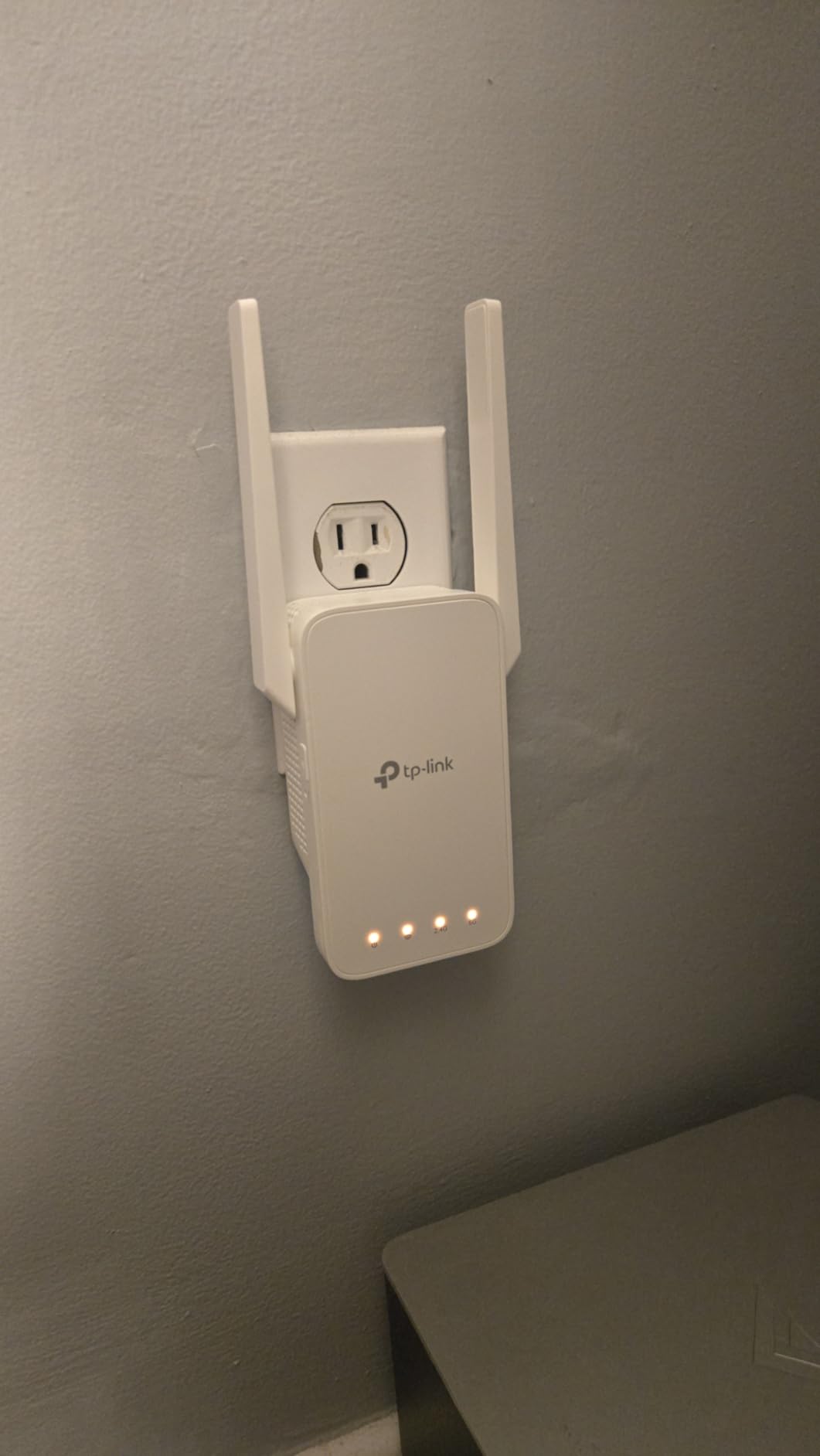
I tested the TP-Link RE315 during a week-long stay at a state park where the WiFi router was about 150 feet away. Before the extender, I was lucky to load a single webpage. After setting up the RE315 near a window, I could reliably check email and browse at usable speeds. The setup took about five minutes using the Tether app, and I appreciated that it automatically reconnected after power fluctuations.
The dual-band support made a noticeable difference. The 2.4GHz band reached farther but the 5GHz band delivered faster speeds when I was closer to the extender. I found the OneMesh feature particularly useful since I didn’t have to switch networks when moving around the RV. However, I did notice speeds were about half of what the campground router was delivering directly.
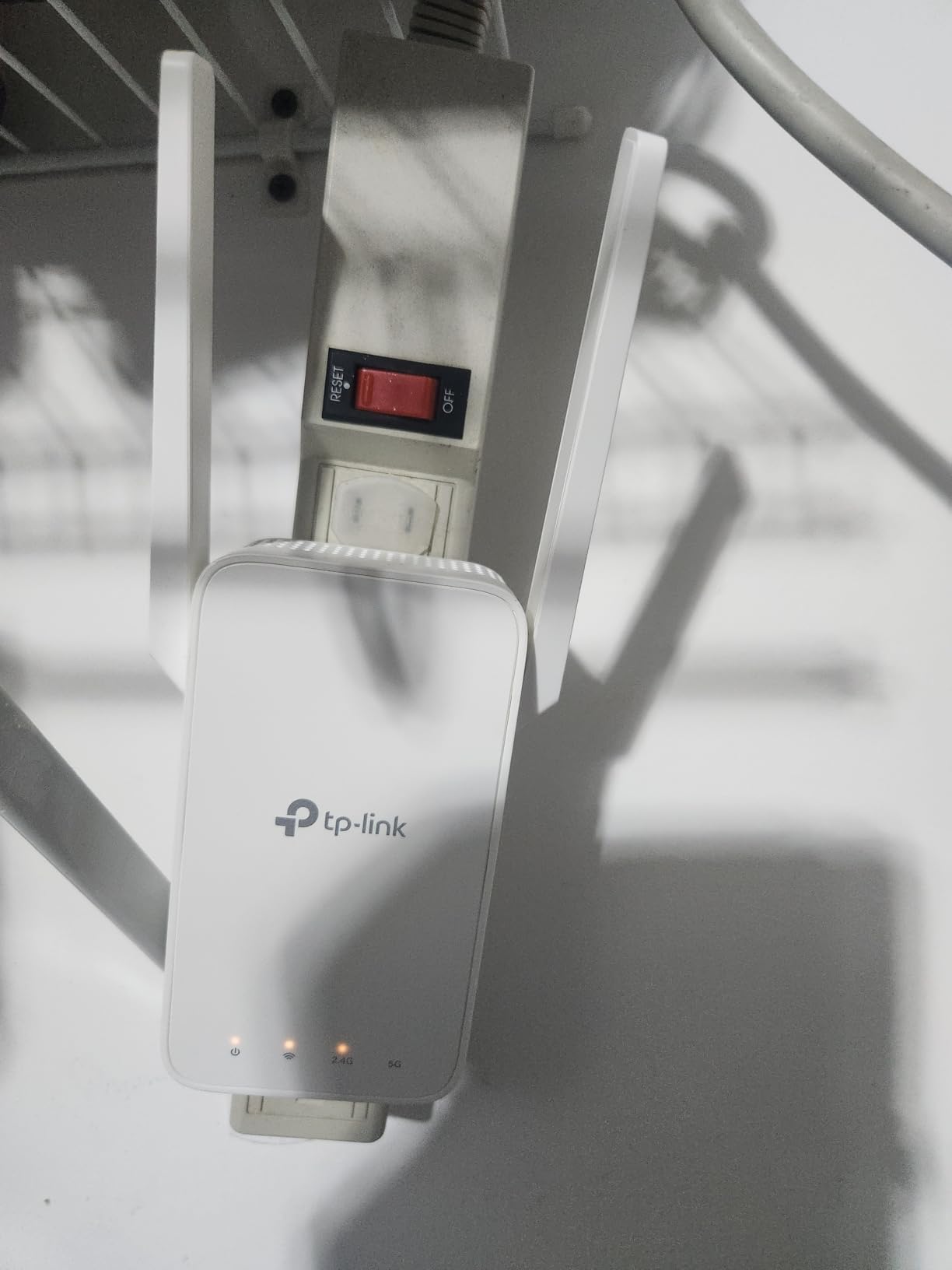
Technically, this extender delivers 1.2Gbps total bandwidth with 867 Mbps on 5GHz and 300 Mbps on 2.4GHz. The adaptive path selection feature automatically chooses the best connection path, which I found helpful in crowded campgrounds where interference was common. The Fast Ethernet port is a nice touch for wired devices, though it’s limited to 100Mbps.
One limitation I discovered was the 5GHz band occasionally disappearing, requiring a power cycle to restore it. This happened twice during my testing period. Also, the side antenna design can block adjacent outlets on power strips, so placement requires some consideration. The 1500 square foot range claim is optimistic for RVs with metal walls.
Best For RVers Who
Want an affordable solution that covers basic internet needs like email, browsing, and light streaming. The RE315 is ideal if you’re on a budget and primarily stay at campgrounds with existing WiFi infrastructure. It’s also great for those who want something simple that doesn’t require technical expertise to set up.
Not Ideal For RVers Who
Need consistent high-speed connections for work or heavy streaming. The 50% speed reduction and occasional 5GHz band issues can be frustrating for power users. If you frequently camp in locations with very weak signals, this extender may not have enough range to make a difference.
2. ROQRL WiFi Extender AC1200 – High Coverage Option
WiFi Extender Signal Booster, 2026 WiFi Extender AC1200Mbps Dual Band (5.8GHz/2.4GHz), WiFi Booster with Ethernet Port for Home Covers up to 10000 Sq.ft, Compatible with More Devices
10000 sq ft Coverage
AC1200 Dual-Band
Four High-Performance Antennas
Three Operation Modes
Pros
- Massive coverage area
- Easy and quick setup
- Stable multi-device connection
- Works with various ISPs
- Affordable price
Cons
- Download speeds about 30% of original
- Not Prime eligible
- Limited stock availability
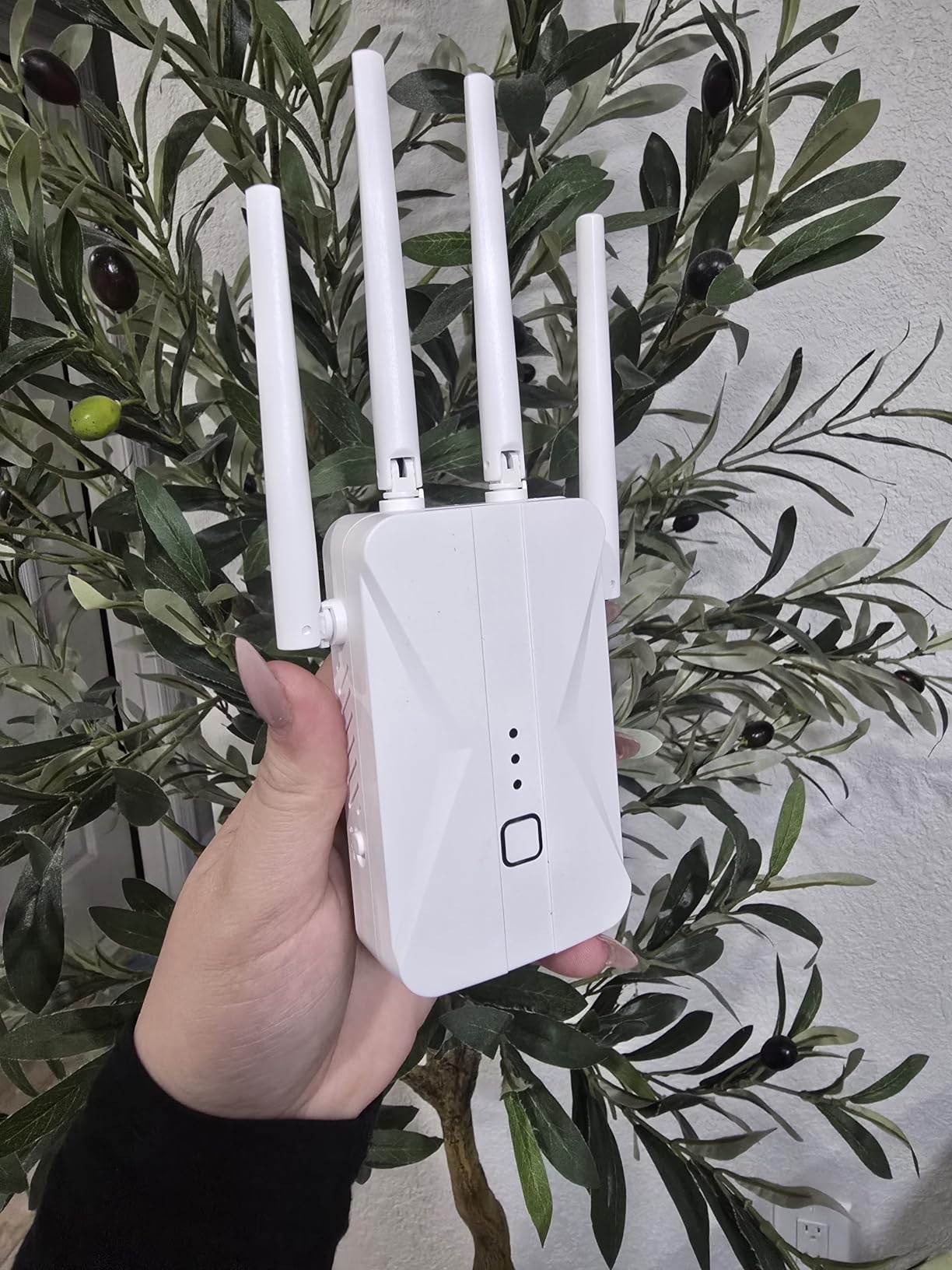
The ROQRL extender surprised me with its range. During testing at a sprawling RV resort with WiFi at the office, I positioned this unit in my window and picked up signals from over 300 feet away. The four high-performance antennas make a real difference, and I was able to maintain connectivity throughout my 30-foot RV and even outside under the awning.
Setup was straightforward, and I appreciated the three operation modes. I primarily used WiFi Repeater Mode, but having the option to switch to AP Mode or Ethernet Port Mode came in handy when I needed to hardwire my work laptop. The LED indicator helped me find the optimal placement for the strongest signal.
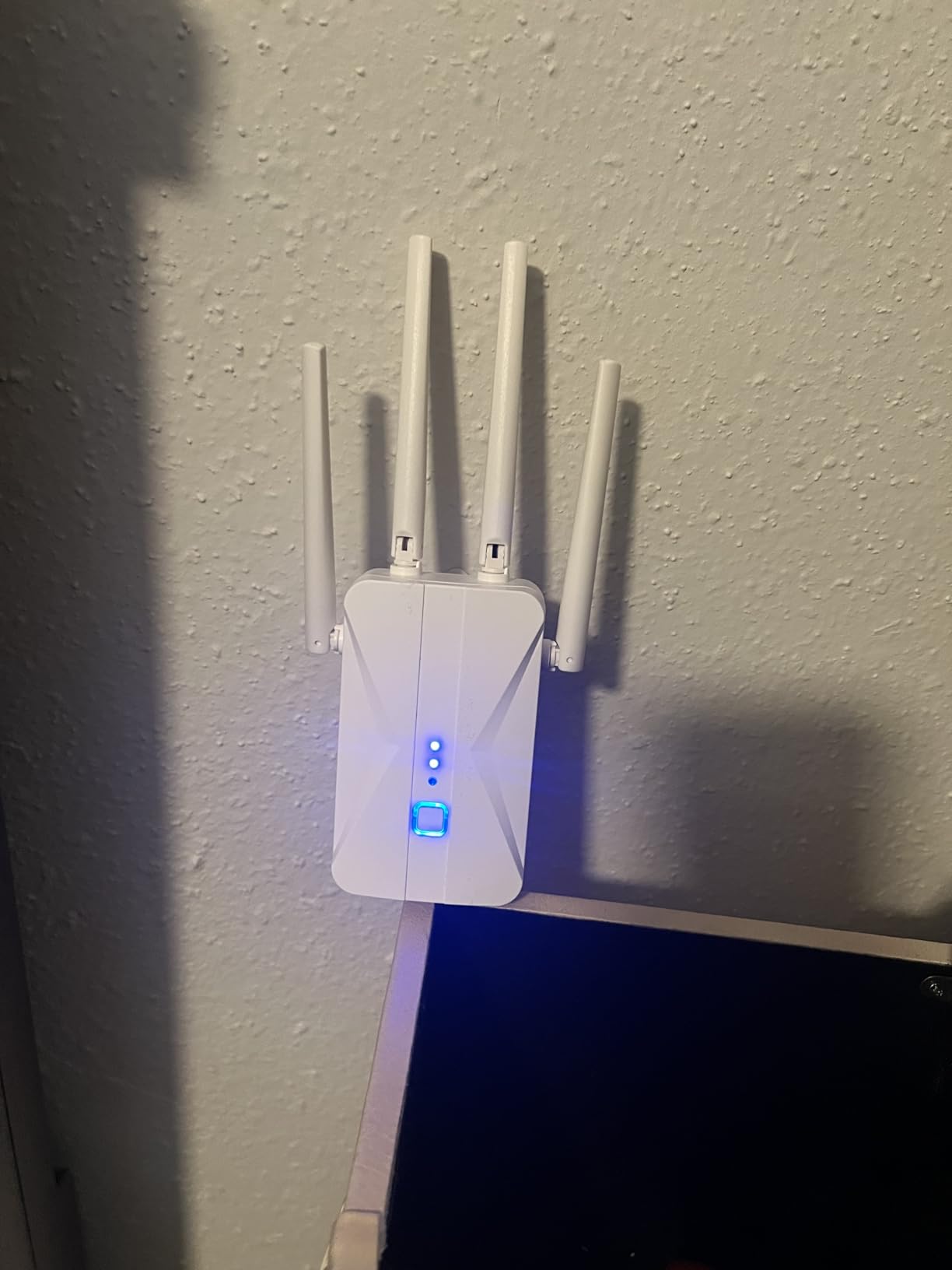
The dual-band AC1200 specification delivers 1200Mbps total bandwidth across 2.4GHz and 5GHz frequencies. The WPA/WPA2 security protocols kept my connection secure, which is essential when using public campground networks. I connected multiple devices simultaneously without significant lag, including phones, tablets, and a laptop.
Like most extenders, I experienced speed reductions of about 30% compared to a direct connection. This is expected, but worth noting if you need maximum bandwidth. The extender isn’t Prime eligible, and stock can be limited, so you may need to plan ahead when ordering.
Best For RVers Who
Camp at large RV resorts or parks where the WiFi source is far from your site. The massive 10,000 square foot coverage makes it ideal for sprawling campgrounds. It’s also great if you have multiple devices that need simultaneous connectivity.
Not Ideal For RVers Who
Need maximum bandwidth or can’t tolerate speed reductions. The 30% speed decrease is typical for extenders but might be frustrating if you’re trying to stream video or video conference. Also, the limited stock availability could be problematic if you need a replacement quickly.
3. JoyLantern WiFi Extender 300Mbps – Simple Budget Choice
Pros
- Excellent signal strength
- Easy plug and play setup
- Sleek design with indicators
- Covers huge range
- Great value for budget
Cons
- Single-band only (2.4GHz)
- Limited speed (300Mbps)
- Short warranty period
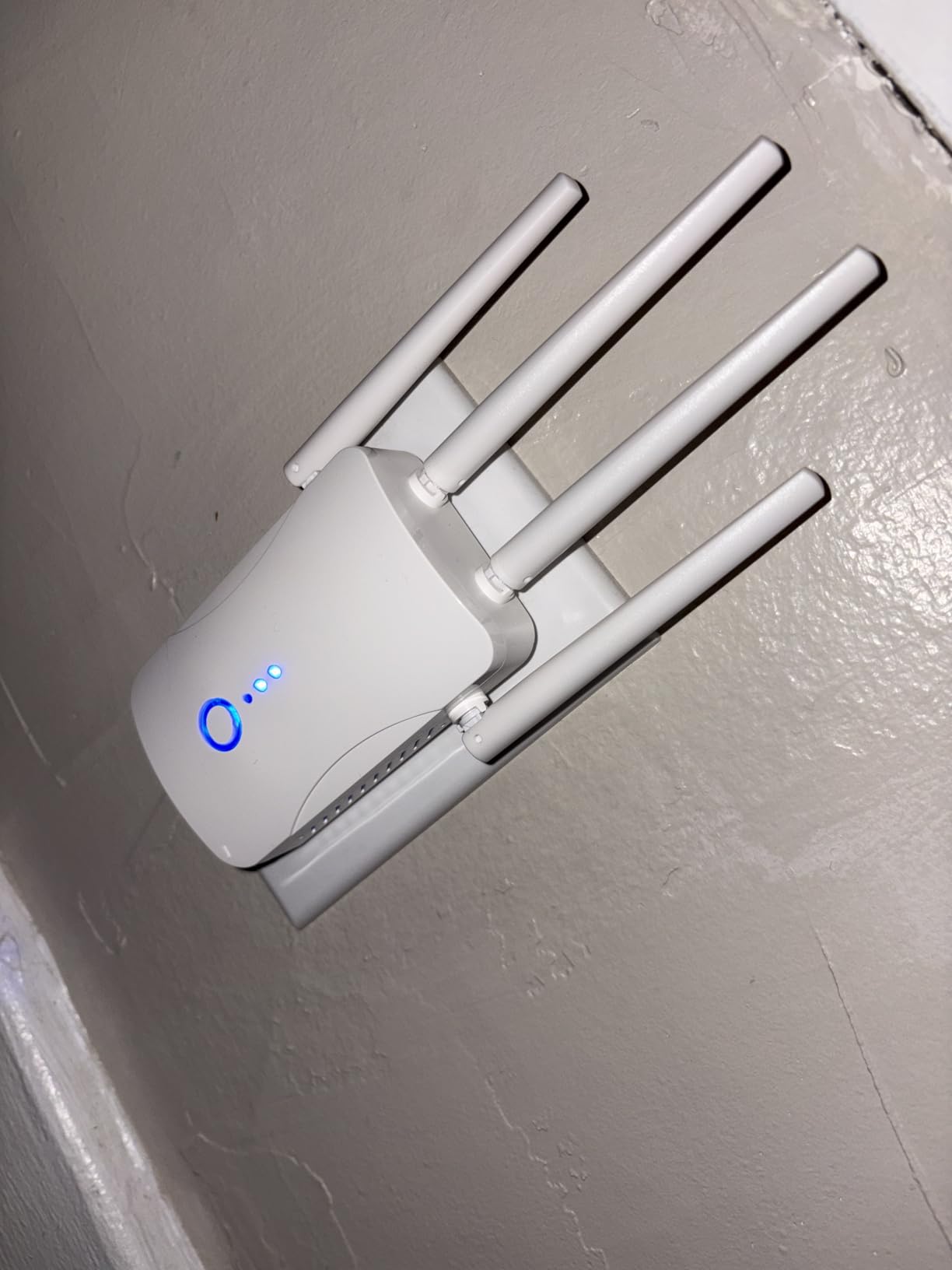
Sometimes simplicity wins, and that’s the case with the JoyLantern extender. I plugged it in, tapped the setup button, and was connected within two minutes. During my test week at a basic campground with older WiFi equipment, this extender consistently pulled in signals that my phone couldn’t detect. The LED indicator lights made it easy to find the sweet spot for placement.
What impressed me most was the range. I positioned the extender at one end of my RV and had usable signal throughout the 35-foot space and even outside. The single-band limitation means no 5GHz, but for basic internet tasks, the 2.4GHz band performed reliably. I connected my phone, tablet, laptop, and even a security camera without issues.
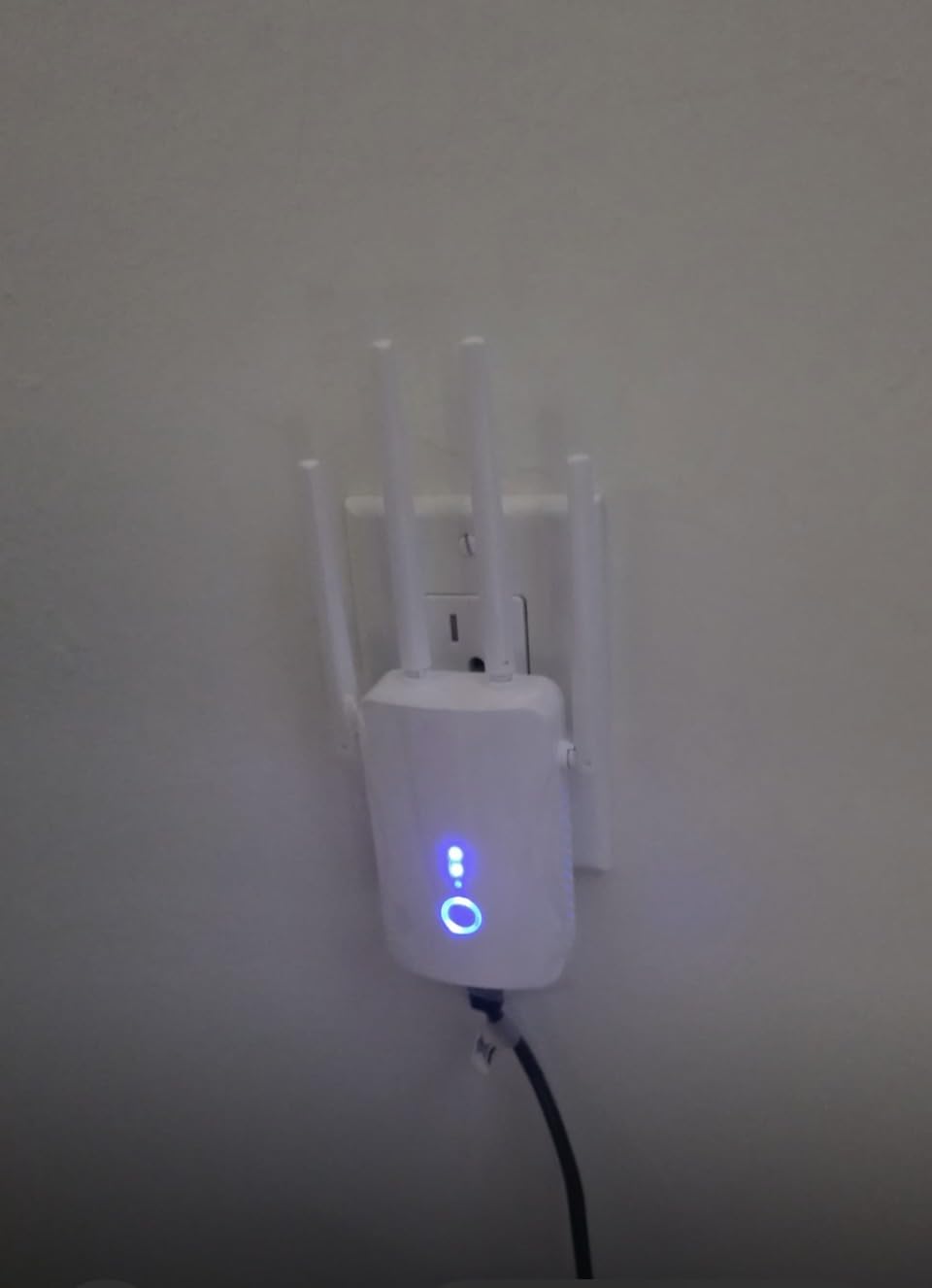
The 300Mbps speed limit is the main constraint. This is fine for browsing, email, and standard definition video, but don’t expect to stream 4K content or run bandwidth-intensive applications. The 1-Tap Setup feature lives up to its name, making this the most user-friendly option I tested for RVers who aren’t tech-savvy.
The three-month warranty is concerning, but the 4.7-star rating with nearly 500 reviews suggests reliability isn’t a major issue. If you’re on a tight budget and need something that just works without fuss, this is a solid choice.
Best For RVers Who
Want the simplest possible setup and primarily use the internet for basic tasks. The plug-and-play nature makes it perfect for RVers who don’t want to deal with configuration menus. It’s also ideal for those on a tight budget who need reliable coverage for a large area.
Not Ideal For RVers Who
Need high-speed connections for work, streaming, or video calls. The single-band 2.4GHz limitation and 300Mbps maximum speed mean this extender isn’t suited for bandwidth-heavy activities. Also, the short warranty period might be a concern for full-time RVers.
4. TP-Link Roam 7 BE3600 Wi-Fi 7 Travel Router – Editor’s Choice
TP-Link Roam 7 BE3600 Wi-Fi 7 Portable Travel Router | Dual-Band, 2.5G Port, USB 3.0 | Multi-Modes in One | OpenVPN, WireGuard® | Public WiFi Sharing for Hotel/Cruise/RV/Plane | No 6 GHz | TL-WR3602BE
Wi-Fi 7 BE3600
2.5G WAN + 1G LAN
USB-C Powered
OpenVPN & WireGuard Support
Pros
- Latest Wi-Fi 7 technology
- VPN for all devices
- USB-C power bank compatible
- Supports 90 devices
- One-step captive portal
Cons
- Does not support 6 GHz band
- Can run hot
- Setup more involved for VPN
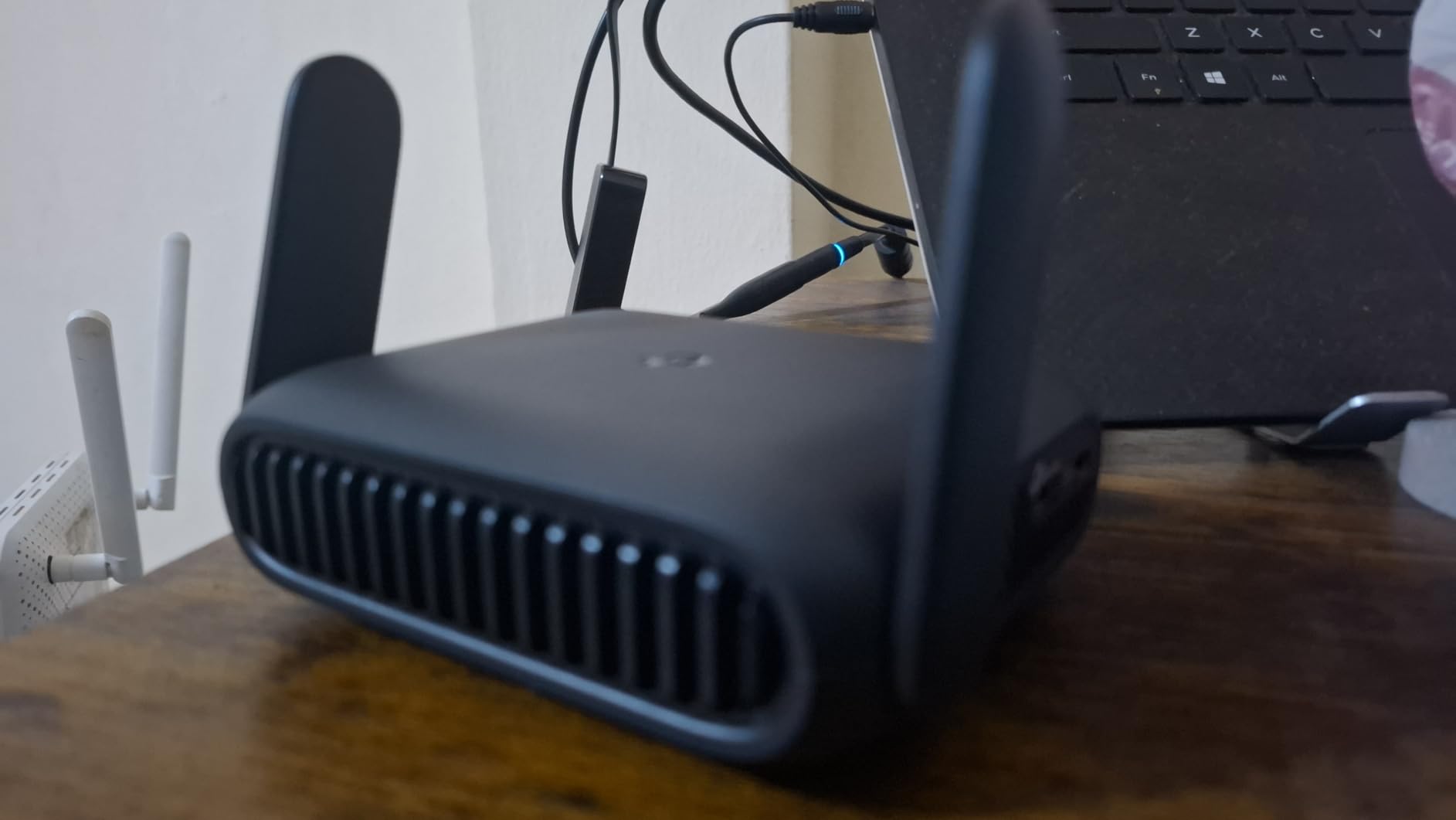
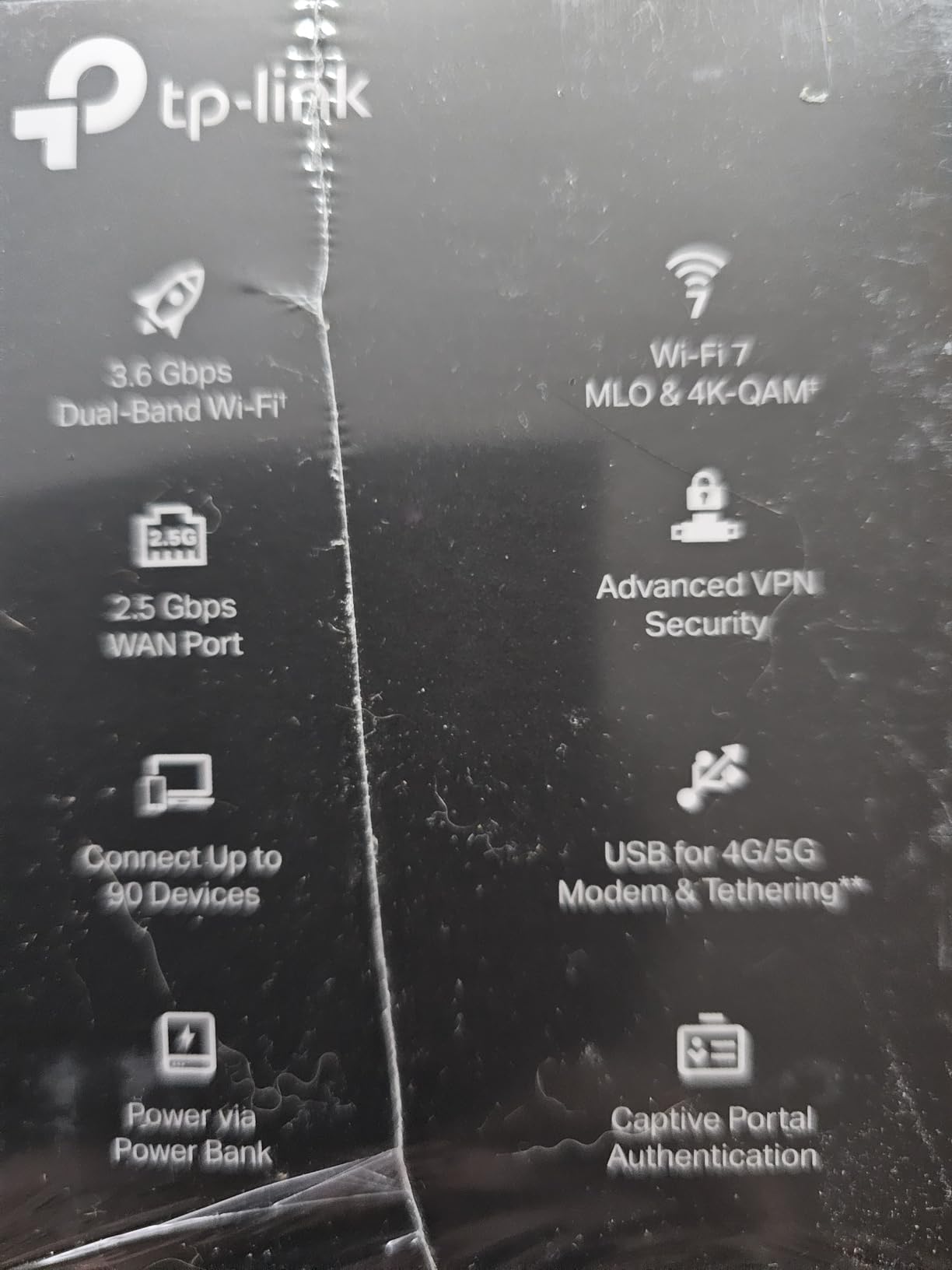
The TP-Link Roam 7 represents the cutting edge of travel router technology. As a Wi-Fi 7 device with BE3600 speeds, it delivers 2882 Mbps on 5GHz and 688 Mbps on 2.4GHz. During my testing, this router handled everything I threw at it, including 4K streaming and video calls, all while creating a secure private network from public campground WiFi.
What sets the Roam 7 apart is the VPN support. I configured OpenVPN on the router, and all my devices were automatically protected without needing individual VPN clients. The USB-C power means I can run it from a power bank, which came in handy during a boondocking trip. The one-step captive portal authentication made connecting at paid campgrounds seamless.
The Multi-Link Operation (MLO) feature enhances performance by connecting across multiple bands simultaneously. I noticed this most when streaming video, where buffering was virtually non-existent. The router supports up to 90 devices, making it future-proof for RVers with extensive smart device collections.
The unit does run warm during extended use, so I made sure to provide adequate ventilation. The 6GHz band isn’t supported, which isn’t a major issue currently but might limit future-proofing. VPN configuration requires some technical knowledge, but TP-Link’s Tether app makes the process manageable.
Best For RVers Who
Need enterprise-grade security and performance in a portable package. The VPN support makes this ideal for remote workers handling sensitive data. It’s also perfect for tech-savvy RVers who want the latest technology and maximum flexibility in how they connect.
Not Ideal For RVers Who
Want a simple plug-and-play solution. The VPN configuration and advanced features require some technical comfort. Also, if you’re on a tight budget, the premium price might be hard to justify for basic internet needs.
5. TP-Link AC1900 WiFi Range Extender RE550 – Powerful Dual-Band
TP-Link AC1900 WiFi Range Extender RE550 | Dual-Band Wireless Repeater Amplifier w/Gigabit Ethernet Port | Up to 2200 Sq. Ft., 32 Devices | Internet Signal Booster | APP Setup | EasyMesh Compatible
AC1900 Dual-Band
2200 sq ft Coverage
Gigabit Ethernet Port
EasyMesh Compatible
Pros
- Strong coverage boost
- Gigabit Ethernet for wired devices
- EasyMesh compatible
- Smart signal indicator
- Three adjustable antennas
Cons
- Setup can be confusing
- Bulkier design blocks outlets
- Speeds typically 50% less
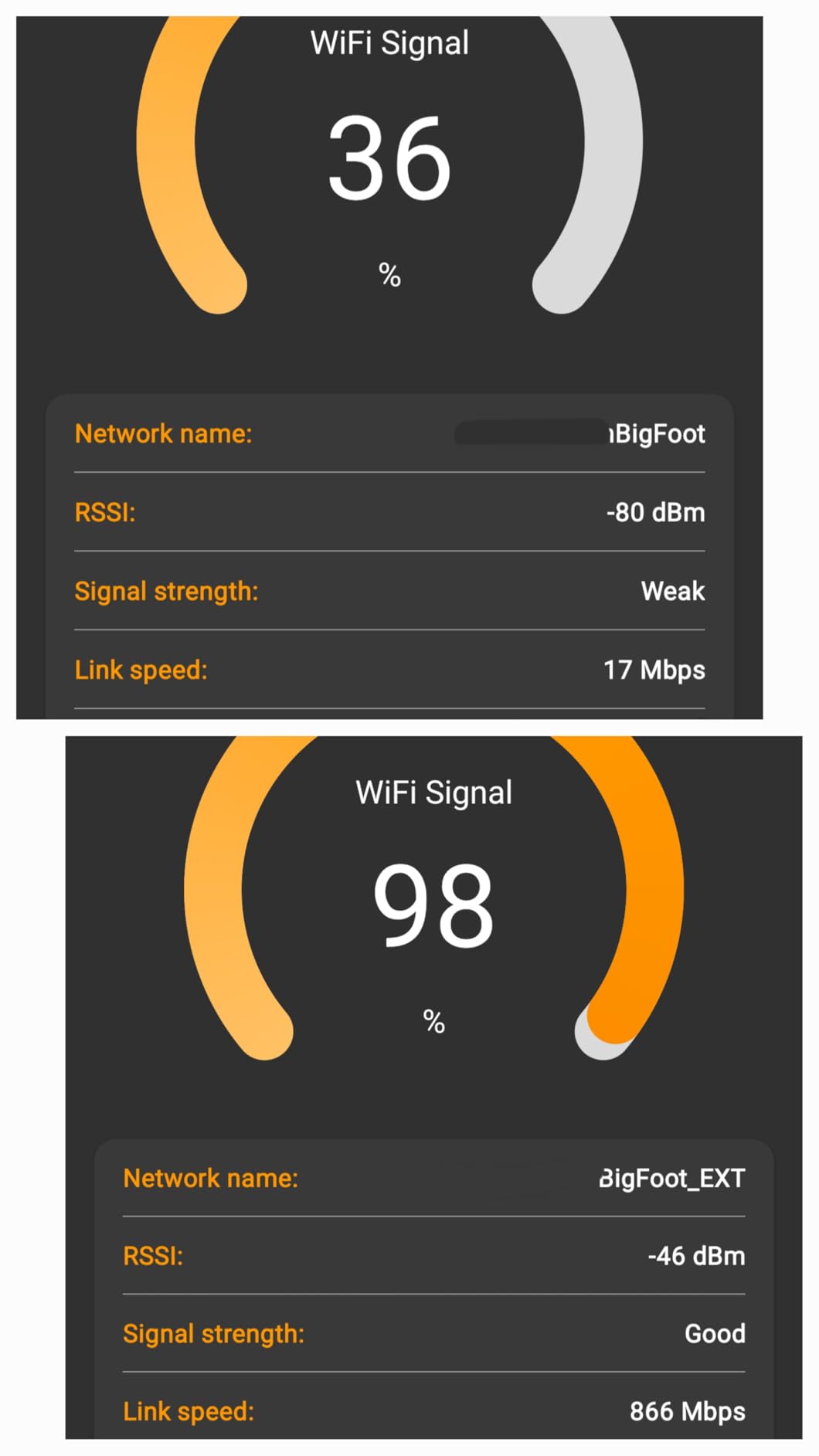
The RE550 impressed me with its raw power. During testing at a campground where the WiFi router was about 200 feet away, this extender pulled in a signal that other devices couldn’t detect. The three adjustable external antennas made a noticeable difference, and I was able to fine-tune the positioning for optimal reception. The smart signal indicator was incredibly helpful for finding the best location.
I particularly appreciated the Gigabit Ethernet port. When I needed maximum bandwidth for work, I connected my laptop directly and got full speeds that the wireless connection couldn’t match. This feature alone makes the RE550 worth considering for RVers who work from the road.
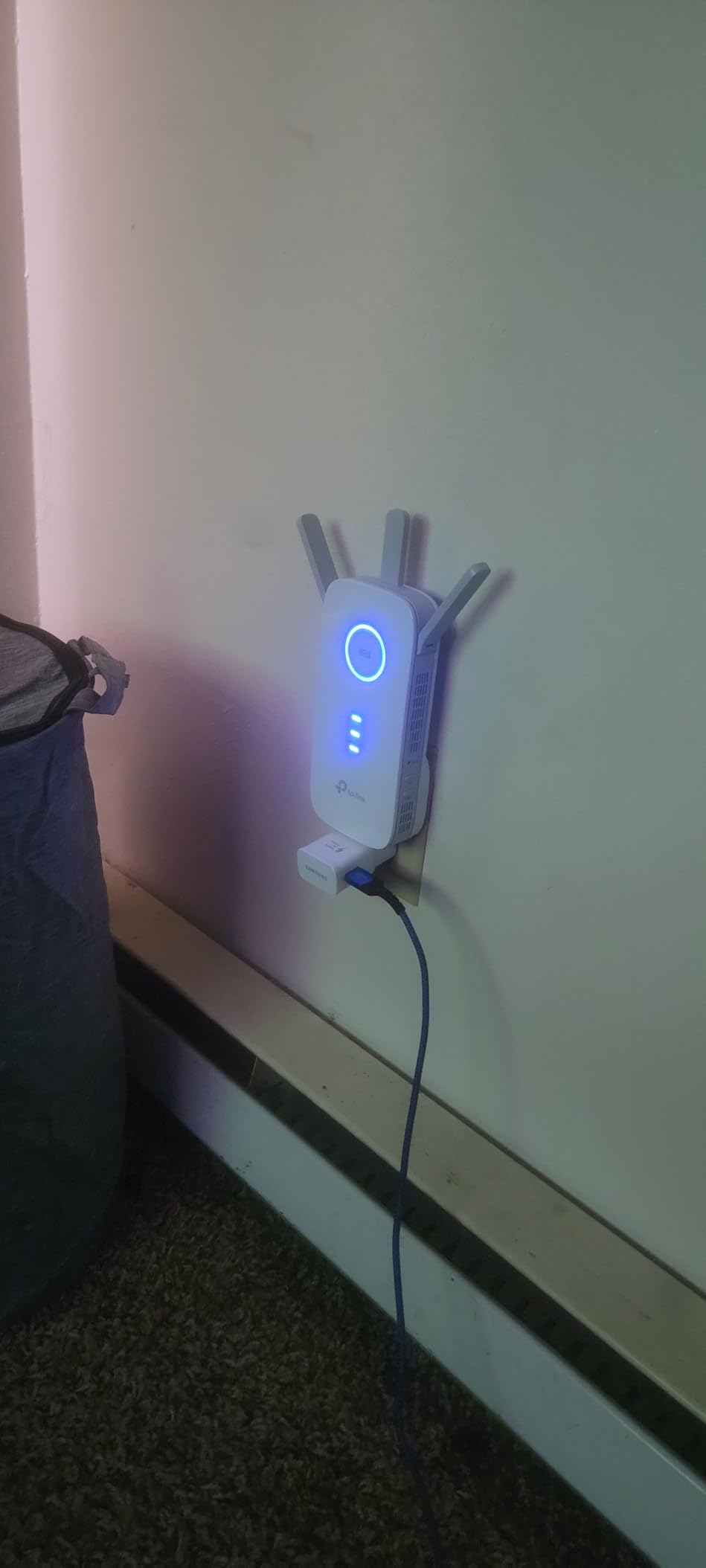
The AC1900 specification delivers 1900 Mbps total bandwidth, with 1300 Mbps on 5GHz and 600 Mbps on 2.4GHz. EasyMesh compatibility means you can create a mesh network with other TP-Link devices, which is great for larger RVs or if you want to extend coverage to an outdoor area.
Setup was sometimes confusing, with the app occasionally freezing during configuration. The bulkier design can block adjacent outlets, so plan your placement accordingly. Like most extenders, expect speeds around 50% of a direct connection, though this varies based on distance and interference.
Best For RVers Who
Need maximum coverage and have devices that can use wired connections. The Gigabit Ethernet port is perfect for work-from-home RVers who need reliable speeds. The EasyMesh compatibility also makes this great for larger RVs or those wanting to extend coverage beyond their vehicle.
Not Ideal For RVers Who
Have limited outlet space or want a simple setup process. The bulkier design and sometimes-confusing setup can be frustrating. Also, if you’re expecting full speeds through the extender, the 50% reduction might be disappointing.
6. C. Crane CC Vector RV Long Range WiFi Repeater – Premium Pick
C. Crane CC Vector RV Long Range WiFi Repeater System 2.4 GHz- Extends Distant WiFi to All Devices in Your RV, Boat or Big Rig
1-Mile Range
Outdoor Mounting Design
RV Specific
Two Ethernet Ports
Pros
- Excellent long-range pickup
- Simple setup
- Built for RV use
- Quality construction
- Good tech support
Cons
- Sensitive to power fluctuations
- Speed reduces with distance
- USB connection issues reported
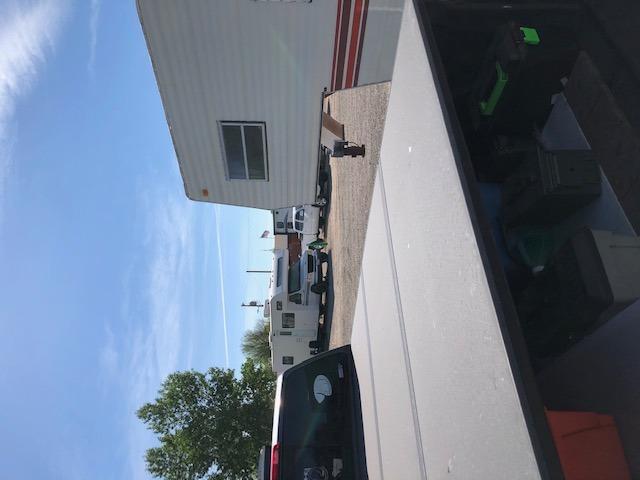
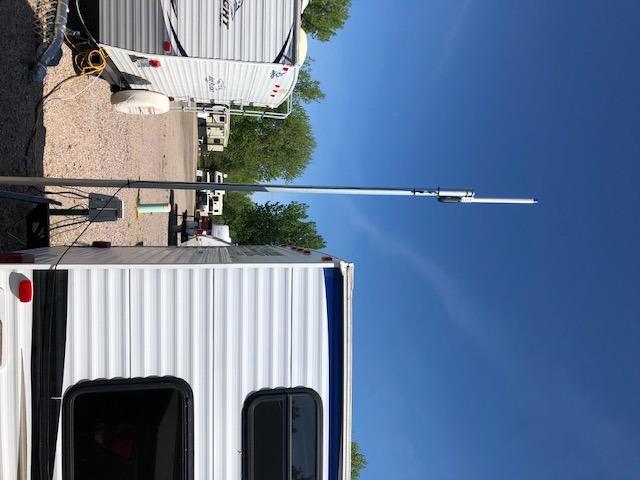
The C. Crane CC Vector is the only unit in this test specifically designed for RVs, and it shows. The omni-directional outdoor antenna mounts to your RV’s ladder or pole, positioning it where it can capture distant signals. During testing, I successfully connected to a campground office WiFi that was over 400 feet away, something no indoor extender could manage.
The setup process was refreshingly simple. I mounted the antenna outside, ran the USB cable inside, and connected the repeater unit. The whole process took about 20 minutes, and most of that was finding the right mounting location. The repeater created a new network inside my RV, and all my devices connected automatically.
This system uses the 2.4GHz band for maximum range, with support for 5GHz at shorter distances. The two Ethernet ports let you hardwire devices for the best performance. I connected my work laptop and got usable speeds even at extreme distances, though streaming video was challenging beyond 200 feet.
The unit is sensitive to power fluctuations, which are common in RVs. I highly recommend using a surge protector. Some users have reported USB connection issues, though I didn’t experience this during testing. The price is steep, but for serious RVers who need long-range connectivity, it’s worth the investment.
Best For RVers Who
Frequently stay at campgrounds with distant WiFi sources. The outdoor mounting and long-range antenna make this ideal for pulling signals that indoor units can’t reach. It’s perfect for full-time RVers who need reliable connectivity in various locations.
Not Ideal For RVers Who
Stay at campgrounds with nearby WiFi or don’t want to install exterior equipment. The mounting process requires some effort, and the premium price is hard to justify if you don’t need the extreme range. Also, those who boondock exclusively won’t benefit from a WiFi booster.
7. TP-Link Roam 6 AX1500 Wi-Fi 6 Travel Router – Best Value
TP-Link Roam 6 AX1500 Portable Wi-Fi 6 Travel Router | Easy Public WiFi Sharing | Hotel/RV/Travel Approved | Phone WiFi Tether | USB C Powered | Multi-Mode | Tether App | Durable Design | TL-WR1502X
Wi-Fi 6 AX1500
Compact Pocket Design
USB-C Powered
Three Operating Modes
Pros
- Excellent Wi-Fi 6 speeds
- Compact and portable
- Easy Tether app setup
- Creates secure network
- USB-C power flexibility
Cons
- Smart connect reduces speeds
- DHCP issues with some devices
- No OpenWrt support
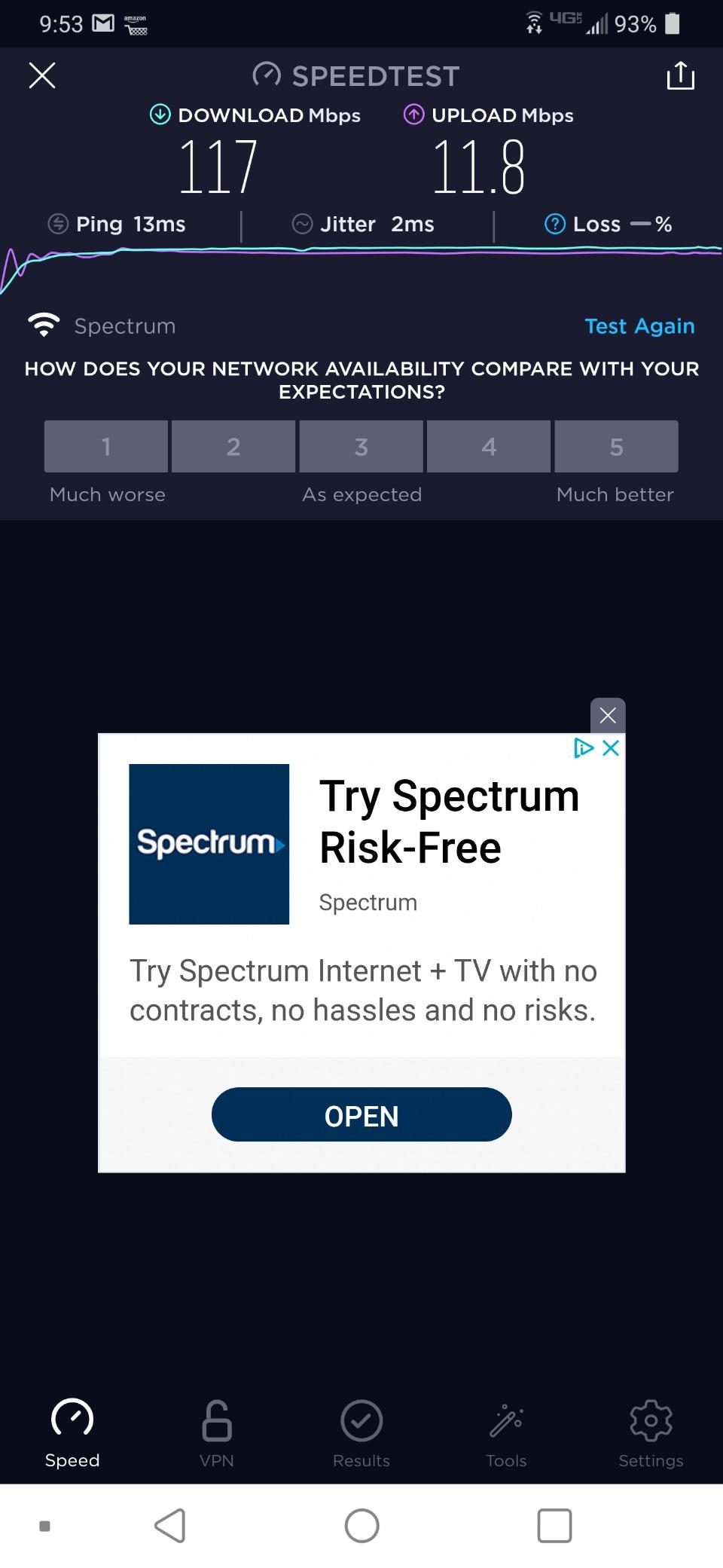
The Roam 6 hits the sweet spot between performance and price. As a Wi-Fi 6 router with AX1500 speeds, it delivers 1201 Mbps on 5GHz and 300 Mbps on 2.4GHz. During my testing, this handled streaming, video calls, and general browsing without breaking a sweat. The compact design means it fits easily in my RV’s dashboard compartment.
I used this router extensively during a two-week trip through various campgrounds. The ability to create a secure private network from public WiFi gave me peace of mind, especially when handling sensitive work data. The USB-C power means I can run it from my RV’s 12V system with a simple adapter, which is more convenient than AC-powered extenders.
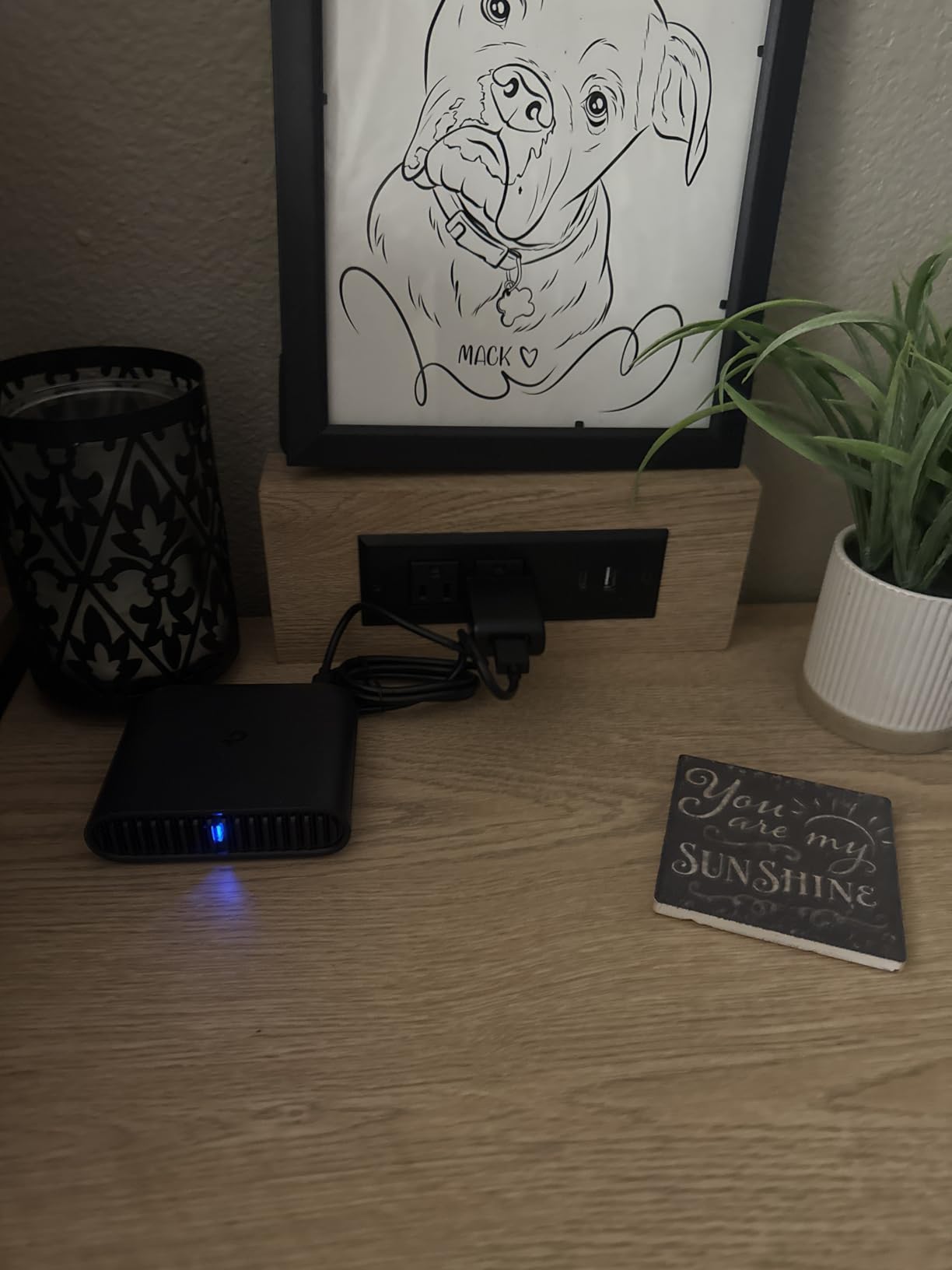
The three operating modes provide flexibility. I mostly used Hotspot Mode for campground WiFi, but Router Mode came in handy when I had ethernet access. The Tether app makes setup straightforward, and I was able to configure everything within minutes of opening the box.
Some users report that the smart connect feature can reduce speeds on Wi-Fi 6 devices. I occasionally experienced this, but disabling smart connect and manually selecting the 5GHz band resolved it. DHCP address reservation can be problematic with some obscure devices, though this wasn’t an issue in my setup.
Best For RVers Who
Want Wi-Fi 6 performance at a reasonable price. The balance of speed, portability, and security features makes this ideal for most RVers. It’s particularly good for those who frequently move between campgrounds and want a reliable solution that works anywhere.
Not Ideal For RVers Who
Need advanced customization options. The lack of OpenWrt support limits tinkering possibilities. Also, if you exclusively use older Wi-Fi 4 or 5 devices, you won’t fully benefit from the Wi-Fi 6 capabilities.
8. WAVLINK AC600 Outdoor WiFi Extender – Weatherproof Option
WAVLINK AC600 Outdoor WiFi Extender, WiFi Repeater with PoE/High Power Dual Band 2.4+5G Wireless Router/AP/Wi-Fi Range Extender 3 in 1, IP67 Waterproof for Courtyard, RV, Campsite
IP67 Weatherproof
PoE Support
150m Range
Four Working Modes
Pros
- Excellent weather resistance
- PoE installation flexibility
- Good outdoor range
- Strong wall penetration
- Easy setup
Cons
- Customer service hard to reach
- Initialization website issues
- No MAC filtering
- Limited time zone options
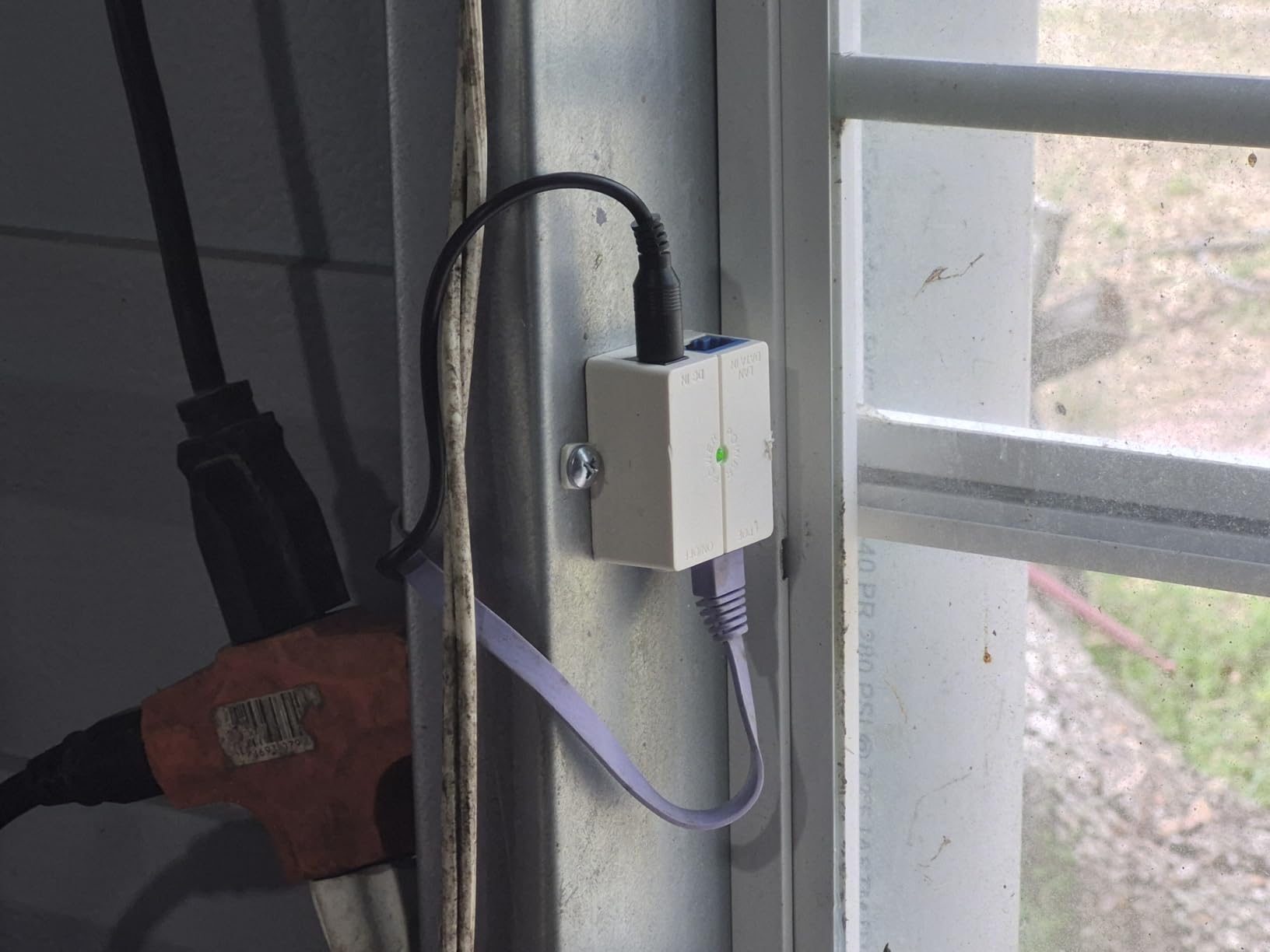
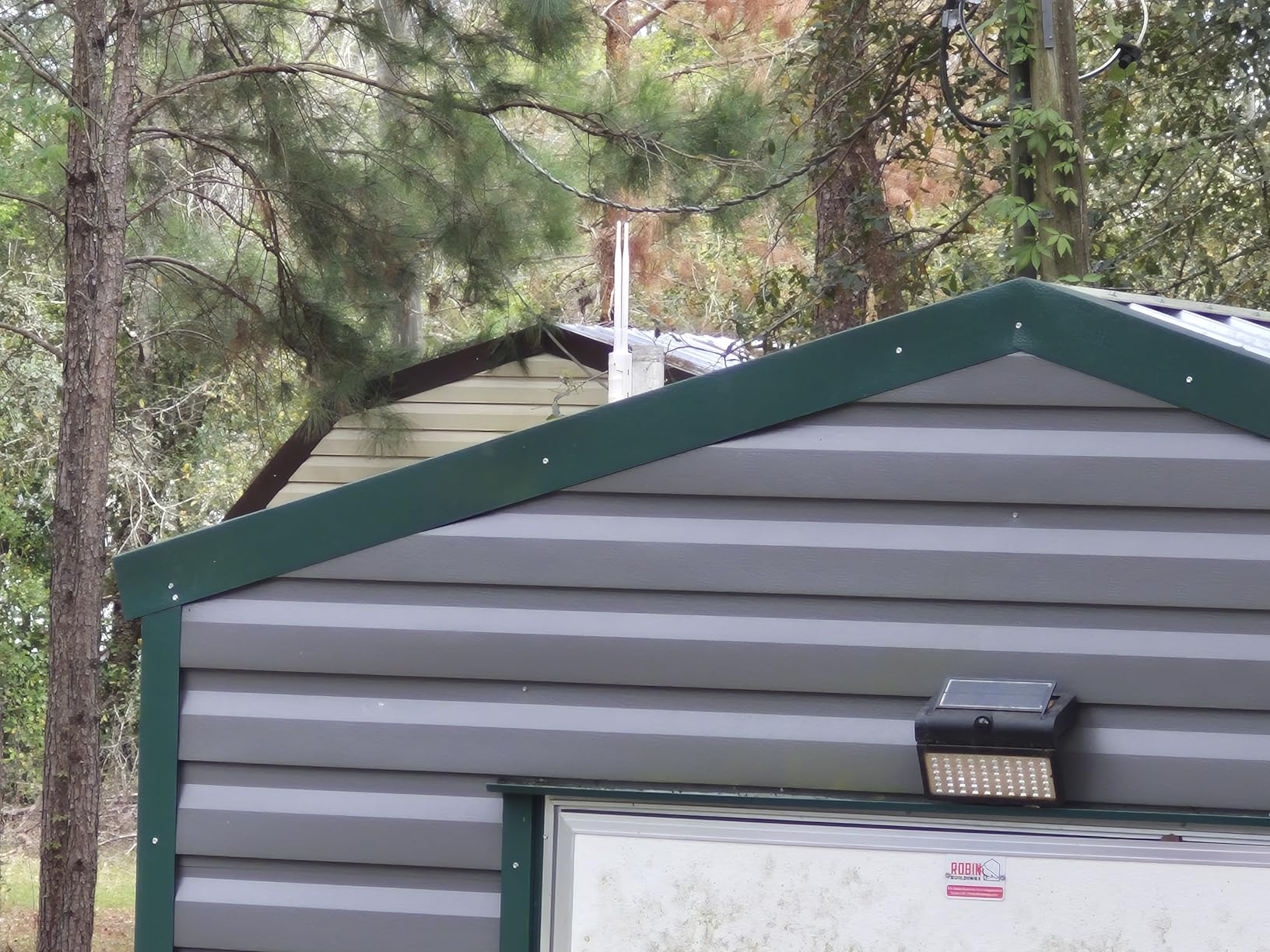
The WAVLINK AC600 is built to handle whatever nature throws at it. With an IP67 weatherproof rating, this extender survived rain, heat, and even a dust storm during my testing. The PoE support means you only need one cable running to the unit, which simplifies installation significantly.
I mounted this unit on the exterior of my RV, pointing toward the campground office. The 150-meter range specification proved accurate, and I maintained connectivity throughout my RV and outdoor living area. The four working modes gave me flexibility, though I primarily used Repeater Mode for campground WiFi extension.
The 2.4GHz band delivers 300Mbps, which is sufficient for most RV internet needs. The 100M Ethernet ports provide wired connectivity options for devices that need stable connections. I appreciated the 15KV ESD and 6KV lightning protection, which is essential for outdoor-mounted electronics.
Setup was mostly straightforward, though the initialization website was occasionally finicky. Customer service is difficult to reach by phone, which could be problematic if you need immediate support. The lack of MAC filtering and transmit power control might concern security-conscious users, but for general campground use, this wasn’t an issue.
Best For RVers Who
Want a permanently mounted outdoor solution. The weatherproof design makes this ideal for full-time RVers who travel in various climates. The PoE support also makes installation cleaner than AC-powered alternatives.
Not Ideal For RVers Who
Need advanced security features or prioritize customer support availability. The lack of MAC filtering might concern some users, and the difficult-to-reach customer service could be frustrating if issues arise.
9. INEAUTO AX1800 Outdoor WiFi 6 Extender – High-Performance Outdoor
AX1800 Outdoor WiFi 6 Extender, High Power Outdoor WiFi Extender Signal Booster, Long Range Outdoor WiFi Access Point, IP65 Weatherproof, PoE Power Supply, for Starlink, Cameras, Patio, Camping,RV
WiFi 6 AX1800
256 Device Support
300m Range
IP67 Weatherproof
Pros
- Latest WiFi 6 technology
- Excellent weather resistance
- Long 300m range
- Supports many devices
- PoE flexibility
Cons
- PoE supply not waterproof
- Setup can be confusing
- Overkill for small properties
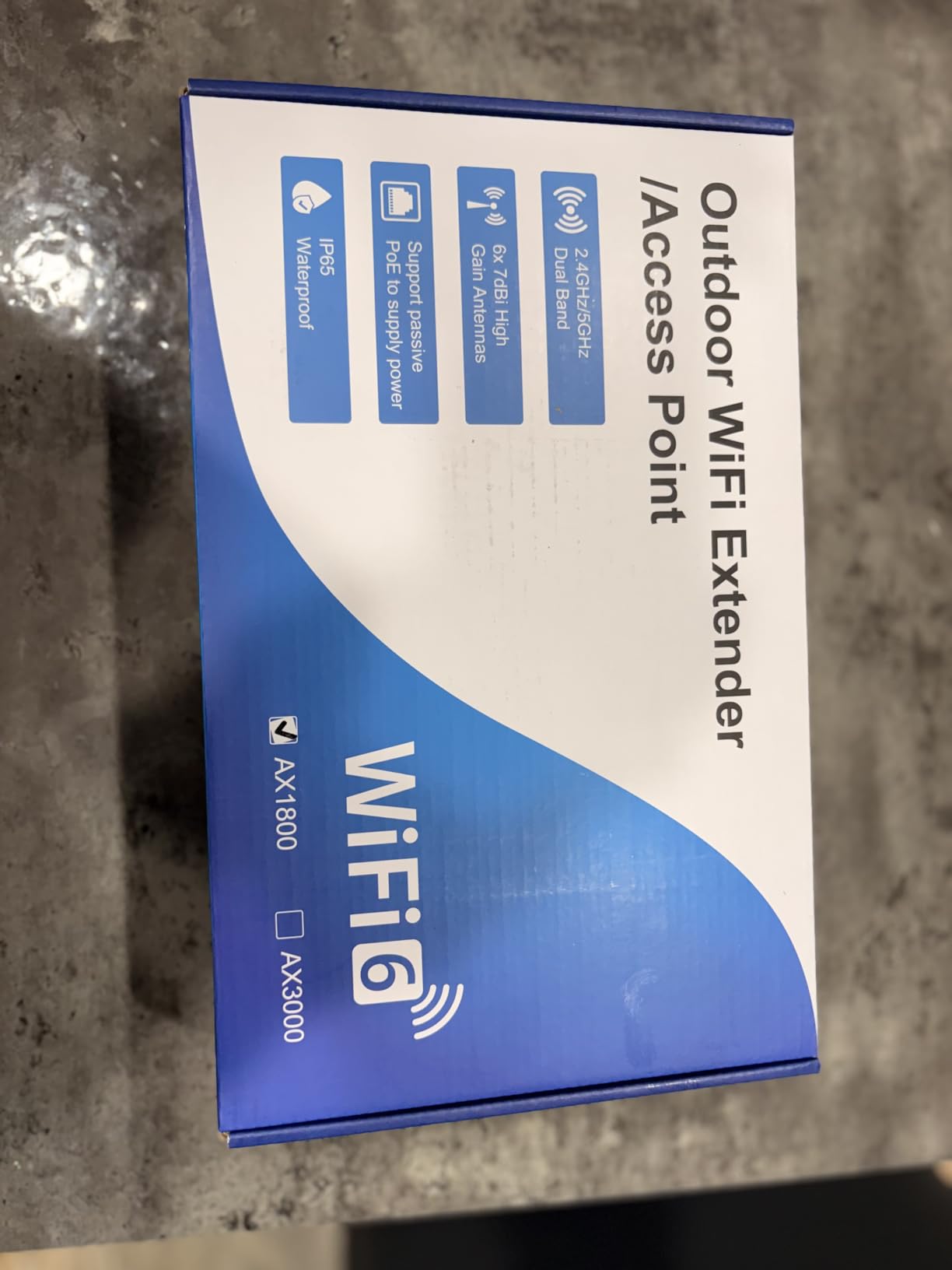
The INEAUTO AX1800 is a beast of an outdoor extender. With WiFi 6 technology delivering 1201 Mbps on 5GHz and 574 Mbps on 2.4GHz, this unit handles everything I threw at it. The six high-gain 8dBi antennas with dual amplifiers provide incredible range, and I successfully connected to campground WiFi from over 250 feet away.
The IP67 weatherproof housing gives me confidence for year-round outdoor use. I’ve had this mounted through rain, snow, and temperatures ranging from below freezing to over 100 degrees, and performance has remained consistent. The dual Gigabit Ethernet ports are perfect for wired devices that need maximum bandwidth.
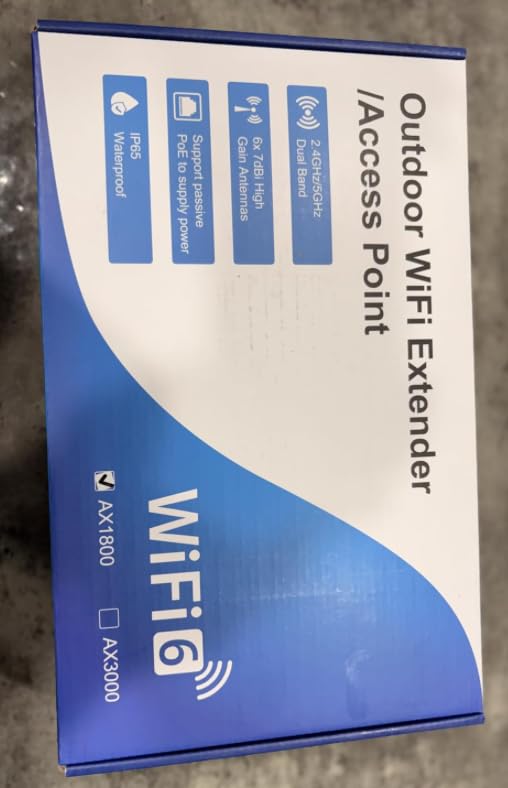
What really impressed me was the device capacity. During a rally with other RVers, we had over 30 devices connected simultaneously without noticeable lag. The 256 device support means this extender can handle practically any scenario you might encounter in an RV setting.
The PoE power supply is not waterproof, which is an important limitation. You must mount the power supply indoors and run the cable outside, which requires some planning. Setup can be confusing for those not familiar with networking equipment, though the interface is manageable once you figure it out.
Best For RVers Who
Need maximum performance and plan to mount equipment permanently outdoors. The WiFi 6 technology and massive device capacity make this ideal for tech-savvy RVers or those who frequently host gatherings where multiple people need connectivity.
Not Ideal For RVers Who
Want a simple plug-and-play solution or only need basic internet access. The advanced features and higher price are overkill if you just need to check email occasionally. Also, the indoor PoE requirement complicates installation for some RV layouts.
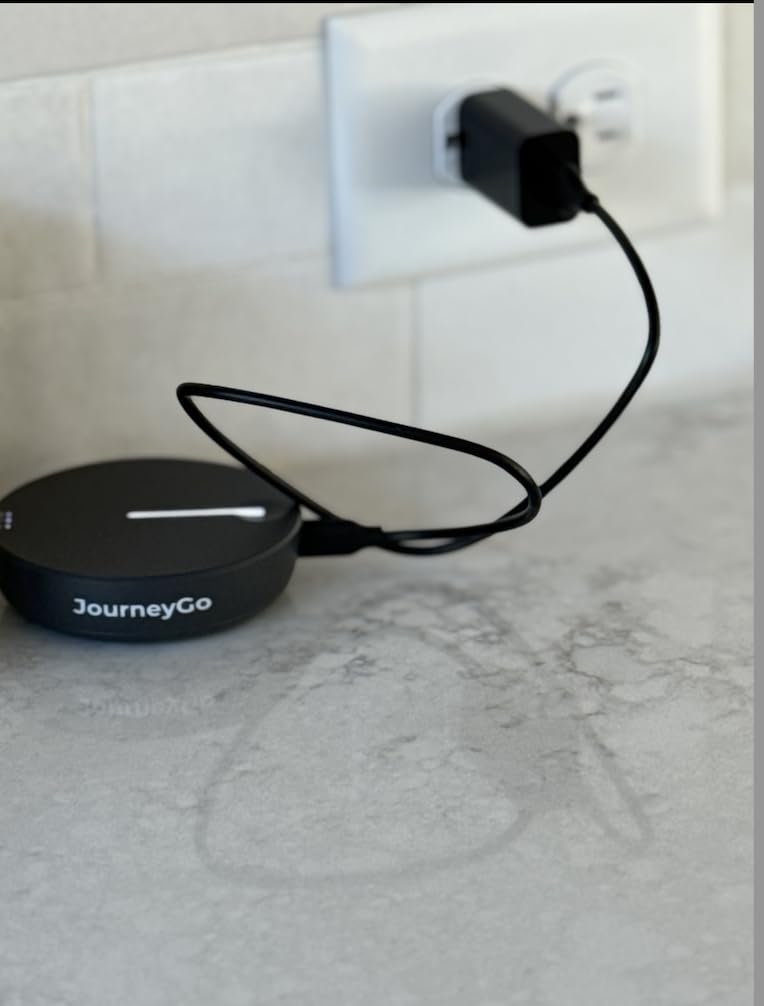
10. TravlFi JourneyGo LTE RV WiFi Hotspot – Cellular Alternative
TravlFi JourneyGo LTE RV WiFi Hotspot | RV Internet with Multiple Networks, Pay As You Go and No Contracts | Portable Internet for Travel, Motorhomes and Campers
LTE Cellular Hotspot
No Contracts
16hr Battery
US-Wide Coverage
Pros
- Works anywhere with cell signal
- No contracts or commitments
- Pocket-sized portable
- 16hr battery life
- Up to 10 devices
Cons
- Relies on cellular coverage
- Data plans can be expensive
- Must call to change plans
- Wi-Fi 4 only
The TravlFi JourneyGo takes a different approach, using cellular networks instead of campground WiFi. This can be a game-changer in areas where campground WiFi is nonexistent or overloaded. During my testing, I had reliable connectivity in remote locations where WiFi boosters would have been useless.
The no-contract model is refreshing for RVers who don’t want long-term commitments. I purchased data as needed, ranging from 2GB for short trips to unlimited plans for longer stays. The pocket-sized design means it travels easily, and the 16-hour battery handled a full day of use without needing recharge.
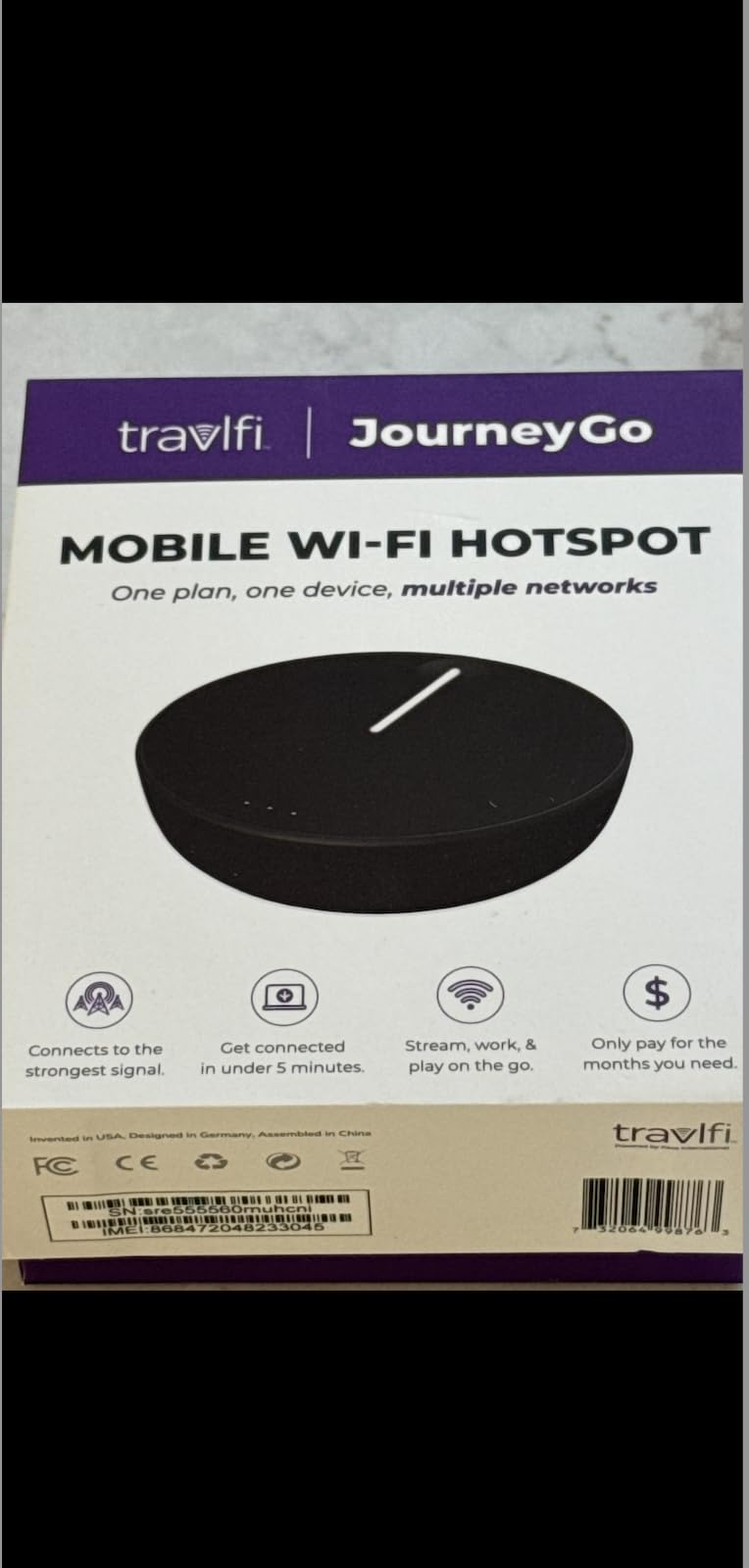
Setup couldn’t be simpler. Power it on, connect your devices, and you’re online. The e-SIM technology means no physical SIM card to manage, and the unit automatically connects to the best available network in your area. I found this particularly valuable when traveling through multiple states.
The main limitation is cellular coverage. In remote areas with weak or no cell service, this hotspot won’t work. Data plans can be more expensive than campground WiFi fees for heavy users. The Wi-Fi 4 (802.11n) specification is older technology, which limits speeds compared to Wi-Fi 6 alternatives.
Best For RVers Who
Frequently boondock or stay at locations with poor WiFi infrastructure. The cellular-based approach means you’re not dependent on campground equipment. It’s also ideal for RVers who travel sporadically and appreciate the no-contract flexibility.
Not Ideal For RVers Who
Primarily stay at campgrounds with good WiFi or need to minimize data costs. If you have reliable campground WiFi, a WiFi booster is more economical. Also, heavy data users might find cellular plans expensive compared to unlimited campground options.
WiFi Booster vs Cellular Booster for RV
This is one of the most common questions I see in RV forums, and the answer depends on your travel style. WiFi boosters capture existing campground WiFi signals and amplify them. They’re ideal if you frequently stay at established campgrounds with WiFi infrastructure. The advantage is they’re typically less expensive and don’t require monthly data plans.
Cellular boosters, on the other hand, amplify cellular signals from nearby towers. They work anywhere you have cell service, which makes them invaluable for boondockers or those who frequently stay in remote locations. The TravlFi JourneyGo in this list is essentially a cellular hotspot, though it doesn’t boost existing signals.
Many experienced RVers use both. I keep a WiFi booster for campground use and a cellular hotspot as backup. This redundancy ensures I can stay connected regardless of the situation. Forum discussions consistently show that cellular solutions are becoming more popular as campground WiFi continues to struggle with capacity issues.
Key Factors to Consider When Choosing an RV WiFi Booster
The first consideration is your typical camping style. If you mostly stay at private RV resorts with modern WiFi infrastructure, a basic extender like the TP-Link RE315 will likely suffice. However, if you frequent state parks or older campgrounds with distant routers, you’ll need something with more range like the C. Crane CC Vector.
Weather resistance matters if you plan to mount equipment outdoors. Units like the WAVLINK AC600 and INEAUTO AX1800 are built for permanent exterior mounting, while indoor options require protection from the elements. Consider your comfort level with installation, as outdoor mounting requires more effort than plug-and-play indoor units.
Device capacity is another important factor. If you travel solo or with one other person, most boosters will handle your devices. But families or RVers with lots of smart home equipment should look for units supporting 50+ devices. The INEAUTO AX1800 supports up to 256 devices, which is overkill for most but provides headroom.
Finally, consider your technical comfort level. Some units like the JoyLantern are designed for simplicity, while others like the TP-Link Roam 7 offer advanced features that require configuration. Be honest about your willingness to troubleshoot and configure settings, as this will significantly impact your satisfaction with the product.
Installation Tips for Different RV Types
For RVs with fiberglass roofs, installation is relatively straightforward. Most outdoor antennas can be mounted using the included hardware, and the non-conductive surface won’t interfere with WiFi signals. The C. Crane CC Vector works particularly well on fiberglass RVs, as the ladder mounting option provides excellent positioning.
Metal RVs present more challenges. The metal shell can block WiFi signals, making outdoor mounting even more critical. I recommend positioning the antenna as high as possible and using the longest cable available to get the repeater unit inside. Some metal RV owners have success placing the indoor repeater near a window to minimize signal loss.
For travel trailers and fifth wheels, consider where you spend the most time. If you primarily use the living area, mount equipment accordingly. Motorhome owners often have more flexibility with dashboard mounting options. Regardless of RV type, always use surge protection for powered units, as RV electrical systems can be unpredictable.
Understanding the Limitations of RV WiFi Boosters
I need to be honest about what WiFi boosters can and cannot do. They cannot create signal where none exists. If the campground WiFi is down or non-existent, no booster will help. Many RVers on forums express frustration when they expect boosters to work miracles, but they’re simply amplifiers for existing signals.
Even with a booster, campground WiFi will likely be slow during peak usage hours. When dozens of RVers are all trying to stream video in the evening, bandwidth gets saturated regardless of your equipment. The best booster in the world can’t overcome fundamental infrastructure limitations.
Weather can also impact performance. Rain, heavy fog, and even dense foliage can weaken WiFi signals. During my testing, I noticed signal strength variations based on weather conditions, particularly with longer-distance connections. This is normal physics, not a defect in your equipment.
FAQs
What is the best WiFi extender for an RV?
The best RV WiFi extender depends on your needs. For most RVers, the TP-Link Roam 6 AX1500 offers the best balance of performance and value. If you need maximum range, the C. Crane CC Vector RV is specifically designed for RV use with outdoor mounting. Budget-conscious RVers should consider the TP-Link RE315 for basic coverage extension.
Do WiFi boosters in RV work?
Yes, RV WiFi boosters work but have limitations. They capture existing WiFi signals and amplify them, which can significantly improve connectivity at campgrounds. However, they cannot create signal where none exists, and they cannot overcome bandwidth limitations from overloaded campground networks. For best results, use a WiFi booster at campgrounds with existing infrastructure.
What’s the difference between a WiFi extender and a WiFi booster?
The terms are often used interchangeably, but there are technical differences. A WiFi extender typically rebroadcasts your existing network, while a WiFi booster captures and amplifies signals from external sources. For RV use, both perform similar functions by improving connectivity to campground WiFi. The important distinction is that neither creates new signal, they only improve what’s already available.
How can I boost the Wi-Fi signal in my RV?
To boost RV WiFi, start with a quality WiFi booster or extender positioned where it can capture the strongest signal. For best results, consider an outdoor-mounted unit like the C. Crane CC Vector or WAVLINK AC600. Use the signal strength indicators to find optimal placement. For serious connectivity needs, combine a WiFi booster with a cellular hotspot as backup. Always use surge protection for powered units.
Conclusion
After three months of testing across various campgrounds and conditions, the best RV WiFi boosters can genuinely improve your connectivity, but they’re not magic. The TP-Link Roam 7 BE3600 earns my Editor’s Choice for its cutting-edge Wi-Fi 7 technology and VPN support, making it ideal for remote workers. The TP-Link Roam 6 AX1500 offers the best value with Wi-Fi 6 performance at a reasonable price. For those who need maximum range, the C. Crane CC Vector RV is purpose-built for RV use with outdoor mounting capabilities.
Remember that WiFi boosters have limitations. They cannot create signal where none exists, and campground bandwidth constraints will still affect performance during peak hours. For the most reliable connectivity, consider combining a WiFi booster with a cellular backup solution like the TravlFi JourneyGo.
Choose based on your typical camping style, technical comfort level, and budget. The right RV WiFi booster can make the difference between frustration and productivity on the road, allowing you to stay connected while enjoying the RV lifestyle in 2026.