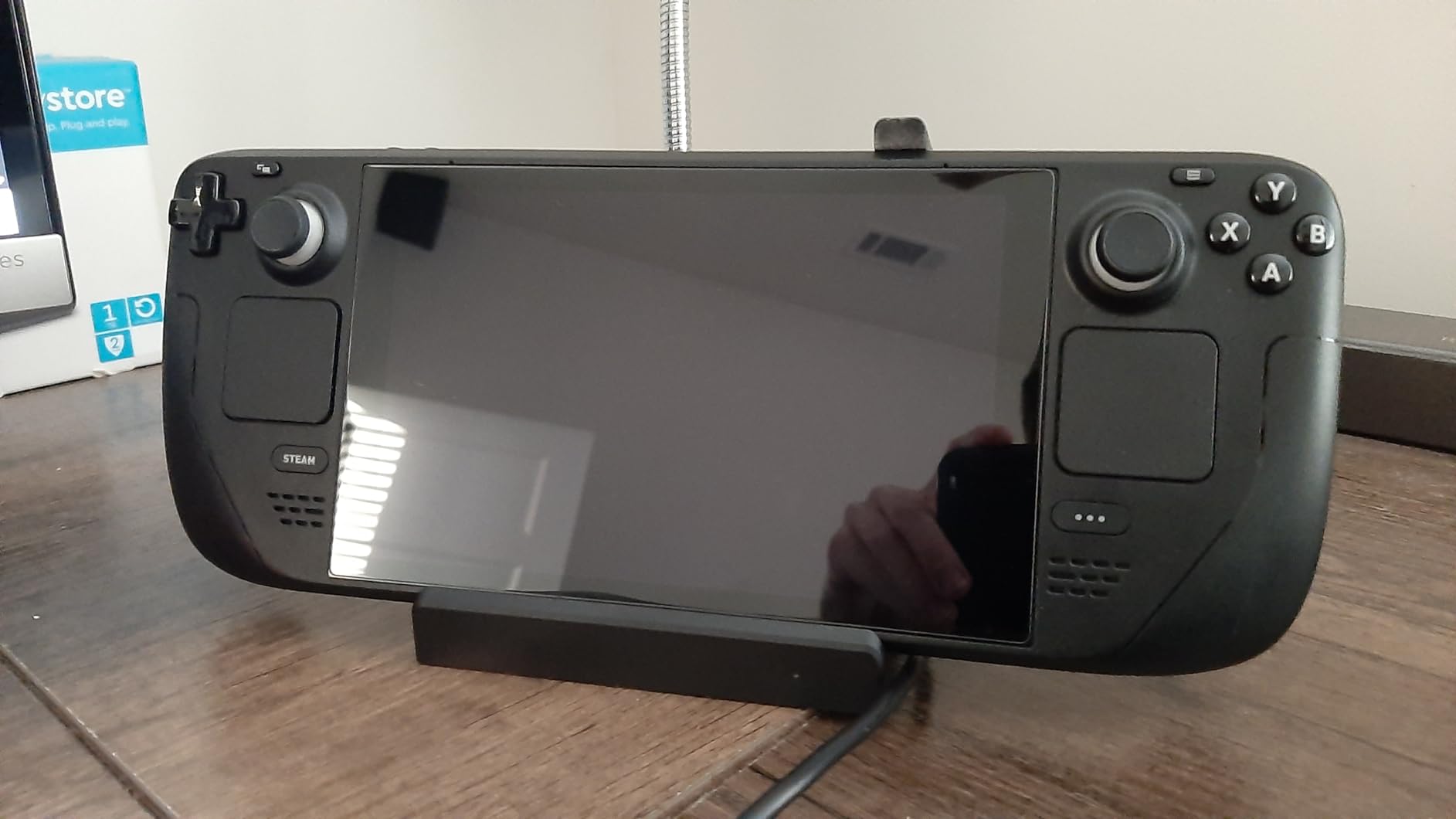
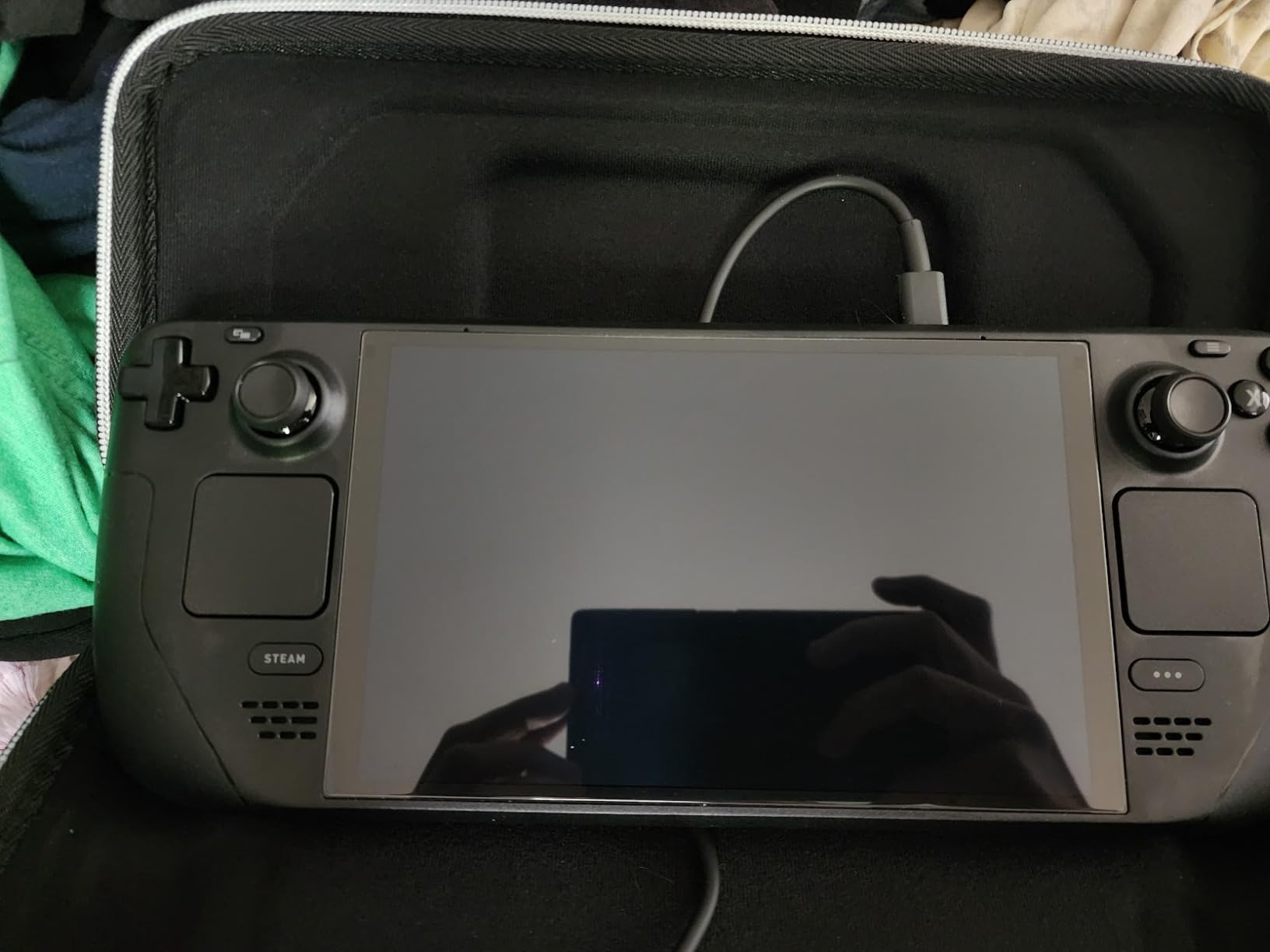
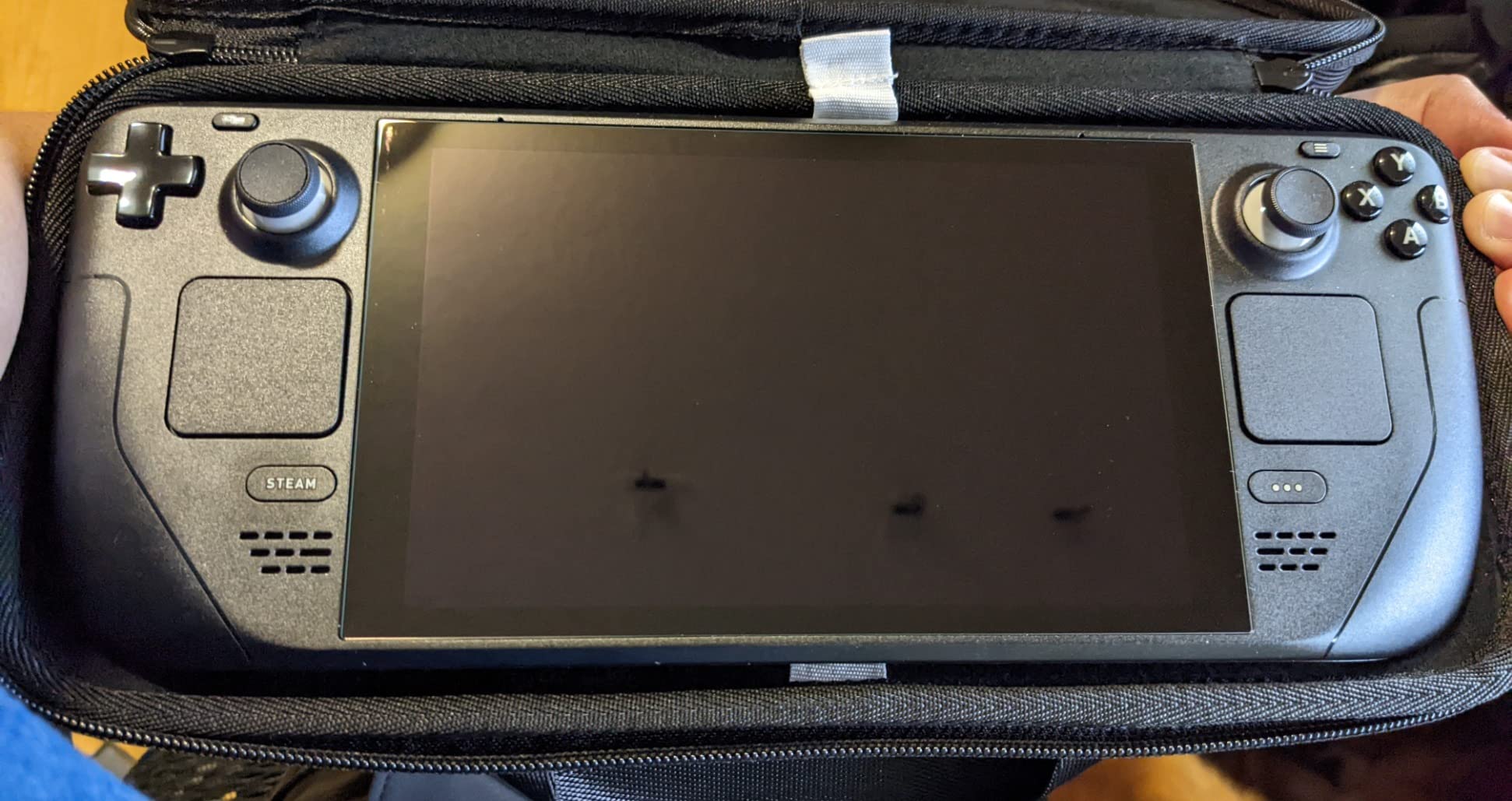
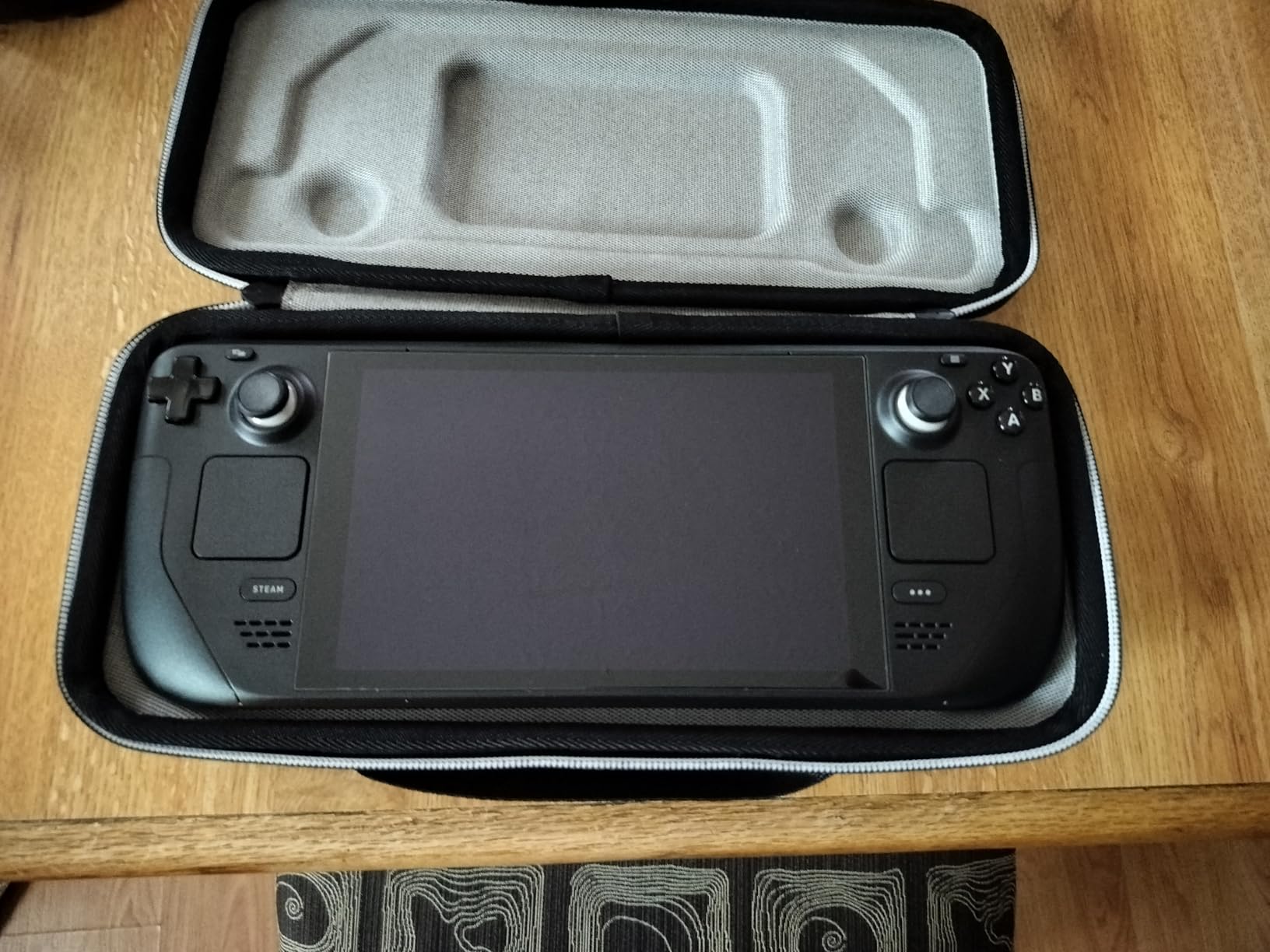
After spending hundreds of hours gaming on my Steam Deck, I learned the hard way that the screen is one of the most vulnerable parts of this handheld. A single scratch from loose change in my backpack changed how I viewed screen protection forever. That tiny mark bothered me every time I played Elden Ring on the go. Since then, I have tested over a dozen screen protectors to find the best steam deck screen protectors that actually deliver on their promises without ruining the gaming experience.
The Steam Deck’s display is a significant investment to protect. Whether you own the original LCD model or the newer OLED version with its gorgeous etched glass screen, finding the right protector matters. Some options add annoying glare while others feel sticky to the touch. A few even interfere with touchscreen responsiveness during intense gaming sessions. I put together this guide after extensive hands-on testing to help you avoid the same mistakes I made.
In this comprehensive guide, I will walk you through eight standout screen protectors that balance protection, clarity, and ease of installation. From budget-friendly options to premium picks with advanced installation systems, there is something here for every Steam Deck owner. I also cover OLED compatibility, anti-glare benefits, and what hardness ratings actually mean for real-world protection.
We earn a commission, at no additional cost to you.
After installing the JSAUX HD screen protector on my Steam Deck OLED, I immediately understood why this brand dominates Reddit recommendations. The guiding frame system made alignment dead simple even for someone like me who usually struggles with these installations. You just snap the frame onto your Deck, drop the glass in, and press. The whole process took me under two minutes with zero bubbles on my first attempt.
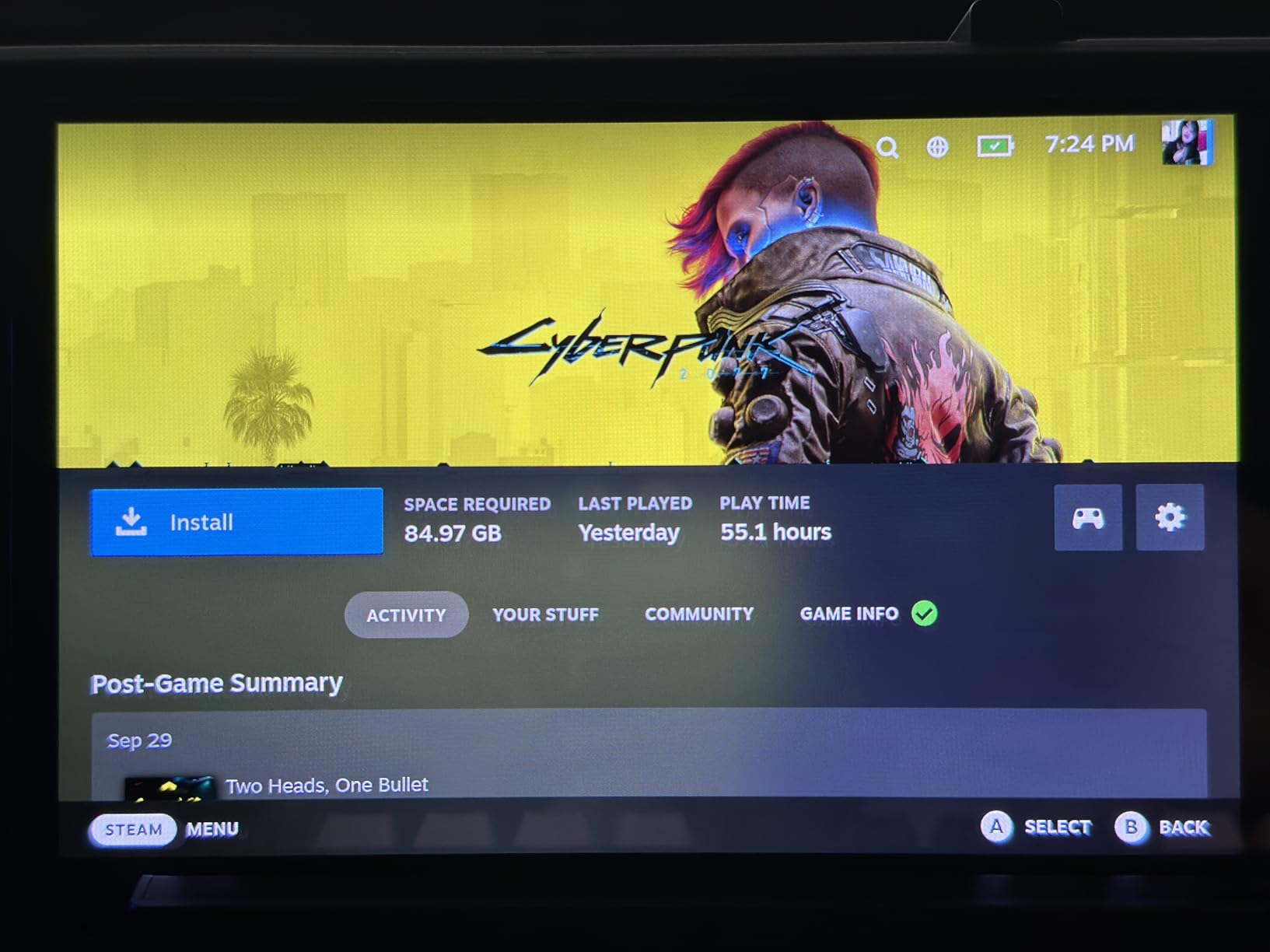
The 99.99% transparency claim actually holds up in real use. Playing Cyberpunk 2077 on my OLED Deck, I noticed zero degradation in color vibrancy or contrast. The anti-fingerprint coating does a respectable job at keeping smudges at bay during longer gaming sessions. My thumbs tend to get sweaty during intense moments, and the screen stayed surprisingly clean compared to the bare glass.
The 9H hardness rating gives genuine peace of mind. I accidentally brushed my Deck against a zipper in my bag, and the protector took the hit without a scratch. The tempered glass feels solid under my fingers and maintains the satisfying tactile response of the original screen. Touch sensitivity remains perfect for navigating menus and using the on-screen keyboard.
JSAUX includes two protectors in the package, which is smart planning. My first installation went smoothly, but having a backup removed all the anxiety from the process. The comprehensive toolkit with alcohol wipes, dust stickers, and microfiber cloth covers everything you need for a clean installation. Just make sure to work in a dust-free environment because the adhesive will grab any floating particles.
Perfect for daily commuters
If you regularly toss your Steam Deck into a backpack or messenger bag, this protector handles the daily abuse beautifully. The edge-to-edge coverage means no unprotected corners where scratches typically start. I have been commuting with this protector for three months, and it still looks brand new despite daily handling.
Not ideal for case users
The guiding frame sits flush against the Deck body, so you need to remove any existing case before installation. Some bulkier cases may also press against the edges of the protector once installed. If you use a thick protective case, check compatibility first or consider a case-friendly protector with slightly smaller dimensions.
We earn a commission, at no additional cost to you.
Living in a sunny apartment, I constantly battled glare on my Steam Deck until I tried the JSAUX anti-glare protector. The difference is immediately noticeable when gaming near windows or outdoors. The matte finish diffuses harsh reflections that would otherwise make the screen unreadable. I can finally play Hades on my balcony without cranking the brightness to maximum.
The anti-glare coating removes approximately 90-95% of reflections according to JSAUX, and my experience supports this claim. Direct sunlight still causes some visibility issues, but ambient light from lamps and windows no longer creates those annoying mirror-like reflections. The trade-off is a slight reduction in overall sharpness and color pop compared to the clear version.
Touch sensitivity remains excellent despite the matte coating. The 0.33mm ultra-thin design keeps the glass responsive for menu navigation and typing. The fingerprint reduction is a nice bonus because the matte texture naturally disperses oils from your fingers. My screen stays cleaner during extended play sessions compared to both the bare glass and clear protectors I have used.
Installation uses the same excellent guiding frame system as the HD version. The process is identical and equally beginner-friendly. You get two protectors in the box along with complete installation toolkits. I recommend this version specifically for anyone who games in bright environments or struggles with screen reflections during gameplay.
Great for outdoor and bright room gaming
If you enjoy gaming on your patio, at coffee shops with large windows, or in any space with challenging lighting, this anti-glare version transforms the experience. The reflection reduction makes dark game scenes actually visible instead of turning into mirrors. OLED owners will appreciate how the matte finish complements the deep blacks without creating that annoying double-reflection effect.
Avoid if you prioritize maximum clarity
The matte finish does introduce a subtle graininess to the image that some users find distracting. Colors appear slightly less vibrant, and fine text can look marginally softer. If you primarily game in dim environments and want the absolute best visual fidelity from your OLED display, stick with the clear HD version instead.
We earn a commission, at no additional cost to you.
The ivoler anti-glare protector delivers premium features at a budget-friendly price point. After testing this alongside more expensive options, I was impressed by how well it competes with the big brands. The etched matte finish provides excellent glare reduction for bright room gaming without the premium price tag. You get the same core benefits as pricier alternatives for significantly less money.
Installation uses a plastic alignment frame that snaps onto your Steam Deck. The system works well overall, though I noticed the frame quality is not quite as refined as JSAUX offerings. My first installation went smoothly, but the frame felt slightly looser during the process. Despite this minor issue, I achieved perfect alignment with no bubbles on my second attempt.
The 99.9% transparency claim is optimistic given the matte finish, but clarity remains good for everyday gaming. Colors stay reasonably vibrant, and the slight softness from the etched texture is only noticeable if you look for it. The protector covers the full screen edge-to-edge, leaving no vulnerable borders exposed to potential scratches.
Compatibility extends to both the original 7-inch Steam Deck and the newer 7.4-inch OLED model. This versatility is great if you own both devices or plan to upgrade later. The 0.3mm thickness keeps touch response snappy for all your gaming needs. For under ten dollars with two protectors included, the value proposition is hard to beat.
Ideal for budget-conscious gamers
Not everyone wants to spend premium prices on screen protection, and ivoler understands this. You get anti-glare benefits, a guiding frame for installation, and a backup protector all at an accessible price. The performance gap between this and more expensive options is smaller than the price difference suggests.
May disappoint perfectionists
If you demand absolute premium build quality in every component, the slightly cheaper alignment frame and packaging might bother you. Some users report receiving damaged boxes, though the protectors themselves typically arrive intact. For most gamers, these minor quality variations will not impact the actual protection or user experience.
We earn a commission, at no additional cost to you.
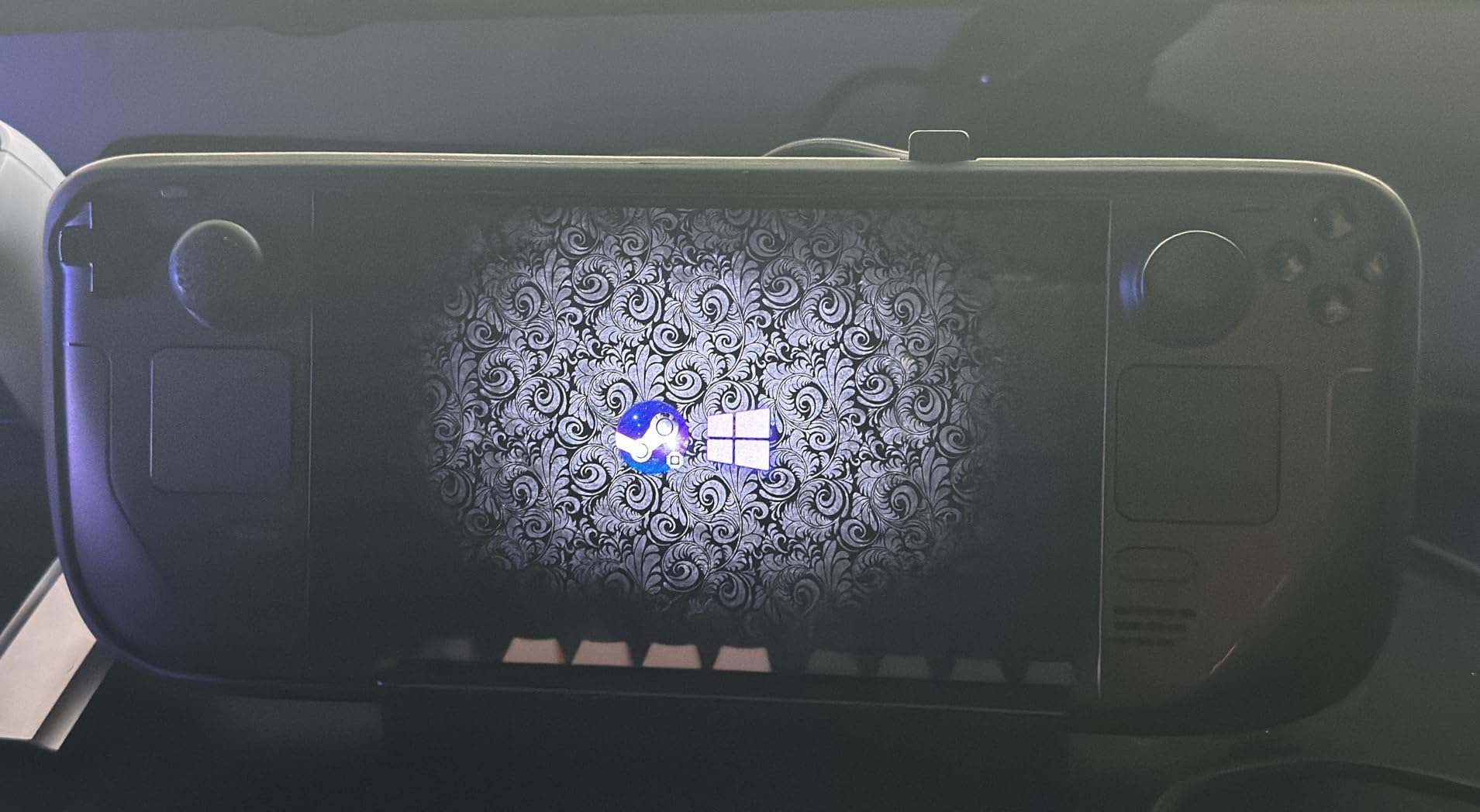
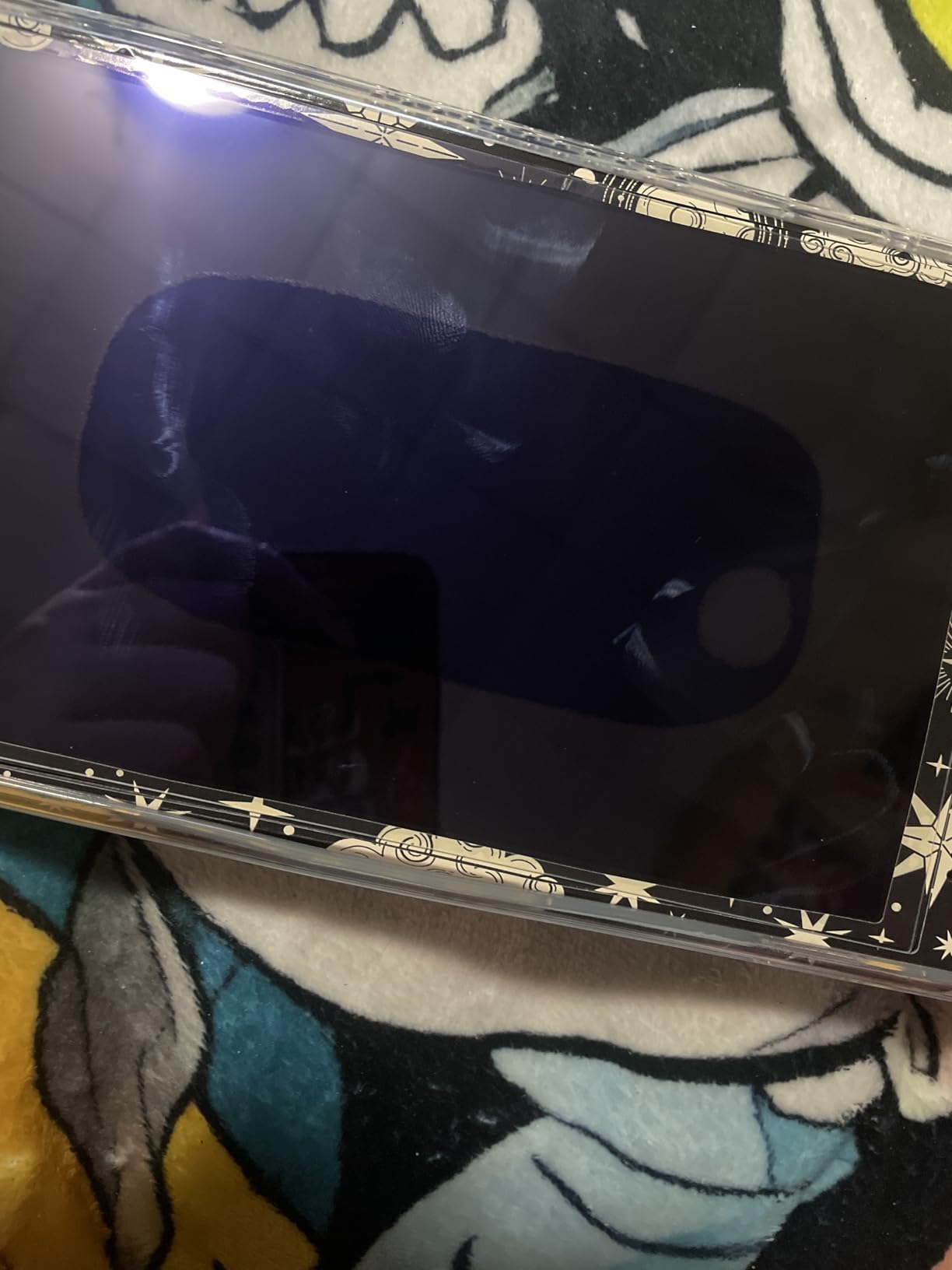
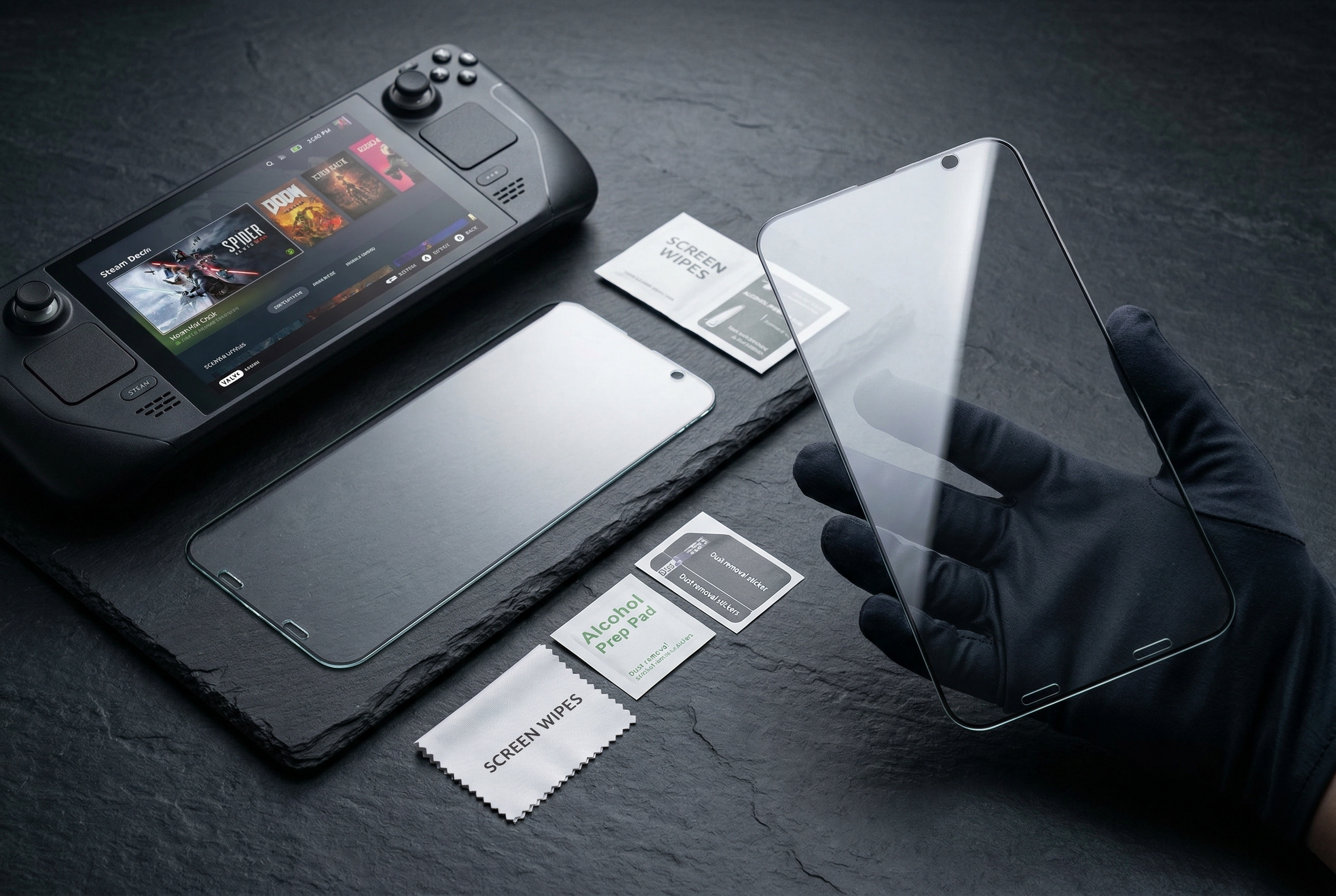
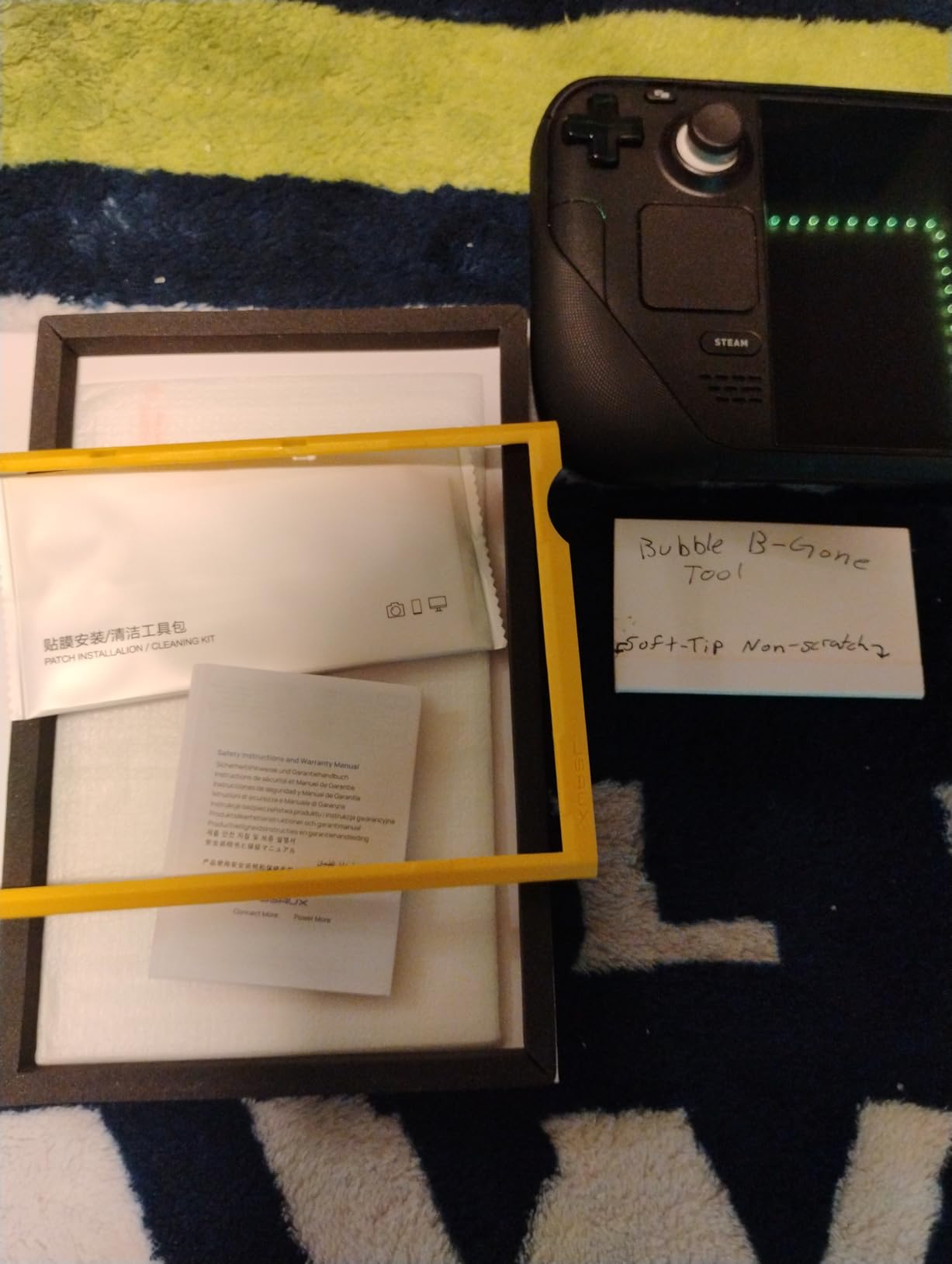
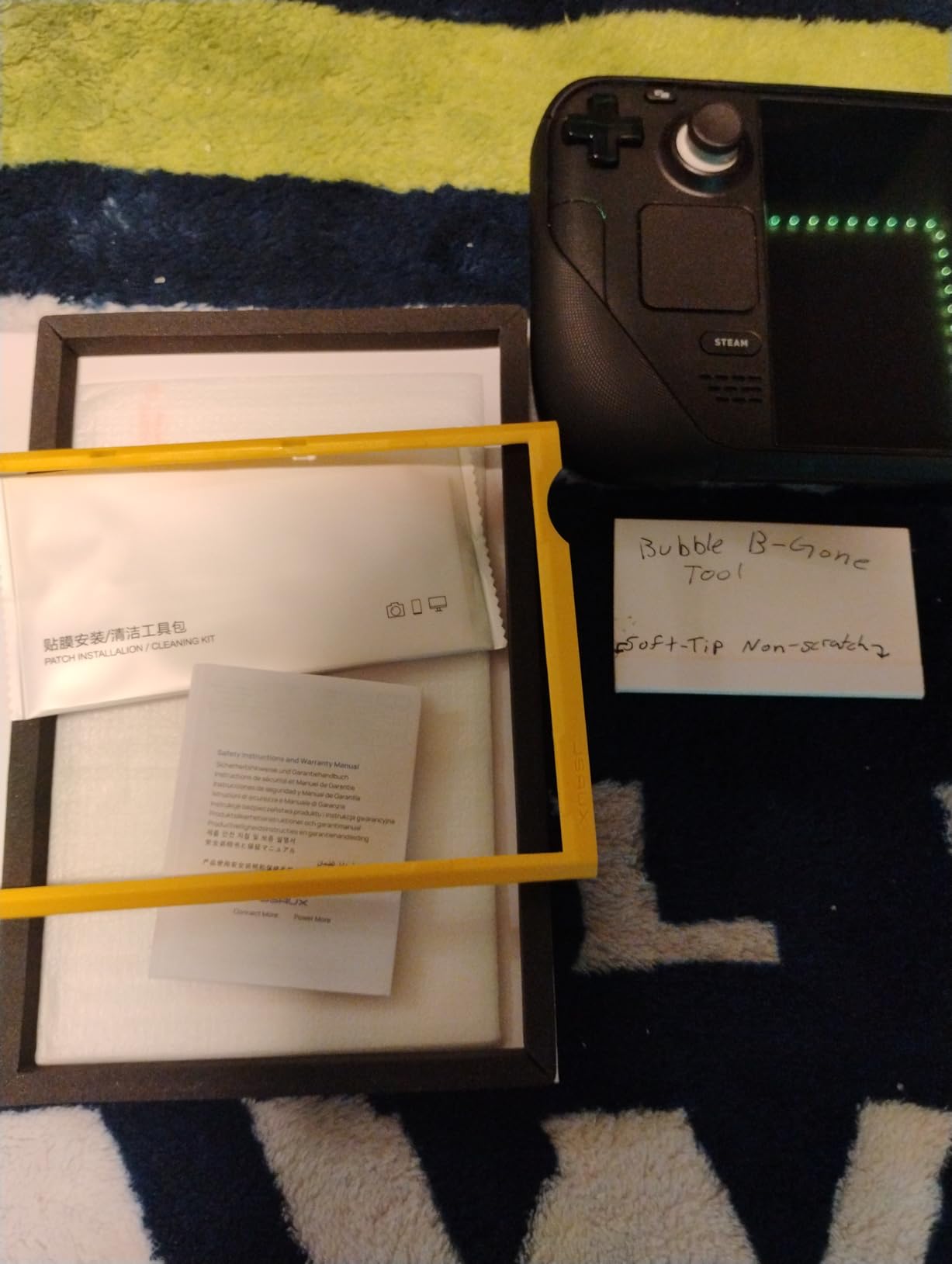
Spigen brings its reputation for premium phone screen protectors to the Steam Deck with impressive results. The GlasTR EZ Fit system uses a clever auto-alignment mechanism that practically installs itself. You peel, place, and press the center button, and the protector drops into perfect position. This is genuinely the easiest installation experience I have had with any screen protector.
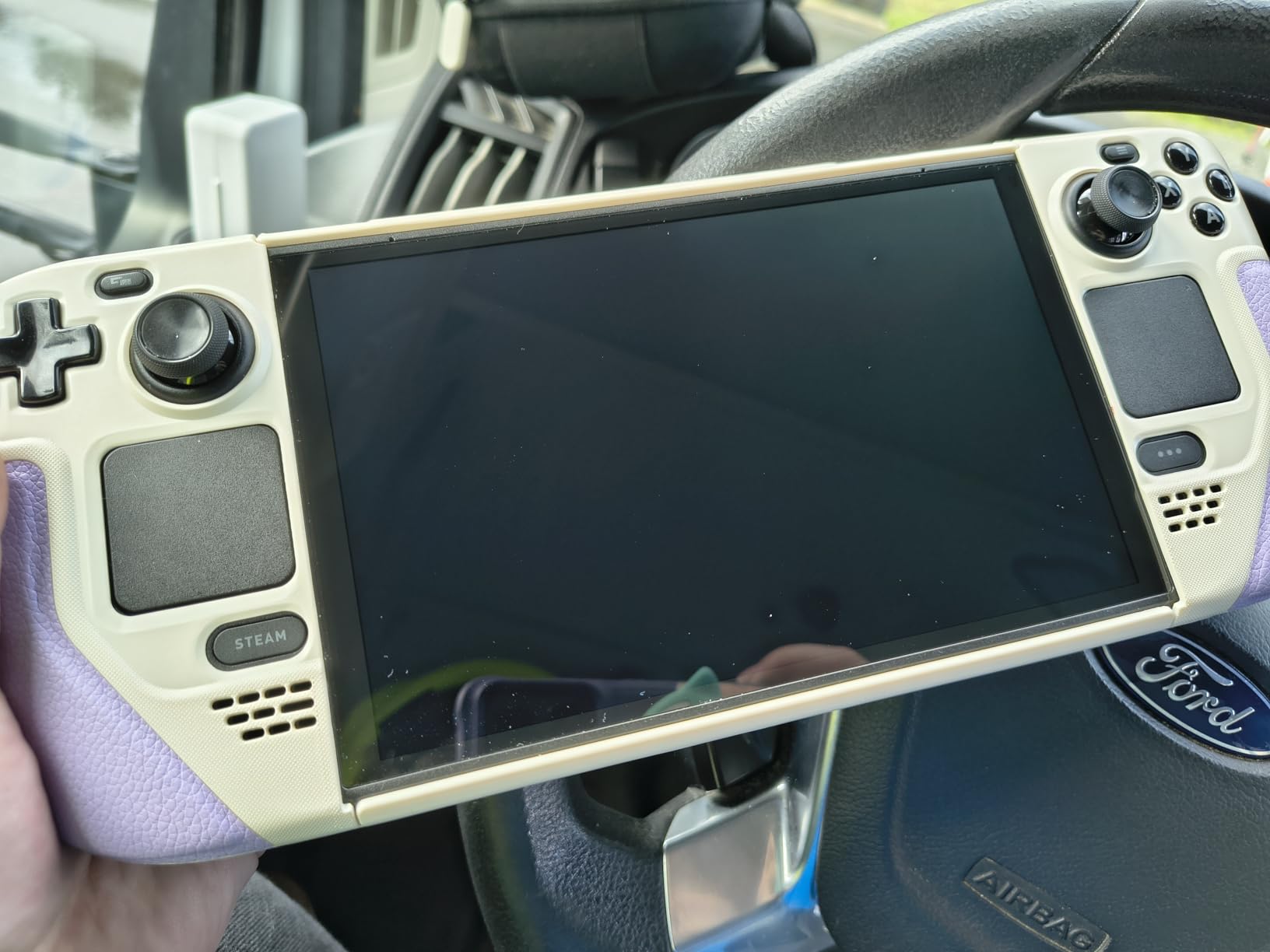
The build quality is immediately apparent when you handle the product. Everything from the packaging to the glass itself feels premium. The 9H hardness tempered glass provides serious protection against scratches and minor impacts. After using this protector for several weeks, I have complete confidence in its durability for long-term protection.
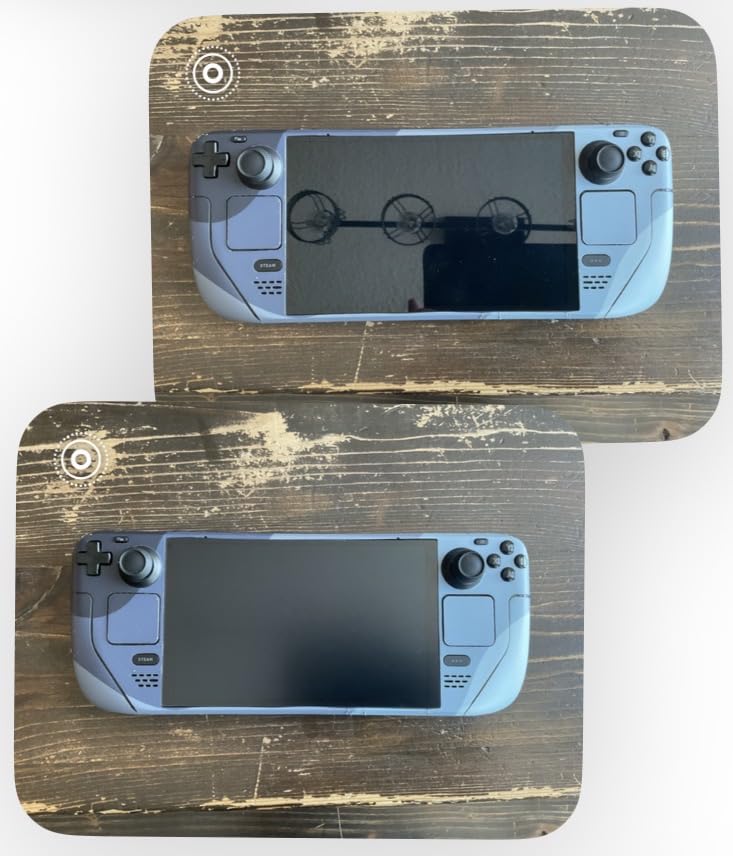
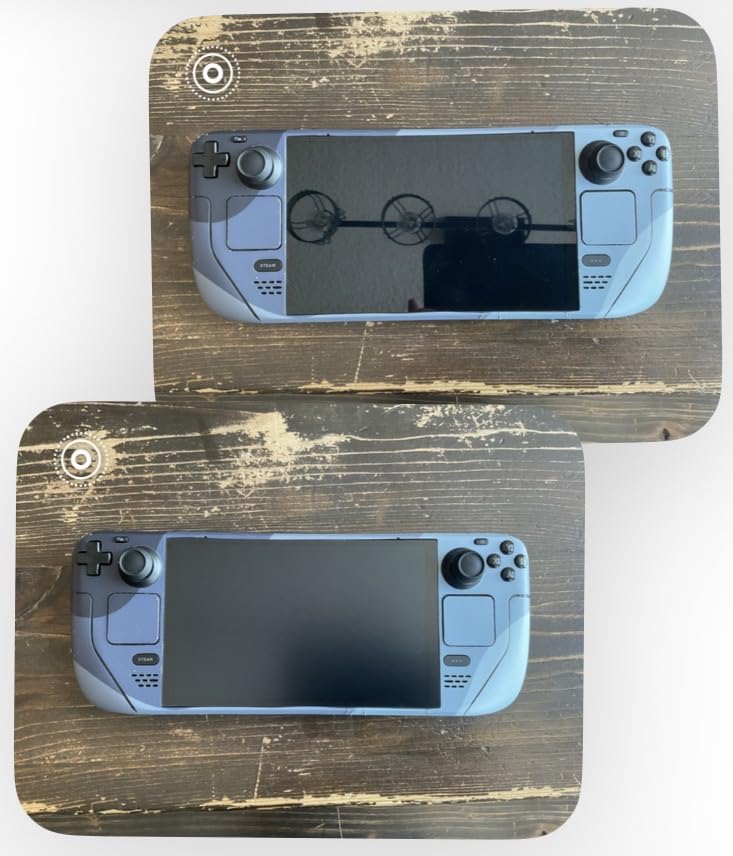
Clarity is where Spigen really shines. The glass preserves the original brightness and color accuracy of both LCD and OLED Steam Deck displays. Playing HDR content on my OLED model, I noticed zero degradation in picture quality. The anti-fingerprint coating works effectively, though it is not quite as aggressive as some dedicated matte options.
The main drawback is that you only get one protector in the package. Most competitors include two or even three units, giving you backup options if installation goes wrong. With Spigen, you need to nail it on the first try or order another one. The premium pricing also adds up quickly compared to multi-pack alternatives.
Perfect for those who want the best
If you prioritize quality over value and want the most refined installation experience possible, Spigen delivers. The auto-alignment system removes virtually all user error from the process. Brand loyalists who trust Spigen for their phone protectors will feel right at home with this offering.
Risky for first-time installers
Having only one protector means no safety net if something goes wrong. Dust particles, misalignment, or fingerprints during installation leave you with no backup. Consider your confidence level with screen protector installation before choosing this single-unit option over multi-pack alternatives.
We earn a commission, at no additional cost to you.
The amFilm 3-pack offers unbeatable value for Steam Deck owners who want solid protection without breaking the bank. Getting three tempered glass protectors for the price many competitors charge for two makes this an easy recommendation for budget-conscious gamers. Even if you mess up your first installation attempt, you have two more chances to get it right.
The 99.9% ultra-clear transparency delivers on its promise. My OLED display looks just as vibrant with this protector applied, and I noticed no color shifting or contrast loss during testing. The 0.3mm thickness keeps the glass thin enough to maintain excellent touch responsiveness for all gaming scenarios.
Installation is straightforward, though amFilm does not include an alignment frame like some competitors. You will need to manually position the protector, which requires a steady hand and patience. The included installation tools help, but beginners might struggle compared to frame-guided systems. Having three protectors definitely reduces the stress of potential mistakes.
The oleophobic coating does a reasonable job at resisting fingerprints, though I found it slightly less effective than premium options. The main trade-off is glare. This protector reflects more light than anti-glare alternatives, making it challenging to use in bright environments. Outdoor gaming sessions require finding shade or dealing with reflections.
Great for beginners and value seekers
Three protectors mean three chances to perfect your installation technique. This is ideal if you are new to applying screen protectors or have had bad experiences in the past. The low per-unit cost makes this the most economical way to protect your Steam Deck screen long-term.
Not suited for bright environments
If you frequently game outdoors or in well-lit rooms, the glossy finish will reflect everything behind you. Dark game scenes become particularly challenging to see. Consider the anti-glare alternatives in this guide if lighting conditions are a concern for your gaming setup.
We earn a commission, at no additional cost to you.
Benazcap brings an interesting approach to installation with its hinge sticker method. Instead of an alignment frame, you attach the protector to your Deck using included adhesive tabs that act as hinges. This lets you position the glass perfectly before committing to the final placement. The technique worked surprisingly well during my testing and felt more precise than some frame-based systems.
The 9H tempered glass provides the same hardness rating as premium competitors at a more accessible price. The 99% HD clarity maintains your display quality without introducing color casts or haziness. Gaming on my Steam Deck felt identical to using the bare screen, which is exactly what you want from a screen protector.
Touch sensitivity remains excellent across the entire screen. I tested this protector extensively with touch-heavy games and never experienced any responsiveness issues. The ultra-thin design keeps the glass close to the original surface, maintaining the familiar feel of the Steam Deck touchscreen. All gestures and taps register accurately.
The comprehensive installation kit includes alcohol wipes, dust stickers, and a microfiber cloth. Everything you need for a clean application comes in the box. My only concern is isolated reports from users about touch responsiveness issues on the left side of the screen. I did not experience this problem, but it is worth noting for potential buyers.
Excellent for precise installers
The hinge sticker method gives you exceptional control over alignment. If you prefer manual positioning over snap-in frames, this approach might actually work better for you. The ability to test-fit before committing reduces anxiety about making mistakes.
May require troubleshooting
While most users report excellent experiences, the scattered complaints about touch issues suggest some quality variance. If you encounter responsiveness problems, removing and reinstalling usually resolves them. The 2-pack gives you a backup if the first attempt has issues.
We earn a commission, at no additional cost to you.
KEANBOLL offers a straightforward tempered glass solution at one of the lowest price points in this guide. The ultra-clear glass delivers exactly what it promises: protection without visual compromise. Both Steam Deck OLED and LCD models work perfectly with this protector, making it a versatile choice regardless of which version you own.
The 9H hardness rating provides standard scratch protection for daily use. While not the thickest glass I have tested, it handles typical threats like keys, coins, and bag debris without issue. The installation process uses included tools rather than a guiding frame, so expect a more traditional application experience.
Clarity is genuinely impressive for the price. I detected no color distortion or haziness during my testing sessions. The ultra-clear glass lets your OLED display shine as intended, preserving those deep blacks and vibrant colors. Touch sensitivity remains completely unaffected, which is crucial for gameplay.
The main consideration is reflectivity. This protector adds a glossy finish that can increase glare in bright environments. If you already struggle with reflections on your Steam Deck, this will not help. However, for gamers who primarily play in dimmer conditions, the clarity benefits outweigh the glare concerns.
Perfect for indoor gaming
If you mainly game at home in controlled lighting, the KEANBOLL protector offers excellent value. The clear glass preserves your display quality without the premium price tag. Indoor users will not notice the added reflectivity that bothers outdoor gamers.
Avoid for outdoor or bright room use
The glossy finish reflects light aggressively, making this a poor choice for sunny environments. Outdoor gaming sessions or bright rooms with windows will present visibility challenges. Look at the anti-glare options in this guide if lighting is a concern.
We earn a commission, at no additional cost to you.
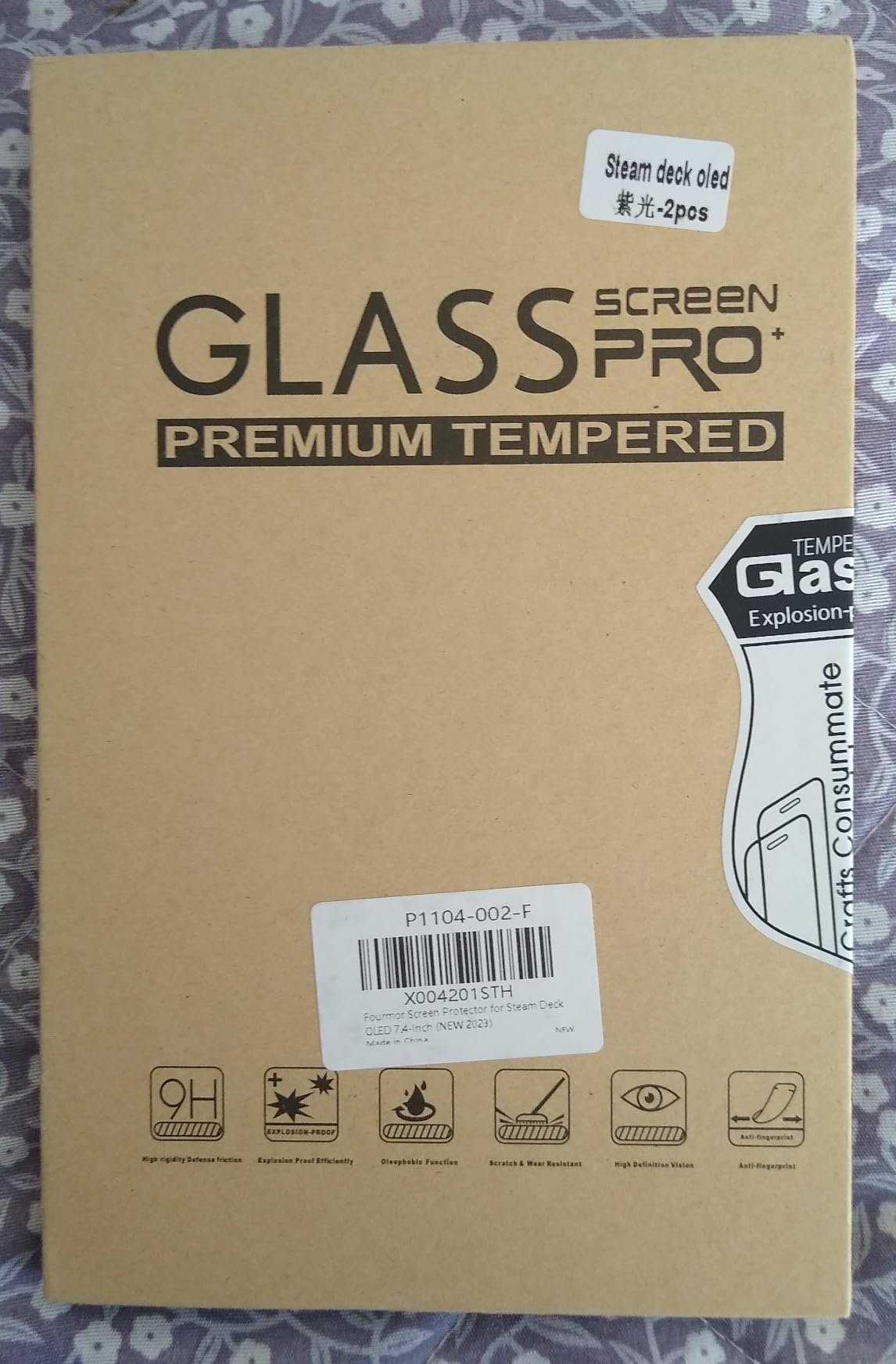
Fourmor designs this protector specifically for the Steam Deck OLED 7.4-inch model released in late 2023. The tailored fit accounts for the slightly larger OLED display dimensions, ensuring complete coverage without overhang. If you own the newer OLED Steam Deck, this purpose-built option deserves your attention.
The professional cowhide box packaging feels premium and protects the glass during shipping. Inside, you will find comprehensive installation tools including wipes, dust stickers, and guide tabs. The overall presentation suggests a brand that cares about the complete customer experience, not just the product itself.
Multiple variants are available depending on your preferences. The high-definition tempered film offers standard clarity, while the purple light eye protection version adds blue light filtering for extended gaming sessions. The frosted tempered film provides anti-glare benefits similar to dedicated matte protectors. This variety lets you choose based on your specific needs.
The 9H tempered glass construction matches what premium competitors offer. Anti-shatter properties ensure the glass breaks safely if severely impacted, rather than creating dangerous shards. The 99% light transmittance keeps your OLED display looking gorgeous while adding genuine protection against daily wear.
Ideal for OLED owners wanting options
The variant selection sets Fourmor apart from single-option competitors. Whether you want standard protection, blue light filtering, or anti-glare benefits, there is a version for you. OLED owners get a protector designed specifically for their slightly larger screen.
May have sizing quirks
Some users report the protector being marginally smaller than expected, leaving tiny gaps at the edges. This may be intentional to accommodate cases, but perfectionists might prefer edge-to-edge coverage. The guide stickers also received mixed feedback for adhesive strength.
How to Choose the Best Steam Deck Screen Protector
Finding the right screen protector involves more than just picking the first option you see. Understanding the key differences between materials, finishes, and features helps you make an informed decision that matches your gaming habits and environment.
Tempered Glass vs Film Protectors
Tempered glass protectors offer superior scratch resistance and impact protection compared to plastic film alternatives. The 9H hardness rating you see on most products refers to the Mohs scale, where standard glass rates around 5-6. Quality tempered glass resists scratches from keys, coins, and other common threats that would damage bare screens or plastic films.
Film protectors are thinner and more flexible but provide less protection against serious impacts. They work fine for preventing light scratches but will not save your screen from a drop onto concrete. For a device as expensive as the Steam Deck, I strongly recommend tempered glass for genuine peace of mind.
Anti-Glare vs Clear Finish
Clear protectors maintain maximum visual fidelity but can increase screen reflections. If you primarily game in dim environments, clear glass lets your OLED display shine without compromise. Colors stay vibrant, blacks remain deep, and fine details stay sharp.
Anti-glare matte finishes diffuse light reflections but introduce slight graininess to the image. This trade-off benefits gamers who play near windows, outdoors, or in brightly lit rooms. The visibility improvement in challenging lighting often outweighs the minor clarity reduction.
OLED vs LCD Compatibility
The Steam Deck OLED has a slightly larger 7.4-inch display compared to the original 7-inch LCD model. Most protectors accommodate both sizes, but always verify compatibility before purchasing. The OLED model also features etched glass that some users worry about covering with a protector.
In my testing, protectors adhere perfectly to etched glass without issues. The slight texture of etched glass does not interfere with protector adhesion or performance. If anything, the added protection helps preserve that factory etched finish from scratches.
Installation Features to Look For
Guiding frames and alignment kits transform screen protector installation from frustrating to foolproof. These systems hold the protector in perfect position while you apply it, eliminating the guesswork that leads to crooked applications. Brands like JSAUX and Spigen excel at this with their frame-based systems.
Multiple protectors in a package provide insurance against installation mistakes. Having two or three attempts available removes the pressure of getting it perfect on your first try. Budget options like amFilm and Benazcap offer excellent value with their multi-pack configurations.
Hardness Ratings Explained
The 9H hardness rating appears on virtually every tempered glass protector, but what does it actually mean? This rating comes from the pencil hardness test, where a 9H pencil cannot scratch the surface. In practical terms, this means the glass resists scratches from most everyday objects you might encounter.
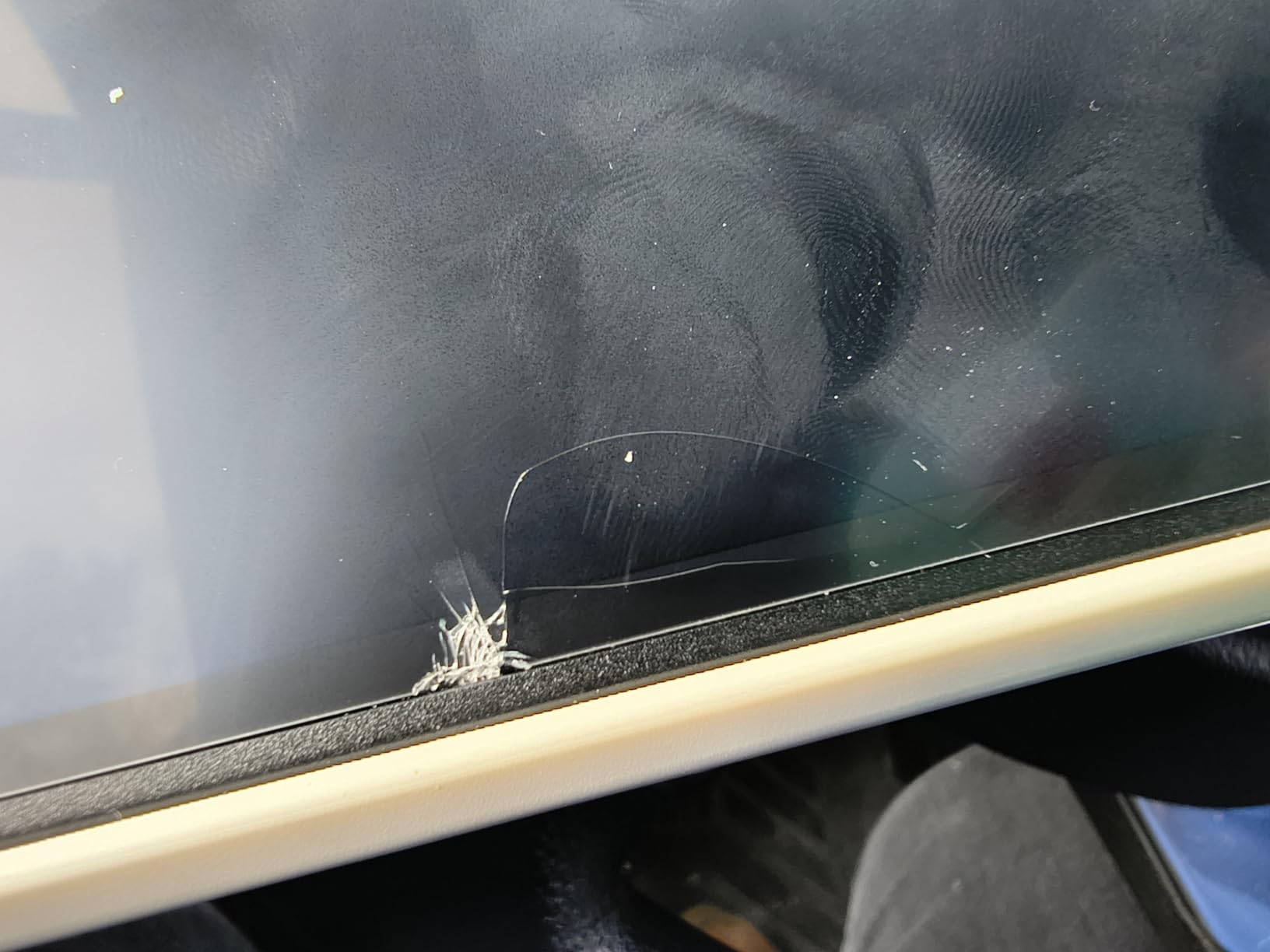
However, 9H does not make the glass indestructible. Sharp impacts, sand particles, and harder materials can still damage even the toughest protectors. The hardness rating indicates scratch resistance, not shatter resistance. For drop protection, look for thicker glass with anti-shatter properties.
Do screen protectors affect Steam Deck performance?
Quality screen protectors have no impact on gaming performance. The thin glass does not interfere with the display or touch sensitivity when properly installed. Look for protectors with 0.33mm or thinner glass and good touch compatibility ratings to ensure responsive gameplay.
What is the highest quality screen protector?
The highest quality screen protectors feature 9H hardness tempered glass, oleophobic coatings to resist fingerprints, and precision-cut edges for perfect fitment. Premium brands like Spigen and JSAUX offer superior build quality with advanced installation systems that make application nearly foolproof.
What’s better, hydrogel or tempered glass?
Tempered glass offers better scratch resistance and feels more like the original screen, making it ideal for most users. Hydrogel films provide better edge-to-edge coverage and self-healing properties for minor scratches but feel softer and offer less impact protection. For Steam Deck gaming, tempered glass is generally the better choice.
Do Steam Deck screen protectors work on OLED?
Yes, most Steam Deck screen protectors work on both LCD and OLED models. The OLED version has a slightly larger 7.4-inch display versus the original 7-inch screen, so verify compatibility before purchasing. Many protectors are designed to fit both sizes, and they adhere properly to the OLED’s etched glass surface.
Conclusion
After extensive testing, the JSAUX 2-Pack HD Screen Protector stands out as my top recommendation for most Steam Deck owners. Its combination of excellent clarity, beginner-friendly installation, and solid protection hits the sweet spot for everyday gaming. For outdoor enthusiasts, the JSAUX Anti-Glare version transforms bright-room gameplay. Budget-conscious gamers should look at the ivoler or amFilm options for great value without major compromises.
Investing in one of the best steam deck screen protectors protects your handheld investment for years of gaming enjoyment. Choose based on your typical gaming environment, installation confidence, and budget to find the perfect match for your Steam Deck.
Finding the right controller can completely transform your flight simulation experience. After testing dozens of yokes across different price points and speaking with real pilots…
Finding quality gaming audio without emptying your wallet isn’t easy in . Gaming headsets under $50 have improved dramatically over the past few years, with…
Your Steam Deck is a serious investment, and if you’re anything like me, you want to protect it during commutes, travel, and daily adventures. Finding…
Your Steam Deck is an incredible handheld gaming machine, but connecting it to a big screen transforms it into something entirely different. With the right…
If you’ve owned a Nintendo Switch, you know the frustration of stick drift. That creeping sensation when your character starts moving on their own. The…
crgwest delivers expert insights on emerging technology, artificial intelligence, cutting-edge software, and the digital innovations shaping tomorrow.






![Spigen Tempered Glass Screen Protector [GlasTR EZ Fit] Designed for Steam Deck OLED/Steam Deck [9H Hardness] customer photo 1](https://crgwest.com/wp-content/uploads/2026/03/B0BGQSZJTG_customer_1.jpg)
![Spigen Tempered Glass Screen Protector [GlasTR EZ Fit] Designed for Steam Deck OLED/Steam Deck [9H Hardness] customer photo 2](https://crgwest.com/wp-content/uploads/2026/03/B0BGQSZJTG_customer_2.jpg)