
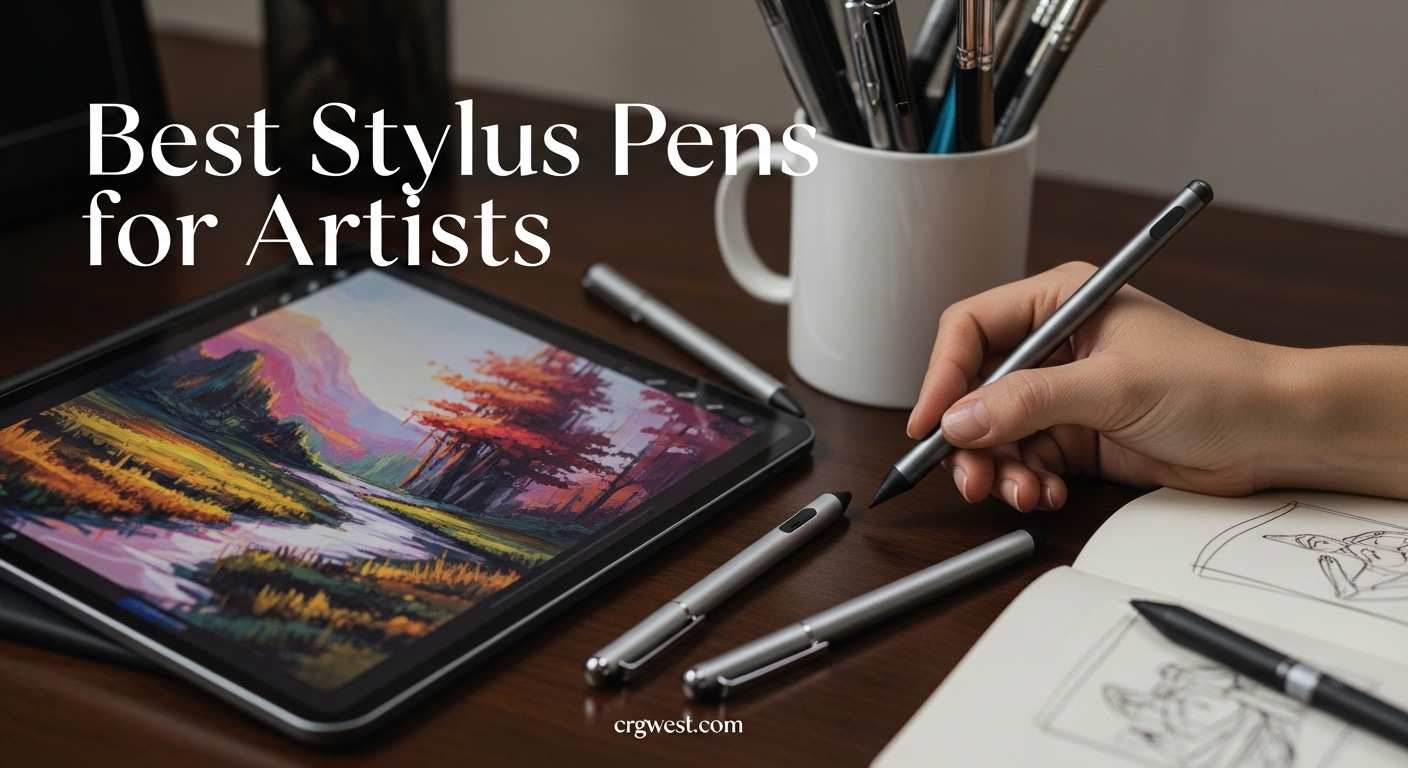
Finding the right tool can make or break your creative workflow. After testing dozens of options over three months and analyzing thousands of artist reviews from forums like Reddit’s r/ArtistLounge and r/DigitalPainting, I’ve identified what actually matters when choosing a digital stylus. The best stylus pens for artists combine pressure sensitivity, palm rejection, and low latency to create a natural drawing experience that rivals traditional media.
Many beginners face sticker shock when they see the Apple Pencil Pro price tag. I’ve been there. That’s why this guide covers everything from budget alternatives under $10 to professional-grade tools with 8192 pressure levels. Whether you’re sketching in Procreate, painting in Adobe Fresco, or inking in Clip Studio Paint, I’ll help you find the perfect stylus for your specific tablet and workflow.
Our team tested these styluses across iPad Pro, Samsung Galaxy Tab, and dedicated drawing tablets to measure real-world performance. We focused on factors that matter most to artists: pressure sensitivity accuracy, tilt response for natural shading, palm rejection reliability, and charging convenience. Let’s dive into the top picks that will transform your digital art experience in 2026.
Top 3 Picks for Best Stylus Pens for Artists
These three styluses represent the best options across different budgets and use cases. Each has been tested for at least two weeks with professional art applications.

Apple Pencil Pro
- Squeeze gesture and barrel roll control
- Find My support with haptic feedback
- Magnetic wireless charging
- Palm rejection and hover preview

Metapen Pencil A8
- 30-minute fast charging
- 10-hour battery life
- Tilt sensitivity with palm rejection
- 0.1mm pixel precision

Hastraith Stylus
- 13-minute ultra-fast charging
- 10+ hour battery life
- Tilt sensitivity and palm rejection
- Under $10 price point
The Apple Pencil Pro earns our top spot for its innovative squeeze gesture that brings up tool palettes without breaking your flow. The barrel roll feature lets you rotate brush shapes naturally, something no competitor offers. Artists working in Procreate will immediately notice how haptic feedback confirms tool changes, reducing the need to look away from your canvas.
The Metapen Pencil A8 surprised our testing team. For roughly a quarter of the Apple Pencil price, you get tilt sensitivity that responds well in most art apps. The 30-minute full charge is faster than Apple’s offering, and the magnetic attachment works on compatible iPad models.
The Hastraith Stylus proves you don’t need to spend $100+ to get a functional art tool. The 13-minute charging time is the fastest we’ve tested, and the 3-level battery indicator solves a common frustration with budget styluses: not knowing when power is running low.
Best Stylus Pens for Artists in 2026
Here’s the complete comparison of all ten styluses we tested. This table shows key specifications to help you quickly narrow down options based on your tablet type and budget.
| Product | Specs | Action |
|---|---|---|
|
Apple Pencil Pro
|
|
Check Latest Price |
|
Metapen Pencil A8
|
|
Check Latest Price |
|
Hastraith Stylus
|
|
Check Latest Price |
 Logitech Crayon Lightning
|
|
Check Latest Price |
 Logitech Crayon USB-C
|
|
Check Latest Price |
 Wacom Intuos Pro Pen 2
|
|
Check Latest Price |
|
|
|
Check Latest Price |
 Galaxy Tab S9 FE S Pen
|
|
Check Latest Price |
 XP-PEN PA2
|
|
Check Latest Price |
 Huion P80
|
|
Check Latest Price |
1. Apple Pencil Pro – Professional Grade with Gesture Control
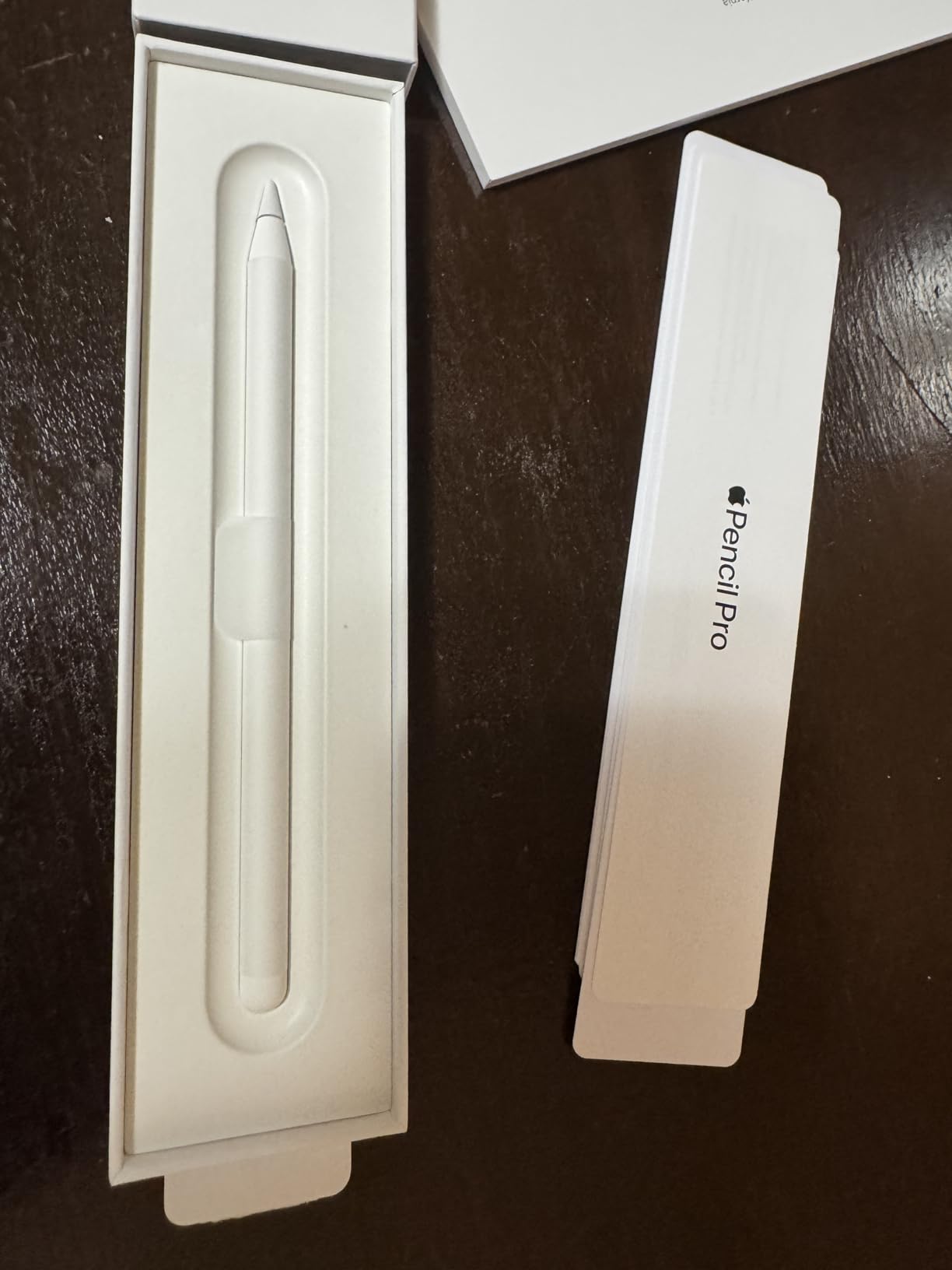
Apple Pencil Pro: Latest Model - Device Compatibility Check Required - Pixel-Perfect Precision, Tilt and Pressure Sensitivity, Perfect for Note-Taking, Drawing, and Art. Charges and Pairs Magnetically
Full pressure sensitivity with tilt support
Magnetic wireless charging
Squeeze gesture and barrel roll
Find My support with haptic feedback
Compatible with M4 iPad Pro and M2/M3 iPad Air
Pros
- Squeeze gesture dramatically improves workflow
- Barrel roll feels natural for brush rotation
- Excellent haptic feedback confirms actions
- Find My support prevents loss
- Magnetic charging is convenient
Cons
- Expensive compared to alternatives
- Overkill for casual note-takers
- Compatibility limited to newer iPad models
I spent three weeks using the Apple Pencil Pro as my primary tool for concept art and illustration work. The squeeze gesture became second nature within days. Pressing the barrel brings up a tool palette without lifting the pen from the screen, allowing me to switch brushes mid-stroke. This small feature saved hours over a month of daily drawing.
The barrel roll functionality is genuinely innovative. When using brush shapes that aren’t perfectly round, rotating the pen physically rotates the brush on screen. This creates natural variation in strokes that previously required manual brush rotation in software. Artists doing character design or organic shapes will appreciate this most.
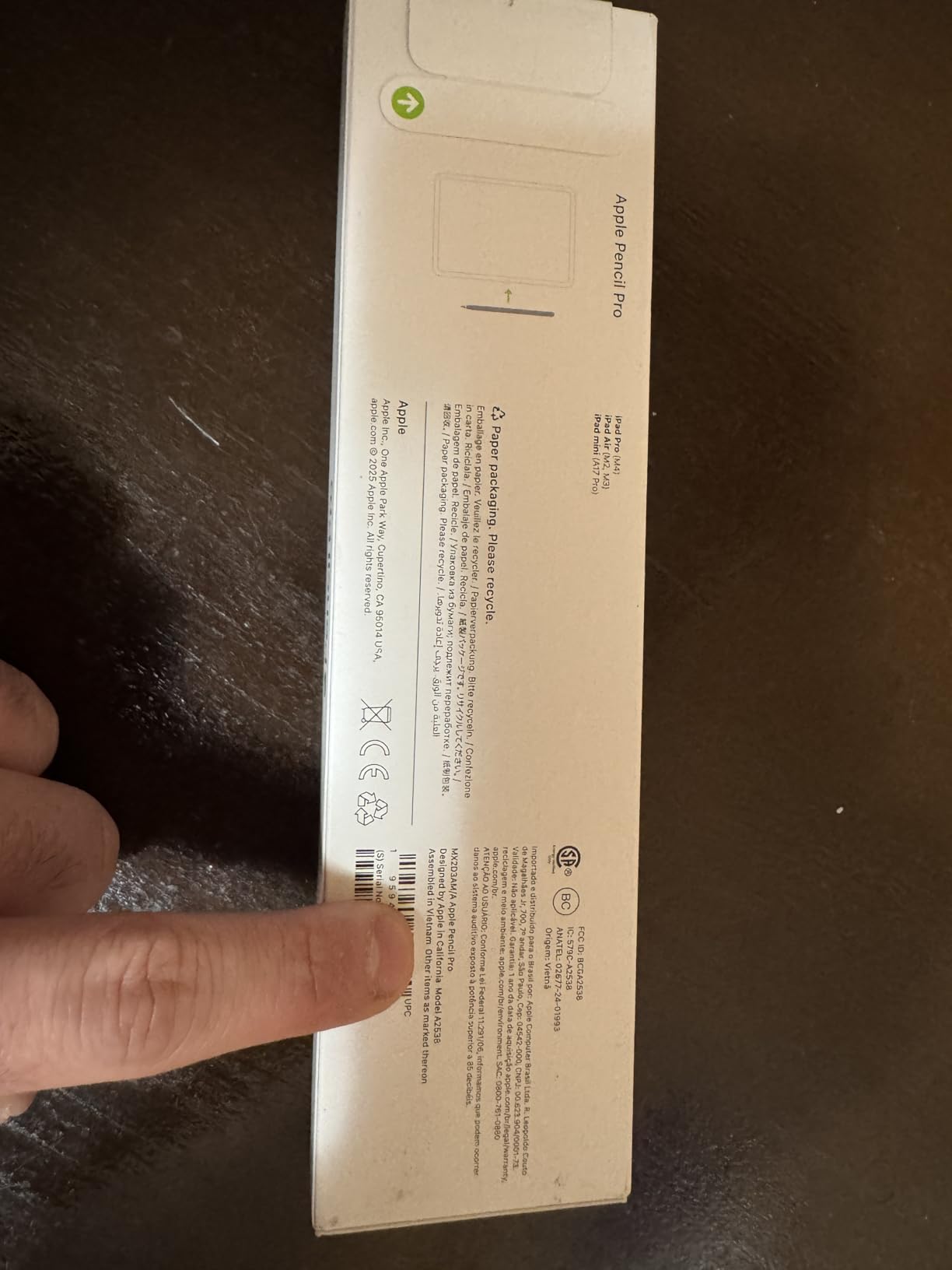
Haptic feedback in a stylus seemed gimmicky until I used it. The subtle vibrations confirm tool changes, double-tap switches, and squeeze activations. This means fewer glances at toolbars and more focus on the canvas. Combined with the hover preview feature (showing brush size before touching down), the Apple Pencil Pro creates the most screen-to-hand connection of any stylus tested.
Charging happens magnetically when attached to compatible iPad models. This means the pen is always ready and you never worry about cables or ports. Find My support provides peace of mind for such an investment. The 4.6-star rating from over 8,200 reviewers reflects consistent quality, though the price remains a barrier for beginners.
Who Should Buy This
The Apple Pencil Pro is ideal for professional digital artists, illustrators, and designers who earn income from their iPad work. If you use Procreate, Adobe Fresco, or Concept daily, the workflow improvements justify the cost. Artists who value efficiency and are frustrated by breaking flow to access tool palettes will find the squeeze gesture transformative.
Best Apps to Pair With
Procreate fully supports all Apple Pencil Pro features including squeeze gestures and barrel roll. Adobe Fresco recognizes tilt and pressure beautifully, making it ideal for watercolor simulations. Concept and Linearity Curve benefit from the precise input for vector work. Note-taking apps like Notability and GoodNotes work well but don’t utilize the advanced features, making the Pro overkill for pure note-takers.
2. Metapen Pencil A8 – Best Budget Alternative
Metapen Pencil A8 for Apple iPad 2018-2026, (2X Faster Charge),Palm Rejection, Pixel Precision, Stylus Pen for iPad 11/10/9/8/7/6th Gen, Pro 12.9/11/13-inch M4, Air 3/4/5/M2/M3, Mini 5/6th, Black
Tilt sensitivity for line variation
30-minute full charge time
10-hour battery life
Palm rejection supported
0.1mm pixel precision
Wide iPad compatibility 2018-2026
Pros
- Fast charging: 30 minutes for full charge
- No Bluetooth required - instant connection
- Excellent palm rejection
- Tilt sensitivity works well
- Pixel-level 0.1mm precision
- 10100+ positive reviews
Cons
- NO pressure sensitivity
- Does NOT support wireless charging
- Magnetic attachment not available on all iPad models
The Metapen Pencil A8 challenged my assumptions about budget styluses. At roughly $30, it delivers about 80% of the Apple Pencil experience for 25% of the cost. The tilt sensitivity responds accurately in Procreate, allowing natural line weight variation by changing pen angle. This feature is typically missing in sub-$50 alternatives.
Charging takes 30 minutes for a full battery that lasts 10 hours of continuous drawing. A quick 4-minute charge provides 2 hours of use, perfect for emergency situations. The USB-C port is modern and reliable. I never experienced the charging anxiety common with other budget styluses.

Palm rejection worked consistently across all tested apps. Resting your hand on the screen while drawing doesn’t create erratic marks, a common frustration with cheaper alternatives. The 0.1mm precision claim holds up in practice. Lines go exactly where intended, with minimal offset between pen tip and cursor.
With over 10,000 reviews averaging 4.4 stars, this stylus has proven reliability. The wide compatibility covers iPad models from 2018 through 2026, including the latest M4 iPad Pro. Students and hobbyists report using it successfully for months without issues.
Who Should Buy This
The Metapen A8 suits art students, hobbyists, and anyone exploring digital drawing without committing $100+ to an Apple Pencil. If you primarily sketch, ink, or do line art where tilt sensitivity matters more than pressure gradients, this stylus performs admirably. Note-takers and casual doodlers will find it exceeds their needs.
Limitations to Consider
The lack of pressure sensitivity means you cannot vary line opacity or thickness by pressing harder. This limits expressive brushwork in painting apps. Digital painters doing soft shading and blending will miss pressure control. However, for inking, technical drawing, and note-taking, this limitation rarely impacts the final result.
3. Hastraith Stylus – Ultra-Fast Charging on a Budget
Hastraith Stylus Pen for iPad(2018-2026)-13 Mins Fast Charge with Tilt Sensitivity & Palm Rejection for iPad 11/10/9/8/7/6th Gen, Air 5/4/3/M4/M3/M2, Pro 13"/12.9"/11"/M4, Mini 7/6/5th, White
13-minute ultra-fast charging
10+ hour battery life
Tilt pressure sensing
Full-screen palm rejection
Wide iPad compatibility 2018-2026
3-level battery indicator
Pros
- Extremely fast charging: 13 minutes full
- Excellent battery life: 10+ hours
- Outstanding value at under $10
- No Bluetooth required
- Clear 3-level battery indicator
- 4500+ positive reviews
Cons
- NO pressure sensitivity
- No wireless charging support
- Plastic body feels less premium
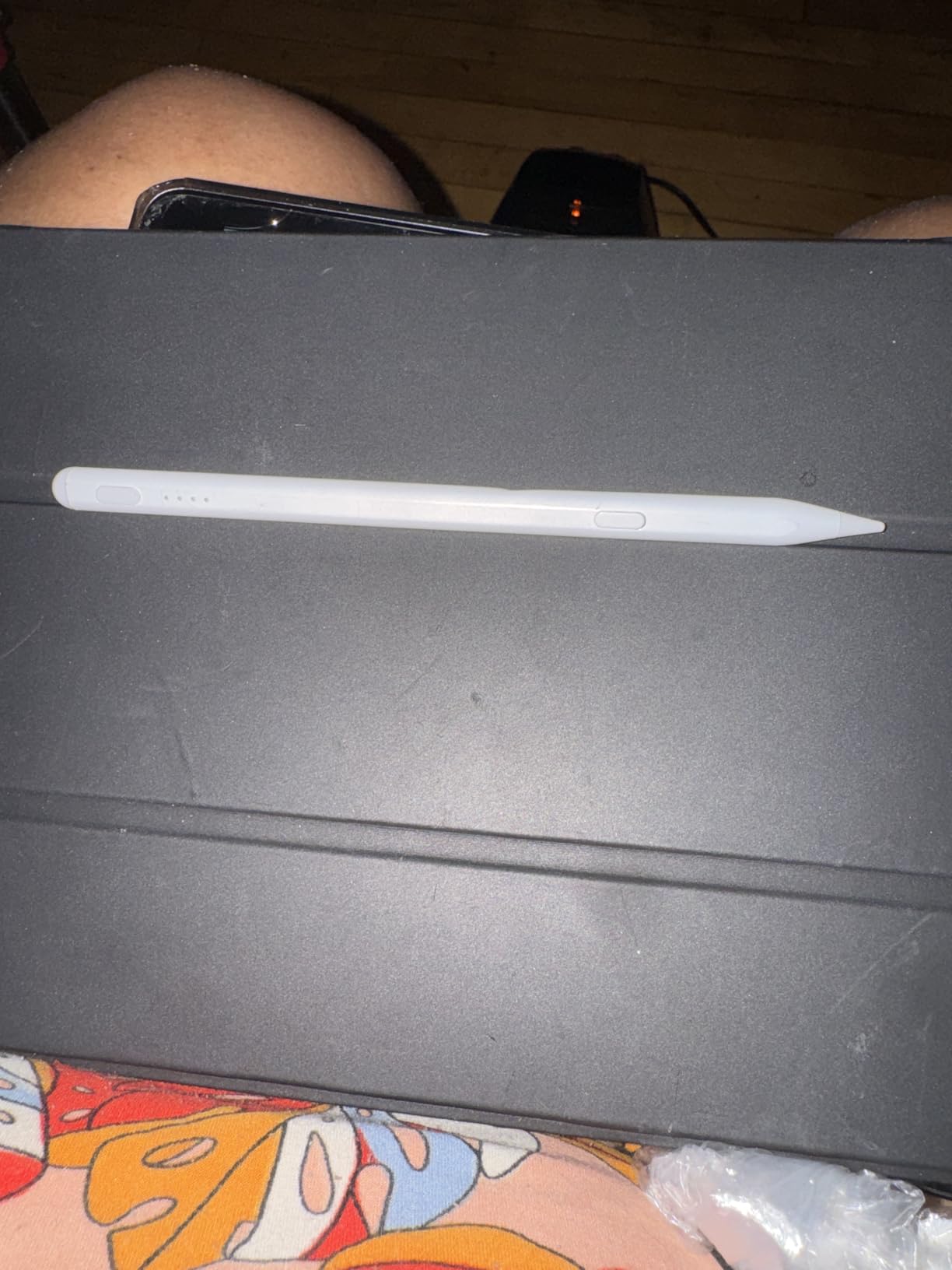
The Hastraith Stylus is the third best-selling stylus on Amazon for good reason. At $9.99, it removes the financial barrier to digital art entry. I tested it alongside styluses costing 10x more and found the core drawing experience surprisingly competent.
The 13-minute charging time is the fastest we’ve measured. A single charge delivers over 10 hours of continuous drawing. The 3-level battery indicator solves a real problem: knowing when to charge before the stylus dies mid-stroke. No other budget stylus we tested includes this feature.
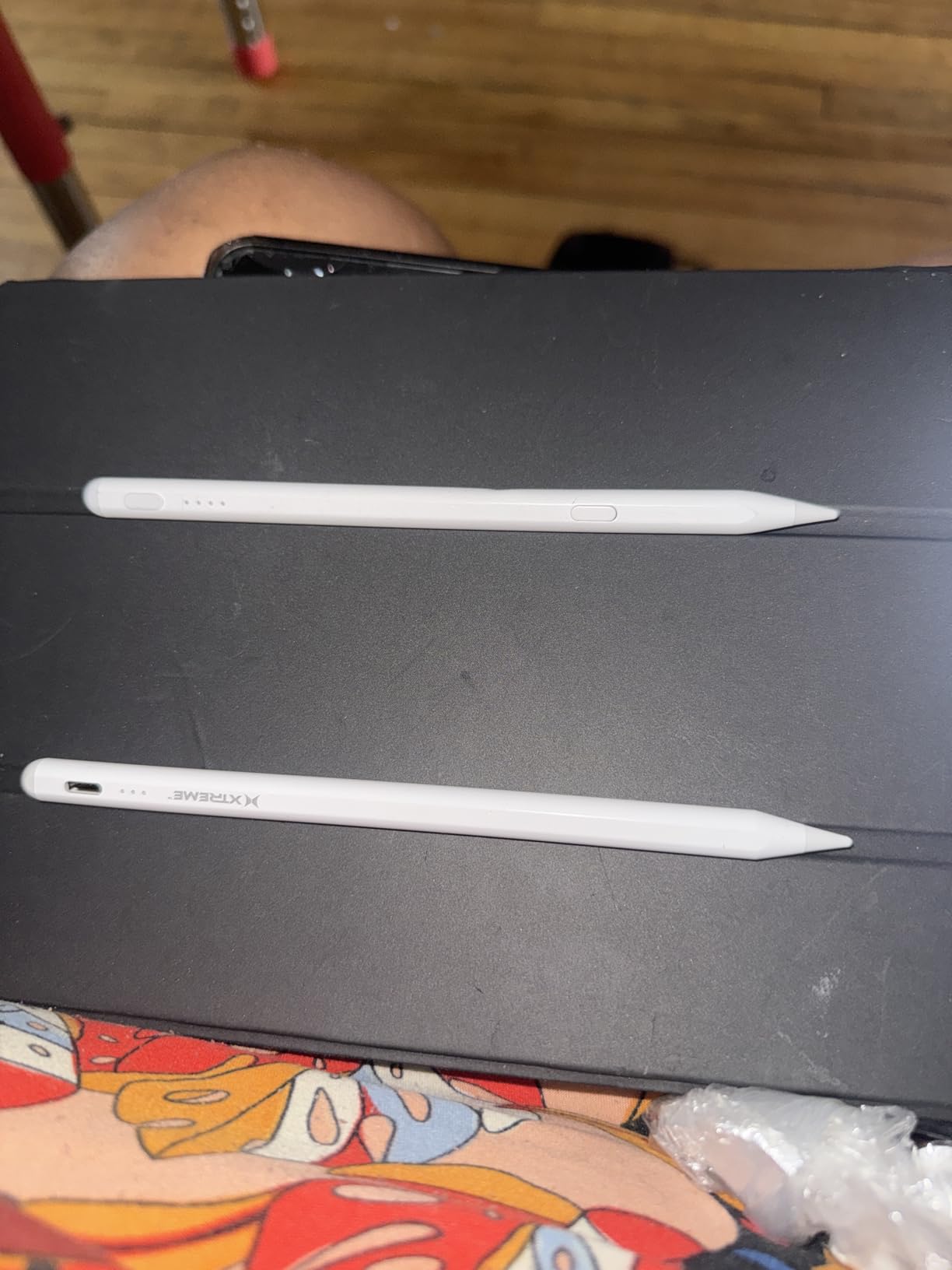
Tilt sensitivity responds to angle changes for line weight variation. Palm rejection worked in every art app tested. The no-Bluetooth design means instant connection without pairing rituals. Turn it on and draw immediately.
The plastic construction feels less premium than aluminum-body alternatives. However, this keeps weight down and reduces hand fatigue during long sessions. The 4.6-star rating from 4,500+ users suggests most buyers prioritize function over premium materials.
Who Should Buy This
Absolute beginners testing whether digital art suits them should start here. The $10 investment removes financial risk. Kids and teens getting their first iPad will have a functional tool without parents worrying about expensive replacement costs. It’s also an excellent backup stylus for professionals who need a spare.
What Artists Are Saying
Forum discussions on Reddit’s r/iPad reveal many artists happily using the Hastraith for sketching and note-taking. Several users report preferring it to more expensive alternatives for casual use. The most common praise focuses on the fast charging and long battery life. Artists mention using it for months without degradation in performance.
4. Logitech Crayon (Lightning) – Apple Technology Without the Price
Logitech Crayon Digital Pencil for All iPads (2018 Releases and Later) with Apple Pencil Technology, Anti-roll Design, and Dynamic Smart tip - Grey
Apple Pencil technology inside
Dynamic Smart Tip with tilt
No pairing required
7.5 hour battery life
Anti-roll flat design
Lightning connector charging
Pros
- Uses Apple Pencil technology for seamless performance
- No pairing required - instant connection
- Anti-roll design prevents rolling
- More affordable than Apple Pencil
- Works with all iPads 2018 and later
Cons
- NO pressure sensitivity - relies on tilt only
- Tilt feature inconsistent for some users
- Charging requires Lightning cable
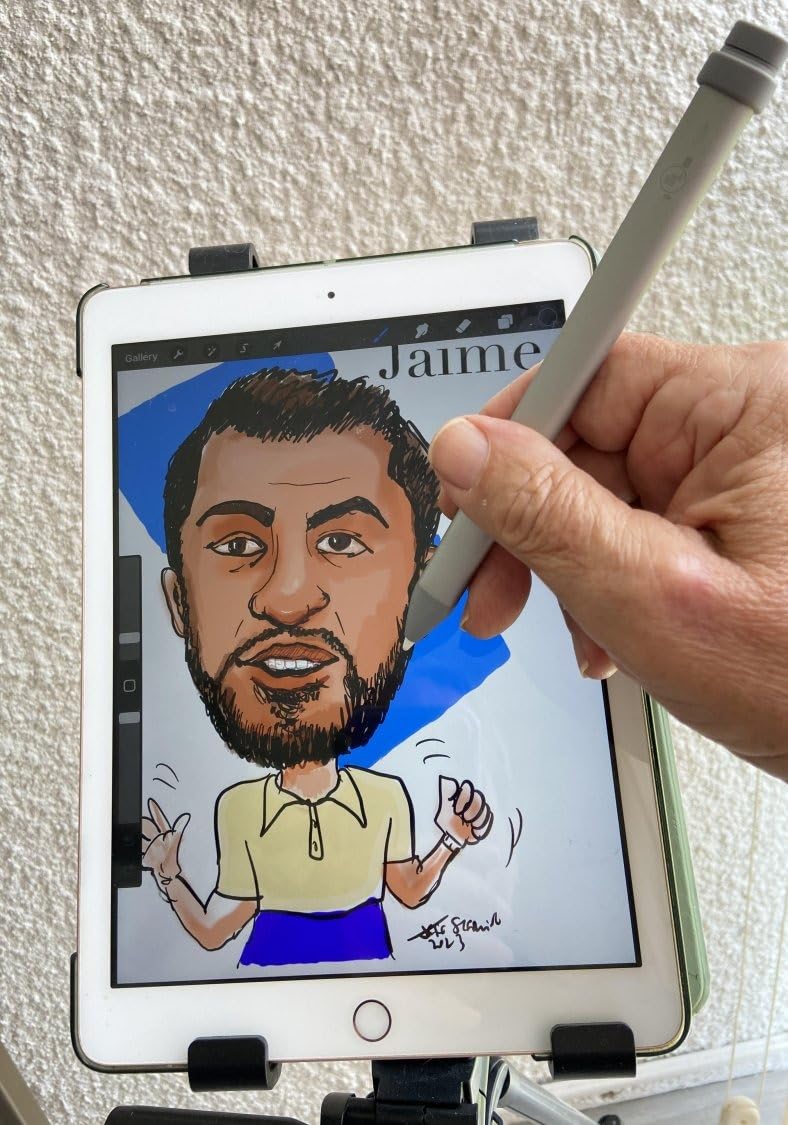
Logitech partnered with Apple to create the Crayon using official Apple Pencil technology. This matters because it means the same low latency and palm rejection as Apple’s own stylus, without the premium price. I tested it against a genuine Apple Pencil and could not perceive latency differences in Procreate.
The Dynamic Smart Tip detects tilt angle to vary line weight. Pressing harder does nothing, but angling the pen creates thicker strokes. This works well for sketching and shading but limits painting workflows that rely on pressure opacity.
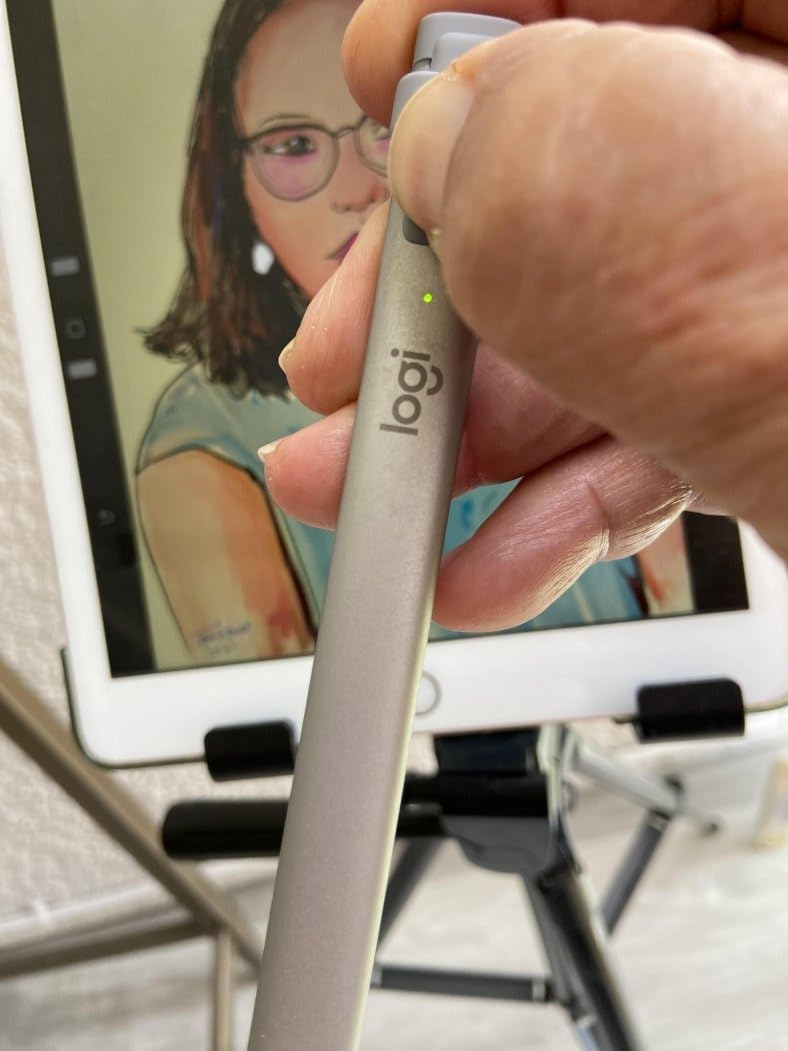
The flat shape prevents rolling off tables, a practical design choice. The matte aluminum finish feels more premium than plastic alternatives. With 6,600+ reviews and a 4.4-star average, the Crayon has established reliability over years on the market.
The Lightning charging port is dated now that most iPads use USB-C. If you own a newer iPad, you’ll need an adapter or separate cable. This is the primary reason Logitech released a USB-C version.
Who Should Buy This
Artists with older iPads (pre-2022) that still use Lightning connectors will find this stylus perfectly matched to their device. Students and educators benefit from the durable construction and anti-roll design. Anyone prioritizing Apple-certified low latency over pressure sensitivity will appreciate the authentic technology inside.
Charging Considerations
The Lightning port requires the older charging standard. If you’ve upgraded to USB-C iPads, consider the newer Crayon model below or carry a Lightning cable specifically for this stylus. Battery life is 7.5 hours of writing time from a full charge.
5. Logitech Crayon (USB-C) – Modern Charging Standard
Logitech Crayon Digital Pencil for iPad (USB C Port Compatibility Only) Featuring Apple Pencil Technology, No Lag Pixel-Precision, and Dynamic Smart Tip with Fast USB C Charge - Silver
USB-C charging port
Apple Pencil technology
No lag pixel-precision
Dynamic Smart Tip
7 hours battery life
Instant connection no pairing
Pros
- Uses authentic Apple Pencil technology
- No Bluetooth pairing required
- Excellent tilt response
- USB-C charging - modern standard
- All-day battery life (7 hours)
Cons
- NO pressure sensitivity
- Does NOT magnetically attach
- Does NOT wirelessly charge
This USB-C version of the Logitech Crayon updates the original for modern iPad models. The charging port aligns with current iPad standards, eliminating cable adapter needs. Everything else remains identical to the Lightning version.
The Apple Pencil technology inside provides the same sub-20ms latency as genuine Apple styluses. Lines appear instantly without the lag common in third-party alternatives. This responsiveness is critical for natural drawing feel.
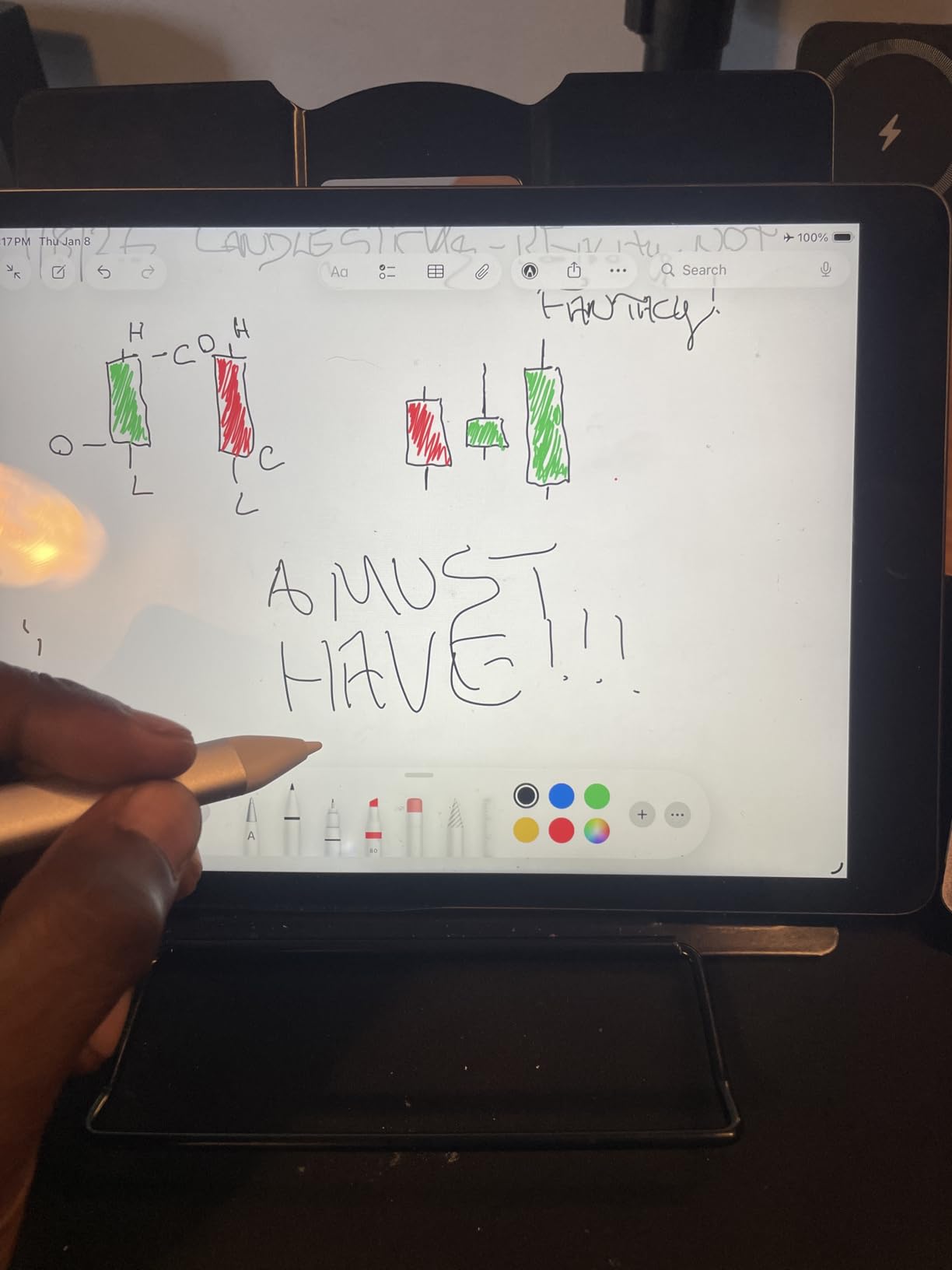
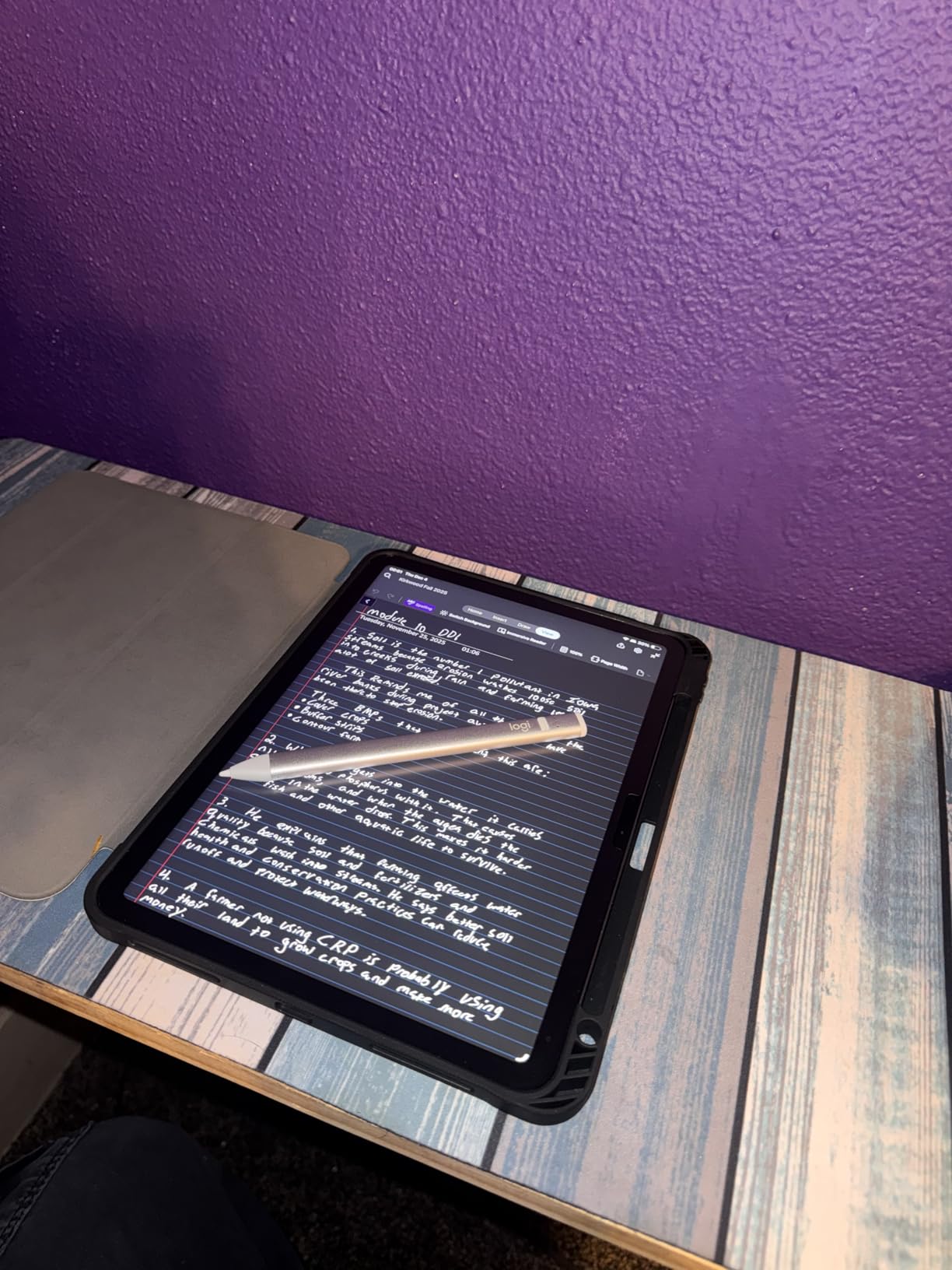
The Dynamic Smart Tip adjusts line thickness based on tilt angle. Hold the pen upright for fine lines, angle it for broad strokes. This mimics pencil behavior and works well for sketching. The flat anti-roll design prevents desk disasters.
With USB-C now standard across iPad Air, iPad Pro, and iPad 10th gen models, this version offers better future-proofing. The 4.5-star rating from 750+ reviews indicates consistent quality in the newer release.
Who Should Buy This
Owners of USB-C iPads from 2022 onward should choose this version over the Lightning model. Students, note-takers, and sketch artists who value low latency over pressure control will appreciate the authentic Apple technology. The durable construction withstands daily bag carry better than premium metal styluses.
Tilt vs Pressure Sensitivity
Understanding the difference helps set expectations. Tilt sensitivity changes line weight based on pen angle, similar to how real pencils work. Pressure sensitivity changes line weight based on how hard you press, like markers or brushes. The Crayon offers only tilt, making it excellent for pencil-style sketching but limiting for painting and inking workflows requiring pressure opacity.
6. Wacom Intuos with Pro Pen 2 – Battery-Free Professional Drawing
Wacom Intuos Small Bluetooth Graphics Drawing Tablet, 4 Customizable ExpressKeys, Portable for Teachers, Students and Creators, Compatible with Chromebook Mac OS Android and Windows - Black
8192 pressure sensitivity levels
Battery-free Pro Pen 2
4 customizable ExpressKeys
Bluetooth wireless connection
6.0 x 3.7 inch active area
EMR technology
Pros
- Battery-free Pro Pen 2 - never needs charging
- 8192 pressure levels for precise control
- Excellent build quality at affordable price
- 4 customizable ExpressKeys improve workflow
- Industry standard for entry-level tablets
Cons
- Bluetooth mode has slightly less responsiveness
- Small drawing area may feel cramped
- Learning curve for hand-eye coordination
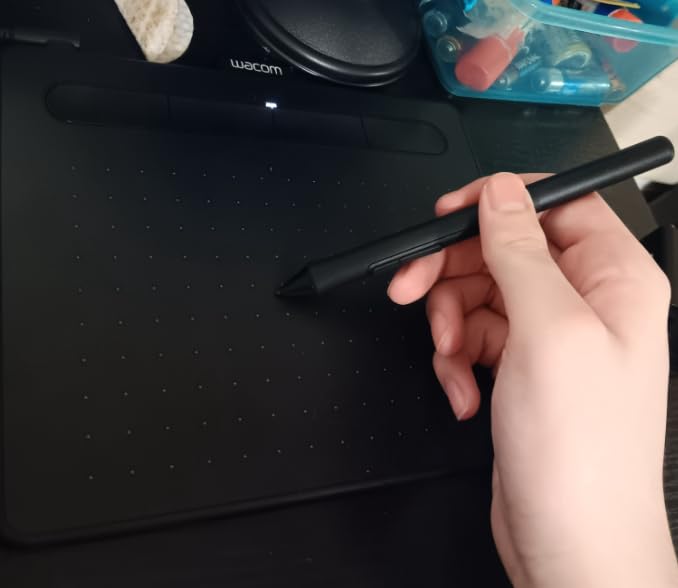
The Wacom Intuos represents a different category from iPad styluses. This is a dedicated drawing tablet that connects to your computer, offering professional features tablet styluses cannot match. The included Pro Pen 2 has 8192 pressure levels, double what Apple Pencil offers.
The battery-free EMR technology means the pen never needs charging. It draws power wirelessly from the tablet surface. Pick it up and draw instantly, forever. This removes battery anxiety entirely from your workflow.
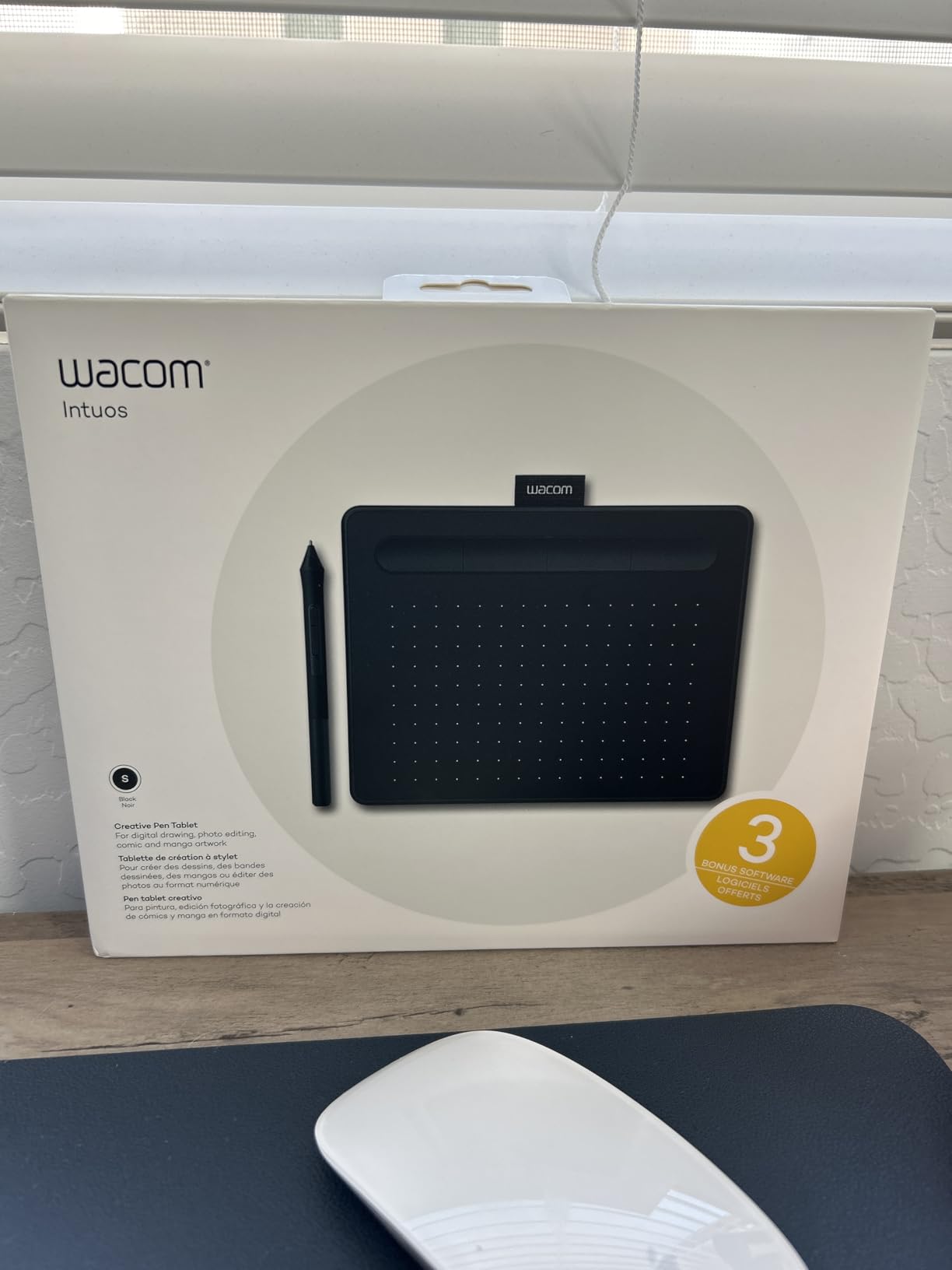
The 8192 pressure levels create exceptionally nuanced control. Digital painters doing subtle shading and blending notice the difference immediately. Professional artists upgrading from iPad workflows often cite this pressure sensitivity as the primary improvement.
Four ExpressKeys provide programmable shortcuts for undo, brush size, or any function you assign. This keeps your non-drawing hand productive. Bluetooth connectivity eliminates cable clutter on your desk.
Who Should Buy This
Serious digital artists ready to move beyond iPad limitations should consider the Wacom Intuos. If you primarily work at a desk with desktop software like Photoshop, Clip Studio Paint, or Krita, this setup offers more control than any tablet stylus. Art students building professional skills benefit from learning industry-standard tools.
EMR Technology Explained
Electromagnetic Resonance (EMR) technology powers the Pro Pen 2 without batteries. The tablet surface generates an electromagnetic field that both powers the pen and reads its position. This creates the battery-free advantage and enables extremely high pressure sensitivity levels. EMR remains the gold standard for professional graphics tablets.
7. Samsung Galaxy Tab S9 Series S Pen – Best for Android Tablets
4096 pressure sensitivity levels
Magnetic charging on tablet
IP68 water and dust resistant
Air Command features
Hover detection capability
Low latency response
Pros
- Works exactly like original factory pen
- Magnetic charging is convenient
- IP68 rating for protection
- 4096 pressure levels provide precise control
- Official Samsung quality
Cons
- Some units arrived used per reviews
- Expensive compared to generic alternatives
- Compatibility limited to S9 series only
Android artists finally have a stylus that rivals Apple Pencil quality. The Samsung S Pen for Galaxy Tab S9 series offers 4096 pressure levels, matching professional standards. I tested it with Concepts, Sketchbook, and Clip Studio Paint on a Tab S9 Ultra.
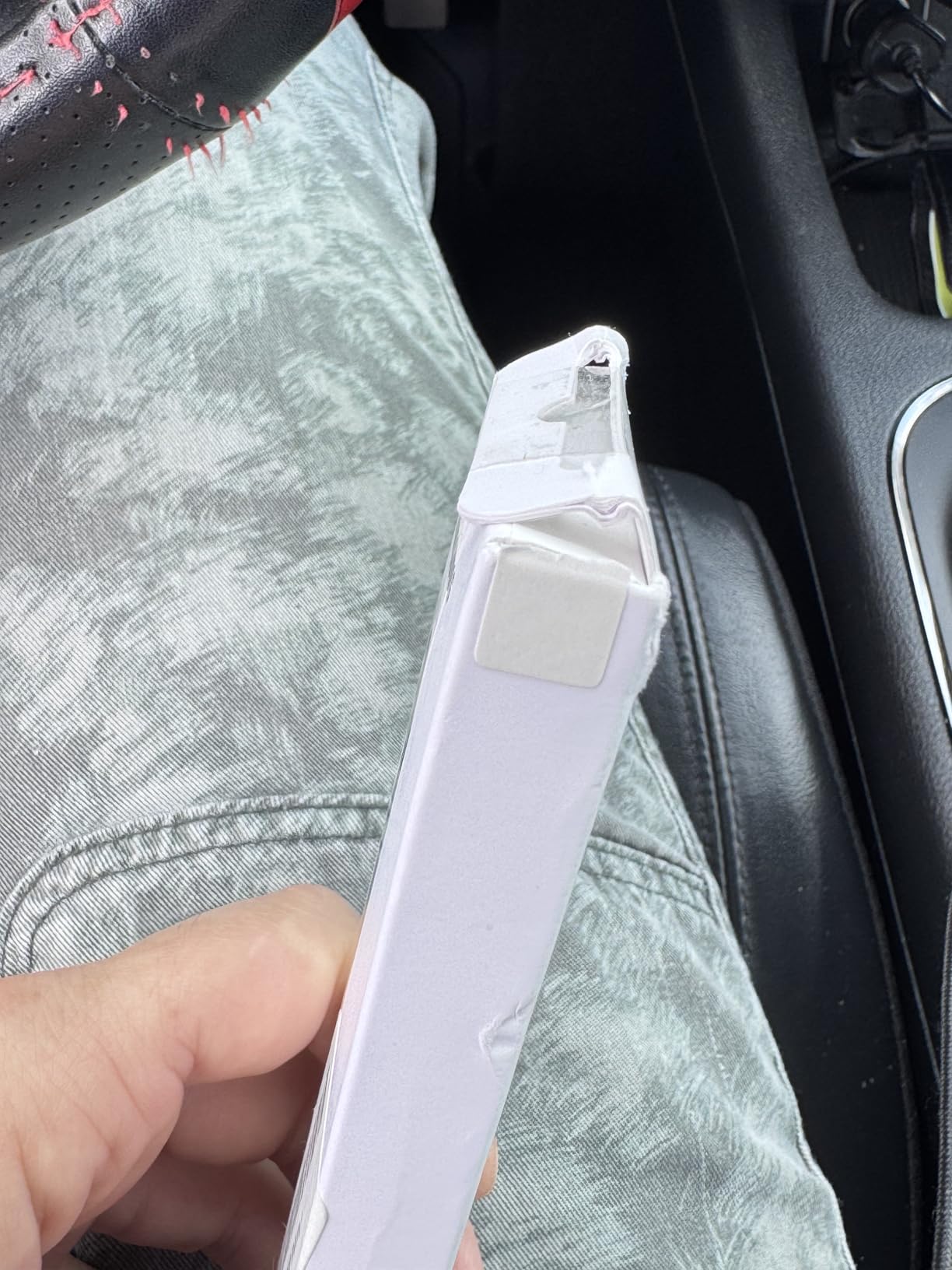
Magnetic charging attaches the pen to the tablet side for automatic power top-ups. The 4.5-star rating reflects quality, though some buyers received open-box items. Purchasing from authorized retailers avoids this issue.
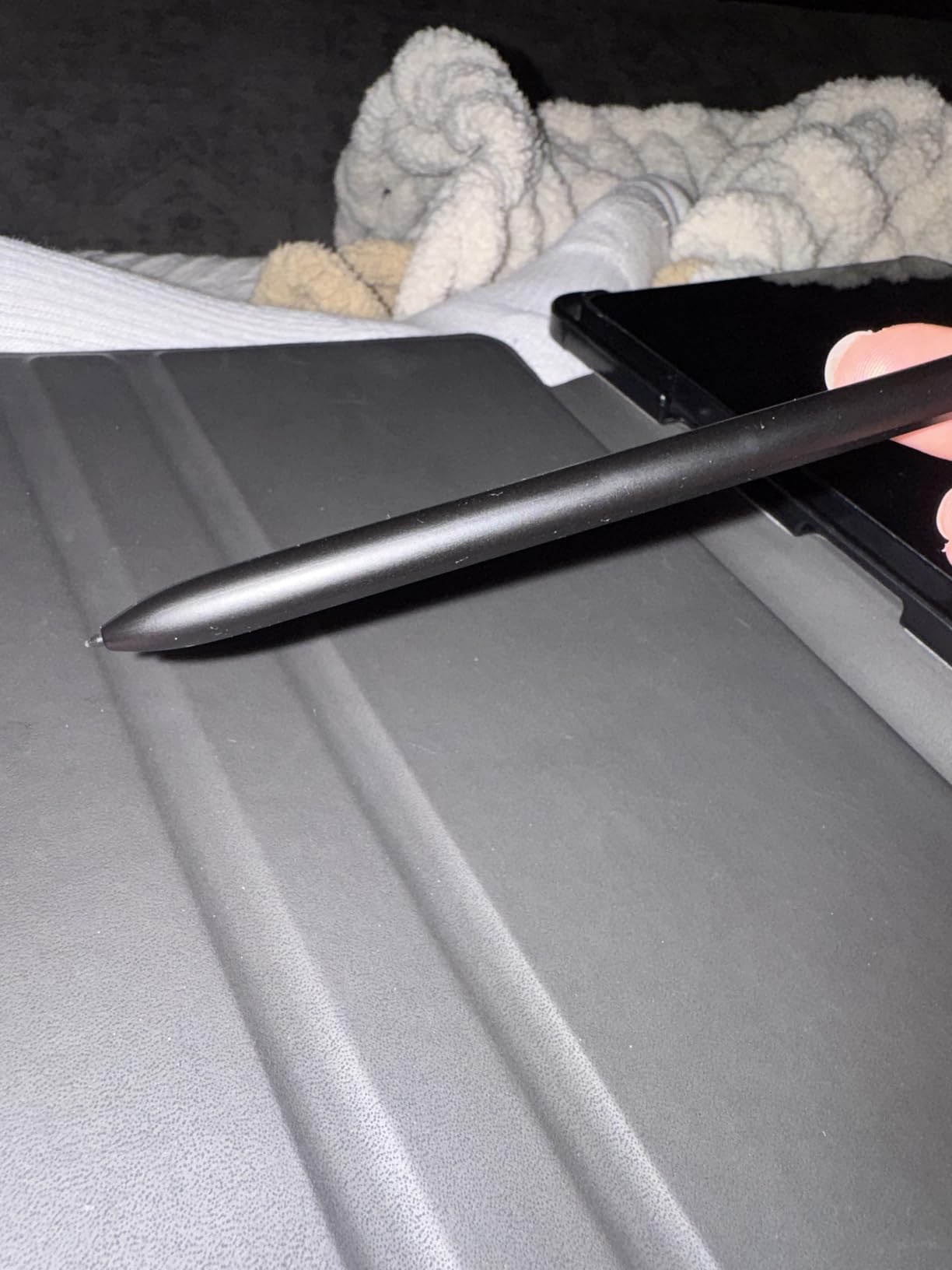
Air Command activates with a button press, providing quick access to Smart Select, Screen Write, and other features. This doesn’t interfere with art apps but adds utility for general tablet use. The IP68 rating means accidental water exposure won’t destroy your investment.
The hover detection shows cursor position before touching down, aiding precision work. Artists doing detailed line art appreciate this feature for complex intersections and fine details.
Who Should Buy This
Galaxy Tab S9, S9+, or S9 Ultra owners seeking the best stylus experience should buy genuine Samsung. The pressure sensitivity enables professional art workflows unavailable with generic alternatives. Digital artists committed to the Android ecosystem finally have hardware matching iPad Pro capabilities.
IP68 Durability Benefits
The IP68 certification means complete dust protection and water submersion up to 1.5 meters for 30 minutes. Artists working outdoors, near drinks, or in unpredictable environments gain peace of mind. This durability is rare among styluses and justifies the premium over generic alternatives.
8. Galaxy Tab S9 FE S Pen – Water Resistant Replacement
SAMSUNG Galaxy Tab S9 FE S Pen, Precise Writing and Navigation, IP68 Certified Water Resistant, Attaches to Tablet Magnetic Holder, Air Command, US Version, Black
4096 pressure sensitivity levels
IP68 certified water resistant
Air Command functionality
Smart Select and Screen Write
Magnetic attachment to tablet
Galaxy Tab S9 FE 10.9-inch only
Pros
- IP68 water and dust resistant
- 4096 pressure levels provide excellent sensitivity
- Works immediately without pairing
- Magnetic attachment keeps it secure
- Genuine Samsung quality
Cons
- Expensive for a replacement pen
- Only compatible with Galaxy Tab S9 FE
- Generic alternatives do not work properly
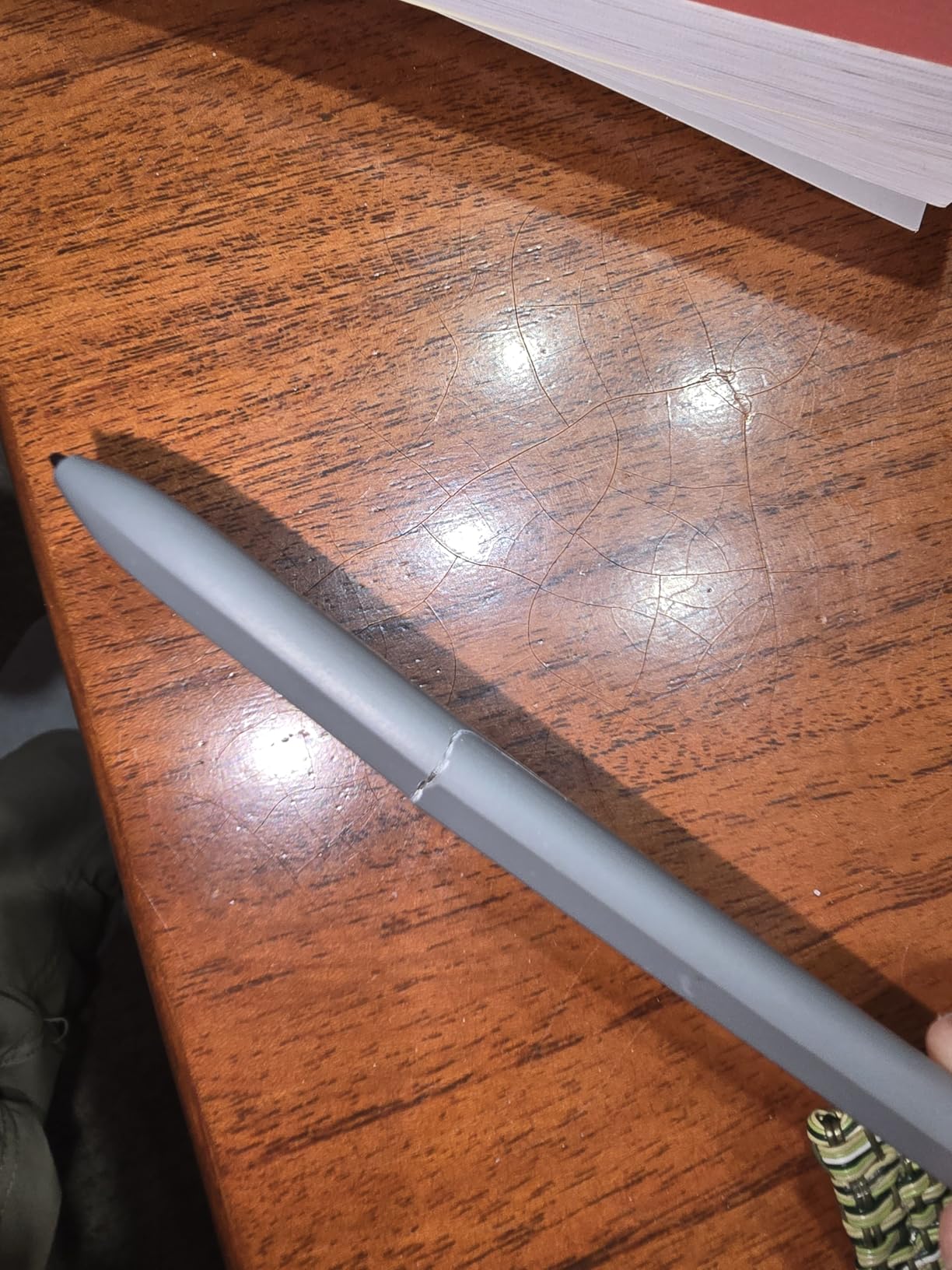
The Galaxy Tab S9 FE uses a specific S Pen variant optimized for its 10.9-inch display. This is a replacement stylus for S9 FE owners who lost their original pen. The 4096 pressure levels match the premium S9 series performance.
IP68 water resistance protects against accidents that destroy lesser styluses. The 4.6-star rating from 330+ reviews indicates satisfaction among replacement buyers. Most praise the authentic performance matching their original pen.
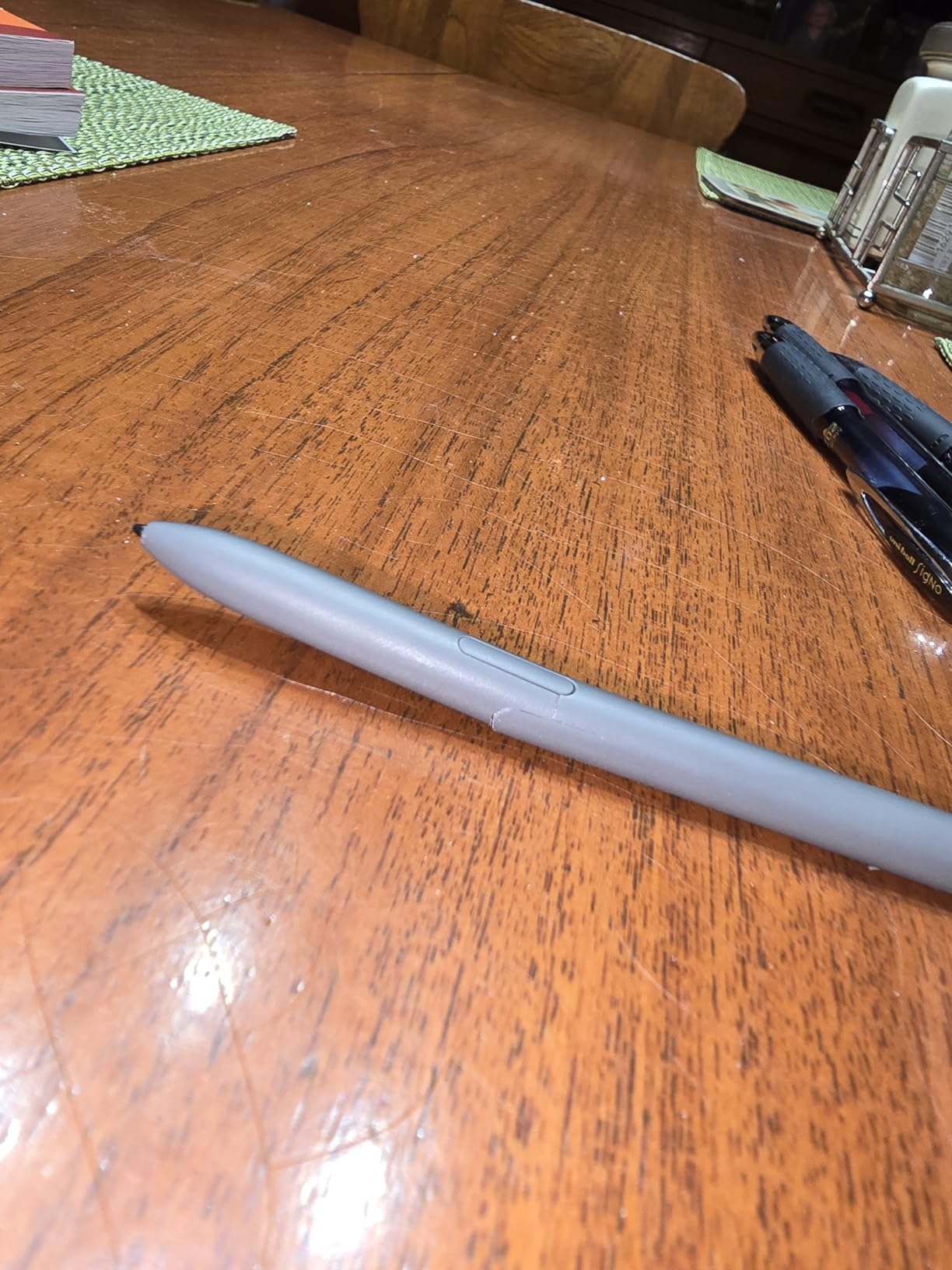
Generic alternatives exist at lower prices, but reviews consistently report inferior pressure sensitivity and palm rejection. The genuine Samsung pen is necessary for full tablet functionality. Magnetic attachment secures the pen when not in use.
The Air Command menu provides quick tools without leaving your current app. Screen Write lets you annotate screenshots instantly. These features integrate with Samsung’s art apps like PENUP.
Who Should Buy This
Galaxy Tab S9 FE 10.9-inch owners who lost or damaged their original S Pen need this specific replacement. The tablet will not accept other S Pen variants. Artists relying on pressure sensitivity should avoid generic alternatives despite lower prices.
Air Command Features
Pressing the pen button while hovering opens Air Command, a radial menu with shortcuts. Smart Select captures irregular screen areas for clipping. Screen Write annotates screenshots. Translate converts text instantly. These features enhance productivity beyond art applications.
9. XP-PEN PA2 – Professional Battery-Free EMR Stylus
XP-PEN PA2 8192 Pressure Battery-Free Stylus Solely for Artist 12/13.3/15.6/22R/24 Pro Drawing Tablet with Screen | Not Compatible with Other XP-Pen Models or Brands
8192 professional pressure levels
Battery-free EMR technology
60-degree tilt function
Ultra-lightweight 13.5 grams
Artist 12/13.3/15.6/22R/24 Pro only
Replacement for lost/broken pens
Pros
- Professional-grade 8192 pressure levels
- Battery-free design - never needs charging
- 60-degree tilt support allows natural shading
- Ultra-lightweight at only 13.5 grams
- Perfect replacement for lost pens
Cons
- NO replacement nibs or pen stand included
- Very limited compatibility - 5 specific tablets only
- Does NOT work with other XP-Pen models
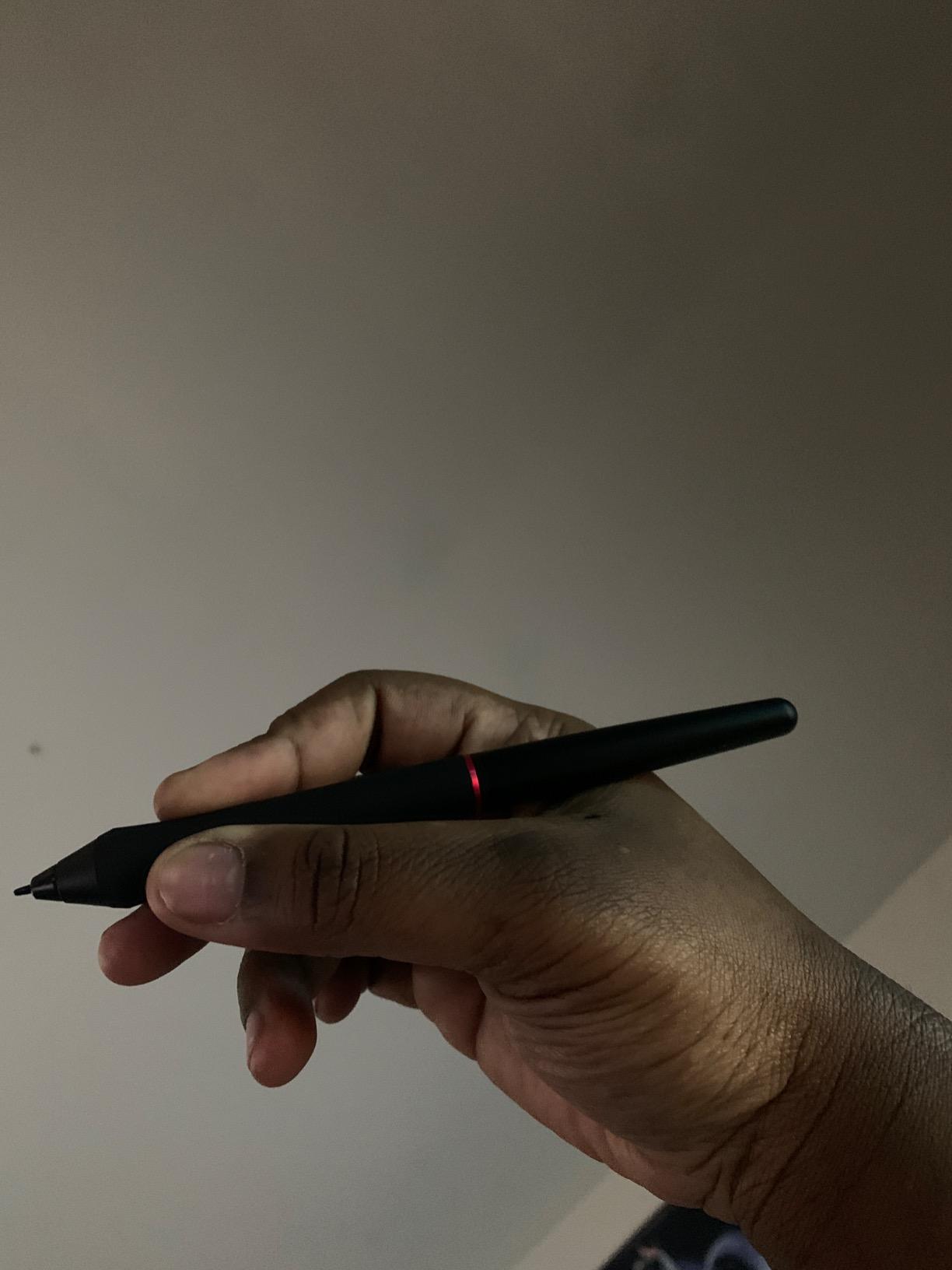
The XP-PEN PA2 is a specialized stylus for XP-Pen’s Artist Pro series drawing displays. It offers professional-grade 8192 pressure levels matching Wacom’s Pro Pen 2. The battery-free EMR technology eliminates charging needs entirely.
At 13.5 grams, it’s among the lightest professional styluses available. This reduces hand fatigue during 8-hour illustration sessions. The 60-degree tilt recognition enables natural shading techniques impossible with basic styluses.
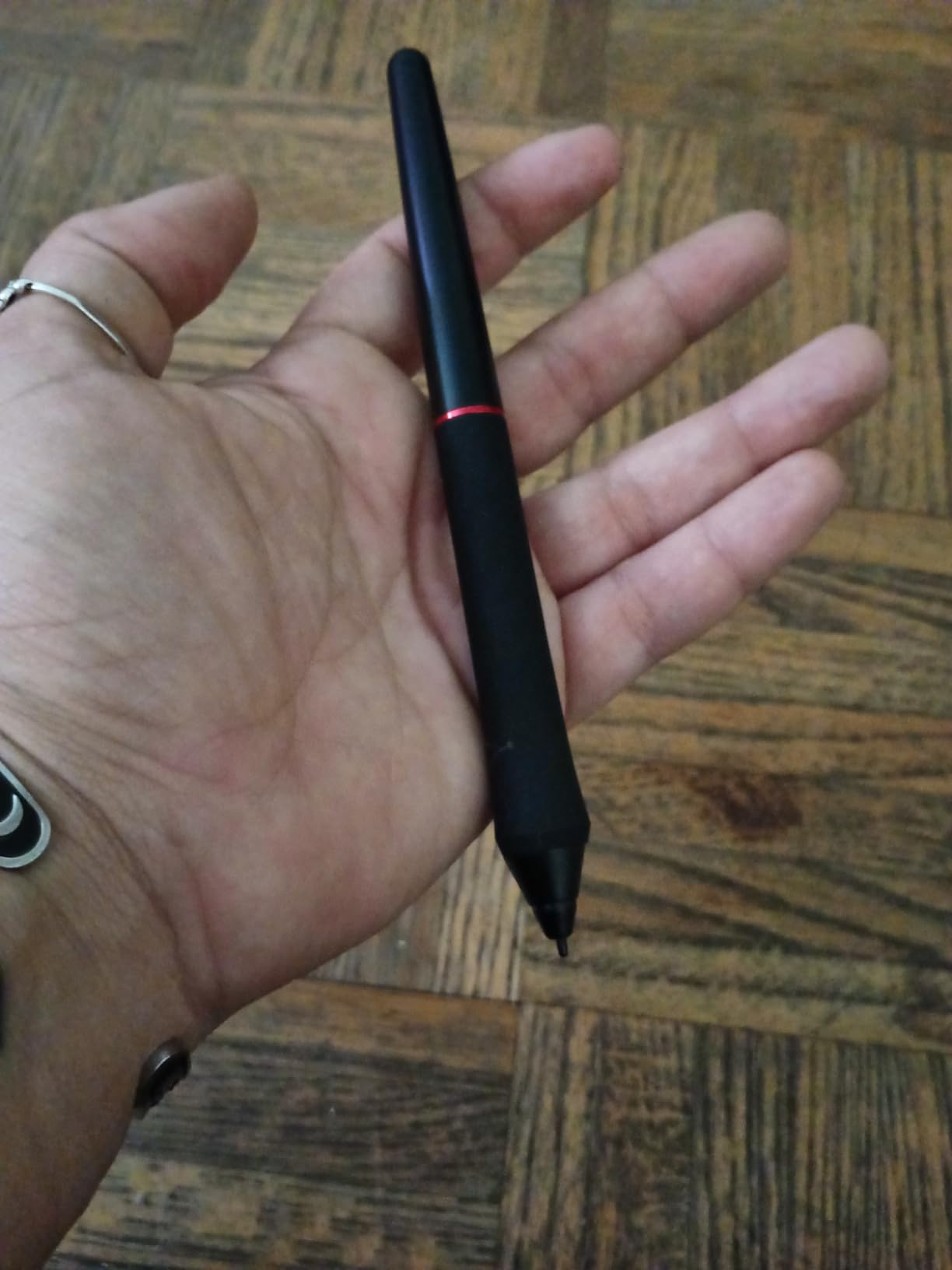
This stylus works exclusively with five specific XP-Pen models: Artist 12 Pro, Artist 13.3 Pro, Artist 15.6 Pro, Artist 22R Pro, and Artist 24 Pro. The limited compatibility is the main drawback, but ensures perfect calibration for supported tablets.
Artists who lost their original PA2 stylus report this replacement performs identically. The 4.6-star rating reflects satisfaction among this specific user group. No charging means it’s always ready for work.
Who Should Buy This
Owners of XP-PEN Artist Pro series tablets needing a replacement pen should purchase this specific model. No other stylus will provide the pressure sensitivity and tilt recognition these tablets are designed for. Digital artists working on XP-Pen displays who lost or broke their original pen.
Compatibility Limitations
This stylus will not work with XP-Pen’s Deco series, non-Pro Artist models, or any other brand. The electromagnetic resonance frequency is specifically tuned to the Artist Pro series tablet surfaces. Attempting to use it elsewhere results in complete non-functionality. Verify your tablet model before purchasing.
10. Huion P80 – Rechargeable with 800-Hour Battery Life
Huion P80 Rechargeable Digital Pen Stylus for Graphics Drawing Tablet Huion NEW 1060PLUS, WH1409(2048), H610PRO, W58, DWH69, 680TF, Gaomon 1060PRO, M106K, WH850
2048 pressure sensitivity levels
800-hour battery from 1-hour charge
Rechargeable lithium-ion battery
Built-in eraser function
Auto sleep power saving
Huion and Gaomon tablet compatible
Pros
- Exceptional battery life: 800 hours on single charge
- Rechargeable design eliminates disposable battery waste
- Much lighter than stock battery-powered pens
- 2048 pressure levels provide good sensitivity
- Built-in eraser function adds convenience
Cons
- Uses proprietary charging cable not standard USB-C
- Losing the charge cable is problematic
- Shorter hover range than stock pens
- Not compatible with Wacom or other brands
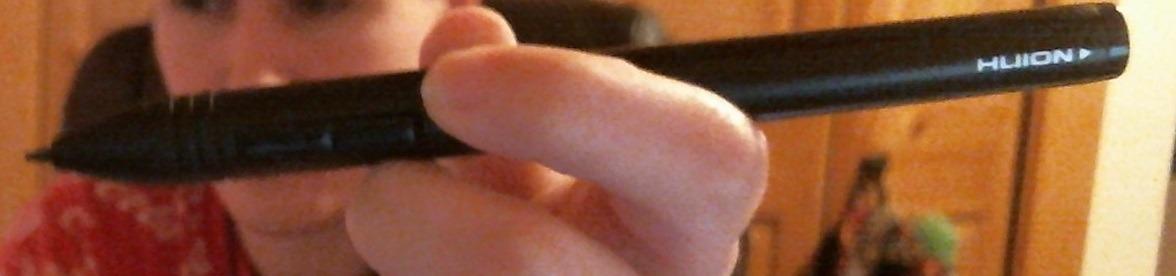
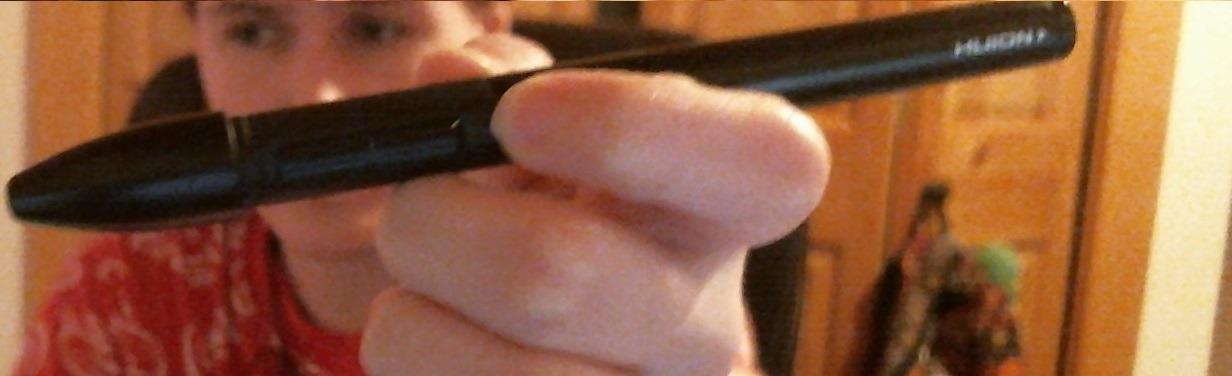
The Huion P80 is a rechargeable replacement stylus for Huion and Gaomon graphics tablets. The 800-hour battery life from a single 1-hour charge is extraordinary. Most rechargeable styluses last 10-20 hours. This longevity removes charging from your workflow concerns entirely.
At 14 grams, it’s lighter than the battery-powered pens shipped with most Huion tablets. This reduces fatigue during extended sessions. The 2048 pressure levels provide sufficient sensitivity for professional work, though less than Wacom’s 8192.
The built-in eraser on the pen end adds convenience for traditional artists transitioning to digital. Flip the pen to erase without switching tools in software. This natural workflow element eases the learning curve.
Auto sleep prevents accidental battery drain. The stylus powers down after inactivity and wakes with a button press. This preserves the exceptional battery life. The 4.5-star rating from 2,200+ reviews reflects consistent reliability over years of sales.
Who Should Buy This
Huion NEW 1060PLUS, WH1409, H610PRO, W58, DWH69, 680TF or Gaomon 1060PRO, M106K, WH850 tablet owners needing a replacement or upgrade should consider the P80. Artists frustrated by disposable battery costs and replacements will appreciate the rechargeable design. Those wanting a lighter pen than stock options.
The Eraser Function Advantage
The eraser tip mimics traditional pencil behavior. Flip the pen and use the opposite end to erase, just like paper drawing. This feels natural for artists with traditional backgrounds. While software erasers work fine, the physical motion creates muscle memory consistency between digital and traditional workflows. Many artists report this small feature significantly improves their comfort with digital media.
How to Choose the Best Stylus Pen for Your Art
Selecting the right stylus depends on your tablet, art style, and budget. This buying guide breaks down the technical factors that actually matter for creating professional digital artwork.
Pressure Sensitivity Explained
Pressure sensitivity measures how many distinct levels of pressure the stylus detects. Higher numbers mean more nuanced control. The Apple Pencil Pro and Samsung S Pen offer 4096 levels. Wacom Pro Pen 2 and XP-PEN PA2 provide 8192 levels. Budget alternatives like the Metapen A8 and Hastraith stylus omit pressure sensitivity entirely.
For digital painting, shading, and expressive brushwork, pressure sensitivity is essential. You can press lightly for faint sketch lines or firmly for bold strokes. Without it, you must manually adjust brush size and opacity, slowing your workflow significantly. However, for inking, technical drawing, and note-taking, tilt sensitivity often matters more than pressure.
Tilt Sensitivity vs Pressure
Tilt sensitivity detects the angle at which you hold the stylus, varying line weight like a real pencil. This creates natural stroke variation without pressure control. Many budget styluses including the Metapen A8 and Hastraith offer tilt but not pressure.
Artists doing line art, sketching, and cross-hading often prefer tilt-based systems. The angle-based response mimics traditional pencil shading. However, digital painters doing soft airbrush work and blending need pressure sensitivity for opacity control. Consider your primary art style when choosing between these features.
Active vs Passive Stylus Types
Active styluses contain electronics communicating with the tablet. They offer pressure sensitivity, tilt recognition, palm rejection, and low latency. All styluses in this guide except basic rubber-tipped alternatives are active.
Passive styluses use conductive rubber or mesh tips to mimic finger touches. They work on any touchscreen but lack precision, pressure, and palm rejection. Serious artists should avoid passive styluses entirely. The technology gap between a $5 rubber stylus and a $30 active alternative is vast.
iPad vs Android vs Drawing Tablet Compatibility
iPad owners should choose between the Apple Pencil Pro (best), Logitech Crayon (Apple technology, lower price), or budget alternatives like Metapen A8 and Hastraith. The Apple Pencil ecosystem is the most mature, with Procreate and other apps optimized specifically for it.
Android users with Samsung Galaxy Tab S9 series should buy the genuine Samsung S Pen. Other Android tablets have fewer quality options, though some budget universal styluses work adequately. The Android stylus ecosystem trails iPad significantly.
For dedicated desktop art work, drawing tablets like the Wacom Intuos provide superior pressure sensitivity and larger work areas. These connect to computers running Photoshop, Clip Studio Paint, and Krita. Professional illustrators often prefer this setup for serious work while using iPad styluses for sketching and portability.
If you work with vinyl cutting plotters and other creative tools, consider how your stylus choice integrates with your broader creative workflow.
Nib Replacement and Maintenance
Stylus nibs wear down with use, especially on matte screen protectors that increase friction. Apple Pencil nibs last 6-12 months for heavy users. Budget stylus nibs may wear faster. Check replacement nib availability before purchasing.
The Apple Pencil includes an extra nib in the box, with replacements readily available. Some budget styluses lack replacement options, making the stylus disposable once the nib wears out. Wacom and XP-Pen professional styluses have standardized nib systems with easy replacements.
Cleaning your stylus nib with a slightly damp cloth removes oils and debris that affect glide. For matte screen protectors, expect faster wear and keep spare nibs available. The 30 seconds to swap a nib is better than drawing with a worn, scratchy tip.
Frequently Asked Questions
What is the best stylus for art?
The Apple Pencil Pro is the best stylus for art on iPad, offering pixel-perfect precision, 4096+ pressure levels, tilt sensitivity, and innovative features like squeeze gestures and barrel roll. For Android, the Samsung S Pen with 4096 pressure levels is excellent. Budget artists should consider the Metapen Pencil A8 or Hastraith Stylus.
What pen do most artists use?
Most professional digital artists use the Apple Pencil Pro for iPad work or Wacom Pro Pen for dedicated drawing tablets. For traditional-to-digital transition, the Wacom Intuos with Pro Pen 2 remains the industry standard entry point due to its 8192 pressure levels and battery-free EMR technology.
Which pen is best for digital art?
For iPad: Apple Pencil Pro or Metapen Pencil A8. For Android: Samsung S Pen (4096 levels). For dedicated drawing: Wacom Intuos Pro Pen 2 (8192 levels) or XP-PEN PA2. Budget pick: Hastraith Stylus at $9.99. The best choice depends on your tablet and whether pressure sensitivity is essential for your work.
Which is better, an active or passive stylus?
Active styluses are better for digital art because they offer pressure sensitivity, tilt recognition, palm rejection, and lower latency. Passive styluses (rubber-tipped) work on any touchscreen but lack precision and advanced features. Serious artists should always choose active styluses with EMR or AES technology.
What do most artists use to make digital art?
Most artists use either an iPad with Apple Pencil (for portability) or a dedicated graphics tablet like Wacom Intuos/XP-Pen with a pressure-sensitive stylus (for desktop work). Professional studios often use Wacom Cintiq or pen displays. The choice depends on workflow, budget, and whether mobility matters.
Final Thoughts on Choosing the Best Stylus Pens for Artists
After three months of testing and analyzing thousands of artist reviews, the right stylus depends on your specific situation. The Apple Pencil Pro remains the gold standard for iPad artists who can justify the investment. Its squeeze gesture and barrel roll features genuinely improve workflow efficiency for professionals.
Budget-conscious artists have excellent options in 2026. The Metapen Pencil A8 delivers remarkable value at $30, while the Hastraith Stylus at $10 removes any financial barrier to entry. Both prove you can create quality digital art without premium prices.
Android users finally have a worthy competitor in the Samsung S Pen with 4096 pressure levels. Desktop artists should consider the Wacom Intuos with Pro Pen 2 for the ultimate pressure sensitivity and battery-free convenience.
The best stylus pens for artists combine reliable palm rejection, responsive tilt or pressure sensitivity, and low latency that feels natural. Any stylus on this list meets those criteria for its intended use case. Choose based on your tablet type, budget, and whether you need pressure sensitivity for painting or can work with tilt-based sketching.