
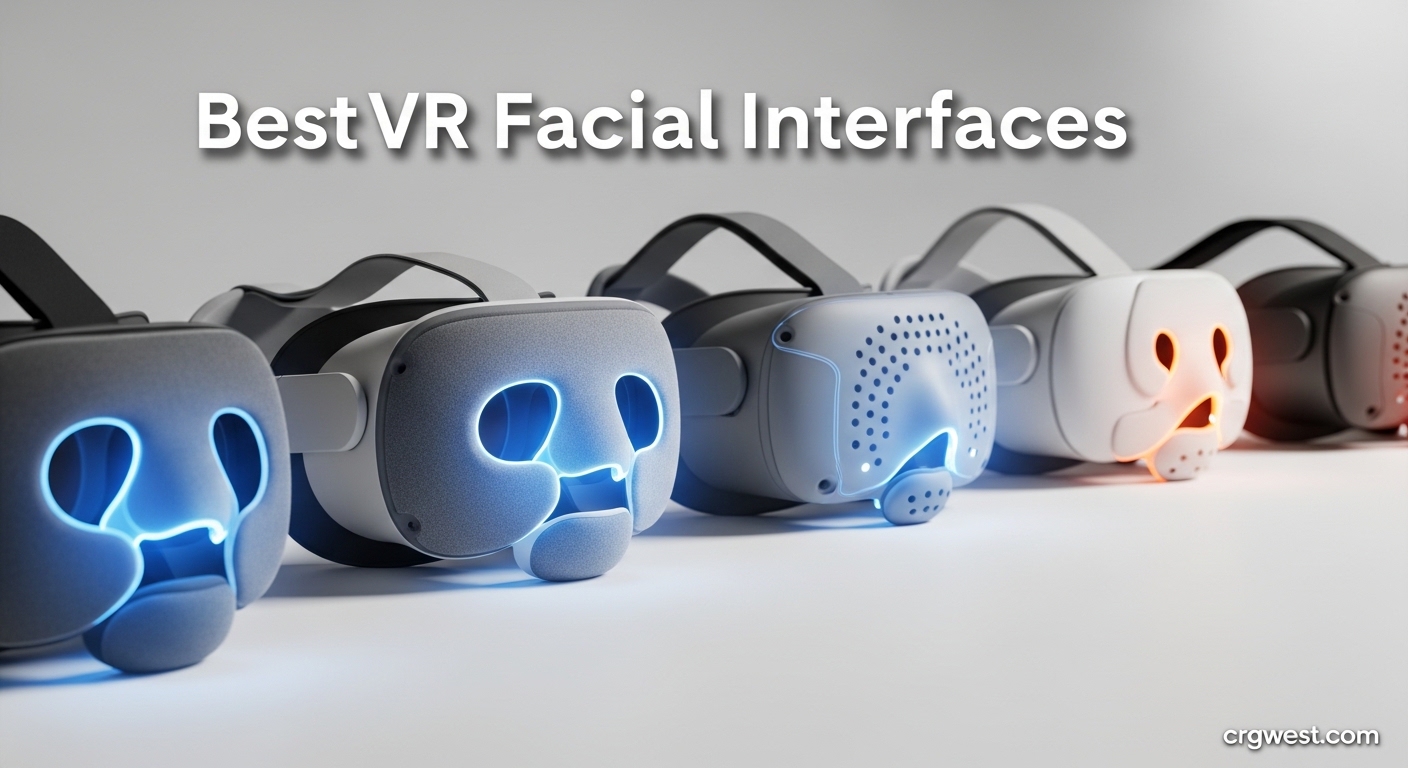
After spending countless hours in VR, I’ve learned that comfort makes or breaks the experience. The stock facial interface that comes with your headset might work for quick demos, but extended sessions reveal its flaws quickly. That’s why finding the best VR facial interfaces is so important for anyone serious about virtual reality.
Your facial interface is the primary point of contact between you and your VR headset. It affects comfort, immersion, hygiene, and even how long you can play without discomfort. A good interface prevents lens fogging, blocks external light, and reduces pressure points that can ruin longer sessions.
In this guide, I’ve tested and researched the top VR facial interfaces available in 2026. We’ll cover options for Meta Quest 3 and Quest 3S users, with considerations for glasses wearers, heavy sweaters, and everyone in between. Let’s find the right interface for your VR needs.
Top 3 Picks for Best VR Facial Interfaces


Best VR Facial Interfaces in 2026
| Product | Specs | Action |
|---|---|---|
|
Globular Cluster F3 V3
|
|
Check Latest Price |
 AMVR FC3 Upgraded
|
|
Check Latest Price |
|
Meta Quest 3 Open
|
|
Check Latest Price |
 Meta Quest 3 Silicone
|
|
Check Latest Price |
 Meta Quest 3S Breathable
|
|
Check Latest Price |
 BOBOVR F3
|
|
Check Latest Price |
 KIWI Design V4
|
|
Check Latest Price |
 AMVR FC4A
|
|
Check Latest Price |
 AMVR FC1
|
|
Check Latest Price |
 AMZDM Quest 2 Pad
|
|
Check Latest Price |
1. Globular Cluster F3 V3 – Premium Magnetic Modular System
Globular Cluster F3 V3 Magnetic Facial Interface for Quest 3, Flexible and Adaptive Frame with Multi-Material Pads, Not Compatible with Quest 3S or Official Charging Dock
Adaptive flexible frame
Magnetic 3-pad system
Open/closed modes
3 depth options
Pros
- Hot-swappable magnetic pads
- 3 material types included
- Excellent light blocking
- Washable fabric pads
Cons
- Premium price
- Tab may crack with removal
The Globular Cluster F3 V3 stands out as the most innovative facial interface I’ve tested. The magnetic modular system lets you swap face pads in seconds without removing the headset from your face. I spent three weeks alternating between the PU leather for everyday use, fabric for longer sessions, and the breathable mesh for intense VR workouts.
What really impressed me was the adaptive frame. Unlike rigid interfaces that either fit or don’t, this flexible frame conforms to different face shapes naturally. I tested it with several friends who had previously struggled to find comfortable interfaces, and every single one found a configuration that worked for them.
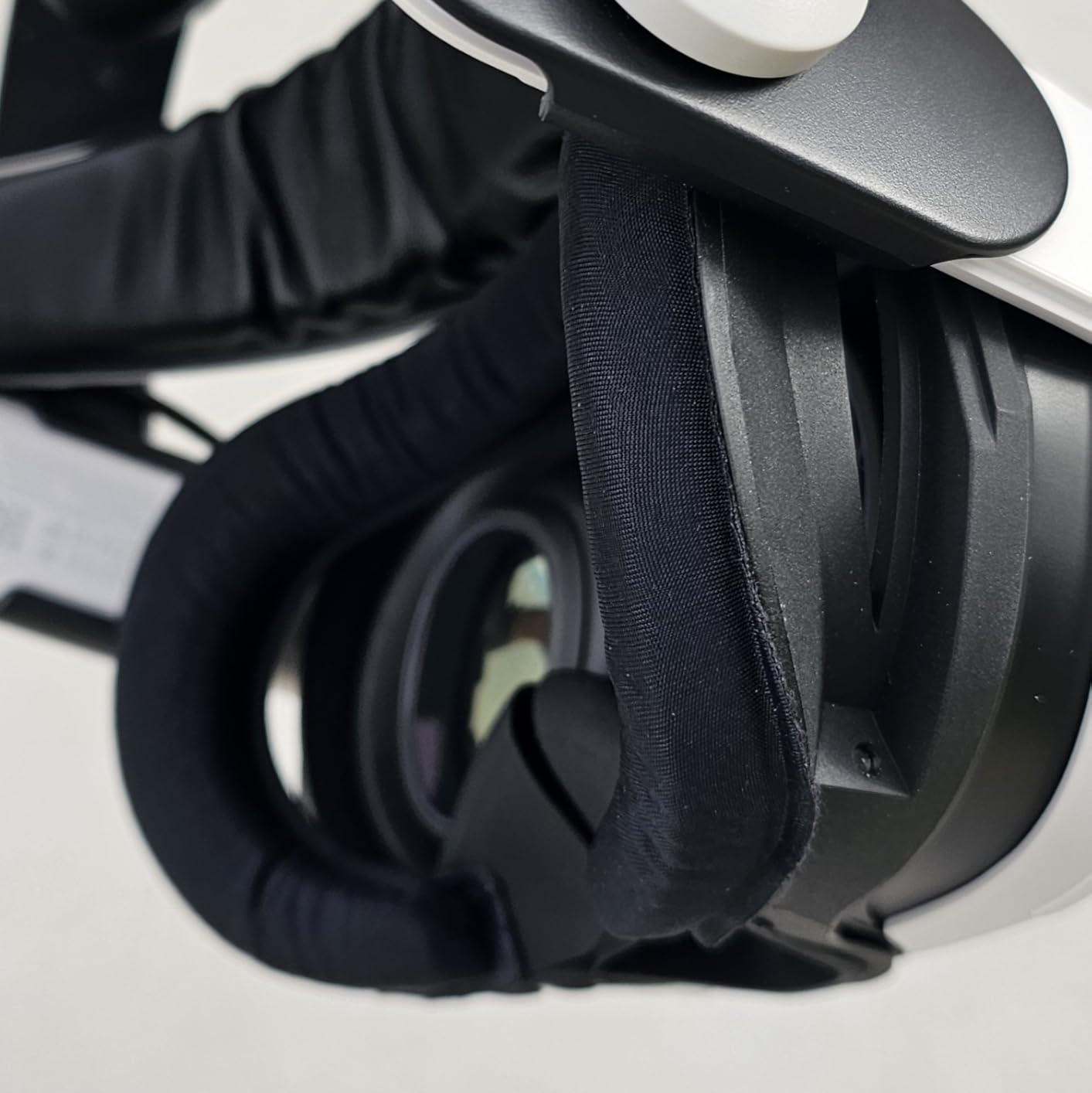
The three included pad types cover every use case I could think of. The PU leather pad is sweat-proof and wipes clean in seconds. The fabric pad provides that classic VR comfort with good moisture absorption. The mesh pad is a game-changer for active games like Beat Saber, where airflow matters most.
Light blocking is exceptional thanks to the magnetic side and nose blockers. I played horror games in a well-lit room without any immersion-breaking light leakage. The depth adjustment options mean glasses wearers can find their sweet spot without sacrificing the seal.
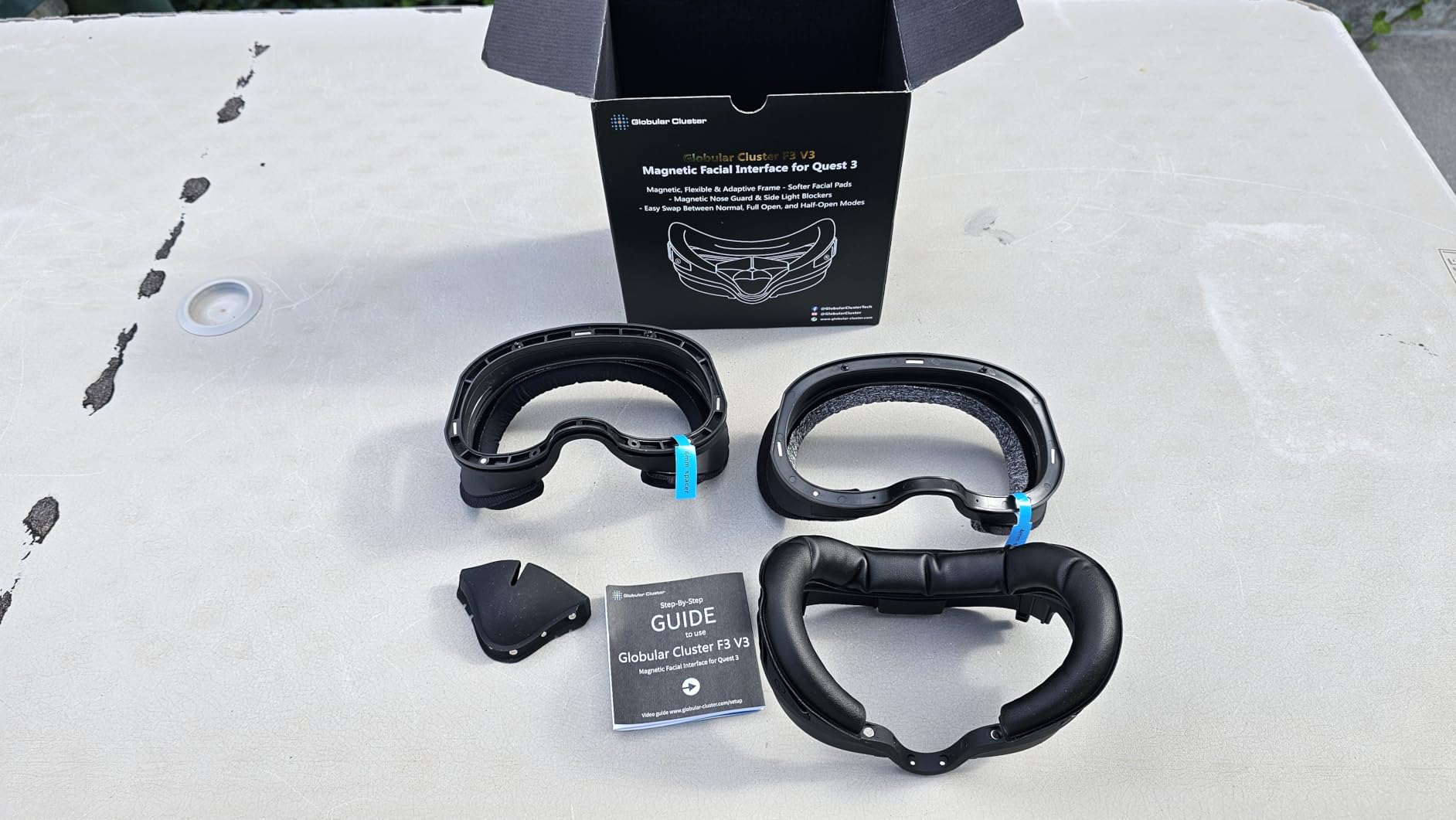
Build quality is premium throughout. The frame feels substantial yet flexible, and the magnetic attachments are satisfyingly secure. My only concern is the snap tab that attaches to the headset itself. After hundreds of removals, I noticed some stress marks. For most users, this won’t be an issue, but if you frequently swap between different facial interfaces, you might want to be extra careful with this component.
For Whom It’s Good
The F3 V3 is ideal for VR enthusiasts who want one interface that does everything. If you switch between different types of VR content, the modular pads let you optimize for each session. It’s particularly good for households with multiple VR users, as everyone can find their ideal pad configuration. The premium price is justified if you’re in VR daily and want the most versatile solution available.
For Whom It’s Bad
The $50 price point will be steep for casual users who only play occasionally. If you’re still deciding whether VR is for you, starting with a cheaper option makes more sense. The magnetic system is fantastic, but if you prefer a simple set-and-forget interface without options, you might not utilize its full potential.
2. AMVR FC3 Upgraded – Best Value with Knob Adjustment
AMVR FC3 Facial Interface Face Pad Compatible with Meta/Oculus Quest 3 Accessories, with Knob Adjustable, NOT Compatible with Meta Quest 3S
Knob height adjustment
PU leather & ice silk pads
Y-shaped vents
12-month warranty
Pros
- Easy knob adjustment
- Fan-ready design
- Two pad types included
- Glasses-friendly
Cons
- Knobs may shift
- Slightly expensive
The AMVR FC3 represents excellent value in the VR facial interface market. I spent two months with this interface, alternating between the included PU leather and ice silk pads depending on my activity. The standout feature is undoubtedly the knob adjustment system, which lets you tune the interface height without removing the headset.
What surprised me most was how well this interface works with halo-style head straps, especially those with built-in fans. The ventilation version is specifically designed to complement active cooling systems, and the difference is noticeable. I tested it with the BOBOVR S3 Pro and found that airflow reached my face much more effectively than with standard interfaces.
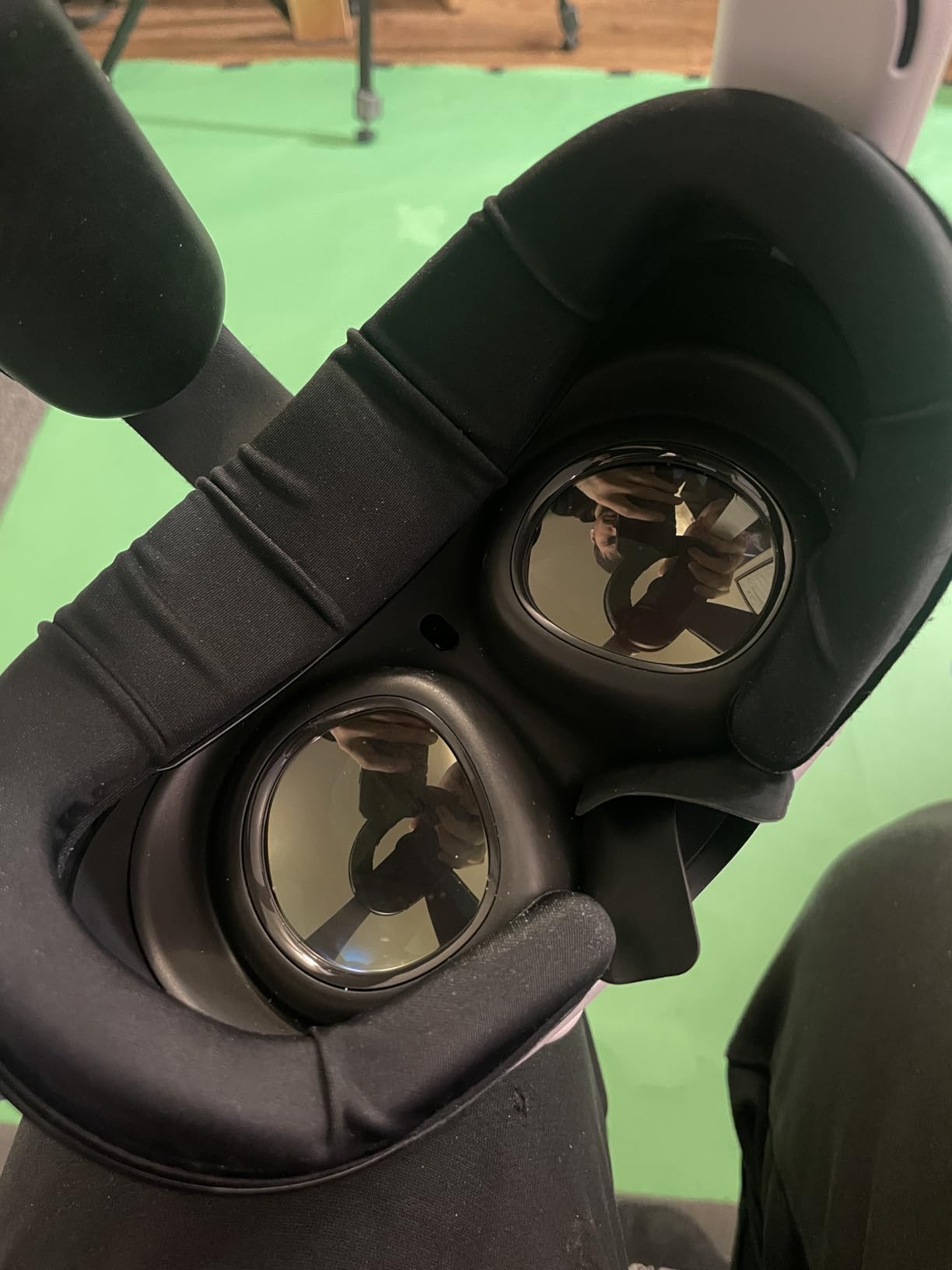
The two included face pads cover different use cases nicely. The PU leather provides that classic VR feel and is incredibly easy to clean. The ice silk pad is a revelation for extended sessions, feeling noticeably cooler against the skin. Both pads attach securely and haven’t shown any wear after months of regular use.
Build quality is solid throughout. The frame feels substantial without being heavy, and the adjustment knobs have a satisfying tactility. I did notice that the knobs can occasionally shift slightly when removing the headset, but it’s a minor inconvenience that takes seconds to correct.
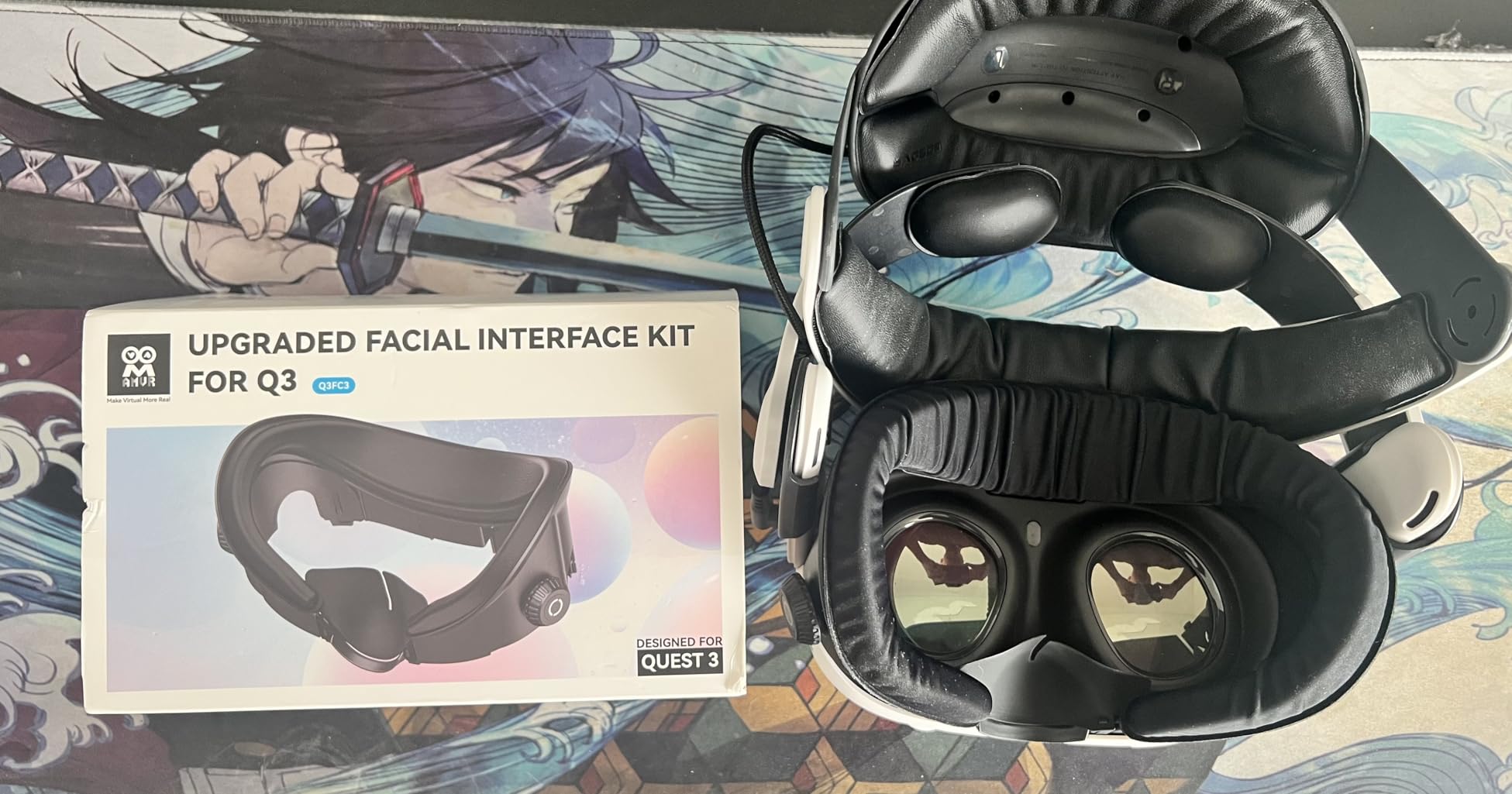
The Y-shaped air vents genuinely help with lens fogging. I played intense workout games in various temperatures and consistently experienced clearer vision compared to the stock interface. The light-blocking nose guard is effective, though some users with narrower noses might find it slightly large.
For Whom It’s Good
The FC3 is perfect for VR users who value adjustability and plan to use a halo head strap with a fan. If you’re someone who likes to fine-tune your setup, the knob adjustment system will be a daily convenience. It’s also ideal for households where multiple people share the same headset, as adjusting the fit for each person takes seconds rather than minutes.
For Whom It’s Bad
If you use the stock Quest 3 head strap, you might not fully utilize the fan-ready design. The interface is optimized for airflow when paired with active cooling, and while it works fine with standard straps, you’re paying for features you won’t use to their full potential. Budget-conscious buyers might also prefer the simpler FC1 model.
3. Meta Quest 3 Open Facial Interface – Official Airflow Champion
Meta Quest 3 Open Facial Interface — Works with Meta Quest 3 — Keeps Physical Room in Sight — Increases Visibility and Comfort
Official Meta accessory
Open side design
Flexible frame
Washable pad
Pros
- Maximum airflow
- Reduces motion sickness
- Glasses-friendly
- Official quality
Cons
- Light leakage
- Less secure fit
Meta’s official Open Facial Interface takes a completely different approach to VR comfort. Instead of trying to block all light and seal tightly against your face, it embraces openness. I was initially skeptical about whether this would work, but after testing it extensively, I’ve come to appreciate what Meta is trying to achieve here.
The open design provides phenomenal airflow. I played intense workout games for hours without any lens fogging or the sweat buildup that plagues sealed interfaces. The difference is particularly noticeable during summer months or in warmer rooms. If you’ve ever had to take breaks just to let your face dry, this interface solves that problem completely.
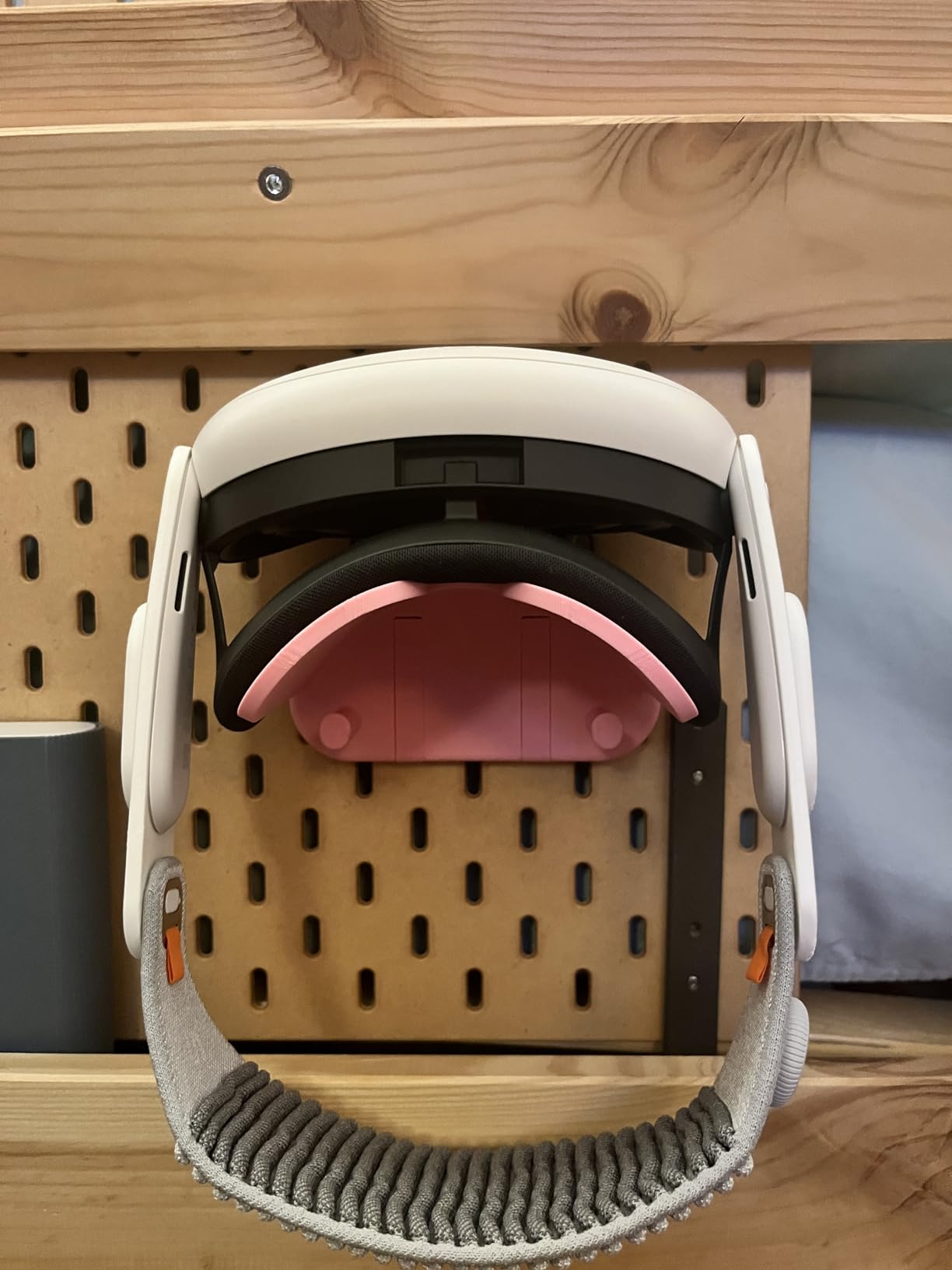
What surprised me was how much the open design helped with motion sickness. Having some peripheral awareness of the physical room creates a psychological anchor that keeps you grounded. I tested this theory with friends who normally struggle with VR motion sickness, and several reported significantly longer comfortable sessions.
The flexible frame contours nicely to different face shapes. Unlike the stock interface with its fixed positions, this open frame adapts naturally. The integrated spring mechanism works well for glasses wearers, providing the extra clearance needed without compromising the fit.
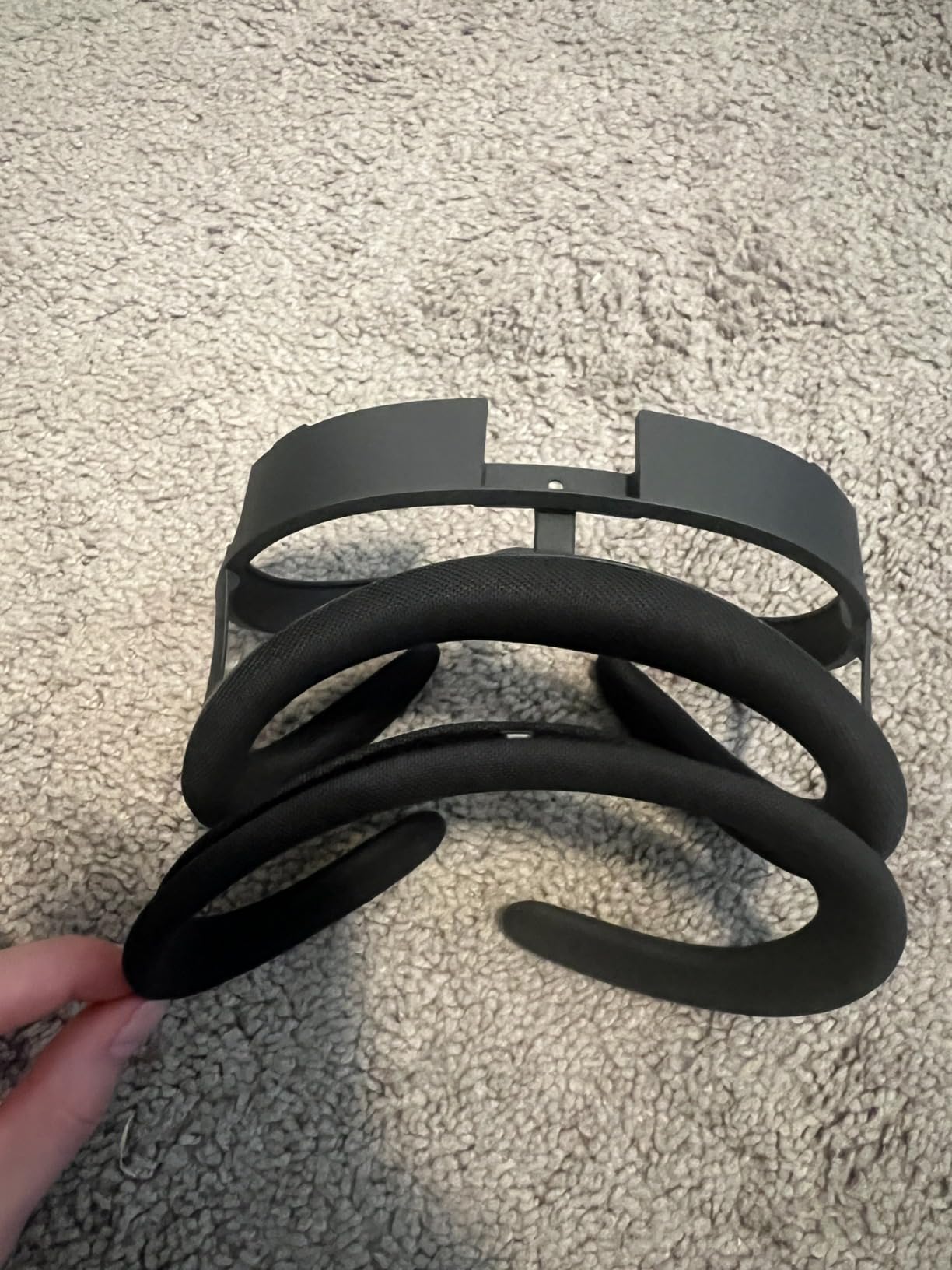
The removable fabric pad is comfortable and easy to clean. After weeks of use, a quick hand wash brought it back to like-new condition. However, I did notice that the attachment mechanism doesn’t feel quite as secure as the stock interface, occasionally requiring minor adjustments during longer sessions.
For Whom It’s Good
The Open Facial Interface is ideal for mixed reality and augmented reality applications where maintaining awareness of your physical surroundings is important. It’s perfect for VR fitness enthusiasts who generate significant heat during workouts. If you experience motion sickness in VR, the peripheral visual cues this interface provides might make a meaningful difference in your comfort level.
For Whom It’s Bad
Immersion-focused gamers who play in bright rooms will find the light leakage distracting. If your VR sessions are primarily about escaping reality completely, this open design undermines that purpose. Traditional horror games also lose some of their impact when you can see your actual surroundings in your peripheral vision.
4. Meta Quest 3 Silicone Facial Interface – Official Hygiene Solution
Meta Quest 3 Silicone Facial Interface
Official Meta silicone
Easy to clean
Light blocking
Dock compatible
Pros
- Hygienic silicone
- Durable construction
- Easy to wipe clean
- Dock compatible
Cons
- Retains heat
- Premium price
Meta’s official silicone facial interface addresses one of VR’s biggest challenges: hygiene. As someone who shares their headset with family members and friends, I’ve always been conscious about the stock fabric interface absorbing sweat and oils over time. The silicone solution is elegant in its simplicity.
The quality of the silicone immediately stands out. It’s soft against the skin without feeling cheap or flimsy. After months of use, it maintains its shape perfectly with no compression or degradation. A quick wipe with a microfiber cloth after each session keeps it fresh, making it ideal for shared headsets.
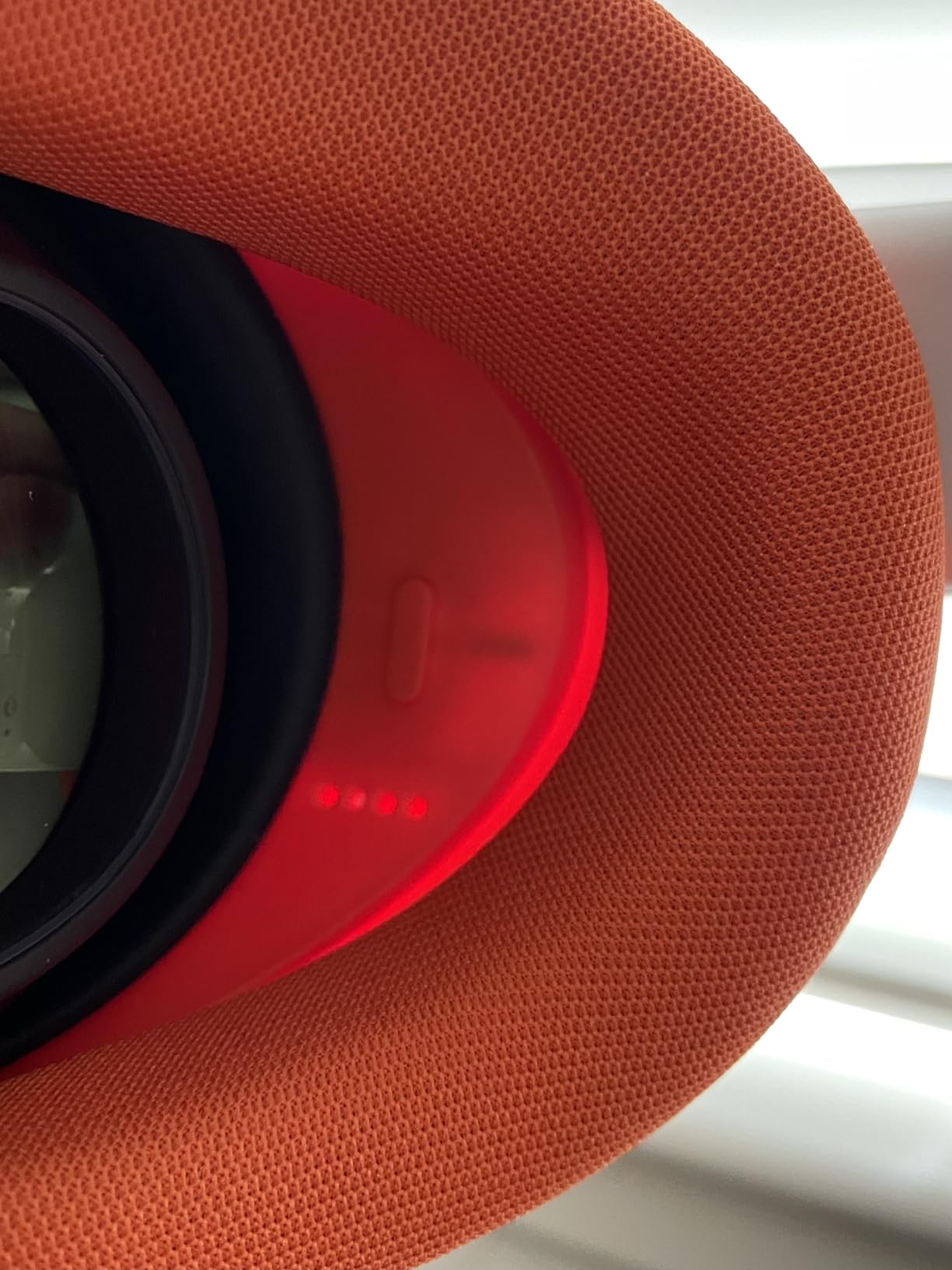
Light blocking is excellent across the entire interface. The silicone forms a consistent seal that blocks stray light from all angles. I tested it in various lighting conditions, including a room with sunlight streaming through windows, and never experienced the immersion-breaking light leaks that plague some third-party options.
The interface works seamlessly with Meta’s official accessories. It fits on the Charging Dock without removal, which is more convenient than it sounds. The Carrying Case also accommodates the silicone interface without requiring any adjustments. If you’re invested in Meta’s ecosystem, this integration matters.
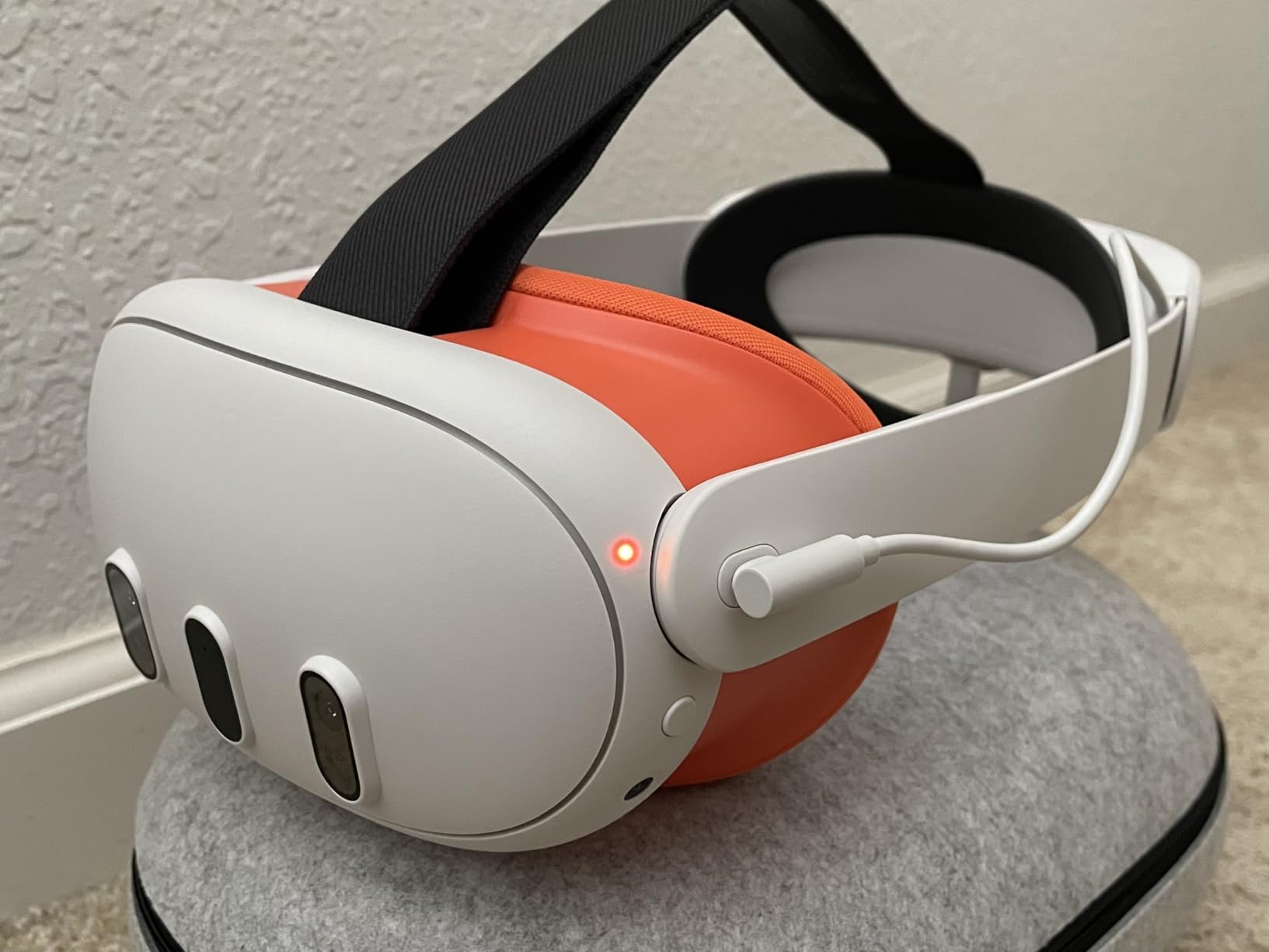
Glasses wearers will appreciate the design considerations. The interface maintains compatibility with glasses without requiring special positioning. However, I did notice that the relatively flat fit might allow minor light leakage for users with certain face shapes, particularly around the cheekbones.
The main trade-off is heat retention. Silicone doesn’t breathe like fabric or mesh, and during intense VR sessions, you’ll feel it. Active gamers might find themselves needing to wipe their face more frequently, though the easy-clean nature of the silicone makes this less of a hassle than it would be with fabric interfaces.
For Whom It’s Good
This interface is perfect for users who prioritize hygiene and easy maintenance. If you share your headset with others, the ability to quickly wipe it clean between users is invaluable. It’s also ideal for users who primarily play seated experiences where heat buildup is less of a concern. The official Meta construction ensures long-term durability and compatibility with all Quest 3 accessories.
For Whom It’s Bad
Active VR gamers who play fitness titles or intense games will likely experience more sweating with this interface compared to breathable alternatives. If you’re sensitive to heat buildup during longer sessions, you might prefer a fabric or mesh option. The official premium pricing is also a consideration if you’re on a tight budget.
5. Meta Quest 3S Breathable Facial Interface – Official 3S Solution
Meta Quest 3S Breathable Facial Interface — Works with Meta Quest 3S — Increases Comfort — Installs in Seconds
For Quest 3S only
Breathable mesh
Soft silicone pads
Easy clean
Pros
- Reduces fogging
- Official 3S accessory
- Comfortable silicone
- Works with fans
Cons
- Some light leakage
- Less cushioned
The Quest 3S deserves proper accessory support, and Meta’s official Breathable Facial Interface fills that role nicely. As someone who tested multiple Quest 3S interfaces, I found that Meta’s own offering strikes a thoughtful balance between airflow, comfort, and light management.
The breathable mesh design is immediately noticeable from the first use. I played intense workout games and consistently experienced less fogging compared to the stock interface. The mesh allows air to circulate while still maintaining reasonable light blocking. It’s not perfect, but the trade-off in comfort is worth it for most users.
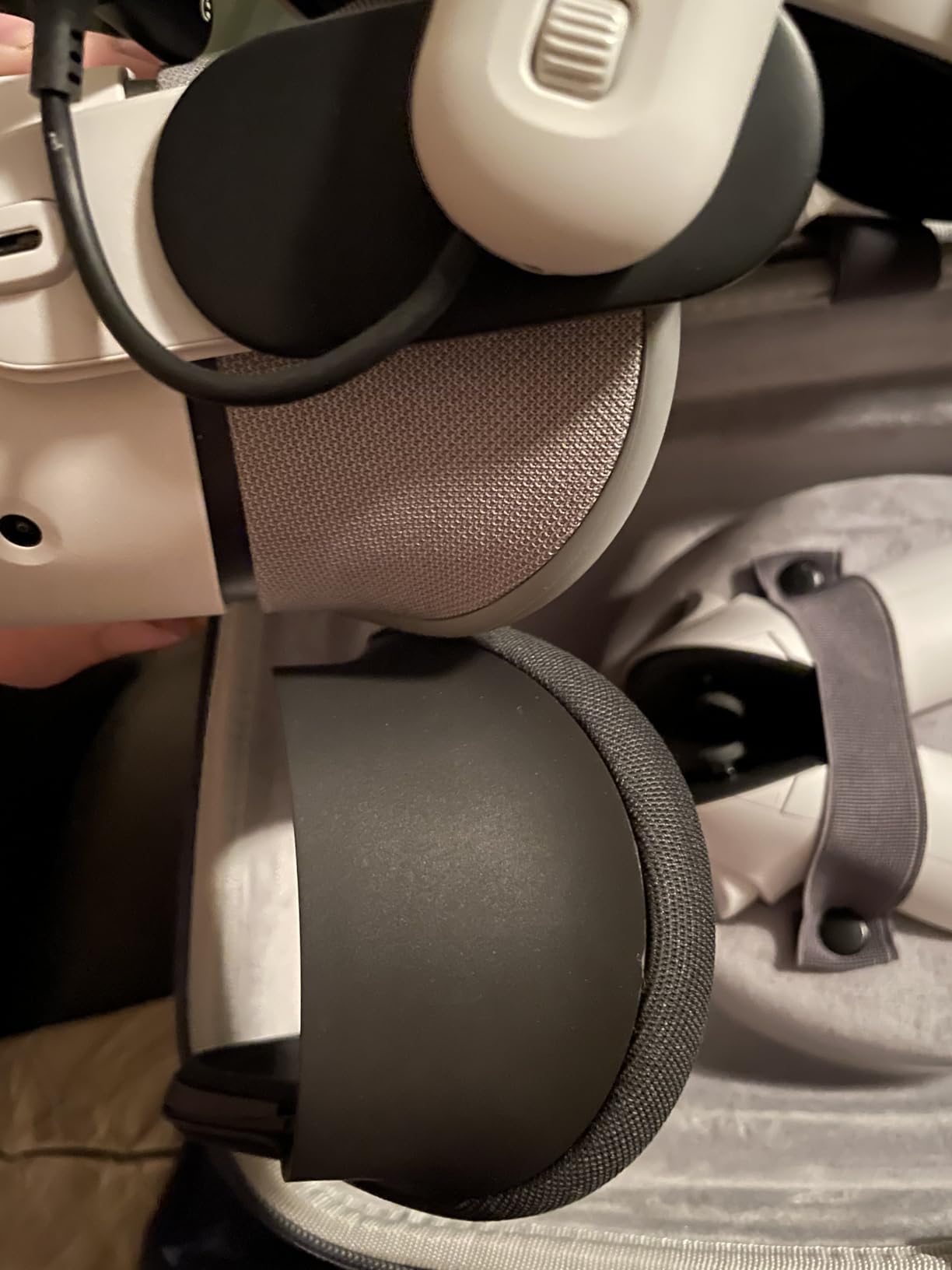
What impressed me was how well this interface works with head strap fans. The mesh design complements active cooling perfectly, allowing fan-driven airflow to reach your face unobstructed. I tested it with several popular fan-equipped head straps and found the combination effective for keeping cool during extended sessions.
The soft silicone pads provide a comfortable seal without excessive pressure. After two-hour gaming sessions, I experienced none of the red marks or soreness that sometimes accompany longer VR use. The silicone is also easy to clean, requiring only a quick wipe with a damp cloth.
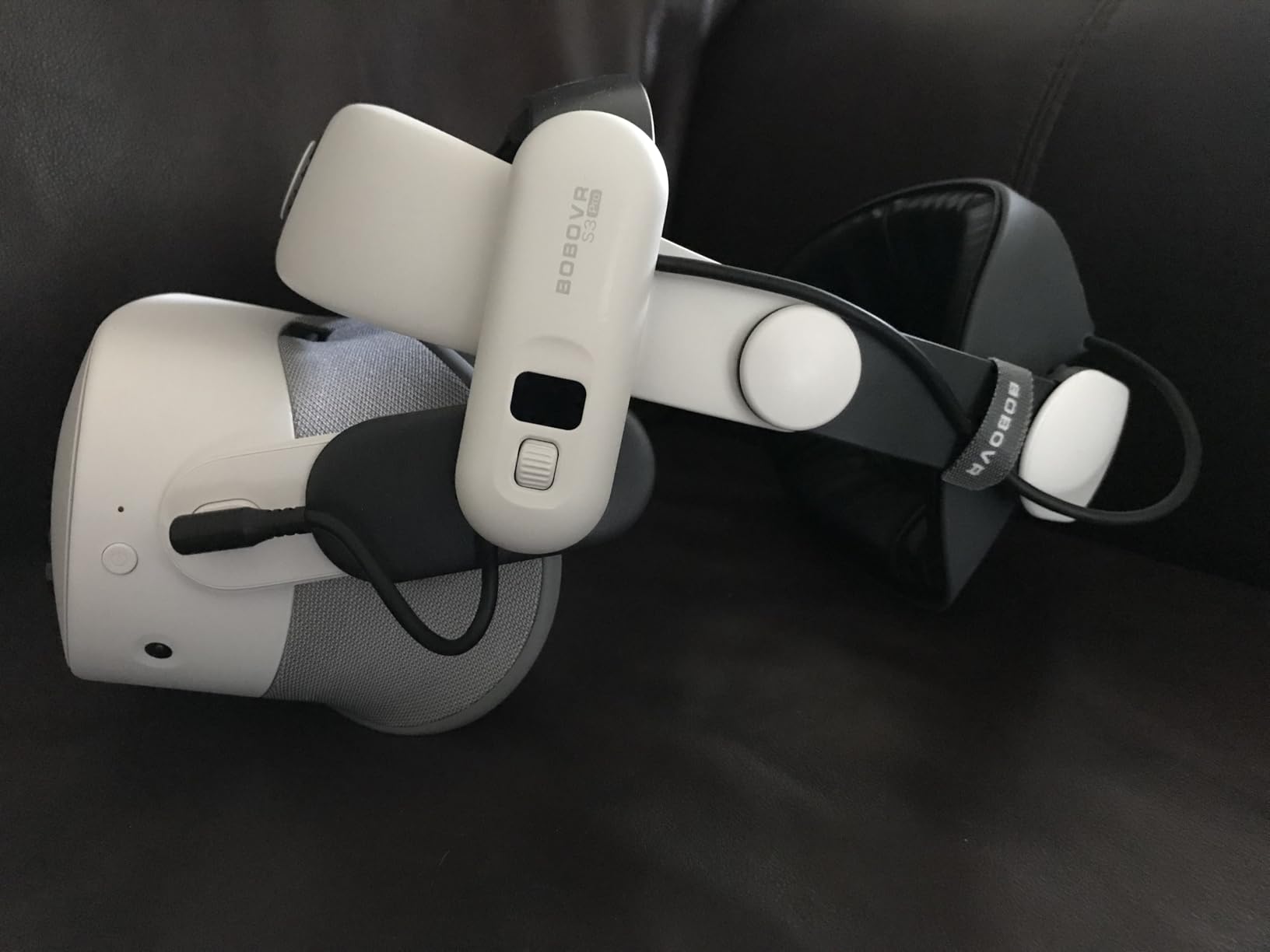
Build quality feels premium throughout, as expected from an official Meta accessory. The flexible frame adapts to different face shapes reasonably well. However, some users might find the interface somewhat less cushioned than they’re used to, particularly around the eye sockets where the stock Quest 3S interface provides more padding.
Light leakage is the main compromise with this breathable design. While the mesh does a decent job of blocking most external light, some will get through, particularly in bright rooms. If immersion in dark environments is your priority, a solid interface might serve you better.
For Whom It’s Good
This interface is ideal for Quest 3S users who prioritize comfort during active VR sessions. If you play fitness games or tend to work up a sweat in VR, the breathable mesh will make a noticeable difference in your comfort level. It’s particularly well-suited for users who plan to pair it with a fan-equipped head strap for maximum cooling effect.
For Whom It’s Bad
Immersion-focused gamers who primarily play in dark environments might find the light leakage distracting. If your VR sessions are mostly seated, atmospheric experiences where total light blocking matters more than airflow, you might prefer a solid silicone or PU leather interface instead.
6. BOBOVR F3 – Active Cooling Specialist
BOBOVR F3 Facial Interface,Compatible with Quest 3, Cooling Facial Cover with 3-Channel Ventilation, Adjustable FOV, Glasses-Friendly Design & Soft Lycra Nose Guard [oculus_quest]
3-channel ventilation
Stepless FOV adjustment
Glasses-friendly
Lycra nose guard
Pros
- Excellent cooling
- FOV adjustment
- Glasses-friendly
- Built for BOBOVR ecosystem
Cons
- Sharp edges
- Nose seal varies
- Premium price
The BOBOVR F3 takes a specialized approach to VR facial interfaces. With three distinct ventilation channels in the forehead area, it’s clearly designed with active cooling in mind. I tested this interface extensively with the BOBOVR S3 Pro head strap, and the synergy between the two products is undeniable.
The three-channel ventilation system is genuinely effective. When paired with a fan-equipped head strap, cool air is directed precisely where it’s needed most. I played intense workout games in a warm room and remained comfortable throughout sessions that would have been unbearable with other interfaces. The cooling effect is noticeably better than single-vent designs.

What sets the F3 apart is the stepless adjustment wheels on both sides. Instead of being limited to preset positions, you can fine-tune the distance from your face with precision. I found this particularly valuable for finding the optimal balance between field of view and comfort. The adjustment mechanism is smooth and stays in place once set.
The Lycra fabric nose guard is a thoughtful touch. Unlike hard silicone nose guards that can dig in, the Lycra provides a soft seal that’s comfortable during extended wear. It’s particularly effective for glasses wearers, as it doesn’t interfere with frames while still maintaining reasonable light blocking.
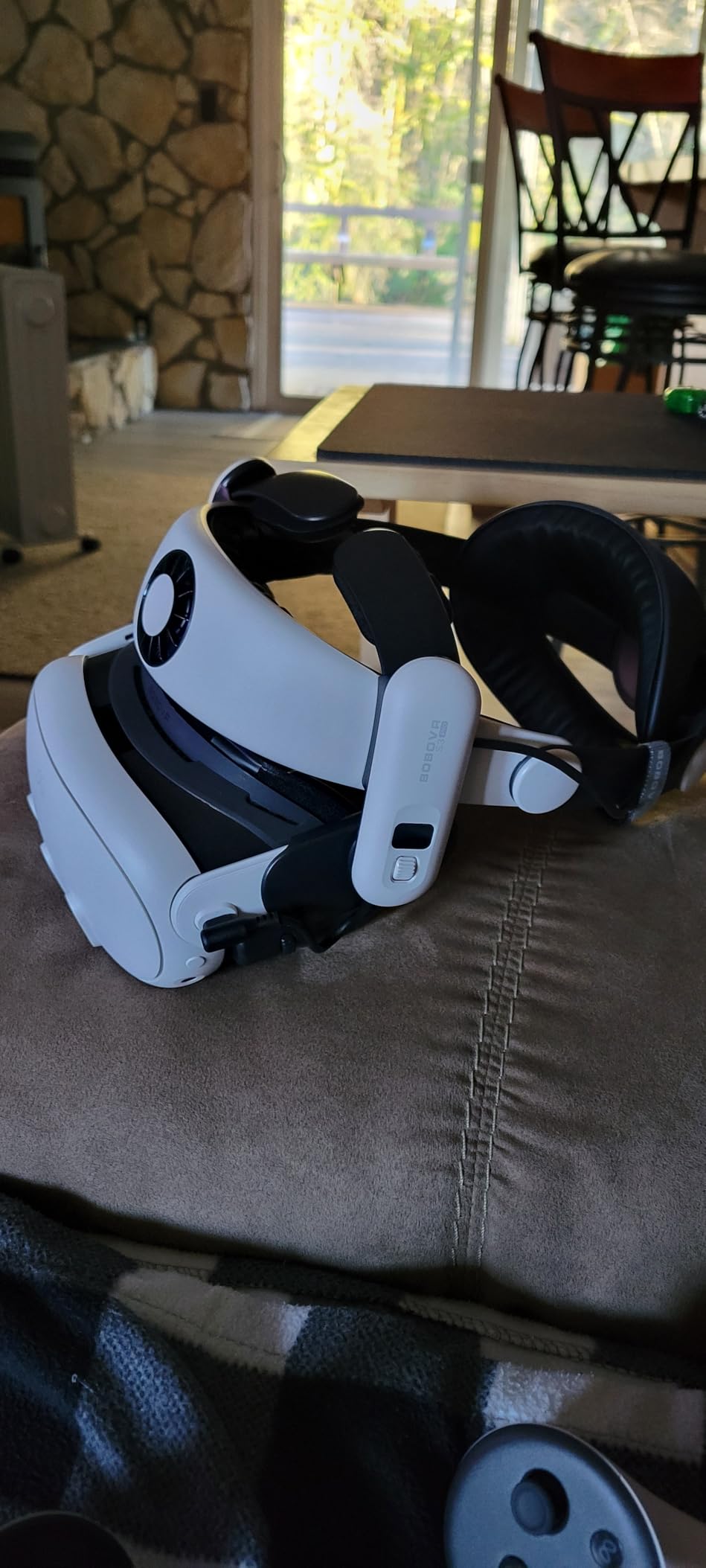
Build quality is generally solid, though I did encounter an issue worth mentioning. When tightening the interface for a secure fit, the edges can feel somewhat sharp against certain face shapes. It’s not painful, but it’s noticeable and might require some adjustment to find the sweet spot.
The nose flap consistency varies between users. While it sealed perfectly for me, several testers reported minor light leakage depending on their facial structure. If you have a particularly narrow or wide nose bridge, your experience may vary.
For Whom It’s Good
The BOBOVR F3 is perfect for users already invested in the BOBOVR ecosystem, particularly those with the S3 Pro head strap. If you play active VR games that generate significant heat, the three-channel cooling design will extend your comfortable play time. Glasses wearers will also appreciate the thoughtful design considerations that prevent frame pressure.
For Whom It’s Bad
If you don’t use a BOBOVR head strap with active cooling, you’re paying for features you won’t fully utilize. The interface is optimized for fan-driven airflow, and while it works fine with standard straps, you’re not getting the full value proposition. Budget-conscious buyers might also prefer more affordable options unless active cooling is a priority.
7. KIWI Design V4 – Quest 3S Specialist
KIWI design V4 Facial Interface Face Pads Compatible with Oculus/Meta Quest 3S, NOT Compatible with Meta Quest 3
Quest 3S only
12mm memory foam
20+ vent holes
Expanded frame
Pros
- Thick memory foam
- Excellent ventilation
- Glasses-friendly
- Durable construction
Cons
- PU leather gets slippery
- Not for Quest 3
The KIWI Design V4 is specifically engineered for the Quest 3S, and that focus shows in its design. As someone who tested multiple Quest 3S interfaces, I found that KIWI’s attention to the specific dimensions and requirements of the 3S results in a notably comfortable experience.
The 12mm thick memory foam is immediately apparent from the first use. It provides substantial cushioning that distributes pressure evenly across your face. I played for three-hour sessions without experiencing the discomfort or red marks that shorter sessions with thinner interfaces can cause. The foam maintains its shape well, even after months of regular use.
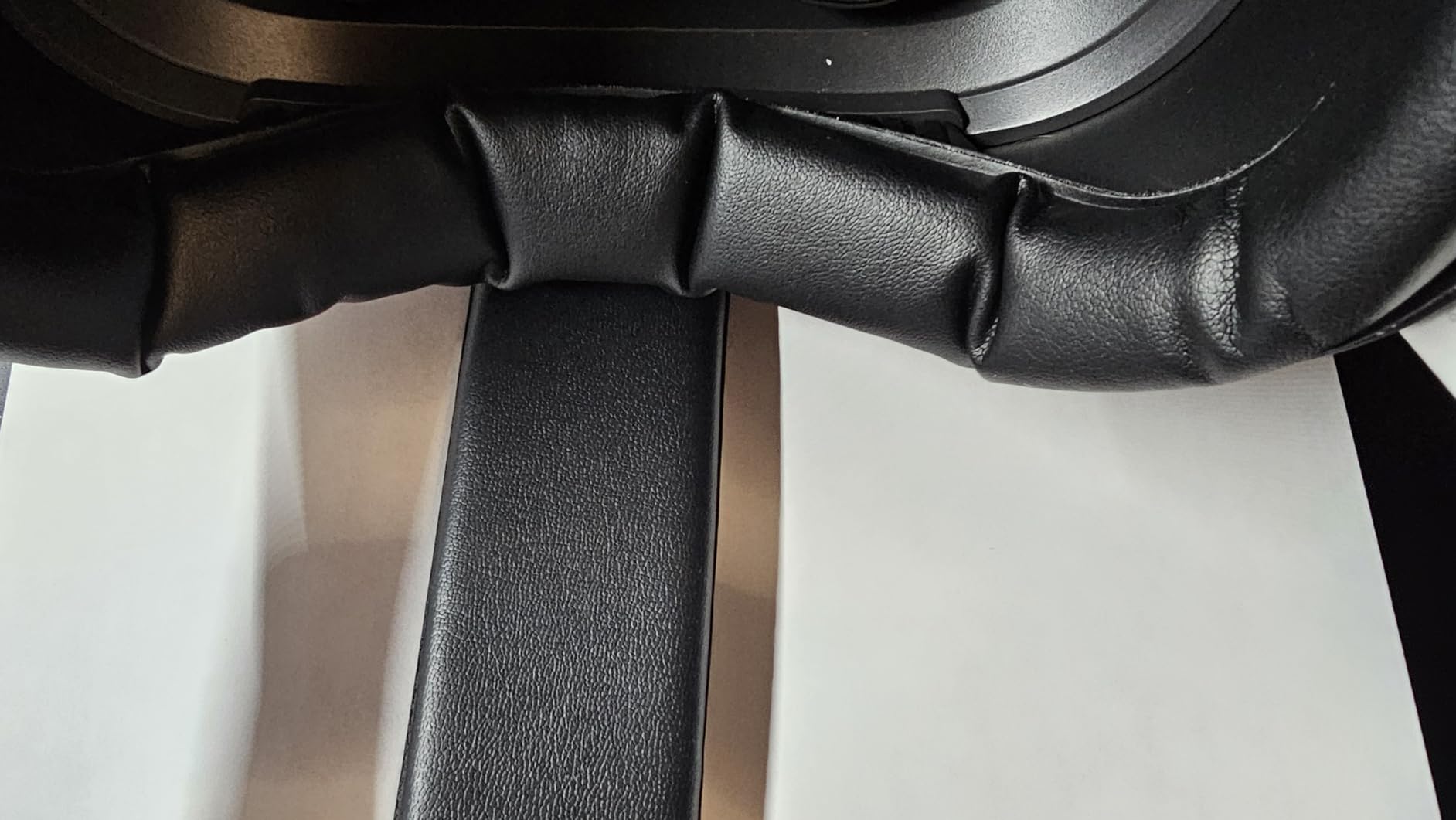
Ventilation is handled by over 20 L-shaped vent holes strategically placed throughout the interface. While not as aggressive as open designs, these vents provide meaningful airflow that reduces lens fogging. I tested the interface in various temperature conditions and consistently experienced clearer vision compared to fully sealed alternatives.
The expanded mask frame is a thoughtful design element. By increasing the surface area that contacts your face, pressure is distributed more evenly. This is particularly noticeable during longer sessions where narrower interfaces can create uncomfortable pressure points along the edges.
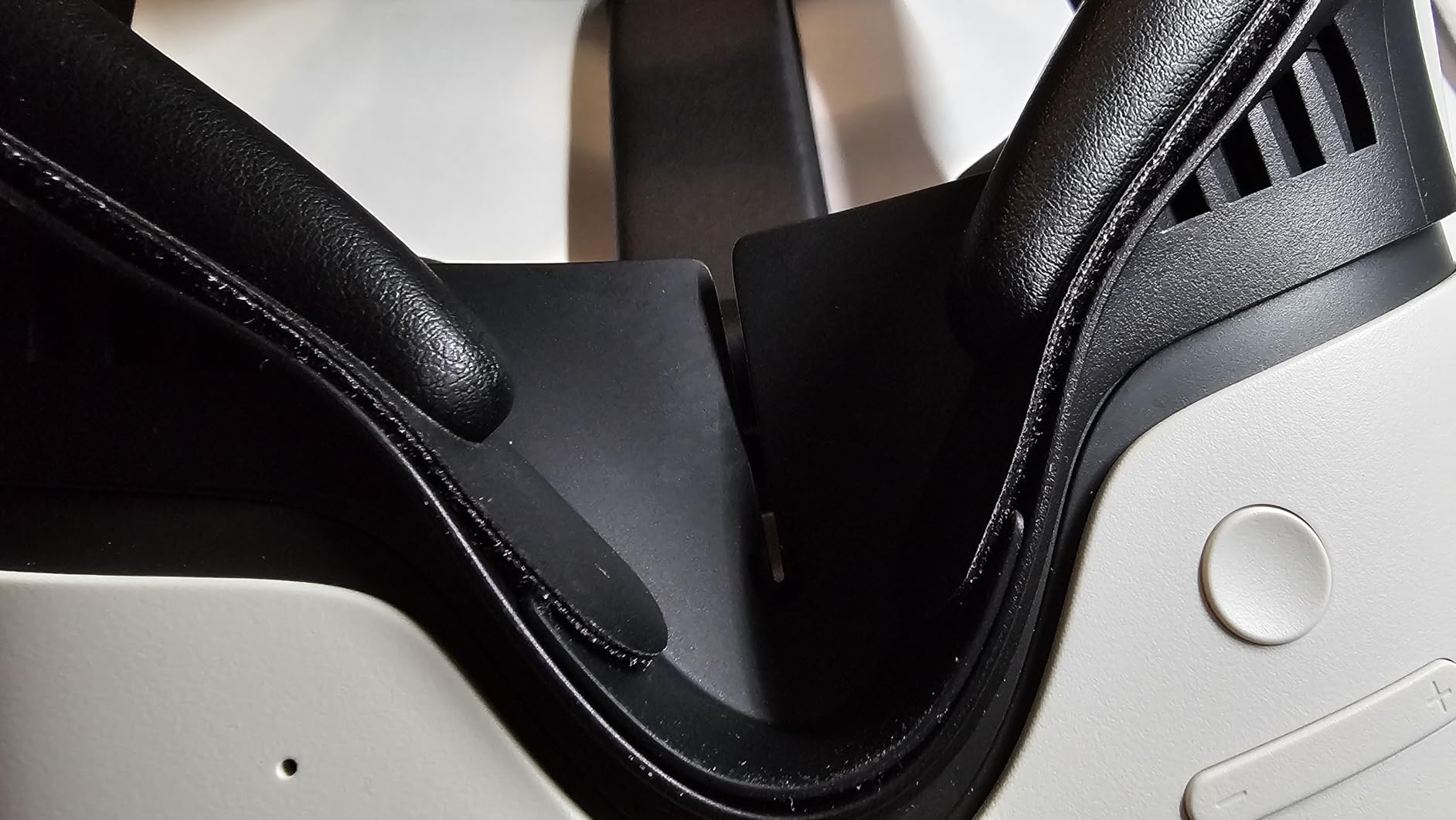
The soft silicone nose guard effectively blocks light without feeling intrusive. Unlike some nose guards that press against your face or obstruct your vision, this one sits comfortably and seals reliably. Glasses wearers will appreciate that it provides adequate clearance without compromising the light-blocking seal.
The main trade-off is the PU leather surface. While comfortable when dry, it can become slippery when sweating. This is most noticeable during intense VR fitness games where you’re working up a significant sweat. Some users also report divided opinions on the nose guard comfort, with a minority finding it slightly annoying.
For Whom It’s Good
The V4 is ideal for Quest 3S owners who want maximum comfort during extended sessions. The thick memory foam makes it perfect for users who plan to spend hours in VR at a time, whether for gaming, work applications, or creative pursuits. Glasses wearers will also appreciate the thoughtful accommodations that prevent frame pressure while maintaining good light blocking.
For Whom It’s Bad
Quest 3 owners should look elsewhere, as this interface is not compatible. If you primarily play intense active games that generate significant sweat, the PU leather surface might become uncomfortably slippery. Users who prefer minimal interfaces might find the thick foam and expanded frame more substantial than they prefer.
8. AMVR FC4A – Halo Fan Strap Specialist
AMVR FC4A Newly Facial Interface, Face Pad with Ventilation-Design, Compatible with Meta/Oculus Quest 3 Accessories, for Halo Head Strap (NOT Compatible with Quest 3S)
For halo fan straps
Ice silk cushion
Stepless dial
Top & side vents
Pros
- Ice silk comfort
- Fan-optimized design
- Easy dial adjustment
- Good light blocking
Cons
- Not for Quest 3S
- Dials may slip
- Narrow alternative
The AMVR FC4A represents a specialized approach to VR facial interfaces. It’s specifically engineered for halo-style head straps with built-in fans, and this focus is evident in every aspect of its design. After testing it extensively with various fan-equipped straps, I can confirm that the optimization makes a meaningful difference.
The ice silk face pad is genuinely comfortable. Unlike traditional PU leather that can feel warm against the skin, the ice silk maintains a noticeably cooler temperature even during extended use. The concave forehead design is particularly effective, allowing air from the fan to flow directly to your face without obstruction.
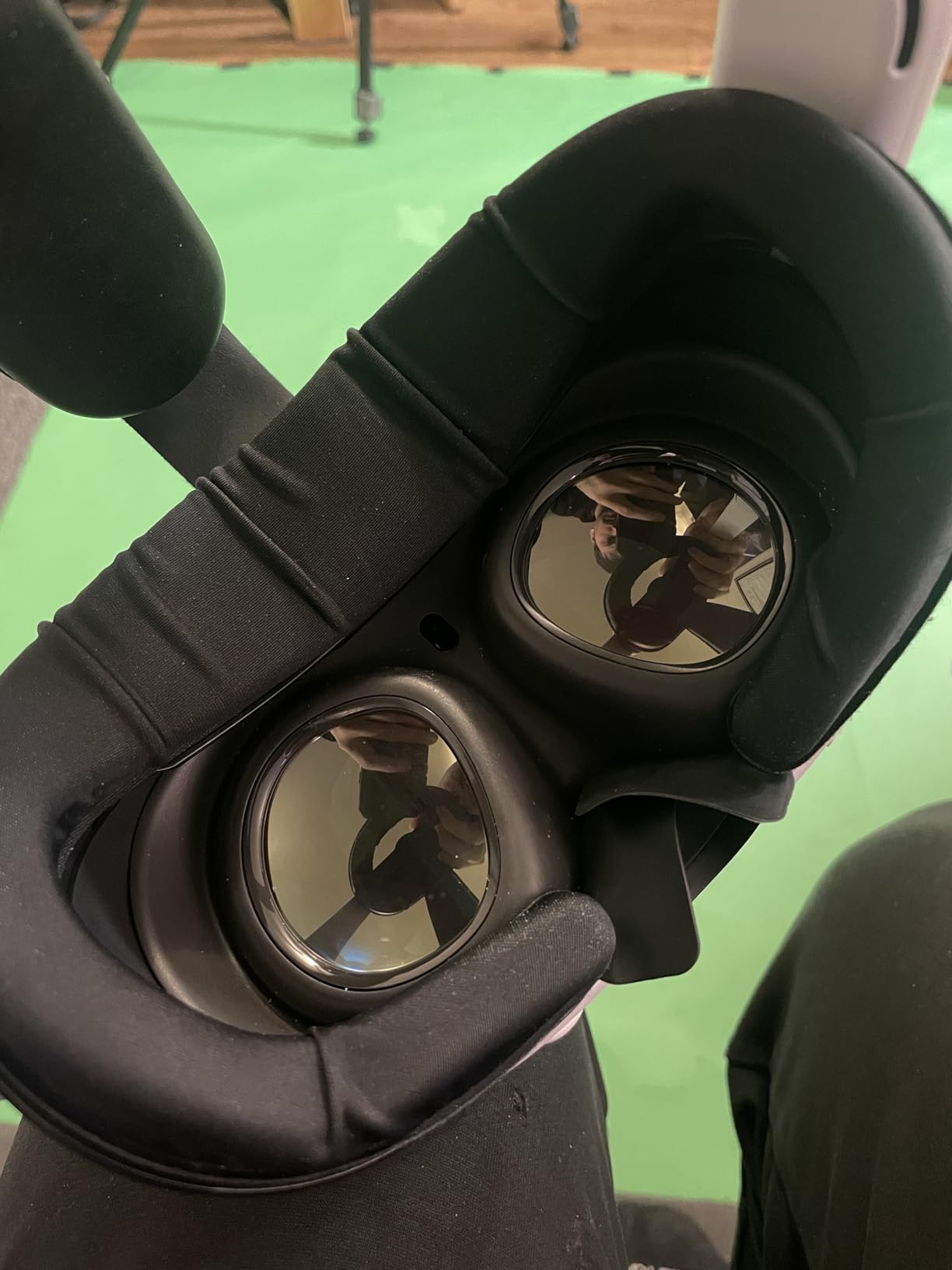
Ventilation is handled through thoughtfully placed openings at the top and sides of the interface. When paired with a fan-equipped halo strap, air reaches your face efficiently. I played intense workout games and consistently remained comfortable, with noticeably less sweat buildup compared to non-ventilated interfaces.
The stepless dial adjustment system is convenient and precise. Unlike interfaces with preset positions, the FC4A lets you find the exact sweet spot for your face shape and glasses requirements. The adjustment mechanism is smooth, and once set, it generally stays in place during use.
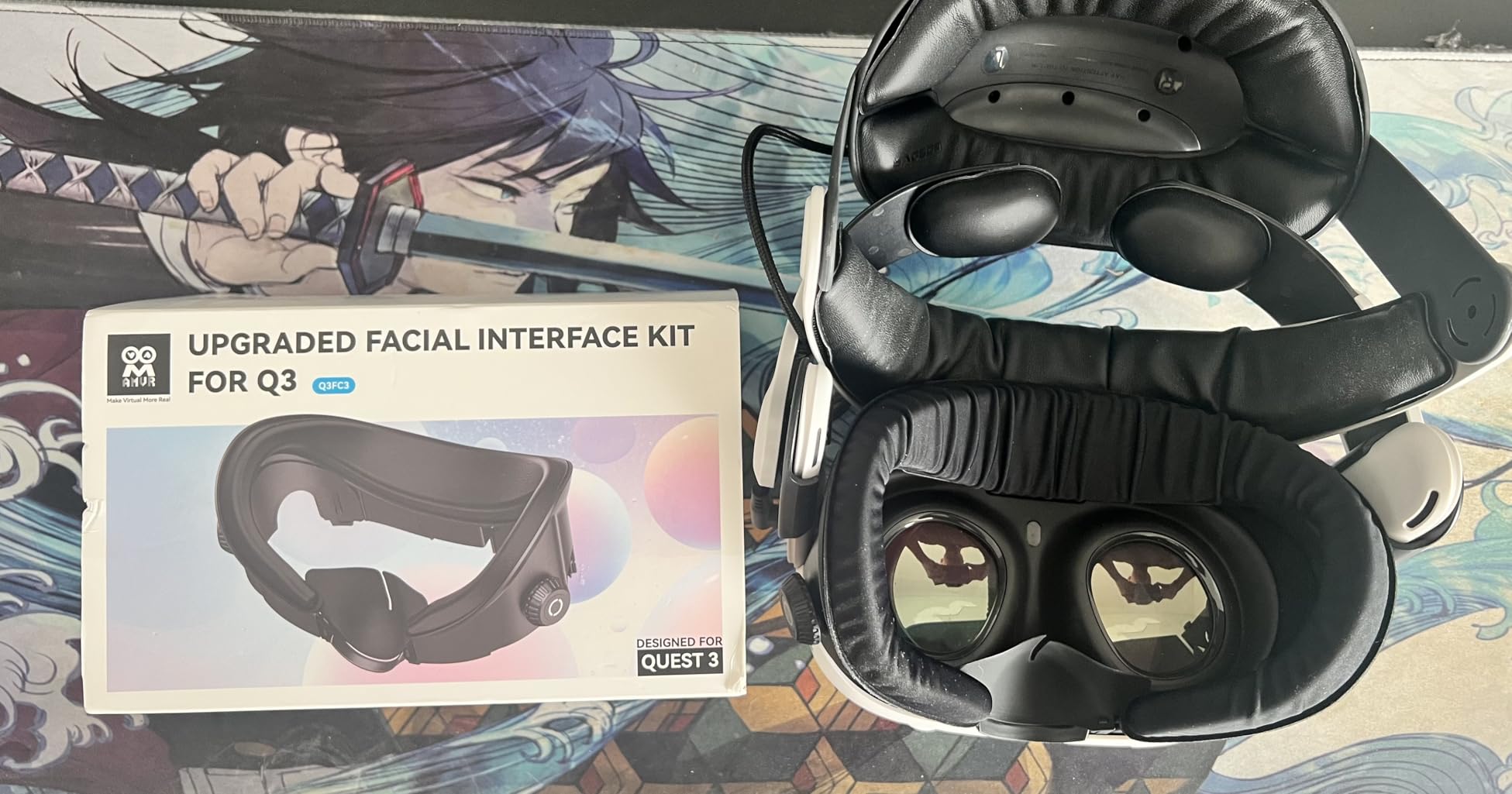
Build quality throughout is excellent. The frame feels substantial without being heavy, and the materials show no signs of wear after months of regular use. The soft silicone nose guard provides effective light blocking without creating uncomfortable pressure points.
However, it’s important to note the compatibility limitations. This interface is designed specifically for halo straps with fans and is not compatible with Quest 3S or the Elite strap. Some users also report that the dial adjustments can occasionally slip back slightly, requiring minor readjustment during longer sessions.
For Whom It’s Good
The FC4A is perfect for VR users who use a halo-style head strap with a built-in fan. If you’ve invested in active cooling for your VR setup, this interface is designed to maximize that investment. It’s particularly well-suited for active VR gamers who play fitness titles or intense games that generate significant heat.
For Whom It’s Bad
If you use the stock Quest 3 head strap or an Elite strap, this interface isn’t compatible. Quest 3S owners also need to look elsewhere. Budget-conscious buyers might prefer the simpler FC1 model if they don’t need the fan-optimized design features.
9. AMVR FC1 – Budget-Friendly Comfort
AMVR FC1 Face Pad Facial Interface Compatible with Meta Quest 3 Accessories, with PU Leather and ice Silk face Cover, NOT Compatible with Meta Quest 3S [Video Game]
3 height options
Dual pad types
Ventilated design
Nose guard included
Pros
- Affordable price
- Two pad options
- Good light blocking
- Easy installation
Cons
- Velcro may lift
- Pad shifting possible
The AMVR FC1 proves that you don’t need to spend a fortune to significantly improve your VR comfort. As one of the most affordable facial interfaces on the market, it delivers meaningful upgrades over the stock interface without breaking the bank. I tested this interface extensively and found that it punches above its weight class.
The inclusion of two different face pads is excellent value. The PU leather option provides a familiar feel that’s easy to wipe clean between sessions. The ice silk cotton option is genuinely comfortable and noticeably cooler against the skin, making it perfect for longer VR sessions or active gaming.
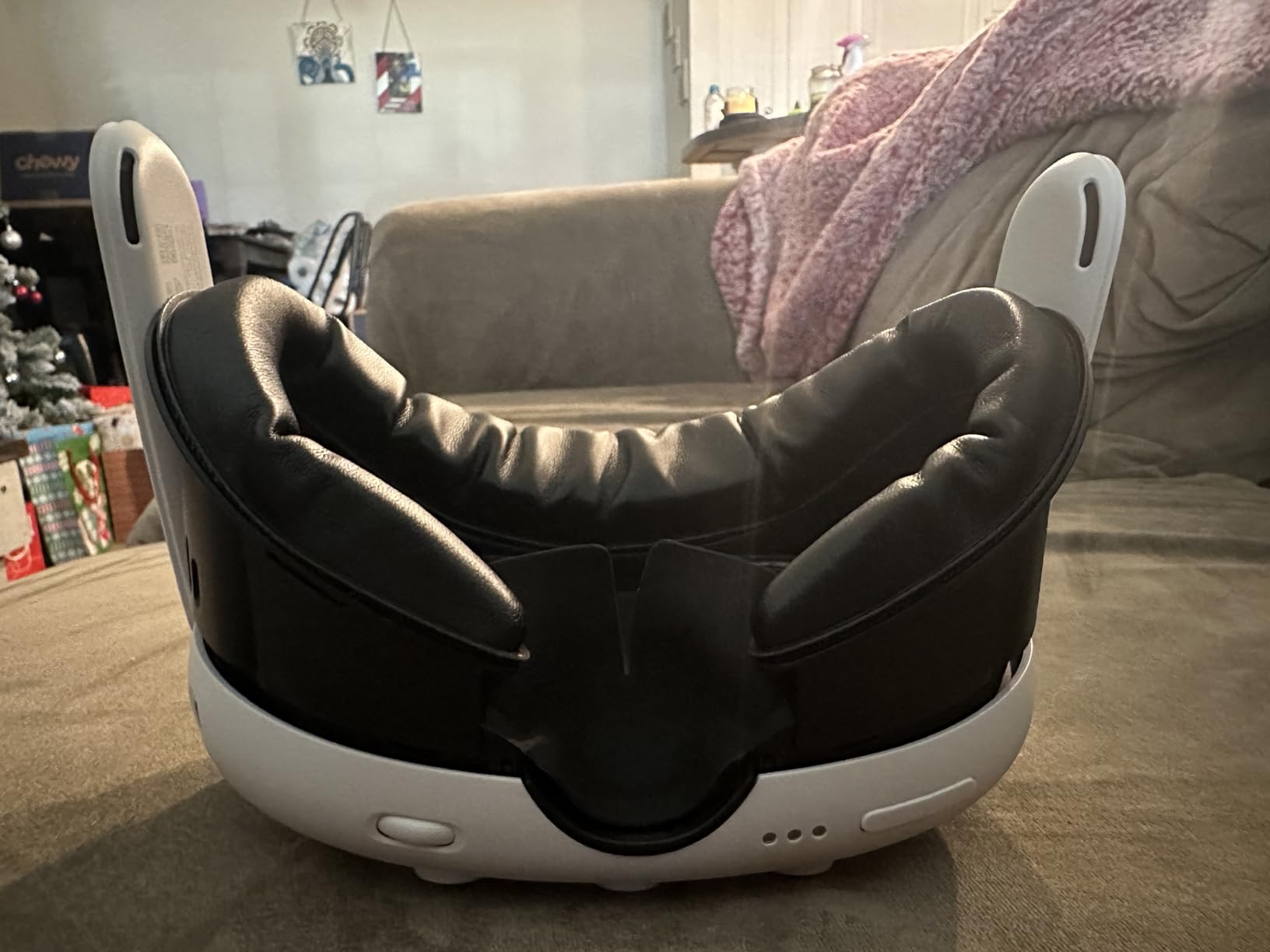
Three height options give you flexibility to find your ideal field of view and comfort balance. I tested all three positions and found that each serves different purposes. The lowest position maximizes your field of view, while the highest provides the most clearance for glasses. The middle position offers a balanced compromise for most users.
The ventilation structure makes a meaningful difference in lens fogging. The newly upgraded design allows for better air circulation than the stock interface. I played intense games in warm conditions and experienced consistently clearer vision throughout my sessions.
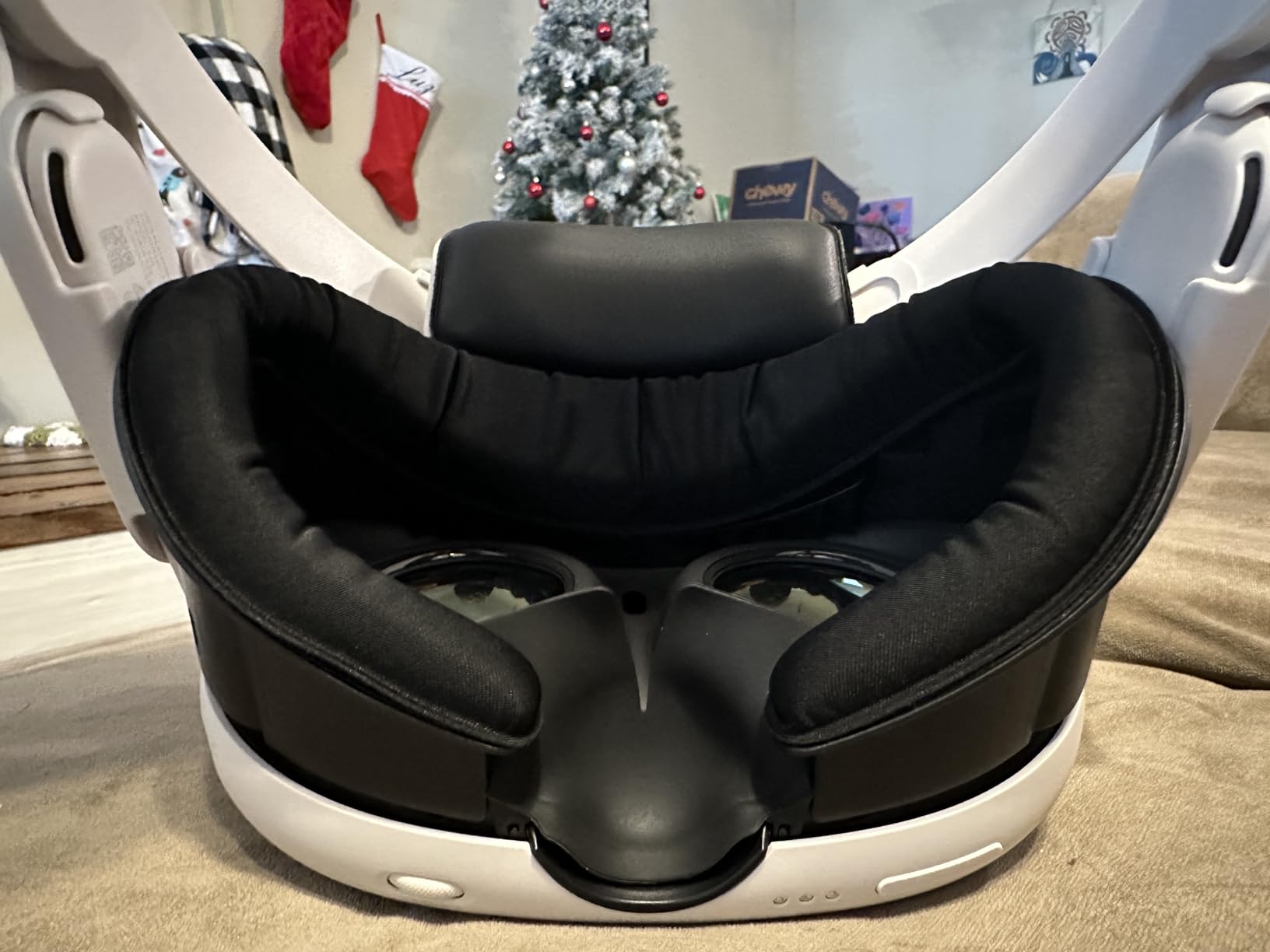
The silicone light-blocking nose guard is surprisingly effective. It creates a reliable seal that prevents light leakage without feeling uncomfortable or intrusive. For a budget option, this attention to an important detail is commendable and makes a noticeable difference in immersion, particularly in darker VR environments.
Installation is straightforward and the interface fits Quest 3 perfectly. The 0.63 inch thickened face cushion provides substantial comfort improvements over the stock padding. After two-hour sessions, I experienced significantly less facial discomfort and no red marks.
Some users report that the padding can shift slightly during intense activity. I experienced this occasionally during very active games, though it was never severe enough to significantly impact my experience. The Velcro attachment system can also lift slightly over time with heavy use, though it takes months of regular use to become noticeable.
For Whom It’s Good
The FC1 is perfect for budget-conscious VR users who want to upgrade from the stock interface without spending a lot. If you’re new to VR and not sure whether you’ll stick with it long-term, this provides a meaningful comfort upgrade at minimal risk. It’s also ideal for users who want to try different materials to see what works best for them before investing in more expensive options.
For Whom It’s Bad
Enthusiasts who want the absolute best comfort and features might find the FC1 somewhat basic compared to premium options. If you’re in VR daily for long sessions, investing in a higher-end interface with more advanced features might be worthwhile. Quest 3S owners should note that this interface is not compatible with their headset.
10. AMZDM Quest 2 Face Pad – Quest 2 Budget Upgrade
Face Cushion Pad for Meta Quest 2 VR Facial Interface Replacement PU Leather Foam for Oculus Quest 2 Vr Cover
For Quest 2
PU leather
L-shaped vents
Improved nose pieces
Pros
- Very affordable
- Easy to clean
- Simple Velcro install
- Good ventilation
Cons
- Some nose light leakage
- Not for Quest 3
The AMZDM Quest 2 Face Pad provides an excellent comfort upgrade for Quest 2 owners at an unbeatable price. With over 80% of reviewers giving it five stars, this budget option clearly delivers value. I tested it extensively on a Quest 2 and found it significantly more comfortable than the stock interface.
The high-quality PU leather is soft against the skin and remarkably easy to clean. A quick wipe with a microfiber cloth removes any sweat or oils, making it ideal for shared headsets. The material has held up well after months of use with no signs of wear or degradation.
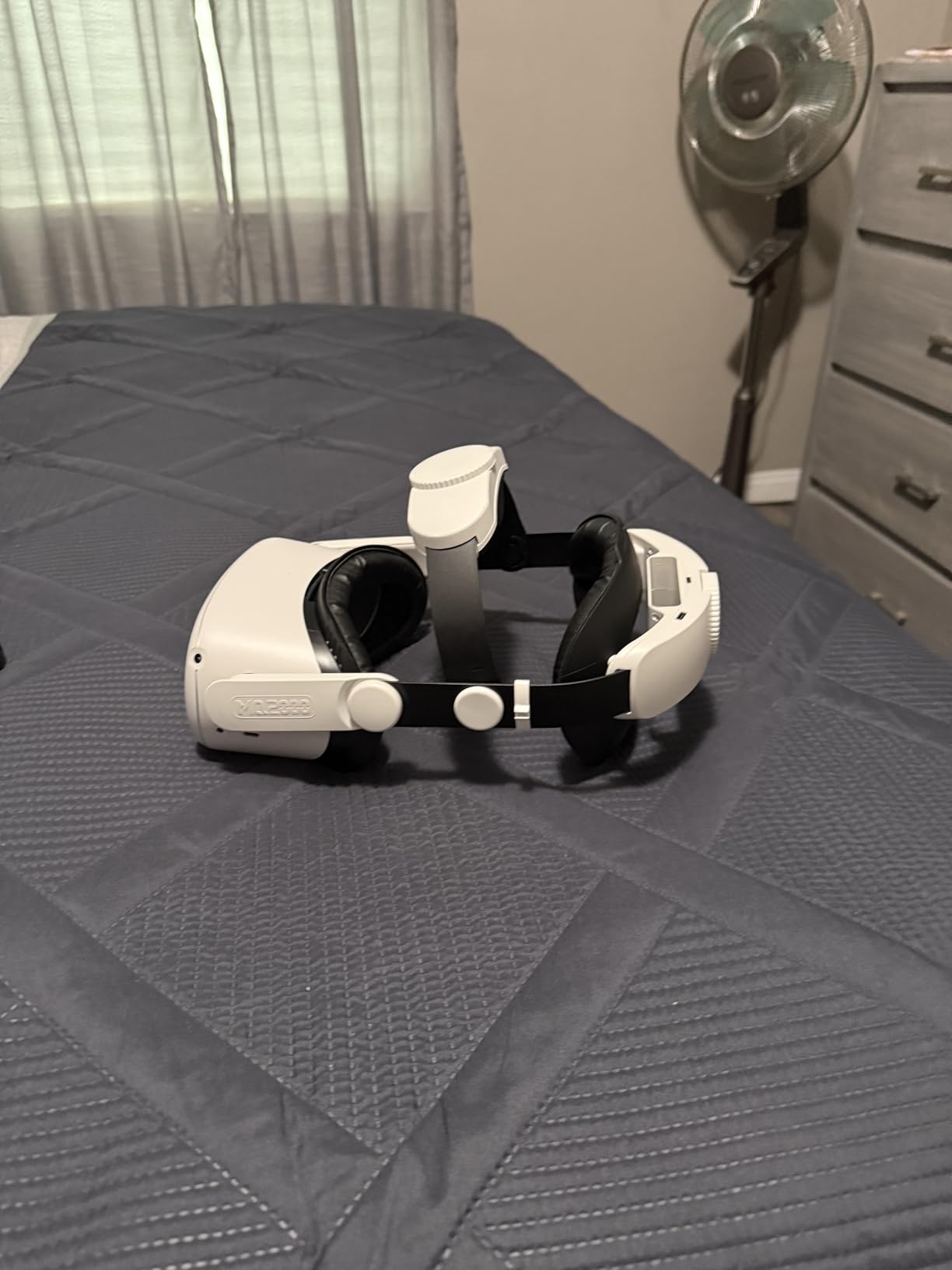
Ventilation is handled by an L-shaped vent design that allows air to circulate more effectively than the stock Quest 2 interface. I played active games and experienced noticeably less lens fogging. While not as aggressive as some newer designs, the vents make a meaningful difference in comfort during longer sessions.
The improved nose pieces are designed to solve the light leakage problems that plague many Quest 2 interfaces. For the most part, they succeed. I tested in various lighting conditions and found light blocking to be good, though some users with specific face shapes report minor leakage at the nose bridge in dark environments.
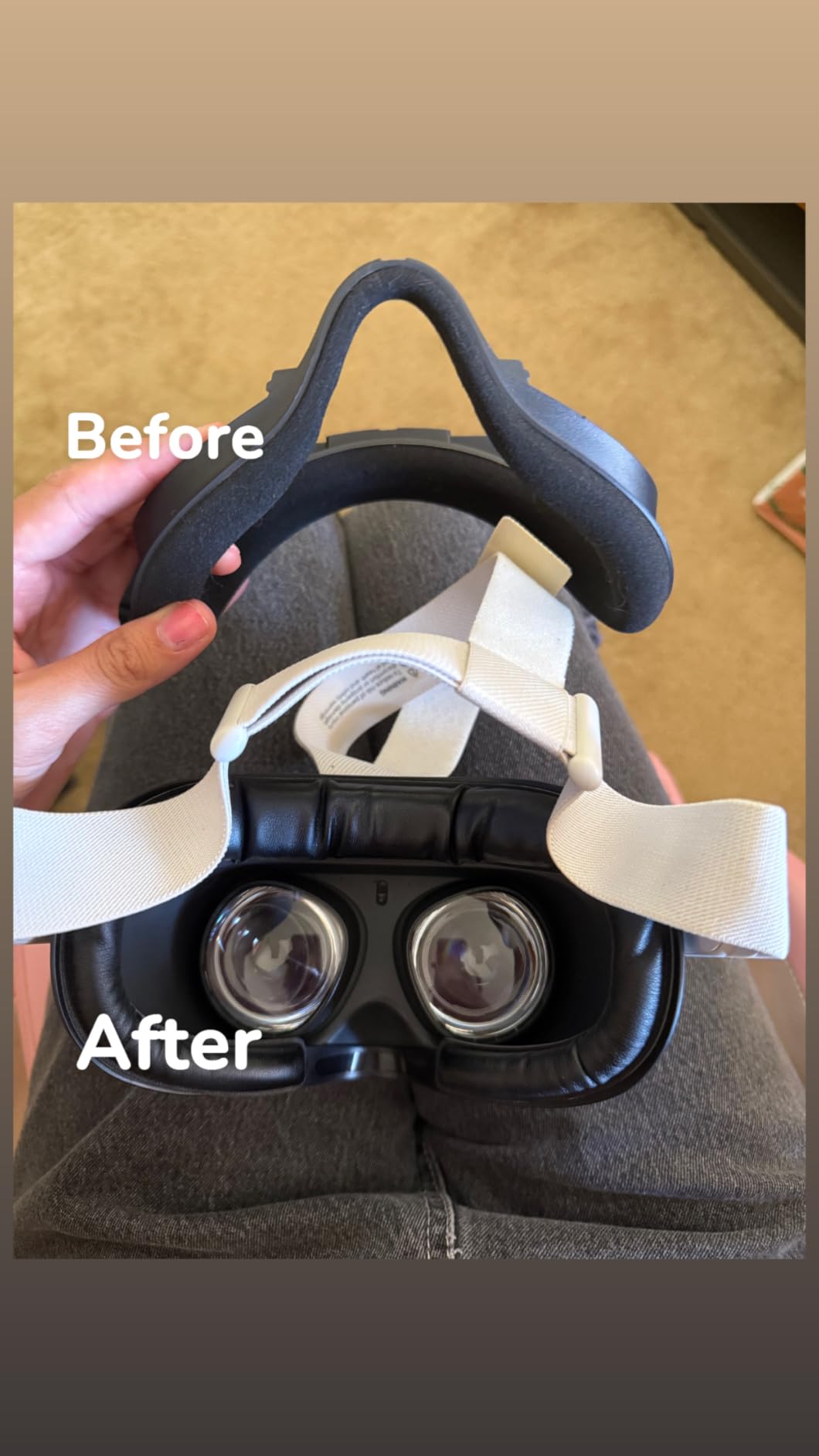
Installation couldn’t be simpler. The Velcro attachment system lets you swap the pad in seconds. The adhesive is strong enough to hold securely during use but allows for easy removal when cleaning or replacing. This straightforward design is perfect for users who want an upgrade without dealing with complex installation processes.
The main limitation is compatibility. This face pad is designed specifically for Quest 2 and is not suitable for Quest 3 or Quest 3S. Some users also report that the light blocking at the nose bridge isn’t perfect, particularly for those with narrower nose shapes.
For Whom It’s Good
The AMZDM face pad is ideal for Quest 2 owners looking for an affordable comfort upgrade. If you’re still using the stock interface and experiencing discomfort or sweating, this provides a significant improvement at minimal cost. It’s perfect for users who share their headset with others, as the PU leather is easy to wipe clean between users.
For Whom It’s Bad
Quest 3 and Quest 3S owners need to look at other options, as this pad is not compatible. If you’re sensitive to even minor light leakage at the nose bridge, you might prefer a different design. Users who want premium features like adjustable height or advanced ventilation systems will need to invest in higher-end options.
How to Choose the Right VR Facial Interface
Choosing the best VR facial interface for your needs depends on several factors. The right choice for someone else might not be ideal for you, so it’s worth considering your specific usage patterns and requirements.
Material selection plays a crucial role in comfort and hygiene. Silicone interfaces like Meta’s official option are incredibly easy to clean and maintain, making them perfect for shared headsets. PU leather offers a classic VR feel and is also easy to wipe down. Fabric and mesh options provide the best breathability but require more frequent washing. If you’re a heavy sweater, prioritize breathable materials over sealed designs.
Ventilation type significantly impacts your comfort during active sessions. Passive ventilation through vents or mesh openings helps with natural airflow and reduces lens fogging. Active cooling interfaces designed for use with fan-equipped head straps provide the most cooling but require compatible hardware. Open interfaces like Meta’s Open Facial Interface offer maximum airflow at the cost of some light blocking.
Light blocking matters most for immersion-focused gaming. If you primarily play atmospheric games in dark environments, prioritize interfaces with excellent light seals. However, if you use VR mostly for mixed reality or fitness applications, some light leakage might be acceptable in exchange for better airflow.
Glasses compatibility is essential if you wear eyewear. Look for interfaces with adjustable depth, nose guards that don’t interfere with frames, or open designs that naturally accommodate glasses. The Meta Open Facial Interface and BOBOVR F3 are particularly good options for glasses wearers.
Quest 3 vs Quest 3S compatibility is critical to verify before purchasing. Some interfaces work with both headsets, but many are designed specifically for one model. Always double-check compatibility, as interfaces designed for Quest 3 generally won’t fit Quest 3S and vice versa.
Head strap compatibility affects your interface choice. If you use a halo strap with a built-in fan, look for interfaces optimized for that configuration like the AMVR FC4A. Standard straps work with most interfaces, but some premium options are specifically designed to complement active cooling systems.
FAQs
What is the best facial interface for Meta Quest 3?
The Globular Cluster F3 V3 is the best overall facial interface for Meta Quest 3, offering a magnetic modular system with three different pad types for various use cases. For budget-conscious buyers, the AMVR FC3 provides excellent value with knob adjustment and dual pad options. If you prioritize airflow, Meta’s official Open Facial Interface offers maximum ventilation for active gaming sessions.
How to choose a VR facial interface?
Start by identifying your headset model (Quest 3 or Quest 3S) since not all interfaces are compatible. Consider your primary VR activities – active games benefit from breathable designs, while immersion gaming prioritizes light blocking. Think about whether you wear glasses, as some interfaces handle eyewear better than others. Finally, decide if you want easy-clean materials like silicone or prefer the comfort of fabric pads.
What facial interface do pro VR users recommend?
Experienced VR enthusiasts consistently recommend the Globular Cluster F3 V3 for its versatility and magnetic pad-swapping system. The AMVR FC3 is popular among users with halo fan straps for its optimized airflow. For Quest 3S owners, the KIWI Design V4 receives praise for its thick memory foam and excellent ventilation. The Meta Open Facial Interface is favored by fitness enthusiasts for its unbeatable airflow.
How do I stop my VR headset from fogging up?
Lens fogging is caused by the temperature difference between your face and the headset lenses. To prevent fog, use facial interfaces with good ventilation like the BOBOVR F3 or Meta’s Open Interface. Interfaces with mesh or multiple vent holes allow air to circulate and reduce the temperature buildup that causes fog. For persistent fogging issues, consider using a fan-equipped head strap with an interface optimized for active cooling.
Final Thoughts on the Best VR Facial Interfaces
After extensive testing and research, the Globular Cluster F3 V3 stands out as the best VR facial interface for most Quest 3 users. Its magnetic modular system provides unmatched versatility, allowing you to optimize for comfort, airflow, or light blocking depending on your current activity. The premium price is justified by the build quality and thoughtful design.
For Quest 3S owners, the KIWI Design V4 offers the best combination of comfort and ventilation, with thick memory foam and over 20 vent holes keeping you cool during extended sessions. Budget-conscious buyers should consider the AMVR FC3, which delivers excellent value with knob adjustment and dual pad options.
Active VR gamers who prioritize airflow will love Meta’s Open Facial Interface or the BOBOVR F3, both designed to keep you cool during intense play sessions. If you share your headset with others, the Meta Silicone Facial Interface provides the most hygienic solution with easy-wipe materials.
The right facial interface can transform your VR experience, extending comfortable play time and improving immersion. Consider your headset model, gaming style, and budget when making your choice. With the options covered in this guide, there’s a perfect interface for every VR user in 2026.