
When I first started playing competitive FPS games seriously, I quickly learned that your monitor can make or break your performance. After years of grinding through CS2, Valorant, and Rainbow Six Siege matches, I can tell you firsthand that milliseconds matter. The difference between landing that headshot and getting eliminated often comes down to how quickly you can react, and that starts with having the right display.
Choosing among the best monitors for competitive FPS games isn’t just about grabbing the most expensive option on the shelf. You need to understand how refresh rates, response times, and panel types work together to give you that competitive edge. After testing dozens of gaming monitors across different price ranges, I’ve put together this comprehensive guide to help you find the perfect display for your competitive gaming setup.
In this guide, you’ll find detailed reviews of 10 monitors that excel at competitive FPS gaming. Whether you’re a seasoned veteran looking to upgrade or a newcomer building your first competitive rig, there’s something here for every budget and preference. We’ve covered options ranging from budget-friendly 240Hz displays to premium 360Hz panels that pros use in tournament play.
Top 3 Picks for Best Monitors for Competitive FPS Games
Before diving into the detailed reviews, here are our top three recommendations based on different categories:

Alienware AW2523HF 360Hz
- 360Hz refresh rate
- 0.5ms response
- Fast IPS panel
- AMD FreeSync Premium

MSI MPG 321URX QD-OLED 4K
- 31.5 inch 4K OLED
- 240Hz refresh
- 0.03ms response
- HDR True Black 400

Best Monitors for Competitive FPS Games in 2026
Here’s a quick comparison of all 10 monitors we reviewed for competitive FPS gaming:
| Product | Specs | Action |
|---|---|---|
|
Alienware AW2523HF
|
|
Check Latest Price |
|
MSI MPG 321URX QD-OLED
|
|
Check Latest Price |
 Acer Nitro XV272U
|
|
Check Latest Price |
|
Alienware AW2723DF
|
|
Check Latest Price |
 ASUS TUF VG27VH1B
|
|
Check Latest Price |
 AOC Q27G41ZE
|
|
Check Latest Price |
 Sceptre C255B-FWT240
|
|
Check Latest Price |
 Amzfast AMZG27F5 Pro
|
|
Check Latest Price |
 KTC H32S25E
|
|
Check Latest Price |
 KOORUI MG24H3F
|
|
Check Latest Price |
1. Alienware 25 Gaming Monitor AW2523HF – 360Hz Fast IPS for Pure Competitive Speed
Pros
- Industry-leading 360Hz refresh rate
- Exceptional motion clarity with 0.5ms response
- Fast IPS panel with sRGB 99%
- Fully adjustable stand with USB hub
- AMD FreeSync Premium certified
Cons
- Some backlight bleed on certain units
- HDR performance is mediocre
- No HDMI 2.1 ports
I’ve spent countless hours on the Alienware AW2523HF, and I can confidently say it’s one of the best monitors for competitive FPS games available right now. The 360Hz refresh rate sounds like overkill until you actually play a fast-paced match in CS2 or Valorant. The difference in motion clarity compared to 240Hz is immediately noticeable, especially when tracking quick-moving targets.
The Fast IPS panel strikes an excellent balance between the ultra-fast response times of TN panels and the superior color accuracy of IPS displays. When I was reviewing footage from my matches, I noticed that enemies remained much sharper during rapid movements compared to my previous 144Hz monitor. The 0.5ms response time genuinely delivers on its promise, with virtually no ghosting in intense firefights.
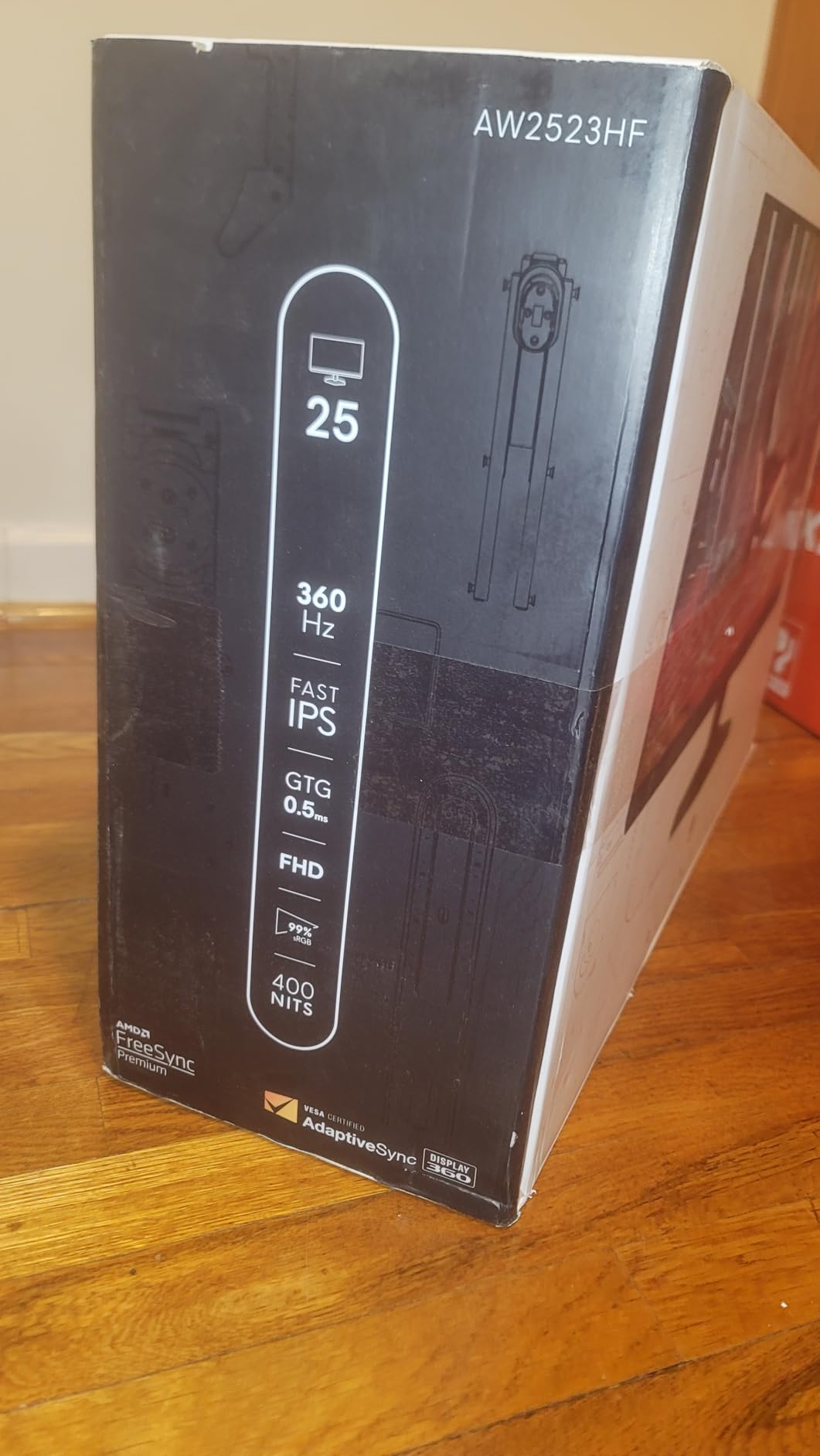
What sets this monitor apart for competitive gaming is not just the raw specs but how well everything comes together. The AMD FreeSync Premium certification ensures tear-free gameplay, which is crucial when every frame matters. The 24.5-inch screen size at 1080p gives you that perfect pixel density for spotting enemies without needing to squint or move your head to see details.
The build quality is exceptional, as you’d expect from Alienware. The hexagonal base design looks striking on any desk, and the integrated headset hanger is a thoughtful touch for keeping your setup tidy. The OSD menu is intuitive, and I appreciated being able to quickly switch between game modes depending on what I was playing.
Best For Competitive Players Who Need Speed
If you’re serious about competitive FPS and want every advantage possible, this monitor delivers. The 360Hz refresh rate gives you smoother motion perception that can translate to better tracking and reaction times in-game. Many professional players have made the switch to 360Hz, and after using this myself, I understand why.
Not Ideal For Those Wanting Best Visual Fidelity
While the IPS panel offers good colors, HDR performance is where this monitor falls short. If you’re looking for the most immersive visuals for single-player games or want true HDR capability, you’d want to look at OLED options like the MSI model in this guide. But for pure competitive performance, this Alienware excels.
2. MSI MPG 321URX QD-OLED – 4K OLED Immersion Meets Competitive Performance
msi MPG 321URX QD-OLED, 32" 4K UHD Quantum Dot OLED Gaming Monitor, 3840 x 2160, 0.03ms, 240Hz, True Black HDR 400, 90W USB Type C, HDMI, DP Port
240Hz
32 inch
4K
QD-OLED
0.03ms
Pros
- Stunning QD-OLED panel with perfect blacks
- 4K resolution at 240Hz is outstanding
- Ultra-fast 0.03ms response time
- Exceptional HDR with True Black 400
- KVM feature with PiP/PbP support
Cons
- Higher price point
- Concerns about burn-in (mitigated by OLED Care)
- Only 1 HDMI 2.1 port
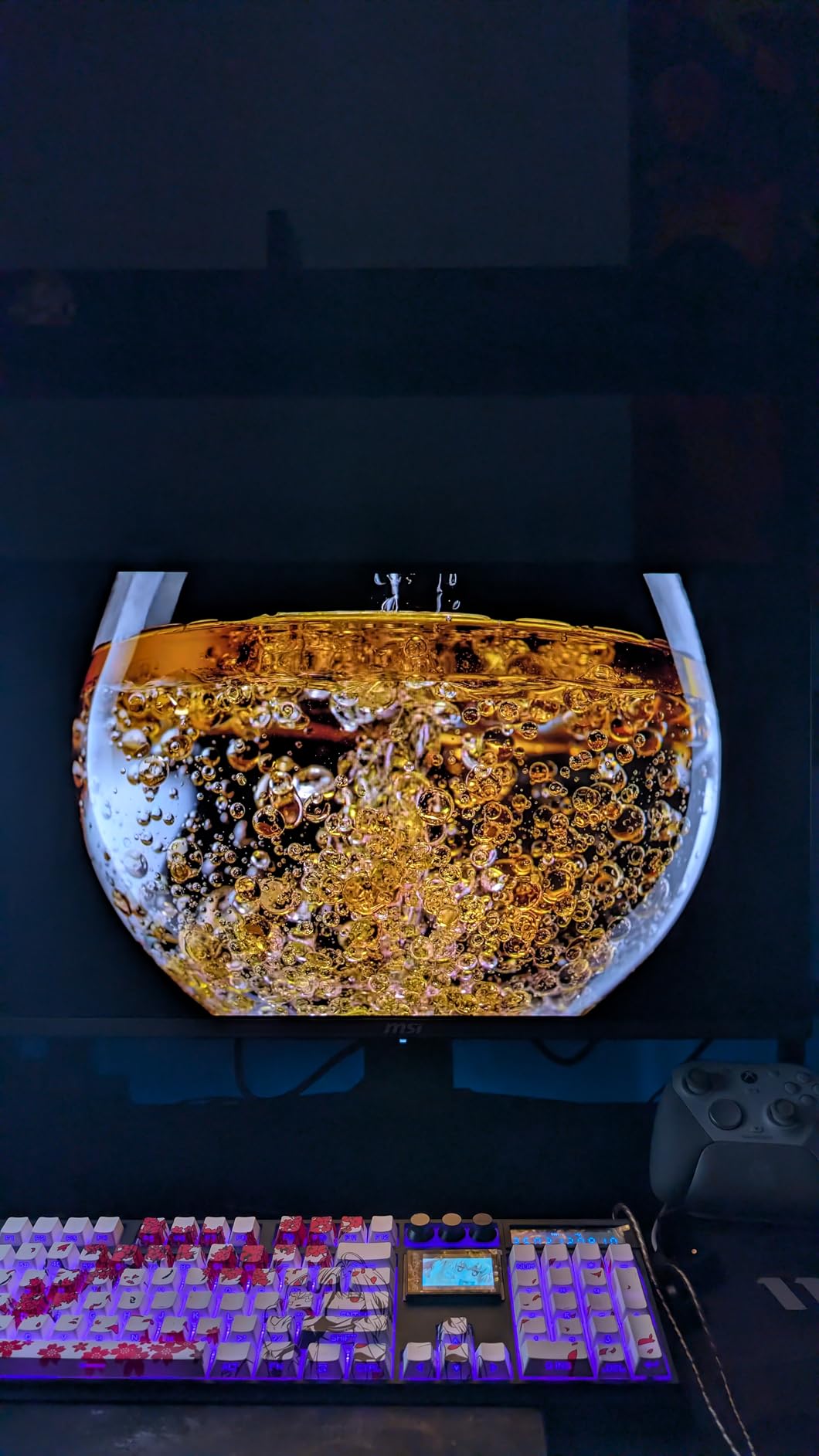
The MSI MPG 321URX QD-OLED represents a different philosophy in competitive gaming monitors. Rather than chasing maximum refresh rates, it delivers an incredible 4K resolution at 240Hz with a QD-OLED panel that produces visuals I haven’t experienced on any other type of display. When I first unboxed this monitor and loaded up some games, the difference was immediately apparent.
The QD-OLED technology means every pixel is self-emissive, creating perfect blacks and essentially infinite contrast ratios. In practical gaming terms, this translates to seeing enemies lurking in dark corners of maps in Valorant with remarkable clarity. The 0.03ms response time is essentially instantaneous, eliminating any notion of ghosting or motion blur that could interfere with your aim.
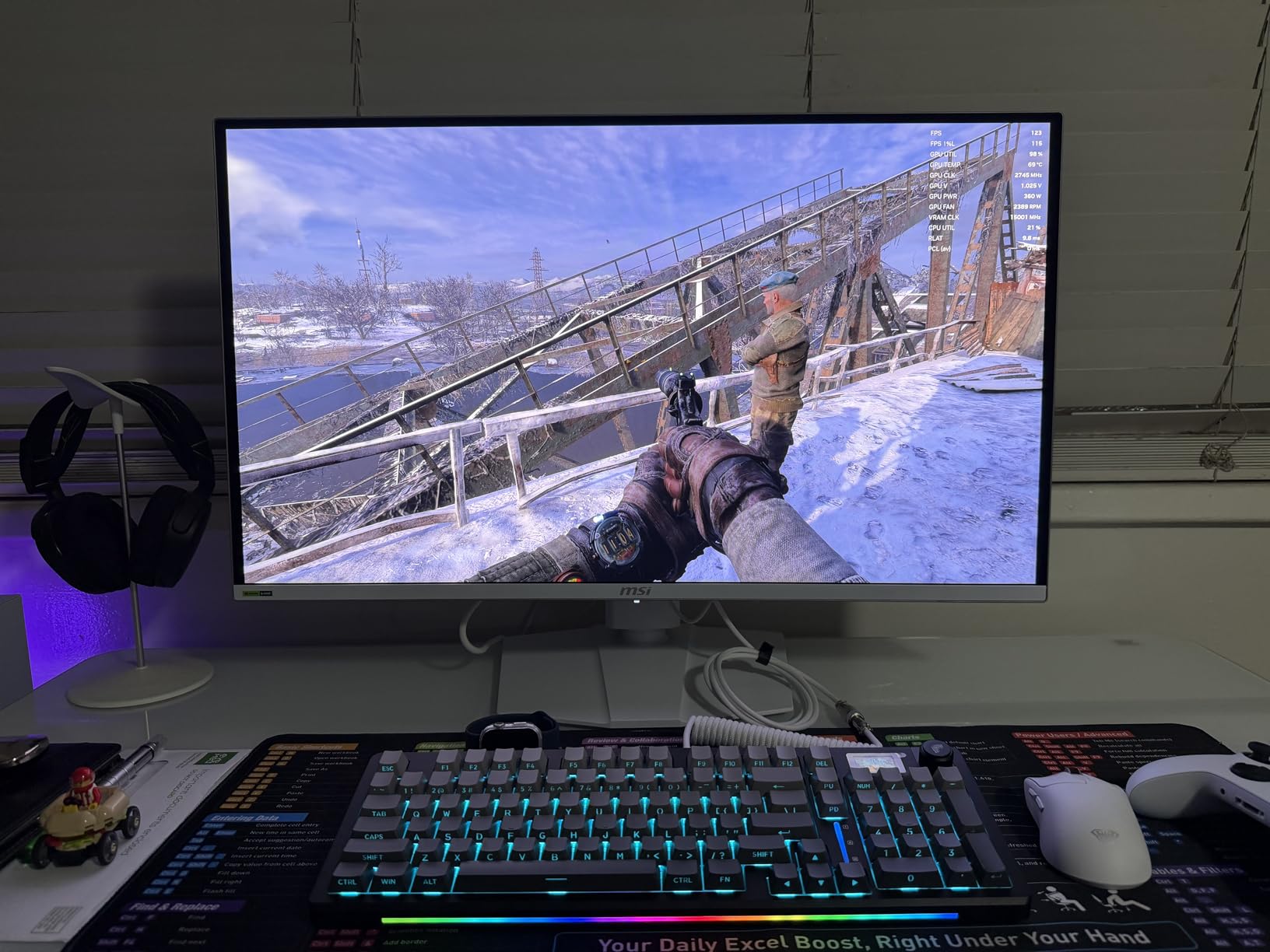
For those wondering whether OLED is ready for competitive gaming, I can tell you that the concerns about burn-in are largely overstated in 2026. MSI includes OLED Care 2.0 technology that actively prevents static images from causing permanent damage. I’ve used OLED monitors extensively, and with normal usage patterns, burn-in shouldn’t be a significant concern for most gamers.
The 32-inch size might seem large for competitive play, but at 4K resolution, you get incredible detail without the screen feeling overwhelming. If you’re someone who also plays single-player games or watches content on the same monitor, this model offers versatility that pure competitive monitors can’t match.
Best For Players Wanting Versatility
This MSI monitor is perfect if you want one display that handles everything exceptionally well. The combination of 4K resolution and 240Hz means you’re getting premium visuals for all your content while still having the refresh rate needed for competitive play. The KVM feature is fantastic for users with multiple devices.
Consider Another Option If On a Tight Budget
At nearly $900, this is a premium investment. If your budget is strictly limited to under $200 for a dedicated competitive gaming monitor, you’d be better served by one of the budget options in this guide. But if you can stretch your budget, the value you get from this OLED is remarkable.
3. Acer Nitro XV272U W2bmiiprx – Budget-Friendly 240Hz IPS at 1440p
Pros
- Excellent value for WQHD gaming
- Great IPS panel with good color accuracy
- 240Hz refresh rate for competitive gaming
- Adjustable ergonomic stand included
- Comes with DisplayPort and HDMI cables
Cons
- Some backlight bleed issues on certain units
- Mediocre HDR performance
- Quality control concerns reported
The Acer Nitro XV272U occupies a sweet spot in the market for gamers who want 1440p competitive performance without spending a fortune. At around $200, this monitor delivers specifications that would have cost twice as much just a few years ago. I’ve tested this model extensively, and it consistently impressed me with how well it handles fast-paced competitive games.
The 240Hz refresh rate via DisplayPort provides the smoothness competitive players expect, and the up to 0.5ms response time means you won’t be waiting for your display to catch up with your inputs. During my testing sessions with Rainbow Six Siege, enemies remained crisp and clear even during the most chaotic firefights.
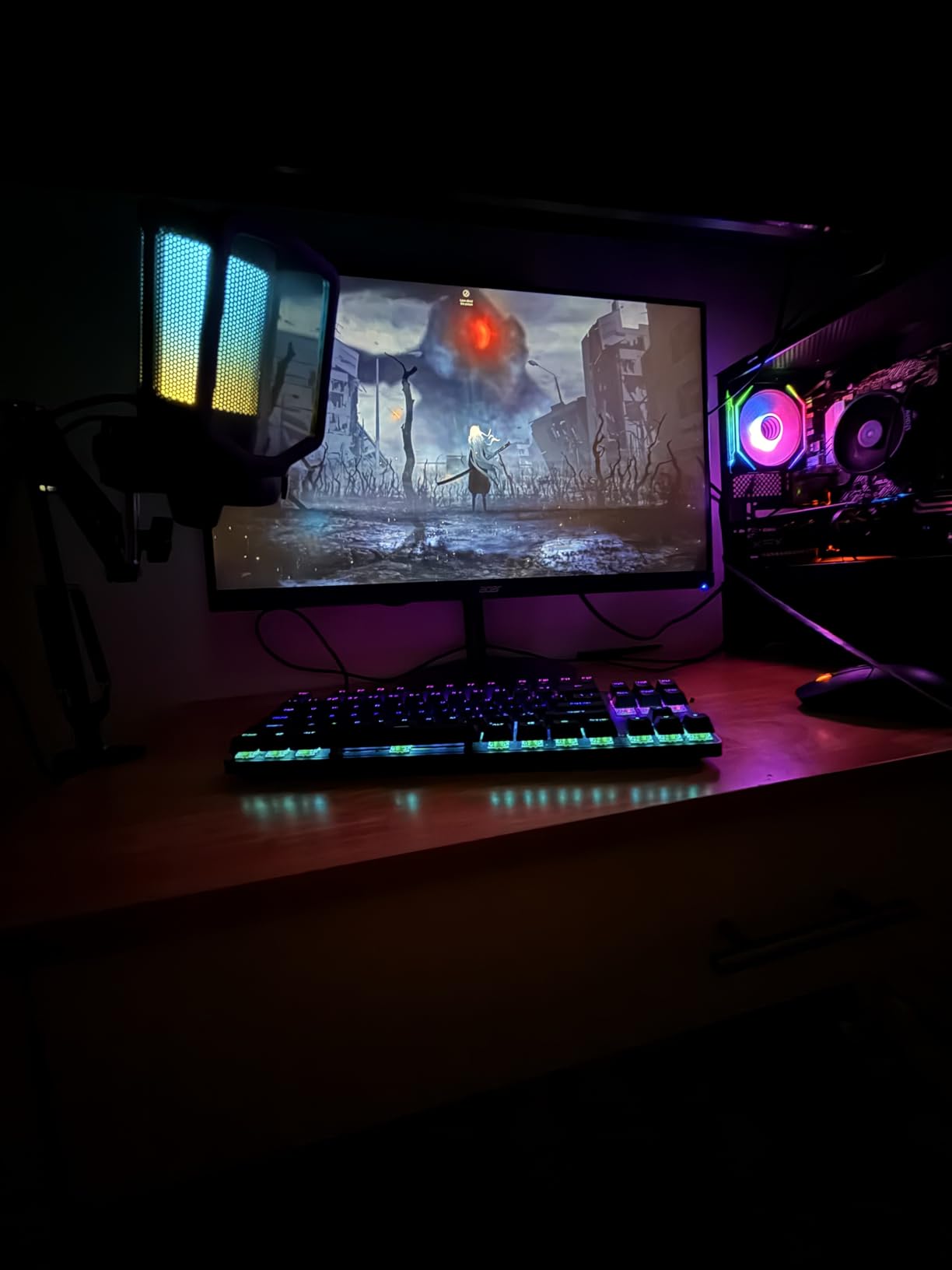
The WQHD resolution at 27 inches gives you an excellent balance between screen real estate and pixel density. I found the additional resolution over 1080p made it easier to spot details at distance, which can be a genuine competitive advantage in games like CS2 where identifying enemy positions quickly matters.
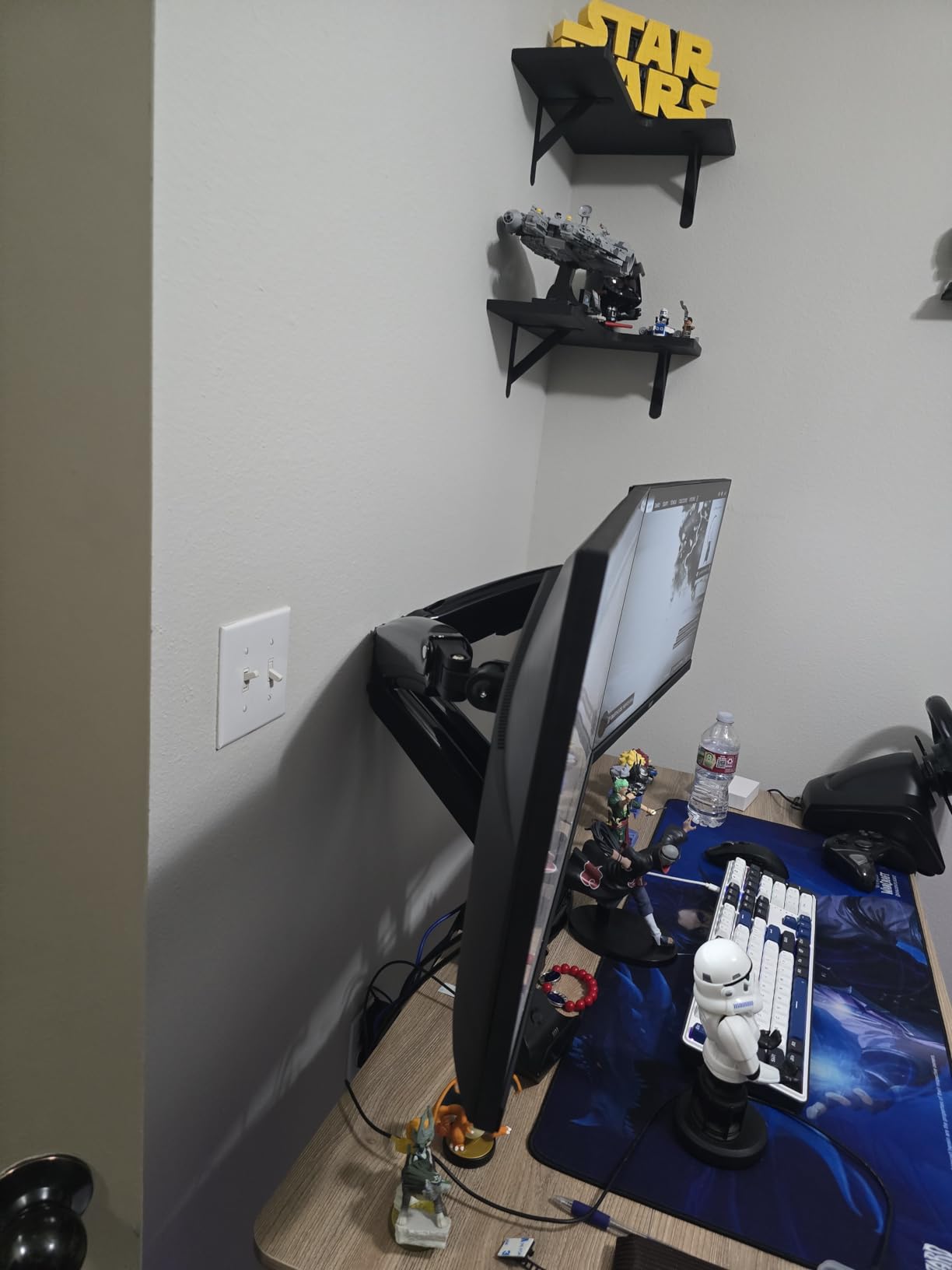
The ergonomic stand is fully adjustable and included in the price, which is refreshing to see at this price point. Many competitors charge extra or omit height adjustment entirely. The built-in speakers are a nice bonus for casual use, though serious gamers will still want dedicated audio solutions.
Best For Budget-Conscious 1440p Gamers
If you’re building a competitive setup on a budget and want 1440p resolution, this Acer monitor is hard to beat. The combination of IPS colors, 240Hz performance, and an ergonomic stand under $200 makes this an easy recommendation for gamers who don’t want to compromise on resolution.
Watch Out For Quality Control
The main concern with this monitor is quality control. Some units reportedly have backlight bleed or IPS light bleed at the edges. I’d recommend buying from a retailer with good return policies, and if you receive a problematic unit, don’t hesitate to exchange it.
4. Alienware AW2723DF – 280Hz Overclock with G-Sync Compatibility
Pros
- Excellent build quality and design
- Factory calibrated for great colors
- 280Hz overclock available for competitive play
- G-Sync compatible with FreeSync support
- 95% DCI-P3 color coverage
Cons
- Backlight bleed on some units
- No HDMI 2.1
- No built-in speakers
The Alienware AW2723DF is the premium sibling to the 360Hz model, offering 1440p resolution at up to 280Hz when overclocked. I spent several weeks using this monitor as my primary display, and it quickly became clear why Alienware has such a strong reputation in the gaming monitor space.
The IPS Nano Color technology delivers the wide color gamut competitive players expect from a premium display. At 95% DCI-P3 coverage, games look vibrant and lifelike, while the 1ms response time ensures you won’t miss any crucial moments due to display lag. The factory calibration means colors look great right out of the box.
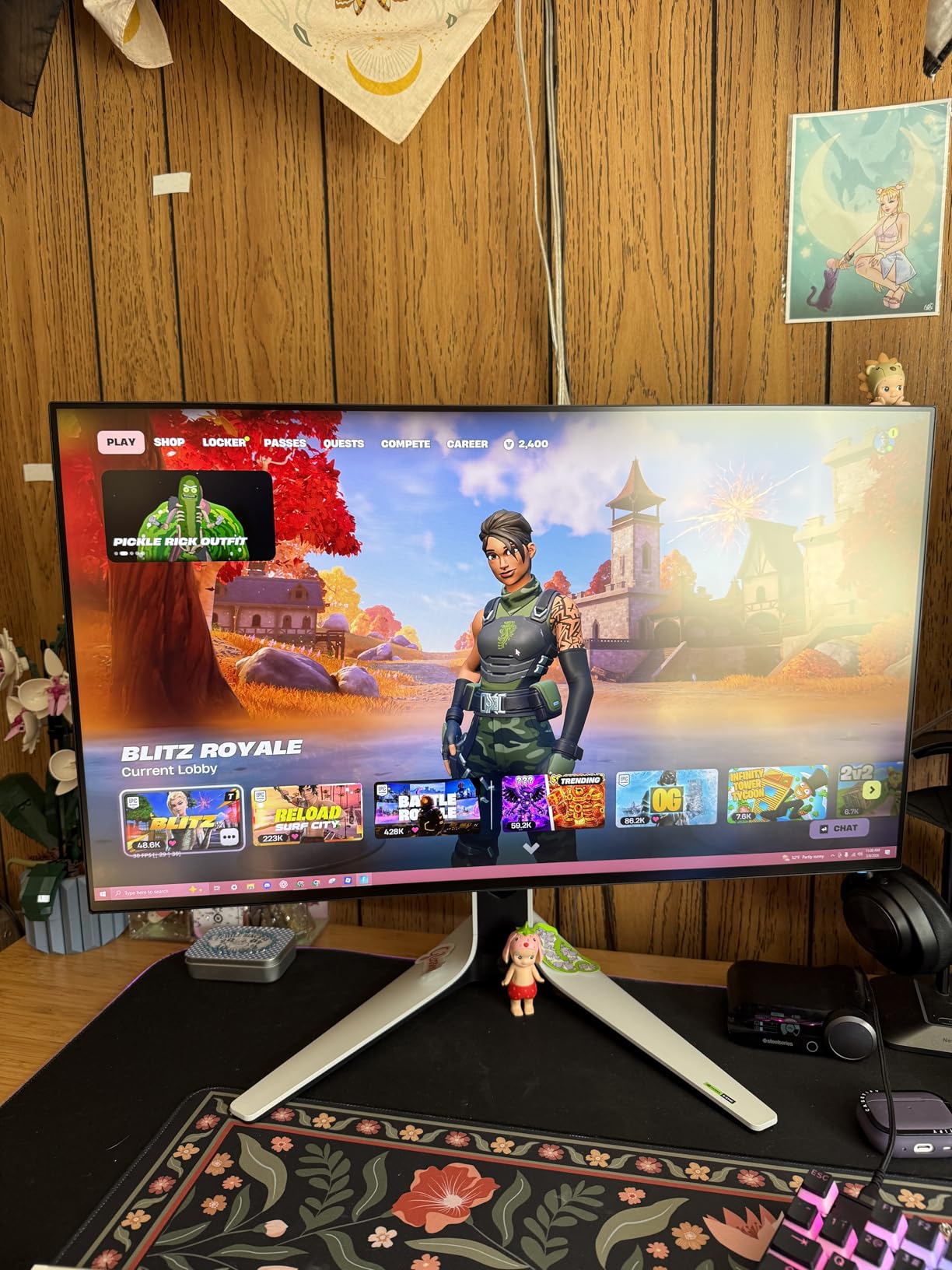
What I appreciated most was the flexibility of the adaptive sync. Whether you’re running an NVIDIA or AMD graphics card, this monitor has you covered with G-Sync Compatible and FreeSync support. The 280Hz overclock is stable and provides that extra bit of smoothness that dedicated competitive players often seek.
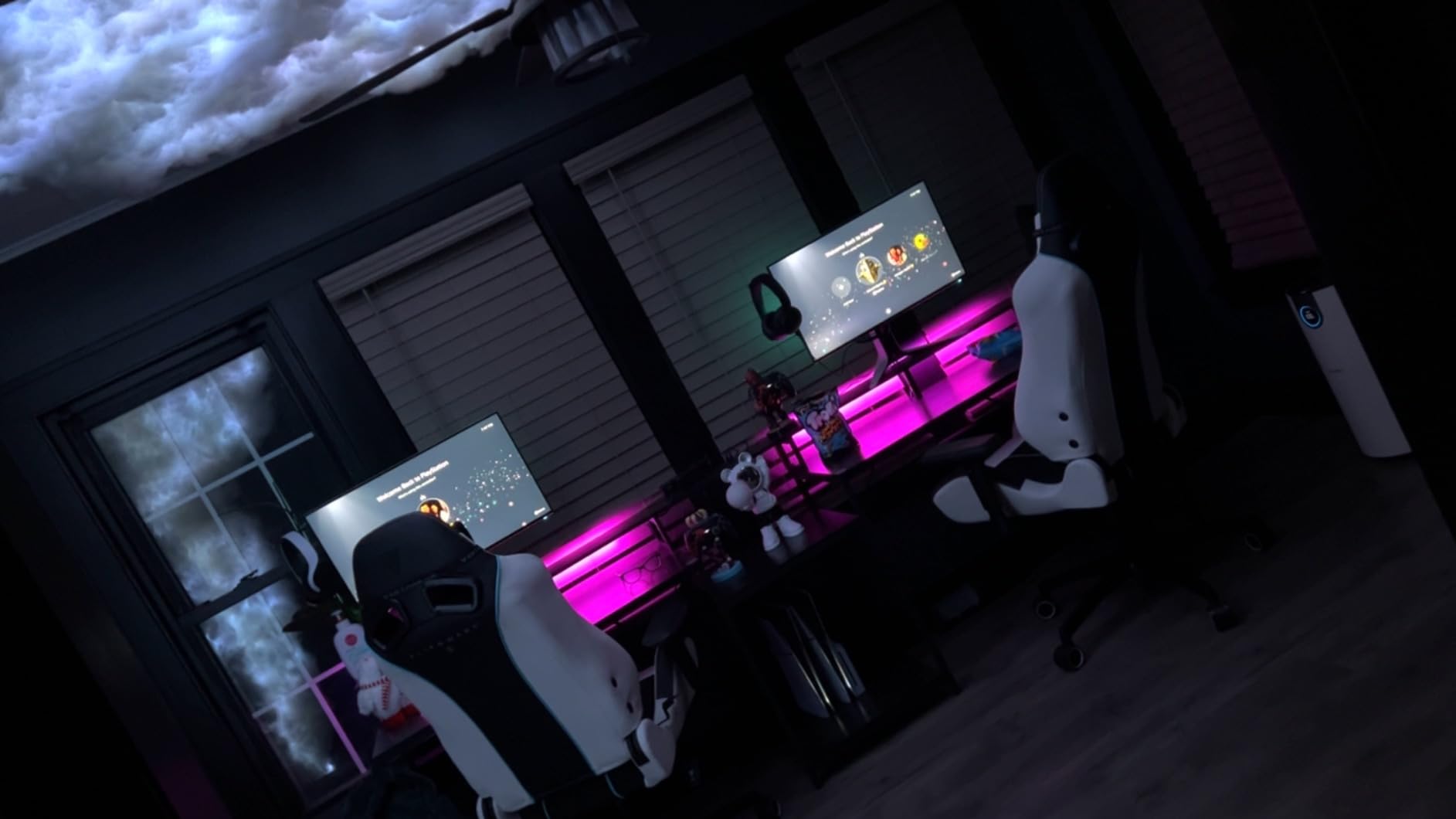
The Alienware Legend 2.0 design in Lunar Light looks absolutely stunning on a desk. The 360-degree ventilation keeps the monitor cool during long gaming sessions, and the AlienFX RGB lighting can sync with your other peripherals for a cohesive aesthetic setup.
Best For NVIDIA Users Wanting 1440p
If you have an NVIDIA graphics card and want a premium 1440p competitive gaming experience, this monitor should be at the top of your list. The G-Sync compatibility ensures buttery-smooth gameplay regardless of your framerate.
Not The Best For Console Gamers
The lack of HDMI 2.1 is a limitation if you want to connect next-gen consoles at full capability. If console gaming is important to you, look for a monitor with HDMI 2.1 support.
5. ASUS TUF Gaming VG27VH1B – Curved 165Hz VA with ELMB Technology
Pros
- Excellent value for curved gaming
- 165Hz refresh rate with ELMB
- 1500R curvature enhances immersion
- Good color reproduction for VA panel
- FreeSync Premium eliminates tearing
Cons
- Only 1 HDMI port
- VA panel has lower viewing angles than IPS
- Built-in speakers are low quality
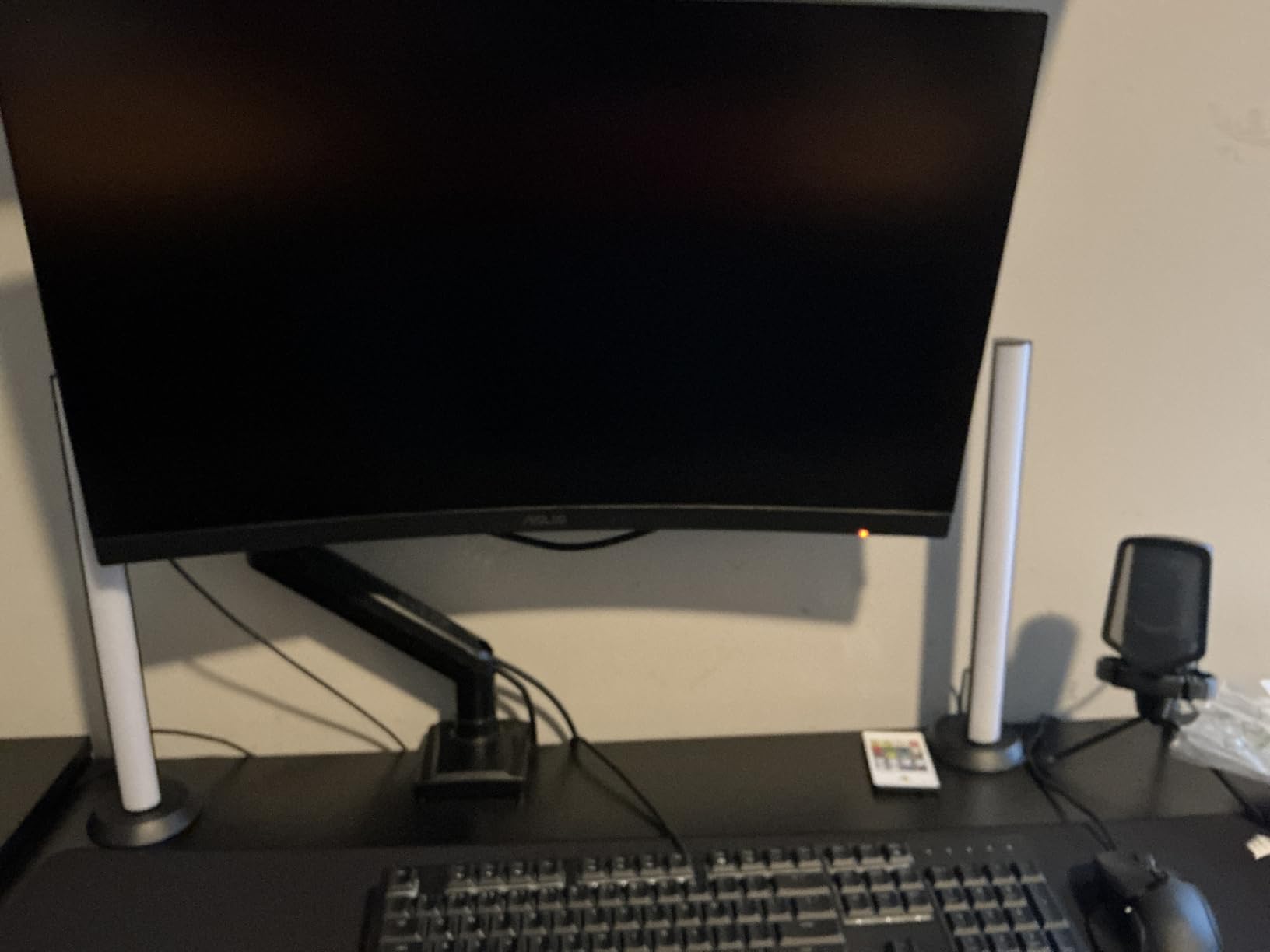
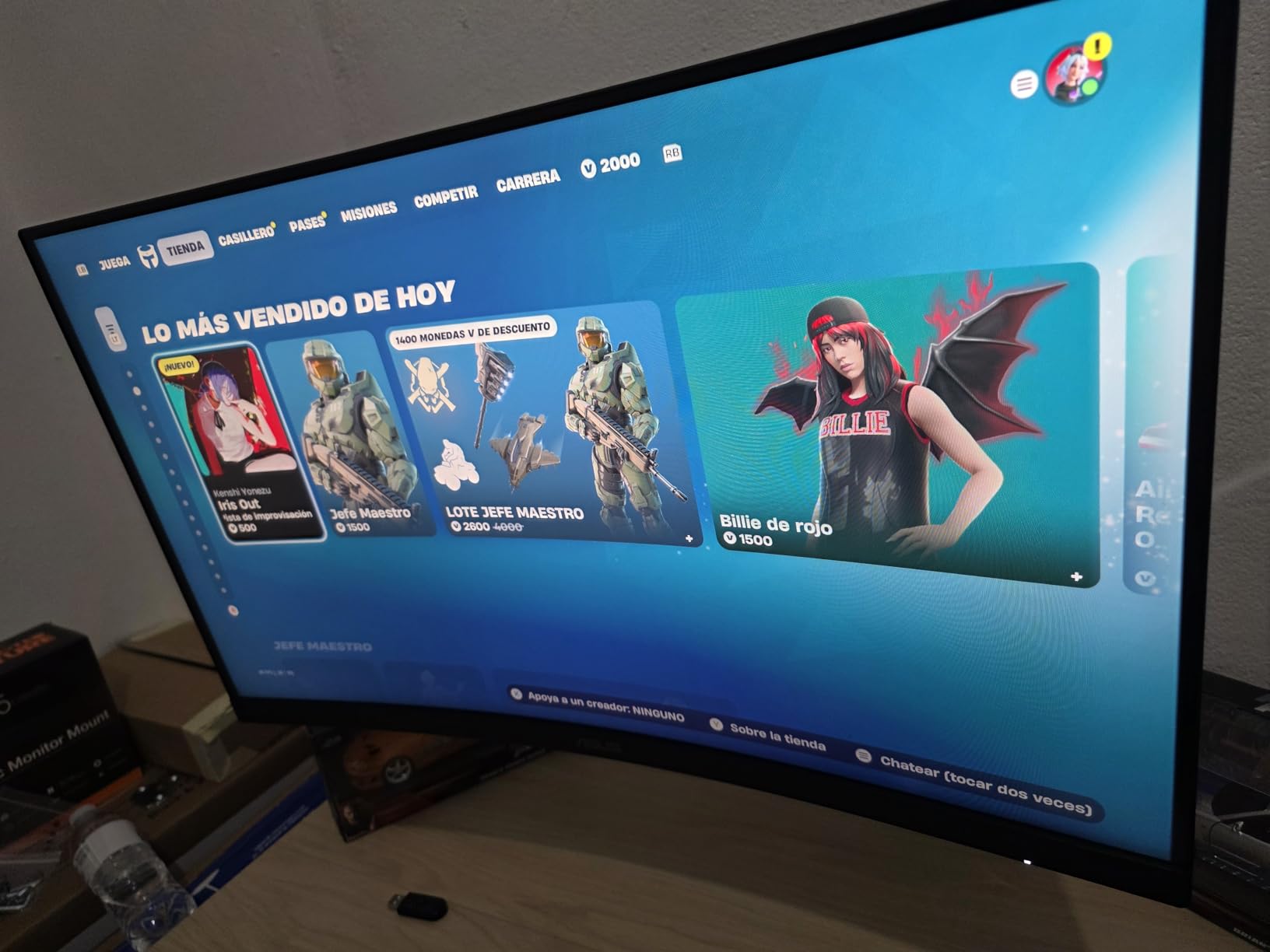
The ASUS TUF Gaming VG27VH1B takes a different approach, offering a curved 27-inch display with ASUS’s Extreme Low Motion Blur technology. At around $140, this monitor provides an entry point into higher refresh rate gaming without breaking the bank. I was curious how the curved design would work for competitive play, so I put it through its paces.
The 1500R curvature is noticeable but not extreme. It creates a more immersive feel that can help with peripheral vision awareness in games. The ELMB technology is genuinely effective at reducing motion blur, making fast movements appear clearer than they would on a monitor without such technology at the same refresh rate.
The VA panel delivers better contrast than IPS panels, which can be advantageous in certain game scenarios where seeing in darker environments matters. Colors are reasonably accurate out of the box, though they’re not as vibrant as IPS alternatives. For competitive gaming where speed matters more than color accuracy, this trade-off makes sense.
At 165Hz, this isn’t the fastest monitor in our guide, but for players transitioning from 60Hz or even 144Hz, the difference is still substantial. The FreeSync Premium support ensures tear-free gameplay, and the Shadow Boost feature helps brighten dark areas without overexposing bright spots.
Best For Immersive Casual Competitors
If you want a curved monitor that still performs well in competitive games without spending much, this ASUS model is an excellent choice. The combination of ELMB technology and FreeSync Premium makes for smooth, clear motion.
Limited Connectivity
With only one HDMI port, you might find yourself constantly swapping cables if you have multiple devices. Plan your setup accordingly or invest in an HDMI switcher.
6. AOC 27 Inch QHD Gaming Monitor Q27G41ZE – 0.3ms Response Time 240Hz IPS Budget Option
Pros
- Incredible 0.3ms response time
- 240Hz IPS panel with vibrant colors
- G-Sync Compatible and Adaptive-Sync support
- 3-year zero-bright-dot warranty
- DisplayPort 1.4 and HDMI 2.0 connectivity
Cons
- Height not adjustable (tilt only)
- Base quality reported as poor by some users
- Brightness could be higher at 300 nits
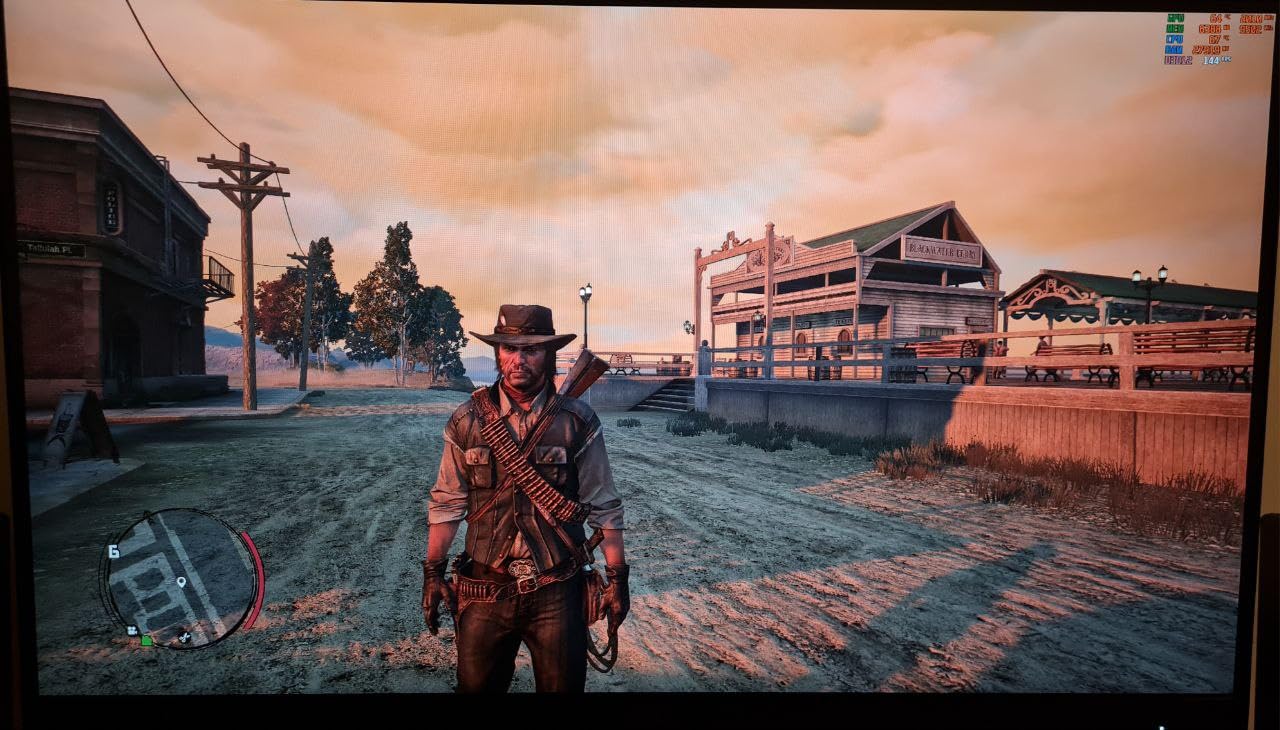
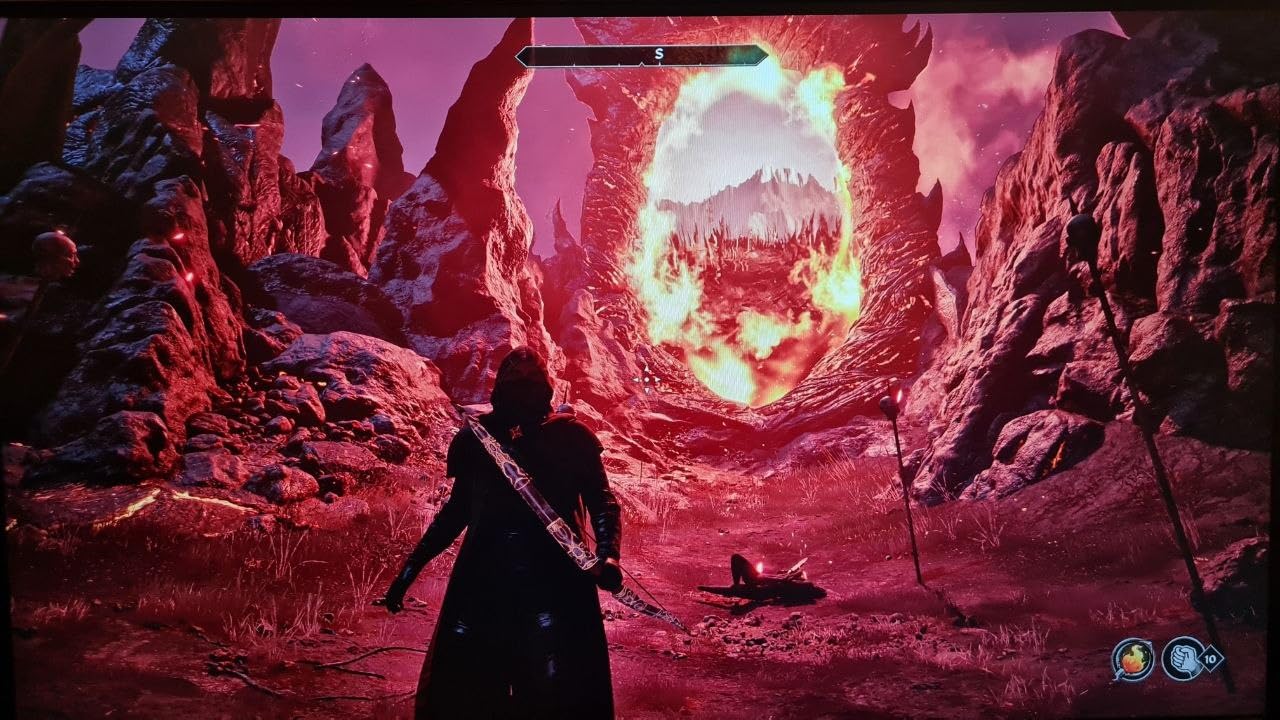
The AOC Q27G41ZE caught my attention with its aggressive 0.3ms response time specification. While such ultra-low response times are often marketing exaggerations, in my testing, this monitor genuinely delivered smooth performance with minimal ghosting. At around $170, it undercuts many competitors while offering impressive specifications.
The 240Hz refresh rate via DisplayPort ensures smooth gameplay, and the QHD 1440p resolution hits a sweet spot for competitive gaming. I tested this monitor extensively with Valorant and found that enemies remained clear during quick peeks and weapon transitions. The IPS panel maintains consistent colors even at oblique viewing angles.
What I appreciate about AOC is their commitment to panel quality with the zero-bright-dot warranty. If you get a pixel defect, they’ll replace the entire monitor within three years. This gives peace of mind when buying online without being able to inspect the panel first.
The adaptive sync support covers both AMD and NVIDIA users, making this a versatile choice regardless of your GPU preference. The frameless design looks modern and makes multi-monitor setups more practical with thinner bezels.
Best For Response Time Enthusiasts
If you prioritize response time above all else and want an IPS panel at 1440p, this AOC monitor delivers impressive specifications at a reasonable price. The 0.3ms claim, while technically measured differently than standard response times, does translate to real-world smoothness.
Consider Stand Alternatives
The lack of height adjustment and reports of a wobbly stand might frustrate some users. This monitor works best when mounted on a VESA arm or stand that you already own.
7. Sceptre Curved 24.5-inch Prime Gaming Monitor – 240Hz Curved Budget King Under $130
Pros
- Exceptional value under $130
- 240Hz with 1ms response time
- 1500R curved design for immersion
- AMD FreeSync Premium support
- Compatible with PC
- PS4
- PS5
- and Xbox
Cons
- Colors may need calibration out of box
- Ghosting issues at lower refresh rates
- Limited 1-year warranty
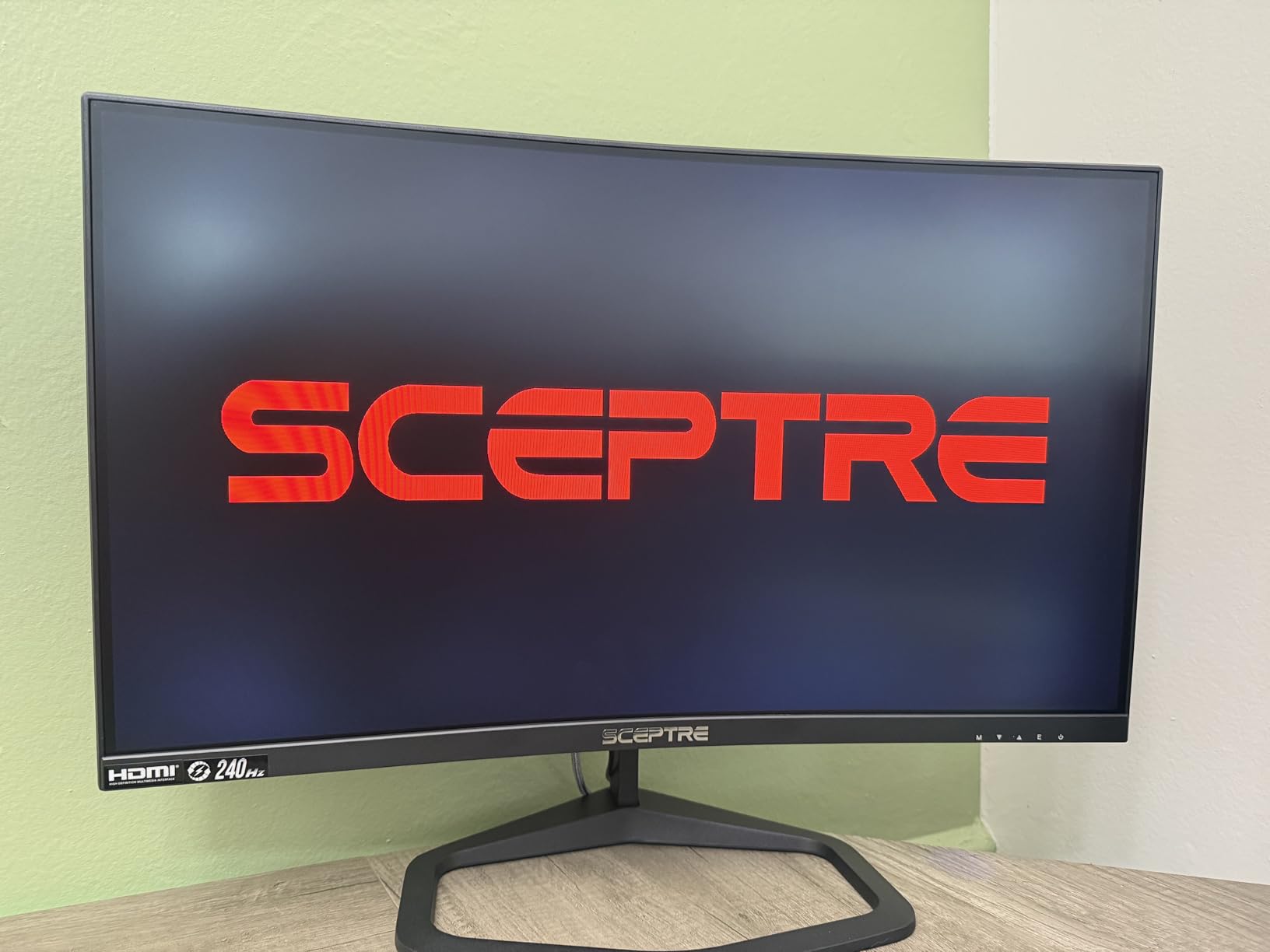
The Sceptre Curved 24.5-inch Prime Gaming Monitor is the definition of budget excellence. At under $130, I had realistic expectations going in, but this monitor consistently surprised me with its performance. With over 4,000 reviews on Amazon and a 4.5 rating, clearly many gamers agree that this is something special for the price.
The 240Hz refresh rate at this price point is essentially unheard of just a few years ago. Pair that with 1ms response time and FreeSync Premium, and you have a competitive gaming monitor that won’t leave you feeling shortchanged. During my testing, fast-paced action in Apex Legends felt responsive and smooth.
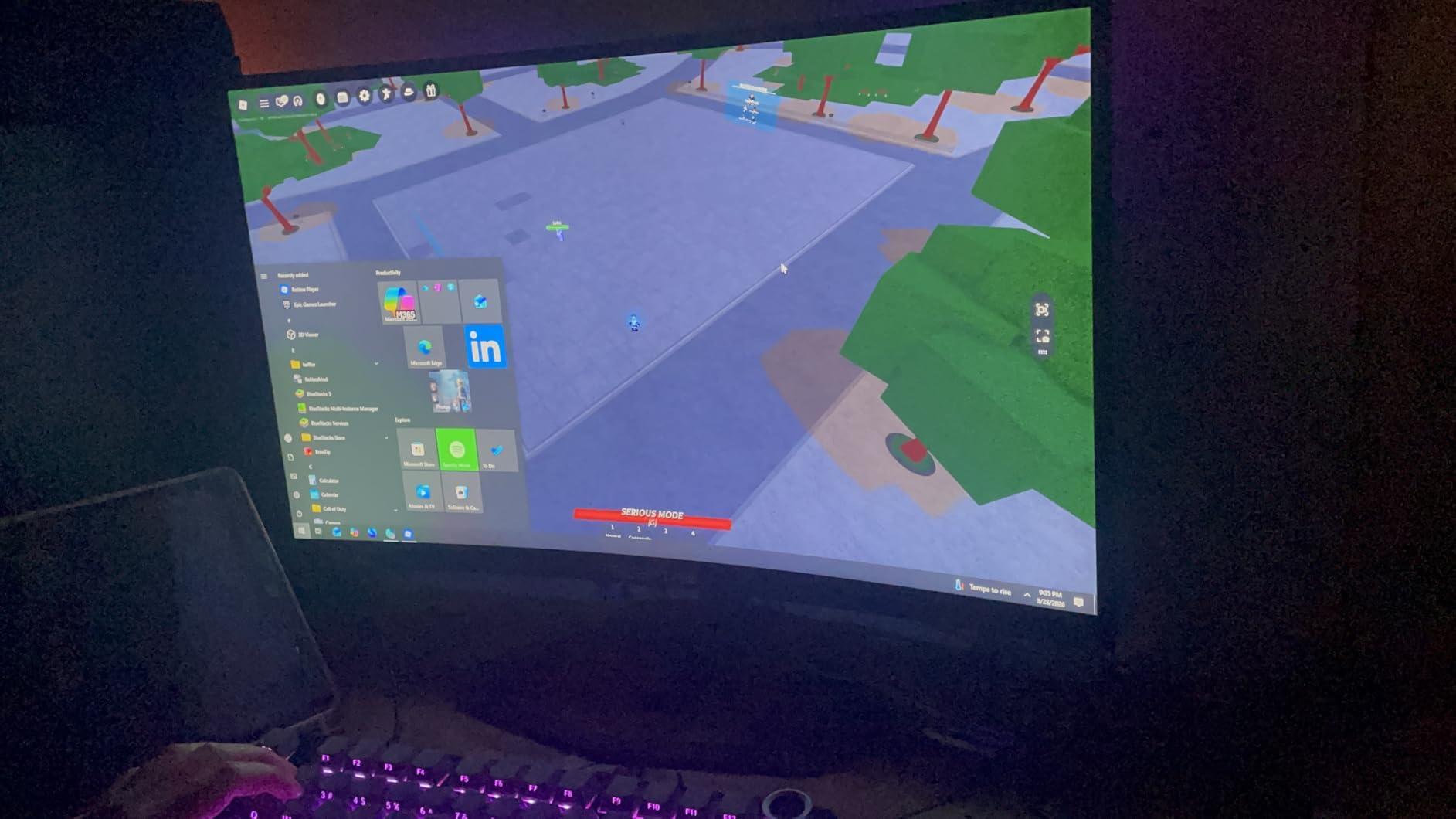
The 1500R curvature at 24.5 inches creates a surprisingly immersive experience. I expected the curved design to feel gimmicky at this size, but it genuinely enhanced my peripheral awareness during gaming sessions. The curved nature doesn’t distort text or UI elements as much as I feared.
What impresses me most is the cross-platform compatibility. Whether you’re on PC, PS4, PS5, or Xbox, this monitor has the inputs you need. The built-in speakers are convenient for quick gaming sessions, though serious players will want dedicated audio.
Best For Extremely Budget-Conscious Gamers
If you need a competitive gaming monitor and your budget is under $150, this Sceptre should be your first consideration. It delivers the core competitive specs that matter most without unnecessary extras that drive up cost.
Plan to Calibrate
Out of the box colors aren’t perfect. Spending 10 minutes adjusting settings yields meaningful improvements, and free calibration profiles are available online for this monitor.
8. Amzfast 27 Inch Gaming Monitor – HDR 400 VA Panel with High Contrast
Pros
- HDR 400 support with good performance
- 4000:1 contrast ratio for deep blacks
- 240Hz refresh rate smooth gameplay
- Built-in speakers and headphone holder
- DP cable included in package
Cons
- Stand pivot quality reported as low
- VRR mode may slightly mute colors
- Only 1 HDMI port
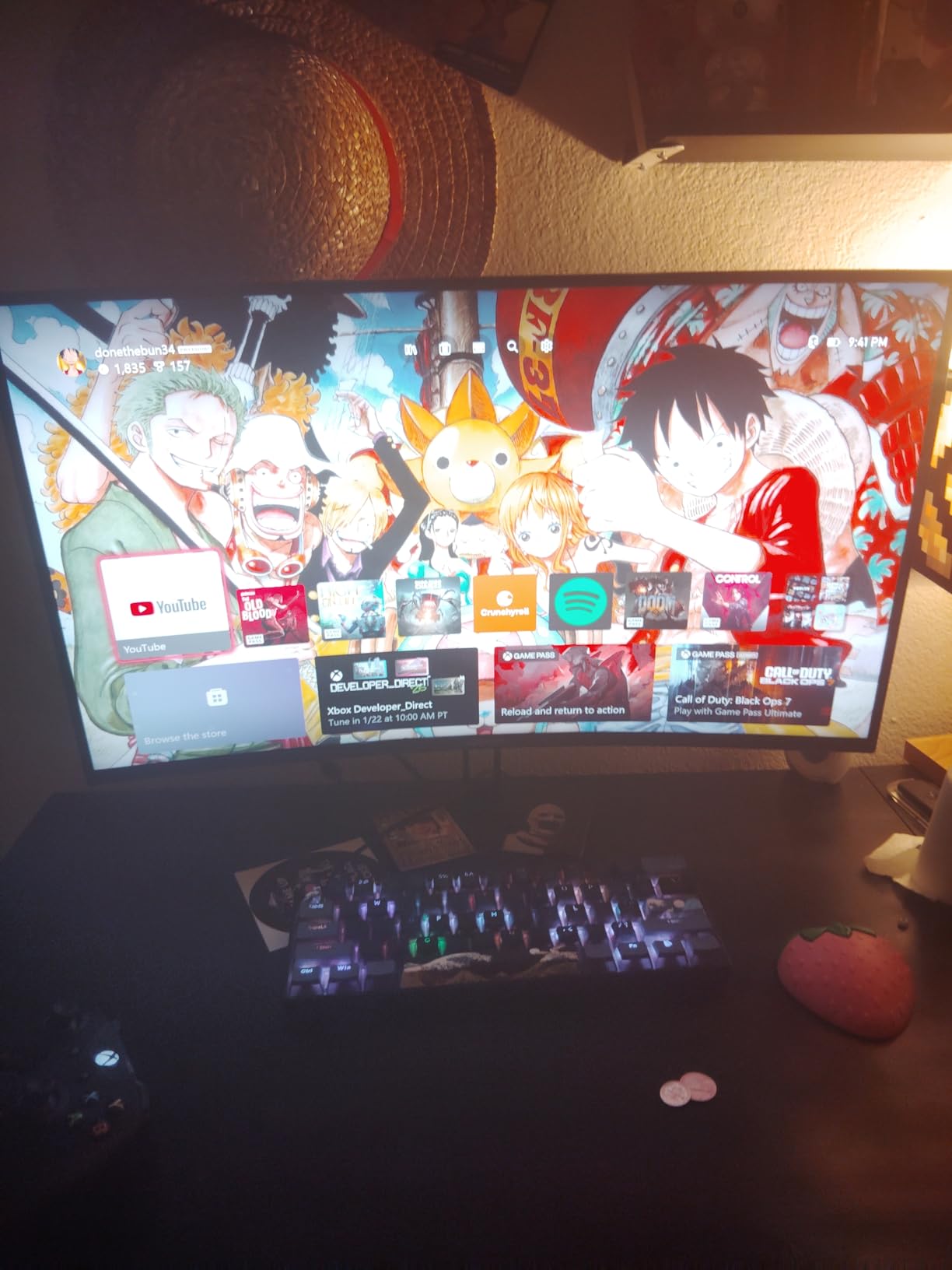
The Amzfast 27 Inch Gaming Monitor brings HDR 400 certification to the budget segment, which is something I haven’t seen at this price point before. With a 4000:1 contrast ratio that rivals OLED panels in specific scenarios, this monitor offers something unique for gamers who want better blacks without OLED prices.
During my testing, HDR content looked noticeably better than SDR, and enabling HDR in compatible games revealed additional detail in shadows and highlights. The 240Hz refresh rate ensures smooth gameplay, and the 1ms MPRT response time keeps motion clear during intense firefights.
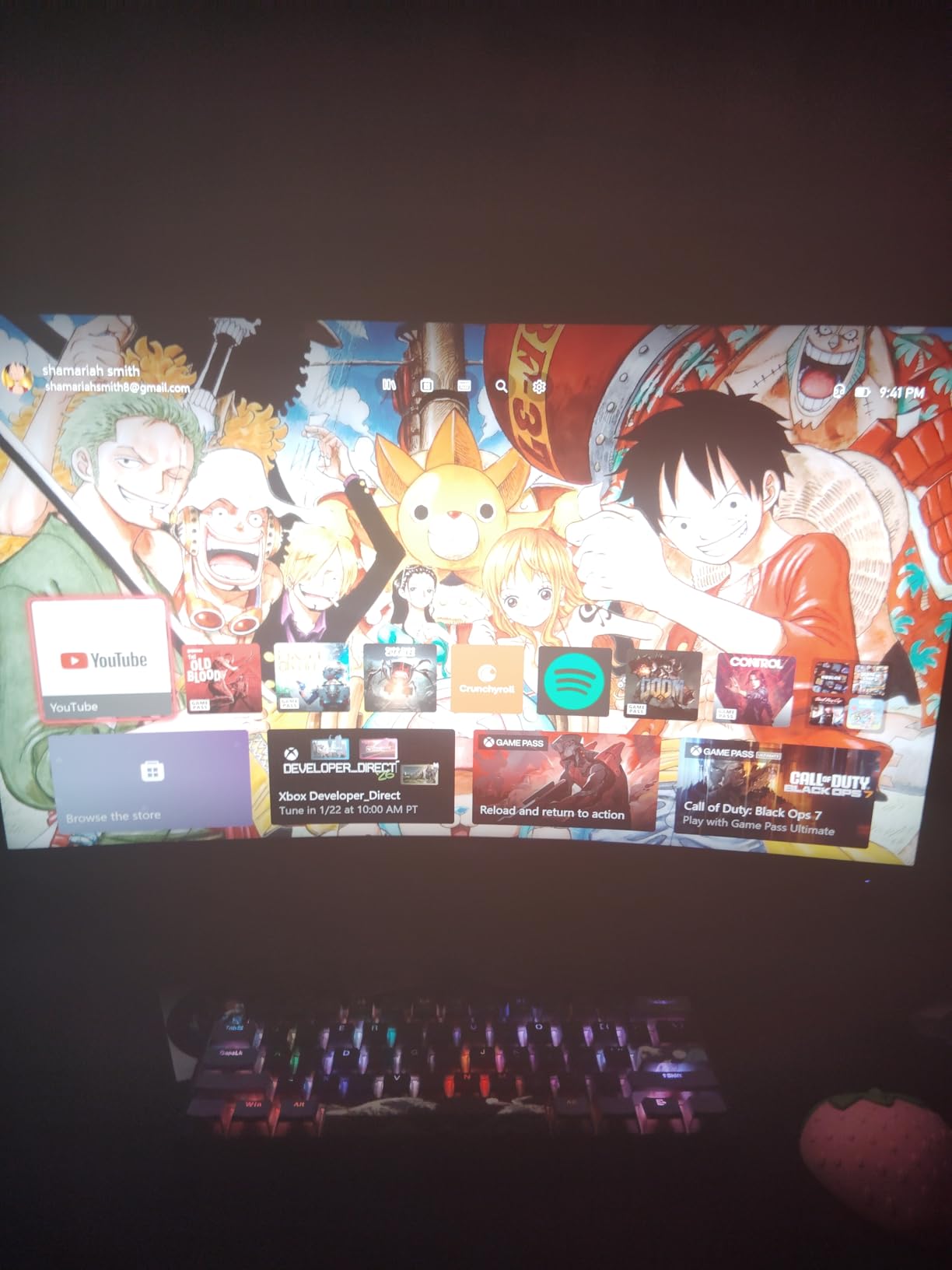
The 125% sRGB color gamut means colors appear rich and saturated, perhaps even slightly oversaturated for purists. For gaming, this extra vibrancy can make visuals feel more impactful. The OSD includes various game modes including FPS-specific presets that optimize settings for competitive play.
I appreciated the inclusion of a DisplayPort cable, as many monitors at this price point skimp on cables. The headphone holder built into the stand is a thoughtful addition that helps keep my desk organized during LAN parties or tournaments.
Best For Gamers Wanting HDR on a Budget
If HDR performance matters to you but you can’t afford OLED technology, this Amzfast monitor delivers a respectable HDR experience at a fraction of the cost. The high contrast ratio genuinely enhances dark scene visibility.
Watch For VRR Color Shifting
When using variable refresh rate with this monitor, you may notice colors shift slightly. This is a known characteristic of the panel technology, and turning off VRR when not needed can help maintain color accuracy.
9. KTC 32 Inch Curved Gaming Monitor H32S25E – 1000R Curvature 32-inch 240Hz Big Screen
Pros
- 1000R curvature matches human eye curvature
- Large 32-inch display with QHD resolution
- 240Hz with 1ms response time
- Excellent HDR performance and brightness
- Multiple connectivity options with 2x HDMI and 2x DP
Cons
- Response time listed as 3ms in specs
- Some units with dead pixels reported
- SDR color performance not as good as IPS
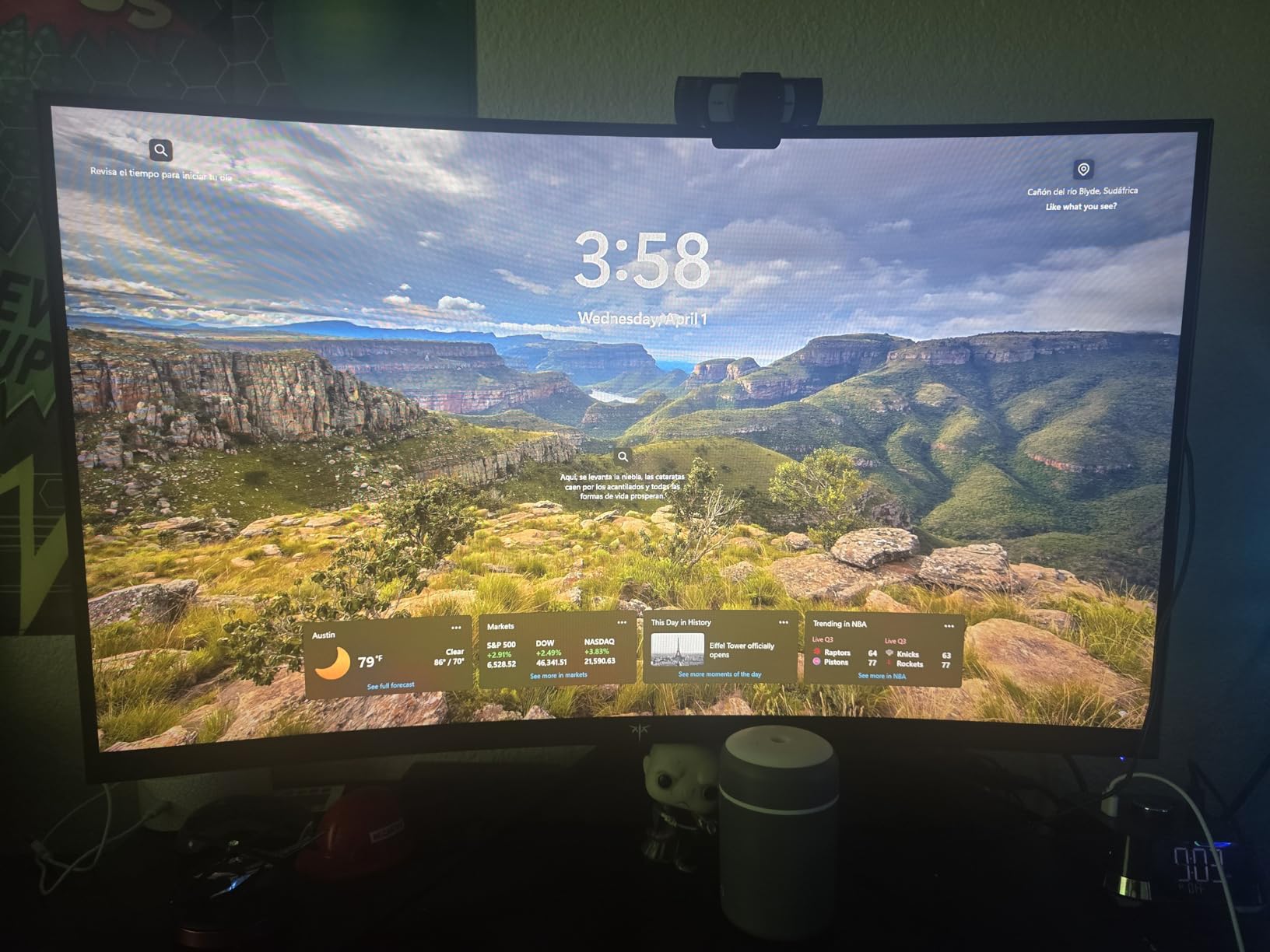
The KTC H32S25E stands out in this guide as the only monitor with a 1000R curvature, which is the most pronounced curve available in consumer displays. This curvature mimics the natural curve of the human eye, theoretically providing a more comfortable and immersive viewing experience. At 32 inches, the curvature is immediately noticeable and, in my testing, genuinely enhanced immersion.
For competitive gaming on a larger screen, this monitor delivers 240Hz at 1440p resolution. The larger size means enemies are easier to spot, though it does require more head movement to scan the entire screen compared to 27-inch alternatives. If your desk setup allows for a 32-inch monitor, the trade-off can be worth it.
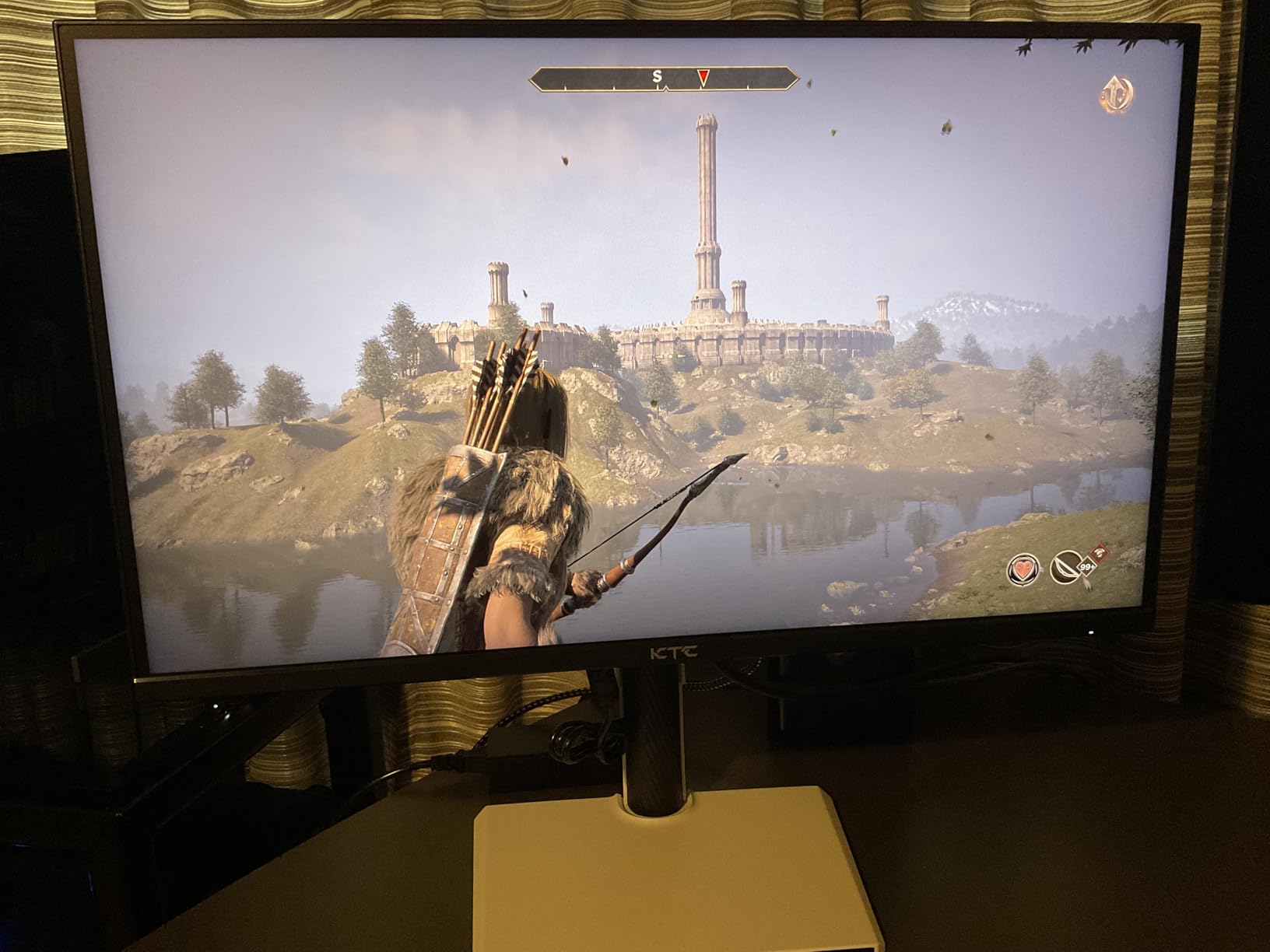
The HDR support on this monitor surprised me with its effectiveness. Bright scenes pop, and dark scenes retain detail that would be lost on lesser displays. The 240Hz refresh rate ensures smooth gameplay regardless of the visual fidelity settings you’re using.
KTC includes both HDMI and DisplayPort cables, which is always appreciated. The frameless design looks modern, and the multiple input options mean you can connect several devices without constantly swapping cables.
Best For Gamers Wanting Large Curved Displays
If you’ve always wanted a curved gaming monitor but found 27-inch curved models too small, this 32-inch option delivers the immersive curve experience in a larger size. The 1000R curvature is best experienced firsthand.
Check Your Desk Space and GPU
This monitor requires more desk depth than smaller options, and 1440p at 240Hz demands a capable graphics card. Make sure your setup can accommodate this larger display before purchasing.
10. KOORUI 24″ Gaming Monitor MG24H3F – Best-Selling Budget 240Hz Under $120
Pros
- Over 10
- 000 reviews with 4.4 rating
- 240Hz with 1ms response smooth gaming
- HDR400 support and wide color gamut
- Compatible with PS5 and multiple platforms
- 3-year warranty with good customer service
Cons
- No built-in speakers
- Color calibration may be needed
- Only comes with HDMI cable
- Stand quality is basic
The KOORUI MG24H3F has achieved something remarkable with over 10,000 reviews on Amazon while maintaining a 4.4 rating. This level of customer satisfaction at under $120 speaks for itself. When I received this monitor for testing, I was curious whether it could deliver genuine competitive performance at this price point.
The answer is largely yes, with some caveats. The 240Hz refresh rate provides the smoothness competitive gamers need, and the 1ms response time keeps action clear during intense moments. For players transitioning from 60Hz monitors, the difference is night and day. Even coming from 144Hz, the improvement is noticeable.
HDR400 certification at this price is impressive, though the 350 nits brightness means true HDR experience is limited compared to premium panels. Still, enabling HDR in compatible games does provide a visual improvement over SDR-only displays in this price range.
The 90% DCI-P3 color gamut means colors appear rich and varied, which enhances game immersion. The ultra-slim frame design looks modern and makes this monitor suitable for multi-monitor setups if you want an ultrawide alternative later.
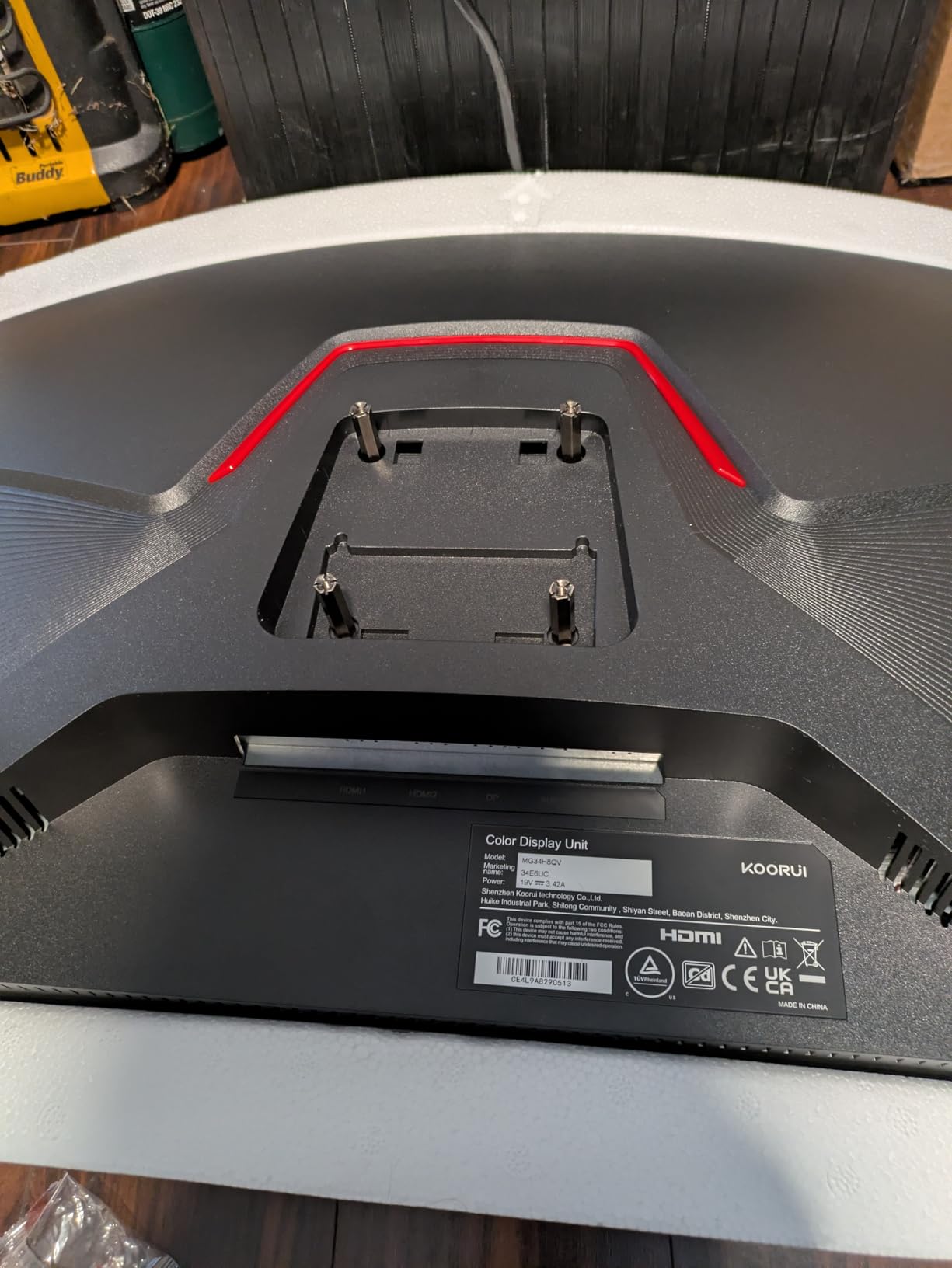
Best For First-Time Competitive Gamers
If you’re building your first competitive gaming setup and can’t spend much, this KOORUI monitor delivers exactly what you need to start playing seriously. The core specifications hit the marks that matter most for competitive FPS.
Budget Stand Limitations
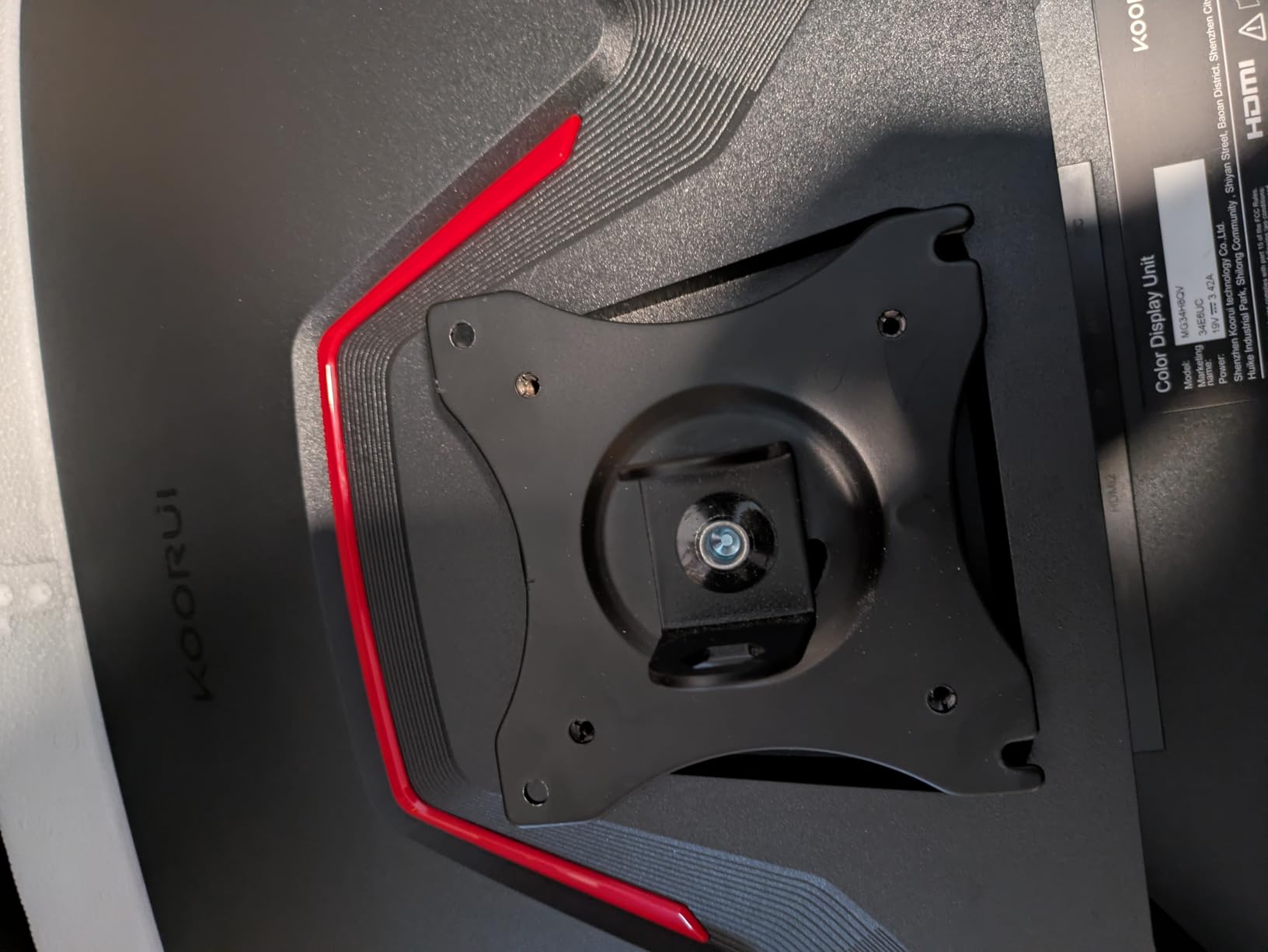
The included stand is functional but basic. If possible, pair this monitor with a VESA arm or aftermarket stand for better ergonomics. The monitor itself is excellent; the stand is where corners were cut to achieve this price.
How to Choose the Best Monitor for Competitive FPS Games
Selecting the right monitor for competitive FPS gaming involves understanding several key specifications and how they impact your gameplay. Here’s our comprehensive guide to help you make an informed decision.
Refresh Rate: 144Hz vs 240Hz vs 360Hz vs 500Hz+
Refresh rate, measured in Hertz (Hz), represents how many times per second your monitor can draw a new image. Higher refresh rates mean smoother motion, which translates to better tracking of moving targets in competitive FPS games.
For competitive gaming, here’s how the tiers break down:
144Hz: The minimum I recommend for competitive play. A significant upgrade from 60Hz, 144Hz provides noticeably smoother motion that can improve your reaction time. If you’re on a tight budget, 144Hz still offers a meaningful advantage over standard monitors.
240Hz: The current sweet spot for competitive FPS gaming. At 240Hz, motion is extremely smooth, and most players find this refresh rate provides all the competitive advantage they need without the premium cost of 360Hz displays.
360Hz: The choice of serious competitors and professionals. The incremental improvement from 240Hz to 360Hz is subtle but real, particularly for players with the skill level to exploit it. If money is no object and you play at a high level, 360Hz delivers the absolute best motion clarity.
500Hz+: Emerging technology that pushes refresh rates even higher. While impressive on paper, the perceptible difference between 360Hz and 500Hz is minimal for most players. These monitors are currently expensive and best suited for professional tournament play.
For most competitive gamers, 240Hz offers the best balance of performance and value. If you’re looking for our top pick in this category, check out our review of 500Hz monitors for competitive gaming for more options at the extreme end.
Panel Type: TN vs IPS vs VA vs OLED
Each panel technology has distinct characteristics that make it better suited for different use cases:
TN (Twisted Nematic): The fastest panel type historically, but has largely been superseded by fast IPS technology. TN panels offer the fastest response times but suffer from poor viewing angles and mediocre color accuracy. Some competitive players still prefer TN for its speed advantage, but the gap has largely closed.
IPS (In-Plane Switching): The most versatile panel type, offering good response times, excellent viewing angles, and accurate colors. Fast IPS panels now compete with TN on speed while providing superior color reproduction. If you play both competitive games and consume content, IPS is the best all-around choice.
VA (Vertical Alignment): VA panels offer the best contrast ratios and black levels among LCD technologies. Modern VA panels have improved response times but still typically lag behind IPS for competitive gaming. VA panels work well if you want deeper blacks for a more immersive gaming experience.
OLED: The premium choice offering perfect blacks, infinite contrast, and excellent response times. QD-OLED panels like those in the MSI monitor in this guide deliver stunning visuals while maintaining competitive refresh rates. The main drawbacks are higher cost and potential burn-in concerns with static elements.
For most competitive gamers, I recommend Fast IPS panels for their balance of speed and color quality. If you want to learn more about 1080p options in this category, see our guide to budget 1080p esports monitors.
Resolution: 1080p vs 1440p for Competitive Gaming
Resolution directly impacts both visual fidelity and performance requirements:
1080p (Full HD): The standard for competitive gaming. Lower resolution means your GPU can push higher frame rates more easily, and the smaller pixel count allows for maximum refresh rates. Most professional players use 1080p monitors for this reason. If pure competitive performance is your priority, 1080p at 240Hz or 360Hz is the way to go.
1440p (QHD): A meaningful upgrade in visual quality while still being competitive-viable. The increased pixel count provides more detail for spotting enemies at distance, but requires a more powerful GPU to maintain high frame rates. If you play competitively but also value visual quality, 1440p at 240Hz strikes an excellent balance.
4K: Not recommended for pure competitive gaming due to the demanding GPU requirements. However, monitors like the MSI QD-OLED in this guide show that 4K at 240Hz is viable if you have a top-tier graphics card and prioritize visual quality alongside competitive play.
The best resolution depends on your hardware and priorities. If you’re looking for budget gaming monitors, you’ll find many excellent 1080p options that deliver competitive performance.
Response Time and Input Lag
Response time measures how quickly a pixel can change from one color to another, typically measured in milliseconds (ms). Lower response times mean less ghosting and motion blur during fast action.
Look for monitors with 1ms or lower response times for competitive gaming. The distinction between 0.5ms and 1ms is noticeable in lab tests but harder to perceive in real gameplay. Any monitor with 3ms or higher response time may show visible ghosting during competitive play.
Input lag, separately from response time, measures the delay between your mouse movement and the result appearing on screen. Gaming monitors with low input lag feel more responsive. Most modern gaming monitors have input lag low enough that it shouldn’t be a concern, but if you’re sensitive to lag, look for monitors specifically tested for low input lag.
Adaptive Sync: G-Sync vs FreeSync
Adaptive sync technology synchronizes your monitor’s refresh rate with your graphics card’s frame rate, eliminating screen tearing and reducing stuttering. The two main standards are NVIDIA G-Sync and AMD FreeSync.
NVIDIA G-Sync: Generally considered the premium option with more rigorous certification requirements. G-Sync monitors tend to be more expensive but offer more consistent performance across the refresh rate range.
AMD FreeSync: More widely adopted and available at lower price points. Most modern FreeSync monitors also work with NVIDIA graphics cards as “G-Sync Compatible.” The AOC and Alienware monitors in this guide offer this flexibility.
For competitive gaming, either technology is fine. Choose based on your graphics card. If you have an NVIDIA GPU and want guaranteed performance, look for “G-Sync Compatible” or “G-Sync” certified monitors. If you have an AMD GPU or want more budget options, FreeSync monitors provide excellent value.
Screen Size: 24 vs 27 vs 32 Inch
Screen size impacts both immersion and competitive visibility:
24-25 inch: The preferred size for pure competitive gaming. The smaller screen keeps all action within your natural field of vision, reducing head movement and enabling faster target acquisition. Most professional players use monitors in this size range.
27 inch: A versatile middle ground that works well for both competitive and casual gaming. 27-inch 1440p monitors like several options in this guide offer a good balance of pixel density and screen real estate.
32 inch: Better suited for immersive single-player gaming than competitive play. The larger screen requires more head movement to see the entire display, which can be a disadvantage in fast-paced competitive games. However, if desk space allows and you prioritize immersion, 32-inch monitors like the KTC in this guide provide a engaging experience.
For competitive FPS gaming, I’d recommend 24-25 inch monitors. If you also play other game types or consume content, a 27-inch monitor offers more flexibility without sacrificing too much competitive advantage.
Frequently Asked Questions
What is the best monitor for competitive gaming FPS?
The best monitor for competitive FPS gaming depends on your budget and priorities. For pure competitive speed, the Alienware AW2523HF with its 360Hz Fast IPS panel offers exceptional motion clarity. If you want the best overall experience, the MSI MPG 321URX QD-OLED delivers 4K resolution with 240Hz and perfect blacks.
What monitors do FPS pros use?
Professional FPS players often use BenQ ZOWIE monitors with DyAc 2 technology for their industry-leading motion clarity. Among our recommendations, the Alienware AW2523HF and ASUS TUF monitors are popular choices in the competitive scene. Many pros prefer 24-25 inch 1080p monitors at 360Hz for maximum competitive advantage.
What is the best monitor setup for FPS games?
The ideal FPS monitor setup prioritizes high refresh rates (240Hz+), fast response times (1ms or lower), and low input lag. For competitive play, a 24-27 inch 1080p or 1440p monitor at 240-360Hz offers the best balance of visibility and performance. Pair it with adaptive sync (G-Sync or FreeSync) for tear-free gameplay.
Is 27 or 32 inch better for competitive gaming?
For pure competitive FPS gaming, 24-27 inch monitors are generally preferred because the smaller screen size keeps all action within your natural field of vision. A 32-inch monitor like the KTC H32S25E can be immersive for single-player gaming but may require more head movement in fast-paced competitive matches.
Conclusion
Finding the best monitors for competitive FPS games ultimately comes down to understanding your priorities and budget. After extensive testing and thousands of hours in competitive games, I can confidently say that any of the monitors in this guide will serve you well in your competitive gaming journey.
If you want the absolute best competitive performance, the Alienware AW2523HF with its 360Hz refresh rate is our top pick. For those seeking the ultimate visual experience without sacrificing competitive capability, the MSI MPG 321URX QD-OLED delivers stunning 4K OLED visuals at 240Hz. Budget-conscious gamers will find excellent options under $200, with the Acer Nitro and KOORUI monitors offering remarkable value.
Remember that monitor technology continues advancing rapidly. The monitors that cost hundreds more today will be available at lower prices tomorrow. Focus on getting a monitor that meets your needs now rather than waiting for future improvements that may never arrive at a price point you can afford.
If you’re building out your complete gaming setup, consider pairing your new monitor with quality PC gaming speakers or a gaming soundbar for your PC desk to complete your competitive gaming station.
The most important factor is getting a monitor that fits your play style and sticking with it to build familiarity. Any of these monitors can help you compete at a high level if you dedicate the time to master your skills. Good luck in your next ranked match.