
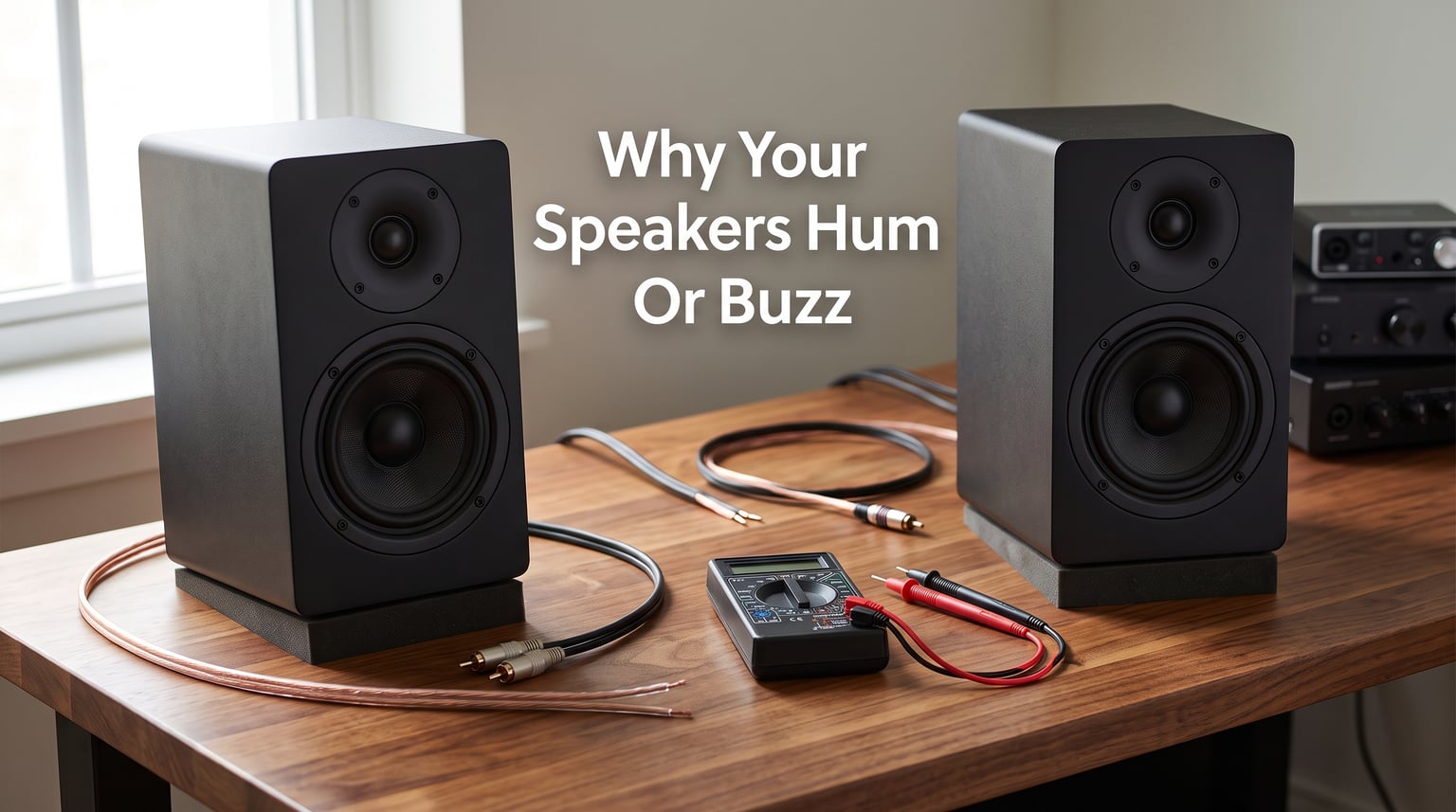
There is nothing more frustrating than settling in for a movie or putting on your favorite album, only to hear a persistent hum or buzz underneath the audio. If you are wondering why your speakers hum or buzz, you are far from alone. This is one of the most common audio issues people face, whether at home, in the car, or at a desk with computer speakers.
The good news is that most cases of speaker noise are fixable without buying new equipment. Our team has spent years troubleshooting audio systems, from budget desktop setups to multi-room home theater configurations. The causes almost always come down to a handful of predictable culprits.
In this guide, I will walk you through every major reason your speakers hum or buzz, how to identify which one is affecting your system, and the exact steps to eliminate the noise for good.
Types of Speaker Noise: Buzzing vs Humming vs Hissing
Before diving into causes, it helps to understand the specific type of noise your speakers are making. Different sounds point to different problems.
Humming is a low-pitched, steady tone that usually sits around 50 or 60 Hz. It sounds like a deep “mmmmm” and often continues even when no audio is playing. This almost always indicates a ground loop or power-related issue.
Buzzing is a higher-pitched, rougher sound that can be intermittent or constant. It may crackle, vary in intensity, or change when you move cables. Buzzing typically points to interference, loose connections, or shielding problems.
Hissing is a soft, static-like sound similar to white noise. It usually comes from the amplifier or internal components and is often noticeable at high volume settings with no input signal.
Identifying which type you are hearing narrows down the cause immediately and saves you time during troubleshooting.
Why Your Speakers Hum or Buzz: The Most Common Causes
Understanding why your speakers hum or buzz starts with knowing the main categories of problems. I have organized these from most to least common based on my experience and what audio forums consistently report.
Ground Loop – The #1 Cause of Speaker Hum
A ground loop is by far the most frequent cause of speaker humming. It happens when two or more devices in your audio system are connected to different electrical ground points. This creates an unintended path for electrical current, which introduces a low-frequency hum into your audio signal.
Here is a simple way to think about it. When your amplifier is plugged into one outlet and your TV or computer is plugged into a different outlet on a separate circuit, small voltage differences between those ground points push a tiny current through your audio cables. That current becomes the hum you hear.
The hum from a ground loop is typically at the mains frequency of your electrical system. In North America, this is 60 Hz. In Europe, Australia, and much of Asia, it is 50 Hz. If the hum you hear matches one of those tones, a ground loop is the likely suspect.
The fastest test for a ground loop is to plug every component in your audio system into the same power strip or outlet. If the hum disappears, you have confirmed the diagnosis. A ground loop isolator is an inexpensive device that breaks the ground path through your audio cables and eliminates this hum permanently.
Ground loops are especially common in complex setups. Home theater systems with multiple components, car audio installations, and PC speaker configurations connected to desktop computers are all prime candidates. On forums like r/BudgetAudiophile and r/audiophile, ground loop isolators are consistently recommended as the most effective fix for persistent hum.
Cable and Connection Issues
After ground loops, faulty cables and loose connections are the next biggest cause of speaker noise. A cable that is partially unplugged, internally damaged, or poorly shielded acts like an antenna, picking up electrical noise from the environment and feeding it straight into your speakers.
Unbalanced cables, such as standard RCA and 3.5mm aux cables, are particularly vulnerable. They rely on a single signal wire and a ground shield, making them susceptible to noise over long runs. Balanced cables like XLR or TRS reject noise much better because they use a differential signaling method that cancels out interference.
Loose connections produce a distinctive crackling or buzzing that changes when you wiggle the cable. If touching or moving a cable changes the noise, you have found your problem area. Corroded contacts on plugs and jacks can also cause buzzing. Copper oxidation builds up over time on exposed metal contacts, creating resistance that introduces noise.
Forum users on AVSForum and Audio Science Review frequently report that simply reseating cables, cleaning contacts with isopropyl alcohol, or replacing a single damaged cable resolves their buzzing issues. It is always worth checking connections before moving on to more complex diagnostics.
Electrical Interference (RFI and EMI)
Electrical interference comes in two main forms: radio frequency interference (RFI) and electromagnetic interference (EMI). Both can cause buzzing, crackling, or even audible radio stations through your speakers.
RFI happens when nearby radio transmitters, cell phones, Wi-Fi routers, or other wireless devices induce signals in your audio cables. If you hear snippets of radio broadcasts or rhythmic buzzing that matches a phone notification pattern, RFI is the culprit. Shielded cables and ferrite beads are the standard fix.
EMI is caused by electromagnetic fields from motors, transformers, and other heavy electrical equipment. Common household sources include refrigerators, microwave ovens, vacuum cleaners, air conditioners, and fluorescent lights. When these devices cycle on or off, they create voltage spikes on your electrical line that travel into your audio system.
One issue that no major competitor covers thoroughly is GPU interference with computer speakers. Many desktop users on r/hardware and Tom’s Hardware forums report a high-pitched whine or buzzing from their speakers that correlates with graphics card activity. The GPU generates EMI that leaks into nearby audio cables and onboard audio circuitry. Moving cables away from the GPU, using external DACs, or installing ferrite beads on audio cables can resolve this.
Power Supply and Component Issues
Sometimes the noise comes from inside the equipment itself. A failing power supply in an amplifier or powered speaker can introduce hum and buzz through poor voltage regulation. If the power supply filter capacitors are degraded, they stop smoothing out the alternating current ripple, and that ripple becomes audible as a 60 Hz or 120 Hz hum.
Capacitor degradation is a frequent culprit in older audio equipment. Dried out capacitors on AV receivers are one of the most common causes of persistent hum reported on audio forums. Unfortunately, this type of problem requires component-level repair or replacement.
Amplifier design also plays a role. Poorly designed or low-cost amplifiers may lack adequate power supply filtering, producing a constant background hiss or hum. Higher-quality amplifiers with toroidal transformers and better shielding are less prone to these issues.
If you hear noise that persists even with all inputs disconnected, the problem is inside the amplifier or speaker itself. This is a strong indicator of a power supply issue rather than an external interference problem.
Bluetooth and Wireless Interference
Wireless and Bluetooth speakers can also produce buzzing, but for different reasons. Bluetooth operates on the 2.4 GHz frequency band, which is shared by Wi-Fi networks, microwaves, cordless phones, and many other devices. Congestion in this band can cause audio dropouts, static, and buzzing.
Keeping your Bluetooth speaker within 30 feet of the source device and away from Wi-Fi routers reduces interference. Switching to a 5 GHz Wi-Fi network can also free up the 2.4 GHz band for Bluetooth audio. Updating firmware on both the speaker and source device can resolve compatibility issues that cause buzzing.
Volume-Related and Blown Speaker Buzzing
If your speakers buzz only at high volumes, the problem could be amplifier clipping or a damaged speaker driver. Clipping happens when an amplifier is pushed beyond its capacity, producing a distorted signal that sounds harsh and buzzy. This is different from interference noise and can damage speakers over time.
A blown speaker produces a distinctive raspy, distorted sound even at moderate volumes. If the speaker cone is torn, the voice coil is misaligned, or the surround has deteriorated, you will hear buzzing that worsens with bass-heavy content. Gently pressing on the speaker cone can reveal physical damage or scraping sensations.
How to Fix Buzzing Speakers: Step-by-Step Troubleshooting?
Follow these steps in order. Each one builds on the previous, starting with the easiest and most common fixes.
Step 1: Isolate the noise. Disconnect all audio sources from your amplifier or powered speakers. If the hum or buzz disappears, the problem is in one of your source components or cables. If the noise persists with nothing connected, the issue is in the amplifier or speaker itself.
Step 2: Check cable connections. Unplug and reconnect every cable in your system. Look for bent pins, corroded contacts, or cables that feel loose in their jacks. Replace any cable that causes the noise to change when you wiggle it.
Step 3: Consolidate power connections. Plug all components into the same power strip or outlet to test for a ground loop. If the hum disappears, you have found the cause. Install a ground loop isolator on the audio connection between the affected devices.
Step 4: Eliminate interference sources. Turn off nearby appliances one at a time to see if the noise changes. Move audio cables away from power cables, transformers, and computer components. Install ferrite beads on audio cables near the connector ends to suppress high-frequency interference.
Step 5: Test with different cables. Swap unbalanced RCA or aux cables for balanced XLR or TRS cables if your equipment supports them. Use shielded cables for all audio runs longer than six feet.
Step 6: Try a power conditioner. If noise persists, a power conditioner can filter out voltage irregularities and RFI coming through your electrical line. This is especially helpful in older buildings with aging wiring.
Step 7: Check for component failure. If none of the above resolves the issue, test each component individually. Connect your speakers to a different amplifier, or try different speakers with your current amplifier. This identifies whether the problem is in the speaker, the amplifier, or the interconnects.
When to Call a Professional
Most speaker noise issues can be resolved with the troubleshooting steps above. However, some situations call for professional help.
If you hear a loud hum that appeared suddenly and persists regardless of connections, a component may have failed internally. Burning smells, visible damage to capacitors, or a speaker that pops loudly when powered on all indicate a problem that needs professional repair.
For car audio systems, persistent alternator whine that changes with engine speed requires diagnosis by an experienced installer. And if you are uncomfortable working with electrical connections, a professional can safely resolve grounding and wiring issues.
FAQs
How do I stop my speakers from humming?
To stop speaker humming, first disconnect all audio sources to isolate the issue. If the hum stops, reconnect devices one at a time to find the culprit. Plug all components into the same power strip to eliminate ground loops. If that works, install a ground loop isolator on the affected audio cable. Check all cable connections for looseness or corrosion, and replace damaged cables with shielded alternatives.
What causes humming sound in speakers?
The most common cause of humming in speakers is a ground loop, which occurs when audio devices are connected to different electrical ground points. This creates an unintended current path that introduces a low-frequency hum at 50 Hz or 60 Hz. Other causes include faulty power supplies, poor cable shielding, electrical interference from nearby appliances, and degraded internal components like dried-out filter capacitors.
How to eliminate humming noise?
Eliminate humming noise by plugging all audio equipment into the same electrical outlet, using a ground loop isolator on audio cables, replacing unbalanced cables with shielded or balanced alternatives, and installing ferrite beads to suppress interference. A power conditioner can filter electrical noise from the power line. If the hum persists with no inputs connected, the problem is internal and may require professional repair.
Can a buzzing speaker be fixed?
Yes, a buzzing speaker can usually be fixed. If the buzz is caused by external factors like ground loops, loose cables, or electrical interference, the fix is straightforward with the right troubleshooting steps. If the buzz is caused by a blown driver or damaged internal components, the speaker may need reconing, driver replacement, or professional repair. In some cases with very inexpensive speakers, replacement may be more cost-effective.
Why are my speakers making a humming sound?
Your speakers are likely making a humming sound due to a ground loop between connected devices, electrical interference from nearby appliances, or a problem with the power supply inside the amplifier. The specific pitch of the hum can tell you the cause: a low 50 or 60 Hz hum points to a ground loop or power issue, while a higher-pitched buzz suggests interference or cable problems.
How do I get rid of the humming sound on my speakers?
To get rid of speaker humming, start by plugging all components into one power strip to test for ground loops. If the hum stops, add a ground loop isolator to the audio cable. Next, check and reseat all cable connections. Replace unshielded cables with shielded ones. Move audio cables away from power cables and computer components. If these steps do not work, try a power conditioner or have the amplifier inspected for faulty capacitors.
What causes unwanted hum in audio?
Unwanted hum in audio systems is caused by ground loops, electrical interference, poor cable shielding, faulty power supplies, and degraded internal components. Ground loops are the most common cause, creating a 50 Hz or 60 Hz hum when devices share different ground references. Electrical interference from appliances, motors, and wireless devices introduces buzzing and static. Component failures in amplifiers and powered speakers produce persistent hum that does not change with cable adjustments.
Why do speakers buzz when nothing is playing?
Speakers buzz when nothing is playing because the noise is being introduced through the power supply, grounding system, or cable connections rather than through the audio signal itself. The most likely cause is a ground loop between your amplifier and other connected equipment. Other causes include electrical interference from nearby devices, poor power supply filtering in the amplifier, or a cable acting as an antenna for radio frequency signals.
Conclusion
Figuring out why your speakers hum or buzz can feel overwhelming, but the process is highly systematic once you understand the main causes. Ground loops account for the majority of humming issues, and a simple test of consolidating power connections can confirm the diagnosis in under a minute. Cable problems and electrical interference cover most of the remaining cases.
I always recommend starting with the easiest fixes first. Reseat your cables, consolidate your power connections, and listen for changes. These three actions alone resolve the majority of speaker noise problems without any additional purchases. When those are not enough, a ground loop isolator, ferrite beads, or shielded cables address the rest.
Remember that the type of noise matters. A low hum at 50 or 60 Hz points to grounding or power supply issues. A higher-pitched buzz that changes when you move cables suggests interference or connection problems. Hissing at high volumes usually comes from the amplifier itself. Matching the symptom to the cause saves hours of trial and error.
If your troubleshooting leads to a component failure, do not hesitate to seek professional repair. Audio technicians can diagnose and fix internal issues like degraded capacitors or damaged drivers that no amount of cable swapping will resolve.
Understanding why your speakers hum or buzz puts you in control of your audio system. With the right approach, that unwanted noise can become a thing of the past, and you can get back to enjoying clean, clear sound.