
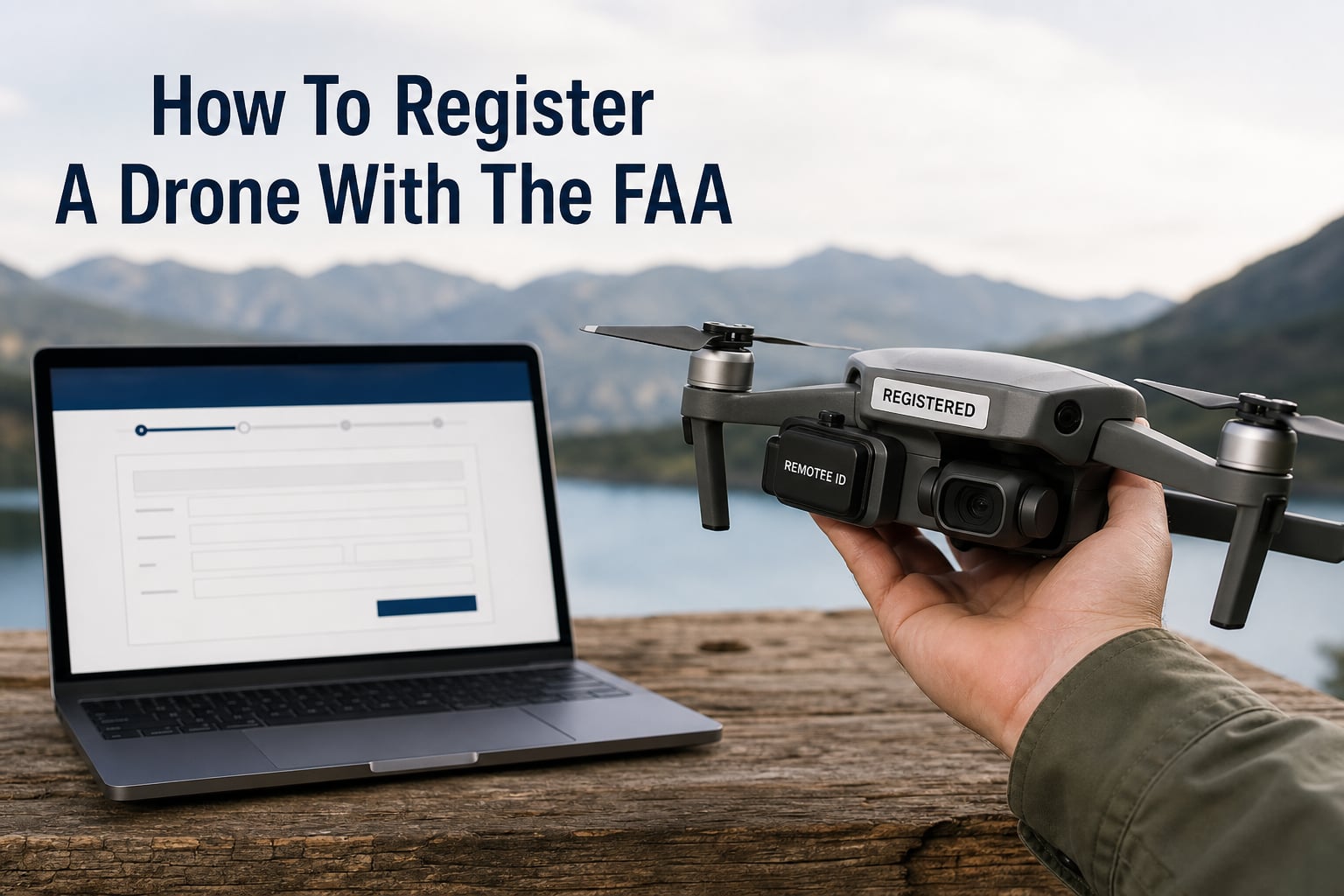
To register a drone with the FAA, first confirm that the aircraft and the way you fly it require registration, then create an account in FAADroneZone, provide the requested aircraft details, pay the applicable registration fee, and mark the aircraft with the issued registration number.
This guide explains how to register a drone with the FAA for recreational and Part 107 operations, what to collect before opening the portal, and what changes after the certificate arrives. It also clears up the three terms that cause the most confusion: registration, the TRUST certificate, and a Part 107 remote pilot certificate.
Registration is not a general permission to fly wherever you want. It identifies the operator or aircraft under the FAA system; you still need to follow airspace rules, Remote ID rules, and the operating rules that apply to your type of flight.
Quick answer: A drone that weighs 250 grams (0.55 pounds) or more at takeoff generally must be registered before outdoor flight. A lighter drone can still need registration when it is flown under Part 107 rather than solely for recreation.
You need to register when your drone or flight type meets the FAA threshold
For a recreational flyer, registration applies when the drone weighs 250 grams or more at takeoff, including anything attached to it. That means an otherwise light aircraft can cross the threshold once you add a battery, prop guards, a camera, or other equipment.
A recreational drone under 250 grams does not need registration only when you fly it strictly under the limited recreational exception. If you fly the same small unmanned aircraft for work, business, or another Part 107 operation, registration is required regardless of its weight.
Recreational registration covers the flyer, while Part 107 registration identifies each aircraft
Recreational flyers can register once as an individual and apply that registration number to every aircraft they own that is flown only recreationally. The registration lasts three years, subject to the FAA’s current terms, and the registration number is tied to the person rather than one specific recreational drone.
Part 107 operations work differently. You register each aircraft individually, so each registered drone receives its own number; this is relevant for aerial photography, inspection work, real-estate work, or any other non-recreational flight.
The FAA registration fee is $5. Recreational registration is a single operator registration, while Part 107 registration is assessed per aircraft, so select the correct category before paying.
Registration, TRUST, and Part 107 are separate requirements
Registration is the FAA’s identification record for the operator or aircraft. The Recreational UAS Safety Test, usually called TRUST, is the required online safety test for recreational flyers; keep proof that you passed it, but do not treat it as a registration certificate.
A Part 107 remote pilot certificate is the credential generally needed to act as remote pilot in command for non-recreational small-drone operations. It is not a substitute for registering the aircraft, and a registration number is not a substitute for the certificate.
Tip: Decide why you are flying before choosing a registration path. Recreational status depends on the purpose and conditions of the flight, not merely on the size of the drone or the fact that no one paid you.
Aircraft at or above 55 pounds follow a different paper registration path
FAADroneZone online registration is for small unmanned aircraft that weigh less than 55 pounds at takeoff. If the aircraft weighs 55 pounds or more, the FAA says to use the paper N-number registration process instead of the online small-UAS path.
Do not try to force a heavy aircraft through the small-UAS flow. Its registration and operating requirements can differ from the rules this guide covers.
You should gather your operator, aircraft, and Remote ID information before opening FAADroneZone
Having the details in front of you keeps the online process short and avoids the most common point of uncertainty: entering an identifier that is not the Remote ID serial number. The portal will ask for contact and aircraft information appropriate to the registration type you selected.
Your legal name, physical address, mailing address if different, email address, and phone number.
The make and model of the drone, plus its serial number when the registration path requests it.
The Remote ID serial number if the aircraft is Standard Remote ID or you are adding a Remote ID broadcast module.
A payment method for the FAA registration fee.
The Remote ID serial number is not always the same as the aircraft serial number printed on the box. Check the manufacturer’s app, the aircraft’s settings page, the label on the drone or module, and the instruction manual; use the identifier specifically labeled for Remote ID when the system asks for it.
Warning: Do not invent a serial number or reuse a number from a different drone. An incorrect identifier can make the registration record less useful and can create trouble later when you need to confirm compliance.
How to register a drone with the FAA through FAADroneZone
The FAA’s official online portal is FAADroneZone. The exact button labels can change, but the registration flow follows the same practical sequence below.
Step 1: You create or sign in to your FAADroneZone account
Go to the official FAADroneZone access site and choose the account option that fits your situation. Use an email address you can access long term, because it is where account notices and registration records can be delivered.
Enter your name and address accurately. The person named on a recreational registration must be the person who owns and operates the registration, rather than a friend who simply helped complete the form.
Step 2: You choose recreational or Part 107 registration before adding the drone
Select the recreational option if every flight under that registration will qualify as recreational. Select the Part 107 path when you need an aircraft-specific registration for non-recreational operations.
If you are not sure whether a planned flight is recreational, pause and check the FAA rules rather than choosing the recreational option for convenience. The registration selection should match the operation you actually intend to conduct.
Step 3: You add the requested aircraft information
For recreational registration, you are registering yourself as the owner of one or more recreational drones, not creating a separate registration for each aircraft. Keep a personal list of the drones that carry your number so you can identify them and remove a sold aircraft’s marking.
For Part 107, add each aircraft separately and carefully enter the requested make, model, and serial information. Review every field before moving on, especially when several drones from the same manufacturer have similar names.
Step 4: You enter Remote ID details when the portal requests them
Remote ID is a separate operating requirement from registration, but the two records can meet in FAADroneZone. Standard Remote ID drones generally broadcast identification and location information during flight, while some older aircraft use an attached broadcast module.
Enter the Remote ID serial number from the correct source. A common mistake is copying the aircraft serial number from a retail label even though the portal is asking for the Remote ID identifier.
Step 5: You review the application and submit the registration payment
Read the summary screen before submitting. Check the registration category, your email address, your physical address, and every aircraft identifier because correcting an entry later can take more time than a careful review now.
Submit the payment only after the details match your records. Save the confirmation page or confirmation email in addition to the certificate that becomes available in your account.
Step 6: You download your certificate and mark the drone before flight
After the registration is complete, download the registration certificate and keep it accessible, digitally or on paper. You need to produce the certificate if asked by an authorized FAA representative or law-enforcement officer.
Mark the registration number on the aircraft before flying. The number must be legible, placed on an exterior surface, and maintained so it can be read without removing a tool, according to the FAA’s marking rule in 14 CFR Part 48.
Practical marking tip: A durable printed label or permanent marking on an accessible exterior surface is easier to inspect than a number hidden under a battery door. Check that the label stays readable after routine handling and cleaning.
You must keep the certificate, marking, and Remote ID status current after registration
Registration is not a one-time task you can forget. Keep your contact information current in FAADroneZone, retain access to your certificate, and renew before the three-year registration period ends if you will continue operating.
Renewal normally begins by signing back into the same account and reviewing the registration record. Do not create a duplicate account simply because your certificate is close to expiring; first look for the renewal option associated with the original record.
You register a used drone in your own name instead of transferring the seller’s registration
A registration number is not something a seller transfers with a used aircraft. Remove or cover the prior owner’s number, then complete the registration that fits your own operation before you fly the drone outdoors.
For a recreational purchase, your own valid recreational registration number can be marked on the aircraft if it falls within that registration’s use. For Part 107 use, register that specific used aircraft individually under your own account.
You can manage many drones by matching each number to the correct use
FPV pilots and frequent hobby flyers often own several aircraft, which is where the recreational-versus-Part-107 distinction matters most. One recreational registration number can be placed on all qualifying recreational aircraft you own, but it does not convert them into aircraft registered for Part 107 work.
Keep a simple inventory with the make, model, aircraft serial number, Remote ID serial number if applicable, and the registration path used. That record is especially helpful after repairs, a module swap, a sale, or a firmware update that changes where the manufacturer displays the identifier.
You must meet Remote ID requirements separately from registration
Registration alone does not show that a drone is broadcasting Remote ID as required for the operation. Before flight, confirm whether your aircraft has Standard Remote ID, needs a broadcast module, or can fly only in a FAA-Recognized Identification Area under the applicable rule.
Keep the registration number and Remote ID serial number straight: one identifies the registration record, while the other identifies the Remote ID equipment or function. They can both matter, but they are not interchangeable.
You can fix most FAADroneZone problems by checking the record before starting over
Forum discussions commonly mention login trouble, payment screens that do not finish, and uncertainty about which serial number belongs in the form. These issues are frustrating, but opening a second account or submitting several duplicate applications can make the account harder to sort out.
You should recover the existing account before creating another one
Use the password-reset and account-recovery tools for the email address originally used to register. Search your inbox for prior FAA confirmation messages, which can help identify the account email and whether a payment already created a registration record.
If the portal shows a completed payment but no certificate, allow time for the record to update and then check the registration area of the same account. Keep screenshots, confirmation numbers, and the date of the attempt in case you need official support.
You should stop and verify serial-number labels when the form rejects a number
Compare the field label with the device label. A Remote ID field calls for the Remote ID serial number, while an aircraft serial field calls for the aircraft serial number; manufacturer documentation can help distinguish the two.
For a used drone, start with a clean ownership record rather than trying to retain the prior owner’s registration. If you cannot determine the aircraft’s identifier, seek official FAA or manufacturer guidance before submitting an inaccurate record.
You should treat unregistered flight as a compliance problem, not a risk worth guessing about
Flying an aircraft that requires registration without registering it can lead to FAA enforcement and may bring civil or criminal consequences. The result depends on the facts, so do not rely on alarming forum claims about a single fixed penalty.
The easy prevention is to decide the flight category, register when required, mark the drone, meet Remote ID rules, and carry your certificate. FAA rules can change, so confirm current requirements with the FAA before a flight where the stakes are high.
FAQs
How much does it cost to register a drone with FAA?
The FAA registration fee is $5. A recreational flyer registers once as an operator for qualifying recreational drones, while Part 107 registration is completed per aircraft. Check FAADroneZone for the current fee and terms before submitting.
Is it hard to register a drone with the FAA?
The online process is usually straightforward when you have your contact details, aircraft information, Remote ID serial number when requested, and payment method ready. Most delays come from choosing the wrong registration type, using the wrong serial number, or losing access to an existing account.
Can you fly a drone without registering it with the FAA?
You may fly without registration only when the aircraft and operation qualify for an exemption, such as a recreational drone under 250 grams at takeoff. A drone that requires registration must be registered and marked before flight; Part 107 aircraft need registration regardless of weight.
Where do I go to register my drone with the FAA?
Register through the FAA’s official FAADroneZone portal. Use the recreational path for eligible recreational operations or the Part 107 path for non-recreational aircraft registration, and avoid unofficial sites that charge separately for a service you can complete through the FAA.
You can register a drone with the FAA by choosing the correct path and completing the record carefully
Start by weighing the drone at takeoff and deciding whether the flight is recreational or Part 107. Then use FAADroneZone, enter accurate operator and aircraft details, pay the fee, download the certificate, and place the registration number where it is readable.
Before your first flight, also confirm TRUST or Part 107 credentials where applicable, Remote ID compliance, airspace limits, and local operating restrictions. That short final check turns registration from a formality into one part of a lawful, prepared flight.