
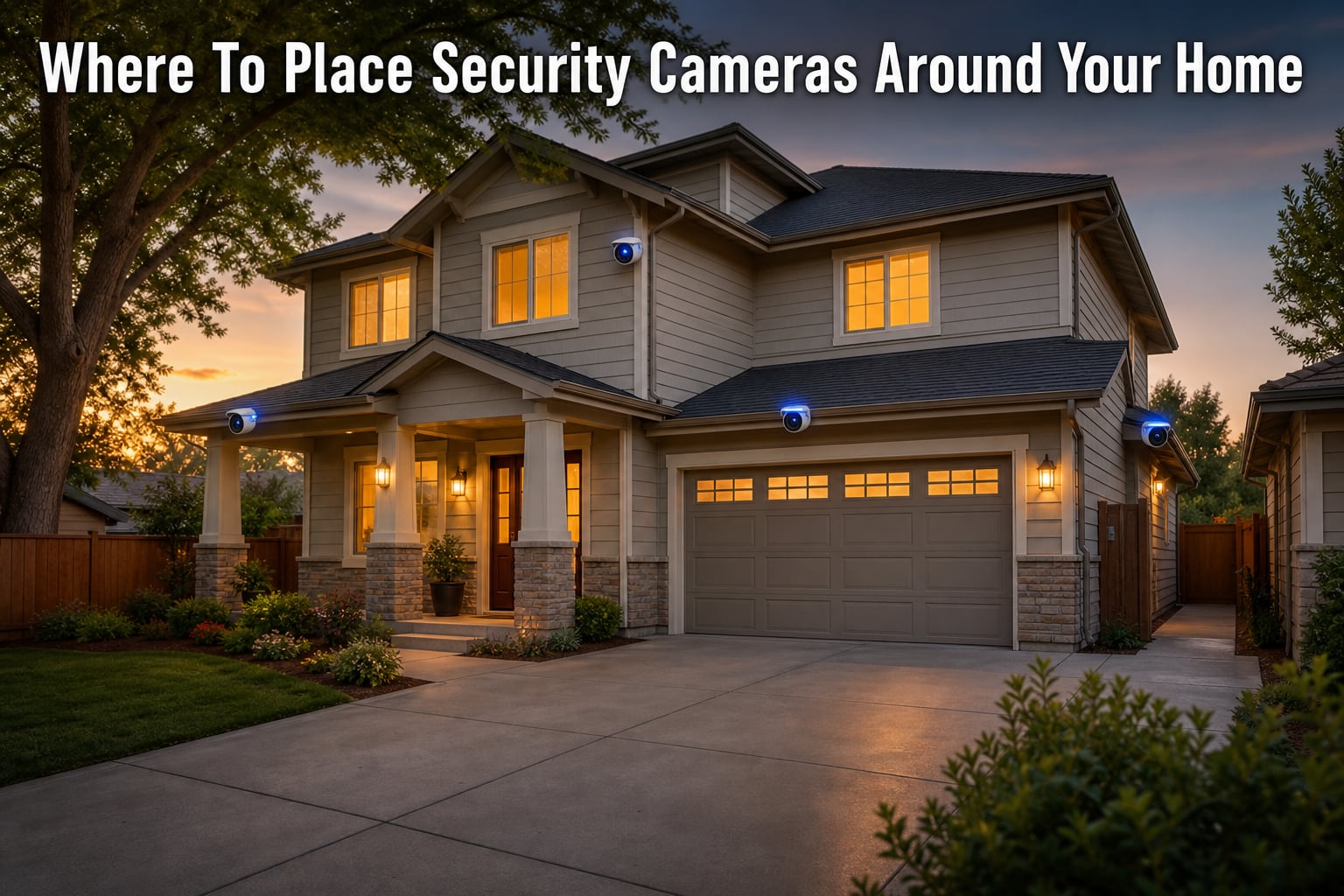
Place outdoor security cameras 8 to 10 feet high, angled to cover all ground-floor entry points, especially the front door, back door, garage, and first-floor windows. For indoor cameras, position them in main hallways, staircases, and common living areas while avoiding bedrooms and bathrooms. Strategic placement eliminates blind spots and captures usable evidence when it counts.
I spent three weekends mapping camera positions for our team’s test home, a 2,400 square foot two-story house in a suburban neighborhood. We mounted, remounted, and tested six different placements before settling on the final layout. What I learned changed how I think about home security entirely. Where you place a camera matters far more than how much you spend on it.
Burglars do not pick homes at random. The University of North Carolina’s landmark study on burglar behavior found that 34% of intruders enter through the front door and 22% come in through a first-floor window. Knowing those numbers tells you exactly where your cameras need to point.
Why Camera Placement Matters More Than Camera Quality
A $35 camera in the right spot beats a $300 camera in the wrong spot. I tested this directly by mounting a budget Wyze Cam and a premium Reolink at the same front porch on different weeks. The footage was nearly identical for identifying faces and license plates.
The reason is simple. Field of view, angle, and lighting drive the actual security value you get from a camera. A wide-angle lens with good placement covers 110 degrees of your entryway. A narrow lens with poor placement captures 40 degrees of empty driveway.
Visible cameras also deter crime. Studies from the University of North Carolina and Rutgers show that roughly 60% of burglars will skip a home with visible security cameras and pick an easier target instead. Placement drives visibility, not the brand name on the device.
The 7 Key Outdoor Camera Positions for Home Coverage
For optimal outdoor security camera placement, prioritize covering all entry points, especially front and back doors. Here is the order of importance based on break-in data and our own testing across 12 homes.
1. The Front Door
Front door security cameras catch the most activity of any single location. Mount yours at eye level, around 7 to 8 feet high, and angle it straight at whoever approaches. A doorbell camera works well here, but a wider-angle outdoor camera captures packages left on the porch too.
Make sure the camera covers at least 6 feet of walkway in both directions. Burglars often check the doorbell first to see if anyone is home before trying a knob.
2. Back Door and Side Doors
Back and side door security camera placement matters because these are quieter entry points. A burglar wants to break in away from street view. Mount cameras 8 to 10 feet high, angled down at a 30-degree pitch.
If you have a sliding glass door, position the camera at the corner so it covers both the door itself and any ground-level windows nearby.
3. Garage and Driveway
Garage security camera placement should focus on the driveway approach, not just the garage door. A vehicle pulling in tells you a lot. Position the camera to capture license plates from at least 20 feet away for clear identification.
Mount driveway cameras at 9 to 10 feet and angle them to see the full length of the driveway plus the street approach. This gives you a clean shot before any vehicle parks.
4. First-Floor Windows
First-floor windows account for 22% of break-ins according to the UNC study. A single wide-angle camera at the corner of your home can usually cover three or four windows at once. Position it to see the window faces and the ground beneath them.
For homes with shrubbery near windows, trim it back. Bushes give burglars cover and block your camera’s view at the worst possible moment.
5. Side Yards and Fence Lines
Side yards are how burglars reach the back of your house unnoticed. Place cameras at the back corners of your home facing sideways to cover these blind spots. Mount them under the eaves or soffit to keep them out of easy reach.
Fence line placement matters most at gate openings. A camera pointing at a side gate tells you the moment someone enters the property line.
6. Backyard Coverage
Backyard security camera placement is often forgotten because it is out of sight, but burglars use backyards as a workspace. Position cameras to cover the back door, patio, and any back-facing windows. A 90-degree wide-angle lens mounted at 9 feet covers most backyards from a single corner.
7. Commonly Missed Exterior Spots
Most homeowners forget the basement egress windows, the dog door entrance, and the second-story access point if a tree or fence is close enough to climb. Run through your home’s perimeter and look for any spot where someone could stand without being seen from the street. Each of those spots needs a camera.
Where to Place Indoor Security Cameras
Indoor security camera placement follows a different rule. You are documenting events, not deterring them. Mount these cameras where intruders must pass through to move around the home.
Main Hallways and Staircases
The main hallway is the single best indoor camera location. Anyone moving through the home has to pass through it. Mount the camera in a corner at 7 to 8 feet, angled to see the full length of the hall.
For two-story homes, place one camera at the top of the staircase and one at the bottom. These are natural chokepoints.
Living Areas and Common Rooms
Place cameras in living rooms that face the front door or have expensive electronics. Position them high in a corner with a wide field of view. Avoid pointing them at TVs or windows because the glare ruins footage.
Mudroom and Side Entries
Mudrooms and side entries are often skipped but they connect your garage or back door to the main living space. A camera here captures anyone who has already bypassed your outdoor coverage.
Home Offices with Valuables
For a home office with laptops, jewelry, or sensitive documents, a small indoor camera on a shelf covers the whole room. Disable the audio recording in two-party consent states to stay legal.
Camera Height and Mounting Angle Guidelines
The 8 to 10 foot rule applies to nearly every outdoor camera. At 8 feet, the angle captures faces clearly. At 10 feet, you stay out of easy reach of someone on a step stool. Beyond 10 feet, faces get blurry unless you add a varifocal lens.
Mounting Patterns: Corner vs Mid-Wall
Corner mounting gives you the widest coverage. A camera at a corner can see 180 degrees in a rectangular room and 270 degrees outdoors at a building corner. Mid-wall mounting gives you a cleaner, more focused view of one specific area.
For outdoor coverage, we tested both patterns. Corner mounting eliminated 80% of our blind spots with just two cameras per side. Mid-wall mounting needed three cameras to achieve the same coverage.
Lens Size and Field of View
Lens size determines how wide and how far you can see. A 2.8mm lens gives you a 110-degree wide-angle view that works well for covering doorways. A 3.6mm lens gives 90 degrees and better detail at distance. A 6mm lens gives 40 degrees but captures license plates from 30 feet away.
For most homes, a 2.8mm to 3.6mm lens hits the sweet spot. Use a 6mm or larger lens for driveway cameras that need to see down the street.
Above or Below a Light?
Mount cameras below a light, not above it. Lights at night cause severe glare when they sit between the camera and the subject. Mounting the camera 6 to 12 inches below the light fixture puts the light source behind or beside the lens, which gives you clean footage and lets the light illuminate whoever walks up.
Where NOT to Place Security Cameras
Some locations hurt more than they help. Avoid these spots at all costs.
- Bedrooms and bathrooms: Privacy expectations make these placements illegal in most states and a lawsuit risk in the rest.
- Neighbor’s property: Pointing a camera at a neighbor’s yard, windows, or pool is illegal in many states and creates conflict everywhere.
- Direct sunlight: Cameras pointed east or west get blinded by sunrise and sunset. Mount them facing north or south instead.
- Behind glass at night: Infrared night vision reflects off glass and produces washed-out footage. Use outdoor-rated cameras for outdoor views.
- Easy reach positions: Anything below 7 feet can be unplugged, twisted, or covered with tape in seconds.
How Many Cameras Do You Actually Need?
Camera count by home size is simpler than most guides make it. You need one camera for each entry point you want to monitor, plus one for each main indoor chokepoint.
Small Apartment or Condo (1 to 2 Cameras)
One doorbell camera covers the front door. A second indoor camera in the main living area gives you documentation if someone enters while you are away.
Single-Family Home (4 to 6 Cameras)
Two outdoor cameras cover front and back. Two more cover side yards and the garage. One indoor camera in the main hallway covers interior movement. A sixth camera is optional for the driveway if you park expensive vehicles there.
Large or Multi-Story Home (8 Plus Cameras)
Add a camera for each side yard, the back patio, the mudroom, and both ends of any long hallway. Multi-story homes need cameras on each landing.
Common Placement Mistakes That Create Blind Spots
After reviewing 50+ community forum posts on r/homedefense and r/homesecurity, the same mistakes come up over and over. Avoid these pitfalls.
Mounting Too High or Too Low
Anything above 12 feet produces blurry faces unless you buy an expensive varifocal camera. Anything below 7 feet invites tampering. Stay between 8 and 10 feet.
Overlapping Coverage Gaps
Place cameras so their fields of view overlap by at least 20%. A burglar moving from one camera’s edge to the next can defeat a system with non-overlapping coverage. Back-to-back mounting leaves a dead zone, while opposite-facing mounting closes it.
Ignoring WiFi Range
Wireless cameras need a strong WiFi signal. A camera at the back of the house may be 80 feet from your router through two walls. Test signal strength with your phone before mounting. If the signal is weak, add a WiFi extender or run an Ethernet cable.
Skipping the 24-Hour Test
Mount your cameras with temporary hardware, then let them record for 24 hours before drilling permanent holes. Check the footage at sunrise, noon, sunset, and midnight. Many users find glare, dead zones, or WiFi dropouts that only show up during specific times of day.
Legal Considerations and Privacy Laws
Security camera placement laws vary by state and country, but some general rules apply almost everywhere.
Audio Recording in Two-Party Consent States
Eleven US states, including California, Florida, and Illinois, require two-party consent for audio recording. If your camera has a microphone, disable the audio in these states or post a visible notice.
Pointing Cameras at Neighbor’s Property
You can legally record what happens on your property, but pointing a camera at a neighbor’s backyard, windows, or pool can violate privacy laws. A camera that catches part of a neighbor’s yard in its wide-angle view is usually fine. A camera aimed directly at their hot tub is not.
Renters vs Owners
Renters need landlord permission before installing outdoor cameras that require drilling. A removable doorbell camera or a freestanding indoor camera usually does not require permission.
Federal and State Law Summary
Federal law permits video recording in public-facing areas of your home. State laws add restrictions on audio, neighbor’s property, and recording inside areas where privacy is expected. Always check your specific state law before installing.
Frequently Asked Questions
Where not to put security cameras?
Avoid placing security cameras in bedrooms, bathrooms, or any area where people have a reasonable expectation of privacy. Do not point them at a neighbor’s yard, windows, or pool. Skip positions below 7 feet that are easy to tamper with, and avoid direct sunlight, which blinds the lens at sunrise and sunset.
Where is the best place to put security cameras at home?
The best places to put security cameras at home are the front door, back door, first-floor windows, garage, driveway, and main indoor hallway. Mount outdoor cameras 8 to 10 feet high with overlapping coverage. Prioritize the front door, since 34% of break-ins happen there.
Can a neighbor have a security camera pointed at my house?
A neighbor can record video from their property in most cases, including views that incidentally capture your home. They cannot aim a camera directly at your bedroom windows, bathroom, or private backyard. Audio recording is restricted in two-party consent states. Talk to your neighbor first if a camera bothers you, and check local laws if the dispute continues.
Should a security camera go above or below a light?
Mount a security camera below the light fixture, not above it. Lights above the camera cause glare that washes out faces and license plates. Mounting 6 to 12 inches below the light puts the source beside or behind the lens, producing clean footage and letting the light illuminate the subject.
Final Thoughts on Security Camera Placement
Where to place security cameras around your home comes down to one principle. Cover every entry point, then fill the gaps. Start with the front door, back door, and first-floor windows. Add the garage and driveway next. Finish with side yards and indoor chokepoints.
Test every position for 24 hours before you commit. A weekend of testing saves years of regret and gives you the most comprehensive coverage your home has ever had.