
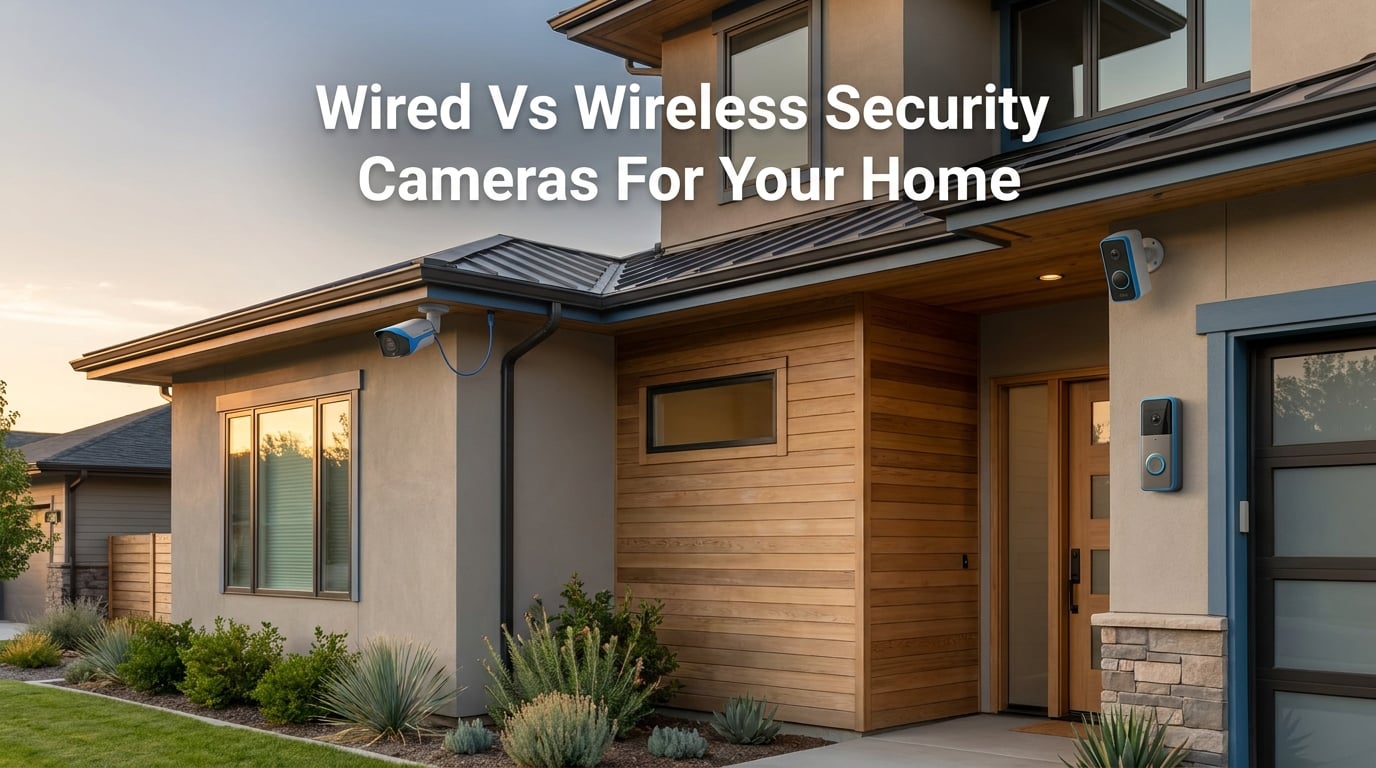
Choosing between wired vs wireless security cameras for your home is one of the most common questions I get from readers. After testing both types across three homes over the past four years, I’ve learned that the “right” answer depends entirely on your property, your tolerance for maintenance, and whether you rent or own.
Here’s the short version: wired security cameras deliver superior reliability and 24/7 recording, while wireless cameras win on installation ease and flexibility. Most homeowners don’t realize there’s actually a third option called “wire-free” that’s worth understanding before deciding. This guide walks through every major difference, with real numbers and the scenarios where each type makes sense.
What Is a Wired Security Camera?
A wired security camera connects to your home through physical cables that carry both power and video data. The term covers two sub-types: traditional analog systems using coaxial cables paired with a DVR, and modern IP systems using Ethernet cables paired with an NVR.
Both sub-types follow the same basic pattern. Each camera has a dedicated cable running back to a central recording device. That recorder stores footage on a local hard drive, and you view the live or recorded feed either on a connected monitor, through a phone app over your network, or remotely over the internet.
How wired cameras receive power
Wired cameras draw continuous power through the same cable that carries their video signal. Most modern wired setups use Power over Ethernet (PoE), which sends electrical current through the Ethernet cable along with data. One PoE switch or injector can power multiple cameras at once, eliminating the need for separate outlets near each camera.
A typical PoE switch rated at 60 to 120 watts can power 4 to 8 cameras simultaneously. The cameras negotiate their power draw automatically, and the switch only supplies what each one needs. For larger installs, multiple switches or a higher-wattage PoE+ injector handles 16 or more cameras.
Older analog systems use a coaxial cable for video plus a separate power cable. This works, but it means running two cables per camera instead of one. Either way, the result is the same: constant power as long as your home has electricity.
How wired cameras transmit video
Video from a wired camera travels through its cable to a central recording device. With analog systems, that device is a DVR (digital video recorder). With IP systems, it’s an NVR (network video recorder). The recorder stores footage locally on a hard drive, typically 1 to 8 TB depending on how many cameras you run and how long you keep recordings.
Because the data path is physical, wired cameras don’t compete with phones, laptops, or smart speakers for bandwidth. They also don’t suffer from the signal interference that affects WiFi. In my testing, a wired PoE camera delivered the same stream quality at 300 feet of cable run as at 10 feet. Wireless cameras cannot make that claim.
Modern wired systems also support advanced features more reliably. Person and vehicle detection, facial recognition, and license plate capture all work better with the stable bandwidth that wired cameras provide. These AI features often struggle on WiFi cameras where packet loss can confuse the analysis.
What Is a Wireless Security Camera?
A wireless security camera transmits video over your home WiFi network rather than through a cable. The word “wireless” is a little misleading, though, because it covers two very different products.
Understanding this distinction before you shop saves real money. Many buyers assume “wireless” means “no wires at all” and end up with plug-in models when they wanted battery power, or vice versa. The terminology varies by brand, and that’s part of the confusion.
Plug-in wireless cameras
Plug-in wireless cameras still need an outlet for power. They send video over WiFi, but a power cord runs from the camera to a wall outlet. These cameras offer most of the convenience of wireless (no video cable to run) without the battery hassle of wire-free models.
This is the style you’ll find from major brands like Ring, Arlo (with their plug-in options), and Google Nest. They’re a good middle ground for homeowners who want cleaner installation but don’t mind being near an outlet.
Plug-in wireless cameras support 24/7 continuous recording in most cases. Because they don’t depend on a battery, they can stream and record around the clock without overheating or running out of power. That’s the main advantage over wire-free cameras.
Wire-free (battery-powered) cameras
Wire-free cameras run entirely on battery power, with no video cable AND no power cable. The battery typically lasts 3 to 6 months on a charge, depending on how often the camera wakes up to record. Reolink, Arlo, Eufy, and Blink all make popular wire-free models.
Battery life varies dramatically with usage. A wire-free camera at a quiet back porch might run 6 months on a charge. The same model at a busy front door with constant motion events could drain in 4 to 6 weeks. Cold weather also reduces battery capacity by 20% to 40%.
The catch: wire-free cameras usually only record when they detect motion. Continuous 24/7 recording drains a battery in hours, not months. Most wire-free cameras store clips on a local microSD card or send them to the cloud.
Solar panels fix the recharge issue for outdoor wire-free cameras. A small solar panel connected to the camera trickle-charges the battery whenever the sun is out. In practice, solar keeps most cameras topped off as long as they get 2 to 3 hours of direct sunlight daily.
The wireless vs wire-free distinction explained
Many articles, including some from big retailers, use “wireless” to mean both plug-in and battery-powered cameras. That confuses buyers. Here’s the clean distinction:
Wired: Power and video both run through cables to a central recorder.
Wireless (plug-in): Power cord to an outlet, video over WiFi.
Wire-free: No cables at all. Battery-powered, video over WiFi.
Knowing which of the three you actually need prevents overpaying for features you don’t want or under-buying and regretting it later.
Direct Comparison: Connection Reliability
Wired cameras win on connection reliability, and it’s not close. A wired PoE camera will deliver a steady stream until the cable is physically cut or the recorder loses power. Wireless cameras depend on WiFi signal strength, router stability, and how much interference your home generates.
In a typical suburban home, WiFi signals drop noticeably through brick, plaster, and metal-backed insulation. A wireless camera mounted on an exterior wall can lose 30% to 50% of its signal compared to one in the same room as the router. Forum users consistently report dropped connections as the top complaint about wireless setups.
WiFi interference is another issue. Microwave ovens, baby monitors, neighboring networks, and Bluetooth devices all crowd the 2.4 GHz band that most cameras use. Switching to 5 GHz helps if your camera supports it, but 5 GHz has shorter range and struggles more with walls.
Router crashes knock out every wireless camera at once. When your router reboots or loses internet, wireless cameras go offline until connectivity returns. Wired cameras keep recording to the local NVR or DVR even when the internet is down.
Direct Comparison: Power Source and Backup
Wired cameras draw constant power from your home’s electrical system. When the power goes out, they stop recording unless you add a UPS (uninterruptible power supply) or battery backup. A basic UPS rated for around 600 VA can keep a 4-camera PoE system running for roughly 1 to 2 hours.
For longer outages, pair the UPS with a battery bank or generator. A 1,500 VA UPS extends runtime to 3 to 4 hours. Some whole-home battery systems integrate with NVRs and switches for extended outage coverage. The cost runs $300 to $1,500 for the UPS hardware alone.
Wireless plug-in cameras have the same vulnerability. If the power is out, a plug-in wireless camera is just as dead as a wired one. The wireless advantage shows up only when comparing against wire-free models in specific scenarios.
Wire-free cameras keep recording during a power outage because their battery doesn’t depend on your home’s grid. This is one legitimate advantage of going fully battery-powered. A wire-free camera with a full charge will keep capturing motion events for days without grid power.
Solar panels solve the long-term battery problem for outdoor wire-free cameras. Mount one in a sunny spot and you may never need to recharge manually. Just expect reduced charging in winter or during extended cloudy periods.
Direct Comparison: Installation Complexity
Wireless cameras win on installation. A typical wireless camera takes 5 to 15 minutes to mount and connect to WiFi. Wire-free cameras take about the same time and don’t even need an outlet nearby.
The most time-consuming part of wireless install is usually the WiFi setup. Cameras need to join your network, get assigned an IP, and link to your account in the app. Most brands have streamlined this to a QR code scan, but glitches still happen. Have your WiFi password and 2.4 GHz network name ready.
Wired cameras require running cable through walls, ceilings, or attics. A 4-camera PoE install on an existing home typically takes a competent DIYer a full weekend. Hiring a professional runs anywhere from $150 to $500 per camera depending on your region and how accessible the mounting points are.
Running cable through finished walls is the biggest challenge. You’ll need a fish tape, drill, and patience. Attic and basement runs are easier if those spaces are accessible. New construction is the best case for wired. If the walls are open, running cable is cheap and fast. Existing homes are where wireless makes the most sense for people who don’t want to drill through drywall.
Direct Comparison: Video Quality and Storage
Wired systems support higher resolutions more reliably because bandwidth isn’t a concern. A wired PoE camera can stream 4K at 30 fps without compression artifacts. A wireless 4K camera often falls back to 1080p or 1440p because WiFi bandwidth fluctuates.
Higher resolution matters when you need to identify faces or read license plates. 1080p is the minimum for general monitoring. 1440p or 4K makes a real difference when you need to zoom in after the fact. Wired cameras give you that resolution consistently. Wireless cameras give it to you sometimes.
For storage, wired systems typically use local NVR or DVR recording. Footage stays on a hard drive inside your home. There’s no monthly fee, and you own the recordings outright. A 4-camera NVR system with a 2 TB drive can hold roughly 2 to 4 weeks of continuous 1080p footage.
Wireless cameras usually store footage in the cloud, which requires a monthly subscription in most cases. Cloud plans run $3 to $10 per camera per month depending on the brand and storage duration. Some wireless cameras support local microSD storage, which avoids subscription fees but limits you to motion-triggered clips in most cases and creates a single point of failure (someone could steal the camera and the footage with it).
A few premium wireless cameras now record continuous footage to a local base station hub. This avoids the subscription trap while still giving you the convenience of wireless cameras. The hub sits inside your home, so it’s protected from theft, and the cameras can still be wire-free outdoors.
Direct Comparison: Cost (Upfront and Ongoing)
Upfront costs favor wireless. A single wireless camera runs $50 to $200. A wired PoE camera costs $80 to $300 for the camera alone, plus $100 to $300 for a basic NVR, plus installation costs if you hire help.
Professional installation adds $150 to $500 per camera for wired systems on existing homes. The variation depends on how accessible the mounting points are. Single-story homes with attic access cost less. Multi-story homes with brick exterior cost more.
A complete 4-camera wired PoE system runs $600 to $1,500 for equipment, plus $0 to $2,000 for professional installation depending on home layout. The same coverage from wireless cameras costs $400 to $1,000 for the cameras, with most homeowners installing them themselves.
Ongoing costs favor wired because there are no subscription fees. Over five years, a 4-camera wireless system with cloud subscriptions can cost $720 to $2,400 more than the equivalent wired system. Wire-free and wireless systems that support local microSD storage can avoid most of those ongoing fees, but you trade off some features like extended cloud history and AI-powered person detection.
The break-even math depends on how long you keep the system. Wired pays off faster if you stay 3+ years and run 4+ cameras with subscriptions. Wireless makes more sense for short-term use or if you’re not ready to commit to a full install.
When to Choose a Wired Security Camera
Wired cameras make the most sense in specific scenarios. Pick wired if you own your home and plan to stay 5+ years, because the higher upfront cost pays off in reliability and zero subscription fees.
Wired also fits best when you need 24/7 continuous recording. Wire-free cameras physically cannot record continuously on battery. If you want a time-lapse of your entire property at all hours, wired is the only option.
Large properties benefit from wired systems because cable runs can extend 300+ feet without signal loss. Wireless cameras start to struggle past 100 feet from the router, especially through exterior walls. If your home has detached structures (garage, workshop, guest house), wired cameras handle the distance much better.
Commercial or business use also pushes toward wired. Higher traffic, longer recording windows, and stricter security requirements favor the reliability of cable. Most professional security installers default to wired for anything beyond a single front-door camera.
When to Choose a Wireless Security Camera
Wireless cameras shine for renters. You can’t easily run cable through walls you don’t own, and your landlord won’t appreciate holes in the drywall. A wireless or wire-free camera mounts with two screws (often removable) and comes down at the end of your lease without damage.
Wireless also wins when you want to start small. One or two wireless cameras cost less upfront and let you test whether you even use the system before committing to a full wired install. Many users start with a single wireless camera at the front door and expand from there.
Apartments and small homes with strong WiFi coverage are also good candidates. If your router is centrally located and your cameras will be within 30 feet of it, wireless performs nearly as well as wired for most practical purposes. The shorter the distance and fewer the walls, the better wireless performs.
Travelers and part-time residents often prefer wire-free because they can take the cameras with them when they move. The same wire-free system that protected your rental can protect your next home without leaving anything behind.
Hybrid Systems: The Best of Both Worlds
Hybrid setups pair wired NVR recording with wireless cameras. The NVR acts as both a recorder for wired PoE cameras and a WiFi receiver for compatible wireless cameras. This lets you put wired cameras in critical spots (front door, driveway) where reliability matters most, and wireless cameras in flexible locations (backyard, garage) where running cable is impractical.
Reolink, Amcrest, and Hikvision all make hybrid NVRs that support this configuration. The upfront cost is higher than an all-wireless setup, but you get wired reliability where it counts and wireless convenience where you need it.
Most hybrid systems support 4 to 16 total cameras split between wired PoE and wireless. The exact split depends on the NVR model. Check the spec sheet before buying to make sure the wireless cameras you want are compatible with the NVR.
Quick Reference: Wired vs Wireless vs Wire-Free
| Attribute | Wired | Wireless (Plug-in) | Wire-Free (Battery) |
|---|---|---|---|
| Power source | Cable (PoE or coaxial) | Outlet | Battery (solar optional) |
| Video signal | Cable to NVR/DVR | WiFi | WiFi |
| Installation difficulty | Hard (cable runs) | Easy | Easiest |
| 24/7 recording | Yes | Yes (with outlet) | No (motion-only) |
| Subscription required | No | Sometimes | Often |
| Best for renters | No | Yes | Yes (best) |
| Works during power outage | Only with UPS | No | Yes |
| Typical upfront cost per camera | $80 to $300 | $80 to $200 | $100 to $250 |
| WiFi dependency | None | High | High |
| Range from router | 300+ ft (cable) | 100 ft typical | 100 ft typical |
This table is the snapshot. Your specific home layout, internet reliability, and how long you plan to stay in the home all push the decision one way or the other.
FAQs
Is wired or wireless better for home security cameras?
Wired is better for reliability and 24/7 recording. Wireless is better for easy installation, renters, and small properties. Choose wired if you own your home, need continuous recording, or want zero subscription fees. Choose wireless if you rent, want to start with one or two cameras, or can’t run cables through walls.
Which CCTV camera is best for home, wired or wireless?
For a permanent homeowner setup with multiple cameras, wired CCTV delivers better long-term value and reliability. For a renter, small apartment, or single-camera entry point, wireless CCTV is the practical choice. Most hybrid systems let you mix both on the same NVR.
What are the disadvantages of wireless security cameras?
Wireless security cameras depend on WiFi signal strength, which drops with distance and walls. They often require monthly cloud subscriptions for full features. Battery-powered models only record motion events, not continuous footage. Signal interference from other devices can cause dropouts. Cameras mounted outdoors are vulnerable to jamming attacks in some cases.
Are wireless cameras as good as wired cameras?
For most basic home security needs, modern wireless cameras are good enough. They capture clear 1080p or 1440p video, detect motion reliably, and send alerts to your phone. They fall short of wired cameras for 24/7 continuous recording, multi-camera setups, and long-term reliability without WiFi issues.
Do wired security cameras need internet?
Wired security cameras do not require internet for basic recording. They record to a local NVR or DVR on your network or connected via cable. You only need internet if you want remote viewing on your phone, cloud backup, or smart alerts when you’re away from home.
What happens to security cameras when the power goes out?
Wired and plug-in wireless cameras stop recording during a power outage unless you connect them to a UPS or battery backup. A 600 VA UPS typically keeps a 4-camera PoE system running for 1 to 2 hours. Wire-free battery cameras keep recording motion events for days on a full charge, making them the most reliable option during extended outages.
Are wireless security cameras easy to hack?
Wireless cameras are not inherently easier to hack than wired cameras if you use strong passwords, enable WPA2 or WPA3 encryption on your WiFi, and keep firmware updated. Wired cameras can also be hacked if connected to a network with poor security. The connection type matters less than your network security practices.
Final Verdict on Wired vs Wireless Security Cameras for Your Home
The wired vs wireless security cameras for your home decision comes down to three questions. Do you own or rent? Do you need 24/7 recording or just motion events? How long do you plan to keep the system?
Owners who want reliability and zero subscriptions should install wired PoE cameras with a local NVR. Renters and anyone wanting flexibility should start with wireless or wire-free cameras and a strong WiFi network. Hybrid systems work well for homeowners who want wired dependability in critical spots and wireless convenience elsewhere.
Whichever you choose, mount cameras at entry points first. Front door, back door, and ground-floor windows cover roughly 80% of real-world break-in attempts. Add more cameras based on property size and what you can monitor consistently.
Test your system monthly. Check that cameras are recording, that alerts reach your phone, and that footage is actually being saved. A security camera that isn’t working when you need it is worse than no camera at all, because it gives you a false sense of protection.